Epson Home Cinema 700 Projector Review

April 2009 - Art Feierman

This is an in-depth review of the Epson Home Cinema 700, a 720p resolution home entertainment projector. It has just been posted, and will be further proofed and a few additional images will be added.


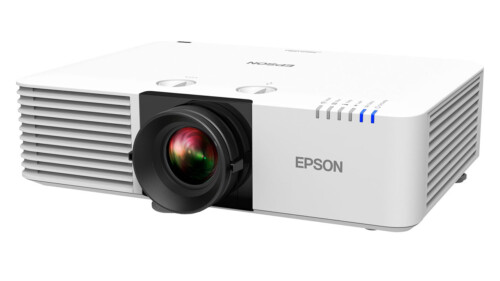
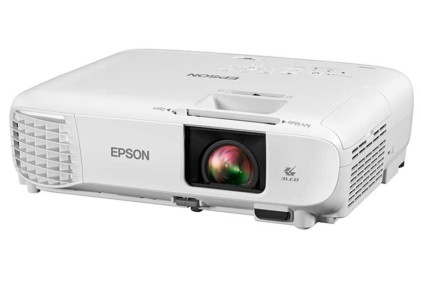
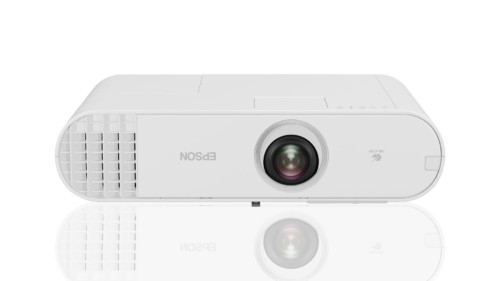
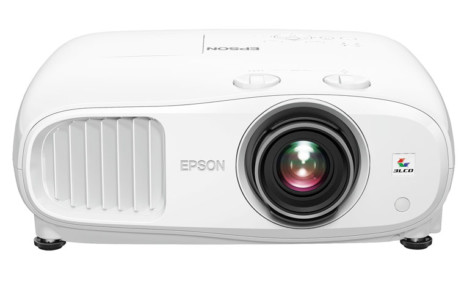
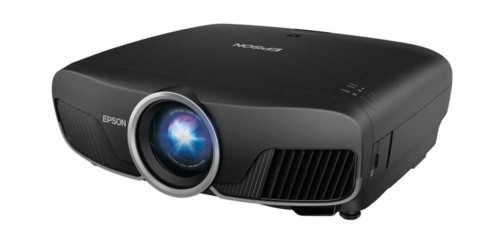
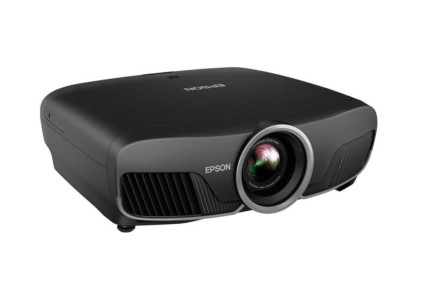
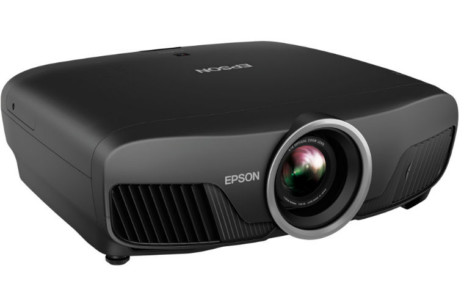
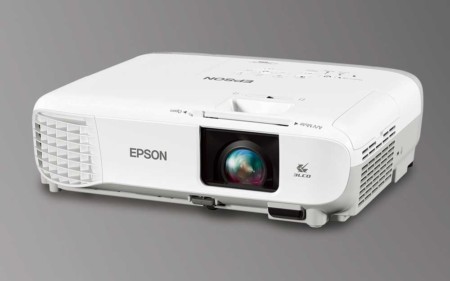
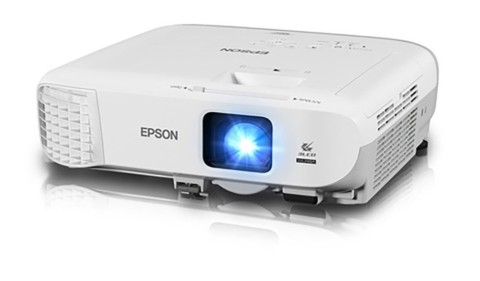
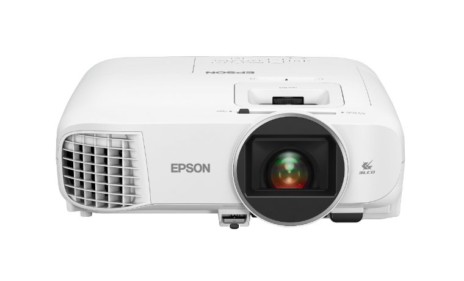
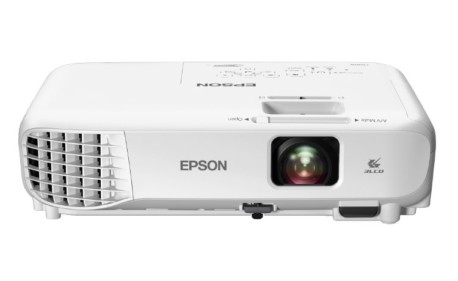
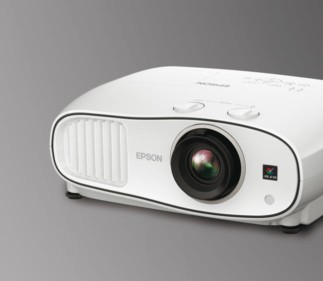
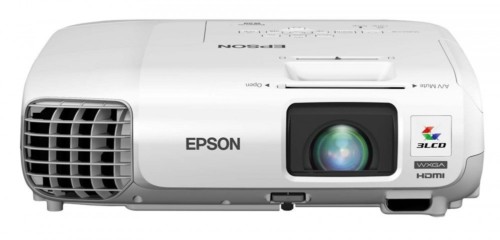
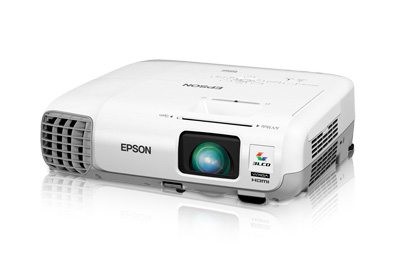
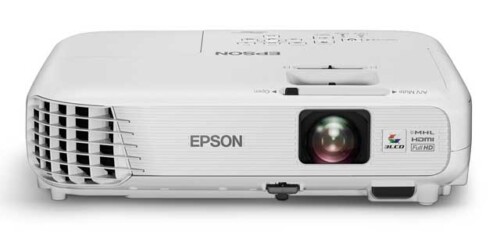
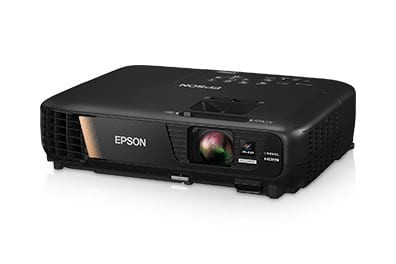
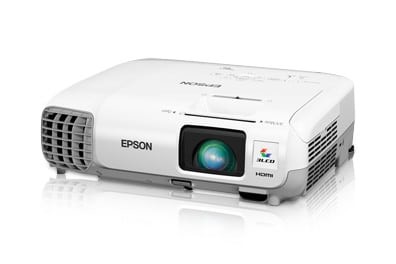
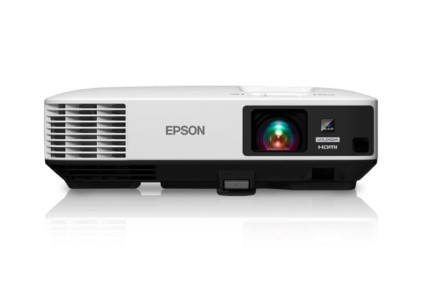
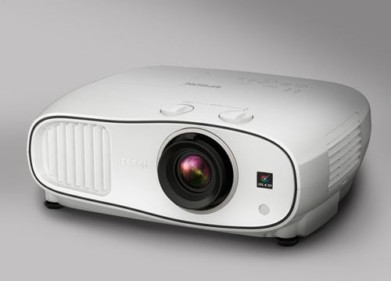
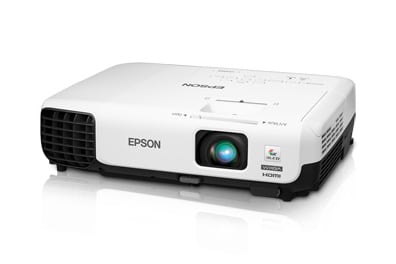
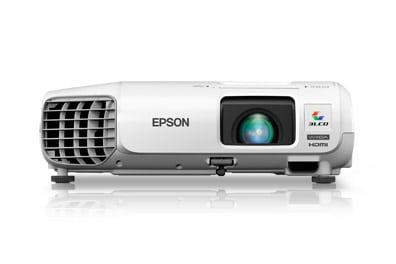
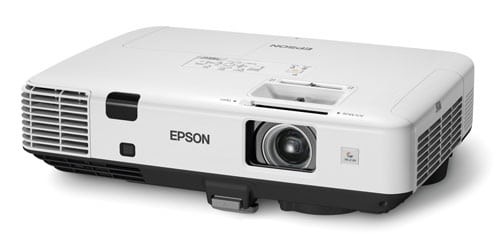
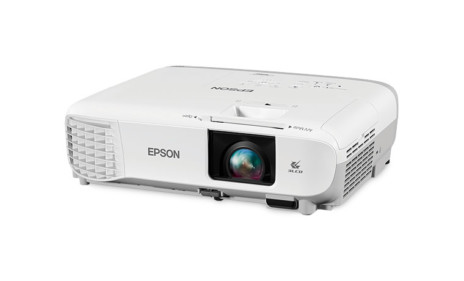
The Epson Home Cinema 700 projector.

In the image above, of the Home Cinema 700, the lens door is closed (right side).

Epson Home Cinema 700 Projector - Overview

Let's start by defining what type of person is most likely to purchase and enjoy the Epson Home Cinema 700 projector. It certainly isn't a typical home theater projector. Because the Home Cinema 700 is atypical of most projectors, this will be a long overview.

The Home Cinema 700 is a home entertainment projector, rather than the more widely accepted definition of home theater projector. Before I get into that concept, the Home Cinema 700 is virtually identical to the Epson Powerlite W6, their similarly priced, and least expensive widescreen business projector. That's why its native resolution is 16:10 (1280x800) rather than the usual 16:9 (1280x720). The HC700 (and the W6) are WXGA, just slightly more vertical pixels to match up with today's widescreen laptops and PCs. That makes it particularly viable for dual usage, what we call a "crossover" projector.

To make things interesting, if you plan to use this unit as a business projector, check out Mike Rollet's simultaneous review of the Epson W6, which acts as a business projector. Thus, two reviews of essentially the same projector, but one with a business/education use slant, and then this review, focused on home use. Can you tell which is which by looking? (Only by the model number listing on the top, and a couple of changes in the menus!)

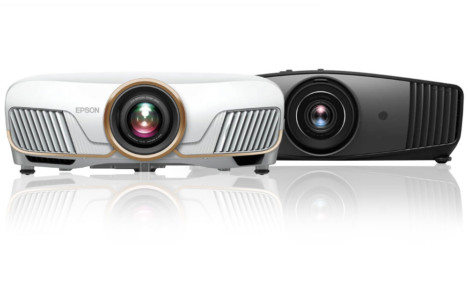
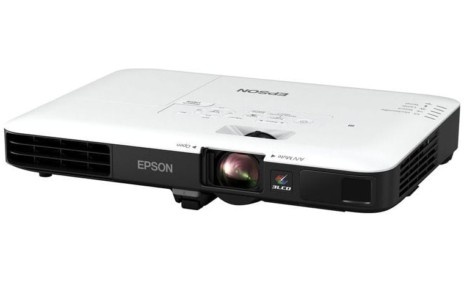
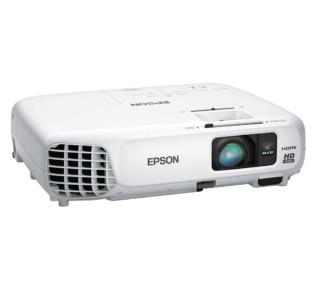
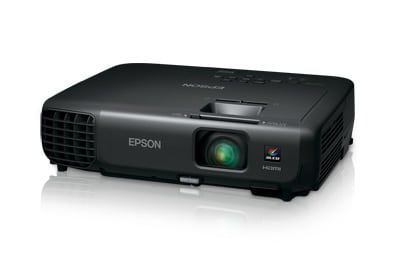
The Epson Home Cinema 700 projector and W6 side by side.

Consider this, that Epson now has two low cost 720p (or WXGA) projectors in their line-up. Each is targeted at a different type of user. The Home Cinema 700 is aimed at the casual user. I'm referring to someone who just wants a nice projector capable of projecting onto a large screen, or working on screens of all sizes in rooms that do not have full lighting control, and that person isn't an enthusiast - hobbyist. While the overall picture quality is pretty good, those really into picture quality performance will not be seriously considering the Home Cinema 700. Most users who buy an HC700, I suspect, will place the Epson projector in a family room type environment, or perhaps a kids bonus room, not a dedicated home theater with dark walls, and full lighting control.
Those really into sports (and caring less about movies), will definitely be drawn to the Home Cinema 700, and especially, its low cost. This Epson does a very nice job as a projector for sports viewing with a fair ambient light present. It may also appeal to gamers looking for a very bright projector.
The image immediately below was taken while projecting about a 90" diagonal image with the room fairly bright. (two downward facing 65 watt lights about 8 feet from the screen, in a 10x17 foot room with an 8 foot ceiling). A typical projector would be badly washed out in the same circumstances, although there are a few higher performance projectors that are about as bright. (We're talking 4 or 5 projectors out of 50+, spread out in price from $1000 to over $6000.)

Football image from the Epson Home Cinema 700 projector.

By comparison, Epson's Home Cinema 720 (click for review) is a more typical 720p "home theater" projector, and targets those much more serious about overall picture quality. The biggest single difference in picture quality between these two, is black level performance, which is definitely not a strength of the 700. The Epson Home Cinema 720, for a couple hundred dollars more, is the more suitable for those with a dedicated home theater, yet is almost as bright as the Home Cinema 700, when comparing brightest modes. The 720 has a color filter for optimizing "best" mode performance, (at the expense of roughly 2/3 of the maximum lumens), while the "best" mode of the Home Cinema 700 is about twice as bright. Even in brightest mode, however, the 720 does better black levels than the 700 in best mode, and that should set the tone of the difference between them.

The strengths of the Home Cinema 700 are brightness and low cost, as well as a low cost of operation, and a great warranty. Picture quality is very acceptable for the non-enthusiast, but it won't attract those looking for the best overall picture quality.

As such, the Home Cinema 700 doesn't directly compete against the best known 720p projectors such as the Panasonic PT-AX200U, the Epson Home Cinema 720 the Sanyo PLV-Z60, and the InFocus X9. More similar to the Home Cinema 700 are projectors like the Optoma HD806, a more expensive 1080p projector, but similar in terms of overall picture characteristics, including lots of brightness (and so-so black levels). It also might be considered a competitor to the more expensive, but also bright Optoma HD71.

So, why buy a Home Cinema 700? Certainly budget comes into play. With a MAP price of $799, that number basically represents the highest price you will see on the 700. It's not that you can buy one for drastically less than that, but this Epson projector should prove to be the lowest cost, current model 720p projector you will find.

Lord of the Rings image from the Epson Home Cinema 700 projector.

This is a small, lightweight projector. Most, as noted, will place it on a table top for typical use, though many will ceiling mount it. The Home Cinema 700, unlike most 3LCD projectors, is not designed for shelf mounting in the rear of your room.

This is one of those projectors, that are no fuss: Hook up the wires, turn it on, and watch that sporting event, movie, or general HDTV/TV content. If your room has more than the slightest amount of ambient light, this projector is designed for the job. Only a couple of projectors can push out more lumens than this low cost projector, and most projectors we've reviewed are no match at all in brightness, when comparing "best" modes, and few have more than 2/3 of its brightness in "brightest" mode.

If you just want to watch while the wife has some lights on, and is reading, that's really not a challenge for the Home Cinema 700, in fact that's what it's particularly good at.

So, in summary - the Home Cinema 700 is a really good projector for ths same sort of folks who typically just go out and buy a TV, or a basic LCDTV without worrying about technical performance, adjusting their sets, or the last 5-10% of picture quality. It's for just having fun, having a large projection system instead of a tiny, say, 40" LCD TV, most of which cost about the same or more. The kids won't care, and most people won't either. The only downside for that type of buyer, is that some of them might ultimately get the "bug" - become an enthusiast, in which case they might wonder why they didn't spend an extra $200 - $300 for something with a bit more performance - most specifically, better black levels.

Defining the right owner - a cautionary tale:

I have several friends that spend a lot of time watching movies, music videos, and sports (some general TV programming, too) at my place. While some pay attention to the projector I am running that evening, and are getting pretty good at noticing the differences from one projector to another (and often ask questions), not all do. One of my friends came over a few nights ago (we'll call him Jim). I had the Home Cinema 700 running a movie, with modest ambient light engaged. I was agonizing over the black levels, and decided to have fun. I froze one image (a good one for noticing black level performance), and asked him to study it. Two minutes later, the Epson was off, and my JVC RS20 was powered up, and projecting. To my amazement (even though I had mentioned black level aspects of the 700 to him shortly before, and pointed out areas of the image), his first reaction was: "the other projector was better". The "other projector" being the HC700. Now the JVC RS20 (considered the best under $10K projector by most reviewers) is easily, no, make that is drastically superior to the HC700 in every aspect of picture quality (especially black levels). The thing that caused him to think the HC700 was the better projector, however, was the brightness of the Home Cinema 700. When we did this, the room wasn't fully darkened (after all, that's the Home Cinema 700's strength). To Jim, the JVC, putting out barely half the lumens, just didn't look that good, and in fairness was washing out, just a very little. Still, the black levels, even with the ambient light, were obviously (and again, drastically), visibily better. No matter, the bright image won the day for Jim.

Men In Black image from the Epson Home Cinema 700 projector.

Now, my friend Jim is probably typical of the large majority of people who buy TV's and LCDTV's but not typical of the majority of home theater projector buyers. Why? He's the type who thinks having a 100" screen, is great, but picture quality is purely secondary. Getting the idea? The Home Cinema 700 does just fine for him. He's really into sports, and the HC700 appealed to him for that, in particular.

Now, if you are the type who researches each projector looking for the best combination of color accuracy, black levels, shadow detail, etc., you are very "un-Jim-like", and are more typical of the traditional home theater projector owner. Keep in mind though, that Jim is definitely the more typical consumer out there, and those people buy (between them) many millions of TVs and LCDTV's a year, compared to the few hundred thousand folks that buy projectors for their home. In other words, as projectors become more mainstream, the market for projectors like the Home Cinema 700 will grow disproportionately, compared to the enthusiasts share of the market. Other products that fit this category, include home theater in a box type models - projectors with full sound, built in DVD players, etc. None are truly high performance, but the manufacturers do sell a bunch of them.

Want a projector you can pack up and take to your cabin (and it does have a small speaker in it, for basic sound), or take along on your summer vacation, or, want to watch it in the family room tonight, but the kids want it in their room tomorrow, or, perhaps you need a projector that can double as a business projector. That's the Home Cinema 700 appeal.

The Fifth Element image from the Epson Home Cinema 700 projector.

^ Back to Top

Epson Home Cinema 700 Projector Highlights

  • Ease of use
  • A home entertainment projector, rather than a home theater projector
  • Designed as a very bright projector suitable for family rooms and bonus rooms. This projector not really designed for a dedicated home theater, and the enthusiast
  • Can double as a viable, entry-level widescreen projector for business (and has a speaker built in)
  • Limited zoom lens range, limits placement flexibility
  • Two year warranty - with overnight replacement - a great warranty
  • Limited color controls - only the most basic grayscale calibration possible (a single adjustment for each of R,G,B, instead of the usual separate gain and offset adjustments for each color)
  • Can be ceiling mounted, or set on a table top, but is small enough/ light enough to take it with you, or move from room to room


Beach image from the Epson Home Cinema 700 projector.

^ Back to Top

Specs for Epson Home Cinema 700

MSRP: $799 MAP: $799
Technology: 3LCD
Native Resolution: WXGA (1280x800)
Brightness: 2000 lumens
Contrast: 2000:1
Zoom Lens ratio: 1.2:1
Lens shift: None
Lamp life: 4000 hours low power (eco-mode), 3000 hours at full lamp power
Weight: 6.2 lbs. (2.8 Kg)
Warranty: 2 Years Parts and Labor, with replacement program both years

Space Cowboys image from the Epson Home Cinema 700 projector.

^ Back to Top

Epson Home Cinema 700 Special Features

Projector Lamp Life

The Epson Home Cinema 700 offers one of the longest lamp life ratings around. While a rare projector or two have claimed up to 5000 hours in low lamp (eco) mode, even most of those only claim 2000 hours with lamp at full brightness. The typical projector claims 2000 hours at full power, and 3000 in low lamp, compared to the Home Cinema 700 projector's 3000 hour claim at full power, and 4000 hours in low power. The replacement lamp is also less expensive than for most projectors. Epson shows a list price of $249 for the lamp, while most lamps are $300 - $400.

This means that your long term cost of operation will be significantly lower for the Home Cinema 700, than most competing projectors.


Doubles as a Widescreen Business Projector

The HC700 has a combination of small size and light weight, plus support for 1280x800 resolution (the most popular for widescreen laptops), as well as a wide range of other resolutions, all the way up to UXGA (1600x1200). In addition, its brightness is similar to most entry level business projectors (typically 2000 - 2500 lumens). That does make the Home Cinema 700 bright enough to be a dual use projector.


Crew image from the Epson Home Cinema 700 projector.

Audio Built In

Finding a speaker on a home theater projector is truly a rarity. It occurs to me that BenQ has offered a speaker on a couple of models, but generally, home theater projectors (other than, of course, all-in-one projectors) come without audio. One of the Optoma entry level projectors also has a small speaker if I recall correctly.

Having the audio on the Home Cinema 700 can be handy, especially if you plan on moving the projector to different locations. True, it's not overly powerful, nor will it have hi-fi sound, but, in a pinch it can provide you with sound, while playing a game console, or even to watch some TV, in a room without an audio setup (including your backyard).

SD Card Slot

You see these card slots showing up on some LCDTVs these days. It's great to be able to just pull the memory card out of your digital camera, shove it in a projector (or LCDTV) and view your photos. It certainly isn't practical for those with projectors that are ceiling mounted or mounted high on a rear shelf. This Epson though is mostly going to be on a table top, and that makes the card slot easy to access. It is located on the rear, to the far left, so separated from the various cables that will be hooked up. If your memory card isn't an SD type, you can always get an adapter, for, typically $5 to $20. The Epson even has a slide show feature for viewing those photos.

USB Input

This deals mostly with using the Home Cinema 700 as a business projector. You can feed it your computer signal though the USB port instead of having to use an analog computer input or HDMI. Actually, if you want to surf the web in your home, you can use the USB the same way in your home environment.

^ Back to Top

NEXT: Take a physical tour of the Epson Home Cinema 700