Epson Home Cinema 8500UB and Pro Cinema 9500UB Projector Review

This year's Epson UB review is based on receiving an Epson Pro Cinema 9500UB. Whle I'll discuss the slight differences between the Home Cinema 8500UB and the Pro Cinema 9500UB at times, most of the time I will refer to the projector as a Home Cinema 8500UB as it is the more popular and less expensive of the two. There are no significant performance differences that I am aware of, in terms of picture quality, brightness, sharpness, black level performance, etc., although the Pro version does have a few extra bells and whistles.

The Epson Home Cinema 8500UB was awarded the Best In Class Award, and the Pro Cinema 9500UB was awarded our Special Interest Award in our annual Home Projector Comparison Report -April 2010.

Update 6/2011: We recently reviewed the Epson Home Cinema 8700UB, the replacement of the Home Cinema 8500UB. Click here to read the projector review of this new Epson projector.

October 2009 - Art Feierman


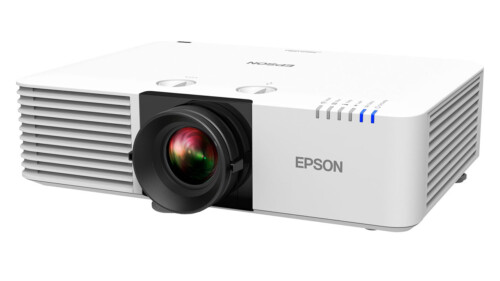
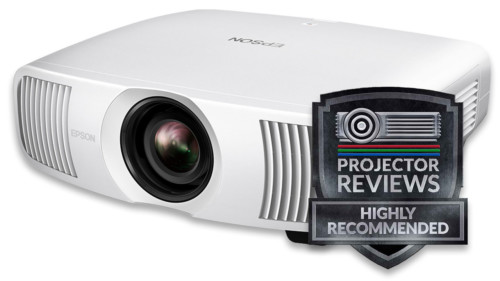
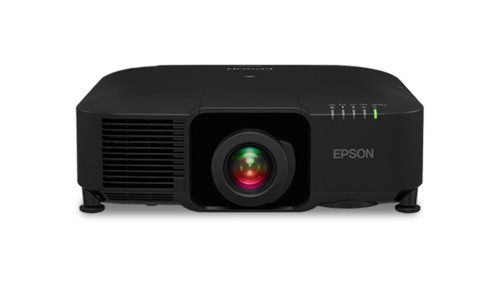
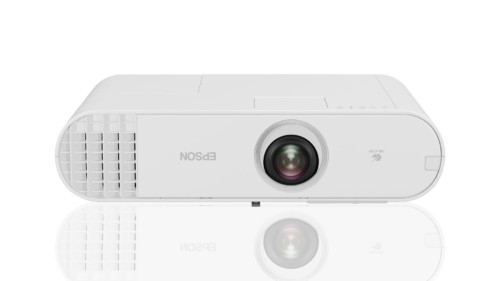
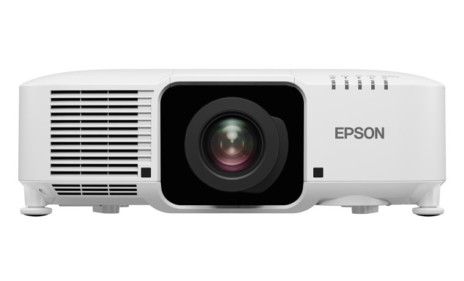
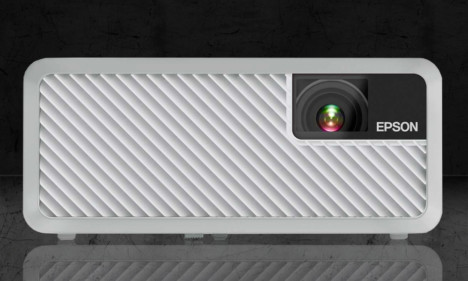
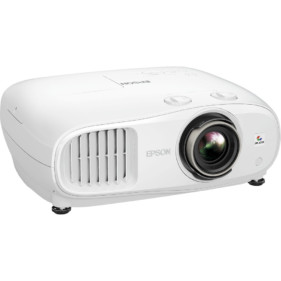
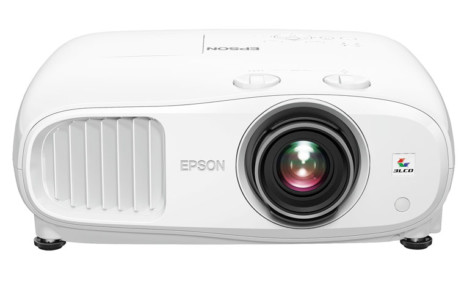
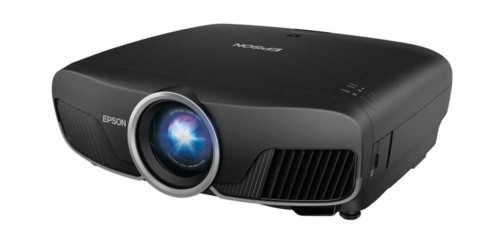
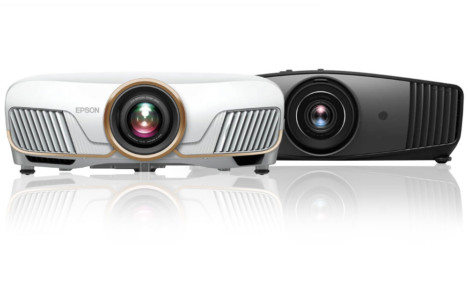
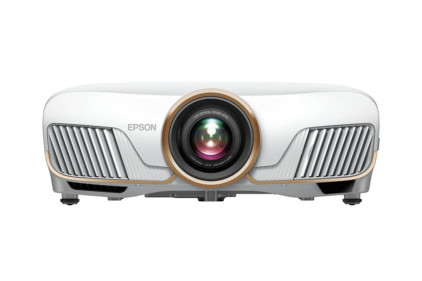
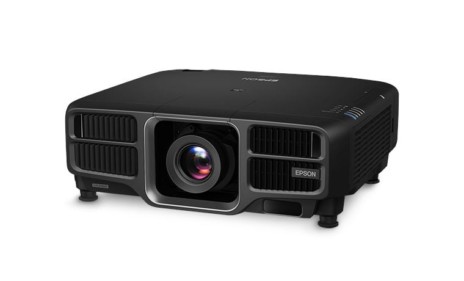
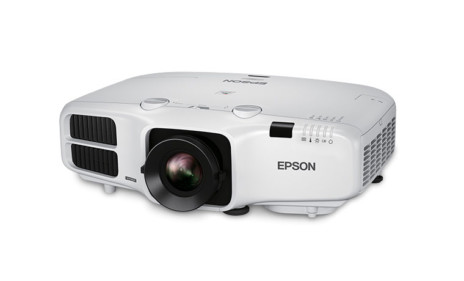
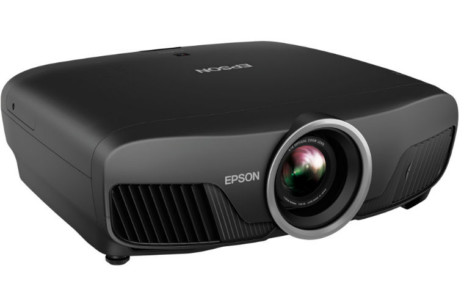
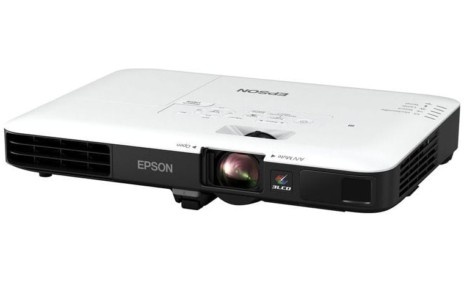
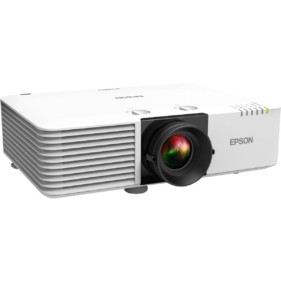
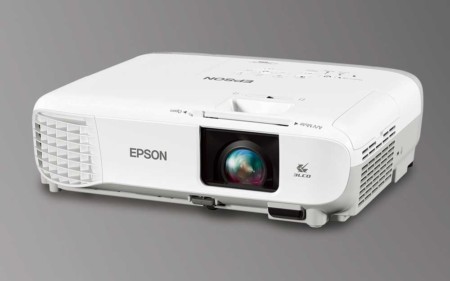
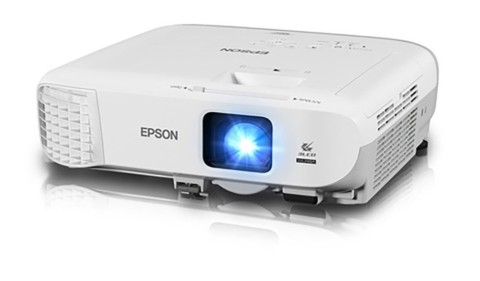
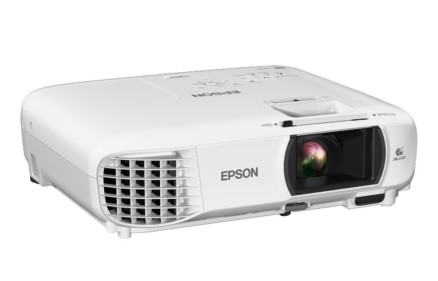
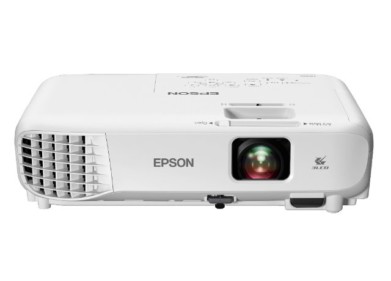
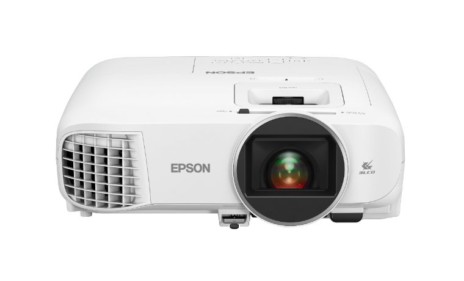
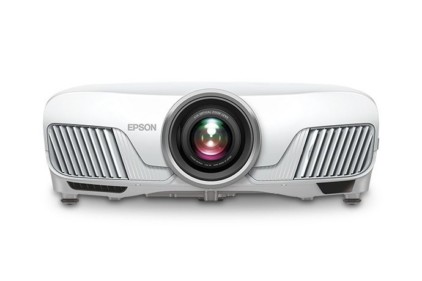
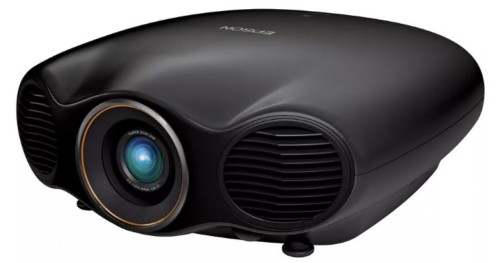
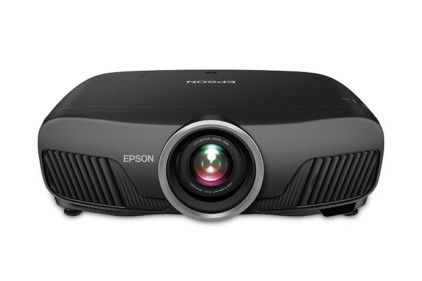
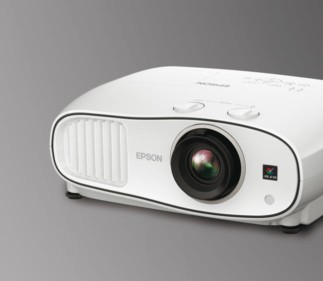
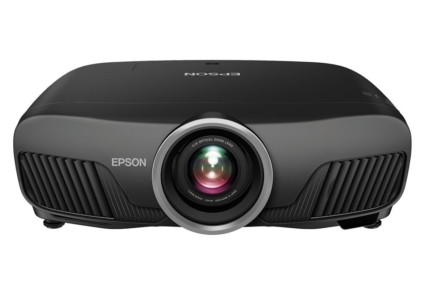
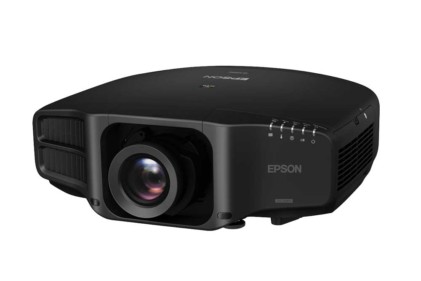
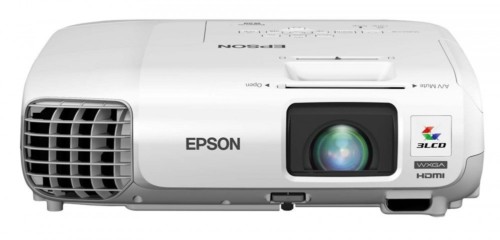
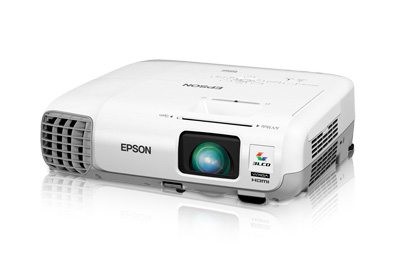
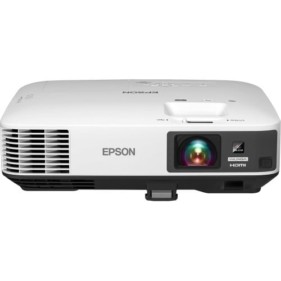
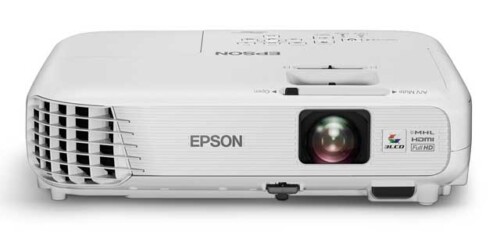
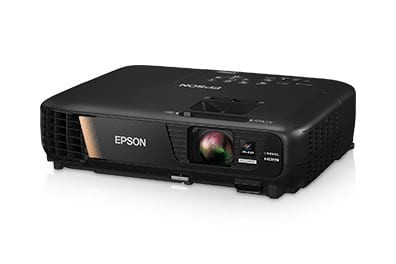
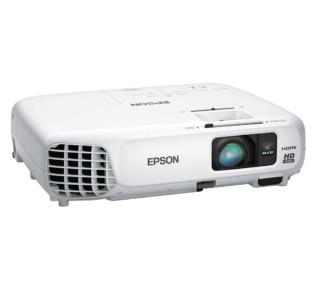
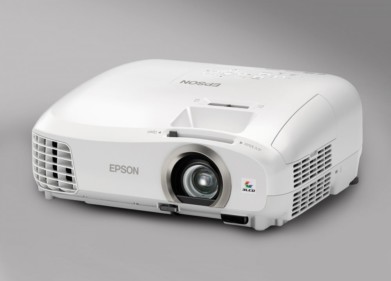
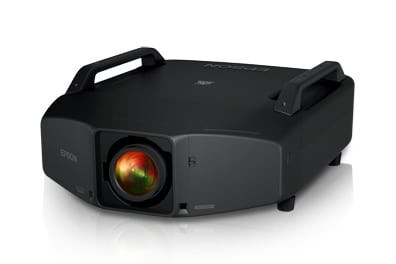
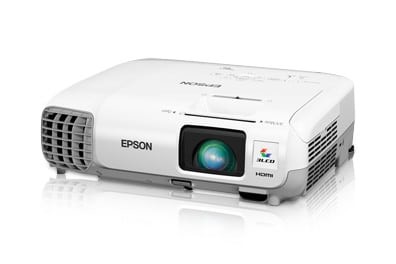
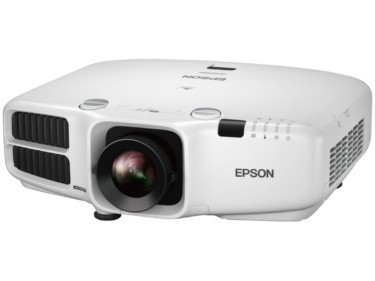
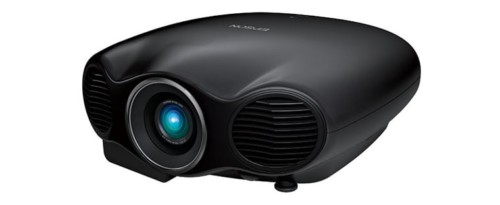
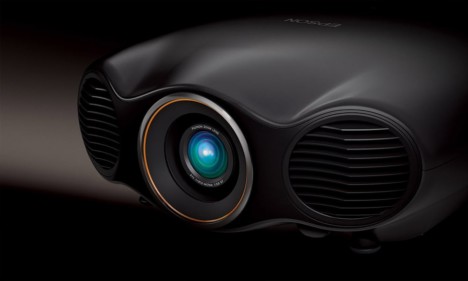
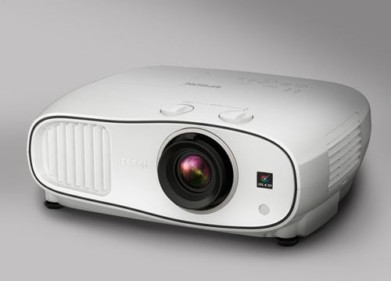
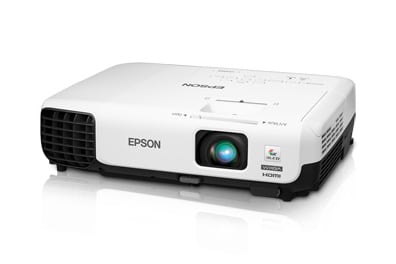
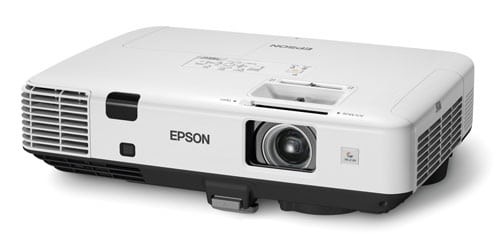
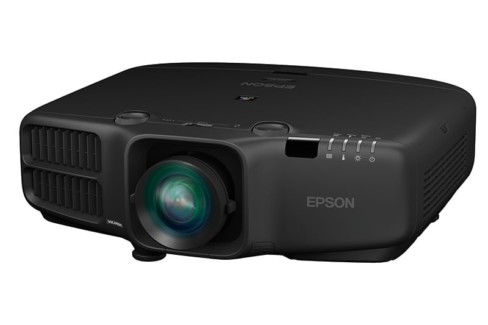
The Epson Home Cinema 8500UB and Pro 9500UB projectors.

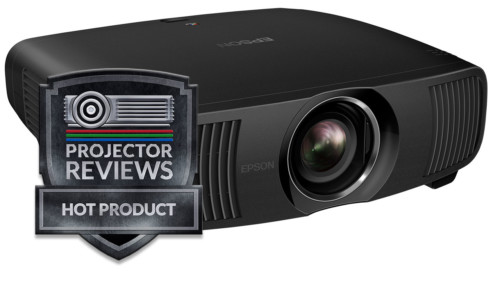
The Epson Home Cinema 8500UB and Pro 9500UB projectors earn our Hot Product Award!

Epson Home Cinema 8500UB Projector Overview

The Epson Home Cinema 8500UB and its twin, the Pro Cinema 9500UB are almost identical. Here are the key differences:

The Home Cinema 8500UB: Sold online and local, through authorized dealers. It comes with a 2 year warranty with overnight replacement, and is finished in a white cabinet. It will launch around Thanksgiving, with a street price under $2500!

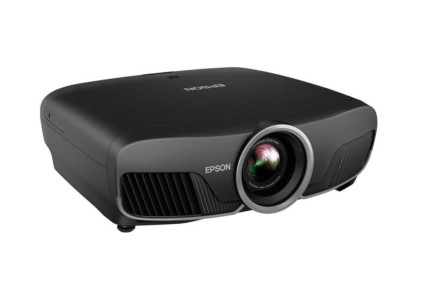
The Pro Cinema 9500UB: Sold only through authorized local installing dealers. A similar warranty and replacement program, except three years on both, instead of two. The Pro has support for 3rd party anamorphic lenses, which the Home version lacks. Both projectors are THX certified, the first under $5000 projectors that have achieved this status. My own JVC RS20 (an $8000 MSRP projector), was the first under $10,000 projector to earn THX's certification that I am aware of, when released at the beginning of the year. There is one difference though, with the JVC, if you select THX, many of the color controls are locked out. I found the THX mode on my JVC therefore to not end up as good as their Cinema mode, once it was fully calibrated. Not so for the Epson which still allows control of almost all image functions in THX mode, and we were able to use it as the basis for our final calibration.!

The basics. The Epson Home Cinema 8500UB is the replacement for the 6500UB, one the two Best In Class award winners ($2100 - $3500 selling price). The new 8500UB builds on the 6500UB with additional improvements and a couple of new features, but it certainly resembles the 6500UB in all ways, just better.

Gandalf image from the Epson Home Cinema 8500UB projector.

The Epson has more placement flexibilty than any other under $5000 projector I can think of, with a 2.1:1 manual zoom lens and lots of vertical and horiztonal lens shift, which means it will work in almost anyone's idea of a home theater, family, or bonus room.

In Epson parlance, UB stands for Ultra Black, and this is Epson's 3rd generation UB projector. Each newer generation produces blacker blacks than the one before, for richer, dynamic looking dark scenes, and further enhancing the vibrance of brighter scenes. So far, no other under $3000 projector can match its black level performance, and that's a big advantage for these Epson projectors.

HDTV image from the Epson Home Cinema 8500UB projector.

Our review is based on a sample unit that seems pretty finished, unlike some other pre-production units we've recently looked at. When working with early units, sometimes there are issues, that are not expected in production projectors, but so far, I haven't encountered any. That's a very good thing! Some time after the Home Cinema 8500UB and Pro Cinema 9500UB ship, I'll bring in a full production unit, to see if it's brighter, etc.

MIB image from the Epson Home Cinema 8500UB projector.

The hot new spec with the new Epson projectors is the 200,000:1 contrast ratio, up from 75,000:1 last year. I'll discuss this in depth on the image quality page.

Ultimately, it looks like this year's buyers, are going to get a similar, but improved projector, and likely spend less money for it, as well. For those expecting a major breakthrough in performance, this doesn't seem to be the year. Almost all of the projectors reviewed in the last three or so months have been better than their predcessors, but nothing revoloutionary.

That said, the Home Cinema 8500UB, and Pro Cinema 9500UB are excellent projectors, they've raised the bar a bit, in the mid-priced, sweet spot of the market - $2000 to $4000 projectors.

\Look to the Competitor's section for how I position the Home Cinema 8500UB against the Panasonic PT-AE4000, BenQ W6000, Optoma HD8200, Sharp XV-Z15000, and Sony VPL-HW15. I'll also discuss how the Epson stacks up against some higher priced competition like the JVC's, the Sony VPL-VW85, and more. For how the Epson stacks up with what might be considered its chief rival, the Panasonic PT-AE4000, look in the competitor's section of the Panasonic review when it publishes. As of the publication date of this review, we haven't yet received our Panasonic.

Star Trek trailer image from the Epson Home Cinema 8500UB projector.

Time to get this this projector review moving along. (Image above from the new Star Trek movie trailer.)

^ Back to Top

Home Cinema 8500UB Projector Highlights

  • Average brightness in "best mode" and extremely bright - at its brightest
  • Best black level performance of any sub-$4000 projector to date
  • Image has a lot of "pop and wow" - dynamic looking
  • New Super-resolution feature adds a "crispness" to the image
  • Excellent projector for sports and general TV, HDTV viewing
  • Great black levels, good skin tones, for impressive movie watching
  • Skin tones improved over older Epsons and very good
  • Excellent placement flexibility (virtually unmatched)
  • First under $5000 projector to be THX certified, THX calibrated mode
  • Only 9500UB supports anamorphic lens, 8500UB does not
  • Excellent warranty
  • A worthy replacement for last year's Epson. Plenty of performance for the price

Bond image from the Epson Home Cinema 8500UB projector.

^ Back to Top

Basic Specs for Epson Home Cinema 8500UB

Street Price: Under $2500
Technology: 3LCD (Inorganic panels)
Native Resolution: 1080p (1920x1080)
Brightness: 1600 lumens claimed, over 1700 measured
Contrast: 200,000:1
Zoom Lens ratio: 2.1:1
Lens shift: Vertical and horizontal
Lamp life: 4000 hours at full power, 4000 hours in eco mode
Weight: 16.5 lbs. (7.4 Kg)
Warranty: 2 Years Parts and Labor, replacement program both years

Specs for Epson Home Cinema 9500UB

Same as above, but:

MSRP: $Unknown
Warranty: 3 Year Parts and Labor, replacement program all three years

Flag image from the Epson Home Cinema 8500UB projector.

^ Back to Top

Epson Home Cinema 8500UB Special Features

Epson Home Cinema 8500UB Creative Frame Interpolation

New and improved, it is visibly better than the firmware upgrade released for the 6500UB. Artifacts are less frequent. In all fairness so far, I have stuck to the low setting for all of my viewing. I've watch a few minutes of sports on high, but found myself too distracted on commercials etc., and didn't really study the higher settings performance, nor the middle one.

I never had reason to turn off CFI during any of probably 15 hours of sports viewing. When I did turn it off, I realized I liked it on better, there is simply less blurring.

With movies, interestingly, the CFI on low was very good. Artifacts were rare, and the "live digital video" or "soap opera" look was barely apparent at worst. A purist won't use the CFI, but I do think that more folks will decide they like it, at least occasionally.

Compared to not using CFI, typical pans in scenes were much smoother with CFI set to low!

In fact I see that as the biggest single benefit to using CFI. Panning in movies is something that is certainly used a lot, and the reduction in blurring on those pans is pretty dramatic. We are, of course used to the motion blur, we've been watching it in the theaters, forever. It doesn't take much, though, to appreciate its absence. It really comes down to (in the case of the new Epson CFI), if you are willing to accept a minimal amount of that live digital video look, in exchange for the reduction in blurring.

Perhaps the most notable flaw with these Epson projectors occurs, when 24fps content (typical film based movie) is broadcast over HDTV. The Epsons still have a harder time with that. I do believe there are now less artifacts, but, even with the Low CFI setting, the movies tend to have much more "live digital video" look than when handling the same movie coming across at 24fps on a Blu-ray disc. Epson has been the only projector company so far, I believe, that actually strips the signal from 60fps back to 24fps (removing 3:2 pulldown) with a movie over HDTV. It then applies its normal 24fps CFI. It just doesn't look as good. However, in the grand scheme of things, that's pretty minor.

I did notice that when using 4:4, I was encountering some jerky motion. Definitely unacceptable, however, since this was not a problem on the older Epson UB's I'll chalk this problem up to not yet finalized software. I mentioned the problem to Epson on my conference call. I do not expect it to show up in production projectors when they hit next month, however, I've requested Epson send me one of the early production units to confirm, that, and also remeasure brightness. Back to CFI.

One interesting thing about the operation of the new CFI, is that it apparently knows when to quit. According to Epson documents, there are times when it will switch from creative, to 4:4 when viewing 24fps content. I presume this happens when there are situations it can't handle, such as very complex motion. I'm thinking about all the calculations that have to be done in terms of CFI on a scene with one of the Transformers - transforming. Or, in Bourne Supremacy, where the camera is always in motion.

Home Cinema 8500UB Super-Resolution

This may be the only uniquely new feature to the Epson UB projectors this year. Essentially it seems to be a dynamic - or, rather, a smart edge sharpening system using the color channels. I've been working with it, and of the three settings (1,2,3), I find very little detectable difference between Off and 1, on most content. Setting Super-resolution to 2, however, definitely yields a sharper seeming image. Not night and day, but, for example, it made the Epson look, on several scenes, very close to the BenQ W6000, in terms of the perceived clarity. In other words it made the Epson seem at least as close to the BenQ in sharpness than the Epson appears with Super-Resolution turned off. This is one of those dynamic features, and for this type of improvement, there are always some price to pay.
I can see a slight rebalancing of the color brightness for example, in parts of a small face I was viewing with Super-res on, then off. In a perfect world, the image gets sharper, nothing else changes. Sorry - this isn't a perfect world, there are always trade-offs.
Question is, by how much do the advantages overshadow any weaknesses. This is a topic I'll continue with in a blog, as I log more and more hours, and play more with this feature.

That said, I like the feature. I've used it for sports (a definite plus) and to a lesser extent with HDTV movies. So far, so good, however. As I've pointed out before, I find 1080p projectors generally fit into two categories - average sharpness (for 1080p) and a bit sharper still. With this feature engaged on #2, this probably moves the Epson, into the "sharper still" category. Still this is a difference you are most likely to appreciate more when watching digital content, then films.

Image below - from Hunt For Red October

Hunt for Red October image from the Epson Home Cinema 8500UB projector.


4000 Hour Lamp

Epson is using the same lamp this year, as in last year's projector. What makes it noteworthy is that it claims 4000 hours operation at full power (or low power, for that matter). Few home theater projectors have lamps claiming more than 2000 hours at full power, though 3000 hours is typical for low power mode. A couple of Mitsubishi home projectors claim 3000 hours at full power, and 5000 in low power, but since most home theater people will run in full power, most of the time, Epson's lamp is probably the lowest in terms of cost of operation. This is a key point, when comparing projector value. That Epson also has only a $299 MSRP, when most lamps are $395-$400, makes for further savings. If you are a moderately heavy user (anyone into sports, and almost anyone that watches TV - HDTV as well as movies), the savings can be $400 - $800 over 3-4 years, compared to a projector with a typical lamp life.

Improved Dual Layer Dynamic Iris

Without getting into details, Epson now has a dual layered iris, that overall gives a slight improvement to black level performance. On very dark scenes, blacks get visibly darker. It's not a great difference, and it won't get the Epson's in the range, say of the JVC RS20 (which is twice the price), but it does get the Epson closer.

The new component of this dual iris, if I understand it correctly, uses steps, and then the result is smoothed electronically.

As is the nature of improving blacks with the use of a dynamic iris, there is little improvement in blacks in brighter scenes, where the iris can't shut down significantly without significantly dimming all the bright areas. According to Epson the new iris does also help in the brighter scenes, but any improvement in those scenes, is very minor.

Split Image Demo Mode for CFI

A nice touch, with this feature (both projectors), by pressing down the Memory button for about 6 seconds, a split screen, blue border shows up, separating the left and right sides. The right side - the CFI demo side is in in the blue box. The left side, regardless of how you have CFI set in the menus, turns CFI off while in test demo mode. It will restore whatever setting you had it set for.

The right side, (in the box) lets you toggle between CFI Off, and Low, Medium and High, so you can compare any source material between CFI off, and any of its three levels of CFI.

Wall-E image from the Epson Home Cinema 8500UB projector.

Very nice touch, all considered. On of the most interesting things I've spent too much time looking at - including moments ago, is watching the split screen on Casino Royale, with the the right side on Low and the left side, of course, Off.

There's no question that the Low CFI setting reduces motion blur. What is interesting, is that you can spend a lot of time trying to see how little difference there is in terms of the low setting and the "live digital video" look of low, compared to off.

Kick CFI over to High, and the live digital video look is obvious, compared to off. A fair amount of people will choose to watch movies with CFI on low, perhaps not all movies, but likely those more action oriented.

^ Back to Top

NEXT: Take a physical tour of the Epson Home Cinema 8500UB