Epson Cinema 400 Home Theater Projector Review - Overview
9/21/2006 -Art Feierman

Epson Cinema 400The Epson Cinema 400 projector earns our Hot Product Award.
Image Quality
General Performance
Warranty
Summary, Pros, Cons

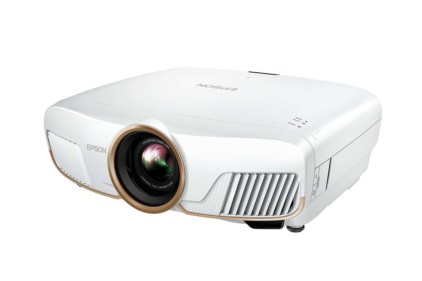
What have we here? Epson's new Cinema 400 is the direct replacement for its almost one year old Cinema 550. It looks the same, but "cooks" a better, which is a good thing.

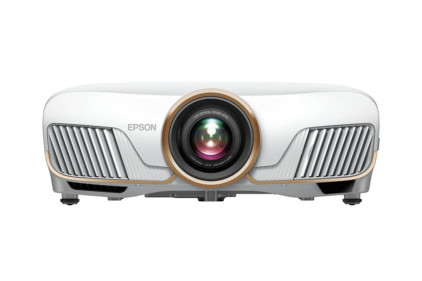
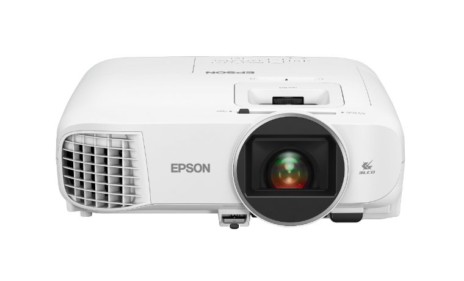
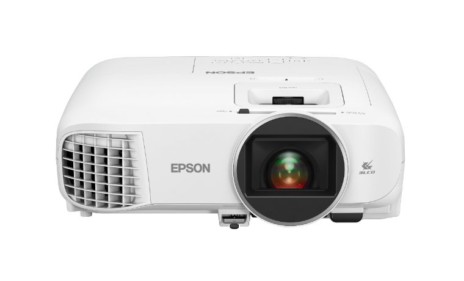
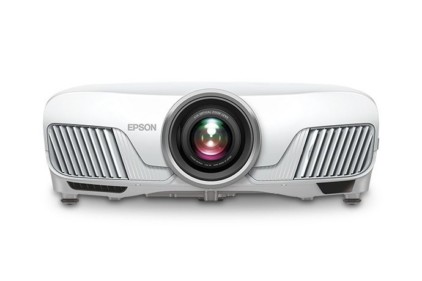
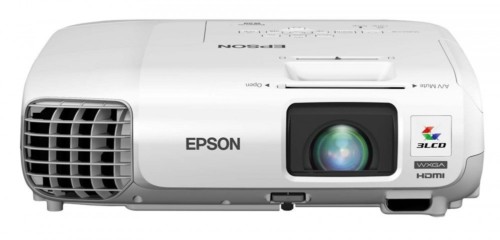
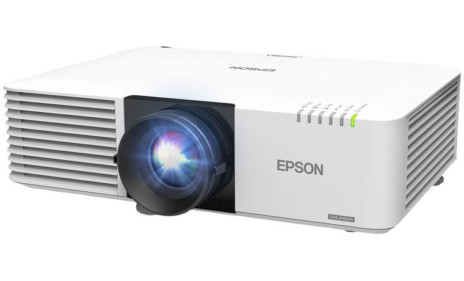
This is the front of the Epson Cinema 400 projector.Last year the Cinema 550 sold for a price of $2499. By comparison, the Cinema 400 launches with a set price of only $1599. So, even if nothing has been improved, the Cinema 400 should represent a major improvement in price/performance. Of course prices are always falling, and every manufacturer needs to both improve performance, and stay price competitive.

And, it looks like Epson has been successful once again.

First, a note on who sells the Epson Cinema 400 in the US market. Epson relys on a handful of online resellers that price within Epson guidelines, plus a large number of CEDIA dealers - the local guys who can install a projector in your ceiling, or (some can) even build you a custom home theater that looks like the bridge of the Enterprise.

To get this started, let me summarize from last year's Cinema 550 review, as this is an evolutionary projector, not a new design. Epson has made significant effort to improve performance while dropping the cost, and it looks like they've been most successful.

The original Cinema 550's chief claims to fame (it won our Hot Product Award) were in four areas:
1) It was the brightest projector in the price range when tested, and ideal for "mixed" use (movies/sports/gaming/HDTV), when there's ambient light to deal with.
2) Extremely flexible in terms of postioning in your room
3) Excellent warranty, and support
4) Excellent preset modes plus user savable settings

Of course there were weaknesses, most notably
1) The image from DVD appeared a little softer than some other projectors (though not necessarily true on HDTV)
2) The projector was noiser than most in its brighter modes

So, in this review we will definitely look to see what Epson has done to make the Cinema 400 a better projector and a better value.

Epson Cinema 400 Projector - Basic Specs

UMAP: $1599
Technology: 3LCD front projector
Native Resolution: WXGA 1280x720
Brightness: 1500 lumens
Contrast: 5000:1
Zoom Lens ratio: 1.5:1
Lens shift: Vertical and Horizontal
Lamp life: 1700 hours - 3000 hours
Weight: 11.5 lbs.
Warranty: 2 years with replacement program for both years

Review continues below this advertisement.


Epson Cinema 400 - Physical Tour

I'm going to cheat here. There are no physical changes to the Cinema 400 relative to the Cinema 550, so I have stolen much of the text for the section below from the older review.

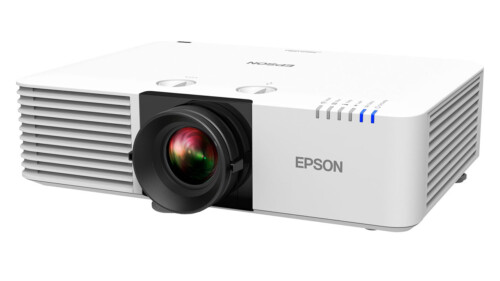
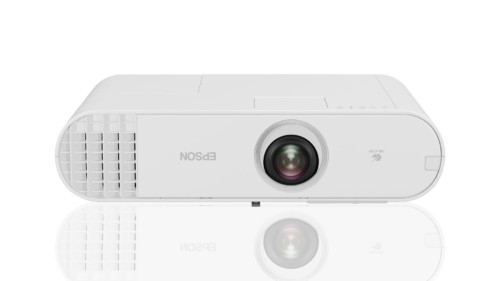
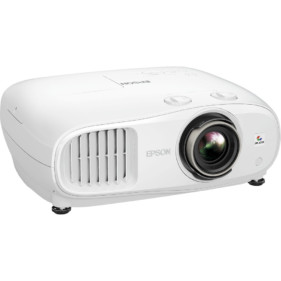
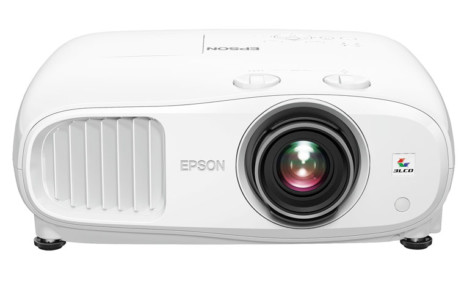
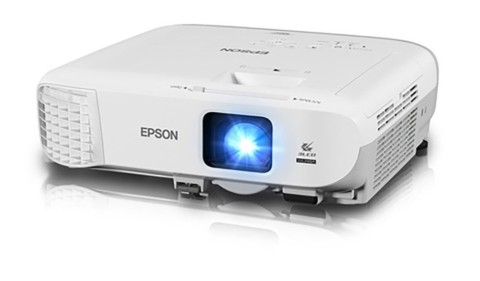
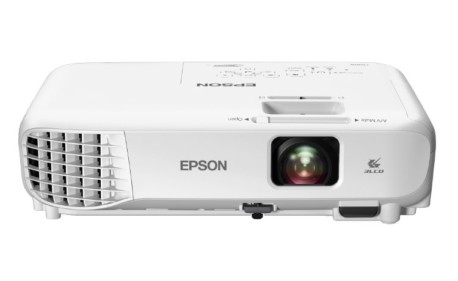
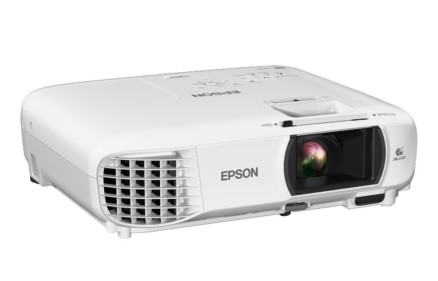
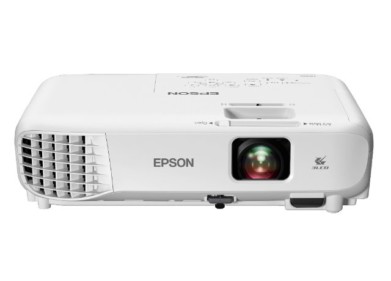
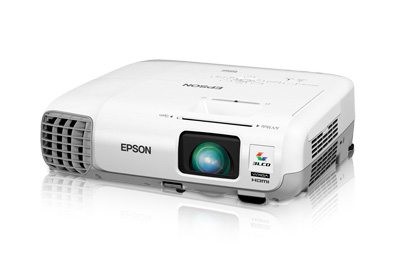
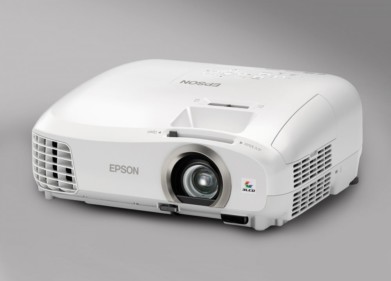
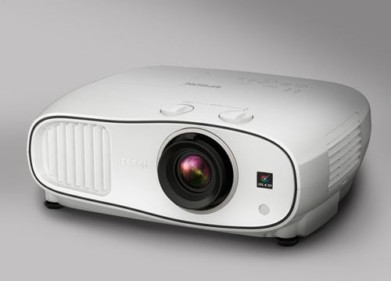
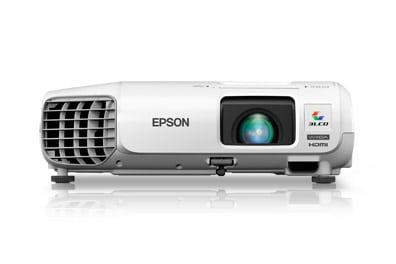
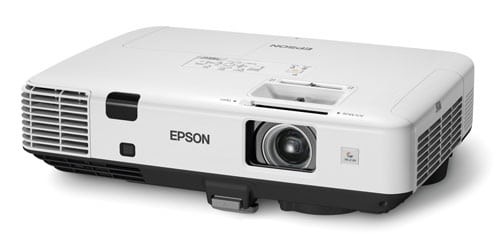
Here is another shot of the Epson Cinema 400 projector.From the front, the lens is mounted off center, with a manual focus ring, and a tab on the inner ring to control the zoom in and out. The zoom is 1.5:1, which means that the furthest it can be positioned from a give sized screen is 50% greater than the closest. You can see the front exhausts (on the first image above) which fire the hot air out at an angle away from the lens. Underneath there are two adjustable (screw thread) feet, to control projector angle.

Facing the Epson Cinema 400 home theater projector, to the left of the lens, is the front Infra-red sensor for the remote control.

Here are the lens shift controls on the Epson Cinema 400 LCD projector.Moving to the top of the Cinema 400 projector, and just behind the lens, are two dials to control the vertical, and horizontal lens shift. The lens shift range on the Epson is noticeably greater than on competing models, which, if needed, provides you the ability to mount the projector several feet above the top of your screen. (People with high ceilings will really appreciate that.). Alternately, if you are putting it on a table, the projector can be well below the bottom of the screen. The lens shift supports all positions in between, so you can mount the projector on a shelf in the back of the room, anywhere from below the screen to well above the screen top.

Review continues below this advertisement.


This is the Epson Cinema 400 projector's control panel.A look at the control panel of the Epson Cinema 400 home theater projector, finds all the standard controls. From the left, Power, Source, then the Menu button and the 4 arrow keys. In the center of the four keys in the Enter button, and to the top right of them, the Escape button which moves you back toward the top level of menus. Lastly is the Aspect ratio button which switches between the usual multiple modes. One somewhat unusual finding regarding the aspect ratio. By the way, the up and down arrows double as keystone correction controls when the menus are not engaged. Of course, you should avoid using keystone correction, due to the distortion, and since the Epson projector has an incredible amount of lens shift range, I can't imagine anyone needing keystone correction regardless!This is the Epson Cinema 400 projector's input panel.

The back panel of the Epson Cinema 400 offers the normal range of inputs. There is a single HDMI, one component video input (3 RCA jacks, color coded Red, Green and Blue), a computer input, a SCART input (for some parts of the world), one S-video, one composite input, and a 12volt screen trigger. Lastly there is an RS-232 for "command and control" of the projector from computer, etc.

Tthe power cord also plugs into the rear, and there is a hard power switch that must be on to be able to power up the projector from the top panel button or the remote. Lastly, there is a rear Infra-red sensor for the remote.

There is a single rear foot - not adjustable, to give the projector a 3 point stance for stability (better than four points, if the rear ones arent adjustable).

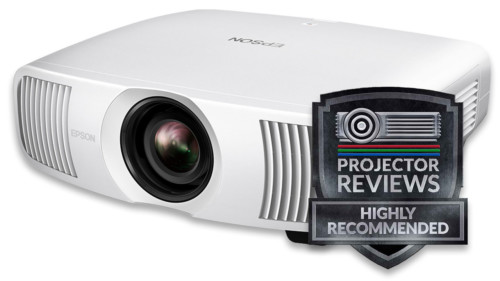
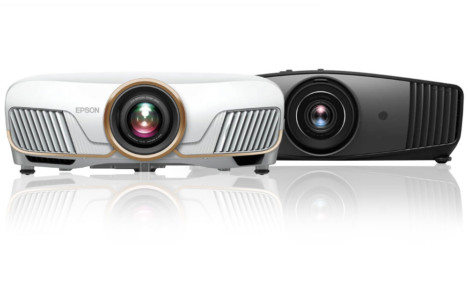
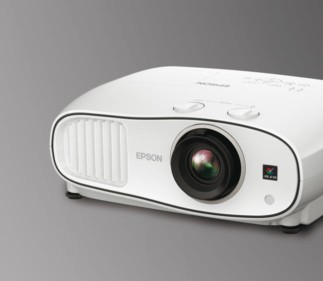
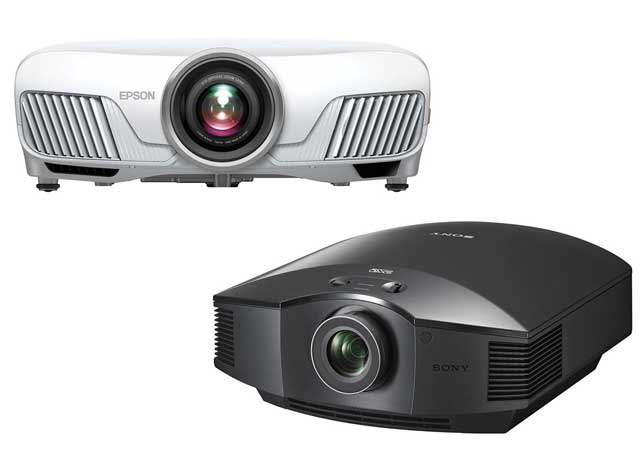
The Cinema 400 finish, like the Cinema 550, is a white with some silver trim (mostly in the front), and unlike its primarly competitors, the look of the Epson has some real style, not the usual basic box. One of the most "stylin" projectors around at any price.

What really counts, though, is how the projector performs. So click to the next page, and we'll look at the Epson Cinema 400's image quality.

Epson Cinema 400
Image Quality
General Performance
Warranty
Summary, Pros, Cons