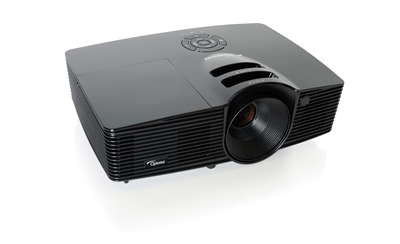
Home Theater - Capsule (short) Review: Optoma H57 Projector

Overview
Image Quality
General Performance
Warranty
Summary, Pros, Cons


Optoma H57 home theater projector earns a Hot Product Award When I received the H57 a couple of weeks ago to review (same day I got in the BenQ PE7700), I looked forward to reviewing the H57, but was put off by the price. With the Optoma H57 home theater projector LOTR Arwenunderstanding that this 1024x576 resolution DLP had a dealer cost only a few dollars below the highly anticipated PE7700, I was sceptical whether there was a market for it. So I decided to keep the review short.

However I spoke with Optoma the other day, and learned that they have drastically reduced the price of the H57, which should give it an online street price close to $2000. That means that the H57 now competes price wise against the Panasonic AE700u, the Sanyo Z3, the InFocus SP5000, BenQ Optoma H57 video projector - front view7800 (discontinued) and the NEC HT510 (all reviewed on this site, except for the SP5000). And that changes everything!

So let's get started with this relatively (for me) short, but sweet review.

My first observation to share with you, is that if you want to enjoy the advantages of a DLP home theater projector (compared to the LCD projectors), around the $2000 price point, this Optoma home theater projector is certainly worth seriously considering. Also, in my opinion, it outperforms the NEC HT510, the only other current DLP competition of this resolution that I have reviewed.

The H57 projector uses the DarkChip2, which if I understand this correctly, is an improved version of the older Matterhorn 1024x576 chip. It allows the H57 to claim a 3000:1 contrast ratio, the highest I've seen of any DLP projector not using the DarkChip3 (and those projectors start around $6000 street price).

The H57 has plenty of brightness! (It's rated 1100 lumens.) From where I place it for testing, it could not fill my 140" screen, it only put up an image from that distance of about 124" diagonal. But at that size it was easily significantly Optoma H57 home theater projector: LOTR Bonfires show rich dynamicsbrighter than my BenQ 8700+ (doing the full 140".) I suspect that if tested, it is a little brighter than the BenQ - helpful for those with some ambient light to deal with.

Color saturation was exceptional. Yet natural. I don't know what Optoma has done with this projector, but it offers as good a color saturation as I have seen from an under $10K DLP projector.

This home theater projector claims 1100 lumens, and a 3000:1 contrast ratio. I did not see any improvement in black levels compared to my 8700+ despite the higher claimed contrast, but that said, the picture looked great.

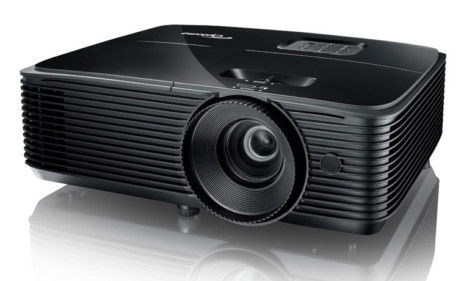
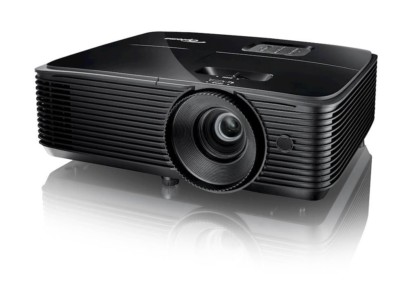
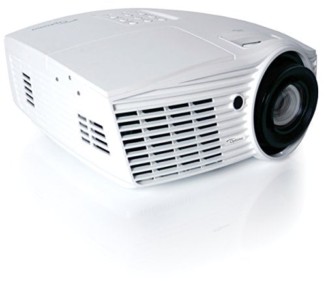
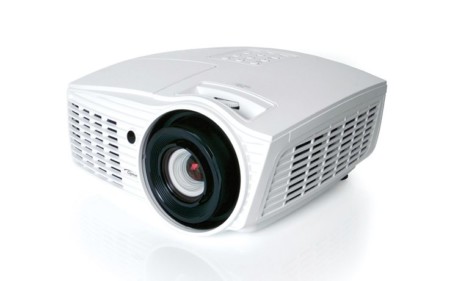
To look at the "box" the Optoma is a pretty basic looking off white projector. It won't knock your socks off if you are looking for a sexy looking projector, but then, most of us only care about how good the image looks.

Highlights of the Optoma H57 widescreen DLP Projector

Besides the great image quality, which I will discuss later, consider:

  • Quiet - in full power this Optoma projector claims an exceptionally quiet 28db noise level (in lowest power mode - 23 db - for all practical purposes silent operation)
  • No issue with any light leakage
  • Lots of options to save your preferred settings (5 separate user settings for each input!) note: that's probably overkill.
  • Picture in Picture, with Swap (switches larger image with smaller one)
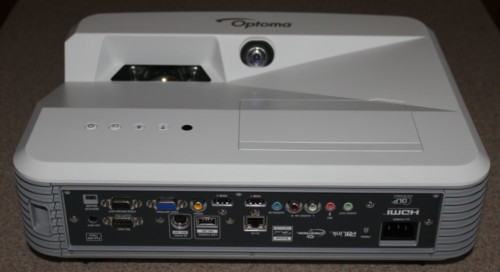
  • Inputs, Inputs, Inputs - Not only does the H57 projector have component video inputs, but Optoma H57 home theater projector offers a wide range of inputs - rear panelDVI, and computer inputs both support component video sources. This makes this perhaps the most flexible projector out there, and if you don't have an AV receiver that can switch component video this can be a huge plus, since you can have up to 3 component video sources hooked up at once!
  • An optional short throw lens attachment (0.8) lets you place the projector 20% closer than the standard zoom lens allows.
  • The zoom lens is fairly long throw, ideal for many who would like to shelf mount the projector in the back of their room (if it's not too deep), instead of ceiling or table mounting. Take your screen width x 1.87 for the furthest back you can place the front of the projector. (ex. 110" diagonal screen is 96" wide x 1.87 = 15 feet)

Overview
Image Quality
General Performance
Warranty
Summary, Pros, Cons