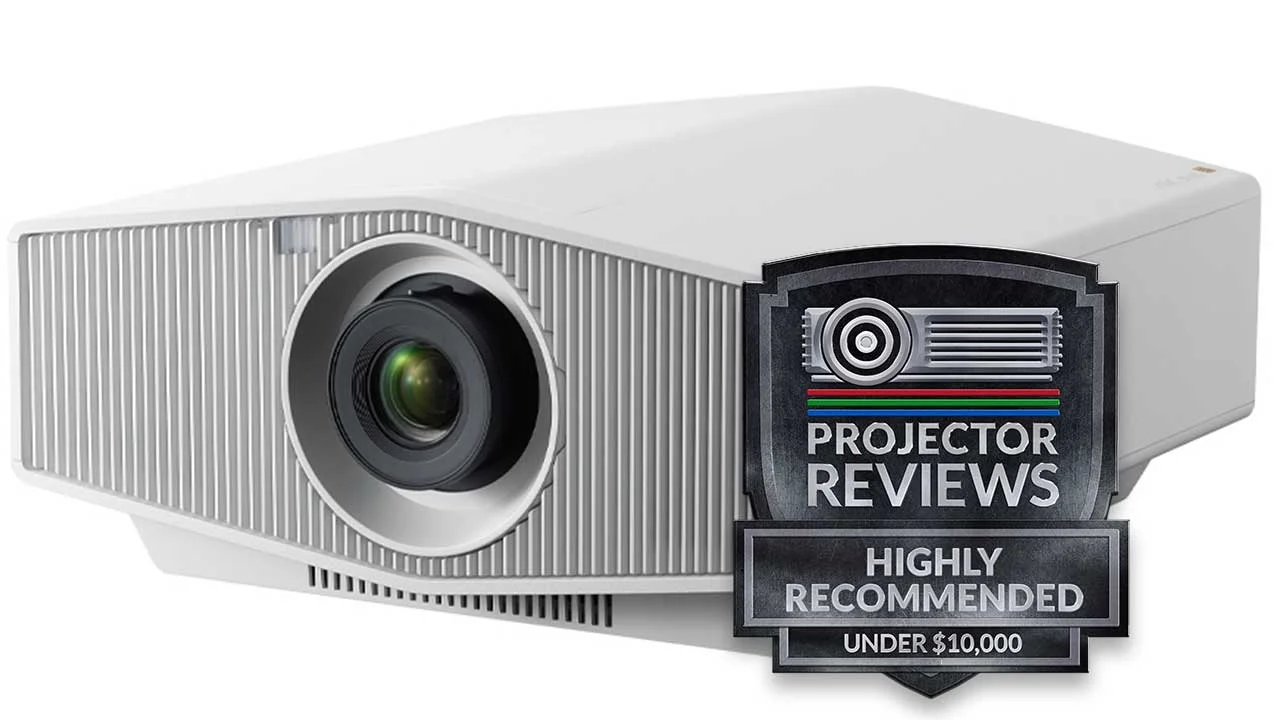
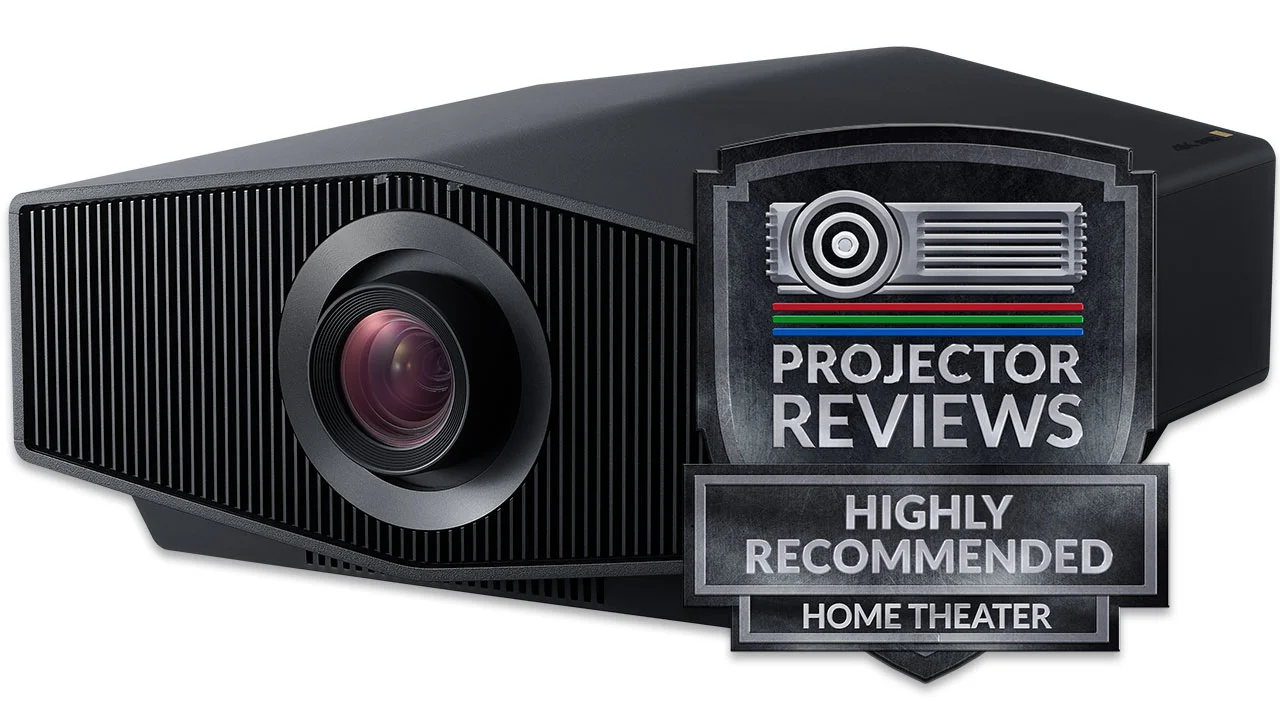
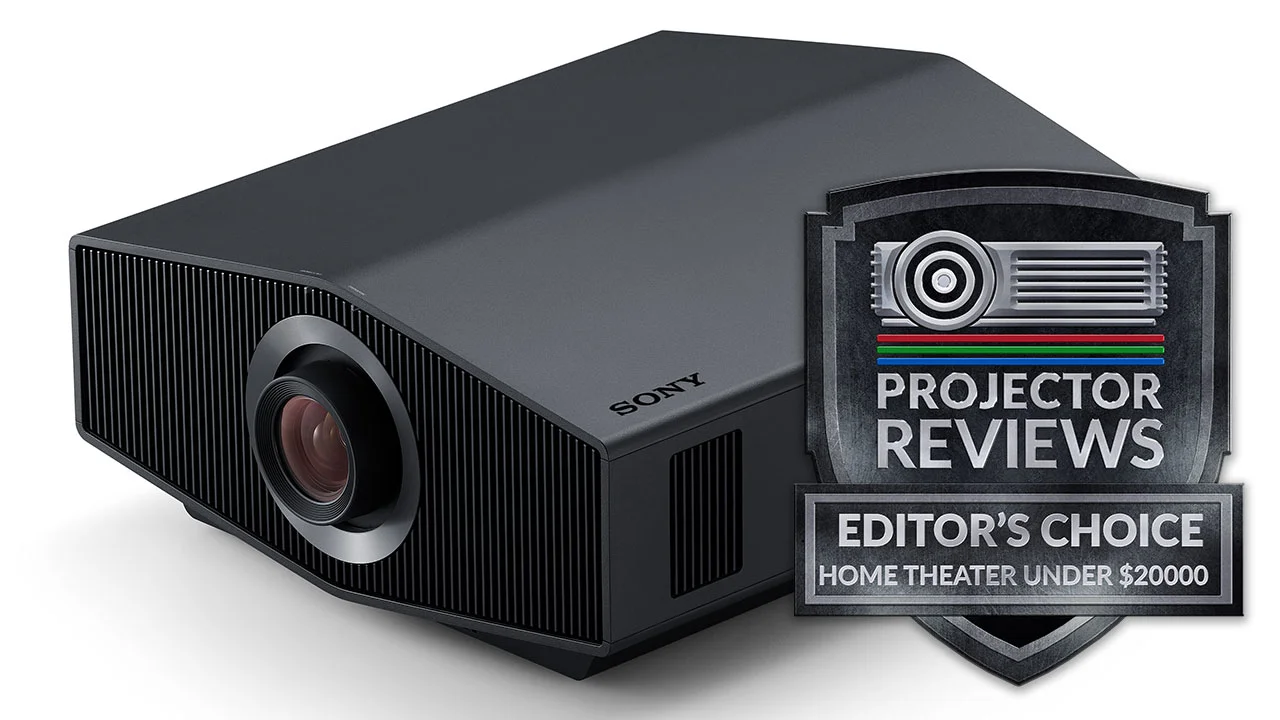
Sony VPL-HW50ES Home Theater Projector Review

Sony rolled out their VPL-HW50ES home theater projector at CEDIA (and IFA in Europe) as their one new projector being added to the lineup for this fall. 

Each year I do get some sneak peaks at new projectors before the CEDIA show.  This year was no different.  Of all the new projectors - ones that I didn't get to see in action pre-show - the VPL-HW50ES was the one that most impressed me. This new Sony projector is replacing Sony's HW30ES. With a $3999 MSRP, including a spare lamp, the VPL-HW50ES is basically selling for less than the older projector was, until Sony recently dropped the HW30 price to $2999 as they close it out., whose price has been lowered to $2999.  While that might be a value in its own right, the Sony VPL-HW50ES projector is a better one.  Let's get started.
9-25-2012 - Art Feierman


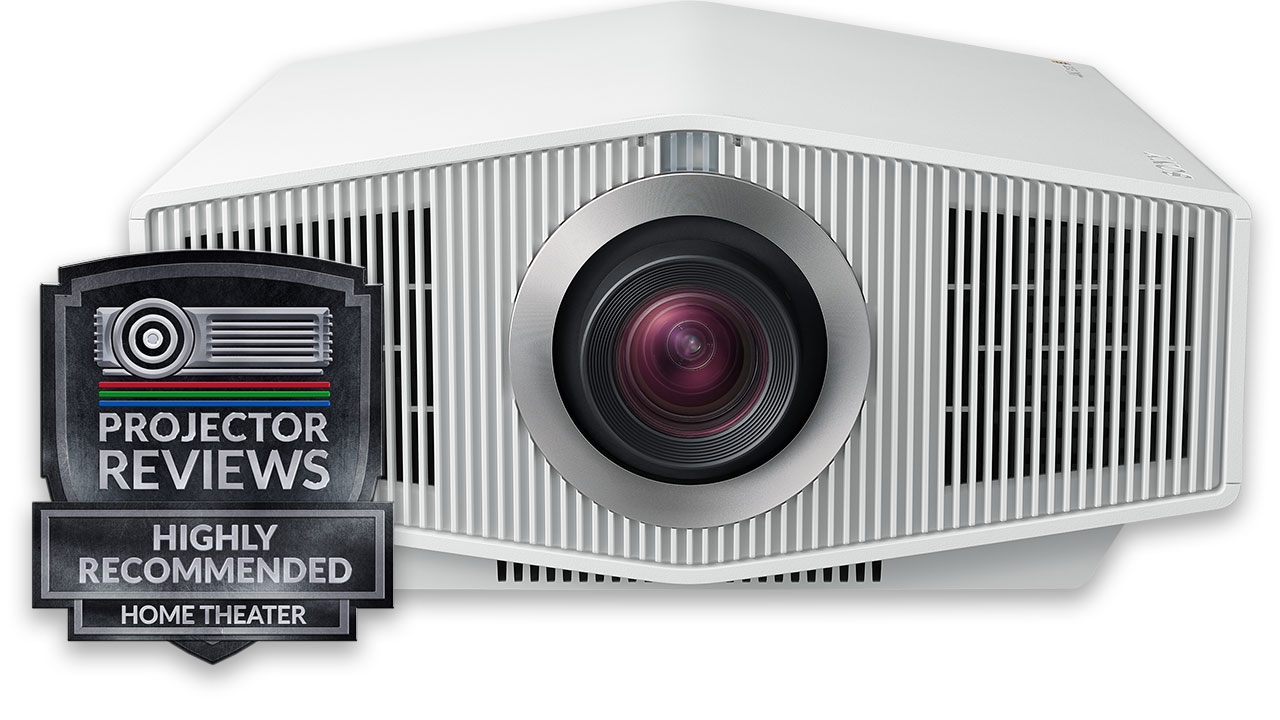
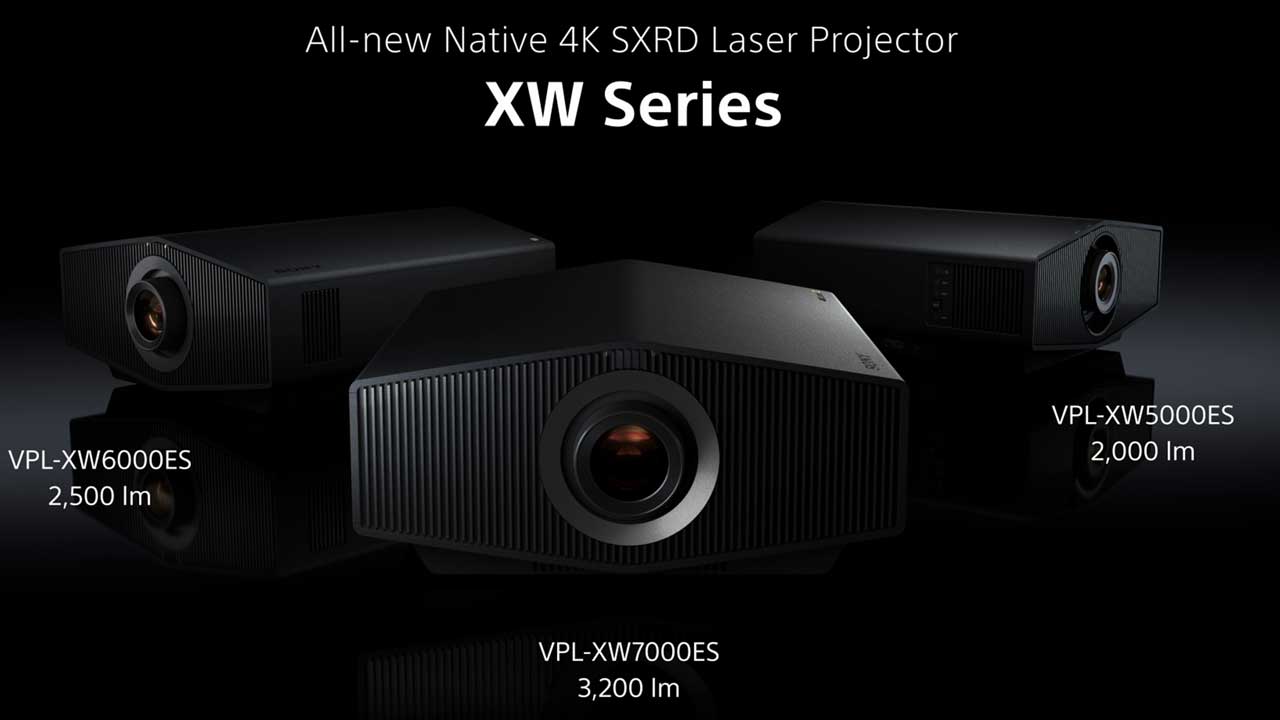
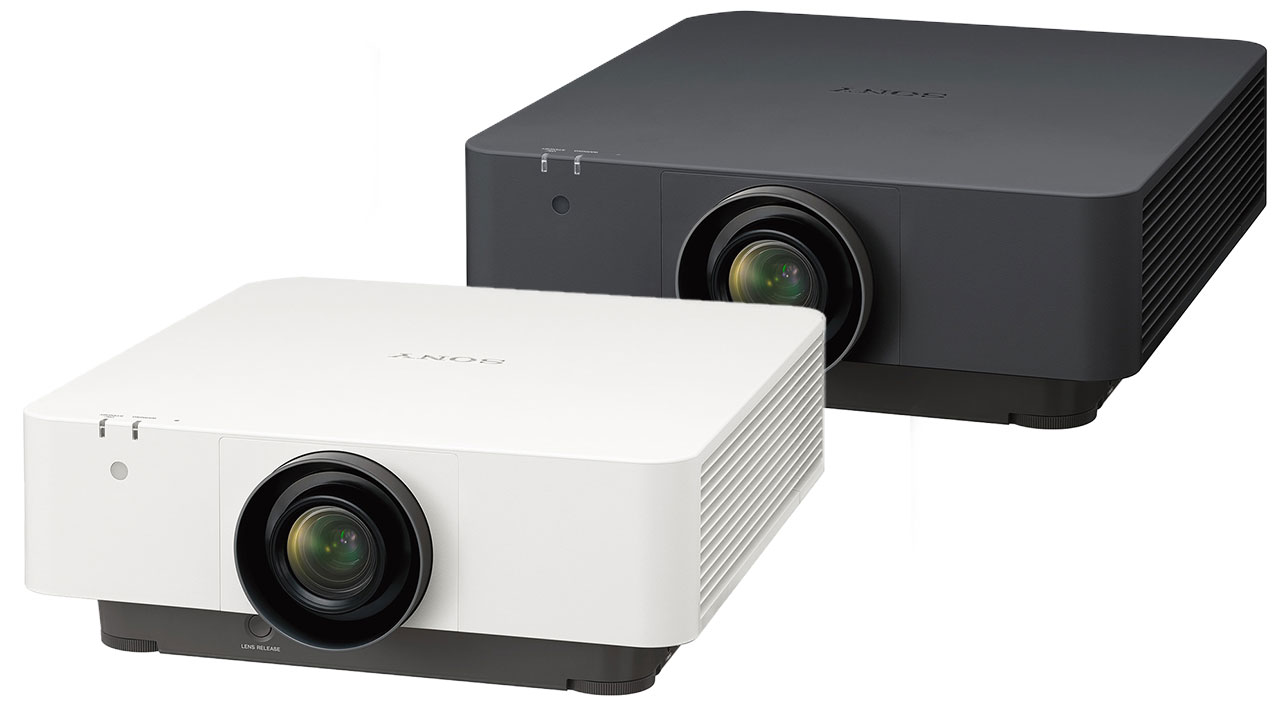
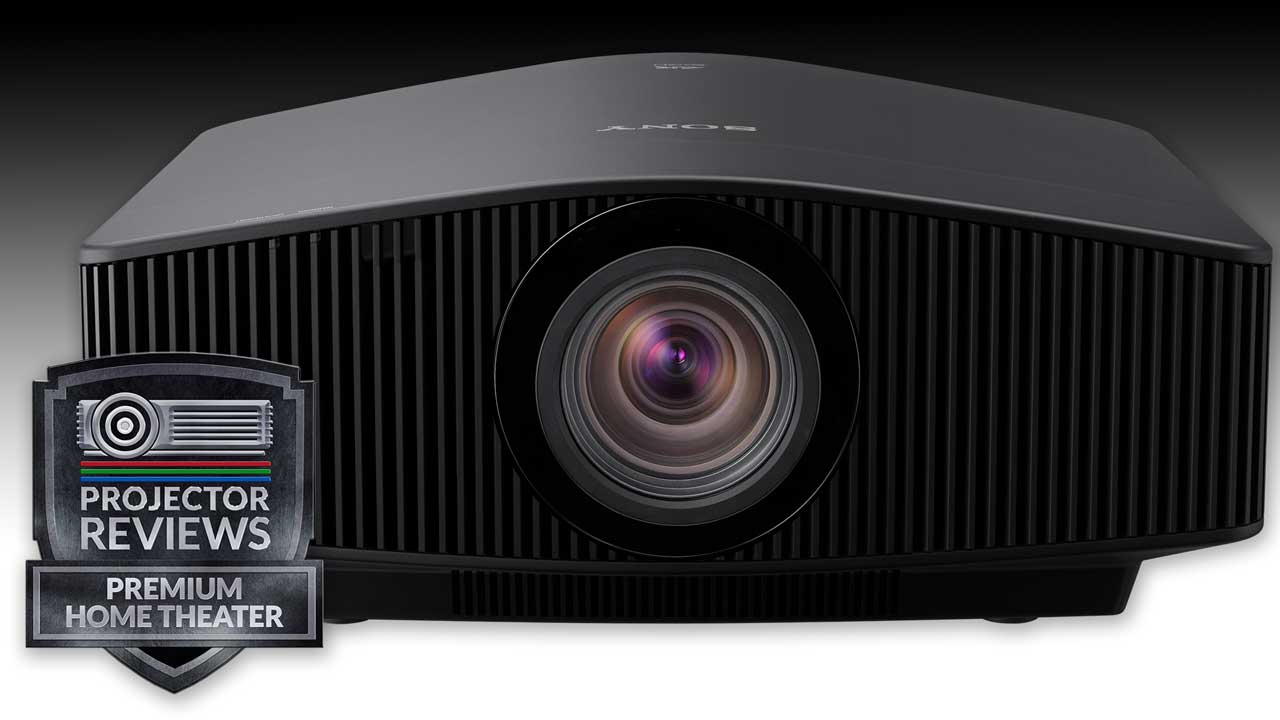
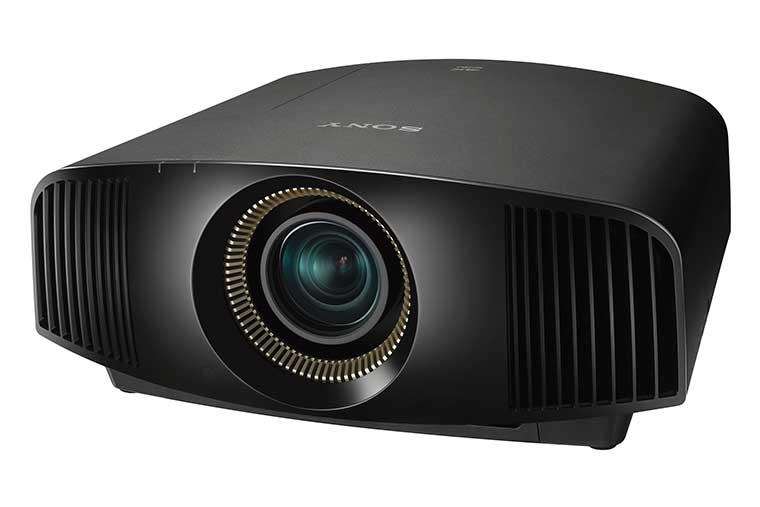
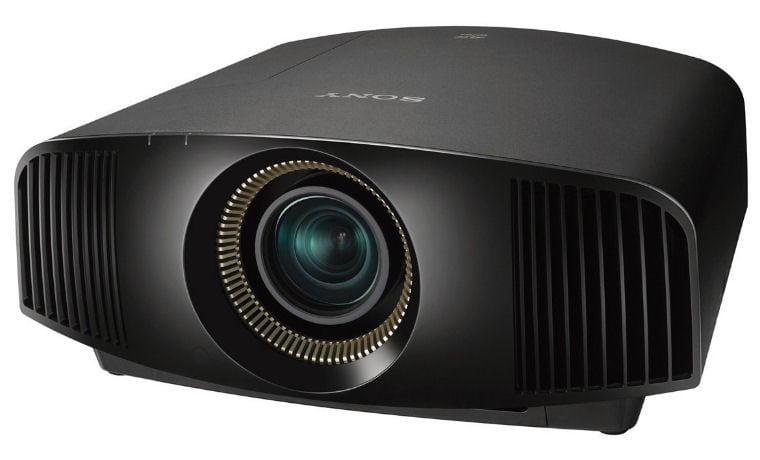
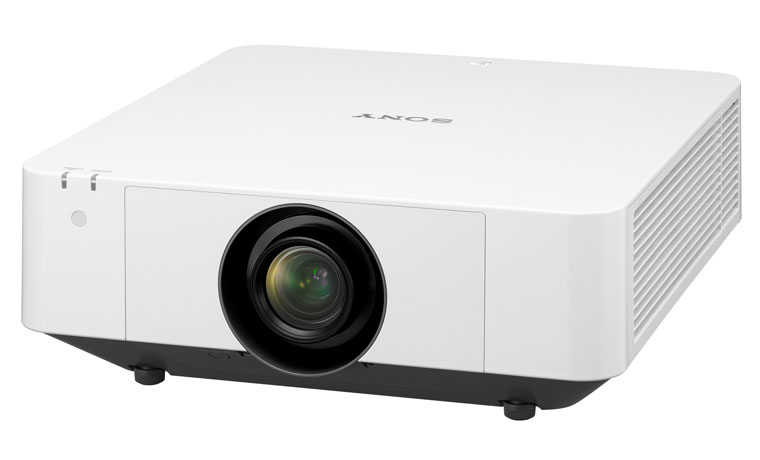
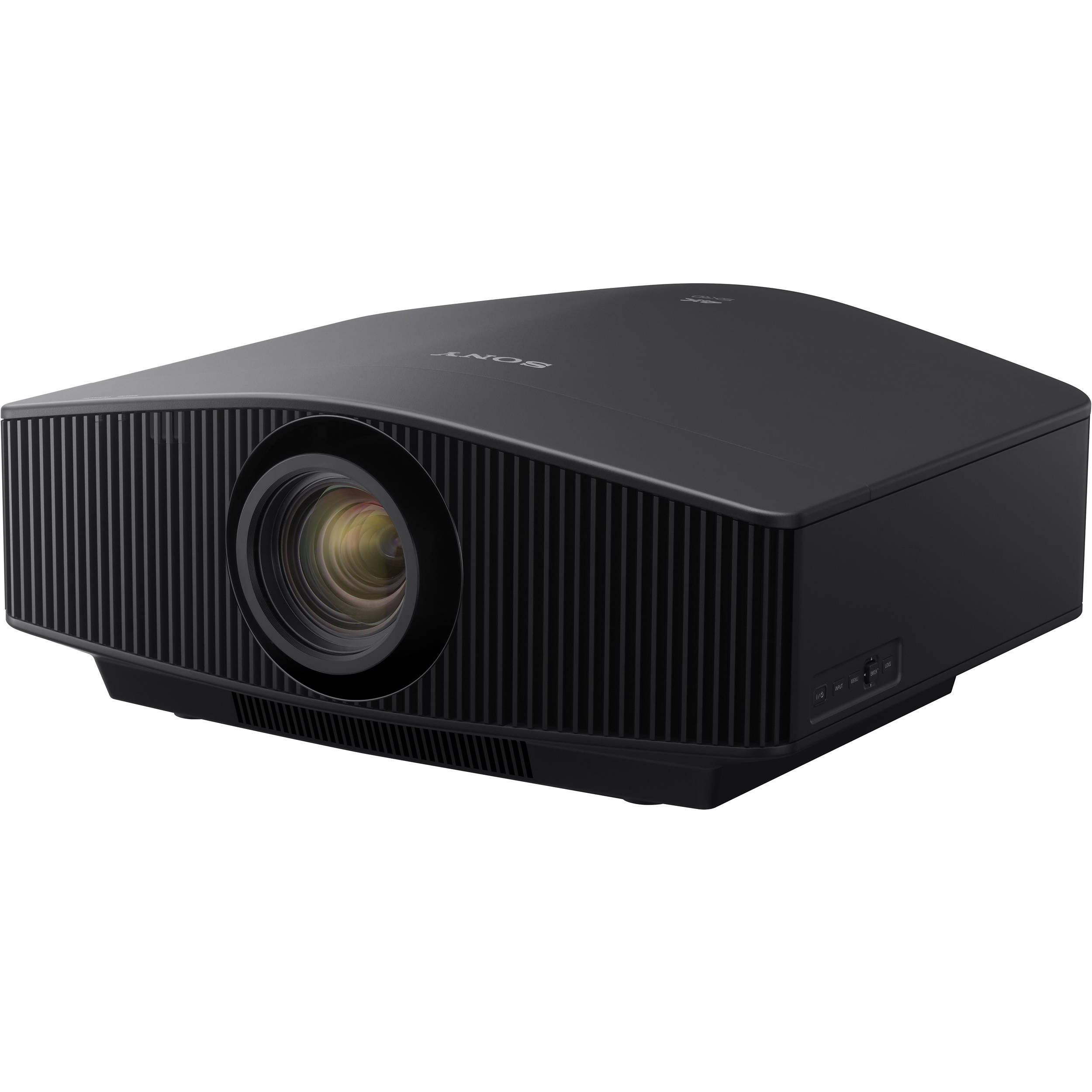
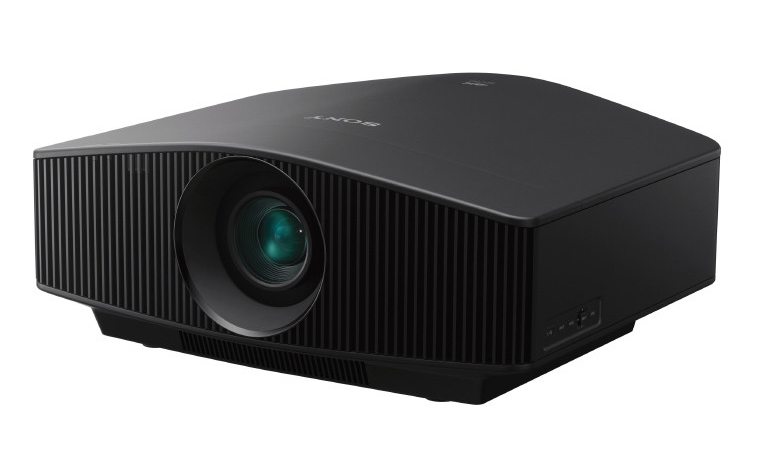
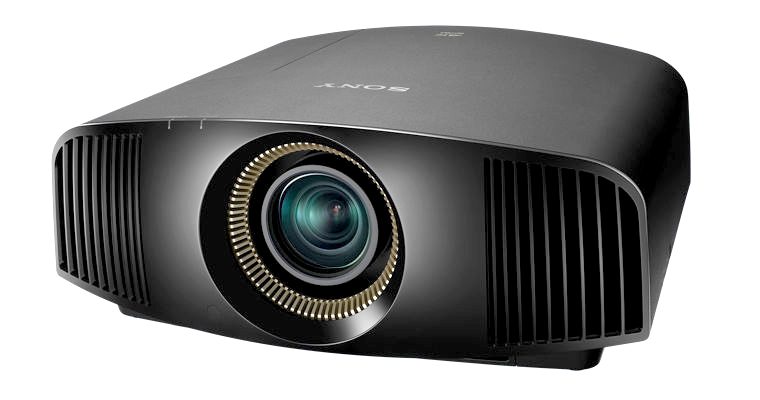
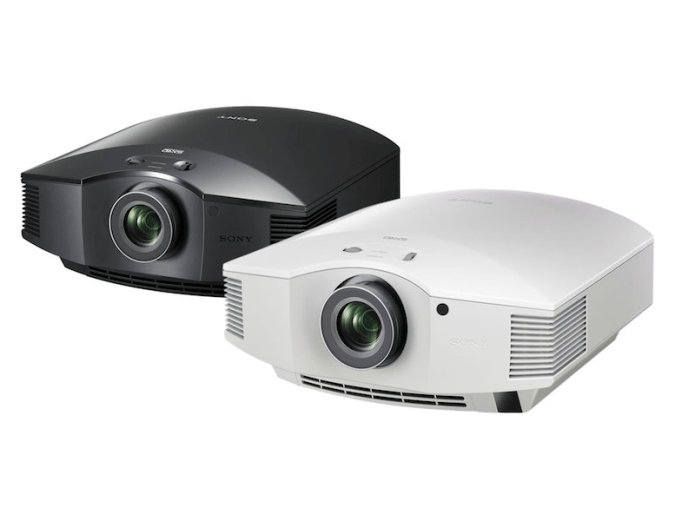
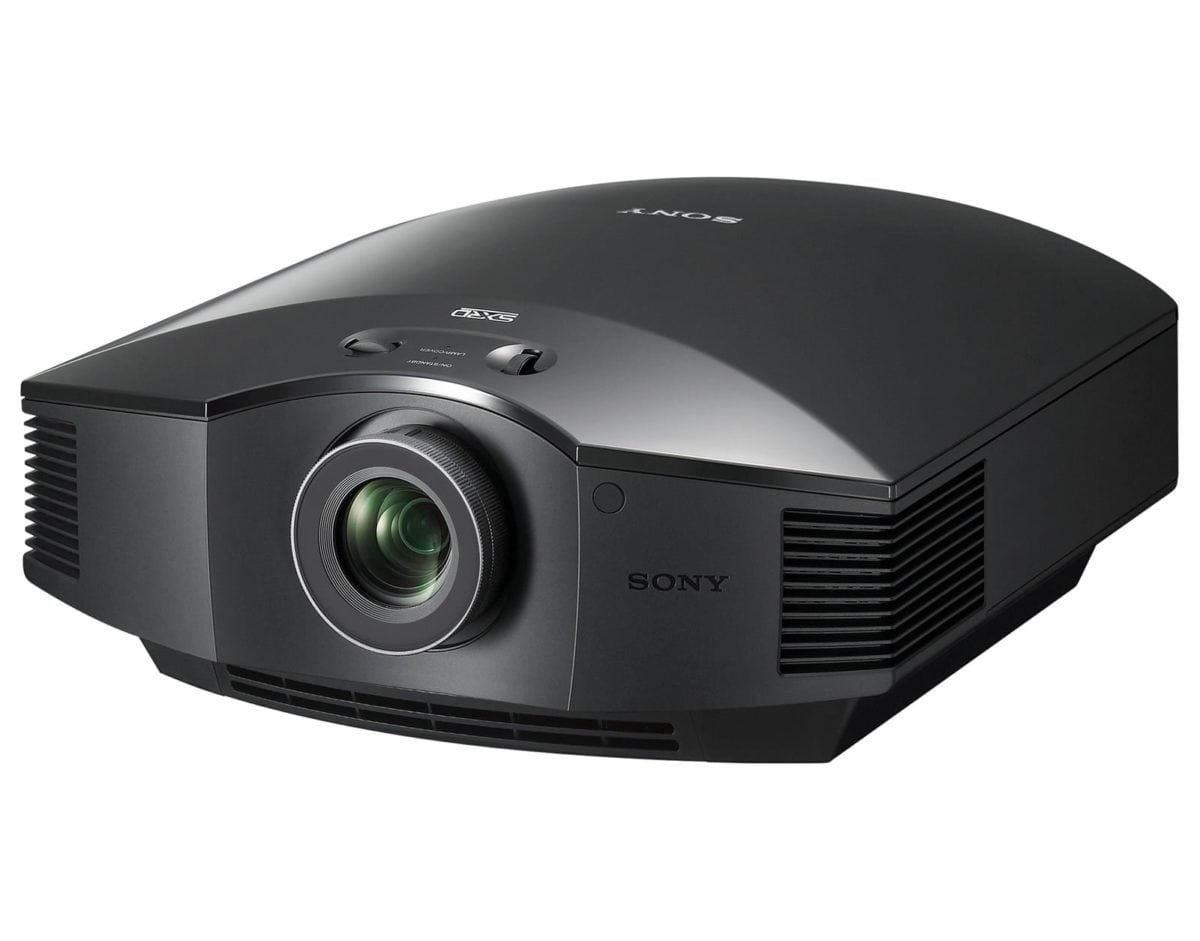
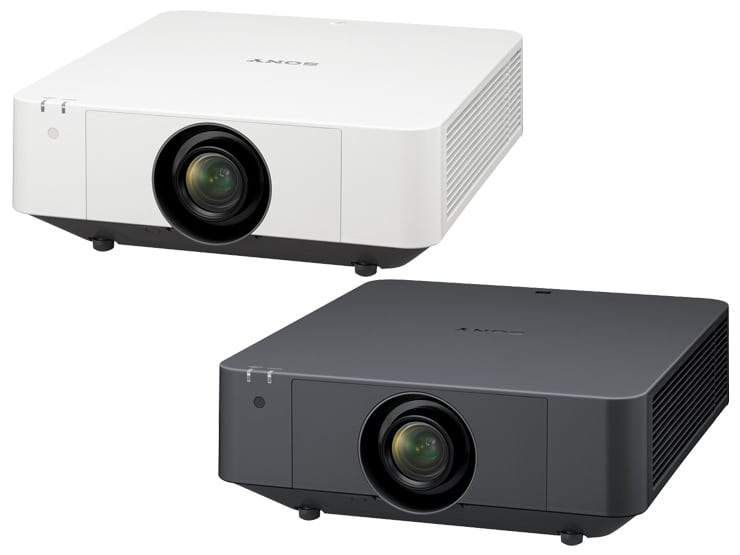
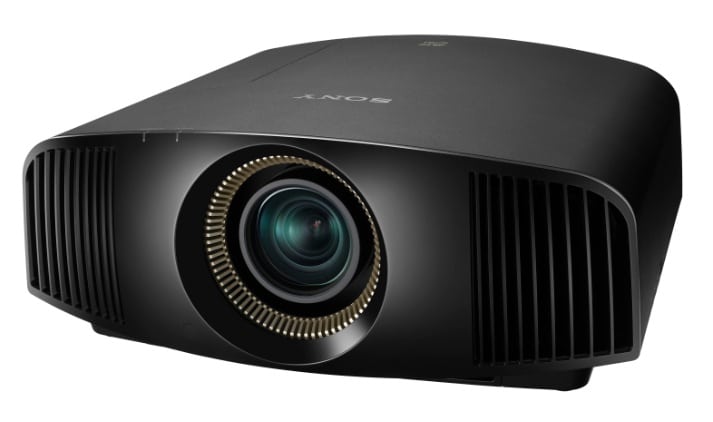
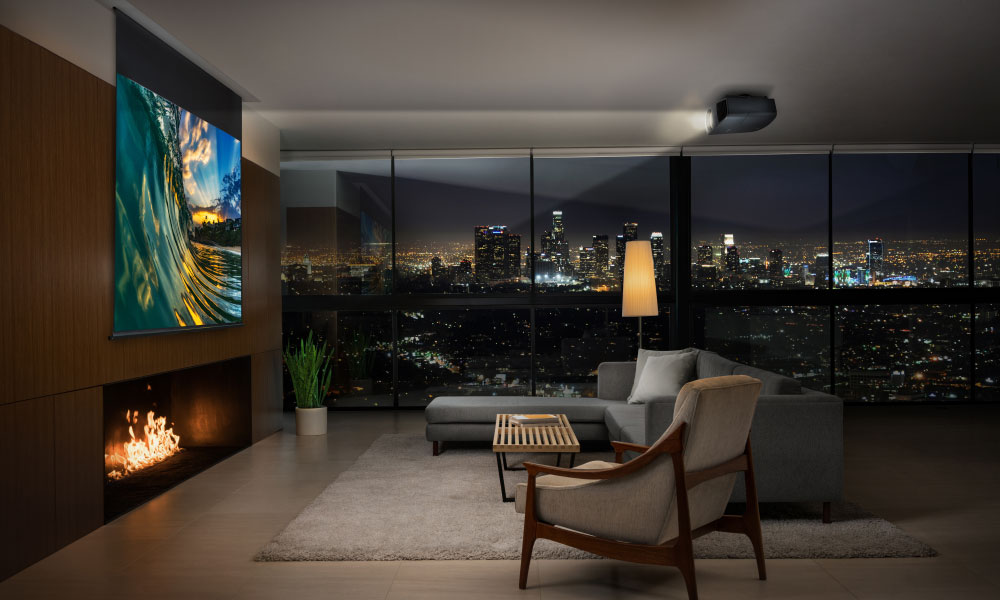
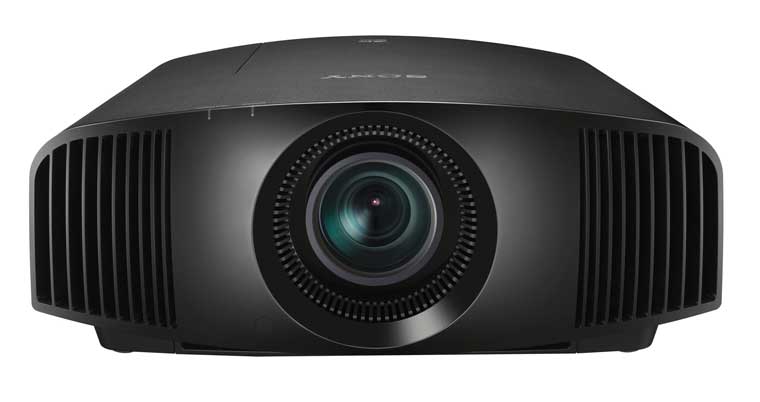
The Sony VPL-HW50ES projector.

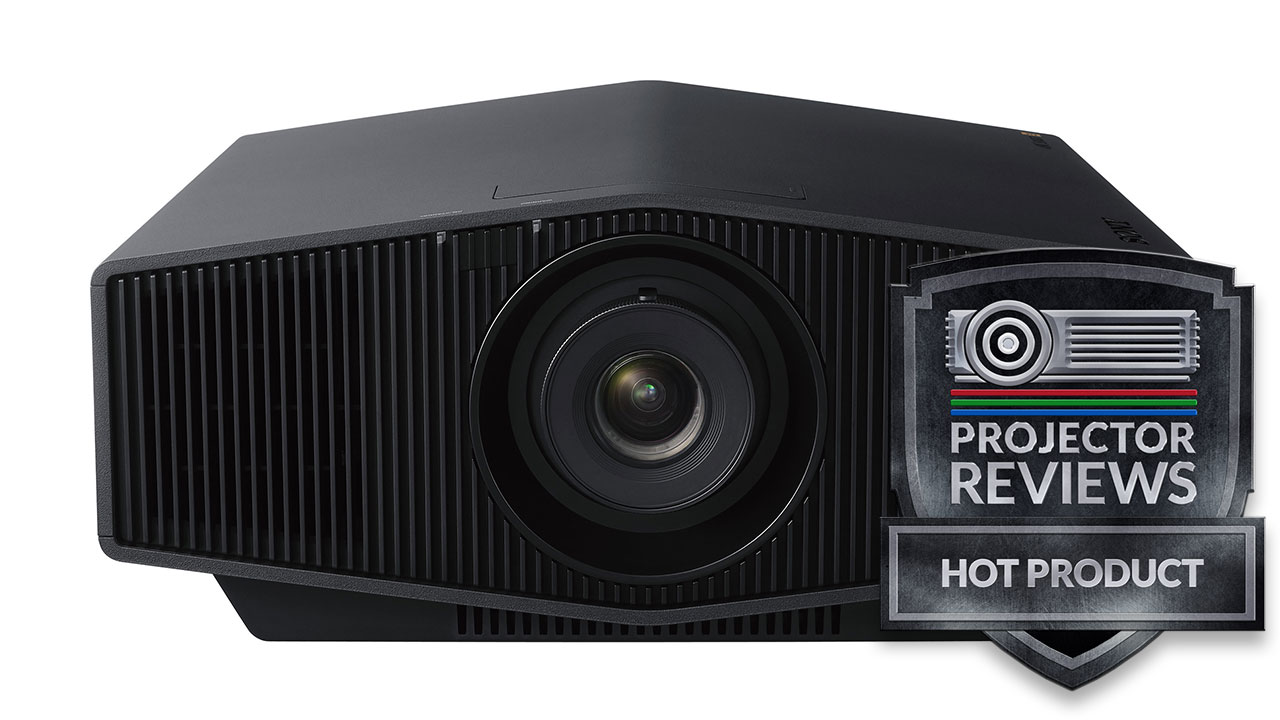
The Sony VPL-HW30ES projector earns our Hot Product Award!The Sony VPL-HW50ES projector earns our Best in Class award!

Sony VPL-HW50ES Projector Overview

Another new SXRD (LCoS) home theater from Sony, the VPL-HW50ES is about serious picture quality.  I decided I'd write this opening section less than 24 hours from its arrival. Note that I did get to see the VPL-HW50ES projector at CEDIA.

The Sony projector has a nice feature set, including CFI for smoothing motion - Sony calls it MotionFlow, a dynamic iris (named Auto Iris 3) to help it generate that ultra contrast performance that yields impressive black levels, and Reality Creation (dynamic detail and sharpness enhancement), which we'll discuss in detail below.

Ironman 2 image from the Sony VPL-HW30ES projector.

Above, Robert Downey Jr. in Iron Man 2.


Gandalf image from the Sony VPL-HW30ES projector.

For those looking for more of a general purpose family room projector, the Sony will work fine, as long as you've got some good control of ambient light (also true of most other projectors geared for the "theater", but some other projectors can bring a lot more brightness to the party, to allow more ambient light). The thing is, most of those, aren't a match in terms of overall picture quality.

Chinatown image from the Sony VPL-HW30ES projector.

Above, an enhanced, "colorized" scene from the movie Red.

If 3D is part of your thing, the VPL-HW50ES, like every other higher quality 3D projector we've reviewed so far, could use some extra brightness. This Sony is as bright, and brighter than almost all of the other 3D, 1080p projectors we've reviewed - Optoma HD8300, JVC RS60, Mitsubishi HC9000D. Note that there are some other new projectors that will be reviewed soon, which are brighter, although some of those are geared for the family room.

One thing of particular note, is that the HW50ES is actually brighter in 3D than the VW95ES that we reviewed a few months ago. This relates to improvements, including new lamp dimming. I have yet to fully contemplate Sony's explanation of how it works, but it is definitely, visibly brighter in 3D.

Let's take a closer look at the Sony VPL-HW50ES.

^ Back to Top

Sony VPL-HW50ES Projector Highlights

  • Includes 2 pair of 3D glasses and spare lamp
  • 3D capable, includes supporting both 720p and 1080i/1080p 3D, including Blu-ray 3D and all DirecTV 3D we tested
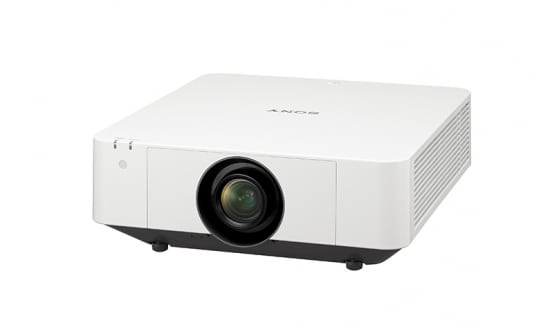
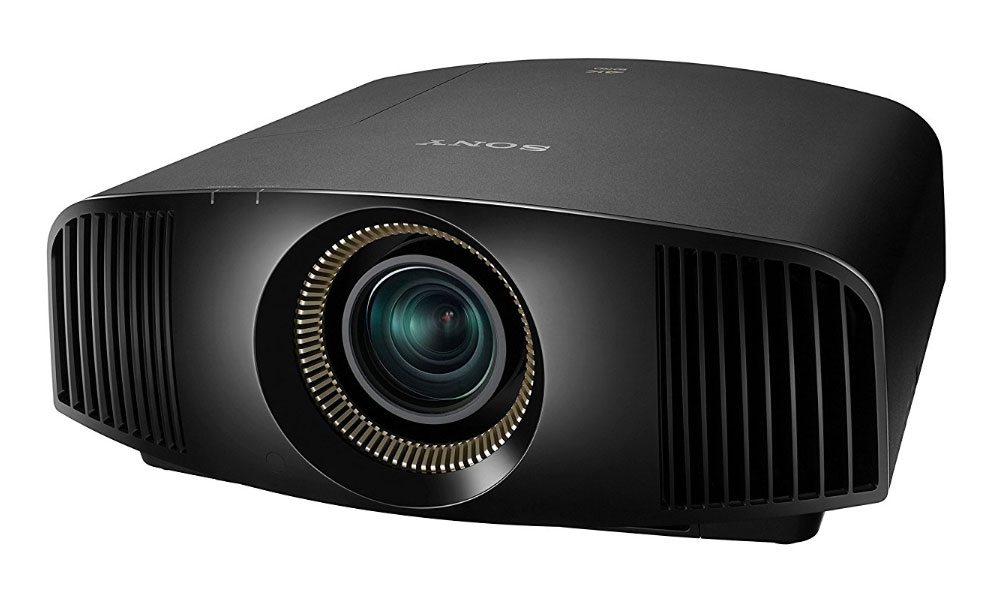
  • Medium large, reasonably good looking dark finished projector
  • Large, well backlit remote control
  • Very good color controls - calibrates very well
  • Ultra high contrast projector with very good black level performance
  • 1.6:1 zoom lens, plus vertical and horizontal lens shift for flexibility
  • Excellent warranty!
  • Creative Frame Interpolation for smooth motion
  • Available online and locally from authorized dealers
  • Excellent picture quality

Casino Royale image from the Sony VPL-HW30ES projector.

^ Back to Top

Specs for Sony VPL-HW50ES

MSRP: $3999. (including 2 pair of 3D glasses)
Technology: 3 Panel LCoS (SXRD)
Native Resolution: 1080p (1920x1080)
Brightness: Manufacturer claim: 1700 lumens; measured 992 lumens calibrated, and approaching 1300 lumens at brightest (we do not measure for the absolute brightest picture, but the brightest very watchable picture)
Contrast: 100,000:1
Zoom Lens ratio: 1.6:1 Manual zoom and focus
Lens shift: Vertical and horizontal - manual controls
Lamp life: 2000-3000 hours per Sony, no published spec
Weight: 28.7 1lbs. (12.8 Kg)
Warranty: 3 Year Parts and Labor (90 days on lamp), 90 day advance exchange

View full specifications: Sony VPL-HW50ES

HDTV football image from the Sony VPL-HW30ES projector.

Above, some college football, in 2D on the VPL-HW50ES projector. See the HDTV section of the image page for more, and even a football game image of a game in 3D.

^ Back to Top

Sony VPL-HW50ES Special Features

VPL-HW50ES Detail Enhancement - Reality Creation

Reality Creation is Sony's name for their "detail and sharpness" enhancement.  There's all kinds of talk about 4K going around, so let me reassure you right off.  No matter what you do, this is a 2K projector.  So, for that matter are the competing JVC's which call their e-Shift 4K.   Here's the purist test before we get into Sony's impressive latest iteration of Reality Creation:

A true 4K projector can:
1. Accept a 4K signal
2. It must be able to reproduce it accurately at the 4K level, or it's not 4K.
3. Start with a 4K source (a 9 megapixel or greater digital photograph is 4K resolution).  For our purposes, we will create a 4K test pattern. 99.9% of the image can be anything, we're concerned with one small area, where we place in our 4K image exactly 4 pixels (2x2).

Top left pixel white, top right, is red
Lower left is green, lower right is blue (which color in which spot is not important).

With a true 4K projector, when you project, you will get exactly what you started with - four very discrete pixels: One each, white, red, green, and blue. No 2K system, by Sony, JVC, or even a $50K projector with 2K panels can do that.  End of conversation. 

Everything else is detail/sharpness enhancement of 2K.   You can call some of these 4K, or 8K, or 25K, but they still are 2K resolution.  The rest is hype.  Once you get past the hype, then it comes down to what the image looks like, and on that note, let's discuss Sony's latest iteration of Reality Creation.

HDTV image from the Sony VPL-HW30ES projectorSony VPL-HW30ES projector.

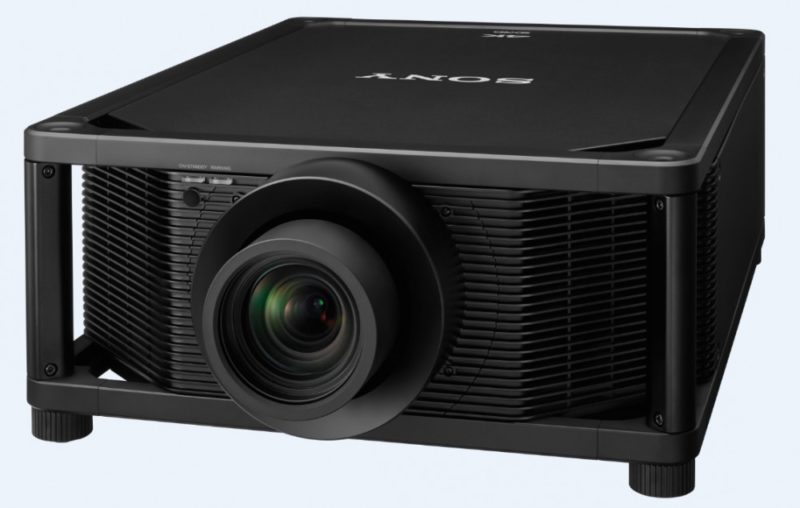
So what's going on here?  It started with the VPL-VW1000ES, which is a true 4K projector.  Sony, they say, wanted to address an issue.  They point out that many movies today are filmed at 4K or even higher.  But, by the time they get to Blu-ray, they are reduced to 2K (remember, movie film is way higher res than 2K - for example parts of The Dark Knight were 8K).

Sony is using very smart technology.  They believe that can take the 2K Blu-ray content (when it started originally as 4K), and "upvert" it back to 4K.  By using facial recognition, object libraries, etc., they could get fairly close to recreating the original 4K.  This isn't the same, but also isn't much different than, say, taking 2D content and letting today's projectors convert to simulated 3D.
In the case of the VPL-VW1000ES, the projector does all that, and then outputs the result of its efforts at 4K on to your screen..

In the case of this projector, however, which lacks 4K panels, Sony instead, still goes to figure out what the original 4K would look like, and then essentially the projector reprocesses that back to 2K, improved over the original 2K.

It works!  The 4K Sony projector is rather dazzling, but this VPL-HW50ES is accomplishing an equally impressive feat considering it is a 2K projector.   When I say equally impressive, I don't mean it rivals the 4K projector, but it does make a significant difference compared to not using Reality Creation on this HW50 projector.

The end result of this is a detail enhancement scheme which so far, creates the sharpest, most detailed, yet still rather correct looking images I've seen from a 2K projector.  OK, true, we're no longer trying to reproduce the source (Blu-ray or HDTV) perfectly, but rather, to improve the picture by essentially improving what is found on the Blu-ray disc or other source. 

In the old days we were happy to "faithfully create the source material" - theoretically "maintaining the director's intent".  (That's an argument for not using CFI, as one example).

Today, though Sony and others are saying, "not good enough".  We want to recreate the original, attempting to put back anything lost.  Or, at the very least, we recognize that 1080p (or 1080i) just isn't very sharp on a very large screen.

I will say this.  If  people "need" 2K resolution on 32" inch LCDTV's then they probably also "need" 8K if filling an 8 or 10 foot wide screen, and viewing from the same 10 feet back.  No question - your standard 1080p just doesn't have enough information to be razor sharp, and it should be. 

So it comes down to ("natural" ethics issues notwithstanding):  If you have the option of a dramatically sharper looking image, one closer to real, in the regard of detail, crispness, sharpness, by turning on a dynamic enhancement feature, should you, will you?  Everyone's got them:  Sony's Reality Creation, Epson's Super-Resolution, etc. 

After extensive viewing of material with Reality Creation on (at the lowest default setting of 20 out of 100), and comparing that to RC turned off, the image looks much better to me, when on in almost all cases.  Much better! 

I've played with detail enhancement features for several years now.  Most cannot add much "sharpness" without also revealing some level of minor artifacts - which can be annoying.

The Sony seems to offer the best yet. I spent over an hour playing with Reality Creation, and Epson's Super-Resolution, side by side (HW50ES, and HC5010). No question, even on the low default of 20, the Sony makes everything look sharper than the Epson even with its Super-Resolution up at maximum of 5.  Mind you I would not use Super-Res at 5, because in many scenes its "over the top", and easily noticeable.  (3 is good, 4 usually is fine).  With RC, however, at 20, almost everything looks great, and sharp, (15 is even safer). Rarely at 20 did I see anything over the top.  An exception is a shot of Pippen from Lord of the Rings.

Here for your consideration is the same image twice: RC off for the first one, , RC on (at 20) for the second.  As usual, click for larger images.  I have lots of such images, and more, but the rest will be on the Performance page under the Sharpness category.

OK, in these images above, having RC (Reality Creation) on, seems to be doing a very good job in terms of the clouds detail, the detail in the grass, and in Pippen's cloak and shirt, and of course, his hair.

Now for the "BUT".  Because anytime you use dynamic features there's always the possibility that something won't look right.

So, take a close look at Pippen's 5 o'clock shadow (plus dirt on his face), and especially look at his neck.  With RC off, that looks pretty natural (if a touch soft), but with Reality Creation turned on in the upper image, the 5 o'clock shadow no longer looks natural.  Rather, it's exactly what I call being a bit "over the top".
This scene really wasn't a serious problem when watching the film, but at the time I was watching LOTR, I wasn't specifically paying attention to RC, rather just doing my normal photo shoot.  I just sort of immediately noticed,  "that's definitely over the top". And stopped to investigate. 

The good news with Reality Creation is that with the 20 setting, almost all the time, the overall result is very positive.  OK, a lot more images and discussion later. 

I also found that reality creation helps with those old fashioned standard DVDs and low-def  TV.  My experience though was that the 20 setting was too much there.  I settled on a setting of 10 for DVD rather than Blu-ray, as the best option.
Bottom line on Reality Creation on the Sony VPL-HW50ES.  I like it, I've had it on (at 20, for most of my viewing - because I like it).  I've also watched at 25, 35, and 50 settings, and did some testing even at 75.   25 is very similar. By 35, though too many objects in different content become a little "over the top", so I might choose using 35 for certain content, but overall, not very often.  I did not get around to playing with RC when viewing any animation.  I would suspect that you can crank RC higher for animation than normal movie viewing.
Brilliantly done!

Sony VPL-HW50ES 1.6:1 Zoom Lens

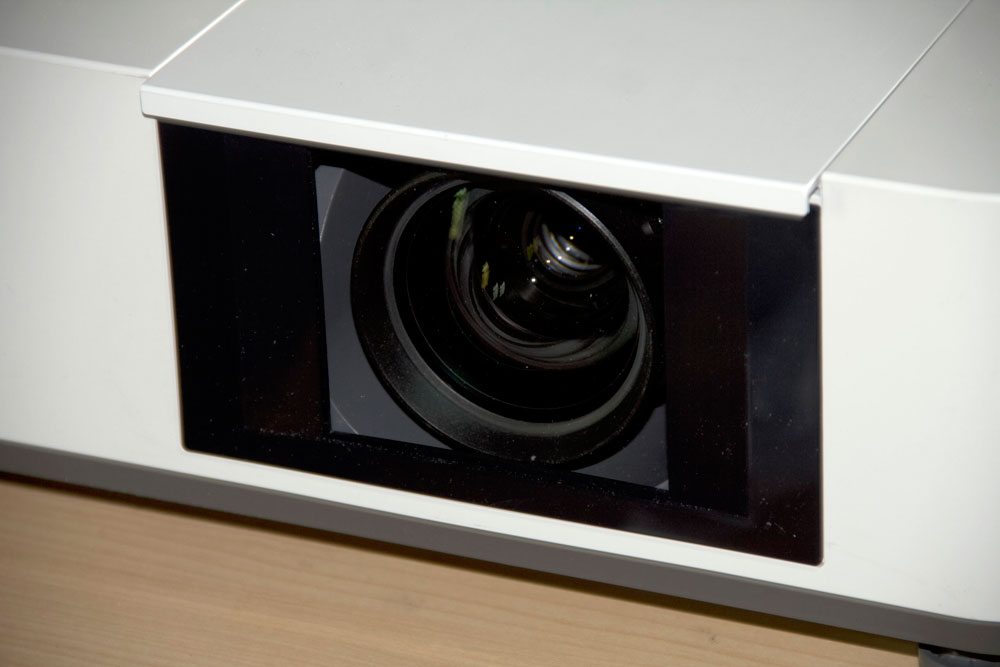
The Sony projector offers a manual 1.6:1 lens which provides very good placement range. Nothing unusual here, Sony's been providing a 1.6:1 zoom going as far back as the original projector in the series, the VPL-VW50. Of particular note, are the optics, unlike most projectors there's very little drop off in brightness as one goes from wide-angle, to telephoto on the zoom.

Harry Potter image from the Sony VPL-HW30ES projector.

VPL-HW50ES Projector 3D Capabilities

I could ask for more lumens - with 3D one always can.  Other than that, though, the 3D is downright excellent.  And, brightness is surprisingly good relative to the actual lumen measurements.  I found brightness on my 1.3 gain Stewart StudioTek screen at just under 100" diagonal to be definitely bright enough to satisfy most people.  Certainly it seems a good deal brighter than my last two visits to the local Cineplex to watch non-IMAX 3D cinemas.

Each generation of 3D capable projectors is doing brighter 3D.  They are learning to improve the glasses, the control of the glasses, using faster panels, and whatever else.  The point is, some projectors today, look brighter on 3D, than, perhaps a last year's model that is officially 50% brighter.

Brightness has been a constant concern for 3D.  Until last year, I didn't find a single under $10K projector (other than LCD projector models) doing 3D that was reasonably bright on a 100" screen.

But each year's efforts matter.  Last year, the brightest 3D I saw all year was from Epson's Home Cinema 5010.  This year I put that same 2400 lumen projector, side by side with this Sony - claiming 1700 lumens.  I really was surprised that the Sony was brighter.   Sony has one more glasses mode than Epson, but no matter, Epson at its brightest glasses setting wasn't as bright as the Sony on its second brightest. Same for the better settings, which have less, if any visible crosstalk at all..  The Sony basically remained brighter against comparable settings on the Epson, when crosstalk was comparable.

Now in fairness, the Epson 5010 I have here is "last year's" projector, so when the new 5020 comes in it may be brighter as well. The other issue is the Sony now has about 110 hours on the lamp, while this Epson just broke 800 hours.  That 800 hours of use probably means its brightness is down 10-20% compared to a new one. Even that would suggest that the two projectors are about equally bright - at brightest, when in 3D.

As mentioned, the Sony HW50ES projector offers 4 modes a choice of four settings for the glasses.  Basically they are controlling the potential crosstalk by determining how long each eye's shutter is open.

An optional emitter is available should you need it for larger rooms.

3D Glasses (two pair provided standard):

Your VPL-HW50ES price of $3999 includes two pair of 3D glasses, these newer Sony glasses, are rechargeable from USB.  Sony's newest glasses are very lightweight, and fit comfortably over my own glasses.  After I took these off following about 2.5 hours of 3D, I did wish they were more comfortable.  In fairness, I have a rather large head, and they are a bit small/tight over my glasses.  Epson glasses fit me better, but I hear that folks with smaller heads like the Sony's better.  I guess if you have a mid-sized head, either will be good.   Ultimately not bad, remember though, I wear glasses all the time.  By the way, when I walk away from the screen, I can comfortably put the glasses on top of my head out of the way to deal with real world in 3D (life)!  That's a good thing. 

The combination of the glasses, and the brighter "glasses" settings provided by the VPL-HW50ES projector, combine for a reasonably bright 3D experience, something that many 3D capable projectors struggle with.

VPL-HW50ES MotionFlow - Creative Frame Interpolation

The Sony's CFI (MotionFlow) is very smooth. There are three settings: Off, Low, and High. As is typical, I used Low successfully for sports viewing, didn't spend much time with the high setting. I also left it on for most HDTV content. Consider MotionFlow, when on, to be a matter of taste, when watching most digital content.

In the low setting, the CFI is definitely visible in terms of the soap opera effect - basically a digital video effect.  It doesn't work for me for movie viewing, although it really isn't bad.  One time, when settling in for some viewing, I had MotionFlow on low for the movie Red.  I watched the whole first chapter.  Only later did I realize it was on low.  On the other hand, the low setting does smooth out some occasional pans that could be smoother with CFI off.  It's strange how the DirecTV logo really jitters (when in pause) is "ponging" it around a dark screen.  All I have to do is walk to the next room to see a Sony LCDTV that is smoother on the same graphic. 

One interesting thing about Sony's implementation of CFI on the HW50ES, is that the CFI - motion smoothing, operates not only with 2D content, but also with 3D. If I recall correctly, the not that long ago review of the Optoma HD8300 Optoma, I determined that their CFI does not operate in 3D modes, nor did Epson on their "last year's models - the HC5010 and HC6010. I imagine only a few will, at least for this generation. As panel speeds get faster - 240hz, 480hz, it will be easier to be doing 3D and CFI...

Sony VPL-HW50ES Pixel Adjust

We've discussed this on the more expensive VPL-VW series projectors. These Sonys allow you to do a pixel adjust for the whole screen, or break the screen down into zones and do all of them individually.  The system allows for adjusting pixels in increments of a mere 1/10th of a pixel diameter!

I earlier mis-reported on the adjustments.  There are 144 zones - an 9x16 matrix.  Auto pixel adjust does a pretty respectable job, but you can go in and manually invest a lot of time, and perhaps come out even better.  This particular VPL-HW50ES projector I'm reviewing is pre-production, and without the adjustment it's rather far off.  I'll definitely attribute that to the "pre" status, and that this one has been at trade shows, dealer sneak peaks...it's been shipped around a bit.   

All considered, regarding the initial pixel alignment error, the Auto Adjust feature does a very respectable job, even if this pre-production projector isn't as well aligned out of the box as new full production Sony's prove to be.

^ Back to Top

NEXT: Take a physical tour of the Sony VPL-HW50ES