Please visit our sponsors

Sony Cineza HS51A Review - Their latest LCD powered, home theater projector
2/11/2006 - by Art Feierman

Overview
Image Quality
General Performance
Warranty
Summary, Pros, Cons

This new version of the Sony HS-51 is the first Sony home theater projector I have had a chance to review. Since I never got to work with the older HS50 or HS51, I cannot advise on how much it may be improved over them. According to Sony, the HS51A started shipping in the US, this past December.

Here's the basic info on the Sony HS51A:
MSRP: $5495
Technology: 3 LCD panels
Native Resolution: WXGA 1280x720
Brightness: 1200 lumens
Contrast: 10,000:1
Zoom Lens ratio: 1.55:1
Lens shift: Vertical and Horizontal
Lamp life (full power) 2000 hours
Warranty: 2 years

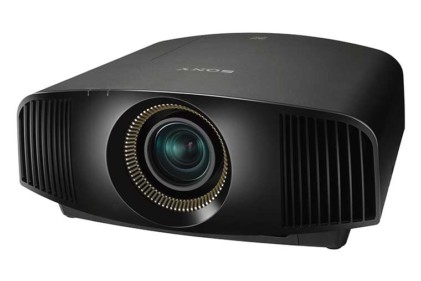
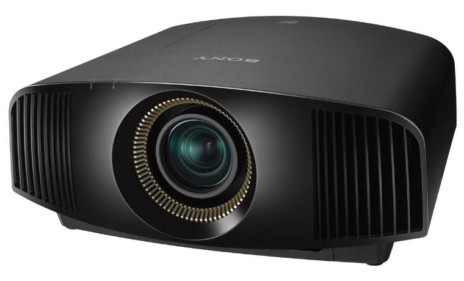
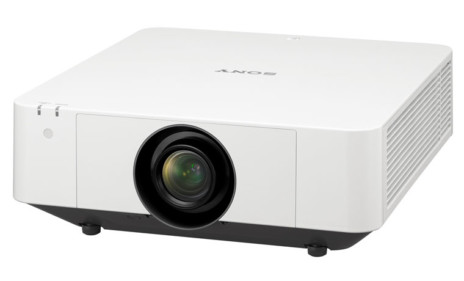
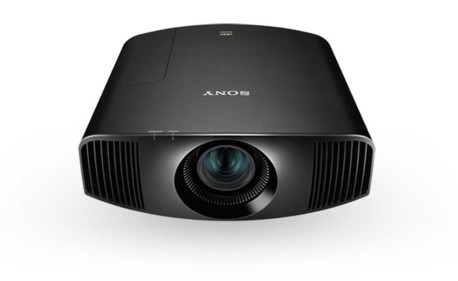
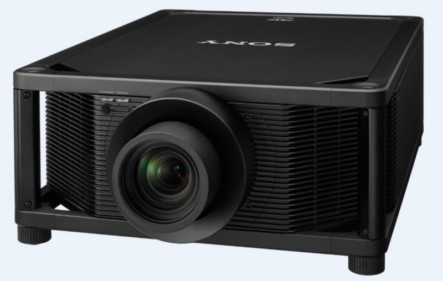
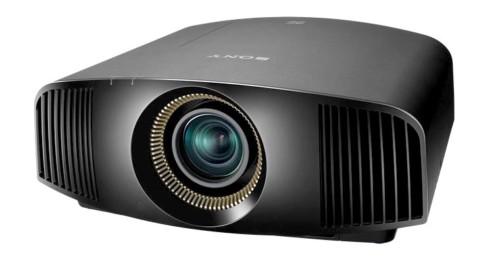
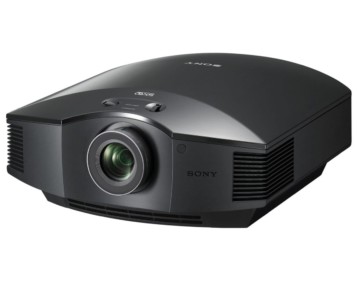
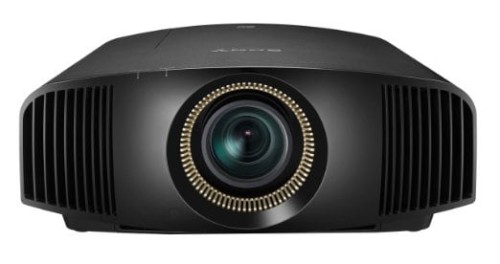
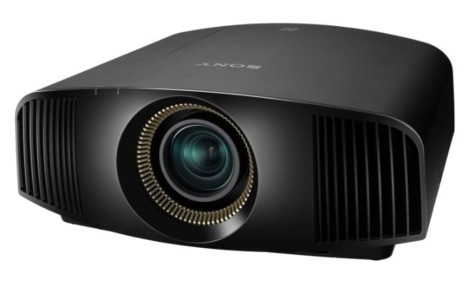
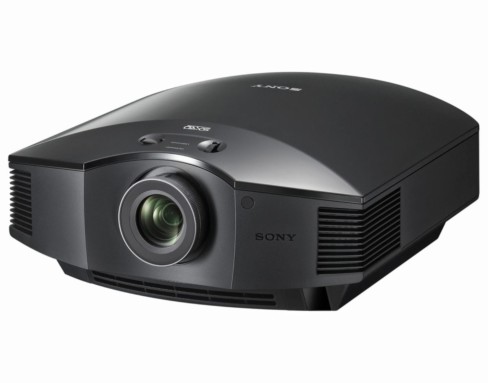
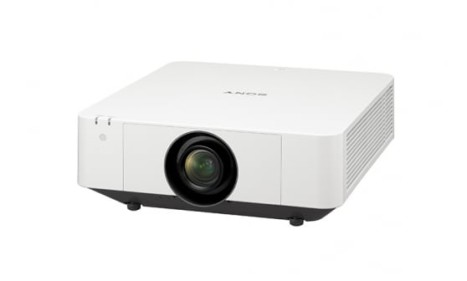
Sony Cineza HS51A home theater projector viewed from the front.This Sony projector sits in in an unusual price point for an LCD based home theater projector. With online prices around $3000 or less, it is dramatically more expensive than the popular Sanyo Z4 or Panasonic AE900u, both of which are now less than $2000 online after rebates. As a result, its most direct competition does not come from other LCD projectors: Epson's Pro Cinema 800 is significantly more, and the high power Sanyo PLV80, thousands more. Instead, the closest competition, price wise, is from DLP projectors, notably, Optoma's (Hot Product Award winning) H78DC3, which sports the Darkchip3 DLP, and the less expensive Darkchip2 Mitsubishi HC3000 (which I haven't had a chance to review).

Physical Tour

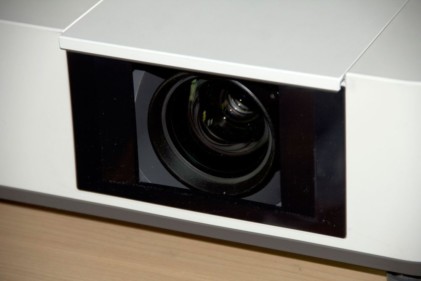
Starting at the front ot the Cineza HS51A, you will find a manual zoom lens mounted far to the right of center (if you're facing the projector). The lens is not recessed (so be careful), and has rings on it to both focus and zoom. The zoom range is 1.55:1 giving it good flexibility but on the low end of zoom range for LCD projectors, a few of which have 2:1 zooms. Sony's zoom lens will allow you to fill a 100" diagonal 16:9 screen from as close as (approximately) 9.8 feet, and as far back as 15 feet. If your preferred setup is to shelf mount in the back of the room, and your roomis relatively deep, you may not be able to place the projector that far back. Still, ceiling mounting is preferred by most who want a permanent setup. There is a small infra-red sensor further to the right, just above the Sony logo. The projector vents its hot air out of the left front of the unit. It seems to blow it pretty much straight forward, but there's plenty of space between the venting and the lens so there was no detectable distortion caused by the hot air column.
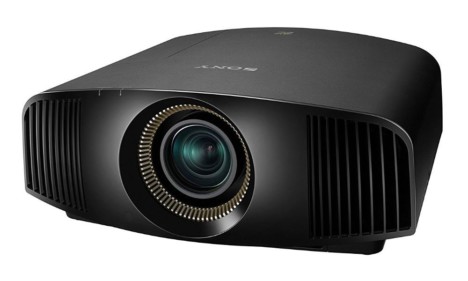
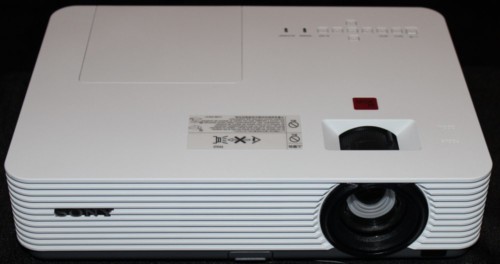
This is the Sony Cineza HS51A projector.Moving right along, there are two screw thread adjustable feet on the bottom near the front but set in several inches. There is a single non-adjustable foot for the rear, for a stable 3 point stance. There is also a panel there, with a single screw, for opening the lamp door to replace the lamp. The location of the screw is sufficiently toward the center of the projector that, depending on the ceiling mount you use, you may have to unmount the projector to replace the lamp!!

Lens shift

If you are still facing the front of the projector, on the right side you will find two dials, one for vertical lens shift, and one for horizontal lens shift.

This is a pad for navigating menus on the Sony HS51A projector.On the left side toward the front are the Power button (once for on, twice for off), input selector button, and Menu button. Right behind the menu button is a small button like joystick for navigating the menus.


Across the top are 4 indicator lights: A lamp indicator (doubles to tell you if the cover is open), Temperature, Power saving indicator (the Sony has a menu option of going into Power Saving mode (and lamp saving), if it sees no input signal for 10 minutes. In that mode, the lamp shuts off, but the fan keeps running. According to the manual, you cannot fire up the projector for the first 60 seconds, after it kicks into Power Saving mode, allowing time for the lamp to cool down.

Here is the Sony HS51A projector's lit indicators.The last indicator is the Power indicator (red for plugged in, and off, green for on).

There is also a small Sony logo on the top that lights up (softly) when the projector is on (free Sony advertising in a dark room). I believe you can set the projector so this does not light, but didn't investigate.

Well, that finally takes us to the back panel. You will find the cable connection area, recessed across the bottom of the back. Immediately above that is a removable large panel that provides access to the air filter. (That is the intake, so if you do shelf mount the projector don't try to get the back of the projector too This is the Sony HS51A projector's input panel.close to the wall, so as to allow sufficient ventilation.)
Cable connections

Facing the back of the projector, and starting from the left, are, first, a 12 volt trigger for controlling a motorized screen, next is a USB connector to connect to a computer. Sony provides a CD; Image Director, which allows some custom gamma settings. (PC only, not Mac compatible). Note: no USB cable is provided.

Next in line is a single HDMI connector, then one component video area (the usual 3 RCA jacks), a composite video input (RCA jack) and S-Video. Next is a standard HD15 computer input, and finally the power cord receptacle. Unlike most projectors the Sony Cineza lacks a rear infra-red sensor. Also, a number of other new models are sporting a second component video input, compared to the Sony's one. Next year the new projectors will most likely support 2 HDMI, and one component as digital outputs appear on less expensive DVD players, and the rest of the cable and satellite boxes.

Ok, that covers the physical aspects of the projector. Click on the Image Quality link, and we will explore the Sony's image quality performance.

Overview
Image Quality
General Performance
Warranty
Summary, Pros, Cons