Projector Reviews Images

NexiGo Aurora Pro MKII 4K UST Hybrid RGB Projector Review

Posted on November 2, 2025 by Philip Boyle
NexiGo Aurora Pro MKII Award - Projector Reviews - Images

The  NexiGo Aurora Pro MKII is a 4K UHD (3,940 x 2,160p) ultra-short throw projector which retails for a $3,499 MSRP but it often available on sale for less than $3000. The Aurora Pro uses a brand new ALPD 5.0 hybrid light source that combines an RGB solid state laser light source with LEDs to virtually eliminate laser speckle and color fringing, all while providing 2,400 ANSI lumens of manufacturer-rated brightness. This new laser also offers an improved estimated light source life of up to 30,000 hours.

Nexigo is using a new lens on the Aurora Pro MKII that improves edge-to-edge focus while keeping the projector closer to the screen, while maintaining the maximum recommended projection size of 150 inches.

The Nexigo Aurora Pro MKII displays deep blacks with excellent dark-area detail by boosting the native contrast to 4000:1 and the dynamic contrast to 30,000:1. Nexigo has also added a dynamic iris alongside the dynamic laser dimming feature carried over from the previous model.

The Aurora Pro MKII provides users compatibility with advanced HDR formats like Dolby Vision, HDR10+, HDR10, and HLG, ensuring you can play content from all sources with the most accurate image possible. By not forcing the user to choose between Dolby Vision and HDR10+, Nexigo honors the creator's intent by displaying content as the artist intended, regardless of the HDR format in which a movie or television show is mastered.

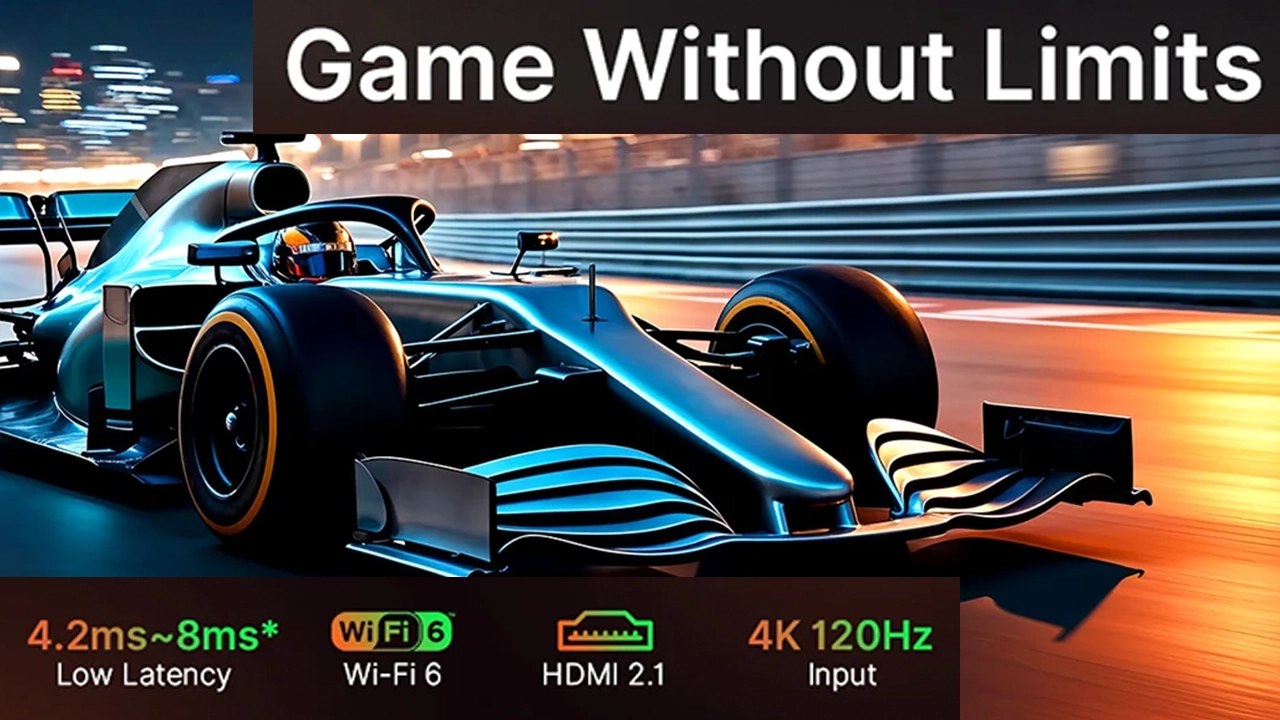
The NexiGo Aurora Pro MKII is also an amazing gaming projector featuring HDMI 2.1. It can input 4K 120 Hz signals (displayed @4K 60P) and has a manufacturer-claimed 4.2 ms low latency at 1080p 240 Hz or 8ms at 1080p 120 Hz using the projector’s GAMING mode. NexiGo has also included MEMC (Motion Estimation Motion Compensation) technology to reduce judder, enhancing the smoothness of the gaming experience.

The Aurora Pro carries over the Dolby Atmos sound system from the previous model, providing incredibly dynamic sound to go along with the projector's 4K UHD picture, as well as putting you in the middle of the game playing experience.

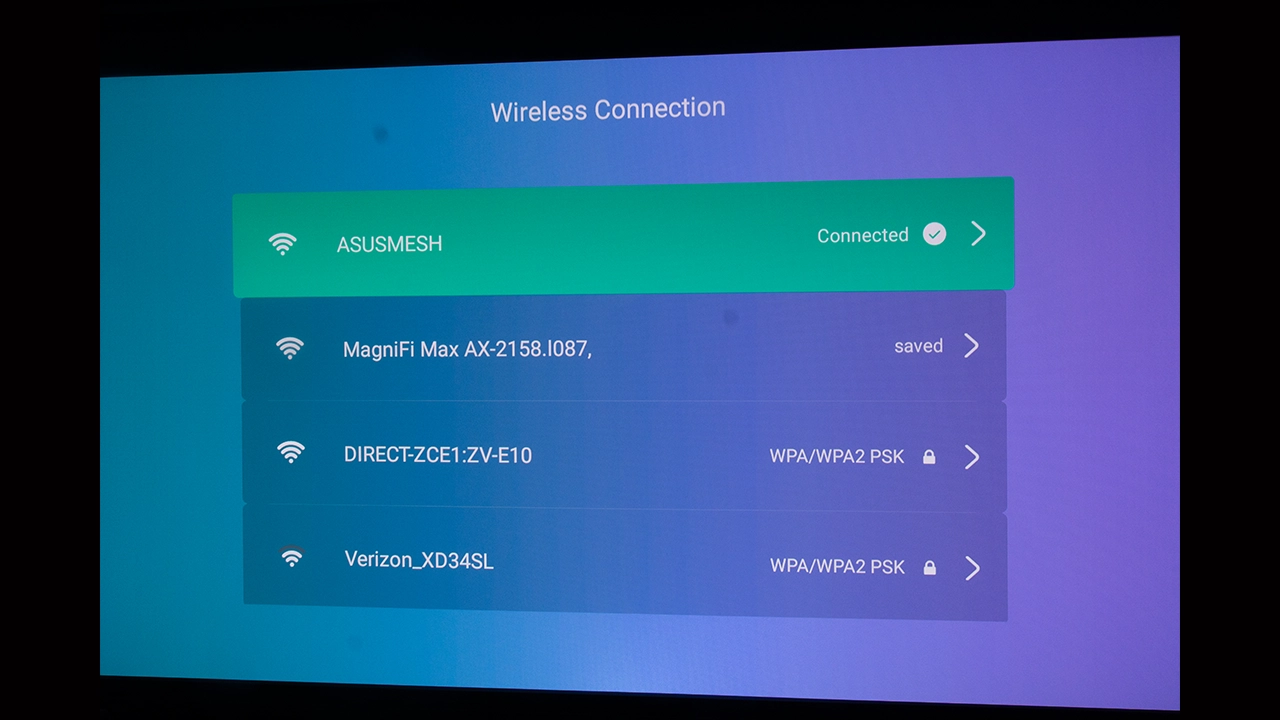
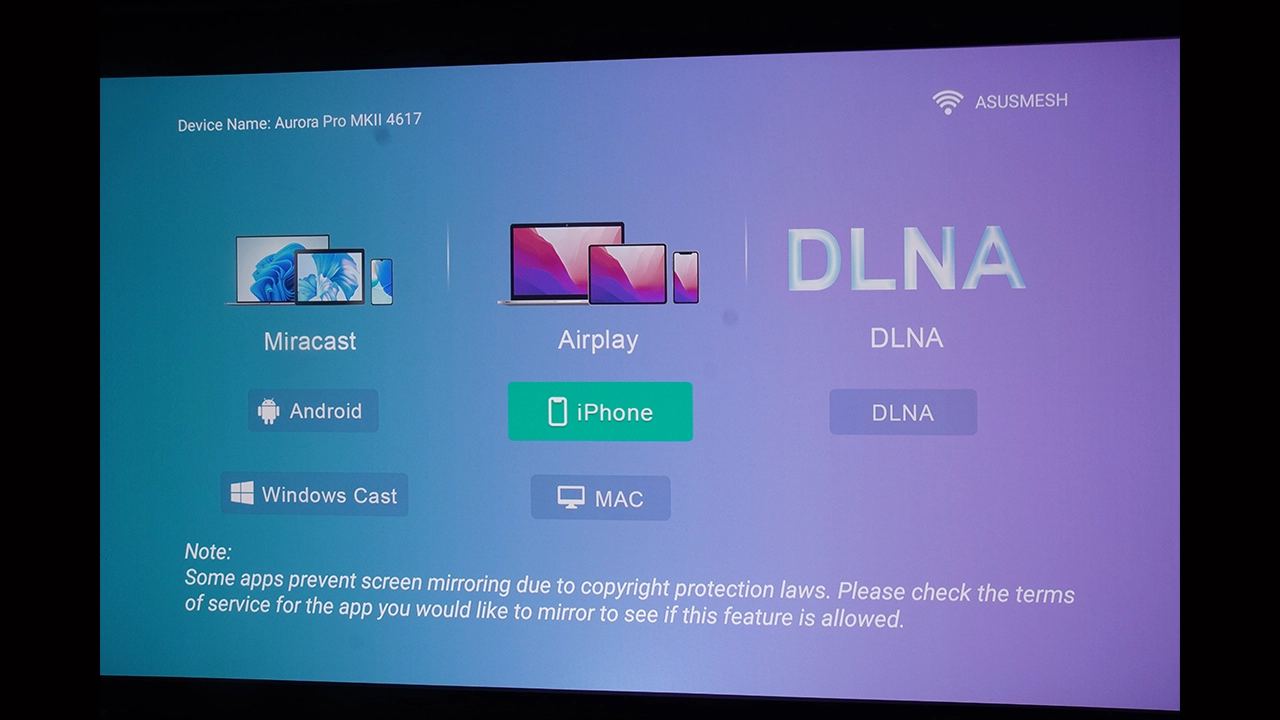
The Aurora Pro MKII supports Bluetooth 5.2 and WiFi 6 wireless networking, allowing users to stream high-bitrate 4K content from compatible devices via Miracast, DLNA, and Apple AirPlay without buffering or stuttering. This projector also supports Amazon Alexa.

NexiGO Aurora Pro MKII
NexiGo Aurora Pro - Projector Reviews - Images
Suggested Retail Price: $3499
Ratings Based On Comparable Models
Brightness
Color Reproduction
Contrast
Sound Quality
N/A
Pros

+ ALPD 5.0 laser offers excellent color and brightness
+ Ultra low input lag for gaming
+ 60 Watt Dolby Audio offers big sound for movies and gaming
+ Dynamic iris plus laser dimming for exceptional blacks and dark area details
+ Supports Dolby Vision, HDR10+, HDR10 and HLG HDR formats
+ CMS offers extensive picture adjustments

Cons
  • No USB 3.0 high-speed ports
  • Auto Low Latency Mode (ALLM) is not supported
  • Does not support Google TV OS, Google Play Store, or Google Search


Buy Now On Amazon - Projector Reviews ImagesBuy Now- ProjectorScreen.com - Projector Reviews Images
If you are interested in purchasing the projector mentioned in this article, we always appreciate it if you use one of the links in the article because Projector Reviews earns a small commission on the sale at no cost to you.

When it comes to the projector's impressive list of features and performance, NexiGo has gone all in, providing its customers with an ultra-short-throw display that is both a high-end home theater projector and a fast gaming projector, competing with many dedicated gaming projectors. Nexigo has thrown in just about every feature, except the kitchen sink.

Looking for a quick recap of our impressions of the NexiGo Aurora Pro MKII, check out the video below.

OVERVIEW

The NexiGo Aurora Pro MKII is the successor to the company's impressive NexiGo Aurora Pro, which I reviewed last November and awarded a Highly Recommended rating. Let’s take a detailed look at the Aurora Pro MKII and see how it lives up to its very impressive list of features and rated performance. In this review, I will take a detailed look at this new projector's hardware and features, and share my opinions on the Aurora Pro MKII’s features and, more importantly, how it performs out of the box as I put it through its paces.

In 2023, NexiGo, an American brand out of Portland, Oregon, launched the Aurora Pro. This excellent projector was well received and, in a detailed review here on Projector Reviews, was given a highly recommended award for its broad feature set and out-of-the-box color performance, so good that most users would find calibration unnecessary.

NexiGo Aurora Pro MKII Features - Projector Reviews - Images
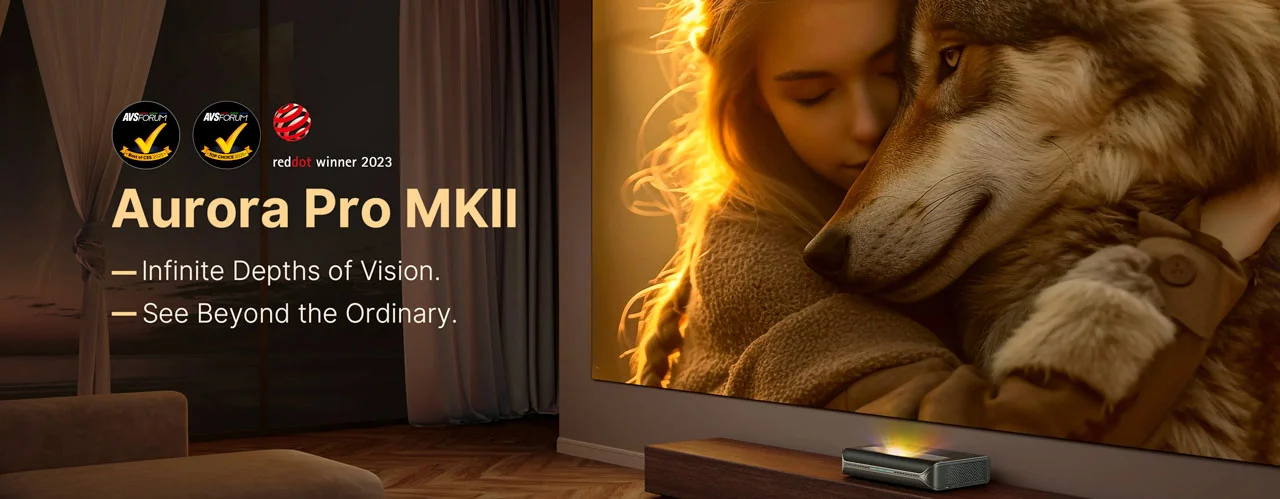
The NexiGo Aurora Pro MKII is designed for high-end home theater installations, featuring an ALPD 5.0 light source.

NexiGo has big shoes to fill in the follow up to the first generation Aurora Pro that the company has aptly named Aurora Pro MKII. This new projector continues the design language Nexigo started with the Aurora Pro. In fact, it is almost visually identical. On paper, the company appears to have carried over the robust feature set from the previous model, but upon closer examination, you will find Nexigo has made significant improvements to the projector's core technology and performance, as well as addressing a couple of issues, such as focus uniformity.

NexiGo Aurora Pro MKII ALPD5 - Projector Reviews - Images

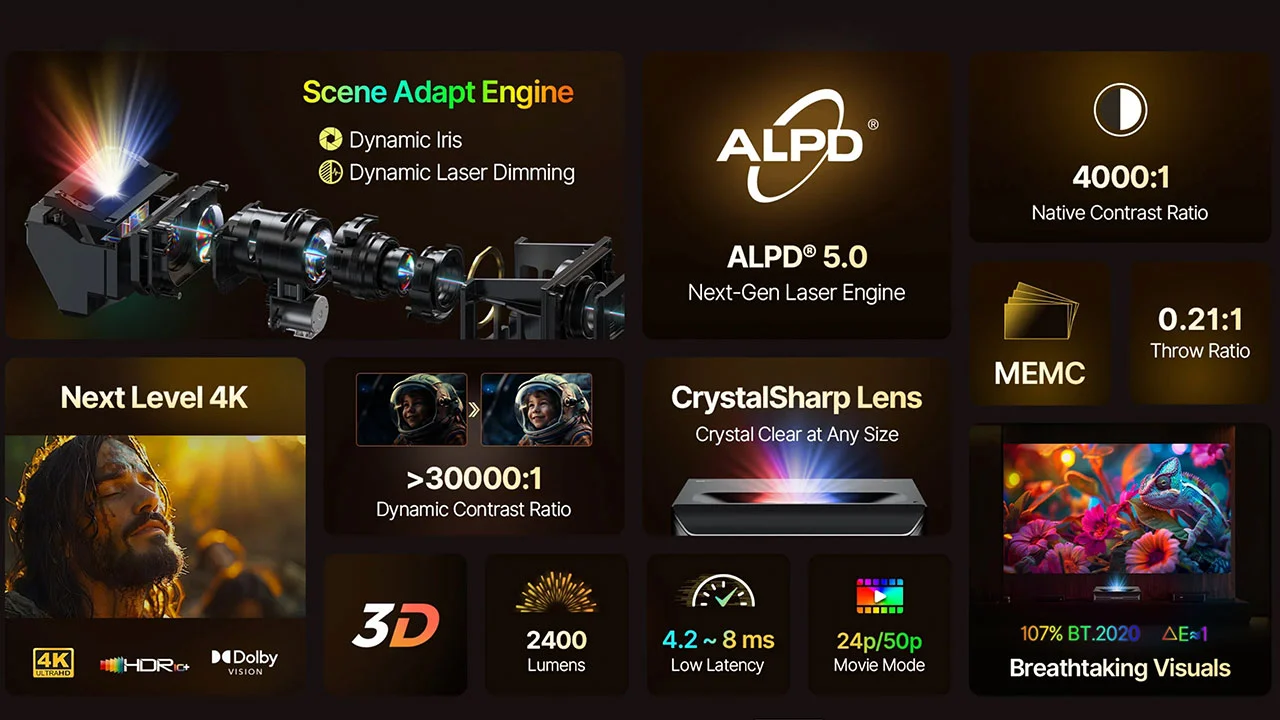
The NexiGo Aurora Pro MKII features a newly updated ALPD 5.0 hybrid laser light source, a significant step up in both design and performance from the previous model's ALPD 4.0 light source. On paper, the Aurora Pro MKII’s laser light source produces the same 2400 lumens of manufacturer-rated brightness and covers 107% of the BT.2020 color space coverage as the previous projector. Both projectors are rated as featuring a Delta-E around 1, but the devil is in the details. When you look closer, you find that the MKII’s combination of RGB lasers and LEDs creates an image that fills the gaps left between the pure RGB lasers red, blue, and green peaks.

This hybrid laser technology produces a more continuous, balanced spectrum, resulting in more natural color blending and transitions, reduced color fringing, and virtually no laser speckle compared to the previous model. The laser projector industry has repurposed an older term, traditionally applied to film, called the Super Panchromatic Effect to describe the improved performance of ALPD 5.0 (hybrid) laser light sources. ALPD 5.0’s super panchromatic effect moves beyond the performance of a pure RGB laser light source, providing a richer, more complete, and continuous color experience. In short, ALPD 5.0 dramatically improves the perceived color quality of the Aurora Pro MK2’s projected image.

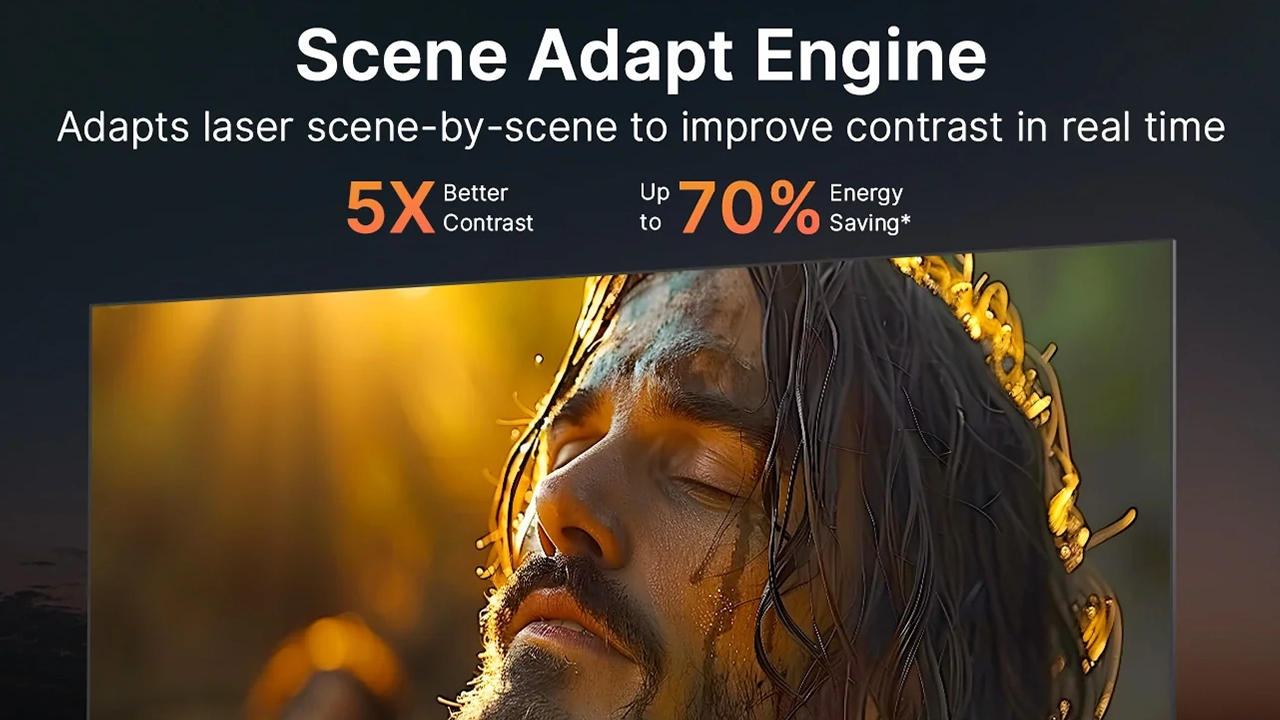
NexiGo Aurora Pro MKII Scene Adapt Engine - Projector Reviews - Images

The NexiGo Aurora Pro MKII features the company's new Scene Adapt Engine (SAE). The SAE leverages machine learning and real-time frame analysis to adjust the projector's dynamic iris and laser dimming to enhance the projected image quality. SAE dramatically improves the MKII's dynamic range and contrast, making displayed colors appear more vibrant, especially, but not exclusively, when displaying HDR-encoded content. Nexigo also enhances the MKII’s perceived color performance and contrast by introducing a dynamic iris that works in conjunction with the projector's advanced laser dimming technology. All controlled by the Scene Adapt Engine.

SAE is key to the significant boost to the Aurora Pro MKII’s 30,000:1 dynamic contrast, resulting in deeper black levels and bright highlights. Nexigo has boosted both the native and dynamic contrast of the MK2, which allows the projector to create a more eye-catching mix of brightness and shadow, creating a more immersive and life-like picture compared to the previous model.

Nexigo Aurora Ultra Short Projector Model Comparison
ModelAurora Pro MKIIAurora ProAurora Lite
Price (MSRP)$3499$2699$2699
Brightness2400 lumens2400 lumens1900 lumens
Laser TypeALPD 5.0ALPD 4.0ALPD 4.0
Dynamic IrisYesNoNo
Contrast4000:1 (30,000;1 Dynamic)3000:1 (6000:1 Dynamic)3000:1 (6000:1 Dynamic)
Throw Ratio0.21:10.233;10.233:1
Input Lag4.2 ms4.2 ms8 ms
Sound System60 Watt Dolby Atmos60 Watt Dolby Atmos60 Watt Dolby Atmos

Over the past several years, high-performance gaming in home theater projectors has gone from being considered a niche priority to a rapidly growing priority for potential projector buyers, and projector manufacturers like Nexigo and many others are listening. According to a 2024 GIS (Global Insight Services) report, the gaming projector market is anticipated to expand from $1.79 billion in 2024 to $ 4.83 billion in 10 years, which is impressive. North America is the biggest market for fast gaming projectors, primarily due to the USA’s strong gaming industry and tech-savvy population. This is followed by the European market and then the Asia-Pacific region.

Manufacturers like NexiGo are creating products like the Aurora Pro MKII to meet the requirements of this growing segment of customers by focusing on three key areas, enhancing connectivity options with high-speed, low-latency performance, smooth motion, and compatibility with the growing number of speedy gaming devices that connect wirelessly.

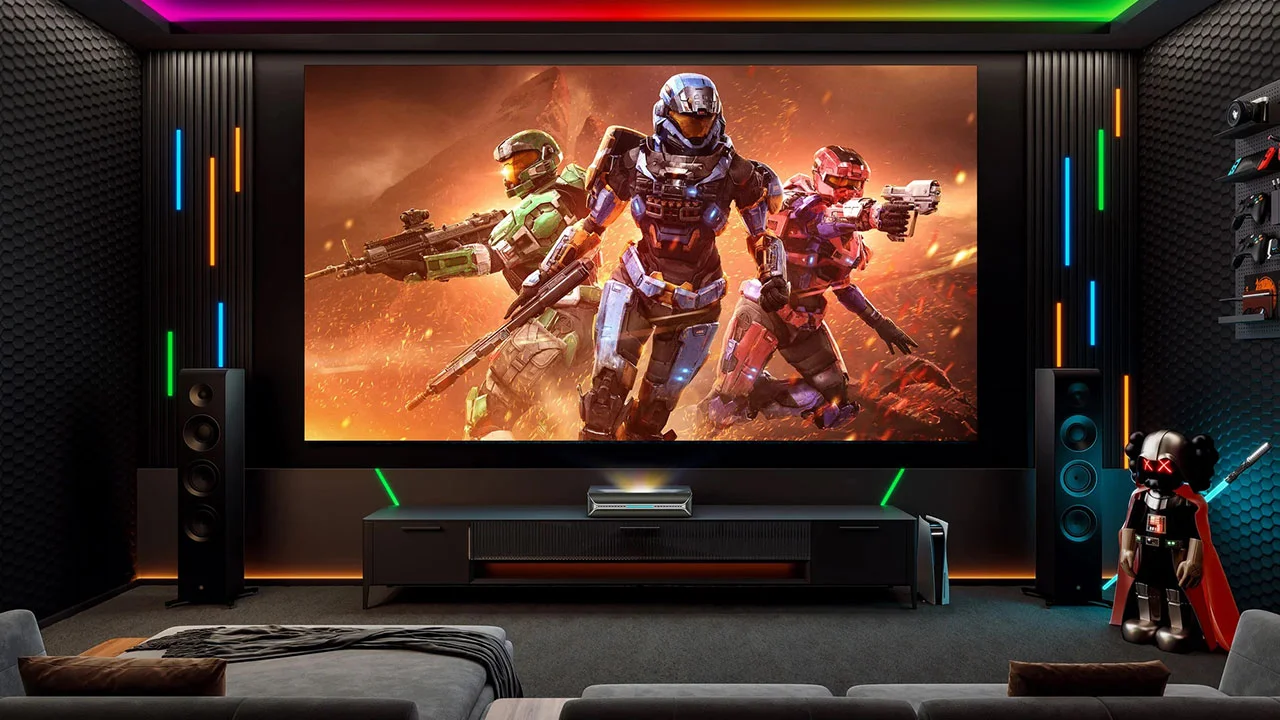
NexiGo Aurora Pro MKII Game - Projector Reviews - Images

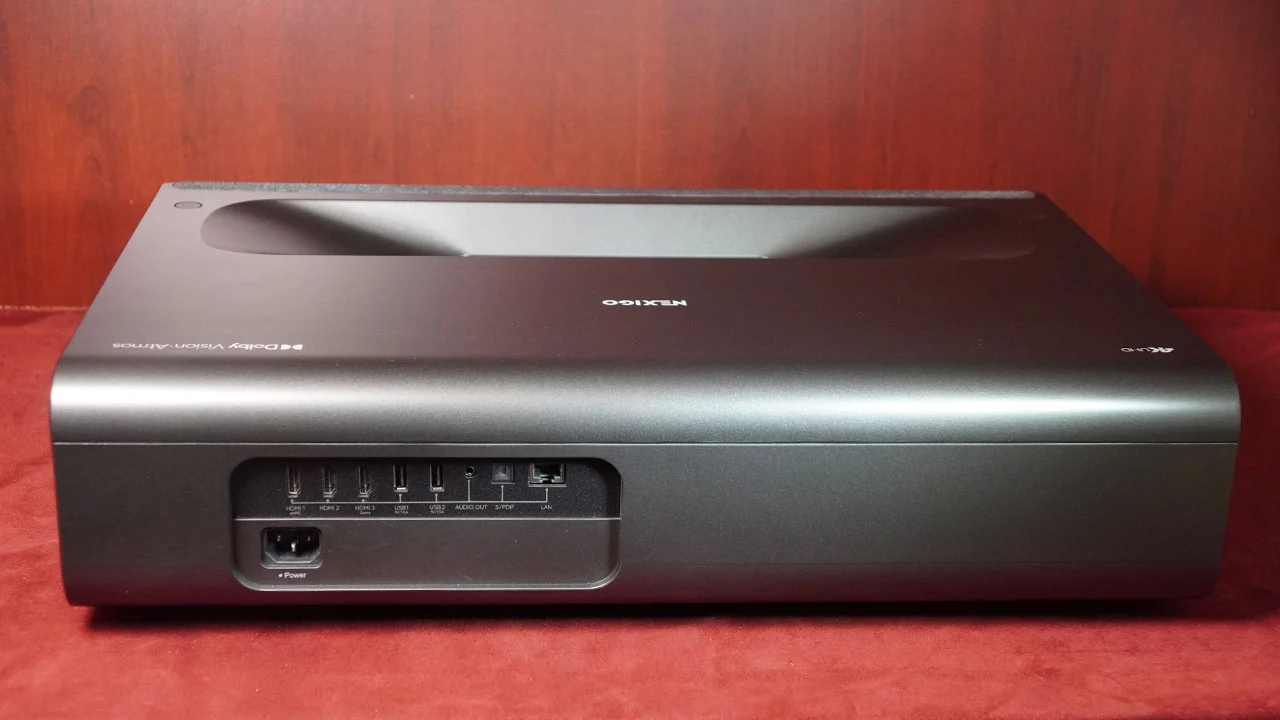
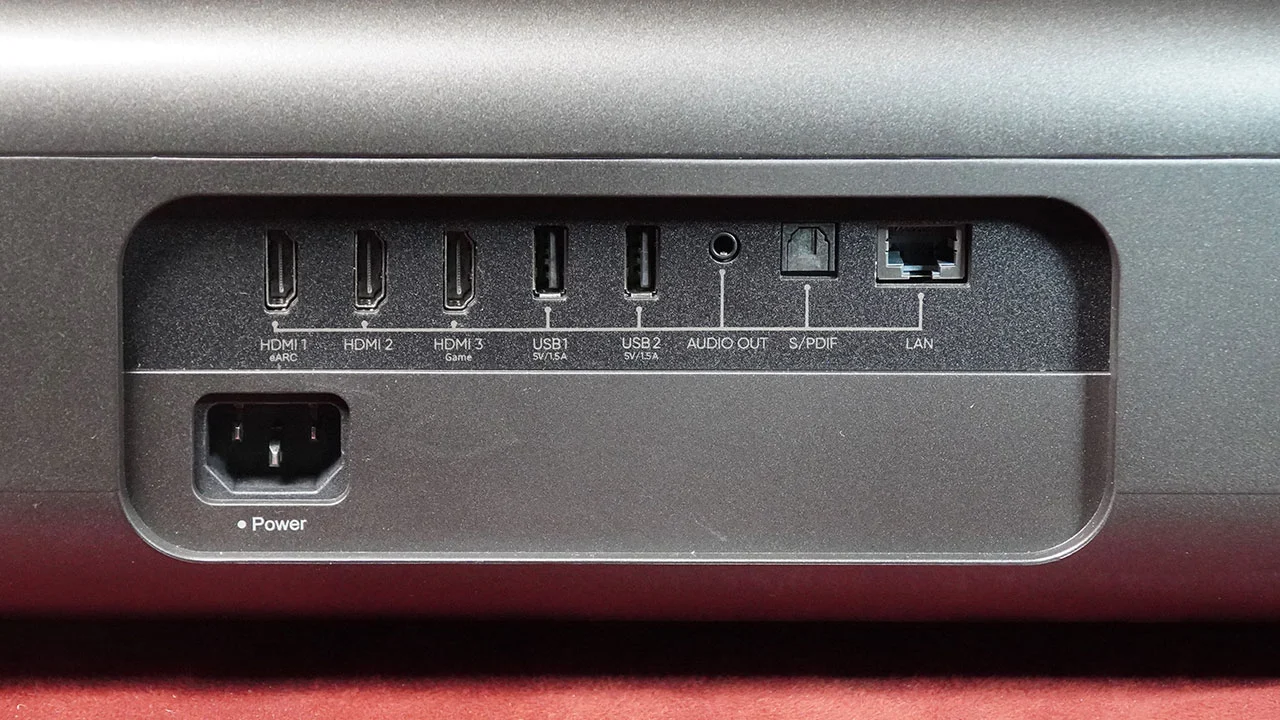
When it comes to connectivity, Nexigo has gone all in with the Aurora Pro MKII featuring a robust range of connections, including three HDMI 2.1 inputs that accept up to 4K 120 signals (displayed at 4K 60 Hz) with ultra low latency performance that ranges from 4.2 ms (1080p 240 Hz signals), 8 ms (1080p 120 Hz signals) or 17 ms for (4K 60 Hz). What this means is that, regardless of whether your source is a modern gaming console or a computer, the time between pressing a keyboard or joystick button and the corresponding action on the screen is almost instantaneous, with little to no visible lag. While there is still room to improve in areas like actually displaying 4K 120 content, the limitations are not in the connections but in the nature of the 4.7-inch DLP imaging chip used in most ultra-short-throw projectors.

NexiGo is able to offer gamers ultra smooth motion by incorporating dedicated gaming modes that use MEMC (Motion Estimation Motion Compensation) technology into the Aurora Pro MKII. At its heart, MEMC is a motion-smoothing feature that offers benefits when watching movies but is primarily an advantage for gaming on a projector. MEMC smooths the image by inserting new frames between existing ones, reducing judder. This makes extended side to side camera movements and slower action appear visually smoother and fluid, especially when viewing this content on the massive projection screen. MEMC eliminates the jerky or staggered motion known as "judder.". In certain types of games, the added smoothness can enhance the immersive gameplay experience. Keep in mind that while MEMC smooths out gameplay, it can have a negative impact on latency with games like first person shooters.

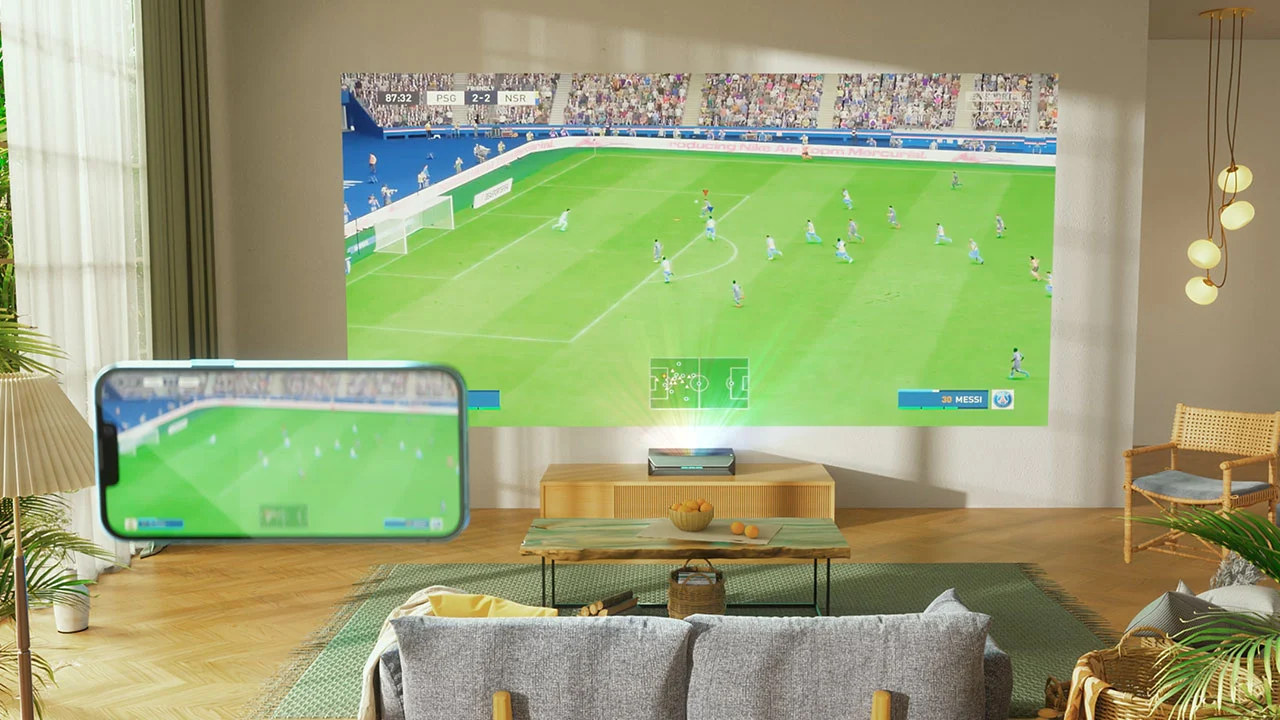
NexiGo Aurora Pro MKII WiFi - Projector Reviews - Images

The Aurora Pro MKII carries over the WiFi 6 network technology introduced on the previous version of this projector. WiFi 6 (802.11ax) offers several benefits for serious gaming, including improved speed, efficiency, and stability compared to previous Wi-Fi standards. WiFi 6 is built specifically to reduce latency (lag), which is critical for fast paced game play where how fast you respond and the game sees your response can be the difference between your character living or dying, and more importantly, winning or losing. This is critical when playing games like fast-paced first person shooters or fighting games.

A WiFi 6 connection can offer up to a 75% reduction in latency compared to the older WiFi 5 standard. You also have to consider the improved download speeds that WiFi 6 offers. If you’ve had to wait while an Xbox Series X or PlayStation 5 game update downloads, you will instantly notice the advantage of a WiFi 6 high speed internet connection.

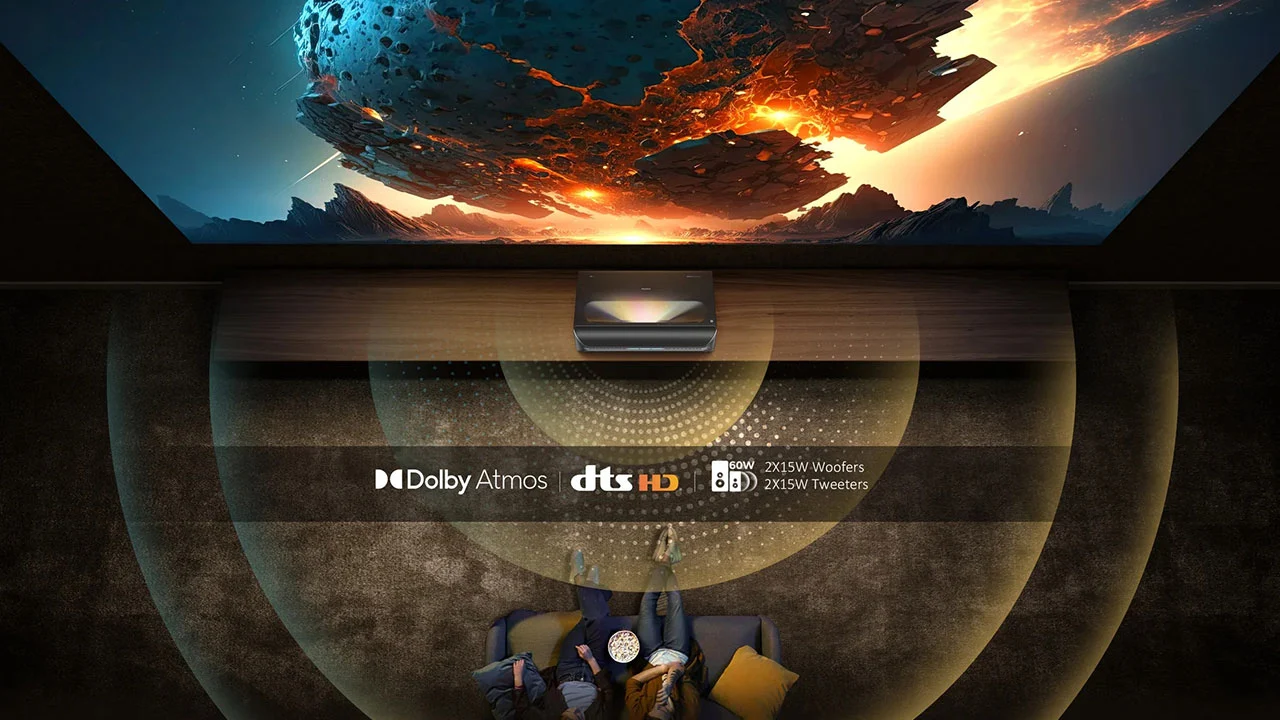
NexiGo Aurora Pro MKII Atmos - Projector Reviews - Images

Finally, NexiGo has included a large 60-watt sound system with 15 x2 woofers and 15 x2 tweeters, which the manufacturer says will not only fill your room with dynamic sound but also offer an excellent soundstage. I’ll also look at this to see if the sound is big and provides a good, simulated surround experience.

The NexiGo Aurora Pro MKII, a 4K ultra-short-throw RGB/LED hybrid laser projector, offers an above-average brightness of 2,400 lumens, making it a strong contender for one of, if not the best, UST projector I’ve reviewed in 2025. It is priced competitively at $3499 but is often on sale for less. The NexiGo Aurora Pro MKII is designed to provide a very good picture in a living room without needing a completely dark room, which is great. Still, by design, this projector shines in a light-controlled space.

HARDWARE

CHASSIS

  • NexiGo Aurora Pro MKII - Projector Reviews - Images
  • NexiGo Aurora Pro MKII - Projector Reviews - Images
  • NexiGo Aurora Pro MKII - Projector Reviews - Images
  • NexiGo Aurora Pro MKII - Projector Reviews - Images
  • NexiGo Aurora Pro MKII - Projector Reviews - Images
  • NexiGo Aurora Pro MKII Inputs - Projector Reviews - Images

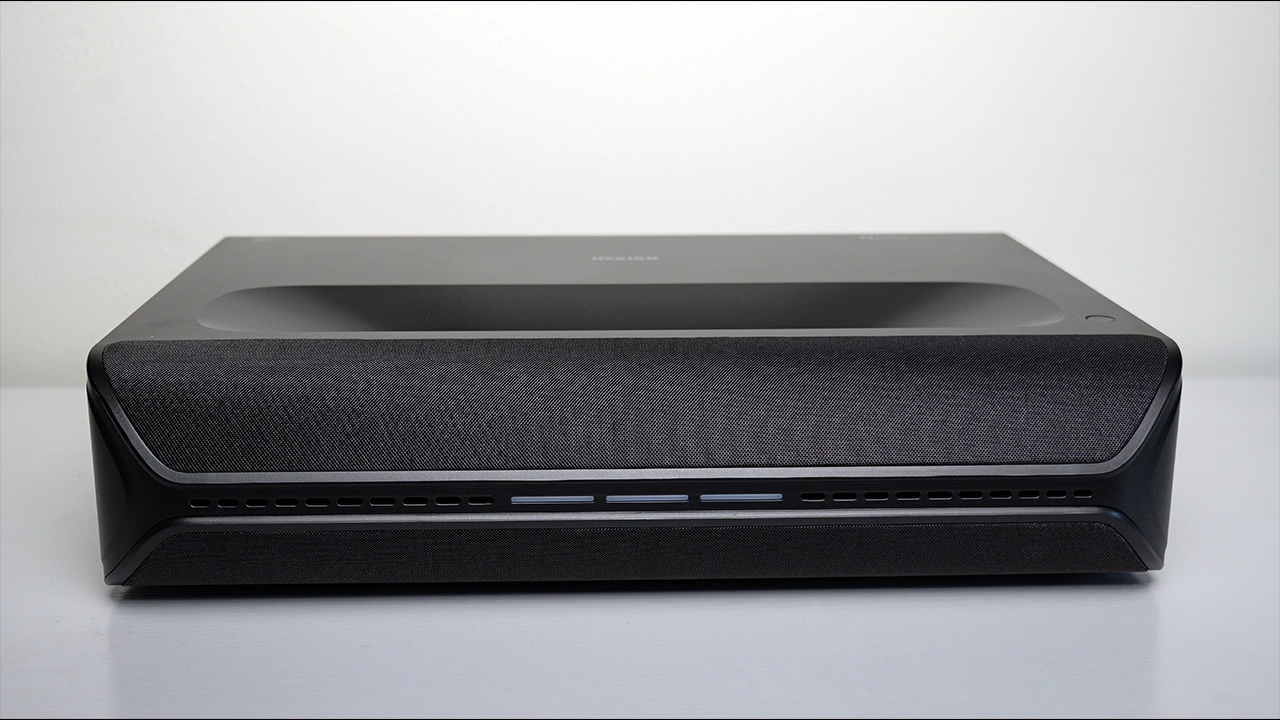
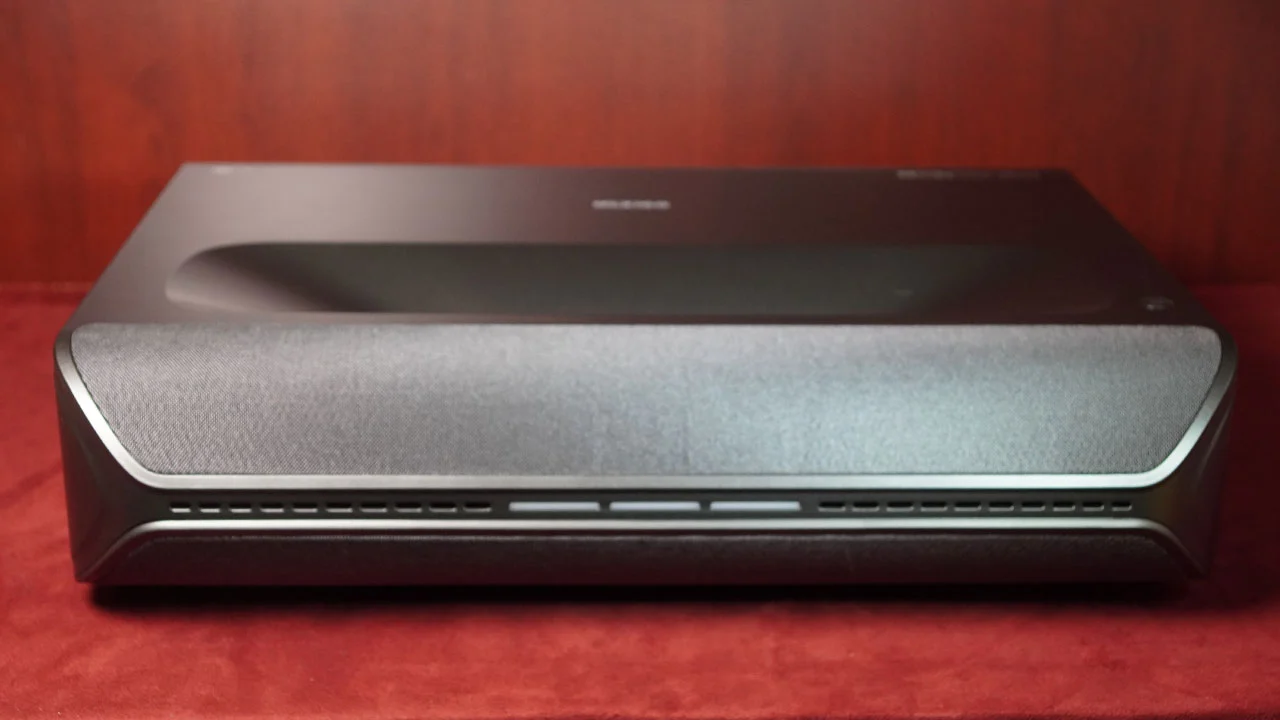
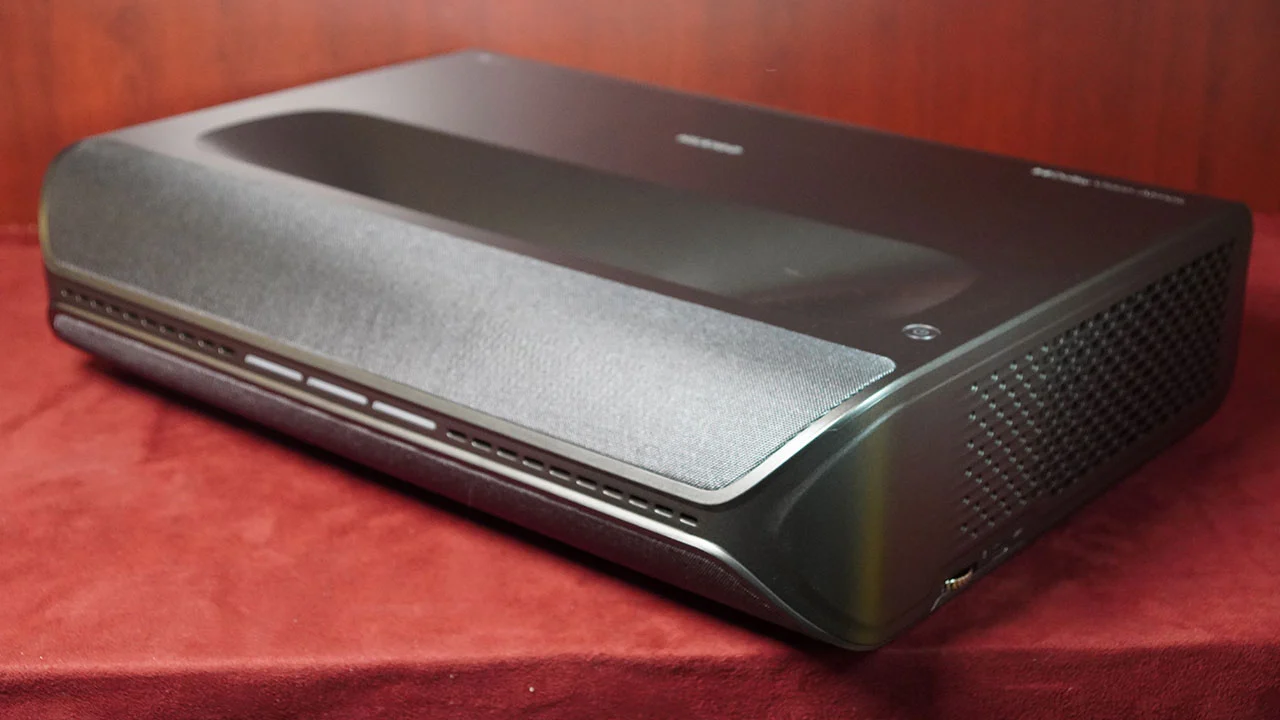
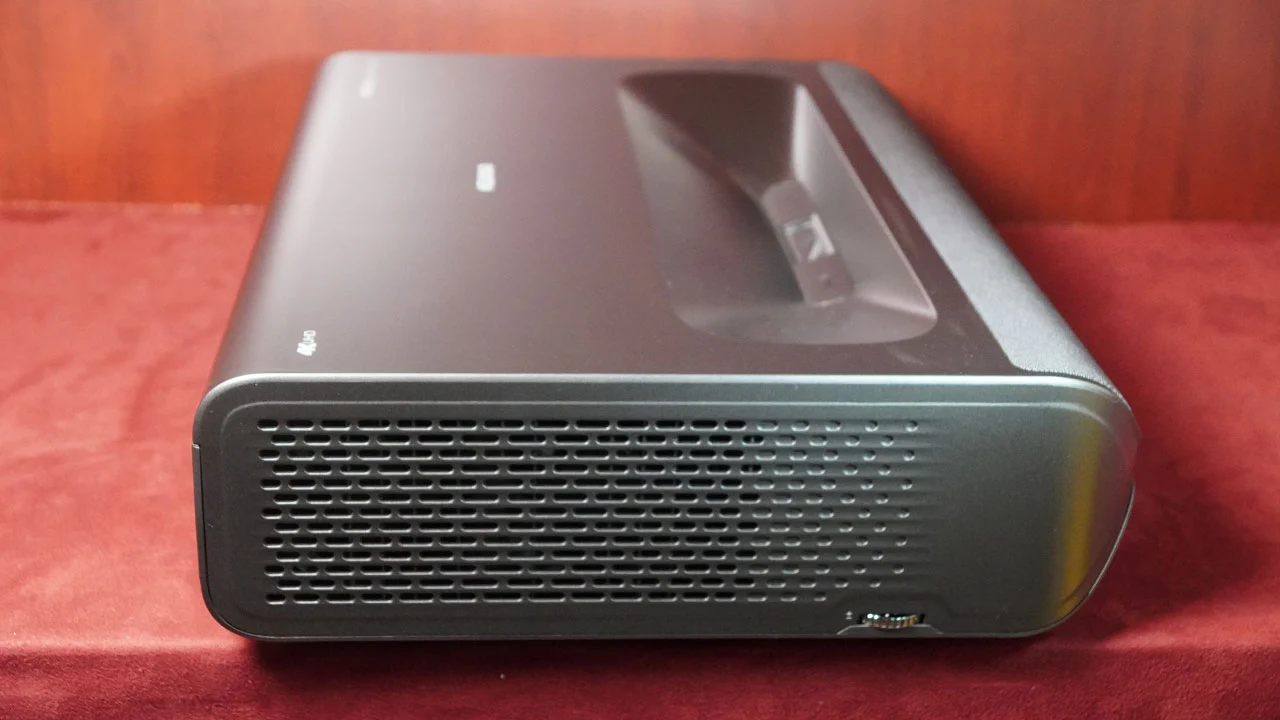
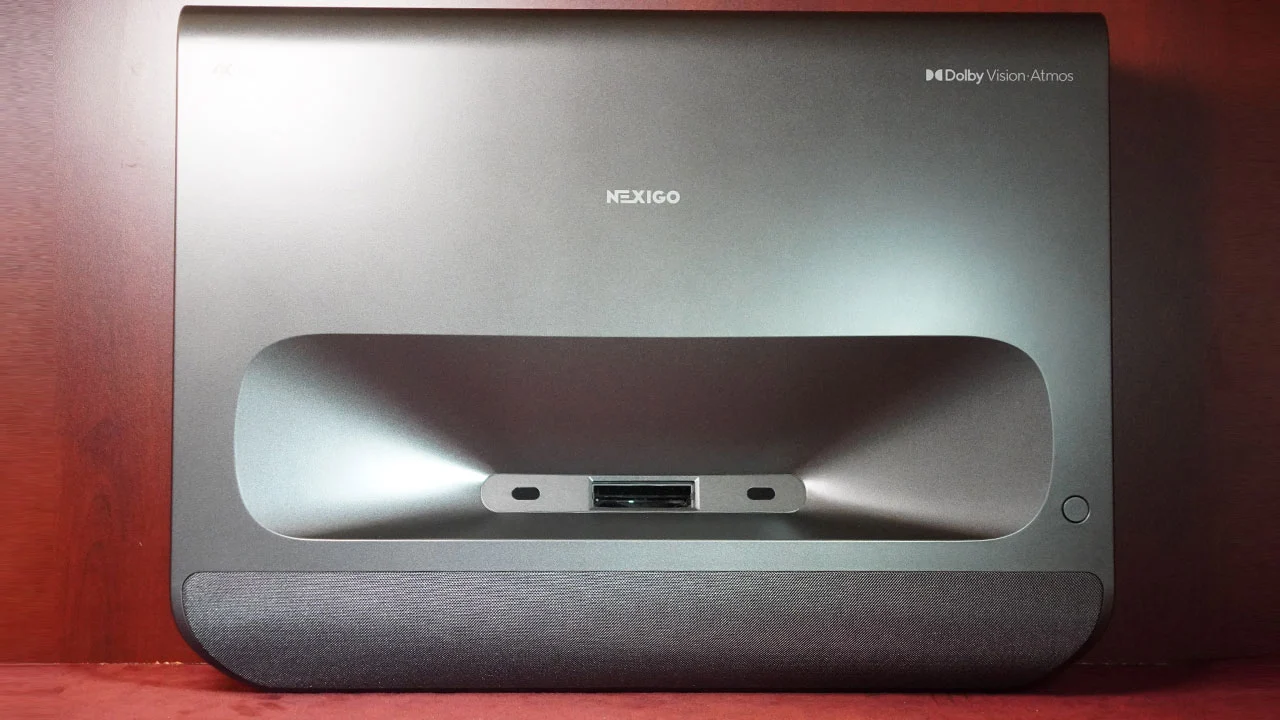
To start with, the new NexiGo Aurora Pro MKII appears to use the exact same chassis as the previous Aurora Pro. The MKII measures (W x H x D) 21.54 x 4.81 x 16.04 inches and weighs 22 lbs. From a size and weight perspective, that is typical (20 to 23 lbs) for the average ultra-short throw projector in 2025.

The Aurora Pro MKII combines a curved front panel attached to a more typical rectangular body. A year has not changed my opinion that this projector is attractive, and in a sea of similar looking devices, the Nexigo is actually attractive. The projector's design allows it to stand out from most competitors while blending into a range of room designs, from rustic to modern. NexiGo also softens the typically sharp edges of so many ultra-short-throw projectors with a gentle curve. NexiGo carries over the three-section power indicator light strip on the projector's front. NexiGo has set the status light on the front to go into standby, so I don’t have to go into the menu and find out where to turn it off.

Overall, NexiGo has carried over an attractive-looking chassis that helps this projector stand out from most competitors, just not too much.

You can power the projector on or off using the single button on the projector's body, located in the top-right corner of the chassis. Power and every other feature on the projector can be accessed via the remote control. When you press the POWER button, you will get a short list of options: POWER OFF, SLEEP TIMER, SCREEN OFF, and RESTART. The Aurora Pro takes about 35 seconds to start from the OFF position, compared to 10 seconds from STANDBY.

NexiGo Aurora Pro MKII Remote - Projector Reviews - Images

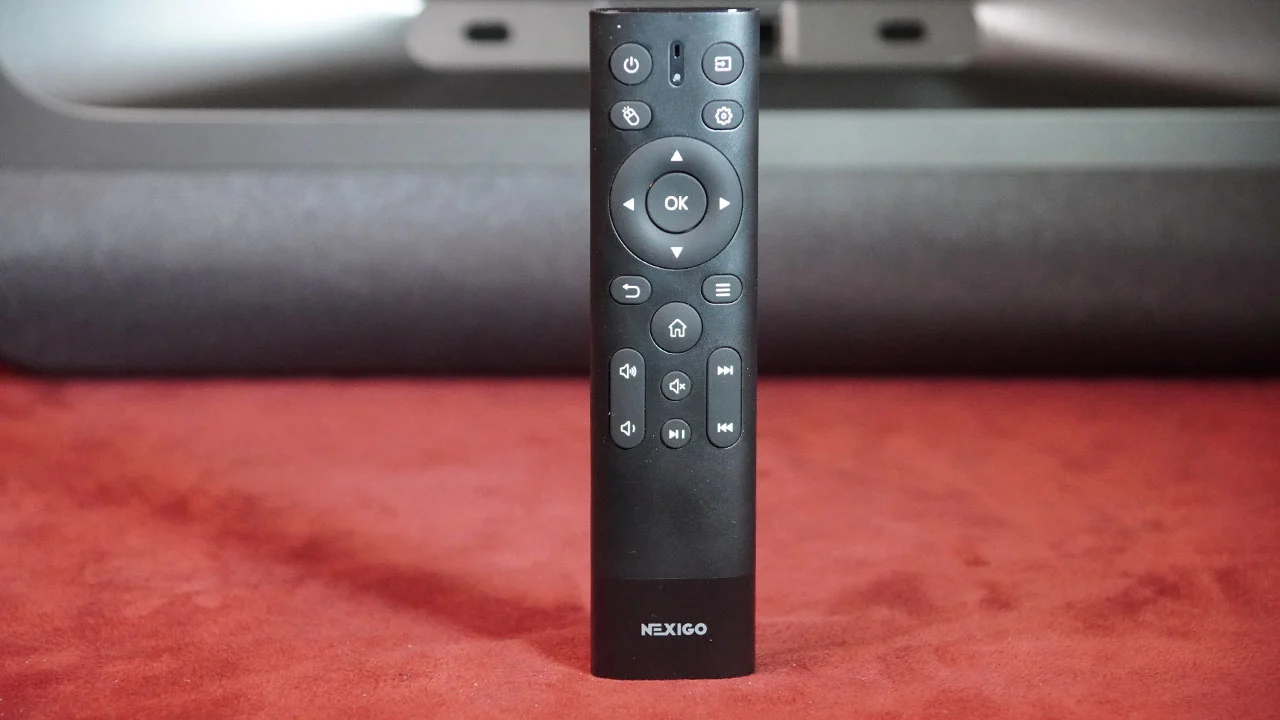
The included remote is nice. It is slightly larger than a typical Android TV or Fire TV remote control and shares a similar but not identical layout. Bluetooth pairing ensures the projector can be controlled even when the remote is not in direct line of sight. The remote control includes Infrared (IR), which can work the projector or a third-party cable/satellite box.

The Power, Input Select, Air Mouse, and GUI Settings buttons are located near the top center of the remote above the standard D-Ring. The upper settings button can be programmed to control settings, focus, or HDMI input selection. Below the D-Ring are buttons for Back, Home, and a detailed Settings menu, not the graphic settings interface. There are also buttons for volume up/down, mute, play/pause, and forward/back.

This remote is line of sight, so don’t have anything between it and the projector if you want it to work. Also, don’t be too far to the left or right of the projector if you don’t want to have to press a button more than once to activate a function. In my testing, if I was more than 10 feet from the projector, the remote connection was spotty.

The remote uses the built-in gyro, which enables the Air Mouse to detect motion and automatically activate the remote's backlight. The backlight timing is excellent, staying on long enough to help you find your button and have the right brightness.

NexiGo Aurora Pro MKII Lens - Projector Reviews - Images

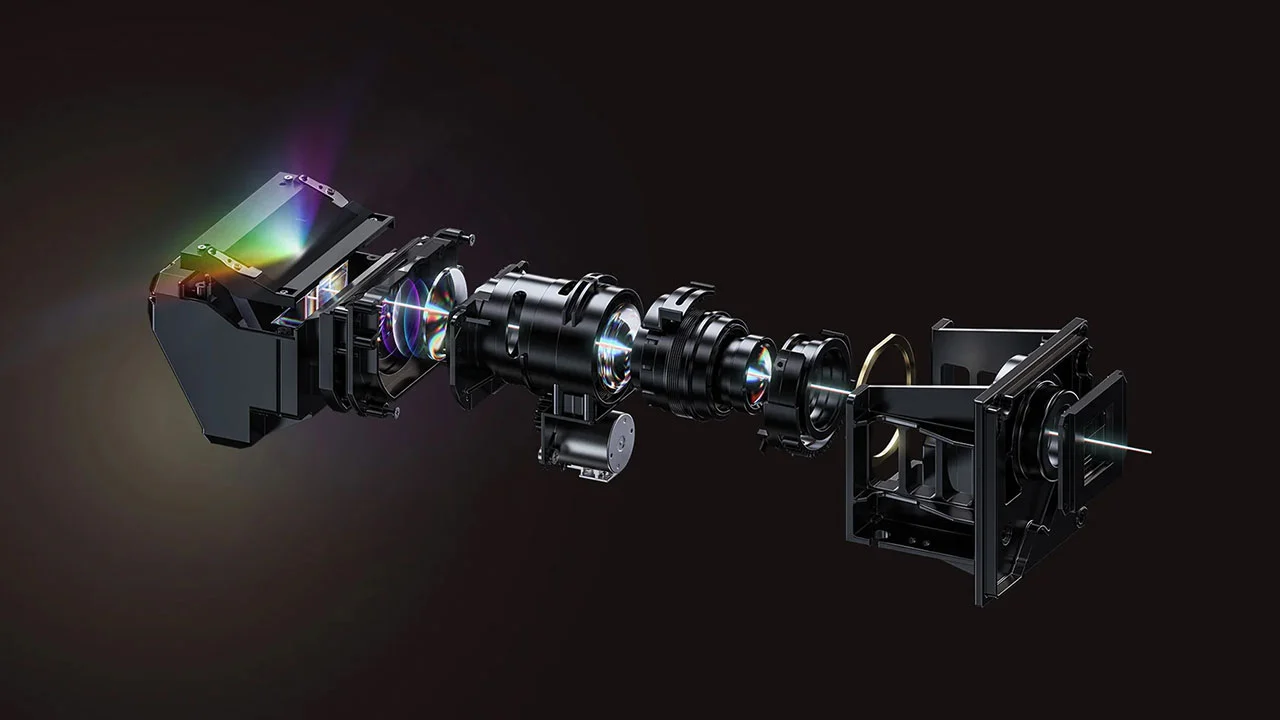
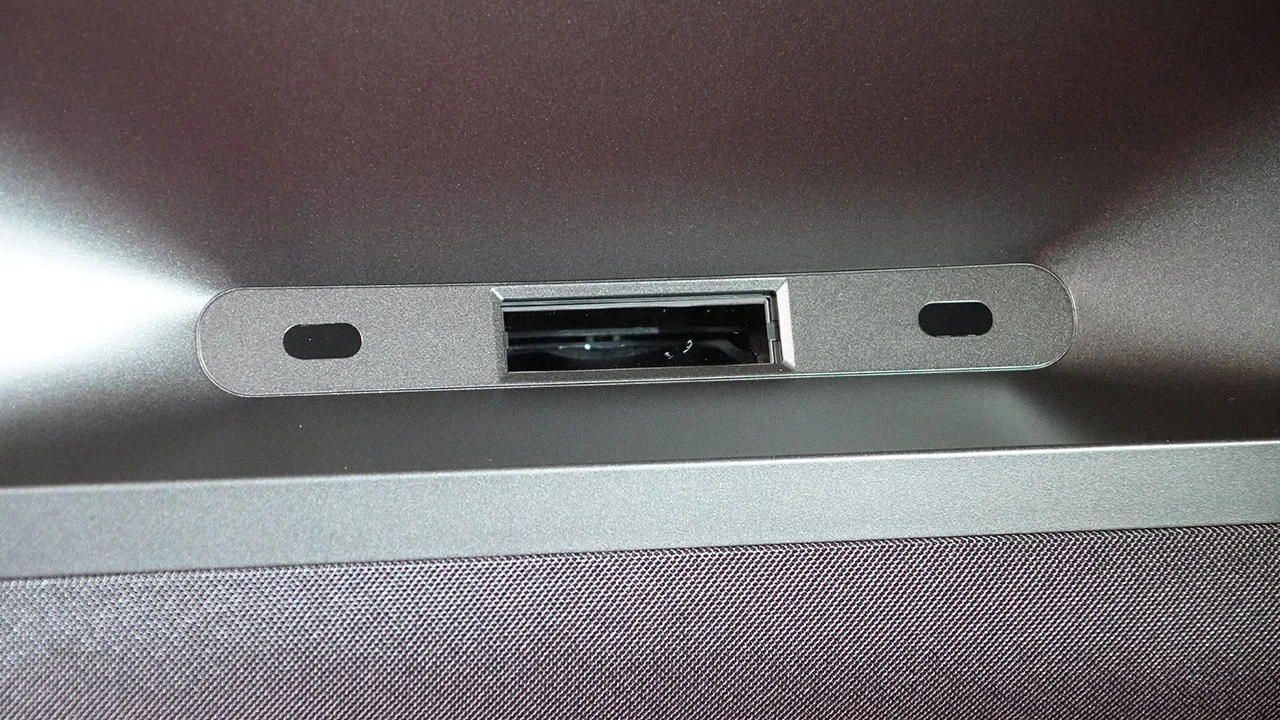
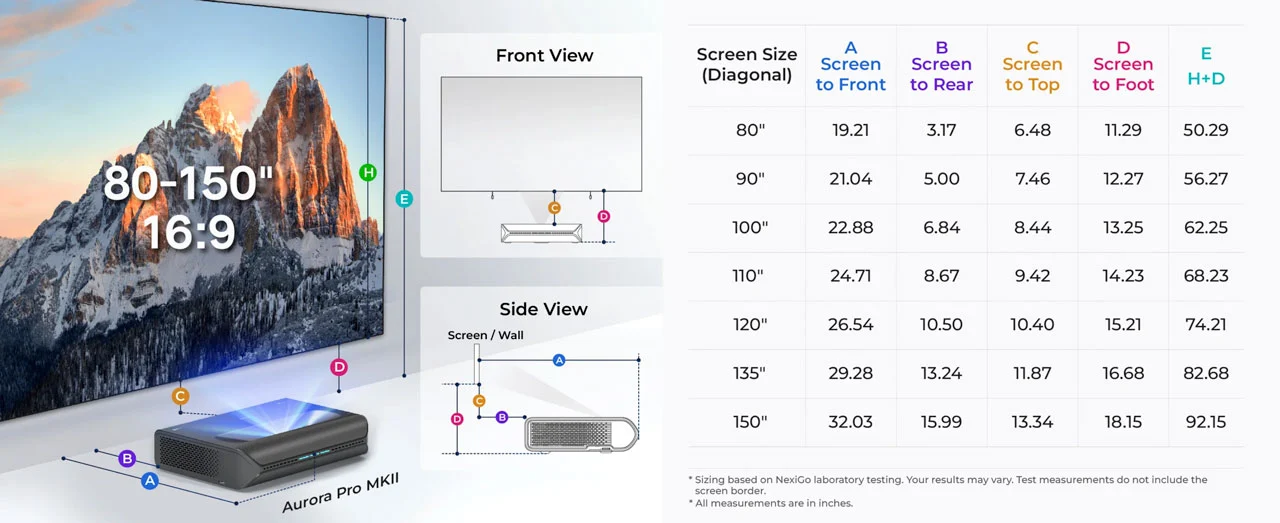
The lenses used on ultra-short throw projectors are highly specialized since they have to display an accurate image at a steep projection angle from mere inches away from the screen. The Aurora Pro MKII can project an image from 80 to 150 inches. You can project a 16:9 80-inch diagonal image with only 3.17 inches between the projector and the screen.

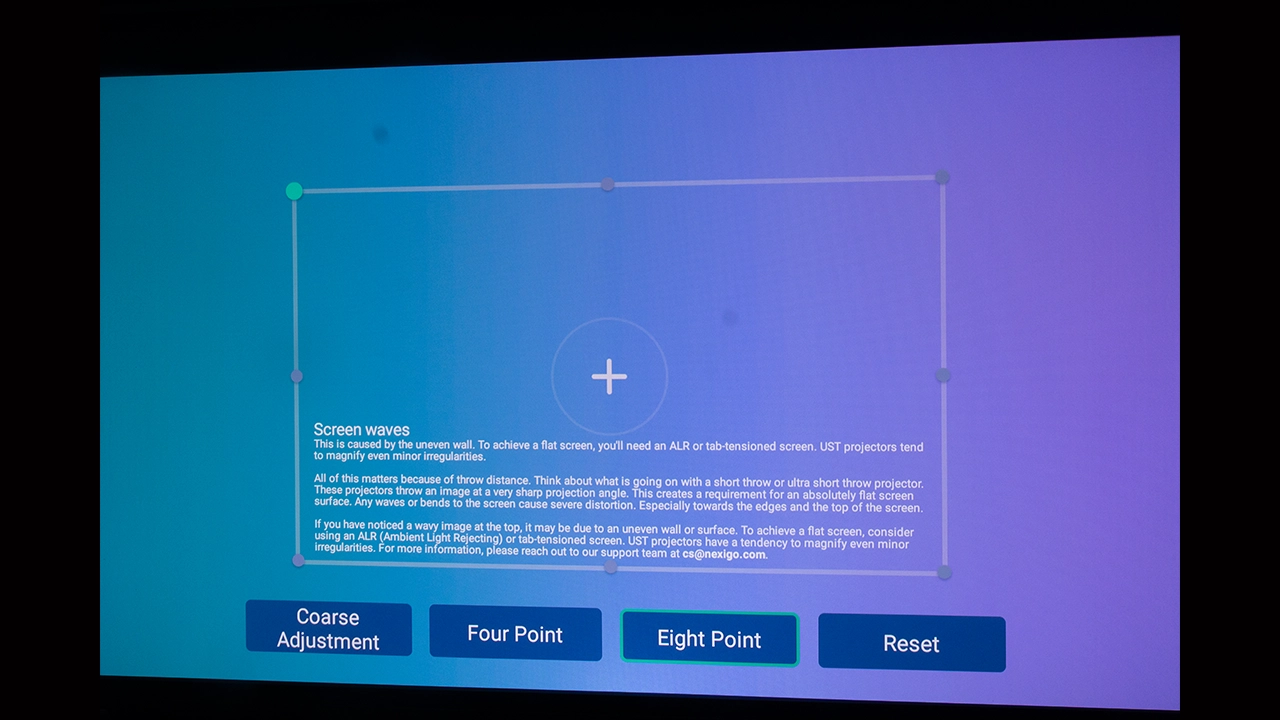
The Aurora Pro MKII provides electronic keystone, four and eight-point geometric adjustments for finer control of the shape of the projected image. Manual squaring of the image is recommended for optimal image quality. Keystone correction, whether manual or automatic, can compromise overall image quality.

I’m happy to report that, based on my testing notes from the previous model, NexiGo has actually improved the overall focus uniformity of this newest projector version. The Aurora Pro MKII's lens evenly distributes light across the screen, resulting in excellent brightness uniformity and even less focus softening at the corners of the projected image. The electronic focus control is accessible through the projector's menu using the included remote control. The MKII’s electronic focus adjustment makes it easy to fine-tune focus across the entire screen.

NexiGo Aurora Pro MKII - Projector Reviews - Images
  • NexiGo Aurora Pro MKII Menu - Projector Reviews - Images
  • NexiGo Aurora Pro MKII Menu - Projector Reviews - Images
  • NexiGo Aurora Pro MKII Menu - Projector Reviews - Images
  • NexiGo Aurora Pro MKII Menu - Projector Reviews - Images
  • NexiGo Aurora Pro MKII Menu - Projector Reviews - Images
  • NexiGo Aurora Pro MKII Menu - Projector Reviews - Images
  • NexiGo Aurora Pro MKII Menu - Projector Reviews - Images
  • NexiGo Aurora Pro MKII Menu - Projector Reviews - Images

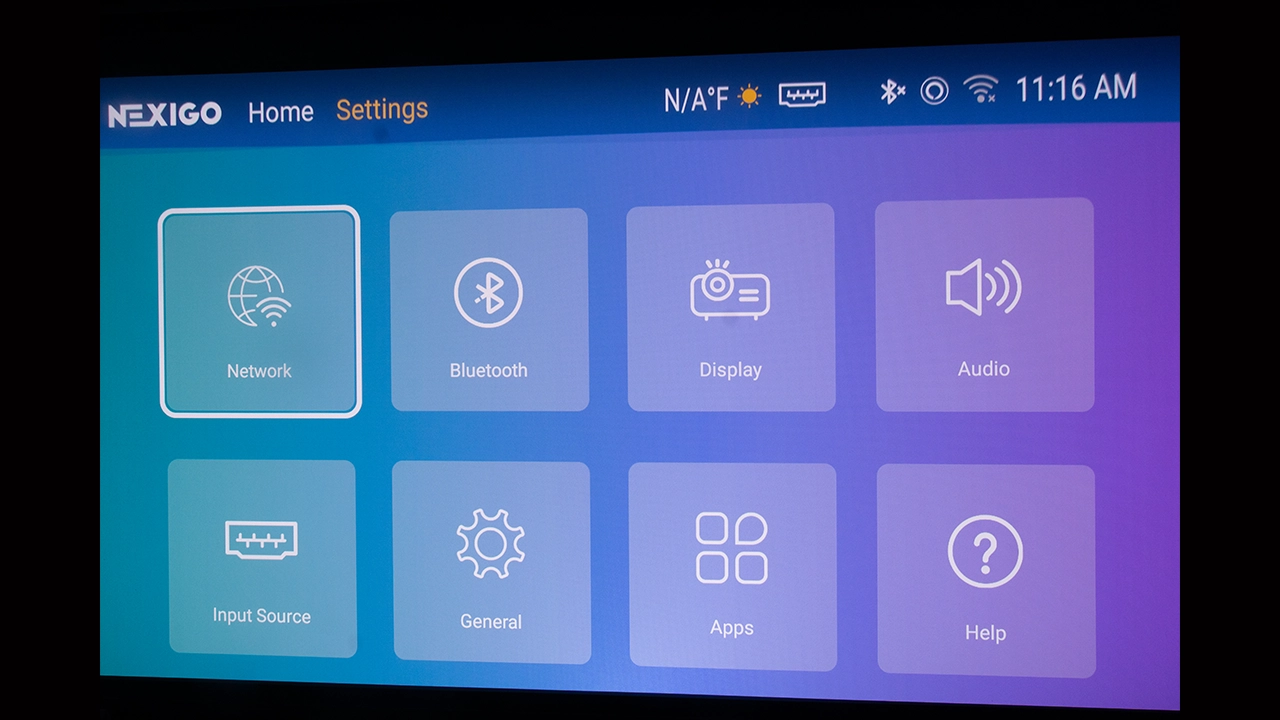
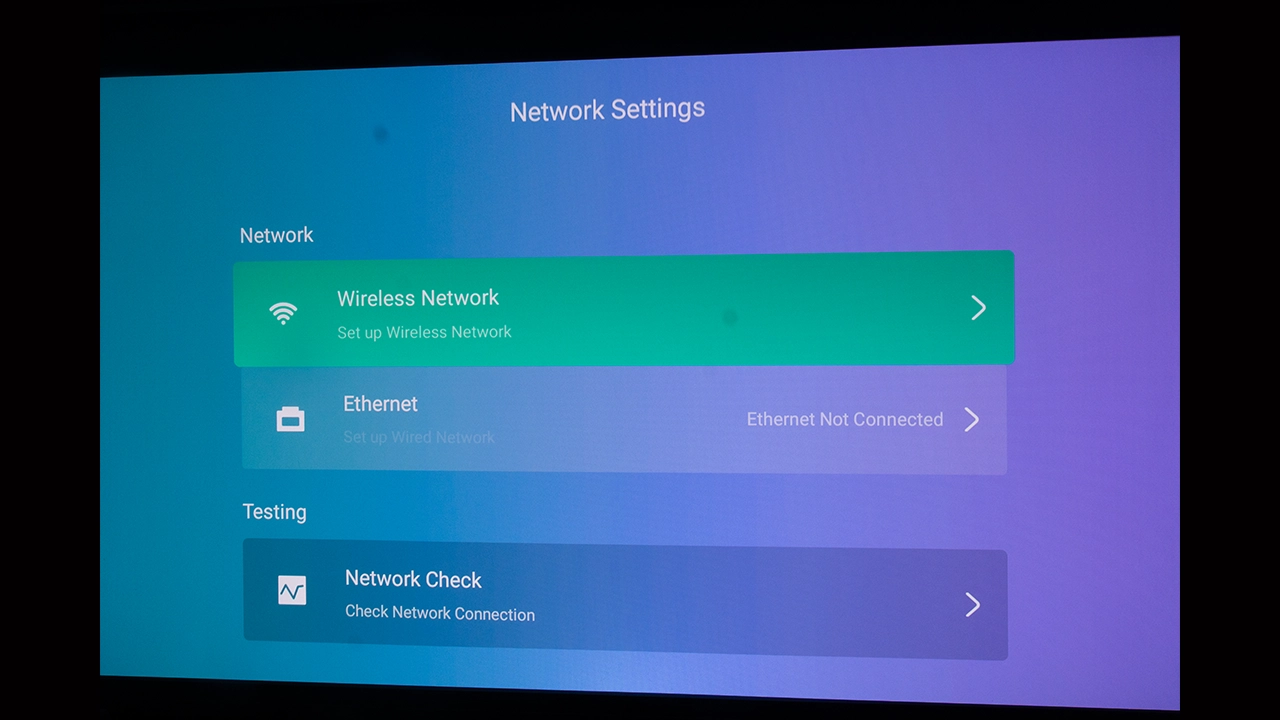
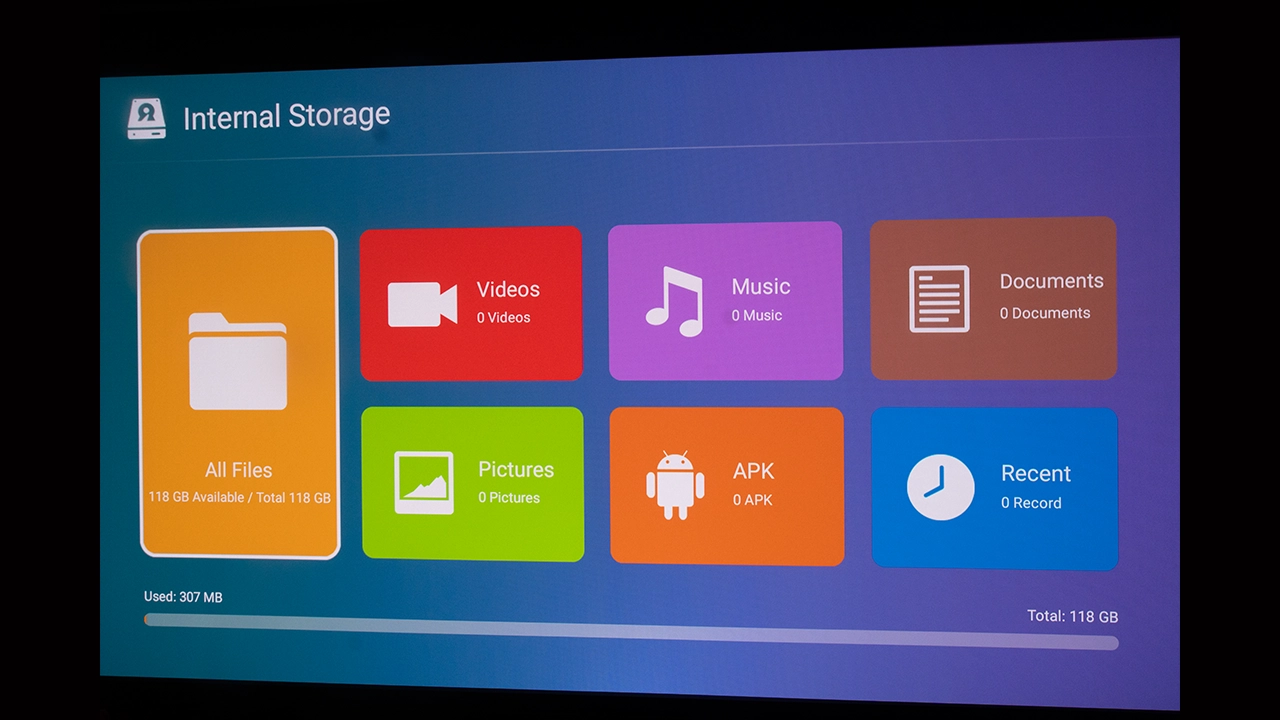
The Aurora Pro MKII's menu is custom and on Android 9, but it’s not Android TV or Google TV, meaning this projector does not come with any of Google TV's curated content benefits, such as the ability to search or receive recommendations across all your most commonly used apps. The Aurora Pro MKII does offer a well designed and intuitive UI providing easy access to the projector's inputs and adjustments. It also includes an application section that lists your installed applications and lets you launch or uninstall them.

Detailed adjustments allowing you to change the projector’s Picture modes, basic image settings (Brightness, Color, Hue, etc), and advanced adjustments (Noise Reduction, Backlight, Dynamic Contrast, Color Temperature, Gamma, Color Space) are all accessible in the PICTURE settings menu. The SOUND settings section provides options for selecting a Sound Mode, Volume, Bass, Treble, Balance, Audio Format, and Speaker settings.

The Input section lets you select the input source and configure settings such as resolution and refresh rate. The System section contains Language, Time, Power Saving, Reset, Firmware Update, and About settings.

NexiGo also provides a quick-access menu system that can be activated by pressing the III Menu button on the remote control. This menu expands from the left side of the screen and provides access to all the projector's adjustments while content is playing. This configuration allows users to see the results of any adjustments they make, with those changes immediately reflected in the content displayed on the screen.

The Aurora Pro MKII does not support the Google Play Store, so you have to use APKs from third-party app stores like APKPure and Aptoide. While these stores have improved, downloading and installing an app from them is less secure than using Google Play. Installing a version of an application designed for another device type is also possible through these third-party markets. I have downloaded and installed applications intended for touchpad devices, but this was not made clear on the third-party website.

The apps worked fine until I stumbled into an area that required a touch interface to work correctly, which this projector does not have. Only some applications have this issue, but a few are enough to sour the user experience. Nexigo has built an “air mouse” function into the projector's remote, which can help in situations like this. NexiGo’s customer service department also keeps a list of the compatible applications they have tested. Just contact their customer service to get access.

If you want a more content-centric experience with a strong focus on device compatibility and security, get a streaming device from Google, Amazon, Apple, or even Roku. These streaming devices will give you a robust experience that integrates your content across various applications. Also, they are much more secure. These devices can be purchased for as little as $20 (Walmart, Onn Google TV streaming stick, and Amazon Fire TV, to name a couple).

PERFORMANCE

The screen used for testing in this review is a Da-Lite 110-inch, 16:9 aspect ratio Tensioned Designer Contour Electrol screen system, with the company's ultra-white HD Progressive 1.1 screen surface, designed for high-resolution video up to 16K. This high-quality screen is designed to work with most projector form factors, including the ultra-short throw Nexigo Aurora Pro MKII.

The Tensioned Designer Contour Electrol screen system is ideal for environments where a traditional behind-the-wall installation is difficult. It offers all the benefits of an electric screen but with the flexibility of wire-free installation. The screen has a built-in rechargeable lithium-ion battery-powered motor that Da-Lite calls Agility.

COLOR REPRODUCTION

  • NexiGo Aurora Pro MKII Color - Projector Reviews - Images
  • NexiGo Aurora Pro MKII Color - Projector Reviews - Images
  • NexiGo Aurora Pro MKII Color - Projector Reviews - Images
  • NexiGo Aurora Pro MKII Color - Projector Reviews - Images
  • NexiGo Aurora Pro MKII Color - Projector Reviews - Images

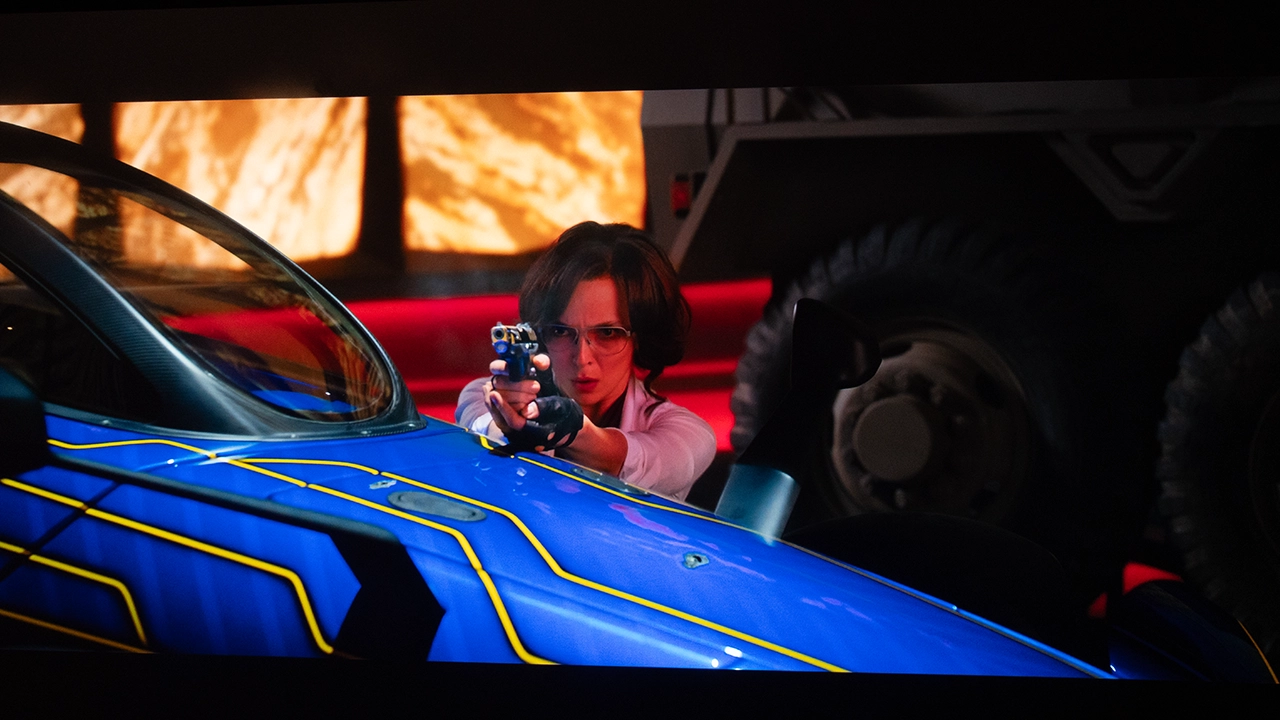
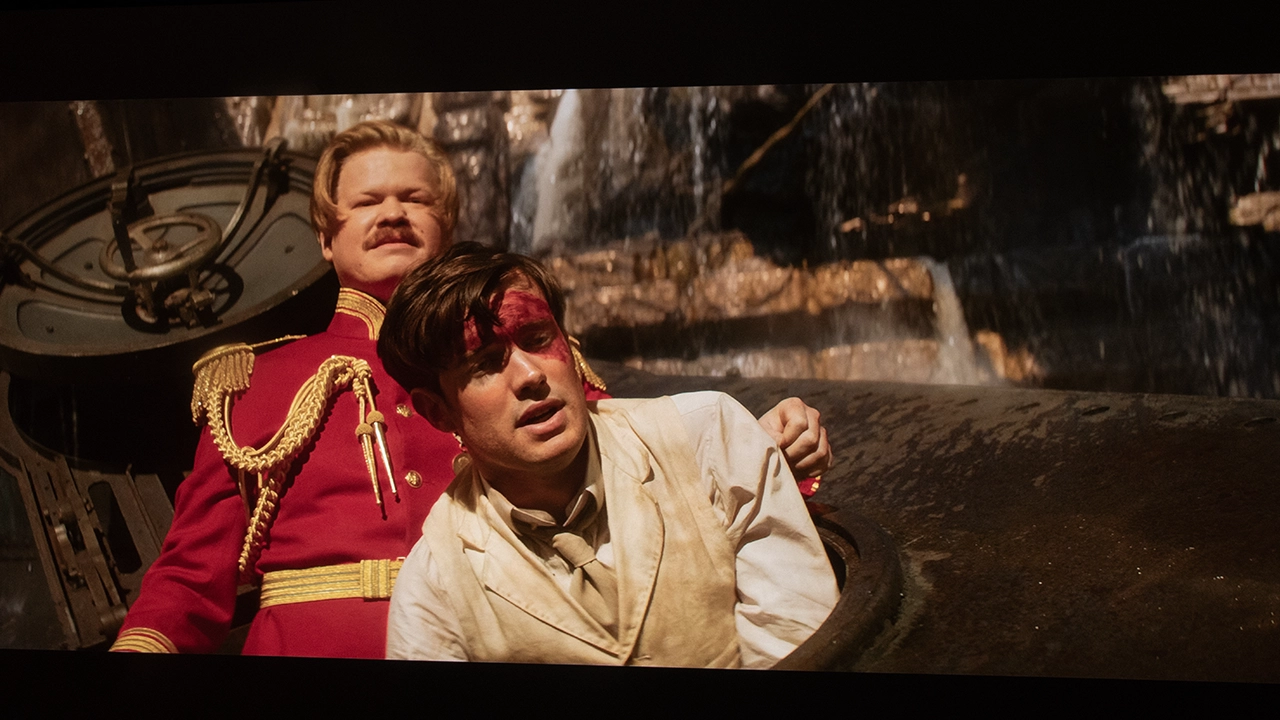
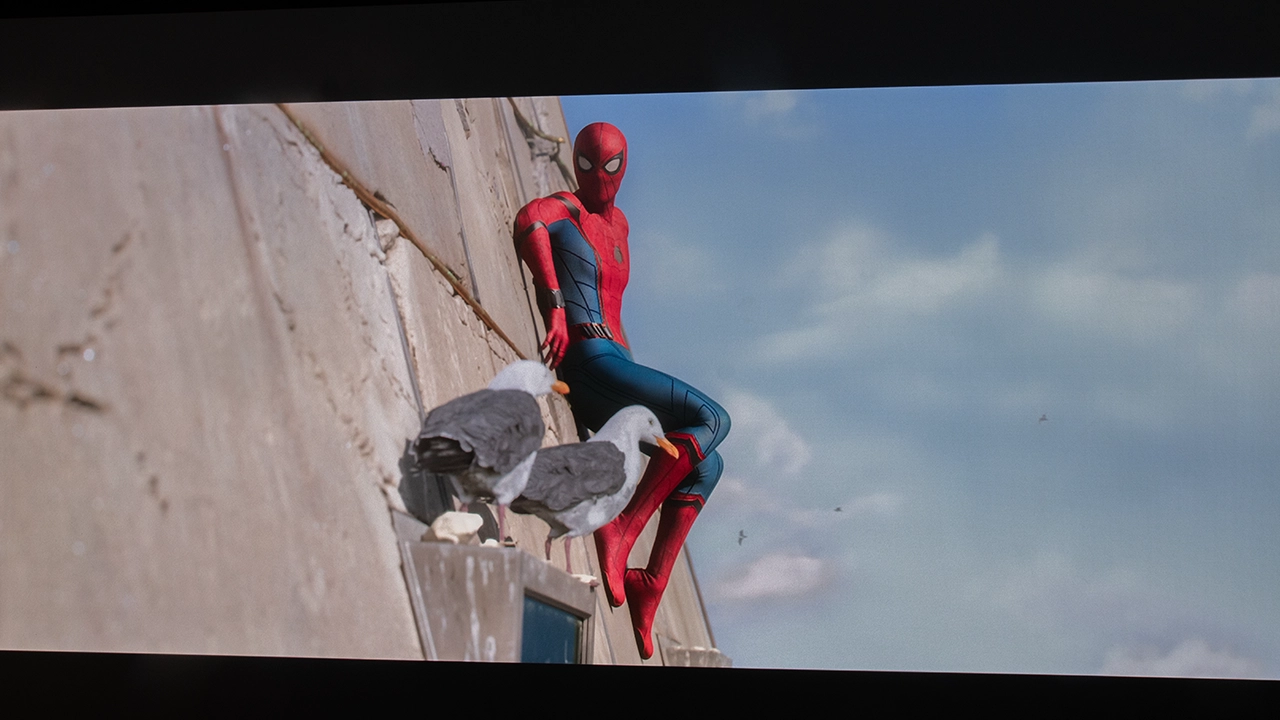
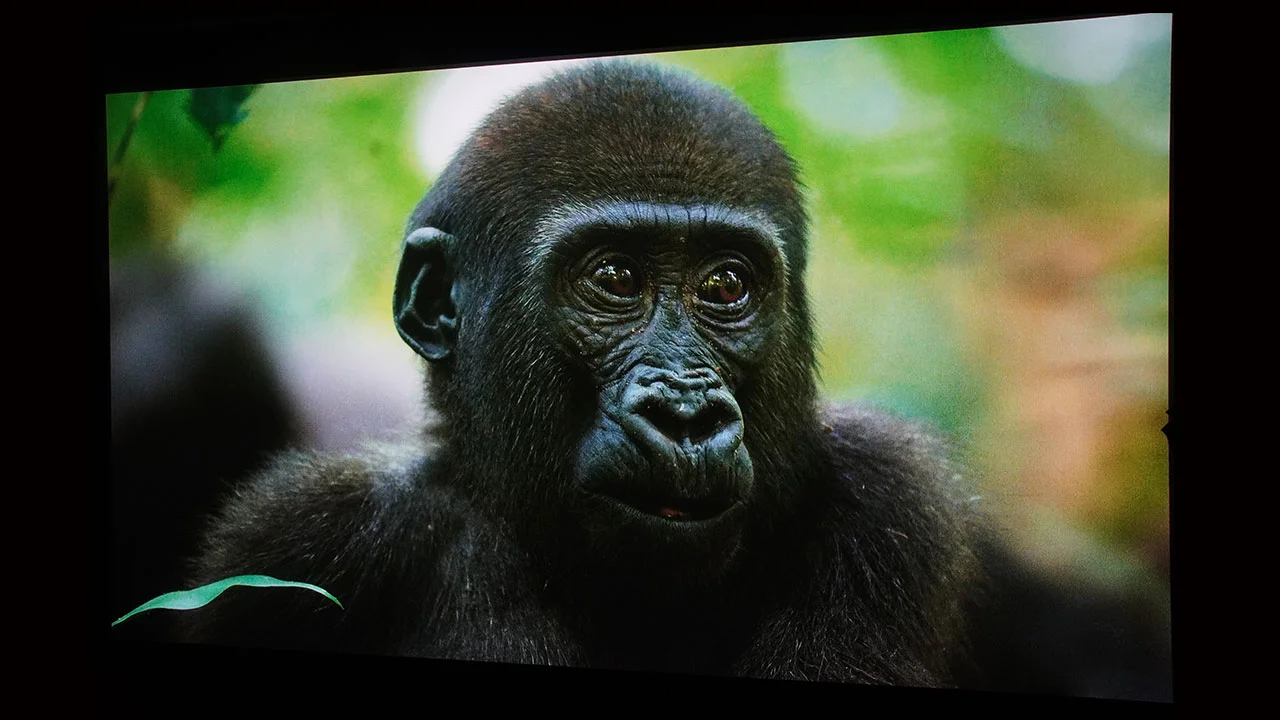
I want to start by noting that all of my observations in the performance section of this review are my out-of-the-box impressions using Nexigo’s factory settings, unless specifically indicated, like in the sections below dealing with calibration. To my eye, the color quality of this projector is one of, if not the best looking, projectors I’ve reviewed in 2025.

The NexiGo Aurora Pro MKII offers six SDR, six HDR, and three Dolby Vision picture presets. The SDR and HDR mode names are identical. Nexigo’s factory calibrations are all very usable, and I contend, just as I did with the original Aurora Pro, that most customers won't even think about color calibration and will go with the factory presets. Ultimately, the results of the testing will tell if the preset picture modes are as dialed in as the previous model, which was very good, but to me, they looked as good as I recall and in my notes on the previous model's testing.

The Aurora Pro MKII displays no speckular artifacting (laser speckle), a direct result of the hybrid laser light source, which is smaller and lighter than the previous true RGB light source. Since this model is the same size and weight as the previous model, I have to wonder what NexiGo used the extra space and weight for?

In a room with decent light or total light control, the projector’s CINEMA PRO mode is the best for viewing color critical content like movies. If you are in a room with more ambient light, the projector’s STANDARD mode is an excellent choice. Even in a space with a fair amount of uncontrolled ambient light sources that require the projector's maximum light output, I would suggest the BRIGHT mode. Yes, it is the least color accurate mode out of all of them, but I give a lot of credit to Nexigo’s color engineers because even this very blue mode maintains more color while still cutting through the ambient light in the room and hitting the screen.

  • NexiGo Aurora Pro MKII Color - Projector Reviews - Images
  • NexiGo Aurora Pro MKII Color - Projector Reviews - Images
  • NexiGo Aurora Pro MKII Color - Projector Reviews - Images
  • NexiGo Aurora Pro MKII Brights - Projector Reviews - Images

While the projector's out-of-the-box color reproduction is good, the Aurora Pro MKII offers a wide range of picture settings that allow you to fine-tune its image further. These include Gamma, Multi-Point Grayscale, and CMS adjustments. To test, measure, and calibrate the Aurora Pro MKII, we used a Klein K10-A colorimeter, Murideo Six-G test pattern generator, and Portrait Displays Calman color calibration software. I am including our before-and-after measurement results below. 

Since your room and screen material significantly impact the overall picture, we don’t recommend using someone else's calibration adjustments. If your room is brighter or darker or your walls are a different color, copying someone else's results can cause more harm than good. If you would like to make some quick adjustments to improve the picture quality of your projector in your room, check out our video called Optimize The Image of a Projector or TV Using Free Murideo Test Patterns. However, below are the before-and-after calibration results in my room. 

Pre-Calibration Color Tracking and Grayscale

NexiGo Aurora Pro MKII Calibration - Projector Reviews - Images

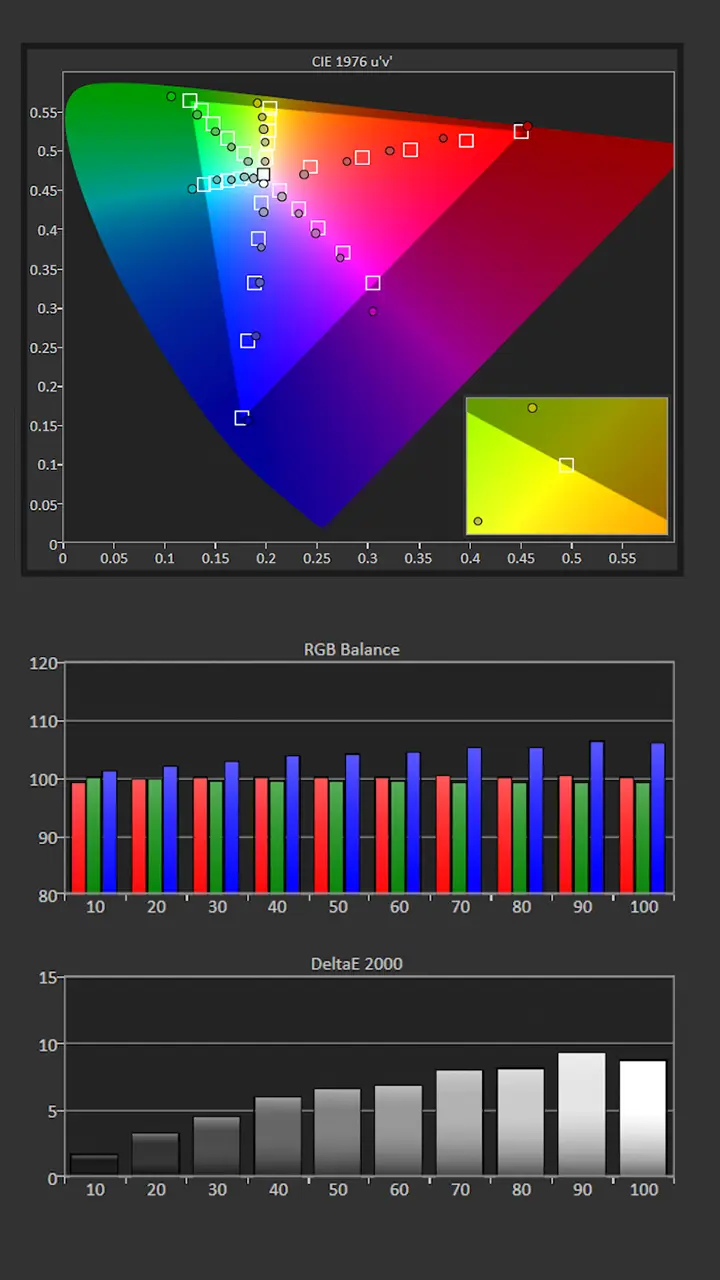
The CINEMA PRO mode was the most accurate out of the box. The RGB balance was pretty good out of the box. Pre-calibration, the color temperature was 7130K, which is close to my target of 6500K but the image was a little cooler than desired..

The gamma was around 2.35, which is darker than my normal target of 2.2. The projector black level ar good enough to target a gamma of 2.4  but I feel that 2.2 looks better in most rooms.

The CMS measurements showed that bright colors were oversaturated with color shift. Before calibration, the saturation sweep measurement had an average Delta error of 3.3 while the Grayscale error was 6.7.

Before calibration, on my hundred-inch screen, the peak brightness produced around 135 nits, which is bright enough to deliver a vibrant HDR content, even under low ambient light.

  • Picture Mode: CINEMA PRO
  • Gamma: 2.35
  • Color Temperature: 7130K
  • Average Grayscale dE: 6.7
  • Average Color Tracking dE: 3.3

Post-Calibration Color Tracking and Grayscale

NexiGo Aurora Pro MKII Calibration - Projector Reviews - Images

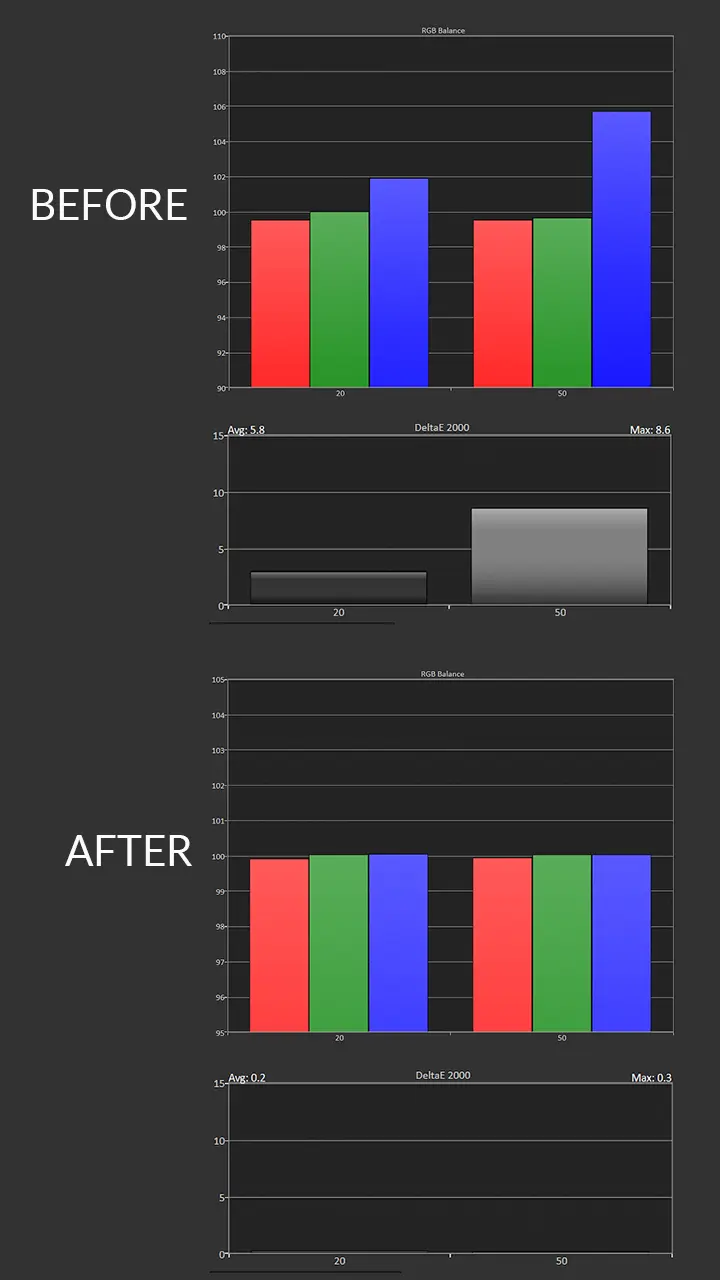
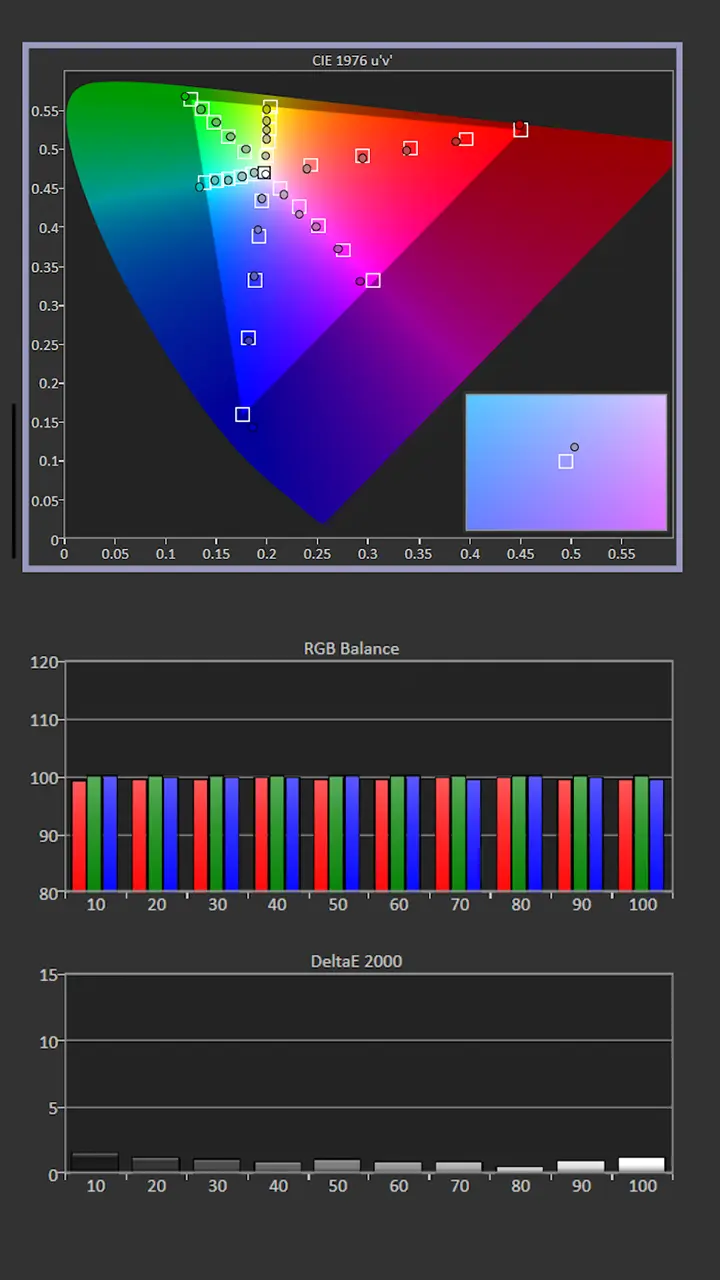
While the CINEMA PRO mode was the most accurate we choose to adjust the CUSTOM mode. To achieve my Gamma target of 2.2, I changed the Gamma setting to 2.1 and made some minor adjustments to the Color and Contrast settings . I left the Color Temp setting at its default of Warm 1, which is fine since the color temperature was already close to my target of 6500K.

Measurements showed Blue biased which resulted in an overly cool looking image but this was easily corrected using the Two Point White Balance adjustments.  I reduced the Blue Gain and RedGain settings which resulted in a color temperature that was even closer to my target of 6500K.

Correcting the projector's white balance also significantly improved the unit's color tracking. We use the CMS adjustments to reduce the majority of the color shift errors visible in the Color Saturation Sweep. When viewing SDR, the brightest colors were still slightly oversaturated, but the majority of color points were spot on. Brightness after the calibration was 109 nits.

  • Picture Mode: CUSTOM
  • Gamma: 2.19
  • Color Temperature: 6702K
  • Average Grayscale dE: 0.9
  • Average Color Tracking dE: 1.9

The projector’s grayscale and color reproduction are good enough out of the box to satisfy the average Laser TV customer. However, many home entertainment enthusiasts desire the best possible picture quality, so it is great that the Aurora Pro MKII includes a full suite of picture adjustments.

HDR Color Tracking and Grayscale

NexiGo Aurora Pro MKII Calibration - Projector Reviews - Images

The out-of-the-box HDR color reproduction was also very good. Like SDR, the most accurate picture mode was CINEMA PRO. For those who watch HDR content in a room with higher ambient light, the CINEMA HOME mode is a better option, as it delivers higher on-screen brightness. Each SDR and HDR has its picture adjustments, including Contrast, Saturation, Brightness, Color Temp, and White Balance.

While HDR CINEMA PRO is the most accurate picture mode, we decided to adjust HDR CUSTOM, which allowed us to compare the optimized picture to the best out-of-the-box picture mode.

Like its SDR counterpart, the pre-calibration Grayscale measurements of the HDR CUSTOM mode showed an overabundance of blue, which resulted in an overly cool-looking image. 

We switched the Color Temperature setting to Warm 1 and used the Two-Point White Balance adjustment to reduce the Blue Gain. While the adjusted HDR CUSTOM mode looked better, the difference compared to the Cinema PRO default picture settings was minor. 

BRIGHTNESS

  • NexiGo Aurora Pro MKII Brights - Projector Reviews - Images
  • NexiGo Aurora Pro MKII Brights - Projector Reviews - Images
  • NexiGo Aurora Pro MKII Brights - Projector Reviews - Images
  • NexiGo Aurora Pro MKII Brights - Projector Reviews - Images
  • NexiGo Aurora Pro MKII Brights - Projector Reviews - Images
  • NexiGo Aurora Pro MKII Brights - Projector Reviews - Images

The NexiGo Aurora Pro MKII has a rated brightness of 2,400 lumens. While it may not be the brightest in this projector's price range, it is more than enough to create a stunning picture in a well-lit space. 2400 lumens is more than enough to do the job in a room with a small to moderate amount of uncontrolled ambient light, depending on where your light source comes from. The more light reflected off the screen, the more it will wash out the displayed colors and the darker areas of the on-screen image. Using the MKII in rooms with higher levels of uncontrolled light, or lights-on viewing, will require that the Aurora Pro MKII be set to the projector’s BRIGHTEST mode, where color accuracy goes out the window and blue and green hues dominate the picture.

NexiGo rates the Aurora Pro MKII's maximum brightness at 2,400 lumens. To get a good idea of the projector's actual brightness, I set it to the BRIGHTEST mode and took 3-4 readings about 15-20% from the center of the lens.

The Aurora Pro MKII measured 2,265 lumens, which is 135 lumens below NexiGo’s rated brightness of 2,400 lumens. It is bright enough to deliver a vibrant SDR or HDR image on screens from 80 to 130 inches.


Picture Modes: Brightness and Color Temperature

Picture ModeBrightness Measured (Lumens) Average Color Temperature
STANDARD16927392K
CINEMA HOME14218640K
CINEMA PRO15037312K
CUSTOM16056718K
GAMING17196718K
BRIGHTEST22656718K

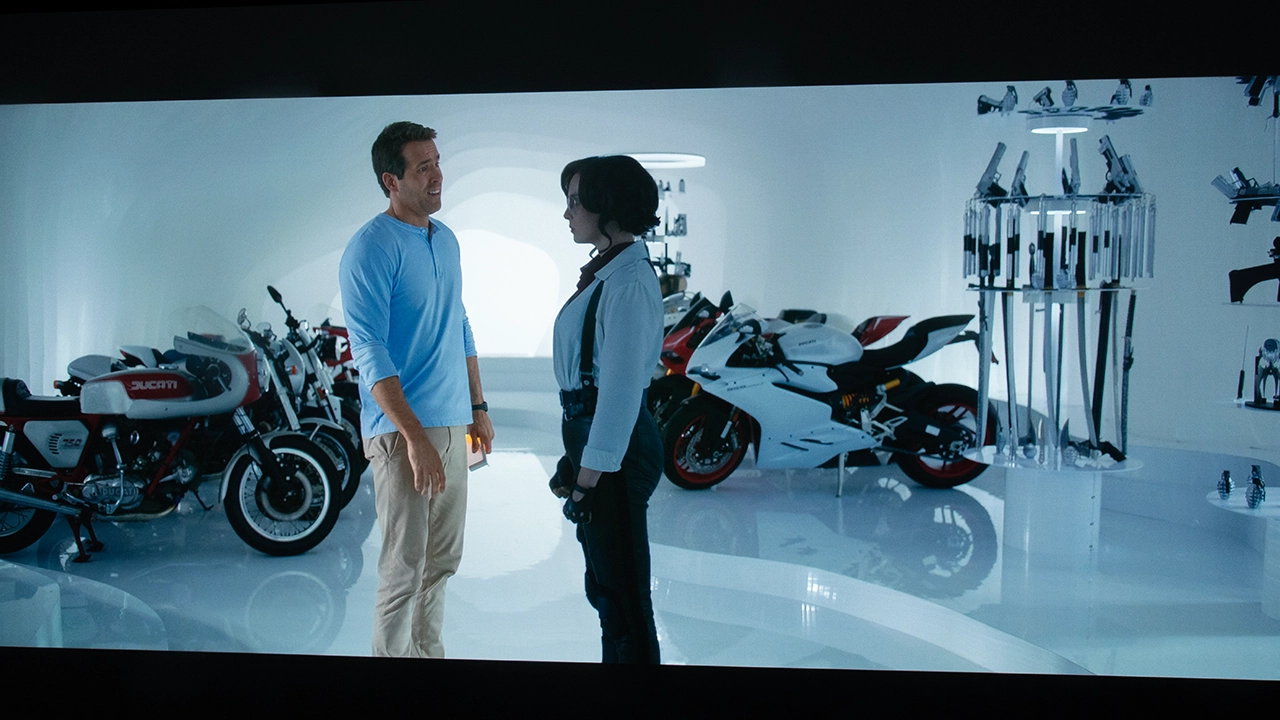
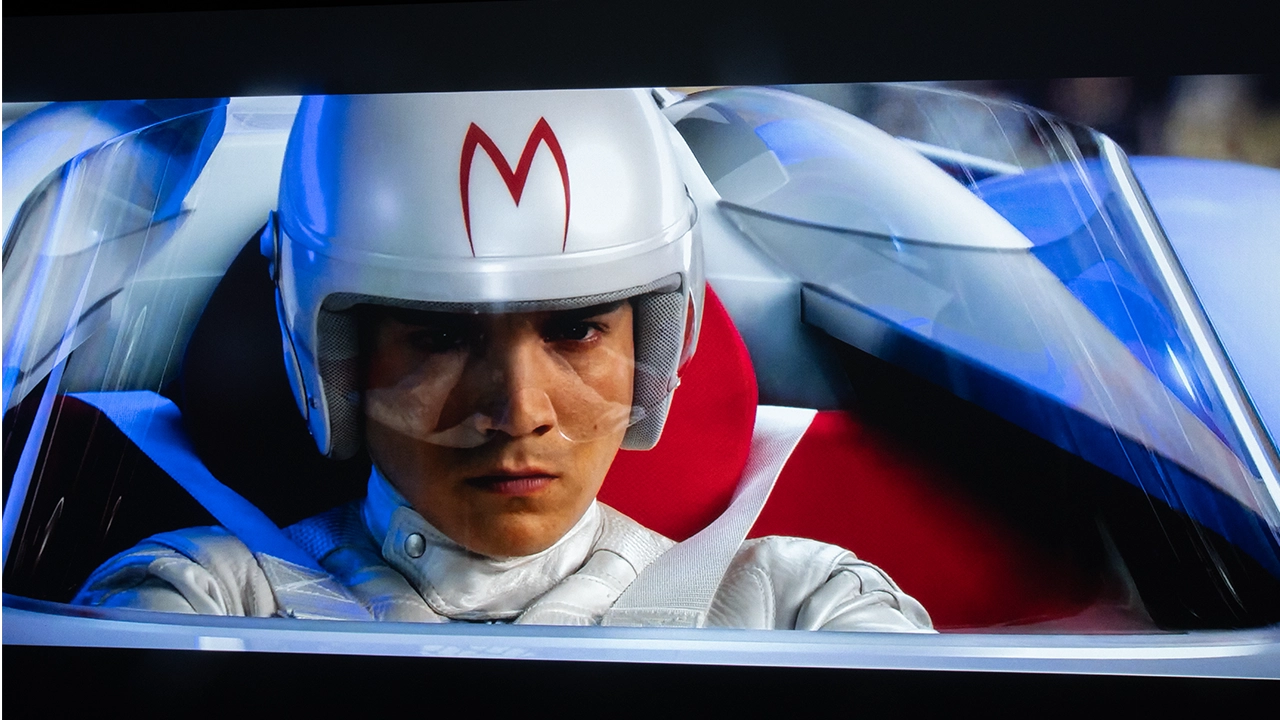
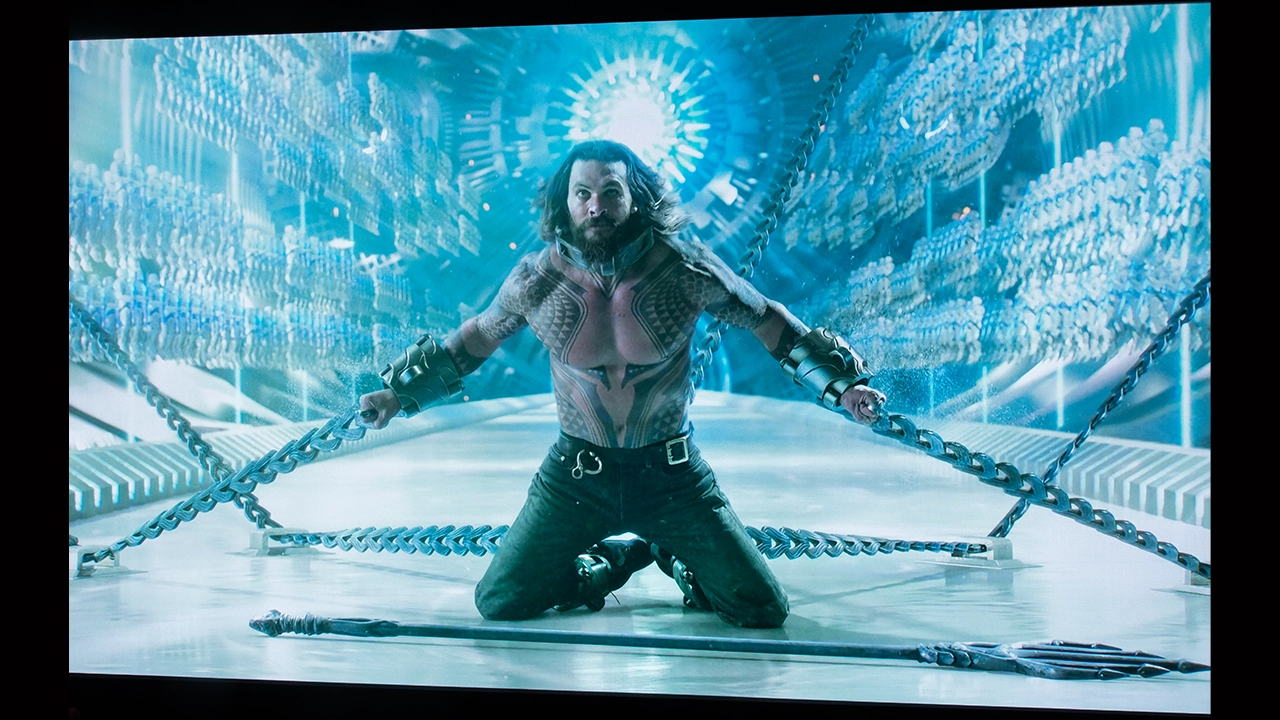
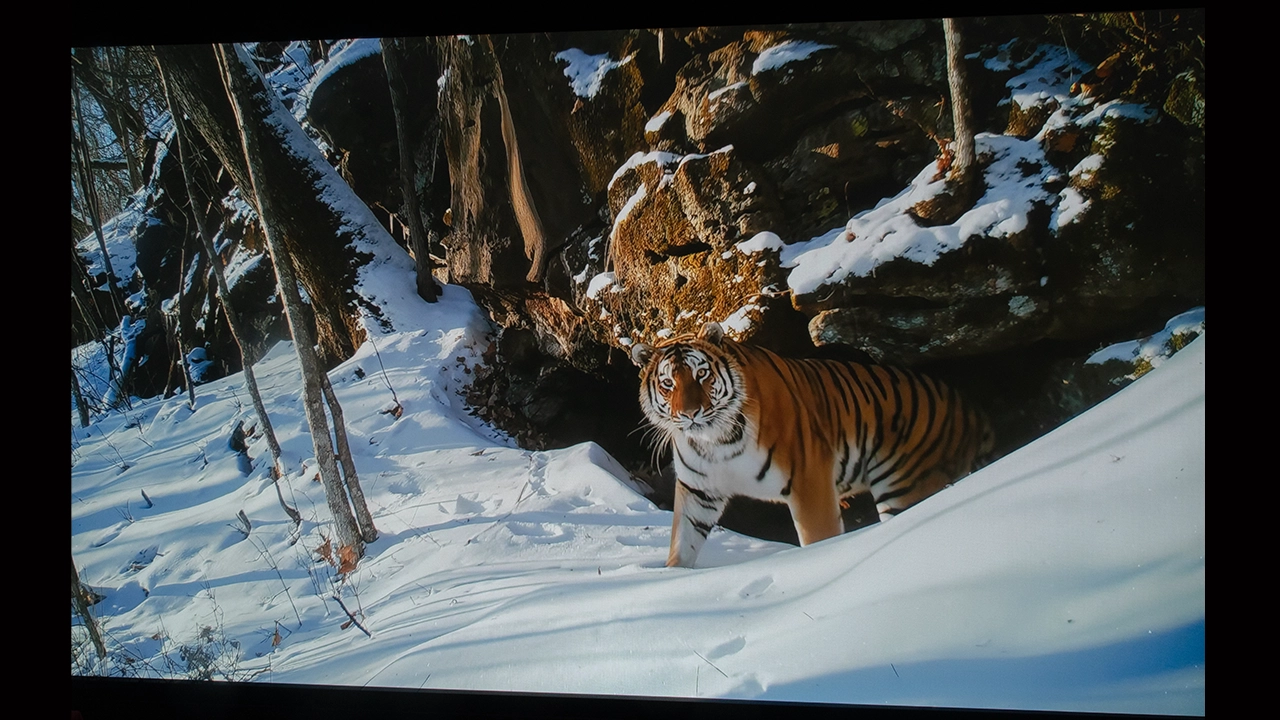
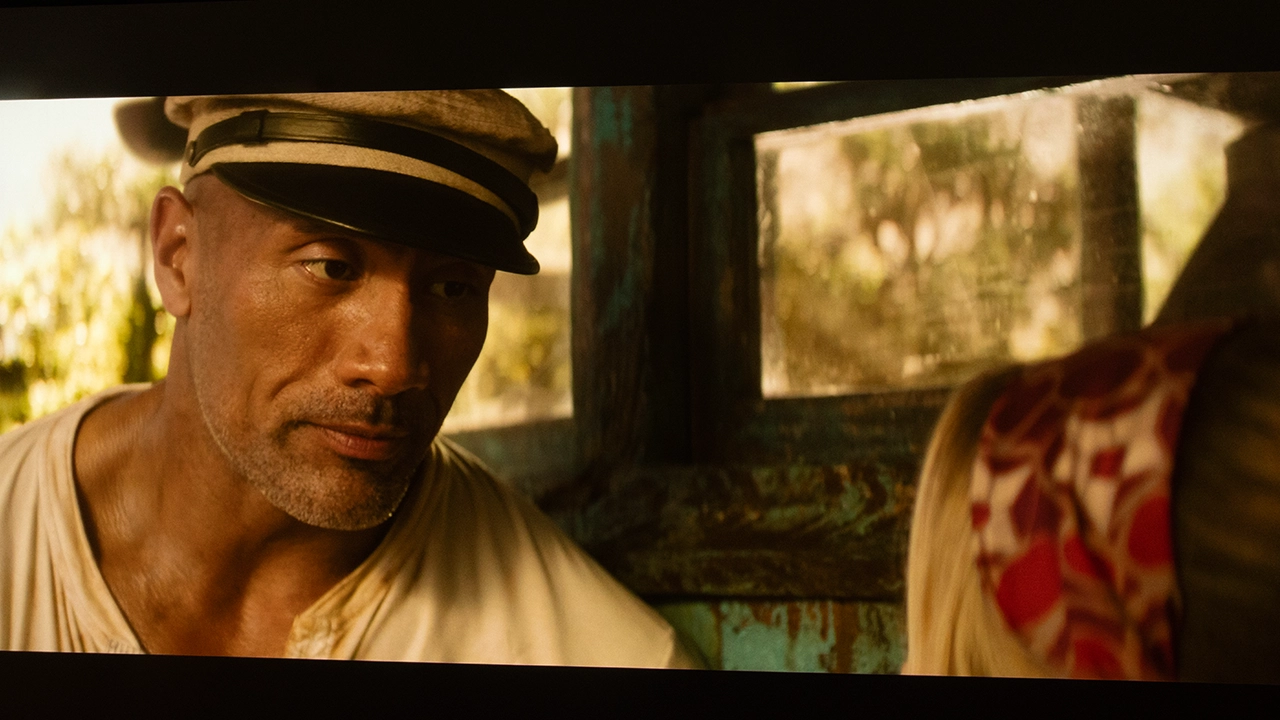
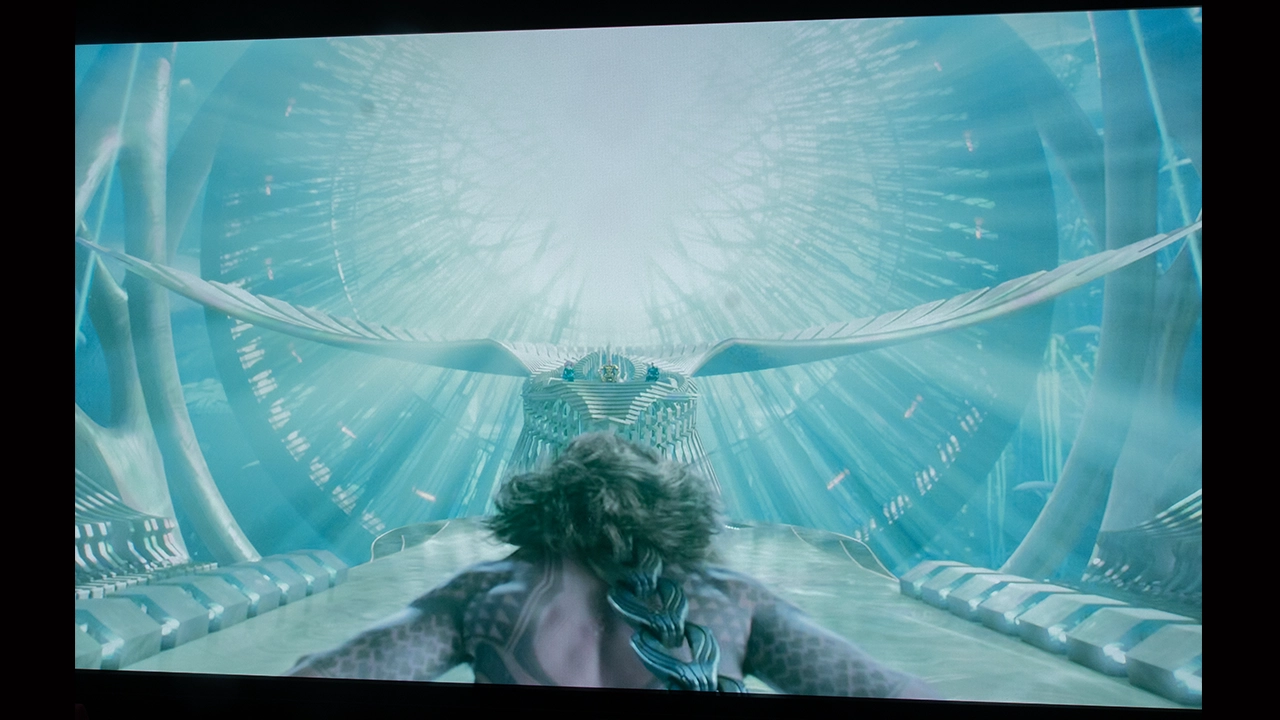
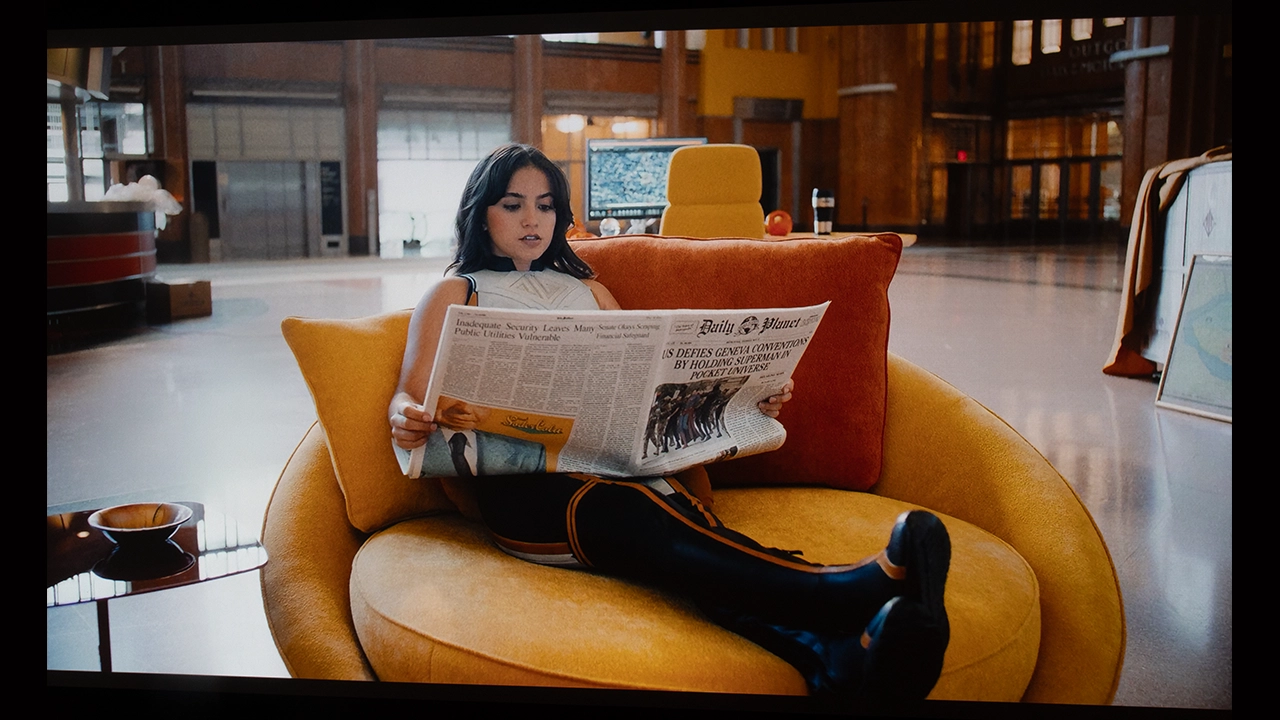
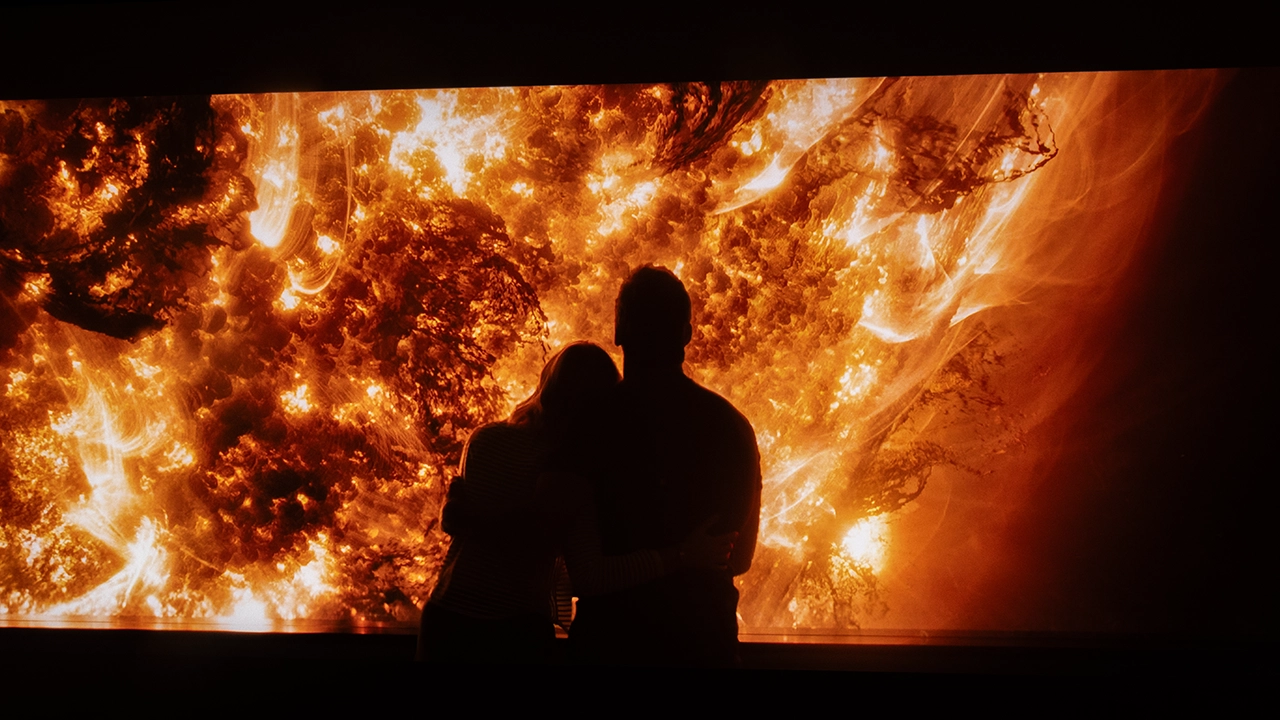
The projector excels visually when displaying HDR-encoded content. NexiGo does a phenomenal job with Dolby Vision and HDR10+ encoded content.

BLACK LEVEL AND SHADOW DETAIL

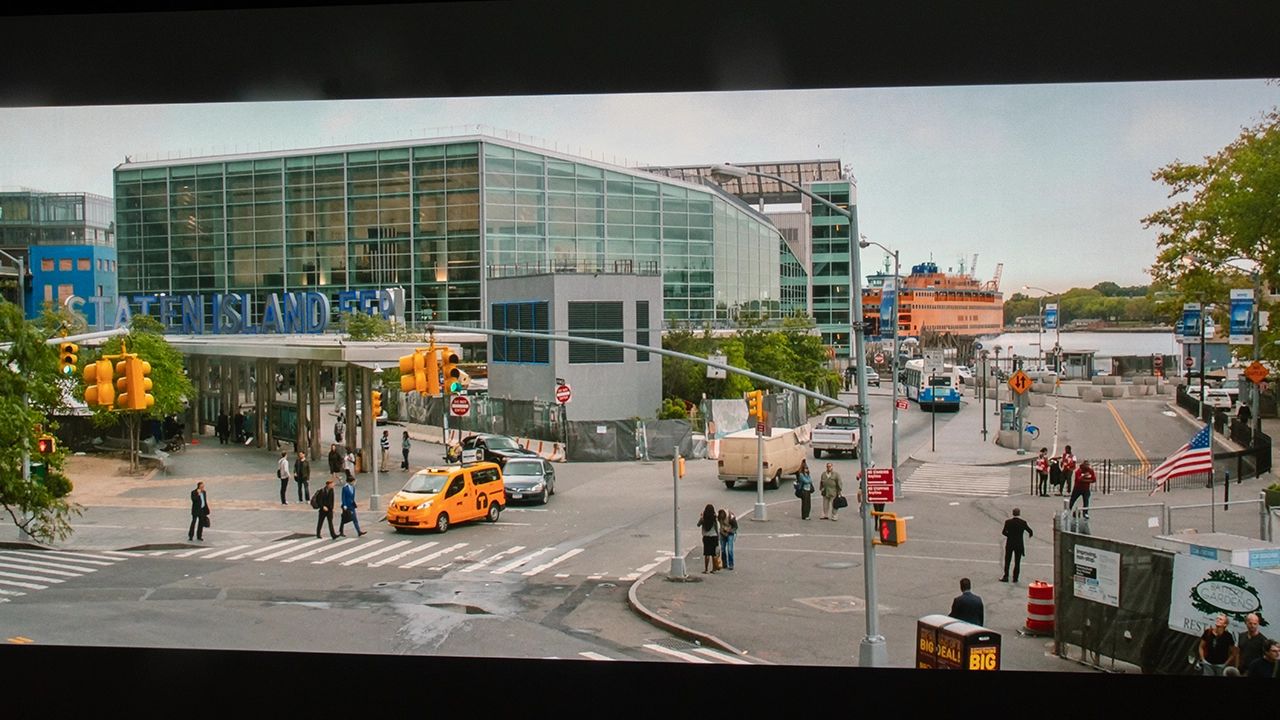
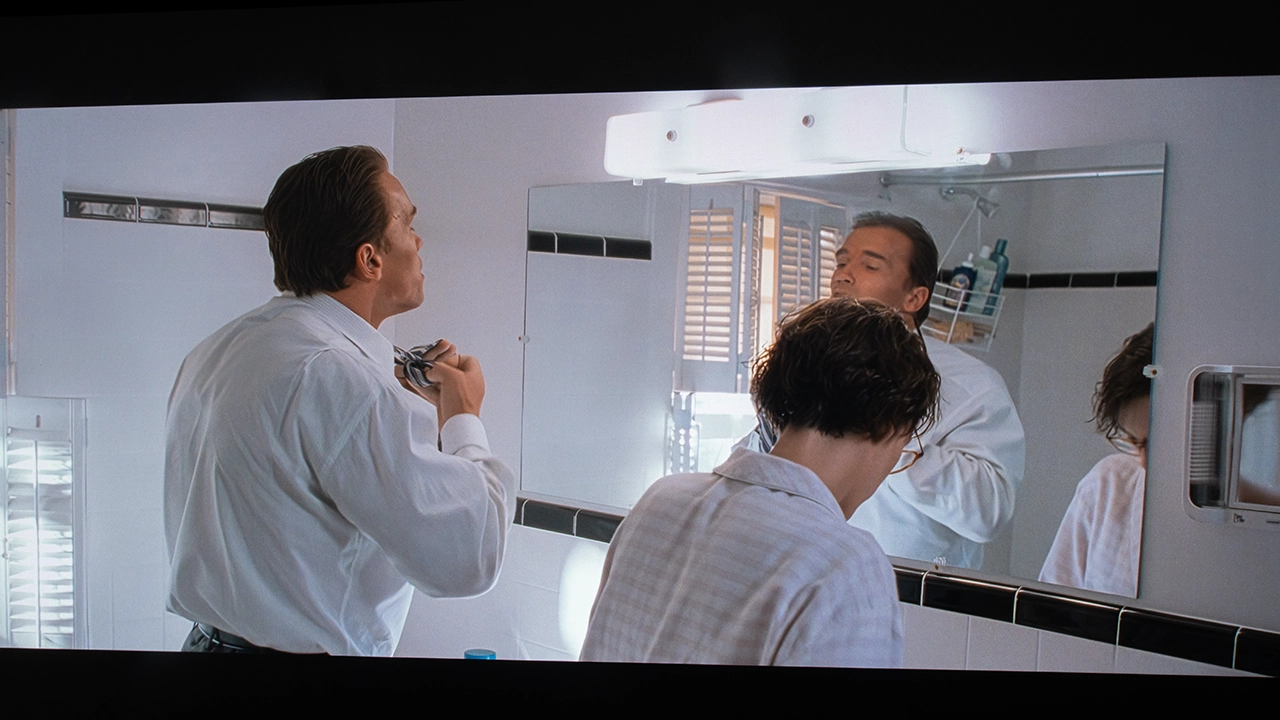
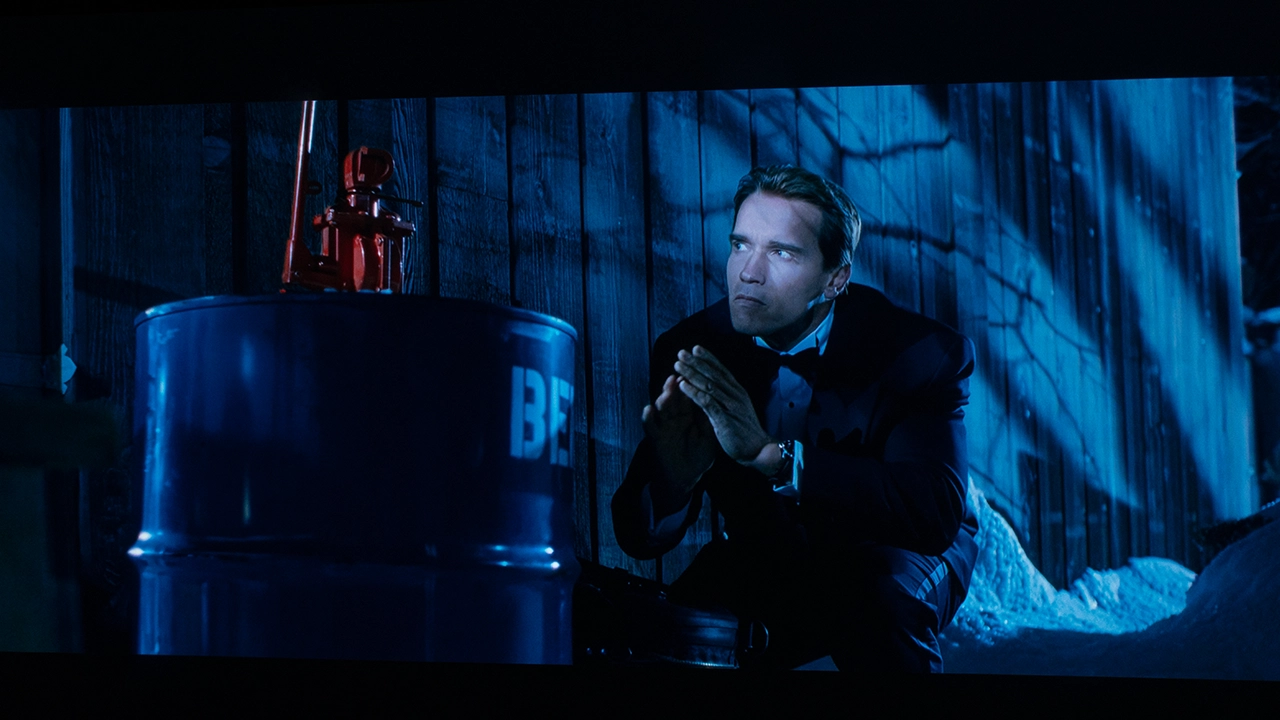
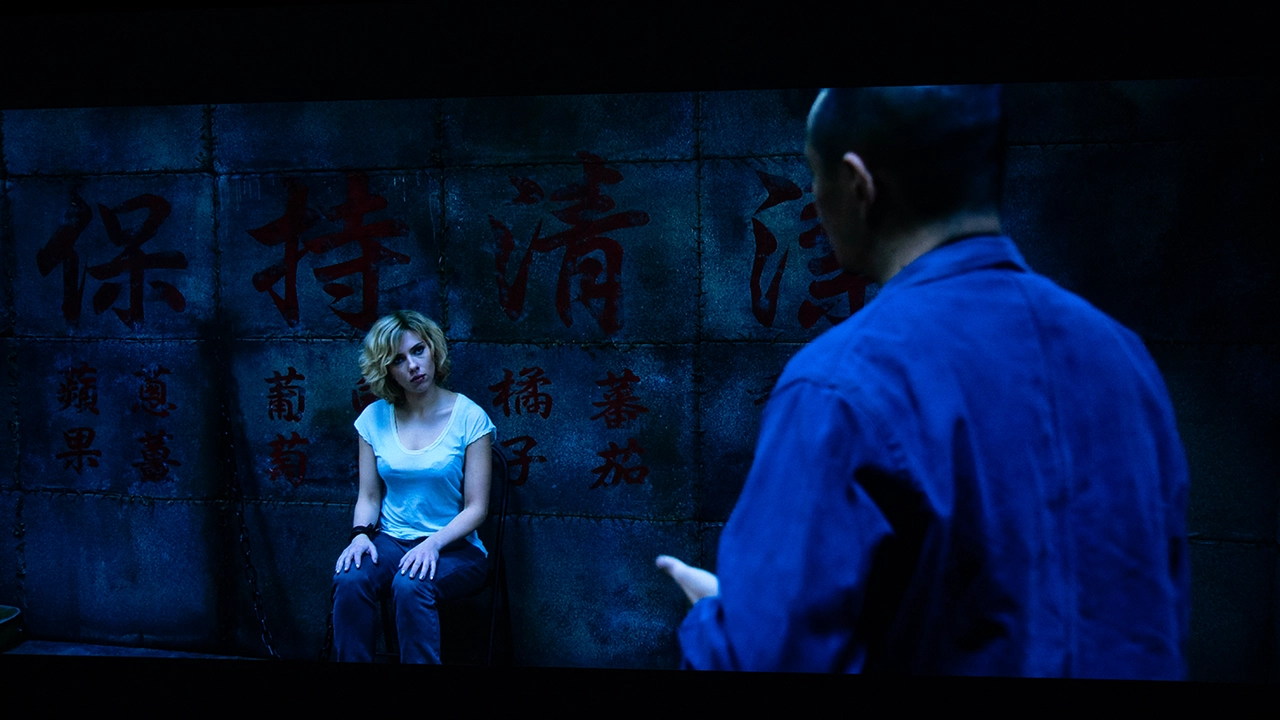
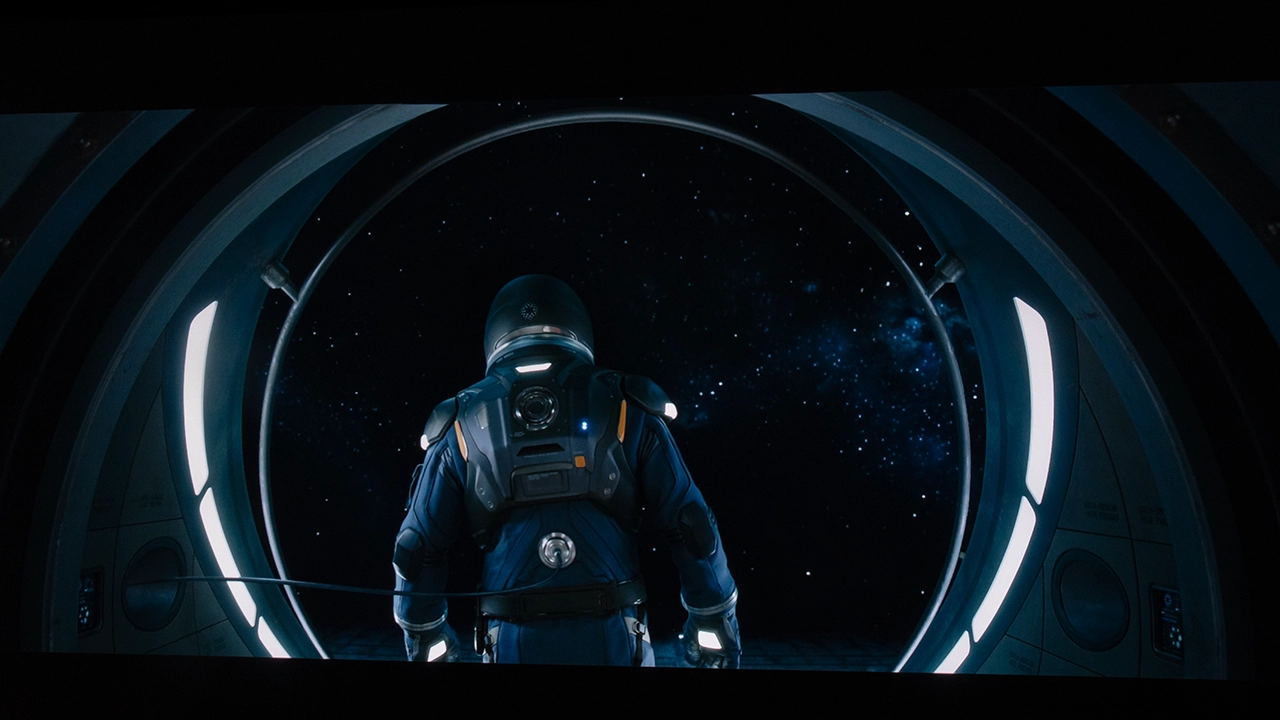
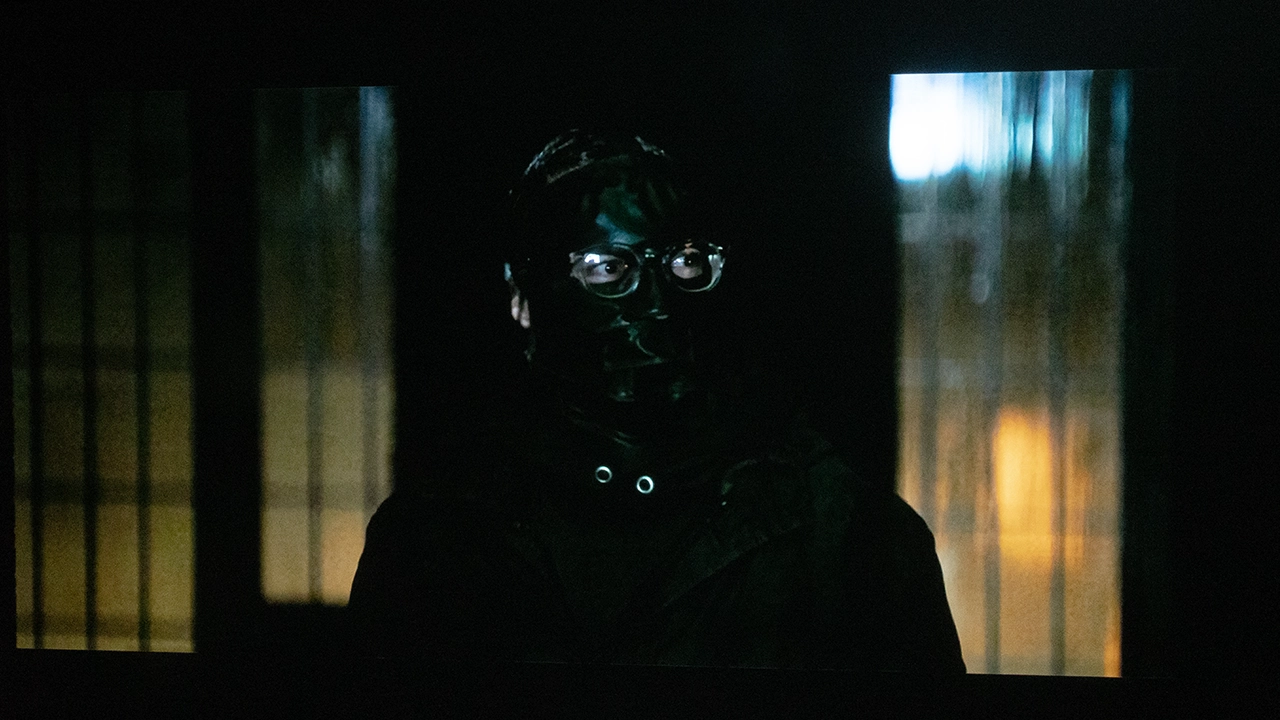
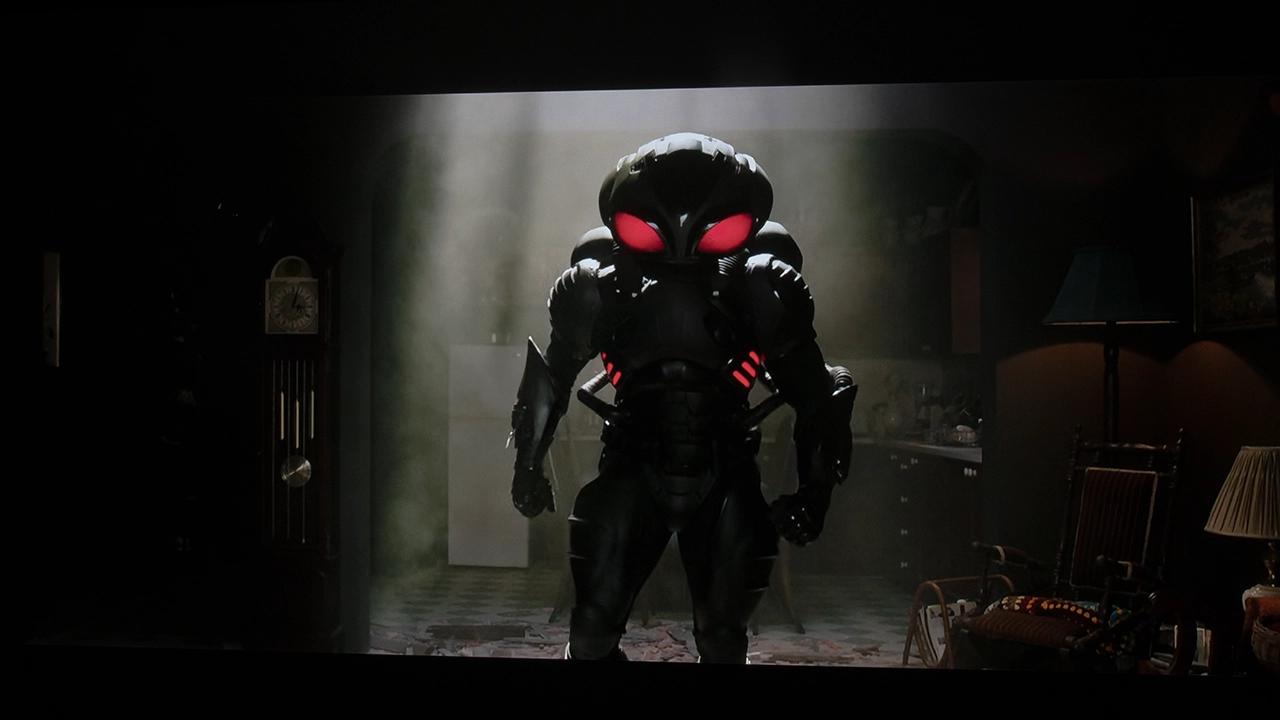
I’m going to start this section by repeating my advice from the COLOR section above. If there is any way you can reduce uncontrolled ambient light sources in your room, do so. It’s not that this projector requires a fully darkened room to look good; it doesn’t. But when watching it in a dimly lit room rather than a dark one, the black levels go from good to absolutely amazing. How good? In the right room conditions, the NexiGo Aurora Pro MKII can produce blacks that approach LCOS levels better than any DLP I’ve seen so far. I want to stress that the Aurora Pro MK2’s black levels are very good, a step up from the previous model, which was also very good. Like the color performance, the black level improvement can also be credited, in part, to NexiGo’s SAE (Scene Adapt Engine) technology.

Unfortunately, every silver lining has its cloud, and on this projector, it’s the lack of detail in dark areas when you have those deep inky blacks up on screen. I quickly found myself looking for the happy medium, still using the projector's presets. I found that using both the laser dimming and the dynamic iris at factory defaults with the CINEMA HOME mode was a good compromise. With Dolby Vision switching from the DOLBY VISION DARK to DOLBY VISION BRIGHT mode provided a good balance between blacks and dark area detail. Obviously, results depend largely on your content, room, and screen.

  • NexiGo Aurora Pro MKII Blacks - Projector Reviews - Images
  • NexiGo Aurora Pro MKII Blacks - Projector Reviews - Images
  • NexiGo Aurora Pro MKII Blacks - Projector Reviews - Images
  • NexiGo Aurora Pro MKII Blacks - Projector Reviews - Images
  • NexiGo Aurora Pro MKII Blacks - Projector Reviews - Images
  • NexiGo Aurora Pro MKII Blacks - Projector Reviews - Images

The NexiGo Aurora Pro MKII offers better black-level performance than many ultra-short throw projectors I have reviewed. The projector’s rated native contrast is 4000:1, a respectable increase from the older model. The MK2’s contrast and blacks are impressive, especially for a DLP projector using a 0.47-inch imaging chip.

NexiGo’s Scene Adapt Engine technology, a clear upgrade over the previous model. The NexiGo Aurora Pro MKII is an incredibly versatile projector that works well in a variety of lighting conditions, including those that require lights-on viewing. However, this projector stands out in spaces with good light control. Here, the projector's native contrast, hybrid light source, and SAE technology put it ahead of most ultra-short-throw DLP projectors in its price range. NexiGo also effectively uses the projector’s Dynamic Laser Dimming and Dynamic Iris, which boost the projector's perceived black level and, more importantly, dark-area detail.

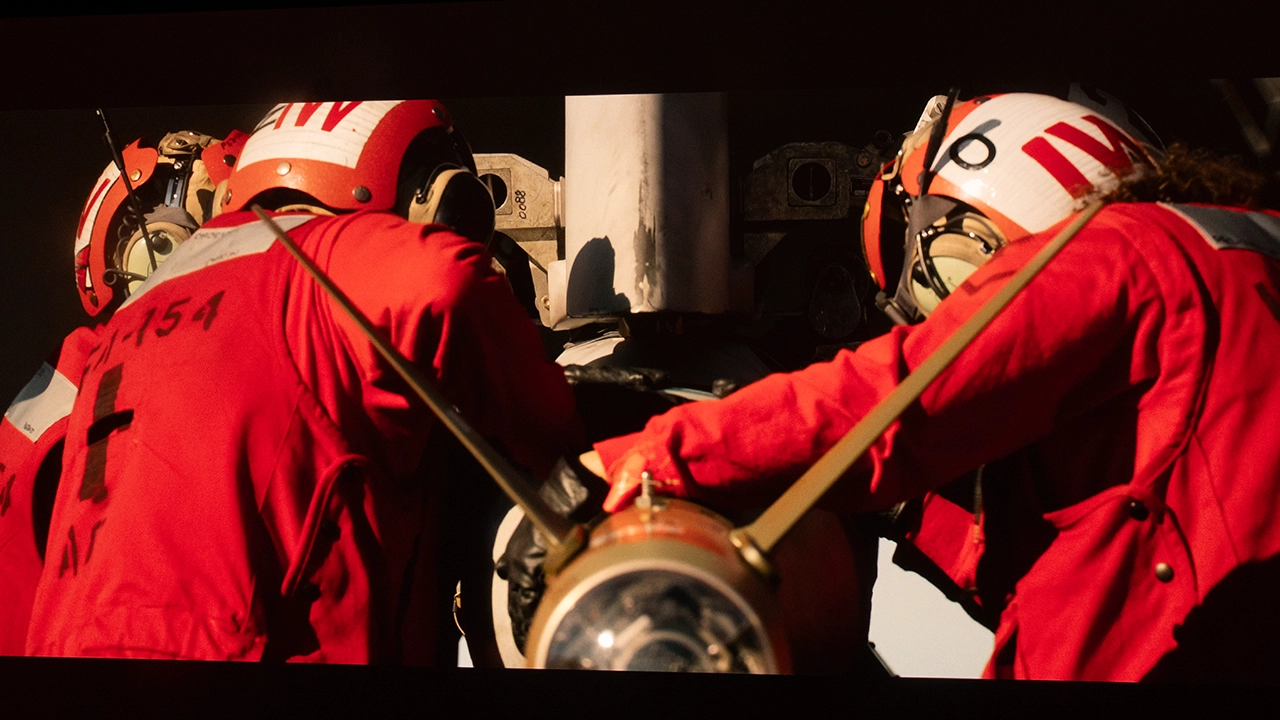
With dynamic laser dimming and the dynamic iris disabled, we measured a native contrast of 3996:1.  The dynamic contrast ratio measured 31,594, which is very good for an ultra-short-throw projector. This projector can look fantastic with Dolby Vision, HDR10+, and even HDR10 encoded content. This combination of features makes dark, difficult content like The Batman much more watchable, helping you see fine details in dark areas that many other UST projectors cannot display.

HIGH DYNAMIC RANGE

  • NexiGo Aurora Pro MKII HDR - Projector Reviews - Images
  • NexiGo Aurora Pro MKII HDR - Projector Reviews - Images
  • NexiGo Aurora Pro MKII HDR - Projector Reviews - Images
  • NexiGo Aurora Pro MKII HDR - Projector Reviews - Images
  • NexiGo Aurora Pro MKII SDR - Projector Reviews - Images

The NexiGo Aurora Pro MKII includes six preset HDR modes identical to the projector’s SDR modes. The most accurate HDR10 modes are the CINEMA PRO mode and the CINEMA HOME mode. Both CINEMA modes display excellent skin tones, with the PRO mode offering a more enhanced black floor and slightly higher image detail.

When viewing HDR10 material, you can adjust the onscreen brightness level based on how the scene or movie is mastered. An HDR setting changes the projector's HDR EOTF (Electro-Optical Transfer Function) to Low, Middle, or High. The Aurora Pro MKII also offers Scene Adaptive Gamma settings (Off, Low, Med, High), as well as GAMMA and DYNAMIC CONTRAST adjustments.

NexiGo supports all currently available HDR encodings on the Aurora Pro MK2. The Aurora Pro supports Dolby Vision, HDR10+, HDR10, and HLG. The NexiGo Aurora Pro MKII includes three Dolby Vision presets: DOLBY VISION DARK, DOLBY VISION BRIGHT, and DOLBY VISION VIVID. When viewing Dolby Vision and HDR-10+, the Aurora Pro did an excellent job of automatically adjusting HDR tone mapping for each movie/scene.

The NexiGo Aurora Pro MKII’s HDR performance delivers vibrant, dynamic color with excellent contrast and accuracy. It effectively renders highlights and dark areas, providing detail in bright and shadowed scenes. This projector offers a notable boost, making HDR content look amazing.

GAMING

NexiGo Aurora Pro MKII Gaming - Projector Reviews - Images

The NexiGo Aurora Pro MKII's dedicated game mode and HDMI 2.1 inputs provide an optimized gaming experience. To start with, this projector converts 4K 120 Hz signals to 4K 60 Hz, yet gameplay remains smooth when playing 120 Hz content. It has a low input lag of from 4.2 ms @ 1080 240 Hz up to 17.8 ms @ 4K 60 Hz, ensuring responsive gaming performance, especially for fast-paced games like first-person shooters. In the real world, this means that the time between pressing a controller button and the corresponding action on screen is almost instantaneous. The MKII’s low latency improved my gameplay, allowing me to live longer (only slightly, as I’m not a great gamer).
The projector's outstanding HDR performance, including support for Dolby Vision and HDR 10+, enhances visual details in dark and bright areas, providing a competitive edge and a more immersive gaming experience. MEMC (Motion Estimation Motion Compensation) works really well on the MK2, resulting in smooth, judder-free gameplay. MEMC makes my driving games and even simulator games look amazing with no screen-tearing artifacts.
This projector provides an excellent gaming experience, rivaling that of a dedicated gaming projector. It offers excellent color quality, detailed dark-area rendering, and responsiveness.

SOUND

The sound from the NexiGo Aurora Pro MKII's built-in system is very good. When I talk about sound quality in projectors, I mostly mean ultra short throw projectors. Let's face it, most other projector form factors have a lot of catching up to do, specifically in dynamic range and stereo imaging. Also, I’m making a comparison to entry level sound systems and sound bars. There is no doubt that if you want the best sound experience, you should connect your projector to a high quality external sound solution. The NexiGo Aurora Pro MKII supports eARC (enhanced audio return channel). eARC enables the MKII to send uncompressed audio formats (Dolby Atmos and DTS-X) from connected devices to an external sound system via a single HDMI cable.

The Aurora Pro MKII includes a 60W speaker system (woofers and tweeters) that is significantly more robust than the audio found in most projectors and TVs. It delivers clear, undistorted sound even at higher volumes. The MKII does not produce the deepest bass I’ve heard in a UST projector, but it creates a really good soundstage, which is excellent for both a movie and gaming experience. If you are looking for the absolute best audio experience, you will want to connect a premium soundbar or a full external Dolby Atmos/DTS-X home theater system.

The projector has five preset audio modes (CINEMA, STANDARD, GAMING, DOLBY CINEMA, and CUSTOM) that deliver an excellent sound experience for every movie and game I played on it. The NexiGo Aurora Pro MK2's audio quality is far better than any flat-panel TV. Like only a few ultra-short-throw projectors, it offers a sound that rivals many entry-level sound bars.

SUMMARY

NexiGo Aurora Pro MKII Award - Projector Reviews - Images

The NexiGo Aurora Pro MKII is the follow-up to last year's Aurora Pro and it offers several similar features. And though the MKII shares the same design as the previous model, there are significant differences in the core technology inside and a boost in performance.

The Aurora Pro MKII features a new ALPD 5.0 hybrid laser light engine that combines RGB lasers and LEDs. This new light source offers improved perceived color, practically eliminates laser speckle. The Aurora Pro MKII features six different preset picture modes (the same for SDR and HDR) that are well tuned from the factory. The projector also features support for Dolby Vision and HDR10+. Dolby Vision offers three dedicated preset picture modes. Should you want to calibrate the projector professionally the MK2 features a very full featured color management system.

NexiGo has added a brand new technology to the Aurora Pro MKII called Scene Adapt Engine (SAE) that includes a dynamic iris that when combined with the projectors laser dimming boosts contrast from 4,000:1 native and 30,000:1 dynamic. As a result the projectors black floor has been significantly improved resulting in one of the deepest black floors I’ve seen on a DLP projector. Depending on the modes selected dark area detail is improved in both SDR and HDR content, with HDR content gaining a big boost.

NexiGo has added a new set of improved ultra short throw lenses that fixes the soft corner focus found on the previous model. The new optics not only improve overall sharpness of the entire image but also provide better focus uniformity. What this means is even when projecting a 150-inch image the picture remains sharp into all but the most extremes edges of the image. The MKII’s new optics also allow the projector to be placed even closer to the screen with the projector being able to project and 80 inch image from less than four inches away.

The Aurora Pro MKII supports 3D playback. This projector is also fast with three HDMI 2.1 ports that support ultra fast gaming from 4.2 ms @ 1080 240 Hz up to 17.8 ms @ 4K 60 Hz. The HDMI ports will accept 4K 120 Hz content but display it at 4k 60 Hz max. NexiGo does not support ALLM (Auto Low Latency Mode) on the Aurora Pro MK2 but does support motion smoothing with MEMC.

With a current selling price of around $2999, the NexiGo Aurora Pro MKII offers “Unmatched Dark Room Performance” and produces stunning detail with deep contrast for an unparalleled experience.” The projector's state-of-the-art RGB/LED hybrid laser light source delivers 2400 ANSI lumens of brightness. NexiGo’s new SAE technology provides users a stunning image even in rooms with a small amount of uncontrolled ambient light. This projector is one of the best ultra short throw projectors I’ve reviewed this year.

NexiGo Aurora Pro MKII Awards - Projector Reviews - Images
NexiGo Aurora Pro MKII Award - Projector Reviews - Images
If you are interested in purchasing the projector mentioned in this article, we always appreciate it if you use one of the links in the article because Projector Reviews earns a small commission on the sale at no cost to you.
Buy Now On Amazon - Projector Reviews ImagesBuy Now- ProjectorScreen.com - Projector Reviews Images

PROS

  • The ALPD 5.0 Hybrid Triple-Laser/LED light source reproduces 107% of the BT.2020 color gamut.
  • Very Good Out-of-the-box color reproduction
  • High-quality optics with motorized focus deliver a sharp image
  • Game Mode's low input lag of 17.8 ms at 4K 60 Hz, 8 ms at 1080p 120 Hz, and 4.2 ms at 1080p 240 Hz ensures responsive gaming performance.
  • The 60-watt sound system delivers good sound quality
  • HDR10+ and Dolby Vision encoded content are fully supported
  • Dedicated 24 fps playback mode
  • Fully 3D capable
  • Amazon Alexa, DLNA, and Apple Airplay are supported
  • Bluetooth 5.2 enables the projector to be used as a Bluetooth speaker
  • Black level and shadow details are excellent for a DLP projector.
  • A robust CMS (Color Management System) that allows the fine-tuning of the projected image.
  • USB 2.0 Type-A input and built-in media player allow users to play content from compatible external media sources, such as USB sticks and hard drives.
  • 1 Year warranty, Laser light source is 1 Year or 25,000 hours, whichever comes first

CONS

  • No USB 3.0 high-speed ports
  • Auto Low Latency Mode (ALLM) is not supported
  • No integrated Google TV OS, Google Play store, or Google Search
  • The remote control has a connection issue when more than eight feet away
  • Possibly the loudest sound on a UST without distortion, but would like more bass
  • On some content, deep blacks come at the expense of dark area detail

NexiGo Aurora Pro MKII- SPECIFICATIONS

NexiGo Aurora Pro MKII Featured Image - Projector Reviews - Images
Full Specifications
Projector ModelAurora Pro MKII
Price (MSRP)$3999 ($2999 current street price) 
Imager TypeDLP
Displayed Resolution1920 x 1080 X4  (4-way pixel shifting)
Native Resolution1920 x 1080 
Brightness (Manufacturer Claim)2400 Lumens
Light Source TypeHybrid RGB Laser/LED
Contrast Ratio30,000:1 (Dynamic)
Lens Throw Ratio0.21:1
Power Zoom/FocusYes (Focus)
Lens ShiftNo
Interchangeable LensNo
Ultra Short ThrowYes
Native Aspect Ratio16:9 (Widescreen)
4K/120 fpsNo
3DYes
SpeakersYes
Noise Level (-db)26 dB
Low Lag GamingYes
Smart FunctionalityNo
BusinessNo
ClassroomNo
PortableNo
Special FeaturesHybrid Laser/LED, Dynamic Iris
NetworkingWireless
Dimensions (WxDxH) (W x H x D) 21.54 x 4.81 x 16.04 inches (547.1 x 122.2 x 407.5 mm)
Weight22 lbs. (9.98 Kg)
Warranty1-year Limited
Buy Now- ProjectorScreen.com - Projector Reviews Images

© 2025 Projector Reviews

crossmenu linkedin facebook pinterest youtube rss twitter instagram facebook-blank rss-blank linkedin-blank pinterest youtube twitter instagram