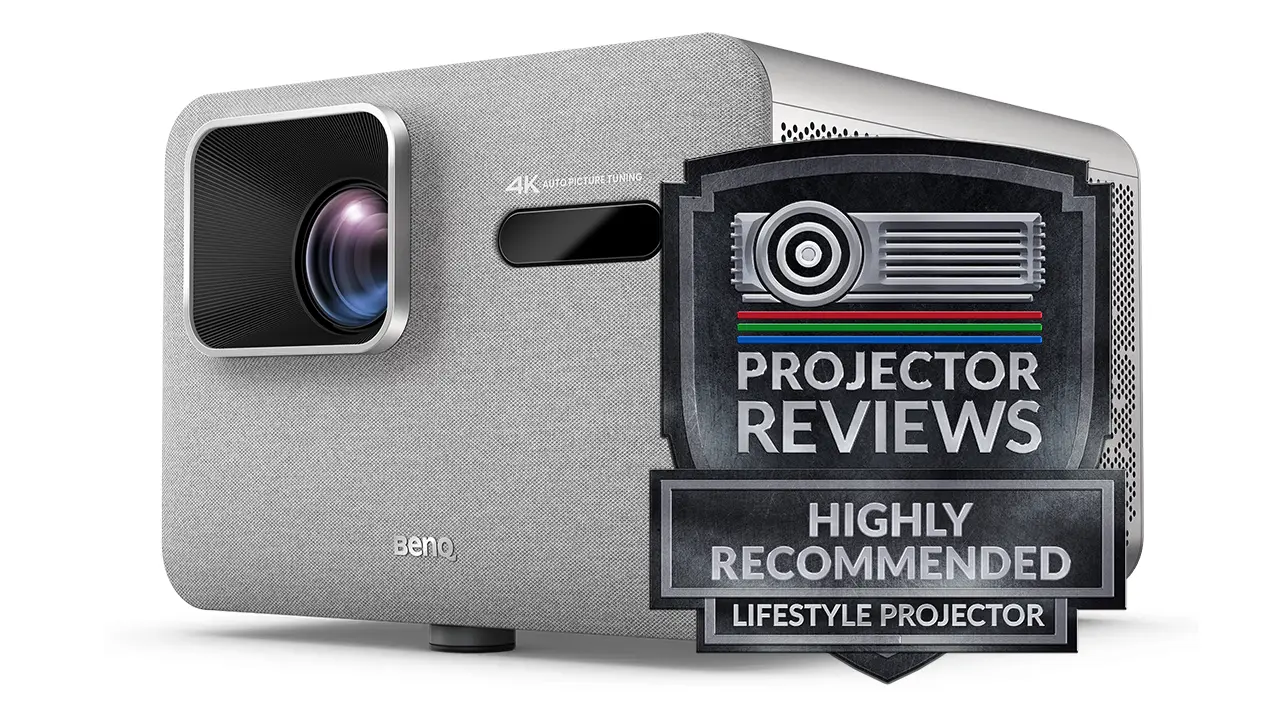
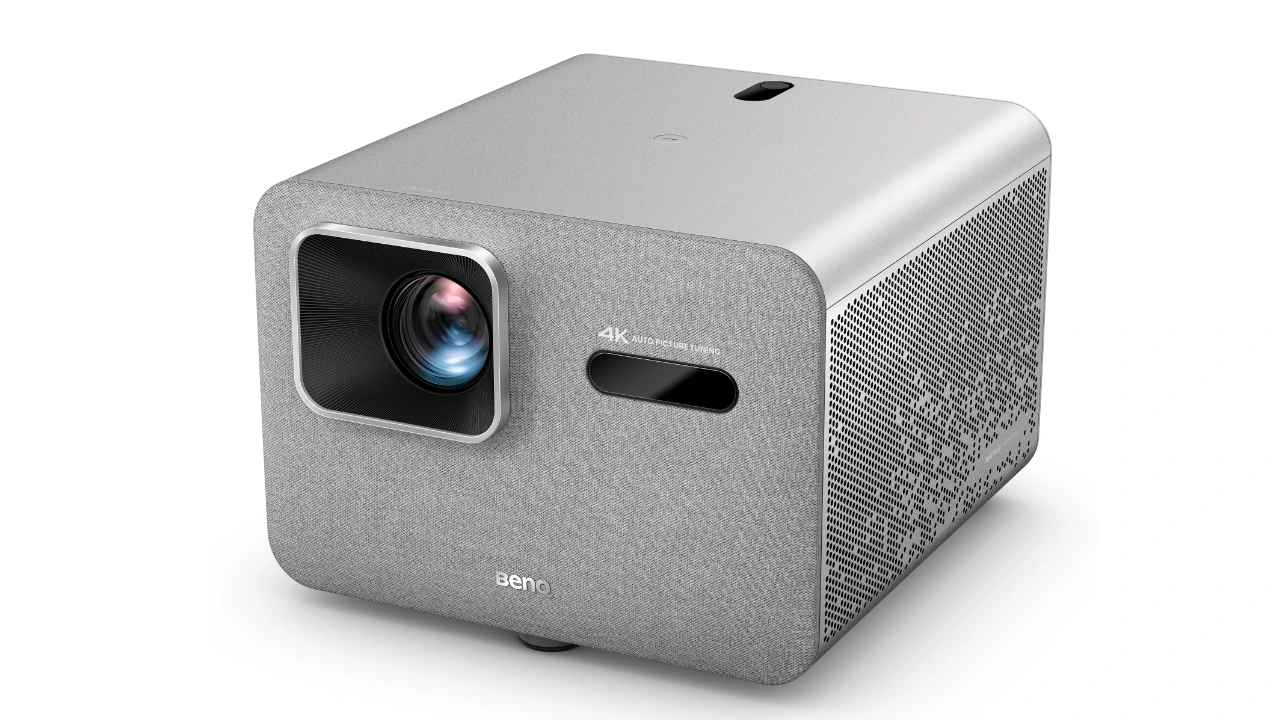
A powerful 4K UHD, short-throw lifestyle/gaming projector with 4LED DLP light engine.
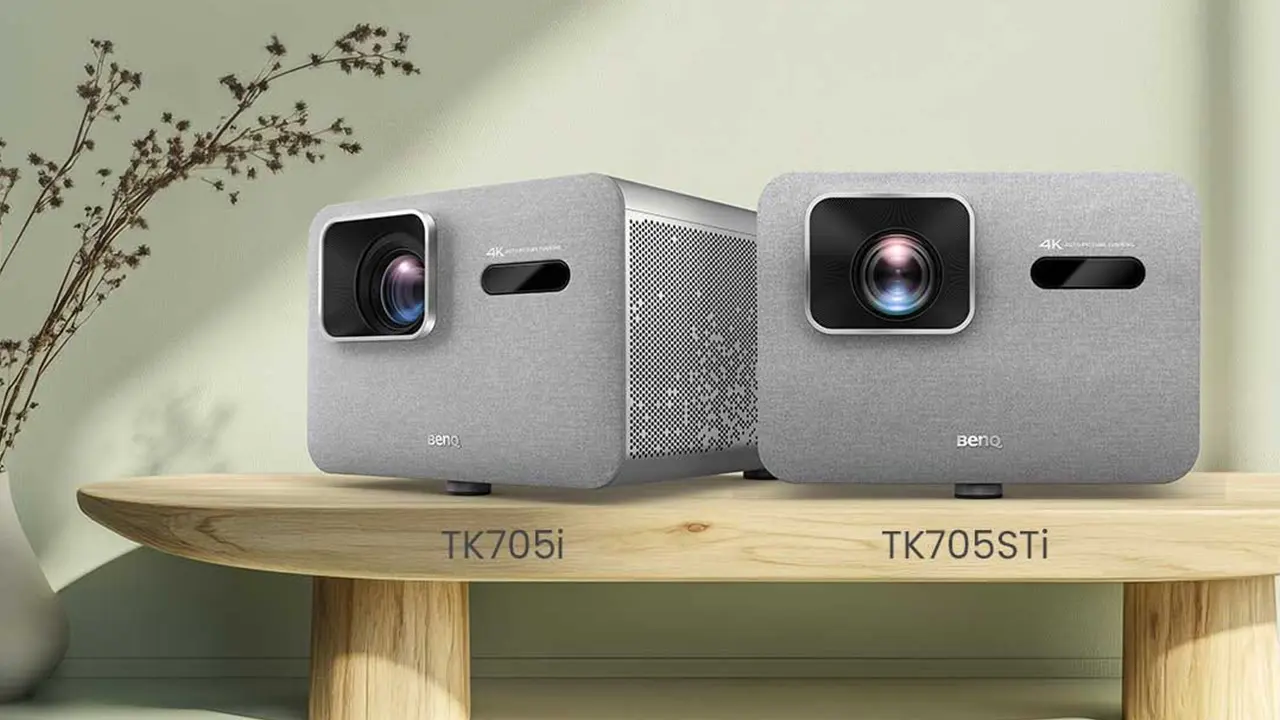
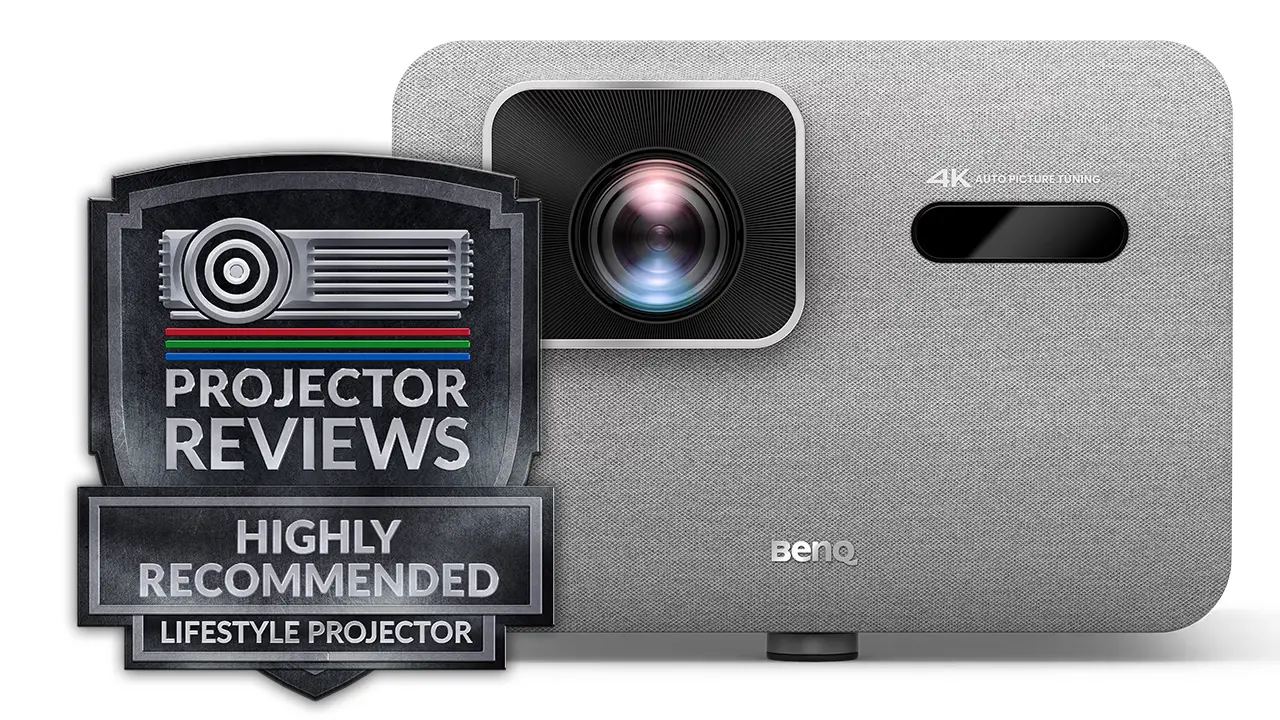
The BenQ TK705STi is a short-throw projector that currently sells for $1599. The TK705 series features two models: the TK705i and the TK705STi, the latter of which is the subject of this review. The TK705STi is a 4K UHD 0.47-inch DLP chip and a 4LED light source rated by BenQ at up to 3,000 ANSI lumens.
In addition to excellent color reproductions the unit's 4LED light engine offers high brightness, long life, quick start up and energy-efficiency. All of this is very useful considering that BenQ designed the TK705STi to display large images in smaller spaces where total control over ambient light isn't available.
The TK705STi is a very capable gaming projector, sharing many features with BenQ's dedicated gaming projectors. This projector is fast, listed as capable of achieving a blistering 4.2 ms at up to 1080p at 240 Hz and 5 ms at 4K at 60 Hz, so gaming feels fluid and responsive rather than sluggish.
Similar to other BenQ gaming projectors, the TK705STi offers a dynamic contrast ratio of 600,000:1, so you should still be able to make out details in dark areas even when using it in rooms without total light control.
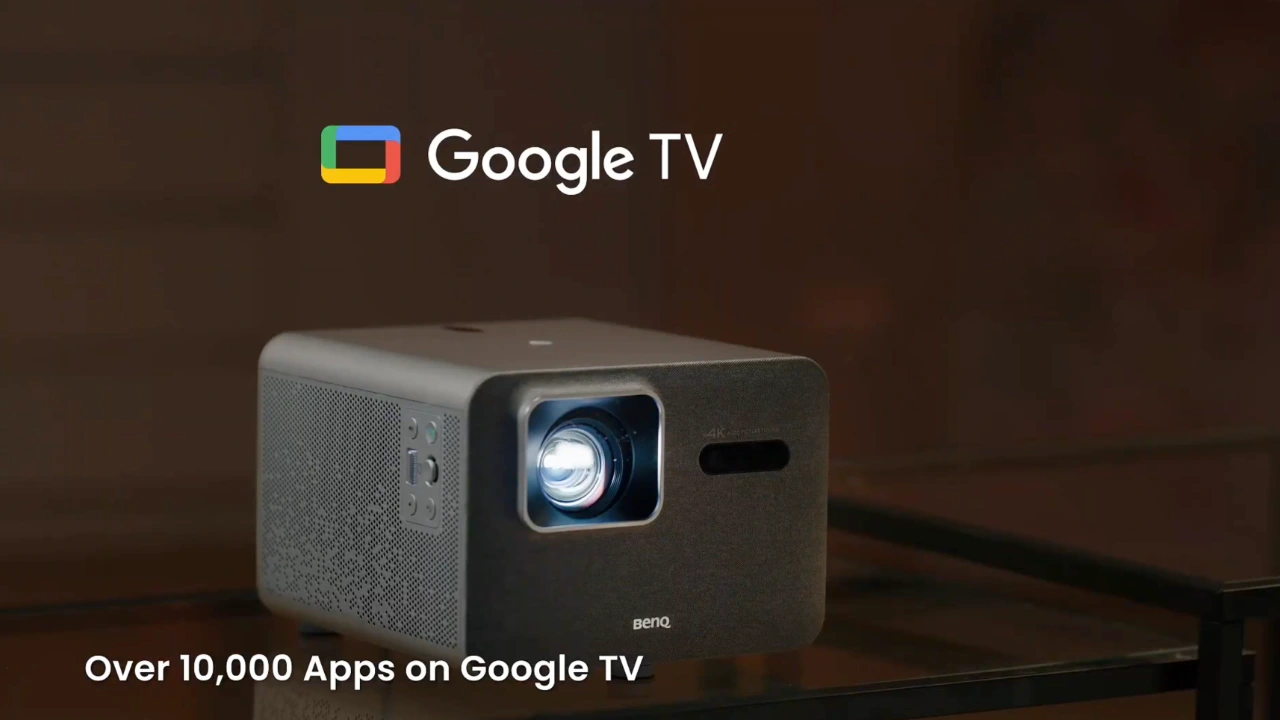
The TK705STi is a smart projector that includes a fully integrated, dongle-free (built-in) version of the Google TV operating system. Google TV is the most feature-rich smart operating system with more native applications than any other option.
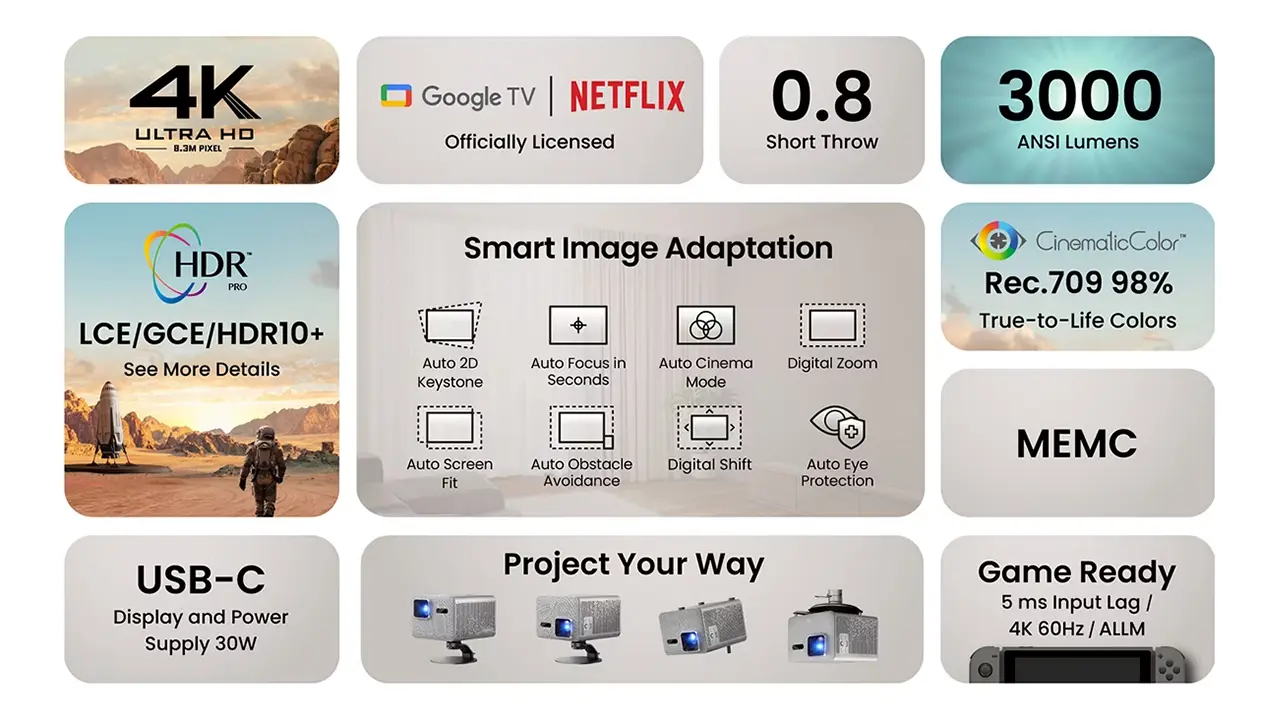
BenQ has made easy installation a top feature of the TK705STi, including its SMART IMAGE ADAPTATION (SIA) suite. SIA features multiple automated tools that simplify projector setup and even correct the image if the projector is bumped. These tools automatically detect the screen size, adjust the image, correct for tilt, and focus the image perfectly on the screen.
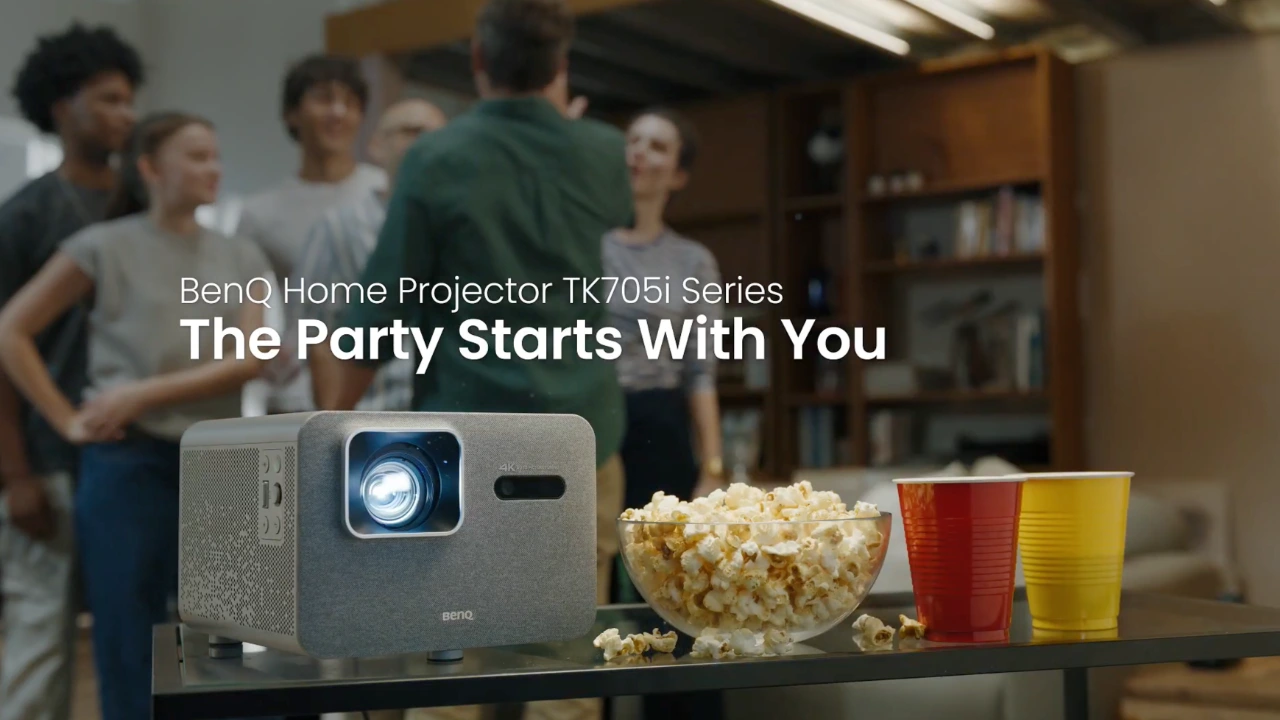
The TK705STi is one of the most attractive lifestyle projectors BenQ has produced recently, with a design similar to its dedicated gaming projectors. This projector is portable, weighing 8.4 pounds. So, it's light enough to move from room to room or even to the backyard for an outdoor movie night.
BenQ TK705STi
Suggested Retail Price: $1599
Ratings Based On Comparable Models
Brightness
Color Reproduction
Contrast
Sound Quality
Pros
+ 0.8:1 fixed short-throw lens + 3,000 ANSI lumens of Brightness + Low Latency of 5 ms at 4K/60Hz + Built-in Google TV OS + HDR10+ combines both local and global contrast enhancement. + Good Out-of-the-box color reproduction. + Auto Setup (focus, 2D Keystone & Obstacle Avoidance)
Cons
- Average black-level performance - Dolby Vision Not Supported. - Remote is not backlit or A/V shortcuts. - No Optical lens shift or zoom - 4K Gaming maxes out at 60 fps - No Variable Refresh Rate (VRR) Support - There is audible fan noise in the projector's bright modes. - No 3D support
If you are interested in purchasing the projector mentioned in this article, we always appreciate it if you use one of the links in the article because Projector Reviews earns a small commission on the sale at no cost to you.
Overview
The TK705STi, which currently sells for $1,599, is a 4K lifestyle projector that delivers excellent image quality and 3,000 lumens of brightness from a compact package. When it comes to the TK705STi feature set and design,
BenQ seems to be trying to build a projector that blends two previously dedicated types of projectors, lifestyle and gaming, and the result is a pretty fascinating hybrid. For sure, there are compromises, especially when it comes to the omission of some BenQ gaming projector features, such as VRR (FreeSync or G-Sync compatibility), 120 Hz display, and BenQ Settings Exchange. But aside from these price compromises, the TK705STi offers impressive gaming performance under the hood, while its physical packaging and core feature set make it a compelling option for a hybrid projector.
To achieve accurate color tracking in less-than-perfect viewing conditions, BenQ offers its CinematicColor technology. BenQ CinematicColor delivers dramatic 4K visuals with vivid contrast, rich tones, and cinematic depth, bringing every movie and game to life in truly immersive detail. At its core, CinematicColor sounds like a single technology, but it's really more of a software process on the TK705STi. CinemeticColor on the TK705STi is limited primarily to the smaller standard Rec. 709 color space. It ensures the image looks balanced and true to the director's intent, but within that color space. Out-of-the-box color looks realistic and immediately noticeable on things like skin-tones, where colors are clean without a lot of bleed.
On the TK705STi, BenQ HDR-PRO technology decodes standard broadcast HLG, static HDR10, and dynamic HDR10+ metadata. When an HDR10+ stream is detected, the engine reads the frame-by-frame metadata directly, bypassing generic internal guesswork and enabling it to display transitions between dark interiors and glaring outdoor scenes with far greater balance.
BenQ HDR-PRO technology analyzes the TK705STi signal and, depending on the HDR encoding, adjusts the projector’s gamma curves either frame-by-frame or scene-by-scene, rather than applying a set of adjustments across the entire movie, television show, or game.
Setting up your big-screen experience shouldn't feel like a weekend-long engineering project, and BenQ seems to have figured that out with the TK705STi. Thanks to its SMART IMAGE ADAPTION (SIA) suite of image setup tools, you can essentially place the projector on a table or mount it on the ceiling, point it at a wall, and let the software handle the heavy lifting. The Auto 2D Keystone and autofocus align and square the frame almost instantly. At the same time, the built-in Auto Cinema mode continuously reads your room's ambient light and physical wall color to adjust the color temperature on the fly.
Once the geometry is locked in, the integrated Google TV operating system takes over, eliminating the need for dangling external streaming sticks. Crucially, BenQ secured native, out-of-the-box Netflix support alongside Prime Video and YouTube, letting you dive straight into your watchlist with a single press of the play button. A key benefit of Google TV is that the official Netflix app lets you access your favorite movies and shows with reliable performance and easy navigation, right out of the box.
Google TV OS offers a very familiar and robust smart OS experience, with access to over 10,000 applications via the Google Play Store. Also, Google TV delivers seamless access to a vast library of streaming services, apps, and more, all through an intuitive, user-friendly interface. The integration of Google TV into the VisionMaster series includes built-in Chromecast and Google Assistant, further enhancing the TK705STi's smart capabilities.
HARDWARE
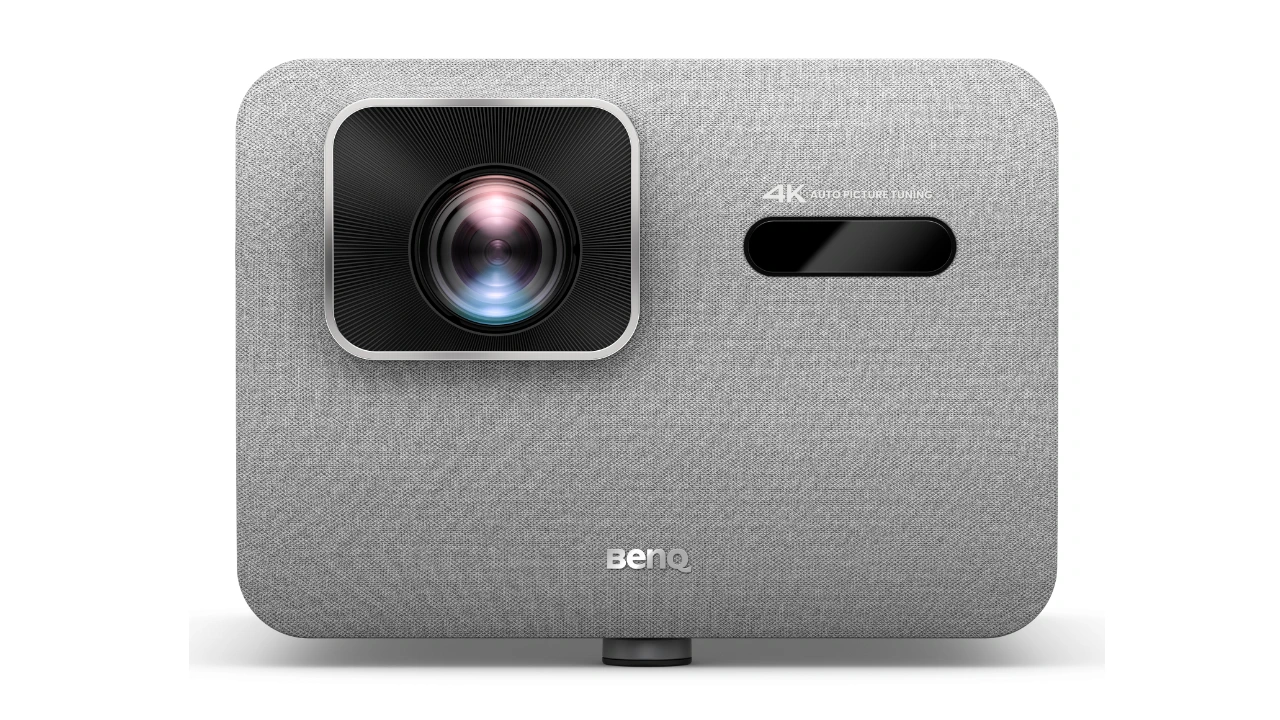
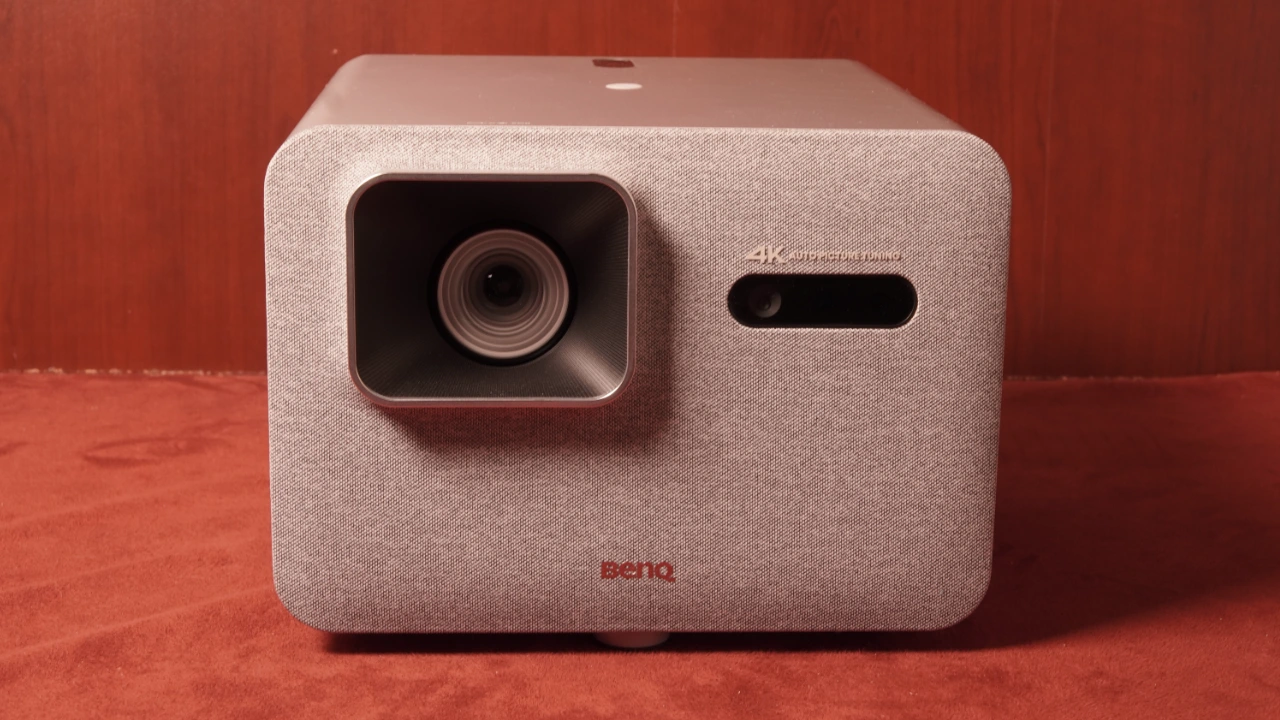
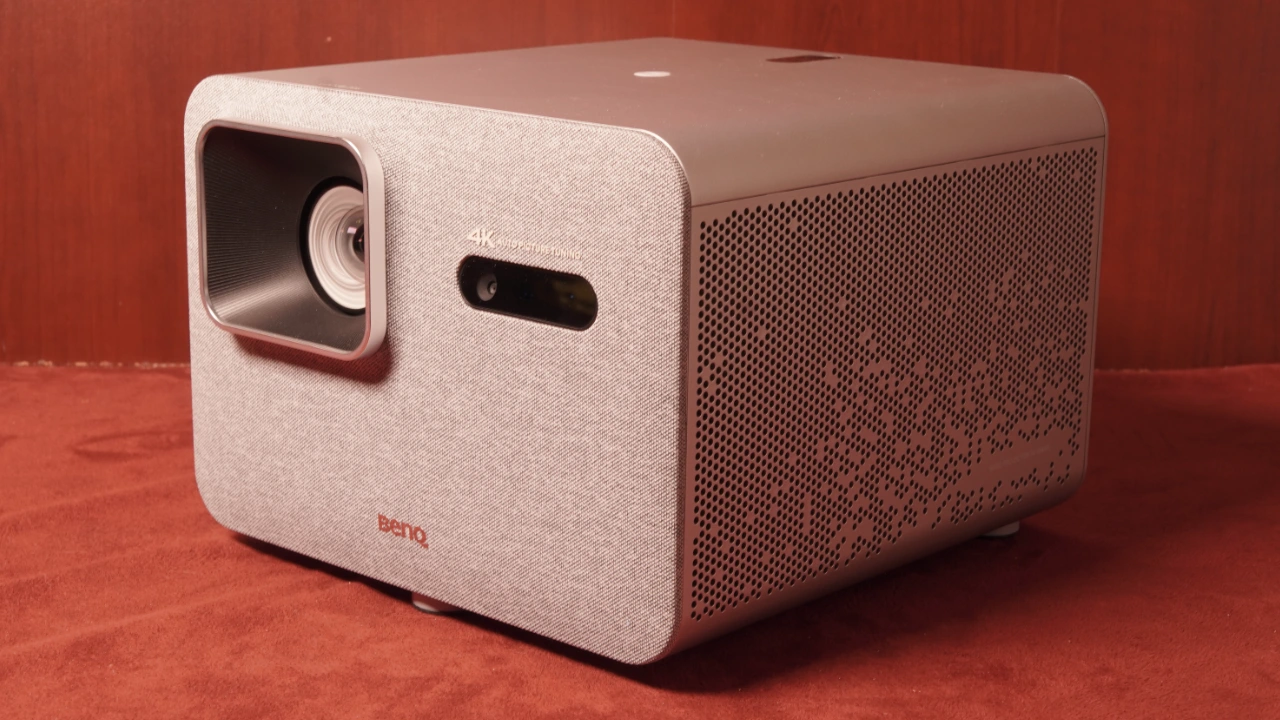
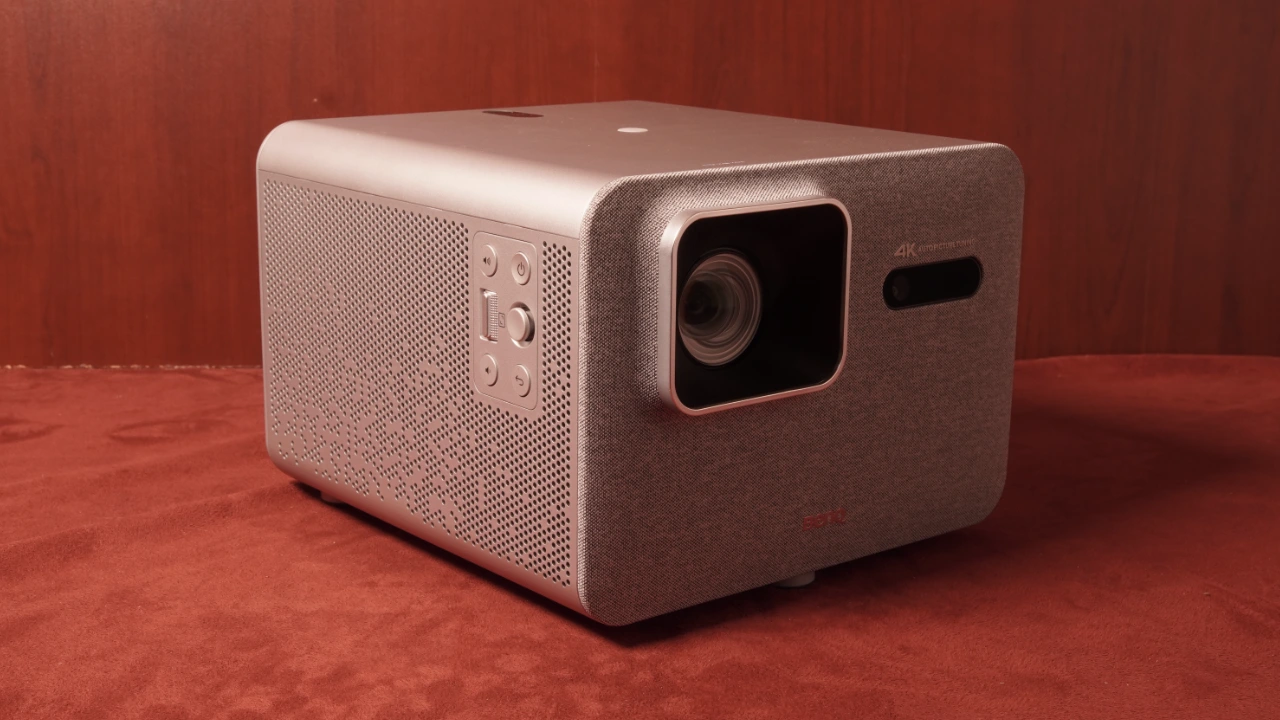
The BenQ TK705STi is one of two new TK705 series projectors. BenQ has made a significant shift in the projector's physical appearance, moving away from the typical gloss-black or clinical-white boxes toward a design I find more appealing. The TK705 series features a new design that will fit more easily in a typical living room. BenQ has combined an almost silver-metallic finish with fabric elements to create what I can only describe as an accessible, living-room-friendly design. The TK705STi is one of the most stylized lifestyle projectors I’ve come across this year.
The projector feels solid and premium, with a rigid metal look and feel, even though much of the projector's shell is ABS plastic. The TK705 series measures (WxHxD) 9.0 x 6.6 x 9.8 inches (303.5 x 112.4 x 234.5 mm) and weighs 8.4 lbs (3.8 kg), which is heavier than the typical lifestyle projector but small enough to move from room to room.
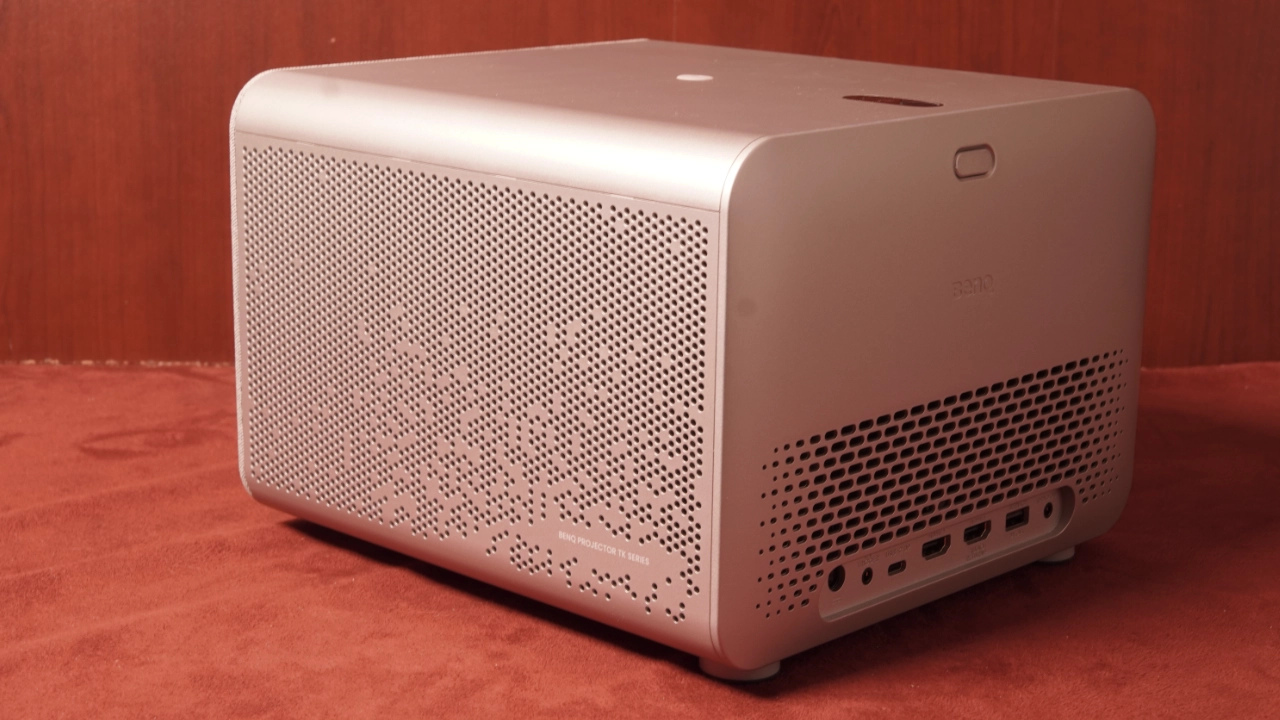
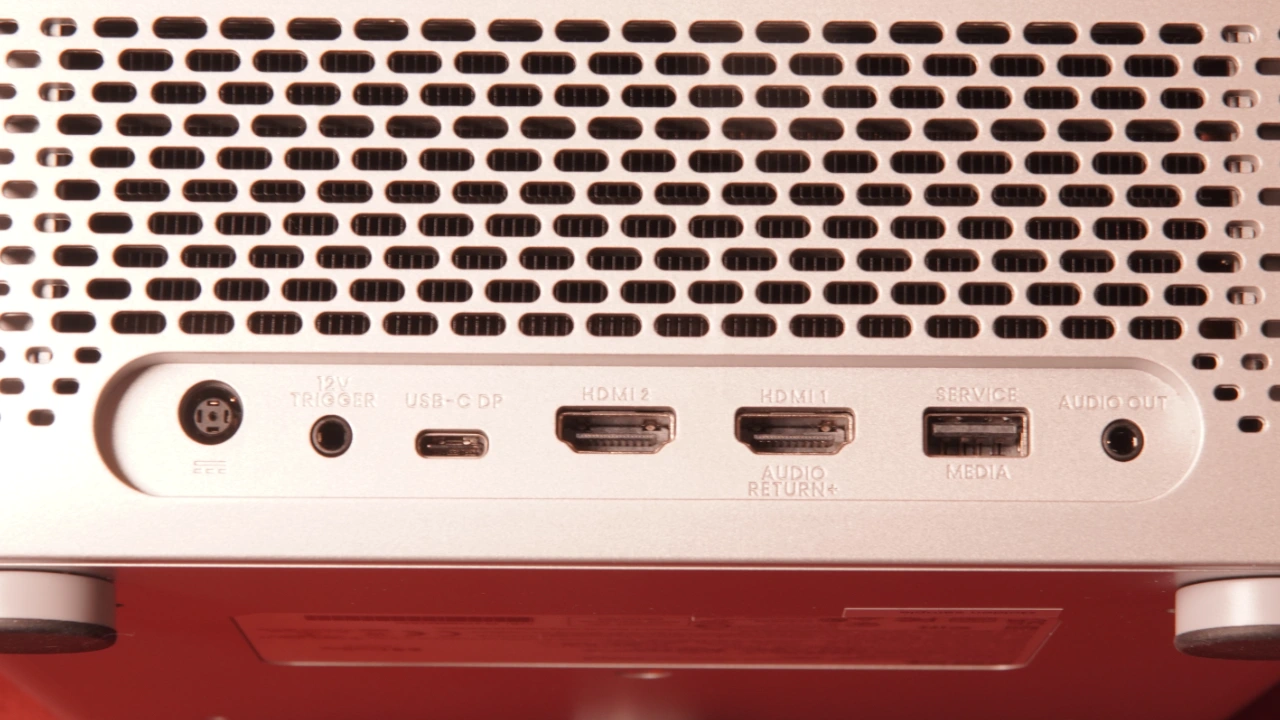
The BenQ 705STi features multiple inputs on the back panel and a control panel on top.
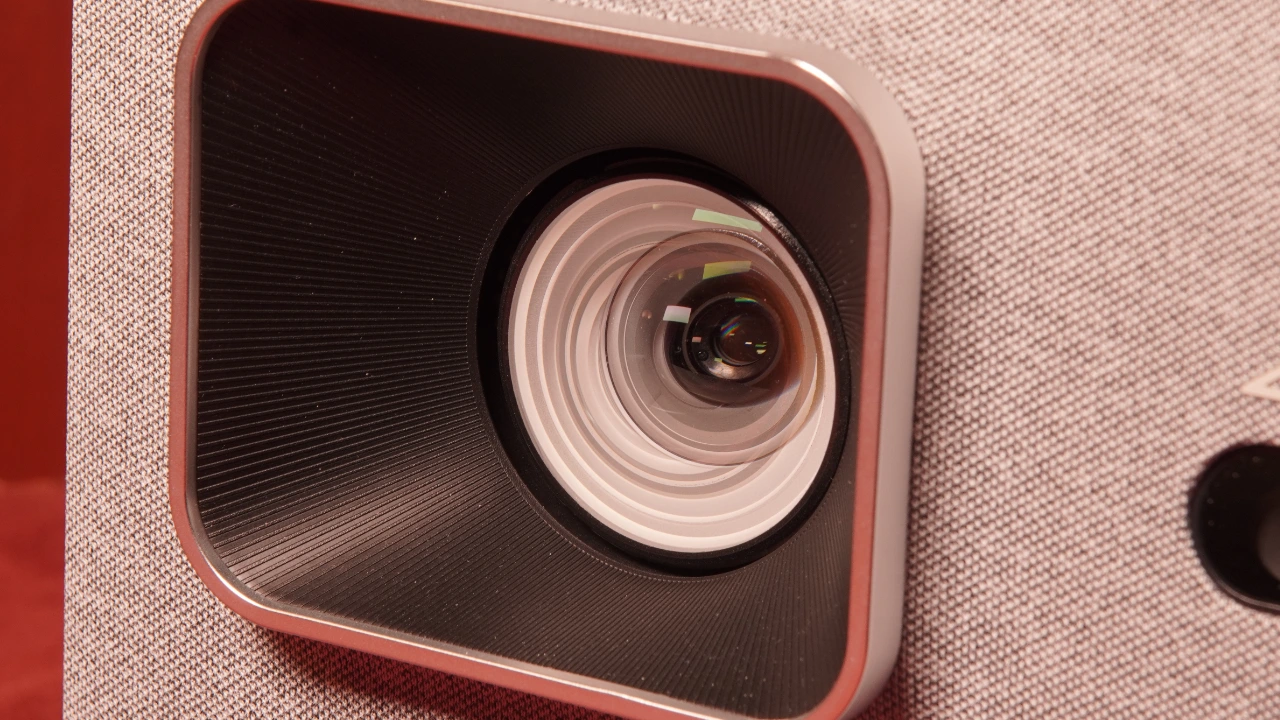
The front of the projector houses the unit's lens assembly, auto-calibration sensors, and the Smart Image Adaptation (SIA), which automatically adjusts focus, screen fit, and obstacle-avoidance features. The front also houses one of two remote receivers.
The cool air intake is located on the side of the projector, drawing fresh air across the 4LED light engine and DMD chip assembly. The hot air exhausts through vents on the opposite side, precisely through the ventilation pathways designed to resemble the organic pattern of dappled sunlight.
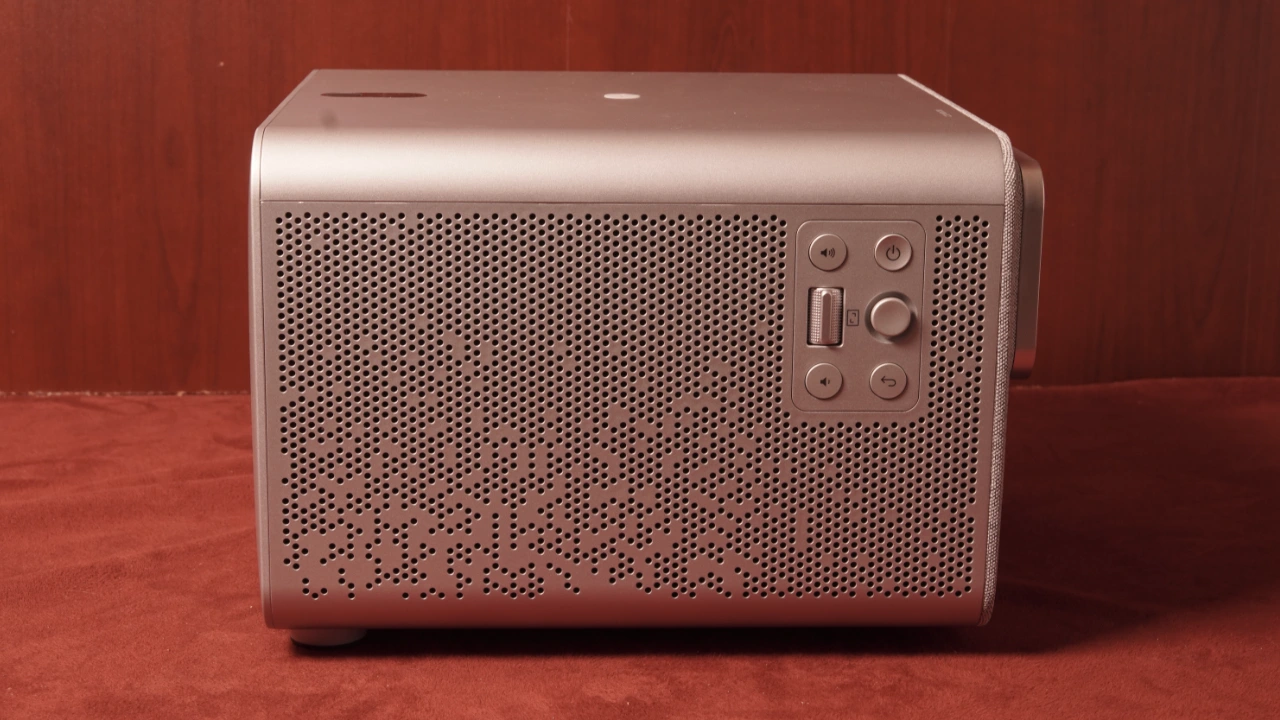
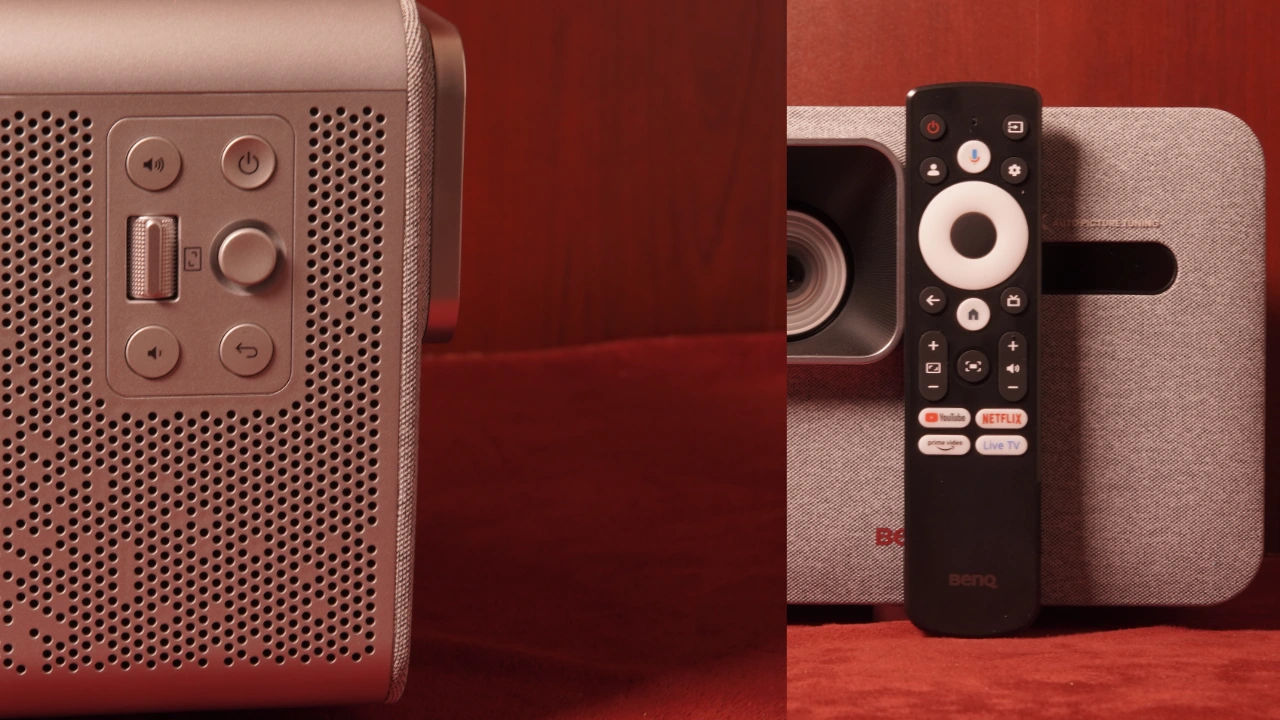
Unlike typical BenQ projectors, the control panel is on the same side as the projector's cooling intakes, which helps protect the circuitry from heat buildup. In addition, the side placement of the control panel means that if you should mount this projector upside down (Yes, you can do that.), you will still have better access to the control panel. BenQ includes controls for power, volume, and focus adjustment, as well as a physical navigation knob.
The input and connectors panel is on the projector's rear. The BenQ TK705STi, from left to right, has a DC power connector, a 12-volt screen trigger, a USB Type-C input featuring 30 watts of power, two HDMI 2.1 inputs, one featuring eARC, a USB Type-A input, and a 4.5 mm audio output.
The bottom of the TK705 series has adjustable dial feet to fine-tune the projector's pitch and height when it’s set on an uneven surface. Also, the projector features recessed structural ceiling-mount and tripod-screw holes if you need to ceiling mount it.
When it comes to the remote, I really like the design and the choice of features BenQ put on this controller. The layout is more like a Google TV remote, but bigger. The buttons are more spaced out, so it felt more comfortable in my hand, and muscle memory for where the most commonly used buttons are located kicked in quickly. I do have two complaints about BenQ: the remote is not backlit, and BenQ did not add shortcut buttons for common menu functions like PICTURE, AUDIO, and HDR presets. That said,
BenQ designed a dedicated SmartRemote for the BenQ Projector App as an alternative. The remote app pairs directly via a local Bluetooth connection, so it works without requiring a shared Wi-Fi network or hotspot. The app features a dedicated MORE TOOLS option that provides shortcut panels for BRIGHTNESS, KEYSTONE (geometry), ZOOM, and SCREEN FIT. It’s a nice app, but we know BenQ makes backlit remote controls with shortcut key buttons. I would have preferred one of those to be included.
The BenQ TK705STi features a fixed-focus lens with no optical zoom or optical lens shift, so you will have to physically move the projector to make the image bigger or smaller, or else use the included digital image zoom. The TK705STi has a fixed 0.8 throw ratio and can project an image up to 300 inches max. In a real-world use, the projector can display a huge 150-inch image from just under 10 feet away, or a more modest 100-inch image from less than 6 feet away. This projector is designed to project a large image in relatively small spaces, making it a great choice for apartments or bedrooms. The TK705STi has a 100% offset, meaning the bottom edge of the projected image lines up exactly horizontally with the center of the projector's lens when the projector sits flat on a table, so you don't need to tilt the chassis unless your screen is significantly higher or lower than the lens.
The TK705STi features AUTO FOCUS, AUTO SCREEN FIT, and AUTO OBSTACLE AVOIDANCE. There is also an AUTO CINEMA mode that detects ambient room light and your wall color to digitally tune the brightness and color temperature of the projected image on the fly. One of the most convenient tools is the TK705STi’s AUTO 2D KEYSTONE, which digitally squares the image layout so you do not have to struggle with manual alignment. Be aware that these automated algorithms do not always get it right, so you can also completely override the system and make manual digital geometry adjustments.
Using DIGITAL SHIFT, you can electronically slide the entire squared image up, down, or sideways. It is worth keeping in mind that while these digital tools are a lifesaver for tricky coffee table placements, overusing digital keystone or Zoom can slightly crop your active resolution. At Projector Reviews, we don’t recommend using digital image adjustment except as a last resort. If you need them, BenQ offers several digital adjustments that can be helpful. Still, it is always best to get the projector physically centered and not rely on these digital convenience tools, which can compromise image quality.
The overall image sharpness of the TK705STi’s lens is very good, resolving a crisp 4K image across the majority of my test screen. Small details and text clarity are good, and the game displayed fine details and text menus satisfactorily. I did observe that the projector’s 0.8 throw-ratio lens has a harder time in the extreme corners; however, I didn’t find it to be a huge issue when watching movies or playing games. Focus uniformity is decent on this short-throw projector.
The TK705STi’s lens displays natural sharpness and is easy to watch; just be mindful that, because it’s a fixed design, your installation math must be right from the start.
PERFORMANCE
COLOR REPRODUCTION
The BenQ TK705STi does an excellent job balancing out-of-the-box colors for a range of content.
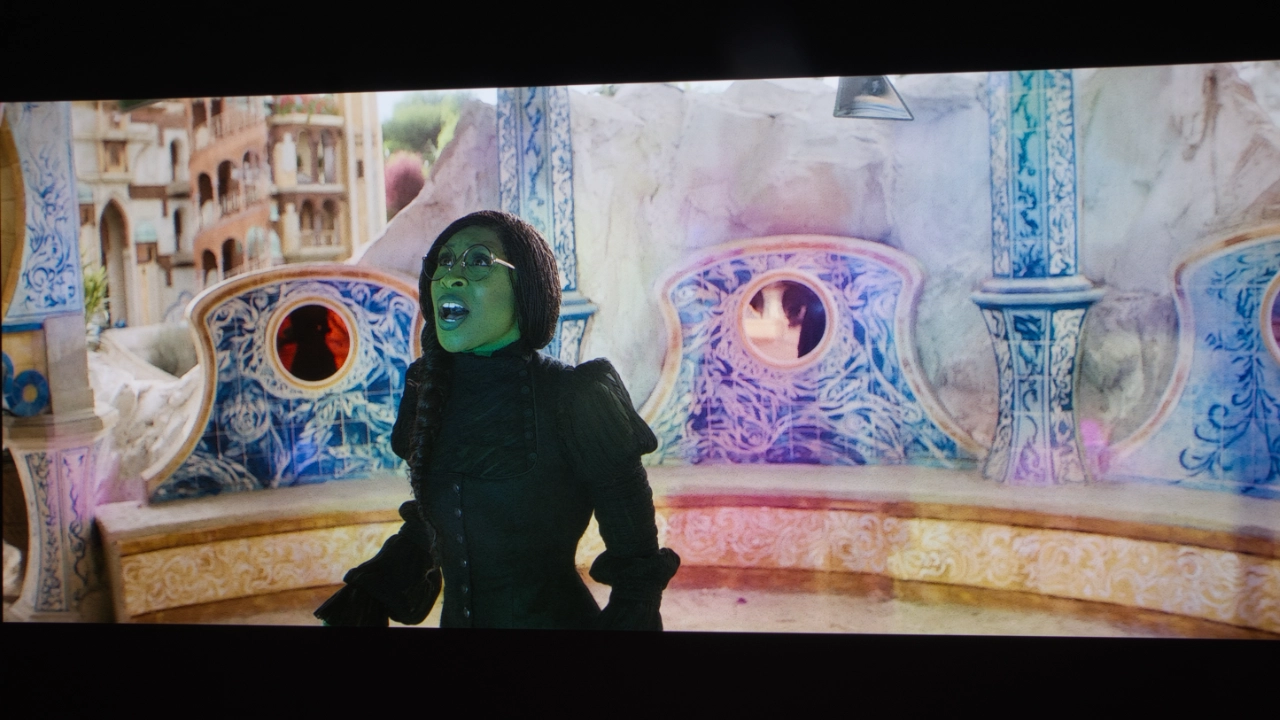
Like most BenQ home theater projectors, the TK705STi is factory-calibrated, and it shows this when using the manufacturer's picture preset modes, such as AUTO CINEMA and USER. This projector covers 98% of the Rec. 709 color space. In my testing, skin tones were natural and didn't appear oversaturated. This is largely because this projector features BenQ’s 4LED light source rather than a traditional 3LED array.
BenQ’s 4LED system uses a second blue LED alongside the standard red, green, and blue components, which increases the green spectrum, boosting the projector's overall brightness in a three-diode setup. The 4LED light source used in the TK705STi results in an overall boost to primary colors. During my testing, I found that the reds were deep and the greens popped without excessive color bleeding.
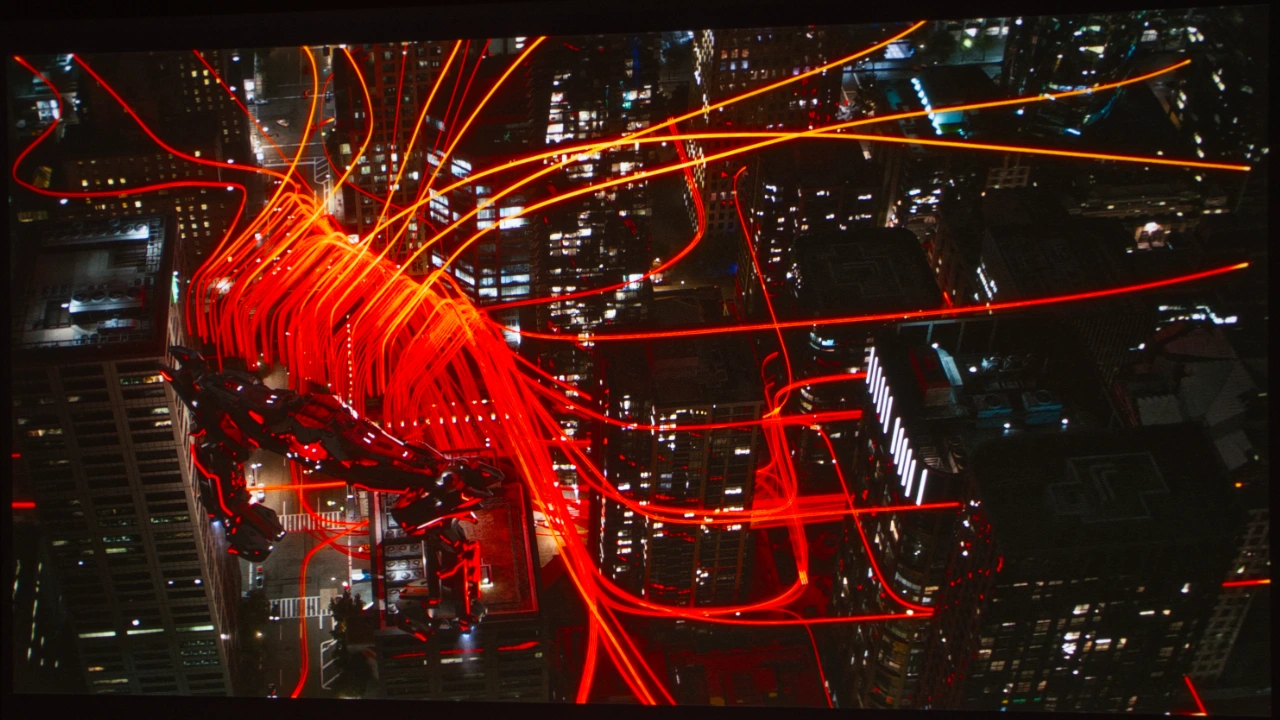
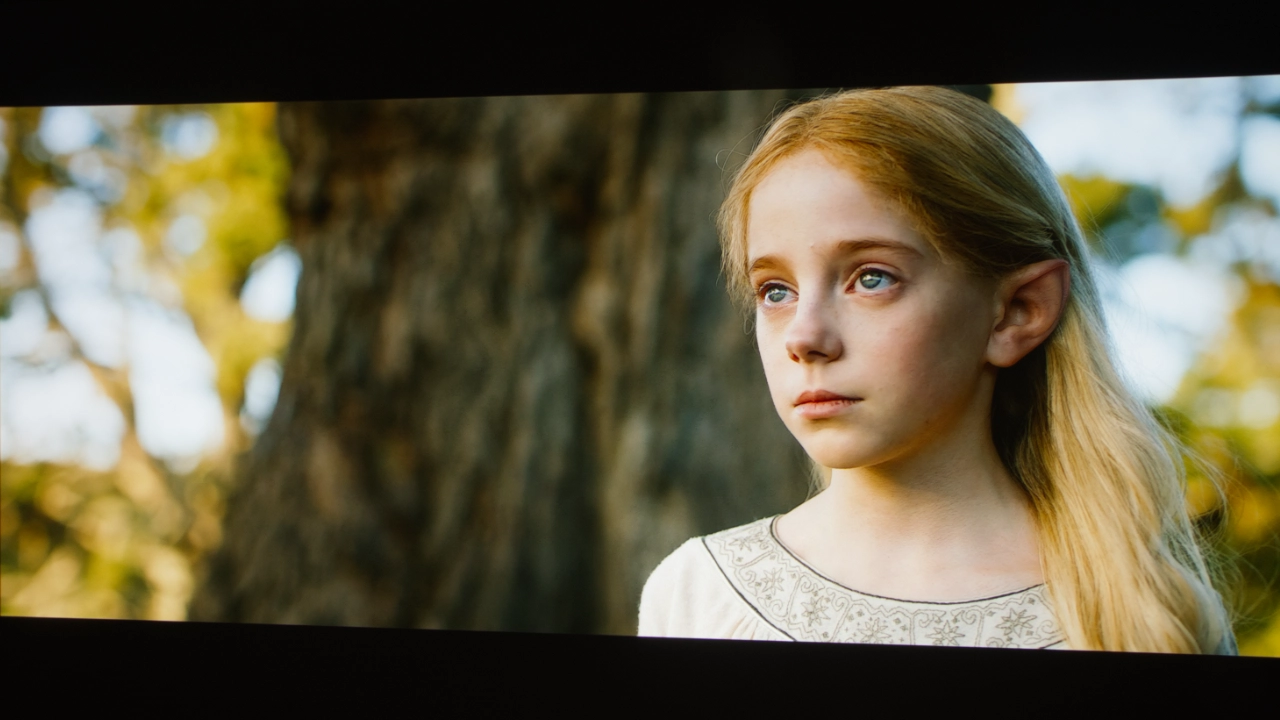
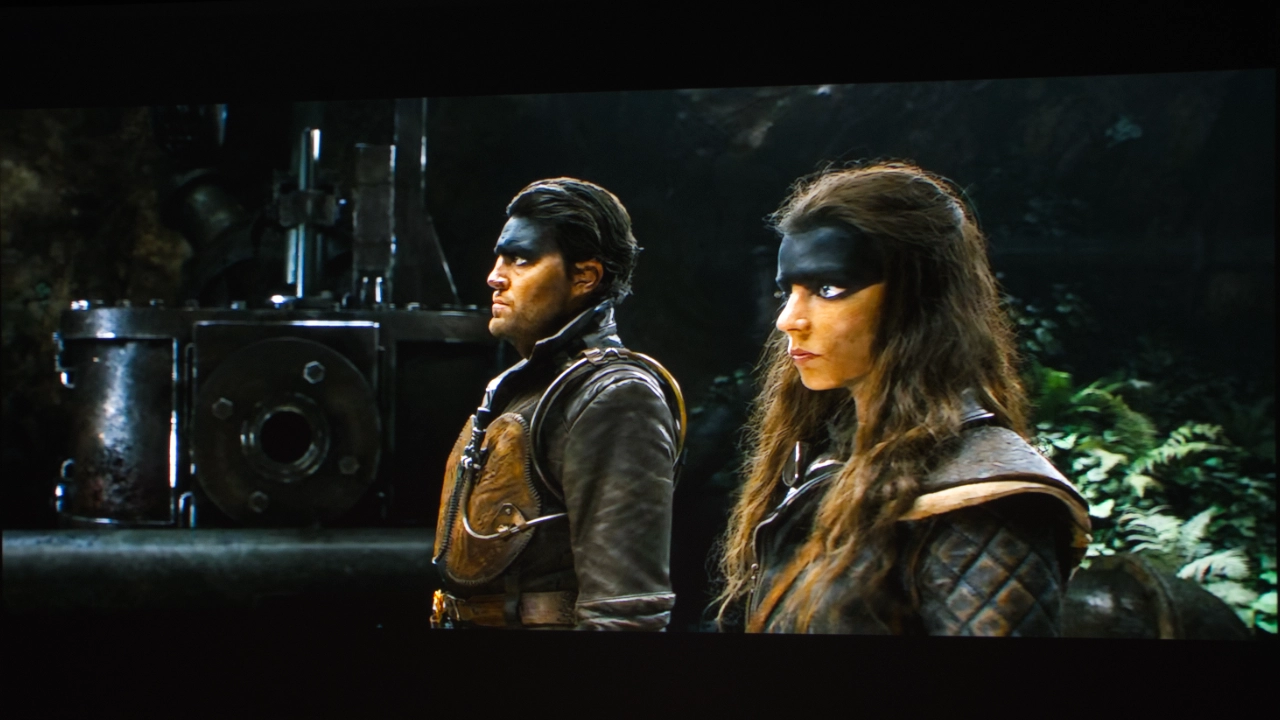
Movies like TRON: Ares and Spiderman: Far From Home displayed vibrant but not overly saturated colors. Games could be saturated, but not overly so. During cinematic sequences, the color vibrancy is strong enough to rival that of modern flat-panel displays.
Since this projector is powered by high-quality LEDs rather than lasers, I didn’t notice any speckle artifacts. Laser speckle shows up as a shimmering texture over solid fields of color. Because BenQ relies on a high-performance 4LED engine, its colors remain smooth, crisp, and entirely free of laser-induced grain or fringing.
For movies, I thought the out-of-the-box color was really good. Flesh tones seemed correct across multiple movies and actors. The color in the TRON movies was saturated enough that I felt like I did when I saw them in theaters, but not as oversaturated as you often see on RGB laser projectors. BenQ struck a great color balance with the TK705XX series. The same can be said for television content. I watched both the Malcolm In The Middle TV show and the new series on Disney+, as well as the new Game of Thrones show on HBO Max.
When it comes to gaming, you really want to use the projector's GAMING mode for the best overall performance and look, and to boost color saturation to the levels I expect for video games (see the gaming section below).
For those who want to adjust things like BRIGHTNESS and CONTRAST, several free test patterns are available on Murideo’s website and YouTube channel. Check out our YouTube video on utilizing several of these test patterns on the Projector Review YouTube channel.
Here are links to several free test patterns on the Murideo website and their YouTube channel. Murideo also has detailed written instructions for using its test patterns in the resource section of its website. Also, check out our YouTube video on using several test patterns, titled "Optimize The Image of a Projector or TV Using Free Murideo Test Patterns."
BRIGHTNESS
The TK705STi produced a very bright image beating it's BenQ rated 3,000 ANSI lumens.
BenQ lists the TK705STi brightness rating as 3,000 ANSI lumens. For my testing, I set the projector’s picture mode to BRIGHT, the TK705STi’s brightest. By default, on my projector, the GAMMA mode was set to MIDDLE, but for testing, I turned it to BRIGHT as well, and while it made a slight difference, it was not dramatic. Then, I took 3-4 readings from the center of the screen.
The TK705STi measured 3,060 lumens, which is slightly higher than its manufacturer's rated brightness. While BRIGHT mode delivered the highest brightness, this preset picture mode was greenish and should only be utilized if absolute brightness is needed to punch through a large amount of uncontrolled ambient light. I also measured the brightness of the remaining preset picture modes and listed them in the chart below.
BRIGHTNESS BY PICTURE MODE
USER
1819 lumens
BRIGHT
3060 lumens
AUTO CINEMA
1409 lumens
ENERGY SAVINGS
1472 lumens
SPORTS
1699 lumens
GAME
1813 lumens
I have a long history of reviewing BenQ projectors, and based on that, I expected their brightness performance to be pretty close to what they claim, and it was, but honestly, the percieved brightness seemed higher to me. Based on my initial observations, I actually thought it would be higher. This is mainly because when I started adding in ambient room light sources, the picture remained very watchable. Yes, the already average black levels suffered (see the BLACK LEVEL section), but colors, while faded, were still very watchable.
For entertainment content like movies, television, and console gaming, the TK705STi’s high brightness and slightly oversaturated colors look quite good even in spaces where lights-on viewing is the norm rather than an exception.
Since the TK705STi is a short-throw projector, I expected some roll-off in brightness as you move from the center of the image to the edges of the screen, but this effect was gradual rather than dramatic. There was no giant, blinding hot spot at the center of my screen or vignetting that cast shadows over the dark corners.
BLACK LEVEL AND SHADOW DETAIL
The BenQ TK705STi focuses more on color and brightness rather than dark blacks.
BenQ lists a dynamic contrast ratio of 600,000:1, significantly lower than the company's typical 3,000,000:1, and based on my testing, the lower number appears accurate.
In my light-controlled testing space, the native black floor left me underwhelmed. The TK705STi’s 0.47" Digital Micromirror Device (DMD) chip and light engine don’t produce deep, inky blacks, making the black parts of the image look more like a dark charcoal gray. What I would consider typical of DLP projectors built before 2025.
This projector is not designed for use in a completely light-controlled space. In fact, BenQ designed it as a lifestyle/gaming projector meant to be used in a typical living room where the display’s 3,000-lumen of brightness masks the higher black floor, creating an image that looks punchy and sharp.
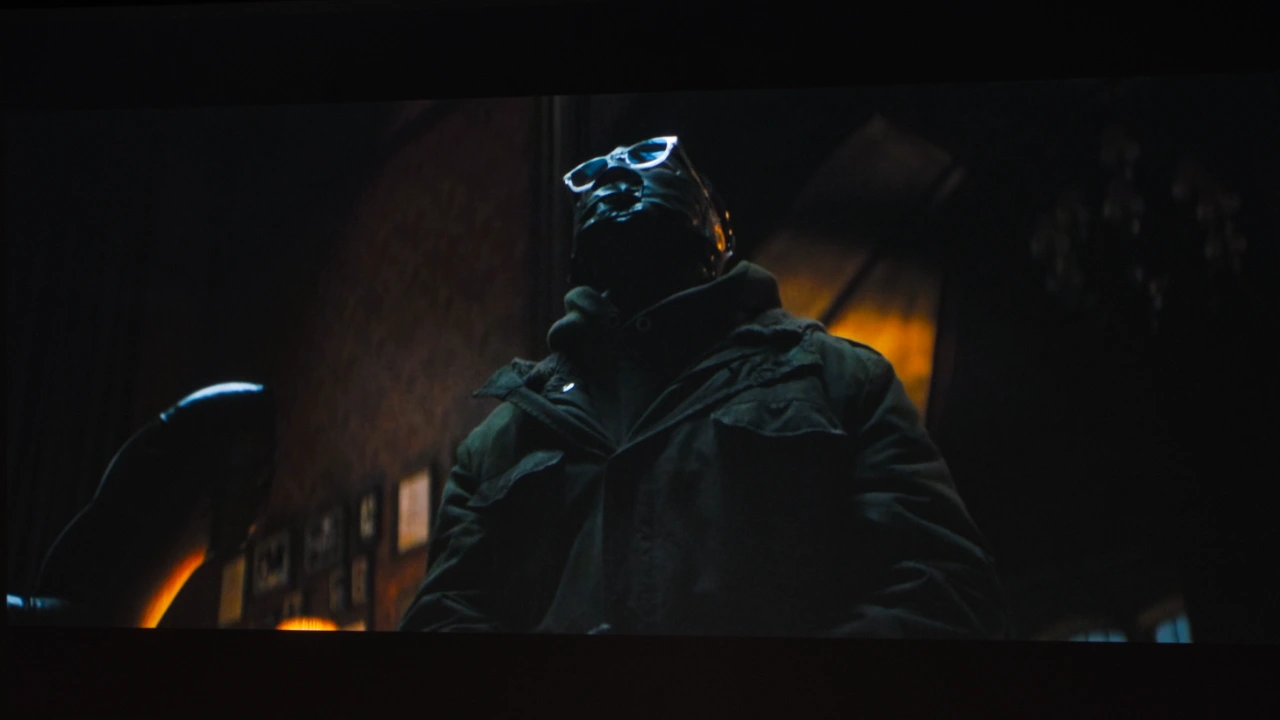
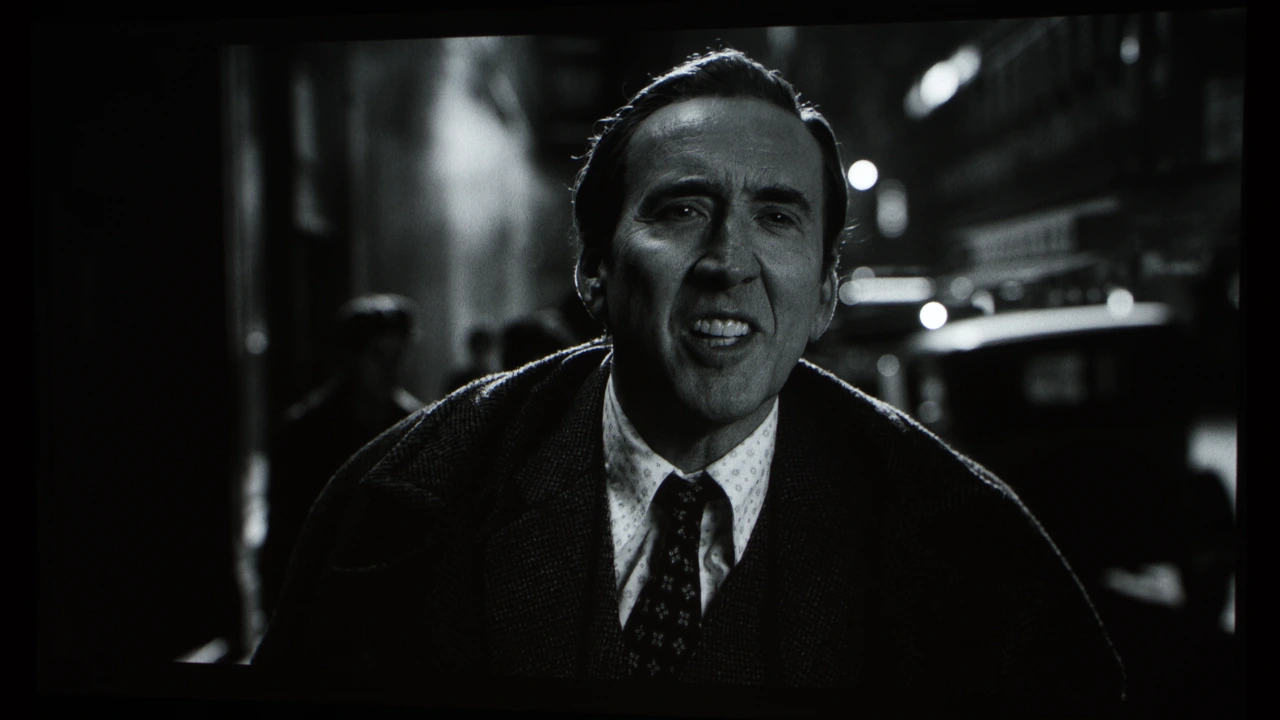
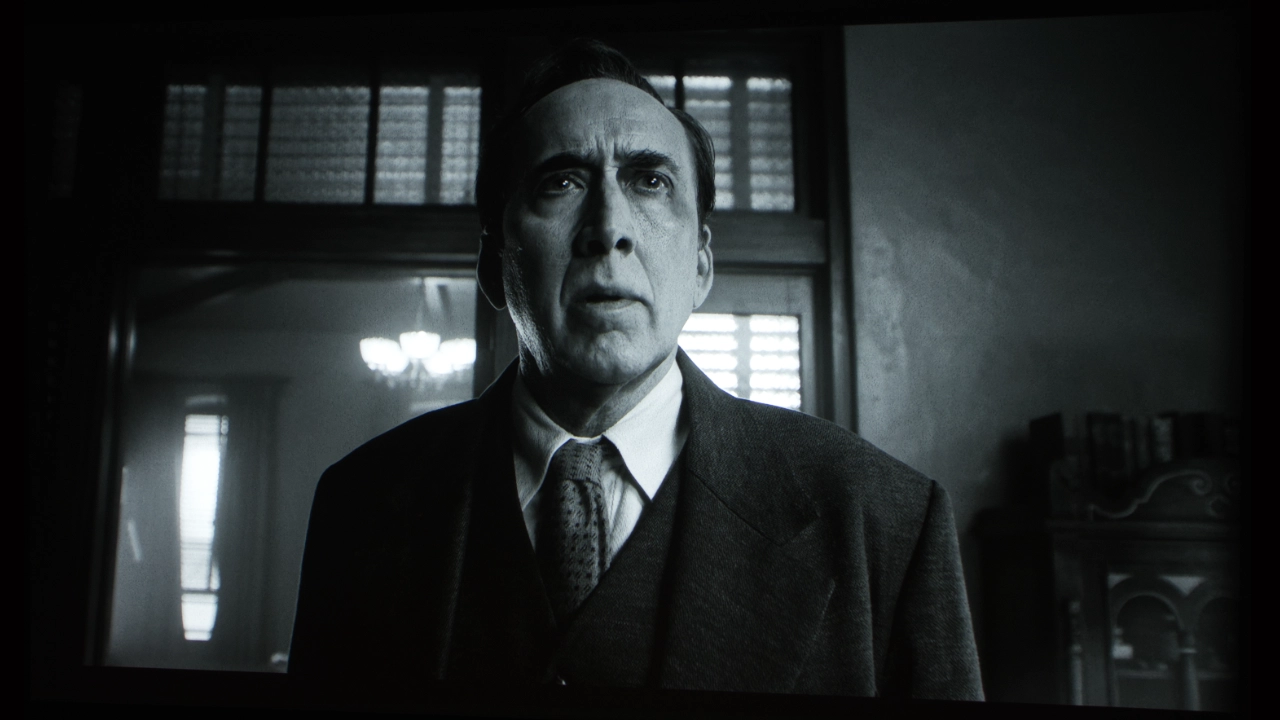
Where the TK705STi does stand out is in its ability to display shadow detail. BenQ does this through its HDR-PRO processing, which combines local and global CONTRAST ENHANCEMENT (LCE/GCE). HDR-PRO uses a tone-mapping algorithm to divide the picture into thousands of tiny zones, actively adjusting their brightness curves. Tone-mapping can be a mixed bag, but BenQ’s engine works to ensure that shadowy parts of the image, like the shots of The Batman, Harry Potter, and TRON Ares, don’t look flat and muddy. If you are playing a video game, this boost in dark area detail can be the difference between living and dying. When I played FPS games, I really appreciated brighter colors over dark, inky blacks.
So, if your priority is high contrast in a light-controlled home theater room, you may want to consider a dedicated, high-contrast cinema projector with a dimmer. But if you want a machine that keeps the dark game visible and not totally washed out when you turn on a small amount of light, the TK705STi's dynamic software tuning does a decent job, at least within its limitations.
Also worth pointing out, the DIGITAL NOISE REDUCTION and MPEG NOISE REDUCTION are turned on for most of the projector’s preset picture modes. With darker content and highly compressed content, it tends to look like film grain on steroids, just a lot more of it and tinier. I found that turning both of these features off looked better with this projector.
HDR
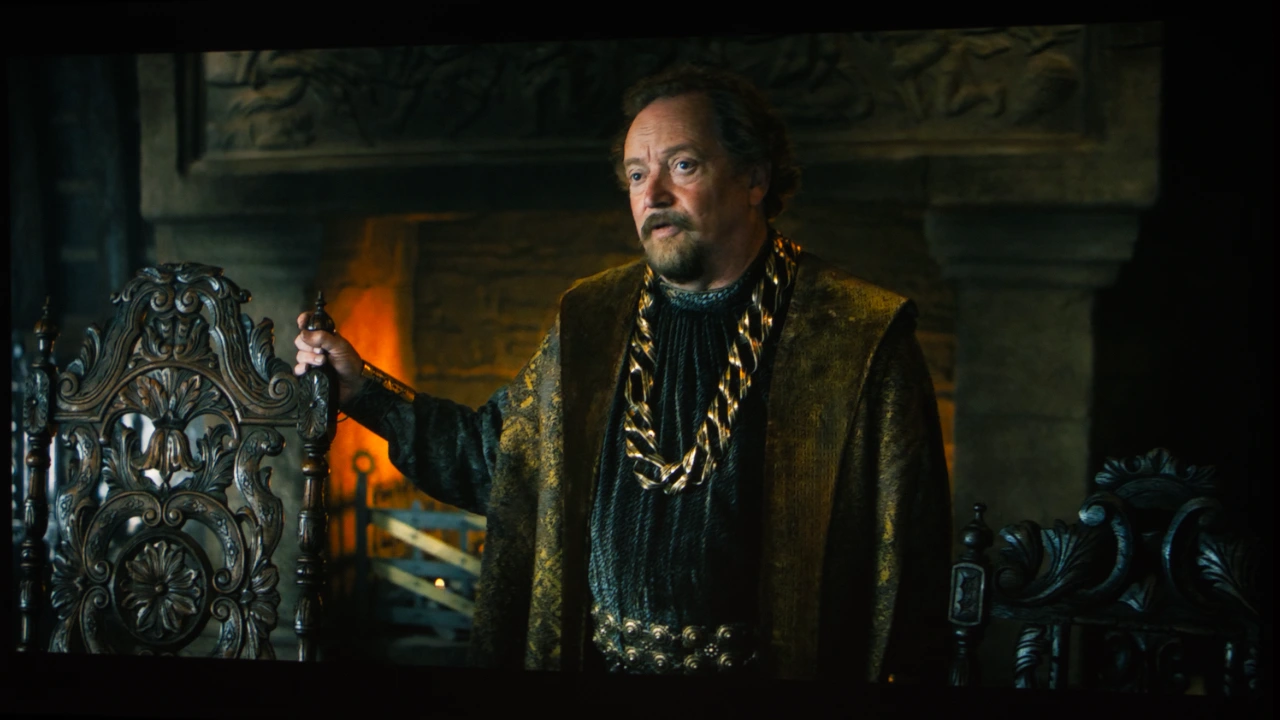
The TK705STi supports several HDR formats, including HDR10+, HDR10, and Hybrid Log-Gamma (HLG). The projector is equipped with BenQ's HDR-Pro technology, and the TK705STi is pretty good for the most part, striking a decent balance between crushing dark details and clipping bright highlights. Darker scenes from Harry Potter avoid turning into a muddy mess, keeping shadow details visible despite the 705’s underlying black floor limitations.
This projector really shines with HDR10+ content like Rings of Power, Spider-Noir, and Jack Ryan.
While the projector does not support Dolby Vision, it is compatible with HDR10+, which includes dynamic metadata that tells the TK705STi how to handle contrast, frame-by-frame or even scene-by-scene. When playing HDR10+ content like The Rings of Power or the newest Jack Ryan movie from Amazon Prime Video, the projector does not have to rely on guesswork or aggressive software filters, letting the TK705STi display a more natural and balanced image than static HDR10 or SDR could ever produce.
SOUND QUALITY
The BenQ TK705STi has a 16-watt (8-watt x2) sound system. The unit's chambered speaker design that helps mid-tones, including some bass, stand out and delivers clear dialogue, which is a big help with the way modern filmmakers like Christopher Nolan and TV shows like Jack Ryan and Reacher mix their audio, where dialogue can get lost in sound effects.
The TK705STi gets loud enough to fill small-to-medium rooms without distorting, but it lacks the deeper mid- and low-end bass frequencies found in ultra-short-throw and even some other lifestyle and gaming projectors in the same price range. For casual gaming or a quick backyard movie night, it gets the job done.
Despite offering a stereo driver configuration, I found the projected soundstage to be limited in my testing. When I sat back and watched a movie or played a game, the sound came from the projector box rather than being spread wide across the surround, which was disappointing. The TK705STi includes several built-in audio presets: CINEMA, MUSIC, GAME, and SPORTS, but I honestly did not hear much difference when listening through the projector's built-in speakers. If you want a more dynamic sound, use the HDMI eARC port or Bluetooth 5.2 to connect to an external sound system, such as a soundbar or another component system.
Noise from the projector’s cooling fans is rated at 26 dBA, resulting in a low-frequency audible hum. It’s not always noticeable, and an action movie or game can easily mask it, but once it gets quiet, it becomes apparent. If you set the projector to ECO mode, the cooling system drops to 24 dBA. This makes the fan almost but not quite silent.
GAMING
The BenQ TK705STi shares DNA with BenQ's dedicated gaming projector lineup, utilizing specialized hardware to keep up with fast-paced gaming. For example, it features a similar 0.47" DLP chip capable of 4.2 ms response time when fed a 1080p/240Hz signal. The TK705STi maxes out at 4K 60 Hz, so it can’t display Xbox or PlayStation 1440p 120 Hz content natively. Instead, it will scale everything down to 1080p or 4K 60 Hz.
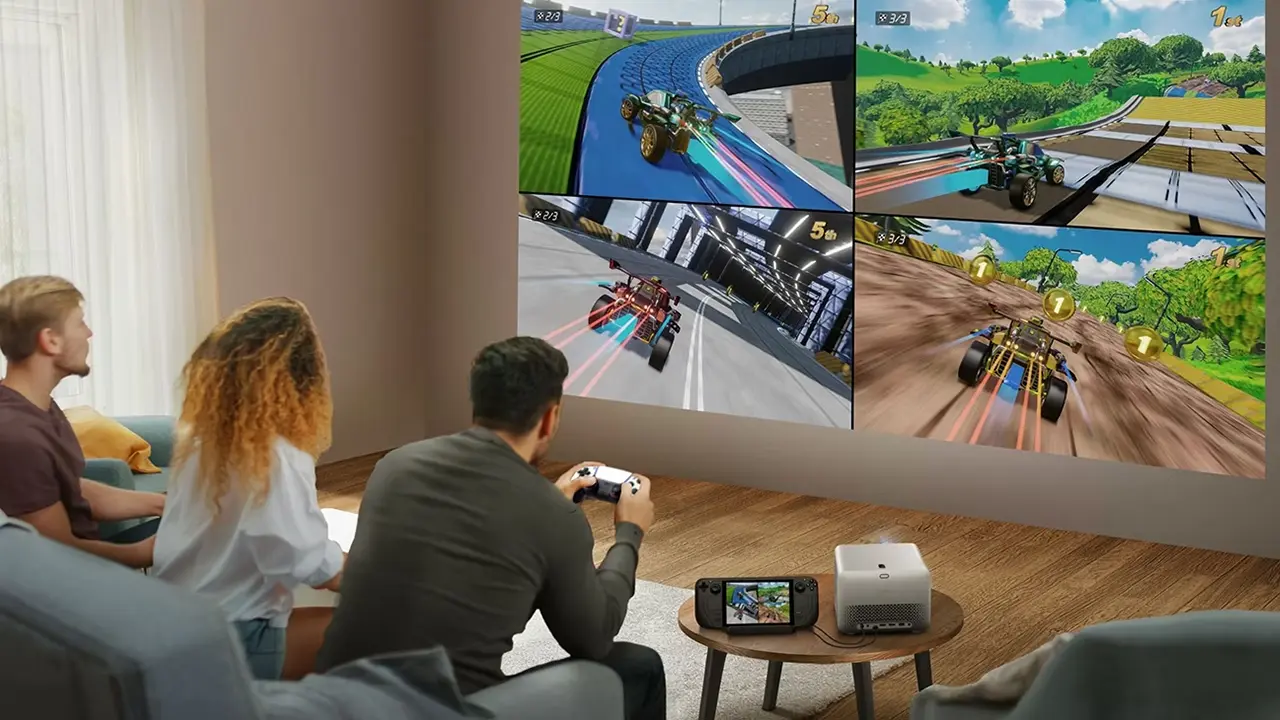
The projector is responsive with no noticeable controller lag. The HDMI ports support AUTO LOW LATENCY MODE and are HDMI 2.1 compliant, and they feature a 30-watt USB-C port for easy connection to mobile gaming rigs like the Nintendo Switch or Steam Deck. I’m not aware of any other gaming projector in this price range that offers this feature.
There are several other features found on BenQ gaming projectors not included with the TK705STi. For example, the TK705STi does not offer Variable Refresh Rate (VRR) support. This projector also does not support community developed presets from BenQ's modern SettingXchange cloud service. Likley the exclusion of these and some other hardware featurs like using a 0.65-inch DMD were about hitting a price point and seperating this projector from the companies dedicated gaming projector products.
Despite these ommissions I still found the gaming experience on the TK705STi to be well above average. The projector comes with optimized HDR game modes for RPG and FPS genres. In my testing, the HDR-FPS preset elevates shadow detail, which made it much easier for me to spot opponents even in darker areas of my game. This projector handles fast-paced action very well and doesn’t get bogged down or stutter.
SUMMARY
From a design perspective, with the TK705STi, BenQ seems to be moving away from those clinical, plain white, or black boxes we are all used to and into something a little more stylish. With the TK705STi, they opted for a gray metallic and fabric look that actually looks right at home in a living room. The TK705 series is attractive and different without looking like something out of a 1950’s science fiction movie. It is an appealing direction for a lifestyle projector.
BenQ’s well-proven 4LED light engine slightly exceeds its 3,000 ANSI lumens brightness claim in the projector's BRIGHT mode. BRIGHT mode is not really an indoor mode because this mode is heavily tinted toward green. This mode is best for use in spaces like the backyard and in rooms with higher levels of uncontrolled ambient light, as it helps punch through. For indoor and more light-controlled spaces, you will get around 2,000 lumens of usable brightness. The TK705STi also delivers a really good perceived brightness even with the lamp on. The 4LED light source offers excellent out-of-the-box, Rec. 709 color accuracy, hovering around 98 percent. For most of my demo content, skin tones look natural and manage to avoid an artificial, oversaturated look.
The 0.8 short-throw lens is sharp and projects a reasonably uniform image, except at the extreme edges of the screen. The projector's short-throw design makes it ideal for a small living room or bedroom setup. However, because the TK705STi uses fixed optics, there is no physical zoom, so you should get your physical placement, namely squaring the image to the screen, right from the start.
In a light-controlled room, the TK705STi’s black levels disappoint, with blacks that appear more like charcoal gray. But BenQ’s HDR-PRO processing actively adjusting the projector light output and contrast curves frame by frame. Movies like The Batman or Tron: Ares the shadow details are visible rather than melting into a muddy gray mess.
The projector delivered a good-looking HDR image on screens up to 120 inches. I’m also glad to see dynamic HDR10+ support for streaming, but the total absence of native Dolby Vision processing in 2026 feels like a miss to me.
The TK705STi’s gaming performance feels borrowed straight from BenQ's top-tier gaming machines. Dropping down to a mere 4.2 milliseconds of input lag at 1080p at 240Hz, the response time is fast enough that I never noticed controller delay. Hooking up an Xbox Series X or a PlayStation 5 instantly triggers auto low-latency mode. BenQ also includes a 30-watt USB-C port to charge a Nintendo Switch or Steam Deck over a single cable while playing.
The built-in 16-watt (8w x 2) stereo audio is loud enough and keeps dialogue clean, but the projector's soundstage feels small. You also get a steady hum from the cooling fans, though the game or movie audio usually covers it up.
At just $1,599, there are very few 4K projectors that can match the TK705STi brightness and color reproduction at its price point. For those looking for a projector with a longer throw distance, BenQ also offers the TK705i, which is nearly identical to the TK705STi when it comes to brightness, color reproduction, and features. The primary difference between the two models is their lens assemblies. The TK705i sells $1399 which is a couple of hundred dollars less than TK705STi, which makes it an outstanding value.
Except for their lens assemblies, performance and feature-wise, the TK705STi and TK705i are identical.
BenQ TK705 Series Model Comparison
Model
TK705i
TK705STi
MSRP
$1,399
$1,599
Brightness
3,000 ANSI Lumens
3,000 ANSI Lumens
Light Source
4LED
4LED
Resolution
4K UHD (3,840 x 2,160)
4K UHD (3,840 x 2,160)
Zoom Ratio
1.3x
Fixed Zoom
Throw Ratio
1.0~1.3
0.8
Dimensions
(WxHxD) 9.0 x 6.6 x 9.8
(WxHxD) 9.0 x 6.6 x 9.8
Color Gamut
98% Rec. 709 Coverage
98% Rec. 709 Coverage
The Competition
Hisense C2 Ultra $2499 MSRP
The C2 Ultra is more expensive, coming in at a $2499 MSRP, but it regularly sells for under $2000. The C2 Ultra matches BenQ’s 3000-lumen brightness, allowing it to hold its own in most living rooms.
When it comes to gaming, the C2 Ultra features a "Designed for Xbox" certification, which means HDMI 2.1 ports with Auto Low Latency Mode (ALLM). The BenQ does outperform the Hisense’s 12 ms input lag at 1080p/240Hz or 15 ms at 4K/60Hz. The C2 Ultra swings back with 110% BT.2020 color depth, Dolby Vision, and big sound with a 40W sound system and an onboard subwoofer.
The C2 Ultra features an integrated gimbal stand offering 360-degree rotation and a 135-degree vertical tilt. The C2 Ultra also tops the BenQ fixed short-throw glass element, offering a powered optical zoom lens with a flexible 0.9 to 1.5:1 throw ratio. While it isn't quite as short as BenQ's fixed 0.8 optic, it lets you get a 100-inch image from roughly 6.5 to 7 feet away without needing digital zoom tools.
If you are interested in purchasing this projector, please support Projector Reviews.com and ProjectorScreen.com by utilizing the link below
Overall, we're quite pleased with the projector's image quality and gaming performance. The projector offers excellent image quality and tons of features for under $2,000. Is the TK705STi a perfect lifestyle or gaming projector? No, but it is a smart, beautifully designed, highly versatile display. This projector has the color and brightness to handle movies and console gaming in most living rooms, making it a great option for anyone who wants a big-screen experience without the hassle of a permanent installation.
BenQ TK705STI - Specifications
Full Specifications
Projector Model
TK705STi
Price
$1,599 MSRP
Imager Type
047-Inch DLP
Displayed Resolution
3840 x 2160 pixels
Native Resolution
1920 x 1080 pixels
Brightness (Manufacturer Claim)
3,000 ANSI lumens
Light Source Type
4LED
Light Source Life
20,000+ hours
Contrast Ratio
600,000:1 (Dynamic)
Zoom Lens Ratio
Fixed
Power Zoom/Focus
No
Lens Shift
No
Interchangeable Lens
No
Ultra Short Throw
No
Native Aspect Ratio
16:9 (Widescreen)
HDR
Yes
3D
No
Speakers
16 watts (8w x2)
Noise Level (-db)
28 to 34 dB
Low Lag Gaming
4.2 to 16 ms
Smart Functionality
Yes
Business/Classroom
No
Portable
Yes
Special Features
Auto Fit (Focus and Alignment), Short Throw, 3,000 ANSI Lumens
Networking
WiFi
Dimensions (WxDxH)
(WxHxD) 9.0 x 6.6 x 9.8 inches (303.5 x 112.4 x 234.5 mm)