Projector Reviews Images

TCL PlayCube Portable Projector Review

Posted on February 7, 2026 by Phil Jones
TCL PlayCube Projector - Projector Reviews - Images

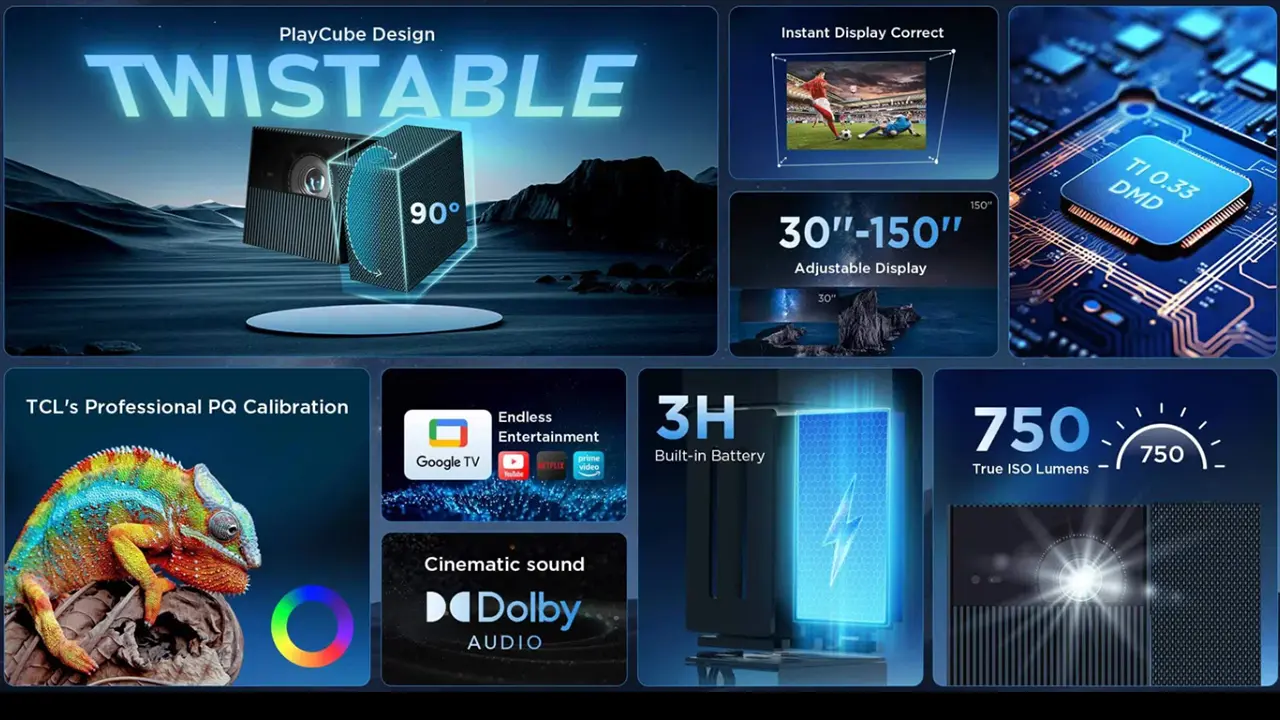
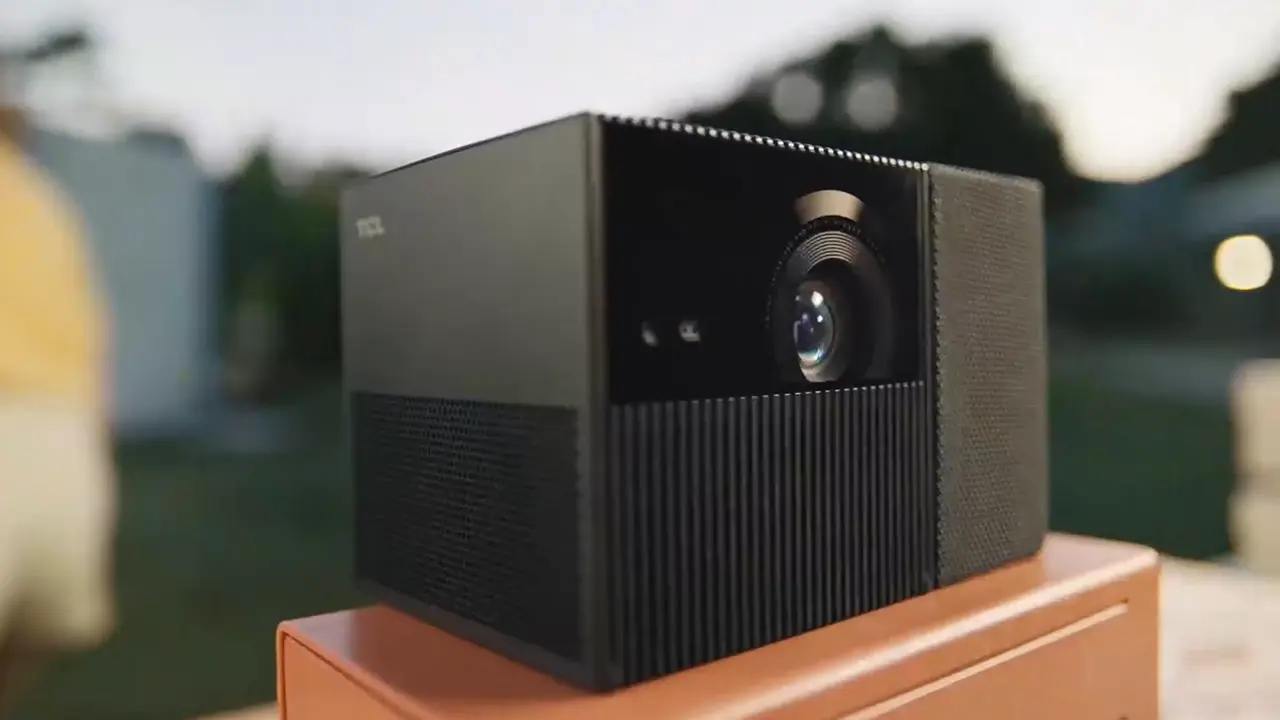
The TCL PlayCube is a portable battery-powered 1080P DLP projector that retails for $799. It is designed to deliver a large-screen viewing experience practically anywhere. The PlayCube has a rated brightness of 750 ISO lumens and is designed for screen sizes up to 150 inches.

The PlayCube uses a 0.33 inch DMD imager which is larger than want is commonly found in compact portable DLP projector which produce more vibrant colors. It has a Osram RGB LED light source which is small, efficient and can deliver 124% of the Rec.709 color gamut. 

For those not familiar with TCL, the company was founded in 1981 and has grown from a regional electronics brand into one of the world’s largest consumer electronics manufacturers. While best known for its global television business, TCL has expanded beyond televisions into a wide range of lifestyle products, including soundbars and projectors.
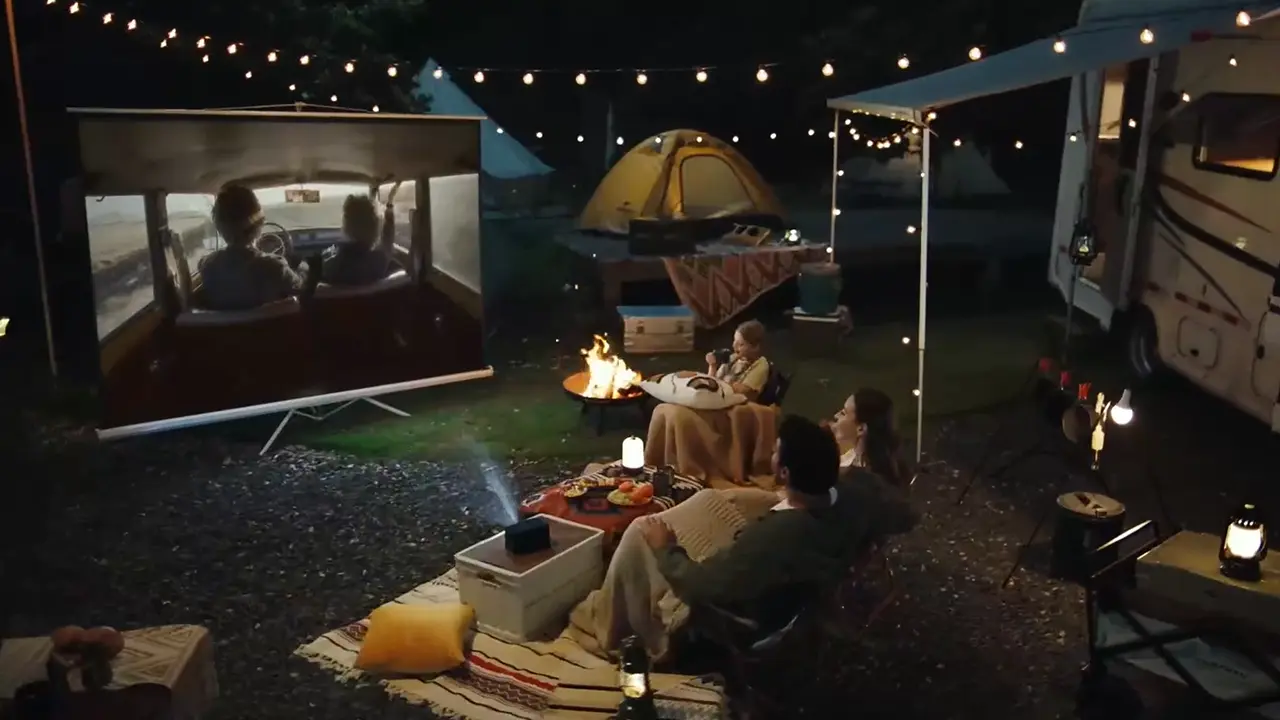
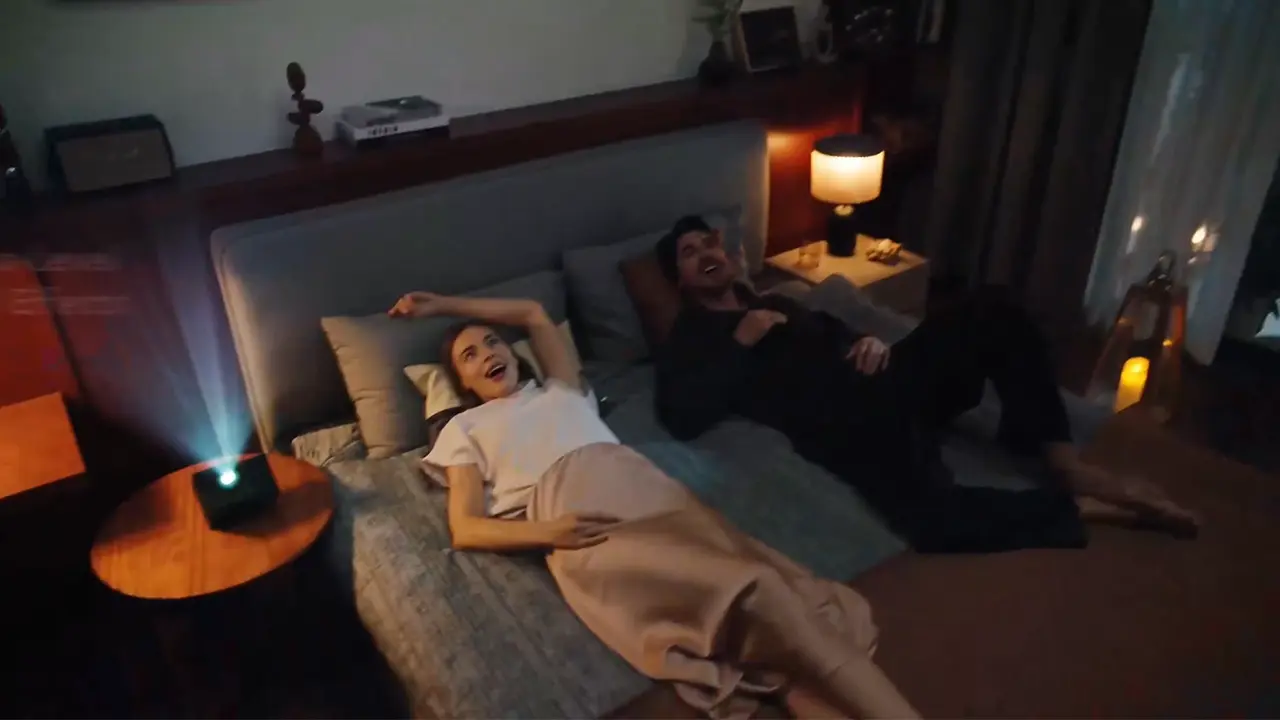
The TCL PlayCube is designed for users seeking a portable large-screen viewing experience or who don’t want to sacrifice the space required by a large flat-panel television. This includes renters who can’t permanently mount a TV, those looking for a secondary display for bedrooms, and students who need portability.
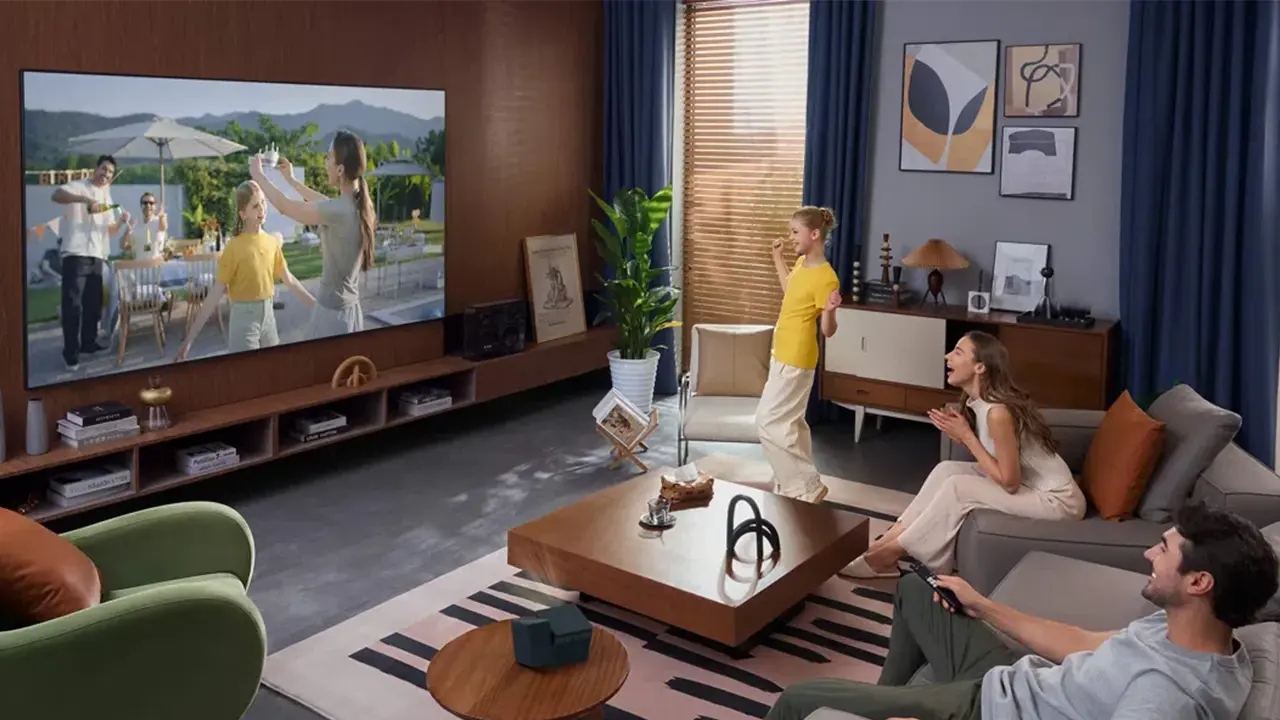
The compact PlayCube is intended to blend naturally into living spaces such as bedrooms, dorm rooms, and apartments.  Due to its built-in Google TV smart operating system, users can stream content without connecting an external device. Google TV also supports content discovery and search across apps, along with Google Assistant voice search and a centralized watchlist.
A key part of the Playcube’s portability is its built-in rechargeable battery. TCL specifies a 66Wh battery capable of up to three hours of runtime, so you can enjoy movie night even if an electrical outlet isn't readily available, such as on patios, in backyards, while camping, or when moving the projector from room to room. PlayCube also includes automated setup features, such as autofocus and keystone correction simplify installation.

The Playcube is designed to be a self-contained entertainment solution, combining projection, streaming, and audio in a compact cube-shaped enclosure.

TCL PlayCube
TCL PlayCube Projector - Projector Reviews - Images
Current Retail Price: $799
Ratings Based On Comparable Models
Color Reproduction
Brightness
Contrast
SOUND
Pros

+ 750 Lumens

+ Good Color Reproduction

+ Built-in 3 hour Battery

+ Google TV with a Netflix certification

+ Effective Auto Setup Features

+ 5 watt audio system fills small/midsize rooms

Cons

- Remote is not backlit

- Noticeable fan noise at max brightness

- Lens can't be aimed 90 degrees


buy now on amazon button grey - Projector Reviews - Image
If you are interested in purchasing the projector mentioned in this article, we always appreciate it if you use one of the links in the article because Projector Reviews earns a small commission on the sale at no cost to you.

OVERVIEW

TCL PlayCube Lifestyle - Projector Reviews - Images

The TCL PlayCube delivers good brightness and excellent image and sound quality in a compact, stylish enclosure. The PlayCube utilizes a 0.33-inch DMD chip to deliver 1080P on-screen resolution. This chip is noticeably larger than the 0.23-inch chips normally utilized in small portable projectors. The result is more vibrant colors and improved contrast.

The PlayCube is equipped with an Osram RGB LED light source that delivers 750 ISO lumens and reproduces 124% of the Rec. 709 color gamut. While an RGB LED light source can't match an RGB laser light source in brightness, they offer several advantages. RGB LED light sources can reproduce wide color gamuts without laser speckle. Also, compared with most RGB Laser light sources, a tri-color LED light source is more compact and power-efficient, making it a better option for a battery-powered projector. The PlayCube can deliver sufficient light output to produce a good-looking image on screens up to 100” under dim lighting or outdoors after sunset.

TCL PlayCube Features - Projector Reviews - Images

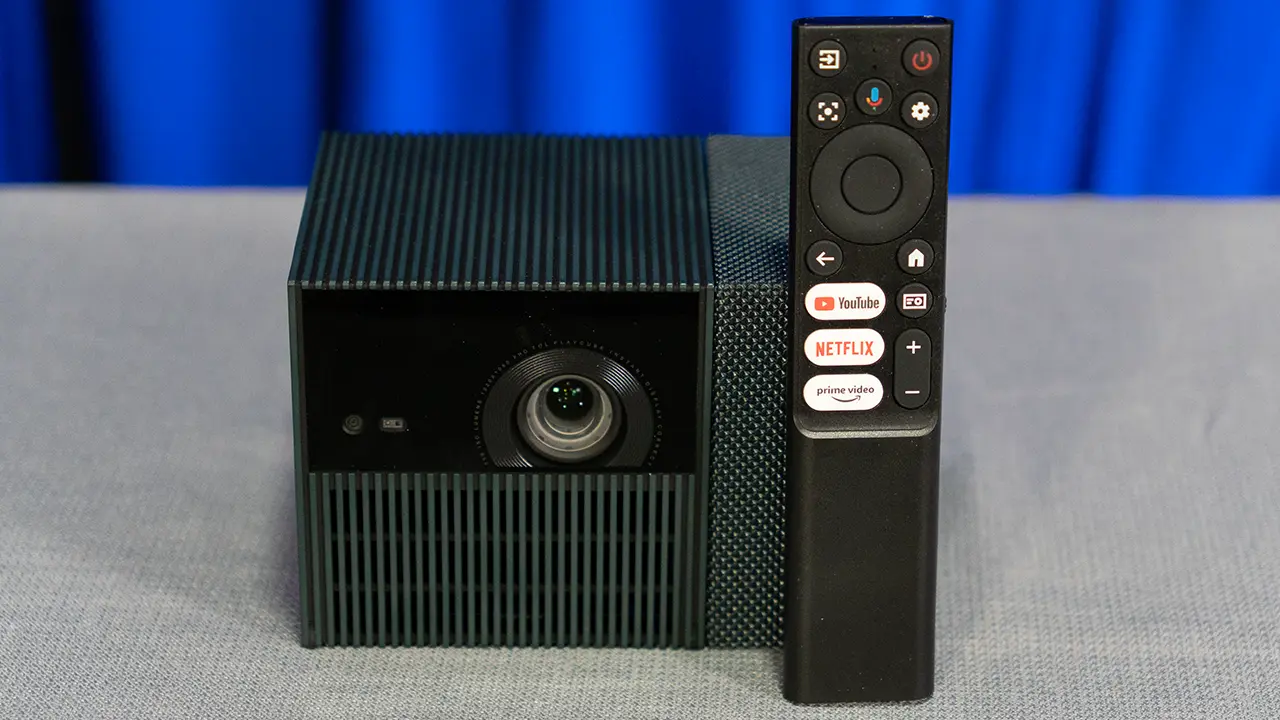
The TCL PlayCube runs on Google TV, allowing users to stream directly from services like Netflix, YouTube, Hulu, Disney+, and others without requiring an external device. It also supports wireless casting from compatible Android and iOS devices. The remote control is lightweight and includes dedicated buttons for common streaming platforms as well as voice control through Google Assistant.

To maximize portability, the play queue has a built-in 66Wh battery enabling up to 3 hours of playtime. When recharging, it takes 30 minutes to add an hour of playtime. Automatic setup features also play an important role in the PlayCube’s appeal. The projector supports autofocus and automatic keystone correction, so it quickly adjusts its image when moved or repositioned. These features are particularly valuable for users who frequently relocate the projector between rooms or take it on trips.

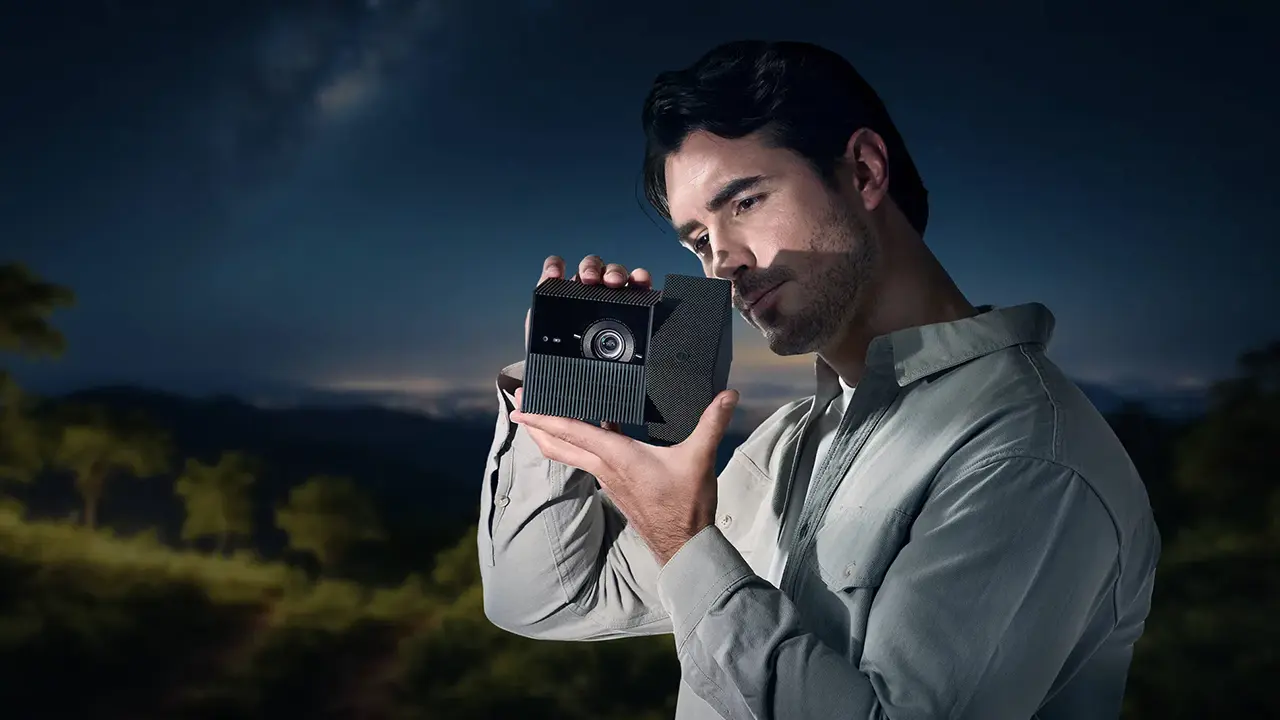
Portability is further enhanced by the PlayCube’s compact dimensions and relatively low weight. Its size makes it easy to carry in a backpack or small travel bag. TCL packed 1080p resolution, 750 lumens of brightness, Google TV streaming, and a 66Wh battery into a compact, stylish chassis to create one of the best portable projectors on the market.

HARDWARE

CHASSIS

  • TCL PlayCube Projector - Projector Reviews - Images
  • TCL PlayCube Projector - Projector Reviews - Images
  • TCL PlayCube Projector - Projector Reviews - Images
  • TCL PlayCube Projector - Projector Reviews - Images
  • TCL PlayCube Projector - Projector Reviews - Images
  • TCL PlayCube Projector - Projector Reviews - Images
  • TCL PlayCube Remote - Projector Reviews - Images

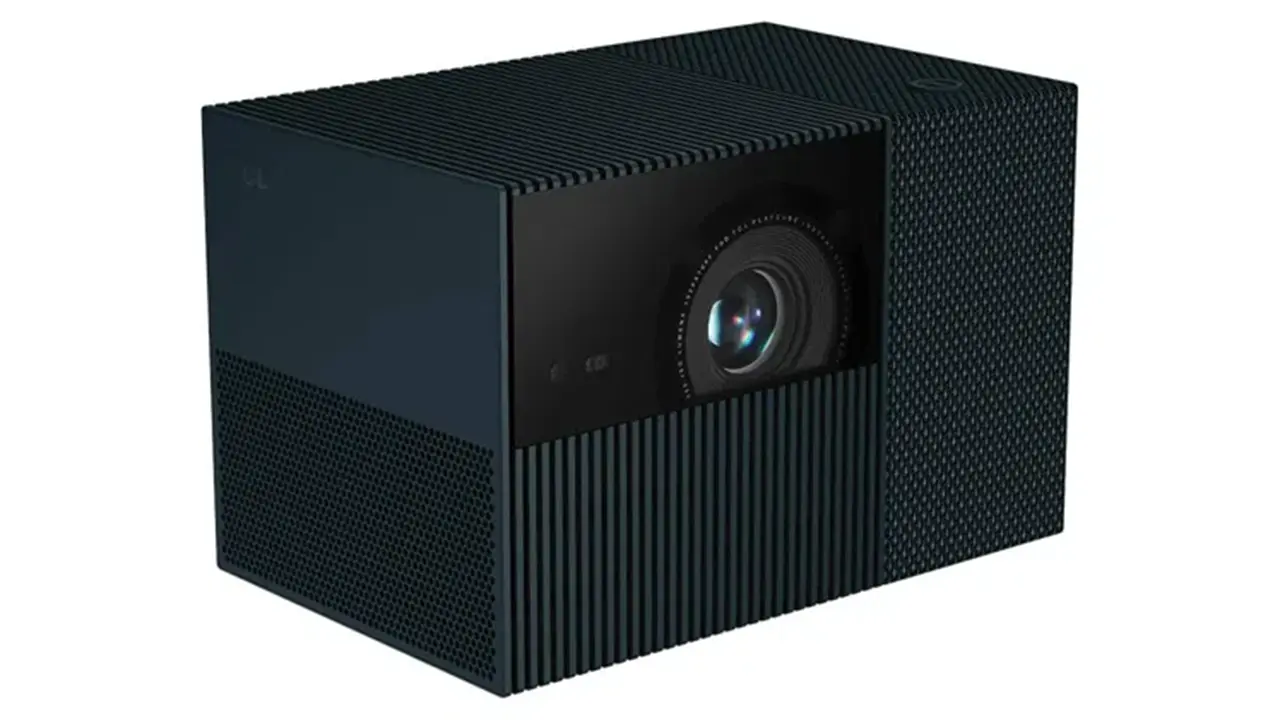
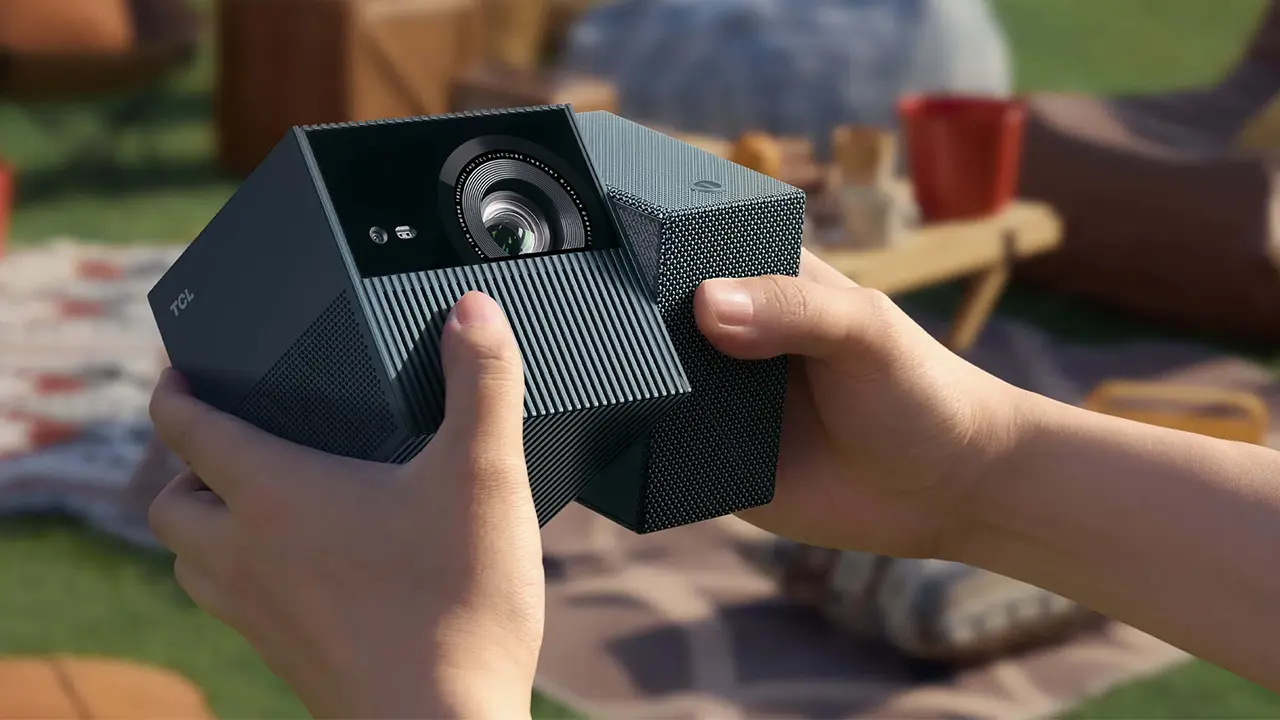
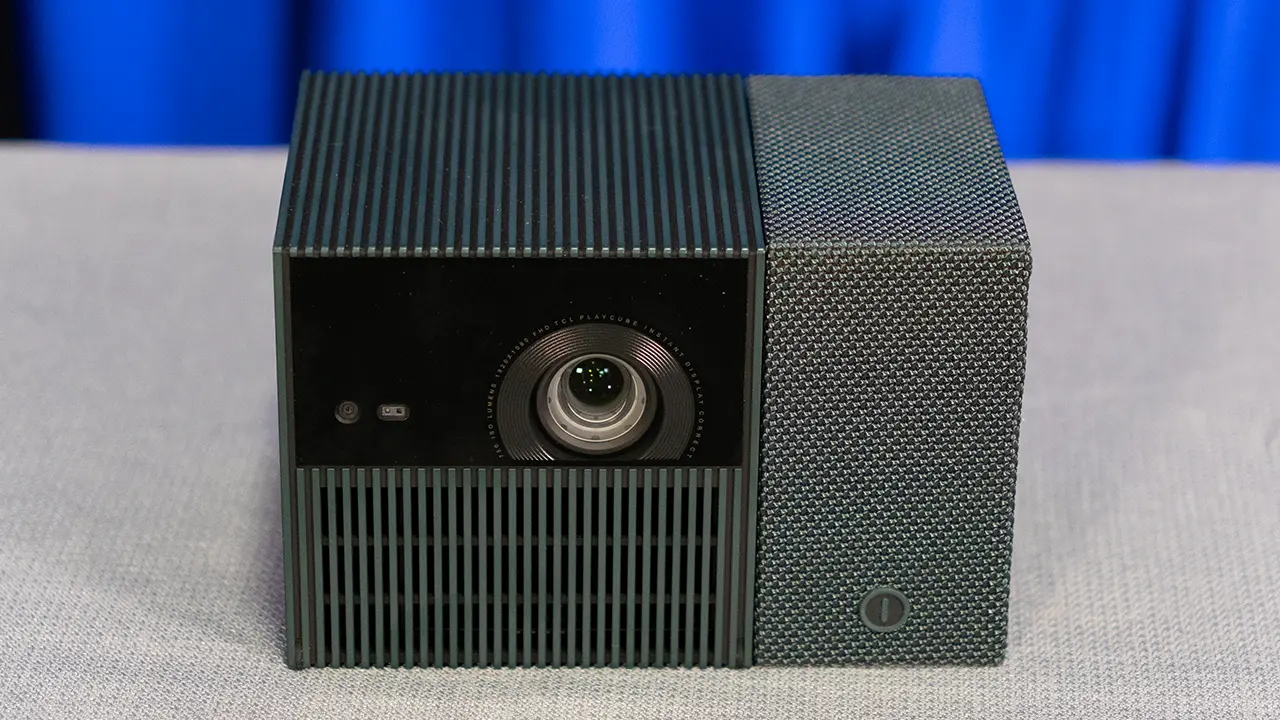
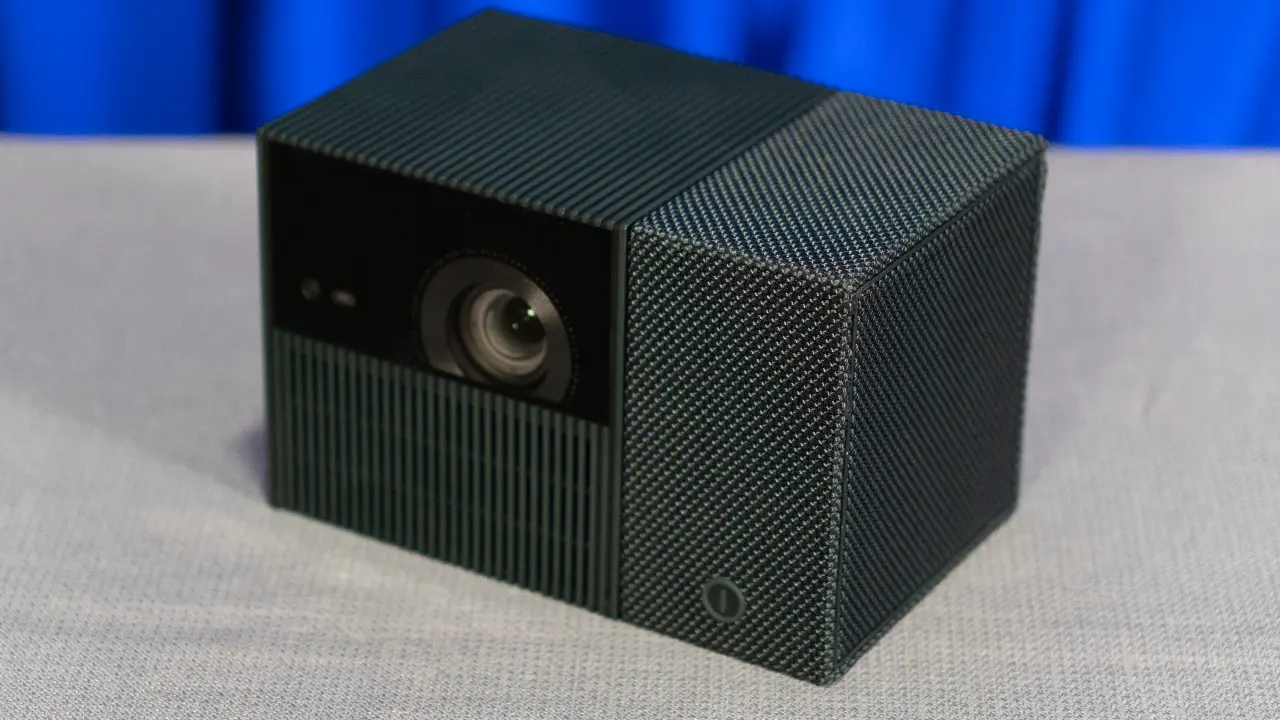
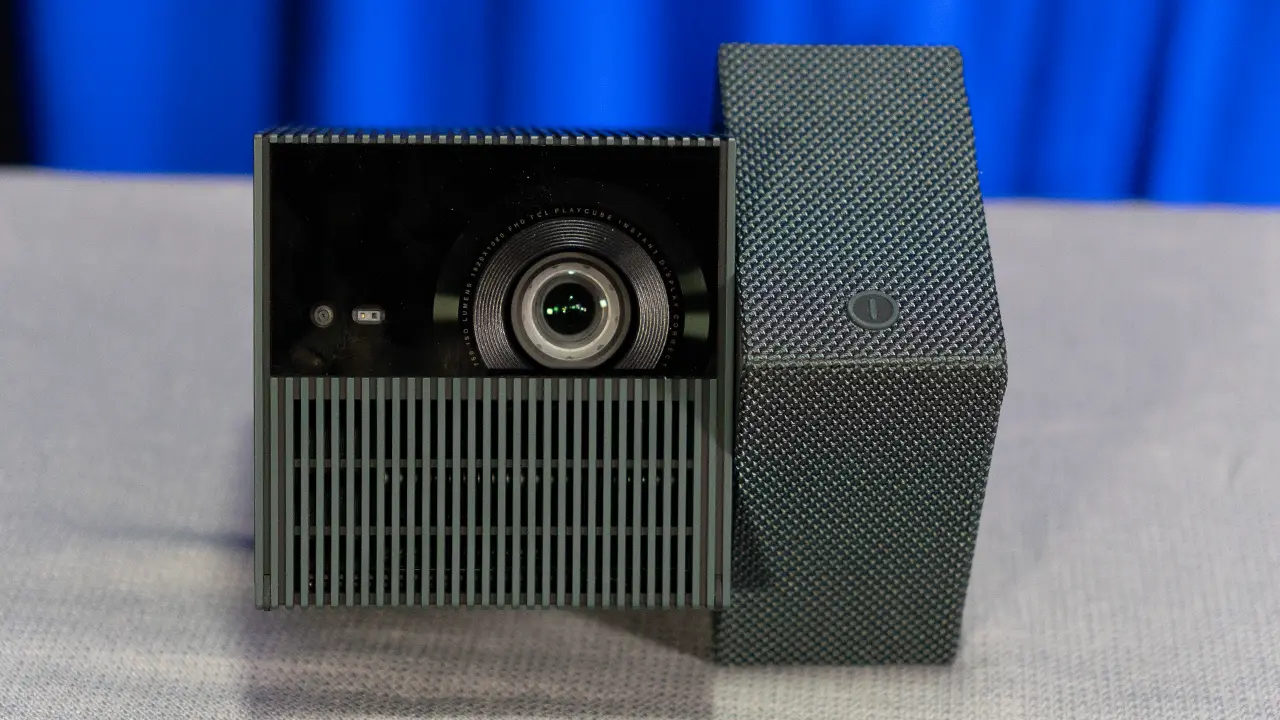
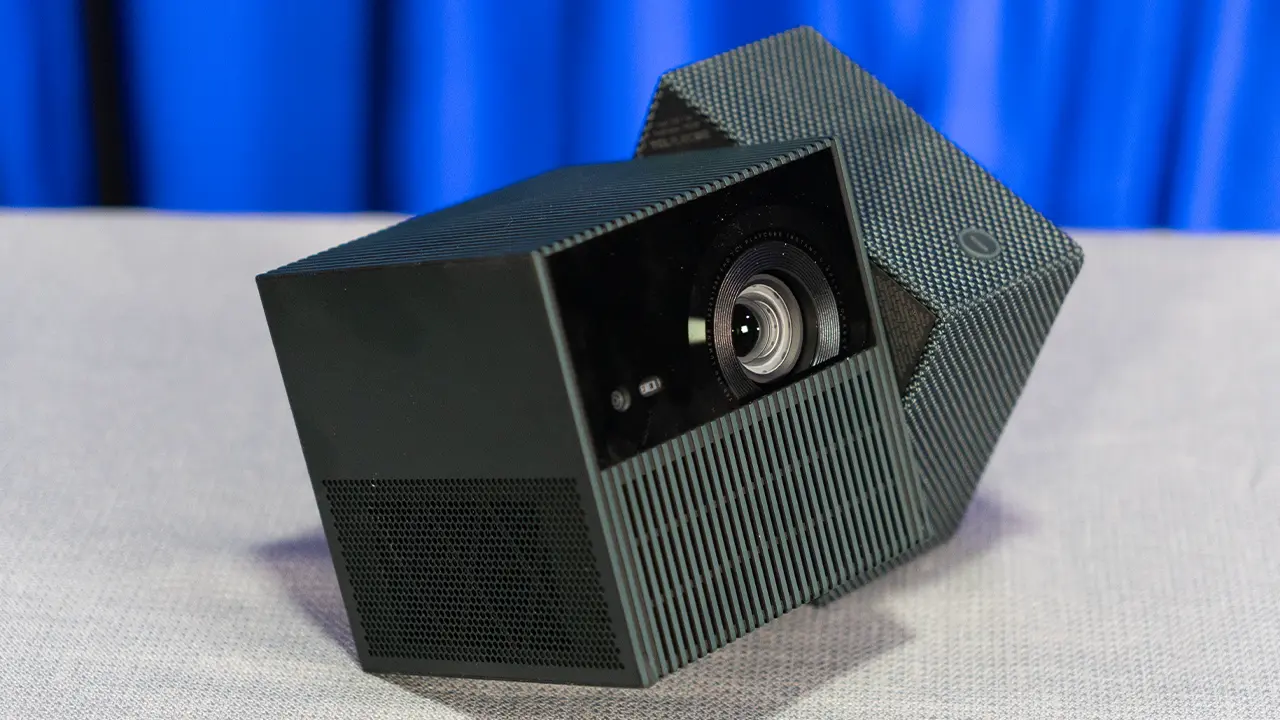
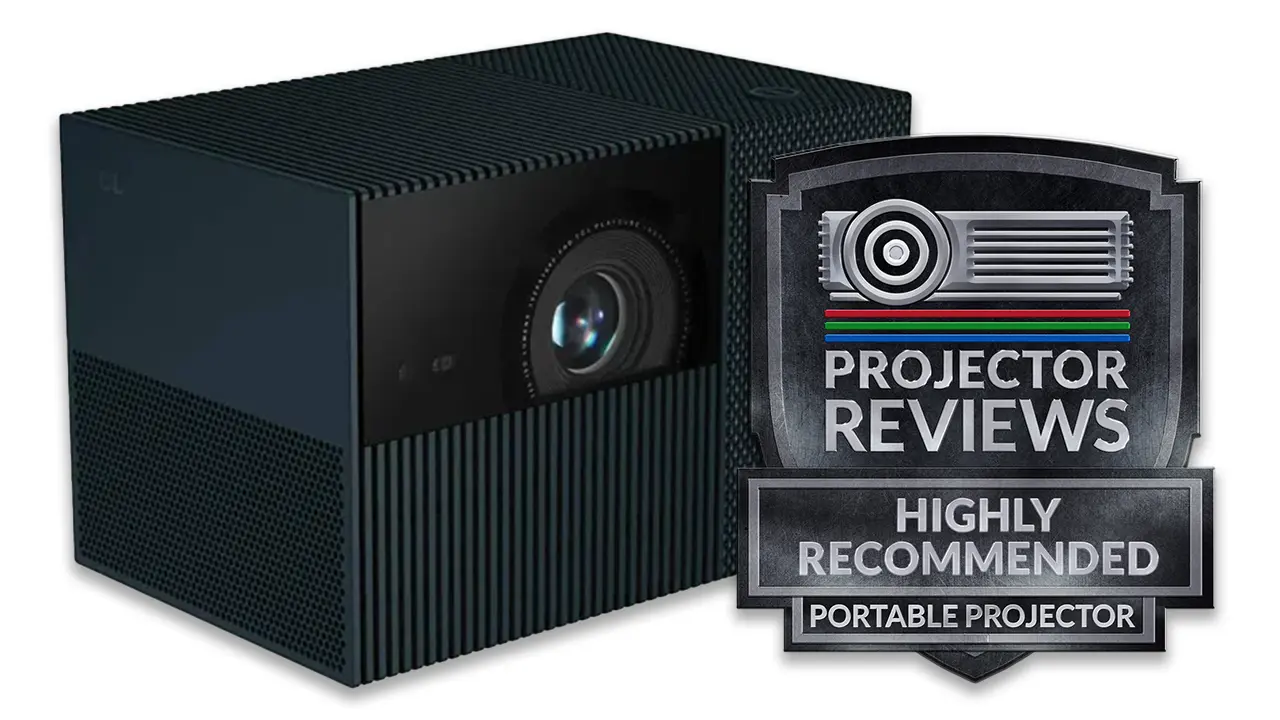
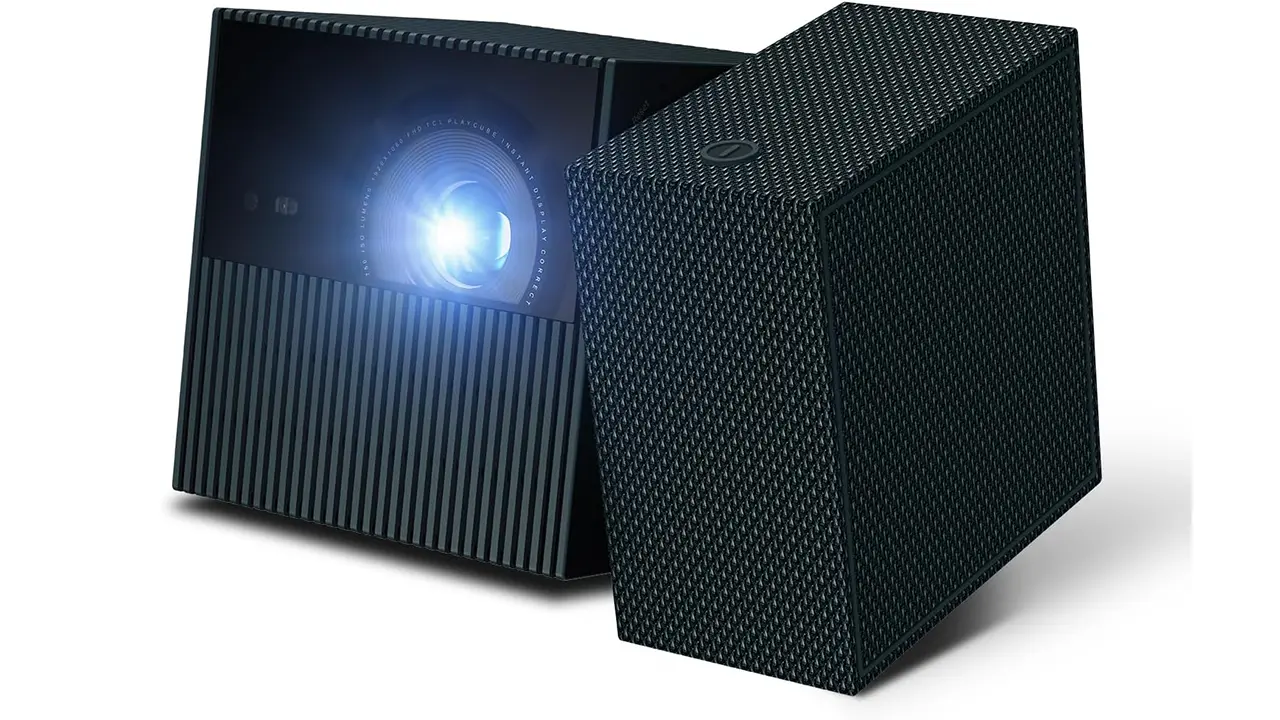
The TCL Playcube is beautifully designed, and its fit and finish are first-rate. The PlayCube measures approximately 6” wide x 4” tall x 4” deep (150 x 97x 97 mm) and weighs around 2.7 pounds (1.3kg), making it easy to transport from place to place. Instead of a swiveling stand, a portion of the projector’s body can be twisted to aim the lens at the desired location.

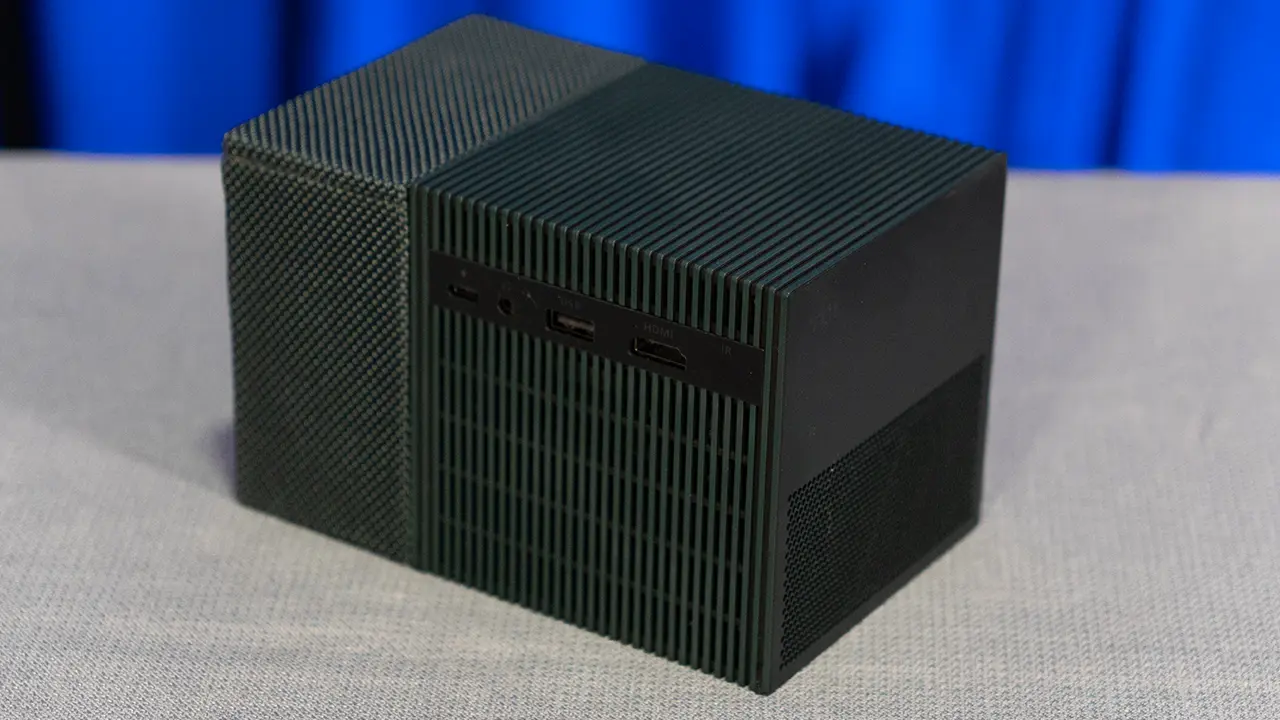
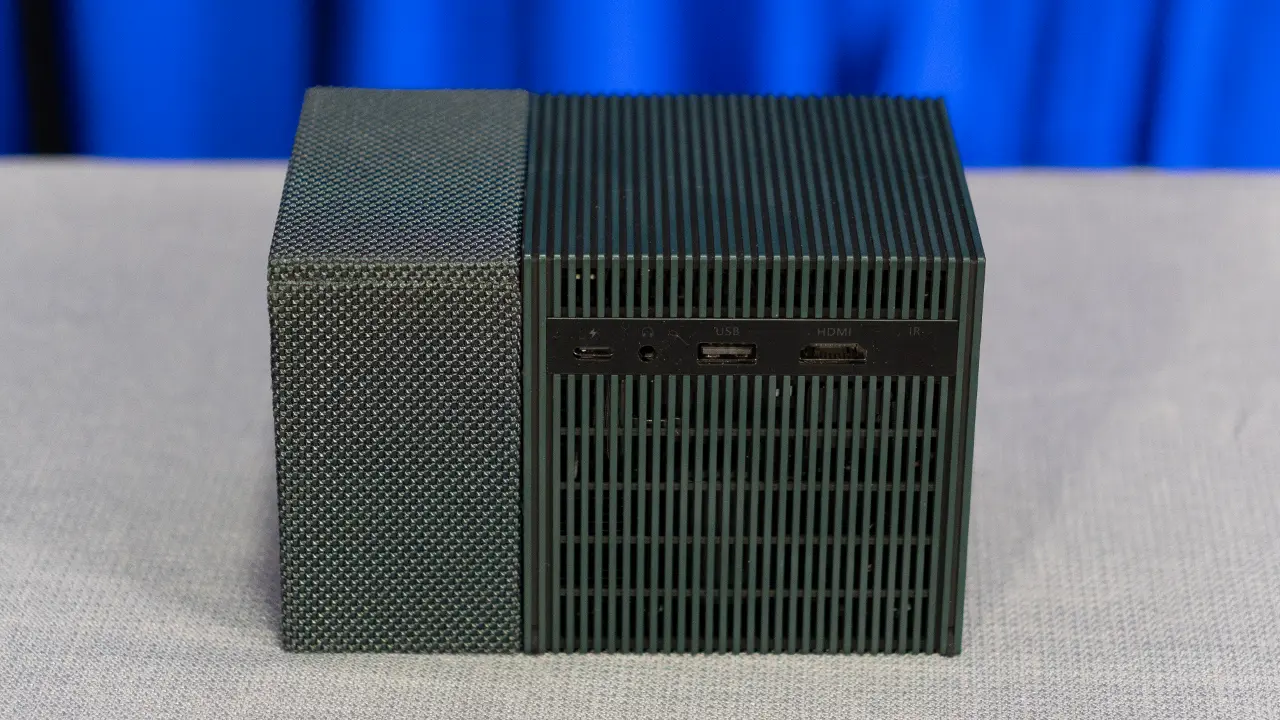
The PlayCube runs the Google TV operating system, which provides access to a wide range of apps and streaming services. While many people will use the onboard streaming services, there are a couple of rear inputs, including USB and HDMI. While the projector’s HDMI input can accept 4K, the displayed resolution will be 1080P. A USB port is provided for media playback and system updates, allowing users to play video files directly from compatible storage devices. On the rear of the unit is also an IR input, a headphone jack, and a USB-C Power connection. Wireless connectivity includes Wi Fi for streaming and system updates, as well as Bluetooth support for pairing external audio devices.

The remote control includes a button that lets you access popular streaming services such as YouTube, Netflix, and Amazon Prime Video. There is also a Google Assistant button so you can search for content and control basic projector features using your voice.

TCL PlayCube Throw Distance Chart - Projector Reviews - Images

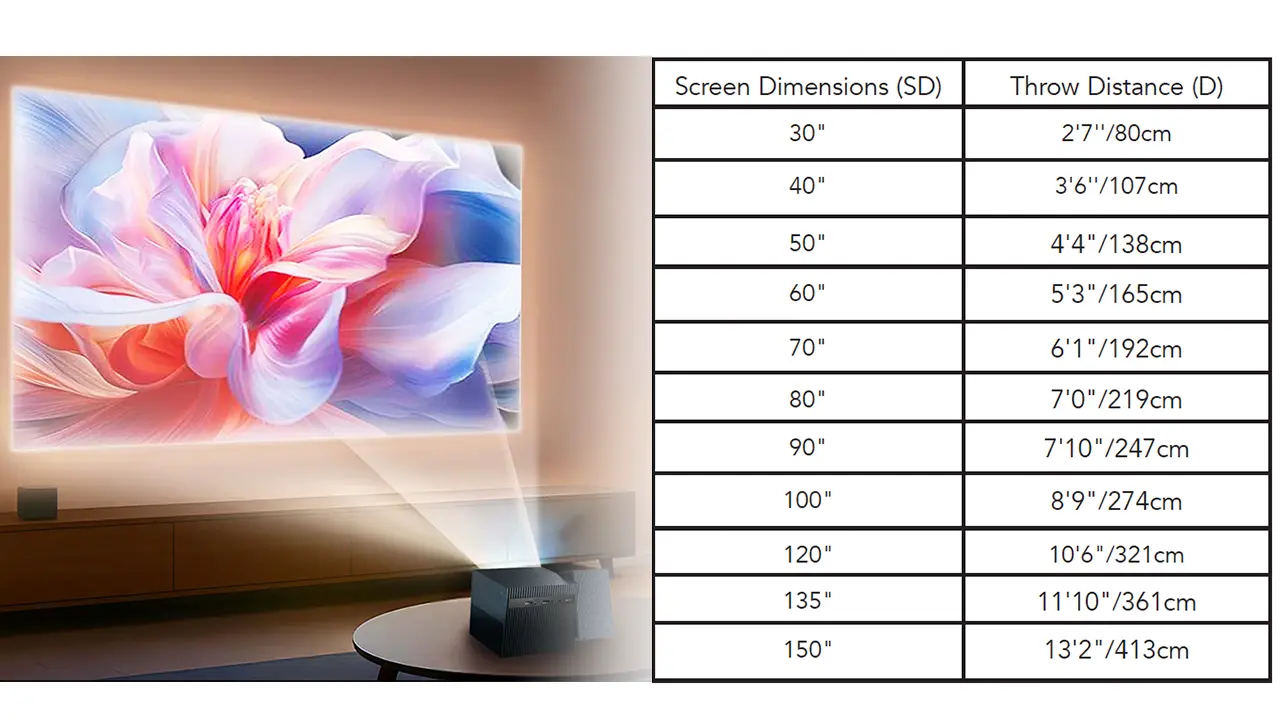
The lens assembly in the PlayCube is designed around simplicity and consistency. The projector uses a fixed-focal-length lens designed to deliver a sharp image on screens ranging from 30 to 150 inches. The 1.2:1 throw ratio is optimized for small to medium-sized images in typical residential spaces. This allows the PlayCube to project a large image from a relatively short distance, making it suitable for bedrooms and apartments with limited space.

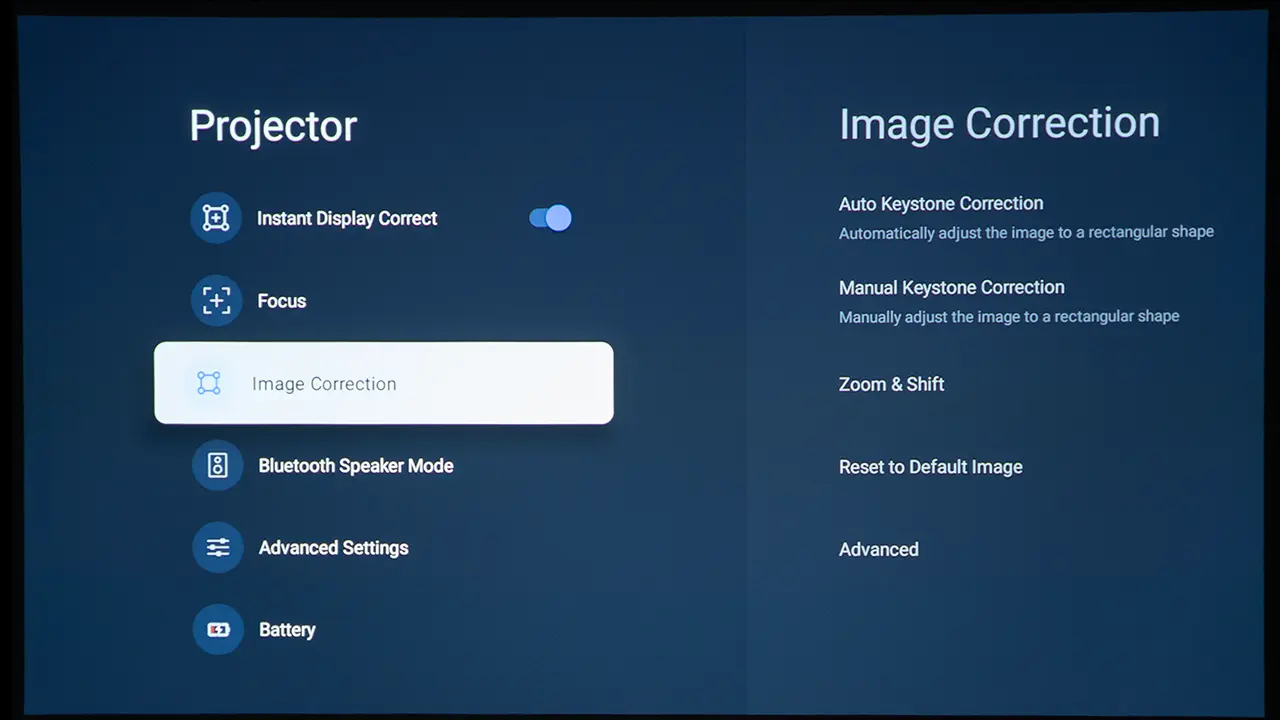
As expected in this class, the PlayCube does not include optical zoom/shift, relying instead on placement and digital adjustments. The projector includes autofocus, and digital zoom is available for scaling the image. Features like automatic keystone correction and intelligent object avoidance make setup straightforward, particularly in temporary or mobile environments.

Sharpness across the image is consistent, aided by electronic focus adjustment. Edge distortion is minimal, and geometric correction tools such as four-point keystone adjustment help maintain a proper rectangular image even when the projector cannot be placed directly in front of the screen.

  • TCL PlayCube Menu - Projector Reviews - Images
  • TCL PlayCube Menu - Projector Reviews - Images
  • TCL PlayCube Menu - Projector Reviews - Images
  • TCL PlayCube Menu - Projector Reviews - Images
  • TCL PlayCube Smart Menu - Projector Reviews - Images
  • TCL PlayCube Smart Menu - Projector Reviews - Images
  • TCL PlayCube Smart Menu - Projector Reviews - Images

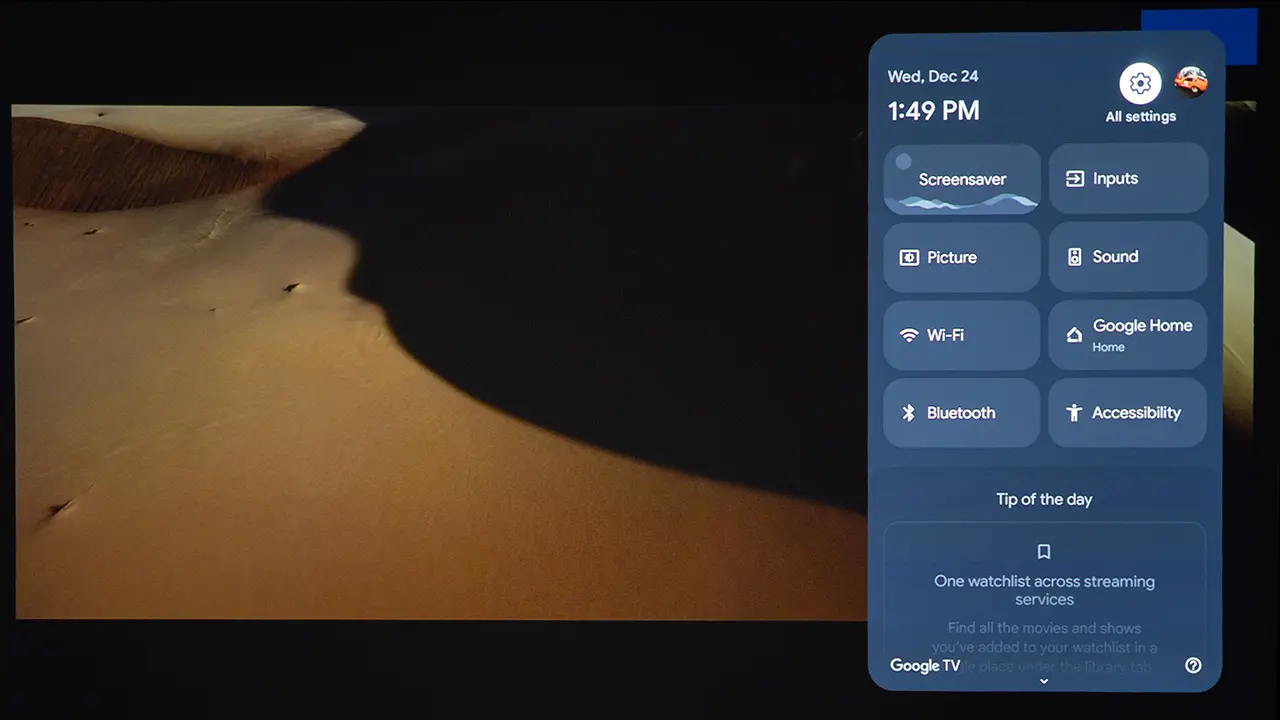
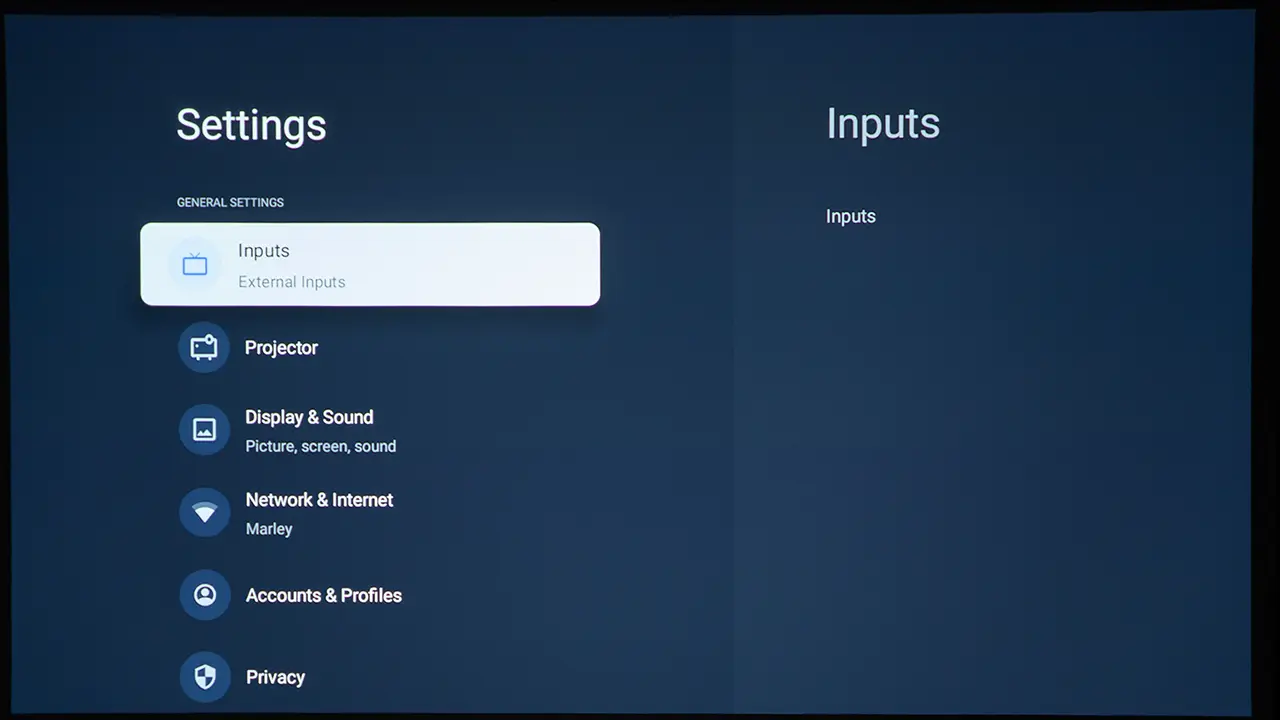
The TCL PlayCube uses the latest Google TV operating system. This platform provides access to over 10,000 apps, including popular streaming services like Netflix, Disney+, and YouTube TV. Users can browse and play content directly on the projector without an external device, such as a streaming stick or media box. In addition to a wide range of smart features, the PlayCube includes numerous picture adjustments, such as Color Temperature, Gamma, and Multi-point White balance.

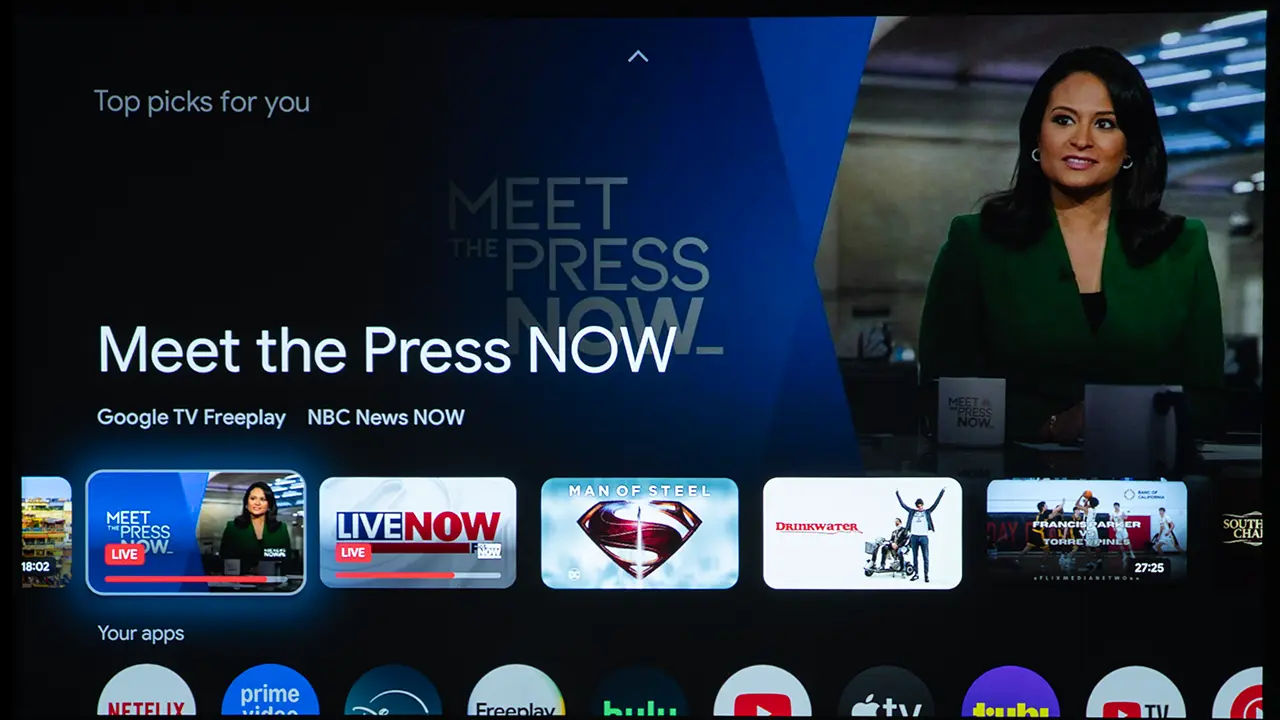
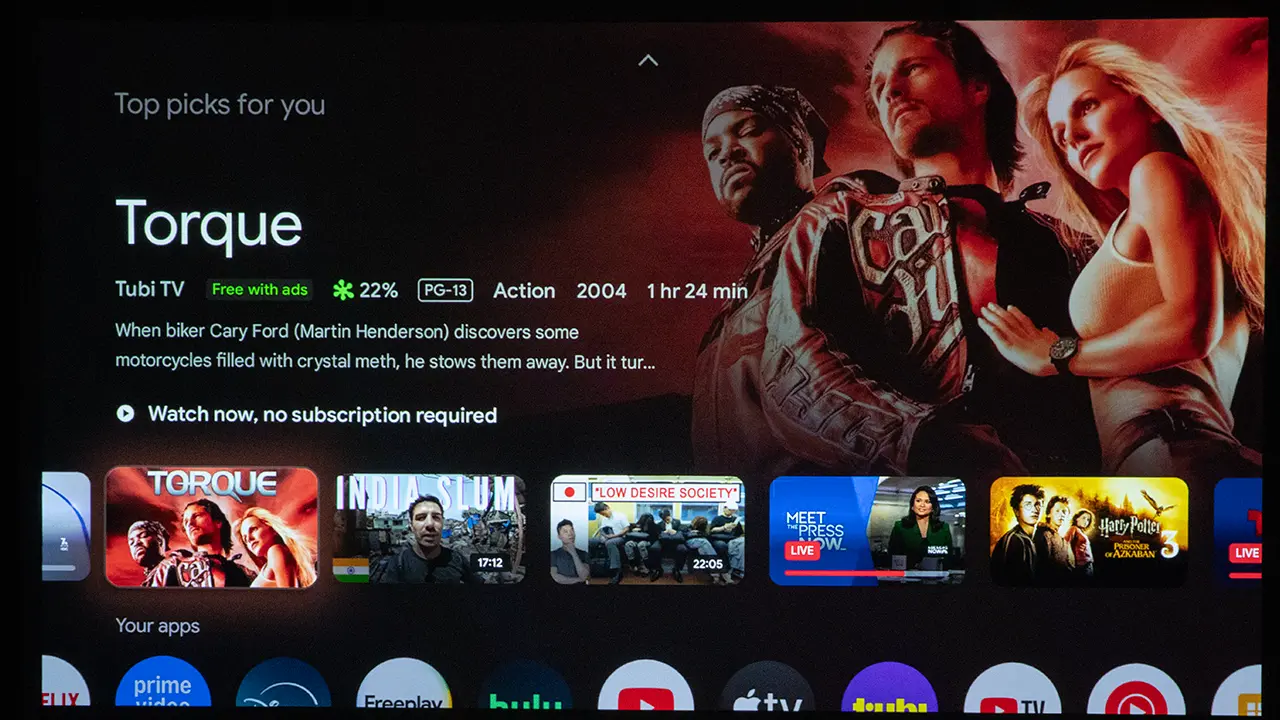
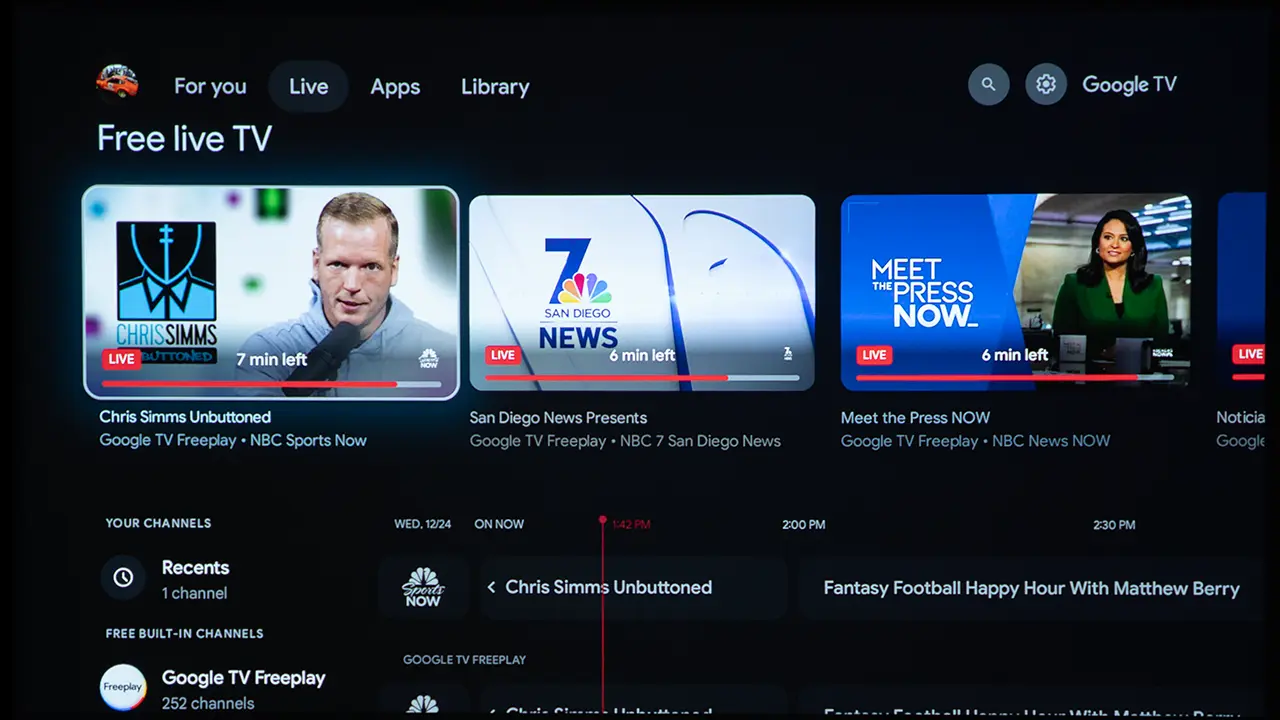
Another big benefit of Google TV is that it integrates smart TV features and projector picture settings into a single menu, making the projector feel like a single cohesive device rather than two loosely connected systems.  When streaming apps, inputs, picture modes, HDR settings, keystone, focus, and audio controls all live in the same interface, you are not bouncing between an external dongle menu and a separate projector OSD.  The menu layout was similar to that of other Google TV-equipped projectors, and the operation was smooth and responsive.

PERFORMANCE

COLOR REPRODUCTION

  • TCL PlayCube Color - Projector Reviews - Images
  • TCL PlayCube Color - Projector Reviews - Images
  • TCL PlayCube Color - Projector Reviews - Images
  • TCL PlayCube Color - Projector Reviews - Images
  • TCL PlayCube Color - Projector Reviews - Images
  • TCL PlayCube Color - Projector Reviews - Images

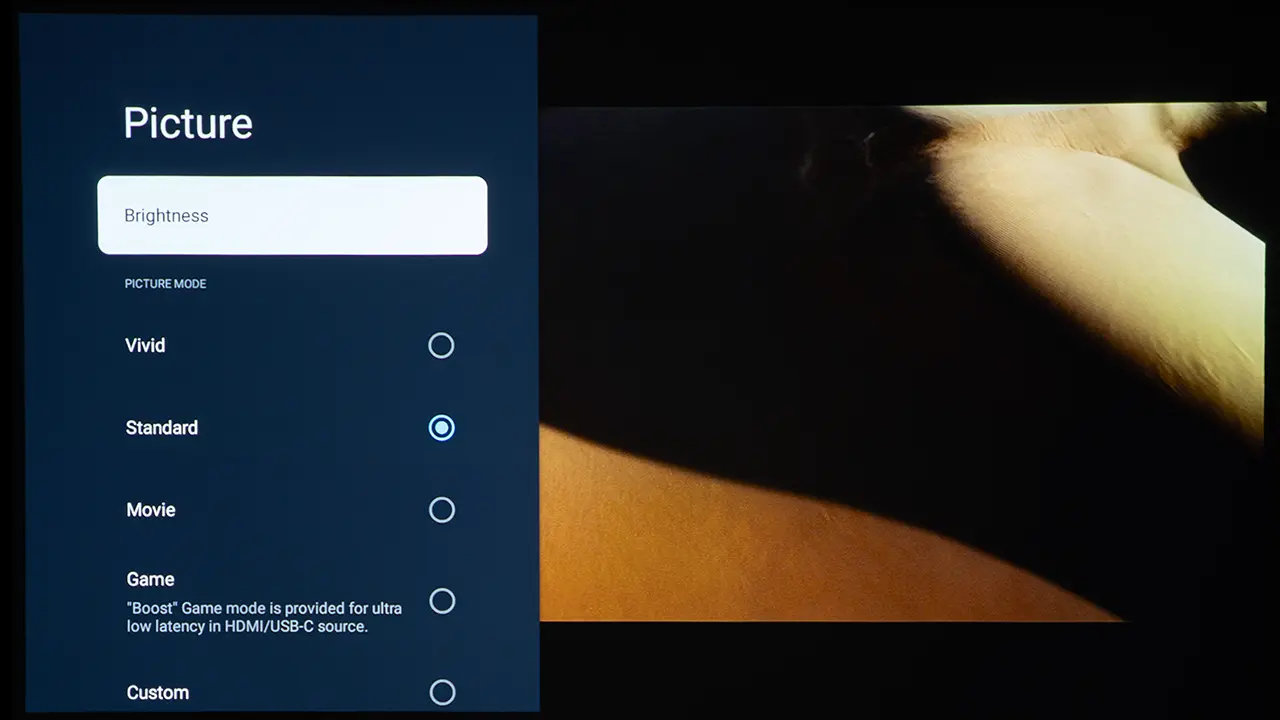
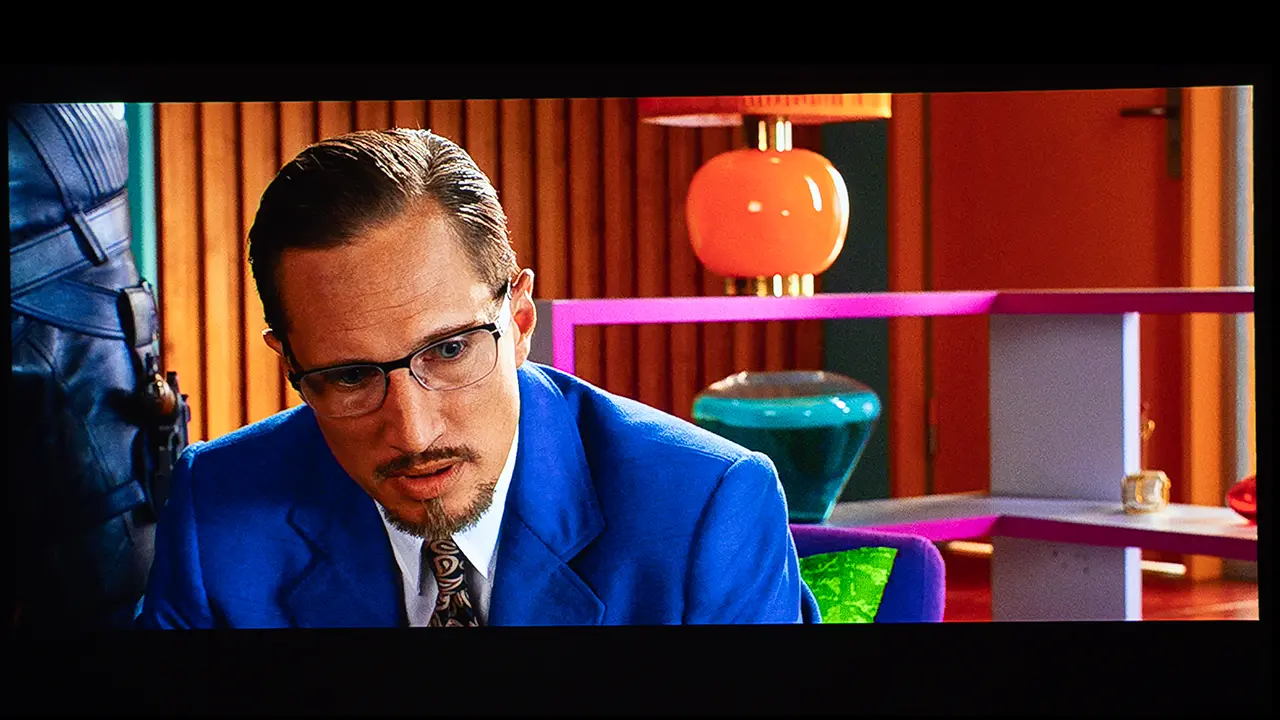
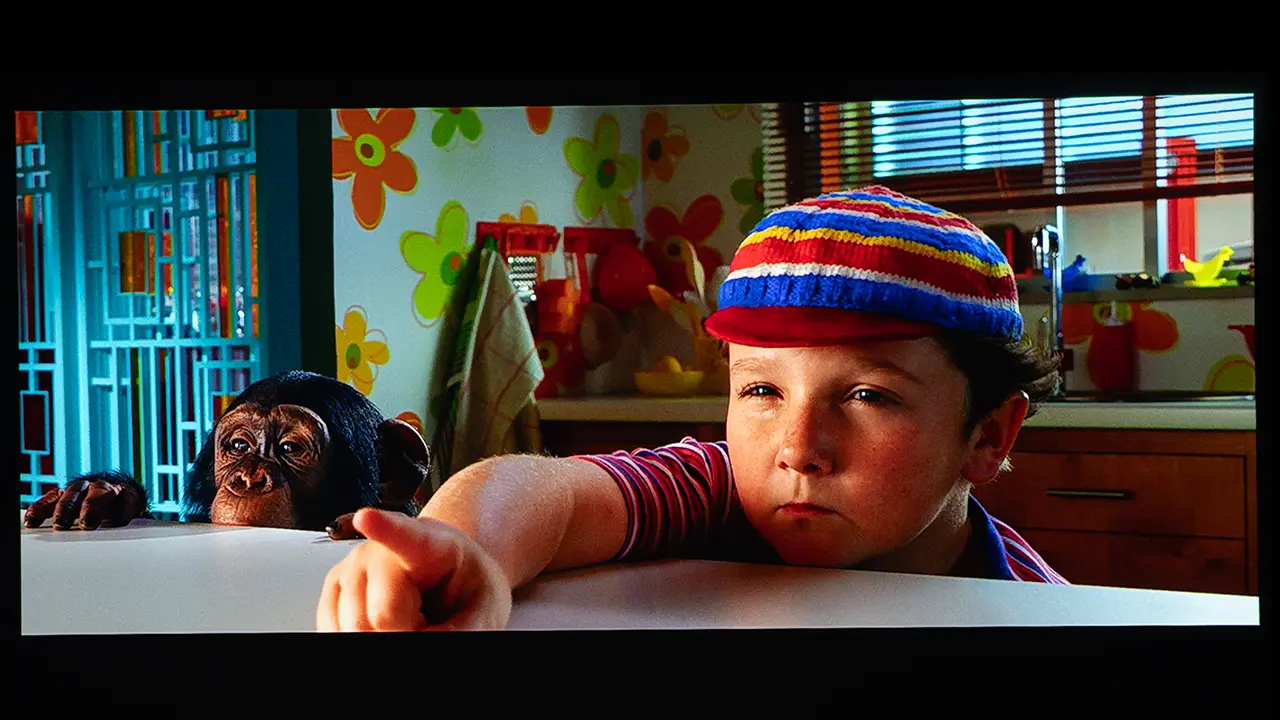
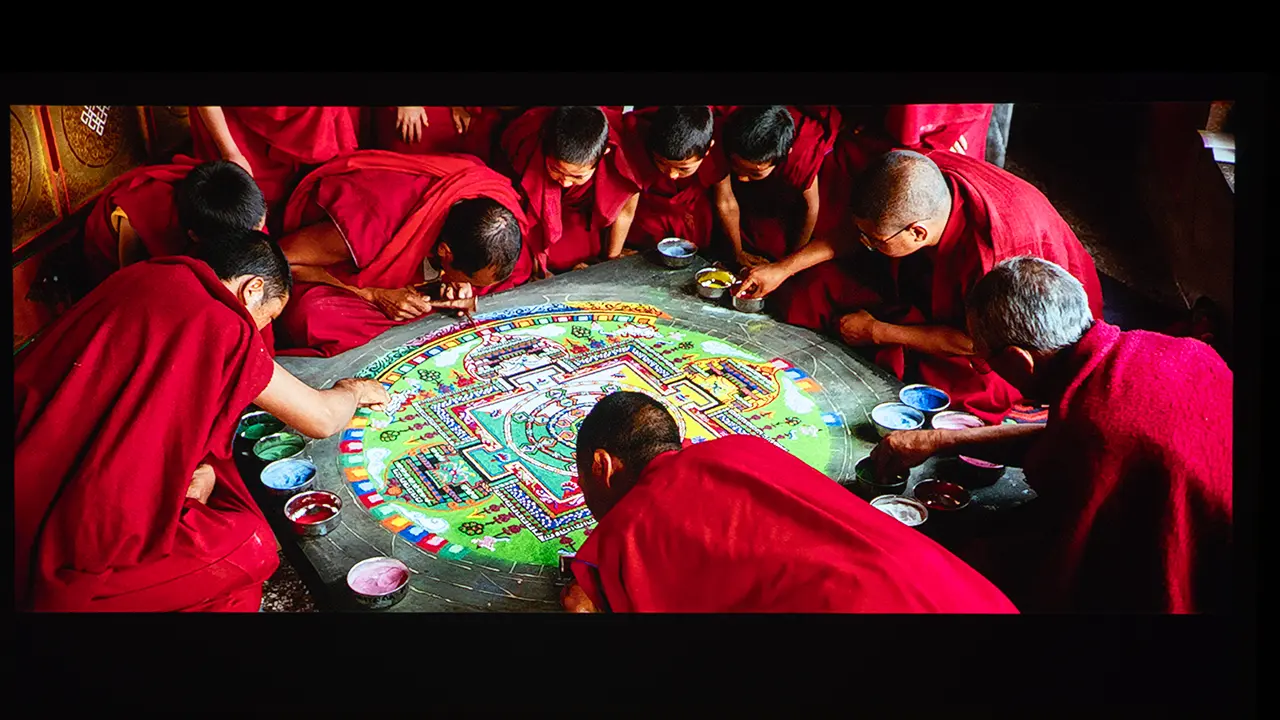
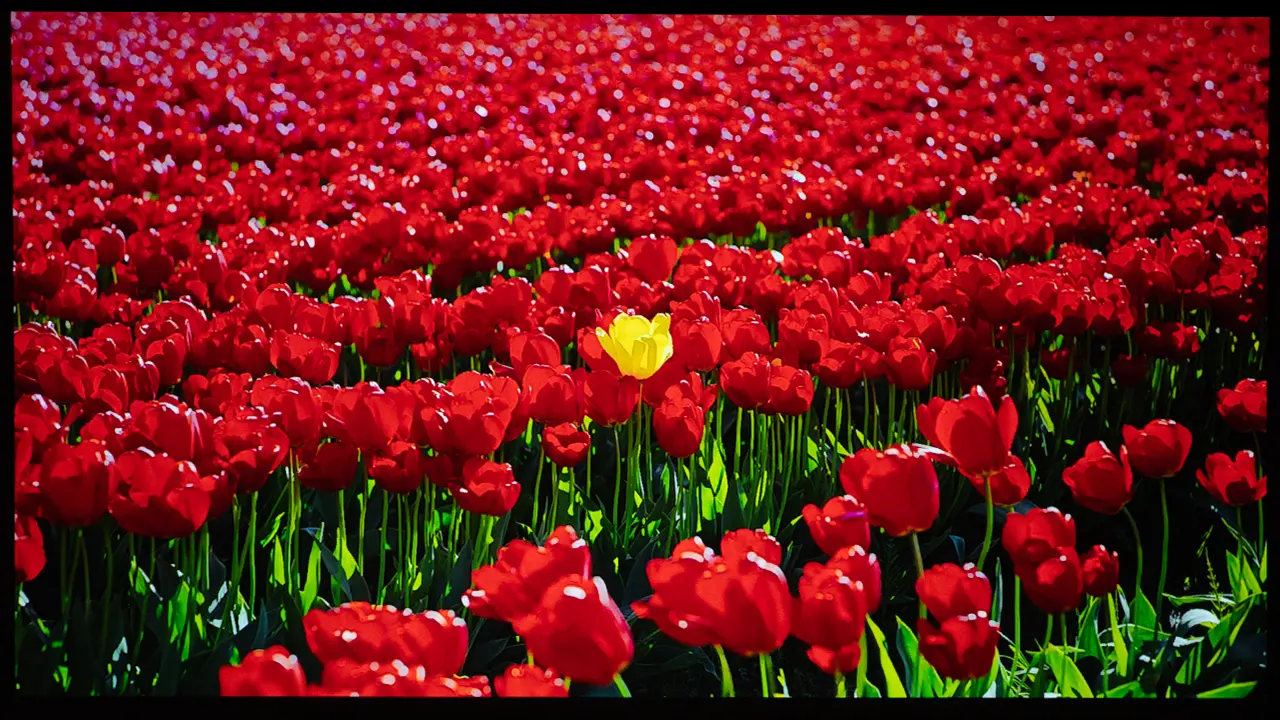
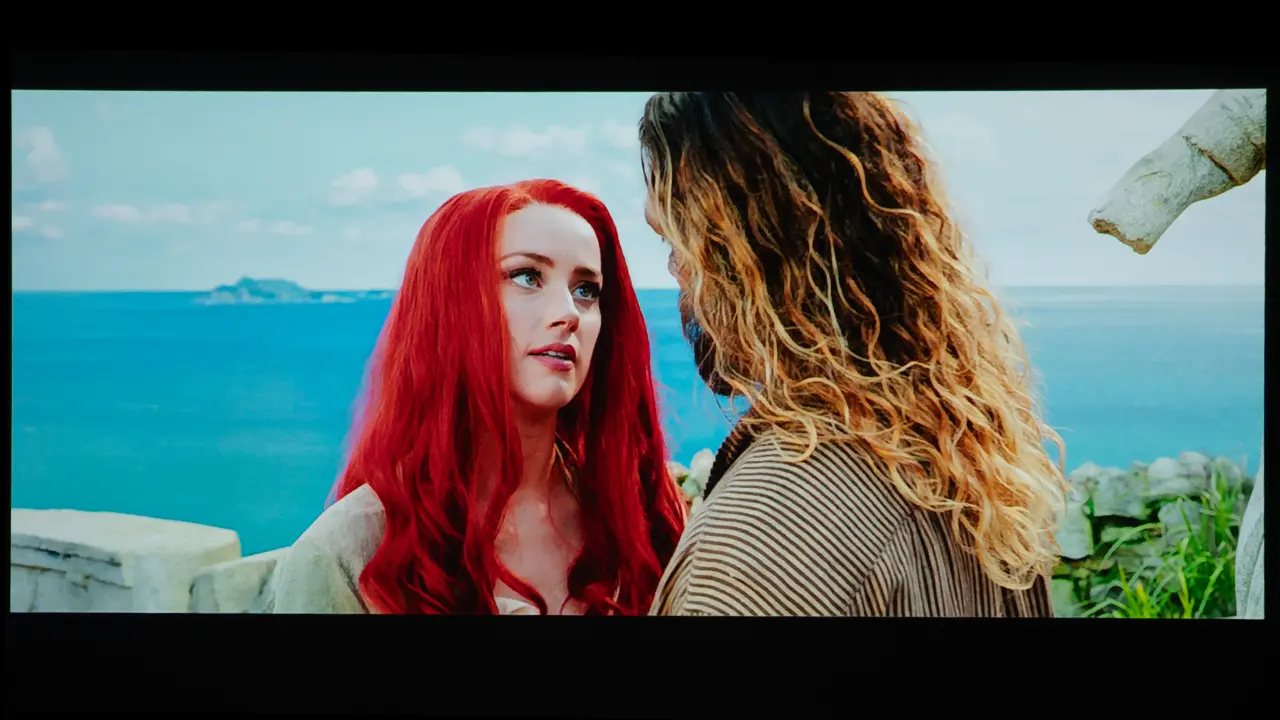
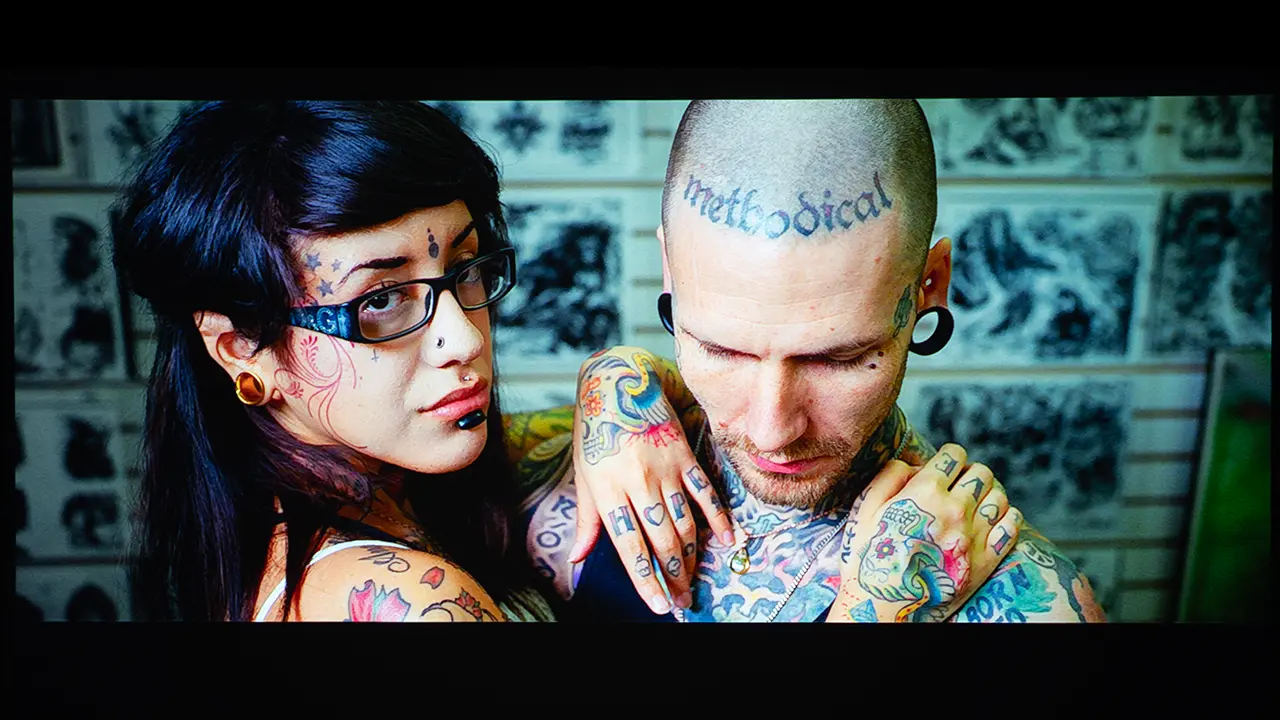
Color performance was good for an RGB LED-based portable projector. While the Playcube cannot display as wide a color gamut as an RGB laser projector, it delivers solid color saturation for its class. The projector includes several preset picture modes that adjust brightness, contrast, and color temperature to suit different types of content.

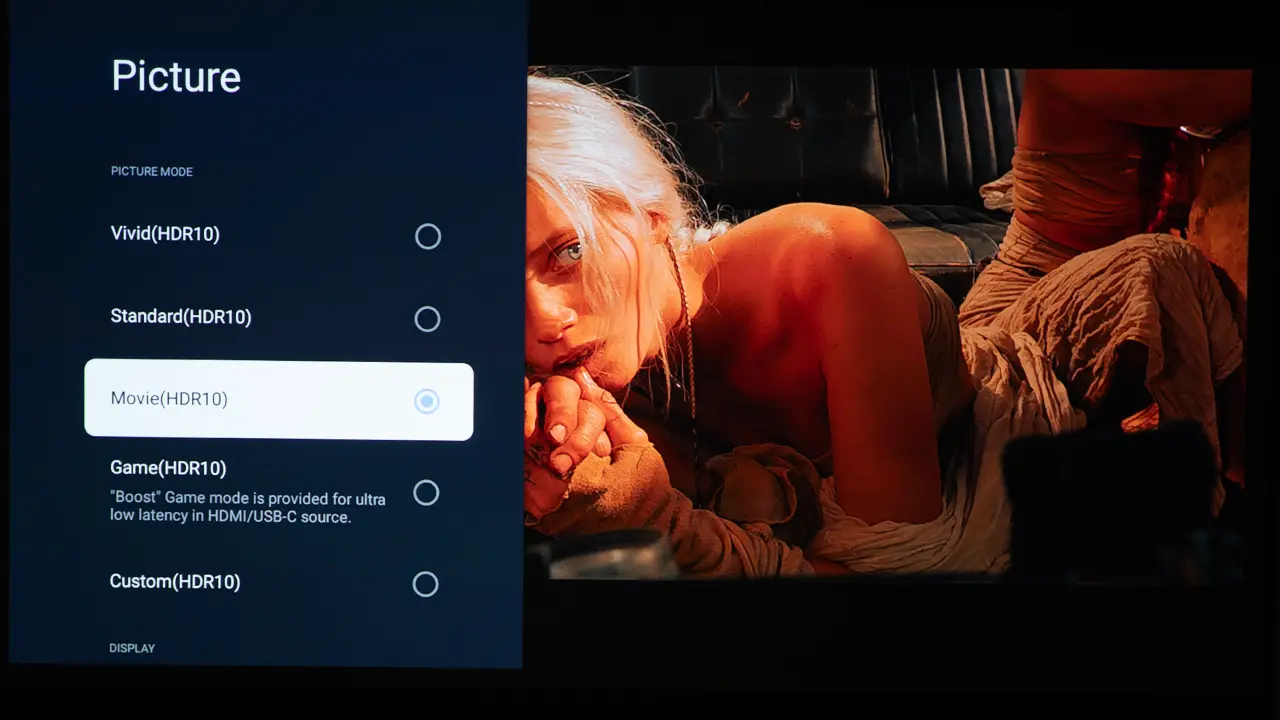
The most accurate preset picture modes are the MOVIE and CUSTOM. The color temperature of thesee two modes are very similar, but CUSTOM appears to have a boosted amount of contrast. The STANDARD mode tries to balance brightness and color vibrancy with fan speed, making it ideal for everyday use. 

The VIVID mode increases brightness and color saturation to make the image look vibrant under ambient light, but it reduces color accuracy. There is a dedicated game mode that reduces latency to improve responsiveness when connected to gaming consoles.

To achieve the best looking SDR image, I placed the projector in its MOVIE mode and then under the Expert Settings submenu switched off the Local Contrast Control. I also left Dynamic Contrast set to Off and the Gamma set to Bright.

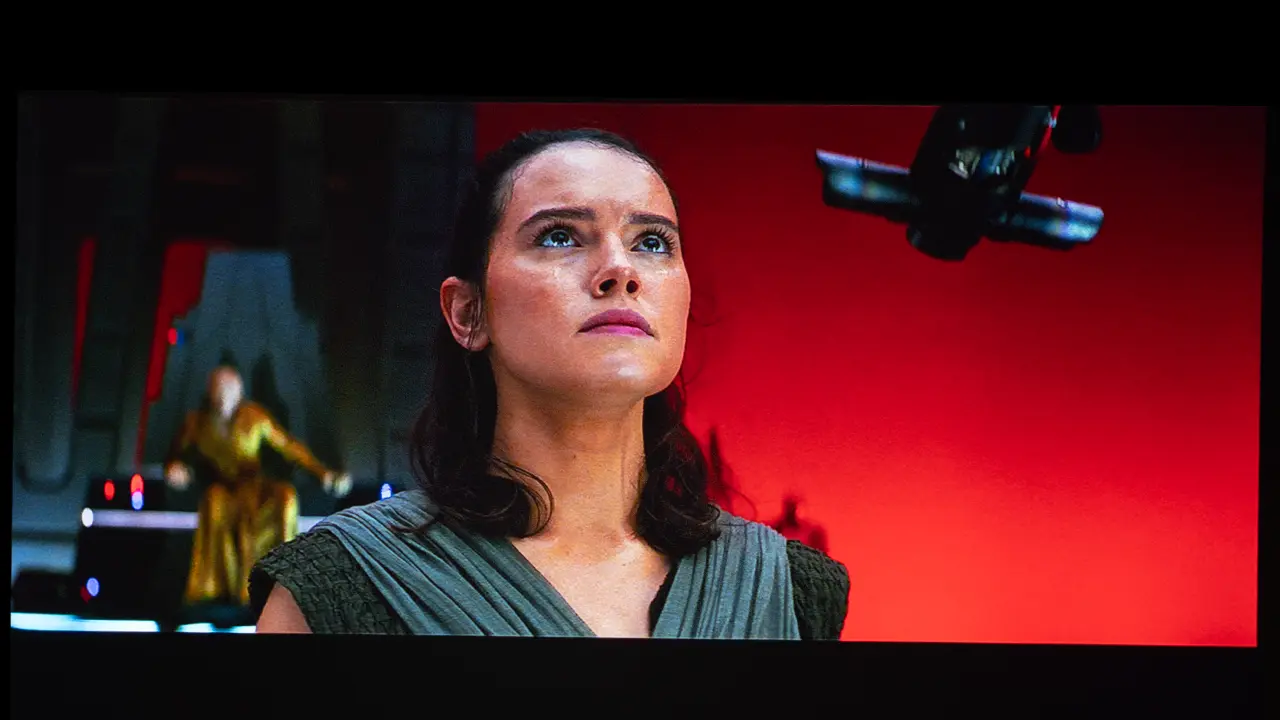
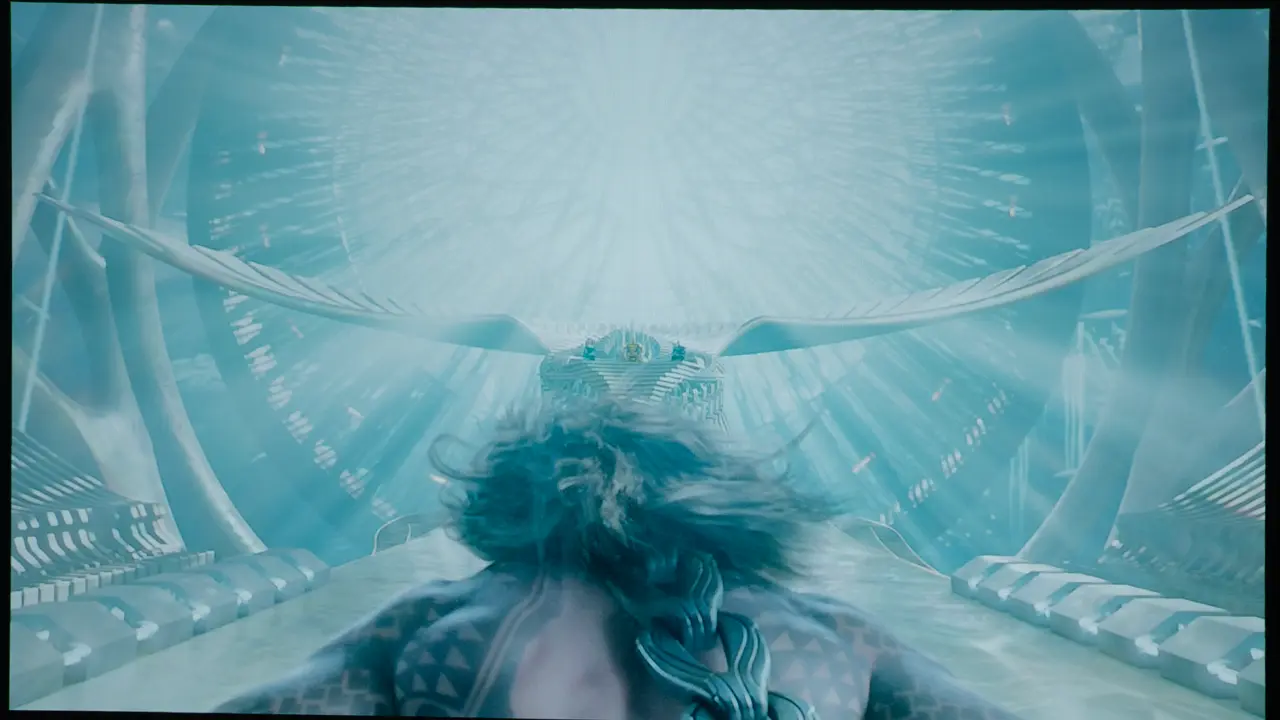
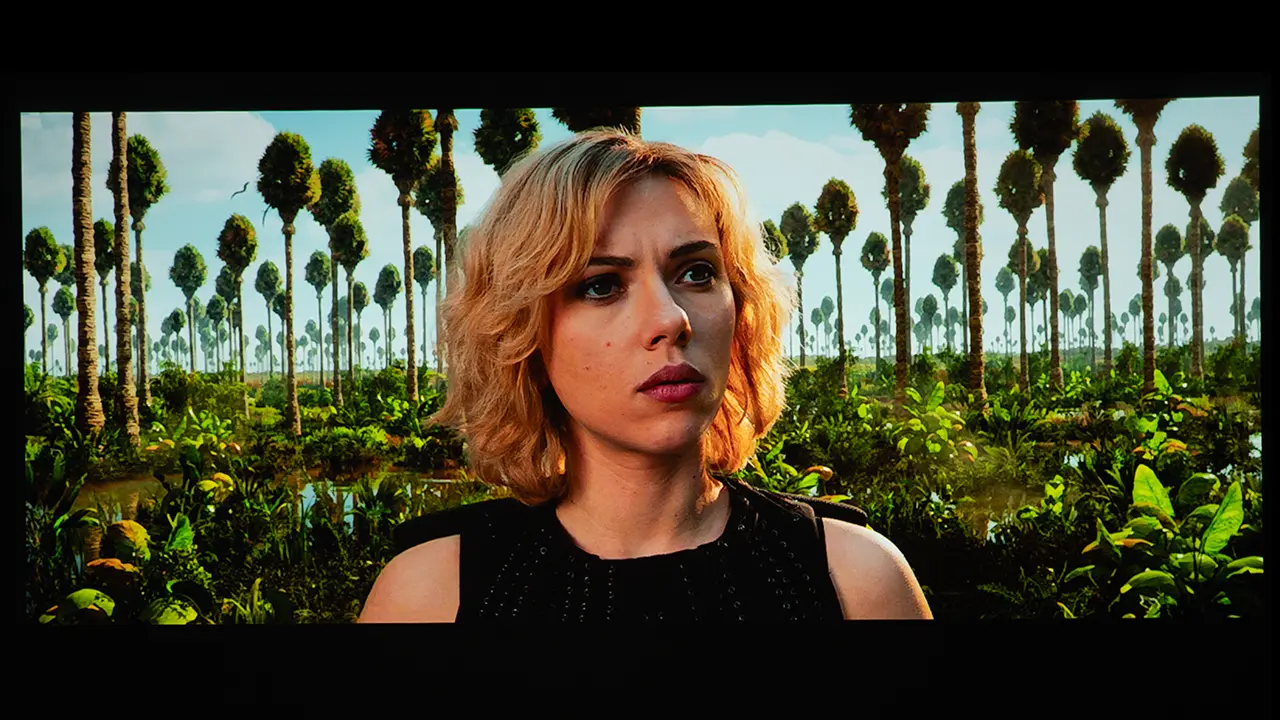
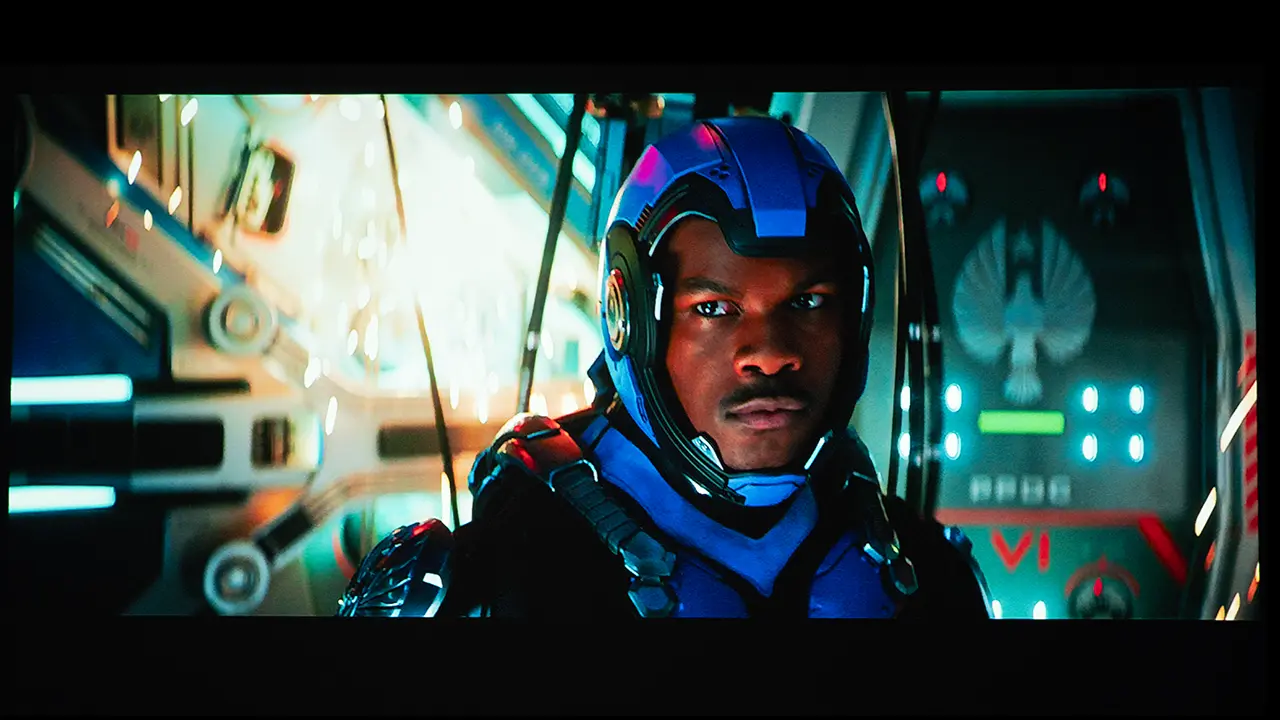
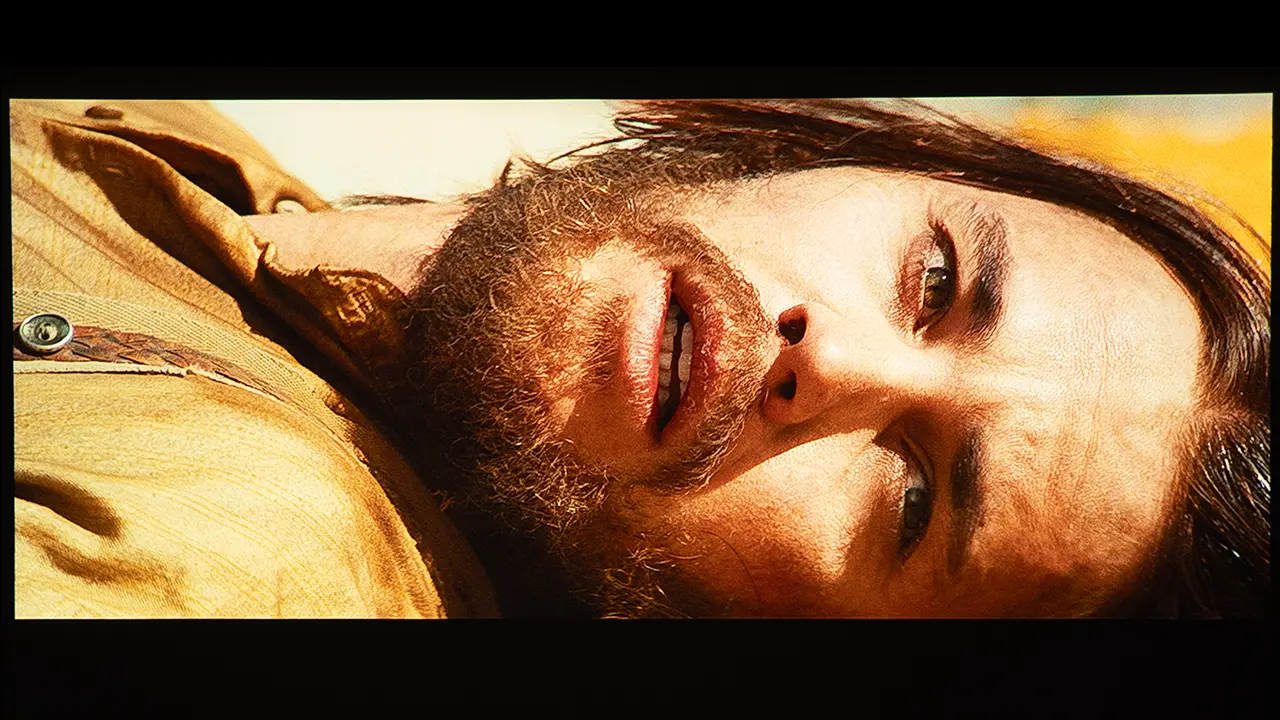
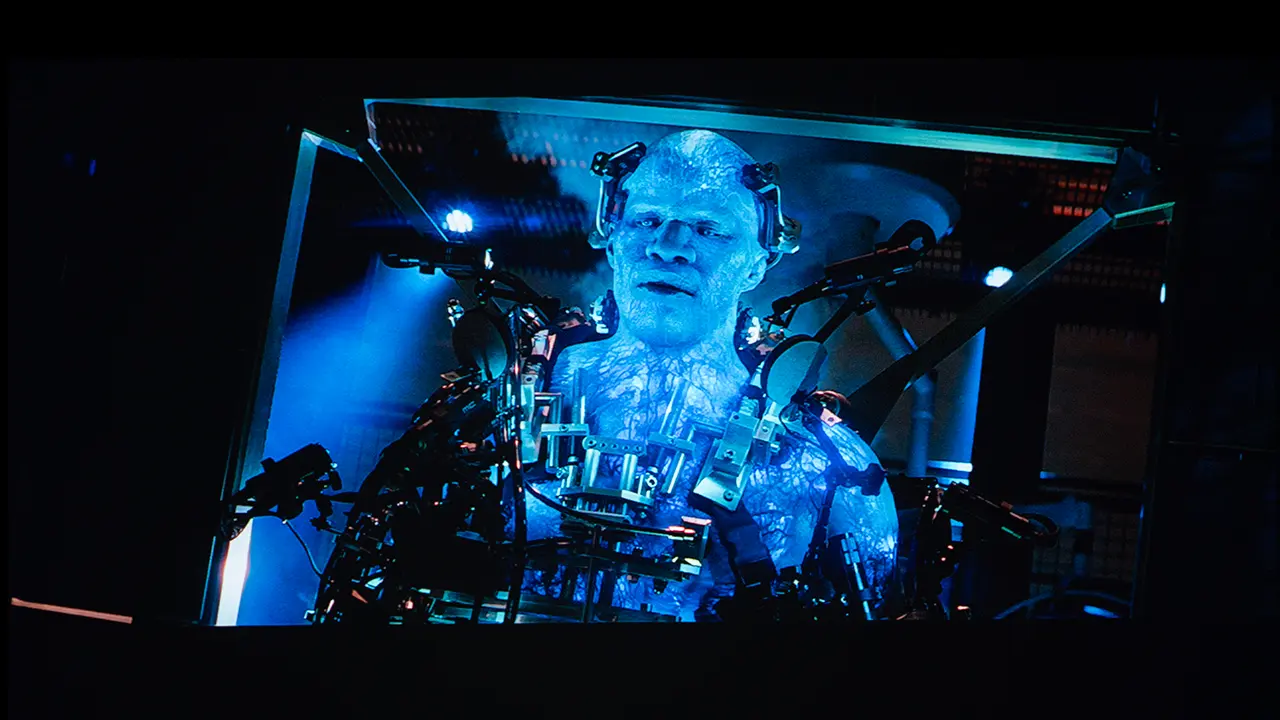
The PlayCube supports high-dynamic-range content via HDR10. When compared to other portable projectors, the unit's HDR picture quality was better than average. While the projector does not include Dynamic HDR tone mapping, it did a good job of maximizing its available brightness range when viewing most HDR content. I did find that SDR content delivers higher on-screen brightness.

  • TCL PlayCube HDR - Projector Reviews - Images
  • TCL PlayCube HDR - Projector Reviews - Images
  • TCL PlayCube HDR - Projector Reviews - Images
  • TCL PlayCube HDR - Projector Reviews - Images
  • TCL PlayCube HDR - Projector Reviews - Images
  • TCL PlayCube HDR - Projector Reviews - Images
The PlayCube's HDR image quality was better than most compact battery-powered projectors

There are several dedicated HDR picture remotes. I did most of my HDR viewing using either the MOVIE (HDR10) or CUSTOM (HDR10) mode. As with SDR modes, when viewing HDR content, I suggest turning off the Local Contrast Setting under the Expert Setting submenu.

Gaming performance is suitable for casual and family-oriented gaming. Input lag is low enough to allow comfortable play for console games and cloud gaming services, although competitive gamers may prefer displays with faster response times. The PlayCube is well matched to casual multiplayer games and role-playing titles where reaction time is less critical.

The PlayCube includes many of the image adjustments found on larger home entertainment projectors. For those who want the maximum amount of adjustability, you would need to utilize the CUSTOM mode because it allows you to adjust things such as Contrast, Brightness, Saturation, Sharpness, as well as Color Gain. Under the Expert settings, you can also adjust things such as Local Contrast Control, CMS, Gamma and Dynamic Light Dimming.

While this amount of adjustments are overkill for most people purchasing a compact portable projector. It shows that the PlayCube utilizes TCL video processing similar to the televisions.

When compared to other portable projectors of similar size, I was impressed with the PlayCube’s color reproduction.. While most people would be happy with the unit's out-of-the-box image quality, you can easily improve the  projector's picture quality by making simple adjustments to your projector's BRIGHTNESS, CONTRAST, and SHARPNESS settings without utilizing the projector's more advanced color adjustments.

Here are links to several free test patterns on the Murideo website and their YouTube channel. Murideo also has detailed written instructions for using its test patterns in the resource section of its website. Also, check out our YouTube video on utilizing several test patterns called Optimize The Image of a Projector or TV Using Free Murideo Test Patterns.

BRIGHTNESS

  • TCL PlayCube Brightness - Projector Reviews - Images
  • TCL PlayCube Brightness - Projector Reviews - Images
  • TCL PlayCube Brightness - Projector Reviews - Images
  • TCL PlayCube Brightness - Projector Reviews - Images
  • TCL PlayCube Brightness - Projector Reviews - Images
  • TCL PlayCube Brightness - Projector Reviews - Images

The PlayCube has a rated brightness of 750 ISO lumens. To estimate the projector's maximum brightness, I switched the unit to its brightest mode, STANDARD and switched the Brightness Mode to Business. I took 3-4 readings about 15-20% out from the center of the lens.

TCL PlayCube Brightness: 701 Lumens

The PlayCube measured 701 lumens. While this is about 50 lumens below the unit’s rated brightness, it is still impressive for a unit this compact. While switching the Brightness setting to Business produced the highest light output, I would not recommend it because the image appeared greenish. The STANDARD mode in its default settings offered the best balance of brightness and color reproduction.

The PlayCube supports HDR10, but I recommend using the SDR mode when possible to maximize on-screen brightness.  The PlayCube can produce a colorful SDR image on screens up to 100” in dim or dark environments. When viewing HDR, I would limit the screen size to 85" for maximum impact. Below are the brightness levels of each preset picture mode.

Picture Modes: Brightness

Picture ModeBrightness Measured (Lumens)
VIVID508
STANDARD558
MOVIE503
GAME504
CUSTOM551

BLACK LEVEL AND SHADOW DETAIL

  • TCL PlayCube Contrast - Projector Reviews - Images
  • TCL PlayCube Contrast - Projector Reviews - Images
  • TCL PlayCube Contrast - Projector Reviews - Images
  • TCL PlayCube Contrast - Projector Reviews - Images
  • TCL PlayCube Contrast - Projector Reviews - Images
  • TCL PlayCube Contrast - Projector Reviews - Images

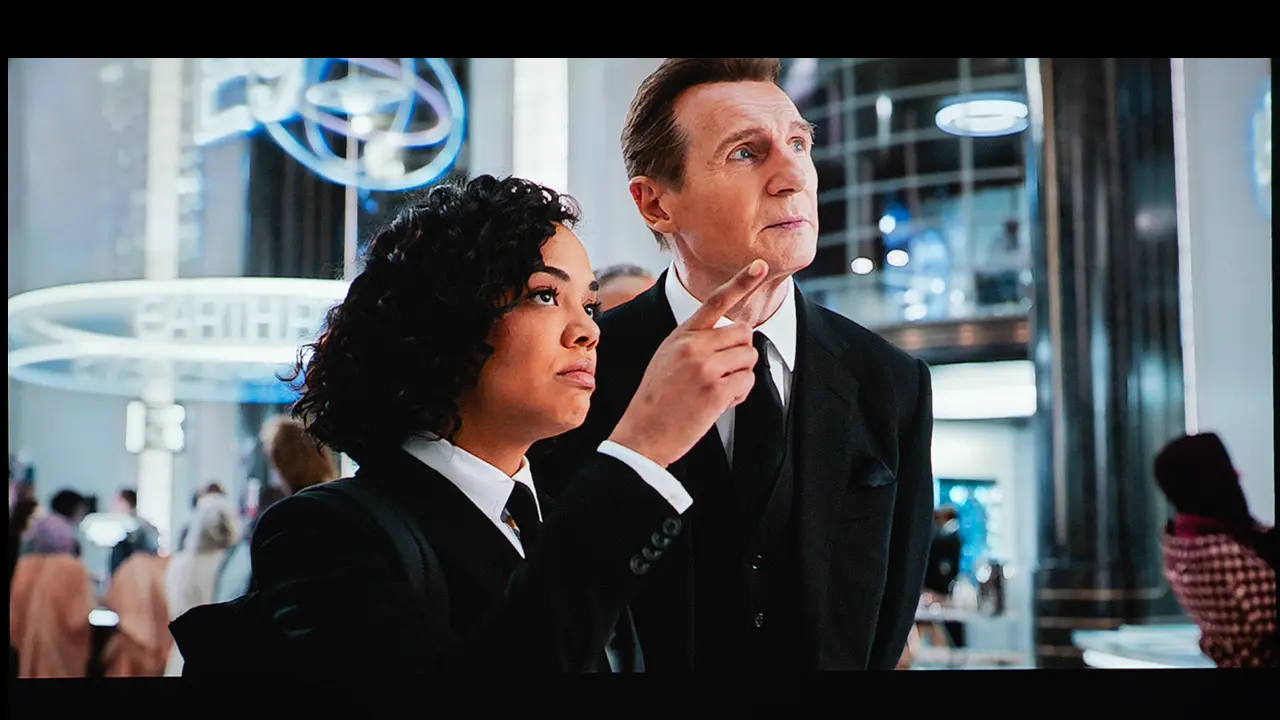
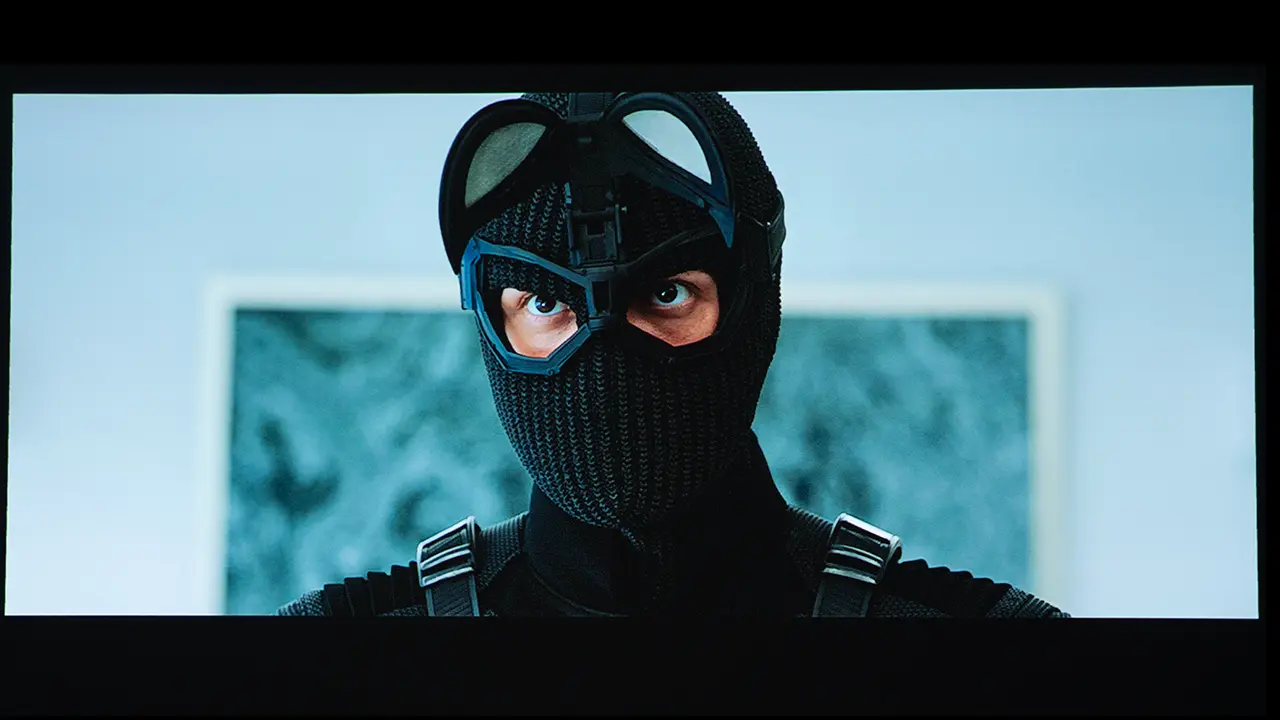
Given its price point and compact size, I knew the PlayCube wouldn't match the black level of a larger, more expensive home-entertainment-focused DLP projector. However, its contrast performance is surprisingly good and more than sufficient for casual viewing.

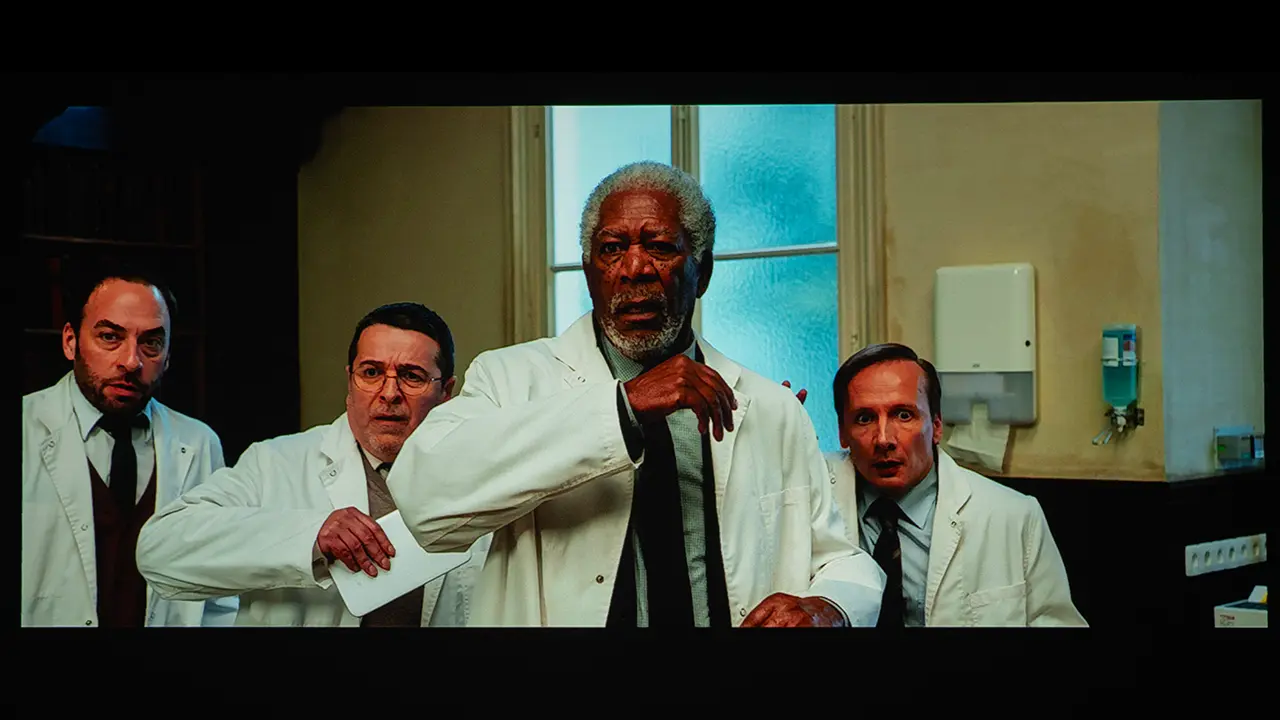
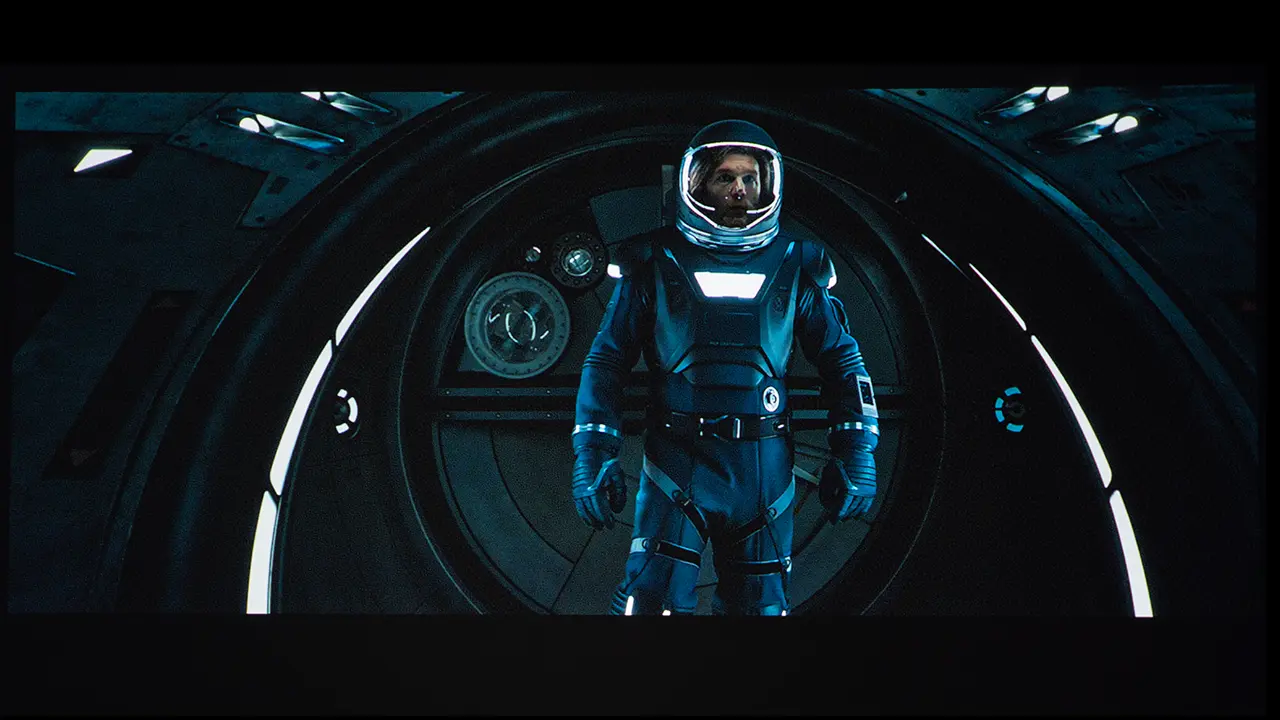
I played several challenging dark scenes from movies like The Batman and Passengers. As with most projectors in this category, black levels appear more dark gray than true black, but the PlayCube did a good job of displaying shadow detail in the dark areas of the screen.  

SOUND QUALITY

TCL PlayCube Sound - Projector Reviews - Images

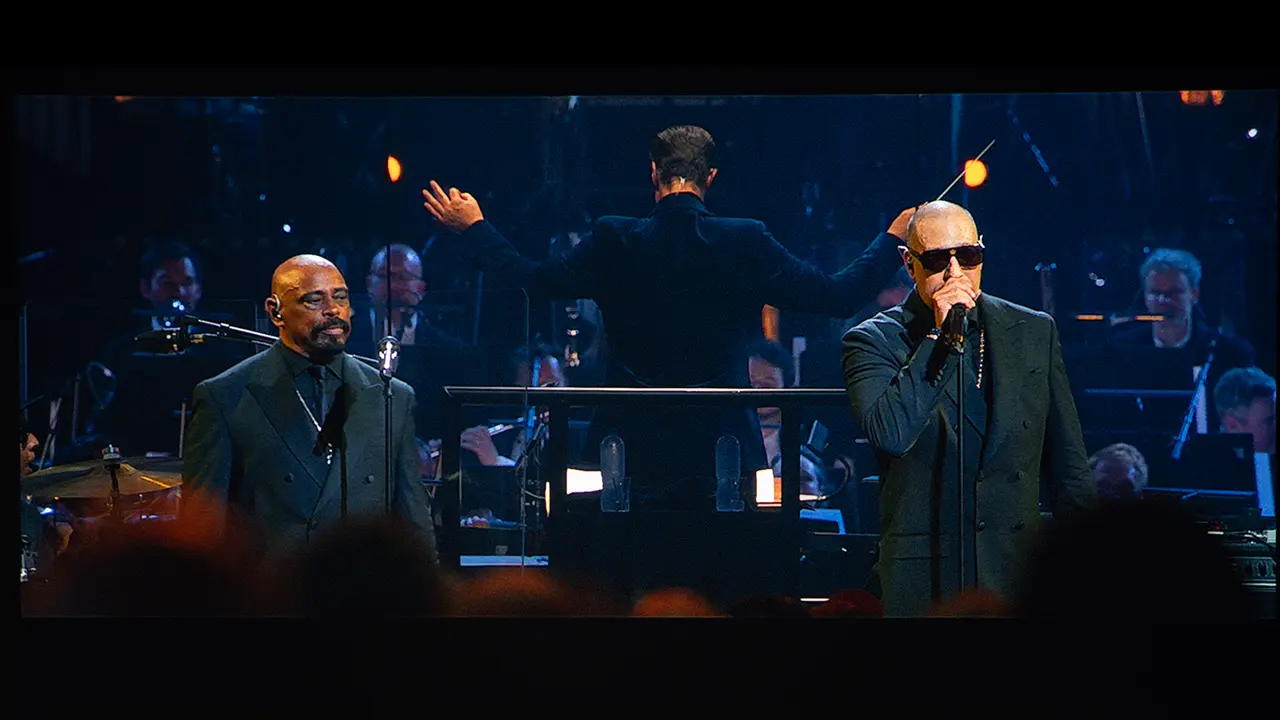
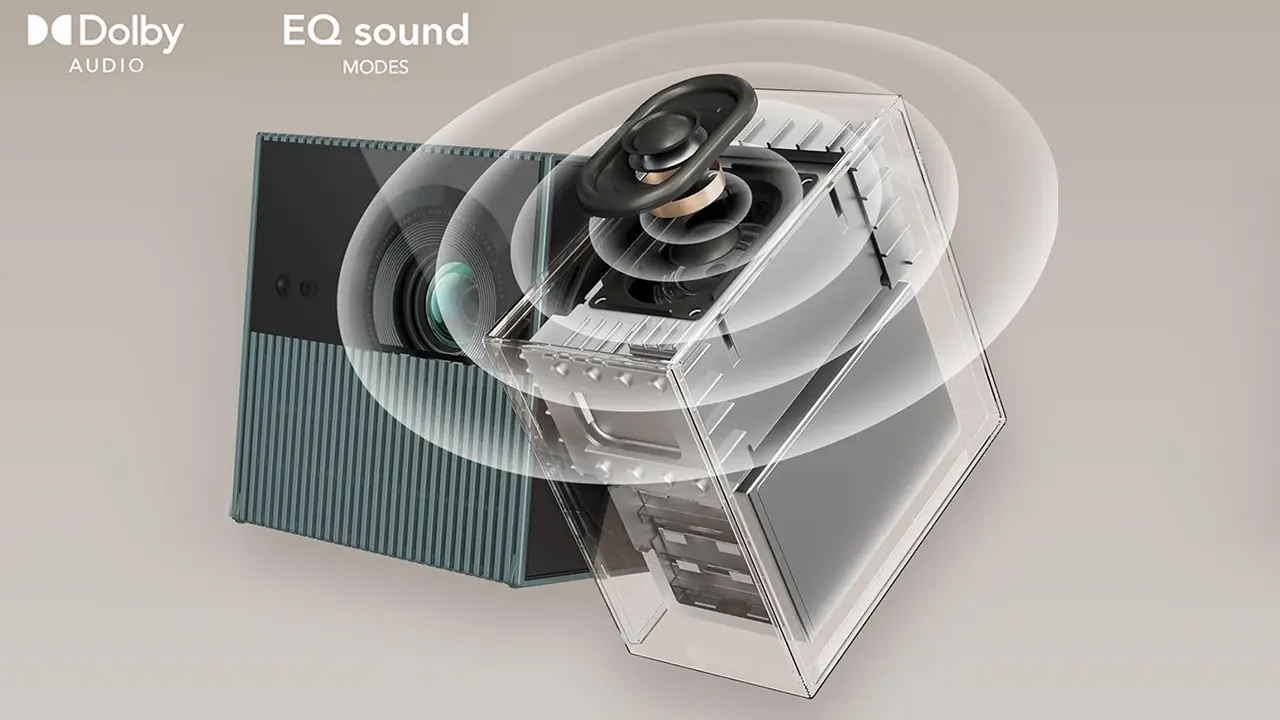
When it comes to sound quality, you need to manage your expectations. The PlayCube is quite small, but its 5-watt Dolby audio system delivered good sound quality for its size. The unit plays loud enough to fill a small room. Dialogue reproduction is clear at moderate listening levels. You can choose between four preset audio modes optimized for movies, music, and sports. You even have the option of creating your own customized sound profile.

Music playback is acceptable for background listening and casual use, although the small enclosure restricts low-frequency extension. The PlayCube can also be utilized as a Bluetooth speaker by selecting Bluetooth Speaker Mode in the projector setting menu. For users seeking improved audio performance, the Playcube offers Bluetooth connectivity to pair external speakers or soundbars. The 3.5mm audio output provides additional flexibility for users who prefer a direct connection to powered speakers or headphones.

LED light sources generate less heat than lamps and lasers, allowing TCL to use a smaller, quieter cooling system. To deliver high brightness from such a small chassis, the PlayCube utilizes a heat pipe cooling system.  However, the fan still needs to run at a fairly high speed when using the projector’s maximum light output. TCL rates the noise level at 30dB from 1 meter away. When sitting approximately three to four away, the fan noise is noticeable during quiet passages, but it remains subdued and does not significantly interfere with movie dialogue or casual viewing.

SUMMARY

  • TCL PlayCube Lifestyle - Projector Reviews - Images
  • TCL PlayCube Lifestyle - Projector Reviews - Images
  • TCL PlayCube Lifestyle - Projector Reviews - Images
  • TCL PlayCube Lifestyle - Projector Reviews - Images
  • TCL PlayCube Lifestyle - Projector Reviews - Images

The TCL PlayCube is a compact portable projector that retails for $799. The unit delivers a lot of brightness and sound from an incredibly compact package. It is small enough to take with you anywhere but it is bright enough to deliver a good looking SDR image or an 90 or 100 inch screen.

 At this price point, there are several high-quality portable projectors like the new Samsung Freestyle+ and the XGIMI MoGo 4 Laser. The Samsung Freestyle is about the same size, but the TCL PlayCube offers much higher brightness, and it includes a built-in battery

Another similarly priced portable projector is the XGIMI MoGo 4 Laser. Both the TCL and XGIMI models are 1080 DLP projectors that utilize Google TV and include built-in rechargeable batteries. While the MoGo 4 Laser sound system is slightly better, the PlayCube uses a more efficient RGB light source, delivering higher brightness and longer battery life than the XGIMI.

TCL PlayCube Projector - Projector Reviews - Images
If you are interested in purchasing the projector mentioned in this article, we always appreciate it if you use one of the links in the article because Projector Reviews earns a small commission on the sale at no cost to you.
buy now on amazon button grey - Projector Reviews - Image

The TCL PlayCube is an excellent portable projector, with color reproduction and sound quality that are better than those of most compact portable projectors I have reviewed. The built-in battery and Google TV-driven smart features greatly enhance the projector’s portability.

The unit’s unique form factor and Intelligent picture correction features make it very easy to set up nearly anywhere. The Playcube is designed to deliver a usable image within seconds of being powered on. The projector’s auto image correction features eliminated the need to manually adjust focus and geometry.

Anyone looking for a full-featured portable projector that they can take anywhere should seriously consider the TCL PlayCube. This unit is highly recommended.

TCL PlayCube- Specifications

TCL PlayCube Projector - Projector Reviews - Images
Full Specifications
Projector ModelTCL PlayCube
Price (MSRP)$799
Imager TypeDLP
Displayed Resolution1920 x 1080 pixels
Native Resolution1920 x 1080 pixels
Brightness (Manufacturer Claim)750 ISO Lumens
Light Source TypeRGB LED
Contrast Ratio15,000:1 (Dynamic)
Lens Throw Ratio1.2:1
Lens Zoom RangeFixed
Power Zoom/FocusFocus Only
Lens ShiftNo
Interchangeable LensNo
Ultra Short ThrowNo
Native Aspect Ratio16:9 (Widescreen)
4K/120 fpsNo
3DNo
SpeakersYes (5 watts)
Noise Level (-db)28dB
Low Lag GamingYes
Smart FunctionalityYes
BusinessNo
ClassroomNo
PortableYes
Special FeaturesGoogle TV OS, Native Netflix App, Easy Setup
NetworkingWiFi
Dimensions  (WxHxD)5.9" x 3.8" x 3.8" (150 mm x 97 mm  x 97 mm)
Weight2.7 lbs (1.3 kg)
Warranty1-year Limited
Buy Now On Amazon - Projector Reviews Images

© 2025 Projector Reviews

crossmenu linkedin facebook pinterest youtube rss twitter instagram facebook-blank rss-blank linkedin-blank pinterest youtube twitter instagram