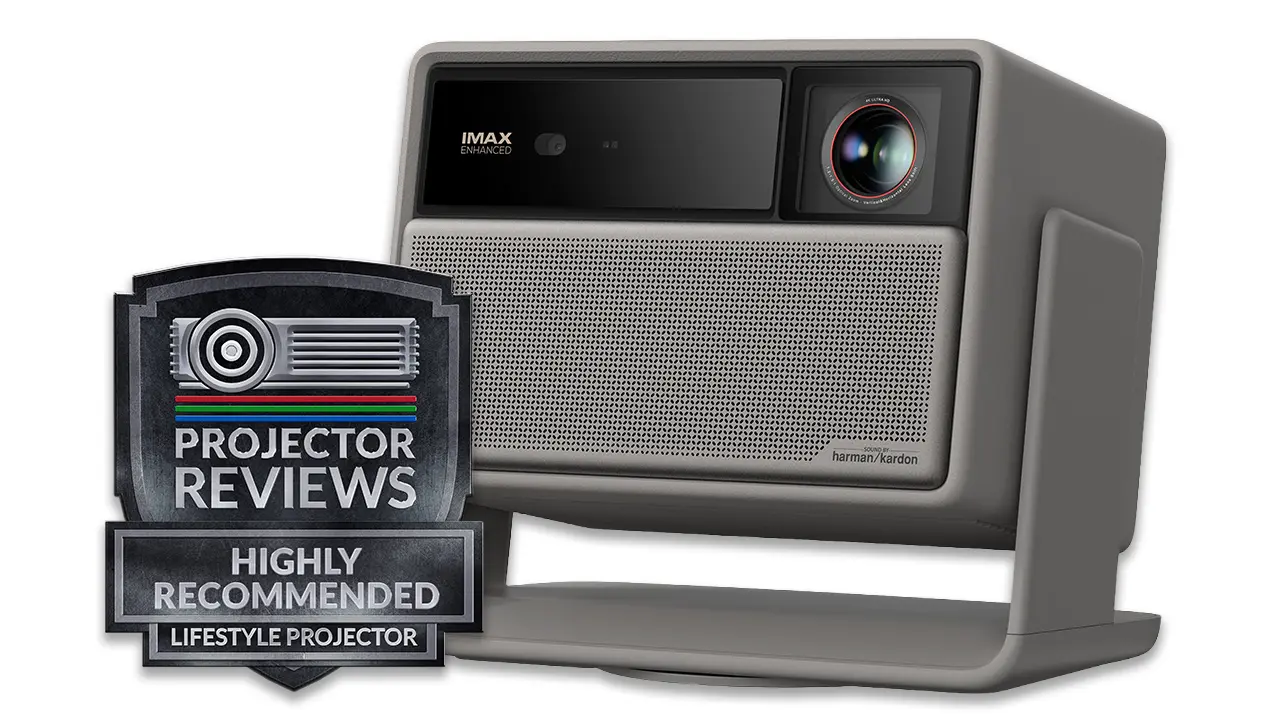
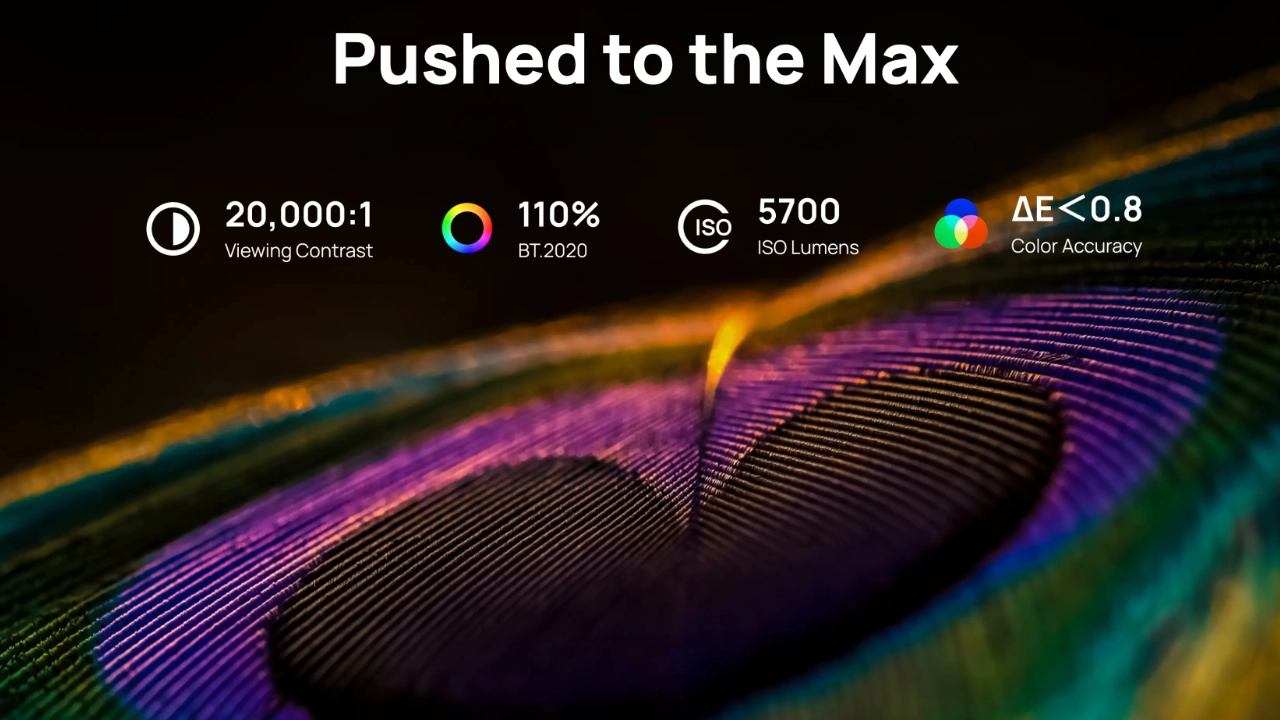
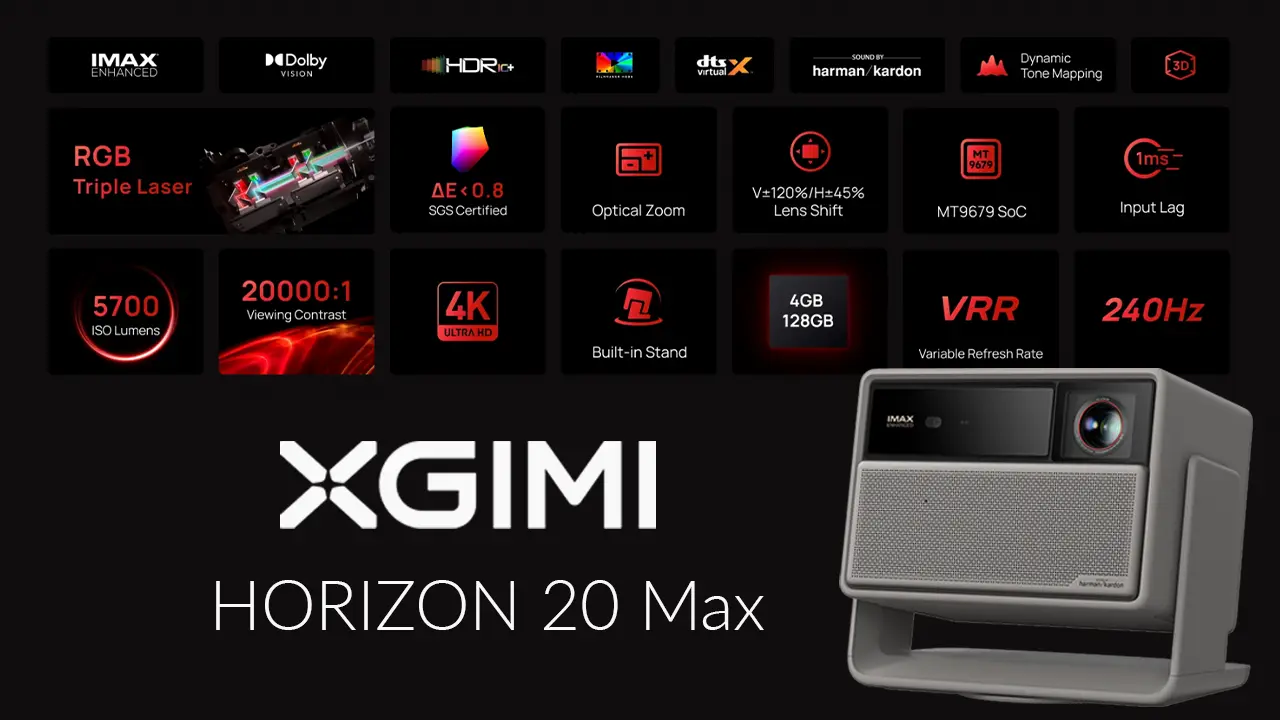
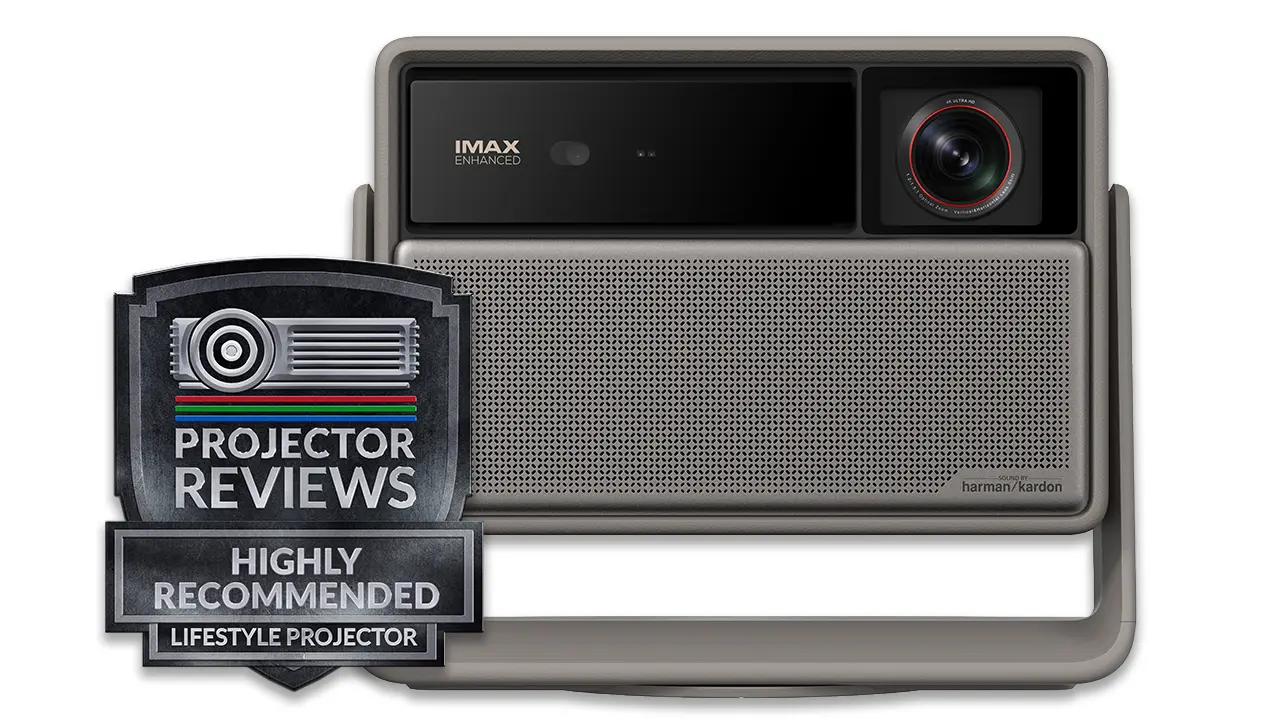
The XGIMI Horizon 20 Max is the company's best 4K-compatible Triple (RGB) laser lifestyle projector, retailing for $2,999 (MSRP). The Horizon 20 Max’s triple-laser phosphor light source doubles the original Horizon’s 20 laser diodes, delivering a staggering manufacturer-rated 5,700 ISO lumens of brightness. Doubling the diode density allows the Horizon 20 Max to maintain superior color, contrast, and brightness while filling larger screens and spaces that require higher brightness to maintain picture quality.
This XGIMI-designed X-Master light source delivers a new level of brightness for daytime viewing, expands color gamut coverage to 110% of BT.2020, and helps minimize laser speckle and color fringing for a stunning image. The XGIMI Horizon 20 Max is SGS (General Society of Surveillance) certified and delivers excellent color reproduction. According to XGIMI the Horizon 2o Max's out-of-the-box color error is typically below 1 (ΔE < 0.8), which is outstanding.
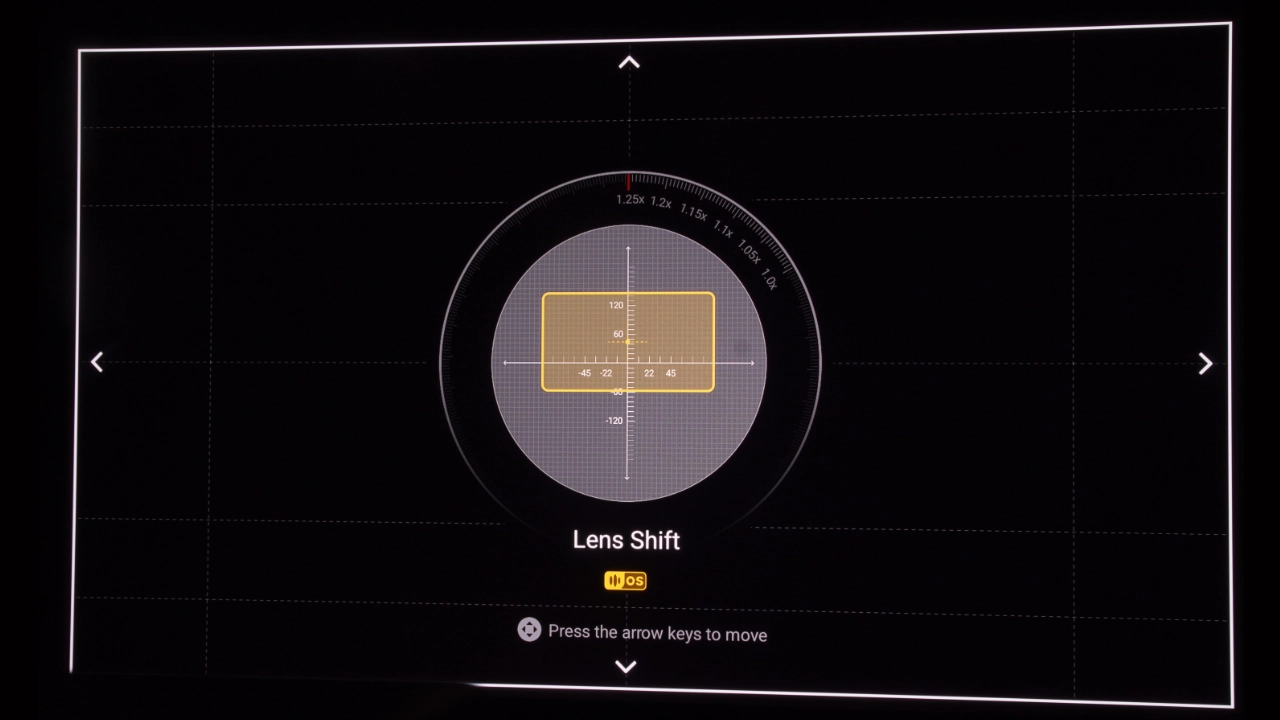
XGIMI adds a whole new level of install flexibility with the Horizon 20 Max. Its X-Master optical engine provides much of the flexibility of interchangeable-lens projectors without the need to swap lenses. Available for the first time on the XGIMI Horizon 20 Max, the projector provides generous lens shift that lets you move the projected image up, down, left, or right (V±120% / H±45%) from the remote control, all without adding any digital scaling or lens distortion.
The XGIMI Horizon 20 Max is one of three Horizon models built on a shared "X-Master" platform, and though they vary in brightness and specific lens hardware, they share a common design and the same contrast, color, sound, and high-speed, low-input-lag gaming performance.
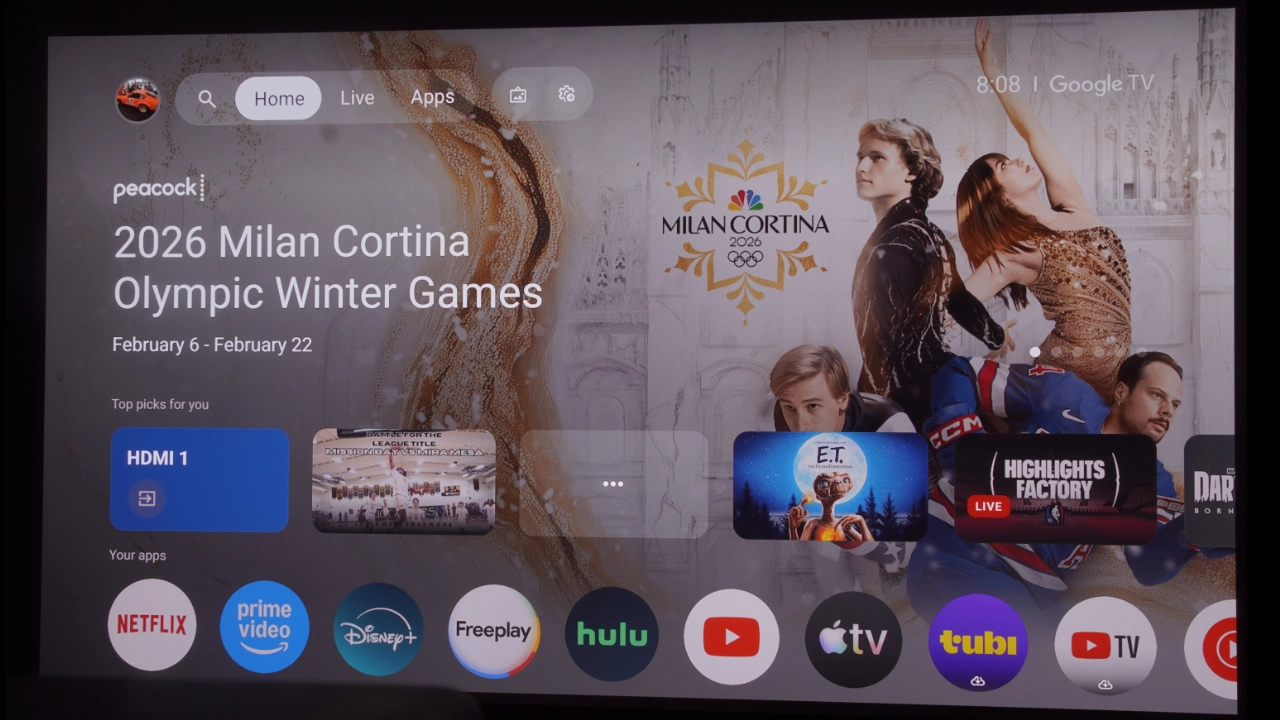
The Horizon 20 Max is SMART, offering a fully integrated Google TV OS with a dedicated native Netflix application. In addition to Google TV, the Horizon 20 Max also features IXGIMI’s ISA 5.0 smart configuration tools. ISA 5.0 combines a 3D ToF sensor with the projector's motorized lens, for uninterrupted auto-keystone and focus adjustments that work in the background to compensate for the projector being bumped or moved, and all without pausing your movie.
ISA 5.0 intelligently avoids obstacles, corrects for non-white wall colors, and uses optical zoom to keep every bit of 4K resolution on-screen. What this means is, regardless of a movie or tv shows chosen encoding protocol, the XGIMI Horizon 20 Max seamlessly adapts brightness and contrast.
XGIMI Horizon 20 Max
Suggested Retail Price: $2999
Ratings Based On Comparable Models
Brightness
Color Reproduction
Contrast
Sound Quality
Pros
+Dolby Vision and HDR10+ +IMAX Enhanced +Fully Integrated Google TV OS +14-Element X-Master Glass Optics +1.2:1 to 1.5:1 Throw Ratio +±120% V & ±45% H Lens Shift. +1ms Input Lag at 1080p/240Hz, 3ms @4K 60Hz +24 Watt Harman Kardon Sound
Cons
-5700 lumens of brightness is green-hued, usable around 3000 lumens -Some rainbow effect with high contrast content -Laser speckle is visible, especially in red colors -DBLE (Dynamic Black Level Enhancement) can cause "pumping" -Gimbal is too easily moved.
If you are interested in purchasing the projector mentioned in this article, we always appreciate it if you use one of the links in the article because Projector Reviews earns a small commission on the sale at no cost to you.
The Horizon 20 Max supports all HDR (High Dynamic Range) formats, including HDR10, HDR10+, HLG, and Dolby Vision, and features a dedicated Filmmaker mode and IMAX Enhanced certification in real time to retain the highlight brilliance, deep shadow details, and the specific cinematic HDR clarity in every scene just as the creator, or at least the editor, intended. This means the Horizon 20 Max HDR content is optimized on the fly for maximum detail in highlights and shadows.
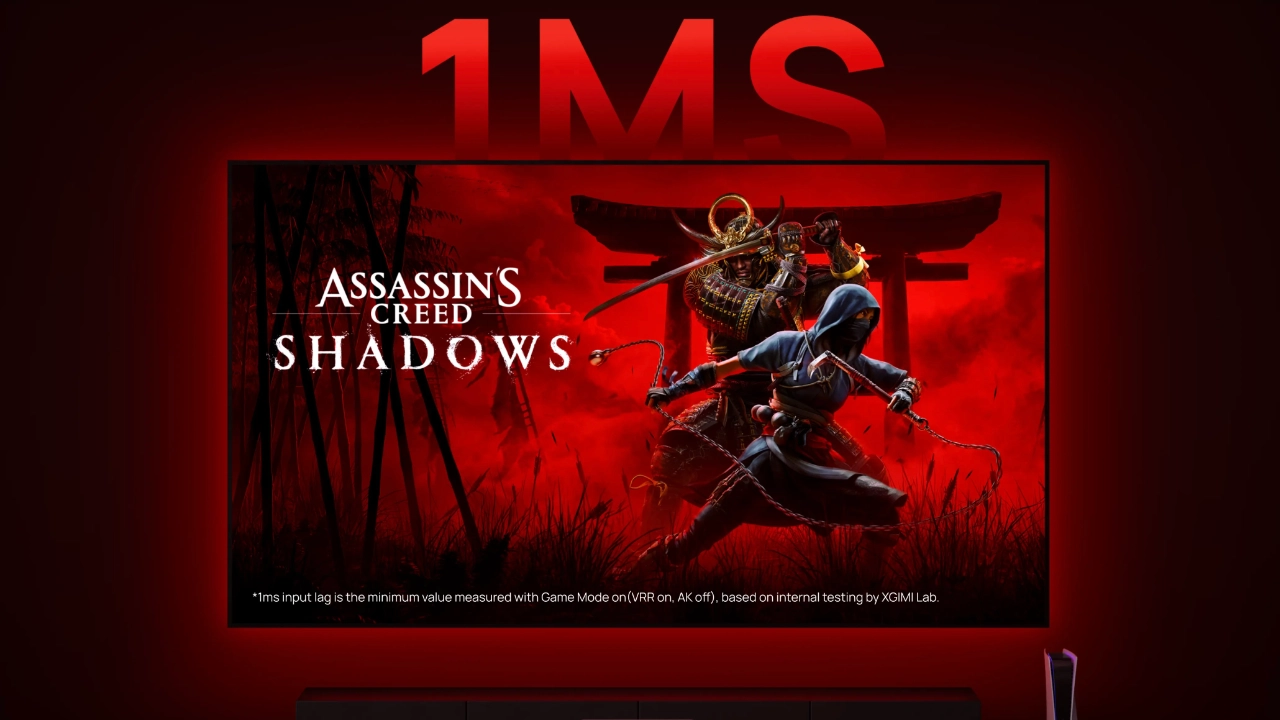
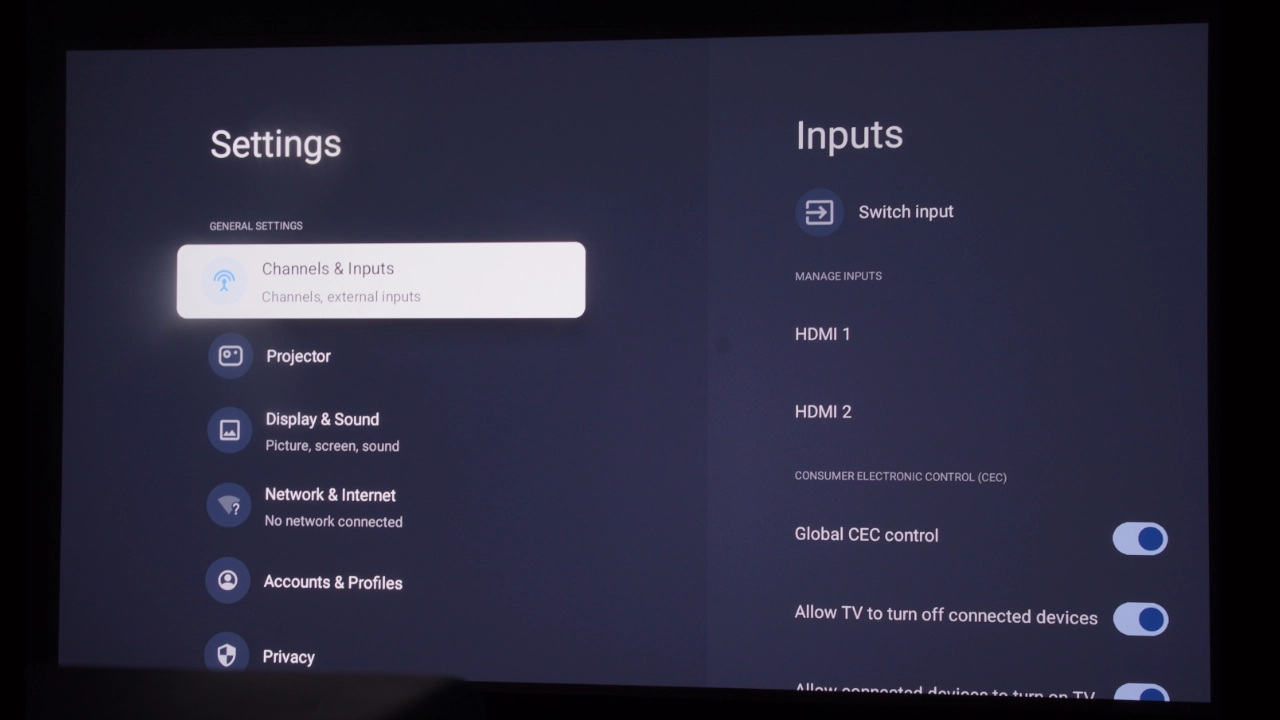
The XGIMI Horizon 20 Max is equipped with two HDMI ports (1x 2.1 48 Gbps HDCP 2.3 and 1x 2.0), allowing gamers to take full advantage of next-gen consoles and PCs that output 4K at 120 fps (display 4K 60Hz). The Horizon 20 Max features a custom GAMING mode that delivers a flagship-level 1ms input lag at 1080p/240Hz and a highly responsive 3ms at 4K/60Hz, with features like VRR (Variable Refresh Rate) and ALLM (Auto Low Latency).
Based on the projector's specs and features, the XGIMI Horizon 20 Max appears designed to deliver reference-level home theater performance with the brightness of a commercial projector, making it a unique offering in the Home Entertainment projector market. Let’s take a closer look at the projector in more detail below.
OVERVIEW
The XGIMI Horizon 20 Max feels like the continued evolution of the XGIMI projection brand, breaking out of the “new kid on the block” mold and producing a product that earns a seat at the serious home theater table. Typically, lifestyle projectors have used software to stretch and crop pixels to fit your screen, but that all changes with the XGIMI X-Master Optics system.
XGIMI's X-Master laser and optical assembly is state-of-the-art and minimizes the need for digital keystone adjustments
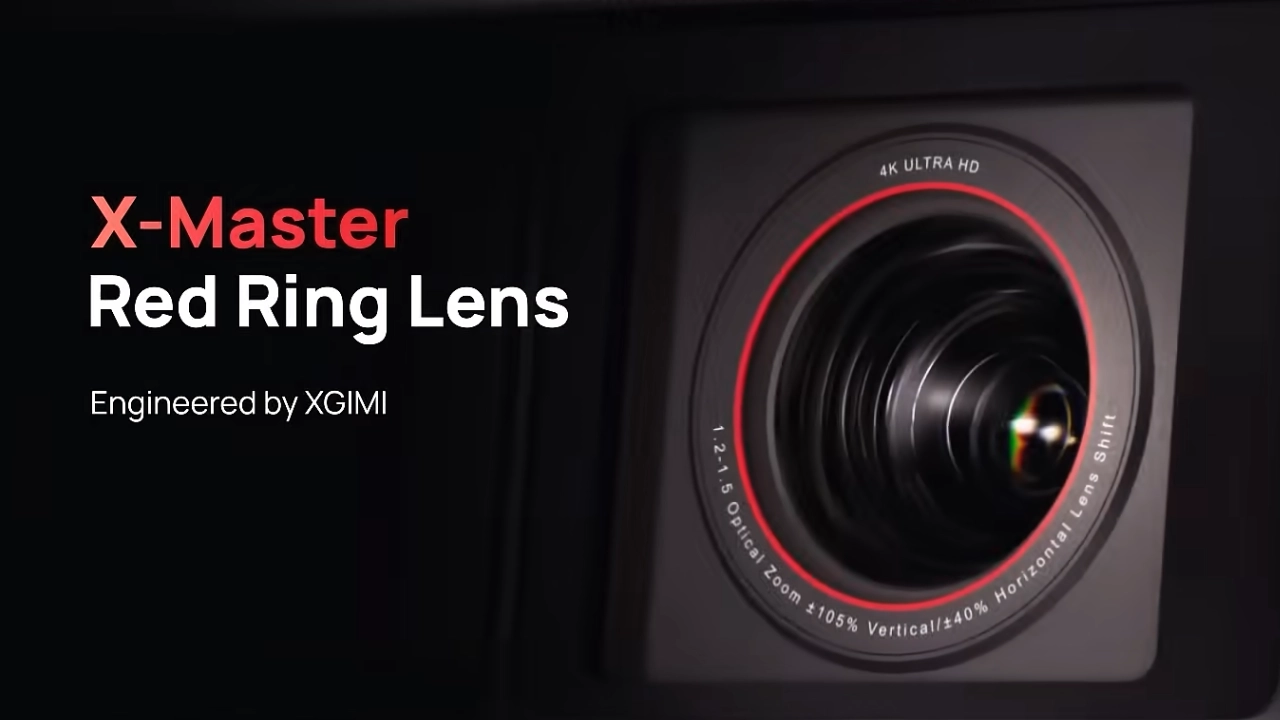
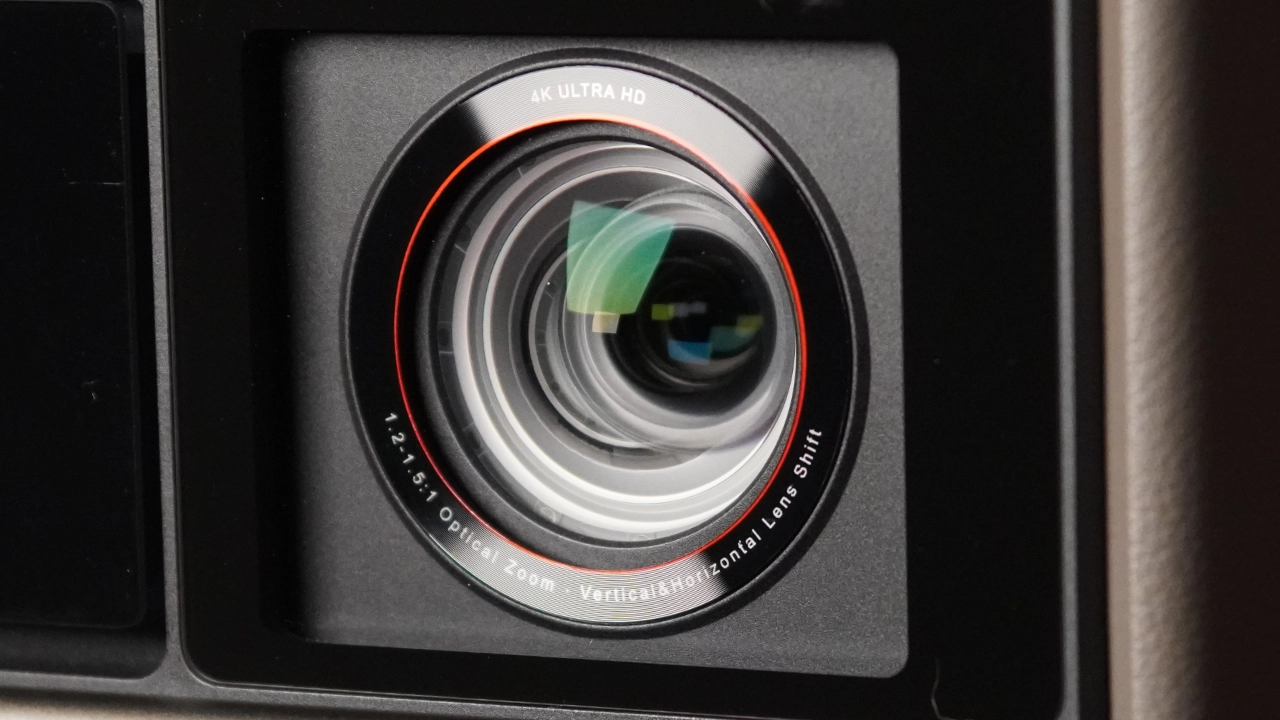
The advanced, high-quality optical assembly used on the Horizon 20 Max is a clear indication that the company is moving toward a hardware-over-software approach. The optical hardware on the Horizon 20 Max starts with XGIMI's “Red Ring Lens,” a 14-layer vacuum-coated glass optic. With the Horizon 20 Max, this translates to images free from the distracting purple fringing around white text on a dark background, with the corners of your movie staying as crisp as the center.
The projector's zoom lens offers vertical and horizontal lens shift (V±120%/H±45%). It is the kind of lens adjustability used to be exclusive to those massive, $5,000 cinema projectors that weigh forty pounds.
The last core component, the X-Master laser light source, doubles the number of laser diodes offered in the original Horizon, from 20 to 40, and combines it with a proprietary XGIMI hardware diffusion system that significantly reduces laser speckle.
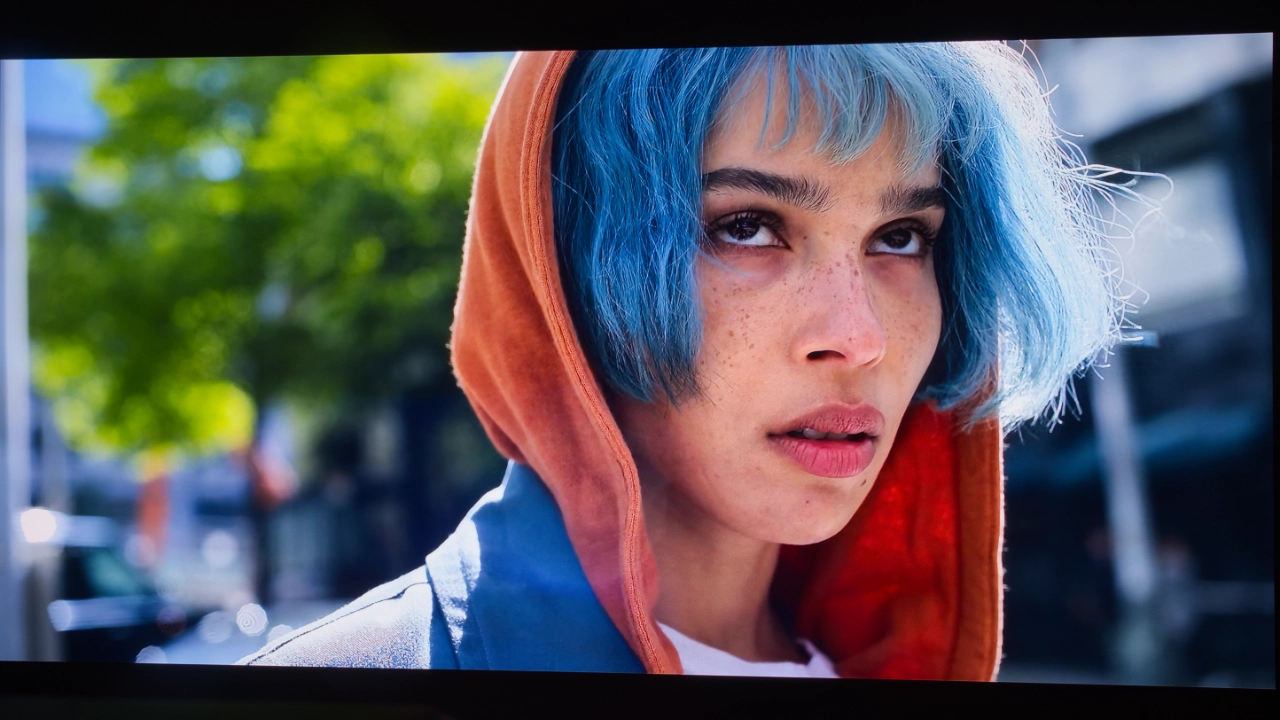
The X-Master laser light source offers 10-bit color depth, enabling much smoother gradients and transitions between shades than older 8-bit projectors. The Horizon 20 Max can cover up to 110% of the BT.2020 color gamut, currently the widest color standard used in high-end cinematography, resulting in deep, saturated reds and emerald greens.
XGIMI is taking on dedicated home theater and lifestyle brands with the Horizon 20 Max, while also taking on dedicated gaming projectors from legacy brands like BenQ. The Horizon 20 Max does the unthinkable by not forcing the customer to choose between speed (low latency) and core features like luxury optics. XGIMI seems to have figured out how to offer both, hitting a level of responsiveness that feels more like a high-end monitor than a movie projector. The Horizon 20 Max delivers 1 ms input lag at 1080p and a very snappy 3 ms at 4K. It also supports VRR and ALLM.
Many dedicated gaming projectors rely on 4LED light sources. Since the Horizon 20 Max covers 110% of the BT.2020 color gamut, games appear more lush and vibrant than with an LED gaming projector.
The Horizon 20 Max doesn’t force you to choose between a fast gaming projector and high-end home theater features. XGIMI has effectively combined both worlds, giving you a very strong candidate for the best all-around gaming display/home cinema projector on the market right now.
Over the past several years, high-performance gaming on home theater projectors has shifted from a niche priority to a rapidly growing one for potential projector buyers. According to a 2024 GIS (Global Insight Services) report, the gaming projector market is projected to grow from $1.79 billion in 2024 to $4.83 billion in 10 years, which is impressive. North America is the biggest market for fast gaming projectors, primarily due to the USA’s strong gaming industry and tech-savvy population. The European market follows, then the Asia-Pacific region.
XGIMI Horizon Series Model Comparison
Model
Horizon 20
Horizon 20 Pro
Horizon 20 Max
Price (MSRP)
$1699
$2499
$2999
Brightness
3200 ISO lumens
4100 ISO lumens
5700 ISO lumens
Laser Type
Triple Laser (RGB)
Triple Laser (RGB)
Triple Laser (RGB)
IMAX & Dolby Vision
Yes
Yes
Yes
Contrast
20,000:1 (Dynamic w/DBLE On)
20,000:1 (Dynamic w/DBLE On)
20,000:1 (Dynamic w/DBLE On)
Throw Ratio
1.2-1.5:1
1.2-1.5:1
1.2-1.5:1
Low Input Lag
1 ms@1080p 240Hz
1 ms@1080p 240Hz
1 ms@1080p 240Hz
Sound System
2 x 12W Harman/Kardon
2 x 12W Harman/Kardon
2 x 12W Harman/Kardon
HARDWARE
CHASSIS
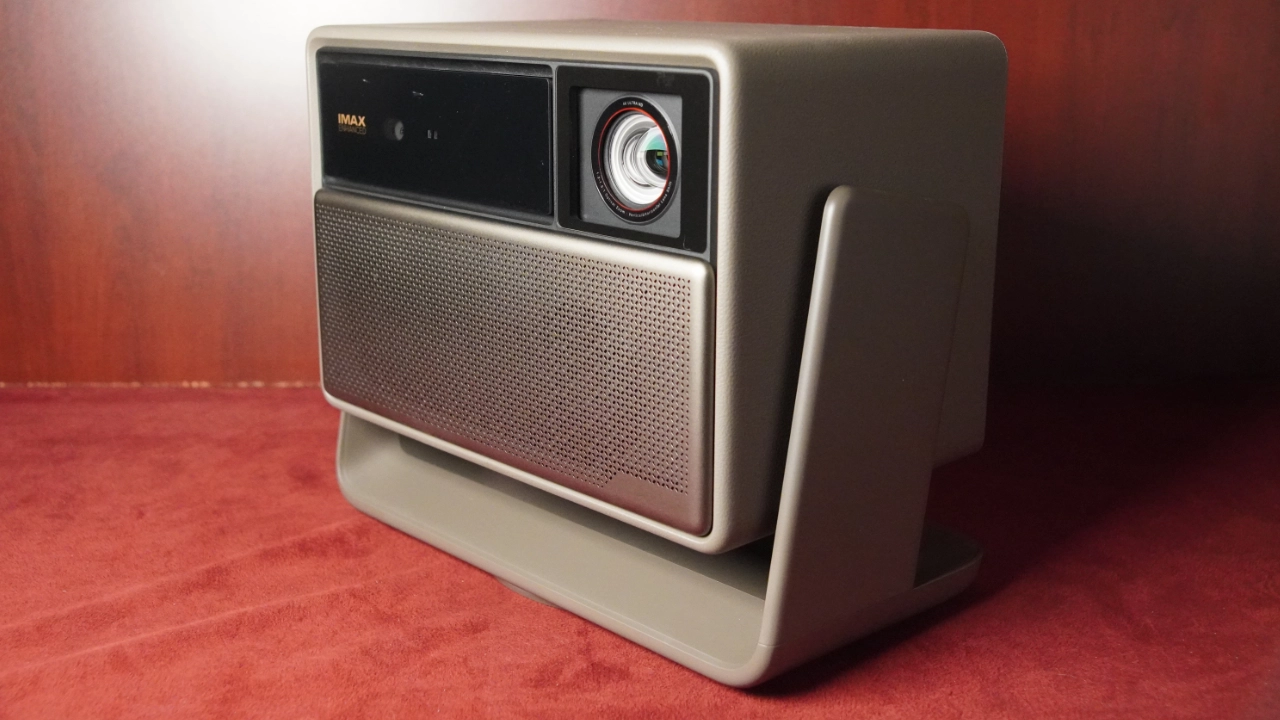
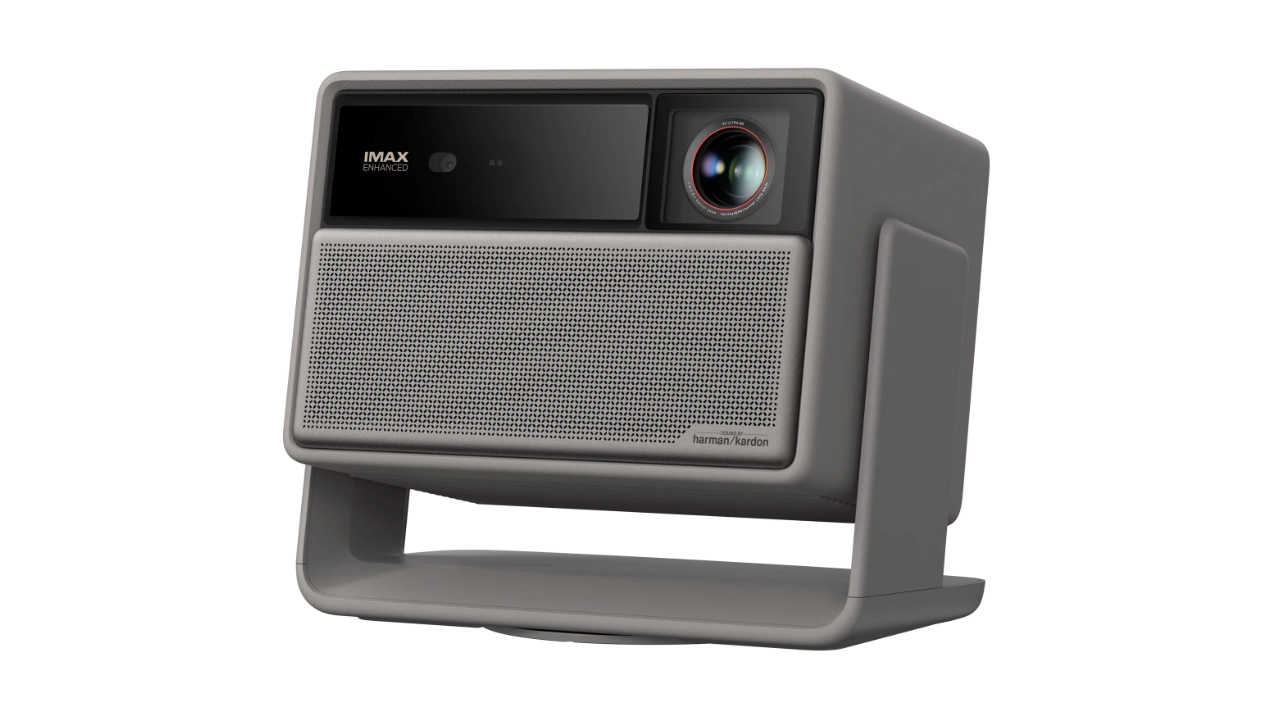
The XGIMI Horizon 20 Max shares a similar but not identical chassis design with the Horizon and the Horizon Pro; however, it is larger and heavier due to more advanced features, such as the X-Master optical assembly. The Horizon 20 Max is approximately (WxHxD) 9.8" x 11.7” x 7.5" (249 mm x 298 mm x 190 mm), and it weighs about 11.9 pounds (5.4 kg).
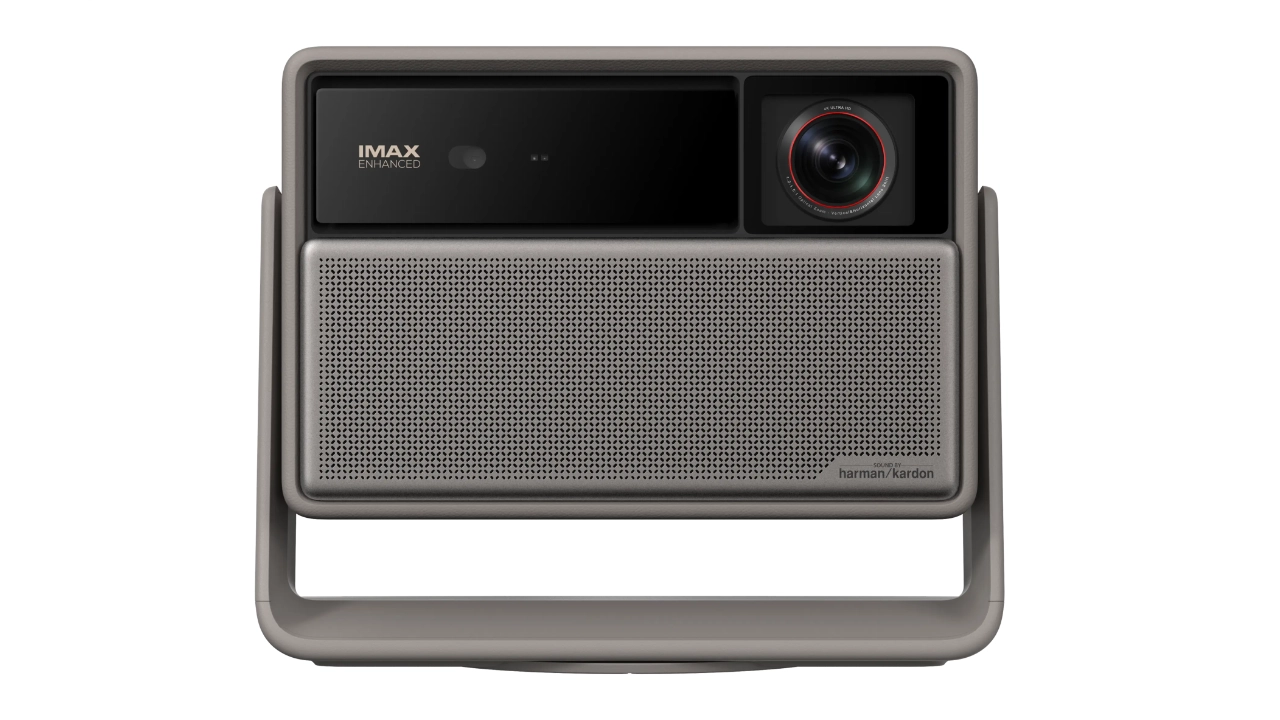
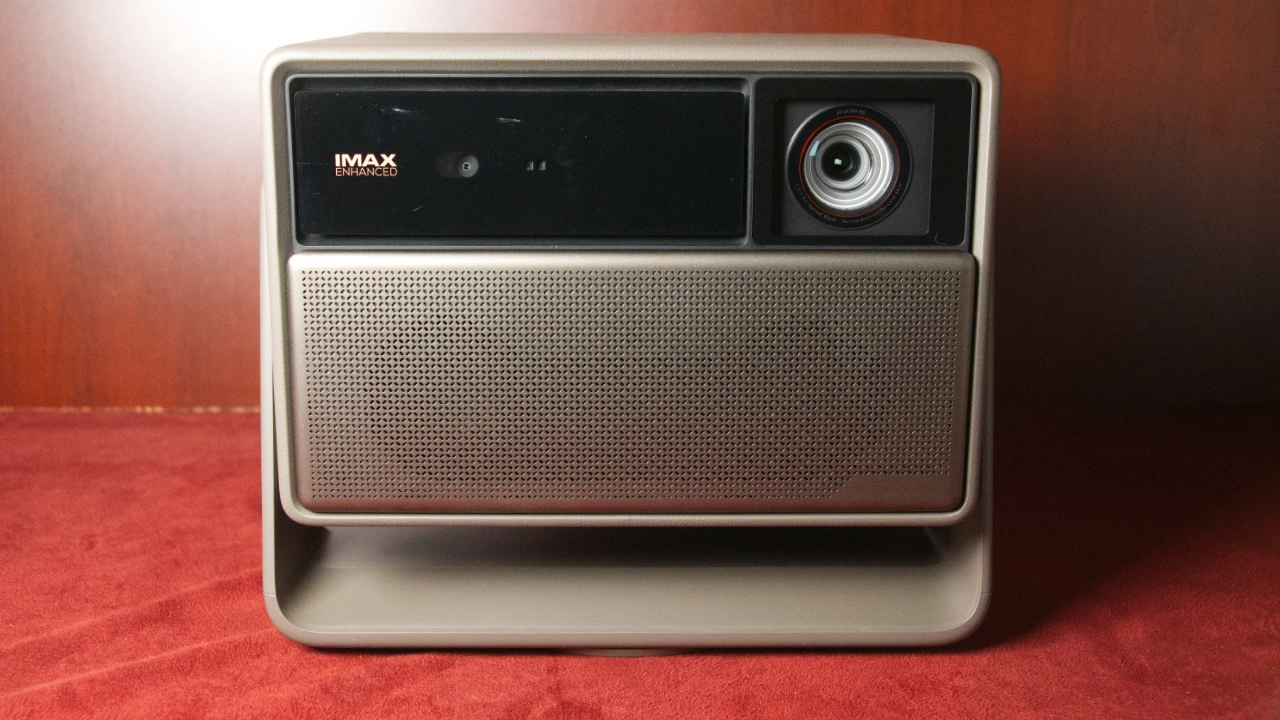
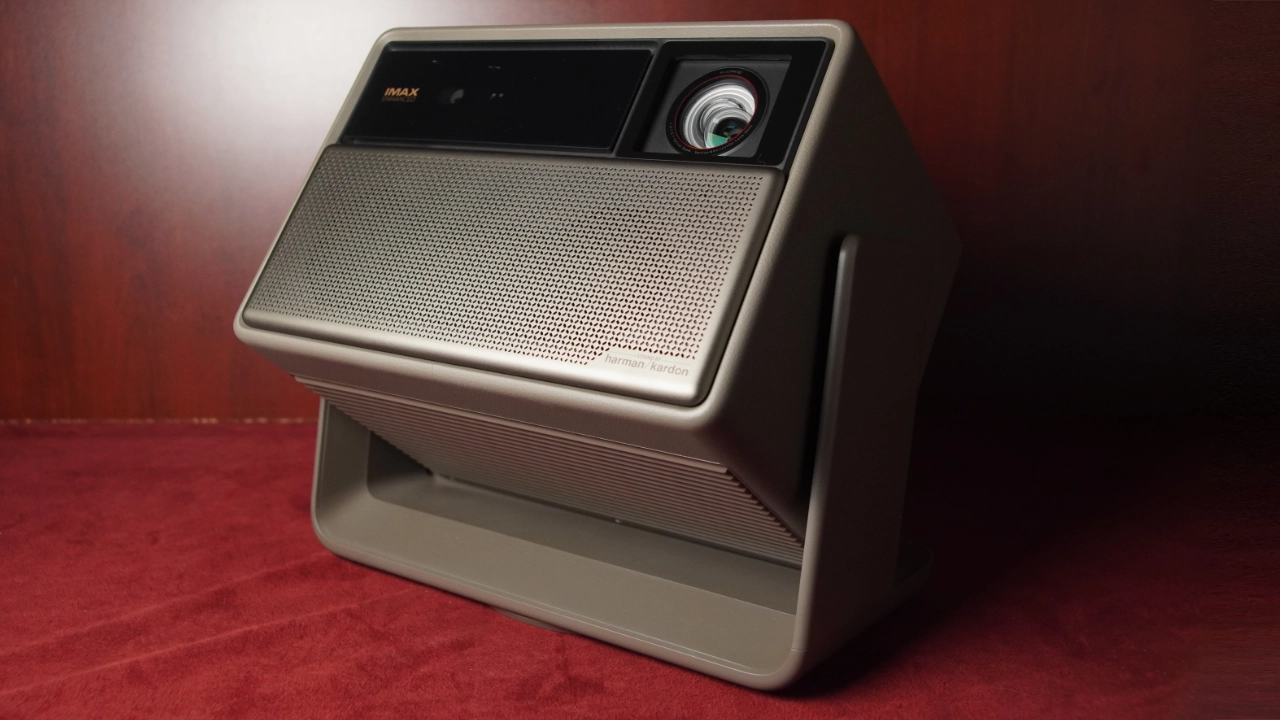
The projector’s lens is located towards the upper right of the front panel, directly opposite the projector's 3D Time Of Flight (TOF) and Infrared Remote (IR) sensors. Below this is a metal "mesh" covering the dual 12W Harman Kardon speakers. These are forward-facing, so sound is projected toward the audience rather than into the room behind the projector.
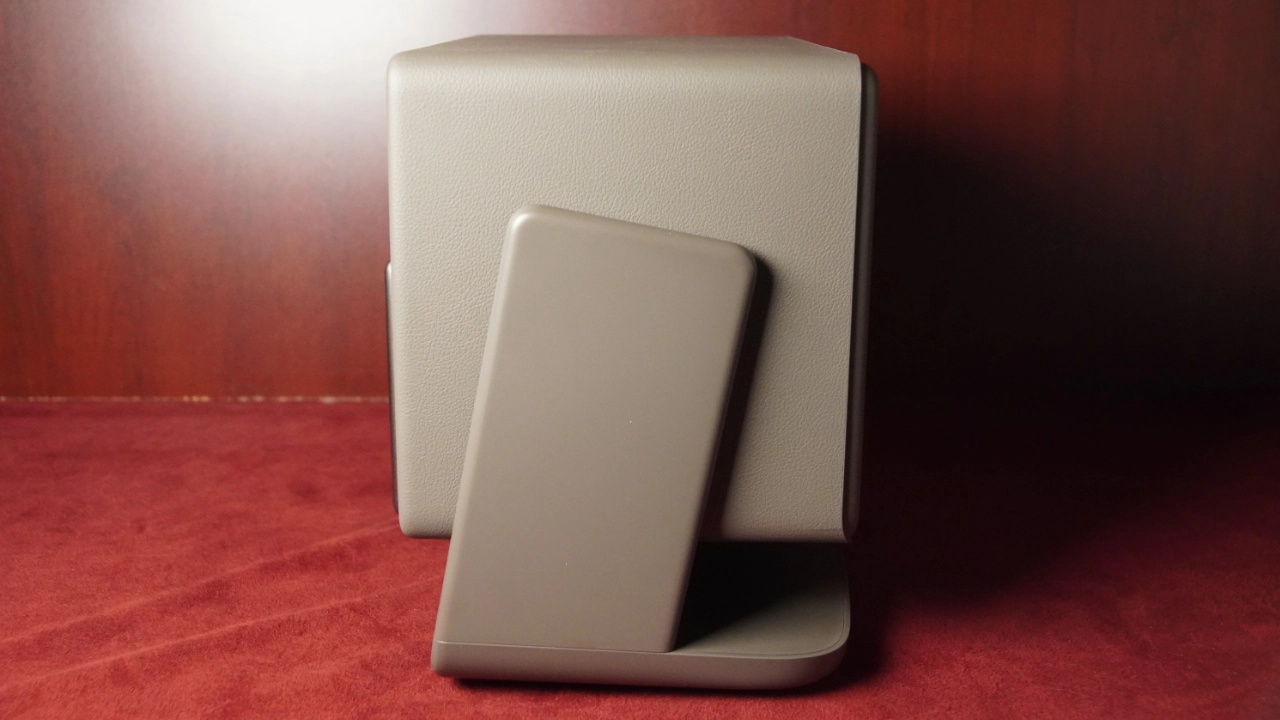
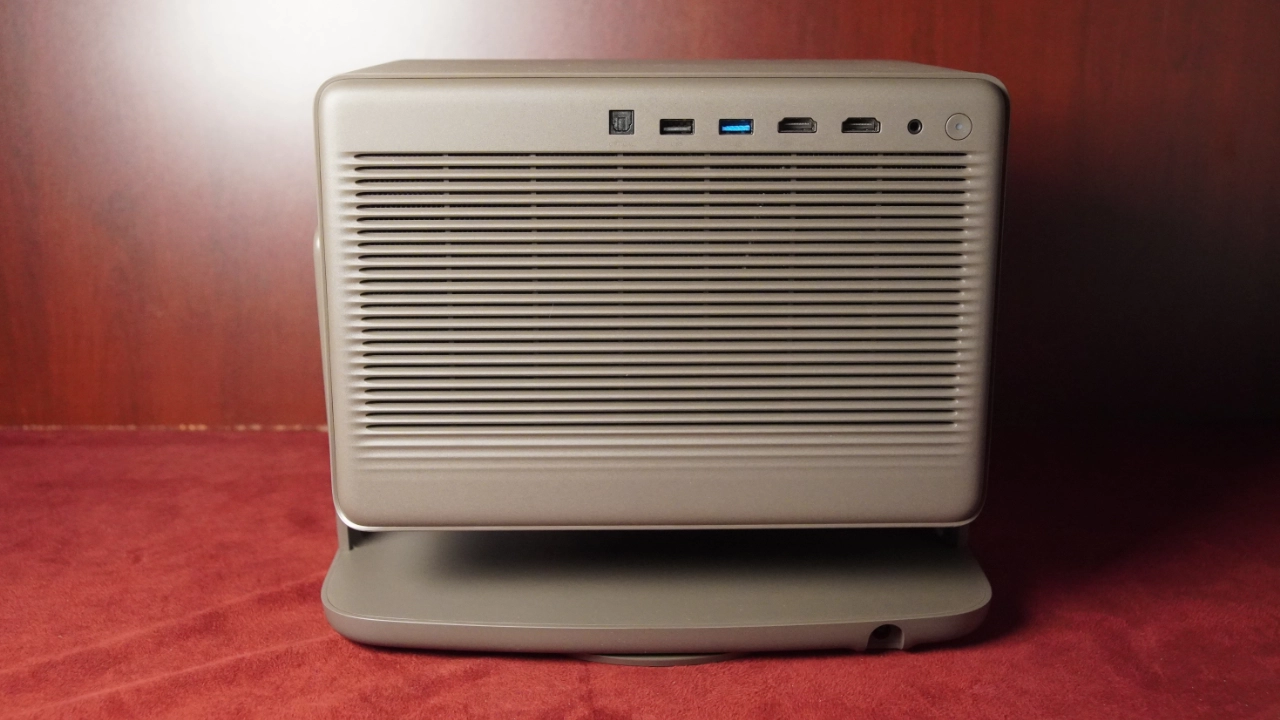
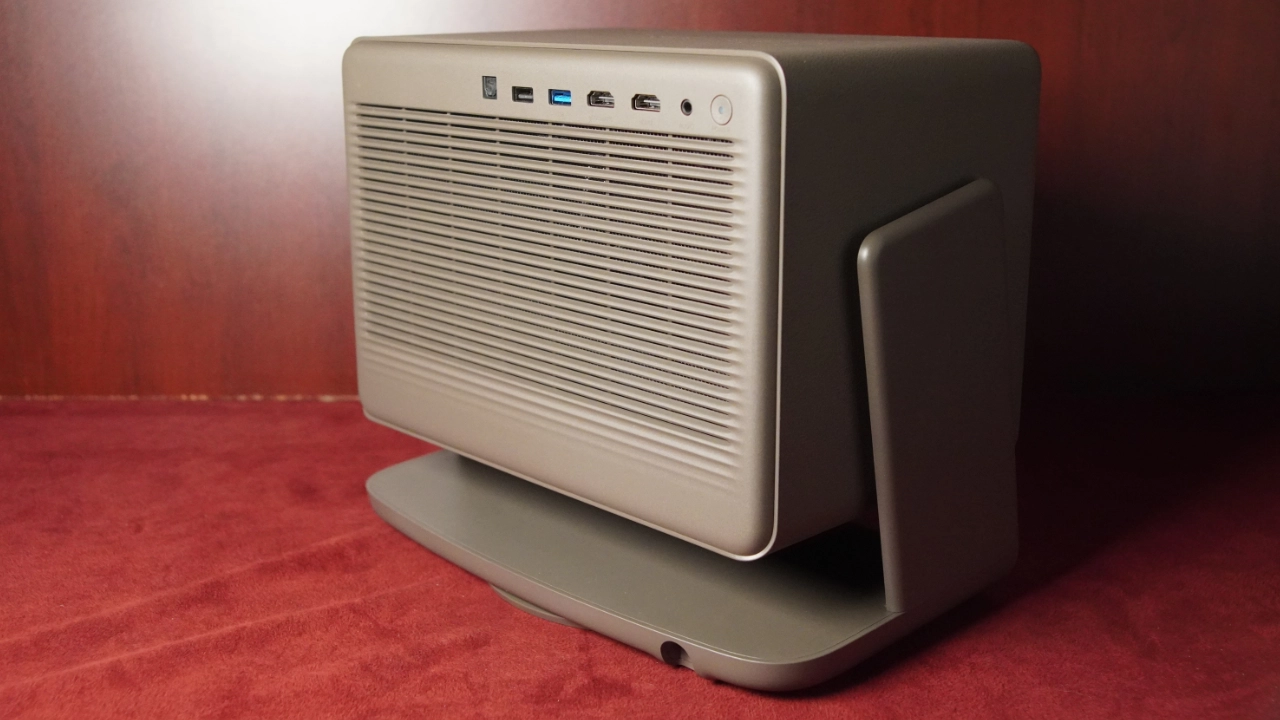
The rear of the projector houses its inputs and connections, as well as the fans and air intake. XGIMI has placed the projector's sole heat exhaust port at the bottom, so it is firing downward rather than toward anyone sitting around the projector. The only other connection on the projector is the tip of the external power brick, which plugs into the back edge of the projector's gimbal stand.
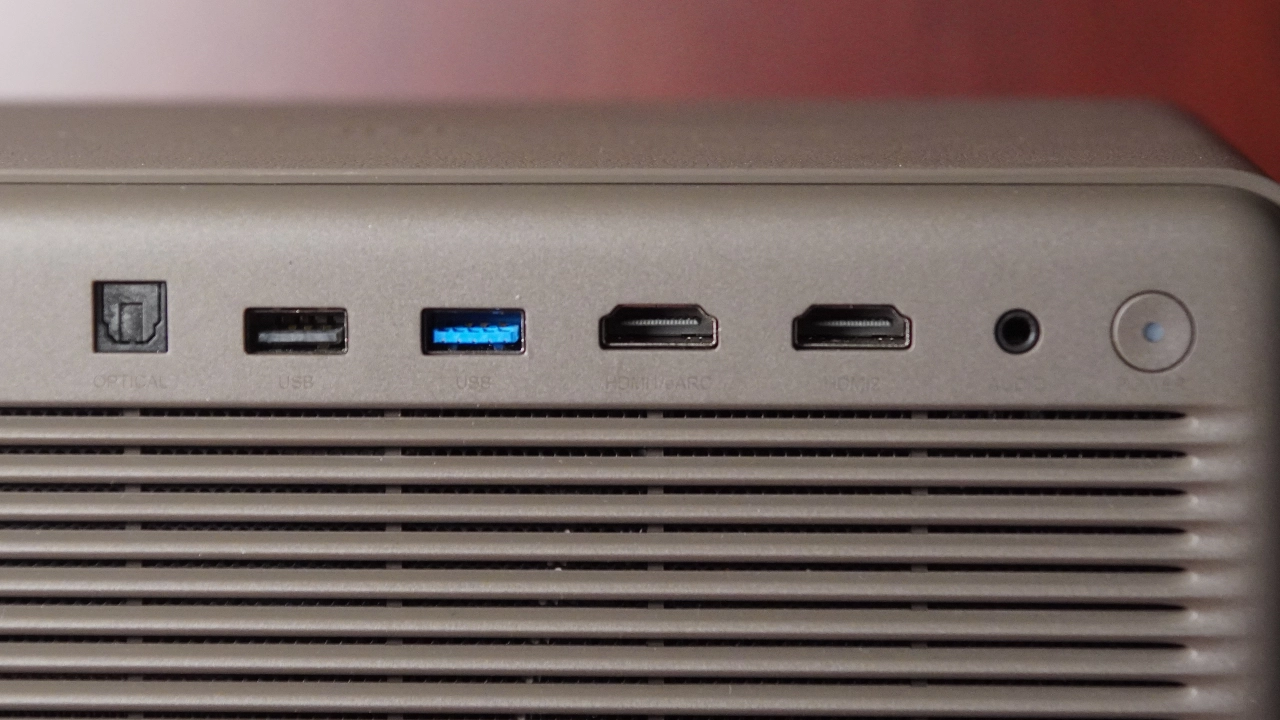
The Horizon 20 Max features (from left to right) an optical audio (S/PDIF) port, two USB Type-A connectors (USB 2.0 and USB 3.0). Two HDMI ports, but only HDMI#1 is a 2.1 input (supporting eARC for high-end soundbars). The projector's maximum supported refresh rate is 60 Hz. While the projector may "accept" a 120 Hz signal from an Xbox Series X or PS5, it will downscale it to 60 Hz. It has a 3.5 mm headphone jack and a Power button.
All of the projector functions are accessed via the wireless remote control. The projector has no menu or control buttons, so don’t lose your remote. However, an optional XGIMI app for iOS and Android is available and can also serve as a remote.
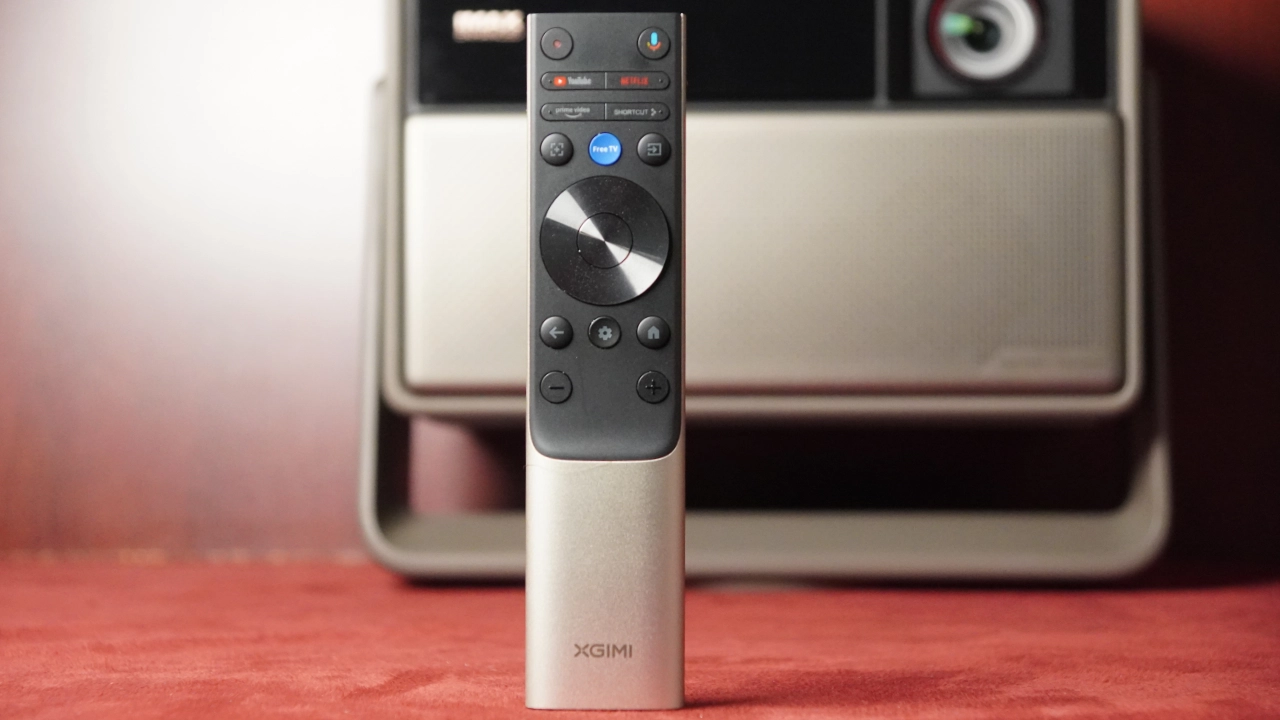
The remote control for the XGIMI Horizon 20 Max features a premium metallic build and a minimalist layout designed for tactile use in dark environments. The remote includes a standard directional pad for navigation, a dedicated Google Assistant Voice button, and a central cluster of backlit buttons that illuminate automatically via an internal motion sensor. For streamlined operation, the remote provides dedicated shortcut keys for Live TV and general shortcuts, alongside essential controls for Back, Home, and Manual Focus. Every button is uniquely shaped or textured, with raised dots so you can identify them by touch, while the Bluetooth connection lets you control the projector without a direct line of sight.
When it comes to the projector’s optics, XGIMI has equipped the Horizon 20 Max with a 14-element all-glass assembly. This lens produces a sharp image almost to the edges of the projected image before you notice any overall softening, avoiding the soft or blurred look you sometimes see with cheaper plastic lenses. There is no softening of the projected image. The motorized Zoom Ratio is very useful.
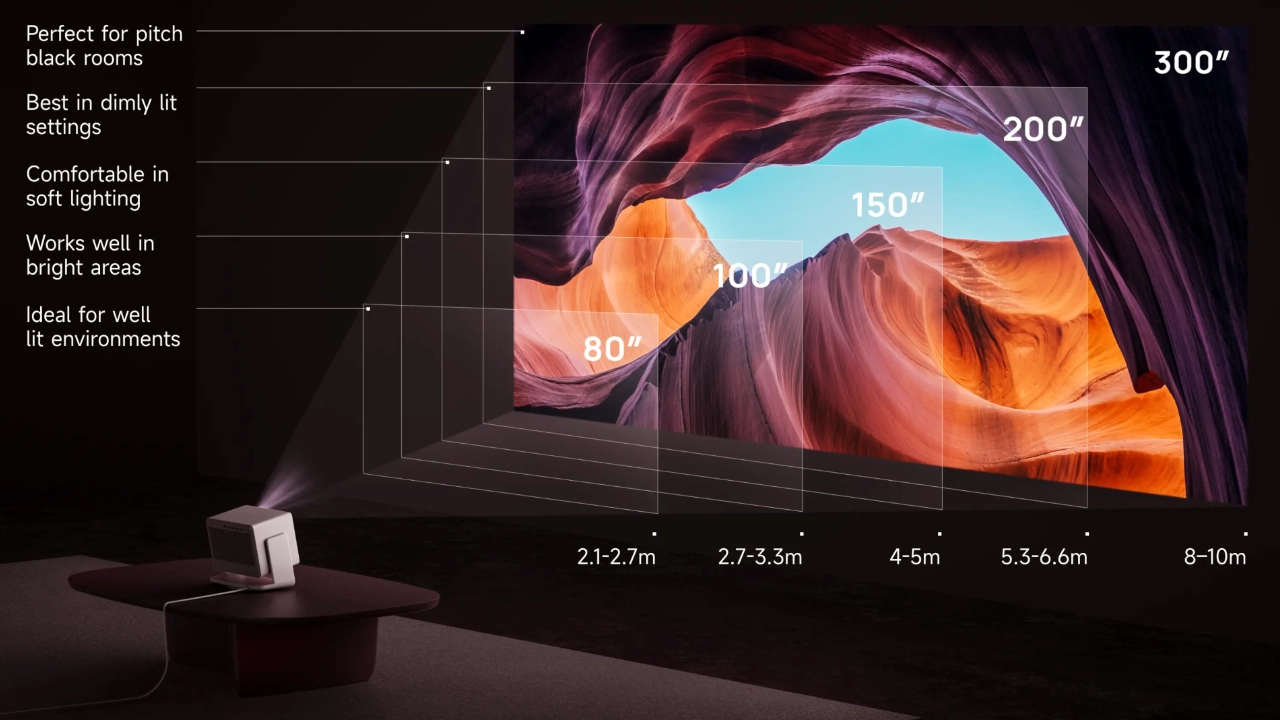
The Horizon 20 Max will project an 80” image anywhere from 6’ 11” to 8’ 10, depending on your zoom. The projector will allow a 300” image to be projected anywhere from 26’ to 32’ from the screen.
Lens shift is excellent on this model, providing vertical shift of up to +/-120% and 45% horizontal shift, which is significantly higher than previous XGIMI generations and comparable to many high-end dedicated theater models. Focus, Zoom, and Lens Shift are all fully motorized and part of the ISA 5.0 system, allowing you to dial in a perfectly squared, full-resolution 4K image from the comfort of your couch using the remote.
Interestingly, XGIMI has decided to remove the ability to save your Zoom, Geometry, and Lens-Shift settings to memory. Instead, the projector treats the most recent changes as a home or memory setting. It relies heavily on its ability to “Auto”- correct for any positional changes and accurately detect the screen or wall being used to project the image.
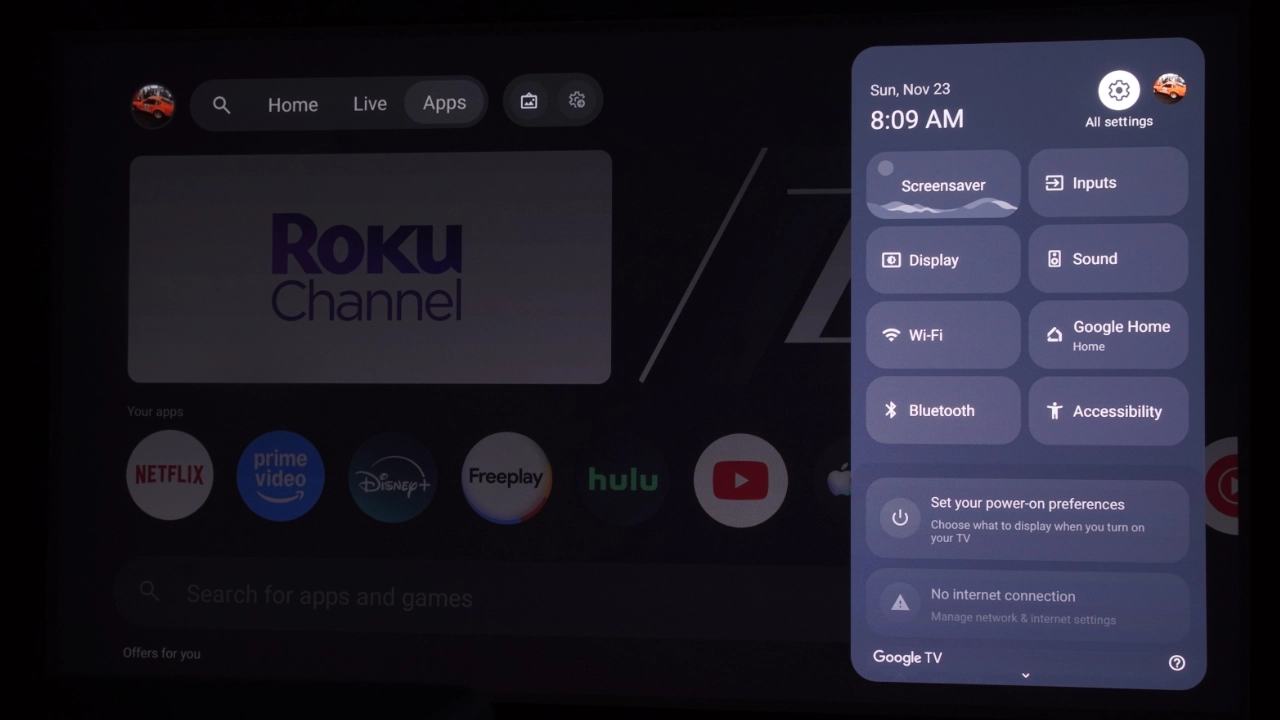
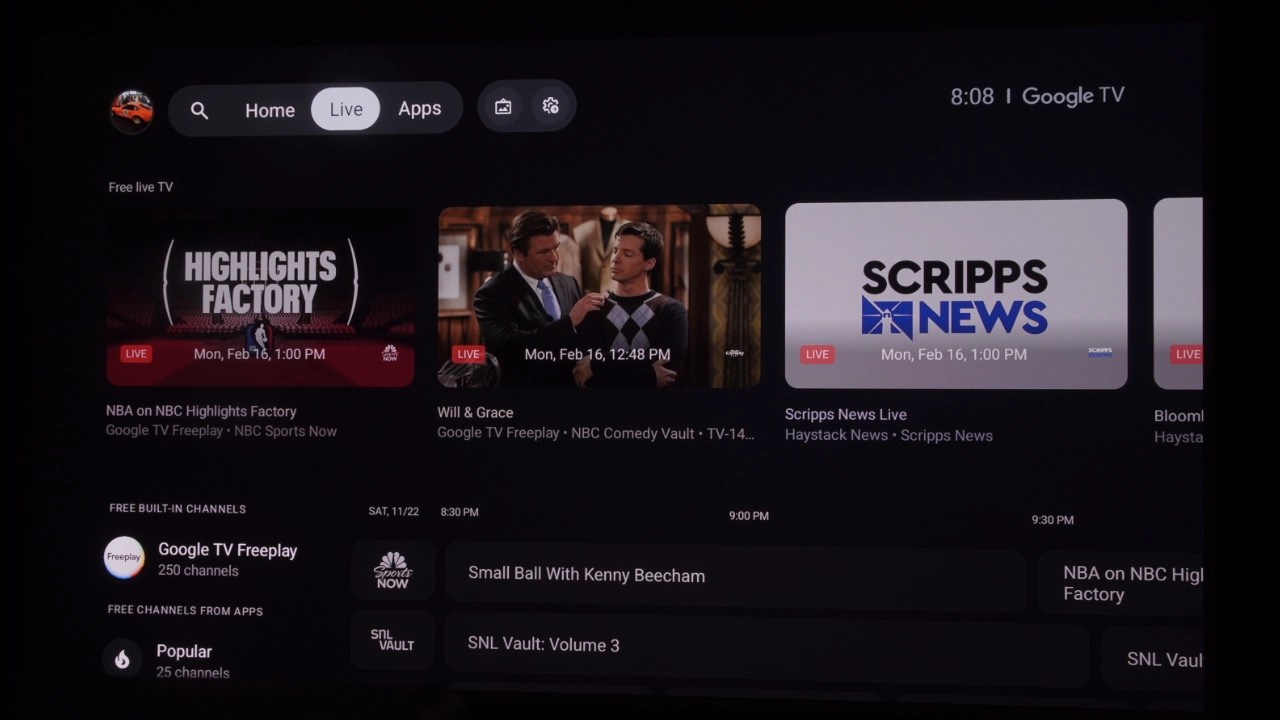
The XGIMI Horizon 20 Max features a well-organized and intuitive Google TV OS menu system that is easy to navigate and offers a robust range of features accessible via the projector's menus. Google TV OS includes full access to the Google Play Store, image and sound adjustments, and more.
Google TV OS boasts a user-friendly interface that simplifies the streaming experience. It includes a comprehensive content discovery platform that unifies movies and shows from various streaming services, eliminating the need to navigate individual apps.
Voice search capabilities enable effortless content discovery and control, while the Google Assistant enables smart home integration. The platform also supports personalized profiles.
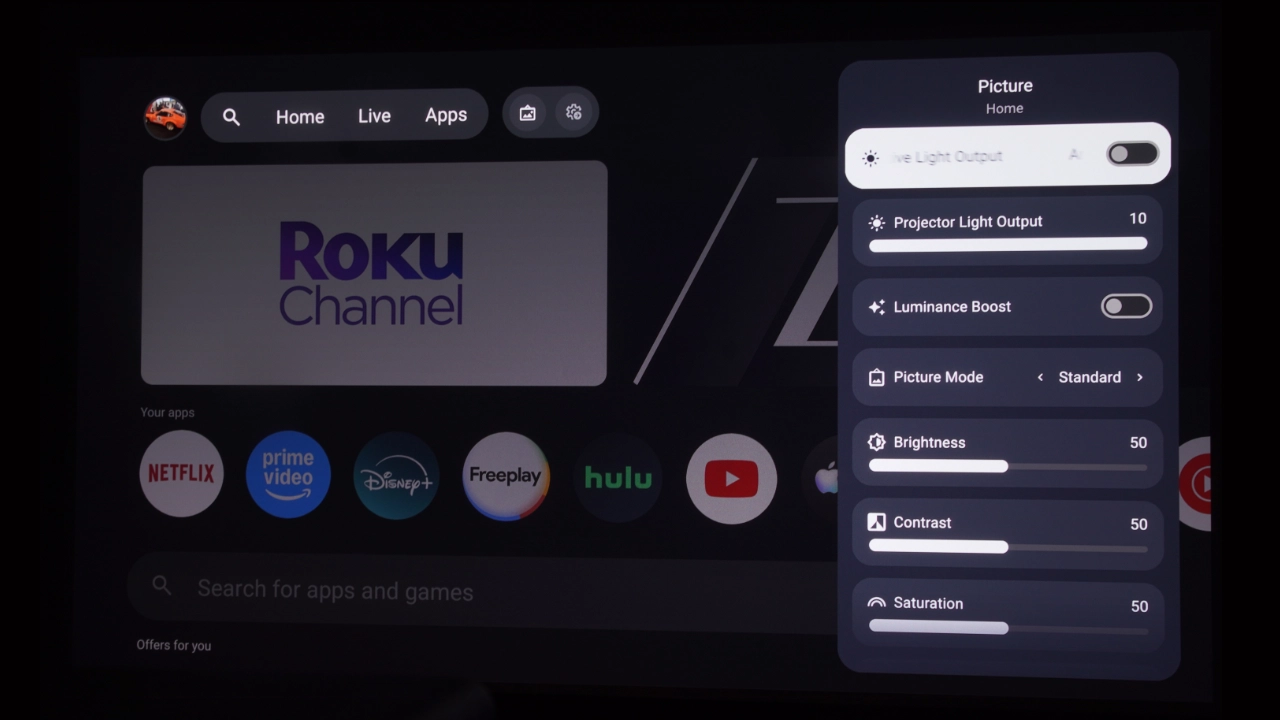
XGIMI has included the ability to adjust all aspects of the projector's image, from geometric correction and focus to picture quality and sound. For those who really like to tinker, you get a full Color Management System (CMS). Most casual viewers will likely stick to the presets, but having this level of control is a big deal for someone trying to achieve a perfectly neutral color temperature. The projector also offers various gamma curve options, suggesting that XGIMI is targeting those who want to squeeze every bit of shadow detail out of a difficult HDR scene.
PERFORMANCE
The screen used for testing in this review is a Da-Lite 110-inch, 16:9 aspect-ratio Tensioned Designer Contour Electrol screen system with the company's ultra-white HD Progressive 1.1 screen surface, designed for high-resolution video up to 16K. This high-quality screen is designed to work with most projector form factors, including the XGIMI Horizon 20 Max and other high-brightness front projectors.
The Tensioned Designer Contour Electrol screen system is ideal for environments where a traditional behind-the-wall installation is difficult. It offers all the benefits of an electric screen but with the flexibility of wire-free installation. The screen has a built-in rechargeable lithium-ion battery-powered motor that Da-Lite calls Agility.
COLOR REPRODUCTION
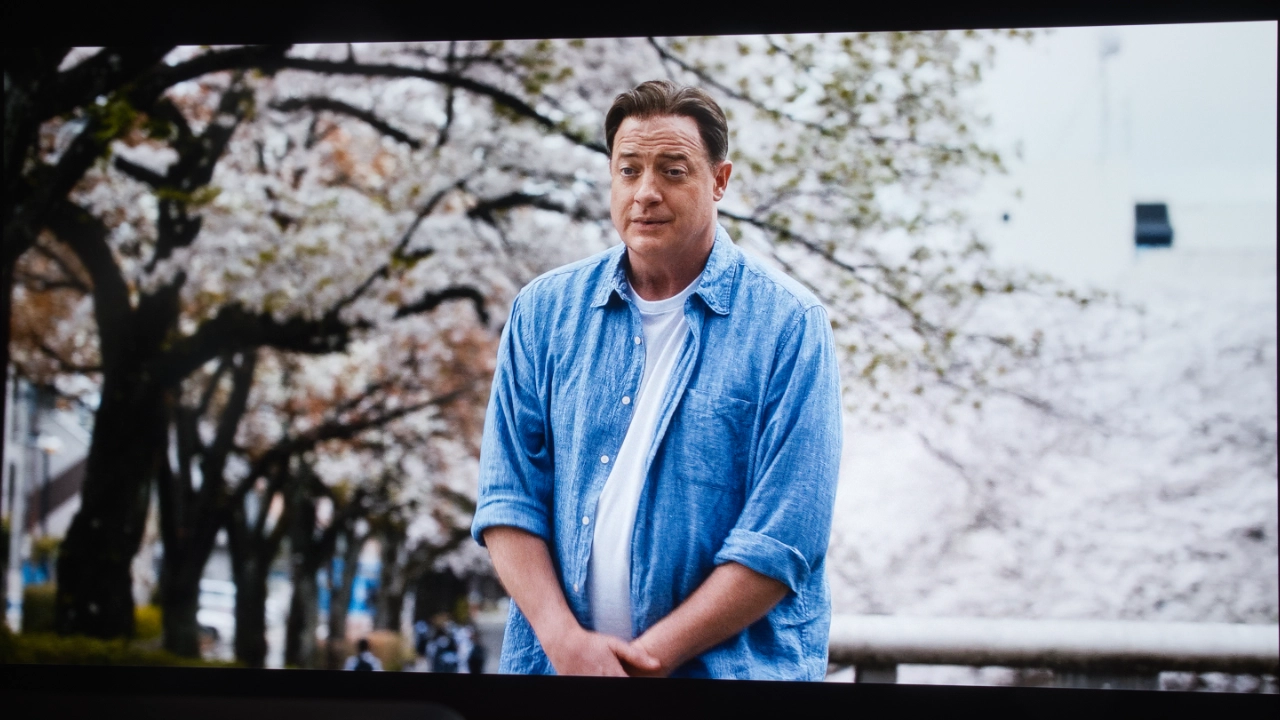
For almost all of the Horizon 20 Max’s preset picture modes, the out-of-the-box color is very good. To my eye, most of the dedicated theater modes looked to be well-tuned at the factory. All in all, both SDR and HDR modes (identical except for the addition of IMAX ENHANCED in HDR are named the same, but they are tuned differently for SDR and HDR. In SDR, the projector’s MOVIE and STANDARD modes looked the most balanced, with a warmer tone or hue often associated with well-tuned cinematic-style modes.
The remaining modes were slightly cool, but honestly, each and every mode, even the painfully green HIGH POWER mode, seemed to be factory-tuned with a purpose.For example, like most projectors on the market, the HIGH POWER mode is not meant to offer a visually pleasing color and contrast experience.
This mode is designed for one purpose: squeezing every nit of brightness out of the projector's light engine so that a crazy-high lumen measurement can be achieved and used in marketing materials. Almost every projector manufacturer does it, and I understand why XGIMI did it as well.
The XGIMI Pro Cinema Horizon 20 Max Out of the Box (OOTB) color performance is excellent. XGIMI includes six (6) factory-tuned picture presets listed in the BRIGHTNESS section below. Each of the included modes was fairly accurate, except the HIGH BRIGHTNESS mode, with MOVIE and STANDARD appearing to be the most balanced in SDR.
I measured each of the preset picture modes on the Horizon 20 Max and made some adjustments to picture quality. Since your room and screen materials significantly affect the overall picture, we don’t recommend using someone else's calibration adjustments. If your room is brighter or darker, or if your walls are a different color than the one used for the calibrations, then copying those settings may not yield the results you expect.
If you would like to make quick adjustments to improve the picture quality of the projector in your room, check out our video titled "Optimize The Image of a Projector or TV Using Free Murideo Test Patterns." However, below are the before-and-after calibration results in my room. To test, measure, and calibrate the Horizon 20 Max, I used my Klein K10-A colorimeter, Murideo Six-G test pattern generator, and Portrait Displays Calman color calibration software.
We calibrated the Horizon 20 Max to get the best results, and I am including our numbers. For our testing, we use Portrait Displays Calman color calibration software to measure the projector's color accuracy. We don't share our detailed settings because your room and screen material are likely different from mine, which will significantly impact the overall picture. Projector Reviews does not recommend using someone else's calibration adjustments because the color profile of the unit you buy will likely differ from ours. Copying our results could negatively affect your unit's picture quality in your space.
Suppose you don't plan to have your projector professionally calibrated but still want to improve the picture by adjusting BRIGHTNESS, CONTRAST, and SHARPNESS. In that case, I've included links to multiple online tools that can help.
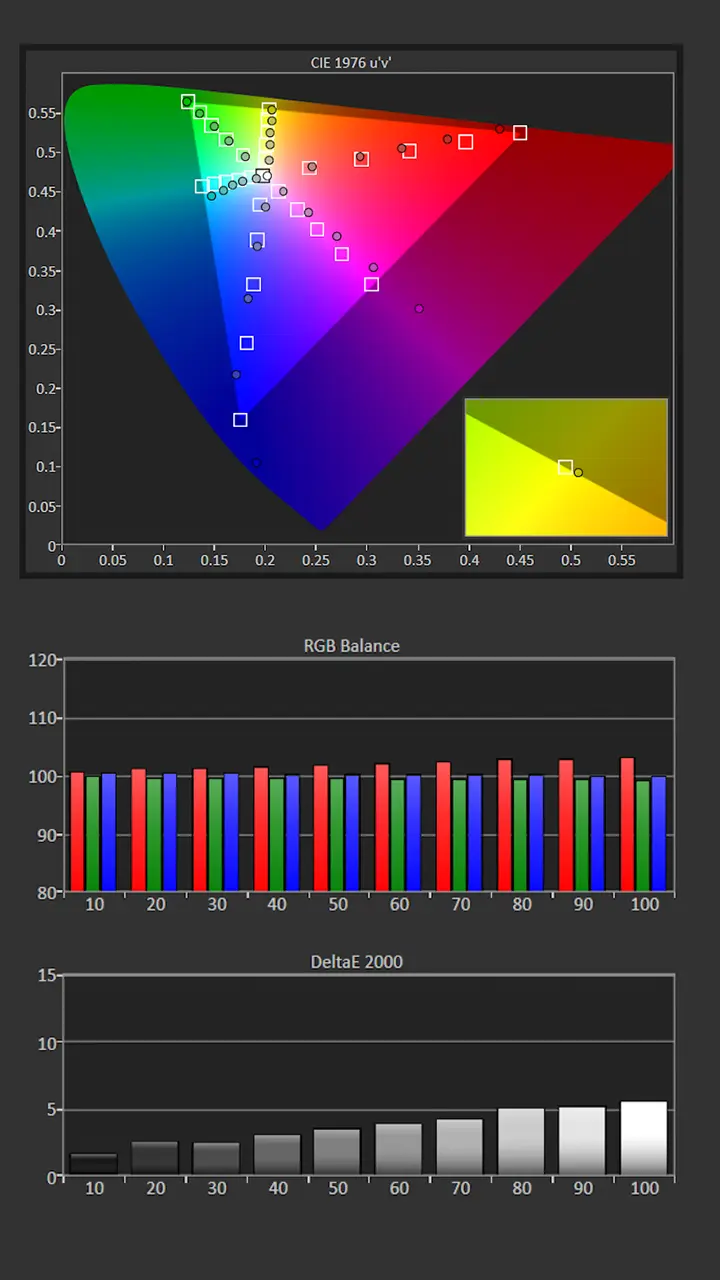
We choose to measure and adjust the THEATER mode since it was the most accurate out of the box. The RGB balance was pretty good out of the box. Pre-calibration, the color temperature was 6480K, which is close to my target of 6500K. The image was a little warmer than desired due to excessive red at higher IREs.
The gamma was around 2.24, which is very close to my normal target of 2.2. The projector black level are good enough to target a gamma of 2.4 but I feel that 2.2 looks better in most rooms.
The CMS measurements showed that brighter red and blue colors were oversaturated with some minor color shift. Before calibration, on my hundred-inch screen, the peak brightness produced 314 nits, which is more than bright enough to deliver a vibrant image, even under low to moderate ambient light.
Picture Mode: THEATER
Gamma: 2.22
Color Temperature: 6480kK
Average Grayscale dE: 4.1
Average Color Tracking dE: 3.1
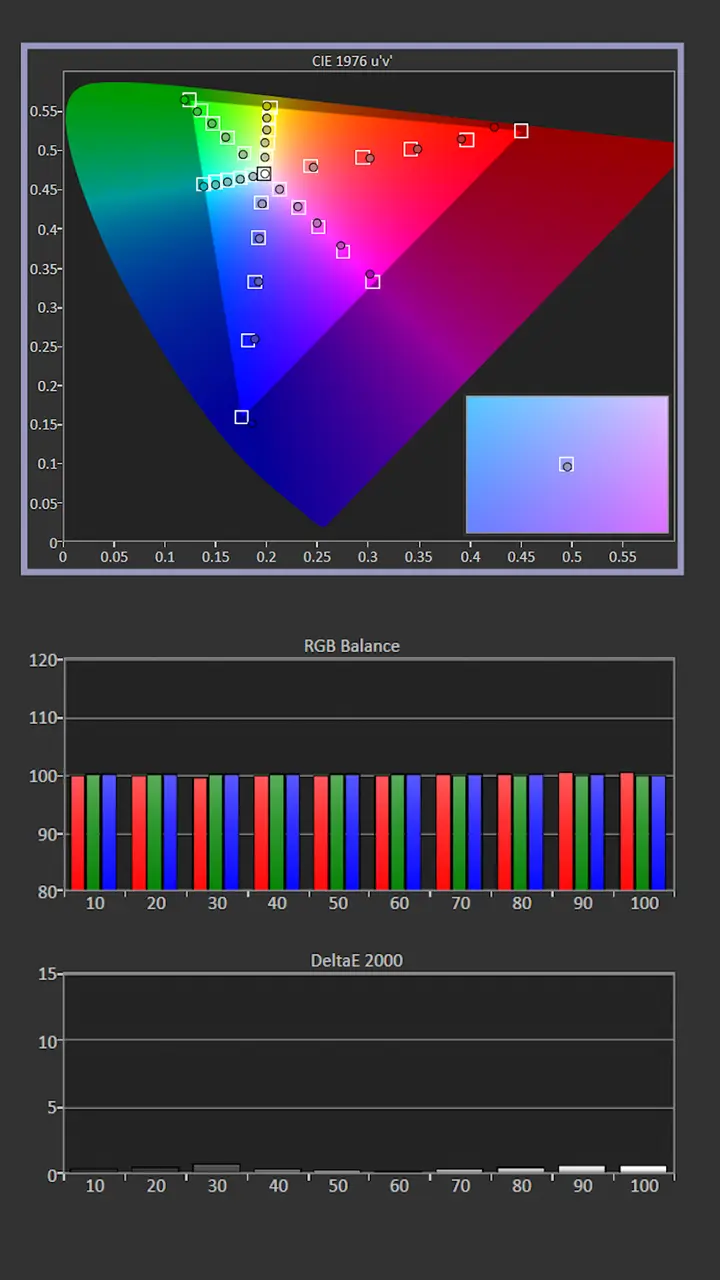
Post-Calibration Color Tracking and Grayscale
Since the measured Gamma was close to my target of 2.2, I made minor adjustments to the Contrast settings. I left the Color Temp setting at its default of Warm 1, which is fine since the color temperature was already close to my target of 6500K.
Measurements showed an excessive red bias, which resulted in an overly warm-looking image, but this was easily corrected using the Two Point White Balance adjustments. Once I reduced the Red Gain and Blue Gain settings, the color temperature was even closer to my target of 6500K.
Correcting the projector's white balance also significantly improved the unit's color tracking. We use CMS adjustments to reduce oversaturation and most color shift errors. When viewing SDR, bright reds were still slightly undersaturated, but most color points were spot on.
Picture Mode: THEATER
Gamma: 2.2
Color Temperature: 6502K
Average Grayscale dE: 0.5
Average Color Tracking dE: 1.2
Measured brightness after color calibration was 310 nits. When viewing SDR in a dark space, to reduce eye fatigue from excessive brightness, lower the Contrast setting and Laser light output..
The projector’s grayscale and color reproduction are good enough out of the box to satisfy the average Laser TV customer. However, many home entertainment enthusiasts desire the best possible picture quality, so it is great that the XGIMI Horizon 20 Max includes a full suite of picture adjustments.
HDR Color Tracking and Grayscale
The Horizon 20 Max offers seven preset HDR picture modes for standard HDR10 content, allowing you to fine-tune the on-screen brightness to match the filmmaker’s intent. The HDR presets are named the same as the SDR presets, with IMAX ENHANCED added as the seventh preset. For Dolby Vision, you get two presets: DOLBY VISION BRIGHT and DOLBY VISION DARK.
The out-of-the-box HDR color reproduction is very good. The most accurate picture mode was MOVIE. Each SDR and HDR has its picture adjustments, including Contrast, Saturation, Brightness, Color Temp, and White Balance.
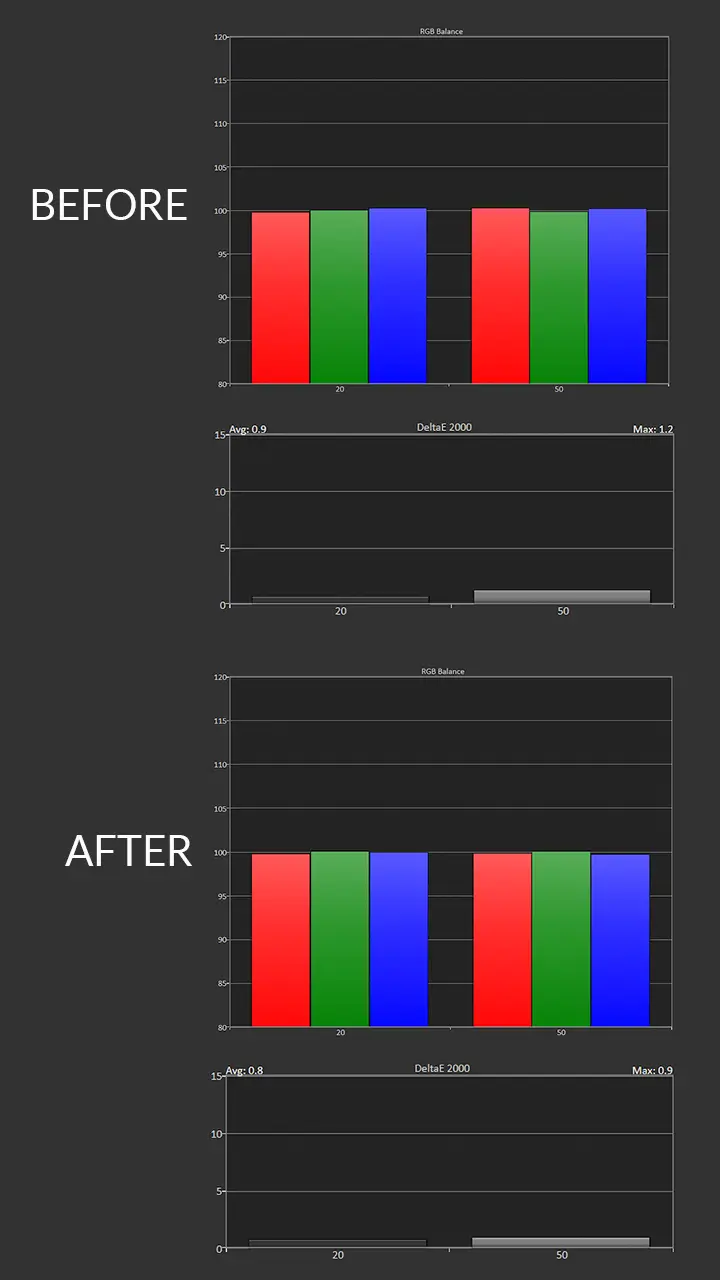
Based on its pre-calibration HDR Grayscale measurements, the HDR MOVIE mode was extremely accurate out of the box, with an average DeltaE of just _____. You can use the Two-Point White Balance adjustment to slightly improve the White Balance, but most people probably won't notice a difference.
Our measurement confirmed that the Horizon 20 Max can easily cover more than 100% of the BT2020 color gamut. The Horizon 20 Max does an excellent job of mapping its massive color gamut to accurately reproduce the REC709 color space used in SDR content.
BRIGHTNESS
Projection light engine technology, especially triple-laser diodes, has advanced rapidly over the past few years. If you’ve read my fairly recent review of the Hisense L9Q, you know it is realistic to achieve a usable 5,000-lumen brightness range from a modern RGB laser light source. Honestly, if someone were to take on the brightness king and have a chance of unseating them, XGIMI is one of the companies I feel could do it. The question is, have they? Technically, yes. Real world, no. Let’s start with the good news first.
The XGIMI Horizon 20 Max is an extremely bright projector, in many cases, blindingly bright. I took 3-4 readings about 15-20% out from the center of the lens. In its brightest mode, HIGH POWER, and at WIDE zoom, the XGIMI Horizon 20 Max measured 5,640 lumens, just under the manufacturer-rated brightness of 5,700 ISO lumens.
However at maximum brightness, the image is very green-hued and the fans are very loud. Many projector manufacturers include a HIGH BRIGHTNESS mode on their home entertainment projectors. This mode is a “testing” mode that allows the projector to hit an extremely high brightness number, but this comes at the cost of color reproduction. I don’t fault XGIMI for this because pretty much everyone does it to hit a rated brightness number.
When set to one it more accurate picture modes, the Horizon 20 Max still delivered over 3000 lumesn or usable brightness. The chart below show the measured brightness of each of the preset picture modes.
Picture Modes: Brightness and Color Temperature
Picture Mode
Brightness Measured (Lumens)
Average Color Temperature
STANDARD
3189
10116K
MOVIE
3319
8723K
VIVID
3210
8731K
GAME
3185
8650K
SPORTS
3172
8825K
HIGH POWER
5640
6480K
IMAX ENHANCED
1910
6370K
DOLBY VISION BRIGHT
3536
6370K
Once I actually switched the jet engine off by putting the projector into MOVIE or FILMMAKER mode (curiously, accessed in the projector's DISPLAY settings), the colors looked so much better. Yes, the lumen output takes a hit, but depending on the mode, the Horizon 20 Max averages around 3,250 lumens.
In the projector’s DOLBY VISION BRIGHT mode, I measured slightly above 3,500 lumens. Compared to the wild 5,700-lumen claim, that might not sound like much, but considering that many lifestyle models that claim 3,000 lumens of brightness usually drop to about 1,200 lumens the moment you calibrate them, having 3,000 actual, usable lumens is a conversation stopper.
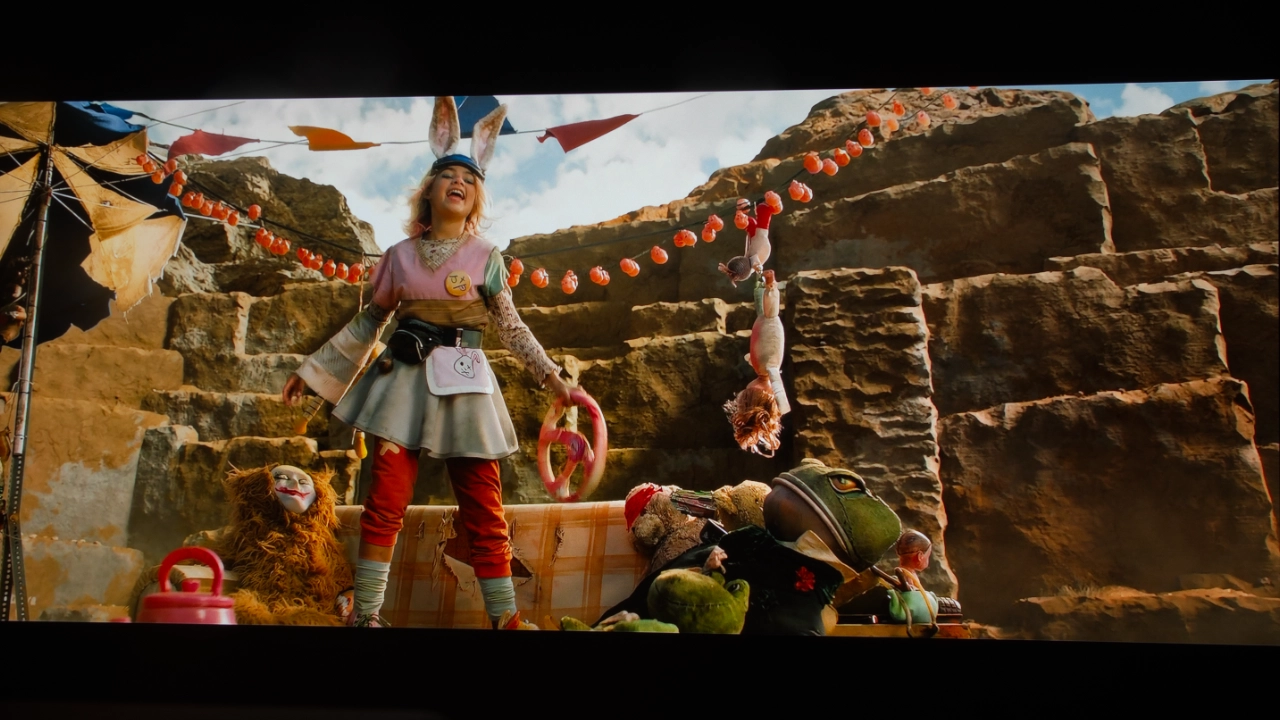
This much usable light provides enough overhead to make those small HDR details, like the sun reflecting off a car hood in a movie, actually stand out rather than blend into a flat grey image. You could easily fill a 150-inch screen in a room with some uncontrolled ambient light sources and still have a crisp, punchy image that doesn't feel like it is struggling.
BLACK LEVEL AND SHADOW DETAIL
The XGIMI Horizon 20 Max is a bit of a mixed bag when it comes to displaying deep blacks with detail in the shadows. I’m not exaggerating when I say that this projector is a light cannon full of raw brightness power (as I talk about in the BRIGHTNESS section above). However, it's that very brightness that makes it difficult for the Horizon 20 Max to produce a "true black" with lots of detail.
The Horizon 20 Max uses a pretty standard Texas Instruments 0.47" DLP chip, which typically hits a native contrast of around 1,200:1 to 1,500:1. Without some help, in this case through processing, "black" often looks like a dark, milky charcoal rather than a deep black. I’ve seen far worse black levels on other DLP projectors, but at the $2,999 MSRP, it’s not unreasonable to expect more.
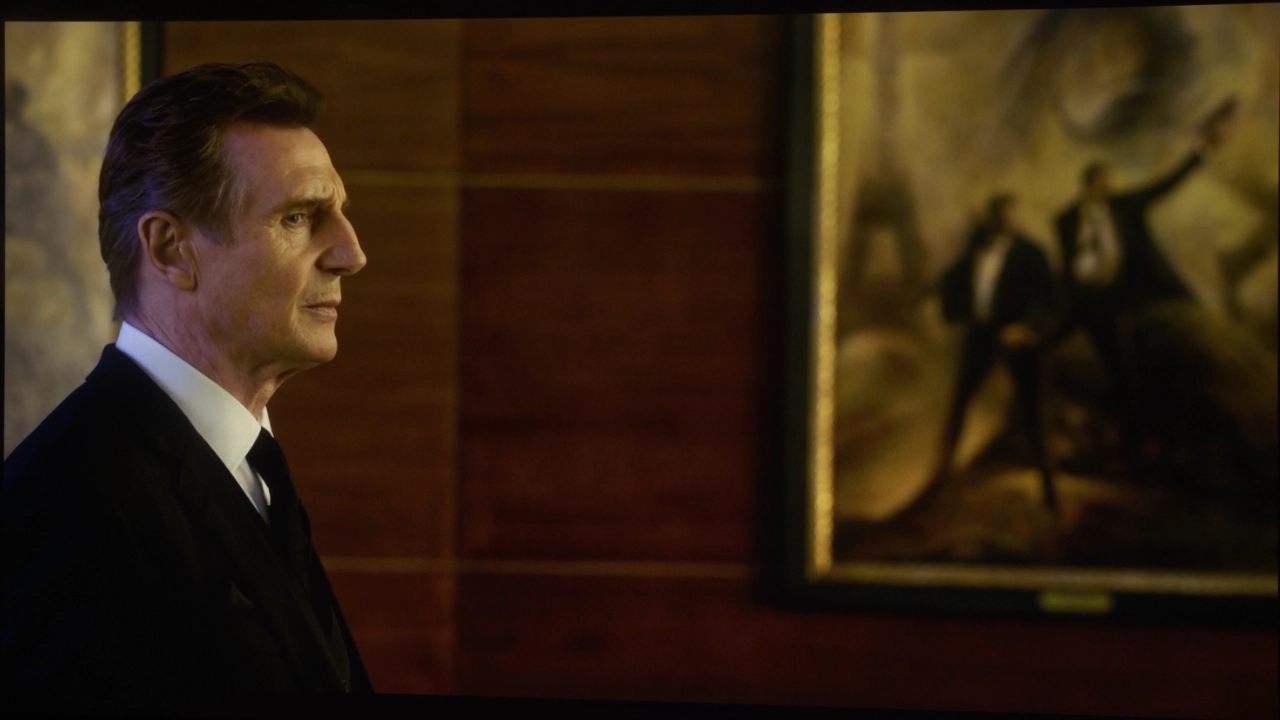
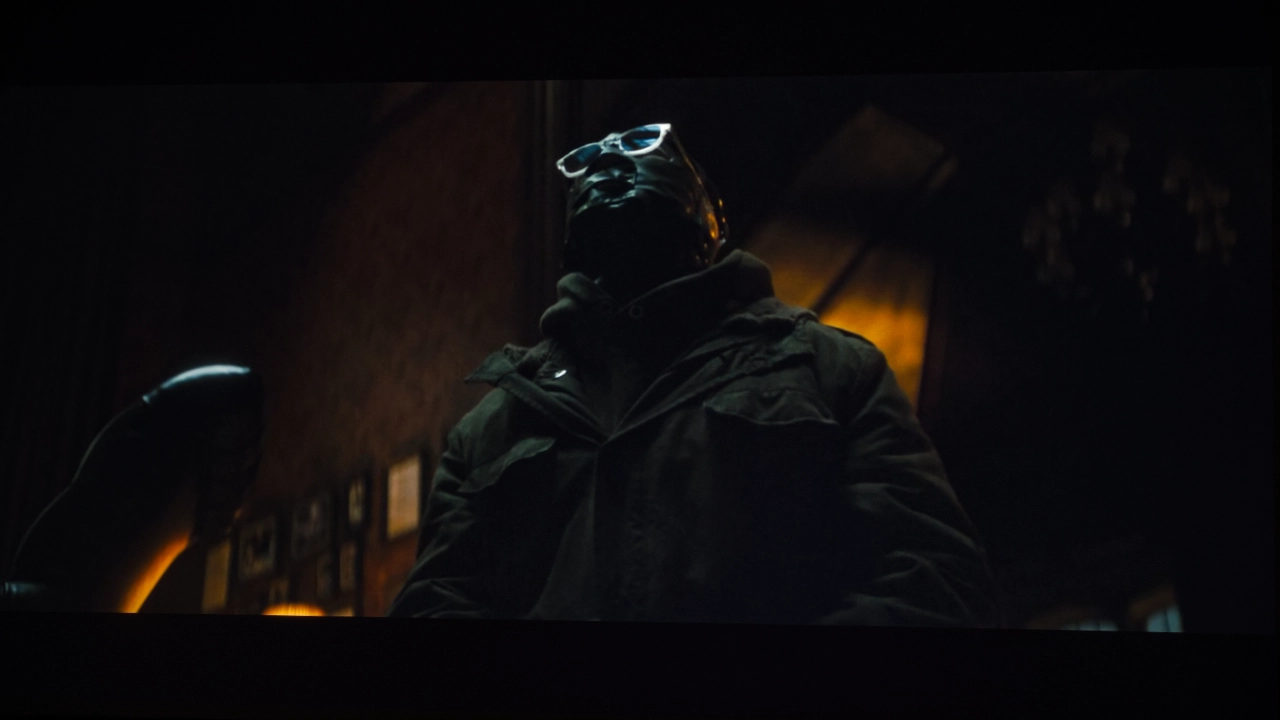
XGIMI offers a processing mode called Dynamic Black Level Enhancement (DBLE) which is something of a mixed bag on the Horizon 20 Max. When this feature is engaged, the projector wlll reduce the brightness of its laser light source during dark scenes. DBLE improves black level and can push the contrast ratio toward an XGIMI-rated 20,000:1. In a movie like The Batman, this makes the shadows look much punchier and more dramatic, but it’s not perfect.
Because it's a global dimming system (dimming the entire screen at once), you may sometimes notice brightness changes. This is an effect called "pumping," in which the screen's brightness visibly shifts as the scene changes. If, like me, you are sensitive to light pumping, this projector can be a bit aggressive about dropping the laser power during dark frames to make the blacks look as deep as possible. Also, in some dark scenes, the color can start to shift, making subtle details look flat and gray.
If you’re watching in a “lights-on” viewing space, like your living room, with the lights on or dimmed, the Horizon 20 Max looks incredible because its massive brightness masks the higher black floor. But if you are looking for deep, inky LCOS blacks or you are building a dedicated dark theater, there are other projectors (Hisense PX3-PRO) that will give you a much more natural, "inky" look in the shadows.
While you are starting to see mechanical iris on DLP projectors below $5000, the Horizon 20 Max does not have this feature. The lack of an iris is why the Horizon 20 Max’s native contrast is around 1,500:1. While unit native contrast is not bad, in a darkened theater or a room with good light control, you will notice the floor appears less black. However in a room with higher ambient light, like a living room or a space where lights-on viewing is required, our eyes are less sensitive to black, so the visual benefit of high native contrast is greatly reduced.
STANDARD DYNAMIC RANGE
Standard Dynamic Range content is where the Horizon 20 Max’s light output is most useful, mainly because SDR doesn't require the same extreme peak highlights as HDR. In SDR mode, this projector dominates unwanted lighting in a typical living room, making a 120-inch image look as vivid as a standard TV. You’ll want to avoid the HIGH POWER setting because of the heavy green tint it produces. The real sweet spot on the Horizon 20 Max is MOVIE or FILMMAKER modes. With the right adjustments, such as a quick white-point correction, you are still likely to get between 3,000 and 4,000 lumens of usable, color-accurate light.
For older 1080p content like Blu-rays or standard YouTube videos, XGIMI offers a dedicated processing (AI Super Resolution) that is their version of upscaling. It actually does an excellent job of improving lower-resolution content by sharpening edges without adding the artificial digital fuzziness often seen on less expensive projectors. With SDR content played on the Horizon 20 Max, the most noticeable trade-off is the black floor, as the native contrast of the DLP chip can make very dark scenes look a bit flat compared to some other dedicated home theater displays.
DBLE is also an option when viewing SDR content to help blacks appear a little deeper. However, with DBLE engaged, the projector may hunt for the optimal settings, displaying slight flicker or a subtle color shift in darker areas of the image. In a room with the lights on, the higher black floor doesn’t matter much because the projector's high brightness improves perceived contrast, displaying an excellent-looking image.
HIGH DYNAMIC RANGE
When it comes to the "kitchen sink" approach to HDR, the Horizon 20 Max is definitely one of the more versatile projectors I have come across lately. While not rare these days, it’s still not standard practice to find a projector that offers Dolby Vision, HDR10+, and IMAX ENHANCED, meaning the Horizon 20 Max not only accepts content encoded with these exceptional standards but can also leverage dedicated XGIMI processing for each. This results in a much cleaner image than a standard projector that just converts everything to a basic HDR10. IMAX ENHANCED offers better use of screen space and its own variation of DTS:X sound.
Unlike SDR, HDR allowed a dark movie like The Batman to benefit from DBLE, keeping shadows from appearing washed out. Because the Horizon 20 Max can still hit nearly 3,000 lumens before professional calibration, the bright highlights really stand out. I found that this projector preserves the small details in shadows and highlights quite well, though, even in HDR, it’s never going to hit the inky blacks of an LCOS projector.
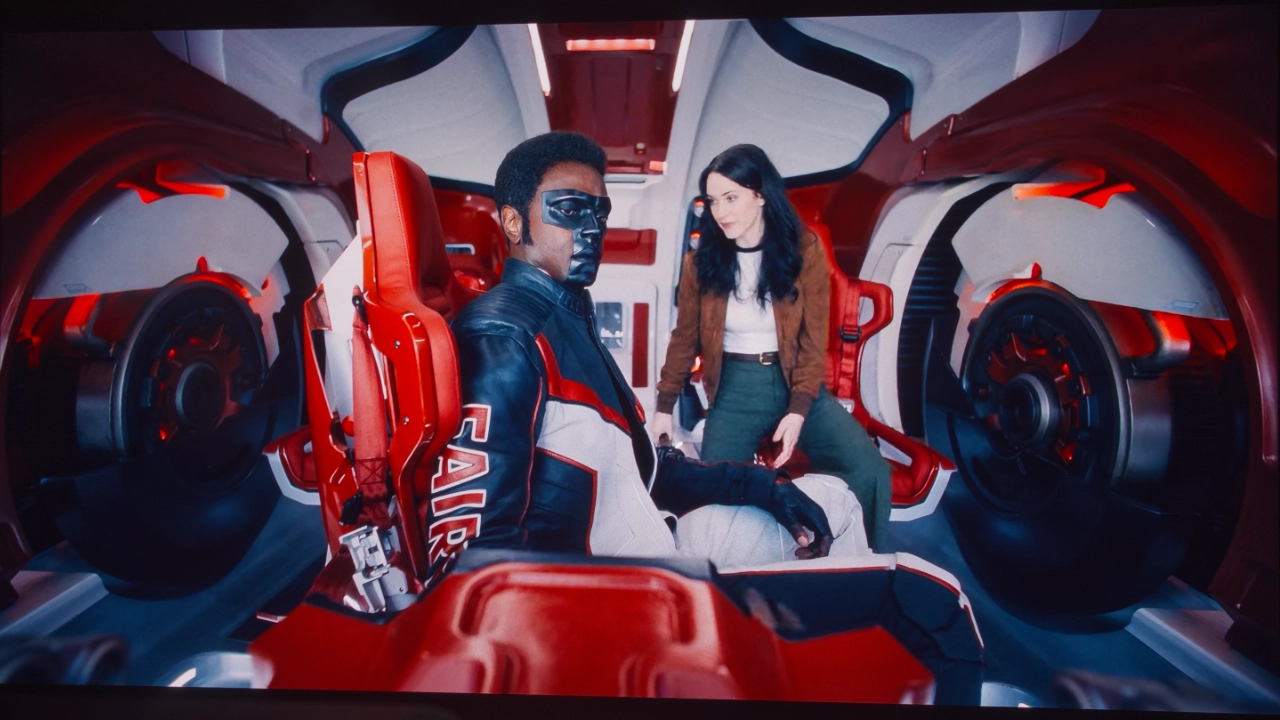
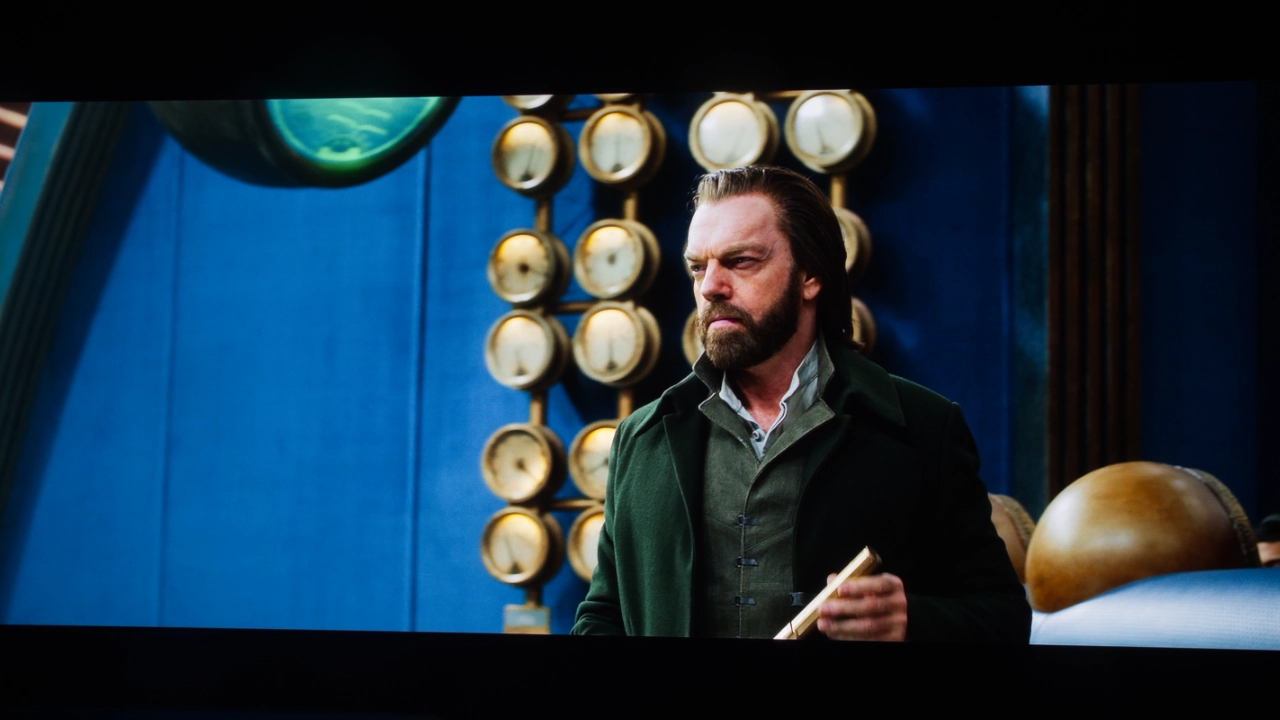
When I switched to something like The Rings of Power or Fallout on Amazon Prime, the 20 Max’s triple-laser engine really brought the image much closer to flat-panel levels. Content that can leverage a wide color gamut in BT.2020 looks exceptionally vivid.
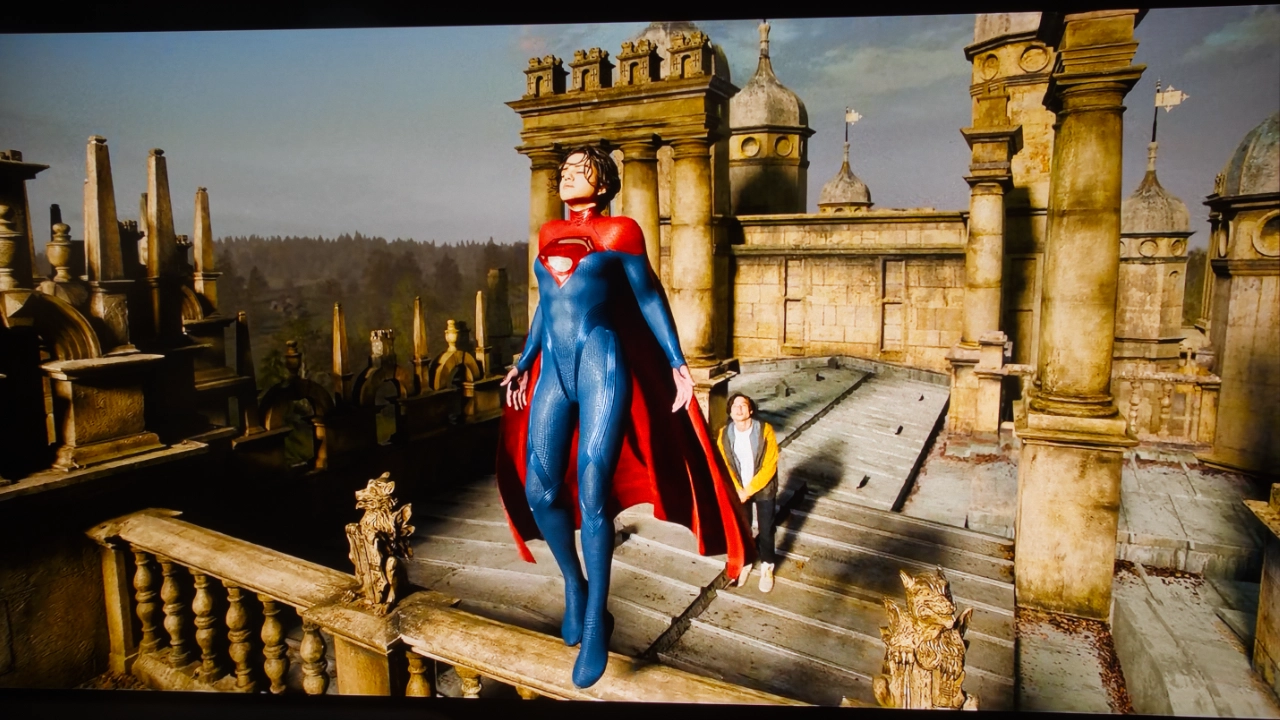
The IMAX ENHANCED mode, accessed via the PICTURE SETTINGS selector in HDR, is particularly interesting here. When it triggers, the projector appears to darken blacks and optimizes the displayed aspect ratio, making those sweeping superheroes in Marvel movies on Disney+ feel even more immersive than other HDR modes.
Pulling up an IMAX ENHANCED Marvel movie on Disney+, such as Avengers: Endgame or Shang-Chi, looks and sounds amazing. If you watch IMAX ENHANCED movies on Disney+, you will get all the benefits of this format (larger aspect ratio, processing, and DTS-X audio). IMAX ENHANCED content is remixed to reduce noise and grain and produce vibrant colors and greater contrast.
Having Dolby Vision on the Horizon 20 Max is also a huge win for owners. In my opinion, it appears that XGIMI is handing over total control to Dolby Vision’s metadata, allowing it to manage contrast. I found that this results in a more accurate-looking picture than other HDMI modes. To my eye, Dolby Vision felt a bit less aggressive, producing an image I found quite pleasing and, I think, a more accurate presentation of what the filmmaker or colorist intended, without any artificial boosting.
Disney often layers Dolby Vision on top of the IMAX versions of their movies, creating a best-of-both-worlds scenario for color precision and scale. However, even then, the black floor issues discussed earlier remain. For instance, you might still see a faint gray border in a pitch-black room where the image doesn't quite reach the very edges of a 16:9 screen.
GAMING
The XGIMI Horizon 20 Max is every bit a premium gaming projector as much as it is a premium home entertainment projector. The 20 Max offers a gaming experience that rivals many dedicated gaming projectors from companies such as BenQ and ViewSonic. But this projector is also different from these gaming-first projectors.
For example, the Horizon 20 Max has an HDMI 2.1 port but does not support native 4K at 120Hz. The projector can detect a 4K 120 Hz signal, but because the 20 Max is limited to a 60 Hz refresh rate, that’s the highest it will display (4K 60 Hz). Also, the projector does not have native 1440p support for gaming and typically scales those signals to 1080p or 4K. If your focus is high speed, the Horizon 20 Max can offer latency as low as 1 ms (for 1080p 240 Hz content and 4K 60 Hz, as low as 3 ms).
This is beyond competitive for a dedicated gaming projector using a 0.47” DLP chip and mind-blowing for a lifestyle home entertainment projector. Keep in mind that achieving the lowest possible input lag requires disabling keystone correction, which means the unit must be manually aligned with the screen.
The Horizon 20 Max also includes modern gaming features such as VRR and ALLM alongside specialized tools like a BLACK EQUALIZER and VIRTUAL CROSSHAIRS. XGIMI has even taken a cue from companies like BenQ and offers dedicated gaming presets, factory-tuned for each gaming genre, to deliver the best experience by genre. These presets are: ASSASSIN'S CREED, FPS, RTS, RPG, and SPORTS.
In terms of light output, its 5,700 ISO lumens rating makes it more effective in rooms with moderate-to-medium uncontrolled ambient light than many competitors. Placing the Horizon 20 Max in a living room delivered a mind-blowing gaming experience. I even tried the Horizon 20 Max in my living room with a nine-foot bay window directly across from a 120-inch screen, and gaming on my Xbox Series X was so much fun. In GAME mode, the projector generated over 3,000 lumens, making me forget the uncontrolled ambient light in my living room and just focus on not getting killed too quickly in my favorite games.
While the lack of 4K/120 Hz is a tough pill to swallow for anyone with a PS5 or a high-end PC, there is one bigger downside that I mentioned above. That’s when DBLE is turned to HIGH while gaming because the projector is constantly dimming and brightening the lasers to match the scene. In fast-paced games, this feels like the projector is "trailing" the action, where the screen brightness jumps a split second after you have already moved into a dark room or fired a weapon. I ended up turning this feature off to keep the image consistent, which unfortunately meant I lost some of the punchy contrast when the mode was engaged.
For most gamers, the Horizon 20 Max offers more than enough performance for high-frame-rate 1080p gaming and 4K 60 Hz gaming. If you are specifically seeking 4K at 120Hz or 1440p at 120Hz gaming support on the latest consoles, there are gaming focus projectors from other manufacturers that may be more suitable. Honestly, though, this projector is an amazing gaming display.
SOUND
The XGIMI Horizon 20 Max features a built-in audio system developed in partnership with Harman Kardon. This projector's sound specifications and performance are a step up from the generic sound systems found in so many budget projectors and are perfectly fine for casual streaming or times when you just don’t want to turn on the external sound system. The Horizon 20 Max’s built-in sound system supports both Dolby Audio and DTS-HD decoding. I found that the DTS Studio Sound widened the soundstage, making it sound like the audio is coming from the screen. The projector can act as a Bluetooth 5.2 speaker or connect to Bluetooth headphones for late-night viewing.
I applaud XGIMI for the level of sound they managed to squeeze out of the Horizon 20 Max. The projector offers a very balanced sound profile that prioritizes vocal clarity. As I ran the projector through testing, I found that dialogue remained clear regardless of the content, something I can’t honestly say is true of more expensive projectors I’ve reviewed. This focus on vocal clarity made my movie-watching experience more enjoyable because I didn’t have to turn on subtitles as I so often do on other projectors. That said, if you have other sound priorities, floor-shaking bass for action movies, this projector may not be the one for you.
I think the XGIMI Horizon 20 Max sounds excellent for a lifestyle projector, even without the deep cinematic low end. Fortunately, you can use this projector via its HDMI eARC port to connect it to a high-quality soundbar or an external receiver.
SUMMARY
The XGIMI Horizon 20 Max is essentially forcing me to rethink what a lifestyle projector is actually capable of by taking on multiple segments (home theater, gaming, etc.) and combining high-end cinema specs into a chassis that doesn't look like industrial equipment.
In my view, the real story here is the X-Master triple laser engine and optics. While reliable LED units like the BenQ X3100i have been the standard for a while, this laser setup pushes color saturation into the BT.2020 color space, making standard light sources look a bit dull.
One of the more impressive things about the Horizon 20 Max is that it can easily deliver a vibrant image in a room with the curtains open. Yes, the projector's brightness mode is noticeably green, but it delivers 5,700 ISO lumens, overpowering the typical afternoon sun in a living room. Even if you spend time calibrating the Horizon 20 Max, or choose one of its more accurate picture modes, you are still likely to end up with 3,000 to 4,000 lumens of usable light.
If you are interested in purchasing the projector mentioned in this article, we always appreciate it if you use one of the links in the article because Projector Reviews earns a small commission on the sale at no cost to you.
This projector's massive brightness also drives its HDR performance. Since it supports everything from Dolby Vision to IMAX ENHANCED, watching the gritty shadows of The Batman or highlighting details in The Rings of Power feels pleasantly intense.
That sheer power does bring some baggage, though. The native contrast is pretty modest so if you are sitting in a light-managed, black room, you might notice that black areas look more like dark charcoal. XGIMI uses DBLE software to dim the lasers during dark scenes, which definitely adds some punch, but it lacks the mechanical precision of a physical iris. You might occasionally, as I did, see the brightness pumping as the software tries to keep up with the scene changes.
For gaming, the Horizon 20 Max is not perfect (No 4K/120Hz or 1440p gaming support), but it is still an excellent gaming projector. The 1 ms input lag at 1080p is remarkably snappy, and VRR support is a huge win for console players. There are also those annoying real-world quirks to consider. The fan can get pretty loud when the projector is running at full tilt, and the Google TV interface can bog down at times.
At the end of the day, the Horizon 20 Max is an appealing option for someone looking for a bright full featured lifestyle projector. It combines the convenience of motorized lens shift and optical zoom with the response times you usually find only in a gaming monitor. While there are some lifestyle projectors like the Valerion VisionMaster Pro 2 that can can deliver deeper blacks, the Horizon 20 Max is probably the best choice for someone who wants a massive, vivid screen for a bright living room.
Valerion VisionMaster Pro2 $2,999 MSRP
The Valerion VisionMaster Pro2 is a well-rounded lifestyle projector that delivers high-end performance at a competitive price. It caters to home entertainment enthusiasts by blending top-tier image quality, smart features, and ease of use. Both the Valerion and XGIMI use a Texas Instruments 0.47-inch DMD chip and XPR technology to achieve 4K on-screen resolution and feature a triple-laser light source reproducing over 107% of the Rec. 2020 color space.
The XGIMI Horizon 20 max is the brighter projector, even in its more color accurate picture modes outside its green-hued HIGH BRIGHTNESS. The VisionMaster Pro2 has a native contrast ratio of 4,000:1, with dynamic contrast reaching 15,000:1, a higher native contrast than the Horizon 20 Max. The projector’s black levels are better than those of most competitively priced lifestyle projectors.
Both the XGIMI and Valerion feature a high-quality motorized lens system with optical zoom, enhancing installation flexibility while ensuring sharp, corner-to-corner image quality. The Horizon 20 Max offers horizontal/vertical lens shift which is not available on the Valerion model.
Both the Horizon 20 Max and the VisionMaster Pro2 include a wide range of features that elevate their performance. Both support Dolby Vision, HDR10+, IMAX ENHANCED, and active 3D playback, as well as 24p and 48p frame rates, and both excel in gaming. The XGIMI offers an ultra-low lag of 1ms at 1080p/240Hz compared to Valerion's 4ms.
Additionally, both the XGIMI and the Valerian are equipped with a robust internal stereo sound system featuring DTS Virtual X, which is capable of filling medium-sized rooms with immersive audio.
Both models use the Google TV platform to support popular streaming services like Netflix, Hulu, and Disney+, and they also support seamless casting via AirPlay 2, Chromecast, and Miracast.
Both XGIMI and Valerion projectors deliver impressive SDR and HDR image quality straight out of the box. Even in challenging dark scenes, the Pro2 maintains contrast and clarity, outperforming many competitors in the lifestyle projector category.
BenQ W4100i $2,999 MSRP
When comparing the BenQ W4100i to the XGIMI, the primary difference lies in their imaging technology and brightness. The BenQ W4100i is a 4K 4LED projector with a DLP chip, typically offering sharper motion and excellent color accuracy. In contrast, the XGIMI Horizon 20 Max uses an RGB triple-laser light source, providing up to 5,700 lumens. (Max). It is a more accurate picture: the XGIMI can produce 3,500 (Balanced) lumens of brightness, compared to BenQ's 2,000 lumens. This makes the XGIMI far better suited to rooms with uncontrolled ambient light, while the BenQ performs better in dark spaces and better out of the box color reproduction.
For installation and modern features, the XGIMI Horizon 20 Max offers greater flexibility with its motorized lens, enabling easy adjustments and lens memory recall for geometry and lens settings. In contrast, the BenQ W4100i relies on manual lens controls, which may require more effort during initial setup.
XGIMI HORIZON 20 MAX- SPECIFICATIONS
Full Specifications
Projector Model
Horizon 20 Max
Price (MSRP)
$2999 (MSRP)
Imager Type
DLP
Displayed Resolution
3840 x 2160
Native Resolution
1920 x 1080
Brightness (Manufacturer Claim)
5700 Lumens
Light Source Type
RGB Triple Laser Light Source
Contrast Ratio
1,400:1 (Native)
Lens Throw Ratio
0.21:1
Power Zoom/Focus
Yes
Lens Shift
Yes
Interchangeable Lens
No
Ultra Short Throw
No
Native Aspect Ratio
16:9 (Widescreen)
4K/120 fps
Yes (Input Only displays at 60 Hz)
3D
Yes
Speakers
Yes
Noise Level (-db)
Unlisted
Low Lag Gaming
Yes
Smart Functionality
Yes
Business
No
Classroom
No
Portable
No
Special Features
Dolby Vision & HDR10+, Google TV OS, 5,700 Lumens
Networking
Wireless
Dimensions (WxDxH)
(WxHxD) 9.8" x 11.7” x 7.5" (249 mm x 298 mm x 190 mm)