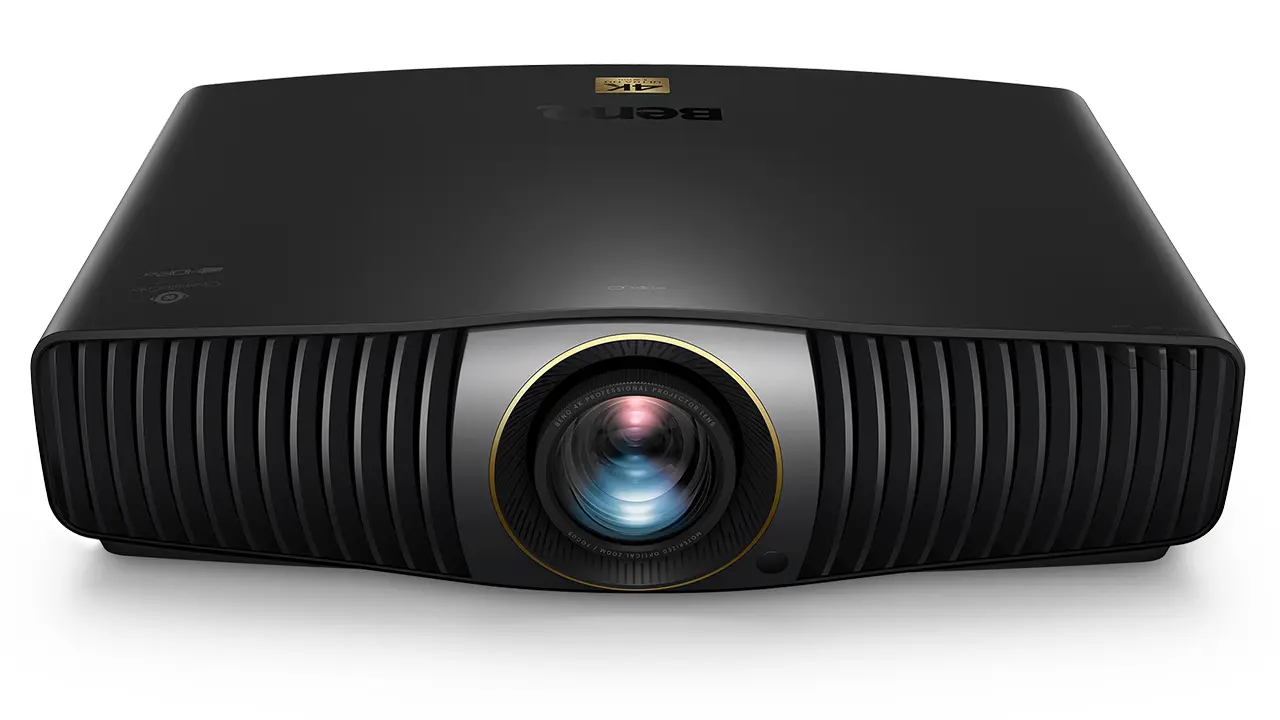
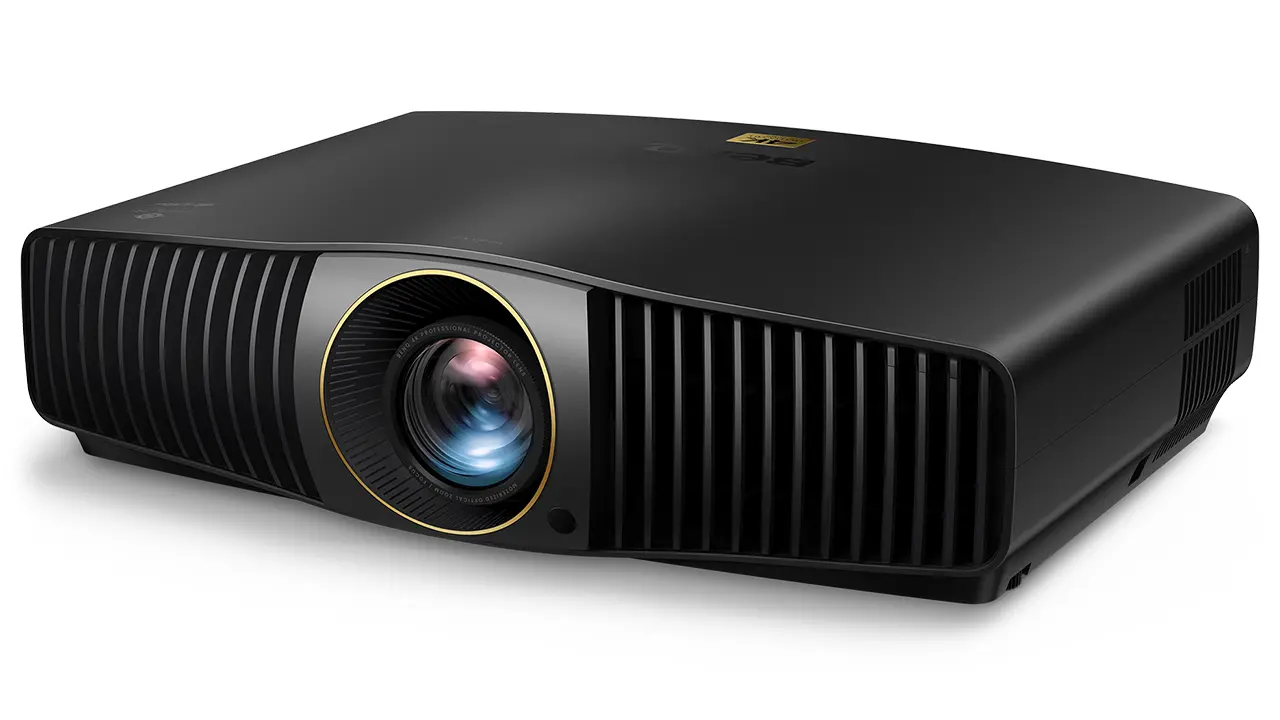
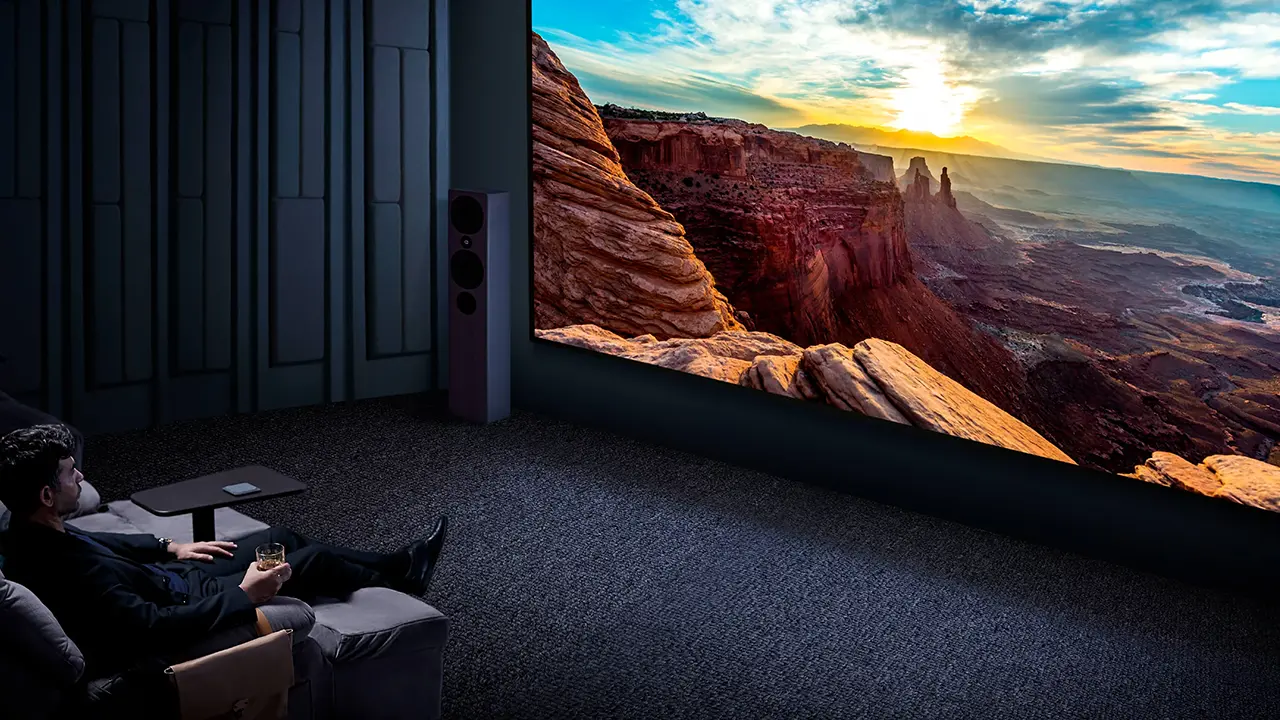
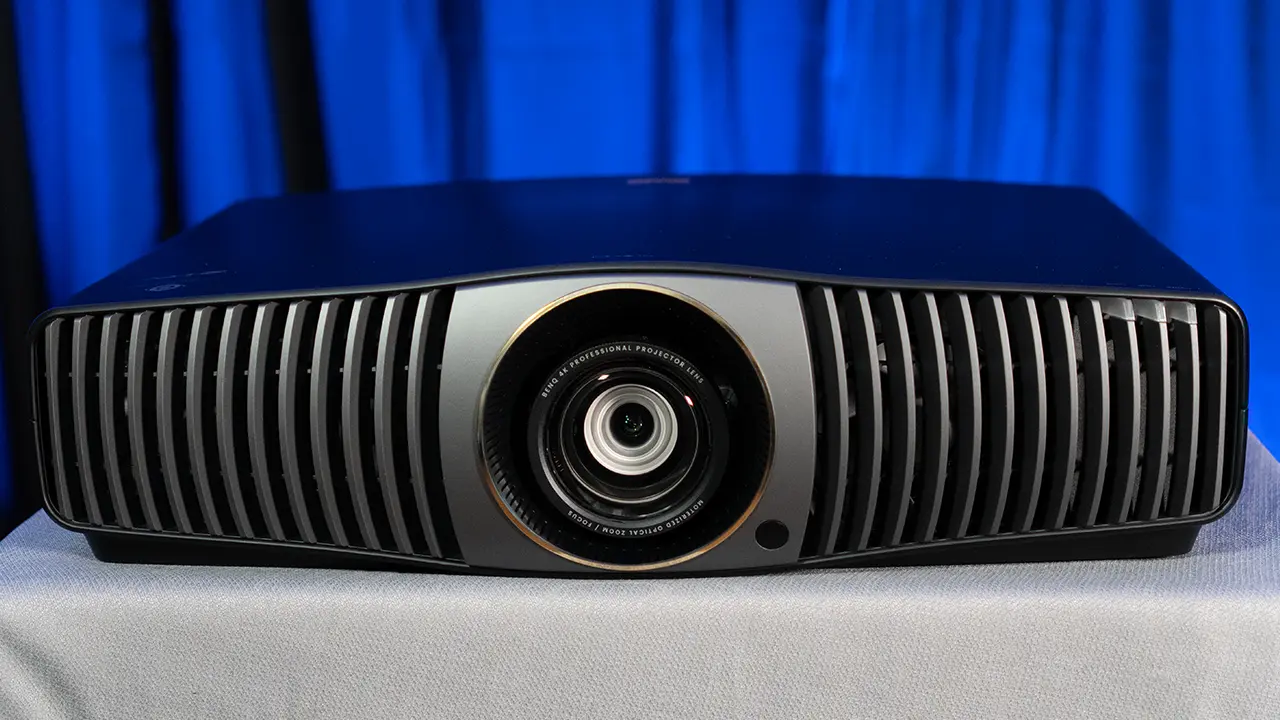
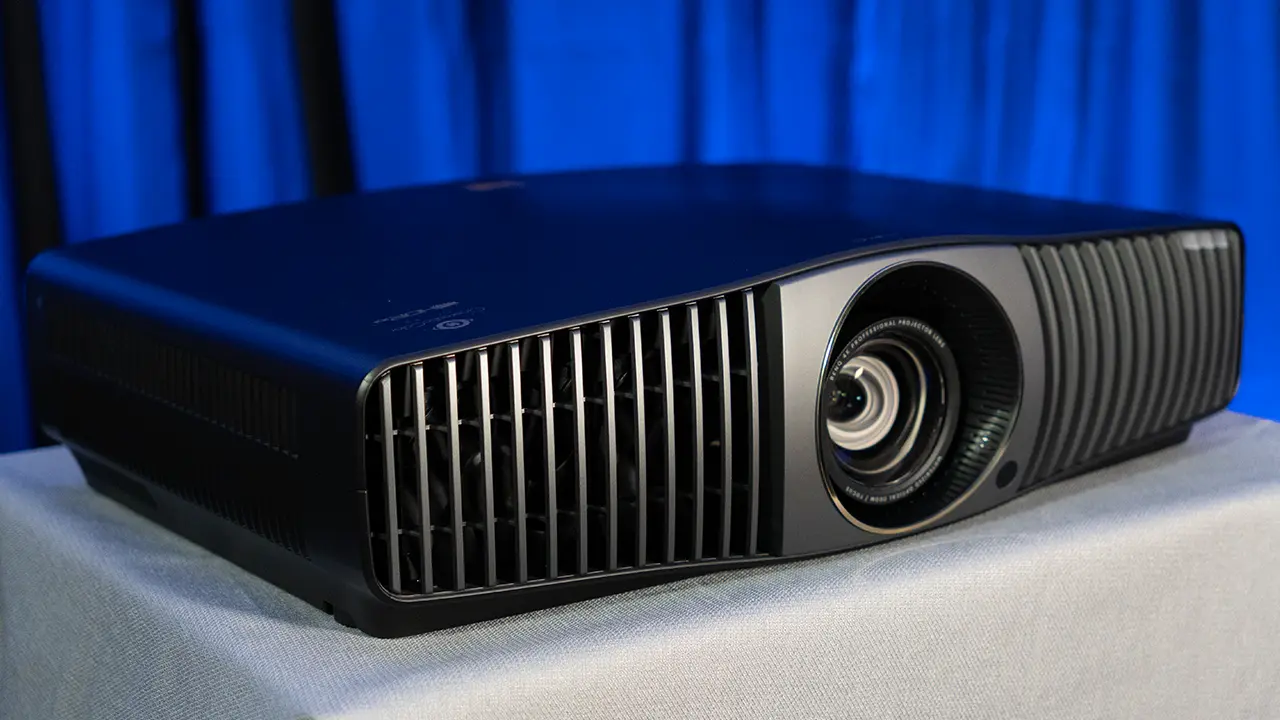
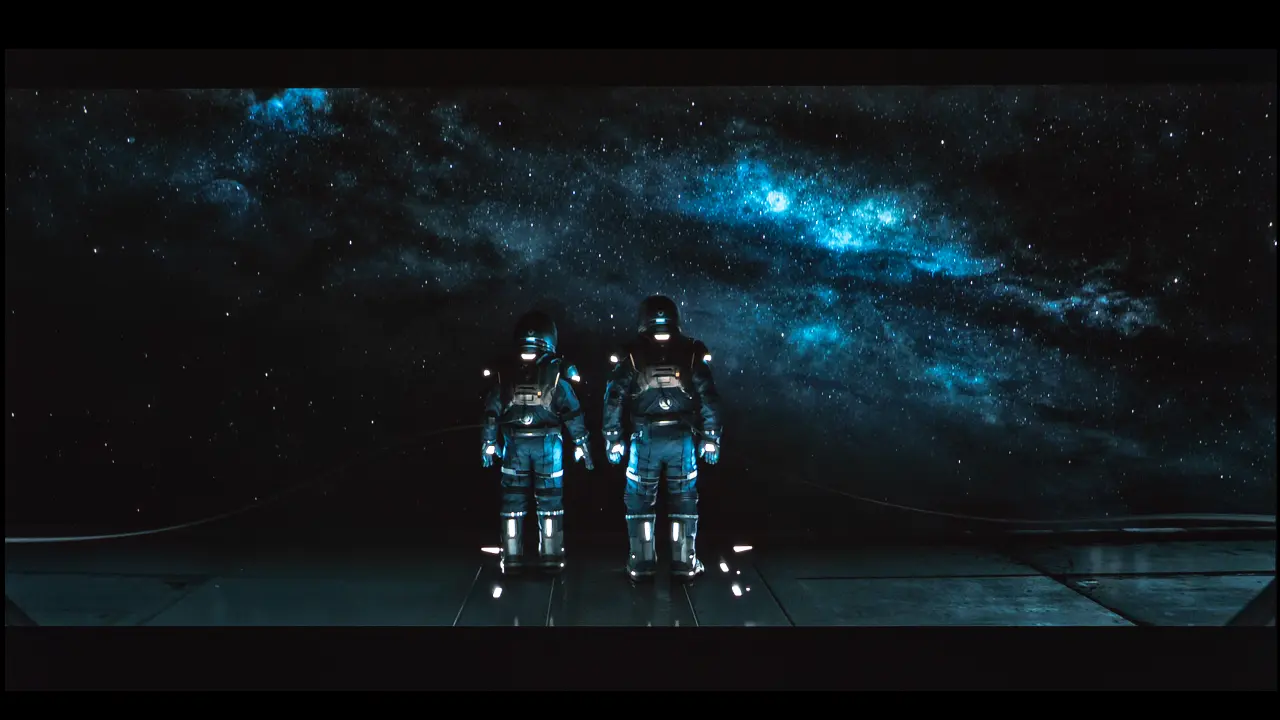
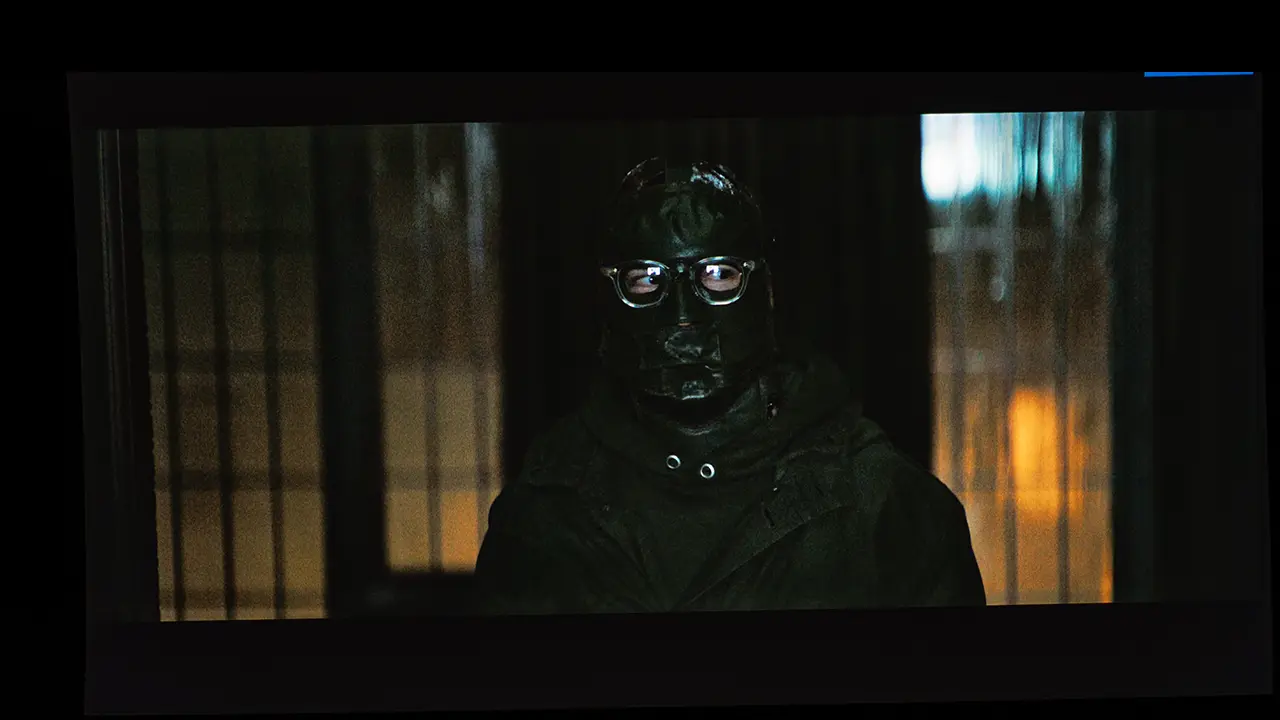
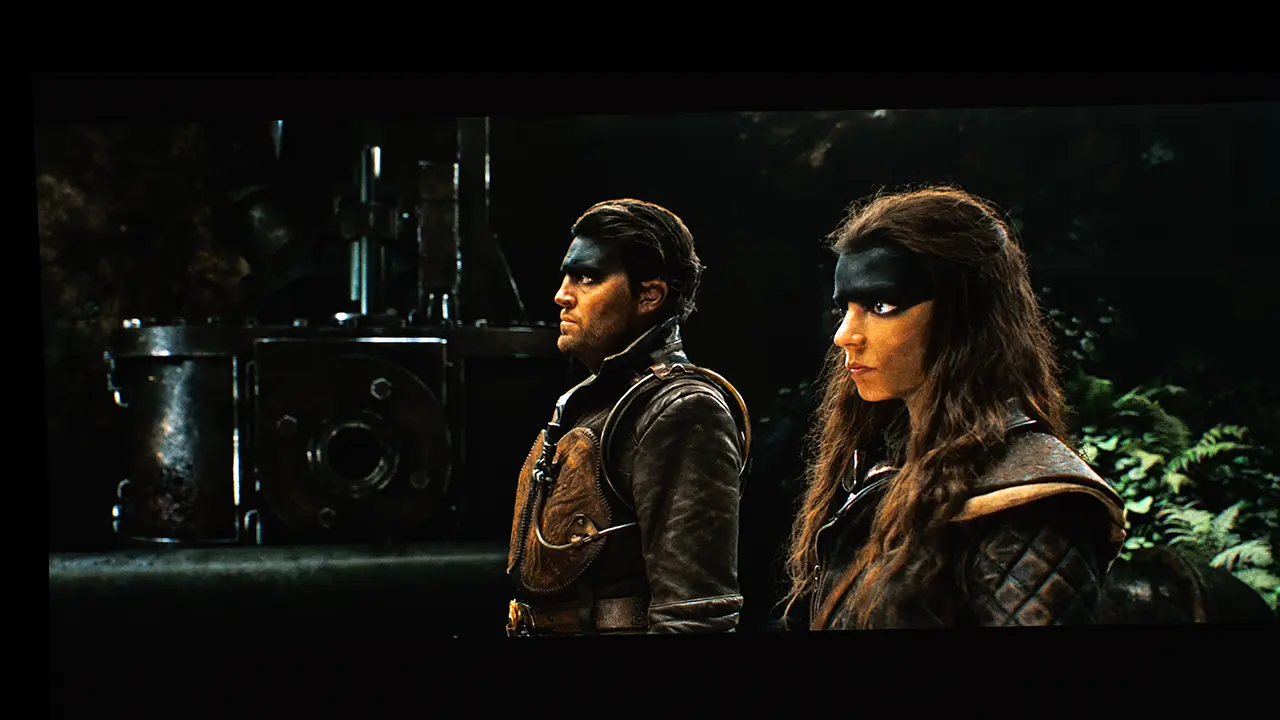
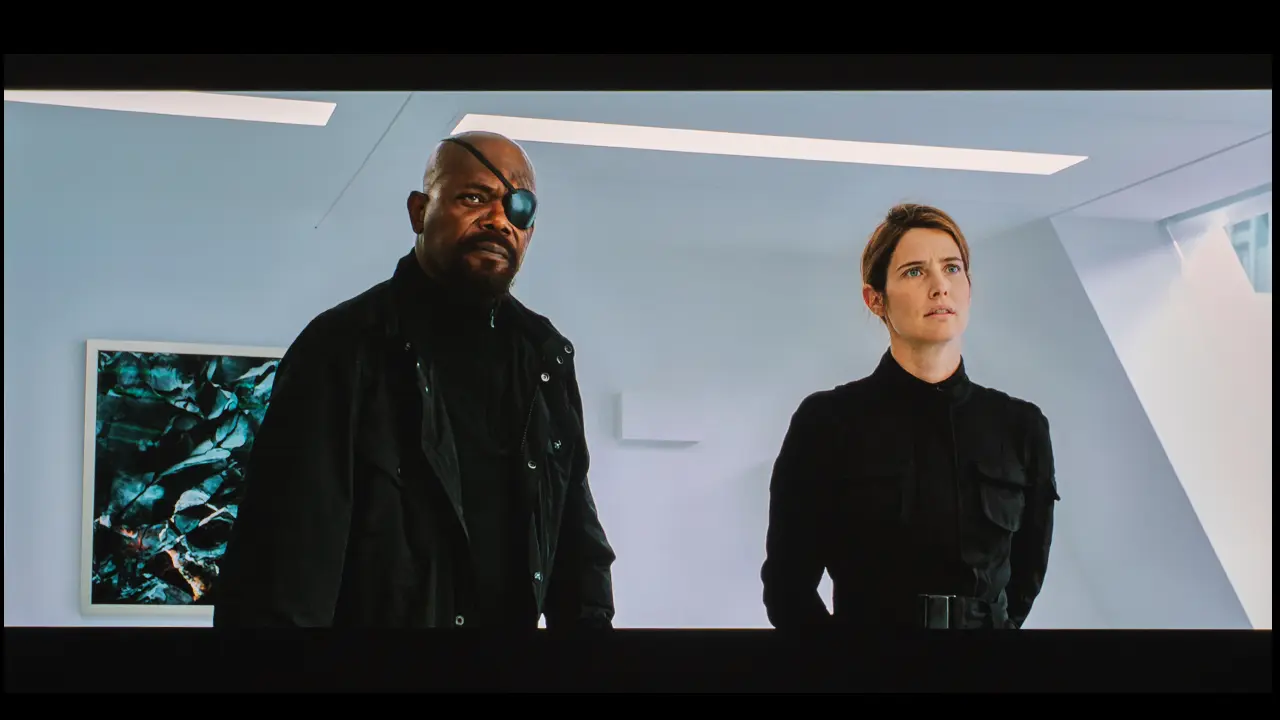
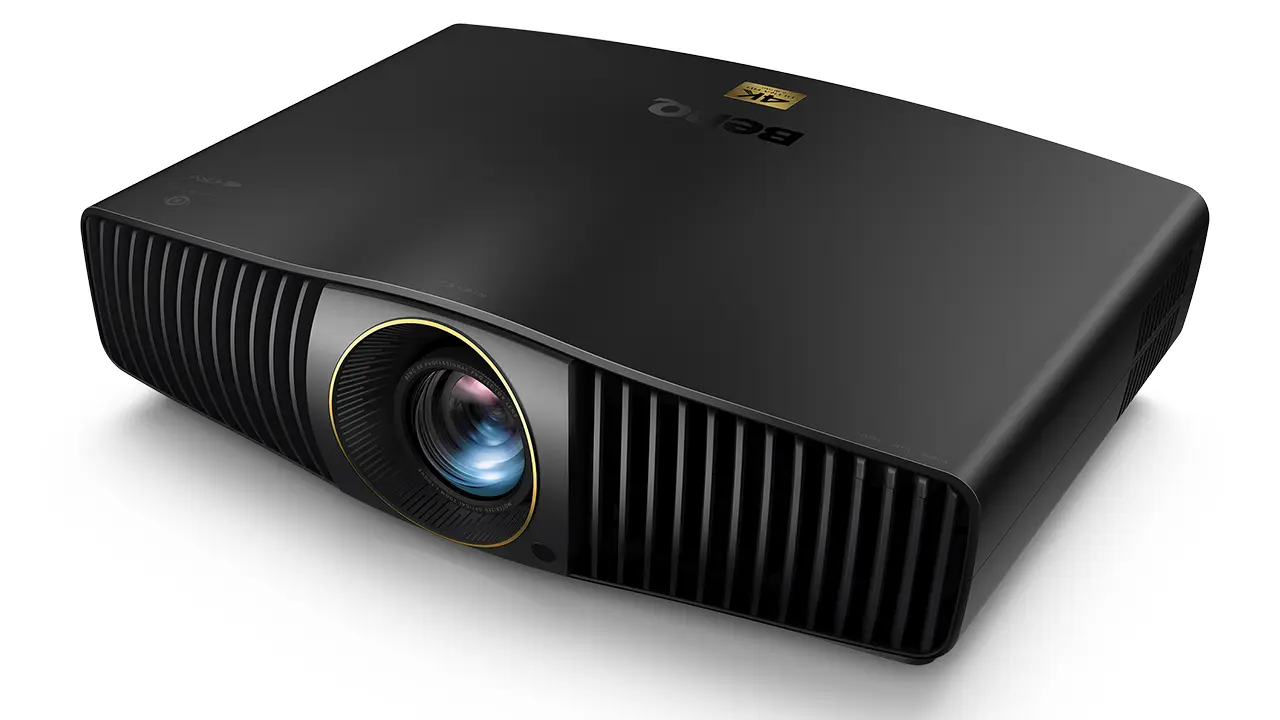
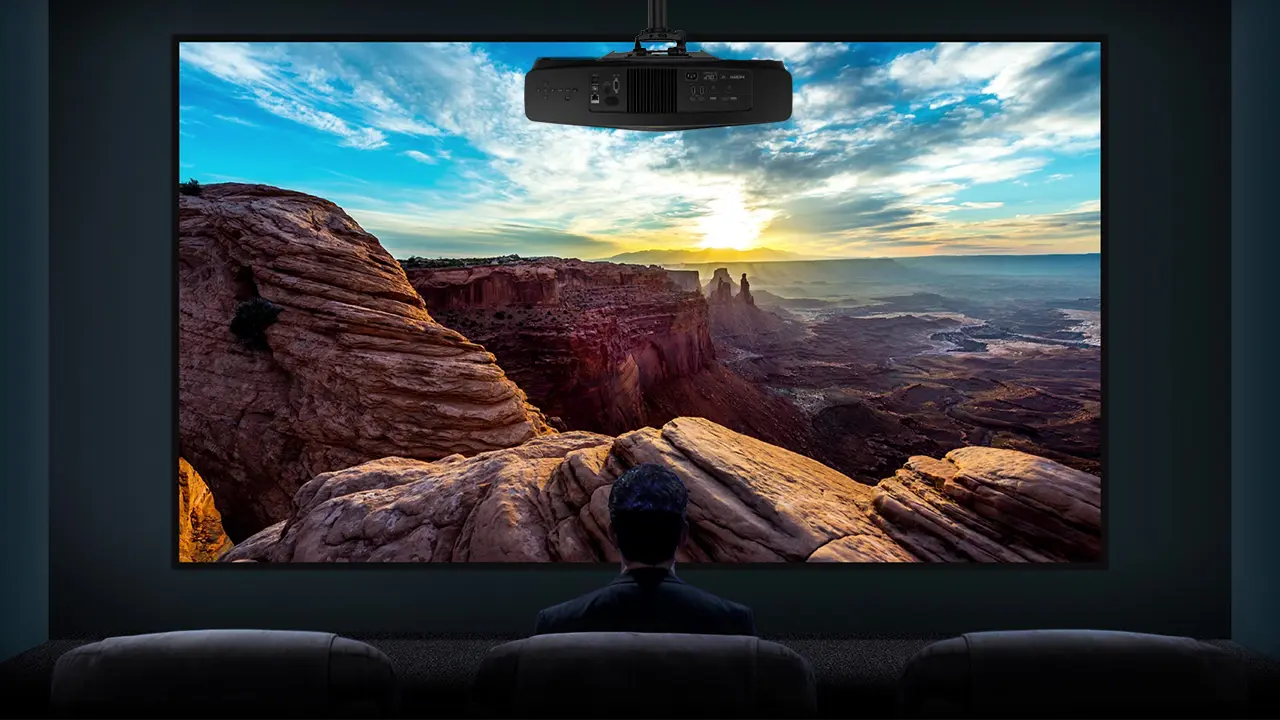
The BenQ W5850, which retails for $6999, is the newest addition to BenQ’s lineup of premium home cinema projectors. The W5850 is one of the most expensive models BenQ has ever offered, but its short-throw lens makes it a unique premium home theater projector. The projector can deliver a massive image even when positioned closer to the screen.
If you opted for a different premium projector, you would have to settle for a smaller image size. This makes the W5850 a great option for a projector enthusiast who wants to upgrade to a larger screen without changing their projector’s mounting position.
The projector uses a DLP (0.47” DMD) chip with XPR technology to deliver 4K UHD (3840 x 2160) on-screen resolution. Its laser light source can deliver 2600 ANSI lumens of brightness. The high-quality multi-element motorized short-throw lens assembly delivers a sharp, detailed image.
We were incredibly impressed with the BenQ W5800, which BenQ introduced in 2024, because it offers image quality and features typically found in more expensive premium 4K laser projectors. In fact, I have utilized the W5800 as one of my reference projectors in my personal media room for over a year. The W5850 offers similar performance but uses a revised, shorter-throw lens assembly, making it easier to achieve a massive cinematic image in medium-sized rooms.
BenQ has always done a great job balancing performance with value. I have been impressed by the color reproduction of BenQ models I have previously evaluated. Our pre-calibrated measurements of BenQ projectors are often better than many projectors' post-calibrated measurements. This is because BenQ factory-calibrates all of its home theater projectors, including the W5850, to ensure the best possible picture.
The BenQ W5850 combines excellent picture quality with installation flexibility to deliver a premium viewing experience. The unit provides most of the things you would expect in a premium projector, including excellent color accuracy, good contrast, high-quality optics, and low audible noise. The BenQ W5850i is a compelling choice for movie enthusiasts seeking a premium projector that can deliver a massive image in a smaller home entertainment space.
BenQ W5850
Suggested Retail Price: $3999
Ratings Based On Comparable Models
Brightness
Color Reproduction
Contrast
Sound Quality
N/A
Pros
+ 4K UHD (3,840 x 2,160 pixels) Blue Phosphor Laser +2,200 Lumens Brightness +True 3-Chip 3LCD Projector Engine +HDR10+, HDR10 & HLG Support +Fully Motorized 15-Element Glass Lens +2.1X Zoom, Focus & Shift with Memory Settings +Horizontal and Vertical Lens Shift +Gaming Up to 4K @ 120 FPS with 20 ms Low Lag
Cons
- No Onboard Sound - No Dolby Vision HDR - No Dynamic Tone Mapping - 1800:1 Native Contrast offers Average Black Levels
If you are interested in purchasing the projector mentioned in this article, we always appreciate it if you use one of the links in the article because Projector Reviews earns a small commission on the sale at no cost to you.
OVERVIEW
The W5850 is equipped withe short lens which allows it to display a large image when positioned close to the screen
BenQ has positioned the W5850 as a purpose-built 4K laser home cinema projector designed for outstanding image quality in a dedicated theater space. This projector uses a single-chip DLP imaging engine with pixel-shifting technology to produce a full 4K onscreen image with 8.3 million addressable pixels. The projector’s blue laser phosphor light source is rated at around 2,600 ANSI lumens, which can deliver a vibrant image on screens up to 180” in controlled lighting environments where ambient light is limited.
BenQ’s home theater projectors have long emphasized accurate color reproduction, and the W5850 can reproduce 100% of the DCI-P3 color gamut, which is used to master most HDR content without using a light-robbing cinema filter.
Each W5850 is calibrated before it leaves the factory to ensure outstanding color reproduction. BenQ even includes a copy of each projector calibration report in the box. According to the calibration report included with my W5850 sample, it has an average deltaE of just 1.1, which is outstanding. While some adjustments should still be made to suit your environment (wall color, screen material), the W5800 provides an excellent starting point.
It also includes BenQ’s HDR-PRO technology with support for HDR10, HDR10+, and HLG content, allowing it to handle modern HDR movie formats with greater dynamic range and highlight detail. The W5850 supports Filmmaker Mode, preserving original aspect ratios and color intent without unnecessary processing.
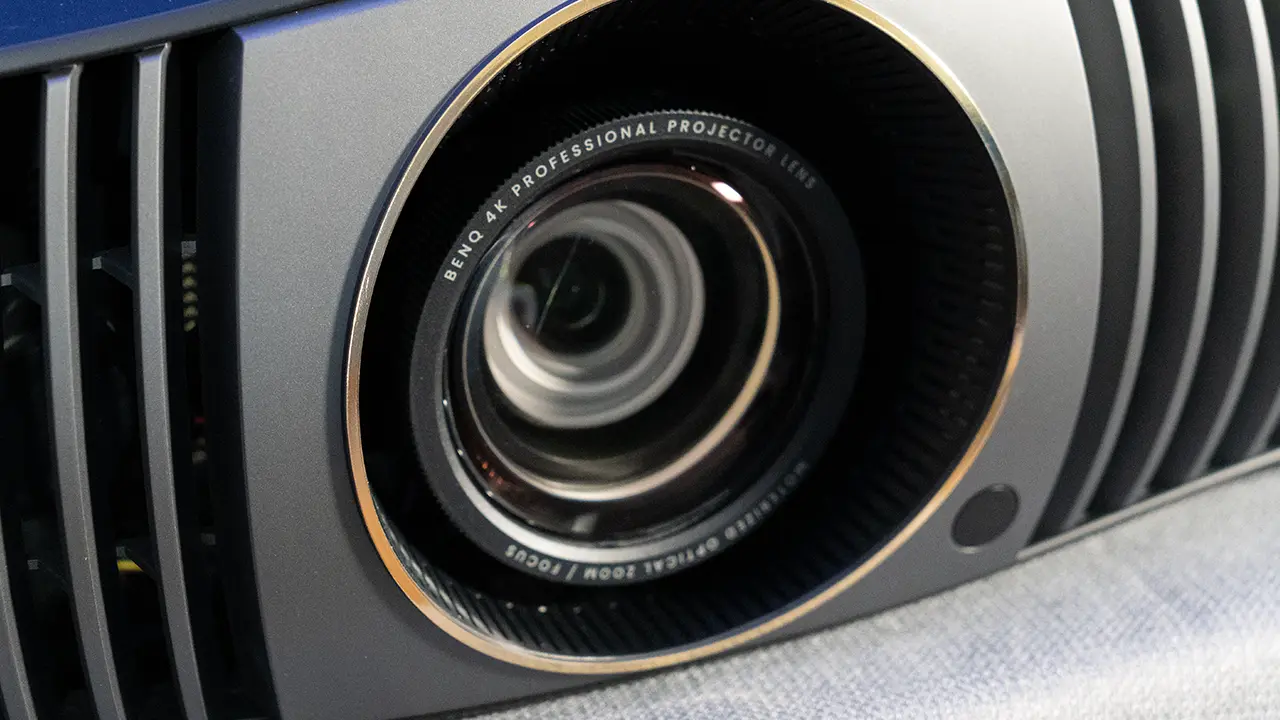
The high quality optics is one of the reasons why the W5850 commands a premium price
The latest version of BenQ HDR Pro technology also features Dynamic HDR Tone Mapping, which analyzes HDR content frame by frame to dynamically adjust tone curves to maximize on-screen brightness while preserving both bright highlights and deep shadow details. Combining BenQ’s effective tone mapping algorithm with its Dynamic Black technology delivers a good-looking HDR image.
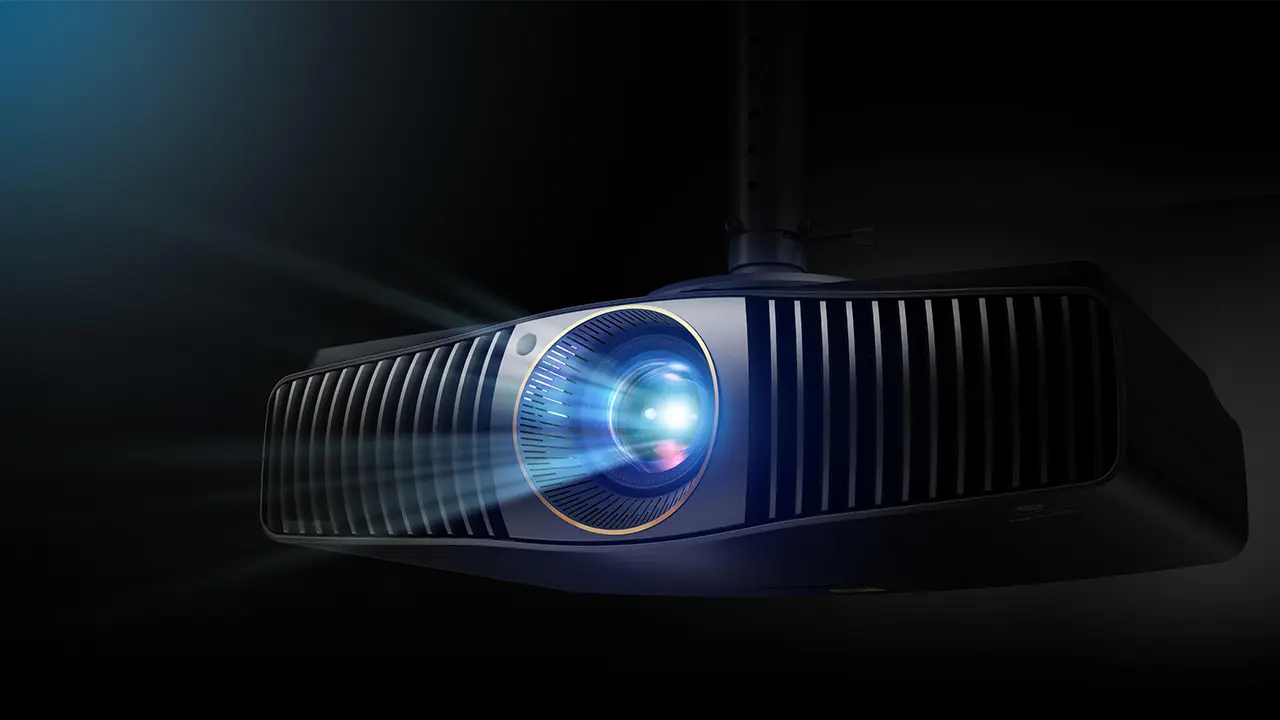
The W5850 features a premium short-throw lens that offers motorized zoom and focus, and generous vertical (±50 percent) and horizontal (±15 percent) lens shift controls to simplify installation and setup in a variety of room configurations.
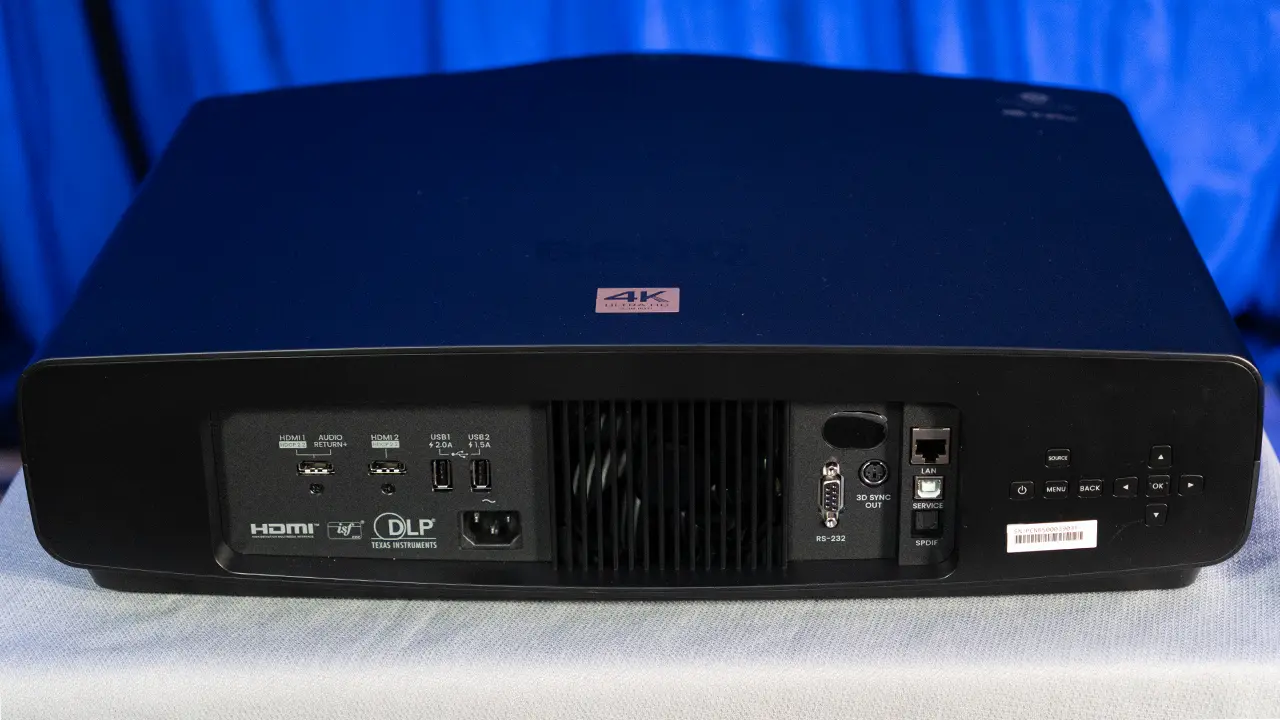
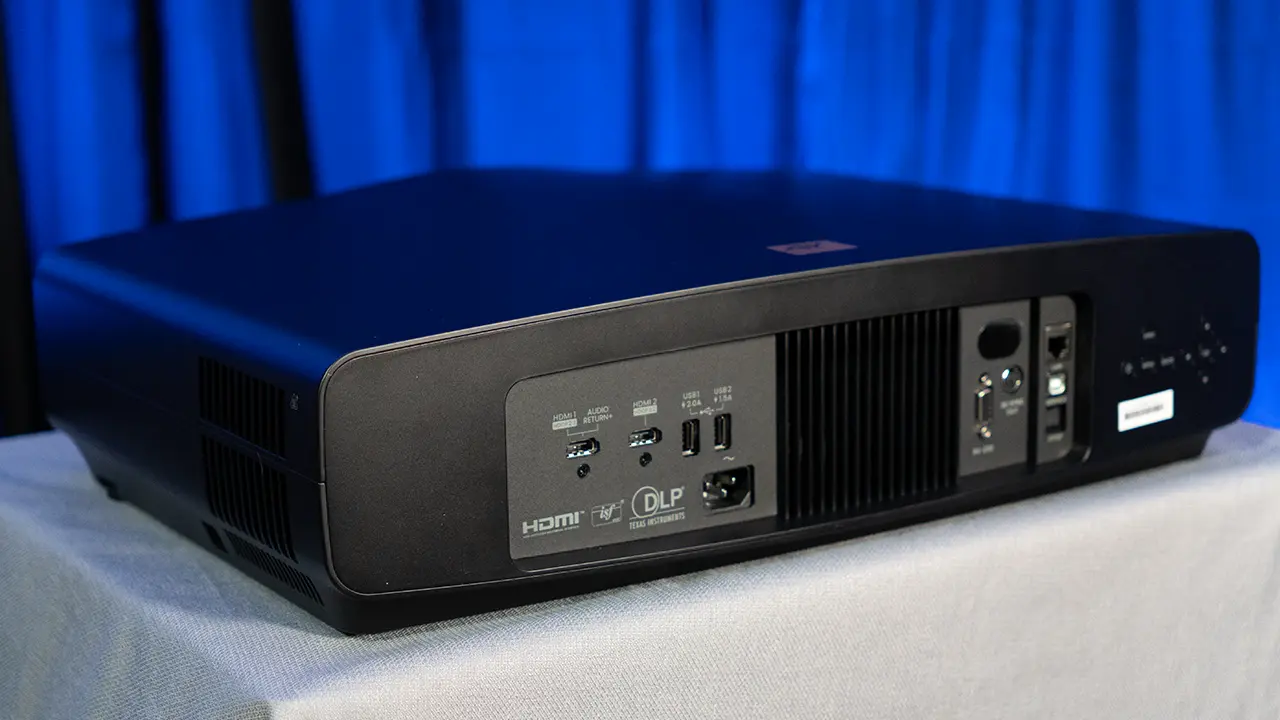
Connectivity includes dual HDMI 2.1 inputs with one supporting enhanced audio return channel (eARC), as well as USB-A ports for media playback or accessory power, an Ethernet port for network control and configuration, SPDIF optical audio out, and RS-232 for advanced control systems. There are no built-in speakers, emphasizing that this projector is intended to be part of a larger home theater system with dedicated audio components. The overall design prioritizes ease of installation, flexible placement, and sustained performance in cinematic use cases.
Below is a side-by-side comparison chart of the BenQ W-Series projectors, including the W5800 and the W5850.
BenQ W-Series Model Comparison
Model
W4100i
W5800
W5850
Price (MSRP)
$2,799
$4,999
$6,999
Displayed Resolution
4K (3840 x2160)
4K (3840 X 2160)
4K (3840 X2160)
Light Source
4LED
Laser
Laser
Brightness
3200 lumens
2600 lumens
2700 lumens
Dynamic Contrast
3,000,000:1
3,000,000:1
2,500,000:1
Dynamic HDR Tone Mapping
Yes
No
Yes
Lens Assembly
Manual Zoom
Motorized Zoom
Motorized Zoom
Throw Ratio
Short (1.15:1 to 1.50:1)
Standard (1.52:1 to 2.45:1)
Short (1.0:1 to 1.5:1)
Zoom
1.3X
1.6X
1.6X
Lens Shift
V: ±15% / H: ±21%
V: ±50% / H: ±21%
V: ±50 / H: ±15%
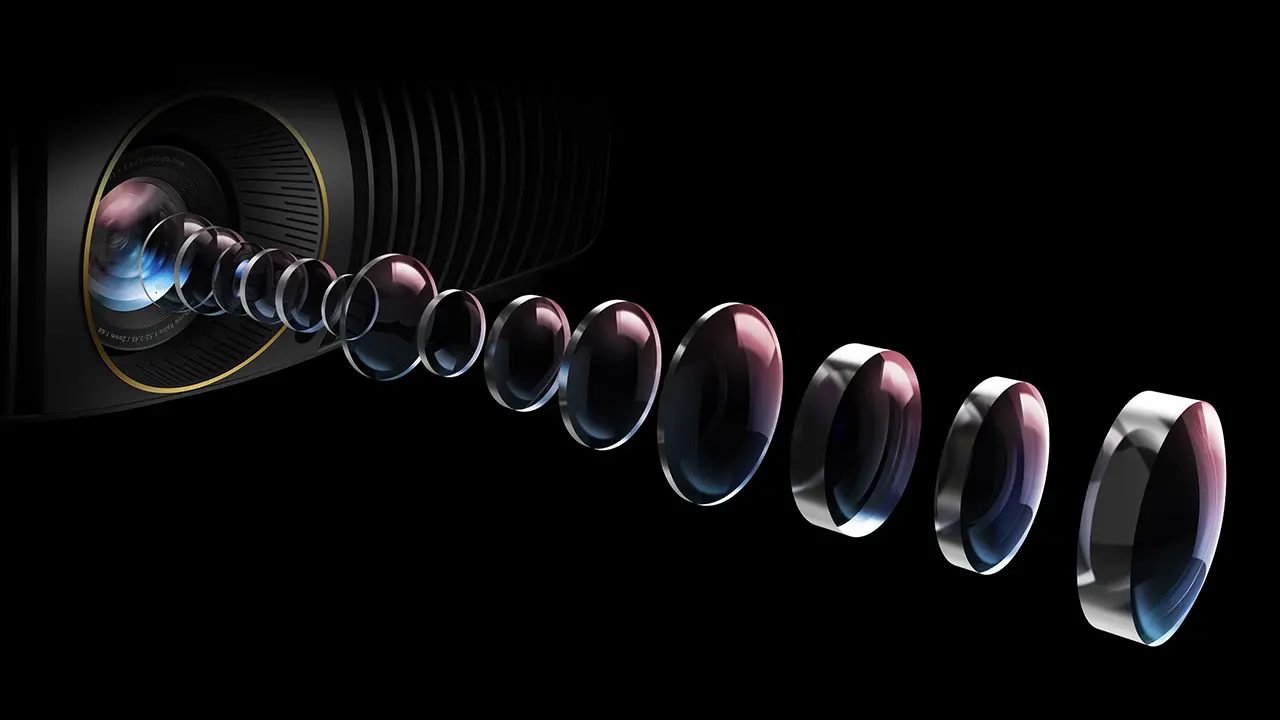
When it comes to features and appearance, the new BenQ W5850i is nearly identical to the W5800, except for its lens assembly. The W5850 uses a precision 16-element short-throw lens with an aspheric lens coated with low-dispersion materials to improve clarity and uniformity. The projector's throw ratio is approximately 1.0–1.6:1, allowing it to produce very large images from much shorter distances.
This design allows a 180-inch diagonal screen to be achieved from roughly 4 meters away from the viewing surface, a significant improvement in flexibility over the W5800’s longer-throw lens, which typically requires more space behind the seating area for similar image sizes.
When designing the W5850, BenQ did an excellent job of balancing the features, focusing on those that their target customers want while eliminating those that video enthusiasts probably won’t use.
If you want a projector with tons of smart features and built-in speakers, BenQ offers plenty of models. The W5850i is designed for those looking for the best visual experience in a home theater environment where the customer already has a large sound system and a range of video sources.
BenQ has always made great projectors that perform above their price point, but the W5850 and its longer-throw brother, the W5800, are designed to compete head-to-head with the projectors from powerhouse brands like JVC, Epson, and Sony. At $6999, the W5850 is BenQ's most expensive consumer projector, but its excellent picture quality and installation flexibility make it worth the price.
HARDWARE
CHASSIS
The build quality feels solid, and the finish conveys a sense of quality. While the W5850 is heavier and larger than many consumer-oriented portable or entry-level models, this is expected given its positioning and performance targets. The physical size and weight are substantial but appropriate for a premium home cinema projector. This size is a necessary trade-off for the full-featured lens assembly, powerful laser light source, and quiet cooling system.
The connection panel, which is located on the back of the projector, provides two full-featured HDMI 2.1 ports, with one supporting eARC for audio return to an AV receiver or soundbar. This makes it simple to integrate the projector into an existing home theater system without needing additional audio cabling.
In addition to HDMI, there are USB-A ports for data and power for streaming sticks or accessories, an RJ-45 network port for control and management, an optical audio output for connecting to legacy audio gear, and an RS-232 port for integration with custom control systems and automation. There are no built-in speakers, reinforcing the expectation that this projector will be paired with a dedicated audio setup.
The center-mounted lens in the W5850 is notable for its design to support a shorter throw distance. Most home entertainment projectors on the market fall into two categories: standard-throw or ultra-short-throw. A standard throw projector usually has a lens that projects a 120-inch image from about 13 to 18 feet away. These projectors work well when you want to place the unit at the back of the room, behind the viewer.
Ultra-short-throw projectors are also quite popular because they can project a 120-inch image from as close as a foot away. This is great because you can position the projector in the front of the room, which simplifies installation.
The W5850 is designed for applications where you need a throw distance between these two options. For example, you have a very shallow room but still want a large image. The projector’s throw ratio allows it to produce images larger than 150 inches from as short as 4 meters, which is significantly closer than most long-throw home cinema projectors require for similar image sizes.
When using a 120″ screen, the W5850 can be positioned less than 9 feet from the screen which about 4.5 feet (1.38 meters) closer than the W5800. This makes it much easier to install a W5850 in rooms with limited depth. By offering both a long-throw (W5800) and a short-throw (W5850) model, BenQ provides a premium projector that meets most users' installation needs.
Diagonal Screen Size
Projected Throw Distance Range (D)
100″
2.22 m – 3.55 m (7.3′ – 11.6′)
120″
2.66 m – 4.25 m (8.7′ – 13.9′)
150″
3.33 m – 5.32 m (10.9′ – 17.5′)
180″
4.00 m – 6.40 m (13.1′ – 21.0′)
200″
4.42 m – 7.07 m (14.5′ – 23.2′)
The optical assembly itself consists of 16 elements arranged to optimize sharpness and minimize aberrations across a broad range of screen sizes. Motorized zoom and focus, along with extensive horizontal and vertical lens shift, make it easier to align the projected image precisely with the screen, even when the projector is mounted off-center or above a shelf.
While the W5800 includes digital keystone correction, it is always better to make adjustments optically rather than digitally manipulating the projected image to maintain maximum onscreen resolution.
The projector’s motorized functions are particularly useful during setup because they allow installers and end users to fine-tune the image size and placement using the remote or on-screen menus, without having to reach up to the unit itself after installation.
In my media space, the projector is located about 3-4 feet above my favorite sitting position. The projector’s internal cooling system is engineered to manage the heat associated with the high-brightness laser engine while keeping operating noise low. Audible noise level ranged between 27 and 30dB, so it is quiet enough not to distract me
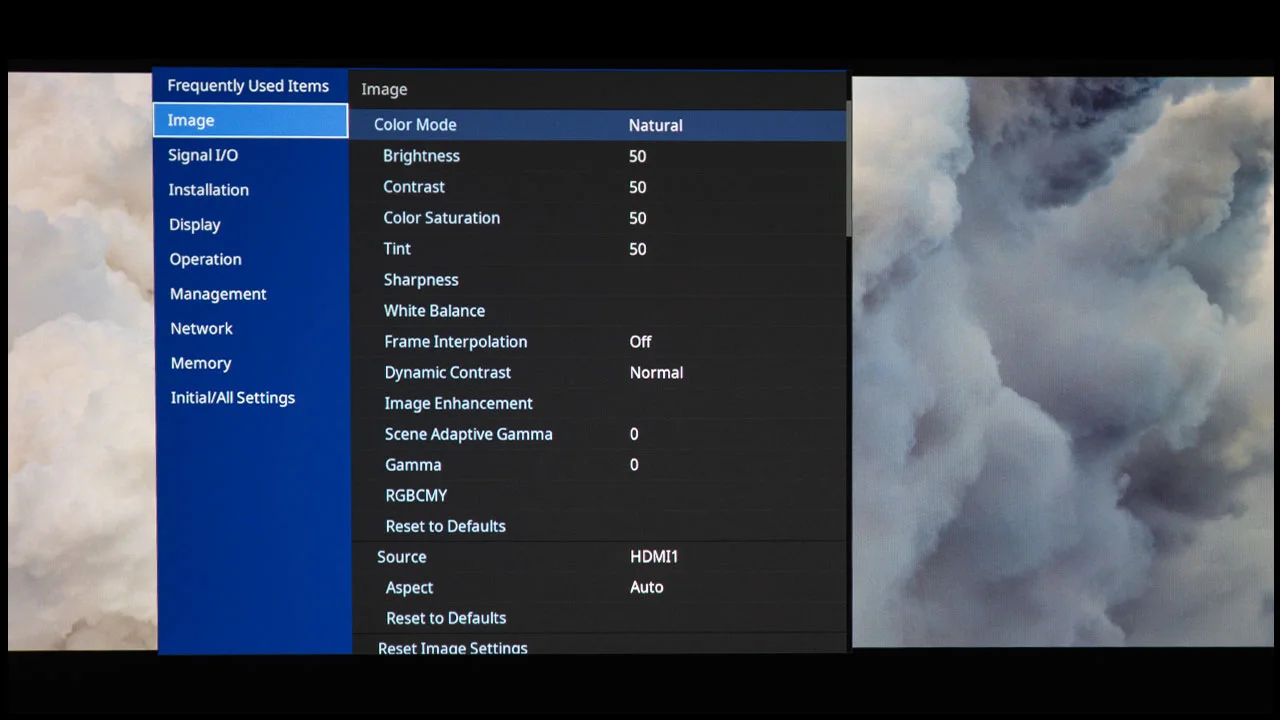
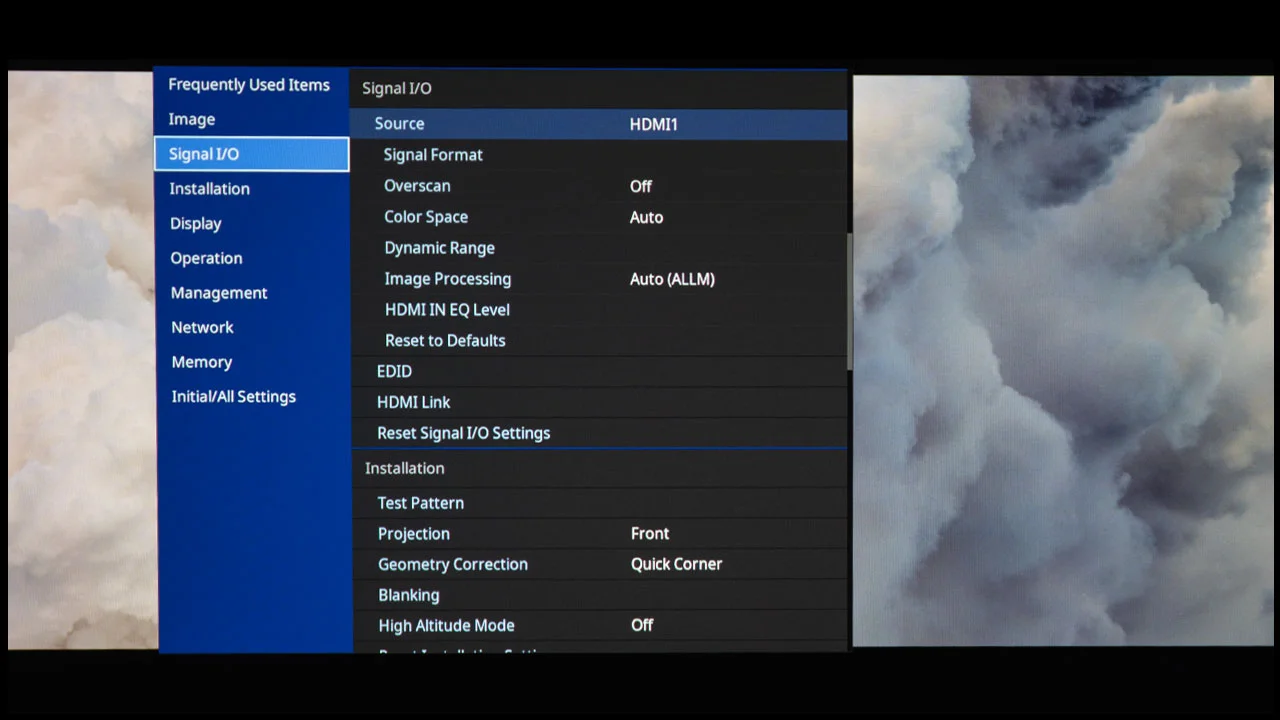
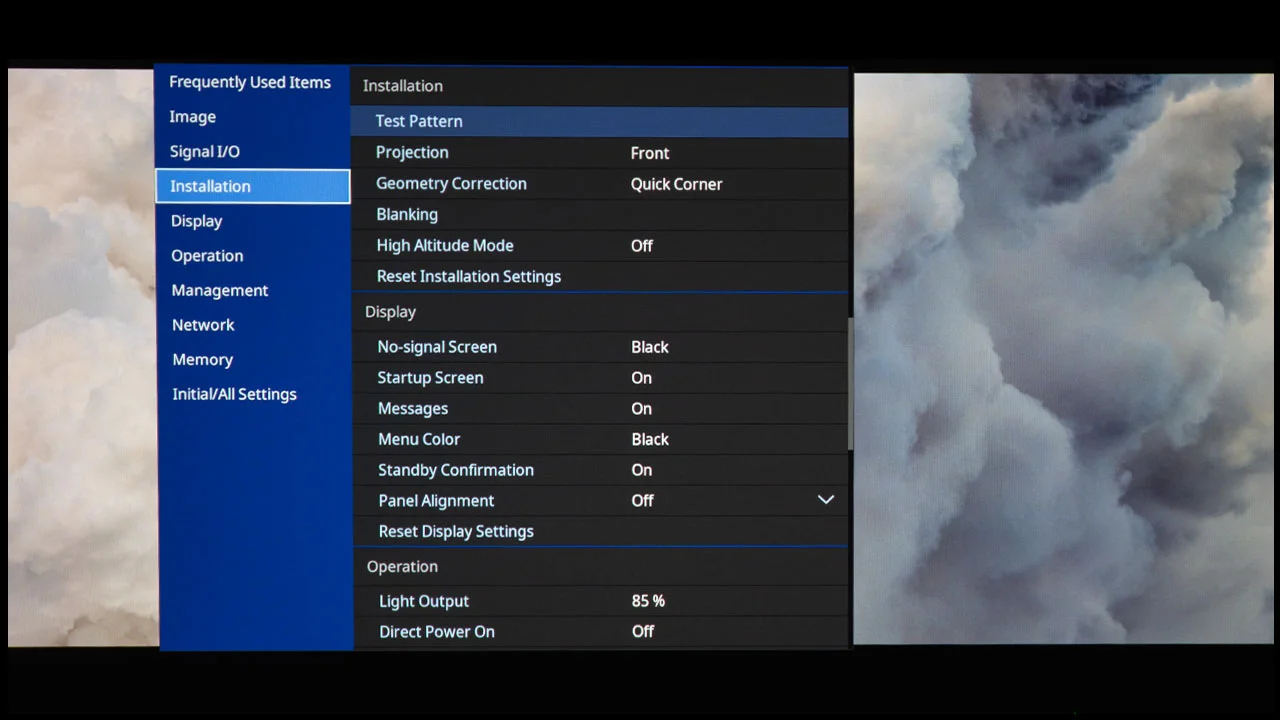
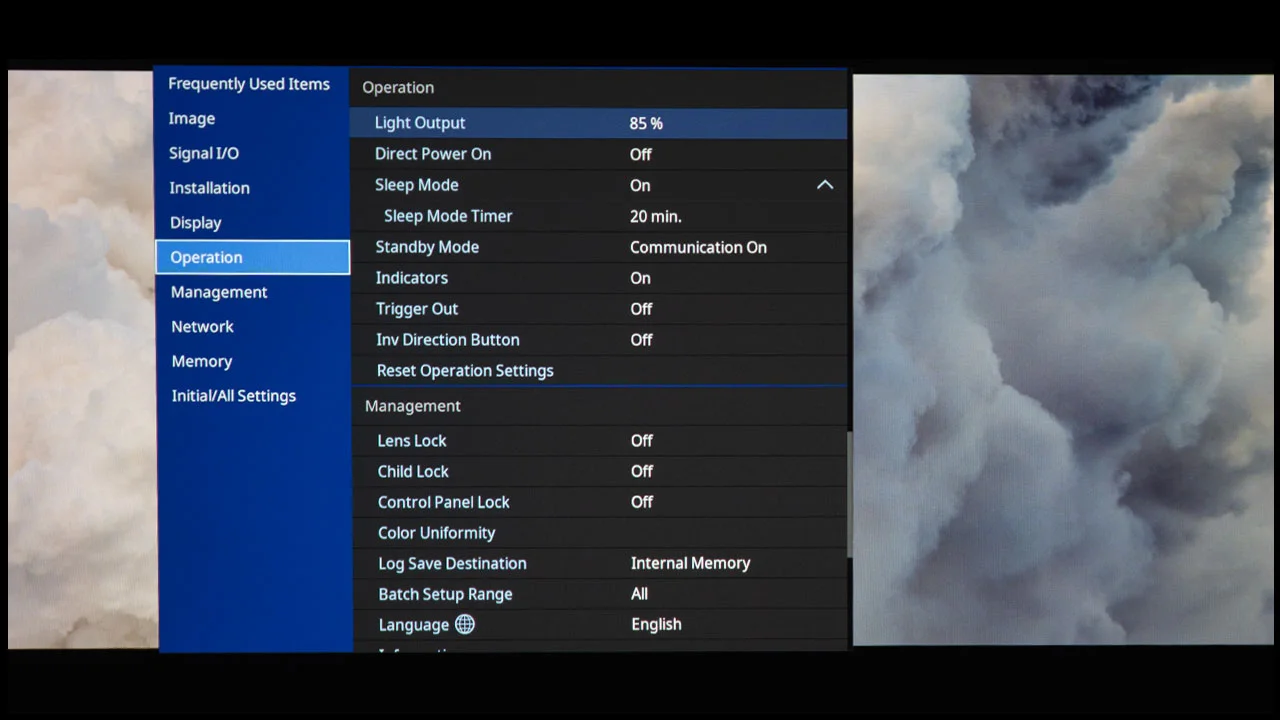
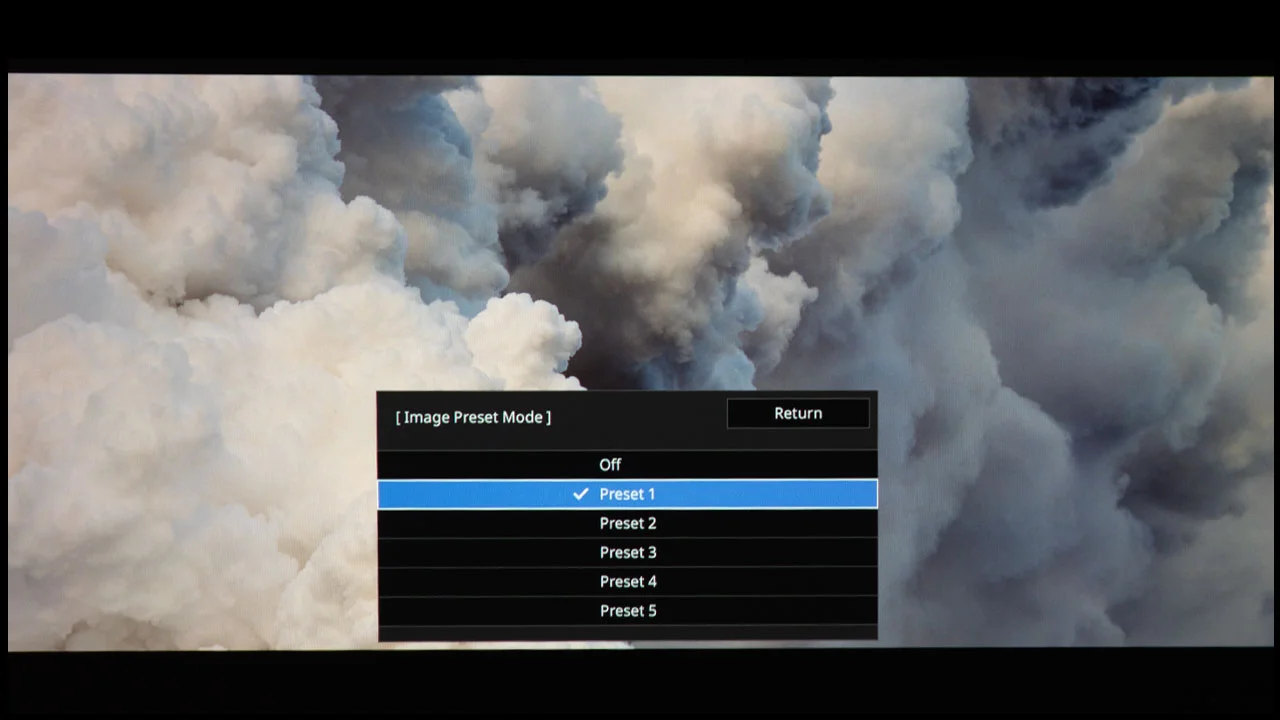
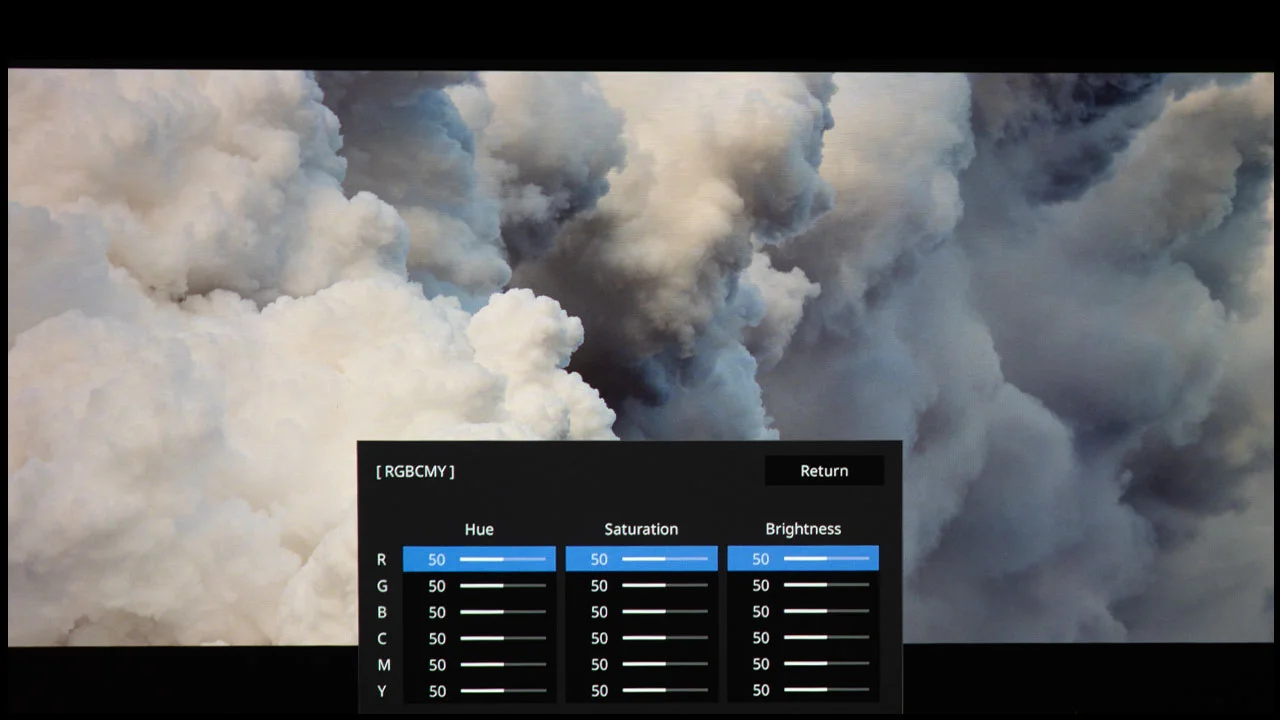
The projector’s menus and on-screen controls are intuitive, and calibration professionals will appreciate the advanced white balance and tuning options that allow fine-tuning of color temperature and grayscale tracking.
Filmmaker Mode is accessible through the menu, and HDR settings can be adjusted to suit different types of HDR content without overwhelming the image with excessive brightness or clipping. Because the projector lacks built-in smart streaming or app support, users will need to connect their own media sources or streaming devices via HDMI, but this should not bother the W5850 target customer. While the BenQ W5850 is not a smart projector, it includes a USB media player, which supports a wide range of photo and video formats.
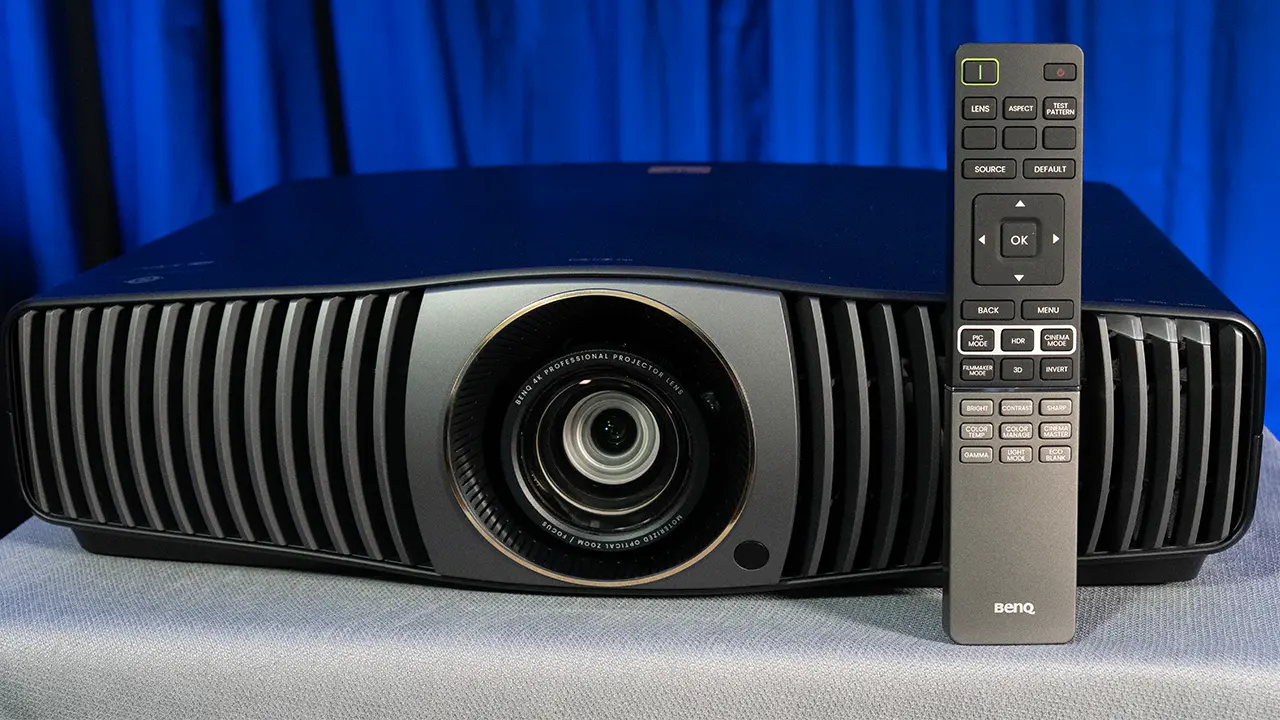
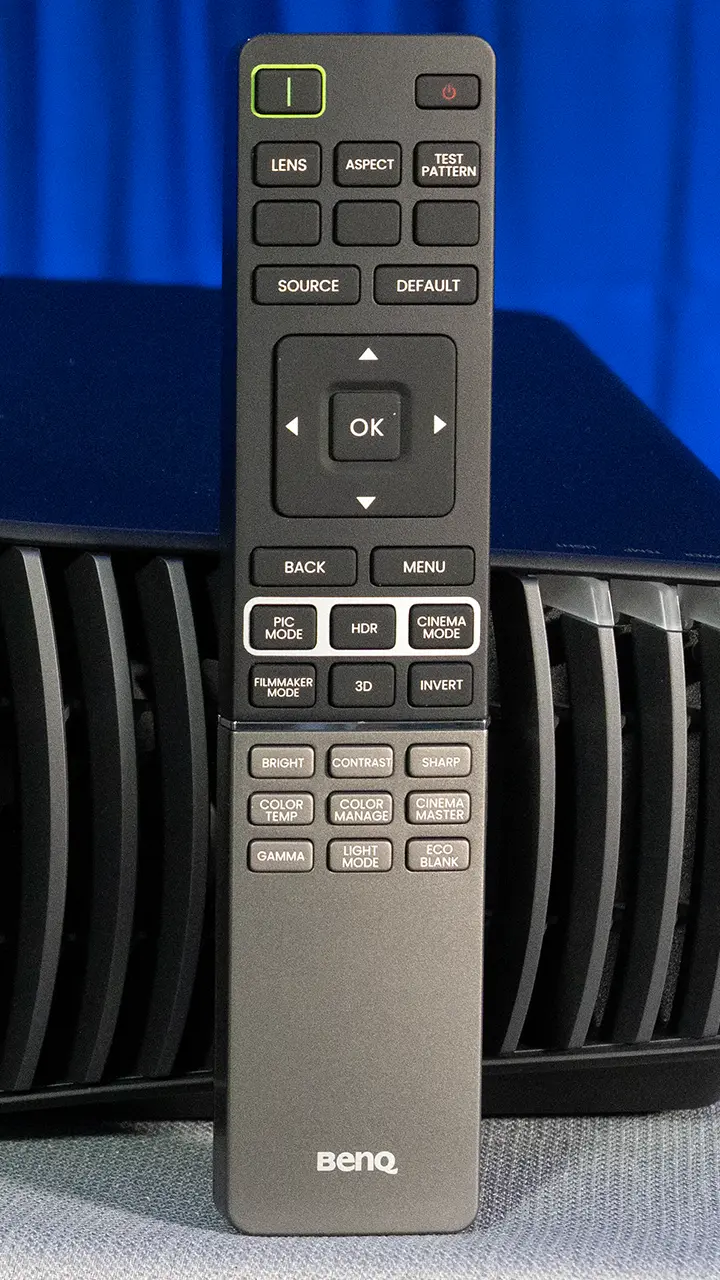
The W5850 comes with a large backlit full-featured remote control. The fact that it is backlit makes it easier to operate even in dark environments, which is where this projector will probably be situated.
It comes with multiple dedicated buttons that allow you to directly access commonly used settings such as the picture mode, HDR levels and picture adjustments, like brightness, contrast, and color temperature.
PERFORMANCE
COLOR REPRODUCTION
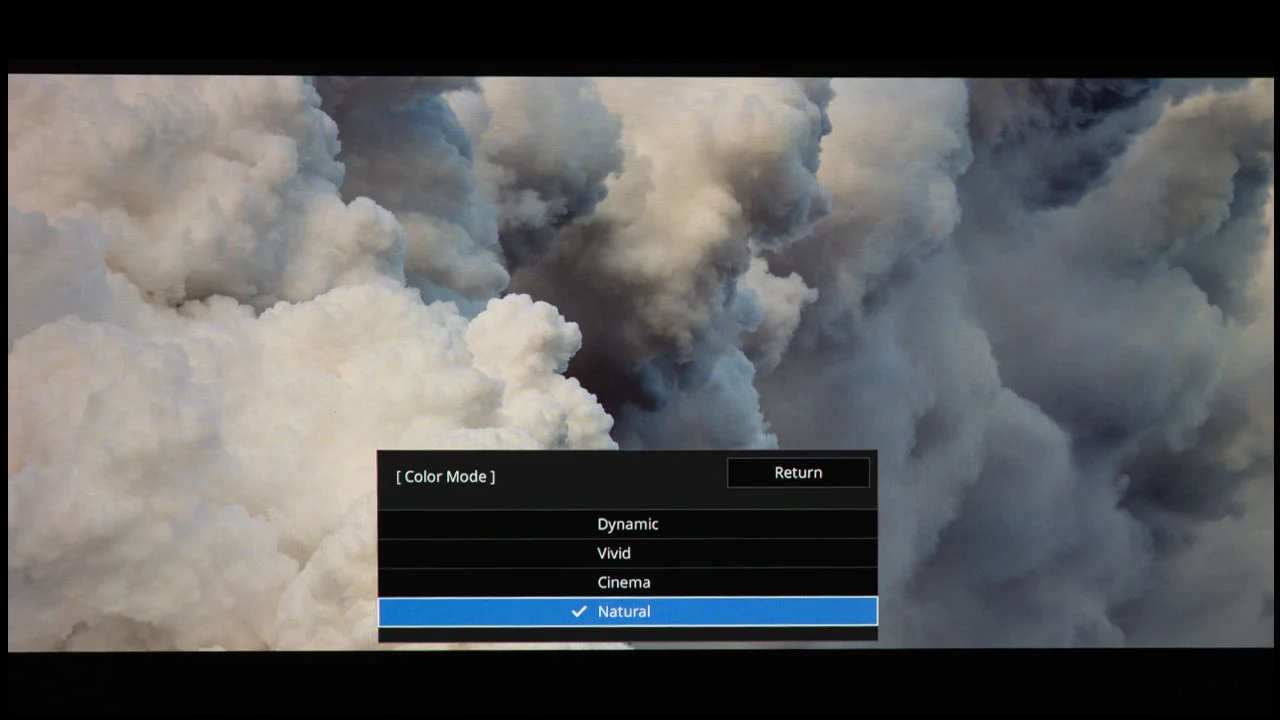
The BenQ W5850 includes five picture remotes. The two most accurate out of the box are FILMMAKER MODE and the two CINEMA modes. The main difference between these three modes is their default sharpness and gamma settings, and which picture enhancement settings, like Pixel Enhancer 4K (both cinema modes) and Local Contrast Enhancer (bright cinema), are enabled in the CinemaMaster submenu.
These differences in modes are designed to deliver higher perceived on-screen clarity and more color saturation. CINEMA mode produced accurate color, enhanced sharpness with a gamma of 2.2. BRIGHT CINEMA mode was accurate as well, but with slightly more saturated color, enhanced sharpness, and a gamma of 2.2. FILMMAKER MODE has a gamma of 2.4, so it works best in a darker space.
The W5850 can display 100% of the DCI-P3 gamut. This wide color gamut means that the projector can reproduce the full range of colors used in most movie and broadcast content. The projector's color reproduction was outstanding. This was not a surprise based on my prior experience with BenQ projectors and the provided calibration sheet.
Factory calibration further enhances this accuracy, with individual units typically reporting Delta E values below 2, which indicates a high degree of color precision out of the box.
The factory calibration sheet stated that the CINEMA and BRIGHT CINEMA modes were adjusted to maximize color reproduction. My particular sample had a color target of 6500° Kelvin and a gamma curve target of 2.2, with an average delta E of 0.73 and a max delta E of 1.18.
Because color accuracy is so central to the feeling of realism in movies, this level of performance helps the W5850 deliver images that feel natural and engaging rather than artificial or oversaturated.
I did most of my viewing in the CINEMA mode. The W5850 did a good job of accurately displaying the colors found in both SDR and HDR Content. While many DLP projectors struggle to reproduce skin tones, on the BenQ, they looked great.
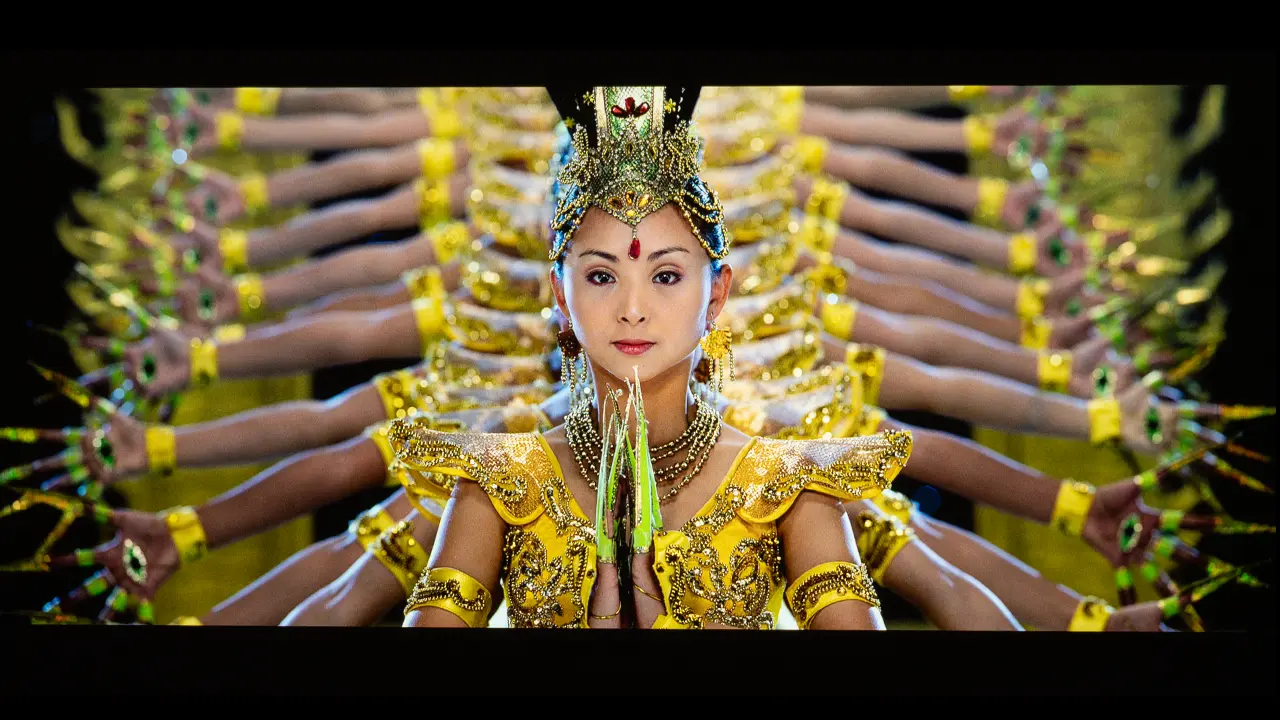
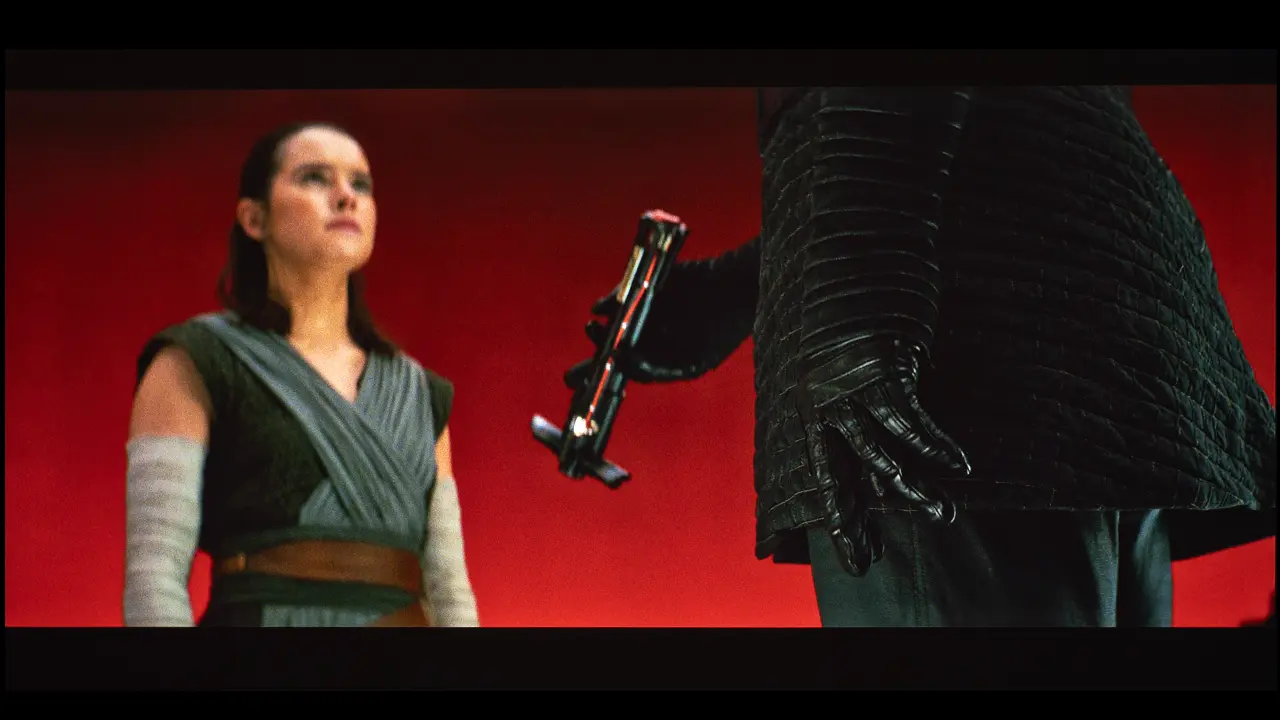
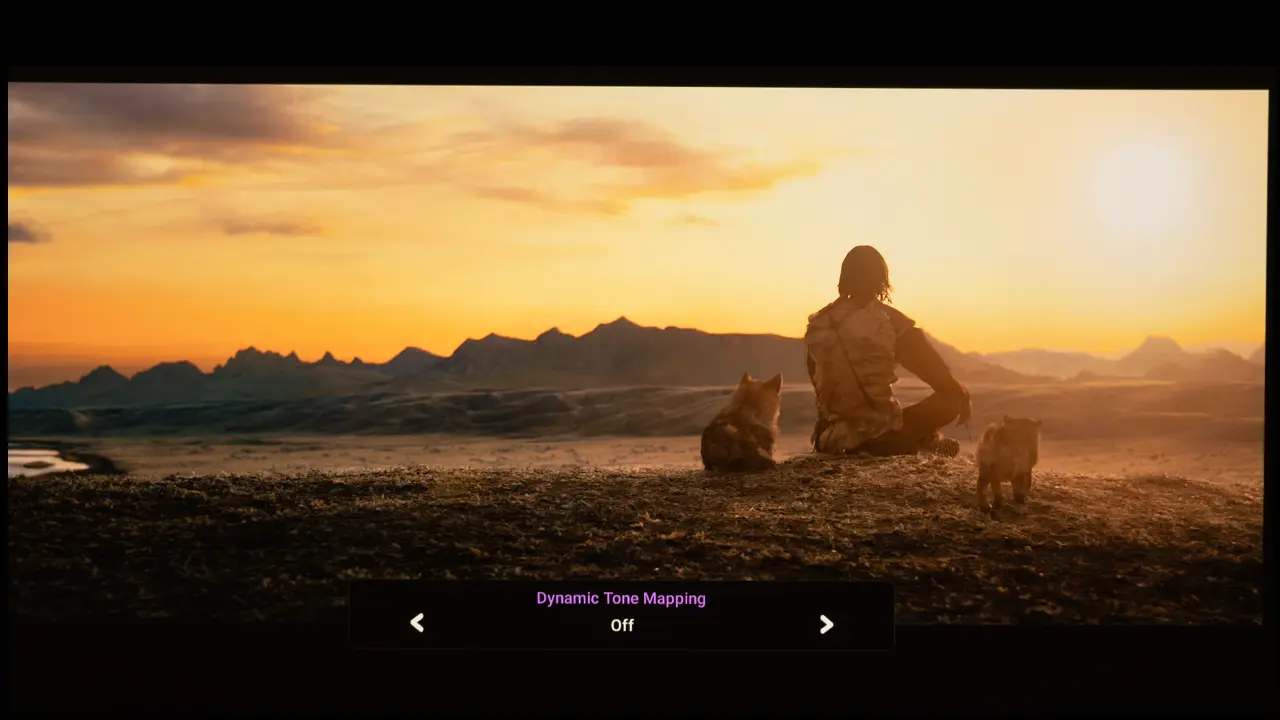
For example, colors and the red monk scene in the SDR movie Samsara tend to look oversaturated. While this is visually appealing, it's not realistic. When viewing the scene on the W5850, it felt like I was peeking through an open window.
In addition to the preset picture modes, you can create two dedicated ISF setting memories. The ISF (Imaging Science Foundation) calibration menu is unlocked using a remote-control key sequence, not a numeric password. Using the projector remote or keypad, enter this sequence:
Up → Down → Up → Down → Left → Right
When engaged, the two (ISF) modes, along with the user mode, delivered the best out-of-the-box gray scale, but the colors were oversaturated. When one of the ISF modes are selected, several picture settings are greyed out, including gamma, color temperature, 2pt white balance and CMS.
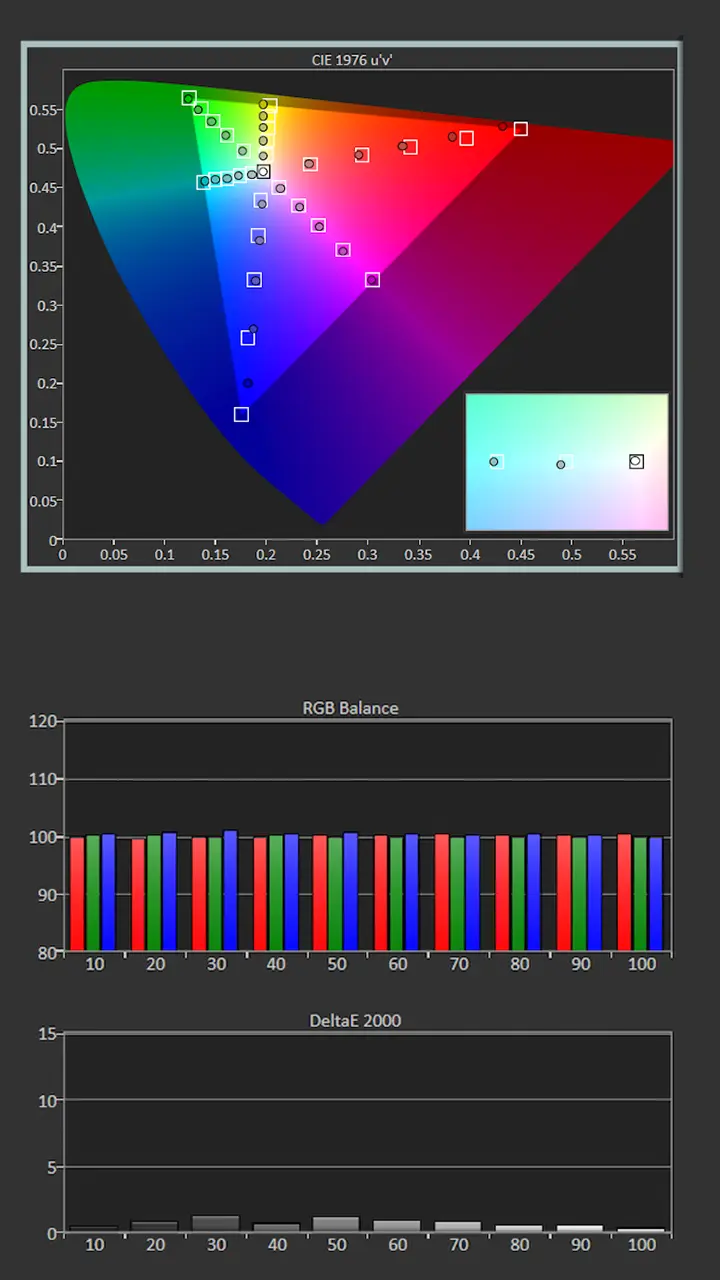
Like all Home Entertainment-focused projectors, I took the time to calibrate the W5850. I used Portrait Displays Calman color calibration software, along with a Klein K10A colorimeter and a Murideo 8K Seven Generator, to measure the color accuracy of the W5850 before and after adjustment.
Since your room and screen material significantly impact the overall picture, we don't recommend using someone else's calibration adjustments. If your room is brighter/darker or your walls are a different color, your settings would probably be different. Also, the color characteristics of different individual projectors can vary. Therefore, copying someone else's results could be detrimental to the picture quality rather than improving it. However, I am including my specific room's before-and-after calibration results.
Pre-Calibration Color Tracking and Grayscale
According to the factory calibration sheet provided by BenQ, the CINEMA and BRIGHT CINEMA modes were the most accurate. I opted to adjust the CINEMA Mode.
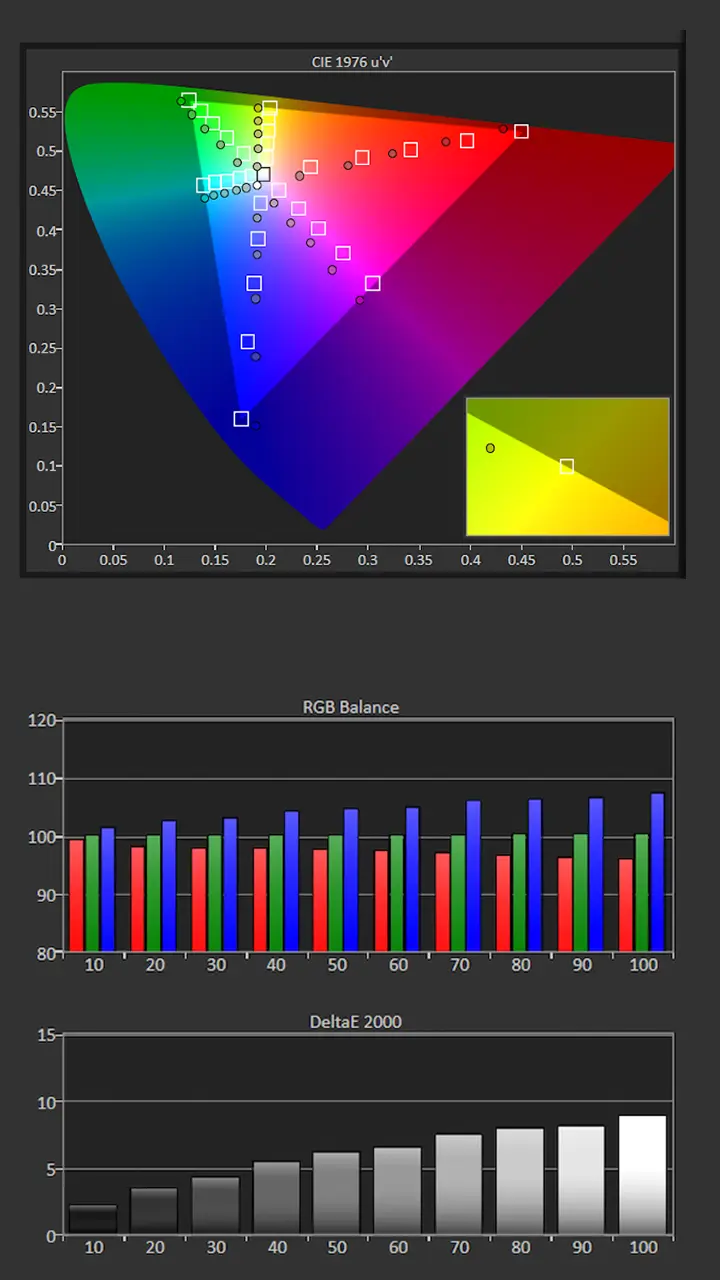
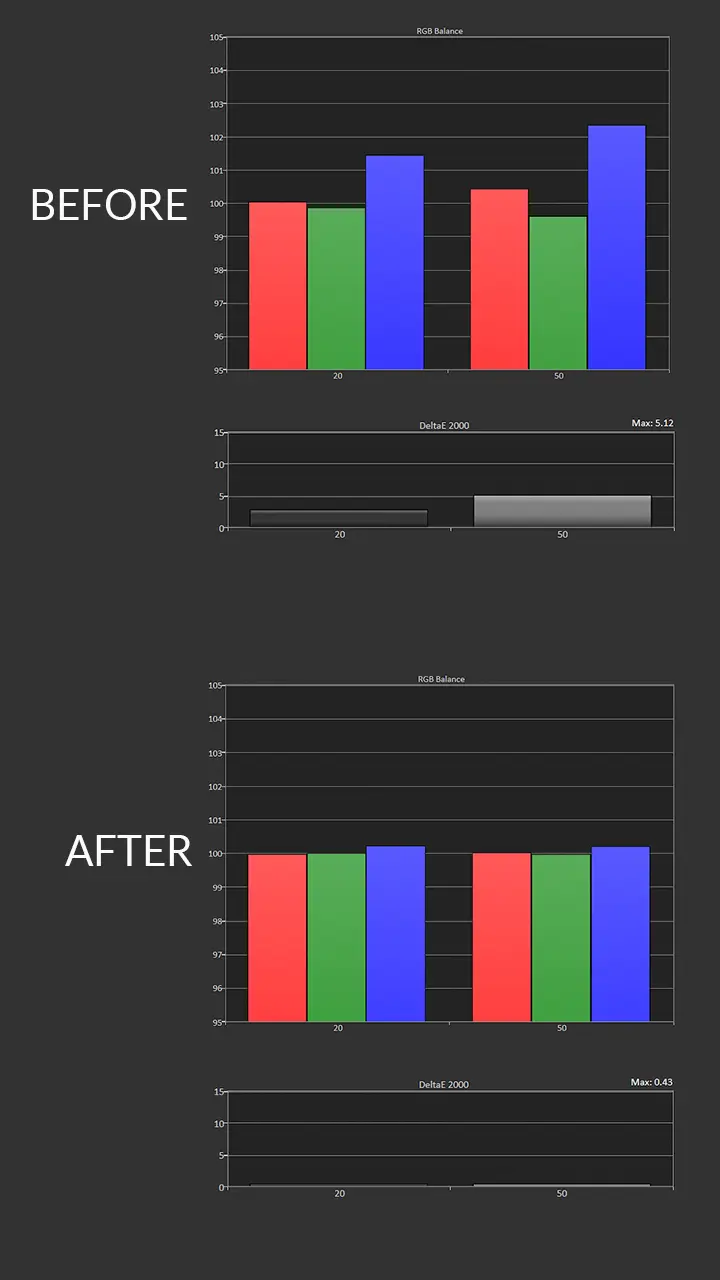
When measured, the color temperature was much cooler than expected due to excessive blue. Out of the box, the projector's Color Temperature was set to Normal.
While this helps compensate for warm ambient lighting, it is not the most accurate option. To get measurements closer to those shown on the Factory Calibration page, when viewing SDR, set the Color Temperature to Warm.
The W5850 color tracking was average. The Saturation Sweep measurements showed that several colors were oversaturated and exhibited a slight hue shift.
The gamma measured close to my target of 2.2. Cinema mode delivered 259 cd/m2 on my 100-inch, 1.0-gain screen.
Picture Mode: CINEMA
Gamma: 2.16
Color Temperature: 8005K
Average Grayscale dE: 8.1
Average Color Tracking dE: 2.45
Post-Calibration Color Tracking and Grayscale
The W5850’s color temperature was cooler than my target of 6500K, but just switching the Color Temp setting from Normal to Warm delivered a nearly perfect grayscale. I was surprised that BenQ chose Normal as the default out of the box.
You could make some minor improvements by using 2-point or 20-point grayscale adjustments, but the difference in picture quality would probably not be noticeable.
Switching the Color Temperature setting to Warm also dramatically improved the projector’s color tracking. I then used the CMS tools to correct any remaining hue shift.
Since the Gamma measure is close to my target of 2.2, I just reduced the brightness setting slightly to refine it further. Brightness after adjustment was still 237 nits (cd/m2).
Picture Mode: CINEMA
Gamma: 2.2
Color Temperature: 6516K
Average Grayscale dE: 1.2
Average Color Tracking dE: 1.7
When evaluating color reproduction, a Delta E measurement of 3 or less is considered ‘Excellent’ and imperceptible by the human eye. Just changing the Color Temperature from Normal to Warm reduced the Grayscale Delta E to less than 2, which is excellent. The W5850 also did a good job tracking colors, but some brighter colors remained undersaturated.
There are only a few DLP home theater projectors that could match this unit’s out-of-the-box color accuracy. Most customers would be more than satisfied with the W5800’s default picture quality.
If you are not going to have your projector calibrated, you can make simple BRIGHTNESS, CONTRAST, and SHARPNESS adjustments to improve the picture quality in your room. There are several free test patterns available on t the Murideo website and their YouTube channel. Murideo also has written instructions in the resource section of its website. After completing the complex ISF calibration process, I identified a few quick steps to improve the unit’s color accuracy.
Select CINEMA or BRIGHT CINEMA Mode
Change Color Temperature from Normal to Warm
Set Gamma to 2.2 or 2.4, depending on the lighting environment
Engaged the Dynamic Black feature
Enable Dynamic Tone Mapping
HDR Color Tracking and Grayscale
When watching HDR10 content, there are only two preset picture modes, HDR10 and FILMMAKER MODE. HDR picture modes offer the same color reproduction. The main difference is that features like Dynamic Black and the Local Contrast Enhancer are engaged in HDR10 mode.
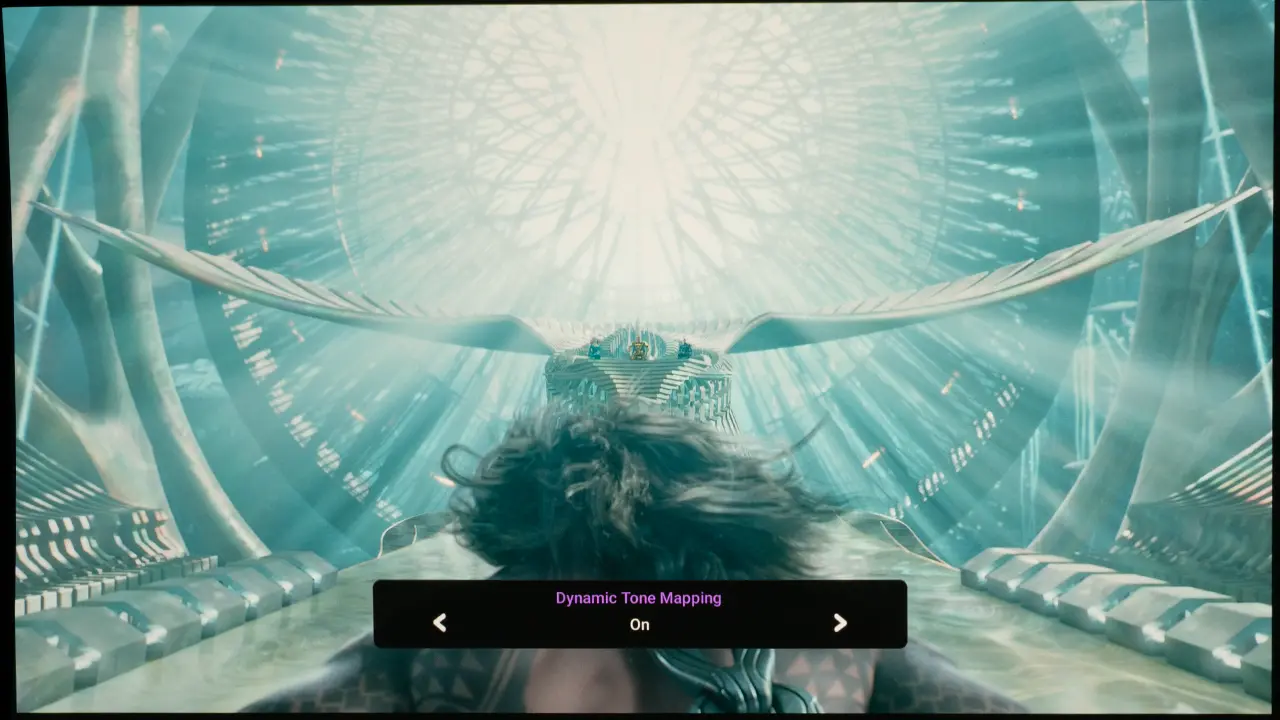
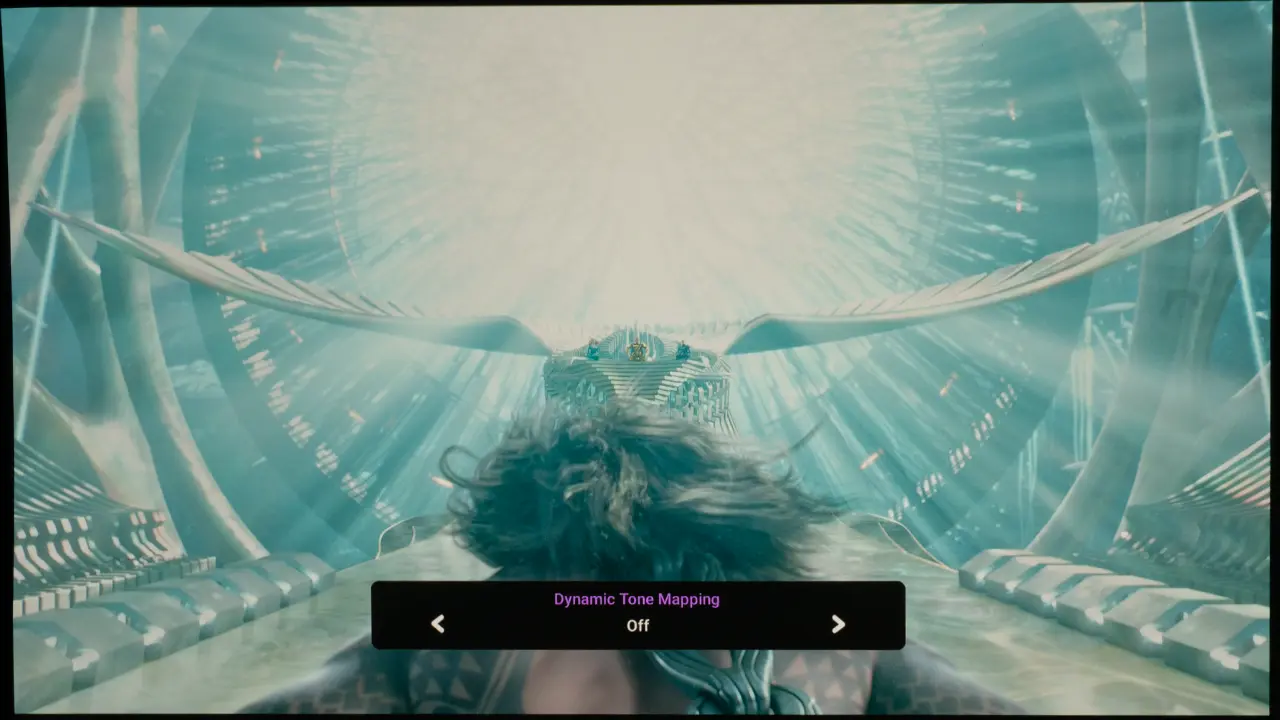
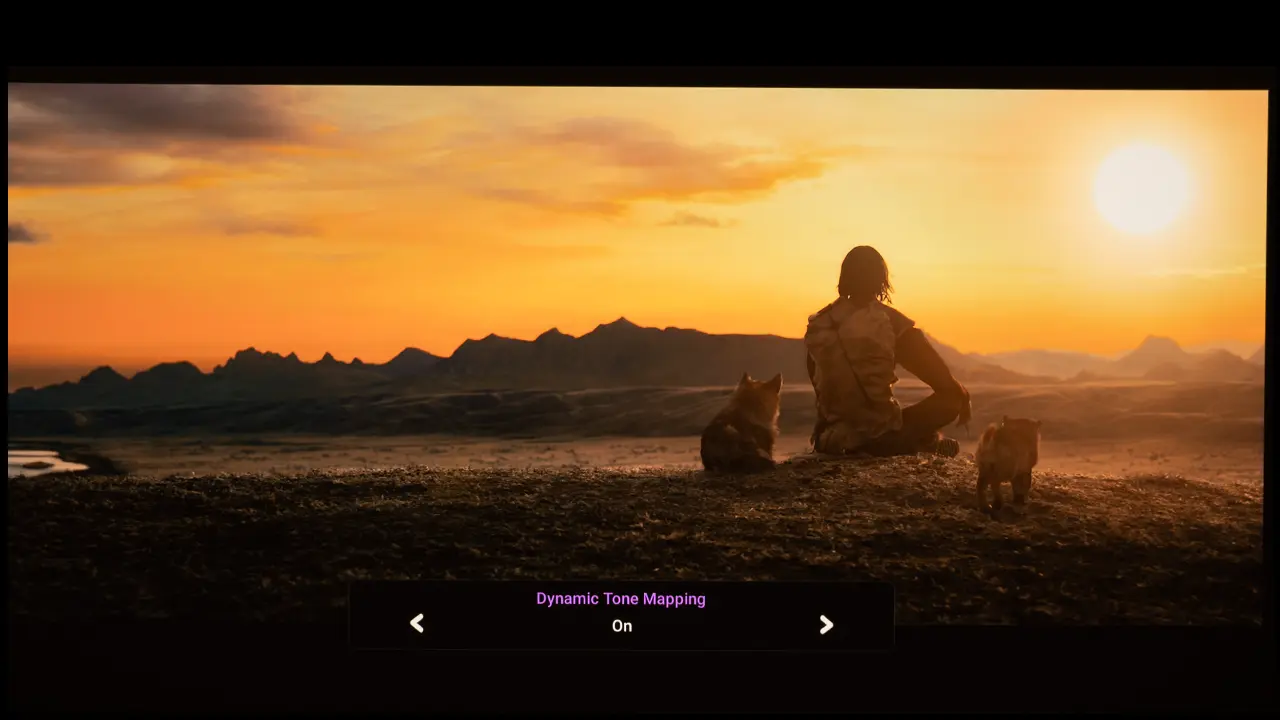
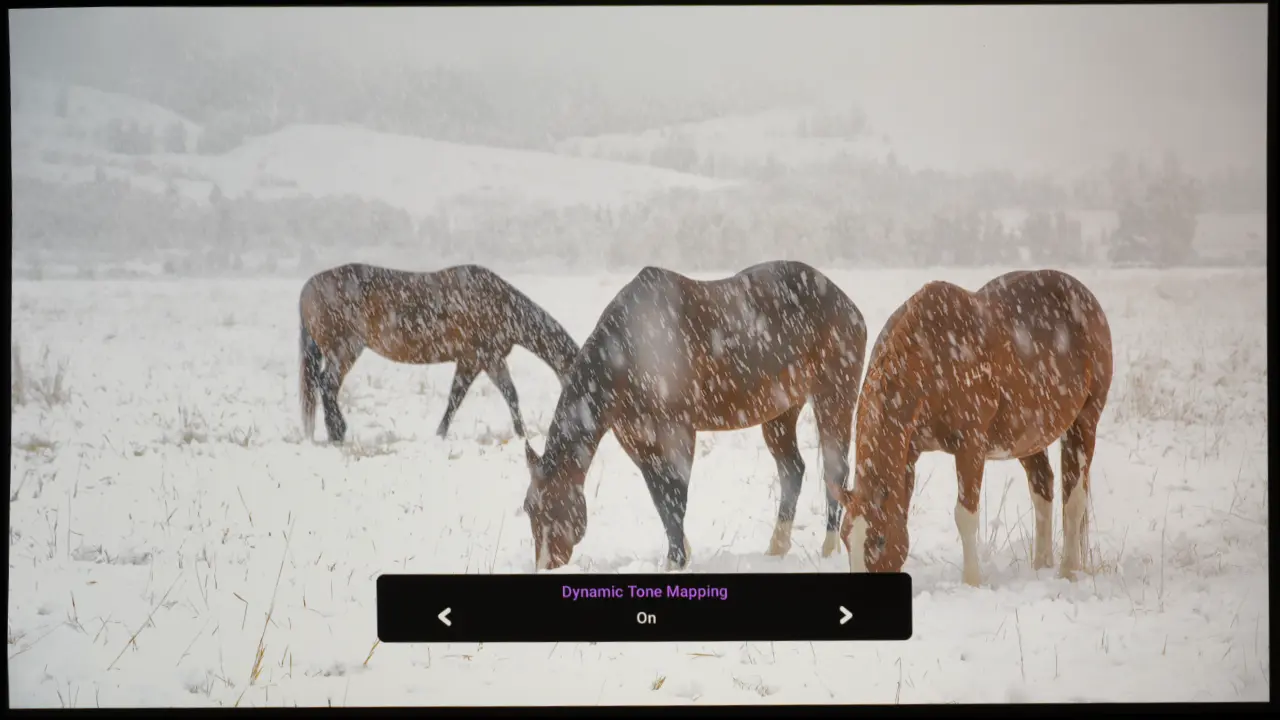
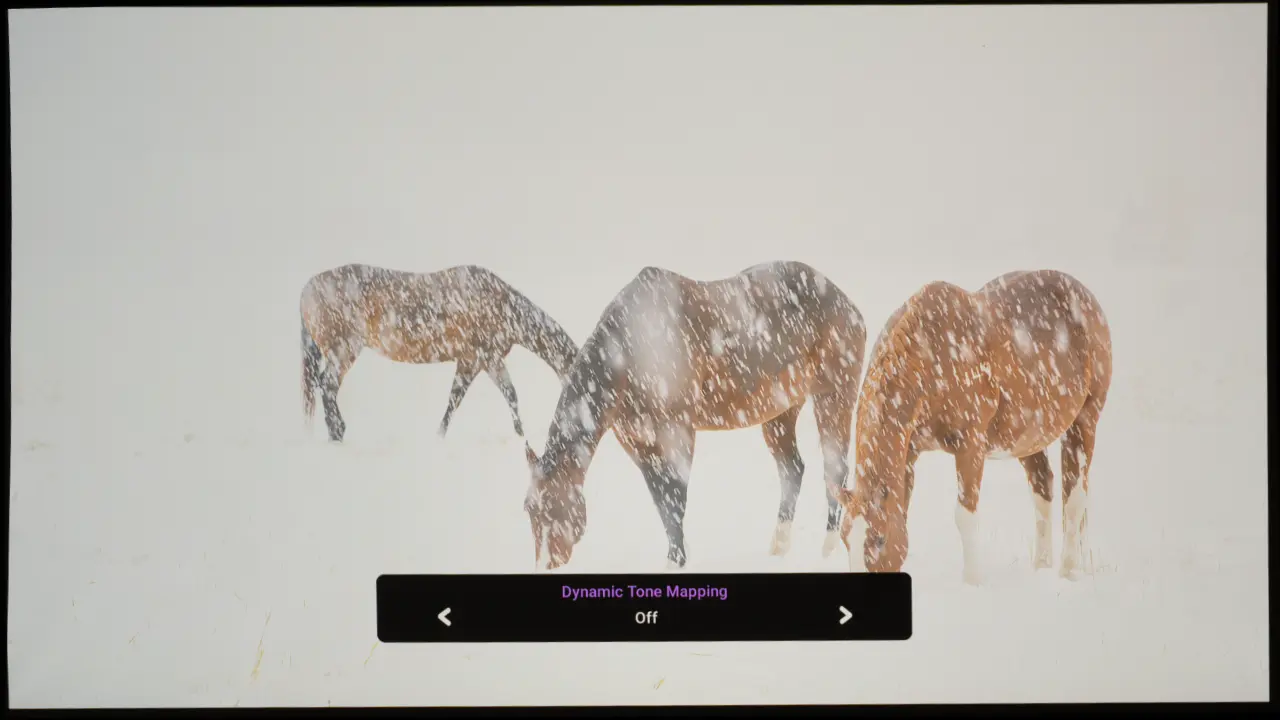
The Dynamic Tone Mapping feature is set to Off by default in both modes. Engaging this feature increases visual contrast and makes highlight detail more visible, but it reduces the overall scene brightness.
The Dynamic Tone Mapping feature is beneficial when playing HDR content mastered over 1000, like Aquaman or Meg. However, if you desire higher overall screen brightness, you can leave it off, but some highlight information will be clipped.
BRIGHTNESS
The BenQ W5850 has a rated brightness of 2600 lumens. To measure the projector’s maximum brightness, I selected the BRIGHT picture mode and set the Laser Light source power output to Normal Mode, the highest setting.
At wide zoom, the BenQ W5850 produced 2652 lumens. which exceeds the projector's rated brightness. For the other picture modes available on the W5850, I've compiled the results of my measurements below for your reference.
Picture Modes: Brightness and Color Temperature
Picture Mode
Brightness Measured (Lumens)
Bright
2652
Bright Cinema
1985
Filmmaker Mode
2172
Cinema
2172
ISF Night
1991
ISF Day
1985
User
1988
HDR10
2195
HDR Filmmaker
1974
The projector delivers a vibrant HDR image on my 130-inch screen, even in low ambient light. The projector's laser light source power output can be adjusted. Setting it to NORMAL delivers maximum brightness with a lifespan of up to 20,000 hours.
Switching the Laser to ECO mode reduces the brightness by approximately 30% it, but extends the laser light source life to 30,000 hours while reducing audible fan noise. When set to CUSTOM mode, you can adjust the light source output manually from 50% to 100% in 1% increments.
While cool, the projector’s brightest mode still delivers a usable image. I am glad BenQ did not include an unusable high-brightness mode for marketing purposes. While there are several projectors on the market with higher-rated brightness, those numbers do not reflect the unit’s actual usable brightness. So when it comes to displaying accurate colors, the W5850 can deliver the same on-screen brightness as many projectors that are rated well over 3000 lumens.
BLACK LEVEL AND SHADOW DETAIL
The W5850 black level is on par with most DLP projectors. It cannot match the inky blacks and ultra-high native contrast found on more expensive projectors from Sony and JVC. In my room, I measured a native contrast ratio of about 1200:1, which is average for a DLP projector.
The W5850 is equipped with dynamic laser, dimming, and dynamic contrast control designed to maximize the unit's visual contrast. When the Dynamic Black feature is engaged, the projector can completely switch off the laser light source when it detects a black signal, resulting in a much higher dynamic contrast ratio.
While the blacks were not super deep, the projector does a good job of displaying shadow detail in darker areas. While the dynamic black system works well, the W5850 can't match the on-screen contrast produced by the VisionMaster Max, especially if that projector's iris is engaged. I also found that the dynamic contrast technology used in the VisionMaster Max was better.
In a pitch-black room, you would see a difference between the W5850 and the VisionMaster MAX, but it becomes less noticeable if there is any ambient light in the room.
STANDARD DYNAMIC RANGE
While most movie content is shot in HDR, we still watch a lot of broadcast and older content that was captured in HD or lower resolutions. The W5850 video processor does a good job of upscaling lower-resolution content to 4K. The high-quality 16-element lens ensured that all the resolution, whether 4K or upscaled, reached the screen.
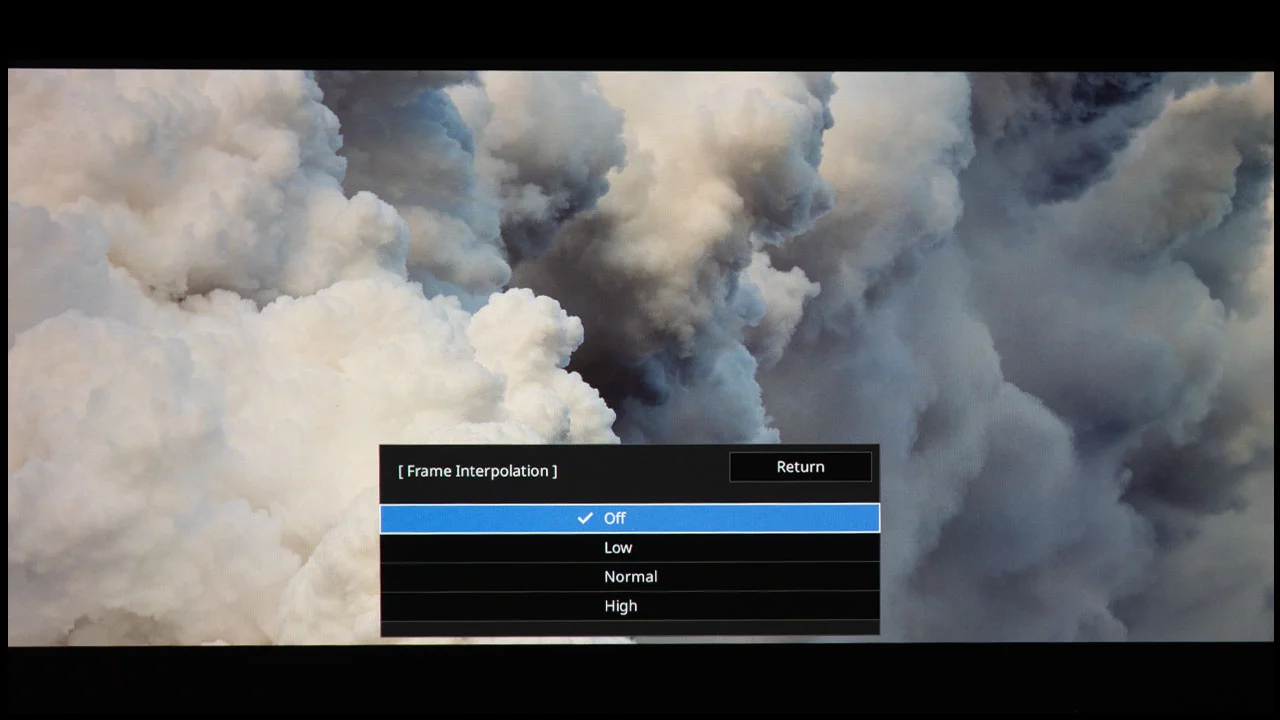
In addition, BenQ provides several adjustable image enhancement settings under the CinemaMaster submenu. These settings let you refine the look of upscaled material using features like Color Enhancer, Pixel Enhancer, and Local Contrast Enhancer. Setting the Motion Enhancer 4K feature to Low reduced judder without introducing excessive motion artifacts. The higher settings smooth motion further, but result in the Soap Opera effect, which makes the 24FPS movie content look less cinematic.
The W5850 can display 100% of the DCI–P3 color gamut, and it does a good job of mapping its wide gamut to properly display the REC709 color space used in SDR material. The most accurate SDR picture mode was BRIGHT CINEMA, as it was factory-calibrated before the projector was shipped. The CINEMA mode also looks good once you switch the Color Temperature from Normal to Warm.
The projector’s accurate color reproduction resulted in realistic-looking skin tones and natural-looking colors. The projector’s rated brightness of 2600 lumens is more than enough to display a vibrant-looking SDR image on screens approaching 150 inches in a dark space.
I should also note that the W5850 is one of the few new Home Cinema projectors on the market that supports 3D. While there isn’t much new material being captured in 3D, the capability is still beneficial for those who have 3D Blu-rays and Games in their catalog. The unit doesn’t ship with active shutter 3D glasses, but you can purchase compatible DLP-LINK 3D glasses from sites like Amazon.
HIGH DYNAMIC RANGE
The BenQ W5800 supports HDR10, HLG, and HDR10+. The projector has two HDR10 picture modes, which are HDR10 and HDR FILMMAKER MODE. The color reproduction of both modes is excellent. The main difference between the modes is which picture enhancements are engaged. There are also dedicated picture modes for HLG and HDR10, which automatically engage when those signal types are detected.
The W5850 is equipped with HDR dynamic tone mapping, which automatically adjusts the projector’s tone mapping curves based on the scene being displayed. This feature does a good job balancing on-screen brightness with the need to display bright highlight details.
You can also manually adjust the projector’s static HDR tone-mapping curve using the HDR brightness setting. When the value is increased, the overall scene brightness will be higher at the expense of bright highlight details. Reducing the value will make the highlights more visible, but the overall scene will appear darker.
Compared with most DLP-based projectors, BenQ models have historically delivered a better-looking HDR image. Currently, I have a BenQ W5800 in my inventory as a long-term loaner. While I have explored replacing this BenQ model as my reference DLP projector due to its image quality, I keep gravitating back to the W5800.
Yes, there are DLP projectors with higher brightness ratings and deeper black levels, but I think BenQ's overall image quality is superior. The W5850 combines BenQ HDR-Pro technology with new Dynamic tone mapping to produce an HDR image that is even better than my older W5800.
GAMING
The BenQ W5850 cannot accept or display a 4K 120 Hz signal. For high-refresh-rate gaming, the W5850 can display 1080/120 Hz from a gaming console or a computer. Many gaming enthusiasts are fine with trading resolution for lower lag and higher refresh rate.
Input lag is modest for a projector of this class, with figures around 17.9 ms at 4K/60 and around 13 ms at 1080p/120, which will be of interest to users who plan to occasionally use the projector for gaming or other interactive content.
While the W5850 is not primarily a gaming projector, the minimal lag between controller input and on-screen action should satisfy most console gamers. It does not support advanced gaming features like variable refresh rate or ALLM, so gaming performance should be considered secondary to its main cinema focus.
SUMMARY
The BenQ W5850 stands out as a refined and highly capable performer that builds on the solid foundation established by the award-winning W5800. It retains the core strengths that BenQ’s cinema projectors are known for, including accurate color, strong contrast, effective HDR performance, and a bright, detailed 4K image that meets the expectations of serious movie enthusiasts. Factory color calibration ensures the projector produces accurate colors when its Color Temperature is set to Warm.
Compared with the W5800, the W5850’s performance characteristics are largely similar in core image quality, color accuracy, brightness, and contrast, because both models share the same underlying imaging engine and laser light source specifications.
Since the W5850 is newer, its video processor now offers dynamic tone mapping, which was not available on the W5800, giving the new projector a slight edge when reproducing challenging HDR content
Many home entertainment spaces are constrained in depth. The primary advantage of the W5850 over the W5800 lies in its optical design and installation flexibility, which allows it to deliver a larger image from shorter distances and in tighter spaces.
The BenQ W5850 offers all the installation-friendly features and a picture quality you would expect from a company's flagship projector. Setting up the BenQ W5850 is straightforward thanks to its motorized lens functions and extensive lens-shift range. The horizontal shift range of ±15 percent and the vertical shift range of ±50 percent accommodate a variety of mounting locations, whether the projector is placed on a shelf or ceiling-mounted. With the W5850, installers can position the projector closer to the screen while still delivering an impressive image size.
While it does not offer smart streaming or advanced gaming features, those omissions are consistent with its focus on cinema-centric use. The inclusion of features such as ISF Picture Mode and extensive color tuning options further reinforces its focus on accurate color reproduction and cinematic movie presentation.
The W5850 is an excellent Projector for someone looking to project a massive, high-quality image from a fairly close distance. BenQ has offered projectors with shorter throw lenses for several years because it gives the customer the option of placing the projector on a table in front of the viewer.
If you have a shallow room and are looking for a premium home theater projector with a throw lens that can project a 130-to-150-inch image, the W5850 would probably be a great option. A throw distance is not as short as an ultra-short-throw projector, but it does allow you to project a massive image from a few feet away.
If you are interested in purchasing the projector mentioned in this article, we always appreciate it if you use one of the links in the article because Projector Reviews earns a small commission on the sale at no cost to you.
In my personal space, my 130-inch screen is approximately 14 feet from the projector, so the older W5800 would be a better solution for my application. The W5850 has a much higher suggested retail price than the W5800, so if the older model's throw distance works for you, I suggest you grab it instead.
However, if you do need a short throw distance, there are a few premium projectors that can deliver the same-sized image from the same distance from the screen. So, for those who need the W5850's unique capabilities, I believe the premium price over the W5800 is justified.
Pros
Short Throw Lens produces a large image from a closer distance
Excellent out of the box color reproduction (Color Temperature set to Warm)
Dynamic HDR Tone Mapping
HDR10+ support
100% DCI P3 color gamut coverage
High quality lens delivers a sharp image
Motorized zoom lens with hortizontal/vertical lens shift.
Low audible noise
Support for 3D
Cons
Expensive
More brightness would be helpful when viewing HDR
Mediocre Black level and native contrast
Anamorphic lenses are not supported
BenQ W5850- SPECIFICATIONS
Full Specifications
Projector Model
W5850
Price (MSRP)
$6,999
Imager Type
DLP
Displayed Resolution
3840 x 2160 pixels
Native Resolution
1920 x 1080 pixels
Brightness (Manufacturer Claim)
2600 Lumens
Light Source Type
Blue Laser Phosphor
Contrast Ratio
3,000,000:1 (Dynamic)
Zoom Ratio
1.6X
Lens Throw Range
1.0:1 to 1.5:1
Power Zoom/Focus
Yes
Lens Shift
Yes
Interchangeable Lens
No
Ultra Short Throw
No
Native Aspect Ratio
16:9 (Widescreen)
4K/120 fps
Yes
3D
No
Speakers
No
Noise Level (-db)
30 dB (Normal) 27dB (Eco)
Low Lag Gaming
No
Smart Functionality
No
Business
No
Classroom
No
Portable
No
Special Features
Short Throw, H/V Lens Shift, Dynamic Tone Mapping
Networking
RJ45 Lan
Dimensions (WxDxH)
20.7" x 15.4" x 5,73" (525.2mm x 392.2mm x 145.7mm)