Projector Reviews Images

JMGO N3 Ultimate 4K RGB Laser Projector Review

Posted on July 7, 2026 by Philip Boyle
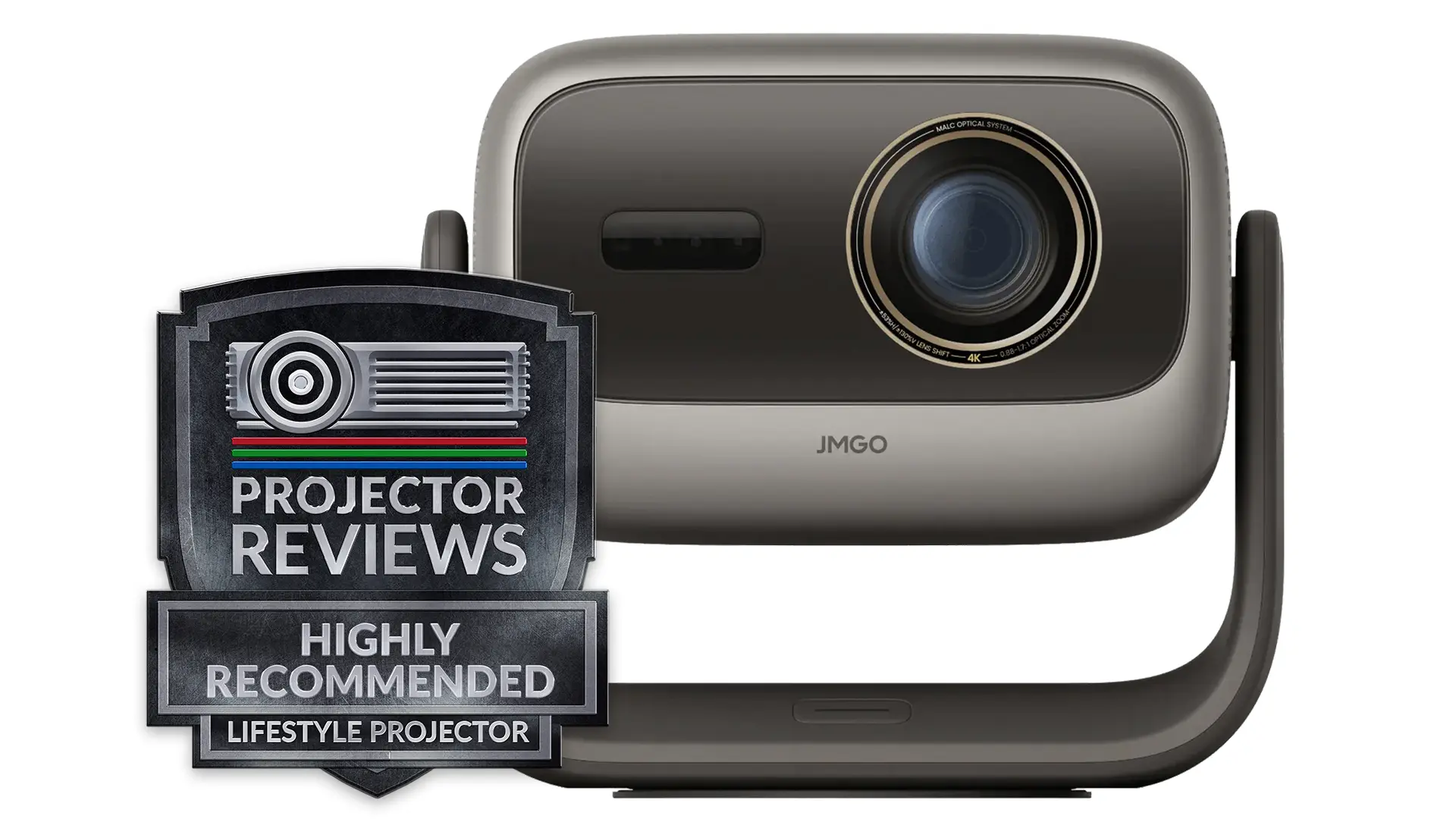
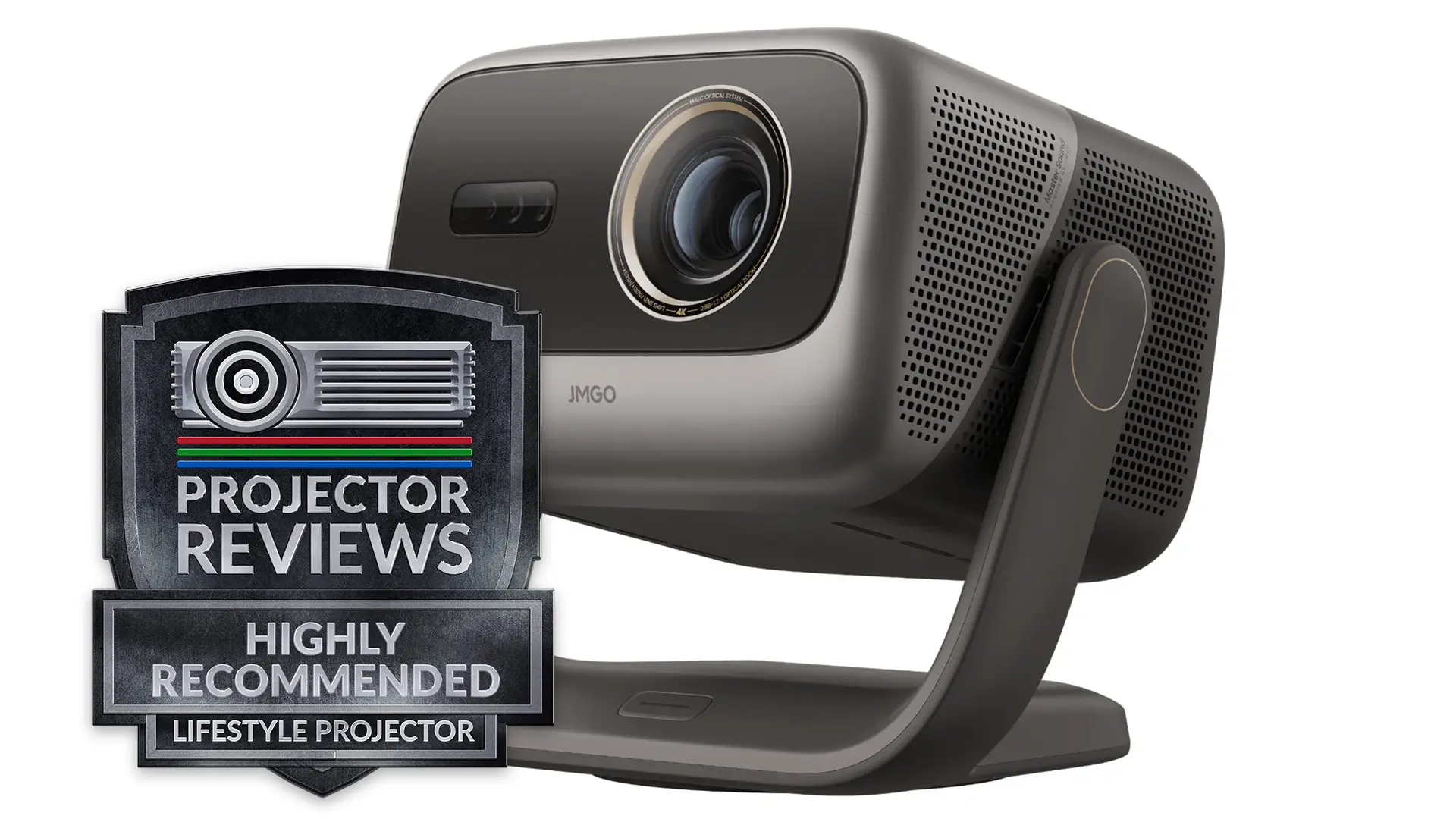
JMGO N3 Ultimate-Award-1

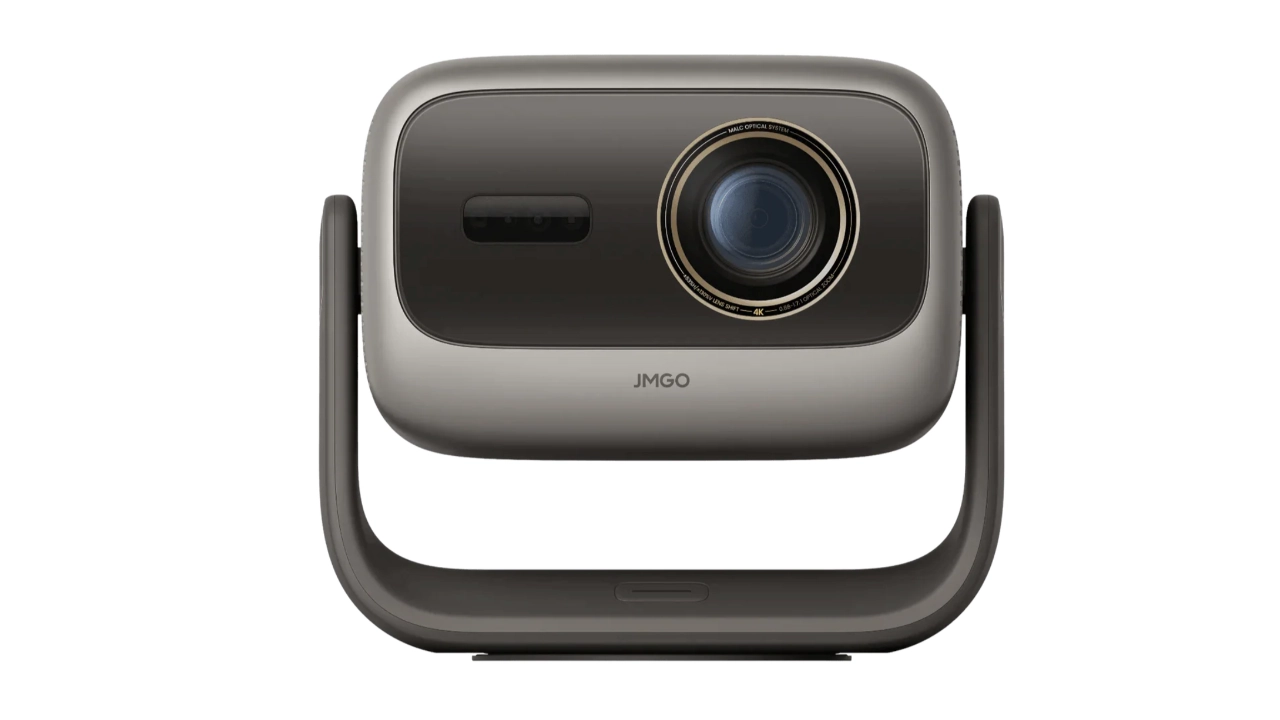
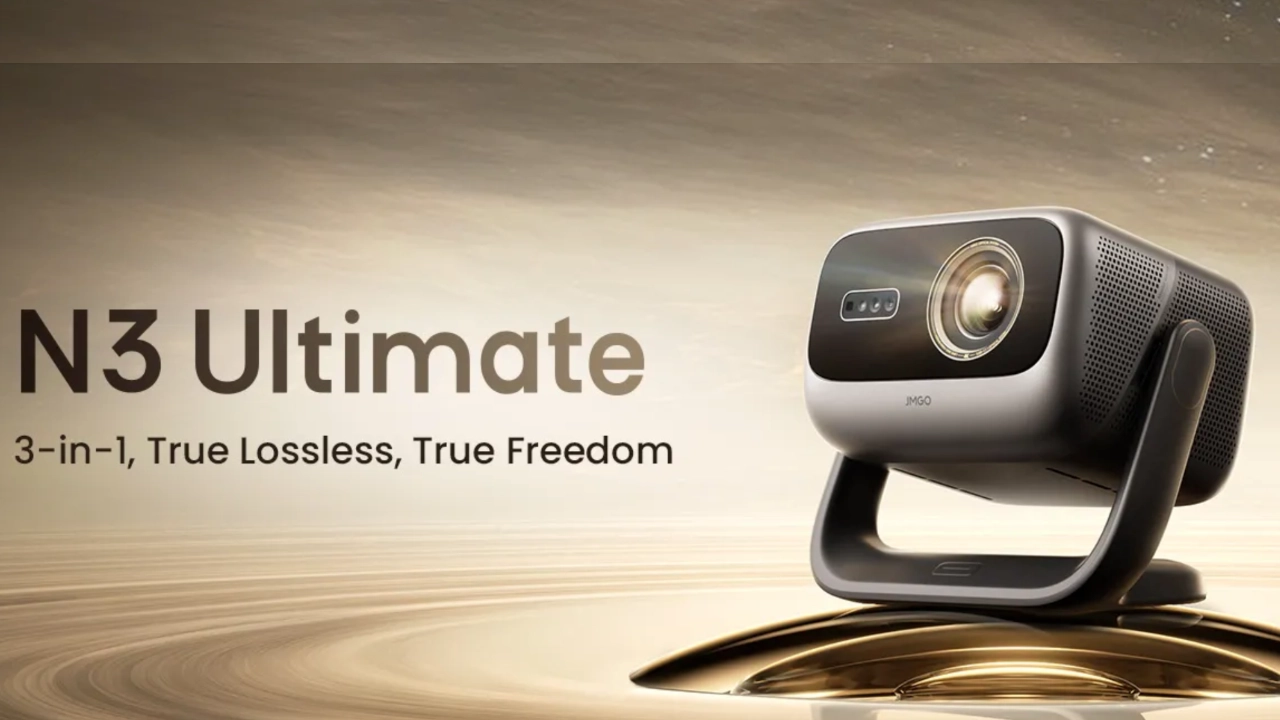
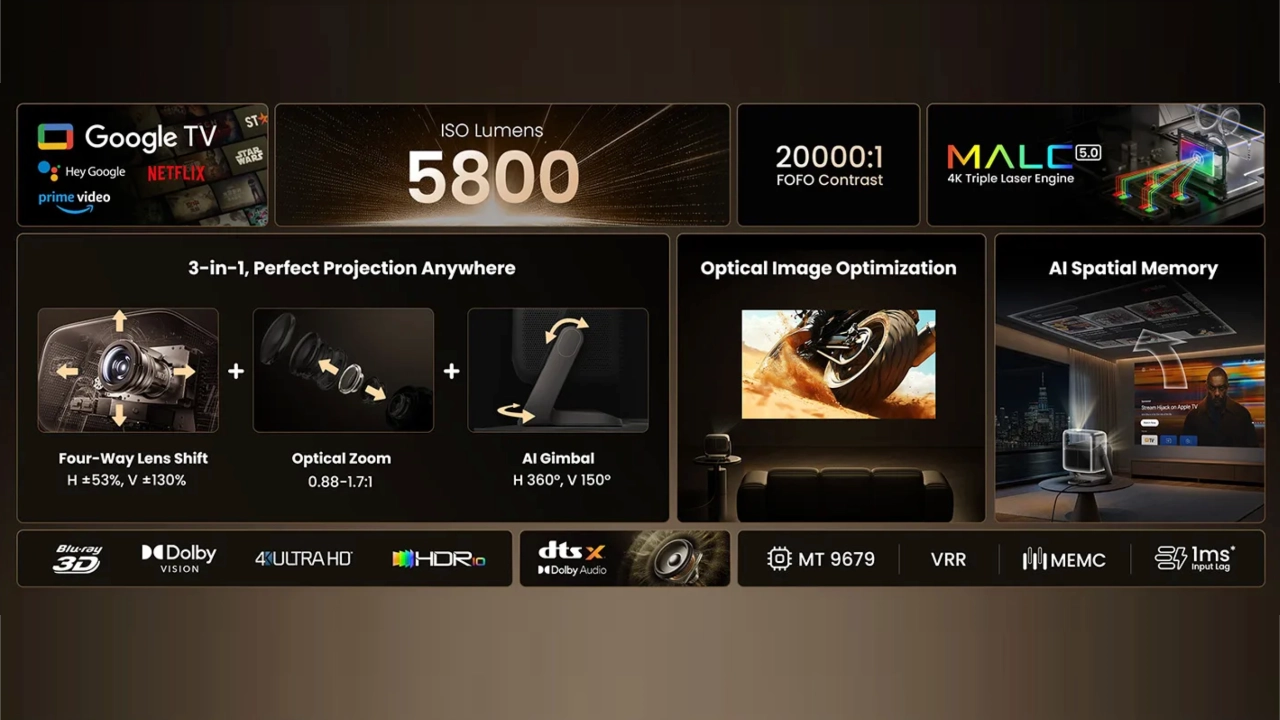
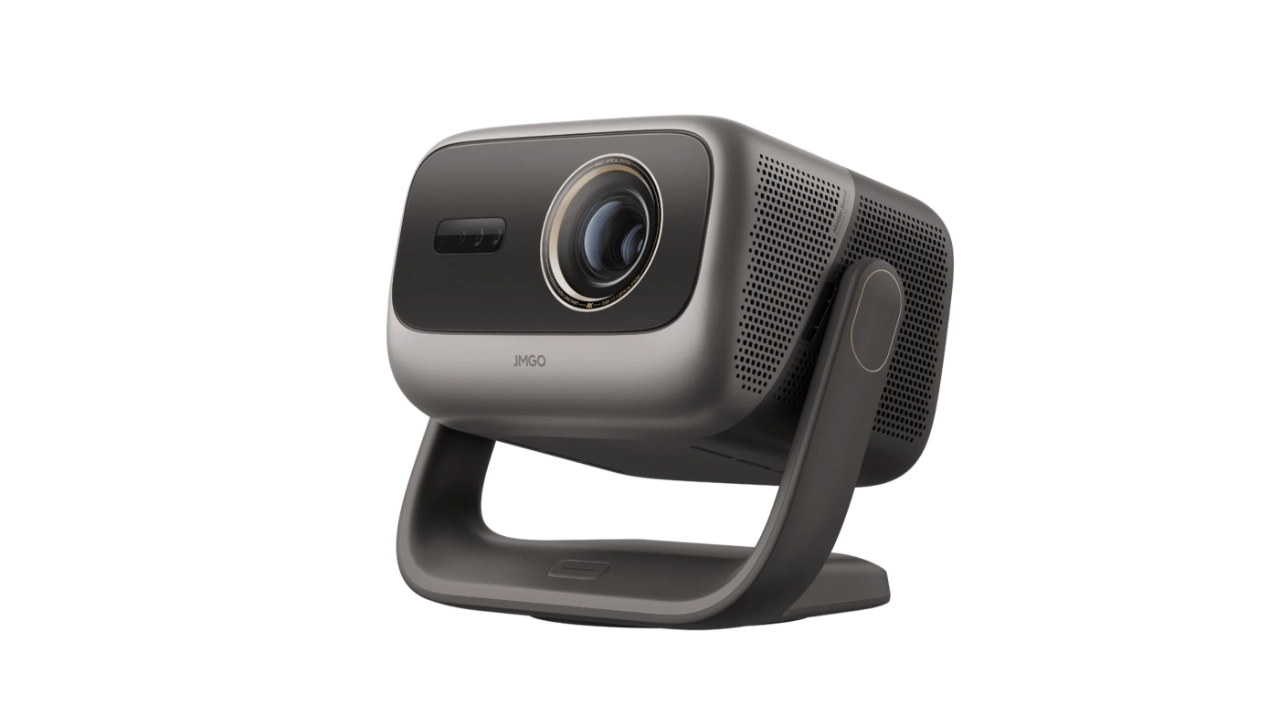
The JMGO N3 Ultimate is the company's 2026 flagship 4K-compatible triple-laser (RGB) projector, retailing for $2,999 (MSRP). The N3 Ultimate’s triple-laser phosphor light source uses forty laser diodes, double the number in previous Horizon projectors, delivering a staggering manufacturer-rated 5,800 ISO lumens of brightness. Doubling the diode density allows the N3 Ultimate to maintain superior color, contrast, and brightness while filling larger screens and spaces that require higher brightness to maintain picture quality.

This JMGO-designed RGB laser light source delivers sufficient brightness for daytime viewing and covers up to 110% of the BT.2020 color space. The new MALC 5.0 light source also helps significantly minimize laser speckle and color fringing.

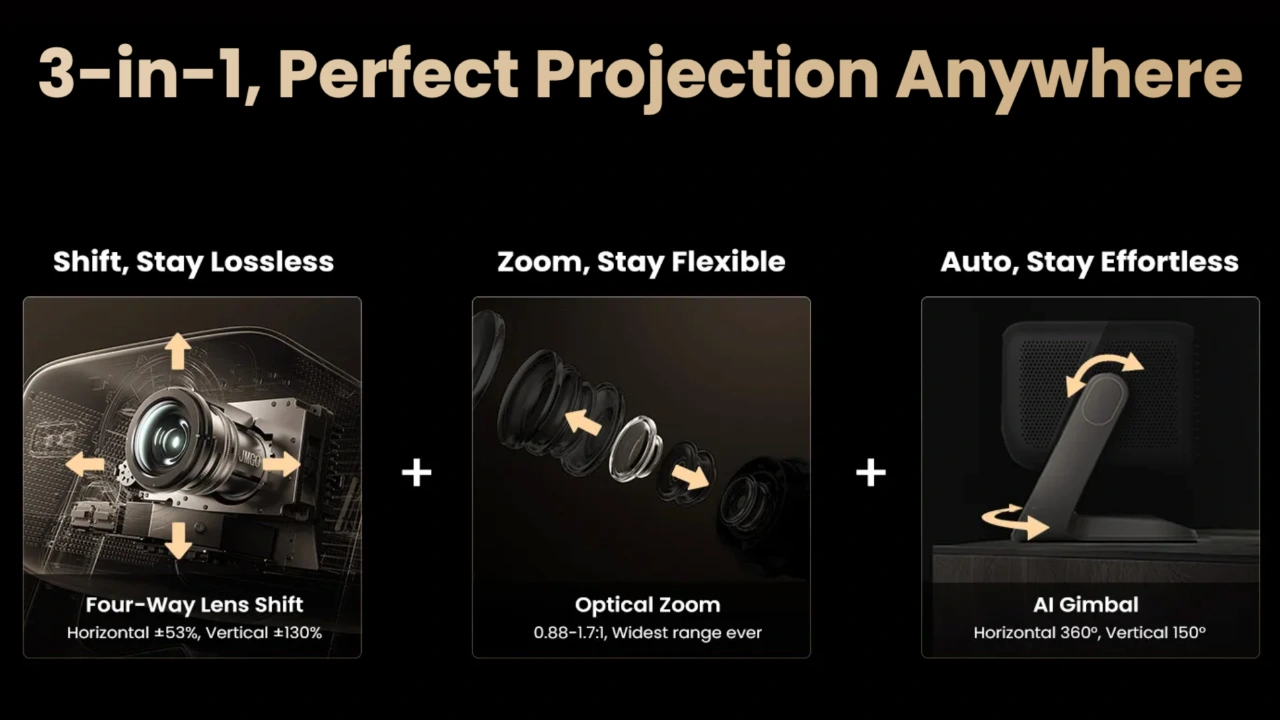
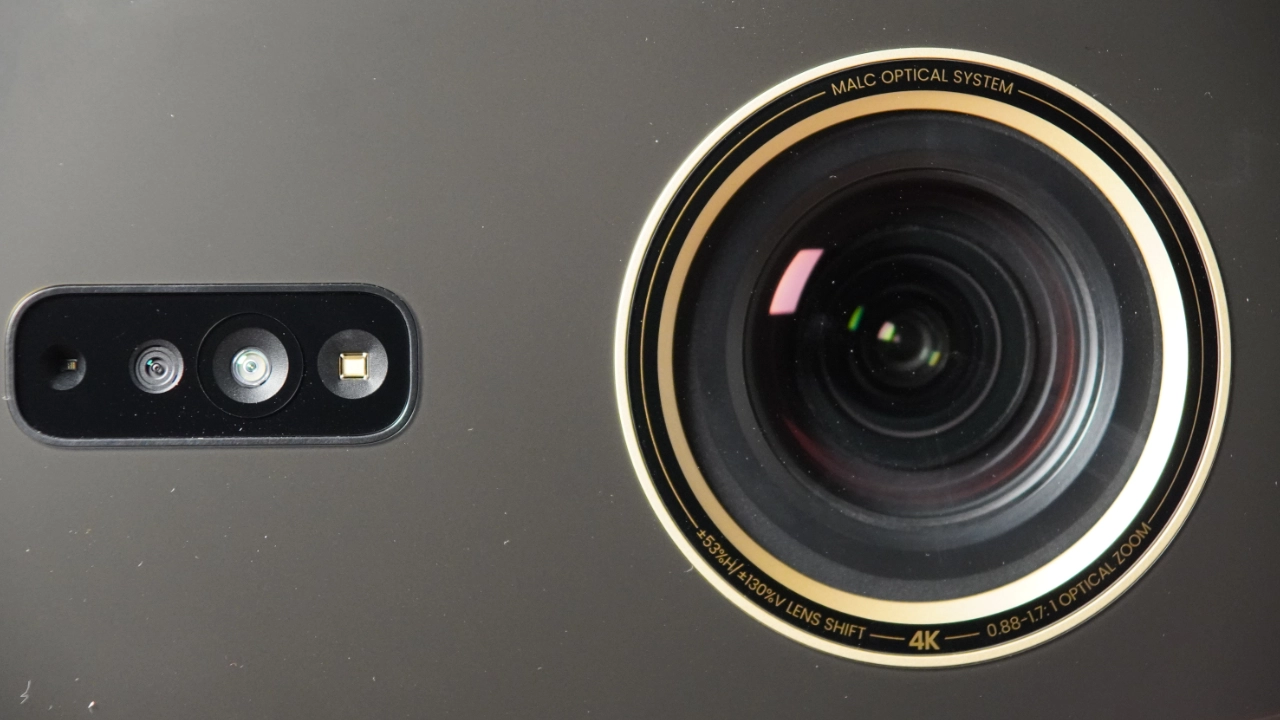
One of the most innovative and currently exclusive features of the N3 Ultimate is the company's new 3-in-1 optical system. This system eliminates the hassles of projector positioning without digitally degrading picture quality. The system combines a motorized gimbal base with the projector’s 1.93x optical zoom and mechanical four-way lens shift. The internal motors physically pivot the unit and glide the glass lenses to align a perfectly square, sharp 4K image on almost any surface. The N3 Ultimate lens shift range is exceptionally wide for its class, offering a motorized adjustment of ±130% vertically and ±53% horizontally.

As if that's not enough, JMGO has partnered with a hardware solution featuring innovative, highly powerful AI software, letting you save distinct spatial memory profiles and instantly switch from one screen layout to another with a single tap on the remote.

The N3 Ultimate supports High Dynamic Range (HDR) formats, including HDR10, HLG, and Dolby Vision.

The JMGO N3 Ultimate is equipped with two HDMI 2.1 ports, allowing gamers to take full advantage of next-gen consoles and PCs that output 4K at 120 fps (display 4K at 60 Hz).

JMGO N3 Ultimate
JMGO_N1_Ultimate_MfrProdShot#1
MSRP: $2999
Ratings Based On Comparable Models
Brightness
Color Reproduction
Contrast
Sound Quality
Pros

+Automated motorized gimbal for the easiest no-compromise setup.
+True optical lens shift does not reduce brightness or resolution.
+An incredibly bright projector.
+Dolby Vision provides exceptional color.
+BT.2020 color volume yields vibrant images.
+1 ms low-latency mode benefits gamers.
+Quiet cooling background hum.

Cons

-HDR10 tone mapping really crushes dark details.
-Google TV software can get bogged down.
-Although reduced DLP rainbow artifacts were noticed.
-Blacks are more charcoal gray.
-Active MEMC is unavailable when Dolby Vision is engaged.


If you are interested in purchasing the projector mentioned in this article, we always appreciate it if you use one of the links in the article because Projector Reviews earns a small commission on the sale at no cost to you.
Buy Now On Amazon - Projector Reviews ImagesBuy Now- ProjectorScreen.com - Projector Reviews Images

The N3 Ultimate features a custom GAMING mode that delivers a flagship-level 1 ms input lag at 1080p/240Hz and a highly responsive 3 ms at 4K/60Hz, with features like Variable Refresh Rate (VRR) and Auto Low Latency (ALLM).

For a long time, serious AV enthusiasts dismissed the all-in-one lifestyle category as fancy toys that relied too heavily on digital configuration. From everything I’ve seen, the N3 Ultimate appears poised to bridge the gap, packing heavy-duty enthusiast specs into an extremely versatile chassis. The N3 Ultimate could really be a game changer that both challenges traditional home theater and gaming projectors while offering the convenience of lifestyle projectors.

OVERVIEW

JMGO_N1_Ultimate_Marketing#1
The JMGO N3 Ultimate is a projector packed with technical firsts and peak performance.

In 2010, while most tech entrepreneurs were rushing headlong into smartphones and PCs, a man named Eric Hu established JMGO (pronounced J.M. Go), built on the idea of making theater-sized entertainment accessible in a typical living room. Hu's new company started building quality, portable DLP projectors, but even more important, a reputation for listening to its backers. Paying attention to feedback from those early crowdfunding backers ultimately drove the design and release of JMGO’s first dedicated 4K Laser TV projector.

Around 2023, JMGO shifted from just a projector manufacturer to a major hardware innovator by introducing two industry-first innovations: the JMGO MALC laser system and the introduction of the industry’s first projector chassis with an integrated vertical gimbal. An innovation that many other projection brands would soon copy.

This past year feels like a bit of a turning point, with hardware shrinking while performance improved. It seems like almost every month, a major brand drops a new model that claims to offer higher brightness in a smaller chassis or finally figures out how to balance punchy contrast with wide color gamuts. The portable market is heating up with lifestyle projectors offering picture quality and hardware performance that was previously reserved for legacy brands (Epson, Sony, and JVC) and their dedicated home theater projectors.

JMGO seems to be poised for its own mic-drop moment. On paper, the N3 Ultimate, with its upgraded hardware, software, and robust feature set, looks ready to take its own swing at both established brands like Epson and JVC and the growing list of offerings from more direct competitors like Valerion and XGIMI.

JMGO_N1_Ultimate_Marketing#2

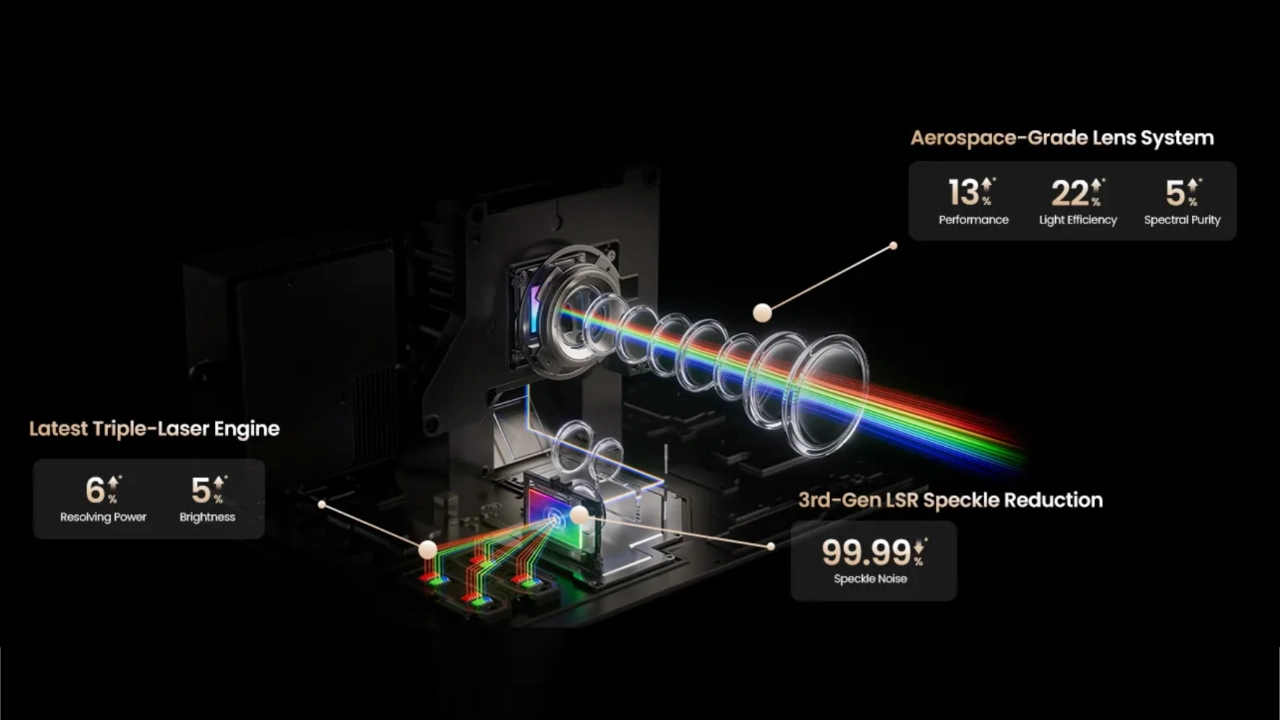
Microstructure Adaptive Laser Control (MALC ) is a proprietary optical engine technology developed in-house by JMGO. Instead of buying a light source from an established projection-component supplier, JMGO designed MALC from the ground up and partnered with Nichia, a premium laser-diode manufacturer, to build its custom laser-diode array. As far as I can tell, JMGO keeps MALC for use exclusively in their own projectors rather than supplying the technology as an ODM or OEM to the wider industry.

MALC-powered laser light engines first appeared in projectors like the N1 Ultra in 2023 and gained praise for their significant reduction of two of the biggest complaints about RGB laser light sources: speckle and shimmer. JMGO’s MALC light engines use a vibrating laser speckle reducer paired with a multi-zone diffuser lens to improve brightness uniformity. While previous iterations of MALC did not eliminate RGB laser artifacts, real-world testing shows the company's first couple of iterations suppressed the worst traits of pure RGB laser hardware. While it may not have been at the ~96% levels in the marketing materials, it was enough for projection enthusiasts to notice.

JMGO_N1_Ultimate_RGBLaser

So how does the latest iteration of JMGO’s proprietary light engine perform? I get into this in more detail in the HARDWARE and PERFORMANCE sections of this review. Though if you are expecting a complete, 100% elimination of laser speckle, fringing, and rainbow effects, I would say your expectations are way too high. Definitely lower them. However, this latest version of MALC is a major leap forward over earlier generations and many competitor solutions. JMGO has effectively shifted what were distracting flaws to barely noticeable artifacts.

Let’s break down how JMGO handles the three biggest issues with RGB laser light sources.

Let’s start with a feature the N3 Ultimate does not offer. I want to be clear here. JMGO does not advertise or claim any Anti-RBE or RBE reduction technology on the N3 Ultimate. This projector is still a single-chip DLP projector that processes separate red, green, and blue laser channels sequentially and is therefore subject to some degree of RBE. But RGB sources that replace DLP’s spinning mechanical wheels with solid-state strobing, including JMGO’s MALC, reduce RBE. In truth, JMGO’s MALC technology is middle-of-the-road in reducing RBE. Several competitive projectors offer dedicated, adjustable RBE-reduction technologies that the JMGO N3 Ultimate does not, but it does reduce RBE. I am among the small percentage of people who are hypersensitive to RBE, and on the best anti-RBE projectors, I still catch flashes of color during high-contrast, fast-motion scenes, such as a white object darting across a pitch-black background. JMGO’s proprietary MALC technology may not be the best at reducing RBE, but it does reduce it, especially compared to other projectors that don’t use solid-state strobing.

JMGO MALC leads the way when it comes to its Laser Speckle Reducer (LSR) technology. The company claims its third-generation tech achieves up to 99.99% speckle reduction. In practice, when projecting onto a standard matte white screen or a plain wall, the shimmering artifacts associated with laser speckle are effectively invisible at a normal viewing distance. If you pair this engine with certain high-gain screens or specific metallic Ambient Light Rejecting (ALR) fabrics, the micro-layers in the screen can still trigger a faint, residual graininess in large blocks of bright white or solid blue sky. Don’t get me wrong, the overall occurrence of speckled artificing is greatly improved on this projector, but the underlying physics of using a pure RGB laser light source are still the same, which means the screen material you choose still plays a massive role in experiencing laser speckle to some degree, even if significantly reduced.

Reducing chromatic aberration, specifically fringing, is where MALC 5.0 shows its most significant improvements over previous MALC versions. Remember, JMGO specifically describes MALC as an optical system because, while its laser diodes are critical, its built-in optical technology is equally important. With the N3 Ultimate, JMGO moves away from purely digital scaling and integrates a motorized 3-in-1 optical assembly. By using physical lens elements to zoom and shift, JMGO appears to have drastically reduced the annoying red and blue color fringing around white text and sharp geometric borders that plagued older RGB laser projectors. The laser alignment on the N3 Ultimate looks clean across most of the frame, with only occasional, small amounts of fringing at the extreme edges of the projector's lens shift range.

Is JMGO’s MALC a potential game changer? In many ways, yes. The JMGO engineering team seems to have smoothed out the rough edges of their previous MALC setups and packed them all into a relatively small, newly motorized, pivoting gimbal chassis. This projector's massive 5,800-lumen brightness and its state-of-the-art mechanical diffusion mask reduce these artifacts far better than any lifestyle projector that came before it.

JMGO_N1_Ultimate_Opticial_Lens

JMGO's N series essentially redefined the "lifestyle cube" projector category by replacing rigid, boxy designs with an integrated, highly adjustable gimbal mount. Originally launching with the N1 family and evolving into the powerhouse N3 lineup, the series is built around the company's proprietary MALC triple-laser light engines. Early entries like the N1S Ultra relied on a fixed throw and digital keystone tricks to align the frame, the flagship N3 tier elevates the lineup into true enthusiast territory by packing automated motorized gimbals alongside mechanical lens shift and lossless optical zoom. By marrying top-tier RGB laser performance with unprecedented physical placement flexibility, the N series manages to bridge the gap between casual living room setups and serious home theater projection.

JMGO N Series Model Comparison
ModelN3 UltimateN1S UltimateN1S UltraN1S Pro 4KN1S 4K
Price$2999$2799$2499$1979$1299
Brightness58003500280022501100
Contrast1600:1 (Native)1600:1 (Native)1600:1 (Native)1600:1 (Native)1600:1 (Native)
LensVariable (0.88–1.7:1 throw)Fixed (1.2:1 throw ratio)Fixed (1.2:1 throw ratio)Fixed (1.2:1 throw ratio)Fixed (1.2:1 throw ratio)
Vertical Lens ShiftMotorized: ±130% V/ ±53% HNo, Gimbal OnlyNo, Gimbal OnlyNo, Gimbal OnlyNo, Gimbal Only
Dynamic IrisNo (Uses laser dimming)No (Uses laser dimming)No (Uses laser dimming)No (Uses laser dimming)No (Uses laser dimming)

HARDWARE

CHASSIS

  • JMGO_N3_Ultimate_PJBProdShot#1
  • JMGO_N3_Ultimate_PJBProdShot#2
  • JMGO_N3_Ultimate_PJBProdShot#3
  • JMGO_N3_Ultimate_PJBProdShot#6
  • JMGO_N3_Ultimate_PJBProdShot#7
  • JMGO_N3_Ultimate_PJBProdShot#_Remote

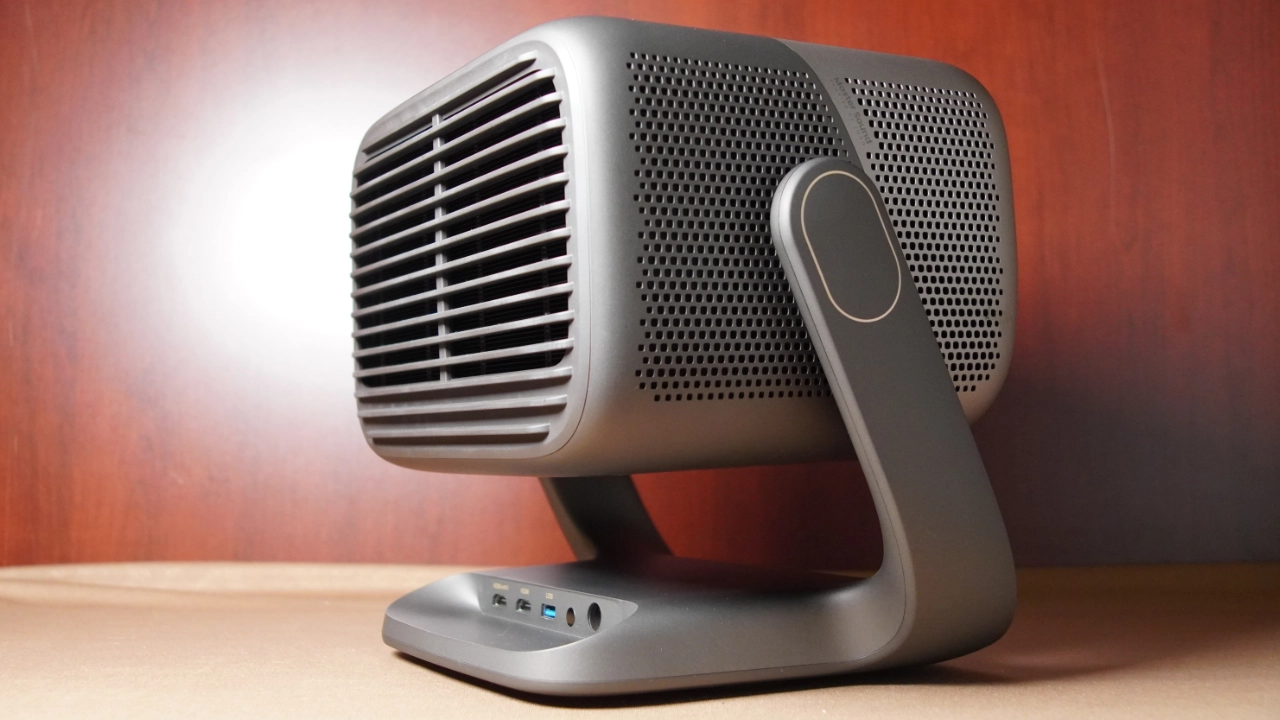
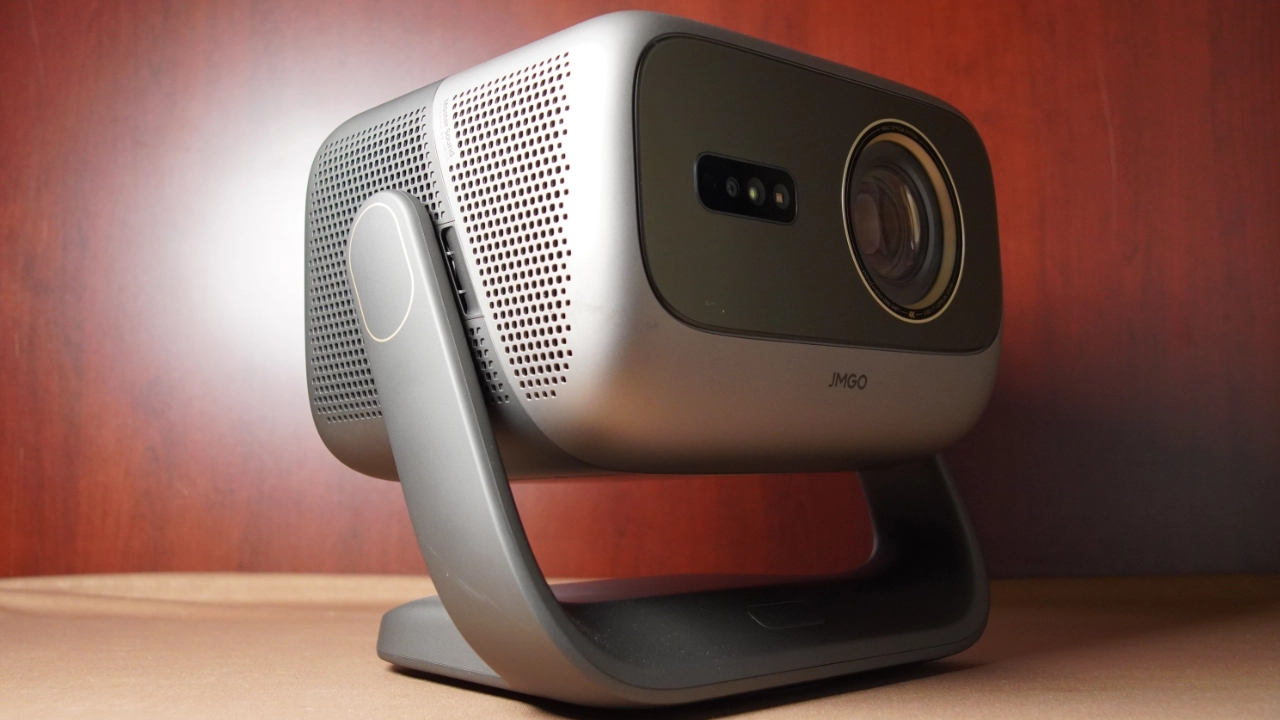
While not identical, the JMGO N3 has a similar design to the company's previous N1 Ultimate projectors. The N3 Ultimate is approximately (WxHxD) 12.13 " x 9.04” x 10.7" (308.3 x 229.8 x 274.1 mm), and it weighs about 15.32 pounds (6.95 kg).

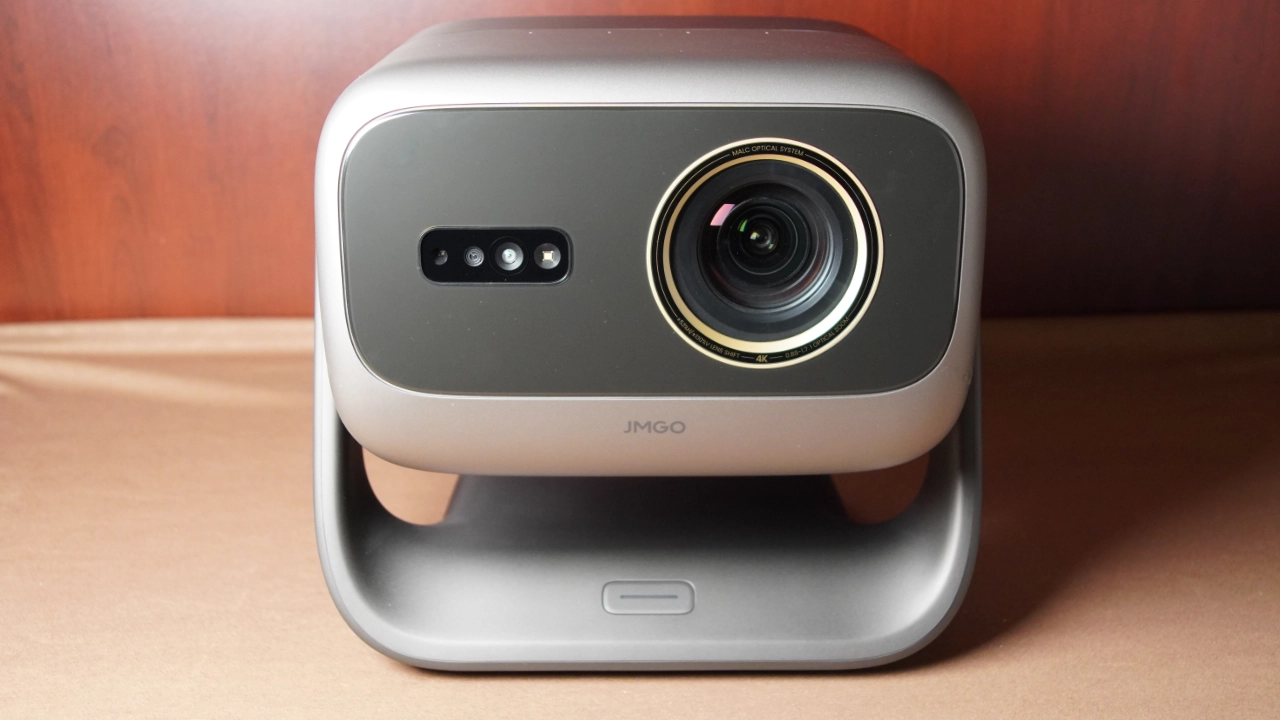
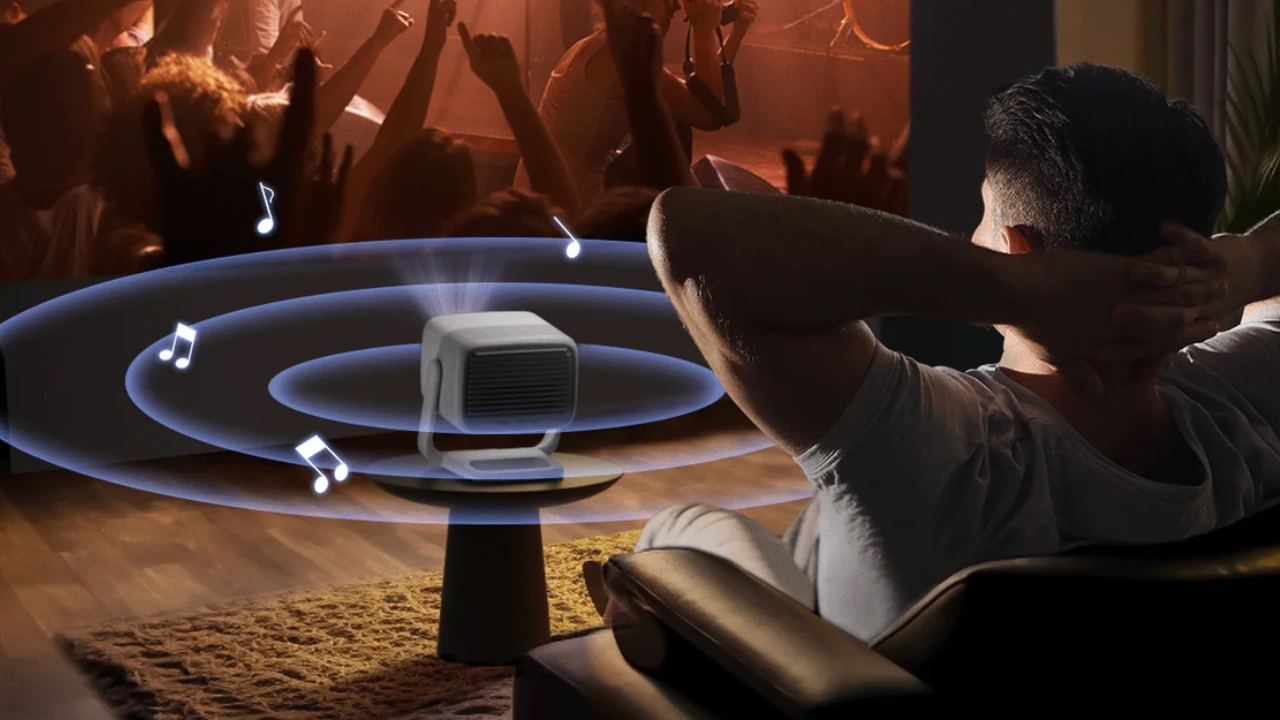
The projector’s lens is located towards the upper right of the front panel, directly opposite the projector's 3D Time Of Flight (TOF) and Infrared Remote (IR) sensors. JMGO partnered with Dolby Audio, the projector's sound system, which uses dual drivers on the left and right sides of the chassis. Because the speakers are side-firing, sound wraps around the room to create a wide stereo sound stage.

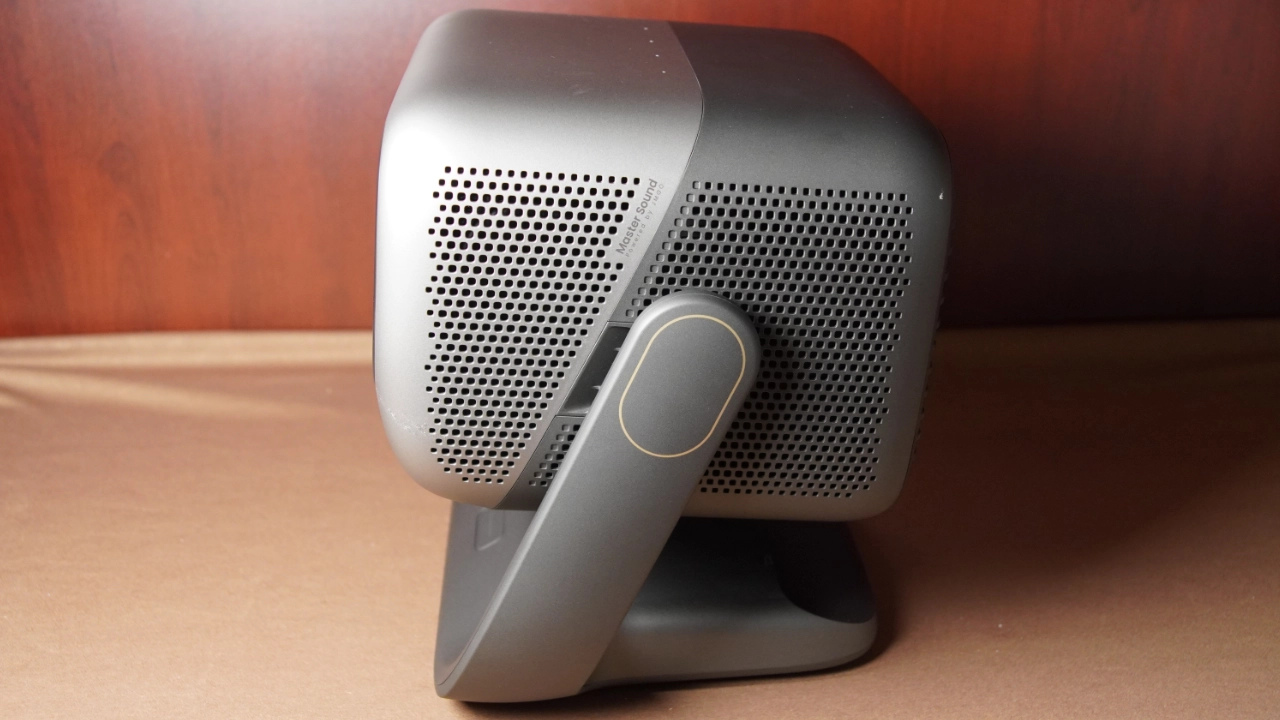
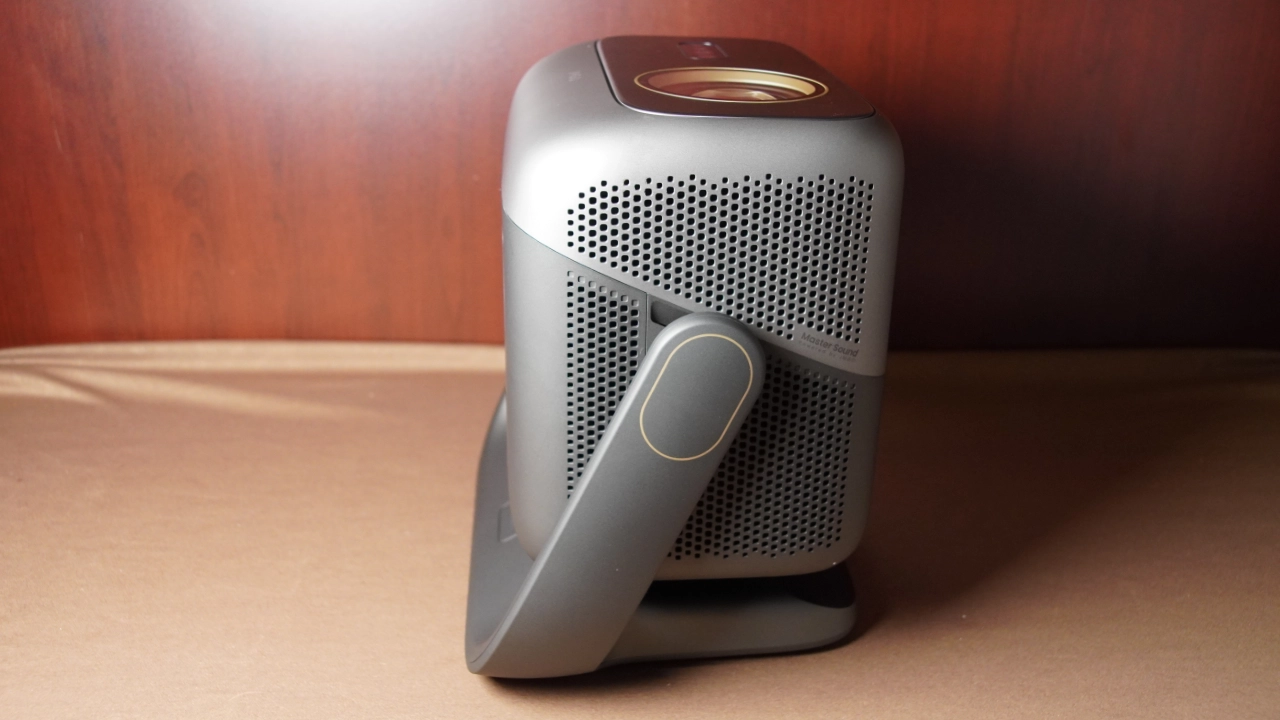
For ventilation, fresh air is drawn into the chassis through mesh grillage located on the lower sides of the main gimbal head. Hot air vents out of the rear of the unit.

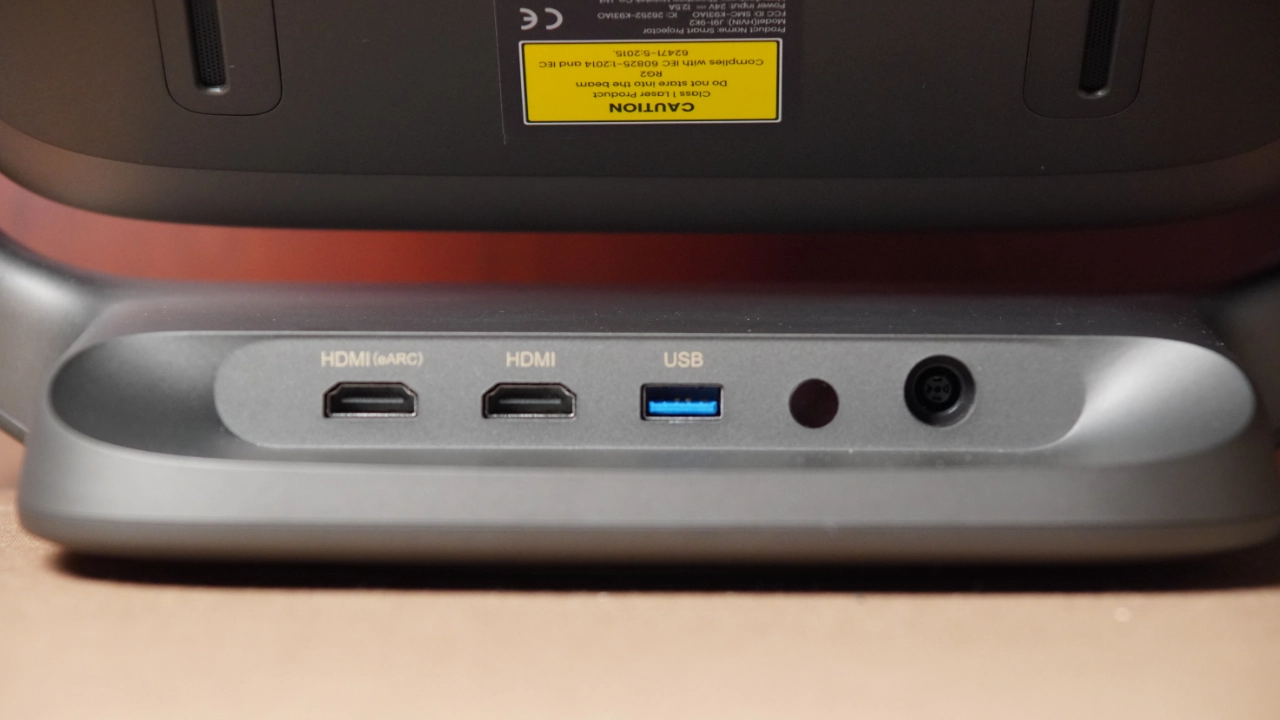
All the N3 Ultimate’s ports and connectors are located on the bottom rear of the projector's motorized gimbal stand.

JMGO_N3_Ultimate_PJBProdShot#_Inputs
Optional Valerion VisionMaster Floorstand

The N3 Ultimate features (from left to right) two (2) HDMI ports, but only HDMI#1 supports eARC for easy connection to a compatible audio system. The projector's maximum supported refresh rate is 60 Hz. While the projector may "accept" a 120 Hz signal from an Xbox Series X or PS5, it will downscale it to 60 Hz. Both HDMI ports support VRR so that you can connect a PlayStation 5 and an Xbox game console simultaneously. Next to the HDMI is a USB Type-A port with 3.0 support. There is a 3.5 mm headphone jack, and finally, the projector's DC power connection for the external power brick.

All of the projector functions are accessed via the wireless remote control. The projector has no menu or control buttons, so don’t lose your remote; however, an optional JMGO app for iOS and Android is available and can also function as a remote.

JMGO_N3_Ultimate_PJBProdShot#_Remote

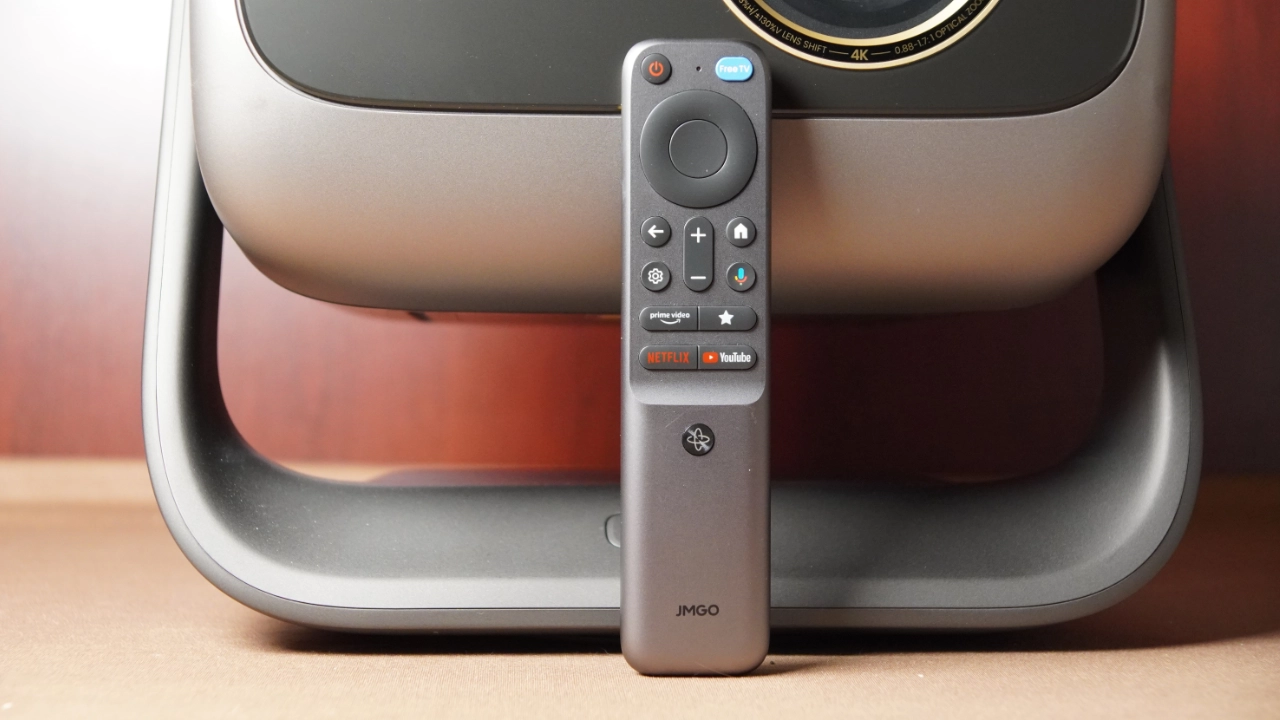
When it comes to the N3 Ultimates remote control, JMGO has stepped up the build quality to premium construction, moving away from the plastic design of older JMGO projectors. The casing is metal, backlit, and solidly built.

The layout is similar but not identical to Google TV’s typical layout. The biggest issue I had with this remote is that the small, uniform button design made it tough to distinguish keys by feel alone. For instance, moving the volume rocker from the left or right to the center honestly messed with my muscle memory, though after fifteen minutes, I got somewhat used to it and was mostly able to make it work. The standard Google TV circular d-pad, repositioned volume keys, a dedicated Google Assistant microphone button, and a customizable "star" action key for quick shortcuts make the remote easier to use.

The remote is both IR (Infrared) and Bluetooth, so you do not have to worry about maintaining a strict line of sight.

The real standout feature, however, is the dedicated gimbal-tracking button, which activates an internal gyro system that lets the N3 Ultimate mirror your hand's movements in real time, allowing you to manually square the displayed image to the screen. The motion-controlled gimbal tracking, while impressive, is very sensitive, especially when I was attempting to make precise adjustments to the image.

JMGO_N3_Ultimate_PJBProdShot#_Optics
Everything is motorized and tied directly into a 3-in-1 optical system that communicates with the automated gimbal base.

JMGO seems to have gone all out on the glass for the N3 Ultimate, opting for a high-performance all-glass assembly rather than the cheaper plastic lenses that often blur at the edges. This strategy pays off in a big way. The picture looks remarkably crisp, almost right up to the edges, though you might notice a slight softening in the extreme corners of the projected image. Honestly, the real star here is the motorized zoom combined with the projector electronic gimbal.

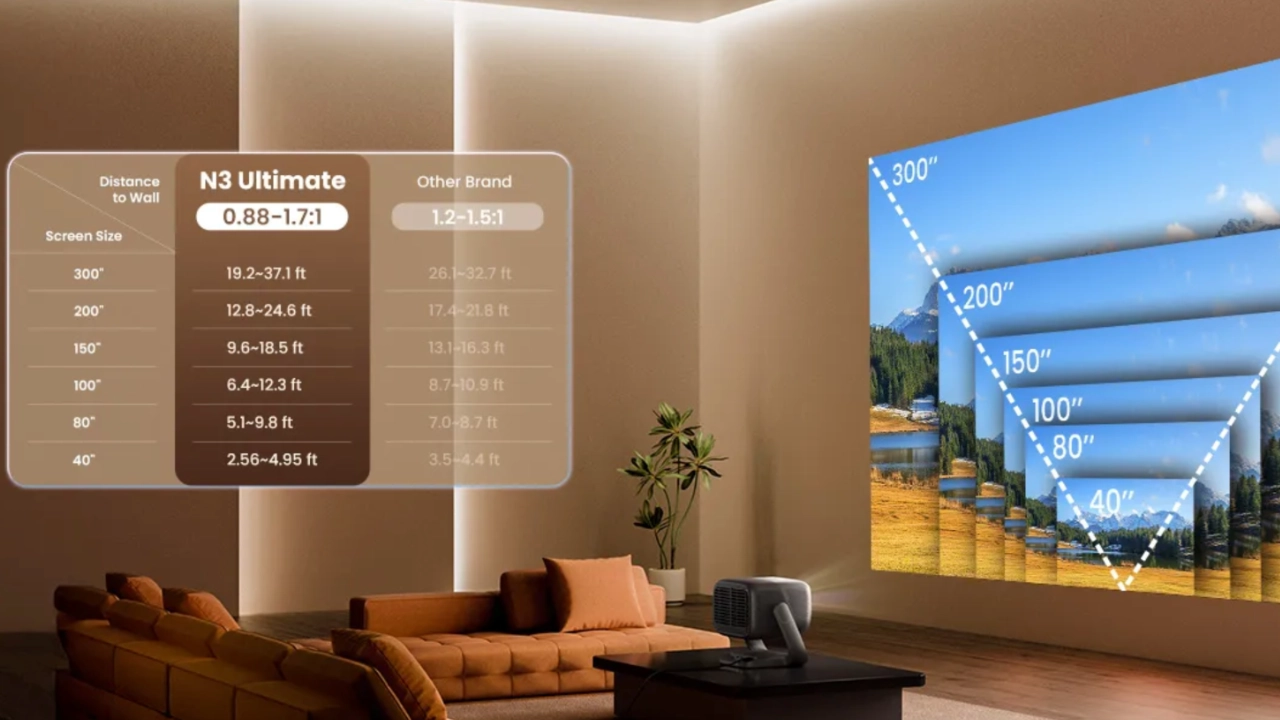
A wide 0.88-1.7:1 optical zoom ratio gives you incredible leeway in where you place the box. For instance, if you just want a standard 80-inch screen, you can park the projector less than 6 feet from the wall, or push it all the way back to roughly 11 feet and just zoom down. If you have the space, you can project a visually clear, massive 300-inch image with a throw distance of roughly 19 to 37 feet.

The lens shift numbers look great on paper and in real life, offering up to ±130% vertical and ±53% horizontal adjustments. That rivals what you usually see on traditional, heavy-duty home theater projectors.

The result is nothing short of astounding.

Everything is motorized and tied directly into a 3-in-1 optical system that communicates with the automated gimbal base. It means you can fix a skewed image using the remote without losing resolution to digital cropping.

Fortunately, you do not have to worry about redoing this math every time someone bumps the machine. JMGO added an AI Spatial Image Memory feature that lets you save your specific zoom, shift, and geometry profiles for different rooms. If you carry it from the living room setup to a golf simulator bay, the motorized base is supposed to recall those exact position profiles with one button press, while the real-time auto focus stays active in the background to clean up the frame on the fly.

JMGO’s 3-in-1 optical geometric correction is the best I have ever used on a projector. The combination of software and gimbal worked almost flawlessly. This system worked so well that when I projected the image onto two screens, one slightly overlapped the other. When it stuck up about six inches above the top of the front screen, the AI software recognized that there were actually two screens overlapping, and it fit the image to the front screen nearly perfectly.

One concern I can’t help but think about is that JMGO offers only a one-year limited warranty on a projector with many interconnected motorized parts, which may be a concern for risk-averse buyers.

JMGO_N1_Ultimate_ScreenSize

JMGO offers a full suite of digital correction tools to augment the optical and motorized solutions. To be clear, we don’t recommend using digital auto-geometry adjustments, as they compromise image quality. That said, each tool worked very well.

The N3 Ultimate does not have an iris. The lack of a physical iris means there is no user-adjustable physical aperture inside the lens assembly to let you manually lock in an f-stop like f/2.0, nor is there a mechanical auto-iris sliding back and forth to choke down the light path. So, if you want to deepen the black floor beyond the hardware's native 1,500:1 contrast ratio, you have to rely on software. JMGO provides AI-Powered Dark Details Enhancement and Dynamic Laser Dimming that digitally modulates the triple-laser diodes, dimming the laser output during dark scenes to mimic the effect of a physical iris without the actual moving contrast blades.

MENU

The switch to Google TV on the N3 Ultimate is a massive upgrade in features and performance (mostly) over lifestyle projectors that don’t use this OS. Navigating content is clean and mostly fluid. There were several times when the menu got bogged down when I was navigating. With a few exceptions the interface serves as a unified content hub, pulling together movies and shows from across your subscriptions into a single page. It does tend to lean heavily into sponsored recommendations, which might annoy anyone who just wants a clean dashboard, but having full access to the Google Play Store means you can easily bypass the clutter or download niche media or players.

You get voice search that actually works and (Internet of Things (IoT) integration via Google Assistant, and personalized user profiles so your kid’s recommendations don't show up on your main feed.

Beyond the basic streaming stuff, the deeper settings are where things get interesting, especially if you are particular about display performance. JMGO includes a comprehensive suite of hardware adjustments for focus, geometry, and sound. While casual viewers are likely just to pick a standard cinema preset and call it a day, the inclusion of a full CMS (Color Management System) is a big deal for anyone wanting to calibrate out minor color-balance quirks often found in pure RGB lasers. Among the many advanced tools included are tools designed to tweak color and gamma as well as to salvage crushed shadow detail in difficult HDR scenes. It is a welcome level of deep control you do not always get at this price point or in this lifestyle category. Some of the locations of these controls feel a bit buried in the sub-menus.

PERFORMANCE

COLOR REPRODUCTION

  • JMGO_N3_Ultimate_Color#1
  • JMGO_N3_Ultimate_Color#2
  • JMGO_N3_Ultimate_Color#3
  • JMGO_N3_Ultimate_Color#4
  • JMGO_N3_Ultimate_Color#5

Out of the box, the color accuracy on the JMGO N3 Ultimate is mixed, but depending on the mode (SDR, HDR10, Dolby Vision), it can be impressive. My observations of the projector’s SDR (Rec. 709) performance show a very cinematic texture, similar to OLED color. According to our measurements, the most accurate SDR picture modes out of the box were MOVIE and SOFT modes. Both modes were a little warmer than desired, but this can easily be corrected utilizing the projectors' calibration adjustments.

JMGP claims that the MALC 5.0 triple-laser engine covers 110% of the ultra-wide BT.2020 color gamut. The N3 Ultimate handles Dolby Vision content beautifully in both its BRIGHT and DARK presets. However, my mixed comment specifically concerns how color performance drops when watching standard HDR10 content, producing less accurate, overly red tones in areas that look oversaturated right out of the box. While most RGB laser projectors tend to over-accentuate the reds, the JMGO is not as pronounced as some of its closest competitors.

If you are considering upgrading from the N1 Ultimate, the good news is that the N3 Ultimate delivers deep, vibrant color saturation that makes the older N1 model look a bit muted by comparison. Compared to blue-laser phosphor projectors, the N3 Ultimate’s colors have a punch that single-laser or lamp-based units simply cannot

JMGO’s updated MALC 5.0 triple-laser architecture does a solid job of tackling the graininess historically associated with pure RGB lasers. The internal hardware uses a physical fluid speckle reducer paired with a 400-zone micro-diffuser lens, which minimizes laser speckle to the point that I never even noticed it, even when I projected an image on an Ambient Light Rejecting (ALR) screen.

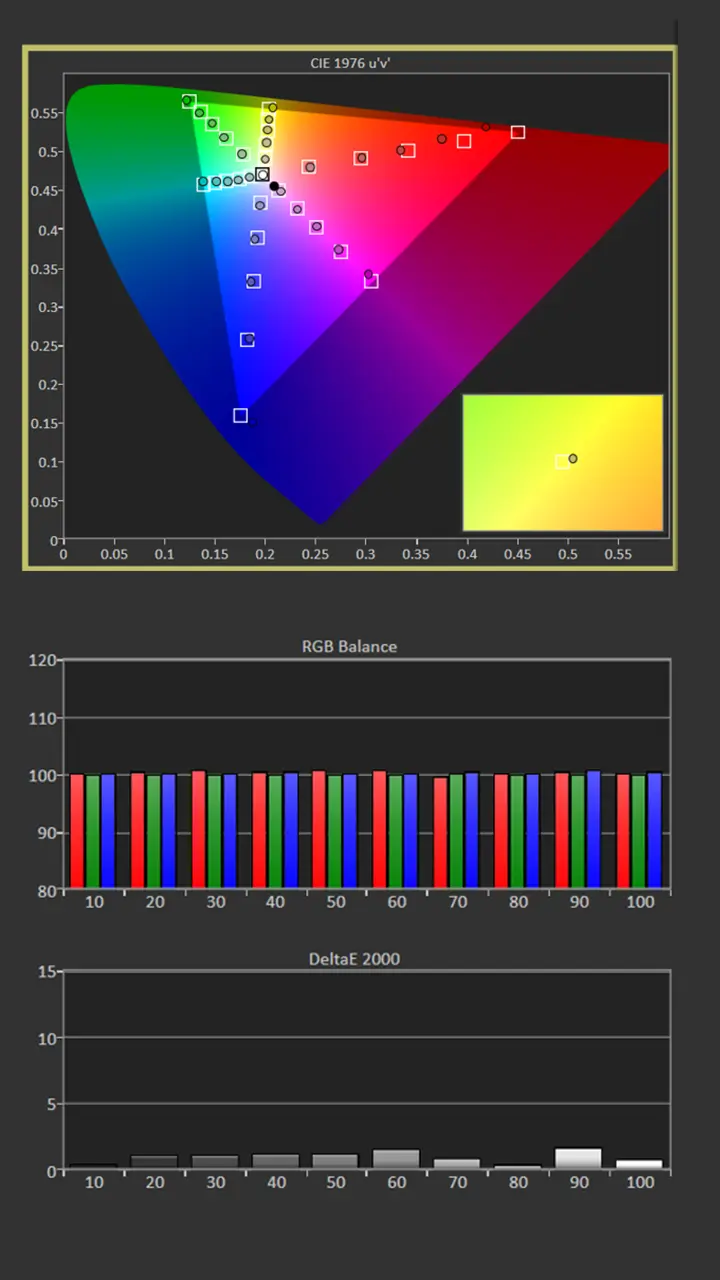
Below are the before-and-after calibration results for my specific room and setup. I used Portrait Displays Calman color calibration software, a Murideo Seven Generator 8K, and a Klein K10-A colorimeter to measure and adjust the projector's color accuracy. 

Since your room and screen material significantly impact the overall picture, I don't recommend using someone else's (like mine) calibration adjustments. If your room is brighter/darker, or if your walls are a different color, copying someone else's results can degrade picture quality rather than improve it.

Pre-Calibration Color Tracking and Grayscale

JMGO N3 Ultimate Calibration SDR-Pre Results

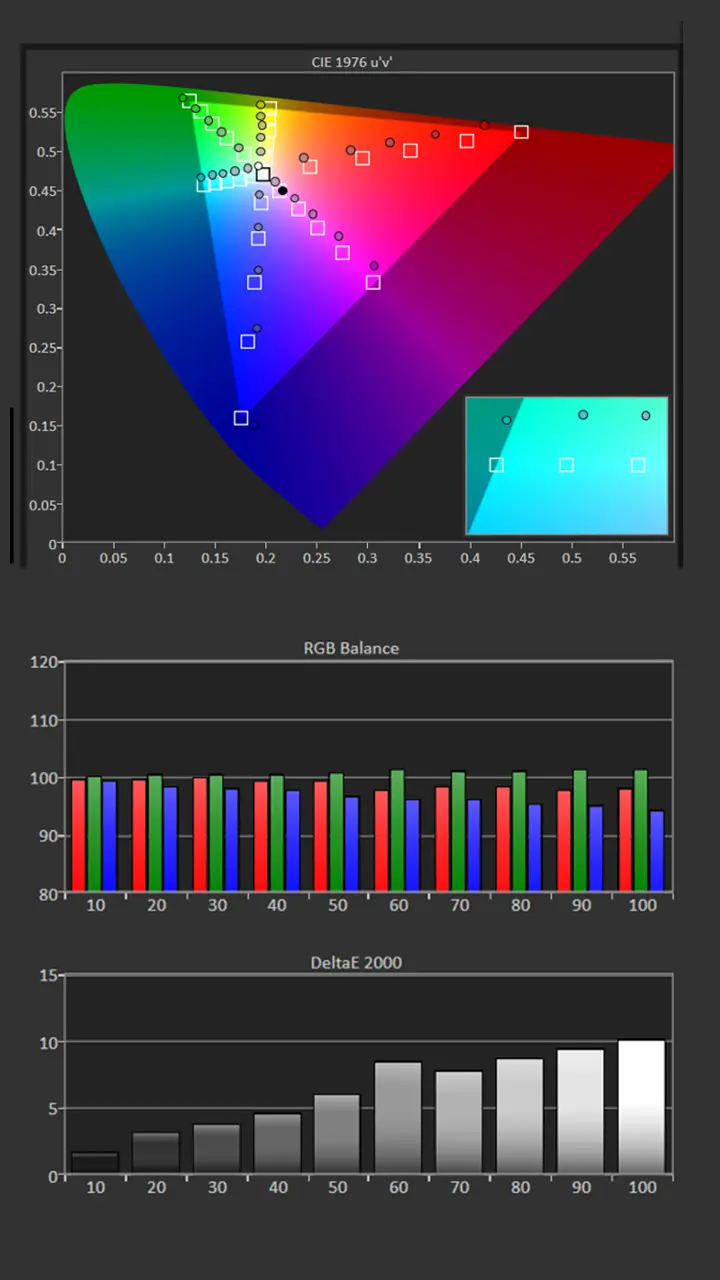
Before calibration, the XR10 had an average color temperature of 6165K, which is close to my 6500K target.

The measurement showed a bias towards green and a lack of blue, but these issues can be corrected utilizing the projector's grayscale adjustments.

Our saturation sweeps measurements showed some color shift and slight undersaturation. The unit's measured gamma was 2.18, which was very close to our target of 2.2.
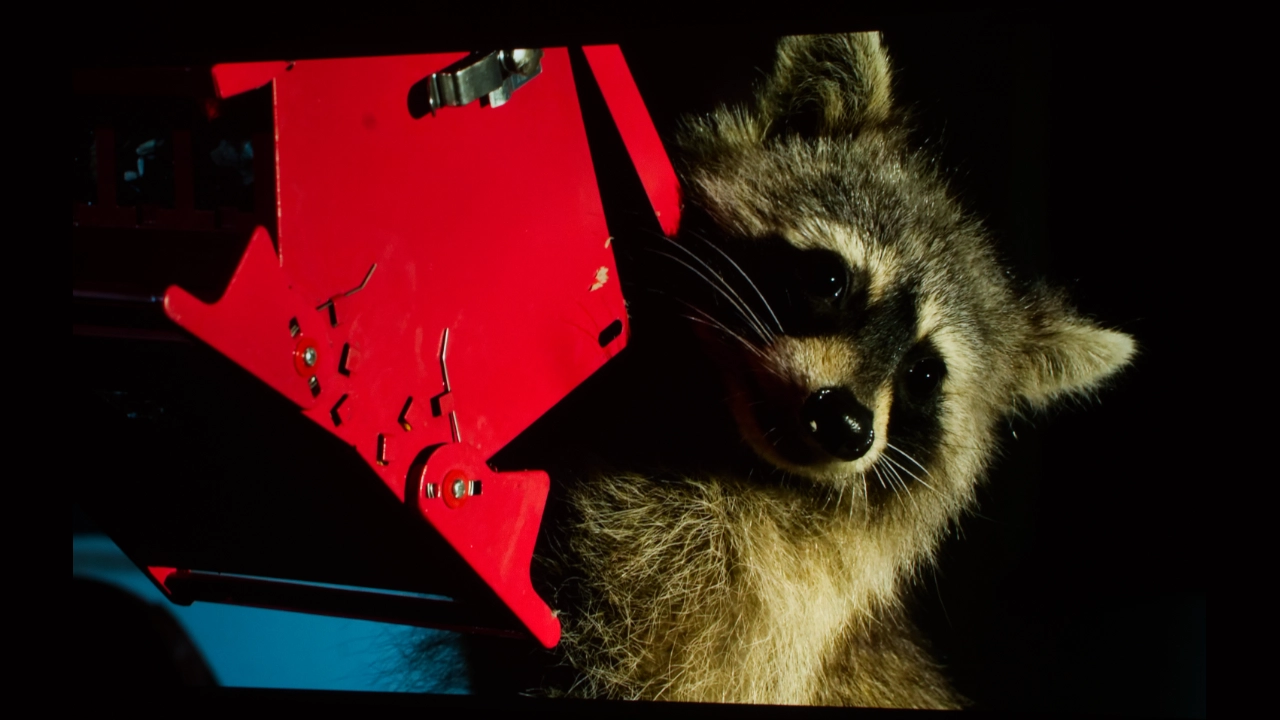
Before calibration, my 100-inch matte white screen, the XR10, delivered 342 cd/m², which is extremely bright.

  • Picture mode: MOVIE
  • Average color temperature: 6165K
  • Gamma: 2.18
  • Average RGB dE: 4.73
  • Average Color Tracking dE: 6.15

Post-Calibration Color Tracking and Grayscale

JMGO N3 Ultimate Calibration SDR Post Results

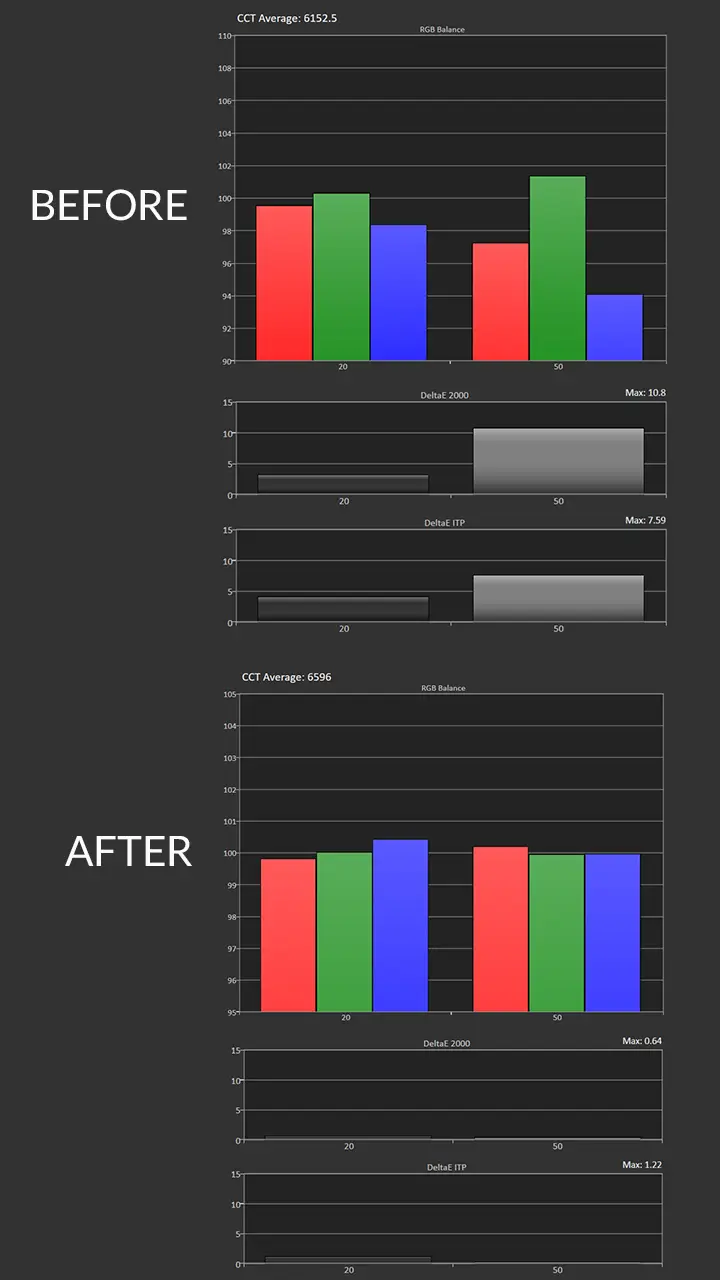
 The XR10 includes single-point and multi-point grayscale adjustments. While they only allow you to adjust the Gain, not the offset, it was easy to fine-tune the projector's RGB.

I left the color temperature set to WARM and increased the amount of blue while slightly decreasing the amount of green, which improved the grayscale and produced a color temperature very close to 6500K.

I slightly reduced the Contrast to improve highlight detail and reduced the brightness by a few steps to achieve a gamma of 2.2. After calibration, the projector still delivered 315 cd/m² of on-screen brightness, which is more than enough for viewing content under ambient light.

  • Picture mode: Movie
  • Average color temperature: 6495K
  • Gamma: 2.21
  • Average RGB dE: 0.9
  • Average Color Tracking dE: 1.3

After adjustment, red remained slightly under-saturated, but the average color tracking and RGB balance were great. Except for red, the VisionMaster MAX did an excellent job tracking SDR colors, which can be challenging for many RGB laser-equipped projectors. 

HDR White Balance Before and After Adjustments

JMGO N3 Ultimate Calibration HDR Post-Pre Results

The XR10 supports several HDR formats, including HDR10, HLG, Dolby Vision, and HDR10+. As with SDR, when viewing HDR10 material, the MOVIE mode was the most accurate. HDR and SDR modes offer independent picture adjustments. To improve the grayscale, I had to make the same adjustments as I did for SDR. The color temperature was adjusted from warm to standard, and some minor adjustments were made to the single-point white balance.

There are two dedicated Dolby Vision picture modes. The DOLBY VISION BRIGHT and DOLBY VISION DARK modes both looked good. Both modes have the same color temperature, but DOLBY VISION BRIGHT mode has a higher Average Picture Level and peak highlights. When viewing Dolby Vision content, we chose DOLBY VISION DARK mode and switched the Color Temperature setting from Warm to Standard, which delivered excellent grayscale, and the color temperature was very close to 6500K.

The projector features independent CMS and RGB controls for both SDR and HDR, enabling precise adjustments regardless of content type. Similar to SDR, once the RGB was adjusted, the overall HDR color tracking was very good, although reds remained slightly undersaturated. The projector covered over 120% of the DCI-P3 color space, which is more than enough to reproduce the majority of colors utilized in HDR content


After adjustment, it was easy to achieve color tracking and RGB or grayscale balance delta errors below 2 for both SDR and HDR. While most people will not spend several hundred dollars to calibrate a sub-$3,000 lifestyle projector, you should at least adjust BRIGHTNESS, CONTRAST, and SHARPNESS to optimize your projector for your room. Several free test patterns are available on Murideo’s website and YouTube channel. Check out our YouTube video on using several test patterns called “Optimize The Image of a Projector or TV Using Free Murideo Test Patterns.” Murideo also has written instructions in the resource section of its website.

BRIGHTNESS

  • JMGO_N3_Ultimate_Bright#6
  • JMGO_N3_Ultimate_Bright#1
  • JMGO_N3_Ultimate_Bright#7
  • JMGO_N3_Ultimate_Bright#5
  • JMGO_N3_Ultimate_Bright#2
  • JMGO_N3_Ultimate_Bright#3

JMGO’s MALC 5.0 triple-laser Light Engine outputs a massive manufacturer-claimed 5,800 ISO lumens of brightness. To have any hope of reaching this high level of brightness, I had to set the projector to its DYNAMIC picture mode. To be clear, this mode is for maximum brightness and is only worth using if you are okay with a very monochromatic, heavily green-tinted image.

I took three to four readings, about 15-20% off the center of the screen. So, how close did the N3 Ultimate come to hitting that target? When set to dynamic mode, JMGO N3 Ultimate delivered 5703 lumens, which is very close to JMGO's rating.

When it comes to actual usable color, the N3 Ultimate still delivers about 3,000 lumens, which is more than enough punch to cut through even moderate ambient light sources and remain vivid during daytime viewing. The chart below shows the brightness of each SDR picture mode. 

Picture Modes: Brightness 

Picture ModeBrightness Measured (Lumens)
VIVID3632
STANDARD3076
SOFT2996
MOVIE3040
OFFICE3180
CINETUNER MASTER3172
DYNAMIC5703

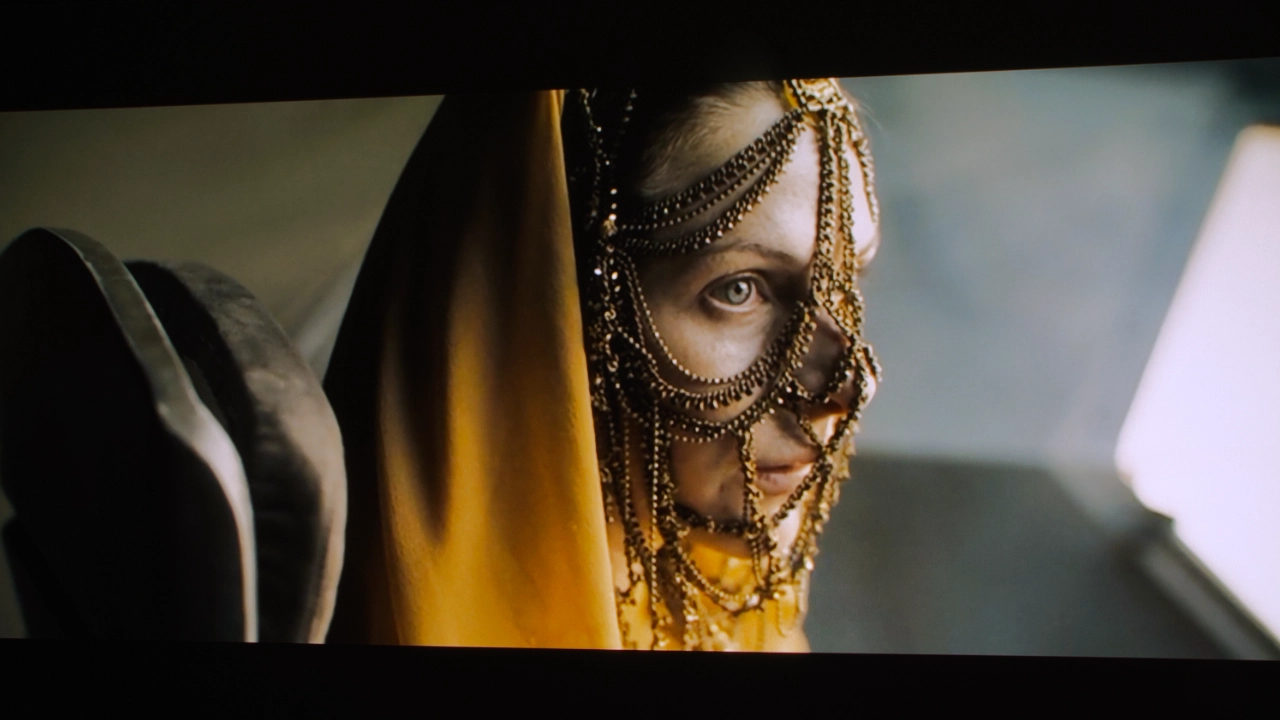
Projection light engine technology, especially triple-laser diodes, has advanced rapidly over the past couple of years. But is this JMGO projector the brightness king? No, but this projector is stunningly bright with good out-of-the-box color. The JMGO N3 Ultimate is an extremely bright projector, in many cases, blindingly bright. Once switched to a more usable mode like MOVIE or CINETUNER MASTER, brightness dropped, but the picture quality was amazing.

On my 100-inch screen,  even in MOVIE mode, the N3 Ultimate can deliver on-screen brightness that would be uncomfortable when viewing SDR material in a darkened space. While every ounce of brightness is useful when you're viewing HDR content, there's a couple of ways to lower the unit's light output when viewing SDR.

The projector has a range of manual brightness settings and adjustments, including auto-brightness modes. In my testing, I found the automated AMBIENT LIGHT ADAPTATION (ALA) mode worked almost seamlessly. Instead of the obvious pumping found in the projector’s AI DYNAMIC BLACK mode (which I’ll talk about in the BLACK LEVEL section below), ALA implements changes slowly as the sensor checks and then ramps the laser power on a smooth, gradual curve. The projector's adjustments were natural enough that my eyes easily adapted to the shifting brightness levels without catching it stepping up or down in light output, and all of that happened in real time.

In addition to toggling through the projector's picture preset modes, the N3 Ultimate also features manual adjustments, including a ten-step light source slider and a baseline brightness slider ranging from 0 to 100. The N3 Ultimate also features a contrast slider from 0 - 100.

BLACK LEVEL AND SHADOW DETAIL

  • JMGO_N3_Ultimate_Blacks#10
  • JMGO_N3_Ultimate_Blacks#3
  • JMGO_N3_Ultimate_Blacks#2
  • JMGO_N3_Ultimate_Blacks#7
  • JMGO_N3_Ultimate_Blacks#12
  • JMGO_N3_Ultimate_Blacks#11

JMGO claims some massive numbers for the N3 Ultimate, rating its Full-On/Full-Off (FOFO) dynamic contrast at a wild 20,000:1, with an algorithmic dynamic ceiling stretching up to 3,000,000:1. The MALC 5.0 triple-laser engine is an absolute light monster, but its native black floor is one of this projector's big weaknesses. The black floor is mostly average.

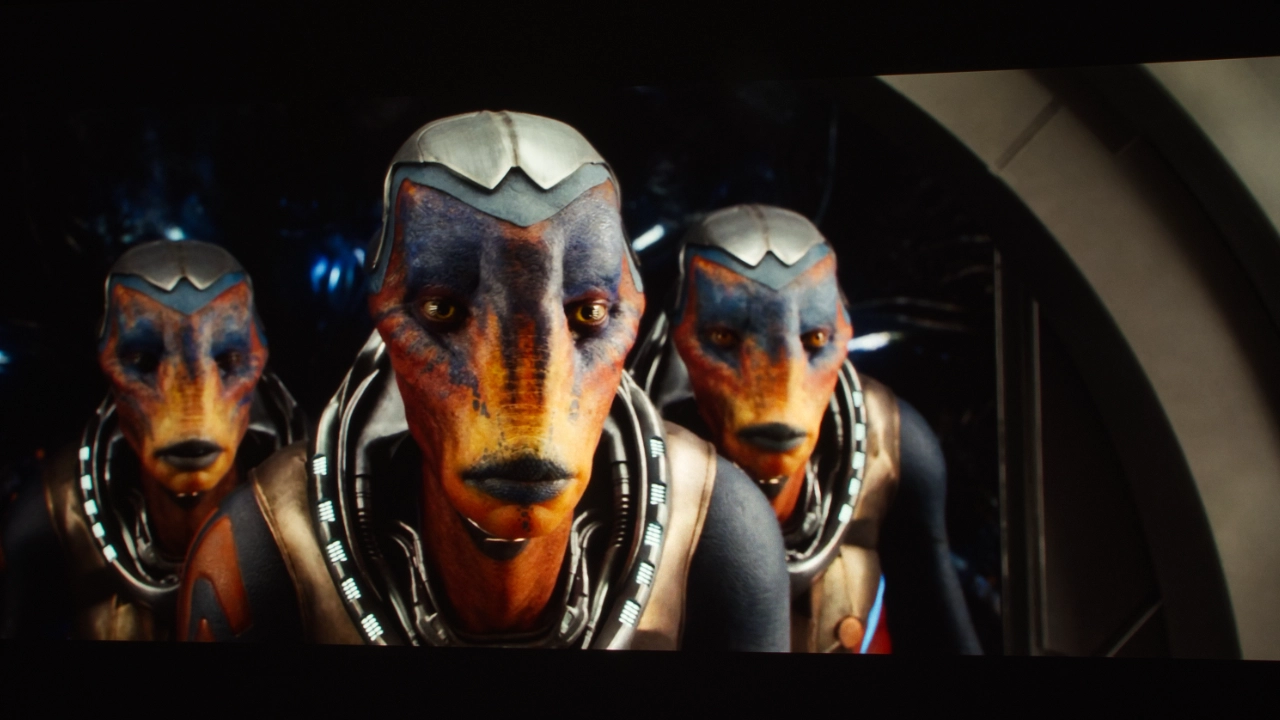
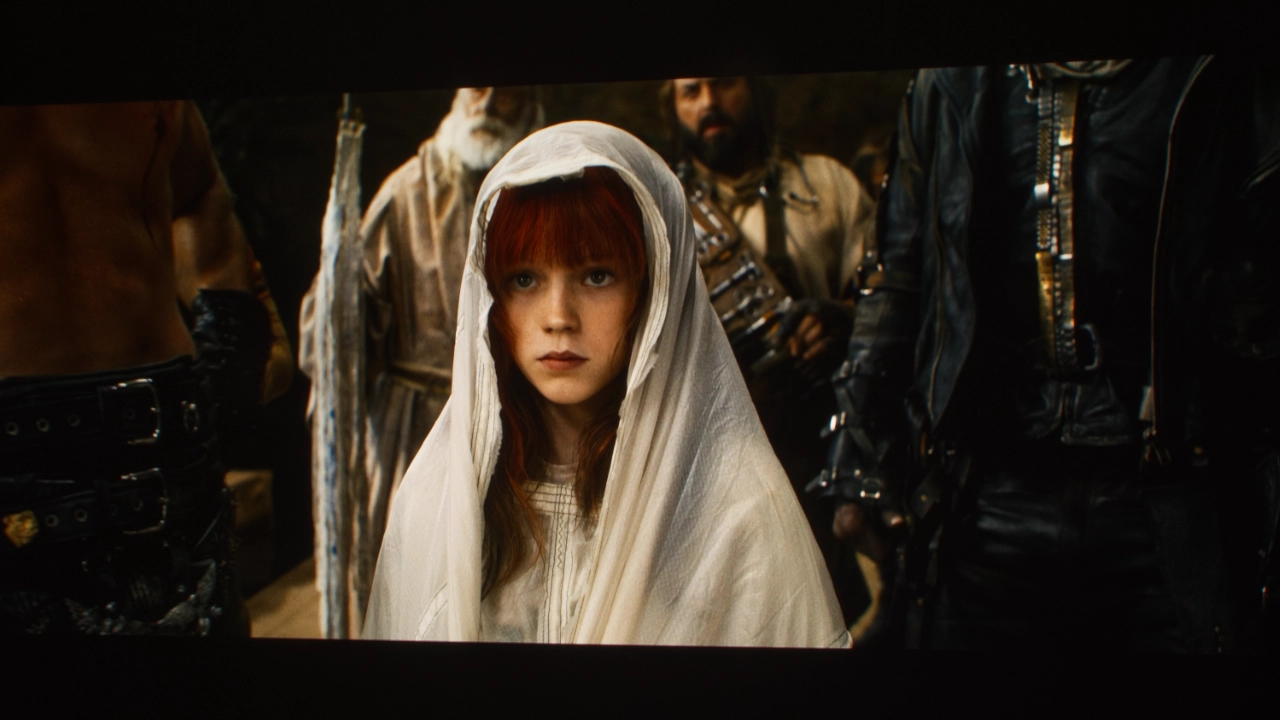
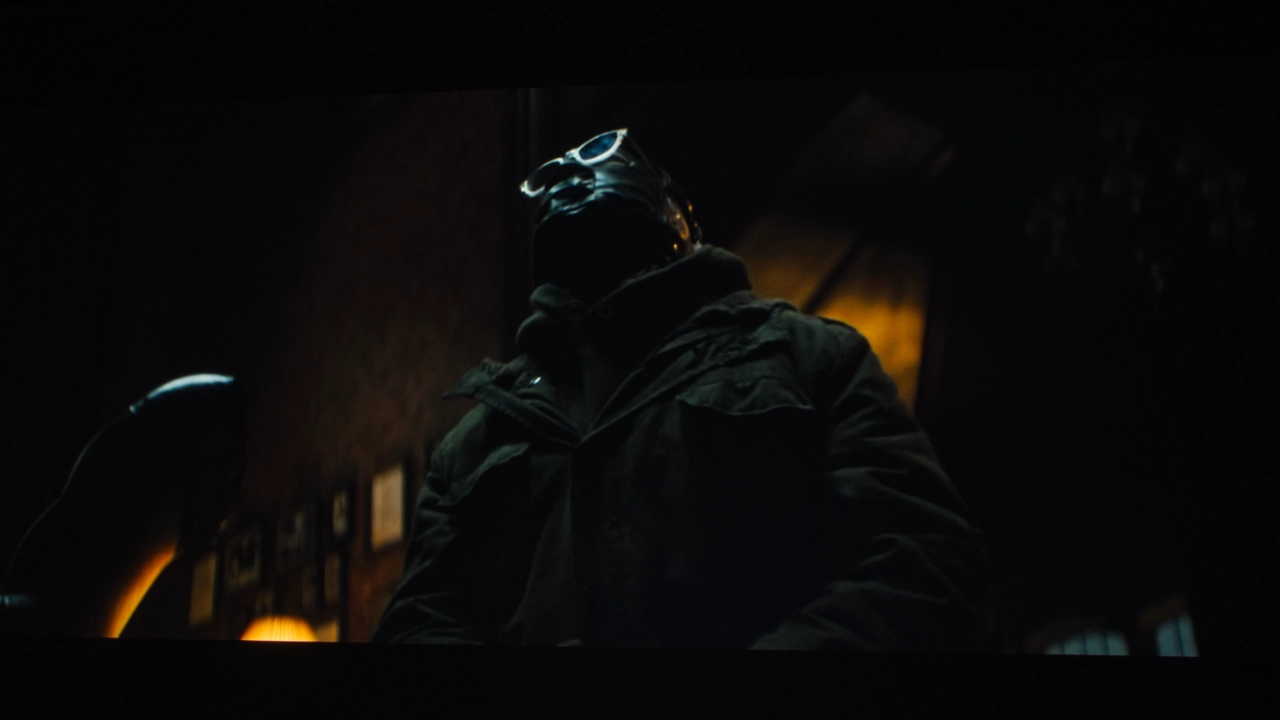
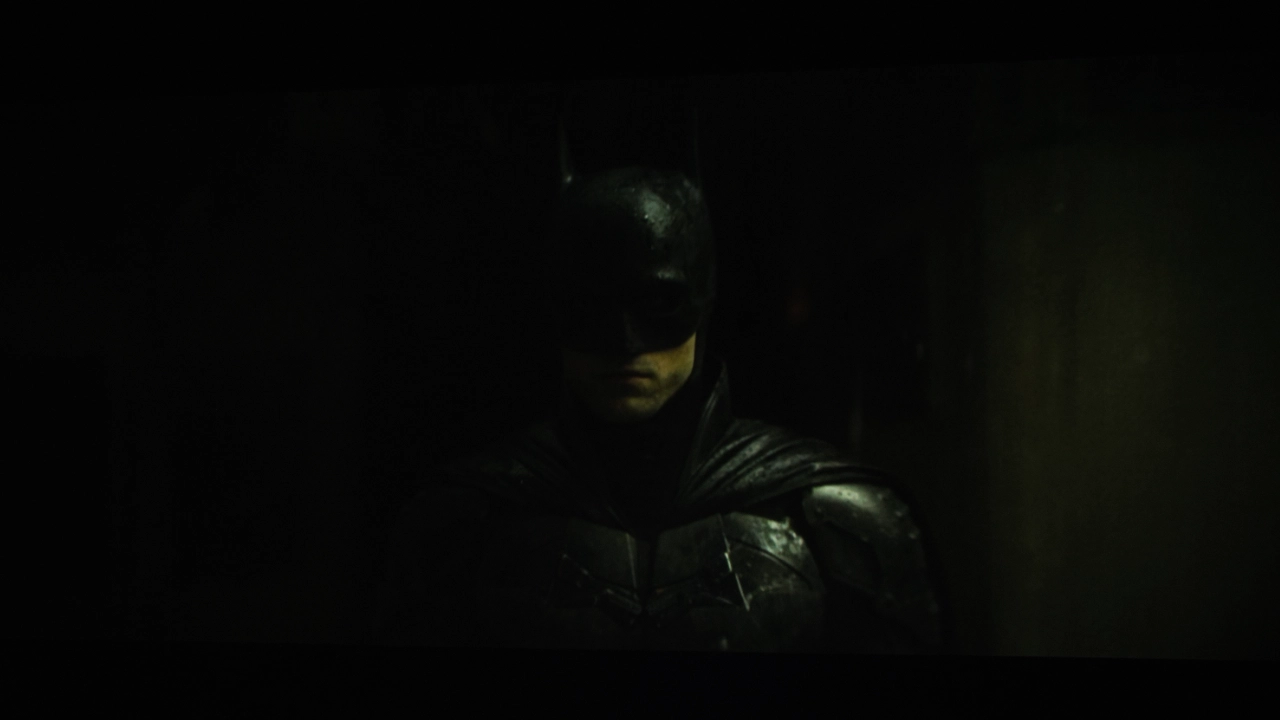
For example, in my light-controlled testing space, when I’m projecting a dark scene from a movie like The Batman or Tron: Legacy, dark areas like the letterbox bars and deep shadows tend to look like a hazy, dark charcoal gray, and nowhere near as black as some other brands in the N3 Ultimate’s class and price.

The N3 Ultimate does not feature a dynamic iris. In fact, the N3 Ultimate only offers an AI-Powered Dark Details Enhancement combined with a Dynamic Laser Dimming feature. This system tries to digitally adjust the power going directly to the internal triple-laser diodes, dipping the laser output during dark scenes to mimic the effect of a physical iris without the actual moving contrast blades. This type of system does have advantages, just not in black floor performance. For example, it’s reliable, fast-acting, and does not remove brightness in the same way that a physical iris can. However, it also comes with downsides.

Electronic laser dimming on this projector suffers from light leakage because the DLP chip's mirrors have a limited tilt range, leaving blacks looking like a hazy charcoal gray. Because the software uniformly lowers brightness across an entire frame to darken a scene, it can crush shadow details. Lastly, electronic dimming on this projector often results in contrast "pumping" artifacts. So often, with this feature engaged, the entire screen visibly steps its brightness a fraction of a second after a sudden video cut. The choice to omit a physical iris to reduce the laser light sources' massive brightness, combined with the lack of any new Texas Instruments DLP chips and controllers, directly limits how deep the native blacks on this projector can go.

VIDEO QUALITY

  • JMGO_N3_Ultimate_VidQual#6
  • JMGO_N3_Ultimate_VidQual#5
  • JMGO_N3_Ultimate_VidQual#4
  • JMGO_N3_Ultimate_VidQual#1
  • JMGO_N3_Ultimate_VidQual#2
  • JMGO_N3_Ultimate_VidQual#3

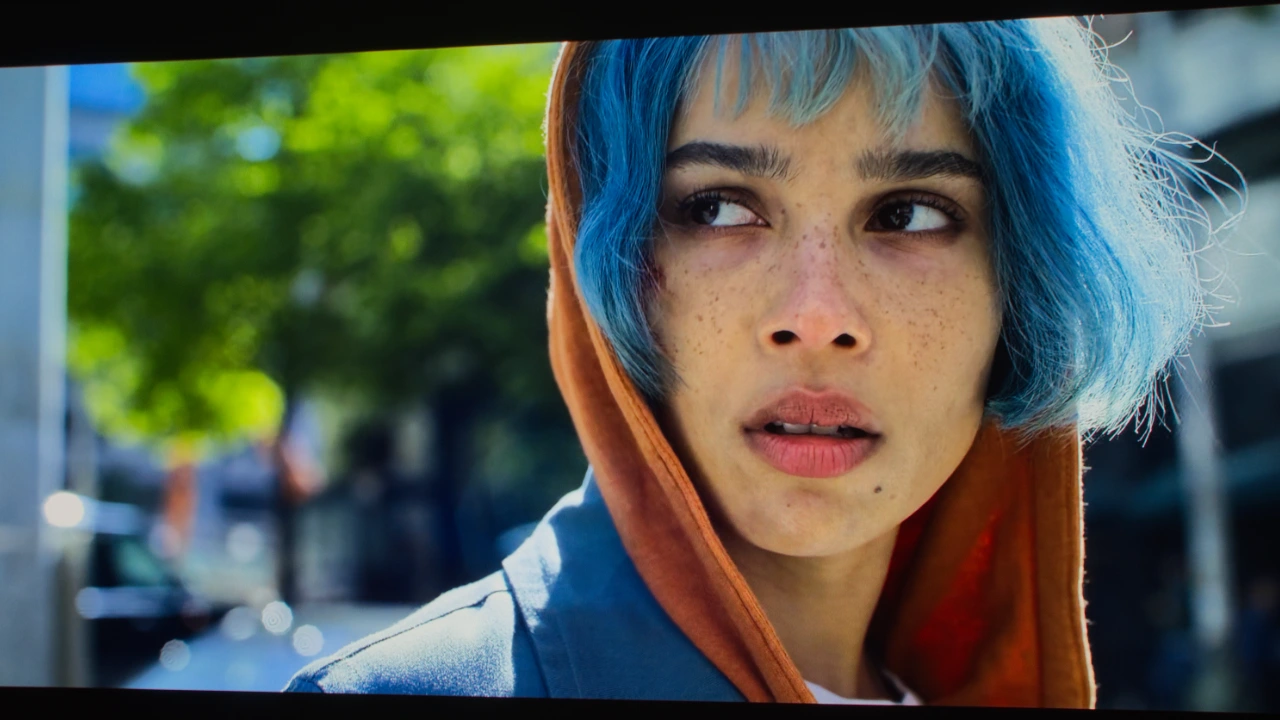
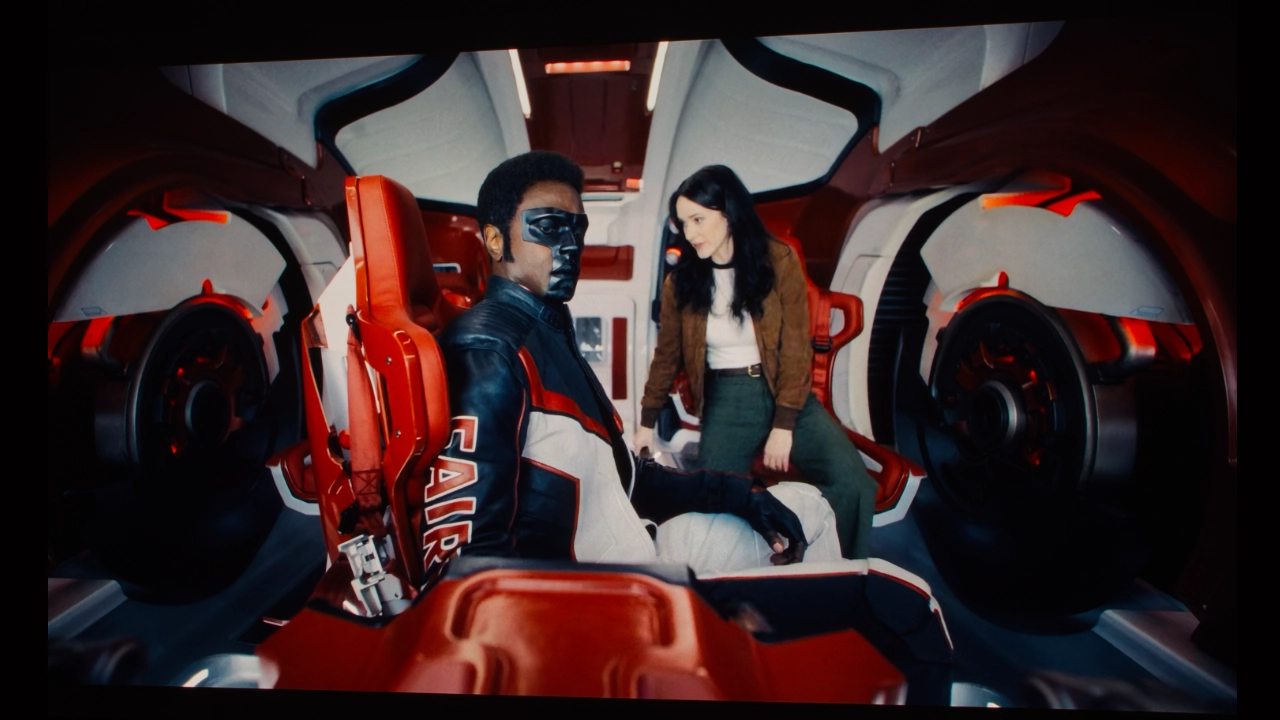
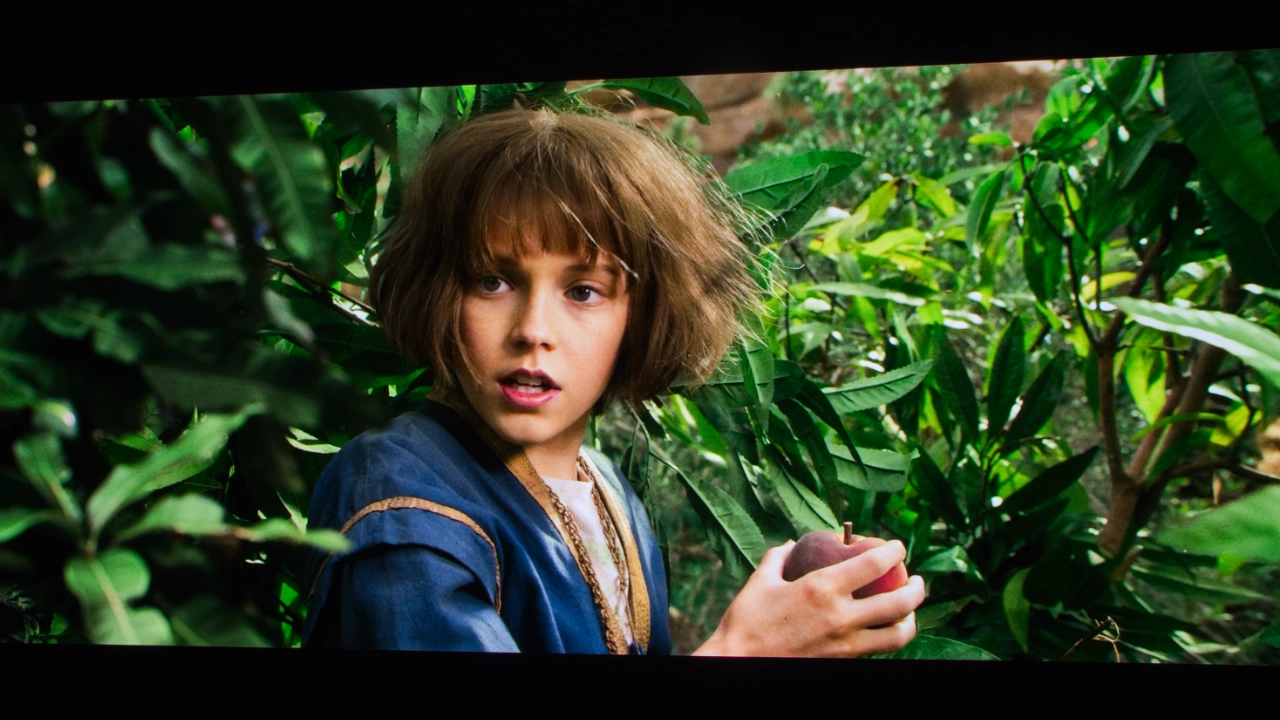
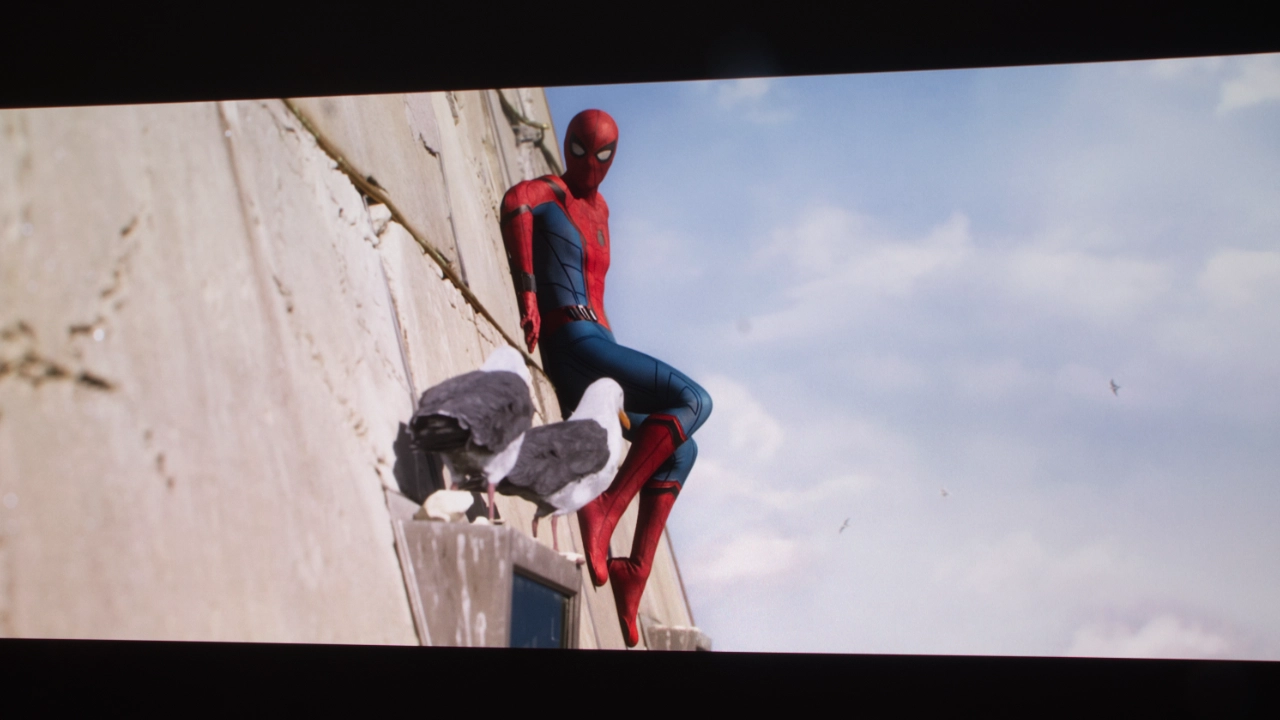
In my testing with SDR content, the JMGO N3 Ultimate hit home run after home run when it came to out-of-the-box color accuracy. Putting the projector into MOVIE mode made skin tones look pleasantly warm but not too red. Trees, grass, and foliage presented natural-looking greens that drew me in, and sports looked fantastic.
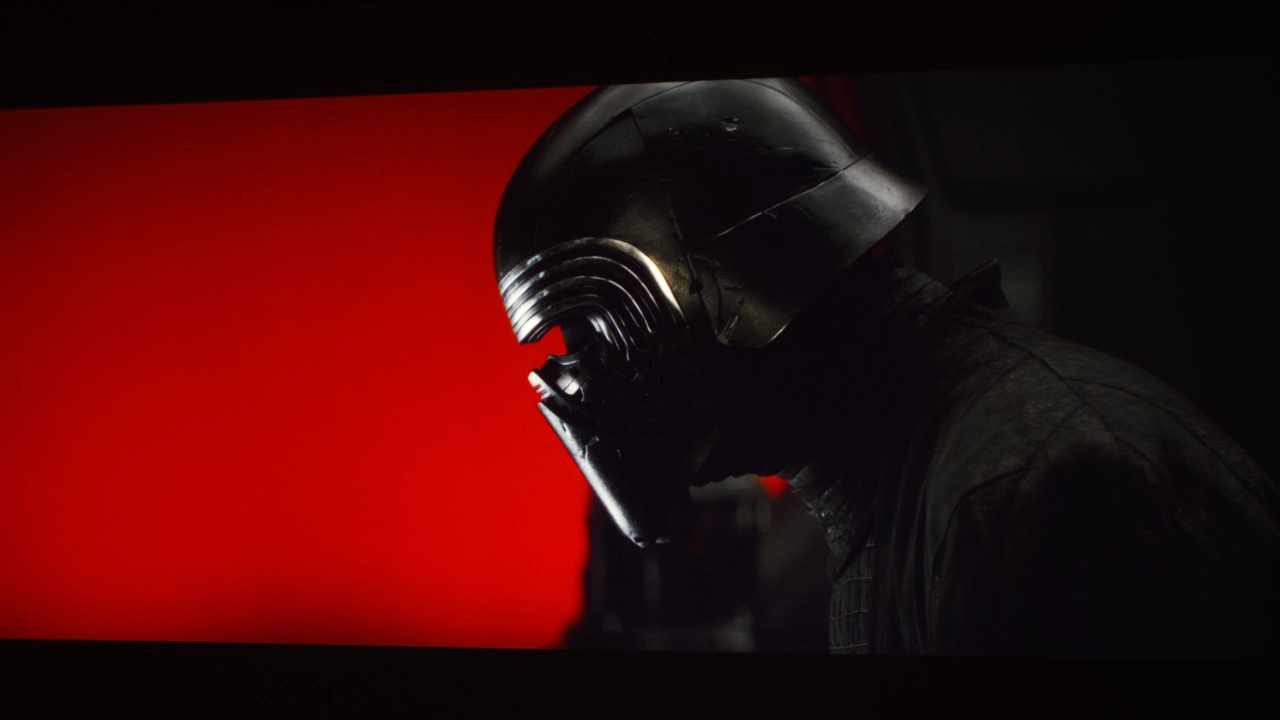
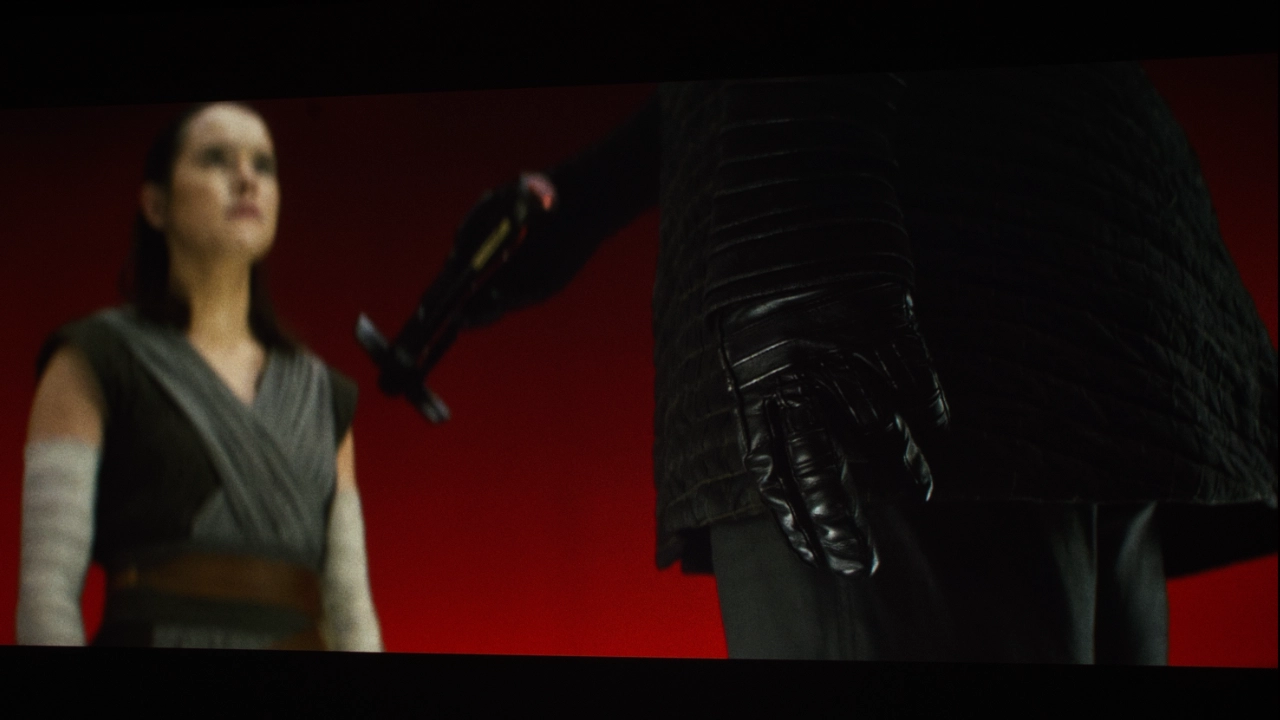
HDR is a completely different story and actually a mixed bag. Dolby Vision displayed an excellent image. Dolby Vision takes full control of the projector's tone-mapping, preserving dark details and textures without crushing blacks or pumping up brightness. HDR10 content felt a bit unrefined. The static tone mapping frequently resulted in aggressive black crushing that erased shadow details in dark scenes into flat, dark blobs.

The N3 Ultimate handled upscaling surprisingly well, showing a clear generational leap over older lifestyle models. JMGO is using a new MediaTek MT9679 chipset under the hood, which handles upscaling with more processing muscle than older JMGO units. When running standard 1080p Blu-rays, the upscaling algorithm sharpened fine details and, in many cases, produced an image with UHD clarity. However, if you are a fan of vintage gaming or older standard-definition content, the results are not as good. While 1080p looks crisp, dropping to heavily compressed 720p broadcast sports or retro 480i gaming consoles reveals the limits of upscaling software.

The N3 Ultimate includes full 3D support, including 4K Blu-ray 3D and Full HD active-shutter 3D formats. Whether you should actually care about 3D in 2026 is a separate question, but for a specific group of home theater hobbyists like myself, it remains a major selling point. If I’m being honest, the broader consumer market and physical media landscape have largely abandoned the format.

The N3 Ultimates 3-in-1 integrated optical system offers optical zoom and vertical and horizontal lens shift, allowing the projector to pair with an anamorphic ultrawide screen (like a 2.40:1 or 2.35:1 frame). Instead of using digital zoom, the motorized lens can zoom and vertically shift, mechanically resizing the image footprint without losing an ounce of native resolution. The projector also supports 4:3 and 16:10 manually.
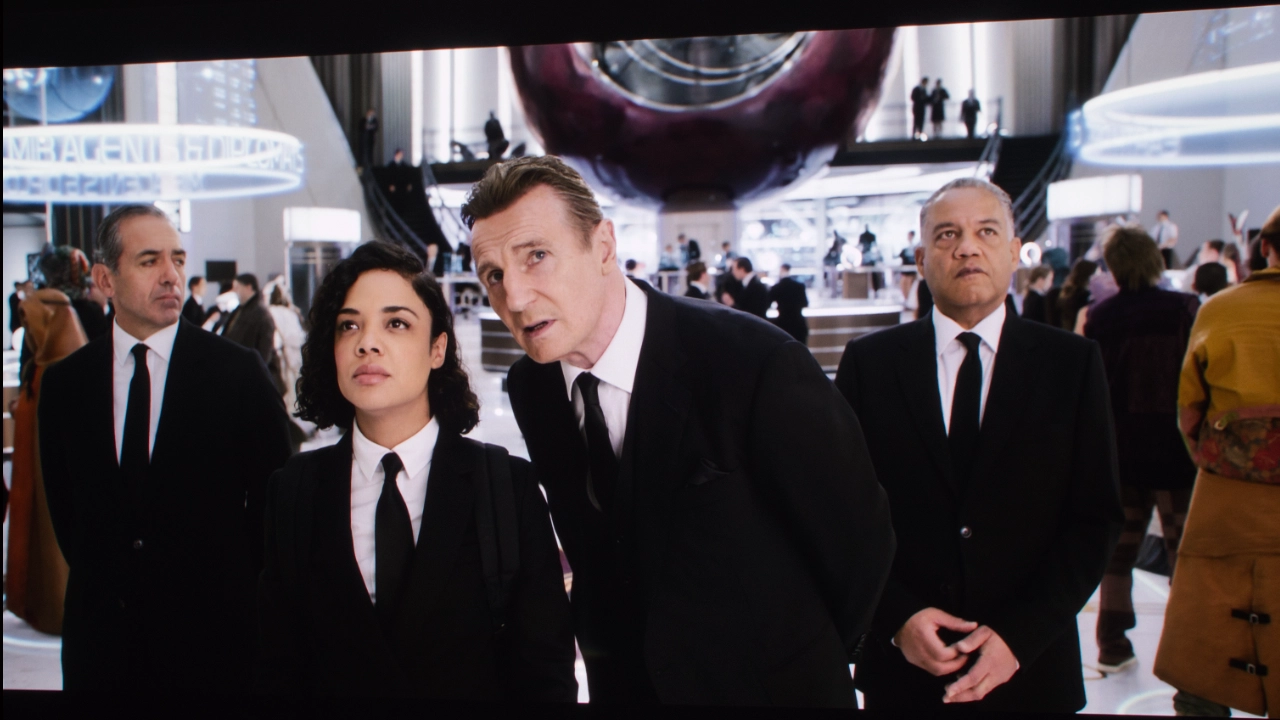
When it comes to Rainbow Effect (RBE), this massively bright single-chip DLP actually does an adequate job handling it, but it can become glaringly obvious when projecting high-contrast, fast-moving elements of the picture, white subtitles, and menu text against a black background. For 90% of the population, the fast-pulsing lasers keep the rainbows mostly invisible, but if you are hyper-sensitive to those fast flashes of red, green, and blue, this is not the DLP projector that slays the RBE dragon.
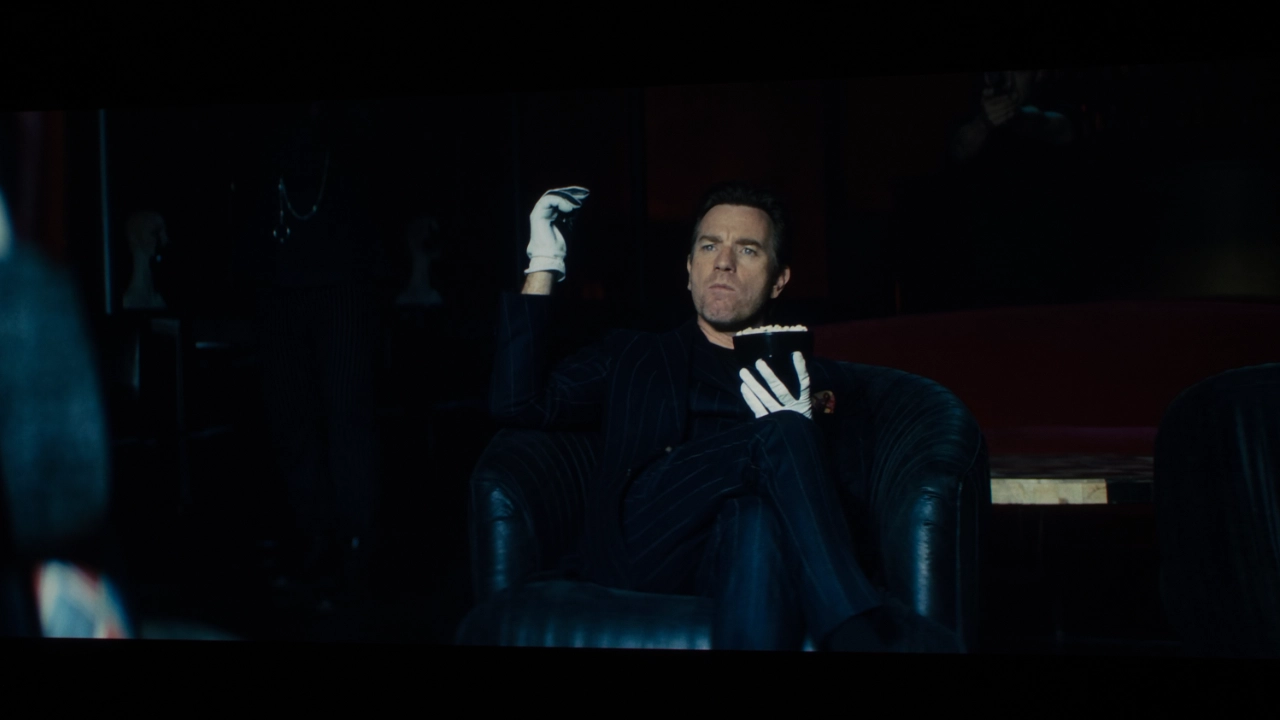
HIGH DYNAMIC RANGE

  • JMGO_N3_Ultimate_HDR#8
  • JMGO_N3_Ultimate_HDR#3
  • JMGO_N3_Ultimate_HDR#9
  • JMGO_N3_Ultimate_HDR#6
  • JMGO_N3_Ultimate_HDR#7
  • JMGO_N3_Ultimate_Color#11

The JMGO N3 Ultimate natively supports Dolby Vision, HDR10, and HLG, with its Dolby Vision processing standing out as a massive highlight for smooth, frame-by-frame contrast mapping. Dolby Vision content looks great with two presets, DARK ROOM and BRIGHT ROOM. Dolby Vision tone mapping helps the projector preserve highlight detail and maintain shadow texture without lifting the black floor.

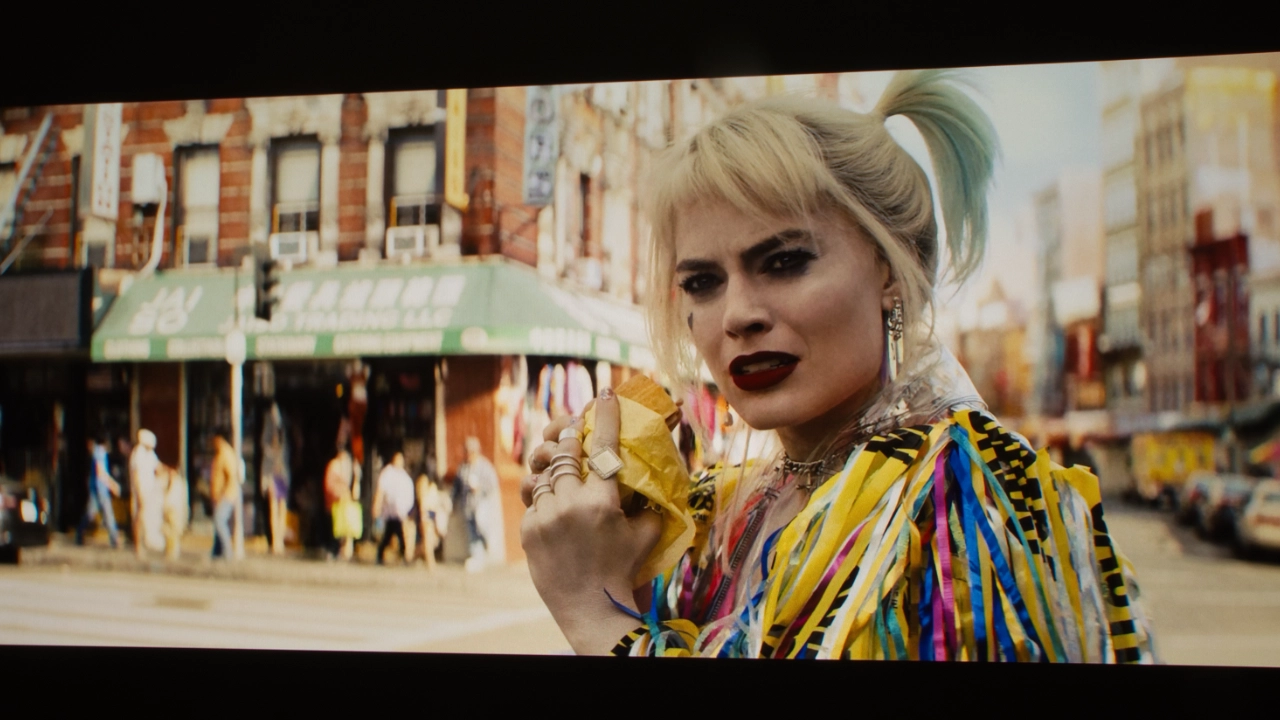
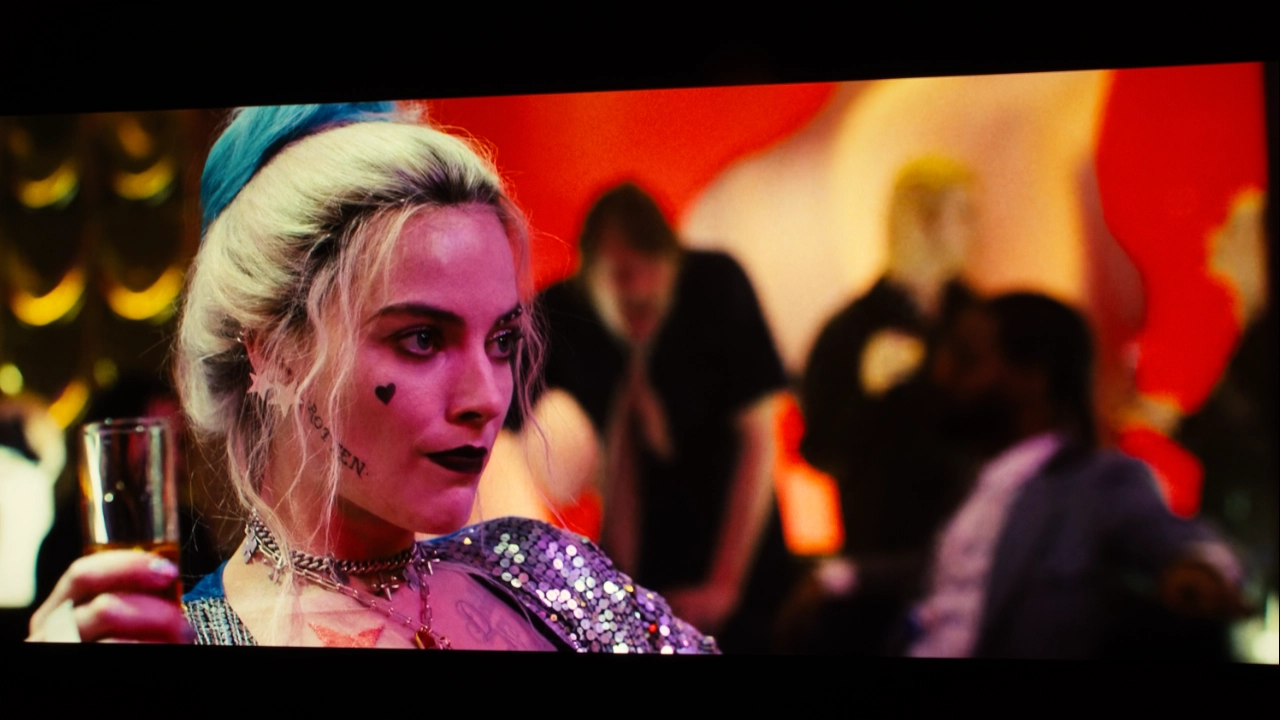
However, the complete lack of support for HDR10+ means that HDR10+ content is downgraded to standard HDR10 and its static tone mapping, which becomes visually apparent with low-light content like The Batman, a shadow-heavy film that the N3 Ultimate's static HDR10 mapping struggles with. In scenes from Birds of Prey, the projector tries to preserve the brilliance of the colorful neon lights in the bar background, but ends up crushing the dark details around Harley.

While the projector lacks official IMAX Enhanced certification, it will still automatically display expanded 1.90:1 aspect-ratio sequences and can natively decode the underlying DTS:X audio to pass immersive surround sound through its eARC port.

GAMING

JMGO_N3_Ultimate_Gaming

The JMGO N3 Ultimate is every bit as much a premium gaming projector as it is a premium home entertainment projector. But like similarly featured high-brightness projectors from XGIMI, Valerian, and others, the N3 Ultimate falls short of the performance of a dedicated gaming projector like the BenQ X3100i. Let's look into this a little closer.

The N3 Ultimate is a high-performance gaming projector with many specs and features that rival those of dedicated desktop gaming monitors. Driven by the flagship MediaTek MT9679 chipset and an updated 8445 driver controller, the hardware achieves a blistering 1 ms native input lag in its dedicated gaming profiles, rendering controller latency practically imperceptible to human reflexes.

For most gamers, the N3 Ultimate offers more than enough performance for high-frame-rate 1080p gaming and 4K 60 Hz gaming. I used my 4K Leo Bonar lag tester to measure the gaming latency at different resolutions and frame rates.

Input Lag (Resolution/Frame Rate)

SIGNALNORMALEXTREMEEXTREME
4K/60p113 ms10.4 ms2.3ms
1080/120p35 ms5.4 ms1.8 ms
1440/120pN/A14,2 ms11.3 ms
1080/240pN/A2.9ms2.8ms

JMGO includes advanced gaming features, such as full VRR support. VRR allows the N3 Ultimate to synchronize its frame output with a PlayStation 5, Xbox Series X, or gaming PC, preventing screen tearing and stuttering during erratic drops in frame rate.

JMGO offers PRO GAME mode presets, including an FPS preset that turns off all image enhancement processing to reduce latency. The projector’s RACING mode enhances frame smoothness via MEMC. And, an RPG profile makes cinematic games pop.

When you pit the N3 Ultimate against a gaming-centric model like the BenQ X3100i or the ViewSonic LX700-4K, the differences in their chipsets create a completely different viewing experience.

If your primary goal is a dedicated, low-latency, competitive gaming command center where shadow precision and 120 Hz fluid motion take absolute priority, the N3 Ultimate could feel like a compromise compared to a 0.65 DMD gaming machine. However, if gaming is just an activity you value similarly to, say, watching high-end films and streaming, the lifestyle convenience and color depth of the JMGO may be a compelling option for you.

SOUND QUALITY

JMGO_N3_Ultimate_Sound

I am a fan of ultra-short-throw projectors for many reasons, and one of them is the massive improvement in onboard sound these projectors have brought back. Yes, brought back because TVs used to have big sound until flat panels took up all the space for it. Also, companies wanted to sell more soundbars and external audio products. In recent years, these more robust built-in sound systems have also spread to the Lifestyle projector category. I’m thrilled!

I have spent some time listening to the built-in sound system on the JMGO N3 Ultimate, and I am happy to report that it seems to be a modest step forward for these all-in-one lifestyle boxes, though the actual usefulness will depend entirely on your room. JMGO offers 25 watts total through a pair of 12.5-watt drivers squeezed into this lifestyle-sized chassis. For a movie night out in the backyard, the projector sounds okay, but put it in a room, and it actually holds its own. This projector creates a nicely dynamic soundstage that makes all the sound coming out of this modestly sized box feel wider than I expected. One surprise for me was that the vocals were crisp even on Amazon content like Jack Ryan and Reacher, where they typically get lost in sound effects. Is it perfect? No, but it is a pleasant surprise and nice not to have to turn on the closed captioning for everything I watch.
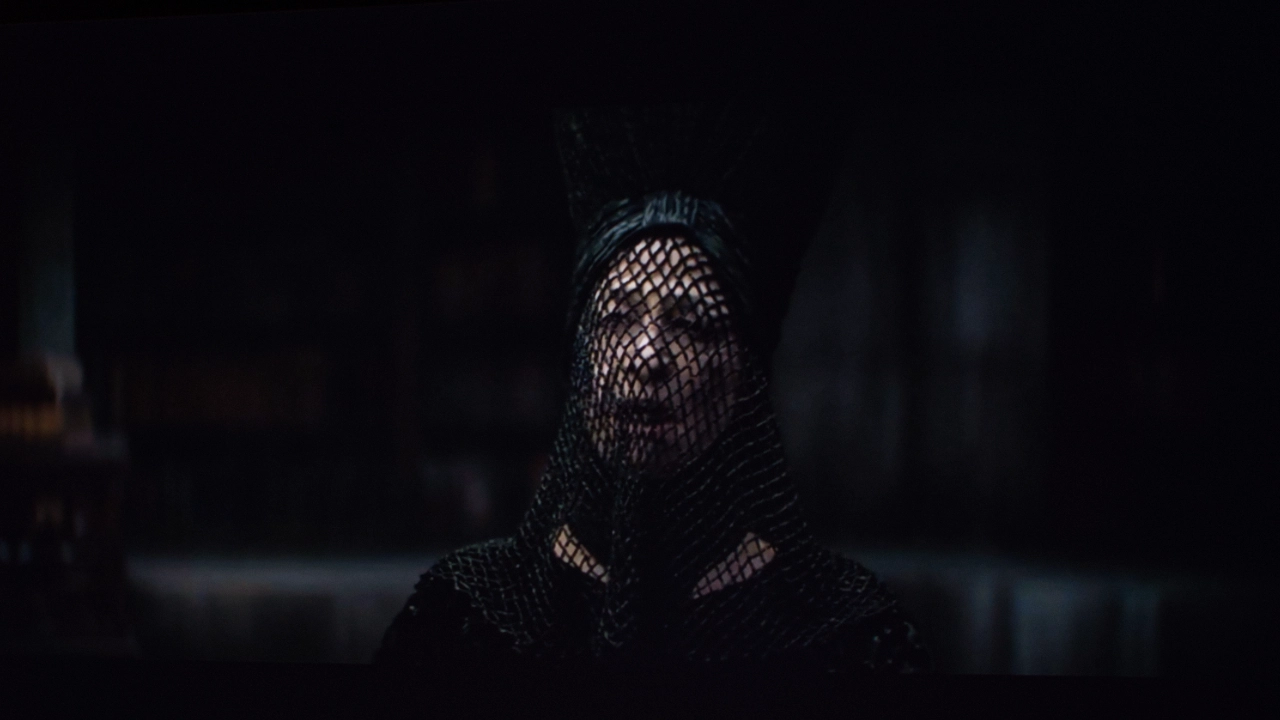
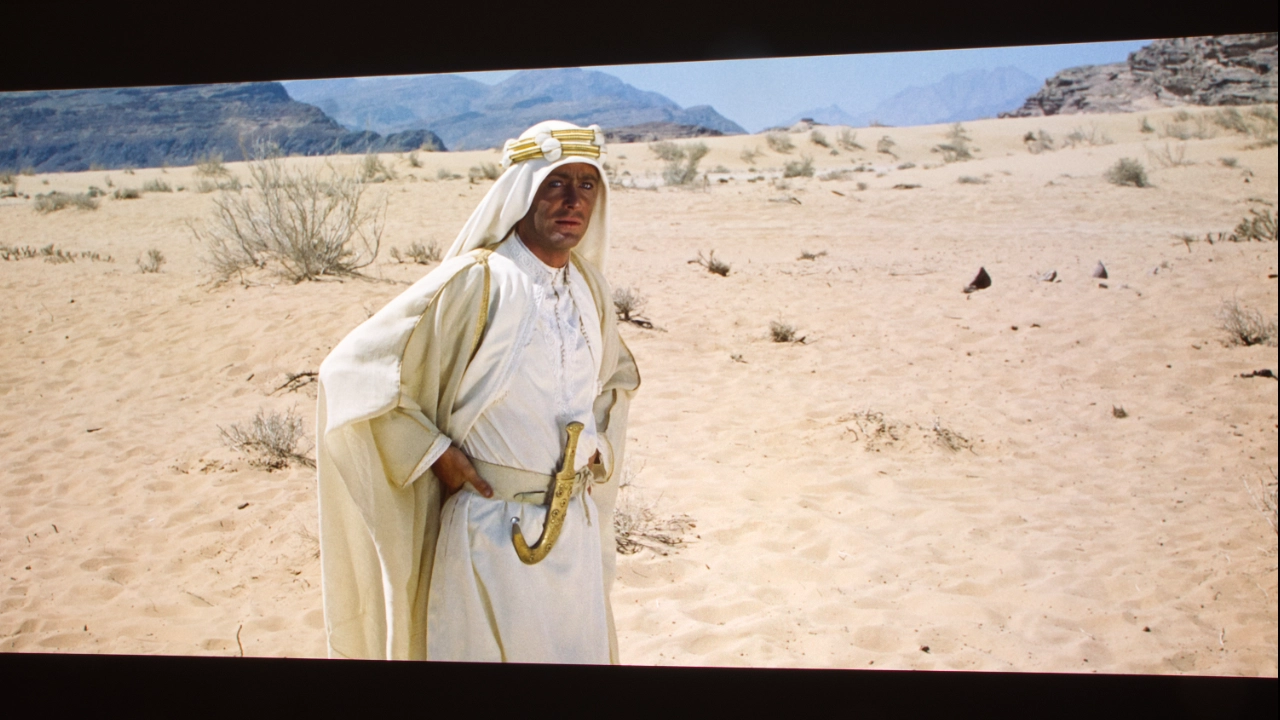
The N3 Ultimate natively decodes Dolby Audio and DTS:X, which seems to keep multi-channel streaming tracks from getting wonky or suffering from weird volume dips. Plus, the cooling fans are quiet rather than dominating quiet scenes.

Like all projectors, the N3 Ultimate is not perfect, primarily because its small drivers can only do so much. Also, if you are planning on mounting the unit on a high back shelf, you're going to get a weird disconnect, with sound coming from behind your head while the action happens in front of you. There is no real low-end bass, so when one of those Reacher explosions hits, you won’t get that bug rumble a subwoofer provides. The good news is that JMGO includes an HDMI 2.1 port with eARC on the back, which means you can easily run a single cable to a real AV receiver or a separate surround bar to get uncompressed sound without any annoying lip-sync delay… and lots of big sound, including some decent bass to make those booms sound so good.

SUMMARY

JMGO_N1_Ultimate_Marketing#1

The JMGO N3 Ultimate, like many of the most recent high-brightness lifestyle projectors, is a mostly successful attempt to bridge the gap among lifestyle, home theater, and even gaming projectors. The lack of HDR10+, a mechanical iris for deeper blacks, and 120 Hz support are a few undeniable misses.

On the hardware side, the N3 Ultimate is a beast. JMGO’s combination of a motorized gimbal base, a physical 1.93x optical zoom, plus lens shift makes this projector the most flexible for its class. And it can save geometric adjustments to memory.

When I fed the N3 Ultimate standard well-mastered SDR content or dynamic Dolby Vision tracks, the MALC 5.0 triple-laser engine displayed lifelike skin tones and high color volume, with scenes that popped. However, it is not flawless. The processing struggles with standard HDR10 content. Also, JMGO's one-size-fits-all static tone-mapping frequently clamps down too hard, resulting in muddy, crushed dark area details.

Gamers are likely to find a similar bag of trade-offs. The N3 Ultimate offers blistering 1 ms input lag and a 240 Hz refresh rate, which is phenomenal, but having to drop the resolution to 1080p to get anything over 60 Hz was disappointing. For a casual user, it is an extremely compelling, smart projector, but hardcore gamers and dark-room users may still find themselves eyeing more specialized hardware.

COMPETITIVE COMPARISON

The Valerion VisionMaster Max competes with several high-end lifestyle projectors, including the Hisense C2 Ultra and XGIMI Horizon 20 Max. Each of these projectors has unique strengths, making them suitable for different user needs, whether for gaming, home theater, or all-around entertainment.

Hisense C2 Ultra

The Hisense C2 Ultra represents the other major threat in this high-end lifestyle bracket. Powered by Hisense's newer LPU tri-laser engine, it goes to war with the N3 Ultimate over out-of-the-box color tracking and wide color gamut coverage.

Hisense has a long track record of tuning triple-laser arrays to reduce speckle, and both projectors handle it quite well.

Where the C2 Ultra excels against the JMGO is in its ability to handle static HDR10 tone mapping without destroying low-light shadow depth. Also, when it comes to HDR, unlike the JMGO N3 Ultimate, which forces you into a game of format compromise, Hisense fully paid for the licensing and built the processor pipelines to support Dolby Vision, HDR10+, and IMAX Enhanced formats natively.

If your setup forces you to place the projector off-center, or in a space where throw distance matters, the JMGO N3 Ultimate's motorized optics are vastly superior.

XGIMI Horizon 20 Max

The XGIMI Horizon 20 Max is perhaps the closest match. It mirrors the N3 Ultimate almost spec-for-spec, coming in with a massive factory-rated 5,700 ISO lumens, an RGB triple-laser light engine, and full dual-format support for both Dolby Vision and IMAX Enhanced (JMGO does not officially support IMAX Enhanced).

Like the JMGO, XGIMI has heavily leaned into luxury optics here, outfitting the Horizon 20 Max with a 14-element all-glass lens assembly and motorized, remote-controlled lens shift. However, the N3 Ultimate offers a significantly wider 0.88–1.7:1 throw ratio and a larger optical lens shift range than XGIMI's more restrictive 1.2–1.5:1 lens. More importantly, with the JMGO lens shift, the operation is seamless. On the Horizon 20 Max, engaging the lens shift turns off automated smart features such as autofocus and obstacle avoidance, requiring manual adjustments.

While both projectors offer mostly similar black levels, I found that the N3 Ultimate handles them a little more cleanly.

When it comes to HDR10, the Horizon 20 Max handles standard HDR10 content better, preserving details in dark scenes with less manual tweaking.

FINAL THOUGHTS

JMGO N3 Ultimate-Award-2
If you are interested in purchasing the projector mentioned in this article, we always appreciate it if you use one of the links in the article because Projector Reviews earns a small commission on the sale at no cost to you.
Buy Now On Amazon - Projector Reviews ImagesBuy Now- ProjectorScreen.com - Projector Reviews Images

Looking back at what has crossed my test bench recently, the JMGO N3 Ultimate stands out as quite possibly one of the most compelling projectors to drop in 2026. The image quality it produces, especially its clarity, can rival that of more expensive traditional home theater displays. JMGO's continued techical innovation like what they have done with the N3 Ultimate's optical geomatry correction make it the most memorable DLP model I have reviewed this year.

That is not to say it is completely flawless. The software struggles with static HDR10 content, where its tone-mapping curve clamps down too hard, swallowing up fine, low-light details into a flat void. Despite this, it feels like JMGO really knocked this one out of the park. The brightness of the MALC 5.0 triple-laser engine is impressive on its own, but combining it with a motorized gimbal setup and true optical lens shift gives you a level of physical setup flexibility I’ve never encountered. It is the kind of design choice that makes you wonder why everyone else is still building rigid, boxy chassis. JMGO has essentially put the rest of the industry on notice with this display, and it will be incredibly interesting to see how the legacy brands respond in 2027.

Valerion VisionMaster Max - SPECIFICATIONS

JMGO_N3_Ultimate_MfrProdShot#2
Full Specifications
Projector ModelN3 Ultimate 
Price (MSRP)$2999.00
Imager TypeDLP (0.47” DMD) w XPR
Displayed Resolution3840 x 2160 pixels
Native Resolution1920 x 1080 x 4 pixels
Brightness (Manufacturer Claim)5800 ISO lumens
Light Source TypeRGB Triple Laser
Contrast Ratio20,000:1 (FOFO) 3,000,000:1 (Dynamic)
Lens Throw Ratio0.88-1.7:1
Power Zoom/FocusYes
Lens ShiftYes (up to ±130% vertical and ±53% horizontal)
Interchangeable LensNo
Ultra Short ThrowNo
Native Aspect Ratio16:9 (Widescreen)
HDTV/4KYes
3DYes (Active)
SpeakersDual 12.5-watt DTS-X
Noise Level (-db)28 dB
Low Lag GamingYes (1ms at 1080@240Hz, 3ms at 4K@60Hz)
Smart FunctionalityGoogle TV
BusinessNo
ClassroomNo
PortableYes
Special FeaturesHDR10, HLG and Dolby Vision, H&V Lens Shift
NetworkingWiFi 6
Dimensions (WxDxH)(WxHxD) 12.13 " x 9.04” x 10.7" (308.3 x 229.8 x 274.1 mm)
Weight15.32 pounds (6.95 kg)
Warranty1-year limited
Buy Now- ProjectorScreen.com - Projector Reviews Images

© 2026 Projector Reviews

crossmenu linkedin facebook pinterest youtube rss twitter instagram facebook-blank rss-blank linkedin-blank pinterest youtube twitter instagram