Projector Reviews Images

Optoma Photon Go (ML1080ST) Portable UST Projector Review

Posted on May 14, 2026 by Phil Jones
Optoma Photon-Go-Award-1

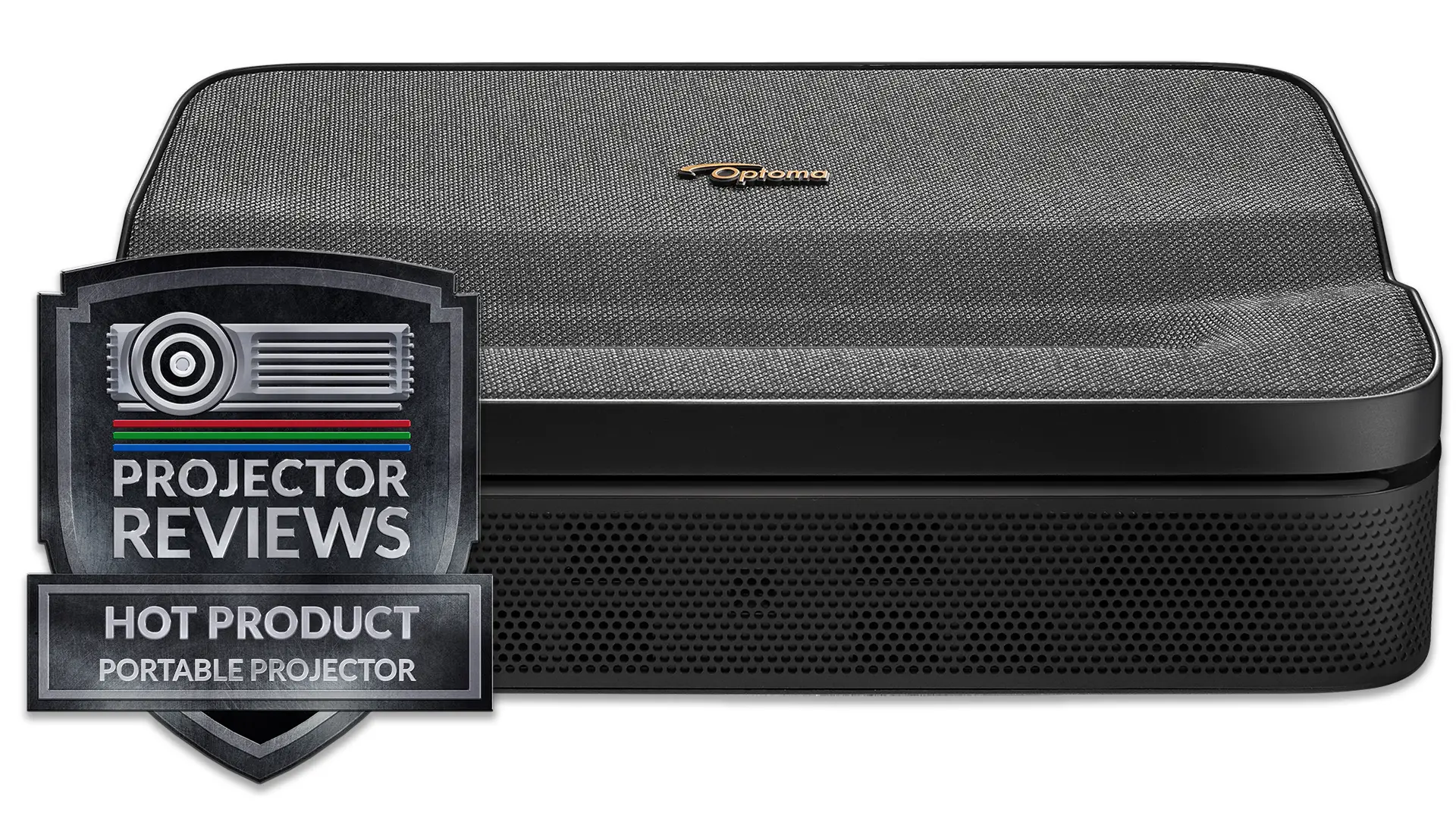
The Optoma Photon Go (ML1080UST) is a portable ultra-short-throw DLP projector that current sells for $999. It packs a triple RGB laser engine and Google TV into a battery-powered, sub-4-pound chassis, which is a combination that does not exist anywhere else at this price.

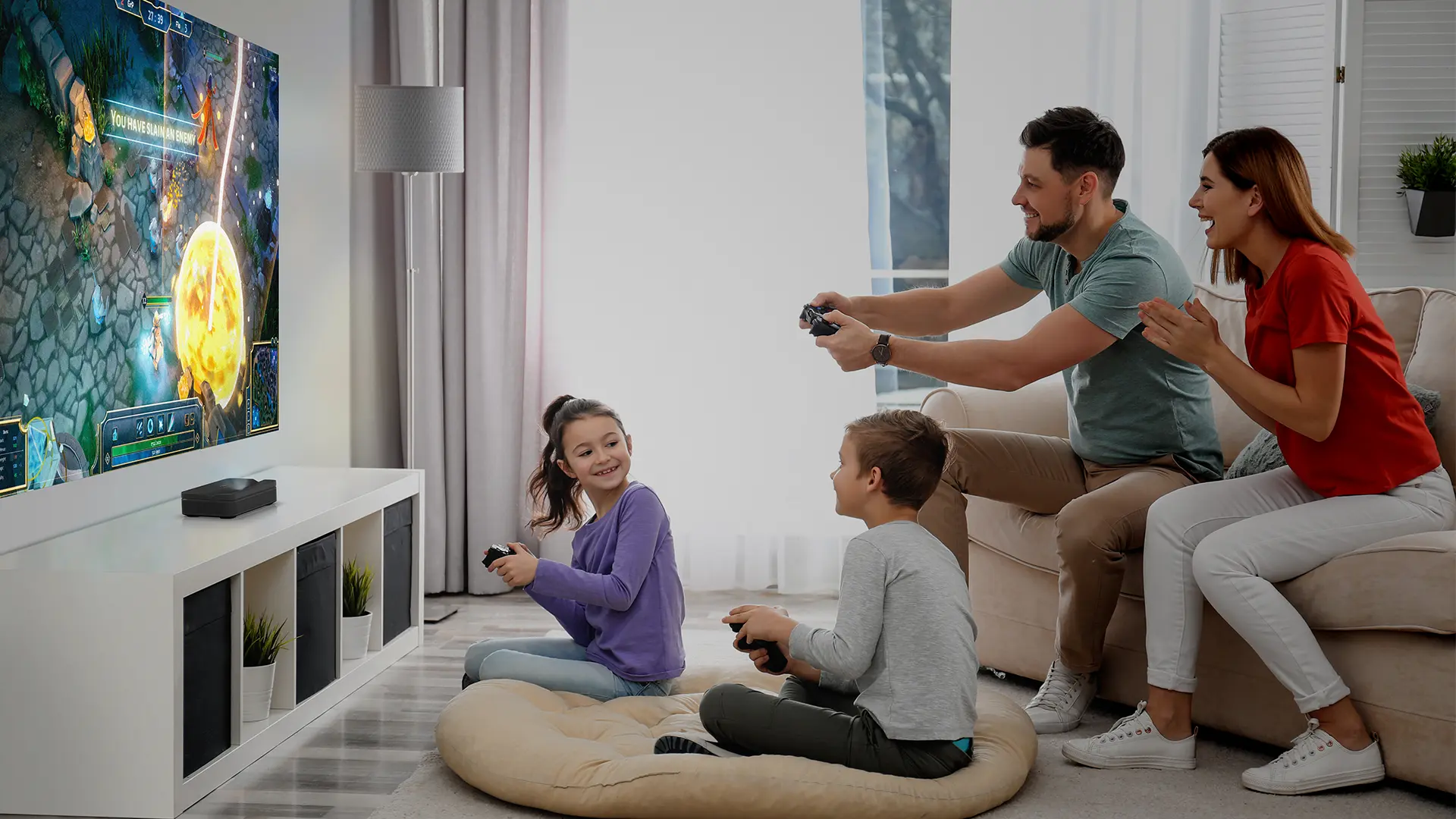
While portable projectors continue to get smaller, most still need to be placed several feet out into the room to project a large, immersive image. But what if your room is too small or there's furniture in the way? That’s where the Photon Go comes in.

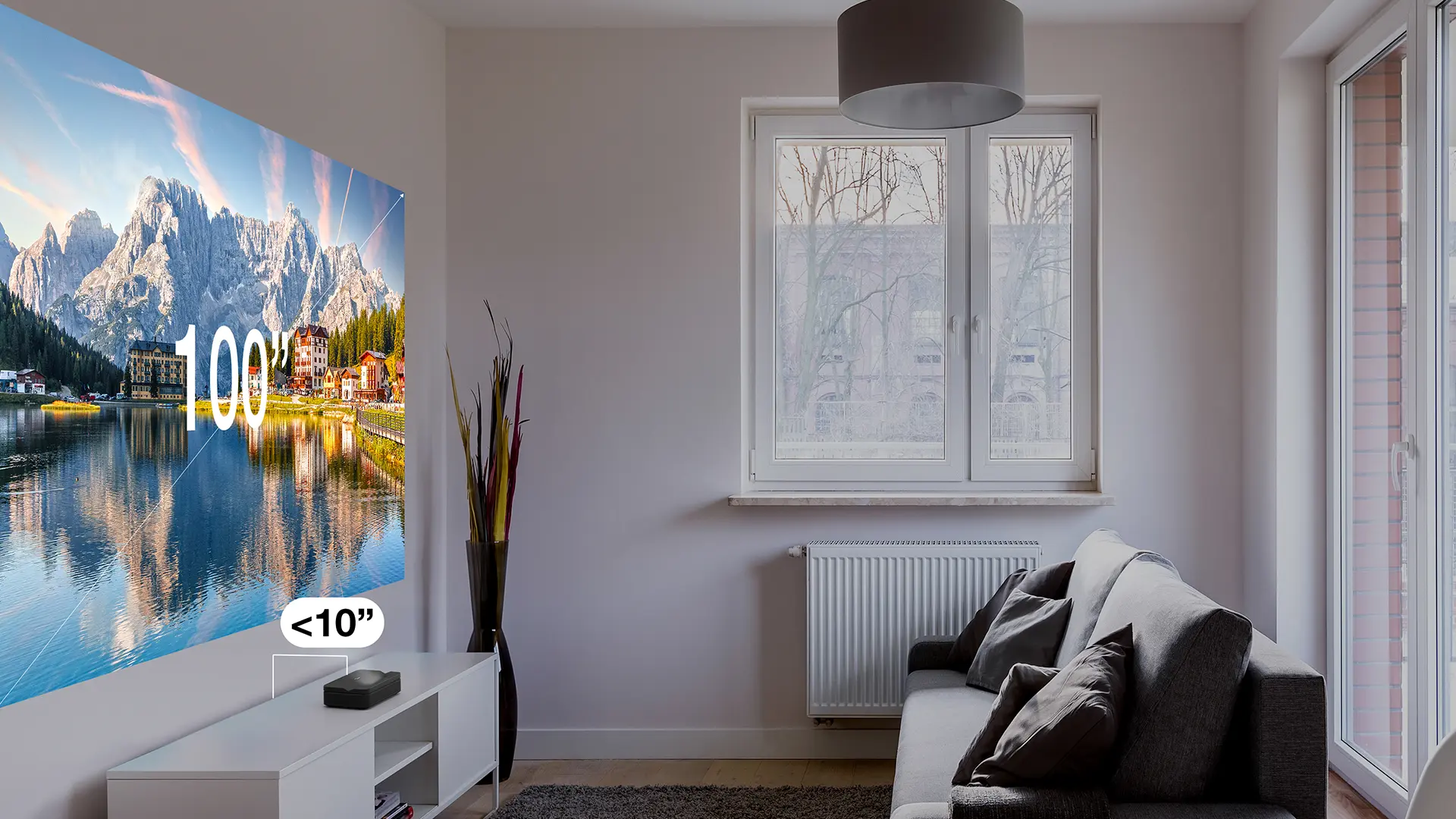
The Photon Go is an ultra-short-throw projector that can display a 100-inch image from less than 10 inches away from the projection surface. It is designed for people who desire a large-screen entertainment experience but don't have the space for a traditional projector setup.

The Photon Go does not directly replace a previous Optoma model but instead expands Optoma’s lineup of lifestyle and portable projectors.

Optoma manufactures a couple ultra-compact portable RGB laser projectors including the award-winning Optoma ML1080, which we reviewed in late 2023. That model impressed us with its remarkable combination of compact size, RGB laser color reproduction, and installation flexibility across consumer and professional use cases.

While the ML1080 was designed as a versatile portable solution for both business and consumer applications, the Photon Go is targeted at home entertainment users. It’s a great solution for bedrooms, apartments, military barracks, dorm rooms, backyards, and anywhere else you want a big screen without a permanent or bulky installation.

The Photon Go carries the same triple RGB laser light source that made the ML1080 stand out in its class, delivering 110% BT.2020 color coverage, which is wider than most home theater projectors at any price point.

It pairs that engine with a built-in 15,000 mAh battery, Google TV with certified Netflix and Disney+ apps, dual 10W stereo speakers with Dolby Audio, and an ultra-short-throw lens that requires less than 1 foot of throw distance at 100 inches. No other battery-powered portable projector on the market combines all of those elements.

At approximately a thousand dollars, the Photon Go costs more than the Optoma  ML1080. That premium buys you the battery, the UST lens, the Google TV platform upgrade, and a significant audio upgrade so we think the difference in price is justified. 

Optoma Photon Go (ML1080UST)
Optoma Photon-Go-1
Current Retail Price: $999
Ratings Based On Comparable Models
Color Reproduction
Brightness
Contrast
SOUND
Pros

+ 750 Lumens

+ Good Color Reproduction

+ Built-in 3 hour Battery

+ Google TV with a Netflix certification

+ Effective Auto Setup Features

+ 5 watt audio system fills small/midsize rooms

Cons

- Remote is not backlit

- Noticeable fan noise at max brightness

- Lens can't be aimed 90 degrees

buy now on amazon button grey - Projector Reviews - Image
If you are interested in purchasing the projector mentioned in this article, we always appreciate it if you use one of the links in the article because Projector Reviews earns a small commission on the sale at no cost to you.

OVERVIEW

Optoma Photon-Go-Lifestyle-1

The Optoma Photon Go (ML1080UST) is a portable, battery-powered, ultra-short-throw RGB Laser DLP Projector. The Photon Go displays a native 1920 x 1080 Full HD resolution and is rated at up to 650 ISO lumens of brightness.

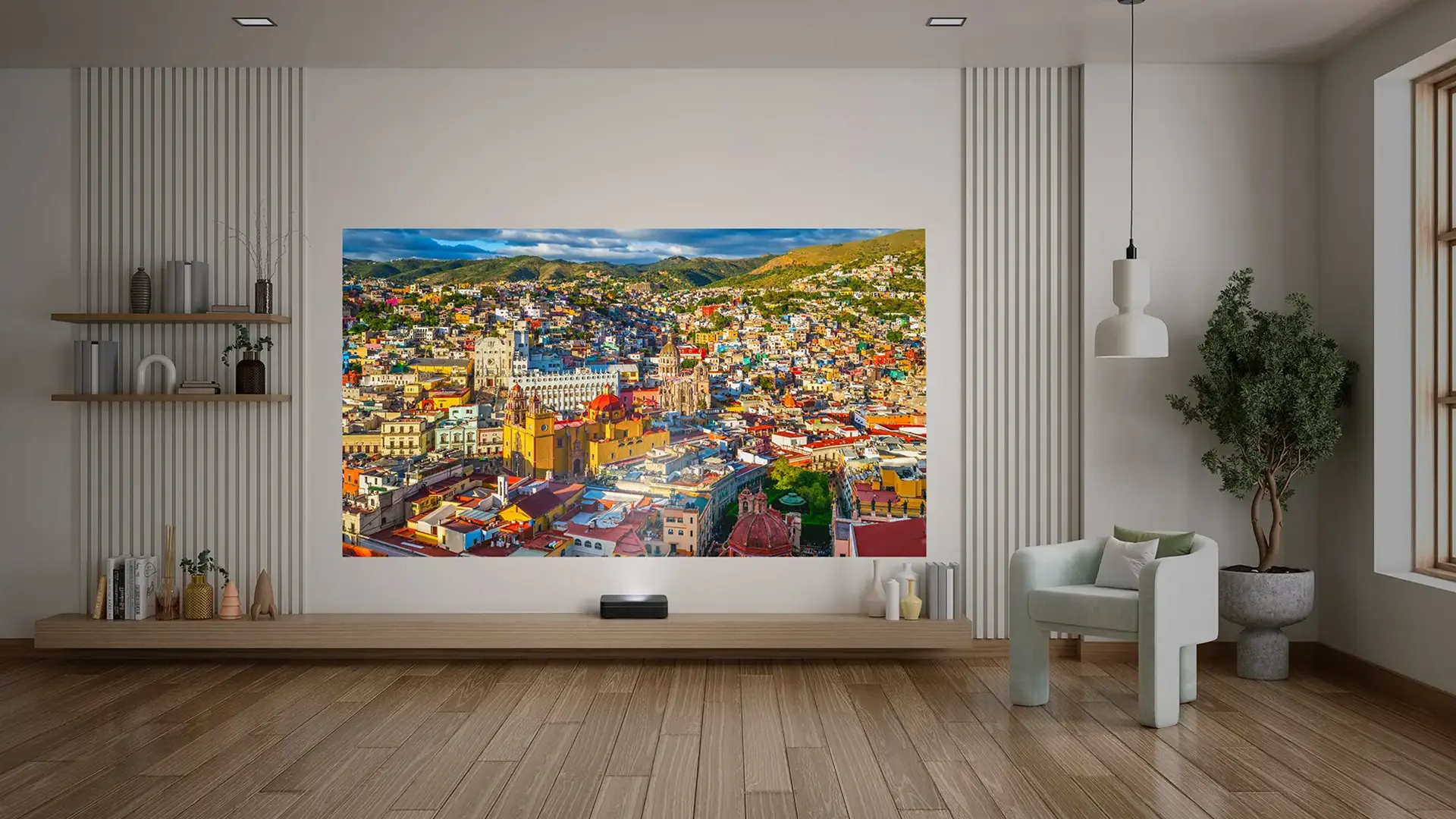
The defining feature of the Photon Go is the combination of a 0.18:1 ultra-short throw lens in a battery-powered portable form factor. The unit’s throw ratio of 0.18 to 1 means the Photon Go can project a 100-inch image from just under 10 inches away or a 60-inch image from under 4 inches.

Optoma’s ultra-short throw design in this projector allows it to display a large image from only inches away, making it especially appealing in small spaces where traditional throw distances are impractical. Ultra-short throw projectors have traditionally been large, heavy fixed-installation products, laser TVs designed to sit permanently in front of a dedicated screen or wall.

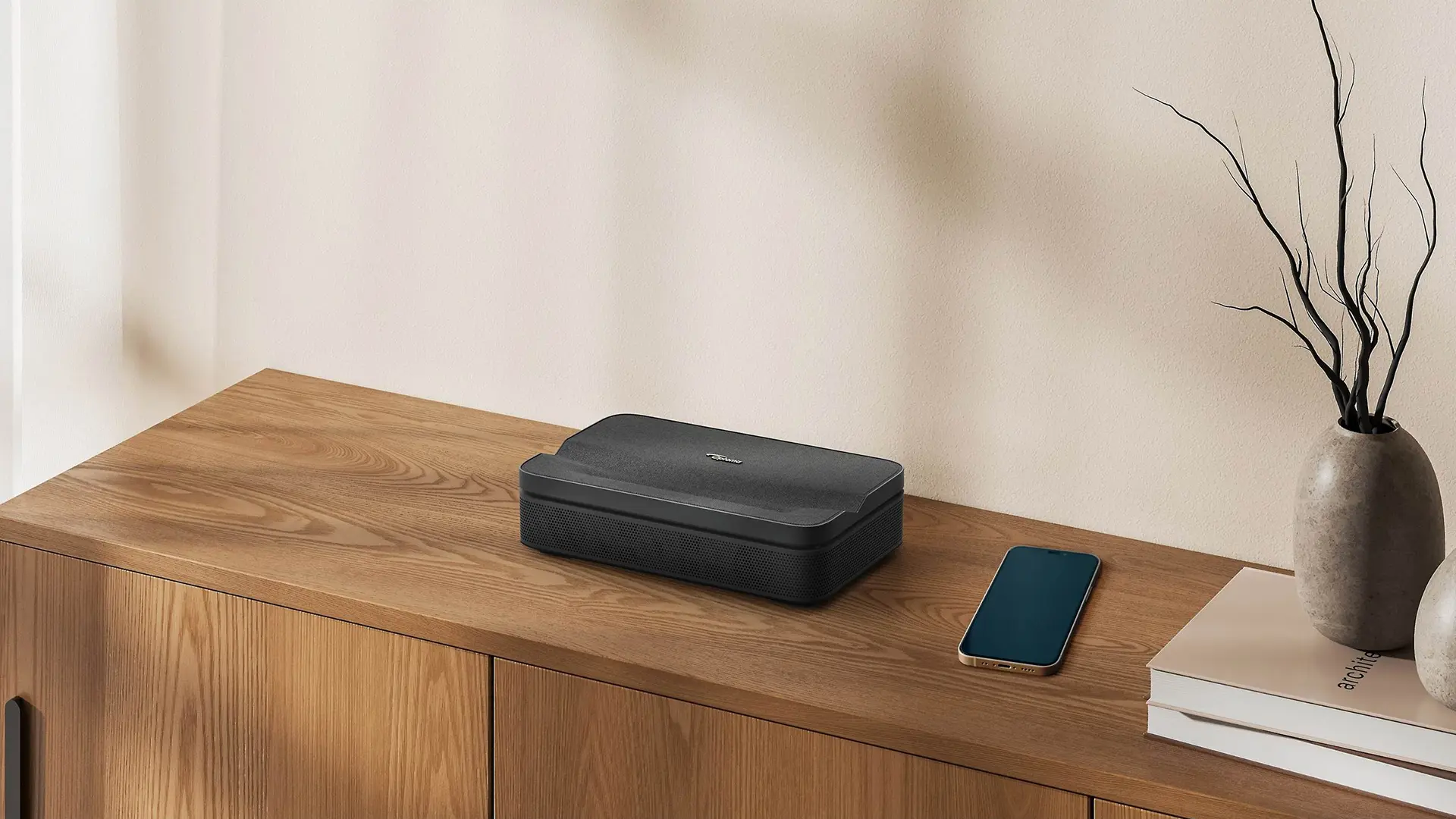
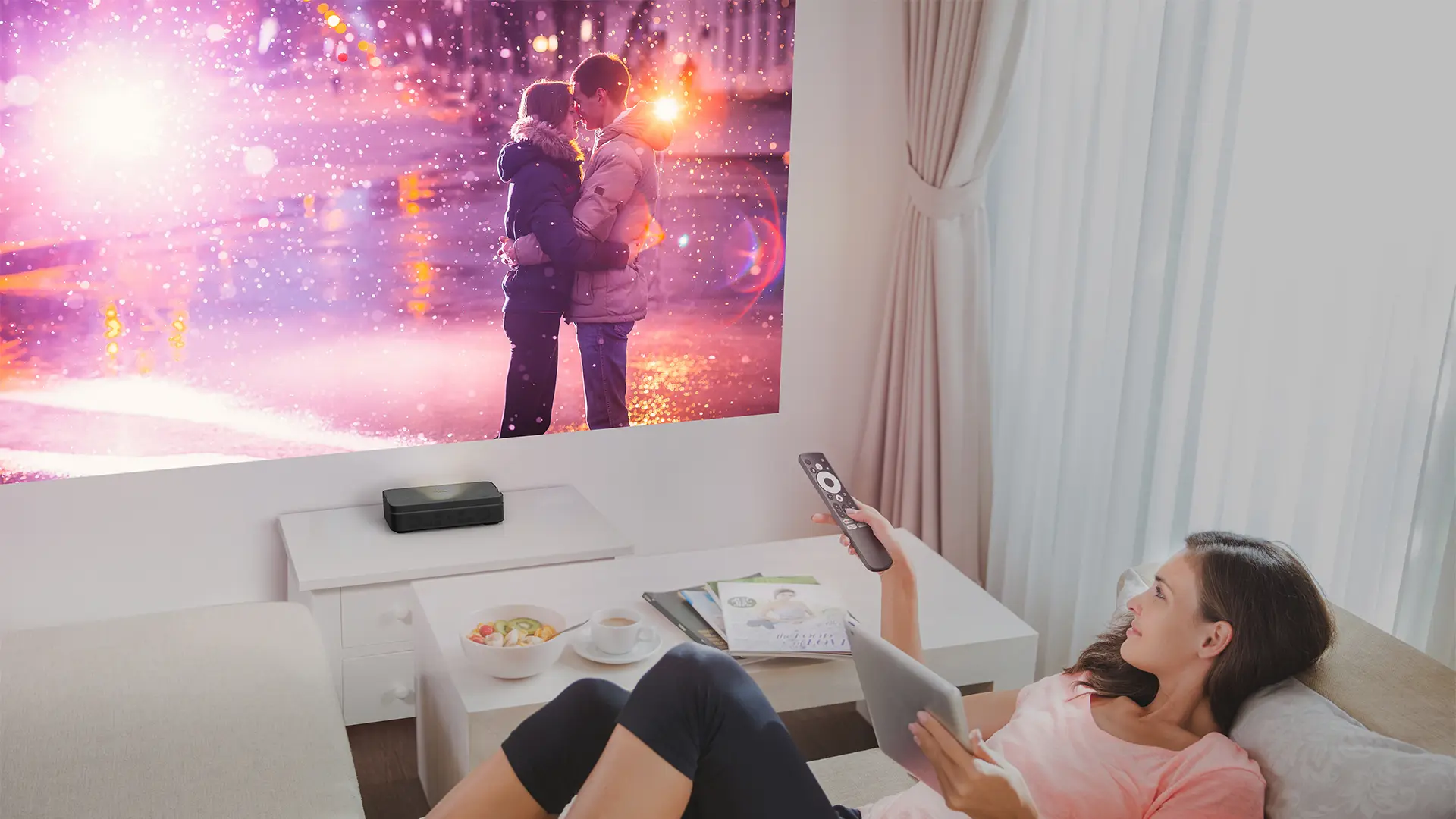
The Photon Go weighs only 3.8 pounds and runs on a built-in battery. The practical result is that you can set this UST projector on any flat surface, push it against a wall, and have a 100-inch image in under a minute, then pick it up and move it somewhere else entirely.

Most portable projectors at this size and price use LED light sources, which tend to sacrifice brightness or color accuracy in exchange for the small form factor. The Photon Go is equipped with an RGB laser light source that reproduces 110% of the BT.2020 color gamut, which is wider than the DCI-P3 color space used to master most streaming and theatrical content. HDR10 and HLG are both supported, and content mastered in HDR benefits considerably from this color capability.

Optoma Photon-Go-Sample-Lifestyle-4

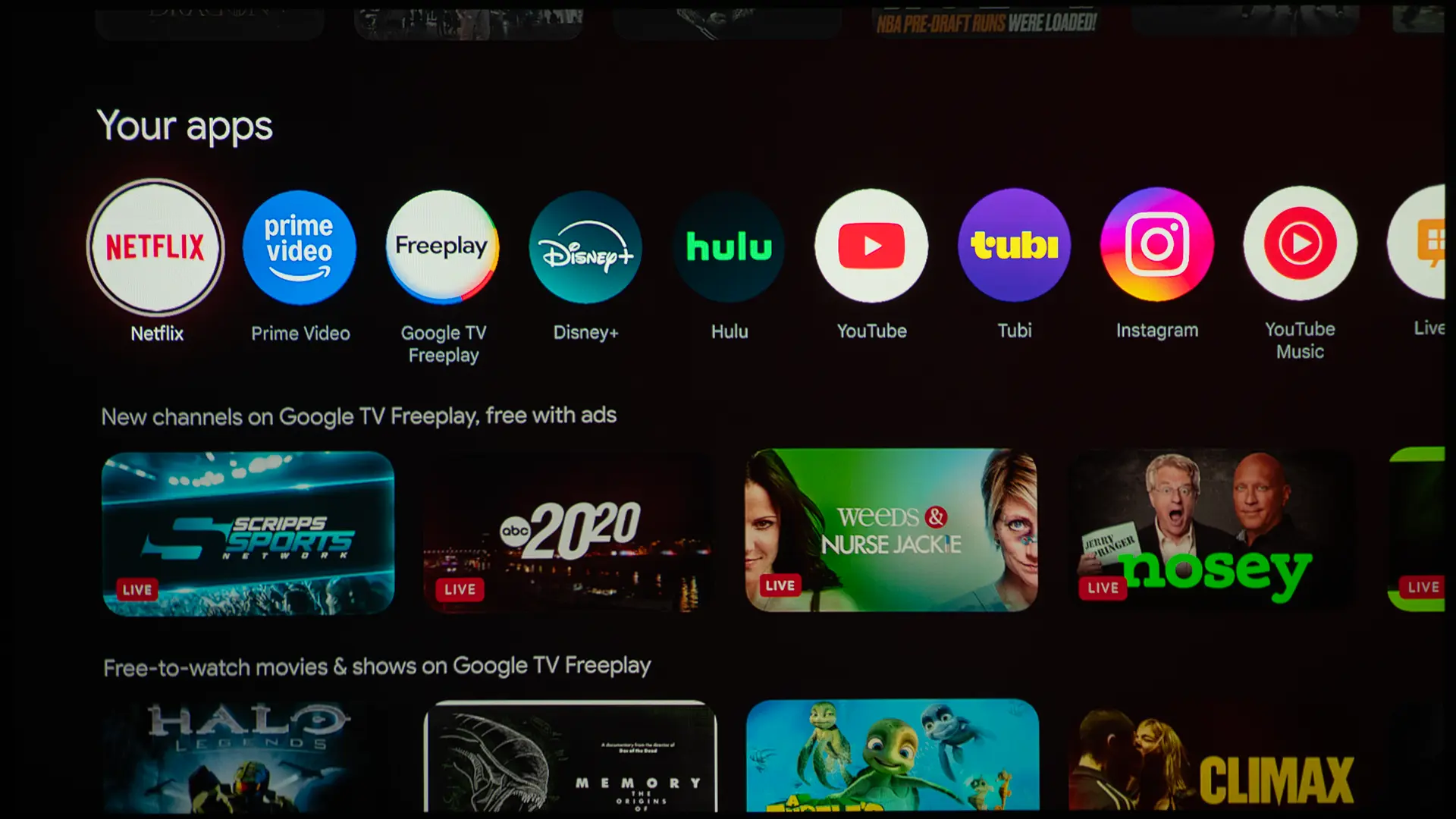
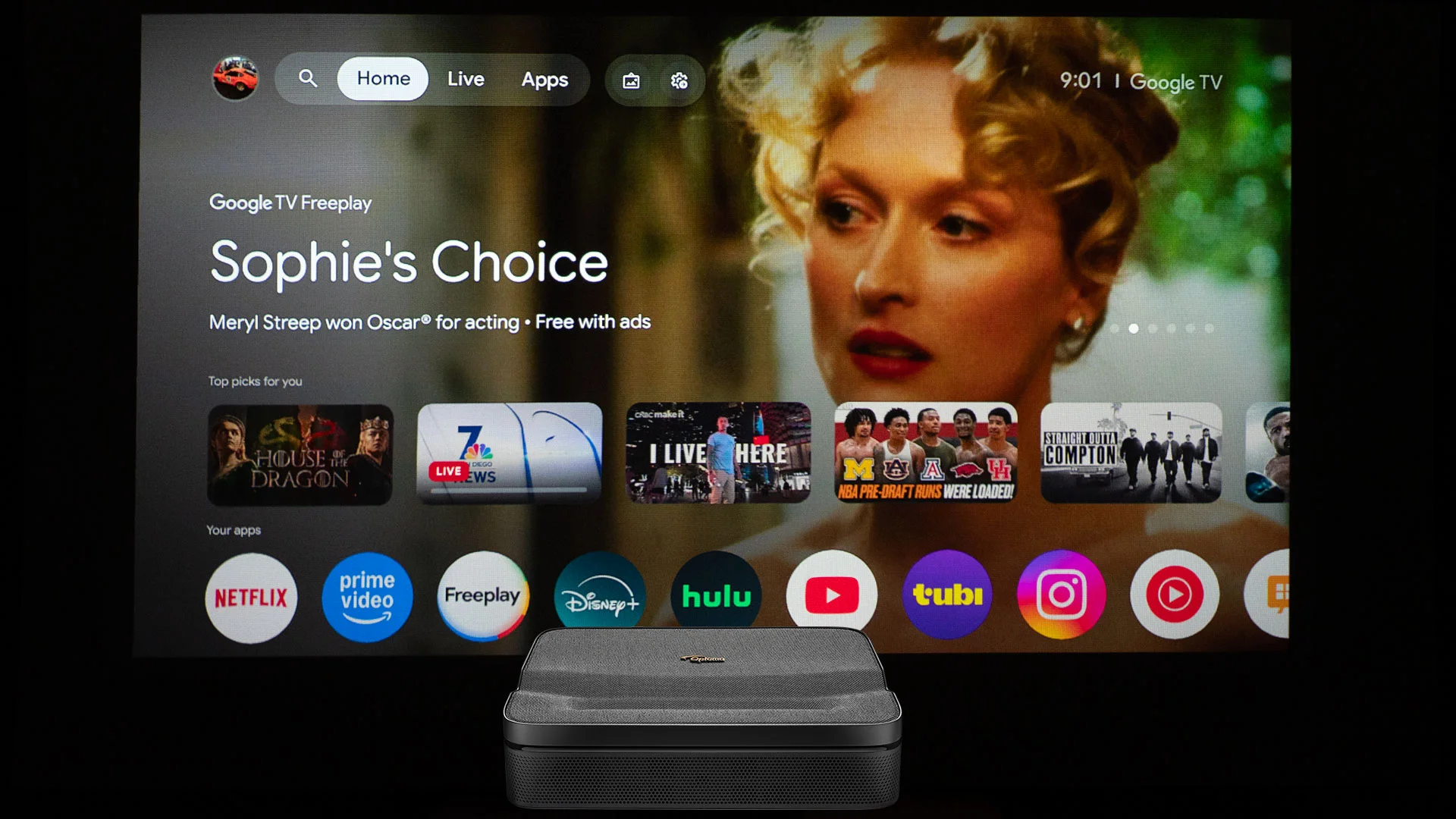
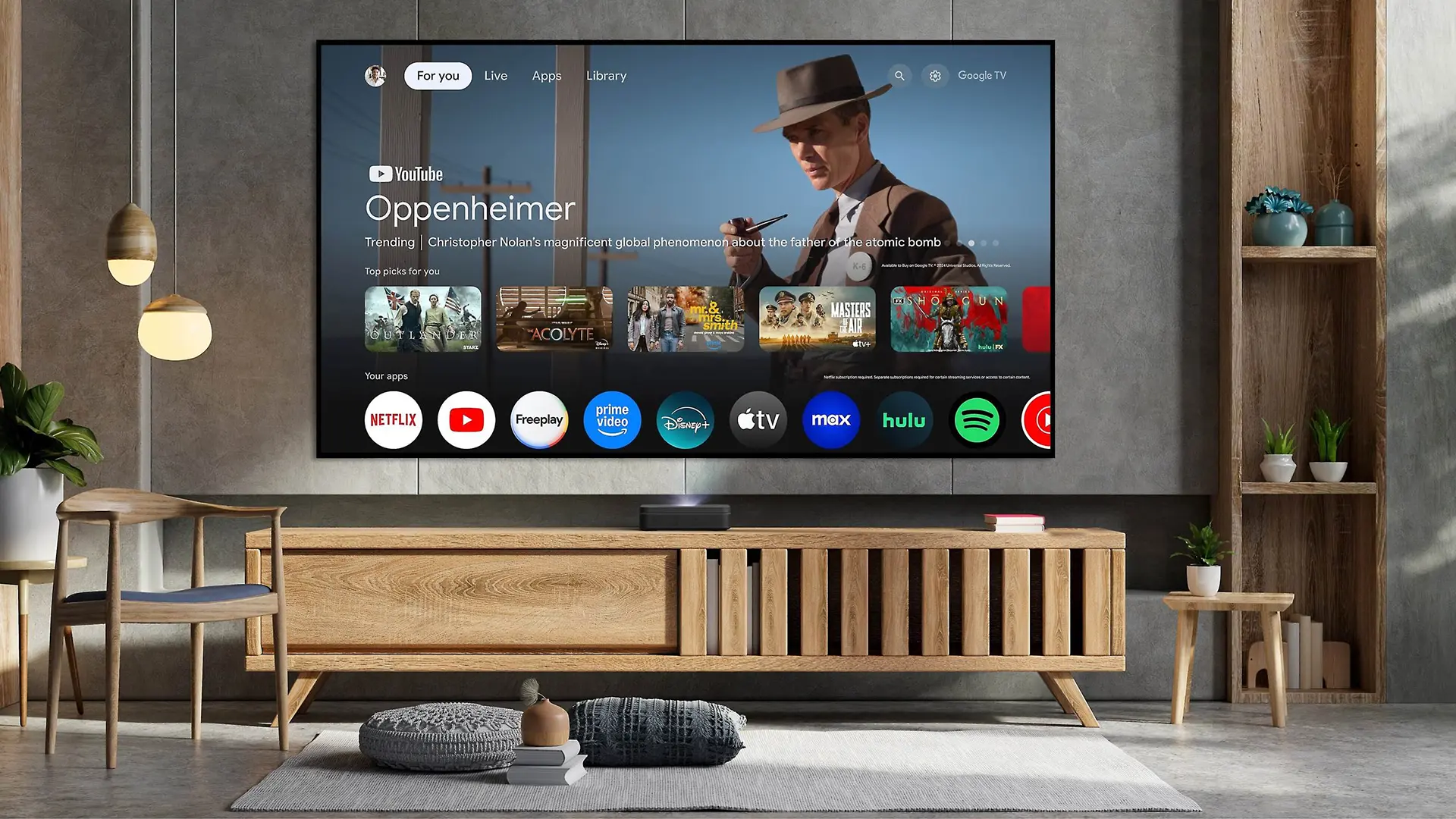
Google TV is the third significant feature worth calling out. Unlike many portable projectors that require an optional streaming media dongle, the Photon Go ships with a full Google TV built in.  The projector includes certified Netflix and Disney+ apps, along with a wide range of apps and streaming content available on the Google Play Store. You can search for content using the Google TV content recommendation interface or the Google Assistant. Lastly, you can stream content wirelessly from a mobile device using Google Cast or Apple AirPlay.

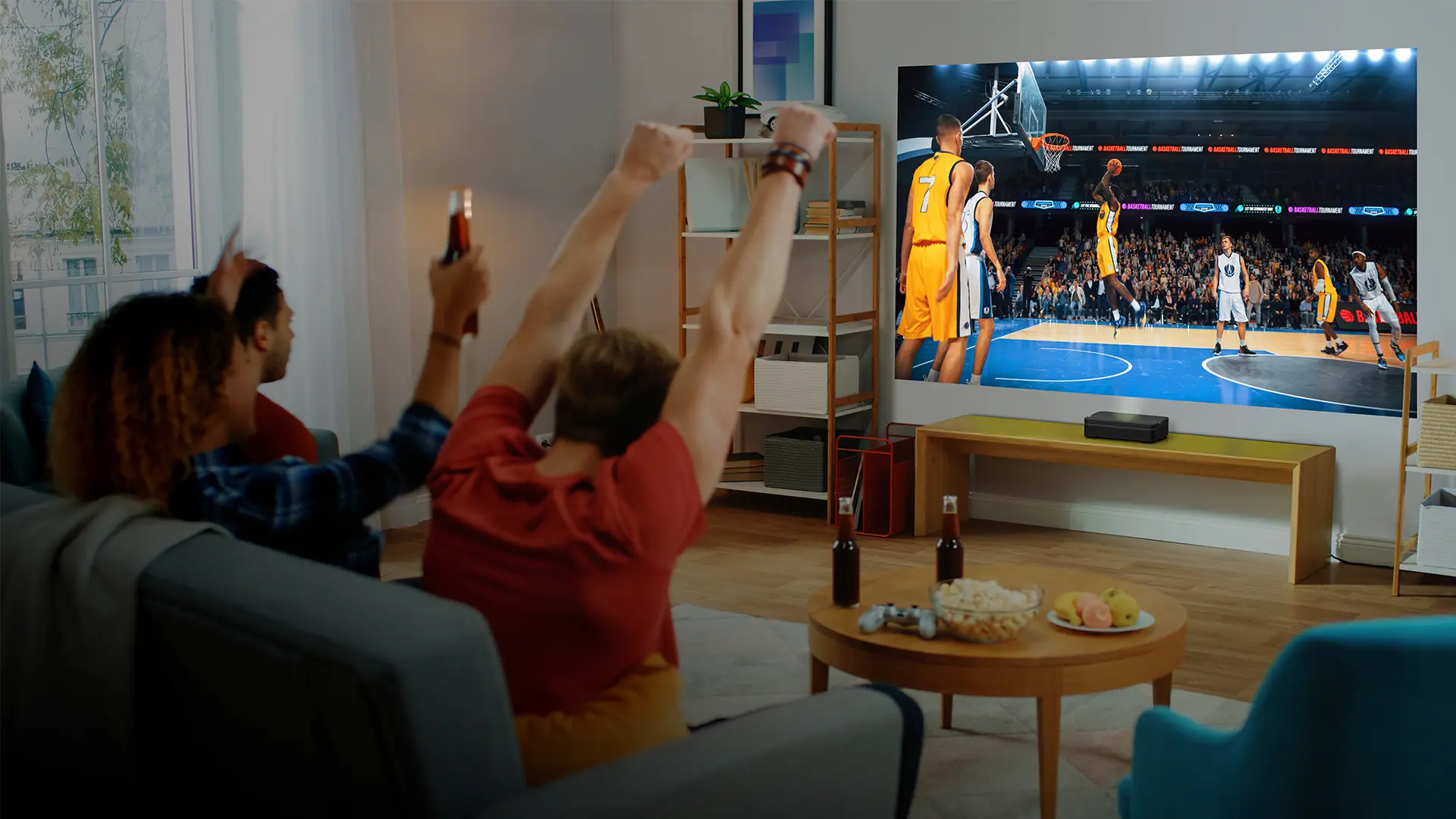
The Photon Go has dual 10-watt stereo speakers with Dolby Audio support at 20 watts total that play loud enough in a modest-sized room. The unit can also be used in Bluetooth Speaker Mode, projecting no image and running the speakers only, with up to 4 hours of runtime in that mode.

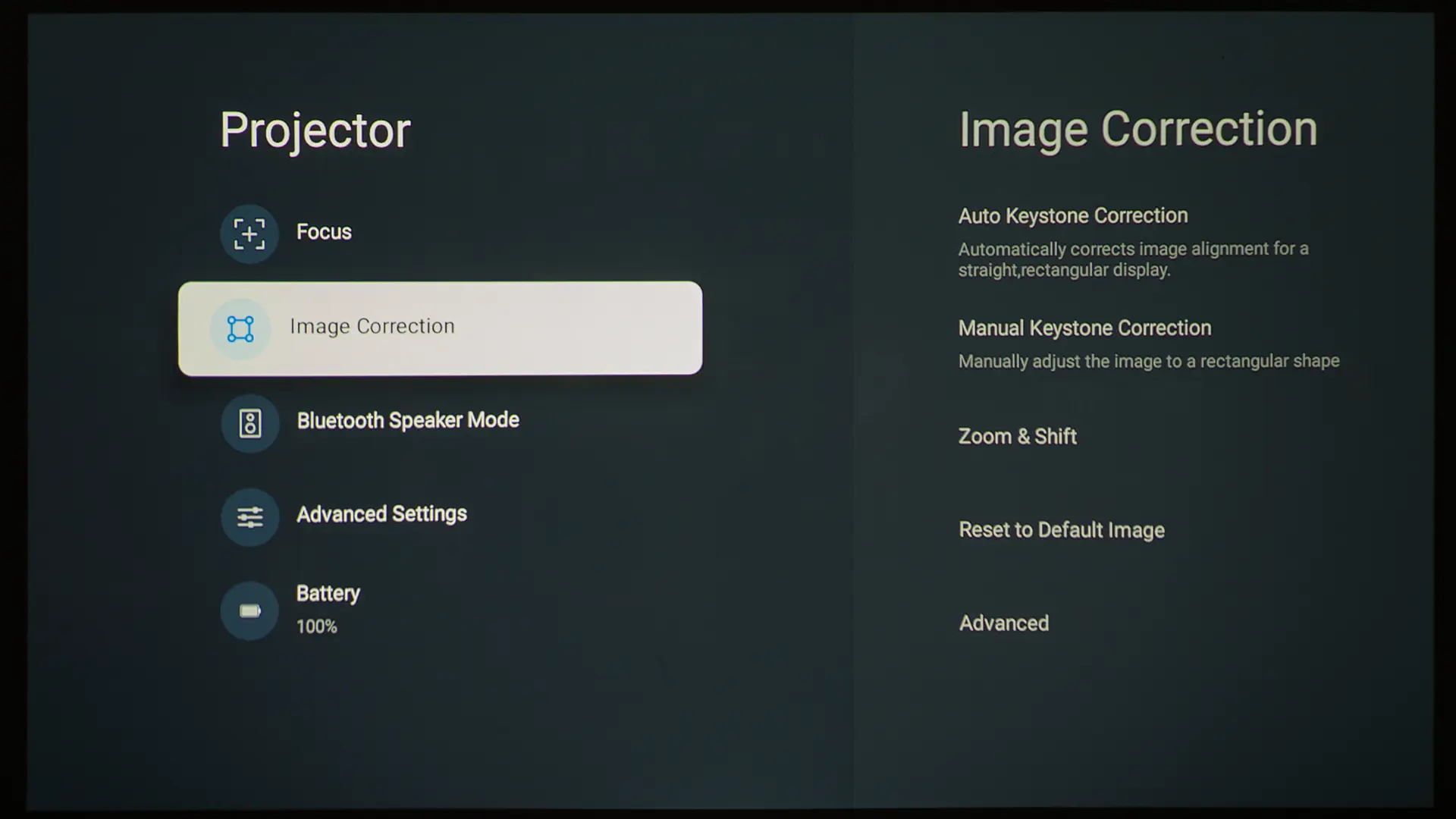
Finally, the Photon Go includes a Time-of-Flight (ToF) sensor on the front of the chassis that handles automatic focus and automatic keystone correction. Place the projector on any flat surface at any reasonable angle, and the system automatically corrects the image geometry and sharpens focus, without touching a menu. Manual adjustments are also available when the auto system needs a nudge.

For users looking for an ultra-compact RGB projector with a longer throw, Optoma still offers the ML1080 and ML1080ST (the short-throw variant). Those models were designed with professional and semi-professional portability in mind, which includes digital signage, conference rooms, on-the-road presentations, and immersive installations.

They weigh only 2.3 pounds, support 360-degree projection, including portrait orientation. Since the ML1080 and ML1080ST don’t have built-in batteries, they need to be plugged into a wall outlet or powered by a compatible external USB battery bank.

The ML1080ST has a 0.78:1 throw ratio, meaning it can project 100 inches from about 68 inches away, which is shorter than a standard throw projector, but nowhere near the sub-10-inch placement the Photon Go enables.

The Photon Go trades the ML1080's lighter weight and professional feature set for the built-in battery, UST lens, Google TV platform, and stereo speaker system. The weight increase from 2.3 to 3.8 pounds is almost entirely due to the battery.

HARDWARE

CHASSIS

  • Photon-Go-Sample-2
  • Optoma Photon-Go-Sample-3
  • Optoma Photon-Go-Sample-4
  • Optoma Photon-Go-Sample-1
  • Optoma Photon-Go-Sample-5
  • Photon-Go-Sample-remote
  • TCL PlayCube Remote - Projector Reviews - Images

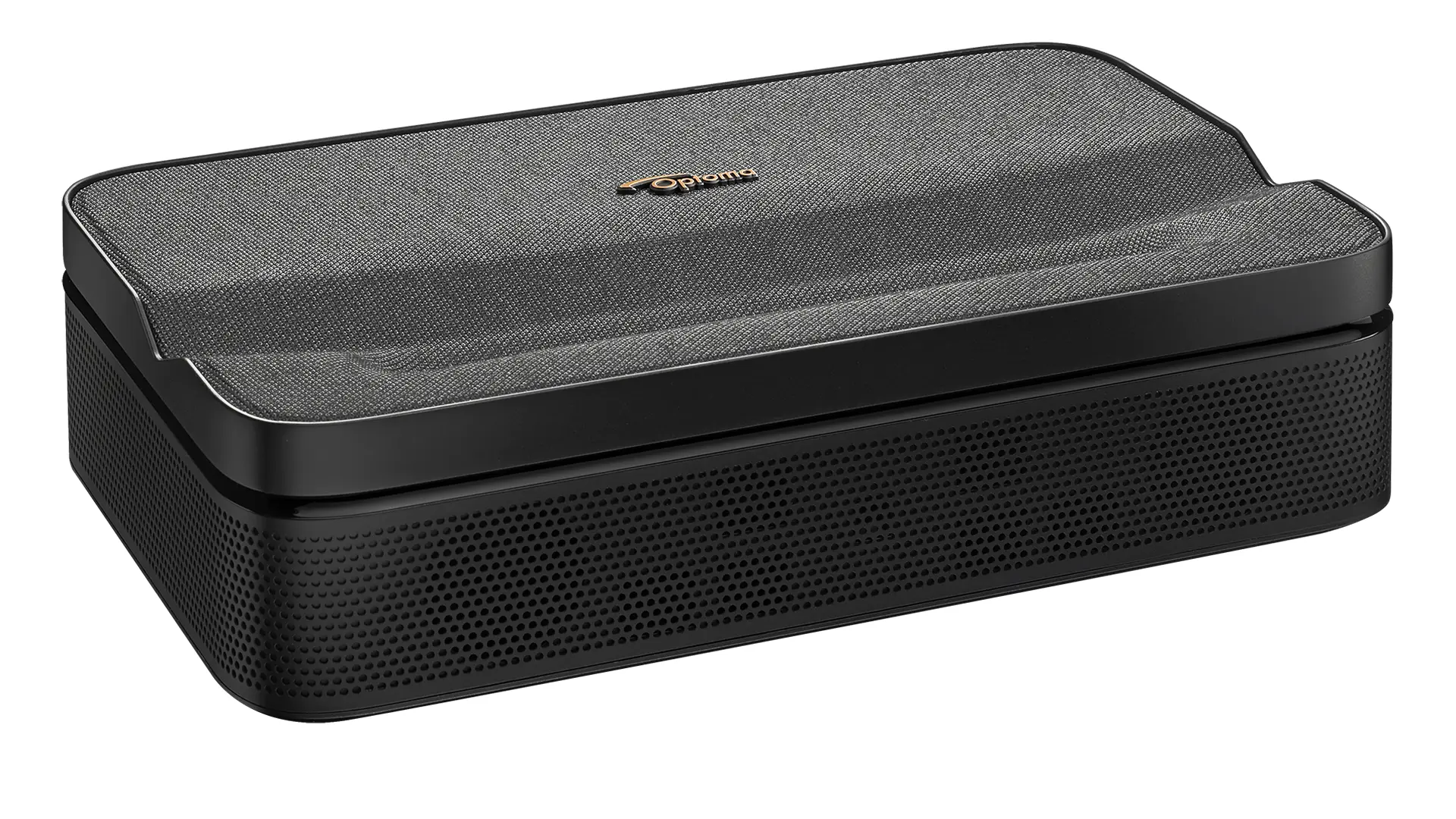
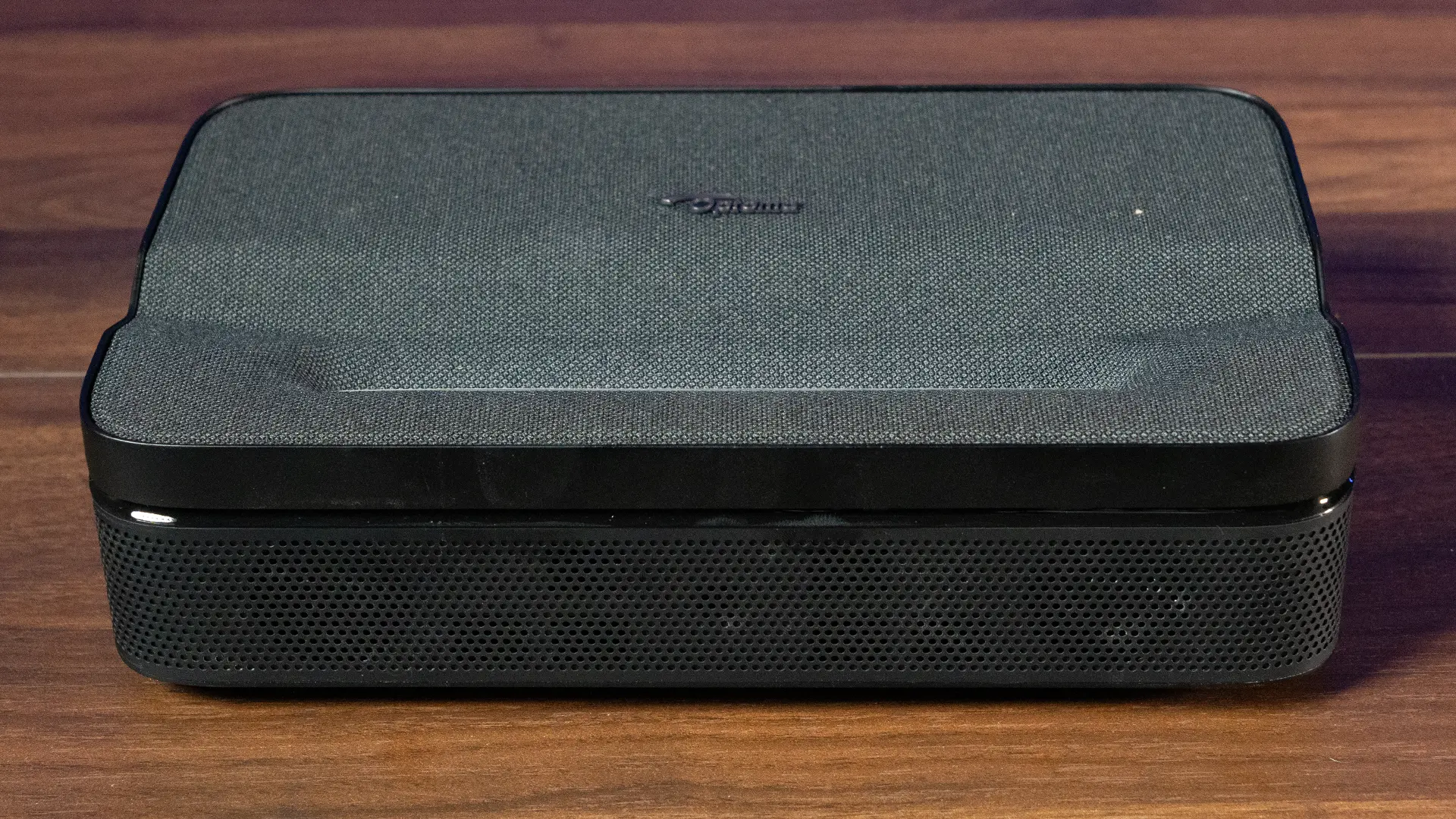
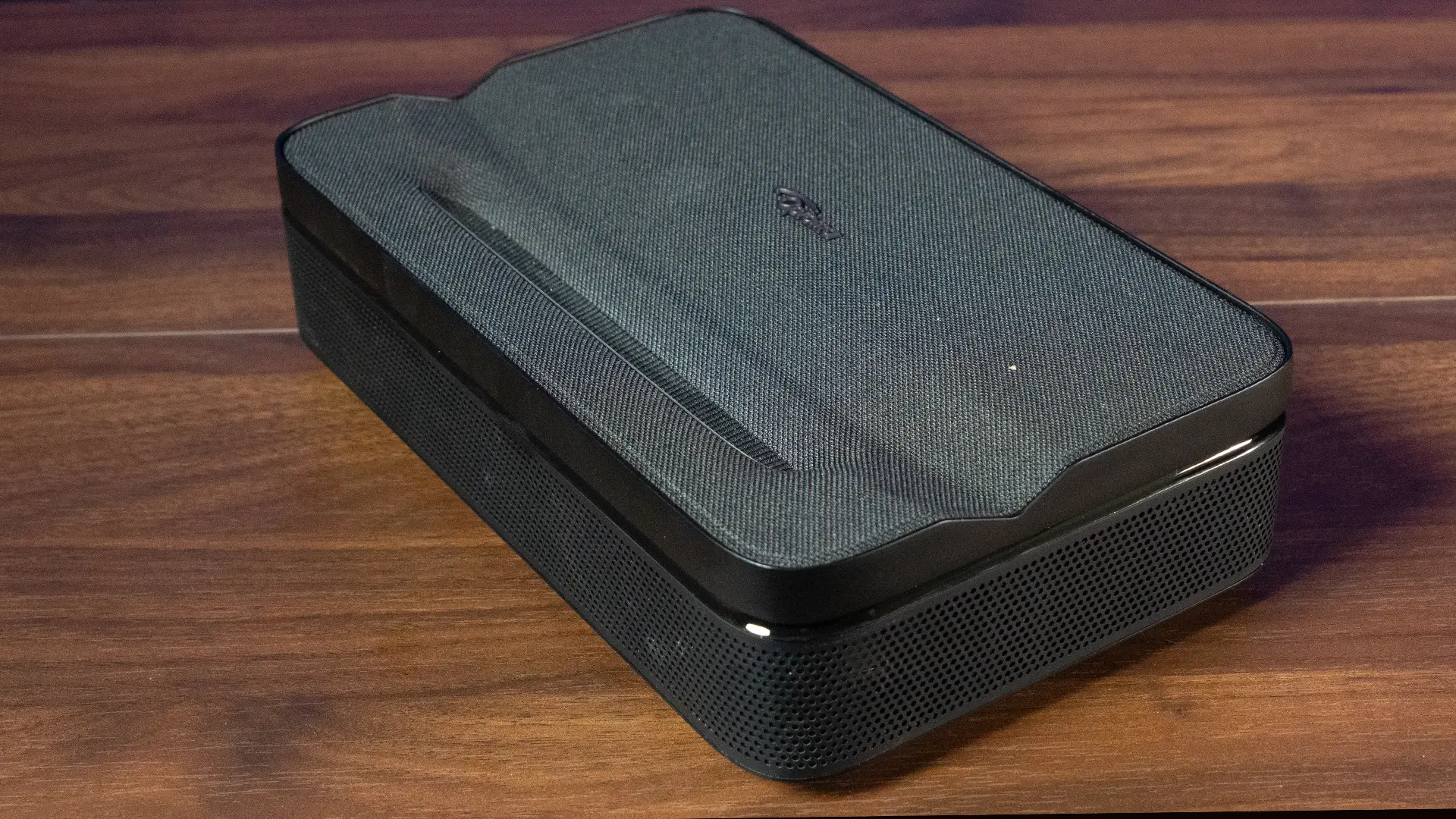
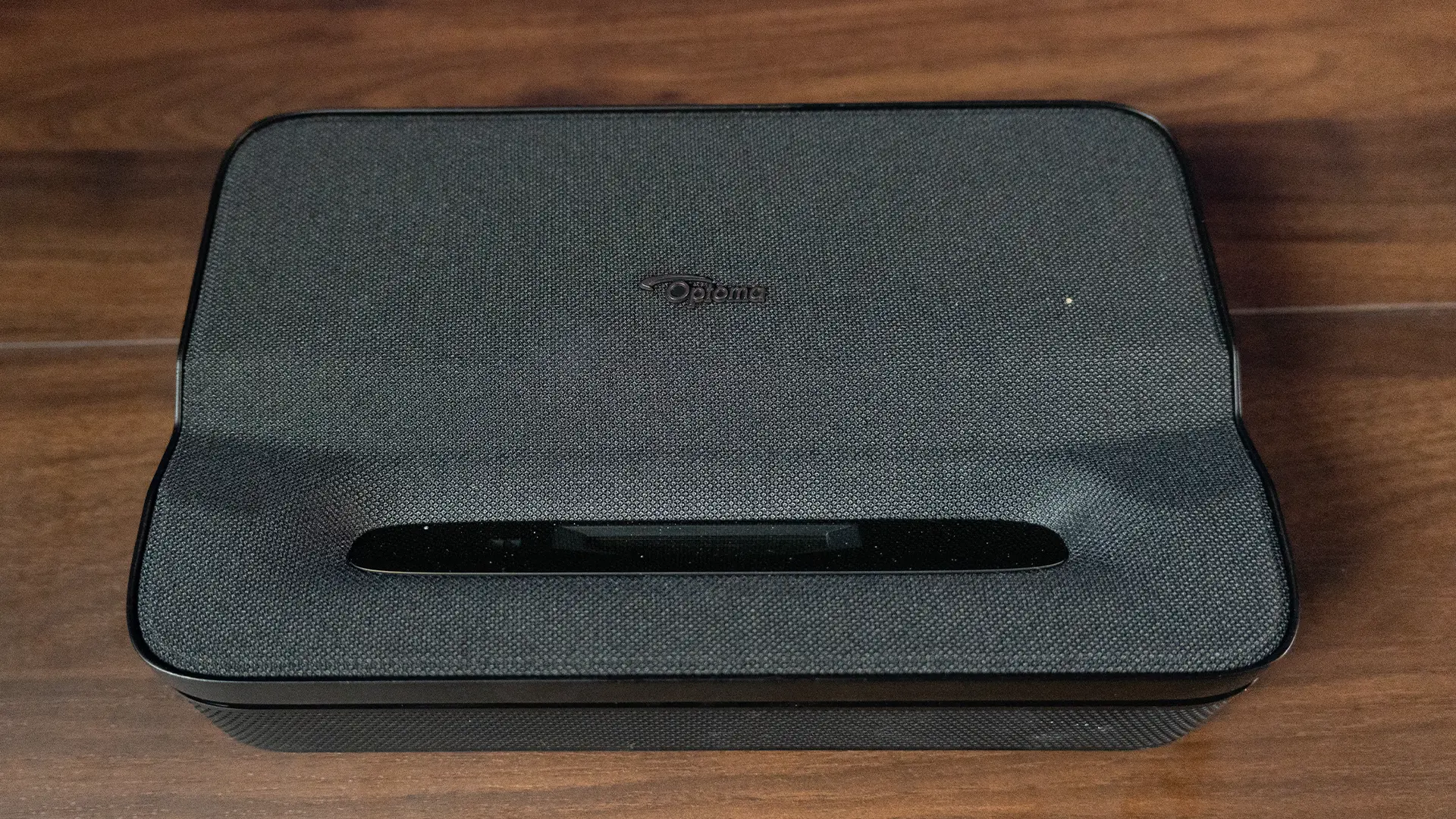
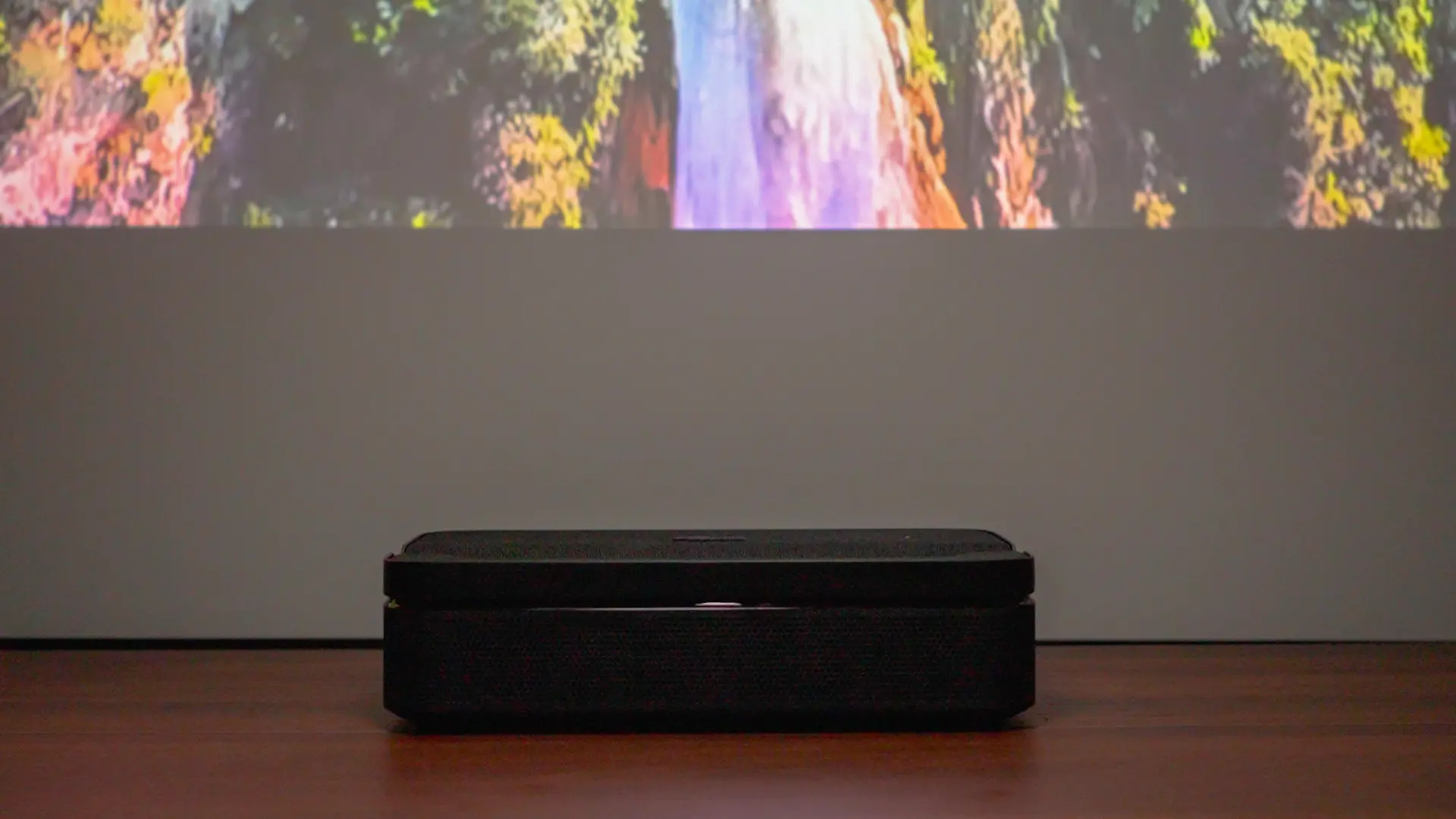
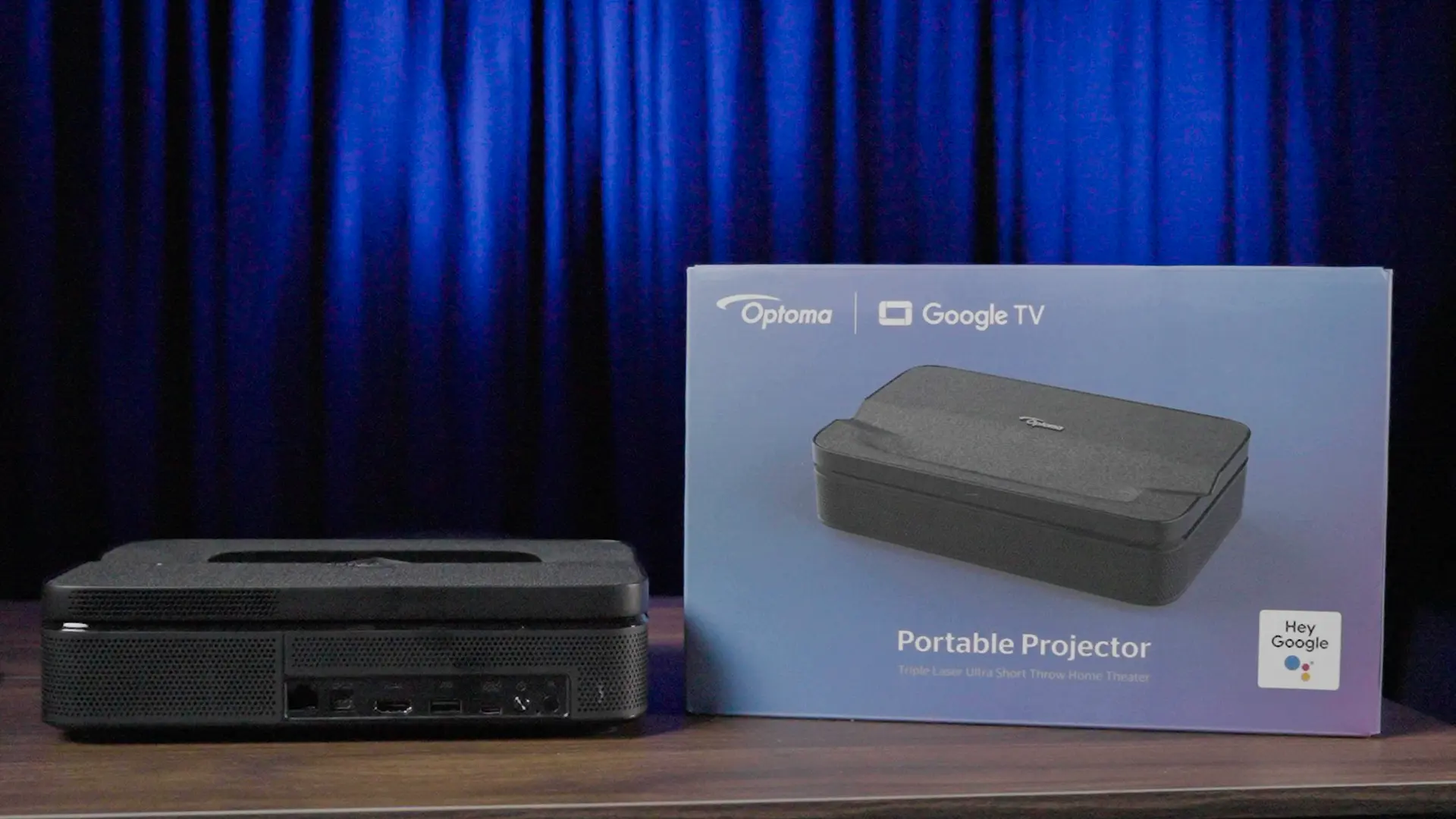
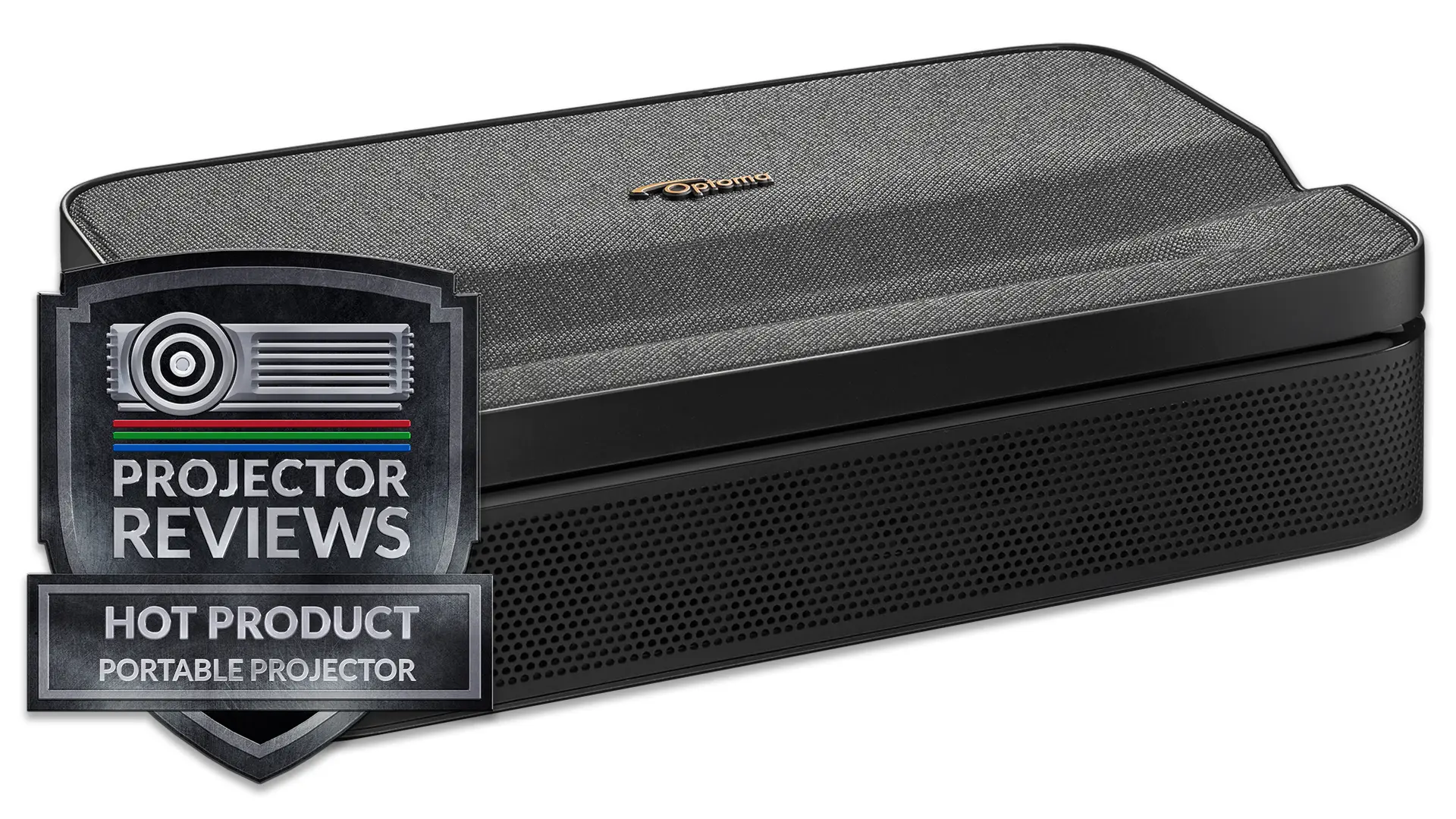
The Photon Go measures 9.92 x 6.18 x 2.56 inches and weighs 3.8 pounds. Compared to many competing portable projectors, it is slightly larger and heavier, a tradeoff driven by its ultra-short throw optics, laser light engine, and integrated battery. The unit’s compact size enhances its portability, especially when compared to full-size ultra-short throw home theater projectors.

The overall aesthetic is clean and consumer-friendly, with a large speaker grille covering most of the top surface and ventilation along the sides. Build quality feels solid for the category.

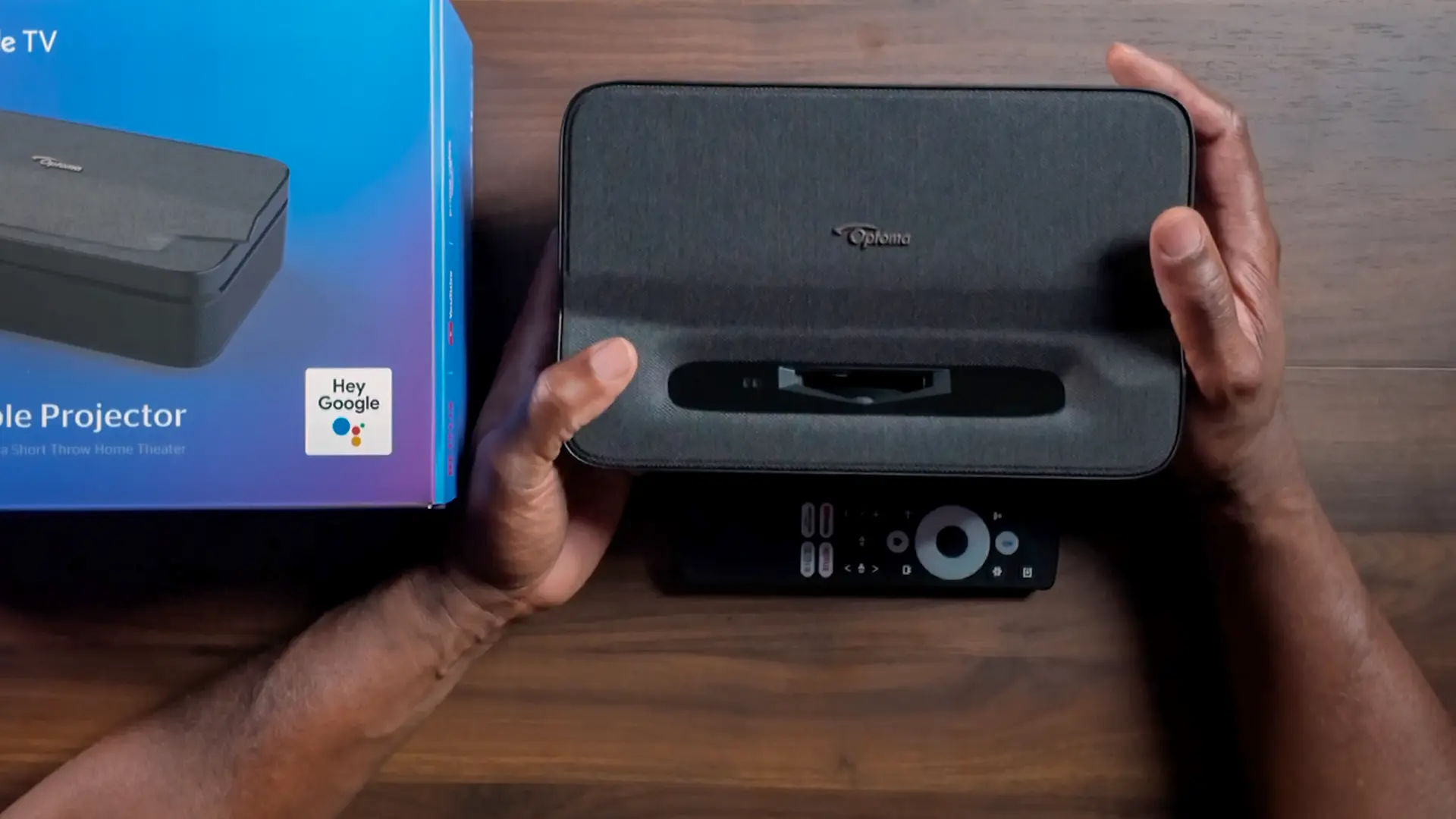
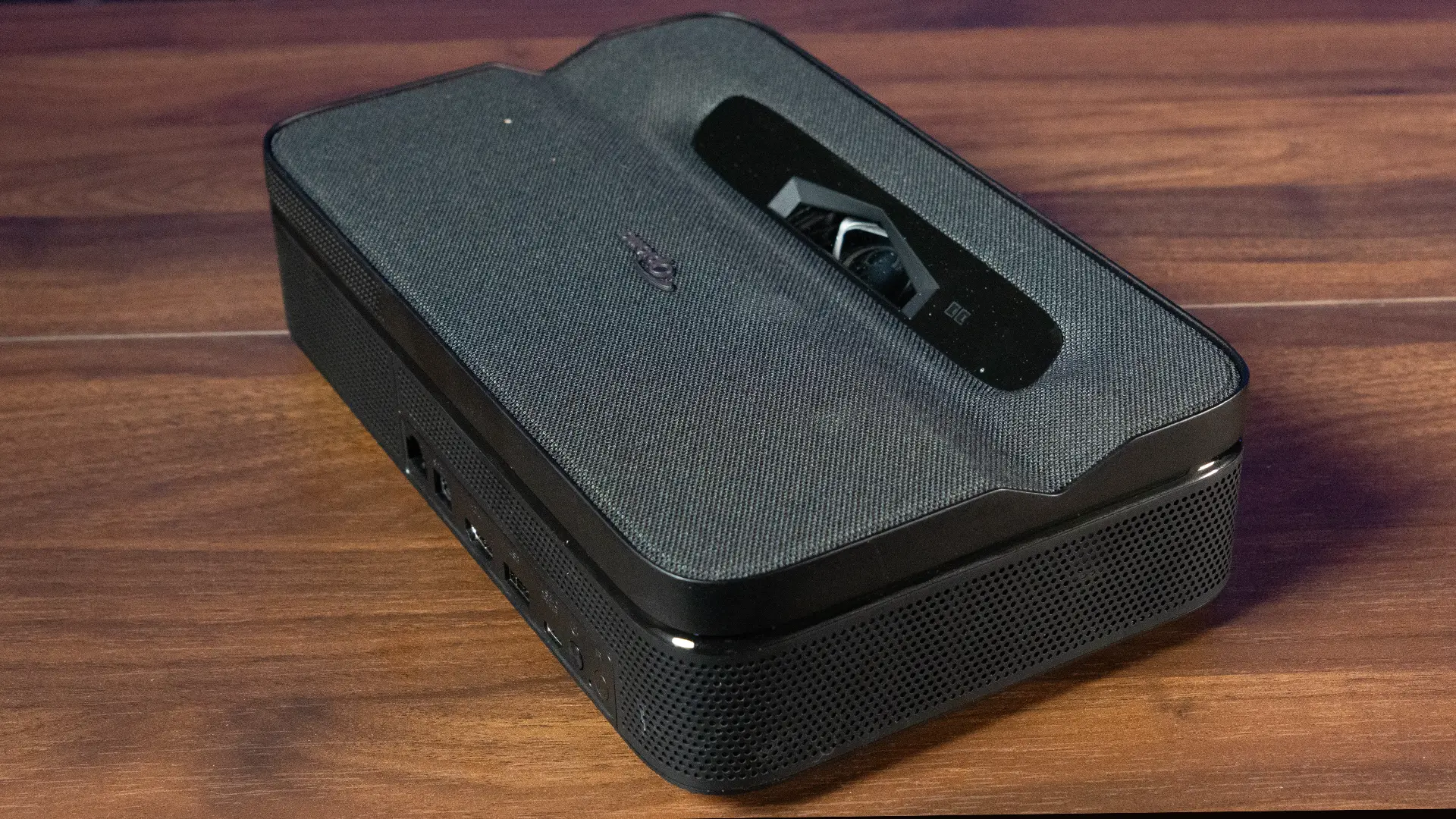
The front face of the chassis houses the lens and the ToF sensor module. The ToF sensor is what drives the auto-focus and auto-keystone functionality. Stereo speakers are integrated into the chassis and are oriented to project sound forward toward the viewer.

Optoma Photon-Go-Sample-Inputs

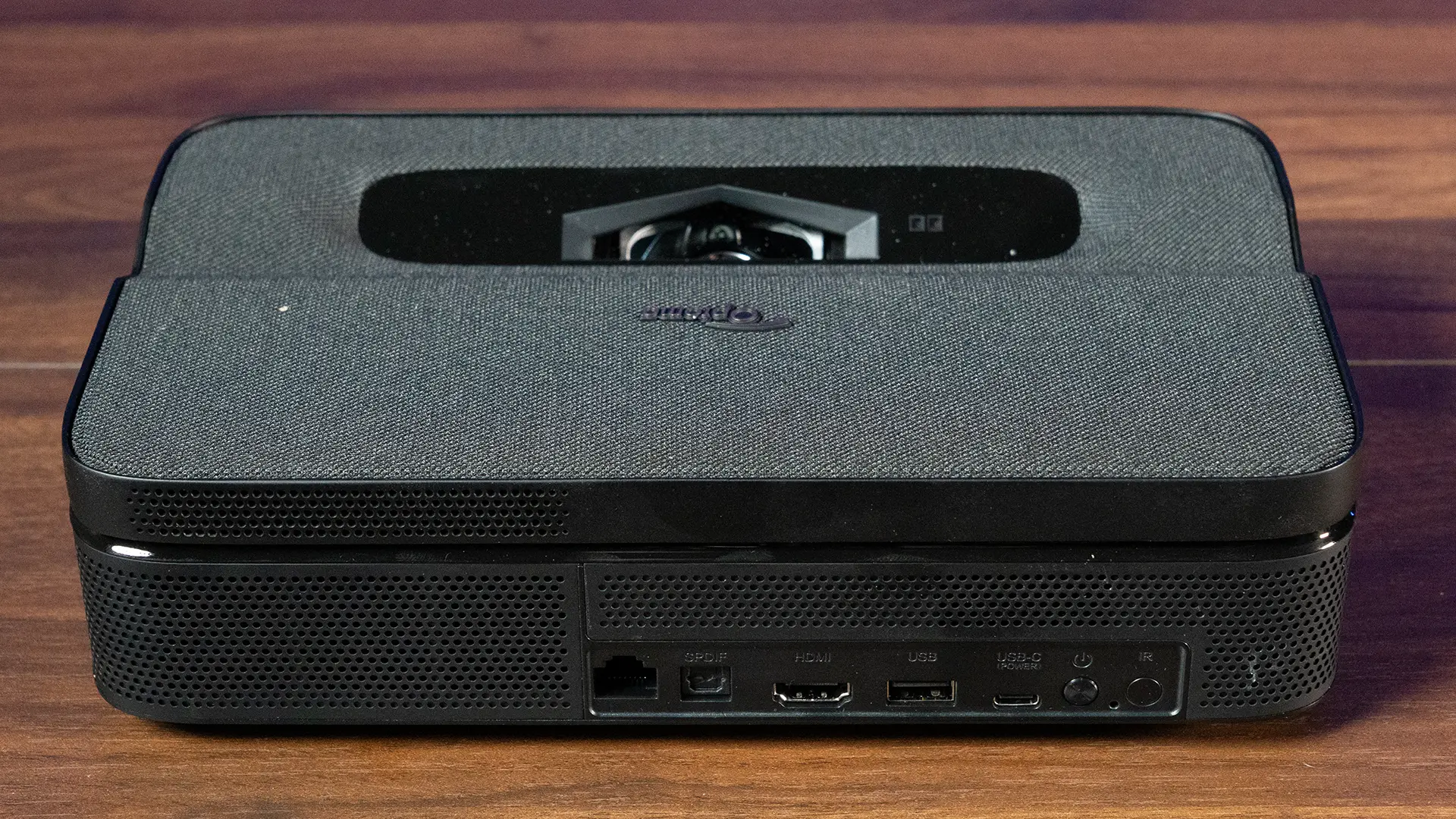
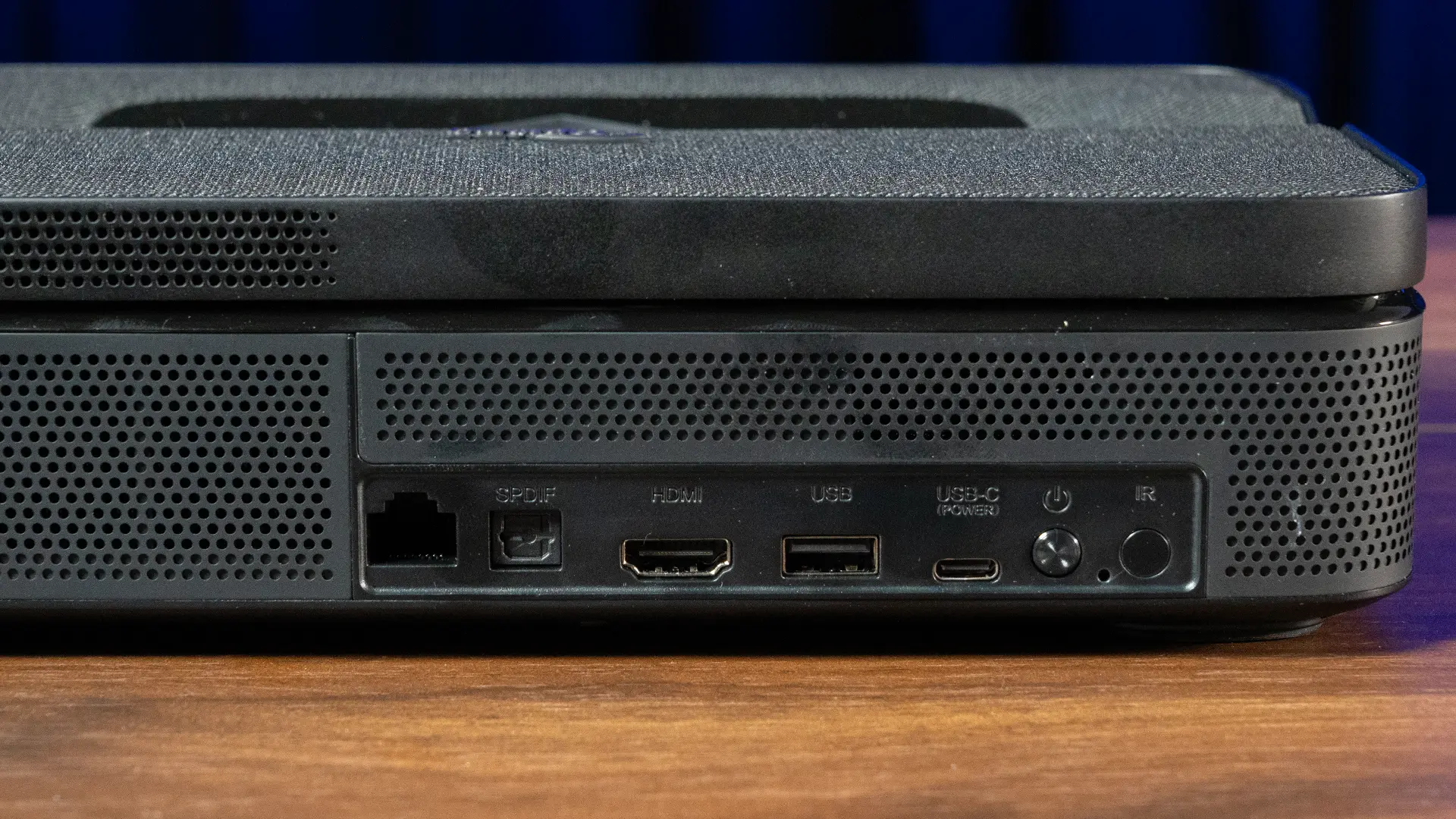
The power button and LED indicator are located on the rear of the chassis near the connections. Connectivity is straightforward but appropriate for a portable projector. The Photon Go includes one HDMI 2.0 input capable of accepting 4K HDR signals, which are internally downscaled to 1080p. External devices must connect via HDMI.

The USB-C port (100W PD 3.0) is for power input and charging, so it cannot be used as a display input or USB-C video source. The USB-A port provides power output for accessories. The USB-A port at 5V/1A is useful for powering an HDMI streaming stick if you prefer a standalone dongle over the built-in Google TV platform.

There is also an RJ-45 LAN port for wired networking. Wireless connectivity includes dual-band Wi-Fi (2.4 GHz and 5 GHz). Bluetooth 5.0 is used for remote pairing and audio input/output.  The projector includes a Bluetooth Speaker Mode that turns it into a wireless speaker.

The S/PDIF optical output provides digital audio to a receiver or soundbar. There is no analog audio output, which is worth noting for users with older audio equipment.

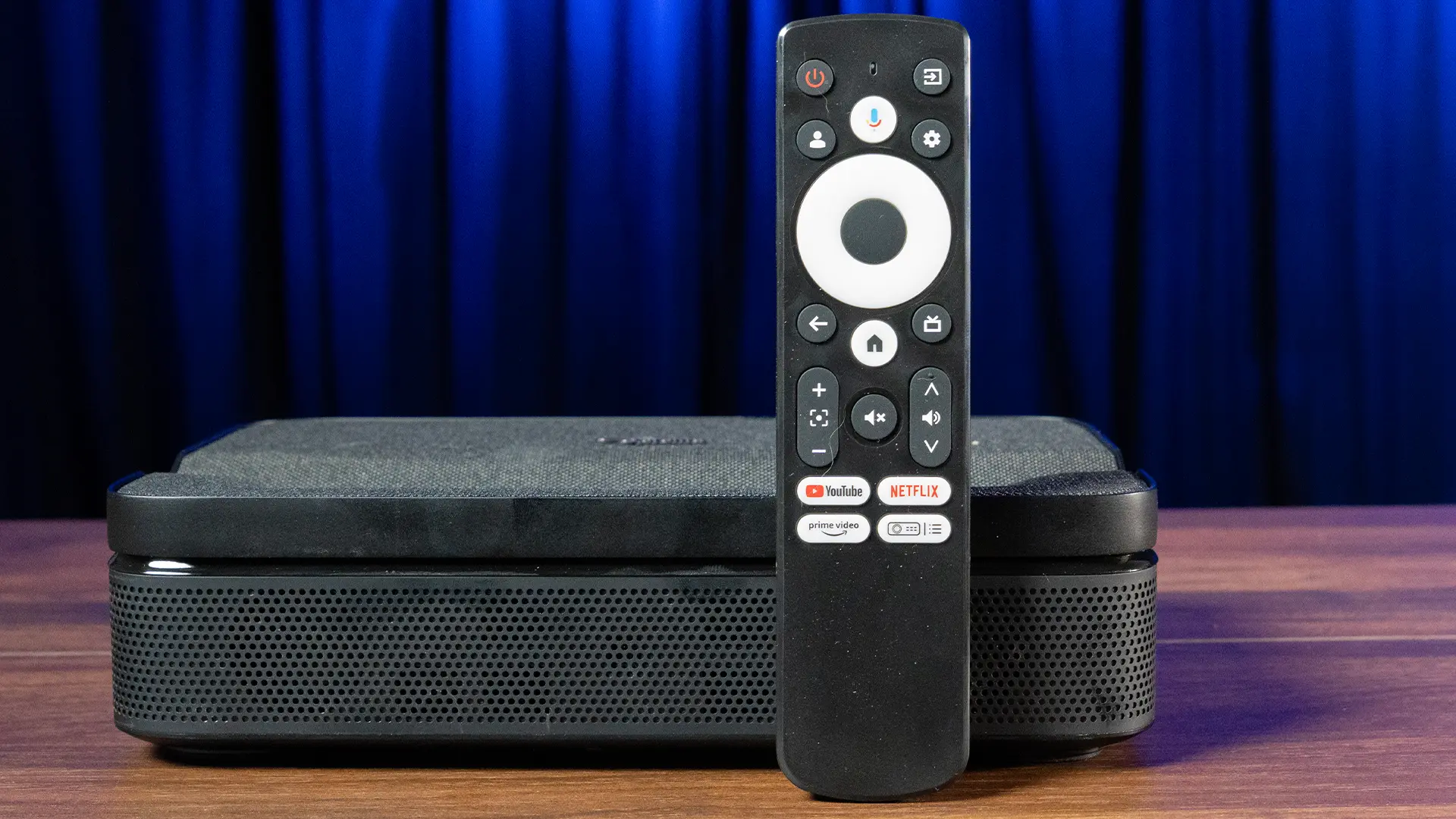
The included remote is a full Google TV remote with both Bluetooth and IR transmission. It includes a Google Assistant button with a microphone for voice control, dedicated streaming app buttons (Netflix, YouTube, Prime Video), a projector-specific settings shortcut button that bypasses the full Google TV menu to access focus, keystone, projection mode, and battery status, and standard navigation and volume controls. Bluetooth pairing is required for full functionality, including voice search; basic IR operation works without pairing.

The Photon Go's 0.18:1 throw ratio is its defining optical specification. Optoma recommends an image size of 80 inches. The ultra-short throw design means image size is highly sensitive to small changes in placement distance so moving the projector even an inch or two noticeably changes the image size. Here is what that means in practice:

Throw Distances By Screen Size

Image Size

Throw Distance

60"

3.9 inches

70"

5.5 inches

80"

6.9 inches

90"

8.3 inches

100"

9.7 inches

Optoma Photon-Go-UST

The ultra-short-throw lens makes this projector a great option for compact spaces where a conventional projector would not work.  There is no optical zoom or lens shift. placement. The projector includes digital zoom (100% to 50%), which reduces image size but also lowers resolution. Auto-focus and auto-keystone are both triggered automatically on startup and when the projector detects movement, configurable in the Advanced Settings menu. Manual four-corner correction is available when the projection surface is irregular or the auto system's results need refinement.

The ultra-short-throw lens makes this projector genuinely practical in spaces where a conventional projector cannot work. A studio apartment where the longest clear sightline is 5 feet, a bedroom where furniture blocks a traditional throw distance, a dorm room with a desk against every wall, usually makes projector placement challenging. However, these are the environments where no other portable projector will work, and the Photon Go will. At 9.7 inches from the wall to a 100-inch image, placement challenges that would rule out any other portable projector simply do not apply here.

  • Optoma Photon-Go-Menu-13
  • Optoma Photon-Go-Menu-3
  • Photon-Go-Menu-1
  • Optoma Photon-Go-Menu-2
  • Photon-Go-Menu-5
  • Optoma Photon-Go-Menu-12
  • Optoma Photon-Go-GTV

The Photon Go utilizes the Google TV platform, which is identical to what you find on many smart televisions. This platform provides access to over 10,000 apps, including popular streaming services like Netflix, Disney+, and YouTube TV. Users can browse and play content directly on the projector without an external device, such as a streaming stick or media box.

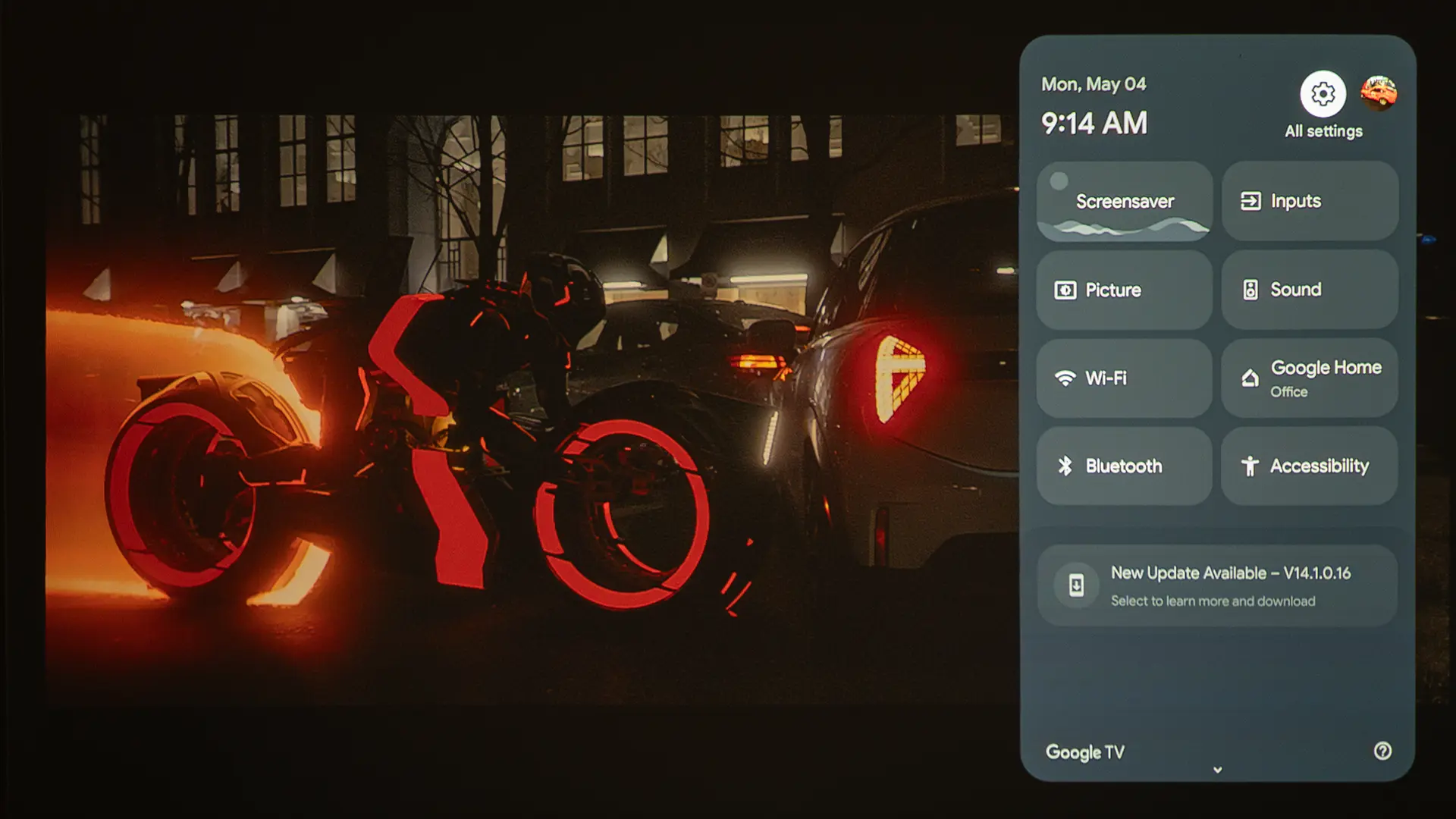
The Google TV interface was responsive and well-integrated. The Google Assistant voice search worked reliably for finding content across services. Another big benefit of Google TV is that it integrates smart TV features and projector picture settings into a single menu, making the projector feel like a single cohesive device rather than two loosely connected systems.  When streaming apps, inputs, picture settings, keystone, focus, and audio controls all live in the same interface, you are not bouncing between an external dongle menu and a separate projector OSD.  

The Photon Go has a built-in 15,000 mAh battery that Optoma says can power the unit for up to 90 minutes in ECO mode. The battery is TSA-compliant, so you can pack the projector in your carry-on luggage. Runtime depends on the Brightness mode you select. In Bright mode, which can deliver around 600 lumens, you get roughly 1.1 hours. Standard mode offers a runtime of about 1.2 hours, while Eco mode, which can produce up to 400 lumens, offers up to 1.5 hours.

While 90 minutes of battery life is good, many feature-length films average around 2 hours, so you might need to connect the unit to AC power before the movie is over. However, you can connect the Photon Go to a compatible USB power bank to keep it powered even longer.

When it comes to battery life, in addition to Brightness mode, factors like volume level and whether you are streaming content via Wi-Fi can affect runtime. I decided to test the battery runtime in Bright mode with the projector connected to an external video source and volume set to about 50%.

While Optoma said the battery should last about an hour, our tests showed a runtime closer to 50 minutes, which is fine if you want to watch a few YouTube videos and a couple of TV shows. When using the battery, I suggest setting the projector's Brightness mode to Auto or ECO to extend the projector's runtime. 

When using the projector in Bluetooth Speaker Mode, the image is disabled, and the battery can deliver up to 4 hours of audio-only runtime. Fully charging from a depleted battery took approximately two hours and 15 minutes using the included 100W USB-C adapter.

PERFORMANCE

Color Reproduction

  • Optoma Photon-Go-PQ-14
  • Optoma Photon-Go-PQ-19
  • Optoma Photon-Go-PQ-30
  • Optoma Photon-Go-PQ-7
  • Optoma Photon-Go-PQ-10
  • Optoma Photon-Go-PQ-32

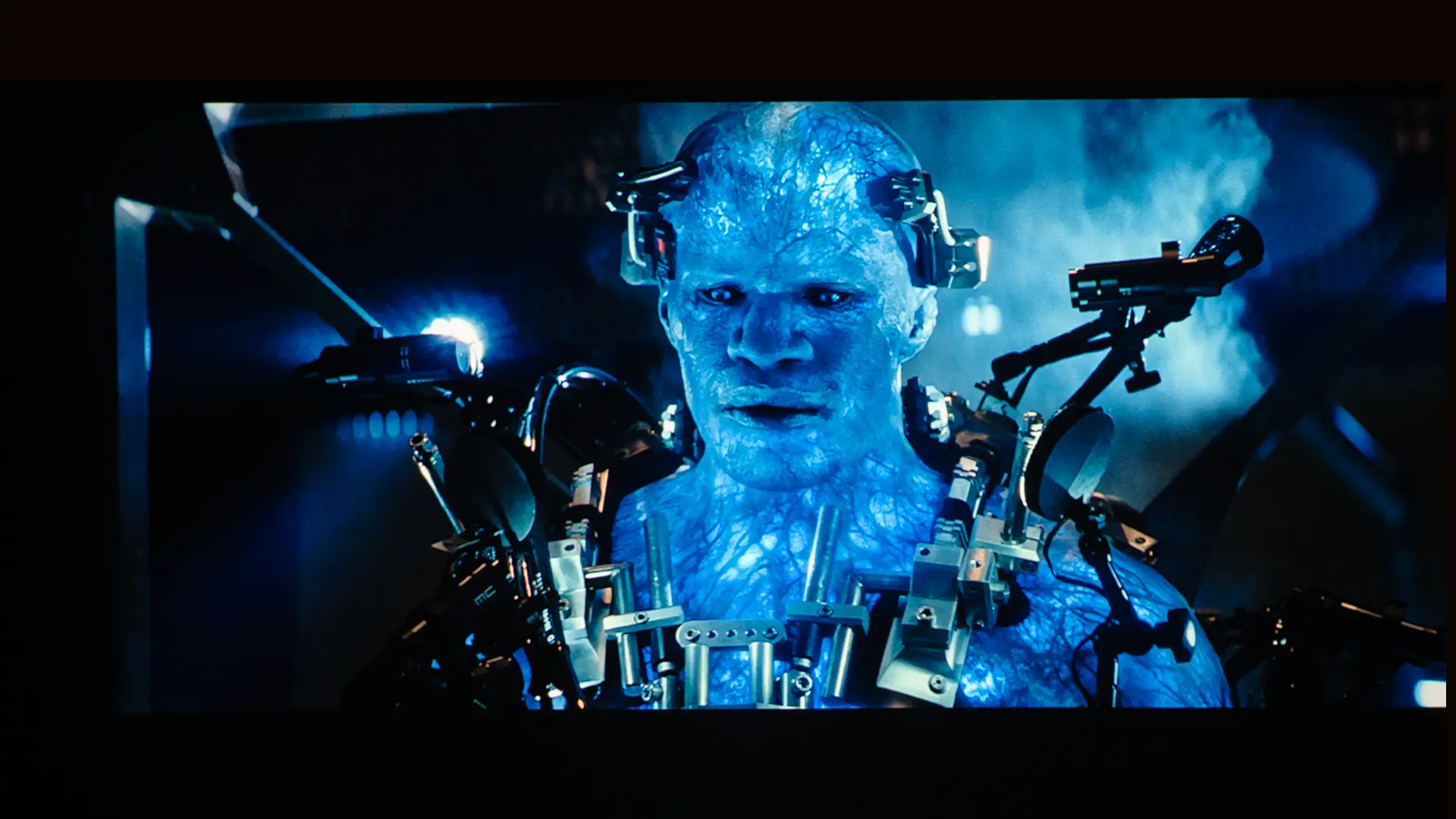
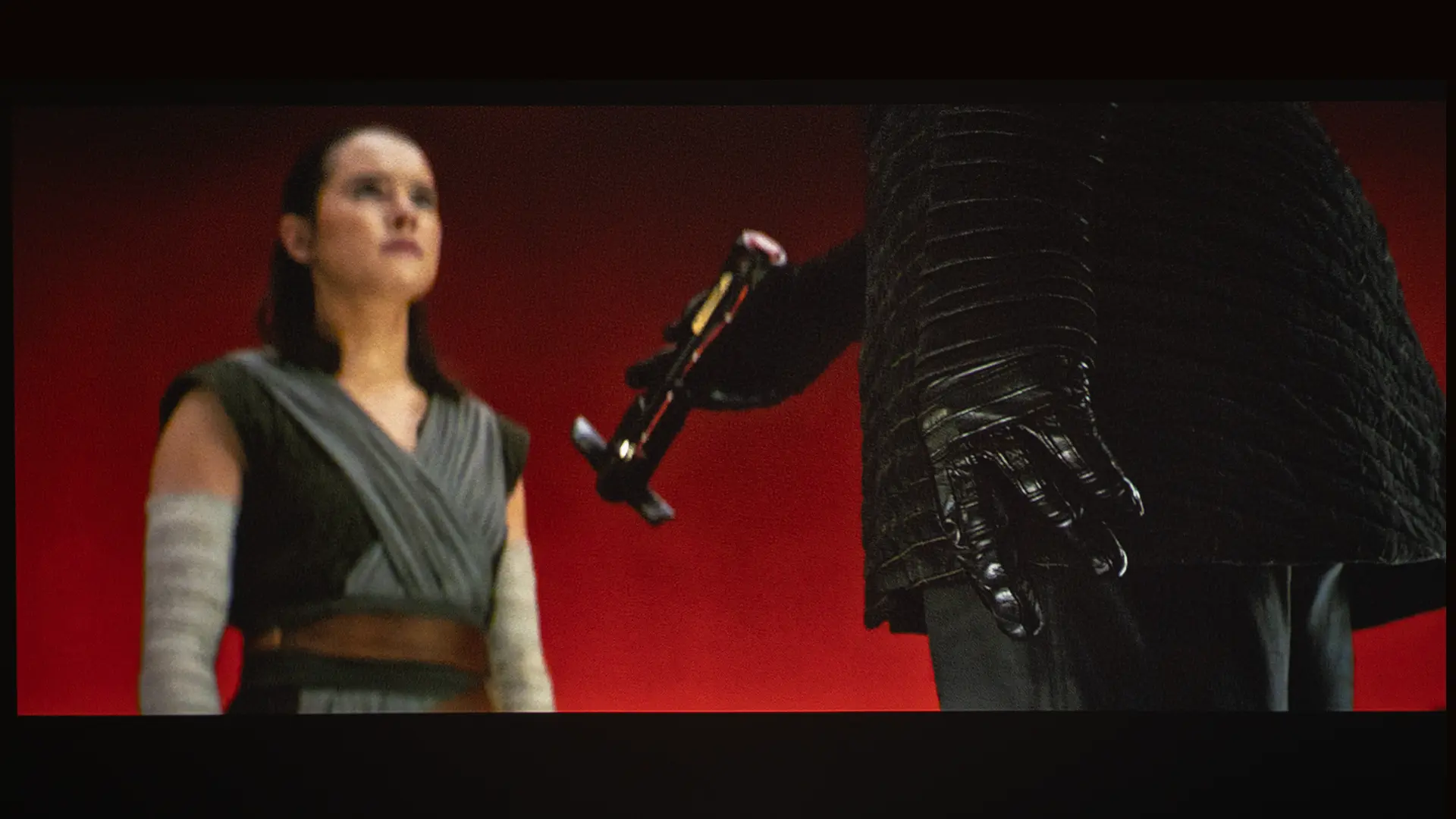
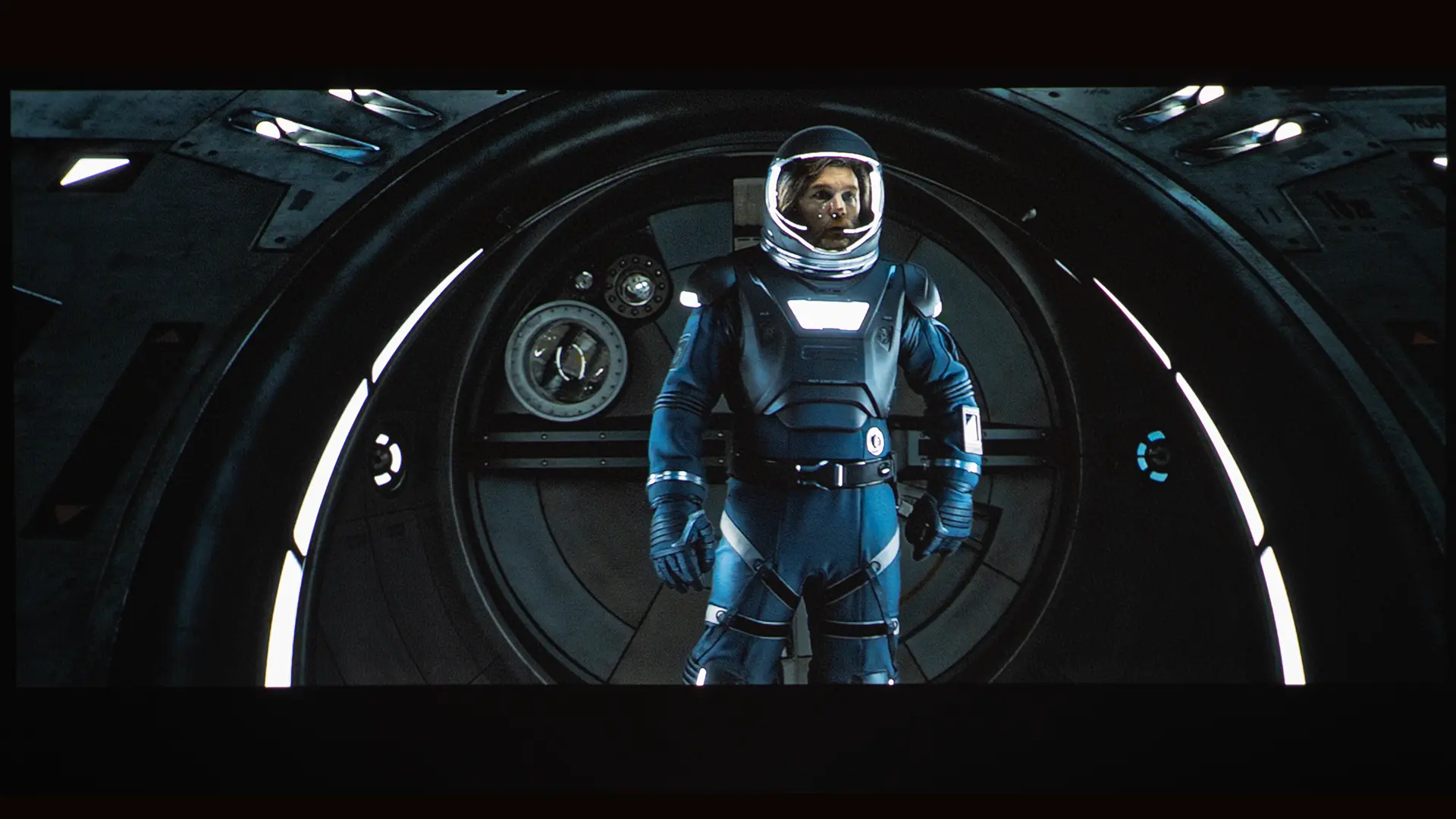
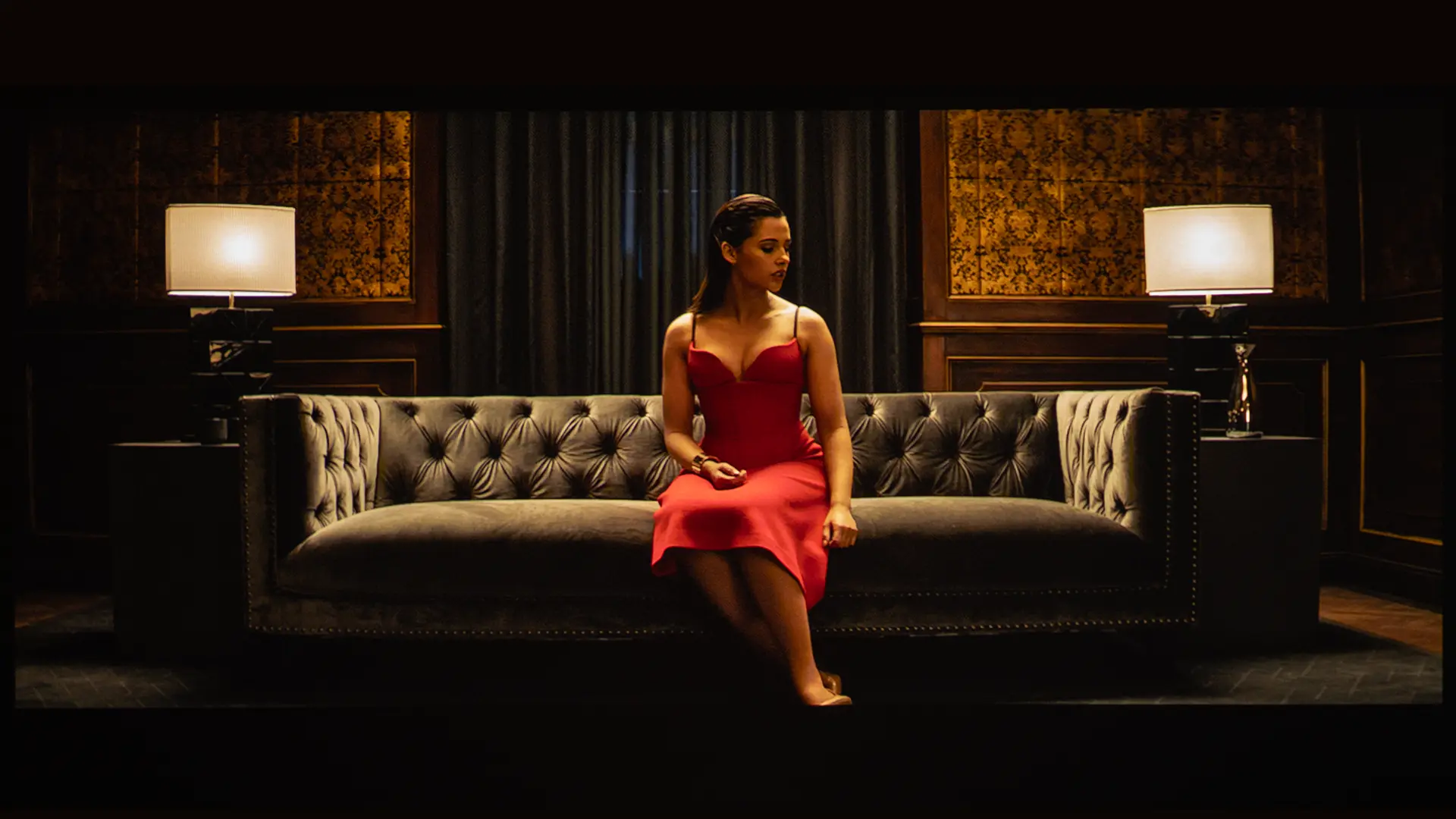
The overall image quality of the Photon Go is better than that of many portable projectors. You could buy a brighter, more color-accurate traditional projector for about the same price, but it would be larger and wouldn’t be an ultra short-throw.

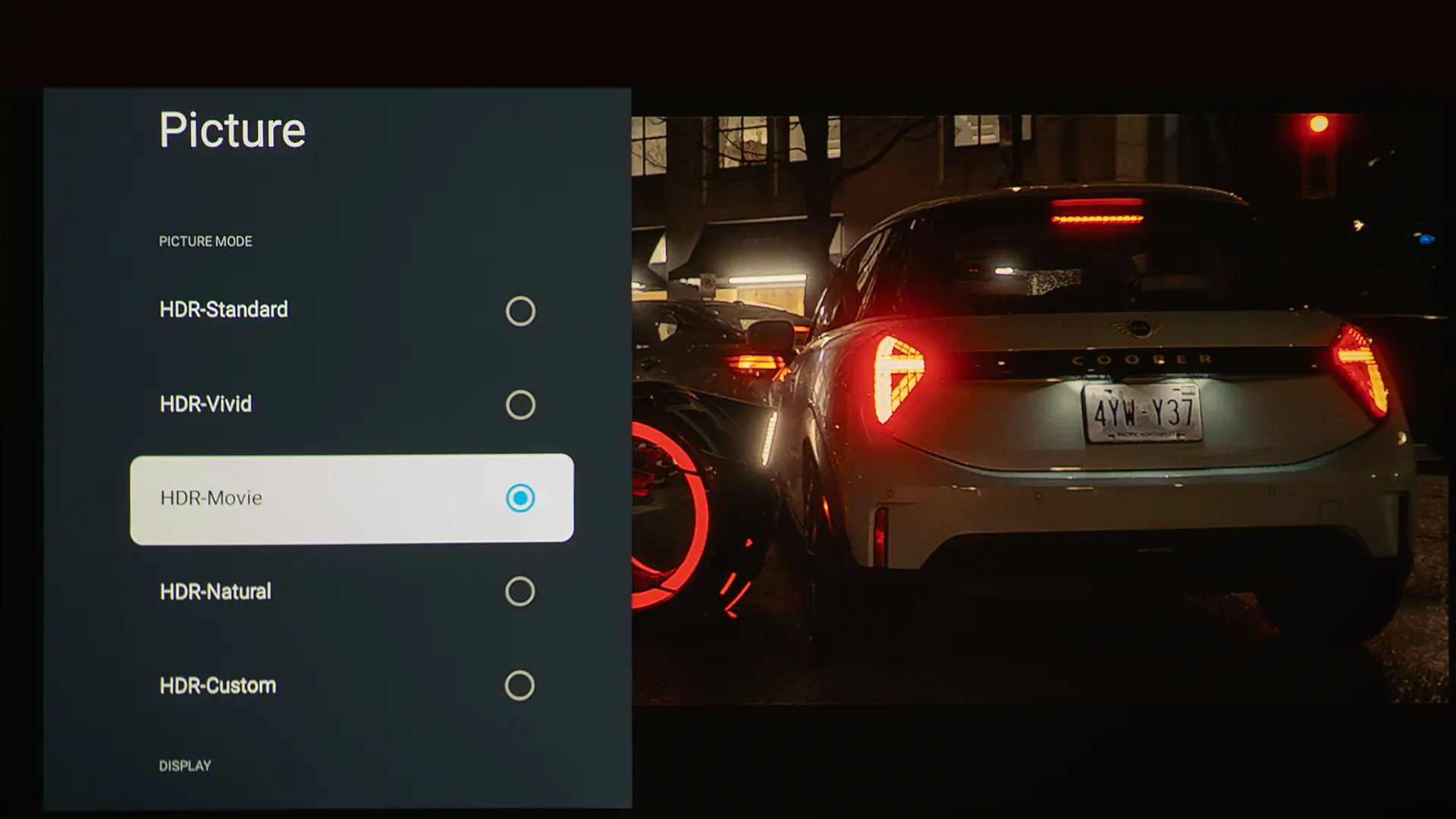
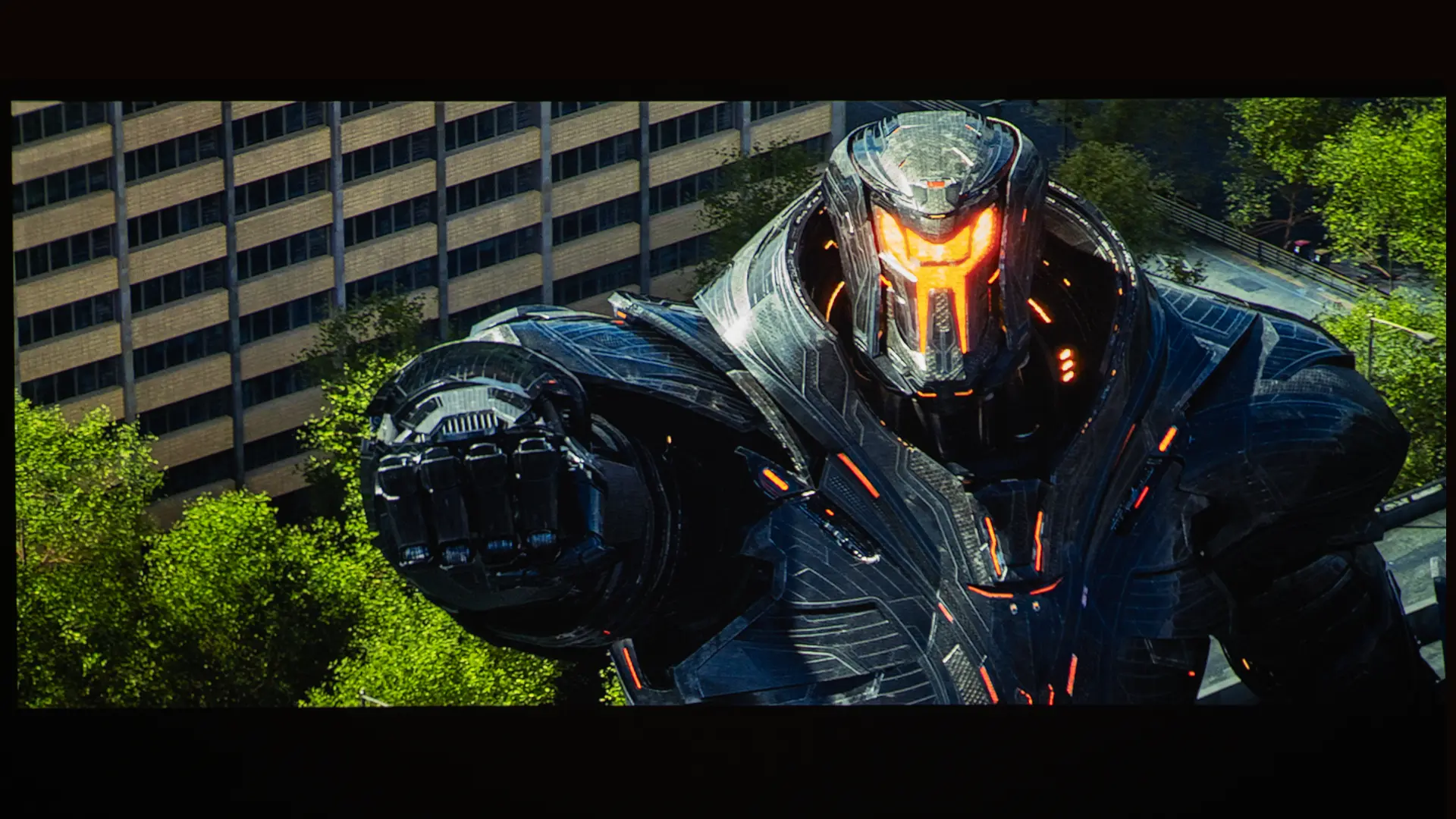
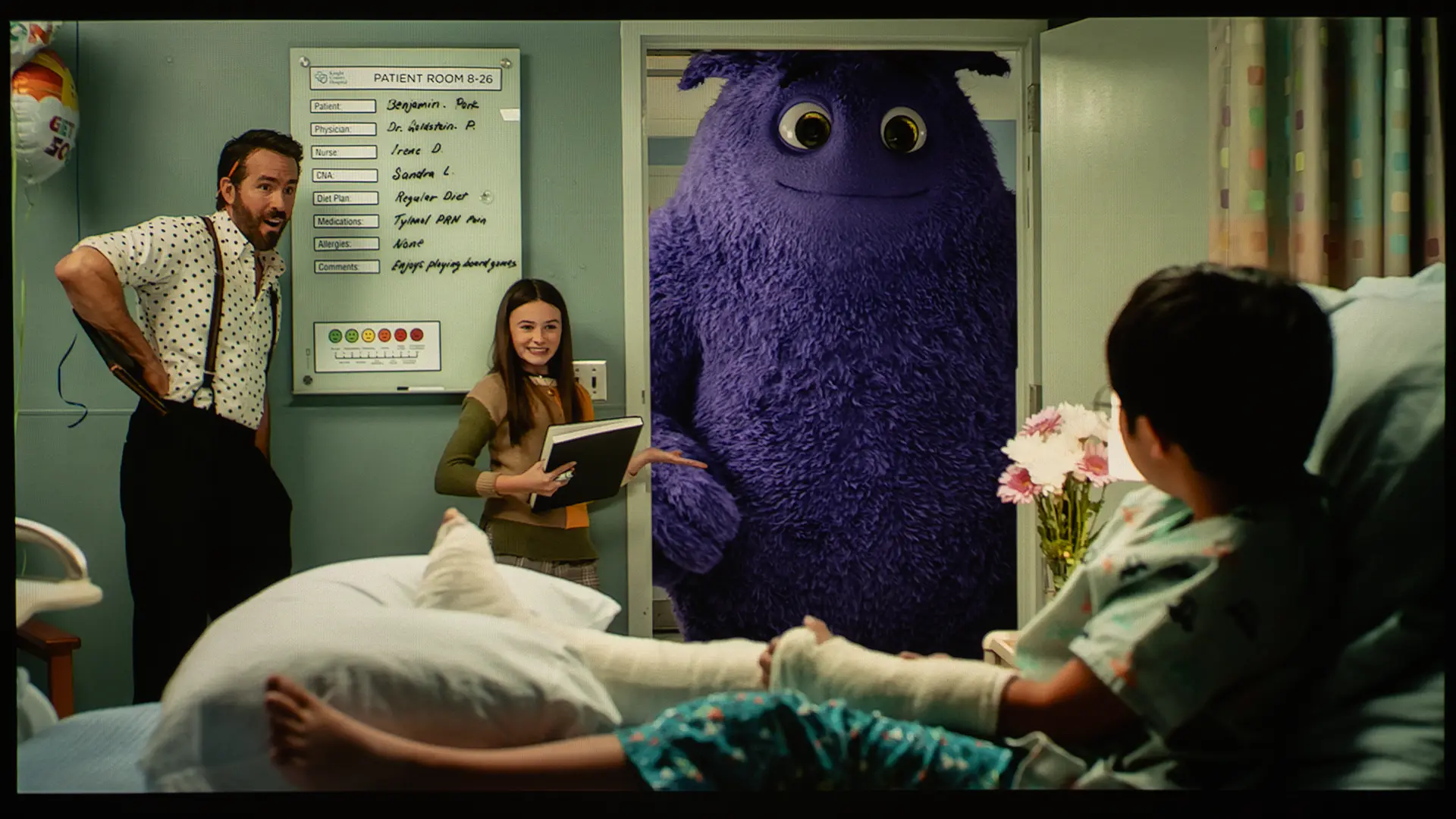
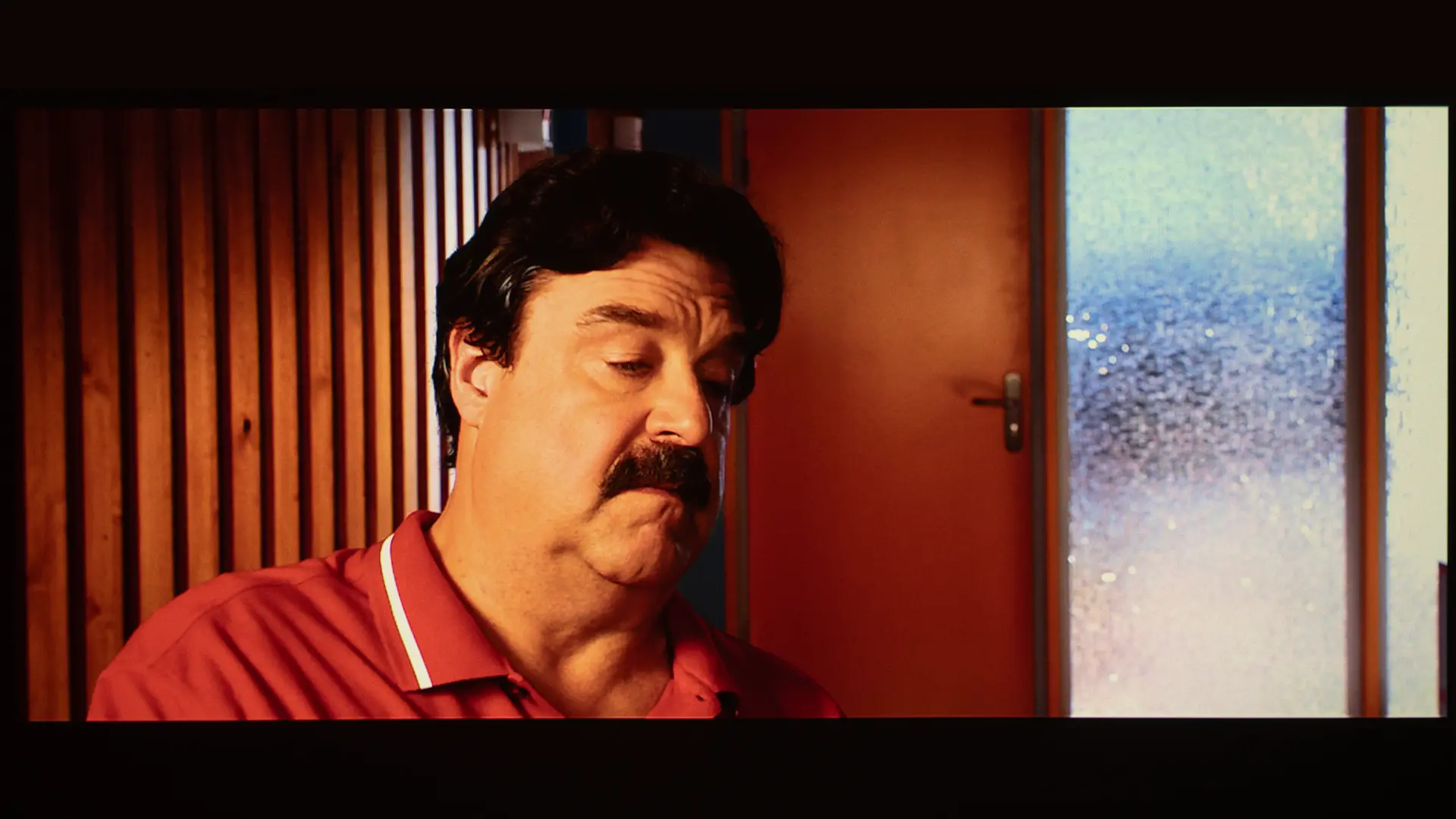
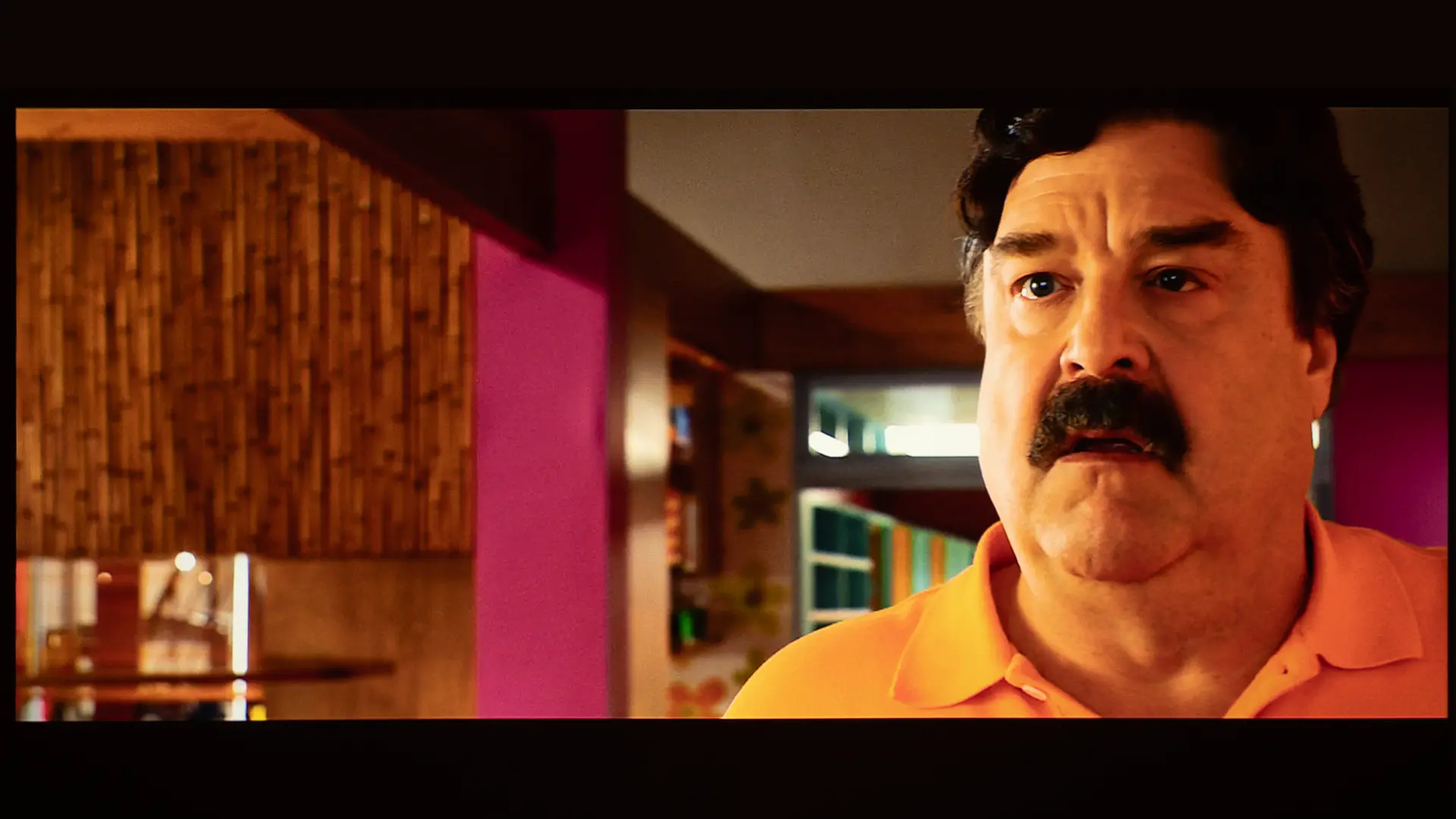
There are five dedicated picture modes for both HDR and SDR. In STANDARD mode, color balance was good but slightly cool. VIVID mode boosted saturation noticeably, which is useful when viewing content under ambient light when watching for animated content or playing games where pop matters more than accuracy.

The most accurate out-of-the-box were the MOVIE and the Natural modes. The color temperature on both modes was similar, but switching from Natural to Movie increases the default contrast and sharpness setting. The image adjustments in most picture modes are preconfigured and cannot be changed. 

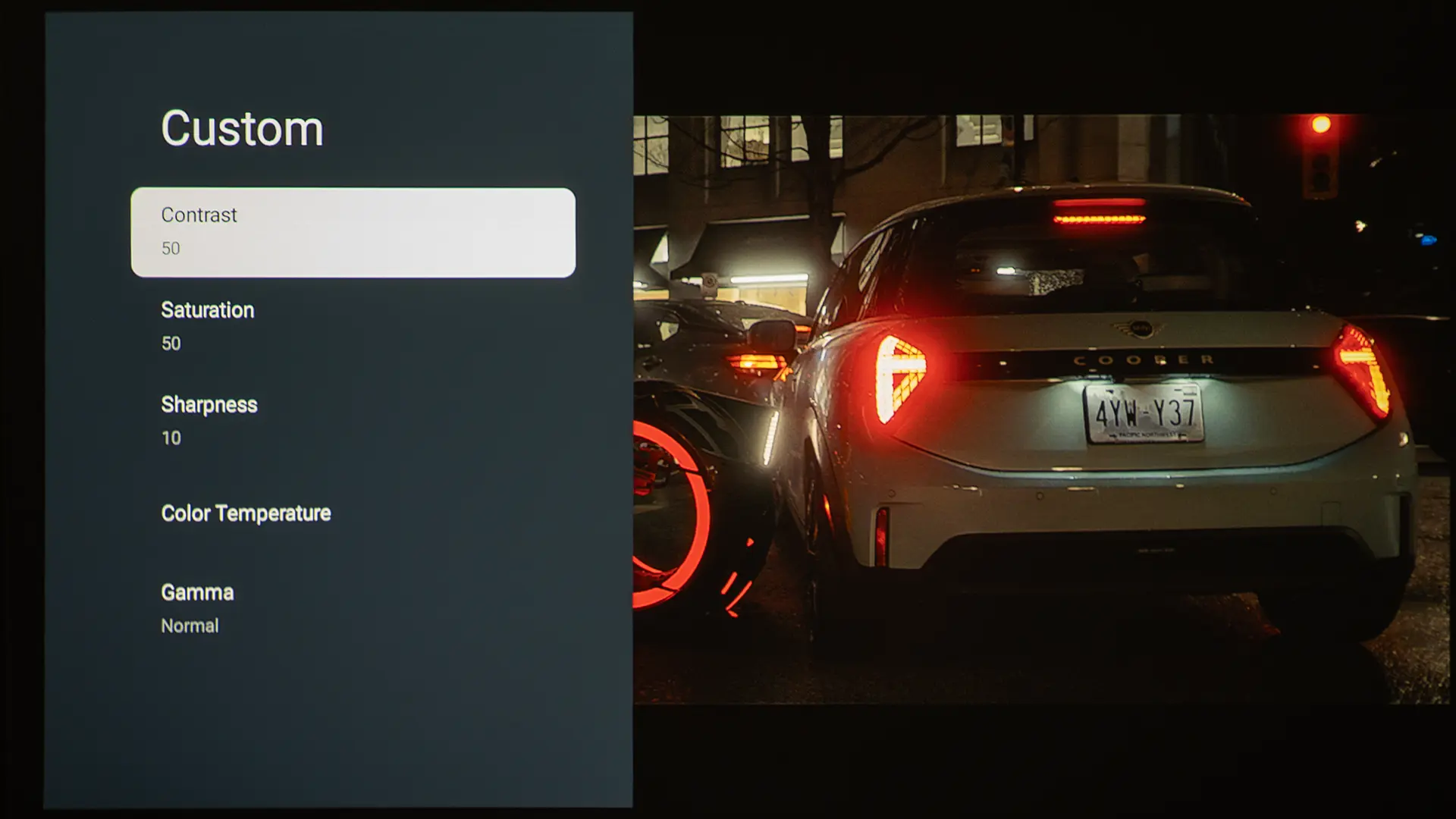
The CUSTOM preset is the only picture mode that offers picture adjustments. When in CUSTOM, you can adjust contrast, saturation, sharpness, and gamma, as well as color temperature with RGB gain adjustments for white balance.

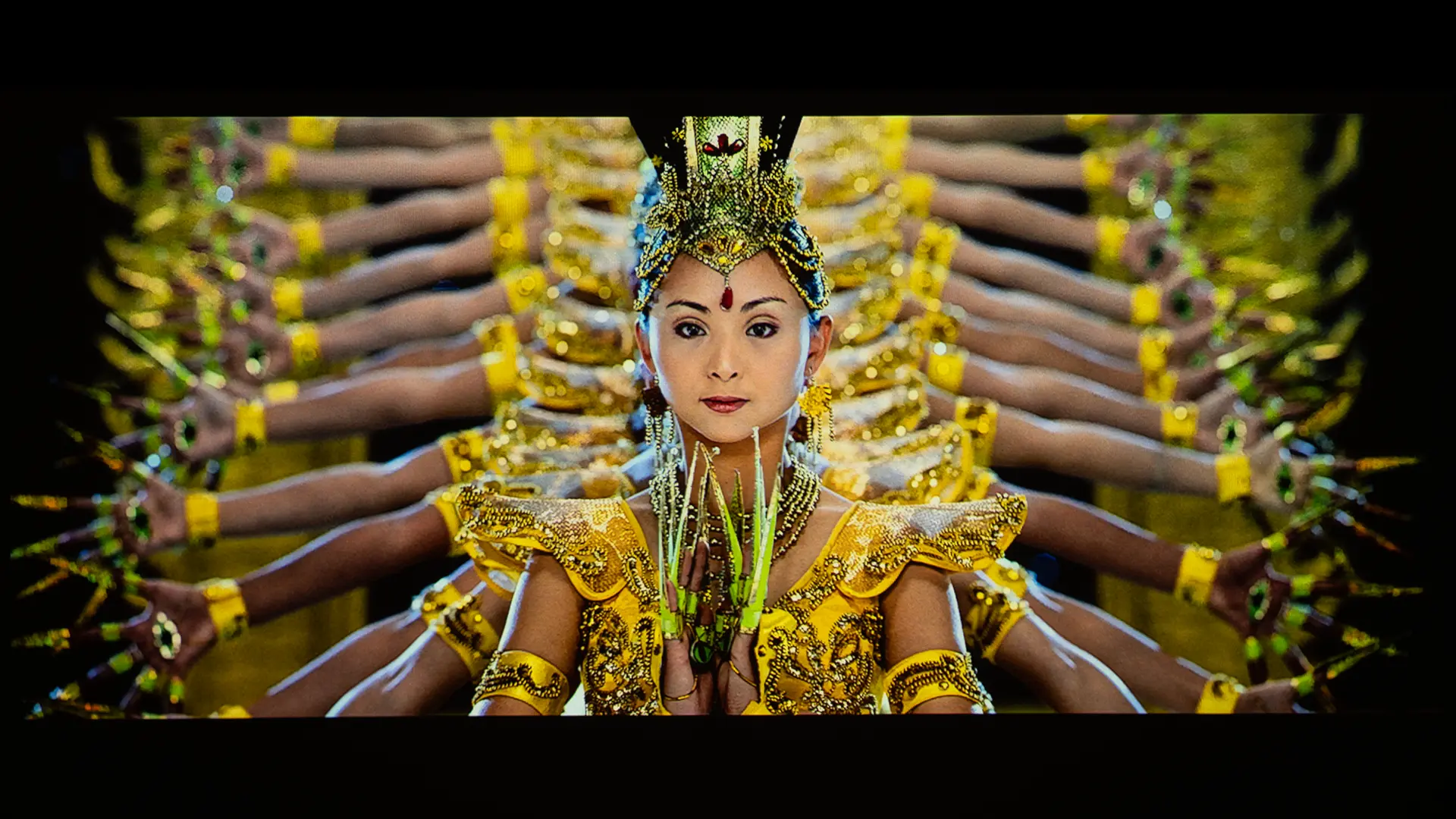
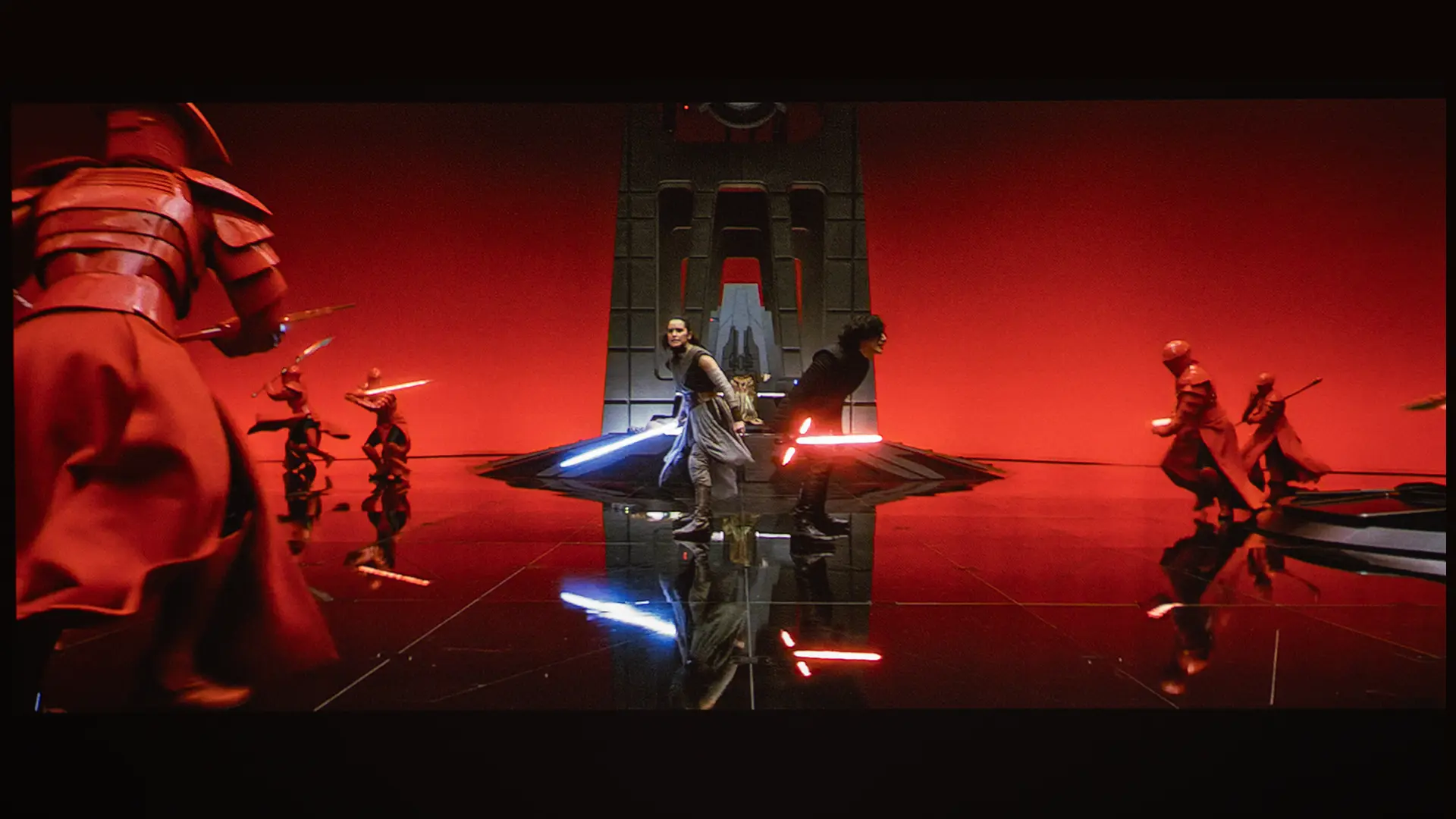
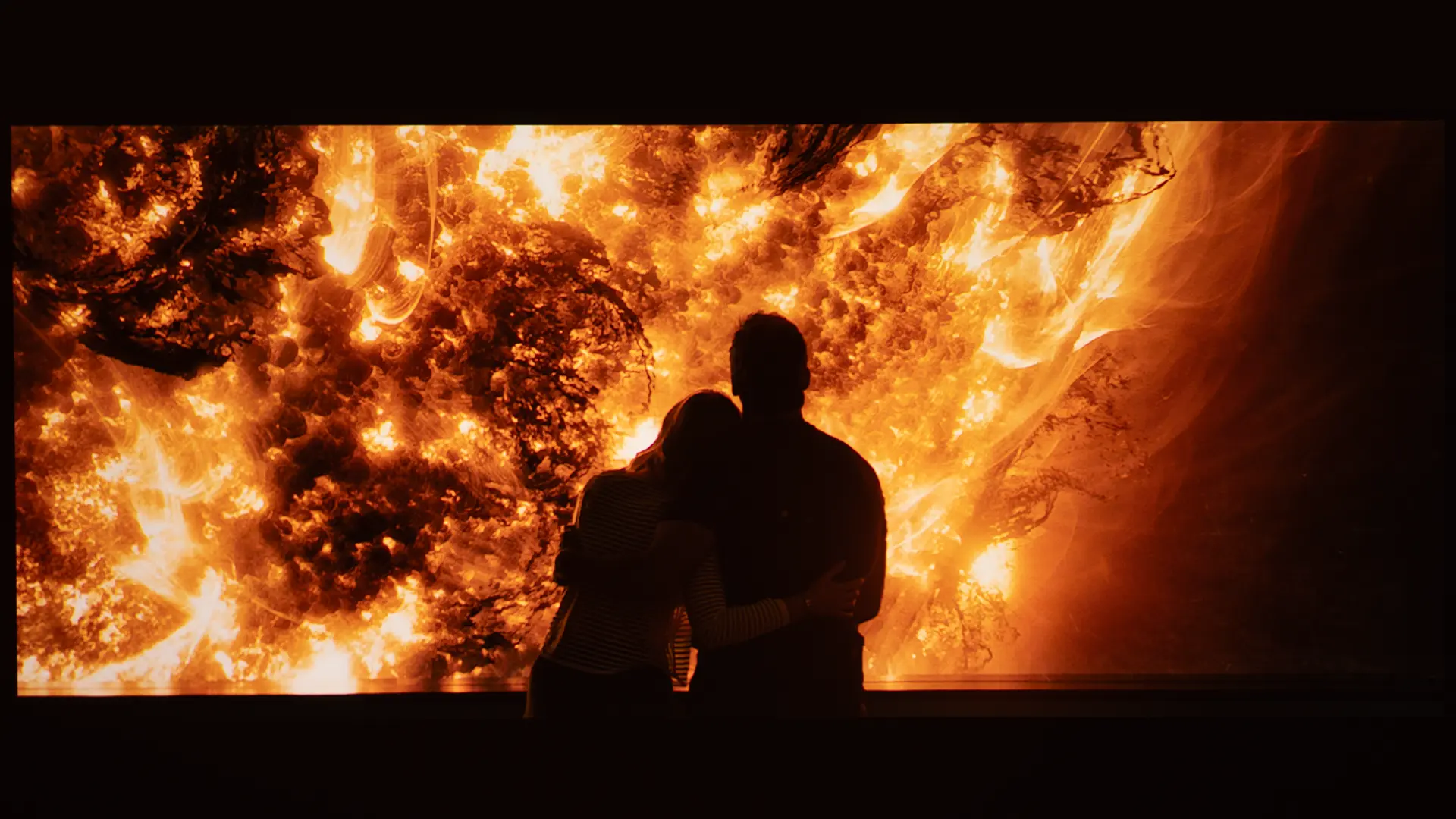
The unit’s RGB laser light source delivers a wider color gamut, which is beneficial for HDR10 content. Color looks rich and vibrant, especially when projected on a screen smaller than 85 inches.

  • Optoma Photon-Go-PQ-18
  • Optoma Photon-Go-PQ-31
  • Optoma Photon-Go-PQ-9
  • Optoma Photon-Go-PQ-27
  • Optoma Photon-Go-HDR-3
  • Optoma Photon-Go-HDR-4
Due to the unit's RGB laser light source, the HDR image quality was good for a compact battery-powered projector

When compared to other portable projectors of similar size, I was impressed with the Photon Go's color reproduction.. While most people would be happy with the unit's out-of-the-box image quality, you can easily improve the  projector's picture quality by making simple adjustments to your projector's BRIGHTNESS, CONTRAST, and SHARPNESS settings without utilizing the projector's more advanced color adjustments.

Here are links to several free test patterns on the Murideo website and their YouTube channel. Murideo also has detailed written instructions for using its test patterns in the resource section of its website. Also, check out our YouTube video on utilizing several test patterns called Optimize The Image of a Projector or TV Using Free Murideo Test Patterns.

BRIGHTNESS

  • Optoma Photon-Go-Brightness-1
  • Optoma Photon-Go-PQ-24
  • Optoma Photon-Go-PQ-38
  • Optoma Photon-Go-PQ-21
  • Optoma Photon-Go-PQ-22
  • Optoma Photon-Go-PQ-8

We measured the Photon Go's brightness in all available picture modes using the ANSI lumen standard on AC power. As is typical with portable projectors, units rated brightness of 650 lumens reflect the brightest picture mode rather than the most accurate one.

Due to the projector's ultra-short-throw lens configuration, it’s difficult to measure the projector's brightness. To maximize the unit’s light output, I switched the Laser Brightness mode to Bright and selected the VIVID picture mode.

The Photon Go produced 653 lumens, which is very close to its 650-lumen specification. A chart below shows the measured brightness of each preset picture mode, with the Laser Brightness set to Bright. Switching the Laser Brightness mode from Bright to Eco would reduce each picture mode’s light output by approximately 30%.

Picture Modes: Brightness

Picture ModeBrightness Measured (Lumens)
VIVID653
STANDARD616
MOVIE597
NATURAL532
CUSTOM601

The projector brightness output is typical for battery‑powered portable projectors and should be evaluated with realistic expectations. The Bright mode delivered the highest output, making it a reasonable choice for rooms with moderate ambient light, though color accuracy lags that of the STANDARD or MOVIE modes.

MOVIE mode produced the most balanced result for dark-room entertainment viewing. Setting the Laser Brightness mode to Eco reduces brightness noticeably, which is useful for extending battery life, but is best suited to a dark room at 80 inches or smaller.

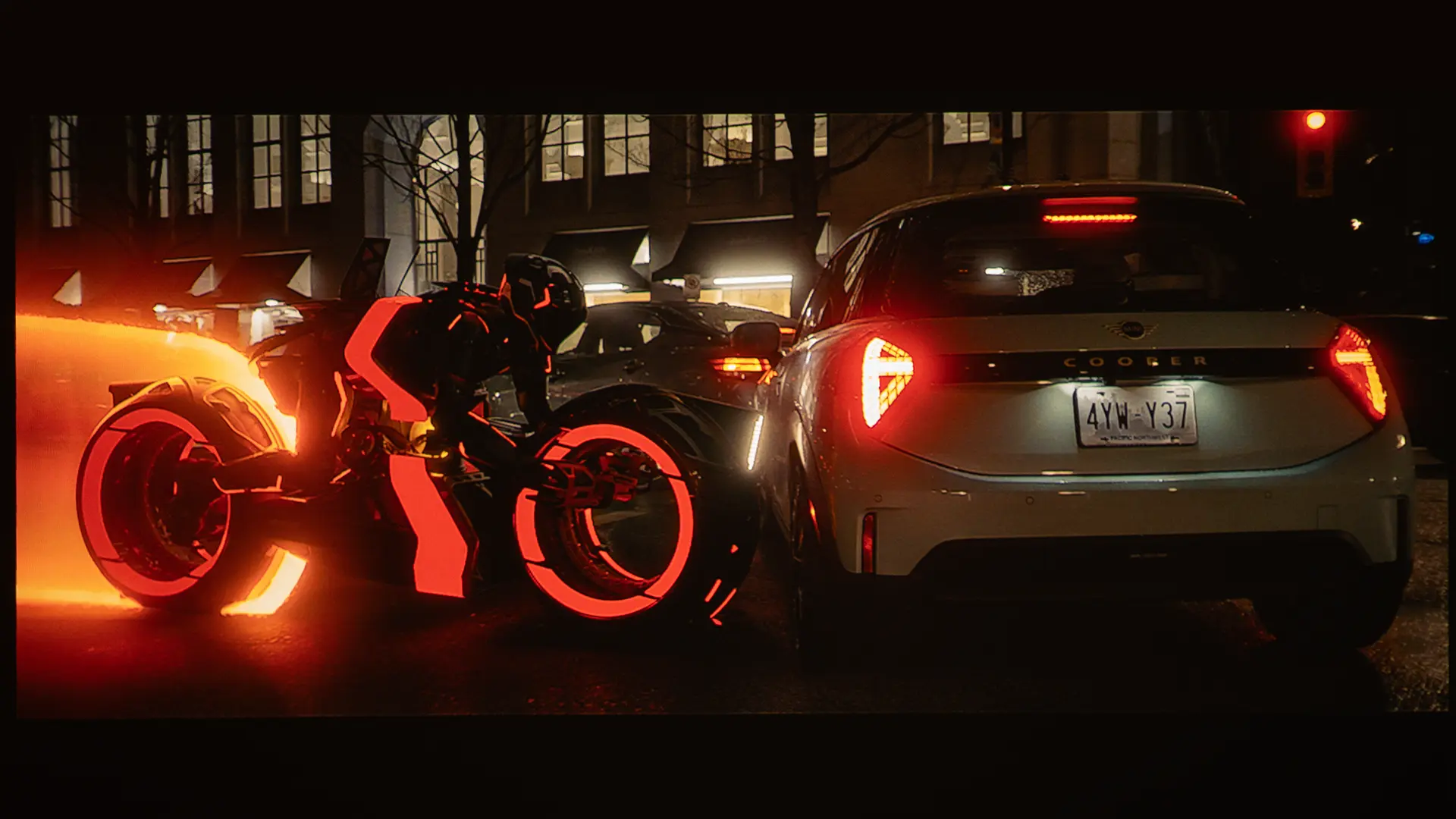
In a darkened room, with the Laser Brightness mode set to Bright, the Photon Go can comfortably produce an engaging image at 100 inches when viewing SDR material. In rooms with moderate ambient light, image size may need to be reduced to maintain contrast and perceived brightness.

While you can use the projector on screens above 100 inches, if you really want rich-looking colors when viewing HDR, I recommend sticking to screens below 85 inches. The fact that such a compact device can display a vibrant image on a screen nearly 7 feet diagonal remains impressive.

BLACK LEVEL AND SHADOW DETAIL

  • Optoma Photon-Go-Contrast-1
  • Optoma Photon-Go-Contrast-3
  • Optoma Photon-Go-PQ-29
  • Optoma Photon-Go-Contrast-2
  • Optoma Photon-Go-PQ-33
  • Optoma Photon-Go-PQ-26

The Optoma Photon Go has a 2,500,000:1 dynamic contrast rating figure, which is measured using alternating all-white and all-black frames, a methodology that does not reflect the contrast you see during normal content with mixed bright and dark areas on screen simultaneously. Real-world on-screen contrast, as expected, is considerably lower than the dynamic spec.

Deep blacks are closer to dark grey. However, onscreen contrast is acceptable for casual viewing, but the Photon Go is not intended for critical home theater use. Shadow detail is preserved reasonably well when viewing darker SDR and HDR scenes.

The laser light source enables the projector to dynamically modulate brightness between scenes, helping preserve perceived contrast across a range of content.

Video Quality

  • Optoma Photon-Go-PQ-37
  • Optoma Photon-Go-PQ-36
  • Optoma Photon-Go-PQ-13
  • Optoma Photon-Go-HDR-5
  • Optoma Photon-Go-PQ-6
  • Optoma Photon-Go-PQ-12

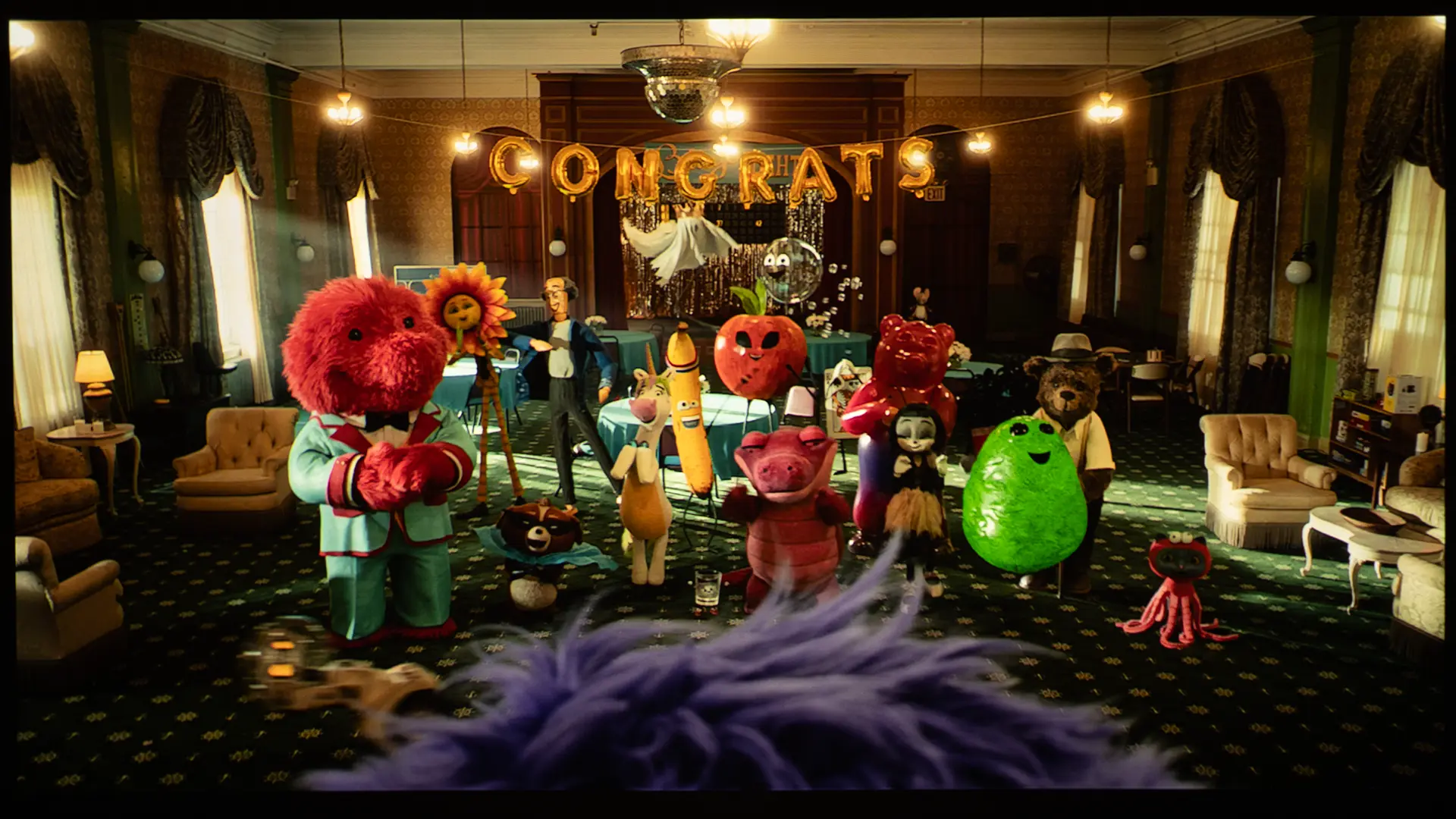
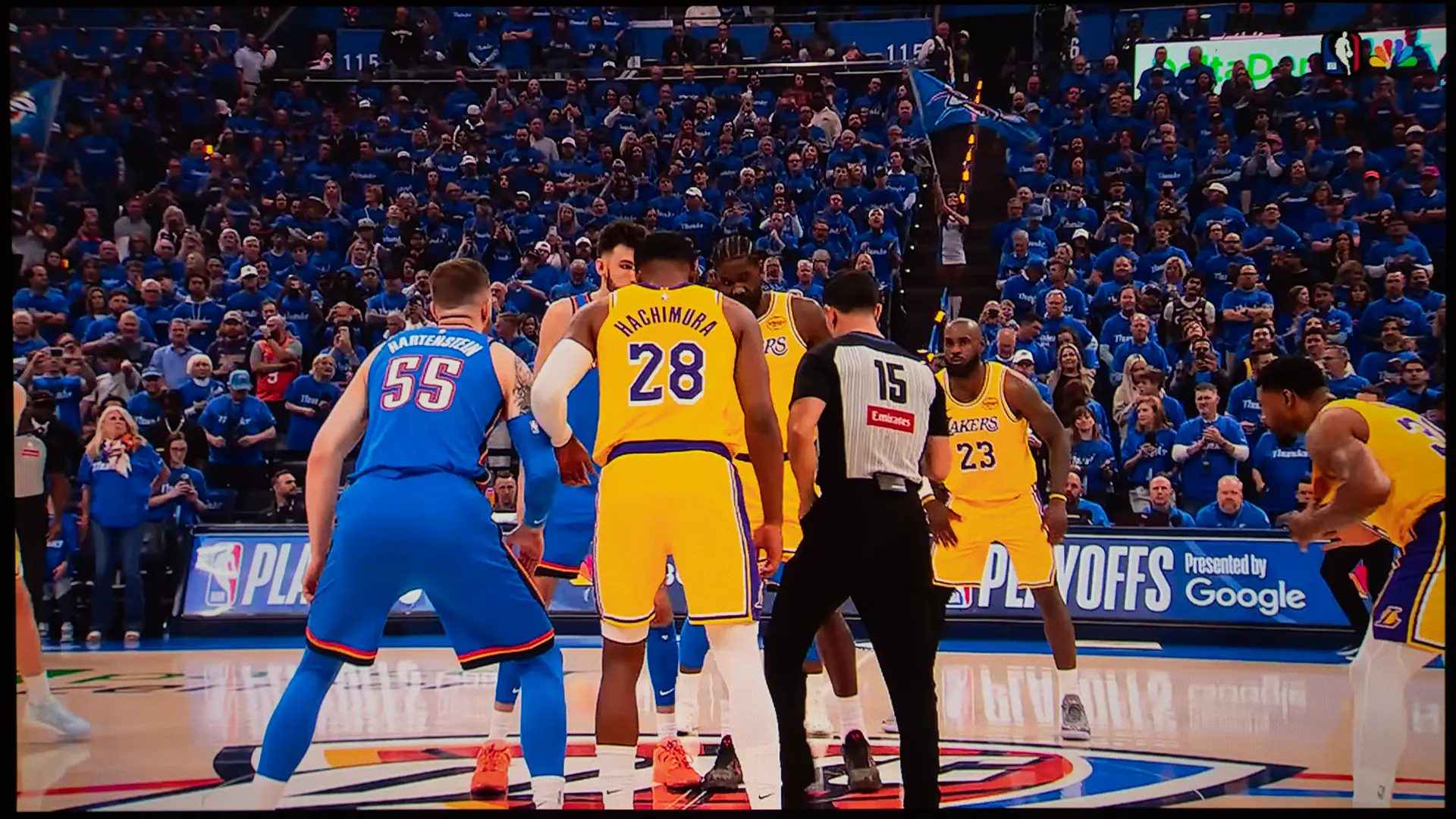
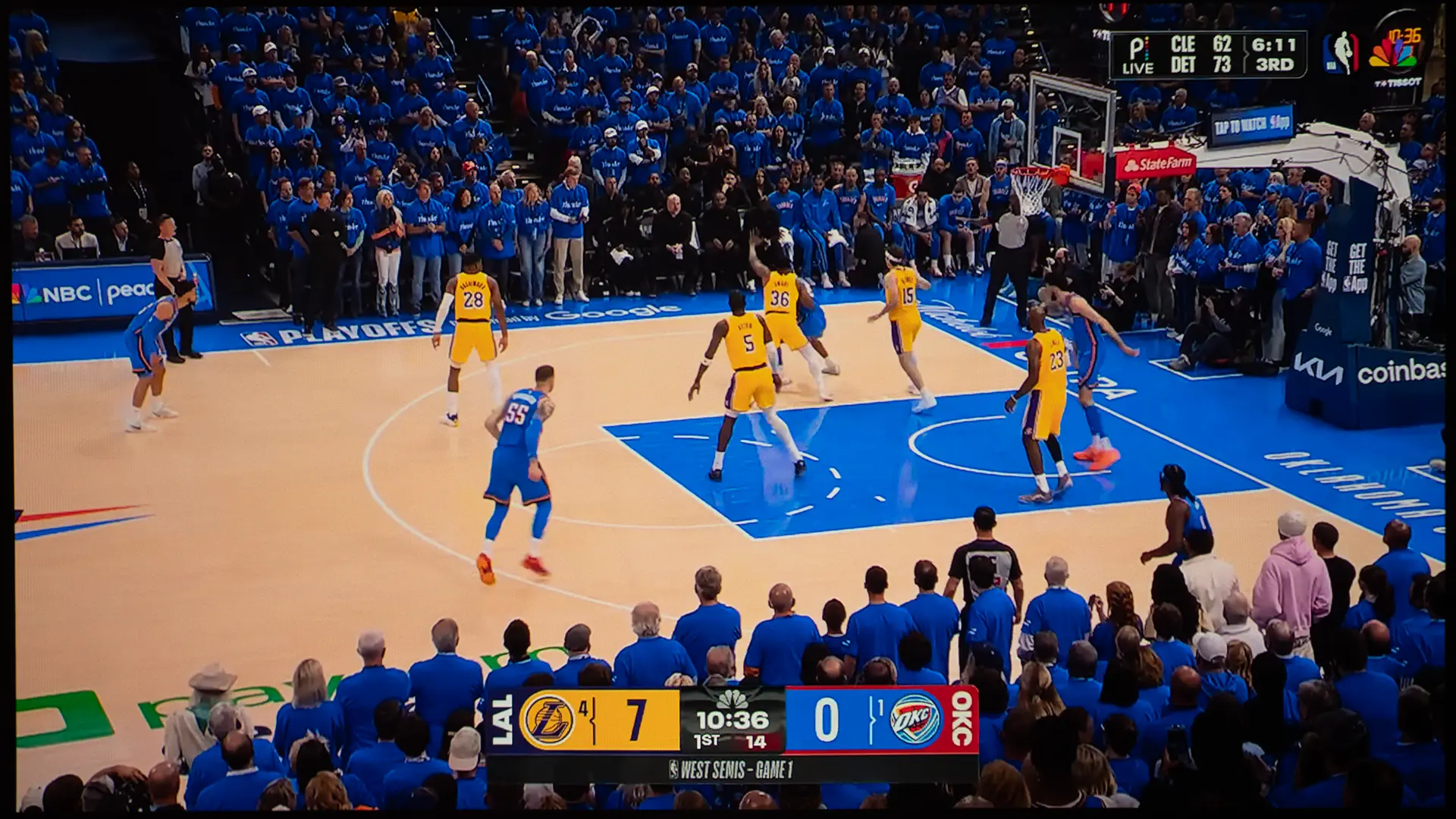
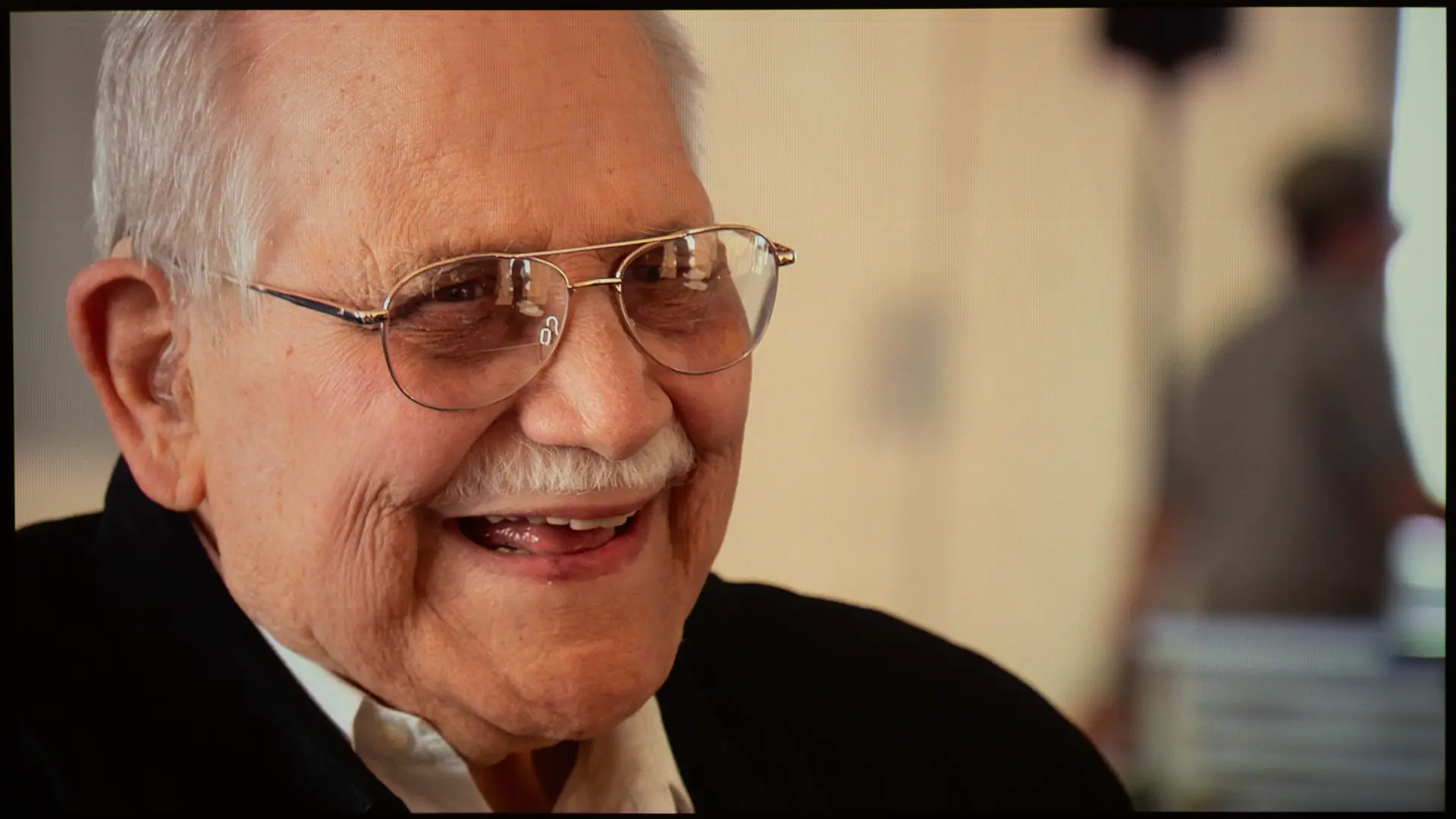
At an 80-inch image size, the Photon Go produced a clean, sharp picture with good pixel fill. Text in streaming menus and title cards was crisp, and fine detail in film and documentary content rendered clearly without obvious softness. At 100 inches, sharpness held up well at a normal viewing distances of 8 to 12 feet, though moving closer than 6 feet revealed the limits of the 1080p resolution.

HDR10 and HLG content are supported, with tone mapping applied to the 1080p output resolution. While HDR performance is limited by the unit’s brightness, the projector’s wide color gamut helps maintain the visual impact of HDR content. Even though the unit supports HDR, unless you are watching on a screen smaller than 80 inches, I recommend using SDR to maximize on-screen brightness.

Focus uniformity, which is essentially sharpness from center to corners, is worth examining specifically on an ultra-short throw design, where the extreme lens geometry can introduce falloff at the edges. The auto-focus system using the ToF sensor locked on quickly and accurately in our testing, and manual focus adjustment via the remote was straightforward when needed.

When the Photon Go is switched into Game Mode, the Input lag at 1080p/60fps is around 27ms. This is responsive enough for casual and console gaming, including popular portable systems such as the Nintendo Switch and handheld PCs in docked mode. Competitive gamers may want lower input lag, but for the projector’s intended audience, gaming performance is more than adequate.

SOUND QUALITY

Optoma Photon-Go-Lifestyle-4

Audio is produced from the dual 10W stereo speakers. The sound is good for a small unit, and the projector plate is loud enough to fill a small to medium-sized room. Dialogue was clear and intelligible.

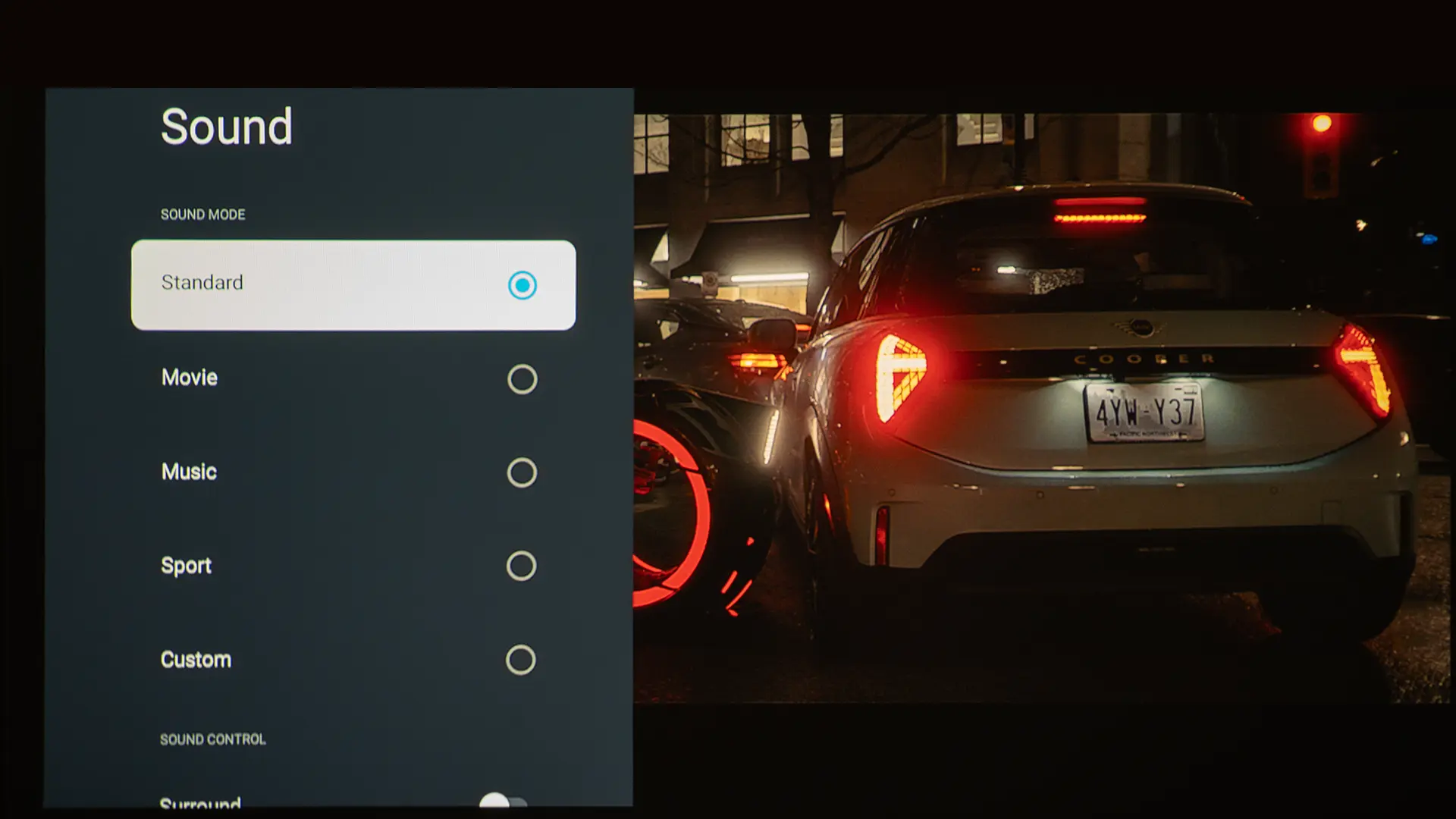
The unit has five preset audio modes so you can choose the one that sounds best for the content being played. The Photon Go supports Dolby Audio and when the surround setting is engaged movies did sound more immersive,   For apartment or dorm room use, the onboard audio is a legitimate substitute for a separate speaker in most scenarios.
Bluetooth Speaker Mode worked as advertised. Pairing with a smartphone was quick and easy. Sound quality in speaker-only mode was good for a compact projector, but a similarly sized portable speaker would deliver noticeably better performance. However, using the Photon Go as a wireless speaker is convenient because you don’t have to carry two devices.

To deliver high brightness from such a small chassis, the fans need to run at a fairly high speed when using the projector’s maximum light output.  Optoma rates the noise level at 30dB from 1 meter away. The unit’s fans were noisy enough to be heard from 8 feet away during quiet scene but the sound not overly distracting.

SUMMARY

  • Optoma Photon-Go-Lifestyle-3
  • Optoma Photon-Go-Google TV
  • Optoma Photon-Go-Lifestyle-6
  • Optoma Photon-Go-Sample-Lifestyle-1
  • Optoma Photon-Go-Sample-Lifestyle-5

The Optoma Photon Go combines an ultra-short throw lens, a triple RGB laser light source, a built-in battery, and Google TV into a sub-4-pound portable projector. Each of those four elements has been available in larger, more expensive products for years. Having all four in one compact unit makes the Photon Go stand out in the poatable projector category. .

Color performance, as expected from Optima’s RGB laser engine, is the strongest aspect of the image quality. The Google TV platform and 20-watt stereo audio system make the Photon Go the most self-contained entertainment projector we have tested; plug it in, push it to the wall, and you have a 100-inch smart TV experience with no external devices required. The auto-focus and auto-keystone system handled every placement scenario we threw at it without manual intervention.

At approximately a thousand dollars, the Optoma Photon Go commands a premium price, but it sits in a part of the portable projector market with relatively few direct competitors because ultra-short-throw portable projectors are rare. However, there are two other portable UST options we've reviewed.

LG CineBeam S (PU615U)

First is the award-winning LG CineBeam S (PU615U), another $1,000 UST DLP projector with an RGB laser light source. The key differences are that LG delivers 4K resolution via pixel shifting and runs LG's excellent webOS smart platform instead of Google TV.

However, to display a 100-inch image, LG needs to be placed about 15 inches away, whereas the Photon Go only needs to be about 10 inches away. It is not battery-powered, which is a meaningful difference for anyone who values portability or placement away from a wall outlet. However, for buyers whose primary space has access to AC power and who want to step up to 4K resolution, the LG CineBeam S is a serious alternative at the same price.

AAXA M8 UST

The AAXA M8 UST is also a portable ultra-short-throw projector with an RGB laser light source and 1080p resolution. With a retail price of $529 AAXA model is less expensive than the Photon Go.

So what does the Photon Go's extra $500 buy you? Quite a bit, actually. The Photon Go has a built-in 15,000 milliamp-hour battery, the full Google TV platform with certified streaming apps, and a better audio system. The Photon Go color reproduction is also better. 

Optoma Photon-Go-Award-2
If you are interested in purchasing the projector mentioned in this article, we always appreciate it if you use one of the links in the article because Projector Reviews earns a small commission on the sale at no cost to you.
buy now on amazon button grey - Projector Reviews - Image

if you want the complete portable UST entertainment package with minimal compromises, the Photon Go justifies the price difference.

For buyers who need battery-powered portability or UST placement without a nearby power outlet, the Photon Go is the only option. Battery life of up to 1.5 hours is the most significant practical limitation, and it is a real one for buyers who envision watching full-length films untethered.

The Photon Go's answer is portability and placement freedom that other competitive projectors can not match. For the buyer this projector is designed for — apartment dwellers, dorm residents, anyone who wants a big-screen experience in a space where a conventional projector won't work — the Photon Go is the most capable portable projectors on the market.

Optoma Photon Go (ML1080UST) Specifications

Optoma Photon-Go-1
Full Specifications
Projector ModelPhoton Go (ML10180UST)
Price (MSRP)$999
Imager TypeDLP
Displayed Resolution1920 x 1080 pixels
Native Resolution1920 x 1080 pixels
Brightness (Manufacturer Claim)650 ISO Lumens
Light Source TypeRGB Laser
Contrast Ratio2,500,000:1 (Dynamic)
Lens Throw Ratio0.18:1
Lens Zoom RangeFixed
Power Zoom/FocusFocus Only
Lens ShiftNo
Interchangeable LensNo
Ultra Short ThrowYes
Native Aspect Ratio16:9 (Widescreen)
4K/120 fpsNo
3DNo
SpeakersYes (10 watts x 2)
Noise Level (-db)30dB (Eco) 35dB (Bright)
Low Lag GamingYes
Smart FunctionalityYes
BusinessNo
ClassroomNo
PortableYes
Special FeaturesGoogle TV OS, Native Netflix App, Easy Setup
NetworkingWi-Fi, Wired
Dimensions  (WxHxD)9.9" x 2.6" x 6.2" (251 mm x 66 mm  x 157 mm)
Weight3.8 lbs (1.7 kg)
Warranty1-year Limited
Buy Now On Amazon - Projector Reviews Images

© 2026 Projector Reviews

crossmenu linkedin facebook pinterest youtube rss twitter instagram facebook-blank rss-blank linkedin-blank pinterest youtube twitter instagram