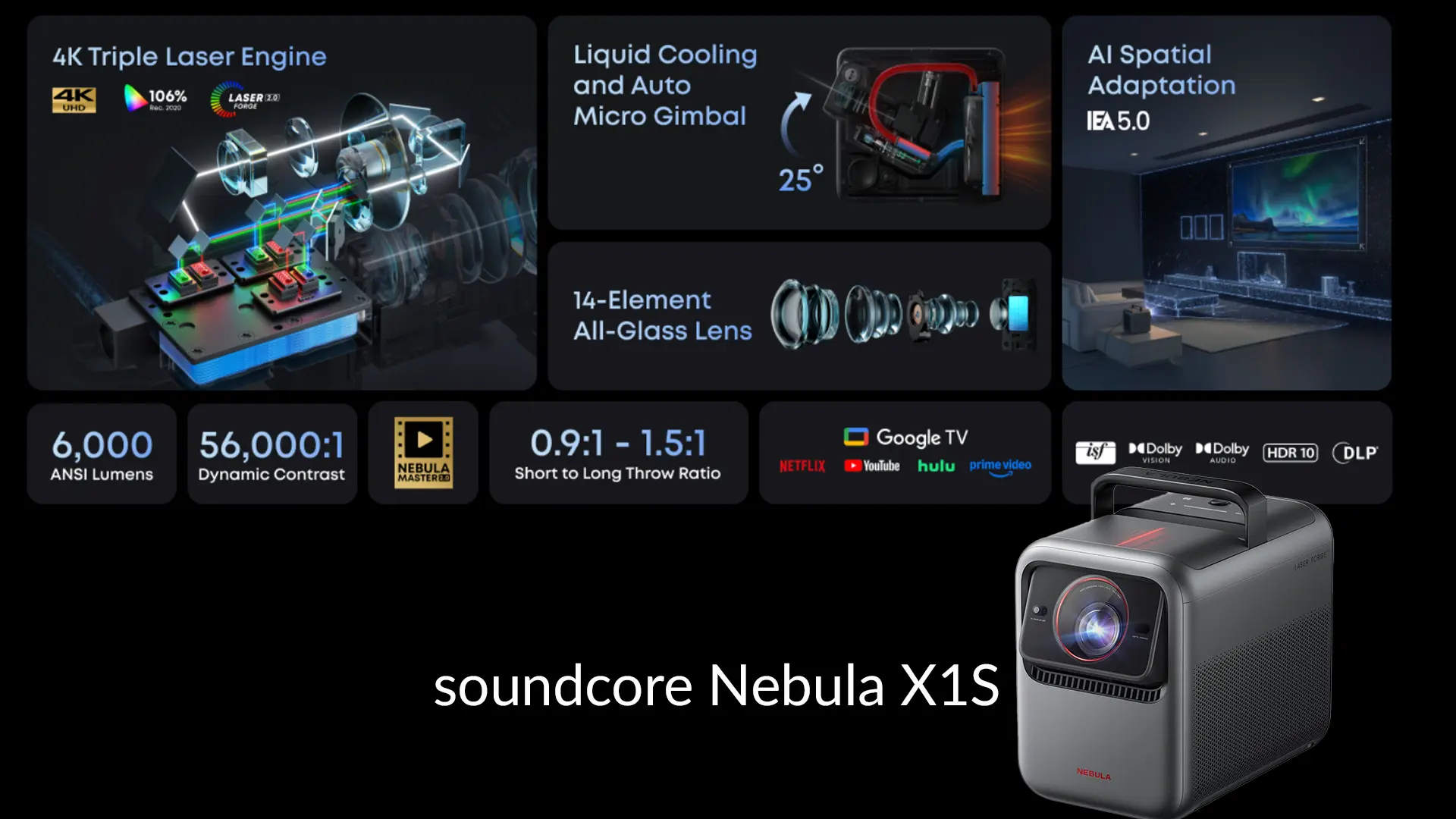
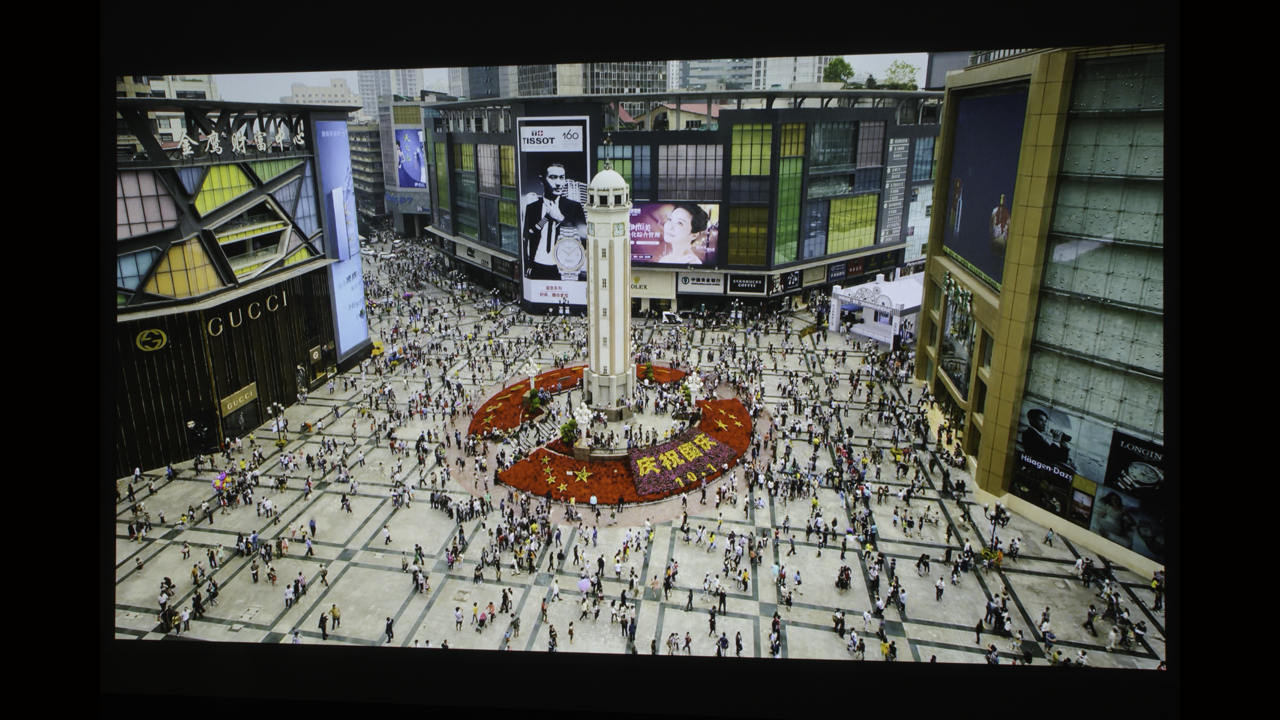
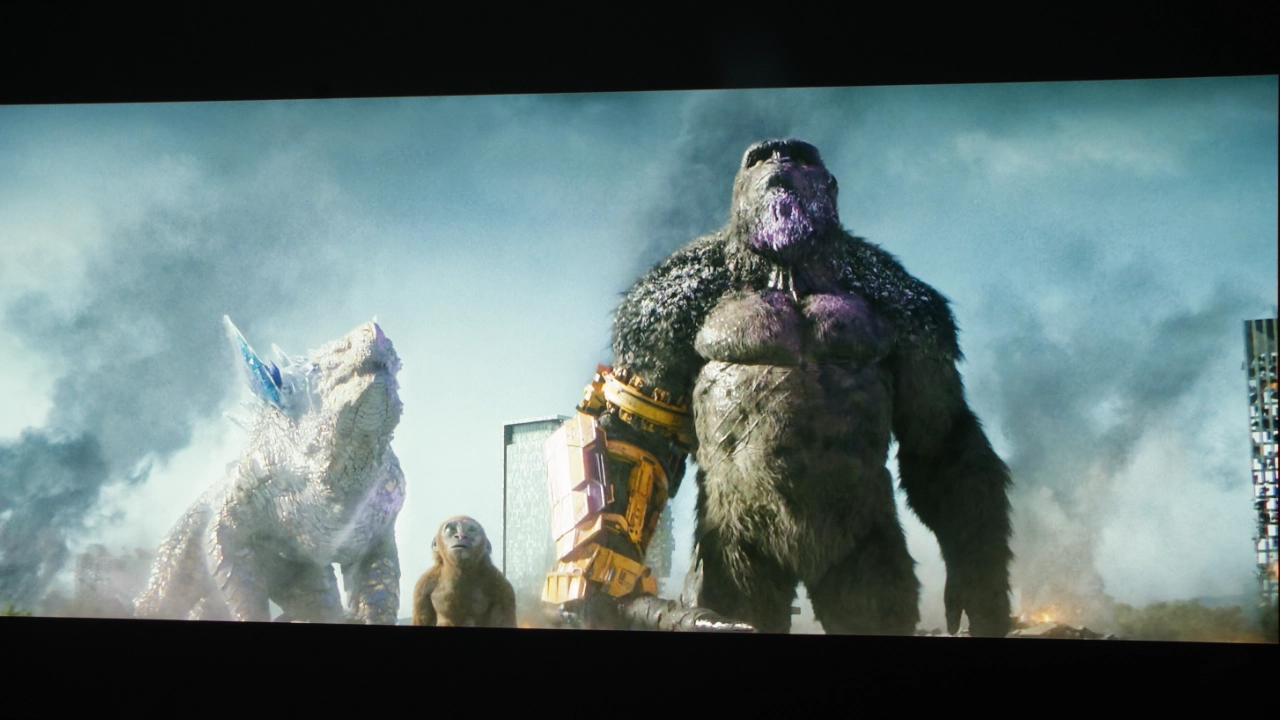
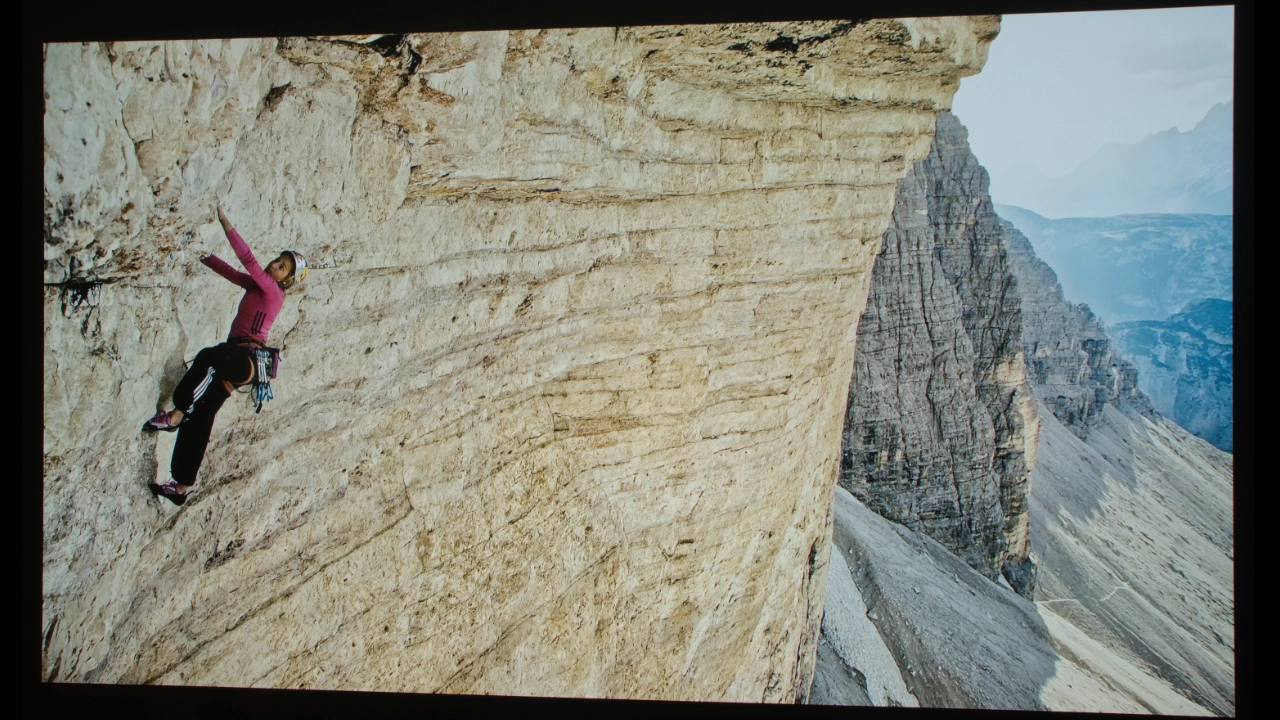
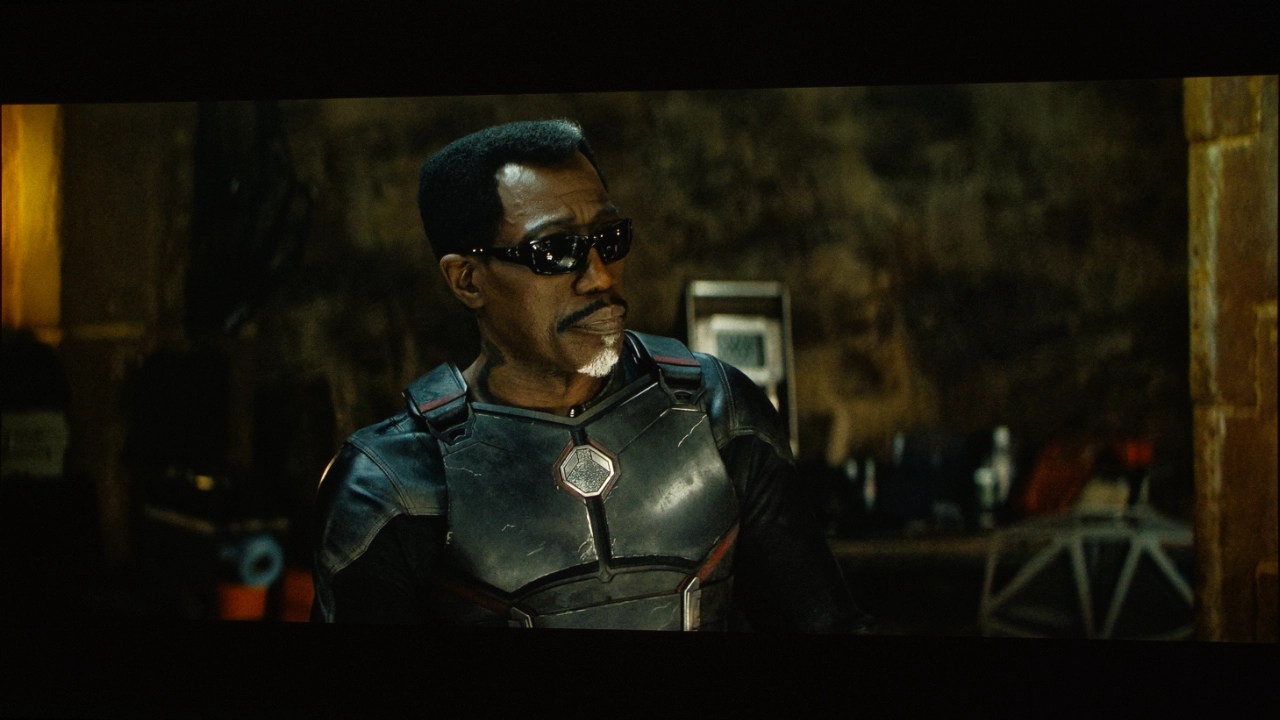
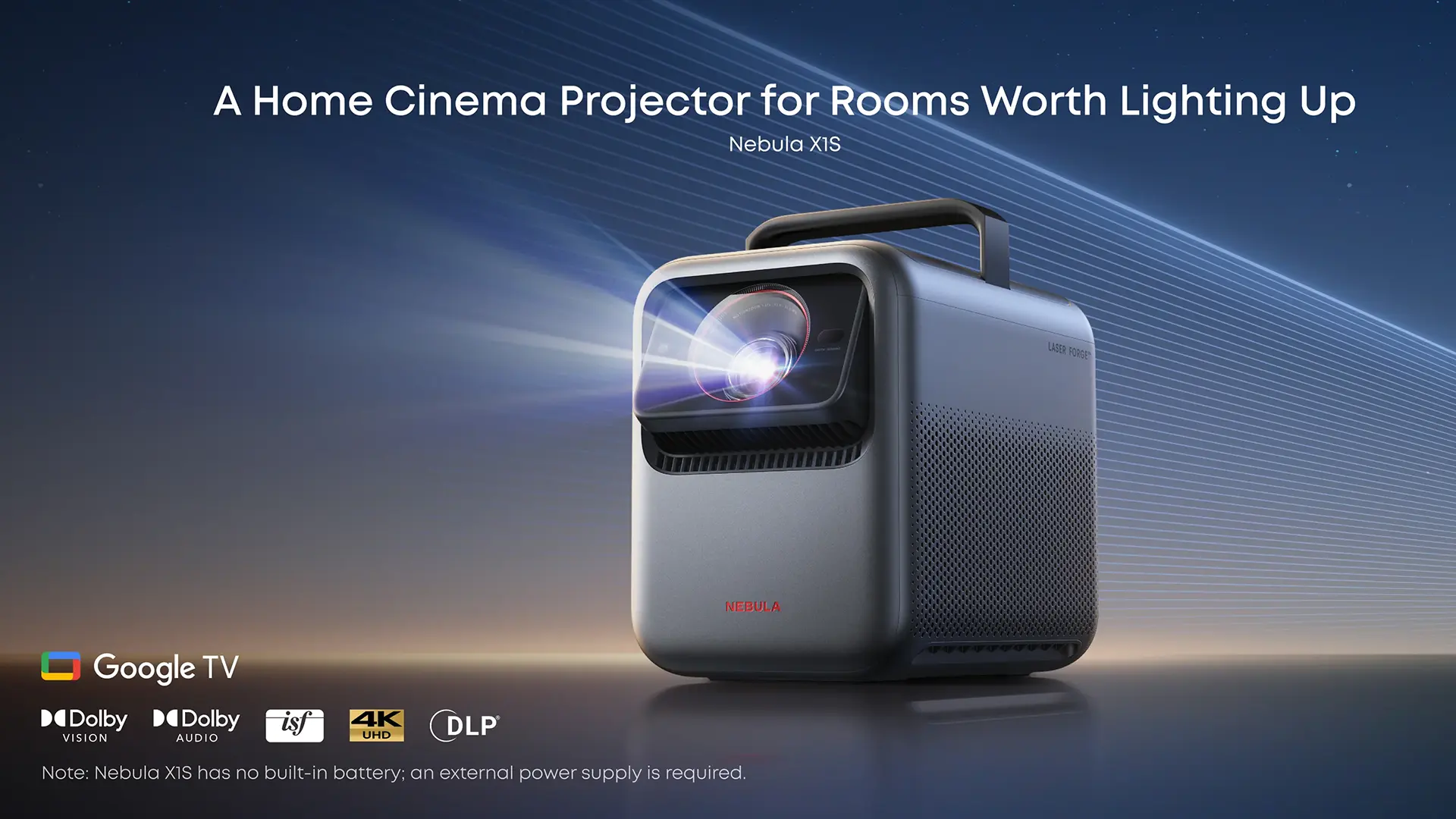
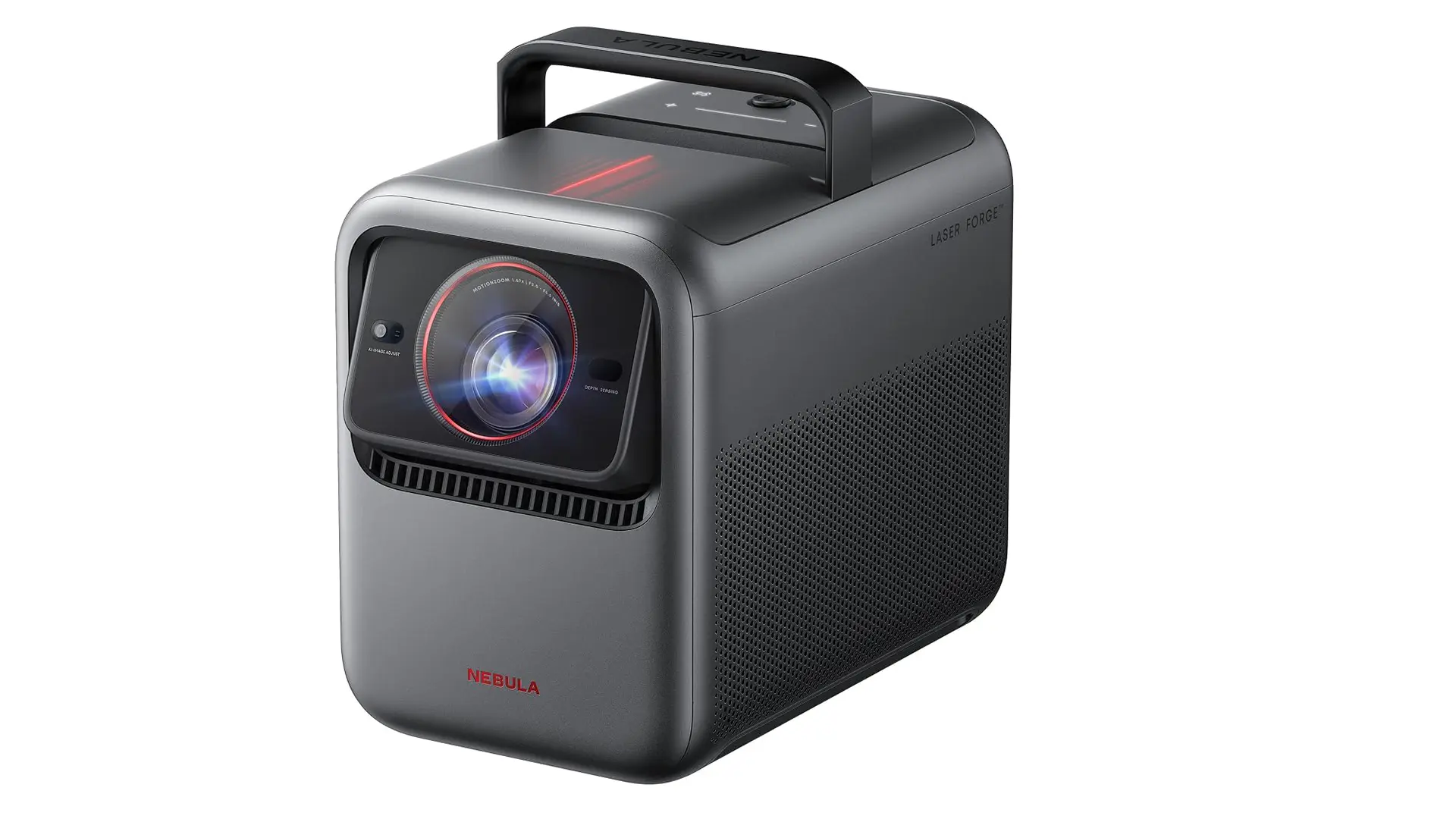
The Nebula X1S ($3299 MSRP) is soundcore’s follow-up to the company's 2025 powerhouse portable/lifestyle projector, the Nebula X1 4K. Soundcore has boosted the Nebula X1S RGB laser light source to produce up to 6,000 lumens of brightness, while maintaining the manufacturer's native contrast ratio of 5,000:1.
To accommodate the higher light output and the inevitable heat that comes with it, Nebula has beefed up the projector’s optical assembly, making the 14-element all-glass lens and mechanical six-blade iris able to withstand the higher output. The X1S's RGB laser displays accurate colors that range up to 106% of the REC.2020 color space. This X1S carries over the X1 4K’s optical assembly and a built-in micro gimbal that tilts up to 25 degrees, making setup easy while increasing placement options.
The Nebula X1S continues using Soundcore’s state-of-the-art, liquid-cooled RGB laser light source first introduced in the X1 4K portable projector. This new X1S 4K projector uses a Texas Instruments 0.47-inch DMD chip with XPR technology to deliver 4K UHD (3,840 x 2,160p) on-screen resolution.
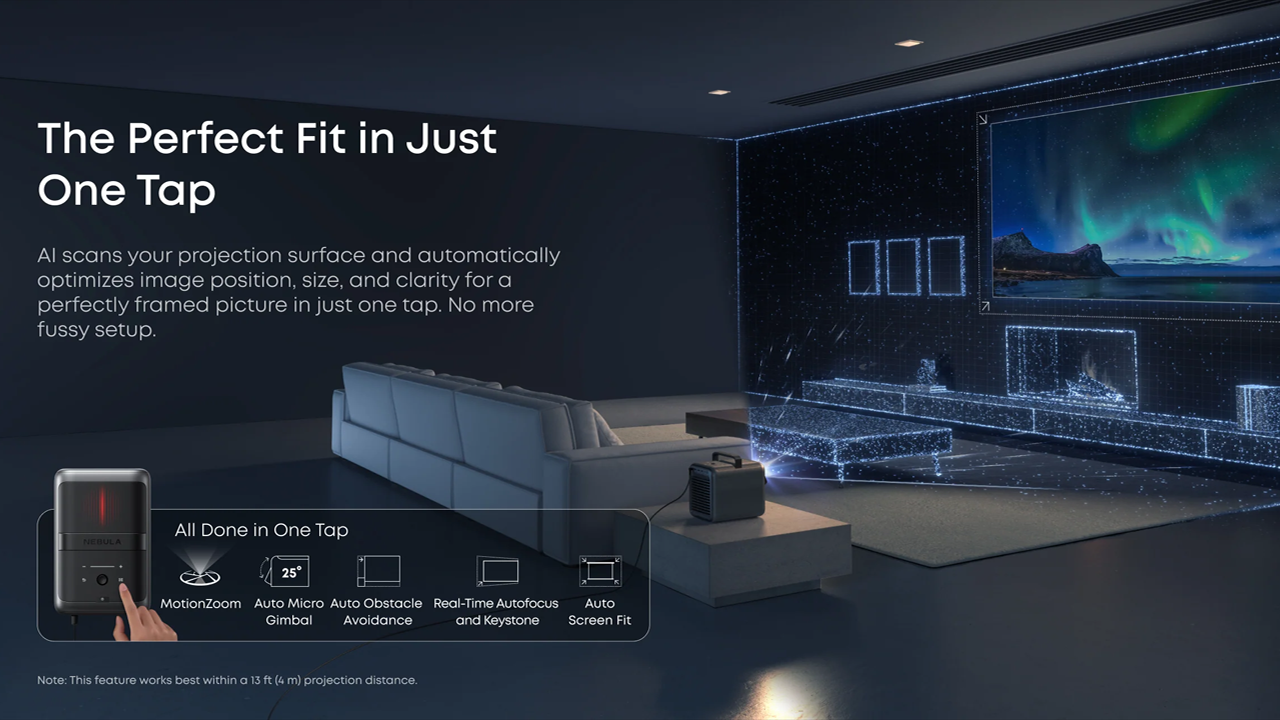
The Nebula X1S offers soundcore's AI Spatial Adaptation auto setup procedure as part of the projector's IEAE 5.0 system. IEAE 5.0 offers users real-time autofocus and keystone correction, auto obstacle avoidance, auto screen fit, auto optical zoom, ambient light adaptation, and wall color adaptation.
Nebula projectors offer some of the best on-board sound available, and that continues in the X1S, which features four (4) side-firing internal speakers (two 15 W full-range speakers, two 5 W tweeters, and two passive radiators) that deliver powerful sound with excellent bass and stereo imaging.
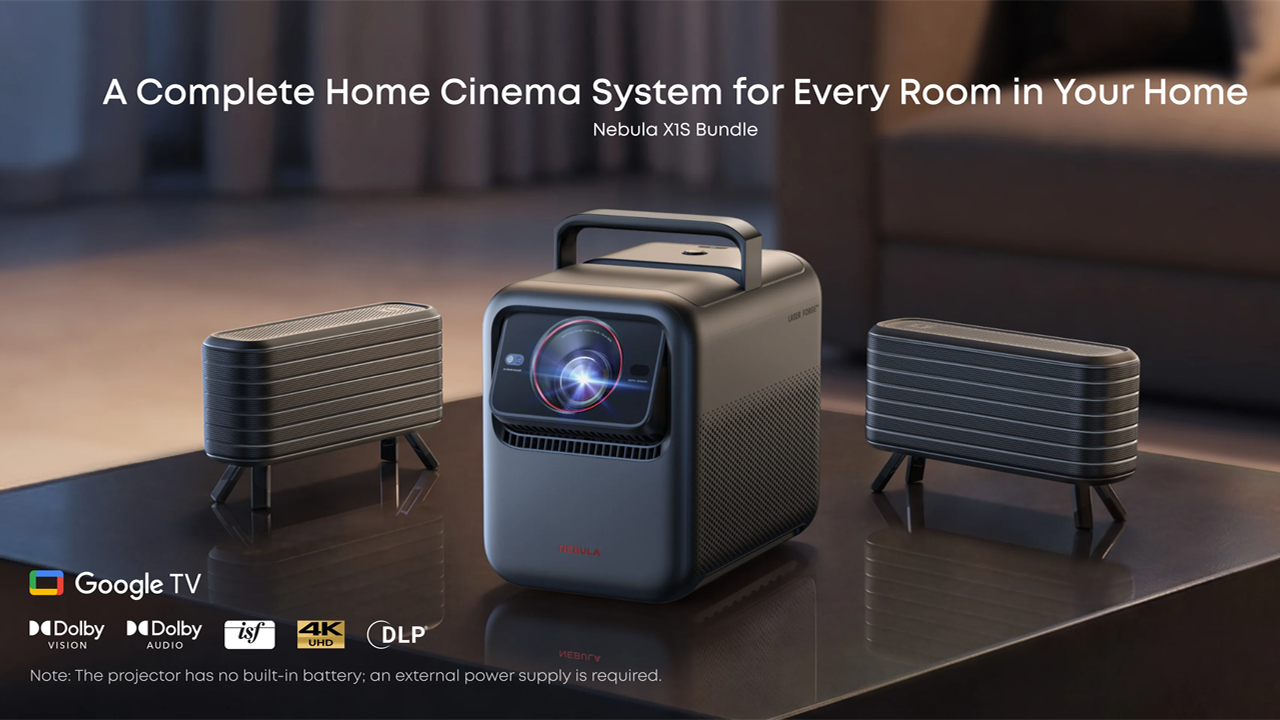
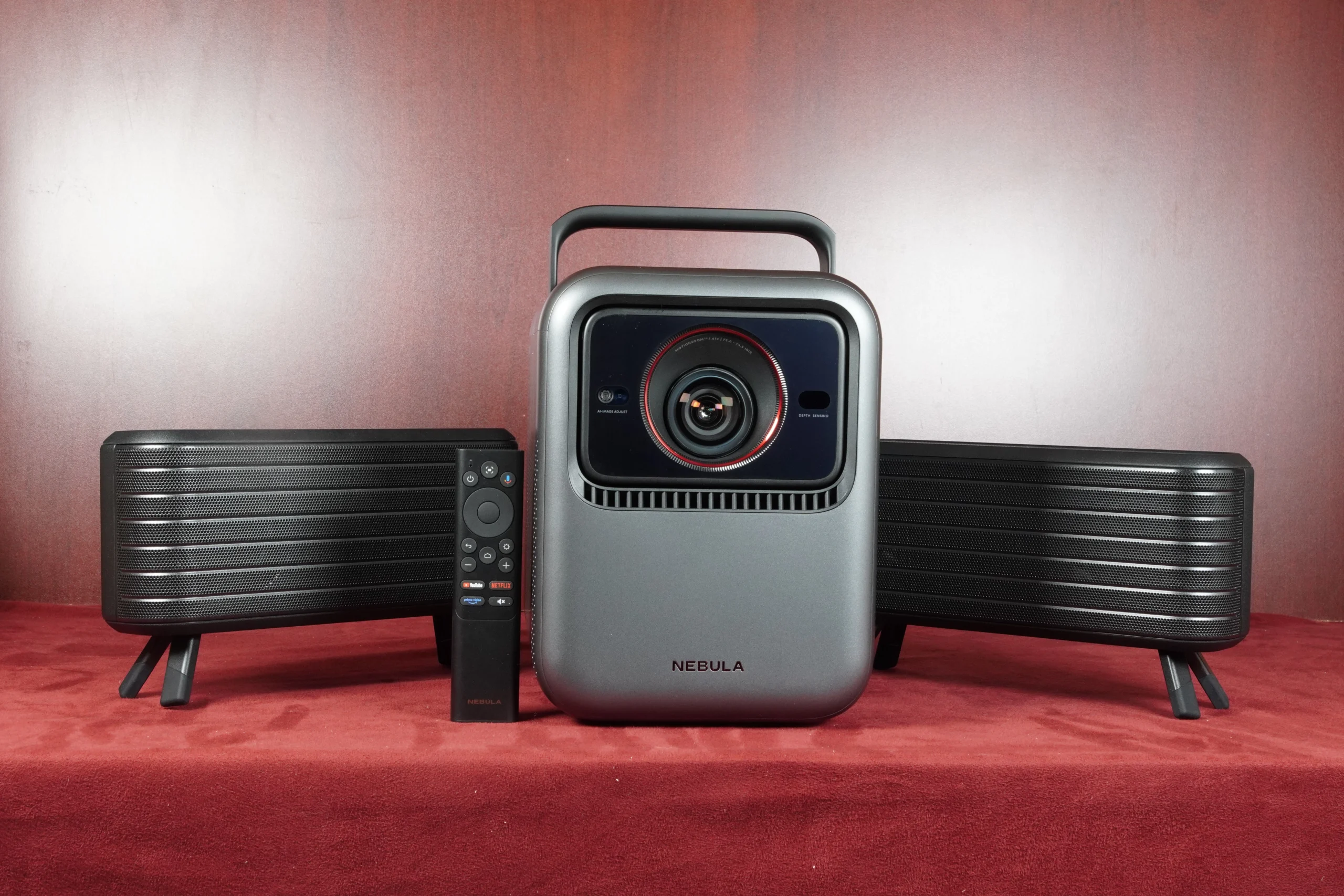
Available separately or as part of a bundle, Nebula offers two wireless satellite speakers, each containing four upward and side-firing drivers for an immersive audio experience. These wireless speakers provide up to eight hours of battery life and can be recharged via their built-in USB-C ports.
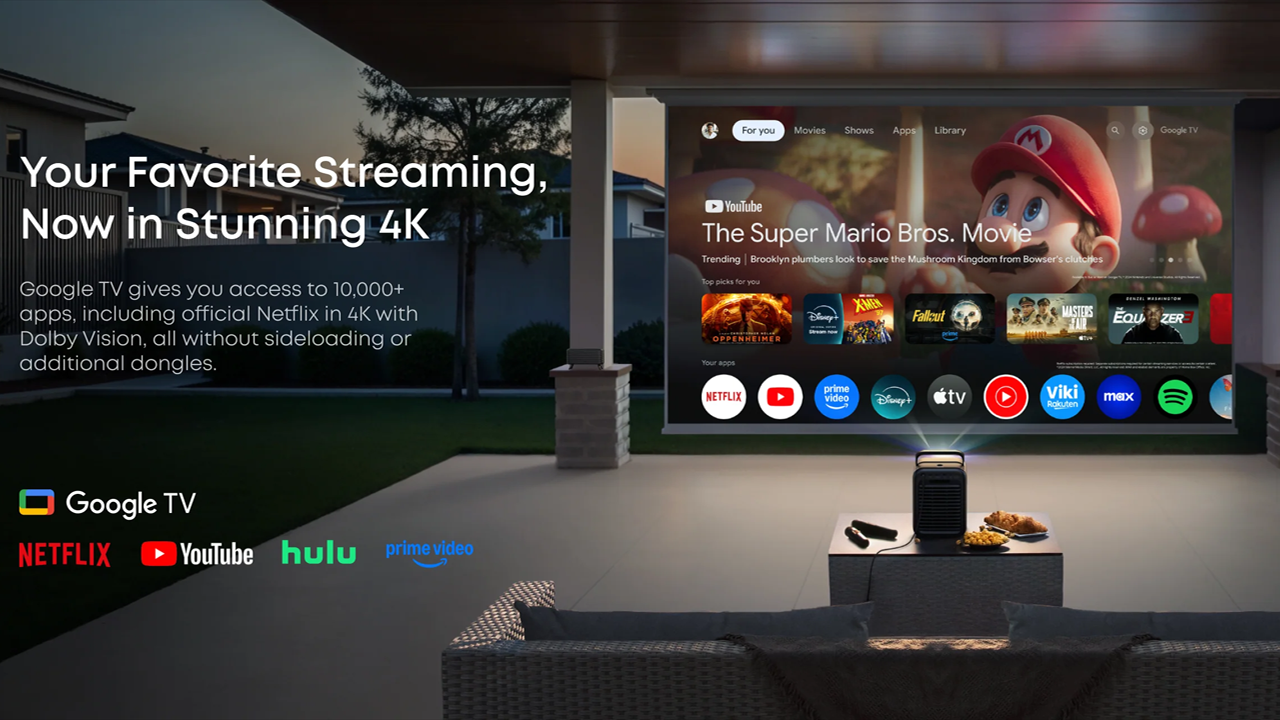
The Nebula X1S is a smart projector powered by the latest Google TV OS, which lets users enjoy a wide range of popular streaming services, including access to over 10,000 apps.
The soundcore Nebula X1S is now available as a projector-only option for $3,299 MSRP or in several bundles, such as wireless speakers for $3,998 or an Ultimate bundle with wireless speakers, a carrying case, and two wireless handheld microphones for karaoke for $4,299. You can often find discounts through Soundcore sales. You can find the X1S at nebula.com and authorized resellers nationwide.

+ Patented RGB laser light source
+ 4K UHD (3,840 x 2,160p) displayed resolution
+ 6,000 lumens with liquid cooling
+ 5,000:1 native contrast ratio
+ Two-pass speckle-reducing color wheel
+ 14-element all-glass zoom lens
+ Six-blade user-adjustable iris
+ Built-in gimbal with 25-degree tilt
+ Google TV OS with native Netflix app
-
- Out-of-the-box reds are oversaturated.
- Does not use current-gen DLP SST DMD or controller
- The saved geometry didn't work consistently.
- No built-in battery.
- The unit is noticeably louder than the previous model

The Nebula is the follow-up to last year's award-winning X1 4K. Check out the full review here. This new version features a beefed-up RGB laser light source that is almost twice as bright as the previous model, producing 6,000 lumens of manufacturer-rated brightness. This incredibly bright projector has enough light for a range of environments, from indoor and outdoor parties to backyard movie nights. The X1S is also a very effective gaming display, with enough light to fill a screen up to 300 inches in spaces with small to moderate uncontrolled ambient light.
In my living room, I have a giant eight-foot bay window with wooden blinds that, even when closed, leak tons of light during the day. However, the X1S powered through it all in MOVIE mode while displaying dynamic color. With 6,000 lumens of brightness, I didn’t need to use the projector's super-bright, green-hued CONFERENCE mode to get a watchable picture.
Nebula carries over the 6-blade dynamic iris and a proprietary contrast algorithm that lets the X1S harness the projector's high light output, delivering native contrast five times higher than projectors powered by an RGB LED light source. The X1S’s dynamic iris lets the projector balance brightness and shadow depth in real time, but it does not constantly adjust the iris based on content. The X1, and now the X1S, adjusts the iris based on room lighting and leaves laser dimming to software.
The projector's new Nichia RGB laser light source is brighter, but it comes with a small trade-off: it can reproduce up to 106% of the Rec. 2020 color space, which is slightly less than the previous X1 4K but honestly shouldn't be noticeable. Nebula achieves this remarkable level of color performance through both software and hardware advancements. Nebula’s laser light engine, which the company calls Laser Forge 2.0, delivers decent color accuracy.
In my living room, with its subpar lighting control, this projector displays deep, dynamic colors and is factory-calibrated to ISF performance levels. According to Nebula's website, the average price of a factory-calibrated ISF projector is approximately $5,000.

Nebula achieves this level of performance by employing several different technologies. The X1S uses a patented U-shaped laser optical path. The primary change is raw diode scaling. To boost the X1S brightness from 3,500 lumens to 6,000 lumens in CONFERENCE mode, Anker switched to a new laser light source with more diodes, arranged differently, and increased the power. The optical layout and speckle-suppression mechanisms are otherwise carried over directly. This new system continues to deliver brighter output and richer colors with enhanced clarity and sharpness.
The X1S uses double-pass light diffusion (DPLD) technology, sending the laser light through the color phosphor wheel twice before projecting it onto the screen. Diffusing the light twice with a single-color filter lets the X1S achieve over 90% uniformity in both color and brightness, delivering natural, true-to-life visuals.
Nebula's engineers developed an industry-first internal liquid cooling system for a home entertainment projector, similar to those found in high-end gaming desktop computers. On the X1S, Nebula says the new cooling system provides a 15% advantage over standard air cooling. The X1S has an acoustic rating of 28 dB at 1 meter in its standard, color-accurate viewing modes. The liquid cooling system improves heat dissipation by 30%, reduces the projector's size by 30%, and lowers noise levels, ensuring optimal performance and quieter operation. Be mindful that as you increase the projector's brightness, the X1S’s cooling system volume will increase dramatically.

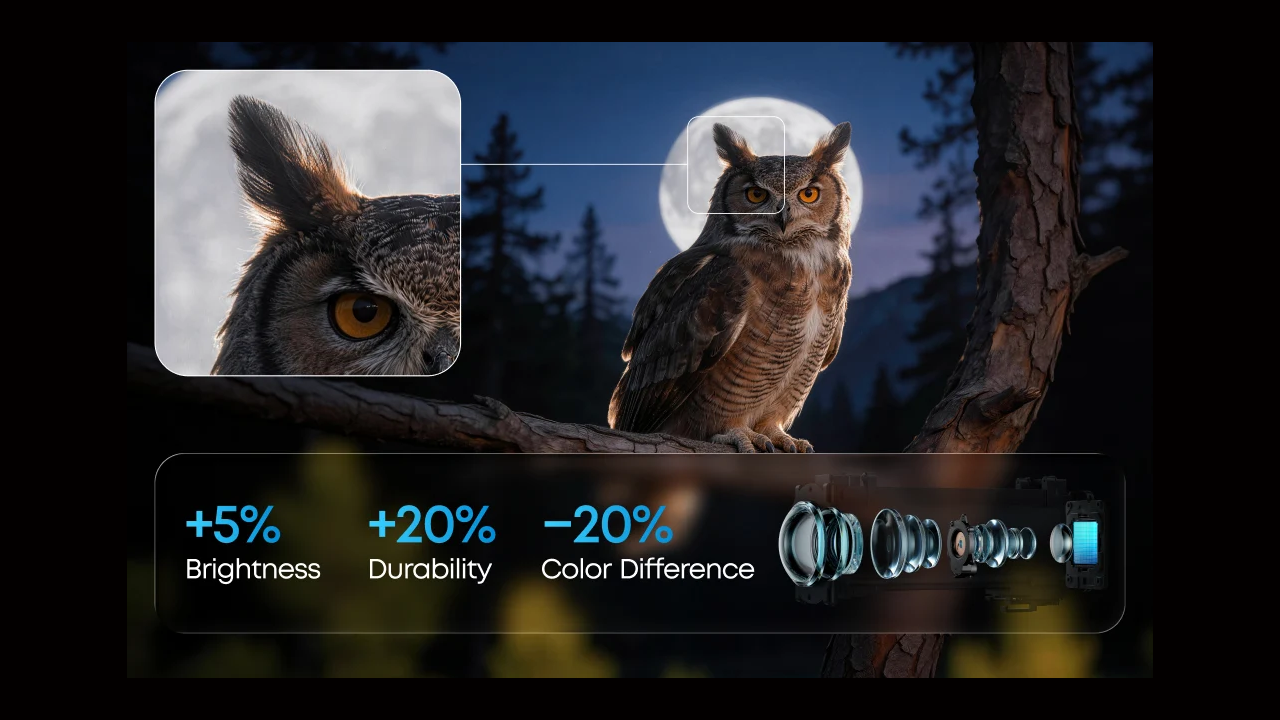
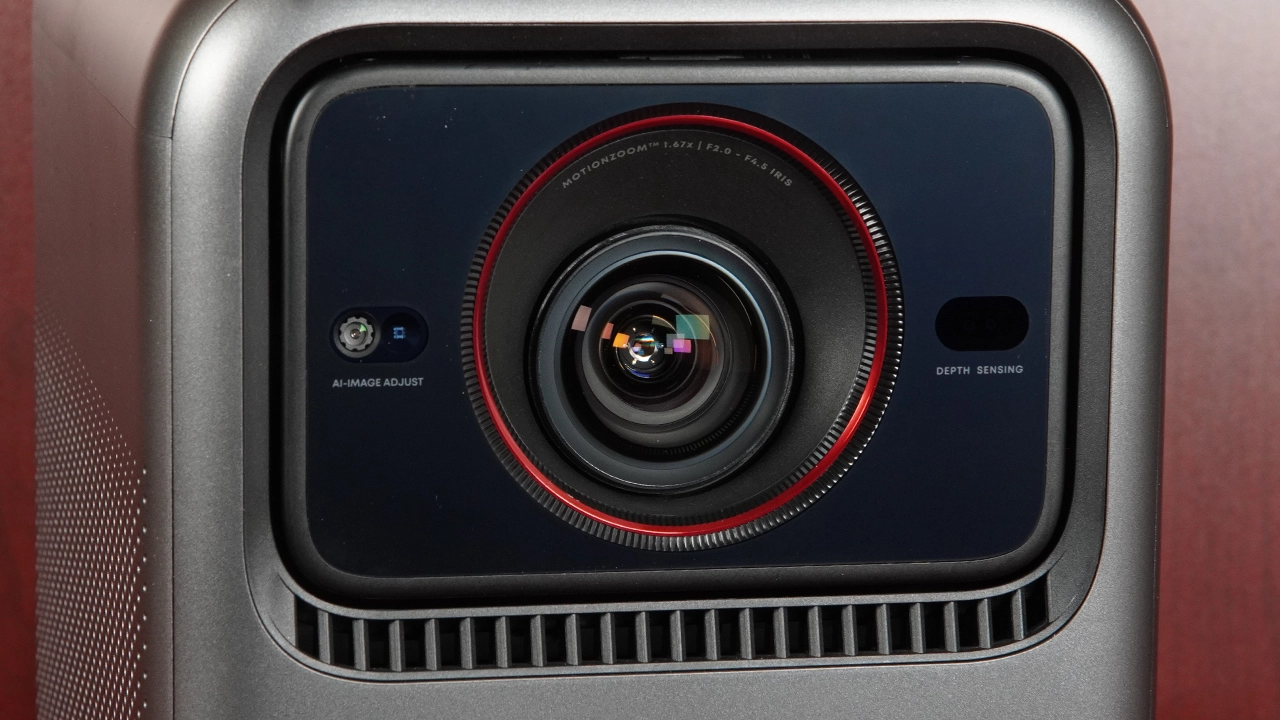
The Nebula X1S's 14-element all-glass lens produces a high-quality, low-distortion image that won’t yellow over time. This multi-element lens features electronic optical zoom and can display a large image up to 300 inches diagonally while maintaining excellent overall image quality.
The X1S also features a Soundcore first and a carryover from the first-generation X1: a built-in micro-gimbal that can automatically tilt the image up and down via a 25° motorized adjustment, while still offering optical zoom. This advanced design allows for accurate image alignment even when the projector is placed off-angle or on the floor. The X1S micro gimbal ensures smooth, stable image projection, making the X1S ideal for homes where space is at a premium and every degree of adjustment matters.

IEA 5.0 and the Motorized Micro-Gimbal make setup extremely easy because they don’t require manual leveling. The internal motorized gimbal allows the lens to tilt up to 25°. The gimbal also allows the projector to achieve precise image alignment even when placed off-angle. This feature ensures smooth, stable projections, making it ideal for homes where space is at a premium and every degree of adjustment matters. The Intelligent Environment Adaptation (IEA) 5.0 suite automatically handles autofocus, keystone correction, obstacle avoidance, and even wall color compensation.
The X1S Pro also features a cinema-grade 14-element all-glass lens. When you consider how many projectors use hybrid or worse all-plastic lens elements, Nebula has positioned its all-glass, 14-element lens as a mark of professional quality that won’t yellow over time. This hardware provides thermal stability and edge-to-edge sharpness that remains consistent from the beginning to the end of movie night or a party. The X1S's 14-element all-glass lens features electronic and optical zoom and can display a large image up to 300 inches diagonally, while maintaining excellent overall image quality.

Nebula is the world's largest Google TV projector brand. The Nebula X1S runs Google TV OS, which offers significant advantages over other smart projector operating systems. If you've used an Android device, Google TV offers a familiar, robust smart OS experience and access to over 10,000 apps through the Google Play Store. Google TV also delivers seamless access to a vast library of streaming services, apps, and more, all within an intuitive, user-friendly interface.
A key benefit of Google TV on Nebula projectors is the included official Netflix app. This ensures a smooth, optimized, and fully supported Netflix experience, complete with all the latest features and the highest possible streaming quality without the need for sideloading or complicated and unreliable workarounds. With the official Netflix app, you can dive into your favorite movies and shows with reliable performance and easy navigation, right out of the box. Google TV integration also adds features like built-in Chromecast and Google Assistant, further enhancing your Nebula projector's smart capabilities and convenience.
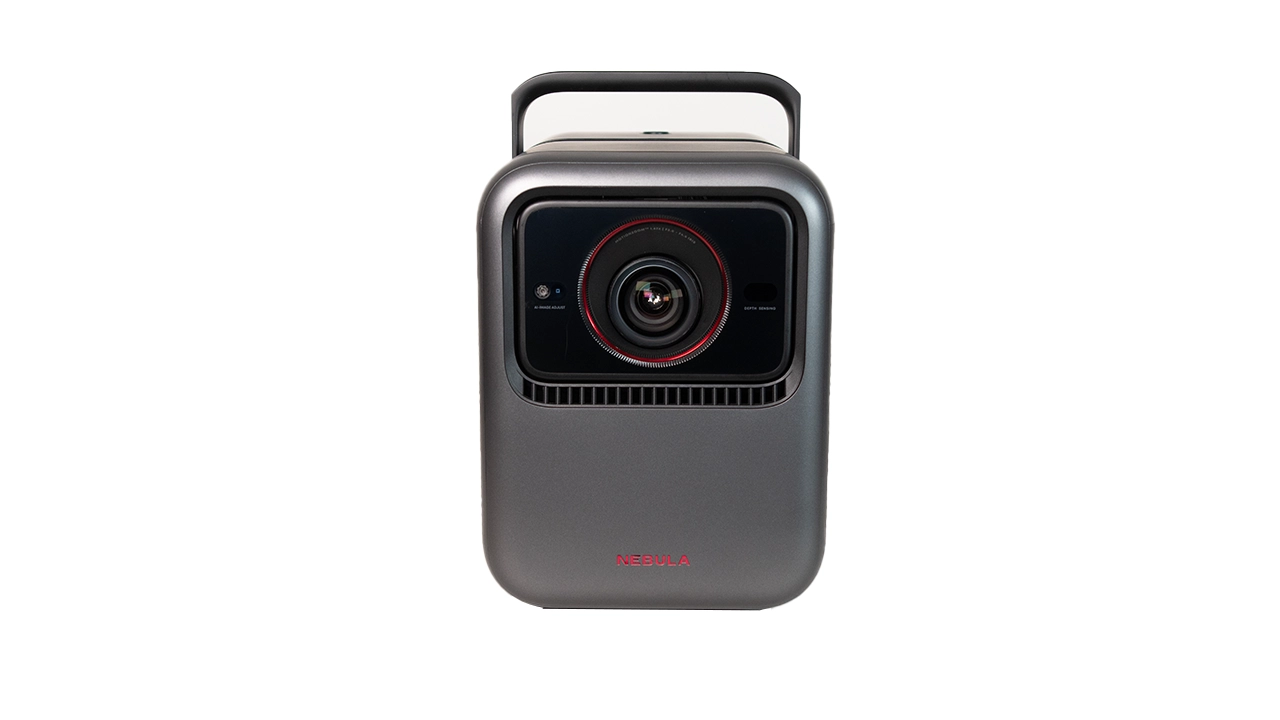
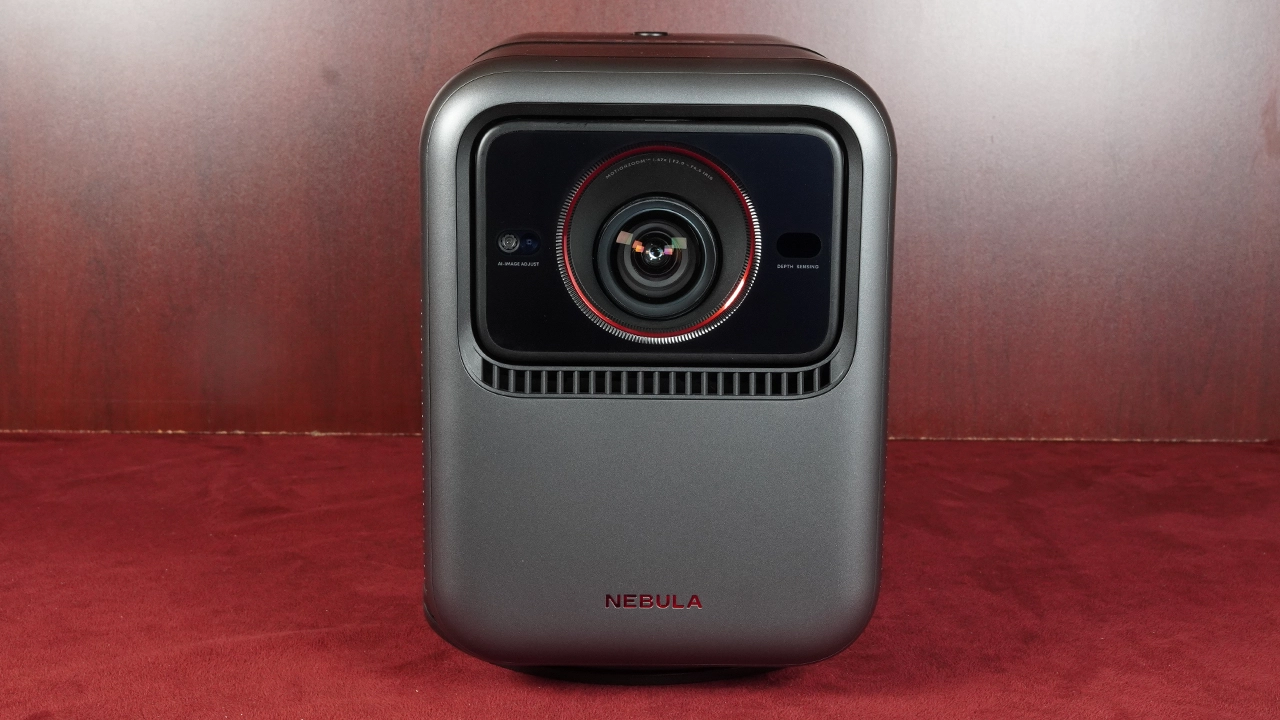
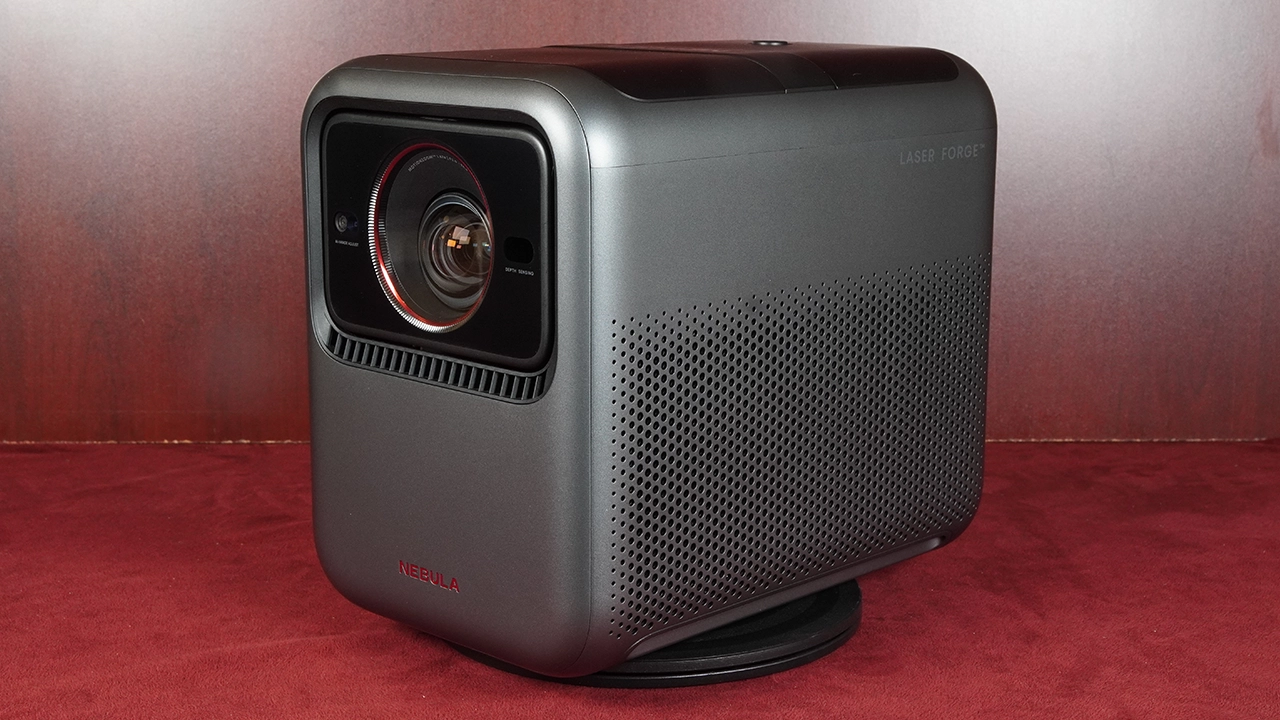
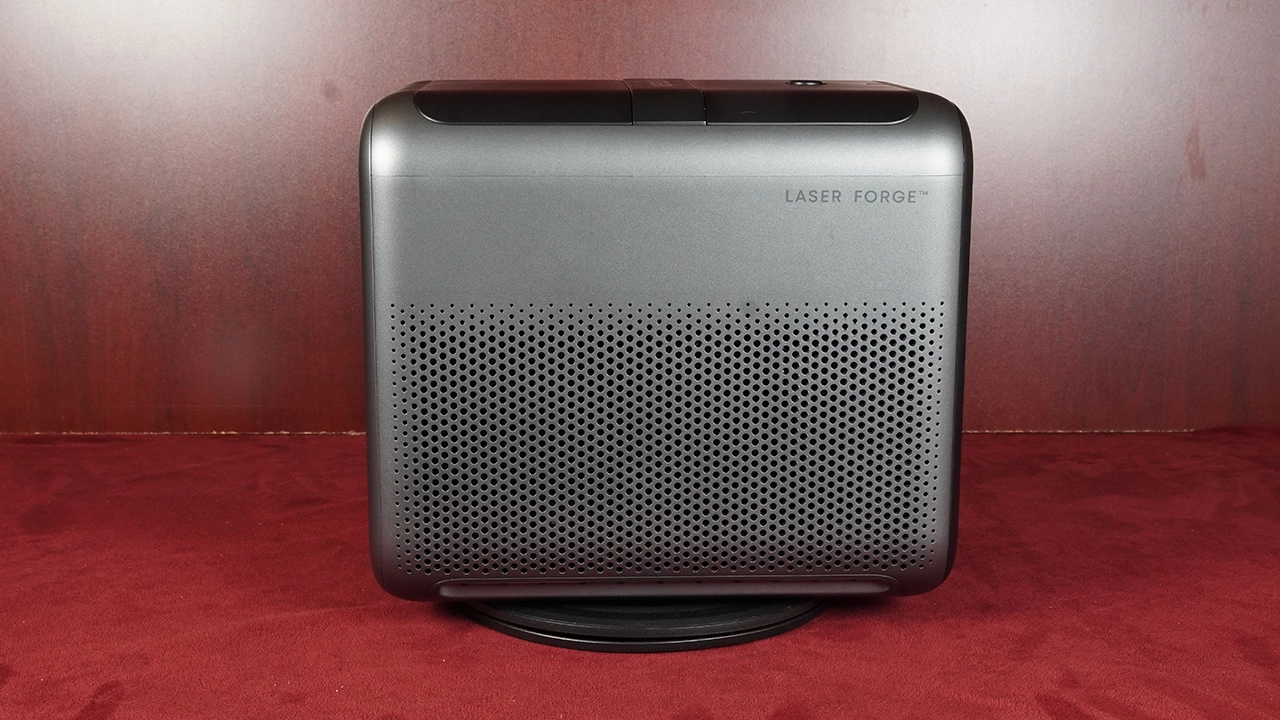
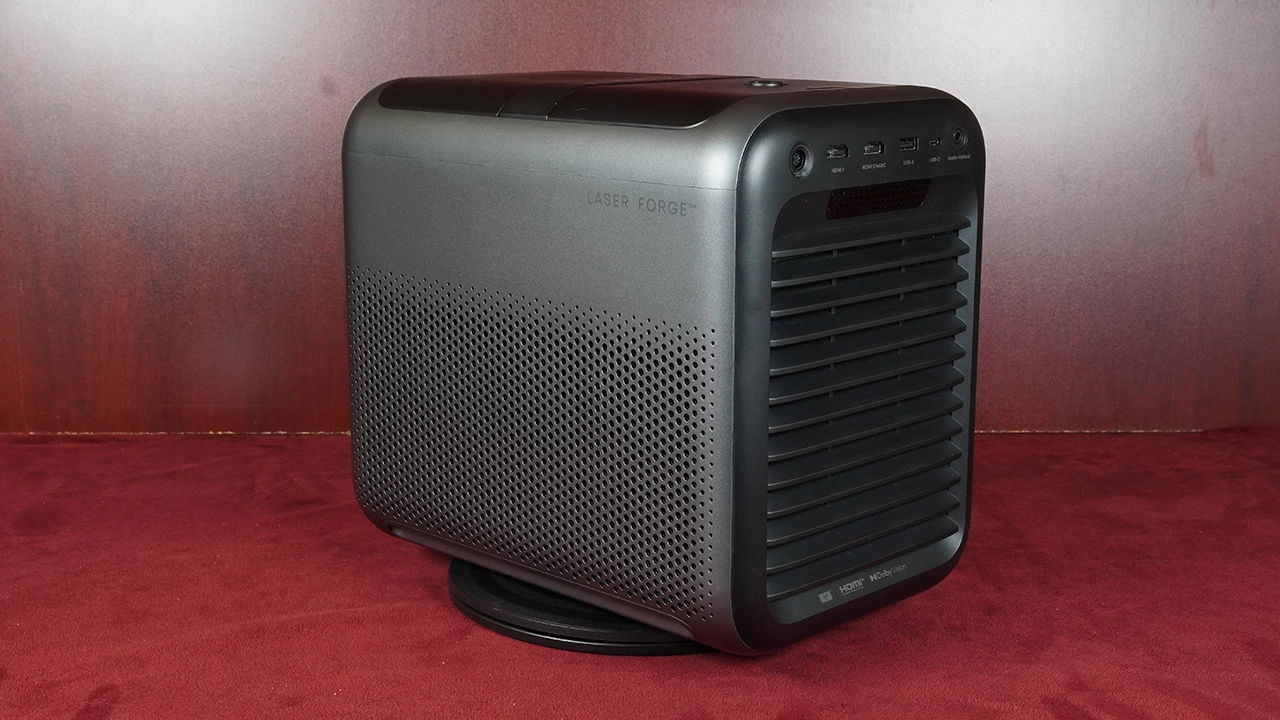
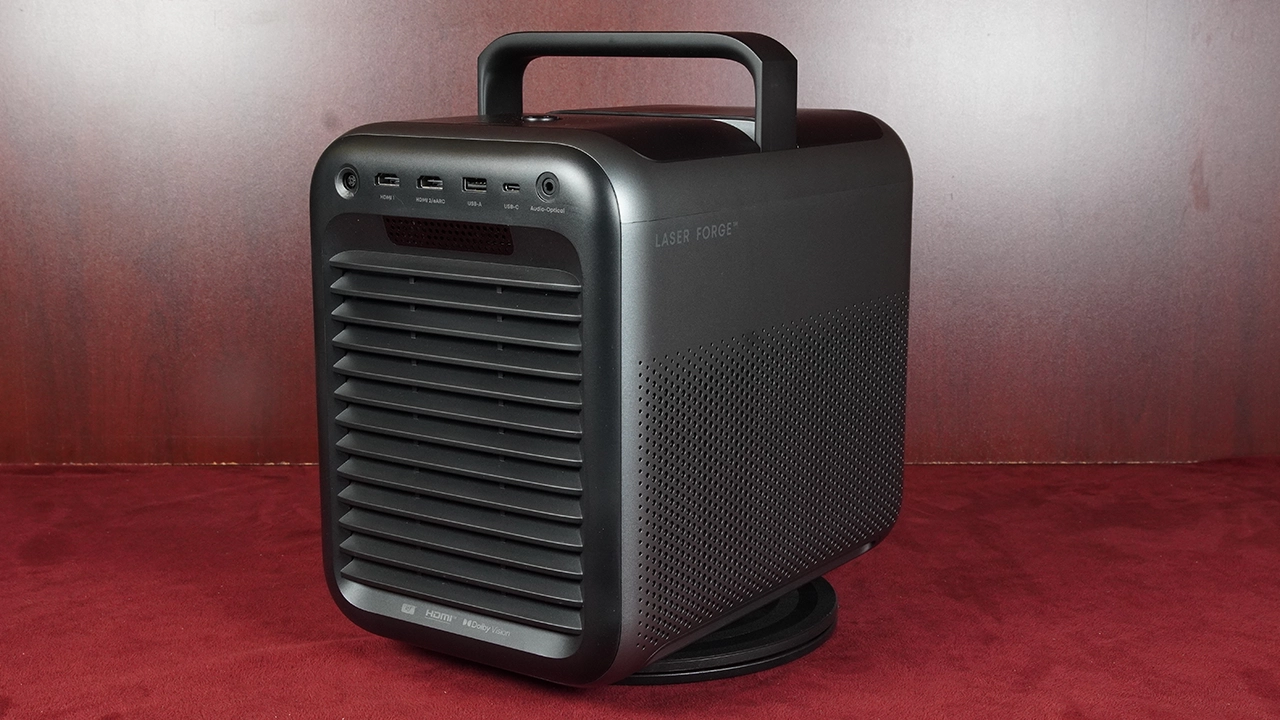
The Nebula X1S chassis is identical to the X1 and similar to many other Nebula full HD and 4K projectors. Nebula kept the pop-up handle on the top of the projector. The color scheme remains the same two-tone gray found on all Nebula projectors.
The sides of the unit are completely flush with grills for the cooling fans and speakers. The bottom of the case has additional cooling vents and rubber feet. The X1 measures (HxWxD) 9.7 × 7.3 × 11.1 inches (245.5 × 186 × 282 mm) and weighs 13.7 lbs (6.2 kg).
To turn on the projector, press the power button on the remote control or the top rear of the projector. It takes about 30 seconds to start the projector from the OFF position, compared to 7 seconds from the STANDBY position.
The projector offers several controls, including a Power On/Off switch, located on the top rear of the unit. In front of that switch are a Menu toggle and a Navigation control, with a Return button to the left and an Auto Image Correction button to the right. Above these controls is a Volume control. The remote controls everything else. If you don't have the remote handy, you can control and adjust the projector using the mobile phone application.

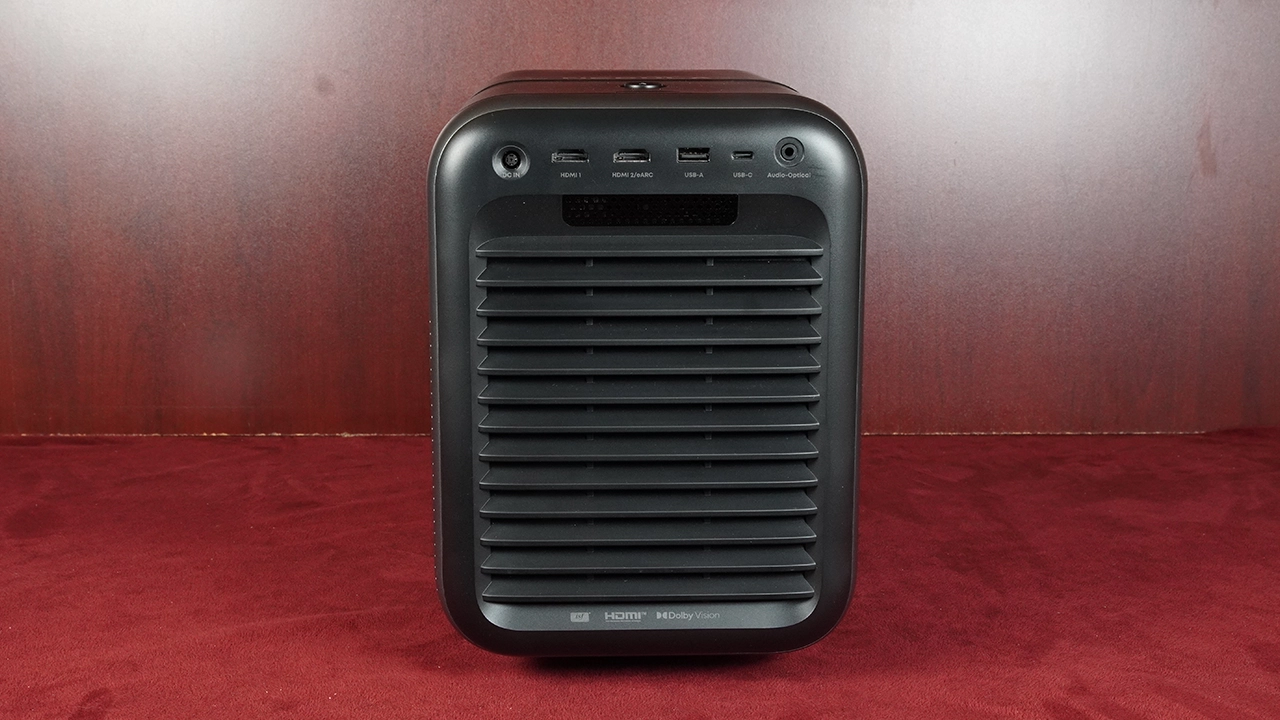
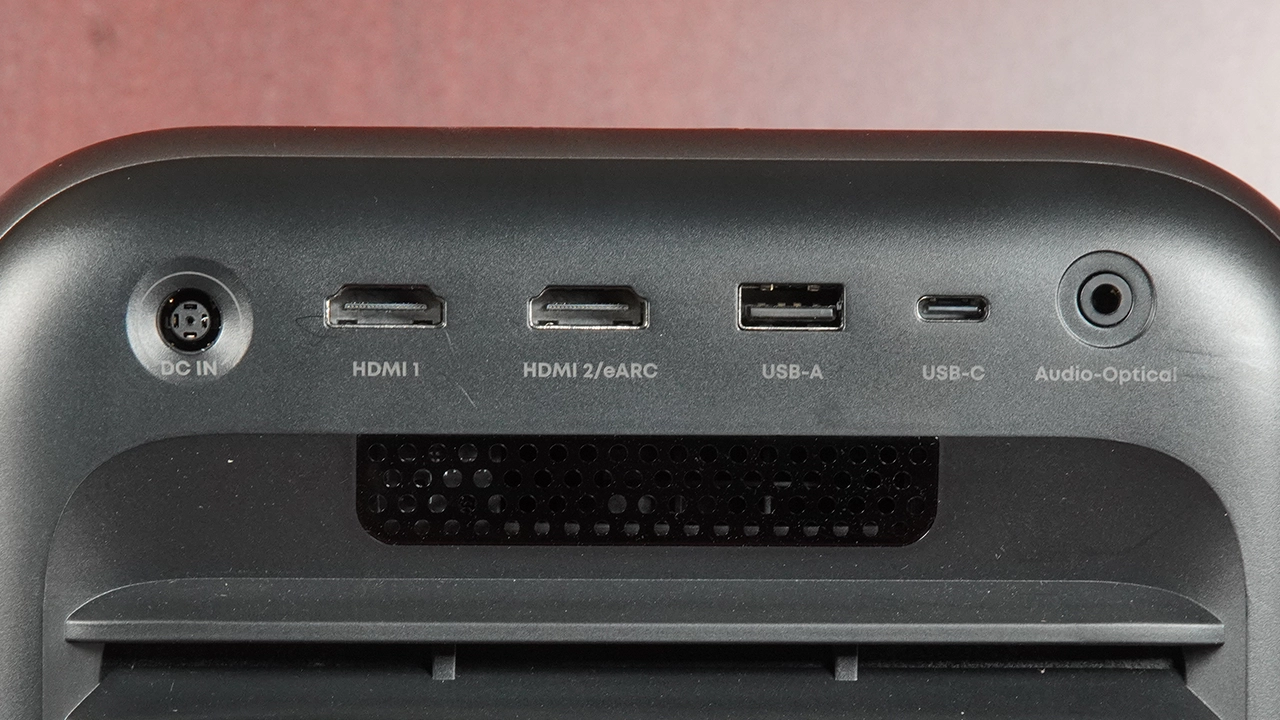
All inputs and connections are on the projector's back panel. The X1S has two HDMI 2.1 ports, one of which supports Enhanced Audio Return (eARC). HDMI 2.1 inputs theoretically support up to 48 Gbps of bandwidth for 8K/60p playback and 4K/120p content. This projector's DLP chip only supports up to 4K@60Hz video playback.
Based on my testing, the Nebula X1S 4K does not support Auto Low Latency Mode (ALLM), but it does offer Motion Estimation Motion Compensation (MEMC) adjustment in the projector's advanced menus. The X1S carries HDMI 2.1 labeling, but it primarily leverages that bandwidth for eARC audio passthrough rather than advanced gaming handshake protocols. When connecting a PlayStation 5, Xbox Series X, or PC, the projector will not automatically detect the console boot-up or switch to low-latency mode. To enable low input lag, manually open the picture menu and switch the picture profile to GAME mode, which brings input latency down to roughly 19ms at 4K@60Hz. Because the underlying video-processing architecture carries over from the earlier generation rather than adopting newer DLP display pipelines, features like VRR (Variable Refresh Rate) and 4K@120Hz/240Hz input are also missing.
The Nebula X1S can also control connected devices, such as an A/V receiver, via HDMI Consumer Electronics Control (CEC). The projector also features full-size USB Type-A and USB Type-C ports, as well as an optical audio connection port.
You can access all projector functions via the wireless remote and the control panel on top of the projector, so if you misplace your remote, you still have full control. The optional Nebula Connect app also works like a remote, with a navigation pad, a Google Assistant button, and a central cluster of backlit buttons. The remote even has dedicated shortcut keys for YouTube, Netflix, and Prime Video, plus a mute button. The Bluetooth connection lets you control the projector without a direct line of sight.
While the backlit Bluetooth remote is the primary way to navigate the interface, the Nebula Connect mobile app remains a vital fallback, allowing you to adjust the motorized micro-gimbal or fine-tune the FlexWave audio calibration directly from your phone.

The Nebula X1S Pro features a cinema-grade short-throw lens system built using 14 separate all-glass elements. Using glass rather than composite (plastic) lenses, the X1S Pro delivers impressive image clarity, thermal stability, and long-lasting picture quality that won’t yellow as the projector ages. This advanced lens technology is sharper and more detailed than that of previous Nebula projectors, enhancing the viewing experience.
The X1S motorized micro-gimbal moves in one direction only: from 0 degrees (neutral) up to 25 degrees upward. It cannot drop below the horizontal optical axis. Because the native optical offset sits at 100%, the neutral level is as low as the beam can physically travel without angling the entire chassis downward or mounting the unit inverted. If you place the projector on a high shelf or tall bookcase, that 100% offset will shoot the entire picture upward toward the ceiling.
The internal micro-gimbal cannot tilt down to bring the image down to eye level. If this happens to you, you have two options: 1. Ceiling-mount the unit or place it upside down on the high shelf and flip the projection orientation in the settings menu. That flips the 100% offset so the beam fires downward from the lens plane. Or, 2. Prop up the rear of the projector, which forces the projector's IEA system to apply digital correction, or use manual keystone correction.
The Nebula X1S has a relatively short and flexible 0.9:1 to 1.5:1 throw ratio. Placing the X1S closer to the screen means the physical projector occupies floor space that is less likely to obstruct sightlines, even though the vertical beam trajectory starts at the same 100% plane. The X1S is not a short-throw projector, but among standard-throw projectors, it can sit closer to the screen than most. The X1S can adapt to almost any space or screen size within the manufacturer's set specifications. Optical zoom means the projector can display a huge image up to 300 inches diagonally, without special mounting equipment.
The X1S Pro shares the same internal processing and AUTO modes as the smaller X1S projector. The geometry adjustment and setup experience were pretty much identical to my experience with the X1S.
Auto Focus and Manual Focus on the X1S Pro worked flawlessly, delivering fast and accurate results every time. Unfortunately, Auto Keystone Correction failed to trigger correctly, even when the initial image overshot the screen borders significantly. The manual keystone correction here is actually a four-corner correction, or corner pinning, which worked exactly as expected and provided the precision the automation lacked.

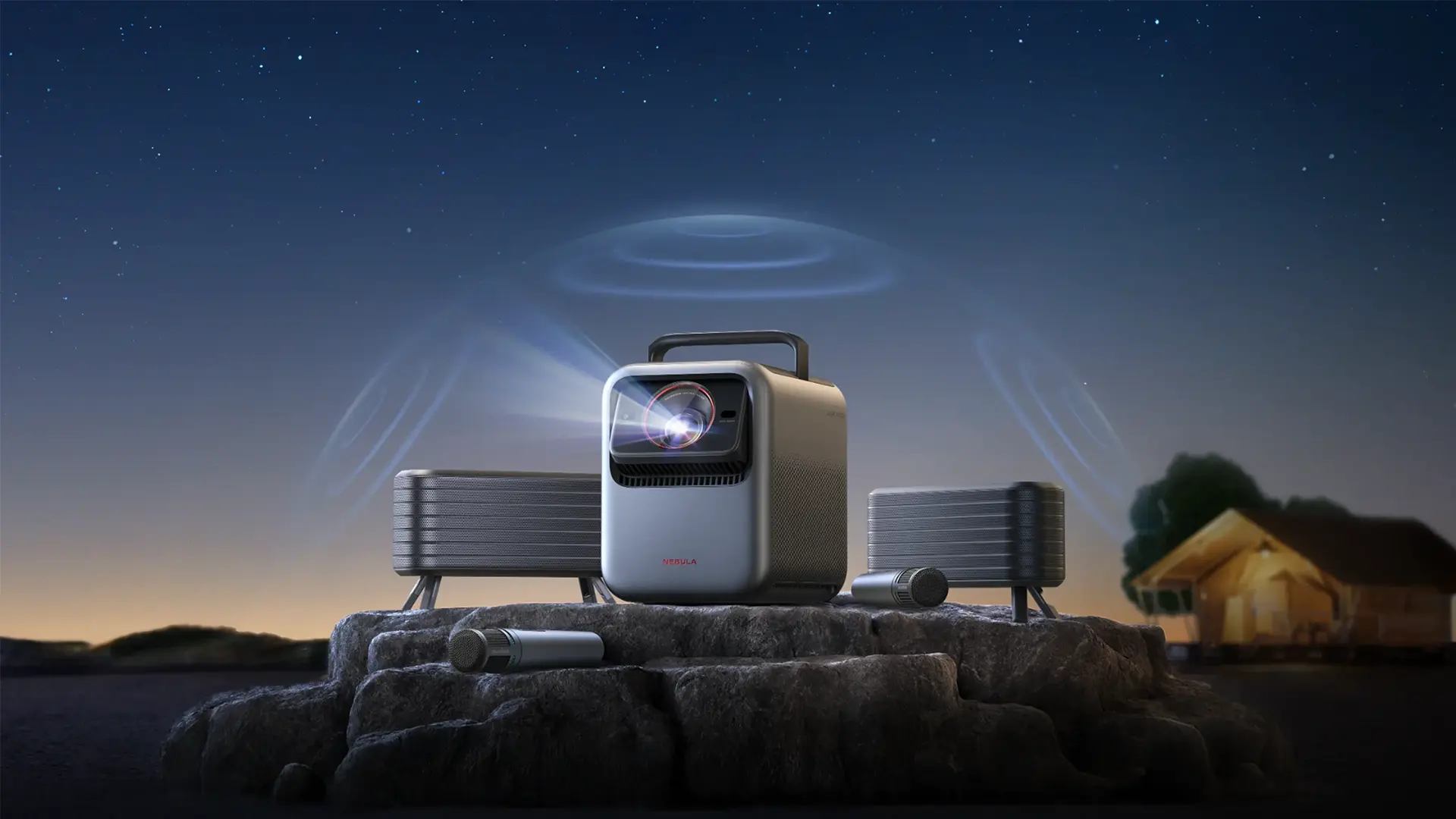
Nebula carries over the entire line of optional accessories introduced for the X1 projector family, and all are compatible with the X1S. For example, Nebula has created a pair of wireless satellite speakers that offer an amazing sound experience, meeting and even exceeding the quality of many soundbars. These small but powerful satellite speakers feature a built-in battery that lasts up to eight hours and delivers less than 25 ms of latency. Typical Bluetooth speakers have a latency of around 200 milliseconds.
The new wireless speakers connect using the brand-new 5.8 G wireless specification. These wireless speakers last for up to 8 hours on a single charge and conveniently recharge via USB-C. Additionally, with their IP54 dust and water resistance, a little rain won't hurt them. Using these optional wireless speakers with the X1's internal speakers in SUBWOOFER mode creates a true 4.1.2 audio system.
Nebula has also offers an optional Nebula Wireless Microphone system. These optional microphones are designed for meetings, live streams, or presentations and feature built-in rechargeable batteries, 40 hours of battery life, and 15 ms ultra-low latency, ensuring uninterrupted, lag-free performance during home karaoke nights or on the go at a party.

Nebula has also created a foam-reinforced cloth carrying case to hold the projector, optional wireless speakers, and two microphones. Nebula plans to release a gimbal swivel stand, a floor mount, and a ceiling mount for the X1S projector. If you want to purchase, use the affiliate links to support Projector Reviews and help us, at no cost to you, produce more content like this to help you decide.
Out of the box, and depending on the mode, the X1 comes with excellent factory tuning. For example, in MOVIE and ISF NIGHT, my testing shows Nebula’s engineers nailed it, creating an image with an average Delta E of around 4.
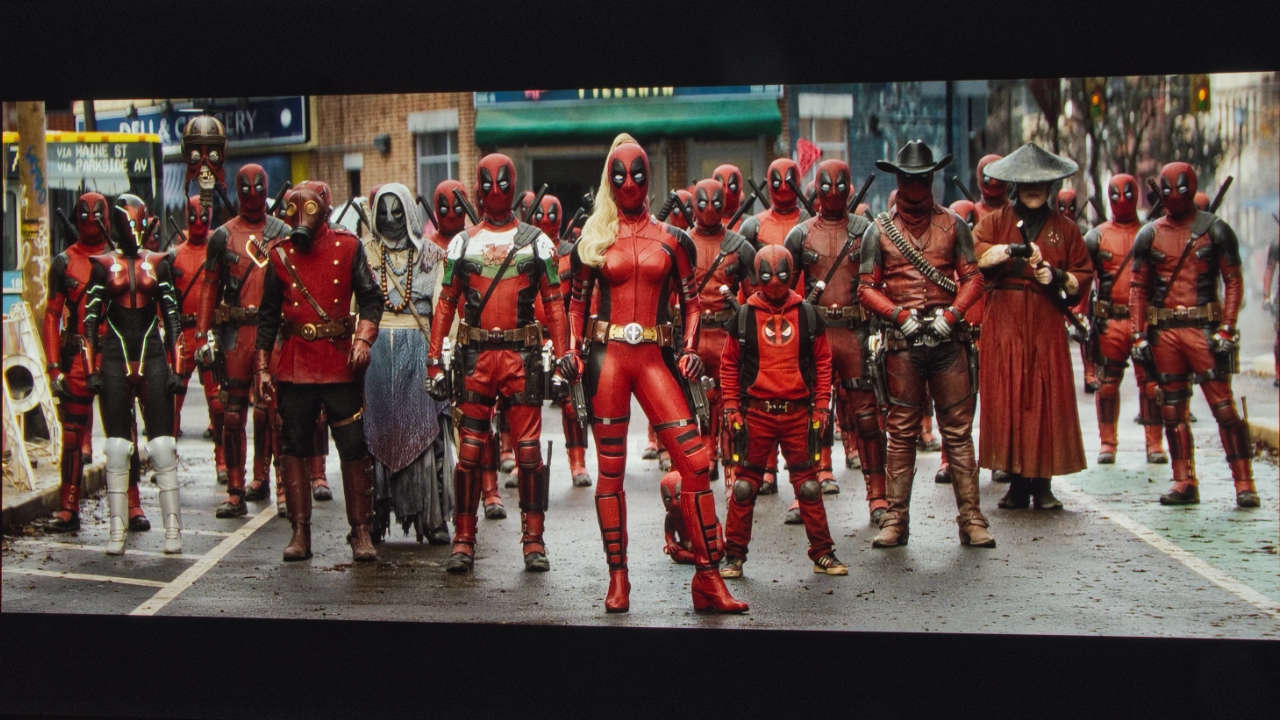
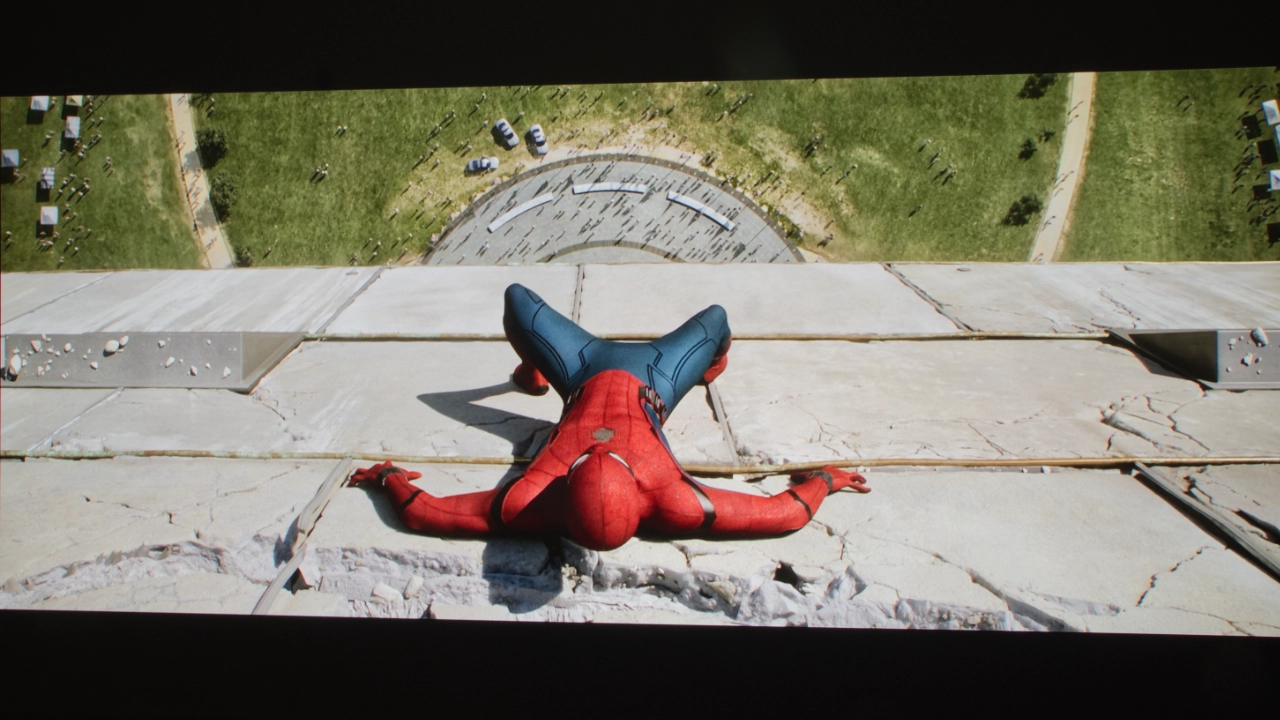
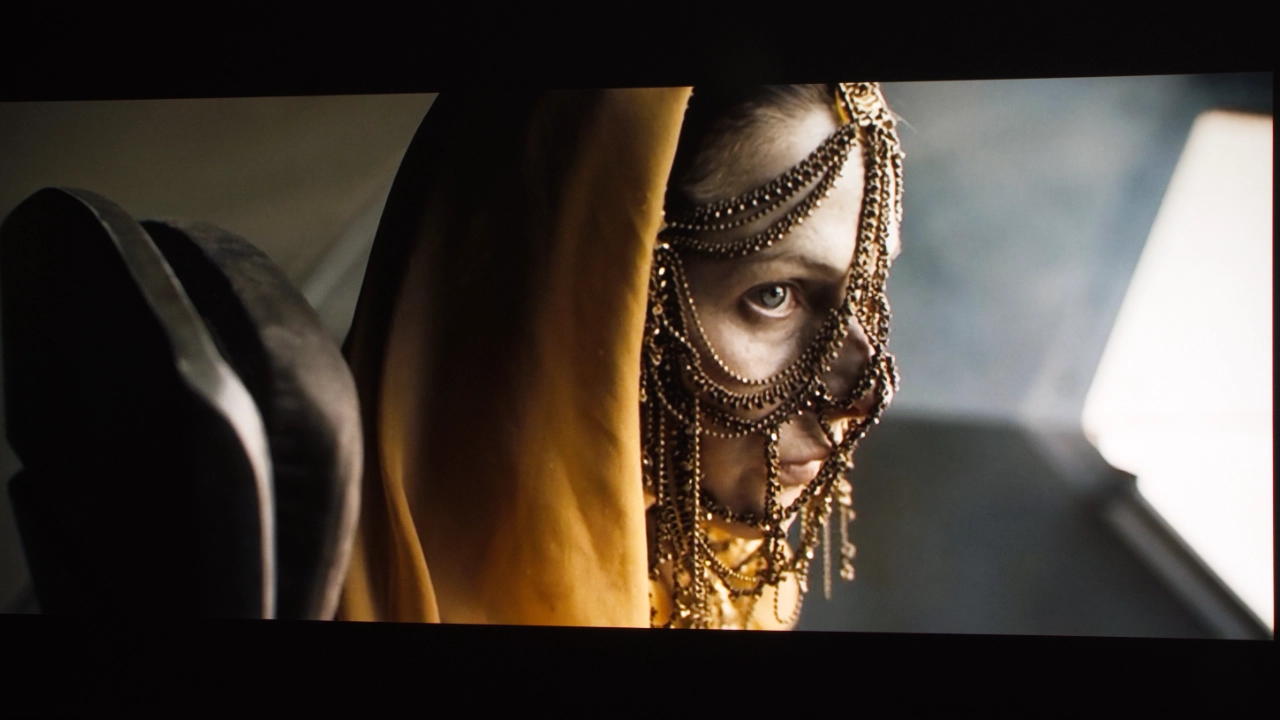
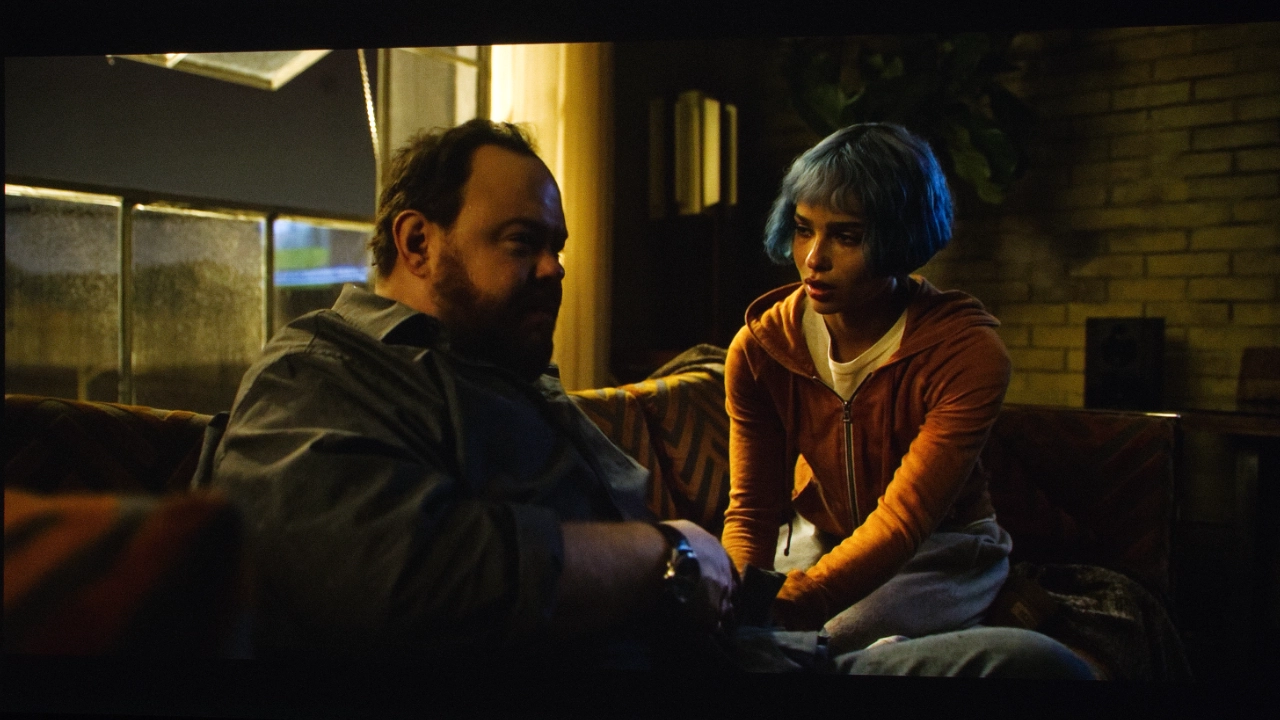
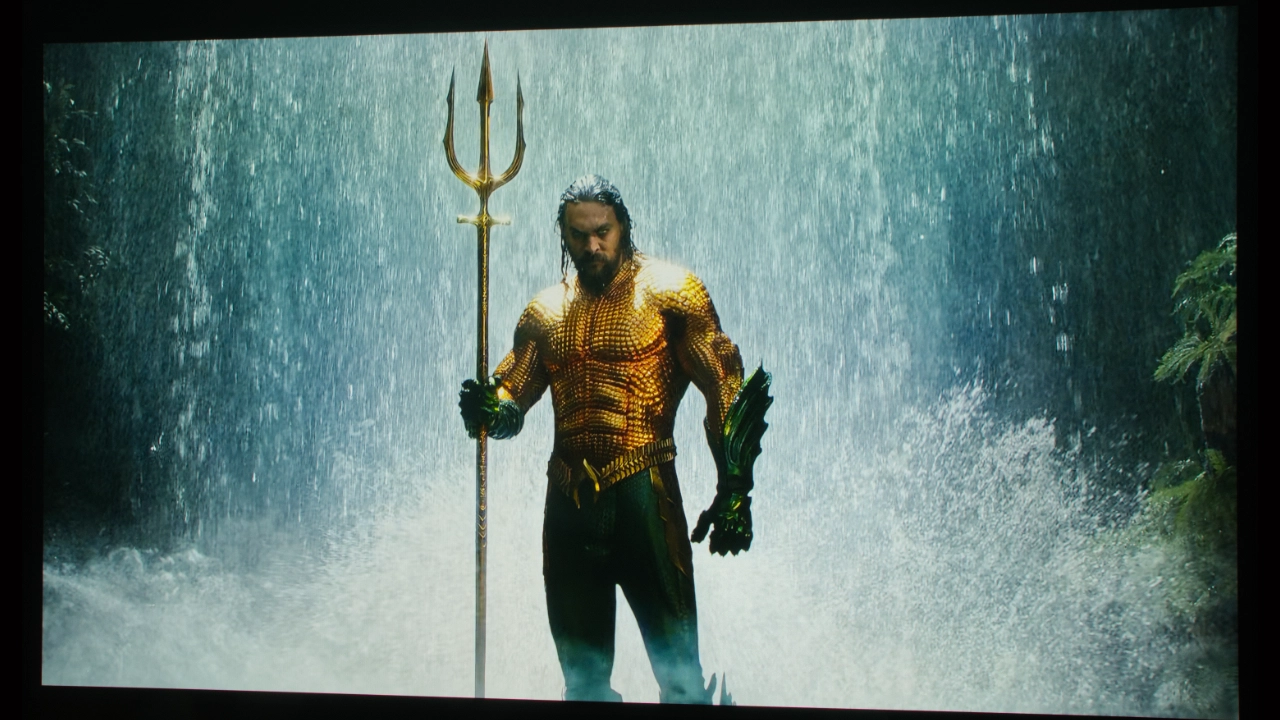
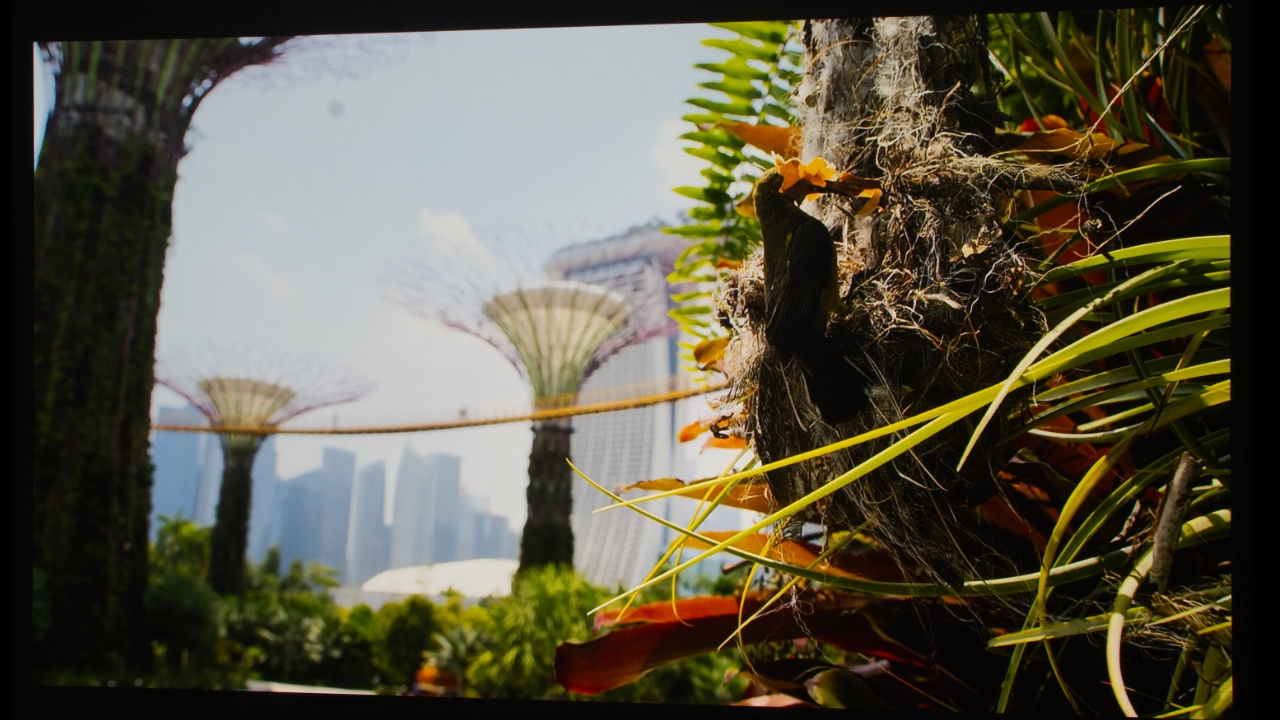
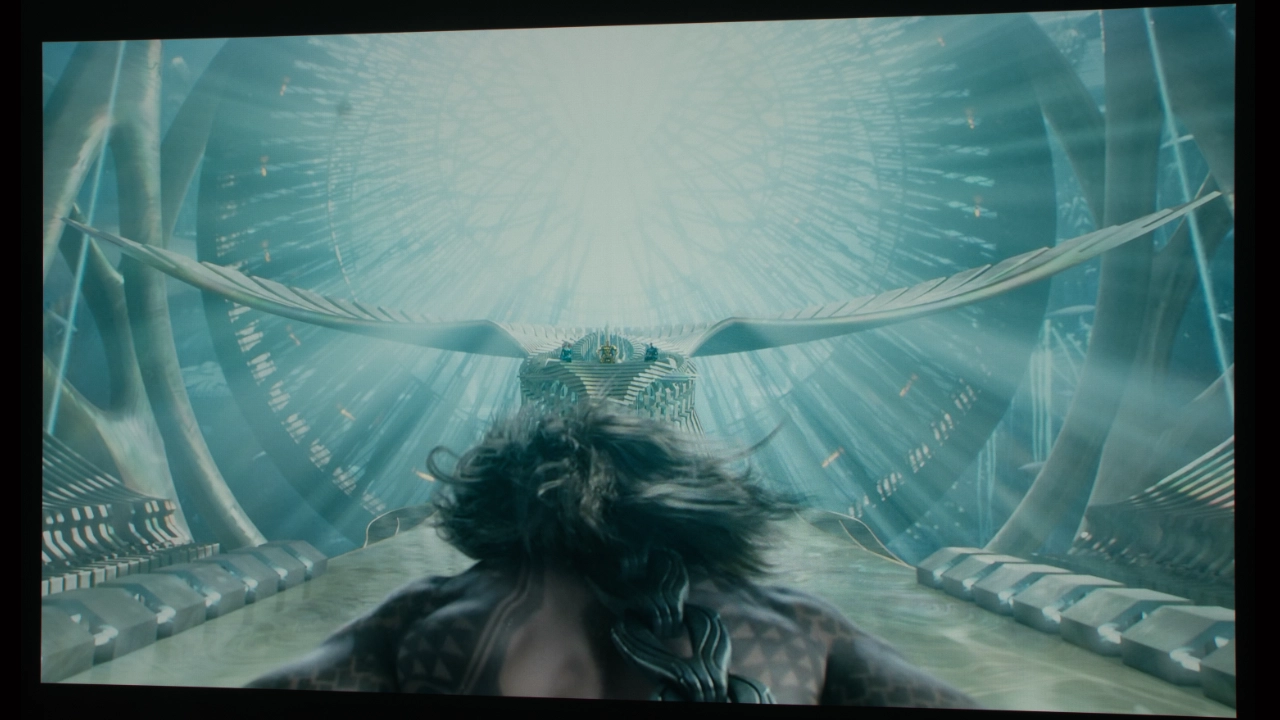
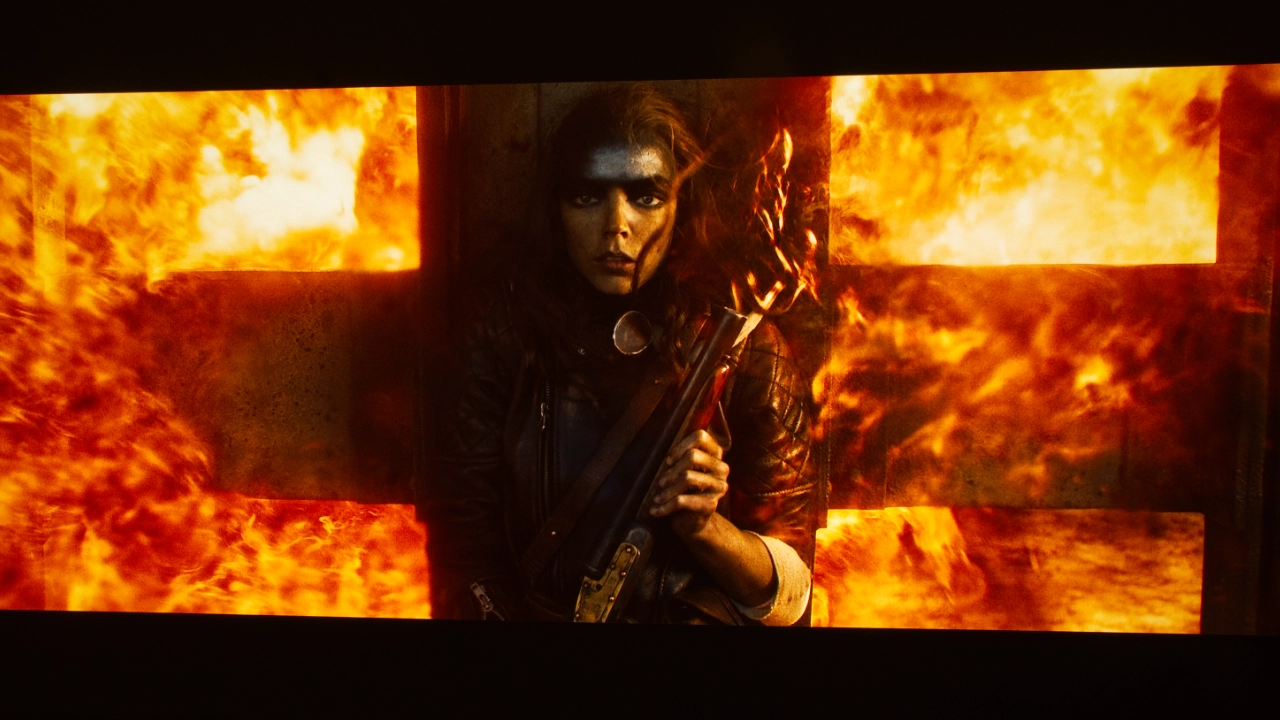
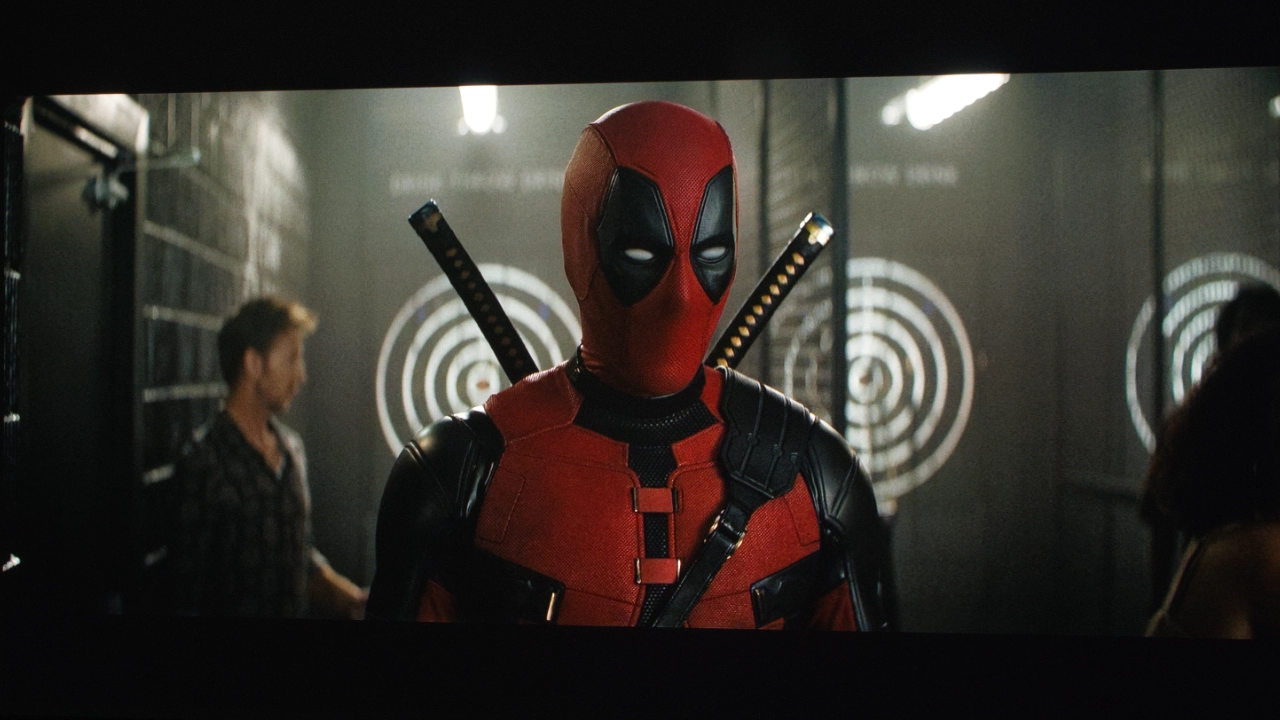
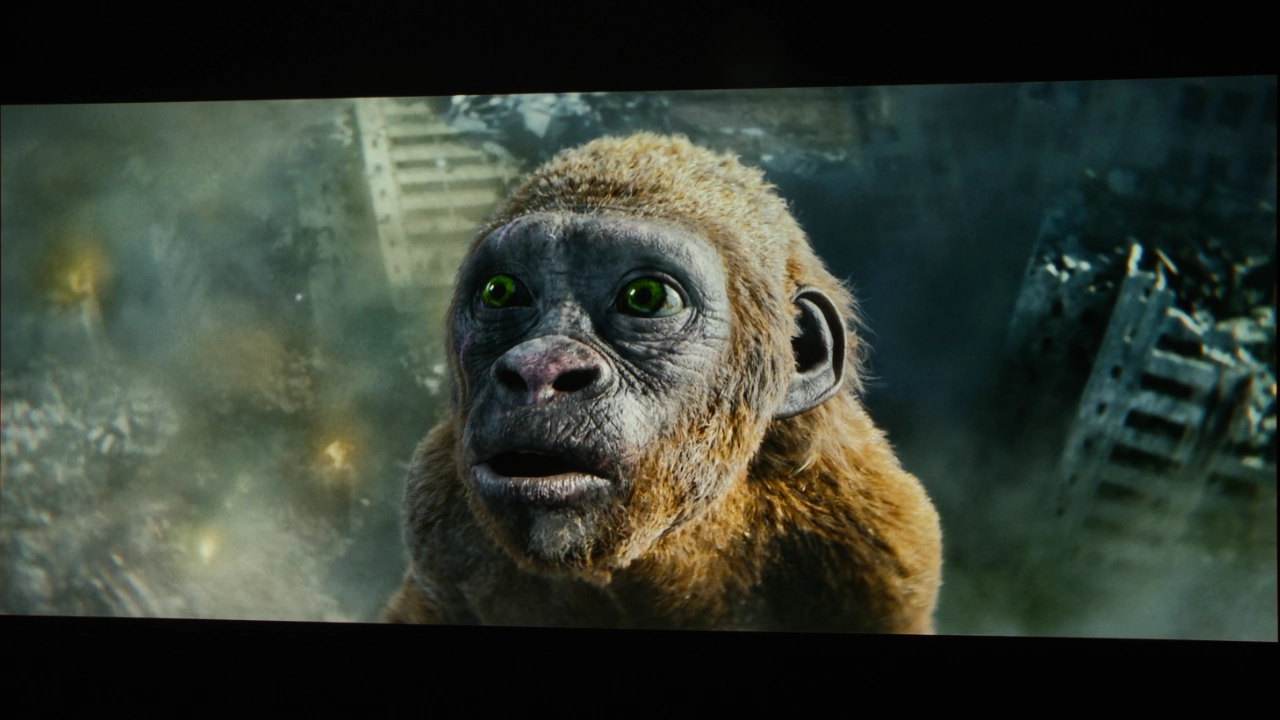
In other modes, the overall image quality looked good, but reds were slightly oversaturated. You can see this in my shots from Spider-Man: Homecoming, where the red of Peter's suit is very vibrant but certainly not unpleasant. You can see the same effect in shot from Deadpool and Wolverine.
Most people will not spend several hundred dollars to calibrate a three-thousand-dollar projector. At a minimum, you should make BRIGHTNESS, CONTRAST, and SHARPNESS settings to optimize your projector for your room.
If you'd like to give it a try, we've taken the time to compile links to a variety of tools, including some free test patterns from Murideo. Also, check out the Projector Reviews YouTube video called 5 Things You Can Do to Improve Your Video Display's Picture Quality Using Free Murideo Test Patterns. Murideo also has written instructions in the resource section of its website.
The out-of-the-box HDR color reproduction was also very good. Like SDR, the most accurate picture mode was ISF NIGHT. Picture adjustments like Contrast, Brightness, CMS, and RGB adjustments are applied to the HDR and SDR versions of that picture mode. For HDR content, the projector provides several dedicated modes, such as NEBULA MASTER, STANDARD, VIVID, SPORT, MOVIE, GAME CONFERENCE, ISF DAY, AND ISF NIGHT MODE.
According to the rated brightness the Nebula X1S is almost twice as bright as the X1. Fortunately, I have both projectors, so I can answer that question. On paper, the X1’s 6,000 lumens represents a massive 71% jump, but the real difference isn't that simple. To measure the projector’s maximum out-of-the-box brightness, I set the X1 to the CONFERENCE mode (the brightest mode). I made no other changes to the projector's settings. I took 3-4 readings about 15-20% off-center from the lens.
CONFERENCE mode measured 5,886 lumens.
This is just shy of Nebula’s 6,000 lumens rating but well within the margin of error. To make the X1S brighter, Soundcore changed the projector's diode clustering and increased power to the laser emitters. By supercharging the laser diodes in CONFERENCE mode, the green laser diodes are heavily accentuated, making the projector's white balance cool with a distinct greenish-yellow tint.
Even more troubling, the projector's fans spin up past 40 dB to try to dissipate the massive heat increase. Twice during my testing, after only a couple of minutes in this high-brightness mode, the projector overheated and automatically reduced the laser’s output, switching to STANDARD mode until it recovered. I’m split on this result because it’s great not to have the projector melt down, but also disappointing that it had to switch out of conference mode so quickly. CONFERENCE mode is not a picture mode anyone would choose for serious movie watching.
With a more usable preset such as ISF, STANDARD, or any CINEMA/MOVIE-style preset, the X1S settles to roughly 2,700 to 2,900 lumens. As you can see below, STANDARD mode is the next brightest rating and one of the more usable brightness modes, measuring 2,922 lumens. Comparing them reveals that the X1S offers closer to a 15% to 25% bump in usable light output. The chart below lists the remaining measurements.
Picture Modes: Brightness |
||
|---|---|---|
| Picture Mode | Brightness Measured (Lumens) | |
| NEBULA MASTER | 2748 | |
| STANDARD | 2882 | |
| VIVID | 2683 | |
| SPORT | 2760 | |
| MOVIE | 2846 | |
| GAME | 2772 | |
| CONFERENCE | 5886 | |
| ISF-DAY | 2922 | |
| ISF-NIGHT | 2881 | |
The X1S does push genuine extra headroom. If your goal is daytime TV, ambient-light resilience, or filling a 150-inch screen outdoors before the sun has fully set, that 6,000-lumen torch mode is a clear upgrade over the older unit. In a light-controlled theater room calibrated for films, both units end up operating in a surprisingly similar brightness class.
The Nebula X1 is a stunningly bright projector. The new Light Forge RGB laser light source can produce an incredibly bright image that works in the most challenging environments, from a well-lit living room to a backyard party with decent light still in the sky. The X1S has lumens to spare! Like its predecessor, it’s bright enough to use the projector's digital image correction features without any noticeable impact on overall picture quality.
When it comes to black level, what a difference a year makes. The Nebula X1S isn't significantly worse at producing black levels than the X1, but the underlying DLP technology has changed since 2025; while Nebula upgraded the laser light source in the X1S, the DMD and DMD controller are the same as in the previous generation. While I am impressed with what Soundcore can achieve with this projector, its contrast is nowhere near what a modern DLP projector featuring a 0.47" SST DMD and the new 8445 controller can accomplish.
This means the Nebula X1S will not produce the deeper blacks with detailed dark areas found on modern DLP projectors like the Valerions, Aetherions, and Hisense PX4-PRO. In addition, the newer DMD and controller handle heat better, which may explain the overheating I experienced when using the projector in its brightest modes.
The X1S offers excellent contrast and dark-area detail when viewing real-world SDR and HDR content. One thing that didn’t change much in my testing was the amount of brightness pumping during dramatically darker-to-brighter scene changes. My experience was similar to the X1.
The physical iris in the Nebula X1S is identical to the one in the original X1. Both models feature the same motorized, 6-blade mechanical aperture built into the 14-element all-glass lens barrel. Mechanically, this refresh includes no hardware revisions, new blade shapes, or expanded aperture stops. The change is how the X1S iris interacts with the projector's higher-output diode and the X1S's dynamic contrast algorithm.
Because the X1S is so bright, in my light-controlled space I found that closing the iris down to Minimum movie playback looks punchy and pleasantly saturated against darker backgrounds. HDR10+ and Dolby Vision scenes offer better depth. Soundcore has added some firmware refinements to smooth out the tone curves, and I found setting the iris manually lower achieves a stable picture with less brightness pumping or shadow clipping. I preferred using the manufacturer's presets designed for dark-room viewing. Not running the projector at peak settings also reduces fan noise and maintains decent (average 2025 DLP) black floors. Setting the X1S iris to MINIMUM and reigning in the laser output transforms the X1S into a controlled, high-contrast cinema display.
For SDR content, the projector's MOVIE and ISF NIGHT modes stood out to me. MOVIE mode was the best overall. To my eye, this mode appeared balanced, tracking closest to Rec. 709 without artificially pushing colors uncomfortably wide. Grayscale appeared natural, and GAMMA appeared relatively flat. MOVIE mode is not as heavily oversaturated as STANDARD or VIVID modes. Second to the MOVIE preset is ISF Night, which drops overall laser light output down for comfortable viewing in blacked-out spaces. The tradeoff is that content in ISF Night can sometimes appear redder, with a pinkish hue in some gray tones.
I don’t want to go too deep into HDR, since that’s the next section of the review, but I will say that, as with SDR, switching the HDR profile to MOVIE mode yields the best overall video quality. Highlight detail is excellent with lower highlight clipping. Also, if you have some uncontrolled ambient light sources in your space, ISF DAY is excellent with HDR content. ISF DAY slightly boosts midtones to keep shadow detail visible without needing to boost the greens like CONFERENCE mode does.
The X1S supports 3D using active shutter glasses. In an active 3D system, the projector rapidly alternates between left-eye and right-eye images. The battery-powered shutter glasses synchronize with the projector, opening one lens while closing the other. Each eye therefore receives light only part of the time, rather than continuously as with 2D content. Even though some of the XR10's brightness is lost due to the 3D process, the projector's higher brightness made the content look better than most projectors that I have seen.
The Nebula X1S supports HDR10, HLG, and Dolby Vision. Because Dolby Vision carries dynamic metadata rather than the static instructions used by standard HDR10, the projector adapts luminance boundaries frame by frame, giving the tone-mapping engine more granular control and ensuring bright specular highlights don't wash out shadow details.
The X1S includes several preset HDR profiles, with MOVIE and ISF DAY delivering the most neutral, balanced tracking out of the box. The projector automatically switches to SDR, HDR10, or Dolby Vision depending on the encoding of the displayed content. When it comes to Dolby Vision content, the X1S offers DOLBY VISION DARK, BRIGHT, and VIVID profiles. In my testing, DOLBY VISION BRIGHT works reliably in my living room and my light-controlled testing space. DOLBY VISION DARK provided marginally tighter tracking when the room was fully light-controlled.
Dynamic tone mapping on the X1S is dependable. Colors look rich without looking cartoonish, and brighter areas display nicely without overwhelming low-light details. Switching between dark and brighter scenes in HDR10 requires no manual fiddling with gamma or contrast sliders. Nebula rates the expanded LaserForge engine on the X1S at 106% coverage of the wide Rec. 2020 color space, giving HDR masters plenty of range.
Overall HDR on the X1S was very good, often drawing me into the scene with clear improvements in specular stability (light bouncing off chrome trim, sparks flying off metal) and edge roll-off (deep shadows along an object), especially with Dolby Vision content, though standard HDR10 also puts on a very respectable show.

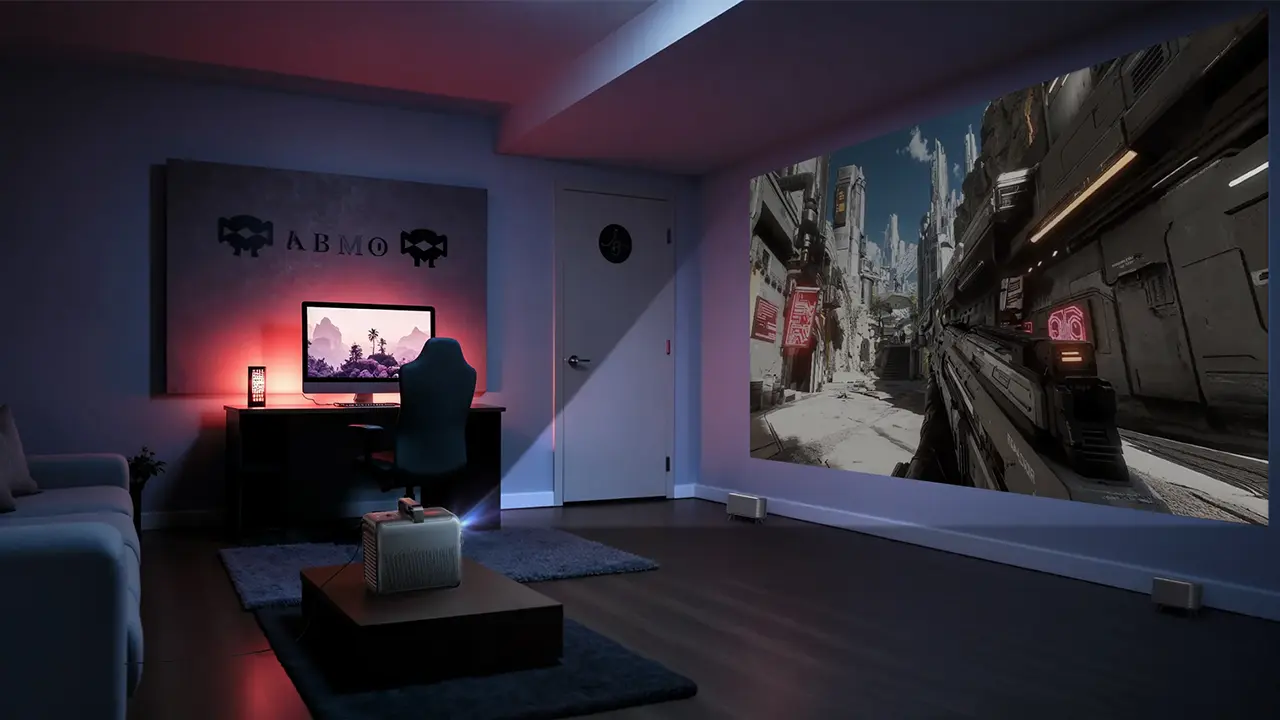
The gaming experience on the Nebula X1S is identical to the original Nebula X1. The X1S uses the legacy Texas Instruments DMD and controller, which means the X1S maxes out at 4K at 60 Hz or 1080p at 60 Hz. While it comes equipped with two HDMI 2.1 ports (including one with eARC), its hardware and DLP chip are capped.
This projector doesn't support advanced gaming features like Variable Refresh Rate (VRR) or Auto Low Latency Mode (ALLM). That means whenever you power up your console, you have to manually open the picture settings and switch to GAME mode. In GAME mode, input latency measures roughly 19 milliseconds at 4K 60 Hz. For a home theater projector, 19 ms is quite respectable, translating to just over a single frame of lag at 60 frames per second. The X1S is primarily designed as a high-end home cinema projector rather than a dedicated high-refresh-rate gaming projector.
My most advanced console is an Xbox One X, and the X1S works pretty smoothly within the console's hardware boundaries, but the genres you play reveal how the display behaves.
For racing titles like Forza Horizon 4, the experience feels great. My Xbox Series X outputs 4K, and on a massive projection screen, the sense of speed is incredible. Steering, braking, and drift corrections are very responsive. The 19 ms latency is low enough that I didn’t feel disconnected from vehicle physics. The X1S's high brightness also gives daylight race tracks serious pop. DLP displays sometimes struggle with high-speed motion, trailing, or judder, but I found the response fast and the image crisp. I also didn’t notice the unwanted motion blur you can find on cheaper LCD projectors.
First-person shooters are a bit different. Fast-paced, multiplayer shooters like Call of Duty start to reveal the hardware's limits. My Xbox Series X delivers clean 4K visuals, 60 fps, and HDR highlight punch on the X1S. However, because the projector lacks ALLM, VRR, and 120 Hz input, it's more of a big-screen movie display for casual-to-moderate console sessions than a competitive gaming experience like those on displays with next-generation DMD and controller hardware.

When it comes to sound, the built-in speakers perform very well. Nebula has included four side-firing speakers inside the projector's body (2x 15W drivers and 2x 5W tweeters, plus 2x passive radiators. On its own, the X1S produces audio that typically requires an ultra-short-throw projector or sound bar to achieve. But it doesn’t stop there. Nebula offers optional combinations of this projector with a carrying case, two (2) wireless microphones, and most importantly two (2) wireless stereo speakers that, when combined with the projector's sound system, offer big performance (200W output, producing 90dB of clarity with 55 Hz of bass depth and 40 kHz of high-frequency detail).
Nebula claims this 4.2.1 combination eliminates the need for external equipment and adapts to any space, producing room-filling sound. And while that statement has a lot of marketing, it’s also true. Altogether, the speakers function as full-range stereo left and right speakers (each is marked with a big L and an R, so you don’t need to guess which is which).
When everything is set up correctly, the wireless speakers and the projector's speakers sound amazing, with a lot of bass (including rumble) and stereo imaging you won’t find in another home theater projector.

The Nebula X1S is a very capable machine that straddles the boundaries between lifestyle convenience and dedicated home theater projection. While it builds on its predecessor's core capabilities, it is more of an incremental improvement than an evolution. Unfortunately, this device lacks recent advances in DLP technology. Without a doubt, the X1S brings a significant advancement in light output, competing directly with mid-range DLP displays, and it offers advanced hardware and performance worthy of some of the best home theater DLP projectors under $5,000.
It all starts with brightness, and the X1S makes a bold claim with a 6,000 lumen rating. In my lab testing, with CONFERENCE mode engaged, the projector produced 5,886 heavily green-biased lumens, but context matters here. In addition to being green, CONFERENCE mode ramps up the cooling fans, making this projector the loudest modern display I’ve ever heard, and it overheated twice in under a minute. For movie viewing, MOVIE and ISF modes bring usable light down closer to 2,800 to 3,000 lumens. That is roughly a 15% to 20% bump over the original X1. That extra brightness makes the X1S versatile when it needs to power through moderate ambient light in a living room or throw a huge 300-inch image in the backyard.
The image this projector displays is sharp and mostly artifact-free because Nebula carries over the 14-element all-glass optical block from the previous model. Edge-to-edge clarity is excellent with no soft corners or the fringing common on projectors that use plastic lenses. The 0.9:1 to 1.5:1 optical zoom provides plenty of placement flexibility, and the internal motorized micro-gimbal handles up to 25 degrees of upward tilt. I wish Nebula had added some downward tilt. With a native 100% optical offset, shelf-top placement still requires tilting the projector and using digital keystone or inverting the projector. The X1S offers a suite of auto-alignment tools, including autofocus, auto-keystone, and obstacle avoidance, though squaring the projector manually to the screen always yields the cleanest results.
Out-of-the-box color performance is strong in cinema presets, covering 106% of Rec. 2020. The drop from 110% on the previous X1S comes directly from the new, extremely bright laser light source. Everything comes at a price. The factory calibration still exhibits a slight red push and a touch of mid-gray warmth, but the RGB balance calibrates quickly. A few minor tweaks to the gain controls brought our sample down to an impressive Delta E well under 1.0.
The X1S shows its limits in the projector's imaging technology. Nebula opted not to integrate Texas Instruments' newer SST DMD or the DLPC8445 display controller. Keeping the older 0.47-inch DMD package and controller means you miss hardware-level temporal dithering cleanup in near-black shadows, high-frame-rate 4K@120Hz gaming, and auto-handshake features like ALLM and VRR.
Native contrast hovers around 5,000:1 with the 6-blade mechanical iris clamped down to MINIMUM. Combined with dialed-in laser power, it produces respectable black-level floor performance for single-chip DLP. Shadow gradation is good for the most part, though the X1S dynamic laser dimming can occasionally clip deep shadow details or reveal some brightness pumping during rapid scene cuts. The X1S delivers a sharp, vibrant, and remarkably bright image.
XGIMI Horizon 20 Max $2,999 MSRP
The XGIMI Horizon 20 Max is arguably the most direct spec-for-spec rival to the Nebula X1S. Both are high-brightness, lifestyle-hybrid projectors. Both pair an RGB triple-laser engine. XGIMI rates the Horizon 20 Max at a massive 5,700 ISO lumens, coming very close to the X1S's 6,000-lumen burst mode. Both units step down to a much closer 2,800 to 3,300 lumens when dialed in for color-accurate cinema playback, and both carry certified Dolby Vision decoding, though XGIMI adds HDR10+ and IMAX Enhanced.
Nebula matches the X1S with a more versatile 0.9:1 to 1.5:1 optical zoom and an internal motorized micro-gimbal that provides 25 degrees of vertical tilt. The Horizon 20 Max uses a tighter 1.2:1 to 1.5:1 optical zoom, so it needs more throw distance to fill larger screens. XGIMI offers a true motorized vertical and horizontal optical lens shift, but using it disables several automated setup tools like autofocus and intelligent screen alignment, forcing manual calibration. The X1S's internal gimbal, while limited to upward tilt, keeps its automated alignment suite intact throughout adjustment.
The biggest difference between the two projectors (aside from the Nebula’s very cool retractable handle) is native contrast. The Nebula X1S features a 6-blade mechanical iris that can clamp down to Minimum, delivering higher native contrast and a blacker floor in a pitch-black room. The Horizon 20 Max relies strictly on dynamic laser modulation with less visible pumping, and modern HDMI 2.1 gaming features like 4K@120Hz, ALLM, and VRR that the X1S cannot match.
JMGO N3 Ultimate $2,999 MSRP
The JMGO N3 Ultimate and the Nebula N1S are both high output. The N3 Ultimate claims 5,800 ISO lumens, while the X1S hits 6,000 ANSI lumens in CONFERENCE mode. Both settle down closer to 2,800 to 3,200 usable lumens, and both deliver certified Dolby Vision support for dynamic scene-by-scene tone mapping. The JMGO also supports HDR10+, but the Nebula X1S does not.
Optically, the X1S offers a 0.9:1 to 1.5:1 optical zoom, but its internal micro-gimbal is limited to 25 degrees of upward vertical tilt, with no downward adjustment or horizontal swivel. The N3 Ultimate features a motorized two-axis gimbal base that smoothly pans 360 degrees and tilts 135 degrees right, controlled from the remote. The N3 Ultimate features a remarkably wide 0.88:1 to 1.7:1 motorized optical zoom and true motorized optical lens shift.
The Nebula X1S fights back with a physical 6-blade mechanical iris that clamps down to MINIMUM, delivering higher native contrast and deeper black levels in a dark room. The N3 Ultimate relies purely on laser modulation with a native contrast ratio around 1,500:1. The N3 Ultimate runs on Texas Instruments' newer display controller pipeline, providing less noise, 240Hz gaming, VRR, ALLM, and sub-10ms input latency.

When I evaluated the original Nebula X1, I walked away thinking it was essentially a high-end lifestyle projector dressed up in portable clothing. It seemed poised to bridge two worlds.
Looking at the Nebula X1S today, the competitive landscape has shifted dramatically. Rapid advances in Texas Instruments' DMD technology have completely changed expectations for premium lifestyle displays. Competitors have aggressively adopted next-generation silicon, bringing ultra-low-latency, high-refresh gaming, VRR, ALLM, and better black floors to DLP.
Without the next-gen DMD technology, the X1S sits in an unexpected spot. Instead of a forward-looking lifestyle powerhouse, it now feels more like an exceptionally advanced portable projector trying to hold its own against true modern lifestyle alternatives.
At the same time, viewing the X1S through the lens of high-end portable projectors reveals where it still genuinely shines. 6,000-plus lumens of raw optical output to overpower living room daylight or light up a backyard screen at dusk. You get a 14-element glass lens, a mechanical iris that drops the black floor well past typical DLP gray, and big expandable wireless sound. It may not represent the cutting edge of modern display processing, but as a grab-and-go light cannon with real optical glass and serious dark-room contrast control, the X1S remains a serious contender.

| Full Specifications | |
|---|---|
| Projector Model | X1S |
| Price (MSRP) | $3299 |
| Imager Type | DLP (0.47-Inch) |
| Displayed Resolution | 3840 x 2160 pixels (4-way pixel shifting) |
| Native Resolution | 1920 x 1080 pixels |
| Brightness (Manufacturer Claim) | 6000 ANSI Lumens |
| Light Source Type | RGB Laser |
| Contrast Ratio | 5,000:1 (Native) 56,000:1 (Dynamic) |
| Lens Throw Ratio | 0.9:1 to 1.5:1 |
| Power Zoom/Focus | Yes |
| Lens Shift | None |
| Interchangeable Lens | No |
| Ultra Short Throw | No |
| Native Aspect Ratio | 16:9 (Widescreen) |
| 4K/120 fps | 19ms @ 4k/60Hz |
| 3D | Yes |
| Speakers | Yes |
| Noise Level (-db) | 26 dB (Normal) |
| Low Lag Gaming | No |
| Smart Functionality | Yes |
| Business | No |
| Classroom | No |
| Portable | Yes |
| Special Features | HDR10, HLG and Dolby Vision |
| Networking | WiFi |
| Dimensions (HxWxD) | 9.7 × 7.3 × 11.1 inches (245.5 × 186 × 282 mm) |
| Weight | 13.7 lbs (6.2 kg) |
| Warranty | 2-year Limited |