Please visit our sponsors

BenQ W6000 Projector Review

A most impressive projector overall, the BenQ W6000 projector is extremely bright in its best movie mode, but as of this writing, one issue is yet to be resolved, relative to our final recommendation. In addition the W6000 review will have additional comments and awaits final editing.

September 2009 - Art Feierman


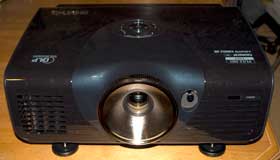
The BenQ W6000 projector.

The BenQ W6000 projector wins the Hot Product Award!

BenQ W6000 Projector Overview

The BenQ W6000 was intended to be the brightest projector anywhere near its price for movie watching, and there's no doubt it delivers on that. Few home theater projectors under $10,000 can match the "best mode" brightness of the W6000.

Often, however, in the past, the brighter projectors compromised elsewhere to get the brightness. The BenQ, W6000, though, also just happens to be a pretty impressive projector overall.

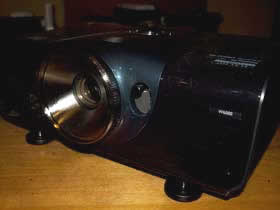
The W6000 has very good placement flexibility, sporting lens shift and a 1.5:1 manual zoom lens. Few under $5000 DLP projectors until recently have offered lens shift (and most have been BenQs), though we are seeing a couple more these days. With the slightly longer than normal throw range zoom lens, the BenQ W6000 should work as a rear shelf mounted projector in most rooms, as well, of course being ceiling mountable, or set on a table. Relatively speaking the W6000 is a small to mid-sized projector, there are a few a lot smaller, but it's still fairly compact, and much smaller than the largest projectors. It comes finished in a shiny black with a lighter color (a dark purplish blue) around the control panel and lens. All and all, a respectable looking projector, but not a masterpiece.

BenQ W6000 image from Quantum of Solace

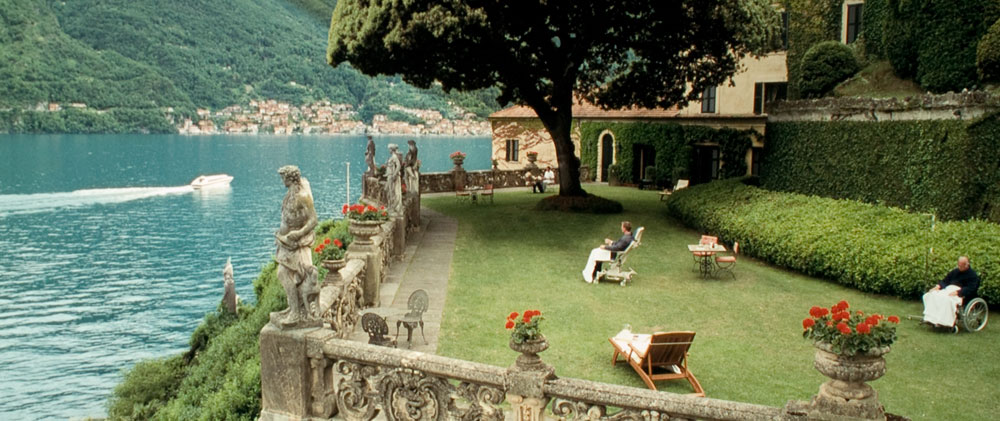
The BenQ W6000 has that classic DLP look to its image, with rich colors and very good depth. It offers their version of TI's Brilliant Color, with a simple choice of off or on. (Some manufacturers offer multiple Brilliant Color settings.)

Gandalf image from the BenQ W6000 projector.

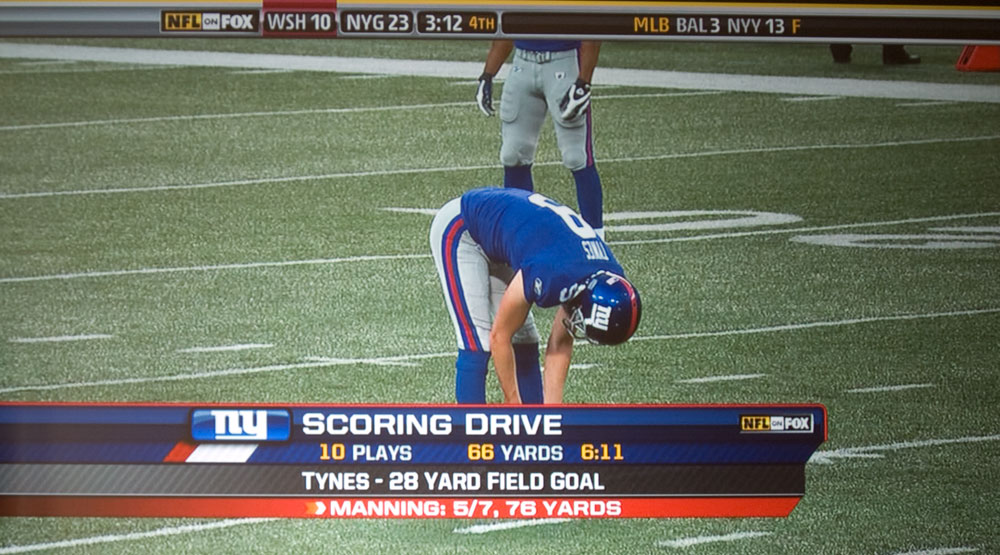
BenQ projectors previously reviewed (and those owned by me), have traditionally produced a very sharp image, and the W6000 projector is no exception. The W6000 is nice and razor sharp on all digital content, like my favorite HD football games, or Discovery-HD channel.

HDTV image from the BenQ W6000 projector.

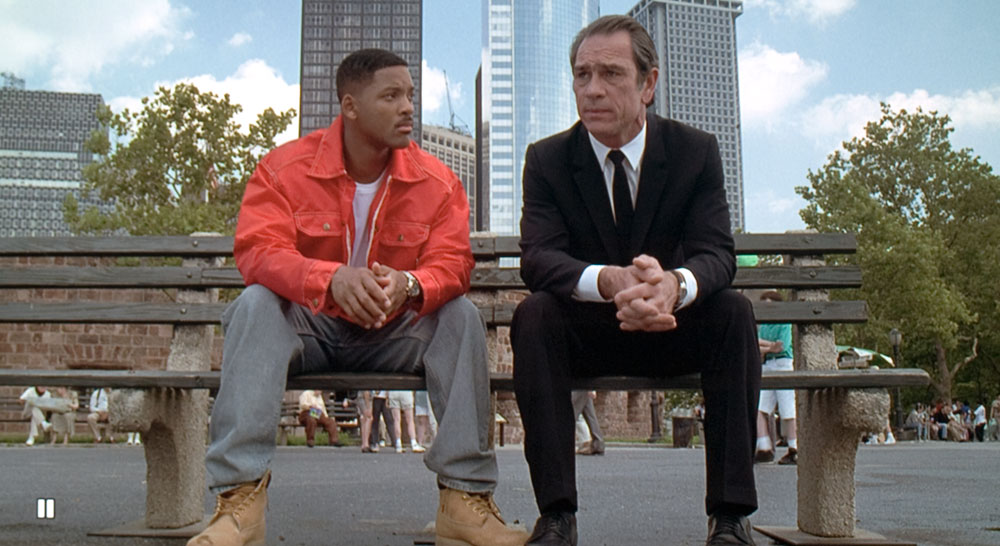
Black levels are enhanced with a dynamic iris, and it does deliver really good dark blacks, but the sometimes visible action of the dynamic iris, is our primary issue with this projector. It will be discussed elsewhere in the review. Don't let me scare you off with that statement. I've yet to see a perfectly "invisible" dynamic iris. Some though, are less frequently noticeable than others. There's a set of conditions where the BenQ's iris is more noticeable than I'd like, but that's true for most (not all) of the projectors with dynamic irises.

MIB image from the BenQ W6000 projector.

I'm waiting right now to hear back from BenQ, we've been discussing the iris, and I'm hoping to hear that they will be able to make firmware changes to improve it. Other than that, the BenQ W6000 is an extremely well balanced, first class projector for the money.

The W6000 is available online from select dealers (two, I'm told) as well as local dealers. In a pinch it probably can be purchased directly from BenQ's site, but as of this time, it's listed, but the cart doesn't work. (Remember, the product hasn't shipped yet.) Still, my take is why buy directly from the manufacturer if you can buy from a dealer, for the same price? Why not have both a dealer and the manufacturer working for you? The BenQ pricing is at their MAP price, so it won't be below the price of their resellers.

^ Back to Top

W6000 Projector Highlights

  • Rich, natural looking skin tones and overall very good color
  • Extremely bright in "best" mode, brightest under $3500
  • Brighter than average in "brightest" modes
  • Very impressive black level performance using Dynamic Iris, but iris action can definitely be noticeable at times
  • Very flexible placement abilities (for a DLP projector), with good zoom range and lens shift. Ceiling mount, rear shelf mount or table top
  • ISF certified, with calibrator lockable ISF Day and ISF Night modes
  • Supports an anamorphic lens, unlike two of its closest competitors
  • A very serious contender for under $3000, should prove to be very popular

Indiana Jones image from the BenQ W6000 projector.

^ Back to Top

Specs for BenQ W6000

MSRP: $3499, MAP $2799
Technology: Single chip DLP
Native Resolution: 1080p (1920x1080)
Brightness: 2500 lumens claimed, over 1700 delivered, including up to 1000 in best mode
Contrast: 50,000:1
Zoom Lens ratio: 1.5:1
Lens shift: Vertical and horizontal
Lamp life: 2000 hours at full power, 3000 hours in eco mode
Weight: 14.8 lbs. (6.6 Kg)
Warranty: 1 Year Parts and Labor

Flag image from the BenQ W6000 projector.

^ Back to Top

BenQ W6000 Special Features

BenQ W6000 Frame Interpolation

The BenQ seems to have basic frame interpolation. Still waiting for clarification from BenQ. There definitely is no creative frame interpolation. Best guess as of right now, is that the W6000 takes 60fps to 120, and probably 24fps to either 48 or 96.

W6000 Picture In Picture

I love the idea of Picture In Picture. I'd so love to be able to watch a football game projected filling the screen, and have a small window open with my computer signal, so I can see my Fantasy Football tracking. Or a second game. (Yes, I am fully aware of DirecTV's 6 games at once option, but that's NFL, and I watch even more College Football, than NFL).

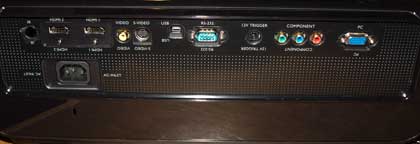
The BenQ can't do what I want, however. It can have two images, the full screen and a smaller inserted screen, but, the choice of sources is limiting. If your first source is component video, HDMI or computer input, then the second source must be either S-video or composite video.

And that folks, is a real shame. I could go with the full screen being fantasy football, and have the game come in on either s-video or composite, but, hey, I don't even have a wiring solution for my projectors anymore, for those lower performance video sources, and besides, with a 128" screen, the larger available size for the Picture In source is more than large enough to make reading my fantasy football computer screens no problem.

Some of you may find good uses for the Picture in Picture (you could have that game on, and have a Wii playing in the the window, for example). If you are using it, there are four different positions on the full screen where you can locate the smaller window. In addition, you can choose between two sizes for that smaller "Picture In" window.


280 Watt Lamp

This is worthy of mention simply because if the W6000 doesn't have the highest wattage lamp of any projector under $5000, it's close.

This is a key reason for the BenQ W6000's very bright performance in its best movie watching mode. On the downside, that makes the BenQ a little less green than the competition (drawing more power). Most under $5000 projectors have lamps with wattages between 160 and 240 lumens. (3LCD designs are more efficient so they almost all have lamps drawing 200 watts or less.)

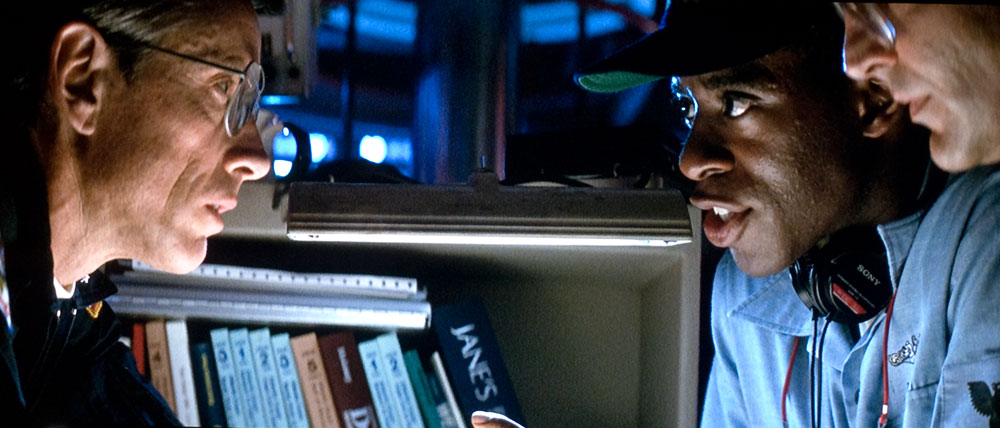
Image below - from Hunt For Red October

Hunt for Red October image from the BenQ W6000 projector.


^ Back to Top

NEXT: Take a physical tour of the BenQ W6000

Projector Search
Projector Packages