Projector Reviews Images

BenQ LK830ST 4K UHD Short Throw Golf Simulation Projector Review

Posted on May 11, 2026 by Philip Boyle
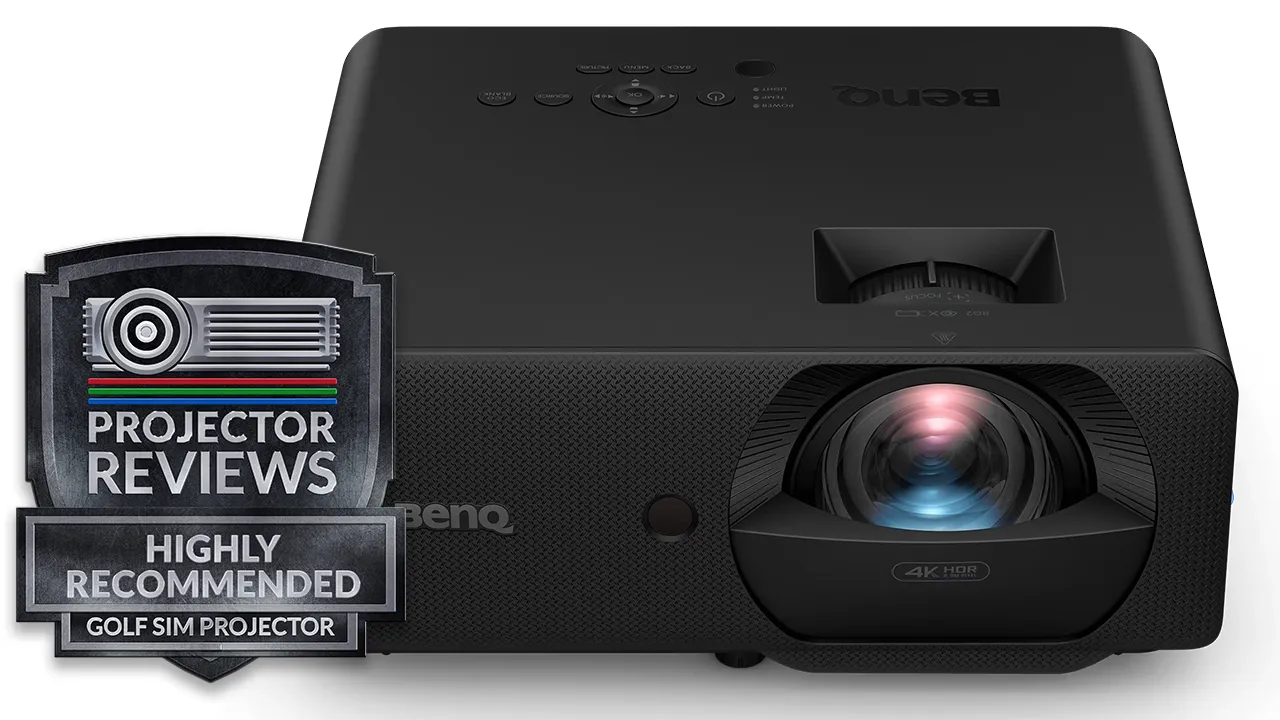
BenQ LK830ST with Award - Projector Reviews - Images
A powerful 4K UHD, short-throw golf simulator projector with ultra-efficient laser DLP light engine.

As of the writing of this review, in 2026, the majority of projectors dedicated to golf simulation are Full HD (1920 x 1080p), but BenQ has never been a company content with the status quo. The BenQ LK830ST is engineered for premium users, focusing on more than just brightness, offering the kind of realism that only a high-resolution 4K projector provides.

The BenQ LK830ST, which retails for $2,499, is an ultra-bright 4,000 ANSI lumens, 4K UHD (3840 x 2160p) short-throw projector with a custom 0.5 short-throw lens, providing maximum setup flexibility and making it perfect for indoor golf simulators, where image quality and space constraints matter most. This projector is just as effective in larger spaces with large screens. The projector’s SCREEN FILL feature scales the image to fit various screen aspect ratios, including 4:3, 1:1, 5:4, 16:9, and 16:10. And as a final touch, when it comes to simplifying the setup, BenQ features a lower 114% offset, allowing the LK830ST to be aligned without the need for aggressive tilting, which leads to a cleaner overall installation with a properly aligned image.

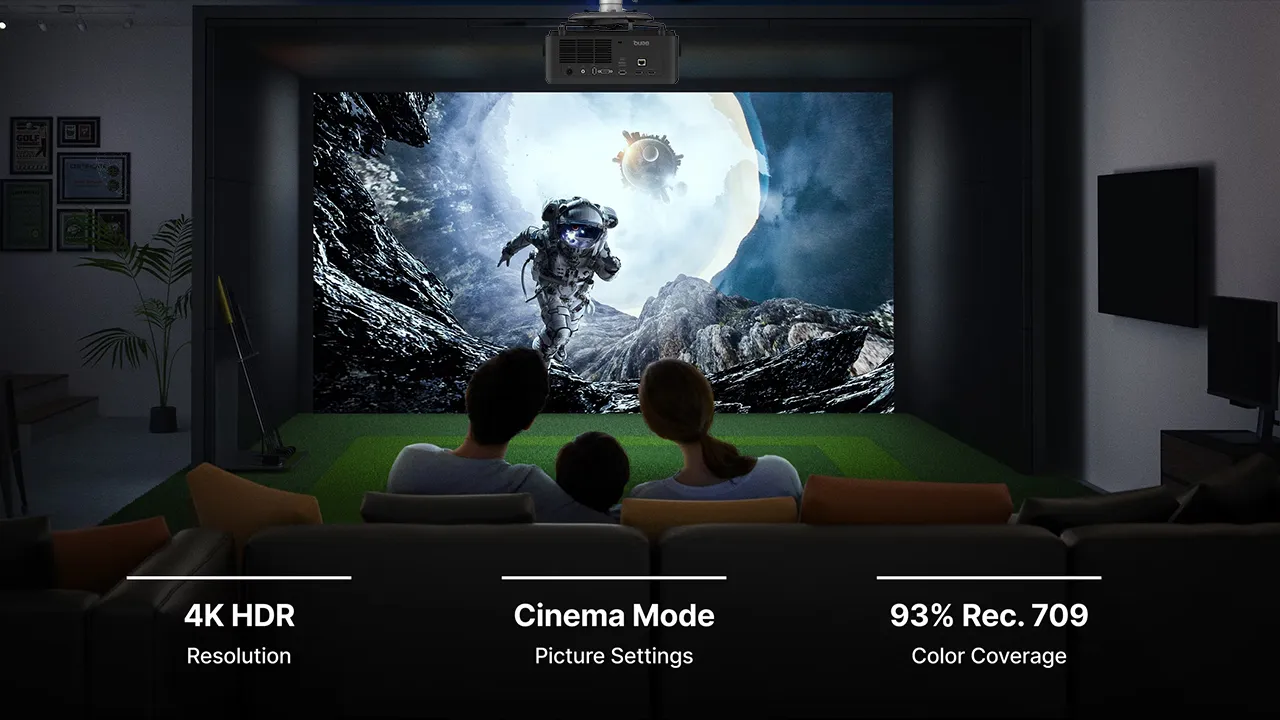
The LK830ST is far more than most golf sim projectors that are just repurposed conference room projectors. This incredibly bright and high-resolution projector delivers a triple threat: high brightness, 4K resolution, and a blue-laser phosphor light source that covers 93% of the Rec. 709 color space, ensuring courses appear natural and consistent with real-world expectations.

There’s also a dedicated GOLF Mode, which dynamically matches the color of any course during gameplay. It helps separate fairways, hazards, and green types more clearly and makes ball tracking easier to follow, especially in spaces with moderate amounts of uncontrolled ambient light. Whether you're building a DIY setup or a premium simulator, the LK830ST is designed to maximize immersion, accuracy, and ease of installation.

The LK830ST is built for use in real-world environments that aren't always pristine and dust-free. The projector features an IP6X-sealed laser light engine that protects internal components from dust particles without requiring filters. IP6X not only reduces maintenance but also ensures more consistent performance over time, even under 24/7 operation, making it suitable for environments where the system may run for extended periods.

BenQ LK830ST
BenQ LK830ST Projector - Projector Reviews - Images
Suggested Retail Price: $2499
Ratings Based On Comparable Models
Brightness
Color Reproduction
Contrast
Sound Quality
Pros

+ 4000 ANSI lumens of brightness
+ Solid State Blue Laserlight Source
+ 4K UHD (3840 x 2160) Resolution
+ 0.5 Short Throw for a Big Image in Tight Spaces
+ 93% Rec.709 Color for True Course Colors
+ Lower Offset for Less Tilting & Keystone Adjustment
+ Screen Fill Any Impact Screen
+ IP6X Dust Proof Sealed Engine


Cons

- Black Levels are Average
- No Smart Features Including Native Apps
- WiFi Only Through Optional Devices
- Uses an External Power Brick
- Fixed Zoom Lens

BH-buy-now-affliate-button
If you are interested in purchasing the projector mentioned in this article, we always appreciate it if you use one of the links in the article because Projector Reviews earns a small commission on the sale at no cost to you.

The LK830ST offers a wide range of connectivity options, featuring two 16.7 ms high-speed, low-lag HDMI ports with a dedicated gaming projector latency range of 4.2 ms @1080p 240 Hz to 16.7 ms @4K 60 Hz. This projector also features a high-speed LAN connection for quick internet access, as well as optional wireless connectivity, enabling the use of a range of peripherals for golf and sports simulations. The LK830ST is bright, colorful, and fast. 

Overview

BenQ LK830ST Marketing - Projector Reviews - Images

According to GMI Insights, the golf simulator market was estimated at $2.1 billion in 2025 and, despite still being in a state of global recovery, is expected to reach $4 billion by 2034, with a 7.4% CAGR, reflecting growing demand for indoor golf experiences. According to BenQ, the new LK830ST is a 4K UHD short-throw laser projector built for golf simulation, offering 4,000 ANSI lumens, a 0.5 throw ratio, and the kind of installation flexibility and image detail that suit modern simulator builds. The BenQ LK830ST is a high-performance, short-throw Digital Light Processing (DLP) laser projector designed specifically for the golf simulation market and will help the industry achieve those projections.

BenQ LK830ST Features - Projector Reviews - Images
Based on user feedback, BenQ built a 4K golf sim projector that is easy to set up and looks great.

BenQ has made a point of saying that when you compare the LK830ST to previous 0.5-ratio Full HD models, the jump in the projector’s 4K detail hits you almost immediately. It delivers a true 4K image with about 8.3 million pixels, roughly four times the density of a standard 1080p projector.

The LK830ST’s 4K upgrade has a significant impact on the screen, magnifying every blade of grass. The same image projected on a lower-resolution display can sometimes feel like looking through a mesh screen, but not on this model. The LK830ST pretty much bypasses the "screen door" effect, creating a detailed, consistent image from corner to corner without the horizontal and vertical lines previously seen between pixels.

4K resolution on this golf simulator helps you better read the course's subtle grain on a green or the specific way a hazard is shaped, which you just can’t see on a lower resolution Full HD display. This is largely due to the projector’s Texas Instruments DLP architecture that creates a seamless look that makes the fairways feel a bit more realistic.

The result is a course that looks more lifelike, though it is worth noting that even the best 4K image is still limited by the quality of the software you are running. Still, the immersion is significantly higher when the hardware stays out of the way. The BenQLK830ST uses a DLP chipset similar to that found in commercial cinemas. By cleaning up that visual noise, the LK830ST lets you focus on the shot rather than the technology.

BenQ LK830ST Marketing - Projector Reviews - Images
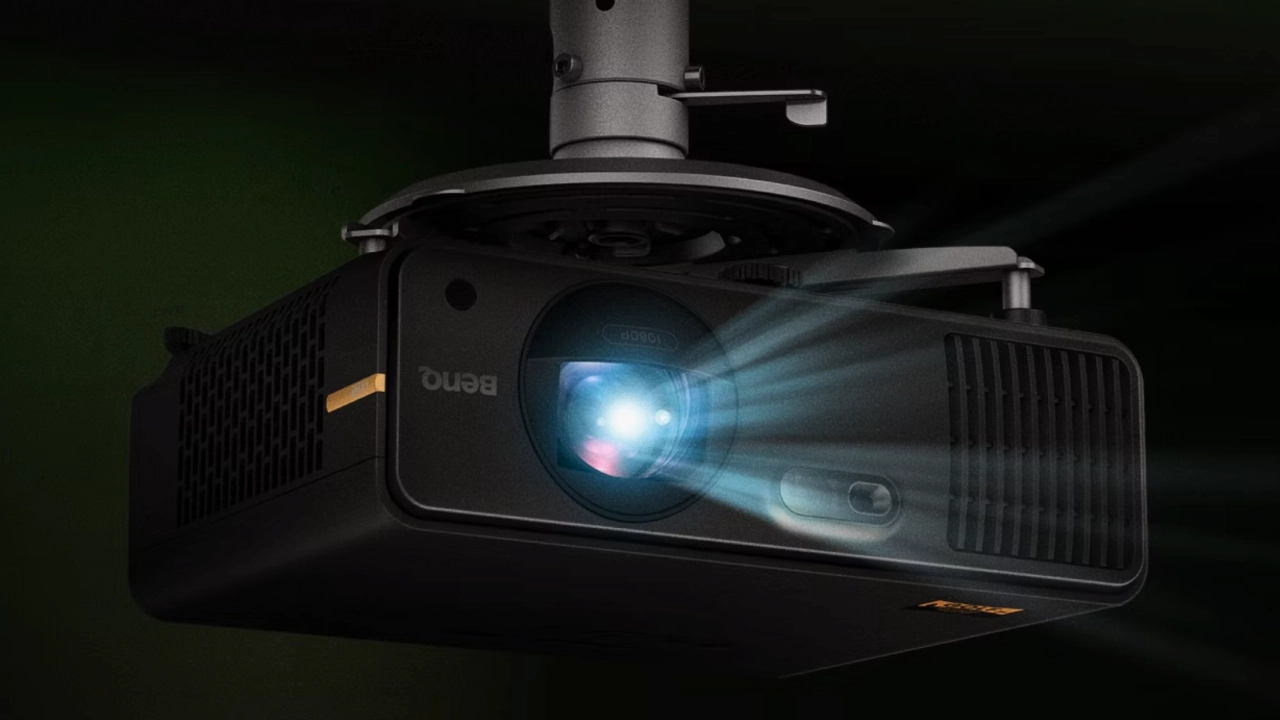
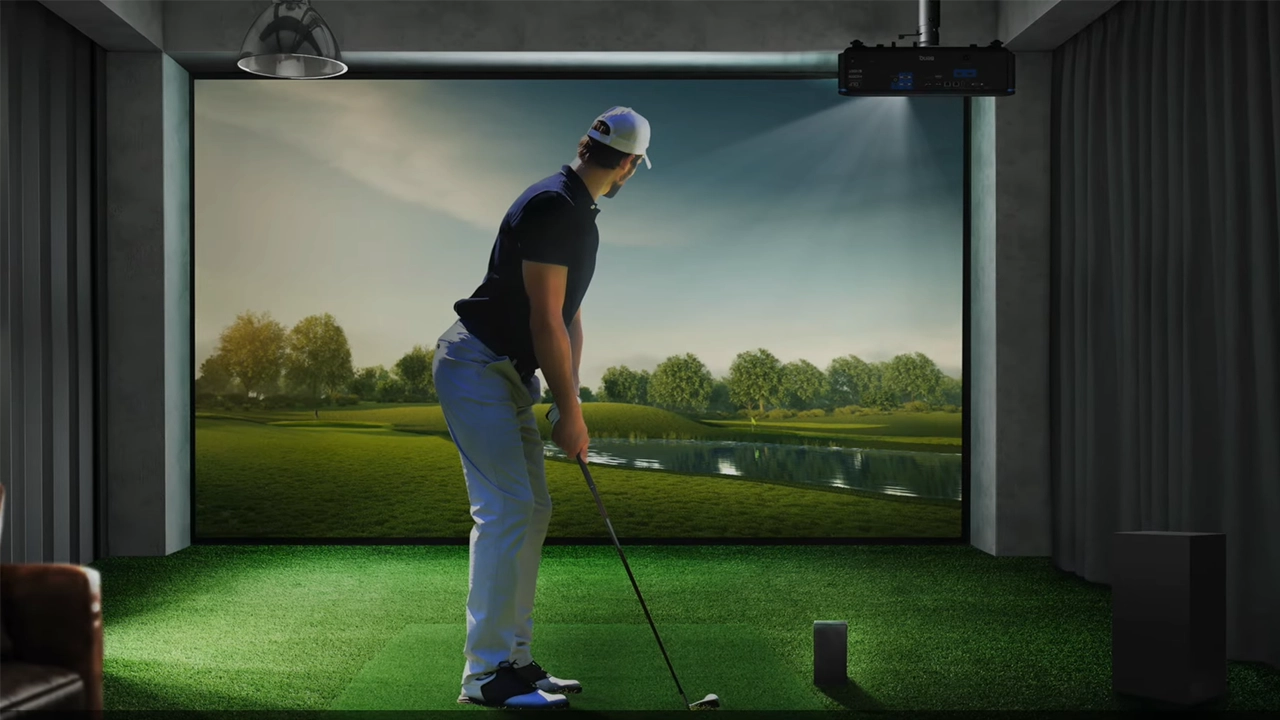
The BenQ LK830ST's short-throw lens allows it to be mounted in almost any golf sim configuration.

When you are standing in front of a simulator, color isn't just about making things look pretty; it is how you actually read the course. You need to be able to tell at a glance where the fairway ends and the rough begins, or whether a patch of green shows a subtle slope. The BenQ LK830ST uses a laser light source that bridges the gap between realism and practical maintenance. With 4,000 lumens and 93% Rec. 709 color accuracy, the image holds up surprisingly well. It appears to be bright enough to handle a living room with some afternoon sun, though it really shines in a darkened basement where you can see every detail of the grass.

One interesting feature is the LK830ST’s dedicated GOLF mode that tweaks the projector's colors on the fly to help differentiate between hazards and green types. It makes tracking the ball a little easier on the eyes, especially when the lighting in your room isn't perfect. While some purists might find the boosted greens a bit much for cinema use, for purely hitting balls, it helps the environment feel less like a video game and more like an actual afternoon at the club.

Since many of these setups end up in dusty garages or unfinished basements, a sealed case is a nice touch. It is likely to prevent the kind of internal buildup that usually kills electronics in those environments. The laser is rated for 20,000 hours, which means you can forget about lamp replacements for years. It also claims to pull about 15% less power than older models, which is a small but welcome nod toward efficiency. With its recycled components and safety certifications, the unit feels like a sensible, low-maintenance choice for anyone who wants a big screen experience without the constant upkeep.

BenQ LK830ST Throw Ratio Chart - Projector Reviews - Images

Fiddling with projector alignment is easily one of the most annoying parts of setting up a golf sim. Most standard projectors come with a high offset, which basically forces you to tilt the whole unit downward just to hit the screen. When you do that, you have to lean on keystone correction to fix the trapezoid shape, and that usually ends up softening the image or adding digital artifacts. It is a bit of a compromise from the start.

The LK830ST seems to take a more logical approach, with a lower 114% offset, allowing the picture to drop naturally onto the impact screen without excessive tilting. It makes for a much cleaner installation. You are likely to spend less time standing on a ladder with a screwdriver and more time actually hitting balls. While it may not be a perfect fix for every ceiling height, it simplifies the geometry for most standard garage or basement heights.

Then there is the headache of aspect ratio mismatches. Most impact screens are built as squares or tall rectangles, like a 4:3 or even a 1:1, while projectors are almost always native 16:9. If you have ever tried to stretch a wide image onto a square screen, you know it either leaves massive white gaps or makes the golfers look twice as wide as they should be.

BenQ included a Screen Fill feature here to help scale the image across various aspect ratios, such as 4:3 or 16:10. It is a subtle tool. Still, it seems to do a decent job of utilizing the full hitting area without noticeably distorting the graphics. You might still lose a bit of the peripheral view depending on your software settings, but the overall effect is a setup that looks finished rather than something thrown together. It is one of those small technical details that make the final simulator feel like a cohesive space.


BenQ Golf Sim Model Comparison
AH500STAH700STLK830ST
$1,999 (MSRP)$2299 MSRP$2,499 MSRP
4,000 ANSI Lumens4,000 ANSI Lumens4,000 ANSI Lumens
Blue Laser PhosphorBlue Laser PhosphorBlue Laser Phosphor
Full HD (1,920 x 1,080) Full HD (1,920 x 1,080)4K UHD (3,840 x 2,160)
Fixed Zoom1.2X  Zoom1.2X  Zoom
11.2 lbs7.2 lbs7.4 lbs
12.5" x 5.1" x 10.1"11.9" x 4.4" x 9.2"11.9" x 4.4" x 9.2"
Quick Focus, Hot Key for Screen FitFocus & Screen Fit Focus & Screen Fit

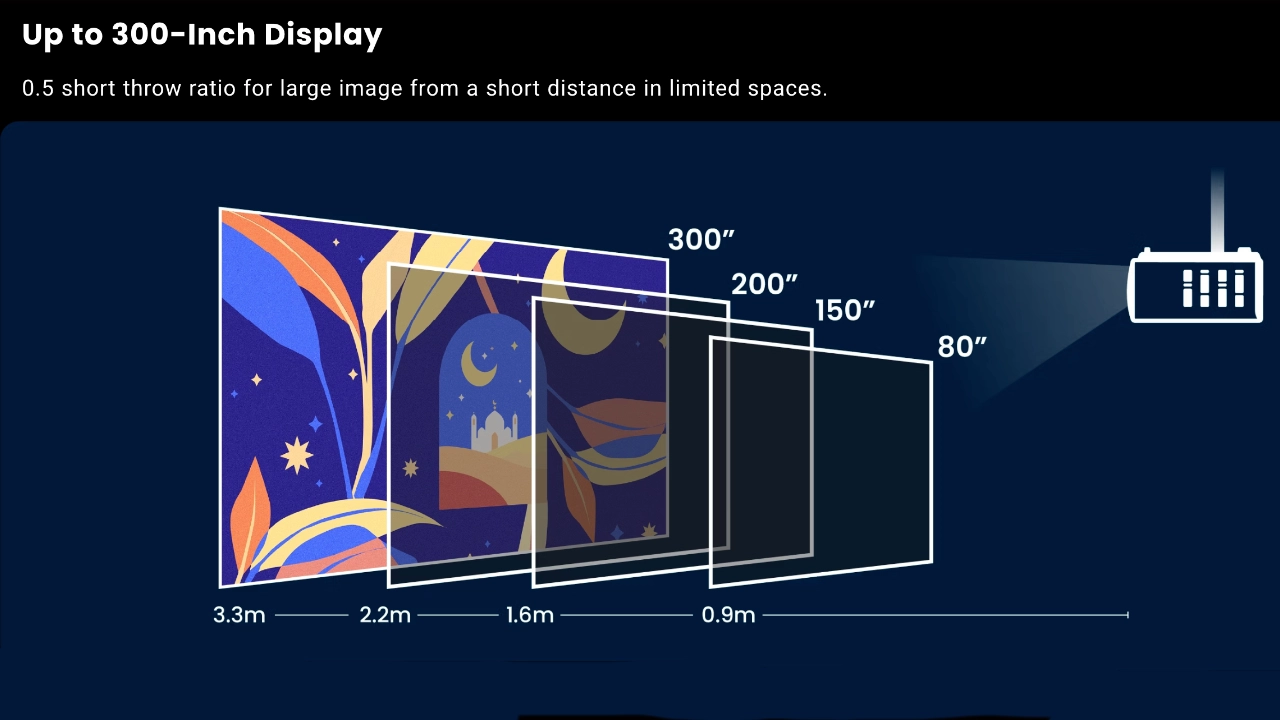
Most of us don’t typically have a purpose-built studio for our golf simulator. More often than not, we create these setups in a basement or a spare bedroom, where a short-throw lens like the one on the LK830ST makes sense. With its 0.5 throw ratio, the LK830ST can throw an image up to 300 inches while sitting much closer to the impact screen than most units, addressing several headaches at once. You do not need a specific distance between the projector and the screen, which makes the mounting much simpler and keeps the projector safely out of your golf club's swing path.

There is a certain peace of mind that comes with knowing you will not clip the projector on a high follow-through with your driver. It feels like the projector is finally being designed to work around your existing life rather than forcing you to remodel your entire house just to hit a few balls on a Saturday morning. Of course, you still have to deal with the shadows if you stand in exactly the wrong spot, but that is a small price to pay for a setup that actually fits in a normal suburban garage.

HARDWARE

  • BenQ LK830ST Projector - Projector Reviews - Images
  • BenQ LK830ST Projector - Projector Reviews - Images
  • BenQ LK830ST Projector - Projector Reviews - Images
  • BenQ LK830ST Projector - Projector Reviews - Images
  • BenQ LK830ST Projector - Projector Reviews - Images

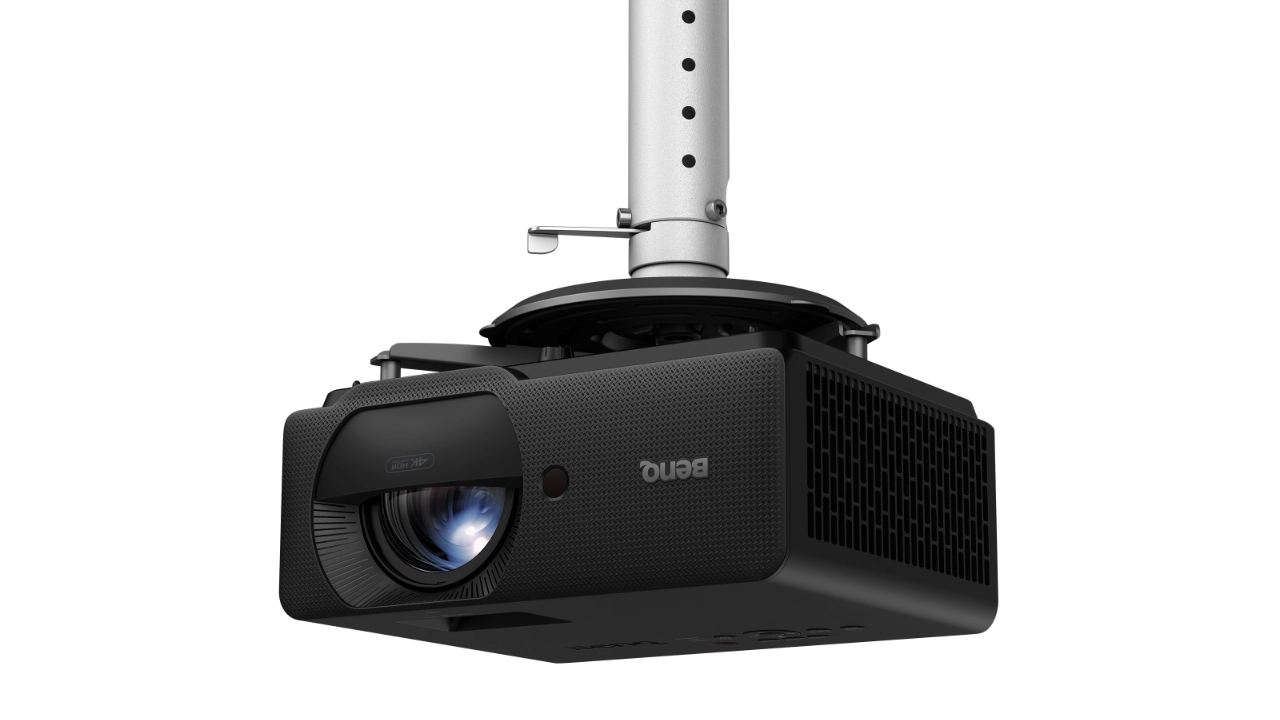
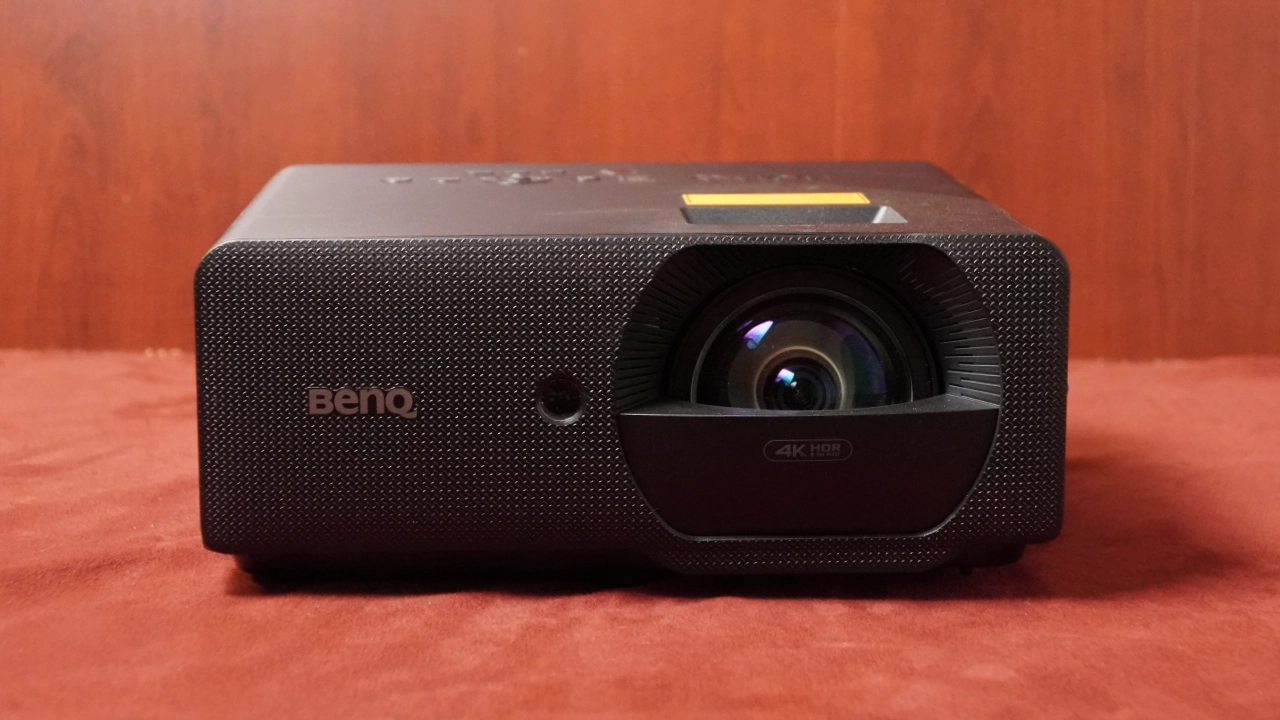
The BenQ LK830ST is black, which eliminates a potential source of light spill via reflection onto the screen if the projector were a lighter shade like white or beige. The LK830ST features a more traditional golf simulator projector design, but still appears neutral for use in a wide range of spaces. It’s attractive while blending into a range of rooms without standing out to the point of distraction. 

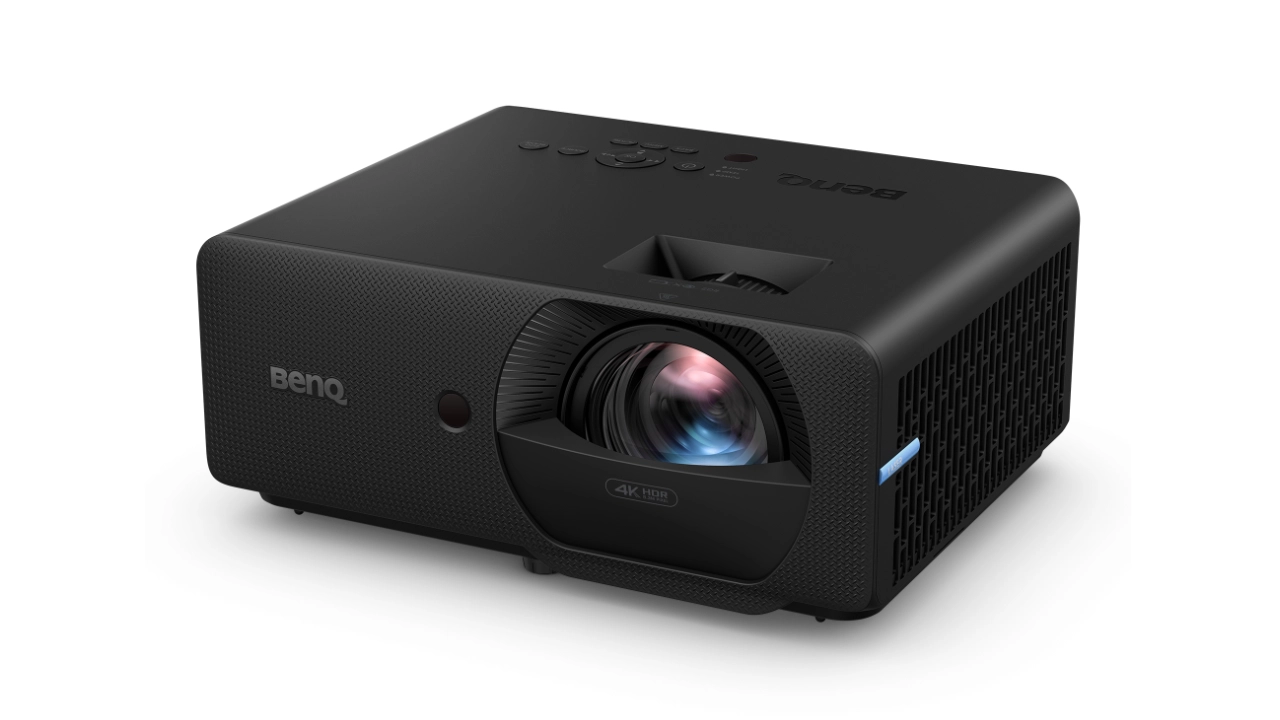
The LK830ST measures (WxHxD) 10.99 x 4.74 x 9.03 inches (279.2 x 120.5 x 229.3 mm) and weighs 7.93 lbs (3.6 kg). This powerhouse of a golf simulation projector is both small and light, which is excellent for a projector designed for use in a simulator.

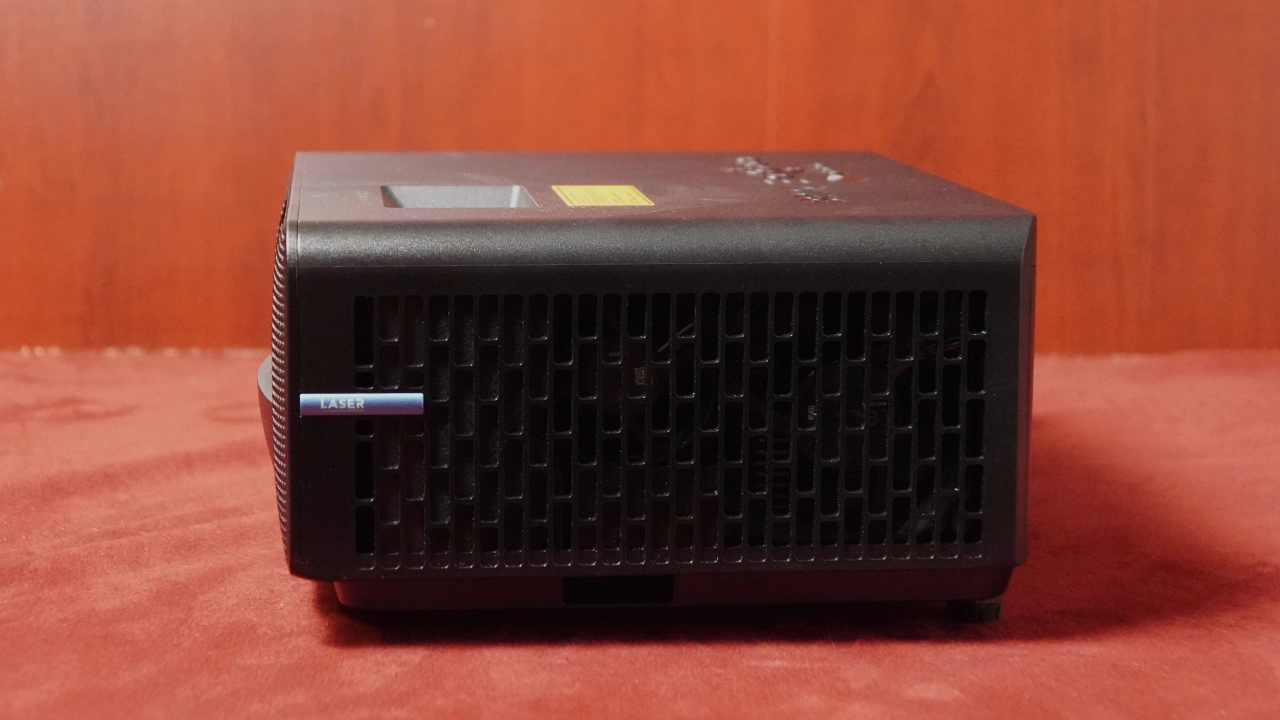
The front panel houses the lens, camera, sensor suite, and the projector's cooling system exhaust vent. There are cooling intake vents on both sides of the projector. Since the LK830AR is a short-throw projector, having the air exhaust out the front directs the projector's exhaust away from the golfer and viewers watching the projected image.

BenQ LK830ST Projector - Projector Reviews - Images
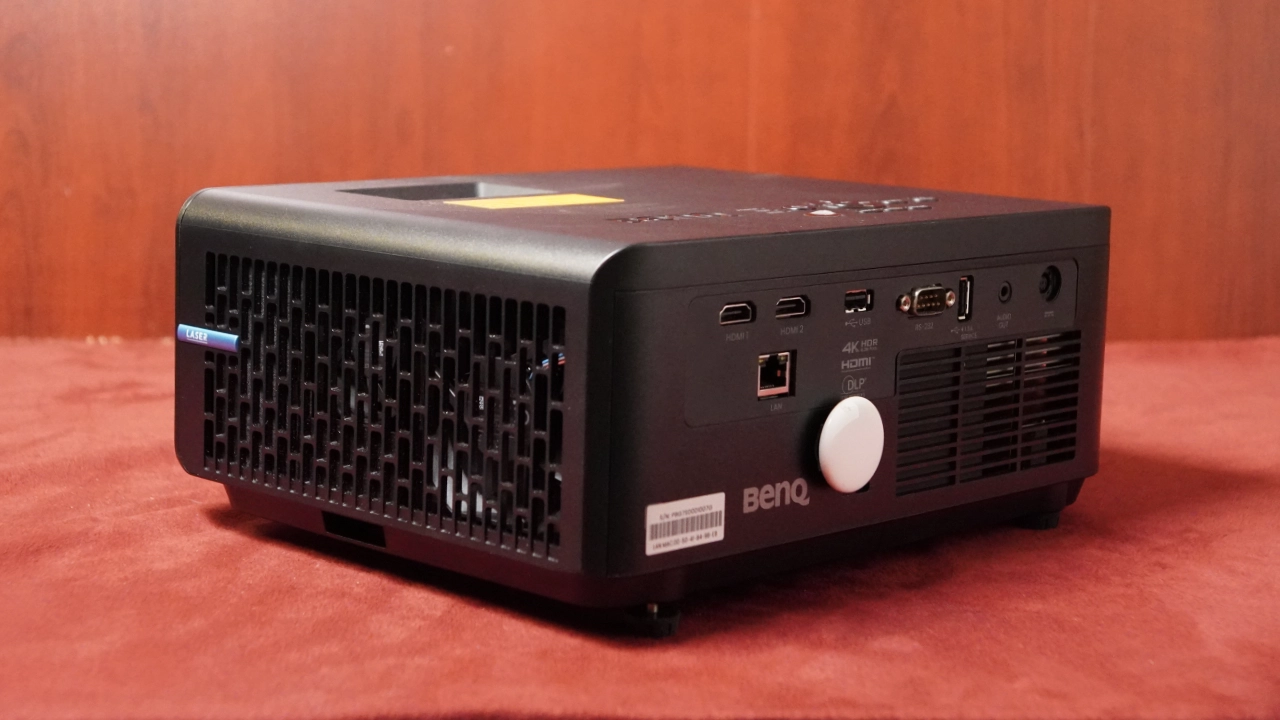
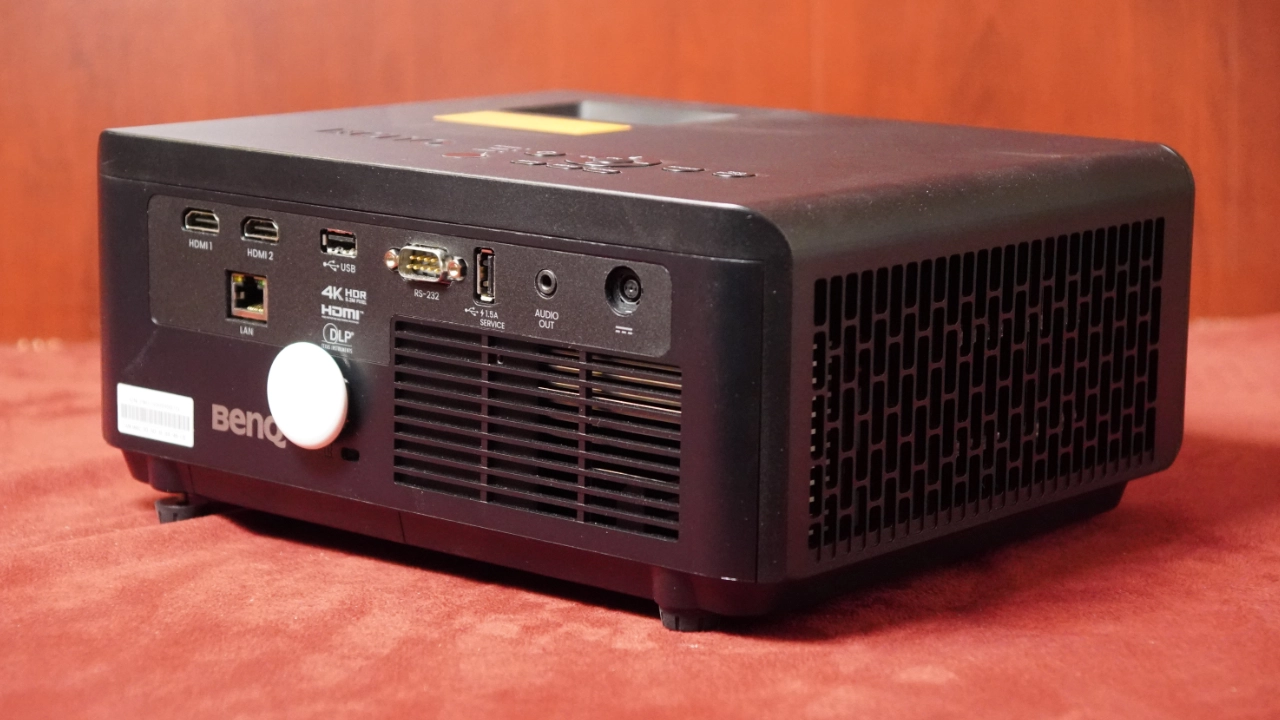
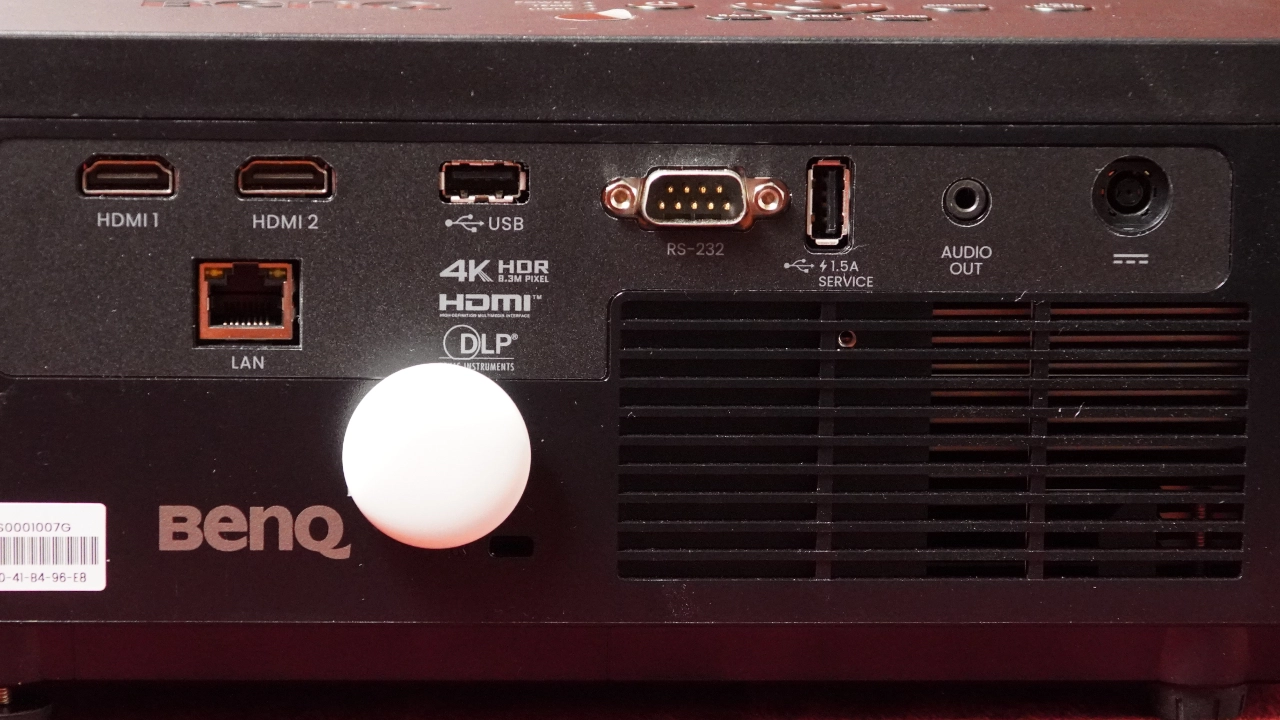
The BenQ LK830ST features multiple inputs on the back panel and a control panel on top. 

The BenQ LK830ST features an input and connectors panel in a single row. From left to right, there are two HDMI 2.0 connections, below that, the projector's high-speed LAN connection, a USB Type-A connector designed to support the optional Wi-Fi dongle, an RS-232 input, a USB Type-A port that doubles as a service port and a 1.5 Ah USB power source, a 3.5mm audio output and the projectors DC power port that you connect the external power brick to.

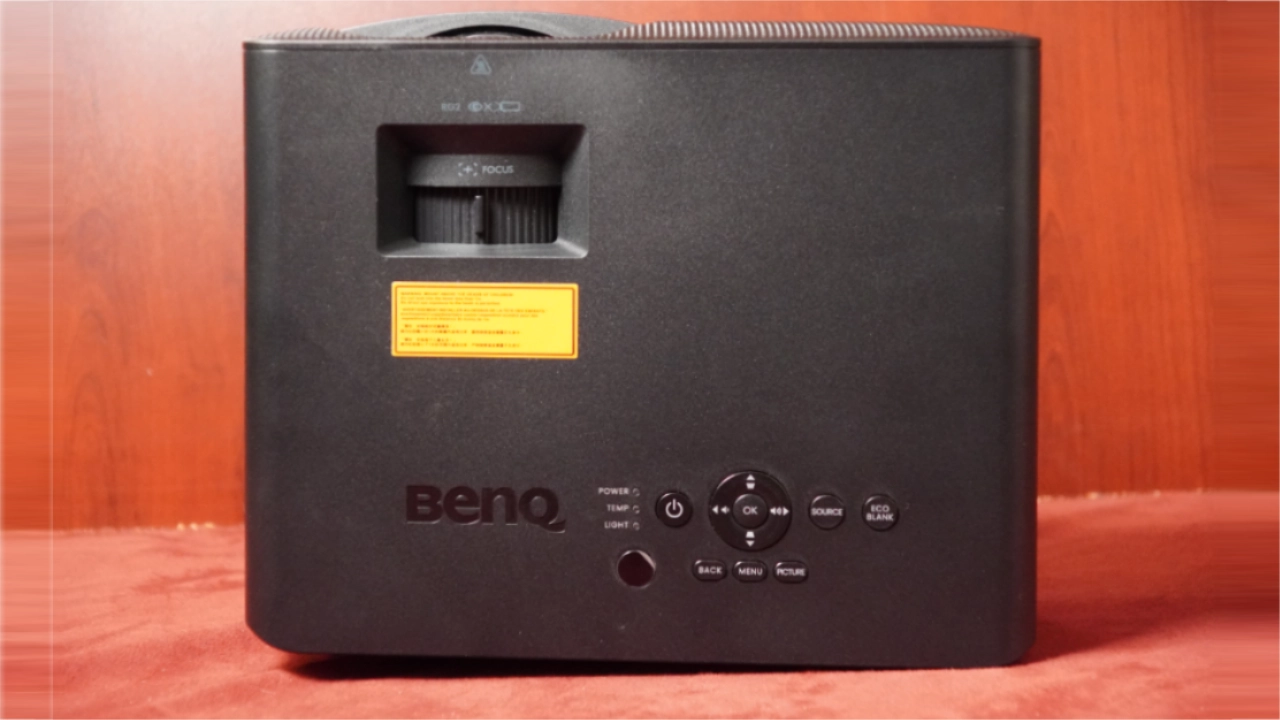
The top of the chassis has a push-button control panel with a Power On/Off button. A D-pad with an “OK” button makes directional control easy. An Eco Blank button to momentarily turn off the light source, an Input button, a Menu button, a Mode button, and a Back button round out the control panel.

The LK830ST also includes a well-designed, backlit remote control, making it easy to use in the dark.

BenQ LK830ST Beauty - Projector Reviews - Images

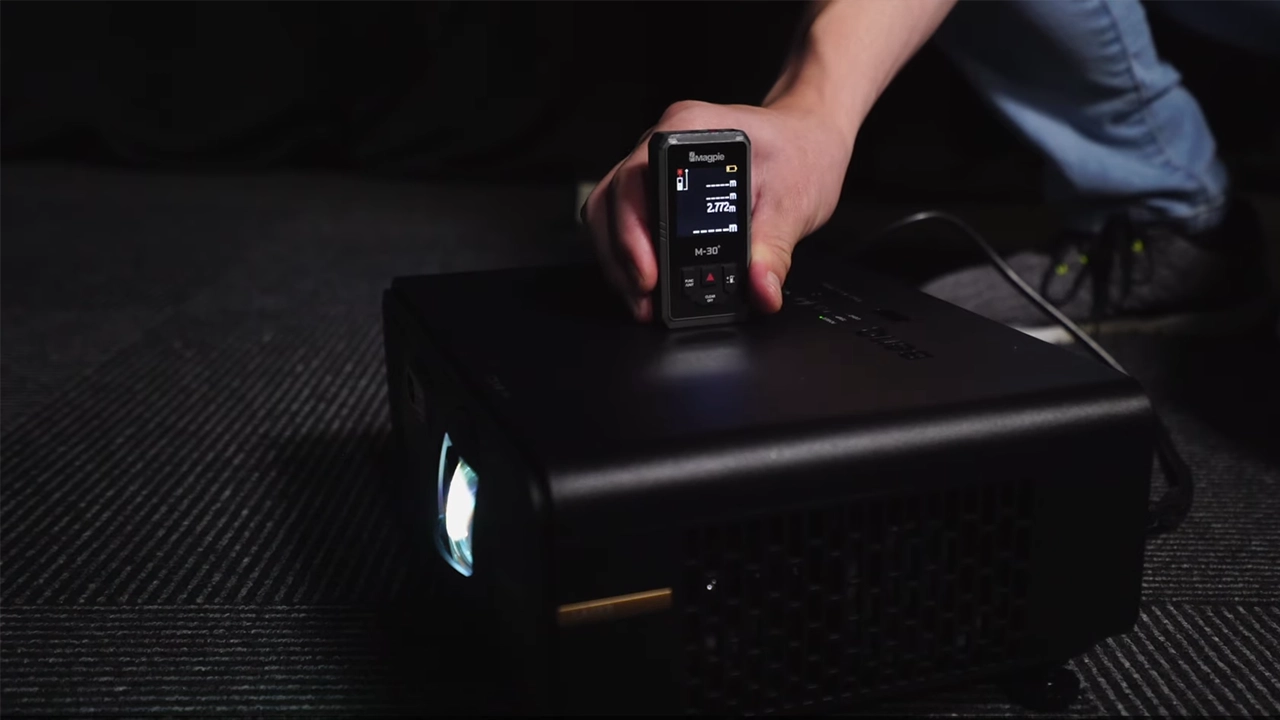
The BenQ LK830ST features a lens that projects a fairly uniform image. I noticed some softening in the image when I was viewing critically, but it wasn't an issue while playing a game. The lens is fixed focus with no optical zoom, so you will have to physically move the projector to make the image bigger or smaller. The LK830ST has a 0.496 throw ratio and can project an image up to 300 inches from approximately 10 feet, 9.6 inches away.

In more real-world terms, that fits a typical suburban garage or basement, it would likely be 12 feet wide by 9 feet high. with a 4:3 aspect ratio, which is widely considered the sweet spot for golf simulators. It is tall enough to feel immersive and catch high-lofted wedge shots. With this size screen, the LK830ST can sit just under six feet away.

At Projector Reviews, we don’t recommend using digital image adjustment except as a last resort. If you need them, BenQ offers several digital adjustments that can be helpful, especially if this projector is used as a golf simulator. BenQ seems to focus on making the DIY garage setup as painless as possible, including 2D Keystone Correction and ±30° horizontal and vertical keystone correction. The LK830ST actually includes an Auto Vertical Keystone function, so if the unit is tilted slightly up or down on your mount, it attempts to square itself before you even touch the remote. Having a 30-degree range gives you a lot of leeway if your mount isn't perfectly centered.

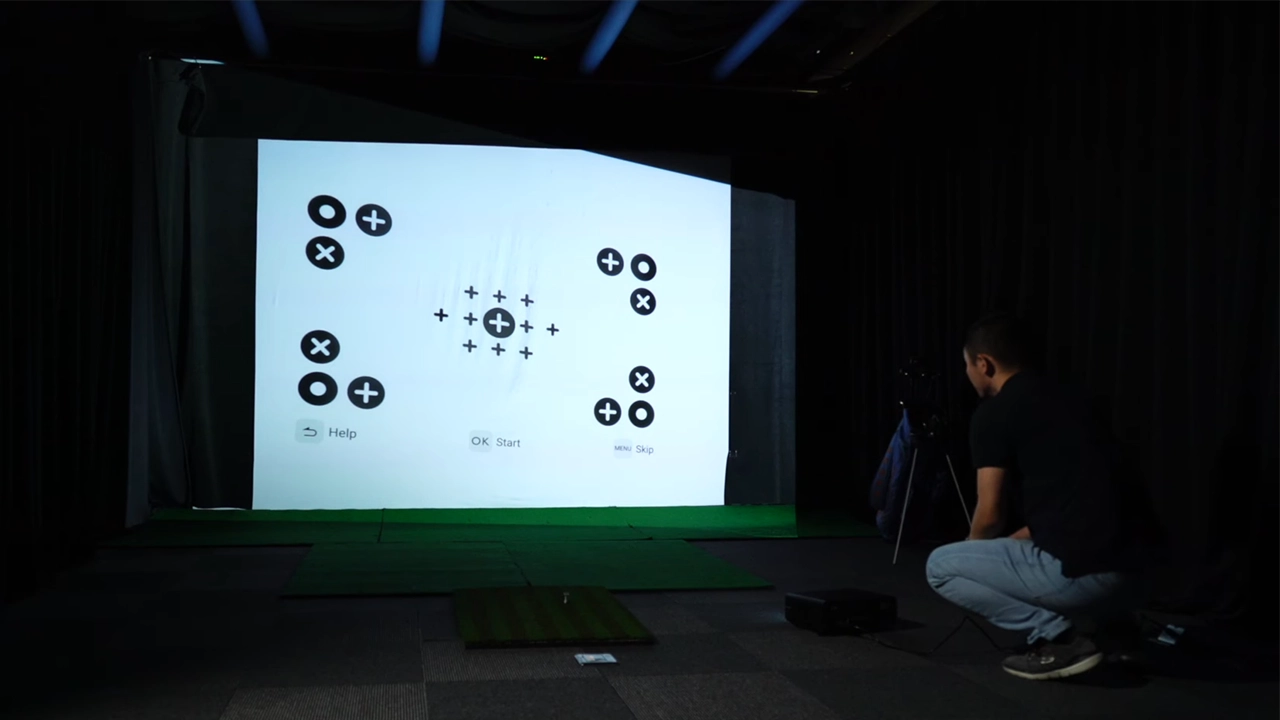
The LK830ST included a CORNER FIT digital tool that lets you grab each of the four image corners independently and pull them to the edges of your screen. CORNER FIT is particularly useful if your impact screen isn't perfectly flat or if your mounting pipe is slightly off.

One of the more unique digital features of the LK830ST is the SCREEN FILL feature, pre-programmed to scale for 4:3 and 1:1, 5:4, 16:9, and 16:10. The idea here is that the projector does the scaling internally, not your PC’s graphics card settings, reducing or eliminating spill.

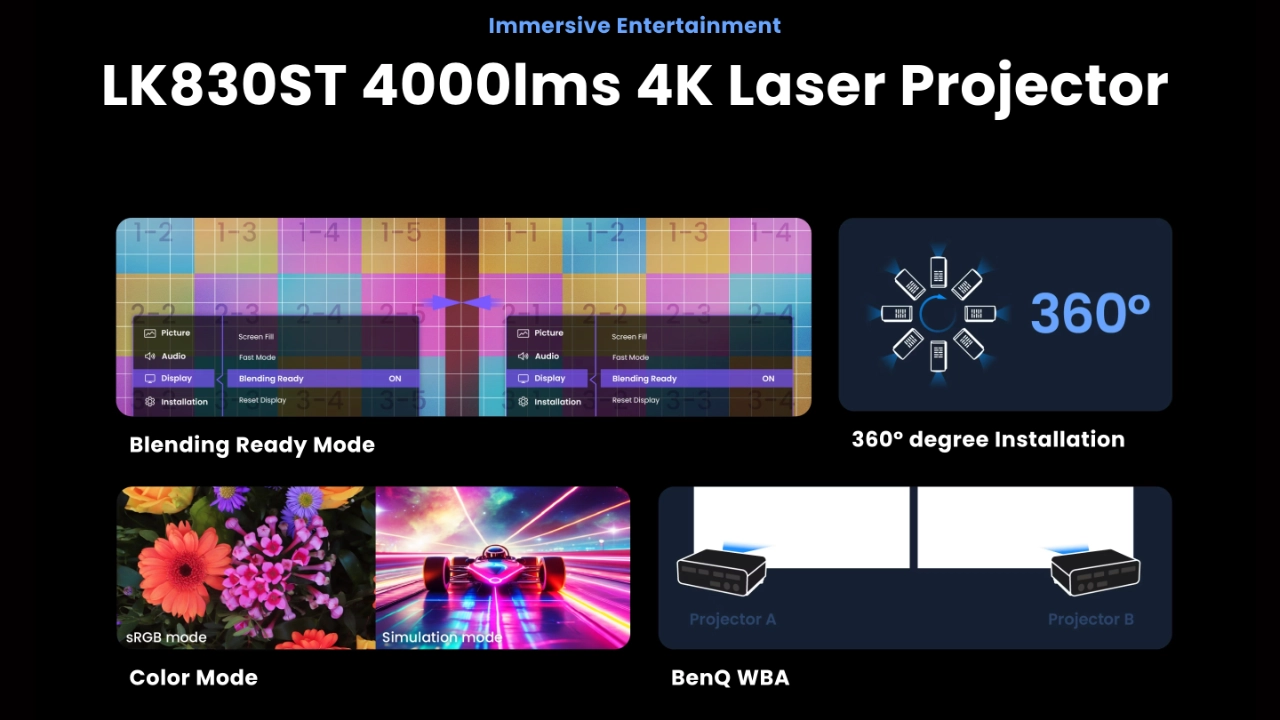
WHITE BALANCE ADJUSTMENT (WBA) may sound like a picture-quality setting, but it is actually a digital alignment tool for those running multi-projector setups. If you are trying to blend two LK830STs for a massive wrap-around screen, WBA ensures the "white" on the left projector perfectly matches the "white" on the right.

Digital SHRINK and SHIFT allow you to reduce the overall image size (about 75-80%) and then "shift" that smaller image within the projection area, which is useful if you accidentally mount the projector an inch or two too far back and the image is slightly too large for your screen.

Overall, I found the image displayed by the LK830ST’s lens to be good. It’s not the best, but it’s certainly not the worst for focus uniformity, and this is likely directly related to the projector’s 0.5 throw ratio lens, which has a harder time pushing light to the extreme corners at such a short throw distance. The short-throw nature of the lens does mean there is a slight softening of focus at the far edges of the image, particularly in the upper corners. It’s not an issue for me during a round of golf, but if I were projecting an image with fine details or using this for movie content, it would be a minor but noticeable trade-off compared to the more expensive LK936ST. Maintaining focus uniformity can be difficult for a short-throw lens at the extreme edges of the image.

PERFORMANCE

COLOR REPRODUCTION

  • BenQ LK830ST Colors - Projector Reviews - Images
  • BenQ LK830ST Colors - Projector Reviews - Images
  • BenQ LK830ST Colors - Projector Reviews - Images
  • BenQ LK830ST Colors - Projector Reviews - Images
  • BenQ LK830ST Colors - Projector Reviews - Images
The BenQ is a great pick for golf simulators or watching movies, even in moderately bright rooms.

At Projector Reviews, we focus in large part on how a projector performs out of the box, evaluating it as you would in your home. Then, after going through the projector's factory presets and tuning, we’ll play around with the custom settings to see how hard it is to adjust the unit to a more accurate image, if possible. That said, we don’t typically color calibrate golf simulation projectors.

Golf simulator projectors typically project an image onto a high-impact golf simulation screen designed first and foremost to withstand the repetitive impact of the ball hitting the screen surface at high speed without causing damage. The second thing is showing a good image on a screen designed to withstand hits from fast golf balls. BenQ has built a mode designed to maximize the image projected onto them.

The GOLF mode boosts blue and green, making grass and sky pop without throwing off the rest of the picture. While this mode is not ideal for movies, when combined with a 4K UHD DLP chip and a blue-laser phosphor light source, it works great for golf, resulting in projected courses that feel more… real.

I said it earlier in the review, the BenQ LK830ST is not just a repurposed office projector. It covers about 93% of the Rec. 709 color space, which is a common industry benchmark for high-definition television. Most golf software, like GSPro or Trackman, is designed within that specific Rec. 709 color gamut.

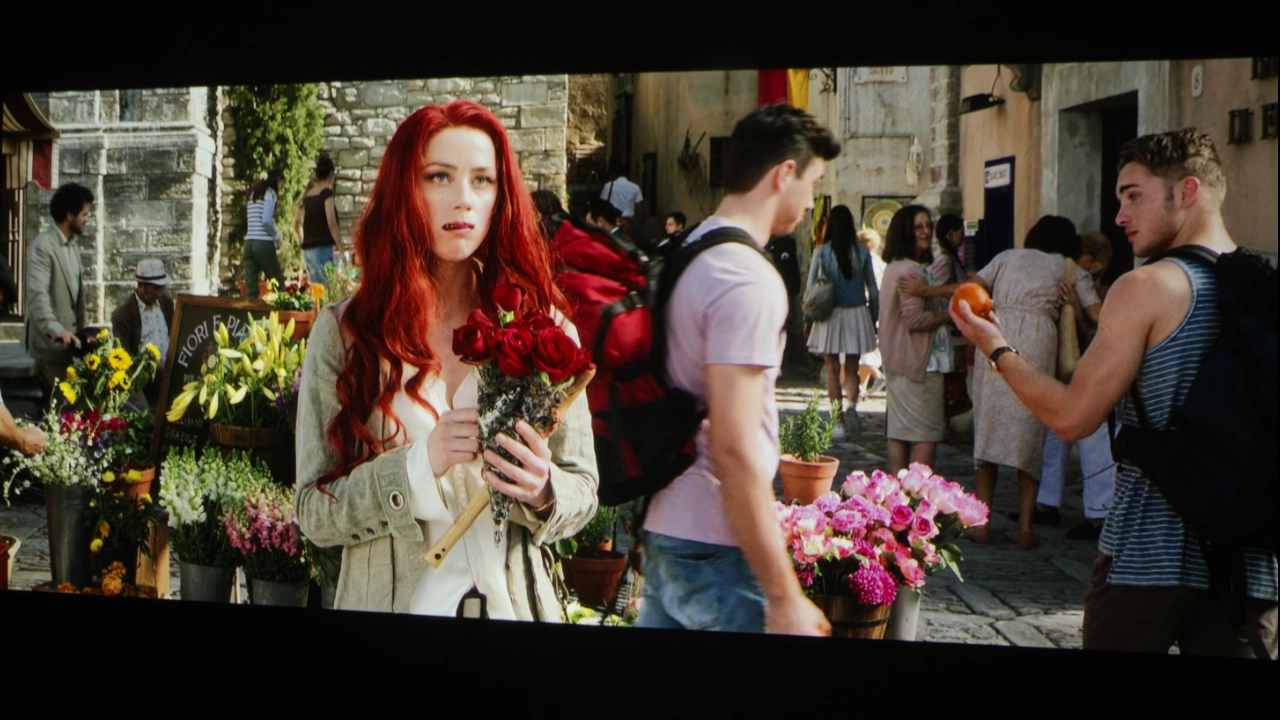
What I noticed in particular is that the golf course colors looked realistic rather than overly saturated. BenQ offers high vibrancy even when you are standing just a few feet away from the screen, largely due to the DLP technology and the BlueCore laser engine. Colors don't shift over time as they do on lamp-based projectors, where the image often starts to dim after a few hundred hours of use and often even turns yellow.

For those who want to adjust things like BRIGHTNESS and CONTRAST to optimize the M8L to their room, several free test patterns are available on Murideo’s website and YouTube channel. Check out our YouTube video on utilizing several of these test patterns on the Projector Review YouTube channel.

Here are links to several free test patterns on the Murideo website and their YouTube channel. Murideo also has detailed written instructions for using its test patterns in the resource section of its website. Also, check out our YouTube video on utilizing several test patterns called Optimize The Image of a Projector or TV Using Free Murideo Test Patterns.

  • BenQ LK830ST Colors - Projector Reviews - Images
  • BenQ LK830ST Colors - Projector Reviews - Images
  • BenQ LK830ST Colors - Projector Reviews - Images
  • BenQ LK830ST Colors - Projector Reviews - Images
  • BenQ LK830ST Colors - Projector Reviews - Images

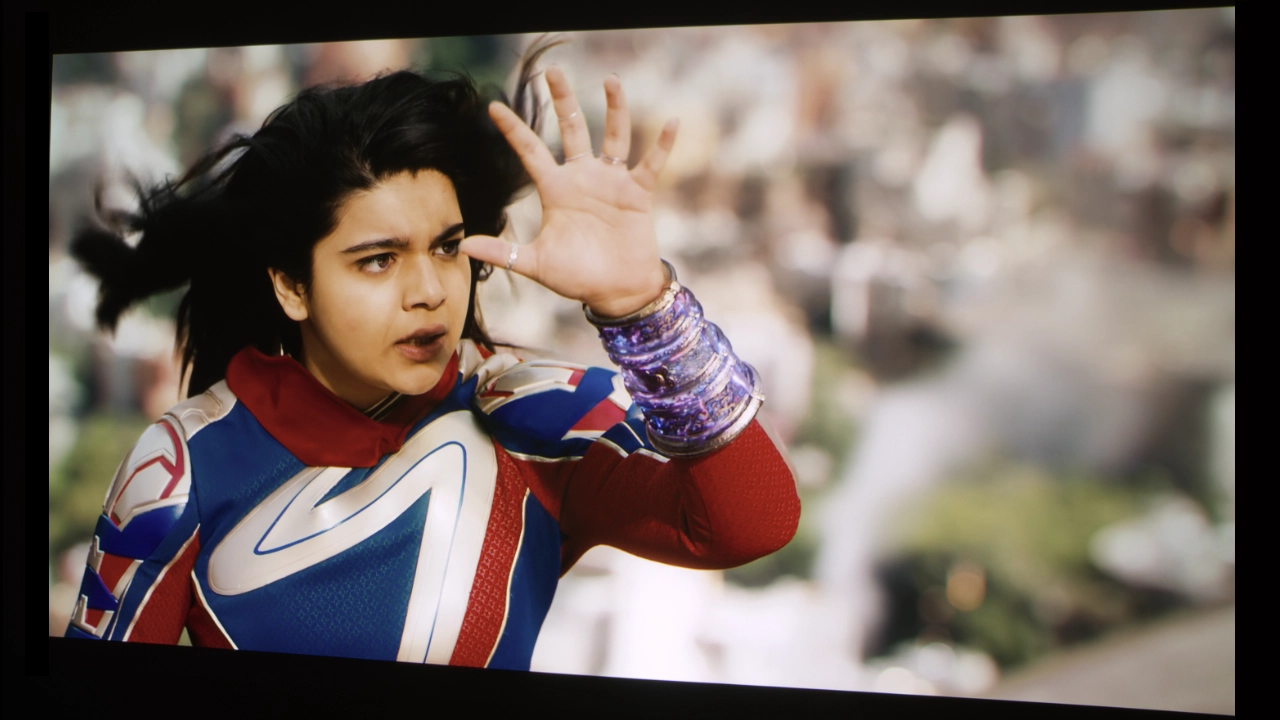
When it comes to color, the projector’s GOLF mode is not a marketing gimmick but an actual calibration designed to let the LK830ST display the types of colors you see on a real golf course. BenQ boosts the green and blue separation, visually boosting the contrast in the green elements of the course grass and trees, which helps you differentiate the fairway from the rough or see the texture on a putting green. 

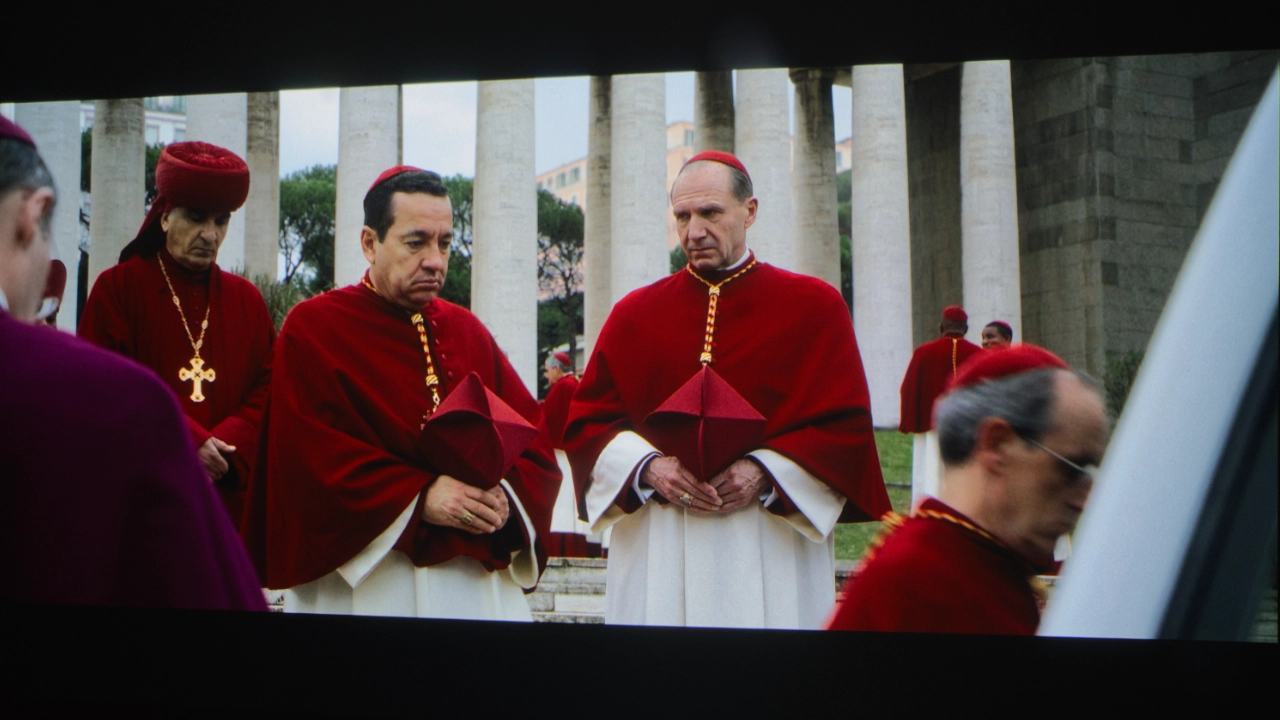
In addition, the GOLF mode handles organic tones particularly well, preventing the sky from looking like a flat blue sheet or the bunkers from appearing like orange clay. The LK830ST handles color with surprising discipline. It doesn't just "crank the brightness" and call it a day; it relies on its 93% Rec. 709 coverage to keep things grounded.

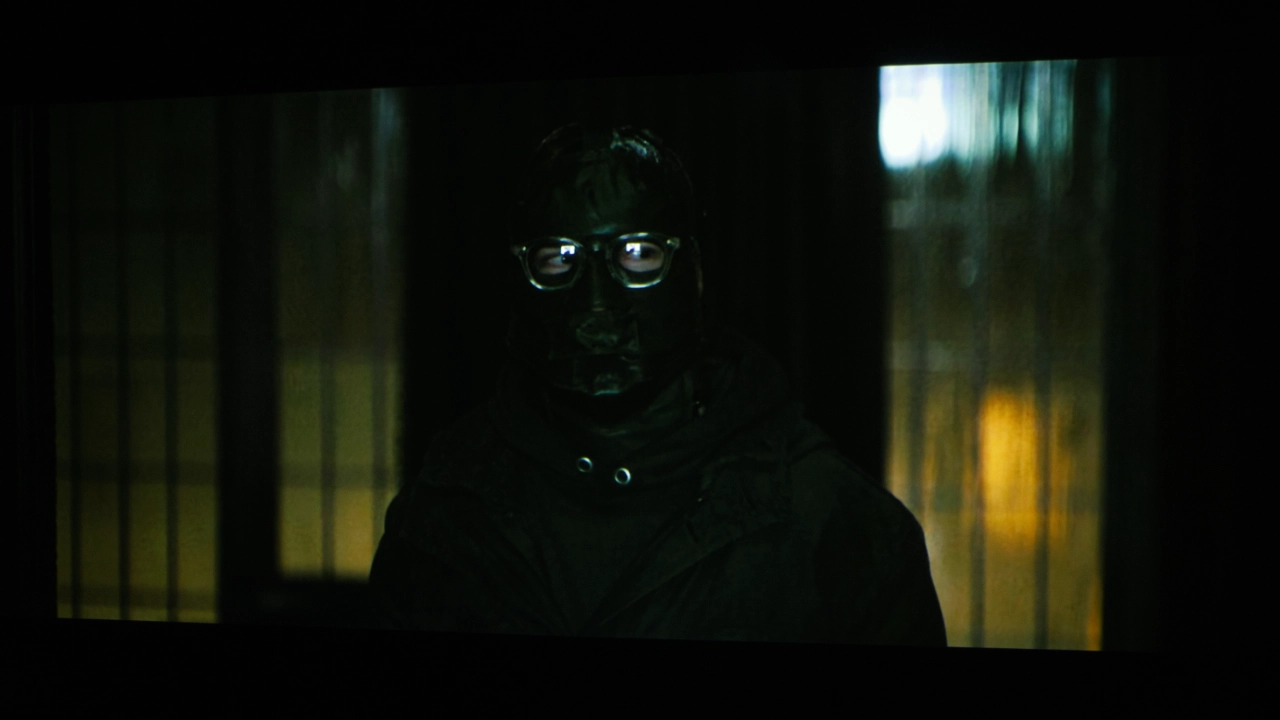
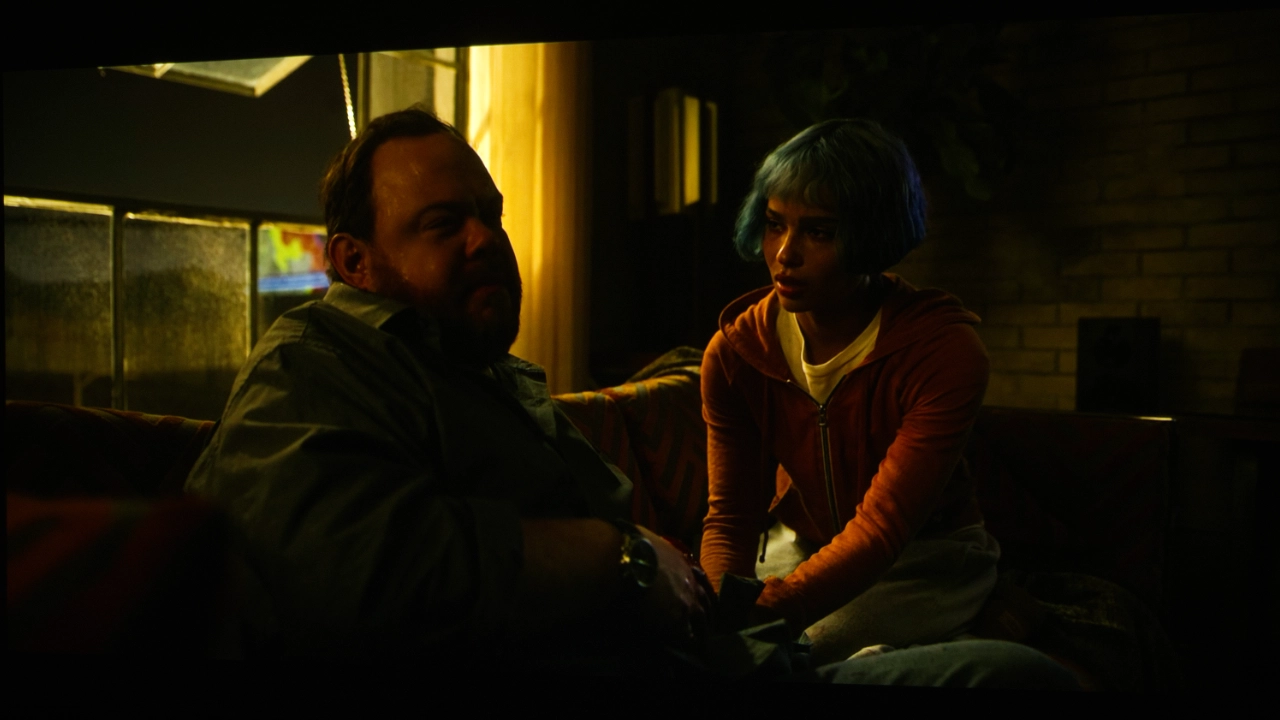
For a film like The Batman, the projector’s performance is a balancing act. You can actually see the texture on Batman’s cowl and the grime on Gotham's streets, where a dimmer projector might just show a black smudge. It maintains natural skin tones effectively, so Robert Pattinson doesn't look orange or washed out, but it’s definitely leaning more towards "clarity in the dark" than "perfectly inky blacks."

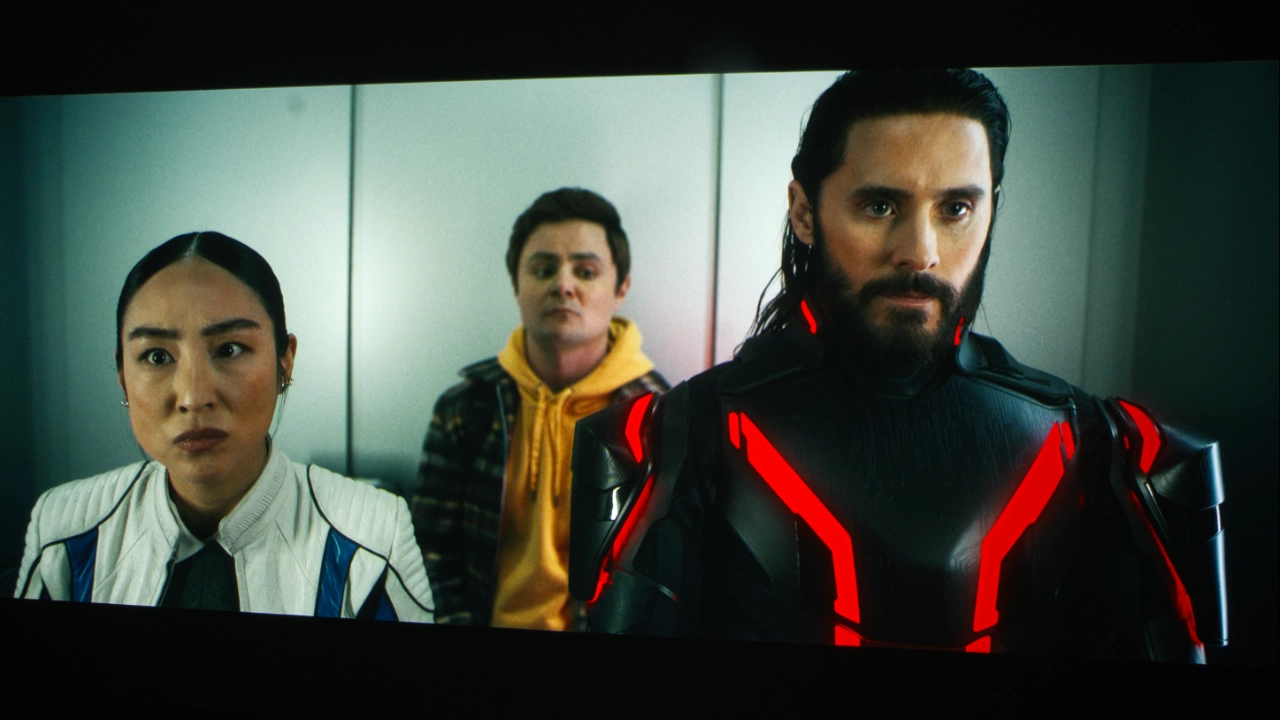
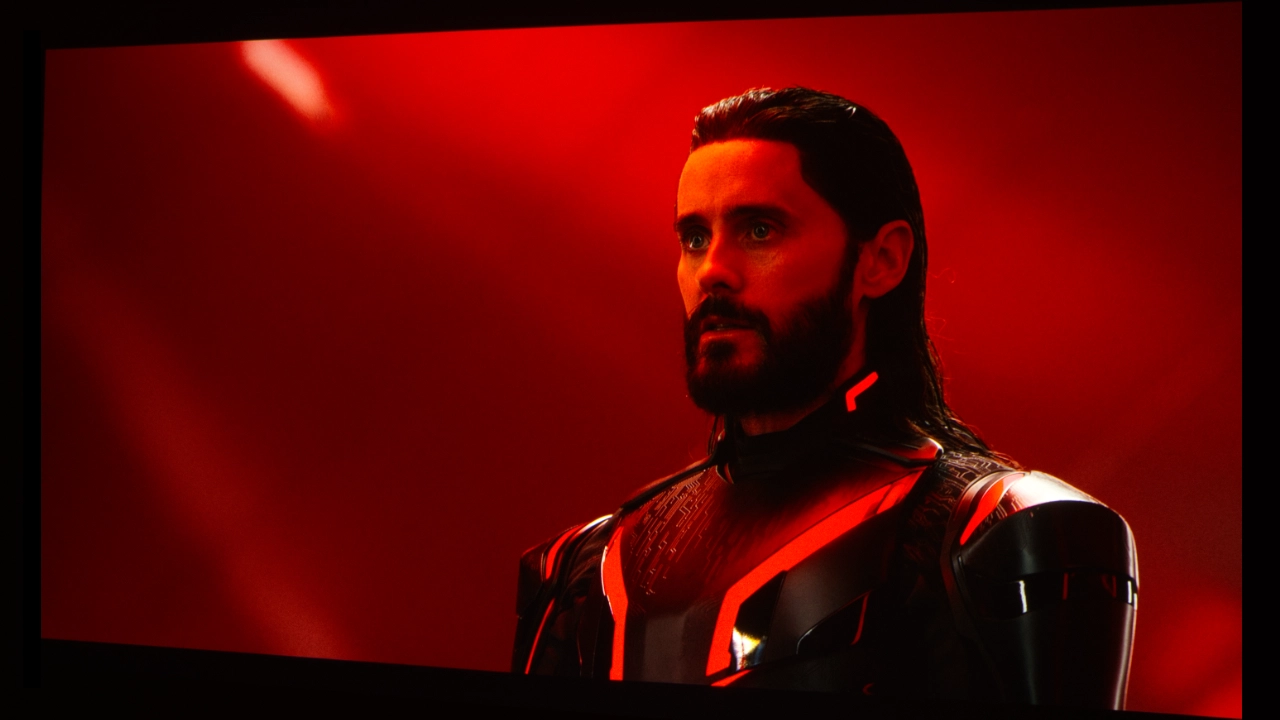
Tron: Ares is essentially the perfect demo for this hardware. Razor-sharp neon blues and reds define the movie against a digital void. The BlueCore laser engine appears to love these saturated neon colors. The light cycles and suits pop with intensity that feels properly electric.

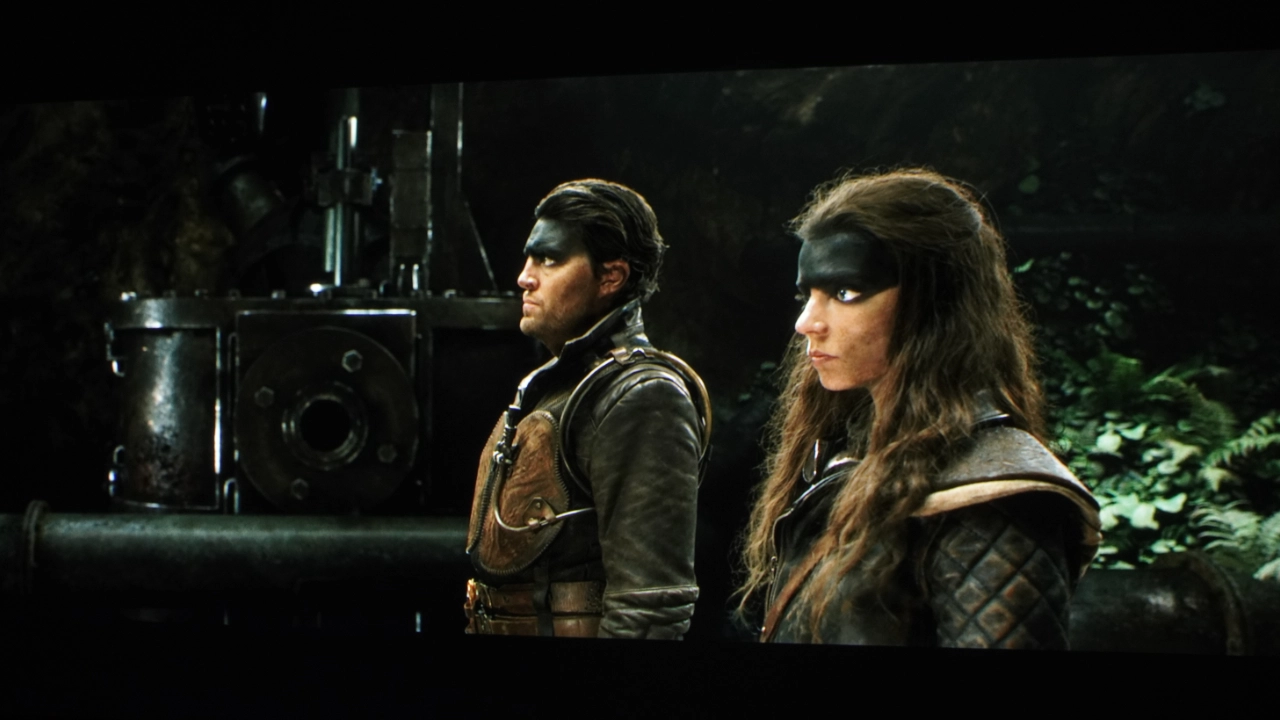
On Furiosa: A Mad Max Saga is the opposite end of the spectrum—all about harsh sunlight, orange desert sands, and metallic grays. The projector's Rec. 709 accuracy ensures that the orange sands look like actual desert earth rather than a cartoonish, oversaturated peach.
The LK830ST delivers that "punched-out" highlight look that makes the wasteland feel appropriately oppressive.

The BenQ LK830ST is a top pick for golf simulators and home entertainment, thanks to its bold colors, high brightness, golf-friendly presets, and manual fine-tuning.

BRIGHTNESS

  • BenQ LK830ST Brightness - Projector Reviews - Images
  • BenQ LK830ST Brightness - Projector Reviews - Images
  • BenQ LK830ST Brightness - Projector Reviews - Images
  • BenQ LK830ST Brightness - Projector Reviews - Images
  • BenQ LK830ST Brightness - Projector Reviews - Images
The LK830ST produced a very bright image abesting it's BenQ rated 4,000 ANSI lumens.

Because the LK830ST is pushing 4,000 lumens, it handles the shadow detail better than a dimmer projector might, preventing the image from becoming a "black blob." However, since it is a high-brightness laser light source, deep blacks won't be as "inky" as those of a dedicated home theater model. In a pitch-black room, Batman's suit might look more like a very dark charcoal than true black.

I wondered how this projector compares in brightness to the BenQ AH700ST, which is also rated at 4,000 lumens. Click the link to see my full review. I’m basing this on my memory, written notes, and photos. While both the LK830ST and the AH700ST offer the same manufacturer-rated brightness, I think the LK830ST delivers a punchier, perceptually brighter picture.

I think this has a lot to do with the LK830ST’s increased 4K resolution. Unlike a 1080P image stretched across my 110-inch matte white screen, which, depending on the content, can appear hazy. I think the LK830ST has less visible space between pixels (due to the DLP's mirror elements), and the lack of screen door effect makes the displayed image seem vibrant, which helps it stand out in my mind.

For brightness testing, I took 3-4 readings from the center of the screen. The projector's brightest mode was its USER#1 mode, coming in slightly above the manufacturer's rated 4,000 ANSI lumens at 4,028 lumens. As you can see in my results chart below, ENTERTAINMENT, VIVID, GOLF, and USER#2 modes all measured above 4,000 lumens.

The LK830ST's brightness is excellent for use in environments where users cannot control ambient light sources. It is a powerhouse that can compensate for moderate amounts of uncontrolled ambient light while maintaining decent on-screen color.

For entertainment content like movies, television, and console gaming, the LK830ST’s brightness and warm, slightly oversaturated colors provide the same benefits in living rooms where lights-on viewing is the norm rather than an exception.

BRIGHTNESS BY PICTURE MODE

BRIGHT3841 lumens
ENTERTAINMENT4022  lumens
sRGB3589 lumens
PRESENTATION4016 lumens
VIVID4013 lumens
GOLF4013 lumens
CINEMA3592 lumens
USER#14028 lumens
USER#24022 lumens


BLACK LEVEL AND SHADOW DETAIL

  • BenQ LK830ST Blacks - Projector Reviews - Images
  • BenQ LK830ST Blacks - Projector Reviews - Images
  • BenQ LK830ST Blacks - Projector Reviews - Images
  • BenQ LK830ST Blacks - Projector Reviews - Images
  • BenQ LK830ST Blacks - Projector Reviews - Images
The BenQ LK830ST focuses more on color and brightness rather than dark blacks.

When it comes to contrast and black levels, including shadow detail, the BenQ LK830ST is listed as capable of a dynamic contrast ratio of 3,000,000:1, which is typical for recent BenQ projectors. To be clear, the LK830ST is a "high-brightness” projector primarily designed for use in golf simulation, and according to BenQ, it projects images like virtual decorations mapped onto a building, like your home. Click the link to see the company's page.

Let’s start with the projector's ability to display darker black. Due to the projector's high brightness (4000 lumens), blacks won't be as deep as in a theater-specific model like the BenQ W5850, and certainly not in a LCoS or 3-LCD projector. There’s also the need to set expectations for the environment. Even in my light-controlled lab, the black floor was not as deep as a dedicated home cinema projector. Still, when you take into account the average space that a golf simulator is set up, like a garage or other spaces with light bleed, white walls and ceilings that reflect light onto the screen, blacks aren't going to be as deep.

Running some of my favorite dark test content, like The Batman blacks, is more of a dark charcoal than the inky black home theater purists chase.

When it comes to dark-area detail, this is where the distinction between golf and cinema becomes particularly interesting. In my opinion, in golf simulation, the absolute black level matters less than good shadow detail and tone separation. Put simply, I prefer to see the difference between the dark greens of the grass and the foliage of the trees, and the shadows the simulation displays for a ball in the rough. Frankly, the LK830ST’s laser engine does a great job, ensuring that dark areas still display visible texture and depth.

In movies like Tron: Ares, the contrast between bright neon light and a dark background impresses me, but if the black floor is too dark, the whole "Grid" starts to look a bit washed out. To be clear, the LK830ST’s 4K clarity keeps the neon lines sharp, but the overall image depth isn't quite as "cinematic" as a dedicated theater display that trades raw brightness for deeper blacks.

Whether this matters to you depends on how the room is used. What I mean is, if your simulator space doubles as your primary movie theater and you plan on watching a lot of films, especially dark ones like The Batman, in total darkness, you might notice the higher black floor. If you are like the typical simulator user, meaning in addition to golf simulation, you are watching sports, playing GSPro (Golf Simulator Pro), or catching the occasional movie with a small amount of uncontrolled ambient light in the room, the LK830ST’s 4,000 lumens are going to work to your benefit. In this typical setup, the concern is about getting a good read on a virtual green, not cinematic contrast. The BenQ LK830ST displays a vibrant, usable image in a typical multi-purpose room.

GOLF SIMULATION

  • BenQ AH700ST "Ace" for Golf - Projector Reviews Images
  • BenQ AH700ST "Ace" for Golf - Projector Reviews Images
  • BenQ AH700ST "Ace" for Golf - Projector Reviews Images
  • BenQ AH700ST "Ace" for Golf - Projector Reviews Images

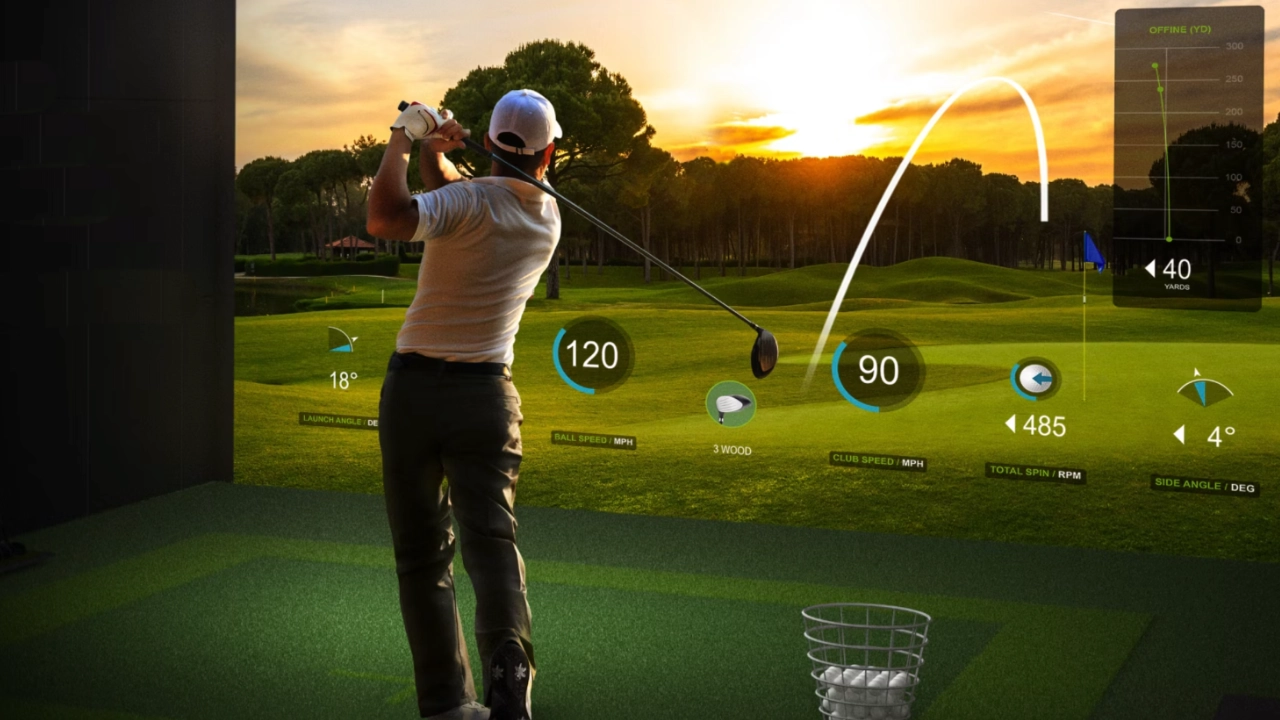
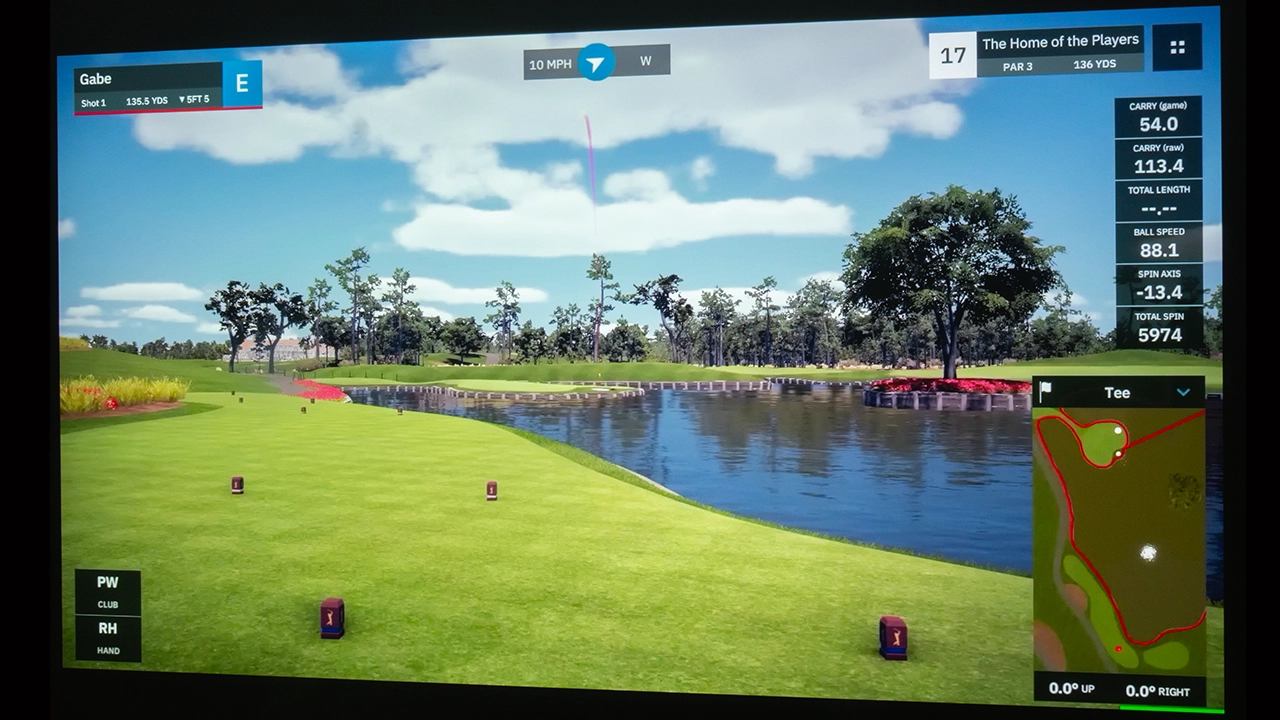
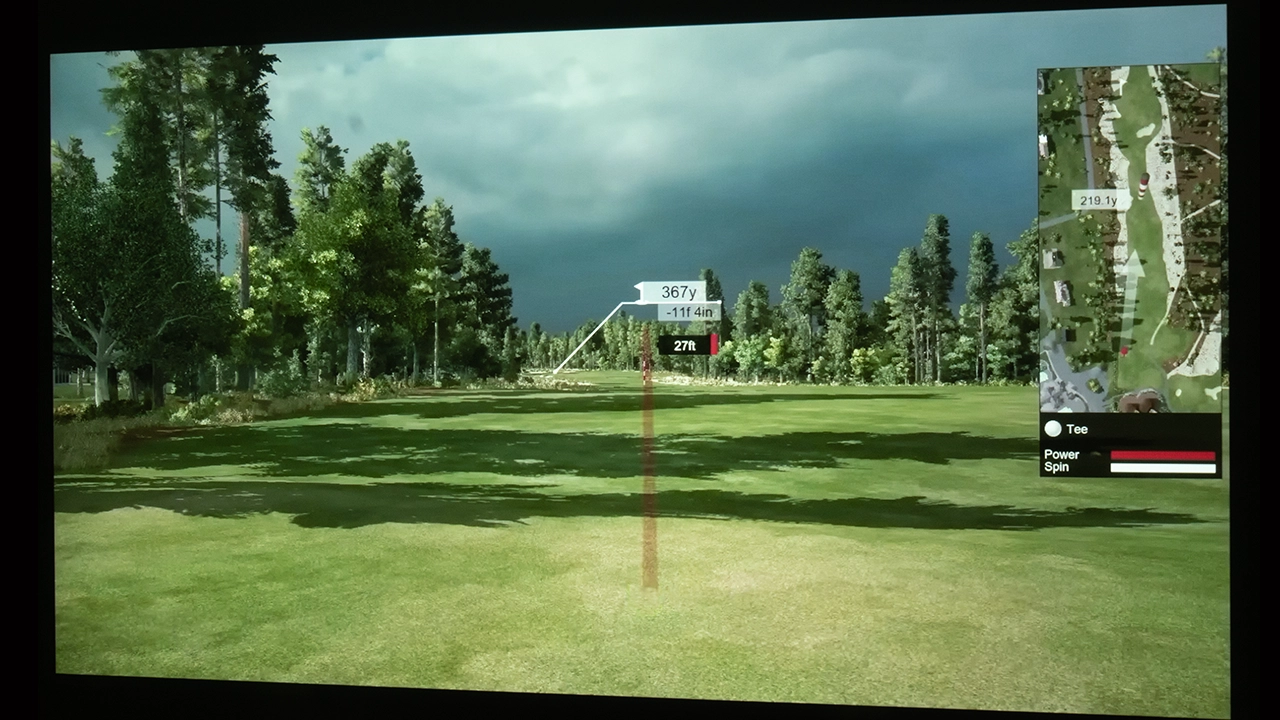
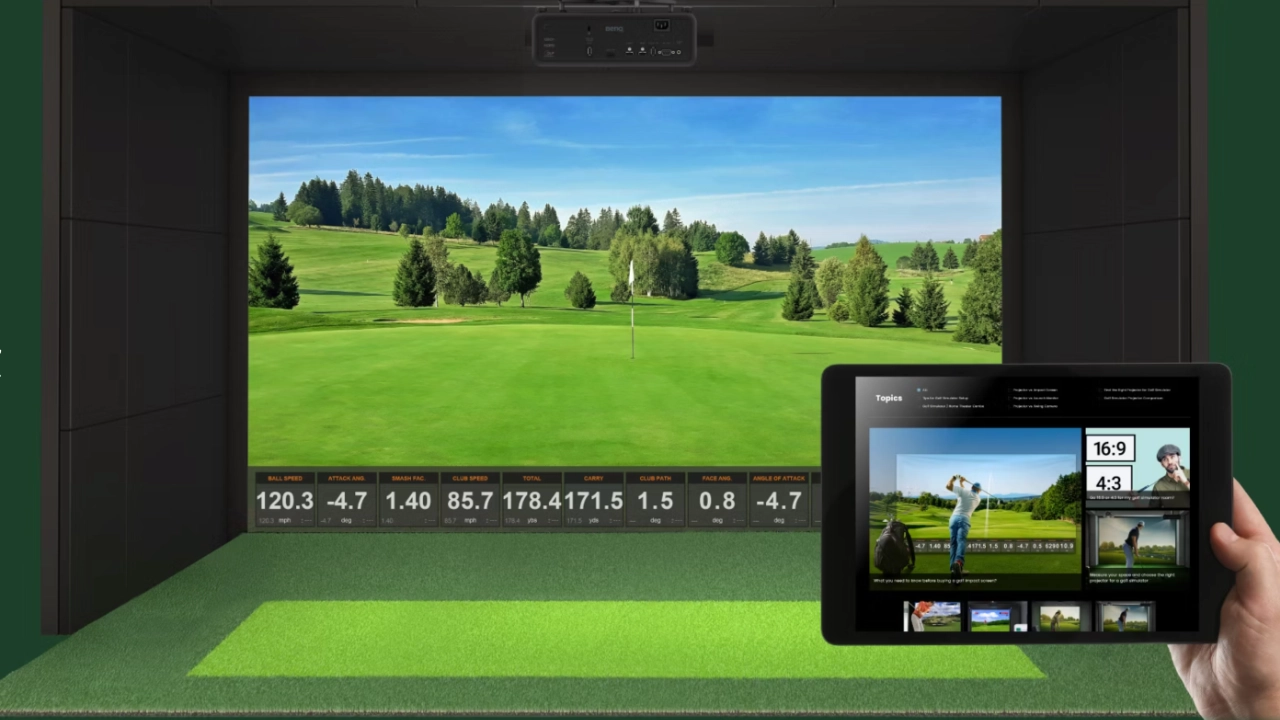
BenQ is a familiar name in home entertainment projection, and for many years now, its projectors have found a niche in the burgeoning golf simulator market. With its easy installation, the LK830ST is a significant offering that delivers rich, vibrant colors, even in extremely challenging lighting conditions.

When it comes to a typical weak point, high-impact screens, designed to protect your space from errant golf balls, are not exactly optimized for the level of cinematic image quality demanded by home theater enthusiasts. High-impact screens are designed for durability, prioritizing resistance to repeated impacts from golf balls. Even very expensive high-impact screen materials can reduce image sharpness, color vibrancy, and overall image fidelity.

To address these issues, BenQ has designed the LK830ST to compensate somewhat. The GOLF preset picture mode strategically boosts blue and green hues so virtual fairways look realistically green and skies richly blue without overwhelming the overall color of the entire image. This mode delivers a visually superior golf simulation experience.

  • BenQ LK830ST Marketing - Projector Reviews - Images
  • BenQ AH700ST "Ace" Golf Projector- Projector Reviews Images
  • BenQ AH700ST "Ace" Golf Projector- Projector Reviews Images
  • BenQ AH700ST Support - Projector Reviews Images
At the press of a button, the projector virtually installs itself.

SOUND QUALITY

We do not conduct formal sound output measurements at Projector Reviews. The perception of how a projector sounds is influenced by its performance and the acoustic characteristics of the testing environment, which may differ significantly from those in individual user spaces.

The projector's (at times) noticeable dfan noise is likely directly related to its small size, which requires the fans to work harder to keep the laser light source cool. I don’t think the increased fan noise is a problem when used in the golf simulator setup. The BENQ LK830ST produces 33 dB in NORMAL mode and 29 dB in ECO light mode. In a home golf simulator setup, the 33 dB of fan noise should not distract from your game. When watching a movie, especially a quieter one, the 33 dB of noise will not be noticeable.

The LK830ST's integrated 10-watt mono speaker is more than loud enough for golf simulator applications and sufficient for movie playback. It does lack the stereo separation and dynamic range typically found in home entertainment projectors. For an enhanced cinematic experience, connect the projector to an external soundbar or dedicated audio system. I connected to an ARC-enabled audio system without sound quality or sync issues. It worked just fine.

SUMMARY

BenQ LK830ST Projector - Projector Reviews - Images

The BenQ LK830ST is designed specifically for indoor golf simulators. Unlike most of this review, that’s not my opinion, but actually what BenQ has stated in their marketing materials for this projector. The LK830ST is designed to stand out from other golf sim projectors for several reasons. One thing this projector is not is a classroom or business projector dropped into the golf simulator market; it is a purpose-built design.

Unlike the typical “Golf Sim” projector, the LK830ST combines 4K UHD resolution (using pixel shifting technology). 4K increases details so that the image it projects, so that the simulator course looks lifelike, allowing the player to become immersed in the game. With BenQ’s True 4K UHD resolution delivering 8.3 million pixels (4x that of traditional 1080p projectors), the projector produces a level of detail that’s especially impactful on large impact screens.
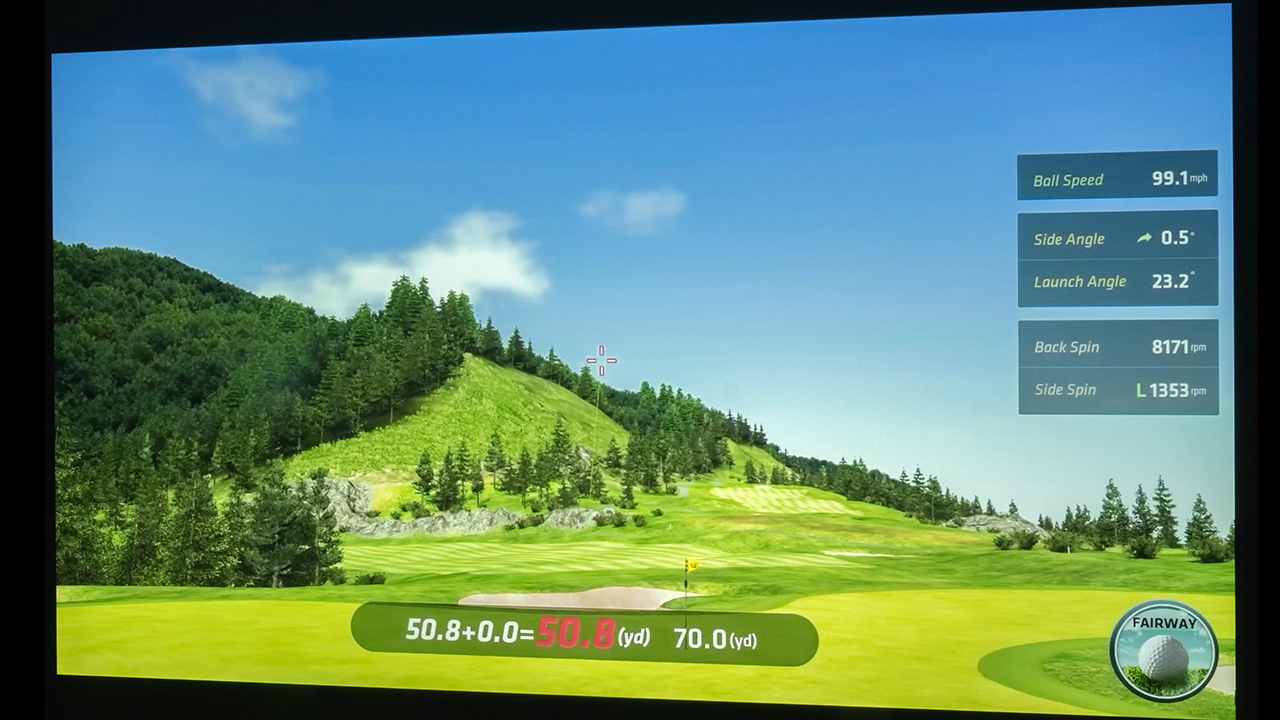
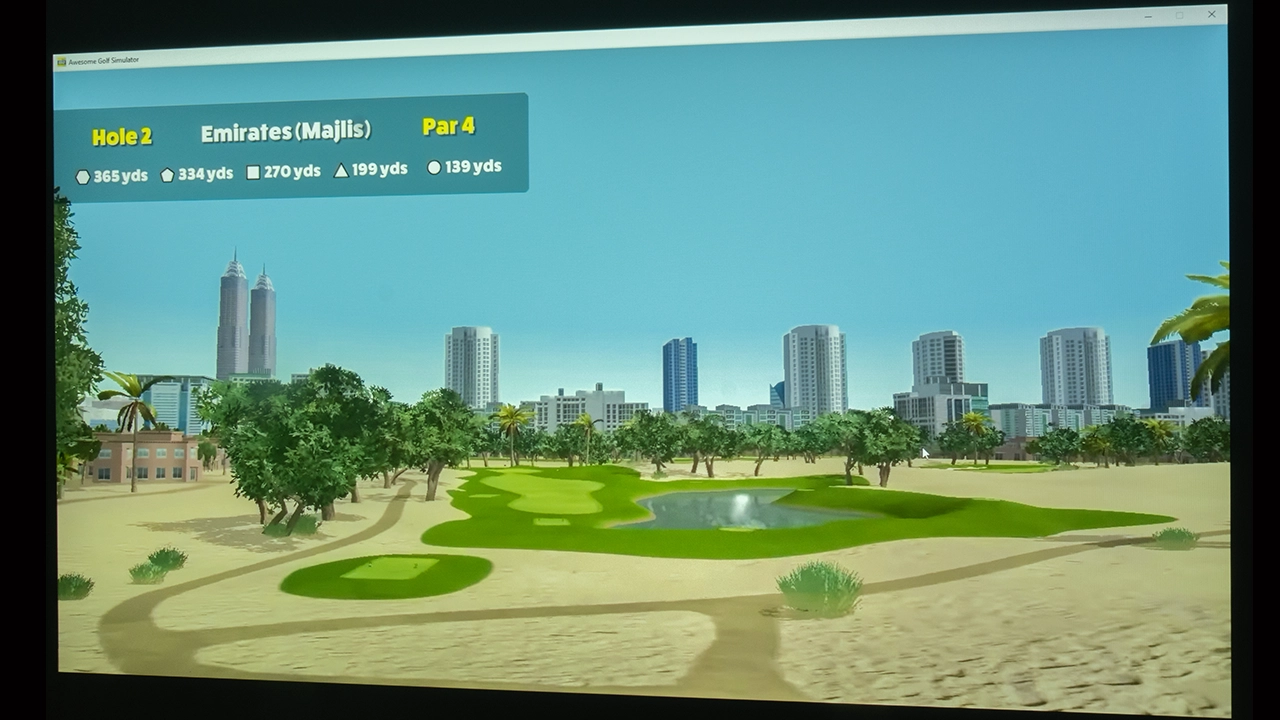
BenQ further enhances the viewing experience by eliminating the screen-door effect you still see on so many golf simulator projectors, delivering only Full HD (1920 x 1080p) resolution.

BenQ AH700ST "Ace" Golf Color - Projector Reviews Images

When using a golf sim, we typically stand just a few feet from the impact screen. Having that extra distance helps keep the "screen door" effect from ruining the illusion you are trying to maintain: that you are playing a round of golf. When you are practically on top of the screen, those 8.3 million pixels are providing the detail to help with the actual gameplay, too. This extra resolution can be the difference between spotting a subtle break in the green or a specific texture in the rough. This immersive effect makes the whole experience feel l like a real round of golf.

At standard hitting distances, a lower-resolution unit often reveals its pixel structure. Still, the LK830ST and its 4K UHD DLP design appear to smooth out the image, effectively wiping out the tiny black lines that usually border each pixel on an LCD screen. Once you notice that mesh-like pattern of screen door effect, you simply can’t unsee it. At a minimum, by eliminating the screen door effect, it might not perfectly replicate being at Pebble Beach, but it certainly gets close enough to trick your brain for a couple of hours.

BenQ LK830ST with Award - Projector Reviews - Images
If you are interested in purchasing this projector, please support Projector Reviews.com and ProjectorScreen.com by utilizing the link below
BH-buy-now-affliate-buttons- Projector Reviews Images

At home, golf simulators can be really challenged by space constraints. Honestly, it's rare to have access to a massive, open studio for a simulator, rather than trying to squeeze these setups into a cluttered two-car garage, a basement with low-hanging pipes, or a spare bedroom. The LK830ST and its 0.5 short-throw lens are a huge advantage, directly addressing the space issue. This lens is powerful enough to project an image up to 300 inches while sitting remarkably close to your high-impact golf screen.

The LK830ST’s 0.5 short-throw lens means you need less room depth, simplifies mounting, and keeps the projector well away from your swinging golf club, ensuring that you won't clip the lens on the head of your driver. In short, the BenQ LK830ST is designed to play nice with the constraints of a typical home and fit your golf simulator into the space you already have. BenQ has also built this projector with a lower 114% offset, allowing the image to display on your high-impact screen with proper alignment without excessive tilting.

BenQ AH700ST "Ace" Golf Projector- Projector Reviews Images

When it comes to overall picture quality, the BenQ LK830ST delivers on its primary goal as a high-quality simulator projector and produces an above-average cinematic picture. Not the best, but quite good.

From a color perspective, BenQ has made a projector that produces realistic color, compensating for being used in neither the best environments, especially when it comes to light control, nor the best screen materials, where durability of the high-impact screen is the primary focus, not image quality. Cinematic colors on the LK830ST are more natural than you get from a typical simulator projector, but where this projector really shines is when you are playing the back nine of your favorite course. The greens of the course and the blues of the sky don’t appear neon, and the textures are excellent.

At 4,000 ANSI Lumens, the LK830ST is bright and designed to overcome uncontrolled ambient light sources, making it powerful enough to be used in a room with the lights on or in a garage with some light without the image looking washed out. It maintains its punch even on larger impact screens, ensuring 4K details remain visible and muted, unlike on lower-resolution simulation projectors, which can make them blurry or muddy. The LK830ST even supports HDR10 and HLG, which can help ensure highlights pop while keeping the darker sections of the frame stable.

Finally, when it comes to contrast, the LK830ST uses a 0.65” DMD chip, which means that when you are in an optimal lighting situation, this projector will provide a decent contrast boost, especially over older entry-level golf simulation projectors. Despite an above-average black floor for a high-brightness projector, the LK830ST won't produce the blacks you can find on a dedicated BenQ home theater projector, and certainly not at the level of an LCoS or 3-LCD projectors. The LK830ST excels at dark-area or “shadow” detail. In particular, in simulation mode, BenQ has made a projector that does not crush blacks, allowing you to see textures in the shadows rather than just a dark blob. 

When you make your buying decision, please consider BenQ’s additional tools, such as GOLF mode, which enhances greens and blues and helps compensate for room lighting and screen issues. Add fast-setup features like SCREEN FILL to fit your 4:3 or 1:1 screen without moving the unit or messing with PC settings, which makes this a top choice.

Competition

Optoma Optoma ZK430ST $2,299 MSRP

The Optoma ZK430ST has a 3,700-lumen brightness and is a short-throw projector. This projector appears to be a solid pick for someone watching their budget and who doesn't mind manually adjusting display settings to get the image just right.

It is easy to look at the Optoma ZK430ST and the BenQ side by side and think they do the same thing, especially since they both rely on blue-laser phosphor and Texas Instruments DLP technology. However, the hardware is different. The Optoma runs on a 0.47-inch DMD chip, whereas the BenQ steps up to a 0.65-inch version, which handles light more effectively. In a real-world setup, such as a dimly lit basement or a garage, this can result in deeper shadows and more detail in the dark parts of the image, which could mean the Optoma’s smaller chip could struggle to render them.

The Optoma lists for $2,299, and the BenQ LK830ST costs around $2,499. Again, not a huge difference, but when you look at what you get for a few hundred dollars on the BenQ, the advantages start to stack up in BenQ’s favor. The BenQ is brighter at 4,000 ANSI lumens compared to Optoma’s 3,700 lumens. The BenQ offers about 93% Rec.709 color space. It also comes with specific software, such as GOLF mode and SCREEN FILL. If you have ever tried to warp an image to fit a custom impact screen manually, you know it can be a massive headache, so having those built-in tools is a legitimate upgrade. The Optoma costs slightly less at $2,299, and you get a smaller chassis; you lose the specialized simulation presets BenQ includes.


BenQ LK830ST-Dual Use - Projector Reviews - Images

If you want to plug everything in and start swinging, the BenQ is likely the smoother path, even if it hits the wallet a little harder. It really comes down to whether you value more advanced hardware and ease of use over a more compact and affordable projector. If you want a golf setup that delivers a crisp, bright look, emphasizes true color, and provides dedicated tools to make setup easier across a range of environments, the LK830ST may be the choice for you.

BenQ LK830ST - Specifications

BenQ LK830ST Projector - Projector Reviews - Images
Full Specifications
Projector ModelLK830ST
Price$2,499 MSRP
Imager Type065-Inch DLP
Displayed Resolution3840 x 2160 pixels
Native Resolution1920 x 1080 pixels
Brightness (Manufacturer Claim)4,000 ANSI lumens
Light Source TypeBlue Laser Phosphor
Light Source Life20,000+ hours
Contrast Ratio3,000,000:1 (Dynamic)
Zoom Lens RatioFixed
Power Zoom/FocusNo
Lens ShiftNo
Interchangeable LensNo
Ultra Short ThrowNo
Native Aspect Ratio16:9 (Widescreen)
HDRYes
3DNo
Speakers10 watts Mono
Noise Level (-db)28 to 34 dB
Low Lag Gaming4.2 to 16 ms
Smart FunctionalityNo
Business/ClassroomNo
PortableYes
Special FeaturesAuto Fit (Focus and Alignment), Short Throw, 4,000 ANSI Lumens
NetworkingLAN, WiFi Dongle, Optional for an additional charge
Dimensions (WxDxH)(WxHxD) 10.99 x 4.74 x 9.03 inches (279.2 x 120.5 x 229.3 mm)
Weight7.93 lbs (3.6 kg)
Warranty3 Year Warranty limited
BH-buy-now-affliate-buttons- Projector Reviews Images

© 2026 Projector Reviews

crossmenu linkedin facebook pinterest youtube rss twitter instagram facebook-blank rss-blank linkedin-blank pinterest youtube twitter instagram