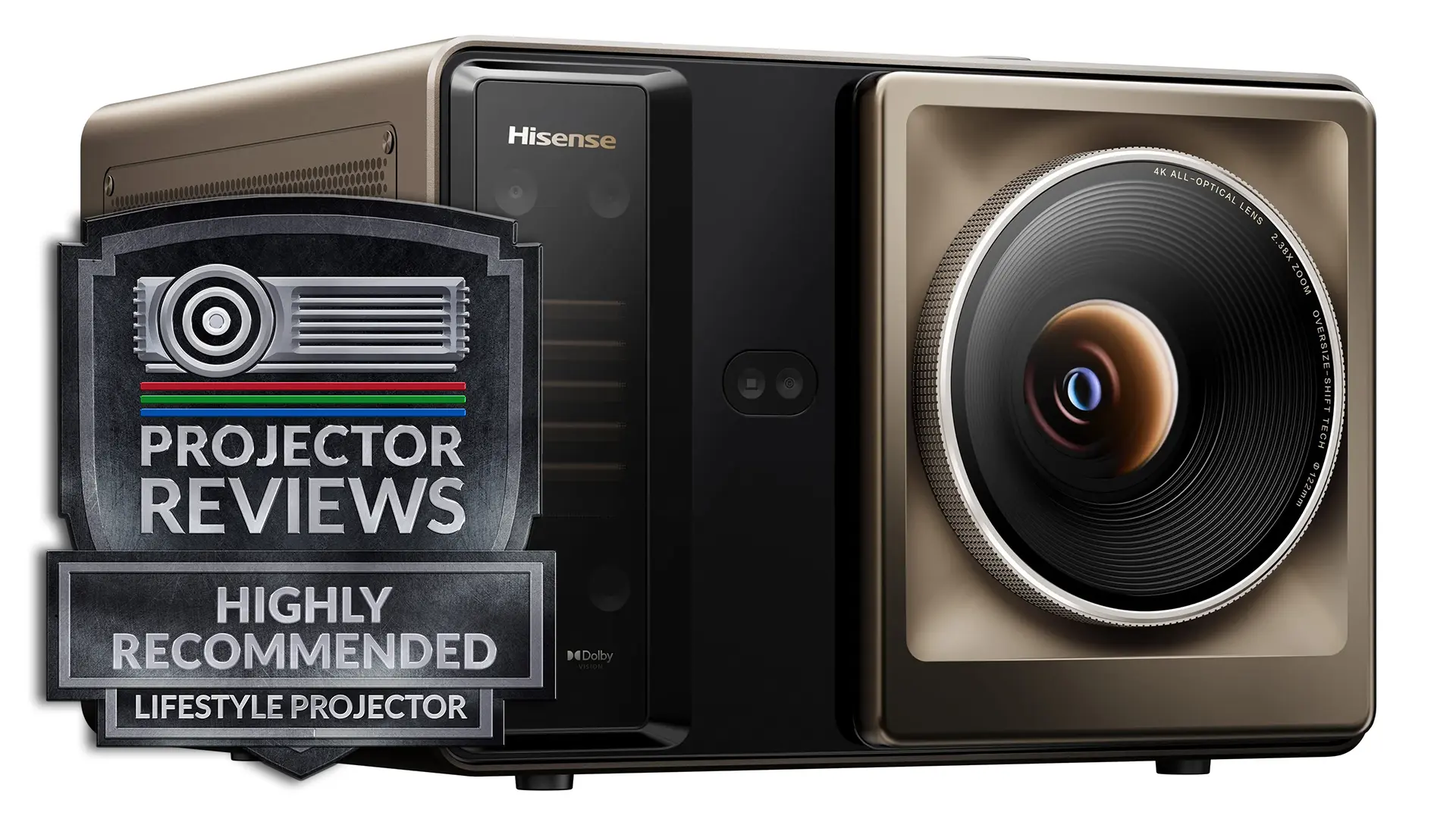
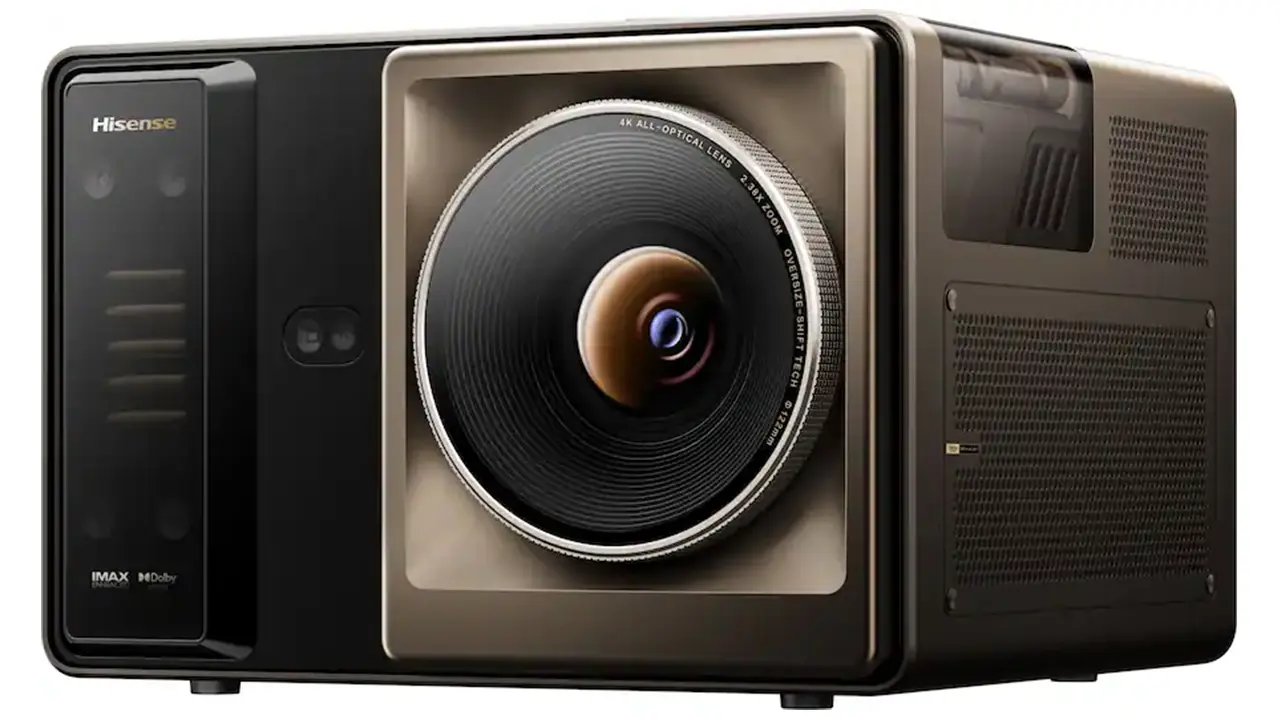
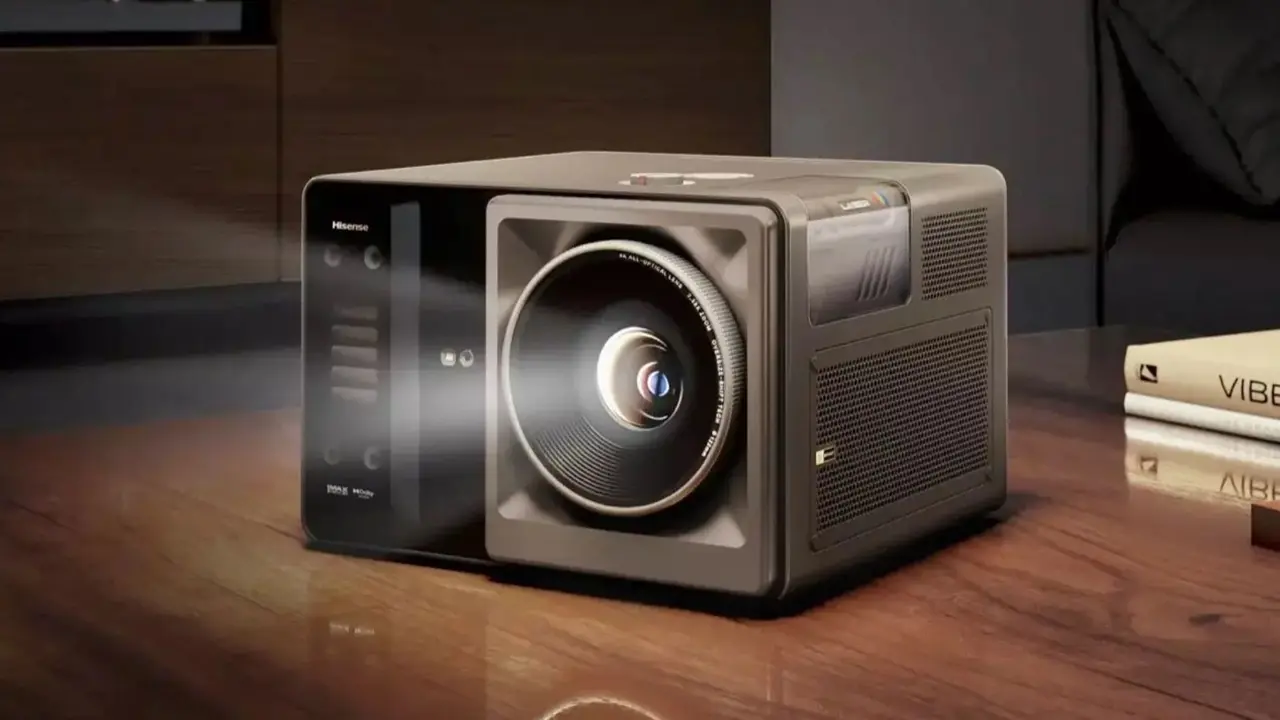
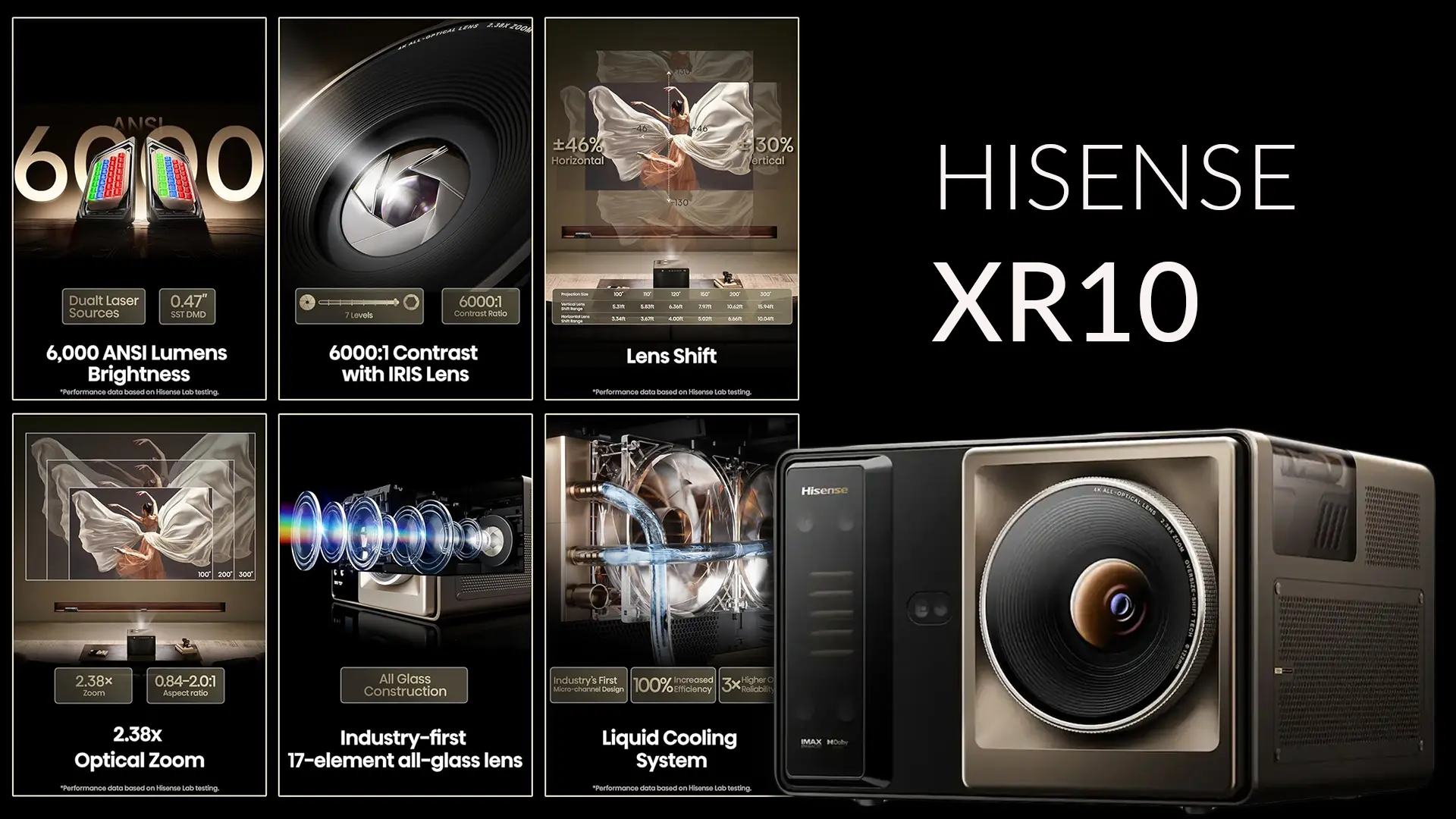
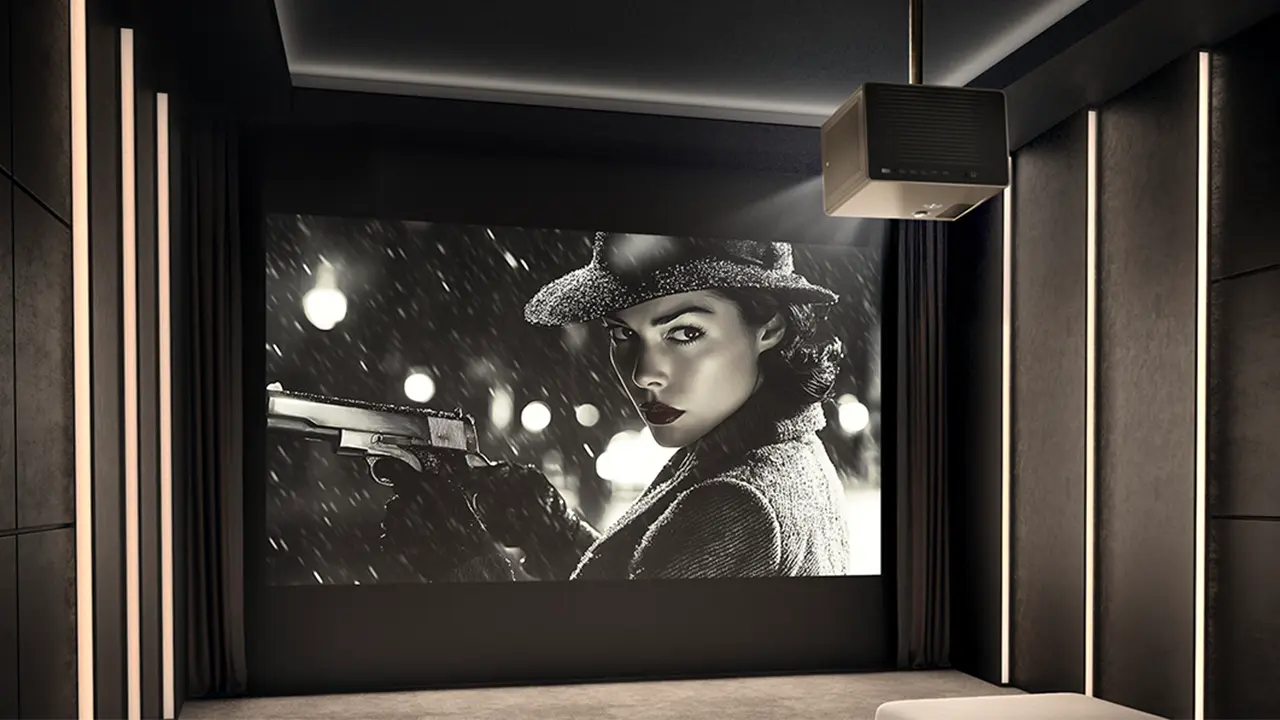
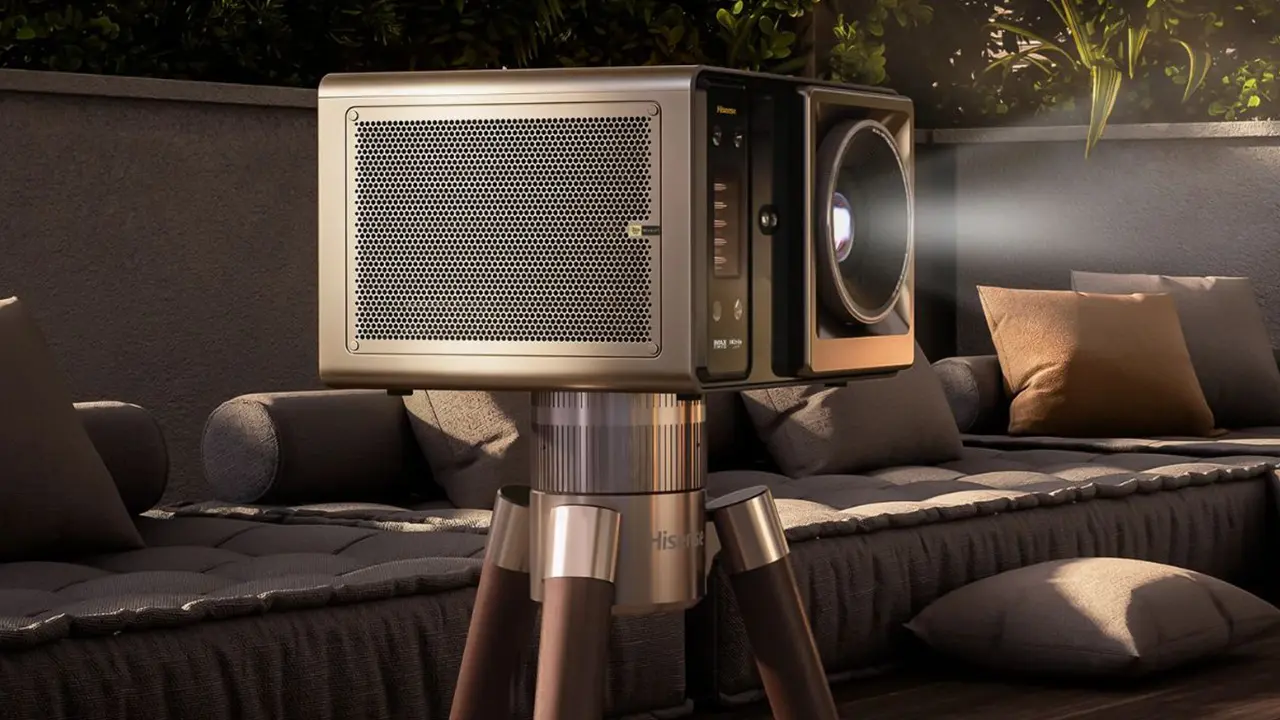
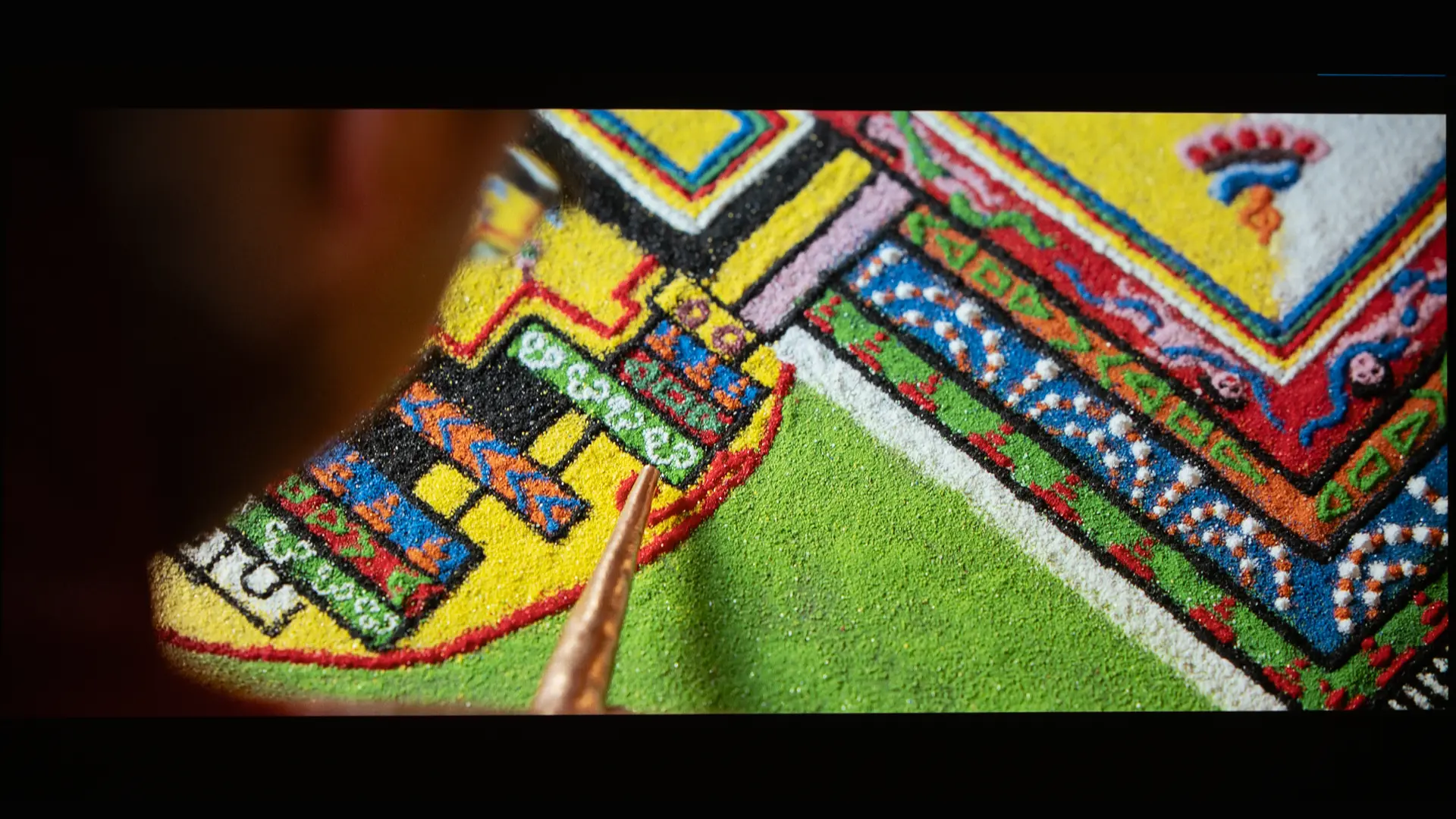
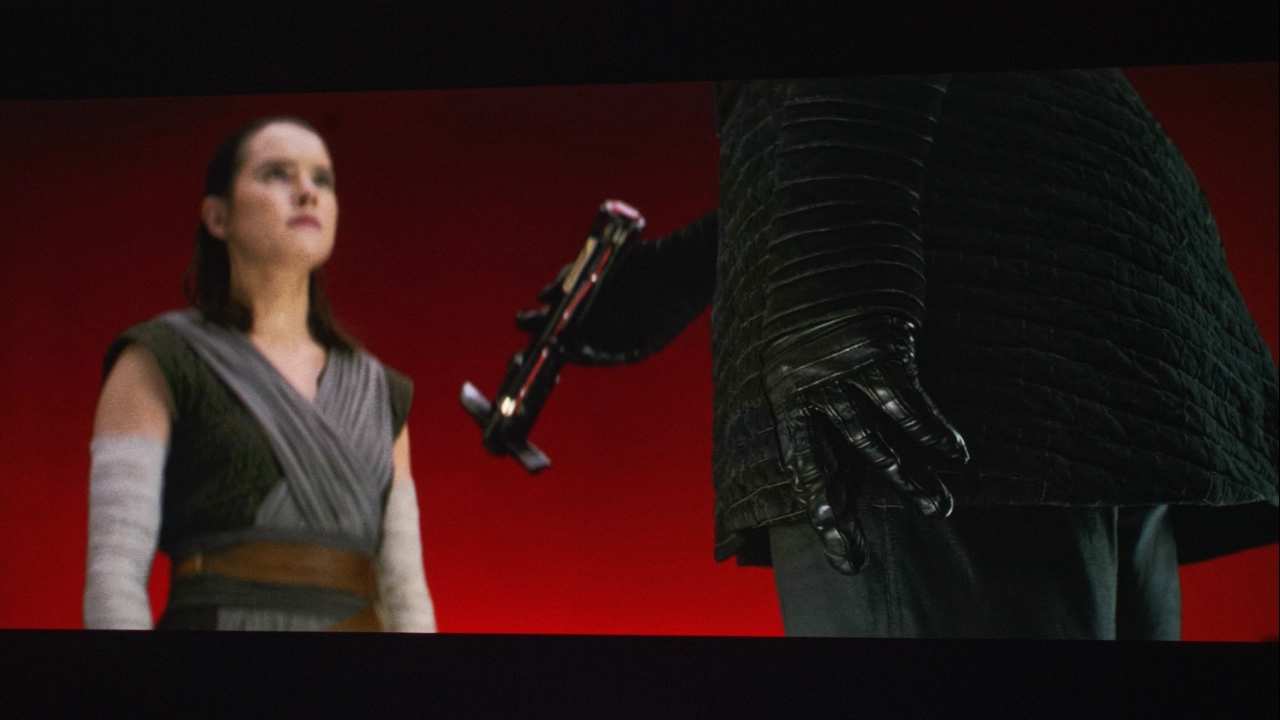
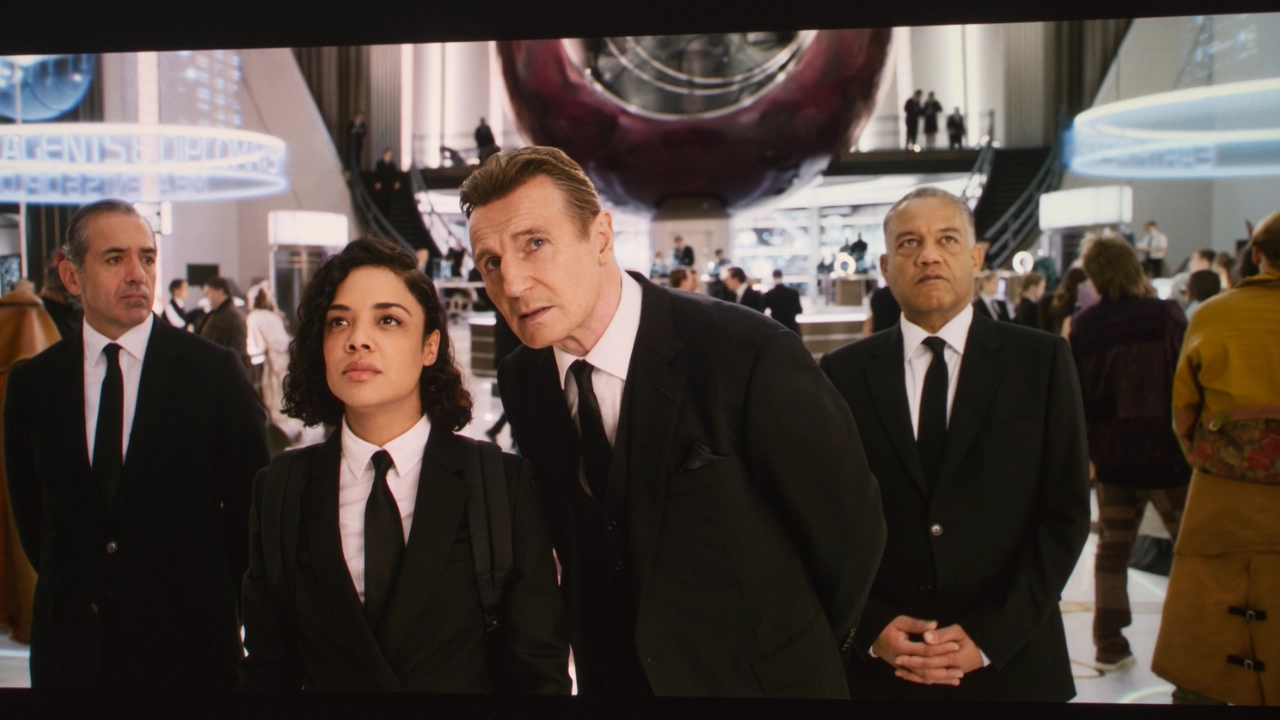
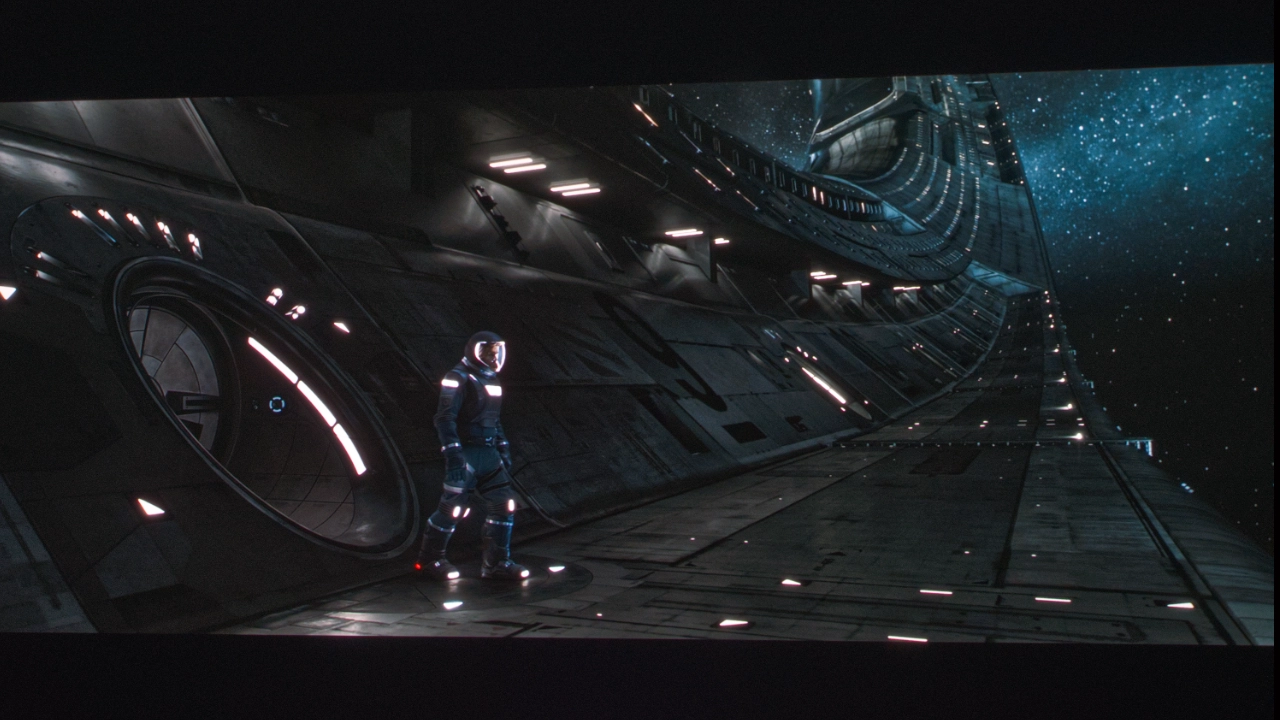
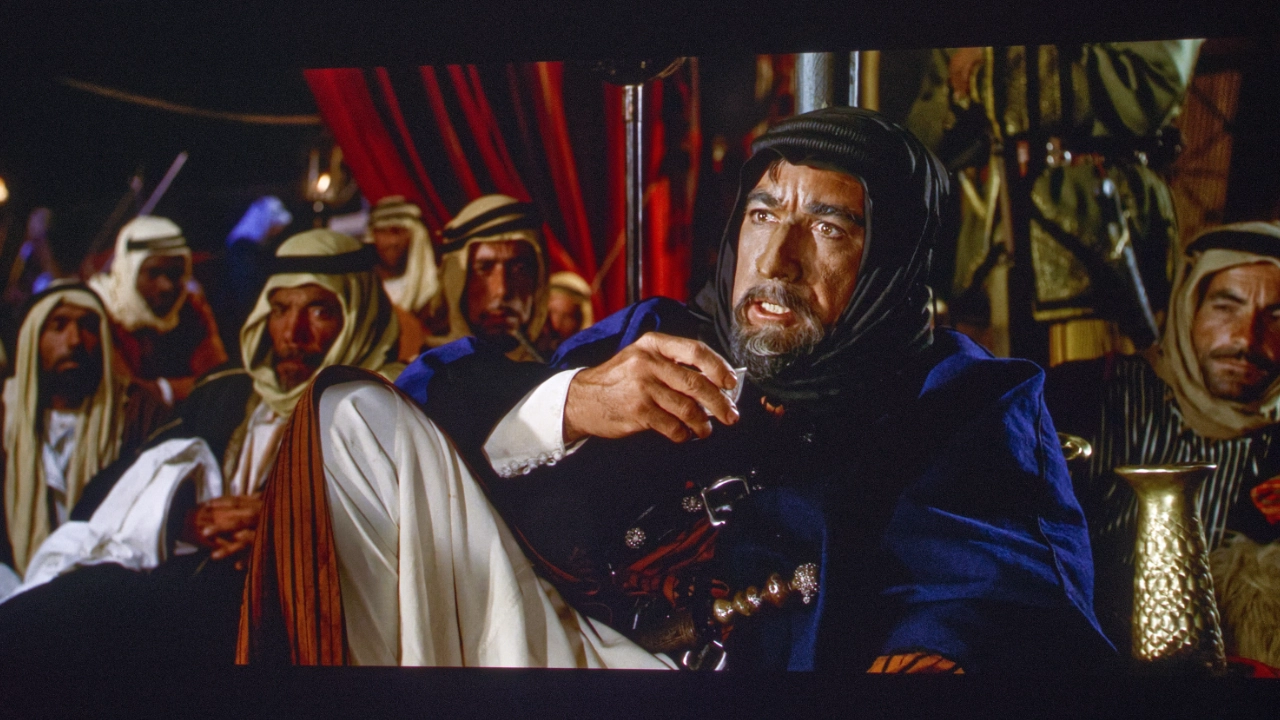
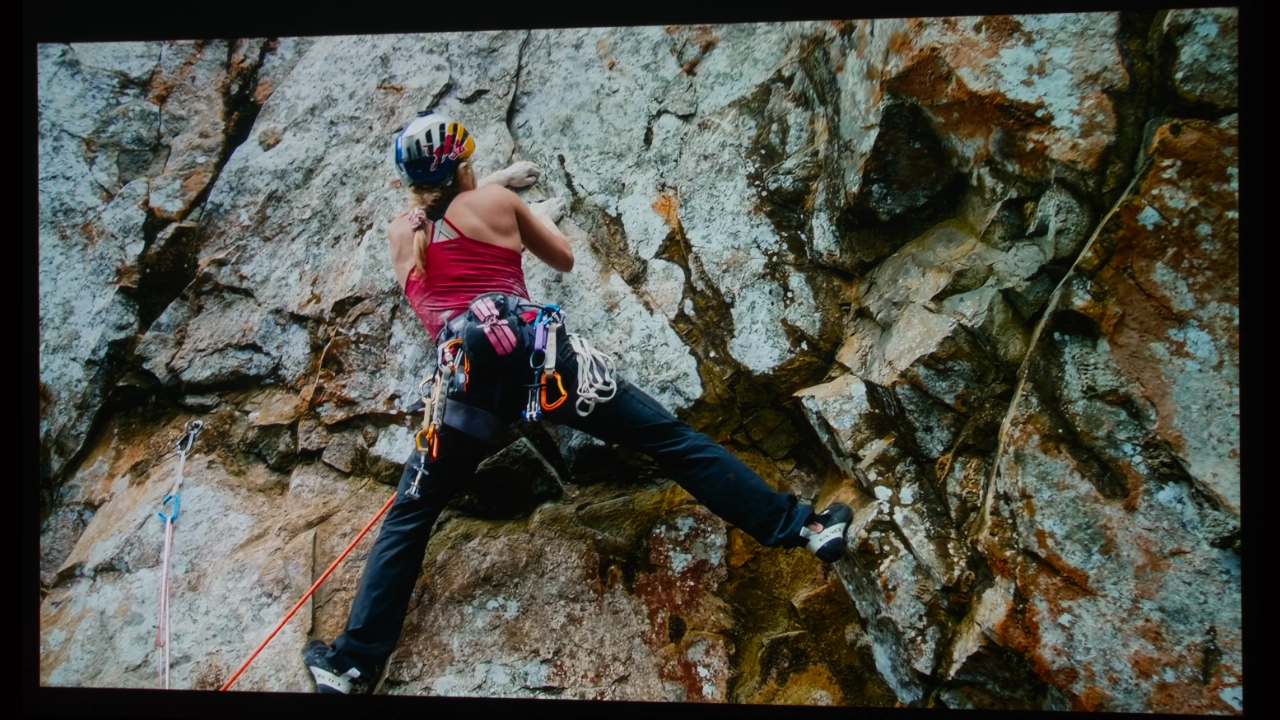
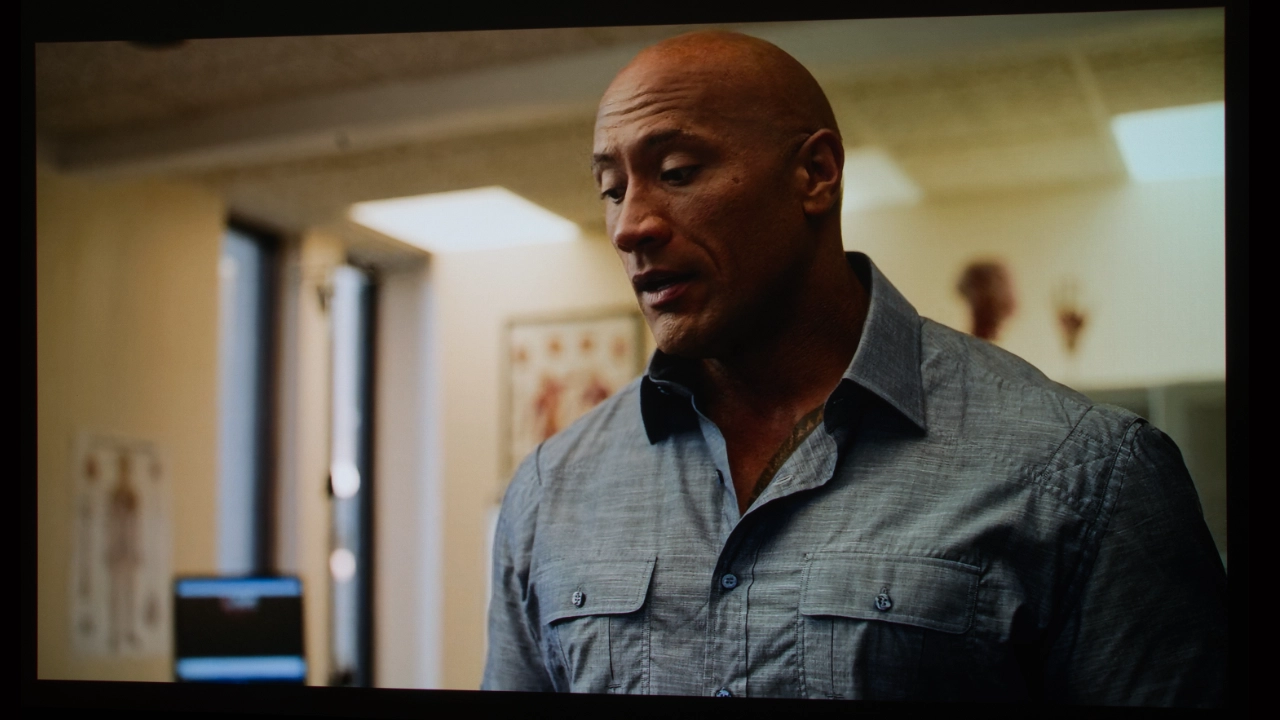
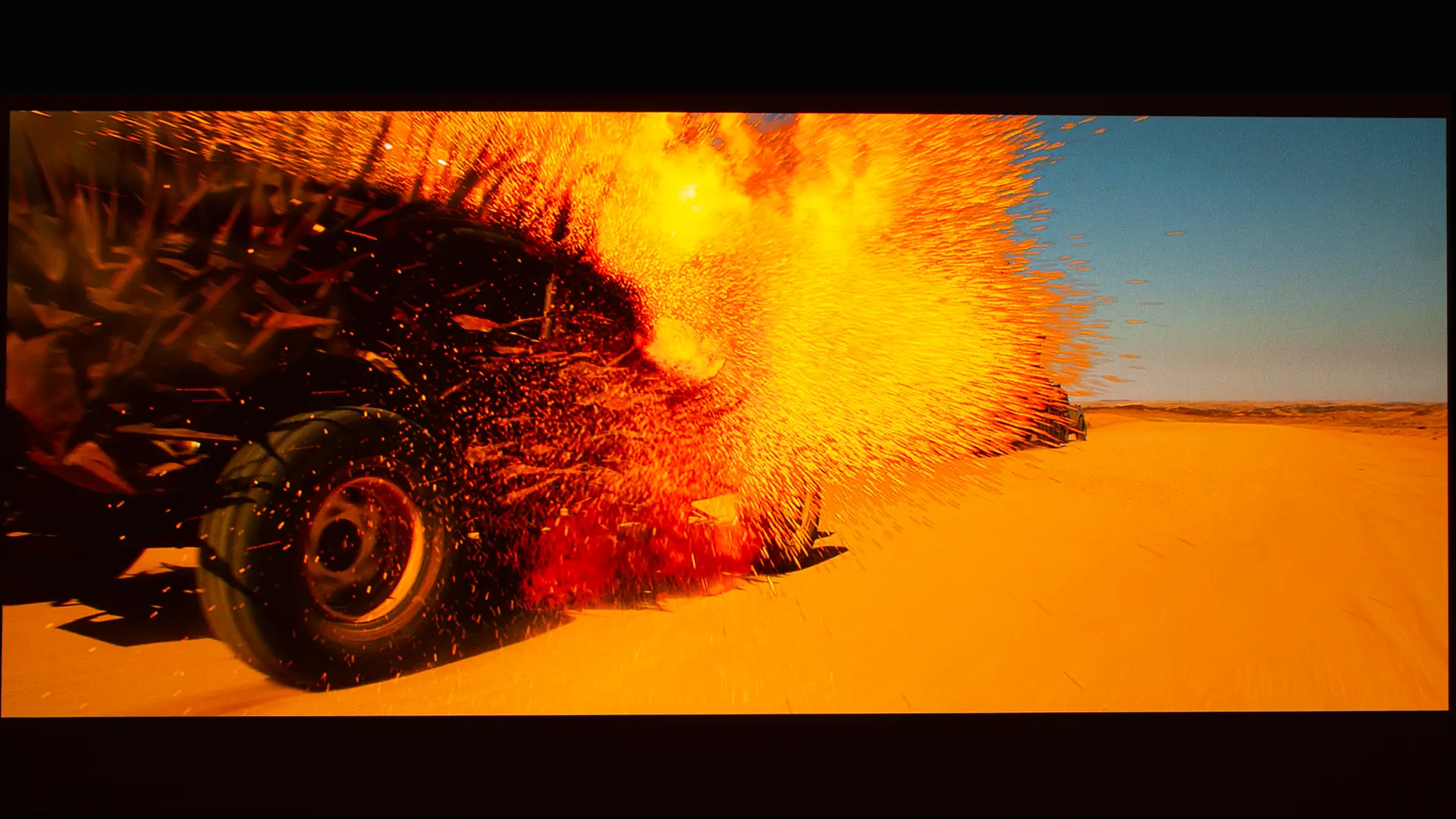
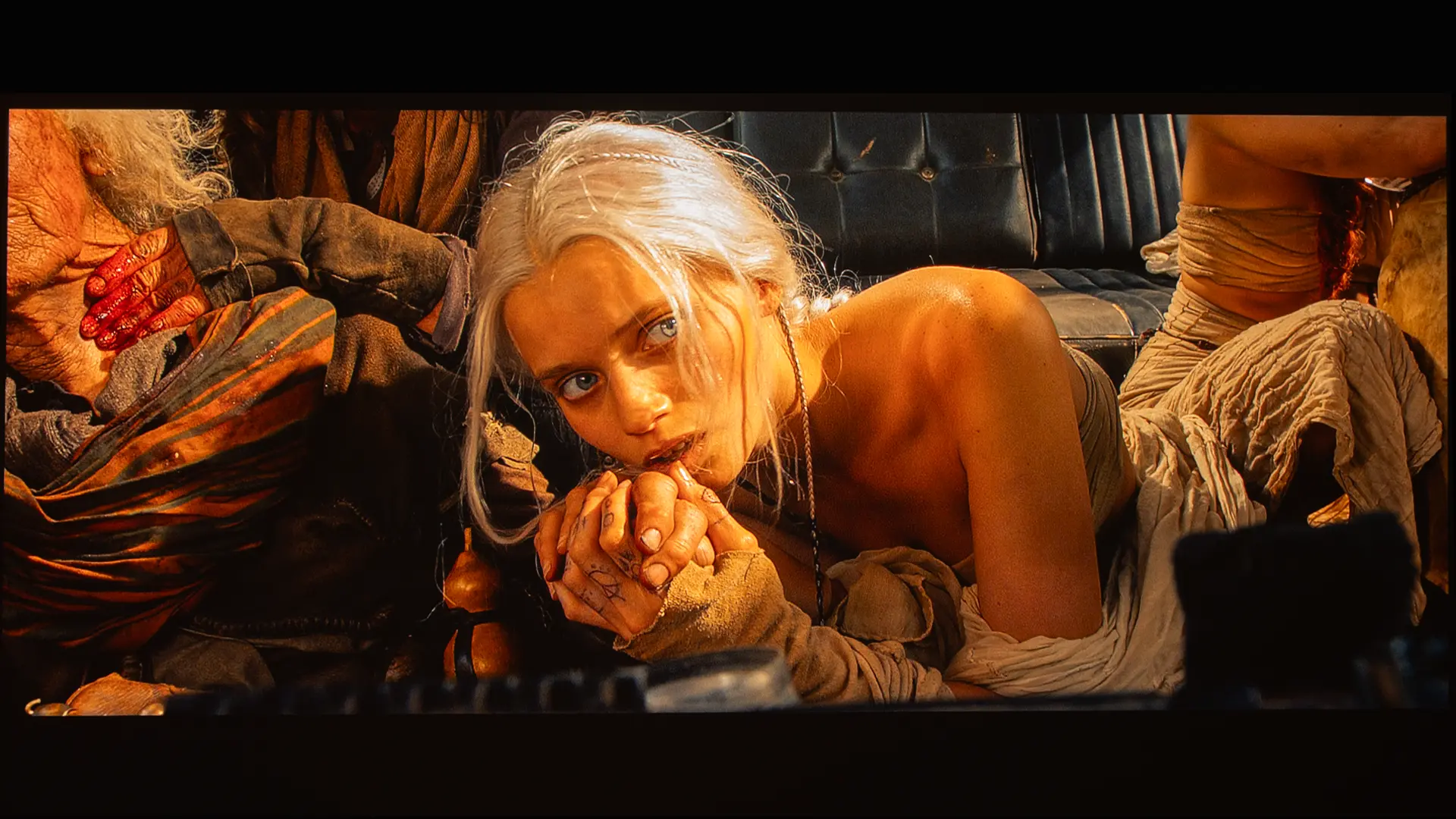
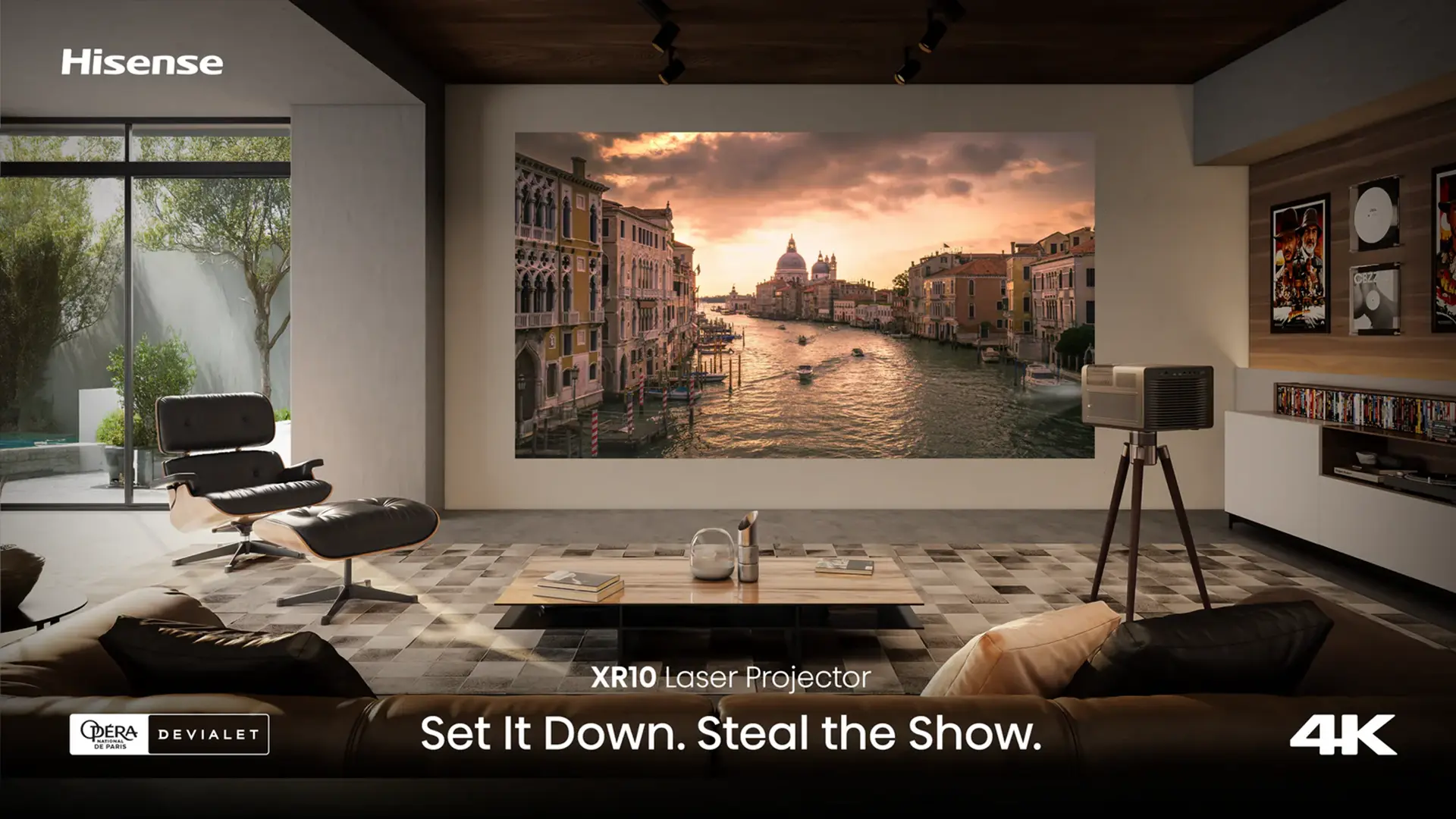
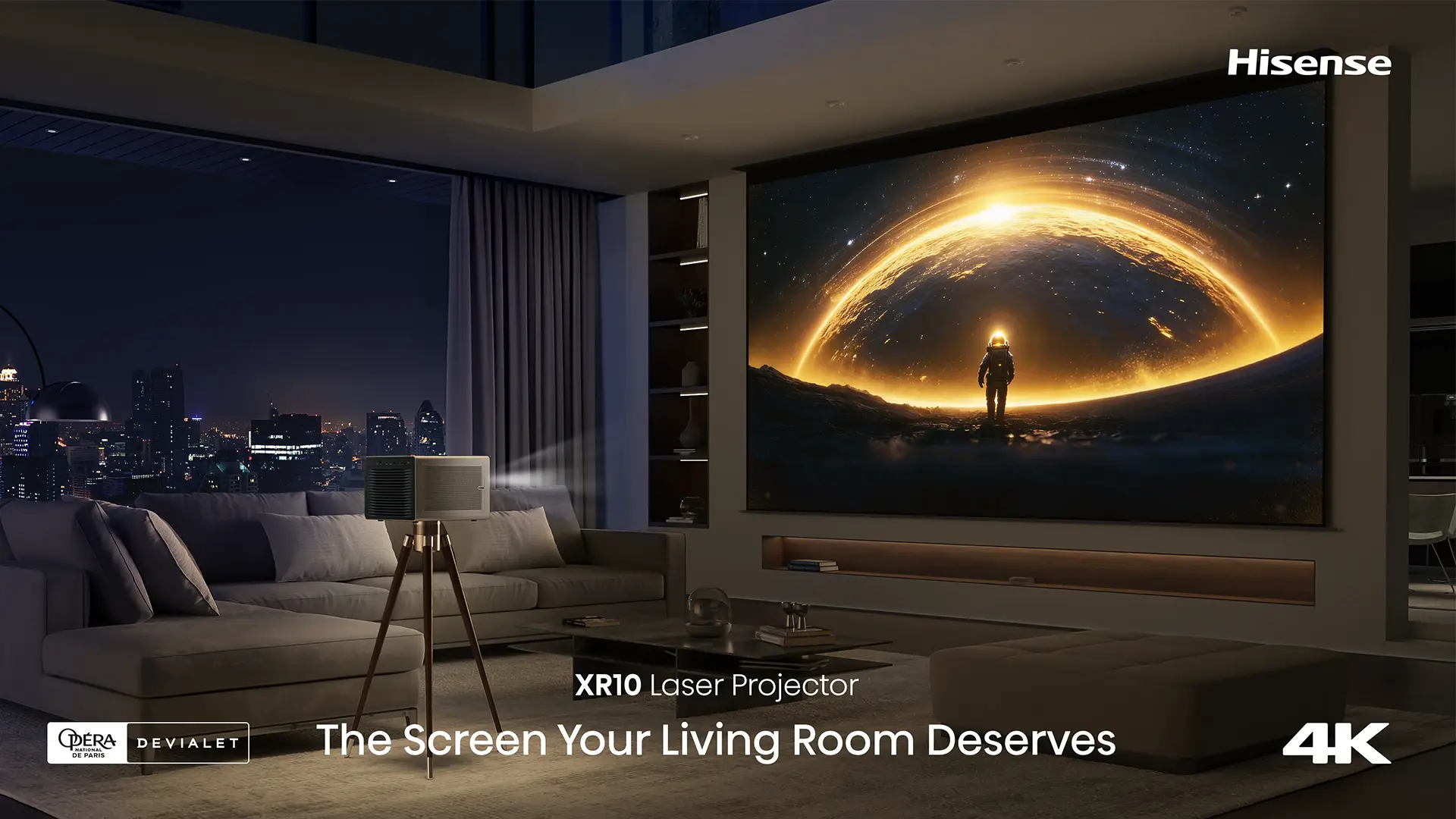
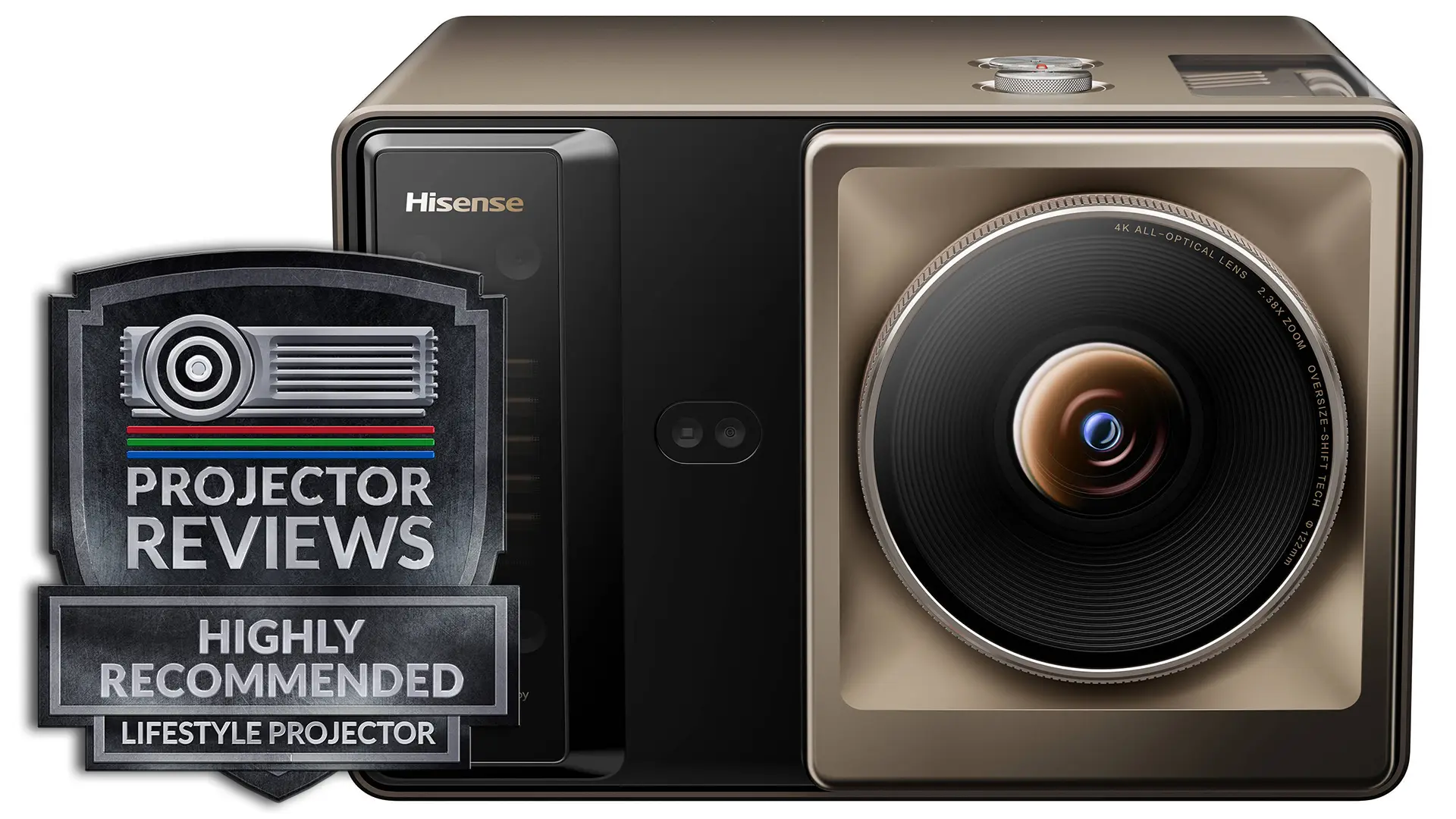
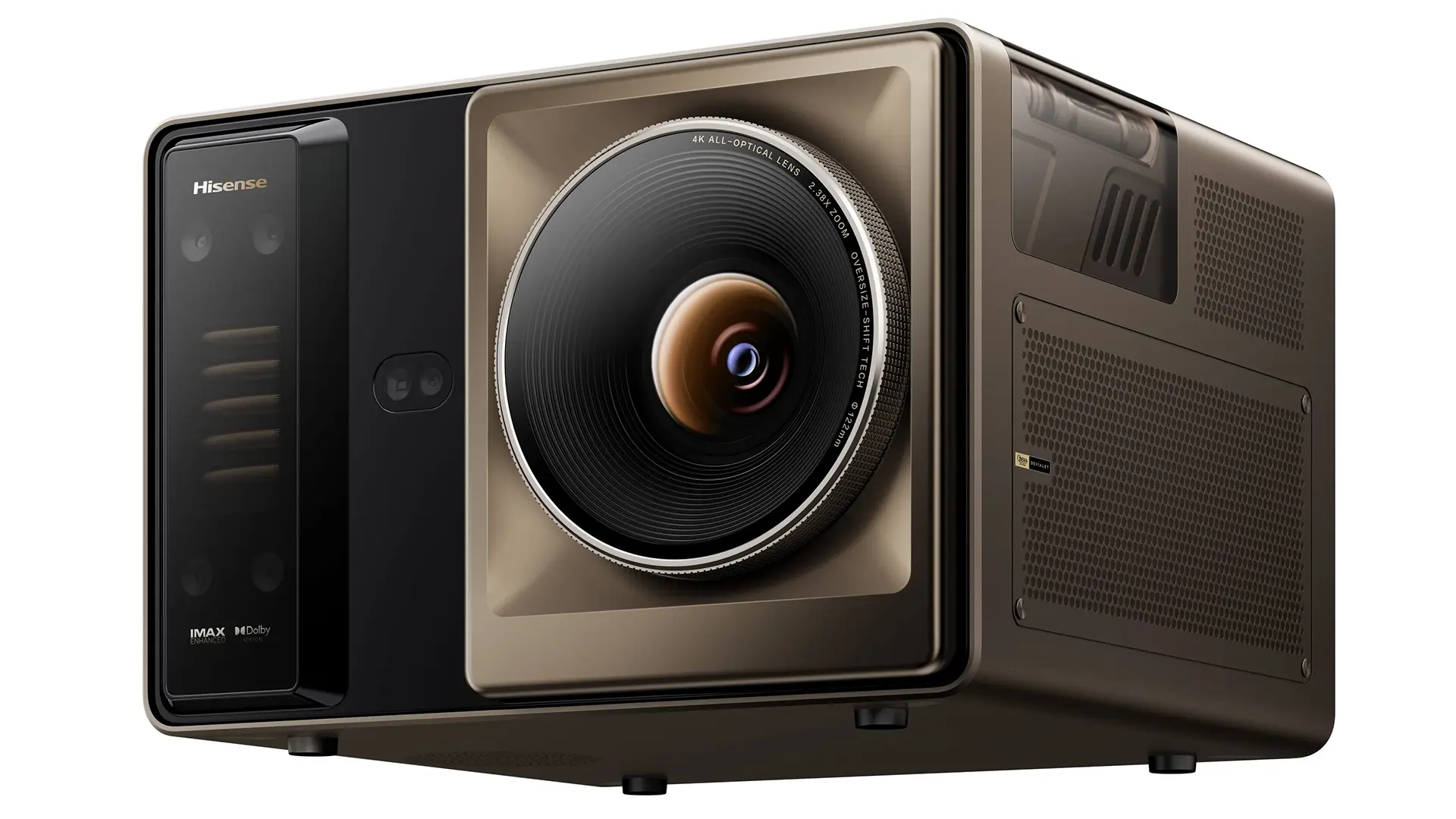
Hisense XR10 is a premium 4K lifestyle projector that retails for $5,999. The dual triple laser light source has a rated brightness of 6000 lumens, and it gives the projector the ability to produce up to 118% of the BT.2020 color space. To deliver such high brightness from a compact chassis, the XR10 utilizes a unique liquid cooling system designed to deliver years of maintenance-free operation.
The XR10 is equipped with TI's latest 0.47-inch SST DMD designed to handle the projector’s high brightness while still delivering excellent native contrast. While this DMD's native resolution is 1080p, it is paired with TI's proven XPR technology to deliver 4K (3840 by 2160) on-screen resolution.
The XR10 includes everything expected from a lifestyle projector, such as a smart operating system and a high-quality sound system, while also offering features typically found in dedicated home theater projectors.
For example, the projector has a 17-element all-glass lens assembly that offers a large amount of optical zoom and horizontal and vertical lens shift. The projector includes a seven-level iris that allows the projector to deliver up to 6,000:1 native contrast. When dynamic laser dimming is engaged, the unit’s dynamic contrast ratio can be up to 60,000:1.
Hisense XR10 supports a wide range of HDR formats, including Dolby Vision, HDR10+, HDR10, and HLG. To maximize the image quality of HDR10 content, the projector also includes dynamic tone mapping.
Hisense has built a great reputation for manufacturing some of the best laser TVs on the market. Last year, the company branched out and started to build lifestyle-based projectors.
Hisense has now leveraged its experience building high-quality RGB laser projectors to produce a Lifestyle projector that can also meet the stringent demands and high expectations of hardcore home theater enthusiasts.
Hisense XR10
Suggested Retail Price: $5999
Ratings Based On Comparable Models
Brightness
Color Reproduction
Contrast
Sound Quality
Pros
+ Native contrast of 6,000:1 (with Iris engaged)
+ 6000 lumens of Brightness
+ 17-element all-glass lenses
+118% of the Rec. 2020 gamut coverage
+ Class-leading Zoom Range and H/V lens shift
+ Low-latency gaming of 1 ms at 1080p 240 Hz
+ Dolby Vision, HDR-10+, and IMAX Enhanced
Cons
- Cavitation noise from the liquid cooling system.
- Engaging Dynamic Laser Dimming results in some brightness pumping
- Engaging the Iris dramatically reduces redness
- There is still some laser speckle on ALR screens
If you are interested in purchasing the projector mentioned in this article, we always appreciate it if you use one of the links in the article because Projector Reviews earns a small commission on the sale at no cost to you.
OVERVIEW
Hisense XR10 featureset is designed to appeal for serious projection enthusiasts
The Hisense XR10, which retails for $5,999, has the nickname the Apex of Projectors because Hisense leveraged all its expertise to design the best standard-throw projector it possibly could. We have reviewed several impressive Hisense laser TVs, including the award-winning Hisense L9Q, but these models are ultra short-throw units which don't work in a lot of home theaters and dedicated media rooms.
While previous Hisense longer-throw projectors like the Hisense C2 Ultra offered excellent picture quality, they lack many of the premium features desired by hardcore projector enthusiasts who desire maximum performance and enhanced install flexibility. For years, I have pleaded with Hisense to build a projector that would fit the needs like me who want to place a high-quality projector in the back of the room. The Hisense XR10 is the company's first projector designed to truly appeal to home theater enthusiasts.
To maximize a unit's picture quality, Hisense combined a state-of-the-art laser light source with the latest Texas Instruments 0.47-inch SST DMD and ultra-high-quality optics.
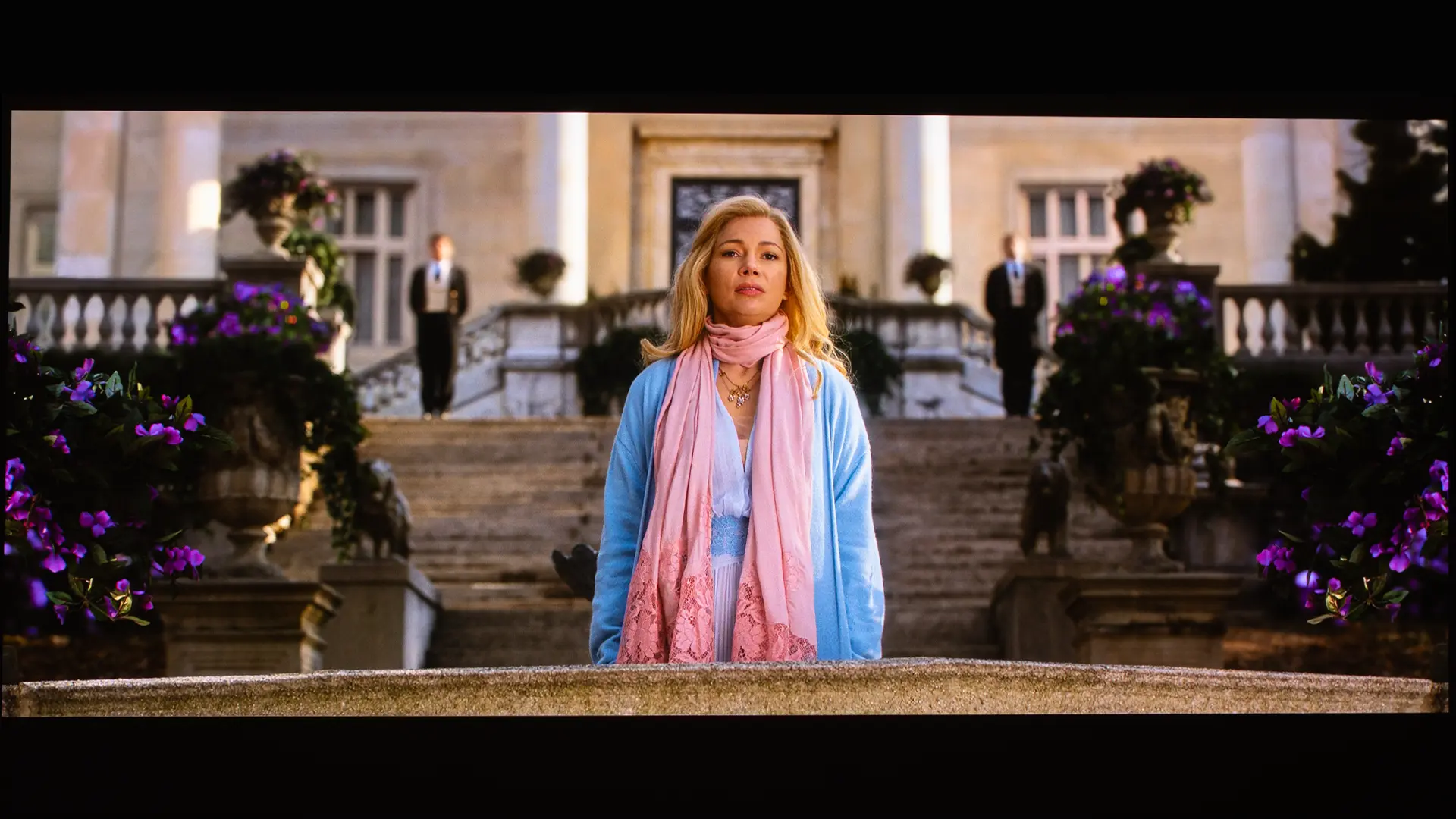
To deliver 6,000 lumens of brightness, Hisense used dual RGB laser light sources and redesigned the optical light path to minimize light loss. Due to its tri-laser light source, it can also deliver display well over 100% of the BT.2020 color space. Due to its high brightness, the XR10 can deliver a vibrant image on larger screens even under moderate ambient light. Higher brightness also reduces the amount of tone mapping needed to deliver a good-looking HDR picture, so the image looks closer to the creator's intent.
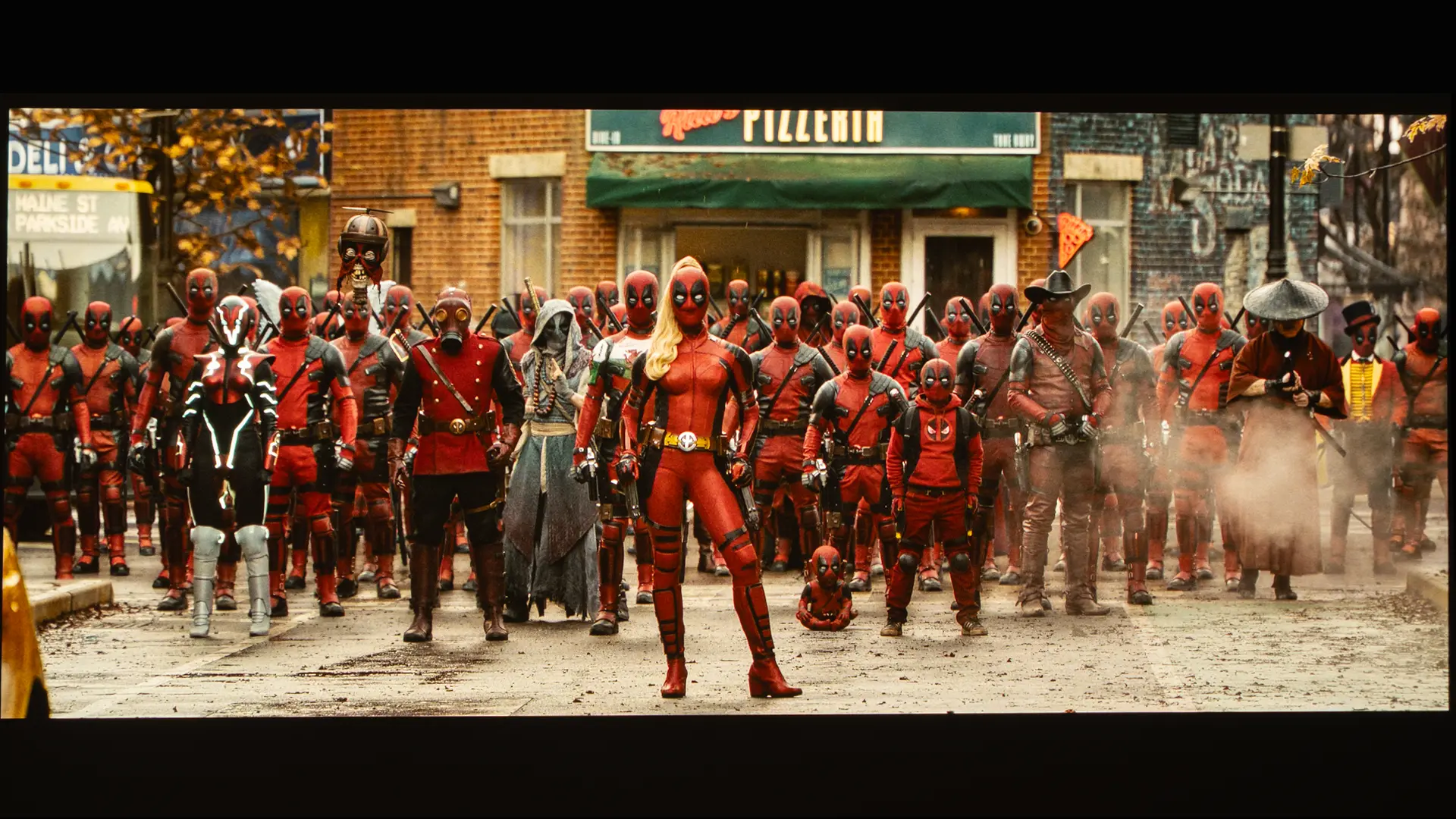
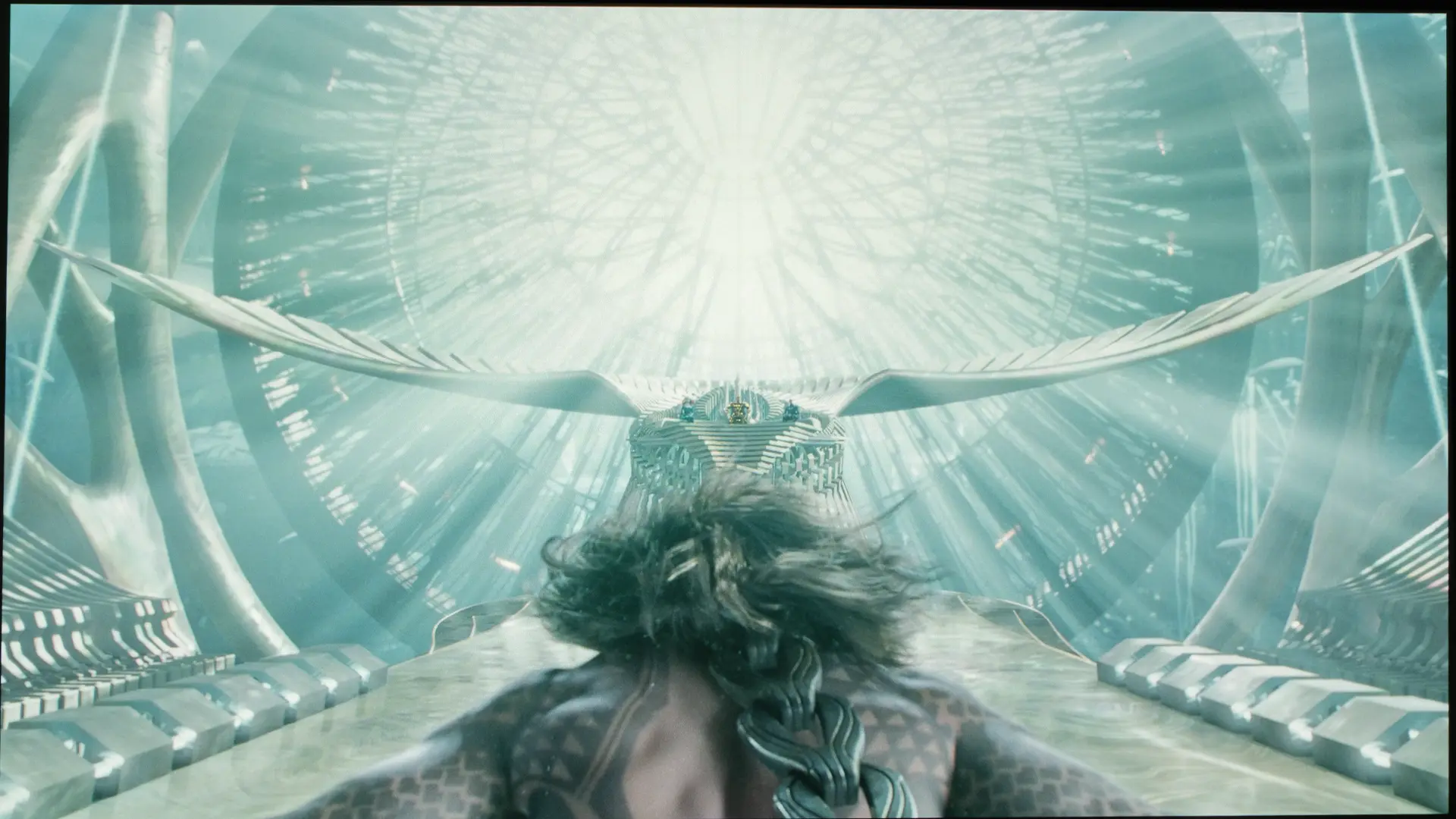
The XR10 can be utilized on screen sizes ranging from 65 inches to 300 inches. While lower-brightness projectors struggle on massive screens, I found that HDR content looked great on the 165-inch 2.35:1 aspect ratio matte white screen that I was using for testing.
A high-brightness light source generates significant heat, so Hisense developed an innovative liquid-cooling system to maximize thermal efficiency while keeping the chassis compact. The Channel Single-Tube Cooling system is designed to be leak-proof, which ensures years of maintenance-free operation.
XR10 is equipped with Texas Instruments' latest 0.47-inch SST (Single Springtip Torsional) DMD to handle brightnesses exceeding 7,000 lumens while still delivering excellent contrast. The chip's native resolution is 1920 by 1080, but it utilizes TI's proven XPR Pixel Shifting technology to deliver a 4K (3840 x 2160) on-screen resolution.
The 0.47-inch SST DMD chip offers a larger tilt angle, which deflects unwanted light away from the lens, increasing the unit's black level and native contrast. This DMD was first introduced on Hisense L9Q, which is their flagship ultra-short-throw projector. While the XR10 cannot match the native contrast of a Sony SXRD or JVC D-ILA 4K projector, when the iris is in its highest setting, it can deliver a native contrast ratio of 6000:1, which is outstanding for a DLP projector.
The Hisense XR10 is designed to excel in both lifestyle and home theater environments
To further enhance the projector's native contrast, the XR10 also includes a seven-level iris system. If a projector is being used on a very large screen and you want maximum light output, you can set the iris to its widest opening. If XR10 is being used on a smaller screen in a darker room, the owner may prefer to close down the iris to improve perceived blacks and contrast, but this will reduce the overall image brightness.
Hisense XR10 supports a broad range of HDR formats including Dolby Vision, HDR10+, HDR10, and HLG. Movie enthusiasts with 3D disc collections will be happy to know the XR10 supports 3D, and the unit’s high brightness makes it look fantastic.
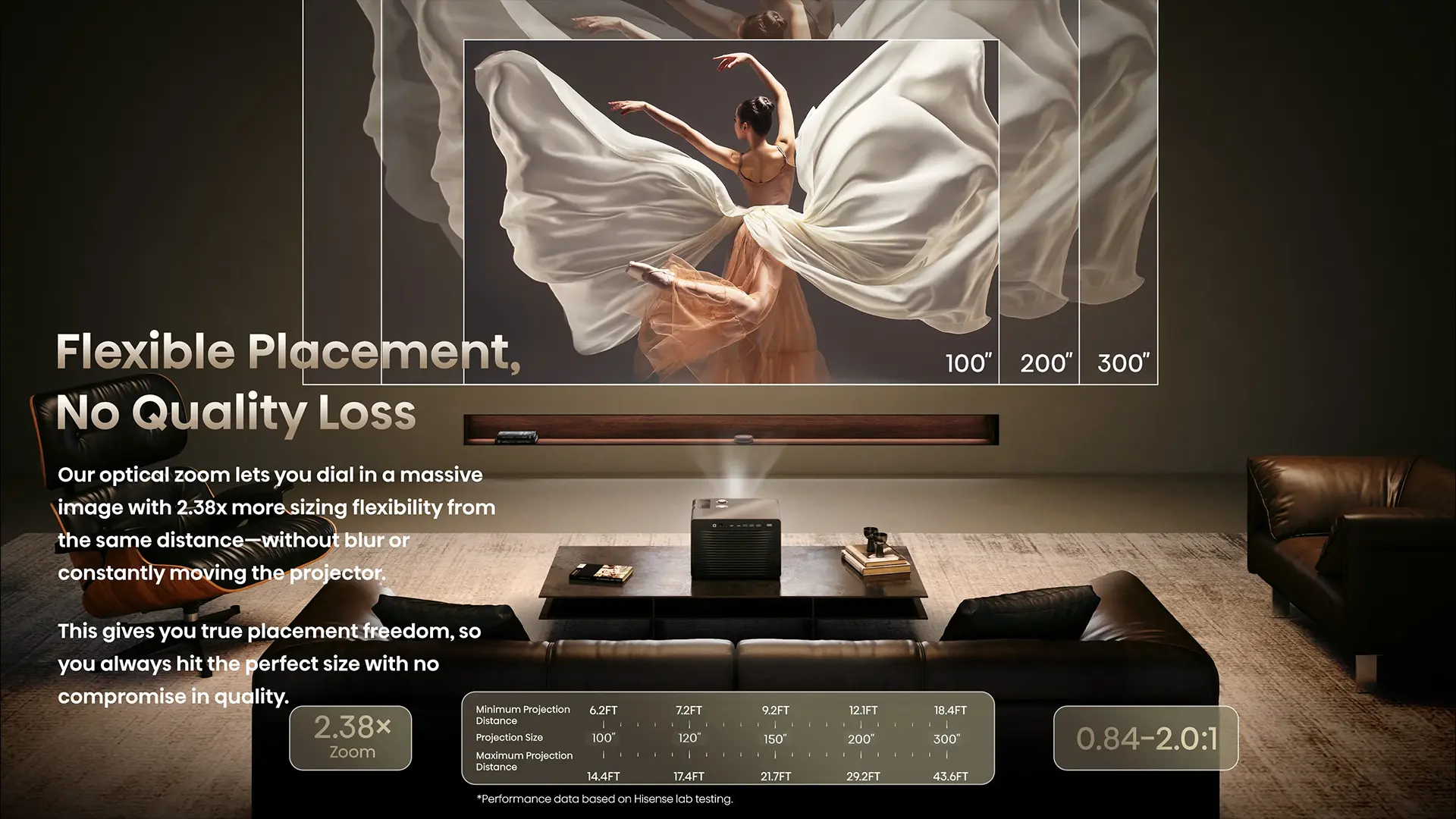
The XR10's premium 17-element, all-glass lens assembly offers a class-leading 2.38x optical zoom along with ±130% vertical/±46% horizontal lens shift. This allows a huge amount of placement flexibility while delivering a very sharp edge-to-edge image on a wide range of screen sizes.
While many people purchasing a projector at this price point will probably use it with a home theater system, the XR10 includes a high-quality built-in sound system designed by Devialet.
In addition, the projector is packed with smart features to enhance usability and simplify setup. It runs the VIDAA operating system, which supports a wide range of streaming services, including Netflix, Amazon Prime Video, YouTube, and Disney+. Features like Auto Focus, Auto Screen Fit, Auto Keystone Correction, and Object Avoidance make it easy to align the image to a screen in minutes.
The XR10 is one of the most anticipated projectors in 2026, and due to its high performance, install flexibility, and stylish design, it lives up to expectations.
HARDWARE
CHASSIS
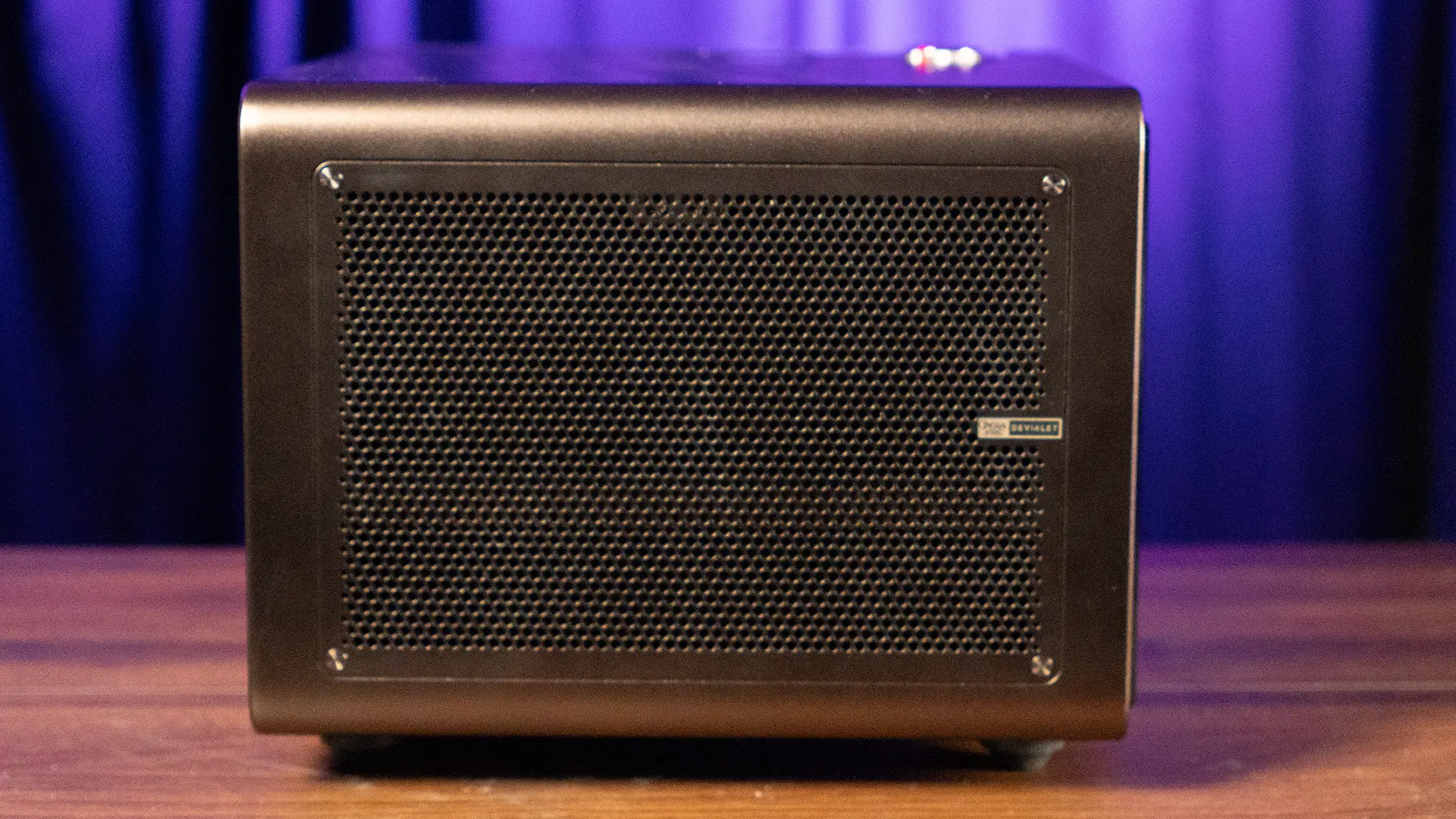
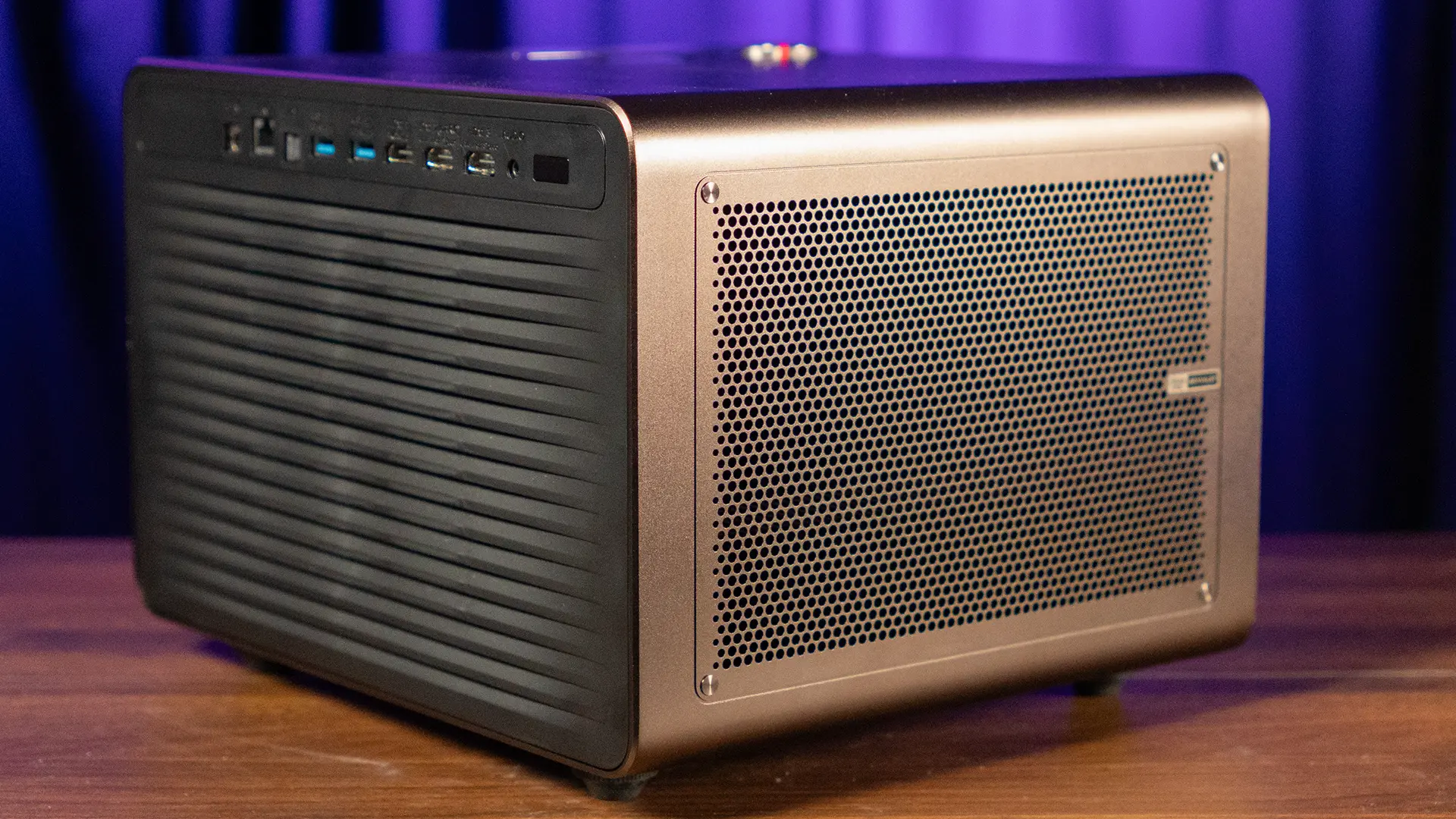
The XR10 is compact for a 6,000-lumen projector. It measures 11.5 inches wide, 10.7 inches deep, and 8.4 inches tall, and it weighs 23.4 pounds. That makes it much smaller than many traditional high-end home theater projectors, although it is still far larger and heavier than the portable lifestyle projectors that are designed to be carried from room to room every day.
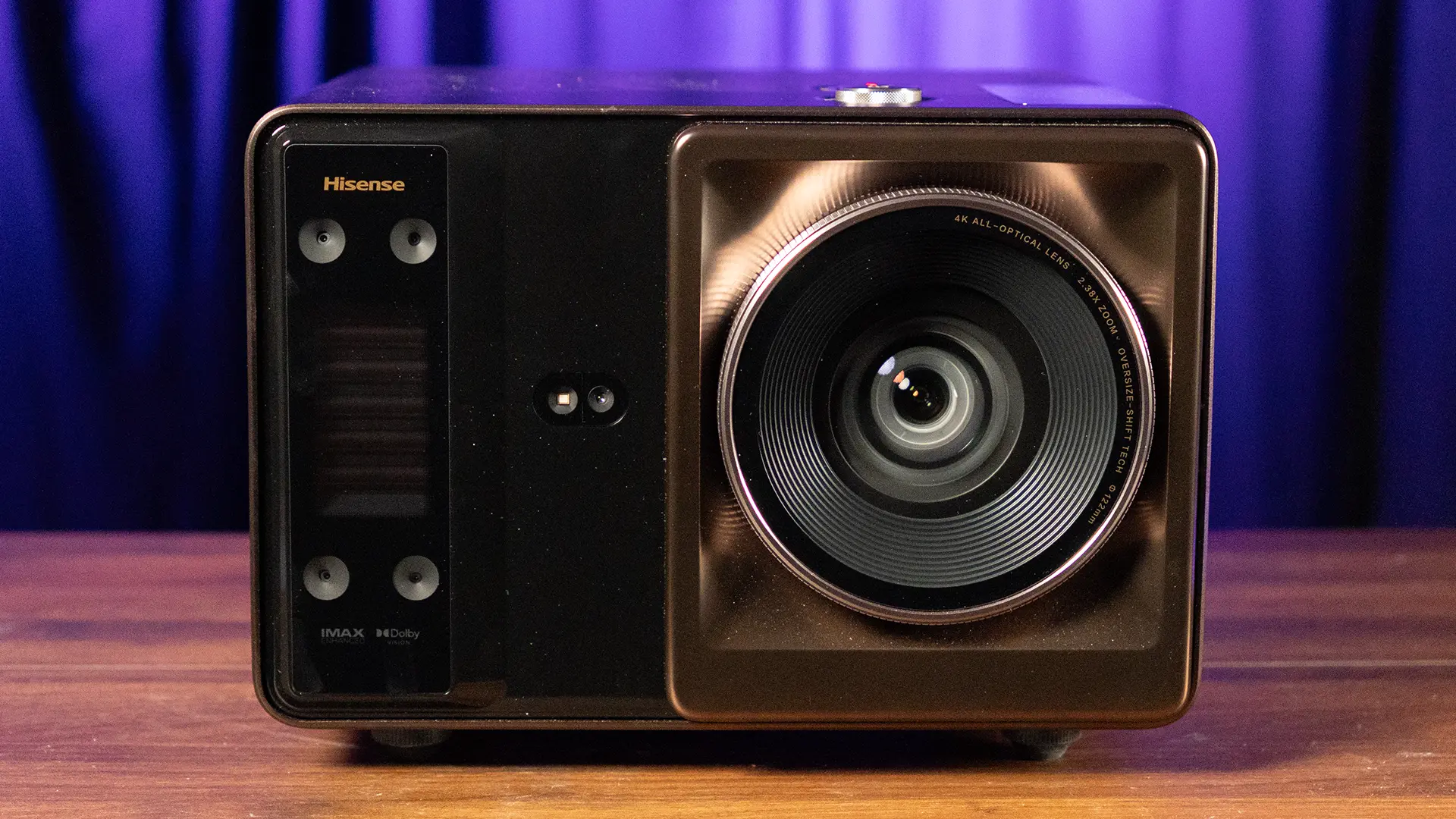
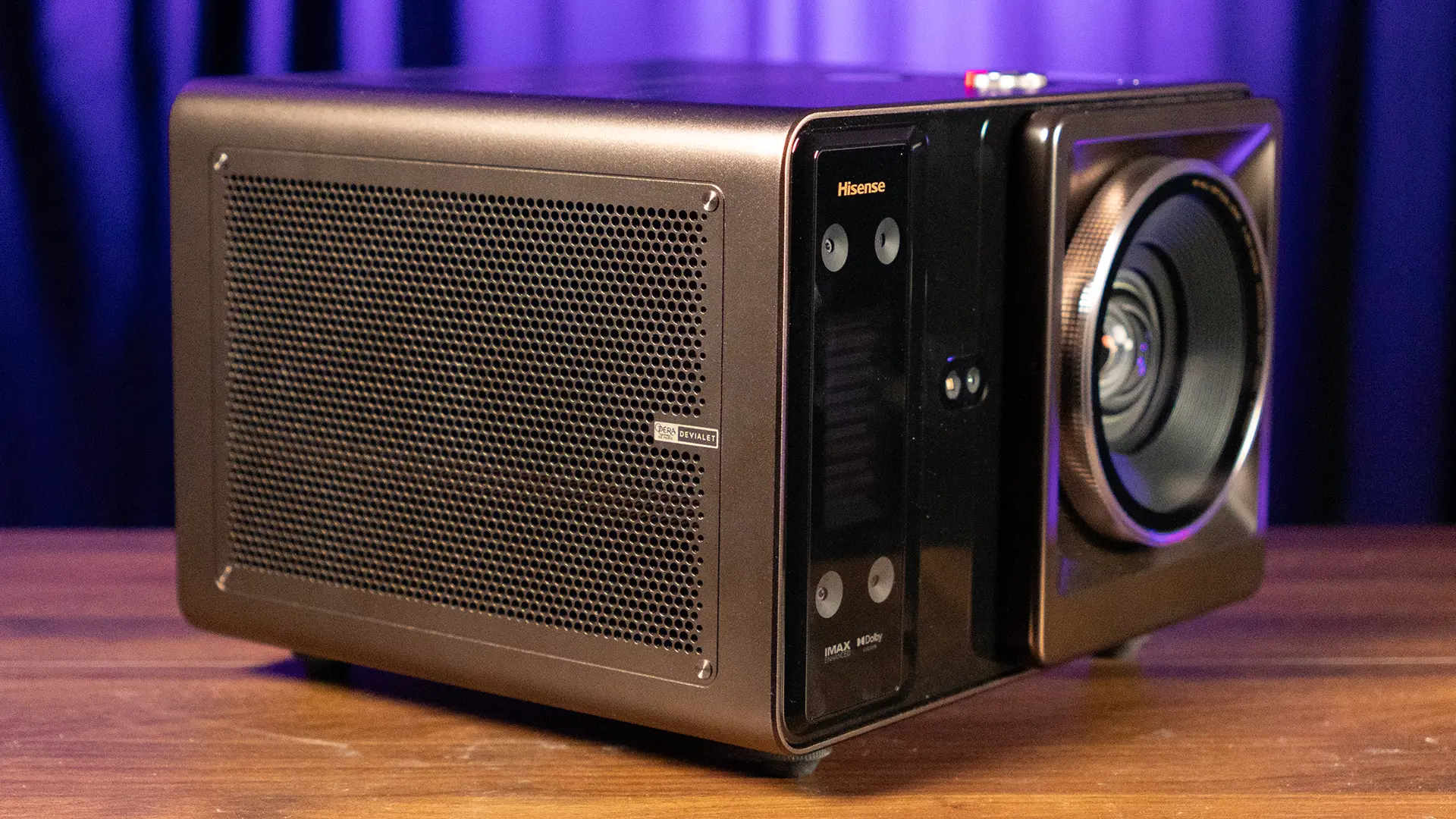
The chassis design reflects the XR10’s hybrid role. It has a premium home entertainment look, with a dark brown finish and a front lens assembly that clearly signals that this is a serious optical product rather than a small casual projector. The unit's fit and finish is outstanding, and it ships in a rolling carrying case. While most customers are not going to be moving the XR10 from room to room or home to home. The carrying case is a nice touch, and it highlights Hisense's attention to detail.
On the front of the projector is the lens, which is offset to one side, as well as the sensors to support the projector's auto setup features. On the top of the projector is an Ambient Light Sensor and knob that can be pressed to power the XR10 on or turned to adjust the volume. The speaker system's grills are located on both sides of the unit.
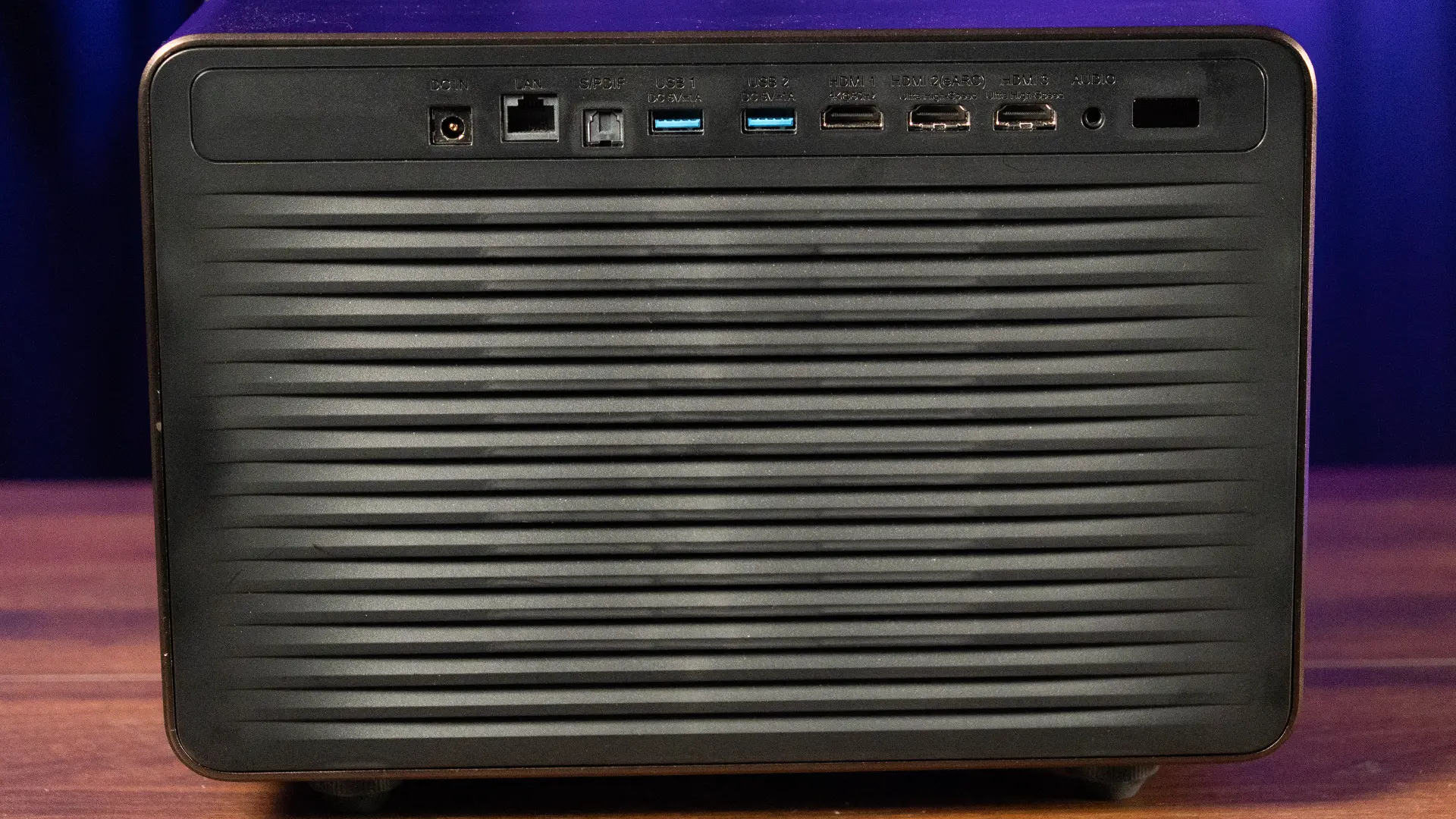
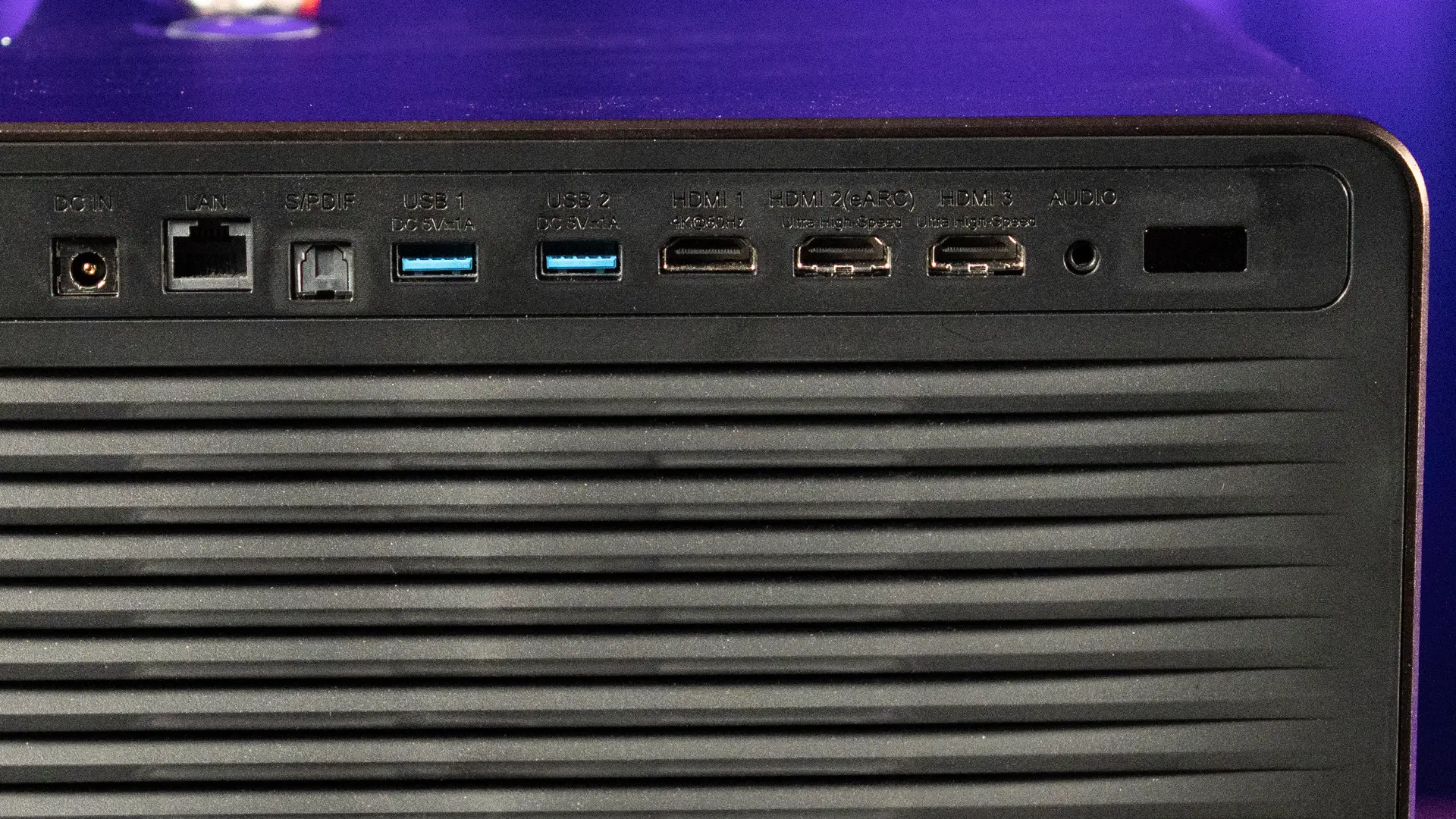
All of the projector's connections are located on the rear of the chassis along with a vent for the cooling fan. The XR10 includes two HDMI 2.1 inputs with ALLM, one HDMI 2.0 input, HDMI eARC and CEC, two USB 3.0 ports, S/PDIF optical digital audio output, a headphone output, Gigabit Ethernet, Wi-Fi 7, and Bluetooth 5.4.
HDMI eARC allows the projector to send high-quality audio back to a compatible soundbar or AV receiver. HDMI 2.1 with ALLM is useful for gaming systems because the projector can automatically switch to a lower-latency gaming mode when a supported console is detected. Gigabit Ethernet is useful for stable streaming, and Wi-Fi 7 is unusually forward-looking for a projector.
The lens system is one of the XR10’s most important advantages. The projector has a 0.84 to 2.0:1 throw ratio and a 2.38x optical zoom. That range gives it a level of installation flexibility that many DLP projectors do not offer. At the wide end, the XR10 can produce a large image from a relatively short distance; it's great for someone who wants to place a projector in front of them on a coffee table. At the long end, it can be positioned in the back of the room, making it easier to use on a shelf or in a ceiling-mounted installation.
The XR10 also includes a large amount of optical lens shift, rated at ±130 percent vertical and ±46 percent horizontal. Lens shift is a major benefit for enthusiasts because it allows the image to be moved on the screen without digitally distorting the picture.
Digital keystone correction can be convenient, especially for a quick temporary setup, but it reduces effective resolution and can introduce scaling artifacts. Optical zoom and lens shift should always be the first tools used when setting up a projector for serious viewing. The XR10 is one of the few DLP projectors that I have reviewed that had enough horizontal/vertical lens shift to be utilized on the screen in my media room.
Throw Distance (16:9 Aspect Ratio)
Screen Size
Minimum Distance
Maximum Distance
100 inches
73.2 inches (186 cm)
174.3 inches (443 cm)
120 inches
87.9 inches (223 cm)
209.2 inches (531 cm)
130 inches
95.2 inches (242 cm)
226.6 inches (576 cm)
150 inches
109.8 inches (279 cm)
261.5 inches (664 cm)
180 inches
131.8 inches (335 cm)
313.8 inches (797 cm)
A projector with a wide zoom range and generous lens shift needs a strong optical system to maintain sharpness across the screen, so the XR10 utilizes a 17-element all-glass lens assembly. Glass lens elements are generally preferred in premium projection systems because they can offer better thermal stability than plastic lens elements. That is significant because a high-brightness projector puts thermal stress on its optical path.
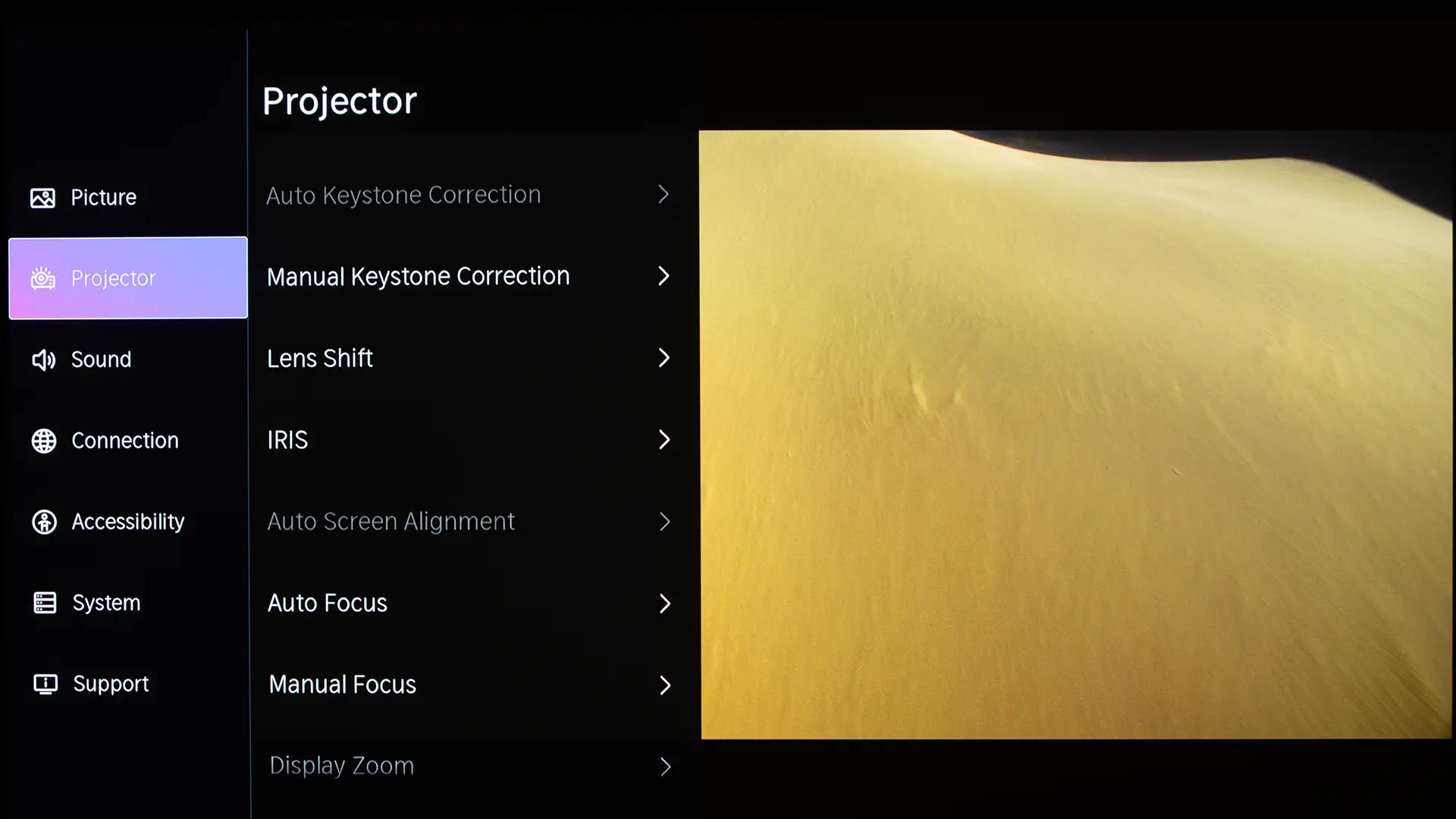
Hisense also includes automated setup features. The XR10 supports auto focus, auto screen fit, auto keystone correction, auto obstacle avoidance, and wall color adaptation. These features are useful for owners who want a fast setup, especially if the projector is being moved between locations. However, for a permanent home theater installation, the best practice is to physically position the projector correctly and use optical zoom and lens shift before relying on digital correction. The projector gives users both options, which is one reason it fits both theater and lifestyle use cases.
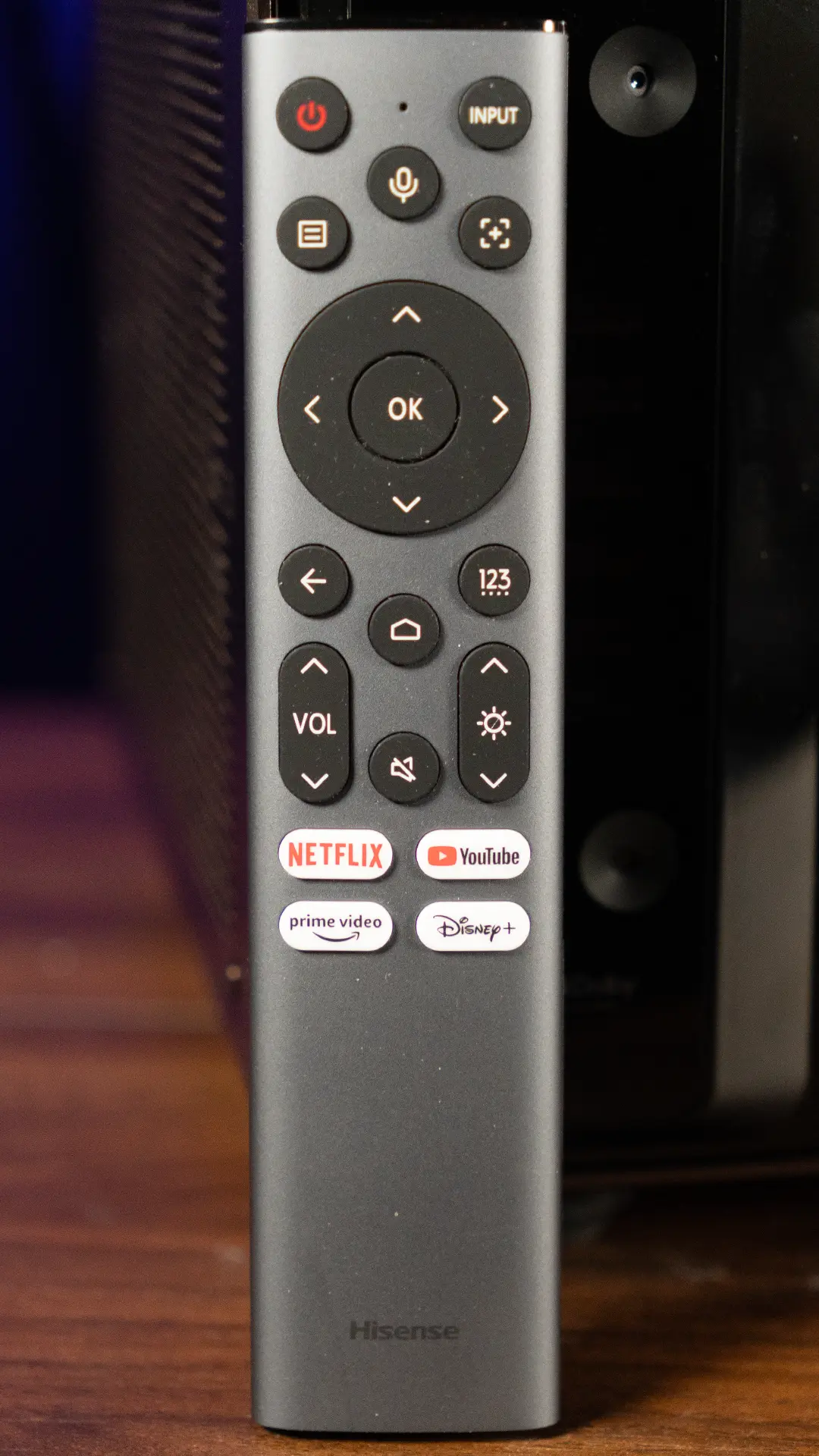
Hisense includes a backlit voice remote, which is a useful detail in a dark theater room. The remote is also a universal remote control with both infrared and Bluetooth functionality. Bluetooth allows the projector to be controlled even if it's not in line of sight.
Located at the top center of the remote is a dedicated Voice Control button along with a built-in microphone that works with VIDAA Voice Assistant and Google Assistant. In addition to the basic buttons on most remote controls, like power and input. There are also shortcut buttons to adjust the projector's laser light output and focus.
Along the bottom of the remote, there are shortcut buttons for YouTube, Netflix, Amazon Prime Video, and Disney+.
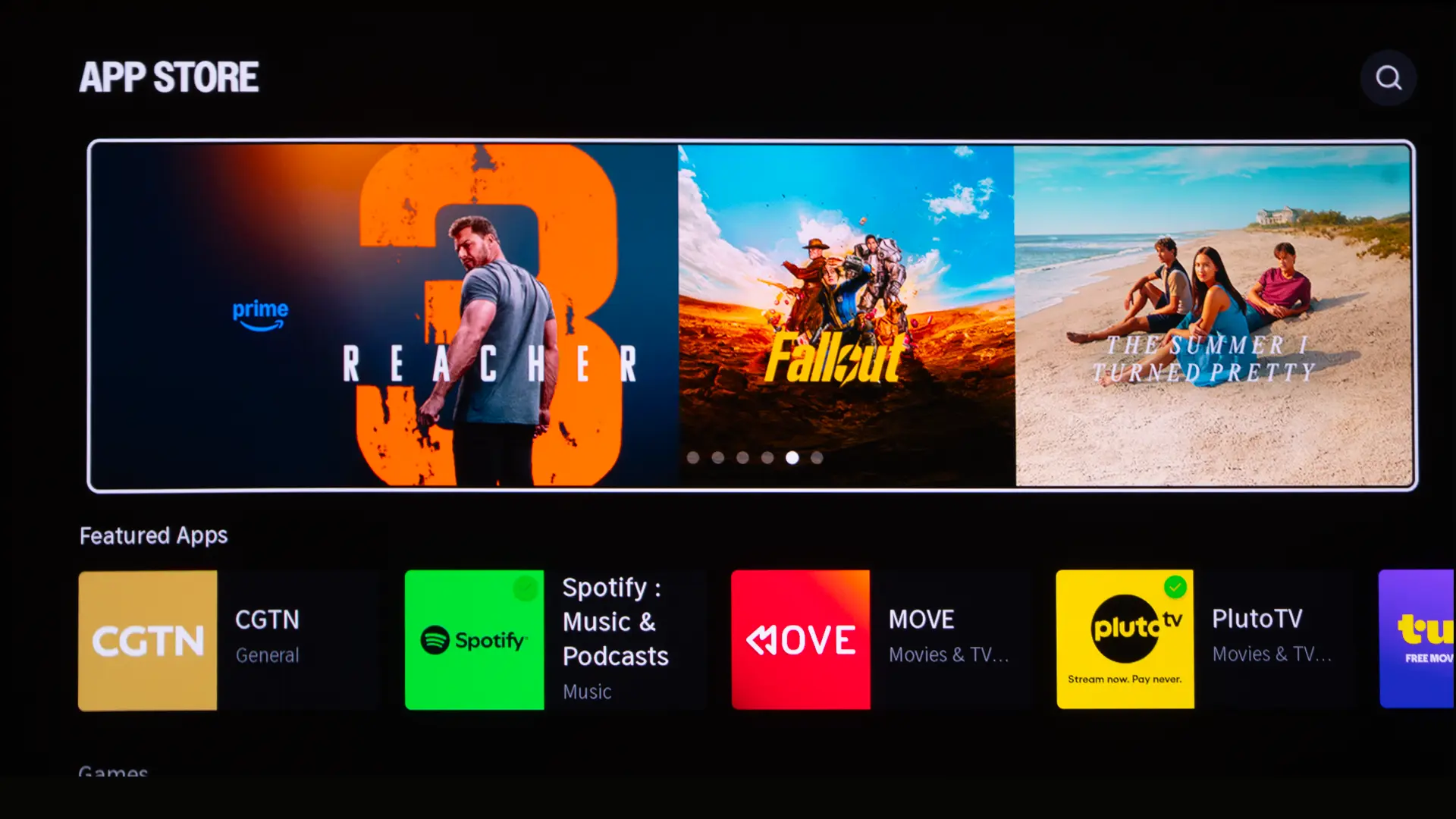
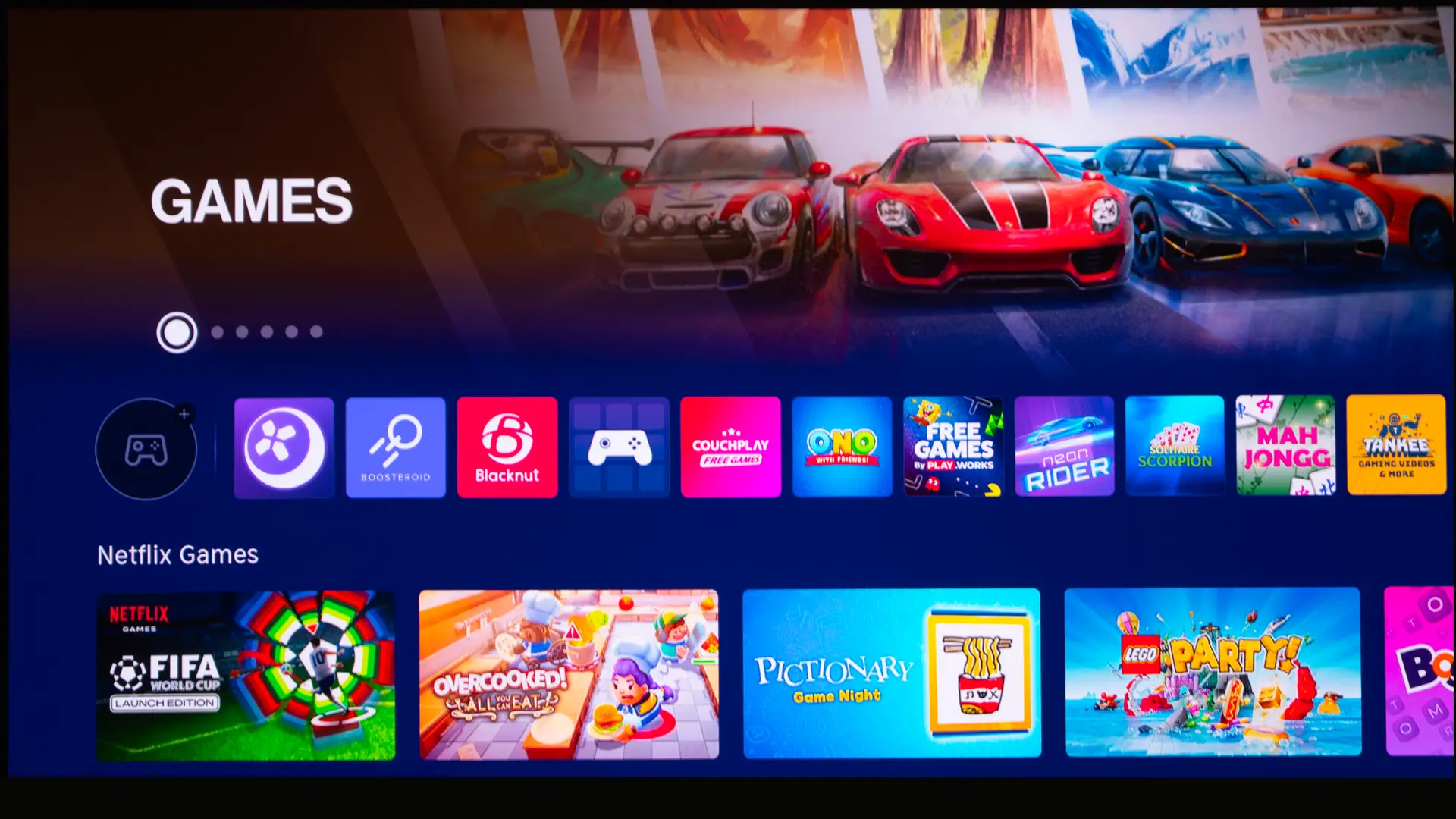
The XR10 uses Hisense’s VIDAA OS smart platform, which natively supports most popular streaming services including Netflix, Amazon Prime Video, YouTube, and Disney+. While the selection of apps is not as extensive as the Google Play Store or the Apple Store, there are still tons of content and games available.
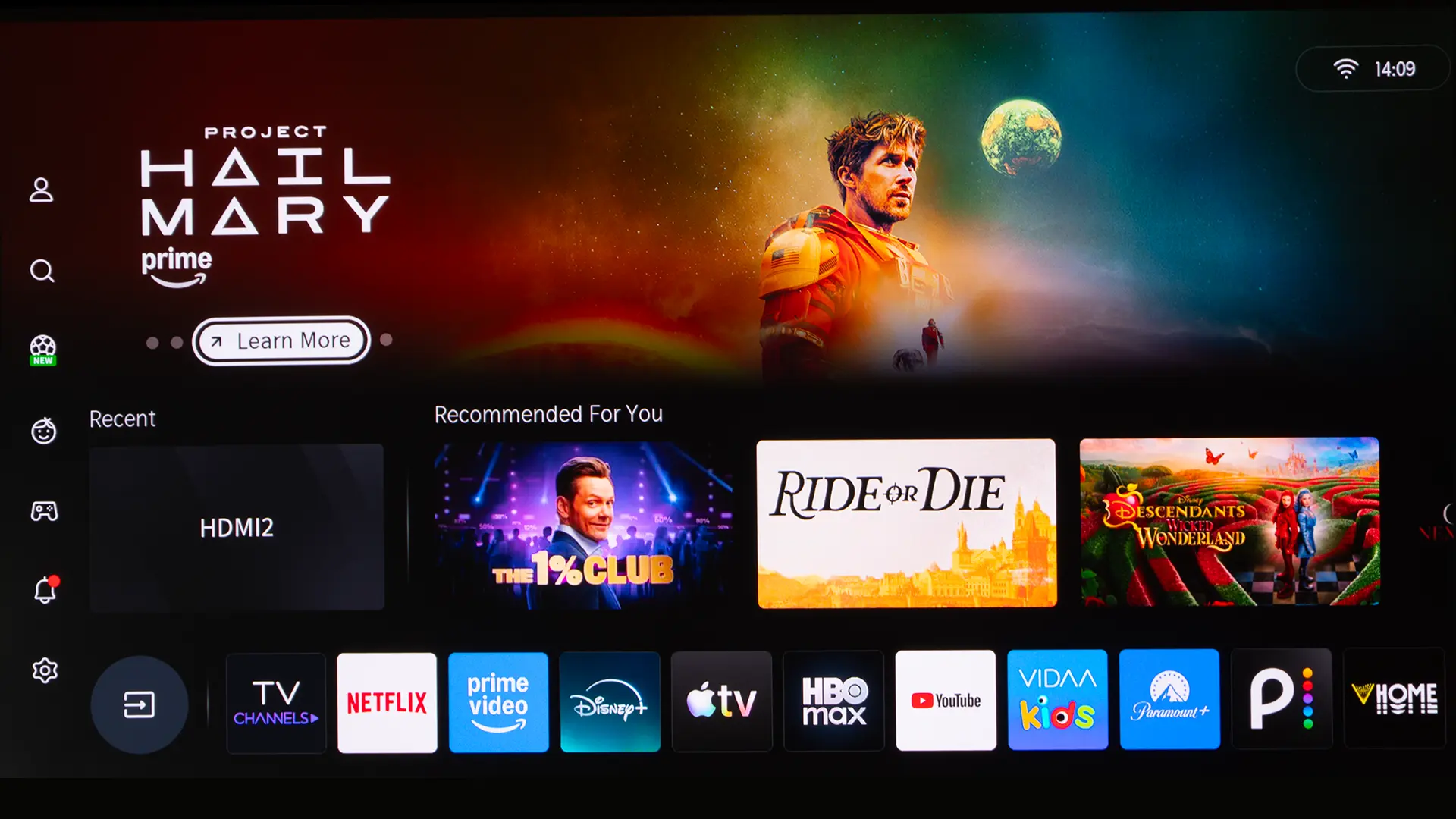
The VIDAA home screen shows apps, inputs, recommended content, account features, voice services, screen sharing, AirPlay, HomeKit, and network settings. Since the operating system is based on a platform utilized in millions of Hisense TVs, it was well laid out and responsive. VIDDA makes it easy to personalize the home screen. If you want Disney+ front and center for the kids, you can quickly arrange your apps.
The XR10’s smart platform makes the projector more self-contained it is great for traditional lifestyle projector customers. However many enthusiasts will still use an Apple TV, Roku, NVIDIA Shield, Kaleidescape, or game console as their primary source.
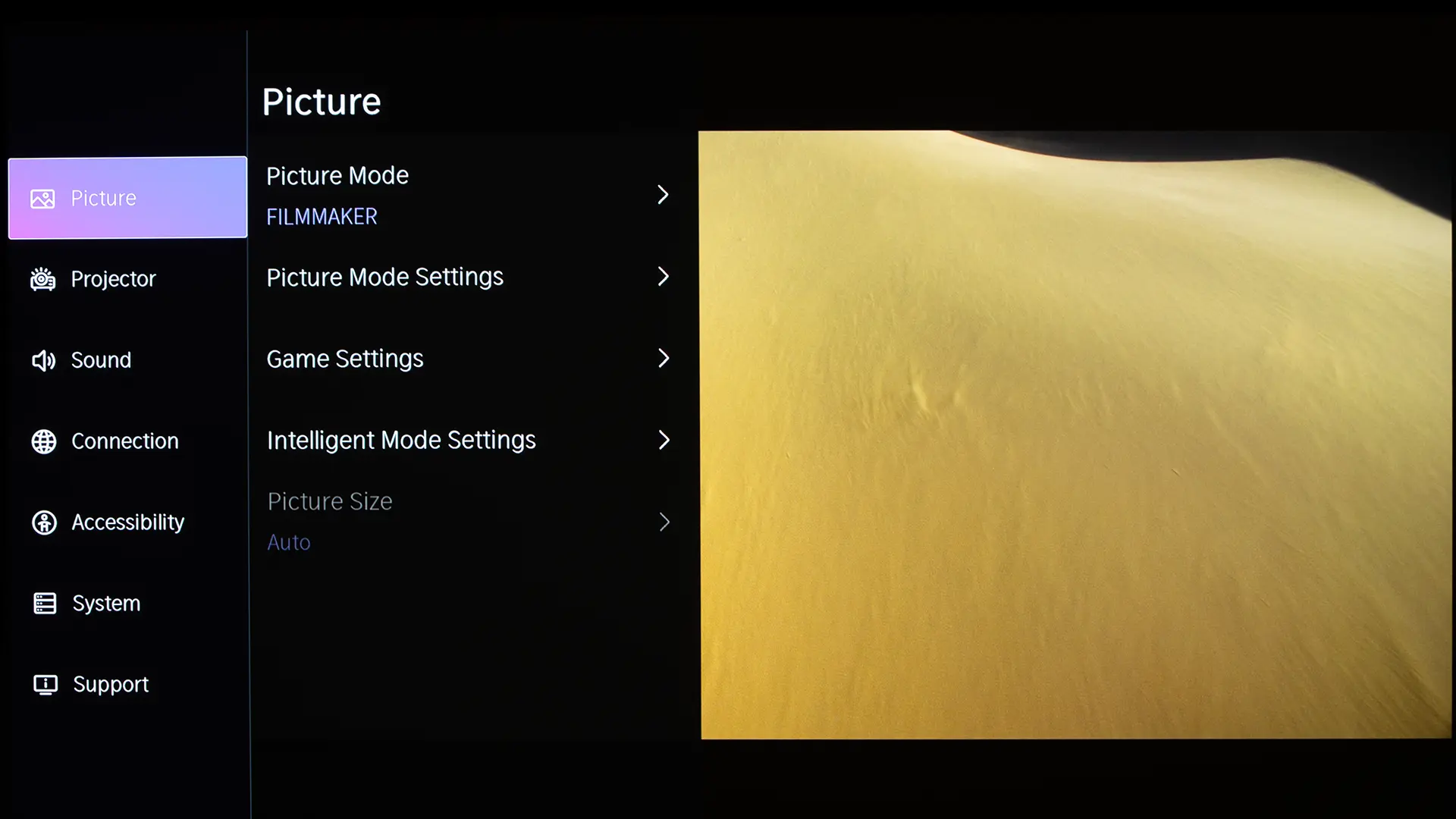
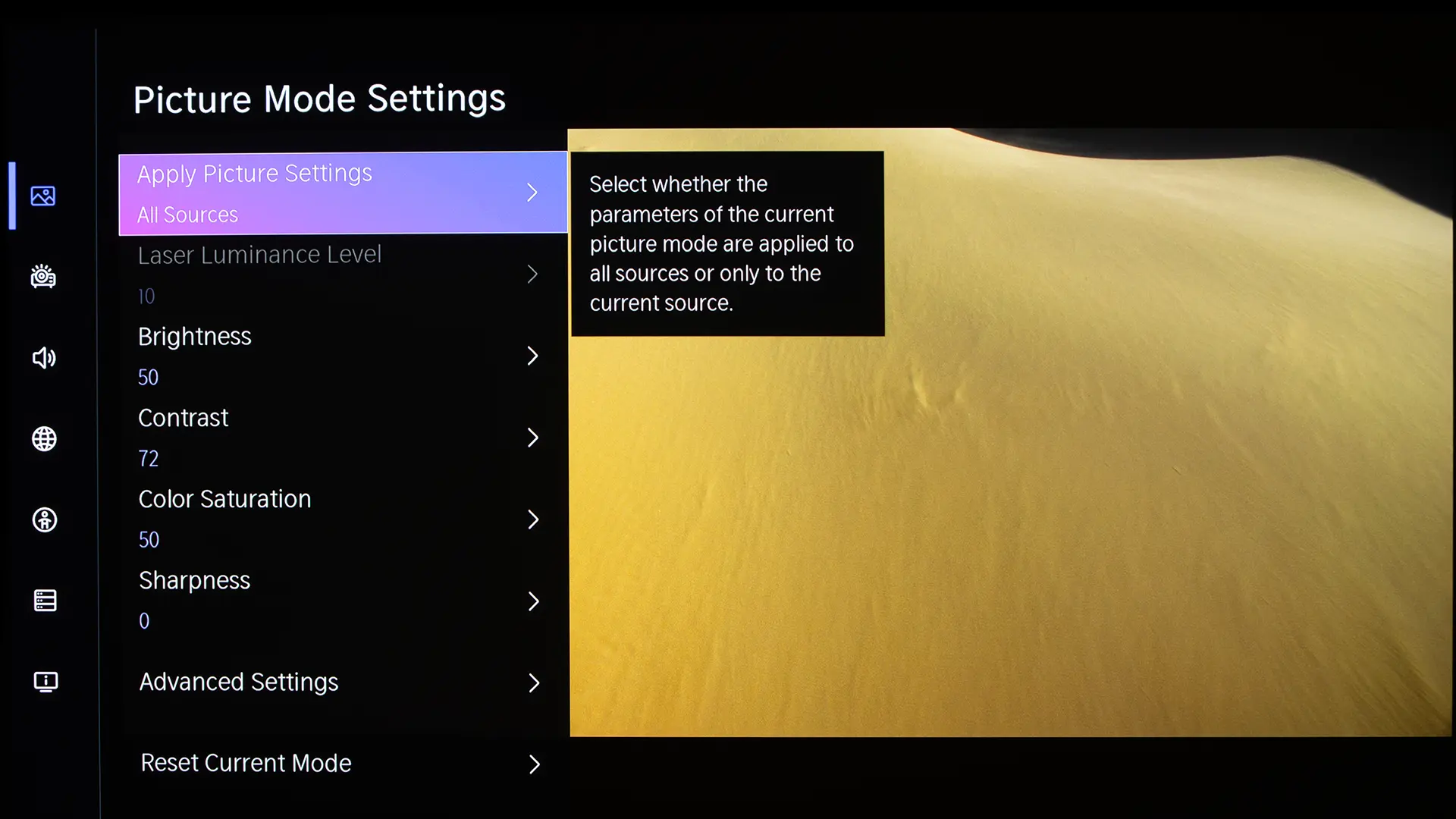
In addition to the smart menu, the XR10 includes an extensive set of picture adjustments that can be used to optimize the projector's image quality. Advanced calibration adjustments include Gamma, RGB Balance, and CMS. Similarly, the Sound controls go beyond simple volume, offering preset audio modes and even a full equalizer for fine-tuning the audio response to your specific room acoustics or listening preferences.
PERFORMANCE
COLOR
The Hisense XR10 delivered good color reproduction out of the box. The projector includes several preset picture modes for both SDR and HDR. When viewing SDR, we found that FILMMAKER MODE, THEATER DAY, and THEATER NIGHT picture presets delivered the most accurate image.
When it comes to color temperature and white balance, the three modes were very similar. The main difference is the gamma and picture enhancement settings engaged. Movie purists will prefer FILMMAKER MODE. I chose to measure and adjust THEATER NIGHT so I could compare it to FILMMAKER MODE after calibration to see if there was a noticeable visual difference.
Like most RGB laser projectors, the XR10 exhibited some noticeable laser sparkle when utilized with select ALR screens. Utilizing the projector with a matte white screen minimizes this effect.
I used Portrait Displays Calman color calibration software, a Murideo Seven Generator 8K, and a Klein K10-A colorimeter to measure the projector's color accuracy and adjust it. Below are the before-and-after calibration results for my specific room and setup.
Due to differences in room environments, screen materials, and model variations, we do not recommend using someone else's advanced picture settings. If your room is brighter/darker, or if your walls are a different color, copying someone else's results can degrade picture quality rather than improve it.
Even if you choose not to have the XR10 professionally calibrated, there are some simple BRIGHTNESS, CONTRAST, and SHARPNESS adjustments you can make to improve the picture quality of your projector. There are several free test patterns available on the Murideo website and their YouTube channel. Murideo also has written instructions in the resource section of its website.
To measure and adjust the Aetherion Pro, I used my Klein K10-A colorimeter, Murideo Six-G test pattern generator, and Portrait Displays Calman color calibration software. Since your room and screen material significantly impact the overall picture, I don't recommend using someone else's (like mine) calibration adjustments. If your room is brighter/darker, or if your walls are a different color, copying someone else's results can degrade picture quality rather than improve it.
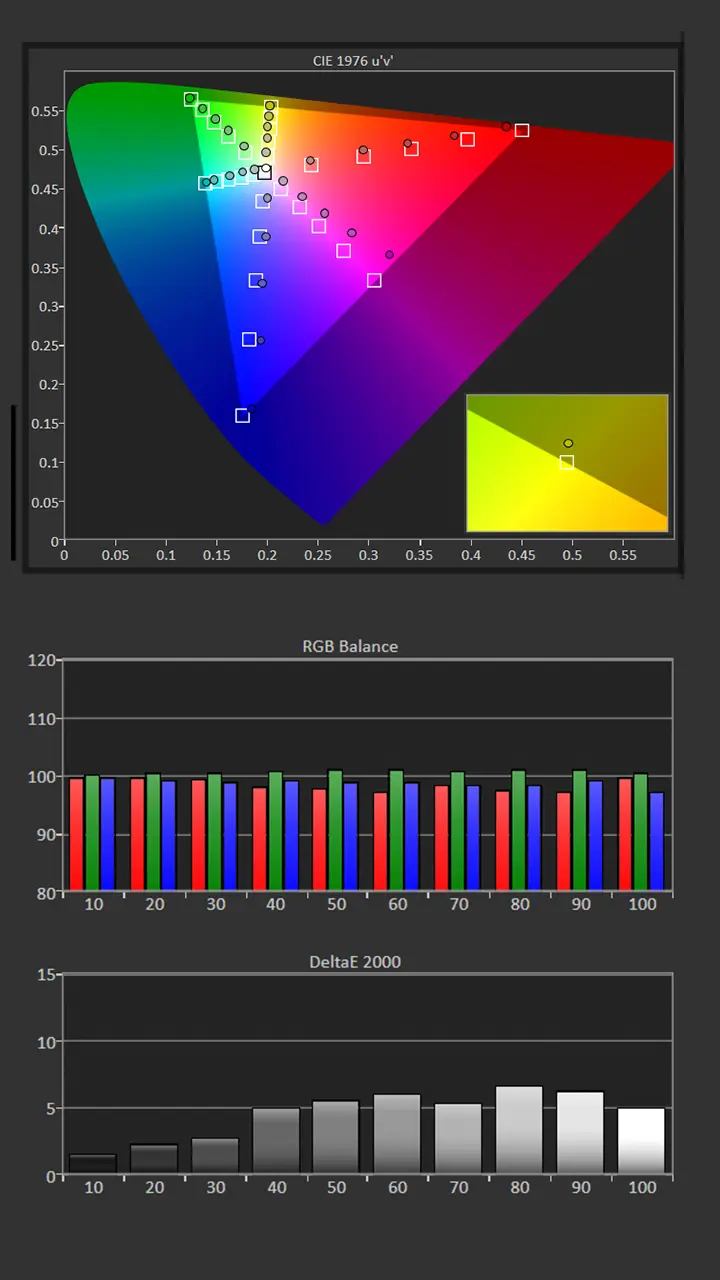
I chose to measure and adjust the THEATER NIGHT mode since it was one of the most accurate out of the box. Pre-calibration, the color temperature was 6254K, which was very close to my target of 6500K.
While the image was slightly warmer than desired, it was still pleasing to the eye; my multi-point grayscale measurements indicated an excessive amount of green.
The projector's color tracking is very good, but our Color Sweep measurements showed some color shift, likely due to an uneven RGB balance. The gamma was around 2.15, which is very close to my normal target of 2.2.
Before calibration, on my 100-inch matte white screen, the peak brightness produced 435 nits, which is more than bright enough to deliver a vibrant image on a 140” screen, even under moderate ambient light.
Picture Mode: THEATER NIGHT
Gamma: 2.15
Color Temperature: 6254K
Average Grayscale dE: 3.9
Average Color Tracking dE: 2.7
Post-Calibration Color Tracking and Grayscale
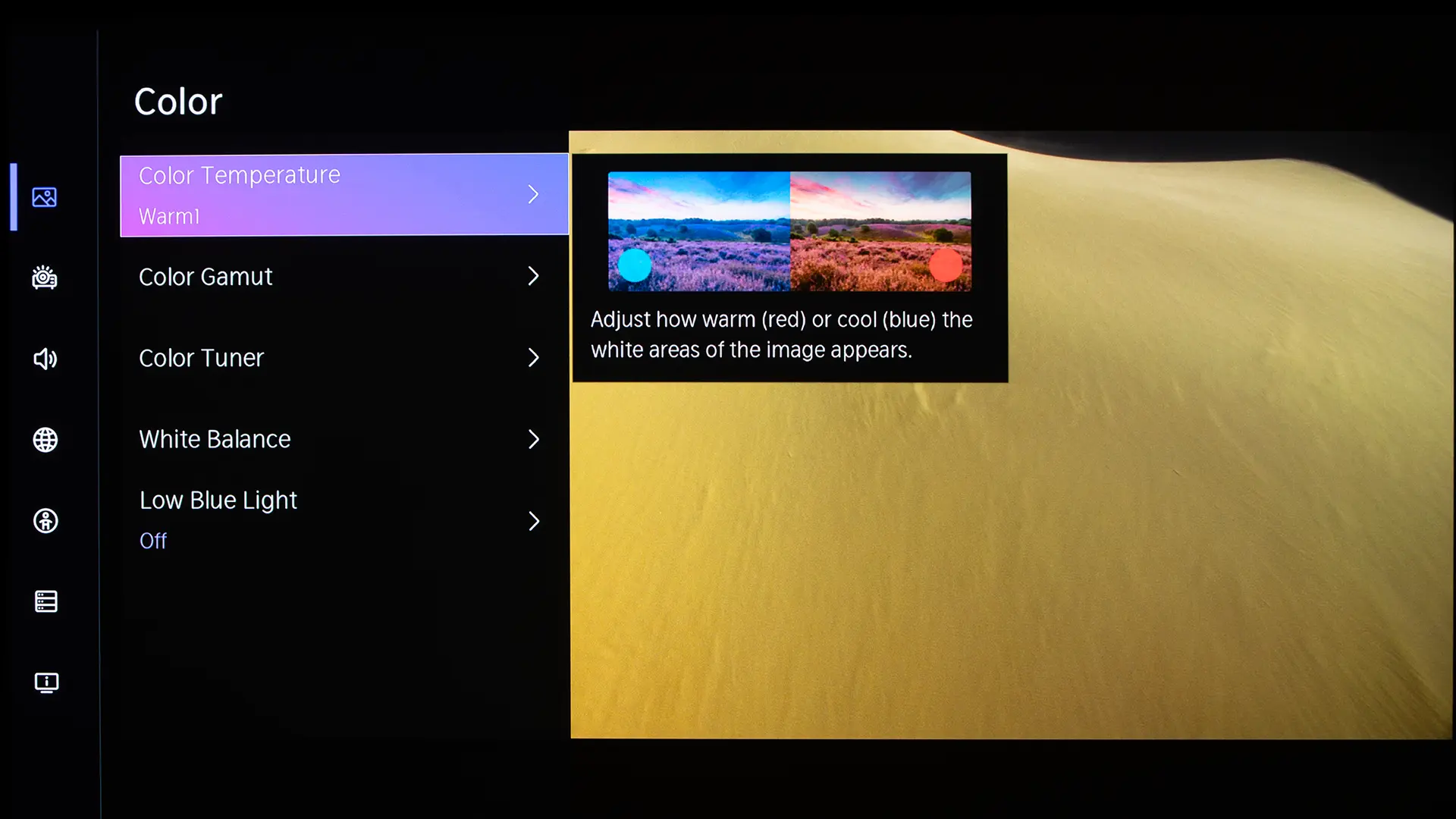
Since the measured Gamma was close to 2.2, I just needed to adjust the Brightness settings to achieve my target. I left the Color Temperature setting at its default of Warm 1, since it was closest to my target of 6500K.
Our initial measurements showed an excessive green bias, so I used the Two Point White Balance adjustments to reduce the amount of Green Gain and Red Gain while I increased the amount of Blue Gain.
The projector includes 20-point White Balance adjustments which could be used to fine-tune the grayscale further, but I don't think it would have made much of a visible difference.
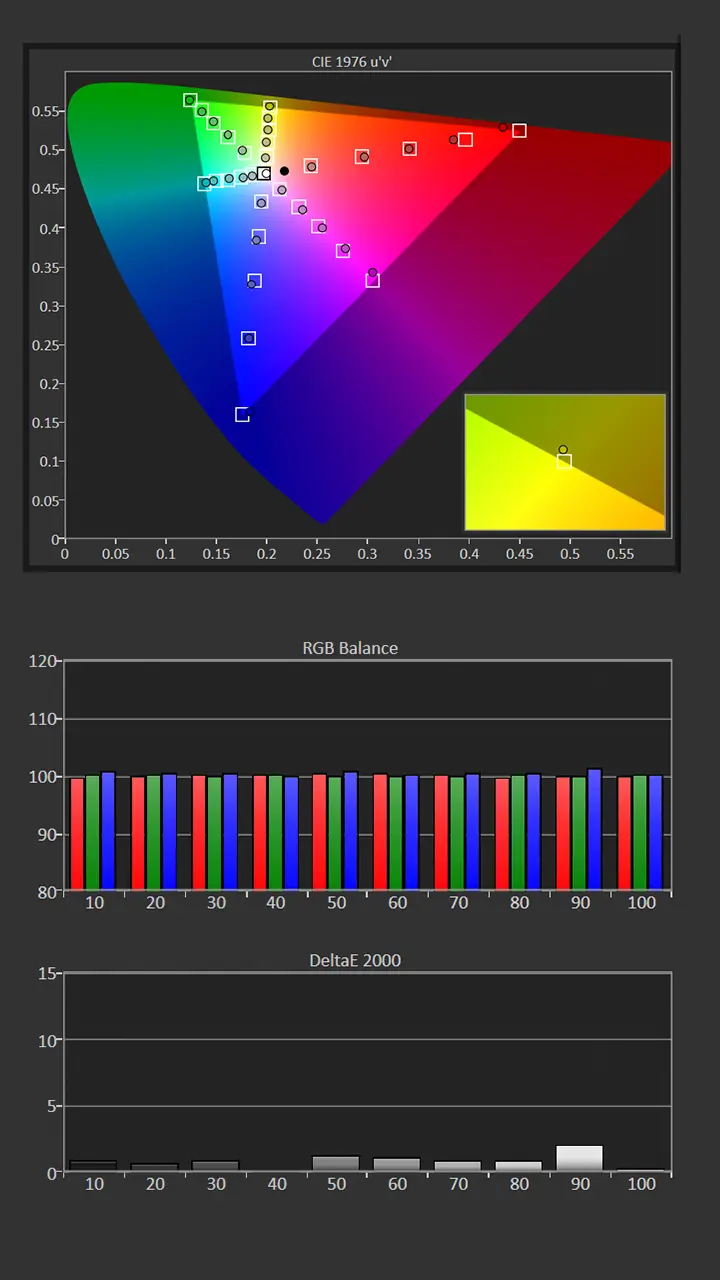
Correcting the projector's white balance also significantly improved the unit's color tracking. We use CMS adjustments to reduce/eliminate most remaining color shift errors. After adjustment, the projector was brighter, delivering 461 nits.
Picture Mode: THEATER NIGHT
Gamma: 2.2
Color Temperature: 6509K
Average Grayscale dE: 1
Average Color Tracking dE: 0.8
Delta E measures the perceptual difference between a target color and the displayed color. A value below 1 is considered imperceptible to the human eye; values below 3 are considered acceptable for professional use. After spending a few minutes adjusting the 2-point grayscale and CMS, the grayscale and color tracking both had an average delta E of around 1.
Since the projector's average color temperature and color tracking dE measurement were close to three out of the box, the image quality difference before and after calibration was not dramatic.
The XR10’s grayscale and color reproduction are good enough out of the box to satisfy the most home entertainment users. However, for projector enthusiasts who seek the best possible picture quality in their spaces, the projector offers a full suite of picture adjustments.
Often, calibrating a projector results in a dramatic drop in light output, but that was not the case with the XR10. Even after calibration, the projector delivered 461 nits on my 100-inch matte-white screen, which is about 30 nits higher than the THEATER NIGHT mode's default brightness.
HDR Color Tracking and Grayscale
The XR10 offers several preset HDR picture modes for standard HDR10 content, allowing you to adjust the image to match your room environment. IMAX ENHANCED preset is also available when watching HDR10 content.
For Dolby Vision, you get three presets: DOLBY VISION BRIGHT, DOLBY VISION DARK, and DOLBY VISION CUSTOM
The out-of-the-box HDR color reproduction is very good. The most accurate picture modes were FILMMAKER, IMAX ENHANCED, and HDR MOVIE. Like SDR, the main difference between these modes is the number of picture enhancements engaged.
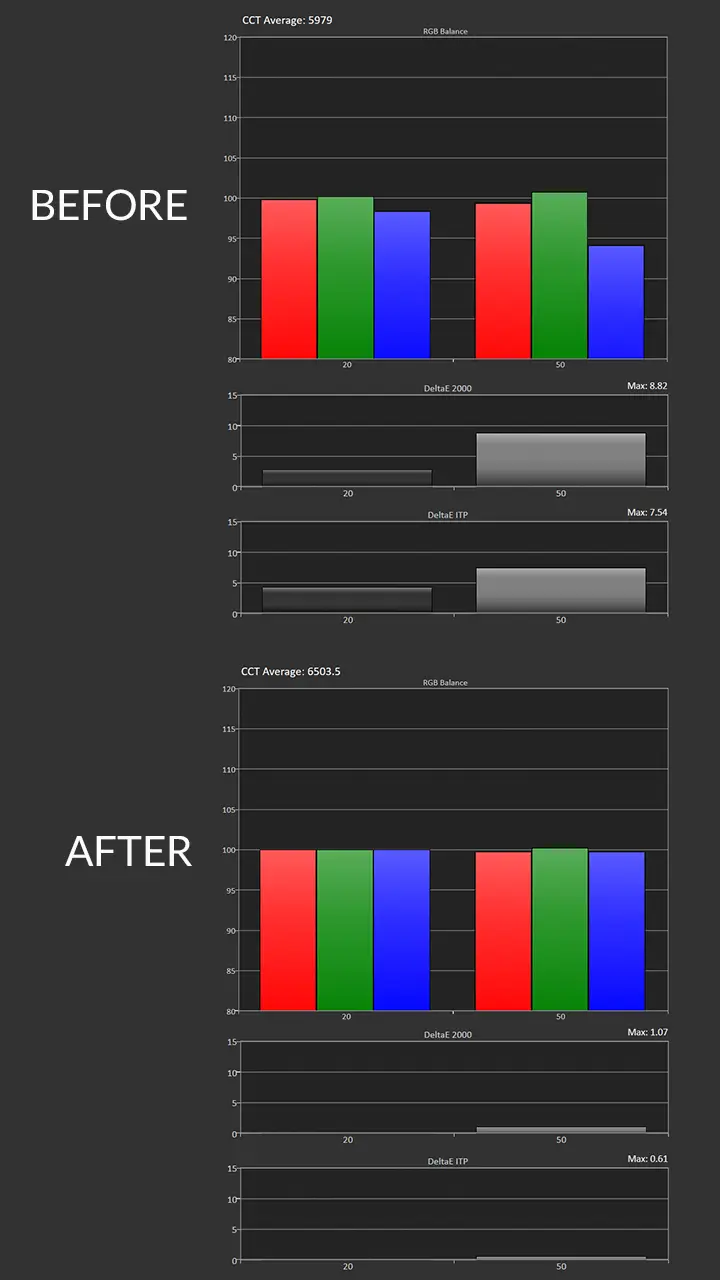
Our Pre-calibration HDR Grayscale measurements of the HDR ISF Night Mode showed an a lack of blue, resulting in a slightly warm image and a color temperature of 5979K. I used the Two-Point White Balance adjustment to improve White Balance, resulting in an average DeltaE of 2.
After adjustment, the color temperature was 6503K, extremely close to my target of 6500K. Correcting the unit's white balance also improved the projector's HDR color tracking.
Hisense says that the projector can deliver over 118% of the BT.2020 color space. We measured 94% of BT.2020 and 149% of the DCI-P3 color space. Since most content is mastered in DCI-P3, the XR10 can easily reproduce the color range found in most HDR movies, games, and TV shows. The XR10 does an excellent job of mapping its massive color gamut to accurately reproduce the REC709 color space used in SDR content.
BRIGHTNESS
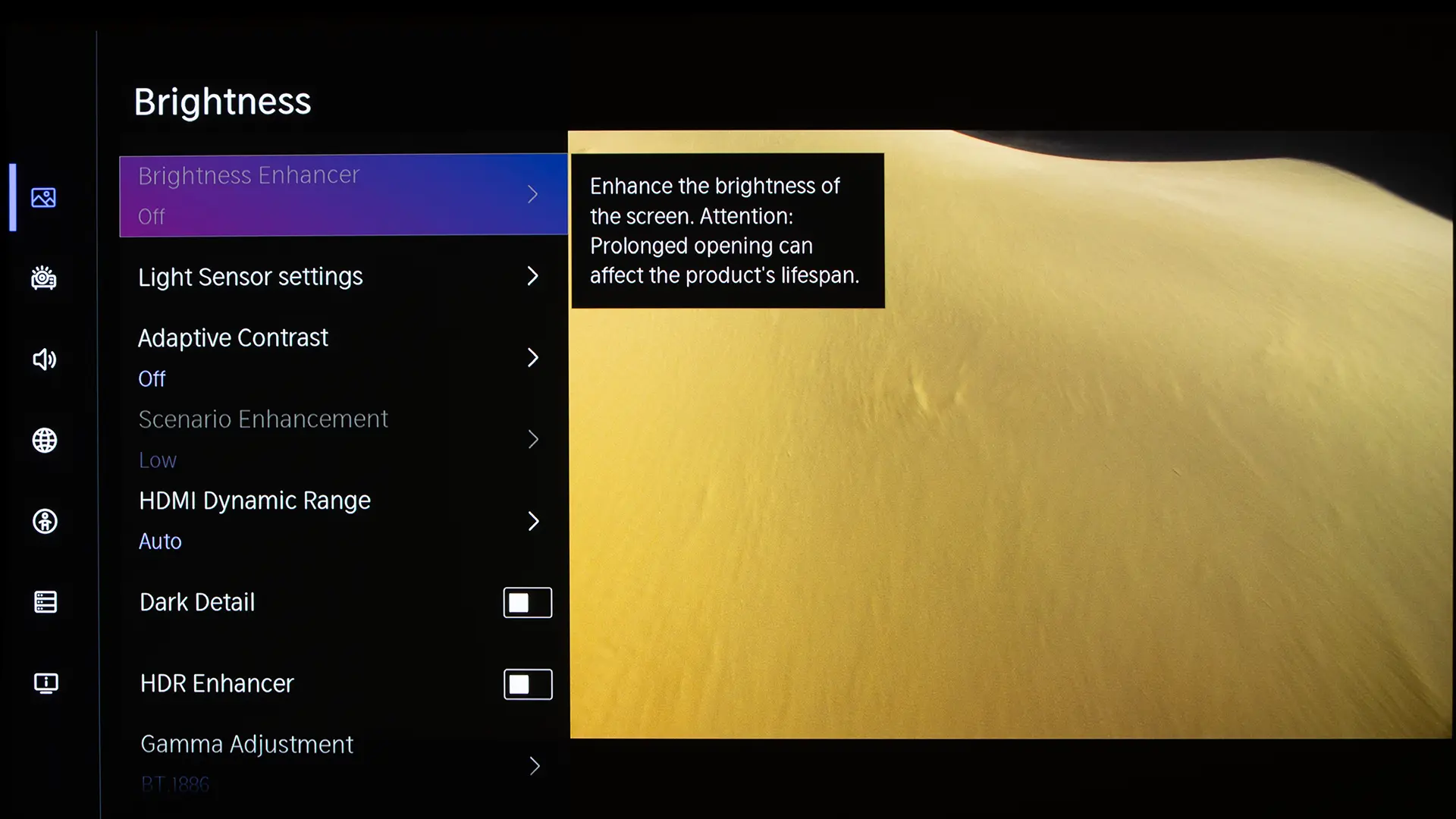
The XR10 has a rated brightness of 6,000 lumens. To measure maximum brightness, I ensured that the Iris Mode was off, and I set the projector's Brightness Enhancement feature to Ultra. After experimenting, I determined that when the Brightness Enhancer feature was engaged, the STANDARD mode produced the brightest image.
I then took measurements at several locations on the screen to estimate its overall light output. I measured 6049 lumens, which was slightly higher than the XR10's brightness rating.
While engaging the Brightness Enhancer feature delivered the highest brightness, the image was greenish. Prolonged use could also reduce the lifespan of the model. Since it negatively impacts color reproduction and results in higher fan noise, I would not recommend utilizing this feature.
Surprisingly, the most accurate out-of-the-box picture modes, FILMMAKER and THEATER, delivered the brightest SDR image. This is because the Laser Luminance Level for these modes is set to 10, while most of the other picture modes have this setting locked at 7. Below is a chart showing the measured brightness of each SDR preset picture mode.
Picture Modes: Brightness and Color Temperature
Picture Mode
Brightness Measured (Lumens)
VIVID
3049
ENHANCED (ACR)
3041
FILMMAKER
3885
STANDARD
3231
ENERGY SAVING
2488
THEATER DAY
3790
THEATER NIGHT
3767
SPORTS
3198
STANDARD (Brightness Enhancer -Ultra)
6049
The brightness of the most accurate SDR modes measured around 3800 lumens. Even after calibration, in THEATER NIGHT mode, on my matte white 100” screen, the XR10 delivered 461 nits of on-screen brightness, which is far higher than what most home theater projectors can produce. That is enough brightness to deliver a vibrant image on a 150"+ screen in a light-controlled environment.
BLACK LEVEL AND SHADOW DETAIL
Hisense states that the XR10 can deliver up to 6000:1 native contrast when its 7-step iris is engaged. To measure the unit’s native contrast ratio, in my space, I used a sequential (Full On/Full Off) contrast test.
With the projector’s Iris setting switched off, the XR10 delivered a native contrast of 2259:1, which is very good for a DLP projector. The unit's native contrast is comparable to other award-winning DLP projectors such as the XGIMI TITAN Noir Max and the Valerion VisionMaster Max when the irises in those models are disengaged.
With the iris engaged, I measured a maximum native contrast in my room of 4853:1. While this is lower than Hisense's rating, it is probably because my room is not completely black. Engaging the projector's iris does increase its native contrast, but you take a big hit in brightness. Below are my measurements taken using a 135-inch matte white acoustically transparent screen.
Measured Native Contrast Based on Iris Setting (Max/Min Brightness)
Iris Setting
Native Contrast
White Luminace
Black Luminance
Off
2259:1
224.8 nits
0.07 nits
Cinema 1
4853:1
78.27 nits
0.016 nits
Cinema 2
4403:1
71.63 nits
0.016 nits
Step 1
2333:1
150 nits
0.06 nits
Step 2
2945:1
117 nits
0.04 nits
Step 3
3796:1
91 nits
0.024 nits
Step 4
4211:1
77.61 nits
0.018 nits
Step 5
4582.1
55.5 nits
0.012 nits
As you can see from the chart above, depending on the iris setting, brightness is reduced by more than 50%. Due to the massive reduction of brightness, I would not recommend utilizing the Iris when viewing HDR on screens above 120 inches. The XR10 also offers dynamic laser dimming, which is switched on when the scenario enhancement feature is engaged. This feature does improve the black levels of dark scenes, but it does cause a little bit of color shift.
The XR10 delivers high enough native contrast that I was happy with the black level and shadow detail of the projector, even when watching dark scenes in low-light environments. While the projector's black level and contrast are good, there are a few DLP projectors that offer deeper blacks and better shadow detail, including the XGIMI Titan Noir MAX and the Valerion Vision Master MAX.
While no DLP projector, including the XR10, can match the native contrast and black level of a Sony 4K SXRD or JVC D-ILA projector, the performance of DLP projectors continues to improve year over year. In a room with low to moderate ambient light, it would be difficult for most people to see a visual difference between the XR10 and those more expensive Sony or JVC models.
VIDEO QUALITY
The most accurate SDR picture modes out of the box were FILMMAKER and the two THEATER modes. These modes look similar, but they differ in settings such as Contrast, Gamma, and whether the Light Sensor is engaged. Colors look natural because the projector does a good job mapping its wide color gamut capabilities down to properly display SDR material. The projector also did a good job upscaling older HD content to 4K.
The XR10 also supports 3D using active shutter glasses. In an active 3D system, the projector alternates rapidly between the left-eye and right-eye images. The battery-powered shutter glasses synchronize with the projector, opening one lens while closing the other. Each eye therefore receives light for only part of the time instead of continuously, as it does with 2D content. Even though some of the XR10's brightness is lost due to the 3D process, the projector's higher brightness made the content look better than most projectors that I have seen.
Since the XR10 is a single-chip DLP projector, there is still some visible Rainbow Effect (RBE). Because it uses an RGB laser light source, the projector does not have to rely on a color wheel, which minimizes the effect. Due to its RGB laser light source, the projector does not have to rely on the color, which minimizes the effect. I'm not overly sensitive to RBE, so I didn't notice it most of the time.
Like most RGB laser-equipped projectors, I did notice laser speckle on some Ambient Light Rejecting (ALR) screens, including the one in my media room. This speckle was far less noticeable on my matte white screen. For those who need an ALR screen, the good news is that screen manufacturers have developed new speckle-reducing materials that work well with RGB laser projectors.
HIGH DYNAMIC RANGE
The Hisense XR10 supports all of the major HDR formats and features several dedicated HDR picture modes. The most accurate HDR picture modes were FILMMAKER, IMAX ENHANCED, and HDR THEATER. When viewing HDR10 content, I mostly used FILMMAKER mode because it offered the best balance of brightness and color accuracy. When viewing Dolby Vision content, I chose the Dolby Vision Dark picture preset.
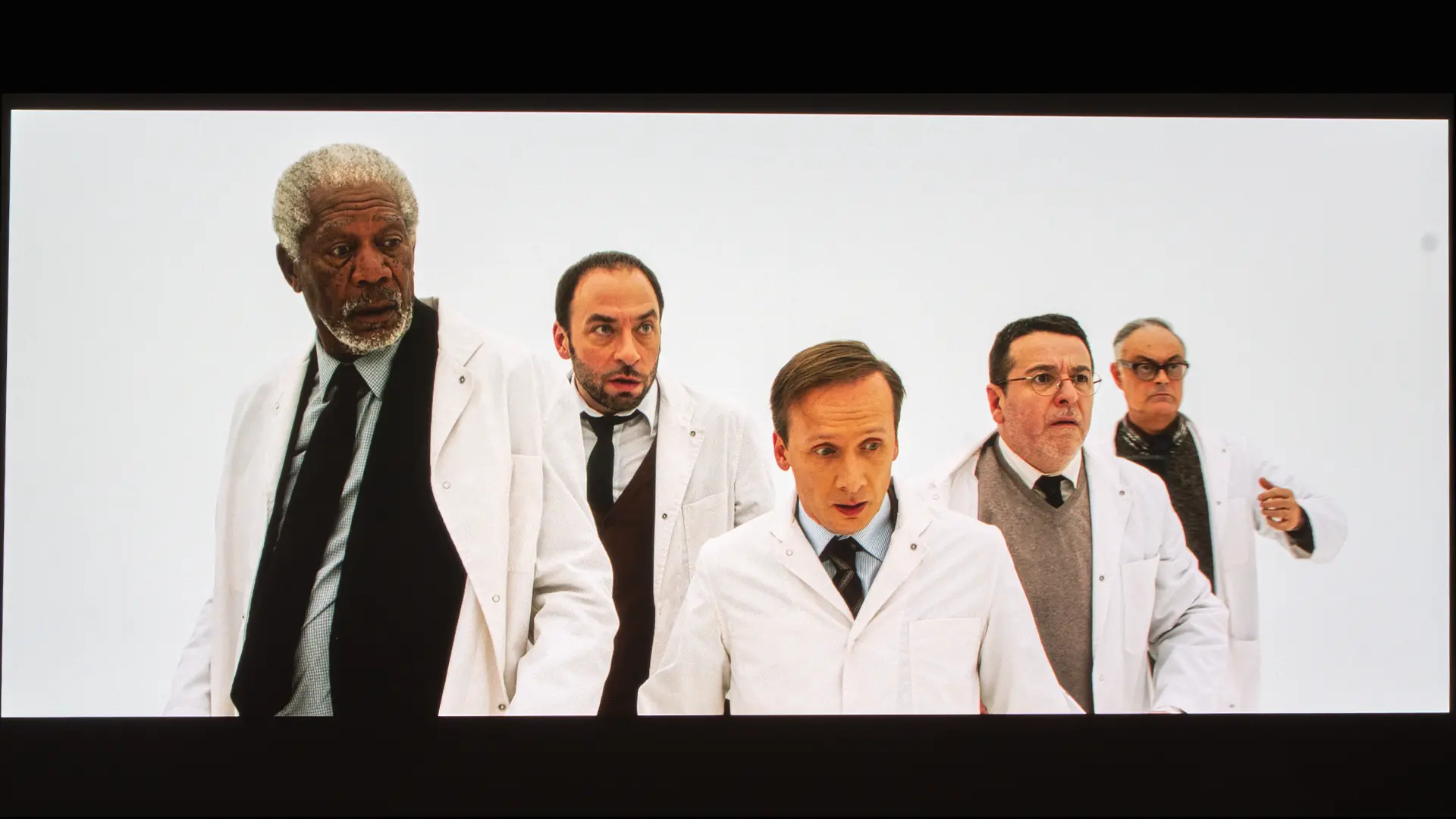
The XR10 supports both Dolby Vision and HDR10+, and it also does a good job of tone-mapping HDR10 content. The XR10 includes Dynamic HDR tone mapping, which increases the overall on-screen brightness without overly clipping highlight detail. Even after calibration, on my hundred-inch matte white screen, the projector delivered over 460 nits. The unit's higher brightness reduces the need for aggressive HDR tone mapping. This results in higher on-screen brightness without the need to clip bright highlights.
DCI is a consortium of major Hollywood studios that establishes technical standards for digital cinema projection systems used in commercial movie theaters. According to the DCI, to deliver a reference-level HDR image, 300 nits of brightness are required.
We believe that at least 200 nits of on-screen brightness is required to deliver a truly compelling HDR image, and the XR10 can easily deliver that much brightness on screen, approaching 140 inches.
GAMING
The XR10 offers good gaming performance that should satisfy most casual gamers. The projector's ability to deliver high brightness and wide color gamut the gaming content looks vibrant even under ambient light, so you don't have to game with your friends sitting in the dark.
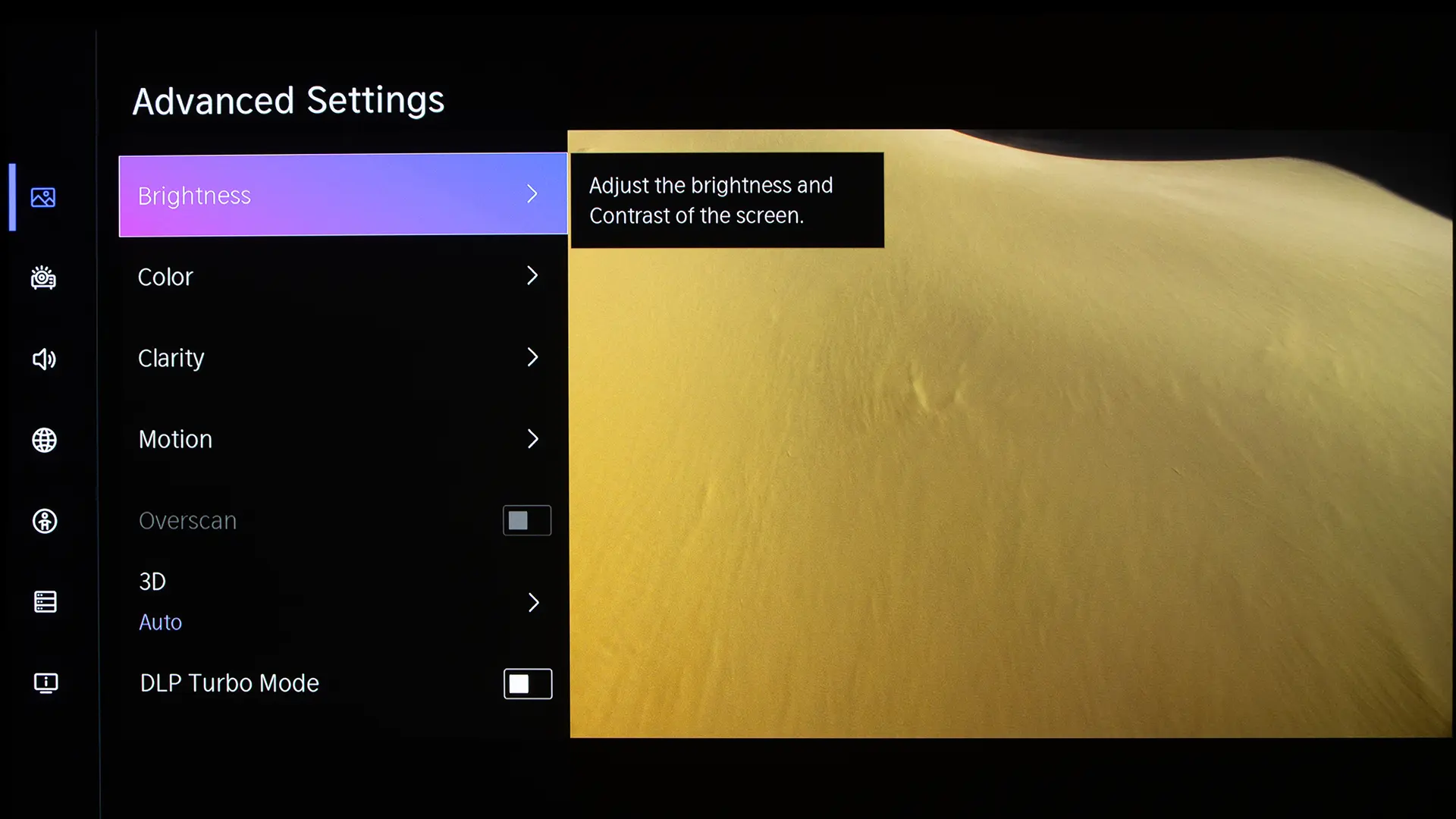
The projector supports HDMI ALLM (Auto Low Latency Mode), so it automatically switches to its Game-Enhancement mode when gaming content is detected. For the lowest input lag possible, you can activate DLP Turbo Mode in the projector's advanced setting menu. This feature is switched on, the projector bypasses or simplifies much of this processing and sends each frame to the DLP display system as quickly as possible.
I've used my Leo Bonar lag tester to measure the unit's input lag at different frame rates. Below are the measurements in Game Mode with the DLP Turbo Feature engaged.
17 ms @ 4K/60fps
21 ms @ 1080p/120fps
4.6 ms @ 1080p/240fps
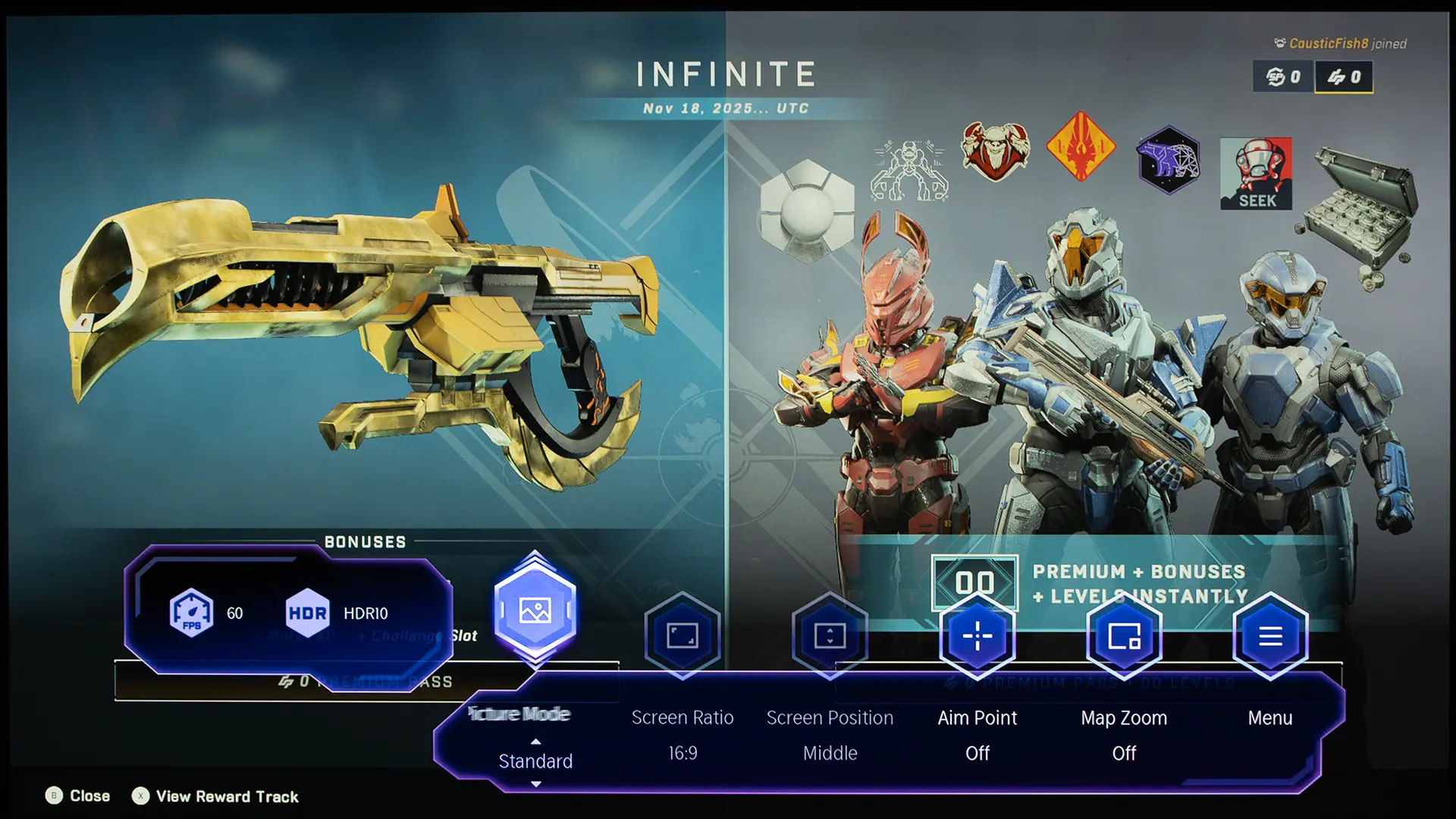
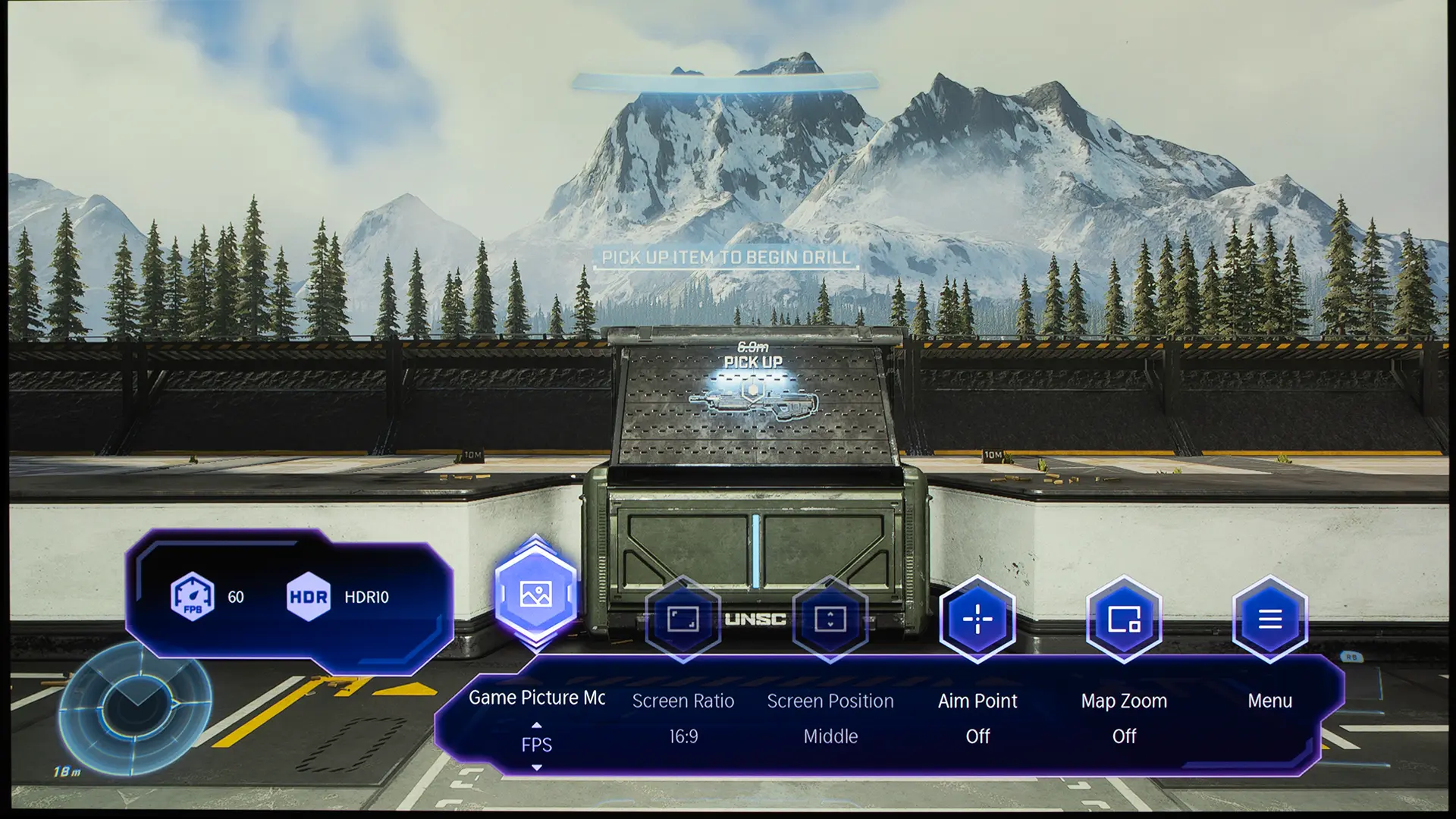
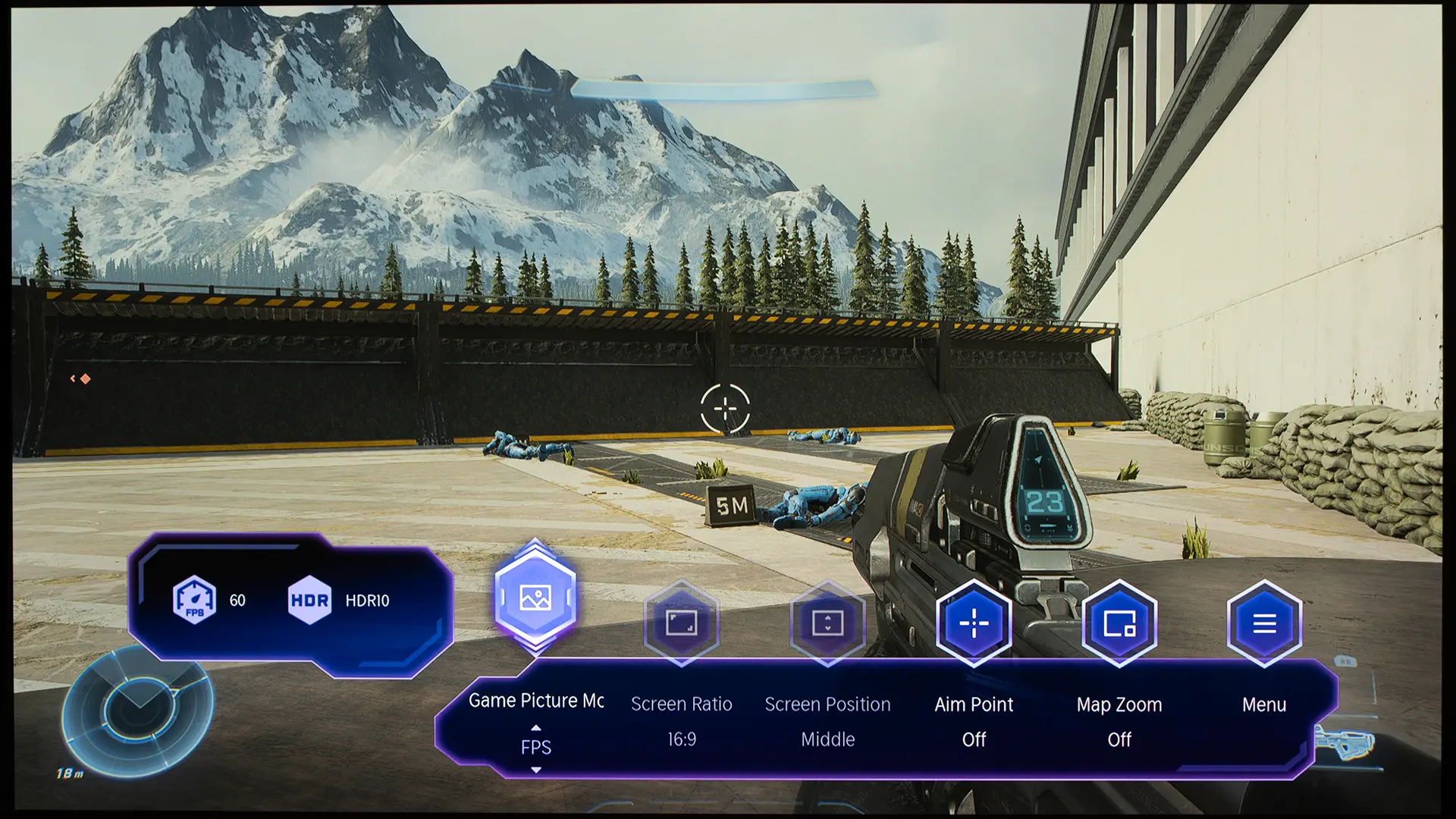
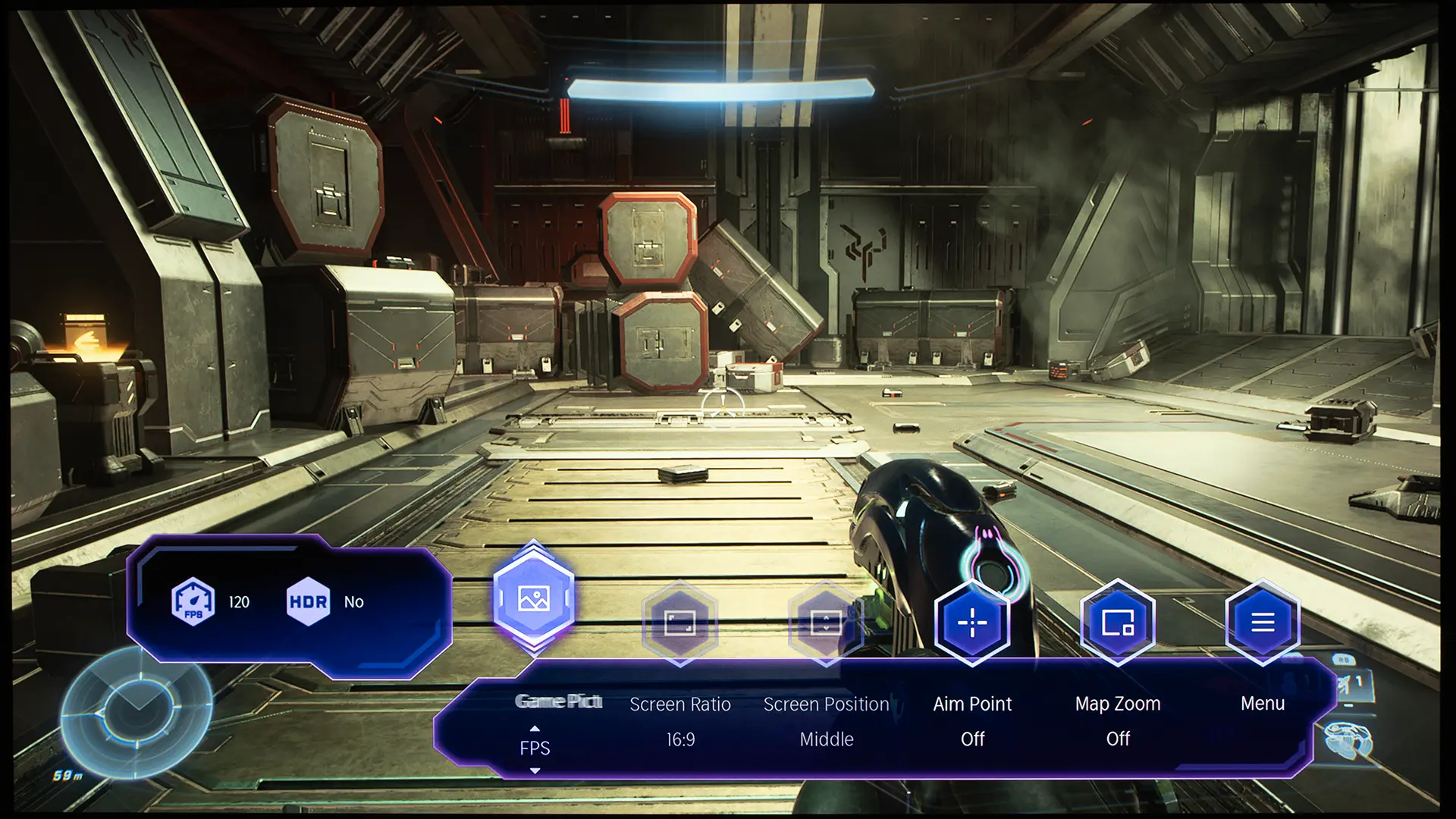
When Game mode is engaged, press the settings button on the remote brings up a dedicated Gaming menu that includes several settings designed to maximize the gaming experience. There are dedicated gaming picture modes designed to optimize the projector's picture adjustments for different types of gaming, including First-Person Shooter, Role-Playing Game, and Sports. There is also a Frame Rate Indicator, which shows the frame rate and HDR format.
SOUND QUALITY
The Hisense XR10 has a high quality built-in sound system
The XR10 includes a built-in 2.1-channel audio system designed by Devialet rated at 31 watts total. The system uses two 8-watt channels and a 15-watt subwoofer, and it supports Dolby Digital and DTS Virtual:X.
The sound quality of the XR10’s system is better than lifestyle and home theater projectors. It also rivals the sound I've heard from many larger short-throw models. The system easily played loud enough to fill a medium-sized room, and the audio quality would be enough to satisfy a casual user.
However, a home theater enthusiast spending this much on a premium projector is likely to use an AV receiver, separate speakers, or a high-quality soundbar. The built-in sound system improves flexibility, but it does not eliminate the benefit of a dedicated audio system for serious movie playback. The projector supports HDMI eARC (enhanced audio return channel), which can send high-quality multi-channel audio from the projector to an external sound system.
Audible Noise
The XR10 uses Hisense’s LPU 3.0 Digital Laser Engine, which can deliver up to 6,000 ANSI lumens of brightness. Proper cooling is a major concern on a 6,000-lumen-rated projector. High light output requires heat management, and high fan noise on a projector can become distracting in a home theater.
The XR10 uses a single-tube, dual-channel micro-channel liquid cooling system. The system effectively regulates the projector's temperature without relying on massive fans. The cooling system is also another reason why the unit is so compact. Hisense says audible noise during normal operation should be under 32 dB when measured from about 6 ft away.
While the XR10 is quieter than most 6,000-lumen business projectors, when I was within 5 ft of the projector, I did notice a little bit of cavitation noise coming from the unit’s liquid cooling system. The cavitation noise was noticeable, butwas not overly distracting in quiet scenes.
Also, make sure you have enough clearance around the XR10 for proper ventilation. If not, the unit's fans will go to their highest speed to protect the unit. This happened after a few minutes in my media room because the cove where the XR10 was located didn't offer enough airflow. In my lab, where the projector is sitting on a stand, the fans ran at a lower speed most of the time.
For those ceiling-mounting the XR10 or placing it on a shelf with plenty of ventilation, the projector is quiet enough to use in a home theater environment. I think the XR10 would’ve benefited from being in a slightly larger chassis, which would have provided additional room for larger, quieter fans. For its targeted clientele, a little bit more size would be worthwhile for quieter operation.
SUMMARY
The Hisense XR10 is a premium 4K TriChroma laser projector that retails for $5,999. It uses an RGB triple-laser light source capable of delivering 6,000 ANSI lumens of brightness while reproducing over 100% of the BT.2020 color gamut.
The XR10 uses a 0.47-inch SST DMD combined with a multi-step iris to deliver a native contrast of up to 6000:1. The adjustable iris lets users adjust the balance between brightness and black level depending on screen size, room conditions, and viewing preference.
Installation flexibility is one of the XR10’s strongest features. Its lens assembly has a 0.84 to 2.0:1 throw ratio, 2.38x optical zoom, and ±130 percent vertical/±46 percent horizontal lens shift. This makes it easier to place than many DLP projectors and allows users to rely on optical adjustment rather than digital keystone whenever possible. The XR10 also includes auto focus, auto screen fit, auto keystone correction, obstacle avoidance, and wall color adaptation for faster setup.
Many people will utilize the XR10 as part of a larger home entertainment system. For those who are looking for a stand-alone solution, it's packed with features that make it a great option.
The projector includes a VIDAA operating system, which provides access to most of the popular streaming apps. It also has a built-in Devialet-tuned 2.1-channel 31-watt audio system that sounds better than most lifestyle projectors I have reviewed.
For gaming, the XR10 supports 4K at 60Hz and 1080p up to 240Hz, making it a versatile option for movies, sports, streaming, and large-screen gaming.
COMPETITIVE COMPARISON
XGIMI TITAN Noir Max
The most natural competitor for the Hisense XR10 is the XGIMI TITAN Noir Max, which also retails for $5,999. Both are premium DLP-based laser projectors that combine outstanding 4K and HDR image quality with a massive amount of installation flexibility.
The XR10 is rated at 6,000 ANSI lumens, but the TITAN Noir Max has a higher rated brightness of 7,000 ISO lumens. The XR10 offers higher native contrast with the Iris switched off, but the TITAN Noir Max offers higher native contrast with the Iris engaged. Also, the Iris on the TITAN Noir Max does not reduce the brightness as much as it does on the XR10. When it comes to gaming performance and smart features, the two units are quite similar.
Both models include a high-quality lens assembly, but the XR10 offers a wider zoom range and a more horizontal/vertical lens shift than the XGIMI. The XR10 is also a smart projector with built-in streaming apps while the TITAN Noir is not. The XR10's sound system is also better than the TITAN Noir Max.
Valerion VisionMaster Max, which retails for $3,999, is another premium 4K RGB smart laser projector aimed at home theater enthusiasts. The Hisense XR10 can deliver significantly higher brightness than the Valerion VisionMaster Max, making it a better option for very large screens or rooms with some ambient light. However, the VisionMaster Max offers higher native contrast.
The VisionMaster's EBL (Enhanced Black Level) feature, combined with dynamic laser dimming, makes the projector a great option for those who prioritize contrast and darkroom viewing. On a larger screen or in a room with ambient light, the XR10 delivered a better HDR image. Both projectors can reproduce an extremely wide color gamut, but the XR10’s additional light output made HDR highlights appear more impactful and colors more vibrant.
The lens assembly XR10 offers more zoom range and more horizontal/vertical lens shift. The VisionMaster Max supports interchangeable lenses.
FINAL THOUGHTS
If you are interested in purchasing the projector mentioned in this article, we always appreciate it if you use one of the links in the article because Projector Reviews earns a small commission on the sale at no cost to you.
Several outstanding DLP projectors were introduced in 2026, including the Hisense XR10. Advancements in DLP DMDs and controllers have resulted in a noticeable increase in native contrast and improved black levels. Also, due to higher output laser light sources, there has been a big jump in usable brightness as well.
When I first saw the XR10 in the Hisense booth at CES 2026, I was impressed with its specifications and looked forward to evaluating the unit. The projector’s performance and build quality lived up to my expectations. The Hisense XR10 is kind of hard to classify. It has the features you would expect in an ultra-premium lifestyle projector with the image quality of a dedicated home theater projector.
Its sound system, smart features, easy setup, and build quality make it one of the best lifestyle projectors on the market. The XR10's excellent color reproduction, high native contrast, and enhanced installation flexibility also make it a great option for discerning home entertainment enthusiasts looking for a sub-$6000 projector.