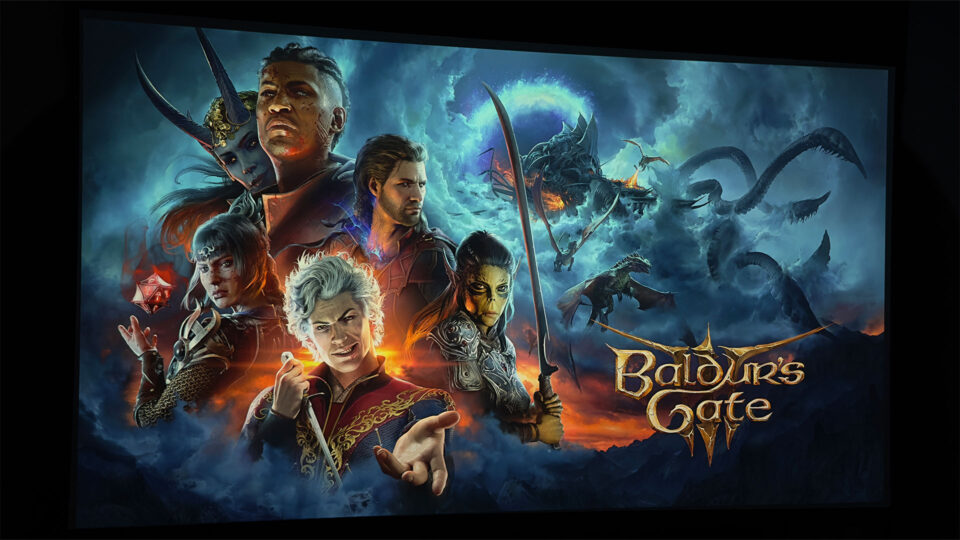
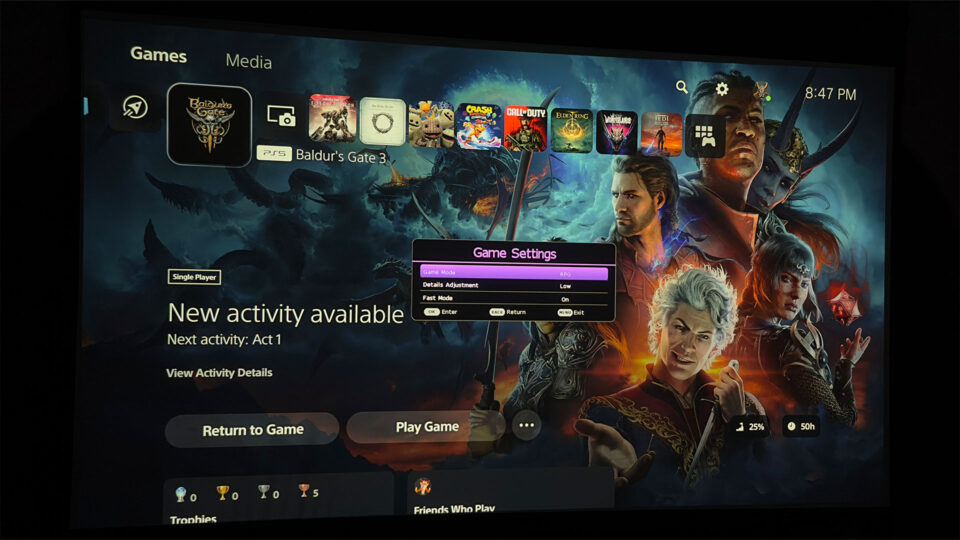
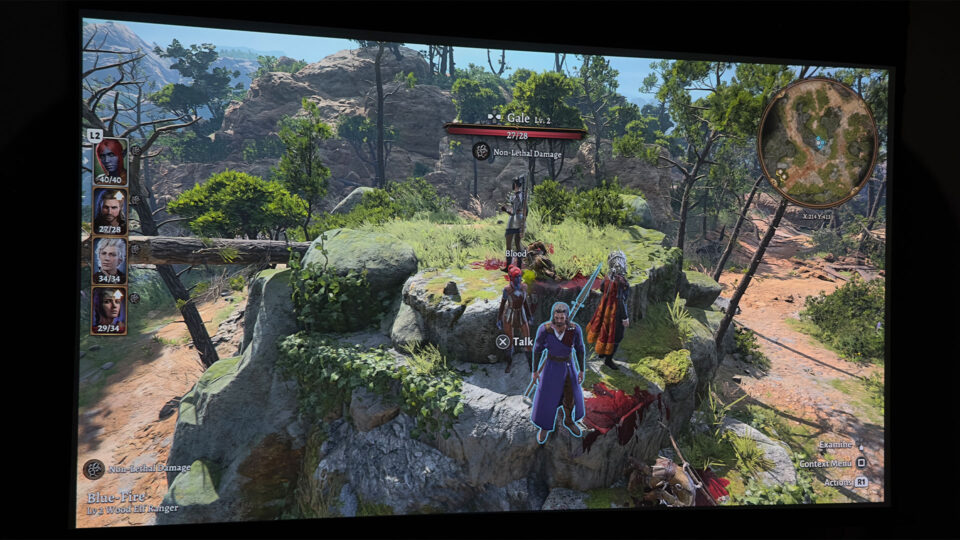
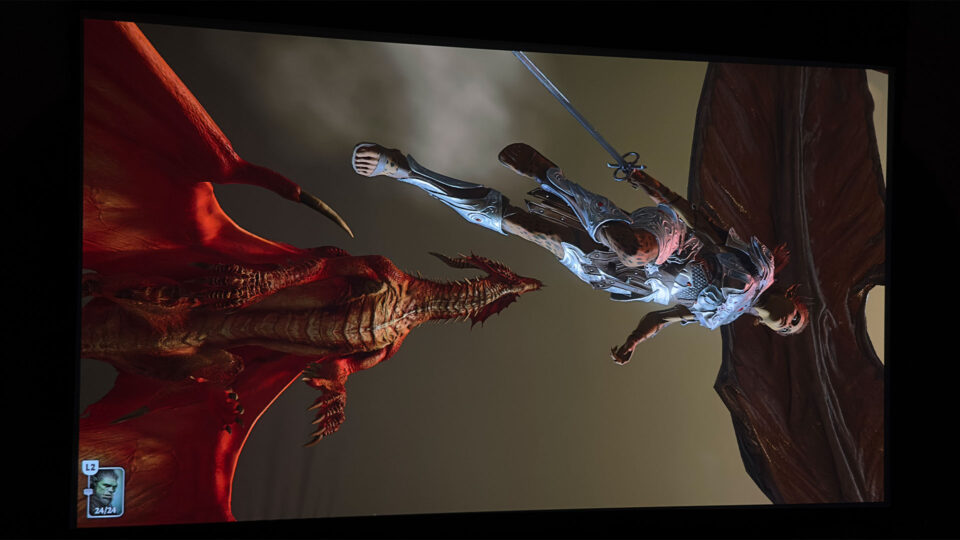
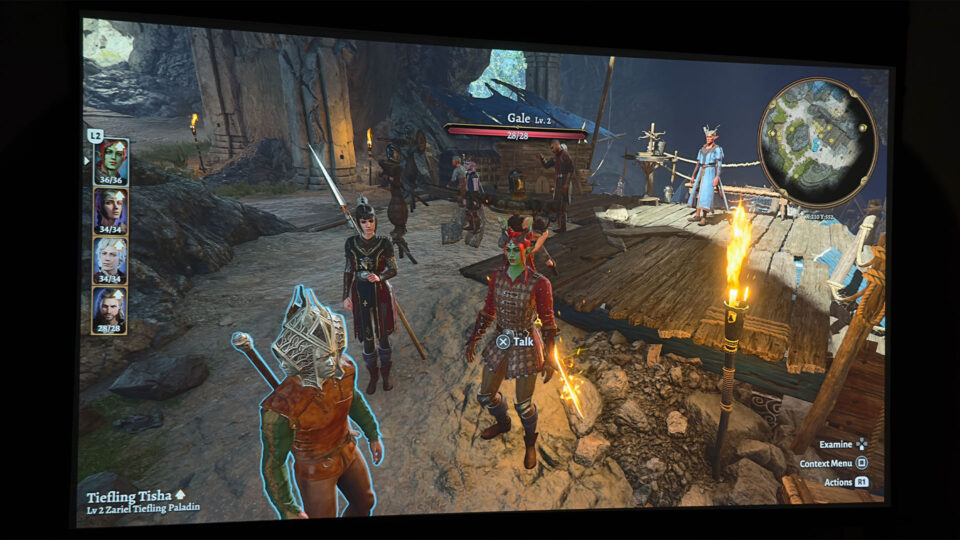
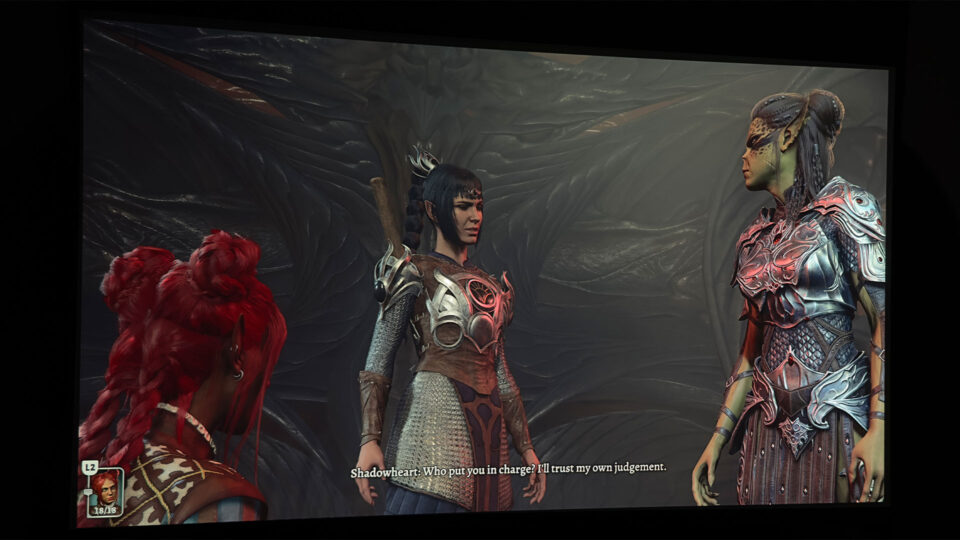
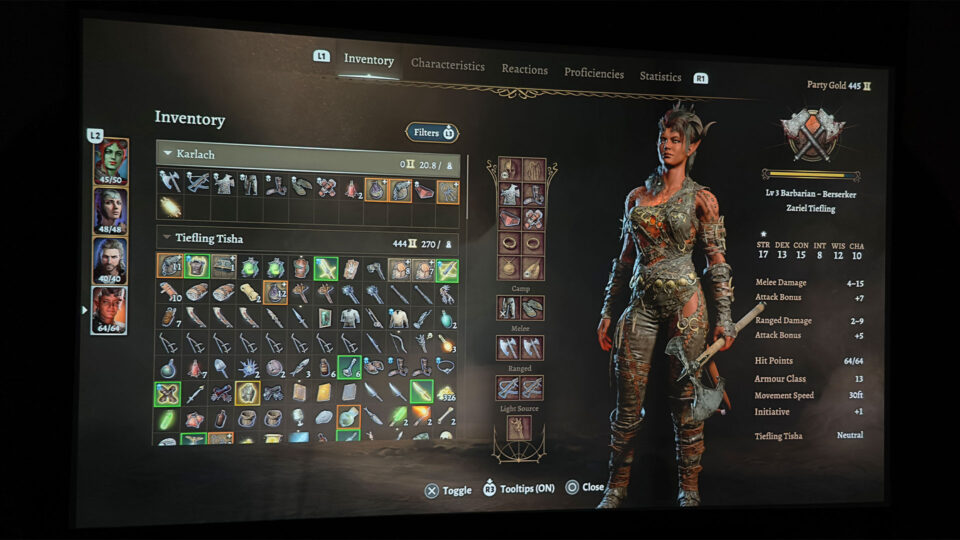
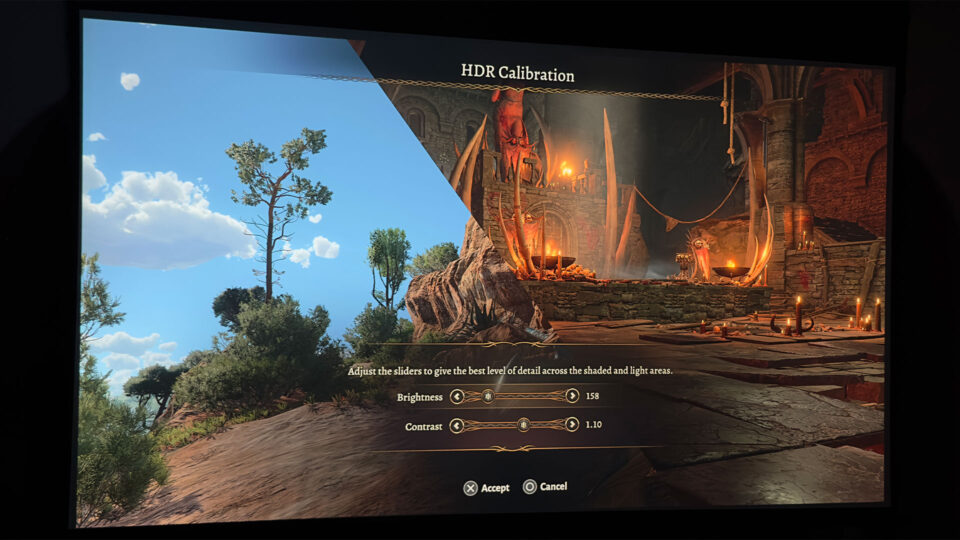
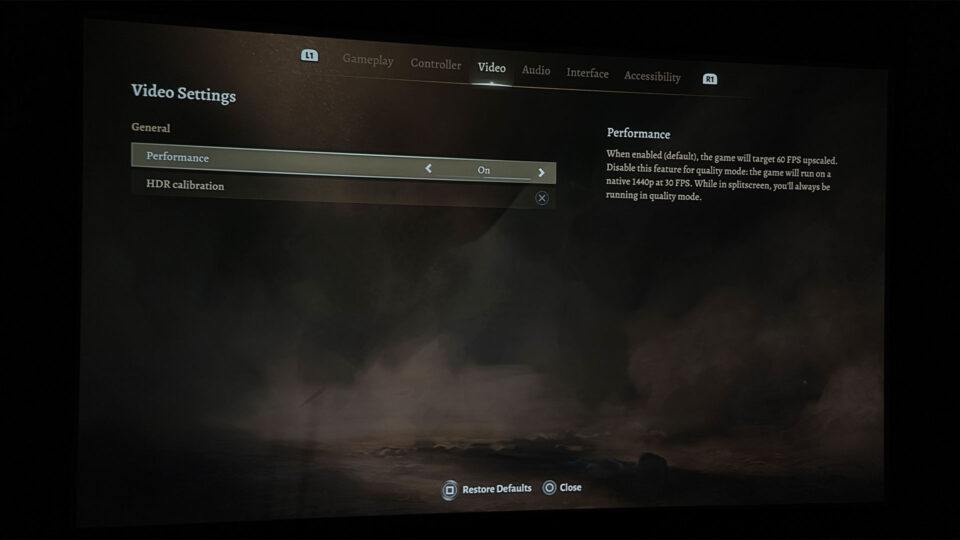
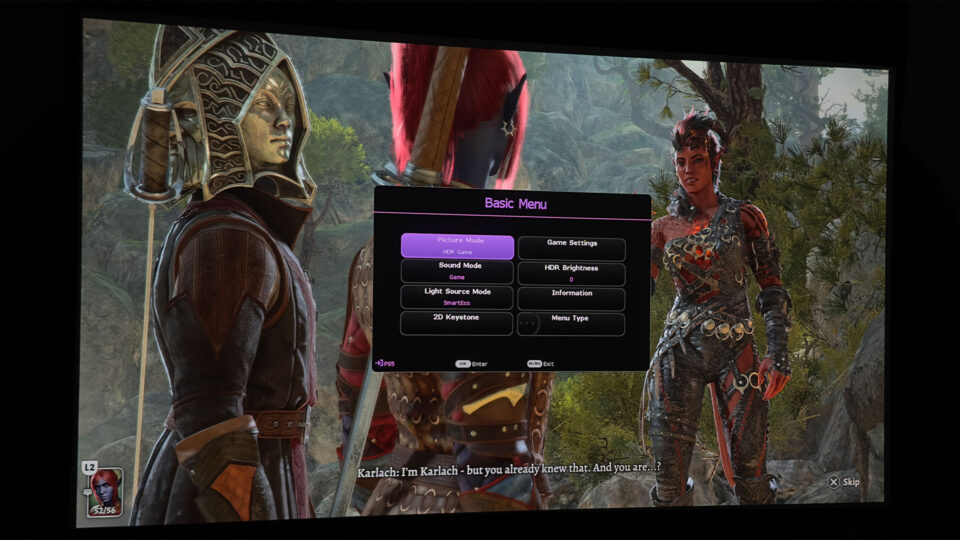
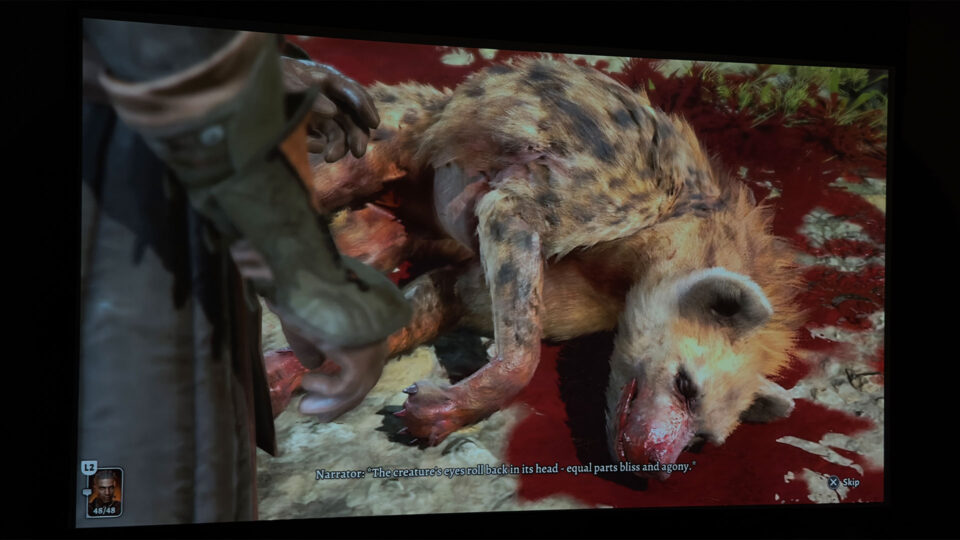
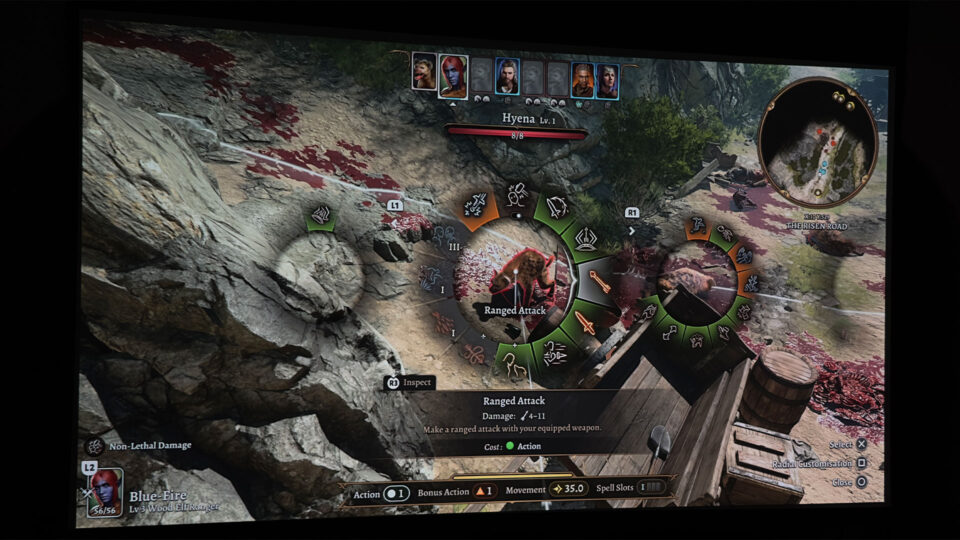
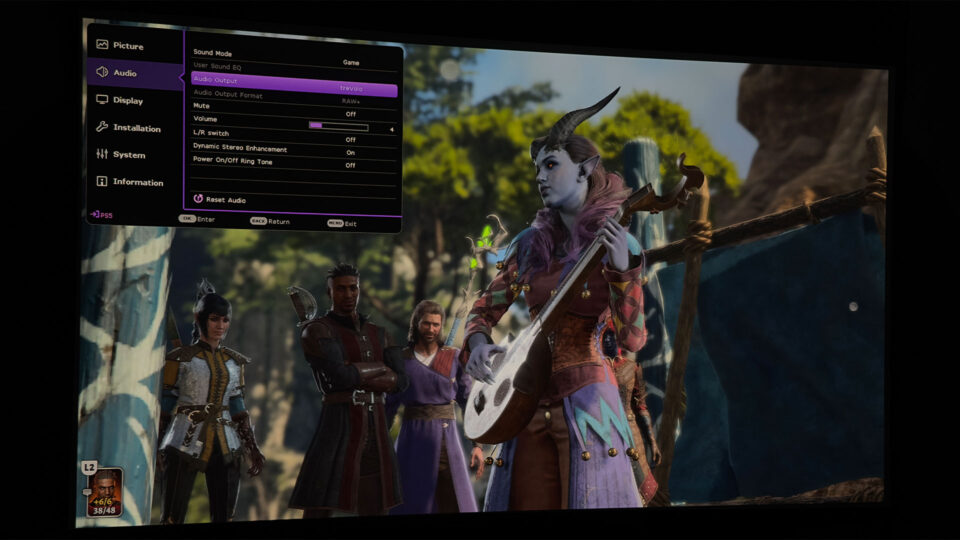
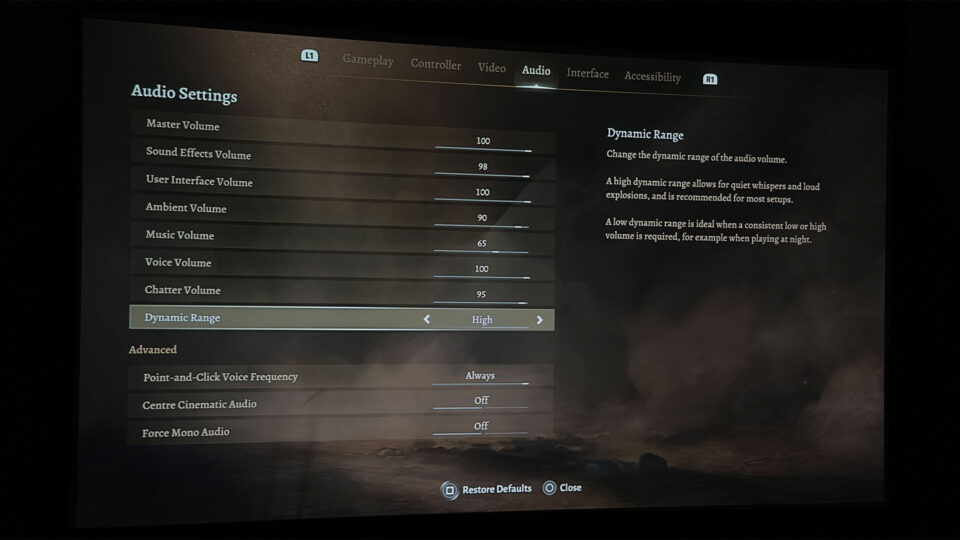
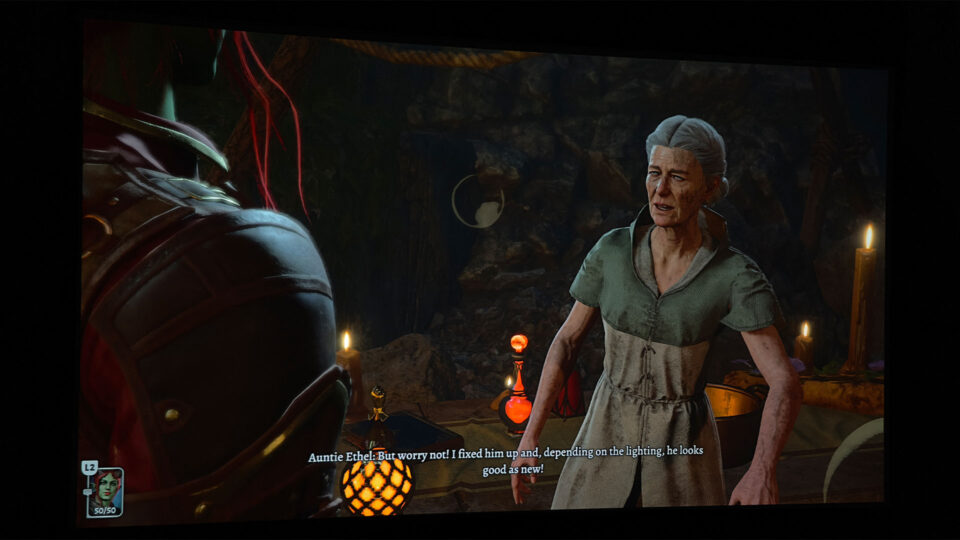
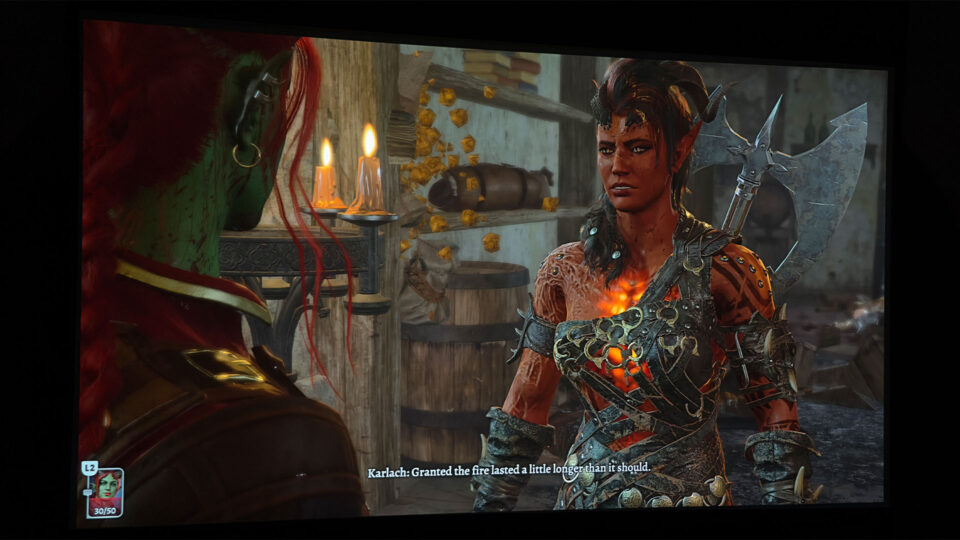
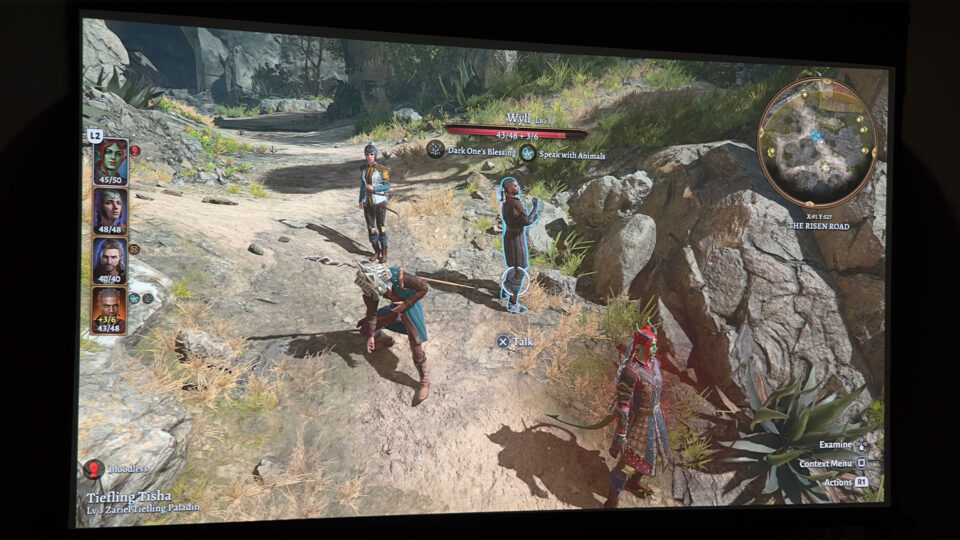
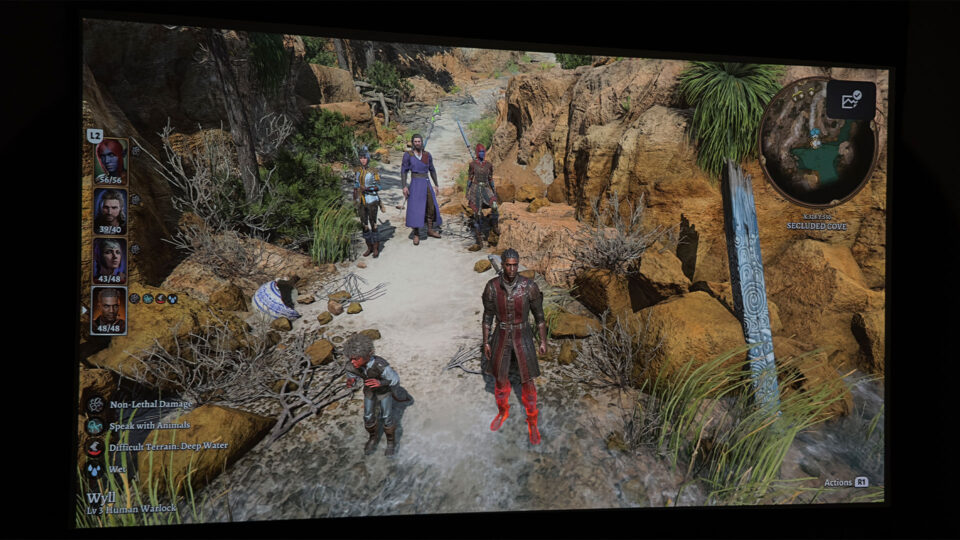
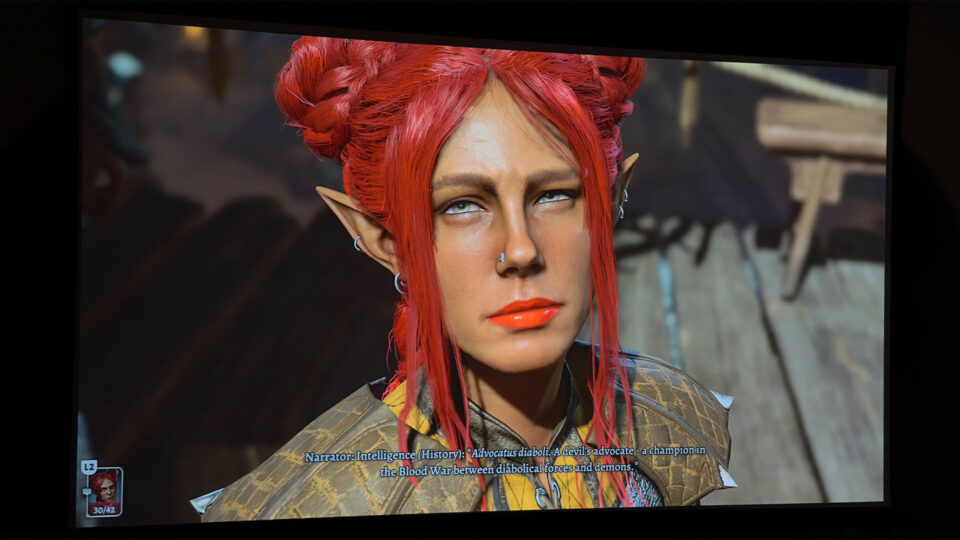
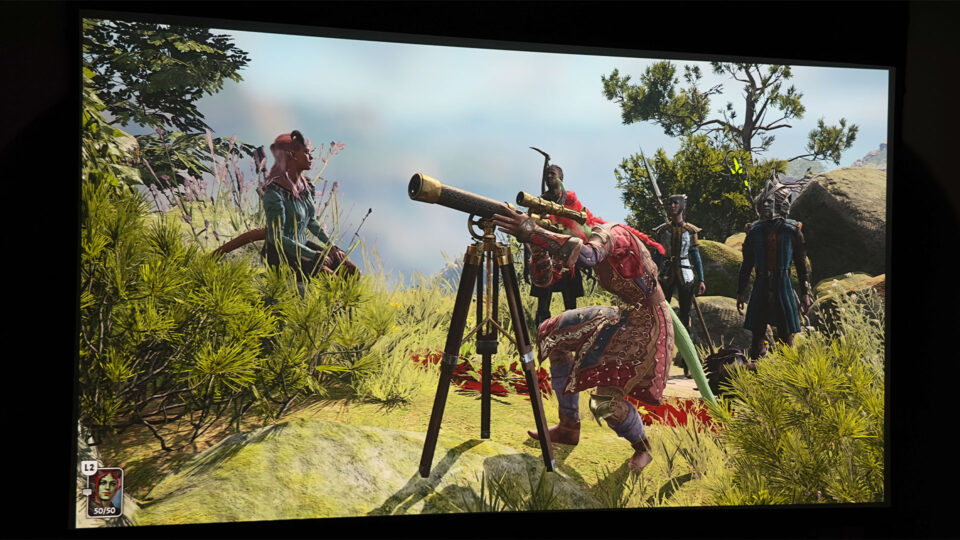
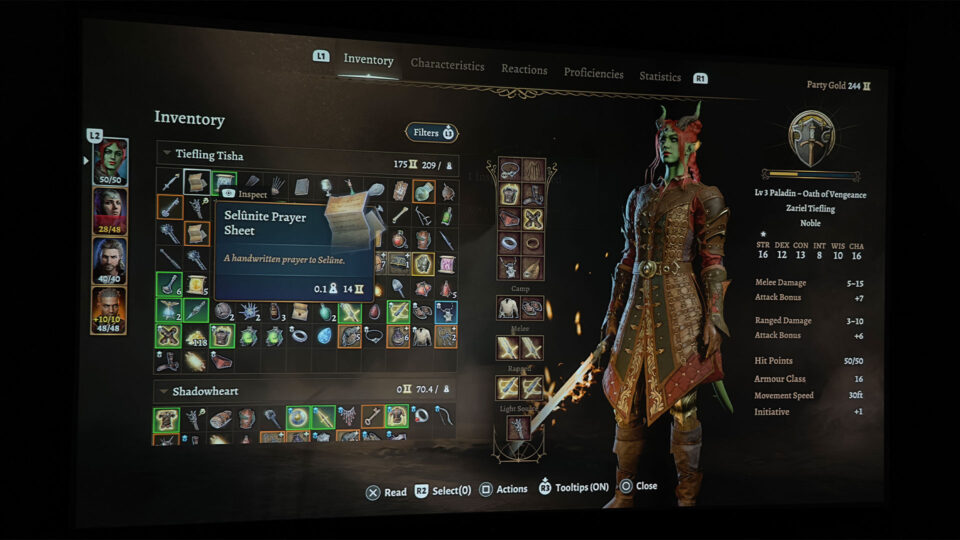
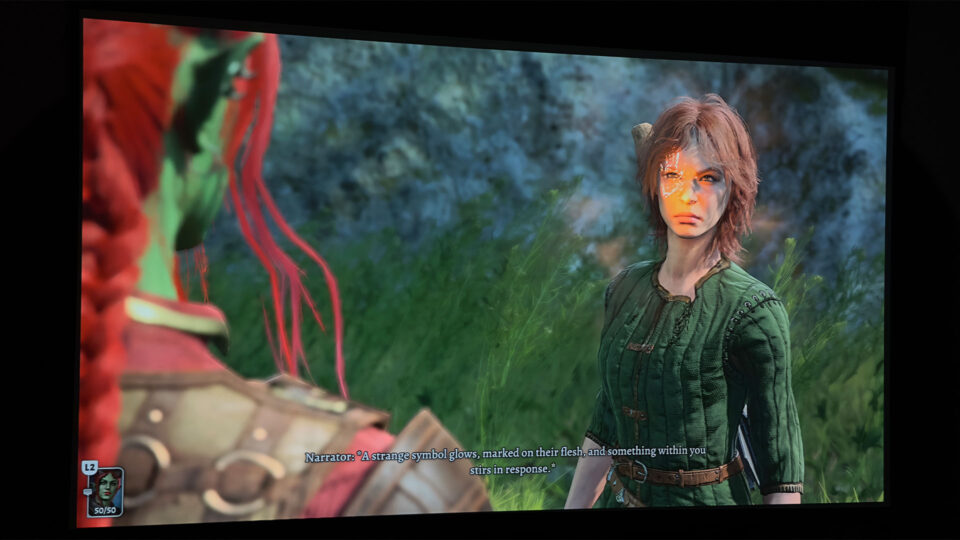
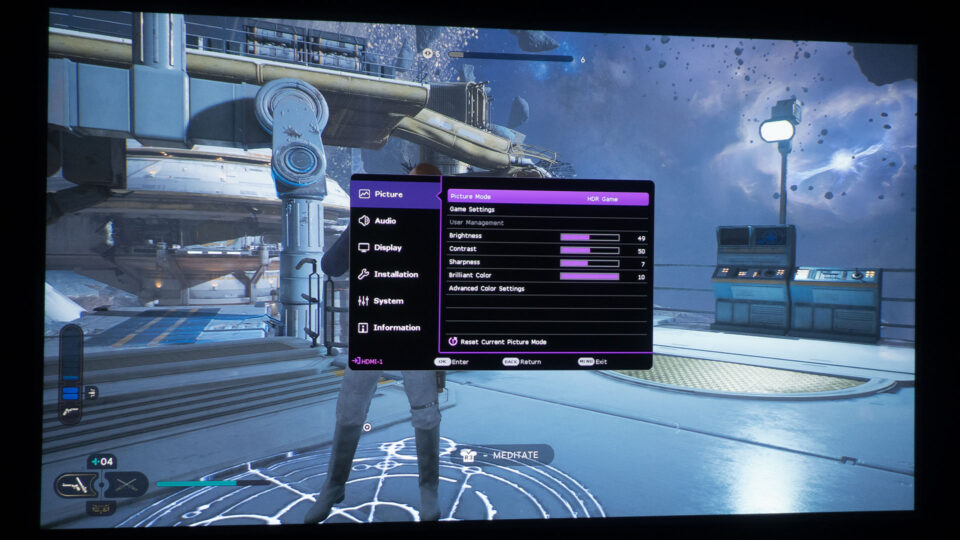
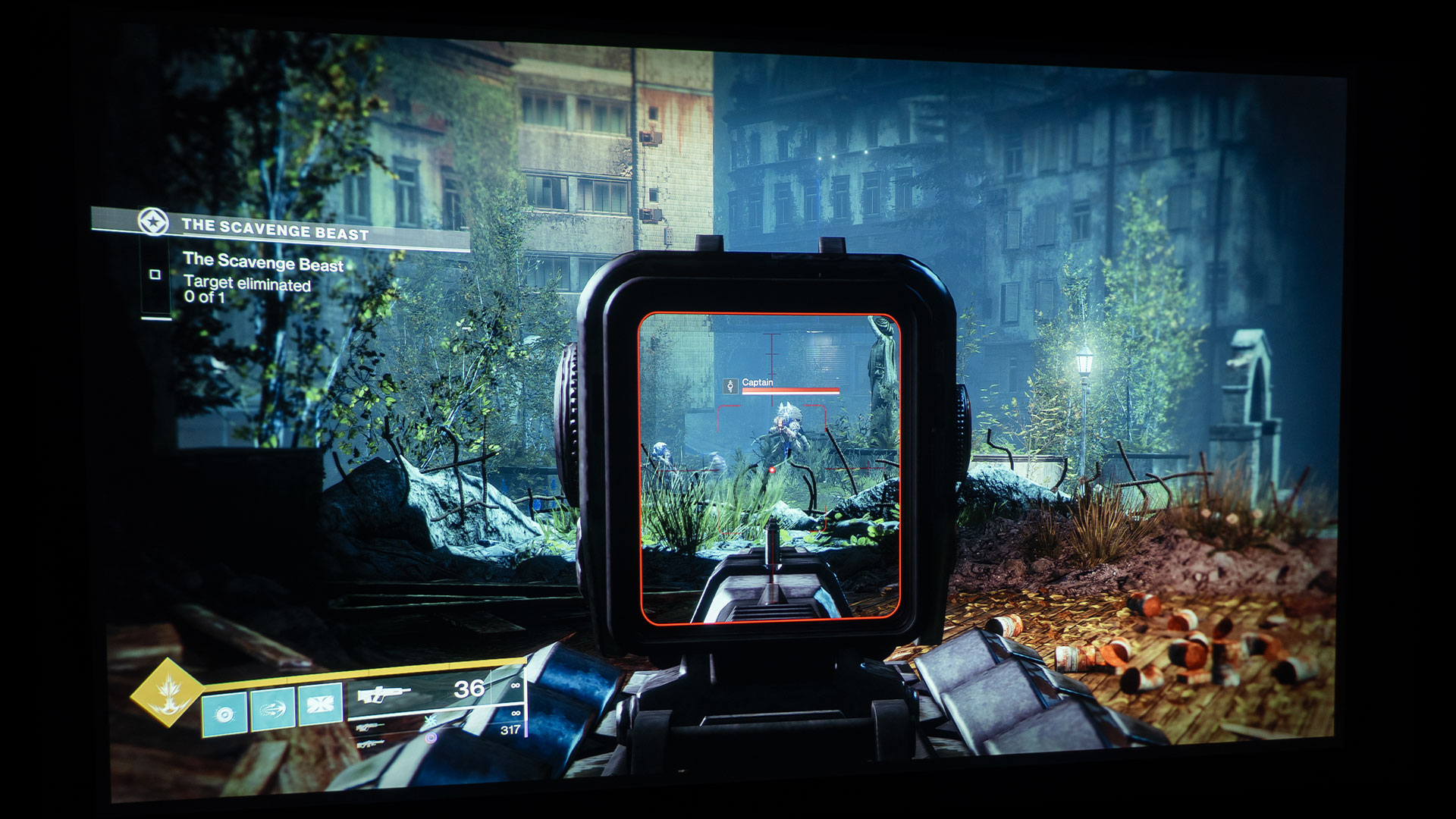
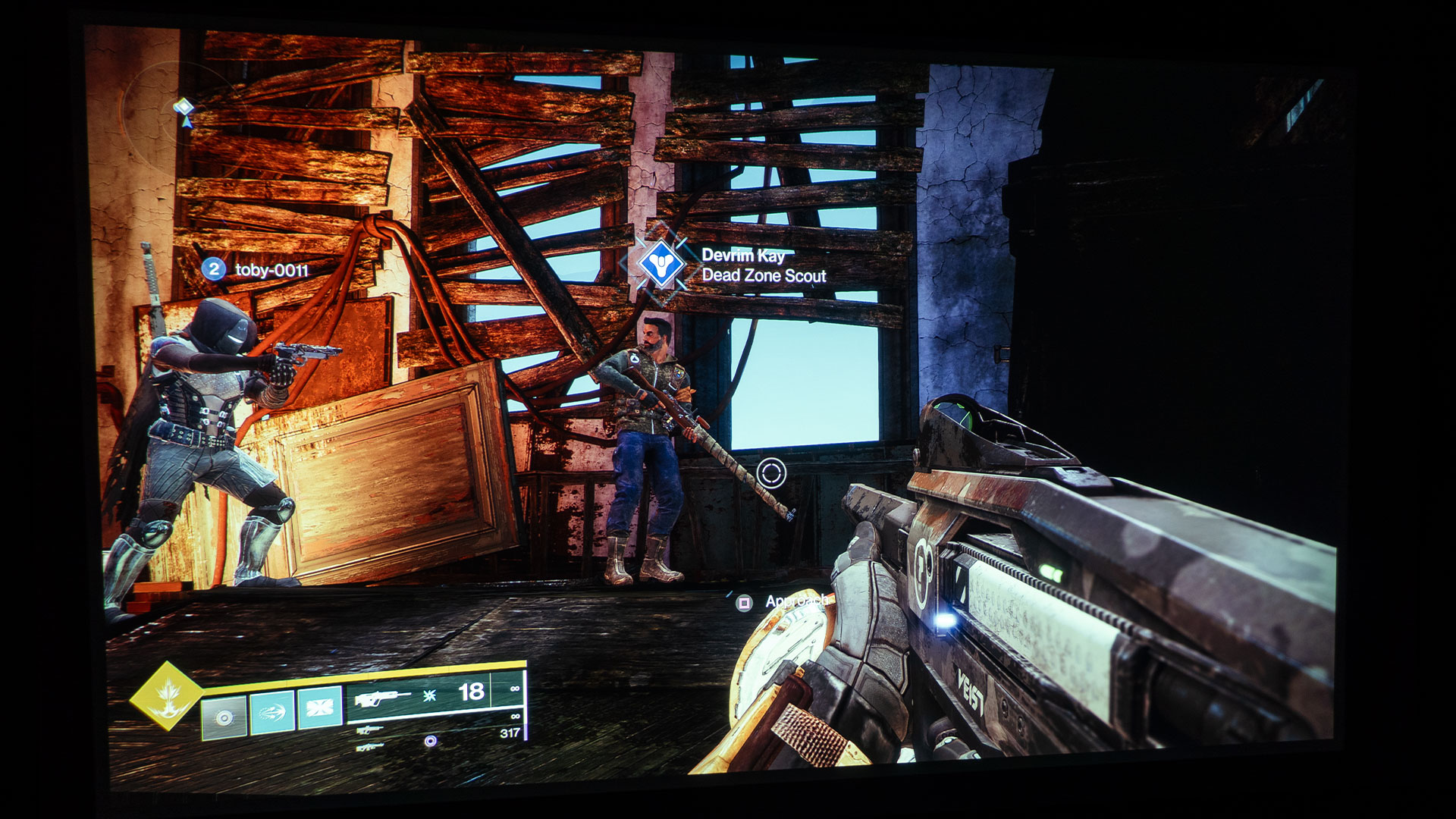
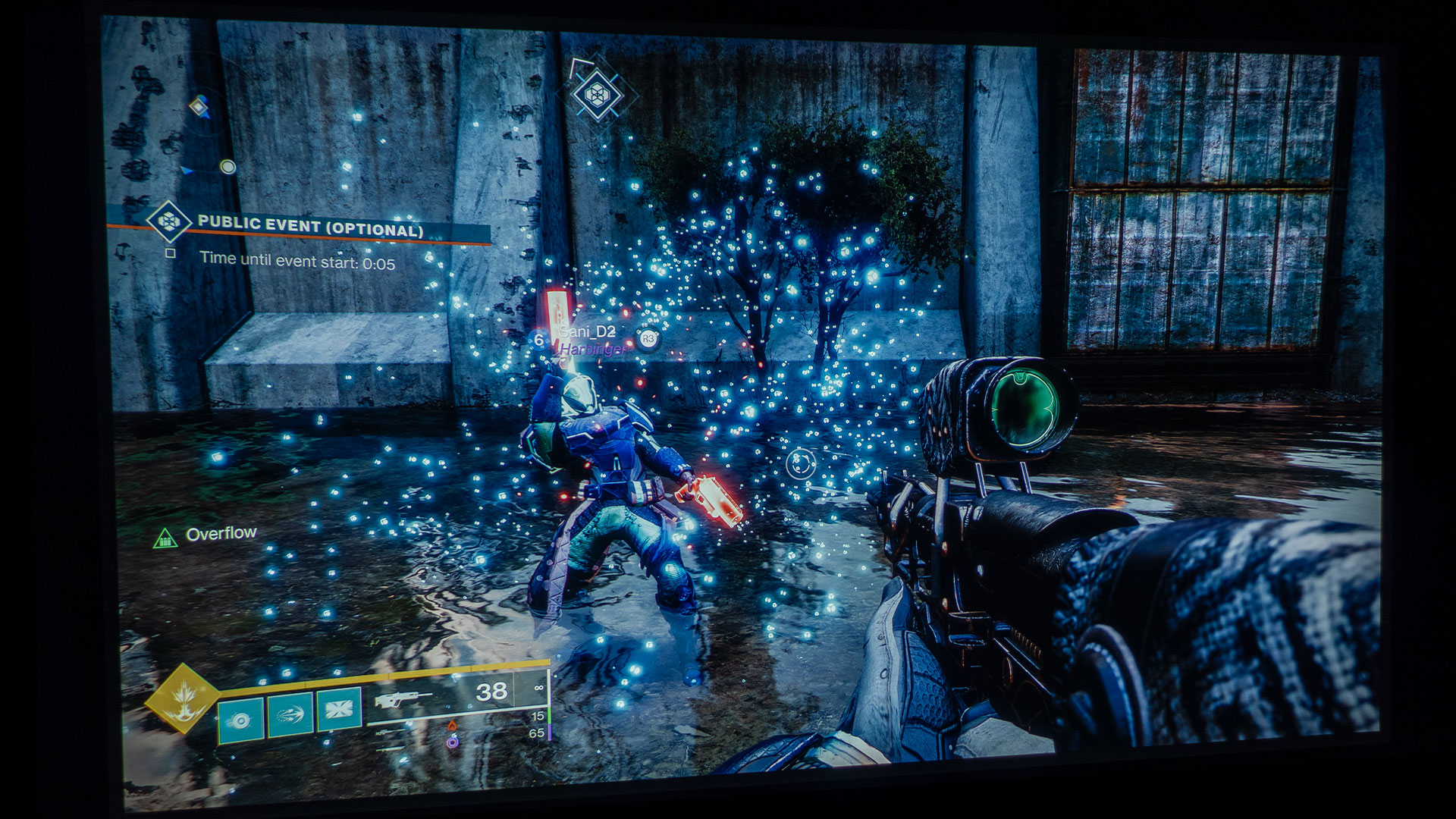
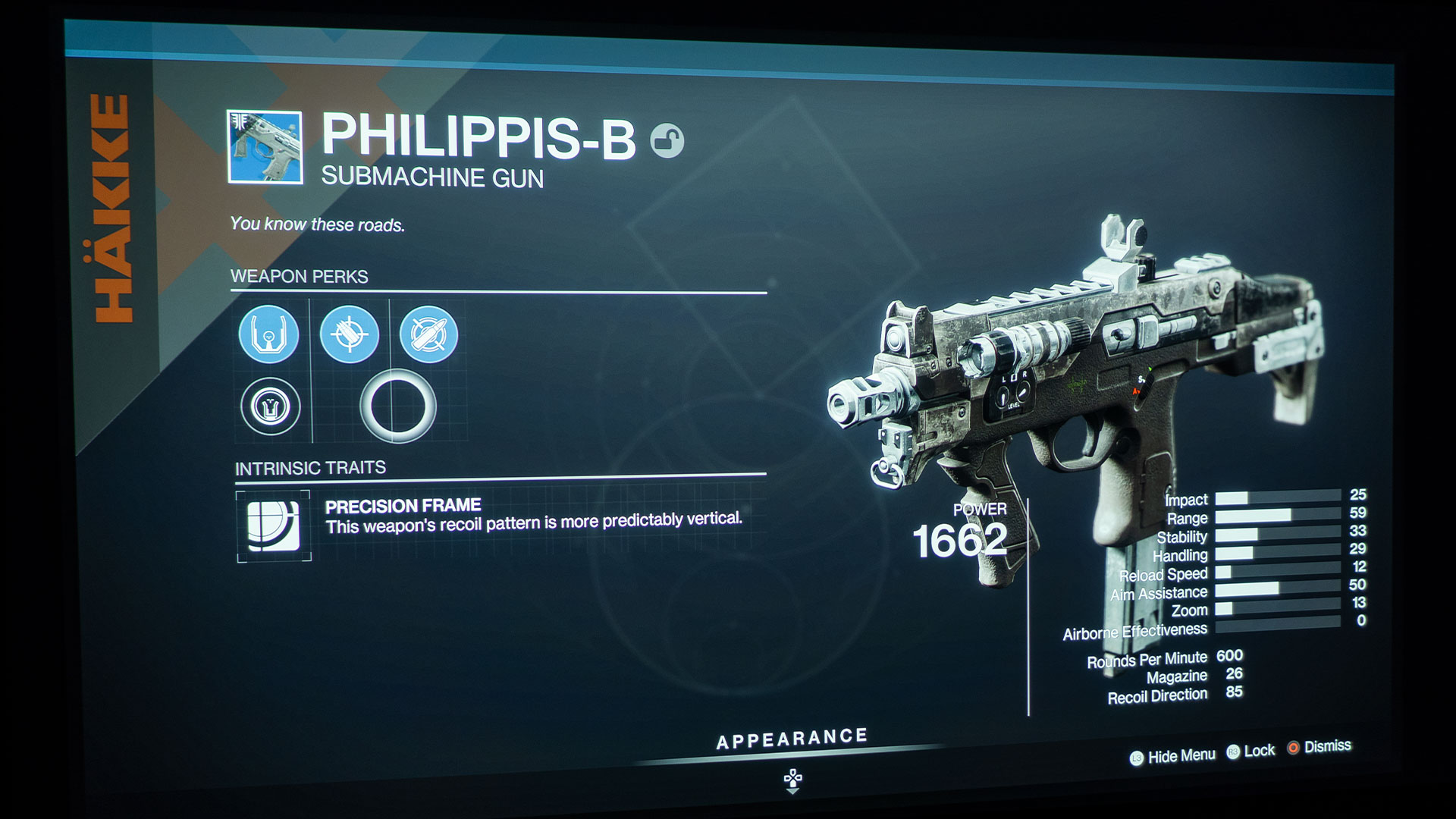
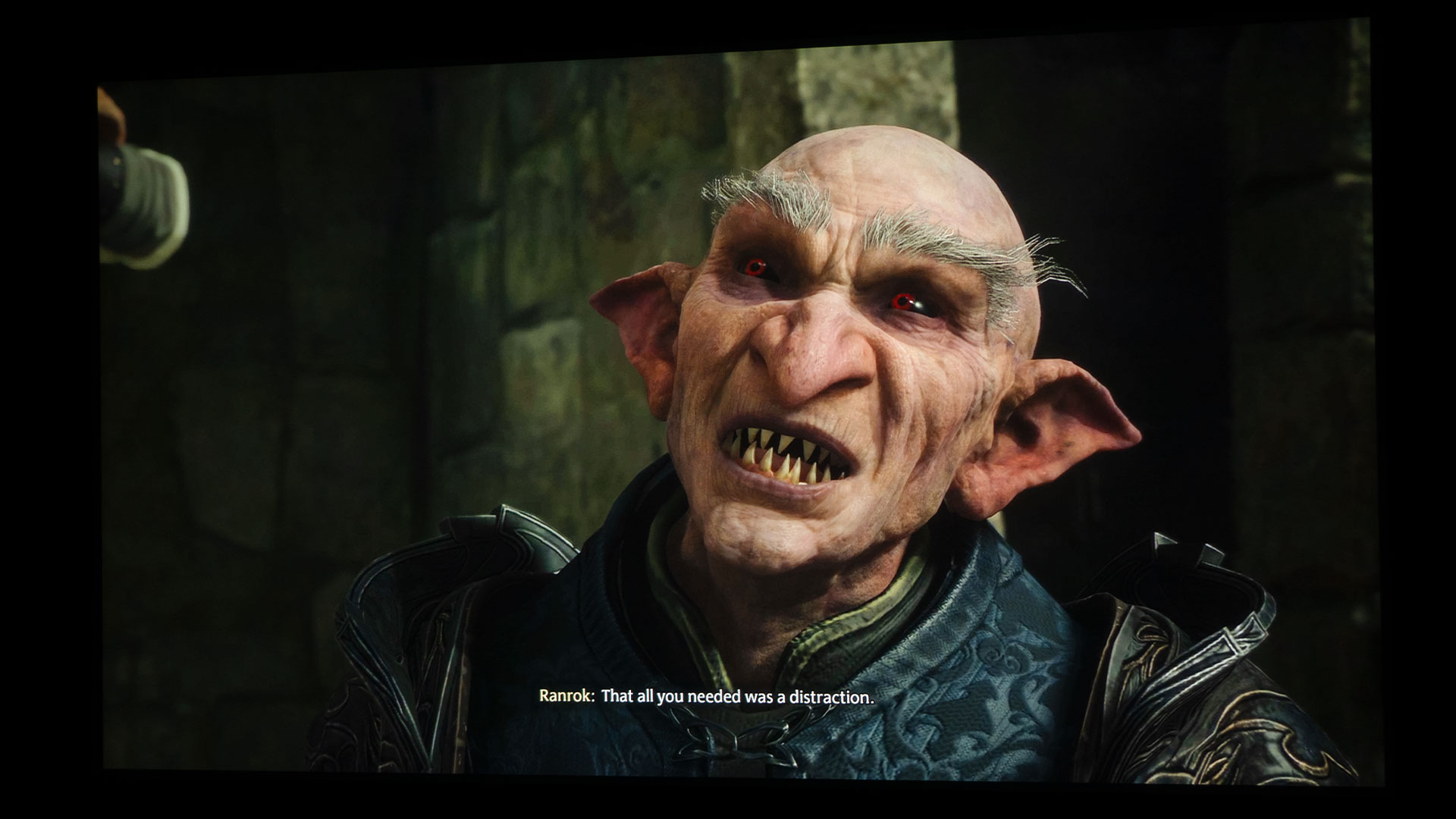
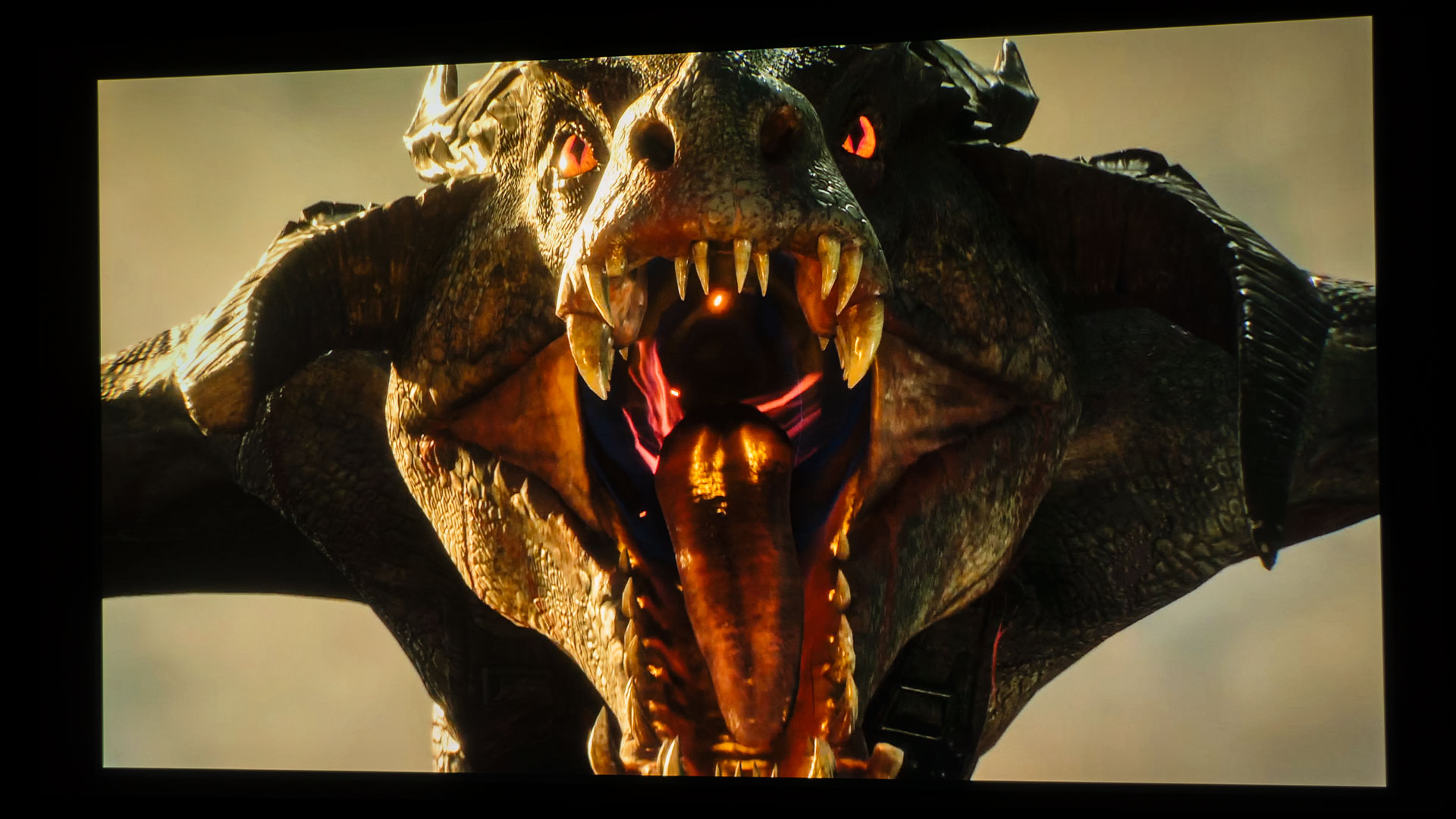
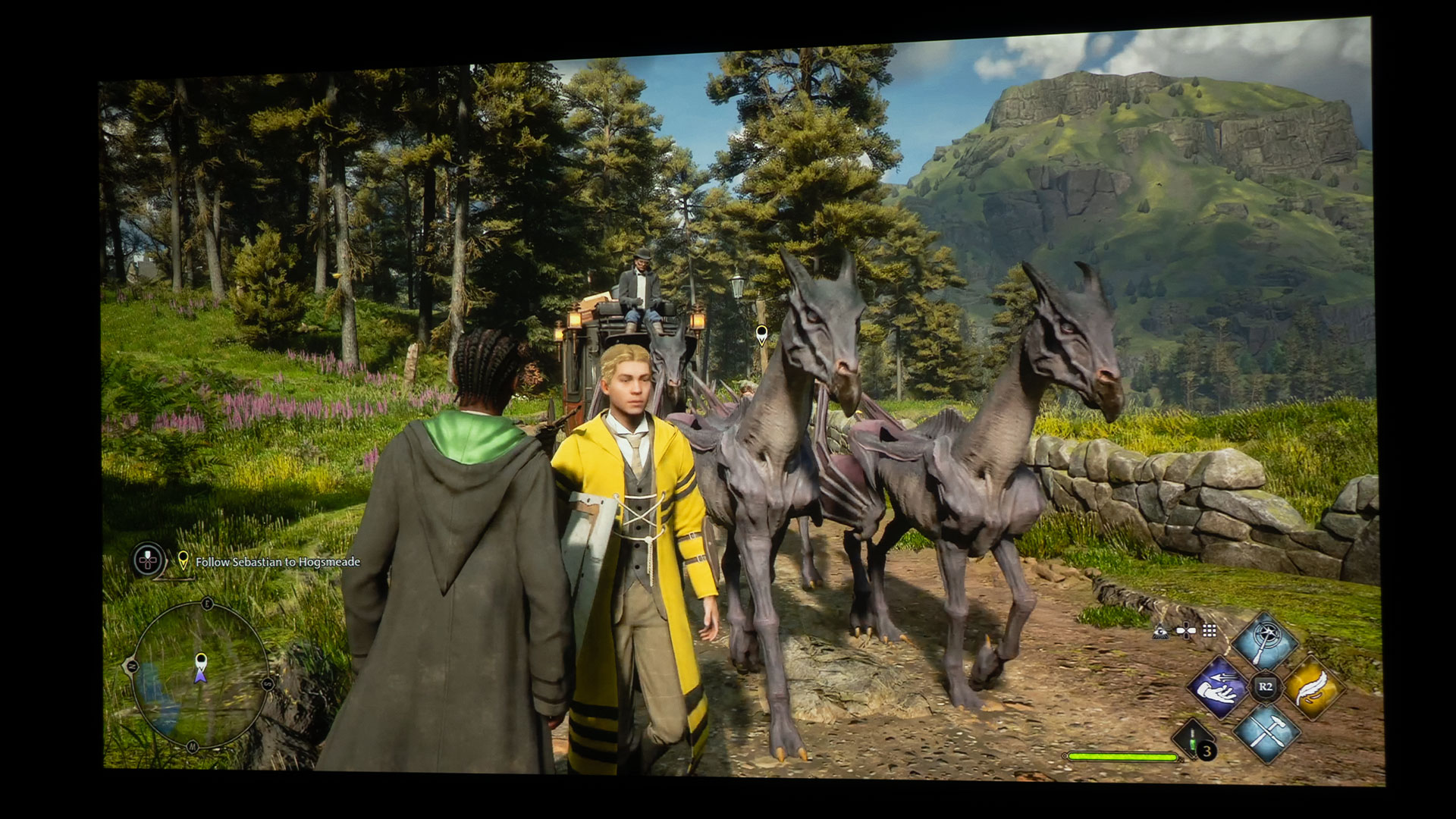
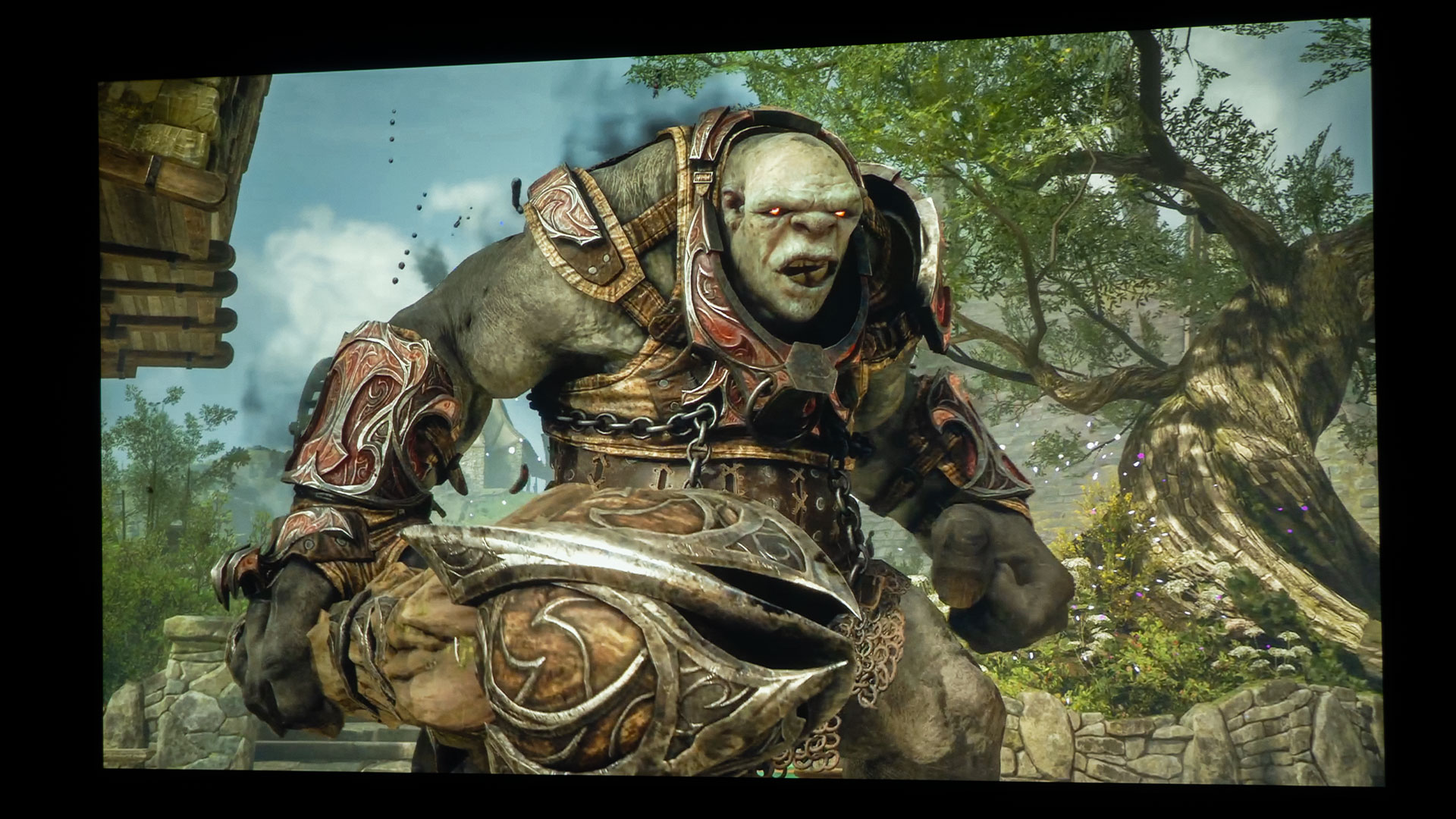
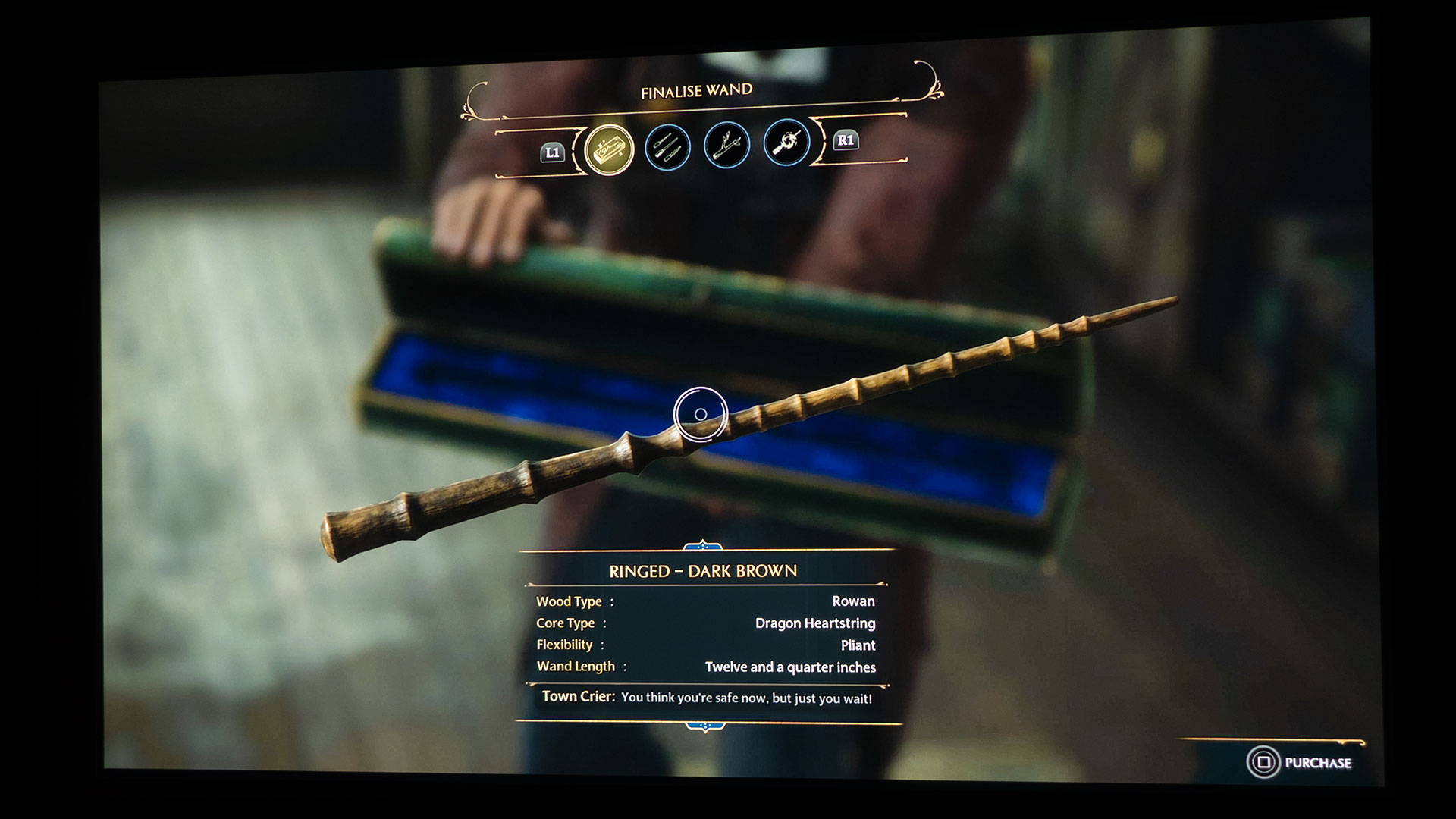
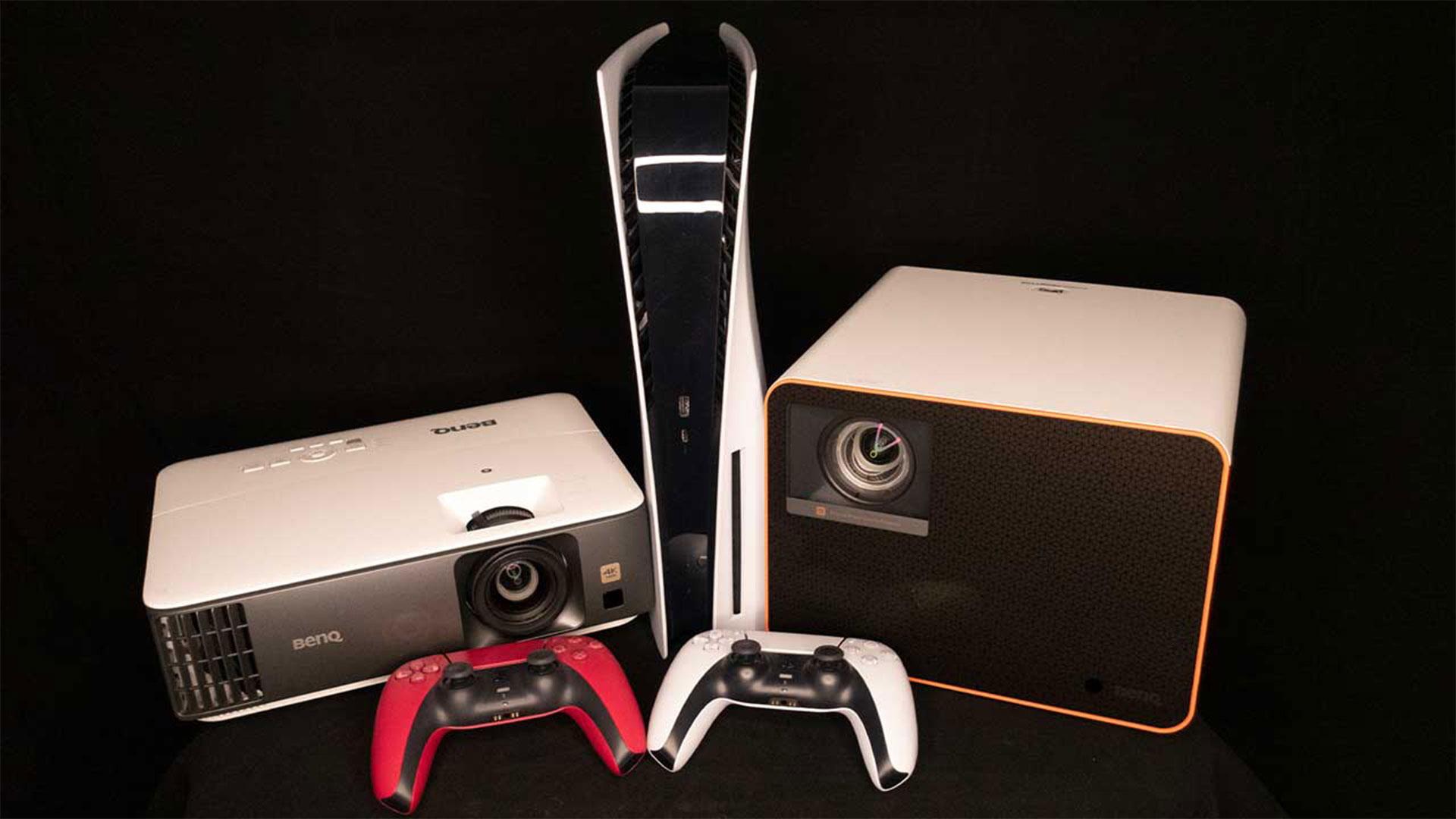
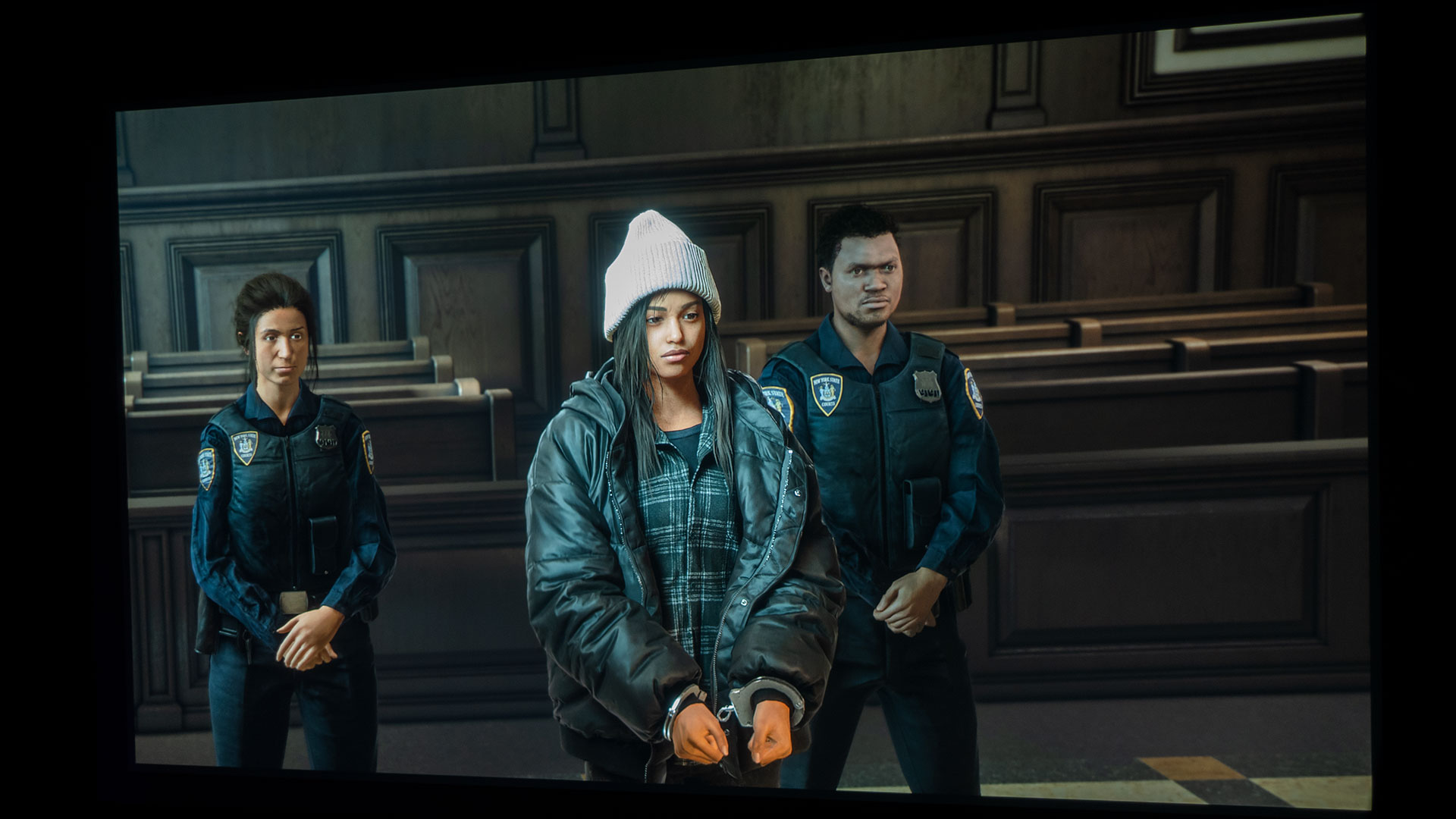
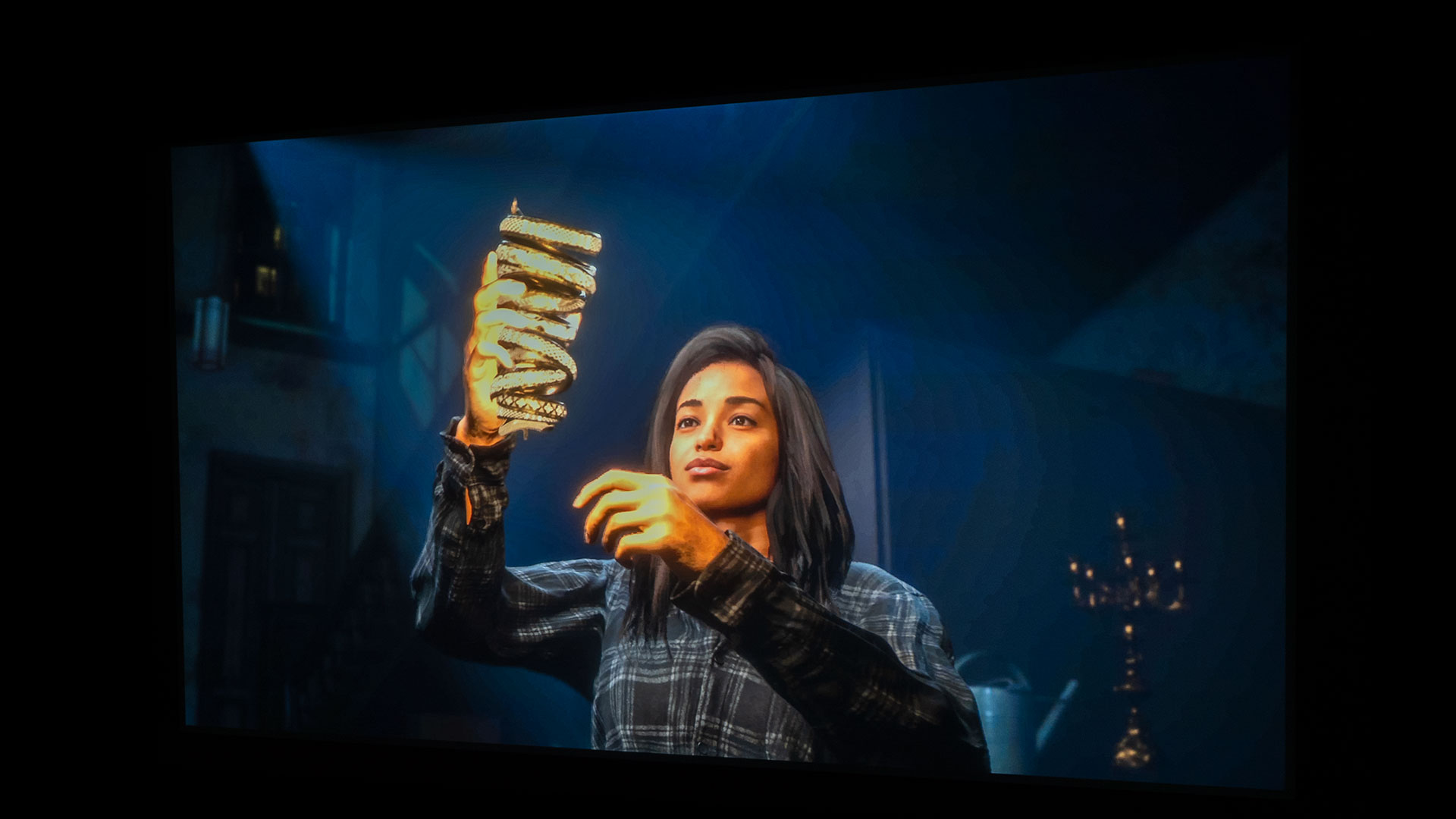
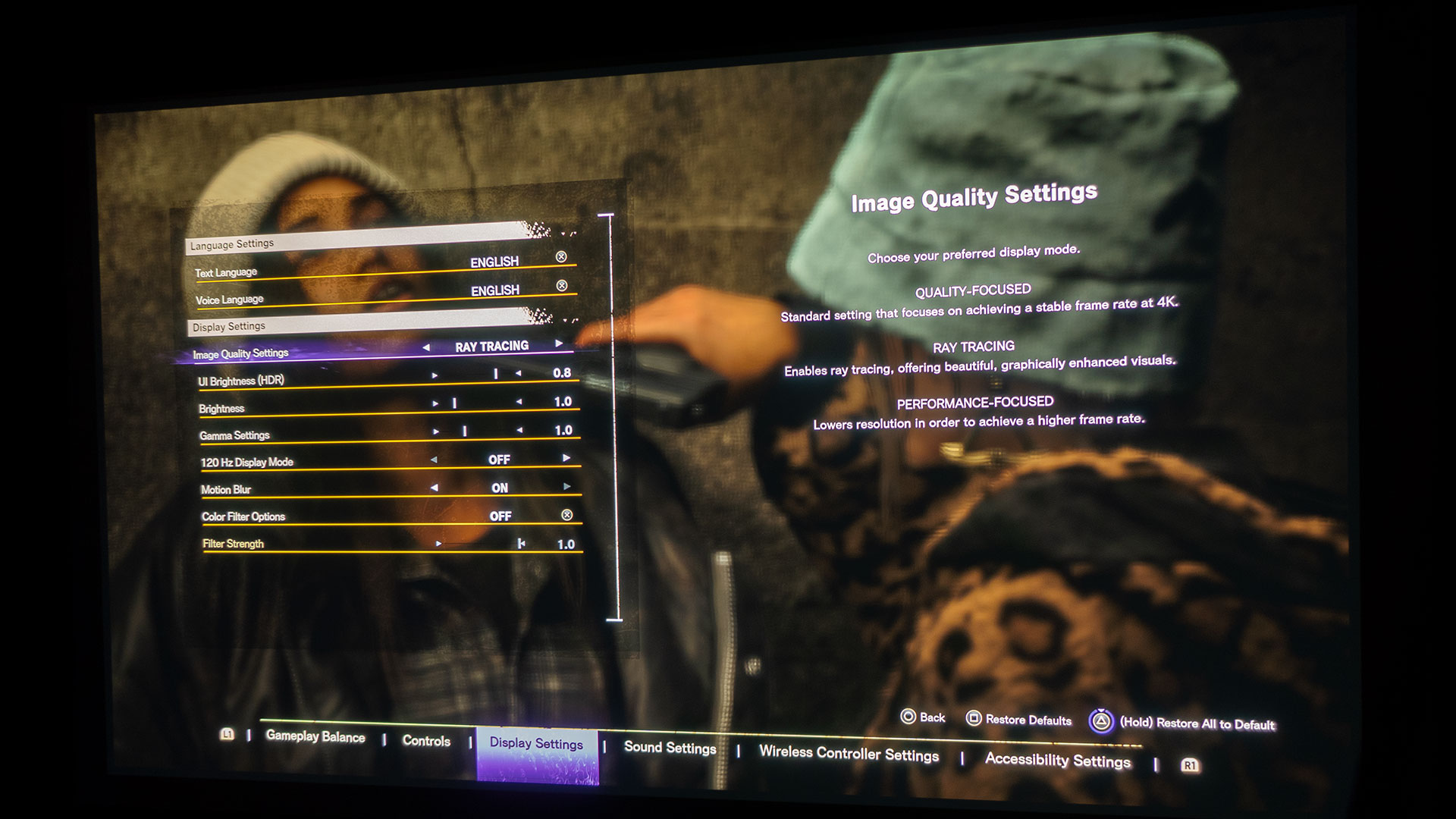
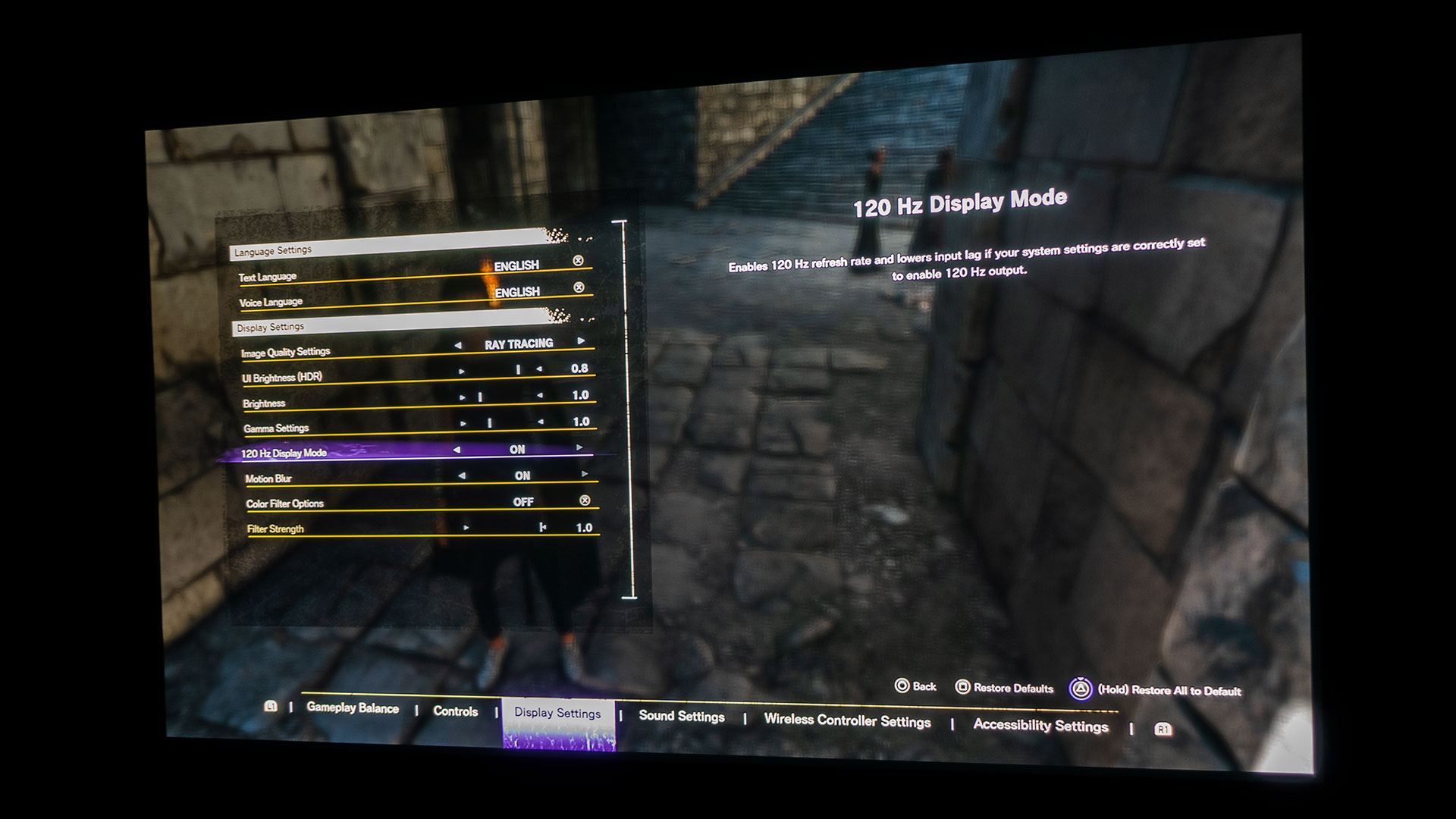
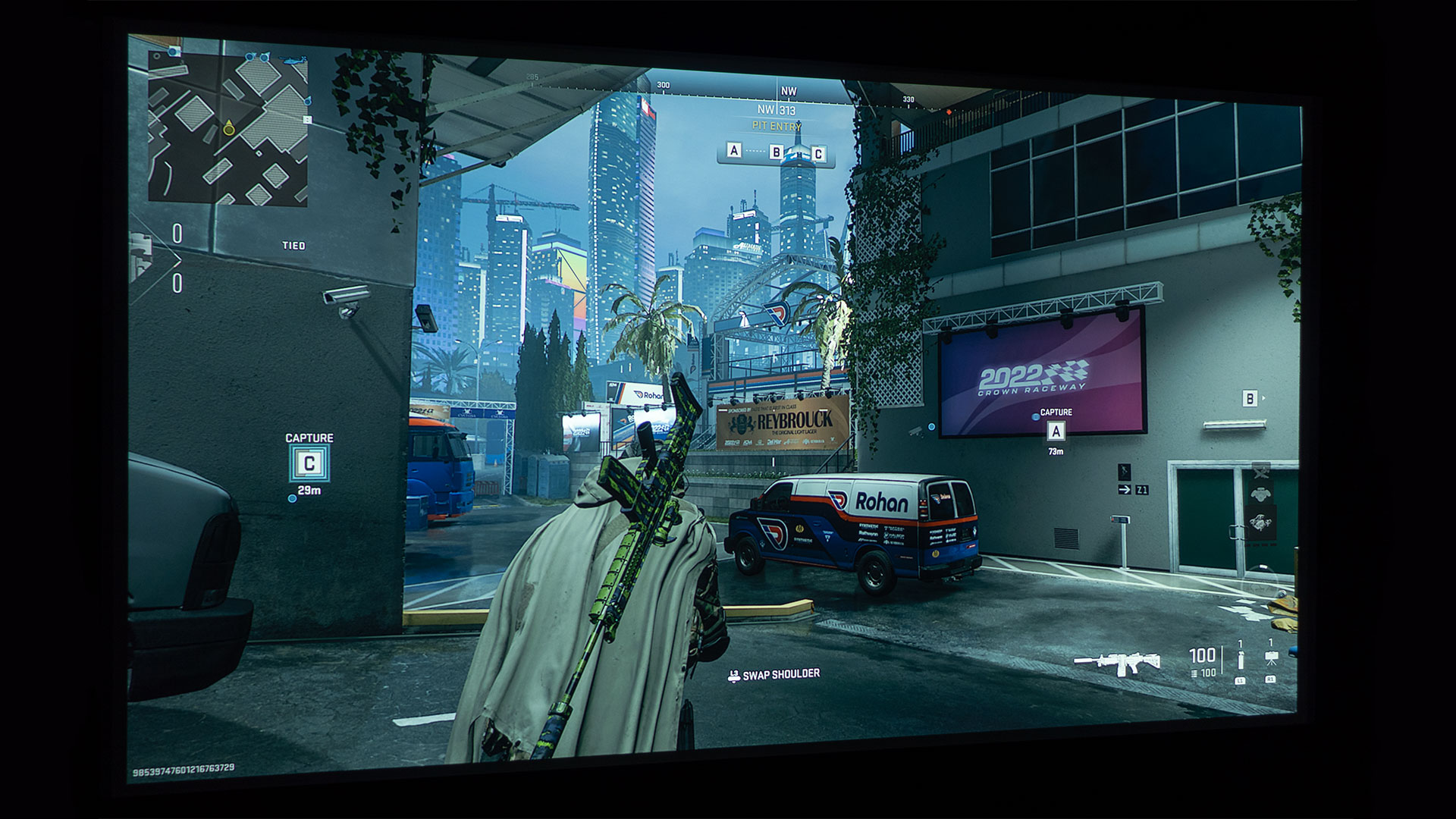
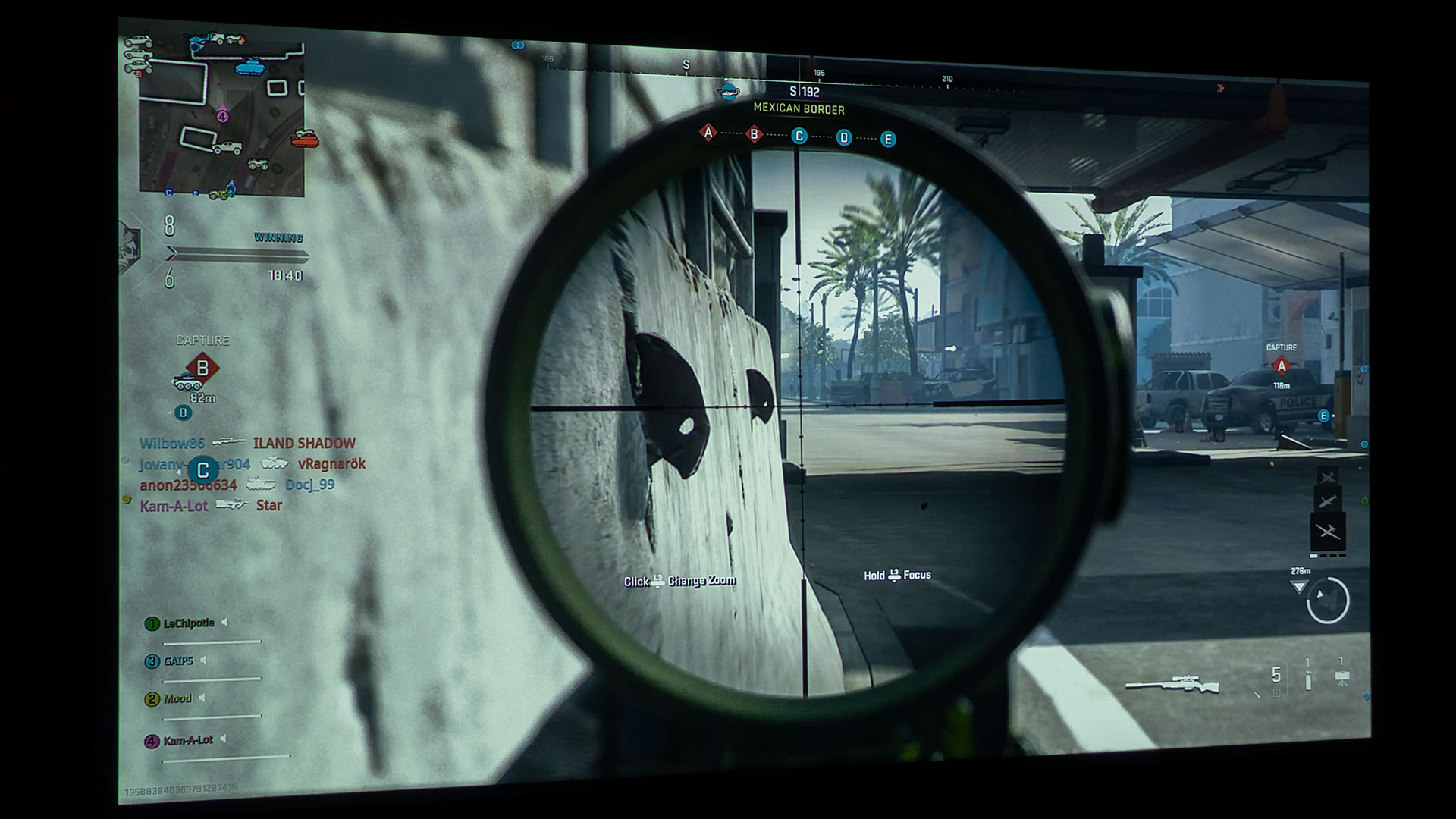
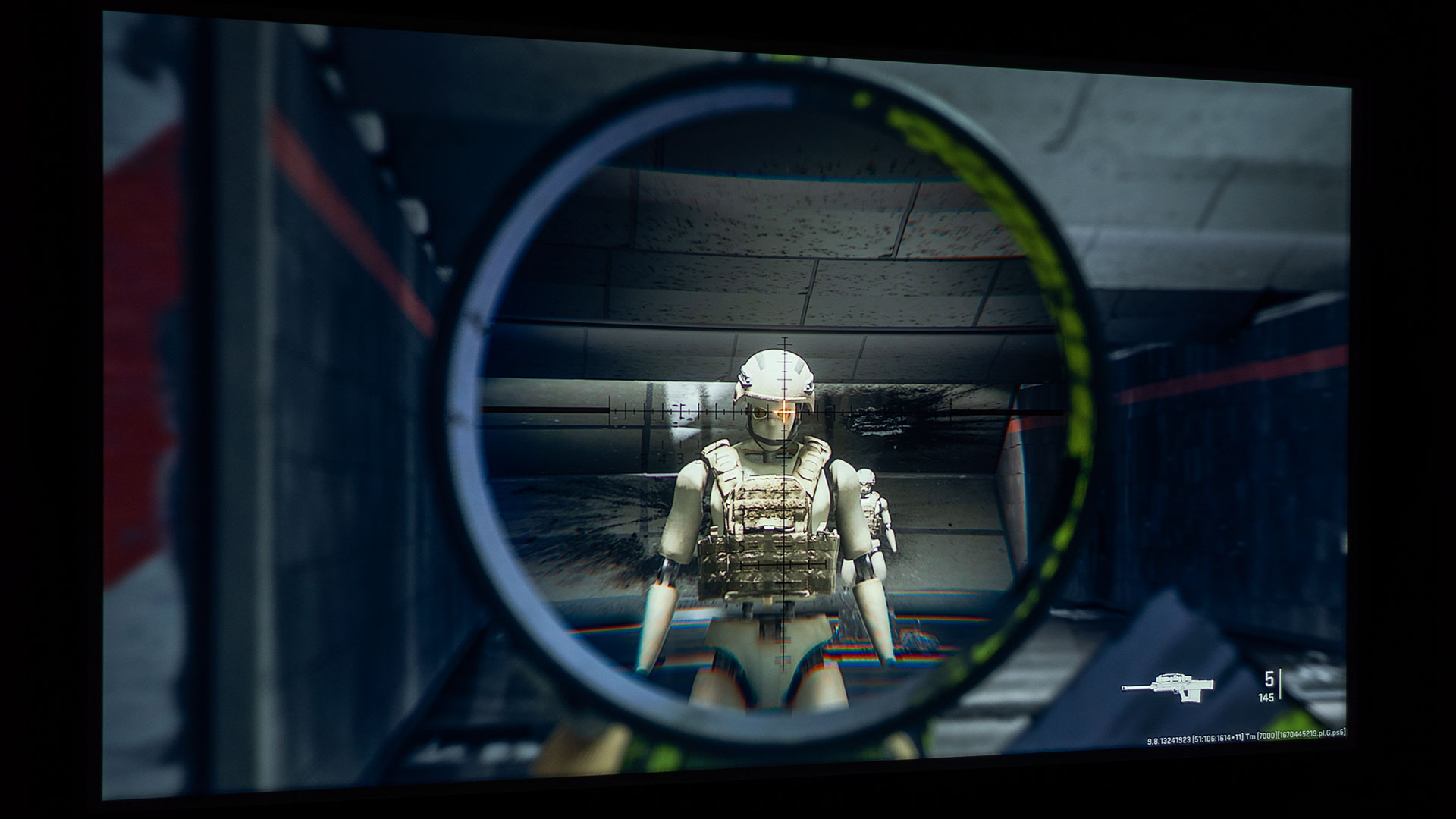
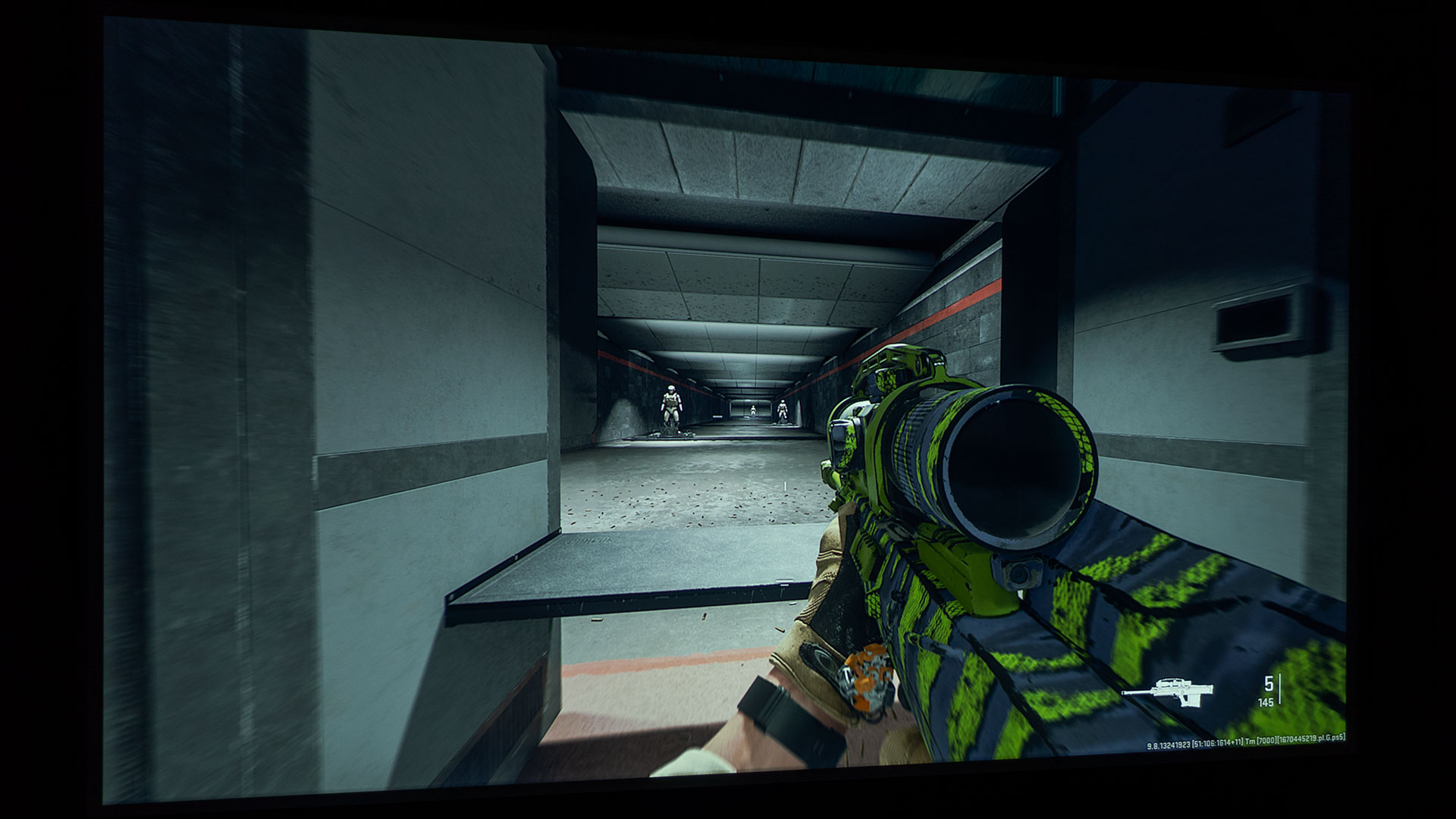
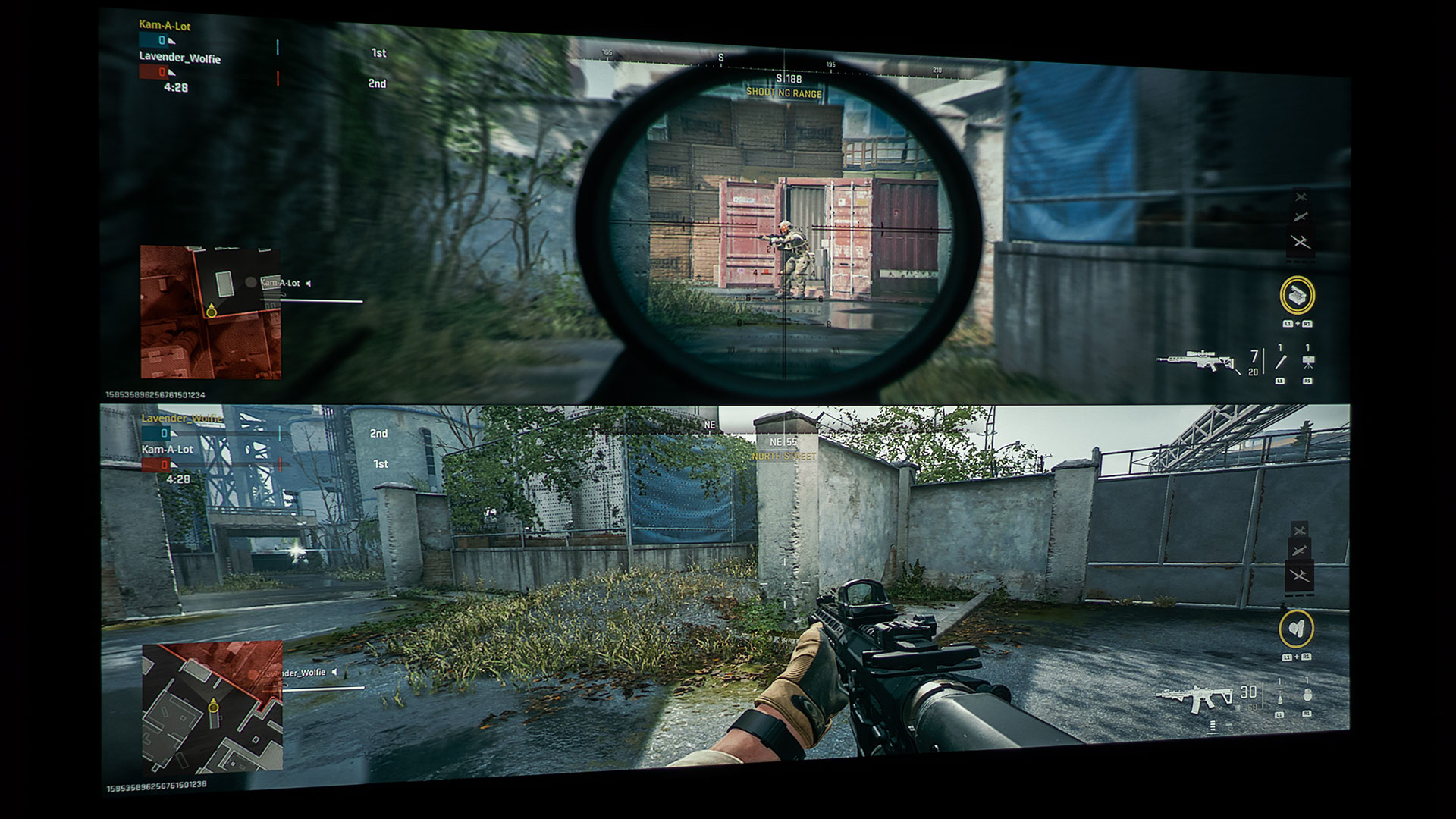
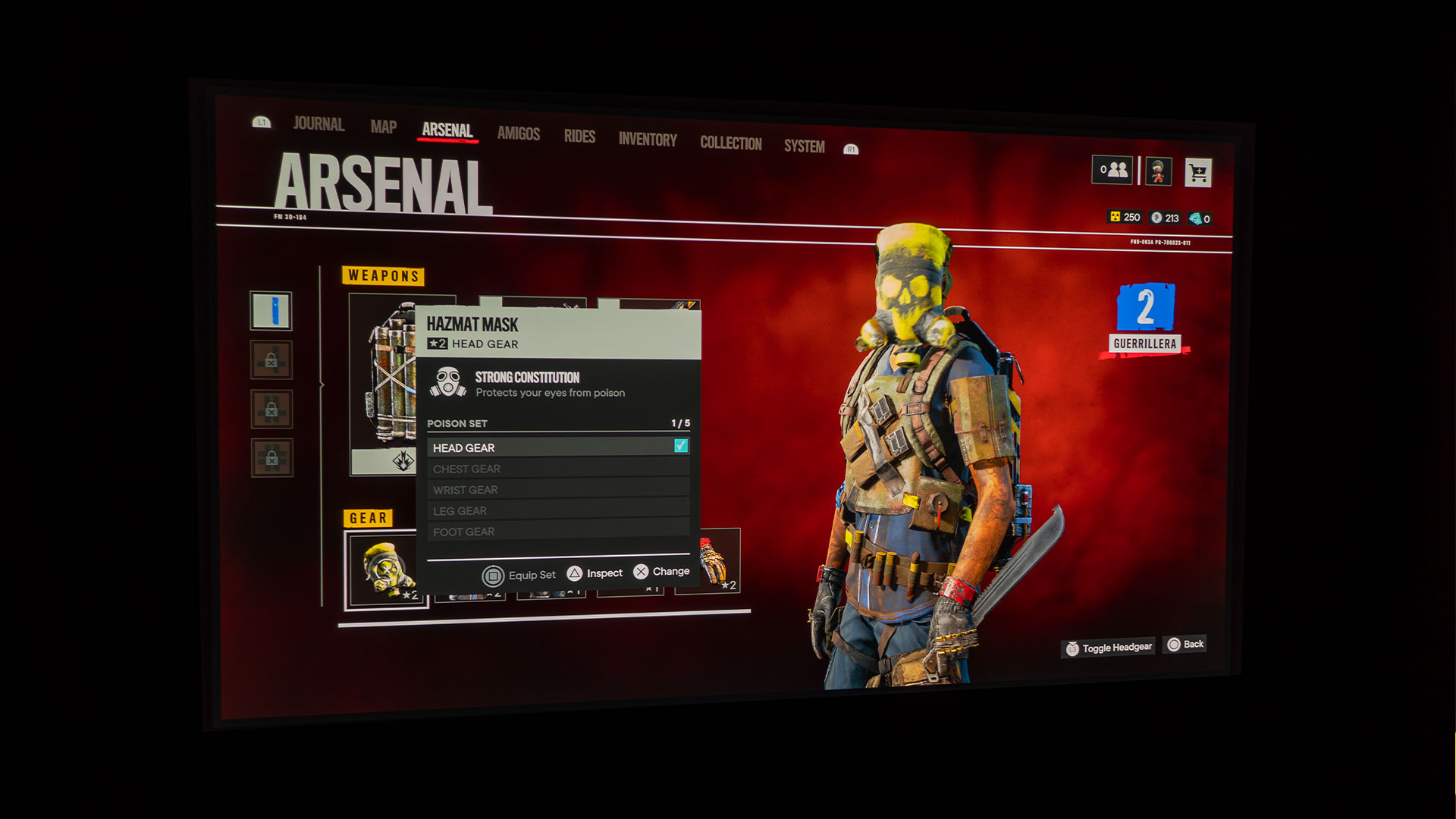
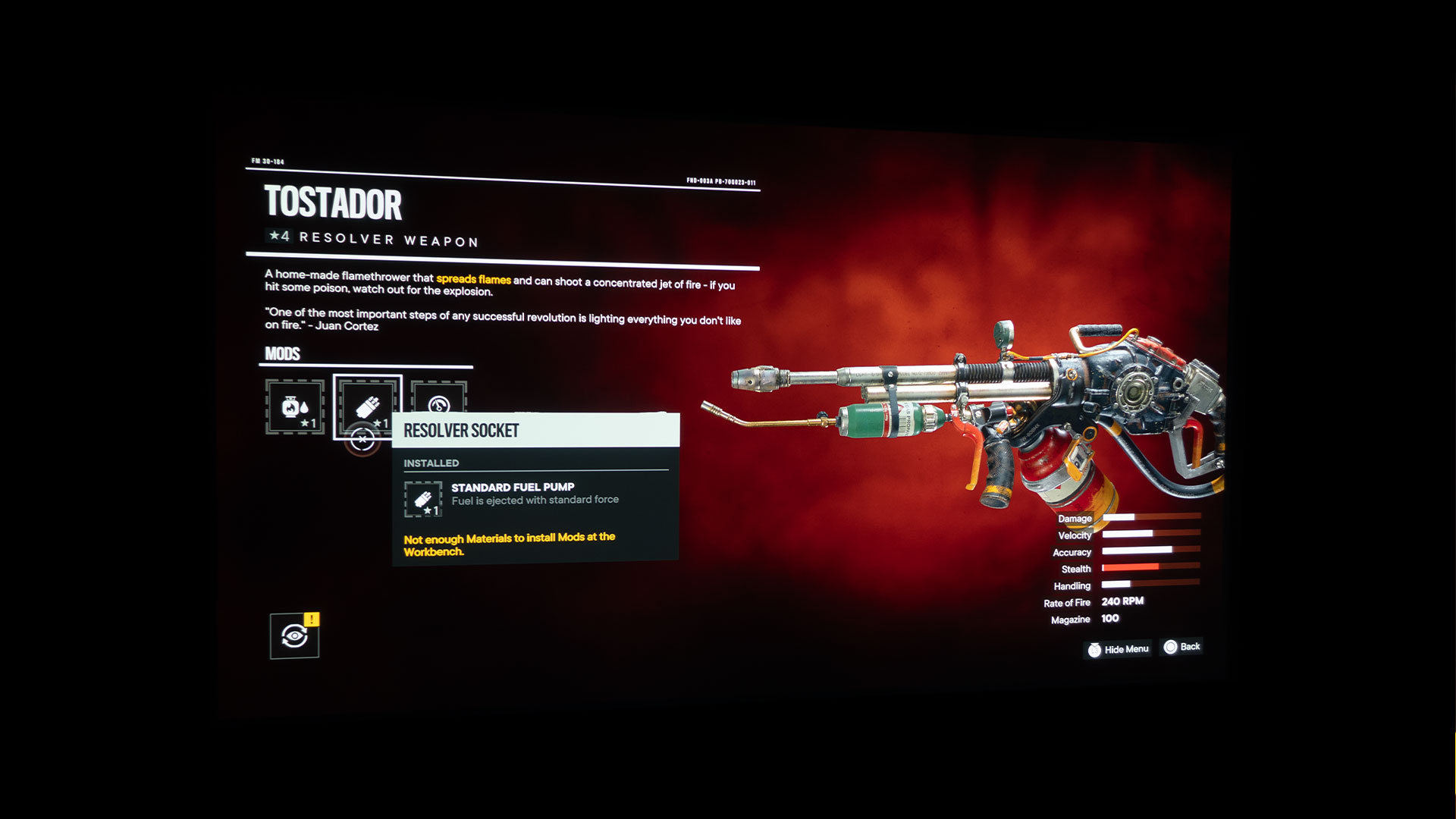
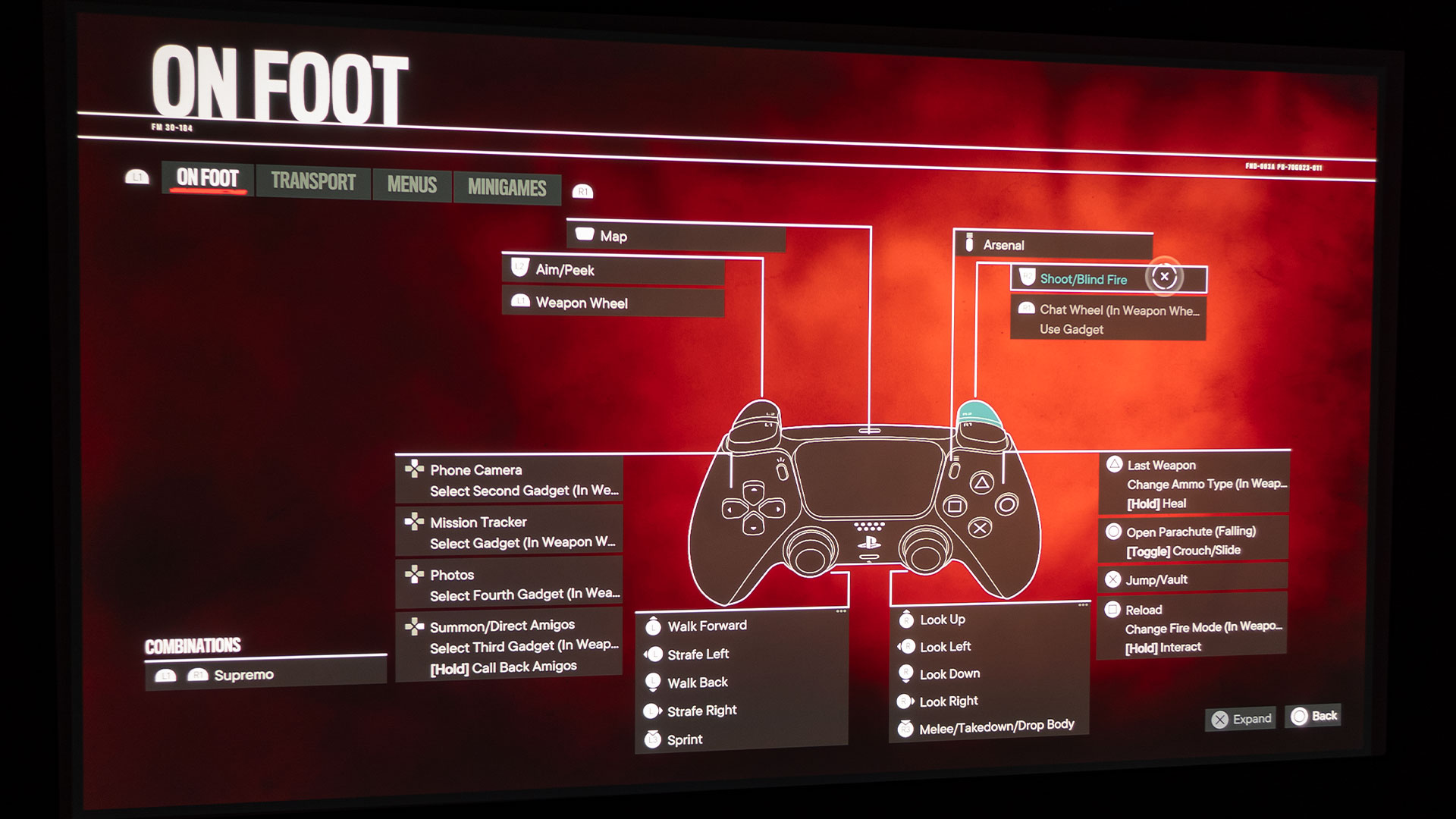
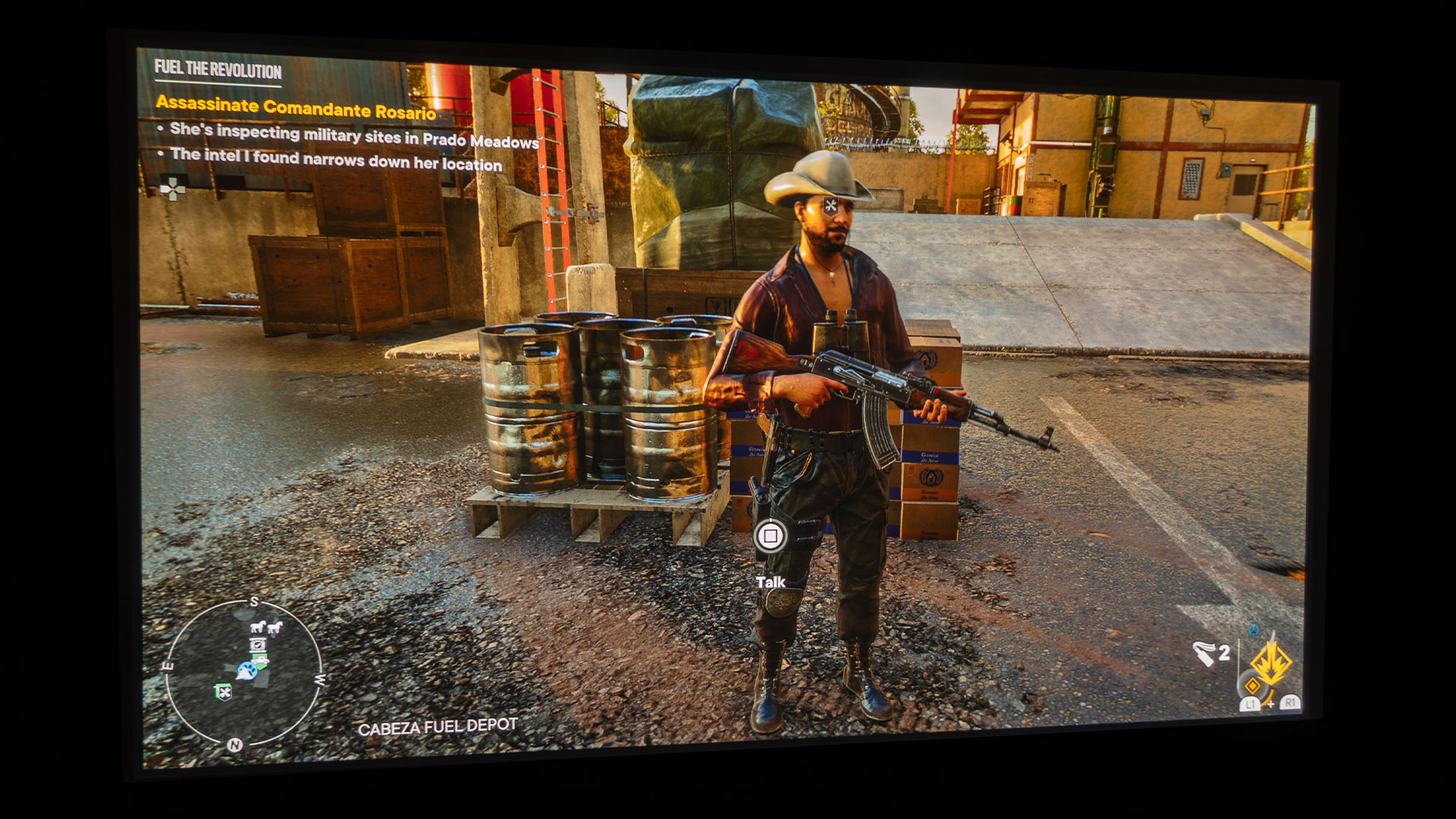
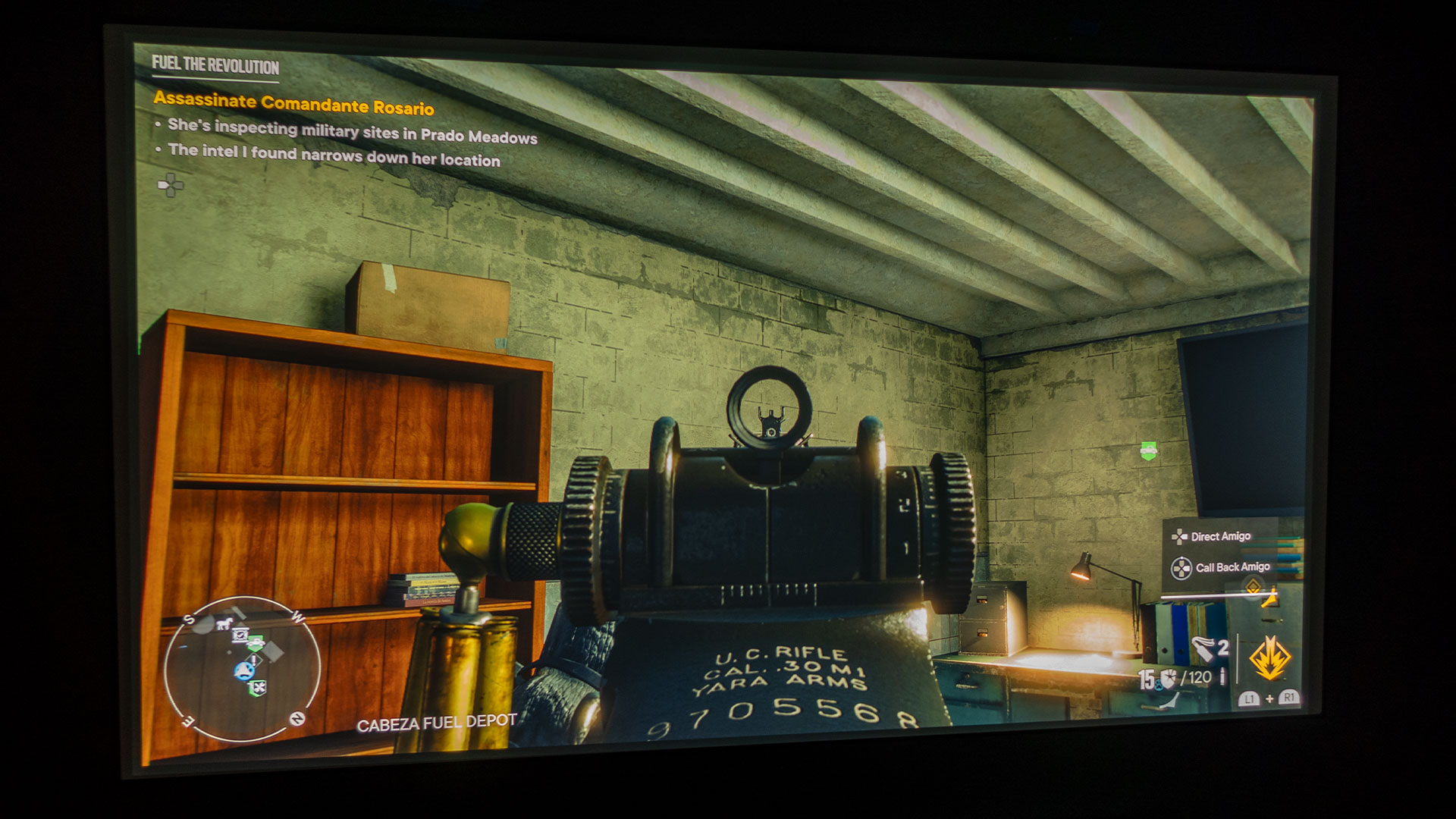
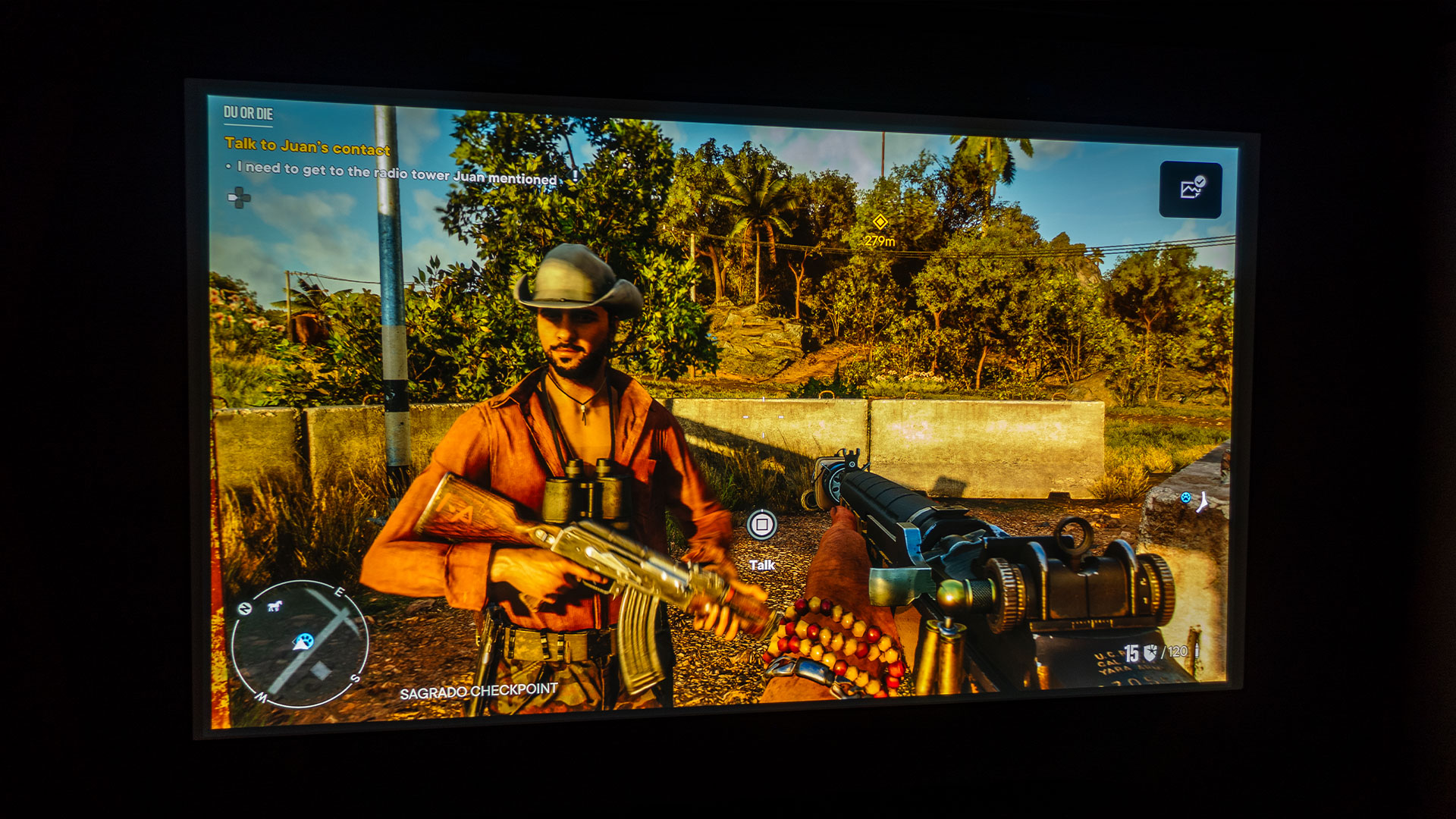
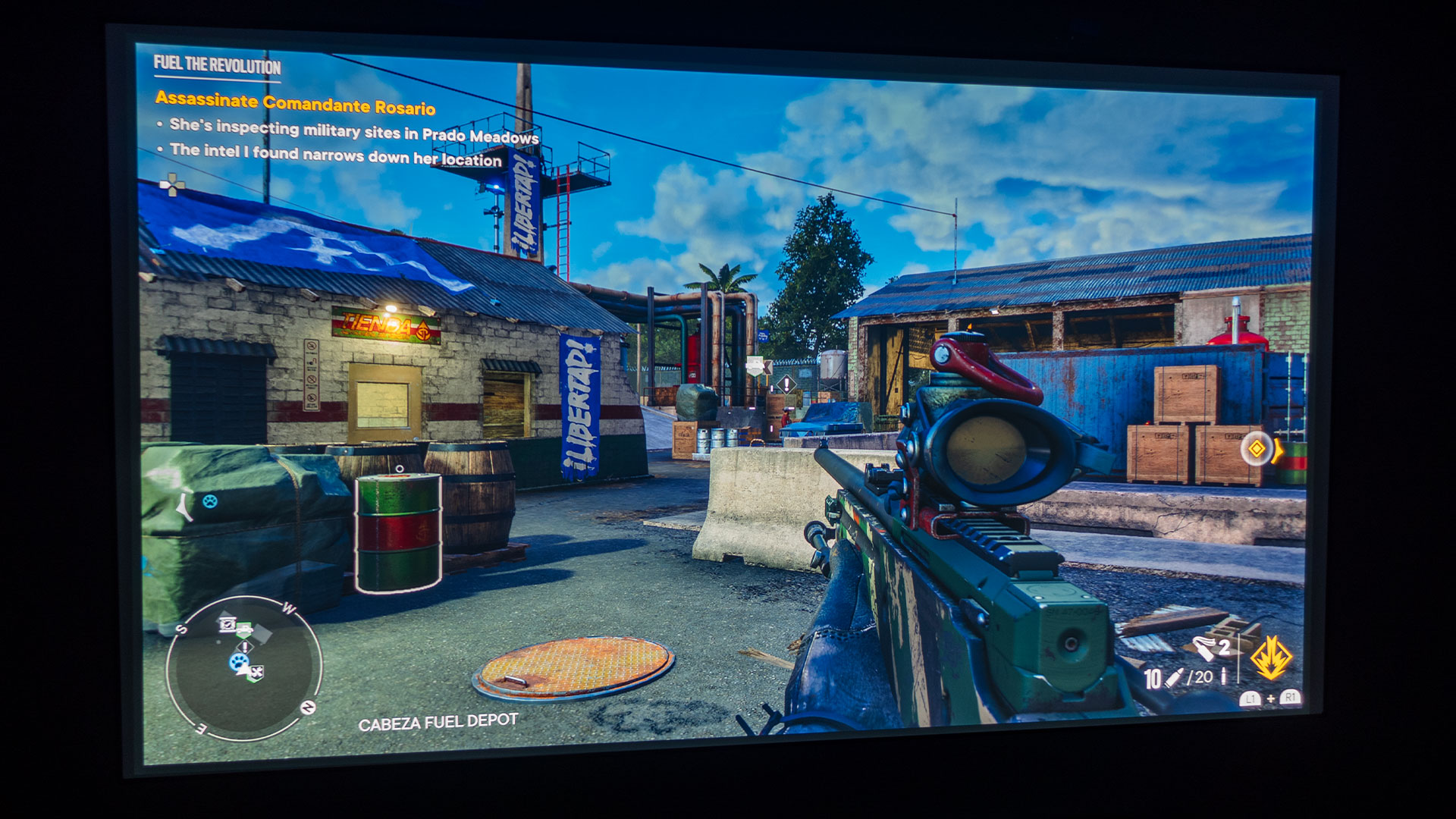
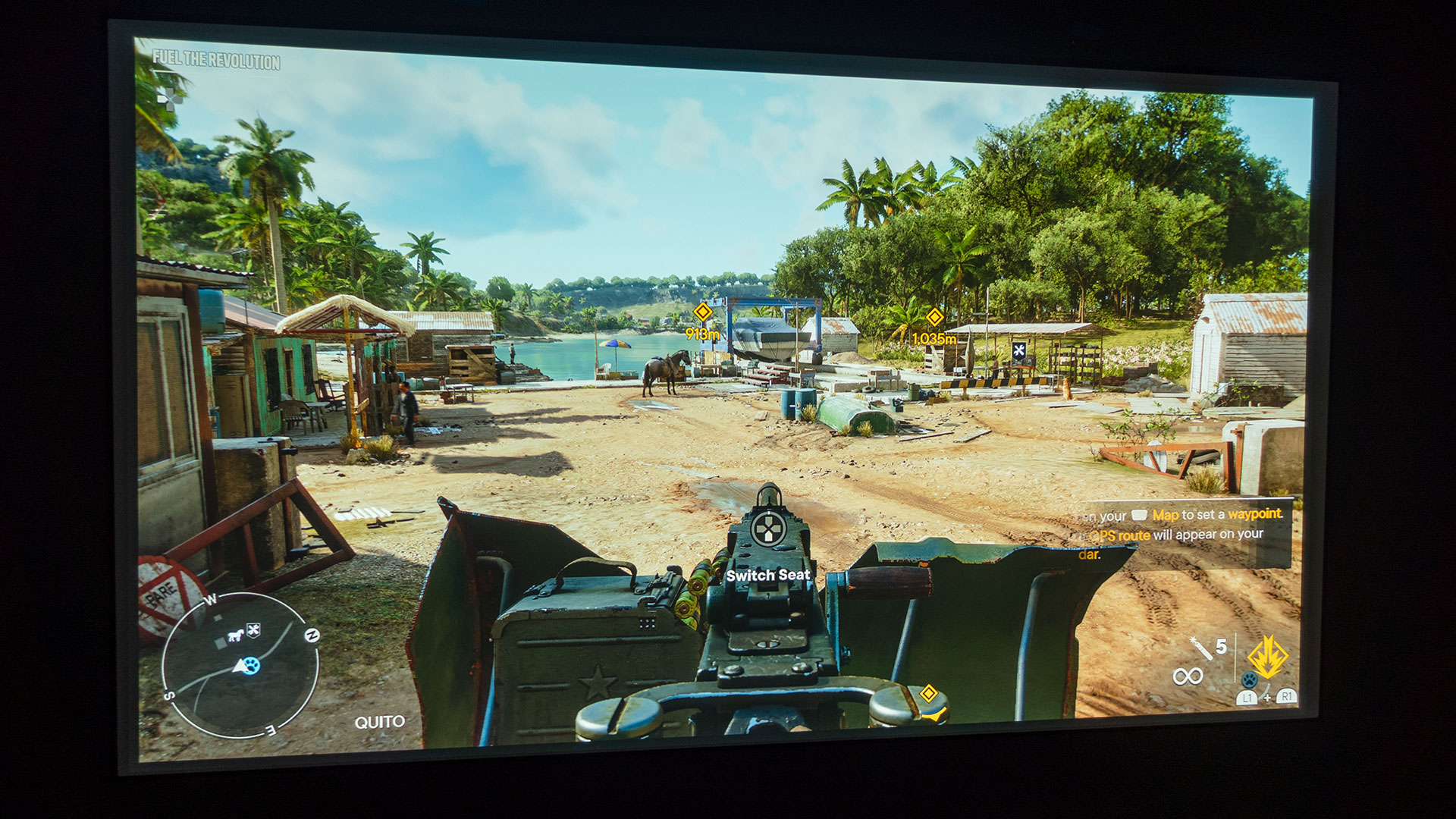
Baldur's Gate 3 secured a spot in the top 10 list of all-time highest-rated games and easily made it onto the Projector Reviews “Best Games To Play On A Projector In 2023” list.
Gather your crew and head back to the Forgotten Realms, a land filled with tales of friendship, betrayal, dedication, and the pull of immense power. Deep inside, something mysterious awakens—thanks to that pesky mind flayer parasite in your brain. Stand your ground, harnessing the very darkness that seeks to control you. But hey, if you're feeling a little rebellious, give in to that wicked side and become the embodiment of evil. How's that for a twist?
Baldur’s Gate 3 challenges players to play strategically. For instance, “turn-based mode" initiated by the player lets you halt the world at your command, regardless of whether you're in combat. If you spot a chance to gain a strategic edge, aim for flawless execution during a heist, or find a way out of a cunning trap, this mode is your tool. Divide your group, set up surprise attacks, and move stealthily in the shadows. Carve your own path to fortune! Baldur’s Gate 3 is truly a next-generation RPG!
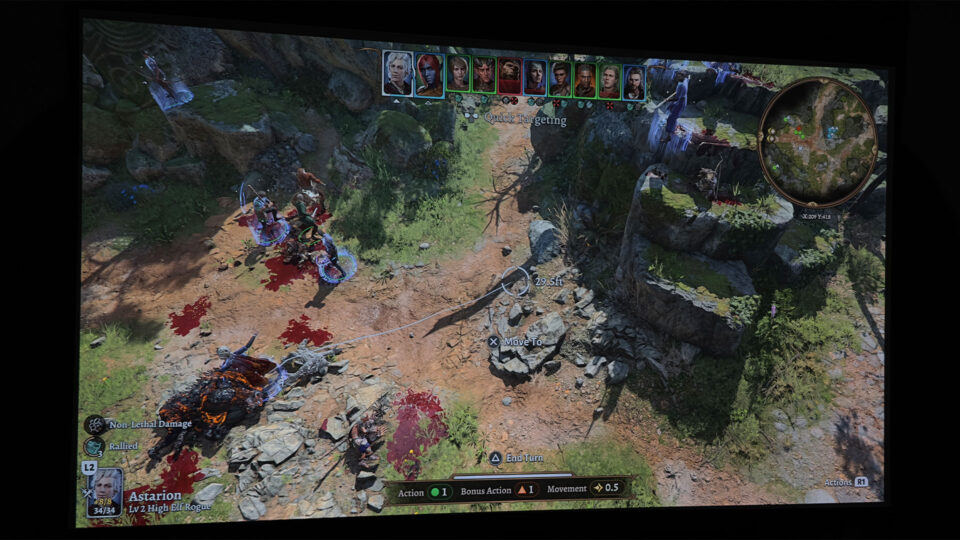
With a purpose-built gaming projector projecting on a massive screen, the turn-based tactical game mode truly comes to life. You'll have a bird's-eye view of the battlefield, ensuring you're in total control. Everything's magnified, which means those sneaky goblins will have a tough time trying to surprise you and your motley team. Bring it on!
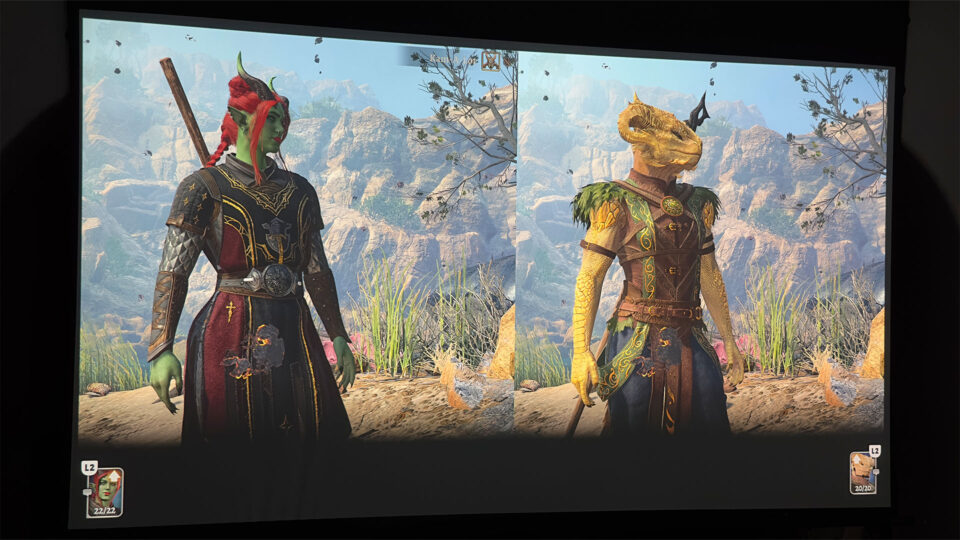
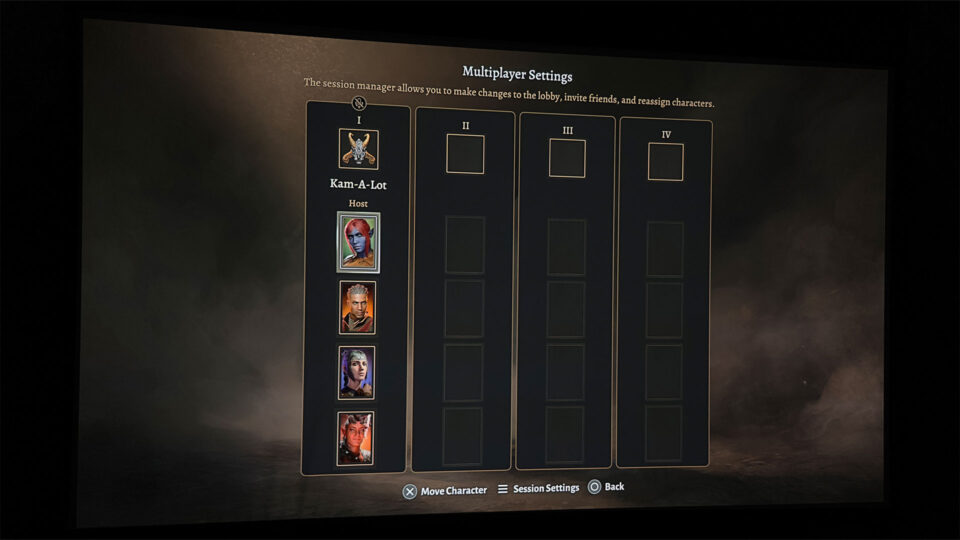
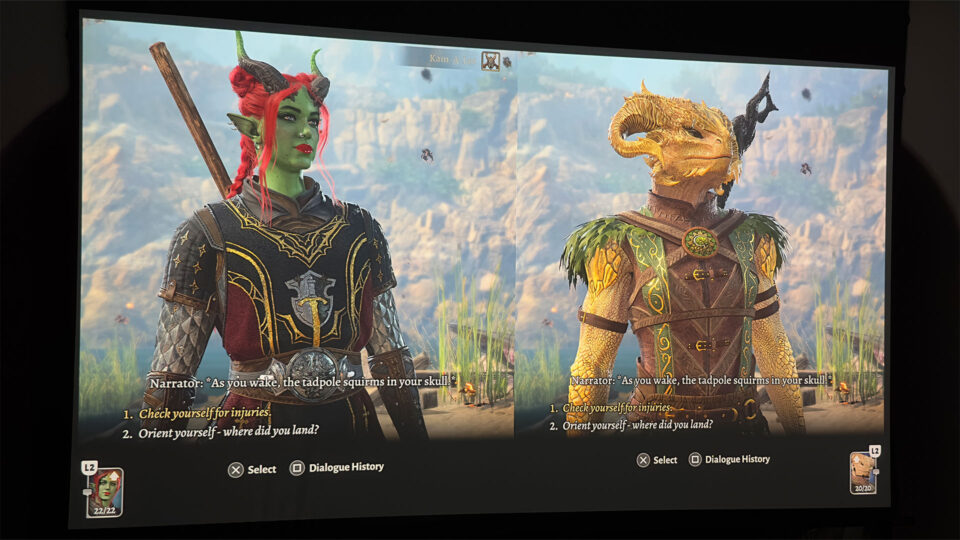
If you’re a fan of co-op split-screen gaming, Baldur’s Gate 3 has you covered, and it’s made even better with a projector and a large screen.
Baldur’s Gate 3, a fantasy-themed, turn-based tactical RPG, is a proud offering from Larian Studios (developed and published). It made its debut on Windows (10, 11) on August 3, 2023, followed by a release for PlayStation®5 users on September 6, 2023, and finally for Mac OS X enthusiasts on September 22, 2023. Xbox is supposed to be coming soon. And the best part? It supports cross-platform multiplayer with Steam. Whether you're flying solo, teaming up online, or sitting side by side in split-screen co-op, the game has you covered.
For PlayStation®5, Baldur’s Gate 3 – Digital Standard Edition (base game) can be purchased for $69.99. Baldur’s Gate 3 – Digital Deluxe Edition can be had for $79.99 and consists of the base game, Divinity Bard Song Pack, Exclusive Dice Theme, Treasures from Rivellon Pack, Adventurer's Pouch, and Bonus Digital Content. For a mere additional $10, opting for the Digital Deluxe Edition is a no-brainer. Trust me, once you dive into the game, you'll quickly realize that the bonus content easily surpasses that $10 value. It's a steal!
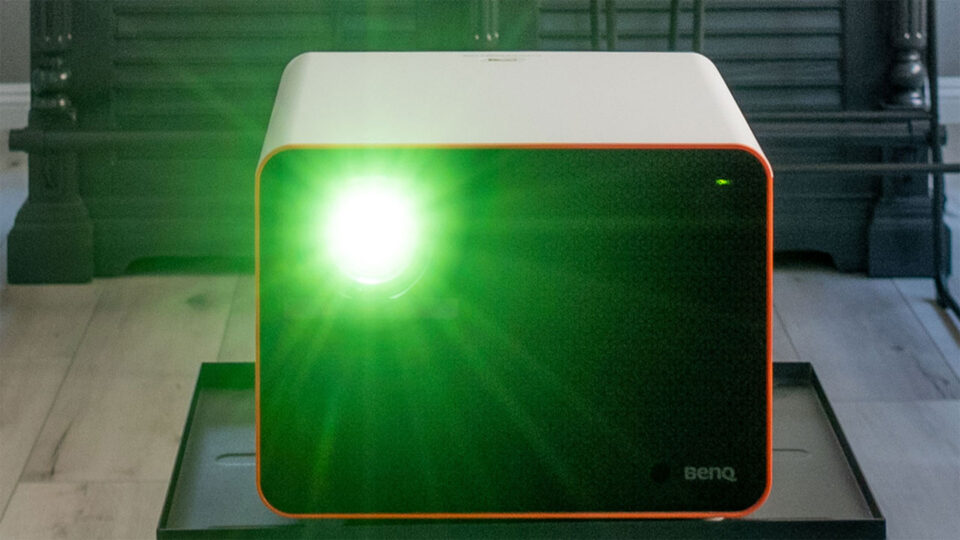
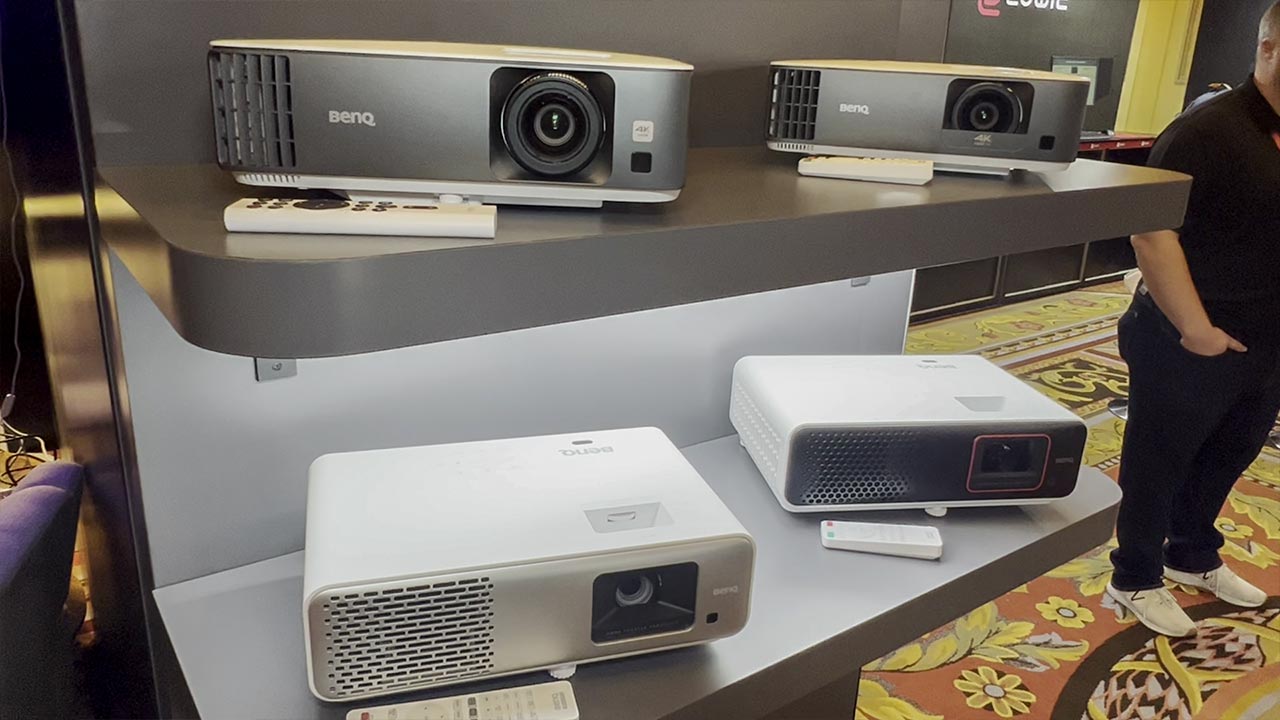
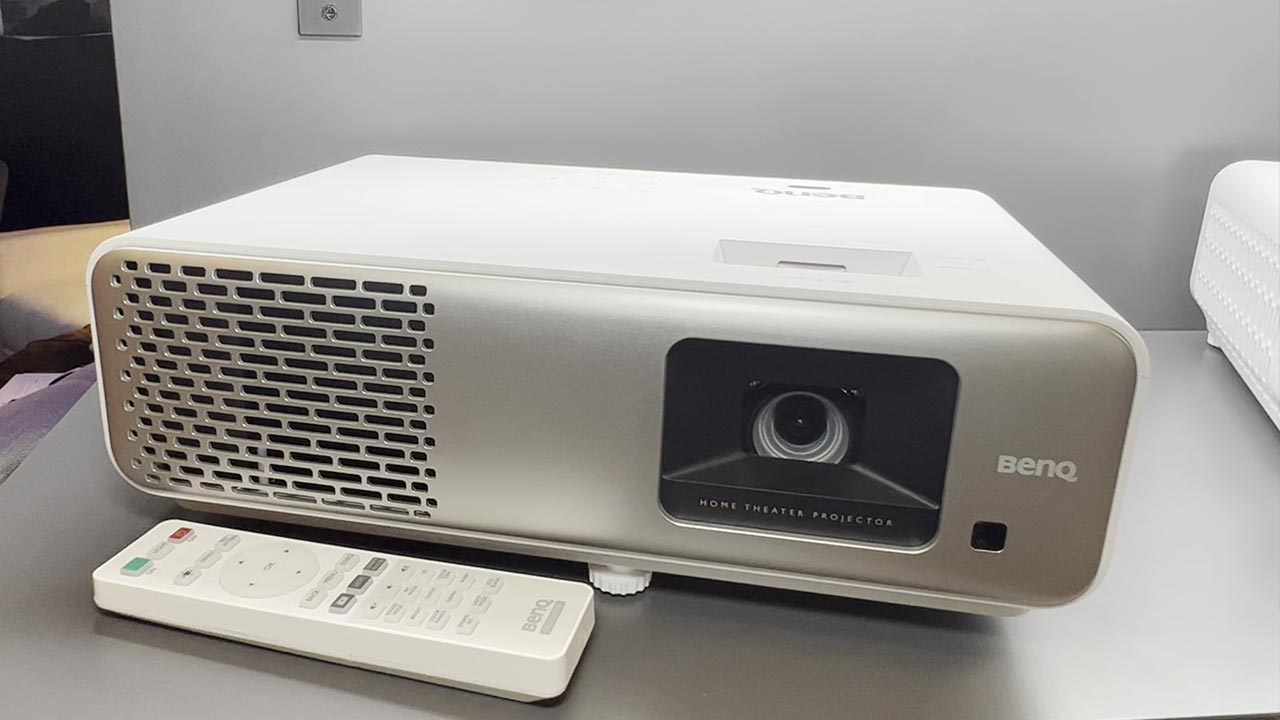
PROJECTOR UTILIZED – BENQ X3000i
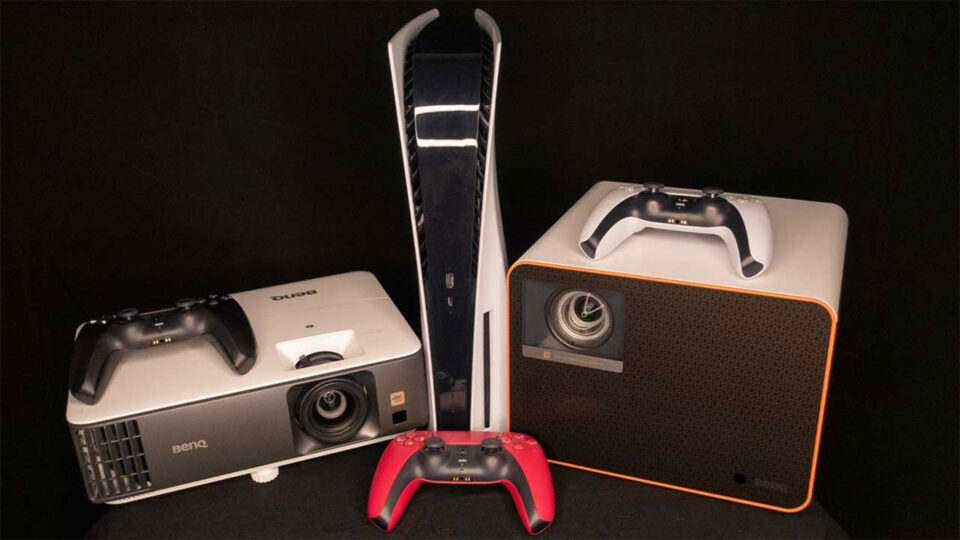
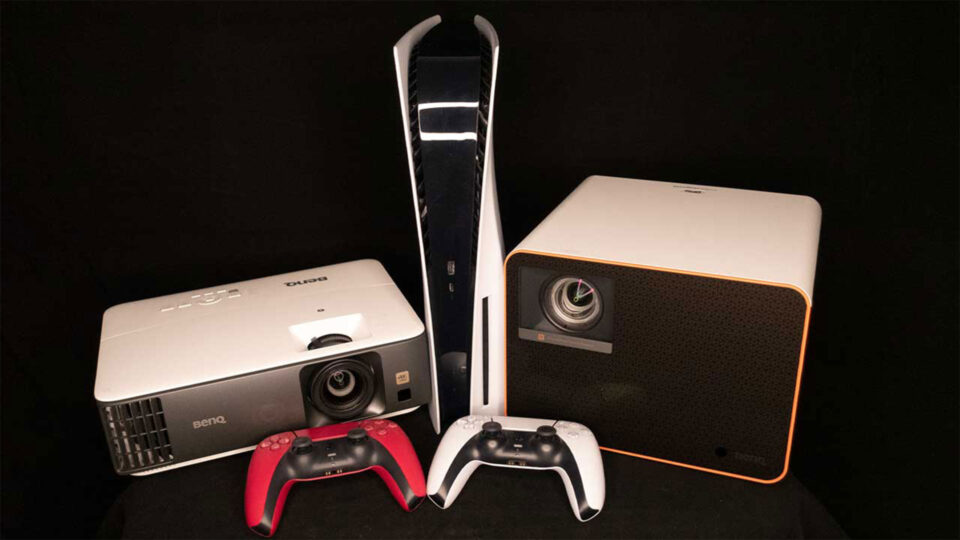
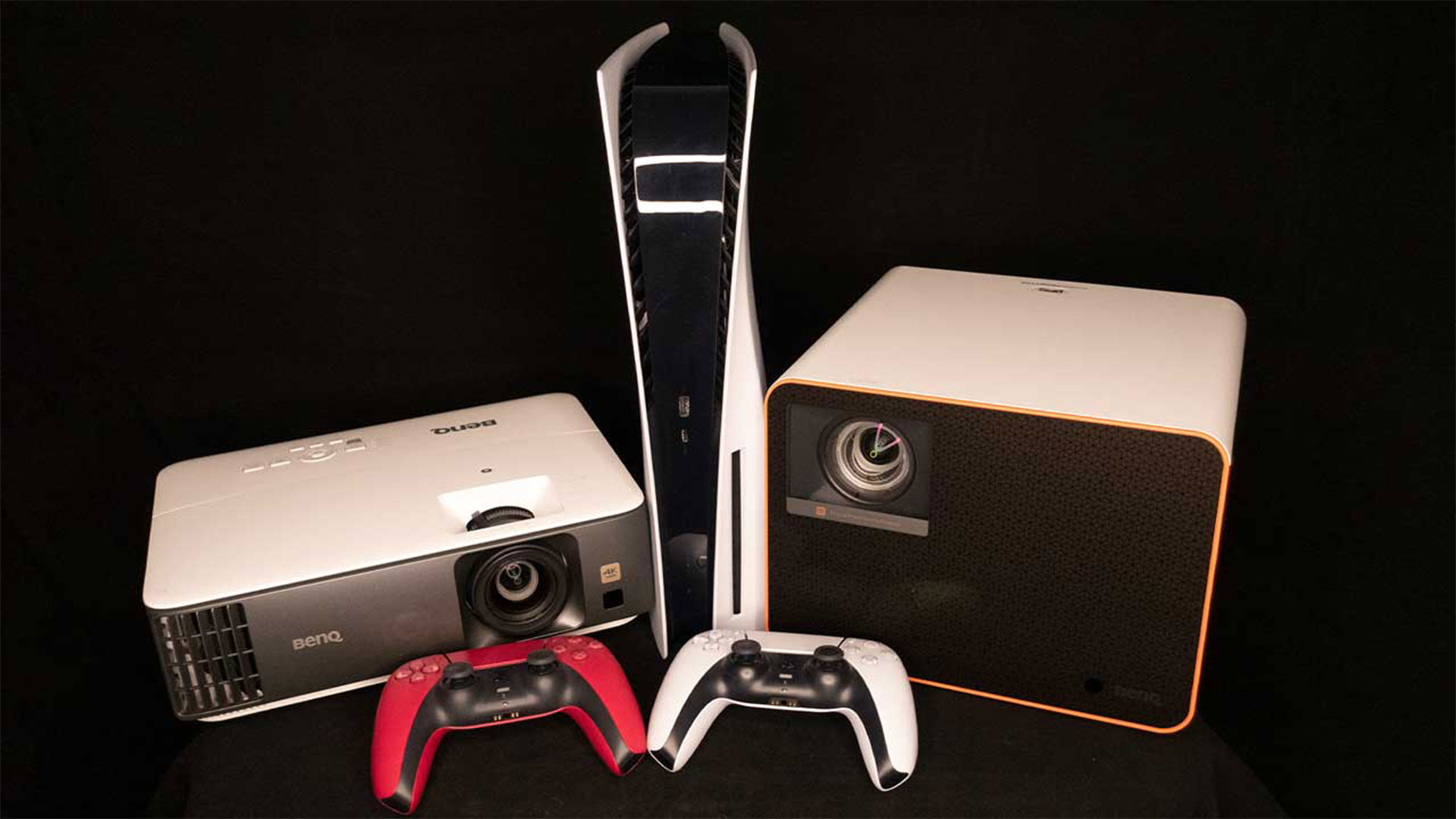
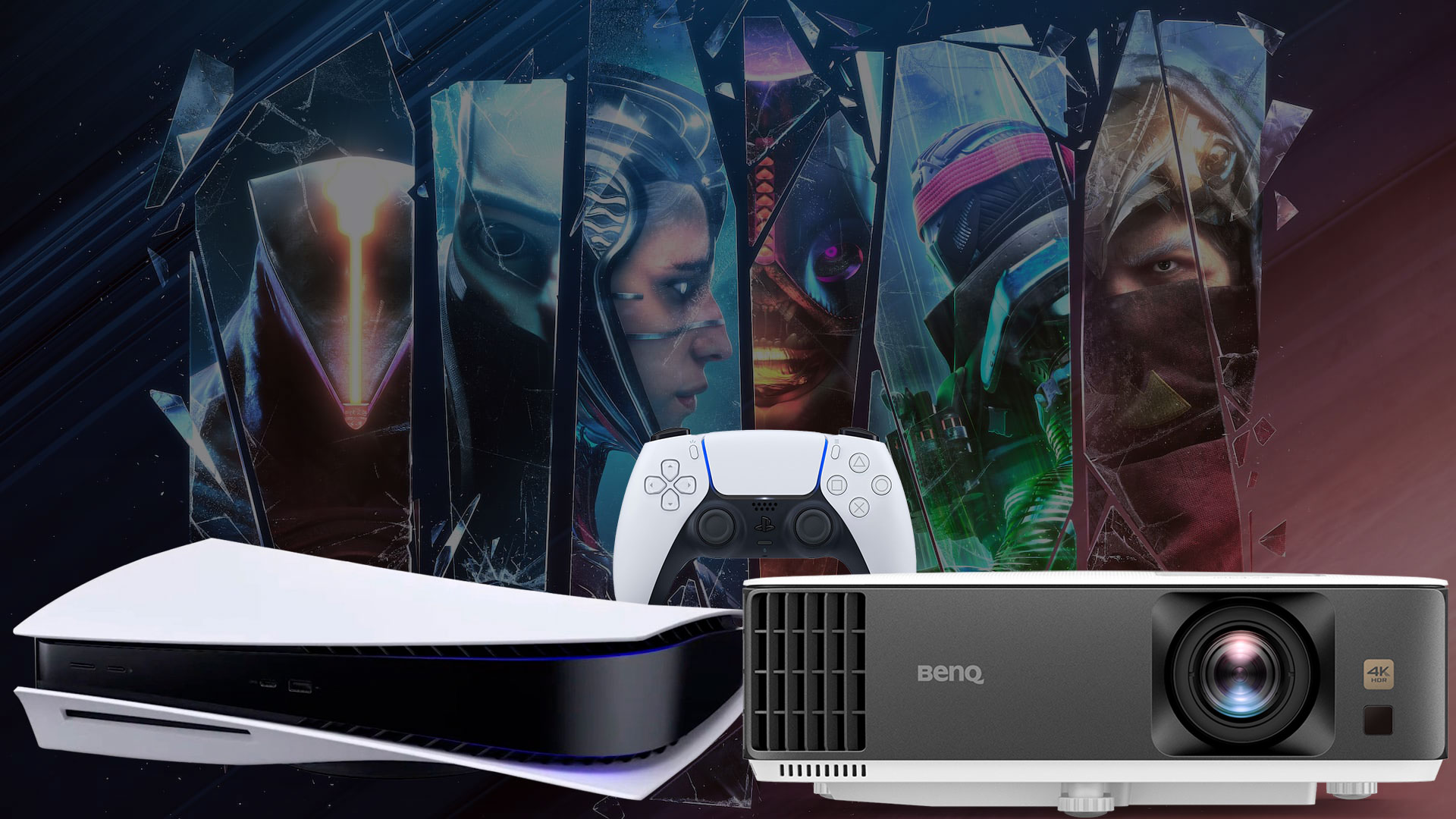
BenQ generously supplied Projector Reviews with demo units of the X3000i and TK700 gaming projectors for assessment.
BenQ graciously sent over demonstration units of their X3000i and TK700 gaming projectors to Projector Reviews, specifically for our segment, "Best Games to Play on a Projector in 2023." To give you some perspective, I've logged a whopping 575 hours on the BenQ X3000i, with the lion's share of that time dedicated to gaming on my PS5. This extensive hands-on experience positions me uniquely to provide a detailed overview of what it feels like to game on a projector, especially on a sprawling screen.
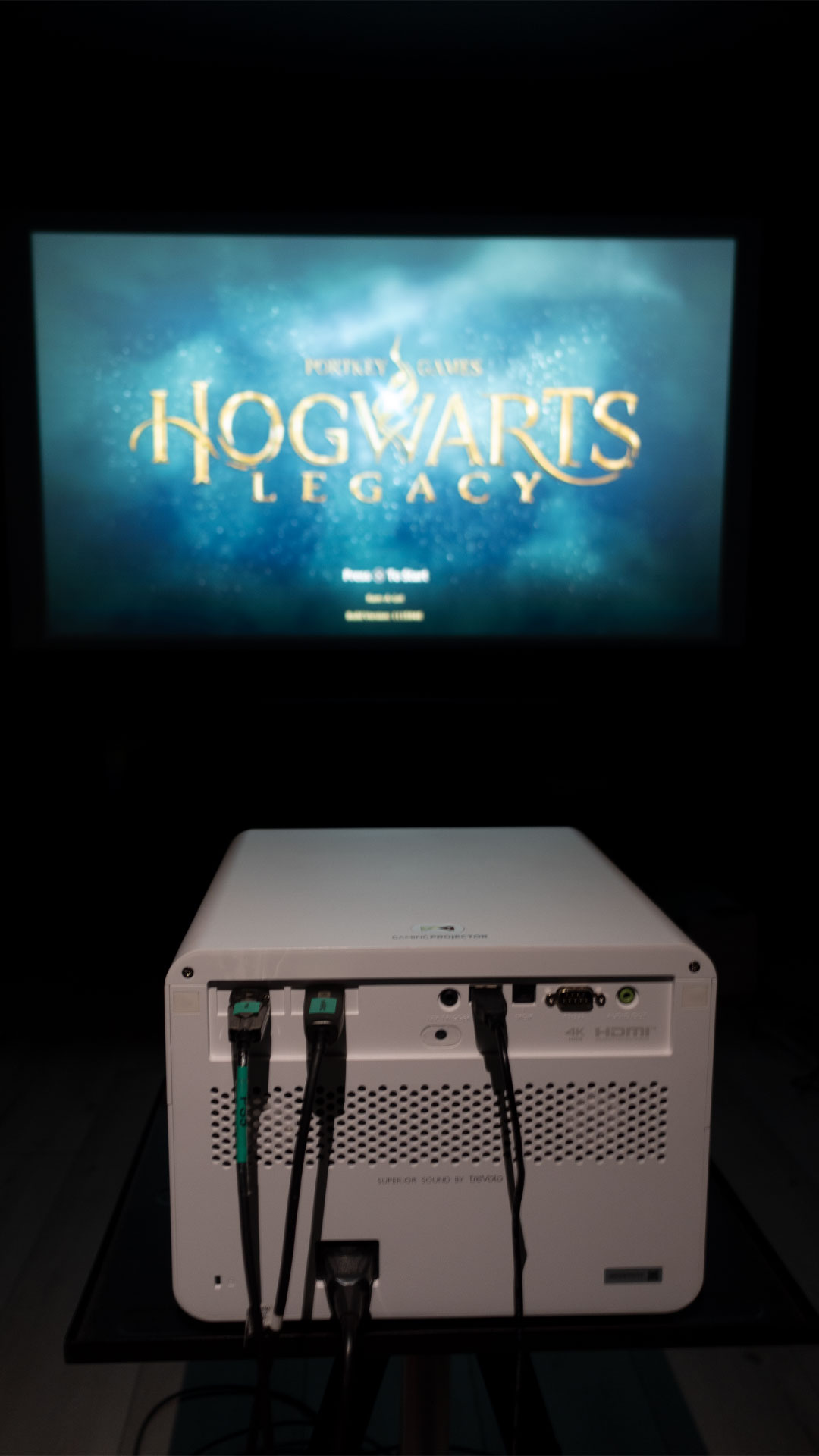
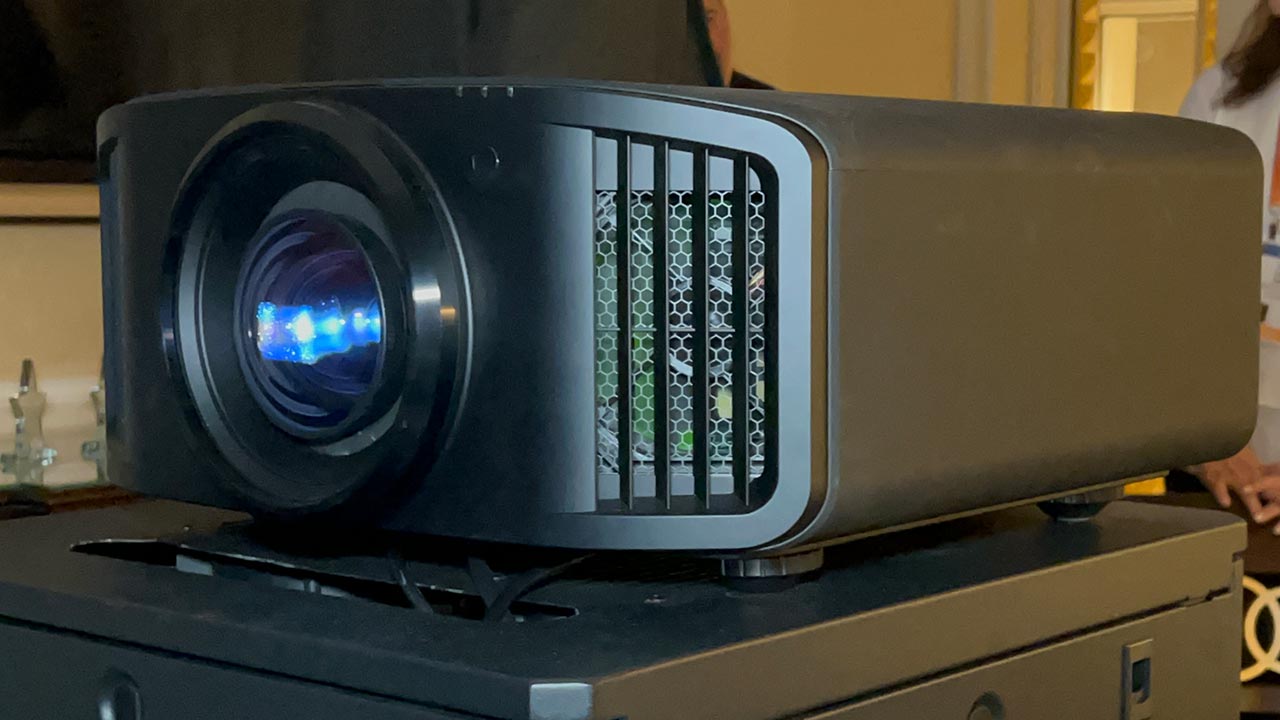
For the purpose of this write-up, I handpicked Baldur’s Gate 3 to test out with the BenQ X3000i gaming projector. Why? The projector's RPG game mode beautifully enhances the survival horror elements intrinsic to Baldur’s Gate 3. Priced at $1,999, the BenQ X3000i stands out as a 4K HDR 4LED gaming projector, boasting 3000 ANSI lumens brightness and is equipped with dual 5-watt chamber speakers for immersive audio.
BenQ emphasizes that the X3000i is engineered with gaming consoles in mind, ensuring optimal compatibility and performance.
BenQ confidently proclaims that the X3000i is crafted to seamlessly work with gaming consoles such as the PS5, PS4, Xbox Series X, Xbox Series S, and Nintendo Switch. Beyond mere compatibility, the X3000i 4K 4LED gaming projector is meticulously designed to elevate your gaming escapades. It boasts the 4LED HDR-PRO™ technology for vivid and lifelike colors, coupled with awe-inspiring visuals. Additionally, the dynamic virtual 3D sound ensures audio emanates from various directions, enveloping gamers in a rich auditory environment.
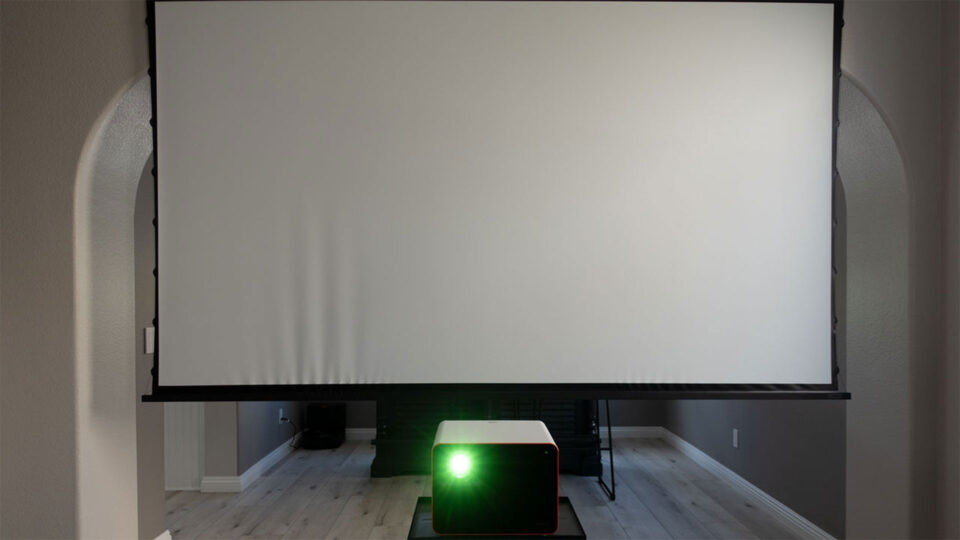
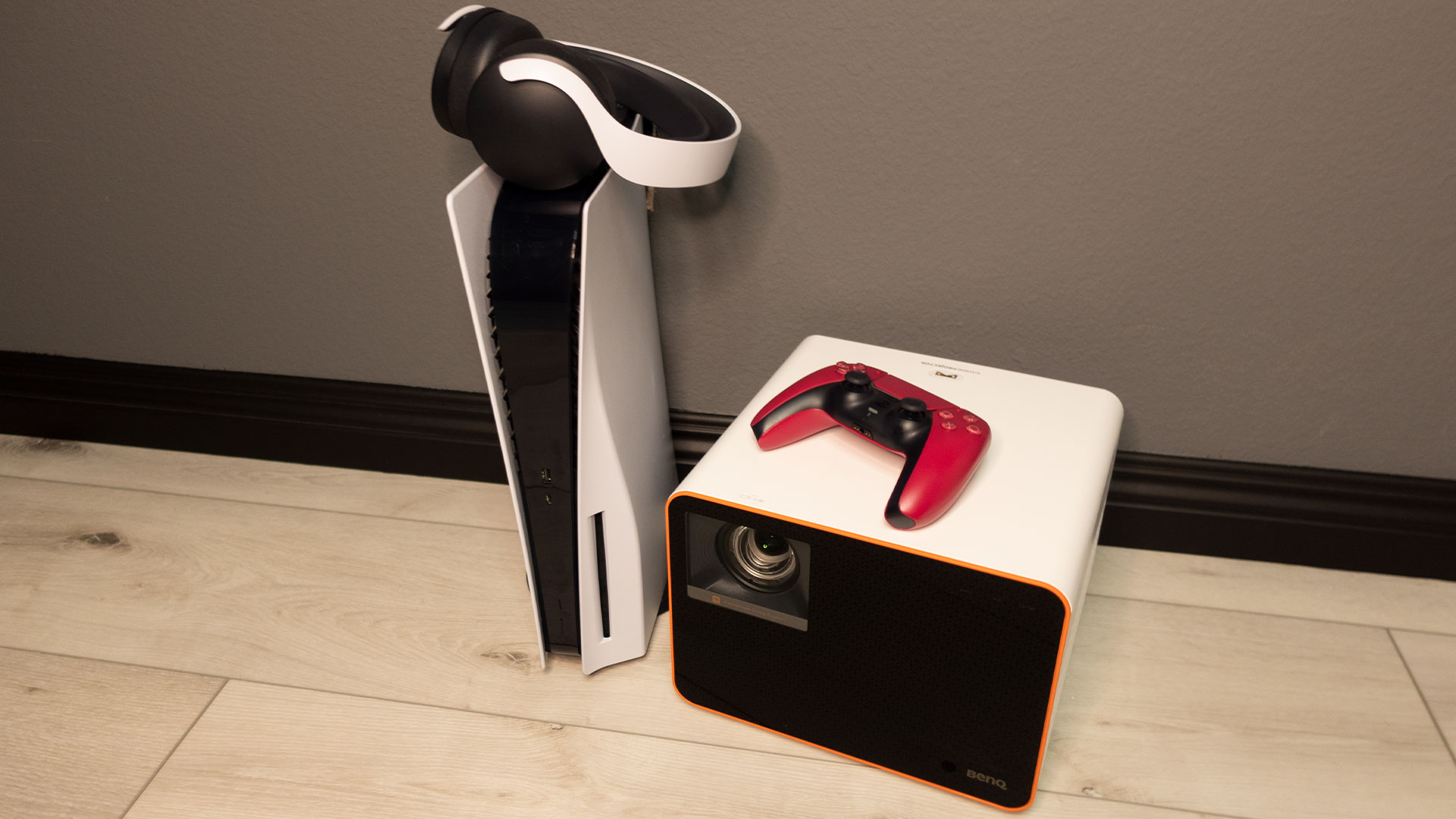
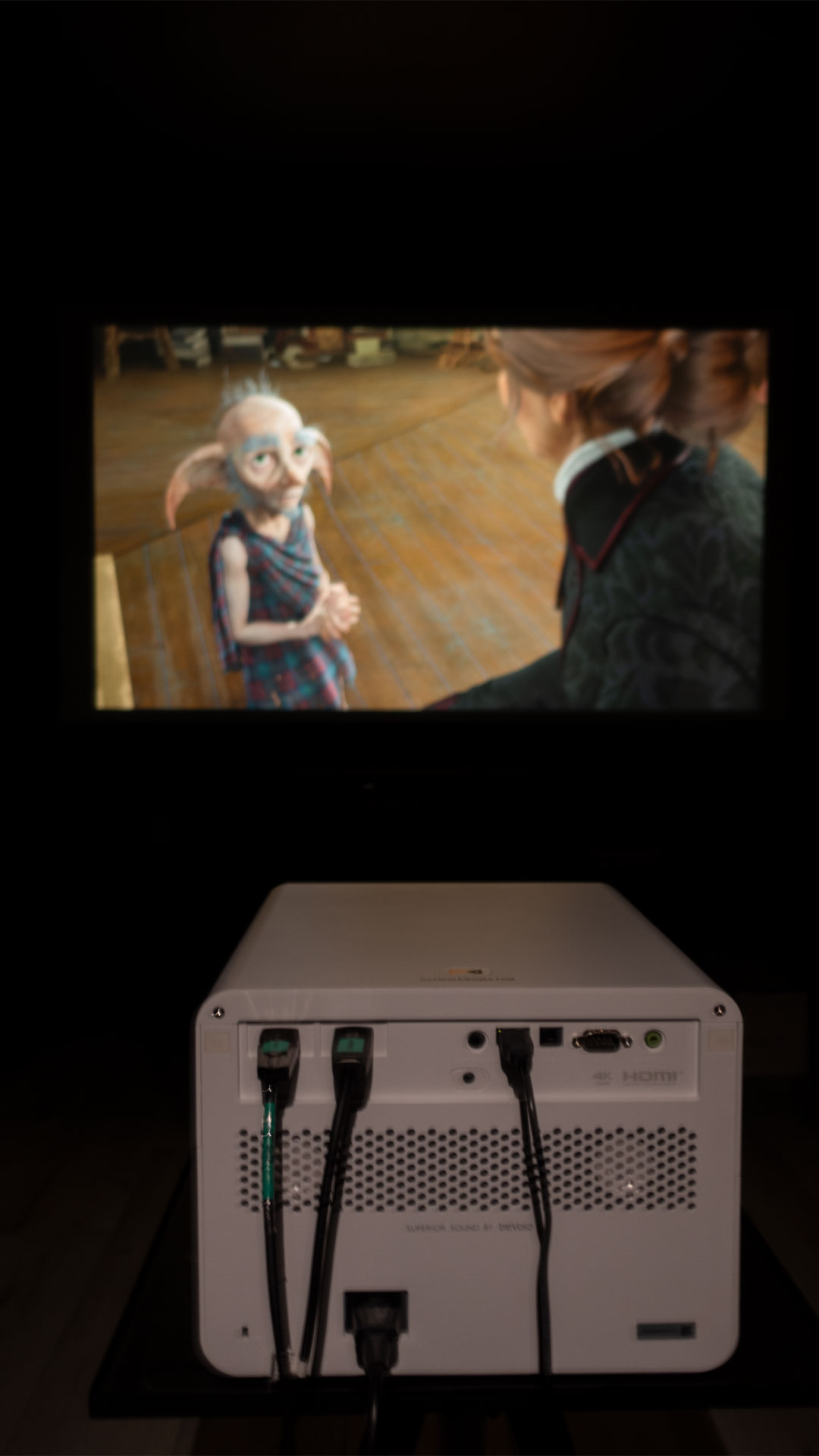
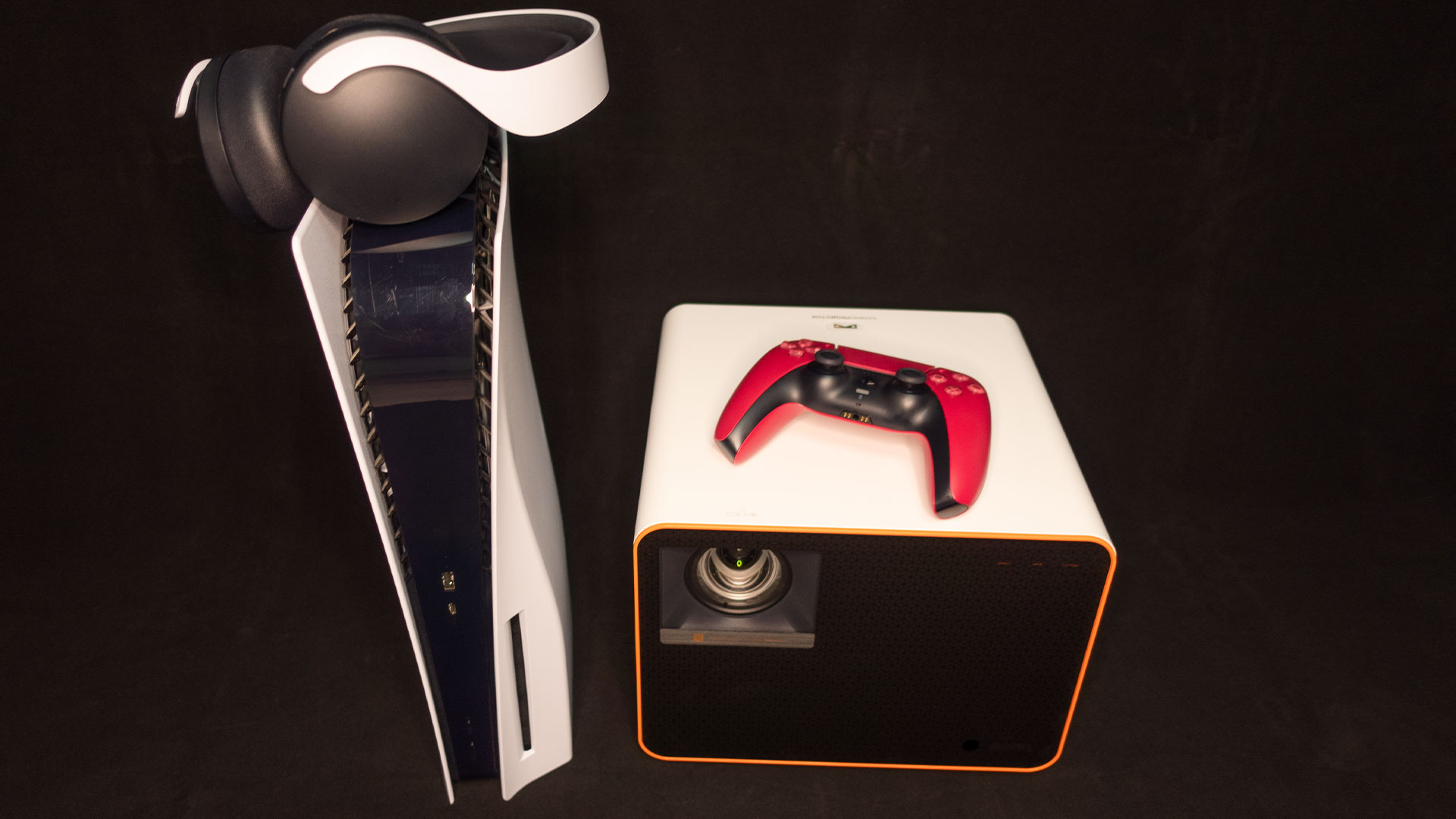
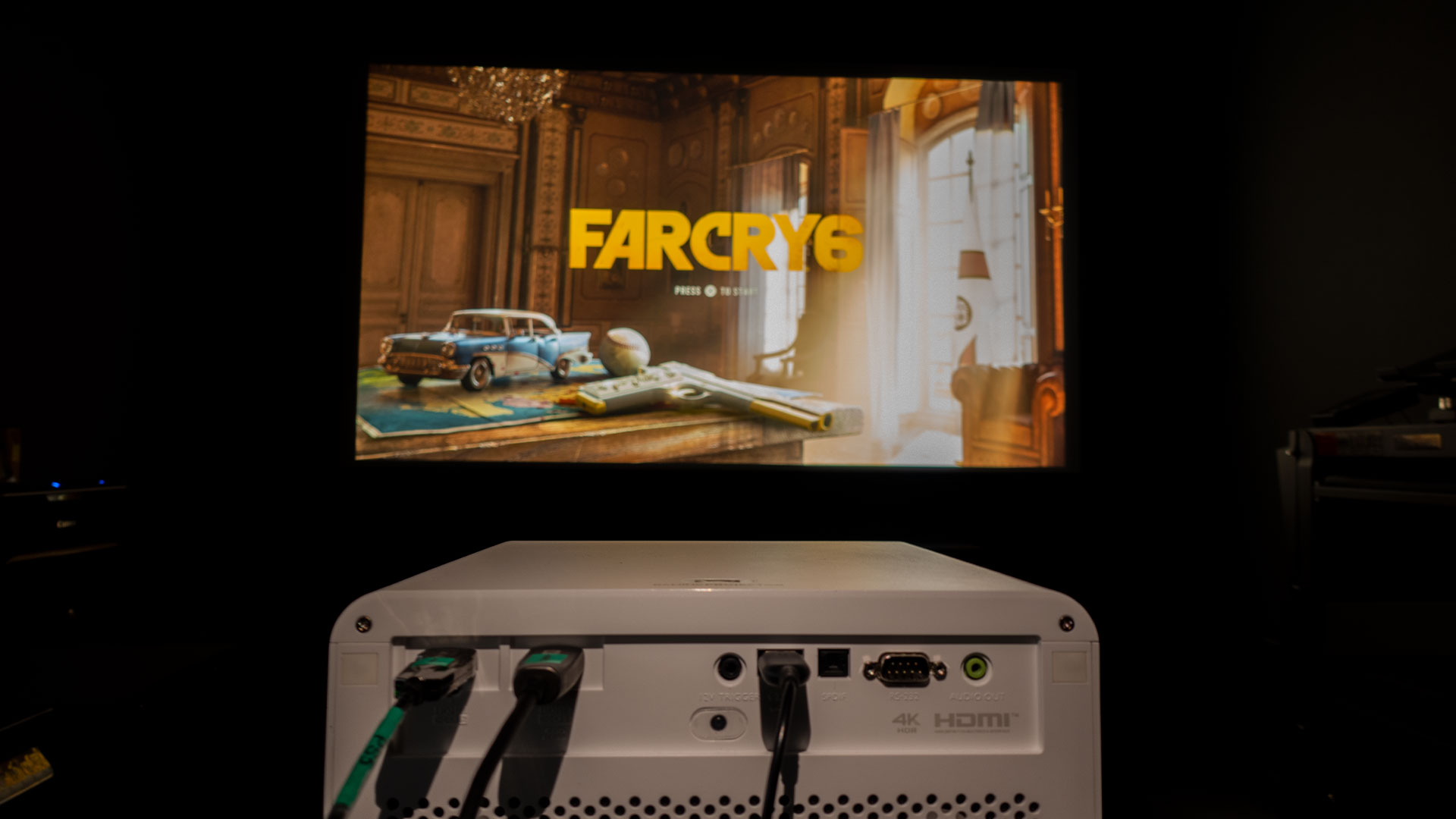
For a firsthand trial, I utilized what was within arm's reach. I simply set up my PS5 alongside the BenQ X3000i on a table in my living room. I projected onto a 110-inch (16:9) screen from Screen Innovations, the Solo Pro 2 with Unity AT Pure White 1.3 gain material. The simplicity of this setup allowed me to focus on the game and the projector's performance, without any unnecessary frills.
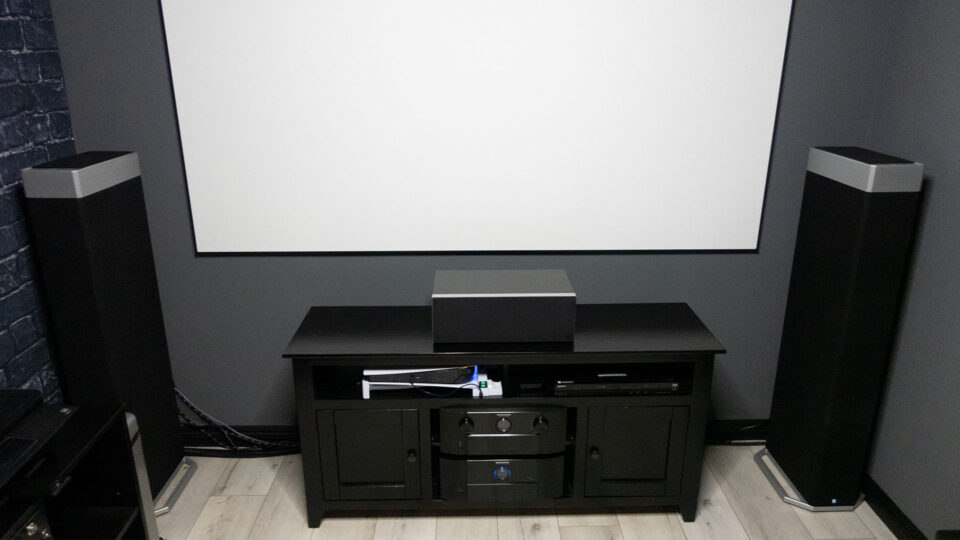
After clocking in about 25 hours with my initial simple setup, I decided to elevate my gaming experience and moved my testing process up to my projector lab. I connected my PS5 to the BenQ X3000i using a 48Gbps HDMI 2.1 cable and channeled it through the precision of a Marantz AV8805 Pre-Tuner and the power of a Marantz MM8077 7-channel amplifier. The visuals were magnificently beamed onto a 100-inch (16:9) Elite Screens Aeon fixed frame, which sported the CineWhite® UHD-B (Tensioned Matte White) with a 1.3 gain. The end results? A big-screen gaming session that felt akin to being in a theater, further amplified by the resonant, all-encompassing audio.
With its ability to pump out 3000 ANSI lumens, the X3000i makes gaming in a room with some ambient light a breeze.
The X3000i stands out with its impressive brightness level of 3,000 ANSI lumens, allowing it to function optimally even in spaces with some ambient light interference. Coupled with its clear imagery, the projector's XPR (eXpanded Pixel Resolution) technology enables it to display a stunning 4K resolution. If you're curious about the nuances of 4K DLP combined with XPR technology, I'd recommend checking out the Projector Reviews' Projection Terms page. Beyond its stellar visual output, the X3000i is designed for convenience, featuring a wide array of connection ports such as HDMI, USB, and VGA, ensuring seamless integration with a multitude of devices and media sources.
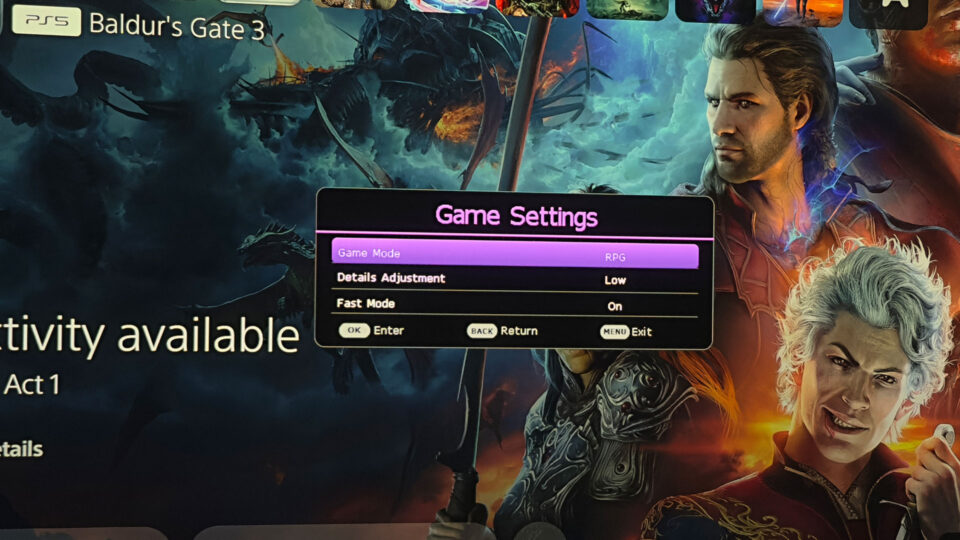
The X3000i is packed with attributes that position it as a top-tier gaming projector. Notably, it boasts specialized game modes for FPS, RPG, and SPG, complemented by audio and visual configurations, as well as latency settings fine-tuned for next-generation RPGs, such as Baldur’s Gate 3. Opting for the RPG mode when playing Baldur’s Gate 3 amplifies the gaming experience, plunging players into a fully immersive cinematic adventure.
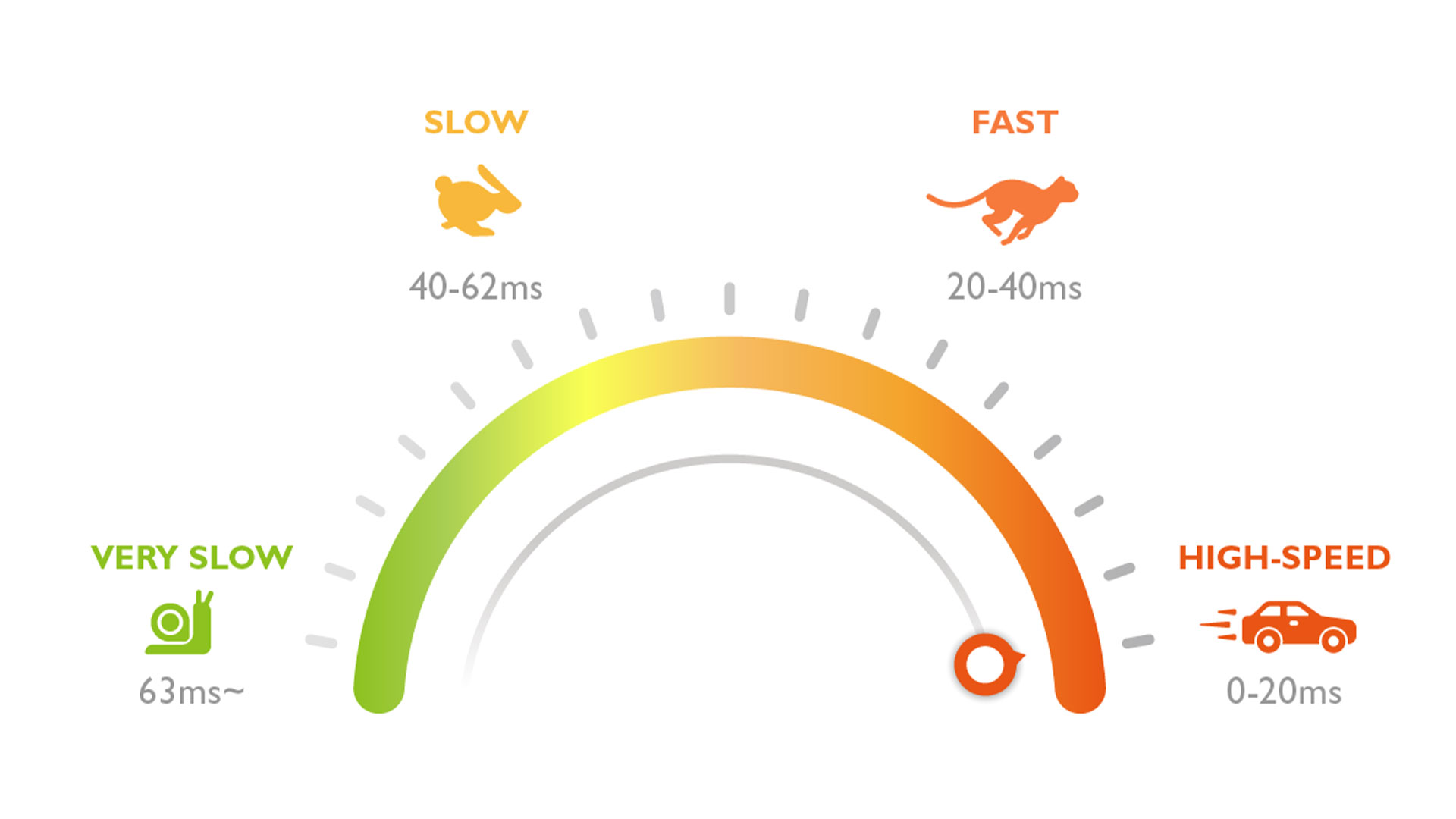
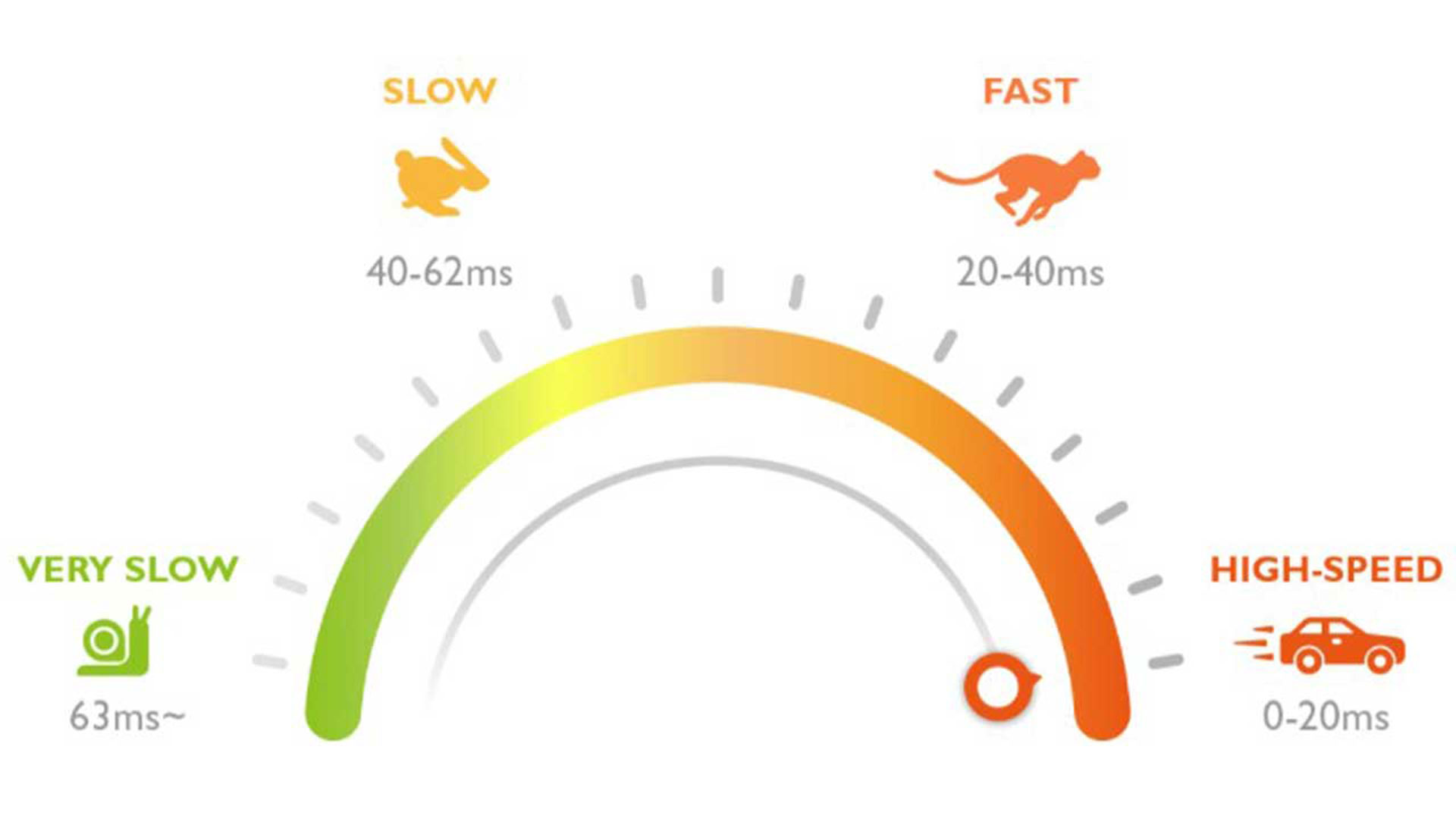
Projectors with dedicated gaming modes are typically tailored to deliver the optimal (and often the lowest) input lag times. This enhancement ensures gamers enjoy a more swift and reactive gameplay experience, providing a critical edge, especially in fast-paced gaming scenarios.
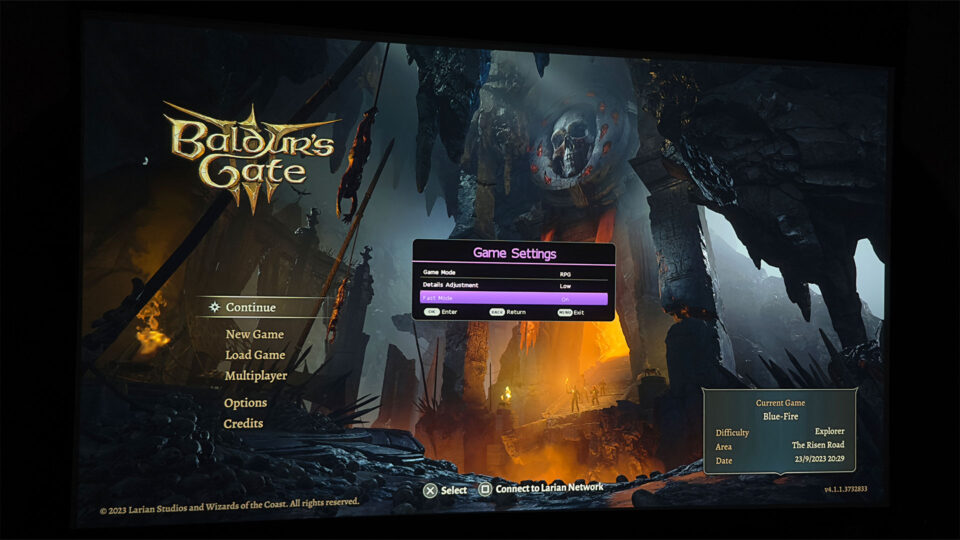
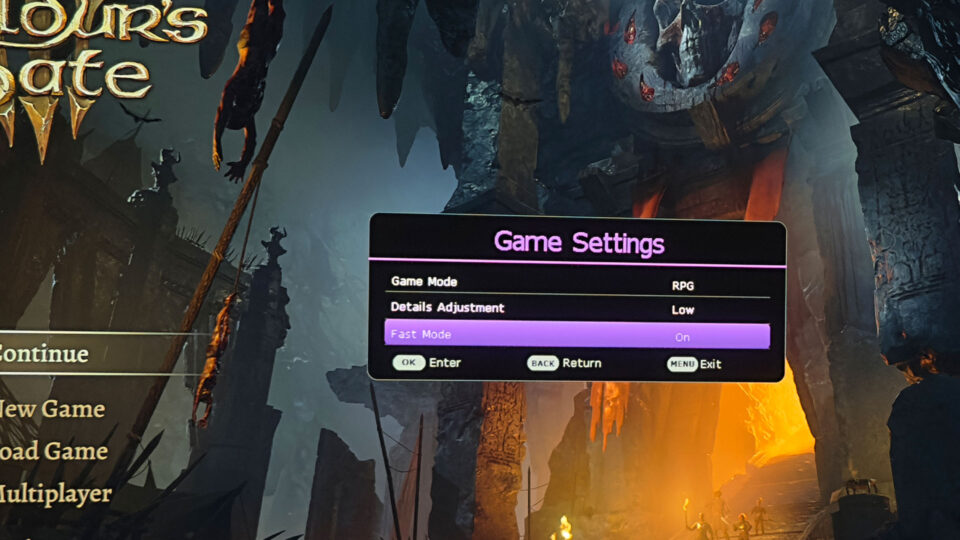
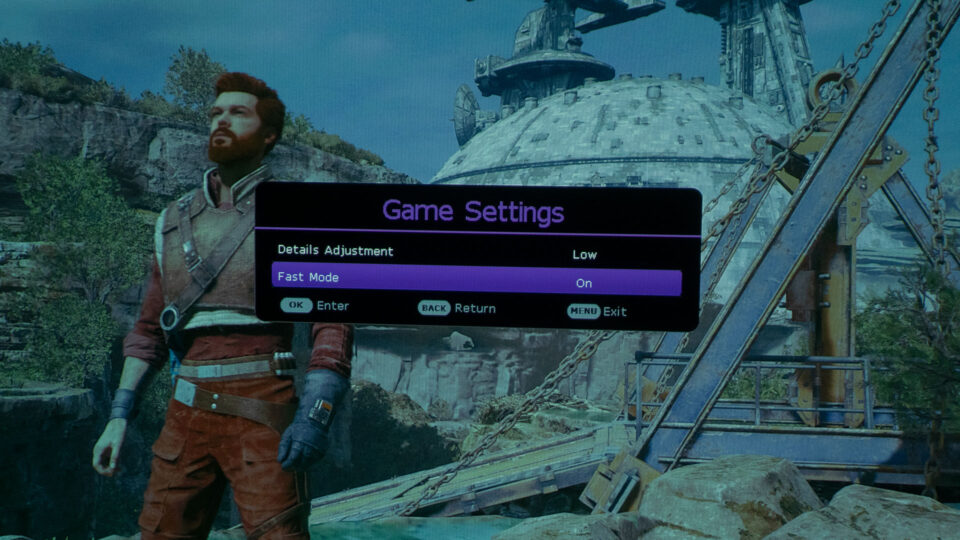
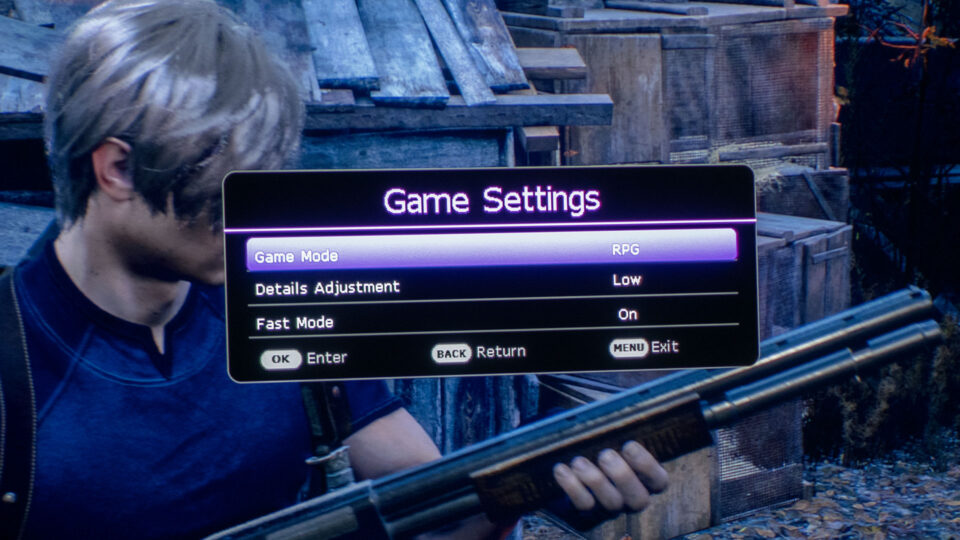
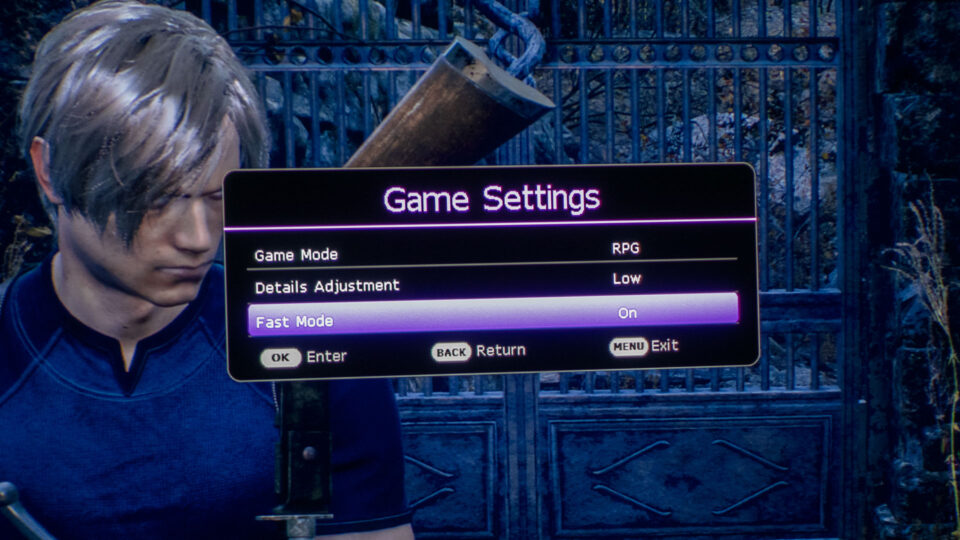
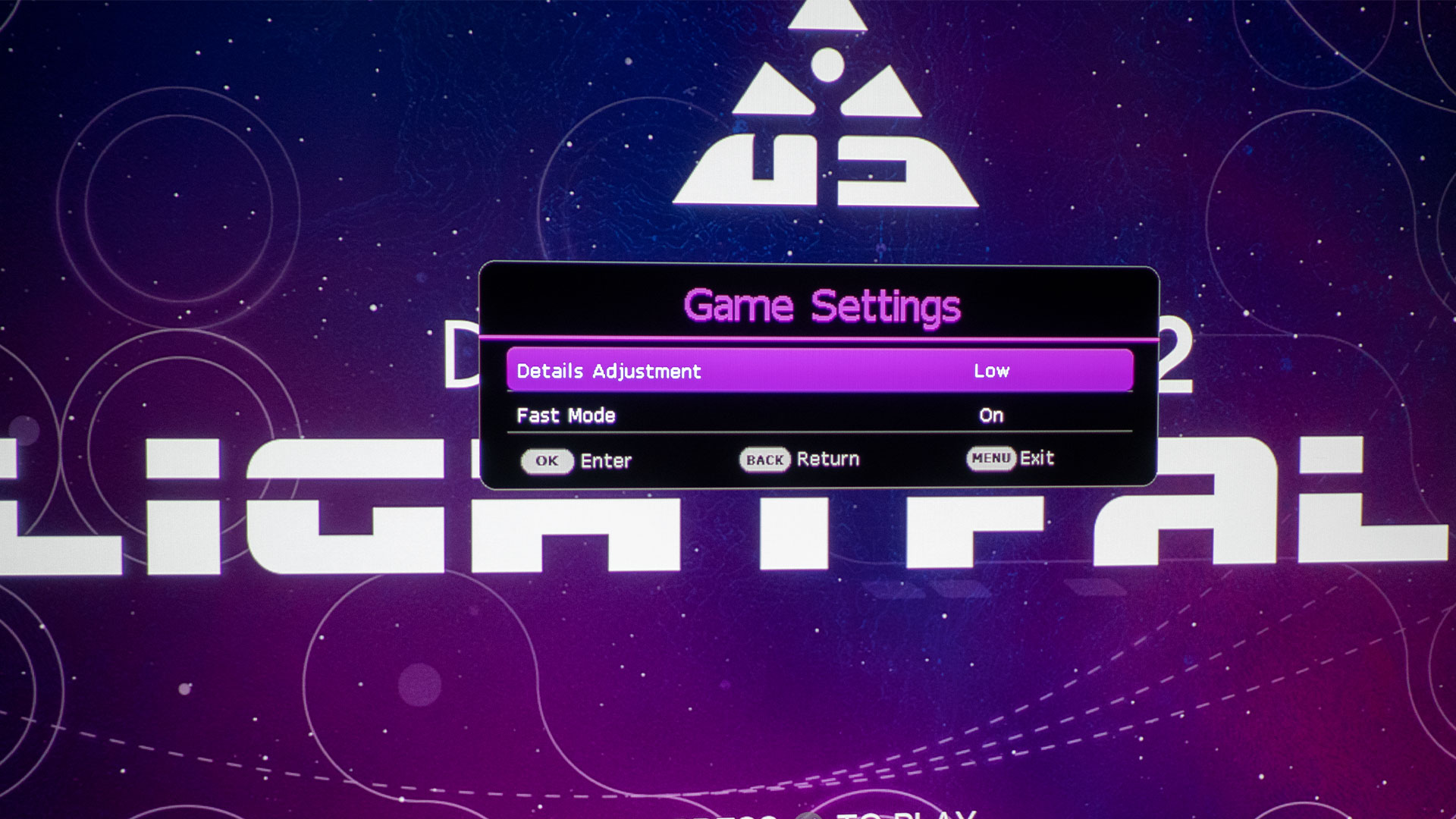
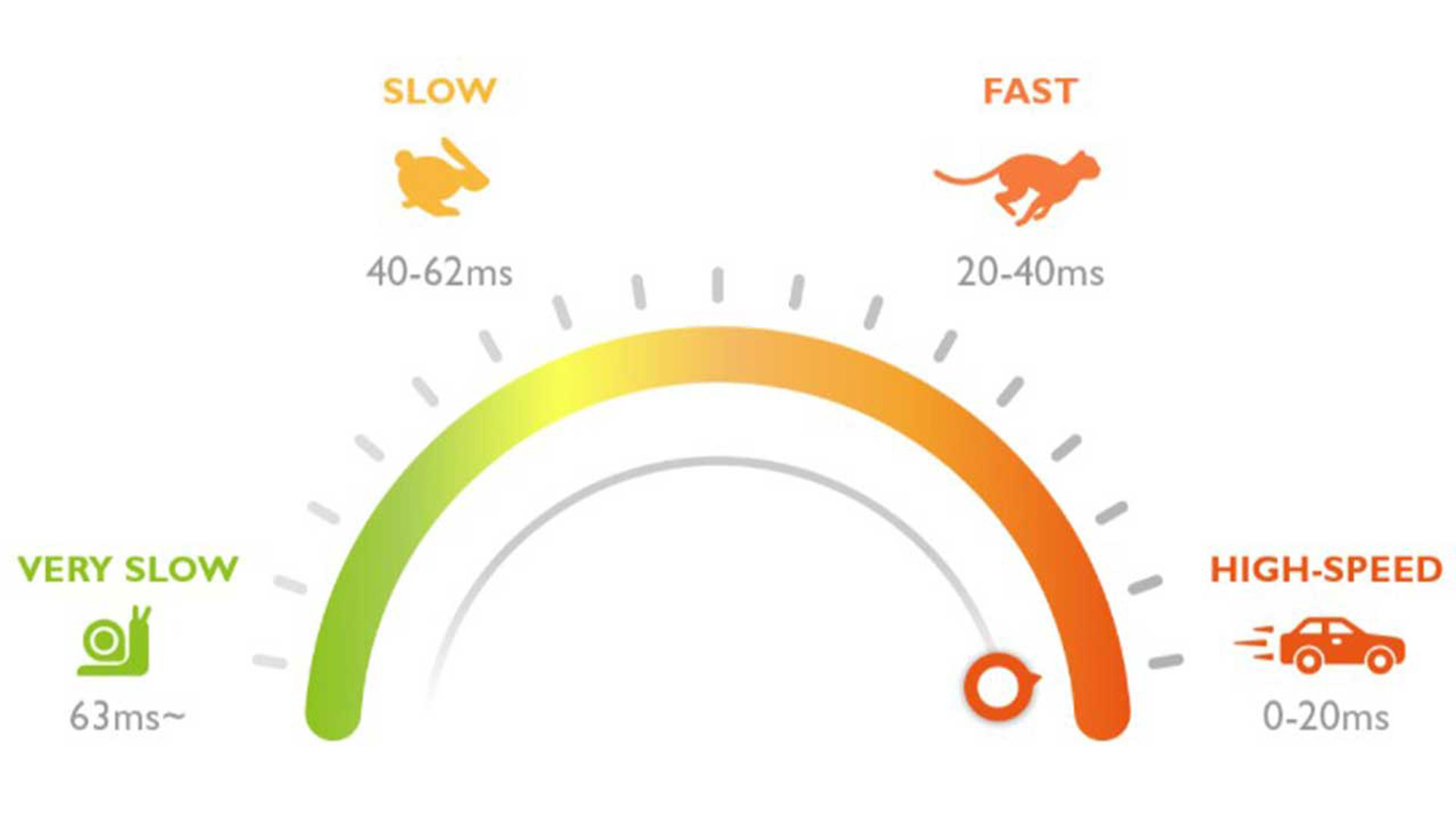
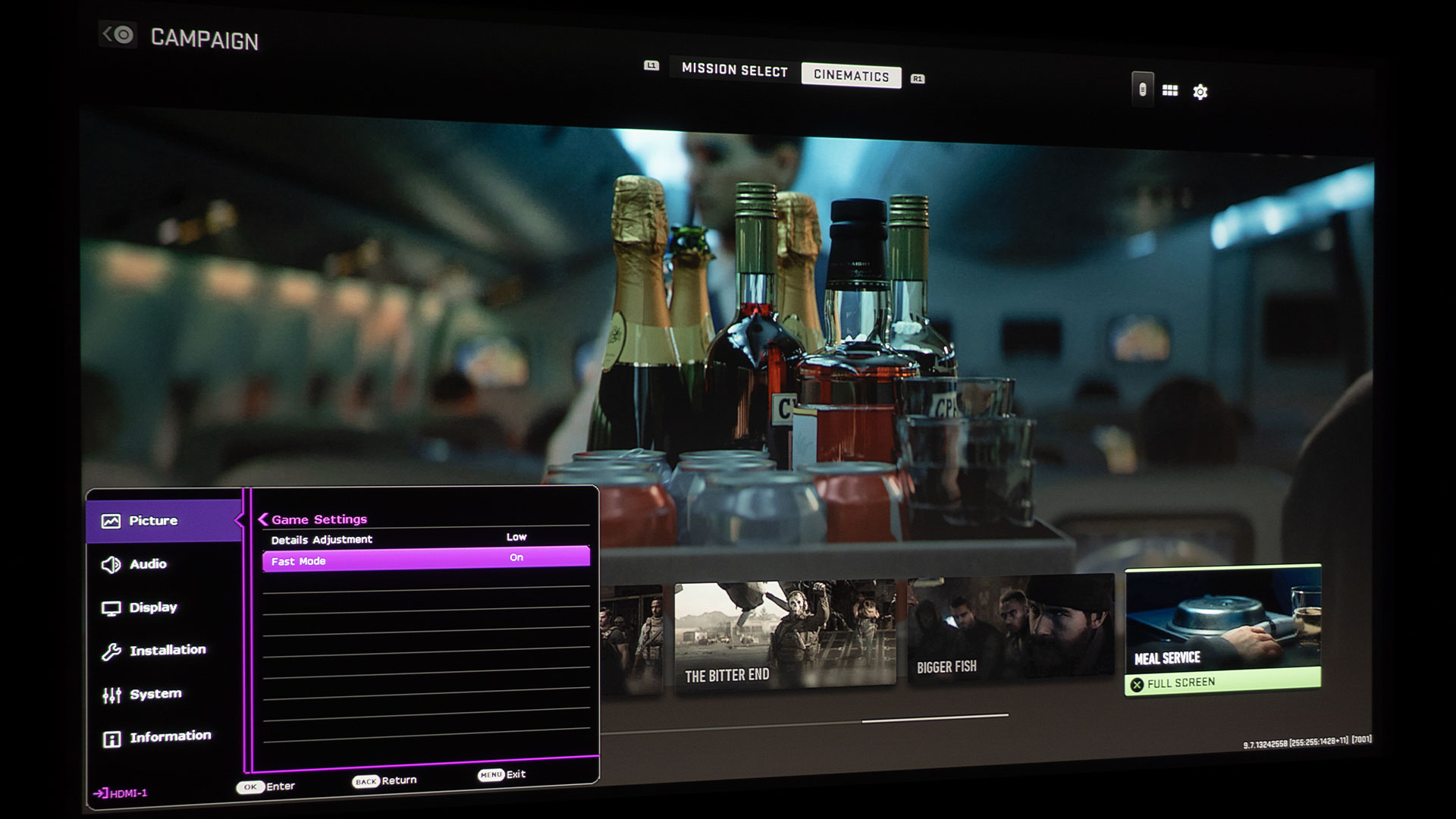
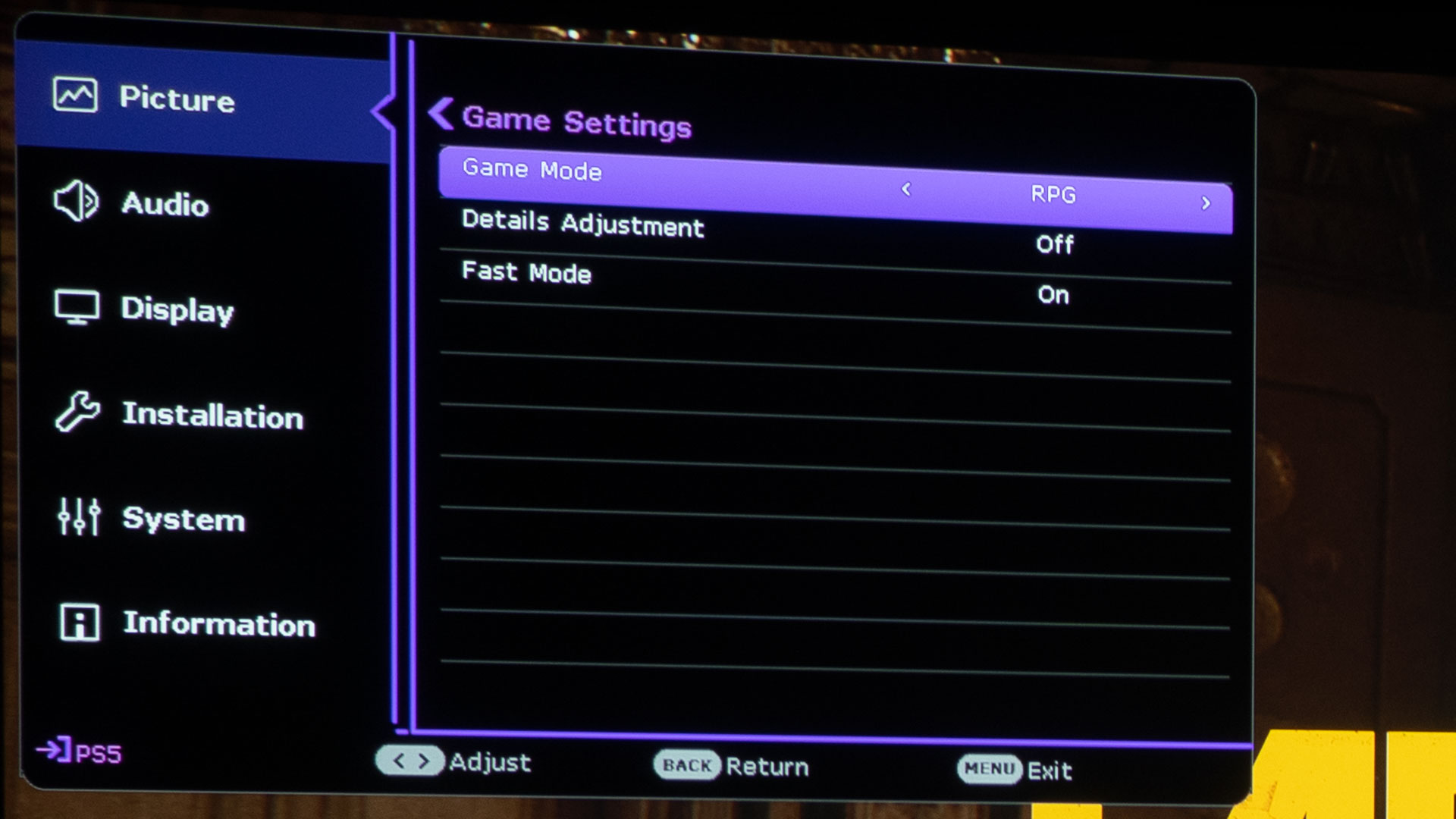
The BenQ X3000i offers game modes that let you switch Fast Mode on or off. Activate it to decrease the input lag time.
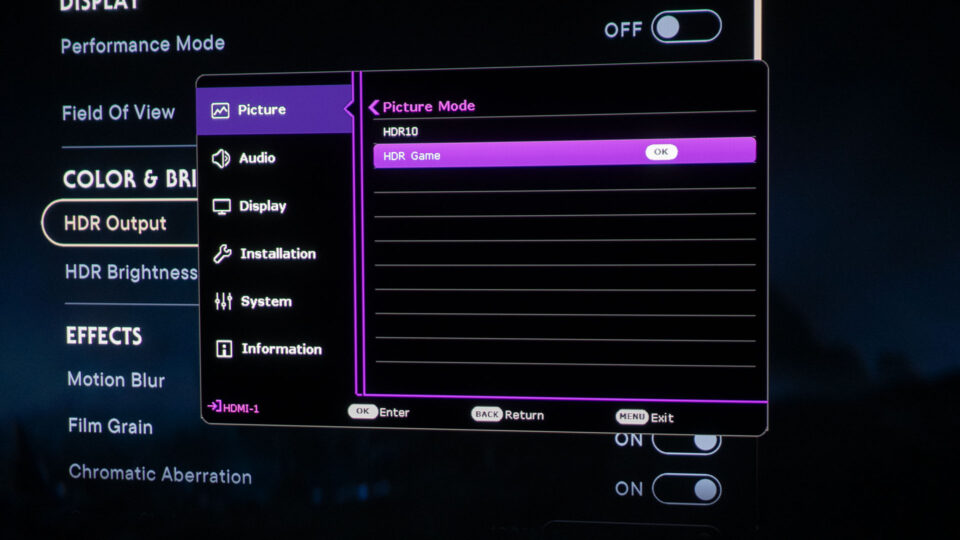
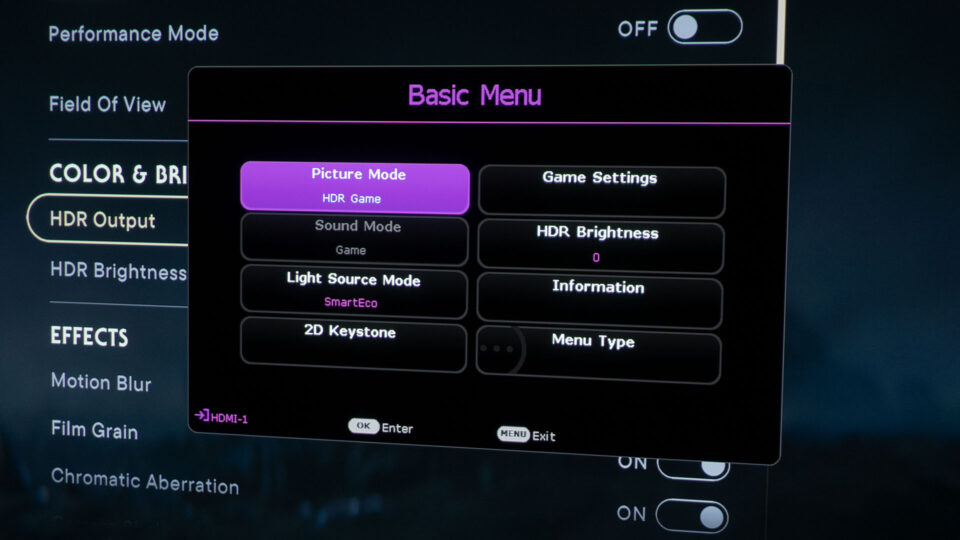
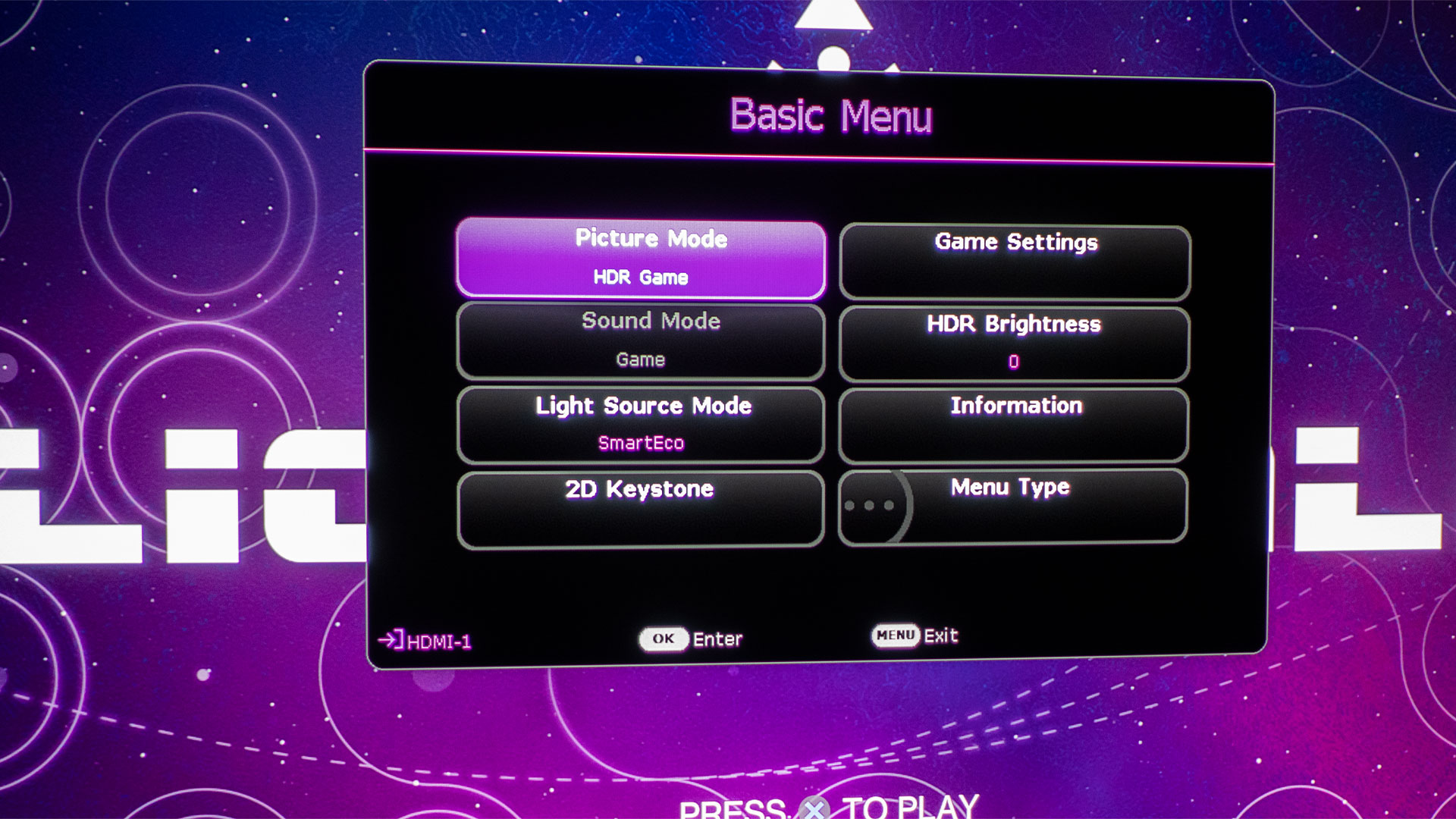
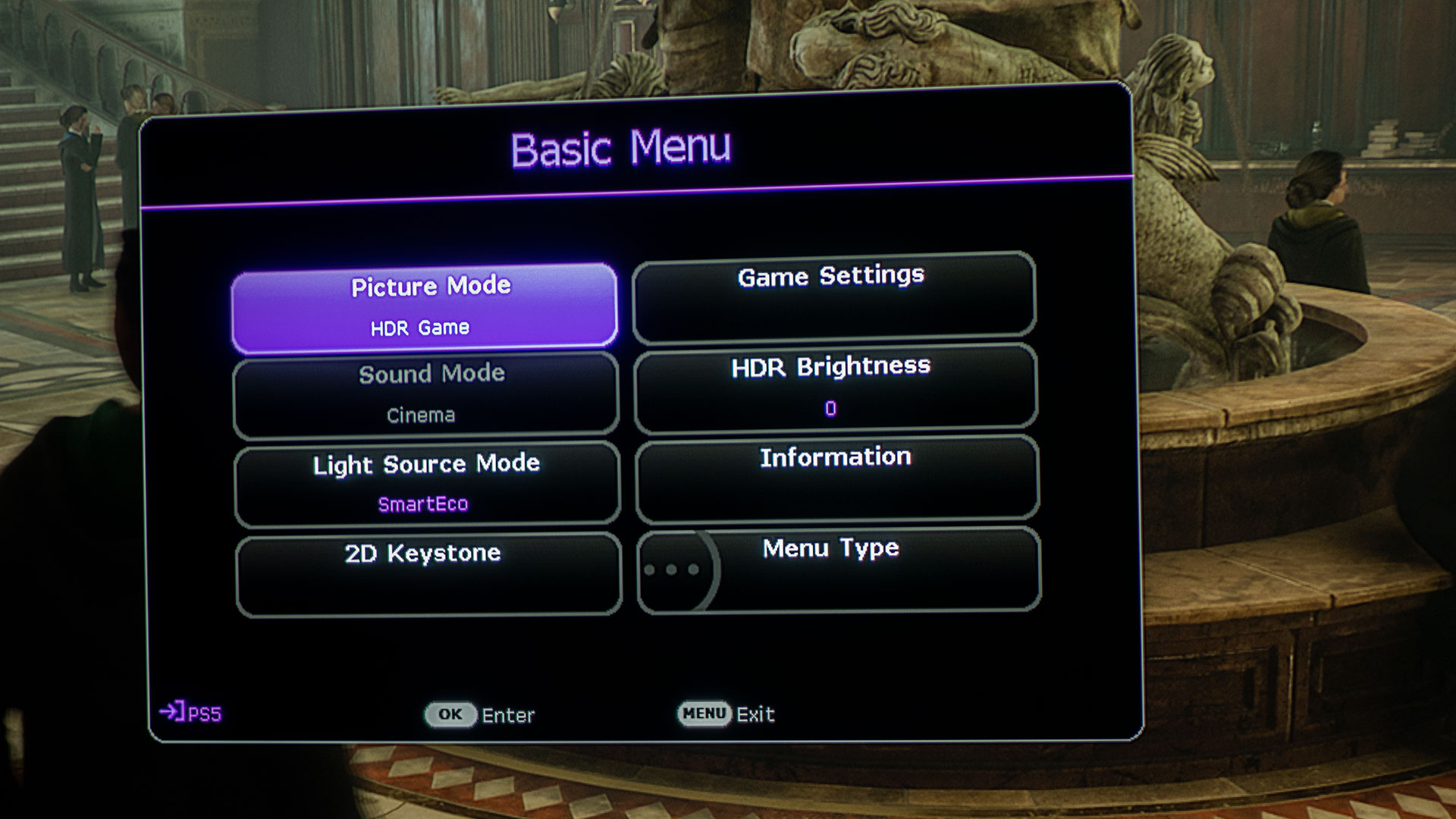
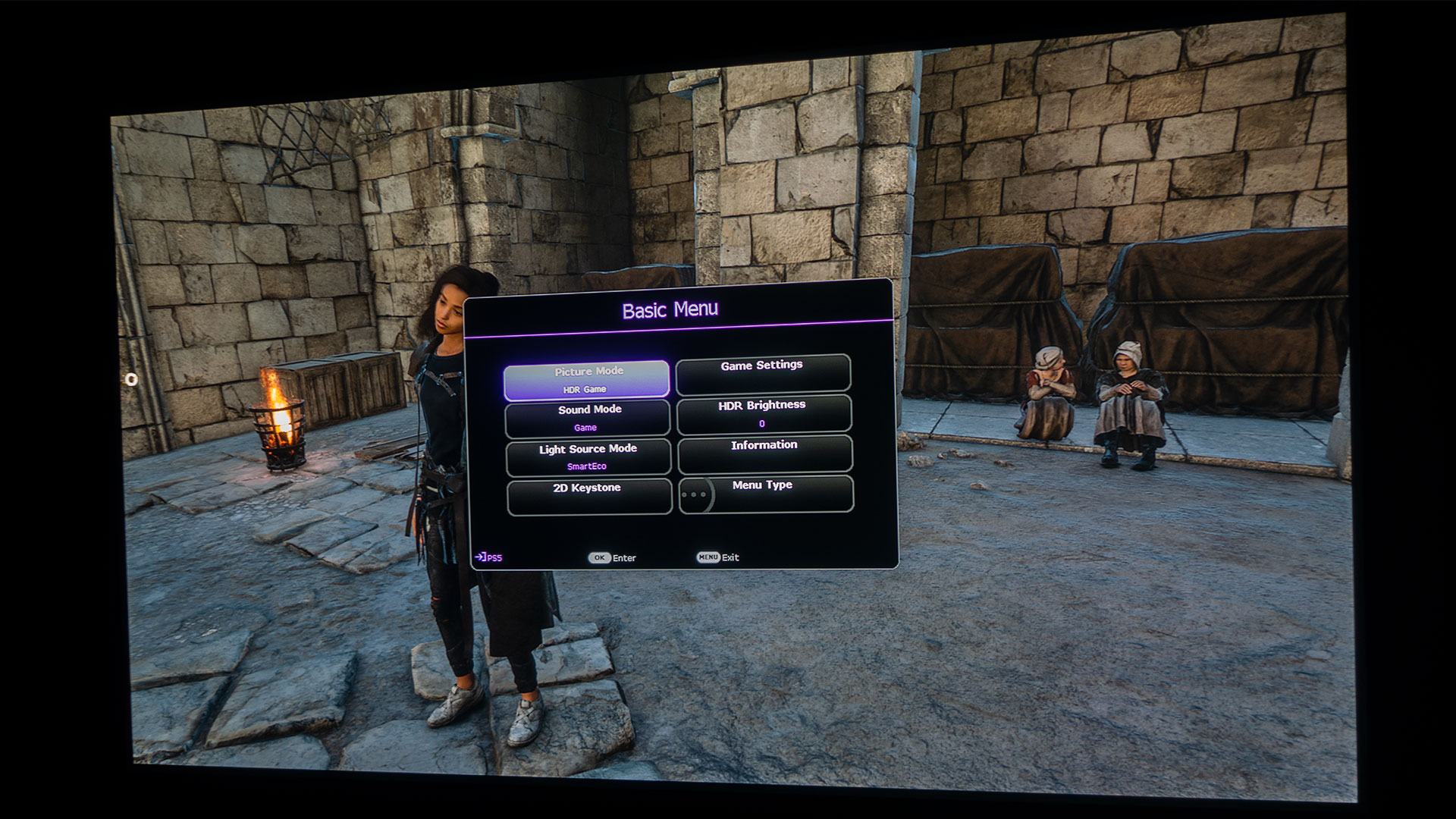
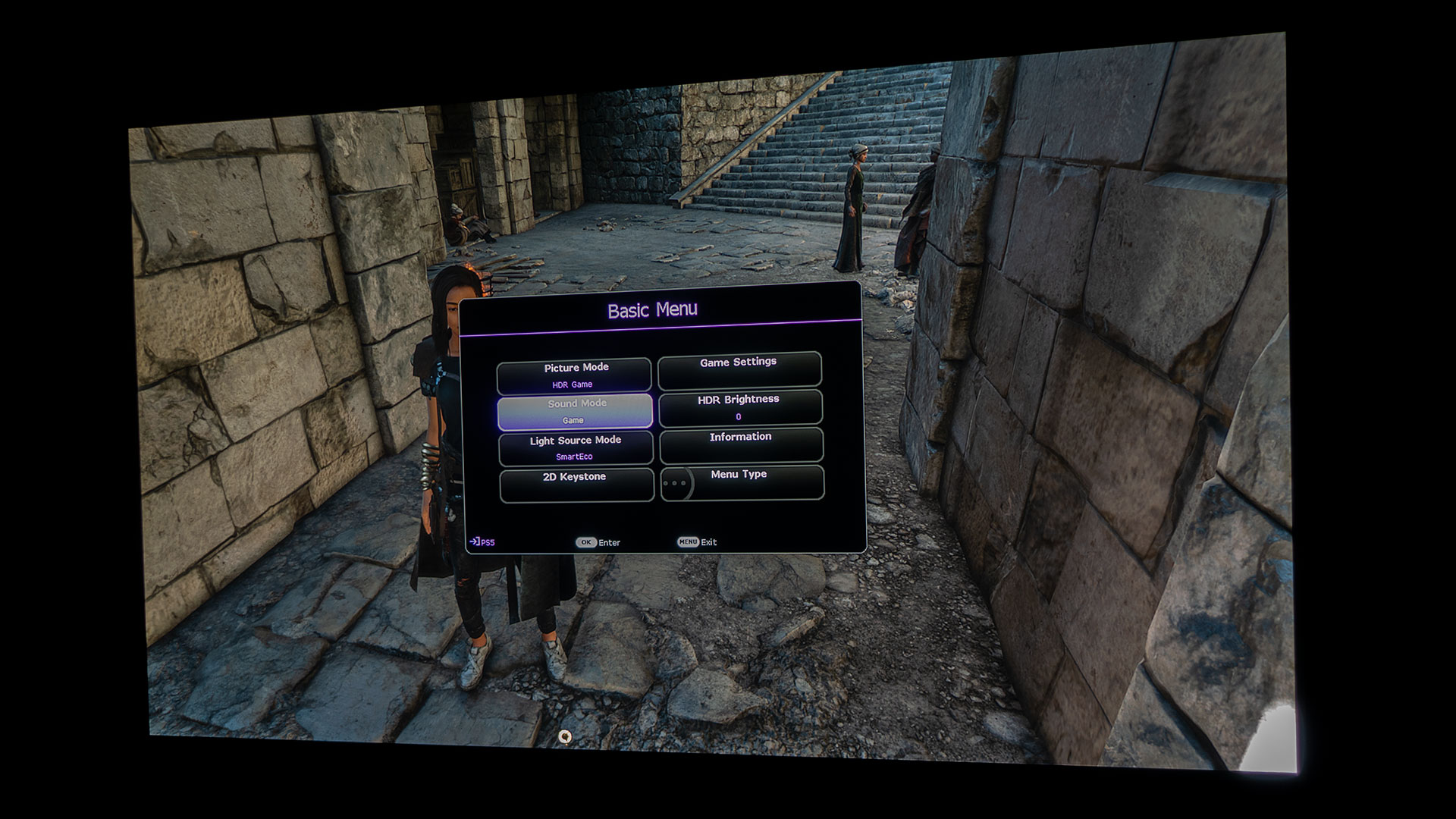
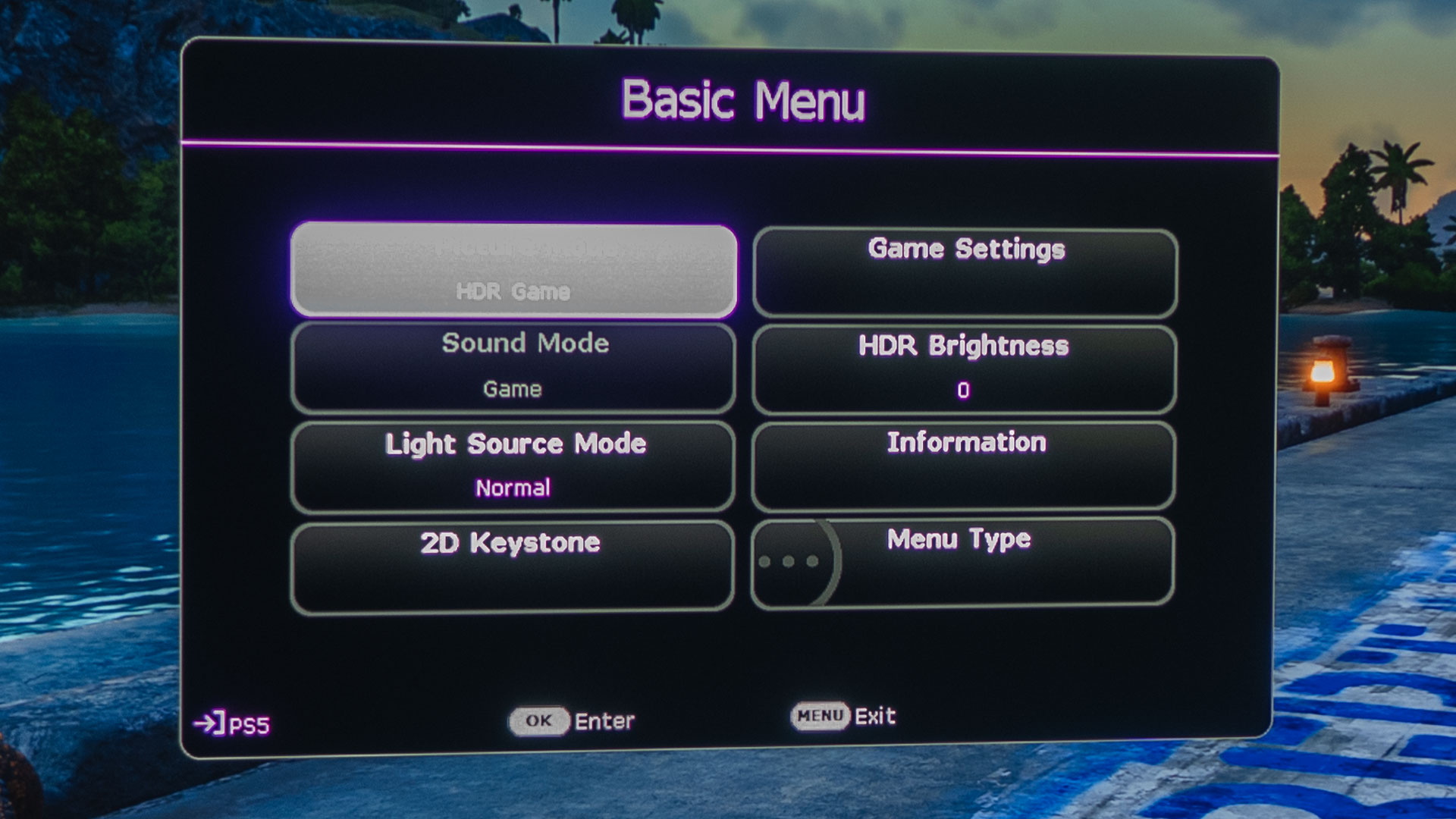
Shifting the X3000i's Picture Mode from HDR10 to HDR Game unlocks the projector's specialized Game Settings. Here, gamers have the choice to toggle Fast Mode on or off. Activating Fast Mode on the X3000i minimizes the latency between the input signal and the visual output. Of course, while diving into Baldur’s Gate 3, I had Fast Mode turned on. This ensured silky smooth gameplay, particularly during high-octane sequences where I battled the unreasonably fast Phase Spider Matriarch with all of her spider egg hatchings in the Whispering Depths and those swarms of Goblins seemingly everywhere.
Quick pro tip, the Whispering Depths are full of sticky spider webs. To bypass this hurdle, it's wise to equip at least one member of your party with Spiderstep Boots, which will make your journey through The Whispering Depths a lot smoother. Once you step into the Whispering Depths, take a left and continue straight until you arrive at a spacious room, once inhabited by an acolyte of Lolth. Search the skeleton nestled against the wall to the right of the exit to procure the Spiderstep Boots.
BALDUR’S GATE 3 ON A PROJECTOR GAMEPLAY
Pick from an extensive array of D&D races and classes, or opt for an origin character with its own rich backstory. Embark on quests, gather treasures, engage in battles, and form bonds as you traverse the Forgotten Realms and its surrounding territories. Go solo, choosing your allies with caution, or team up in multiplayer mode with a group of up to four adventurers.
Crafted using the advanced Divinity 4.0 engine, Baldur’s Gate 3 offers unparalleled freedom to delve into, experiment with, and engage in a world that morphs based on your decisions. A captivating, cinematic storyline draws you deeper into your character's journey, as you explore the vastest world we've ever created.
In Baldur's Gate 3, you have the flexibility to unite your team in battle and also divide your party to pursue individual quests and objectives. Crafting the ideal strategy becomes essential for survival.
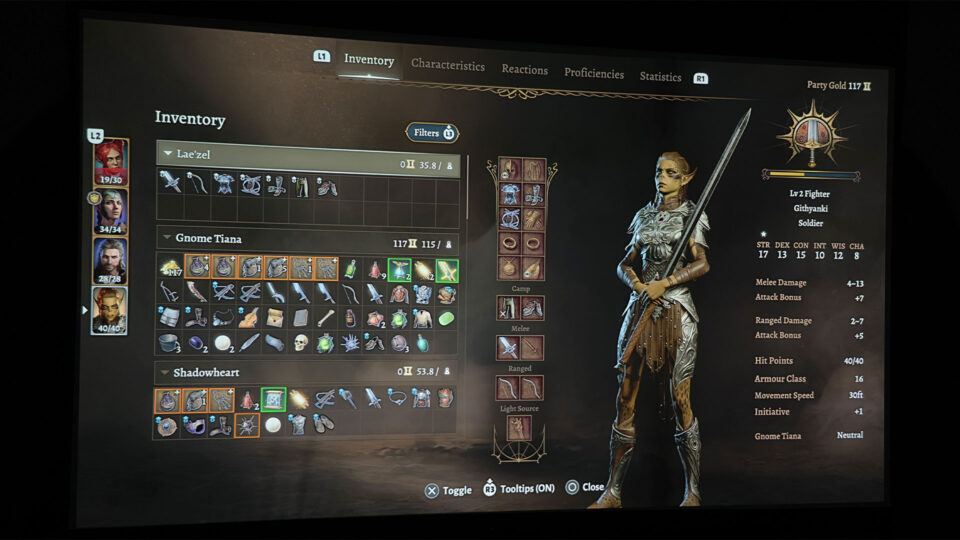
Navigating Baldur’s Gate 3 requires a well-rounded team, equipped with a mix of character classes, subclasses, spells, cantrips, weapons, and armor. Experiment with various combinations; each choice has its own set of benefits and limitations. Always be open to adapting and trying different strategies. The fate of your survival and the impact you make on the world rest solely with you. With every adventure being distinct, the game offers immense replay value.
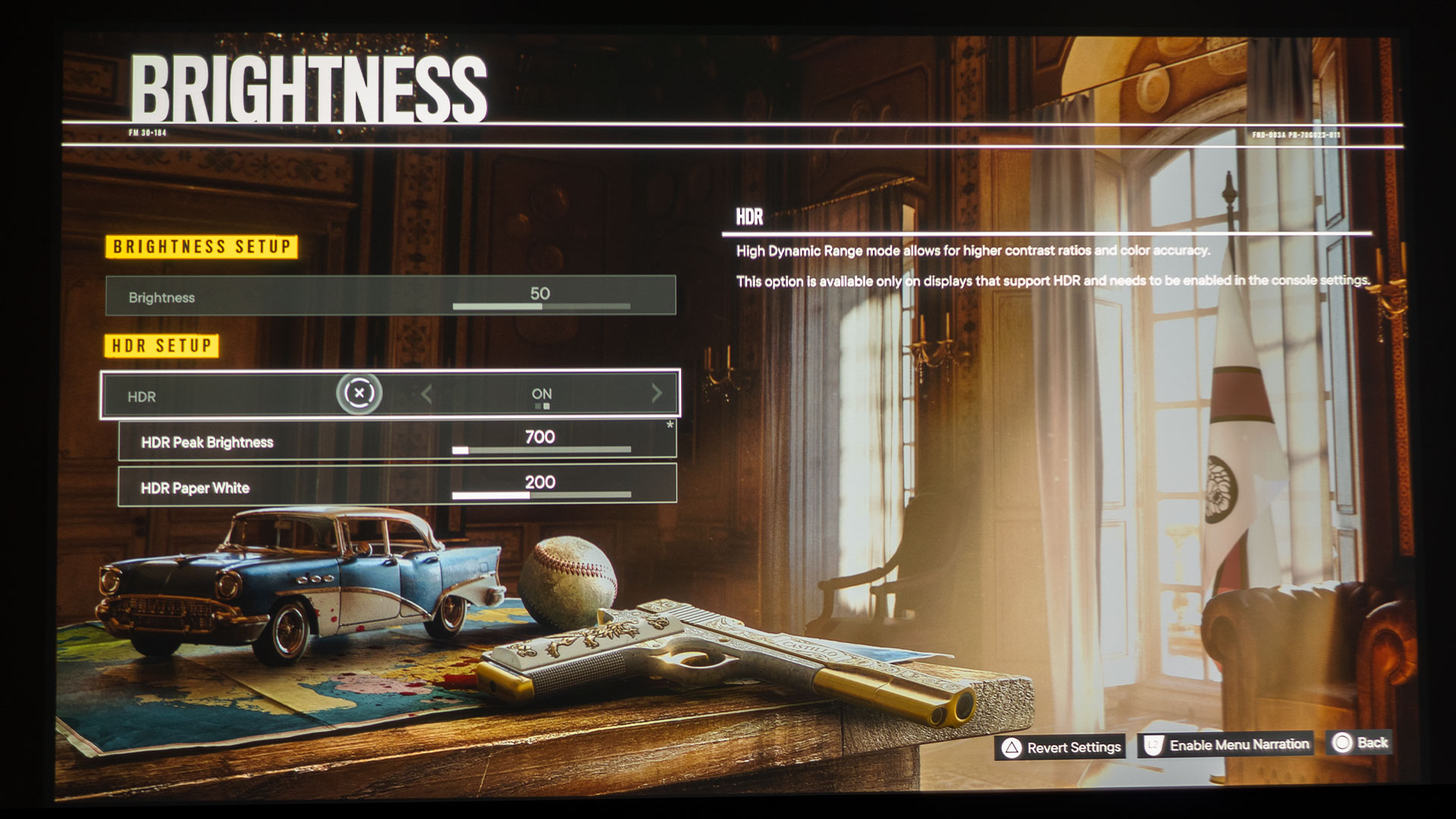
Baldur’s Gate 3 boasts HDR (High Dynamic Range) support on compatible devices. This technology broadens the color spectrum and brightness levels in games and other visual content, crafting more vibrant and lifelike visuals. However, it's worth noting that HDR compatibility might differ depending on the platform and display being used. Employing a projector with an HDR gaming mode, such as the BenQ X3000i, amplifies the experience, letting you truly relish the advanced graphics of next-gen console games.
The BenQ X3000i's inclusion of HDR-PRO and Dynamic Black technology is a game-changer, especially when delving into titles with intricate lighting designs. These features ensure that every visual nuance, from the brightest highlights to the most subtle shadows, is rendered with impeccable clarity and depth.
The brilliance of HDR-PRO is its ability to reproduce a broader spectrum of colors and luminance, leading to visuals that burst with vibrancy and life. This technology, when combined with Dynamic Black, offers an amazing visual experience, as Dynamic Black meticulously adjusts the brightness levels based on the on-screen content. This intelligent adjustment means that scenes that might typically get lost in darkness come alive with crisp details.
What's particularly impressive about this integration is its application in the BenQ’s SmartEco mode. By optimizing light power in this mode, the projector doesn't just conserve energy but also ensures the best possible image quality. Whether you're trudging through a dimly-lit dungeon in Baldur’s Gate 3 or exploring the nuances of a dramatic movie scene, the technology guarantees that you don't miss out on the smallest of details lurking in the shadows. The result is a viewing experience that's as immersive as it is energy-efficient.
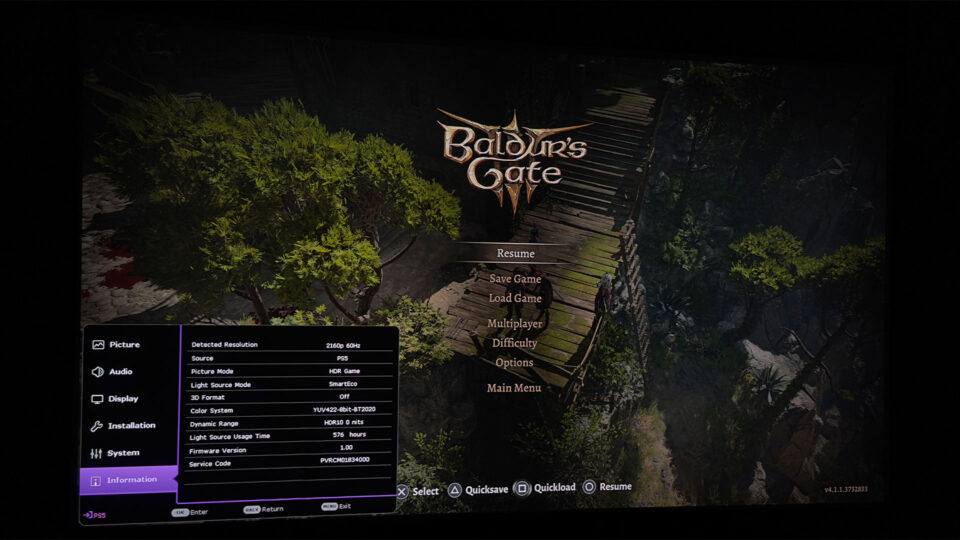
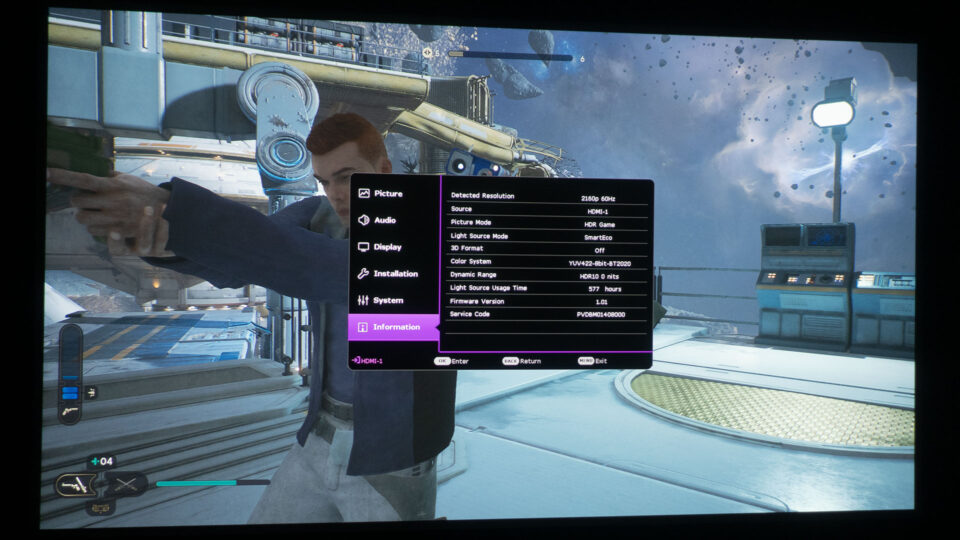
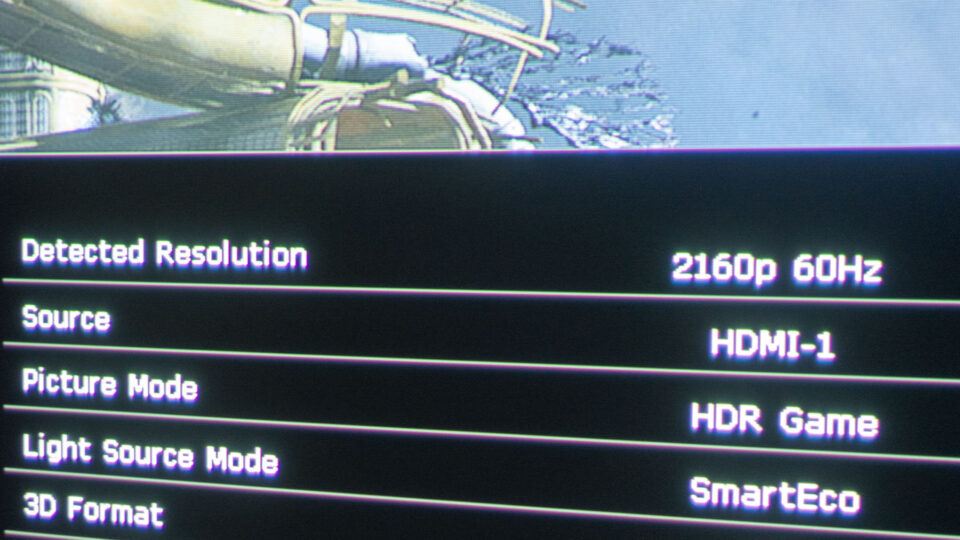
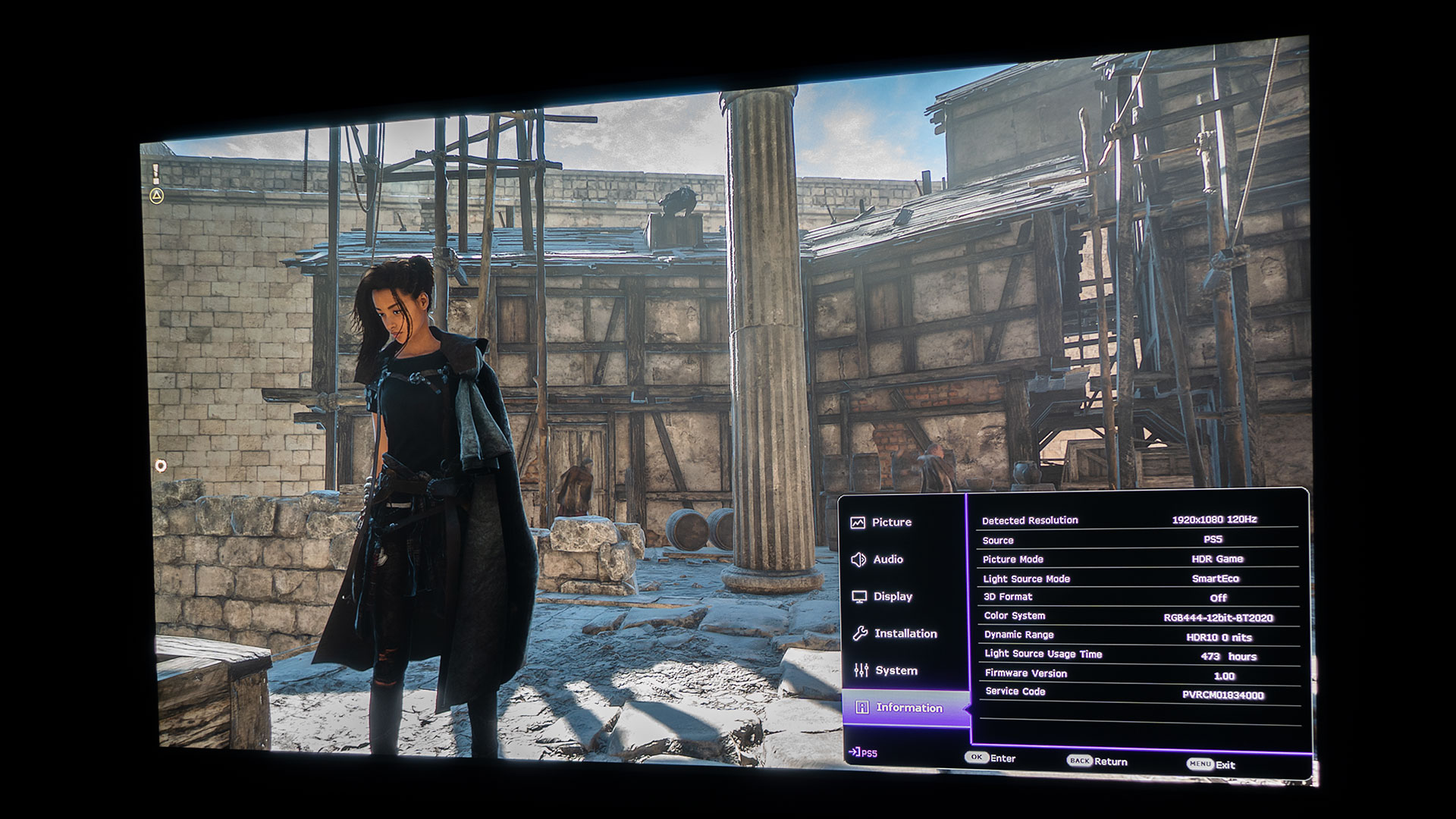
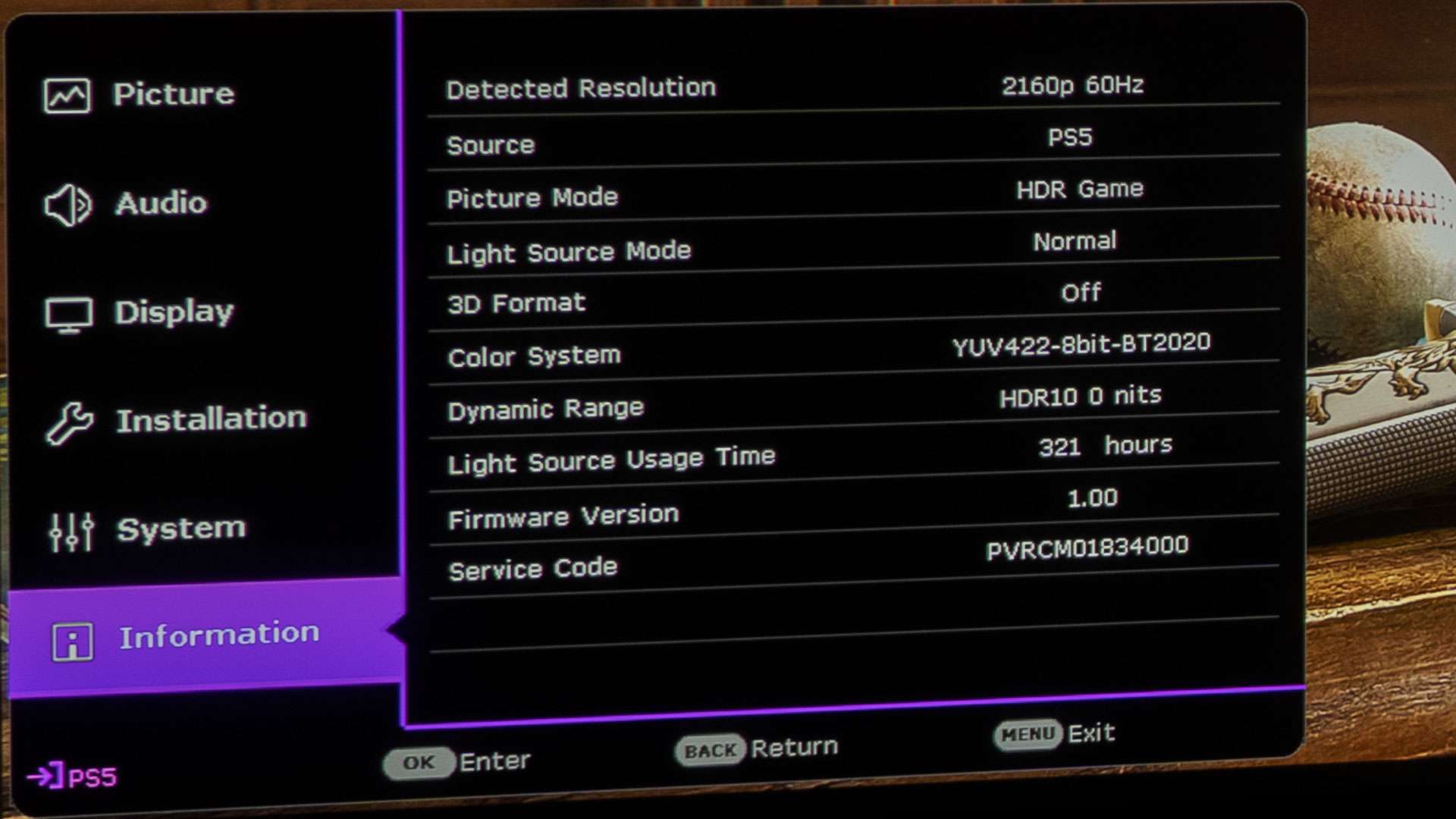
The BenQ X3000i features an Information screen. During my entire gameplay of Baldur’s Gate 3, it displayed a detected resolution of 2160p at 60Hz.
I experienced Baldur’s Gate 3 in its full 4K (3840x2160) @ 60Hz glory. On a sizable projector screen, especially at common viewing distances, 4K provides a markedly enhanced detail and image clarity compared to FHD, translating to visuals that are both more vibrant and true-to-life. Such refinement is especially advantageous for an immersive game like Baldur’s Gate 3, but it also heightens the game's intensity, given the augmented realism.
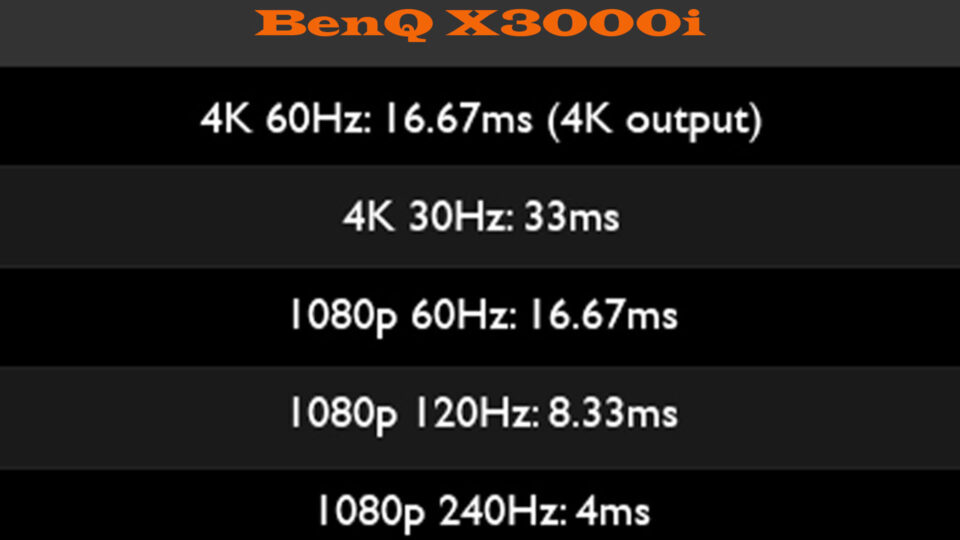
The above information is from BenQ’s website.
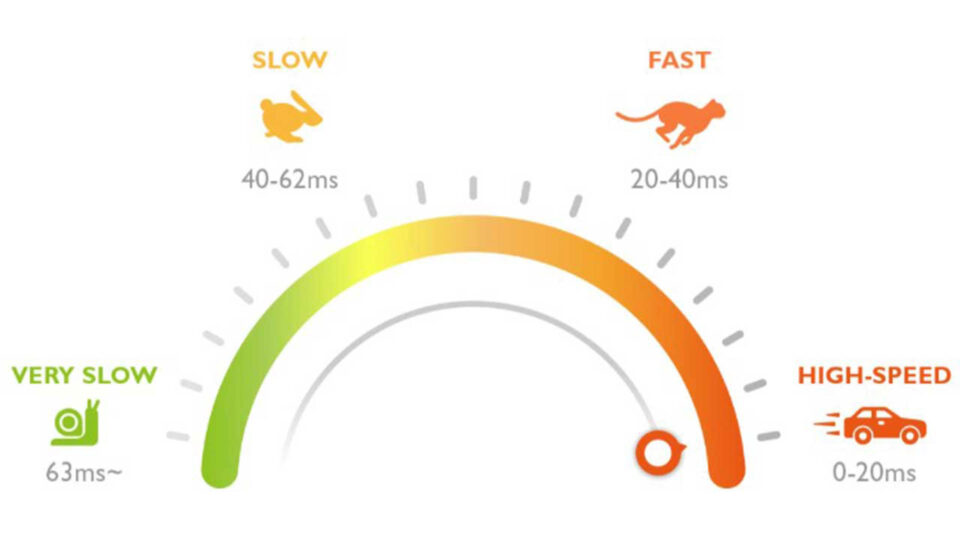
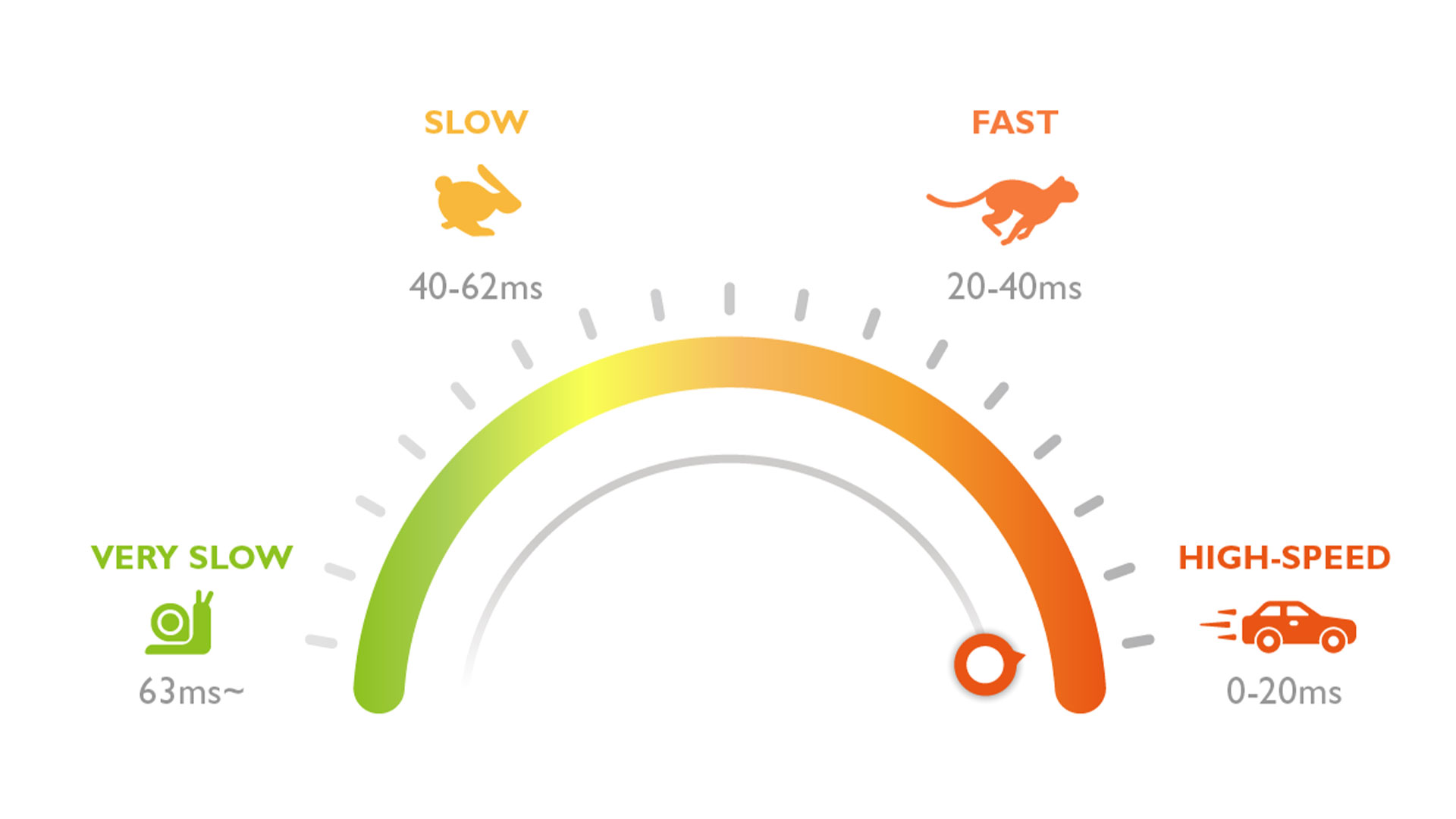
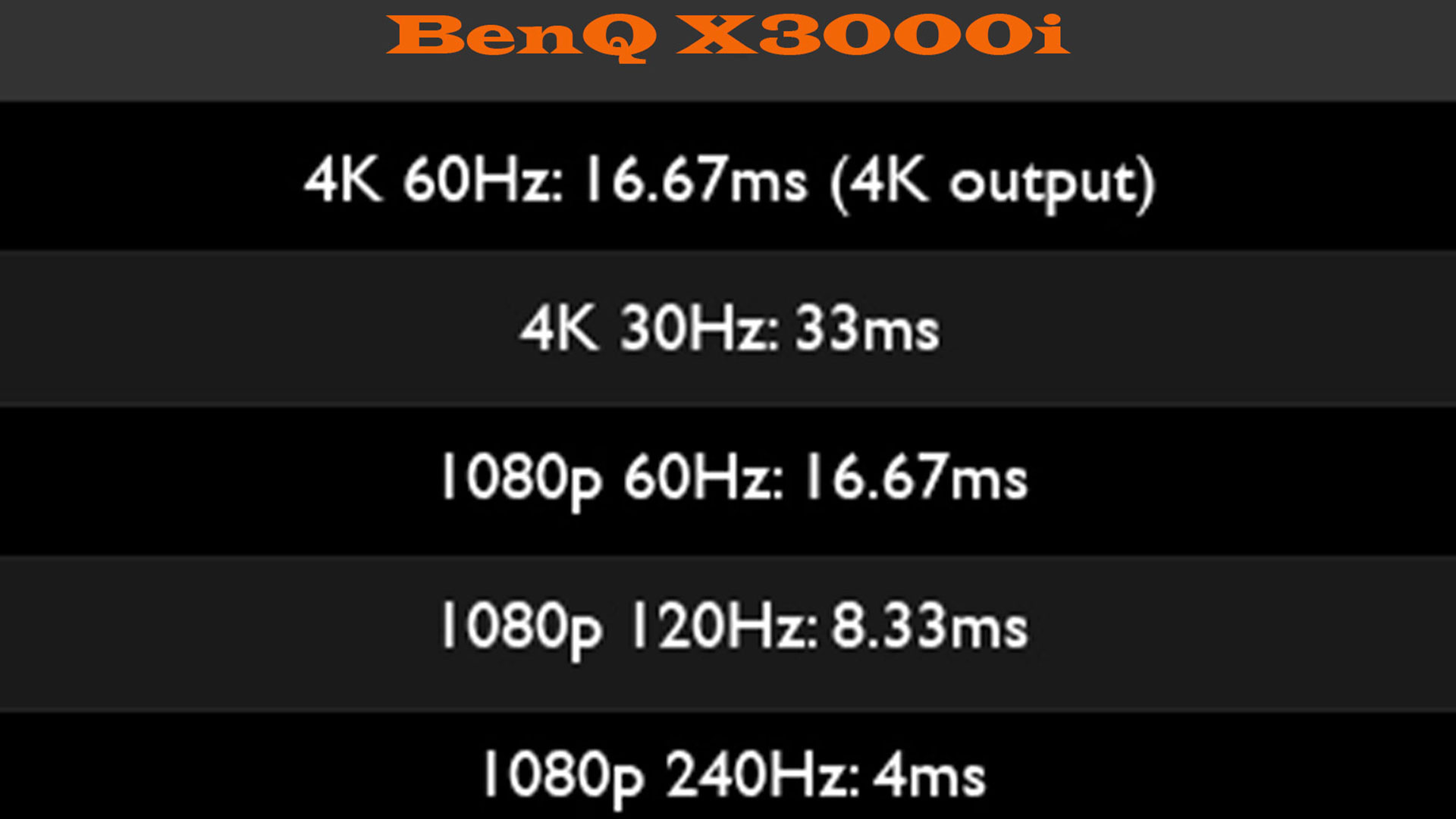
The BenQ X3000i's impressive 16.67ms input lag in 4K @60Hz was truly commendable. This low lag competes well with many standard flat-panel TVs, guaranteeing a gameplay responsiveness that would satisfy most avid gamers, and certainly outclasses what a casual gamer might expect. Thanks to this brisk response time, I could skillfully battle the relentless Goblin swarms without any hindrance from a tardy or sluggish system.
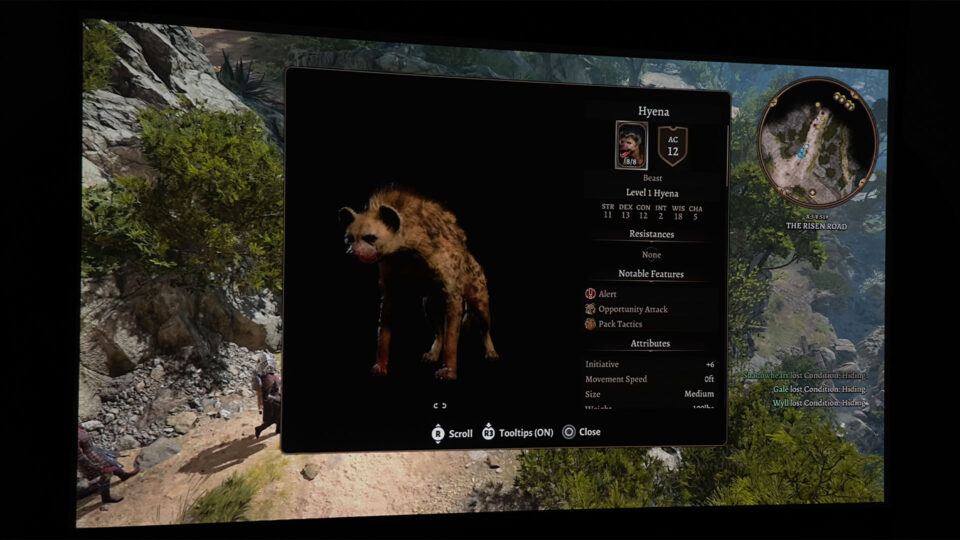
Ah, the hyenas! Yes, reacting swiftly here is crucial, especially when one tries to flee and alert the rest. That sneaky hyena can make your game a lot more challenging if it gets away. Trust me, you don't want a pack of their menacing friends descending upon you unprepared. The BenQ X3000i's low input lag was especially handy in these situations, ensuring that I could promptly address such threats without any delay.
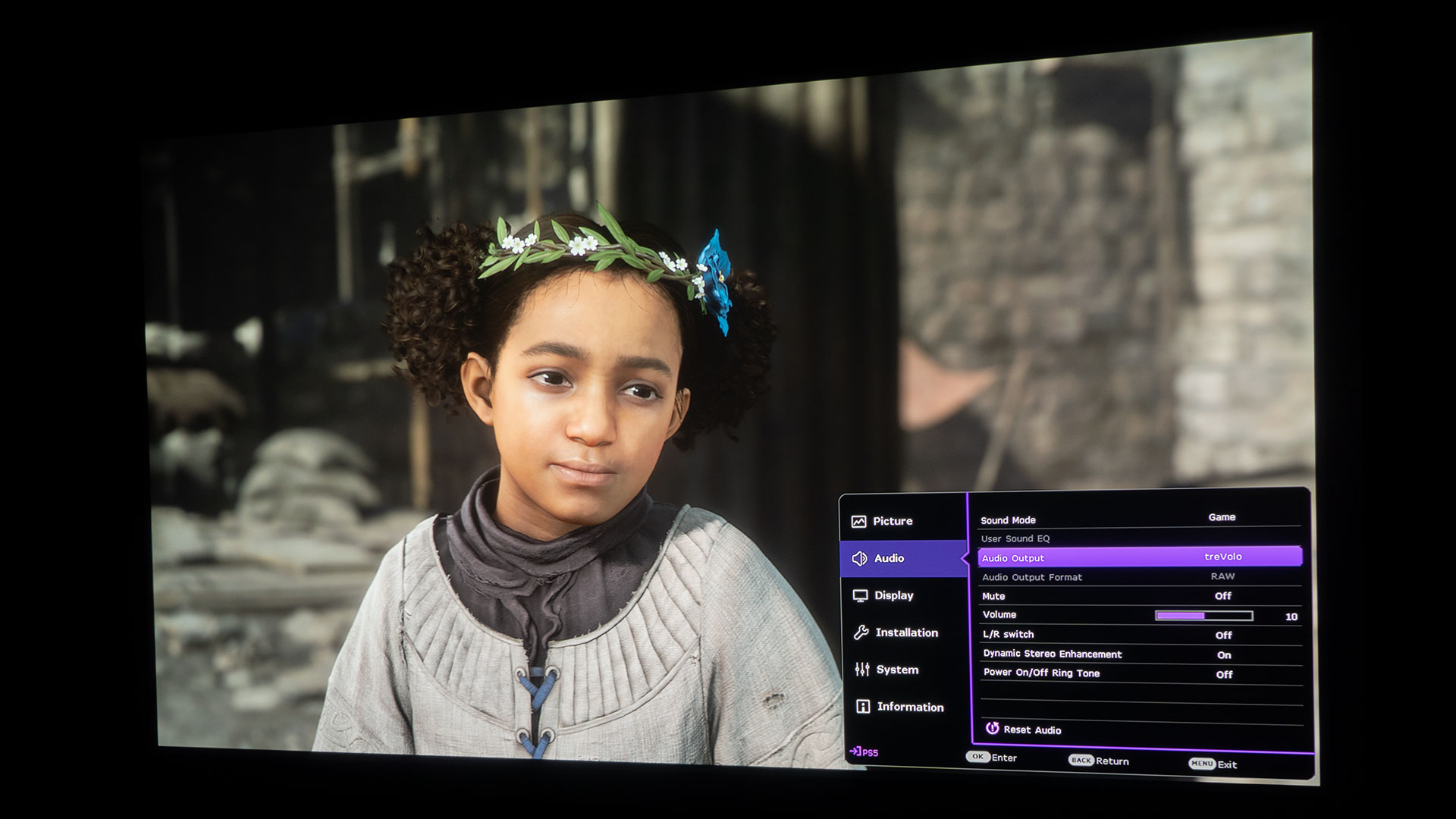
For a relatively small gaming projector, one might not expect much in terms of audio prowess, but the X3000i challenges this notion. The treVolo tuned speakers, combined with Bongiovi DPS technology, BenQ is somehow able to weave an auditory tapestry that wraps around you, ensuring that you feel every nuance of the game's soundscape.
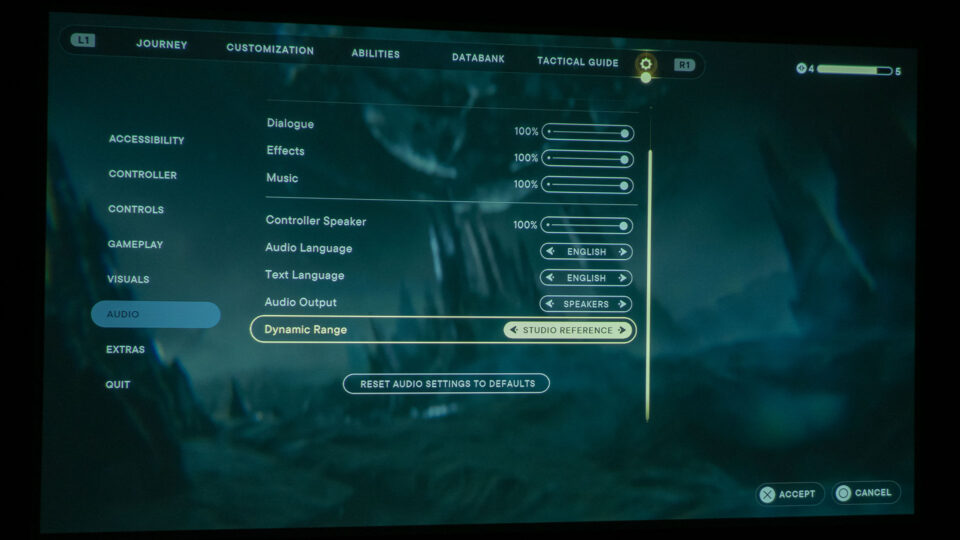
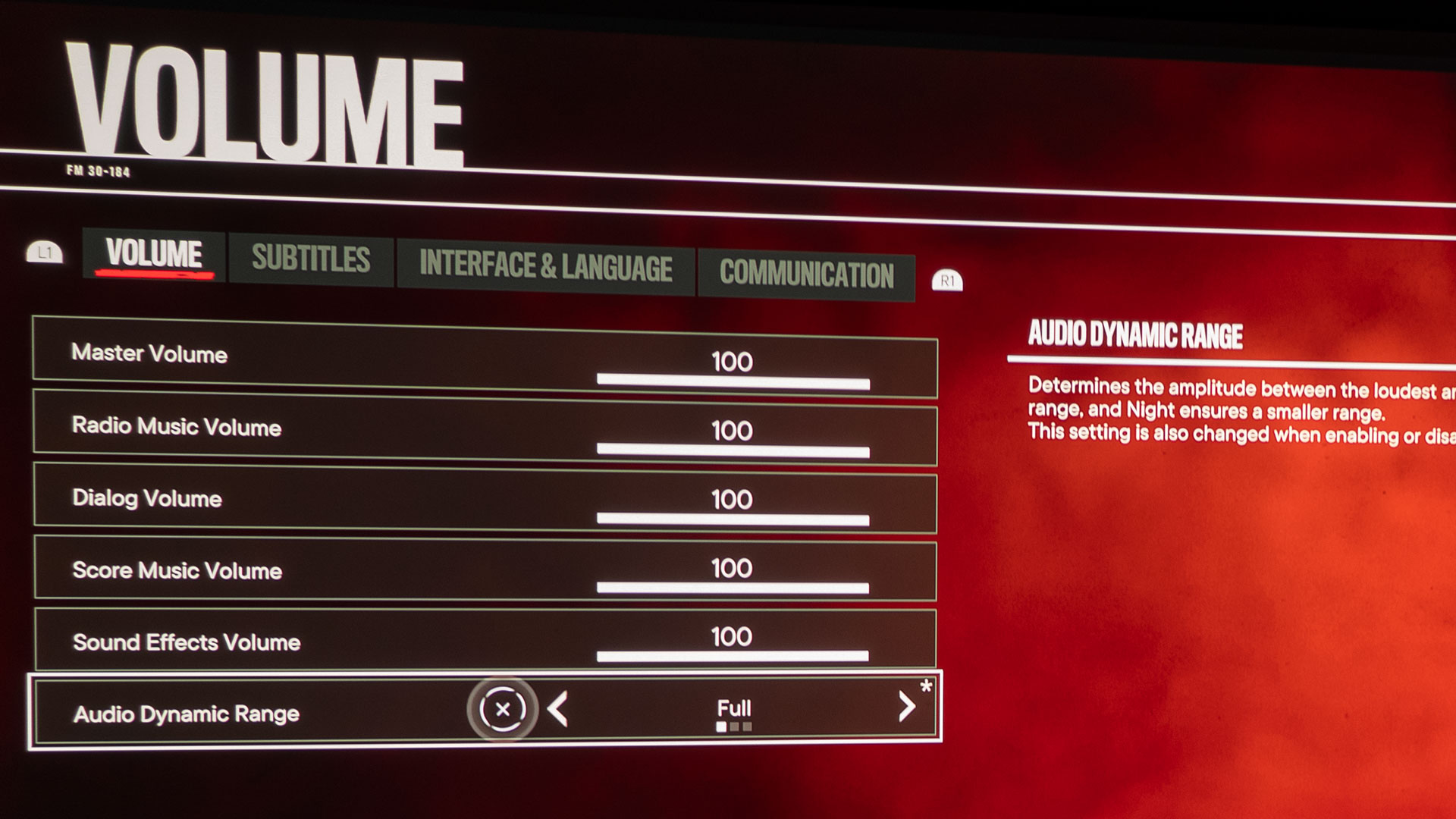
While I've always recommended dedicated sound systems for the best gaming experience, I was pleasantly surprised by the depth and clarity of the audio that the X3000i delivered. Baldur’s Gate 3, with its intricate and layered sound design, thanks to its dynamic range settings, deserves an audio system that can keep up. The subtle whispers, rustling of leaves, or distant cackles of Auntie Ethel all resonated with an eerie clarity that enhanced my immersion.
It's a testament to the advancements in projector technology that the X3000i can offer both a visual and auditory experience that rivals more traditional setups. Whether you're engrossed in a narrative-driven moment or preparing for a tense showdown with an ogre, the built-in audio system stands its ground, delivering a sonic experience that adds another layer to an already exceptional game.
Having a gaming projector with a quality integrated audio system or connecting to an external audio system via eARC can amplify in-game sound and dialogue, enriching the gaming immersion.
My projector lab audio setup currently features Marantz components and Definitive Technology speakers, offering rich sounds and deep bass. This setup not only allows me to evaluate ARC/eARC HDMI ports on projectors but also provides an enveloping auditory experience. While Baldur’s Gate 3 was impressive on the X3000i's built-in treVolo audio, the game's sound reached its zenith when channeled through my premium Marantz and Definitive Technology system, delivering an unparalleled, spine-chilling auditory experience.
As a gamer, there's nothing quite like diving into epic battles on a massive projector screen right in your own living room! The immersion is next-level.
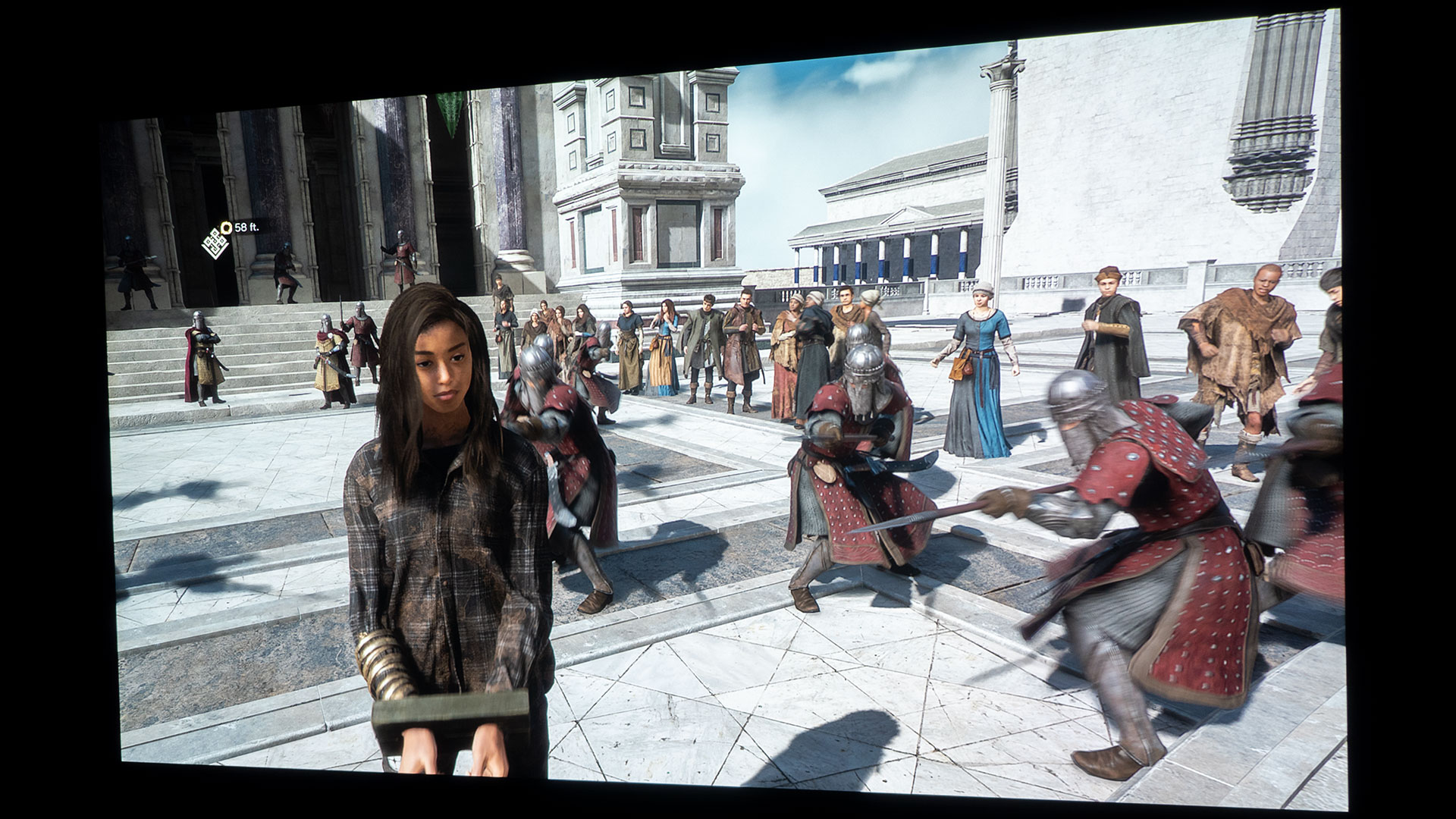
On my two projector area setups, my main character and the NPCs - both allies and adversaries - ranged in size from 13 inches to a whopping 37 inches, depending on the scene's context and their positions. Seriously, being able to see the battlefield in such magnified detail is a game-changer for strategizing.
Sitting about 11 feet from my 100-inch (16:9) Elite Screens projector screen in my projector lab and 14 feet from the 110-inch (16:9) screen from Screen Innovations in my living room, everything was scaled perfect for an all-engulfing Baldur’s Gate 3 experience. Of course, if you’ve got the room, scaling up to a larger projector screen will make those Baldur’s Gate 3 characters pop even more, giving you an unmatched bird's eye view vital for those pivotal turn-based tactics.
Experiencing Baldur’s Gate 3 on a massive projector screen is an absolute game-changer! Think about it: if you had the room, would you opt for a gigantic projector screen where your characters stand feet tall, or settle for a 55-inch or 75-inch TV with everything miniaturized (comparatively speaking)? My guess is that most would crave the grandeur, especially in a strategy-driven game like Baldur’s Gate 3 where every visual detail counts. Test it out, and I reckon you'll second my thoughts. The engaging gameplay promises to hold your attention and, at times, send chills down your spine for hours on end.
While Baldur’s Gate 3 boasts its Dungeons & Dragons 5th edition foundation set within the renowned Forgotten Realms, you don't need to be a D&D aficionado to get hooked. Step into a universe teeming with enchanting magic, daunting adversaries, and serendipitous romances. Power up that projector, and let the grand cinematic journey unfold!
Give it a spin, and you'll instantly get why Baldur's Gate 3 snagged a spot on the Projector Reviews' "Best Games to Play on a Projector in 2023" list. GG!
As an avid gamer, 2023 has been wild! We've dived into epic titles like Star Wars Jedi: Survivor, Destiny 2: Lightfall, Hogwarts Legacy, Forspoken, and now the already legendary Baldur’s Gate 3. Under the banner of "Best Games To Play On A Projector In 2023," we're hyped for bangers like Starfield (I already have 50+ hours into it), Dead Island 2, and Horizon Call of the Mountain. Keep it locked here, fellow gamers – you're going to want front-row seats for our upcoming projector gaming articles.
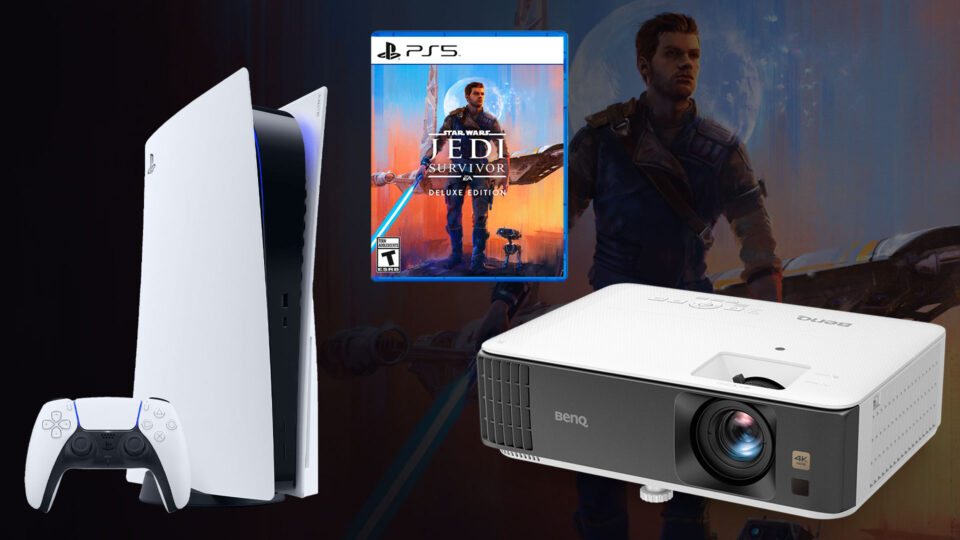
Though this article is based on a projector paired with a PS5, Star Wars Jedi: Survivor can be played on all major gaming platforms.
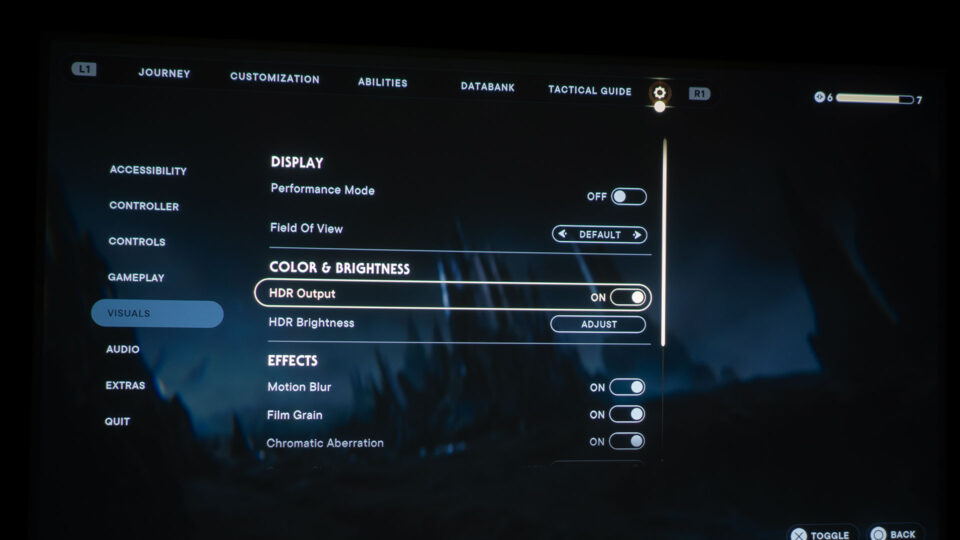
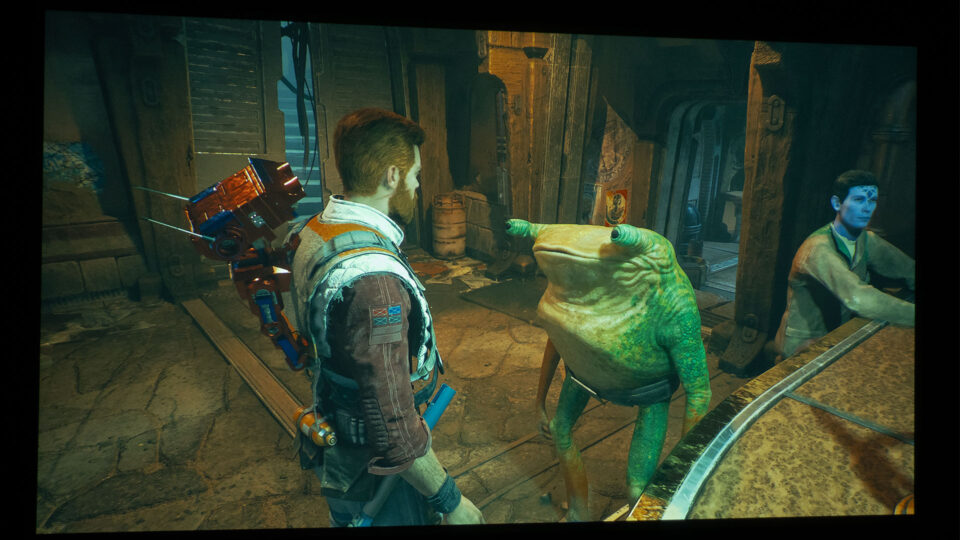
So, who among us gamers doesn't get a kick out of a solid Star Wars Jedi game? I'd say nearly all of us who breathe gaming also dig Star Wars games. Star Wars Jedi: Survivor is set to become another feather in the cap of awesome Star Wars games - and trust me, it's a whole new experience on a projector.
Buckle up and get ready to dive back into the interstellar life of Cal Kestis in Star Wars Jedi: Survivor. This game is no walk in the park - it's a high-stakes, adrenaline-fueled journey that's going to put your gaming skills to the test and push Cal to his limits as you battle fiercely to fend off the encroaching darkness threatening the galaxy.
Produced by Respawn Entertainment and brought to the gaming world by Electronic Arts Inc., Star Wars Jedi: Survivor blasted (see what I did there) onto the scene on March 27, 2023. This captivating game can be enjoyed on a multitude of platforms, such as PlayStation 5, Xbox Series X/S, and Windows-powered PCs. Get ready for an immersive experience as you navigate through this first-person shooter/action RPG. Sadly, Star Wars Jedi: Survivor is a single-player game – there's no co-op mode, though we agree, that would be pretty epic.
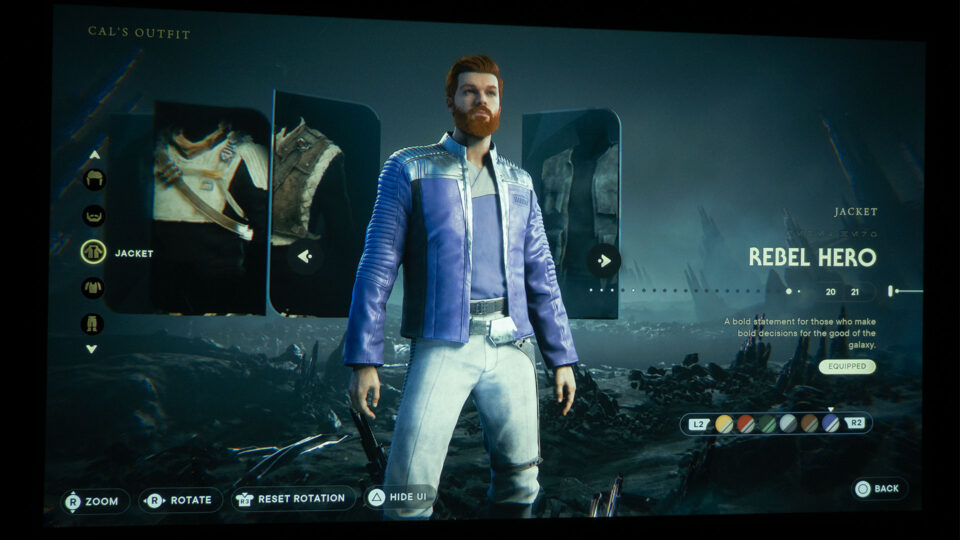
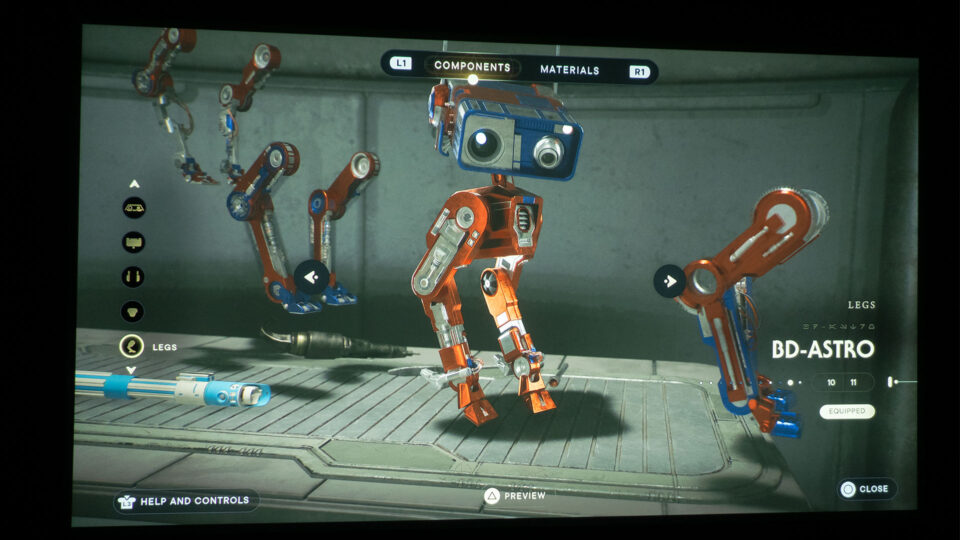
For PS5, the standard edition of Star Wars Jedi: Survivor costs $69.99 and includes the base game. The deluxe edition will cost you $89.99 and offers the base game, “Scoundrel” Cosmetic, “Rugged” BD-1 Cosmetic”, “DL-44” Blaster Set, “Rebel Hero” Cosmetic, “BD-Astro” BD-1 Cosmetic and “Rebel Hero” Lightsaber Set.
For this piece, I was gaming on the BenQ TK700, and let me tell you, Star Wars Jedi: Survivor and this projector are like a match made in gaming heaven.
BenQ generously supplied Projector Reviews with demo units of the X3000i and TK700 gaming projectors, aiding our Best Games To Play On A Projector articles. It's significant to mention that my personal use of the BenQ TK700 clocked in at over 563 hours, the majority of which was dedicated to gaming on my PS5. This hands-on experience has enriched my understanding of the gaming dynamics on a projector and a large projector screen. My hope is that you feel assured of my capability to convey the essence of this unique gaming experience.
In the pursuit of this projector gaming article, I employed the BenQ TK700 4K HDR Gaming Projector, pairing it with my PS5 through a high-speed 48Gbps HDMI 2.1 cable. The projected visuals were brought to life on a 100-inch (16:9) Elite Screens Aeon Series fixed frame projection screen. This screen boasts Elite's cutting-edge Edge Free technology and is decked out with CineWhite UHD-B screen material. The CineWhite UHD-B (Tensioned Matte White) is a front projection screen fabric offering a 1.3 gain. Its design is ISF certified for its impeccable color representation and image authenticity.
BenQ has truly leveled up the gaming experience with the purposefully crafted TK700 lamp-based gaming projector. Boasting a brightness of 3,200 ANSI lumens and encapsulating 96% of the Rec.709 color gamut, this gaming projector is all set to provide razor-sharp, vibrant images, ideal for both high-stakes competitive matches and chilled-out casual gaming. BenQ fine-tuned the TK700 to deliver a silky smooth, responsive gaming session with visuals that pop, giving us gamers that much-needed edge during intense play-offs.
Furthermore, the TK700 is equipped with BenQ's exclusive Black Detail Enhancement feature, tucked away within the Game Settings. This nifty feature brings out the finer points in the darker parts of the game while keeping the color integrity in brighter scenes intact. Thanks to BenQ's HDR Game mode and the Black Detail Enhancement, we gamers can spot and react to threats faster, whether they are lurking in the shadows or hiding in plain sight.
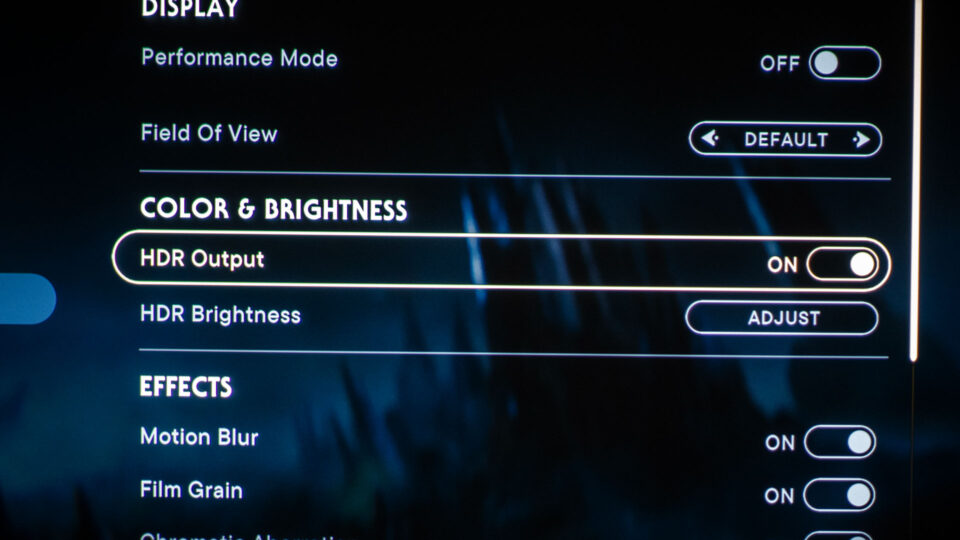
Both Star Wars Jedi: Survivor and the BenQ TK700 have HDR setting options. It's like having a dynamic duo of high-dynamic-range goodness in your gaming arsenal.
Equipped with a picture mode preset called HDR Game mode, the TK700 is optimized for action and fast-paced games such as Star Wars Jedi: Survivor. This preset includes audio, visual, and optimized latency settings designed to enhance the gaming experience. In addition, the projector's HDR rendering capabilities provided improved color definition, resulting in greater image fidelity.
By switching the TK700's picture mode from HDR10 to HDR Game, you can access the Game Settings menu and toggle the Fast Mode feature on or off. With Fast Mode enabled, the TK700 minimizes the response time between the input source and the displayed image, resulting in a faster, more responsive gaming experience.
For Star Wars Jedi: Survivor, the BenQ TK700 detected and supported 2160p (4K) gaming at a refresh rate of 60Hz.
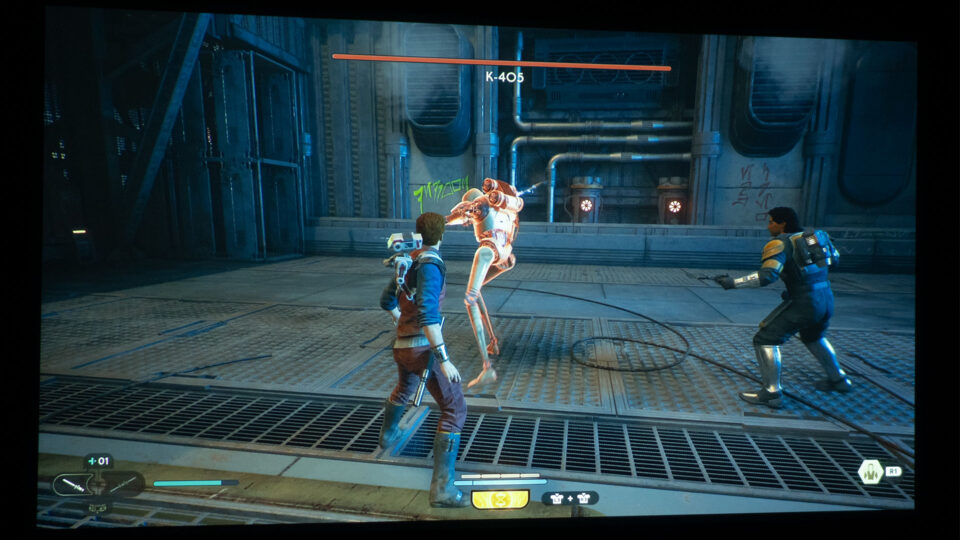
Lightning-fast reflexes and timing are pretty much the bread and butter of Star Wars Jedi: Survivor, pushing your reaction times to the absolute limit. To emerge victorious, a system with minimal input lag is a must - no two ways about it.
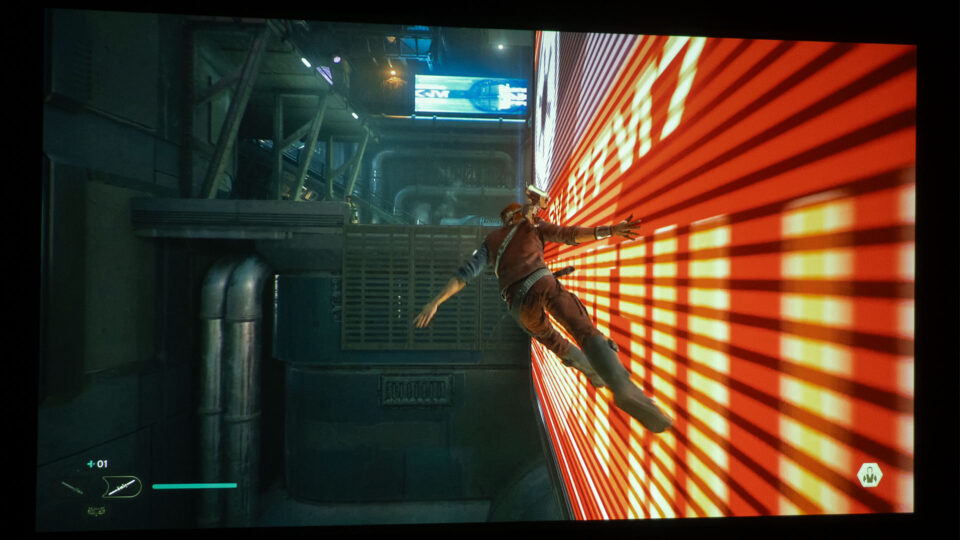
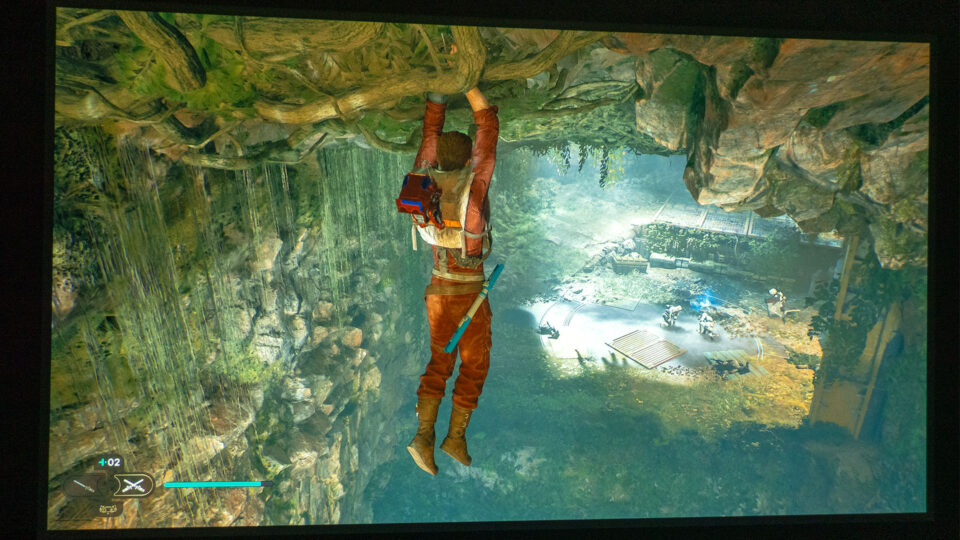
Mastering the timing in Star Wars Jedi: Survivor is crucial, particularly when executing wall runs and utilizing the ascension cable. It becomes apparent as you progress through the game that proper timing is essential to success. Failing to time your actions correctly can lead to disastrous consequences, such as Cal falling to his demise, especially in the more challenging sections of the game. Precision and careful execution are paramount to navigating these difficult areas and ensuring Cal's survival.
Gaming at 4K@60Hz, I really enjoyed the BenQ’s nifty 16.67ms input lag. The time from pulling the trigger on my PS5 controller to seeing the in-game action was so ridiculously quick, I never fretted about being caught off guard and outmaneuvered.
Possessing a high-quality audio system or headphones equips you to perceive your gaming world with unparalleled precision, potentially being your saving grace. Investing in an ARC-enabled audio setup or a top-tier pair of headphones should be high on your list.
As any Star Wars game should, Star Wars Jedi: Survivor totally nails it when it comes to audio quality. I mean, we're talking about Star Wars here – you have to get the lightsaber and blaster sounds spot on! And let's just say Respawn Entertainment and Electronic Arts Inc. really hit it out of the galaxy with this one. The game's audio delivers some incredibly authentic lightsaber and blaster sounds… seriously, it's like stepping right into a Star Wars flick!
The BenQ TK700 comes with an in-built 5-watt chamber speaker, offering a solid baseline for audio. Don't let its small size fool you, this compact speaker actually impressed me with its solid sound quality while I was slicing and dicing through Star Wars Jedi: Survivor. But let's face it, for a full-on sound assault that truly envelops you in the game, you might want to invest in a beefier sound system or a top-tier gaming headset.
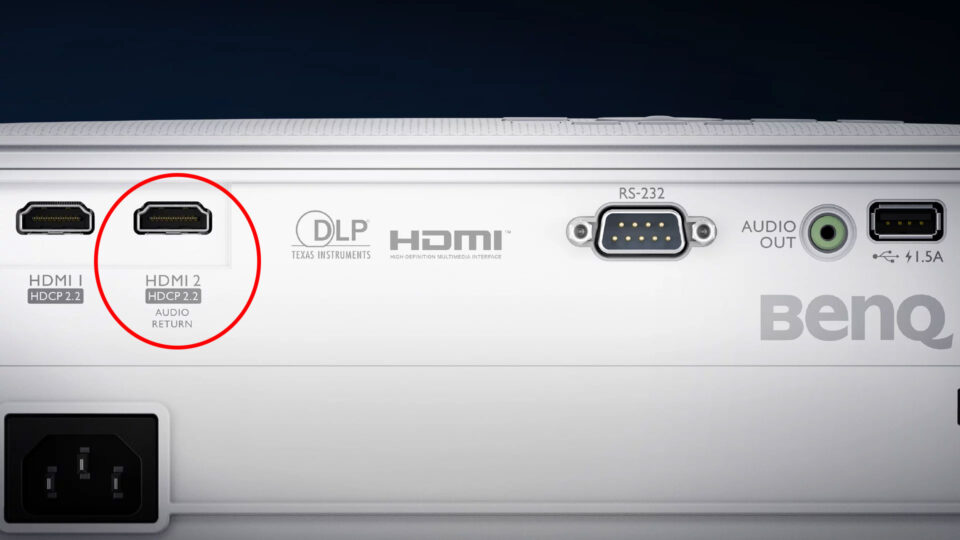
But hold up, some projectors, like the TK700, come loaded with additional features to crank up your audio game. For instance, the TK700’s Audio Return+, equipped with an HDMI 2.0b/HDCP2.2 port with eARC, paves the way for 7.1 channels and Dolby Atmos audio pass-through. This TK700 sends the original, high-res audio signal to your sound system using just a single HDMI cable. It's a killer feature for gamers looking to leverage the stunning audio embedded in today's games to the fullest.
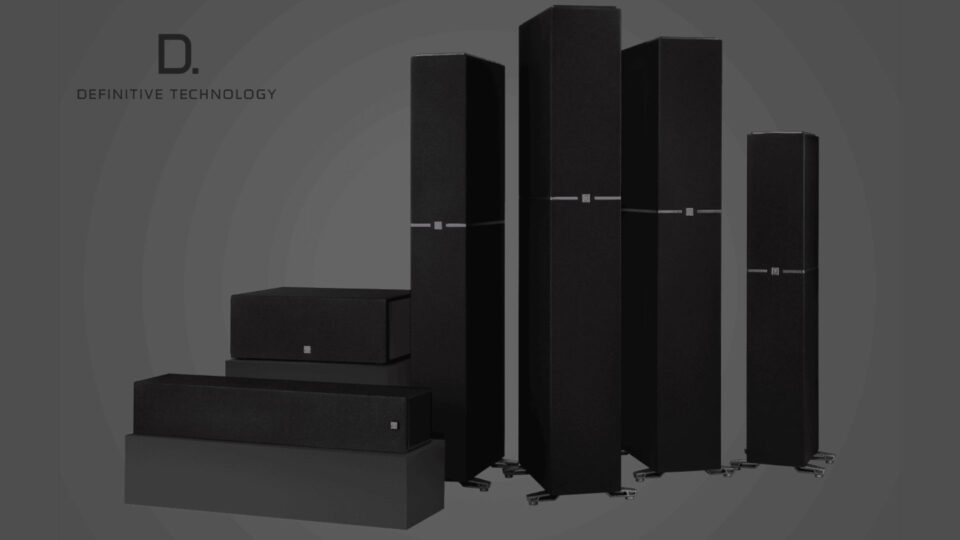
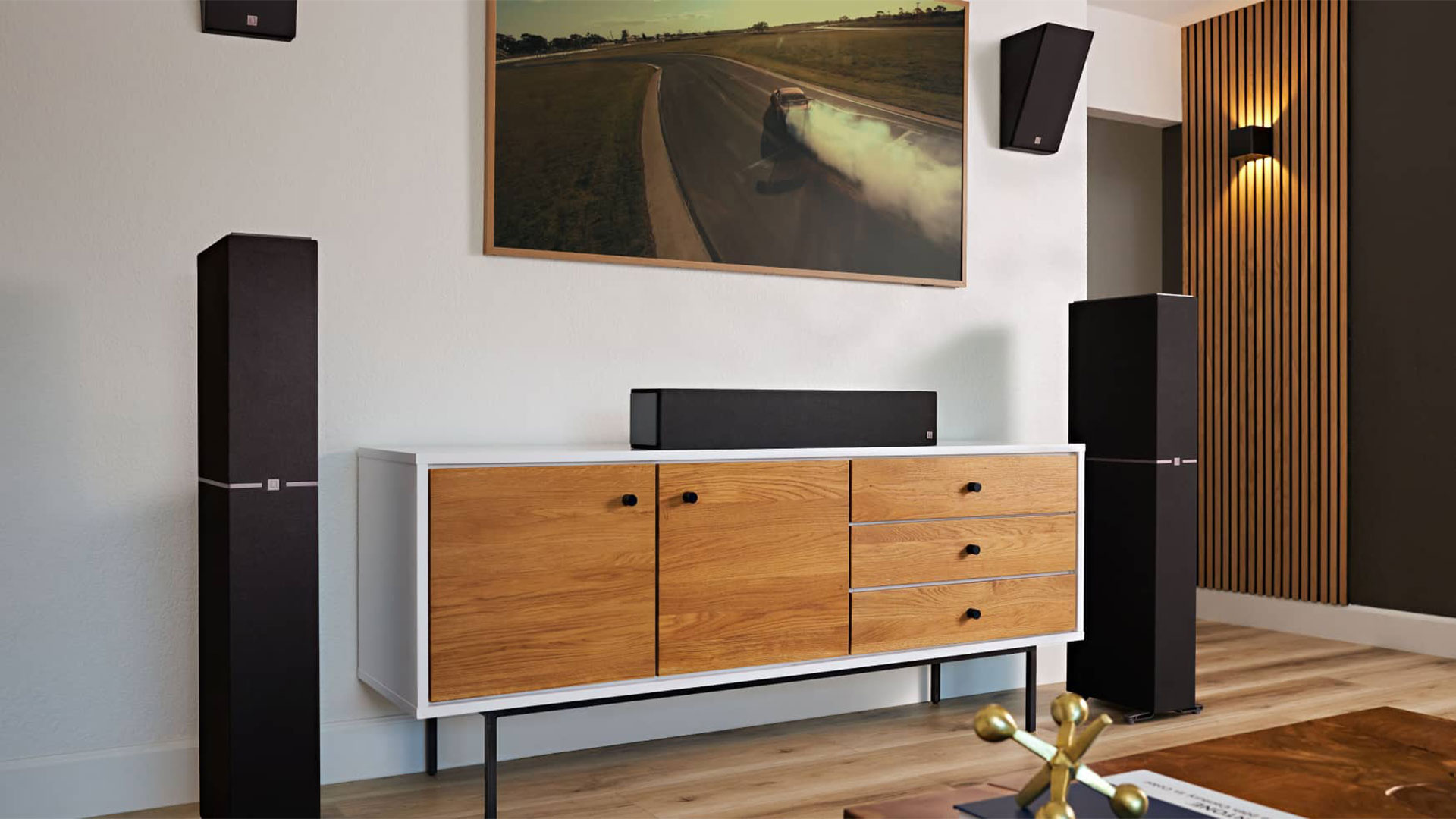
I recently upgraded my projector lab audio setup with a Marantz AV8805 AV Pre-Tuner coupled with a Marantz MM8077 7-Channel Power Amplifier. For clarity and precision, I've paired this setup with two Definitive Technology BP9080x High-Performance Tower Speakers, equipped with Integrated Height Modules and monster 12” Powered Subwoofers. You could say the bass in my gaming room has a pulse of its own now. That's not all. I've got a Definitive Technology Demand Series High-Performance Center Channel Speaker until I step up to their Dymension series.
With this new gear, I can now test ARC/eARC HDMI ports on projectors with much greater accuracy. More than that, every gaming session is a sonic masterpiece. Rich, detailed sounds envelop me from every angle, the bass reverberating in my chest. It's not just playing a game anymore, it's like being in the game. This is immersion on a whole new level!
STAR WARS JEDI: SURVIVOR GAMEPLAY
Embark on a thrilling journey through the vast Star Wars galaxy, where you'll have the opportunity to explore uncharted planets and revisit familiar territories. Each planet offers a distinct biome, presenting its own set of challenges and enemies for you to conquer. As you progress, you'll have the chance to master new skills, acquire advanced equipment, and unlock powerful abilities that will aid you on your quest. Traverse magnificent landscapes and venture off the beaten path to uncover hidden treasures and secrets. The game rewards those brave enough to venture beyond the horizon, offering rich and satisfying rewards for their efforts. Prepare yourself for an epic quest filled with exploration, discovery, and exciting encounters in the remarkable Star Wars galaxy.
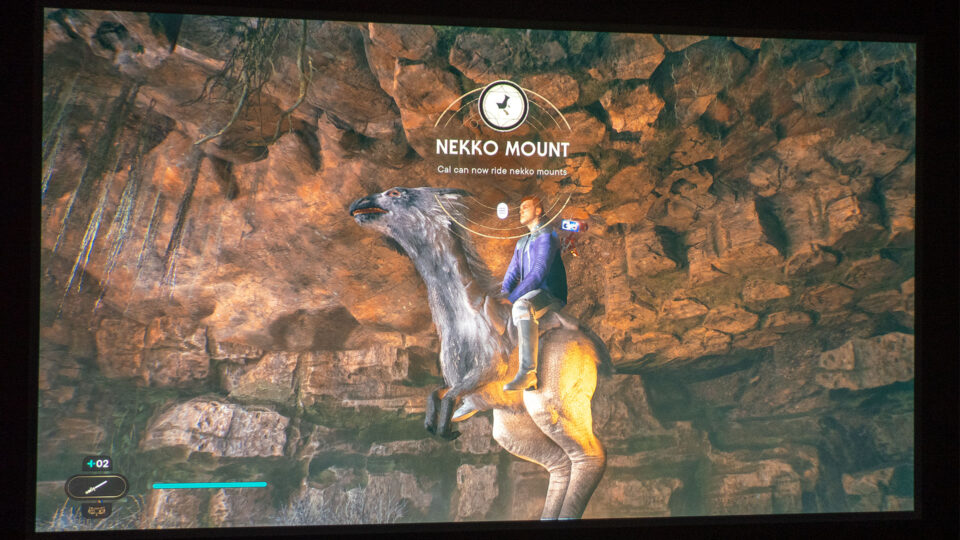
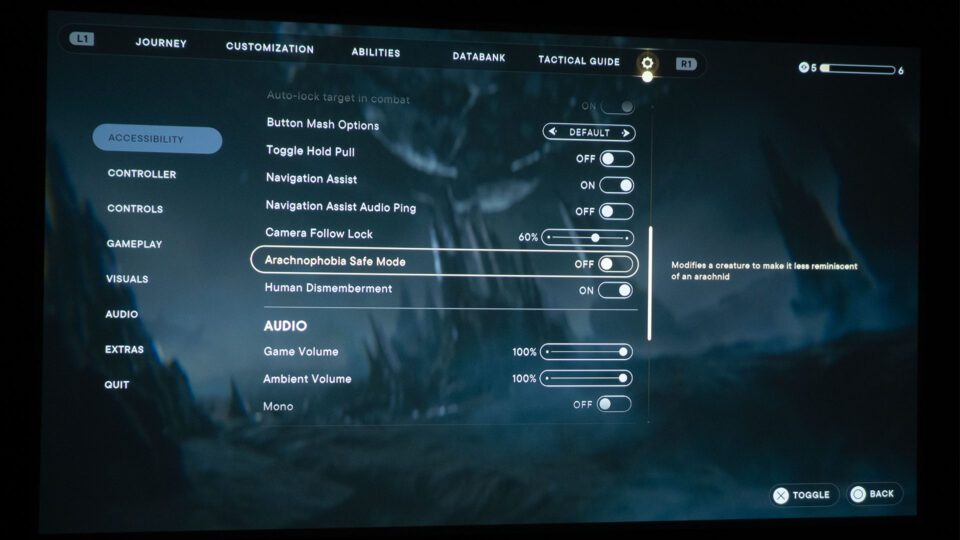
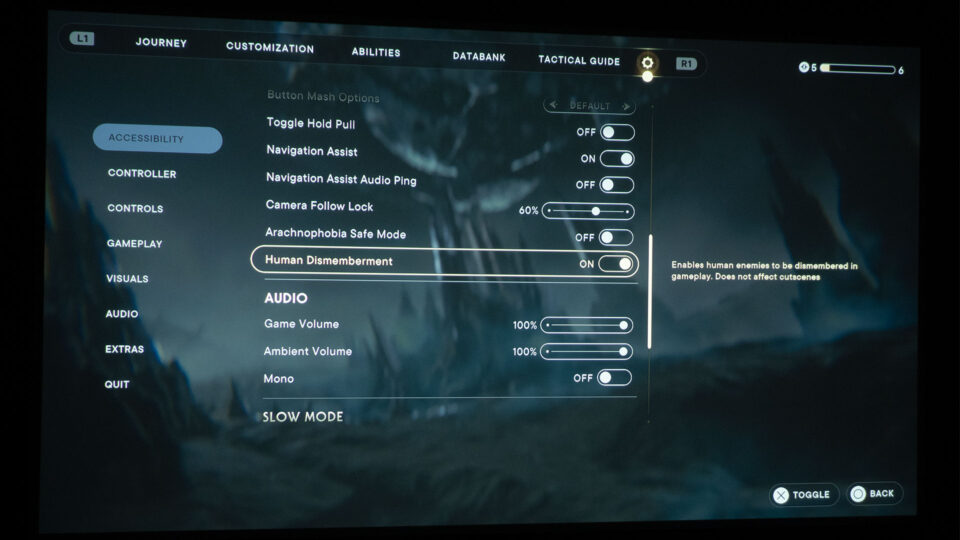
Respawn Entertainment, in collaboration with Electronic Arts Inc., has incorporated an "Arachnophobia Safe Mode" option. This feature changes the visuals of a certain creature, making it less spider-like to cater to those with arachnophobia. There's also an option to disable human dismemberment, offering a more customizable gaming experience.
Respawn Entertainment and Electronic Arts Inc. demonstrated great thoughtfulness in the creation of Star Wars Jedi: Survivor. They included an "Arachnophobia Safe Mode" toggle switch, which alters the appearance of a particular creature to reduce its resemblance to an arachnid. But their consideration doesn't stop there. They implemented a "Human Dismemberment" toggle switch that gives players the ability to enable or disable the dismemberment of human non-playable characters (NPCs) during gameplay. This way, players who may have arachnophobia or prefer not to witness the dismemberment of human characters with a lightsaber can fully enjoy Star Wars Jedi: Survivor without encountering anything that might make them uncomfortable.
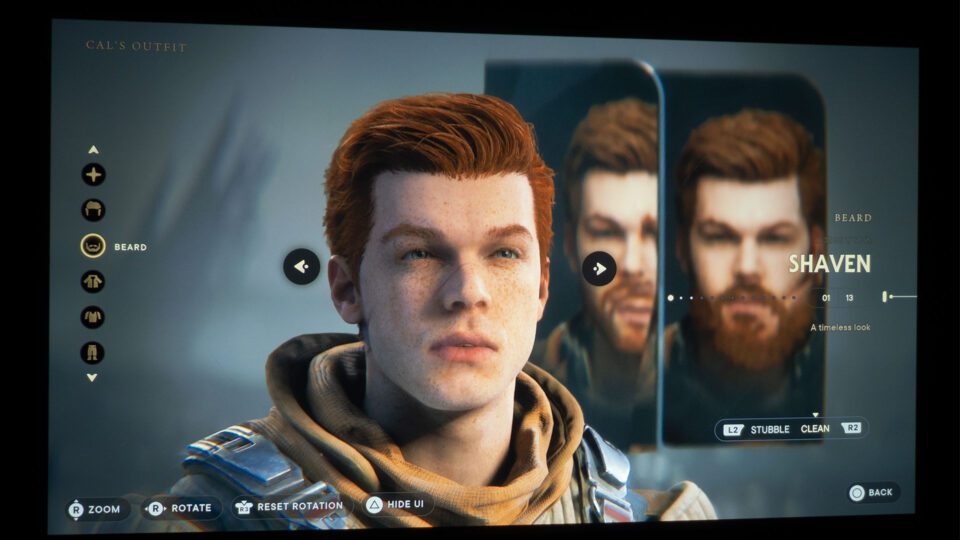
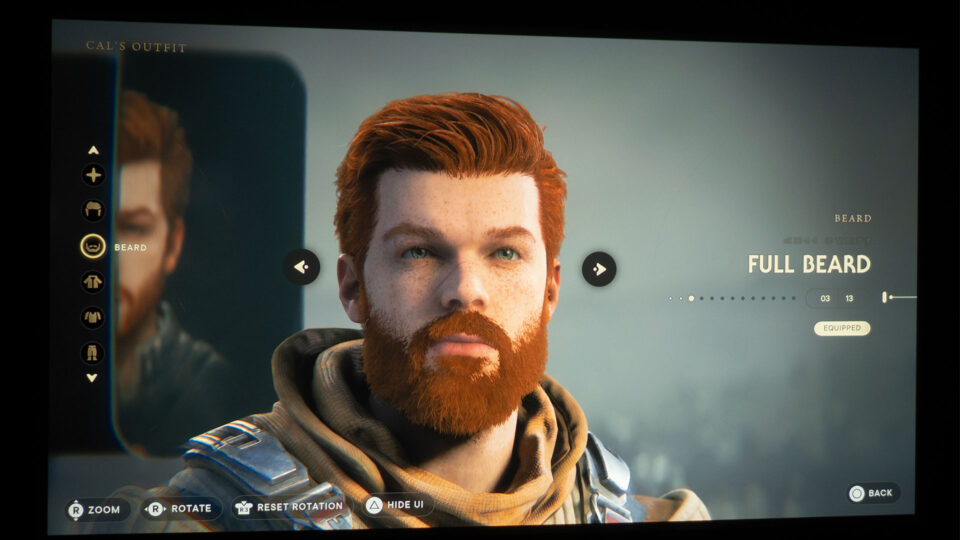
At the start of the game, the character customization options for Cal may seem limited and leave you yearning for more variety. However, as you continue your journey, you'll be delighted to discover that Cal's character customization becomes increasingly comprehensive. You'll have the freedom to modify various aspects of Cal's appearance, including his hair, beard, jacket, shirt, and pants. With an array of mix-and-match options at your disposal, along with the ability to apply custom colors, you'll have endless possibilities to create a unique and personalized look for Cal. So, hang in there and enjoy the expanding range of customization options that await you in Star Wars Jedi: Survivor.
You'll have the freedom to modify various aspects of Cal's appearance.
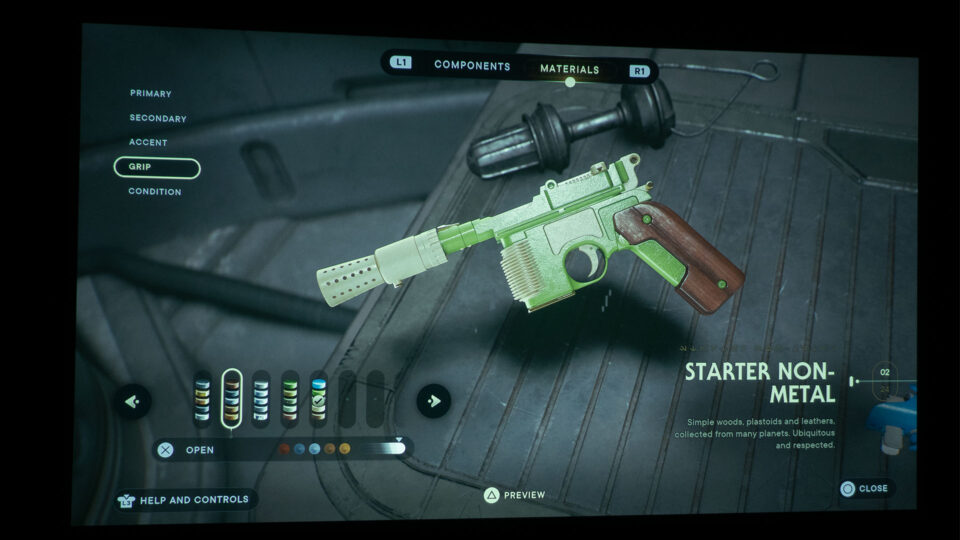
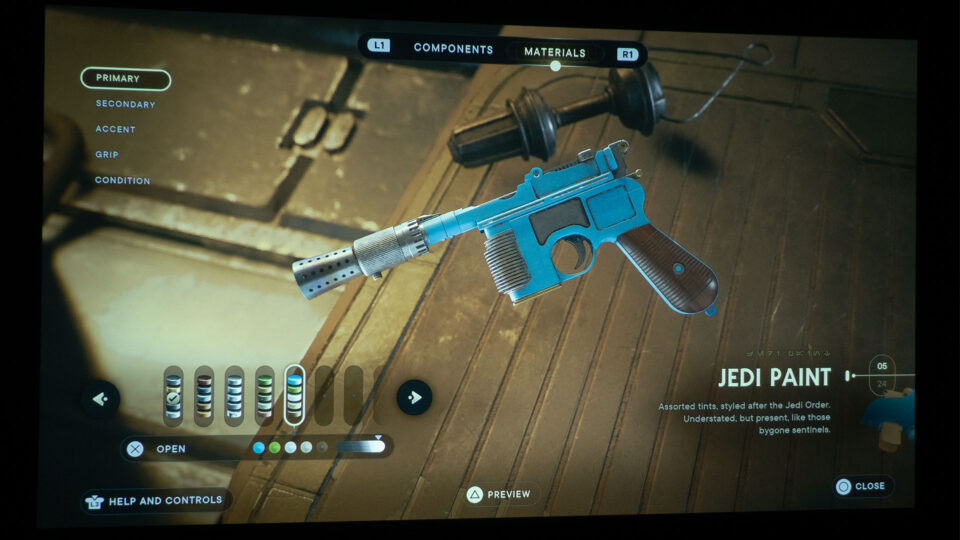
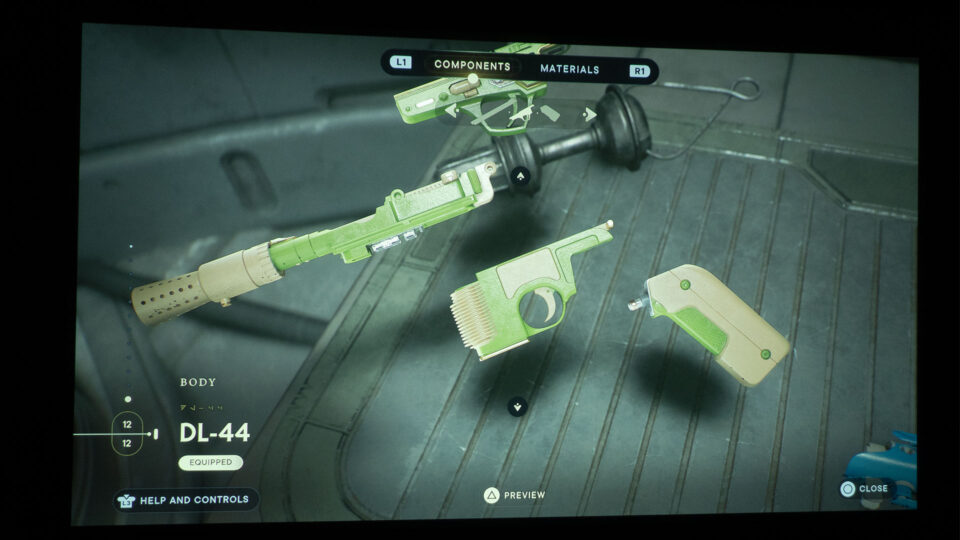
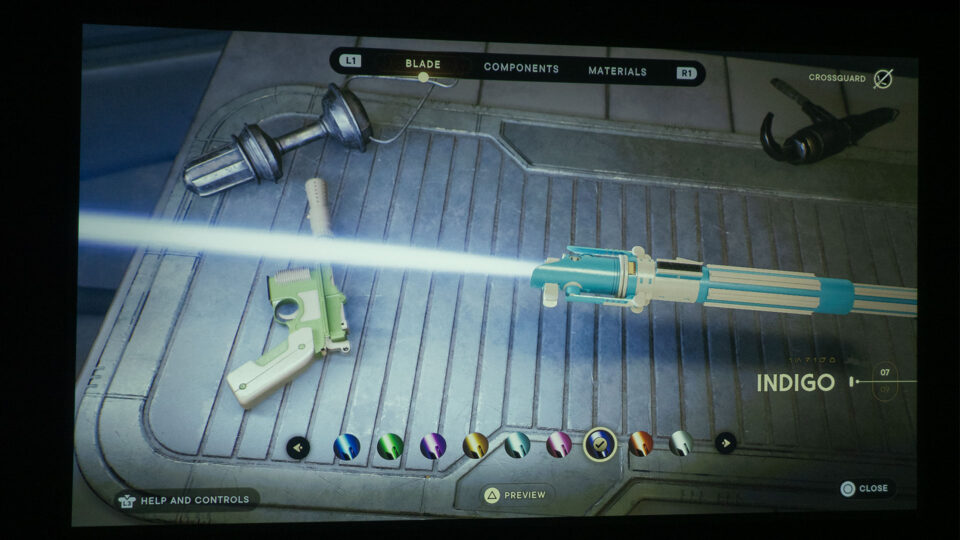
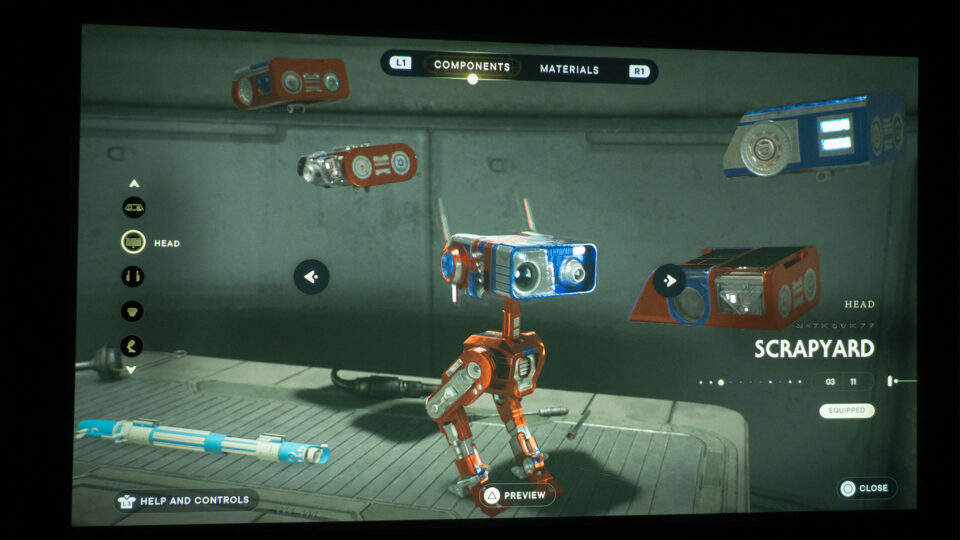
Star Wars Jedi: Survivor offers an incredible feature for customizing your weapons and droid pal BD-1 on various different workbenches throughout the game.
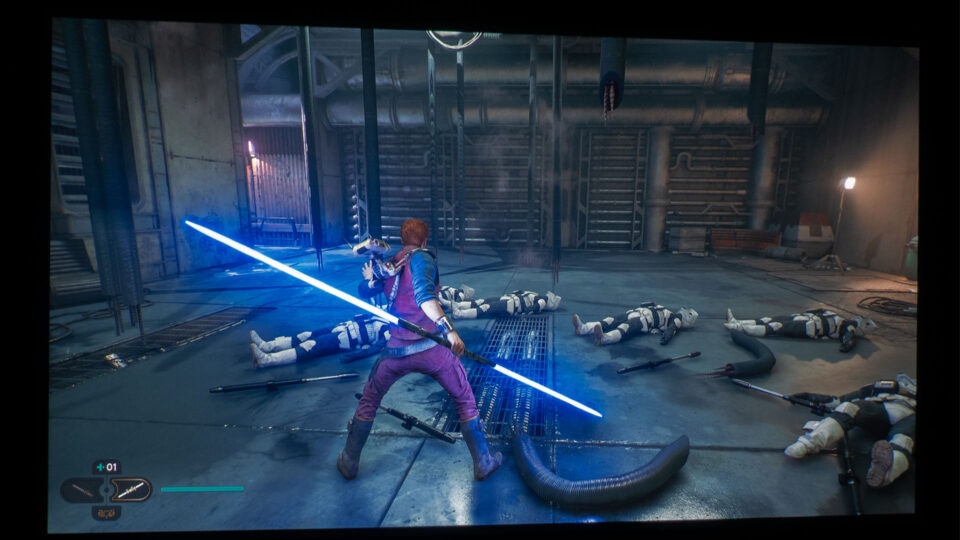
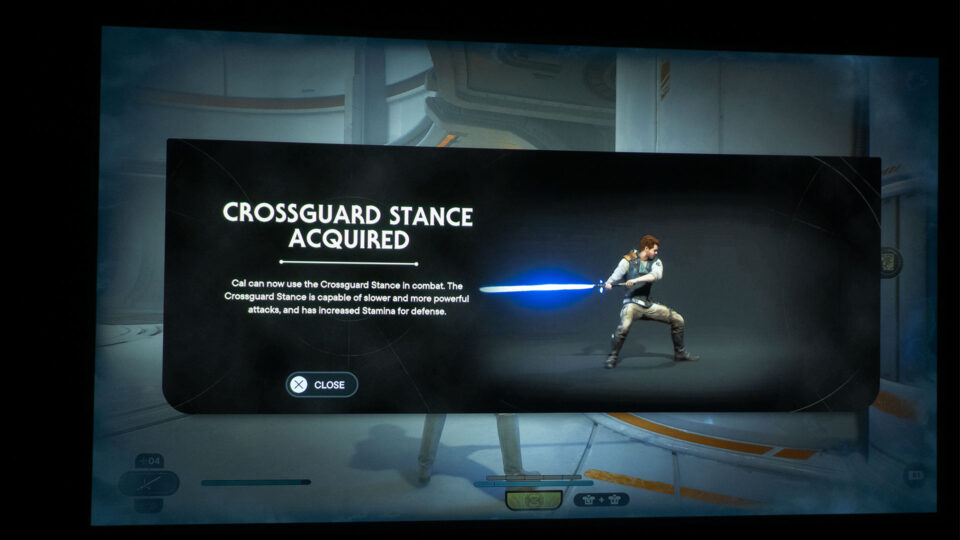
Let me start this section by admitting I'm a huge admirer of Star Wars blasters! I understand that it's not traditionally aligned with the Jedi principles to wield blasters, but the combination of a blaster pistol and lightsaber in video game action sequences and cinematic experiences is truly enchanting on a big projector screen.
The immersive gameplay experience of handling these blasters, engaging in intense firefights, and unleashing laser bolts adds an incredible level of excitement to any Star Wars game. It's truly thrilling to embrace the iconic weaponry of the Star Wars universe and immerse oneself in action-packed battles on a large projector screen!
In addition to being a fan of Star Wars blasters, I'm excited to share that Star Wars games offer an incredible feature for customizing your weapons. If you're not satisfied with the appearance of your weapon, there's no need to worry. Simply head to a workbench and you'll have the ability to modify various parts and colors to transform the way your weapon looks. For example, when it comes to lightsabers, you can swap out the emitter, switch, grip, and pommel to create a unique design that suits your style. Not only that, but you can also customize the colors and parts of your trusty droid companion, BD-1, giving your faithful companion a distinctive look. This level of customization allows you to personalize your gaming experience and truly make your weapons and droids your own. So, unleash your creativity and enjoy the satisfaction of wielding weapons and traveling with a droid companion that reflects your own personal touch.
In Star Wars Jedi: Survivor, the need for utilizing the environment for cover and concealment may not be as pronounced as some other third-person action-adventure games. Personally, I also found myself engaging in battles head-on, utilizing my blaster pistol and swinging my lightsaber with gusto. However, it's worth considering that being able to clearly see your enemies and surroundings is crucial for taking effective action.
In this regard, gaming on a projector with a massive projector screen can provide a distinct visual advantage. The larger and clearer display offered by a gaming projector setup allows for enhanced visibility, making it easier to spot and react to enemies. Immersing yourself in the game on such a grand scale can truly amplify your gaming experience, particularly in Star Wars Jedi: Survivor, where precise actions matter.
If immersing yourself in Star Wars gaming with enhanced visuals excites you, a gaming projector and large screen are ideal for playing Star Wars Jedi: Survivor.
Imagine gathering your loved ones around as you play, with everyone engrossed in the action unfolding on the expansive screen. They can cheer you on, call out enemies, suggest tactics, and be a part of the gaming adventure. It's an interactive and social experience that brings people together and enhances the overall enjoyment of gaming.
The gaming projector and large projector screen combination offer one of the best upgrades to any gaming setup. The visuals are larger than life, capturing every detail and making you feel like you're right in the heart of the game. The shared experience of watching your gameplay on a grand scale adds an extra layer of excitement and entertainment.
If the idea of immersing yourself in the Star Wars universe with improved visual clarity and an immersive atmosphere appeals to you, then opting for a gaming projector and a large projector screen is undoubtedly an excellent choice for playing Star Wars Jedi: Survivor. Prepare yourself for an unforgettable gaming experience, where you can fully appreciate the game's visuals and engage with enemies in a more expansive and satisfying manner. May the Force be with you on your epic gaming adventures!
In the upcoming months, we can't wait to dive into and review highly anticipated titles such as Avatar: Frontiers of Pandora, Marvel's Spider-Man 2, and Cyberpunk 2077: Phantom Liberty Expansion. These games promise thrilling adventures and stunning visuals that will surely be amplified on a gaming projector setup.
We at Projector Reviews are grateful for your ongoing support, and we want to assure you that we'll keep sharing our experiences and insights through our gaming on a projector articles. So, make sure to check back regularly for the latest updates. We're thrilled to embark on these gaming journeys and share them with you. Let's continue to explore the immersive world of gaming on a projector together!
Resident Evil 4 is a survival horror Role-Playing Game (RPG) published by Capcom U.S.A., Incorporated. Resident Evil 4 challenges players to endure intense, terrifying situations. Although these moments of horror are dispersed throughout the gameplay, the inclusion of action elements helps strike a balance.
The iconic survival horror game from 2005, Resident Evil 4, has been completely revitalized in this comprehensive remake. This reimagining of the legendary game features enhancements for today's gaming generation, including cutting-edge graphics and controls, as well as a reworked storyline that might astonish even the most devoted fans of the original title.
Resident Evil 4 was released for PS5, PS4, Xbox Series X/S, and Windows PC via Steam on March 23, 2023. The PS5 edition allows players to prioritize either frame rate or resolution and includes support for ray tracing technology. For PS5, Resident Evil 4 – Digital Standard Edition (base game) can be purchased for $59.99. Resident Evil 4 – Digital Deluxe Edition can be had for $69.99 and consists of the base game and an extra DLC pack that includes various costumes, weapons, and accessories.
PROJECTOR UTILIZED – BENQ X3000i
BenQ provided Projector Reviews with demonstration units of the X3000i and TK700 gaming projectors for evaluation.
BenQ provided Projector Reviews with demonstration units of their X3000i and TK700 gaming projectors for our monthly "Best Games to Play on a Projector in 2023" articles. It's worth noting that I have accumulated over 536 hours of usage with the BenQ X3000i, primarily gaming on my PS5. This experience places me in an excellent position to describe the gaming experience on a projector and a large projector screen.
For this article, I chose to pair Resident Evil 4 with the BenQ X3000i gaming projector, as its RPG game mode complements the survival horror nature of Resident Evil 4. Retailing at $1,999, the BenQ X3000i is a 4K HDR 4LED gaming projector featuring 3000 ANSI lumens and dual built-in 5-watt chamber speakers.
BenQ states that the X3000i is specifically designed to be compatible with gaming consoles.
BenQ asserts that the X3000i is tailored for compatibility with PS5, PS4, Xbox Series X, Xbox Series S, and Nintendo Switch. The company also emphasizes that the X3000i 4K 4LED gaming projector is engineered to provide a deeply immersive gaming experience, featuring 4LED HDR-PRO™ for realistic colors and grand visuals, as well as dynamic virtual 3D sound from multiple directions.
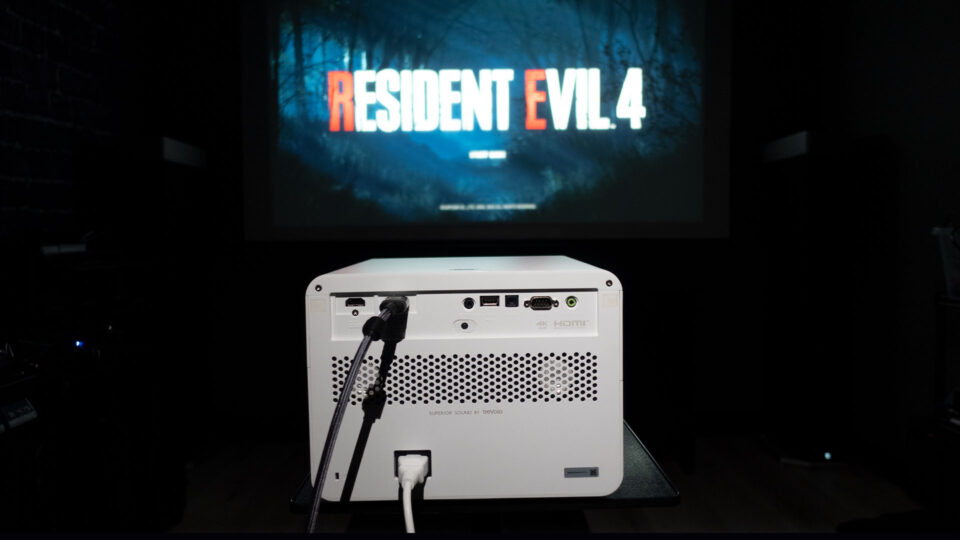
I connected my PS5 to the BenQ X3000i gaming projector using 48Gbps HDMI 2.1 cables and a Marantz AV8805 Pre-Tuner. I projected the image onto a 110-inch (16:9) Screen Innovations (SI) Solo Pro 2 Unity AT Pure White 1.3 gain screen and a 100-inch (16:9) Elite Screens Aeon fixed frame with CineWhite® UHD-B (Tensioned Matte White) 1.3 gain flexible front projection screen material.
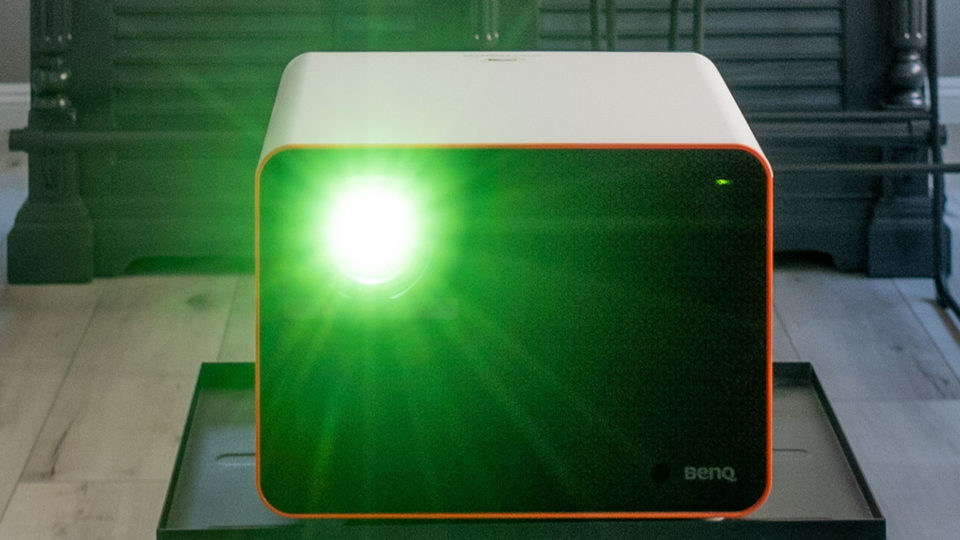
The X3000i can produce 3000 ANSI lumens which helps when gaming in a room with ambient light
The X3000i features a brightness of 3,000 ANSI lumens, making it suitable for use even in environments with some uncontrolled ambient light. The projector delivers clear and detailed images, and thanks to its XPR (eXpanded Pixel Resolution) technology, it can project a 4K image. For more information on 4K DLP with XPR technology, refer to the Projector Reviews’ Projection Termspage. Furthermore, the projector comes with a range of connectivity options, including HDMI, USB, and VGA, ensuring effortless connection with various devices and sources.
Dedicated gaming modes on a projector generally facilitate the best (lowest) input lag times, optimizing the gaming experience for faster and more responsive gameplay.
The X3000i possesses additional features that make it an excellent gaming projector. For example, the projector includes dedicated FPS, RPG, and SPG game modes, along with audio, visual, and optimized latency settings tailored for survival horror RPGs like Resident Evil 4. Choosing RPG mode for Resident Evil 4 is an excellent way to achieve complete cinematic immersion.
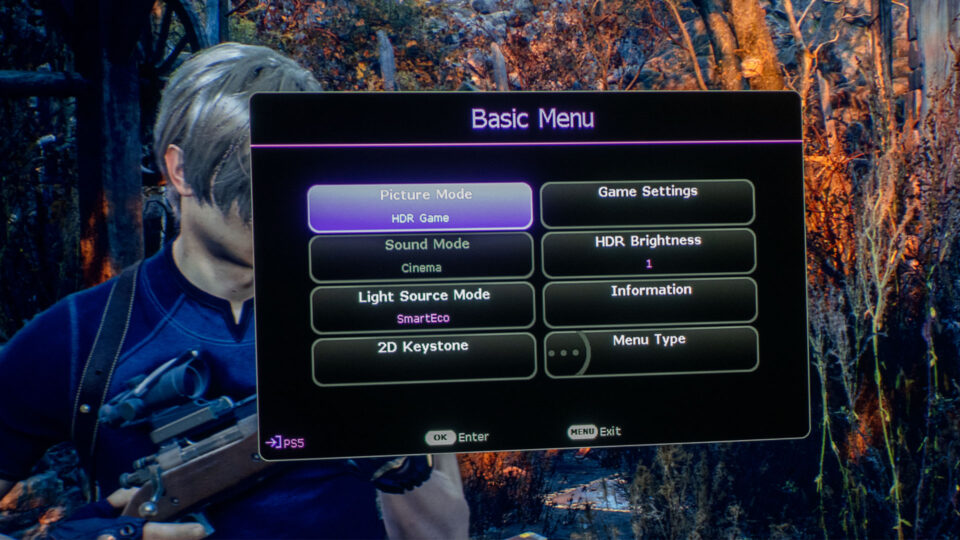
Changing the X3000i's Picture Mode from HDR10 to HDR Game allows access to the projector's Game Settings, where you can enable or disable Fast Mode. With Fast Mode activated, the X3000i reduces the response time between the input source and the displayed image.
Naturally, I played Resident Evil 4 with Fast Mode enabled, which guaranteed smooth gameplay during intense action scenes while I fought off hordes of once-human villagers, referred to as "Ganados" in the game, using an array of melee moves and weapons.
RESIDENT EVIL 4 GAMEPLAY
Resident Evil 4 is a remake of the esteemed 2005 game of the same name, featuring the protagonist Leon S. Kennedy. Owing to his distinct experience as a Raccoon City survivor, Leon was swiftly recruited to serve as an agent for the U.S. government. Taking place six years following the incidents of Resident Evil 2, Leon is sent to an isolated European village to investigate the vanishing of the U.S. president's daughter.
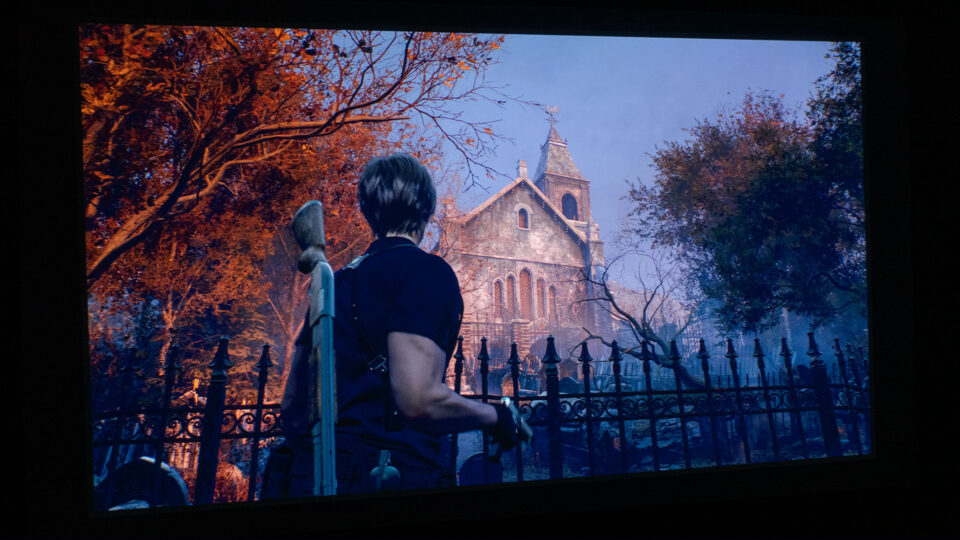
Remember when I told you Resident Evil 4 is a survival horror game that challenges players to endure intense, scary situations? I'm not overstating it when I say that Resident Evil 4 is genuinely terrifying, particularly when playing on a projector with a huge screen that immerses you in the game. A word of caution: if you're easily frightened and not a fan of horror films, this game may not be for you!
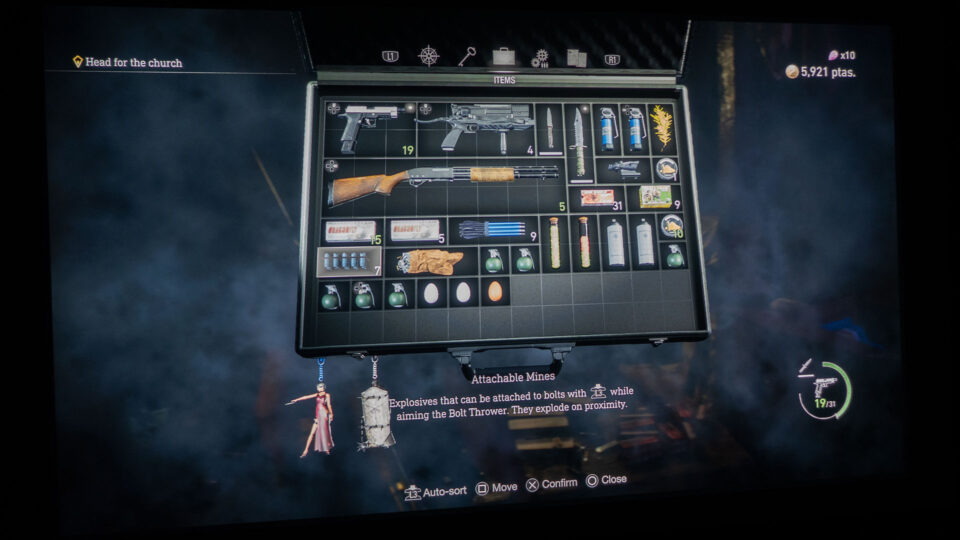
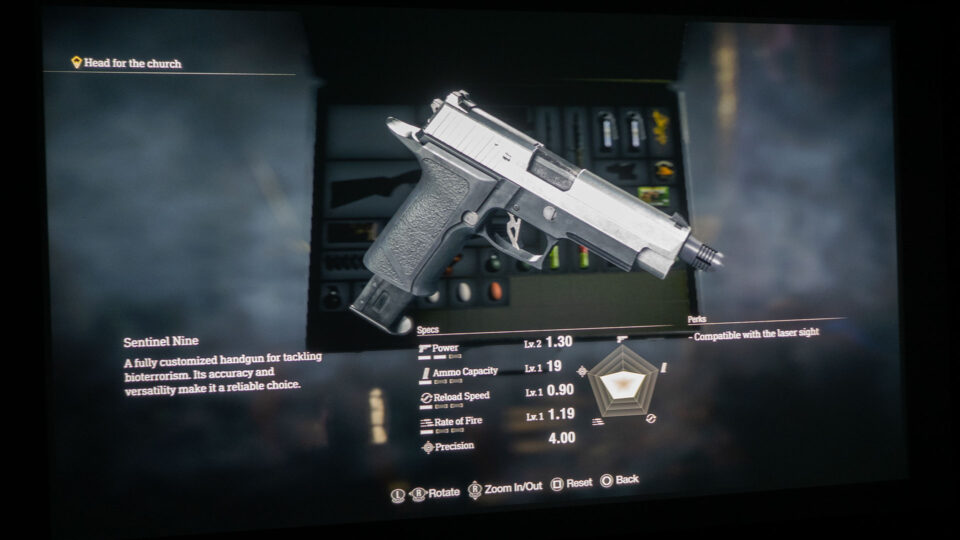
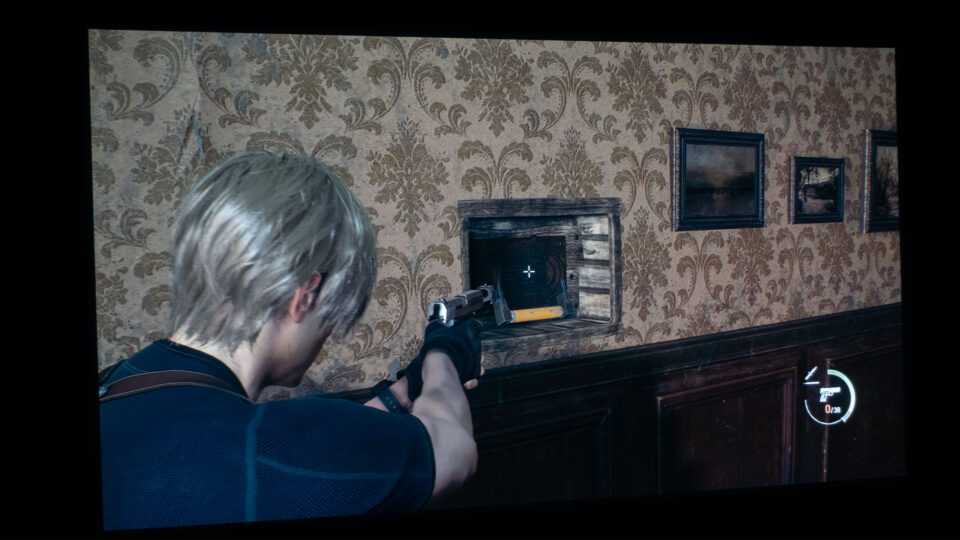
You’ll need some good weapons to get through Resident Evil 4.
To effectively progress through Resident Evil 4, it's essential to have a diverse collection of weapons at your disposal. Don't hesitate to try out different options, as each weapon possesses unique advantages and drawbacks.
The weapons can be classified into several categories: handguns, shotguns, rifles, submachine guns, magnums, and unique/utility types. Some weapons are found, but most of these can be acquired from the Merchant as you advance through the campaign. You can purchase them using pesetas or trade Spinels obtained from completing requests.
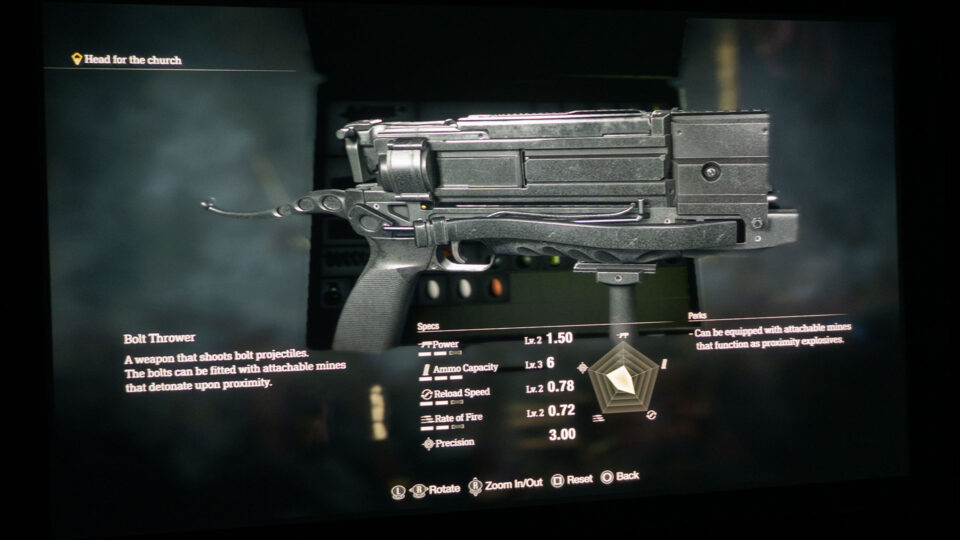
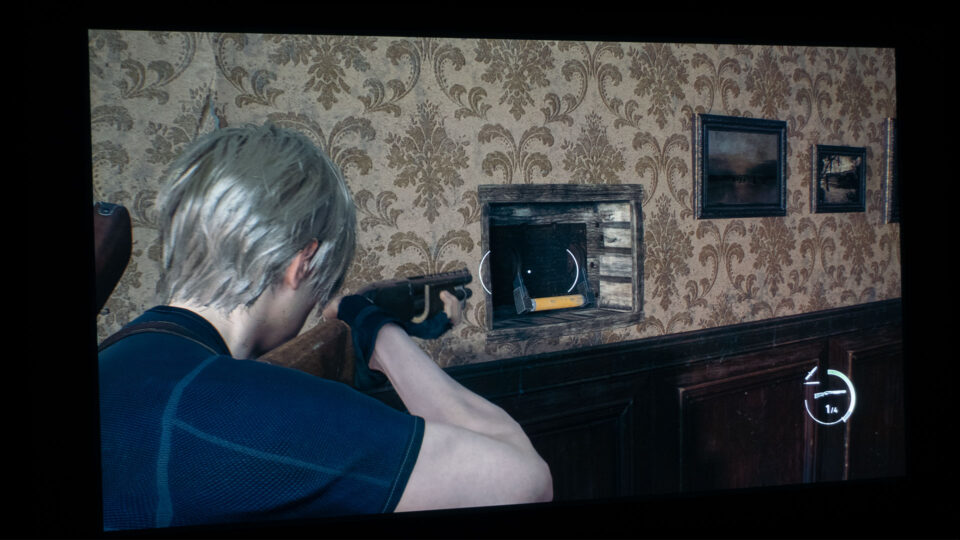
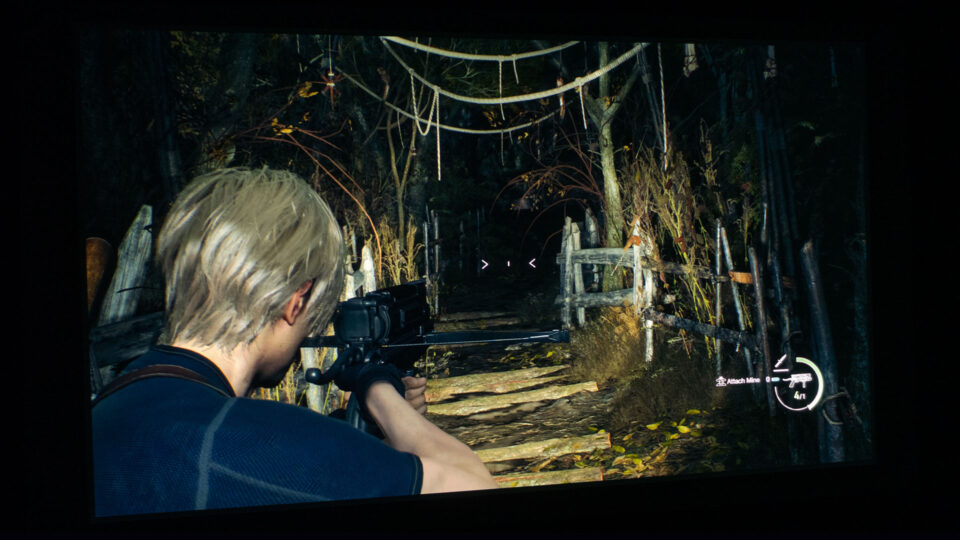
I took advantage of every opportunity to use the Bolt Thrower, silently eliminating monsters and enemy Ganados with ease.
Additionally, some weapons can accommodate specific attachments, which can be equipped by selecting the weapon in your inventory and choosing the Parts option. My preferred weapon is the Bolt Thrower, which is perfect for silent stealth kills, and it even allows for attaching explosive mines to the bolts.
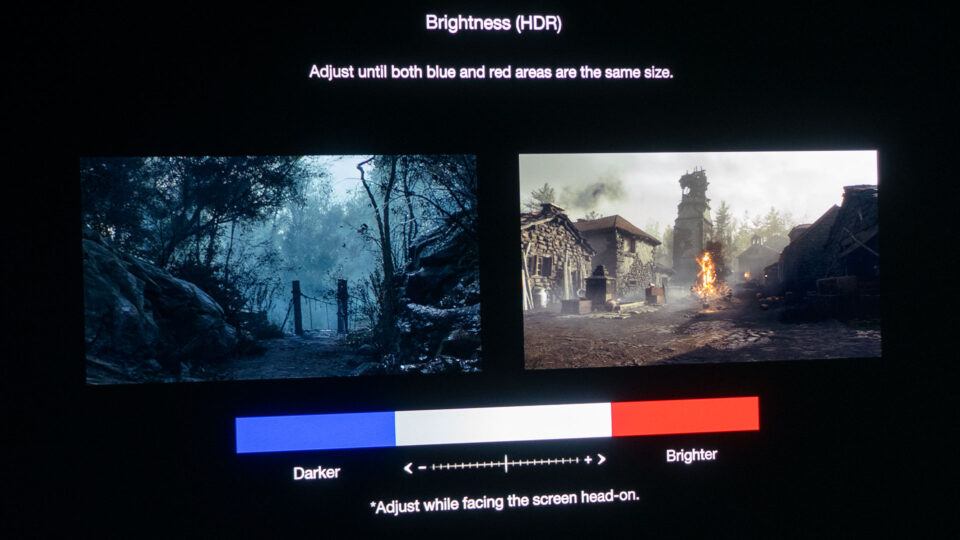
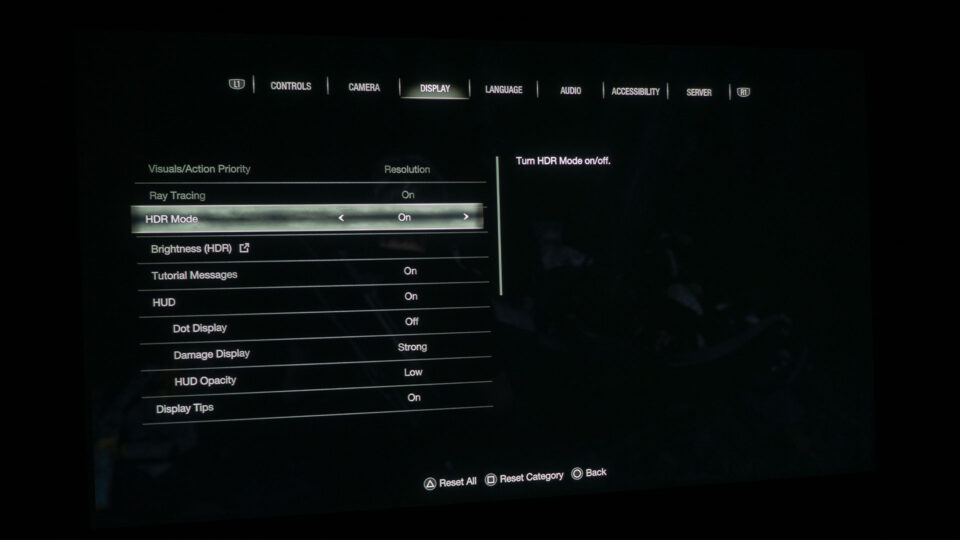
Resident Evil 4 is a game with Ray Tracing and an HDR mode.
Resident Evil 4 offers HDR (High Dynamic Range) support on compatible devices. HDR technology enables a broader spectrum of colors and brightness levels in games and other media, resulting in more vivid and realistic imagery. However, keep in mind that HDR support availability may vary based on the specific platform and display device used for gameplay. Using a projector with an HDR game mode like the BenQ X3000i is highly beneficial, as it allows you to fully appreciate the enhanced graphics of next-generation console games.
HDR support in games ensures visibility in both bright and dark areas. As I have emphasized time and again, being able to accurately perceive what's happening around your character in both dark and bright scenes is crucial for success in many video games.
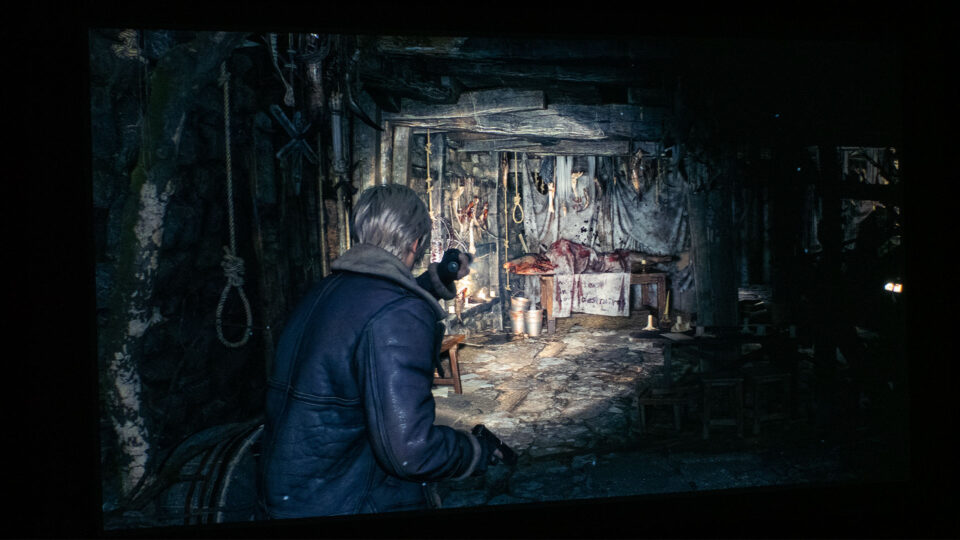
Sometimes, a flashlight is the only tool at your disposal to cut through the darkness.
Utilizing the BenQ X3000i and my large projector screens, I encountered no difficulties in traversing the frequently dark scenes of Resident Evil 4, relying solely on my flashlight to spot potential hazards in the darkness.
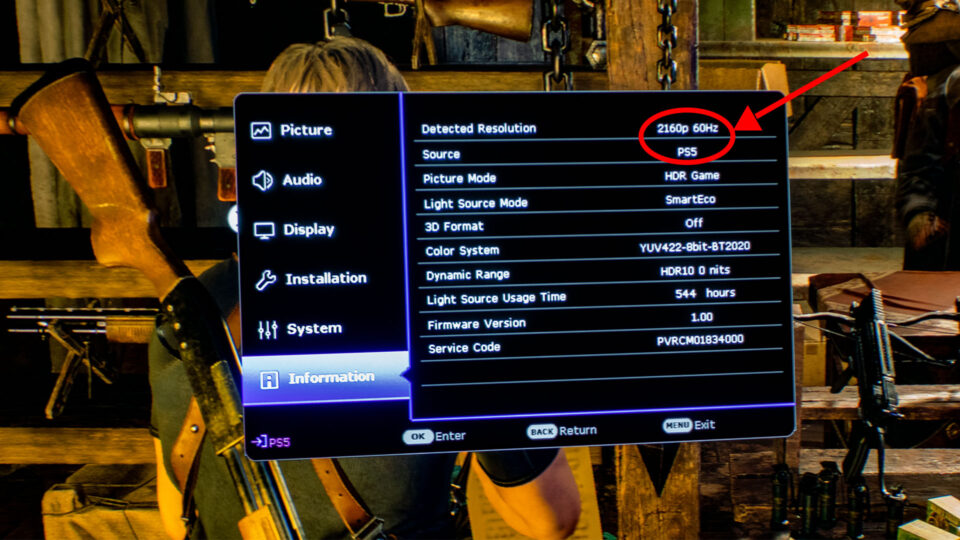
· BenQ X3000i and PS5 2160p at 60Hz Information Screen
I played Resident Evil 4 in 4K (3840x2160) @ 60Hz. When using a large projector screen at typical viewing distances, 4K offers a significantly improved level of detail and image quality compared to FHD, leading to more vivid and lifelike visuals. This improvement is particularly beneficial for a game like Resident Evil 4, but it also makes the game more frightening due to the increased realism.
Input Lag
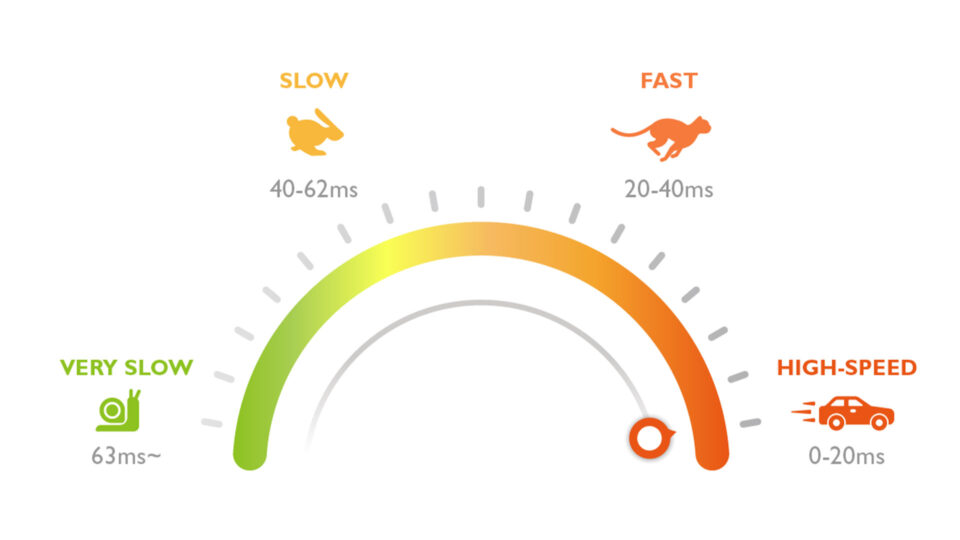
I appreciated the BenQ X3000i’s low 16.67ms input lag while gaming in 4K @60Hz. The X3000i’s low input lag rivals many flat-panel TVs, ensuring that gameplay will be responsive enough for most gamers and far exceeds the needs of a casual gamer. I fully utilized the low input lag, which allowed me to efficiently combat or evade hordes of Ganados without being overwhelmed due to a sluggish and unresponsive system.
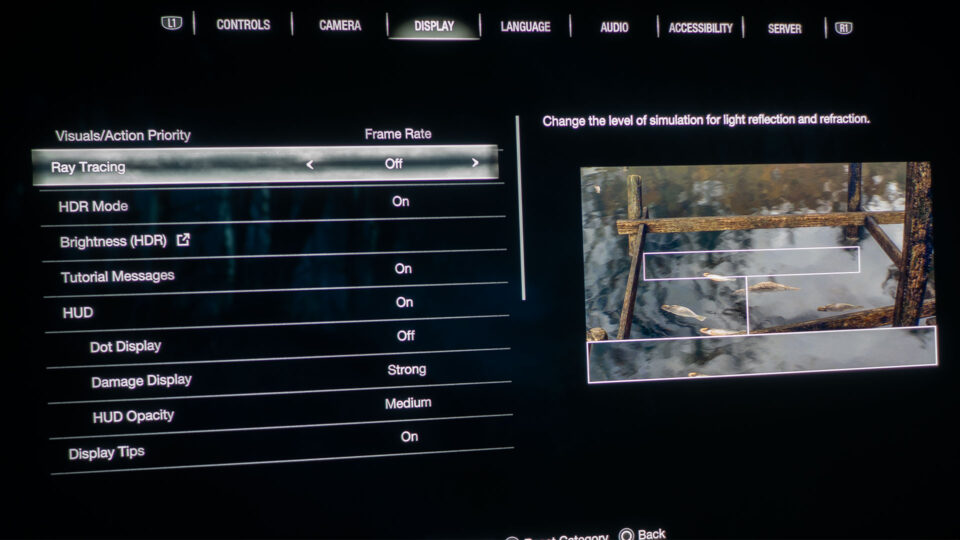
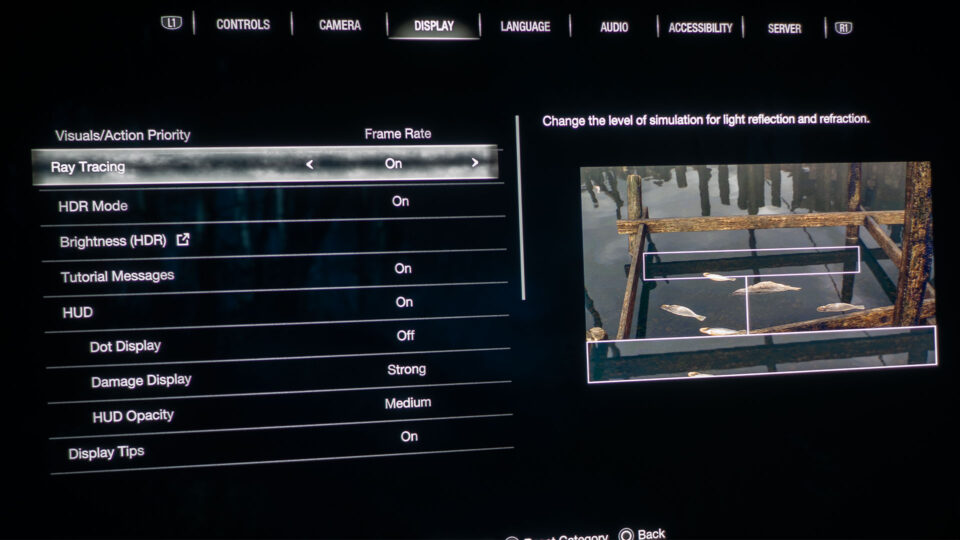
Examine the two images above; they illustrate the contrast between having Ray Tracing enabled and disabled. Be sure to enter the game's Display settings to adjust your personal preferences. However, I recommend choosing Resolution under the Visual/Action Priority option rather than Frame Rate and enabling Ray Tracing if your gaming setup supports it. Resident Evil 4’s visuals greatly benefit from these settings. Resolution priority and Ray Tracing absolutely provide the most visually immersive experience in the game. Though, if frame rate is more crucial for you, you can always switch to Frame Rate priority.
The BenQ X3000i features built-in treVolo tuned speakers and utilizes Bongiovi DPS technology to create virtual 3D surround sound. With dedicated audio modes meticulously designed to emphasize sound details and directions for various game types and scenes, the integrated sound system delivers an impressive audio experience for how tiny the speakers are.
The chilling music, unsettling sound effects, and sinister dialogue of Resident Evil 4 play a significant role in drawing you into the gaming experience. From the Ganados' Spanish mumblings to the foreboding environmental sounds, the audio track of Resident Evil 4 immerses you in a disquieting and captivating way.
Connect the X3000i to an external audio system using HDMI eARC to enhance in-game sound effects and dialogue for a more immersive gaming experience
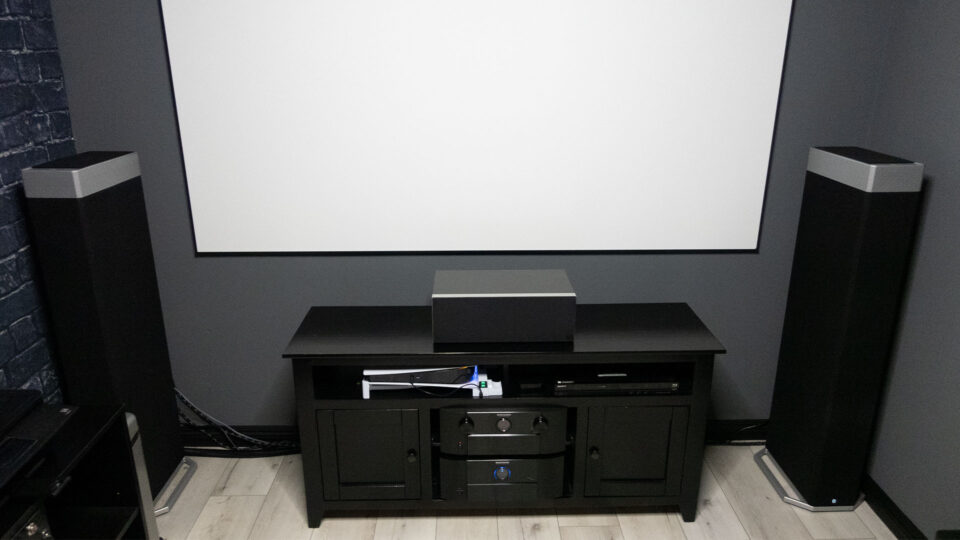
My new projector lab audio setup includes a Marantz AV8805 AV Pre-Tuner, a Marantz MM8077 7-Channel Power Amplifier, a Definitive Technology Demand Series High-Performance Center Channel Speaker, and two Definitive Technology BP9080x High-Performance Tower Speakers with Integrated Height Modules and 12” Powered Subwoofers.
The updated audio setup enables me to evaluate ARC/eARC HDMI ports on projectors and immerse myself in rich, detailed sounds with extensive bass, creating a truly enveloping auditory experience.
Resident Evil 4 sounded impressive when played through the X3000i's integrated treVolo audio system. I spent half of my gaming evaluation using only the built-in speakers on the BenQ X3000i, which performed remarkably well considering their small size.
As anticipated, Resident Evil 4's audio was even more exceptional when utilizing the X3000i's HDMI eARC port connected to my Marantz and Definitive Technology audio system. It's worth noting that a home theater audio system undoubtedly delivers a more potent and spine-chilling Resident Evil 4 auditory experience.
Playing games with a projector and a large projector screen provides one of the most immersive gaming experiences you can enjoy in the comfort of your own home.
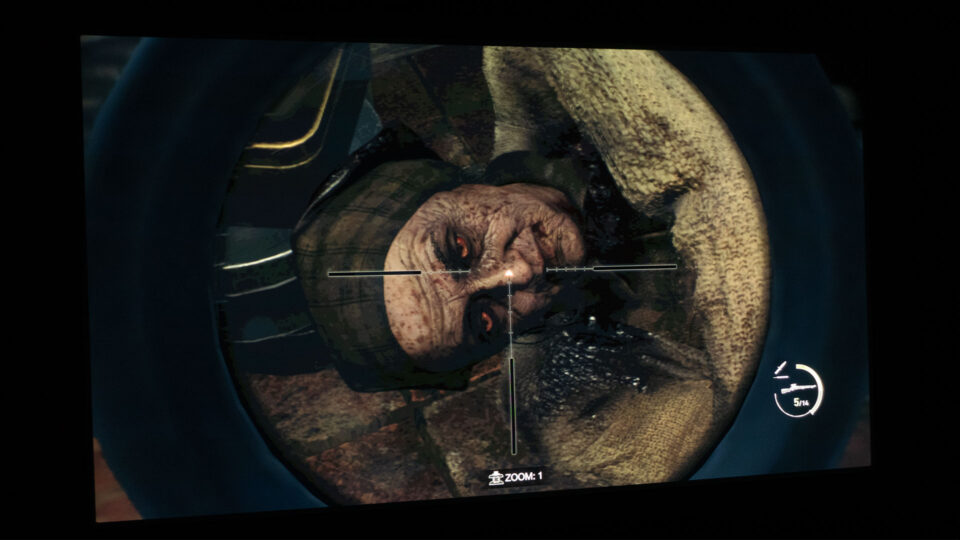
The NPCs and my powerful yet slow SR M1903 rifle with its attached scope aiming reticle appeared at sizes up to 49.5 inches on my projector screens, depending on the scene and my proximity to the NPCs. Sitting about 11 feet from my projector screen, everything was ideally sized for a horrifyingly immersive Resident Evil 4 gaming session. Naturally, if you have a larger space, you can use a bigger screen, which will result in more prominent Resident Evil 4 characters.
Resident Evil 4 has earned a spot on Projector Reviews' "Best Games To Play On A Projector In 2023" list, thanks to Capcom's exceptional reconstruction efforts. This completely revamped campaign outshines the original in almost every way imaginable. With this 2023 remake of the iconic 2005 action-horror game, I was caught off guard by the sheer intensity it brought, immersing me in hours of relentless tension and thrill thanks to gaming on a large projector screen.
CONCLUSION
Playing Resident Evil 4 on a gaming projector with a massive screen is nothing short of terrifying and yet amazing! Give it a try and tell me if you agree. I’m willing to bet that the sinister gameplay will keep you entertained and frightened for hours. You don’t even have to be a Resident Evil fan to enjoy this game.
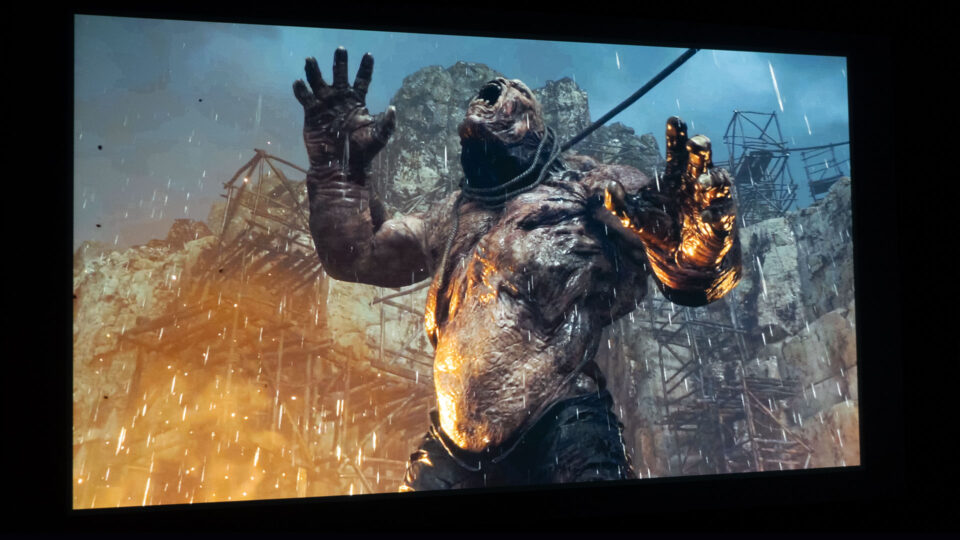
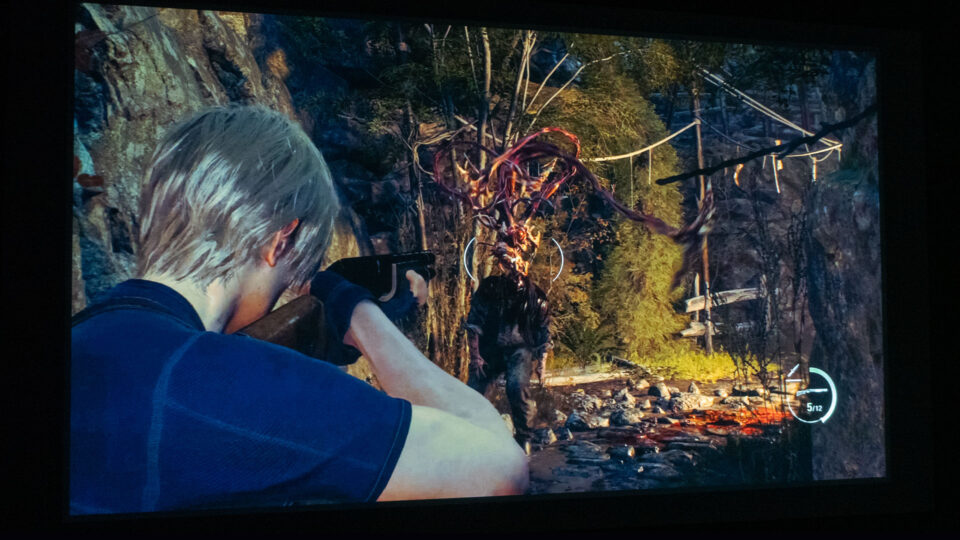
Certain Ganados may reanimate, featuring lashing tentacles instead of their former heads.
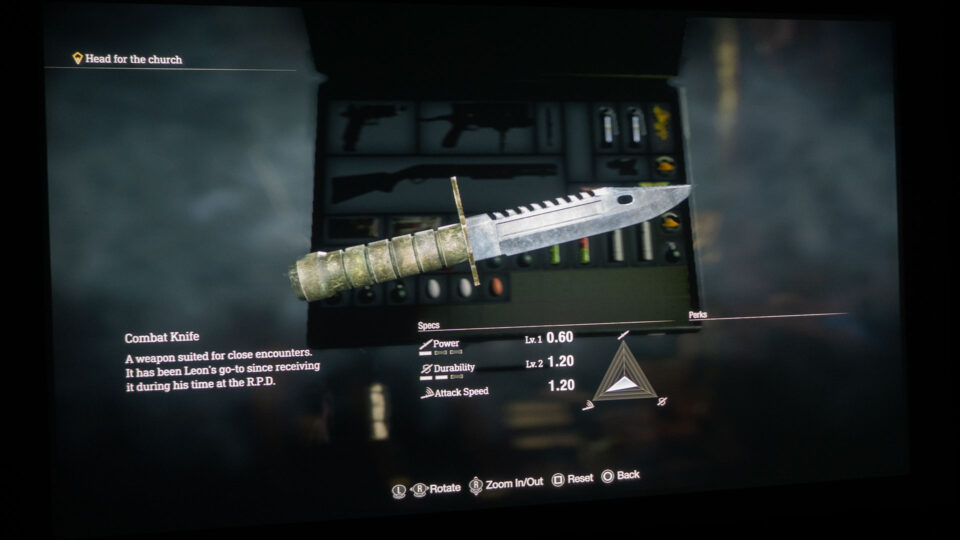
Quick, pro tip, be prepared for a frightening twist: the Ganados can come back to life with lethal whipping tendrils emerging from their shoulders. To prevent this horrifying transformation, quickly approach them and use a combat knife to strike their skull before they have the chance to come back to life and attack.
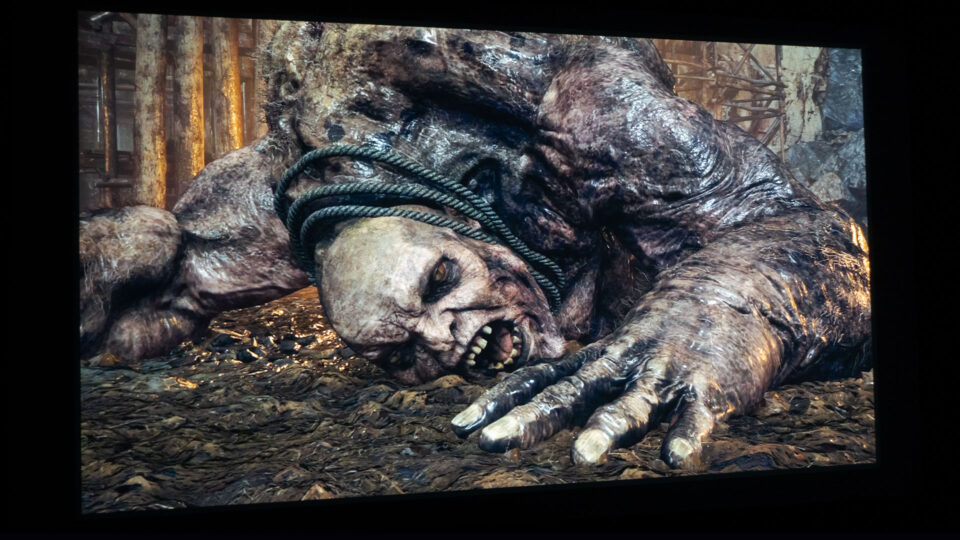
I'll leave you with this thought: be prepared for Resident Evil 4 to consume hours of your time. The game's terrifying castle, villages, a lake featuring what appears to be a frenzied Loch Ness Salamander Monster, and many other spine-chilling locations will keep you on the edge of your seat as you navigate through the eerie landscape of Resident Evil 4.
In 2023, we've covered several games such as Destiny 2: Lightfall, Hogwarts Legacy, Forspoken, and now Resident Evil 4. As part of Projector Reviews' "Best Games To Play On A Projector In 2023," we're keeping an eye on upcoming titles like Star Wars Jedi: Survivor, Dead Island 2, and Horizon Call of the Mountain to evaluate their performance on gaming projectors. Be sure to stay tuned for more; you won't want to miss any of our coverage.
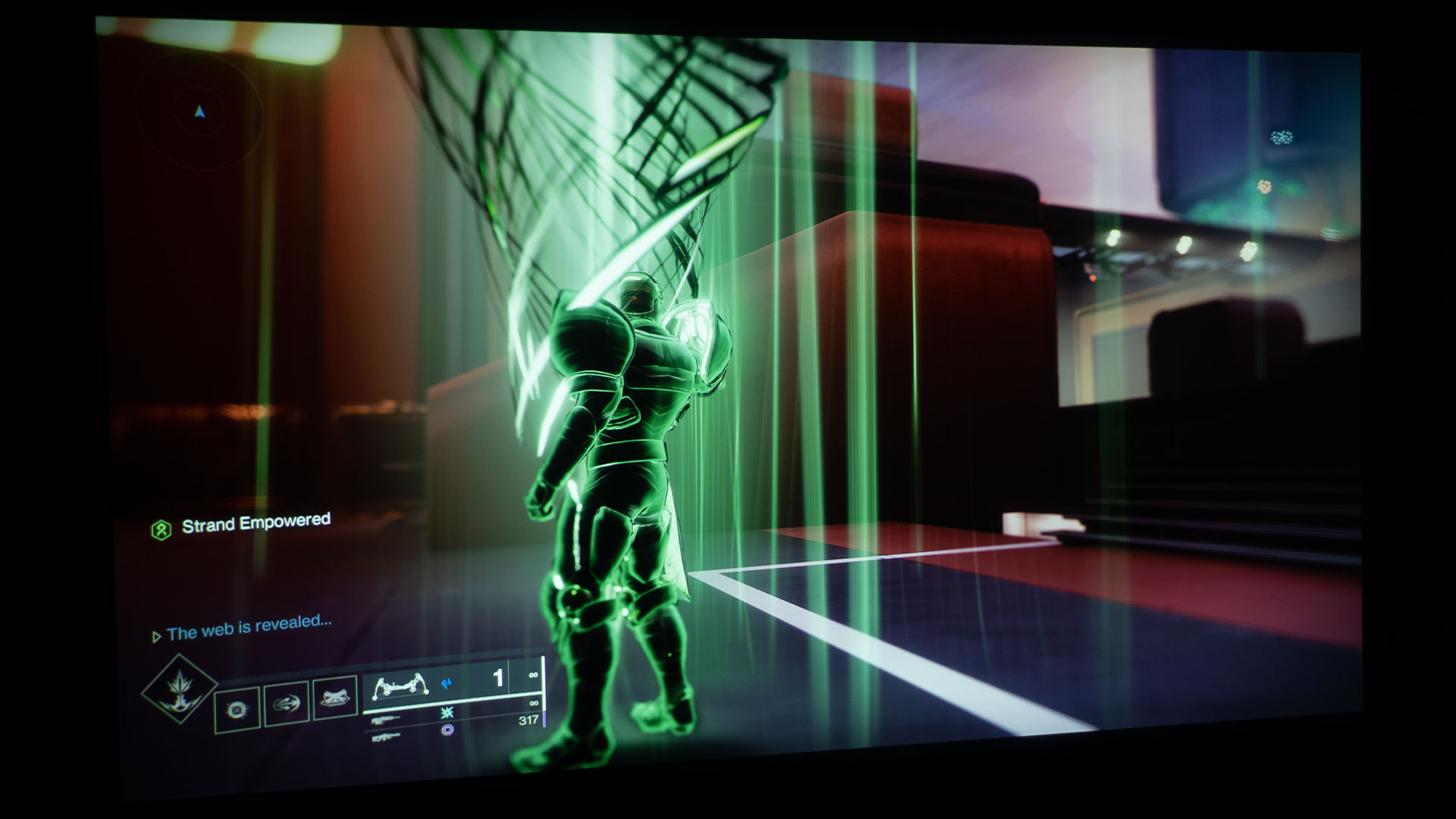
Get ready, Guardians, to unravel the secrets of Destiny 2: Lightfall. This expansion introduces a host of fresh features and gameplay options, including Strand and Loadouts. Strand is a new elemental power added to the already impressive elemental power lineup of Void, Arc, Solar, and Stasis. As with previous additions, Strand promises to provide players with thrilling new abilities and powers to reign supreme on the battlefield. It also provides fresh twists to revolutionize how Guardians approach traversal and combat.
Destiny 2: Lightfall is developed and published by Bungie, Inc. Lightfall was released on February 28, 2023, across multiple platforms, including PlayStation 4 and 5, Windows, Xbox One, and Xbox Series X/S. It’s a first-person shooter/action role-playing game. The game can be played solo, co-op, or competitively.
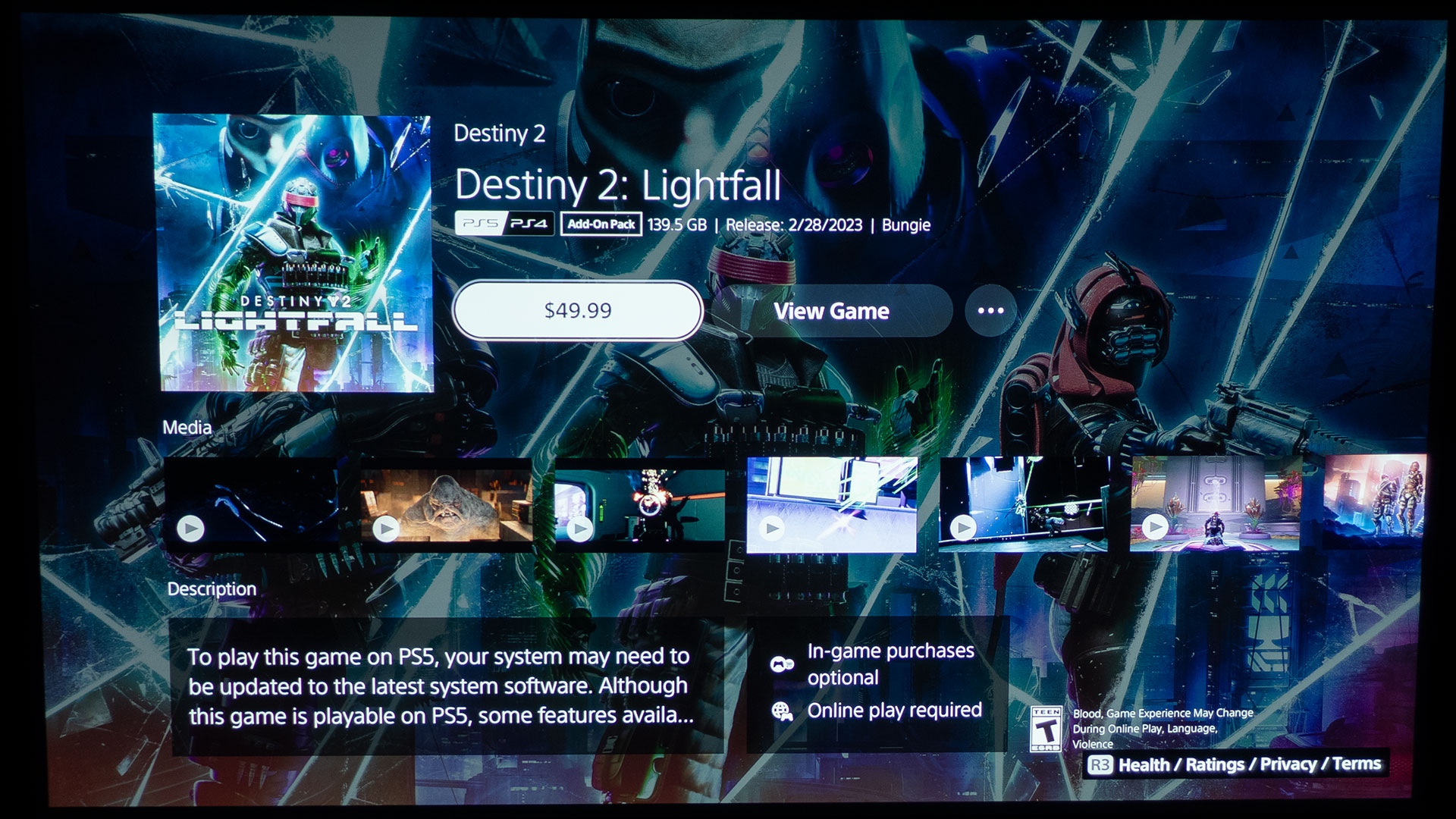
Destiny 2: Lightfall is a paid downloadable content (DLC) with various versions of the expansion available. The standard version costs $49.99 and includes access to Season 20, while the Digital Deluxe Edition will cost you $99.99 and offers the Lightfall Annual Pass, providing access to all four seasons of Year 6 (Seasons 20-23), the Lightfall Dungeon Key, granting access to two dungeons to be released in Seasons 21 and 23, respectively, and additional in-game items.
Lightfall is also known as the Year 6 Expansion because Destiny 2 is in its sixth year of gameplay. It all started with Destiny 2 (2017), then came Destiny 2: Forsaken (Year 2 Expansion / 2018), Destiny 2: Shadowkeep (Year 3 Expansion / 2019), Destiny 2: Beyond Light (Year 4 Expansion / 2020), Destiny 2: The Witch Queen (Year 5 Expansion / 2022), and that brings us to the current expansion; Destiny 2: Lightfall (Year 6 Expansion / 2023).
BenQ sent Projector Reviews demo samples of the TK700 and X3000i console gaming projectors.
BenQ provided Projector Reviews with demo samples of the X3000i and TK700 gaming projectors for our monthly Best Games To Play On A Projector articles. It's worth noting that I spent over 524 hours using the BenQ TK700, with most of that time spent gaming on my PS5. This experience has provided me with valuable insights on gaming with a projector and a large projector screen, and I feel confident in my ability to articulate what it's like.
Destiny 2: Lightfall is a perfect match for the BenQ TK700 gaming projector I used for this article.
For this article on gaming with a projector, I used the BenQ TK700 4K HDR Gaming Projector, connecting it to my PS5 using a 48Gbps HDMI 2.1 cable. The projected image was displayed on a 100-inch (16:9) Elite Screens Aeon Series fixed frame projection screen, equipped with Elite's Edge Free technology and CineWhite UHD-B screen material. The CineWhite UHD-B (Tensioned Matte White) is a front projection screen material with a 1.3 gain and flexible design, certified by ISF for its accurate color reproduction and image fidelity.
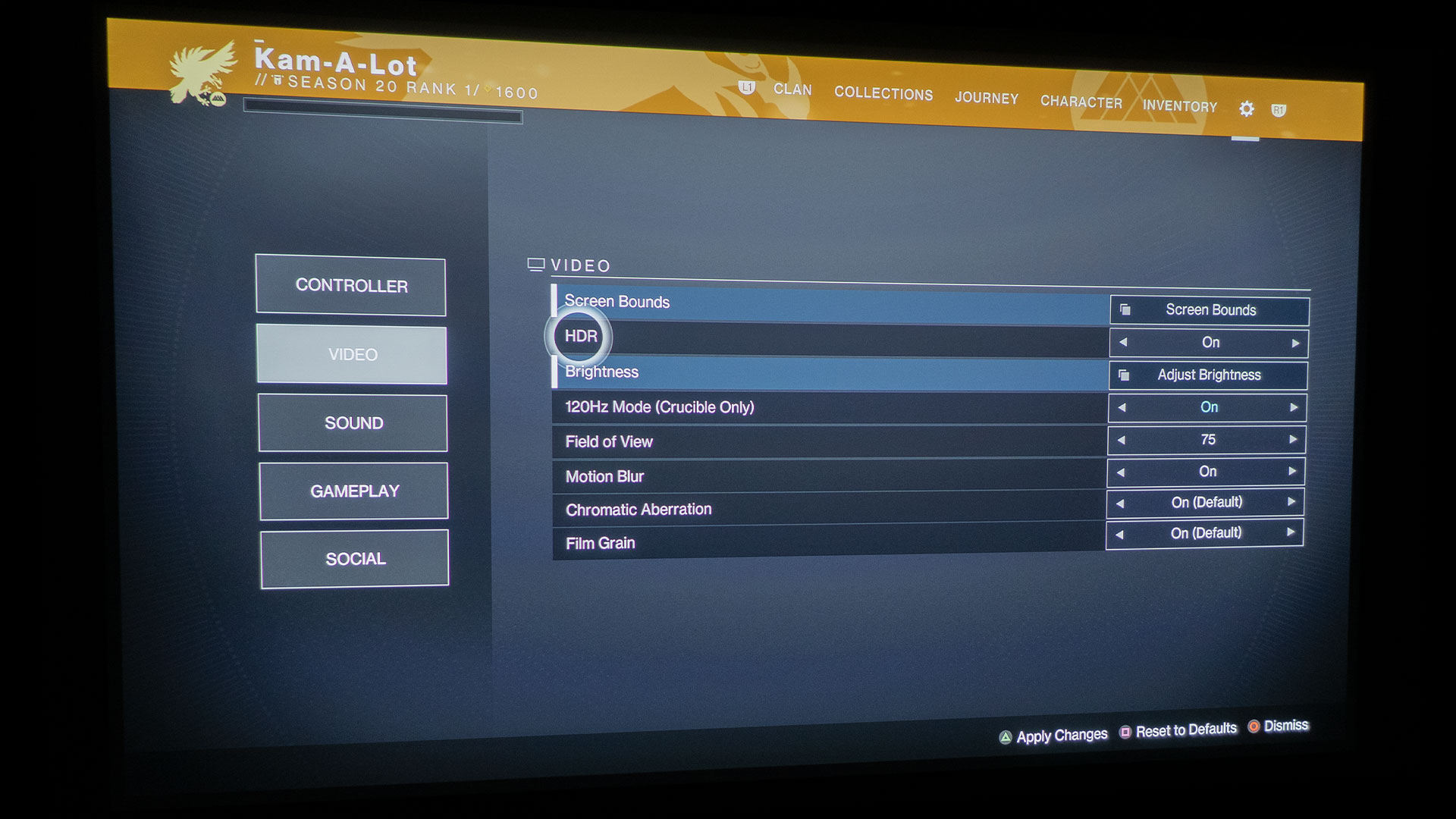
Destiny 2: Lightfall and the BenQ TK700 both had HDR setting options.
Equipped with a picture mode preset called HDR Game mode, the TK700 is optimized for action and fast-paced games such as Destiny 2: Lightfall. This preset includes audio, visual, and optimized latency settings designed to enhance the gaming experience. In addition, the projector's HDR rendering capabilities provided improved color definition, resulting in greater image fidelity.
By switching the TK700's picture mode from HDR10 to HDR Game, you can access the Game Settings menu and toggle the Fast Mode feature on or off. With Fast Mode enabled, the TK700 minimizes the response time between the input source and the displayed image, resulting in a faster, more responsive gaming experience.
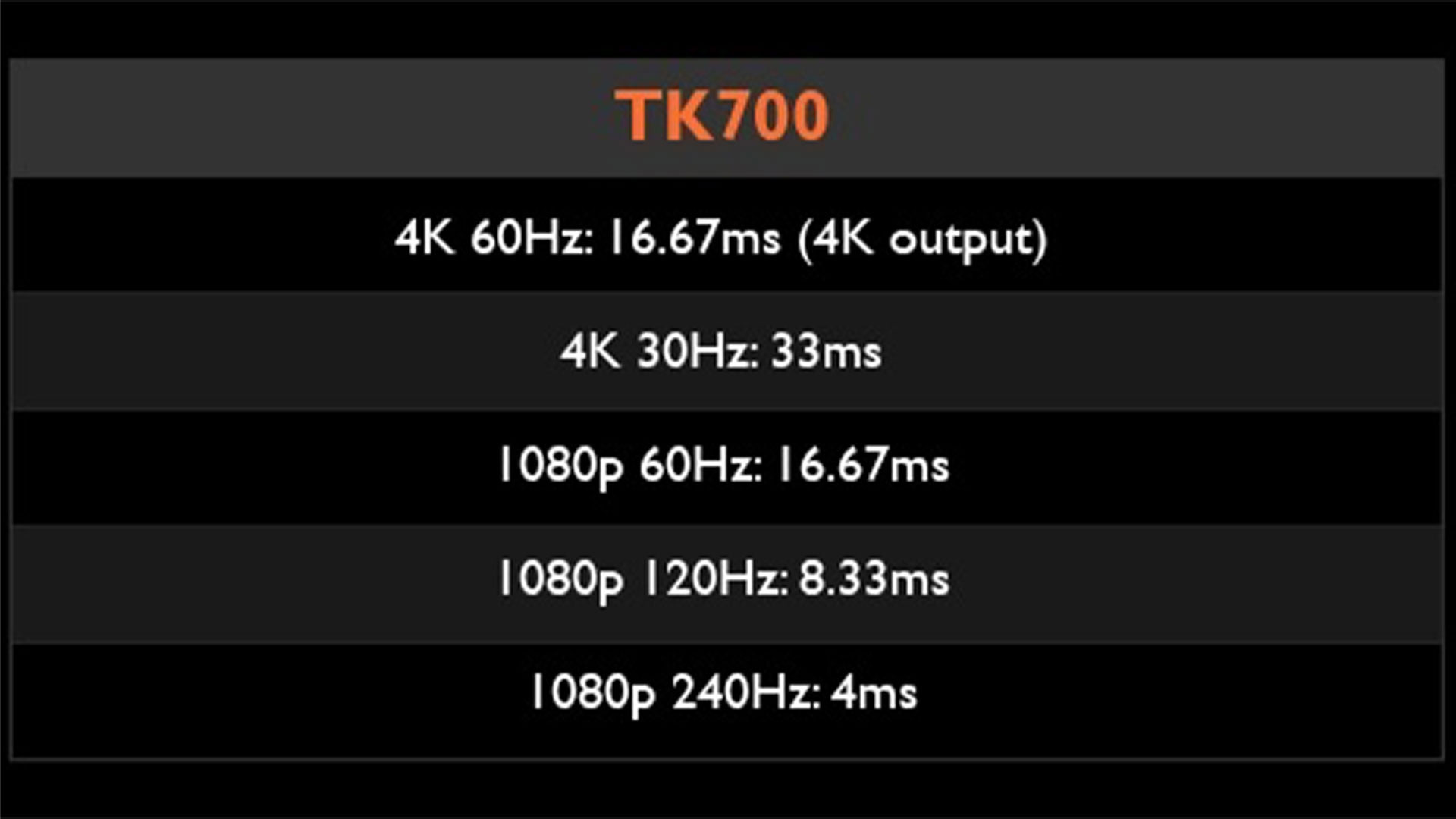
Low input lag ensures that your actions in-game are quickly and accurately translated onto the screen, providing a seamless and immersive gaming experience. For example, the TK700 gaming projector I used boasts an input lag of 4.16ms in 1080p@240Hz, 8ms in 1080p@120Hz, and 16.67ms in 4K@60Hz. This low input lag, coupled with a large projector screen, can give gamers a competitive edge over their adversaries in games like Destiny 2: Lightfall.
Having a quality audio setup or headphones enables you to discern the direction of approaching footsteps with greater accuracy.
Destiny 2: Lightfall delivers on the game audio quality front, as one would expect from Bungie, Inc. The game's audio features realistic weapon shots and explosions. You can even hear the subtle sounds of footsteps. Having a high-quality audio setup is crucial for this game, as directional sound plays a significant role in gameplay.
Some projectors, like the TK700, have enhanced audio capabilities for those who want to improve their audio further. For example, the TK700 has Audio Return+, which includes an HDMI 2 port with eARC, enabling 7.1 channels and Dolby Atmos audio pass-through. This feature transmits the original full-resolution audio signal to the sound system via a single HDMI cable, allowing gamers to take full advantage of the cinematic audio built into modern games.
DESTINY 2: LIGHTFALL GAMEPLAY
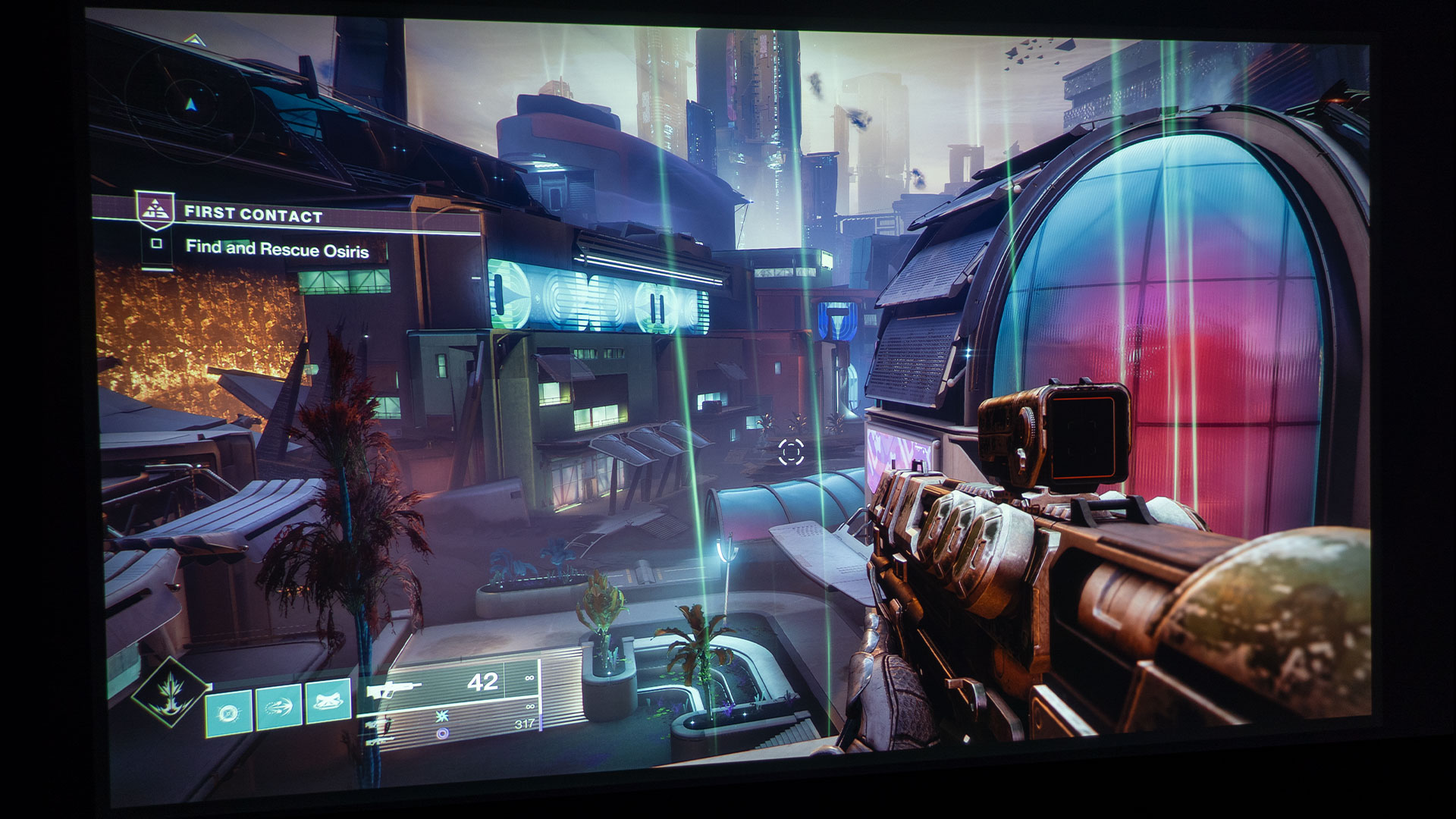
Lightfall is an exciting and ambitious new expansion that marks the second-to-last chapter in Destiny's thrilling Light and Dark saga. In this brand-new campaign, players face off against Calus and the Shadow Legion as they work to liberate the vibrant neon metropolis of Neomuna from their grasp of evil.
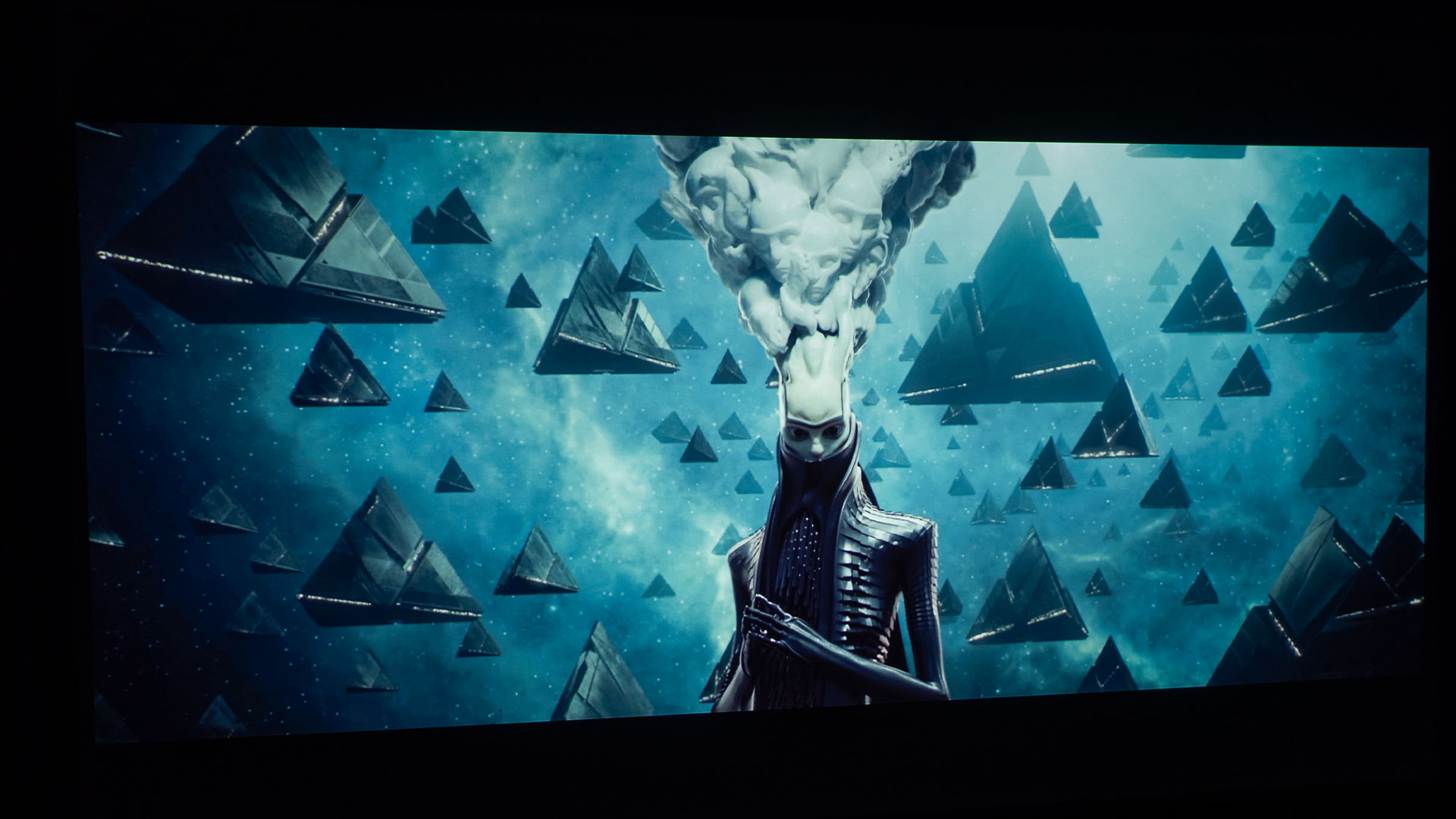
The Witness and his pyramid fleet.
Lightfall begins with a bang as the Witness and his pyramid fleet arrive at Earth in a thrilling opening cinematic that sets the stage for an epic and ominous story. However, despite this impressive introduction, the narrative of the expansion feels largely insignificant, with many important developments left unexplained and thus lacking in impact. As a result, the weight of these events is diminished, and for me, the overall story falls short of its potential.
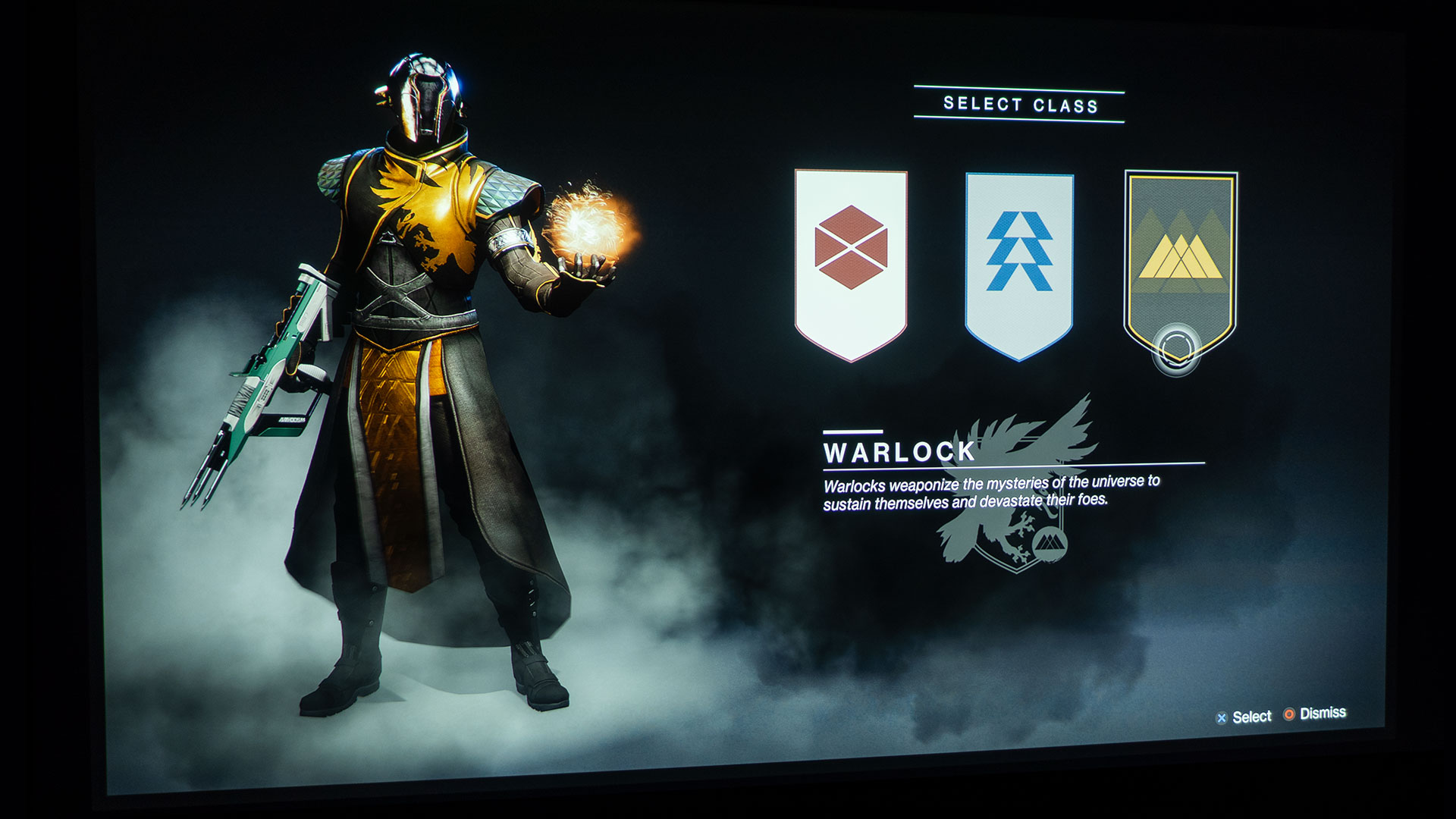
Choose to play as a Titan, Hunter, or Warlock.
While I found the narrative lacking, I found the Guardian classes and gameplay exciting! The gameplay alone was enough excitement to keep me coming back for more and more game time. Regarding Guardians, you can choose a Titan, Hunter, or Warlock. I put in over 12 hours as a Warlock and then switched to a Titan to experience different classes of Guardians.
The missions in Lightfall guide players through the stunningly designed Neomuna, an exquisite neon-lit setting unlike any other encountered in Destiny before. The zone boasts impressive design, with numerous captivating sub-areas to explore and tightly packed enemy encounters to overcome. Neomuna is also where you will find the Strand, so go to Neomuna as soon as possible.
The frenzied gameplay is an absolute thrill, with new challenges and layouts constantly testing players' skills and strategies. Overall, I found that Neomuna is an incredibly enjoyable location that adds an exciting and unique element to the game.
Target acquisition and quick reactions are essential to success in almost every aspect of Destiny 2: Lightfall, making it an intense test of players' reflexes. To achieve victory, a low input lag system is crucial; there's no way around it. I played 4K@60Hz and enjoyed the BenQ’s 16.67ms input lag. Pulling the trigger on my PS5 controller and seeing the corresponding action on screen was so fast that I never had to worry about being outgunned when caught off guard.
As soon as I recognized a threat, I was able to react quickly and decisively, immediately taking down my target. Without a low input lag projector, monitor, or TV, it is unlikely that players will survive long or even have fun with the intense gameplay of Destiny 2: Lightfall.
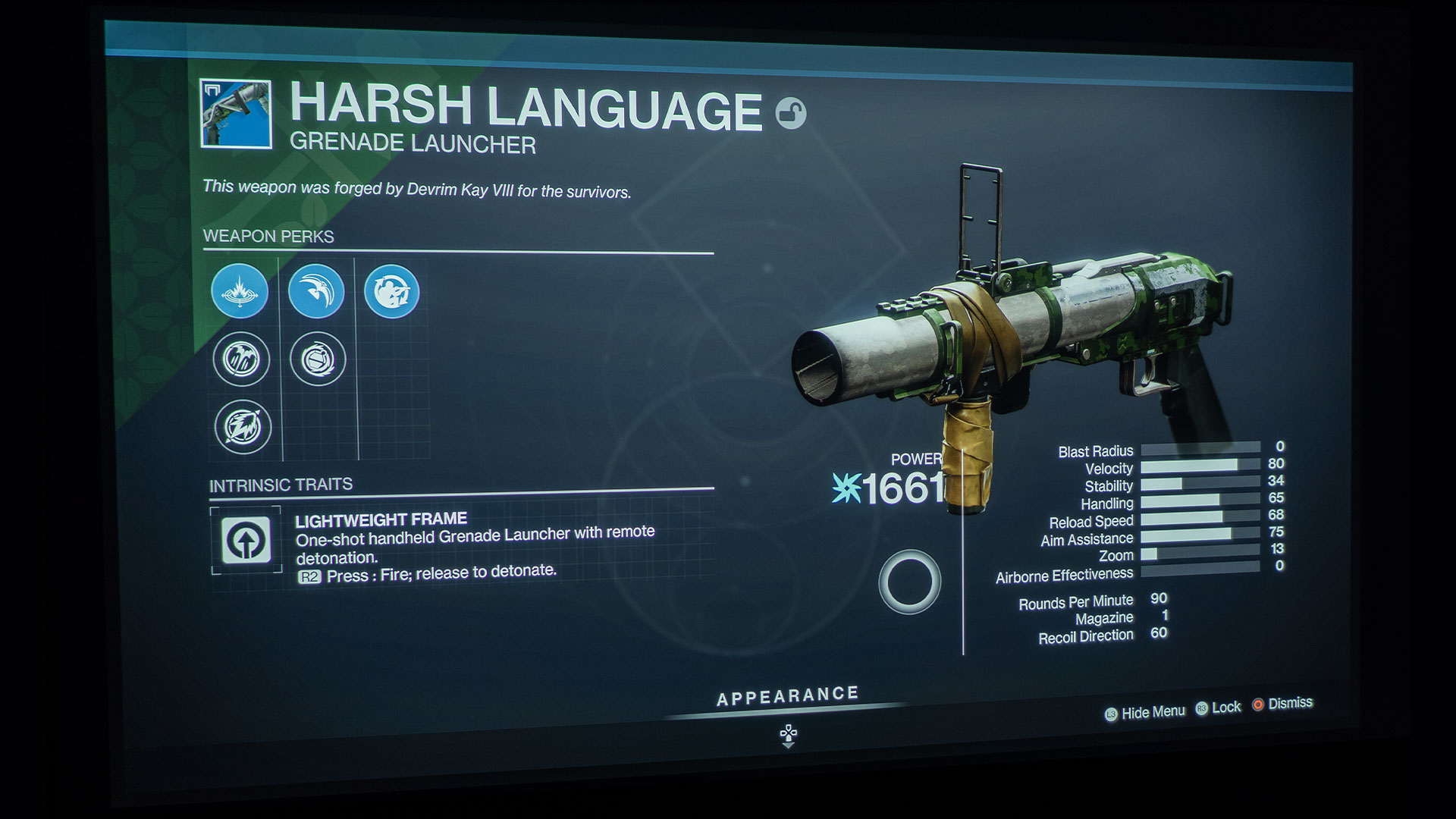
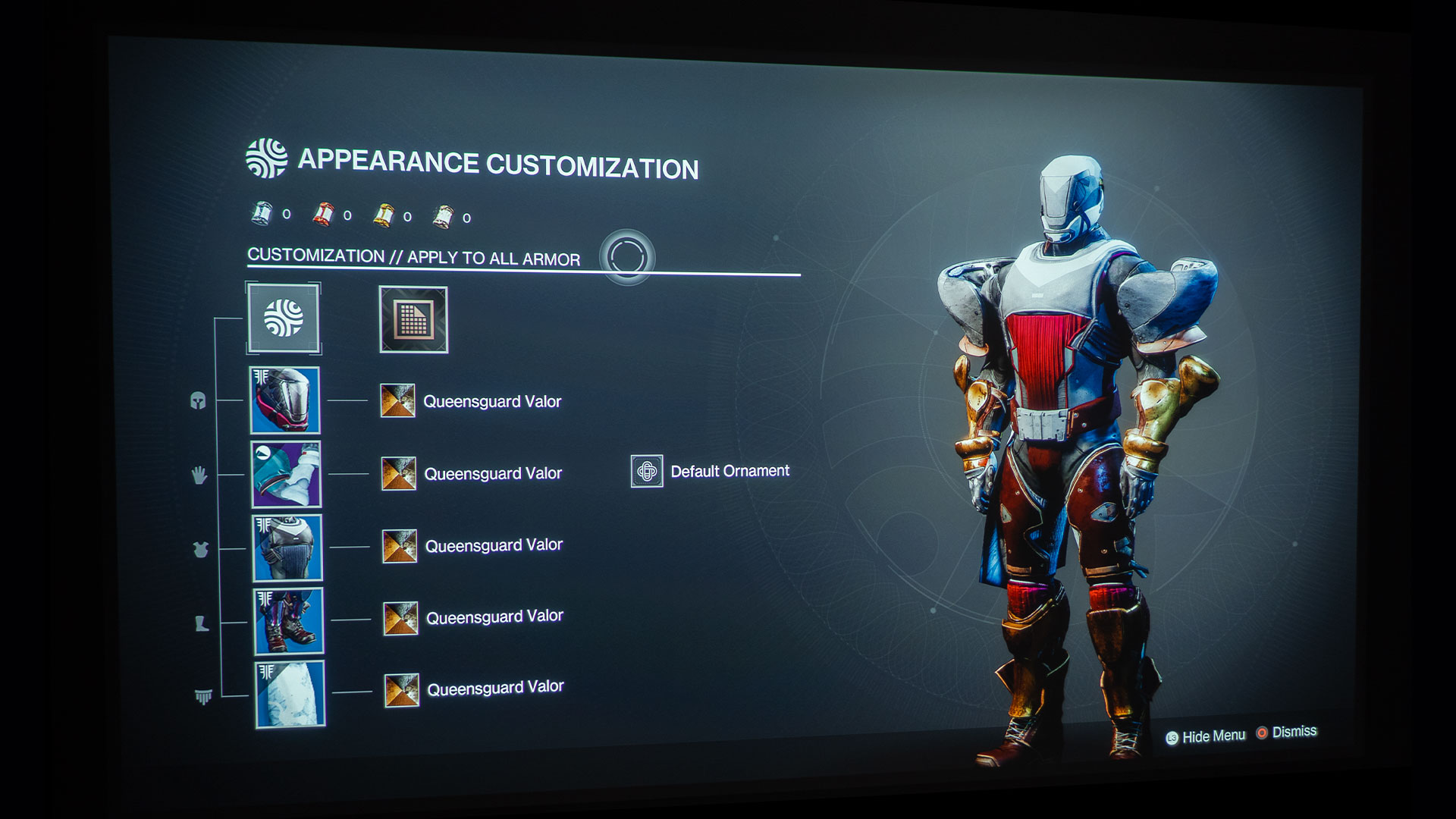
You have countless Kinetic, Energy, and Power weapons to utilize as you play Lighgtfall. From submachine guns to linear fusion rifles and from swords to grenade launchers, there’s a little something for every gamer’s play style. Also, If you don’t like the way the weapon looks, no problem, go into Weapon Cosmetics and change the way the weapon looks.
You can do the same for your Guardian’s armor; change it if you don’t like it. Almost everything is customizable in Lightfall. Your Ghost, vehicles, and airships…it’s all customizable. What is a “Ghost” in Destiny 2, you ask? A Ghost is a small artificial intelligence companion that assists your Guardian in various ways, such as providing information about the game world, reviving players when they die, and detecting resources and treasures. The Ghosts are an essential part of the game's lore.
As you progress through the game and rank up, you can earn powerful upgrades, weapons, and armor. However, it’s important not to get too attached to any particular item, as there's always something better waiting around the corner.
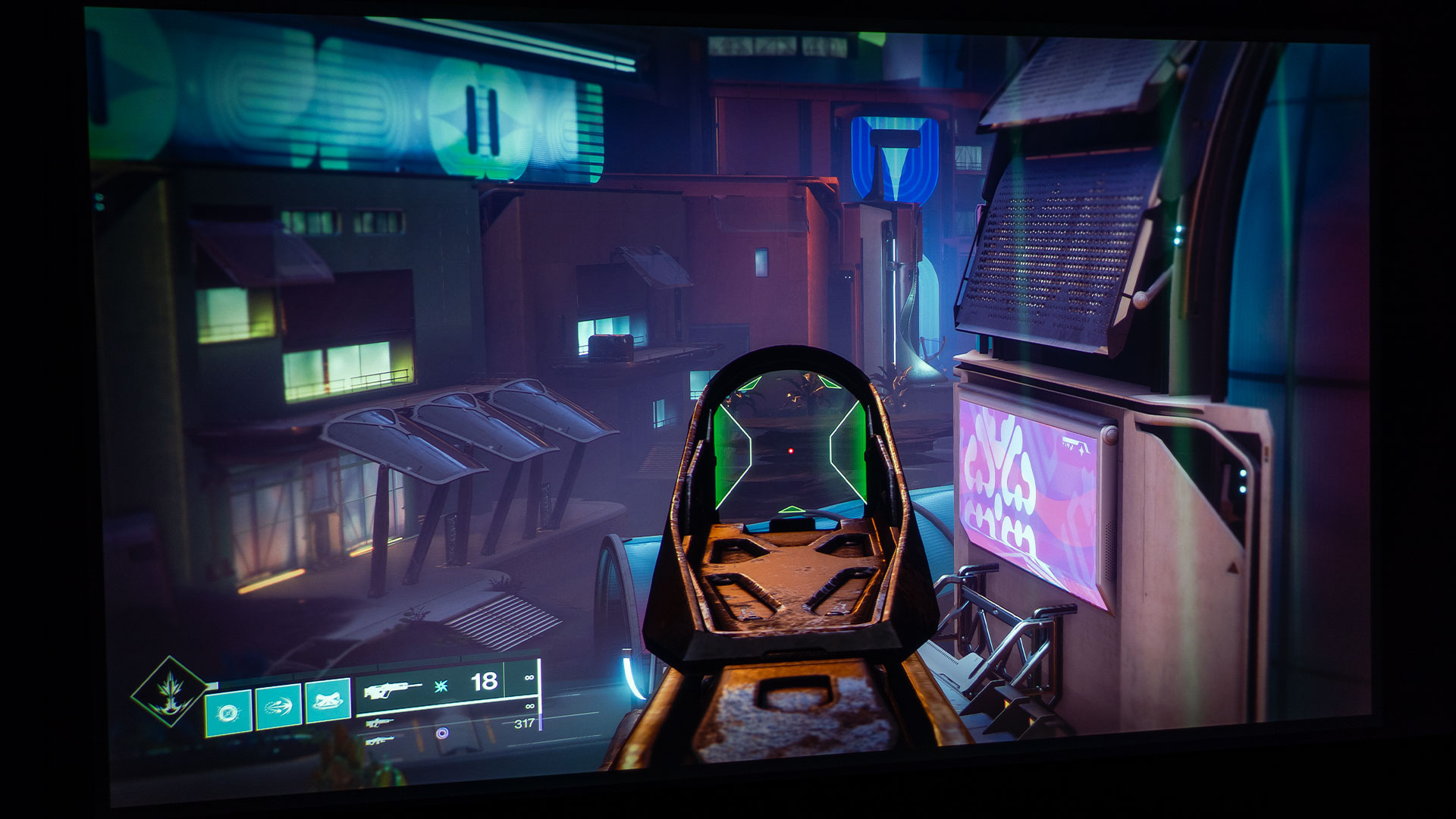
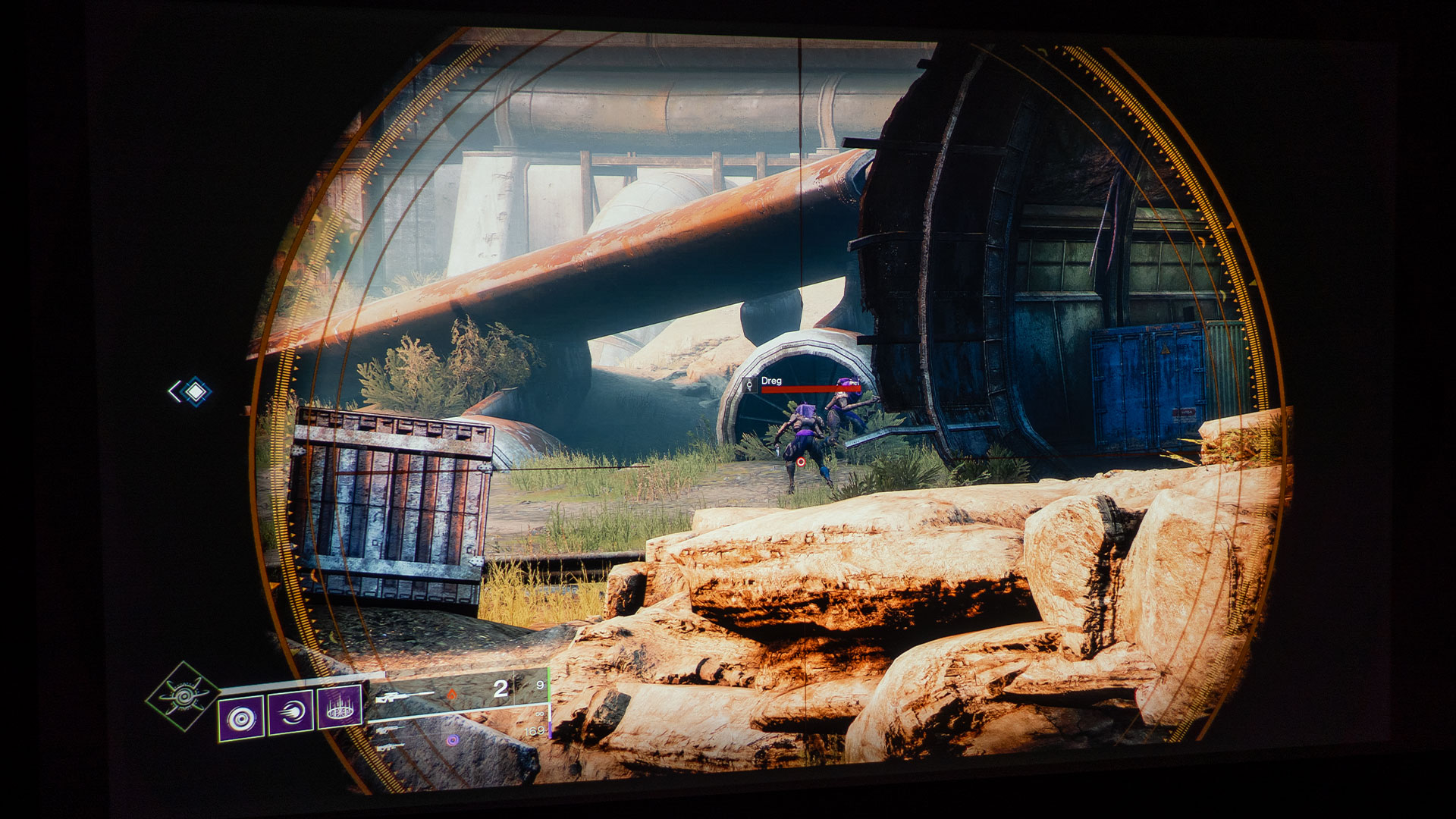
The reticle on my sniper rifle scope was an impressive 49 inches!
A key aspect of Destiny 2: Lightfall is the ability to quickly identify and target your enemies while using the environment for cover and concealment. The clearer and more visible your enemies and surroundings are, the easier it is to take effective action. If this sounds appealing to you, then playing Destiny 2: Lightfall on a gaming projector with a large projector screen is a perfect choice.
With this setup, you can enjoy gaming with family and friends. You’ll be gaming; they will watch as if it’s a big-screen movie. They can all gather around and call out enemies and suggest tactics and watch it all play out in front of them as you play. The gaming experience with a gaming projector and a large projector screen is one of the best upgrades to almost any gaming setup.
Before I go, I want to share this thought with you. I believe that playing Destiny 2: Lightfall on a gaming projector with a large projector screen is the ultimate gaming experience. The game's campaign, first-person shooter perspective, and thrilling combat make players feel like they're a part of the game world. In addition, the seamless integration of Destiny 2: Lightfall, the gaming projector, and the large projector screen enhances the experience even further, creating a fully immersive and captivating gameplay experience.
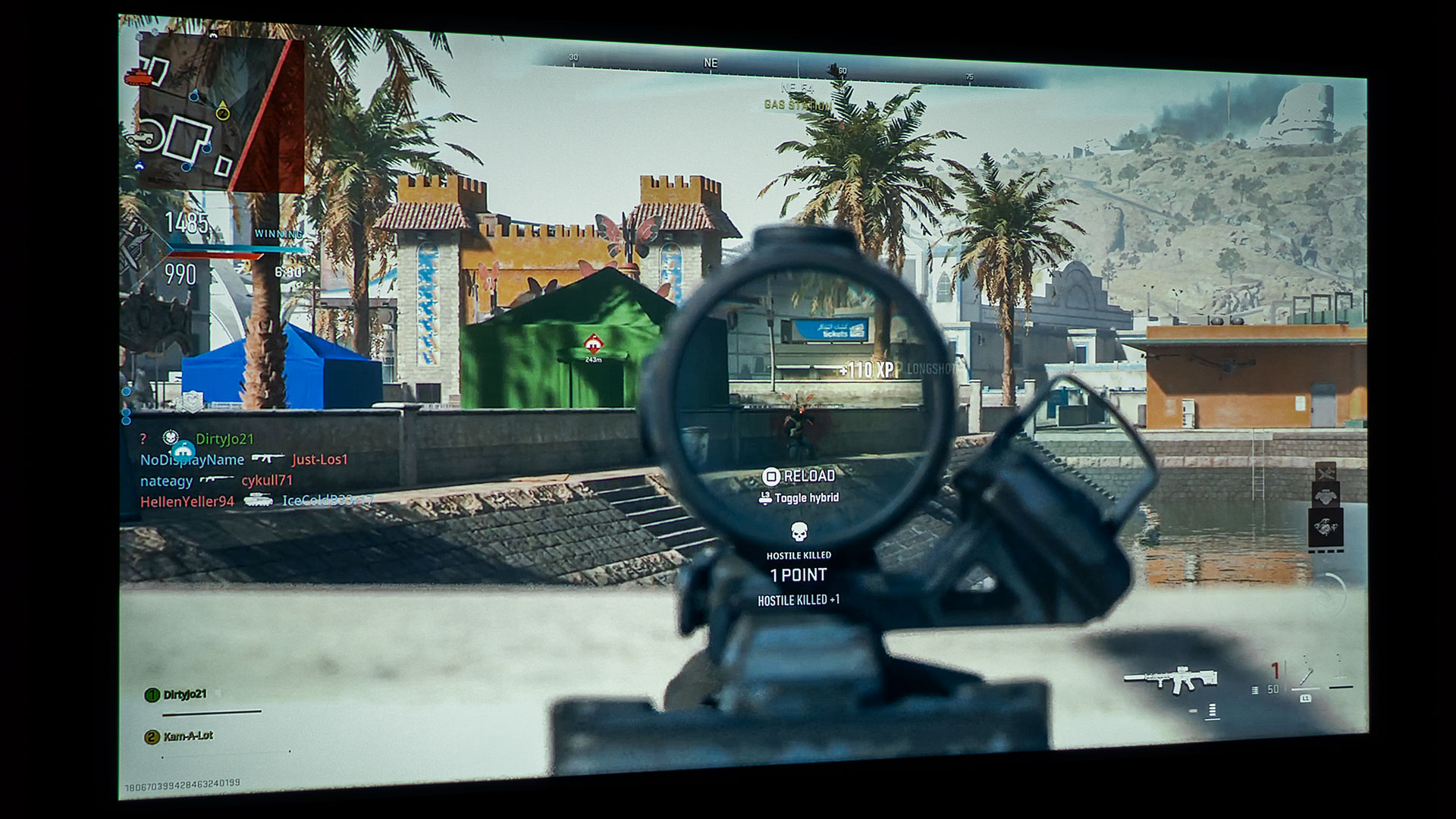
We've already explored some fantastic games like Hogwarts Legacy, Forspoken and Call of Duty: Modern Warfare II. Thanks to your unwavering support and interest, we're excited to test more games on a gaming projector. In the coming months, we'll be reviewing titles like Star Wars Jedi: Survivor, Dead Island 2, Horizon Call of the Mountain, and Resident Evil 4 Remake. So please keep checking back for our latest gaming on a projector articles.
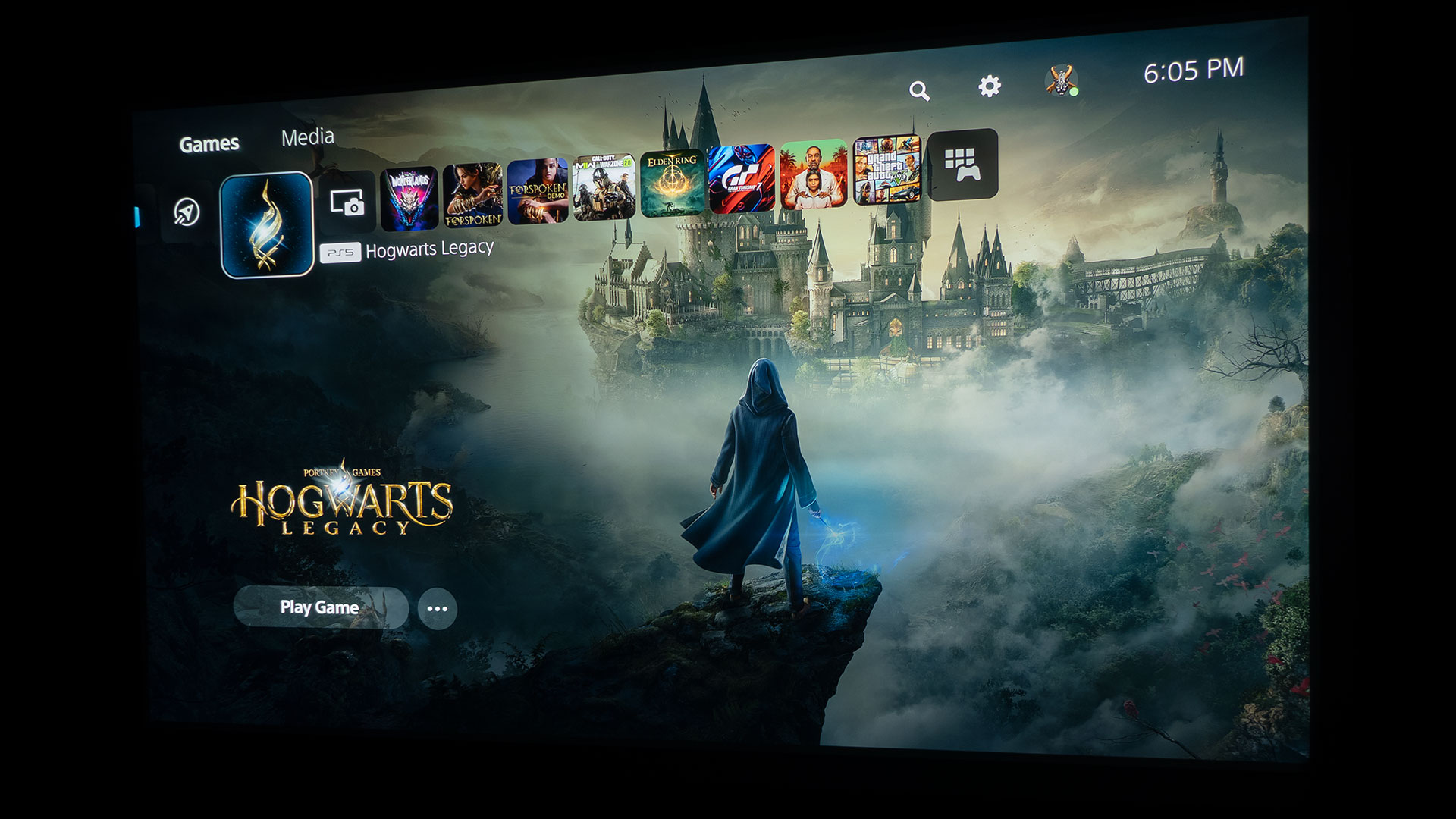
Finally, a real Harry Potter video game I can get into.
Call of Duty: Modern Warfare II is one of my favorite games to play on a projector, but Harry Potter fans and those who are soon-to-be fans rejoice. Let me start by saying that playing Hogwarts Legacy with a projector and an enormous projector screen is nothing short of magical; see what I did there.
Hogwarts Legacy is an open-world action Role-Playing Game (RPG) set in the wizarding world of the Harry Potter franchise. The game takes place in the late 1800s, long before the events of the original Harry Potter books and films. Players create their own character and attend Hogwarts School of Witchcraft and Wizardry, where they can explore the castle, learn magic, and discover secrets about the wizarding world. The game features an original story with multiple endings based on the choices made by the player.
Hogwarts Legacy is developed by Avalanche Software. The game is published by Warner Bros. Games under the Portkey Games label. Hogwarts Legacy was released for PS5, Xbox Series X/S, and Windows PC on February 10, 2023. PS4 and Xbox One users will be able to play Hogwarts Legacy on April 4, 2023. Lastly, on July 25, 2023, Hogwarts Legacy will be released for Nintendo Switch players.
I paid $79.99 for a pre-release digital copy of Hogwarts Legacy so I could provide my gameplay with a projector feedback without having to wait for the February 10, 2023 release date.
For PS5, Hogwarts Legacy – Digital Standard Edition can be purchased for $69.99 and includes the base game. Hogwarts Legacy – Digital Deluxe Edition can be had for $79.99 and consists of the base game, Dark Arts Garrison Hat, and the Dark Arts Pack. I paid $79.99 for a pre-release digital copy of Hogwarts Legacy so I could provide my gameplay with a projector feedback without having to wait for the February 10, 2023 release date.
PROJECTOR UTILIZED – BENQ X3000i
BenQ loaned Projector Reviews a demo sample of the X3000i gaming projector.
BenQ loaned Projector Reviews demo samples of their X3000i and TK700 gaming projectors to write our monthly “Best Games To Play On A Projector In 2023” articles. Keep in mind that I have over 495 hours of use with the BenQ X3000i, most of it gaming with my PS5. I feel as if I’m in a really good position to articulate what it’s like to game with a gaming projector and a big projector screen.
I decided to pair Hogwarts Legacy with the BenQ X3000i gaming projector for this article due to the X3000i’s RPG game mode, which matches up perfectly with an RPG like Hogwarts Legacy and its magical open world. The BenQ X3000i retails for $1,999 and is a 4K HDR 4LED gaming projector with 3000 ANSI lumens and dual integrated 5-watt chamber speakers.
BenQ states the X3000i was designed for use with PS5, PS4, Xbox Series X, Xbox Series S, and Nintendo Switch. BenQ also says the X3000i 4K 4LED gaming projector is designed for cinematic immersion in gameplay with 4LED HDR-PRO™, for grand scenery in authentic colors with dynamic virtual 3D sound from various directions.
For this article, I connected my PS5 to the BenQ X3000i via a 48Gbps HDMI 2.1 cable. I then projected it onto a 100-inch (16:9) Elite Screens Aeon fixed frame projection screen with Elite’s Edge Free® technology and Elite’s CineWhite® UHD-B screen material. The CineWhite® UHD-B (Tensioned Matte White) is a 1.3 gain flexible front projection screen material that is ISF certified for achieving accurate color reproduction and image fidelity. BenQ proudly boasts the X3000i’s ability to reproduce authentic colors in games utilizing BenQ’s CinematicColor™ technology, so the BenQ X3000i paired with an ISF-certified screen made sense for this gaming article.
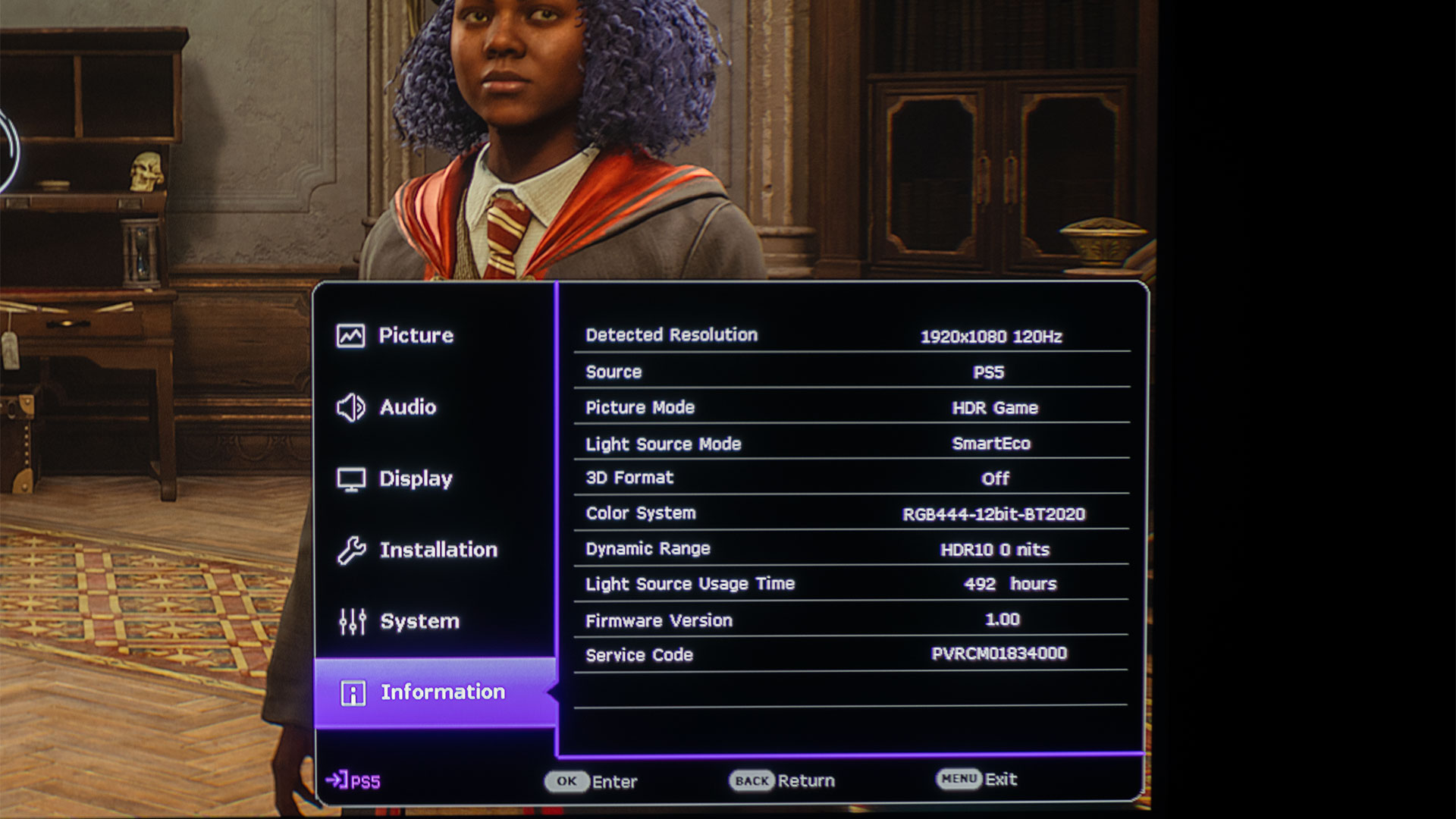
Gaming at 120Hz (1920×1080) with HDR Game Mode on a big screen with Raytracing turned on (Hogwarts Legacy settings menu) was a great immersive experience.
The X3000i features a brightness of 3,000 ANSI lumens, making it suitable for use even when you have some uncontrolled ambient light sneaking into the environment. The X3000i provides clear and detailed images. The XPR Technology in the X3000i allows it to display a 4K image. BenQ states that “XPR Technology achieves true 4K by producing 8.3 million distinct pixels regardless of the DMD chip’s number of native pixels. XPR quadruples the 0.47-inch DMD chip’s native 1920×1080 pixels to generate true 4K, 8.3 million pixels with lightning-fast pixel shifting speed.” Projector Reviews has a Glossary for additional details on 4K DLP with XPR Technology, be sure to check it out. Additionally, the projector is equipped with various connectivity options such as HDMI, USB, and VGA, allowing you to connect it to your devices and sources easily.
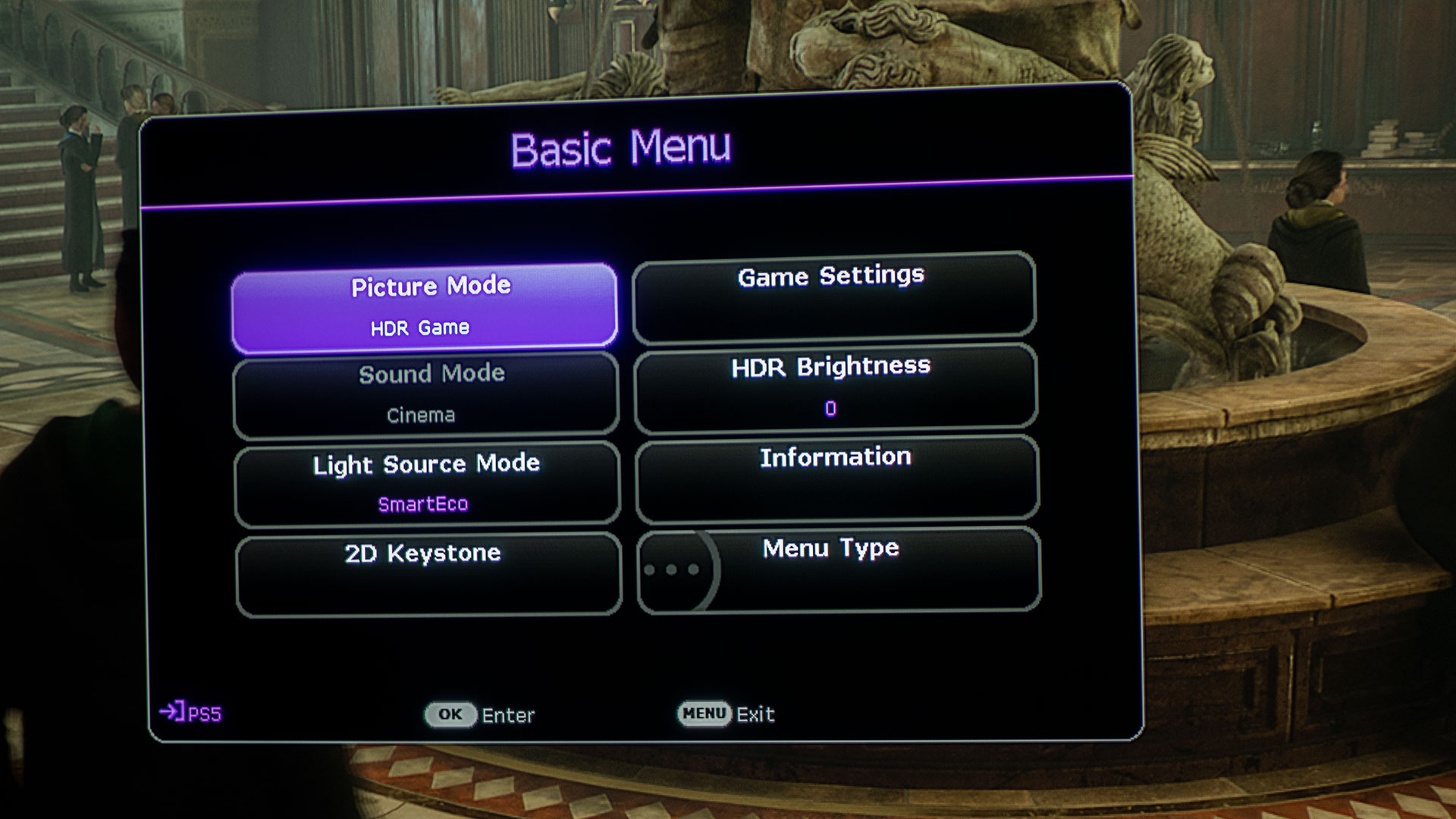
The X3000i also has additional specifications that make it a great gaming projector for a magical open-world RPG like Hogwarts Legacy. For instance, the X3000i has dedicated game modes for FPS, RPG, and SPG modes with audio, visual, and optimized latency settings for action-adventure games like Hogwarts Legacy. Changing the X3000i’s Picture Mode from HDR10 to HDR Game gives you access to the projector’s Game Settings, where you can toggle Fast ModeOn or Off. With Fast Mode turned to the On position, the X3000i minimizes the response time between the input source and the displayed image. I, of course, played Hogwarts Legacy with Fast Mode set to On for rapid magical spell bursts. BenQ states the X3000i has 4K graphics with 16.67ms input lag at 60Hz. Switching from 4K to Full HD (1080p) drops the input lag to a blazing fast 4.16ms (1080p@240Hz) and 8.3ms (1080p@120Hz).
HOGWARTS LEGACY ON A PROJECTOR GAMEPLAY
As I briefly mentioned, Hogwarts Legacy takes place in the late 1800s, before the events of the books and films. The player creates a character (Witch or Wizard) who attends Hogwarts School of Witchcraft and Wizardry. As the story progresses, they discover dark secrets and powerful magic threatening to tear the wizarding world apart. The plot revolves around the player’s journey to become a powerful wizard while navigating the dangers and mysteries of Hogwarts and its surrounding areas.
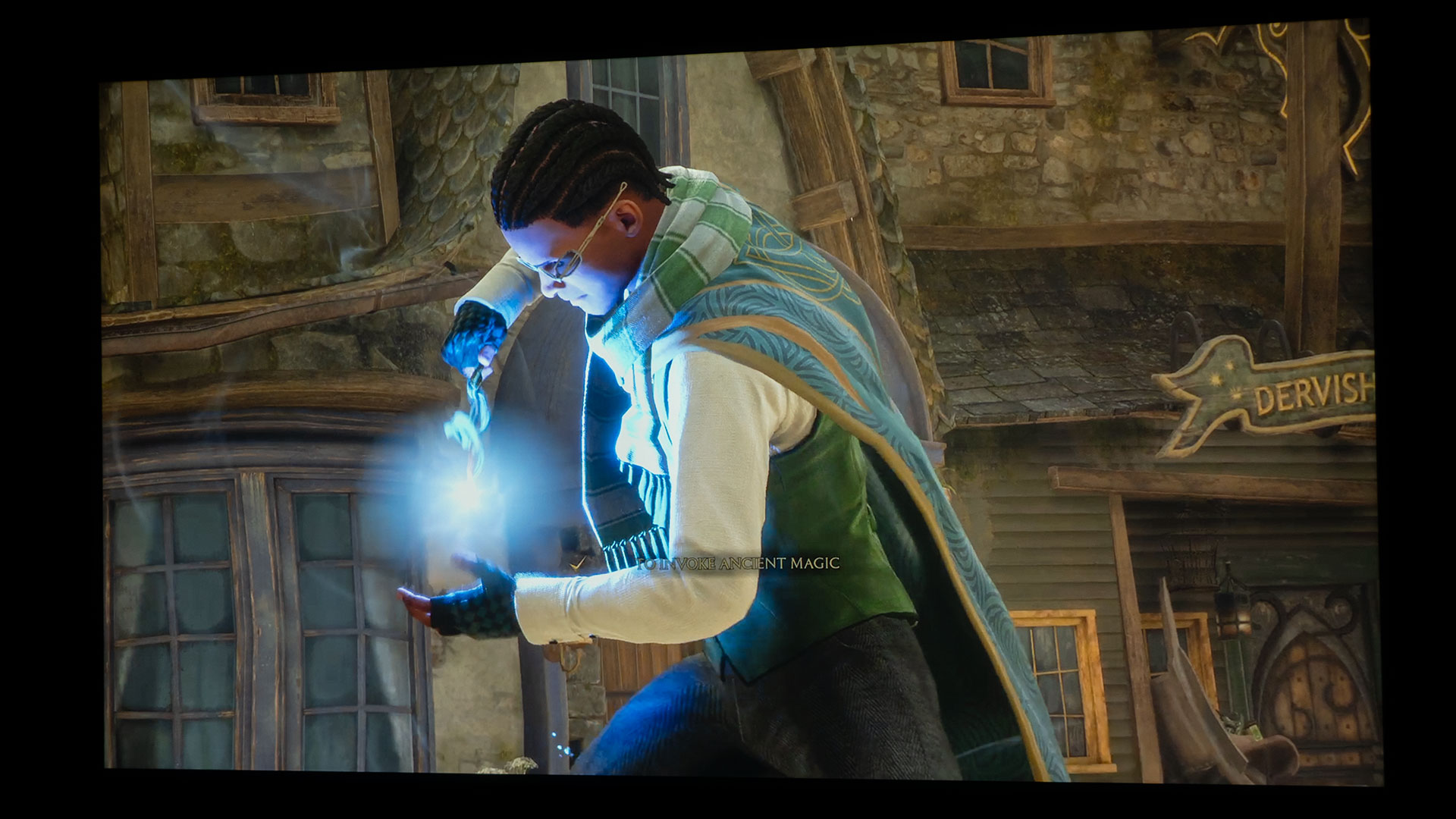
I had quite the time fending off my children as I played Hogwarts Legacy. More times than not, they would already be gaming in my projector lab before I could jump onto Hogwarts Legacy for this article. In fact, most of the photos I took for this article are a combination of my gameplay and my children’s gameplay; that’s why you see pictures of three different Hogwarts Legacy characters from other Hogwarts houses. In Hogwarts Legacy, students are sorted into their Hogwarts houses based on their personality traits and values. The house they belong to can be an essential part of their identity and sense of belonging at Hogwarts School of Witchcraft and Wizardry. The four Hogwarts houses are as follows. Gryffindor: known for its bravery, courage, chivalry, and nerve. Gryffindors are often depicted as heroes and defenders of what is right and just. Hufflepuff: known for its loyalty, patience, fairness, and hard work. Hufflepuffs are often portrayed as kind, friendly, and humble individuals. Ravenclaw: known for its intelligence, wisdom, creativity, and wit. Ravenclaws are often depicted as intellectual and independent thinkers with a love for learning and knowledge. Slytherin: known for its ambition, cunning, resourcefulness, and determination. Slytherins are often portrayed as shrewd and calculating individuals with a desire for success and power.
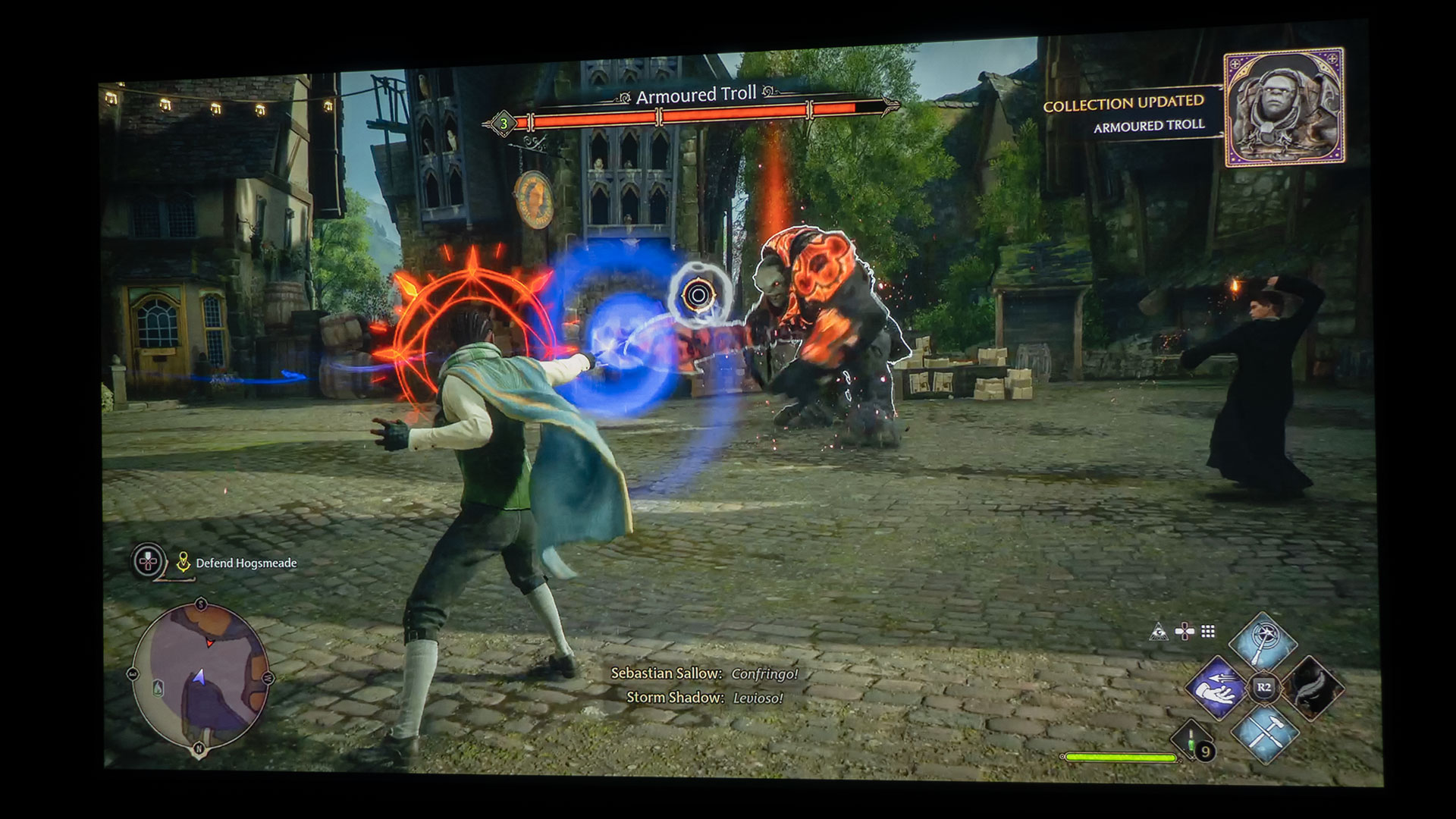
Armored trolls were not a problem for my wizard.
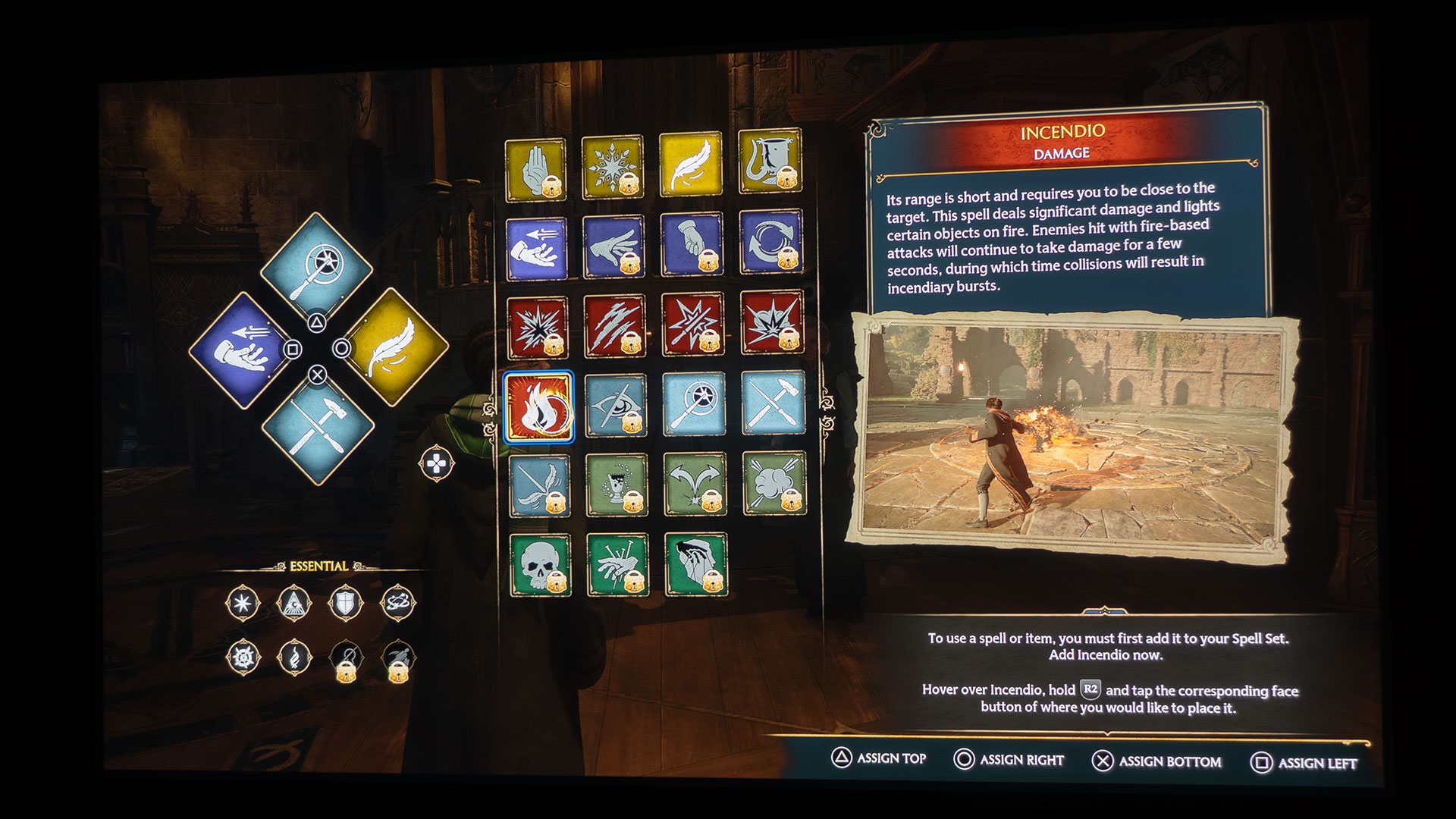
In Hogwarts Legacy, players can use various magical spells and abilities, including those related to combat, exploration, and puzzle-solving. Some of the spells and abilities include offensive spells like “Incendio” and “Expelliarmus,” defensive spells like “Protego,” exploration spells like “Lumos” and “Repairo,” and abilities related to potion-making, broomstick flying, and magical creature taming. In addition, Hogwarts Legacy allows players to customize their character’s abilities by choosing a magical discipline to specialize in, such as charms, potions, or transfiguration, which will influence the types of spells and abilities available to them. Hogwarts Legacy’s magic-centric combat is exhilarating. The customizable arsenal of spells will keep you returning for more game time.
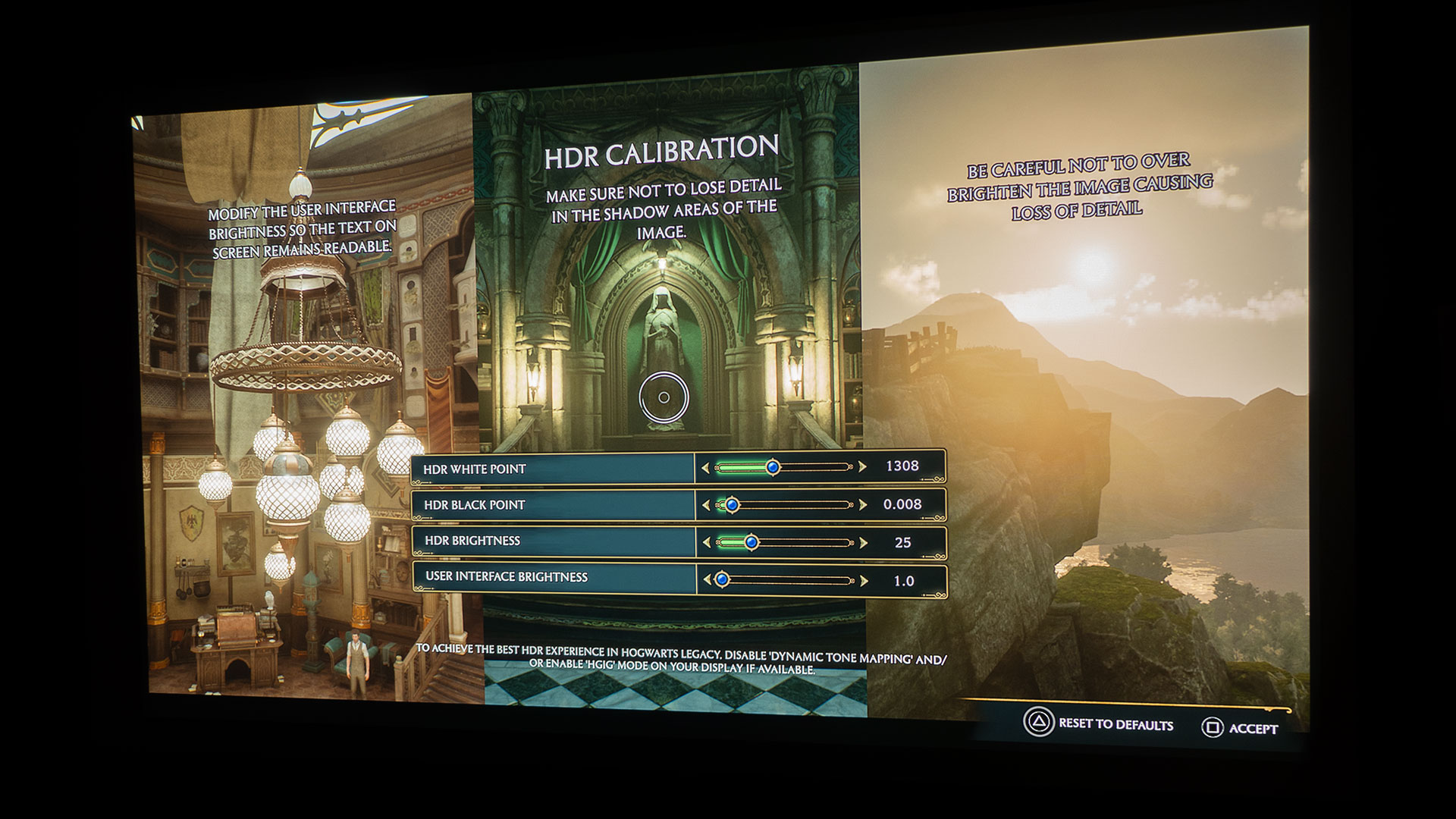
Hogwarts Legacy is a game with enhanced graphics and an HDR Calibration menu.
Hogwarts Legacy supports HDR (High Dynamic Range) on compatible devices. HDR is a technology that allows for a wider range of colors and brightness levels in games and other forms of media, resulting in a more vibrant and lifelike image. However, it’s worth noting that the availability of HDR support may depend on the specific platform and display device used to play the game. Having a projector with an HDR game mode like the X3000i is extremely helpful because it allows you to take advantage of these new games with enhanced graphics.
The inclusion of HDR support in games means you see everything in the bright and dark areas alike. As you have heard me repeat time after time, you won’t get very far in any video game if you can’t accurately see what’s happening around your character during dark and bright scenes. Since I was using a BenQ X3000i paired with a 100-inch screen, I had no problems navigating Hogwarts Legacy’s beautifully designed landscape and spotting danger.
I played Hogwarts Legacy in Full HD (1080p) @ 120Hz. This resolution is roughly twice the resolution of standard definition (SD) projectors and offers a more detailed and sharper image with better color and contrast than lower-resolution projectors. The increased pixel density results in a sharper and more detailed image, with finer details and textures that are more visible, all of which were great for a game like Hogwarts Legacy. I appreciated the BenQ X3000i’s low 8.3ms input lag while gaming in 1080p@120Hz. The X3000i’s low input lag rivals many flat-panel TVs, ensuring that gameplay will be responsive enough for most gamers and far exceeds the needs of a casual gamer.
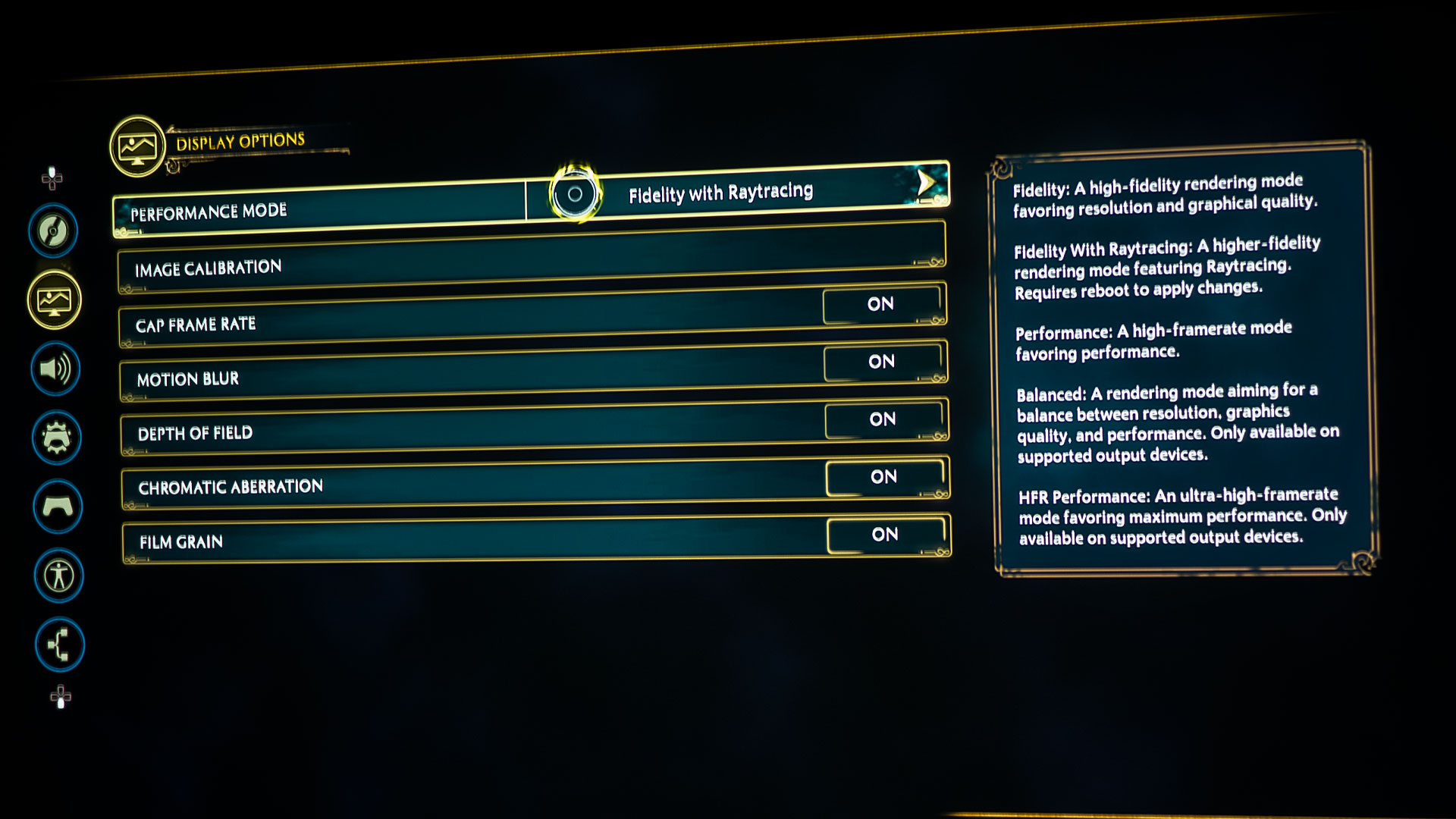
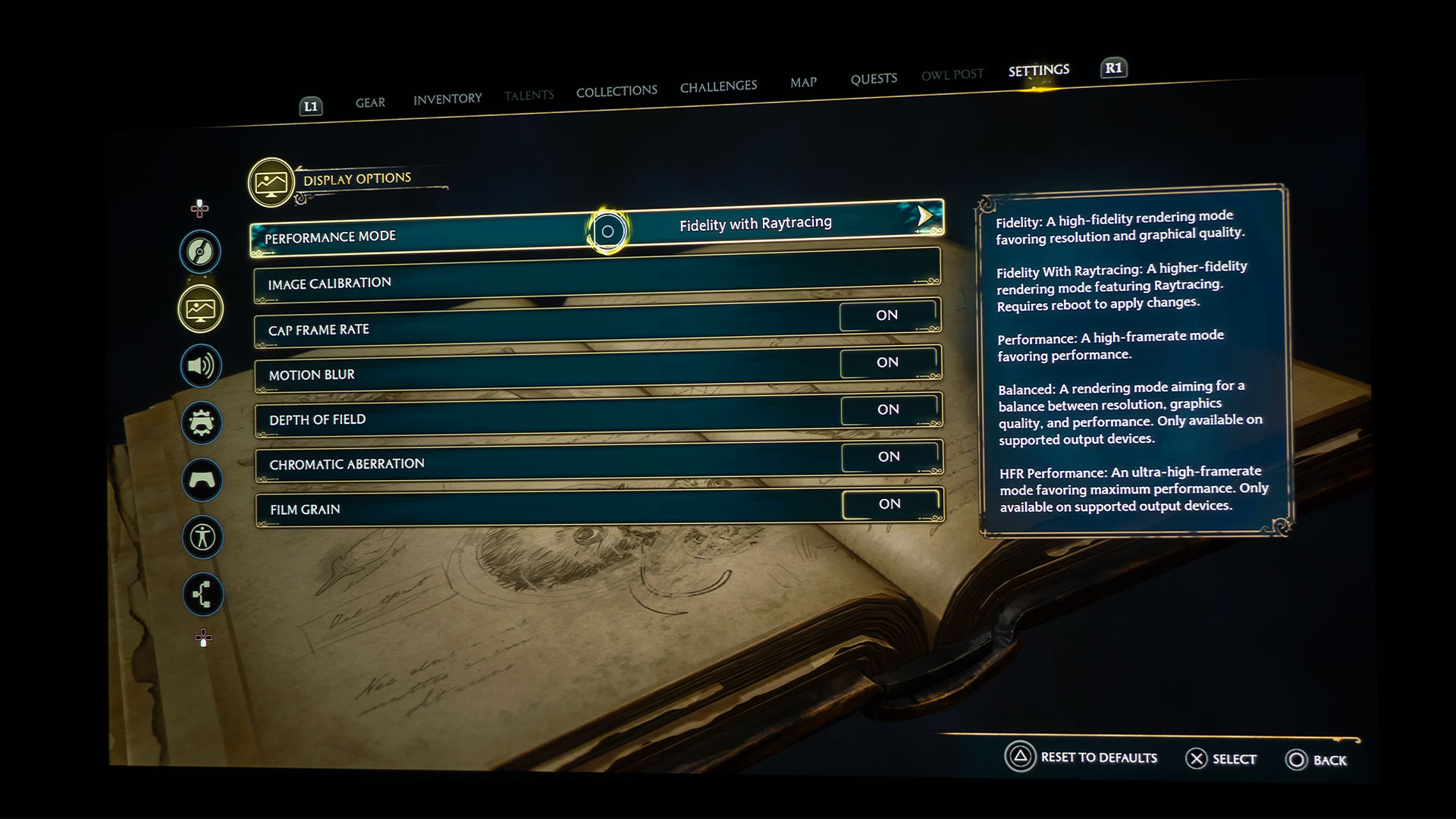
I’d also suggest opting for Fidelity over Performance in Hogwarts Legacy – if your gaming setup supports it, I suggest Fidelity with Raytracing, which is exactly how I played the game. Fidelity with Raytracing is the third option on top of the traditional main two modes. This allows you to get the best visual experience from the game. Performance mode lowers the graphical quality to hit higher frame rates.
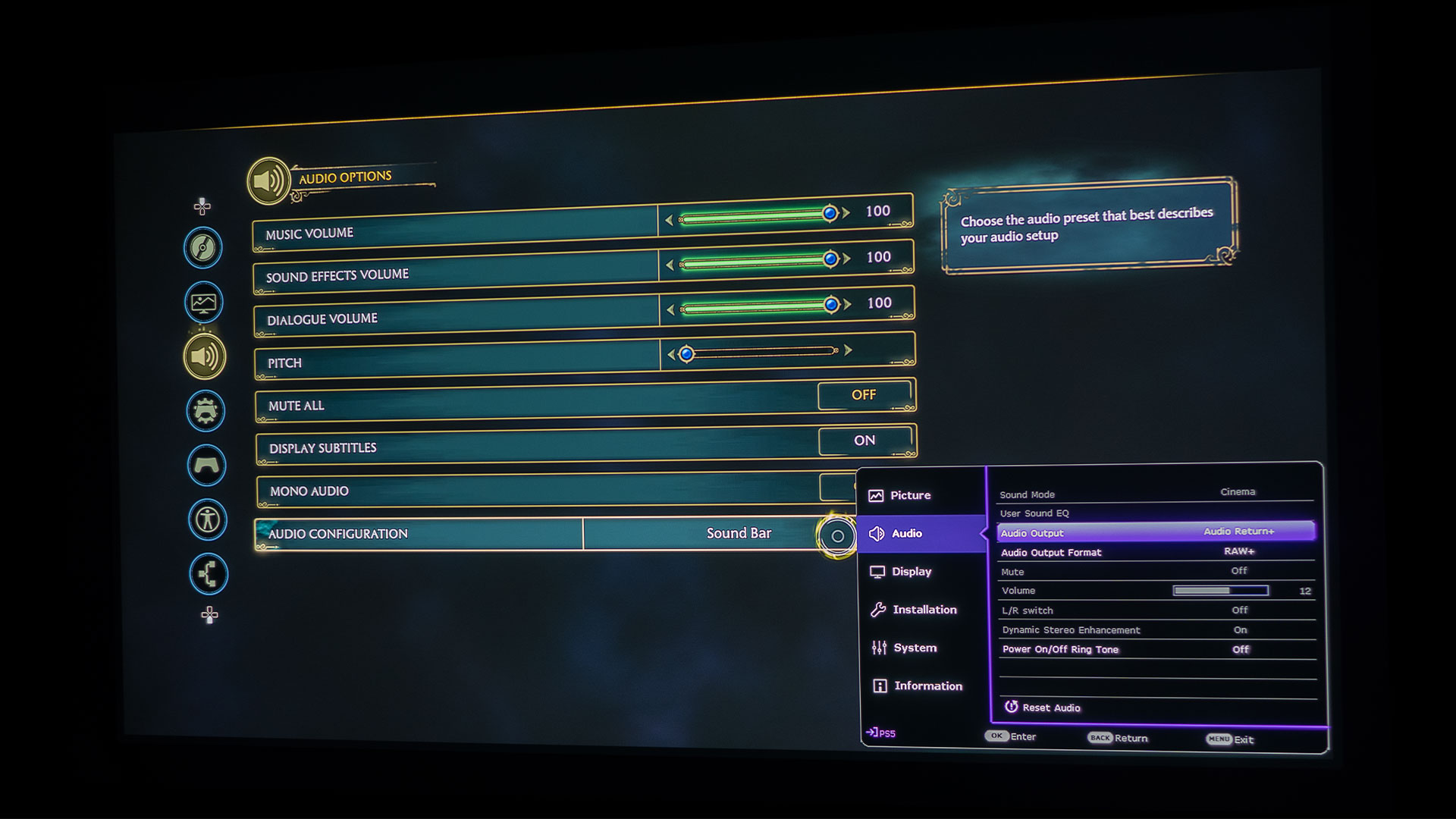
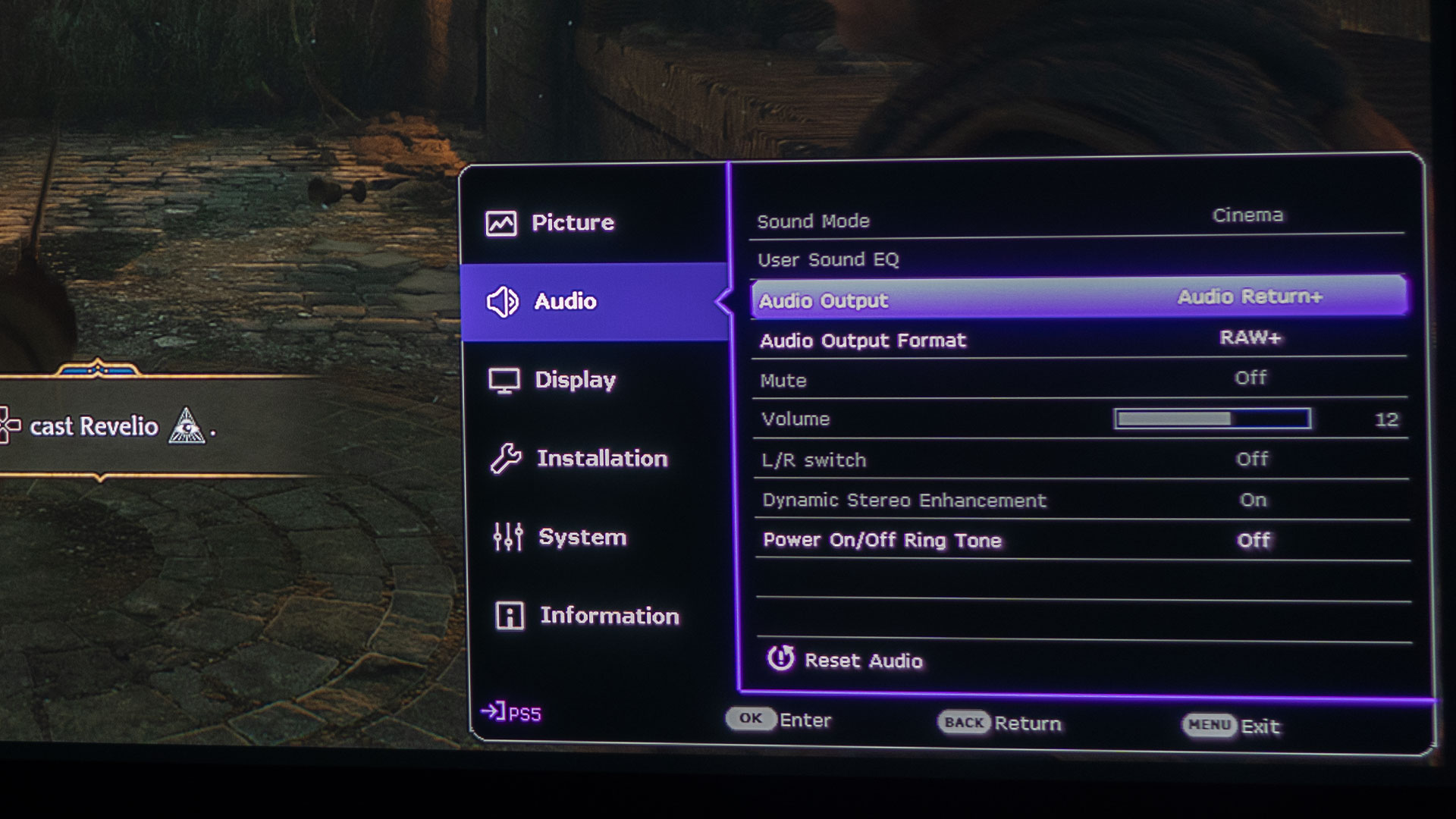
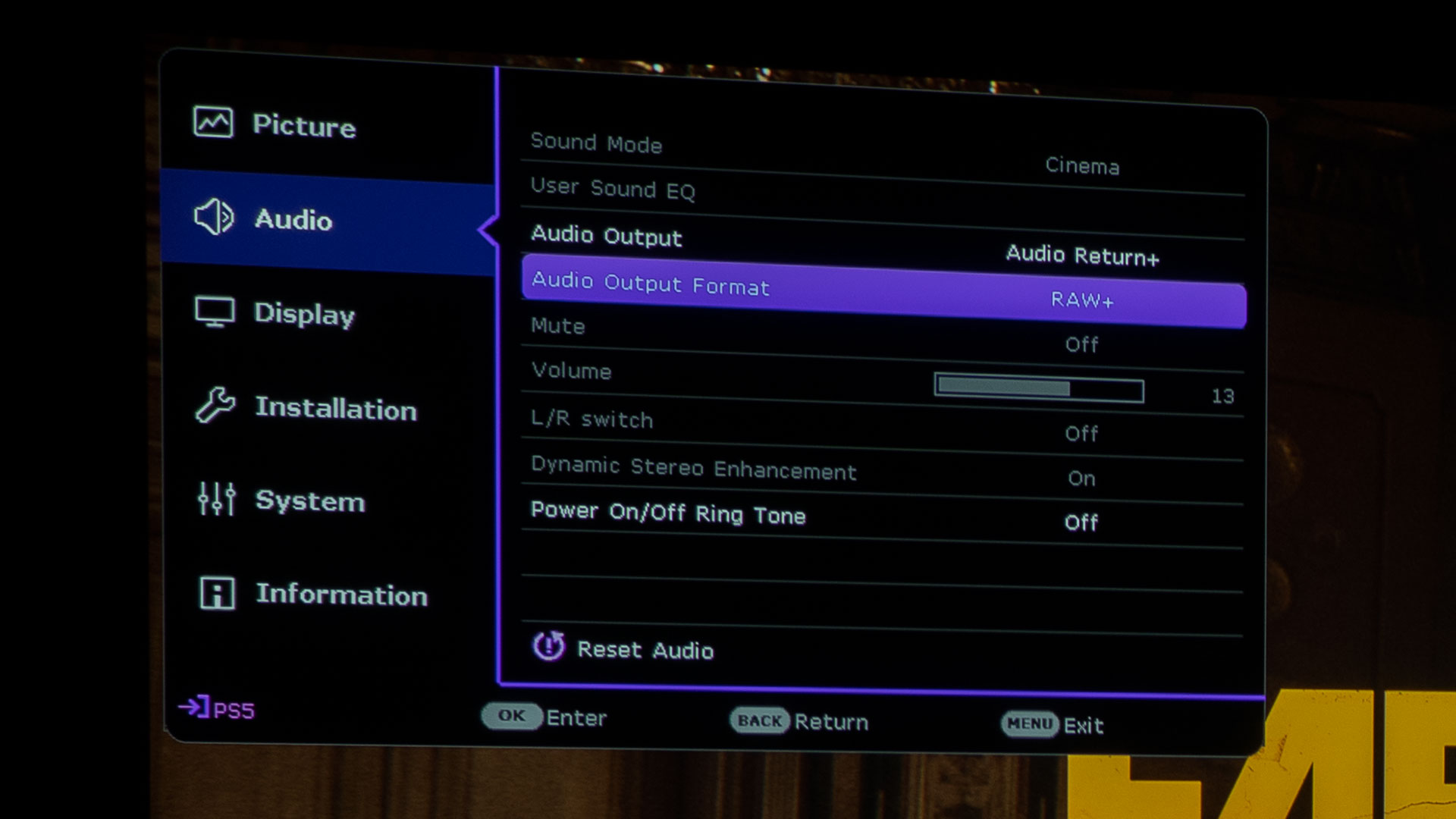
BenQ’s RAW+ supports Dolby Atmos audio output. An integrated audio system or connecting to an external audio system via eARC helps you to hear your in-game sound effects and dialogue better.
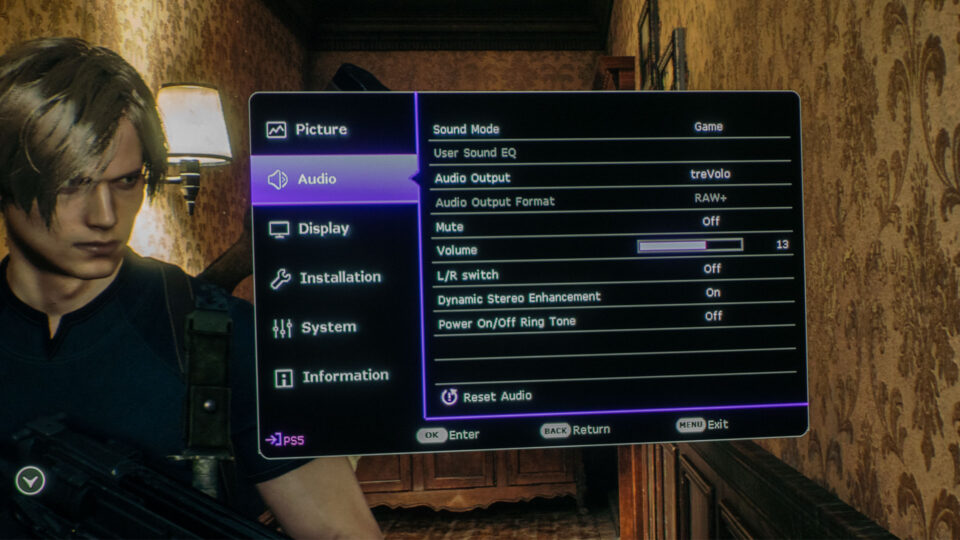
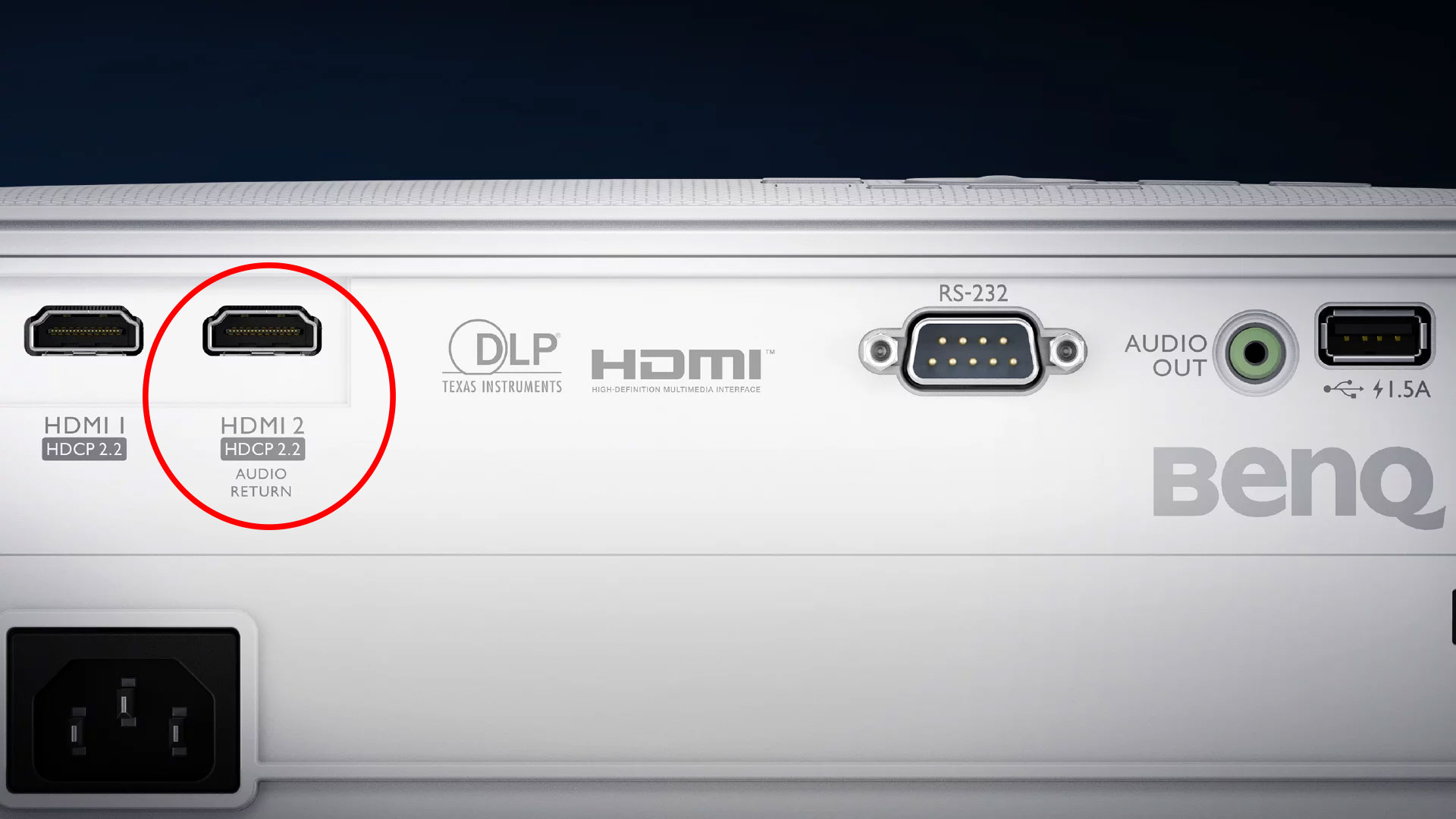
To truly feel fully immersed in a video game like Hogwarts Legacy, you’ll need the game’s audio to match the visuals. With that being said, some projectors have enhanced audio capabilities for those who want more sound than built-in projector speakers can provide in their chassis’. The X3000i, for example, has eARC support. Although the HDMI-2 port on the rear of the X3000i merely says “Audio Return,” the X3000i most definitely has eARC support. With eARC’s added capacity, the X3000i HDMI supports multiple audio outputs, including 2.0, 5.1, 7.1, and Dolby Atmos, to an external audio system. In addition, the following audio output formats are provided to achieve your desired audio performance: LPCM (Linear Pulse Code Modulation) supports 2-channel audio output, RAW supports 5.1-channel audio output, and RAW+ supports Dolby Atmos audio output. Overall, eARC provides a more flexible and capable way to connect and control audio devices in a home theater setup.
Hogwarts Legacy’s music, sound effects, and dialogue go a long way in improving the game’s overall experience. From the background music to the zips and zaps of your wand’s spells and the sounds of your environment, the audio quality of Hogwarts Legacy pulls you deeper into the game.
The BenQ X3000i has treVolo tuned full-range speakers built-in, virtual 3D surround sound via Bongiovi DPS technology, and dedicated audio modes fine-tuned to bring out the sound details and directions of various game types and scenes. I switched Hogwarts Legacy’s Audio Dynamic Range from Medium to Full, which provides. The Audio Dynamic Range determines the amplitude between the loudest and quietest in-game sounds. The Full setting ensures a large range.
My projector lab allows me to toggle between a Definitive Technology Studio 3D Mini sound bar and a Polk Magnifi Max sound bar. Both sound bars came with wireless subwoofers. The sound bars permit me to test ARC/eARC HDMI ports on projectors. Hogwarts Legacy sounded great when played through the X3000i integrated treVolo audio system. As expected, Hogwarts Legacy sounded even better when utilizing the X3000i’s HDMI eARC port connected to either of my sound bars. It goes without saying that the sound bars paired with their respective subwoofer provided a much more powerful Hogwarts Legacy audio experience.
Characters up to 41.5 inches made my gameplay very immersive.
Hogwarts Legacy has made Projector Reviews’ “Best Games To Play On A Projector In 2023” list because Hogwarts Legacy’s magic-centric gameplay and beautifully designed landscapes really come to life and feel more immersive on an enormous projector screen with a capable gaming projector.
Gaming with a projector and a massive screen is one of the most immersive gaming experiences you can have in your home.
My wizard and NPCs measured up to 41.5-inches, depending on the scene and how close my wizard was to the NPCs. I sit approximately 11 feet from my 100-inch projector screen, so, for me, everything was the perfect size for very immersive Hogwarts Legacy gaming sessions. But, of course, if you have a bigger space, you’ll be able to run a larger screen with more giant Hogwarts Legacy characters.
I leave you with this; be prepared for Hogwarts Legacy to take up hours of your time. Hamlets, dungeons, bandit camps, and many other locations will take your witch or wizard all over Hogwarts Legacy’s beautiful open world. I’ve spent more hours than I care to count playing Hogwarts Legacy, especially since my time was divided between two witches and a wizard due to playing with my kids and their characters. Hogwarts Legacy on a gaming projector with a massive screen is nothing short of amazing! Give it a try and tell me if you agree. I’m willing to bet that the magic-centric combat and astonishing landscape will keep you entertained for hours.
In 2023 we covered Forspoken and now Hogwarts Legacy. For Projector Reviews’ “Best Games To Play On A Projector In 2023,” we currently have games like Star Wars Jedi: Survivor, Dead Island 2, Horizon Call of the Mountain, Destiny 2: Lightfall, and Resident Evil 4 Remake on our radar to test out on a gaming projector. Stay tuned for more; you won’t want to miss a thing.
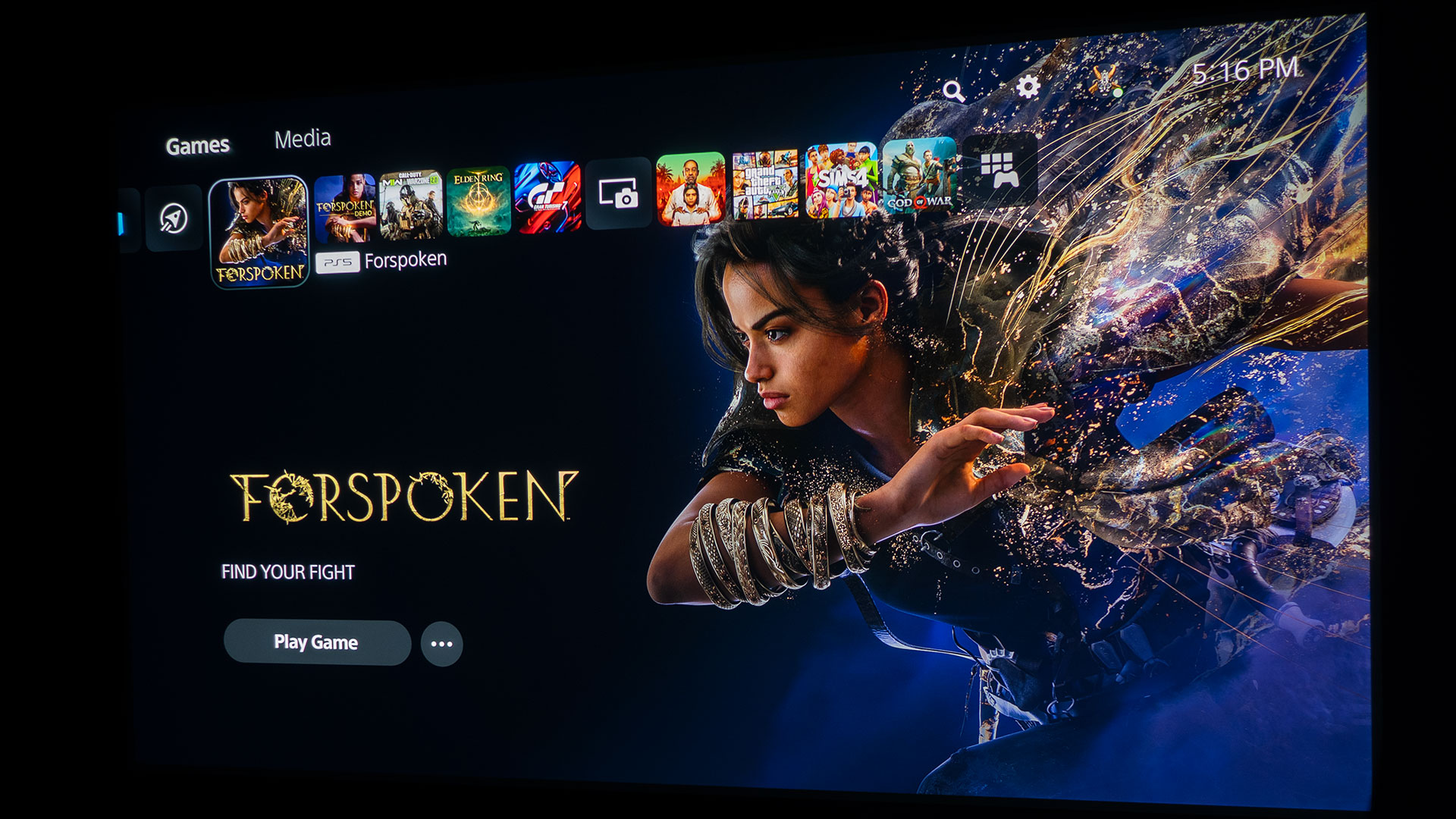
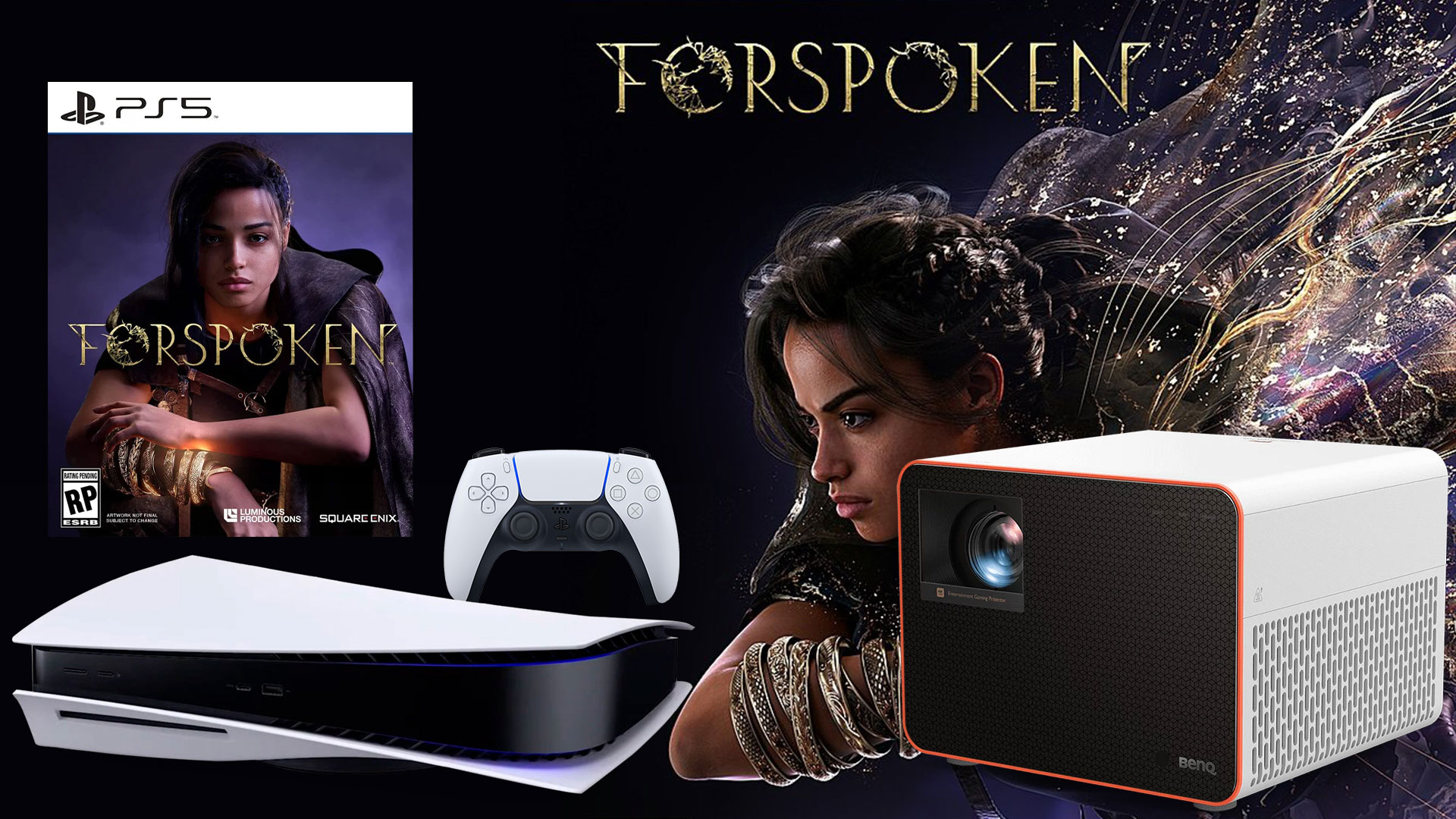
Gaming on a projector in 2022 ended with a bang thanks to Call of Duty: Modern Warfare II; I even dubbed it one of the best action First Person Shooters (FPS) for 2022. As we continue our series focused on gaming on a projector in 2023, we start the year with Forspoken. If you recall, Forspoken’s release date had been delayed multiple times. Luckily, the game is loaded with entertaining magical combat and wild character movements that kept me interested. If you are a Traceur (Parkour practitioner), you will most likely get a kick out of this game. The protagonist Frey beautifully uses magic-enhanced Parkour to traverse the massive open world fluidly.
Forspoken is a single-player open-world action Role-Playing Game (RPG) developed by Luminous Productions and published by Square Enix. Forspoken was released on January 24, 2023.
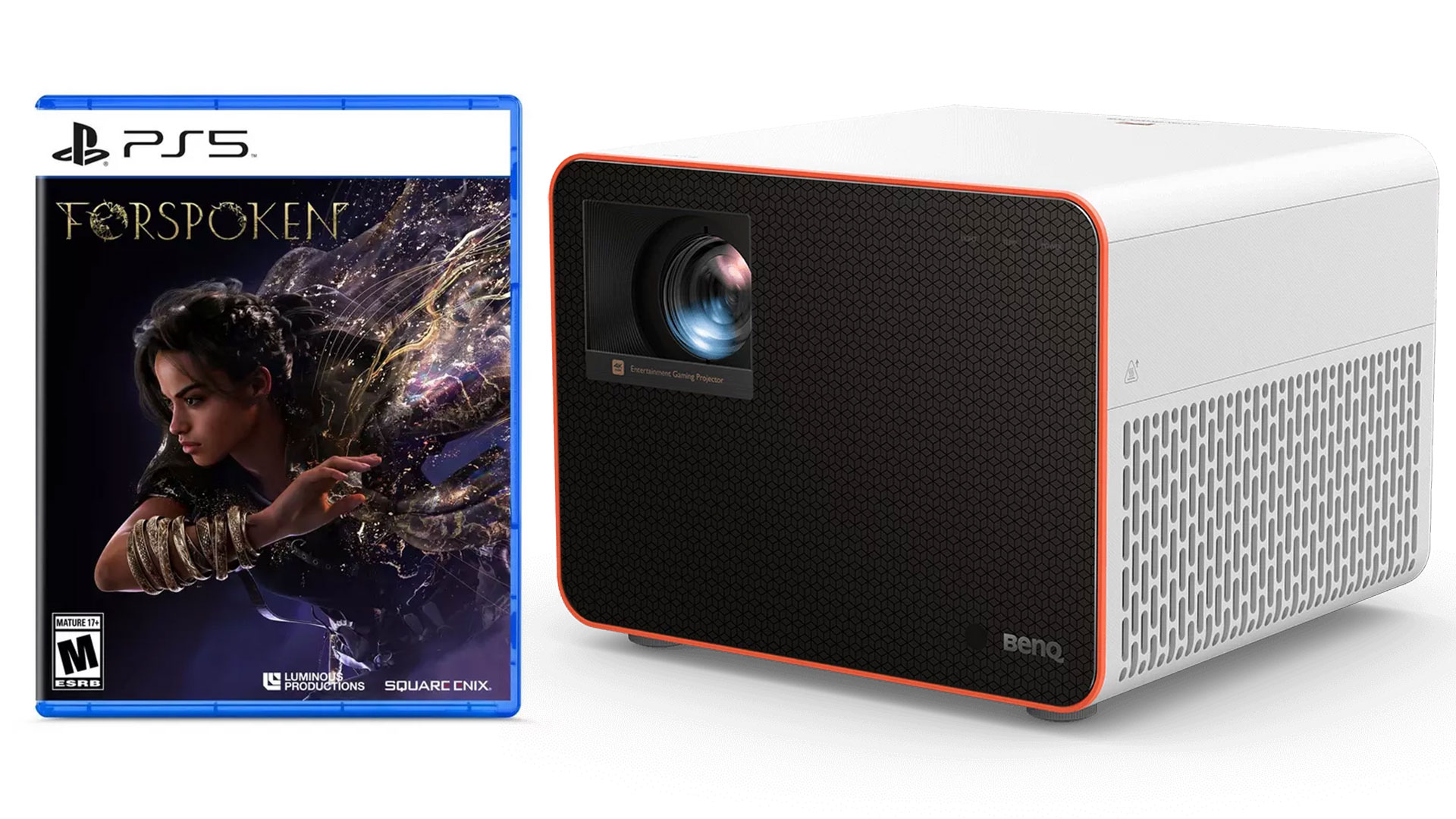
Forspoken is available on Windows PCs and PlayStation 5. Forspoken is interesting because, as far as gaming consoles go, Forspoken is a PS5 console-exclusive game, with the console exclusivity ending two years after the release date. For PS5, Forspoken – Digital Standard Edition can be purchased for $69.99 and is just the base game. Forspoken – Digital Deluxe Edition can be had for $94.99 and includes the base game, Rare Resource Kit, Forspoken Mini Soundtrack, Forspoken Mini Artbook, Forspoken: In Tanta We Trust, and Prequel Story DLC Early Access. For those who still like to collect gaming discs physically, the Forspoken Physical Edition can be found at many retailers for $69.99.
BenQ loaned Projector Reviews demo samples of the X3000i and TK700 gaming projectors.
BenQ loaned Projector Reviews demo samples of their X3000i and TK700 gaming projectors to write our monthly projector gaming articles. BenQ is deeply embedded in the gaming world. BenQ owns ZOWIE, the maker of gaming monitors for eSports. ZOWIE is BenQ’s brand dedicated to developing professional eSports equipment. So, having a series of gaming projectors from BenQ provides us gamers with some great options.
I decided to pair Forspoken with the BenQ X3000i gaming projector for this gaming with a projector article due to the X3000i’s RPG game mode, which matches up perfectly with an RPG like Forsaken and its massive open world. The BenQ X3000i retails for $1,999 and is a 4K HDR 4LED gaming projector with 3000 ANSI lumens and dual integrated 5-watt chamber speakers.
BenQ states the X3000i was designed for use with PS5, PS4, Xbox Series X, Xbox Series S, and Nintendo Switch. BenQ also says the X3000i 4K 4LED gaming projector is designed for cinematic immersion in gameplay with 4LED HDR-PRO™, for grand scenery in authentic colors with dynamic virtual 3D sound from various directions.
For this article, I connected my PS5 to the BenQ X3000i via a 48Gbps HDMI 2.1 cable. I then projected it onto a 100-inch (16:9) Elite Screens Aeon fixed frame projection screen with Elite’s Edge Free® technology and Elite’s CineWhite® UHD-B screen material. The CineWhite® UHD-B (Tensioned Matte White) is a 1.3 gain flexible front projection screen material that is ISF certified for achieving accurate color reproduction and image fidelity. BenQ proudly boasts the X3000i’s ability to reproduce authentic colors in games utilizing BenQ’s CinematicColor™ technology. For the BenQ X3000i, an ISF-certified screen made sense for this gaming article.
Dedicated gaming modes on a projector typically enable the projector’s best (lowest) input lag times.
The X3000i is targeted toward casual and hardcore gamers alike. The X3000i has many specifications that make up a good gaming projector for an open-world RPG like Forspoken. For instance, the X3000i has dedicated game modes for FPS, RPG, and SPG modes with audio, visual, and optimized latency settings for action-adventure games like Forspoken. Changing the X3000i’s Picture Mode from HDR10 to HDR Game gives you access to the projector’s Game Settings, where you can toggle Fast Mode On or Off. With Fast Mode turned on, the X3000i minimizes the response time between the input source and the displayed image. I, of course, played Forspoken with Fast Mode set to On. BenQ states the X3000i has 4K graphics with 16.67ms input lag at 60Hz. Switching from 4K to Full HD (1080p) drops the input lag to a blazing fast 4.16ms (1080p@240Hz) and 8.3ms (1080p@120Hz).
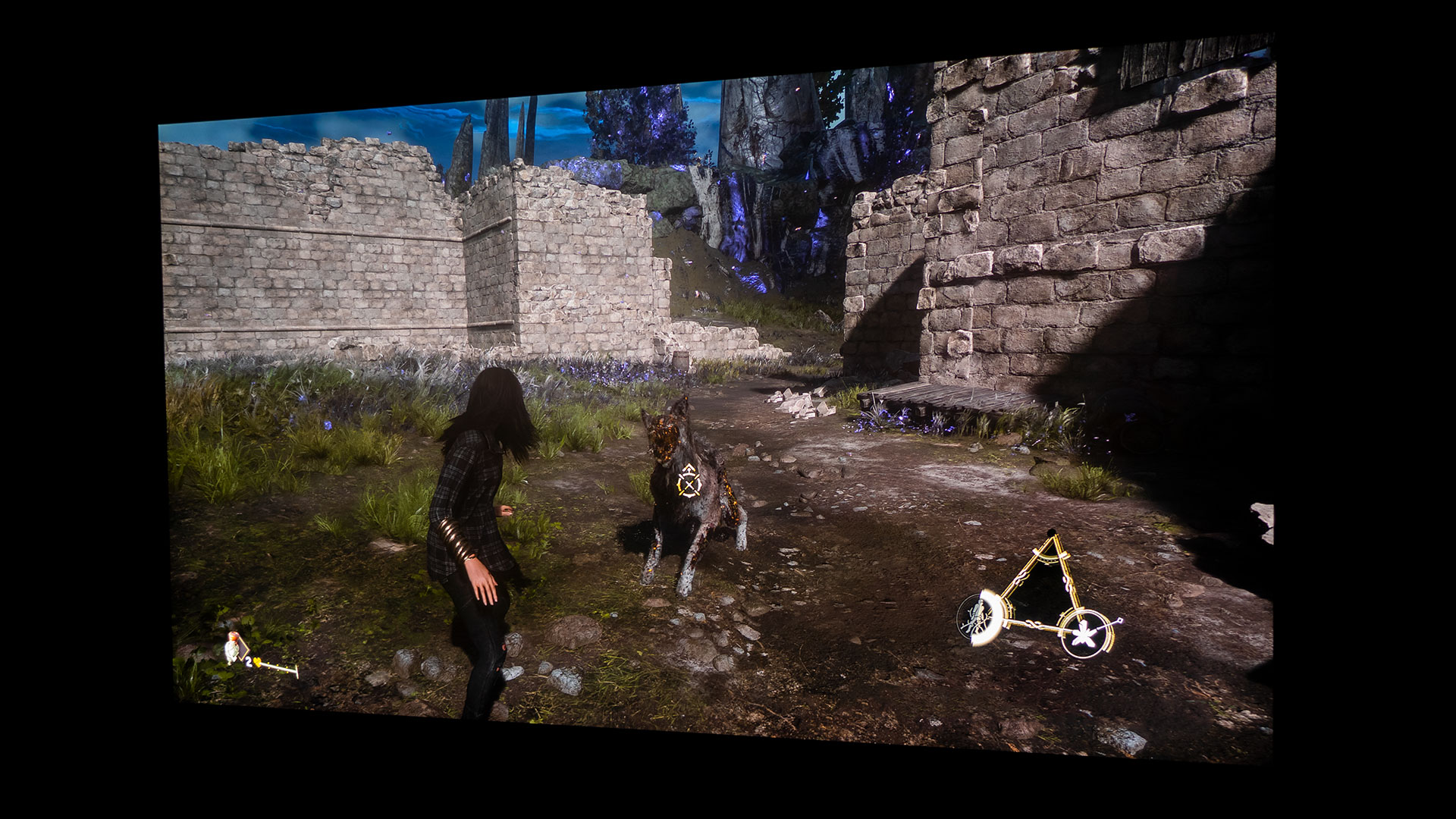
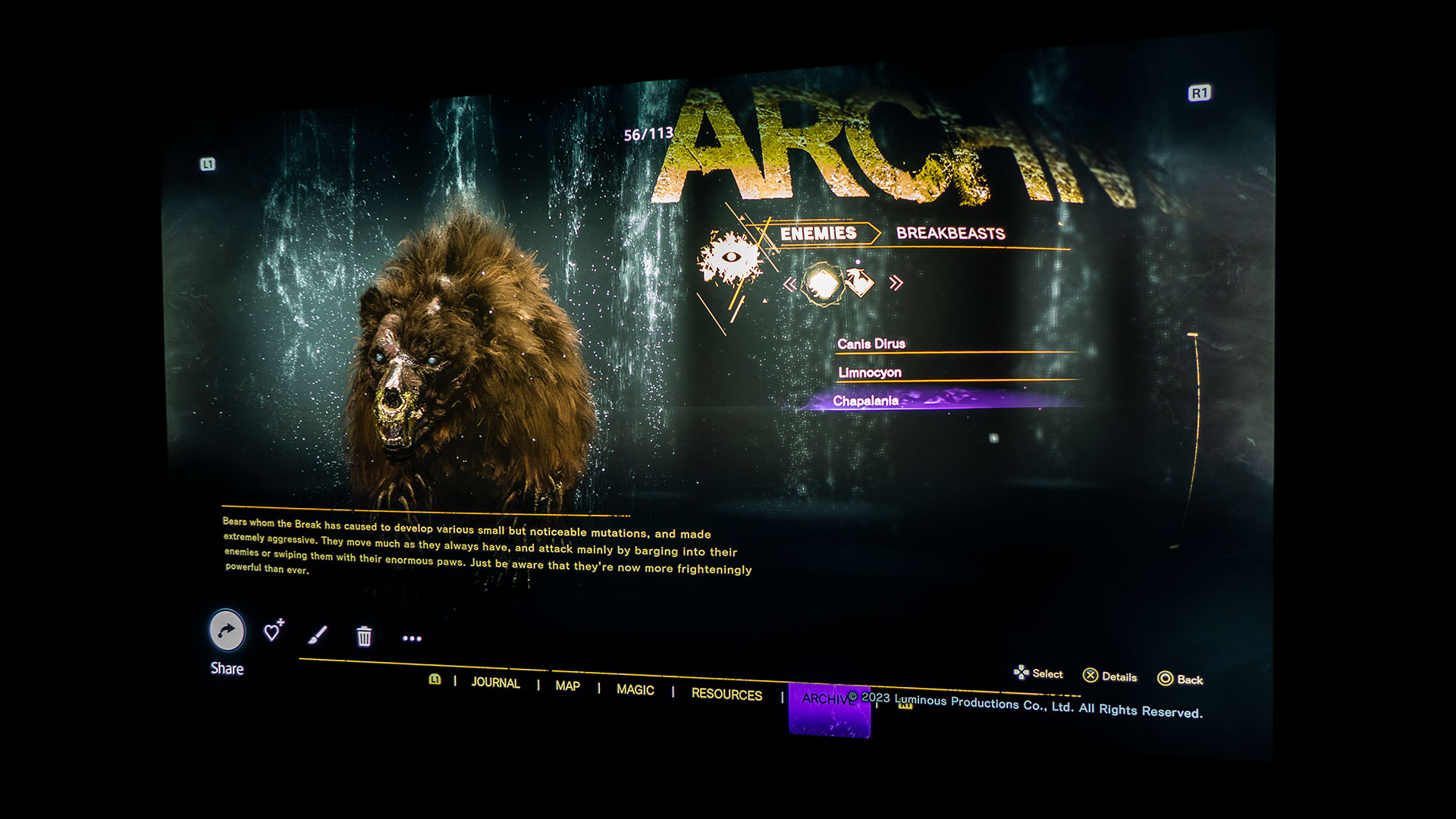
Forspoken is a massive open-world RPG that transports New Yorker Frey Holland to the land of Athia after she comes across an enchanted talking bracelet in an abandoned New York building. Mysteriously transported to Athia, you find yourself unwillingly dropped into a conflict that has been tearing the land of Athia apart. Athia’s terrain, animals, and people have been twisted into nightmarish versions of themselves by a corrupting force known as “The Break.”
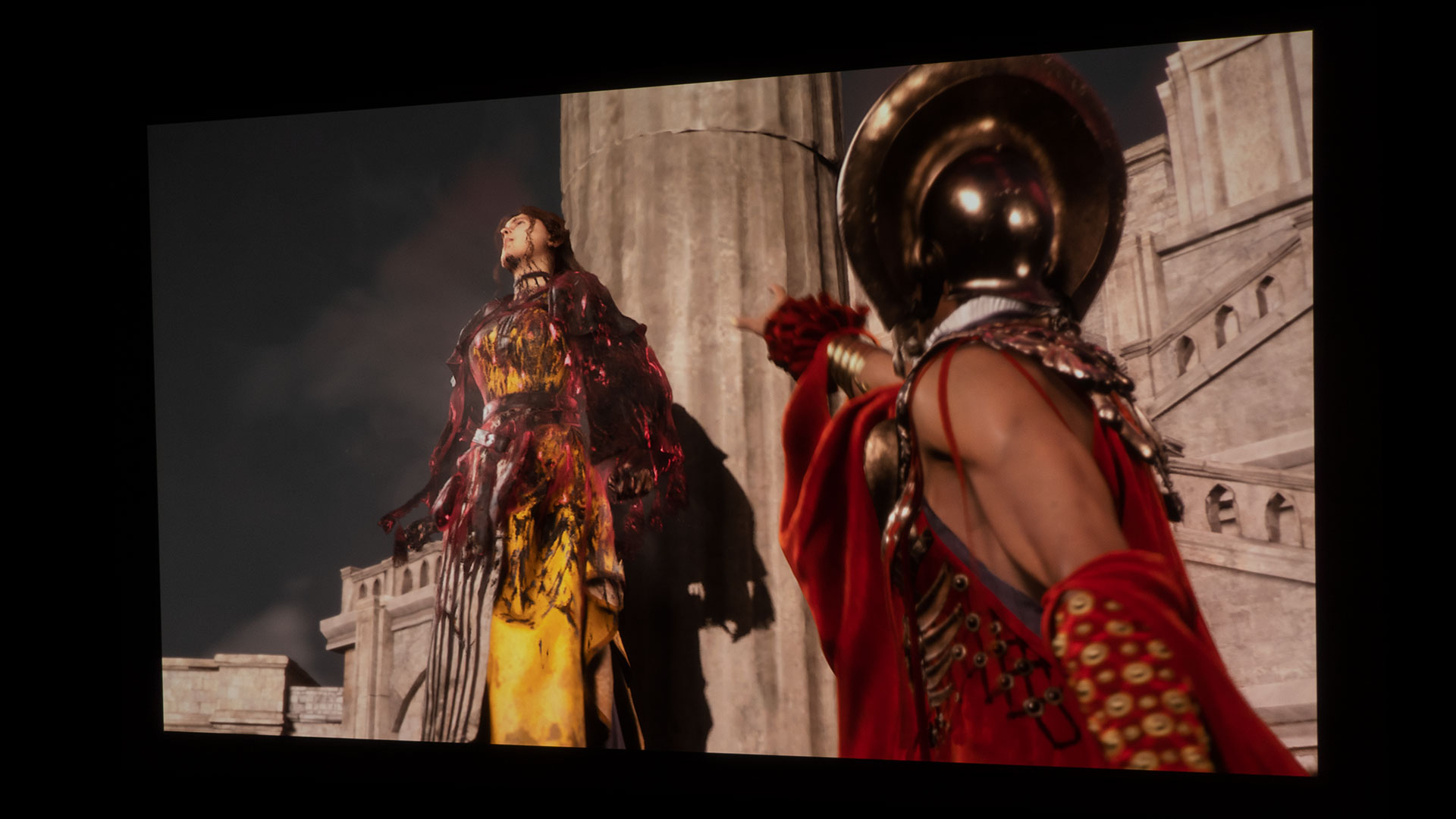
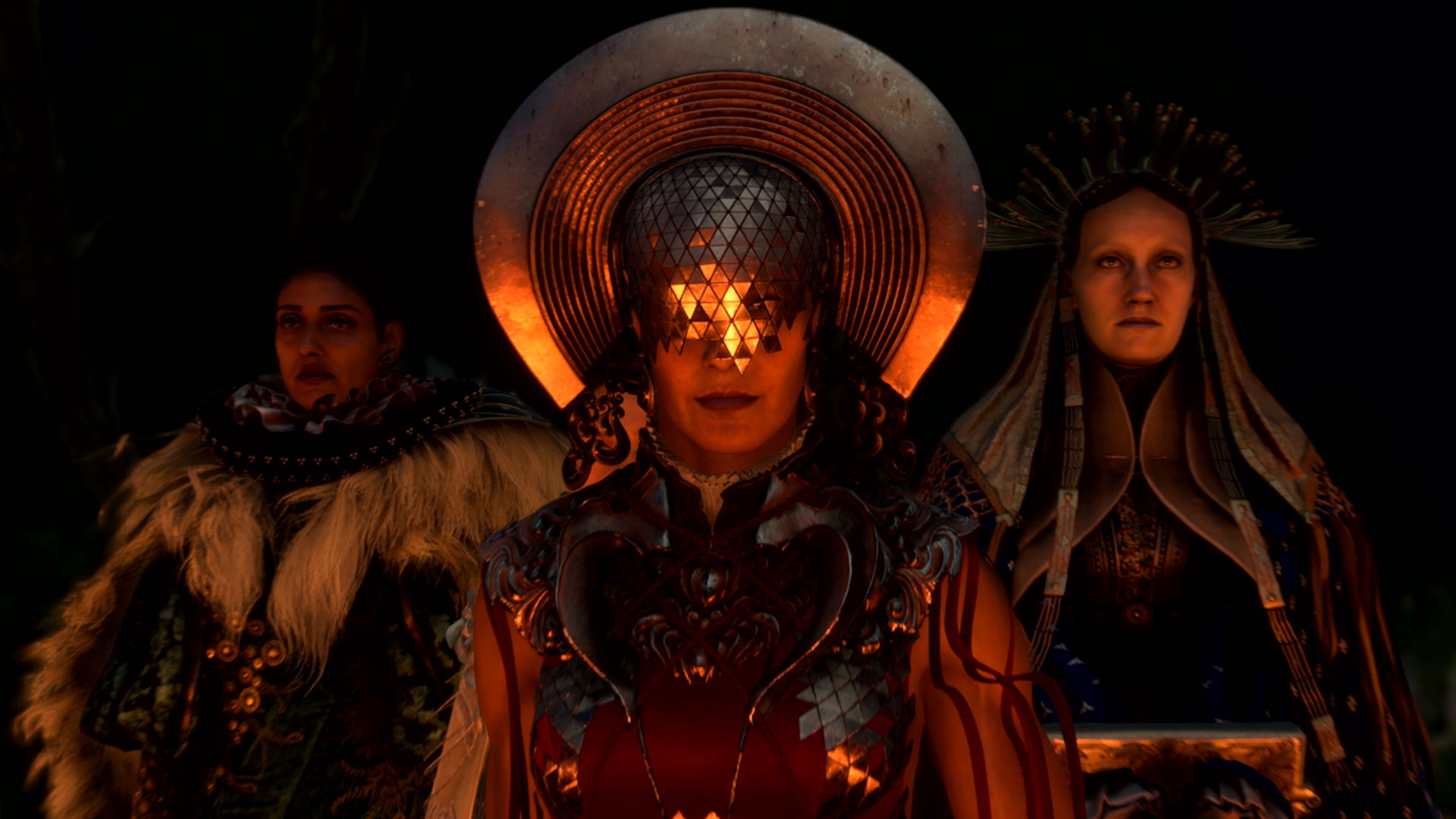
Tanta Sila, Tanta Prav, and Tanta Olas have gone mad and become evil rulers of Athia.
As Frey Holland, it is up to you to use the magical powers granted by the bracelet nicknamed “Cuff” to save Athia, which Frey learns once flourished under the reign of three benevolent matriarchs called the Tantas; Tanta Sila, Tanta Prav, and Tanta Olas. But now, a devastating blight has relentlessly corrupted everything it touched, and it is up to Frey to stop the three maddened Tantas that have turned evil.
Frey can cast powerful spells thanks to her enchanted bracelet nicknamed “Cuff.”
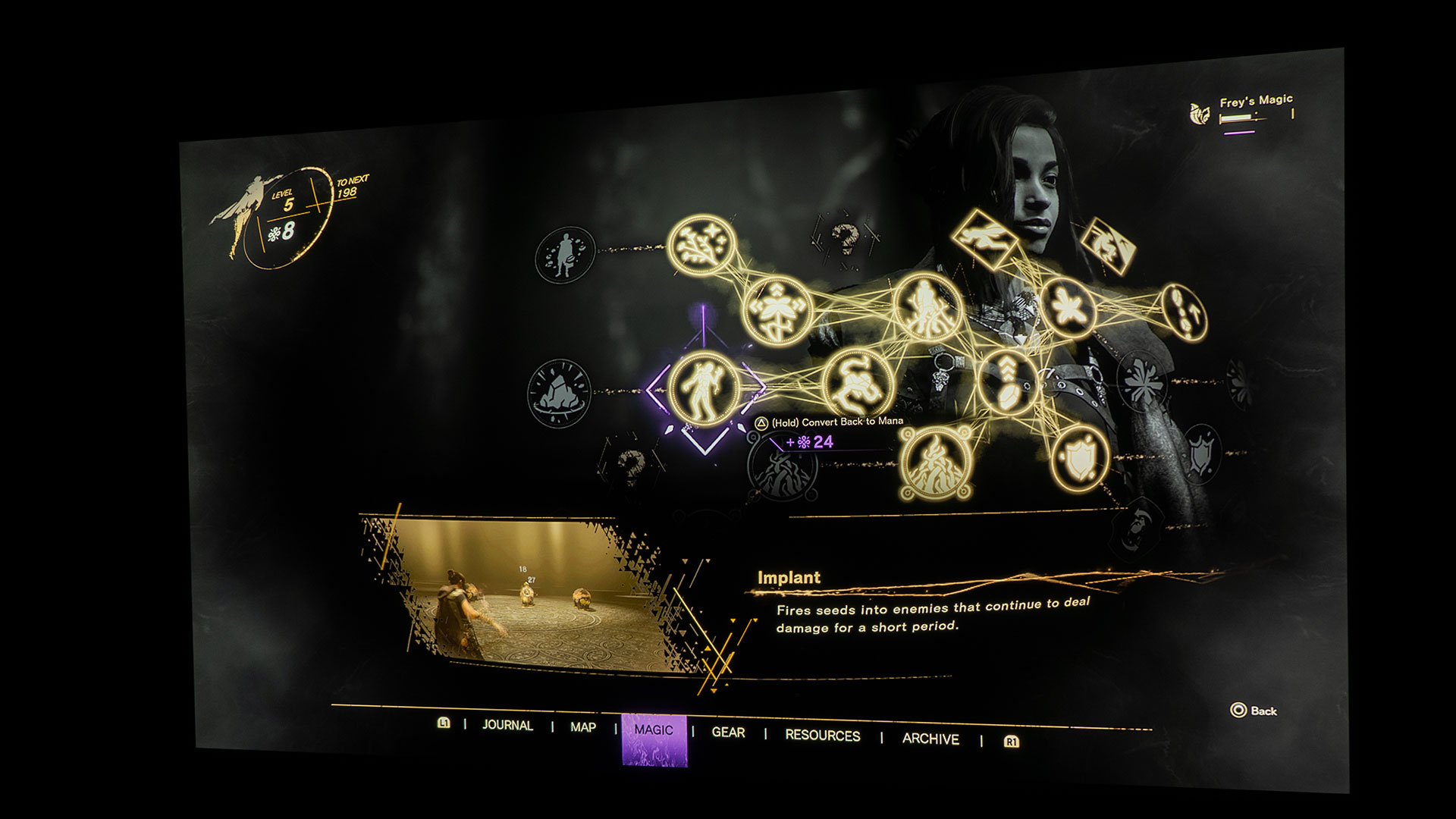
Forspoken’s magic-centric combat is exciting. Learning multiple magic types enables customizable combat options and various ways to combat the adversaries threatening the realm of Athia. With the blending of effortless shooting mechanics with defensive spells and melee attacks, Forspoken provides gamers with a broad assortment of tools to take on enemies. The customizable arsenal of spells will keep you coming back for more game time.
Forspoken is a game with enhanced graphics and a UI Brightness (HDR) menu.
Forspoken, like many modern games, has enhanced graphics with HDR. The inclusion of HDR support in games means you see everything in the bright and dark areas alike. You won’t get very far in any video game if you can’t accurately see what’s happening around your character during dark and bright scenes. As I frequently say, nobody likes it when their character is killed by an enemy they had no chance of seeing. Playing Forspoken on a 100-inch screen allowed me to quickly see all of the corrupted beasts and humans in Athia well before I was in danger range.
Since the human eye is more sensitive to color and contrast than it is to resolution, having a projector with an HDR game mode like the X3000i is extremely helpful because it allows you to take advantage of these new games with enhanced graphics.
I played Forspoken in Full HD (1080P) @ 120Hz with Ray-Tracing turned on. I personally really appreciated the BenQ X3000i’s low 8.3ms input lag with these settings. The X3000i’s low input lag rivals the best flat-panel TVs, ensuring that gameplay will be responsive enough for most gamers and far exceeds the needs of a casual gamer.
BenQ’s RAW+ supports Dolby Atmos audio output. An integrated audio system or connecting to an external audio system via eARC helps you to hear your in-game sound effects and music better.
A projector can project stunning images, but you won’t feel like you are being drawn into the game if the audio is lackluster. To feel fully immersed in the game, you’ll need the game’s audio to match the visuals. With that being said, some projectors have enhanced audio capabilities for those who want more sound than built-in projector speakers can provide in their chassis’. The X3000i, for example, has eARC support. Though the HDMI-2 port on the rear of the X3000i merely says “Audio Return,” the X3000i most definitely has eARC support. With eARC’s added capacity, the X3000i HDMI supports multiple audio outputs, including 2.0, 5.1, 7.1, and Dolby Atmos, to an external audio system. In addition, the following audio output formats are provided to achieve your desired audio performance: LPCM supports 2-channel audio output, RAW supports 5.1-channel audio output, and RAW+ supports Dolby Atmos audio output. Get yourself a projector that supports eARC to take full advantage of the cinematic sounds built into many games.
Forspoken’s sound design and music go a long way in improving the title’s overall experience. I am happy Luminous Productions took the time to develop the game with a soundtrack that includes booming orchestral arrangements. Also, the captivating beats and growls from Athia’s corrupted humans and animals do a tremendous job of drawing you further into the gaming experience.
The BenQ X3000i has treVolo tuned full-range speakers built-in, virtual 3D surround sound via Bongiovi DPS technology, and dedicated audio modes fine-tuned to bring out the sound details and directions of various game types and scenes. I switched Forspoken’s Audio Dynamic Range from Medium to Full. The Audio Dynamic Range determines the amplitude between the loudest and quietest in-game sounds. The Full setting ensures a large range.
Currently, my projector lab allows me to toggle between a Definitive Technology Studio 3D Mini sound bar and a Polk Magnifi Max sound bar. Both sound bars came with wireless subwoofers. The sound bars permit me to test ARC/eARC HDMI ports on projectors. Forspoken sounded great when played through the X3000i integrated treVolo audio system. However, Forspoken sounded incredible when utilizing the X3000i’s HDMI eARC port connected to either of the sound bars. I think it goes without saying that the sound bars paired with their respective subwoofer provided a much more powerful audio experience.
It’s hard to be taken by surprise when adversaries are 4-inches and up to 35-inches tall on your projector screen.
Forspoken has made Projector Reviews’ “Best Games To Play On A Projector In 2023” list because the gameplay is significantly enhanced on a giant projector screen. Easily, one of the best parts about gaming with a projector and a massive projector screen is your ability to effortlessly spot your adversaries before they see you. A bonus is your ability to view your character’s environment in greater detail due to the screen’s sheer size.
A majority of Athia is ruined by “The Break,” but, Athia is absolutely stunning. Viewing the landscape on a big screen makes it more impressive. Remember that Frey gets to parkour throughout most of the game in a tantalizing fashion. Again, the bigger the screen, the easier you can see the landscape and the parkour opportunities.
Gaming with a projector and a massive screen is one of the most immersive gaming experiences you can have in your home.
I sit approximately 11 feet from my projector screen. The 100-inch (16:9) Elite Screens Aeon fixed frame projection screen I used for this article was perfect in my projector lab with Forspoken. Everything was just the right size to make me feel fully immersed in the game. Depending on how close I was to NPCs, they ranged in size from 4-inches up to 35-inches inches tall. Of course, if you have a bigger space, you’ll be able to run a bigger screen; imagine gaming on a 200-inch projector screen; you could have 70-inch tall Forspoken characters!
Projector gaming on a 100-inch to 200-inch projector screen would be difficult to duplicate, even with a large flat-panel display. Sure, you could pull up your gaming chair extremely close to a monitor or TV to feel more immersed in the game. However, all those Nits at close range will most likely fatigue your eyes quickly.
I will leave you with this; Forspoken gets better the more you play it, so don’t give up after the first few hours. Once you’re out of the tutorial phase, the game really opens up. Magical parkour works great during your exploration of Athia. Frey’s movements are usually fluidly executed, minus the few times she gets stuck on random objects throughout the landscape. Magical parkour combined with spell-centric combat should keep you entertained for hours.
Another manufacturer exhibiting their product assortment was Formovie. Formovie Technology is a joint venture between Appotronics, the maker of the projection industry’s most popular laser light source technologies and Xiaomi Technology.
We just reviewed the Formovie THEATER, a smart UST projector that utilizes the latest ALPD® RGB+ triple-laser light source to deliver 2800 ANSI while reproducing over 100% of the BT2020 color space. In addition to Dolby Vision video playback, the projector also features a Bowers & Wilkins-designed sound system to decode Dolby Atomos audio content. Formovie THEATER smart features include Android TV 11 so you can access all the popular streaming services such as Youtube, Amazon Prime Video, Hulu, HBO Max and Disney+.
Formovie Theater
The Formovie Theater sells for an MSRP of $3,499, and its picture and sound quality rival the best Laser TVs on the market. In addition to their award-winning Formovie Theater, they were also displaying several other models, including two portable laser projectors.
Formovie S5
The Formovie S5 Laser Full HD (1080p) portable projector can deliver 1,100 ANSI lumens of brightness. This compact projector is feature packed. It includes dual-band Wi-Fi, smart TV OS and an HDMI 2.1 input, along with USB type-A and type-C inputs. The projector includes auto keystone adjustments to simplify setup and a Denon-designed 2 x 5-watt sound system.
Another notable product shown was the Formovie V10 which is a 4K UHD gaming projector. Due to its design and feature set, the Formovie V10 was selected as a CES 2023 Innovation Award honoree.
The V10 is quite compact, but Formovie says the unit can deliver 2500 ANSI Lumens of the brightness of 2500 ANSI Lumens.
The V10 would be an excellent option for a gamer due to its ultra-high refresh rate of 240Hz and low latency of 12ms. The V10 is also equipped with an impressive sound system that includes dual 7.5W full-range speakers and a 15W subwoofer
Formovie V10
Leica
Leica Booth
For those looking for an ultra-premium Laser TV, Leica was showing off their Cine 1 Laser TV. Leica is a 100-year-old German manufacturer known for its high-quality cameras and lenses. The projector's aluminum body is stylish and includes a motorized dust cover for improved lens protection. In addition to its beautiful design and fine craftsmanship, the Leica Cine 1 should deliver class-leading picture and sound quality.
Leica Cine 1
The Leica Cine 1 is based on a Hisense TriChroma Laser TV so it can deliver over 2500 ANSI of brightness and reproduce over 100% of BT2020 color space. The Leica Cine 1 includes Leica proprietary image processing (Leica Image Optimization - LIO™) which optimizes the image quality using special algorithms with the goal of achieving natural color reproduction, detailed color gradations, and enhanced contrast.
Leica will be offering two Cine 1 models optimized for either a 100" ($8295 SRP) or a 120" ($8995 SRP) screen. With a retail price of $8,995, the 120-inch Leica Cine model will be the most expensive 4K UST projector on the market but the performance and build quality should justify its premium price. We are working on being one of the first review sites to evaluate the Leica CIne 1 when it is available in the US around Q3 of 2023.
ASUS
ASUS Booth at Harrah's Hotel
ASUS, a leading computer and display company, has entered the projector market and we just reviewed one of their battery-powered portable projectors called the ASUS ZenBeam Latte 1. This smart DLP portable projector can display an HD (1280×720) resolution image and Its LED light source can deliver 300 LED lumens of brightness While the ZenBeam Latte 1 is a good little projector, some customers desire higher performance.
While their space in the Harrah's was mainly focused on their computer, monitors, and components. ASUS was showing off its new ZenBeam L2 projector. Like the ZenBeam Latte 1, it is a compact portable projector with a built-in battery, it offers Full HD (1920x1080) resolution and 600 LED Lumens of brightness.
ASUS ZenBeam L2
To improve the projector’s smart functionality, the ZenBeam L2 includes Android TV 11, via included dongle, which should be a notable improvement over the Aptoide TV app utilized in the older ZenBeam Latte 1. This should make it easier to access your favorite streaming services like Netflix, Disney+, and Amazon Prime Video. The projector even includes 26 different built-in cinemographs (motion backgrounds) including fireplaces and virtual window scenes.
JVC
JVC-DLA-NZ9
I also took the time to stop by the JVC suite on the 29th floor of the Venetian. For several years, the upper floors of the Venetian were where you would go to explore the latest offering for premium Audio and video manufacturers. This year JVC was one of the last few holdouts and they would demonstrate their awarding winning DLA-NZ9.
Congratulating JVC on winning all three long throw categories at the 2022 Value Electronics Projector Shoot Out
It gave me the opportunity to congratulate JVC on winning all three long throw categories at the 2022 Value Electronics Projector Shoot Out. They swept the shoutout due to their 4K DILA projector's class-leading native contrast and black levels, along with their outstanding detail/sharpness. In addition, due to their Dynamic HDR tone mapping capabilities, the JVC model delivered the best HDR picture reproduction.
While JVC is known for the 3-chip DILA projector, JVC has just announced the LX-NZ30 ($3499 SRP) which is a new 4K capable DLP laser projector. The projector is equipped with a 0.47 DMD and its BLU-Escent laser light source can deliver up to 3300 ANSI lumens of brightness.
The new JVC LX-NZ30
Like the previous model, the JVC LX-NZ3 the new model supports both HDR10 and HLG (Hybrid Log Gamma) and includes horizontal and vertical lens shift for enhanced installation flexibility.
Due to its low latency and support for frame rates up to 1080p/240Hz the LX-NZ30 is an excellent option for those interested in big-screen gaming. The LX-NZ30 input lag is just 6.25ms when gaming at 1080P/240fps which should satisfy even the most demanding gamers.
Overall Impressions
CES 2023 was a success so we expect next year's show will be even bigger.
While we are sure that other prototype projectors were being displayed in manufacturers' private suites around Las Vegas but hopefully this article gives you a good overview of several exciting models, that you will see for sale in 2023.
At a pre-CES event, Samsung announced a new 8K version of their Premiere Laser TV, but since it wasn't displayed in their booth, we didn't get the opportunity to see it in person. The Premiere 8K utilizes the same native 4K UHD (3840×2160) DLP (.94″ DMD) chip as Hisense's upcoming 8K Laser TV. When this DLP chip is combined with Texas Instruments XPR technology should result in a crisp 8K image on screens as large as 150 inches. I am sure we will get the opportunity to evaluate the unit when it is available in late 2023.
Due to COVID CES 2021 was canceled and many manufacturers chose to skip the show in 2022. This year’s show was noticeably larger than last year, while the attendance was not as large as it was pre -COVID, it was still very good. Based on what we saw this year it seems CES is coming back and it was an excellent opportunity for Projector Reviews to see some exciting new products. I am confident next year’s CES will be even bigger and better.
This year marks my 25th year attending CES. During that time, I have seen the show evolve from being mainly product-focused to an event where major corporations highlight their corporate strategies and visions of the future. For example, Sony did not announce a single video display or audio product this year. The star of the Sony booth was the latest version of their automotive concept car.
Several projector manufacturers, including Epson and Optoma, did not publicly display products at CES 2023. However, while there weren't as many product introductions and demonstrations as in previous years, some notable projectors were shown at this year's show.
Hisense
Hisense announced several new projectors at CES 2023
Hisense had the most significant number of projector demonstrations in their booth this year. Hisense basically invented the Laser TV category and many customers have adopted that term to describe an ultra-short throw smart laser projector. These projectors are often bundled with an ambient light-rejecting screen and are designed to be a TV replacement.
In addition to four new Laser TV and Laser Cinema models, Hisense also announced a new Smart Mini-Projector, which is focused on typically non-projector customers. To learn more about these projector models, check out our 2023 Hisense Laser TV and Cinema Lineup article.
Hisense booth on the CES show floor
Hisense also continues its legacy of Laser TV innovations by announcing and publicly demonstrating the world's first 8K Laser TV. In addition, Samsung announced an 8K version of their Premiere UST projector during a pre-show media event, but the unit was not shown during the actual show.
This Hisense flagship model named the 120LX, utilizes a new native 4K UHD (3840x2160) DLP (.94" DMD) chip. By using Texas Instruments' proven XPR technology, the 120LX can reproduce 8K onscreen resolution. This system can support 8K@60 fps along with 4K@120fps. Even if you do not care about 8K or high frame rate 4K, larger DLP chips often deliver higher native contrast and better black levels.
Hisense 120LX will be their first 8K Laser TV
In addition, the projector's redesigned 4000-lumen TriChroma laser light source can reproduce 100% of the BT2020 color space and over 400 nits of onscreen brightness from the bundled 120" ambient light rejecting screen.
The unit also supports Dolby Vision and will be IMAX Enhanced certified. In addition, its high-quality Harmon Kardon sound system will support both Dolby Atmos and DTS Virtual:X technologies. While the 120LX shown at the show was not a finalized production sample, Hisense stated that a version of this model would be available by 2024.
BenQ
BenQ suite at the Venetian
We were excited to visit the BenQ suite at the Venetian. BenQ has always offered projectors that deliver outstanding performance at a great price. During the show, BenQ showed a couple of new models, and we are looking forward to reviewing them.
BenQ HT2060
First, there was the HT2060, a 1080p projector equipped with a 4LED light source that can cover 98% of the Rec. 709 Color gamut. In addition to delivering an immersive cinematic viewing experience, the HT2060i would be an excellent solution for gamers due to its input lag of 16ms (1080P@60fps). Furthermore, toe projector has a 1.3:1 zoom lens and vertical lens shift to enhance installation flexibility.
The BenQ HT3550 has been one of our favorite home theater projectors for a few years. It offered accurate colors and outstanding black levels for less than $3000. Its performance rivaled projectors that cost twice as much. Over the past year or so, I have been asking BenQ when they would introduce a higher-end replacement that included features like a solid-state light source and horizontal/vertical laser shift.
BenQ HT4550i
At the show, BenQ announced the new HT4550i. Its LED light source is rated to deliver 3,200 ANSI lumens brightness and covers 100% of the DCI-P3 color gamut. The HT2060i should also deliver a great gaming experience since its input lag is just 17.9ms (1080P@60fps). In addition, the HT4550i offers both horizontal and vertical lens shift, which should enhance placement flexibility.
While I only spent a few minutes with the new model in a room with some ambient light, the color reproduction and picture quality were excellent. The feature set of the HT4550i could make this model a giant killer. I am curious how it stacks up to more expensive competitors' models like the Sony XW5000ES and Epson LS12000.
BenQ GP500
In addition, BenQ was also highlighting their new GP500 4LED 4K Smart Projector which they announced prior to the show. The GP500 has a rated brightness of 1500 ANSI and it can also reproduce 100% of the DCI-P3 color gamut. To simplify installation, the GP500 includes several intelligent features to ensure a sharp perfectly square image like autofocus, auto 2D keystone correction, screen fit, and object avoidance.
The GP500 also includes a treVolo developed four driver sound system designed to deliver a 360˚ sound field. The GP500 should offer great picture quality, smart features, and a high-quality built-in sound system. We are definitely looking forward to reviewing this model in the next few months.
XGIMI
XGIMI booth on Venetian show floor
XGIMI was also at CES 2023 to show off its lineup of smart projectors. While XGIMI is relatively new to the US market, we have already reviewed several of their models including the HORIZON Pro, Halo+, and their ultra-short throw projector called the AURA. If you check out the articles, you will see that Projector Reviews has been impressed with the performance of each model.
XGIMI MoGo 2 Pro
XGIMI was showing a new potable model that we haven’t reviewed yet called the MoGo 2 Pro. This compact 1080p LED projector, which weighs just 2.2 pounds, can deliver a rated 350 ISO lumens. The projector also includes a built-in battery, and a Harmon Kardon sound system, and it supports HDR10 playback.
Like the Halo+, the MoGo 2 Pro includes XGIMI integrated Artificial Intelligence (AI) which allows the Auto Keystone, Auto Focus, Intelligent Obstacle Avoidance, and Intelligent Screen Alignment to work together to make setup quick and easy.
AWOL Vision
AWOL Vision booth on the CES show floor
This year there were a few new projector manufacturers that also had booths on the show floor. For example, AWOL Vision displayed its product offerings including the LTV-3500, LTV-2500, and Vanish Laser TV. The LTV-3500 is a triple-laser equipped 4K smart UST projector that offers high 3,500-lumen brightness and can reproduce over 100% of the BT2020 color gamut. I had the opportunity to spend some quality time with the LTV-3500 during the Value Electronics Projector Shoot Out in December 2022 and I look forward to doing a detailed review of this model soon.
AWOL Vision demonstrated the 3D capability of the LTV-3500
The LTV3500 is one of the few 4K smart laser UST projectors that supports 3D, which AWOL Vision demonstrated in their booth. Even though there was a lot of ambient light on the show floor, the scene from the original Avatar looked very good through the active 3D glasses.
AWOL Vanish TV
The Vanish TV is a bundled package that includes their highly rated LTV-3500 along with a motorized uprising ALR screen and smart projector cabinet. This is an excellent option for someone looking for a complete and well-thought-out entertainment solution.
Call of Duty®: Modern Warfare® II is easily one of the best action First Person Shooter (FPS) for 2022. Call of Duty: Modern Warfare II has players deeply embedded in an extraordinary global conflict that features the return of the iconic Operators of Task Force 141. Call of Duty: Modern Warfare II can be played single-player in Campaign mode, which is a global campaign tracking down a terrorist who’s looking to do some not-so-nice things with ballistic missiles. During the campaign, Modern Warfare II displays the care and effort that went into the game with some of the best video game cinematics I’ve seen this year. You can also jump into multiplayer game modes online with up to 64 other players. Lastly, you can team up and play in Cooperative mode, where you can do special missions like Gun Game: Mt. Zaya, Denied Area, and High Ground.
Call of Duty: Modern Warfare II is published by Activision and developed by Infinity Ward, the original studio behind the Call of Duty (COD) franchise. Infinity Ward brings COD fanatics state-of-the-art gameplay, with all-new gun handling, an advanced AI system, a new gunsmithing option, and a plethora of other gameplay and graphical innovations that elevate the franchise to new heights.
Call of Duty: Modern Warfare II was released on October 27, 2022, and it’s a sequel to the 2019 Call of Duty: Modern Warfare 2. Call of Duty: Modern Warfare II is available on PlayStation, Xbox, and PC. For PS5, Call of Duty: Modern Warfare II– Cross-Gen Bundle can be purchased for only $69.99. Call of Duty: Modern Warfare II– Vault Edition is the way to go. The Vault Edition will cost you $99.99, but it comes packed with good starting bonuses like 55 Tier Skips, Battle Pass (One Season), Red Team 141 Operator Pack, FJX Cinder Weapon Vault, and 10 hours of 2XP and Weapons 2XP. Both editions also grant you access to an all-new Battle Royale experience; Call of Duty: Warzone™ 2.0.
Call of Duty is an FPS video game franchise first published by Activision in 2003. The original Call of Duty was set against the backdrop of World War II. As far as the main series goes, Call of Duty has four. The World War II series, Modern Warfare series, Black Ops story series, and some standalone games like Call of Duty: Ghost, Call of Duty: Advanced Warfare, and Call of Duty: Infinite Warfare. I counted at least 21 Call of Duty video games, including the remastered video games. Call of Duty has gone from World War II, modern times with the Modern Warfare series, to a futuristic setting with Advanced Warfare. Whatever video game warfare you’re into, Call of Duty has you covered.
BenQ sent Projector Reviews demo samples of the TK700 and X3000i gaming projectors.
BenQ sent Projector Reviews demo samples of the TK700 and X3000i gaming projectors to write our monthly gaming on projector articles. Speaking of gaming, BenQ also owns ZOWIE, the maker of gaming monitors for eSports. ZOWIE is BenQ's brand dedicated to developing professional eSports equipment. I recently discovered that eSports and Call of Duty go hand in hand. Did you know there’s a Call of Duty eSports League? The Call of Duty League website states, “Over ten years of Call of Duty eSports history has led to this moment. Call of Duty League™ launches in 2020, featuring the world’s greatest Call of Duty esports players representing 12 teams across four countries, battling for a Championship title.” But I digress; let’s get back to projector gaming.
Call of Duty: Modern Warfare II is a perfect match for the BenQ TK700 gaming projector I used for this article.
I connected my PS5 to the BenQ TK700 4K HDR Gaming Projector for gaming on a projector article via a 48Gbps HDMI 2.1 cable. I then projected it onto a 100-inch (16:9) Elite Screens Aeon fixed frame projection screen with Elite’s Edge Free technology and Elite’s CineWhite UHD-B screen material. The CineWhite UHD-B (Tensioned Matte White) is a 1.3 gain flexible front projection screen material that is ISF certified for achieving accurate color reproduction and image fidelity.
BenQ states the TK700 is a 4K lamp-based gaming projector designed for competition console gaming. The TK700's lamp light source brightness is rated at 3,200 ANSI lumens and covers 96% of the Rec.709 color gamut. The TK700 is also fine-tuned to provide a smooth, responsive gaming experience with clear images to better arm you for competition gaming or casual gameplay. The TK700 has BenQ's Black Detail Enhancement; it's found under Game Settings. BenQ’s exclusive Black Detail Enhancement accentuates fine details in dark scenes without sacrificing color performance in brighter areas. With BenQ's HDR Game mode and Black Detail Enhancement, gamers can detect and react faster to threats in dark or bright areas.
The TK700 has a Picture Mode preset called HDR Game mode. HDR Game mode has audio, visual, and optimized latency settings perfect for action and fast-paced games like Call of Duty: Modern Warfare II. The projector’s HDR rendering allowed better color definitions for greater image fidelity on my ISF-certified projector screen.
With Fast Mode turned set to On, the TK700 minimizes the response time between the input source and the displayed image, conveying your sight, hearing, and thoughts into action with minimal delay.
Switching the TK700's Picture Mode from HDR10 to HDR Game also allows you to go into Game Settings, where it gives the choice of turning Fast Mode on or off. With Fast Mode turned set to On, the TK700 minimizes the response time between the input source and the displayed image.
The BenQ TK700 has low input lag for a smooth gaming experience and pairs great with gaming consoles like the PS5.
Low input lag conveys your sight, hearing, and thoughts into action with minimal delay. The TK700 gaming projector I utilized for this article has 4.16ms input lag in 1080p@240Hz, 8ms in 1080p@120Hz, and 16.67ms in 4K@60Hz. The TK700 has a 1.3x zoom lens and produces a 150-inch image at 12.03 feet from the projection surface. Low input lag and a massive projector screen to see the opposition will give you a leg up on your adversaries in Call of Duty: Modern Warfare II.
You don’t want an adversary to easily walk up behind you and stab you in the back with a combat knife. A good audio setup or headphones allows you to hear those directional footsteps approaching your location better.
The sound quality of Call of Duty: Modern Warfare II is what you would expect from Activision and Infinity Ward. Not only are gunshots and explosions realistic sounding, but so are the quiet footsteps of a player sneaking around. You don’t want an adversary to easily walk up behind you and stab you in the back with a combat knife. A good audio setup allows you to hear those footsteps approaching your location better.
You’ll want an audio sound system or high-end headset for this game due to all the directional sounds. BenQ states that the TK700 has a built-in single 5-watt chamber speaker to provide basic audio functionality. However, I believe BenQ was cautious in their wording about the TK700's 5-watt chamber speaker. While playing Call of Duty: Modern Warfare II, that single speaker sounded surprisingly good for its tiny size. I do, however, understand BenQ's careful speaker rhetoric; for a gamer to be genuinely enveloped in sound, they may want more speakers and a more powerful sound.
Some projectors like the TK700 have enhanced audio capabilities for those who want to ditch built-in projector speakers for an even more immersive sound from the game. For example, the TK700 has what BenQ calls Audio Return+. Audio return port number two (HDMI 2) with eARC allows 7.1 channel and Dolby Atmos audio pass through, transmitting the original full-resolution audio signal to your sound system via a single HDMI cable. Grab yourself a projector that supports eARC to take full advantage of the cinematic sounds built into many modern games.
Run, drive, or fly your way to victory in Call of Duty: Modern Warfare II; Squad up!
Modern Warfare II launched with a globe-trotting single-player campaign, immersive Multiplayer combat where you can jump into combat vehicles, and an evolved Special Ops game mode featuring tactical co-op gameplay. Modern Warfare II connects with the new Call of Duty: WarzoneTM 2.0 experience and the evolution in Battle Royale with a brand-new play space and Sandbox mode. Activision states to expect a massive calendar of free content post-launch featuring gameplay with new maps, modes, seasonal events, community celebrations, and much more. I personally enjoy the content that is out right now and can’t wait to see what else will be added to Modern Warfare II.
I tried 3rd Person Mode a few times and couldn’t get used to the viewpoint. For now, I’ll stick to first-person shooting.
Call of Duty: Modern Warfare II is an action FPS video game at its core. However, Modern Warfare II has added 3rd Person Mode for a new perspective that makes it easier to spot rivals near you thanks to the broader view of your surroundings 3rd Person Mode provides. You can also change the camera’s position with Shoulder Swapping and revert to first-person precision, aiming down your weapon’s sight. The more expansive view is excellent, but 3rd Person Mode is not for me, but it may be perfect for you. I tried 3rd Person Mode a few times and couldn’t get used to the viewpoint. For now, I’ll stick to first-person shooting.
Call Of Duty: Modern Warfare II is a brutal test of your reflexes…in a fun way.
Almost every aspect of Modern Warfare II depends on target acquisition and your ability to identify and react to threats quickly. Modern Warfare II is an intense test of your reflexes. To be successful at Modern Warfare II requires a low input lag system; there’s no way around that fact if you want to win. The BenQ TK700's 4.16ms input lag in 1080p@240Hz, 8ms in 1080p@120Hz, and 16.67ms in 4K@60Hz were so fast that I never worried about getting outshot when I ran around a corner and came face to face with a rival. As soon as I recognized the threat, I was on the trigger, and my character immediately put rounds into my target. You won't survive Call of Duty: Modern Warfare II without a low input lag projector, monitor, or TV.
The Call of Duty: Modern Warfare II Gunsmith option allows complete customization of all weapons.
Look at the Perk Package tab before selecting your weapons. You can choose Assault Package, Phantom Package, Hunter Package, Deadeye Package, Support Package, or Sniper Package. Choose wisely based on your playstyle. The package you pick will have an impact on your operator’s in-game characteristics. For example, Deadeye Package allows you to carry two primary weapons, and your operator’s vision pulses when spotted by an enemy player outside of view. In contrast, the Hunter Package allows your operator to see footprint trails left behind by your enemies so you can track them down.
Primary weapons include Assault Rifles, Battle Rifles, SMGs, Shotguns, LMGS, Marksman Rifles, Sniper Rifles, and Melee (Riot Shield). Secondary weapons include Handguns, Launchers, and Melee (Combat Knife). The more you level up a weapon, the more you can customize it and unlock other weapons. All weapons are customizable with the Gunsmith option. Once in the Gunsmith tab, you can modify your weapon’s optics, stock, barrel, muzzle, ammunition type, and more. You even customize your weapon’s color schemes; you have almost 200 camo collection options to choose from.
My sniper rifle scope reticle was a whopping 44-inches!
I think Call of Duty: Modern Warfare II with a gaming projector and large projector screen is the way to go. Modern Warfare II’s immersive global campaign and multiplayer combat combined with the FPS perspective made me feel like I was in the game thanks to the gaming projector, 100-inch (16:9) projector screen, and video game all seamlessly working together.
Some players like to hide in the distance, and I mean way off in the distance, and snipe from the same spot all game long. Having a massive projector screen allows you to see those snipers easier. To that point, I broke out a tape measure and took some in-game measurements. My operator and adversaries were up to 39-inches tall. However, one of the best parts about gaming with a gaming projector and massive screen for an FPS game is the size of your aiming reticle. My sniper rifle scope reticle was a whopping 44-inches! The large aiming reticle made it much easier to counter-snipe enemy snipers.
Modern Warfare II multiplayer split screen on a 100-inch projector screen gave me two player screens that measured approximately 84-inches (7 Feet) wide and 24-inches (2 Feet) tall.
A critical element of Call of Duty: Modern Warfare II is the ability to quickly see and target your adversaries and use the environment for cover and concealment. The easier you can see your enemies, the easier it is to target them. The easier it is to see your environment, the quicker you can find suitable cover and concealment while under fire. Modern Warfare, a gaming projector, and a large projector screen are for you if that sounds good. Suppose you enjoy having your family and friends gather around as you game as if they were watching a big-screen movie, or you like Modern Warfare II’s multiplayer split screen so you can go against another player in your household. In that case, gaming with a projector and a massive projector screen is definitely for you. Modern Warfare II multiplayer split screen on a 100-inch projector screen gave me two player screens that measured approximately 84-inches (7 Feet) wide and 24-inches (2 Feet) tall. You won’t get that size of split screens with a monitor or TV. The experience of gaming with a gaming projector and a big screen is easily one of the best upgrades to my gaming setup.
I’ll leave you with this. Even if you’re not a campaign type of player, I highly encourage you to complete the Call of Duty: Modern Warfare II campaign anyways. You may be pleasantly surprised by the attention to detail in the weapons handling, the outstanding cinematics, and the captivating storyline. Without spoiling the ending, know that your ability to aim and scale a building at the same time will be put to the test. Also, polish up your sniper skills; you’ll need them. Squad up and get in the game!
We continue our series focused on gaming on a projector. This month we’re looking at Ubisoft’s Far Cry 6. Ubisoft has been publishing Far Cry games since 2004, with Far Cry (2004), Far Cry 2 (2008), Far Cry 3 (2012), Far Cry 4 (2014), Far Cry 5 (2018), and Far Cry 6 (2021).
Far Cry 6 is a massive open-world, first-person shooter (FPS) game. Far Cry 6 can be played single-player or co-operative online, where you can turn “Friendly Fire” Off or On for more realistic gaming. Far Cry 6 is published by Ubisoft and was released on October 07, 2021. It is available on PS5, PS4, Xbox One, Xbox Series X/S, Stadia, Amazon Luna, and Microsoft Windows PCs. For PS5 and PS4, Far Cry 6 - Standard Edition can be purchased for $59.99 and is just the base game. Far Cry 6 – Deluxe Edition can be had for $79.99 and includes the Vice Pack, Jungle Expedition Pack, and Croc Hunter Pack. Far Cry 6 - Gold Edition includes the base game and a Season Pass for $9.99. Lastly, Far Cry 6 – Game Of The Year Edition is $119.99. The Game Of The Year Edition includes everything in the Deluxe Edition and Gold Edition plus Far Cry 3 Blood Dragon Classic Ed., 3 DLC episodes, and Lost Between Worlds (coming soon).
BenQ sent Projector Reviews demo samples of the X3000i and TK700 gaming projectors.
BenQ sent Projector Reviews demo samples of the X3000i and TK700 gaming projectors to write our monthly gaming on projector articles. BenQ is deeply embedded in the gaming world. BenQ owns ZOWIE, the maker of gaming monitors for eSports. ZOWIE is BenQ’s brand dedicated to developing professional eSports equipment. So, having a series of gaming projectors from BenQ provides us gamers with some great gaming options.
I paired Far Cry 6 with the BenQ X3000i gaming projector for this gaming with a projector article. The BenQ X3000i retails for $1,999 and is a 4K HDR 4LED gaming projector with 3000 ANSI lumens and dual integrated 5-watt chamber speakers.
BenQ states the X3000i was designed for use with PS5, PS4, Xbox Series X, Xbox Series S, and Nintendo Switch. BenQ also says the X3000i 4K 4LED gaming projector is designed for cinematic immersion in gameplay with 4LED HDR-PRO™, for grand scenery in authentic colors with dynamic virtual 3D sound from various directions.
For this article, I connected my PS5 to the BenQ X3000i via a 48Gbps HDMI 2.1 cable. I then projected it onto a 100-inch (16:9) Elite Screens Aeon fixed frame projection screen with Elite’s Edge Free® technology and Elite’s CineWhite® UHD-B screen material. The CineWhite® UHD-B (Tensioned Matte White) is a 1.3 gain flexible front projection screen material that is ISF certified for achieving accurate color reproduction and image fidelity. BenQ proudly boasts the X3000i’s ability to reproduce authentic colors in games utilizing BenQ’s CinematicColor™ technology. For the BenQ X3000i, an ISF-certified screen made sense for this gaming article.
Dedicated gaming modes on a projector typically enables the projector’s best (lowest) input lag times.
The X3000i is targeted toward casual and hardcore gamers alike. The X3000i has many specifications that make up a good gaming projector for an open-world FPS like Far Cry 6. For instance, the X3000i has dedicated game modes for FPS, RPG, and SPG modes with audio, visual, and optimized latency settings for action-adventure games like Far Cry 6. Changing the X3000i’s Picture Mode from HDR10 to HDR Game gives you access to the projector’s Game Settings, where you can toggle Fast Mode On or Off. With Fast Mode turned on, the X3000i minimizes the response time between the input source and the displayed image. BenQ states the X3000i has 4K graphics with 16.67ms input lag at 60Hz. Switching from 4K to FHD (1080p) drops the input lag to a blazing fast 4.16ms (1080p@240Hz) and 8.3ms (1080p@120Hz).
Far Cry 6 is a massive open-world first-person shooter game that takes place in a fictional Caribbean country called Yara. You choose whether to play as a male, or female local Yaran turned guerilla revolutionary named Dani Rojas. As Dani, it is up to you and your motley group of guerilla fighters to rebel against the fascist dictator of Yara, Antón Castillo, whose oppressive rule has ignited a revolution. To make matters worse, Antón seeks to groom his teenage son Diego to be his heir. You’ll most likely recognize Antón’s voice. Hollywood star Giancarlo Esposito is the voice actor of Antón.
Toastador is a Resolver Weapon accessed by Dani – it’s a flamethrower.
Utilizing the Arsenal menu allows you to customize Dani’s weapons. Do you like precision shooting? If so, grab yourself a sniper rifle. More of a spray-and-pray player? Equip Dani with a light machine gun or an AJM 9 auto-pistol and send rounds down range at 900 rounds per minute. You can also load Dani with various other rifles, submachine guns, shotguns, bows, and grenade launchers. Did I mention that you can equip Dani with a “Resolver Weapon” called the Toastador? It’s a flamethrower that can also be customized!
Guapo is a self-reviving battle crocodile and one of five animal companions that can assist Dani.
Dani’s Gear (head, chest, legs, feet, and wrists) can also be accessed under the Arsenal menu. The customization does not stop there; you can customize vehicles using the Rides menu. For example, Dani’s “Rides” include cars, trucks, aircraft, and hovercraft, all customizable in the Rides menu. Dani can also use an animal companion to fight by your side with the Amigos menu. Seriously, who doesn’t want a stealthy jaguar or a self-reviving battle crocodile as an animal companion?
Clicking on Dani’s Journal allows you to track your Operation, Yaran Stories, Treasure Hunts, and Military Targets. Regarding tracking, going to the Map menu will enable you to see a map of Yara. Utilizing the map allows Dani to track Horse Pickup and Vehicle Pickup locations, making your traversing of Yara much easier. Quick tip, if you plan to take to the skies in any of the airborne vehicles, I highly suggest you take out the anti-aircraft sites first. Use the map to find these anti-aircraft sites and take them out, so you don’t find yourself getting shot out of the sky.
You won’t get very far in any game if you can’t accurately see what’s happening around your character during dark and bright scenes. I frequently say, “Nobody likes it when their character is killed by an adversary they had no chance of seeing.” Far Cry 6, like many newer games, has enhanced graphics with HDR. The inclusion of HDR support in games means you see everything in the bright and dark areas. Since the human eye is more sensitive to color and contrast than it is to resolution, having a projector with an HDR game mode like the X3000i is extremely helpful because it allows you to take advantage of these new games with enhanced graphics.
When I press R2 on the PS5 remote to shoot, I want Dani to fire off that shot ASAP! In Far Cry 6, you’ll be quickly taken out by Antón Castillo’s army if you are not using a low-input lag gaming projector/display. I played Far Cry 6 in 4K@60Hz and really appreciated the BenQ X3000i’s low 16.67ms input lag (4K@60Hz). The low input lag definitely contributed to my ability to stay in the game with quick shots at my foes. The X3000i’s low input lag rivals the best flat-panel TVs, ensuring that gameplay will be responsive enough for most gamers and far exceeds the needs of a casual gamer.
BenQ’s RAW+ supports Dolby Atmos audio output. An integrated audio system or connecting to an external audio system via eARC helps you to hear your in-game sound effects and music better.
To increase your immersion in a game, you’ll need the game’s audio to match the visuals. A projector can project stunning images, but you won’t feel like you are being drawn into the game if the audio is lackluster. Some projectors have enhanced audio capabilities for those who want to ditch built-in projector speakers. The X3000i, for example, has eARC support. Even though the HDMI-2 port on the rear of the X3000i simply says “Audio Return,” the X3000i most definitely has eARC support. With eARC’s added capacity, the X3000i HDMI supports multiple audio outputs, including 2.0, 5.1, 7.1, and Dolby Atmos, to an external audio system. In addition, the following audio output formats are provided to achieve your desired audio performance: LPCM supports 2-channel audio output, RAW supports 5.1-channel audio output, and RAW+ supports Dolby Atmos audio output. Get yourself a projector that supports eARC to take full advantage of the cinematic sounds built into many games.
Far Cry 6's Volume User Interface.
Far Cry 6’s sound effects and music tracks must have taken Ubisoft a significant amount of time and effort to implement. Far Cry 6’s audio draws you even further into the gaming experience. The BenQ X3000i has treVolo tuned full-range speakers built-in, virtual 3D surround sound via Bongiovi DPS technology, and dedicated audio modes fine-tuned to bring out the sound details and directions of various game types and scenes. I switched Far Cry 6’s Audio Dynamic Range from Medium to Full, which provides. The Audio Dynamic Range determines the amplitude between the loudest and quietest in-game sounds. The Full setting ensures a large range.
My newly remodeled projector lab allows me to toggle between a Polk Magnifi Max Sound Bar and a Definitive Technology Studio 3D Mini Sound Bar; both have wireless subwoofers. The sound bars permit me to test ARC/eARC HDMI ports on projectors. Far Cry 6 sounded great when played through the X3000i integrated audio system. Unsurprisingly, Far Cry 6 sounded amazing when utilizing the X3000i’s HDMI eARC port connected to one of the sound bars. I think it goes without saying that the sound bars paired with their respective subwoofer provided a much more powerful audio experience.
It’s hard to miss your target when your adversaries are over 30-inches tall and your aiming reticles are over 5-inches tall. Large enemies and a sizeable aiming reticle are a recipe for easy headshots.
One of the best parts about gaming on a huge projector screen is your ability to see enemies coming and quickly lining up your weapon sights on the enemy. Depending on the weapon I was using, my aiming reticle ranged from 3.5-inches to 5.5-inches. It’s pretty hard to miss your target when your weapon sights are so big. Depending on how close I was to NPCs, they ranged in size from 3-inches up to 41-inches inches tall. Since I sit about 11 feet from my 100-inch projector screen, I had quite the immersive gaming experience. It would be difficult to duplicate, even with a large flat-panel display. Sure, you could pull up your gaming chair extremely close to a monitor or TV to feel more immersed in the game. However, all those Nits at close range will quickly fatigue your eyes.
Gaming with a projector and a massive screen is one of the most immersive gaming experiences you can have, minus having it on a Virtual Reality (VR) gaming headset. Still, those get heavy and hurt your head and eyes after a while. My VR gaming headset only comes out when a houseguest specifically asks to try it out. It does not matter if you are a casual gamer, a hardcore gamer, or a competitive gamer; gaming with a gaming projector is an excellent way to upgrade your gaming experience. Gaming with a projector also has the added benefit of possibly turning your household into spectators and early warning systems. You may find your family and friends gathering around as you play. Inevitably, they’ll start yelling warnings when they see danger, especially if you’re too focused on one threat and do not notice the other approaching.
Gaming with a projector and a massive screen is one of the most immersive gaming experiences one can have.