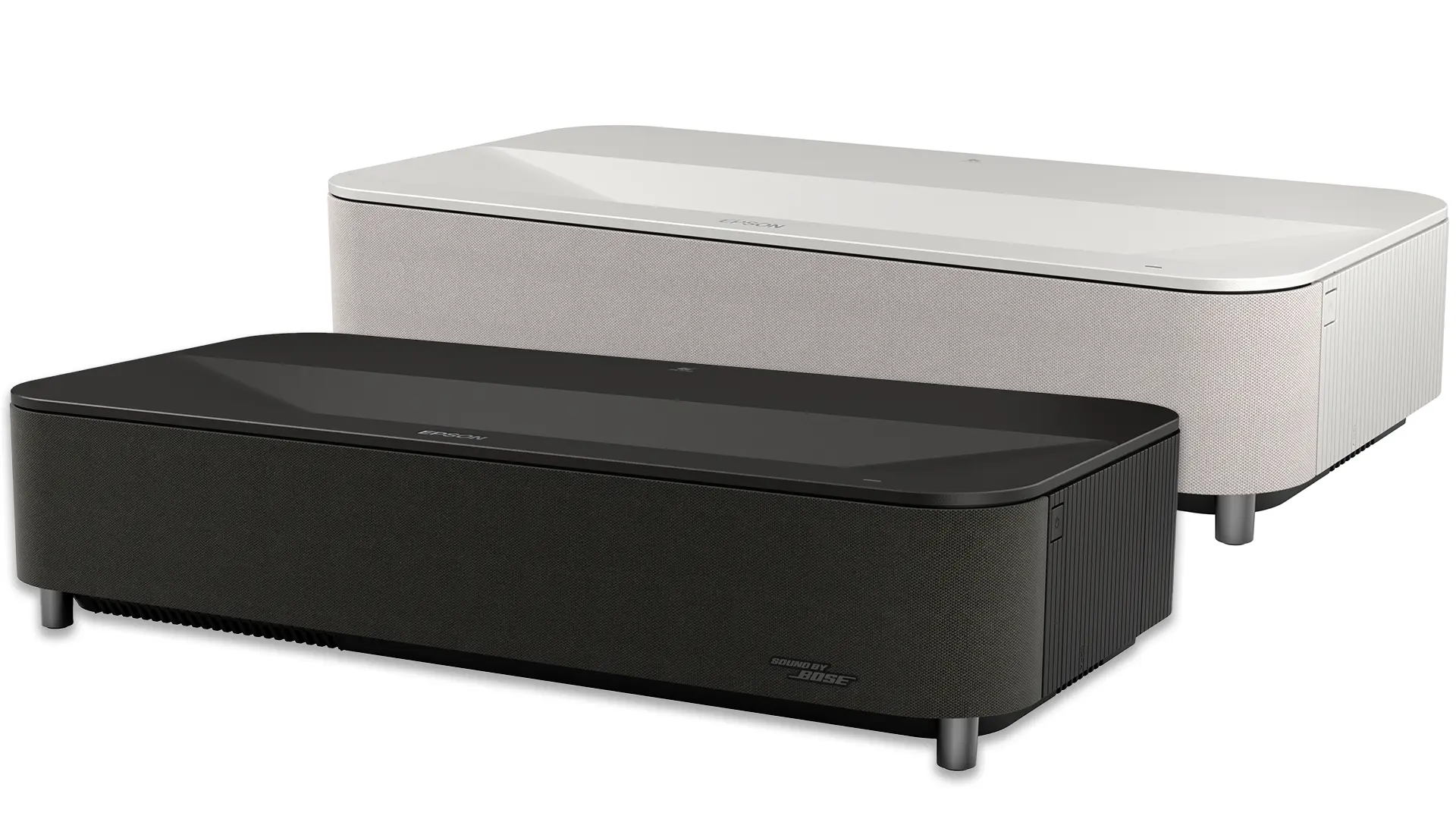
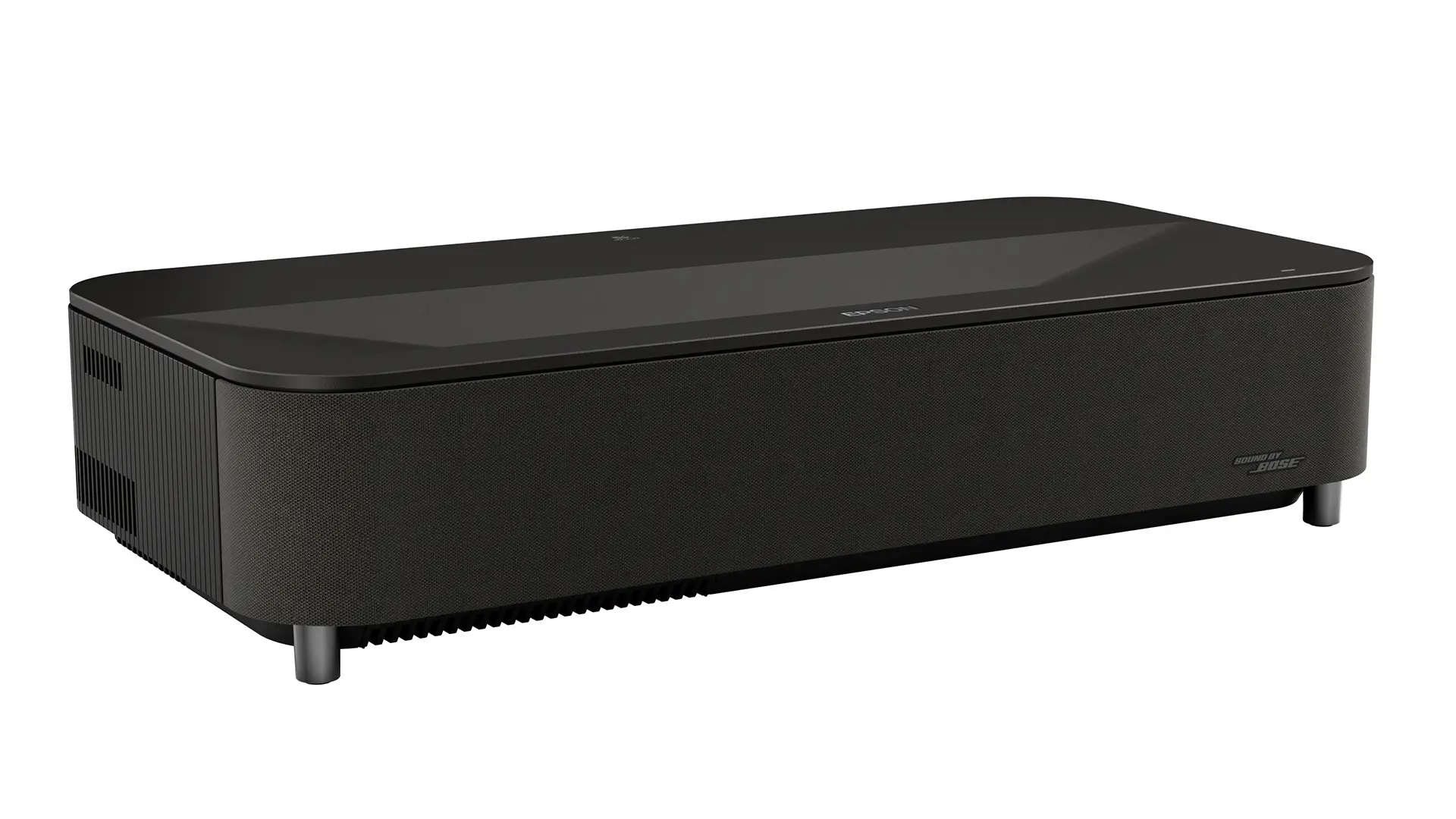
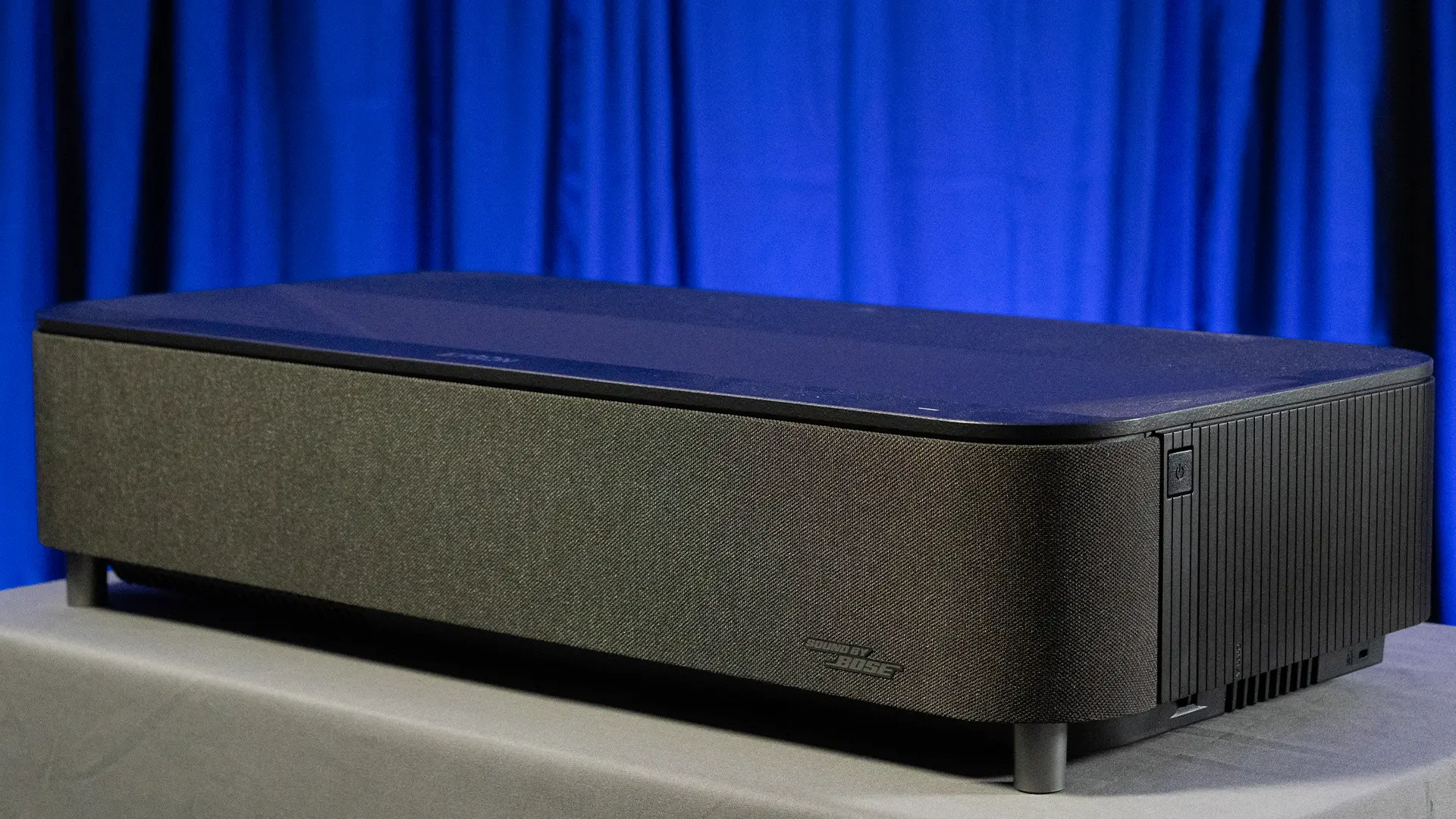
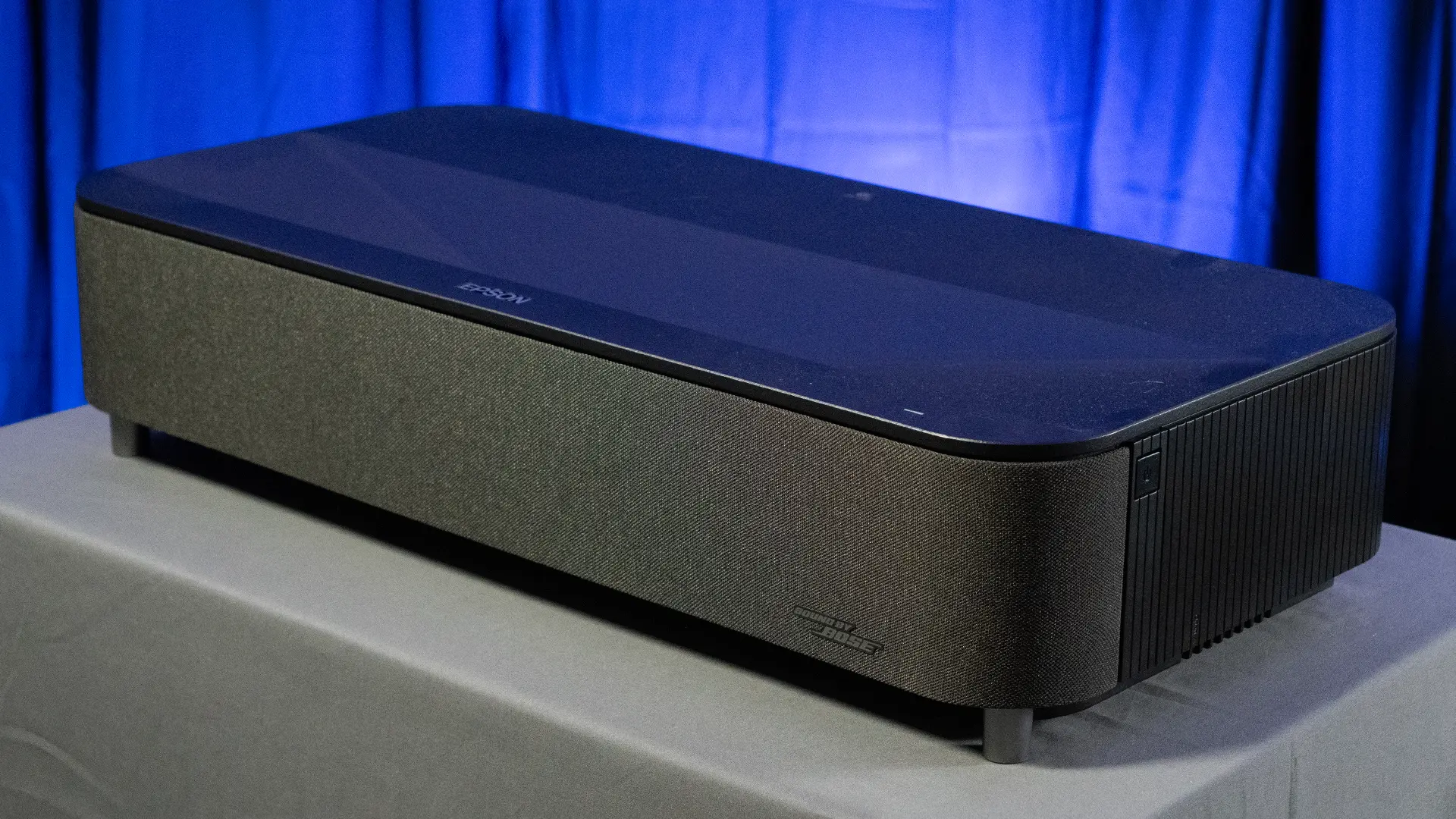
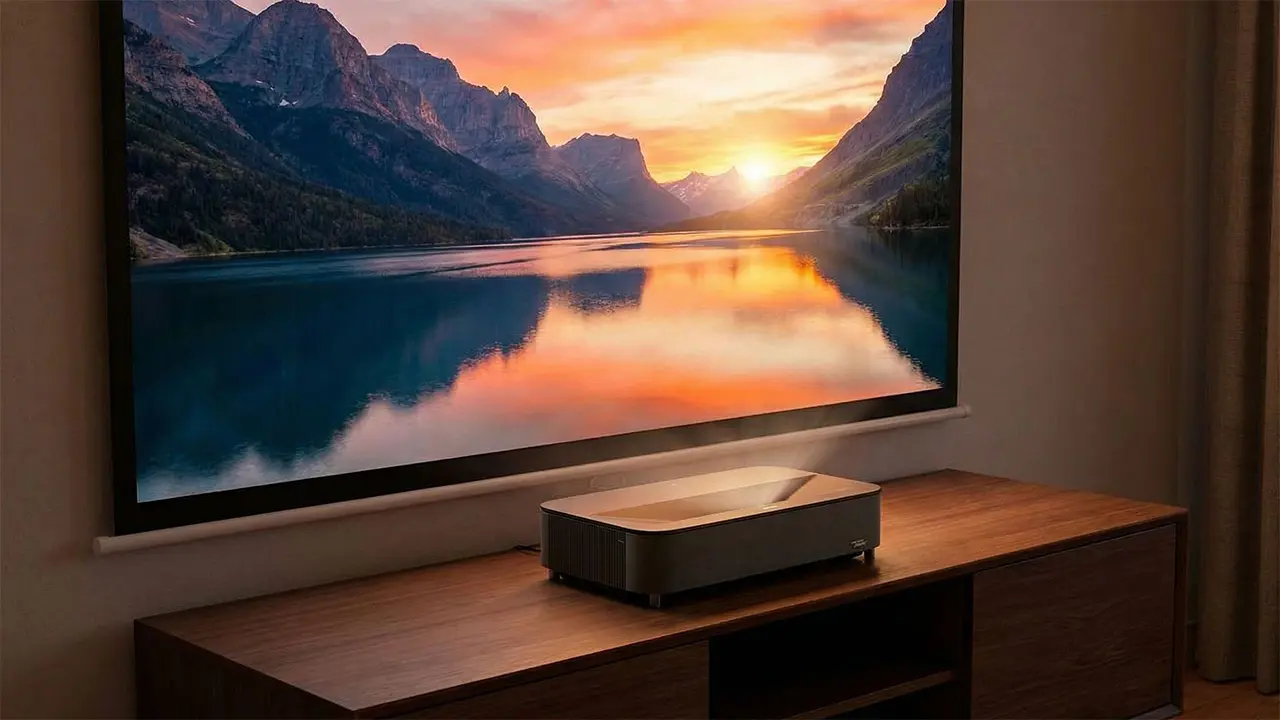
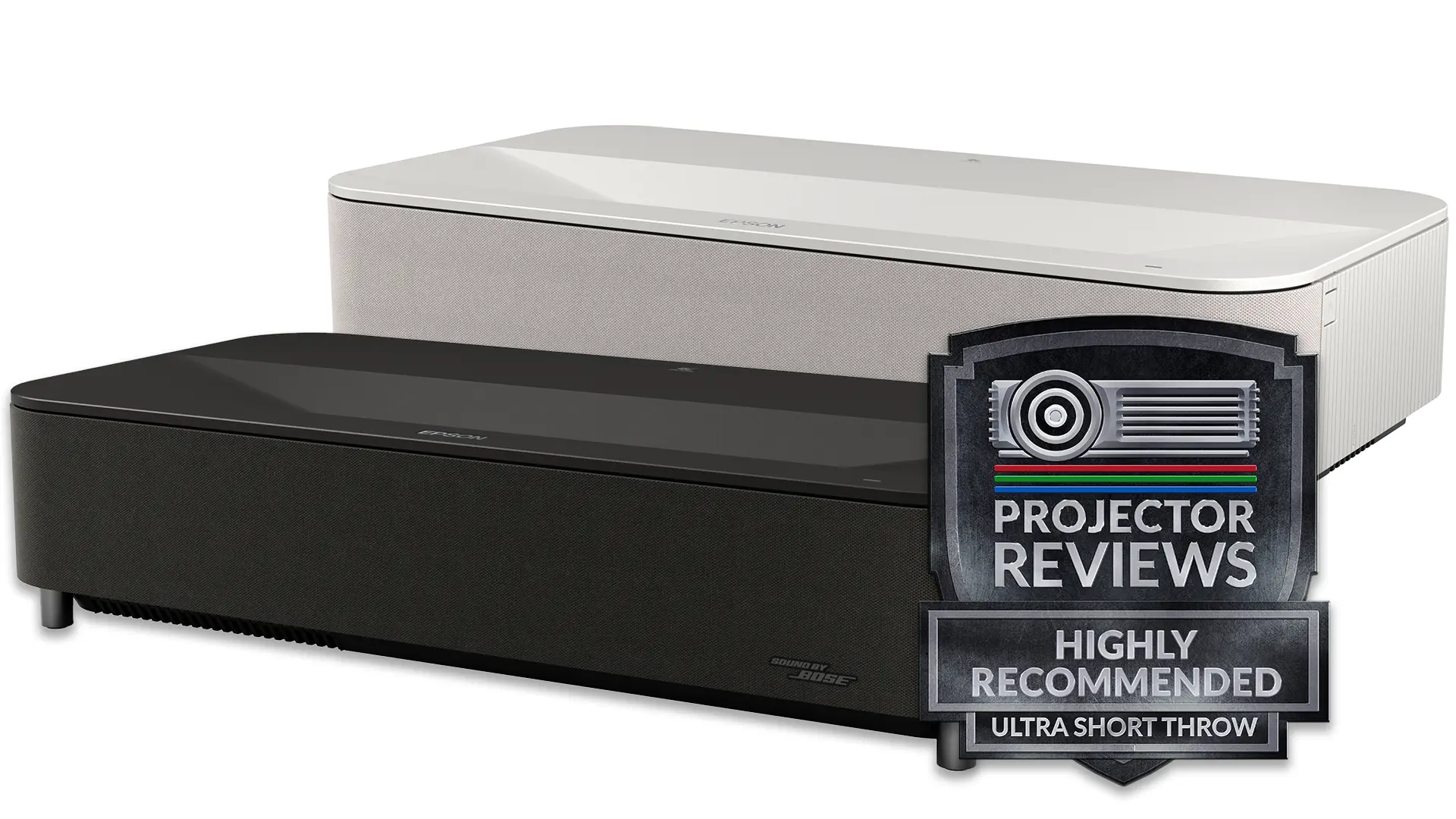
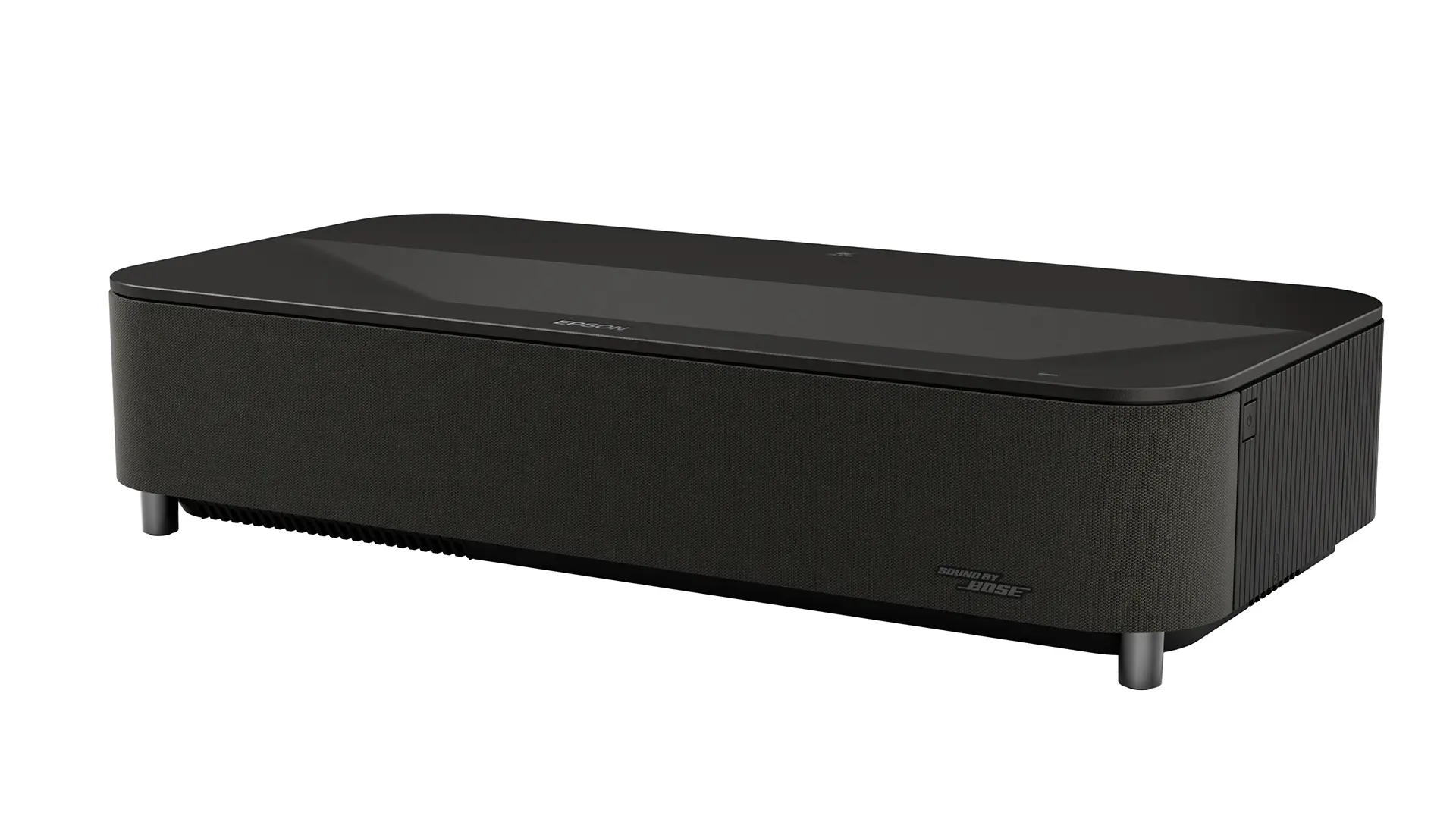
The Epson Home Cinema LS9000, which retails for $3,999, is a 4K HDR10+ blue-laser phosphor home theater projector with a manufacturer-rated brightness of 2,200 lumens, a native contrast ratio of 1,800:1, and a dynamic contrast ratio of over 2,500,000:1.
The Epson LS9000 achieves 4K resolution using its proprietary 4K Display Technology, which combines a 3-Chip 3LCD engine with advanced pixel-shifting via a Dual-Axis Precision Shift Glass Plate, projecting 8.29 million pixels (full 4K UHD) onto the screen from its native 1,080p LCD panels, all managed by the powerful ZX Picture Processor for sharp, detailed, and vibrant 4K images hard to distinguish from true 4K. This advanced system can display twice as many on-screen pixels as the 4.1 million found on Epson 4K PRO UHD projectors. At a normal viewing distance, it is difficult to distinguish between an image produced by the LS9000 and one projected by a native 4K projector.
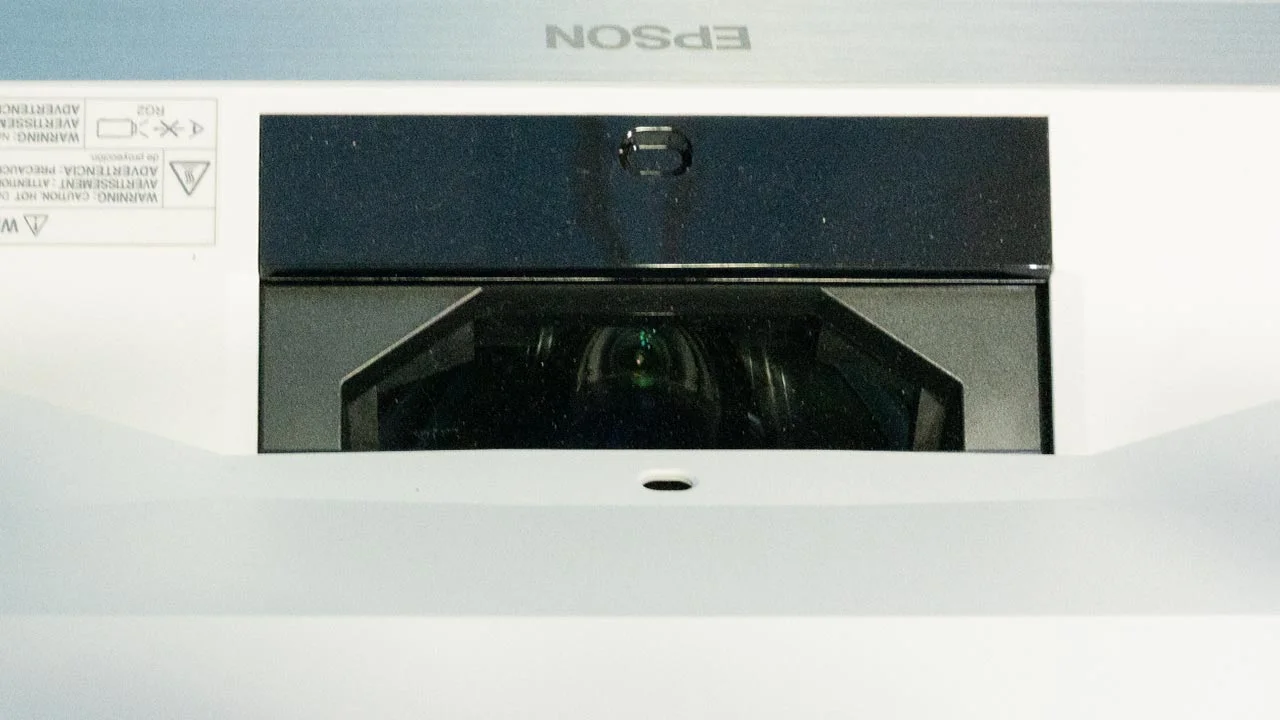
The LS9000 is designed for zero light leakage, using an Epson VRX Cinema Lens with a proprietary 15-element precision glass structure for outstanding image clarity and edge-to-edge focus uniformity. This lens features a 3-way motorized precision-shifting system that allows it to shift vertically up to +/-96% and horizontally up to +/-24% without distortion or loss of clarity. You can also set the zoom and focus, then store all the settings in presets.
The LS9000 uses Epson’s most advanced video processing technology to date, the proprietary 32-bit Epson ZX Picture Processor, which handles real-time color, contrast, HDR, frame interpolation, and resolution enhancement to faithfully reproduce the source material the way it was intended to be shown.
The LS9000 is also an excellent gaming projector, capable of displaying games in stunning 4K resolution at 120 frames per second, with a rated input lag of around 20 ms. This high-speed, low-lag performance allows gamers to take full advantage of the latest-generation gaming consoles and even higher-end gaming PCs. The projector includes HDMI 2.1 (48 Gbps with HDCP 2.3) connections, with built-in Audio Return Channel (ARC) and eARC support, ensuring outstanding compatibility with the latest AV receivers.
The Epson LS9000 is also compatible with HDR10+, HDR10, and HLG content.
The projector’s advanced HDR10+ processing leverages dynamic metadata processed frame by frame, helping to faithfully reproduce the HDR images as intended by the creators. HDR10+ content is available on both 4K UHD Blu-rays and several popular streaming services, such as Amazon Prime Video.
The Pro Cinema LS9000 supports professional-grade IP control systems like Control4, Crestron, and PJLink, enabling seamless smart home integration for an intuitive entertainment experience. The LS9000 is a great option for anyone who wants to enjoy the best in movies, television, streaming, and high-frame-rate gaming.

+ 4K UHD (3,840 x 2,160 pixels) Blue Phosphor Laser
+2,200 Lumens Brightness
+True 3-Chip 3LCD Projector Engine
+HDR10+, HDR10 & HLG Support
+Fully Motorized 15-Element Glass Lens
+2.1X Zoom, Focus & Shift with Memory Settings
+Horizontal and Vertical Lens Shift
+Gaming Up to 4K @ 120 FPS with 20 ms Low Lag
- No Onboard Sound
- No Dolby Vision HDR
- No Dynamic Tone Mapping
- 1800:1 Native Contrast offers Average Black Levels

Epson is an industry leader in the global projection market, having been ranked the world’s number-one projector brand for twenty-three consecutive years as of Q2 2024 (Futuresource Consulting and PMA). Epson commands a massive 49% share of the global market for projectors rated at 500 lumens and above. In the Pro AV segment (projectors with 6,000 lumens or more), Epson holds a 43% global volume share, making it the leading brand by volume worldwide and in the US. Epson is also one of the few truly vertically integrated companies in the projection industry. This means they design and manufacture almost all the critical components of their projectors in-house rather than sourcing them from third-party suppliers. Epson designs and builds everything from projectors to light engines (including 3LCD panels), solid-state laser diode arrays, projector optics (lenses and prisms), and even the manufacturing robots that put it all together.
Looking at the price tag and spec sheet, you might wonder exactly who the Epson LS9000 is designed for. In a market increasingly focused on "Laser TVs" and living-room flat-panel replacements, a bulky unit like this can feel like a bit of a relic at first glance. However, once you look past the surface, the strategy behind the LS9000 becomes much clearer.
While ultra-short-throw models are great for sitting right against a wall, they often fall short when it comes to the deep, inky blacks that a traditional long-throw projector can produce in a properly darkened room. The LS9000 isn't exactly portable or discreet. It is part of the Pro Cinema line, suggesting it is aimed at viewers who value subtle color accuracy and shadow detail over raw, aggressive brightness. You might find that the "pop" of a smaller DLP chip feels a bit artificial after a while, or perhaps you are one of those people who are particularly sensitive to the rainbow effect. For that crowd, the smoother, more film-like look seems to be the main draw.
So, who is the real target for this machine? I suspect it is the person who is ready to commit to a permanent, dedicated home theater setup.

The Epson LS9000 is a 4K HDR-compatible 3LCD laser home theater projector with an MSRP of $3,999. Unlike its more expensive big brother, the LS12000, the LS9000 is designed for the dedicated user looking to upgrade their general home entertainment TV or projector to a higher-end home theater installation on a more affordable budget. The LS9000 offers high brightness, though not the highest, combined with Epson's premium LCD pixel-shifting and the upgraded video processing found on the LS12000. This combination of cost-cutting with higher-end features and processing makes the LS9000 an excellent first dedicated home theater projector for someone looking for a scaled-down, more affordable version of the Epson Pro Cinema LS12000.
The LS9000 features Epson’s 3-chip 3LCD projection system, which means it uses separate red, green, and blue LCD panels to display 100% of the color information in every frame. This 3LCD architecture eliminates the “rainbow” effect and color wheel artifacts (issues that single-chip DLP projectors can exhibit), contributing to the LS9000’s rich, saturated color performance.
The 3LCD panels used in the LS9000 are native 1080p. Older Epson 4K Pro UHD projectors used a two-way pixel shift, which increased on-screen resolution beyond Full HD, but they could not display the full 8.29 million pixels in 4K UHD content.
One way Epson keeps the LS9000 price around $4,000 is by not using the “Ultrablack” filters found on the LCD imagers of its top-tier models, such as the LS12000 or the newer QB1000. Without Ultrablack hardware, the LS9000 has a slightly higher black floor, so the darkest parts of an image may never look truly pitch-black. In a dedicated room with the lights off, those wide-screen letterbox bars might appear more like a very dark charcoal than a total black. Instead, Epson is counting on its DYNAMIC LASER DIMMING to do most of the heavy lifting. By rapidly adjusting the laser's power as scenes change, the projector can still create a convincing sense of depth. It is a bit of a software-driven workaround for a hardware omission.

The projector’s blue laser phosphor light source uses multiple laser diodes to deliver 2,200 lumens of color and white brightness. The laser diode light source provides up to 20,000 hours of maintenance-free operation.
While brightness is important, deep blacks and high contrast separate a premium home theater projector from a standard unit. The LS9000 delivers a native contrast ratio of 1800:1. which feels a bit low compared to what the top-tier models are doing these days. In my opinion, this is a classic case of choosing one specific strength over another. The LS9000 uses transmissive panels, meaning light shines through the LCD. It is a bit like holding a powerful flashlight up to a heavy blanket. You get great brightness on the other side, but you can never truly kill that faint glow when things are supposed to be pitch black.
Epson managed to hit the 2,200-lumen mark. Most budget DLP units just can't keep up with that level of color pop. It is likely that if they had tried to squeeze more native contrast out of this specific chassis, the price would have crept up toward that $6,000 territory where the flagship LS12000 lives. Plus, let's be honest about our rooms. Unless you have a dedicated space with black velvet on every surface, the light bouncing off a white ceiling or a beige wall will probably wash out those deep blacks anyway.
To bridge the gap, Epson relies on DYNAMIC LASER DIMMING. It is a smart enough trick for most movies as it throttles the light source in real time. It isn't a perfect fix, though. If you are a real stickler for seeing perfect, tiny stars against a deep black void, you might notice that the dimming doesn't quite replace a higher native contrast. It strikes me as a deliberate compromise. Epson wanted to give gamers 120 Hz and theater fans a motorized lens at a $4,000 price point without cannibalizing sales of the LS9000’s more expensive siblings.

The LS9000 also features Epson’s 32-bit ZX Picture Processor, which serves as the projector's brain. The ZX uses the same high-end silicon as Epson's flagship models. It is quite a powerful chip for a projector at this price point, as it handles the heavy lifting for real-time HDR tone mapping and frame interpolation. It’s also largely why the LS9000 looks better in motion than a lot of its competitors.
Because it can process image data so quickly, the ZX can smooth out fast-moving scenes in sports or action movies without creating the "soap opera effect" as aggressively as cheaper chips might. It also plays a huge role in how the projector handles HDR10+ content. It is constantly calculating how to map those bright highlights and dark shadows onto the screen to make sure you aren't losing detail in the brightest clouds or the darkest corners of a room.
It is worth noting that, while the processor is top-tier, it still operates within the physical limits of the 3LCD panels. The 32-bit processor uses techniques such as dynamic laser dimming to enhance image contrast. In a way, the ZX processor is doing much of the heavy lifting to compensate for the hardware's average "black floor."
If you plan to use the LS9000 for gaming, that 32-bit chip also enables the projector to handle a 4K 120 Hz signal with low input lag. It is a very capable piece of hardware that keeps the LS9000 feeling responsive and modern, even if it doesn't have the inkier blacks of the LS12000.

| Epson Pro Cinema Model Comparison | |||
|---|---|---|---|
| Model | 4050 | LS9000 | LS12000 |
| Price (MSRP) | $2,399 | $3,999 | $5,999 |
| Displayed Resolution | 4K (3840 x2160) | 4K (3840 X 2160) | 4K (3840 X2160) |
| Light Source | Lamp | Laser | Laser |
| Brightness | 2400 lumens | 2200 lumens | 2700 lumens |
| Dynamic Contrast | 200,000:1 | 2,500,000:1 | 2,500,000:1 |
| Lens Assembly | Motorized Zoom | Motorized Zoom | Motorized Zoom |
| Zoom (Len Shift) | 2.1:1 (V: ±96.3 / H: ±47.1) | 2.1:1 (V: ±96.3 / H: ±47.1) | 2.1:1 (V: ±96.3 / H: ±47.1) |
Epson offers three models in its current Pro Cinema line of home theater projectors: the Epson 4050, the LS9000, and the LS12000. The Pro Cinema 4050 relies on a traditional lamp, which means more heat and eventual "yellowing" of the image as the lamp ages. If you don't care about 3D, it is hard to justify a lamp-based unit when the newer laser engines offer much better color consistency over time.
The LS9000 is the sensible middle ground as it takes the flagship's chassis and swaps out the high-end lighting engine for something more affordable. You get 4K 120 Hz gaming and that snappy 32-bit ZX processor, but, as we discussed, the low native contrast is a trade-off. In a room with white walls, you might never actually notice that its blacks aren't as deep as the LS12000, but in a darkened theater, it is likely to look a bit more like a dark gray. It feels like Epson built this one specifically for the living room user who wants a sharp, fast image without spending $6,000.
Then you have the LS12000, which is still the champion of this particular lineup for any serious movie buff. The biggest difference here isn't just the 500 extra lumens, though that helps a lot with HDR highlights. The real secret is the UltraBlack filter we mentioned earlier. It gives the image depth that the LS9000 just can't quite match. If you are projecting onto a huge screen or have a room where you’ve gone to the trouble of painting the ceiling black, the LS12000 is almost certainly worth the premium price and is built for the purist who wants to see every bit of detail in a dark scene.
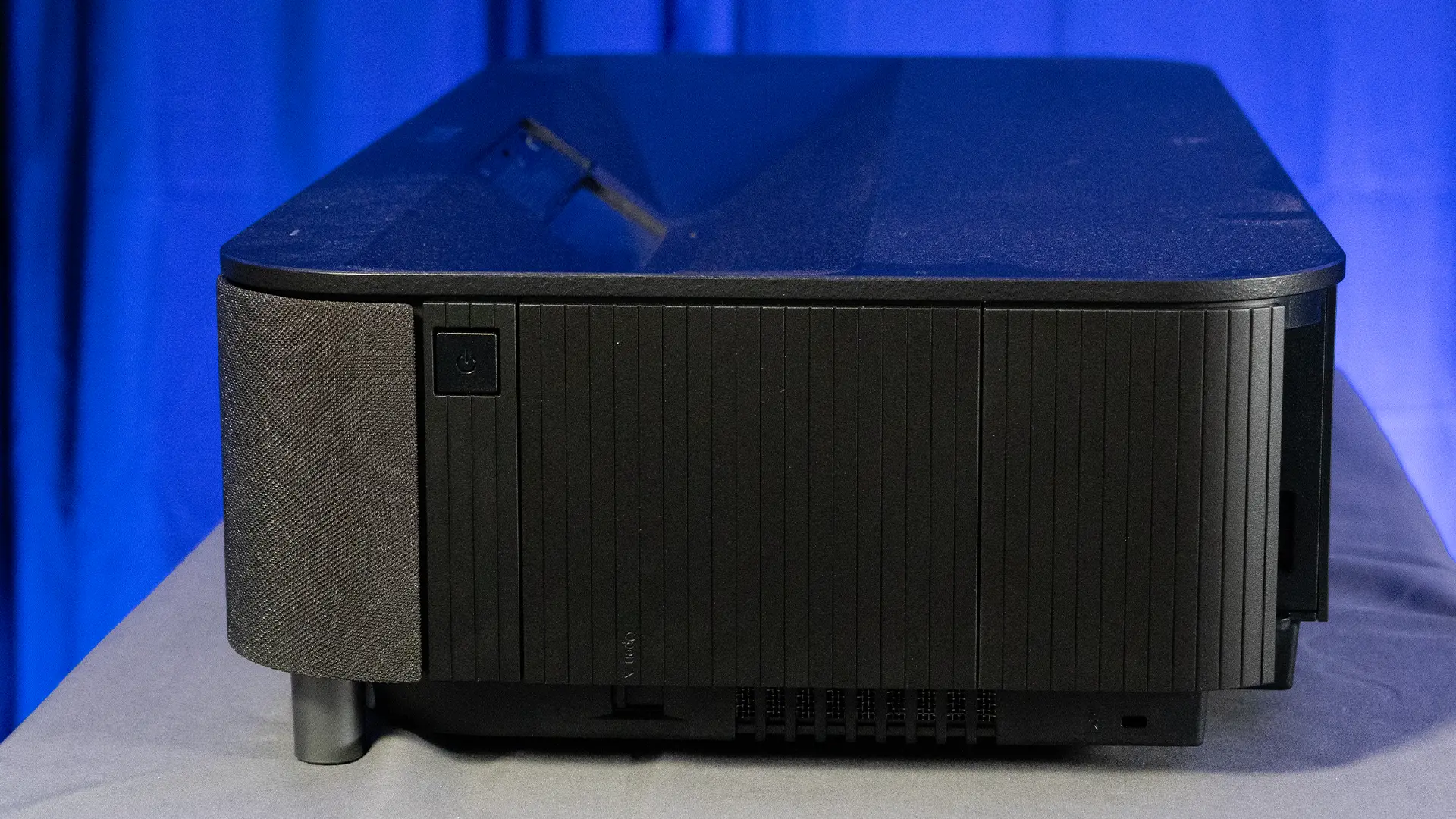
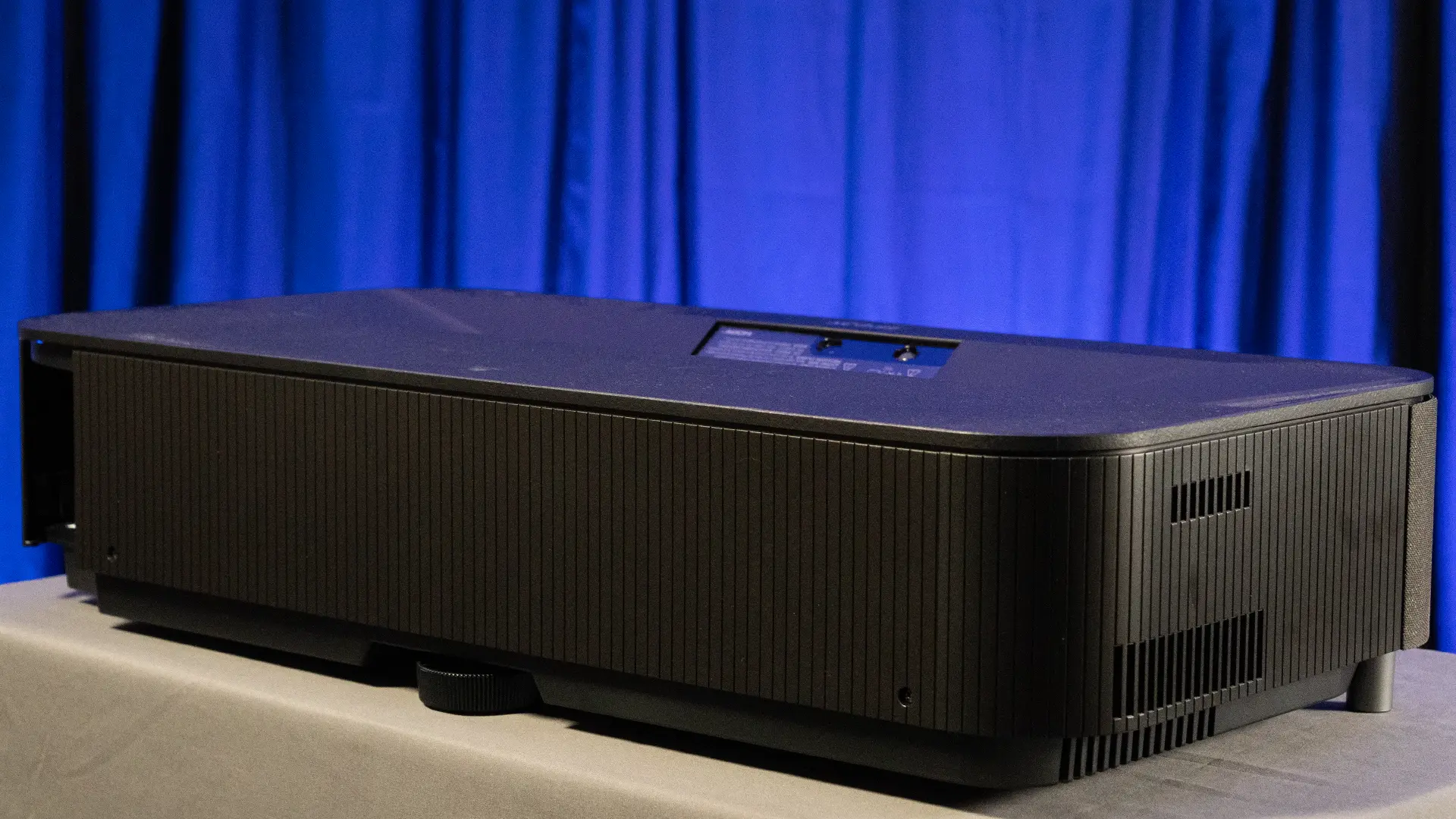
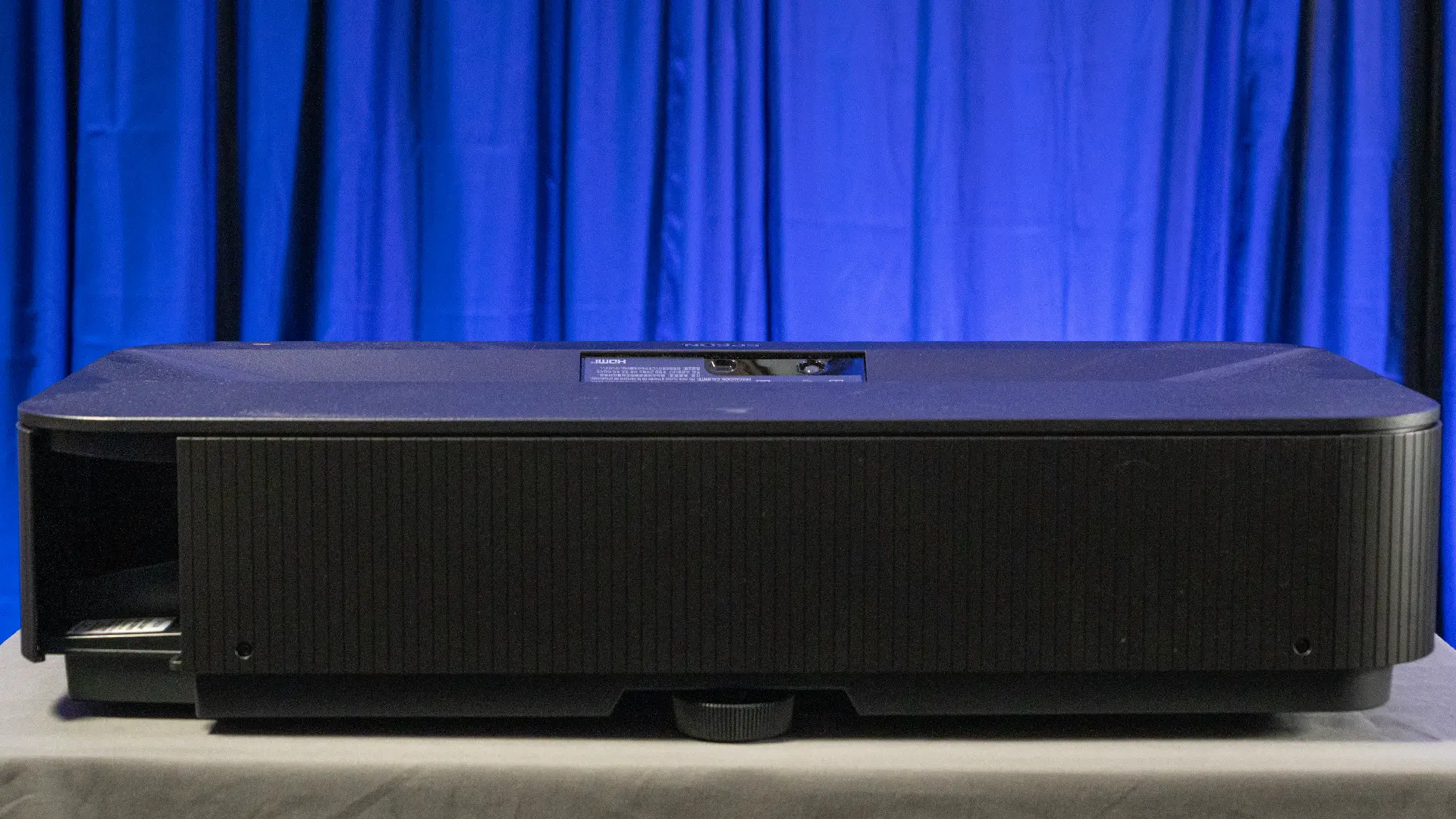
The Epson LS9000 shares an almost identical chassis design to the more expensive LS12000, and even with the changes to some internal components, the LS9000 is the same size and weight. The LS9000 is approximately (WxHxD) 20.5" x 16”x 21.9" (520.7 mm x 406.4 mm x 556.26 mm), and it weighs about 28 pounds (12.7 kg).
The projector’s lens is located in the center of the front panel. To the right and left sides of the lens panel are the air exhaust vents. The IR remote receiver window is also located on the lower right side of the front panel. The projector's top has status lights. On the left side of the chassis, there is an air intake vent. On the right side of the chassis, along with the power and input buttons, there is another air intake vent covered by an air filter.
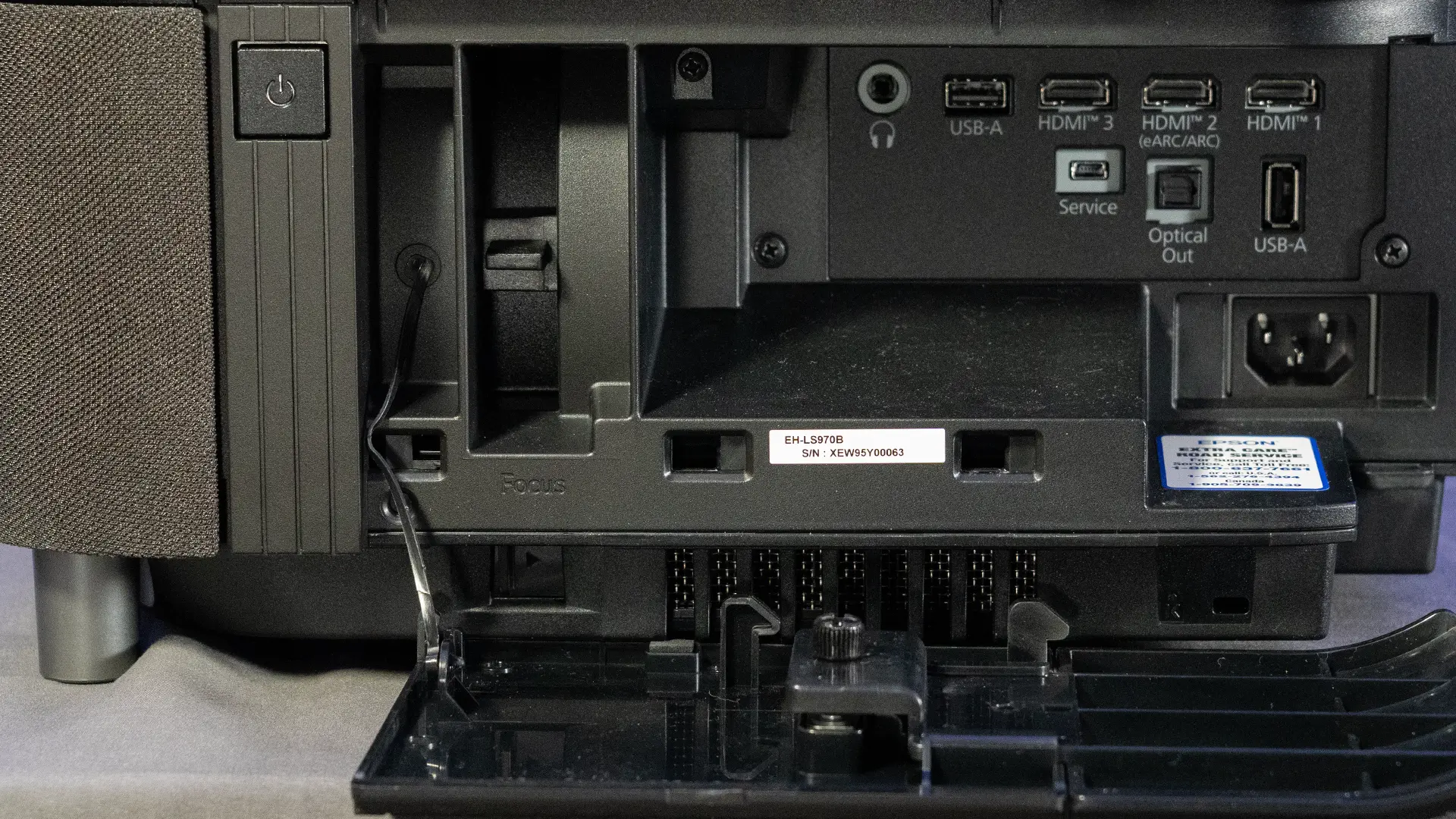
The rear of the projector houses the power connector, a second IR remote receiver, and the projector's control panel, along with the inputs and connections.

There are dual 48 Gbps HDMI 2.1 (HDCP 2.3) inputs that support 4K HDR at up to 120 fps. There is a LAN connection and a single 12V trigger output that can control a screen, the sled of an anamorphic lens, or motorized shades.
A traditional serial RS-232C port (DB9 connector) is also included for “old school” command and control. There is also a service port and security cable attachment point. There is a USB-A input with 5V/2.0A, which is enough to power/charge a streaming media player. The second USB connection is a 300mA power port designed to power an active copper or optical HDMI cable.
The Pro Cinema LS9000’s control panel is simple, but most people will use it only for initial setup, then rely on the remote control or a home automation system for these functions.
There’s a MENU button and an ESC button that take you back to the previous menu level. You can use the four arrows to navigate the projector’s menu, with the Enter button in the center. Pressing the lens button toggles through the motorized ZOOM, SHIFT, and FOCUS lens functions.

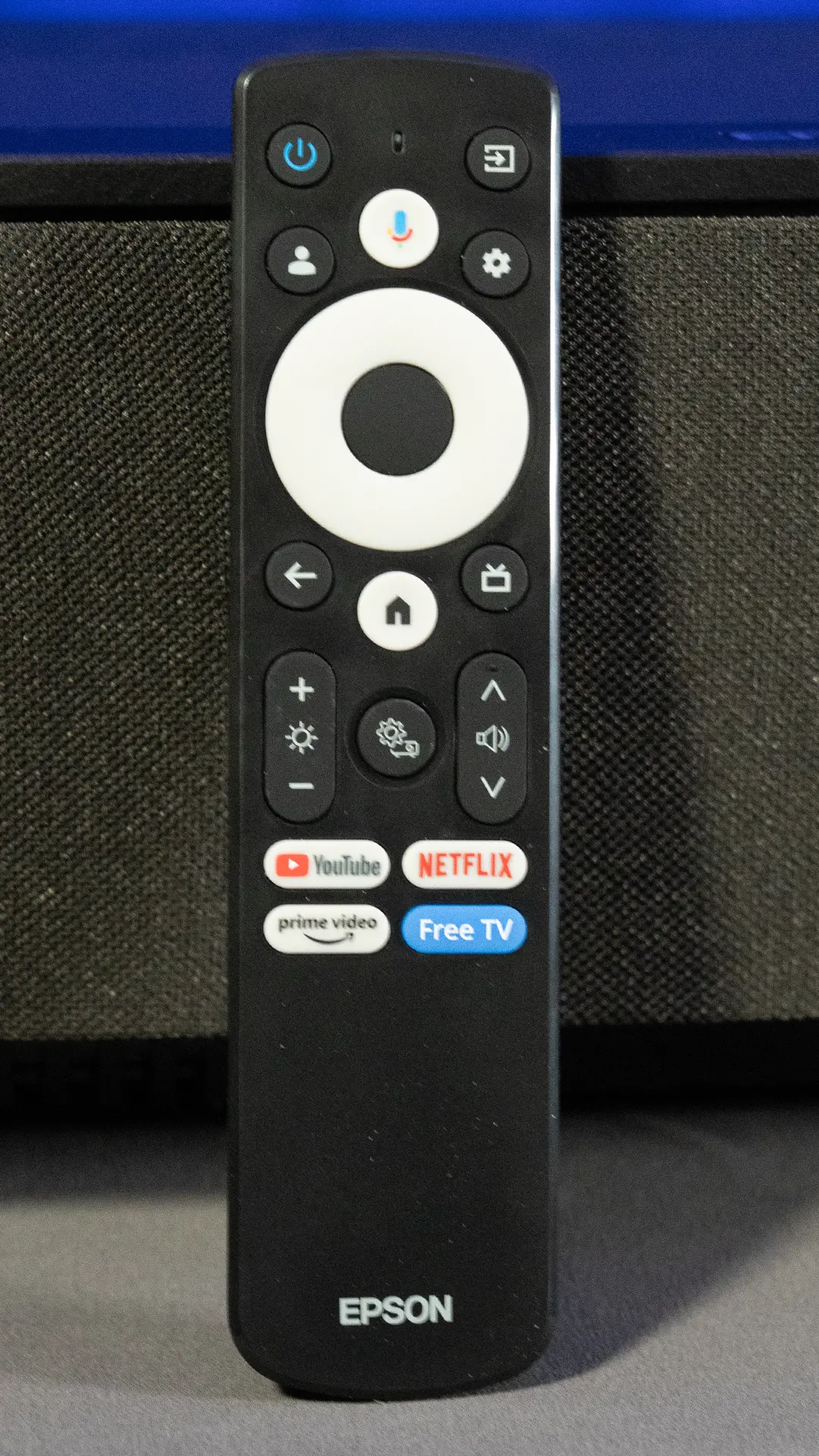
The LS9000 comes with a large eight-inch remote, like the one used on the higher-end QB1000. It is fully backlit, which is a lifesaver when you are halfway through a movie in a pitch-black room and just need to nudge the HDR slider without fumbling for your phone light. While the sheer number of buttons might look intimidating at first, the casing's physical size actually works in its favor. It doesn't feel like you are trying to type on a miniature calculator, as the buttons are spaced out enough that you aren't constantly hitting the wrong thing. Everything is logically placed, with the Power and Input toggles at the top and a standard navigation pad right where your thumb naturally rests.
The real win here is the inclusion of dedicated shortcut keys for things like color modes and frame interpolation. Instead of digging through three layers of on-screen menus just to tweak the image enhancement, you can just hit a single button. It is a small detail that enthusiasts are likely to appreciate during those first few weeks of obsessive calibration. There is also a small control pad tucked away on the back right of the projector itself. It covers the basics, like power and menu navigation, and includes a dedicated lens adjustment trigger.
If you happen to lose the remote in the couch cushions during setup, the physical Lens button on the chassis is a great backup. You just tap it to cycle through Focus, Zoom, and Shift, then use the arrow keys to line the image up with your screen. While you probably won't touch these on-board buttons once the projector is finally mounted on the ceiling, having them there for the initial install makes the whole process feel a bit more manageable. It appears that Epson is sticking with a "function over form" approach here, and for dedicated theater gear, that is usually the right call.

When it comes to the projector’s optics, Epson has equipped the LS9000 with a 15-element all-glass assembly, the same VRX Cinema Lens as the higher-end LS12000 and QB1000. This lens produces a sharp image almost to the edges of the projected image before you notice any overall softening, avoiding the soft or blurred look you sometimes see with cheaper plastic lenses. Although there is an almost imperceptible softening at the most extreme corners of the projected image, it is far less than the lens focus issues I have seen on many more expensive ultra-short-throw projectors. The motorized 2.1 zoom ratio is very useful, allowing you to project a 100-inch image from as close as 10 feet or as far back as about 21 feet. This wide range enables the LS9000 to fit into a variety of room layouts, whether ceiling-mounted or on a dedicated shelf at the back of the room.
Lens shift is good, though it does have its limits. You get a vertical shift of up to 96.3% and a horizontal shift of 24%. The horizontal is less than that of the more expensive flagship models, but it is plenty to get the image perfectly squared up to the screen. FOCUS, ZOOM, and LENS SHIFT are fully motorized, so you can dial everything in while sitting on the couch using the remote.
Epson includes a very useful lens position memory for up to ten (10) individual settings, allowing you to save custom settings for FOCUS, ZOOM, and LENS SHIFT. This is a lifesaver if you frequently switch between 16:9 television shows and wider 2.35:1 cinematic aspect ratios. Instead of manually adjusting the image every time the format changes, you just recall a preset. Epson even went so far as to include two dedicated buttons for your most-used positions right at the bottom of the remote control.
I have read some reports of the LS9000’s saved memory, particularly around the lens position, drifting over time and requiring small adjustments to restore the projector's image to optimal settings. I did not see any issues with the LS9000’s memory settings. I will say that this is nothing new, especially in projectors with large and heavy all-glass lens mechanisms, and if there is an issue with some LS9000’s, it is not an exclusively LS9000 issue. That said, I had no problem with any memory presets. They returned exactly where they were meant to return. I also didn’t have any issues with the lens or image settings. I even set up a memory setting so the lens was placed in an extreme position, both horizontally and vertically, and the projector returned it to the position I set.
The Epson LS9000 isn't trying to be a smart TV, so you won't find any app stores or flashy animations here, complicating the basic linear flow of the company's typical menu system. It is straightforward, bordering on utilitarian, with a basic text-based layout that prioritizes speed over style. The categories like IMAGE, SIGNAL, and MEMEORY are laid out logically, and the menus are responsive enough that you can make tweaks while the movie plays in the background. This is a huge help when you are trying to see exactly how much "Image Enhancement" or motion smoothing you actually need before the picture starts looking artificial.
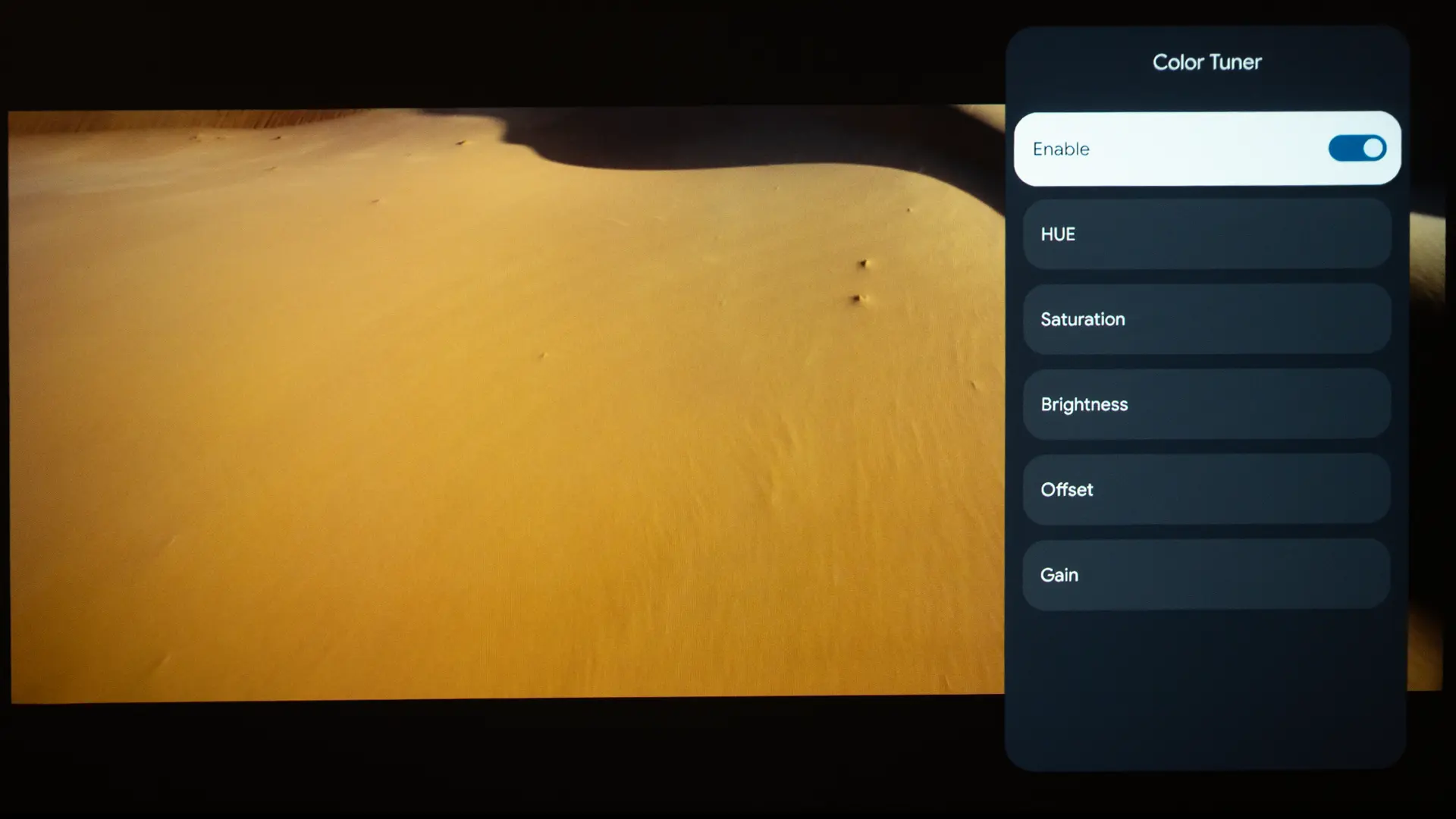
For those who really like to tinker, you get a full CMS (Color Management System) to adjust the saturation and hue of individual colors, along with a 13-point grayscale adjustment. Most casual viewers will likely stick to the presets, but having this level of control is a big deal for someone trying to achieve a perfectly neutral color temperature. It also offers various gamma curve options, suggesting that Epson is targeting those who want to squeeze every bit of shadow detail out of a difficult HDR scene.
With a professional touch, when you connect the projector to your home network, you can just type its IP address into a browser on your laptop or phone to take control. This is great for installations where you might be working on a ladder or if the projector is housed in a dedicated box, where the remote sensor might be blocked. From this interface, you can control motorized lens alignment and focus with much greater precision than you might achieve by simply clicking a remote button. It even allows remote diagnostics, which could be useful if you ever need a technician to look at the unit without having to physically come to your house and take it down from the ceiling.
You might be wondering whether the LS9000’s reduced brightness compared to brighter Epson models like the LS12000 or the new QB1000 affects this projector's color performance. The brightness gap between these models seems huge on paper, but in practice, I found it a bit more nuanced than just "brighter is better." As a 3LCD projector, the LS9000 produces equal white and color brightness, resulting in more vibrant, saturated colors than many high-brightness DLP projectors that use a white segment in their color wheel.
In fact, the real place you are likely to notice the lower brightness isn't necessarily in the "colorfulness" of the image, but in the HDR and CONTRAST, especially perceived contrast (but I’ll get to these in their respective section of this review below). In my room, on my 110-inch matte white screen, 2,200 lumens is actually plenty. In my light-controlled, darkened room, the LS9000’s color performance held up surprisingly well.
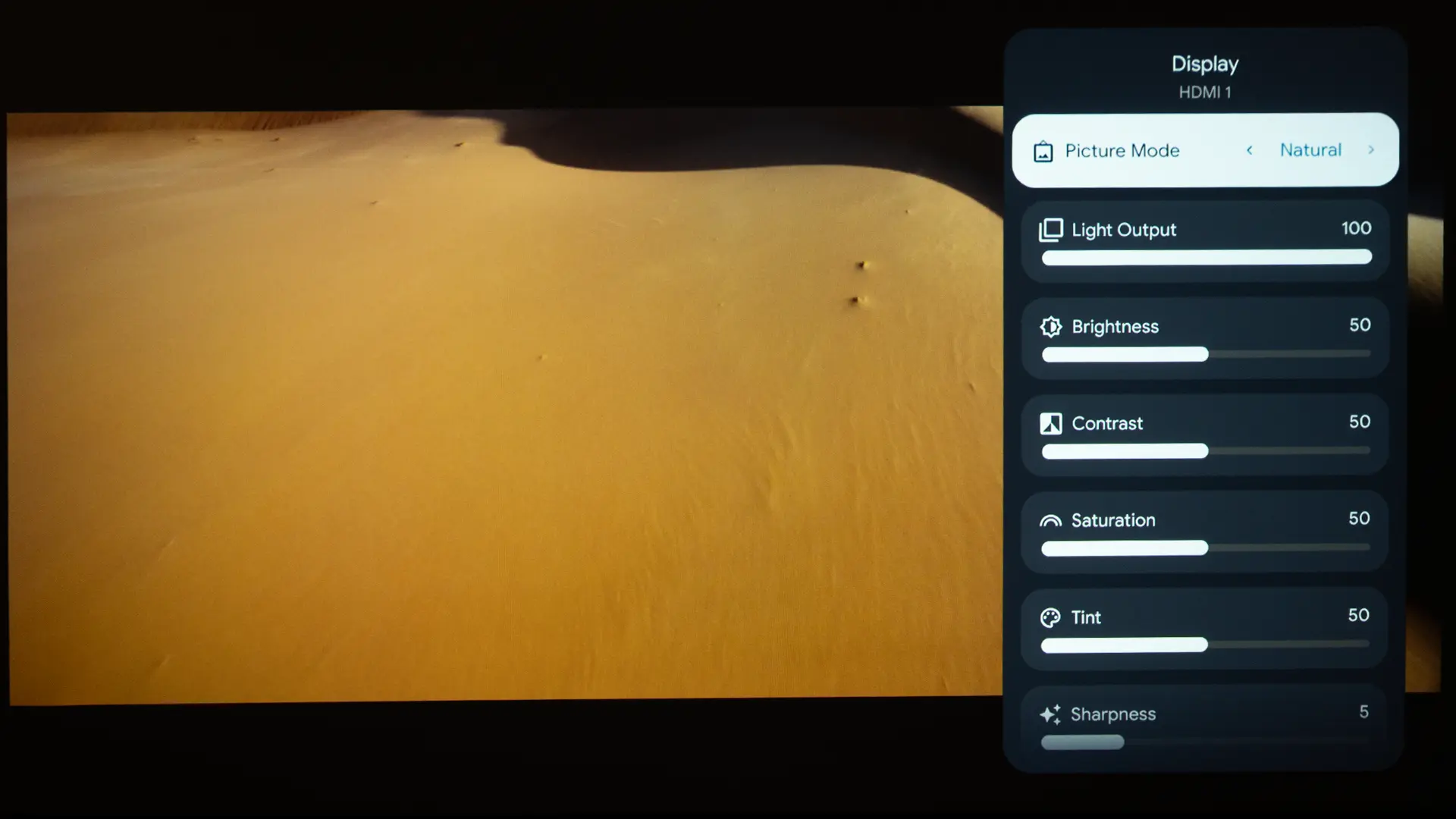
I would rate the Epson Pro Cinema LS9000 OOTB (Out of the Box) color performance as well above average, especially for a blue-laser phosphor-powered projector. Epson includes five (5) factory-tuned picture presets, including DYNAMIC, VIVID, BRIGHT CINEMA, CINEMA, and NATURAL. Each of the included modes was fairly accurate, and among the five SDR picture modes, NATURAL appeared to be the most balanced, though I found myself switching back and forth between it and the CINEMA modes.
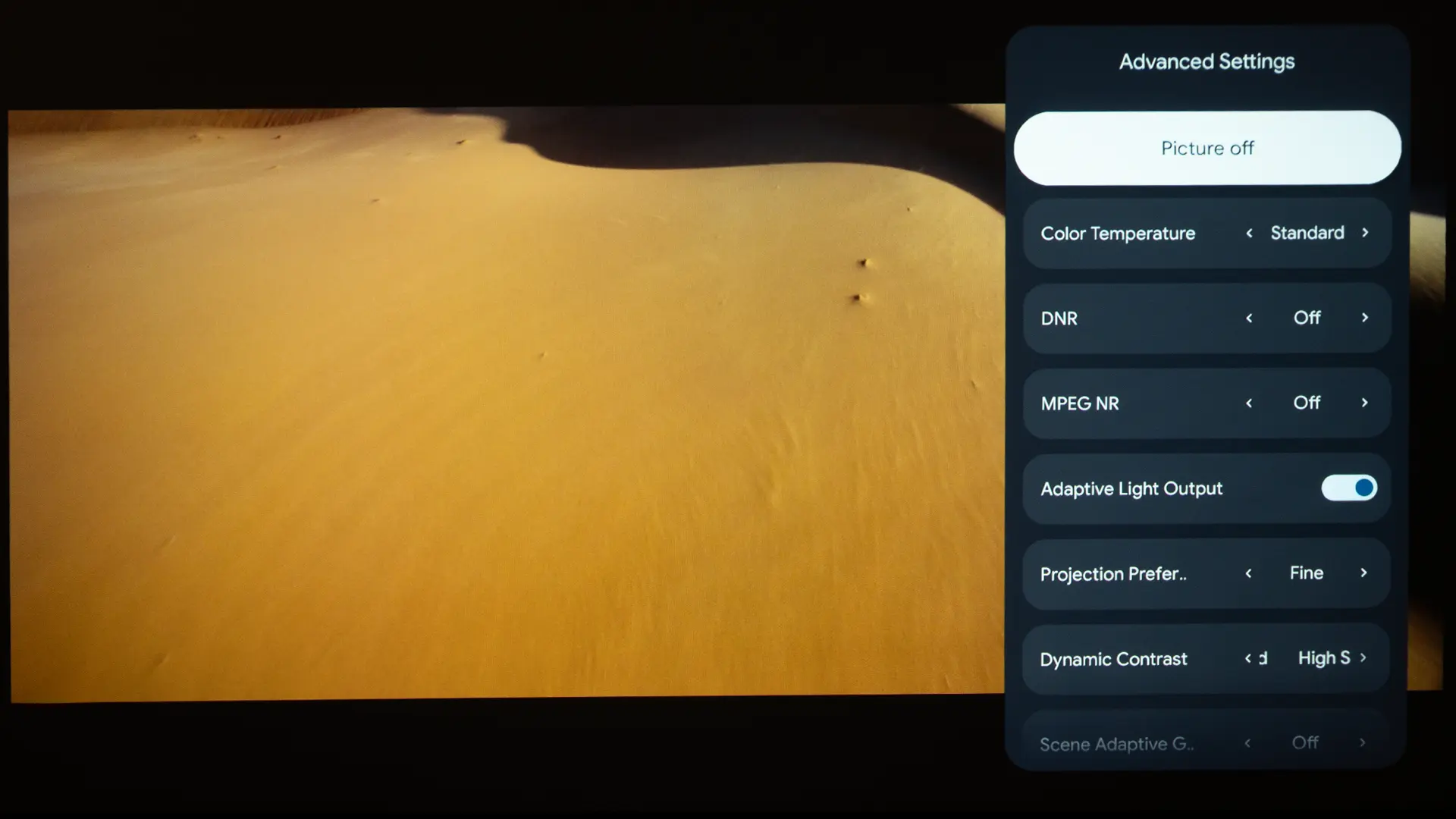
The NATURAL mode is the most accurate for both SDR and HDR, as it disables heavy processing such as FRAME INTERPOLATION and DYNAMIC CONTRAST, providing a clean image without any artificial processing. When I turned on CINEMA, the projector engaged settings like DYNAMIC CONTRAST, SCENE ADAPTIVE GAMMA, FRAME INTERPOLATION, and IMAGE ENHANCEMENT. While the CINEMA mode’s color temperature is similar to the NATURAL mode, adding the enhancements boosted contrast and sharpness.
Higher-end models like the LS12000 and the new QB1000 offer automatic scene-by-scene contrast enhancement, but the LS9000 only has a manual SCENE ADAPTIVE GAMMA slider. Switching to CINEMA mode on the LS9000 does not offer the same automatic, real-time functions as flagship models such as the LS12000 and QB1000. You have to adjust the HDR shadow detail on the LS9000 manually.
I was pleasantly surprised by the projector's factory preset picture modes. The DYNAMIC mode, which is typically the brightest, is also the most color-inaccurate on Epson projectors, but, pleasantly, on the LS9000, this mode did not look overly cool or green. In fact, I found it visually more than accurate enough for dark-room viewing, especially if, like me, you sometimes prefer the modern, saturated look created by many RGB DLP projectors’ more vivid preset picture modes.
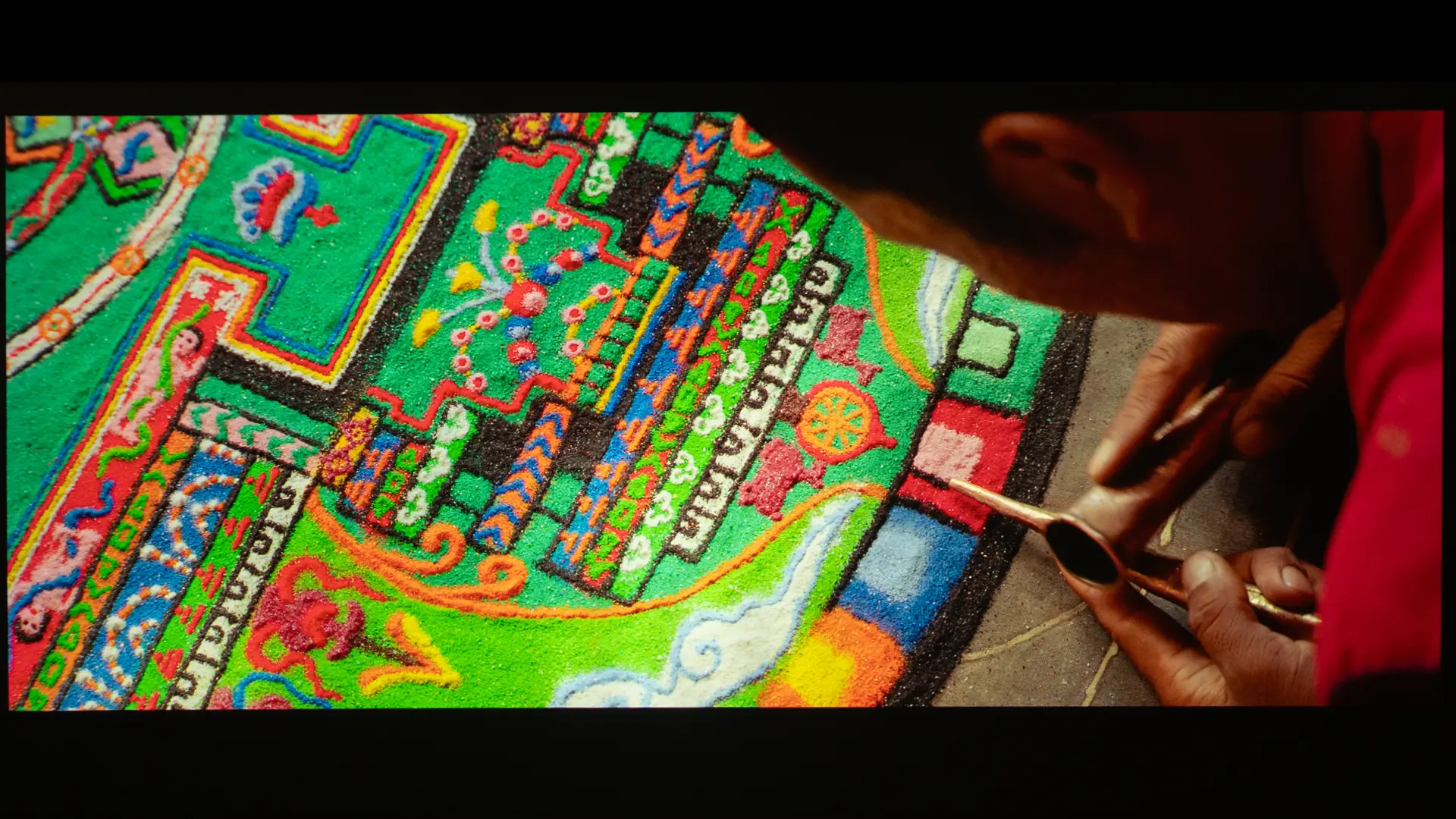
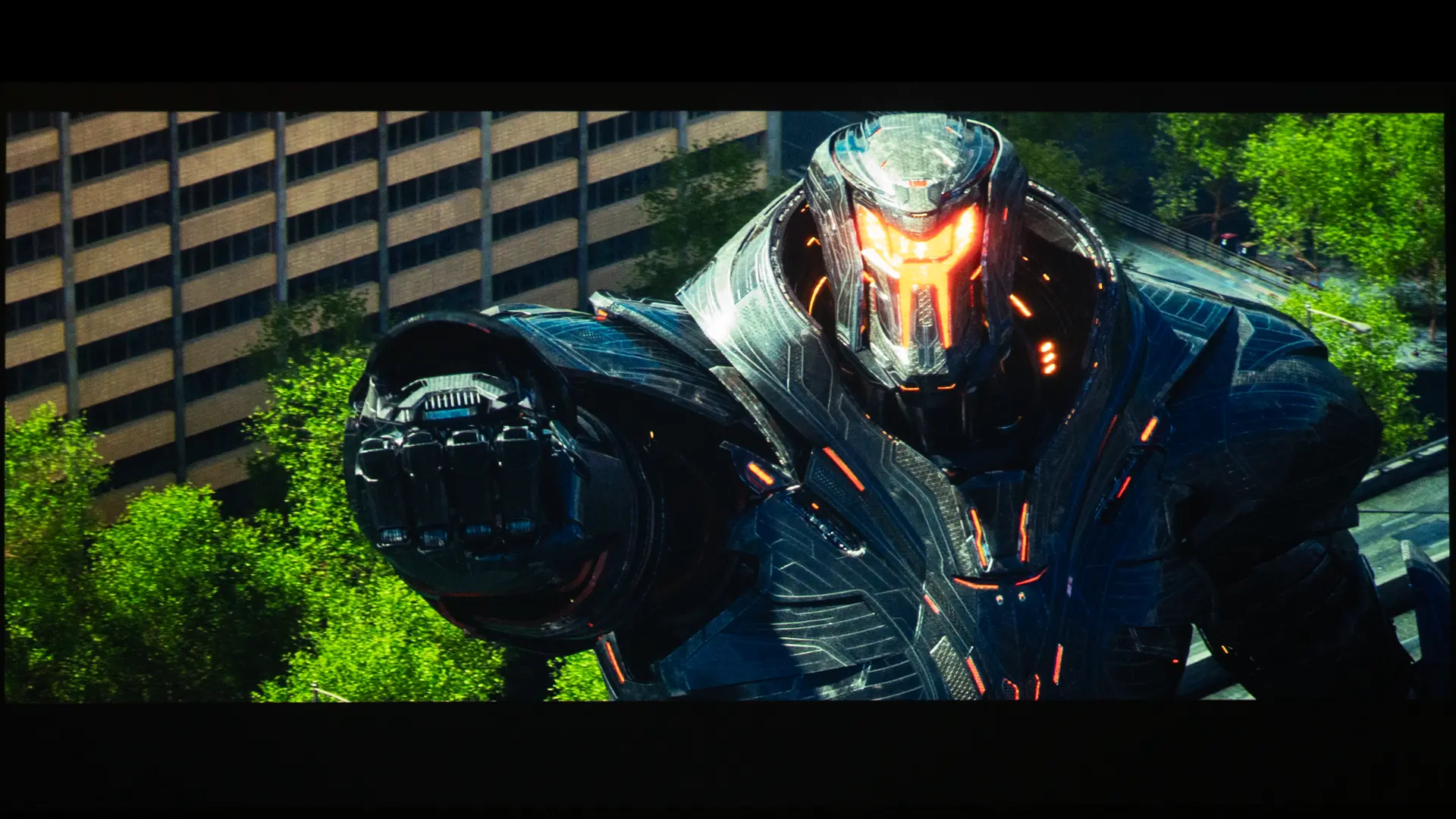
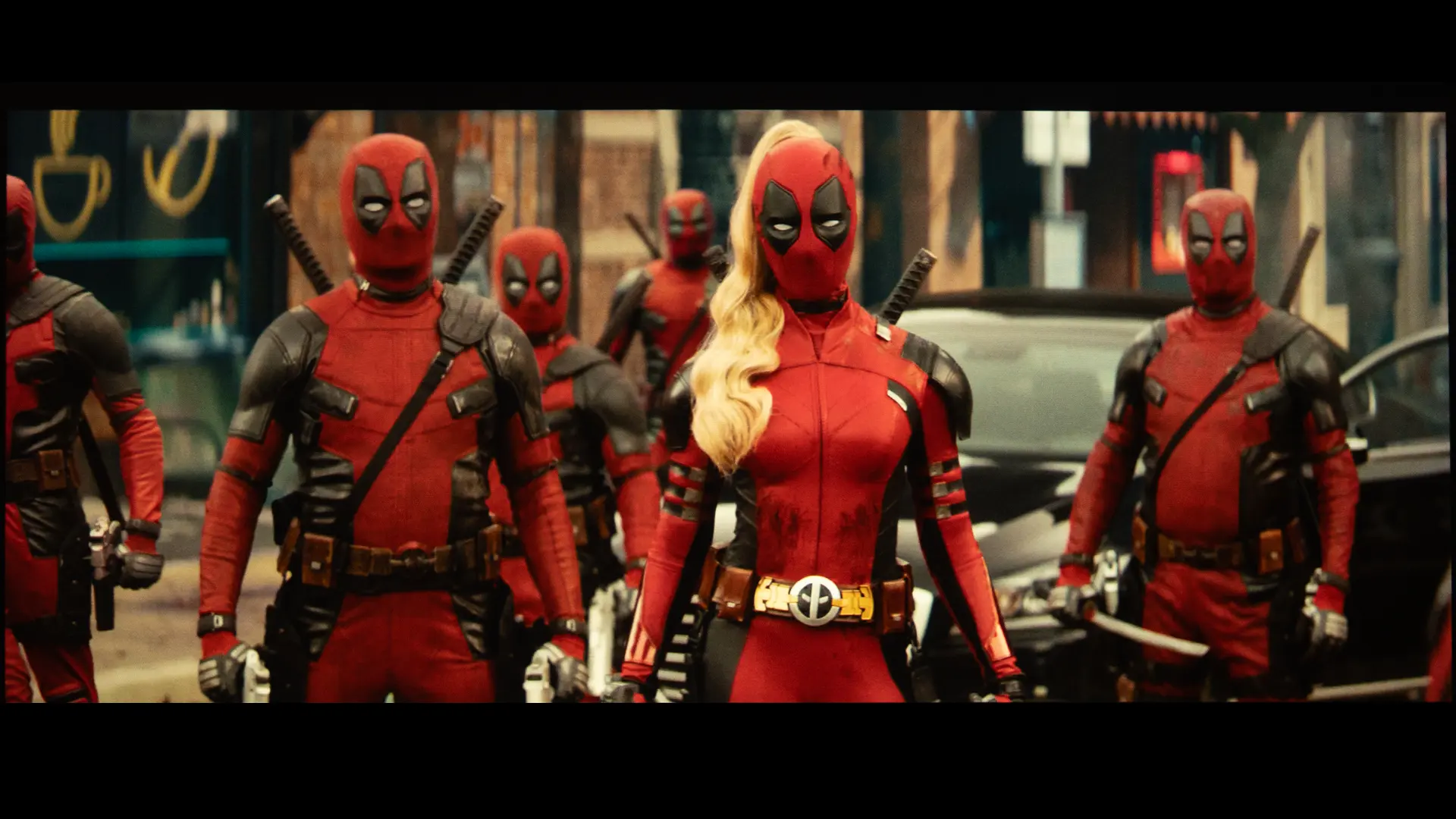
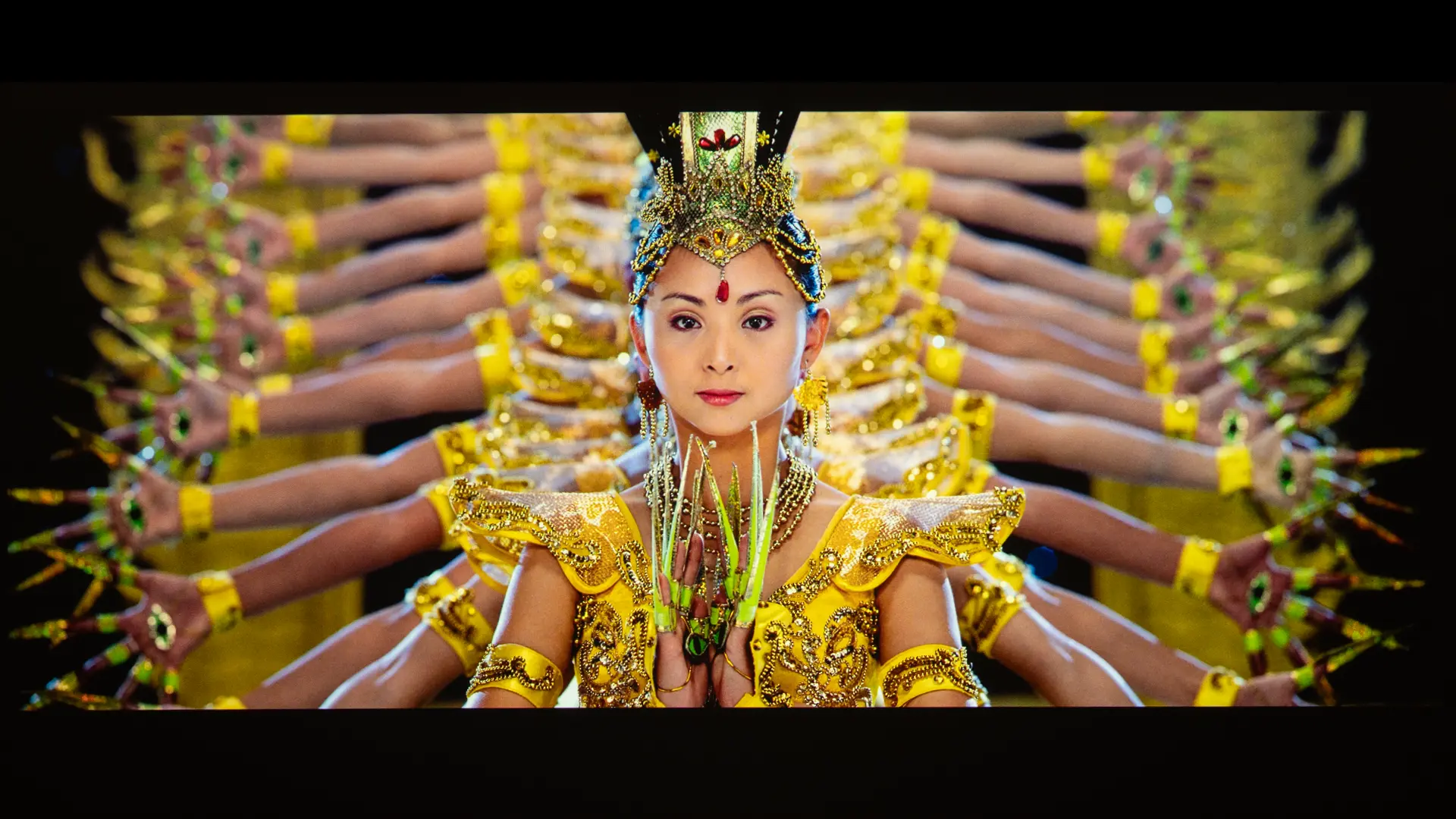
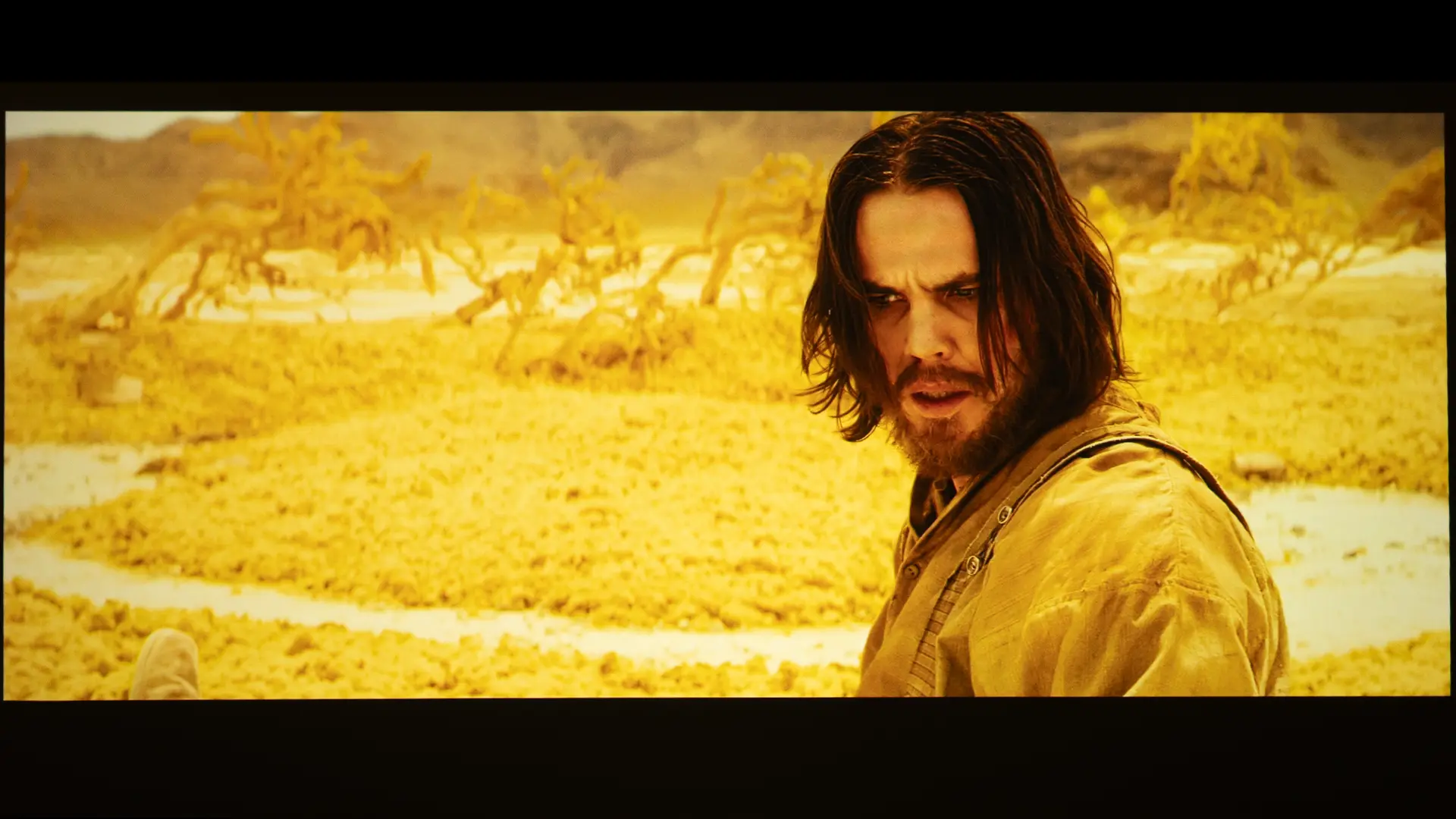
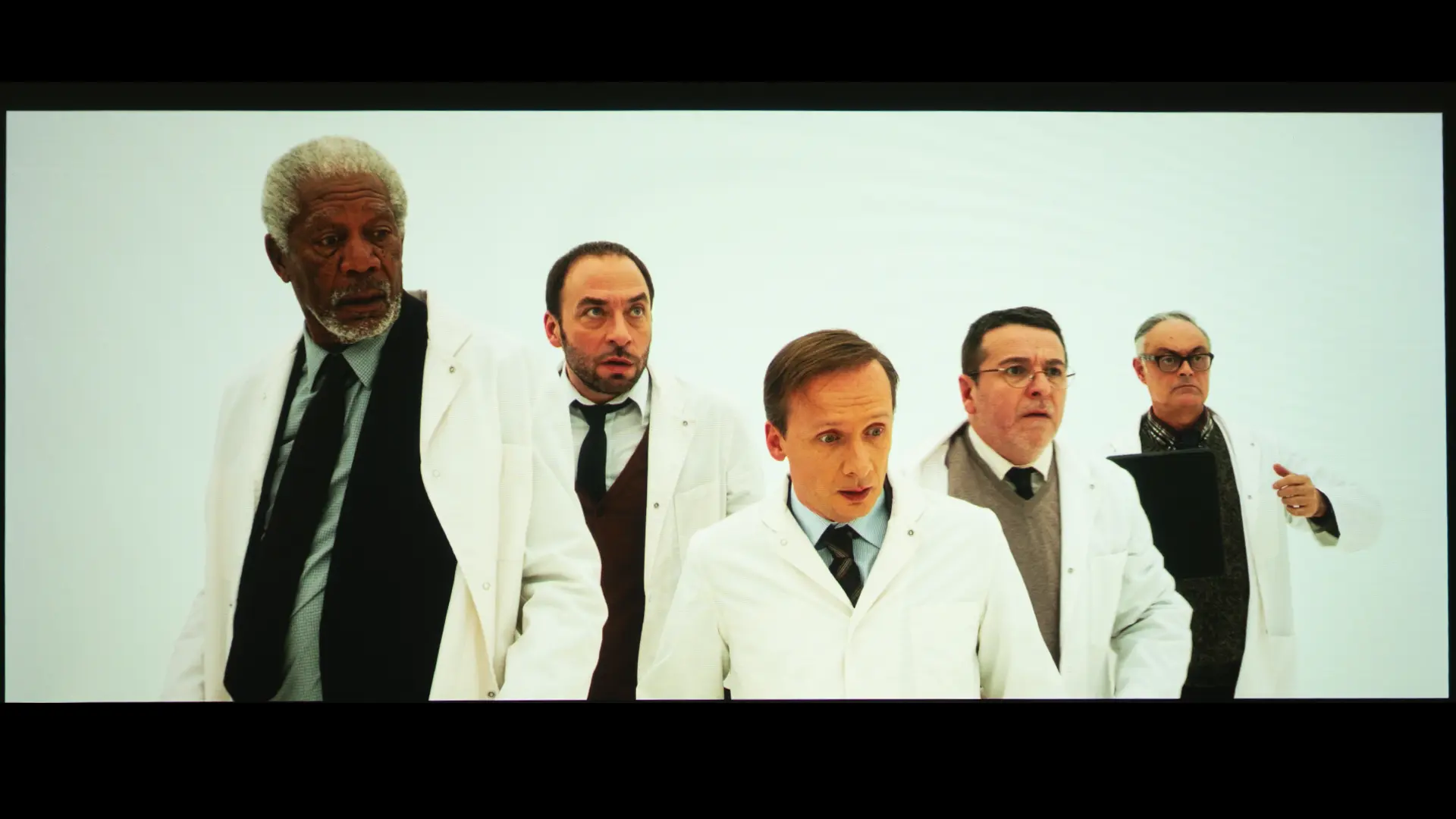
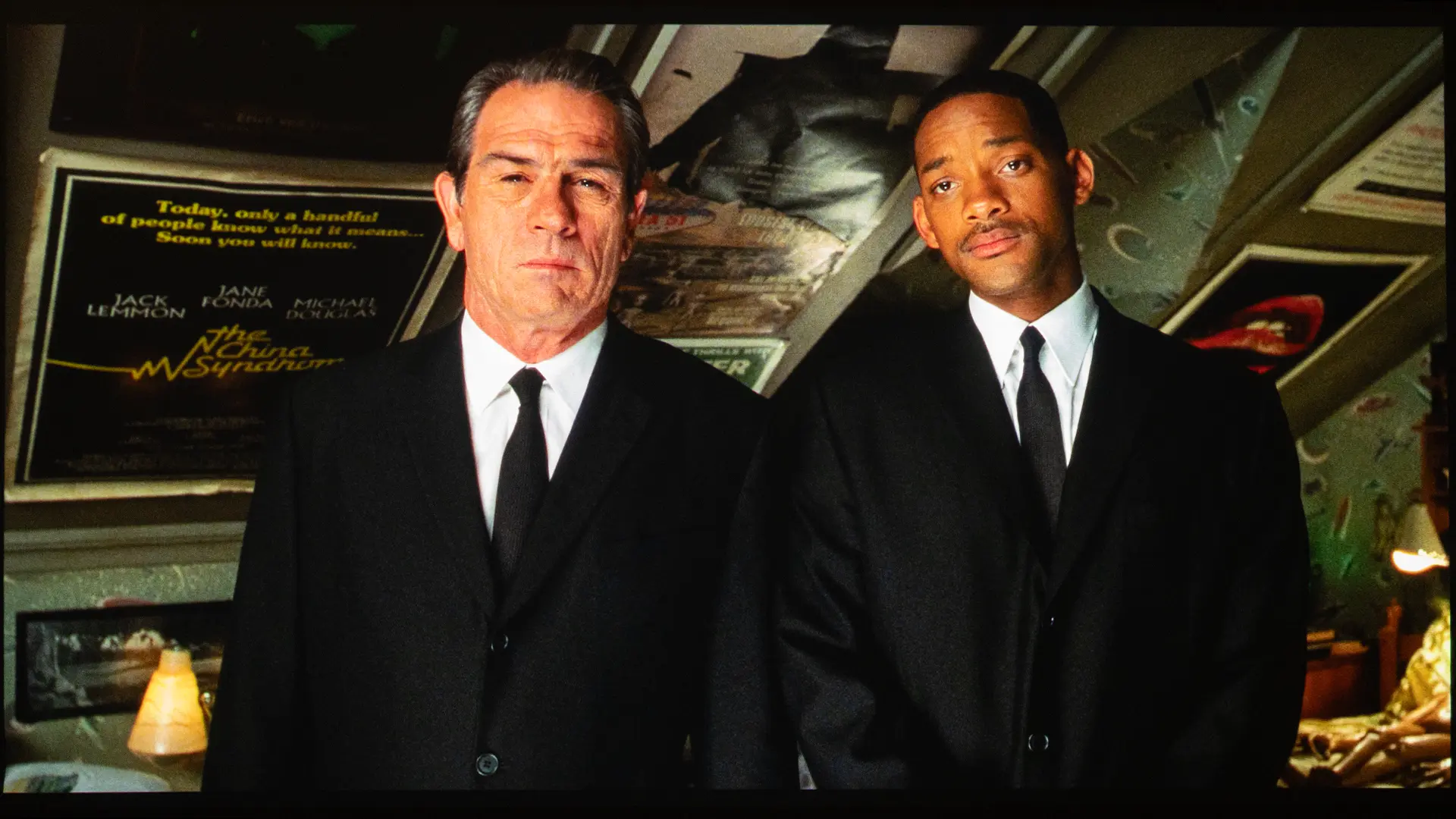
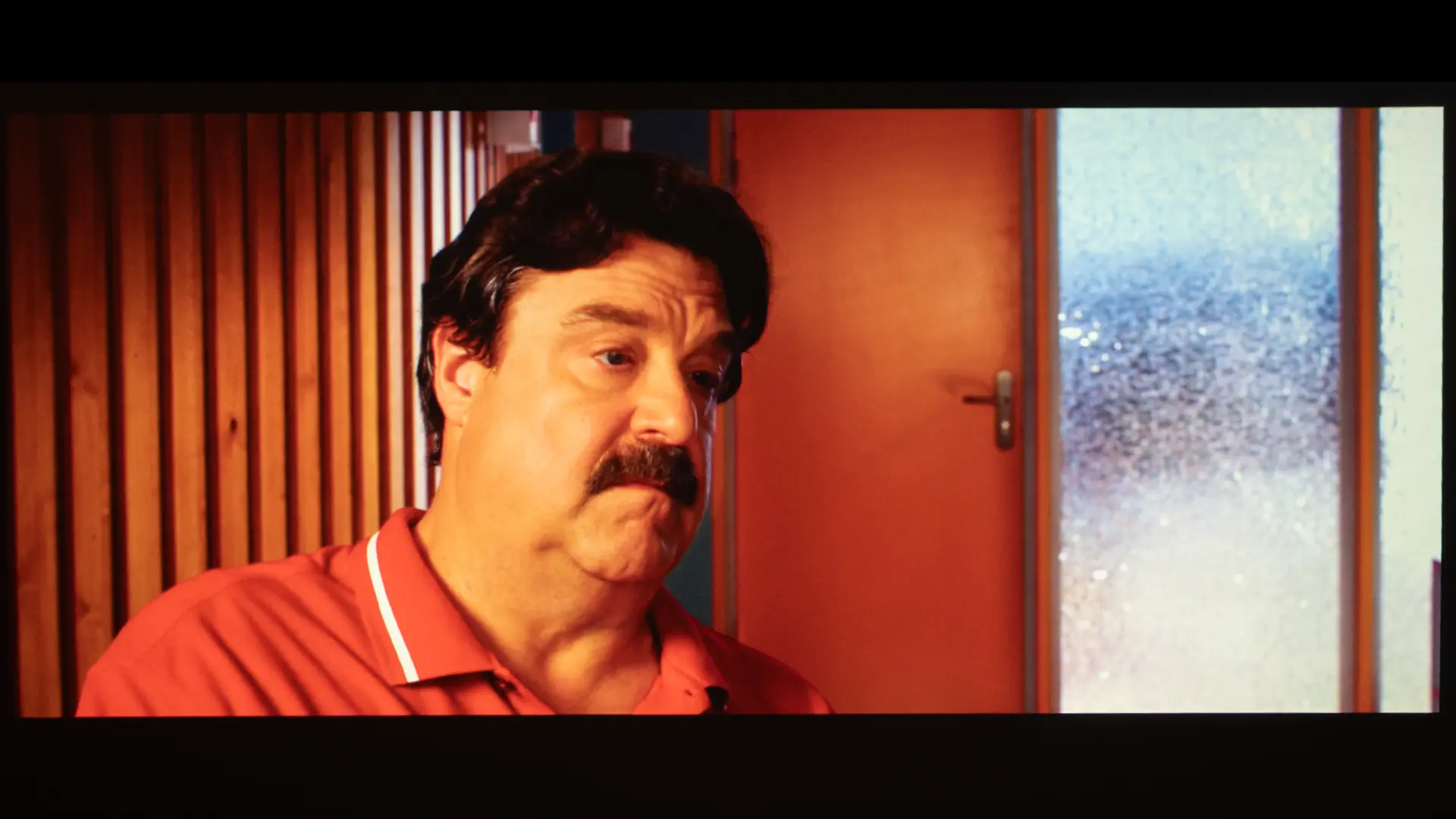
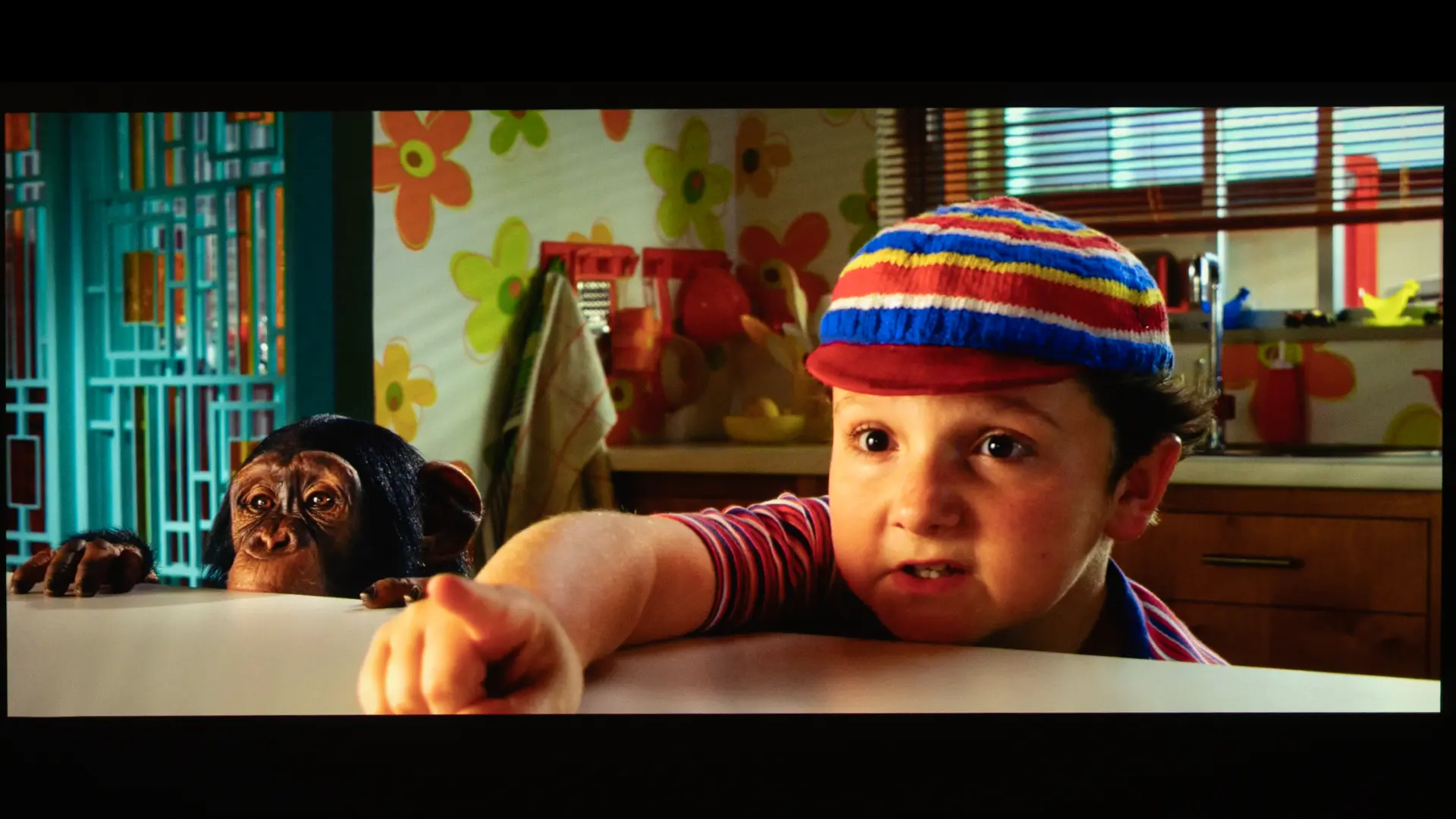
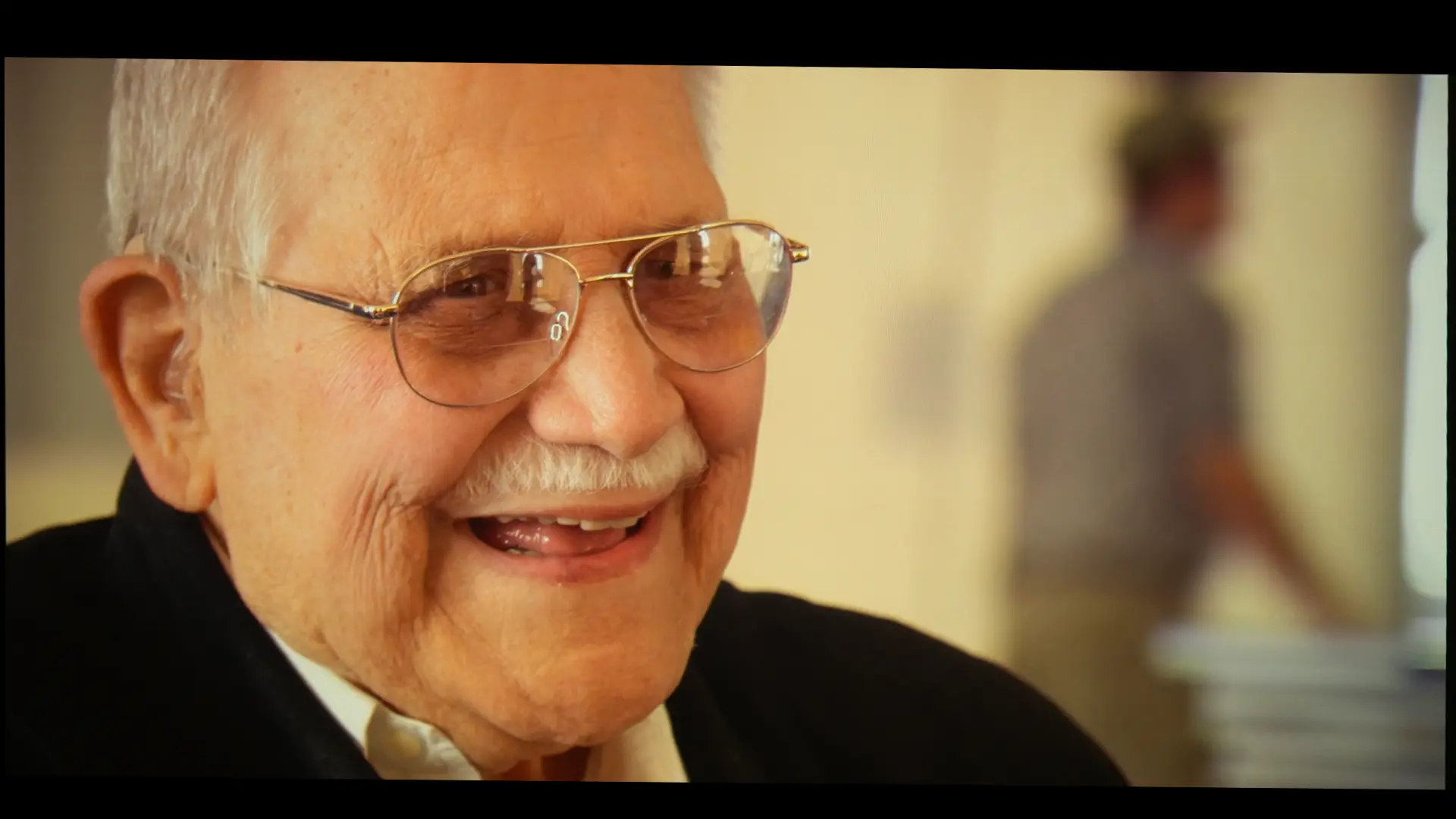
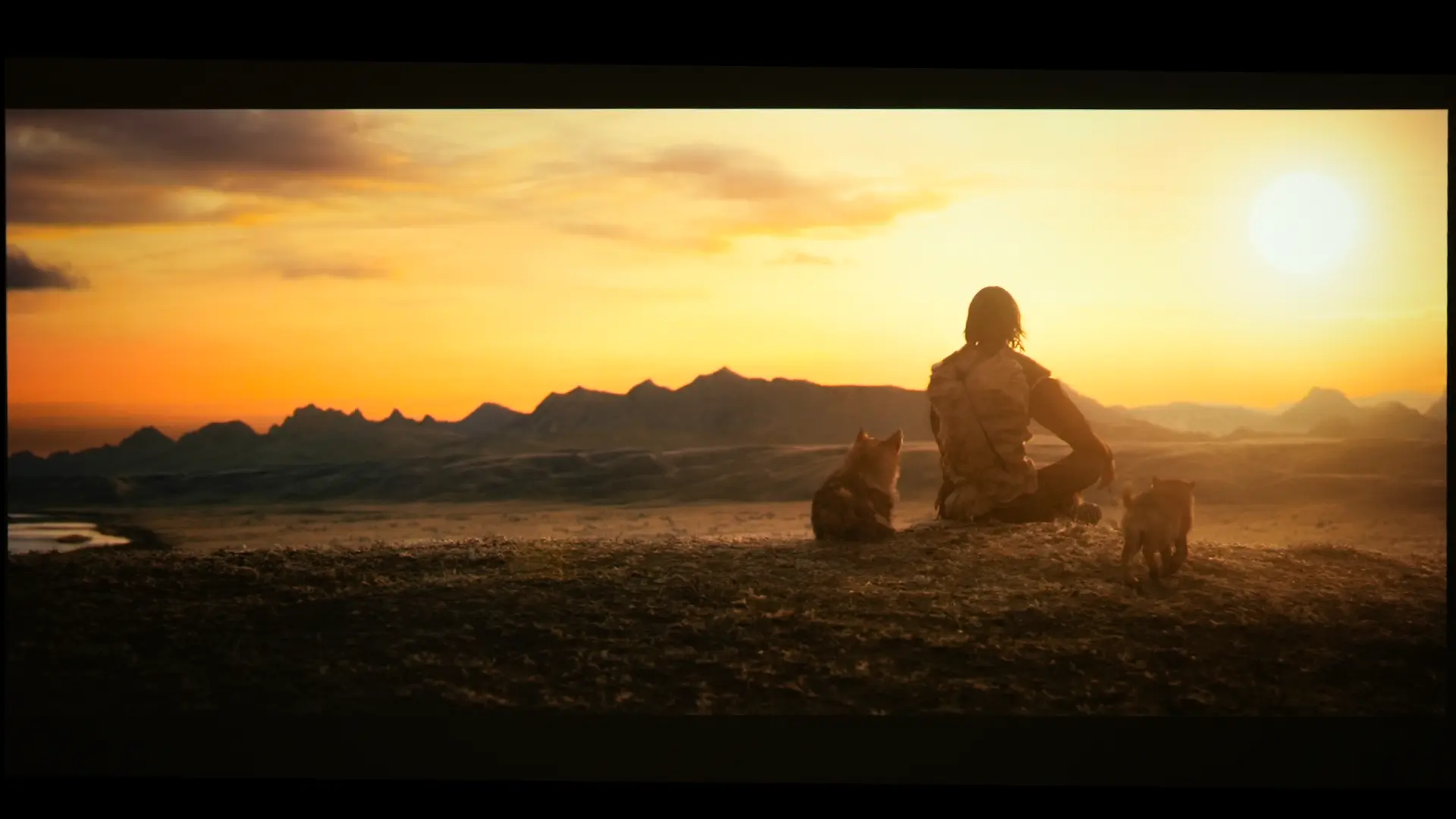
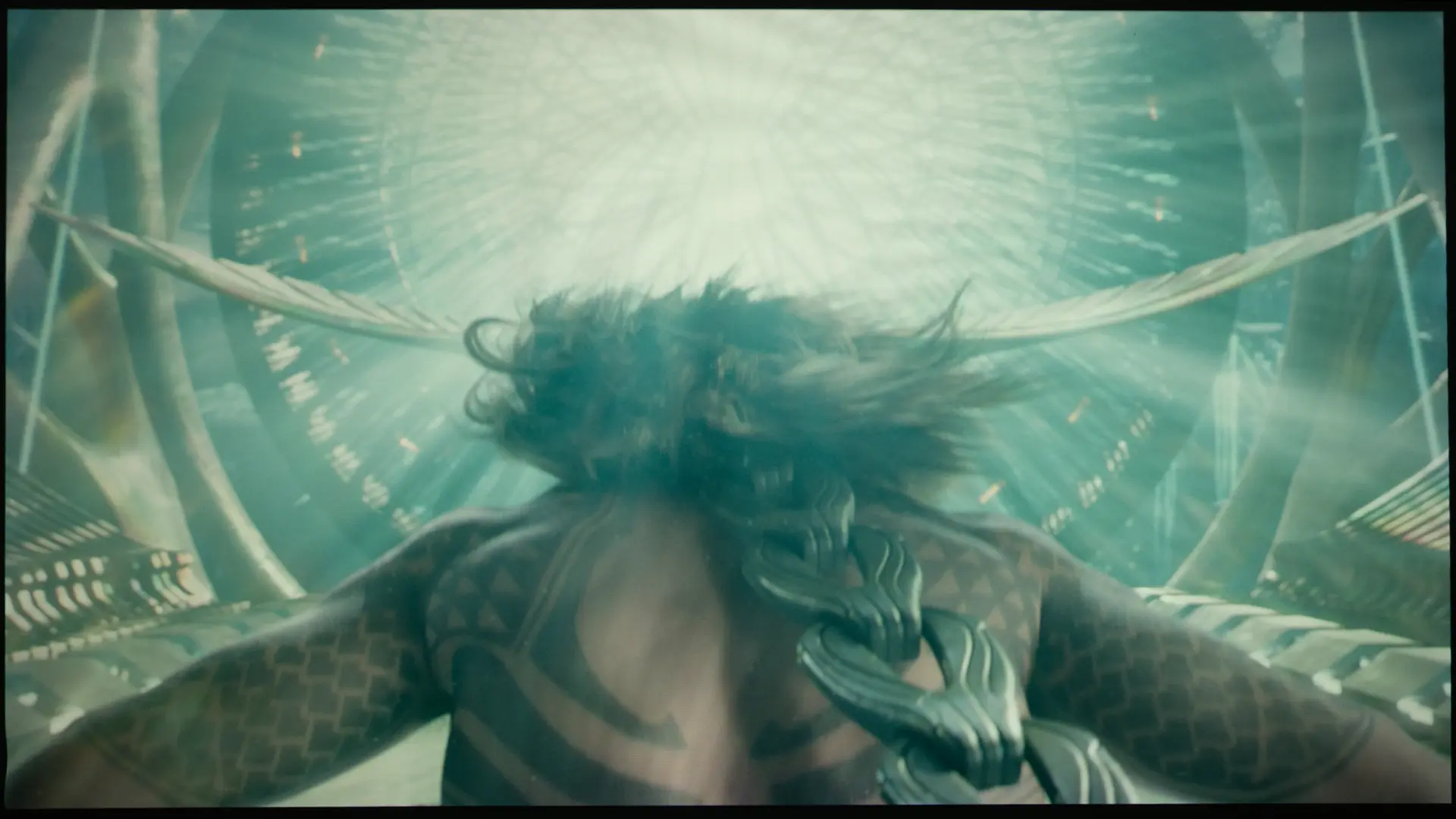
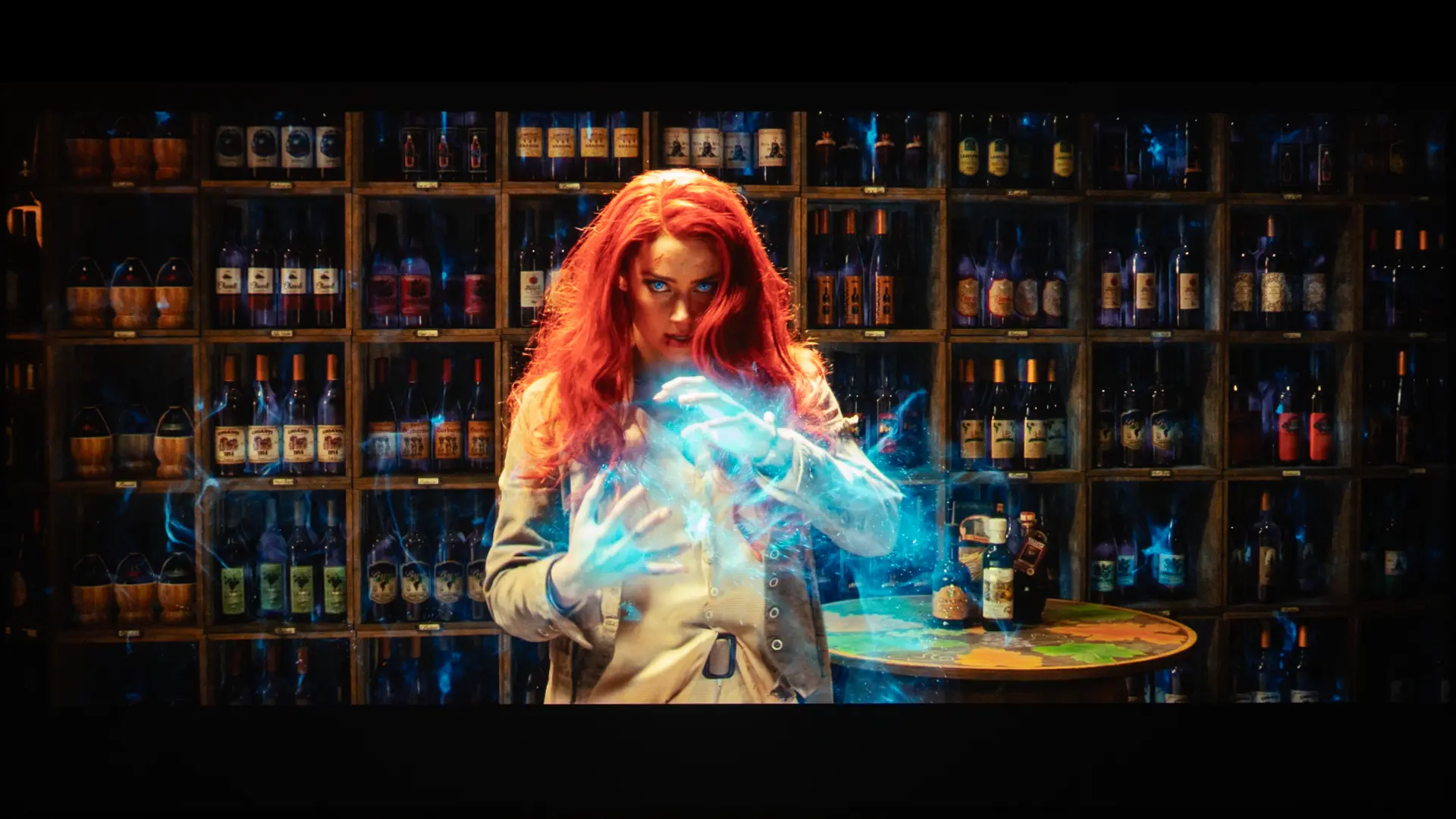
When viewing SDR content, I preferred the projector’s NATURAL mode. Below are images from various 4K and HD videos and movies. Like all our photos, they do not look as good as what the projector produced.
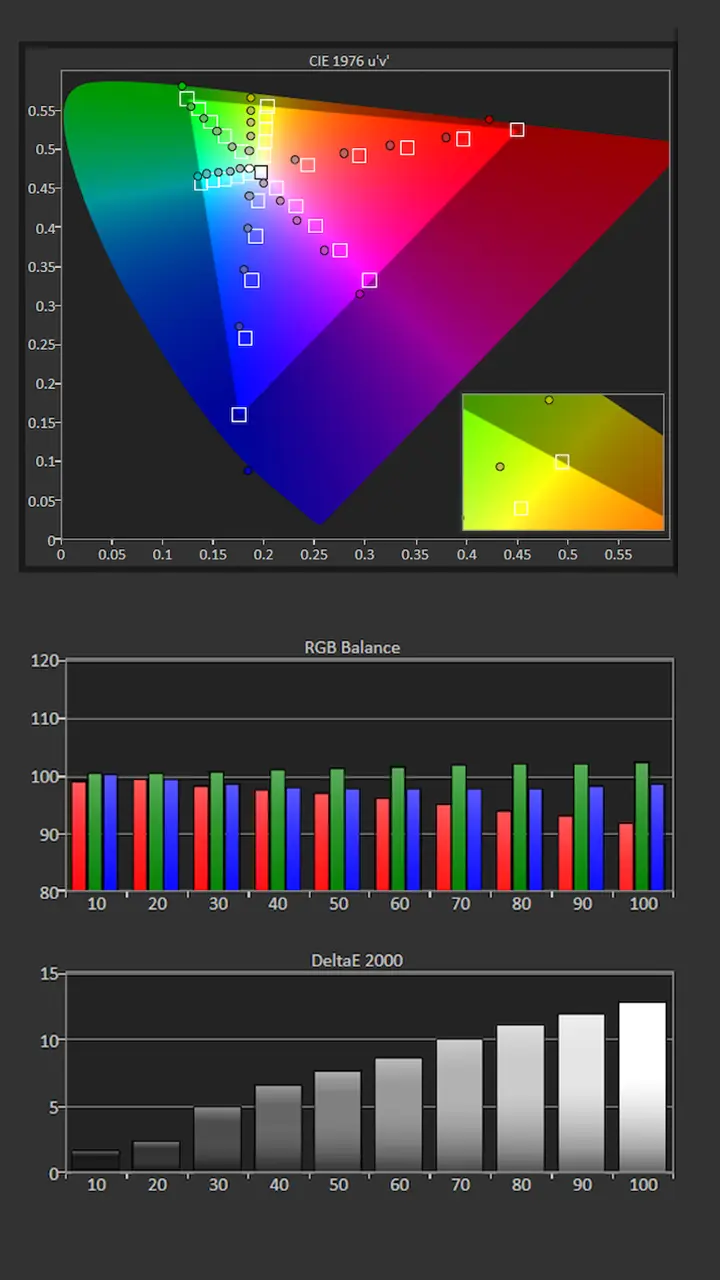
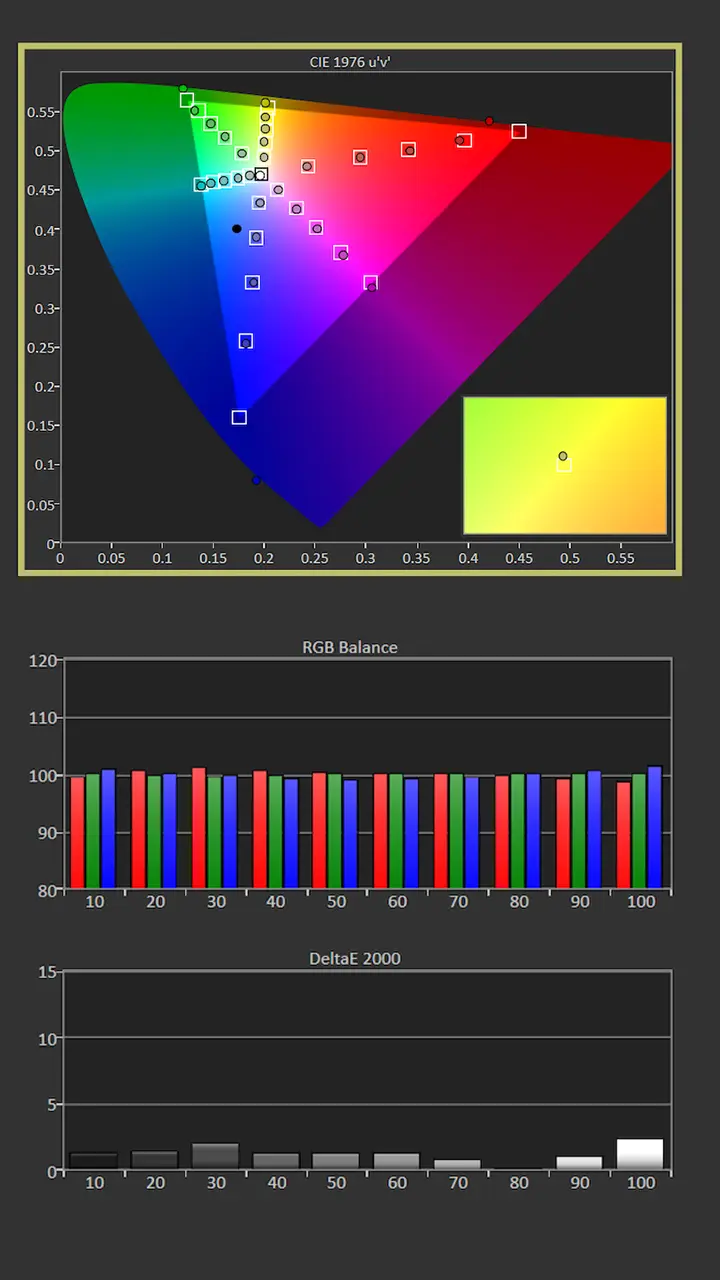
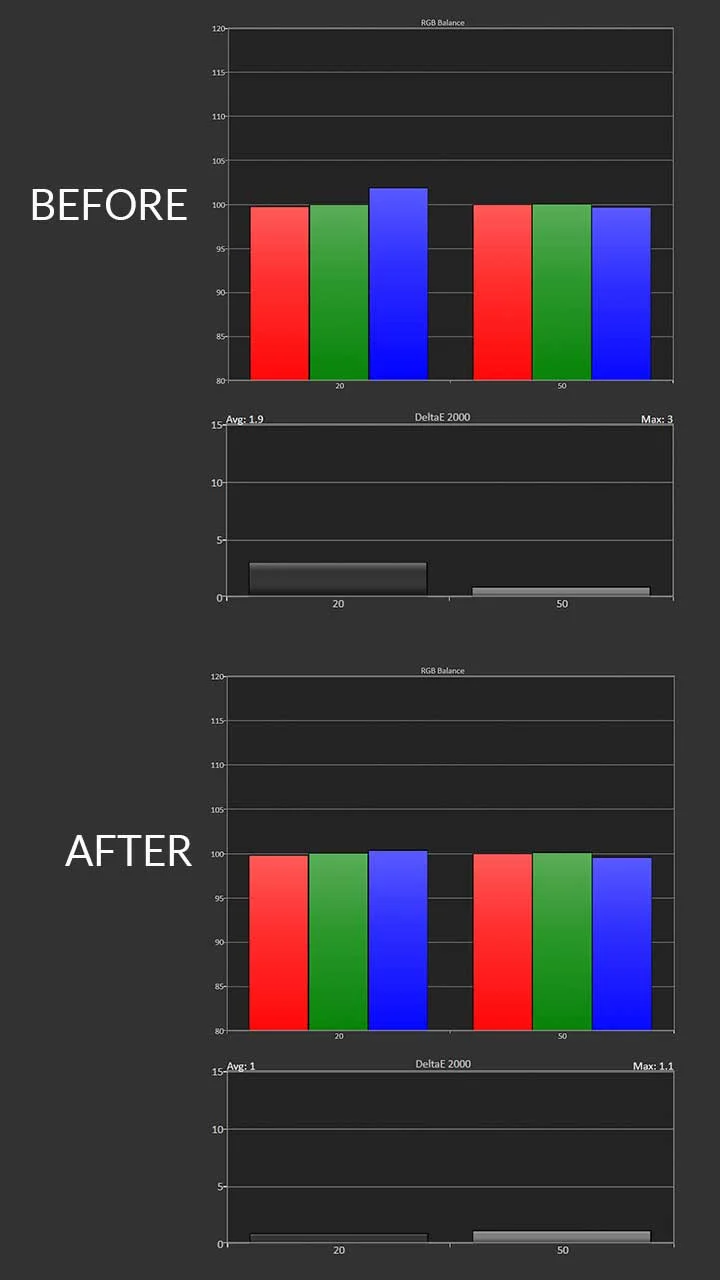
Philip Jones is in the process of measuring each of the LS9000’s preset picture modes. We will also share the before-and-after calibration results once they are completed. To test, measure, and calibrate the LS9000, Philip is using his Klein K10-A colorimeter, Murideo Six-G test pattern generator, and Portrait Displays Calman color calibration software.
Since your room and screen material significantly impact the overall picture, we don’t recommend using someone else's calibration adjustments. If your room is brighter or darker or your walls are a different color, copying someone else's results can cause more harm than good. If you would like to make some quick adjustments to improve the picture quality of your projector in your room, check out our video called Optimize The Image of a Projector or TV Using Free Murideo Test Patterns.
Out of the box, HDR content looked excellent on the Epson LS9000, including HDR color reproduction. In both the SDR and HDR preset picture modes, the most accurate picture mode was NATURAL. Picture adjustments such as CONTRAST, BRIGHTNESS, CMS, and RGB settings were applied to the HDR and SDR versions of that picture mode.
The ten memory settings can be used to store different SDR and HDR settings. Once NATURAL mode was calibrated for SDR, its grayscale was spot-on when viewing HDR, so I did not feel the need to make any further color adjustments.
The LS9000 is rated at 2,200 lumens, and, like most Epson projectors, it delivered close to the manufacturer’s claimed brightness in its brightest mode. I measured its brightest mode, DYNAMIC, at a wide angle to let the most light through. We took 3-4 readings about 15-20% out from the center of the lens.
In its brightest mode and at WIDE zoom, the Epson Pro Cinema LS9000 measured 2,448 lumens. This is 248 lumens higher than Epson's 2,200-lumen-rated brightness.
The DYNAMIC mode measured 2,448 lumens in wide zoom while still delivering good out-of-the-box picture quality. I measured the other preset picture modes with the LIGHT OUTPUT set to 100%. Surprisingly, cranking the light output to 100% did not prevent this mode from still producing a very usable image, even on my matte-white screen.
Picture Modes: Brightness and Color Temperature | ||
|---|---|---|
| Picture Mode | Brightness Measured (Lumens) | |
| Dynamic | 2448 | |
| Vivid | 1606 | |
| Bright Cinema | 1497 | |
| Cinema | 1423 | |
| Natural | 1492 | |
After reviewing hundreds of projectors, I have learned that there is a big difference between rated brightness and usable brightness. While its rated brightness is only 2200 lumens, LS9000 delivers the highest light output in its most accurate preset picture modes. I have reviewed several DLP projectors with much higher rated brightness, but they appeared dimmer than the LS9000 once calibrated to match the LS9000's color accuracy.
The Epson LS9000 lacks the black level and dark-area detail found in high-end DLP projectors, let alone LCOS-equipped Sony and JVC displays. In fact, LCOS offers better black levels and typically higher native contrast than the LS9000. That said, the differences are more of a drawback depending on how you plan to use the projector. For example, in a darkened theater or a room with good light control, you will notice the reduced black floor. In a room with higher ambient light, like a living room or a space where “lights-on” viewing is required, our eyes are less sensitive to black, so the contrast benefit is greatly reduced.
The DYNAMIC LASER DIMMING on the LS9000 is actually pretty good, especially if you are upgrading from an older bulb-based projector like the Epson Pro Cinema 4050. It’s even faster than some of the older Pro Cinema units. However, if, like me, you are sensitive to light pumping, this projector can be a bit aggressive about dropping the laser power during dark frames to make the blacks look as deep as possible. In my opinion, Epson’s solution is not as seamless as the dimming you might see on a flagship JVC or Sony unit. I ended up setting this mode to NORMAL, as it provided a smoother experience that looked better to my eye, even if it did not get quite as close to a true black-out during those total fade-to-black moments.
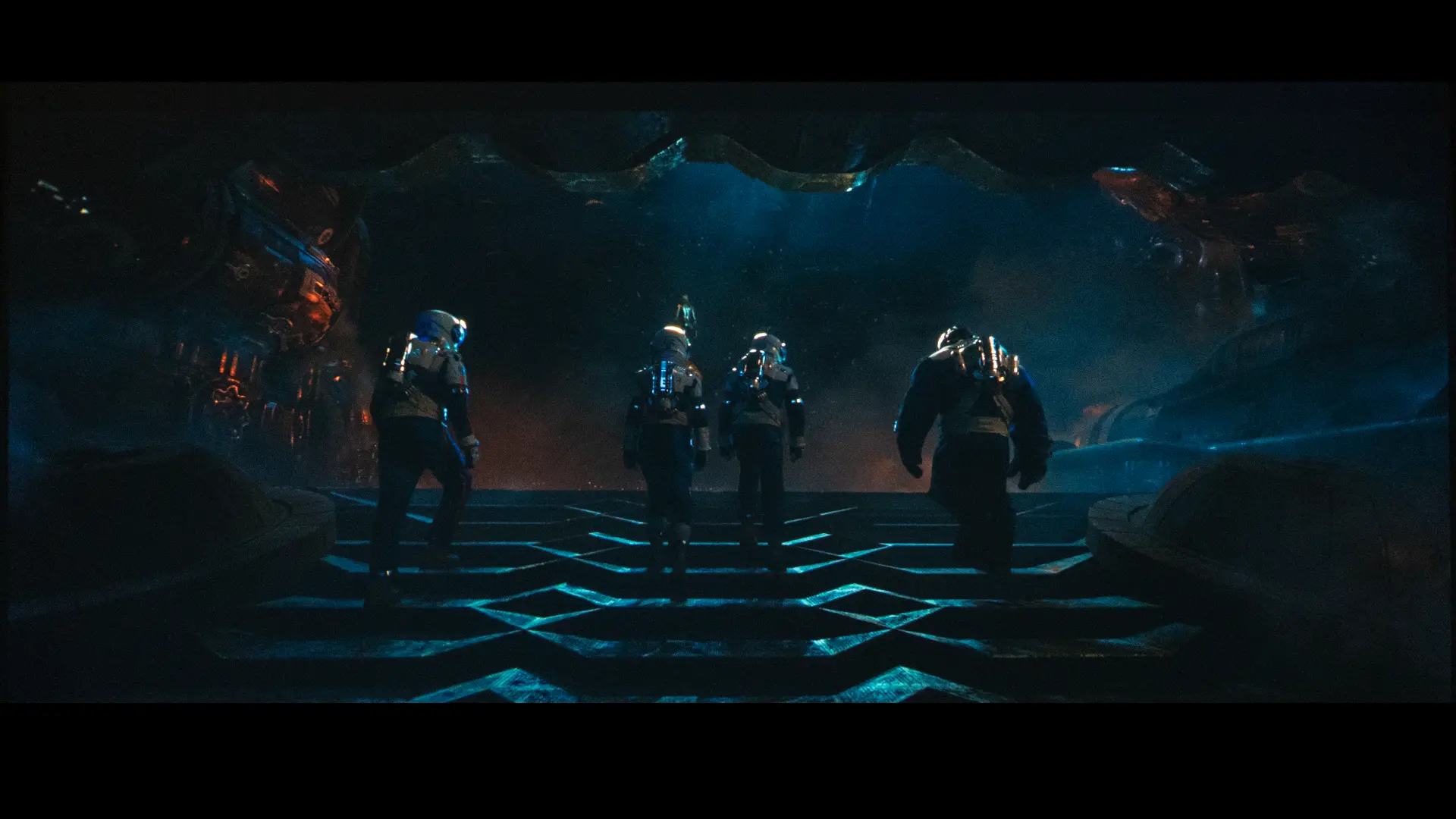
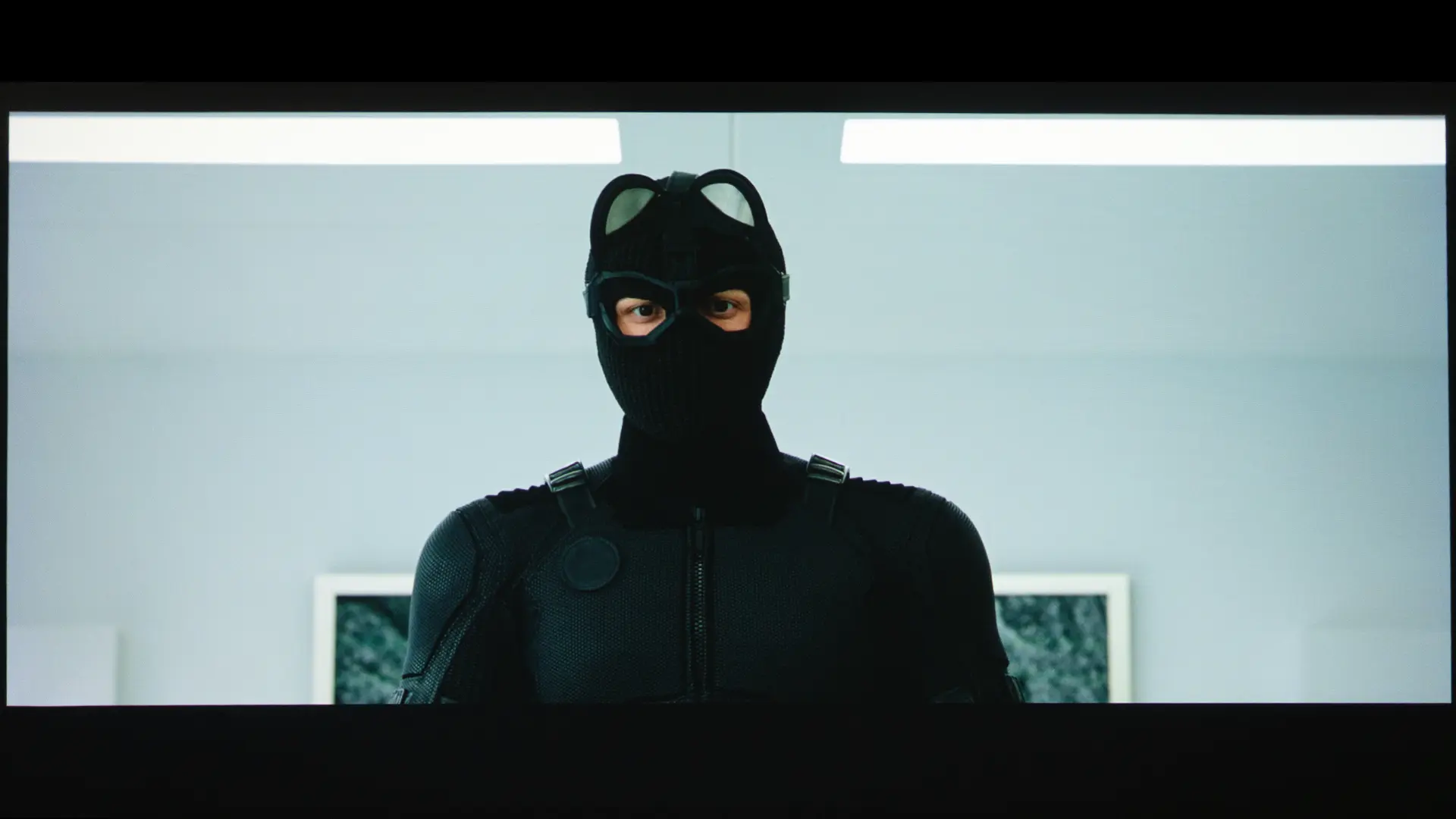
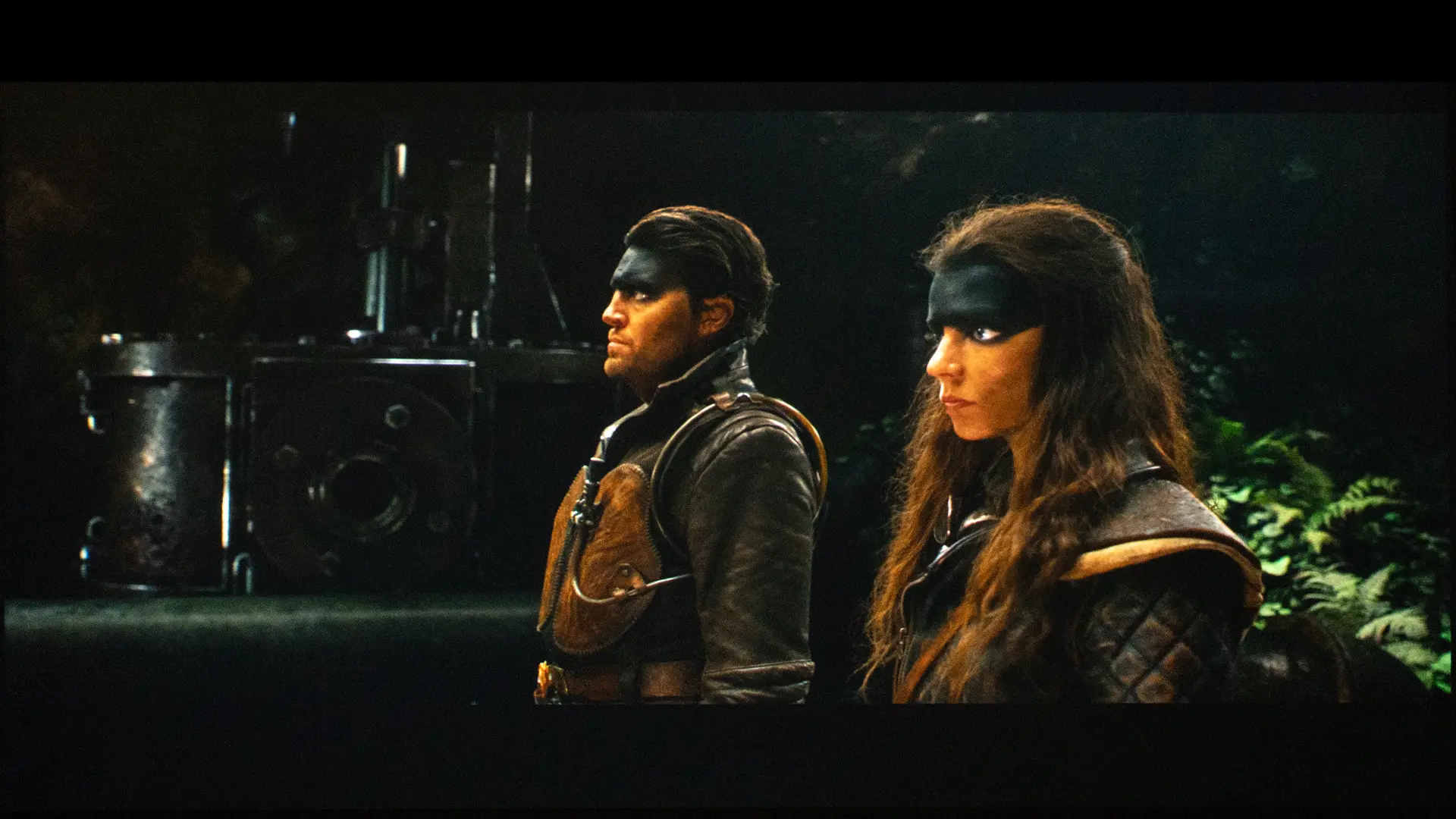
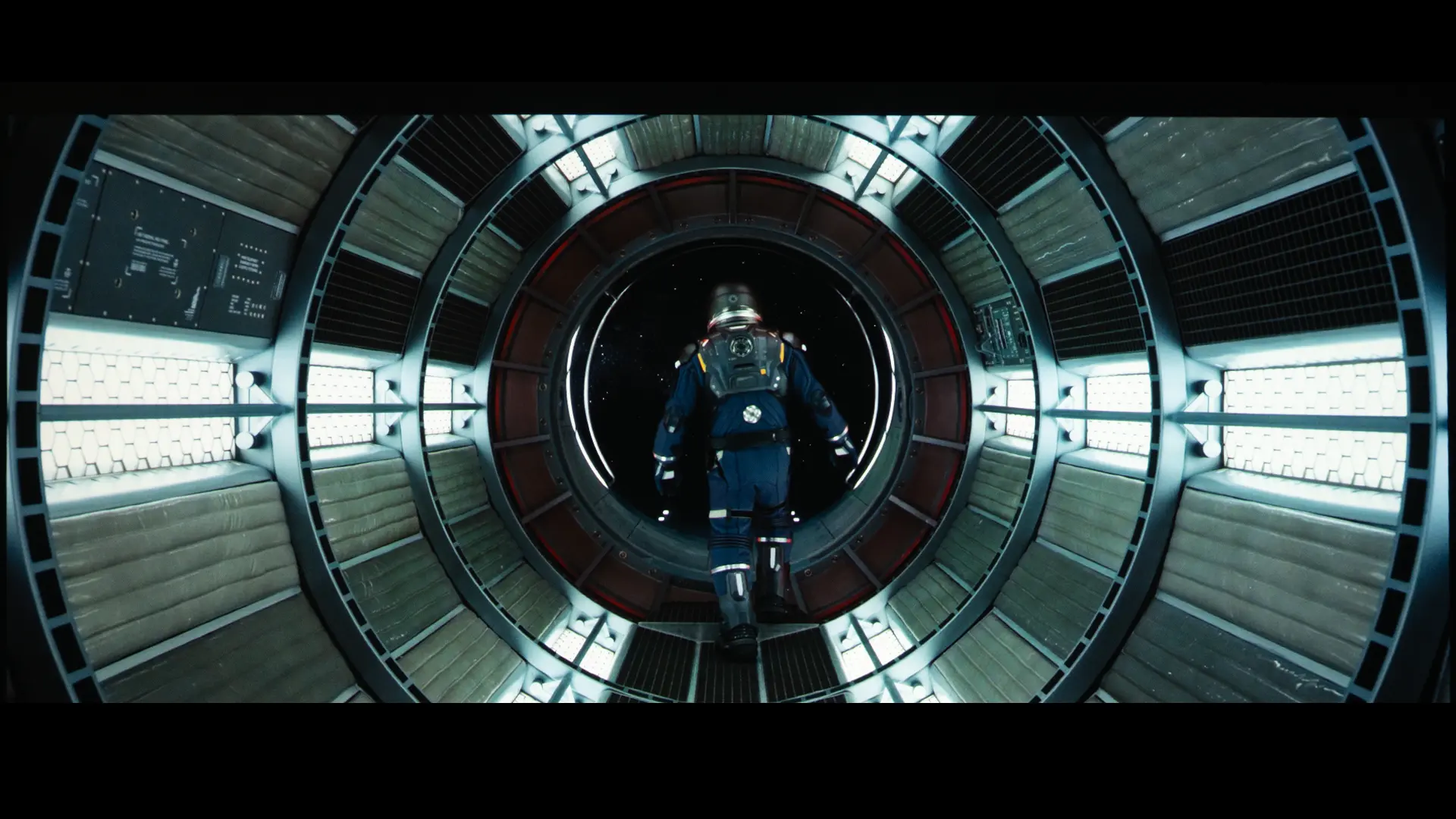
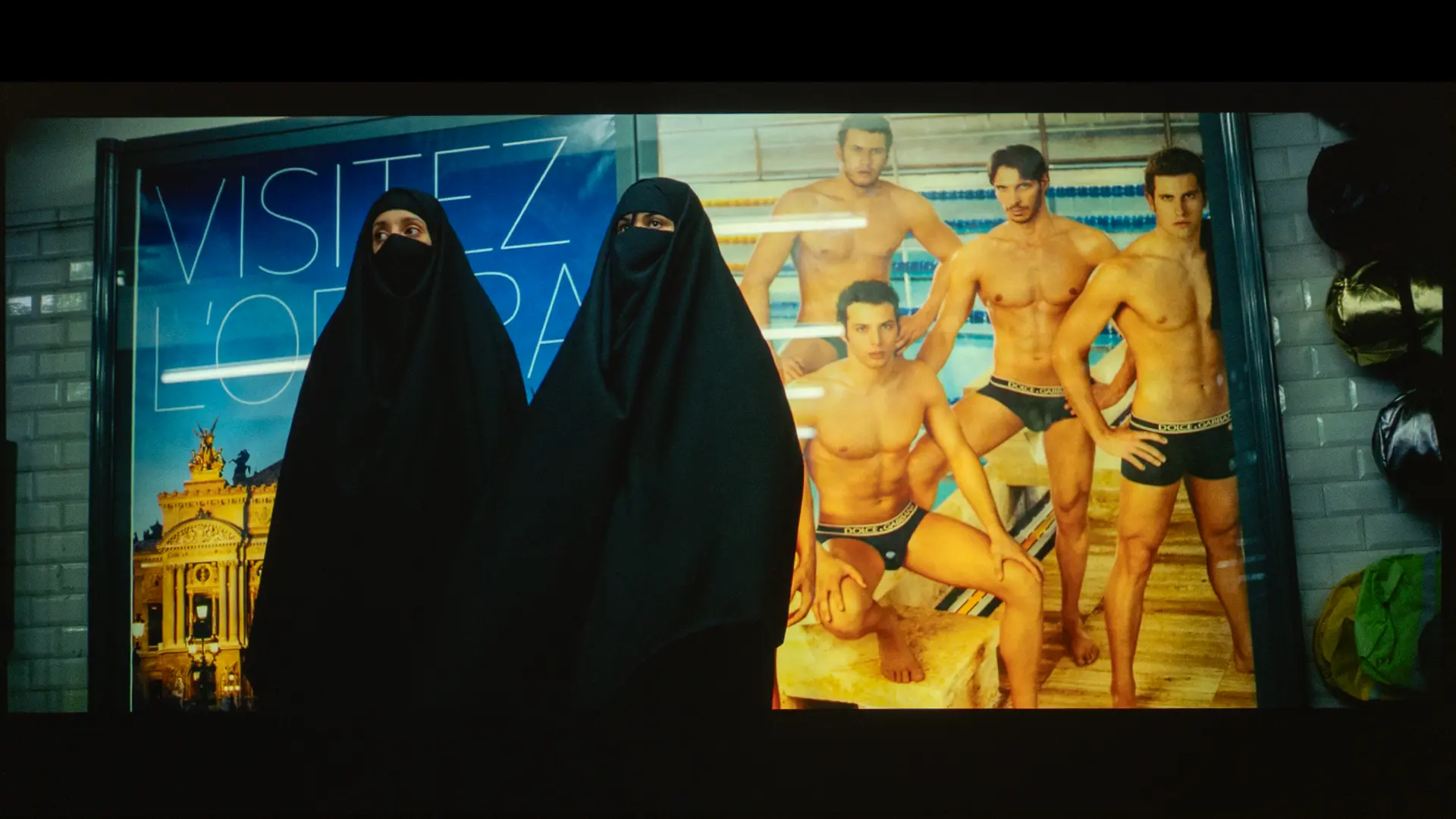
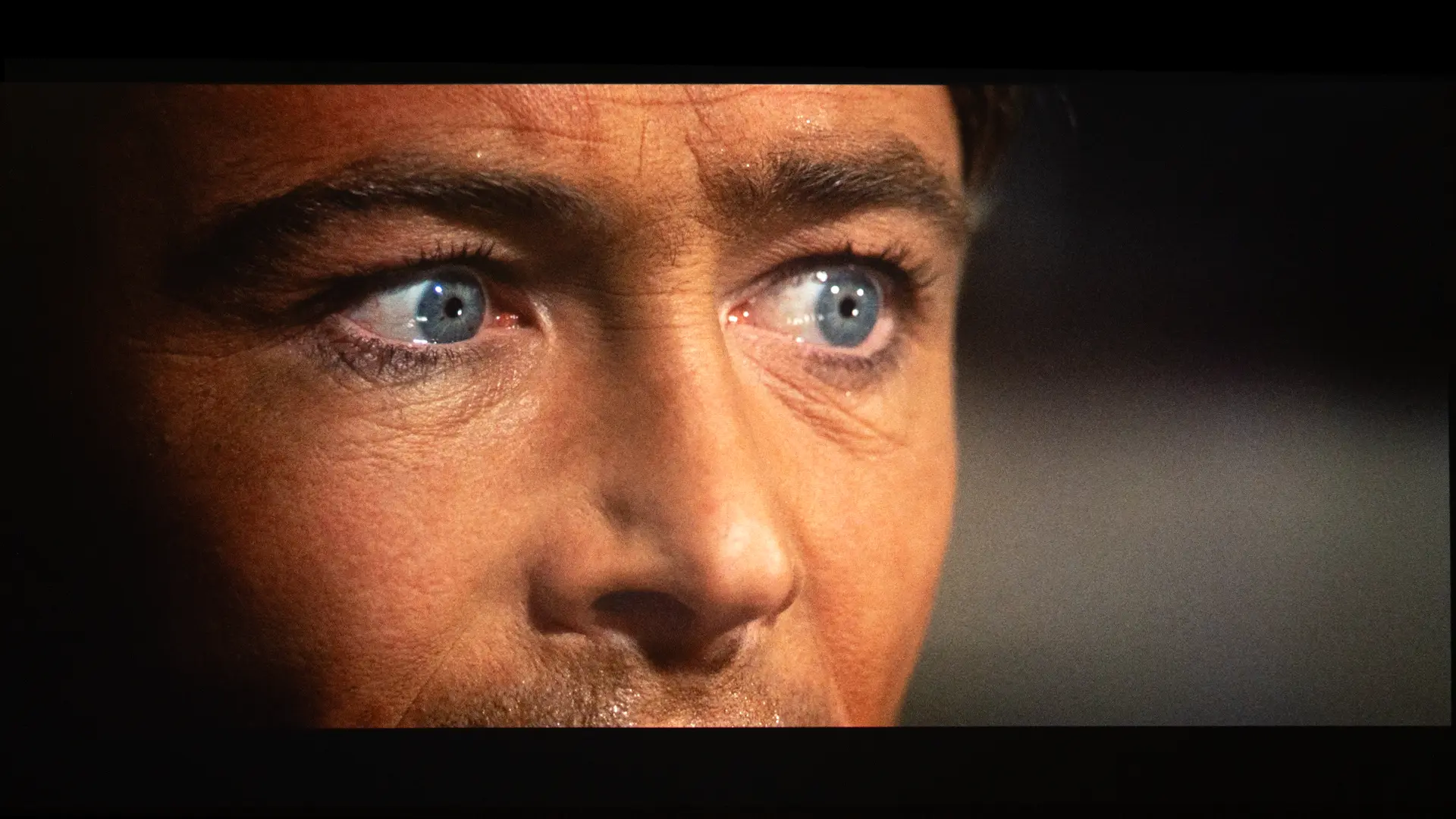
I’m showing several challenging dark scenes from movies such as The Batman, Tron: Aeres, and The Life of Chuck, where the LS9000 did a fair job of displaying shadow detail in both HDR and SDR content. But when it comes to deeper black or black floors, this projector simply cannot achieve the black levels of better DLP projectors, and certainly not anywhere near those of LCOS-based projectors like those from Sony and JVC.
However, when watching dark scenes in a media room under any ambient light or bright scenes in any environment, the benefits of the JVC projector’s better black levels are greatly reduced since our eyes are less sensitive to blacks. To explore this topic further, check out our article about this projector's sister series (the Epson Q), titled "Epson Q-Series: How Higher Perceived Contrast Improves Picture Quality In Most Environments."
So, while the LS9000 cannot match the deep black levels of a LCOS-based JVC or Sony projector, most customers would be more than happy with the unit’s black levels, especially when combined with noticeably higher brightness.
Thanks to the LS9000’s proprietary 32-bit ZX picture processor, this projector does a fantastic job managing/upscaling lower-resolution signals. It could be streaming 720p live sports or playing an older 1,080p Blu-ray; the ZX processor quickly and intelligently cleans up and scales images, ensuring they look crisp on screen. Even though the LS9000’s panels are 1,080p LCDs, the projector's four-way pixel-shifting actually exceeds older "4K Pro UHD" models that were unable to display a full 8.3 million on-screen pixels. This means the LS9000 displays a true 4K UHD image, a leap in picture quality over previous generations' 4K PRO UHD models.
In truth, the gap between Epson’s pixel-shifted approach and a native 4K imager is virtually undetectable. While a native 4K unit might show a slight advantage on static test patterns, the LS9000’s high-quality optics mean that during movie playback, most people won't notice a difference.
Epson’s professional VRX cinema lens uses the same 15-element glass array as the LS9000, the more expensive LS12000, and the QB1000 projectors. In testing, the LS9000 optics maintained excellent focus uniformity to the most extreme edges of the screen and did not exhibit the distortion that often plagues cheaper lenses.
Motion handling on the LS9000 is also impressive, particularly for fans of fast-paced action in movies and other 24 fps content. The ZX processor manages frame interpolation, smoothing out judder without causing the "soap opera effect," though purists can easily disable it for a traditional theater look. One trade-off to note is the lack of 3D support, as Epson has shifted its focus toward modern gaming features like 4K at 120 Hz. For most home theater enthusiasts, the absence of 3D is a minor loss compared to the massive gains in resolution, color accuracy, and overall image depth provided by the new laser engine.
The LS9000 delivers a remarkably punchy, three-dimensional HDR experience, even though it lacks the more advanced automated tone mapping found in Epson's flagship models. The multistep HDR slider is a useful and necessary tool for owners, since it’s the best way to manually adjust overall scene brightness or the fine details in bright highlights. The lack of fully dynamic processing meant I had to occasionally tweak the settings when switching between movies.
The LS9000’s 2,200 lumens of brightness are more than sufficient for a dedicated home theater, though black levels are slightly limited by the absence of specialized light filters found on the more expensive units like the LS12000. The HDR VIVID preset picture mode performed exceptionally well on HDR content, boosting image vibrancy and depth without the unnatural greenish or blue hues often associated with a projector's brightest picture presets. The color accuracy in the HDR NATURAL mode is a strong point for me, as I found it nearly perfect out of the box. The LS9000 offers high color fidelity and contrast, making it a strong choice for enthusiasts who want a premium theater experience without the flagship price tag.
The inclusion of HDR10+ goes a long way toward smoothing out scene transitions by using scene-by-scene metadata. While the displayed image may not have the extreme highlight intensity of a much brighter laser, the clarity provided by the all-glass lens helps compensate, and the ability to manually adjust HDR brightness ensures HDR content still feels very cinematic.
Since the LS9000 is not equipped with Dynamic Tone Mapping, it might struggle with challenging HDR10 content, but when playing HDR10+ content, the projector uses the metadata to intelligently "down-map" the highlights. This prevents detail loss in bright areas when your manual HDR slider isn't perfectly dialed in. While the LS9000 has a higher black floor than more expensive models, HDR10+ helps maintain better shadow detail in "mid-dark" scenes. It prevents the image from looking "muddy" by dynamically adjusting contrast rather than using a single global setting for the entire movie. For me, I was pleased not to have to keep adjusting the HDR slider, instead trusting the metadata to guide HDR10+ transitions smoothly.
Gaming on projection has been dominated by DLP-based projectors for years now, with these models providing the best overall combination of high-resolution gaming and low input lag, so color me surprised by how pleased I was with my gaming experience on the LS9000.
To start with, Epson’s support for 4K at 120 Hz gaming is a huge win and a big benefit for lovers of big-screen gaming. Most DLP projectors can accept a 4K 120 Hz signal but only display it at 4K 120 Hz, and the best you can hope for with high-refresh-rate gaming is the ability to display 1440 120 Hz Xbox and PlayStation games, trading resolution for refresh rate. The LS9000 suddenly feels like a weight has been lifted with first-person shooters such as Call of Duty and even driving games, offering a fantastically smooth gaming experience.
Because the LS9000 uses 3LCD technology, its color brightness matches its white brightness (2,200 lumens), so vibrant games like Fortnite look saturated and punchy, while some DLP projectors can look "dimmer" once you move away from pure white. Since there is no spinning color wheel, gamers like me who are sensitive to the "rainbow effect" enjoy a more comfortable experience, especially during fast camera pans, which can be a major issue for me on competition gaming-focused DLP projectors.
From a practical standpoint, I found I could game longer without the side effects of DLP getting in the way. I know those of us sensitive to DLP are a small percentage of the population, but I have to believe even if you don’t notice it, your brain does, especially over an extended gaming session. I know there are a bunch of new advances in DLP controllers, such as supposedly eliminating rainbow and other artifacts that plague those of us sensitive to DLP artifacting. I’m genuinely excited for them, but right now Epson's 3LCD technology suffers from none of them and offers advantages DLP does not.
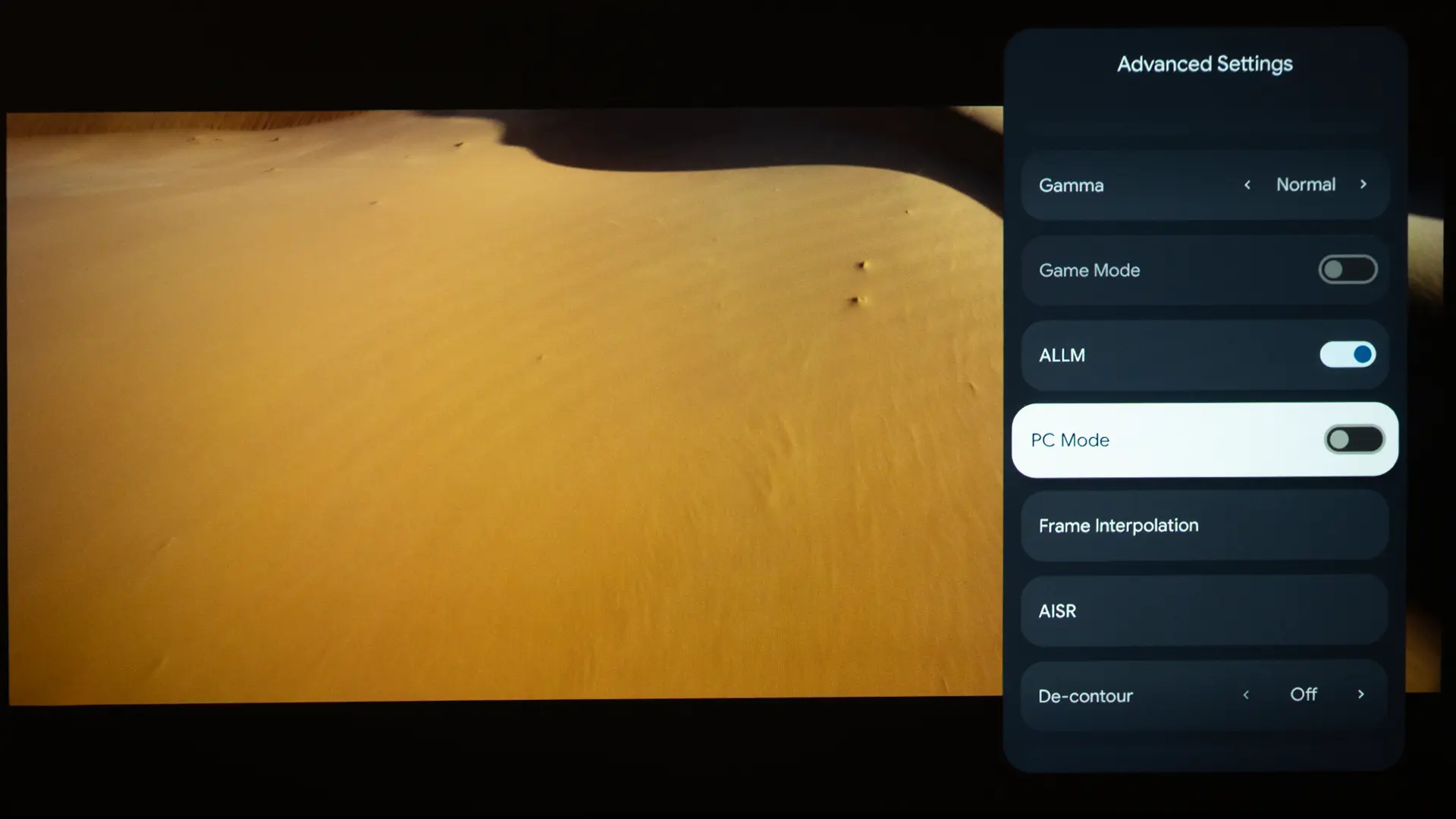
Not everything is perfect. If you don’t lock your console's frame rate, the lack of VRR support means that if a game's frame rate dips below 60 or 120, you may experience screen tearing. The LS9000 does not support ALLM (Auto Low Latency Mode), so the projector won't automatically detect your console and switch to GAME mode. This was annoying because I had to manually navigate the menus to switch from FINE to FAST processing.
Also, while laser dimming improves shadow detail in dark games, the image can look slightly washed out, making it harder to see enemies hiding in the shadows.

The LS9000 is something of a niche projector, so it’s unlikely to appeal to everyone. However, if you have specific needs, its pros may outweigh its cons (lower brightness and lack of Dynamic HDR Tone Mapping).
If you are a dedicated home theater owner looking to step up to a next-level home theater projector, you would likely favor the Epson Pro Cinema LS9000 over a competing DLP projector because it is engineered specifically for the precision and flexibility required in a high-end, permanent installation. Unlike many DLP projectors that use fixed lenses with limited adjustment, the LS9000 features a professional-grade, 3-axis motorized lens with a massive 2.1x zoom and substantial horizontal and vertical lens shift, allowing it to be mounted in various locations without degrading the image through digital correction.
The LS9000’s 3LCD technology ensures that, in your home theater space, light-controlled or not, color brightness is identical to white brightness at 2,200 lumens, delivering a vibrant picture immune to the weaknesses of DLP, such as the rainbow effect common with single-chip DLP projectors. This optical superiority, combined with the quiet operation of its vapor-cooled laser engine and its ability to store up to ten lens memory presets for different cinematic aspect ratios, picture, and focus settings, makes the LS9000 a superior choice for a curated cinema environment.
If you are a gamer who dreams of big-screen gameplay, you will likely be drawn to the Epson Pro Cinema LS9000, because it sits tucked between a high-end home theater projector and a high-performance gaming display. Its primary appeal lies in its dual HDMI 2.1 ports, which support 4K at 120 Hz. This high refresh rate delivers incredibly fluid motion, making it an ideal display for PlayStation 5, Xbox Series X, or high-end gaming PCs. Additionally, the 3LCD technology ensures that color brightness matches white brightness. This means that vibrant, neon-soaked games or colorful fantasy worlds maintain their "pop" and saturation, unlike some DLP projectors, which can lose color intensity at high brightness.
The LS9000 is also an attractive gaming display, with a rated input lag of under 20 ms, ensuring gameplay feels snappy and responsive even on a massive 120-inch screen like the one in my living room. While the LS9000 is a gaming powerhouse, it does require some "hands-on" management. Because it lacks ALLM (Auto Low Latency Mode), you have to manually switch the image processing to "Fast" in the menus to unlock that low-input lag. It also doesn't support VRR (Variable Refresh Rate), so, under the right circumstances, like a game’s frame rate dipping, you could occasionally see screen tearing. Despite these small trade-offs, the combination of a super-quiet laser engine and elite motion handling makes the LS9000 one of the most immersive ways to play modern console and PC games.
Finally, if you are trying to avoid some of the nagging technical quirks that often come with DLP chips, such as the rainbow effect, the LS9000 (and other Epson 3LCD) projectors are worth a close look for your next dedicated home theater display. Unlike DLP, which uses an array of color wheels and shifting mirrors, Epson employs a proprietary 3LCD system that displays red, green, and blue simultaneously, eliminating the rainbow effect. There is also something to be said for how the LS9000 handles brightness. Equal white and color lumens can significantly affect perceived brightness when watching a movie.
The Epson LS9000 is not perfect, but for someone who wants a dedicated theater without the DLP baggage, it makes a lot of sense.
BenQ W5800 $4,999 MSRP
The BenQ W5800 is a premium DLP laser projector that reproduces 100% of the DCI-P3 color gamut, and each unit is color calibrated at the factory, making it a strong choice for color-critical home cinema viewing. In contrast, the Epson LS9000 uses 3LCD technology, known for delivering high color brightness without the "rainbow effect" sometimes seen in DLP models. Epson’s 3LCD technology offers the biggest advantage, especially if you are sensitive to DLP artifacting.
The BenQ is noticeably brighter, rated at 2,600 lumens, compared to the Epson's 2,200 lumens. This means the BenQ handles larger screens and rooms with slight ambient light better than the LS9000. In terms of installation and modern connectivity, the Epson LS9000 offers advantages for gamers and flexible setups. It features HDMI 2.1 ports that support 4K at 120 Hz, whereas the BenQ W5800 is primarily built for cinema with HDMI 2.0b and a 4K/60 Hz limit.
Both projectors offer a motorized zoom lens with vertical/horizontal lens shift, which simplifies installation. While the BenQ W5800 is positioned as a high-end "home theater" powerhouse for enthusiasts, the Epson LS9000 is a more versatile Pro Cinema model that balances movie-watching and high-performance gaming features at a lower, yet still premium price.
BenQ W4100i $2,999 MSRP
When comparing the BenQ W4100i to the Epson Pro Cinema LS9000, the primary difference lies in their imaging technology and brightness. The BenQ W4100i is a 4K LED projector with a DLP chip, typically offering sharper motion and excellent color accuracy, whereas the Epson LS9000 uses a laser light source with 3LCD technology, delivering 2,200 lumens of brightness compared to BenQ's 2,000 lumens. For installation and modern features, the Epson LS9000 offers greater flexibility with its motorized lens, enabling easy adjustments and lens memory presets for different screen aspect ratios. In contrast, the BenQ W4100i relies on manual lens controls, which may require more effort during initial setup. However, the BenQ is designed for modern streaming convenience, equipped with Android TV, while the Epson is a more traditional, professional-grade unit focused on high-end connectivity, such as HDMI 2.1 for 4K/120 Hz gaming, a feature the BenQ lacks due to its 60 Hz limit.

The Epson Pro Cinema LS9000 is a well-rounded choice if you are looking for a reliable, dedicated laser-powered installation projector with extensive manual controls, without crossing the $5,000 threshold. The biggest draw for many will be the motorized lens and HDMI 2.1 gaming features, which provide polish and responsiveness that many budget-friendly DLP models can't match. While the LS9000 has a rated brightness of 2200 lumens, many 3000-lumen DLP models, after calibration, cannot match the LS9000's calibrated on-screen brightness.
Although the LS9000 can’t deliver the ink-like blacks of a high-end JVC or the automatic HDR convenience of a model with dynamic tone mapping, the image (depending on your space) can be quite good, especially at the projector’s $3,999 MSRP. The LS9000 feels like a safe, high-quality bet for a first dedicated theater, especially if you want to avoid the technical quirks of older lamp-based systems or the technical limitations and complications some people experience with DLP-based projectors.
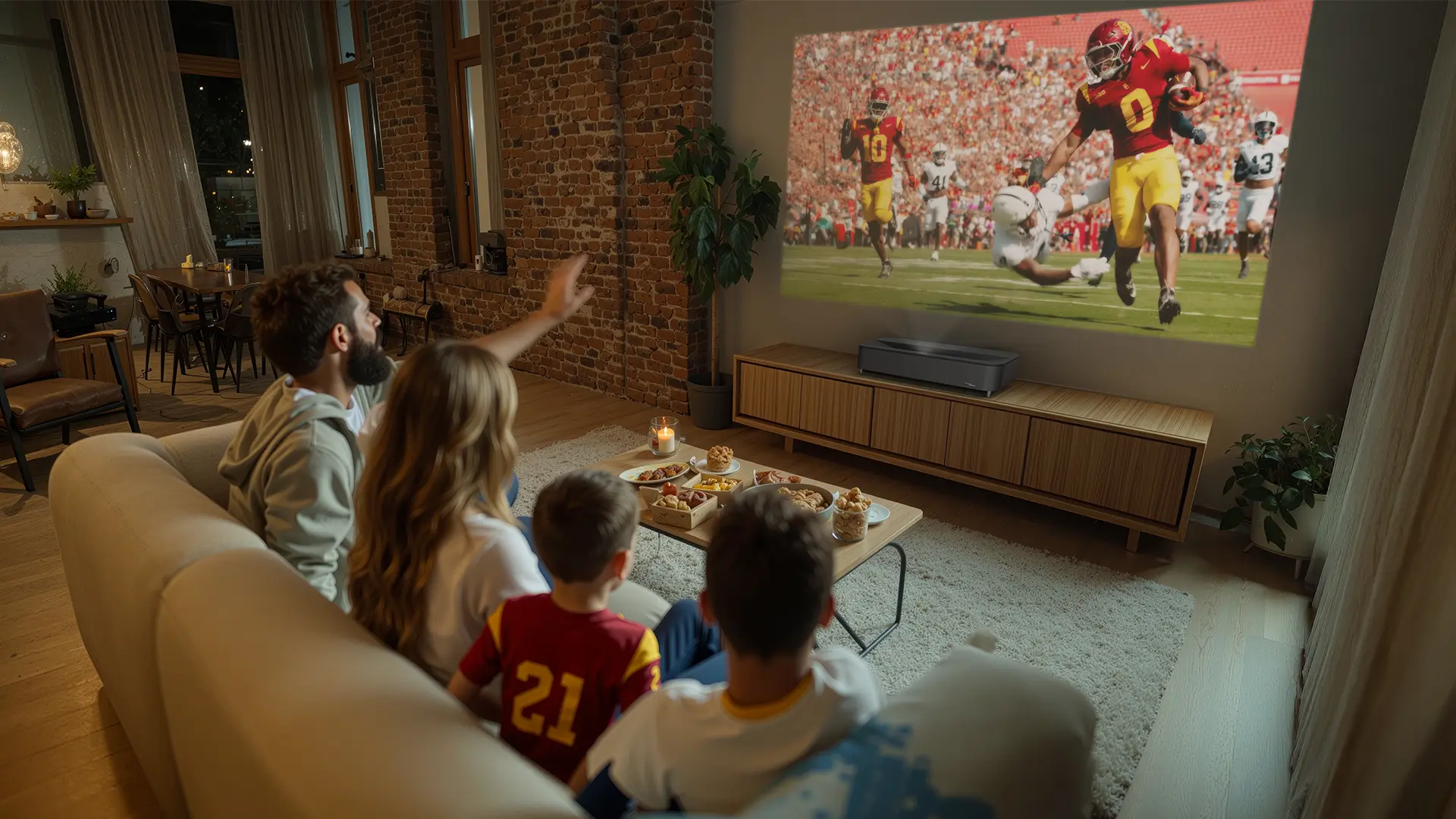
Projector setup can also be a big issue with many projectors in this class, but the LS9000’s large 2.1x motorized zoom with its 96 percent vertical lens shift can be a lifesaver, especially if you are mounting onto a high shelf in the back of the room or if your ceiling mount isn't perfectly centered. The LS9000’s massive, flexible lens lets you display a sharp image without resorting to digital keystone. If you're using a CinemaScope screen, the lens memory is a nice feature. Being able to jump between a 16:9 football game and a 2.35:1 movie with one button press is the kind of thing you usually only see on much pricier projectors.
The LS9000 is designed for home entertainment enthusiasts who already have an external sound system and multiple video sources. If you want a color-accurate cinematic image and don't want a lot of bells and whistles, the Epson LS9000 is a great option.
| Full Specifications | |
|---|---|
| Projector Model | LS9000 |
| Price (MSRP) | $3,999 (minus lens) |
| Imager Type | 3LCD |
| Displayed Resolution | 3840 x 2160 pixels (dual-axis pixel shifting) |
| Native Resolution | 1920 x 1080 pixels |
| Brightness (Manufacturer Claim) | 2200 Lumens |
| Light Source Type | Blue Laser Phosphor |
| Contrast Ratio | 18,000:1 (Native) |
| Zoom Ratio | 2.1 |
| Lens Throw Range | |
| Power Zoom/Focus | Yes |
| Lens Shift | Yes |
| Interchangeable Lens | No |
| Ultra Short Throw | No |
| Native Aspect Ratio | 16:9 (Widescreen) |
| 4K/120 fps | Yes |
| 3D | No |
| Speakers | No |
| Noise Level (-db) | 30 dB (Normal) |
| Low Lag Gaming | Yes |
| Smart Functionality | No |
| Business | No |
| Classroom | No |
| Portable | No |
| Special Features | H/V Lens Shift, High Speed Low Lag Gaming |
| Networking | RJ45 Lan |
| Dimensions (WxDxH) | (WxDxH) 27.8" x 21.9" x 7.6" |
| Weight | 28 lbs |
| Warranty | 3-year Limited |