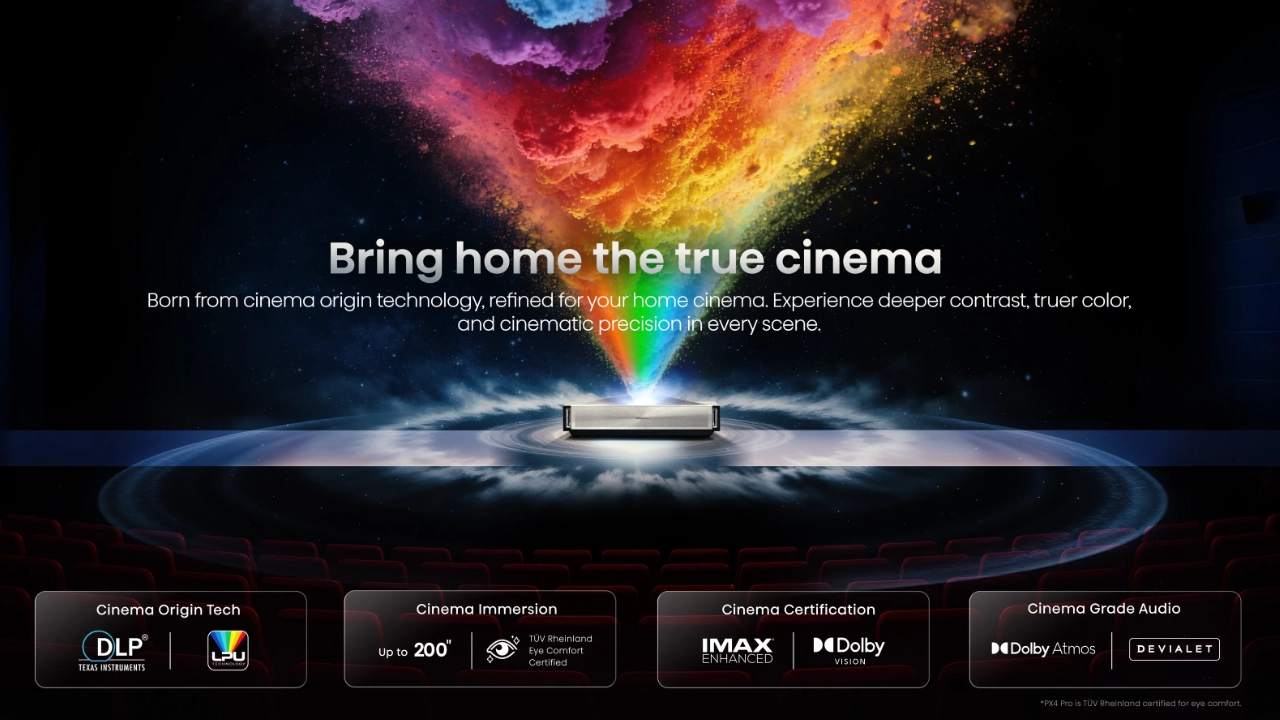
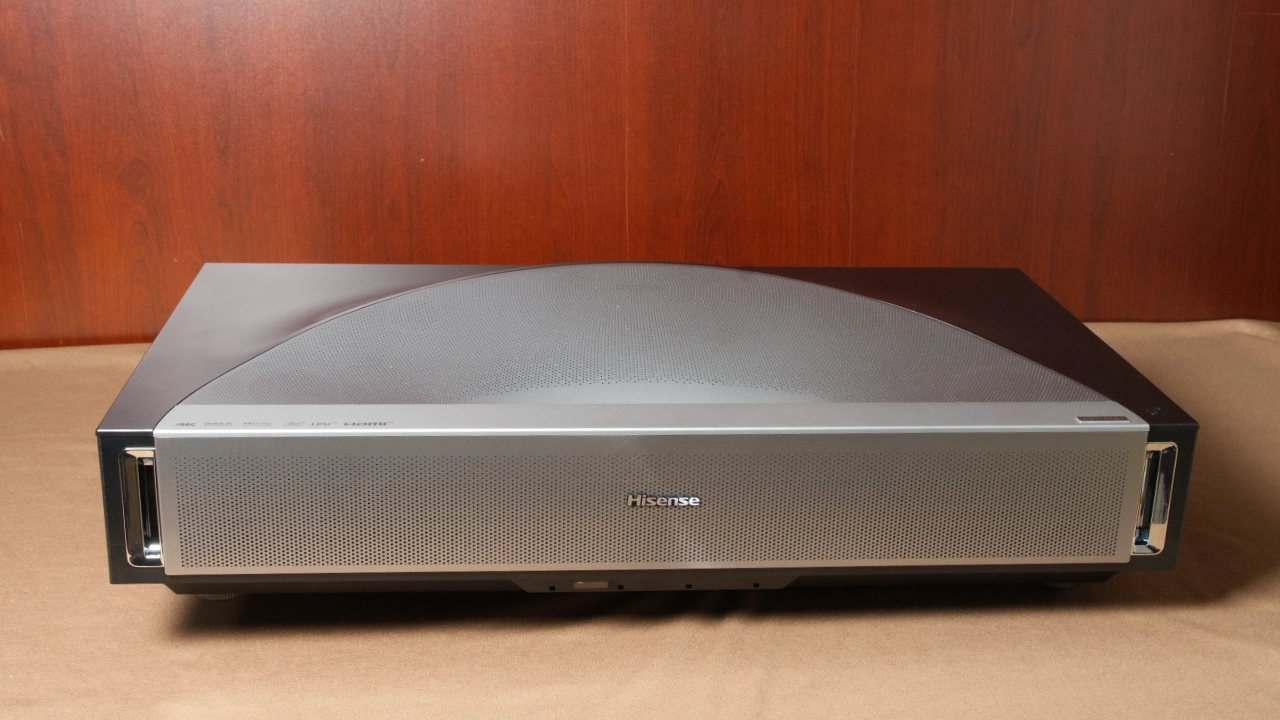
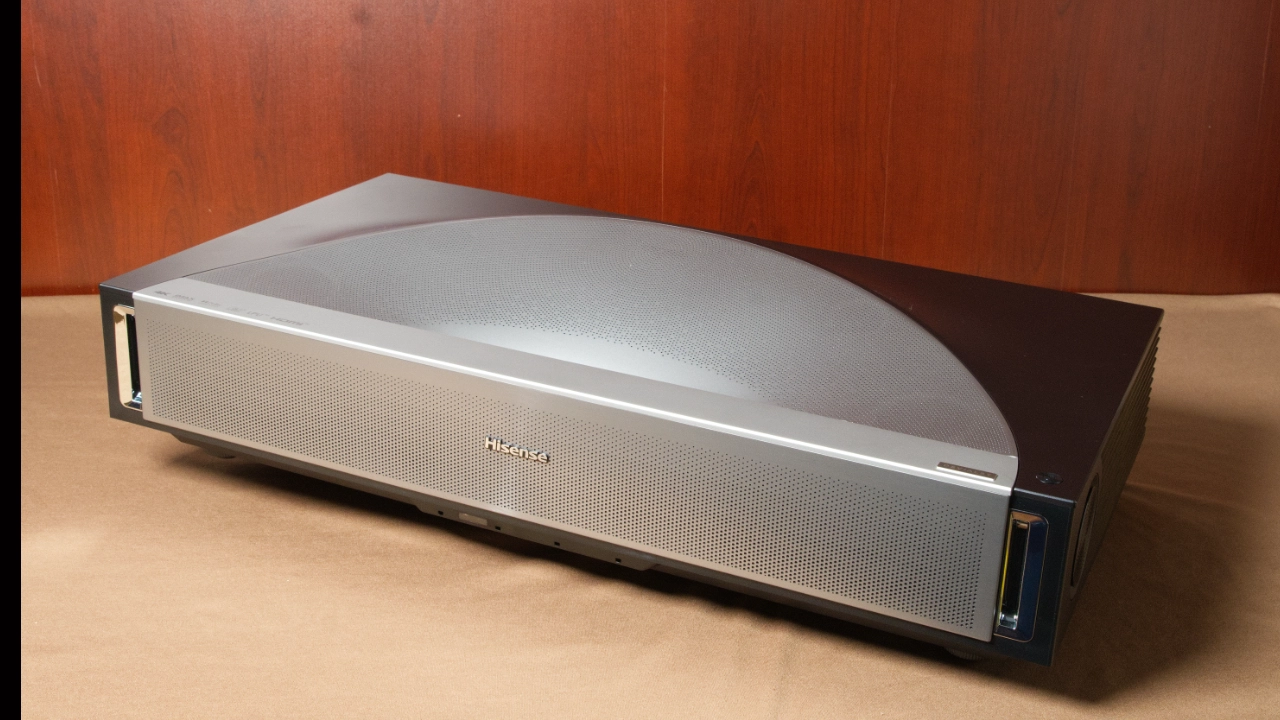
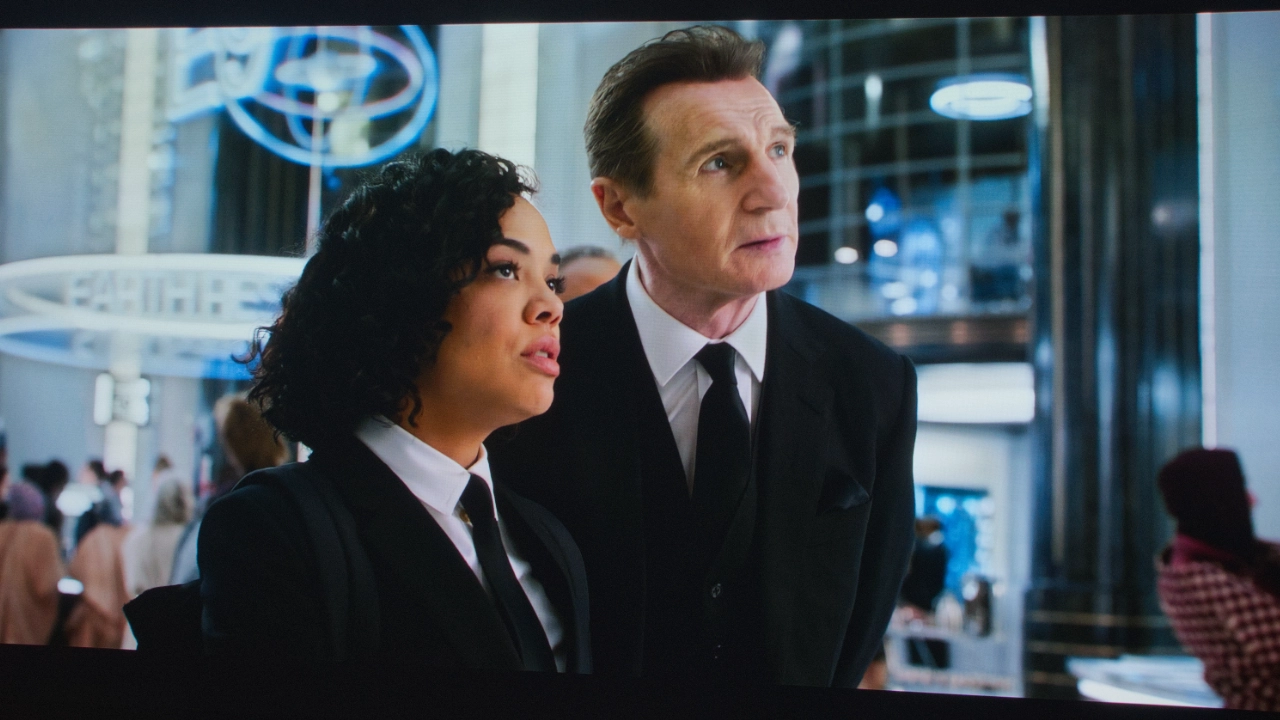
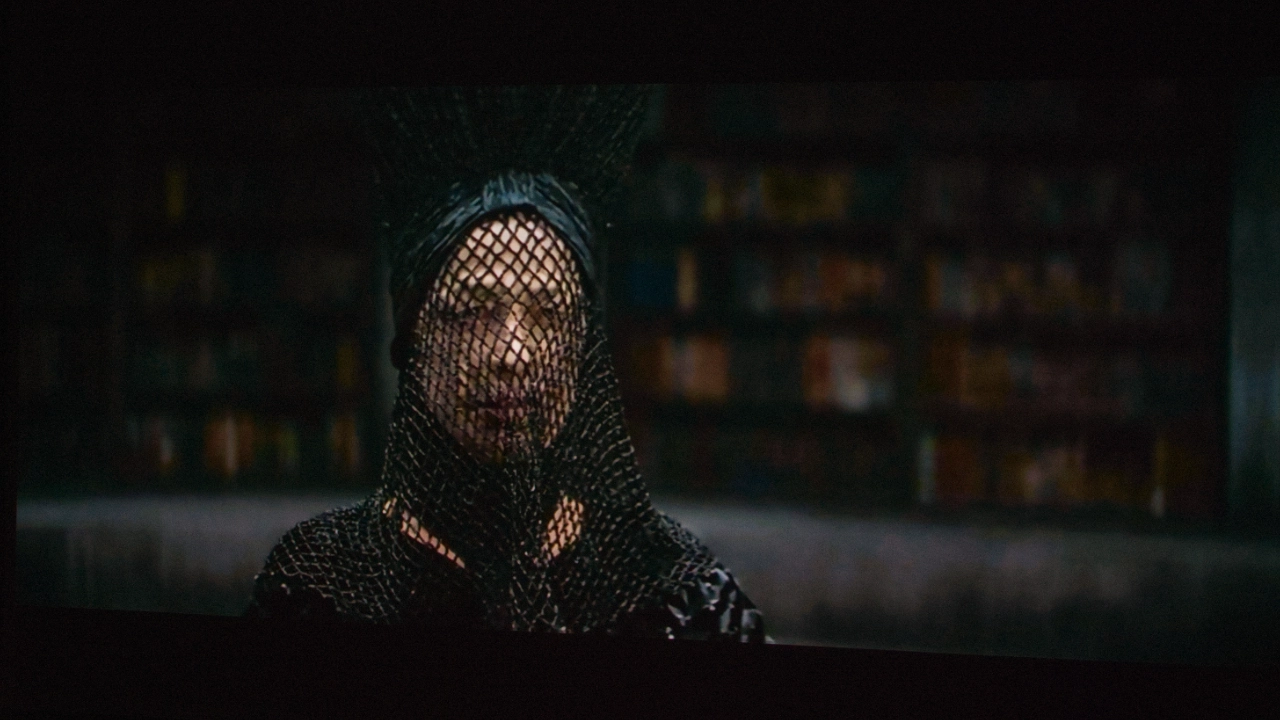
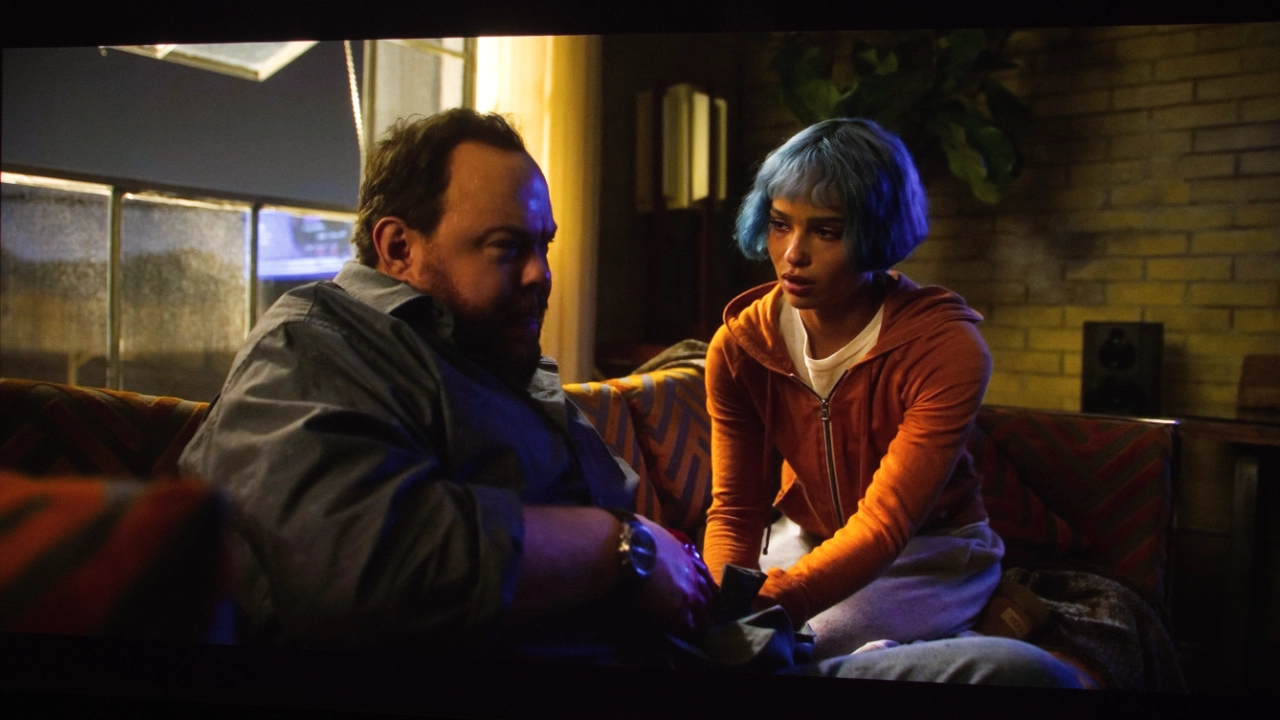
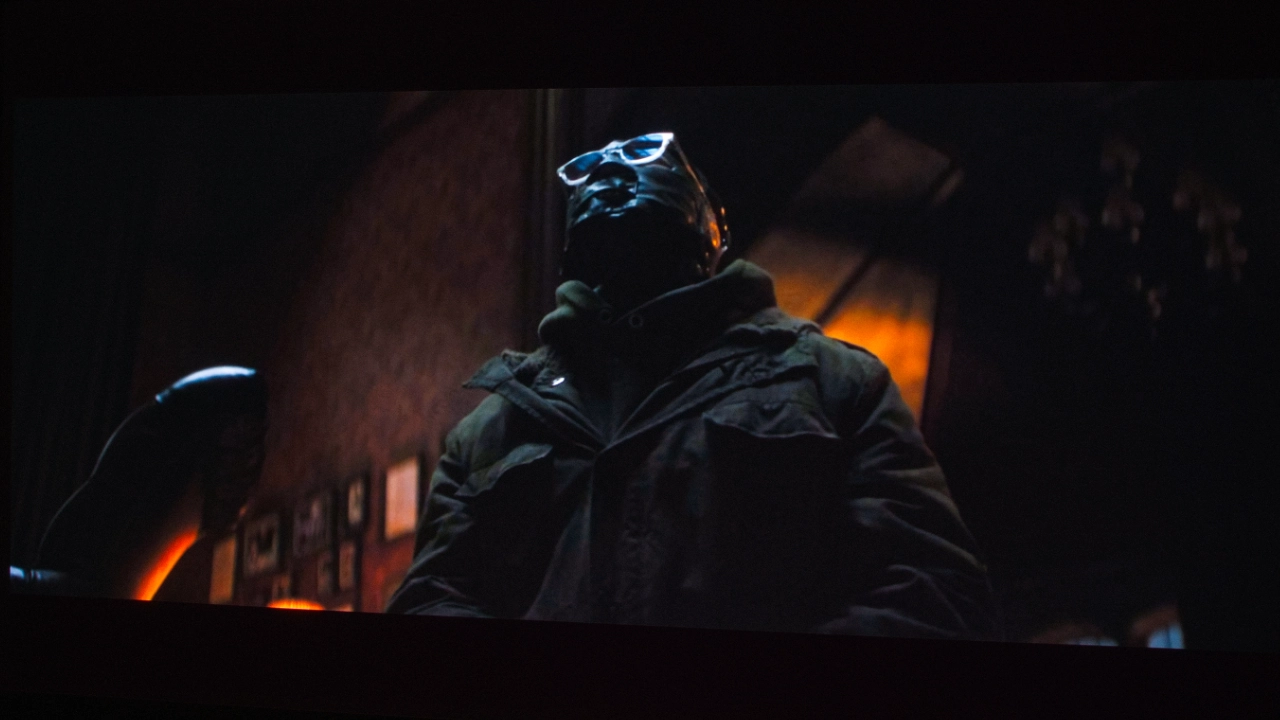
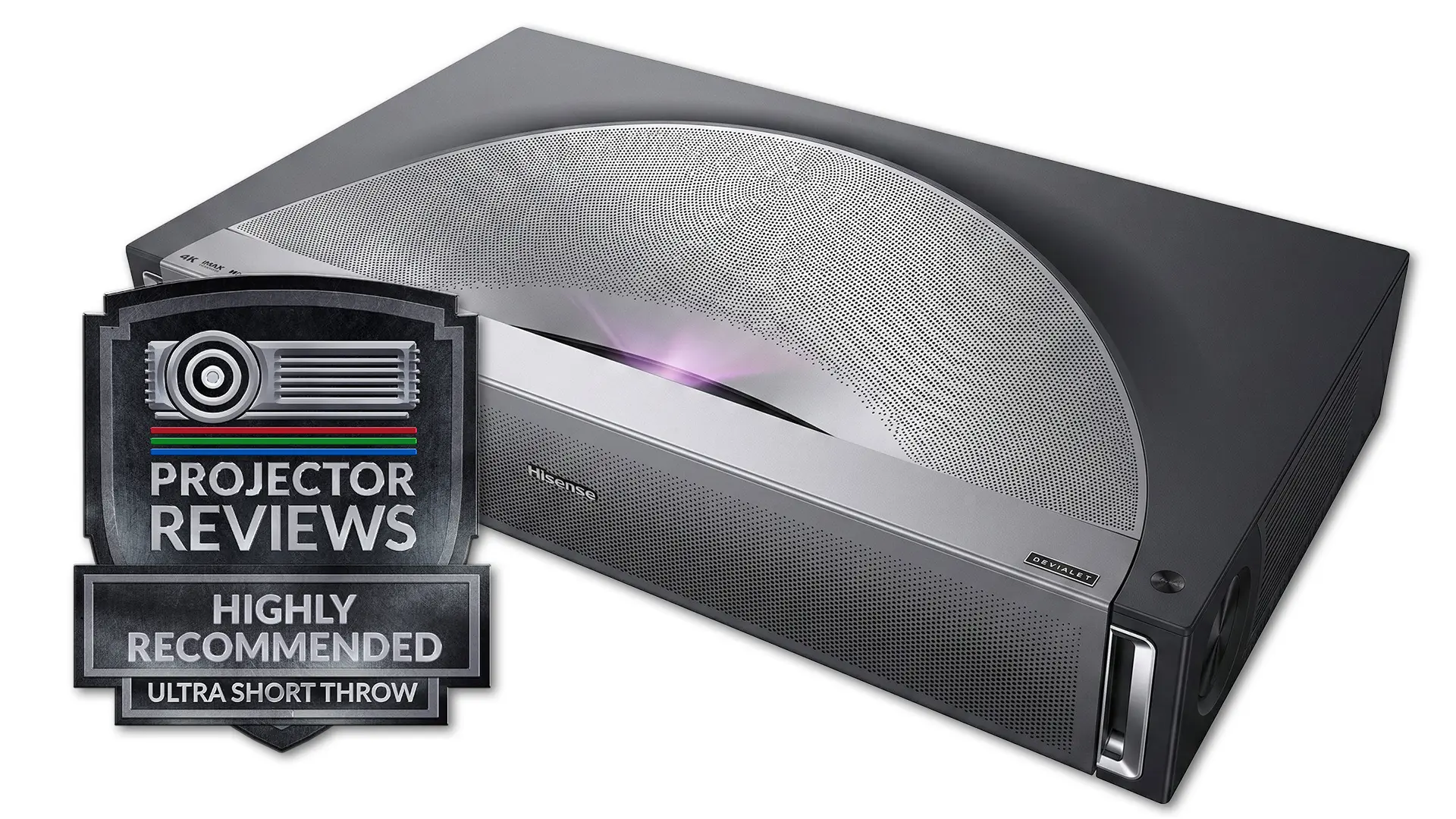
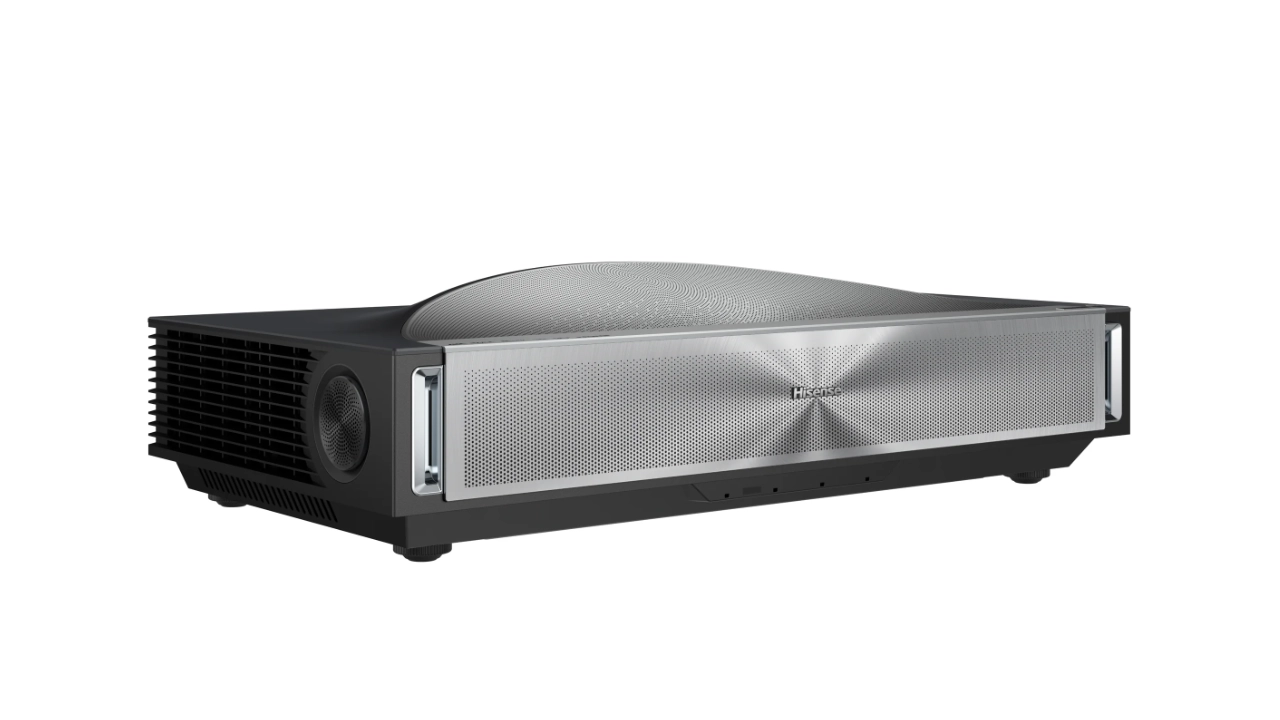
The Hisense PX4 Pro is the long-awaited follow-up to the company's highly regarded 2024 laser cinema projector, the PX3 Pro. The PX4-Pro is a state-of-the-art ultra-short-throw (UST) 4K UHD (3,840 x 2,160p) RGB triple-laser projector designed for home entertainment enthusiasts. At a $3,999 MSRP, this projector isn't the most expensive, but it's the company's most advanced UST model so far in 2026.
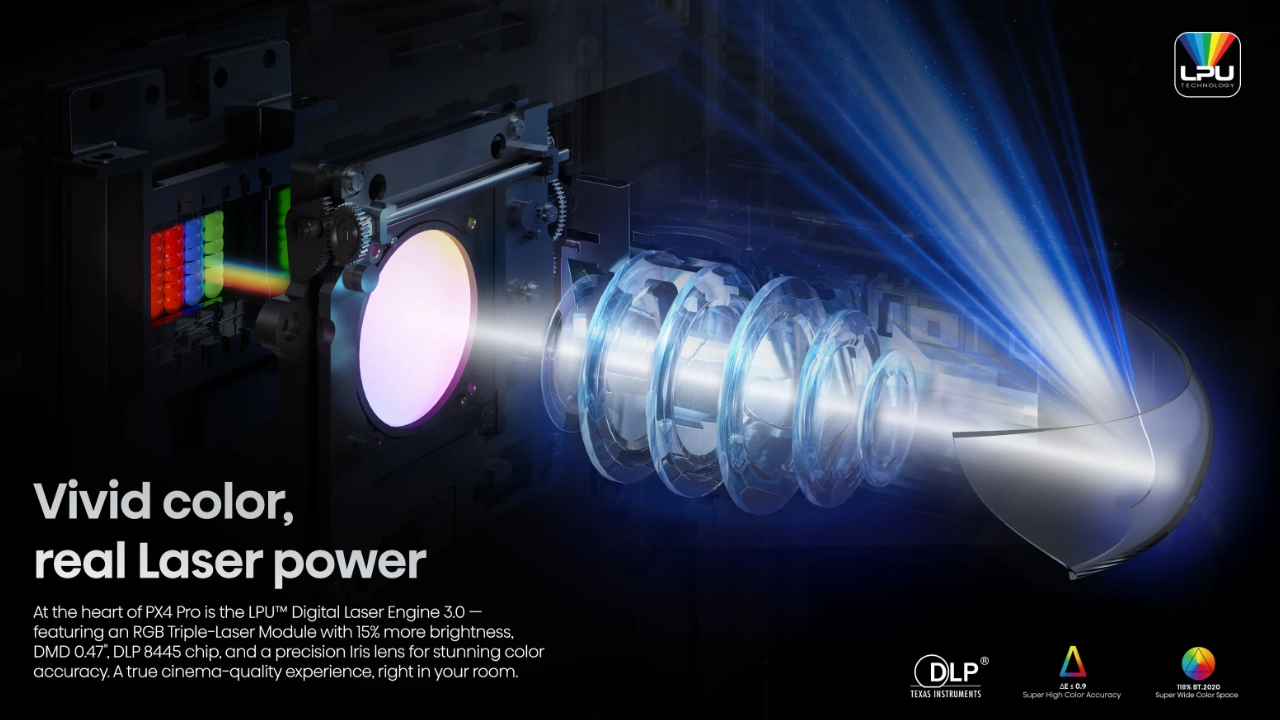
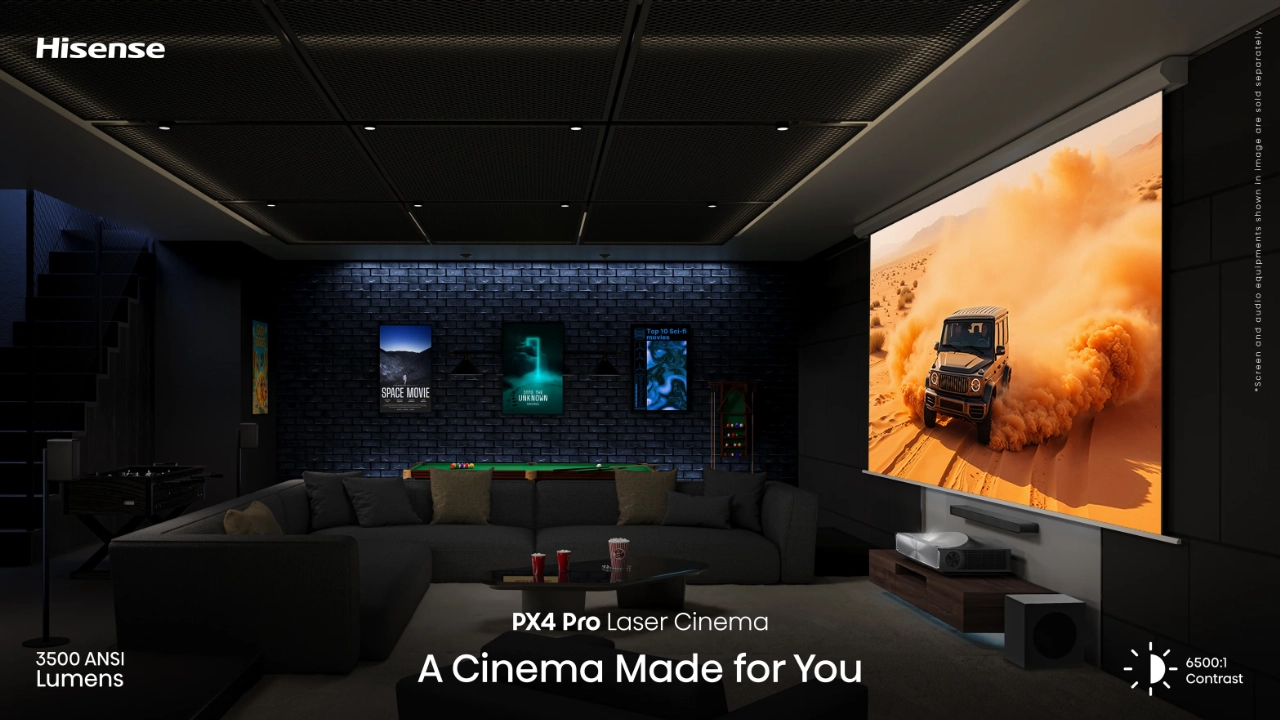
The PX4 Pro features a fully updated light source based on its new LPU 3.0 technology. This new light source bumps the projector's brightness up by 500 lumens to a manufacturer-rated 3,500 lumens, with Hisense claiming the projector can display 118% (up from 110%) of the BT.2020 color space for stunning on-screen colors. The increased brightness also means the PX4 Pro can display up to a 200-inch diagonal image while maintaining sharp focus, even in the most extreme corners, with minimal chromatic aberration. The new LPU also takes a stronger approach to reducing Digital Light Processing (DLP) Rainbow Effect (RBE) laser speckle.
If you are worried this bump in brightness means an increase in heat and fan noise, well, don’t, because Hisense developed a brand new liquid cooling system that actually reduces noise and changes the internal fan pitch to a lower volume, meaning the PX4 Pro produces no detectable fan noise. You can be sure I’ll be testing this out. Hisense also continues its long-running support for displaying 3D content, even reducing RBE in 3D mode.
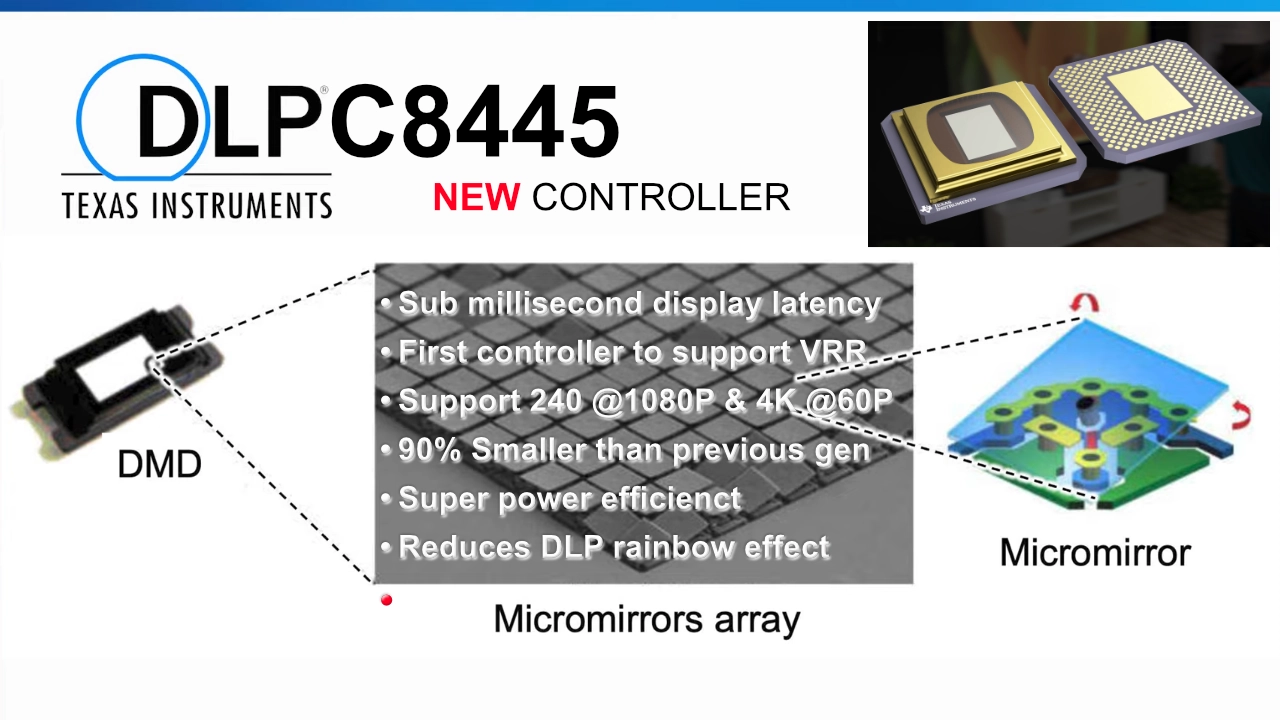
The PX4 Pro also features the latest generation of Texas Instruments (TI) DLP technology, combining the latest and greatest Digital Micromirror Device (SST DMD) with the new DLPC8445 controller chip. This combination of TI's new 0.47-inch DLP and controller gives the PX4 Pro everything it needs for high-frame-rate gaming at 4K 60 Hz or 1080p 240 Hz Variable Refresh Rate (VRR) support. This game-changing advancement from Texas Instruments is smaller, faster, and more efficient, resulting in a better-looking displayed image compared to older models, offering an input lag as low as 1 ms, which is better than many dedicated gaming projectors can do.
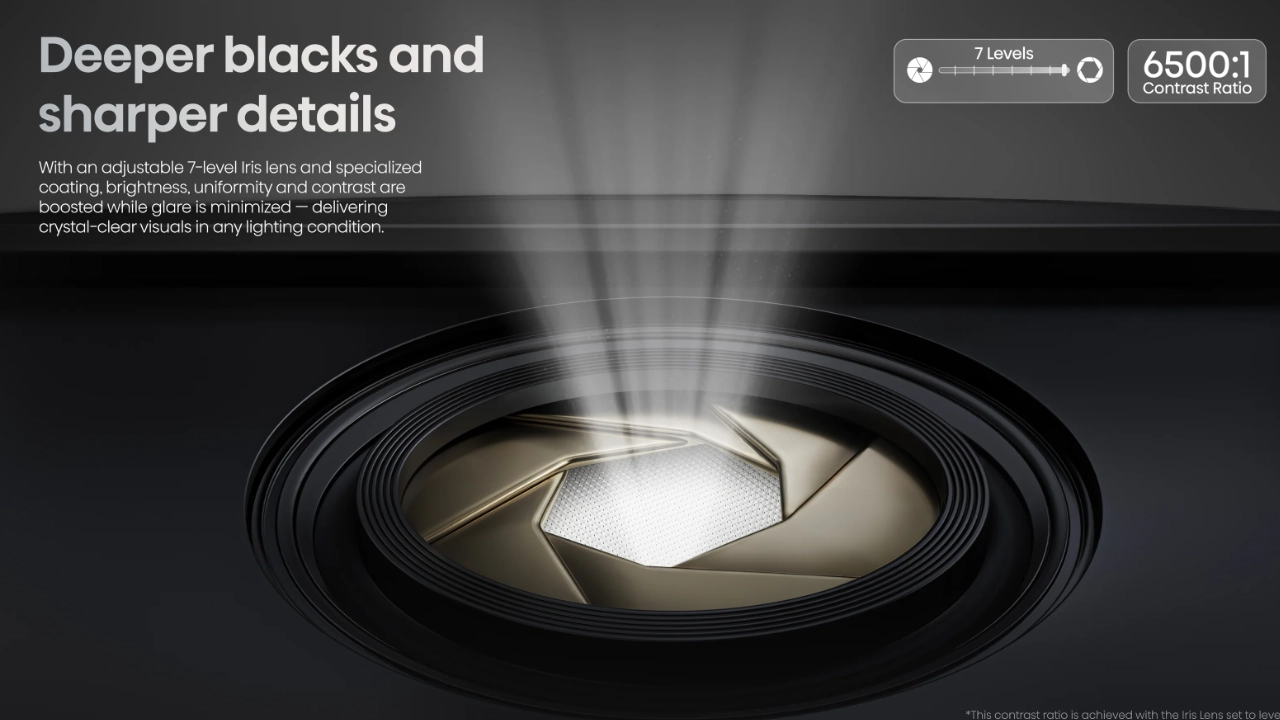
The PX4 Pro can display content in all the most popular high-dynamic-range formats, including Dolby Vision, HDR10+, HDR10, and HLG. The PX4 Pro also fully supports IMAX Enhanced content. The biggest visual change in the PX4-PRO is native contrast, which Hisense rates at 6000:1 to 6500:1. This is more than a 50% contrast improvement over the PX3 Pro and is largely due to the new optical iris with a seven-step manual adjustment.

+Native contrast from 6,000:1 to 6500:1 with remarkable black levels and details
+3,500 lumens of brightness for maximum performance in brighter spaces
+State-of-the-art lens elements offer sharp, uniform focus even at 200 inches
+Next-generation SST DLP with the DLPC8445 controller for speed and accuracy
+Class-leading 118% of the Rec. 2020 gamut coverage
+Features anti-RBE Technology
+Low-latency gaming of 1 ms at 1080p 240 Hz
+Dolby Vision, HDR-10+, and IMAX Enhanced
-New DLP does not support 4K 120 Hz display (4K 60 Hz Max)
-The anti-RBE does not work with 3D content like some competitors
-The black floor is not as deep as some competitive UST (AWOL)
-CineBlack Pro System results in some brightness pumping
-Auto screen fit and keystone require the use of a smartphone
-There is still some laser speckle on ALR screens
Stopping the iris down allows this projector to achieve black levels without crushing, something we’ve never seen on a Hisense UST projector. In addition to the iris, Hisense offers its new CineBlack Pro system with an Enhanced Black Level (EBL) algorithm that delivers a darker black floor, improved shadow gradations, and subtle details you won’t see, especially on older-generation Hisense projectors.
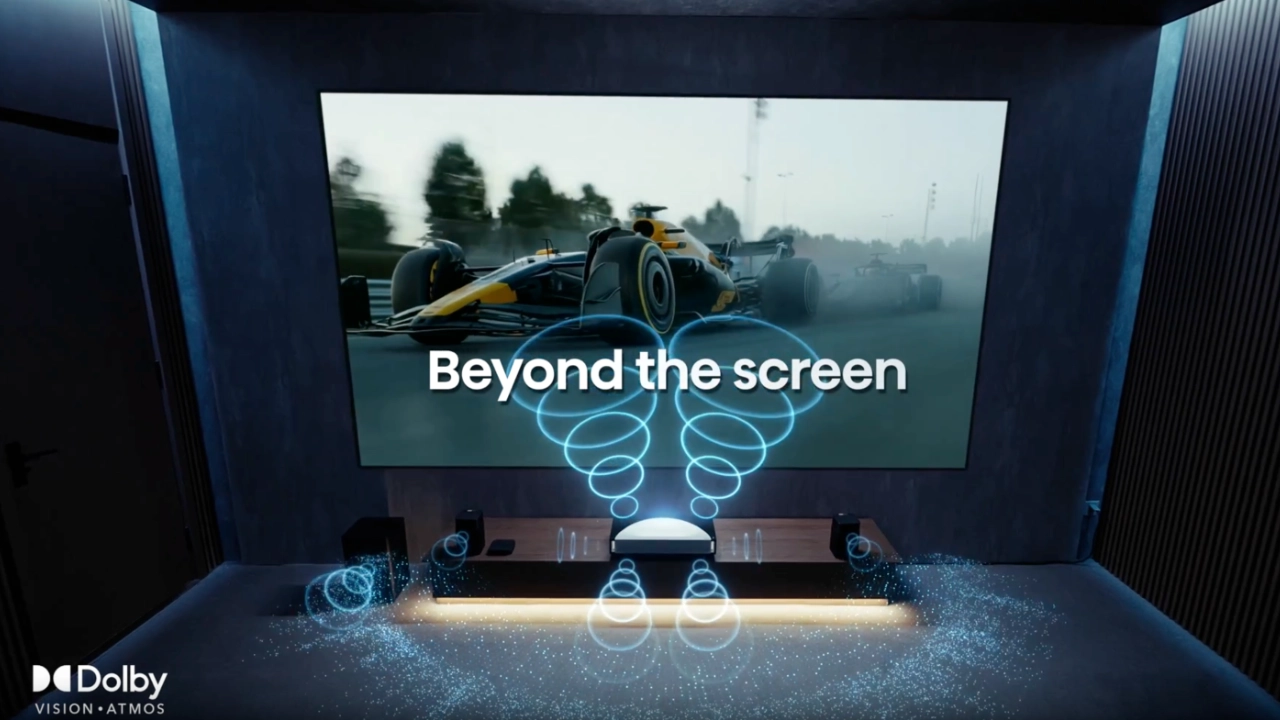
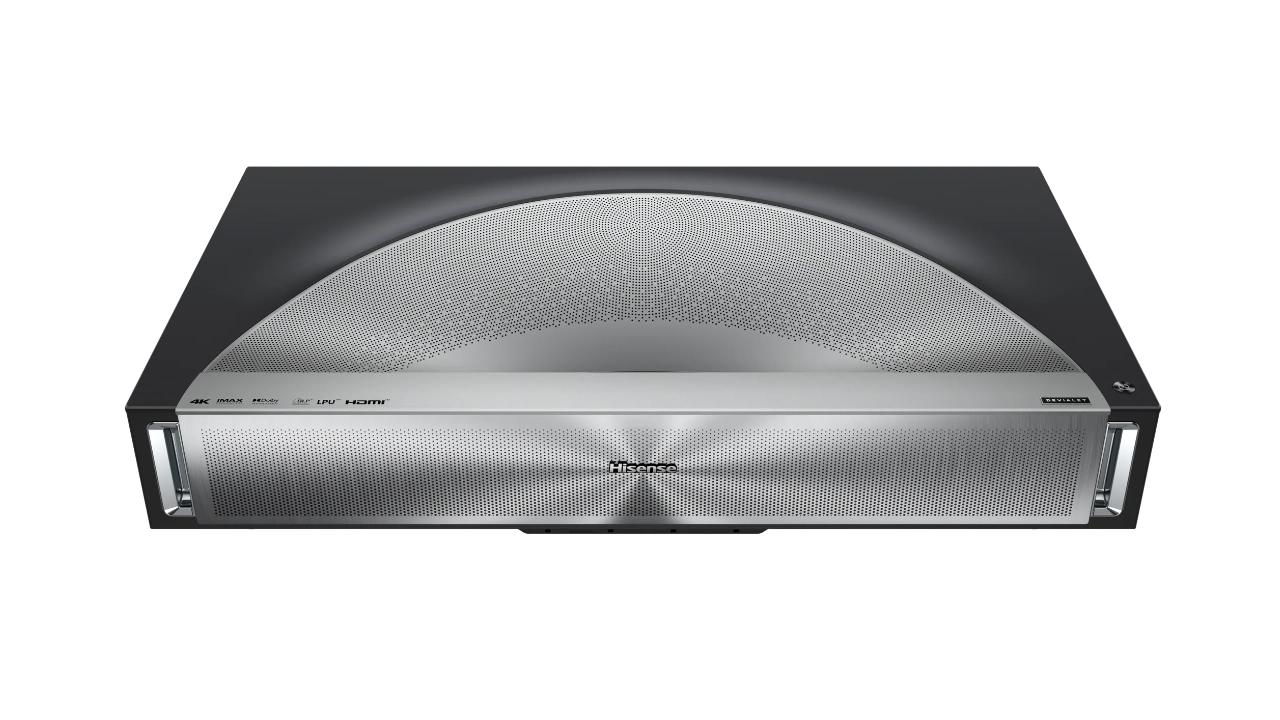
Hisense is pushing the envelope not just in picture quality but also in sound, continuing its partnership with Devialet to offer a custom-tuned sound system that jumps to 66 watts in a 4.0.2-channel layout, with dedicated upward and side-firing drivers for a spatial Dolby Atmos experience.
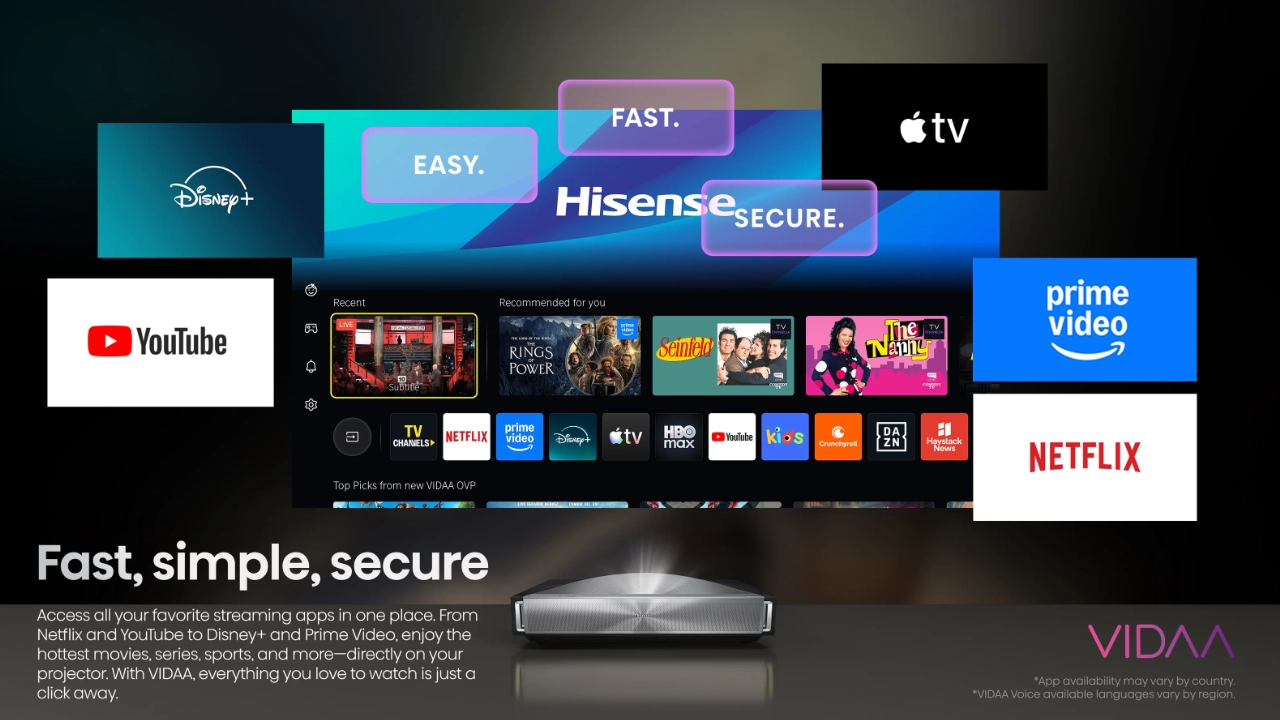
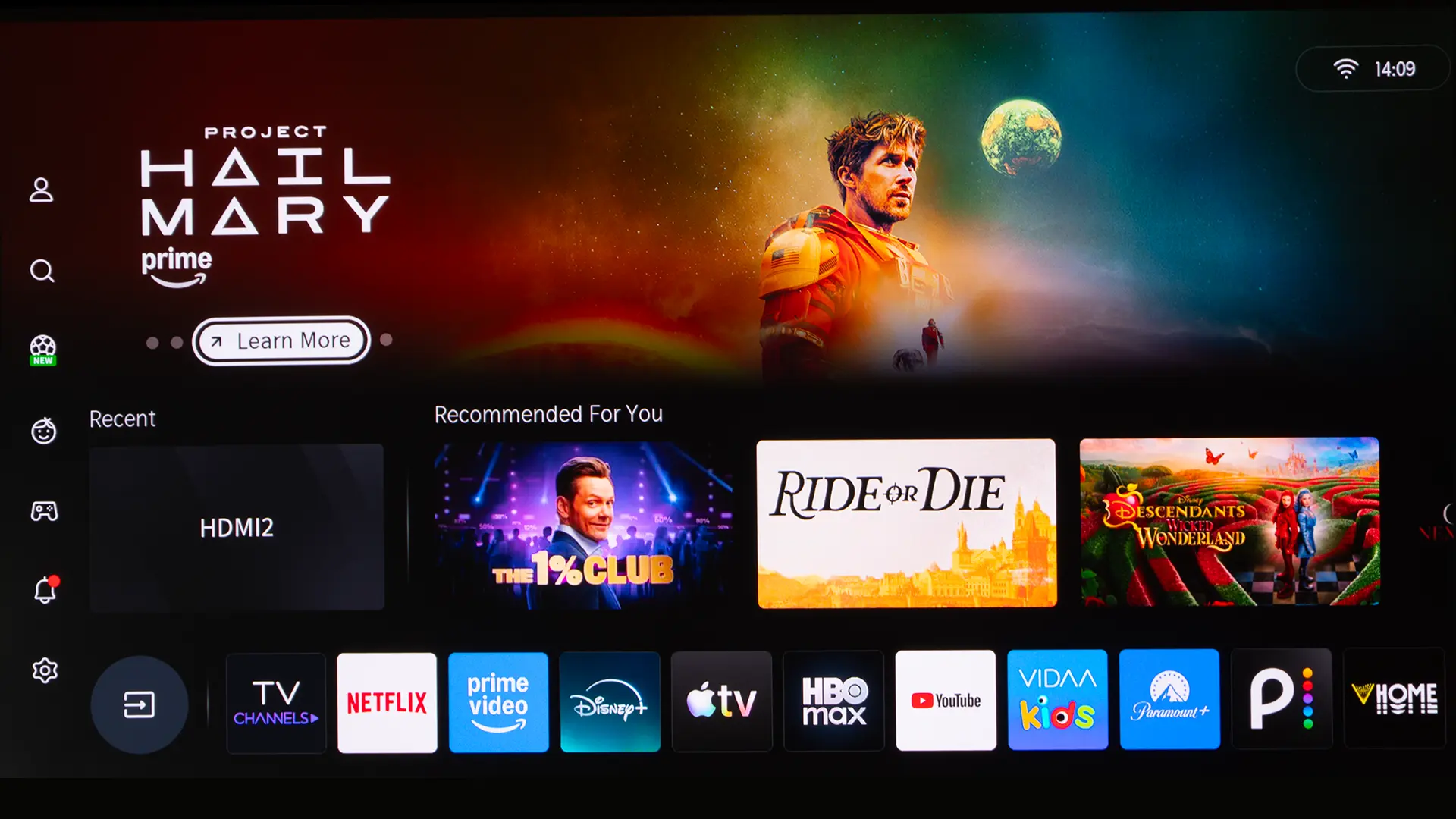
Like most modern projectors, the Hisense PX4 Pro has a smart operating system (OS) called VIDAA. Hisense developed VIDAA in-house, and it offers a streamlined experience compared to other operating systems such as Google TV and Roku. This means you no longer have to jump from app to app to find something to watch. VIDAA OS brings together movies, shows, and more from all your favorite subscriptions. Like Google TV, VIDAA also offers curated recommendations and advanced features like voice search, providing a personalized entertainment experience.

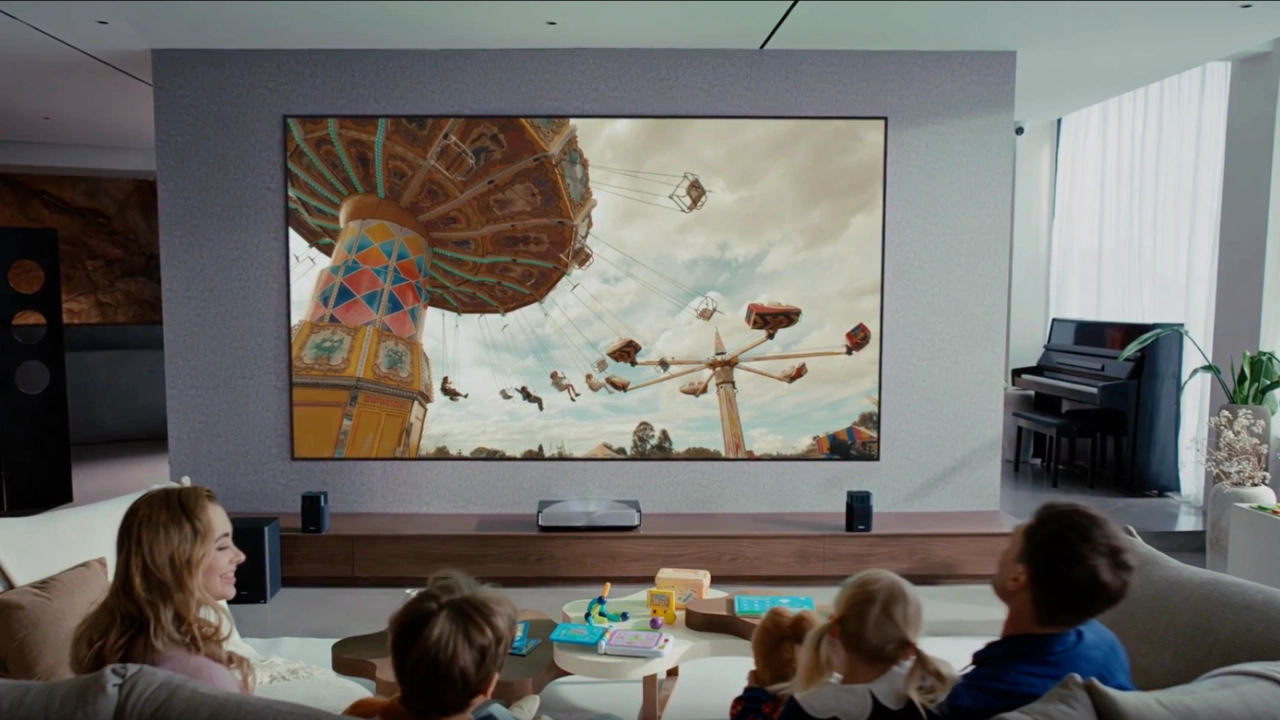
Hisense introduced Laser Cinema projectors in 2022 with the PX1-Pro. The PX4 Pro is the company's fourth-generation Laser Cinema projector and officially the first of the series introduced in 2026. On the surface, Hisense Laser Cinema and Laser TV projectors look almost identical, at least in terms of technology and performance. The main difference comes down to branding and one key feature: Laser Cinema projectors are not bundled with a matching projection screen. Hisense Laser Cinema projectors are less expensive than the company's bundled Laser TV products. Buying a Laser Cinema like the PX4 Pro means consumers can choose the screen type, size, and even brand they want to use. Laser Cinema projectors can digitally adjust focus for any screen size within Hisense's specified dimensions. For the PX4 Pro, that's up to an impressive 200 inches diagonally.

I don’t think it’s an exaggeration to say the RGB laser light source is one of the key technologies advancing both projection in general and, specifically, ultra-short-throw projectors to the point where many professionals and consumers consider them a viable replacement for flat-panel televisions. Hisense has been at the forefront of developing and introducing the RGB laser light source in UST projectors.
In fact, Hisense was the first to show a prototype of a color wheel-free RGB laser light source in its first 4K TriChroma prototype at CES in 2019. That prototype proved to the industry that it was possible to cover nearly the entire BT.2020 color gamut in a projector designed for a living room, not just a fully light-controlled home theater. Since that early prototype, Hisense has been on the cutting edge of RGB laser light source technologies and the surrounding technologies needed to make a modern laser light engine like the company's newest LPU 3.0 technology possible.
Hisense LPU 3.0 technology has come a long way in the three years since its introduction. A key component in the new LPU 3.0 light source is the company's TriChroma laser light module. While it shares the same name as the first-generation TriChroma technology, it’s evolved to a whole new level of capability and performance. For instance, the laser diodes Hisense uses in the new LPU 3.0 technology are extremely bright, delivering a manufacturer-rated 3,500 lumens of on-screen brightness while producing a record-breaking 118% of the BT.2020 color space. That’s 15% more brightness and 8% more color capability than the company's previous industry-leading best.
The LPU 3.0 laser diodes also address underlying DLP technology issues like the dreaded rainbow effect (RBE). Depending on your sensitivity to RBE, Hisense can virtually eliminate it at best and significantly reduce it at worst. Hisense does this by using micro-pulses from the laser diodes rather than flashing full fields of solid red, green, and blue (in that order). At the risk of oversimplifying, it’s better timing control. By displaying RGB in shorter bursts, the PX4 Pro spreads colors more evenly across the frame duration, rather than clustering a single color's energy into one continuous slice of time.
Hisense engineers know RBE is most jarring when bright white objects move against deep, dark backgrounds, like opening credits or flashlights in a night scene. In the PX4 Pro, the LPU 3.0 architecture is tied directly into the company's CineBlack Pro processing and the 7-step physical iris. When you step the mechanical iris down, you reduce the sheer optical intensity of high-contrast edge boundaries.

DLP has come a long way since Texas Instruments first put their chips in rear-projection television sets in the early 2000s. The core DLP technology has improved alongside supporting tech like light sources, moving from lamps to some of the most advanced RGB laser light sources on the market today. DLP continues to reinvent itself, moving away from spinning color wheels to solid-state light engines powered by advanced LEDs and laser light sources.
Last year, TI started rolling out a new generation of 0.47 DLP chips they call SST, along with a brand-new DLPC8445 controller in 2025, and the combination is groundbreaking.
The Hisense PX4 Pro’s new DLP DMD and controller chip improve the projector's overall performance on multiple fronts compared to older DLP projectors. This new SST/Controller combo lets the PX4 Pro process 4K at high refresh rates with extremely low input lag (1080p 240 Hz at 1 ms), which is faster than many dedicated gaming projectors.
For years, single-chip 4K DLP projectors were essentially stuck in a holding pattern. Older 0.47-inch chips paired with older controllers suffered from high input lag, brightness pumping, noticeable light leakage, and rainbow artifacts.
This new platform addresses nearly every one of those legacy pain points at the silicon level. In my opinion, the combination of the new 0.47-inch SST DMD and DLPC8445 controller is arguably the most meaningful architectural overhaul the consumer DLP space has seen in nearly a decade.

Just as TriChroma has advanced dramatically over four generations to deliver better brightness and more advanced color, Hisense has continued to improve its underlying projector technologies to address other aspects of the picture, like contrast and black levels. It’s hard to believe that just a single generation ago, blacks looked charcoal gray and dark-area details were often crushed or, at best, average. Hisense is once again changing the game with its new CineBlack technology.
CineBlack Pro is a proprietary contrast and black-level technology developed by Hisense engineers to address DLP’s historically elevated black floors. Rather than treating contrast as purely optical or something to fix in software, CineBlack Pro takes a hybrid approach that balances light attenuation with real-time frame processing.
CineBlack Pro features two underlying core components. The first is integrating a physical iris into the PX4-Pros optical assembly. Adding an iris to a projector is nothing new, but this technology has only recently been integrated into the optical assembly of an ultra-short-throw projector. CineBlack Pro uses a seven-step manual iris to lower the projector's black floor as the iris aperture decreases. This also lifts the projector's native sequential contrast from around 3,000:1 to 6,500:1. The PX4 Pro’s iris uses a user-selectable manual adjustment. Hisense chose this solution because locking the iris in place, rather than adjusting it dynamically, helps reduce brightness pumping.
The second major component of Hisense’s CineBlack Pro technology is software. Hisense engineers designed their Enhanced Black Level (EBL) algorithm to analyze incoming video signals and separate pure black backdrops from darker picture elements. Hisense EBL anchors deep blacks while selectively boosting the steps between various dark-area details right above black. EBL can display finer textures in elements like dark clothing, hair, or shadowed backgrounds without crushing blacks or raising the black floor into charcoal gray. Hisense also uses a dynamic grayscale technology alongside EBL, which dynamically reshapes the gamma and Electro-Optical Transfer Function (EOTF) curves.
Human eyes don't perceive brightness changes in a straight line. In a dark room, if you light a single candle, you’ll notice a massive jump in brightness. If you light that same candle in broad daylight, your eyes will barely register the difference. Our eyes are hyper-sensitive to tiny shifts in dark shadows, but relatively numb to the same numerical shifts in bright highlights.
If a projector simply took that straight mathematical signal and displayed it as-is, the picture would look completely unnatural. Shadows would look weirdly washed out and gray, midtones would look pale, and dark details would bunch together into an uneven mess. Gamma and EOTF curves are the mathematical curves built into video to match how human vision actually works.
Cineblack Pro technology expands grayscale separation, keeping subtle shadow tones distinct without washing out the darker portions of the image. Cineblack Pro lets users leave the system wide open in rooms that can’t control all ambient light sources, like the living room, or tighten the aperture to achieve a deep, cinematic black baseline in a dedicated dark room.
VRRYesYesNo
| Feature | L9Q | PX4 Pro | PT1 |
|---|---|---|---|
| Price (MSRP) | $4,999 | $3,999 | $1,999 |
| Brightness | 5,000 lumens | 3,500 lumens | 2,500 lumens |
| Native Contrast | 5000:1 | 6500:1 | 3000:1 |
| Next Gen DLP & Controller | No | Yes | No |
| IRIS | No | Yes (Auto & Preset Ctrl) | No |
| VRR | No | Yes | No |
| 4K 120 Hz Display | No (Displays 4K 60 Max) | No (Displays 4K 60 Max) | No (Displays 4K 60 Max) |
| 1080p 240 Hz Display | Yes | Yes | No (1080p 120 Hz) |
| 1440p 120 Hz Display | No | No | No |
| Dynamic HDR Tone Mapping | Yes | Yes | Yes |
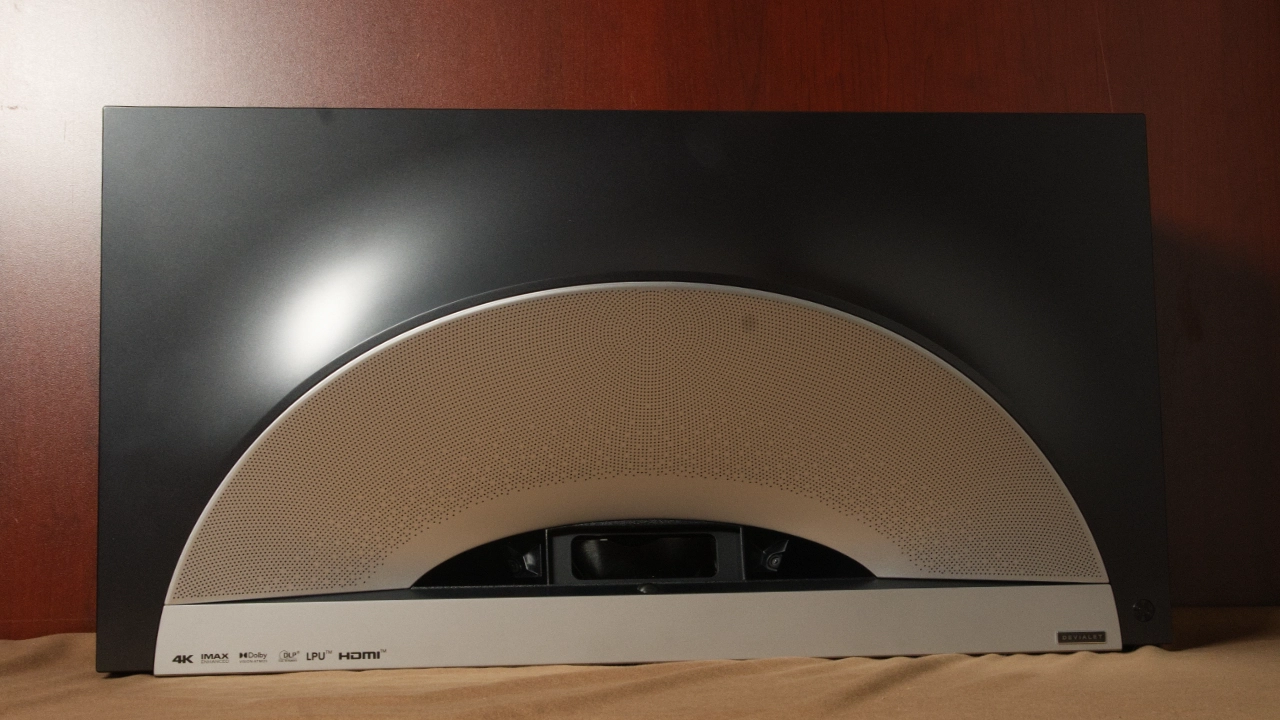
The Hisense PX4 Pro measures (WxHxD) 21.3” x 5.6” x 11.3” (540mm x 142mm x 288 mm) and weighs approximately 18.3 lbs (8.3 kg). What’s amazing about the PX4 Pro’s size and weight is that Hisense added a range of new hardware, including an optical iris, a brand-new light source, and a state-of-the-art DLP engine, while keeping the projector within an inch of the PX3 Pro's size and roughly a pound lighter.
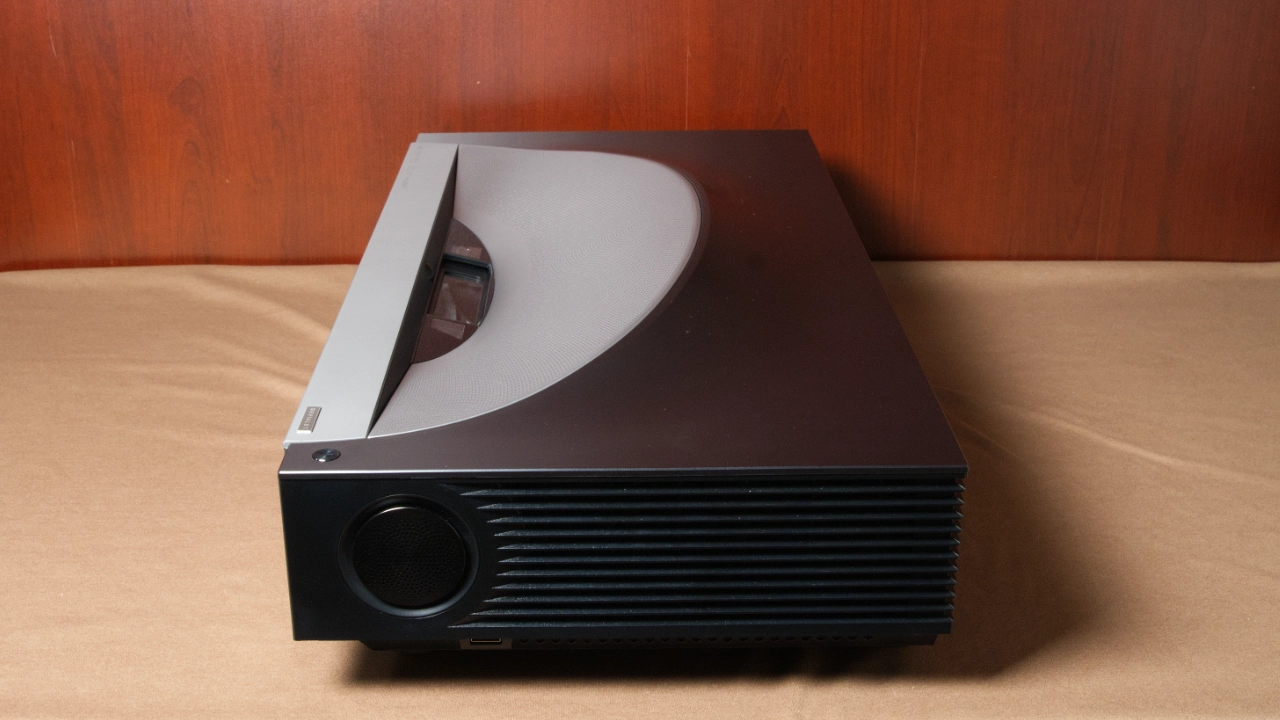
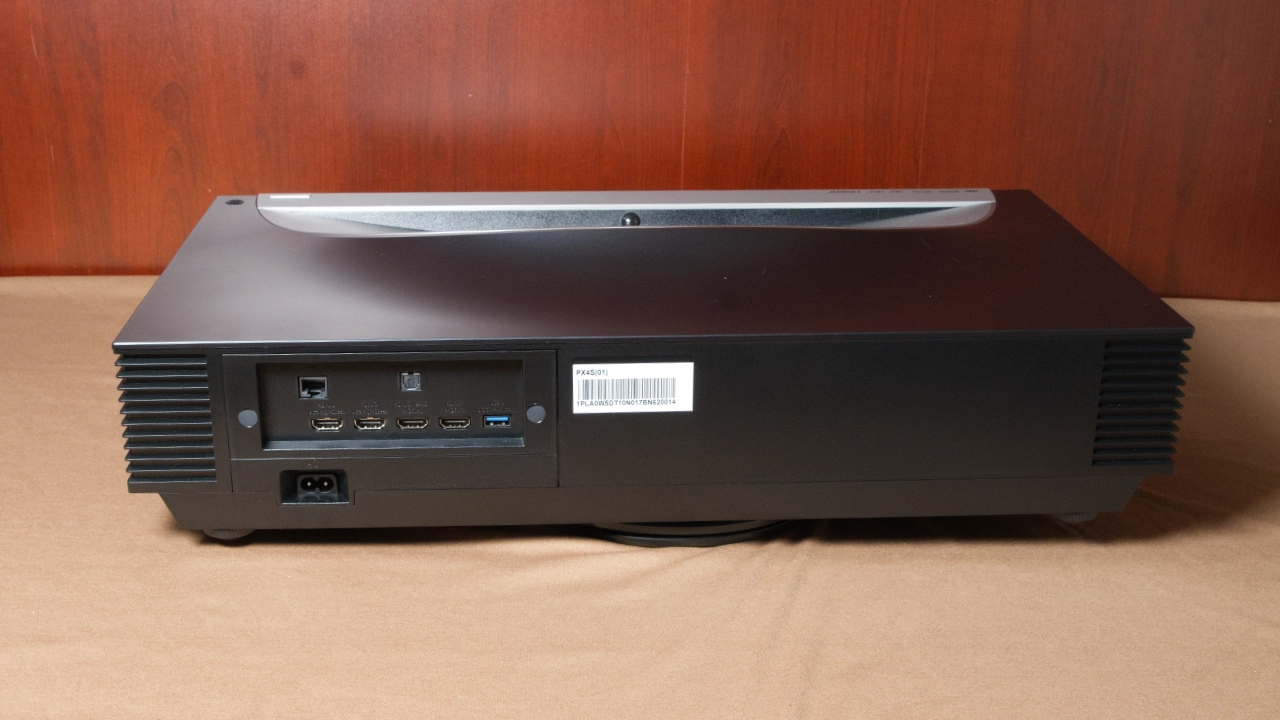
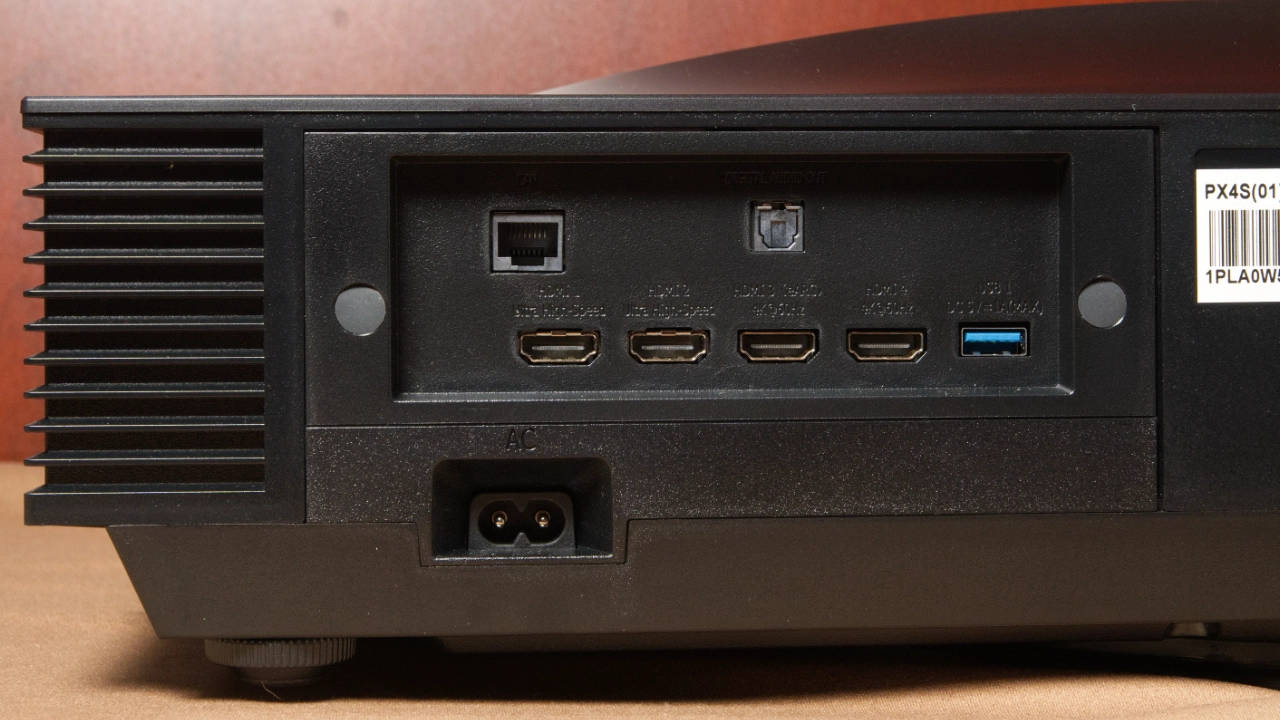
The projector’s speakers are located on the front and the sides of the PX4-Pros chassis. The air intake and exhaust vents are located on the left and right sides. Except for the power button on the top-right panel and a single USB Type-A port on the right side panel, all PX4 Pro connectivity is on the projector’s back, facing the screen.
The PX4 Pro includes a whopping four (4) HDMI inputs. HDMI 1 and HDMI 2 are ultra-high-speed HDMI 2.1 inputs. HDMI 3 and HDMI 4 are HDMI 2.0 inputs; HDMI 3 supports eARC, and both support up to 4K at 60 Hz. The PX4-PRO has two (2) USB Type-A connectors: one USB 2.0 on the right side and one USB 3.0 on the rear. The projector also features an RJ45 high-speed gigabit Ethernet connection on the rear and an optical audio output.
Cooling intake and exhaust vents are on the left and right sides of the projector housing, drawing air through the projector to cool the light engine and optical block while venting hot air out the opposite side.

The main power button is on the right side panel, along with a high-speed USB 3.0 port. The opposite left side panel features a dedicated 3.5 mm analog headphone jack. The back houses four HDMI ports. It includes two HDMI 2.1 ports and two HDMI 2.0 ports, with eARC support on the third HDMI input for direct audio passthrough to an external soundbar or AV receiver. It also includes a Gigabit Ethernet RJ45 port, an optical S/PDIF audio output, and a standard USB 2.0 port. The projector also features internal Wi-Fi 7 and Bluetooth 5.4 wireless connectivity.

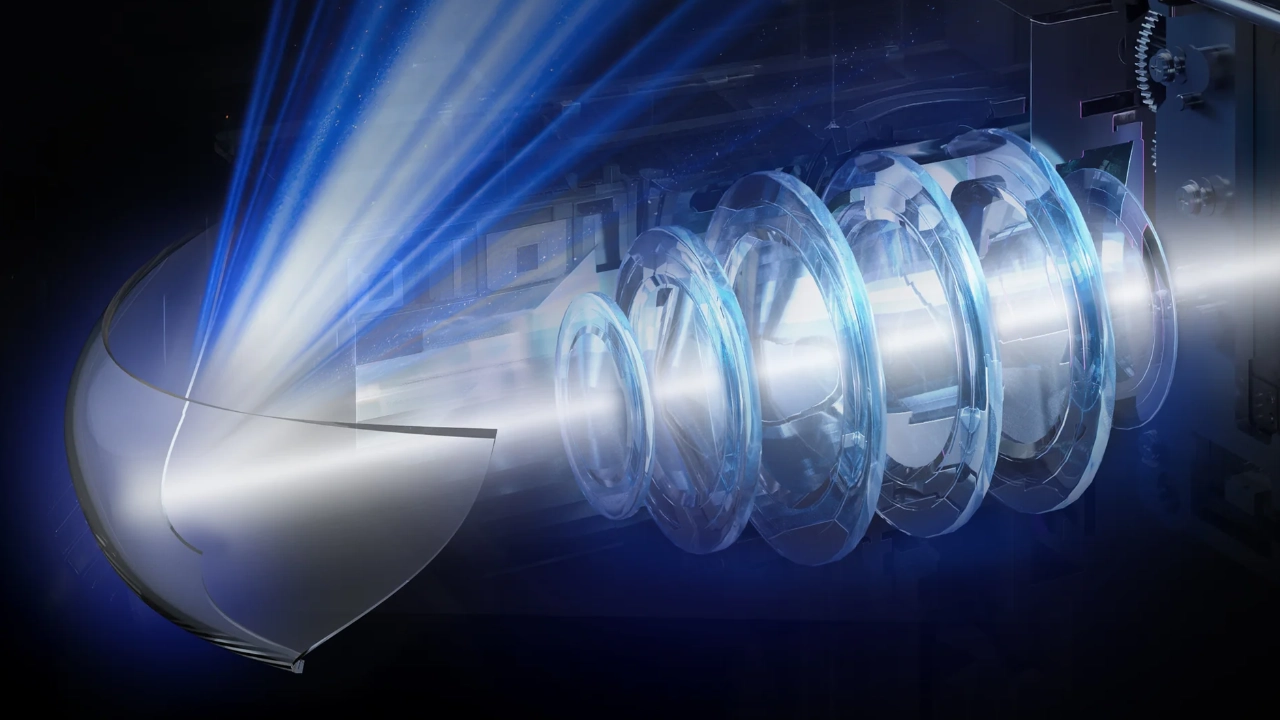
Like most of the core technology in the PX4 Pro, the projector's optical assembly underwent a major overhaul compared with previous generations of Hisense ultra-short-throw projectors. The PX4 Pro’s optical block is advanced enough to go toe-to-toe with the competition and display an image up to 200 inches diagonally, with minimal distortion and tight focus even in the most extreme corners.
Hisense has increased the PX4 Pro's optical advantage over many competitors by tightening the projector's throw ratio. Hisense shifted the optics down to a 0.20:1 ultra-short-throw ratio, a step down from the common 0.22:1 or 0.25:1 ratios on older UST projectors. In real-world terms, that's anywhere from a fraction of an inch to a few inches between the back of the projector and the screen. This reduction means the PX4 Pro can sit closer to the wall depending on your screen size. This can be game-changing. Hisense is also focusing on integrating the PX4 Pro’s LPU 3.0 engine and the optic’s motorized focus to maintain a sharp, distortion-free image whether you are projecting at 80 inches or the projector's recommended max of 200 inches.
If you are looking at pure sharpness and dark-room contrast, the optical playing field between the PX4 Pro and ultra-short-throw competition is closer than ever. The PX4 Pro represents the current cutting edge of DLP ultra-short-throw design, with an ultra-tight 0.20:1 lens.
| Screen Size | Distance from Wall (Approx.) |
|---|---|
| 100 inches | 7.0 inches (177 mm) |
| 120 inches | 10.3 inches (261 mm) |
| 140 inches | 13.6 inches (346 mm) |
| 150 inches | 15.3 inches (388 mm) |
| 180 inches | 20.3 inches (515 mm) |
| 200 inches | 23.6 inches (600 mm) |

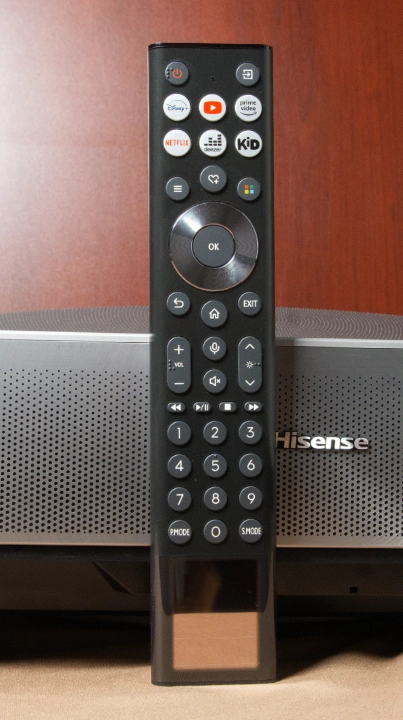
The included remote with my review sample is rechargeable remote control via the USB-C connector on the bottom of the remote. Hisense also features a built-in solar cell that trickle-charges the remote if you place it in a bright enough location. This remote may be the version that comes with the European and Australian versions of the PX4 Pro, and the North American version may just run on two AAA batteries. This setup is similar to the previous PX3 Pro.
The remote is about ½ inch thick and has a black plastic shell. The built-in media player has power and dedicated streaming service buttons. Bluetooth pairing lets you control the projector even when the remote isn't in direct sight. The remote includes Infrared (IR) control for the projector or a third-party cable/satellite box. For custom integration, the PX4 Pro can also be controlled via RS-232.
The remote features a standard D-Ring for easy navigation and a dedicated VIDDA VOICE button for voice control of a wide range of smart features, including voice search, compatible projector switching, hardware controls, and many Internet of Things-compatible devices.
This remote features two dedicated shortcut buttons for one-touch access to the projector's preset picture and audio modes. It also has a single Menu button at the bottom that takes the user to a quick-access on-screen menu, expanding the number of features that can be adjusted without entering the projector's larger core menu system.
VIDAA OS is an original smart OS that Hisense developed in-house, initially for its extensive line of smart flat-panel televisions. In recent years, Hisense has expanded its use to a growing list of video projectors, such as the PX4 Pro. With VIDAA, Hisense wanted to create a “best of both worlds” smart operating system that delivers much of the convenience you get in competitive operating systems like Google TV OS, but with a fast, simple-to-use experience that can only be achieved by trimming down on the thousands of unused applications and services and instead focusing on the customer's core needs. Hisense VIDAA offers users a bespoke streaming experience. Put simply, VIDAA is less about having the most content (movies, applications, and games) and more about delivering content that offers Hisense customers the best overall entertainment experience.
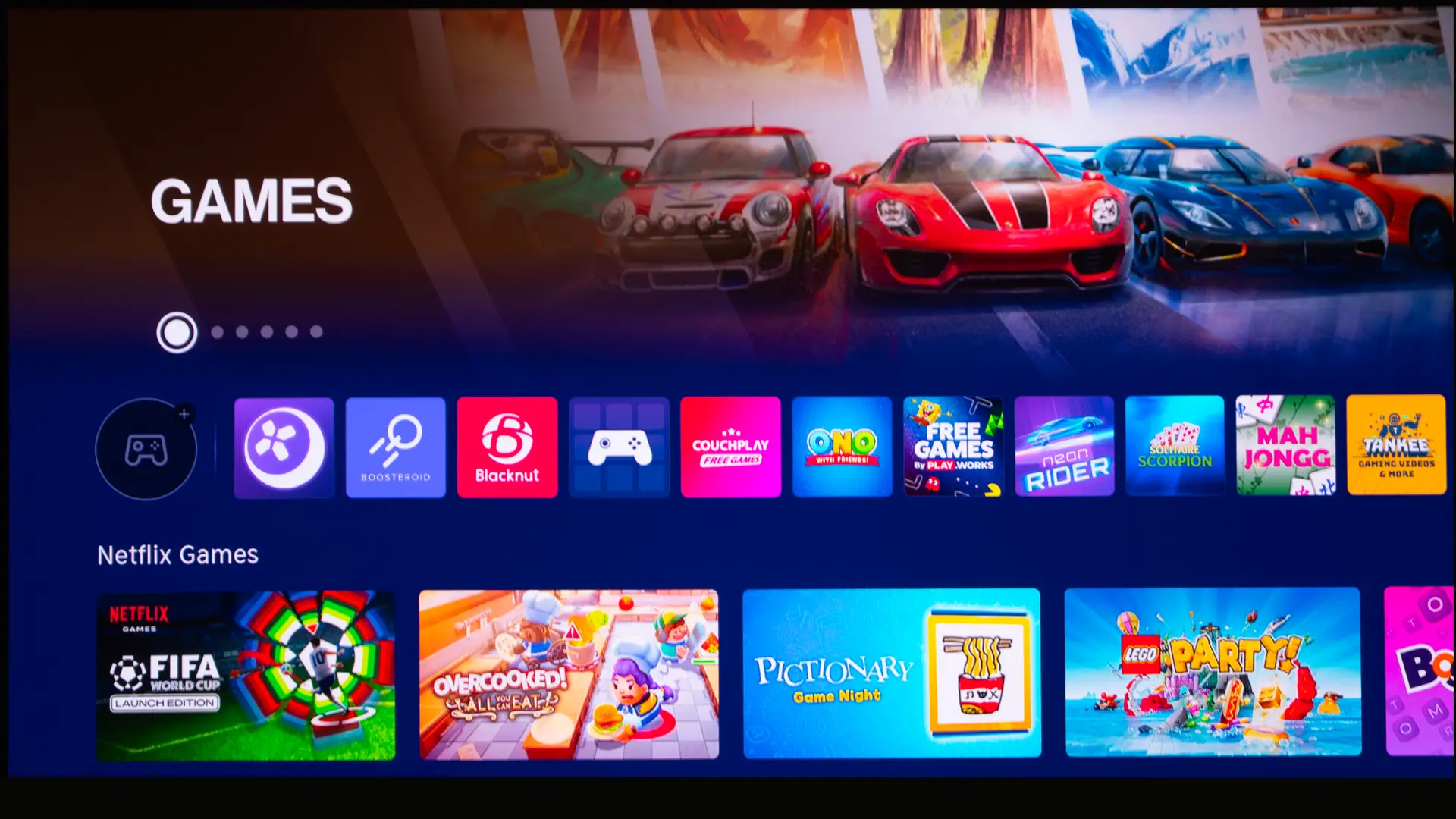
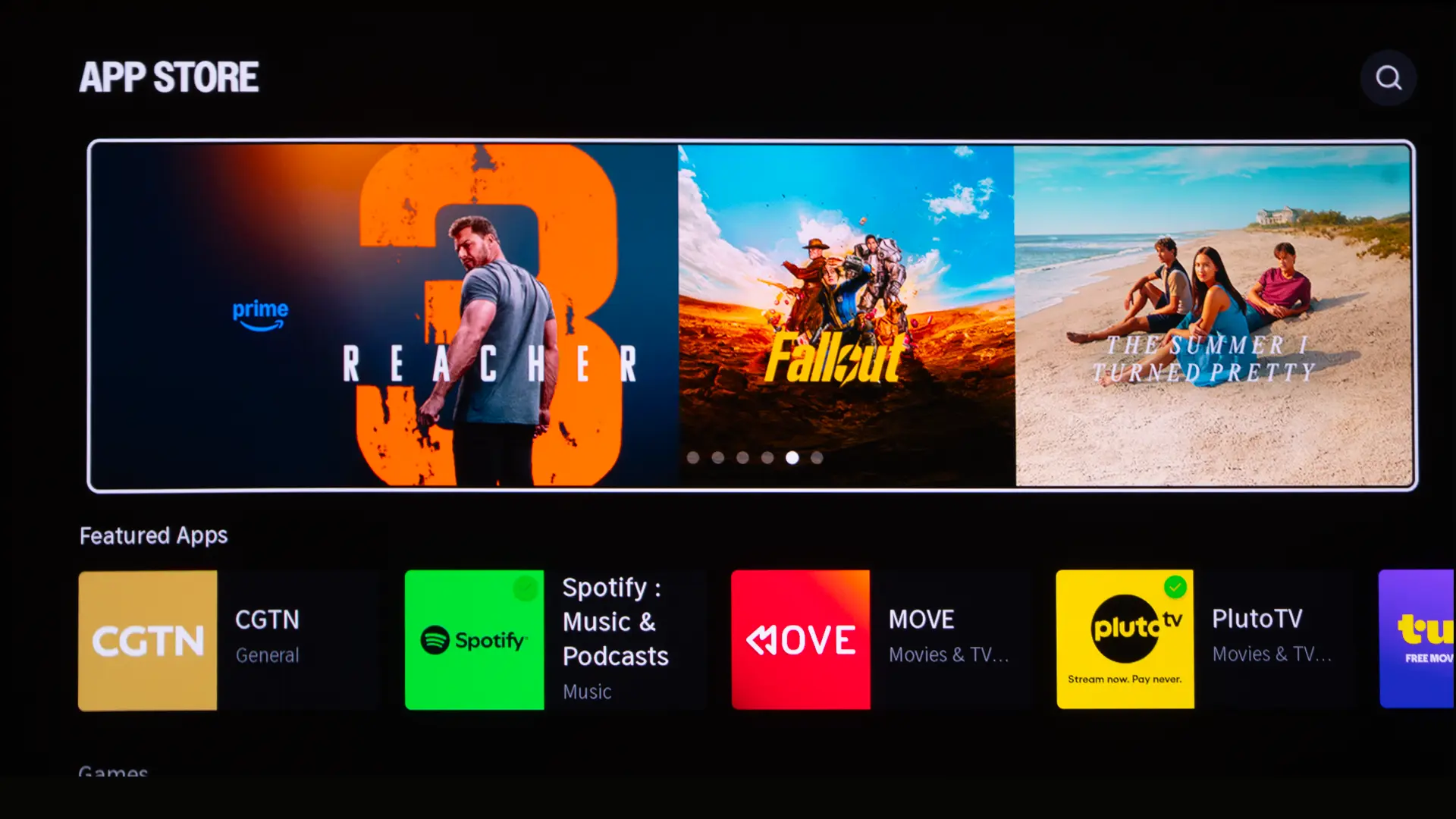
VIDAA OS isn't full of bloatware, so it is fast and efficient, with quick boot times and a navigation experience that doesn't suffer from the lag often seen with heavier operating systems like Google TV. VIDAA’s lightweight design, combined with the company’s curated ecosystem, gives users the content they want, including essential streamers like Netflix, free, ad-supported streaming TV channels, and a growing family of online gaming services.
VIDAA also offers modern connectivity features, including support for Apple AirPlay 2 and Miracast, plus comprehensive voice control integration across 28 languages with popular assistants like Amazon Alexa, and a voice search app called VIDAA Voice.
The VIDAA home screen shows apps, inputs, recommended content, account features, voice services, screen sharing, AirPlay, HomeKit, and network settings. Since the operating system is based on a platform used in millions of Hisense TVs, it's well laid out and responsive. VIDDA makes it easy to personalize the home screen. If you want Disney+ front and center for the kids, you can quickly arrange your apps.
The PX4 Pro’s smart platform makes the projector more self-contained, which is great for traditional lifestyle projector customers. However, many enthusiasts will still use an Apple TV, Roku, NVIDIA Shield, Kaleidescape, or game console as their primary media source.
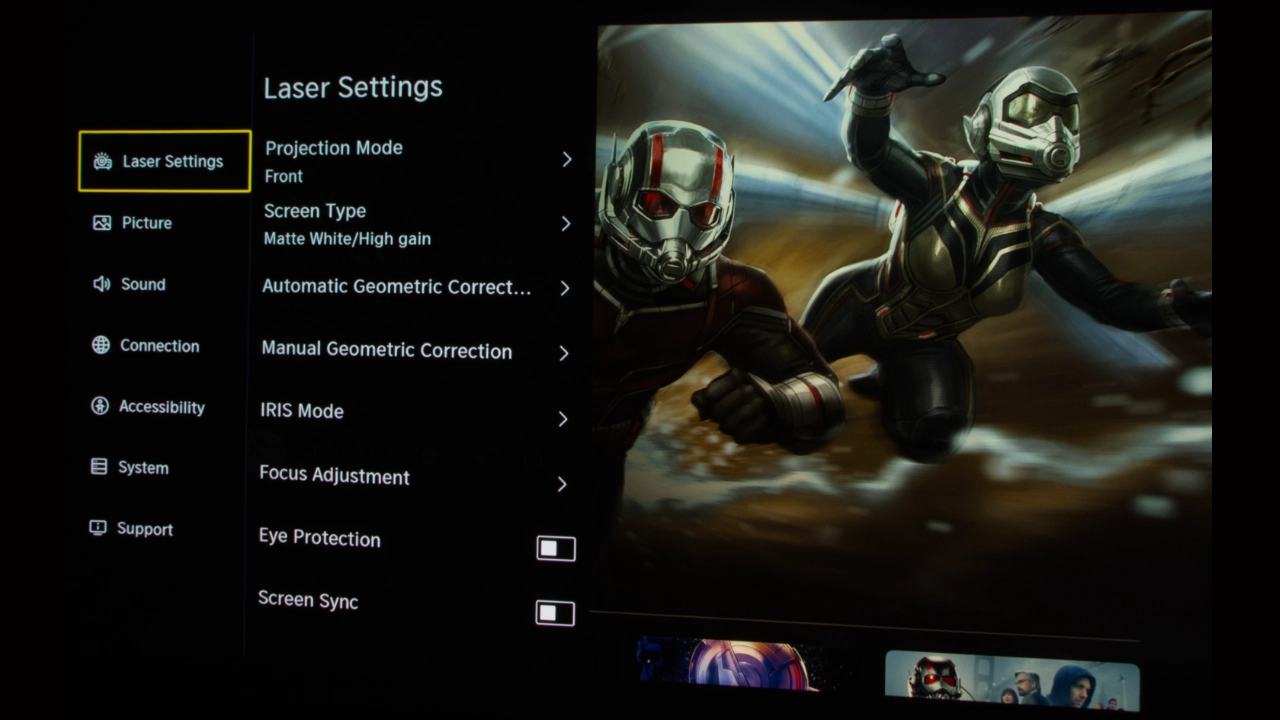
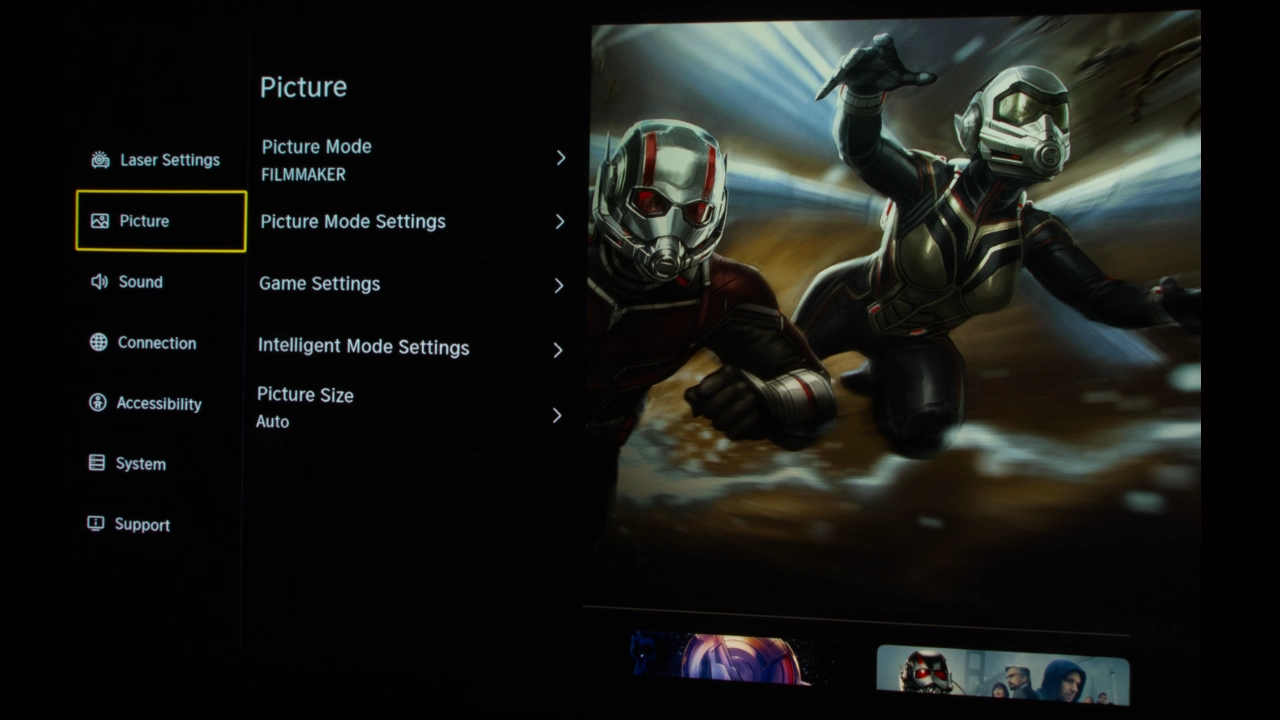
Beyond the smart menu, the PX4 Pro includes an extensive set of picture adjustments to optimize image quality. Advanced calibration adjustments include Gamma, RGB Balance, and CMS. Similarly, the Sound controls go beyond simple volume, offering preset audio modes and even a full equalizer to fine-tune the audio response to your room acoustics or listening preferences.
As I worked through my testing regimen, it became clear that Hisense prioritized out-of-the-box color accuracy. Not surprisingly, most of the movie focused modes on the PX4 Pro are tuned warmer but not as heavy as some recent competitors like the Aetherion series. In these modes, skin tones display a subtle warmth, while grayscale errors remain controlled. Not to get too far into the calibration (that’s down below), we found that applying a simple two-point white balance adjustment pulled the white point in line and cut grayscale error significantly, all without significantly impacting displayed brightness.
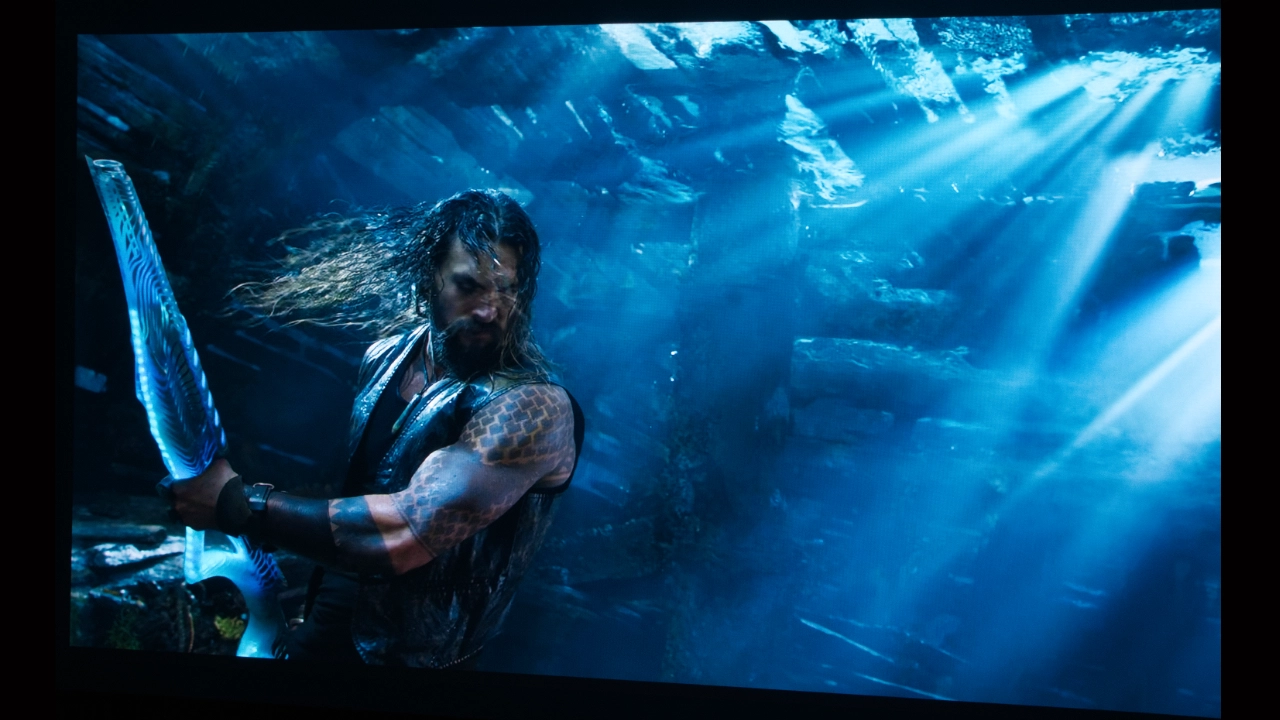
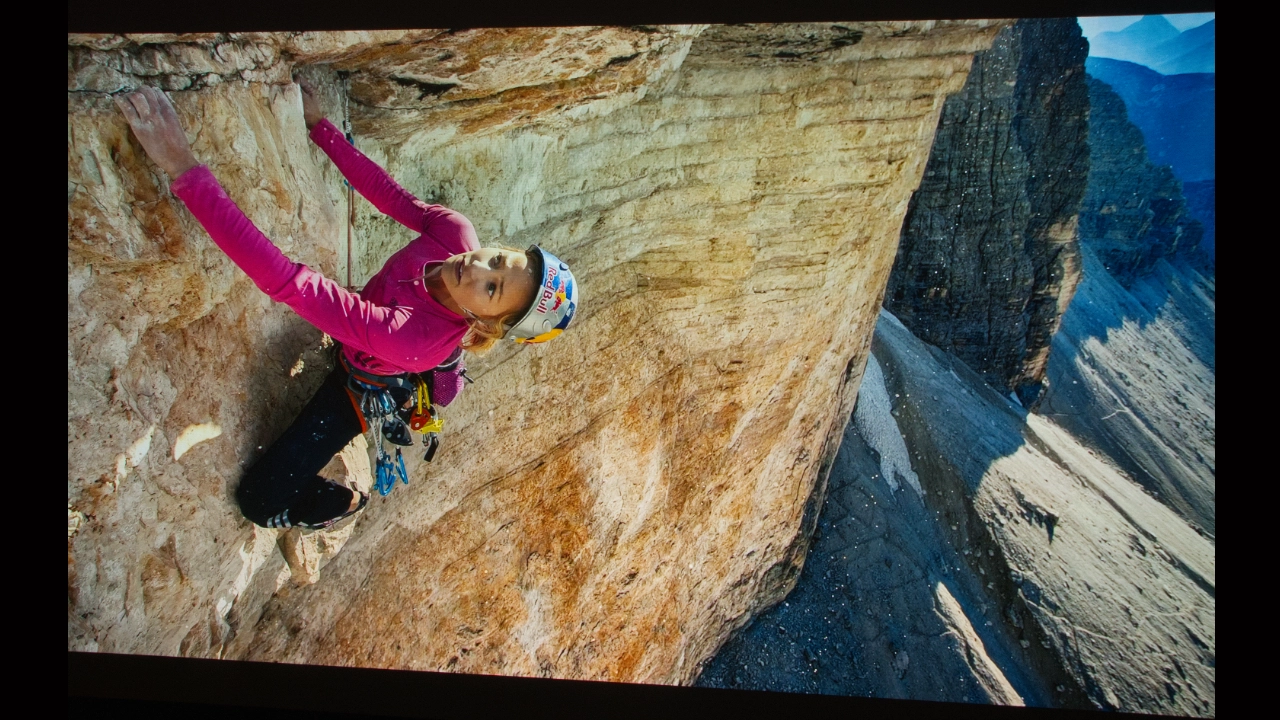
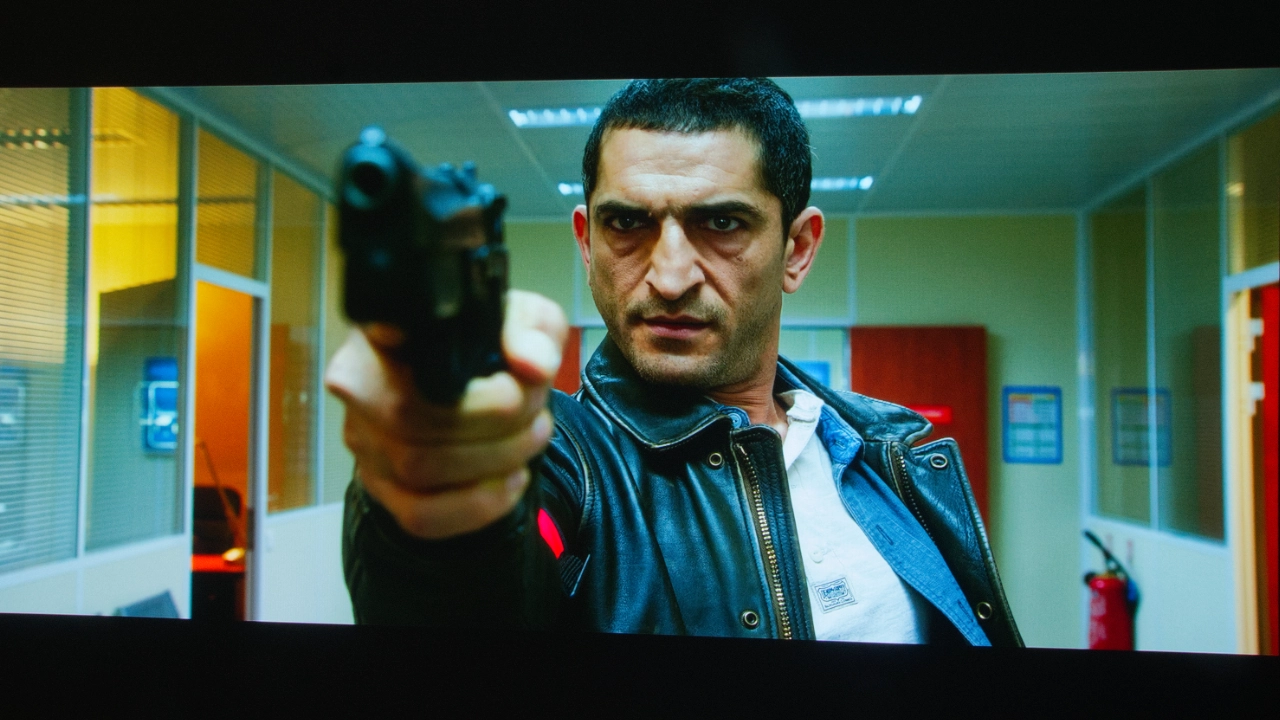
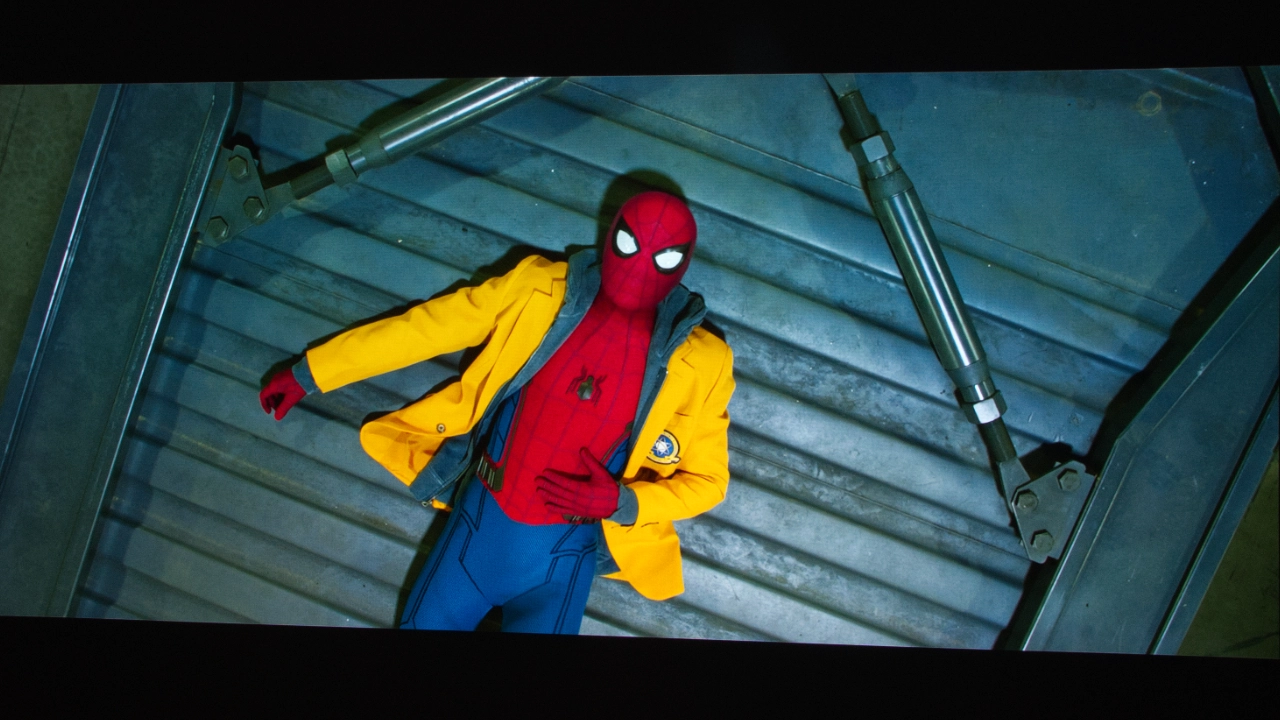
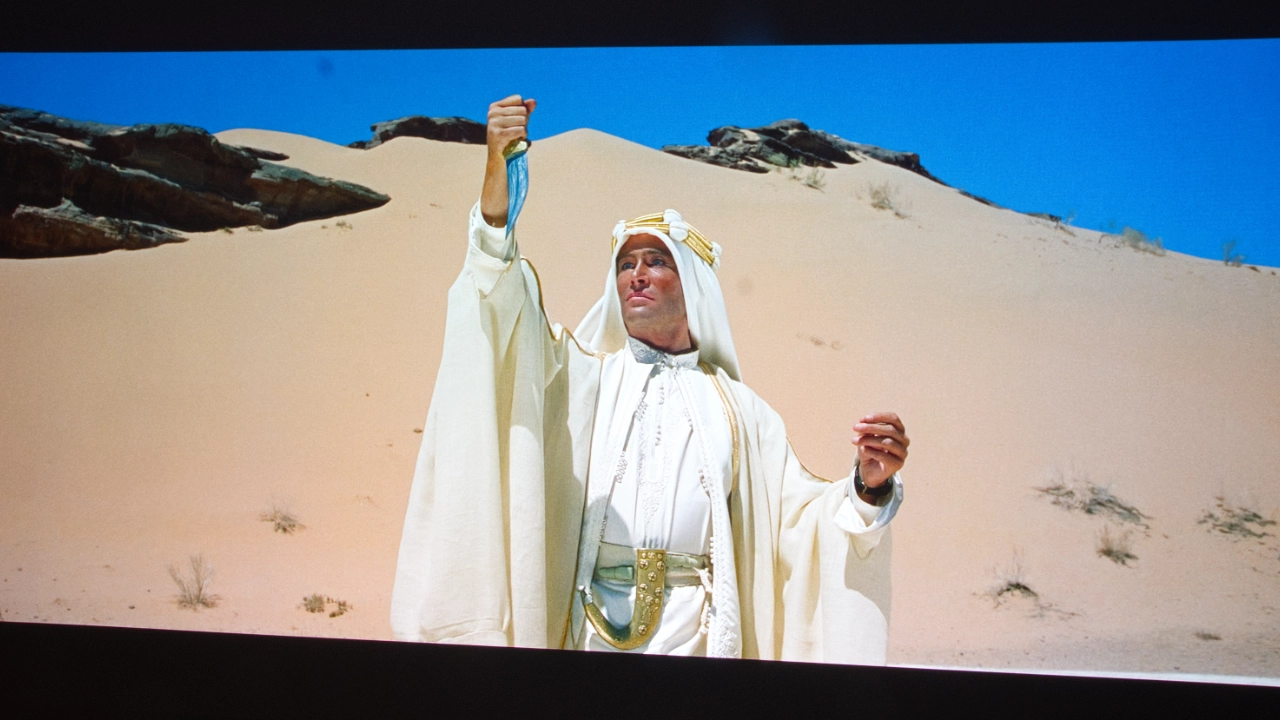
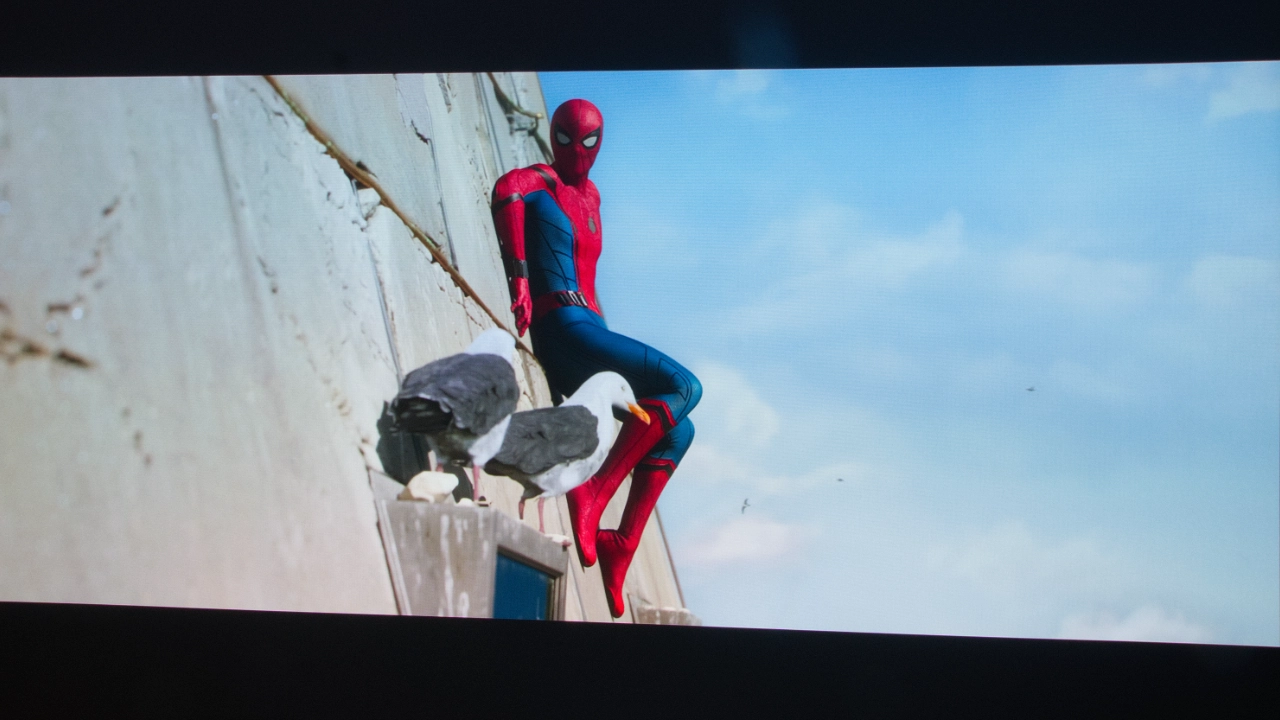
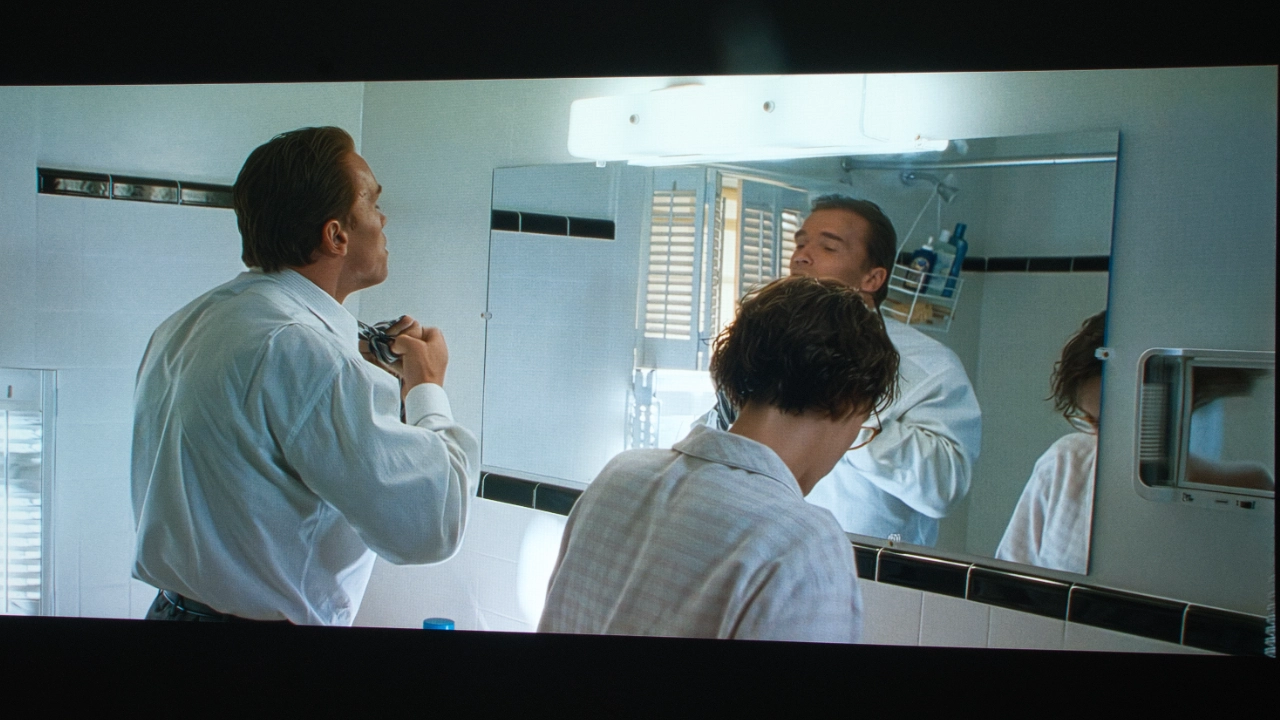
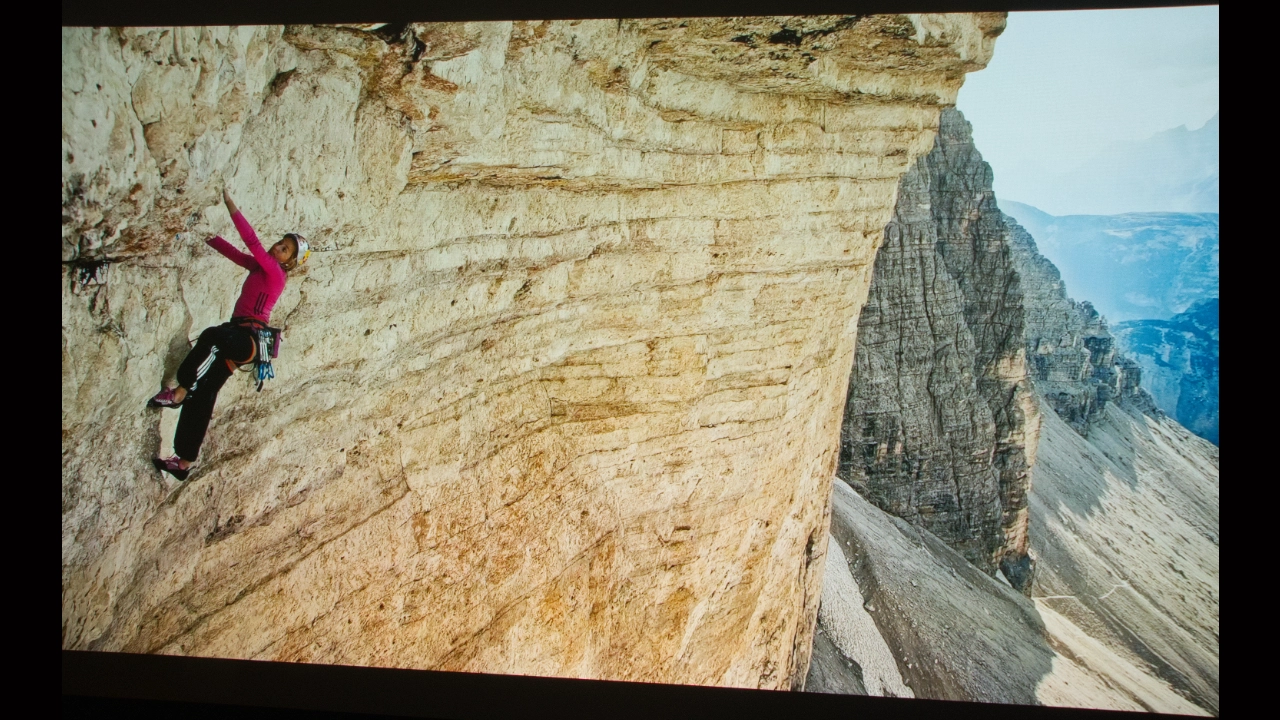
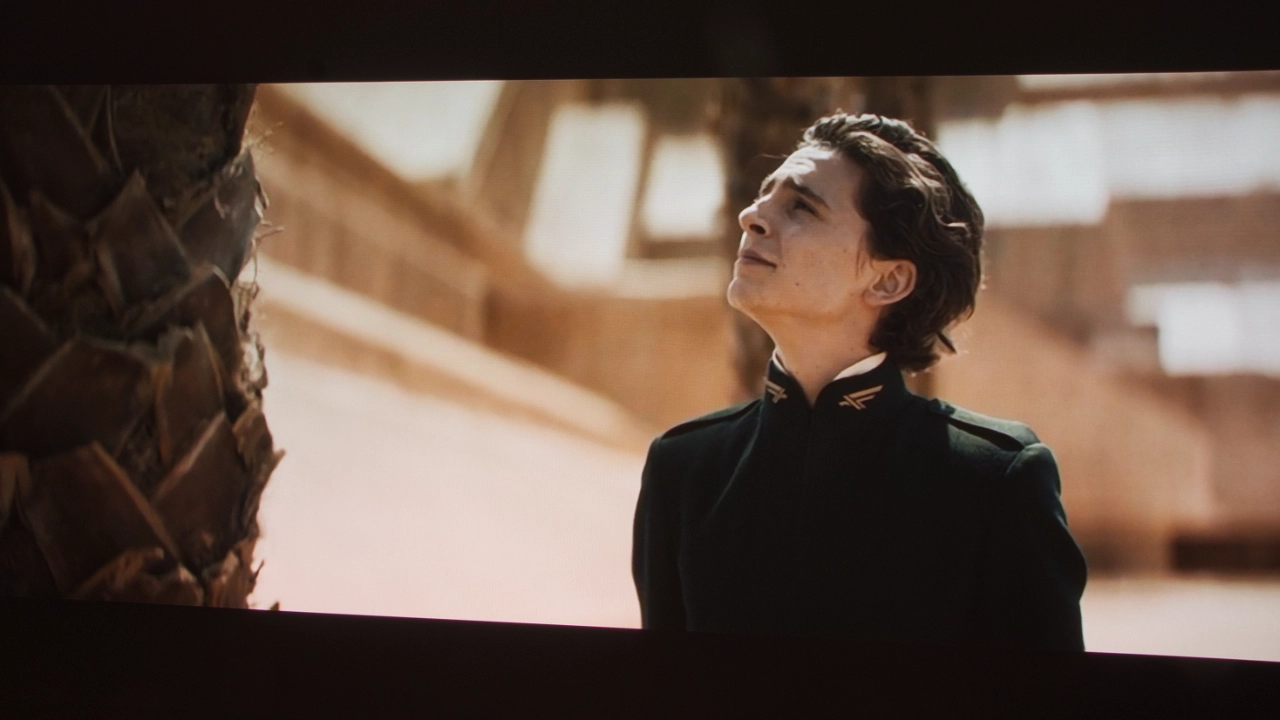
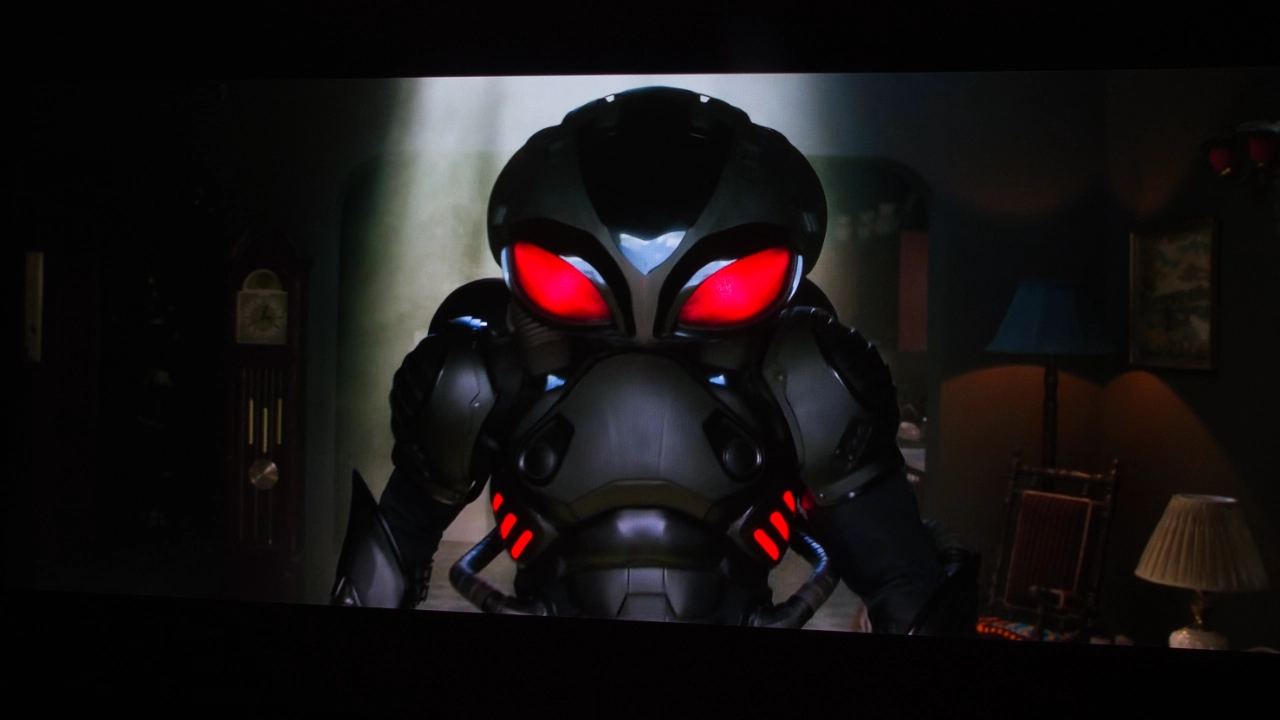
Preset picture modes like FILMMAKER, THEATER DAY, and THEATER NIGHT delivered the most accurate image for both the SDR and HDR content that I watched. I feel like Hisense has taken the same approach they’ve used in earlier projector series and struck a balance between the inherent oversaturation of RGB laser light sources and the color tone of blue laser phosphor. As you can see in the two slideshows above, the PX4 Pro delivers just the right amount of saturation, letting colors pop while staying controlled enough in all the preset modes to avoid visual fatigue. Many RGB laser light projectors end up looking like OLED TVs in showrooms, with radioactive colors designed to grab attention from hundreds of feet away. The PX4 Pro gives you just enough RGB-saturated goodness without overdoing it.
Movie lovers should really appreciate the overall tone of the THEATER DAY and THEATER NIGHT modes. If you are a cinephile, FILMMAKER mode offers everything you want in a home entertainment projector. The PX4-PRO can cover the entire DCI-P3 space and beyond, easily surpassing 100% of the BT.2020 color space. In fact, Hisense claims the PX4 Pro can cover up to 118% of BT.2020. For HDR color performance, the PX4-PRO avoids the highlight clipping found in older DLP projectors' tone mapping.
When it comes to RBE reduction, Hisense has done a fantastic job. If you have read my other reviews, I have often said I am one of about 5% of the population that is overly sensitive to RBE, but Hisense has done a fantastic job reducing it on the PX4 Pro in all but the most extreme situations. If you are not sensitive to RBE, it’s likely you won’t notice it on this projector. For me, the PX4 Pro’s ability to reduce RBE means I can watch more movies and TV shows without breaks or headaches.
I was disappointed to find that, with 3D content, the PX4 Pro doesn't perform at the level of newer models like the AWOL Aetherion.
I’ve read online that Hisense has pushed out several firmware updates, and my sample is running the latest firmware as of this review. Maybe it’s because I’m still sensitive to color separation, but I could still see evidence of classic rainbow fringing around bright objects in high-contrast 3D scenes. Hopefully, Hisense can address this in future updates, but for now they are not leading the pack on 3D RBE reduction.
Hisense includes a robust color management system if you want to tweak the picture to your exact preference. But for most of us, the projector's presets offer more than enough range for a variety of content.
Hisense does a fantastic job significantly reducing laser speckle on the PX4 Pro. Primarily through the physical architecture of its LPU 3.0 light engine. To reduce the shimmer caused by laser speckle, Hisense staggers its laser emitter’s wavelengths, cycling far faster than your eyes can track and tricking your brain into seeing those shifting points of light as a uniform field.
To measure and adjust the PX4 Pro, we used a Klein K10-A colorimeter, a Murideo Six-G test pattern generator, and Portrait Displays Calman color calibration software.
Since your room and screen material significantly impact the overall picture, I don't recommend using someone else's (like mine) calibration adjustments. If your room is brighter/darker, or if your walls are a different color, copying someone else's results can degrade picture quality rather than improve it.
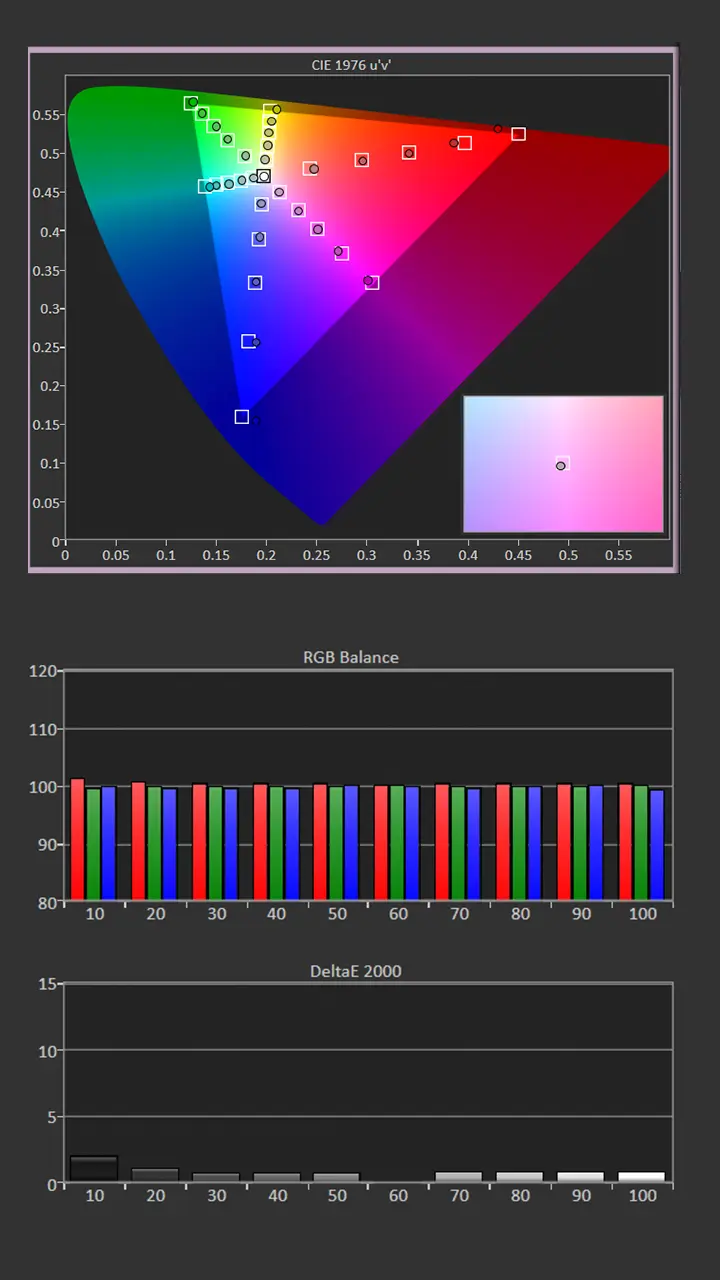
If you would like to make quick adjustments to improve your projector's picture quality, check out our video, Optimize The Image of a Projector or TV Using Free Murideo Test Patterns. However, below are the before-and-after calibration results in my room.

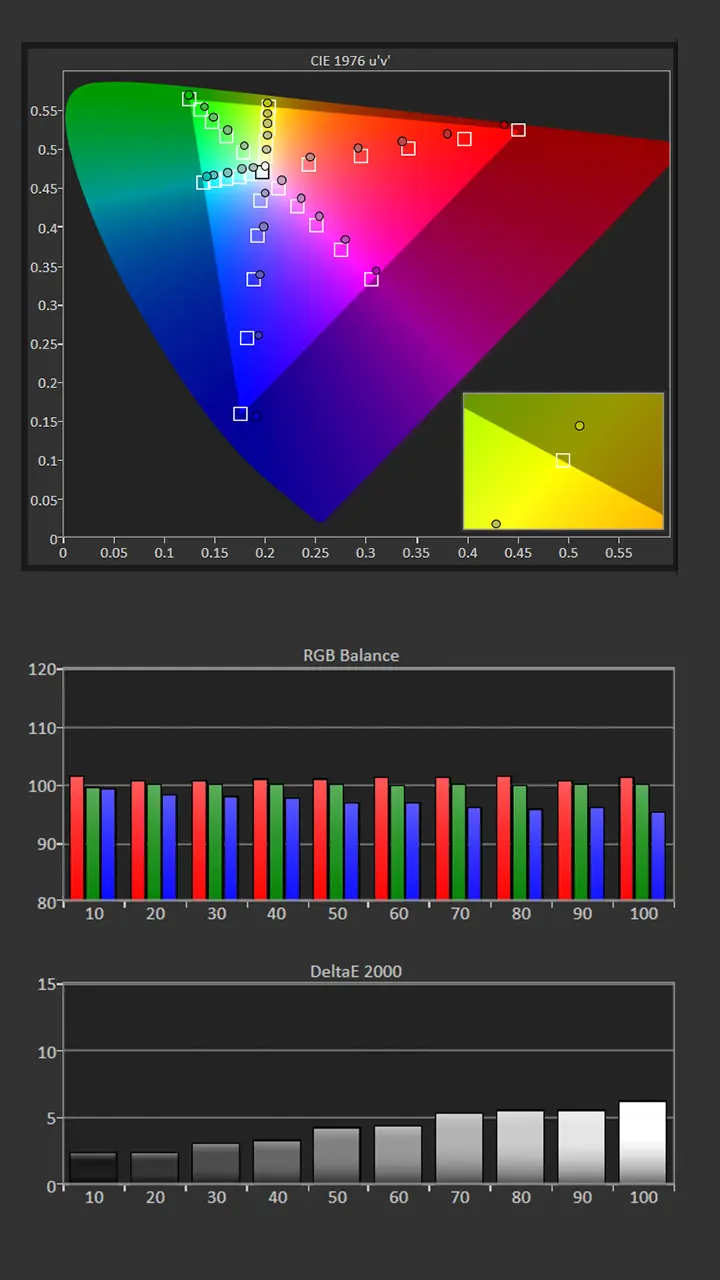
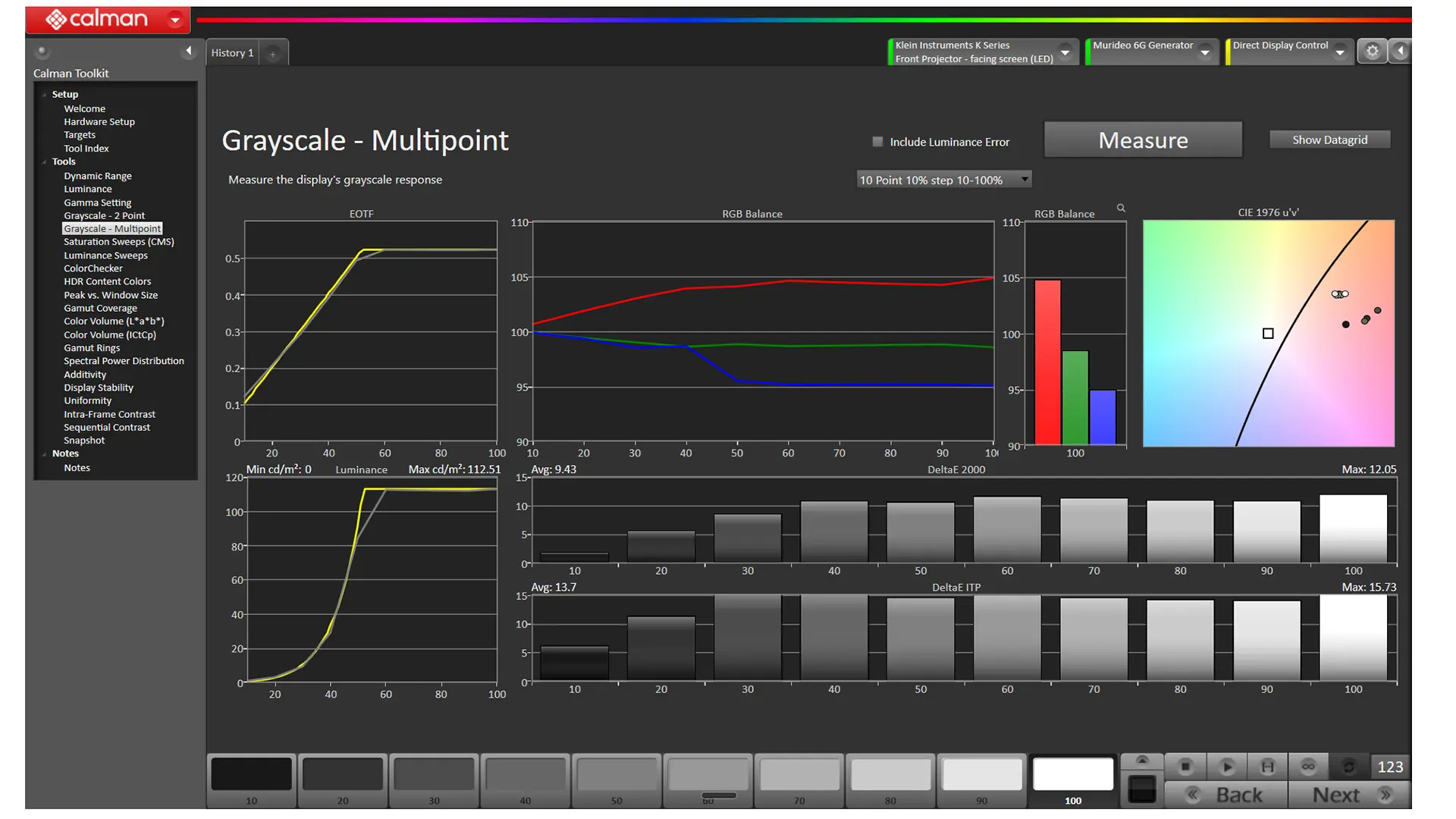
I chose to calibrate the FILMMAKER mode. The average color temperature before adjustment was 5957K, which was noticeably warmer than my target of 6500K. Our measurements showed an underemphasis of blue..
The picture mode’s lack of blue along with color shift, as evidenced by the saturation measurements. The Gamma was 2.2, which matched target of 2.2.
The PX4 Pro has advanced image adjustments, including Two-Point /Multi-point RGB balance, and CMS adjustments, so you can fine-tune the unit’s image quality. Pre-Calibration brightness on my 132-inch matte white screen was 106 nits

The Gamma was close my target of 2.2 so I made some minor Contrast and Brightness adjustments.
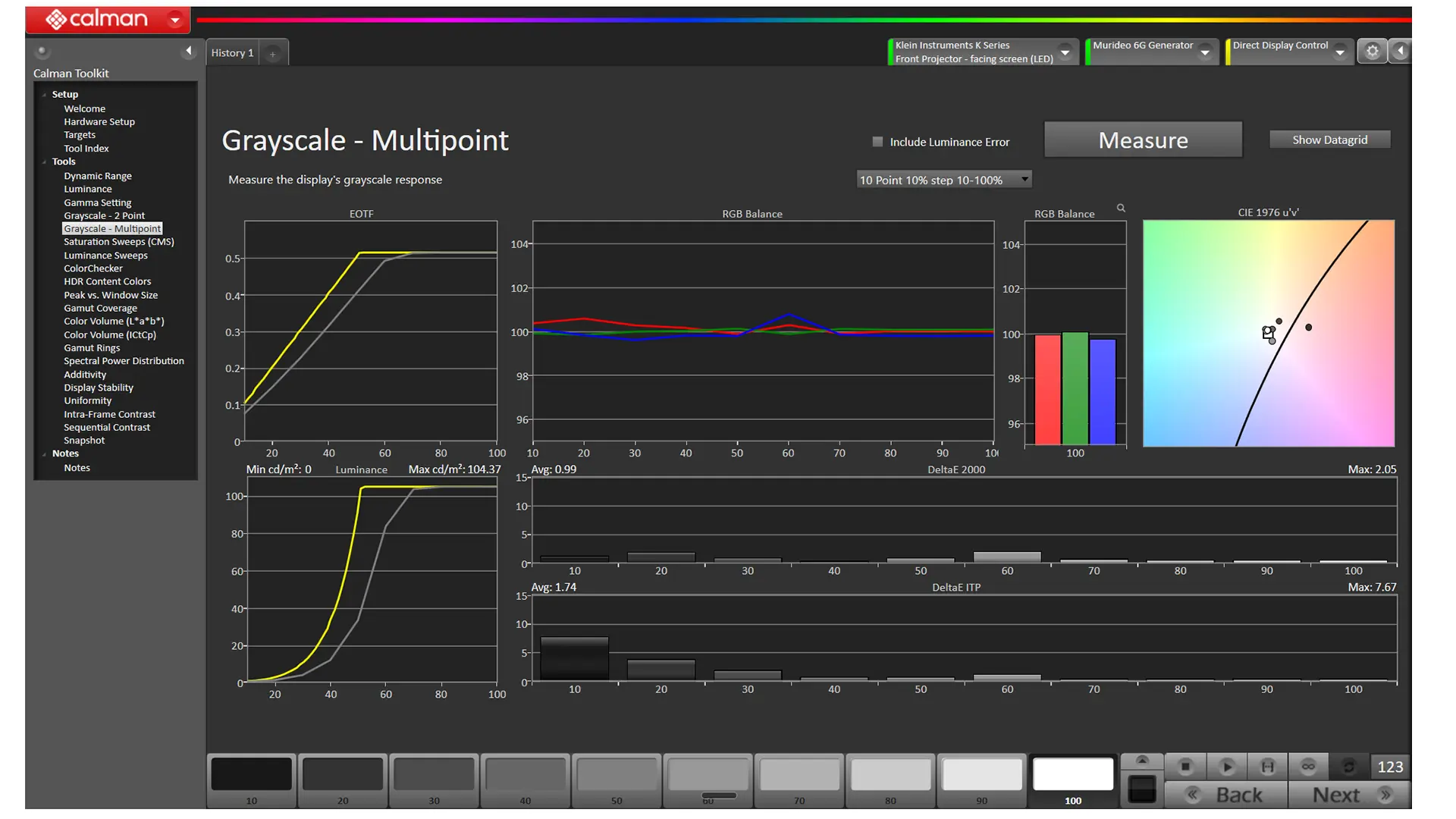
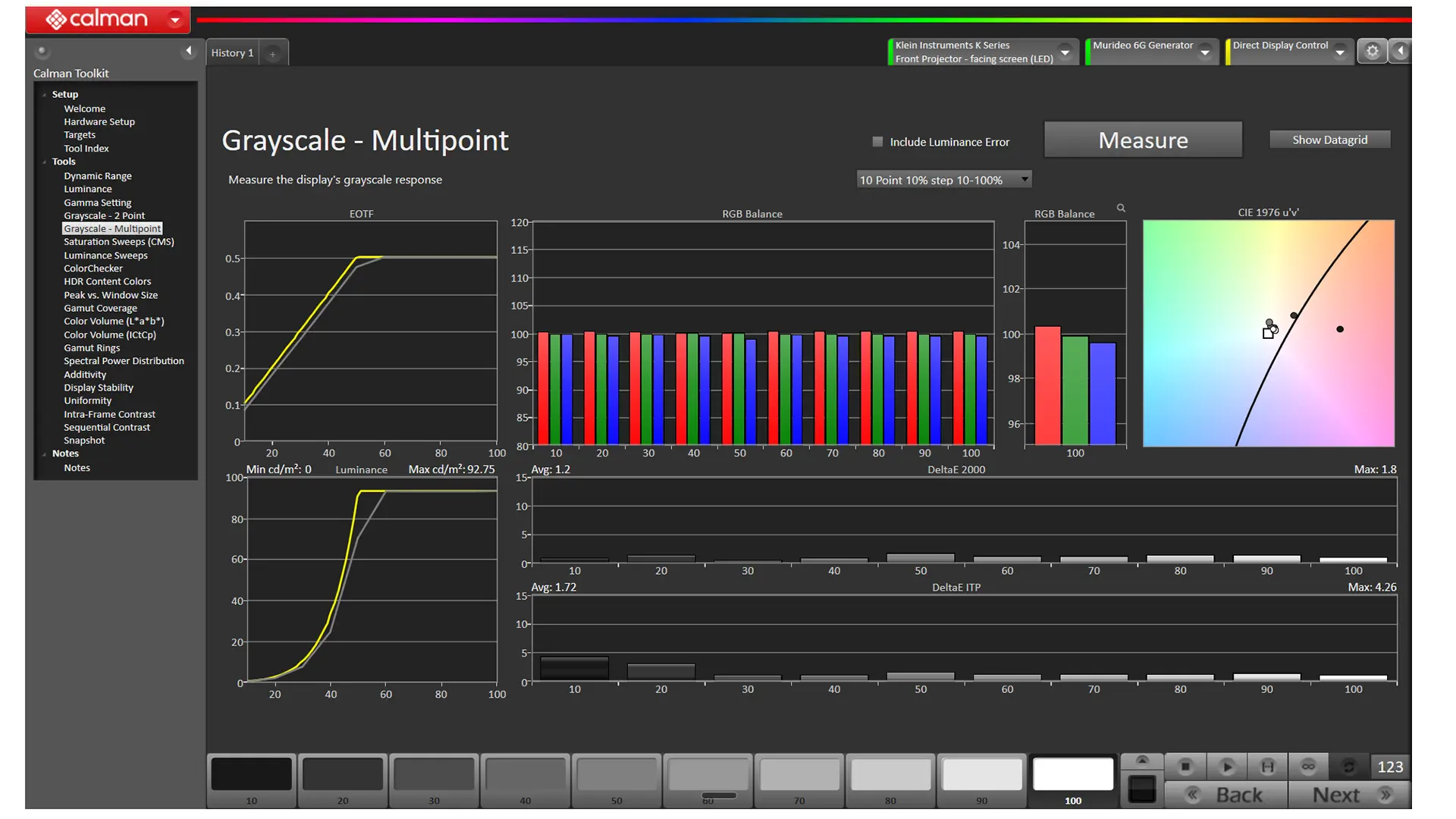
To correct the projector's grayscale, I used the projector's Two Point White Balance adjustments to increase the Blue Gain and slightly reduce the Green and Red Gain. While projector has a 10-point white balance adjustment, I didn't feel the need to utilize it.
Correcting the projector’s RGB balance also significantly improved the projector’s color tracking by eliminating the majority of the color shift. I used the unit's Color Tuning adjustments to further improve the color tracking. Some colors were slightly undersaturated, but most color points were spot-on.
Like most ultra-short-throw RGB laser-equipped projectors, the PX4 Pro's most accurate color modes were slightly too warm, but the unit's built-in calibration adjustments made it easy to correct. Compared to other ultra-short-throw projectors, I would rate the PX4's out-of-the-box SDR color reproduction as above average.
We did notice that in FILMMAKER mode, when viewing SDR material, the Contrast setting is lower than it is in some of the other modes, including Movie mode. Using the ISF Contrast Test Pattern, I increased the Contrast several steps, which improved on-screen brightness without clipping highlight detail.
When viewing HDR, the THEATER and FILMMAKER modes were the most accurate. Like SDR, I chose to calibrate the HDR FILMMAKER mode. Our measurements show the same issues with white balance and color tracking we found in the SDR version of that picture mode.
The good news is the SDR White balance adjustments are also applied to the HDR version of the picture modes. After the SDR adjustment, the average HDR white balance delta error was just 1.4, so there was no need to make further HDR adjustments. Also, like SDR, correcting the grayscale improves the HDR color tracking.
The Dolby Vision picture modes have their own independent color adjustments. Once those picture modes were adjusted, the color tracking and white balance were outstanding. Once those picture modes were adjusted, the color tracking and white balance were also outstanding.
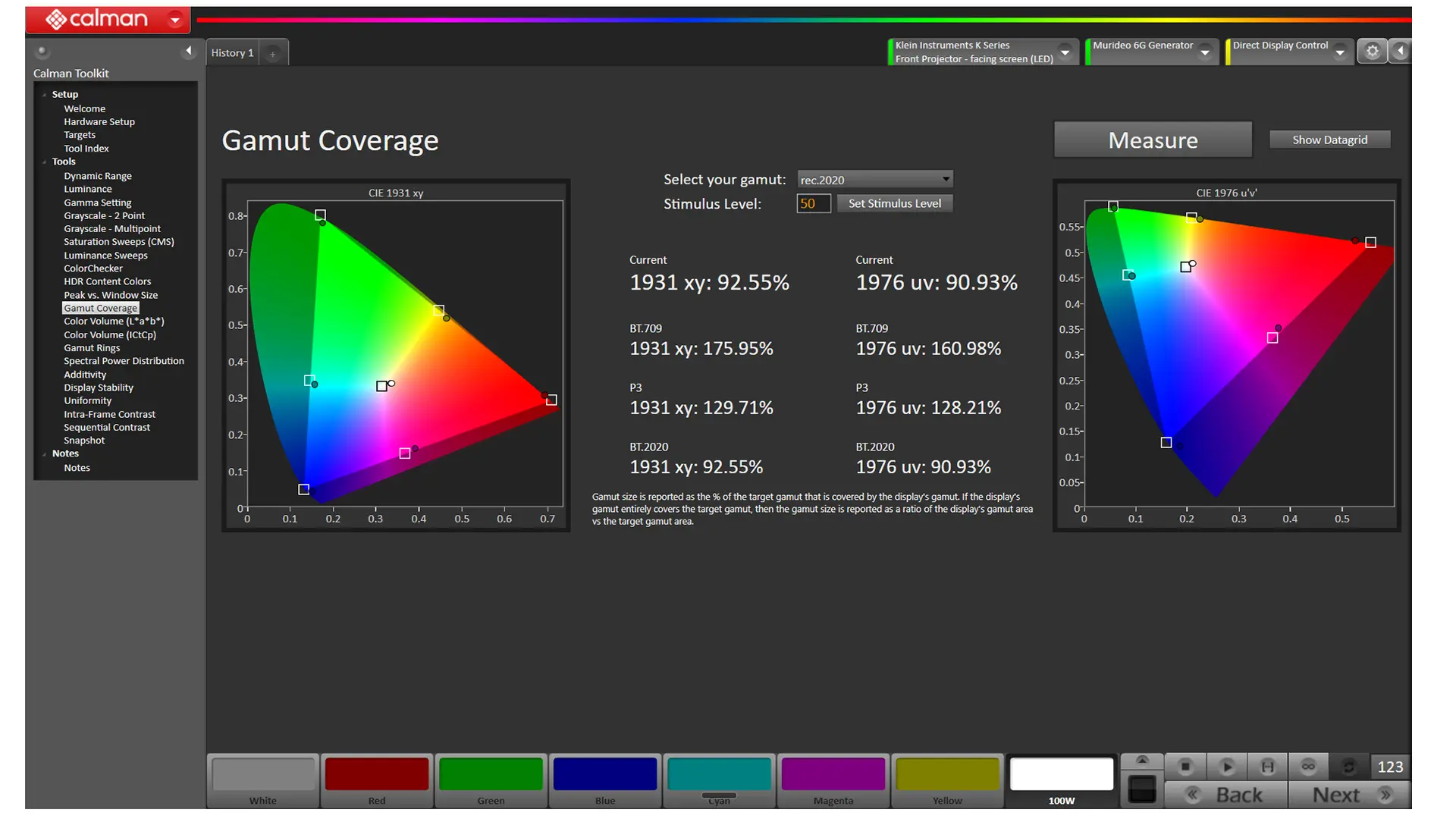
According to our Calman measurements, the Px4-Pro can reproduce about 93% of the BT.2020 color gamut and 130% of the DCI-P3 color gamut, which is more than enough to reproduce the colors found in 99.9% of HDR content.
The Hisense PX4 Pro has a manufacturer-rated brightness of 3,500 lumens. To measure maximum brightness, I turned off IRIS mode and set the projector's BRIGHTNESS ENHANCEMENT feature to Ultra. After experimenting, I found that with BRIGHTNESS ENHANCEMENT engaged, VIVID mode produced the brightest image.
I then took measurements at five separate locations on the screen to estimate its overall light output. I measured 3,386 lumens, slightly below the PX4 Pro's manufacturer-rated brightness.
While engaging the BRIGHTNESS ENHANCEMENT feature delivered the highest brightness, the image was greenish. Prolonged use could also reduce the model's lifespan. Because it negatively affects color reproduction and increases fan noise, I would not recommend using this feature.
Surprisingly, the most accurate out-of-the-box picture modes, THEATER DAY and THEATER NIGHT, delivered the brightest SDR image.
| Picture Mode | Brightness Measured (Lumens) |
|---|---|
| VIVID | 1930 |
| ENHANCED (ACR) | 1915 |
| FILMMAKER | 876 |
| STANDARD | 1859 |
| ENERGY SAVING | 1550 |
| THEATER DAY | 1873 |
| THEATER NIGHT | 1529 |
| GAME | 1599 |
| SPORTS | 1820 |
| VIVID (BRIGHTNESS ENHANCEMENT ON HIGH) | 3386 |
The most common criticism of DLP projectors seems to be their elevated black floor. A projector's black floor is the darkest black area of the projected image it can register. With DLP projectors in general, and UST DLP projectors specifically, it seems to have been something of a given that black parts of the image would be less black and, at best, dark gray. Well, not anymore. With the PX4 Pro, Hisense made raising that floor a top priority for the engineering team, changing how the projector displays blacks compared to both its predecessor and its direct rivals.
Hisense improved the black floor on the PX4 Pro through CineBlack Pro technology and the projector's 7-step physical iris. With the iris, especially on the PX4 Pro, it isn’t strictly leaning on the PX4 Pro’s ENHANCED BLACK LEVEL (EBL) software to manage dimming to mask light bleed; the PX4 Pro gives you direct mechanical control over the optical barrel. To be clear, Hisense's implementation of EBL on the PX4 Pro is excellent, and the software plays a role in this projector's black floor and its ability to render dark-area detail.
The PX4 Pro has a manufacturer-rated contrast of 6000:1 to 6500:1, more than double that of the PX3 Pro, and it really shows when projecting darker content like The Batman, for example. If you look at these two projectors side-by-side, and I did, the PX4 Pro wins hands down. The PX3 Pro is an excellent projector, but it has a fixed-aperture lens locked wide open. To deepen blacks, you had to rely on the projector's laser modulation, which often resulted in visible brightness pumping.
With the way the PX4 Pro handles contrast, you can adjust the laser light output to the exact level you want (within its range, of course) to dial in your black floor and dark-area details to the content you are watching. It’s as simple as stepping down the iris to remove excess brightness and achieve deeper black levels, with minimal brightness-pumping artifacts and flutter.
Let’s explore how the PX4 Pro compares to the competition, starting with LCoS (Liquid Crystal on Silicon) like JVC DILA or Sony SXRD. While the PX4 Pro is a massive improvement over previous generations of DLP projectors such as Gravity “Chef's Kiss,” the PX4 Pro does not and cannot match the inky blacks of LCoS. The PX4 Pro does move DLP dark-room contrast much closer to dedicated cinema standards than any previous PX-series model has managed, but it is not an LCoS Sony or JVC killer.
Against newer competition from brands like the AWOL Aetherion projectors, the gap narrows significantly. Between these two projectors, it becomes clear that the PX4 Pro's black floor leap relies heavily on its EBL and dynamic grayscale algorithms to step luminance down while actively expanding the projector's blacks. The Aetherion Max takes a slightly more conservative approach to gamma, prioritizing shadow detail while minimizing crushed blacks. If blacks are your top priority, then the Aetherion Max is worth looking at. To be clear, the Hisense PX4 Pro does an excellent job with black floor and dark-area details and, overall, would be my choice, but the Aetherion has the edge in those areas.
The result is that the PX4-PRO avoids being labeled a "lights-on-only " projector and is flexible enough to fit just as competently in any home theater room.
Overall, the PX4 Pro delivers the best video quality I’ve seen so far in a 2026 UST projector. Out of the box, Hisense strikes an effective balance between brightness and black levels, while leveraging the projector's high color-gamut capability without pushing colors so far into oversaturation that the picture looks unnatural. The out-of-the-box video quality, especially in picture presets like THEATER DAY, THEATER NIGHT, and FILMMAKER, is spot on. As for calibration, the PX4 Pro's factory settings are well calibrated and will be good enough for most users. Because Hisense's tone mapping is so good, the PX4-PRO displays natural-looking colors while balancing its wide color gamut capabilities when playing SDR movies and television shows.
When it comes to upscaling, Hisense has always been ahead of the curve, and that continues with the PX4 Pro. Even with very old standard-definition or heavily compressed high-definition video, Hisense makes it watchable. When it comes to upscaling Blu-ray or streaming high-definition content, the PX4 Pro does a fantastic job. Depending on the upscaled content quality, the average viewer might not even know they're watching a high-definition source rather than a 4K source.
The PX4 Pro supports all active 3D content, as long as you are using active shutter glasses. In an active 3D system, the projector rapidly alternates between left-eye and right-eye images. The active shutter glasses synchronize with the projector, opening one lens while closing the other. Each eye therefore receives light only part of the time, rather than continuously, as with 2D content. Like other current-generation Hisense DLP projectors, some of the PX4-Pro’s brightness is lost in the 3D process, but the projector's higher brightness made the content look better than most projectors I have seen.
As I discussed earlier in this review, Hisense has done a lot to reduce DLP artifacts like RBE and RGB laser artifacting such as laser speckle, but no projector is perfect. Like me, about 5% of the population is overly sensitive to RBE and will still notice this effect, especially in high-contrast content. That said, I am genuinely impressed with the level of RBE control Hisense has achieved on the PX4 Pro, and it’s going to let me enjoy watching movies and TV for longer periods. If you're not typically bothered by RBE, you are unlikely to notice it on the PX4 Pro.
The PX4 Pro’s new LPU 3.0 system makes big strides in combating laser speckle; however, I still noticed some on my Ambient Light Rejecting (ALR) screen. This speckle was greatly reduced when I used my matte white screen. If you need an ALR screen, the good news is that manufacturers have developed new speckle-reducing materials that work well with RGB laser projectors.
The PX4 Pro’s overall HDR performance comes down to the excellent job Hisense has achieved in balancing the projector's HDR TONE MAPPING and the projector's physical iris. The simple truth is that even the best consumer projectors output only a small percentage of the nits a true HDR mastering monitor can produce. The PX4 Pro’s tone mapper adjusts the PQ (Perceptual Quantization) curve. The curve maps to match how the average human eye perceives changes in light, and when it works right, which is most of the time, it effectively squeezes a 10,000-nit range cleanly into a 10- or 12-bit container without any noticeable banding.
The PX4 Pro supports both Dolby Vision and HDR10+, and includes DYNAMIC HDR TONE MAPPING to increase overall on-screen brightness without excessive clipping in the highlight details. The PX4 Pro’s 3,500 lumens of brightness reduces the need for aggressive tone mapping, ultimately reducing clipping in bright highlights.
DCI is a consortium of major Hollywood studios that establishes technical standards for digital cinema projection systems used in commercial movie theaters. According to the DCI, delivering a reference-level HDR image requires 300 nits of brightness.
At Projector Reviews, we believe at least 200 nits of on-screen brightness is required to deliver a truly compelling HDR image, and the PX4 Pro can deliver that even on very large screens. If you project onto a standard 1.0 to 1.1 gain white screen, the PX4 Pro can comfortably deliver 200 nits on screens up to roughly 100 to 110 inches without using the Brightness Enhancer. Without the projector's built-in brightness enhancer, it's less likely to reach 200 nits on a typical Ambient Light Rejecting (ALR) screen, especially at sizes over 120 inches. The good news is the projector maintains decent color accuracy when you engage the less aggressive BRIGHTNESS ENHANCEMENT modes, of which there are four. Still, once you turn on the maximum ULTRA setting, the image becomes aggressively green and pretty much unusable.

I absolutely love how good the sound quality is on ultra-short-throw projectors compared to what we’ve typically gotten on most video projectors, and even what is available on a typical flat-panel television. At best, UST projectors offer sound quality akin to an entry-level soundbar. The PX4 Pro is a clear step up from entry-level. This projector sounds much better, especially compared with older models like the PX3 Pro. It’s also not a port of the L9Q’s onboard sound system.
With the PX4 Pro, Hisense continues the partnership with Devialet Audio. The PX4 Pro’s onboard sound system features six discrete drivers powered by a 66-watt, 4.0.2-channel system. Two upward-firing speakers on top of the projector's chassis create sound cues off the ceiling, anchoring elements of a movie's sound mix in 3D space when you play a Dolby Atmos or DTS:X soundtrack. Devialet tuning is more than a badge; it keeps vocals up front while delivering solid mid-bass punch for such a small chassis. Like previous Hisense USTs, its decent mid-bass performance keeps the sound from distorting with speaker flutter or cabinet rattle, even at high volume.
Compared to the very similar-looking Hisense L9Q, the PX4 Pro’s setup isn't quite the same. The L9Q has a larger chassis, so it has more room for driver enclosures, and it offers almost double the power. It’s also more expensive. The PX4 Pro leverages the Devialet relationship to maximize its 66-watt onboard sound, delivering a sonic step-up from the PX3 Pro.
One last thing I want to talk about is yet another significant improvement of the PX4 Pro compared to previous models, and that’s the projector cooling system noise, or in this case, the almost complete lack of the PX4 Pro’s cooling system noise. Hisense accomplishes this in two ways. First, Hisense uses a liquid cooling system the company calls a “sealed phase-change fluid loop,” integrated into the LPU 3.0 light source. Hisense has created a cooling system that works at the laser diode rather than slapping a giant copper heat sink with fans on top of the projector's biggest heat source. This means that, compared to the PX3 Pro, this new Hisense projector is quiet.
Technically, Hisense has only managed to drop the PX4 Pro’s self-noise by maybe a couple of decibels. Still, the difference matters, especially in my living room, where UST projectors are designed to be placed. The real technological twist Hisense has pulled off here is shifting the audible pitch of the projector's cooling system into a deeper range. This makes the projector's cooling system less noticeable to you and me. Bravo Hisense. Unless you have the projector BRIGHTNESS ENHANCER cranked up to its upper levels, like ULTRA, most of the sound it makes will blend into the sound already being played through the PX4 Pro's speakers. Hisense claims the PX4 Pro is virtually silent when it comes to cooling noise, and most of the time I agree.
The new Hisense PX4 Pro Laser Cinema may look like an incremental improvement over the PX3 Pro, but it's as close to a redesign as possible without going back to the drawing board. Hisense has managed to significantly revamp and improve every aspect of this projector's operation, from the laser light source, DLP imaging system, optical assembly, smart operating system, and the built-in sound, all while keeping the projector at a reasonable price point of $3,999 MSRP.
Hisense uses the latest Texas Instruments 0.47-inch SST DMD and DLPC8445 controller, combined with a multi-step iris, to deliver a native contrast of up to 6500:1. This is a better published contrast specification than the company's own new flagship XR10 standard throw projector. The adjustable iris lets users balance brightness and black level based on screen size, room conditions, and viewing preference.
The PX4 Pro’s optical assembly features an ultra-short-throw fixed focal length with a 0.20:1 throw ratio. Compared to the PX3 Pro, this tighter throw allows the projector to sit even closer to the screen.

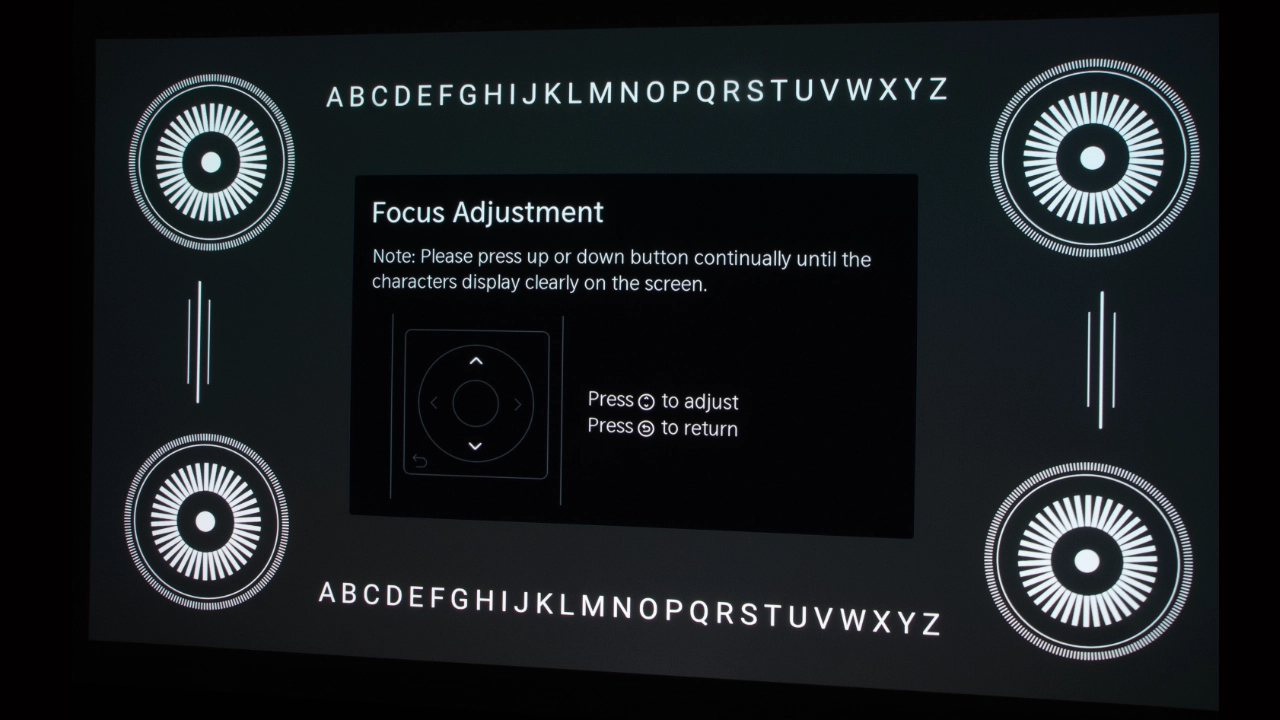
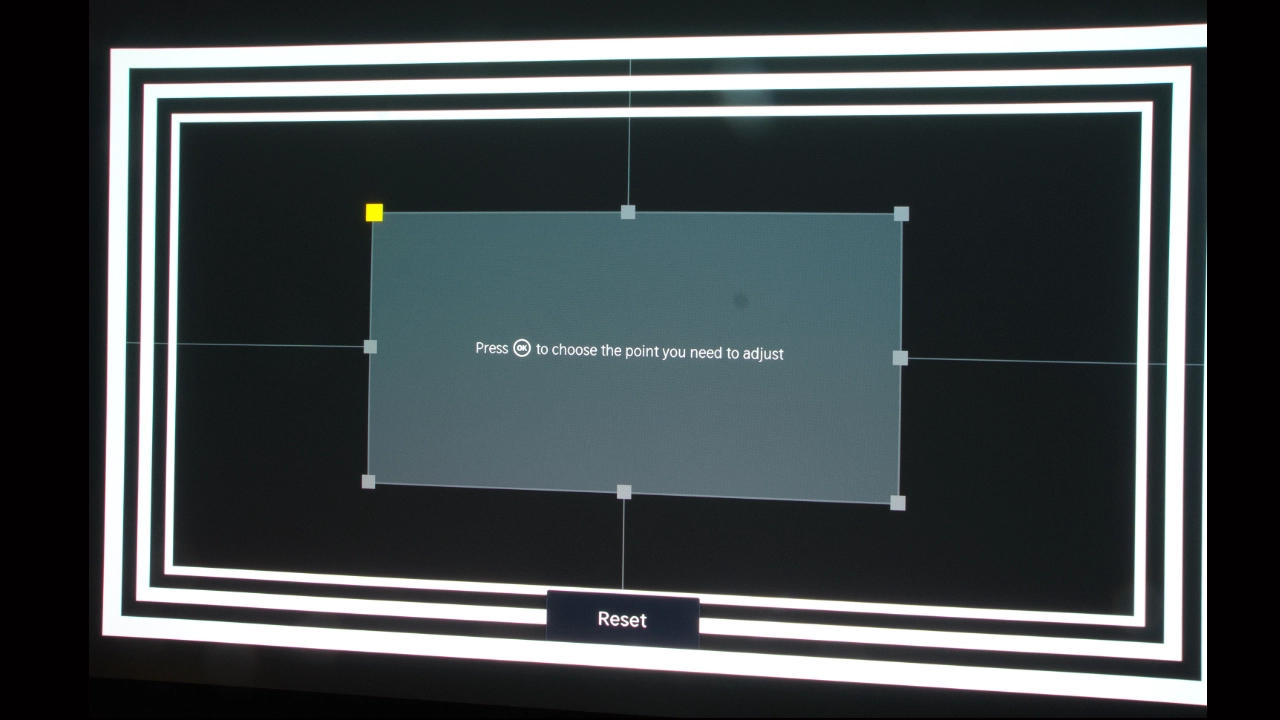
The PX4 Pro features dual optical camera sensors and a TIME-OF-FLIGHT (ToF) rangefinder for automatic geometry adjustments. AUTO FOCUS uses motorized lens elements to adjust edge and center clarity when the unit detects movement or boots up. AUTO SCREEN FIT scans for the high-contrast black border of fixed-frame screens around 100-inch to 120-inch screen sizes to scale and align the image within the screen's bezel. AUTO KEYSTONE CORRECTION and OBSTACLE AVOIDANCE both operate through the sensor suite to digitally shift or crop edges away from light switches or wall hangings.
When it comes to sound, Hisense didn’t cut corners and made significant improvements, continuing their relationship with Devialet Audio. The PX4 Pro features a 66-watt 4.0.2 system made up of six discrete drivers, including two physical up-firing speakers. While it doesn't replace a system with a dedicated external subwoofer, the PX4 Pro’s onboard sound system delivers Dolby Atmos and DTS:X audio cleanly. Dialogue stays clear and doesn't get lost in the mix. The speakers don't distort even at high volumes, and the speaker cabinet doesn't rattle. The PX4 Pro Devialet Audio-tuned sound system delivers balanced sound comparable to a mid-tier soundbar.
The VIDAA OS is fast, easy to use, and smart when paired with the right streaming services, apps, and games.
Finally, let’s look at the projector's advanced gaming capabilities. Gaming at 1080p 240 Hz with 1 to 4 ms input lag is stellar, and Hisense is the first ultra-short-throw projector to offer AMD FREESYNC PREMIUM certification. FREESYNC PREMIUM certification ensures the PX4 Pro can sync its refresh rate with your GPU to eliminate screen tearing, while Low Framerate Compensation (LFC) prevents stutter when frame rates drop during demanding games.
The PX4 Pro supports all relevant HDR formats, improving the gaming experience and ensuring you can natively watch content in whatever HDR format the creator chose to encode their movie, TV show, or game in.
AWOL Aetherion Max $4,499 MSRP
One of the most obvious competitors for the PX4 Pro is the AWOL Aetherion Max. These projectors share very similar underlying technology and features and are within $500 of each other's MSRP.
Both are UST, 4K HDR projectors with similar RGB laser light sources and optics, including an optical iris. The Aetherion Max is 3300 lumens, while the PX4 Pro offers a slightly brighter 3500 lumens of light output. Both projectors offer similar, though not identical, contrast ratings around 6000:1. Both are smart projectors, but the biggest difference is that the Aetherion offers the more robust Google TV OS. In contrast, Hisense offers the streamlined VIDDA OS. If you are deeply integrated into the Google ecosystem with Android OS, the Aetherion's Google TV-based ecosystem may make more sense than Hisense's proprietary VIDDA OS. Both have their advantages and drawbacks.
For gaming performance and smart features, the two units are quite similar, but I'd give Hisense a slight edge for its AMD FREESYNC PREMIUM certification.
Sound performance isn't identical, but it's similar enough. Again, I'd give the edge to the Hisense for its soundstage, which, with the right content, can make it sound like the audio is coming from around the room.
The biggest difference between these two projectors is the black floor. The Hisense PX4 Pro is a massive improvement over previous Hisense models like the PX3 Pro. It’s not night and day like between the L9Q and Aetherion Max, but the Aetherion resolves dark-area detail while maintaining a better black floor on challenging content like The Batman and Gravity. If your priority is black floor with good dark area detail, the Aetherion Max has the edge. Still, when looking at picture quality as a whole, especially where dark content is less of a singular priority, the Hisense PX4 Pro has the advantage.
Epson Lifestudio Grand Plus (LS970) $3,799 MSRP
Both the Epson and the PX4 Pro are bright projectors, though the Epson beats the Hisense PX4-PRO by 500 lumens, coming in at 4,000 lumens.
The contrast difference between these two projectors is interesting. Epson's LCD layers tend to struggle to block unwanted light when displaying deep blacks. In a light-controlled space, blacks on the Epson will look more like charcoal gray than the PX4-Pro’s deeper blacks and dark-area detail. The physical iris on the PX4 Pro is also a huge advantage for the Hisense.
The Epson’s 4,000-lumen, 3LCD design gives the Lifestudio Grand Plus an overall color-brightness advantage, especially in spaces with small to moderate amounts of uncontrolled ambient light or lights-on viewing. But if you dim the lights for an evening movie, the PX4 Pro delivers a deeper black floor, better shadow detail, and higher perceived contrast. This is because the Hisense has a physically adjustable iris.
Epson built the Lifestudio Grand Plus with solid console gaming in mind. But its 16 to 20 milliseconds at 1080p or 4K gaming just does not compete with the new SST DMD and DLPC8445 controller chips' 1 to 4 ms speeds. Hisense also features native VARIABLE REFRESH RATE support and Dolby Vision gaming compatibility.
Epson's Bose signature acoustic approach is excellent, but Hisense delivers a powerful, dynamic soundstage with its 66-watt 4.0.2 system of six discrete drivers.

In 2026 we’ve seen some fantastic, even groundbreaking advancements in DLP DMDs, and controllers have noticeably increased native contrast and improved black levels. Higher-output laser light sources have also driven a big jump in usable brightness. These fundamental improvements in the underlying technologies have driven the projector industry as a whole, and ultra-short-throw projectors have seen the biggest change.
Brighter, more accurate laser light sources make these projectors more useful in environments where lighting issues might have previously excluded them. The increased light output of RGB laser light sources and optics lets these projectors sit closer while throwing larger, more detailed, and visually accurate images, even at the most extreme corners of the image.
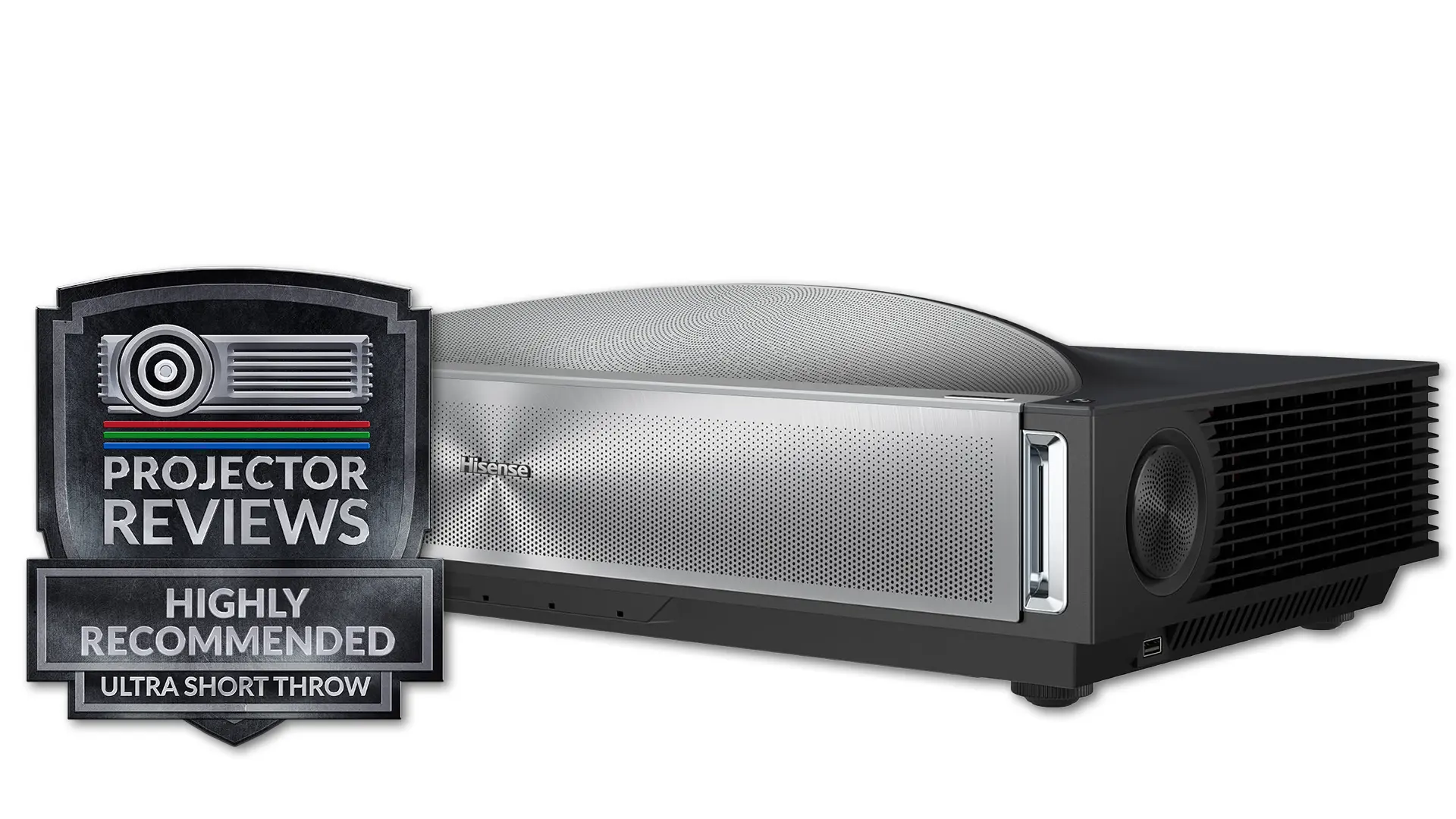
When I got my first evaluation sample of the Hisense PX3 Pro, I never imagined that in less than two years, this state-of-the-art UST projector would be outclassed and outperformed in so many ways. Modern UST projectors offer better color, brightness, and black levels, plus performance that threatens to blur the line between dedicated gaming projectors and home theater room projectors, replacing them with ultra-short-throw projectors in many situations. I wonder what’s coming next. Will it be as amazing and groundbreaking? Stay tuned. For now, I think the Hisense PX4 Pro is one of the best ultra-short-throw projectors of 2026, and I highly recommend it.

| Specification | Details |
|---|---|
| Projector Model | PX4 Pro |
| Price (MSRP) | $3,999 |
| Imager Type | DLP |
| Displayed Resolution | 3840 × 2160 (dual-axis pixel shifting) |
| Native Resolution | 1920 × 1080 |
| Brightness (Manufacturer Claim) | 3,500 ISO lumens |
| Light Source Type | RGB Triple Laser |
| Contrast Ratio | 6,000:1 - 6,500:1 (Native) |
| Lens Throw Ratio | 0.20:1 |
| Power Zoom/Focus | Yes |
| Lens Shift | No |
| Interchangeable Lens | No |
| Ultra Short Throw | Yes |
| Native Aspect Ratio | 16:9 (Widescreen) |
| 4K/120 fps | Yes (input, displays at 60 Hz) |
| 3D | Yes |
| Speakers | 6 speakers, max 66 W |
| Noise Level | Not Published |
| Low-Lag Gaming | Yes |
| Smart Functionality | Yes |
| Business | No |
| Classroom | No |
| Portable | No |
| Special Features | Dolby Vision, HDR10+, IMAX Enhanced, Iris, Dynamic Tone Mapping, New TI DLPC8445 DLP Controller, FreeSync Premium, VRR |
| Networking | RJ45 LAN |
| Dimensions (W × H × D) | (W×HxD) 21.3” x 5.6” x 11.3” (540mm x 142mm x 288 mm) |
| Weight | 18.3 lbs (8.3kg) |
| Warranty | 2-year limited warranty |