JVC DLA-X70R 2D / 3D Projector Review

The JVC DLA-X70R is designed for a dedicated home theatre / cave. If you don't have such a room, and are looking for a projector for a family room with off white walls and windows, this JVC probably is not for you.

Every JVC projector we've reviewed in the last 5 years has won one of our Hot Product Awards. Except for last year, JVC has won a Best In Class, or Best In Class - Runner-up, award in every annual 1080p Home Theater Projector Comparison report. The 2012 edition publishes first week of April (two weeks from this writing) Stay tuned to see how the DLA-X70R projector does in this year's report!

March 2012 - Art Feierman


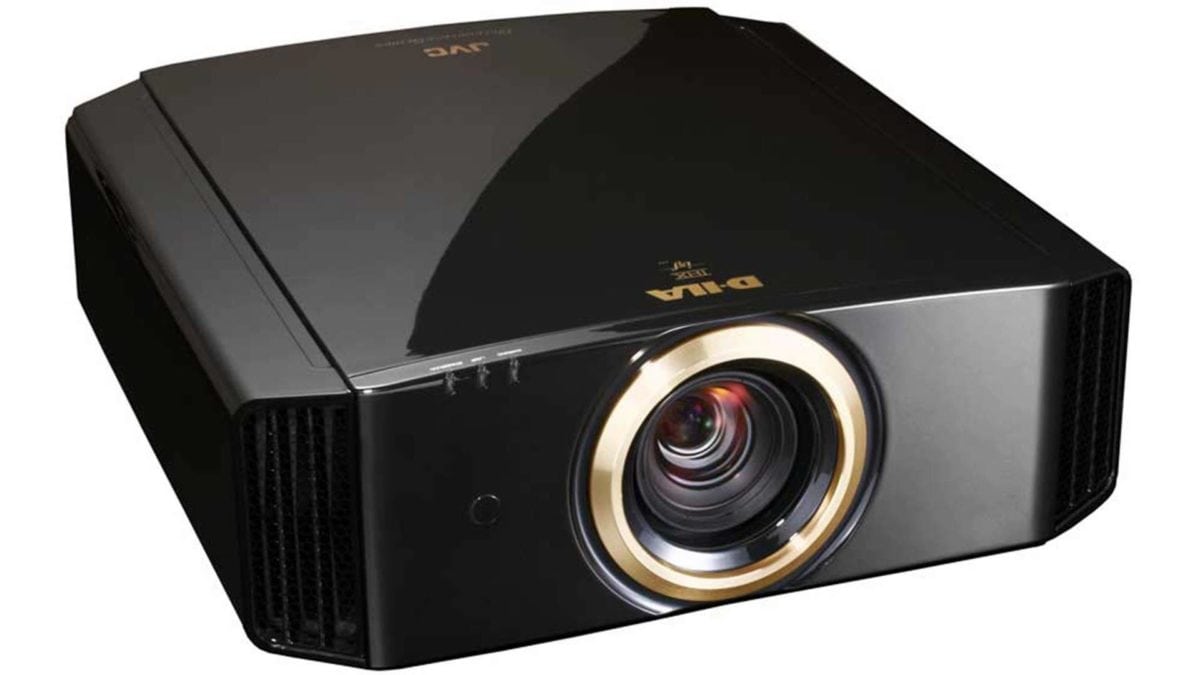
The JVC DLA-X70R projector.

The JVC DLA-X70R projector earns our Hot Product Award!

JVC DLA-X70R Projector Overview

In all the years of reviewing (and owning) JVC projectors, including this new JVC DLA-X70R projector, I never really cared whether the trim ring around the lens and some labeling was in a gold finish or a silver one. Now that I've switched allegiance, so that we're getting our projectors from JVC's Consumer Division, that means a black case with silver trim. Upon great further reflection, and looking at the DLA-X70R sitting behind me, I still don't care about which color trim, nor should you. Let's face it: If the projector's turned on, you really can't tell, and if it's off, you probably aren't looking at it anyway, hanging down from your ceiling!

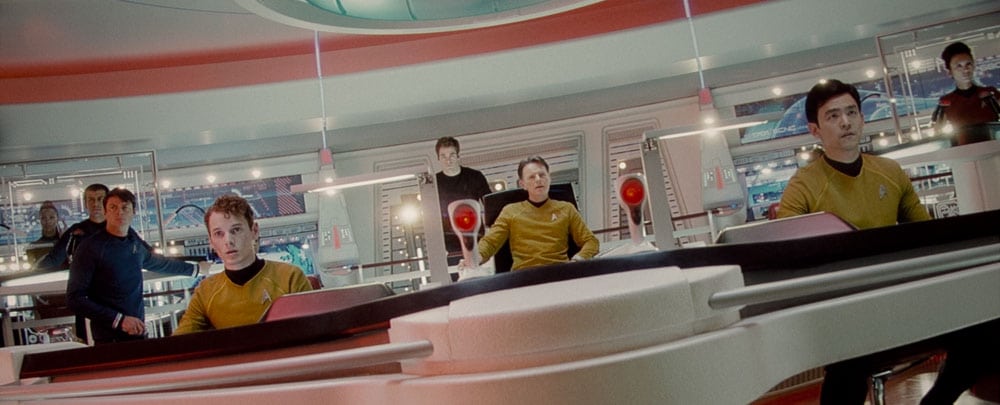
Star Trek image from the JVC DLA-X70R projector.

JVC Consumer offers the DLA-X70R as a replacement for last year's X7 projector. There's also the DLA-X90 - an identical projector, but one built from the finest components on the assembly line. Best of the lenses, best of the power supplies, etc. The X90 is thousands more, so let me put it to you this way, if you don't have a great room, you likely won't be able to fully appreciate spending those extra thousands.

Football image from the JVC DLA-X70R projector.

To keep the record straight, the DLA-X70R's equivalent in their Pro line, is the DLA-RS55, and that DLA-X90R's twin is the DLA-RS65

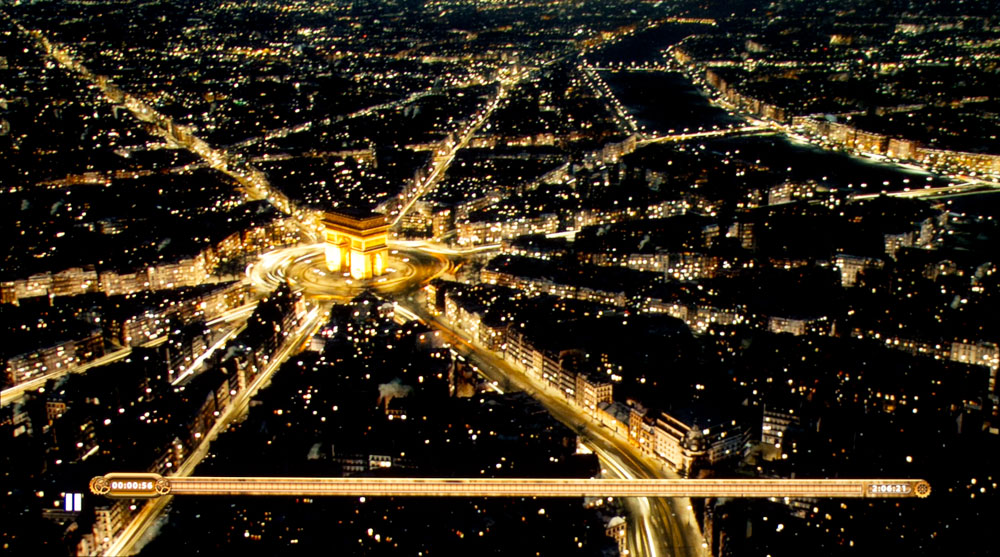
Fifth Element image from the JVC DLA-X70R projector.

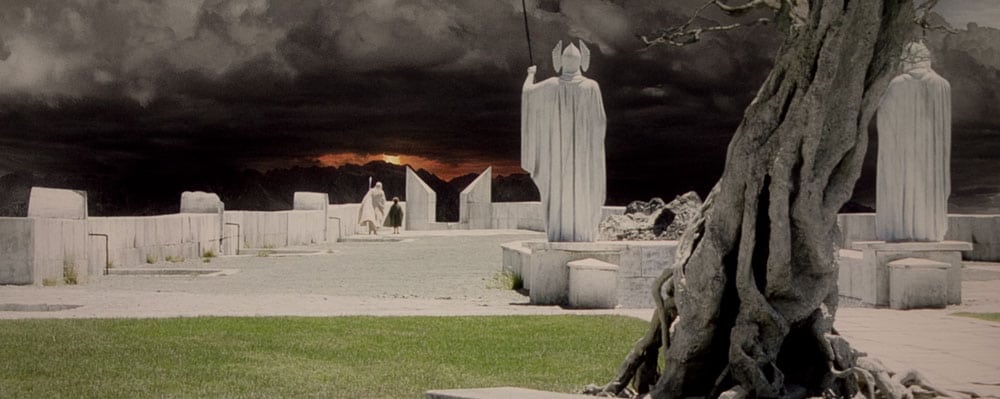
Gandalf - of course, from Lord of the Rings, Return of the King:

Gandalf image from the JVC DLA-X70R projector.

This JVC projector is designed for a dedicated theater, or at least a cave of sorts.

^ Back to Top

JVC DLA-X70R Projector Highlights

  • Superb (unbeatable) black-level performance
  • Well above average brightness in "best mode"
  • Capable of handling very large screens for movie viewing (in 2D)
  • Just below average brightness at full power
  • Good warranty
  • Extremely good shadow detail
  • Sold by local installing dealers
  • Excellent remote control
  • 3D capable
  • Excellent placement flexibility
  • Lens Memory feature
  • Creative frame interpolation for smooth motion
  • Support for an anamorphic lens

Casino Royale image from the JVC DLA-X70R projector.

^ Back to Top

Specs for JVC DLA-X70R

Original MSRP: $9999, Street Price: $7995
Technology: LCoS (SXRD) 3 panels
Native Resolution: 1080p (1920x1080)
Brightness: 1300 lumens claimed, measured 748 calibrated, 855 at maximum (mid-zoom)
Contrast: 80,000:1 Native
Zoom Lens ratio: 2:1 motorized zoom and focus
Lens shift: Vertical and horizontal, motorized, 80% vertical 34% horizontal
Lamp life: 3000 hours in Normal mode (their "low" mode). No spec published for High mode (we will assume 2000 hours)
Weight: 32.8 lbs. (14.6 Kg)
Warranty: 2 Years Parts and Labor

View additional specifications and brochure: JVC DLA-X70R home theater projector.

Mordor image from the JVC DLA-X70R projector.

^ Back to Top

JVC DLA-X70 R Projector: Special Features

No Dynamic Iris

JVC's exceptional blacks are due, first and foremost, to their LCoS panel design. They simply created a panel that has higher native contrast than the panels coming from Sony or Canon. The JVC X70 produces the blackest blacks of any projector I've worked with. (That is, other than a CRT in the "old days".) Because the black levels are achieved without a dynamic iris, medium and brighter scenes, still have exceptionally black blacks. By comparison, other projectors blacks would have to lighten as the iris can't close down all the way. If the iris did, it would dim the bright material, which is undesirable.

DLA-X70R 3D Abilities

This JVC X70 is definitely capable of 3D, but 3D is not its strong suit. The 3D is certainly very watchable, but it has some issues. There's more crosstalk it seems than most other projectors. It's often more apparent than with competing projectors, like the Epson and Sony. There's not a lot of lumens under the hood of this JVC for 3D, with 3D gobbling up about 75% of brightness.

I watched a large chunk of Hugo, and a several segments from Tron, Ultimate Wave Tahiti 3D, etc. Projecting a 96" diagonal image onto my Studiotek 130 (1.3 gain), I felt there wasn't quite enough lumens (and that's with a virtually new lamp). The bright highlights on the racers in Tron Legacy weren't the eye catching "bright" I expect. Same for Jeff Bridges' home with its diffused white lighting. The roon never felt bright enough. Hugo wasn't bad, brightness wise. Again, though nothing is ever really bright. Don't get me wrong, it's easy enough to still enjoy a movie. If you're really serious about 3D, and don't want to be on the dim side of 3D, there are now several projectors that are twice as bright, and that's a big difference.

If you are really serious about 3D, this JVC isn't going to be your best choice. If , on the other hand, 2D's what you care about, but will want to play with occasional 3D, or if the kids want to watch in 3D, this JVC X70R should serve you beautifully.

Let's say that the 3D is good for the occasional viewing.

Victoria's Secret model image from the JVC DLA-X70R projector.

Let's talk 3D active glasses:

For 3D, of course, the X70R uses active glasses which means if you have a lot of friends, more money for glasses. JVC's glasses, however, are compatible with some other "universal" glasses, (I also used SIM2's glasses with the JVC). Some others should work as well. The good news, is that some 3D active glasses are as inexpensive as $39 street price. When buying 3rd party glasses make sure they fully support the projector's features.

2D to Simulated 3D on the DLA-X70R

I can't really recommend watching 2D movies in 3D. Kids might like it, but it doesn't do much for me. On the other hand, for fun I looked at some family video using the 2D -> 3D. That was cool.

Hugo image from the JVC DLA-X70R projector.

Let the projector (any projector with 2D->3D), show you your vids in 3D. It works.

JVC DLA-X70 R Calibration

The JVC X70R has a full CMS - color management system for proper calibration. This sets it apart from the lower cost RS45, which has less color controls (and a few less other features as well).

Football image from the JVC DLA-X70R projector.

CFI - JVC X70R Creative Frame Interpolation

When it comes to JVC's CFI, note that it does not possess one of the rare, really smooth ones out there, despite the X70R having five separate modes.  First of all, I find Modes 1 and 2 cause some jittering when watching many Blu-ray discs.  For example, on The Fifth Element, the Main menu (play, scene selection, etc.) bounces around nastily.. .  I would suggest CFI 3 or 4, which I had no such trouble with.  They seem to be the smoothest and cause the least problems as I watched.  I watched a variety of sports, mostly March Madness Basketball. I settled on the number 3 setting for the CFI. with the JVC X70 and I thought that was fine.  Personally, I can live without CFI, but think it's a nice touch.  Therefore, don't worry too much about the JVC's CFI performance, which, while not the best, is acceptable.  Note please: I don’t explore all those CFI modes closely, consider these casual observations, play with them yourself, see which you prefer.

Bruce Willis image from the JVC DLA-X70R projector.

JVC e-Shift and "4K" resolution

I can't say I like JVC calling their e-Shift technology 4K resolution. I understand what they are doing, and I can see some benefit, some downside. Mostly, though having the e-Shift is a good thing. The bad thing is branding it 4K resolution, which will only lead to consumer confusion. Don't worry though, JVC will have help - lots of it, from the various LCDTV manufacturers, who are starting to call things 4K, that are also not true 4K, nor is what they are doing similar to what JVC's talking about with e-Shift.

e-Shift, makes the almost invisible pixel structure of JVC's LCoS chips essentially invisible. Now for a 100" screen, you'll have get within about 2 feet to see any pixel structure instead of 5 or 6 feet back.

Panasonic for years, has had SmoothScreen. It's done differently, but also does at least one thing similarly: It makes the pixels more invisible at normal seating distances.

This JVC can't accept any 4K source material. It basically takes 1080p (1920x1080), and fires twice, 1920x1080 the first time, then shifts the image about 1/2 pixel diagonally, and repeats the process. That blurs the image, and spreads out the light to where the pixel mask is, thus the lower pixel visibility.

I think JVC's got a good thing here, except for pitching it as 4K.

Thus, JVC is addressing 4K, but they are merely overlapping pixels. Even if JVC could accept 4K, it wouldn't provide the sharpness and detail of a true 4K projector like Sony's VPL-VW1000ES (which I'm dying to review).

Bottom line. The JVC appears a touch sharper than the Epson 5010, which seems sharp for a 3LCD based projector. Strangely, I haven't had a single good DLP home theater projector here, the whole time I've had this JVC. Would have been nice to see if the JVC can hold its own with one of those. Even the BenQ W7000 would have been a good contest, but they missed each other by a week. For all the hype of 4K, I'd be really surprised if several razor sharp 1080p single chip DLP projectors don't seem sharper. Just think though, that the JVC X70 is probably about as sharp as any 1080p LCoS or 3LCD projector gets.

Image below - Leeloo, from The Fifth Element

Leeloo image from the JVC DLA-X70R projector.

JVC X70R Manual Iris

This iris allows you to lower your overall brightness, and improve contrast (yes, black levels), if you don't need the iris fully open for brightness.

^ Back to Top

NEXT: Take a physical tour of the JVC DLA-X70R