Since native 8K projection imagers don't exist, 8K is currently accomplished using a lower-resolution imager and pixel shifting to display an 8K equivalent image. Pixel shifting will likely be the only 8K projection option for years, regardless of the type of sensors being used (LCOS, DLP, or LCD). These devices will need to make one pixel, or micromirror, do the work of four when using a native 4K imager.
Let's look at the only available 8K pixel-shifting projectors you can currently purchase. Then, I'll cover some of the upcoming pixel-shifting solutions expected.
JVC e-shift Technology
JVC initially developed e-shift as a solution for delivering 4K images without the need to use a native 4K sensor. JVC's e-shift technology was created before they were able to build a native 4K LCOS imager for use in the JVC DLA-RS3000. JVC is the first company to offer a non-cinema-based projector that can display resolutions higher than 4K. However, JVC's proprietary 8K e-shift feature, which shifts each pixel diagonally 0.5 pixels distance to increase projected resolution, was only available on the higher end NX9/RS3000 which sold for over $25,000.
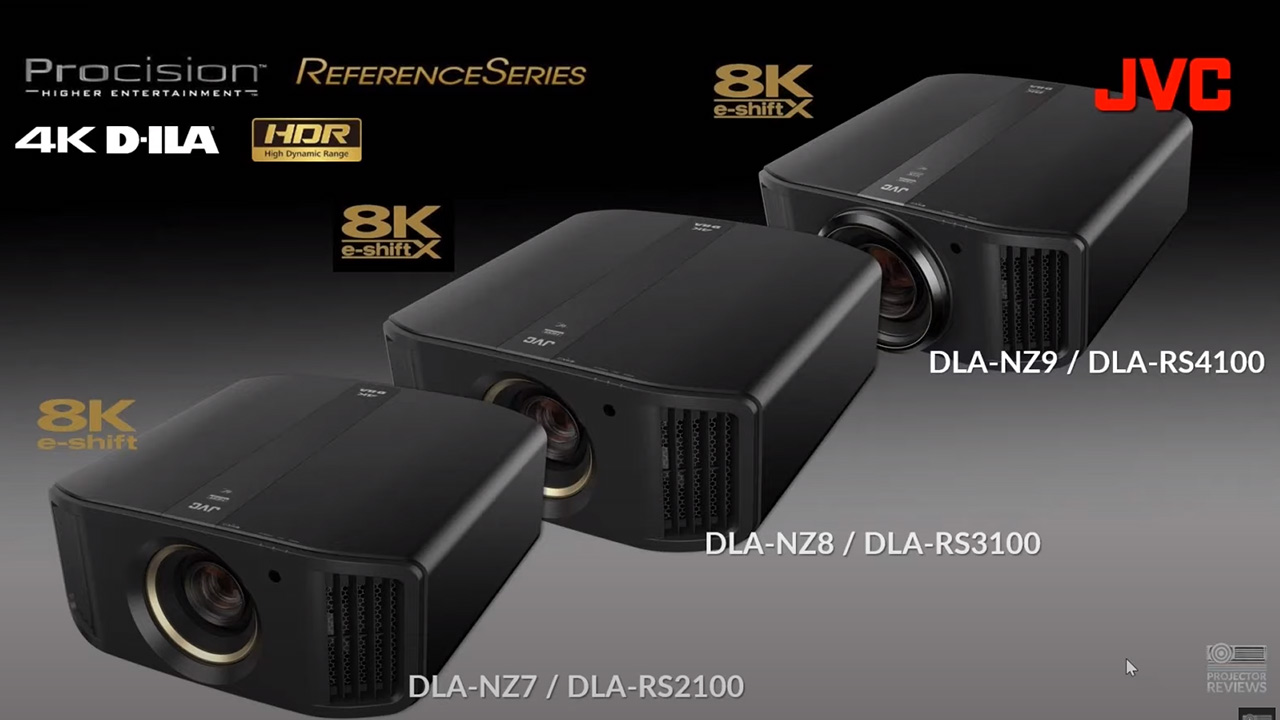
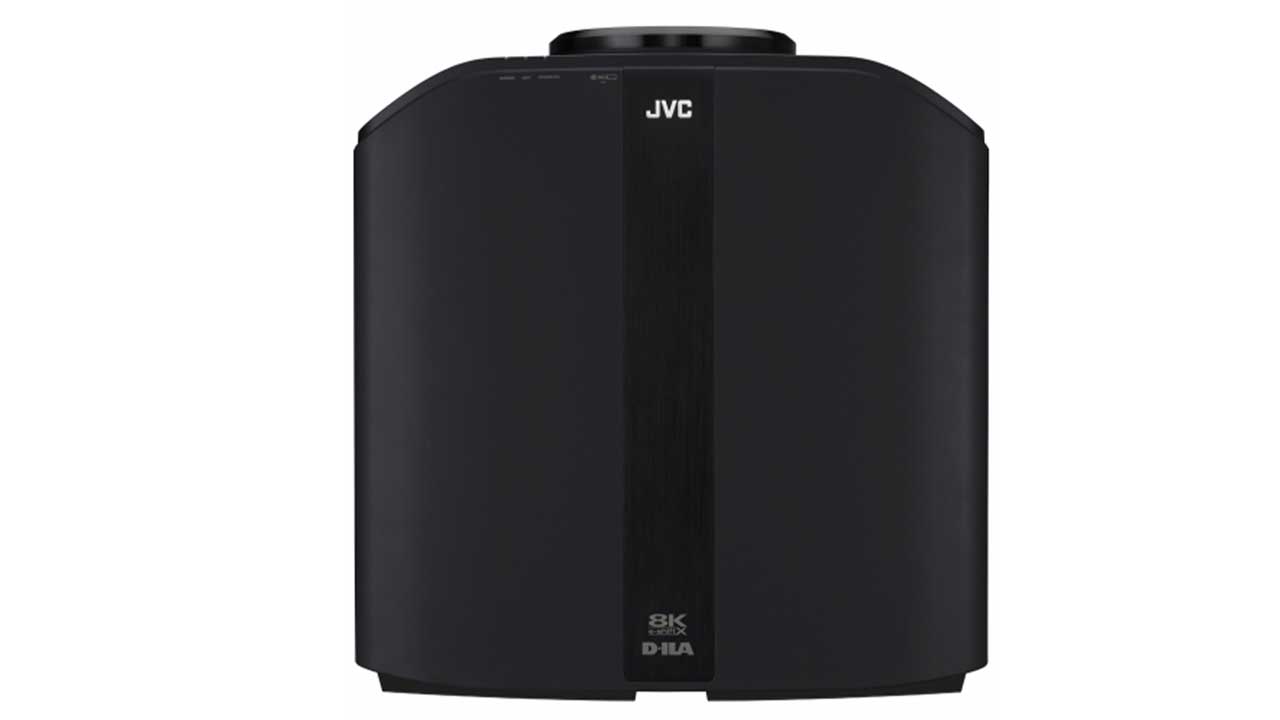
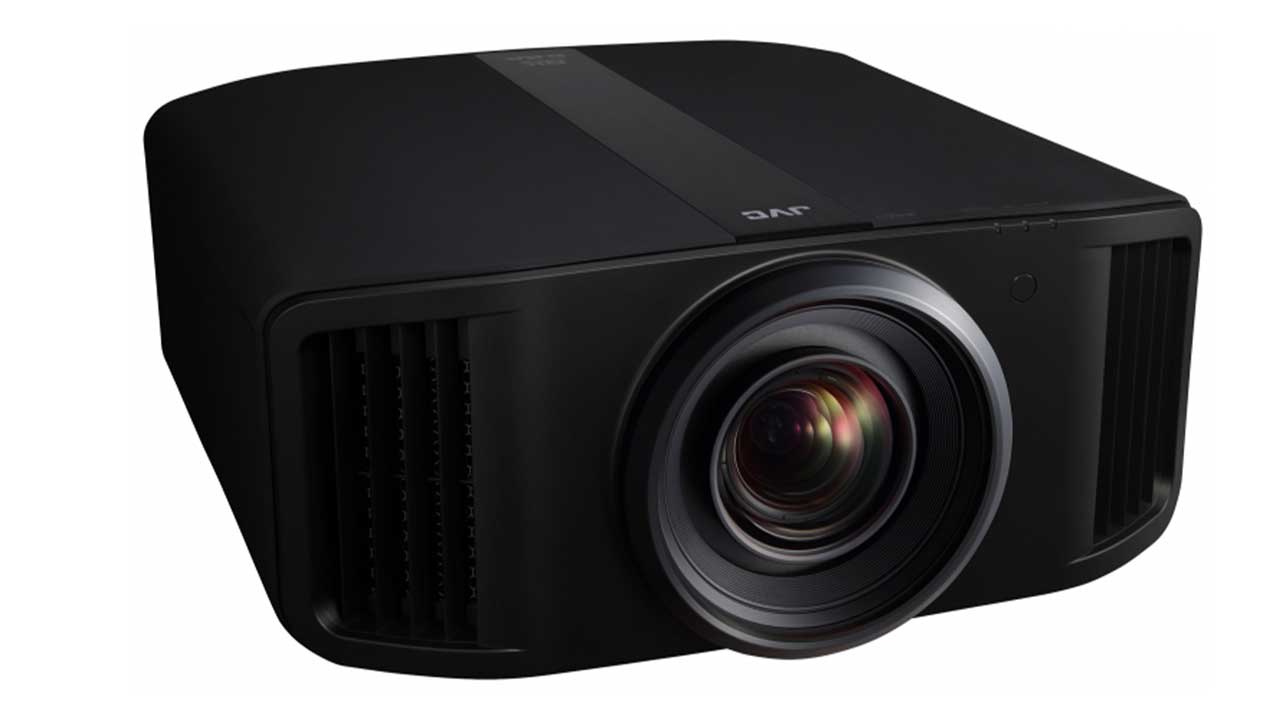
JVC has just introduced three new 8K pixel shifting projectors featuring JVCs new 0.69" native 4K D-ILA imagers. The most affordable DLA-NZ7/RS2100 starts at only $10,999 SRP and uses the previous generation pixel shifting technology called e-shift.
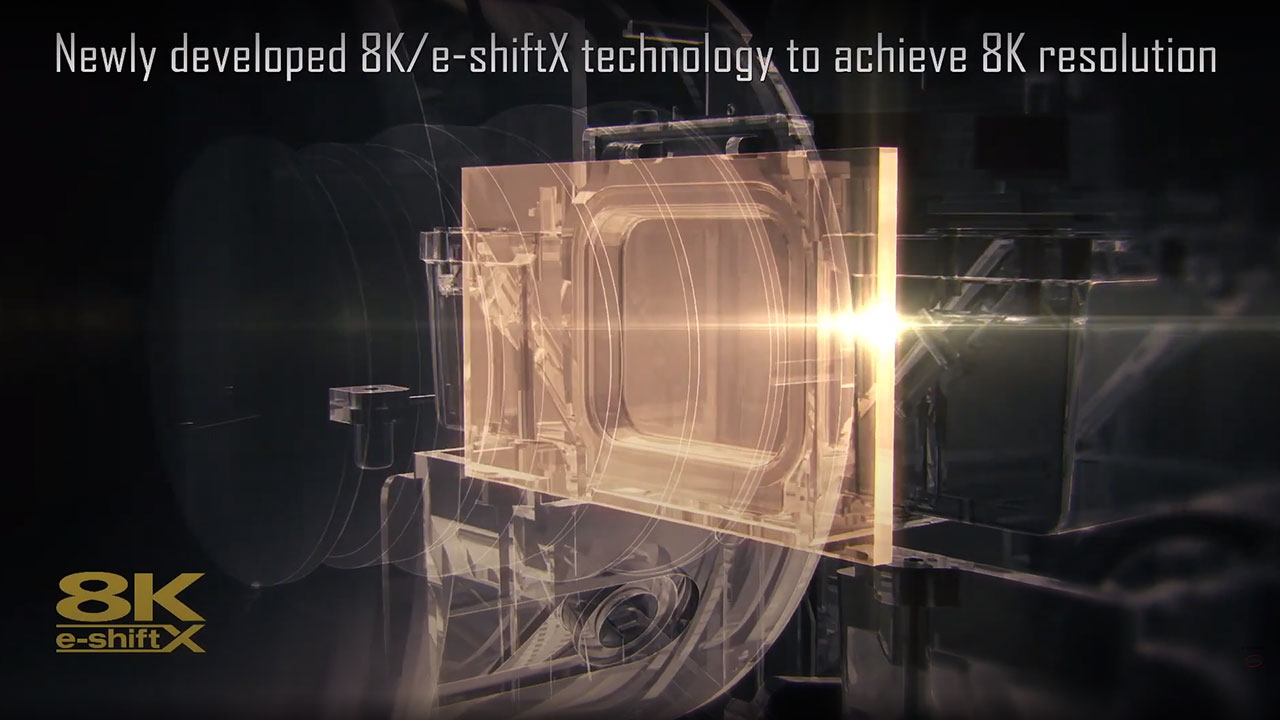
The other two models, the DLA-NZ9/RS4100 and DLA-NZ8/RS3100, are equipped with the new and improved JVC 8K/e-shiftX D-ILA sensor. This new version of e-shift called e-shiftX moves the imager in four directions (up, down, left, and right) at a speed equivalent to 240 Hz. The ability to offer faster pixel shifting makes it more difficult to visually differentiate a native 8K projector from a pixel-shifted 8K Projector. To learn more about the new JVC 8K e-shiftX projectors check out review of the new NZ9 flagship model.
Texas Instruments XPR Technology
DLP XPR technology is a Texas Instruments pixel-shifting technology that leverages the immense speed of their DMD (Digital Micromirror Device) to process pixels faster than the rate of the video signal. This speed is how DLP can utilize one imaging chip to create multiple colors and pixel locations.
The only difference between how a DLP imager and an LCOS or LCD imager perform pixel shifting is that, unlike LCOS and LCD imagers, a DLP imager uses light from a Digital Micromirror Device (DMD) instead of a traditional pixel to display the image that is projected onto the screen. Each technology has its pros and cons but they achieve similar results when it comes to displayed image resolution.
As of the writing of this article, Texas Instruments has not announced a consumer 8K-capable DLP device. In theory, 8K could be achieved by combining their existing 1080p to 4K DMD chips with a newer and faster 8K XPR technology. TI could also be working on a version of XPR based on an unannounced 4K UHD (3,840 x 2,160) DMD device.
Existing DLP 8K Solutions
Digital Projection INSIGHT LASER 8K DLP
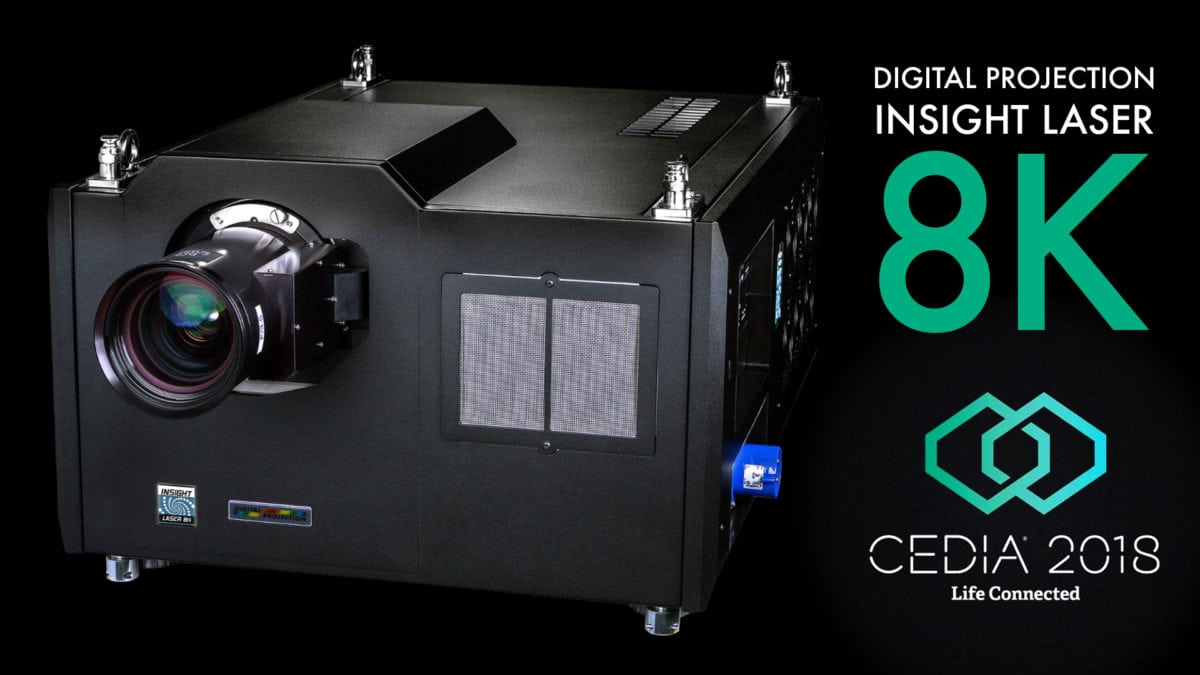
Introduced in 2016 for the professional market, the INSIGHT LASER 8K is intended for commercial use in simulation and visualization projects, museums, and elite entertainment venues. These are applications that require the highest resolution available.
The INSIGHT LASER 8K "Version 2" DLP technology consists of 3 x 1.38" DarkChip™ DMD™ and Digital Projection's ColorMax™ technology, designed to improve the projector's color accuracy and depth black levels.
You are not likely to see this projector in any home theater room except for a small number of enthusiasts with money and real estate to spare.
The insight projector is an actual proof of concept regarding the blending and shifting of multiple DLP imagers to create an 8K displayed image. My point is that technically there's no reason that TI couldn't do something similar with their existing consumer DLP chips.
My guess is that it won't be long before we have some additional announcements about 8K DLP technology from Texas Instruments. I also won't be surprised to see even more 8K projectors announced from other imaging chip manufacturers. As I said at the beginning of this article, 2022 seems to be the year that 8K breaks out in a big way.
Hisense 8K DLP Prototype
This past January, at the Consumer Electronics Show in Las Vegas, Hisense showed a prototype 4K pixel-shifting DLP projector capable of displaying 8K on-screen. Hisense is not a DLP chip manufacturer. DLP imagers are primarily manufactured by the folks over at Texas Instruments. Hisense had signage in the display area stating that their prototype featured a DLP imager using XPR technology. Hisense was not clear if the prototype used a new native 4K DMD or a 2K DMD using some new type of XPR technology that allowed it to display an 8K image.
Why is shifting an effective solution for 8K?
The ultimate picture quality goal for any pixel-shifting technology is to achieve results perceptually on par with 1:1 pixel-mapping. We are in the early days of 8K projector development with only a handful of e-shift 8K projectors and no native 8K projectors currently available. But like 4K e-shift projectors, these new 8K e-shift projectors appear to produce a very detailed image with no visible effects of pixel overlapping.
Barring any upcoming technological announcements, pixel-shifting technology appears to be the best path to affordably mass-produced 8K projectors. Shifting has already been implemented successfully in 4K LCOS, DLP, and even LCD projectors. I'm not expecting to see native 8K consumer imaging chips anytime soon, and by soon, I mean in the next few years. I think pixel density is the most significant challenge out of all the potential bumps on the road to native 8K projection. Without addressing this issue, production costs for native sensors and their supporting technologies (lenses, light source, cooling, etc.) will be through the roof. These production costs will likely make producing native 8K projectors a significant challenge to mass-produce.
So that's the status of 8K projection so far in 2022. If there are any changes, updates, or announcements from any manufacturers in this field, we at Projector Reviews will let you know.
I hope you found this article informative and entertaining, and I appreciate you reading it through to the end. This is not the only article around 8K technology that I'll be writing in the coming weeks. You can expect to see multiple articles on topics such as:
The state of 8k content in 2022
Can you see the difference between a 4K and 8K projector?
Top reasons to buy an 8K projector in 2022
Top 8K capable projection screens in 2022
These and other 8K topics will be addressed here at Projector Reviews soon. I'm also planning a video series on many of these same topics, so be sure to check out Projector Reviews on YouTube or at our website: www.projectorreviews.com.
Why Are There No Native 8K Projectors Available Today?
2022 seems to be the year when the industry is beginning to seriously push 8K over 4K resolution displays. Most major display manufacturers offer a couple of 8K televisions for sale, while manufacturers such as Samsung, LG, and Sony offer an entire series of 8K flat-panel displays.
With so many 8K televisions for sale, you might wonder why there aren't more 8K projectors available to buy, especially from companies selling 8K flat-panel televisions?
First, all 8K flat-panel displays are "native" 8K, meaning the LCD or OLED displays are made up of 8K (33,177,600) worth of pixels in a display configuration of 7,680 Horizontal x 4,320 Vertical. This configuration is four times the amount of pixels found in a 4K UHD panel, so combining four small 4K panels results in one larger 8K panel. However, creating a native 8K imager for a projector is a lot more complicated. First, it's necessary to define the type of 8K sensor we are discussing.
Challenges of Building a Native 8K Projector
A Quick Answer
No one can currently make a native 8K projection imager. Here's why.
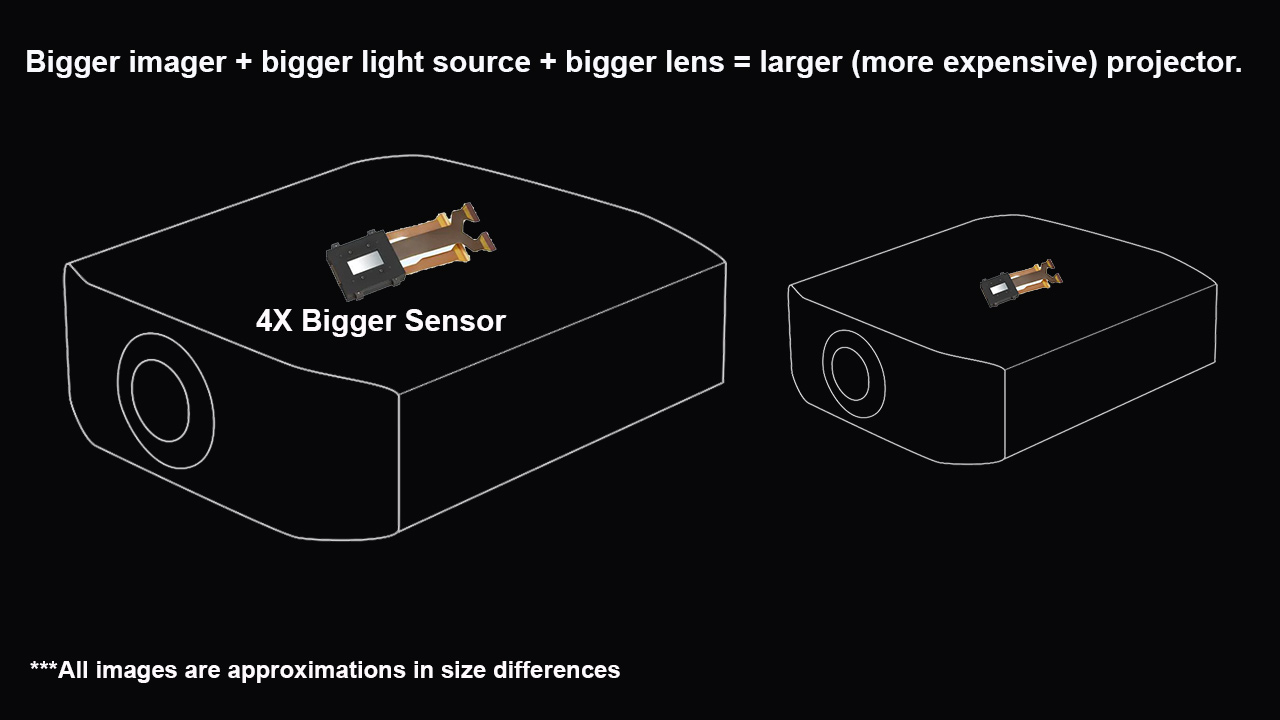
At this point in time making a native 8K projector would require the use of a physically larger native 8K imager. The increase in size is provides the space to hold 4X the number of pixels of a native 4K imager. A bigger imager will require more light if you want to maintain or increase the 8K projectors displayed brightness. More light results in more heat which will then need better heat dissipation. Lastly, a bigger sensor will require a larger, higher-quality lens. The increased size of the core components of a native 8K projector will also need a larger chassis to hold them.
So why hasn't JVC or Sony developed a native 8K sensor? Currently producing a native 8K sensor in any of the available imaging platforms (LCOS, DLP, or LCD) involves more than just placing a bunch of pixels or micromirrors onto a silicon wafer.
The Need to Increase Pixel Density
Unfortunately, with current technology, a native 8K imager would have to be much larger (and more expensive) than a native 4K imager.
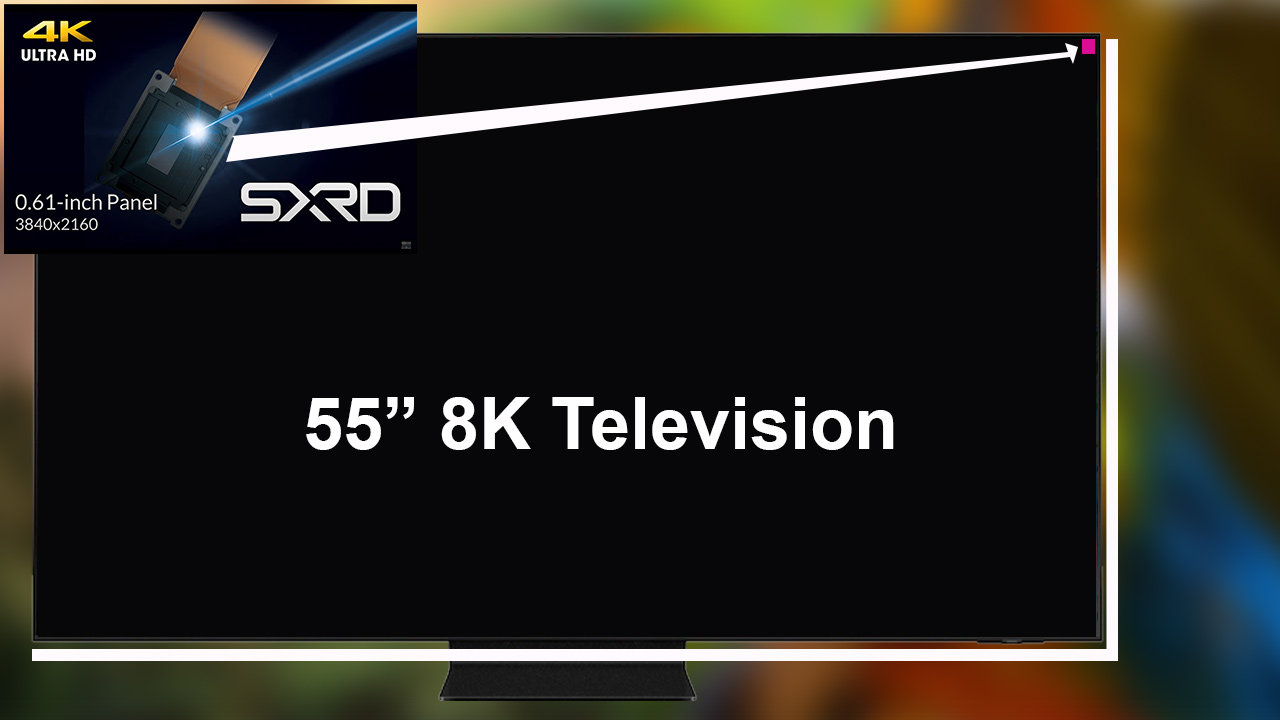
When 8K flat-panel TVs were introduced, they were massive. The first 8K models measured 85" to 100" diagonally. This is because manufacturers just combined four 42-inch or 50-inch 4K (8.3 million pixels) panels to create one large 8K (33 million pixels) panel. For the past several years, TV manufacturers have worked to reduce the size of the pixels used in panels by increasing the panel's pixel density. Increasing the pixel density of panels has resulted in smaller and smaller 8K TVs. The smallest 8K consumer television currently available measures 55-inches diagonally.
Shrink a native 8K 55" panel into a space less than 1% of its size.
In 2022, Sony offers the smallest, high-resolution, native 4K projection imager measuring about 0.61" diagonally. That's more than 99% smaller than a 55-inch 8K television. To make a native 8K projector, we would need the ability to house all 33 million (8K) pixels onto the projector's image sensor. The math is just not in our favor. Why? Because they have not figured out how to build an imager with that level of pixel density.
Since this many pixels won't fit on the most modern image sensor, a native 8K imager will need to be four times larger than the smallest, most modern, 4K sensor available today.
The Need to Upgrade Other Components
Our imaginary 8K imaging sensor is not the only physical component needed to make a projector work correctly. A video projector's core components consist of the following:
A power supply,
A light source,
An imager.
A lens,
A chassis.
Let's go ahead and pretend we’ve formed an imaging company that has figured out how to build a 33-million pixel projection sensor.
Okay. Now that we've got our 33-million pixel array on our imaginary chip, there's the light source issue. First, sharing light across four times the number of pixels and across four times the diameter of a native 4K imager will reduce the projector's light output. That means we also have to brighter light source to go with our new, imaginary, native 8K imager. Second, more brightness typically means more heat being produced. Now we need to increase the cooling capabilities of our new, native 8K projector. But let's say that this problem is solved. There's still one more big issue left to figure out.
For the much bigger, native 8K projector to work, we will need lenses capable of resolving a native 8K image.
These new components will likely require a bigger enclosure to house the new light source, imagers, optics, power supply, and cooling solutions. This new native 8K projector will bigger, louder, and heavier than its native 4K sibling. Keep in mind my examples just some of the obvious problems that need to be addressed before our imaginary, native 8K projector comes to market.
While it's entirely possible that the engineering minds at Texas Instruments, Sony, JVC, and Epson have already solved these issues, they've been pretty silent on the subject. As of now, no native 8K consumer projectors are slated to hit the market any time soon.
Horizon Forbidden West is an epic action RPG adventure with an expansive and beautiful open world to explore.
Horizon Forbidden West was released on February 18, 2022. The game is exclusive to PlayStation. The PS4 edition can be bought for $59.99, and the PS5 edition can be purchased for $69.99, all directly from playstation.com. The game is published by Sony Interactive Entertainment and developed by Guerilla Games. Horizon Forbidden West is an epic action RPG adventure with an expansive and beautiful open world to explore.
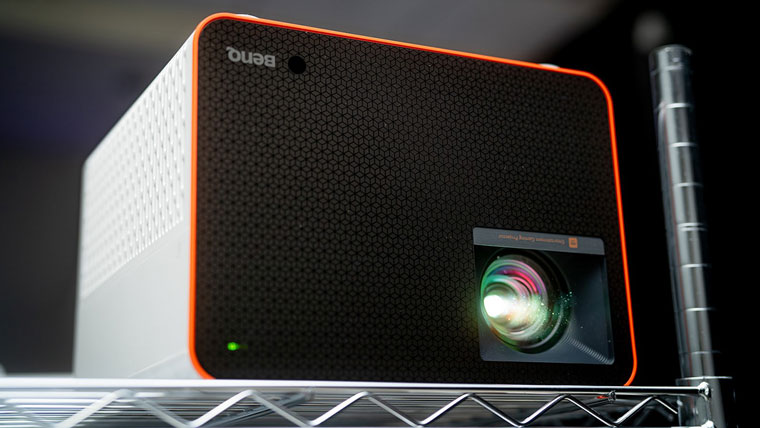
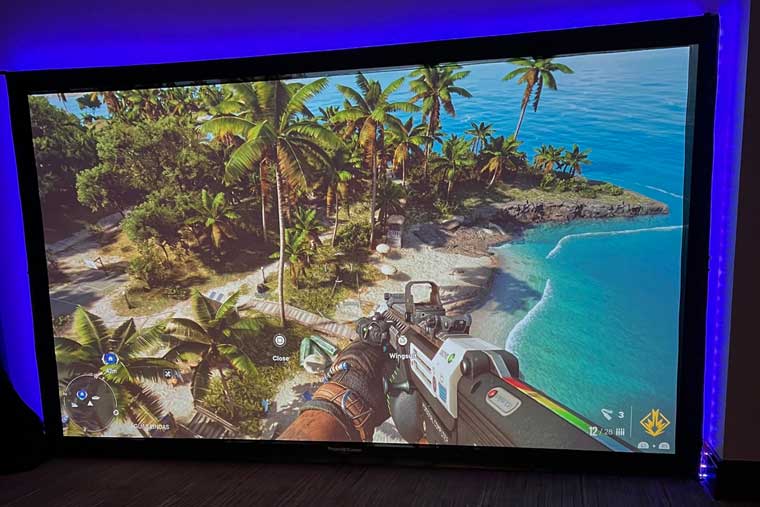
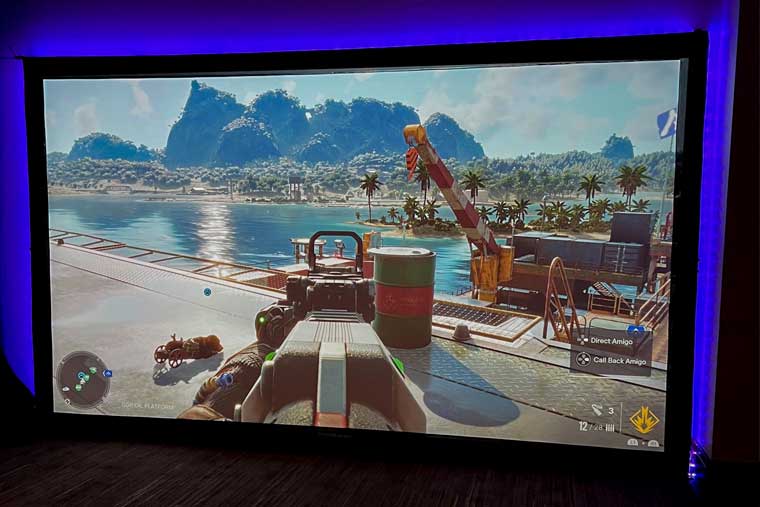
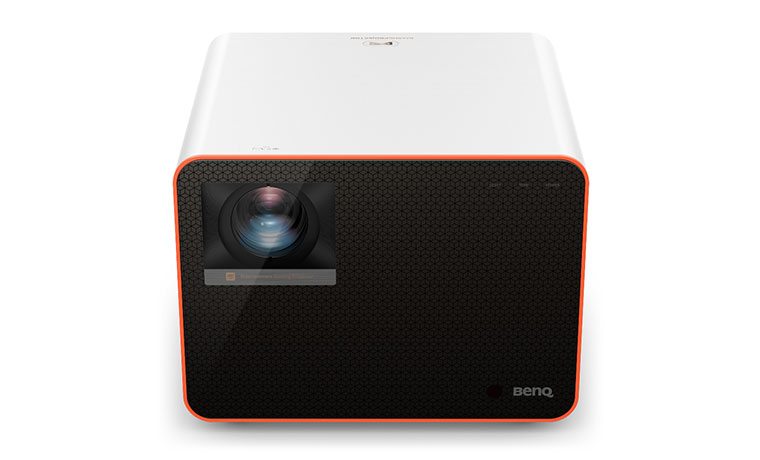
Horizon Forbidden West paired well with the BenQ X3000i Immersive Open World Gaming Projector.
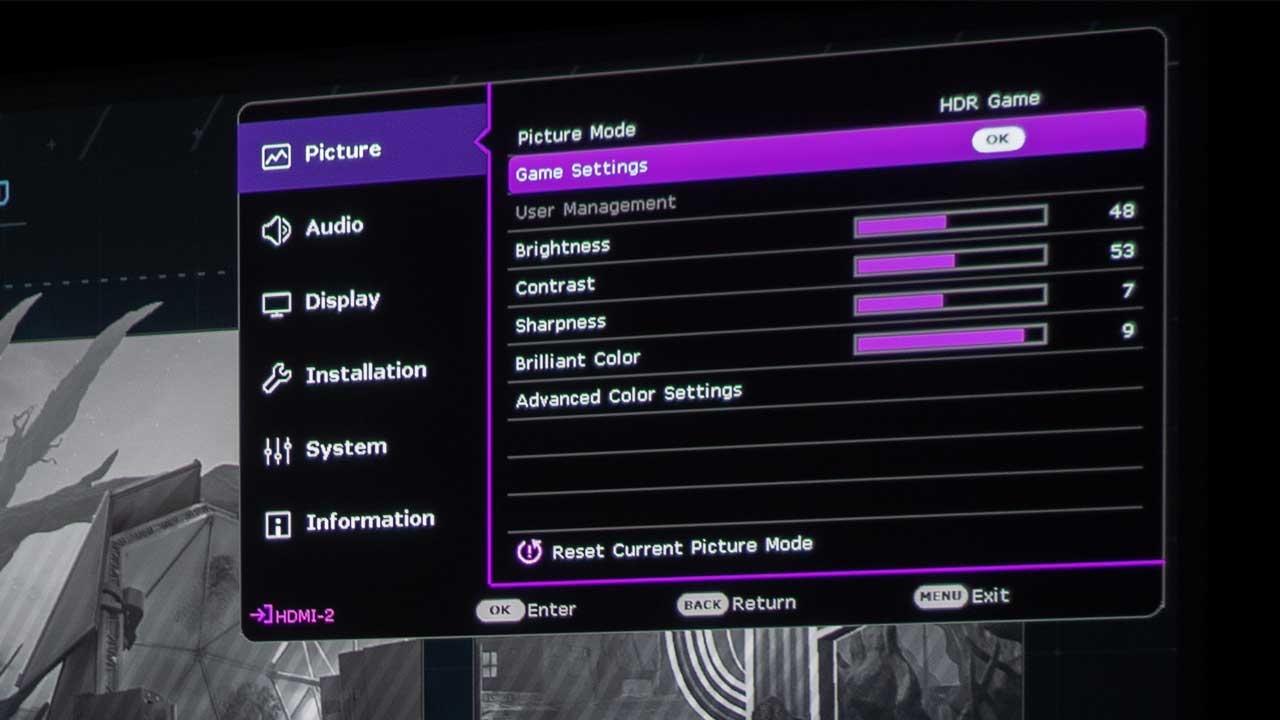
Since Horizon Forbidden West is an open-world RPG, I used a BenQ X3000i 4K HDR 4LED Immersive Open World Gaming Projector and my 110-inch screen to handle my gaming needs. With the BenQ X3000i, HDR Game becomes available for selection after auto-detecting metadata or EOTF info from HDR content. HDR Game is used to activate the Game Settings menu for HDR gameplay.
The X3000i has three Audio-Visual presets for three types of games in the Game Settings menu: FPS game mode, RPG game mode, and SPG game mode. I used RPG mode for its cinematic color and powerful cinema sound tailor-made for role-playing game worlds for this game review.
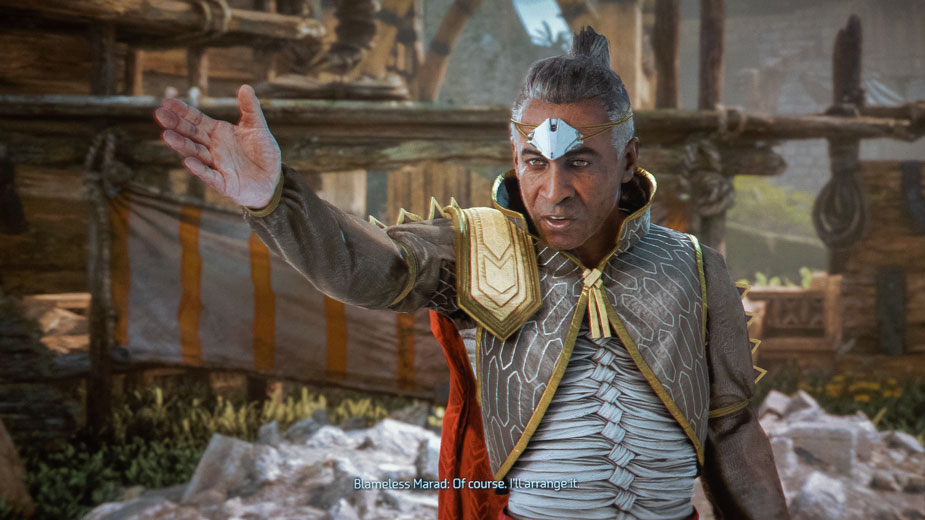
In Horizon Forbidden West, the land is dying, and the lead protagonist, named Aloy, must brave the Forbidden West in pursuit of a way to save everybody. Marad, a senior official in the court of the Carja Sun-King Avad, says it best, “The West is called ‘forbidden’ for a reason.” Even though Horizon is a post-apocalyptic world dying and covered in a toxic red plant called Blight, there are still many beautiful distant lands to explore. That beauty comes with some fantastic-looking and quite dangerous machine enemies in the forbidden west. To make matters worse, human enemies can ride some of these machines into battle.
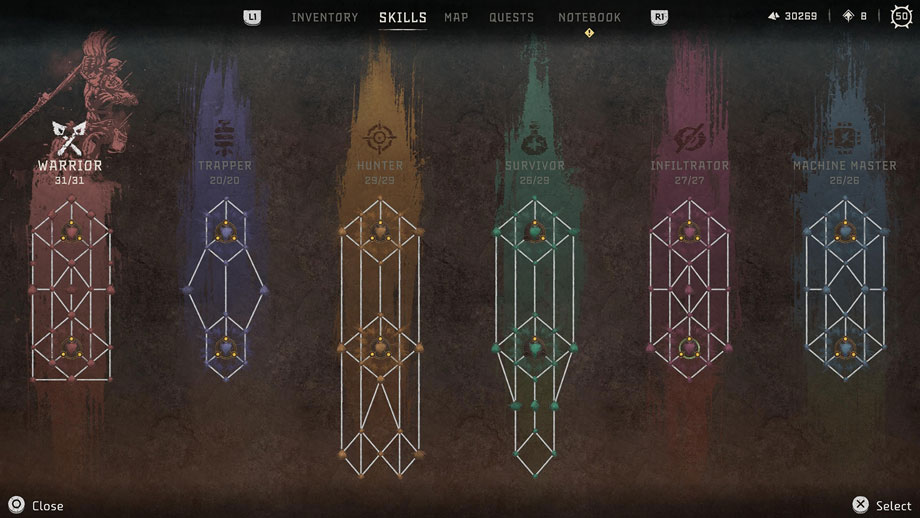
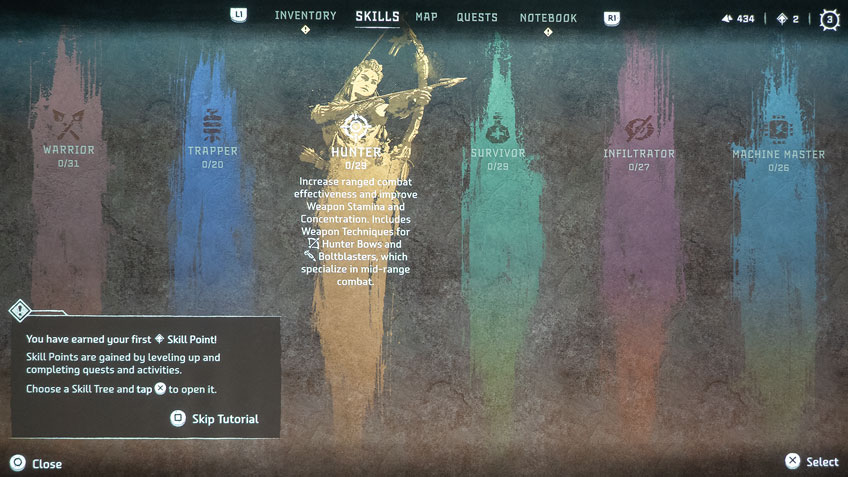
Use the skill tree to customize Aloy to suit your gaming style.
Look at the six skill trees as soon as possible; you can use them to build out Aloy to be quite a force to be reckoned with. The forbidden west is filled with some tough human and machine opponents. I’ll give you two quick tips on what will be helpful against these dangerous human and machine adversaries.
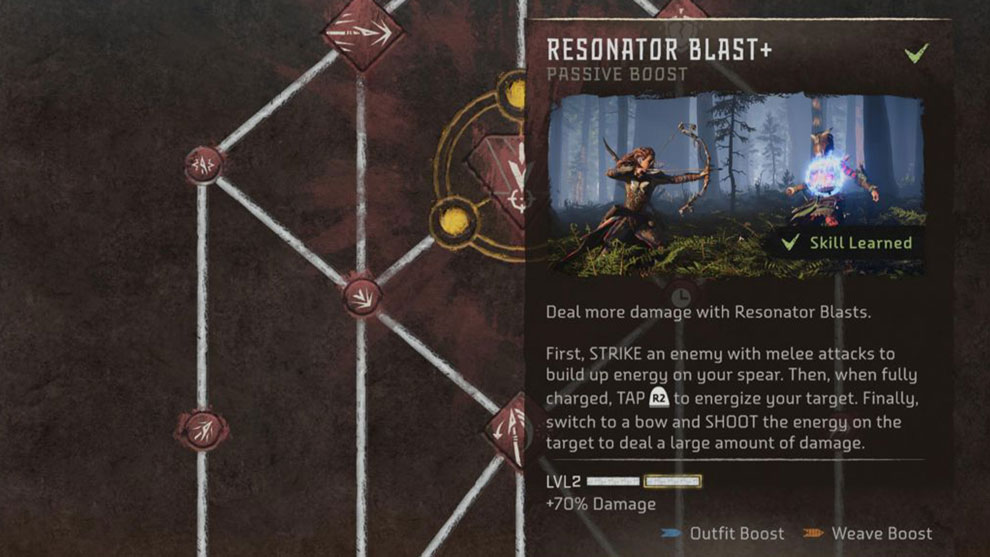
First, is the Warrior Skill called Resonator Blast. The Resonator Blast is an essential skill when facing people in melee combat. Resonator Blast energizes Aloy’s spear. When used, it leaves your opponent with a glowing weak spot. Shooting the weak spot with Aloy’s bow and arrow to deal substantial damage to the enemy target.
Resonator Blast Skill.
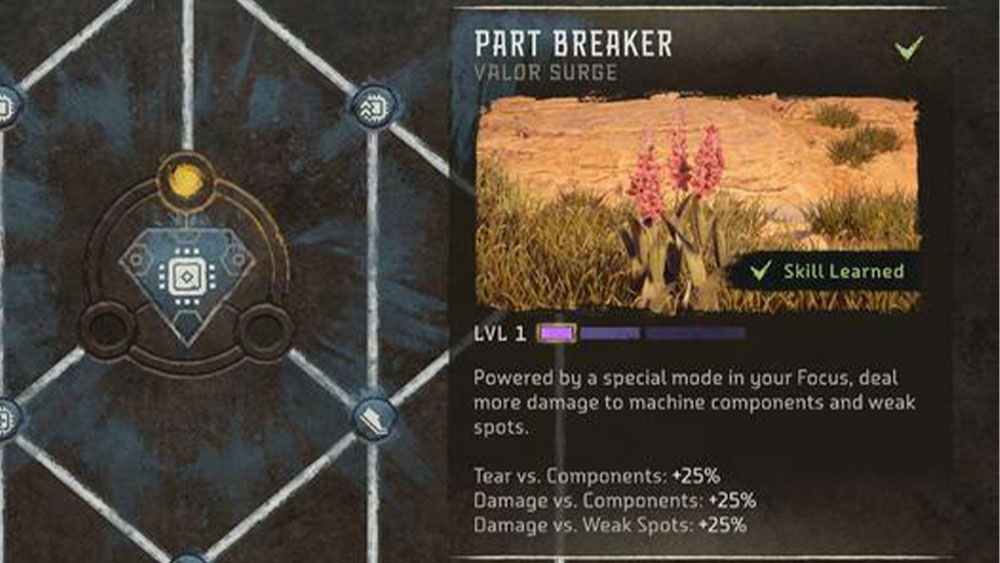
Machine Master Skill Part Breaker Valor Surge.
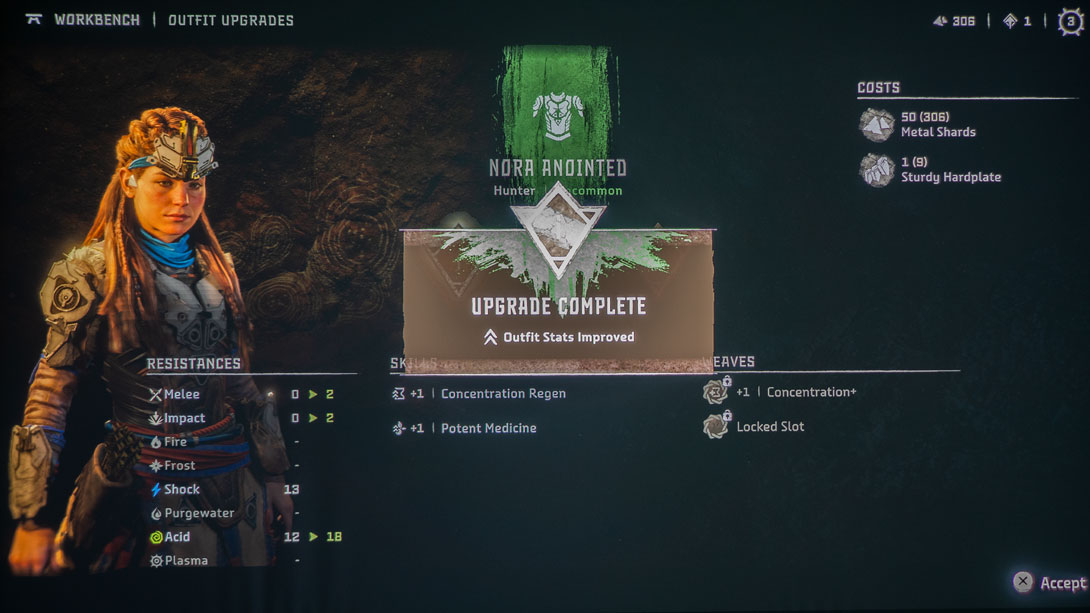
Second, the Machine Master Skill has Part Breaker Valor Surge; it’s a must-have. It’s one of Aloy’s ultimate attack abilities, which takes some to build up. Using the Part Breaker Valor Surge allows Aloy to deal more damage to machine components and weak spots. This means removing the machine components necessary to upgrade Aloy’s weapons and outfits is much easier to accomplish.
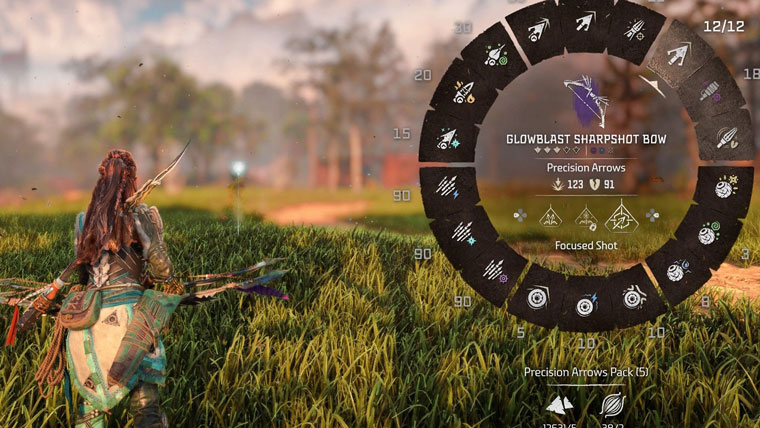
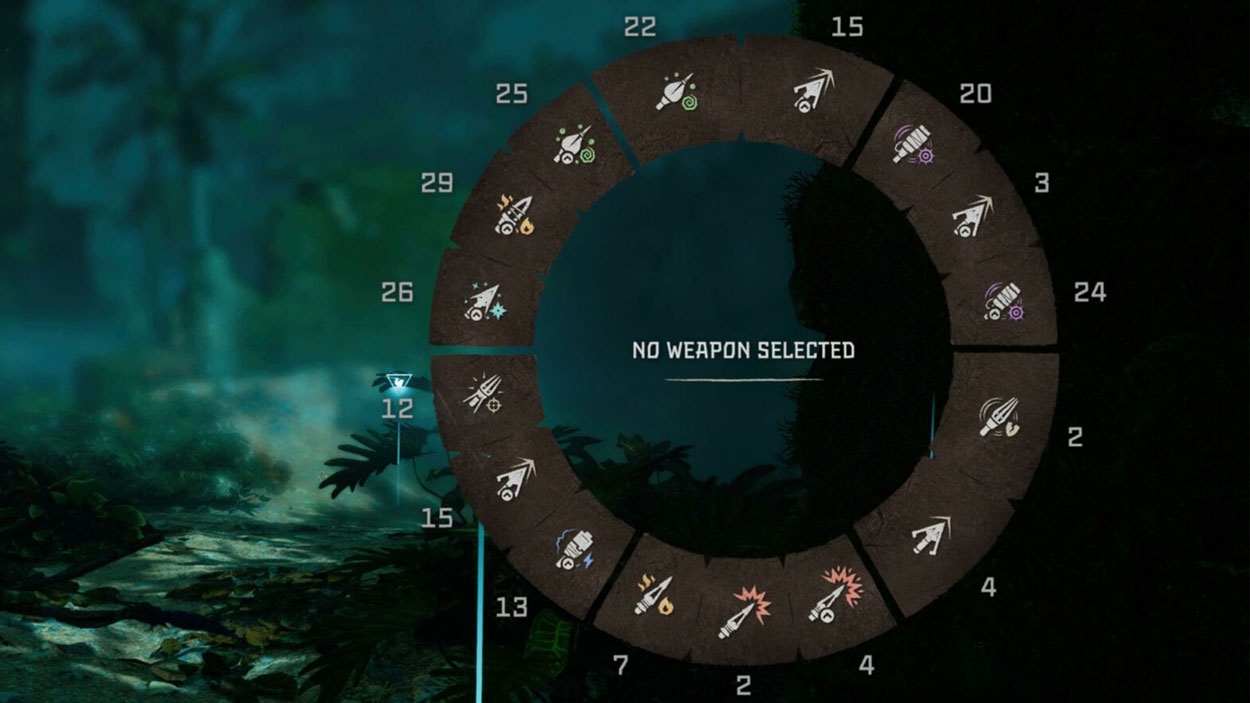
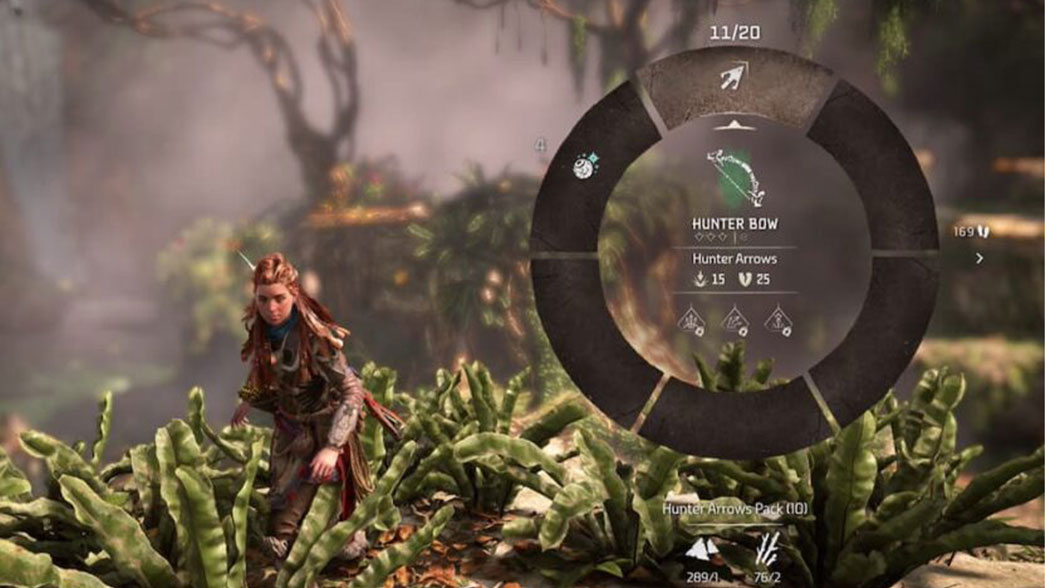
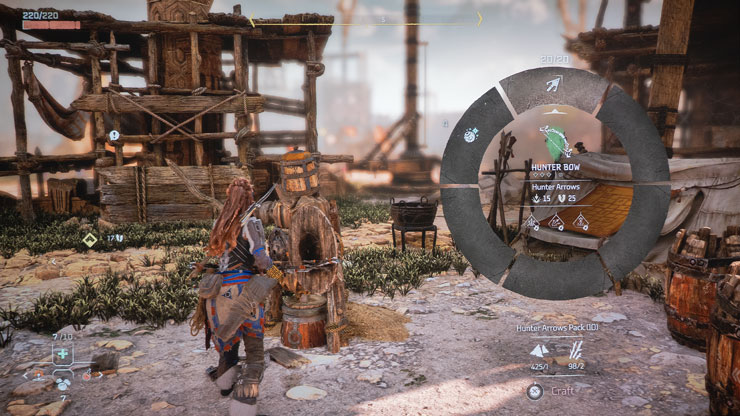
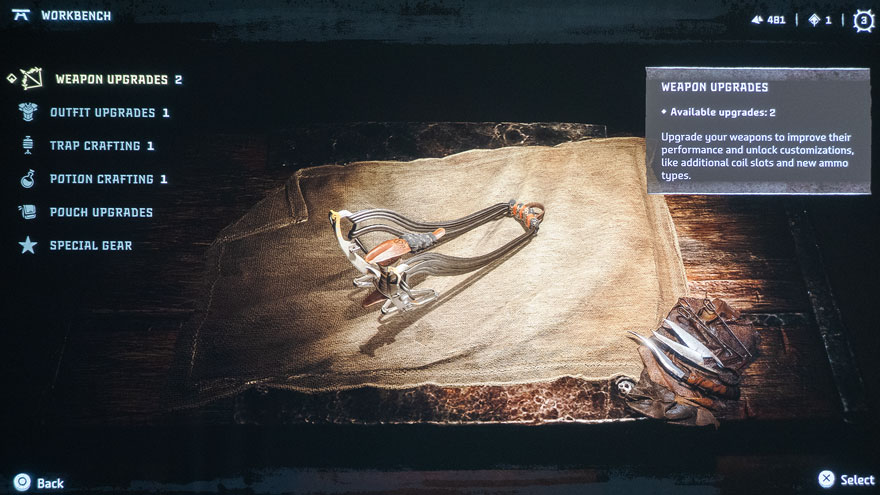
Aloy’s Weapon Wheel starts out without much, but you will build up your weapons cache as you progress in the game.
The weapon variety is fantastic in this game. Luckily there’s a Quick Swap (tap L1 on your controller) option to have Aloy quickly swap to her last used weapon. There’s also a Weapon Wheel (hold L1 on your controller) for all of Aloy’s weapons. You’ll need to master various weapon types to be effective against hostile machines. For instance, use freeze bombs to make machines brittle and easier to destroy and acid to break down armor. In addition, you’ll need to know when and how to use each weapon and trap Aloy has at her disposal.
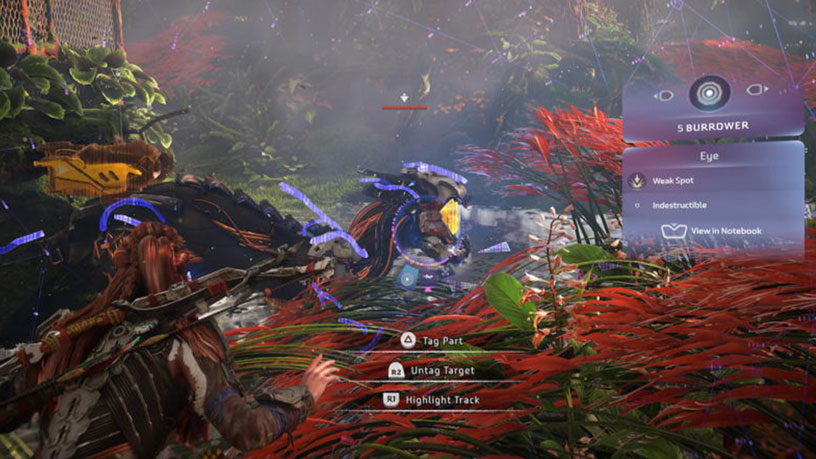
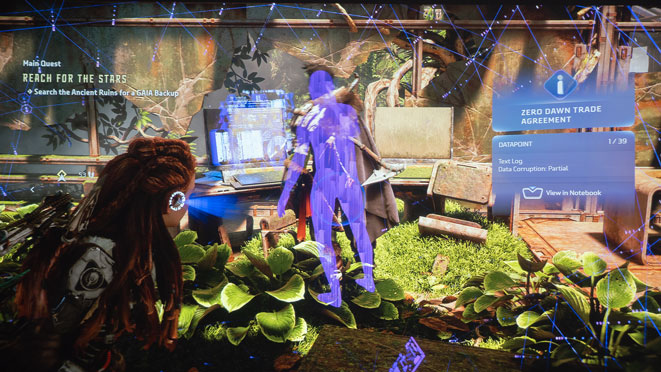
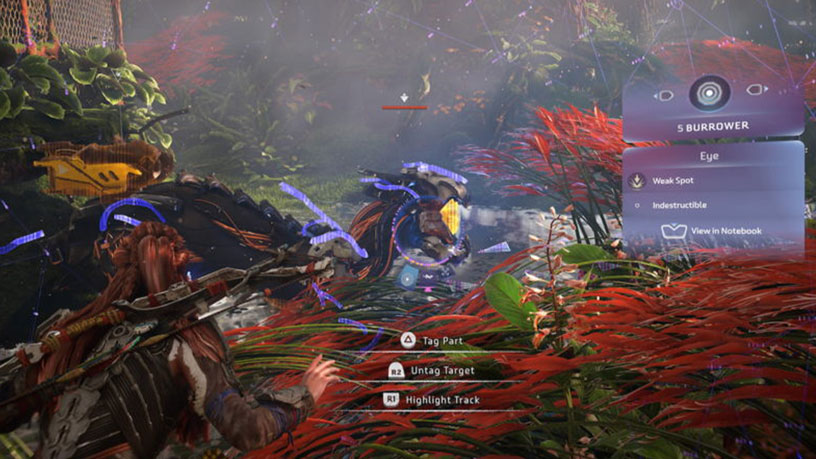
Horizon Forbidden West interaction-able items can be scanned with Aloy’s Focus scanner. Using Focus on machines helps tremendously. Aloy’s use of Focus on machines allows her to identify their weak points that are vulnerable to attack and their strong points that should be avoided. Using a gaming projector like the BenQ X3000i and a 110-inch projector screen made identifying and targeting those weak points relatively easy.
Burrower, Sunwing & Slitherfang
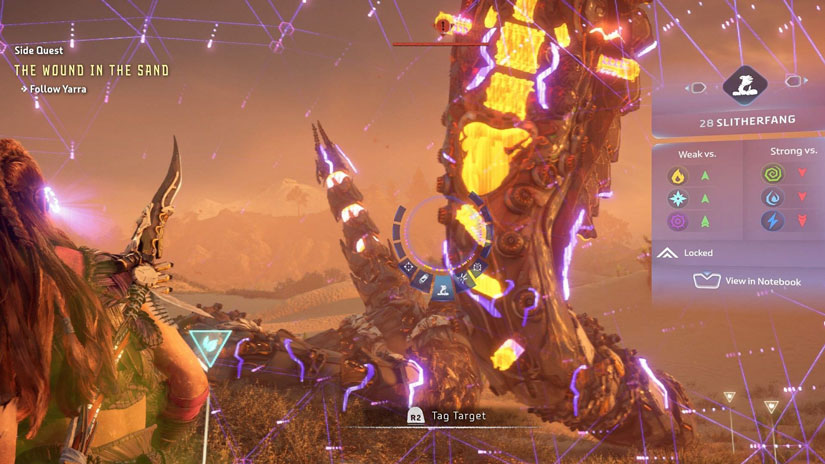
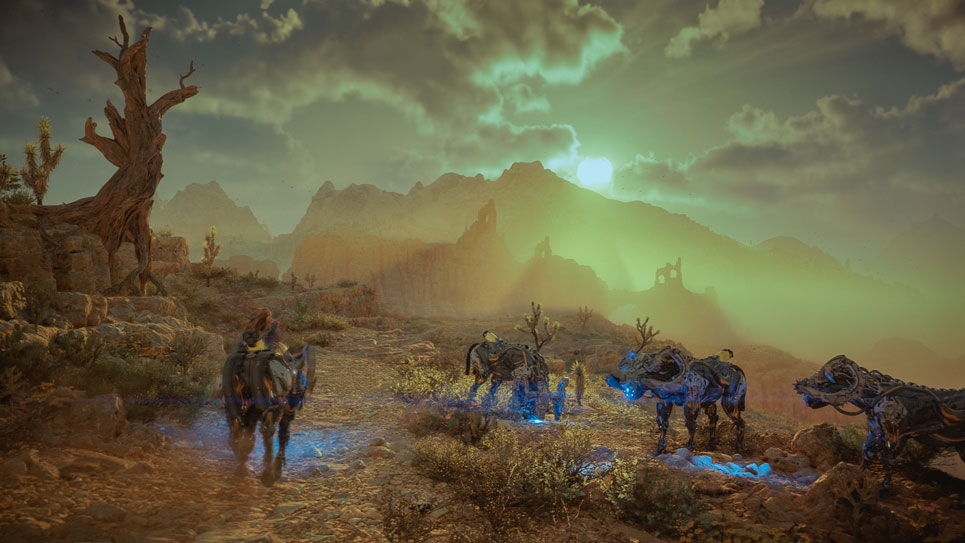
Some of the machines found in Horizon Forbidden West are the Burrowers, Sunwings, and Slitherfangs. Burrowers are recon machines that emit a high-pitched sound to alert allies and stun enemies. It can burrow underground and resurface in unexpected locations. Sunwings are fast and agile flying machines. Sony goes into detail on these new flyers, stating, “Sunwings are acquisition-class machines that use their photovoltaic wings to store energy. They can be seen hovering high in the air on bright days to catch as much sun as possible.” And then there is Slitherfang. Slitherfang is a massive and deceptively fast combat machine that can lash out from long range. Once the Slitherfang assumes its snake-like coiled stance, it has access to its entire arsenal as its revolving body parts snap into place. You face off against a Slitherfang early in the game; it’s a good test if you understand the game’s basic mechanics.
The first Slitherfang encounter really showcases a gaming projector’s ability to immerse you into the game with cinematic visuals and auditory impact. For example, the X3000i gaming projector I am using for this review has 100% DCI-P3; the wider the color gamut, the more colors can be seen in your gaming world. I scanned the Slitherfang with Aloy’s Focus. I could easily see all of its different colored weak points and components and take them out in order of importance. The X3000i also has two 5-watt speakers with dynamic stereo enhancement powered by Bongiovi DPS technology with virtual 3D surround sound. As a result, I could clearly hear the distinct sound the Slitherfang made right before its attack, which allowed me to dive out of the way before taking a big hit.
Horizon Forbidden West machines are quite intricate in detail and complexity. The machines have complex designs. Each creature has multiple components that will dynamically break off when targeted by the player.
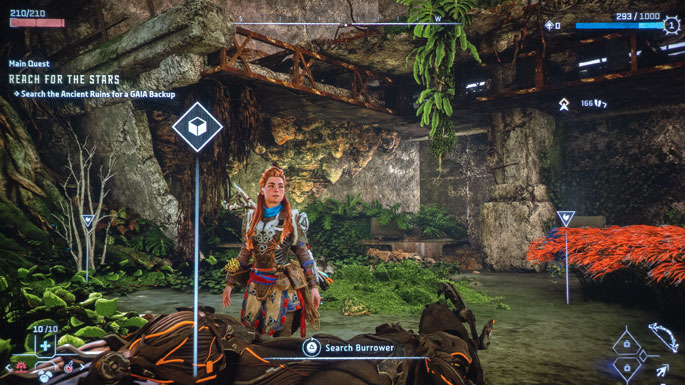
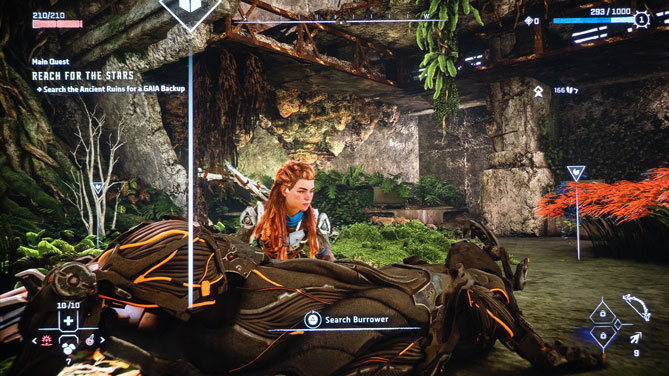
Search downed machined to harvest their components for upgrades, weapons, and traps.
What’s exceptional is the fact that the machines will adjust their movements and attacks based on any removed components. Search downed machined to harvest their components for crafting upgrades, weapons, and traps. The more you scavenge and harvest in this game, the quicker you get upgrades.
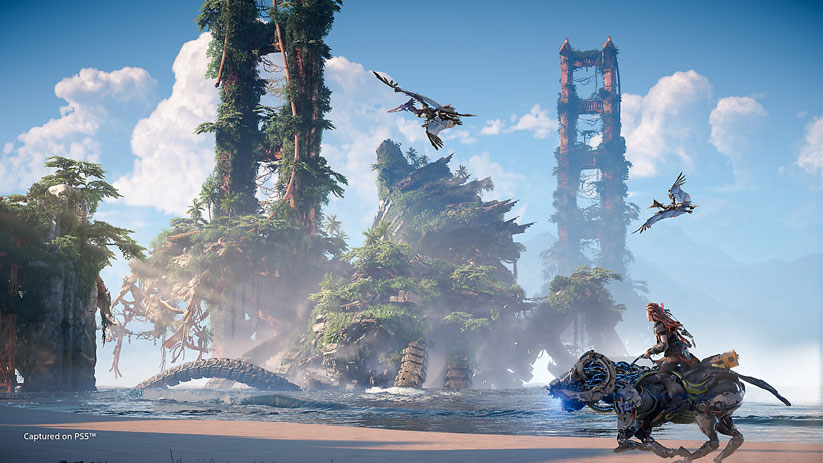
The biodiversity of Horizon Forbidden West is astounding!
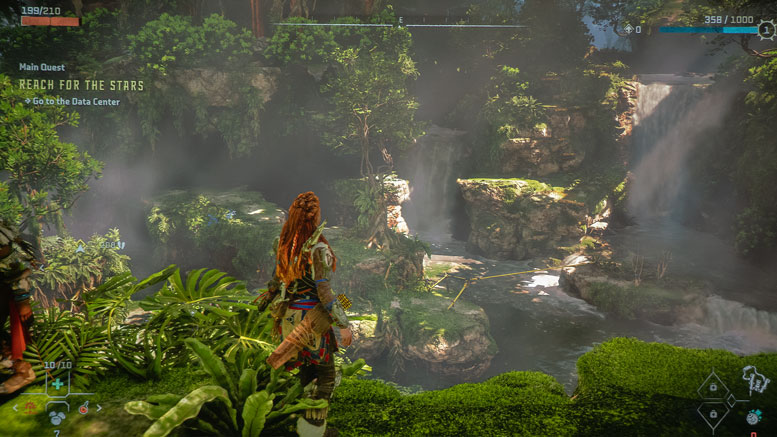
Ultimate immersion is achieved when Horizon Forbidden West is paired with a good gaming projector. The biodiversity of Horizon Forbidden West is astounding! The game has canyons, snowy mountainsides, tropical beaches, expansive desert plains, thick forests, and jungles that pull you into the game with substantial vertical climbing opportunities. You can even have Aloy explore underwater locations teemed with wildlife and flowing seaweed you can hide in.
Horizon Forbidden West is an incredibly immersive RPG adventure game with a good-sized map. It will have you coming back for more and more, leading to countless hours of exploration, crafting upgrades, and strategic battle fun.
Stay tuned for my review on Tiny Tina’s Wonderlands.
Next month, I will be reviewing Tiny Tina’s Wonderlands with the BenQ TK700 Gaming Projector. Let’s see how Tiny Tina progresses as she embarks on an epic adventure across the Wonderlands on a giant projector screen. So, keep checking back at Projector Reviews; you do not want to miss any of our projector gaming reviews.
TOM CLANCY’S RAINBOW SIX: EXTRACTION
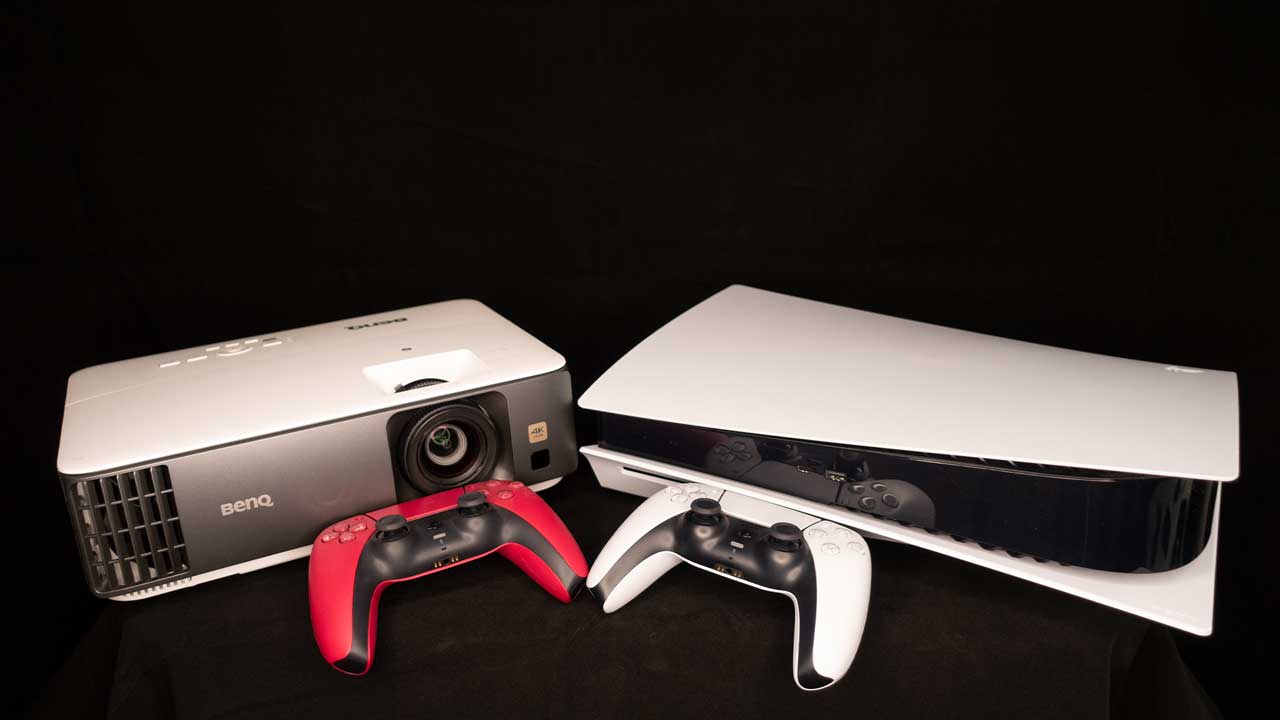
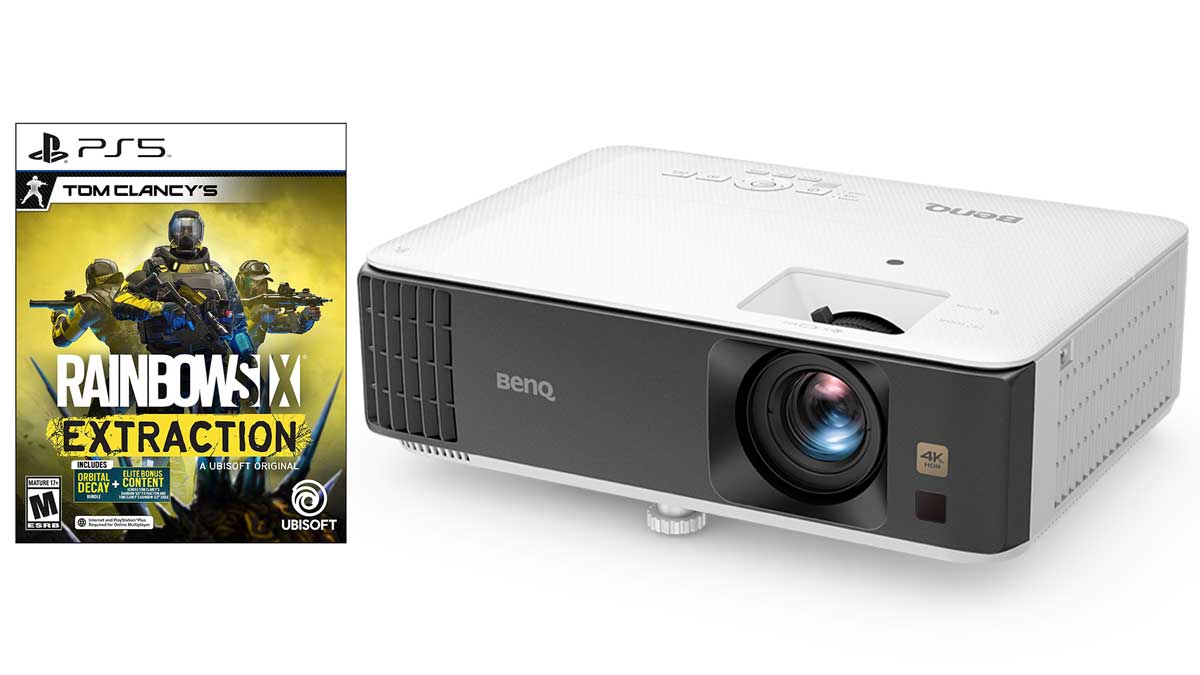
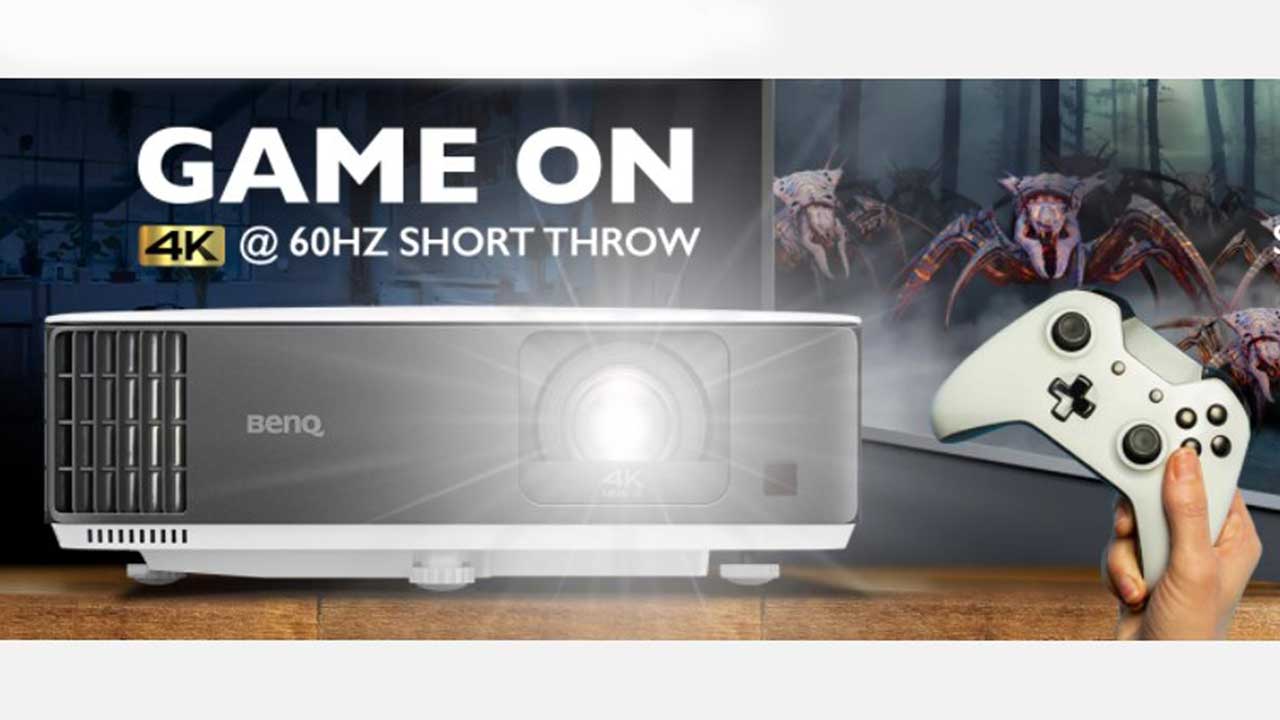
For the first Projector Reviews monthly projector gaming article, I will be focusing on the experience of playing Tom Clancy’s Rainbow Six: Extraction with a projector and a large projector screen. BenQ’s TK700 4K Short-Throw Gaming Projector is a purpose-built FPS competition gaming projector. The TK700 is fine-tuned to provide the smoothest, most responsive experience and the clearest images to arm you for competition gaming or casual gameplay.
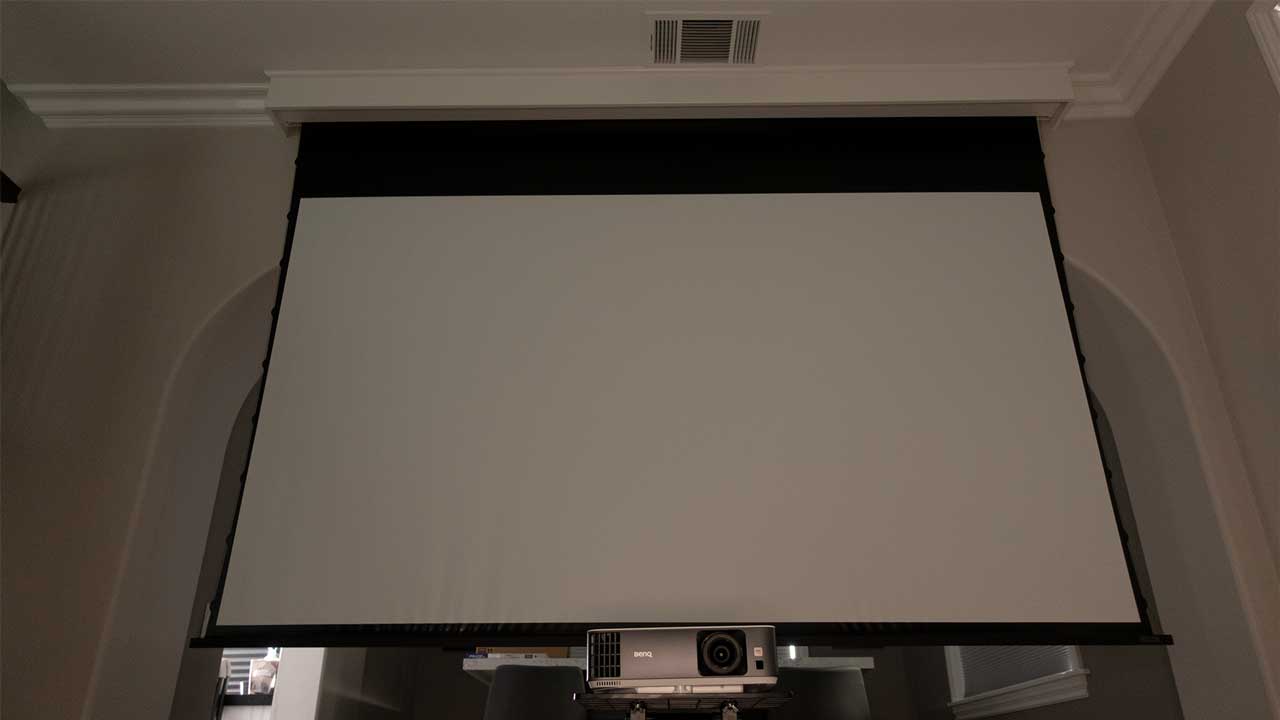
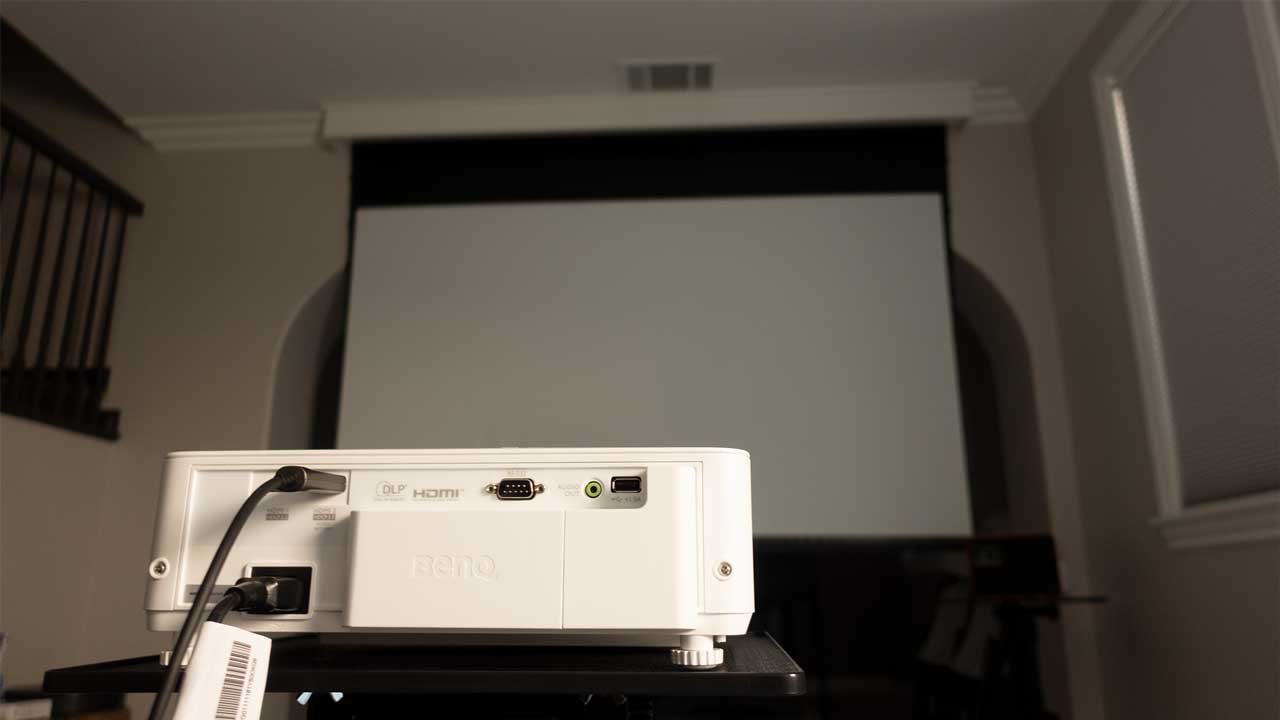
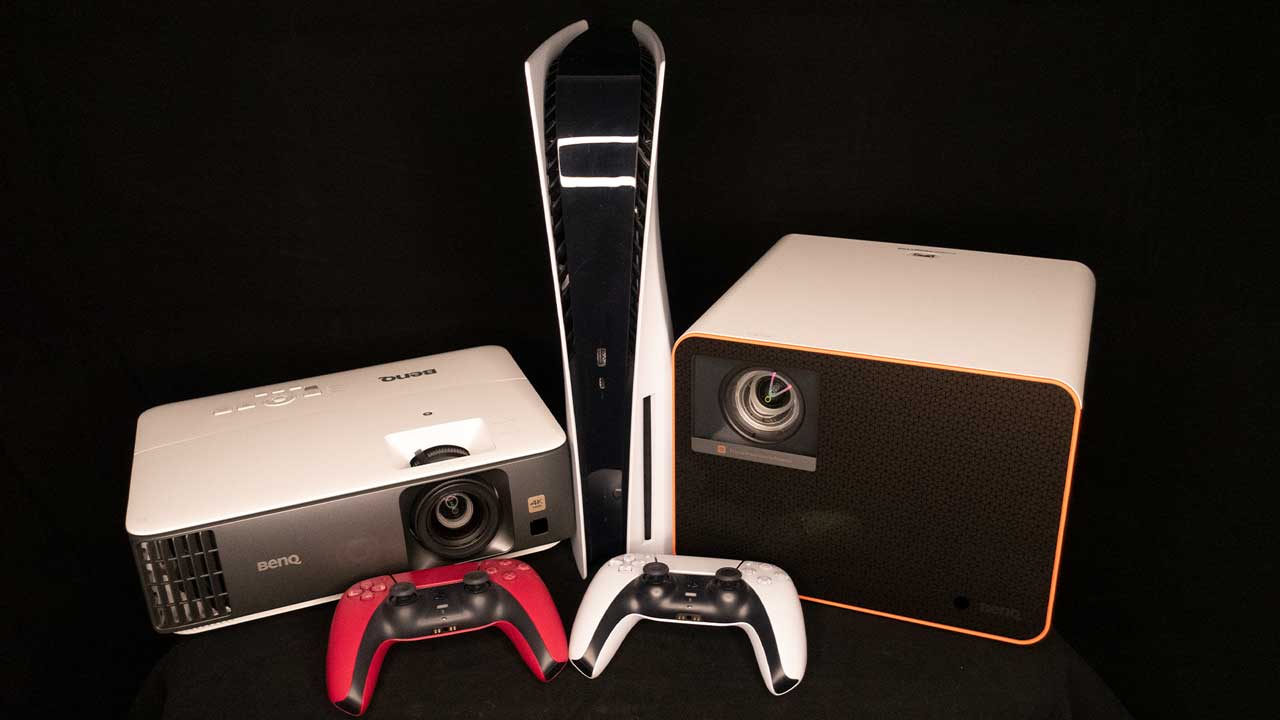
As such, I thought it would be proper to pair it with Tom Clancy’s Rainbow Six: Extraction, which was released on January 20, 2022, and can be played alone or with friends from any platform in this one to three-player co-op PvE FPS. So, first, I connected my PlayStation 5 to the TK700 via a 48Gbps HDMI 2.1 cable. Next, I projected the TK700 onto a 110-inch Screen Innovations (SI) Solo Pro 2 Unity AT Pure White 1.3 gain screen.
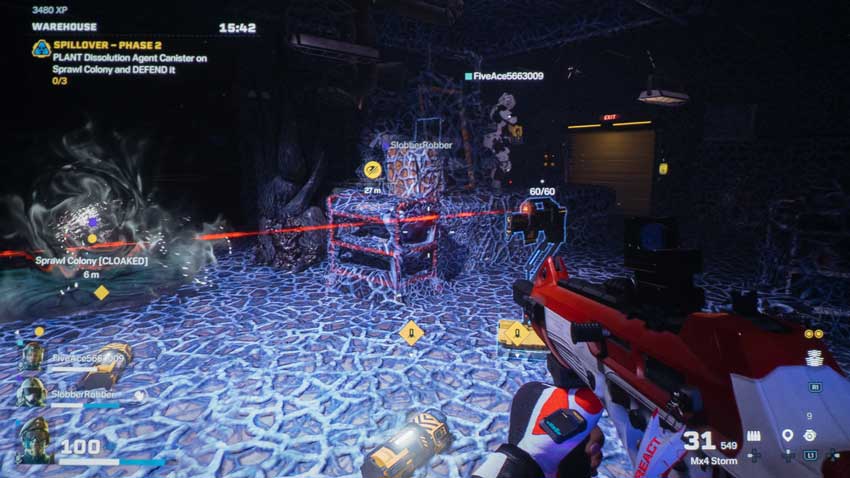
I easily saw the round count of my red laser equipped Auto-Turret from a good distance once I deployed it.
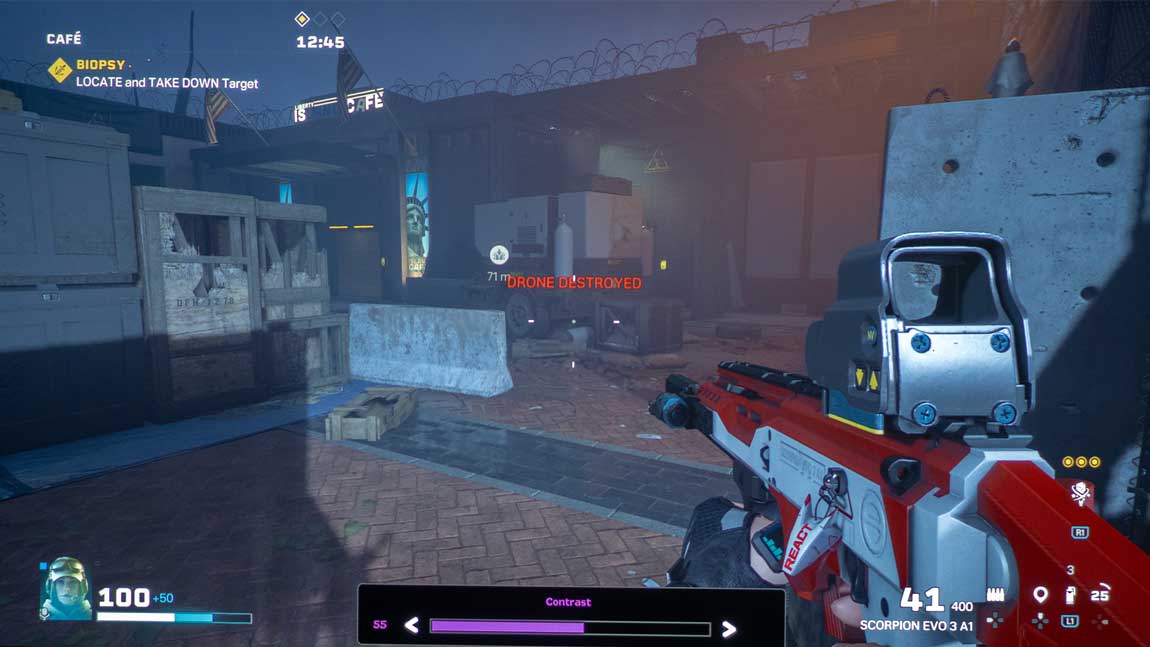
It was wicked playing Rainbow Six: Extraction on the projector paired with a big screen. For instance, while playing the Spillover Event, I easily saw the round count of my Auto-Turret from a good distance once I deployed it. Knowing how many rounds are left can be vital while defending the REACT Dissolution Agent Canisters placed on the Archæan Sprawl Colonies. Seeing how many rounds I had from farther away was a lot better than running up closer and getting out of defensive position to check on the Auto-Turret.
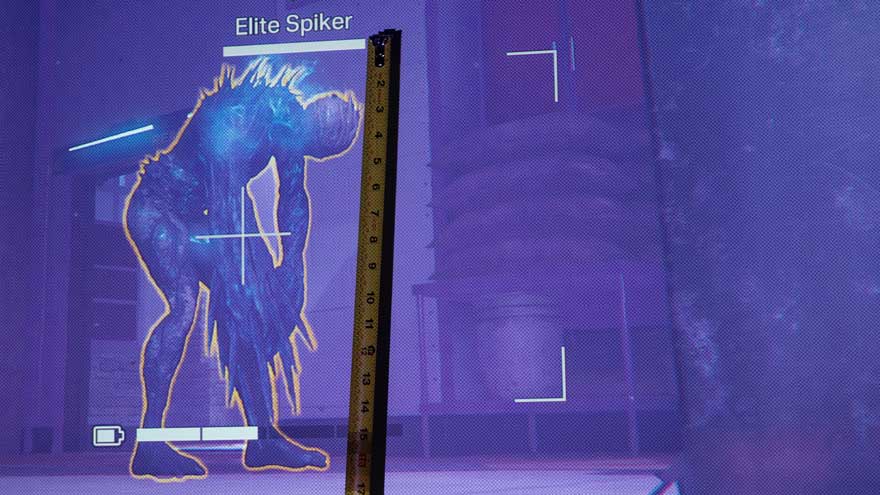
I broke out a tape measure and measured an Elite Archæan at over 16-inches.
Everything was a lot easier to see when compared to a typical gaming monitor or TV. I broke out a tape measure and measured an Elite Spiker at over 16-inches. I, of course, used my drone so I could get the photo without my operator getting attacked.Nobody is going to accidentally miss seeing a 16-inch enemy standing in front of you.
Taking headshots on Archæans becomes a lot easier when using a projector and massive screen.
The TK700 projector features HDR Game mode. After the TK700 auto-detects metadata or Electro-Optical Transfer Function (EOTF) info from HDR contents, HDR Game mode becomes available for selection.
HDR Game is used to activate the Game Settings menu for HDR gameplay. HDR Game sends static metadata to the video stream, which is encoded information on color calibration settings required to make images look more like the game creator’s intentions. When playing Rainbow Six: Extraction, the TK700’s 3,200 ANSI lumens and 96% Rec.709 ensure that in HDR Game mode the projector delivers a bright colorful image while still retaining highlight detail.
Rainbow Six: Extraction has 19 Elite Operators with progression levels to choose from. My two go-to operators are Zofia and Pulse.
Zofia is resilient to all blinding effects and can revive herself when downed.
Zofia starts the game with an LMG-E light machine gun. While not as single-shot efficient as Pulse’s shotgun, it gets the job done. She has two special abilities. First, Zofia can equip her KS79 LIFELINE Launcher that fires both concussion and impact grenades.
Second, she is also resilient to all blinding effects and can revive herself when downed. The 69 guns, 25 gadgets, 12 large dynamic maps, and 13 mutating enemies ensure gamers will not get bored with the game anytime soon.
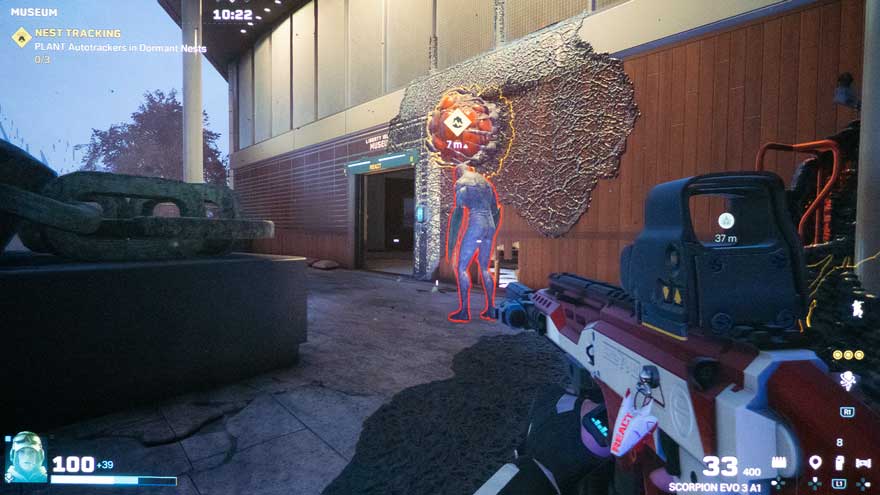
Pulse starts the game by deploying an M1014 shotgun, which quickly takes out Archæans and enemy nests. His unique ability is detecting VIPs, MIAs, and enemy nests through obstacles.
Pulse’s unique ability is detecting VIPs, MIAs, and enemy nests through obstacles.
Ubisoft writes, “The Chimera parasite that caused an Outbreak in New Mexico has suddenly reappeared across the US, deadlier than ever and spreading rapidly. To prepare for any future threat, the Rainbow Exogenous Analysis & Containment Team (REACT), a highly specialized and outfitted organization, was created. As a hand-selected REACT Operator, it is your mission to confront the mysterious creatures known as the Archæans.” That pretty much sets the scene and got me ready to take on missions with my list of 19 unique operators.
Rainbow Six: Extraction can be really fast-paced FPS at times. Rainbow Six: Extraction put the BenQ TK700 to the test. Reaction time counts in this type of gaming. The BenQ TK700 is a 4K HDR, 16ms low input lag (4K@60Hz), Short Throw Gaming Projector. BenQ specifically designed the TK700 for competition console gaming. As expected, I never had an issue with fast-paced gaming.
As previously stated, Rainbow Six: Extraction can be really fast-paced FPS at times; admittedly, usually when my slow and steady sneaking around enemy Archæans fails. There is no time for high input lag. Some projectors have Game Settings to enhance gaming.
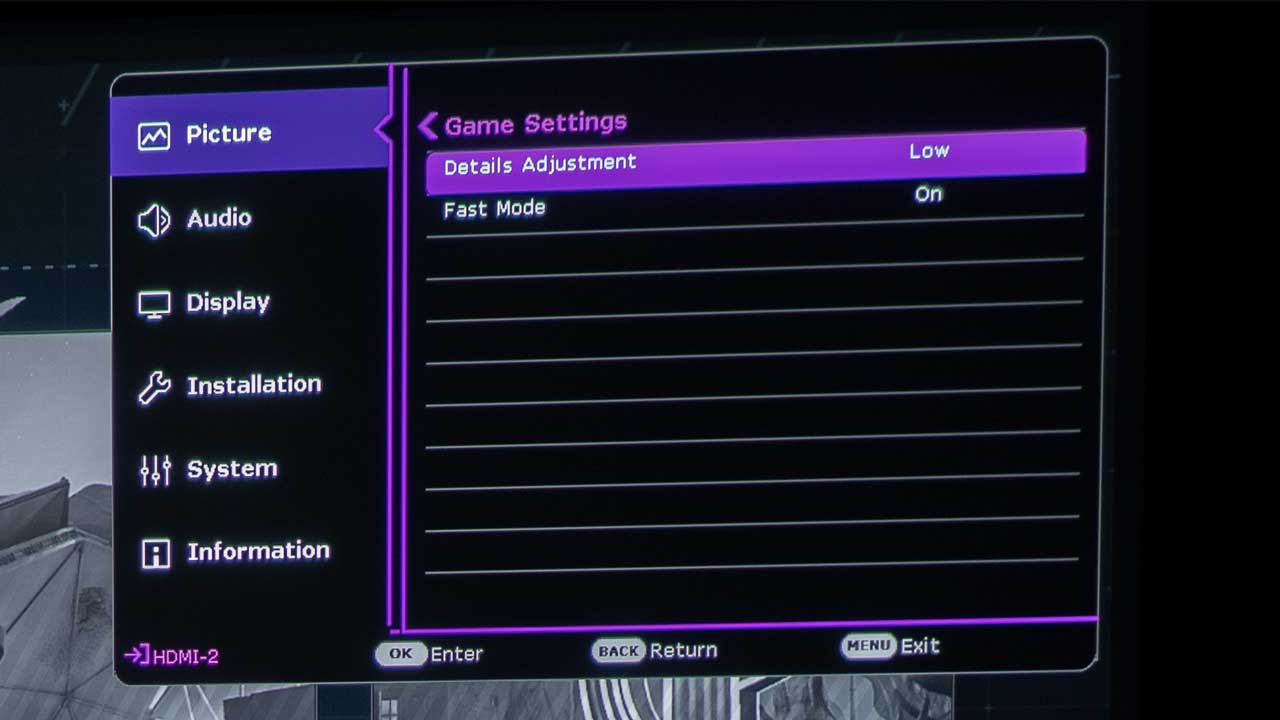
The TK700 auto switches to HDR Game, FPS and then gives the option of turning Fast Mode on or off. The FPS HDR Game mode paired with Fast Mode helped save me numerous times while playing the new Crisis Event called Spillover. In Spillover, the objective is to plant a REACT dissolution agent canister to annihilate colonies of Archæan Sprawl.
I would set up my REACT Auto-Turret to cover the direction I thought the Archæans would attack me from. The Auto-Auto turret is a deployable turret that automatically targets attacking Archæans and defends your position from almost every angle. The keyword there is “almost.” I found out that the Archæans would break through walls behind me and out of view of the Auto-Turret for a sneak attack. As soon as I heard the Archæans trying to sneak up from behind, I was able to take full advantage of the optimized latency provided by the game mode settings.
I quickly spun my operator around and took out the attacking Archæans before they got to my operator without any lag. High input lag would have left me vulnerable to the Archæans surprise attacks. Quick pro-tip, after setting your dissolution agent canister, quickly set up your REACT Auto-Turret to cover the main attacking avenues, remember barricade doorways, windows, and destructible walls, and then constantly scan your surroundings so you can see if anything is trying to sneak up behind you or your Auto-Turret. Trust me, you will last a lot longer during the Spillover Crisis Event.
Game modes that optimize latency go a long way in helping gamers be successful in FPS games.
Fast Mode minimizes the response time between the input source and the displayed image. So, for example, when I press the button to throw a remotely detonated Smoke Gas grenade, I need my character; call sign SMOKE, to throw a remotely detonated Smoke Gas Grenade before the horde of Archæans gets to me. So, I, of course, turned Fast Mode on for Rainbow Six: Extraction.
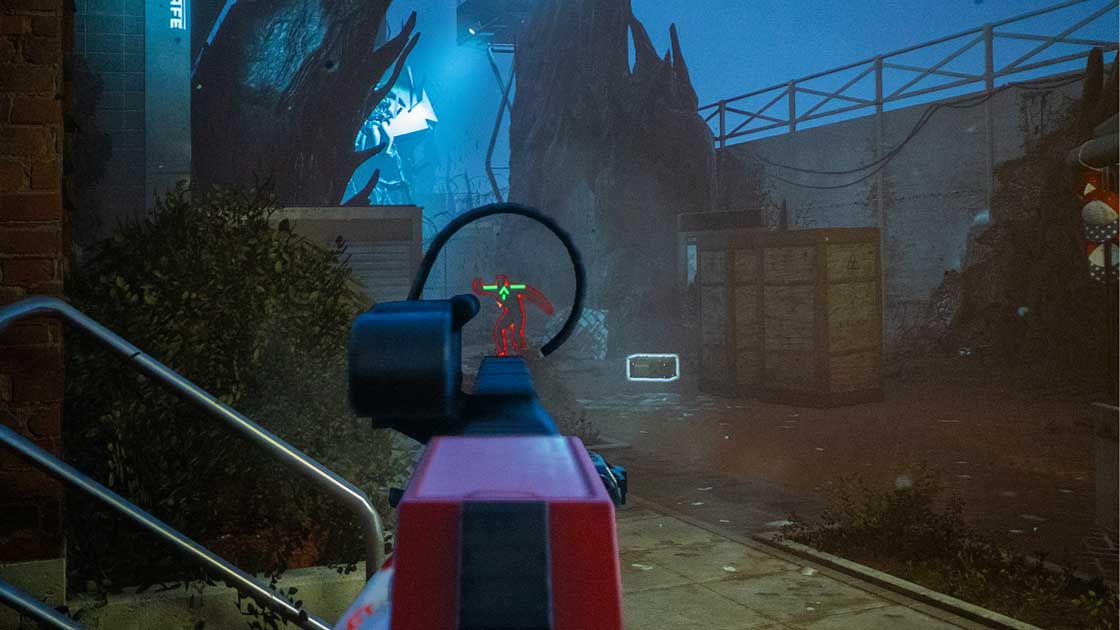
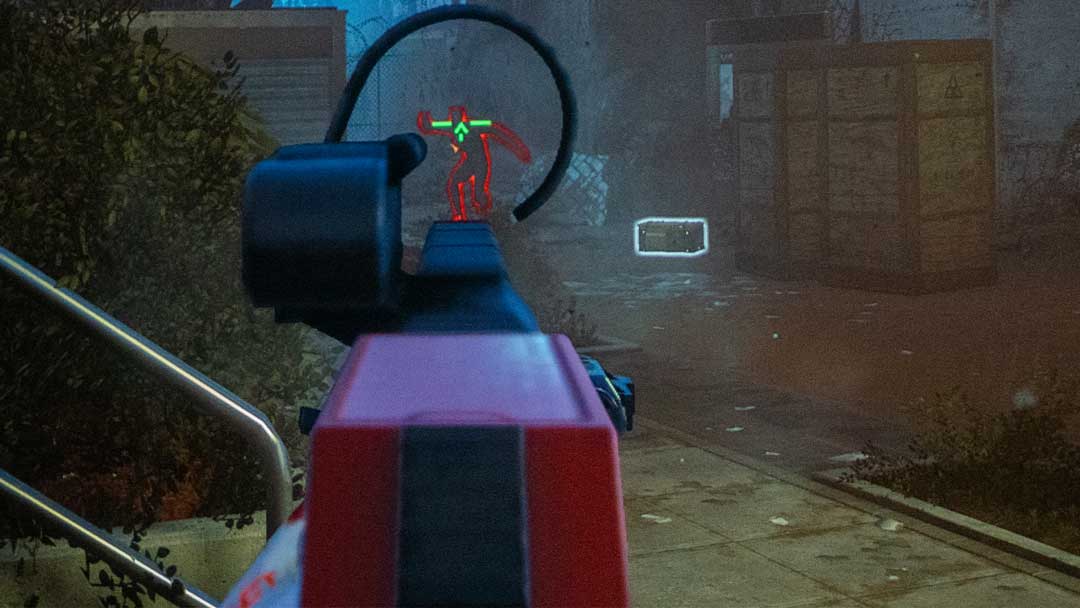
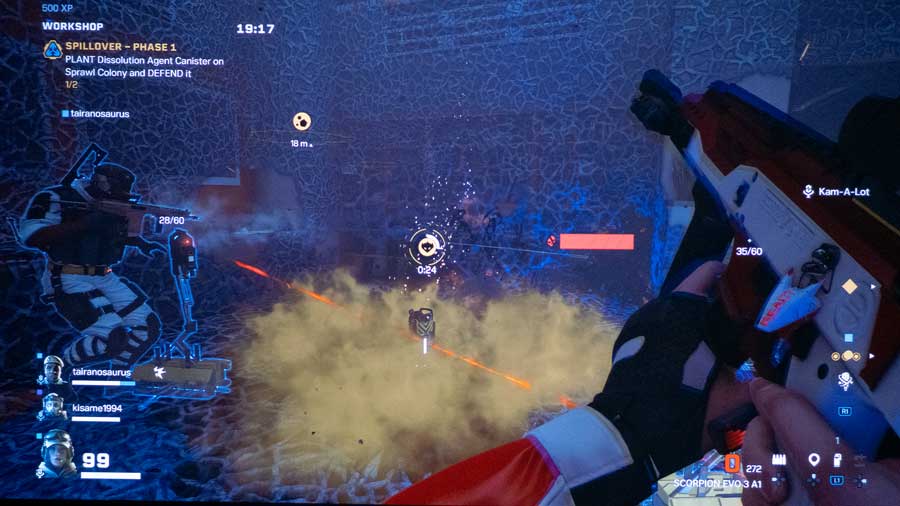
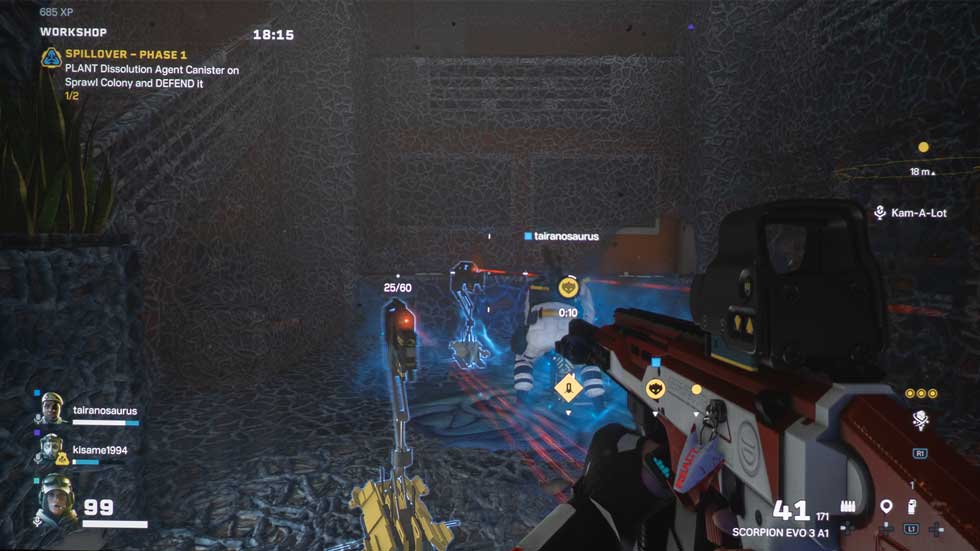
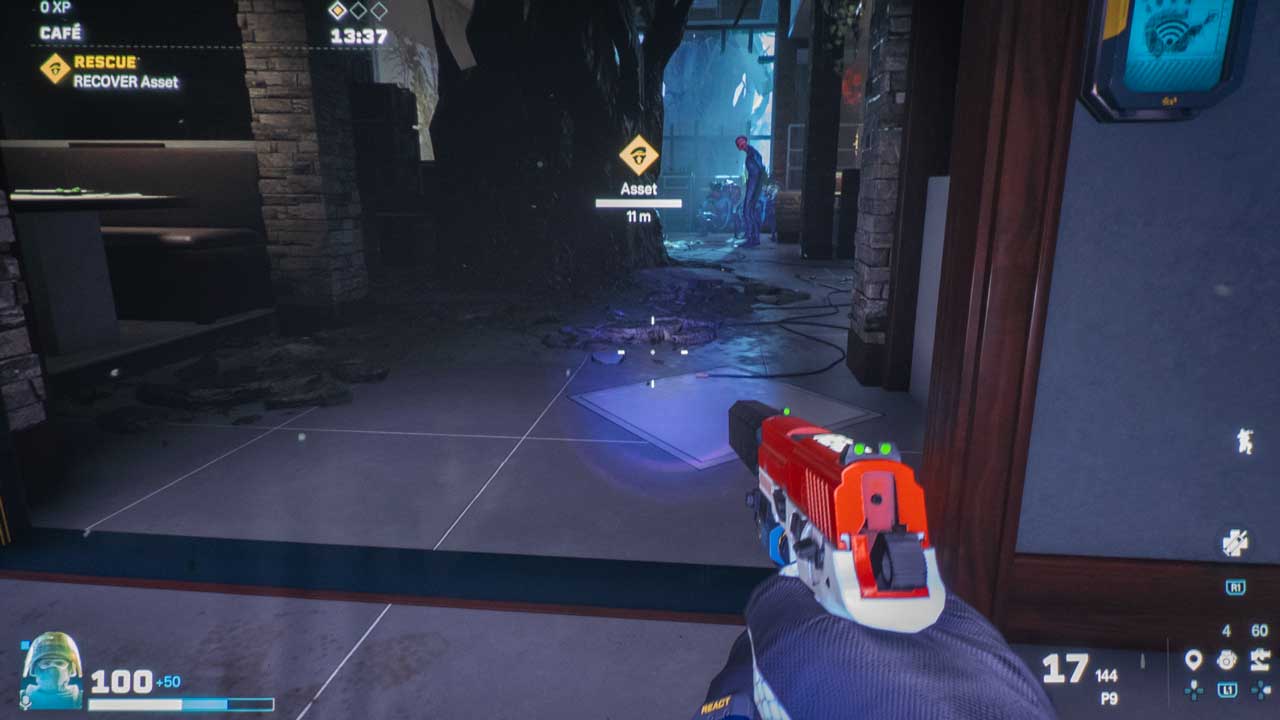
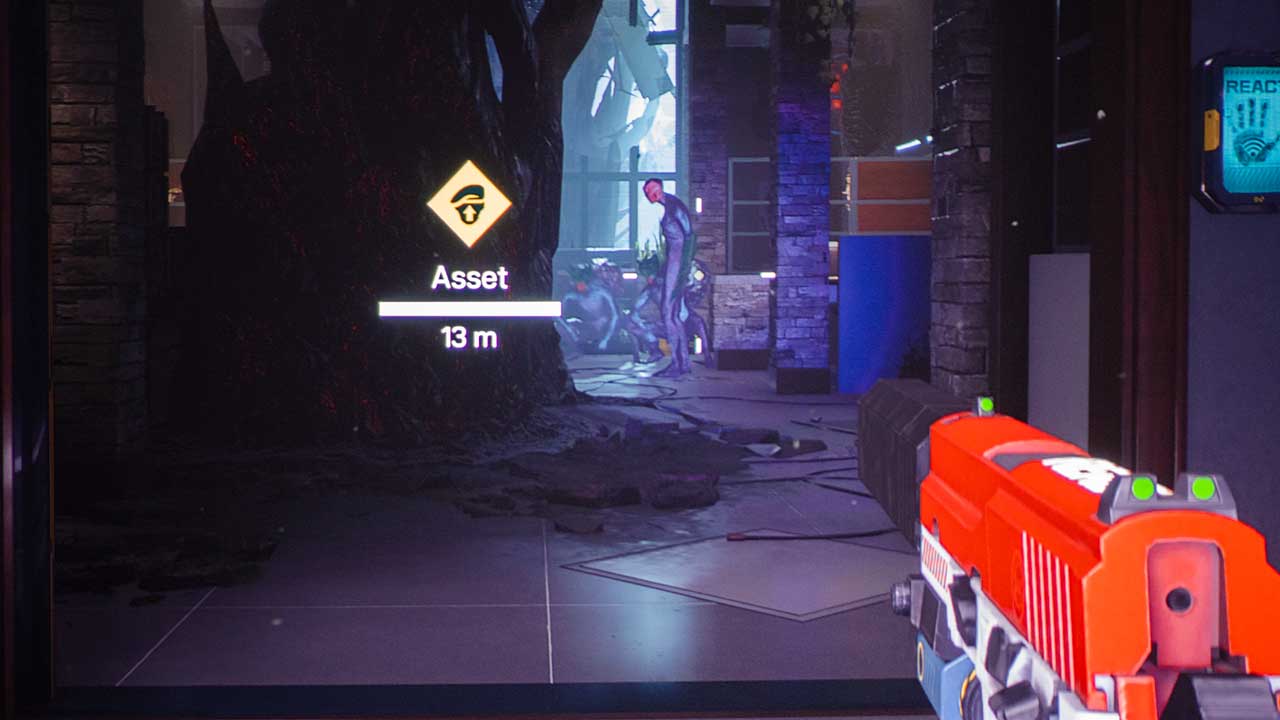
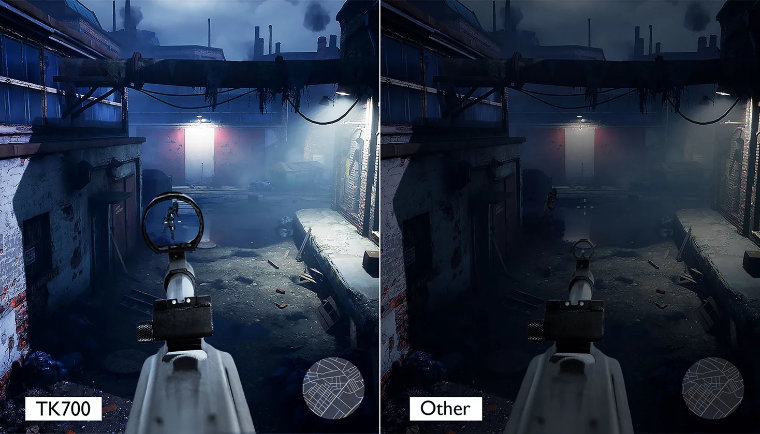
While playing the game with HDR Game mode, the standing Archæan can be easily seen with his two squatting buddies with exploding pods on their backs.
I do not know if these two photos will come through properly on the device you are using to read this article. Still, in the above photos, the standing Archæan can be easily seen with his two squatting buddies with exploding pods on their backs. From a distance, those two squatting exploding buddies are actually lost into the background without HDR Game mode. I saw a live online gamer in this scene. Those two squatting exploders were not visible until the gamer took her shot to take out what she thought was a single Archæan. Unfortunately, the two unseen enemies rushed her and exploded on her. She was gaming on what looked to be an older gaming monitor without HDR. I could not duplicate the scenario for photos in this article because the TK700 auto switches to HDR Game mode anytime it senses a gaming console with no way to manually turn off HDR while gaming.
Sony and Microsoft initiated the creation of the HDR Gaming Interest Group (HGiG). Following HGiG guidelines or best practices helps the end-user enjoy HDR games from consoles like the PlayStation and Xbox.
PlayStation and Xbox all have HDR calibration menus. Go through the reasonably straightforward process contained within, and you are basically teaching the console the lower and upper contrast limitations of your projector.
The problem arises when your projector then attempts to tone map the already tone-mapped image. HGiG intends to prevent this so that once your gaming console has learned the parameters of your projector, it outputs all games accordingly. Sony, BenQ, and Ubisoft Entertainment are members of HGiG, along with numerous other manufacturers, game developers, and publishers.
BenQ states the TK700 has a single 5-watt chamber speaker built-in to provide basic audio functionality. However, I believe BenQ has downplayed the 5-watt chamber speaker because it sounds surprisingly good for its small size when playing Rainbow Six: Extraction. So, I understand their careful wording; for the gamer to be genuinely enveloped in sound, they need more speakers and more power.
You definitely want to be able to hear Archæans walking around with their creepy sounding footsteps.
Ubisoft Entertainment did an excellent job with the sound effects in Rainbow Six: Extraction. However, the game would benefit from a multi-speaker setup. Hearing if Archæans are coming from your left or right can save you in-game. Knowing what direction to face is crucial when the enemy comes for you. I toggled between a gaming headset and the projector’s built-in speaker. Both made hearing creepy steps of the Archæans chilling with the more immersive experience coming from the headset.
Some projectors have enhanced audio capabilities for those who want to ditch a headset or built-in projector speaker(s) an even more immersive sound from the game. The TK700, for example, has what BenQ calls Audio Return+. When connected to a sound system via HDMI eARC, multi-channel audio from a game system is passed on the audio system via the projector’s HDMI port number two. BenQ’s Audio Return+ supports multi-audio outputs, including 2.0, 5.1, 7.1, and Dolby Atmos. Hearing those footsteps from the Archæans would be astounding and downright terrifying in Dolby Atmos.
So, in conclusion, gaming with a projector and a big screen is a game-changer. Gaming with a projector and a massive screen is a completely immersive gaming experience you cannot get with a TV or gaming monitor. With a projector and great audio, you really feel like you are in the game. Rainbow Six: Extraction was quite nerve-racking at times because I was afraid of coming around a corner to find a bunch of Archæans ready to attack me. I did not get that same feeling when I played on my 77-inch TV.
If you have not tried gaming on a projector do yourself a favor and give it a try, you can thank me later. Gaming with a Gaming Projector makes any gaming experience better. If you are looking to take your gaming experience to the next level, then a gaming projector could be for you. You also get the added benefit of having a projector to watch your favorite movies and shows on a big screen.
The goal is to use these projectors with FPS games, immersive open-world RPGs, and SPGs. Rainbow Six: Extraction, Horizon Forbidden West, Gran Turismo 7, and Forespoken are just a handful of the games we are using with the two BenQ gaming projectors.
Up Next: Horizon Forbidden West Review
Be sure to come back next month, I will be reviewing Sony Interactive Entertainment’s action RPG, Horizon Forbidden West, for some post-apocalyptic open-world gameplay on the BenQ X3000i True 4K HDR 4LED Immersive Open World Gaming Projector. Keep checking back at Projector Reviews; you do not want to miss a thing.
Game developers and hardware manufacturers have been striving to enhance the gaming experience. While gaming on a computer monitor is great, playing on a projection screen is an excellent way to level up your gaming experience. In this monthly gaming article, sponsored by BenQ, we will look at the hottest new game releases and give our honest review on each game and how gaming on a projector really enhances the experience. We will look at a new game each month, so be sure to check back to see the latest review.
IMMERSIVE GAMING EXPERIENCE
When I talk to people about gaming on a projector, I often get asked why anybody would want to game on a projector. People who know me know that I have a custom-built liquid cooled gaming computer running an EVGA GeForce RTX 3070 graphics card. The gaming computer is connected to an Alienware curved gaming monitor and numerous Razer accessories. The answer is evident once you experience gaming with a projector. Still, I will tell you that gaming with a projector and a massive screen is an immersive gaming experience you just can't get with a gaming monitor.
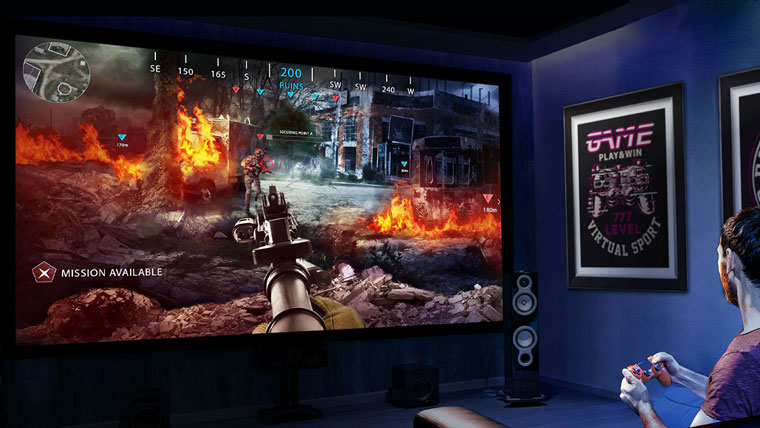
Think about it, would you rather see a First-Person Shooter (FPS) character on a small or large screen? Better yet, would you want to see your adversaries in an FPS game trying to sneak up on you on a 38-inch curved gaming monitor or a 110-inch projector screen? If the space is available, I bet most would choose the significantly larger projector screen. The level of immersion utilizing a projector and a massive projector screen is unmatchable with a gaming monitor or TV. Projecting onto a 110-inch screen made me feel like I was really in the game!
FPS games are played from a first-person perspective.
Let’s stay on the topic of FPS games for a few more moments. FPS games are played from a first-person perspective. The gamer actually plays through the eyes of their character. I find that gaming with a projector on a big screen gives me a significant advantage over my opponents in that is just plain easier to see them!
CHOOSING A GAMING PROJECTOR
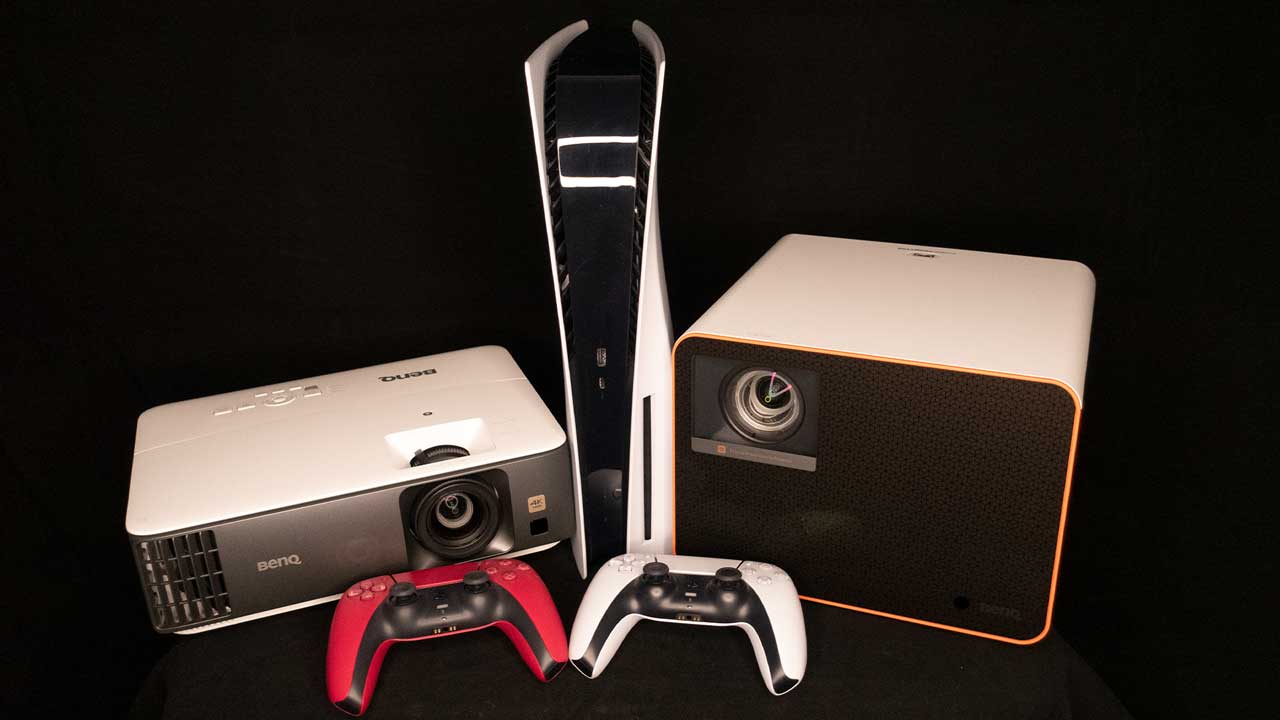
BenQ sent Projector Reviews demo samples of the TK700 and X3000i Gaming Projectors for this article.
BenQ sent Projector Reviews demo samples of the TK700 and X3000i Gaming Projectors for this article. Of course, BenQ having a series of gaming projectors is not a big surprise. After all, BenQ owns ZOWIE gaming monitors for eSports, a brand dedicated to developing professional eSports equipment. Gaming is in BenQ’s DNA.
LOW INPUT LAG
What makes a good gaming projector? For starters, a gaming projector must have the proper refresh rate. Basic video content such as movies, is usually created with 24hz or 30hz refresh rate/frame rate, with some hitting 60Hz benchmark. For many gamers though, a 60Hz refresh rate should not be the benchmark; instead, it should be the bare minimum. Modern Day gaming consoles like the PS5 and Xbox Series X, can push out visuals of up to 120Hz, so only a projector that supports such refresh rates are able to ensure the most optimal gaming experience available.
Low input lag is also important, especially for fast-paced, FPS games, where reaction time is crucial. If you are a casual gamer, a serious gamer, or a competitive gamer, nobody wants to game on a laggy projector, gaming monitor, or TV. When you press the dodge or the shoot button on your game controller, you definitely want that signal to be received and your character to react accordingly. If not, your game will be over before you really get started.
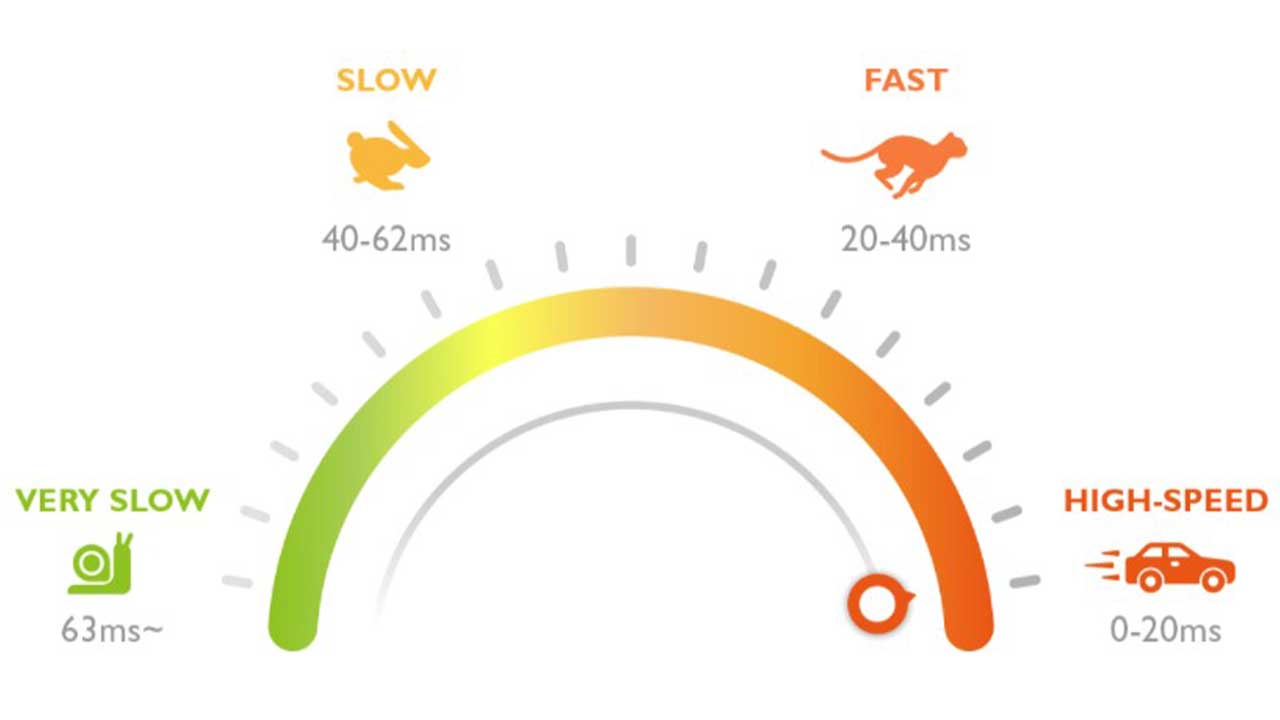
Input lag for projectors refers to the time between when the audio or video signal from the gaming console (input source) is received by the projector and when the projector actually responds and projects the video that corresponds to that signal, which can cause things such as lag time or image stuttering. We will need a lightning-fast response time for the FPS games we plan to test with the projectors.
Input lag illustration courtesy of BenQ.
As far as input lag goes, BenQ states 0-20ms is high speed, 20-40ms is fast, 40-62ms is slow, and anything lower than 63ms is very slow. The TK700 has a BenQ rated input lag of 4K@60Hz: 16.67ms, 1080p@240Hz: 4.16ms, 1080p@120Hz: 8.33ms, and 1080p@60Hz: 16.67ms. In addition, it should be noted that this competition-level gaming projector comes with a unique HDR Game mode for FPS gaming along with audio, visual, and optimized latency settings to give you an advantage over your rivals.
GAMING PICTURE AND AUDIO MODES
Like Rainbow Six: Extraction, many games in 2022 have enhanced graphics.
While ultra-low lag is great, if you can’t see what's going on around you, gaming defeat is imminent. Nobody likes to be killed by an adversary they had no hope of seeing. The good news is that many games in 2022 have enhanced graphics in HDR. The human eye is more sensitive to color and contrast than it is to resolution, and the inclusion of HDR support in games means you see everything in the bright and dark areas
Having a projector with some sort of HDR game mode is a huge bonus because it allows you to take advantage of these enhanced graphics and peek into those deep dark corners for threats tucked away in shadows.
The ability to see opponents hiding in the shadows can provide a competitive advantage.
Having an HDR game mode to take advantage of all the new gaming titles with enhanced graphics, enhanced dark details so you can spot threats hidden in the shadows, and sharp resolution are just a few of the more desirable gaming projector features.
With a gaming projector, you undoubtedly have immersive visuals pulling you into the experience. What about enhanced audio to further draw you into the gaming experience? If you genuinely want to be fully immersed in your game, you will need the audio and visuals to match. Your projected image can be breathtaking, but if the audio sounds like pennies banging around in a tin can, you will not really feel like you are in the game.
Having dedicated preset audio-visual game modes is extremely helpful on a gaming projector. There are three game modes to be on the lookout for, FPS, RPG, and SPG. It is quite useful to have an FPS mode with optimized latency and enhanced details to help reveal enemies, RPG mode for full cinematic immersion, and a SPG mode with vibrant details for incredibly realistic looking sports teams and stadiums are additional features that make up a good gaming projector.
A game mode can also manipulate how audio is delivered from the projector. Once again, the idea isn’t necessarily to focus on the game itself, but how the storytelling component of the game can be best portrayed using audio as a way to highlight some of the key aspects of the game.
Connect a gaming projector to an external sound system for immersive sound.
While the projector manufacturers like BenQ are working hard to improve sound systems built into their units, no gaming projector can match the power of an external sound system or a soundbar.
The latest gaming projectors like the TK700 include an HDMI eARC input that allows compressed Dolby Atmos and 7.1-Channel Audio passthrough to an external sound system through one HDMI cable for an immersive audio experience.
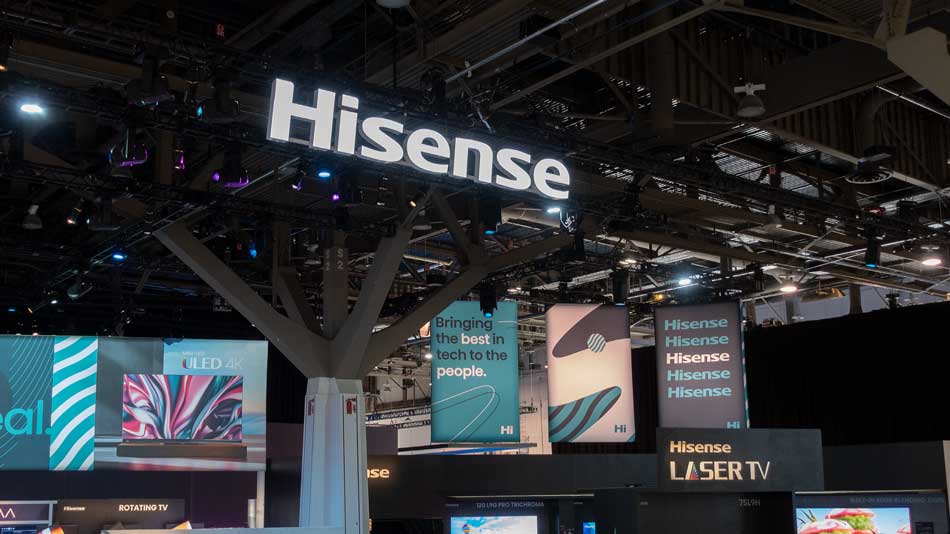
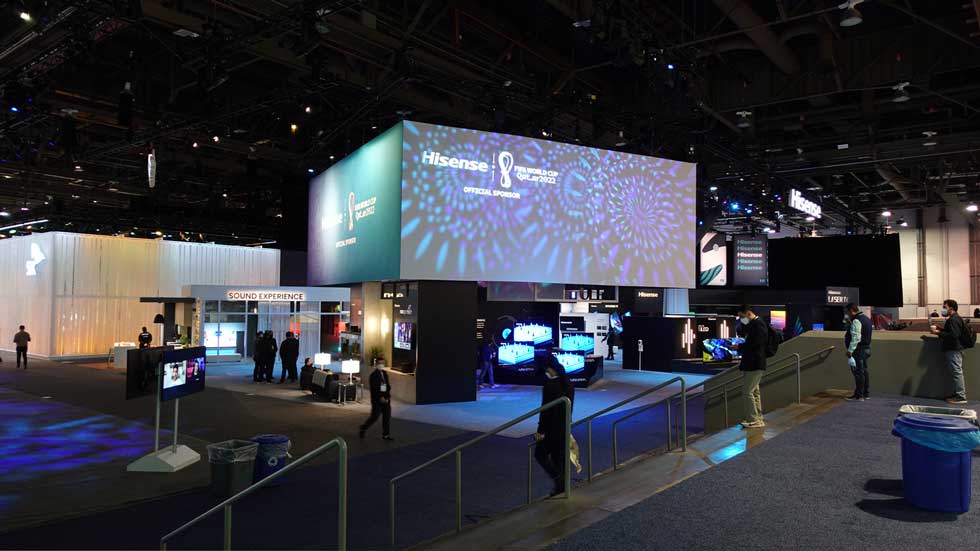
The camera does not do it justice, but Hisense had a large demonstration area at CES.
On January 5th, 2022 (Wednesday), Phil and I visited Hisense and their relatively large demonstration area at CES. A large portion of their demonstration area was dedicated to their Laser TV product offerings. Chief Scientist at Hisense’s Laser Display division, Xianrong Liu, Ph.D., (Dr. Liu) and Hisense Product Marketing Manager Chris Miller were quite proud of their 8K technology. Chris stated Hisense Visual Technology CO., LTD was looking to establish themselves as the leaders in ultra-short-throw smart laser projectors. Ultra-short-throw laser projectors have many of the features found on a modern TV. Therefore, some have given UST projectors alternative names like Ultra Short Throw TV, Laser TV, Laser Projector, or Laser Projector TV. Hisense has coined the term “Laser TV,” which is easier to say than saying ultra-short-throw smart laser projector.
Chris went on to say Hisense is really leaning in and focusing on Laser TVs and owning the category. Today, consumers are starting to see Laser TV as a viable replacement for their living room televisions thanks to advancements in light sources, imaging sensors, and proprietary processing technologies. Combine these three things with the steady decline of component costs, and Laser TV sales are steadily increasing. In addition, Chris told us to be on the lookout for NextGen TV tuners in their projectors starting in 2023.
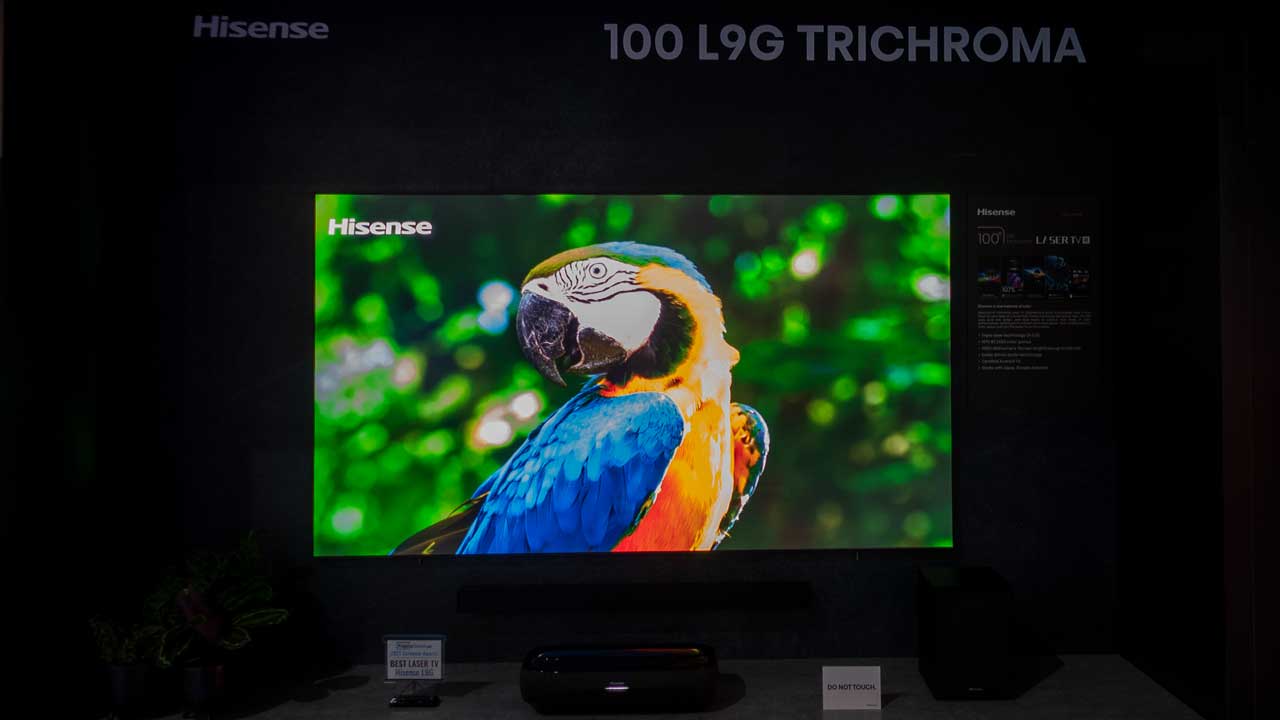
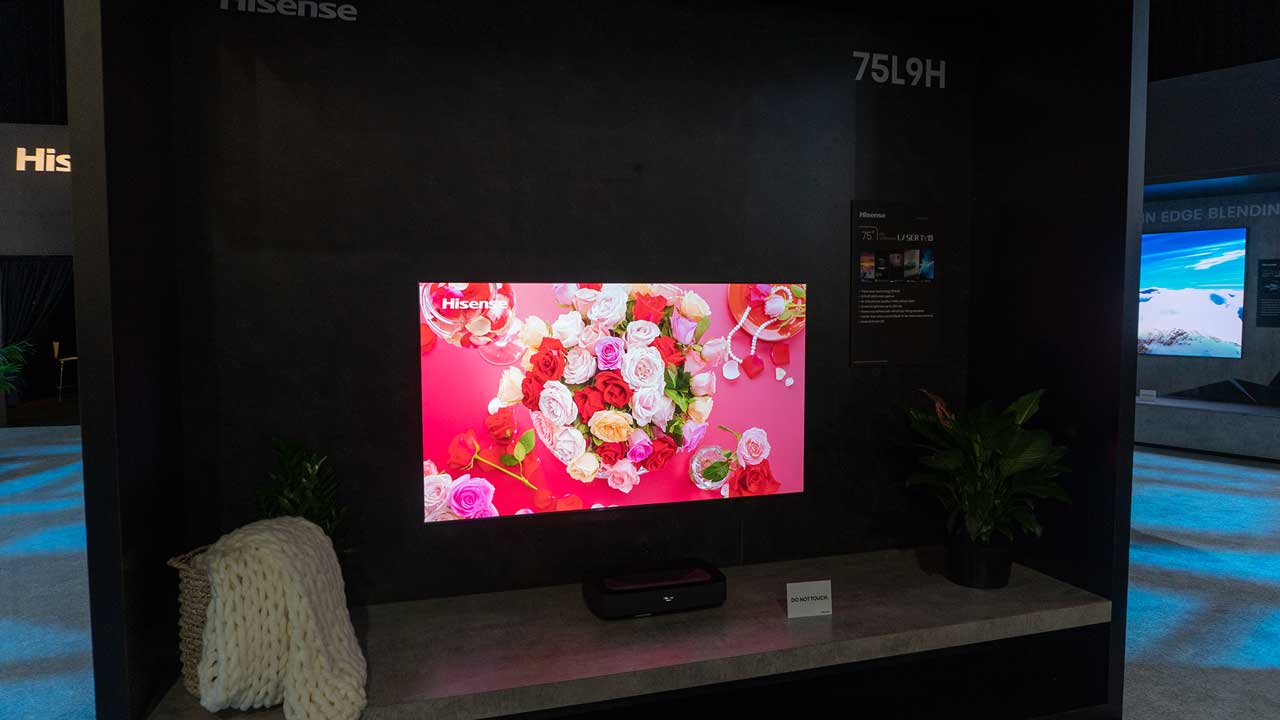
The Hisense Laser TVs were demonstrated in the convention center’s full ambient light. However, they still provided a great image.
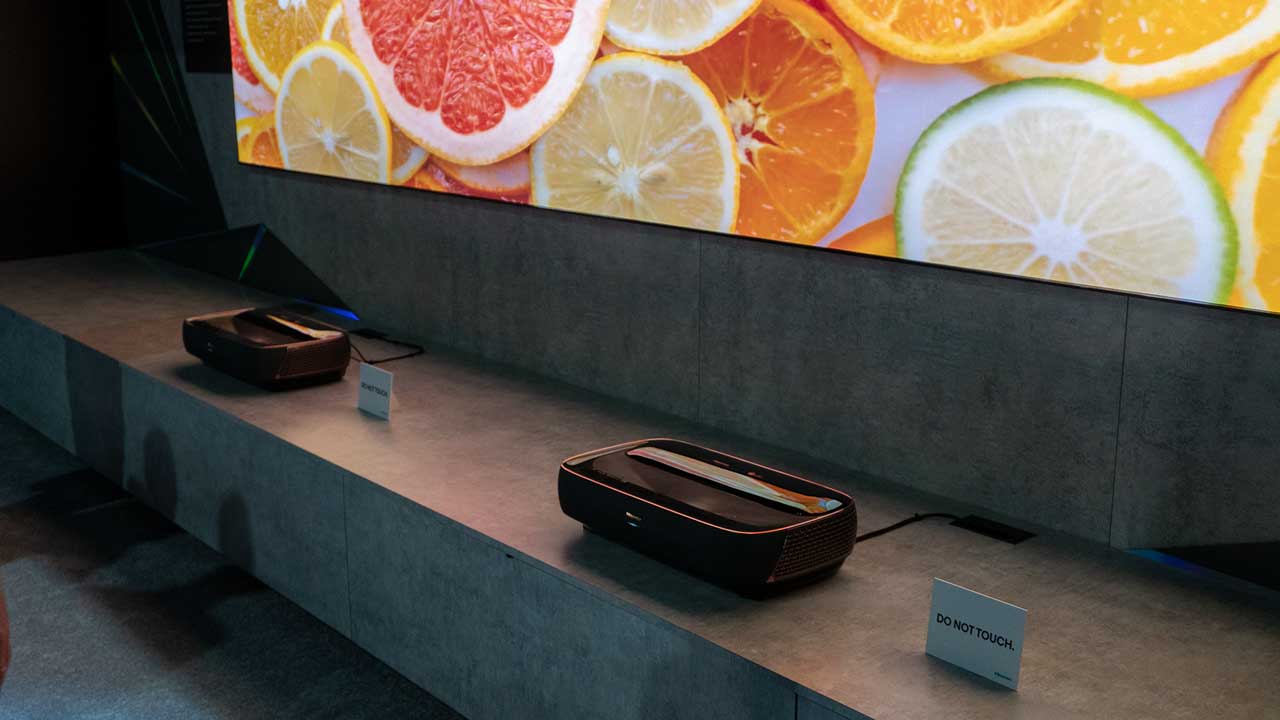
The Hisense L9G TriChroma Laser TV 4K is their top-of-the-line projector for the United States. The L9G ships with either a 100-inch or 120-inch Ambient Light Rejecting (ALR) screen; it is a complete system. Hisense had a 100-inch model on display in the booth.
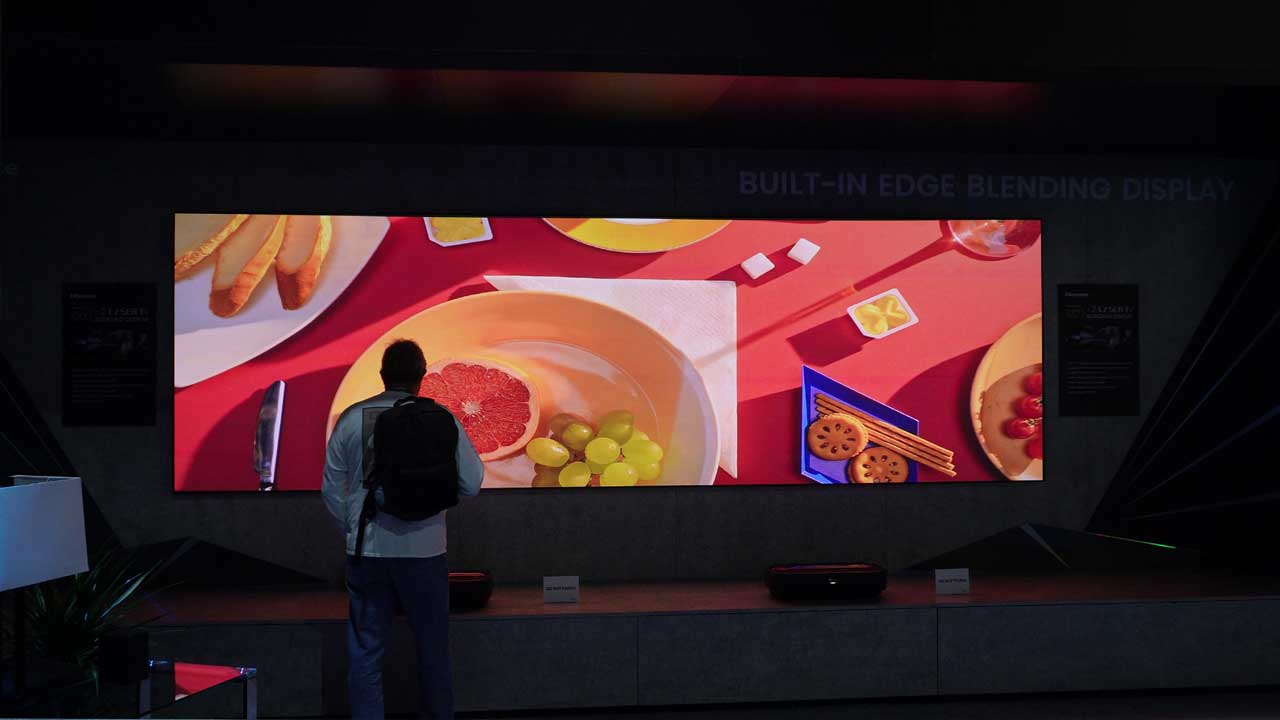
They also had a sizeable double L9G TriChroma Laser TV demonstration that blended the two projector video images into a single extra-large video image. Just take a look at the photo above; you cannot tell where the images are blended together. The demonstration looked simply marvelous.
Phil Jones actually had the Hisense L9G TriChroma Laser TV for testing and ran it through its paces. He was incredibly impressed and gave the unit a Projector Reviews "Best in Class" award. For his full review on the Hisense L9G projector, click here.
Sadly, the L9G Pro TriChroma Laser TV is not available for sale in the United States
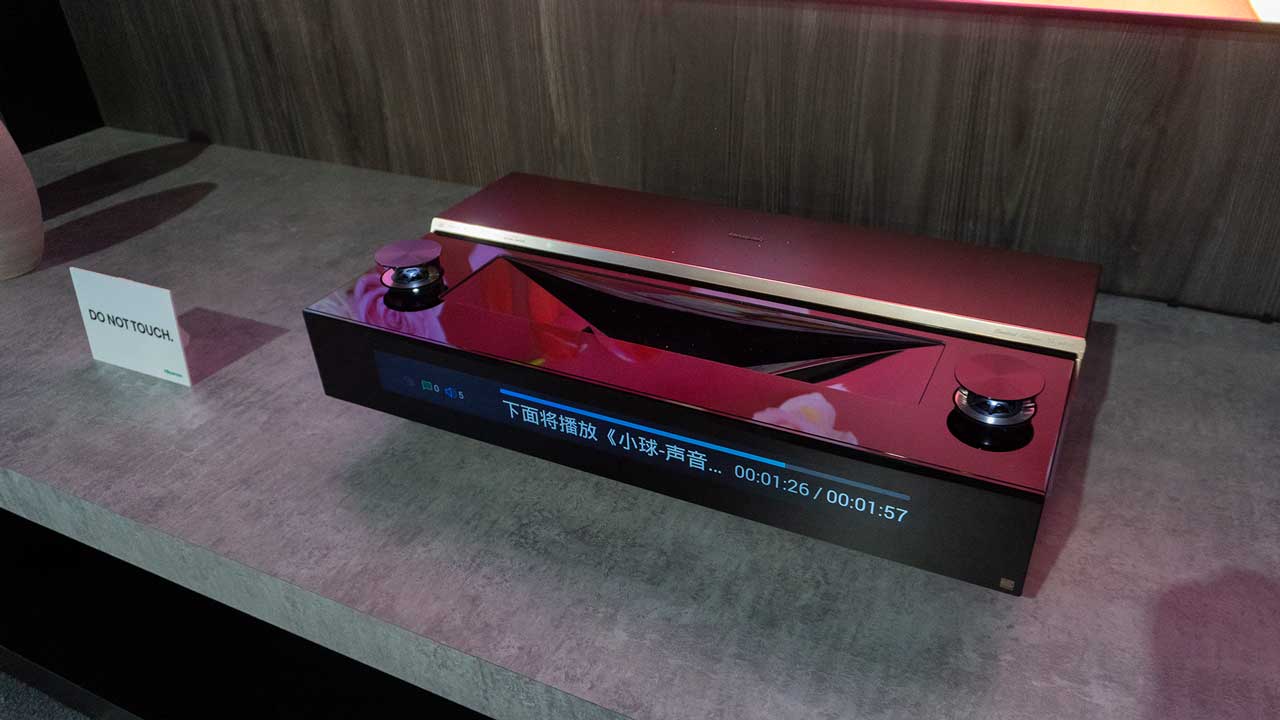
Additionally, Hisense was demonstrating a 120-inch L9G Pro TriChroma Laser TV. Think of the L9G Pro TriChroma Laser TV as an L9G TriChroma Laser TV with some extra goodies. For example, the L9G Pro has a digital front display, increased lumens, and a built-in subwoofer, whereas the L9G does not. Sadly, the L9G Pro TriChroma Laser TV is not available for sale in the United States. Perhaps, if we all keep asking for it, we can get Hisense to change their mind and make the L9G Pro available for sale stateside.
The 120-inch 8K Laser Cinema was in a room with partial ambient light control.
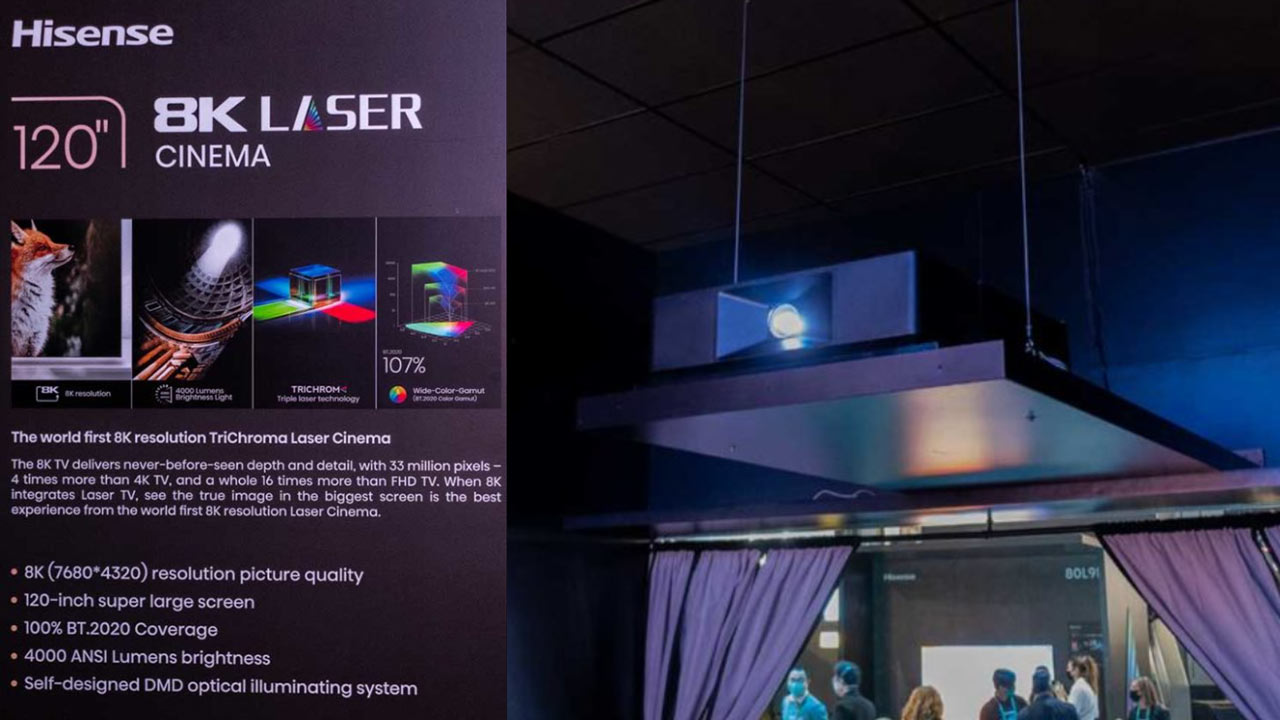
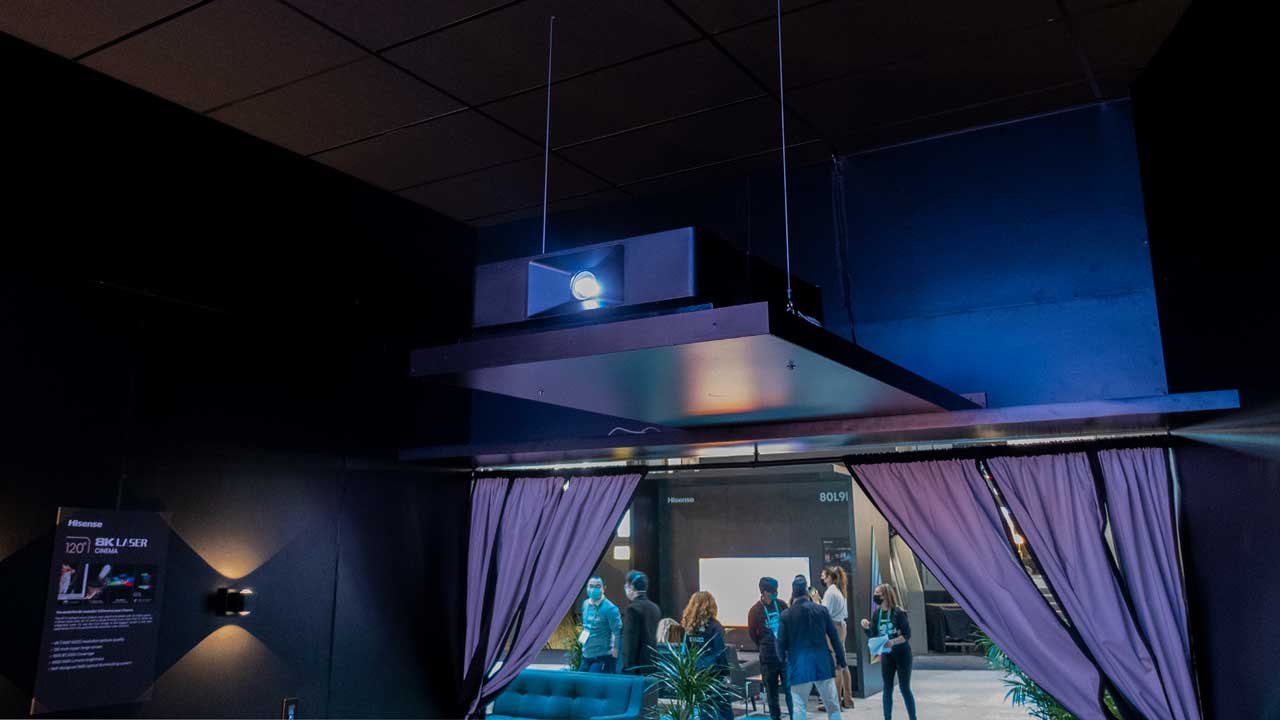
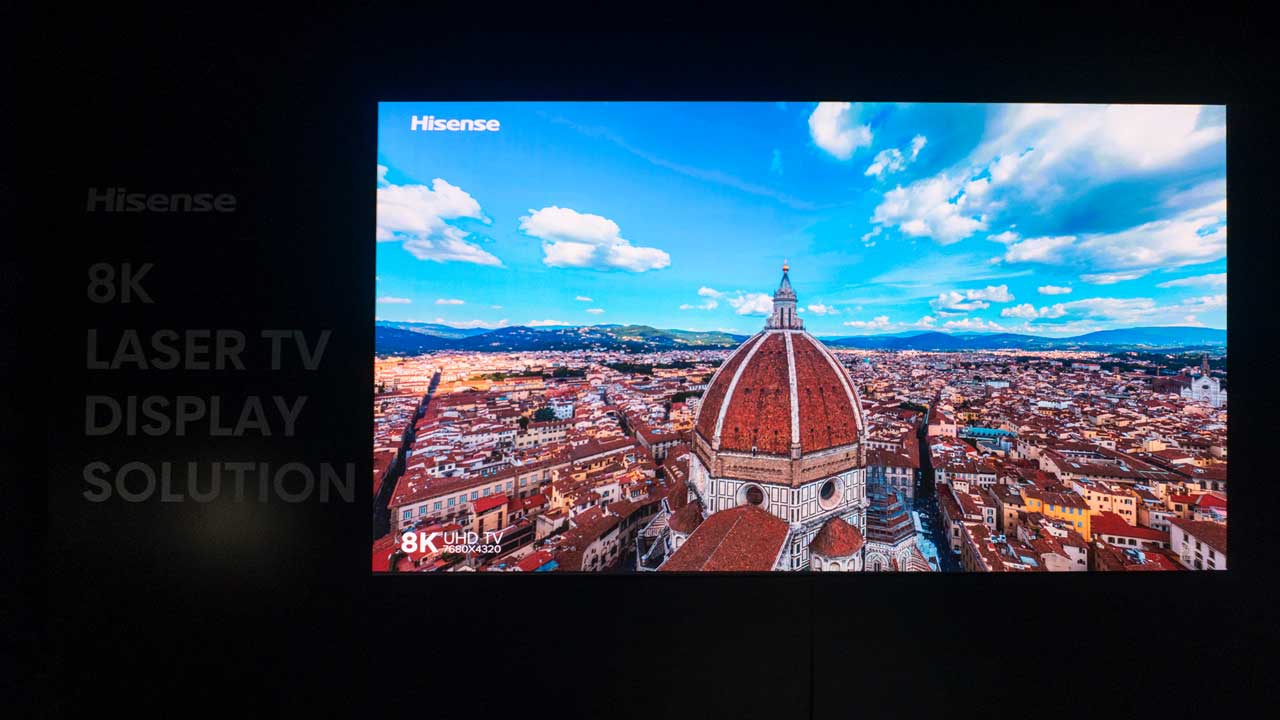
Hisense made an 8K Laser Cinema announcement introducing the Hisense 8K Laser Cinema. Hisense stated they have the world’s first 8K resolution TriChroma Laser Projector. The projector played 8K demo videos in a room with little ambient light control. However, the images still looked bright and vivid! Click here for Projector Reviews’ article on Hisense’s 8K Laser Projector announcement.
Hisense PX1-PRO
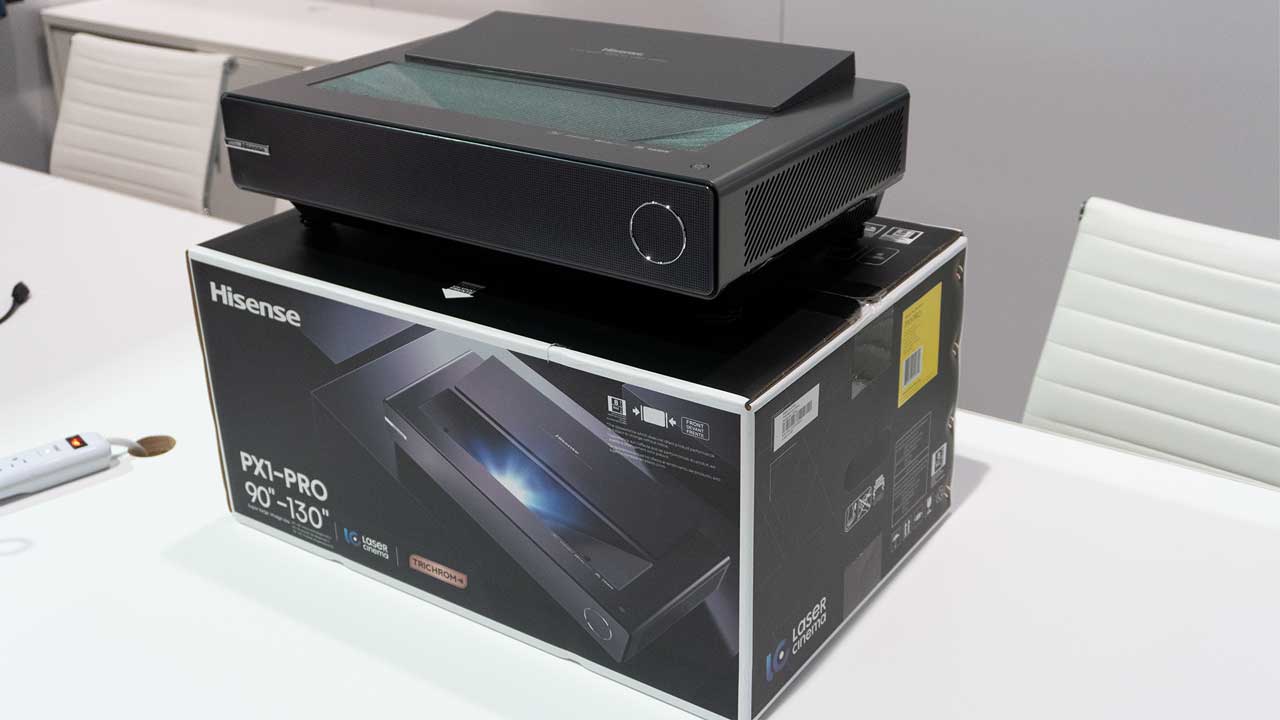
While it wasn’t displayed in their booth, Hisense also announced the PX1-PRO. This unit should offer comparable performance to their award-winning L9G, but it has a different form factor, and it is not bundled with an ALR screen. It includes a new adjustable digital focus for better capability with multiple screen sizes. It is an excellent option for customers who want to utilize a custom motorized UST screen.
BENQ
We had a meeting with Lars Yoder, President, BenQ America Corp., and Jeffrey Hsieh, BenQ Director of Consumer Projector Line of Business. BenQ had a tremendous amount of gaming products out on display and numerous hands-on demonstrations. I had to pull myself back from their gaming monitors and Esports monitors that were the first things seen when entering their meeting room. I was redirected to the back room, where they had two of their gaming projectors. They had BenQ TK700 and their newest gaming projector, the BenQ X3000i, hooked up to a Sony PS5 for demonstration purposes.
BenQ X3000i in the BenQ CES 2022 demo room
Both gaming projectors come with unique game modes for FPS (First-Person Shooter), RPG (Role-Playing Game), and SPG (Sports Game) gaming modes with audio, visual, and optimized latency settings for each type of game. Jeehwan “Jee” Shin, BenQ Campaign Marketing Specialist, gave us gaming demos on both projectors, and I must say they both worked well and looked great.
The X3000i's low game lag combined with bright accurate colors should result in a great gaming experience.
What do I mean but “looked great”? Looked great, meaning the excellent color accuracy and the images were bright and clear.
Lars mentioned that accurate color reproduction is important to BenQ. While wide color gamut coverage is great for advertising/marketing, proper color tracking is critical. . Lars stated that not only can the BenQ X3000i reproduce 100% DCI-P3 color space and color tracks properly for great picture quality.
We have a full review of the little brother of the BenQ X3000i, theBenQ X1300i, on ProjectorReviews.com. BenQ X1300i is a Full HD (1920 x 1080) 4LED light sourced DLP HDR projector that, like the X3000i, is specifically designed with a gaming focus.
BenQ introduced the X3000i 4K Gaming Projector
BenQ states the X3000i has100% DCI-P3 brilliant colors for lifelike immersion, true 4K HDR10 paired with16ms low input lag, and enhanced dynamic stereo speakers for object-based sounds. The BenQ X3000i is aimed at helping gamers win, especially open-world gamers.
BenQ states their gaming projectors provide an immersive gaming experience that blends breathtaking images, exceptional audio, and a gigantic screen to make you feel like you are IN the game, not just playing it.
In addition to the X3000i, BenQ was also demonstrating the TK700 which is essentially the same as theBenQ TK700STi I did a full review back on July 7th, 2021. The TK700 has some differences, like a 1.3X zoom versus the 1.2X zoom on the TK700STi.
BenQ TK700STi
Also, the TK700STi is powered by Android TV and is Google-certified for smart connectivity, and the TK700 is not. Since the TK700 will most likely be connected to a gaming system. BenQ figures that most users will rely on the smart features built into their gaming systems.
The BenQ TK700 is available now for an MSRP of $1,499. The all-new BenQ X3000i should hit the shelves around February or March of 2022 with an MSRP of $1,999. Check out Philip Boyle’s detailed Industry News Article on the BenQ X3000i here for more information.
JVC
JVC had a suite at the Venetian that they turned into an 8K demo room. To demonstrate 8K content JVC utilized a DLA-NZ9 which is their flagship Laser D-ILA home theater projector capable of displaying a resolution of 8192 x 4320 (with 8K/e-shiftX). While the DLA-NZ9 was not new for CES 2022, the JVC DLA-NZ9 was relatively new since it was released in September 2021, so it is probably the first time most attendees had seen it. The projector's picture quality was outstanding.
JVC had a suite at the Venetian that they turned into an 8K demo room.
The JVC DLA-NZ9’s Ultra-High Contrast Optics with BLU-Escent laser light source contributes to an optical brightness of 3,000 lumens and a light source life of 20,000 hours. The DLA-NZ9 even comes with ISF C3 (Certified Calibration Controls), making certified ISF calibrators like me very happy.
JVC’s DLA-NZ9
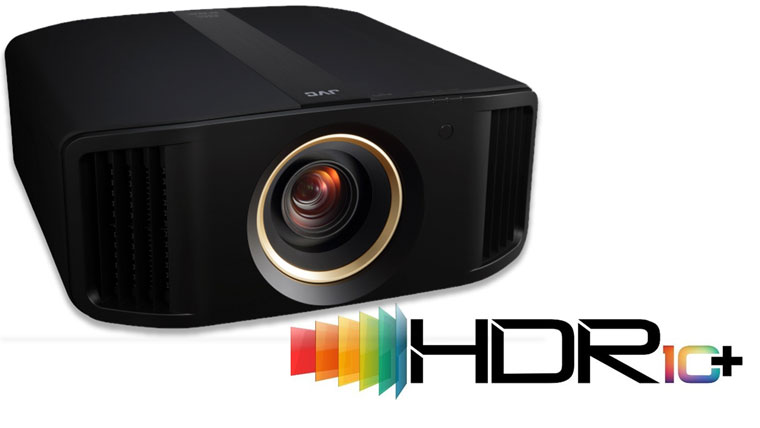
But wait, there is more! While the demo room was utilizing their flagship DLA-NZ9 D-ILA projector, JVC also announce two new projectors for their 2022 D-ILA projector lineup; the DLA-NP5 and DLA-RS1100. These projectors utilize JVC’s three 0.69-inch native 4K (4096×2160) D-ILA devices to deliver outstanding black-level performance and awe-inspiring contrast. In addition, the projectors have a rated native contrast of 40,000:1 and 400,000:1 dynamic contrast. Also new for this year is HDR10+ support. In 2022, HDR10+ content will be available from select streaming services like Disney+ and on certain 4K UHD Discs.
The new JVC DLA-NP5 & DLA RS1000 support HDR10+
The JVC DLA-NP5 and DLA-RS1100 have an MSRP of only $6,999 compared to $24,999 for the flagship DLA-NZ9. So as you can see, JVC is bringing their D-ILA technology in for a broader group of consumers and a much more affordable price point. Get detailed information on the DLA-NP5 and DLA-RS1100 by clicking here.
LG
LG’s Life’s Good Lounge
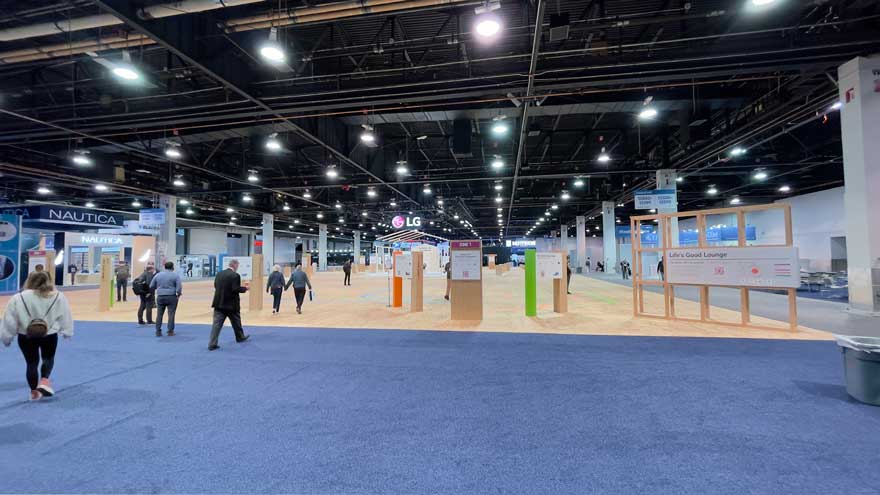
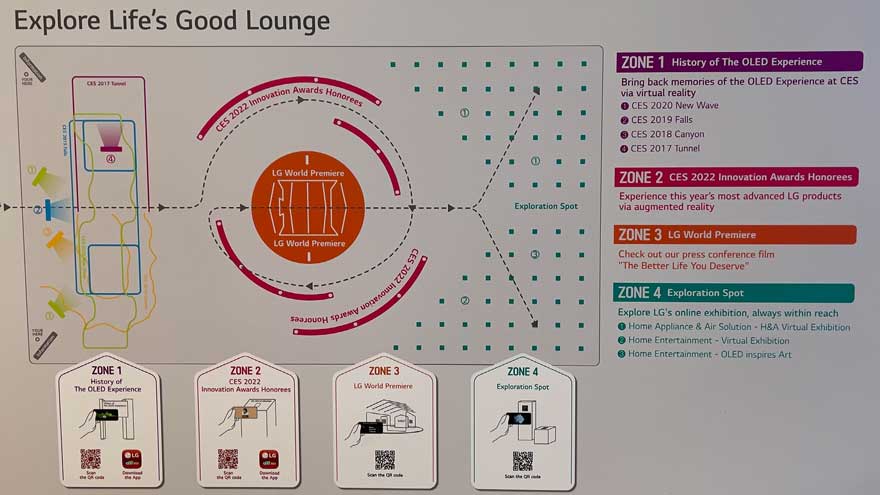
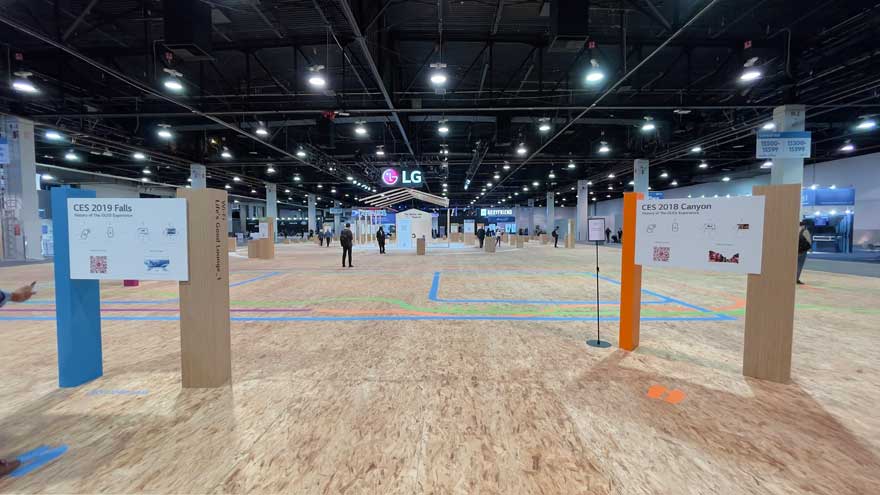
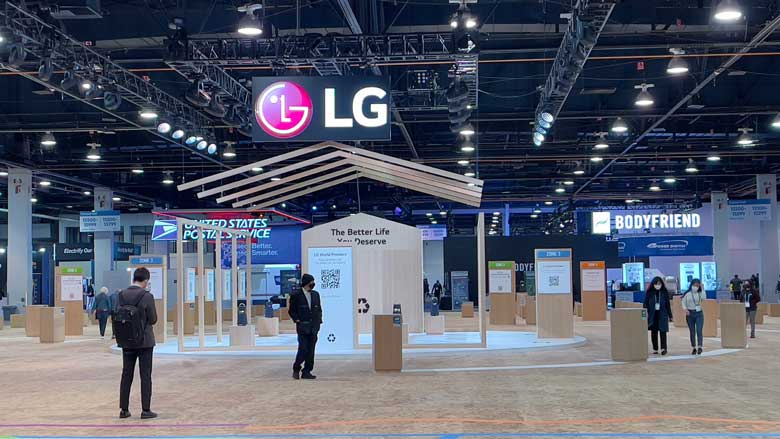
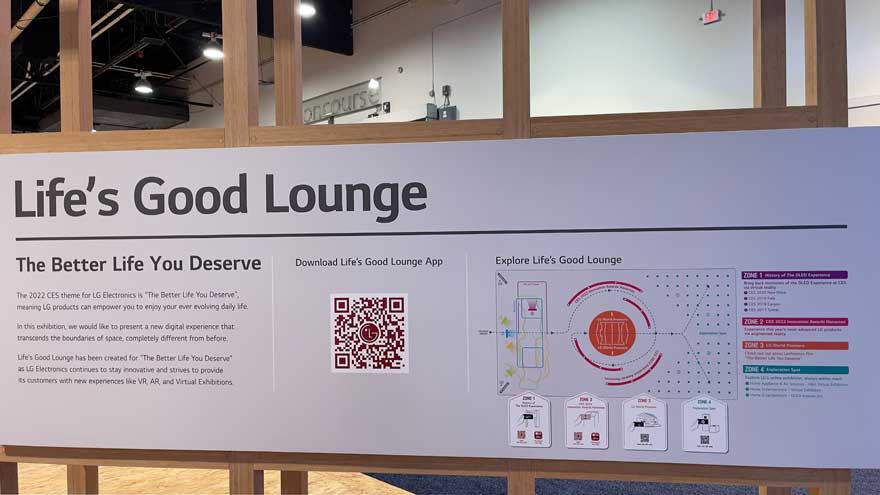
I cannot write a CES 2022 summary report without mentioning LG and their business decision to participate and yet not participate at the same time in CES 2022. LG decided to make an LG exhibition which was called the “Life’s Good Lounge.” The Life’s Good Lounge was essentially a bunch of wood framing and seats with QR codes for more information scattered all over the zones of their exhibition. The Life’s Good Lounge had a total of four zones. Zone one was “The history of the OLED experience,” zone two was “CES 2022 innovation awards honorees,” zone three was “LG world premier.” Lastly, zone four was the “exploration spot.” You have to zoom into the photos above to really see the detail of the LG exhibition.
CES 2022 – FINAL THOUGHTS
Goodbye CES 2022
Overall, I wholeheartedly believe CES 2022 was well worthwhile. As previously mentioned, approximately 2,300 exhibitors were on hand at CES 2022, with about 900 of those being startups who were launching innovative products. We at Projector Reviews, of course, focused on projectors and projector-related items. The exhibitors at the show were very excited to be there and welcomed the opportunity to talk about their products. We at Projector Reviews wanted our readers to see and read how CES 2022 went from a boots-on-the-ground perspective. Hopefully, I provided you a peek into what projectors were at the show, either on display or as a full-on demonstration. I hope to see you all at CES 2023 in Las Vegas, Nevada.
That’s a wrap for the Consumer Electronics Show (CES)® of 2022. As you may or may not know, the Consumer Technology Association (CTA) owns and has been producing the CES since 1967, when the first CES took place in New York City. As the CTA says, “CES® is the most influential tech event in the world - the proving ground for breakthrough technologies and global innovators.” I will, however, venture to say that CES 2022 has been one of the more unusual events due to the world’s current state of affairs. Fortunately, the CTA took the steps necessary to mitigate COVID-19 and make attendees feel comfortable. Overall, the CTA produced a worthwhile CES® event, even with the reduced number of participants.
SONY
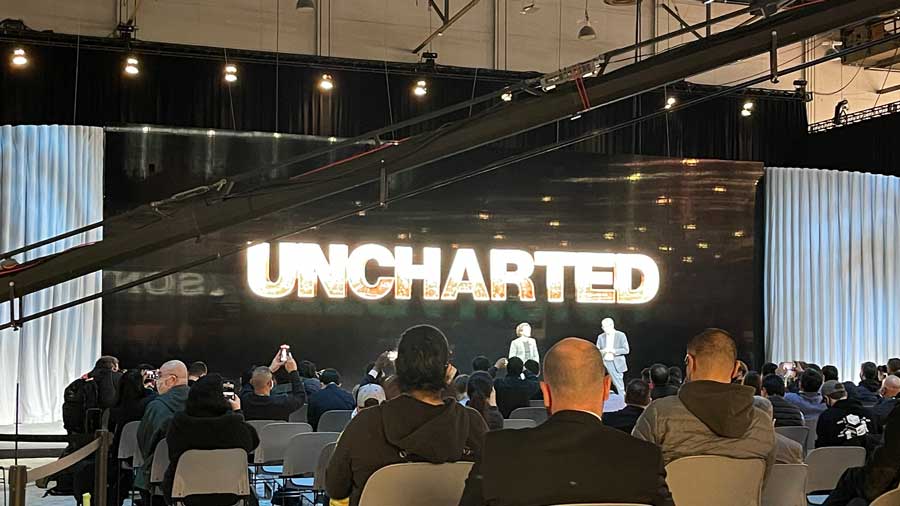
There were no projectors from Sony, but they did have Tom Holland and Uncharted the movie to talk about.
Projector Reviews headed to and arrived in Las Vegas on January 4th, 2022 (Tuesday) to attend the media-only press conferences. Technical Editor and Lead Reviewer Phil Jones and I walked over to the Sony press conference to see if they had any news on projectors, which they did not. While Sony did not have any projector information for us, they did have Tom Holland on stage to talk about his new action-adventure film called “Uncharted.” Yes, Uncharted as in the Sony PlayStation cinematic action-adventure game Uncharted published by Sony Interactive Entertainment! Tom Holland will be playing Nathan Drake. They even showed us an Uncharted trailer with Tom Holland, aka Nathan Drake doing a crate-hopping plane sequence that looked to be inspired from Uncharted 3: Drake’s Deception. The release date for Uncharted on February 18th, 2022. Based on the movie trailer I saw and Sony’s interview with Tom Holland, I am sure Uncharted will be a movie you will want to playback on your home projector home over and over again.
PEPCOM’S DIGITAL EXPERIENCE!®
Pepcom’s Digital Experience!®.
After the Sony media event, Samsung and Pepcom had media-only events. With multiple events happening simultaneously, Phil and I decided we needed to divide and conquer. So we split forces and attended the two different media events. Phil went over to Samsung’s presentation while I went to Pepcom’s largest media event called Digital Experience!®. The media event is held every January on the evening before the CES show opens to all who have registered to attend. While I was not able to participate in the Samsung presentation myself due to going to the Pepcome Digital Experience!®, Phil Jones and Philp Boyle got all of the information you need on “The Freestyle.” The Freestyle is Samsung’s newest portable projector. Click here to see Technical Reviewer Philip Boyle’s coverage on The Freestyle.
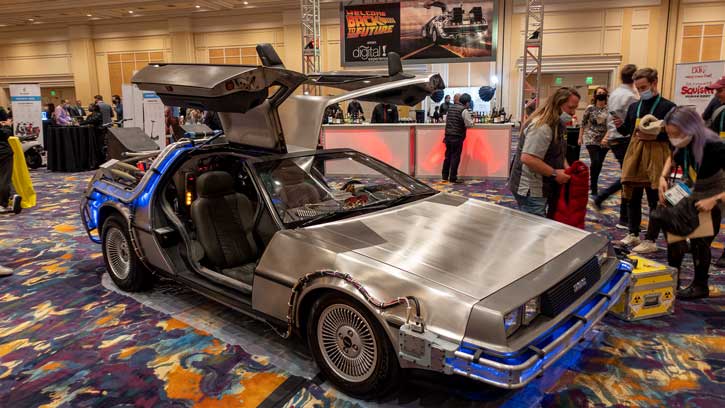
Pepcom’s ice sculpture said, “Welcome Back to the Future.”
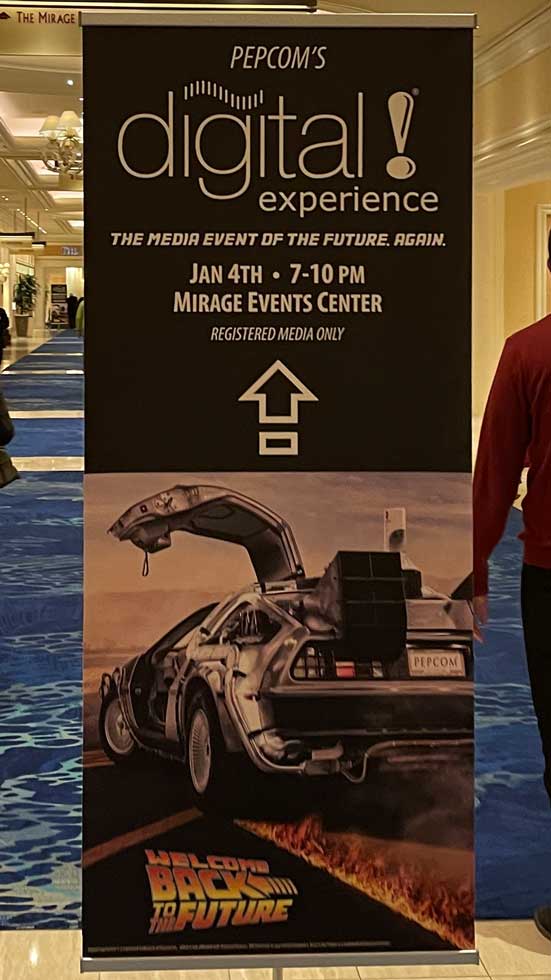
Pepcom’s Digital Experience!® was full of editors, reporters, influencers, and bloggers. Pepcom’s signs made it perfectly clear that the event was for registered media personnel only. The event had a “Back to the Future” theme with their signage stating, “The media event of the future again” and “Welcome back to the future.” It was fun and clever. I quickly got my Digital Experience!® badge. I then powerwalked my way through the Digital Experience!® looking for projectors and anything projector-related. My powerwalking paid off, and I found Anker, XGIMI, and ViewSonic with at least one projector on display.
Pepcom even had a DeLorean on display to go with their theme.
ANKER
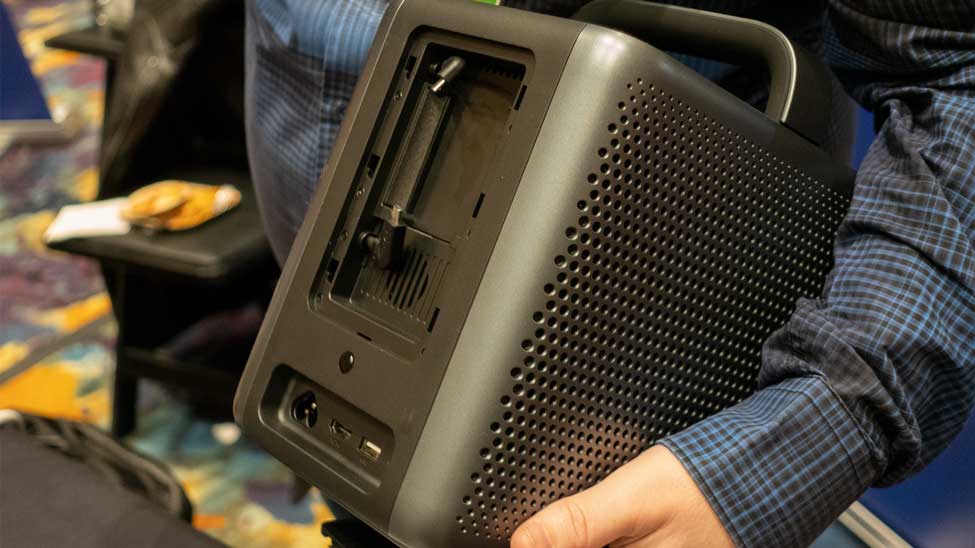
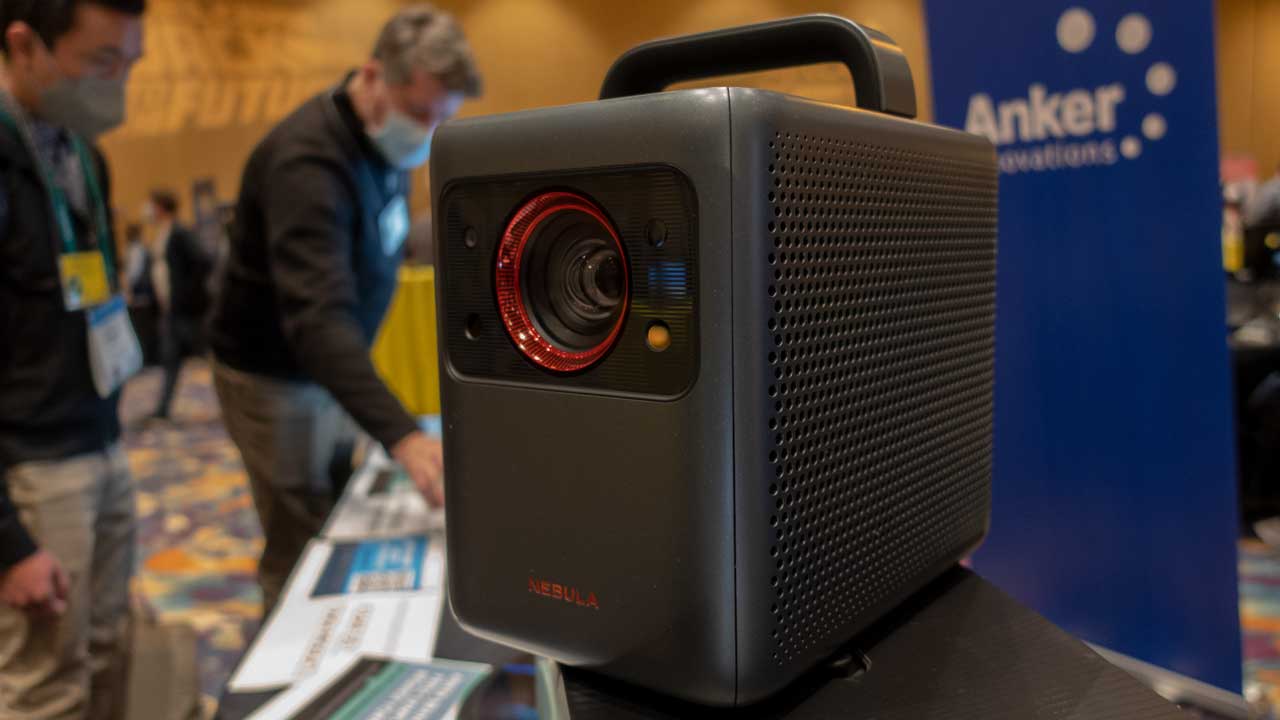
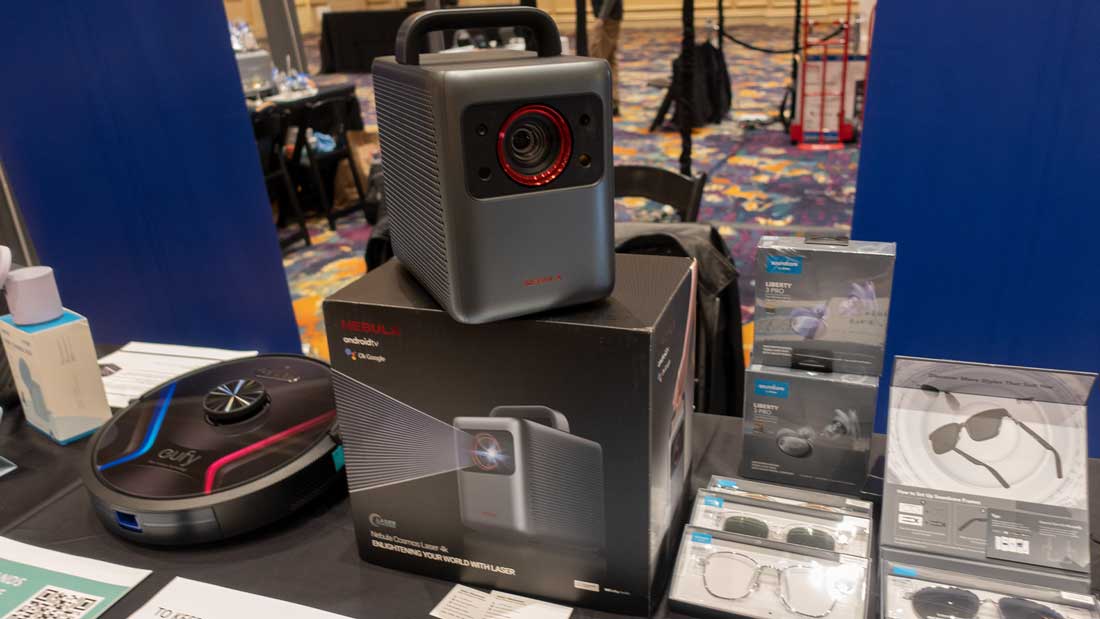
Anker Nebula Cosmos Laser 4K projector.
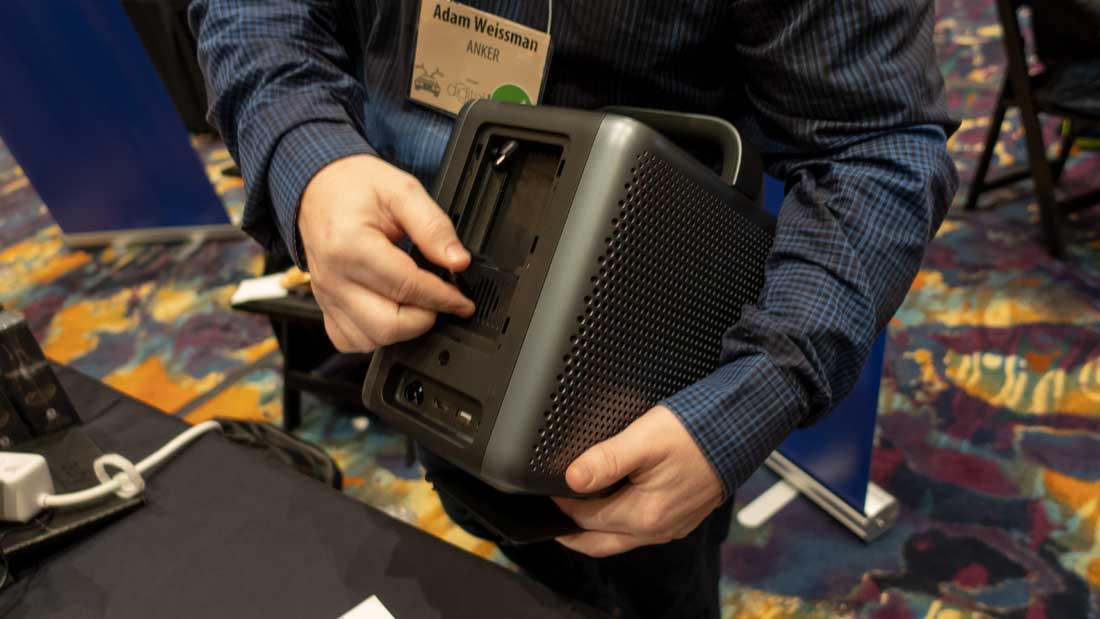
While at the Pepcom Digital Experience!®, I spoke with Head of US Media Relations Tyler Mallery and Senior PR Manager Adam Weismann at the Anker demonstration station. The projector I saw there was not powered on; the demonstration station was more of a display booth with no demonstrations available with their projector. However, on display, they had a Nebula Cosmos projector. The Nebula Cosmos is a portable 4K laser projector with a built-in carrying handle. The Nebula Cosmos has AndroidTV (ATV) 10 via an included dongle, Chromecast built-in, and Dolby Audio. The Nebula Cosmos Laser 4K projector utilizes ALPD® 3.0 Laser Display Technology from Appotronics. Appotronics invented its unique ALPD® technology in 2007. Appotronics states, “ALPD®, namely the fluorescent laser technology, is used for image display based on the laser-excited fluorescent materials and mixed multi-color laser lines.”
The Nebula Cosmos is rated at 2,400 ANSI lumens and should project vivid 4K images up to 150-inches. Tyler and Adam stated the Nebula Cosmos will be available for pre-order on Kickstarter starting January 11th, 2022, and should be available a few months later. I was told the Anker Nebula Cosmos Laser 4K projector will have a Manufacturer’s Suggested Retail Price of $2,200. Click here to see Philp Boyle’s Industry News Article on the Anker Nebula Cosmos 4K portable laser projector.
XGIMI
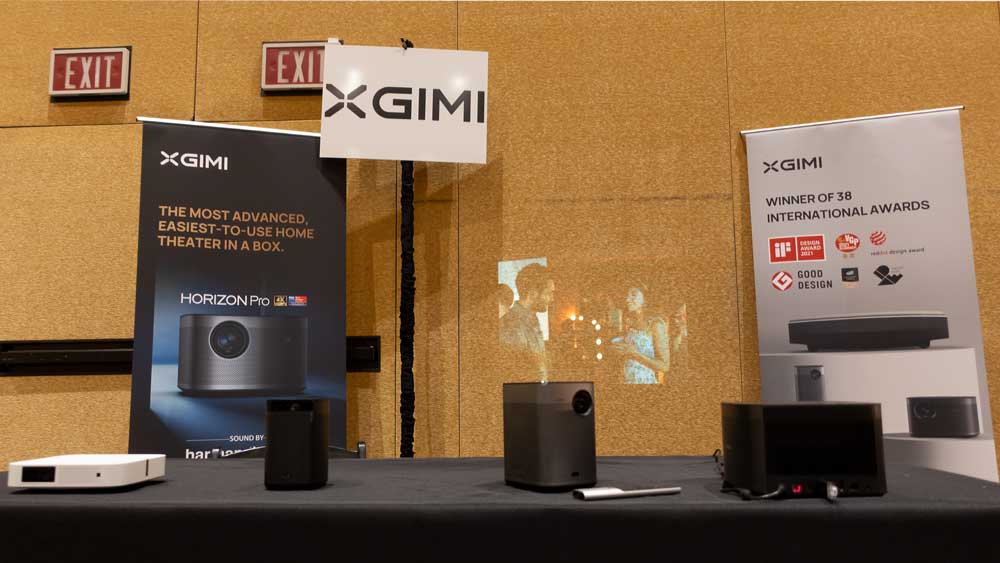
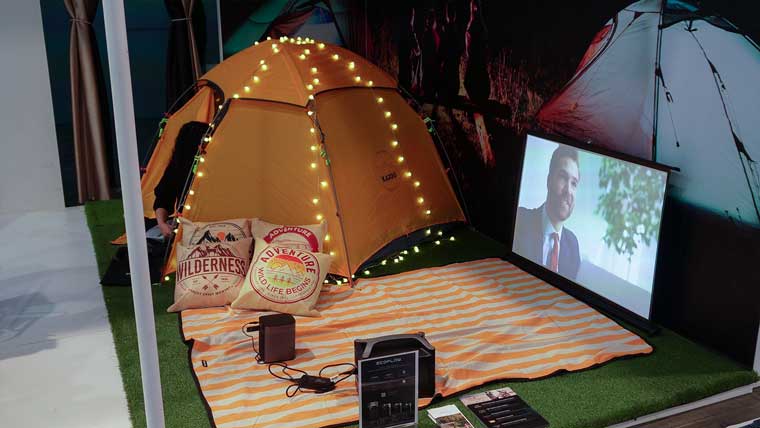
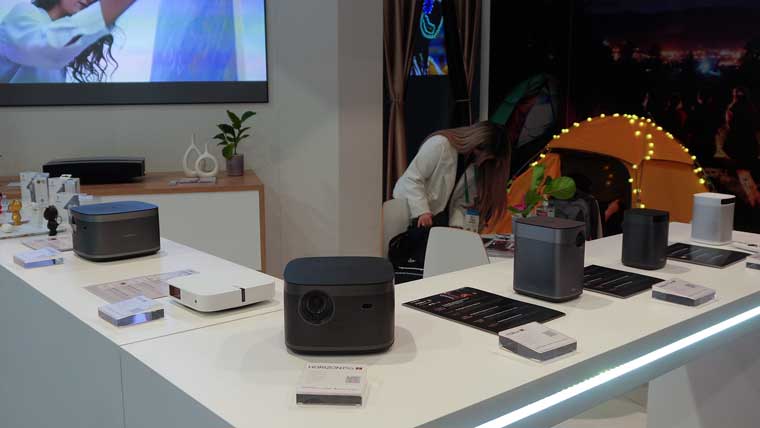
XGIMI had most of its projectors displayed at the Pepcom Digital Experience!®.
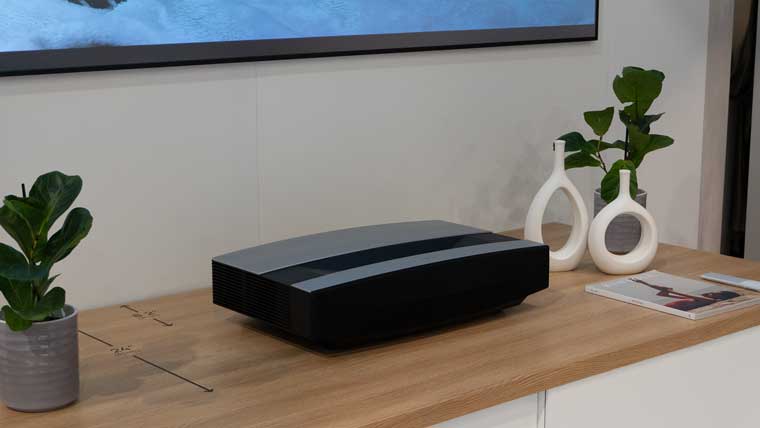
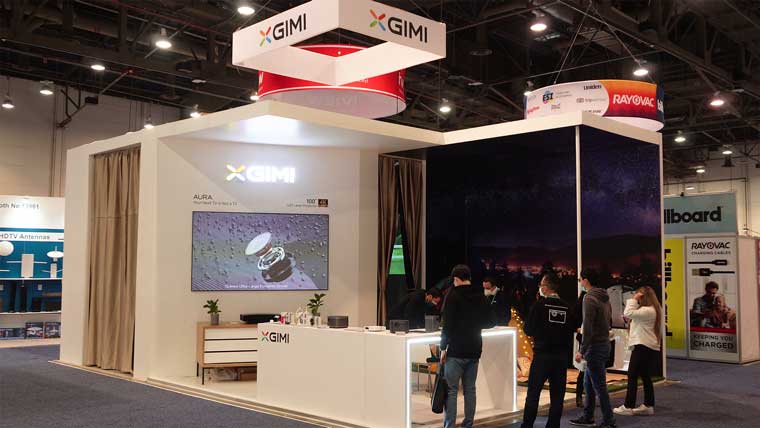
XGIMI took part in the Pepcom Digital Experience!®. Senior Director Andres Gomez and CEO of CommunicateMore Ari B. Morguelan were staffing the XGIMI demonstration station. XGIMI had most of its projectors out on display at the Pepcom event. XGIMI even had the Horizon Pro projecting directly on the wall behind their demo station. However, their latest and greatest projector, the Aura 4K Ultra Short Throw (UST) Smart Laser Projector, was not demonstrated at the Pepcom event. Instead, I was advised that the Aura would only be demonstrated at their main CES exhibit. UST projectors like the Aura are also known as Laser TVs.
XGIMI had a booth on the CES floor where they displayed their projector lineup.
The XGIMI Aura has a Manufactures Suggested Retail Price (MSRP) of $2,499. The XGIMI Aura was released on October 12th, 2021. At an MSRP of $2,499, the Aura is quite the deal for such a high-quality UST projector. The feature set is simply outstanding at this price point, especially when considering the splendid fit and finish. I would even venture to say you are getting more than what you paid for if you decide the Aura is right for you. After all, the XGIMI Aura is a sophisticated all-in-one solution for a home cinema. The Aura allows the end-user to easily build a home-style 4K theater almost anywhere since you only need to place the Aura 17.3-inches from a wall or projector screen to project a 150-inch image. At only 4.3-inches away from a wall or UST projector screen, the Aura projects an 80-inch image for those of you with limited space. I will not go into the details of the XGIMI Aura here because we already have a full review of the projector. The Aura 4K Ultra Short Throw Laser Projector full review can be found by simply clicking on the blue highlighted text.
VIEWSONIC
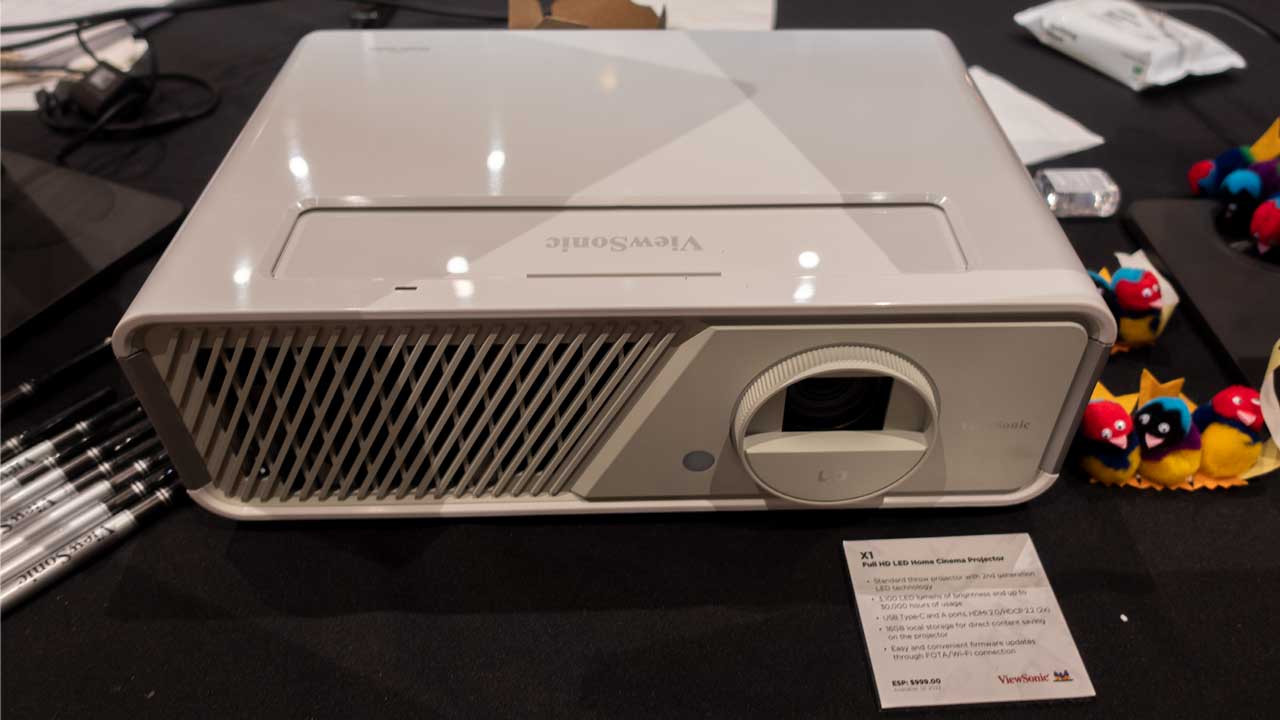
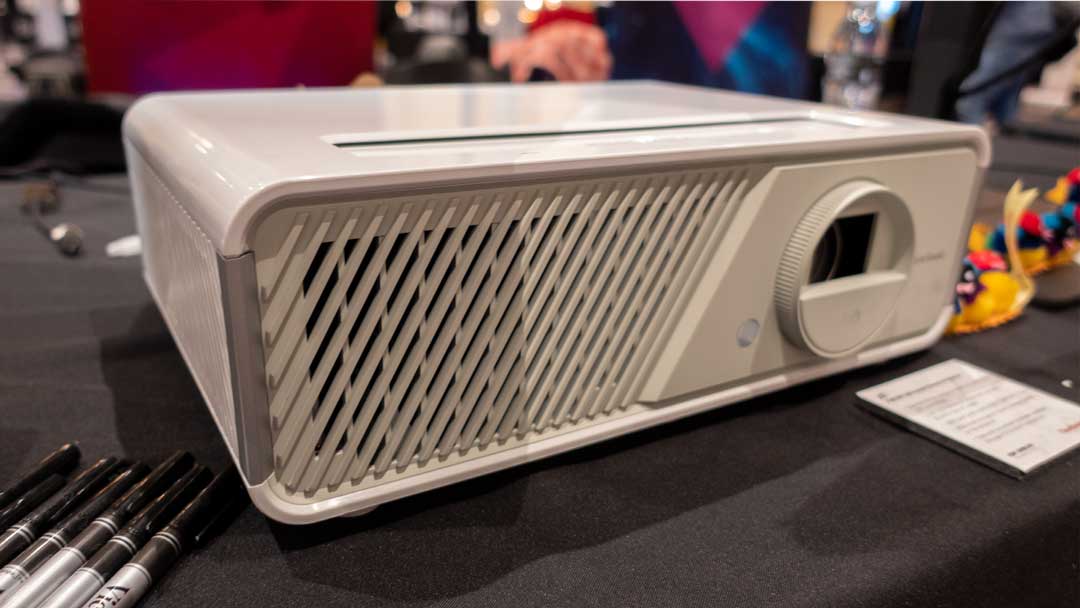
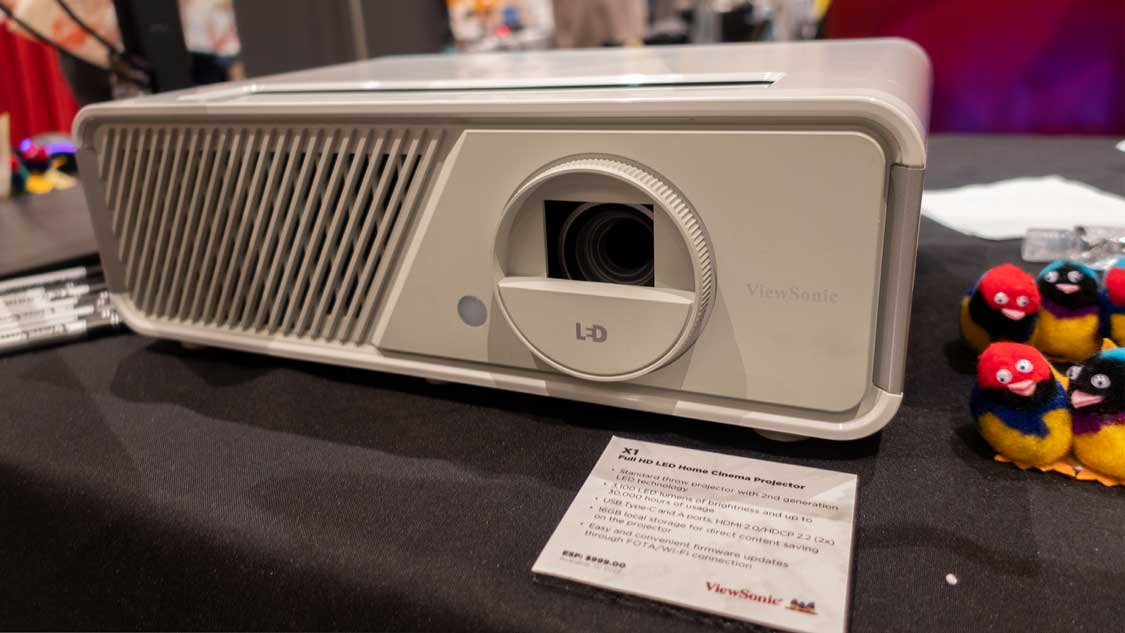
ViewSonic X1 Smart LED Projector out on display.
Joey Lee, Principal at JSL Communications for ViewSonic, managed the ViewSonic demonstration station at the Pepcom Digital Experience!®. Joey had the ViewSonic X1 Smart LED projector out on display. Joey stated the ViewSonic X1 was a home theater projector with smart LED technology and native 1080p (1920x1080) resolution.
The X1 is rated at 3,100 LED lumens of brightness and up to 30,000 hours of light source life. Joey said the projector will have Cinema SuperColor+™ Technology with 125% Rec.709 wide color gamut. In addition, the X1 has built-in Harman/Kardon speakers for handling all of your audio needs. Joey also told me the ViewSonic X2 is coming out at the same time as the X1; April 2022.
The only difference between the X1 and X2 is the lens and the price. The X1 has a standard throw lens, vertical lens shift, 1.3x optical zoom, H/V keystone, and 4-corner adjustment. The X2 comes with a short-throw lens, 1.2x optical zoom H/V keystone, and 4-corner adjustment. The ViewSonic X1 has an estimated MSRP of $999, and the ViewSonic X2 has an estimated MSRP of $1,099. Click here to see Philp Boyle’s Industry News Article on ViewSonic X1 Smart LED projector and ViewSonic X2 Smart LED projector
That was it for projectors at the Pepcom Digital Experience!®. I could not find any other projectors or anything else projector-related. Anker, XGIMI, and ViewSonic had all the attention from those looking for projectors. Phil and I reconvened and compared notes on the Pepcom Digital Experience!® and the Samsung media-only event. We then returned to our hotel and prepared for the following day when we hit the floor on the opening day of CES 2022.
The High-End, Specialty Projectors category includes extremely bright projectors suitable for larger auditoriums largest lecture halls, museums as well as large houses of worship (i.e. mega-churches). Also, the projectors in this group are often utilized for specialty signage and related applications and include advanced capabilities such as edge blending and projection mapping.
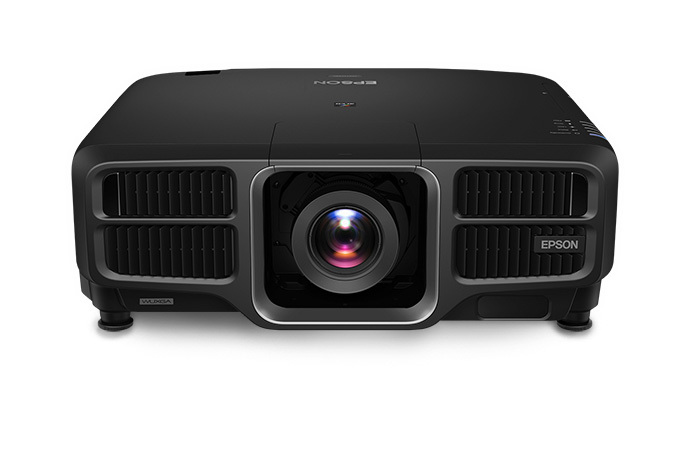
The Epson Pro L1755UNL is a 15,000 lumen, large venue, 4K pixel shifting laser projector with WUXGA resolution, that can accept a full range of 4K content.
Epson currently offers a total of eight commercial laser projector chassis in its Epson L-Series lineup. Brightness ranges from 6,000 lumens delivered by the Pro L1100U all the way up to a retina burning 30,000 lumens provided by the newly announced Pro L30000U. Less expensive L series projectors start around $2000 (without interchangeable lens options). Some of the projector models in the Pro L series can be purchased with or without the standard lens. Several of the models including the L1755U are also available in both black and white finishes. I reviewed the black finish L1755UNL, however an identical version in white is the L1750UNL.
Some Notable features include:
Laser Light Engine -- The ProL1755UNL, like all the models in the Epson Pro L series, uses a dual blue laser light engine. One blue laser ultimately hits phosphor wheels to generate red and yellow beams, while the other blue laser handles the blue component. As with all 3LCD projectors a dichroic prism is used to re-assemble the three different colors into a single full color image.
Pixel Shifting -- While pixel shifting can’t match the resolution of a true 4K projector, it does increase sharpness and detail compared to a standard 2K projector. The Epson Pro L1755UNL projector can accept up to a 4K@60P signal. When fed 4K content, this Epson projector uses pixel shifting to fine tune the image to more closely resemble 4K. Pixel shifting fires each pixel twice by shifting the location by 1/2 pixel diagonally. Combined with good image processing, it does a very nice job emulating the original 4K content.
Projection Mapping and Edge Blending --Projection mapping which is masking the image digitally to light up non-traditional, often three-dimensional objects. This is used often at concerts, museums and other digital signage applications. While there are powerful software-based projector mapping solutions, the ProL1755UNL has a Geometric Correction feature which lets you correct image distortion caused by projecting an image onto a curved or right-angled screen. You cannot combine traditional H/V keystone correction with the other image shape correction methods with projection mapping.
By utilizing Edge Blending, you can split an image over multiple projectors and display it as one large image while reducing the hard transition from one projector to another. Under the Blend Range menu’s sub-setting, you can fine-tune the blend’s starting position and the width of the blended area. You can use the projector’s Black Level setting to make the difference even less noticeable. The result is an image that looks seamless, like it’s being displayed by a single projector. However, Edge Blending can’t be combined with pixel shifting but that is okay in many situations where maximum flexibility is more important than absolute resolution.
Approx. 30 Hrs/Wk in 180 Day School Year = 18.5 Years Before Lamp Change
Weight
63.9 lbs
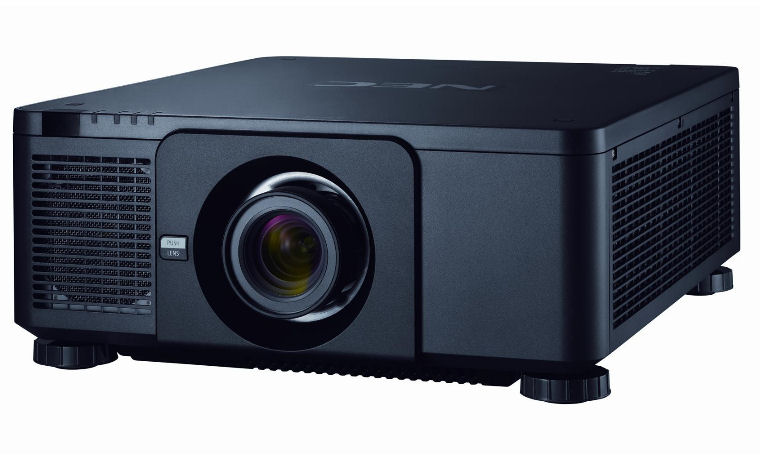
The NEC NP-PX1005QL won our Best in Class Performance Award last year. The NEC NP-PX1005QL is a great option for someone looking for a high-brightness native 4K installation projector. It can reproduce far more detail than a comparable Pixel Shifting projector. It would be ideal for displaying video, artwork, photos and other images that require a large amount of detail.
While you can find a few high-brightness 3LCD installation projectors that offer 4K resolution, they cost much more than comparable native 4K DLP models. For example, a Sony 4K 3LCD laser projector with 8,000 lumens retails for $60,000 while a 4K DLP laser projector with 10,000 lumens, like the PX1005QL, cost about 1/3 of that amount.
The NEC NP-PX1005QL retails for $24,000. If you are looking for a 10,000 lumen projector, you will have to choose between a Pixel Shifting 3LCD projector or a Native 4K DLP projector like the PX1005QL. If high resolution is one of your top priorities when looking for a flexible high-brightness installation projector, you should definitely consider the NEC NP-PX1005QL.
Projector Overview
NEC NP-PX1005QL is a 10,000 lumen, large venue, 4K DLP projector with WQXGA 3840 x 2160, resolution that can accept a full range of 4K content. This is a commercial/installation class projector with a focus on higher education, corporate, and house of worship markets. The NP-PX1005QL uses a laser light engine rated at 20,000 hours of life.
The NP-PX1005QL is one the twelve projector models in NEC’s PX-Series lineup. All units in the PX series utilize DLP chips but they vary in resolution and brightness. While the NEC NP-PX1005QL does not ship with a lens, for maximum flexibility it is compatible with a total of eight bayonet style lenses which allows for a throw distance range of 1.6ft to 183 ft.
The NP-PX1005QL has all the connections you would expect on a higher end business/education class projector including two DVI-D connections, dual HDMI 2.0b inputs, HDBaseT port and four 3G-SDI Inputs.
In addition to being a 4K DLP laser projector, most notable features of the LHD878 projector are:
Interchangeable lens with 10 lens memories – Whether a projector must be positioned very close or very far away the screen, multiple lenses options ensure the projection can be adapted to work at a variety of throw distances. The NEC NP-PX1005QL is compatible with a total of eight lenses ranging from a .38:1 Fixed Short Throw model to a 5.25-8.28:1 Zoom unit.
Edge Blending and Projection Warping – The Projector Warping feature allows you to correct image distortion caused by projecting an image onto a curved screen. If you need more light output or want to utilize multiple projectors to display a larger, wider aspect image, the NP-PX1005QL is also equipped with Edge Blending to make that goal easier.
HDBaseT and 3G-SDI – HDBaseT lets you run HDMI distances of up to 100 meters (about 328 feet) over a low cost CAT5e/CAT6 wire. 3G-SDI allows the projector to interface directly with a video located up to 100 meters away via coax cable which make it a great solution for live video production.
Since this is a large venue installation class projector it includes several features you would expect in a higher-end model including edge blending and geometric correction.
The NP-PX1005QL has all the connections you would expect on a higher-end business/education class projector including two DVI-D connections, dual HDMI 2.0b inputs, HDBaseT port, and four 3G-SDI Inputs.
The NP-PX1005QL is 4K DLP unit so it can provide a crisper and clearer picture from 4K content than can be reproduced by pixel shifting 3LCD HD projectors in its price point. High brightness and excellent color combined with an incredibility sharp image from 4K content makes the NEC NP-PX1005QL a performance leader in its category.
Approx. 30 Hrs/Wk in 180 Day School Year = 18.5 Years Before Lamp Change
Weight
49.2 lbs
Warranty
3 Years Parts and Labor
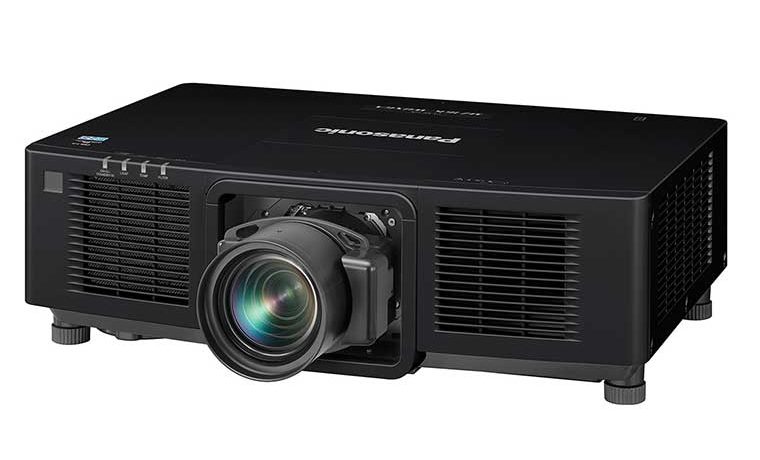
The Panasonic PT-MZ16KL won our Best in Class Uniquely Capable Award last year.
We were shocked at how much brightness the Panasonic PT-MZ16 could produce all while delivering outstanding out-of-the-box color reproduction. From its rear Information monitor to its wide variety inputs, the PT-MZ16 is feature packed. In addition, it has all the installation features you could want in a high-end education projector.
By utilizing multiple liquid-cooled solid-state laser modules, the PT-MZ16KL can deliver an amazing 16,000 lumens brightness along with outstanding picture quality from a very compact chassis. The Panasonic PT-MZ16KL is truly a uniquely capable projector.
Information Monitor located on the rear panel helps with menu navigation as well as shows projector status including temperature, runtime, and active signal data, as well as error codes.
Projector Overview
Panasonic PT-MZ16KL was amazingly bright considering its compact size. It delivered a measured 16,000 lumens which should be more than enough brightness to overcome ambient light found in a large lecture hall. The out-of-the-box picture quality was great with several of its preset picture mode delivering accurate colors.
The PT-MZ16KL is compatible with a total of seven lenses ranging from a .0.480–0.550 Short Throw model to a 4.14–7.40 Zoom unit so you have plenty of installation flexibility. Of course, the PT-MZ16KL has all the connections you would expect on a higher-end business/education class projector including a DVI-D, HDMI 2.0b, HDBaseT port and 3G-SDI.
On top of being the brightest projector I have ever reviewed, the most notable features of Panasonic PT-MZ16KL projector are:
Multi-Laser Drive Engine – To produce 16,000 lumens the PT-MZ16ML uses multiple laser diodes. If one diode in a module fails, only a limited number of diodes in the affected series are bypassed. The remaining diodes continue to operate which maintains close to full brightness.
Edge Blending and Projection Warping – The Projector Warping feature allows you to correct image distortion caused by projecting an image onto a curved screen. If you need more light output or want to utilize multiple projectors to display a larger, wider aspect image, the unit is also equipped with Edge Blending to make that goal easier. All adjustments can be made using Panasonic’s free Geometry Manager Pro software.
Information Monitor – A small display located on the rear panel which helps with menu-based navigation as well as showing the status of the PT-MZ16KL including temperature, runtime, and active signal data, as well as error codes.
The Panasonic is the brightest projector I have ever had in my test space. In addition to delivering an outstanding picture, and the PT-MZ16KL had every connection and feature you would need in a museum or large lecture hall installation.
Resolution is a term that refers to the number of horizontal and verticle pixels of the projected image. The higher the number of pixels, the higher the resolution, and the sharper the image.
Common resolutions found on education projectors:
Type
Resolution
Aspect Ratio
SVGA*
800 x 600
4:3
WVGA*
853 x 480
16:9
XGA
1024 x 768
4:3
WXGA
1280 x 800
16:10
WUXGA
1920 x 1200
16:10
1080p
1920 x 1080
16:9
4K UHD
3840 x 2160
16:9
* SVGA and WVGA are essentially “legacy” resolutions.
While there are still some very low cost projectors sold with SVGA an WVGA resolutions (including some “toy” priced dim LED pico projectors for home), but they are no longer normally bought by schools. There are still large numbers of them in K-12 schools. Most are long overdue for replacement. Their bulbs last only a fraction of the life of new projectors (nevermind laser projectors), so the cost of supporting those old projectors is high.
XGA models are typically used to replace the SVGA (and if any are still around – VGA) projectors. SVGA projectors are typically replaced by WXGA, WUXGA or 1080p projectors.
Click the links below to read the full definition of each projector term.