BenQ LW61ST DLP Projector Review: For Business and Education

Visit our 2012 Classroom Projector Report, sponsored by:  

May 2012 - Art Feierman

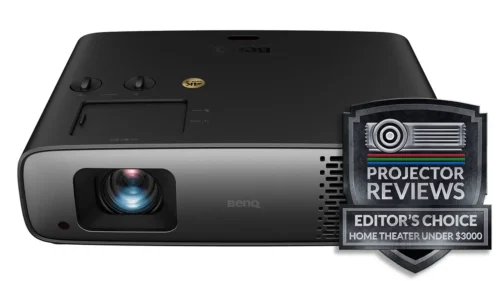
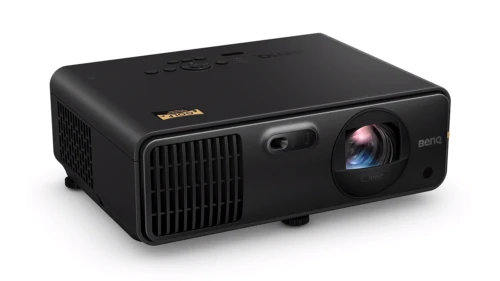
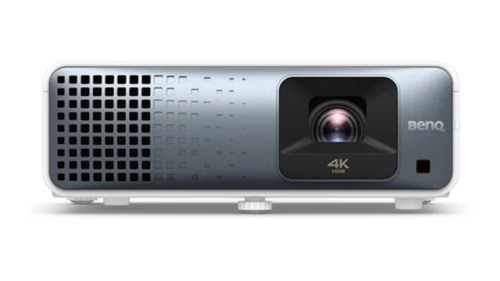
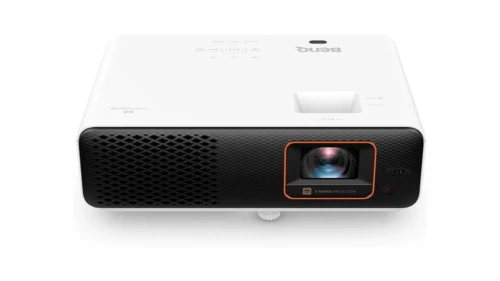
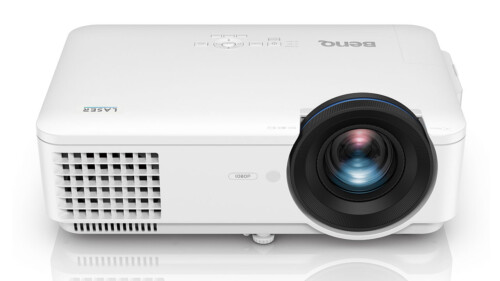
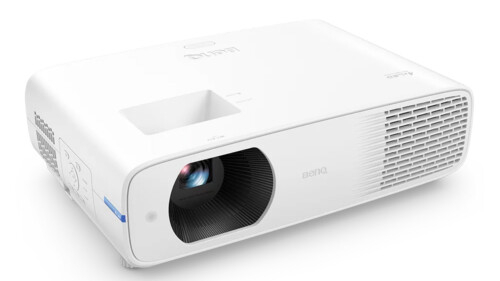
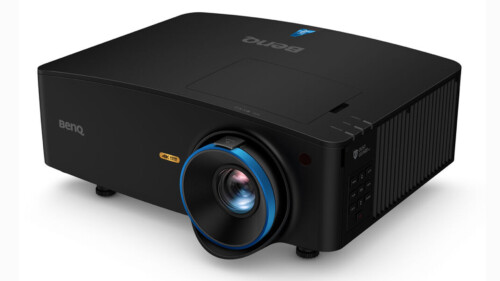
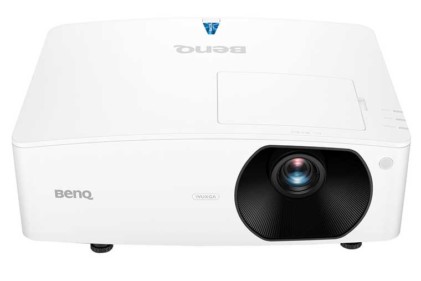
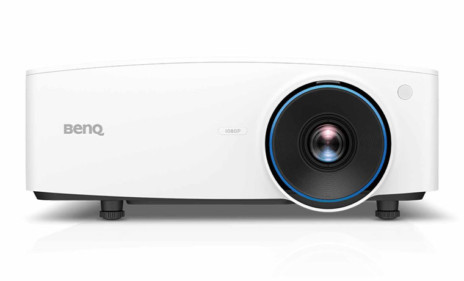
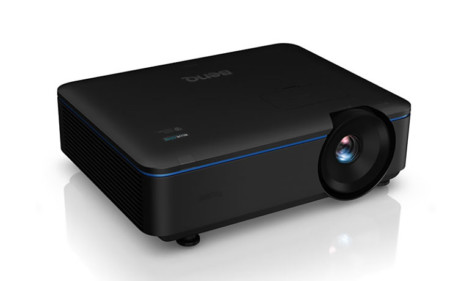
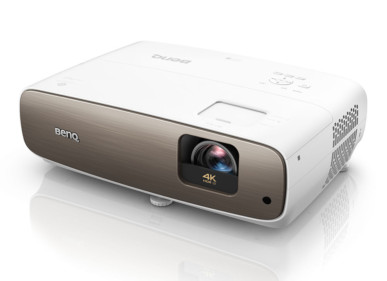
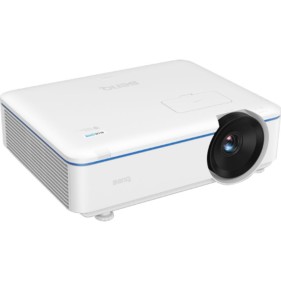
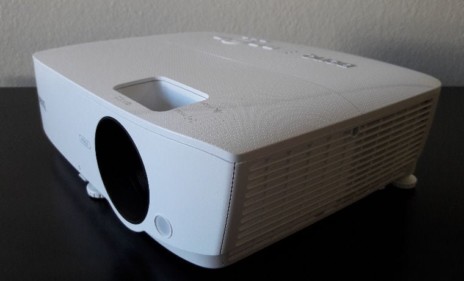
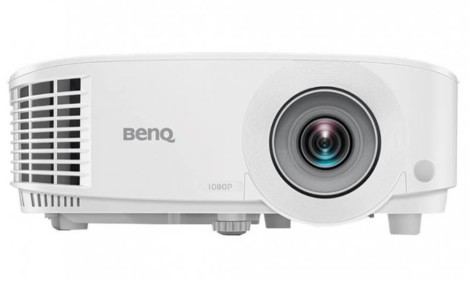
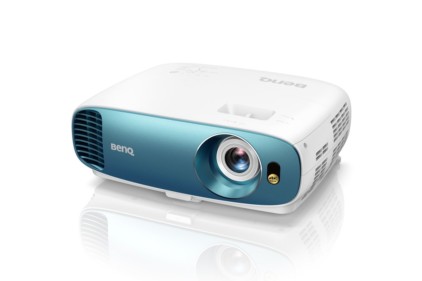
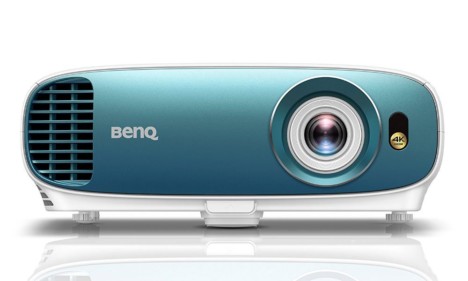
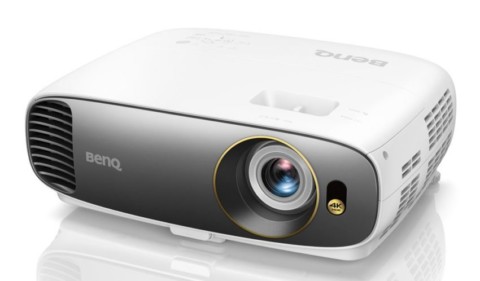
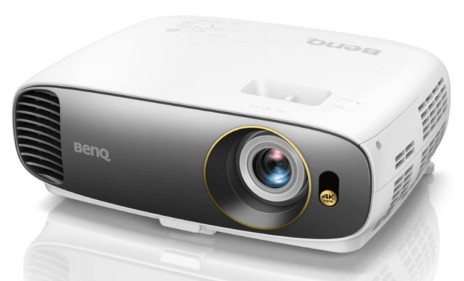
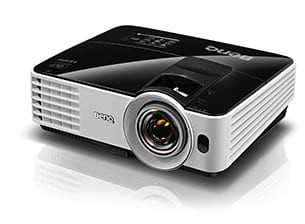
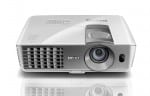
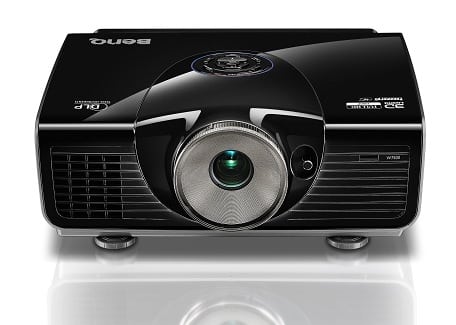
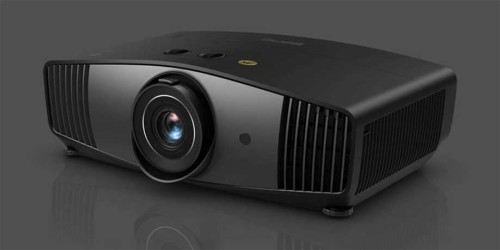
The BenQ LW61ST projector.

   The BenQ LW61ST projector earns our Hot Product Award!The BenQ LW61ST projector earns our Best in Classroom Award!


BenQ LW61ST Projector Overview

What are the most significant capabilities of the LW61ST?

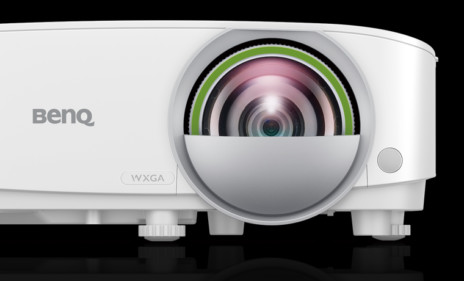
First, the BenQ LW61ST (click for specs) uses a laser light engine, for extremely long life operation and lower operating costs.  The light source is rated 20,000 hours (common for non-lamp light sources, but there are relatively few non-lamp projectors out so far).    This BenQ projector sports a very Short Throw lens (that would be the ST in the product name) allowing it to be mounted with a telescoping wall mount above the "screen" or whiteboard, to reduce installation cost, and also do a better job of keeping the projector's light from shining in the face of a teacher or student, or executive or manager up in the front, presenting, than do traditional projectors.  Sure, ultra short throw projectors do this last thing even better, but typically cost a good deal more.

As to resolution, the W in the LW61ST's name stands for WXGA - 1280x800 resolution, which is the most typical resolution of the projectors considered in this year's education report, as well as being the best match for most laptops. Business users already are mostly using widescreen laptops (and desktops), and while the transition is slower with K12 schools, schools in particular find that widescreen works better for classroom.  The aspect ratio helps especially for interactive functions, but is overall advantageous. 

Back to this BenQ LW61ST.  Or rather...I want to point out that it has a sibling, the LX60ST - a very similar projector but one that is standard XGA resolution, rather than WXGA.  Choose the one best to match your computer and other considerations.

Like all previous laser and hybrid projectors we've seen and measured, this one comes up short on the lumen count.  Oh, few projectors measure what they claim, but most are close.  With hybrid (laser/led) though, the shortfall has been as much as 50%.  Not so this BenQ LW61ST, which measured 1485 lumens (about 75% of claim - a not uncommon result). 

Now consider: 1500 lumens is just fine for most classrooms, and conference rooms with even modest control of lighting.  We used to consider 2000 lumens the standard for auditorium work (in the dark).    Remember, projectors with traditional lamps lose about 1/3 of their brightness in the first 2000 hours (or less) of usage (in some cases by 1000 hours).  Not so with the laser, which will last years and years, before it drops off that much. At the end of its life, the total projected drop is only about 40%. 
Chart from the BenQ LW61ST brochure:

BenQ chart - light engine

With traditional projectors there's a full power mode, and an eco mode.  Not so here, considering the laser light sources life, consider this projector to have but one such mode, and it would be the Eco.

One other nice feature of this BenQ projector is its compatibility with working easily with iPads and iPhones (an optional dongle required) , an ability found on only a few projectors so far. Or at least that's what I've been told.   I've been waiting patiently for the necessary dongle, and just was advised I'll have it next week.  I will update this report after I've interfaced my iPad and see if they "play well together".

^ Back to Top

BenQ LW61ST Projector Highlights

  • 2000 lumens claimed
  • Short Throw fixed lens
  • HDMI input (1.3)
  • 3D capable, but (as is typical) not Blu-ray 3D
  • Good audio: 20 watts - two 10 watt speakers -
    about as good as it gets
  • Adjustable audio output
  • Wireless Networking IPhone and IPad compatible with opt. dongle
  • Networking - can monitor the projector from browser
  • 3 year warranty standard, covers light engine
  • Screen trigger
  • Eco-Blank reduces power consumption 90% when screen is blanked

^ Back to Top

Specs for the LW61ST

The top of the BenQ LW61ST projector.

Click here for full specifications: BenQ LW61ST

  • Projection Technology: DLP (single chip)
  • Brightness: 2000 ANSI Lumens
  • Resolution: WXGA (1280x800) Resolution with a Max of 1600x1200
  • Aspect Ratio: 16:10. Supports 4:3 and 16:9
  • Contrast Ratio: Up to 80,000:1
  • Lamp Life: 20,000 hours
  • Throw Ratio:  Fixed 0.49:  6 ft wide screen from <3 ft. back         
  • Dimensions: 15.5" x 11.73" x 5.9" (WxDxH)
  • Weight: 11.2 lbs.
  • MSRP: $1949
  • Wireless dongle for iPad/iPhone available for $49

^ Back to Top


BenQ LW61ST Projector Special Features

Wireless Support for iPad and iPhone

BenQ isn't the first to offer iPad, etc. support, but it is one of the few so far.  .  Remember, there are several million new iPads are being sold each month, and quite a few belong to people who present - teachers, managers, executives, scientists, doctors... To give you an idea of how prevelent they are becoming, I checked out the analytics for projectorreviews.com.  Pad and iPhone already combine for 13% of our total visits!

The BenQ LW61ST projector requires an optional dongle for it to wirelessly

Certainly, as an owner of an iPad and a MacBook Pro, when I'm traveling, I'm more than happy to leave my Mac laptop behind if I can (cutting the load by a at least 8 pounds - 3.6kg) , and present from my iPad, given similar abilities. I've got a keypad for the iPad, so I really can do most of what I do with my laptop, about as quickly. As I see it a good iPad interface is a real benefit for a significant number of road warriors and other presenters.

Short Throw Projector

Achieve large images from just a few feet away. This is a plus.  Although not as good as the ultra-short throw projector, when it comes to keeping the projector's light out of the presenter/teacher's eyes when in front of the screen, very short throw is the next best thing.  Certainly if you are interactive (either an interactive projector, or pairing a projector with an electronic white board).  BenQ even provides setup measurements for working with several of the most popular electronic boards, including those from Smart (SmartBoard).
One great advantage is that this BenQ can mount using a wall mount, not a ceiling mount.  Mount it right above the screen or board.  A telecoping arm allows for the projector to be placed at the right distance to fill that screen or board.

Image from the BenQ LW61ST projector.

Above:  A great picture - coming off of a Blu-Ray disc at 1080p

"Eco" - The Laser light source way

While there is no full power vs Eco mode choice, the LW61ST projector and it's LX60ST version, these projectors have an "eco" feature of their own.  With most projectors if you want to pause presenting for a few minutes (or seconds), say to make a point, or use some other technology, your projector lamp is still running at full, or eco power mode, drawing a couple hundred watts or so of power.  With this BenQ and its laser light source, you can let it rest - without shutting down a lamp, and still drop brightness by 90%.  With those other projectors, they will be drawing at least 75% of full power, unless you shut down the lamp, which, when you can, means a slow shut down, and a long get back to brightness, rather than the instant, user friendly BenQ.  For those that take advantage of this ability - to blank the screen and reduce power consumption, this can be a noteworthy additional reduction when it comes to cost of operation.  There is also an "eco" and a "standard" mode as well.
The most impressive thing, though isn't efficiency, or savings on bulbs.  You are already paying more for this projector's light source, so whether there's a cost savings longterm, will likely be more based on how heavy the usage.

I'm impressed with the picture quality of this laser light engine.  I've been sitting here watching CNBC for hours while writing.  I've watched movies on it (ok 2), and used it with my Mac on data, and web surfing.  What I don't notice, is that this is a laser. I'm not seeing any of the strange artifacts associated with laser projectors.  I think of the massive shimmer of the laser pico projectors.  Even the Casios - the first hybrid projectors (laser and LED) had some laser related effect.  If this BenQ projector has anything like that, it isn't visible under casual viewing. 

360 Projector Tilt

The BenQ LW61ST can be tilted "on axis" 360 degrees.  This allows the projector to be versatile for digital signage, and other applications where traditional projectors - which can only be tilted a few degrees off the horizontal, are not usable.  This BenQ isn't the only projector with this capability.  It's been around on a number of larger projectors, and more recently, we've seen at least one series of Epson projectors that can do the same.  Christie and Digital Projection are two of the higher end brands that offer models with this ability.

LW61ST Microphone Input

It's always nice to have the option of plugging in a wired or wireless microphone into a projector to take advantage when a projector has some decent speakers that can easily carry a decent sized training or classroom.  This BenQ offers just that, a Mic input.

^ Back to Top

NEXT: Take a physical tour of the BenQ LW61ST