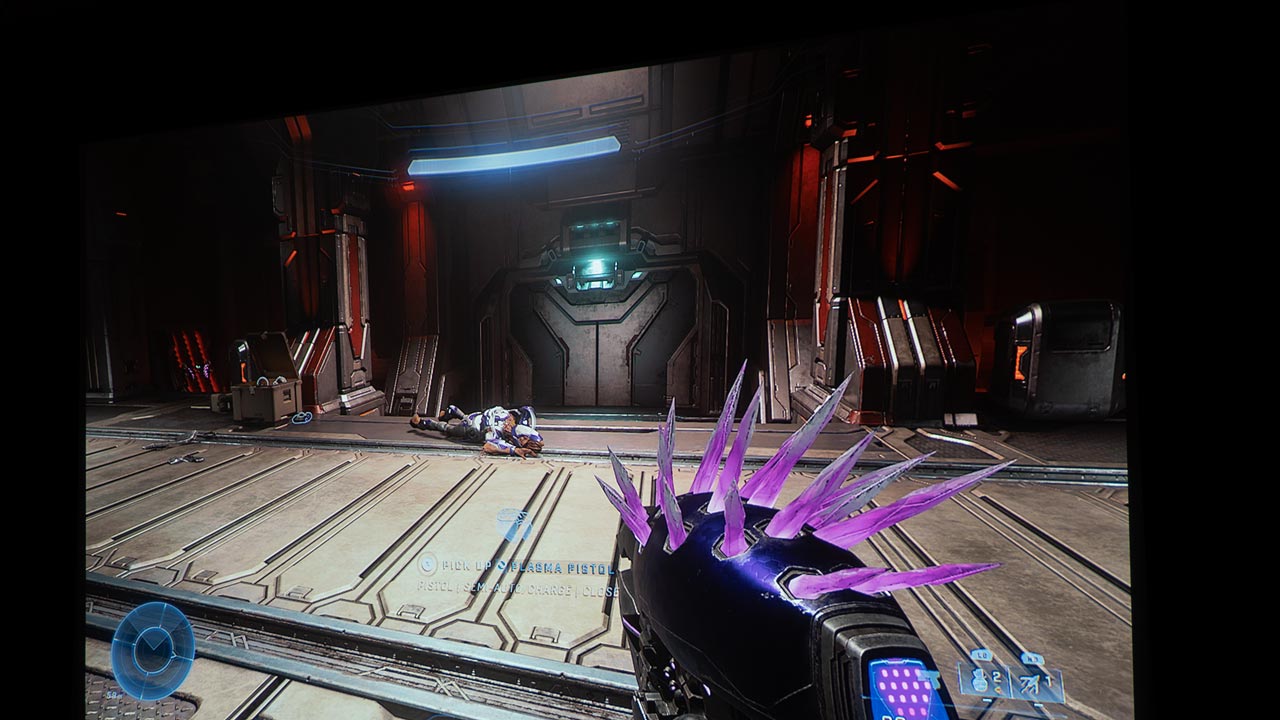
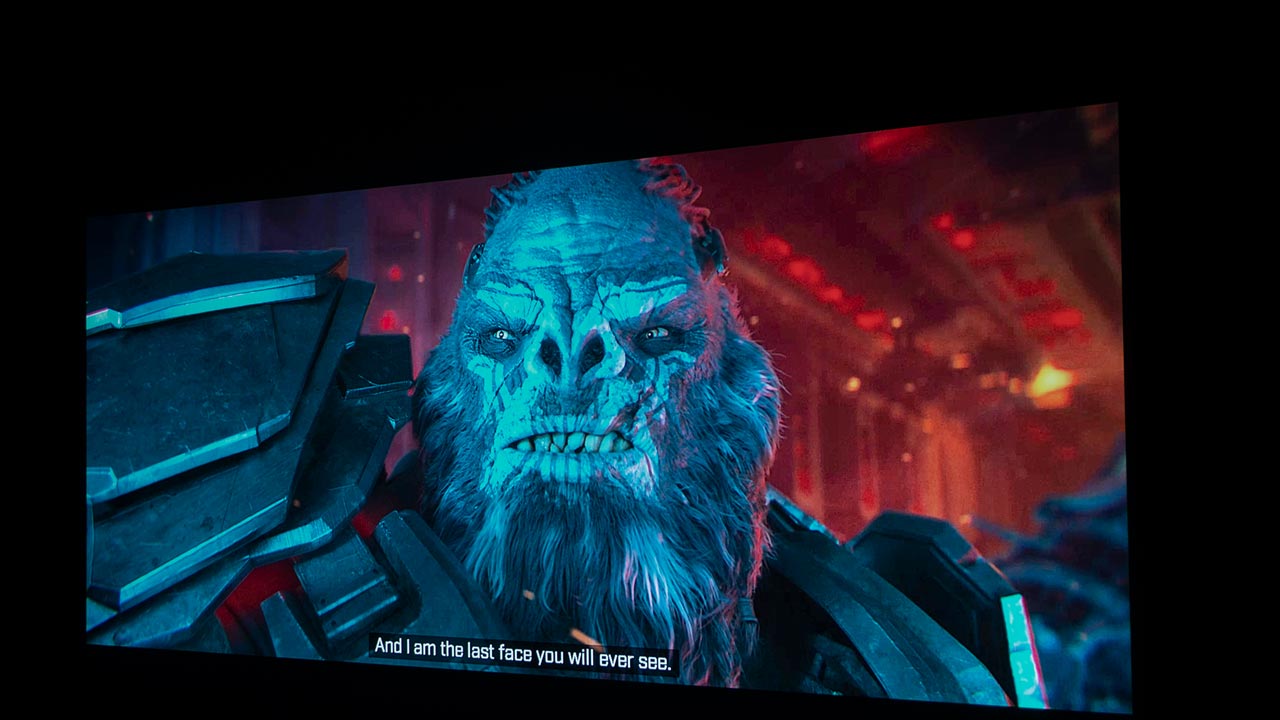
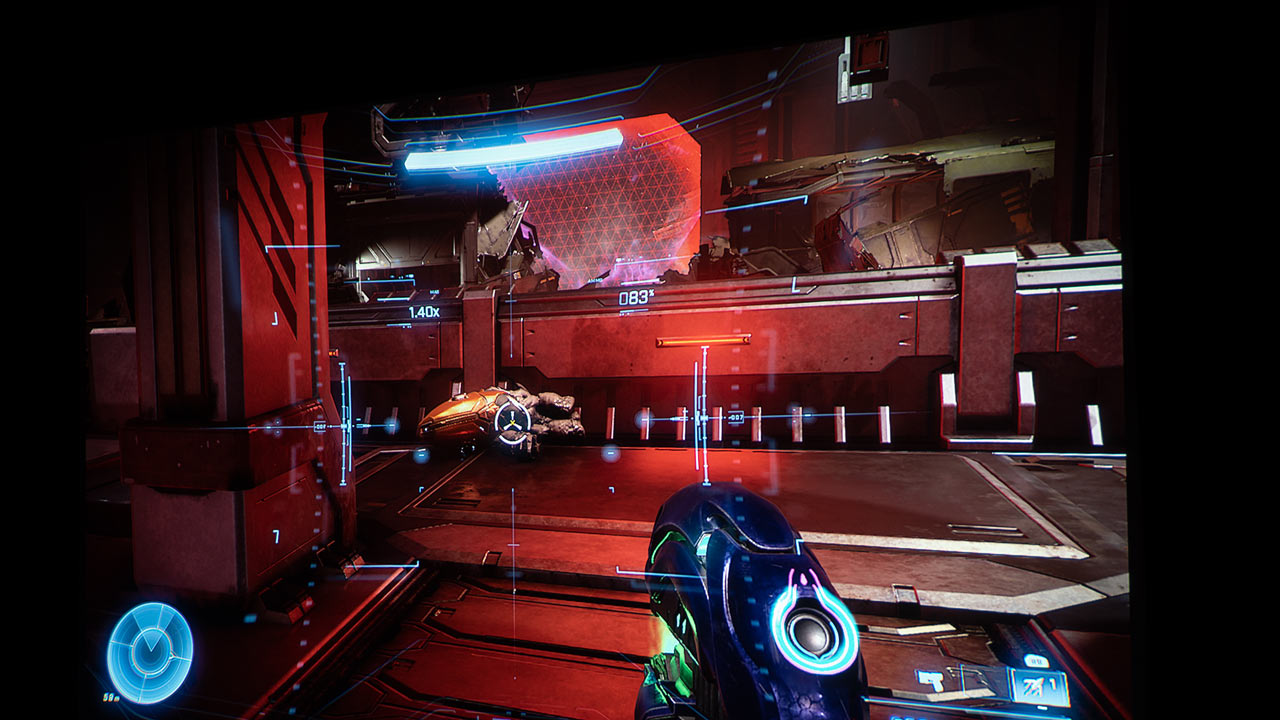
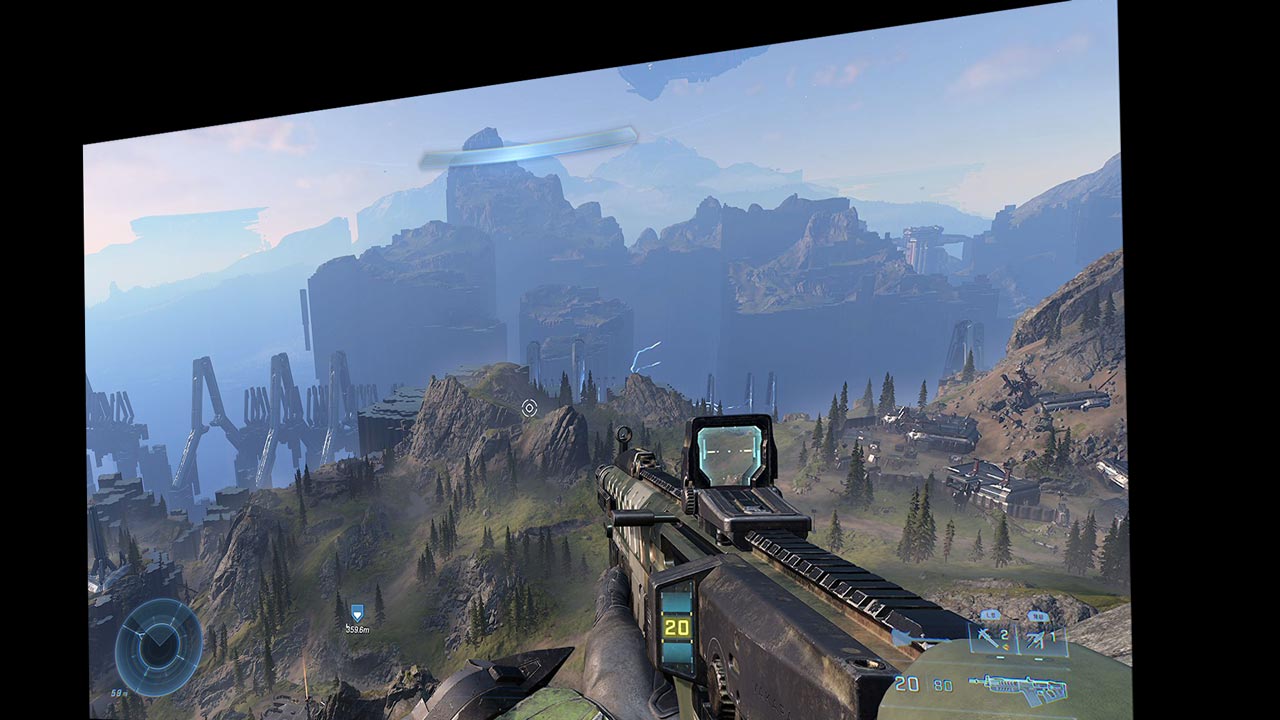
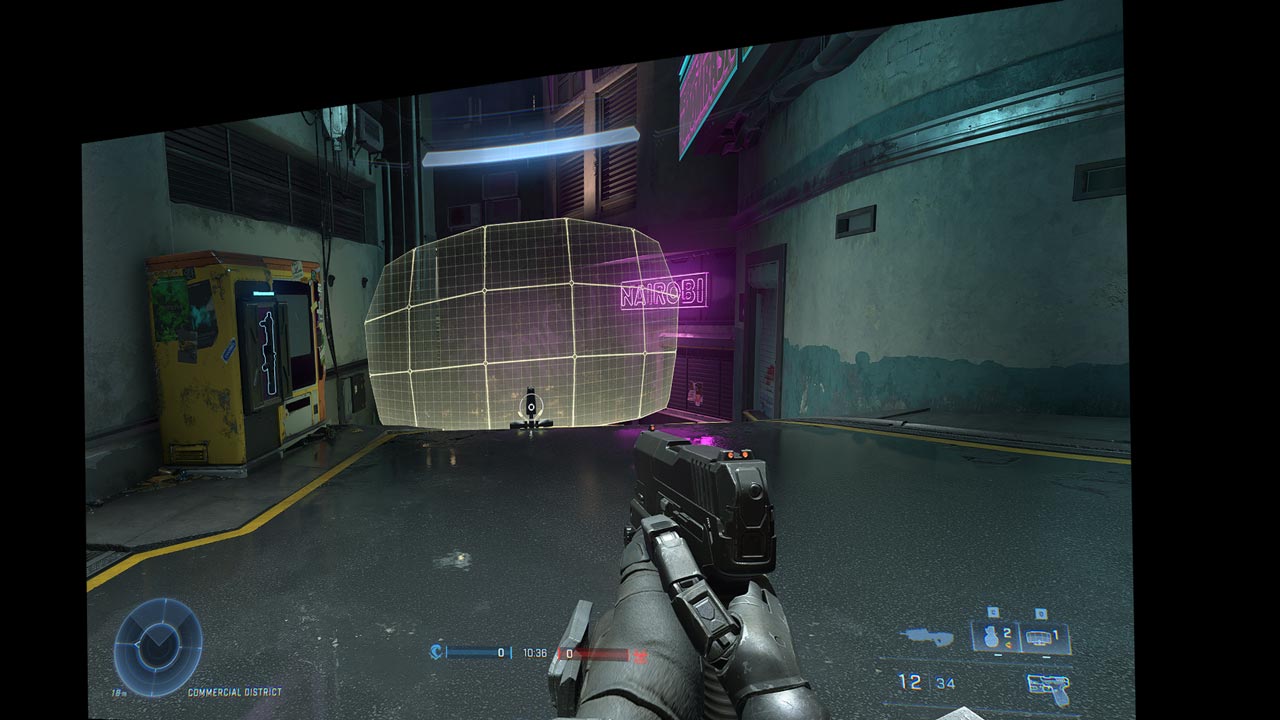
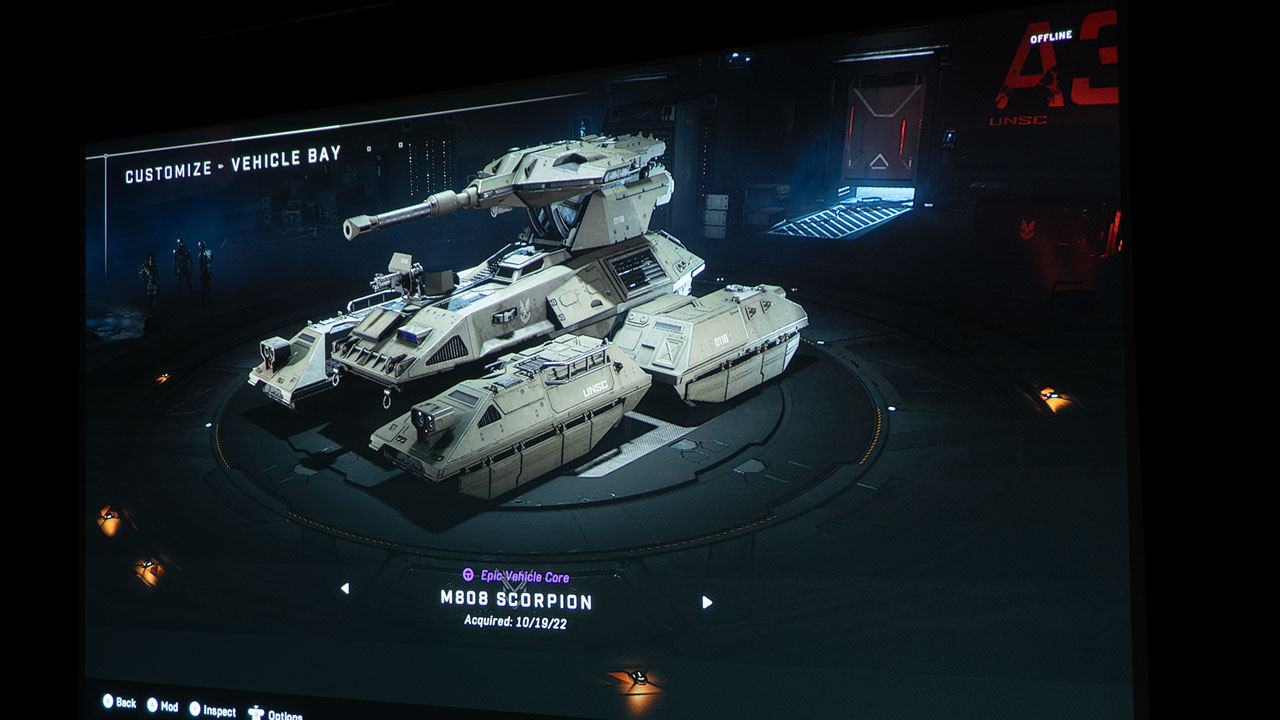
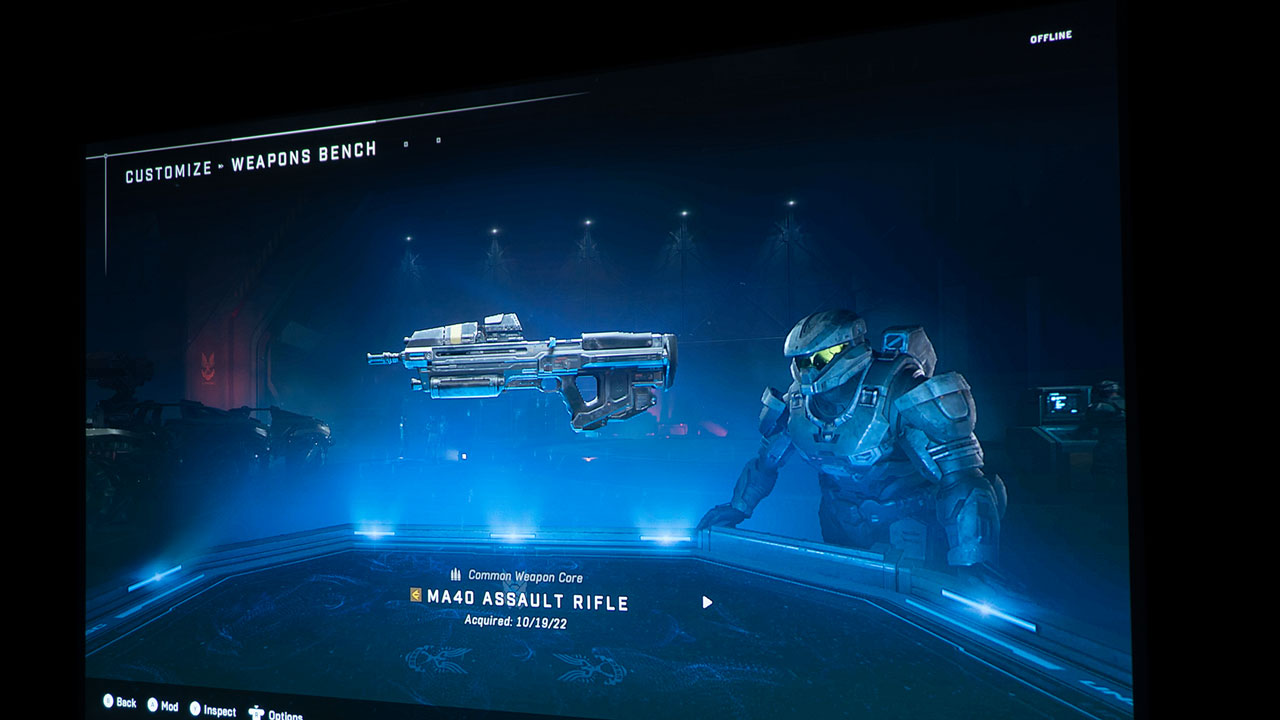
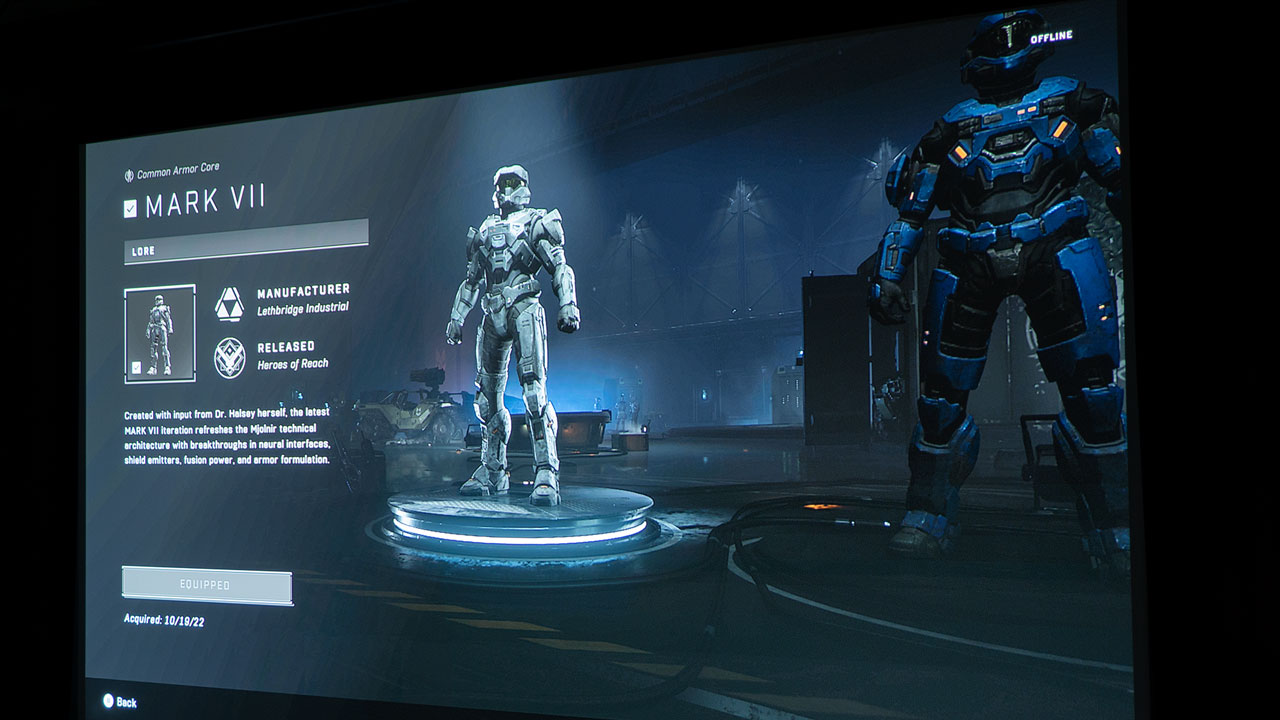
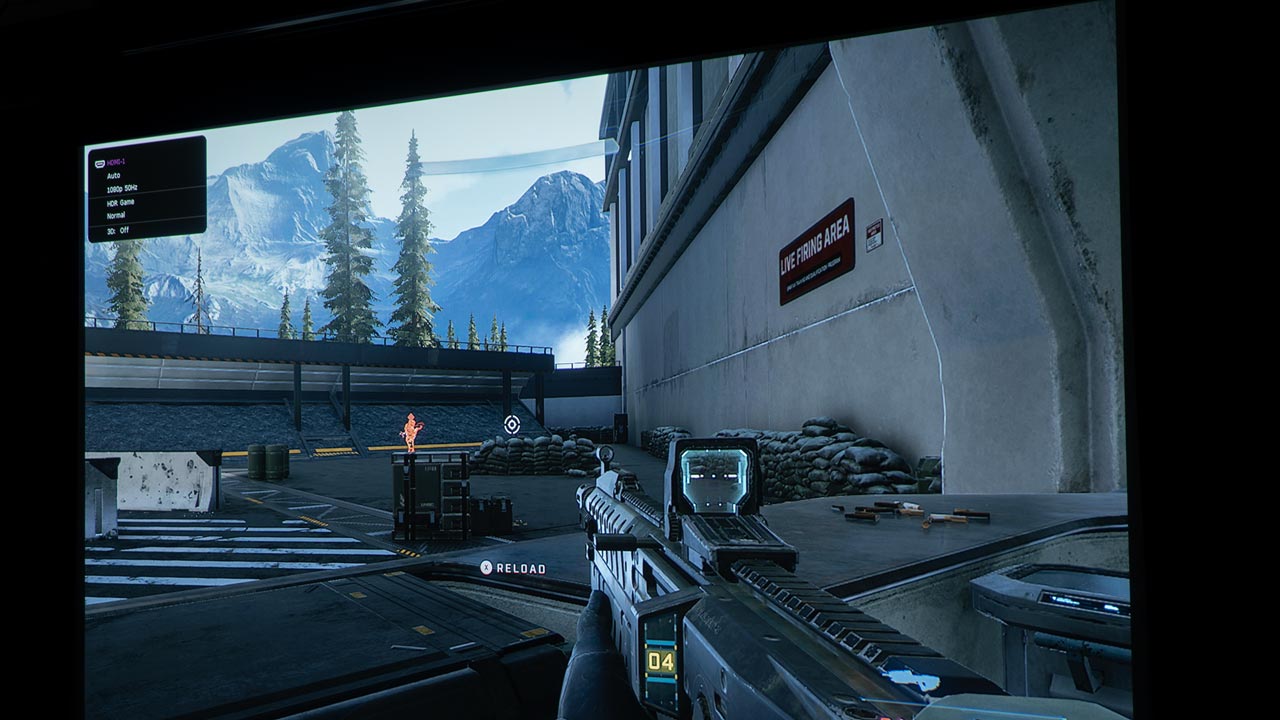
This month we will continue our series focused on gaming on a projector and this month we're looking at Halo Infinite. Halo has been a signature game for the Xbox gaming system for several years. This game was released in late 2021 and is the 6th installment in the Halo series. It is a first-person shooter game developed by 343 industries and published by Xbox game studios for the Windows and Xbox gaming systems. It is also available on the Steam streaming gaming platform.
Normally Kam Valentine, who is our resident gaming enthusiast, does most of our gaming reviews. However, he has a PlayStation and his gaming PC is currently broken, so I decided to tackle this article since I have an Xbox Series S. While I am not a hardcore gamer, I do enjoy playing these types of games on a large projector because it's almost like a large interactive movie.
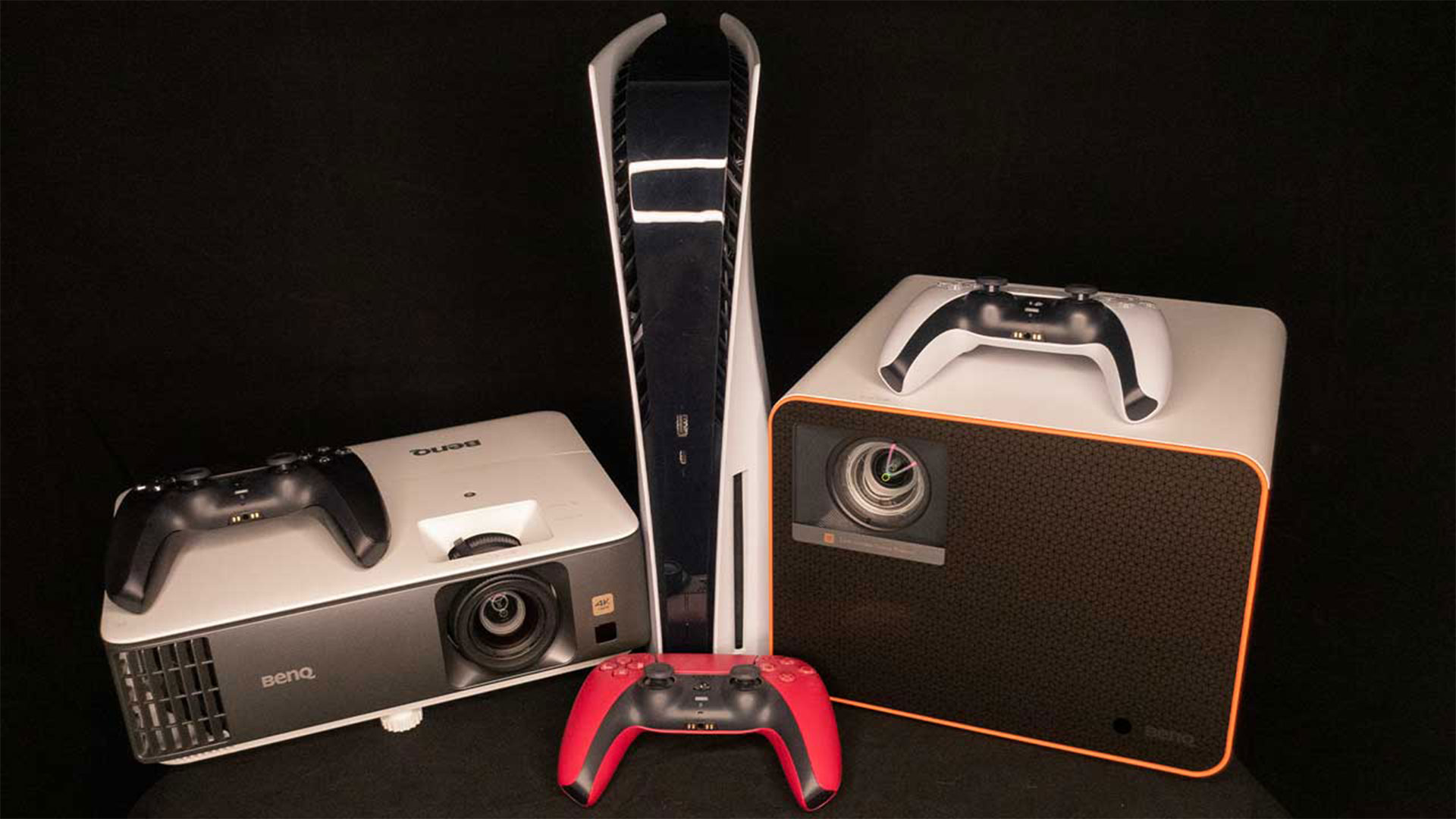
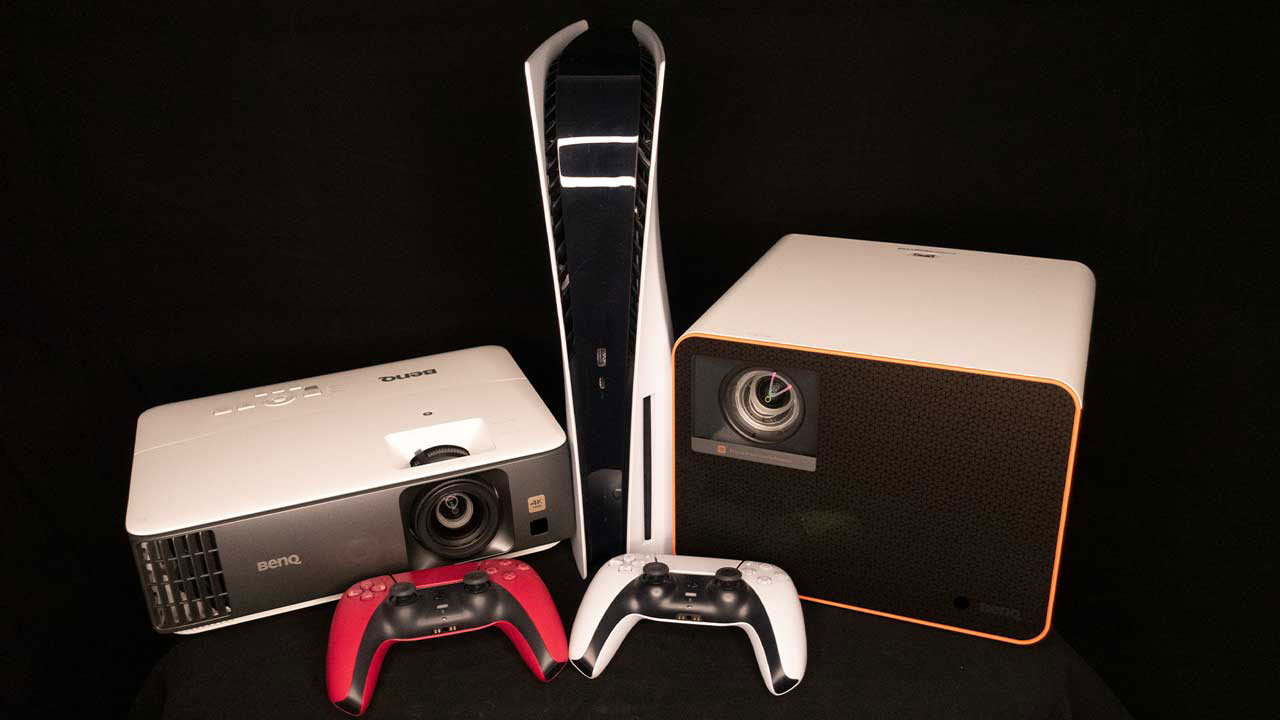
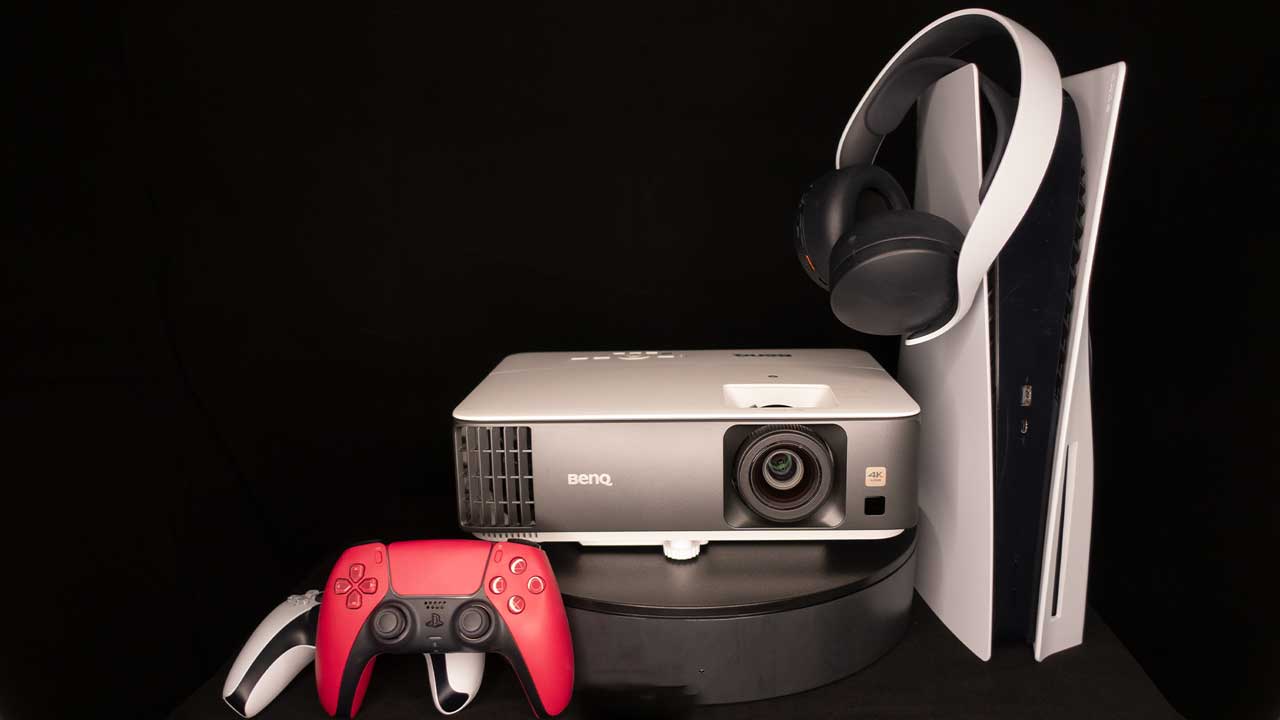
BenQ sent Projector Reviews demo samples of the X3000i and TK700 gaming projectors to write our monthly gaming on a projector articles. BenQ is deeply embedded into the gaming world. And BenQ owns ZOWIE, the maker of gaming monitors for eSports. ZOWIE is BenQ’s brand dedicated to developing professional eSports equipment. So, having a series of gaming projectors from BenQ is a win for us gamers.
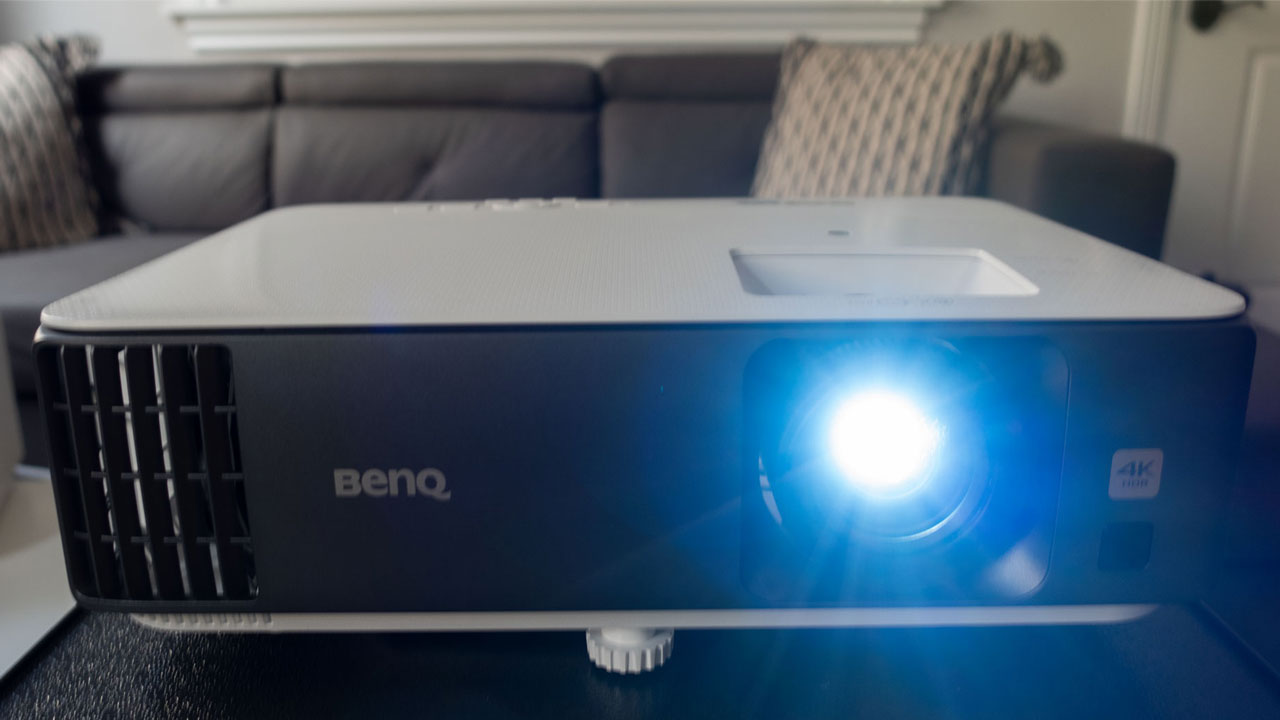
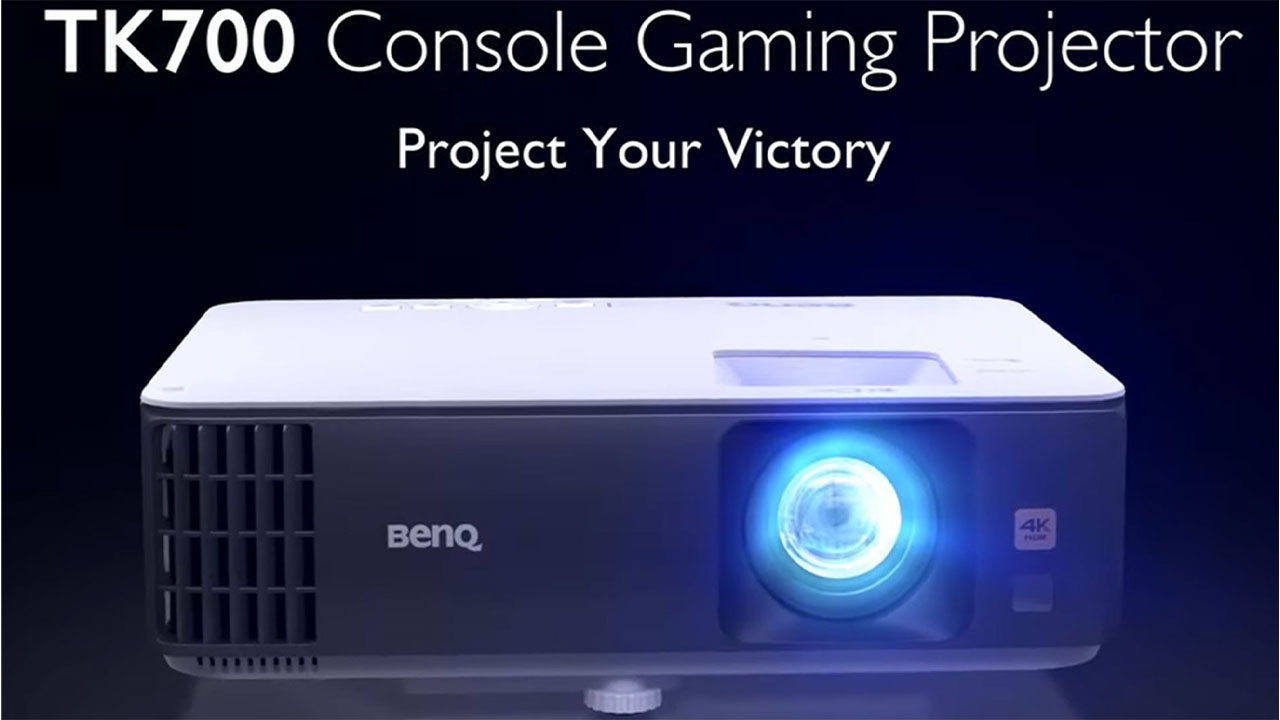
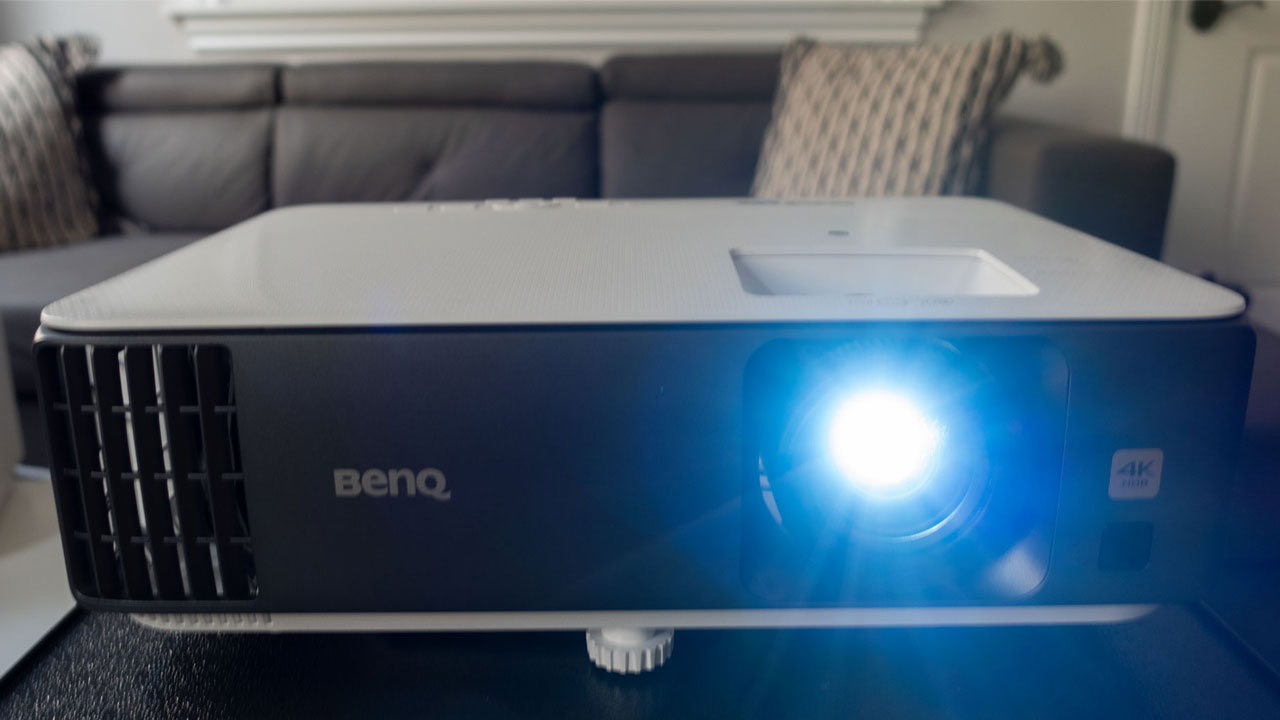
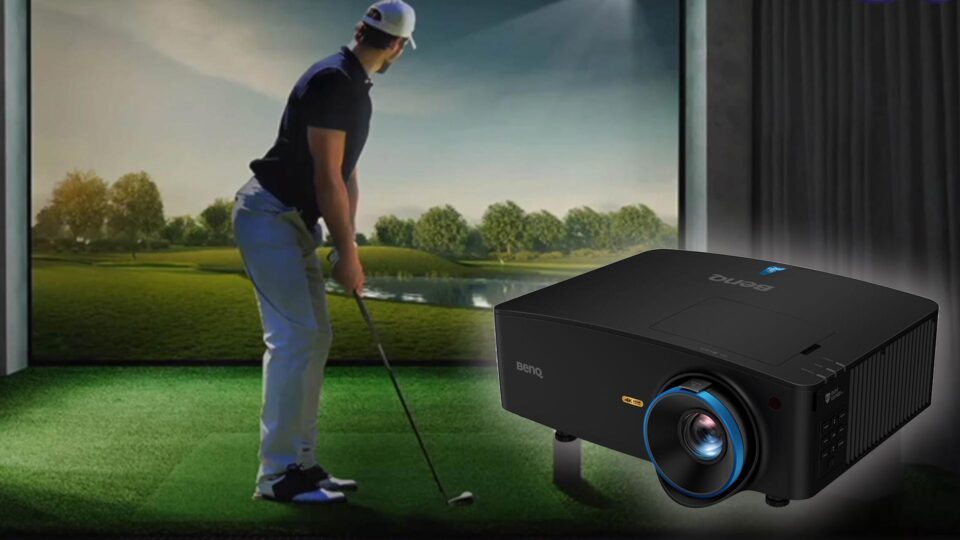
For this review, I utilized the BenQ TK700 we reviewed this projector a few months ago. The TK700, which retails for $1399, is a 4K lamp-based gaming projector with a rated brightness of 3,200 ANSI lumens. The projector’s high brightness makes it an excellent option for gaming or viewing the content in a room with moderate ambient light.
With a rated brightness of 3200 ANSI Lumens, the TK700 is a great option for gaming in rooms with moderate ambient light
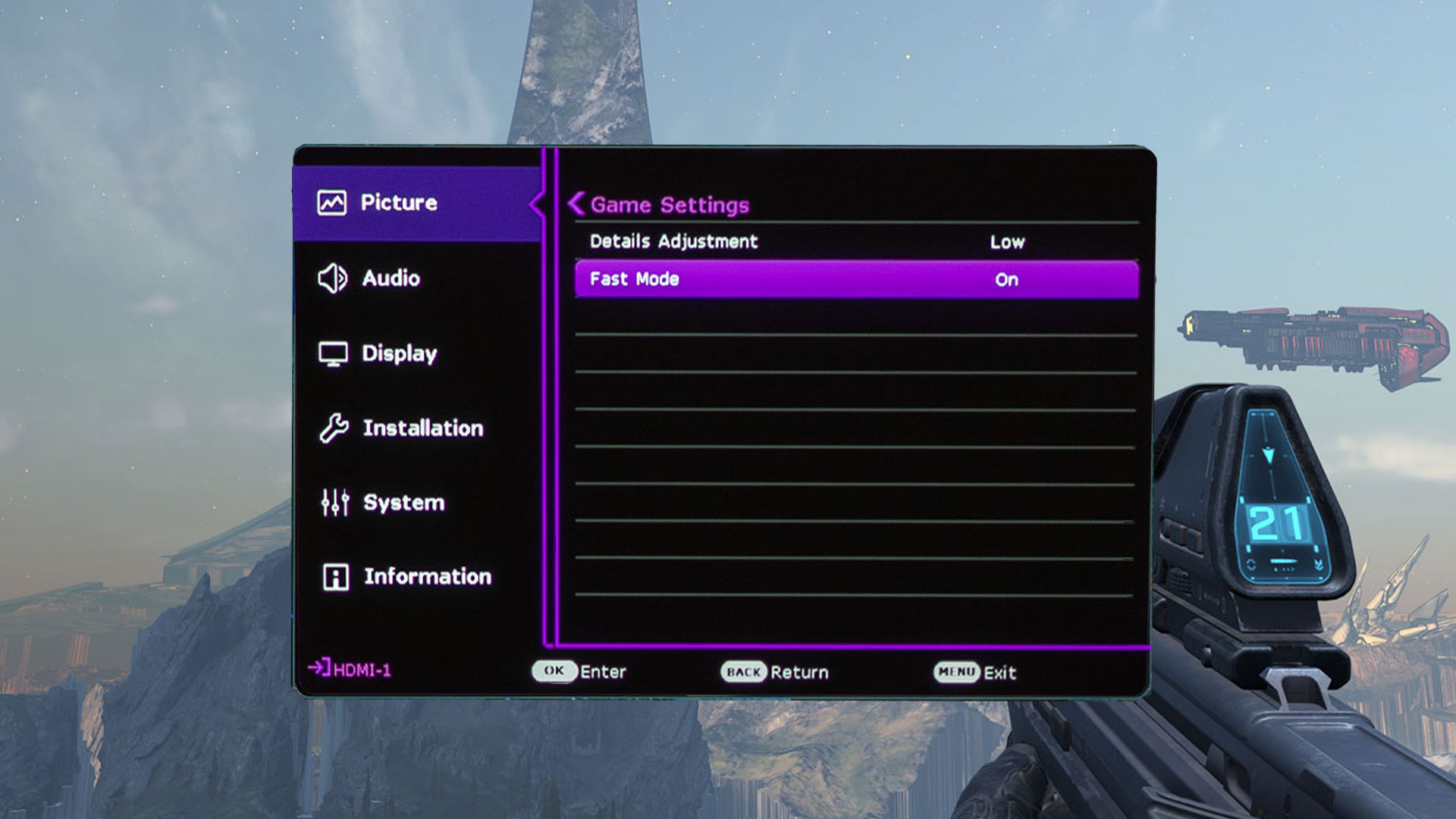
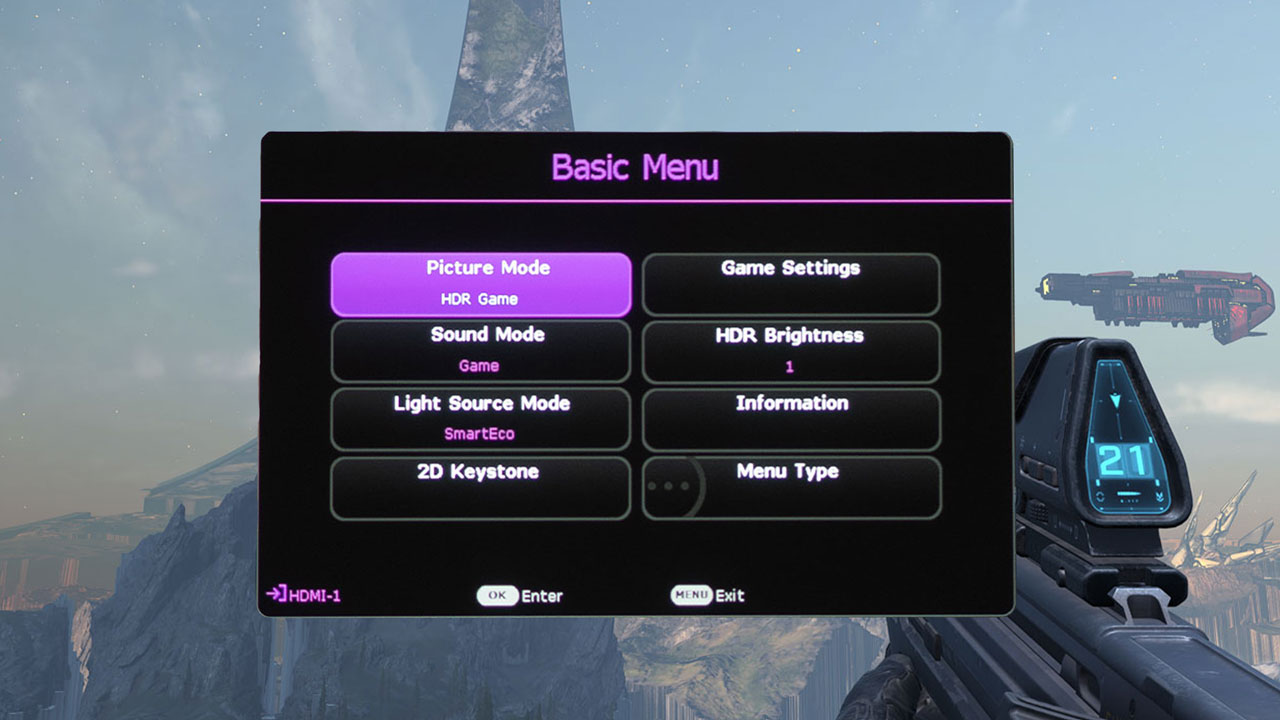
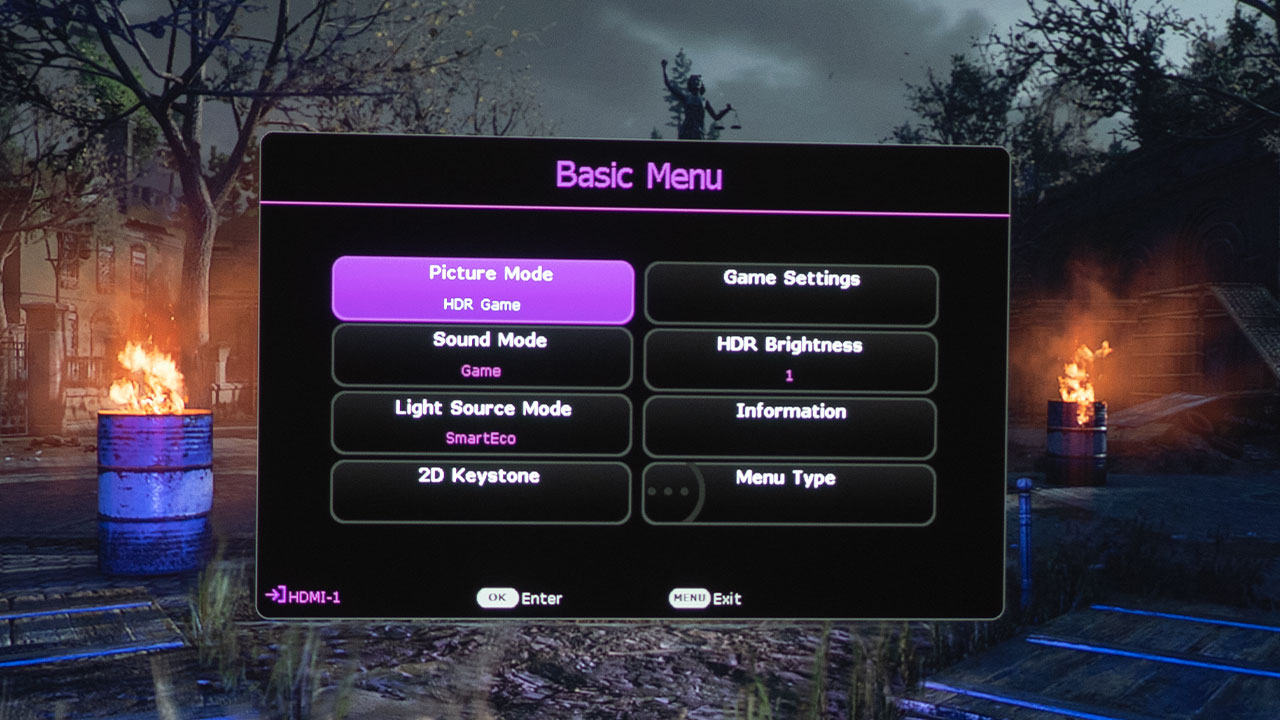
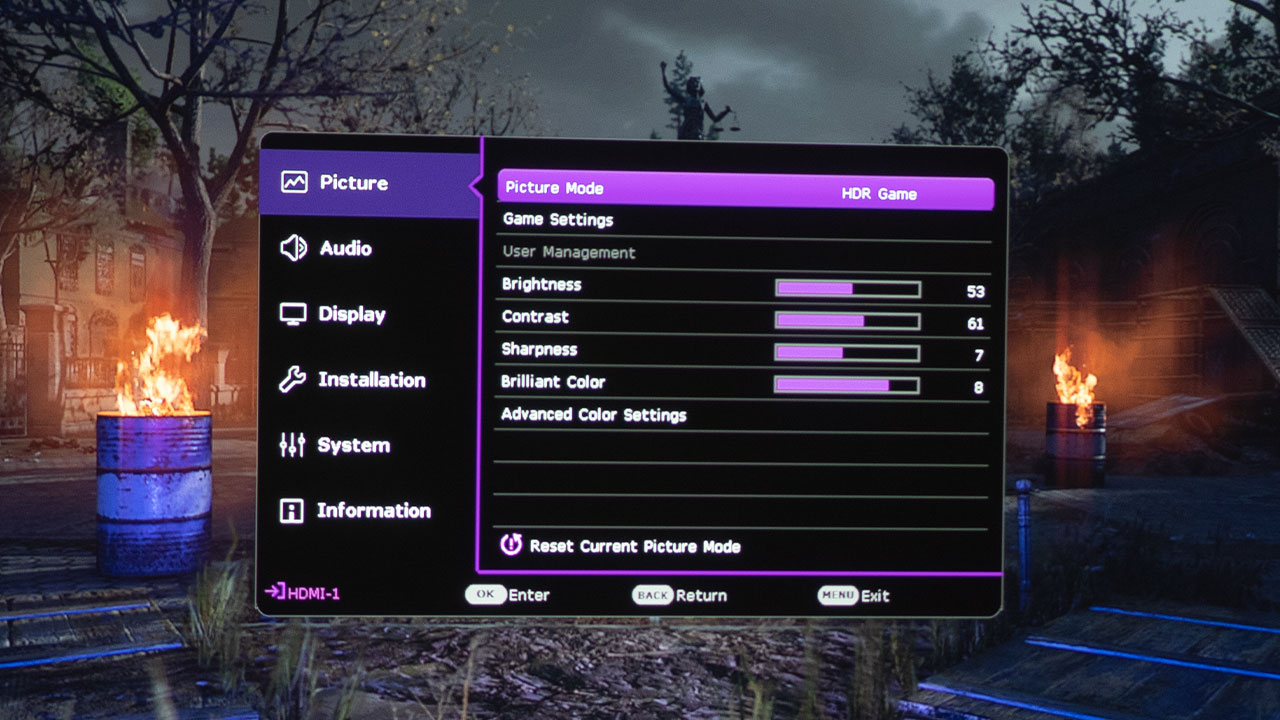
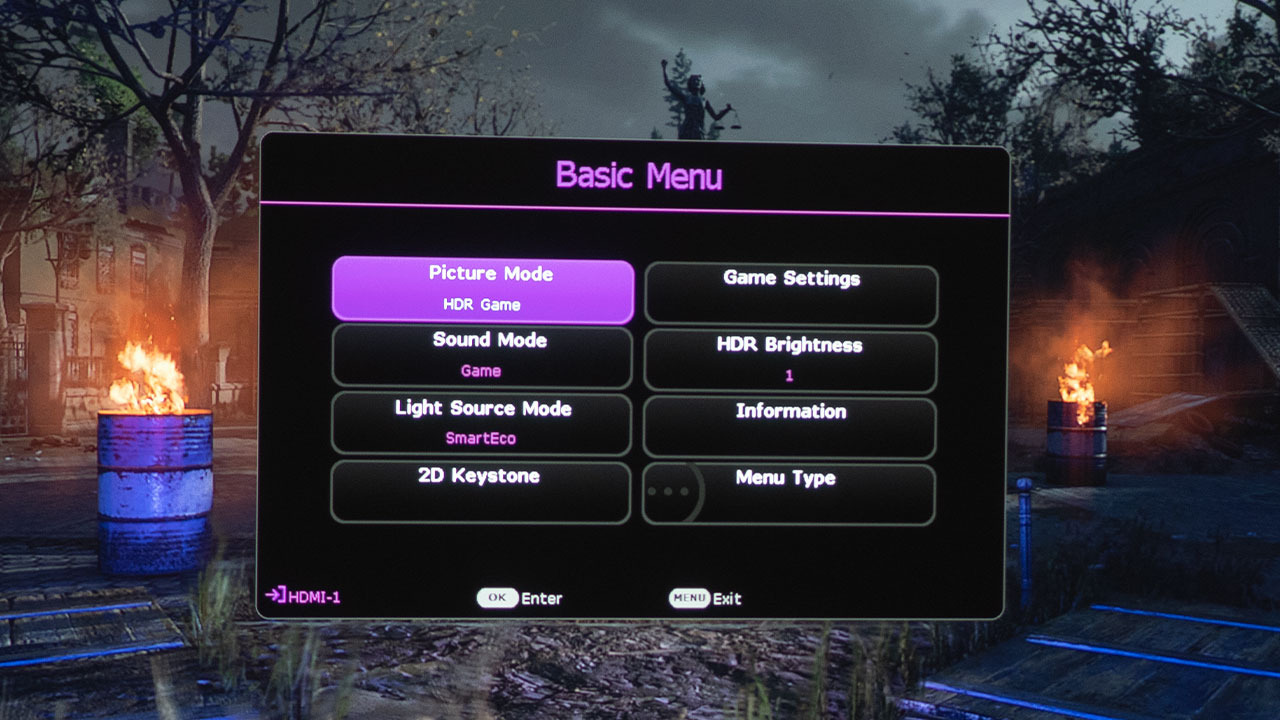
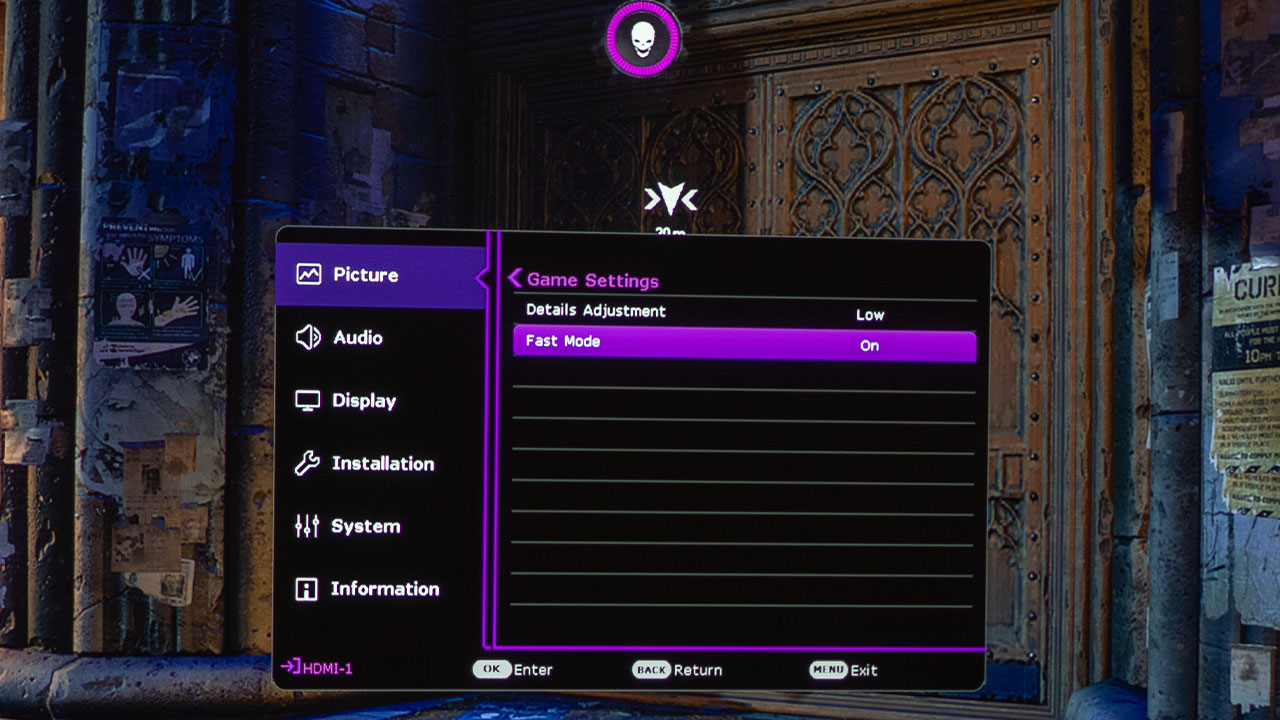
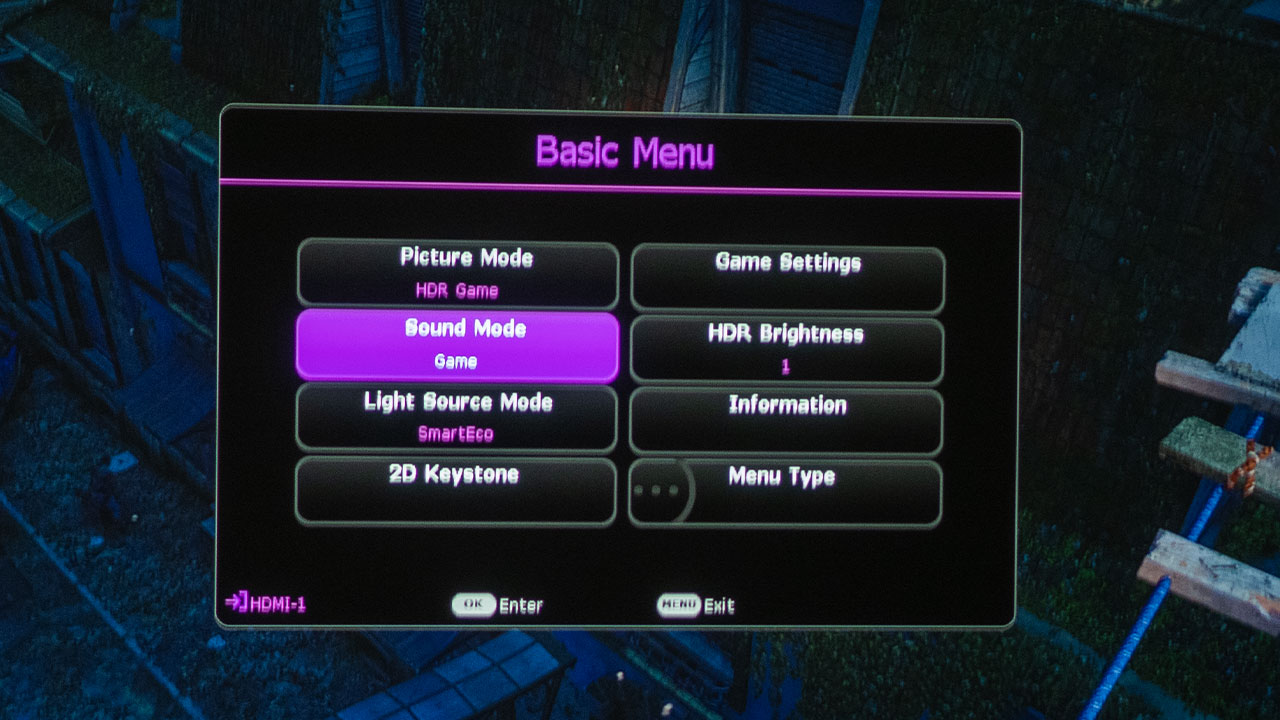
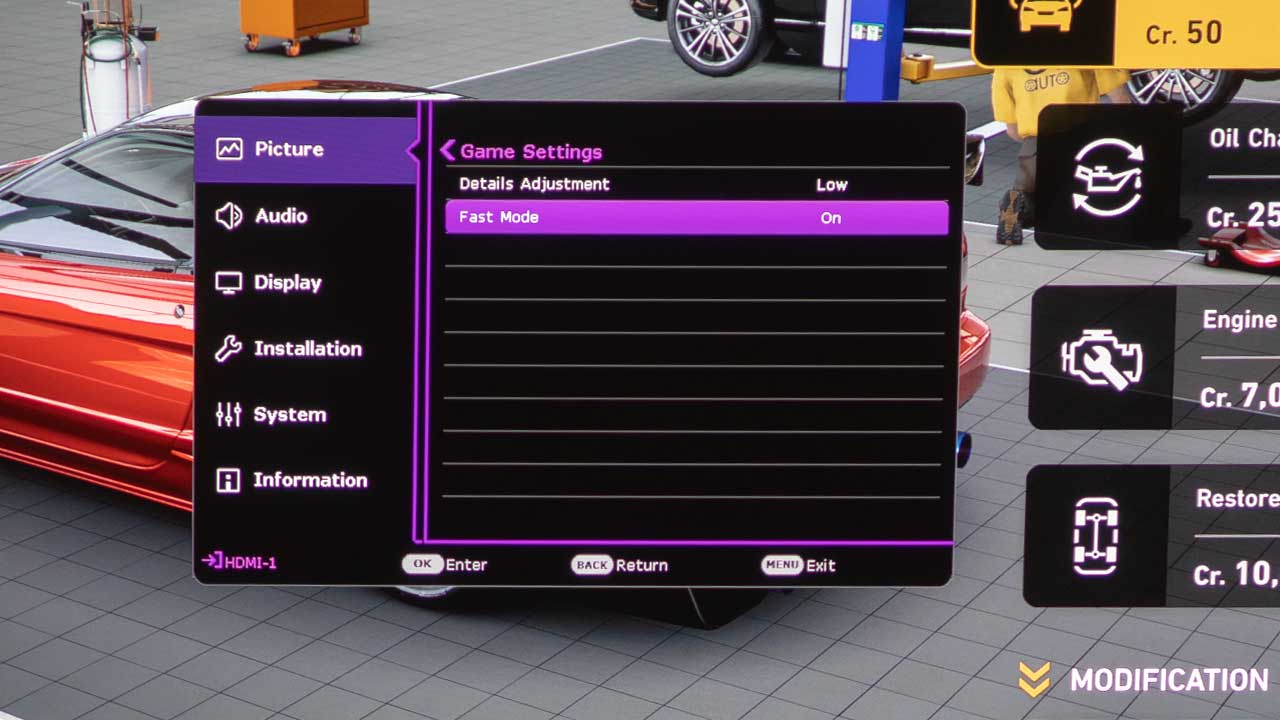
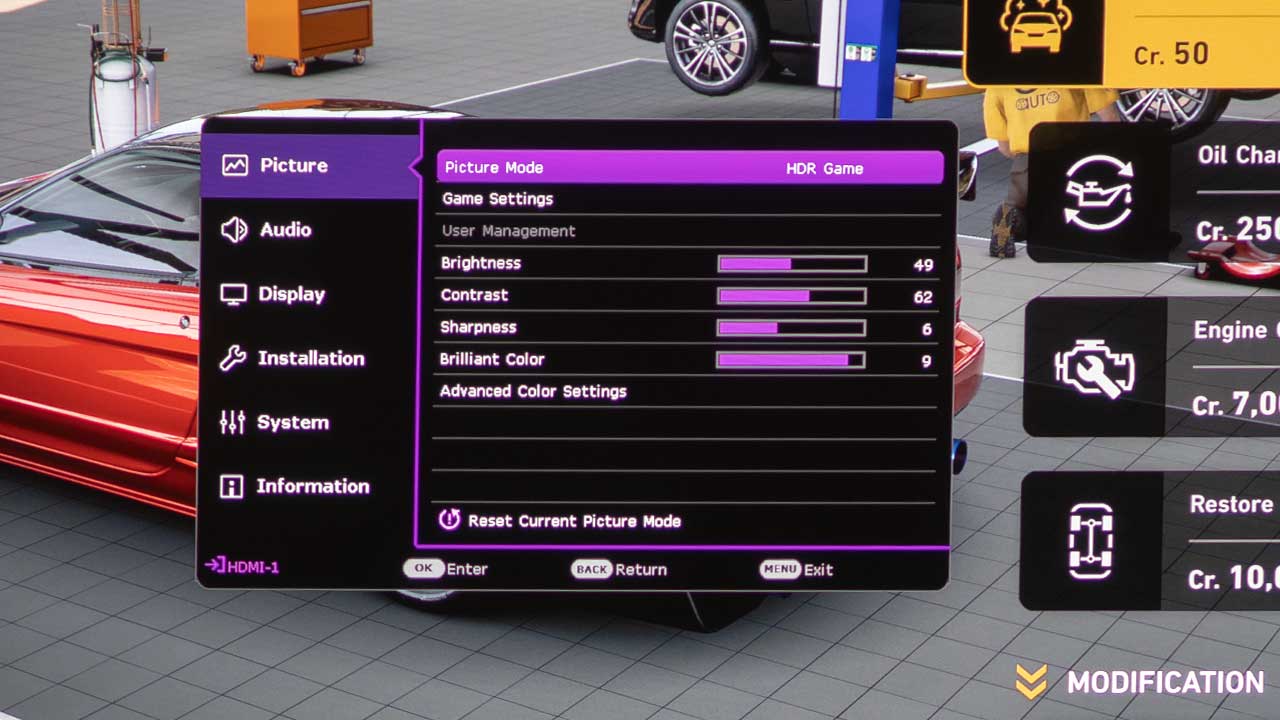
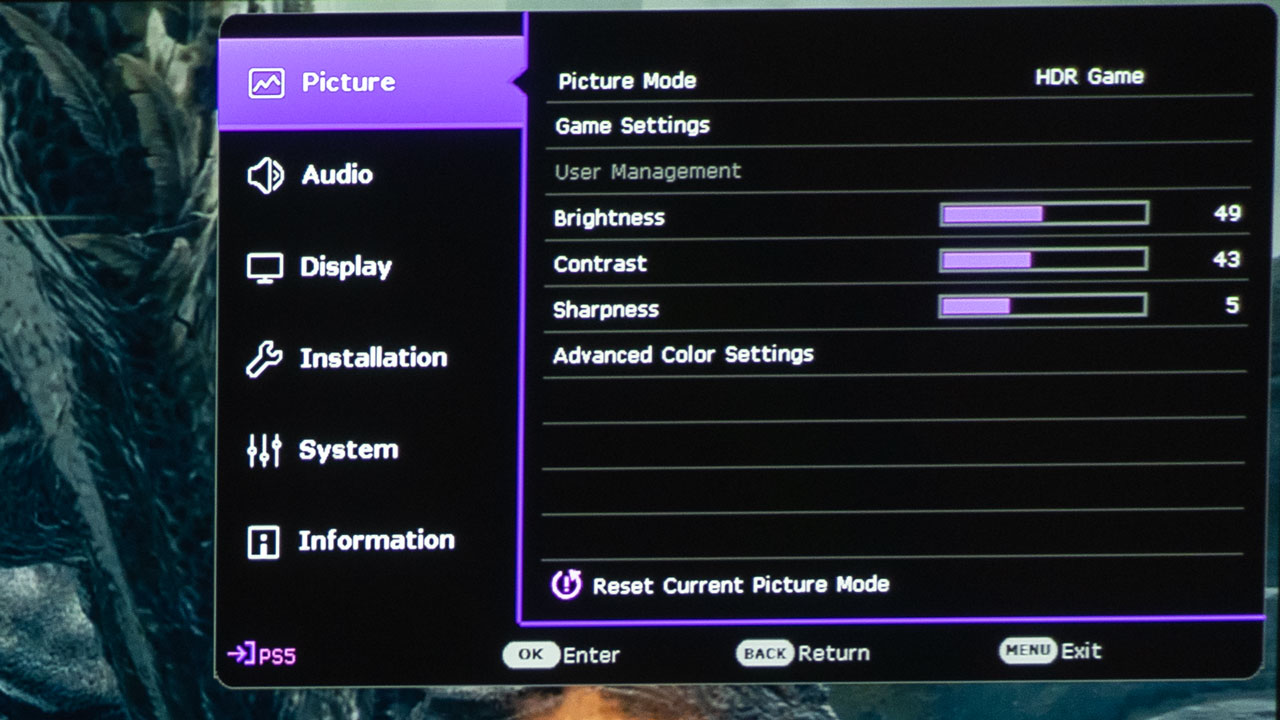
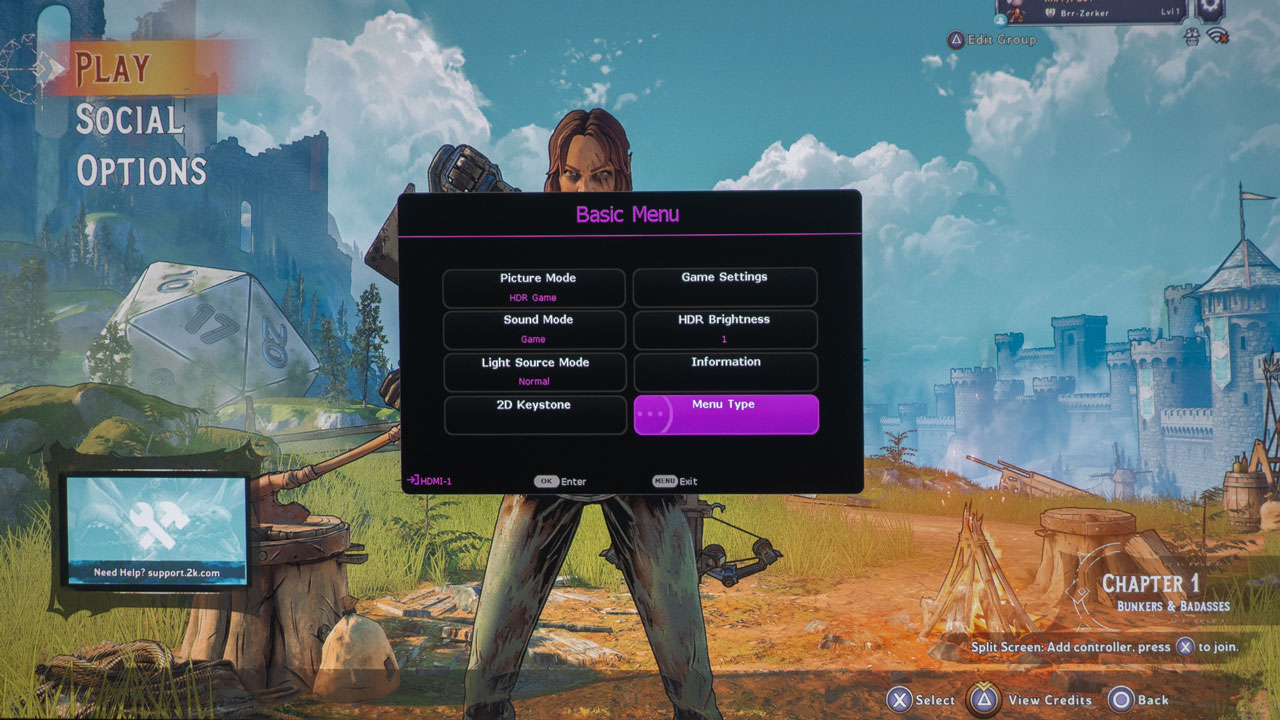
Since the BenQ TK700 is targeted at gaming enthusiasts who play games like Halo Infinite, BenQ knows that response time is critical. Switching the TK700’s Picture Mode from HDR10 to HDR Game gives you access to the projector’s Game Settings, where you can switch Fast Mode on or off. With Fast Mode turned on, the TK700 minimizes the response time between the input source and the displayed image.
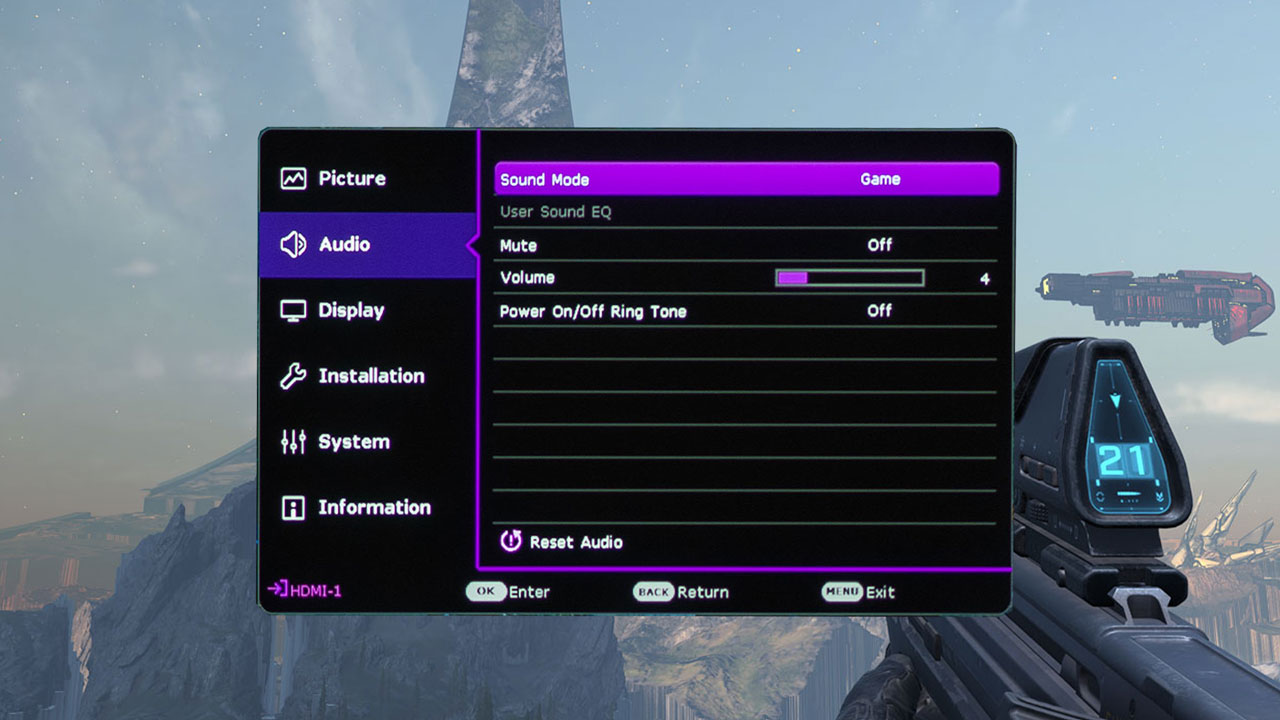
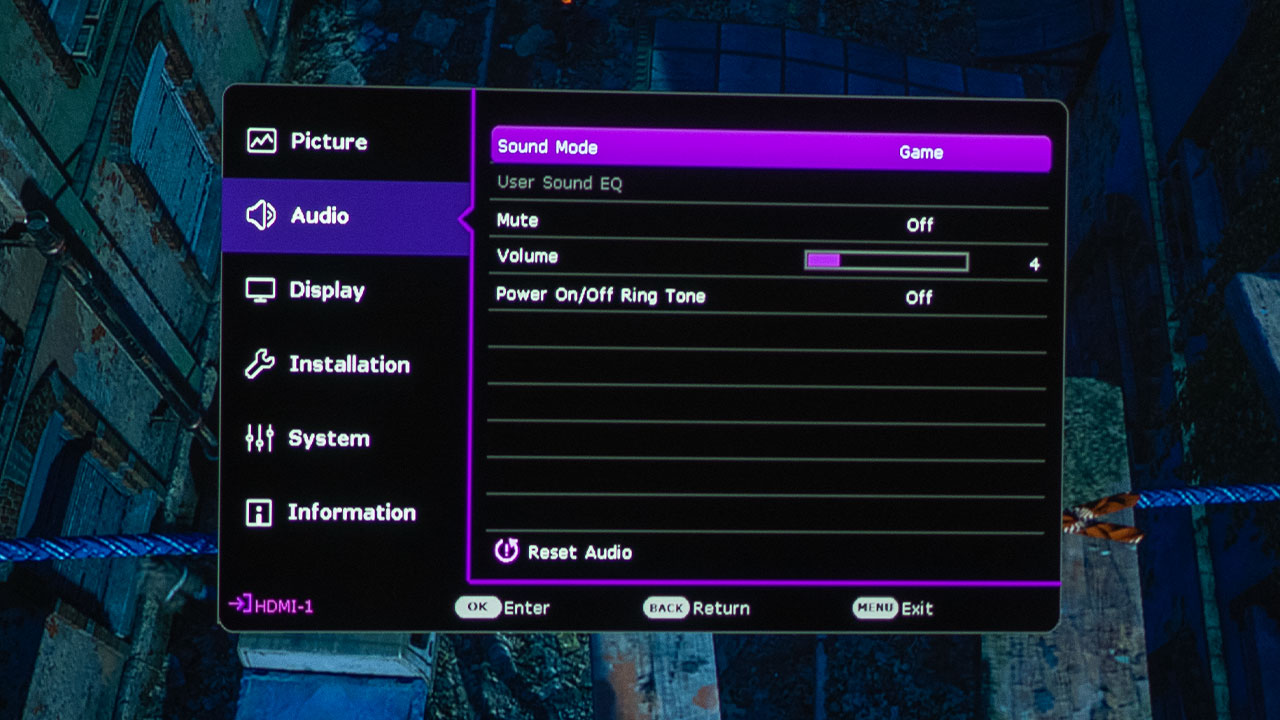
The BenQ TK700 Includes picture and sound modes designed to optimize the gaming experience
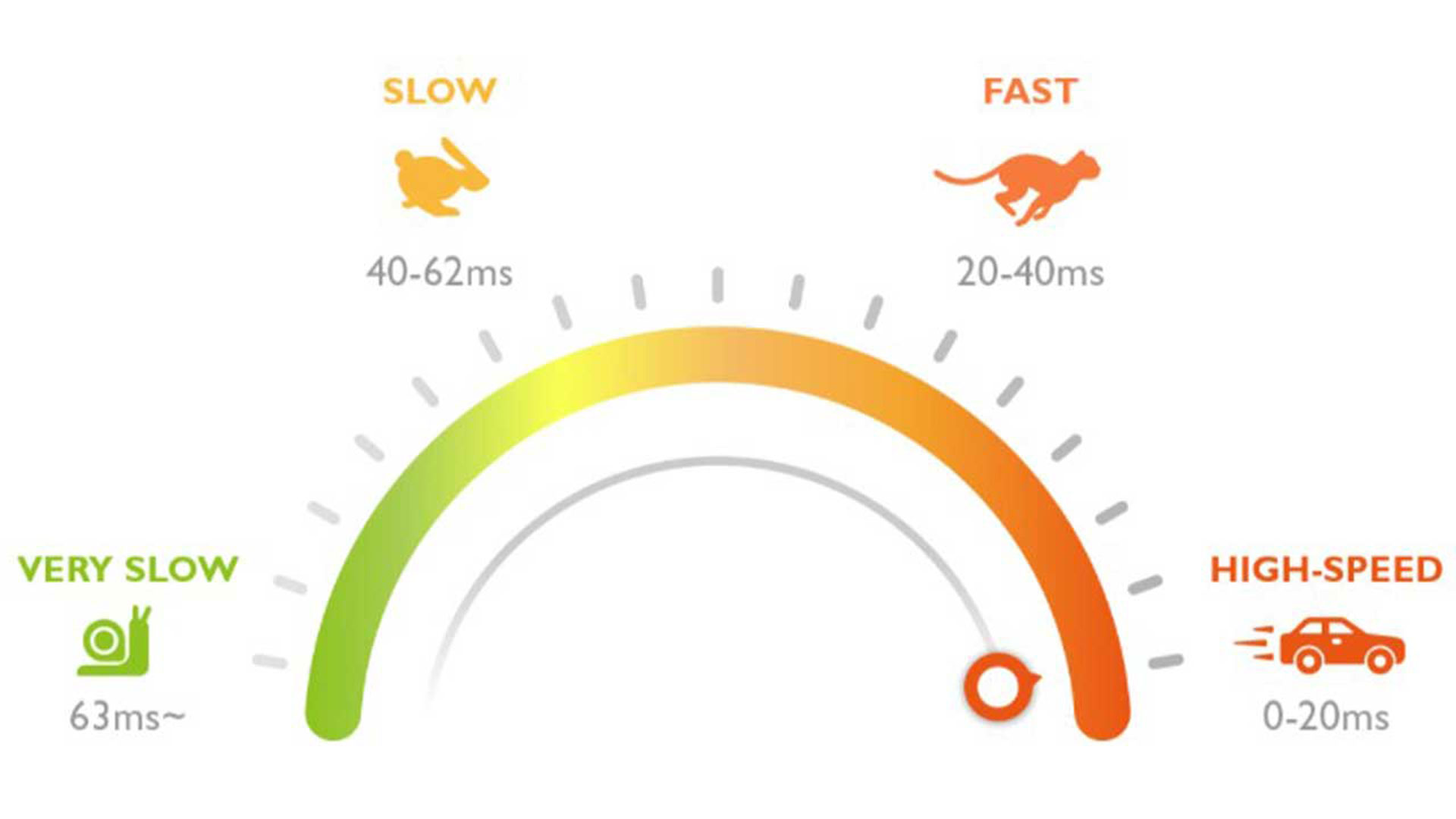
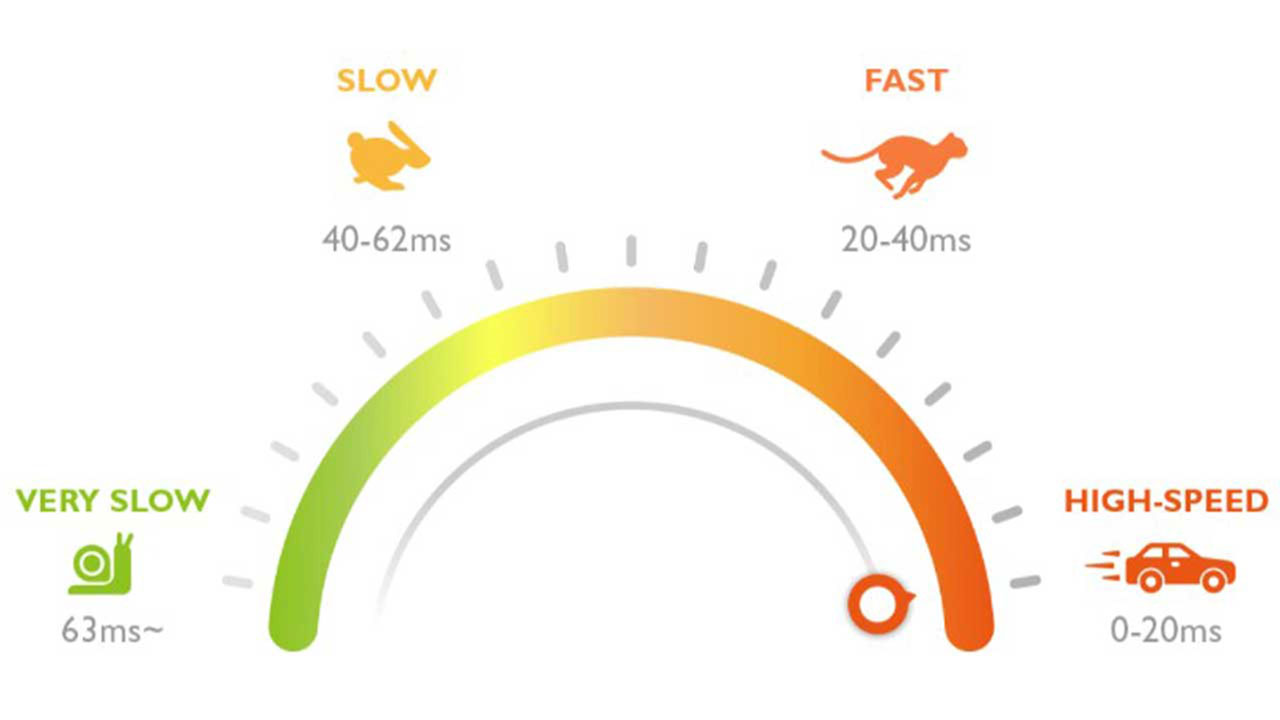
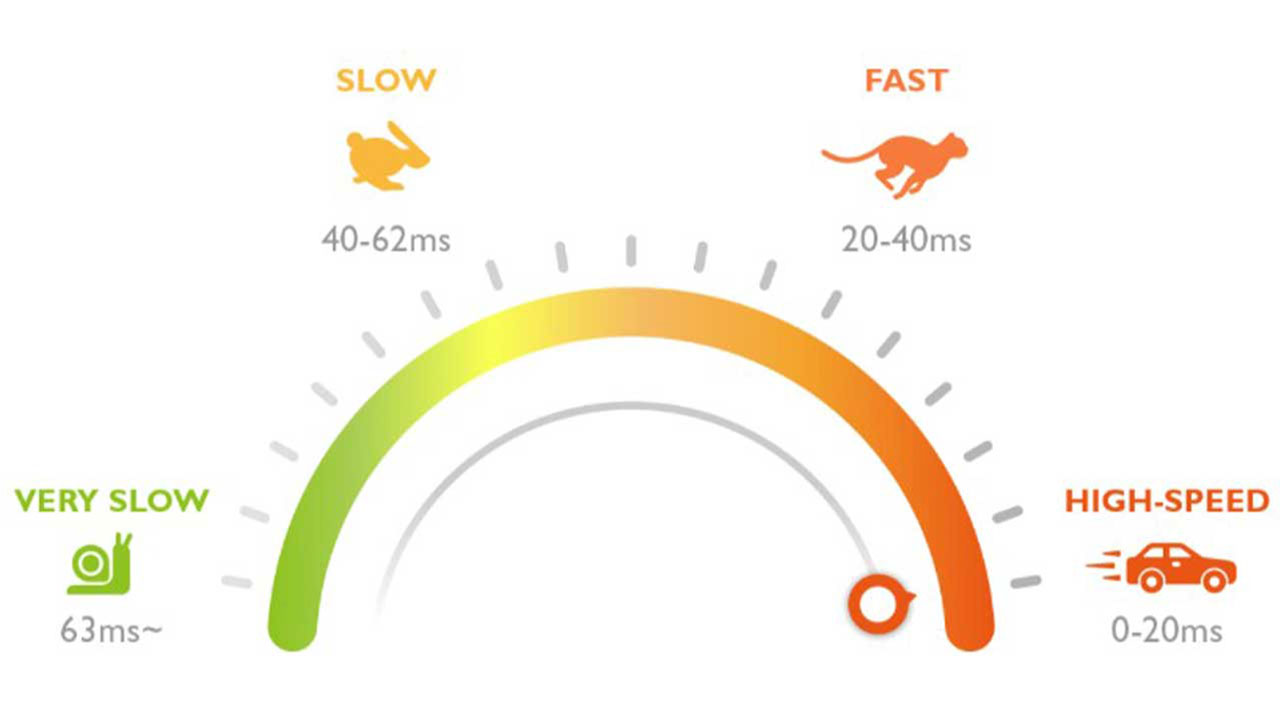
The TK700 has a rated input lag of 4K@60Hz: 16.67ms, 1080p@240Hz: 4.16ms, 1080p@120Hz: 8.33ms, and 1080p@60Hz: 16.67ms. In addition to low lag, the projector includes a unique game mode for FPS gaming with audio, visual, and optimized latency settings.
I played the game in 4K@60fps as well as in 1080p at 120fps. The TK700’s low input lag rivals the best flat-panel TVs which ensures that gameplay will be responsive enough for all but the most serious competitive gamer and it far exceeds the needs of a casual gamer like me.
The BenQ TK700's Input lag was just 16.7ms when playing Halo Infinite on my Xbox Series in 4k@60fps
Halo Infinite can be played in multiplayer mode with/against others in games like Capture the Flag, Four Versus Four, and Big Team Battles. While more competitive gamers, like our reviewer Kam Valentine, would probably enjoy playing against others, I'm a casual gamer so I would probably get killed pretty quickly. Therefore, I prefer to play games like this in campaign mode because it gives me the opportunity to take my time and explore the world around me.
In campaign mode, the plot is centered around Master Chief, who is a human super soldier as he battles his enemies on a ringworld called Zeta Halo also known as Installation 7 in the year 2560.
If you played Halo 5: Guardians, it follows a similar storyline where the artificial intelligence Cortana and Allied AIs (Artificial Intelligence) rebelled against their creators, the United Nations Space Command (UNSC). Also fighting against Cortana and the UNSC are the Banished, a mercenary organization made up of both aliens and humans that is led by Atriox.
The game begins in 2559 when the UNSC ship Infinity was attacked and boarded by the Banished where Atriox defeats the Master Chief and dumps him in space. Six months later, a UNSC pilot recovers Master Chief floating adrift in space. While the Pilot wants to flee, Master Chief is hell-bent on continuing the fight against the Banished.
The Chief and Pilot travel to Zeta Halo, which has been mysteriously damaged severely. While on the ring, Master Chief locates the Weapon, an AI design used to imitate Cortana to capture her for deletion. Even though the Weapon claims she was successful in her mission, she has failed to self-delete as she was supposed to. Master Chief retrieves the Weapon, and experiences visions of Cortana's memories and thoughts left as residual data.
The game’s semi-open world structure allows you to freely explore parts of the ring-world Zeta Halo setting, which are segmented off from each other and initially impassable. As you explore, you will find Forward Operating Bases (FOBs), which can be captured once you have defeated the enemies in that area. These bases serve as fast-travel points.
Other points of interest found across Zeta Halo's surface include "high-value targets" to eliminate, Marine squads to rescue, and Banished propaganda towers to destroy. Completing these side objectives earns the player Valor, which is used to earn weapons and vehicles that players can access from FOBs.
While playing the game, you will use many of the same weapons and vehicles commonly found in the other Halo games. However, the game does add new abilities not available in the previous versions such as the Grapple Shot, which Master Chief uses to retrieve items and weapons from a distance, make a quick escape, or propel himself into the enemy during a melee attack.
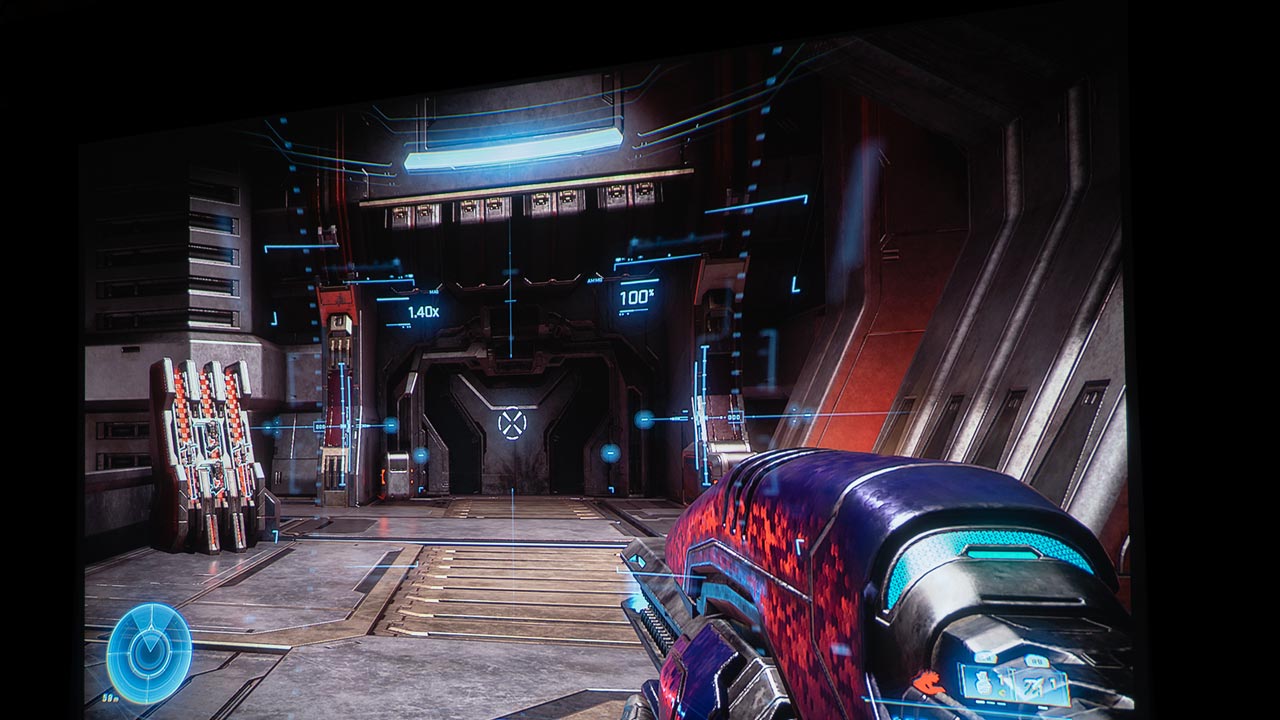
As with all first-person shooter games, being able to see the enemy before they see you gives you a huge advantage. I am not skilled enough to take on multiple opponents all at once, so my best strategy when playing games like Halo Infinite is to take out targets one by one or a few at a time. Since I was using such a massive screen, it was much easier to see the enemy way out in the distance. This allowed me to sneak up on my targets and take them out and quickly go back into hiding.
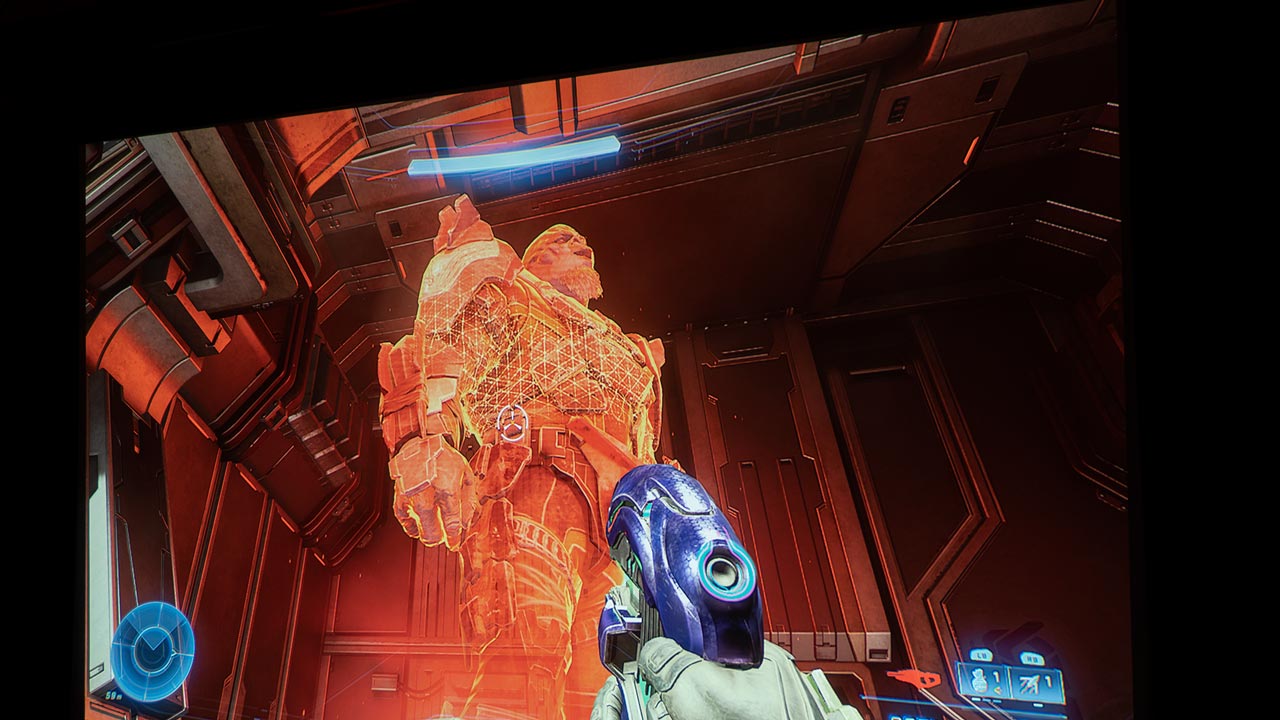
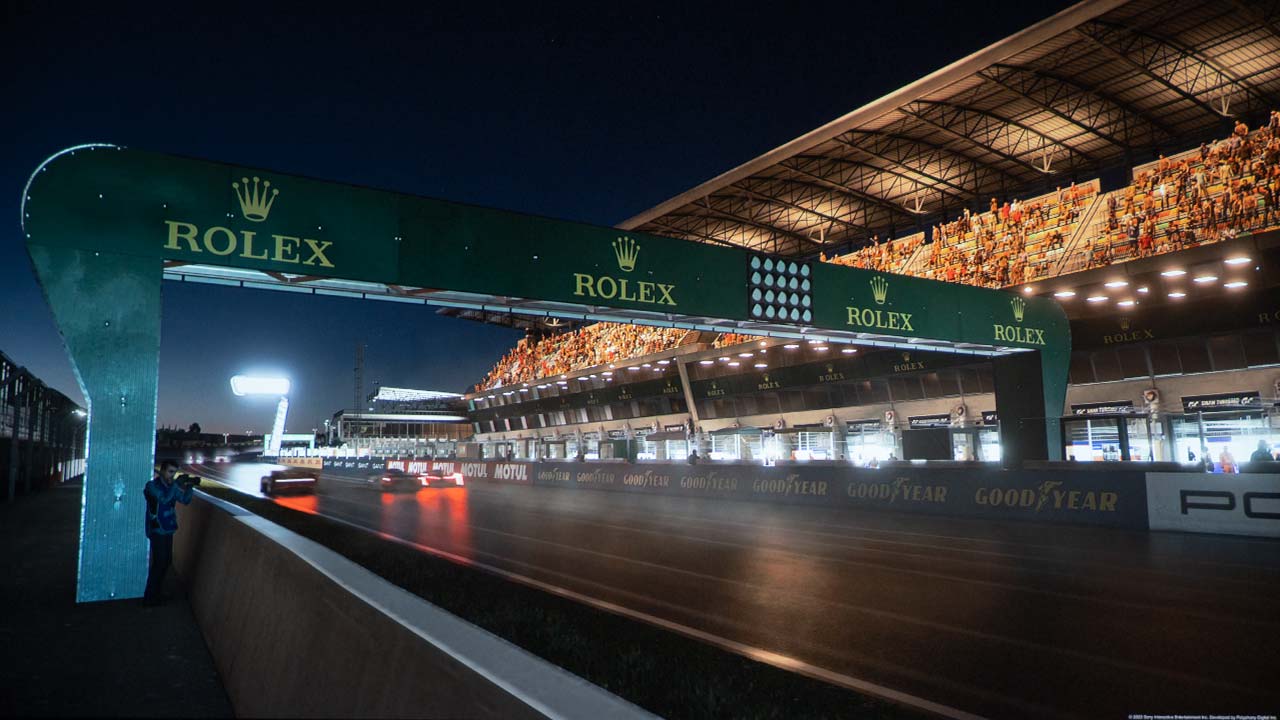
Also, the TK700 projector’s HDR game mode makes it easier to see opponents standing in the shadows. The TK700 includes BenQ’s Black Detail Enhancement under the projector’s Game Settings. When Black Detail Enhancement is engaged, it is easier for you to see someone approaching in the dark so you can react faster. The TK700’s HDR Game mode also refines its projected image to help disclose movements and details in dark scenes while optimizing colors.
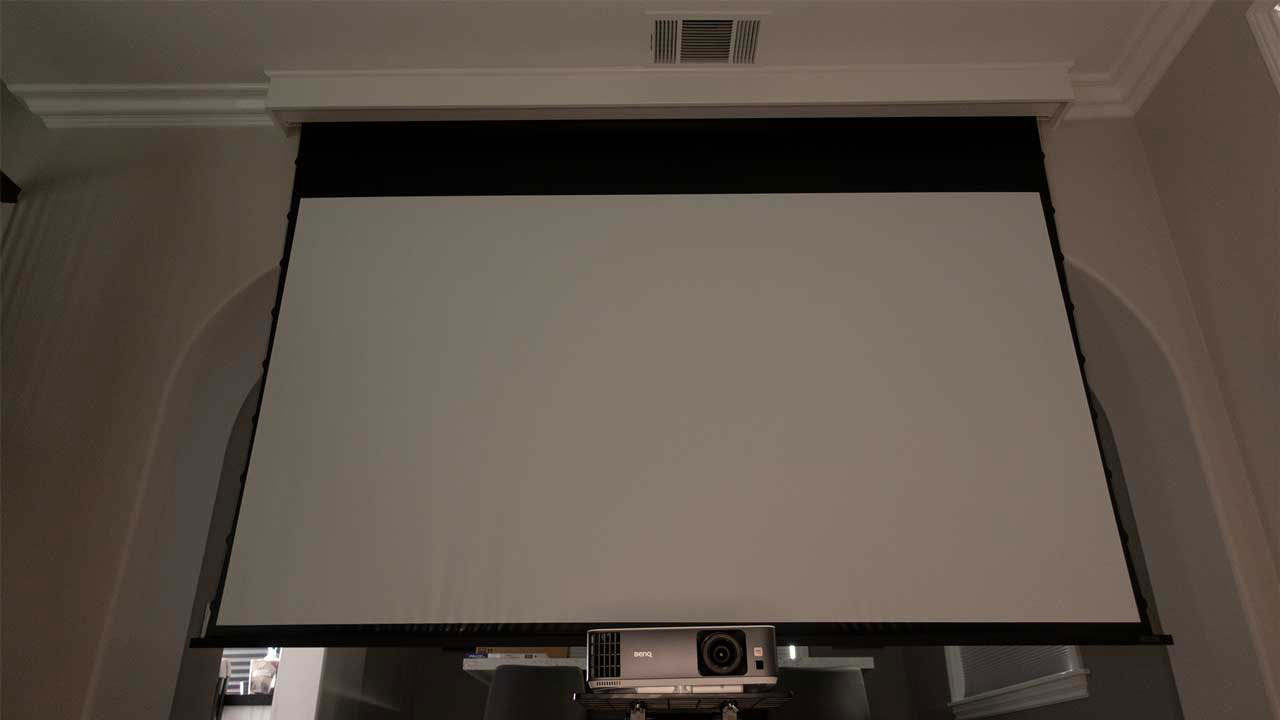
While playing Halo Infinite, I sat about 13 feet away from my 120” screen which delivers an immersive gaming experience that would be hard to match with even a large flat-panel display. While many PC gamers sit just a foot or so from their large gaming monitors, most console gamers sit much farther away from their flat-panel TVs. This makes the experience less immersive, and it also makes smaller targets harder to see.
Playing on a massive screen made it easy to see opponents in the distance
Another thing I noticed when playing an open-world game like Halo Infinite on a projector versus a computer monitor is other people in the house turn into spectators. As I mentioned earlier playing Halo Infinite, felt like I was the main character in an interactive movie. If anyone (i.e. my wife and kids) were in the room while I was playing, they would start telling me to “watch out,” “turn left” or “try that entrance”. They seemed as entertained watching the game as I was playing it.
Great sound is also essential if you want to be fully immersed in a gaming experience. Halo Infinite is full of sound effects which draw you into the game. This includes lots of witty banter from the Banished. Many times, you hear them long before you see them. The game supports surround sound so you can tell where the enemy is located even if they are behind you.
The TK700 has a built-in single 5-watt chamber speaker which sounded surprisingly good. However, if you are a gamer that wants to be genuinely enveloped in sound, you may want a more powerful external sound system. The TK700’s HDMI input #2 supports eARC (Enhanced Audio Return Channel) input which can send multi-channel audio 5.1, 7.1, and Dolby Atmos from a game system to the external audio system.
I only had the opportunity to play Halo Infinite for a few days, so I only completed a couple of missions. The world is expansive enough to keep anyone engaged for several weeks. Overall, I really enjoyed the limited time I have spent playing Halo Infinite, and I look forward to continuing to explore new missions with Master Chief.
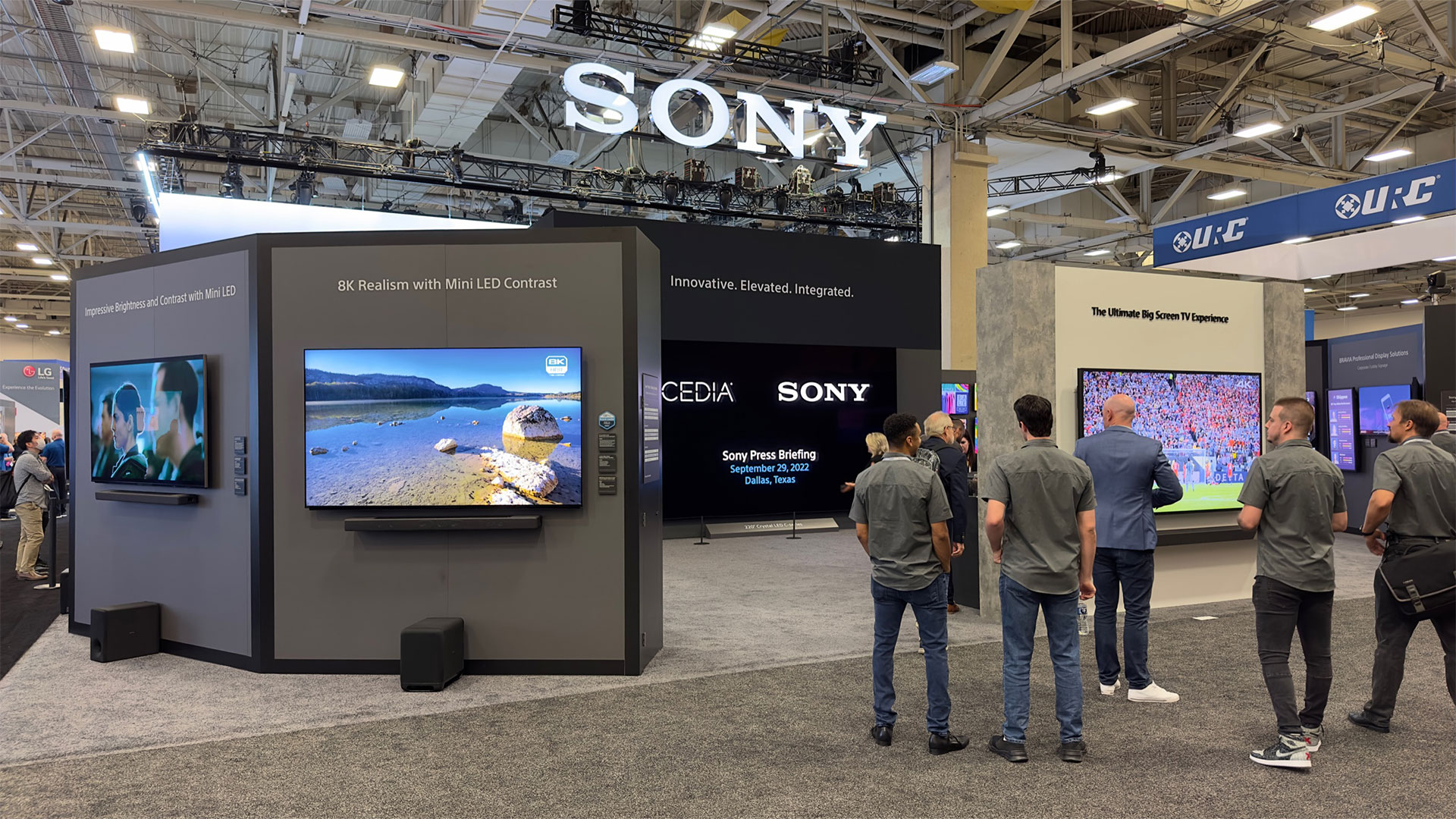
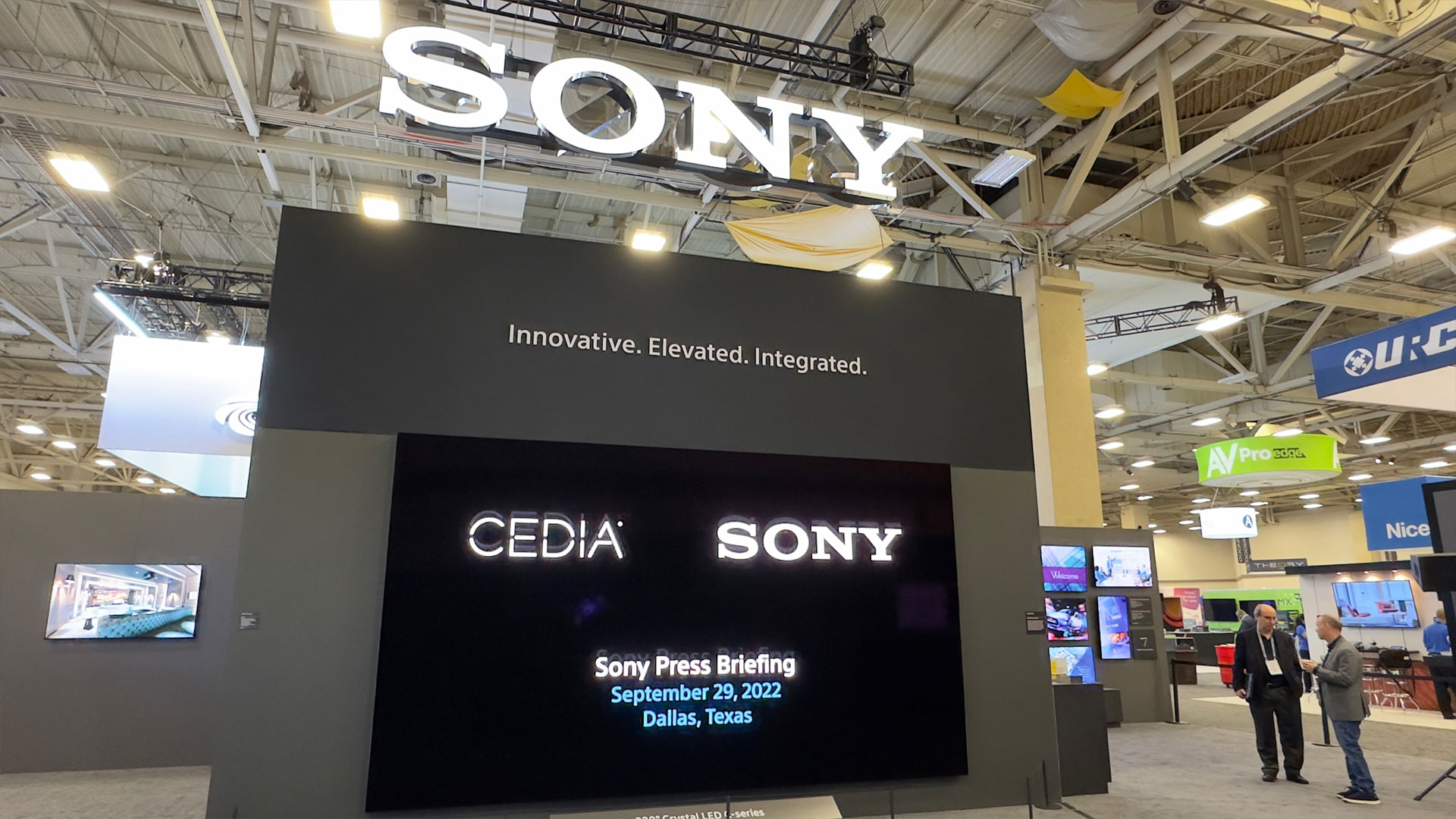
For 2022, the CEDIA Expo was held in Dallas, Texas.
This year, for CEDIA Expo 2022 CEDIA’s homepage stated, “The global membership association that serves the smart home technology industry through advocacy, connection, and education.” Last year, during CEDIA Expo 2021, their homepage stated, “Where Home Technology Lives. Get Connected, Educated, and Inspired.” Well, consider me connected, educated, and inspired. CEDIA Expo 2022 did not disappoint; the exposition was full of new technology that consumers will be happy to have. In this article I go over some of the more interesting offerings I came upon while at the show including some video highlights I took while there.
AWOL VISION
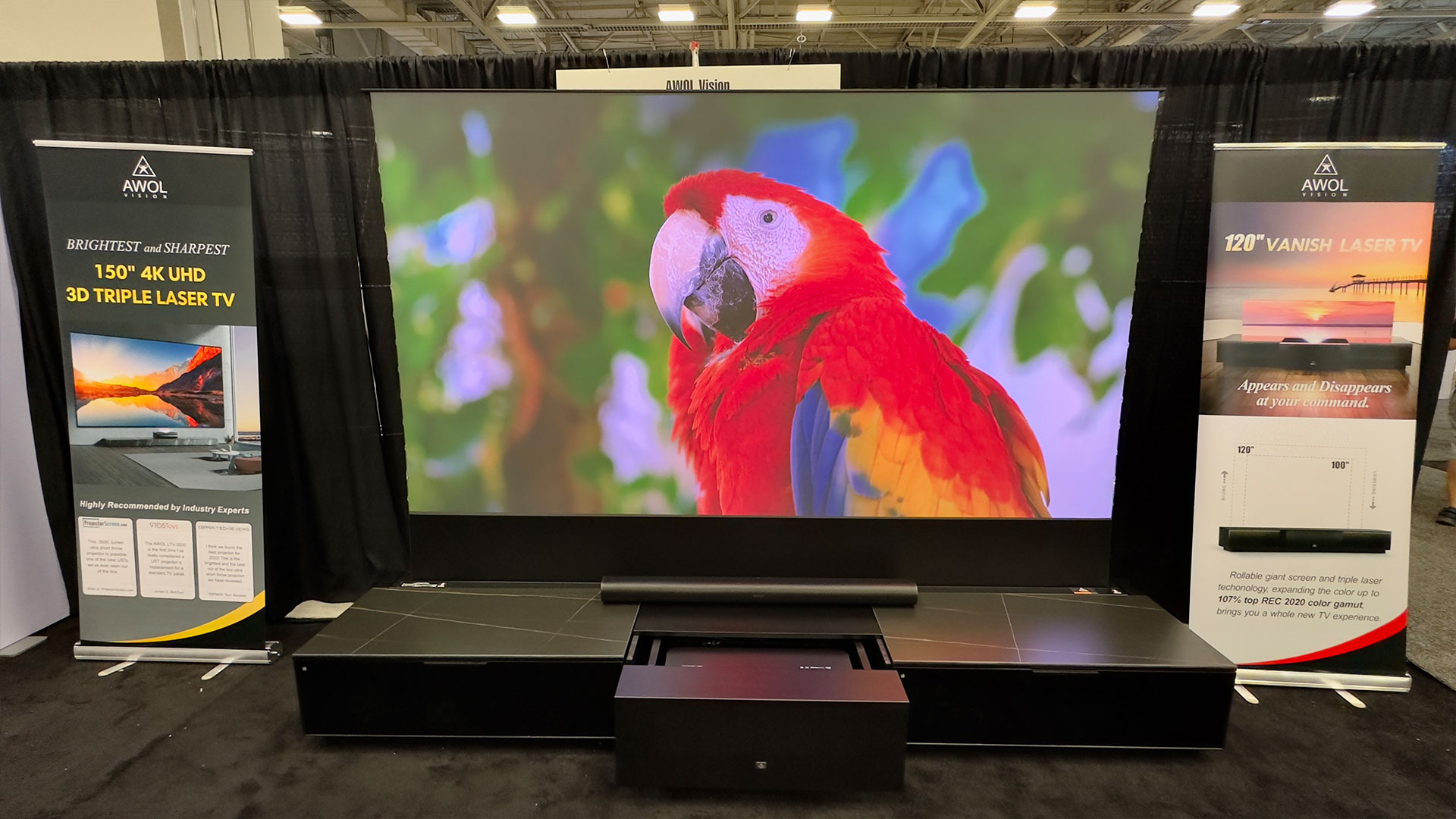
Steven Shulman, President of AWOL Vision has come into the Ultra-Short-Throw/Laser TV market swinging! During my interview with Steven, he said something that stuck with me. Steven told me “I’m not looking at the bottom line, I just want us (AWOL Vision) to make the best UST projector we can make.”
CEDIA Expo 2022 was AWOL Vision’s first time as a CEDIA Exhibitor.
AWOL Vision’s website states, “In March 2022, Incorporated with Ultra Short Throw Triple Laser technology, AWOL Vision launched the 150” 4K UHD 3D laser TV- LTV-3500 and TriChroma UST 4K UHD 3D Laser Projector-LTV-2500. With the color richness, lightweight, smartness and hassle-free set up, LTV-3500 and LTV-2500 make people’s dream of owning a real private movie theater within their budget become true. It brings the true immersive experience to people no matter they watch movie, TV drama, concerts, or sports events".
In August 2022, AWOL Vision launched the 120” rollable 4K UHD 3D Laser TV - AWOL Vision Vanish. Vanish TV can convert any room into a movie theater in minutes. People don’t have to worry about a large screen if they can’t get it into the room or set up on the wall anymore. Ultimately this innovation can help elevate the customer's viewing experience and ultimately, lifestyle, to next level. It should also be noted that CEDIA Expo 2022 was AWOL Vision’s first time as a CEDIA exhibitor.
AWOL Vision Vanish Laser TV.
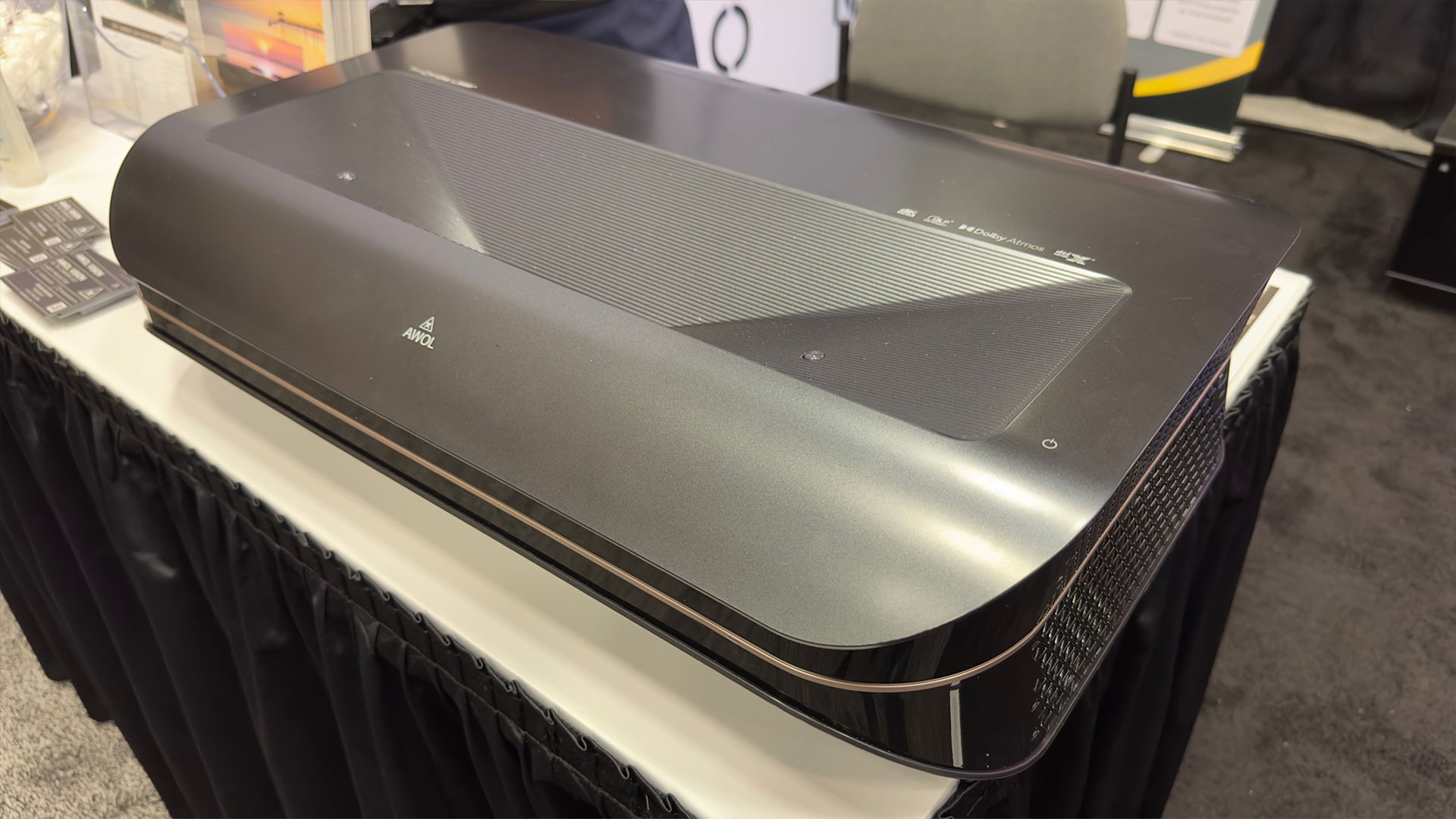
AWOL Vision had their AWOL Vision Vanish Laser TV on display. The AWOL Vision Vanish Laser TV is a combination of the AWOL Vision LTV-3500 Triple Laser UST projector, AWOL Vision Vanish Laser TV smart cabinet, and your choice of a 100-inch or 120-inch AWOL Vision Vanish ALR screen. Of course, on display, they had their 120-inch screen for all of the CEDIA participants to see. The AWOL Vision Vanish TV with the 120-inch screen option has a $14,999 MSRP.
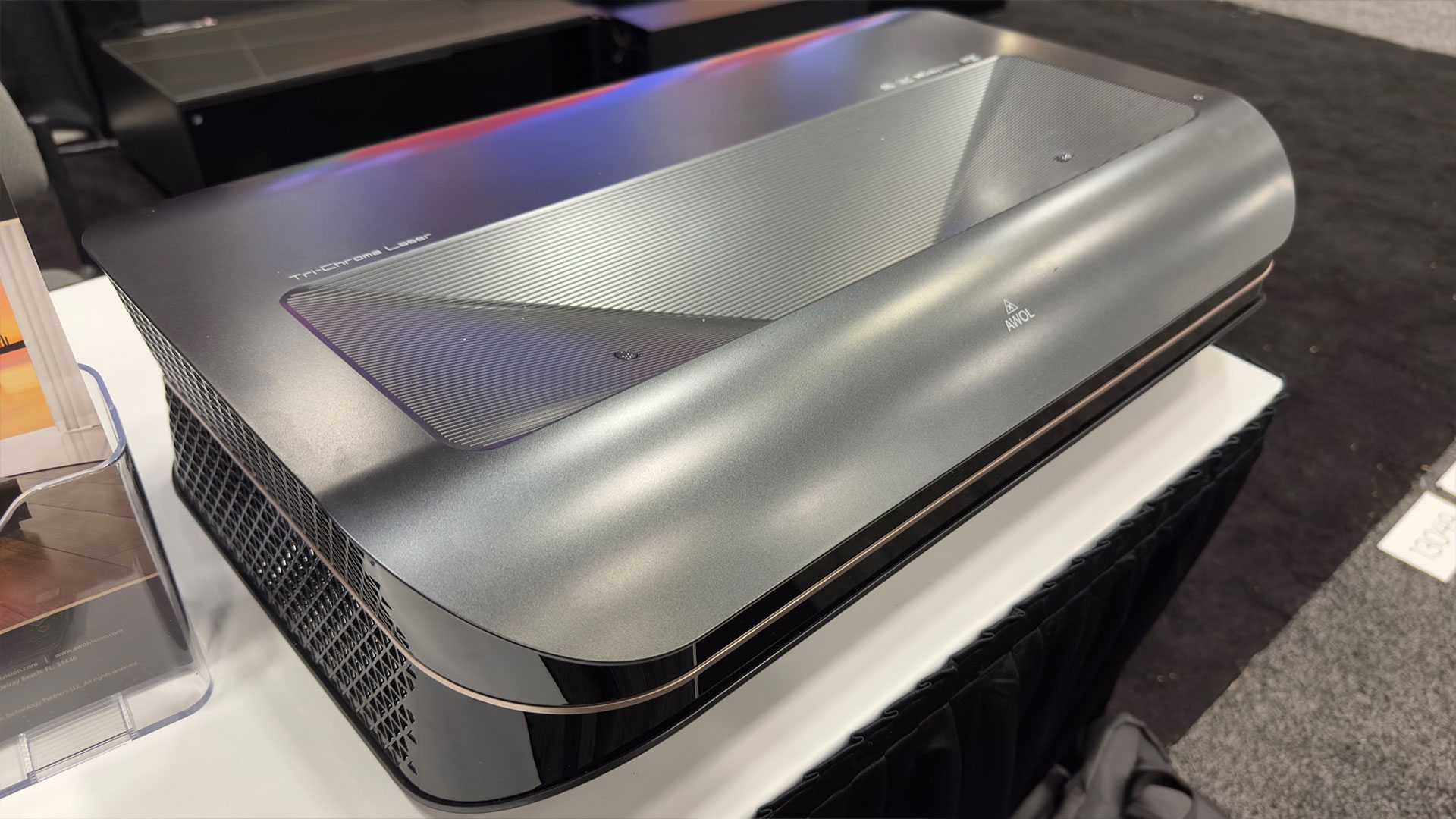
The AWOL Vision LTV-3500 is a 4K Triple-Laser UST projector with 3,500 ANSI lumens. In addition, the projector has HDR10+, 3D capability, dual integrated 36-watt speakers, eARC, Dolby Atmos, just to name a handful of features. The LTV-3500 is also ready to stream (4K Max Fire TV Stick offered) and has a hidden compartment on the rear for an Amazon Fire Stick or comparable media streaming device.
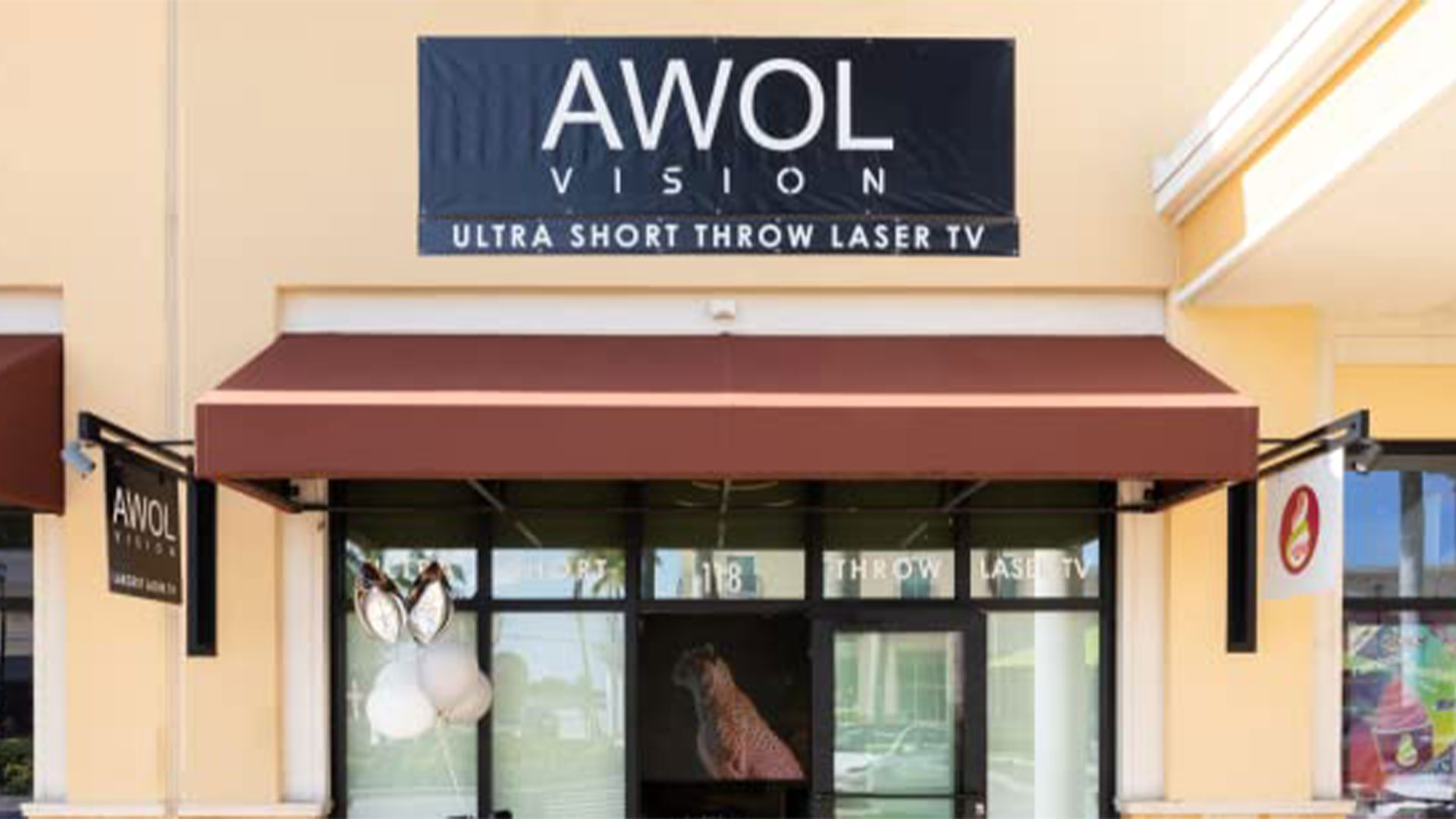
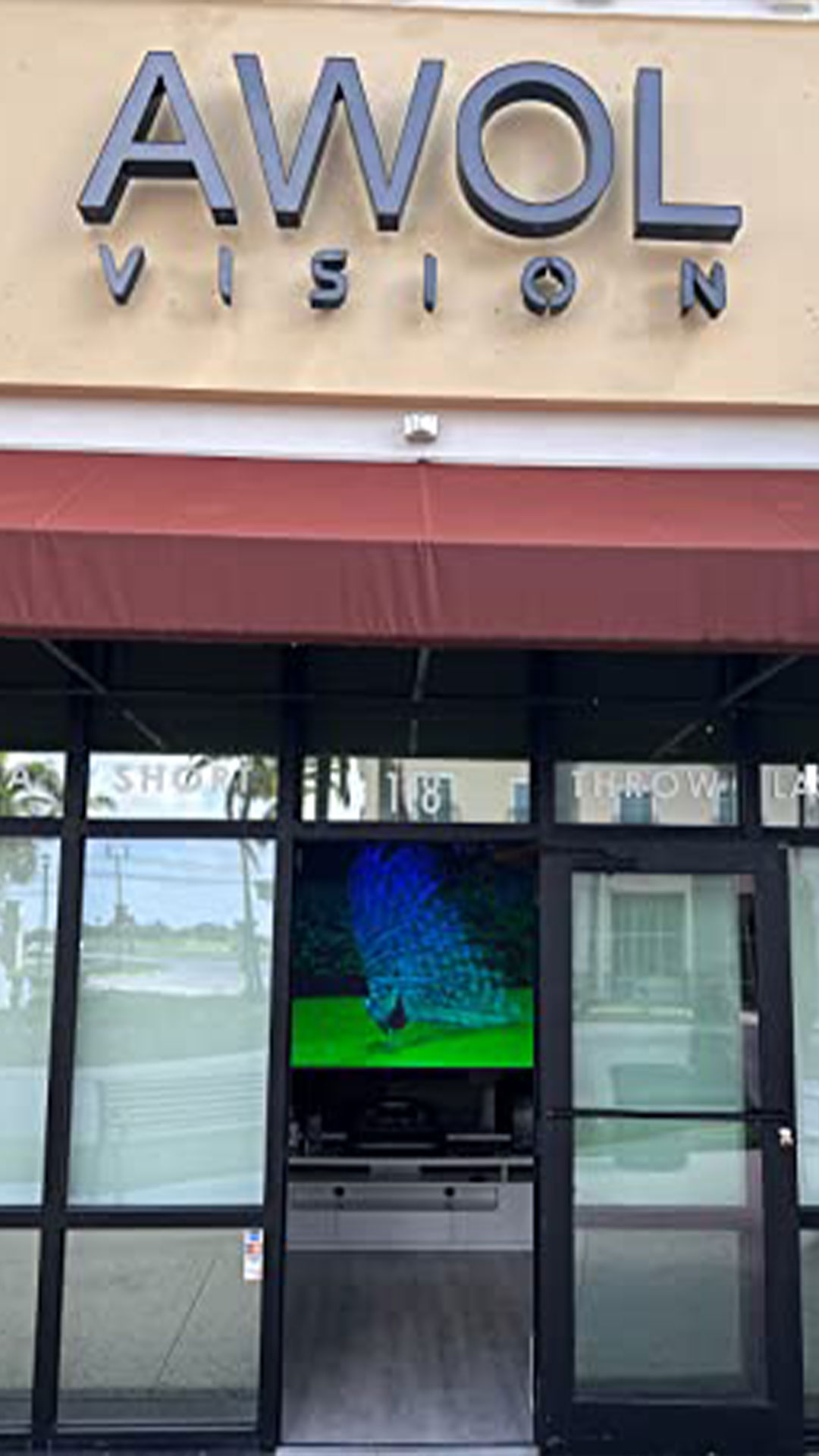
On June 2022, AWOL Vision opened the first dedicated UST Triple Laser TV store in the United States.
The AWOL Vision LTV-3500 has an MSRP of $5,499. The LTV-2500 is $2,799 and includes an Amazon Fire TV Stick 4K MAX. Lastly, in addition to online sales, Steven wanted to ensure everybody knew that on June 2022, AWOL Vision opened the first dedicated UST Triple Laser TV store ithe n United States. The store is located in Delray Beach, Florida.
Projector Reviews might be getting a demo sample of the AWOL Vision LTV-3500 in the near future, keep checking back at Projector Reviews for updates. In the meantime, take a look at the video we captured at CEDIA of the AWOL Vision booth:
LG
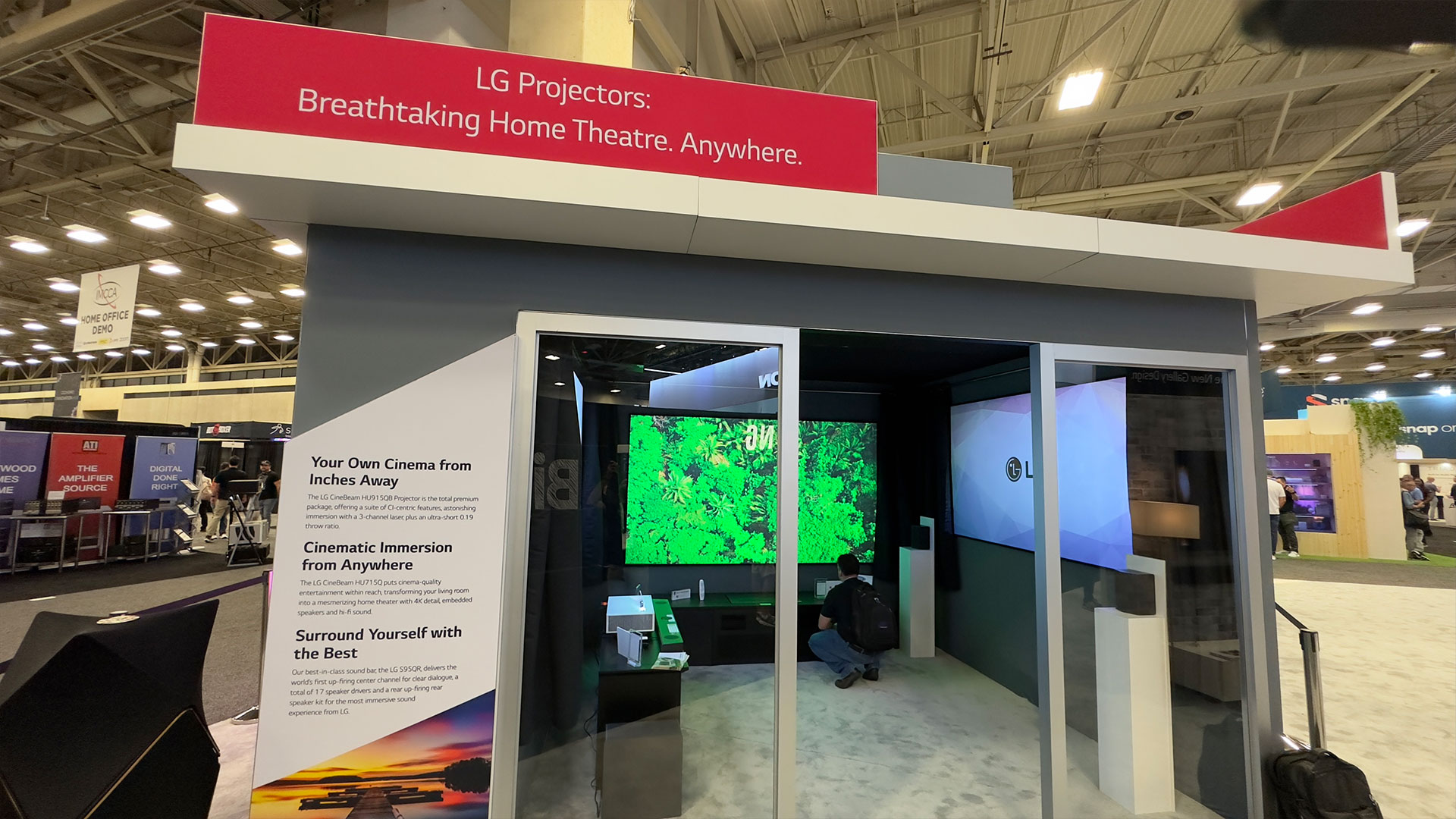
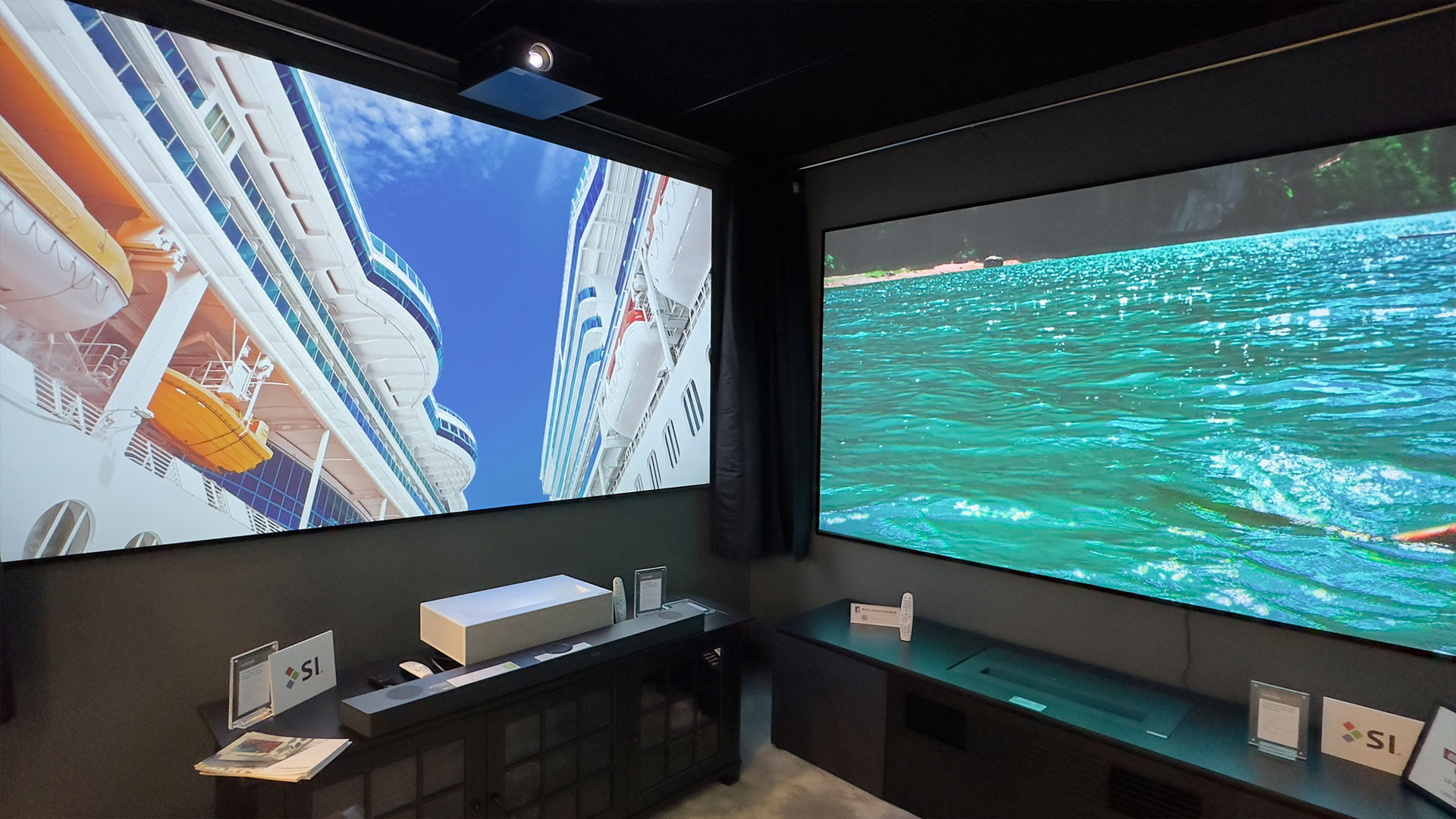
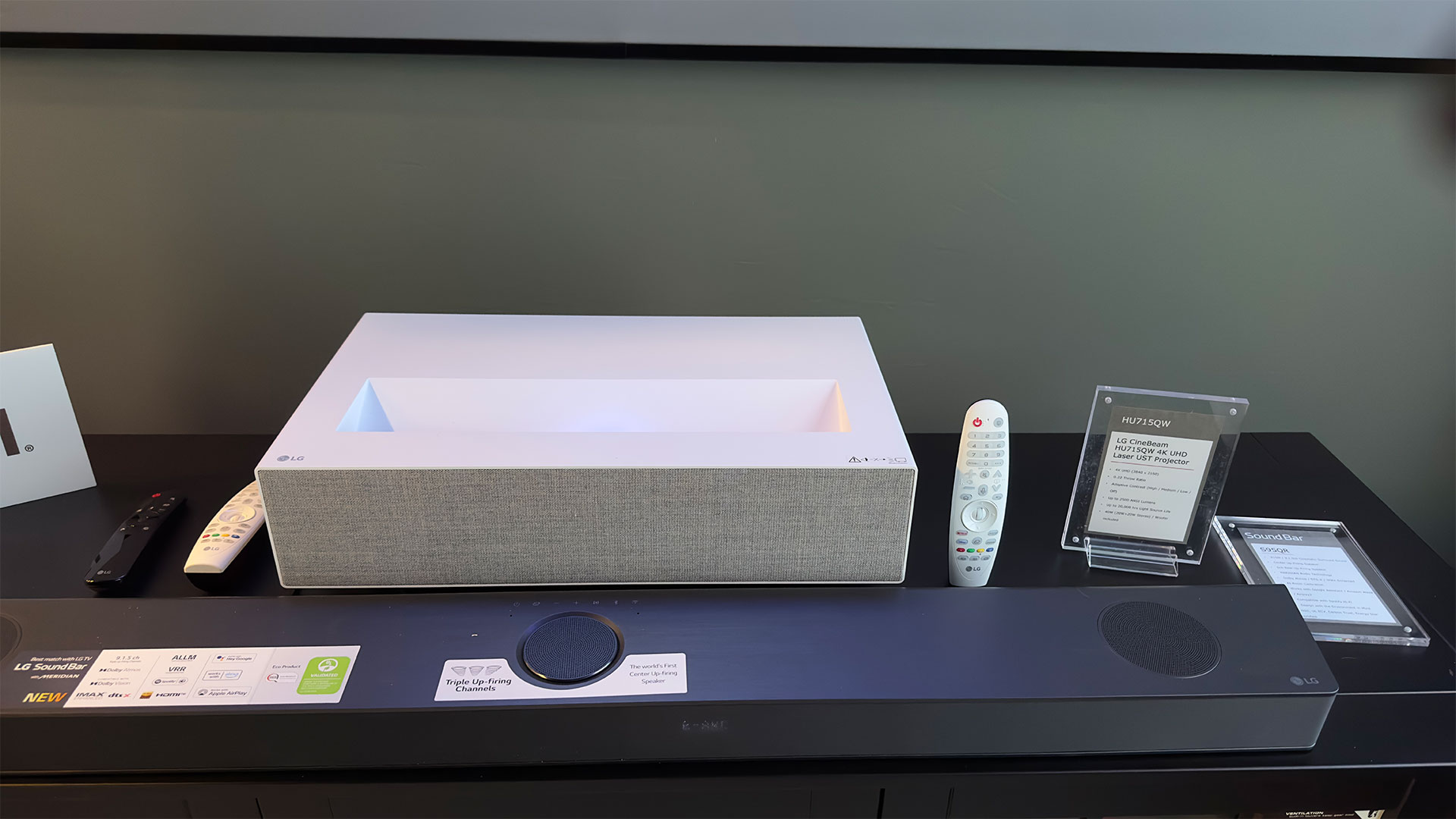
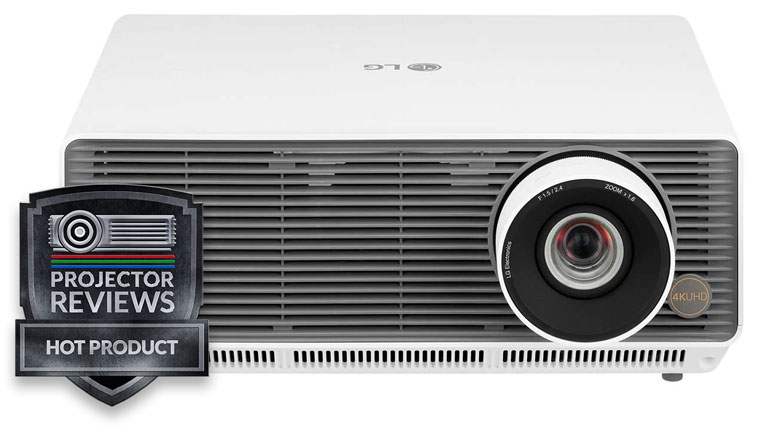
LG had their CineBeam HU915QB Premium 4K UHD Laser UST and CineBeam HU715QW 4K UHD Laser UST projectors on display and running demos. While LG is a leading manufacturer of flat-panel TVs, they understand that some customers are looking for a bigger and more immersive image than even the largest OLED or LCD TV can provide. The HU915QB is the part of LG CineBeam projector lineup and is the flagship UST model in their assortment. The CineBeam series of projectors are designed to make front projection more accessible and appealing to a wider range of consumers. Both projectors follow HGiG guidelines. HGiG helps gamers enjoy HDR games from gaming consoles like the PlayStation and Xbox.
LG CineBeam HU915QB Premium 4K Laser UST.
The HU915QB is a 4K UST projector with a laser light source rated at 3,000 ANSI lumens. The HU915QB has HDR10, HLG and it uses the latest version of LG’s WebOS, which is what is found in their latest flat-panel TVs. This feature makes the projector very smart, so you have all the apps and capabilities also found in a Smart TV. It is nice that WebOS supports Netflix, because the app is not available on many smart projectors.
LG CineBeam HU715QW 4K Laser UST.
The HU715QW is a 4K UST projector with 2,500 ANSI lumens. The laser light source is rated to last up to 20,000 hours and it has dual integrated 20-watt speakers and a woofer. The LG HU715Q 4K UST projector was introduced as a more affordable consumer projector. However, the HU715Q still provides vivid imagery within a short projection distance and creates good images from 80-inches up to 120-inches. The HU715Q utilizes many of LG’s popular features and proprietary technologies discussed in detail in our LG HU85LS 4K UHD UST Smart Business Projector and LG HU85LA 4K UHD Smart Home Theater CineBeam Projector reviews.
Take a look at the video of the LG booth at CEDIA.
EPSON
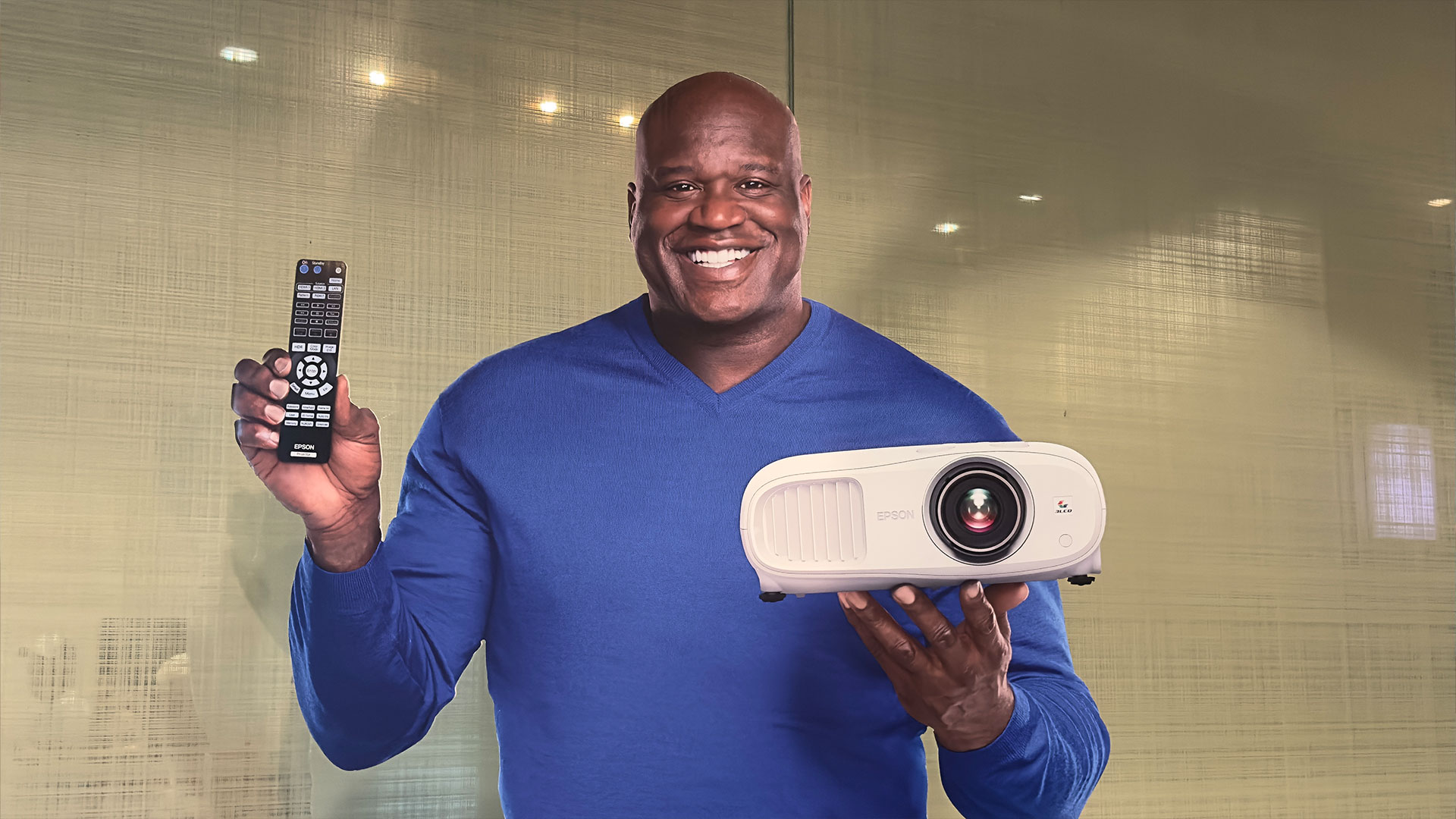
A life-size Shaq cardboard cutout greets Epson guests at the door to Epson’s demo rooms.
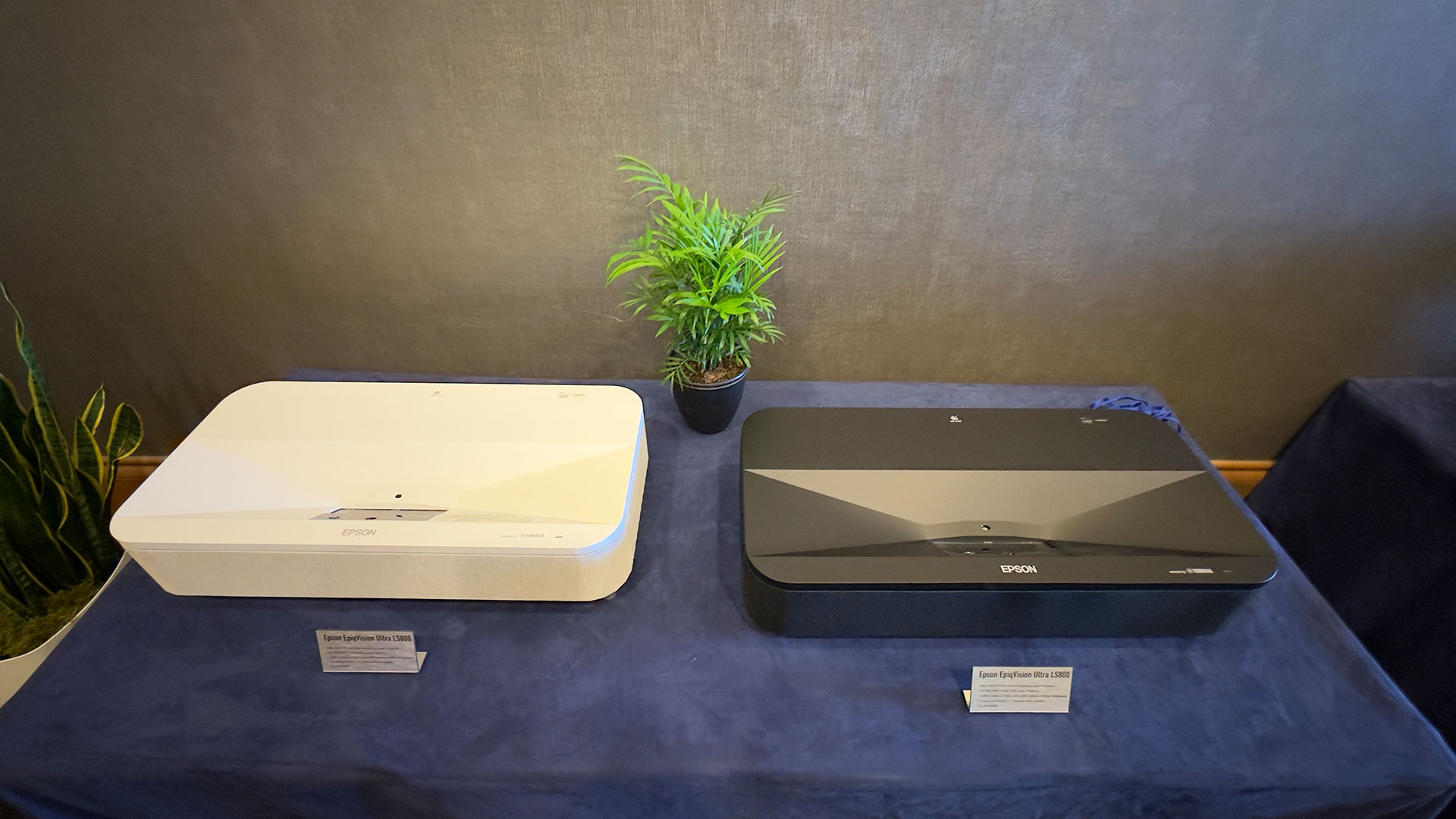
Epson had several nicely done demo rooms located in the Omni Dallas Hotel Arts District. One room ran demos of the EpiqVision Ultra LS800 and the other ran demos of the Pro Cinema LS12000 4K PRO-UHD Laser Projector. They even had Shaq there to greet anyone who entered the room, sure it was a cardboard cutout of Shaq but hey, it still drew people in who wanted to take pictures with the life-size image of the legendary NBA player.
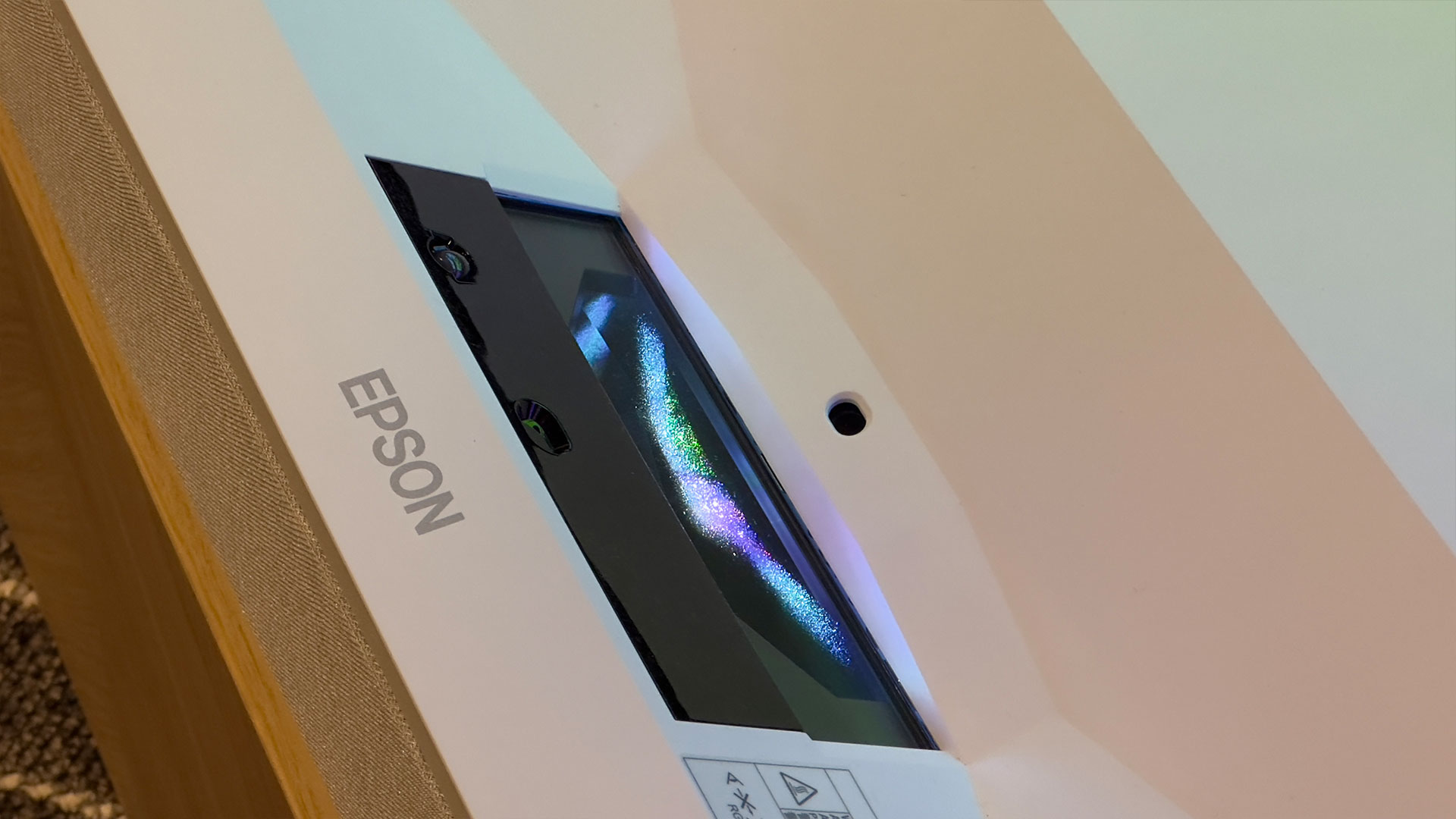
Philip and I got a great demo of the Epson EpiqVision Ultra LS800 projecting onto an Epson SilverFlex®120-inch Ultra ALR screen. The LS800 is 3-Chip 3LCD Ultra Short Throw Smart Streaming Laser Projector with 4,000 ANSI lumens of color and 4,000 ANSI lumens of white brightness. In addition, the projector has “Sound by Yamaha” via an integrated 2.1 channel audio system. The LS800 has a $3,499 MSRP.
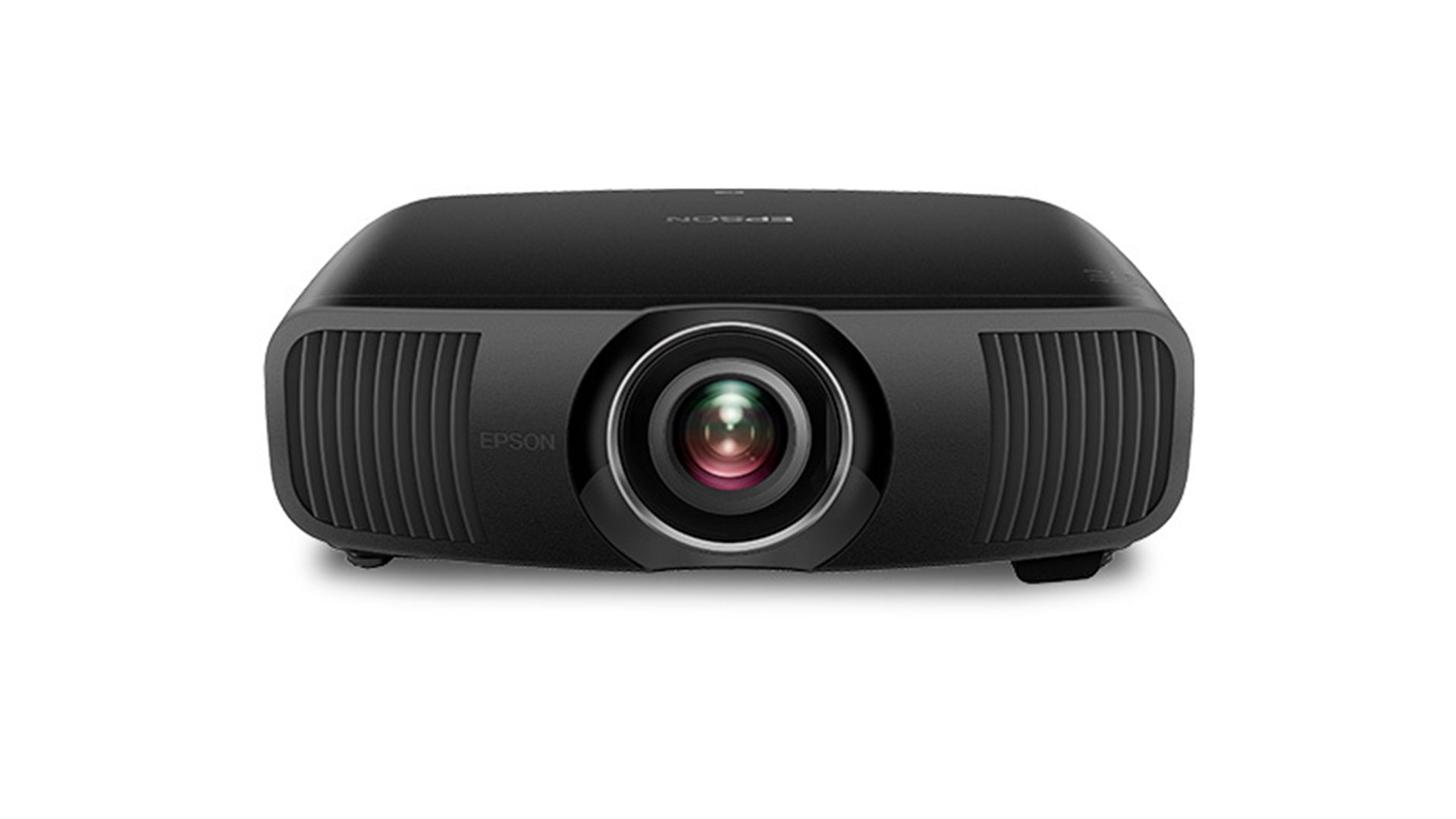
We also saw the LS12000 which is Epson’s most advanced Pro Cinema Series projector to date, and it is designed to deliver the performance and features demanded by the most discerning video enthusiasts. The Epson Pro Cinema LS12000, which retails for $4999, is a 4K HDR-compatible laser home theater. The Pro Cinema LS12000 uses native 1080P 3LCD panels but the projector is equipped with the latest version of Epson’s 4K UHD Pro technology. This feature combines advanced pixel-shifting technology and a new Precision Glass Shift Plate with three individual high-definition LCD chips to produce 4K resolution (3840×2160 pixels) on screen. While native vs pixel-shifted resolution is still a heated debate among home theater enthusiasts, Epson’s proven pixel shift technology does deliver an image that is visibly sharper than a traditional native 1080p projector.
Here is a video we captured while visiting Epson:
SONY
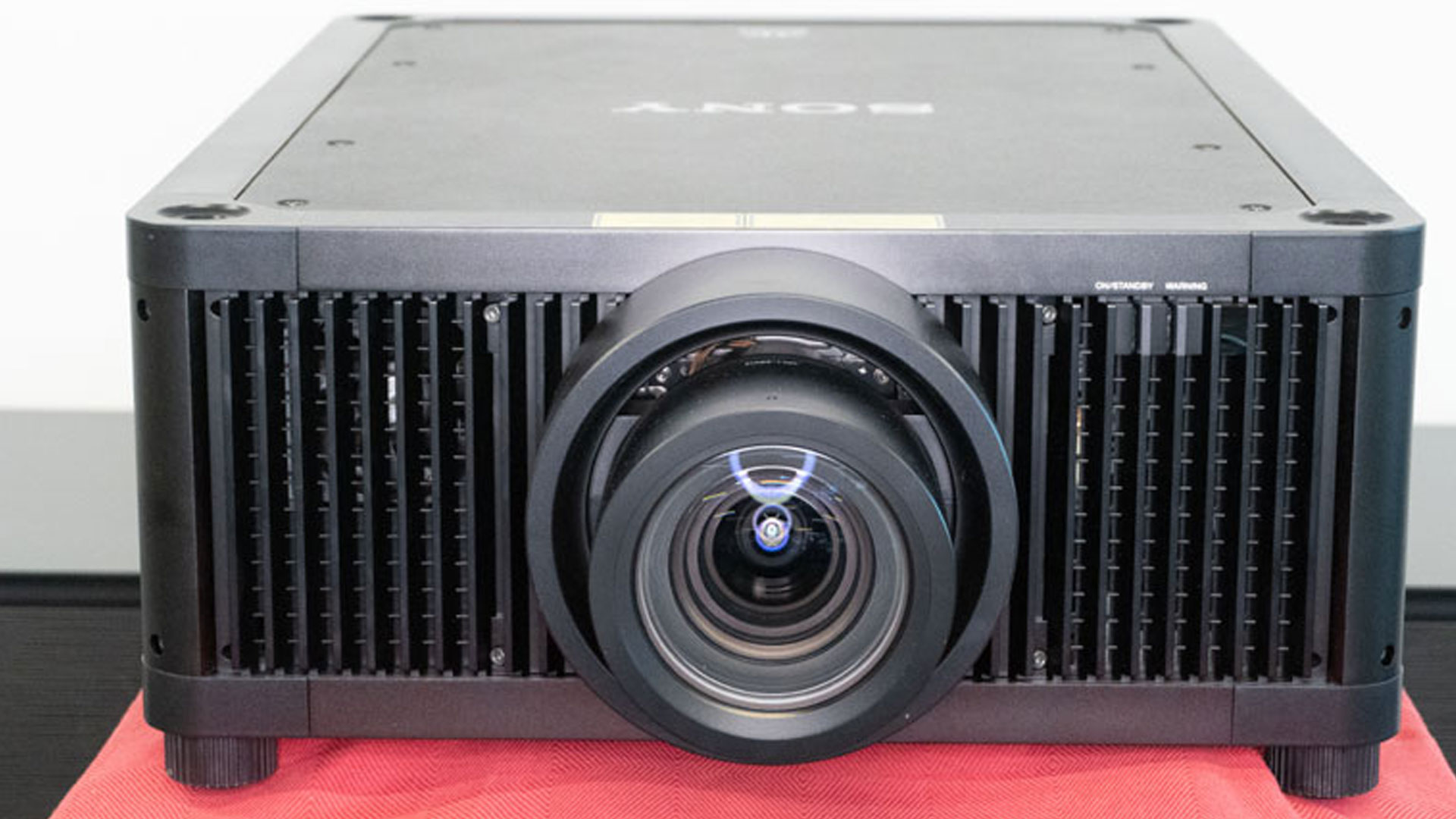
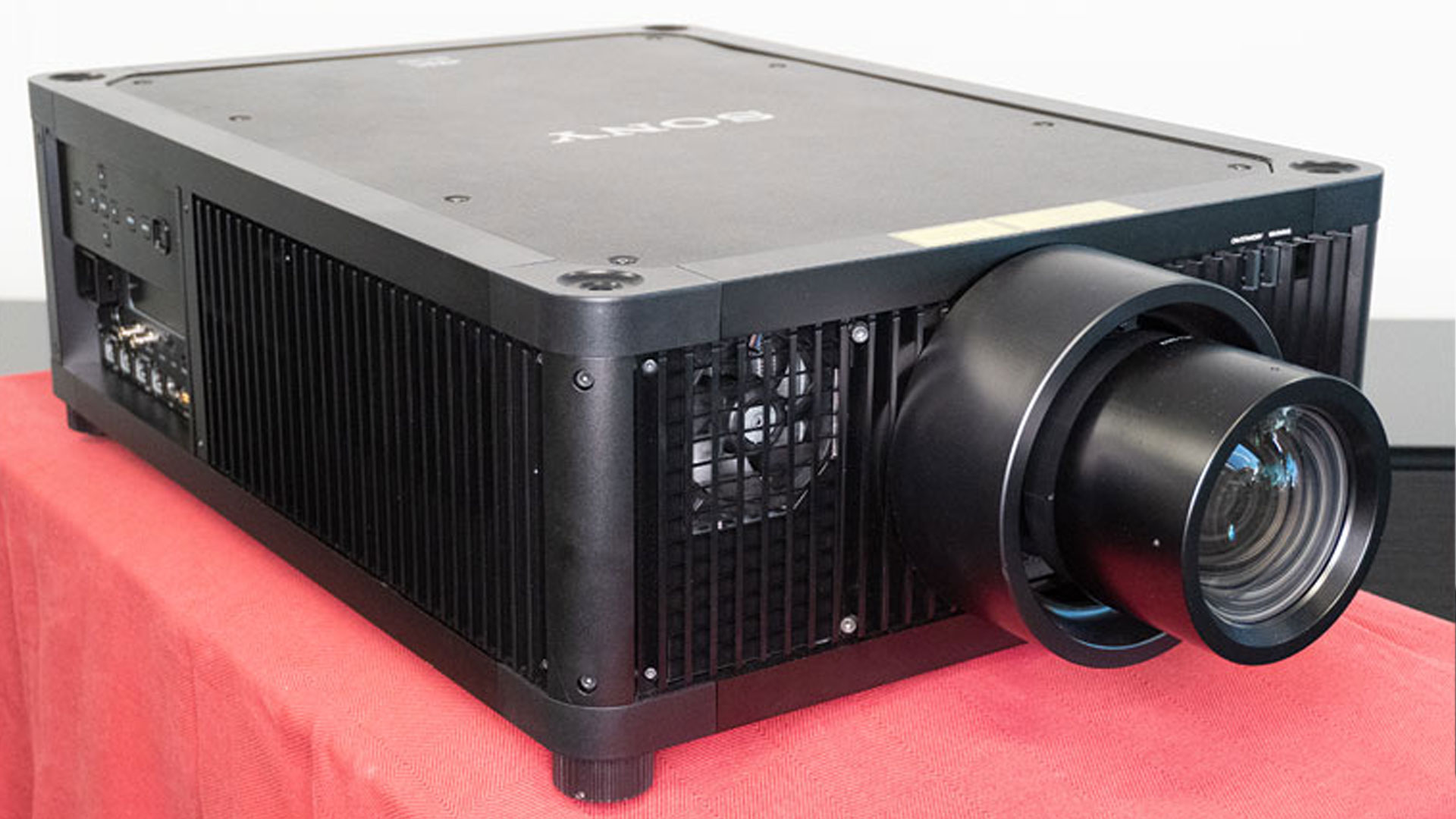
Sony had a great demo utilizing their VPL-GTZ380 4K SXRD Laser Projector and a 220-inch Stewart Filmscreen. The VPL-GTZ380 is for those looking for the ultimate home theater experience. The VPL-GTZ380 is a 10,000 ANSI lumen, native 4K SXRD projector with an $80,000 (minus lens) MSRP.
Sony VPL-GTZ380 4K SXRD Laser Projector.
I prepared to gather some photos and videos but was quickly told no photos or videos were allowed. There was a bunch of Top Gun Maverick footage that would get flagged online, so you’ll have to trust me on how good the demo looked. Better yet, check out Philip Jones’ full review on the VPL-GTZ380 4K SXRD Laser Projector since he had it for weeks upon weeks testing it.
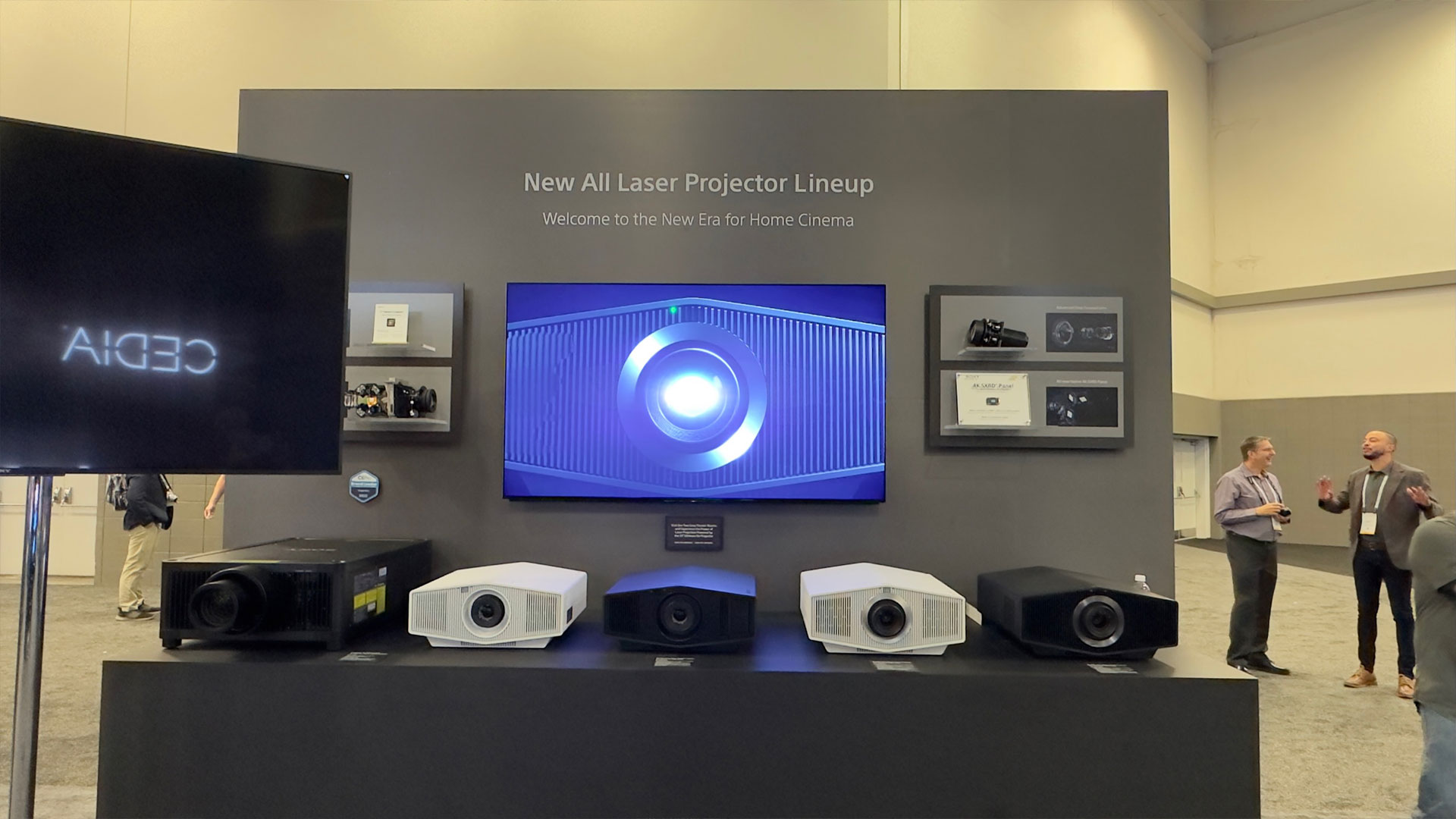
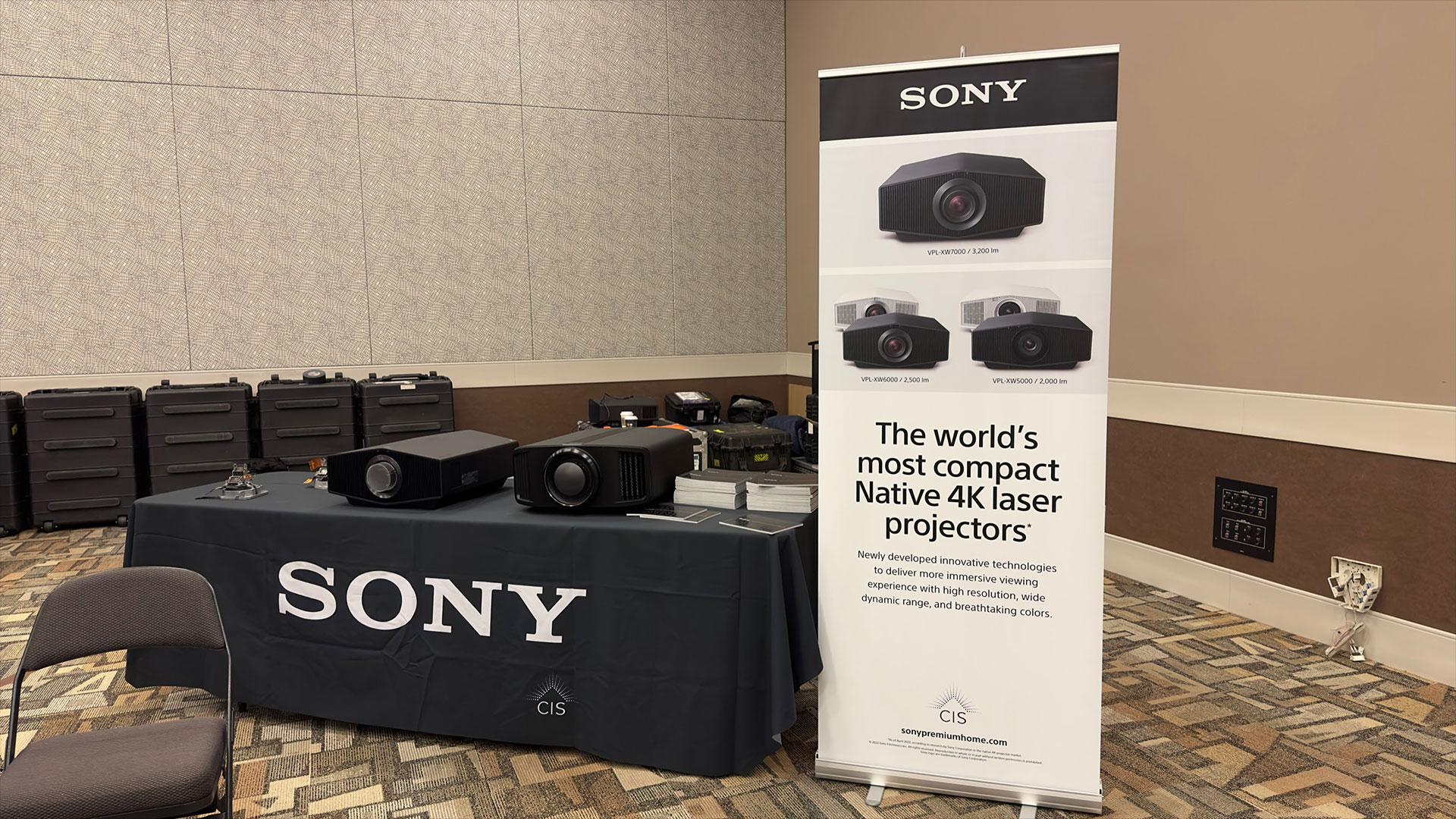
Sony’s New All Laser Projector Lineup.
Sony displayed their all-new lineup of 4K HDR Laser Home Theater Projectors with Native 4K SXRD Panels. The VPL-XW7000ES has a 3,200 ANSI lumen laser light source with a $28,000 MSRP. The VPL-XW6000ES is a 2,500 ANSI lumen laser projector with an MSRP of $12,000. The VPL-XW5000ES has a 2,000 ANSI lumen laser light source with a $6,000 MSRP.
Along with the all-new Native 4K SXRD panel, which provides full 4K resolution with 3840 x 2160 pixels, all three projectors have Sony’s X1™ Ultimate Processor, which brings the end-user the best of Sony’s image processing.
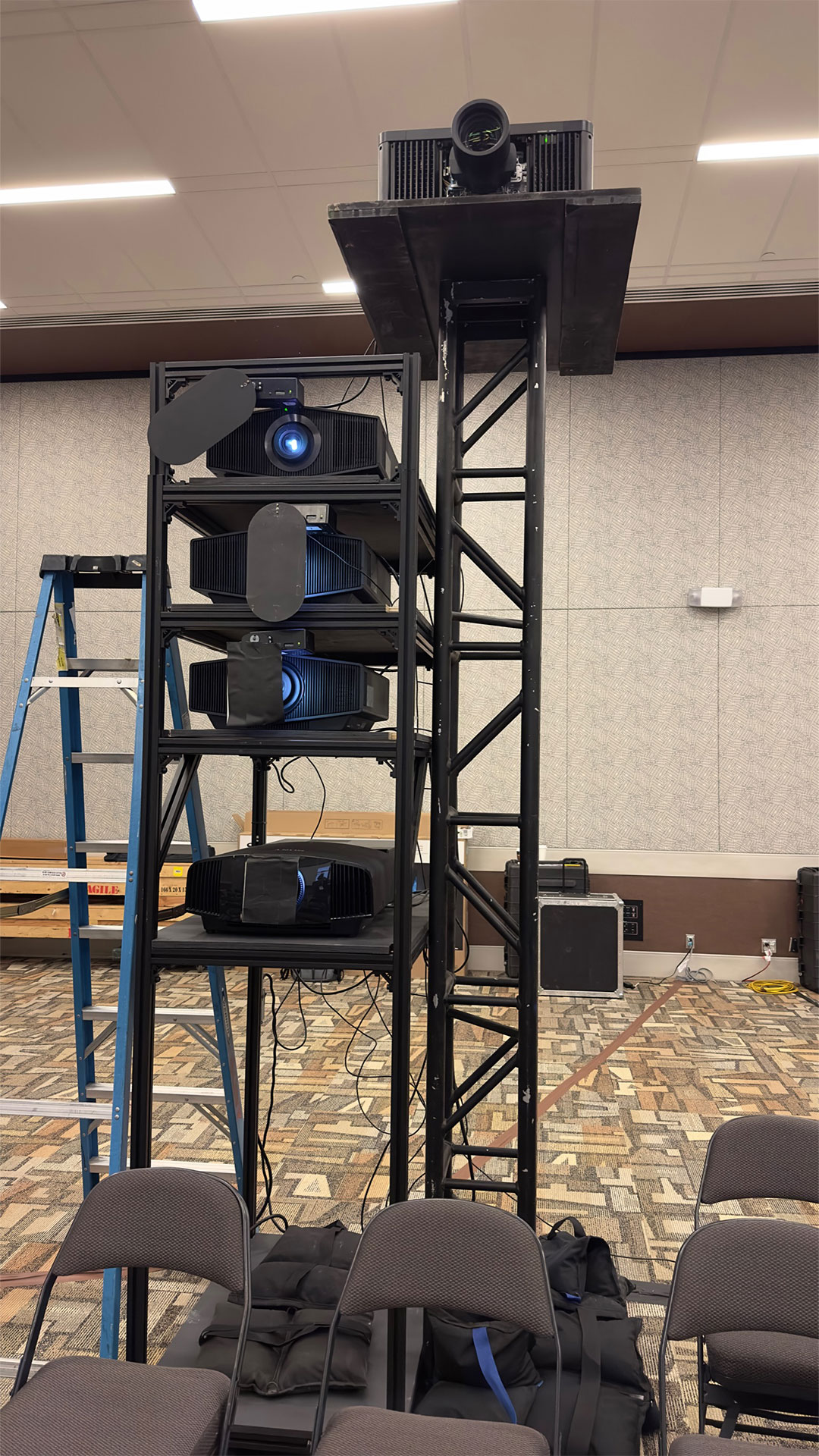
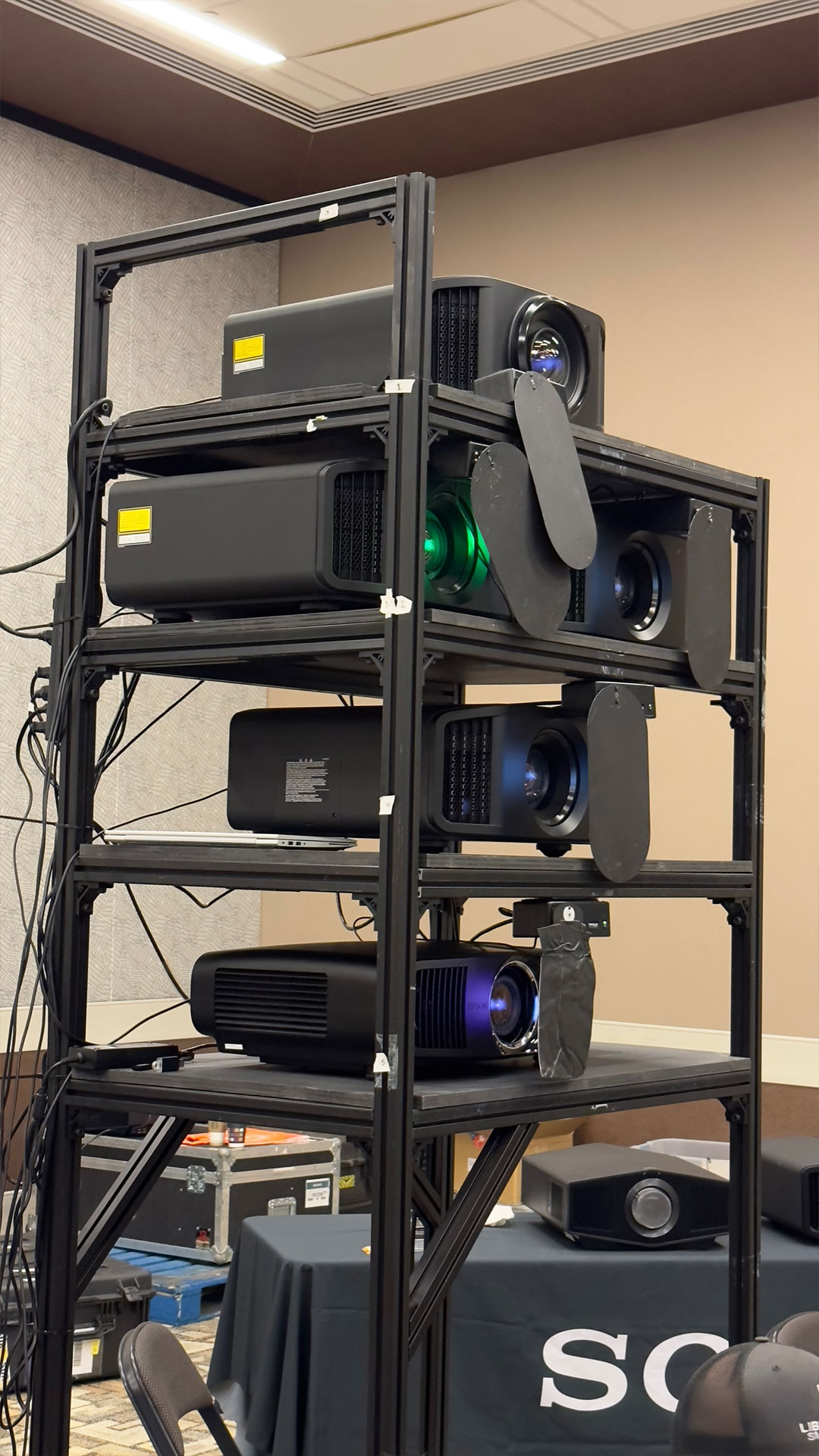
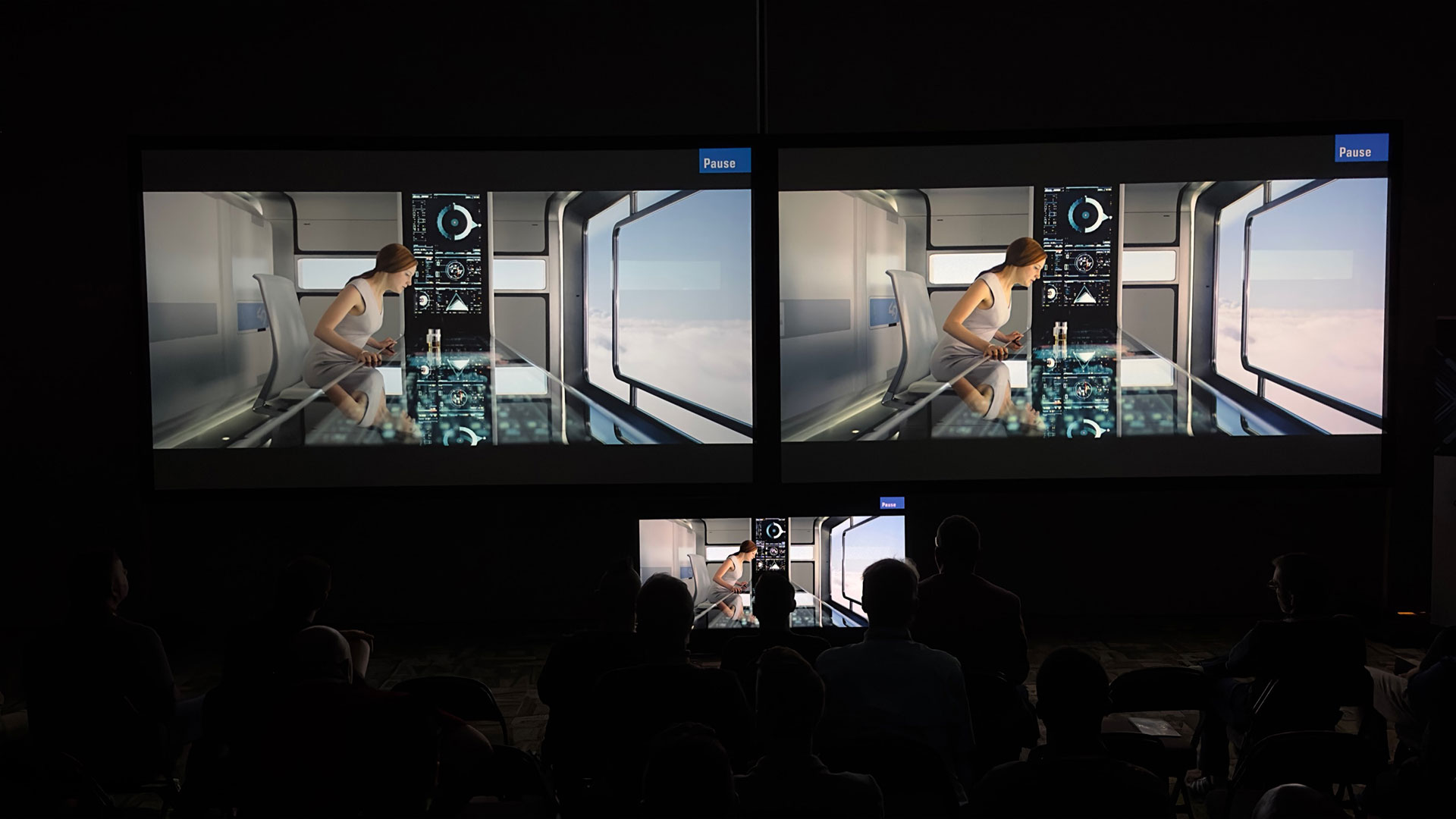
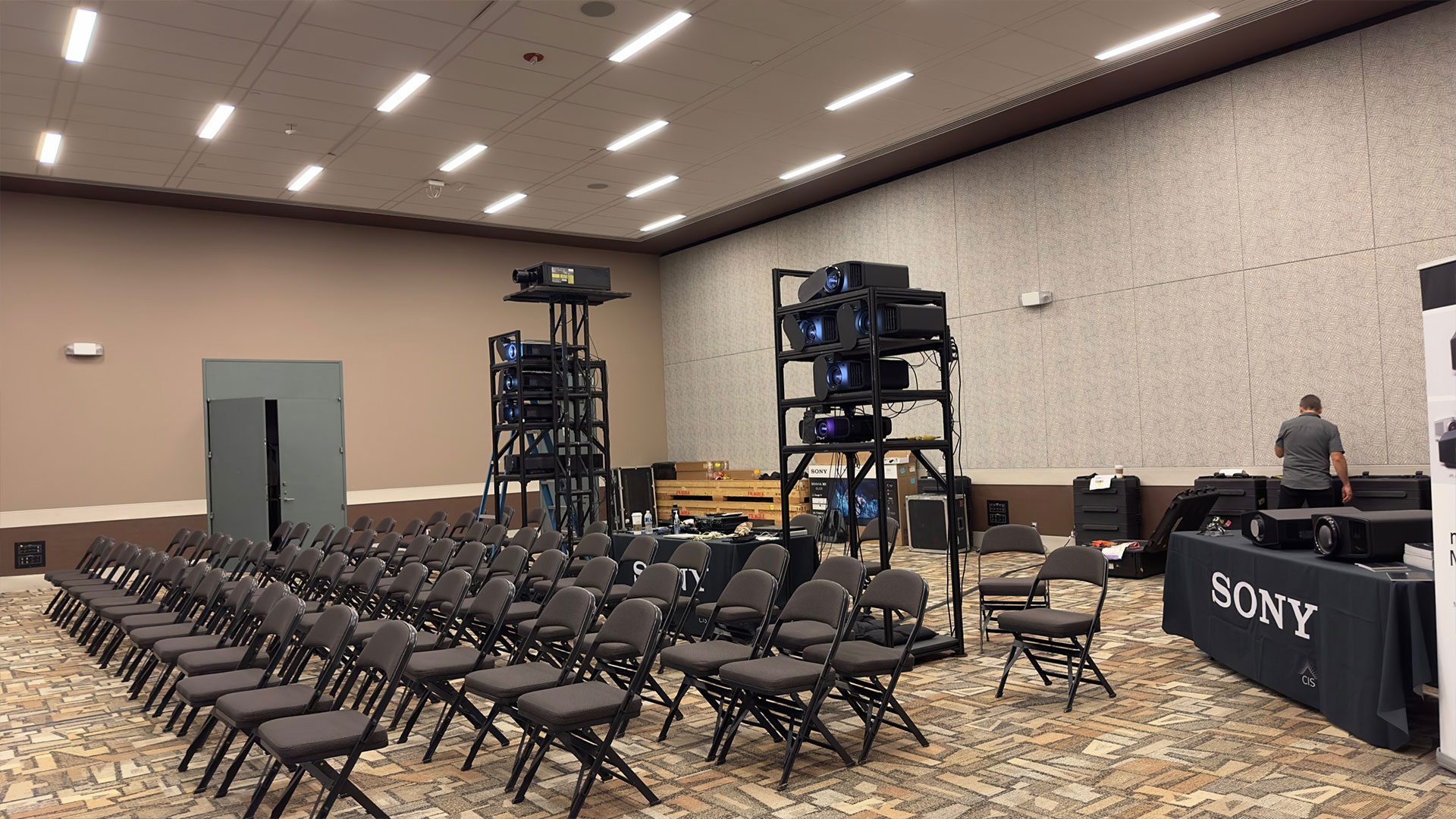
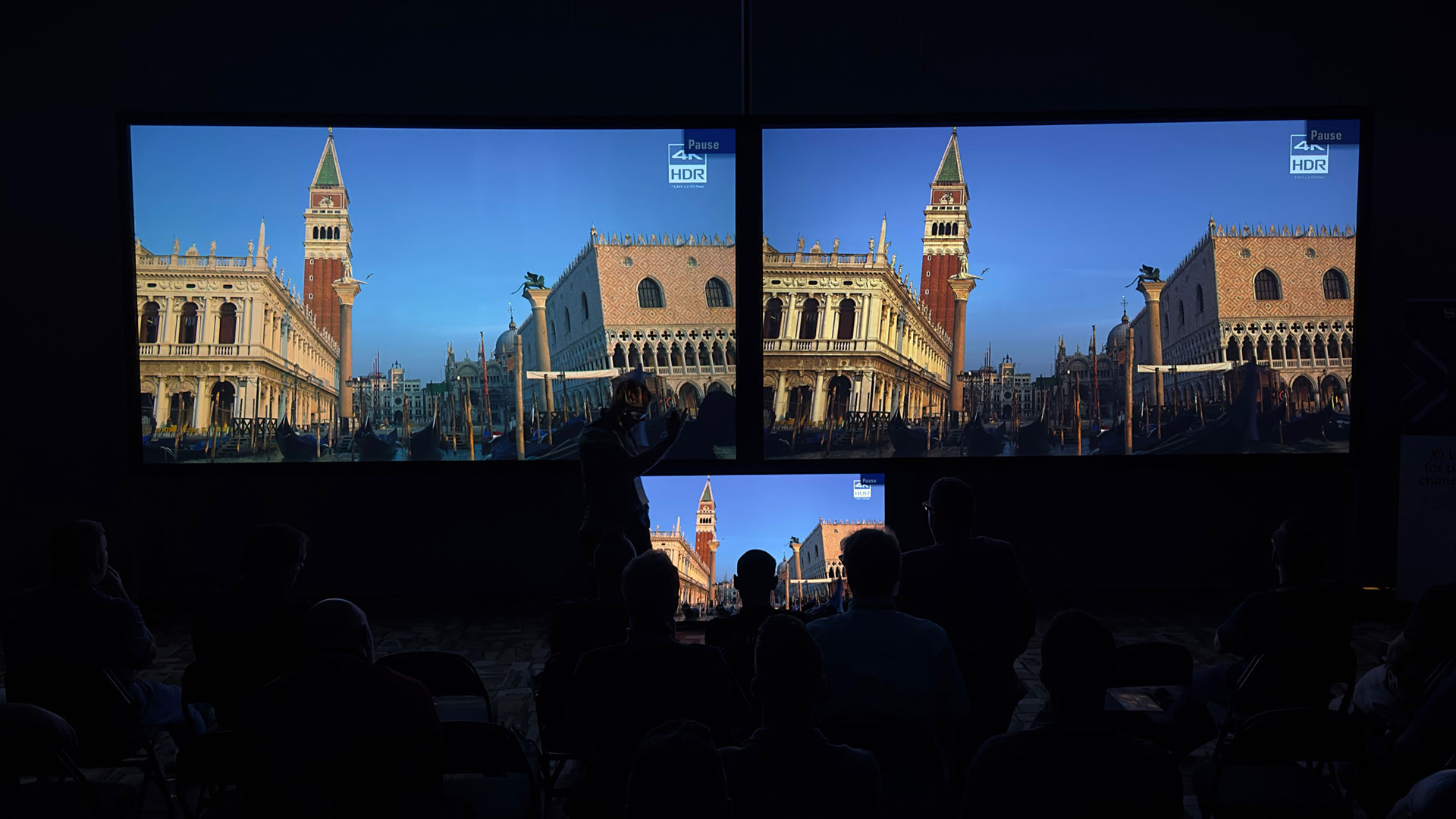
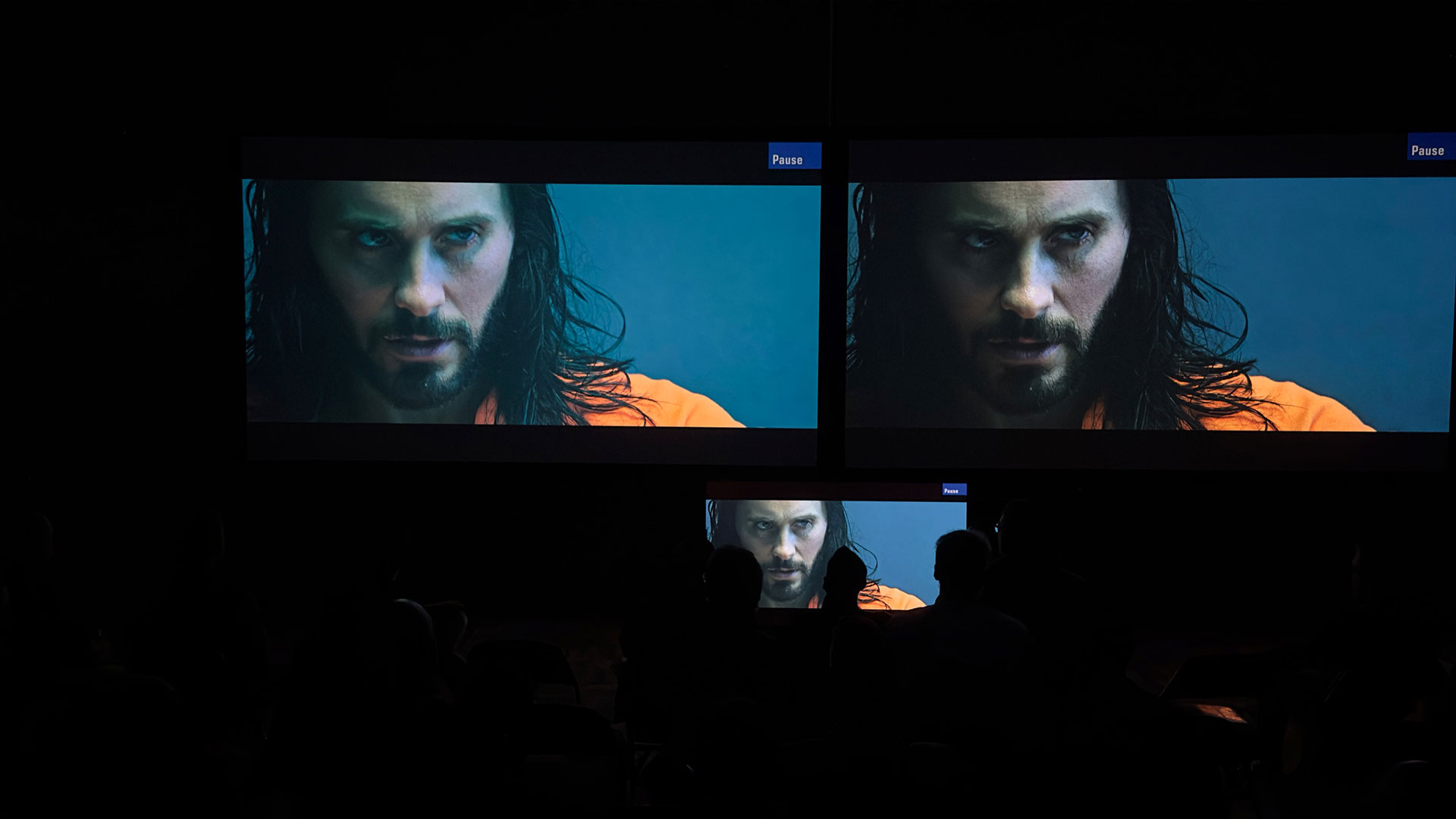
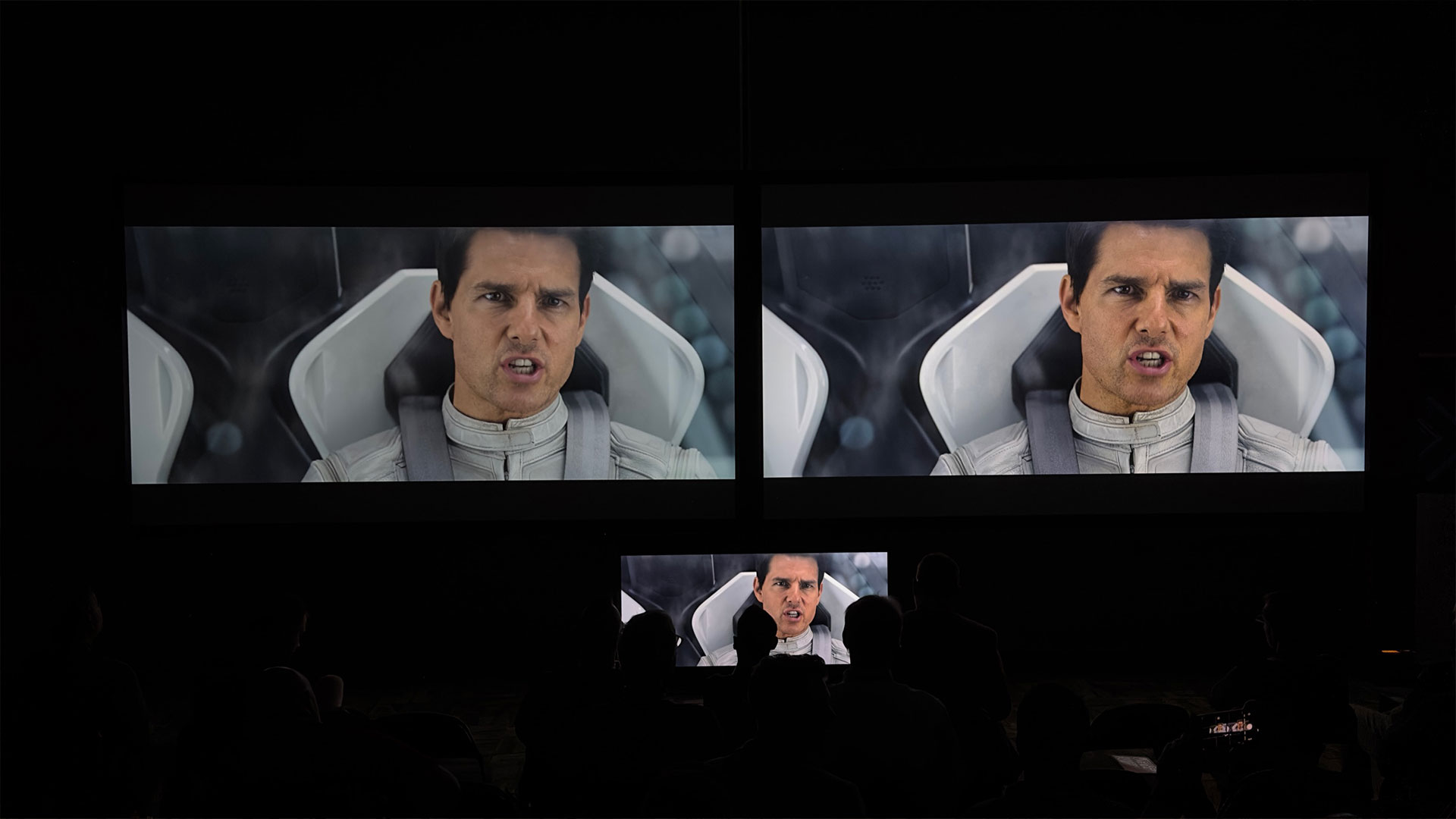
Sony also had a conference room they loaded up with projectors for a projector shootout.
Sony also had a conference room they loaded up with projectors for a projector shootout. First, Sony ran their XW5000 against Epson’s LS12000 and JVC’s NP5. Next Sony ran their XW6000 against JVC’s NZ7 and NZ8. Lastly, the Sony XW7000 was put up against the JVC NZ8 and NZ9.
Everything was operated out-of-the-box utilizing the manufactures suggested modes. Sony stated no ISF calibrations were used on any projectors in the shootout because over 90% of installers do not have a ISF certified calibrators for calibrating their customer’s projectors. Most installers simply take the projector out of the box, install it, and then set them to the manufacturer’s suggested settings. It was quite interesting to see all these projectors operating side by side.
JVC
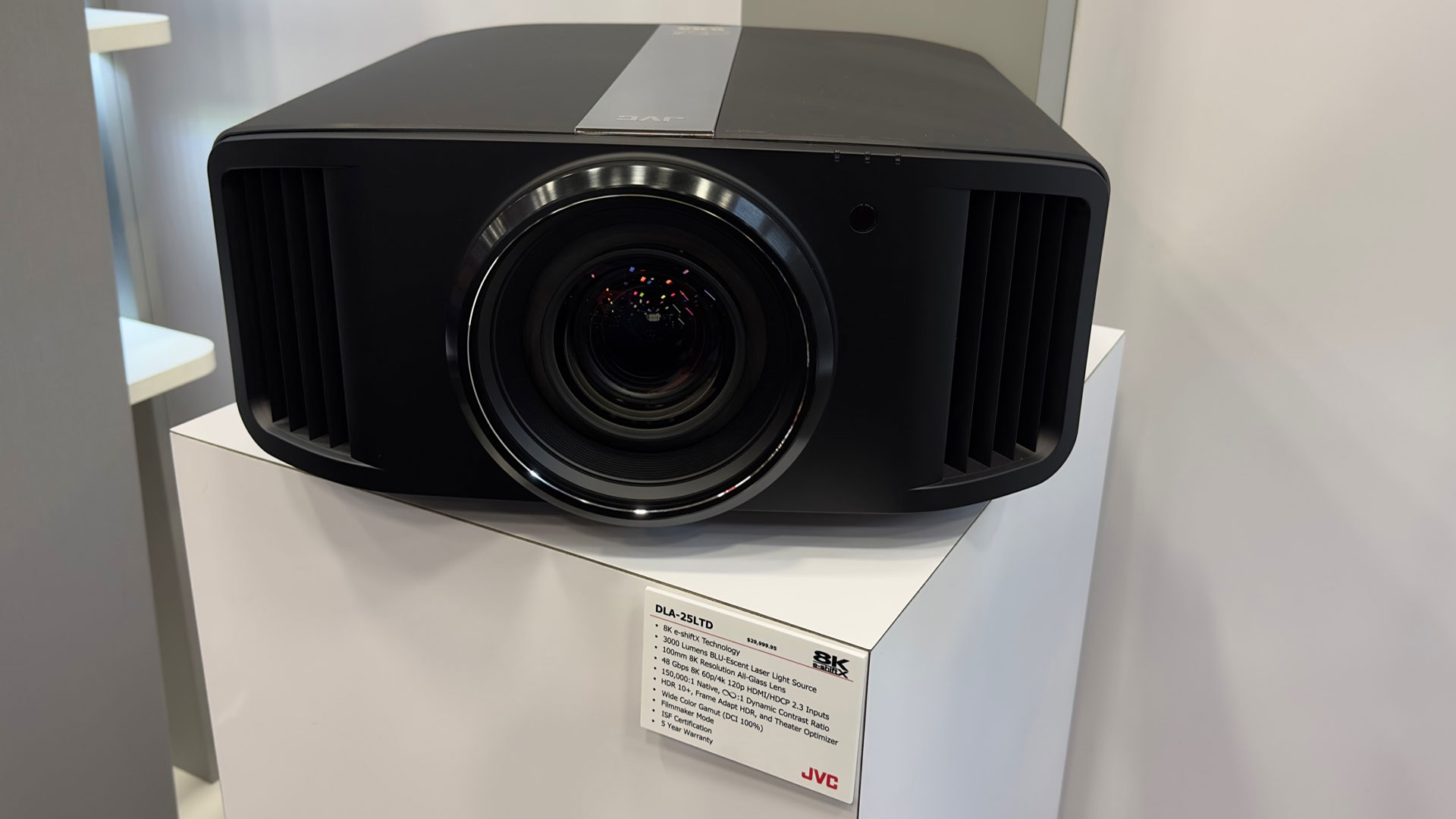
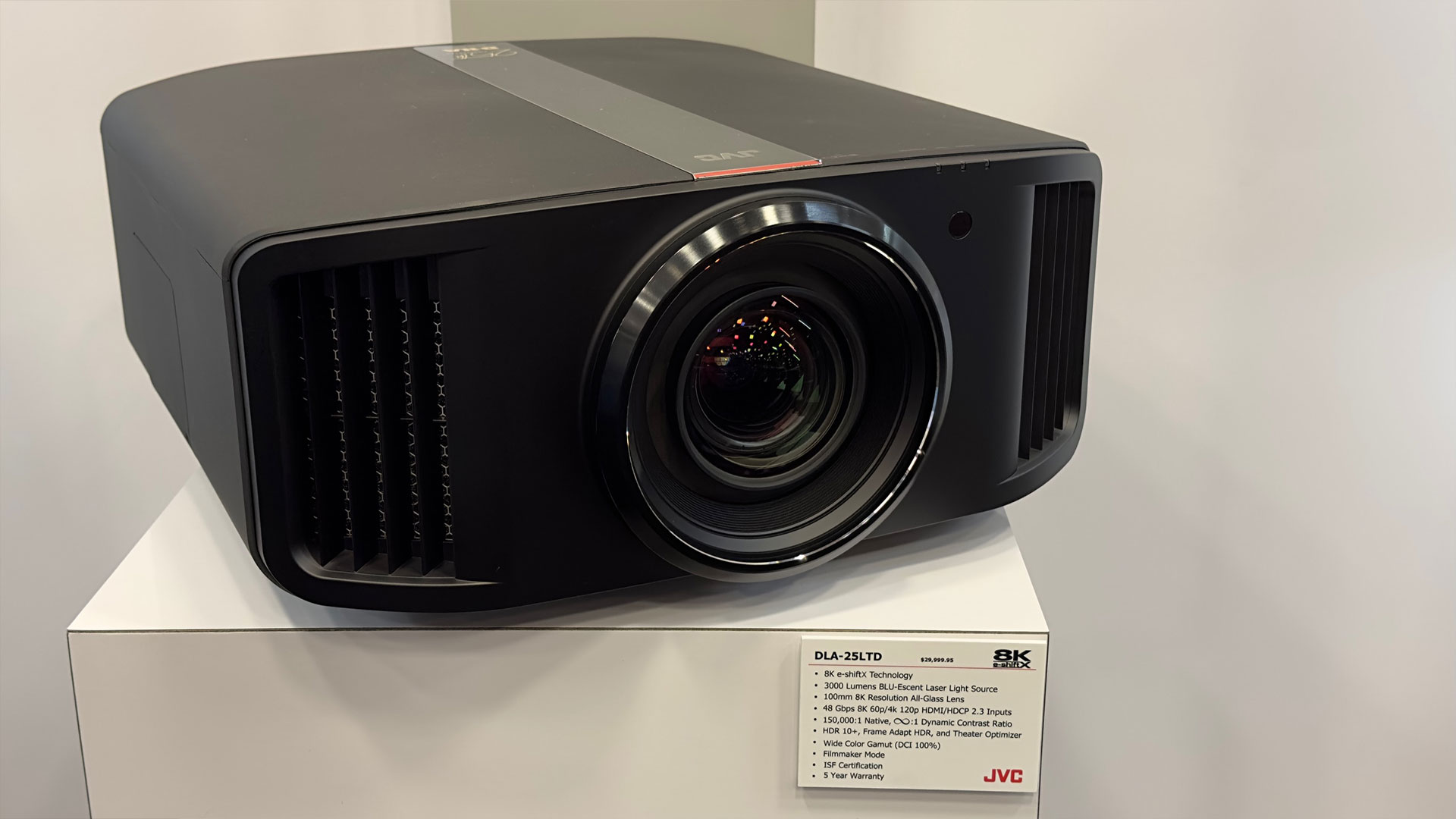
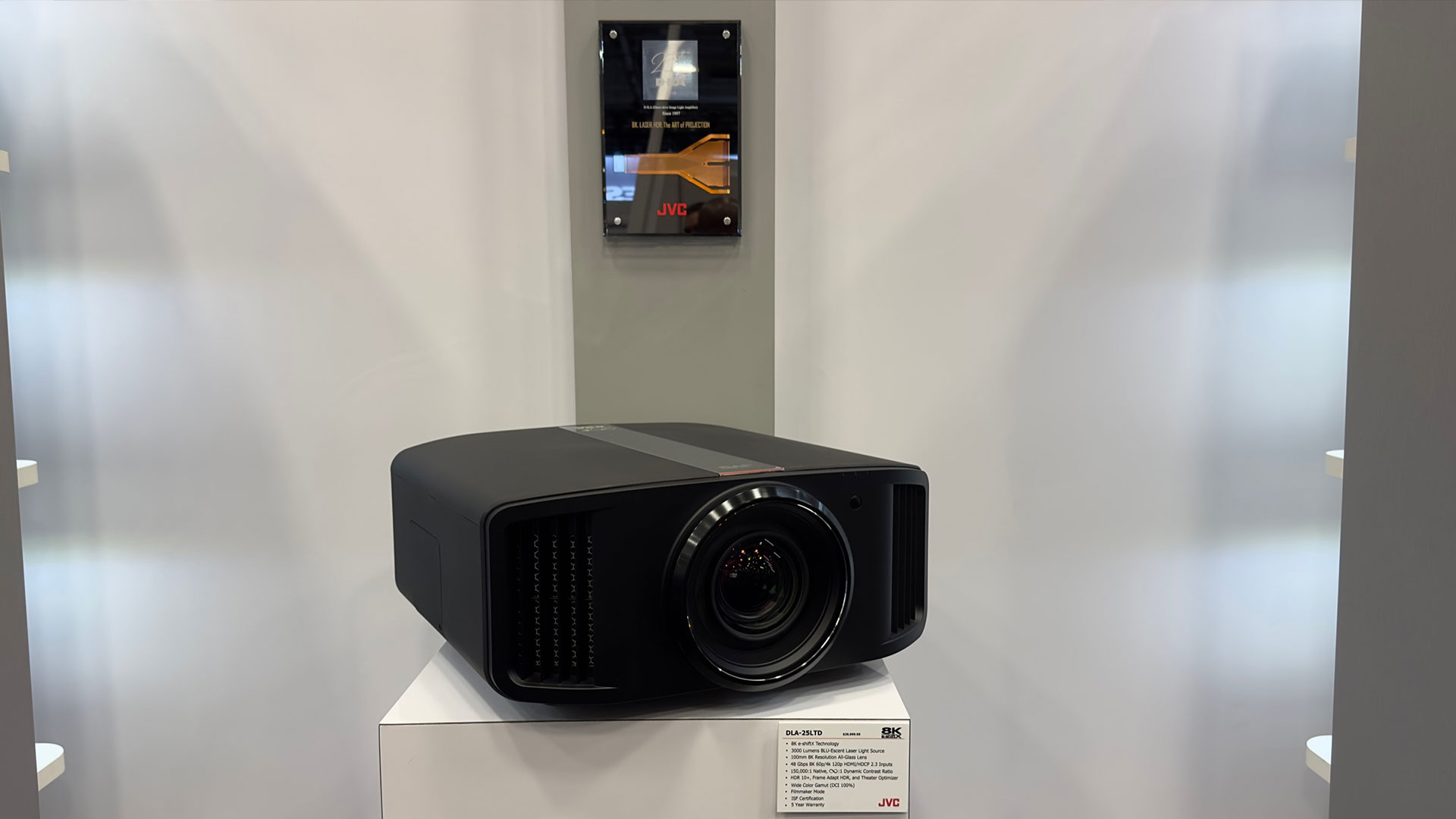
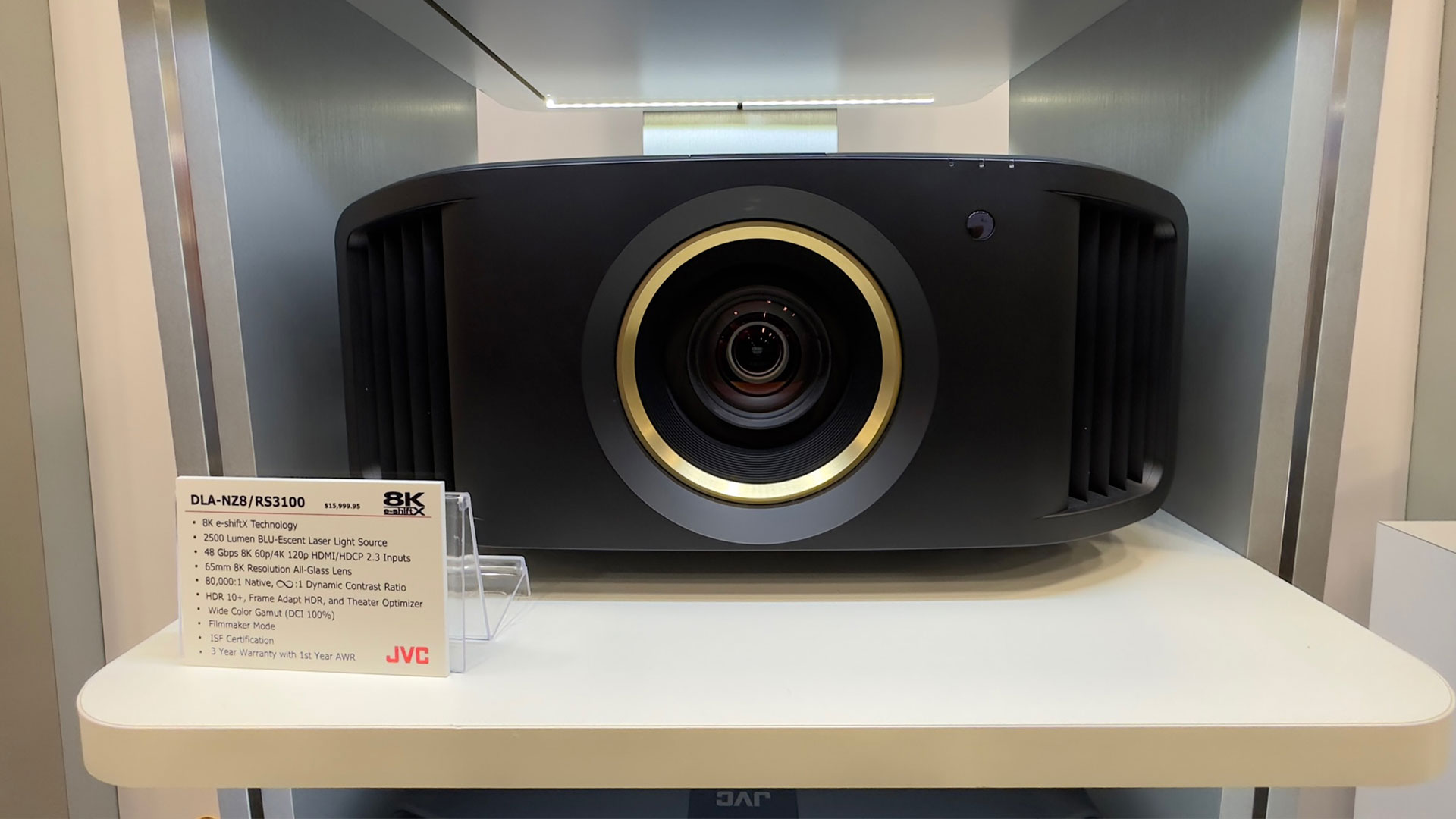
JVC unveiled a limited-edition projector celebrating the 25th Anniversary of its D-ILA technology. JVC is calling the projector the JVC DLA-25LTD, with the 25LTD obviously representing its 25th Anniversary of its D-ILA technology and the fact that it’s a limited edition. Rob Budde from JVC told me there will only be 25 of these DLA-25LTD projectors available in the United States. The DLA-25LTD’s optics are hand-picked and they will have ISF calibration done by Kris Deering. The DLA-25LTD has a 3,000 ANSI lumen BLU-Escent Laser Light Source and a 100mm 8K resolution all-glass lens. JVC states their projector has 100% coverage of the DCI-P3 cinema color gamut and is ISF certified. Every DLA-25LTD projector even comes with its own 25th Anniversary plaque that is beautiful and worthy to be hung on the wall next to the projector. The JVC DLA-25LTD will cost the first 25 to buy it $29,999.95 and it will be available mid-December 2022.
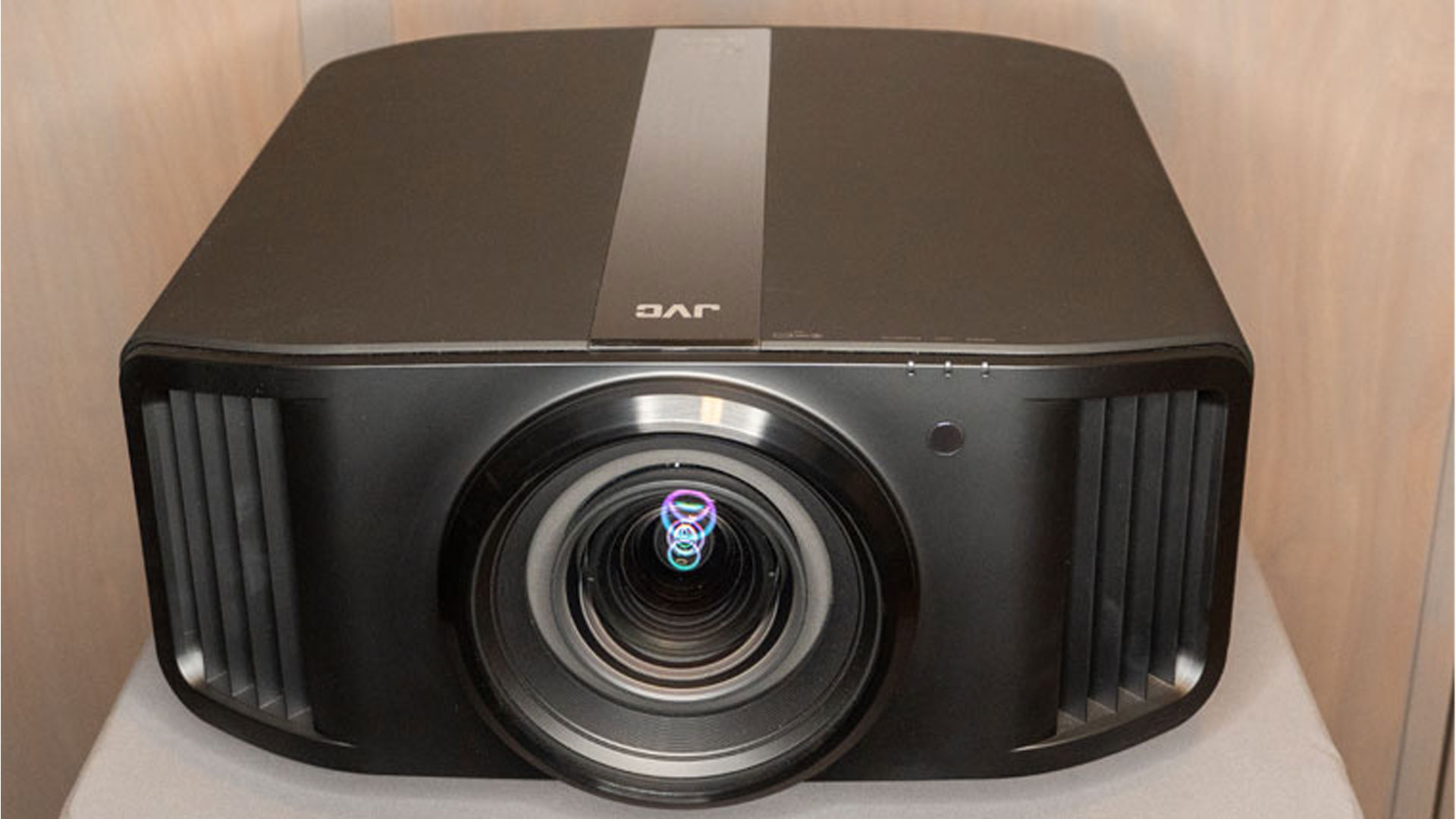
JVC DLA-NZ7, DLA-NZ8, and DLA-NZ9 respectively.
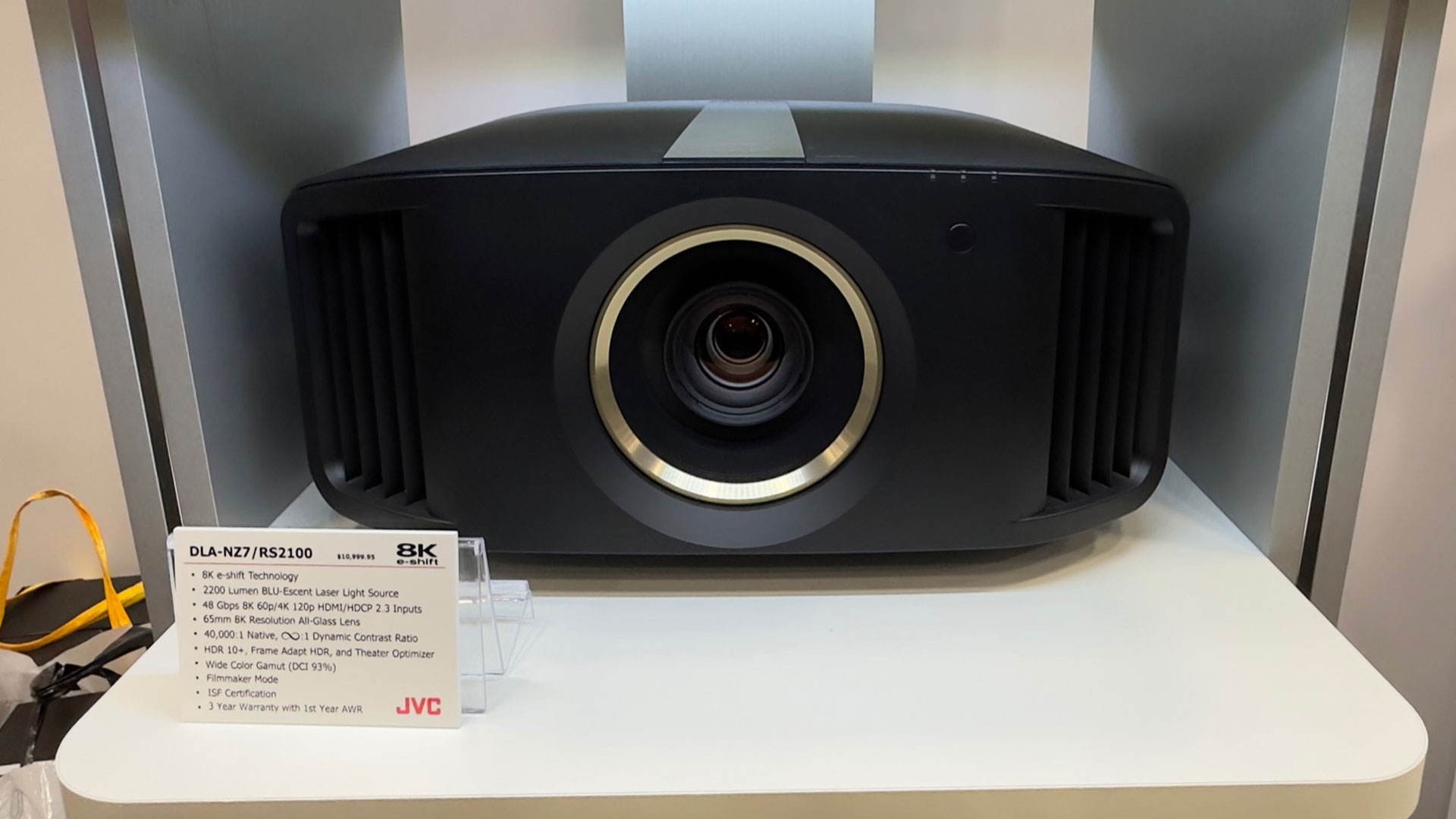
JVC also displayed their DLA-NZ9 D-ILA Laser Projector, DLA-NZ8 D-ILA Laser Projector, and DLA-NZ7 D-ILA Laser Projectors. The JVC DLA-NZ9 is an HDR home theater projector that delivers true 4K resolution (4096 x 2160). It is the replacement for the award-winning DLA-NX9/RS3000 which we reviewed a while back. These JVC models all utilize their BLU-Escent laser light source, include 8K e-shift technology and they are the world’s first projectors to offer 48Gbps 8K/60p inputs.
With a retail price of $25,999, the DLA-NZ9 sits at the higher end of JVC’s D-ILA FPJ lineup but its high native contrast combined with 4K resolution results in exceptional performance. In addition, since this is a native 4K unit (unlike a 2K pixel shifting projector), it can faithfully reproduce all 8.8 million pixels found in 4K content.
Lastly, JVC stated they are pushing out Firmware 2.0 for all their D-ILA projectors. Part of the update includes a Picture Mode that will auto switch to Filmmaker Mode with a 2.4 gamma level when connected to a Kaleidescape Movie Player. The firmware update will be available mid-November 2022. I’ll be testing this out on my Kaleidescape Strato C Movie Player which is currently attached to a Kaleidescape Compact Terra 6TB Movie Server.
EPV PROJECTION SCREENS
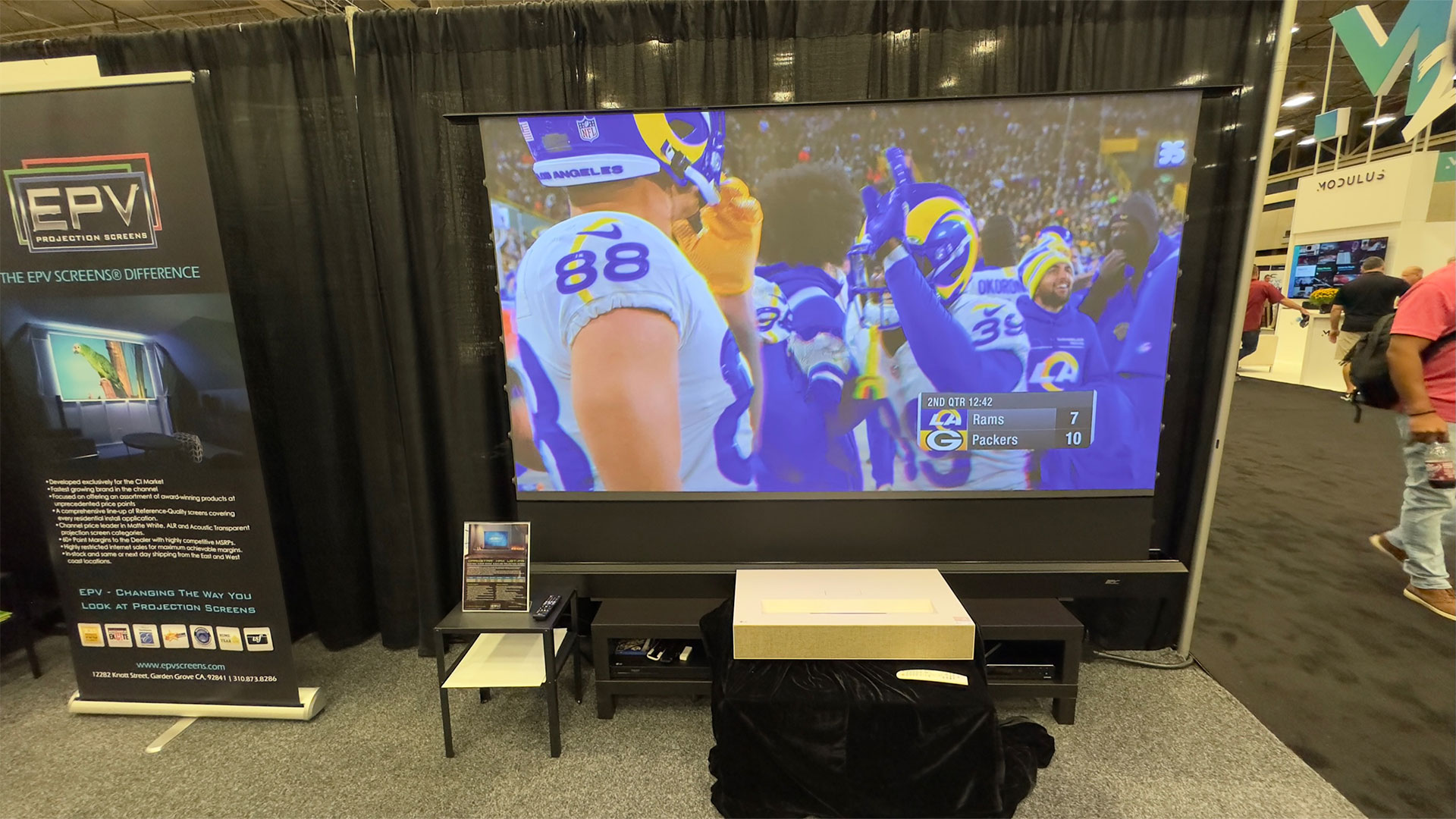
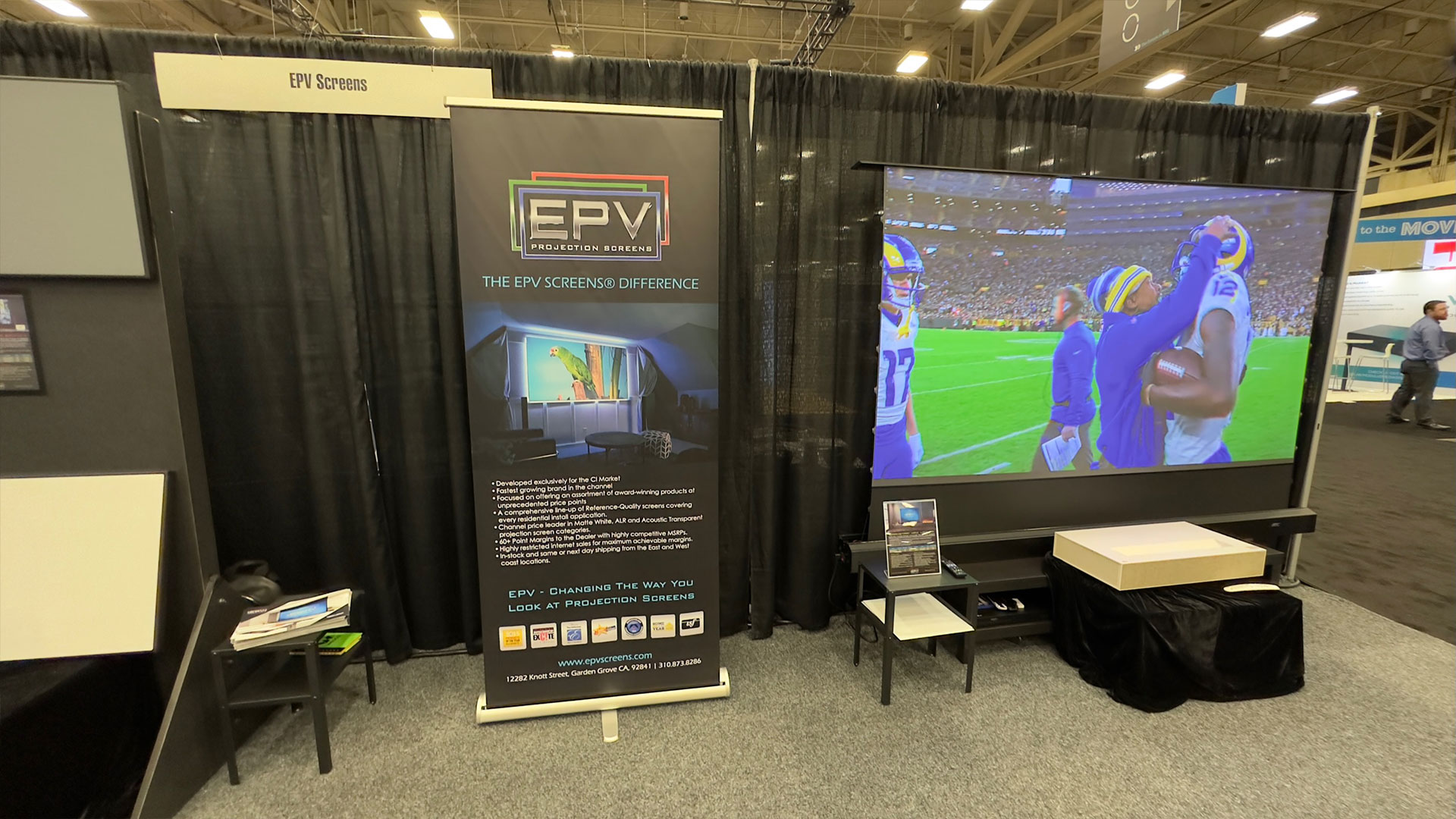
EPV Projection Screens had their DarkStar® Max UST-FR automated screen on display.
I spoke with Ben Ramos and Jaime Abrego at the EPV Projection Screens booth. Ben showed me a DarkStar® Max UST-FR automated screen. The DarkStar® Max UST-FR is semi portable, once the projection screen retracts back into its casing, it’s relatively easy to move to a new location. The design features motorized scissor-backed cross spring risers that raise and lower the screen. The DarkStar® Max UST-FR FR is a non-invasive motorized free-standing electric UST front projection screen that features Ambient Light Rejecting (ALR) and Ceiling Light Rejecting (CLR) ultra-short-throw projection screen material. During the demo, Ben held up a piece of the matte white projector screen material to illustrate the benefits of ALR/CLR screen made for UST projectors. The matte white screen washed out the projector’s image while the Dark Star® Max UST-FR automated screen stayed vivid under the intense brightness of the Kay Bailey Hutchinson Convention Center.
The DarkStar® Max UST-FR appropriately rejected the ambient light and overhead lights found in the Kay Bailey Hutchinson Convention Center.
EPV Projection Screens states, “The DarkStar UST material mitigates the washout effects of ambient light while boosting color saturation, contrast, and black/white dynamic range.” The DarkStar® Max UST-FR electric screen looked great even in the high ambient light environment of CEDIA Expo 2022 Dallas, Texas.
KALEIDESCAPE
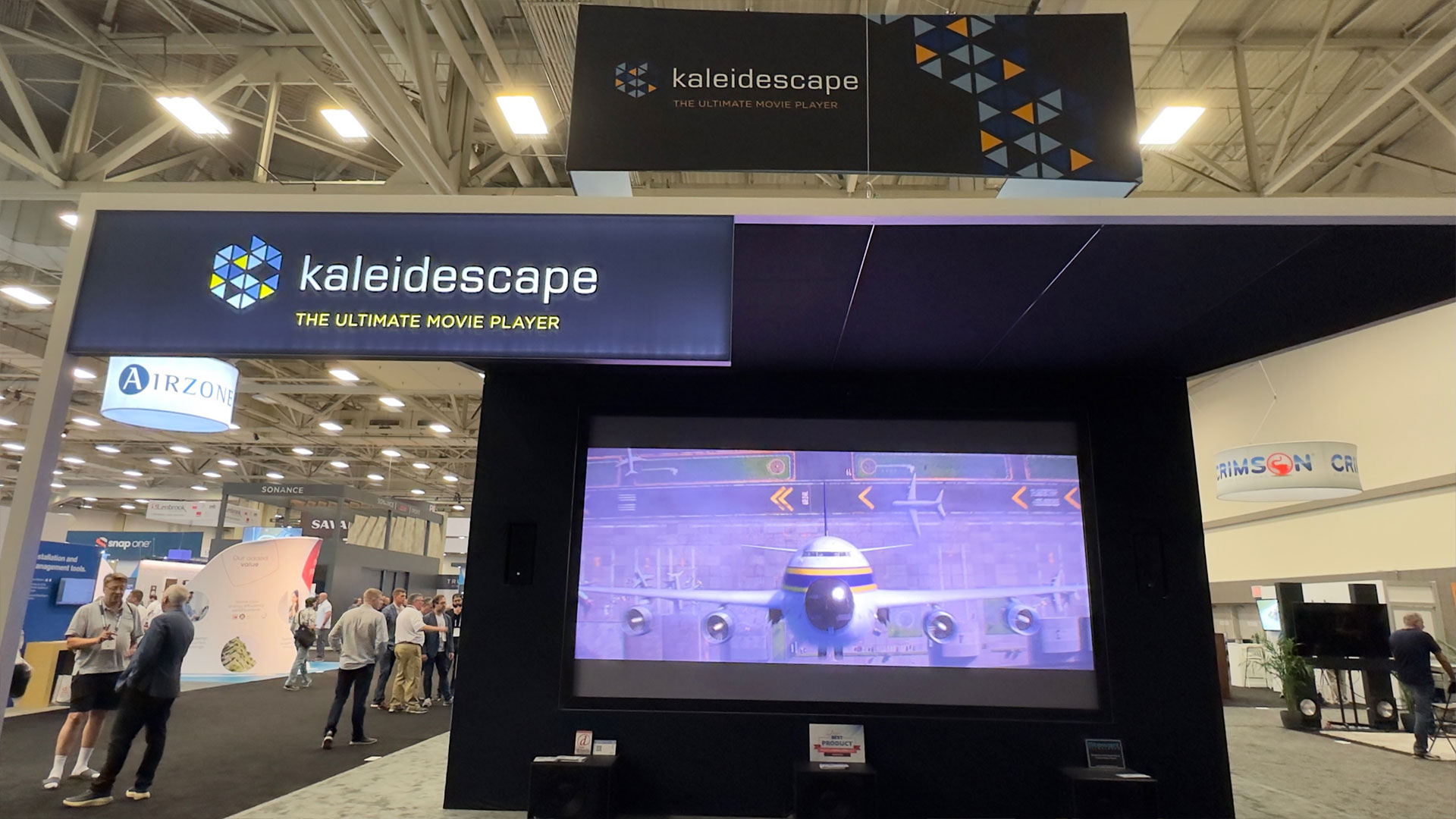
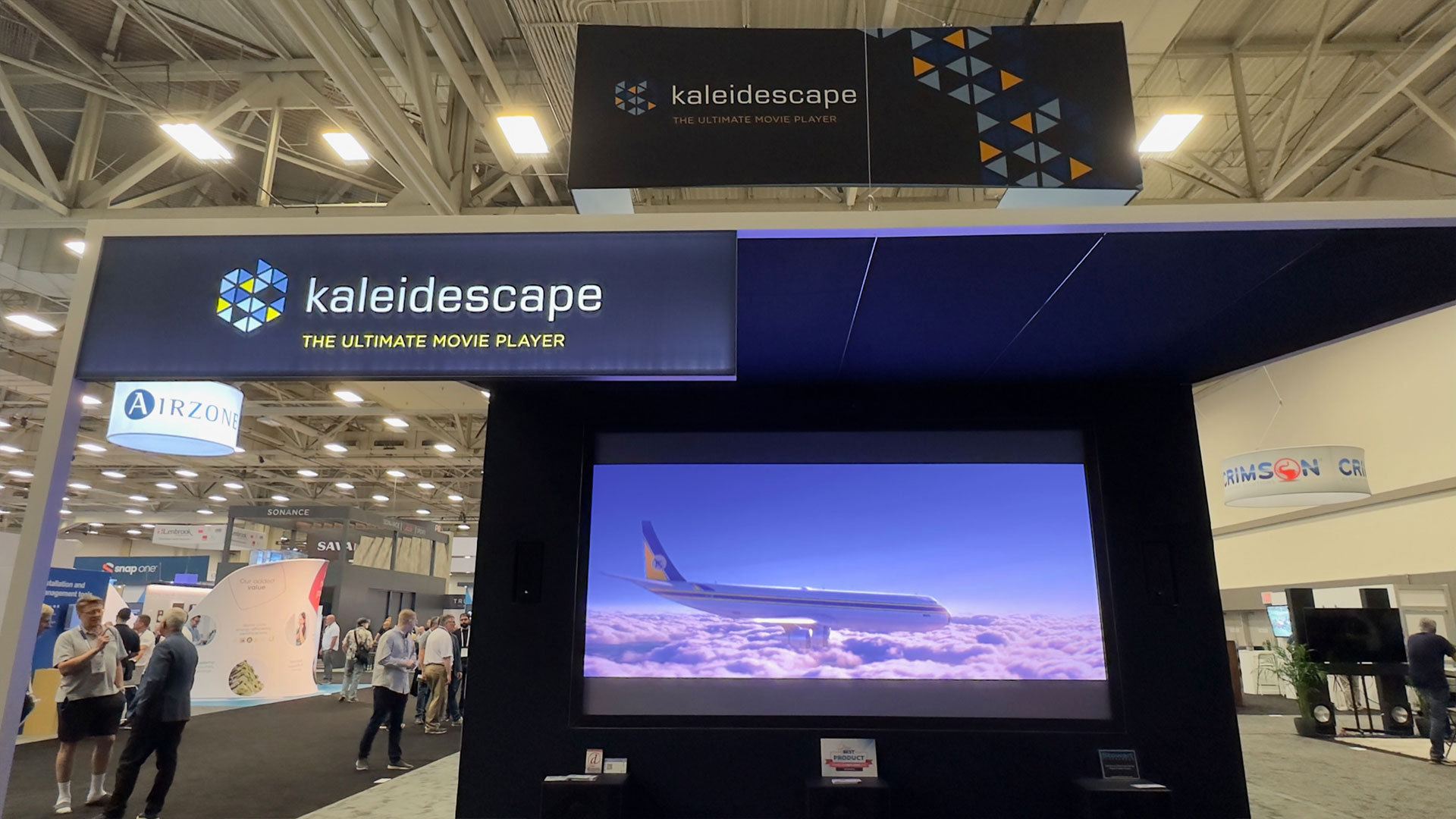
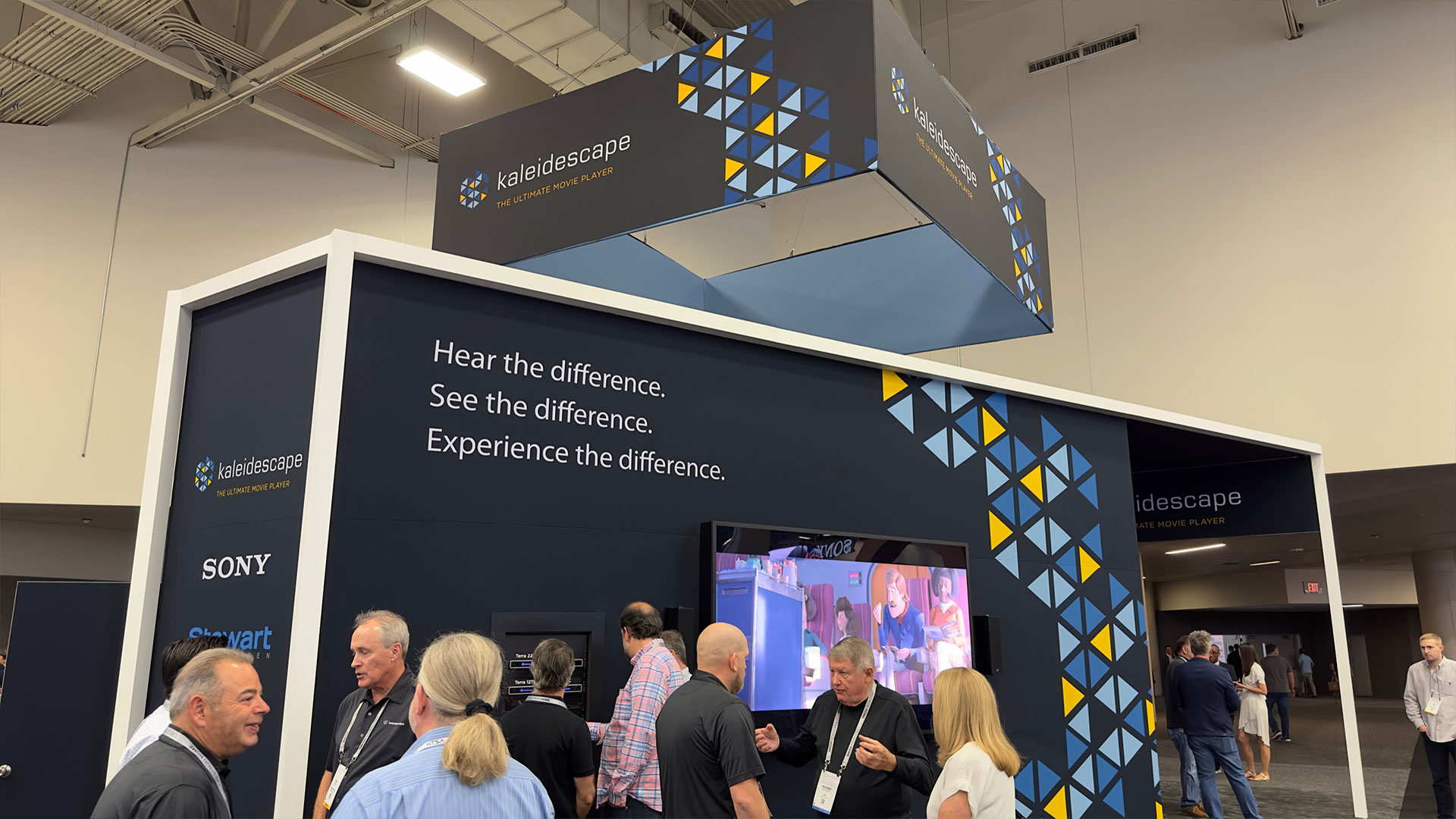
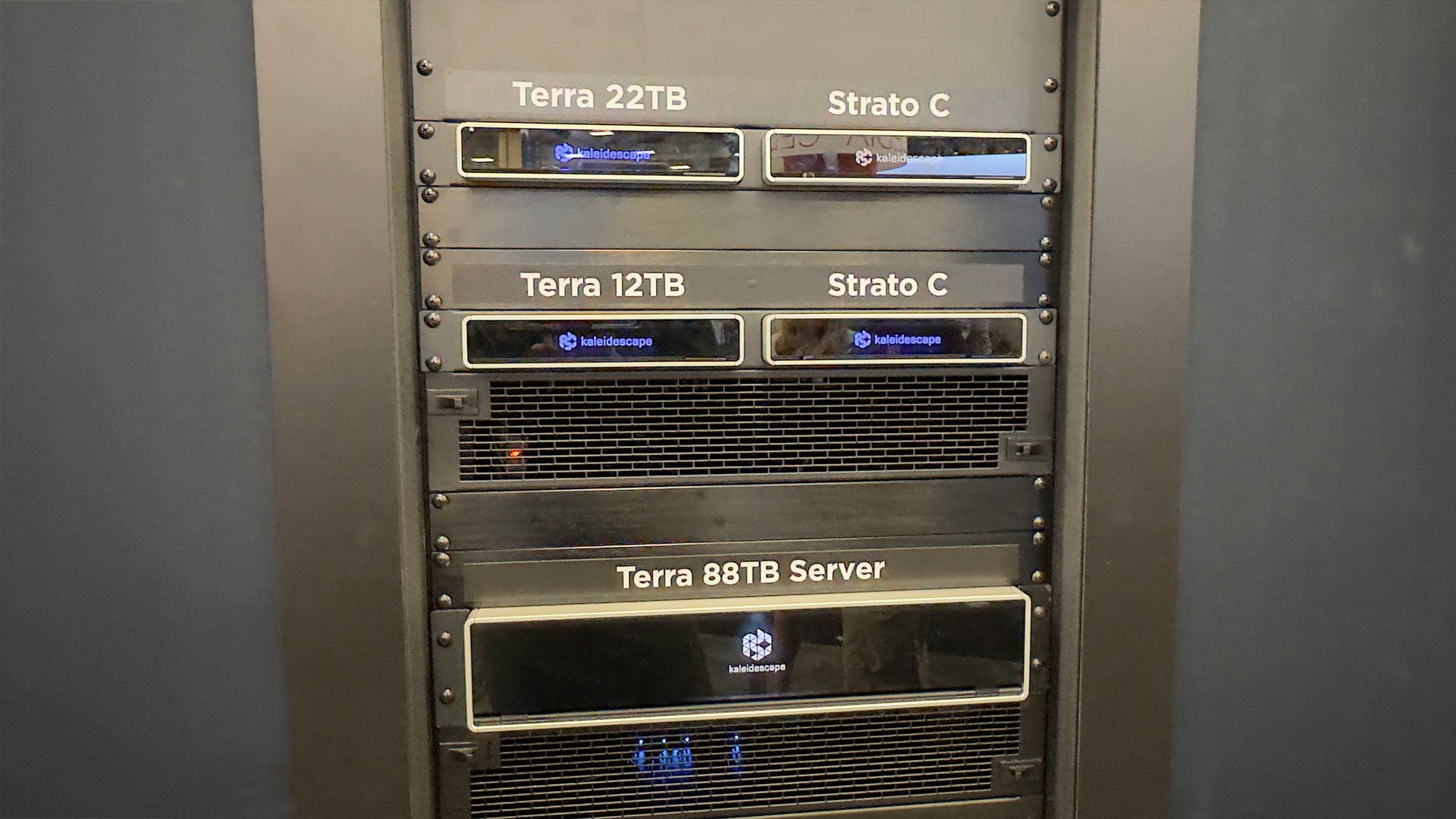
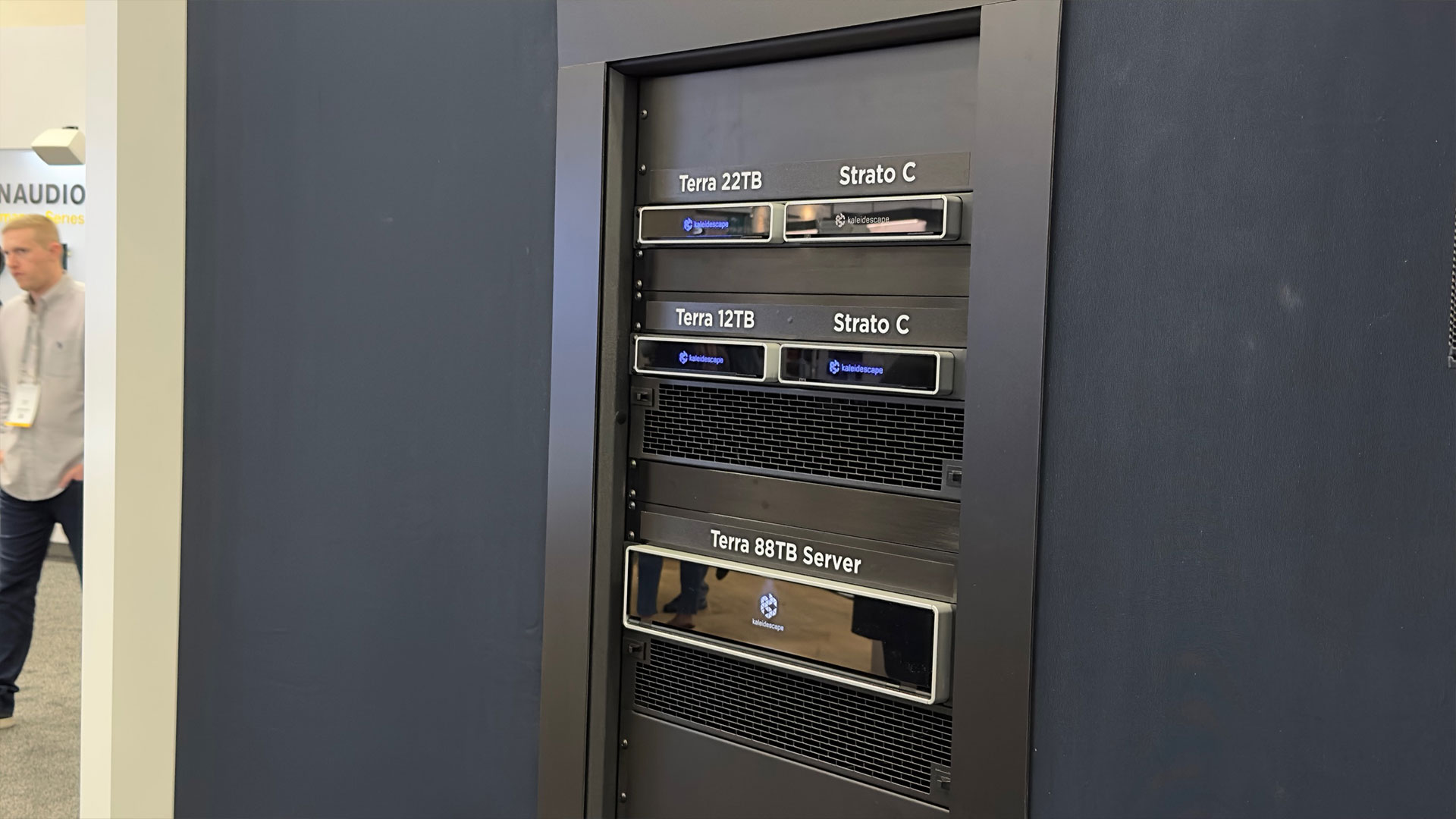
Kaleidescape had their new Terra 88TB and compact Terra 22TB at CEDIA paired with a Strato C 4K movie players. The Strato C is a 4K UHD movie player that supports high dynamic range and lossless audio, including Dolby Atmos and DTS:X.
Kaleidescape had their new Terra 88TB and compact Terra 22TB at CEDIA paired with Strato C 4K movie players.
In as little as 10 minutes, the Terra movie server line can download feature-length 4K movies on a gigabit internet connection. Kaleidescape provides visually lossless 4K Ultra HD (UHD) video and lossless multichannel audio. Kaleidescape’s video compression solution utilizes 4x to 5x the video bit rate of streaming digital video services.
Tired of searching through stacks of your favorite Blu-ray discs at movie time? A Terra movie server is ideal for customers looking to invest in a Kaleidescape system that can instantly play their favorite movies, television shows, and music events; When combined with the Strato C 4K movie player, the Terra movie server provides an unrivaled experience. The Kaleidescape system is absolutely something that must be seen in person to appreciate it fully.
HISENSE
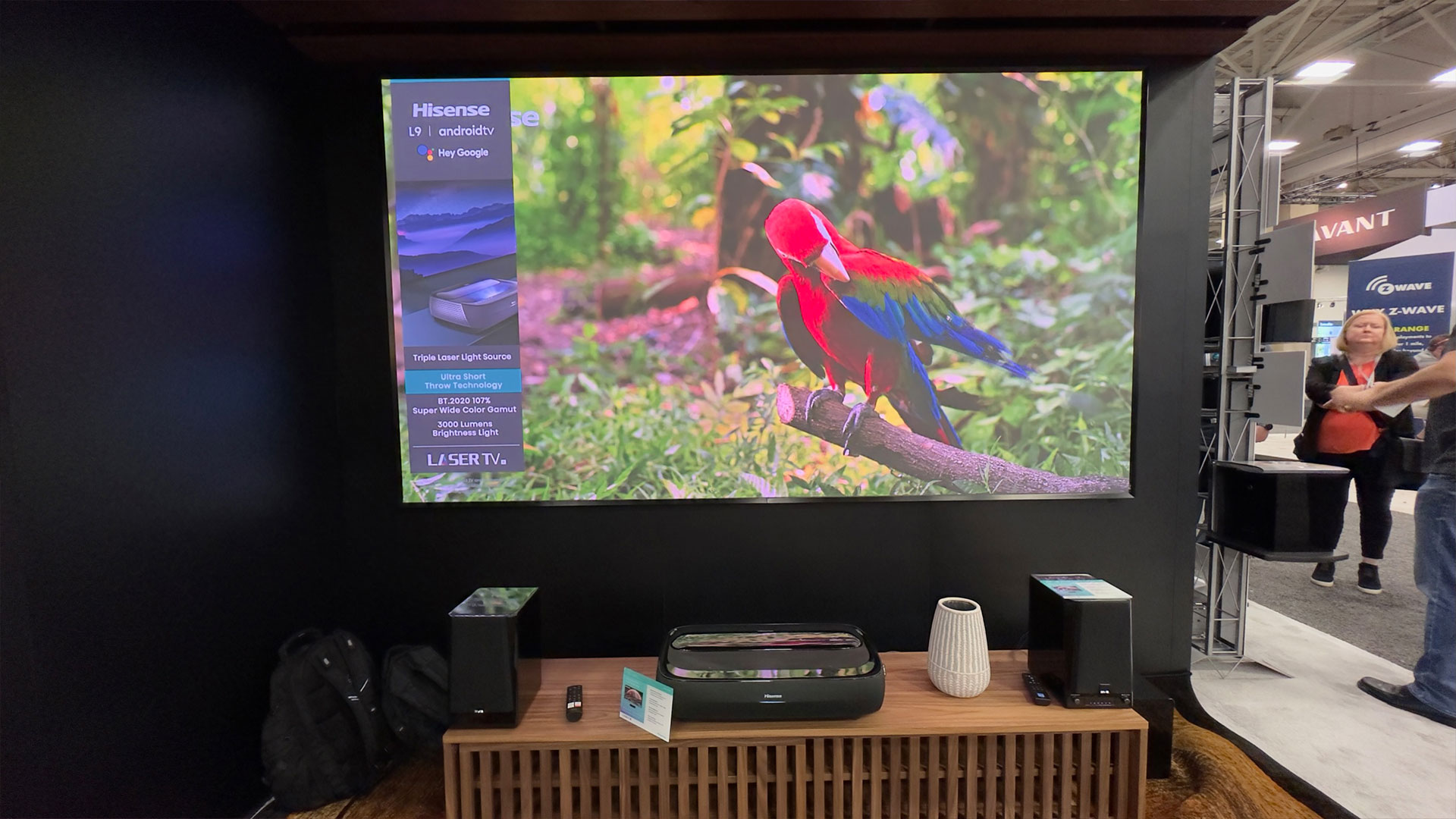
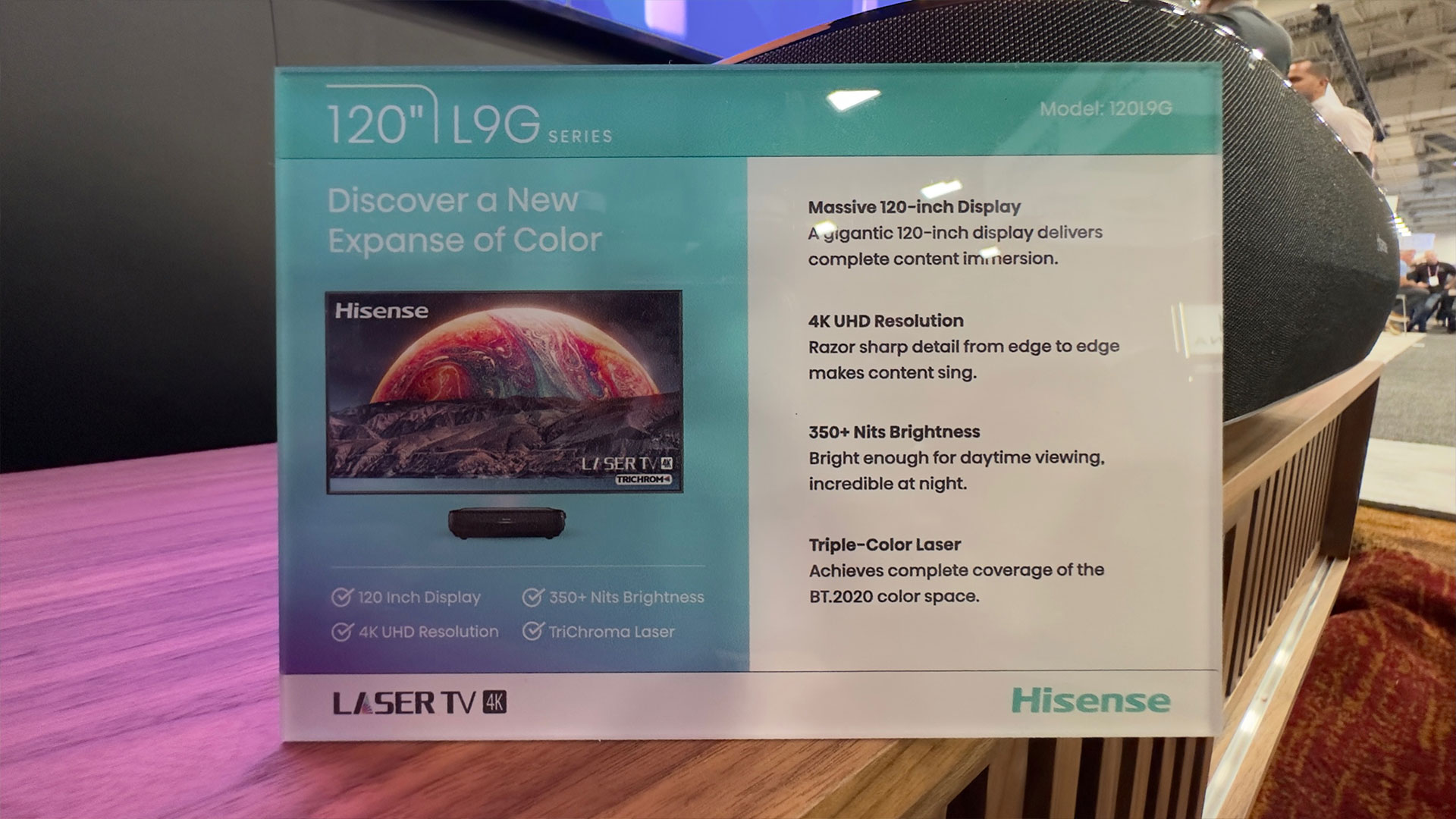
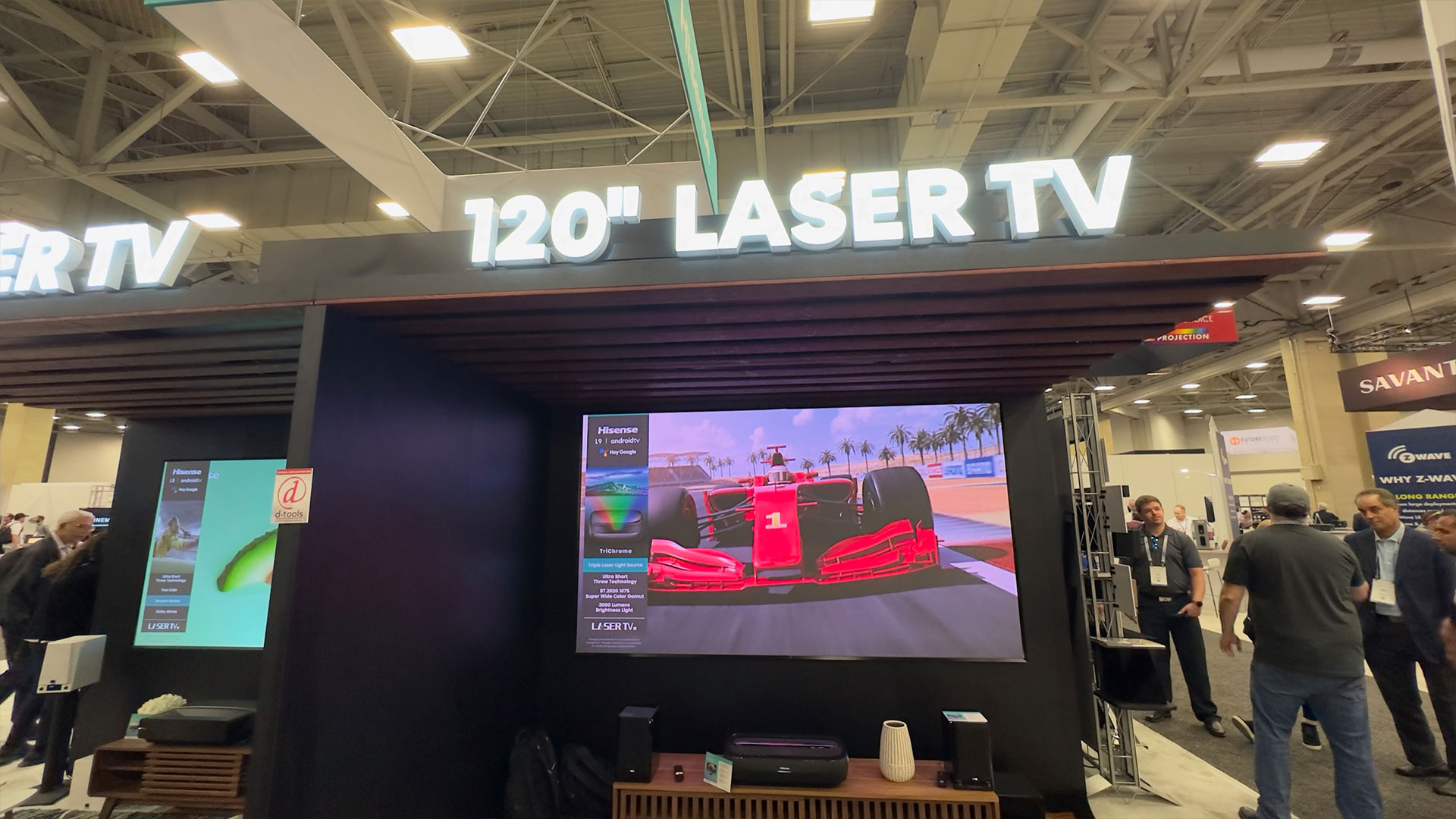
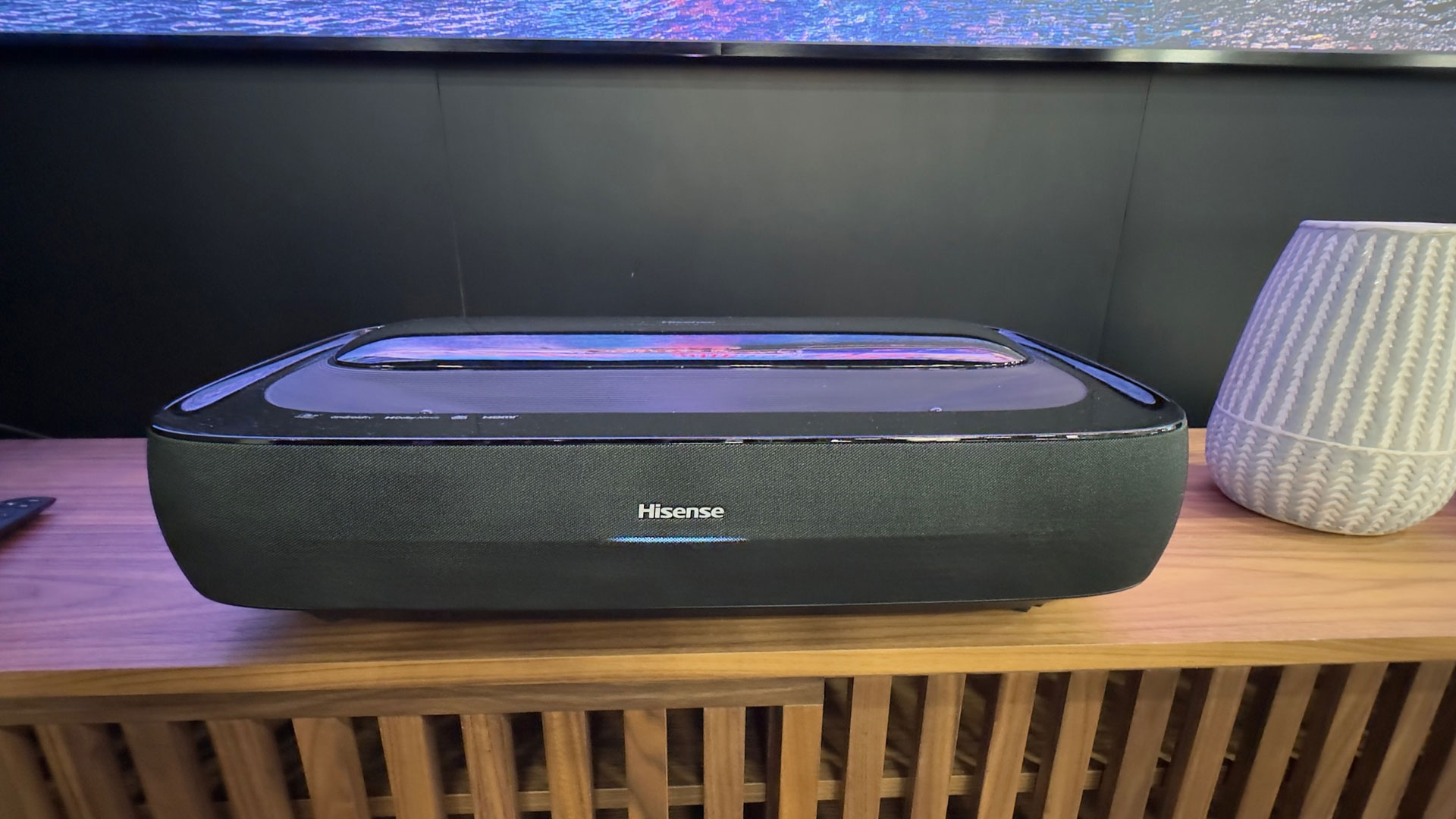
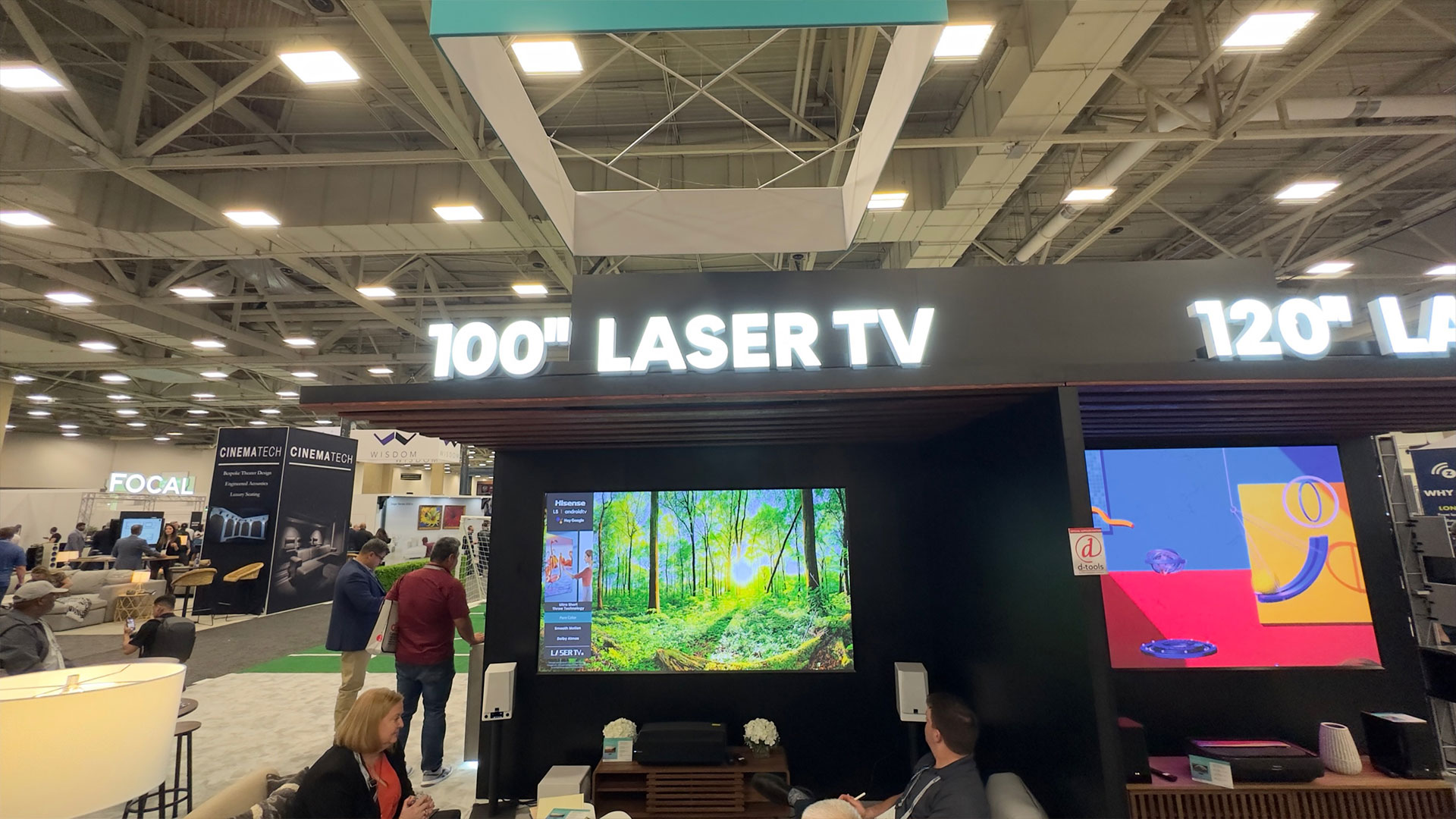
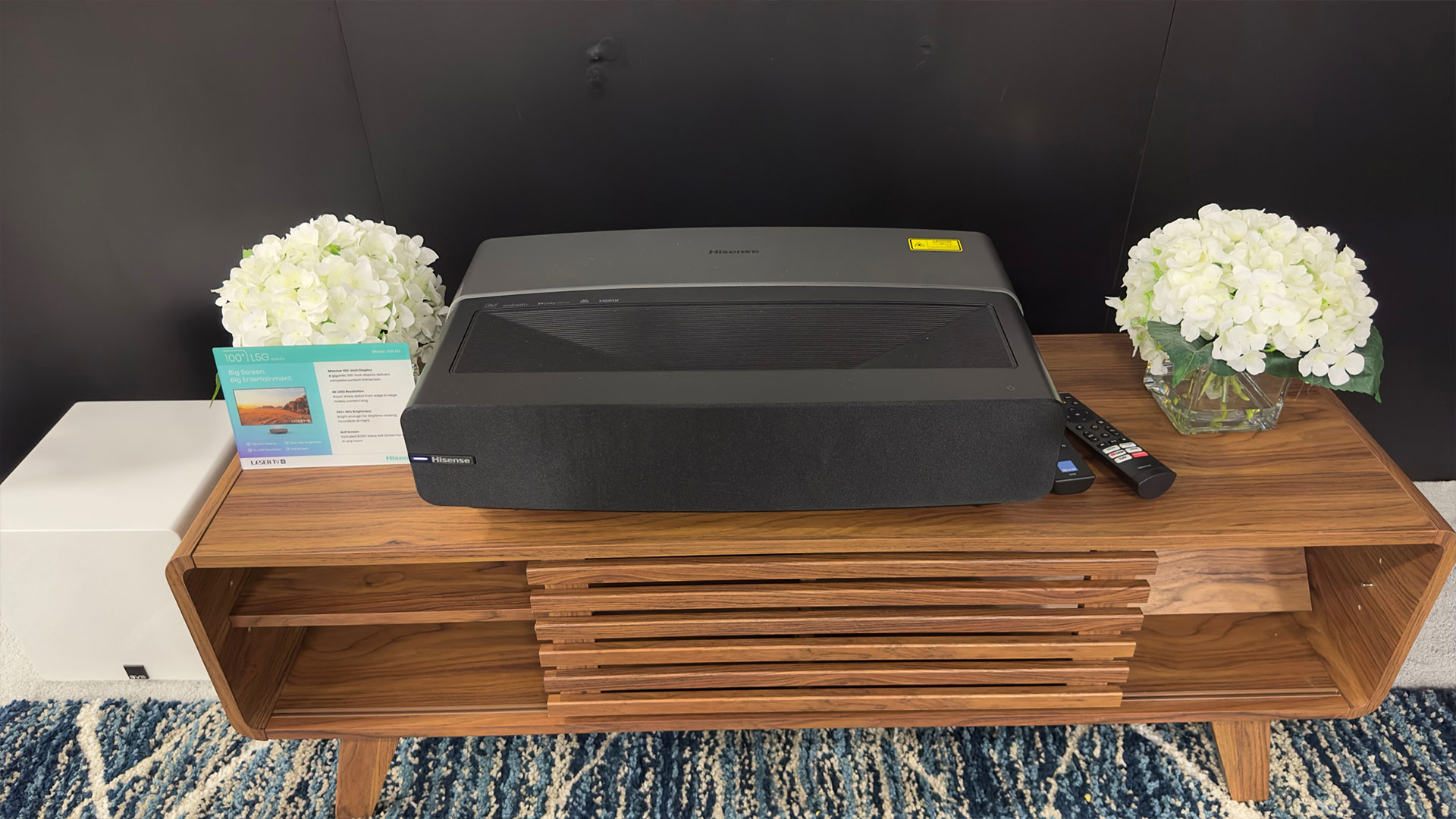
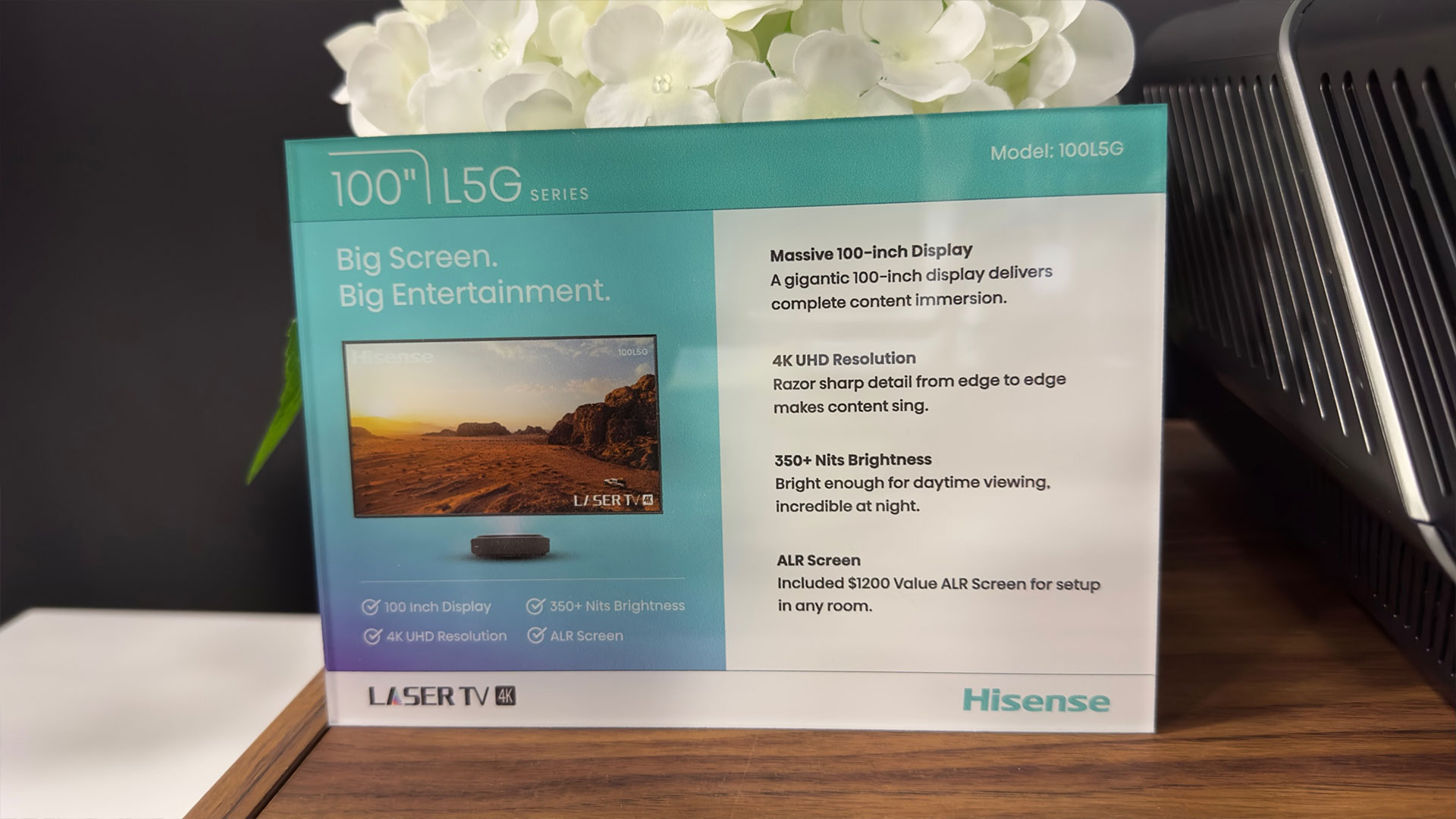
Hisense displayed their 120L9G Laser TV. The 120L9G is Hisense’s L9G smart UST projector that comes with a 120-inch ALR projection screen. The Hisense L9G is a Tricolor laser-equipped smart ultra-short-throw projector with a brightness rated at 3,000 ANSI lumens that comes with an ALR projector screen at $5,999 MSRP (120-inch) and $5,499 MSRP (100-inch). These types of projectors are commonly referred to as “Laser TVs”. They are called Laser TV because these projectors are designed to be a viable replacement for a flat panel television.
For an ultra-short-throw projector to qualify as a TV replacement, they need to offer at least three things. First, it must be able to be used day or night. Second, it must deliver vibrant color regardless of ambient room light. Third, the UST projector must have all the functionality expected to be in a flat-panel TV. The Hisense L9G and L5G Series of UST projectors does all of this and more.
SAMSUNG
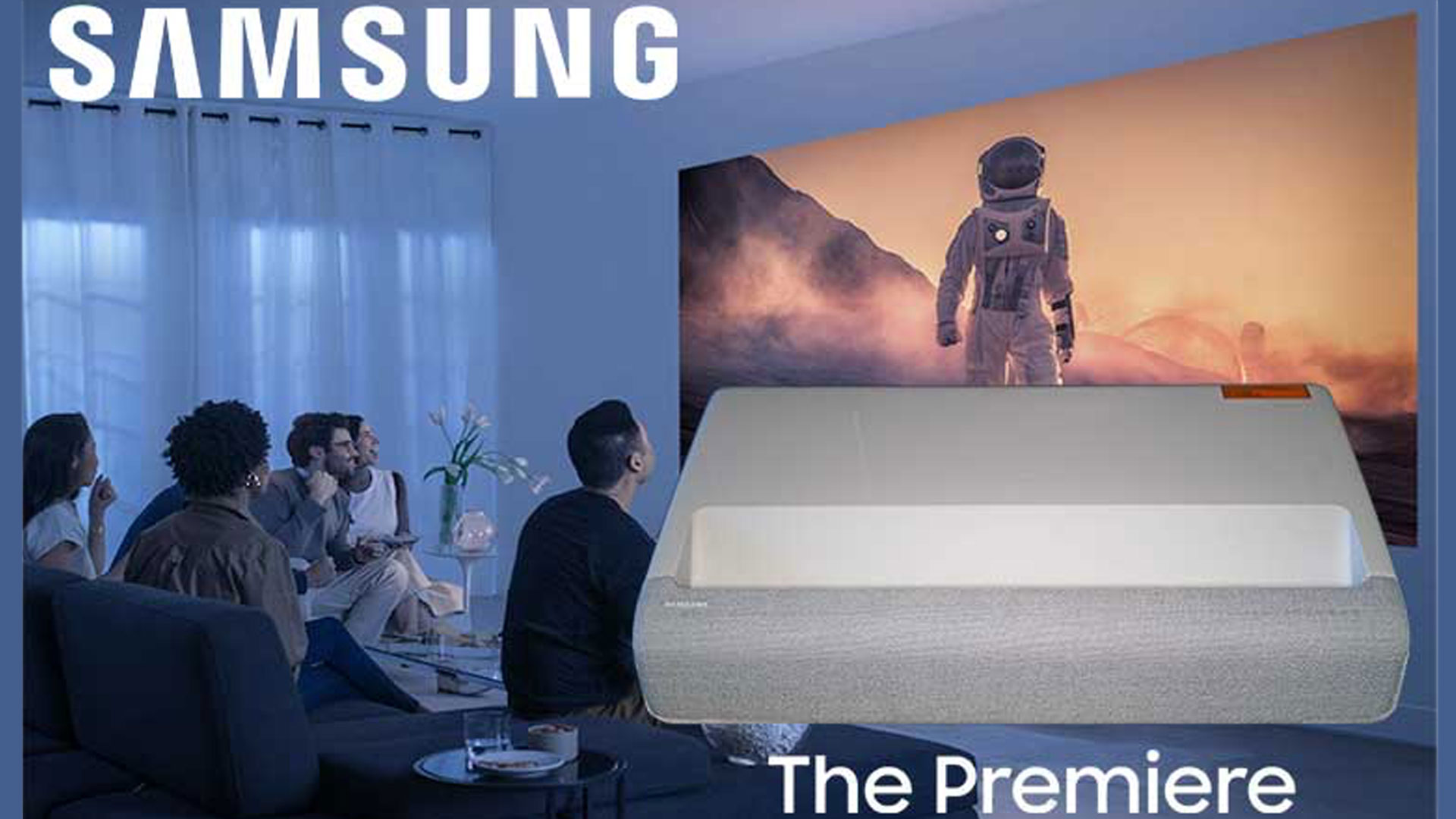
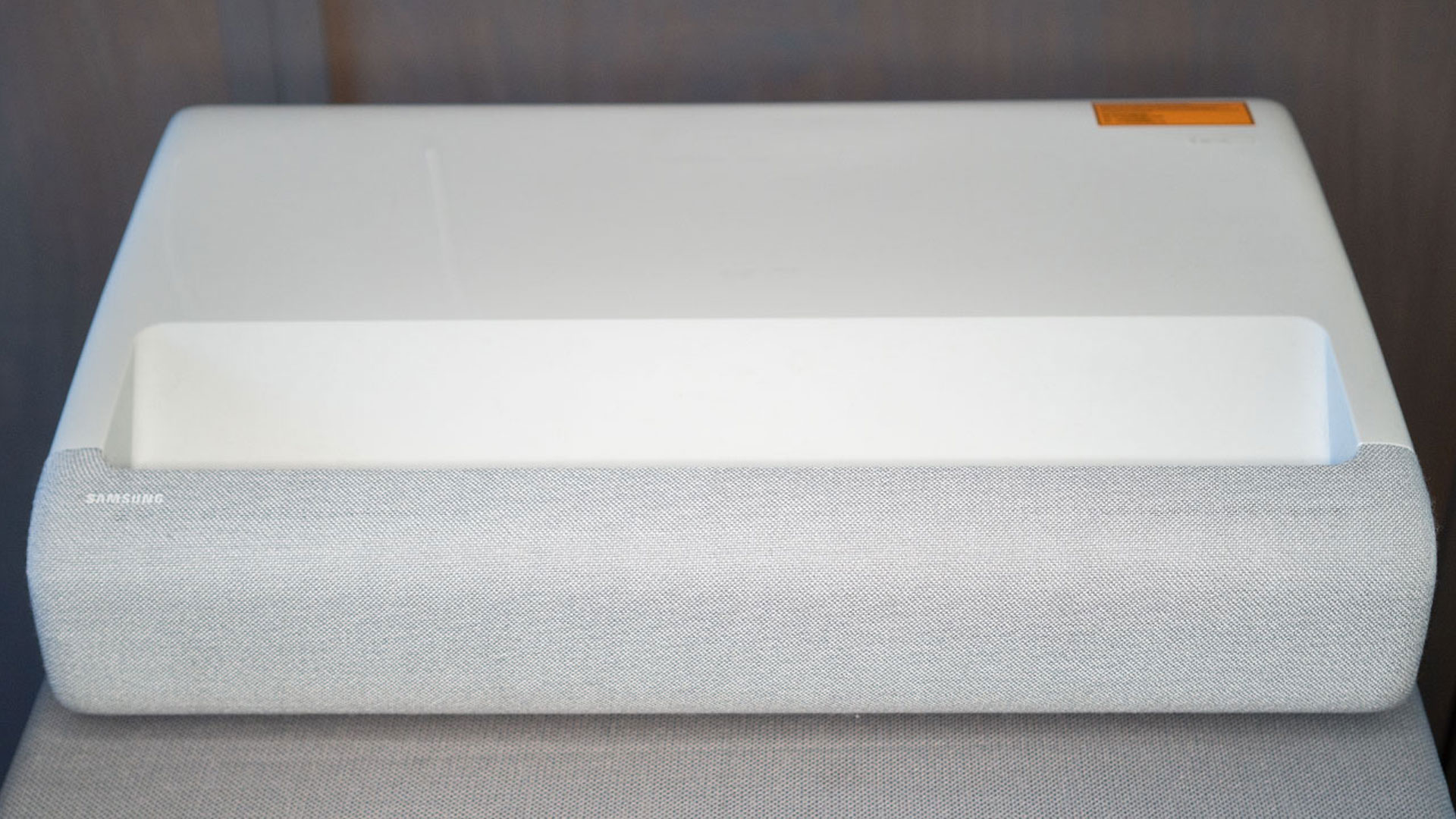
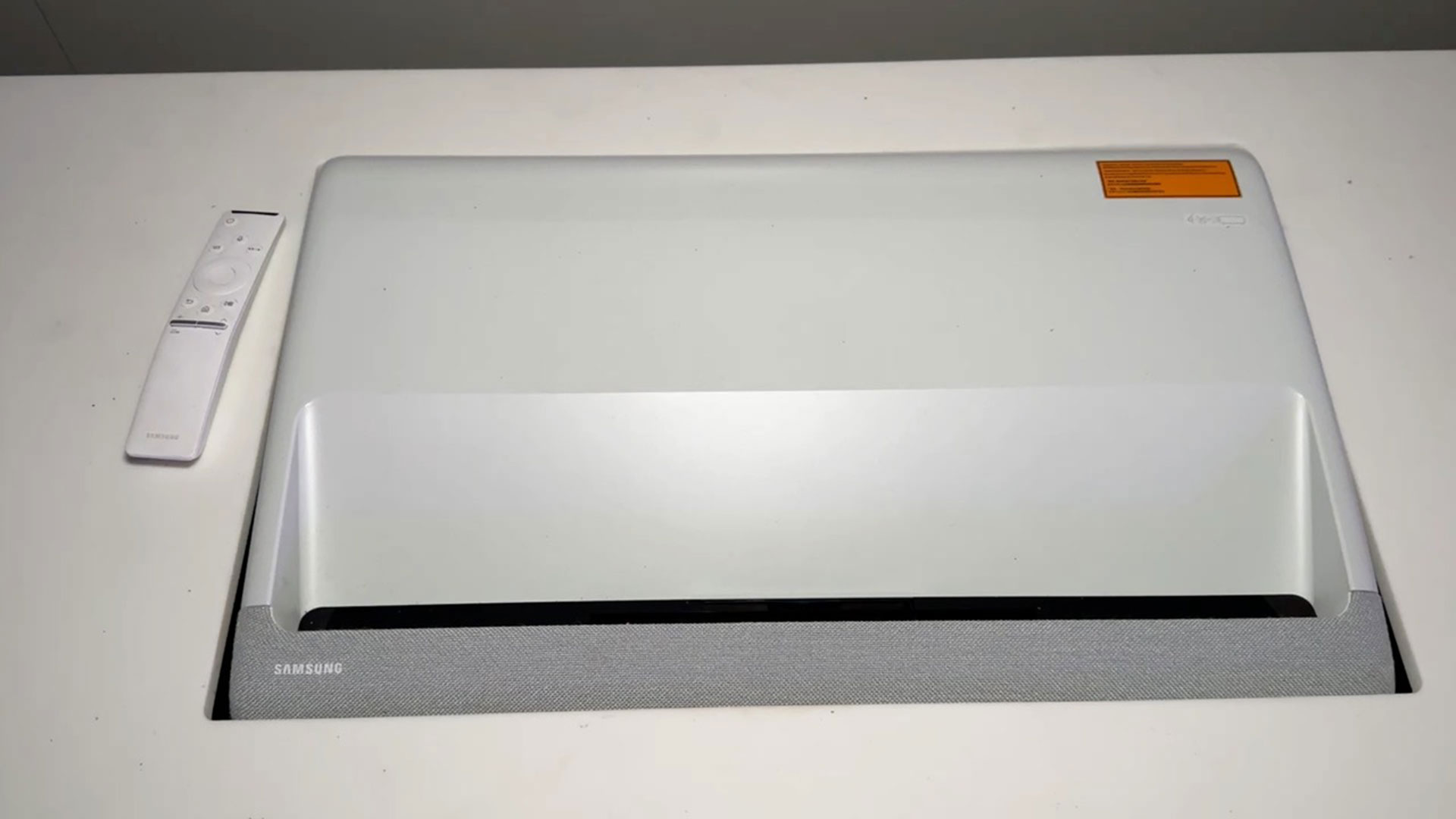
The Samsung Premiere LSP9T 4K Smart Laser Projector and its little brother, the Premiere LSP7T 4K Smart Laser Projector were out on display running demos for Samsung. The Premiere Smart Laser Projectors are Samsung’s first 4K ultra-short-throw smart projectors. Each year Flat-panel TVs get bigger and bigger. For example, Samsung offers several 85″ models starting at $1,800. However, Samsung realizes that some customers desire an even larger more immersive picture. The Premiere Series of Smart Laser Projectors are designed to appeal to those customers.
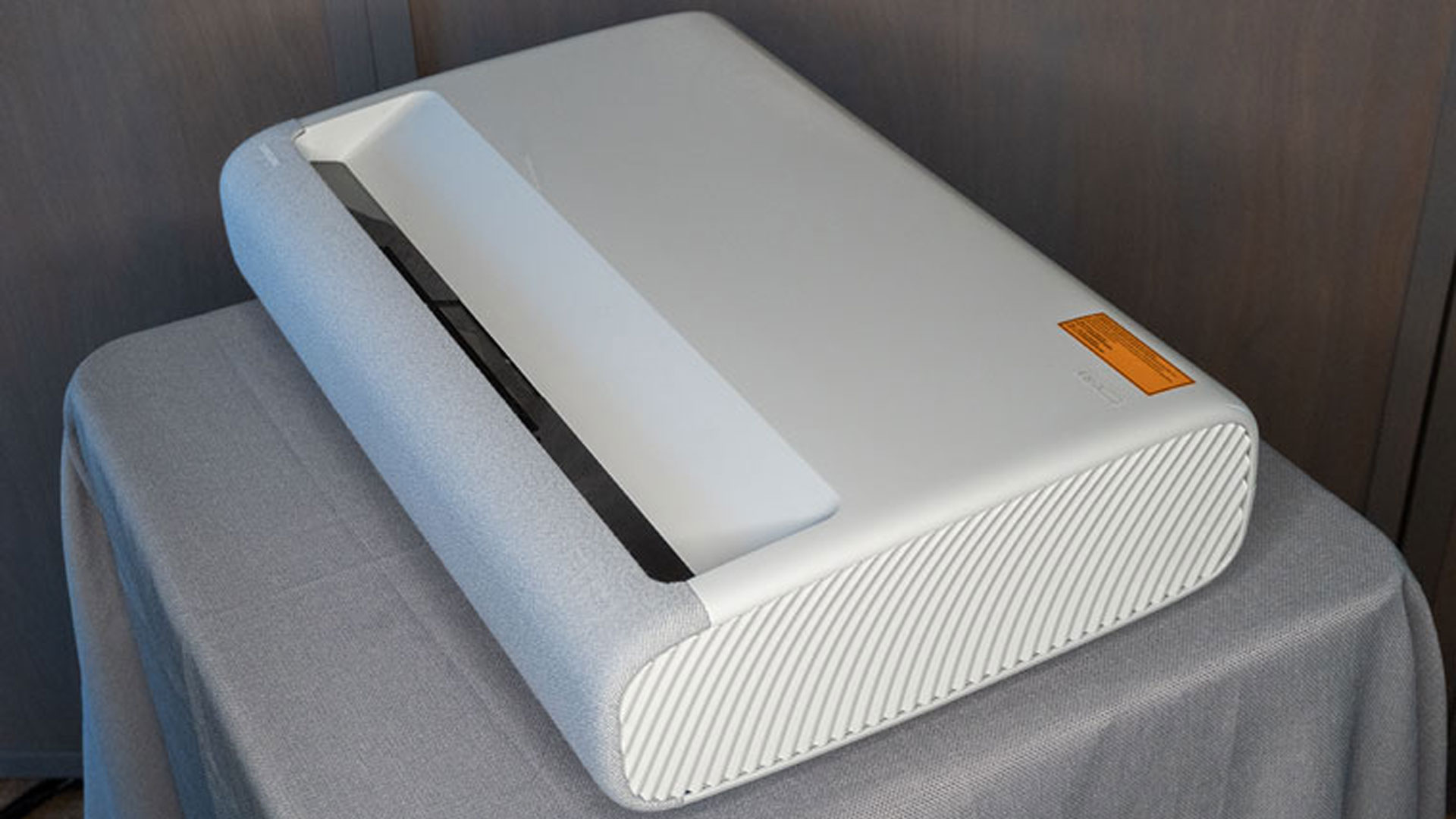
Samsung Premiere LSP9T
The Samsung LSP9T which we reviewed originally had a manufacturer’s suggested retail price (MSRP) of $6,499 so it sells at a higher price point than many UST projectors. However, its premium features and build quality justify its premium price. For example, the Premiere LS9PT, like the Hisense 100L9G ($5,499 MSRP), utilizes an advanced triple laser light source capable of displaying colors that many flat-panel displays can’t display.
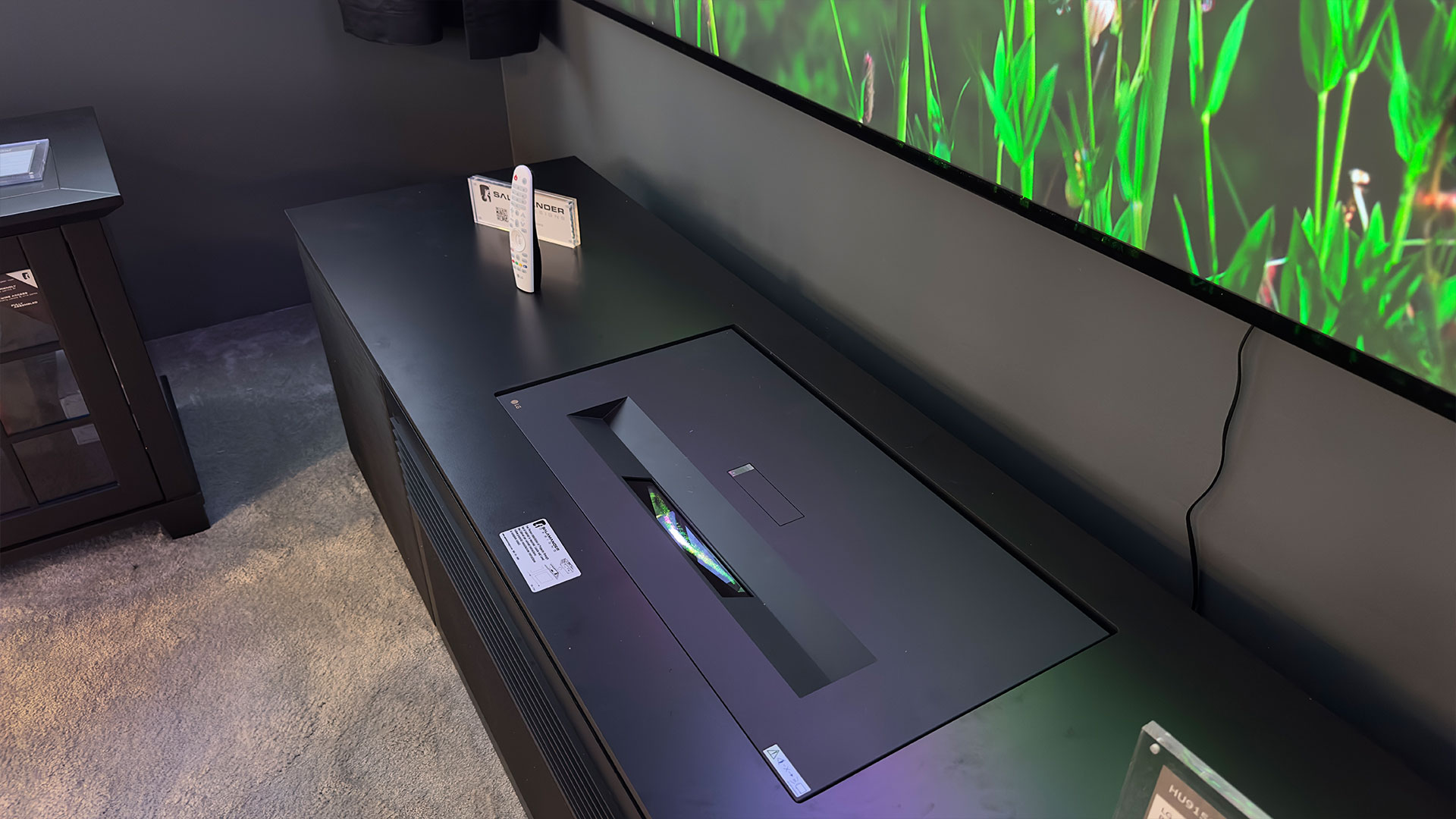
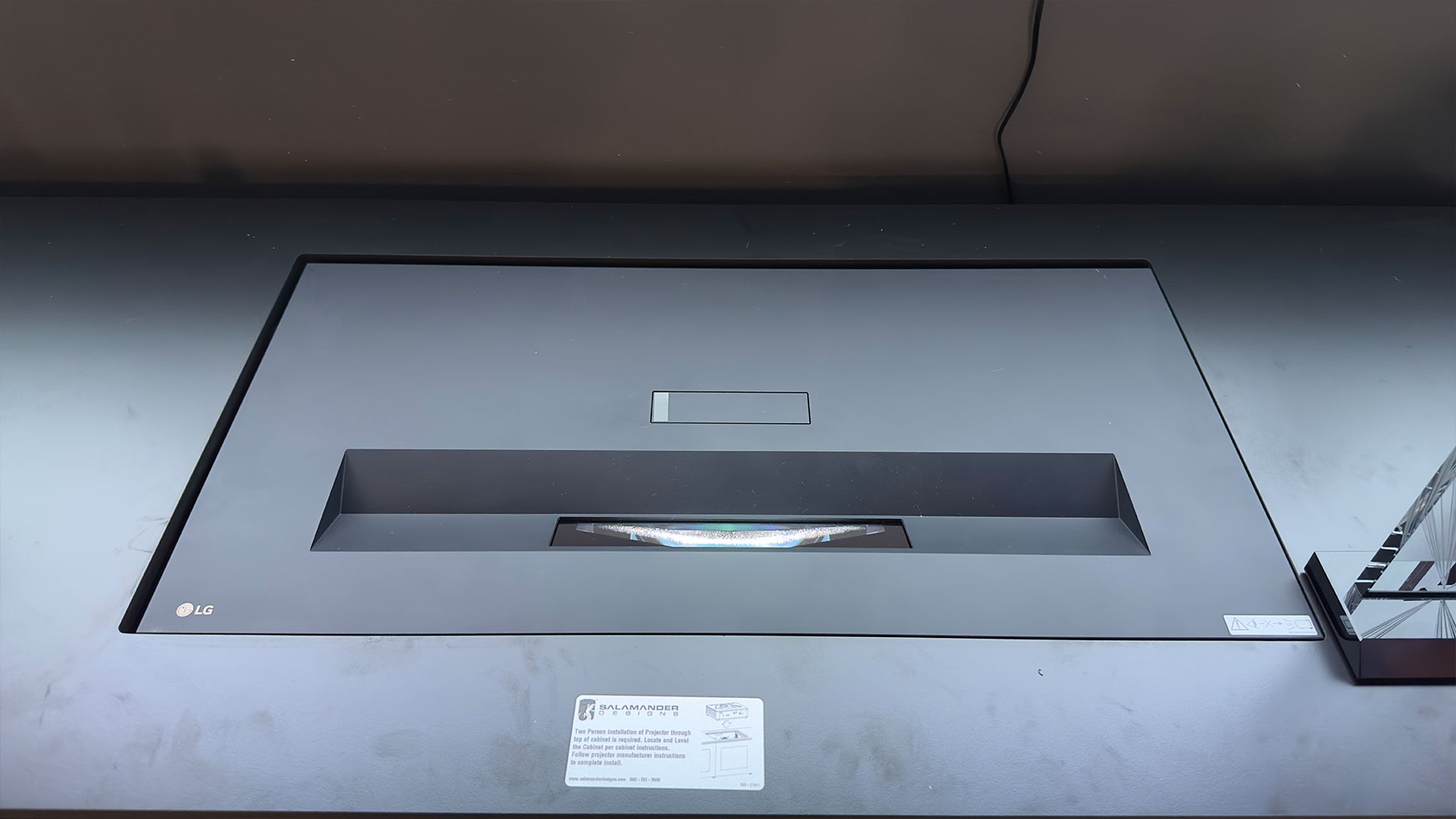
Samsung’s demo Premiere LSP7T was tucked nicely into a Salamander Designs UST projector cabinet.
The LSP9T and its little brother, the LSP7T, represent the best of Samsung when it comes to hardware, software, and product design. To quote Samsung, “The Premiere re-imagines the home cinema experience with an all-new compact design, 4K picture quality, and big sound for tight spaces that can be used for any at-home activity and living room arrangements.”
CEDIA EXPO 2023
Last year for CEDIA Expo 2021 in Indianapolis, Indiana, many companies opted out of physically showing up in Indianapolis and instead only had a virtual presence. For CEDIA Expo 2022 in Dallas, Texas, companies returned to the CEDIA floor, and it was an amazing time. Like last year, I felt inspired by the technology I could see and touch. I also saw some really nice products and demonstrations. CEDIA Expo 2023 is scheduled to be held in Denver, Colorado. I hope to see you all there and for those who can’t make it, I’ll have video coverage for you.
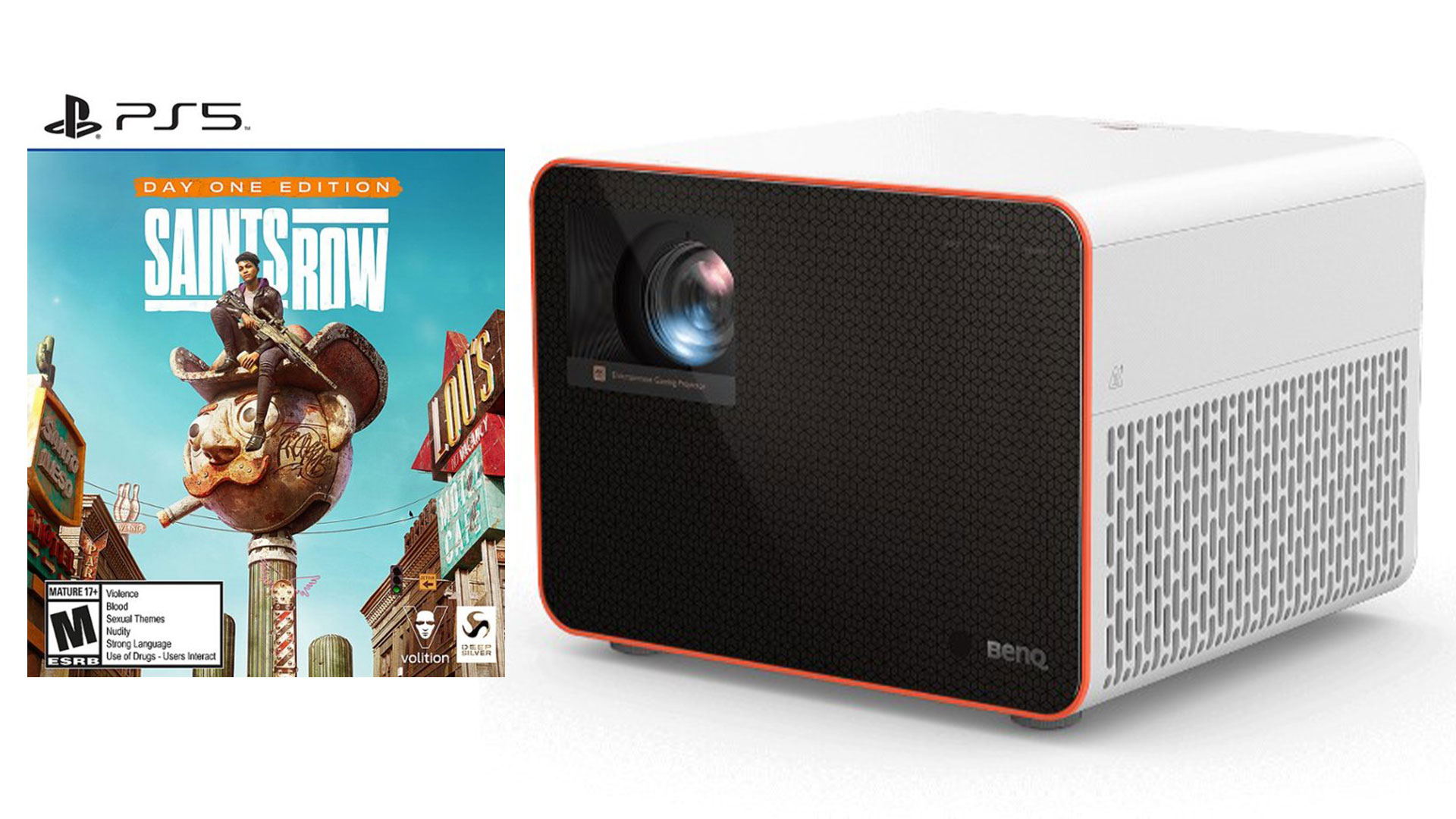
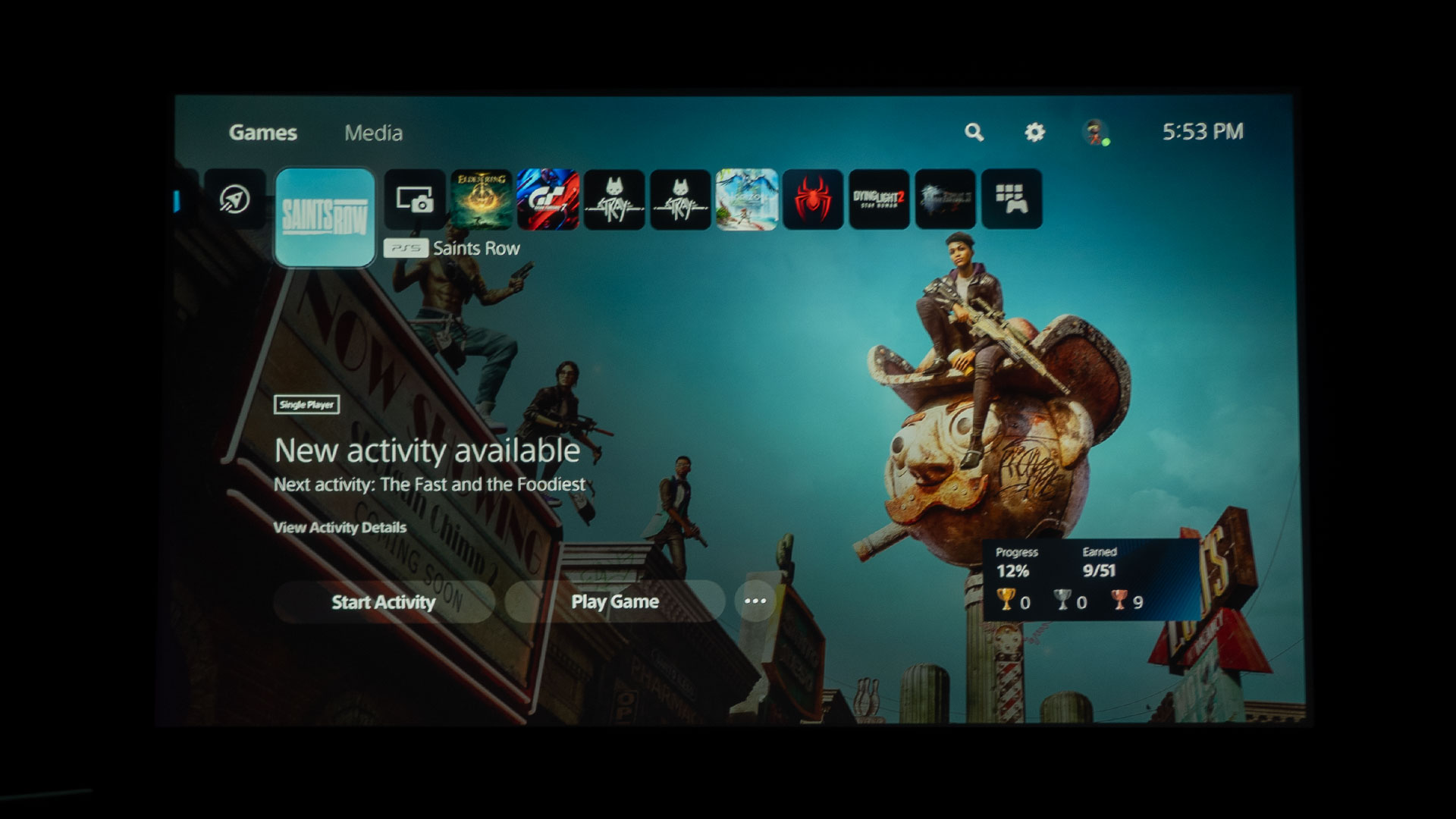
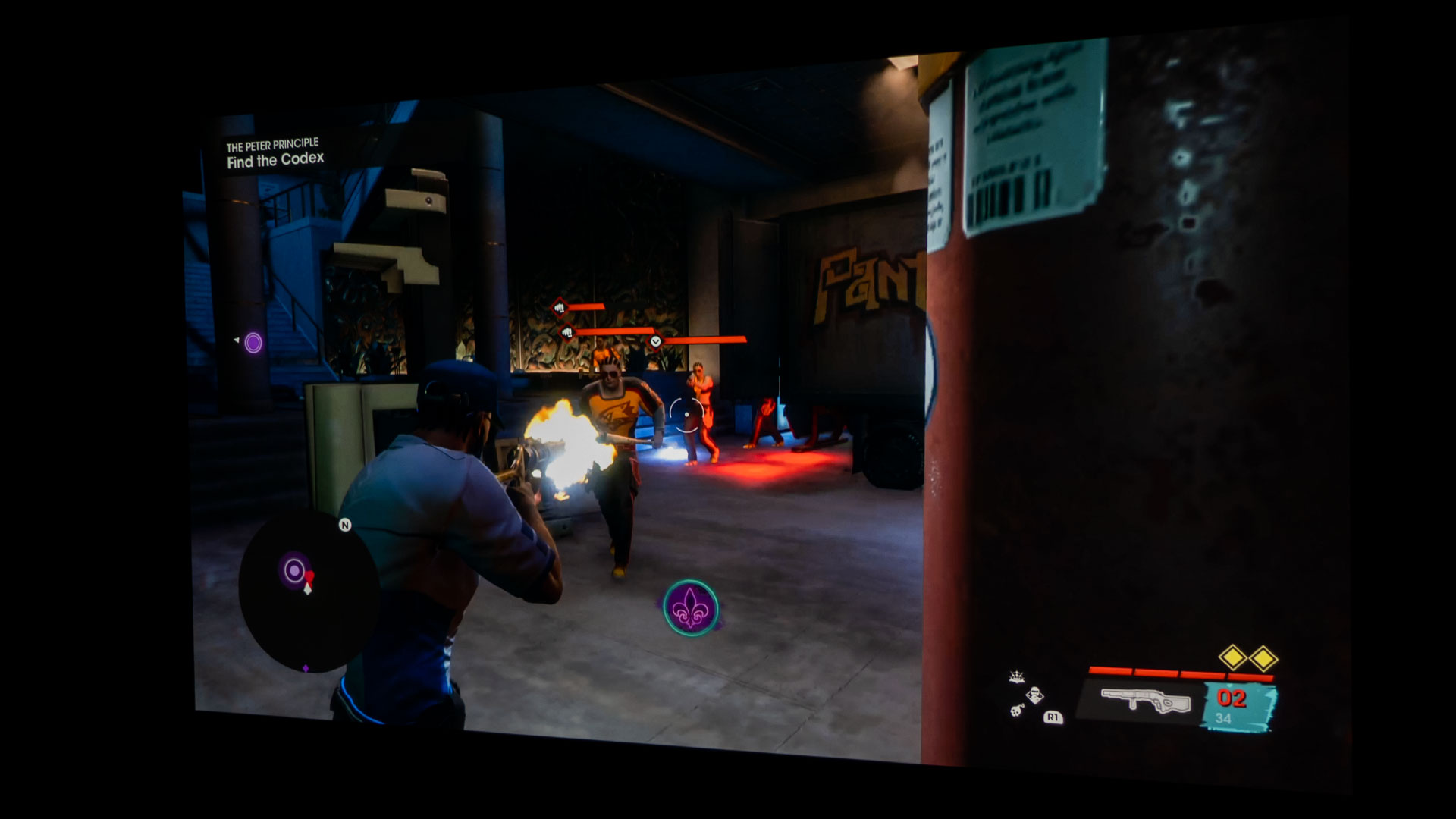
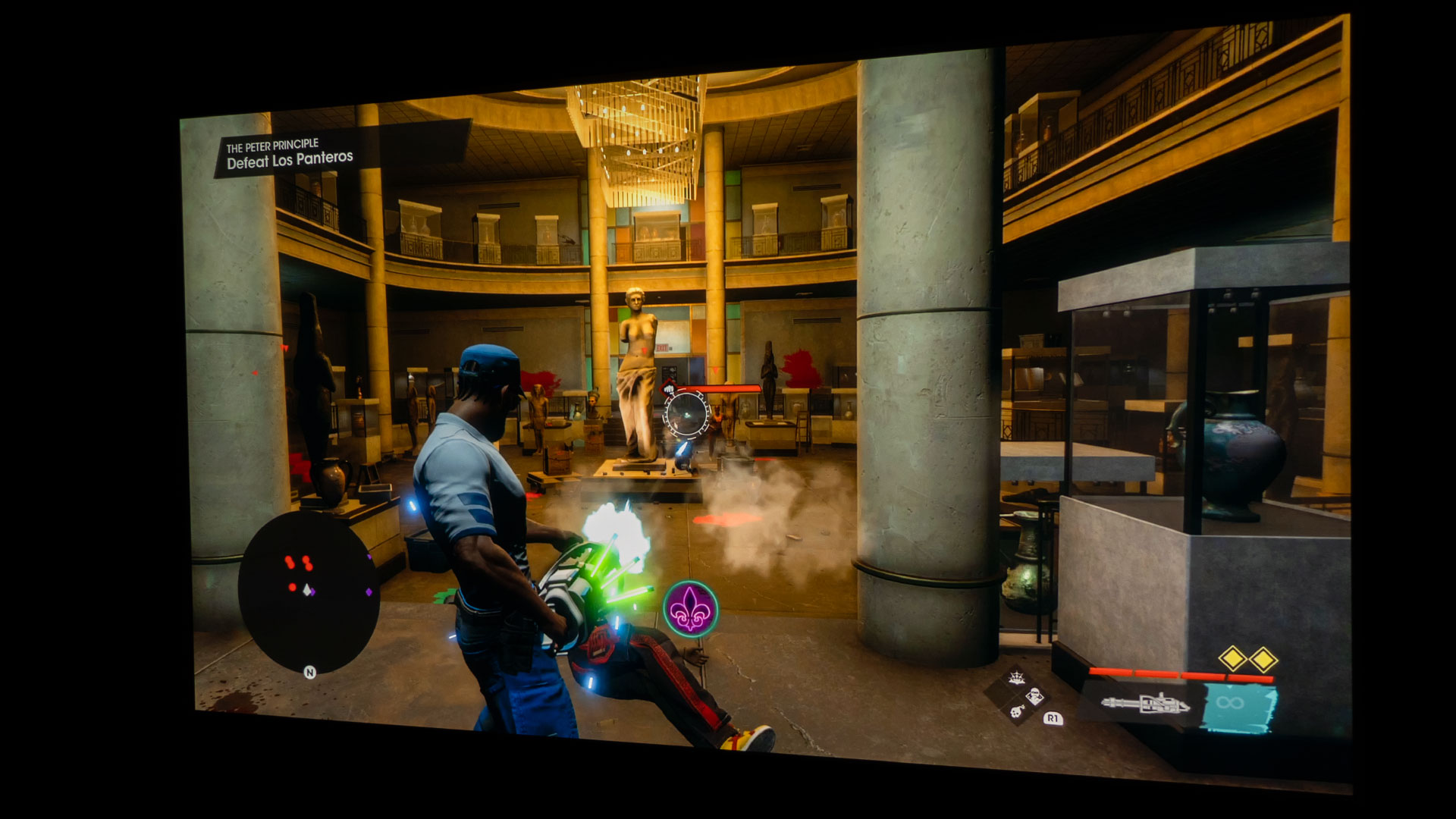
Saints Row - Self Made is an action-adventure, open-world, gangland shoot ‘em up Role-Playing Game (RPG). Saints Row – Self Made is set in the American Southwest in a fictional city called Santo Ileso. It’s a reboot of the Saints Row series. Saints Row can be played single-player or co-op online. Saints Row - Self Made is published by Deep Silver, a division of Plaion GmbH, Austria, and developed by Deep Silver Volition LLC. Saints Row – Self Made was released on August 23, 2022.
It is available on PlayStation 5, PlayStation 4, Xbox Series X/S, Xbox One, and Microsoft Windows PCs. For PS5 and PS4, Saints Row - Standard Edition can be purchased for $59.99 and is just the base game. Saints Row - Gold Edition has the base game, an expansion pass, and the Los Panteros American muscle bundle for $89.99. Lastly, Saints Row – Platinum Edition is $99.99. The Platinum Edition has everything the Gold Edition has, plus Saints Row: The Third Remastered.
Saints Row - Self Made is available across all main gaming platforms.
Saints Row - Self Made is the fifth installment of the Saint Row series, following Saints Row (2006), Saints Row 2 (2008), Saints Row: The Third (2011), and Saints Row IV (2013). The game follows the Third Street Saints, which started as a common street gang. Most of the gameplay revolves around over-the-top gameplay, including a bunch of shooting, driving, and flying while building up your criminal empire.
BenQ sent Projector Reviews demo samples of the X3000i and TK700 gaming projectors.
BenQ sent Projector Reviews demo samples of the X3000i and TK700 gaming projectors to write our monthly gaming on projector articles. BenQ is deeply embedded into the gaming world. BenQ owns ZOWIE, the maker of gaming monitors for eSports. ZOWIE is BenQ’s brand dedicated to developing professional eSports equipment. So, having a series of gaming projectors from BenQ is a win for us gamers.
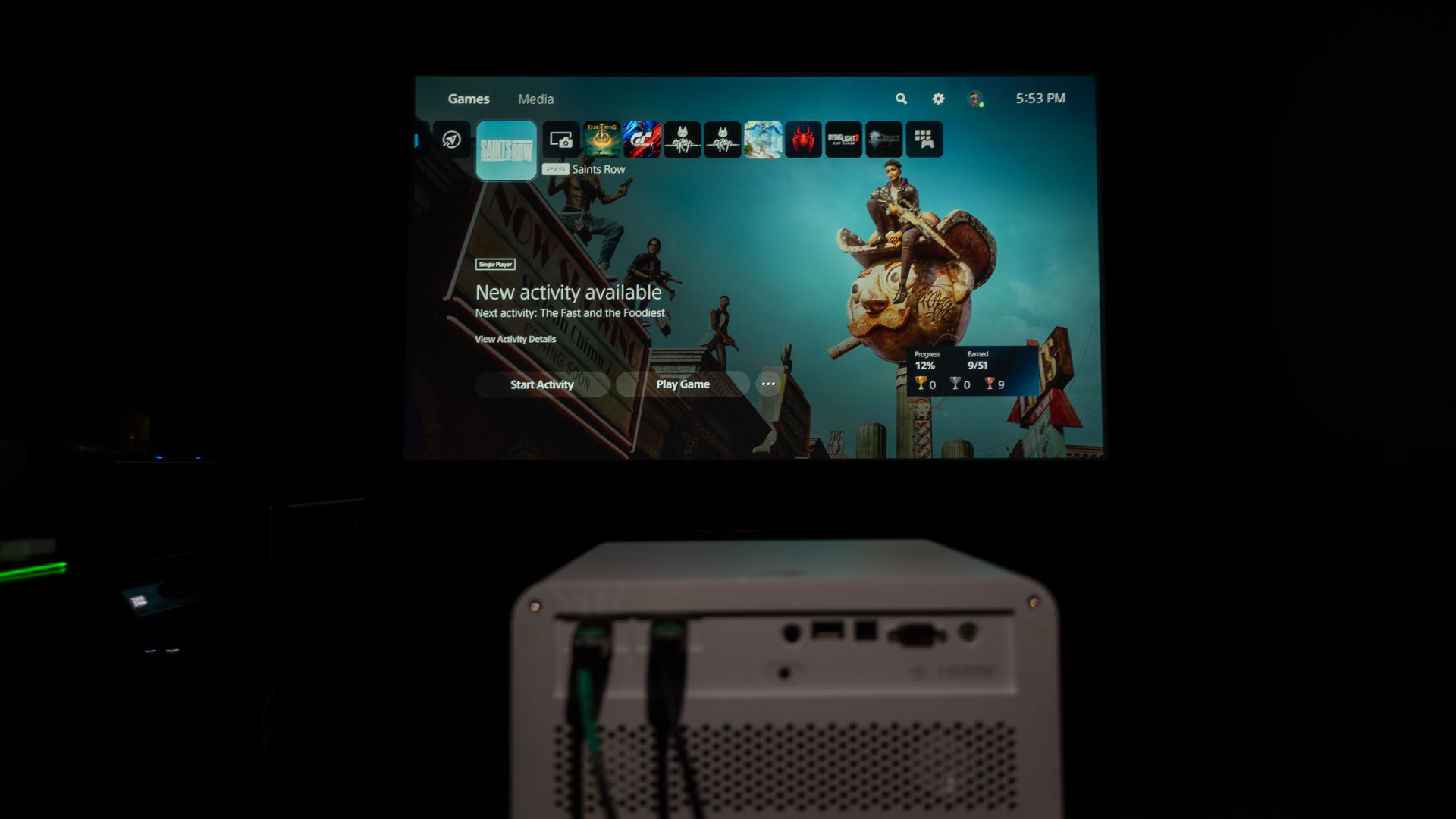
Saints Row – Self Made and the BenQ X3000i paired up nicely.
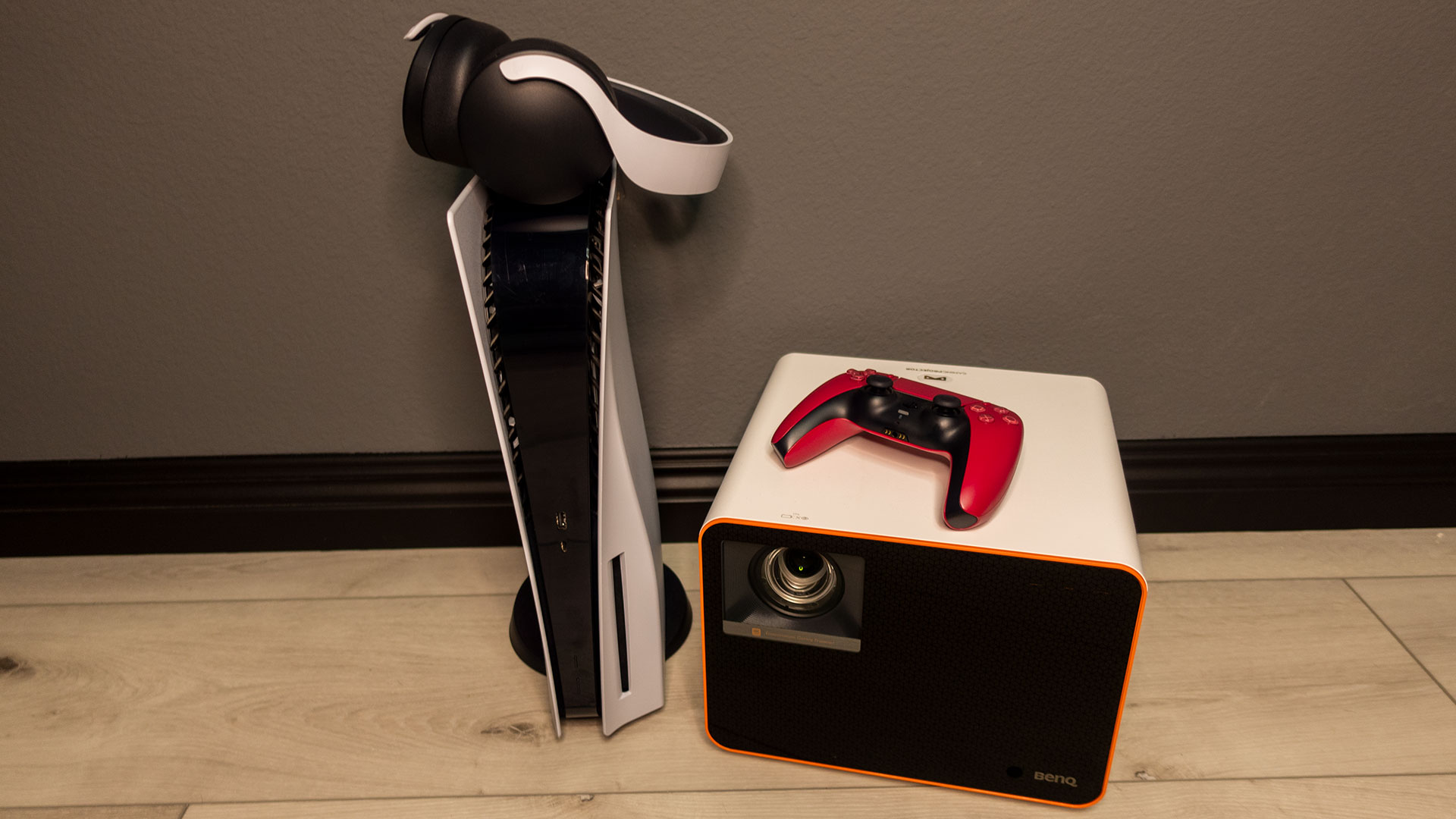
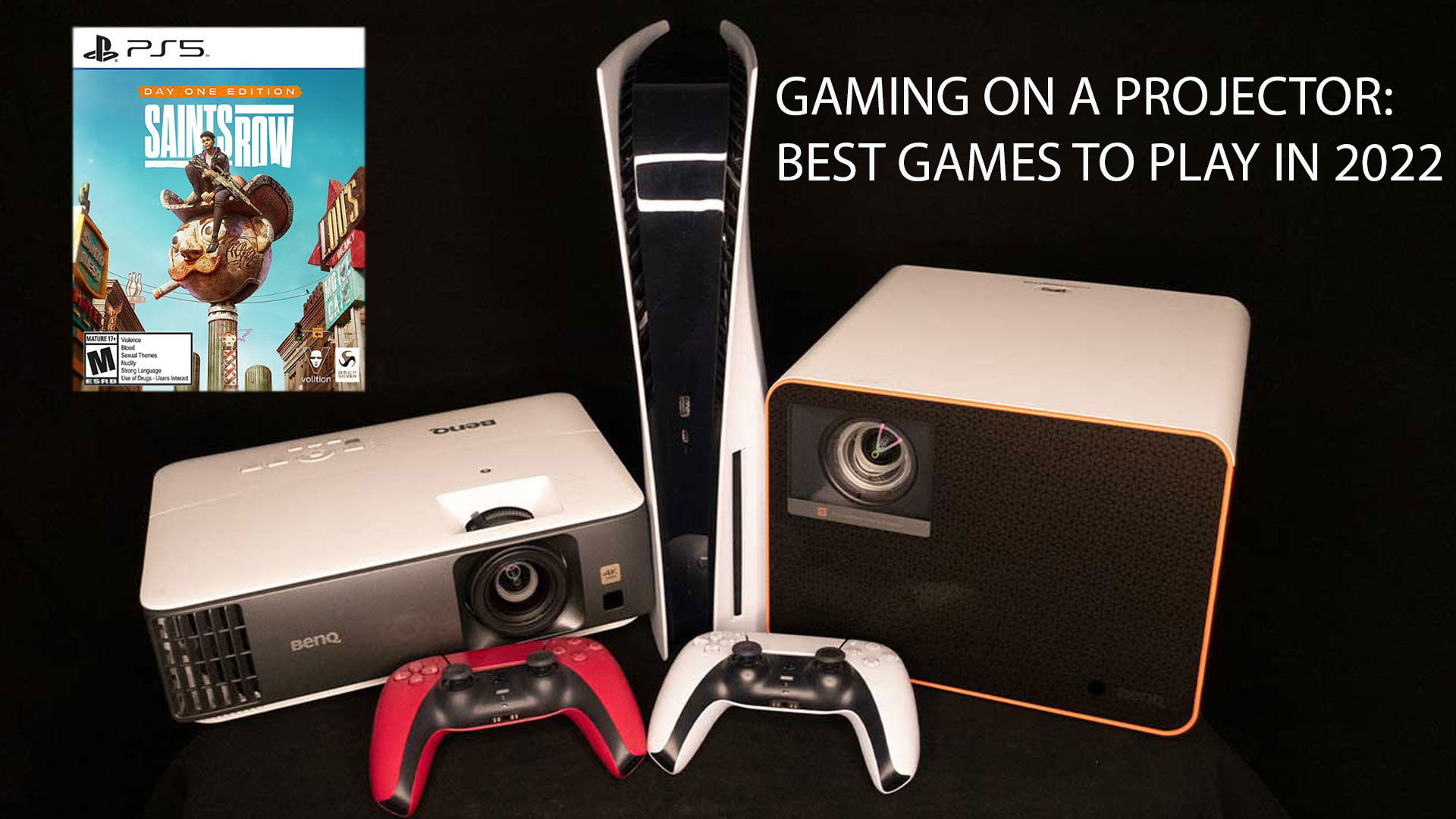
I paired Saints Row - Self Made with the BenQ X3000i 4K LED gaming projector for this gaming on a projector article. Next, I connected my PlayStation 5 to the BenQ X3000i via a 48Gbps HDMI 2.1 cable. I then projected it onto my new 100-inch (16:9) Elite Screens Aeon fixed frame projection screen with Elite’s EDGE FREE® technology and Elite’s CineWhite® UHD-B screen material. The CineWhite® UHD-B (Tensioned Matte White) is a 1.3 gain flexible front projection screen material that is ISF certified for achieving accurate color reproduction and image fidelity.
BenQ proudly boasts the X3000i’s ability to reproduce authentic colors in games utilizing BenQ’s CinematicColor™ technology. Hence, an ISF-certified screen only made sense for my new reference screen for these gaming reviews. Spoiler alert, BenQ’s CinematicColor™ technology paired together with the ISF-certified screen beautifully and provided me with an amazing visual experience.
The BenQ X3000i works excellently with gaming consoles like the PS5.
BenQ’s X3000i with CinematicColor Ultra-Reality and 100% DCI-P3 color gamut coverage provides a wide color gamut. The wider the color gamut, the more colors you can see in your gaming world and movies. BenQ states the X3000i was designed for use with PS5, PS4, Xbox Series X, Xbox Series S, and Nintendo Switch. BenQ also says the X3000i 4K 4LED gaming projector is designed for cinematic immersion in gameplay with 4LED HDR-PRO™, for grand scenery in authentic colors with dynamic virtual 3D sound from various directions. Lastly, The X3000i’s 4LED light source brightness is rated at 3000 ANSI lumens.
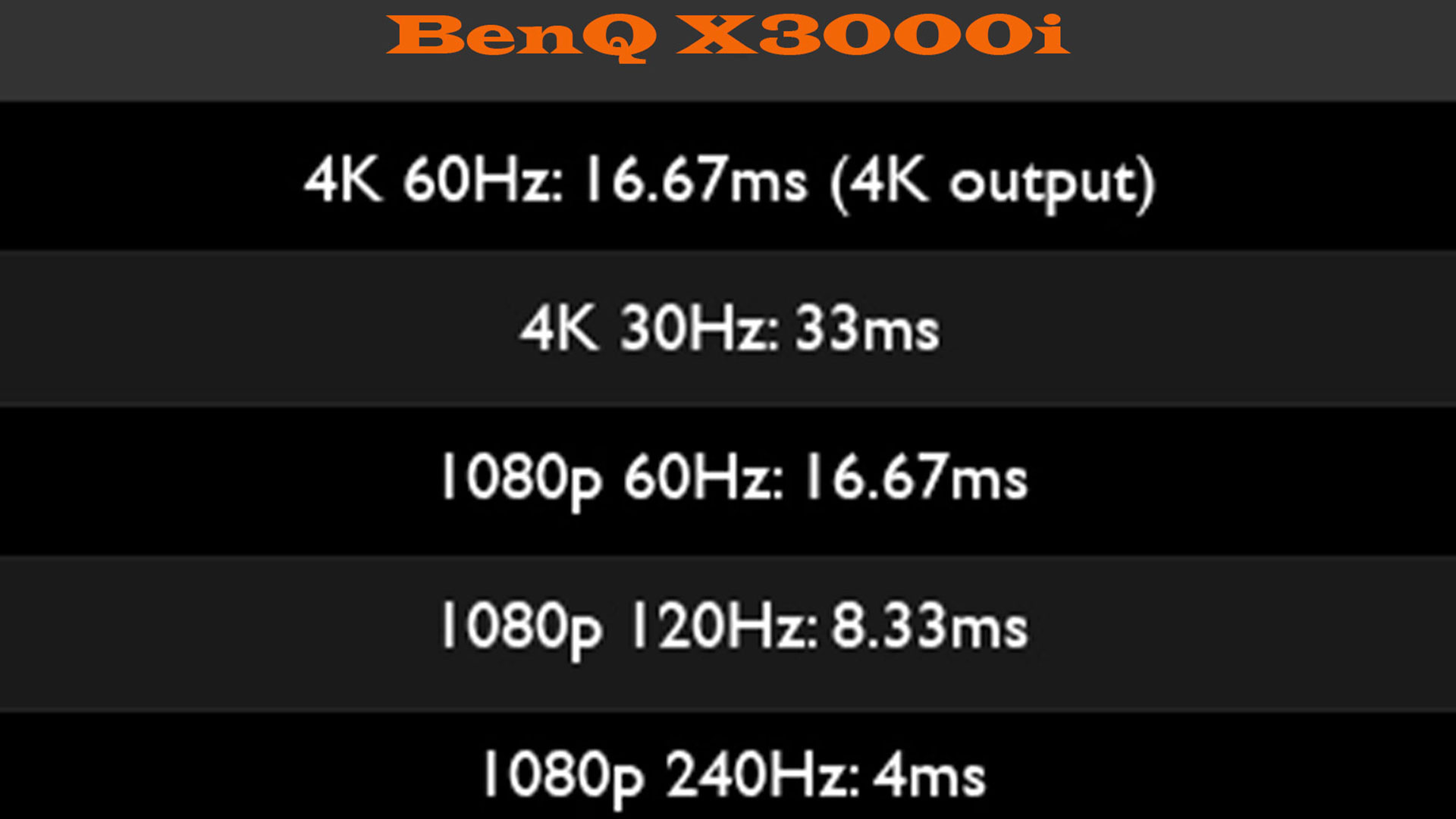
Utilizing a dedicated gaming mode typically gets you the projector’s best (lowest) input lag times.
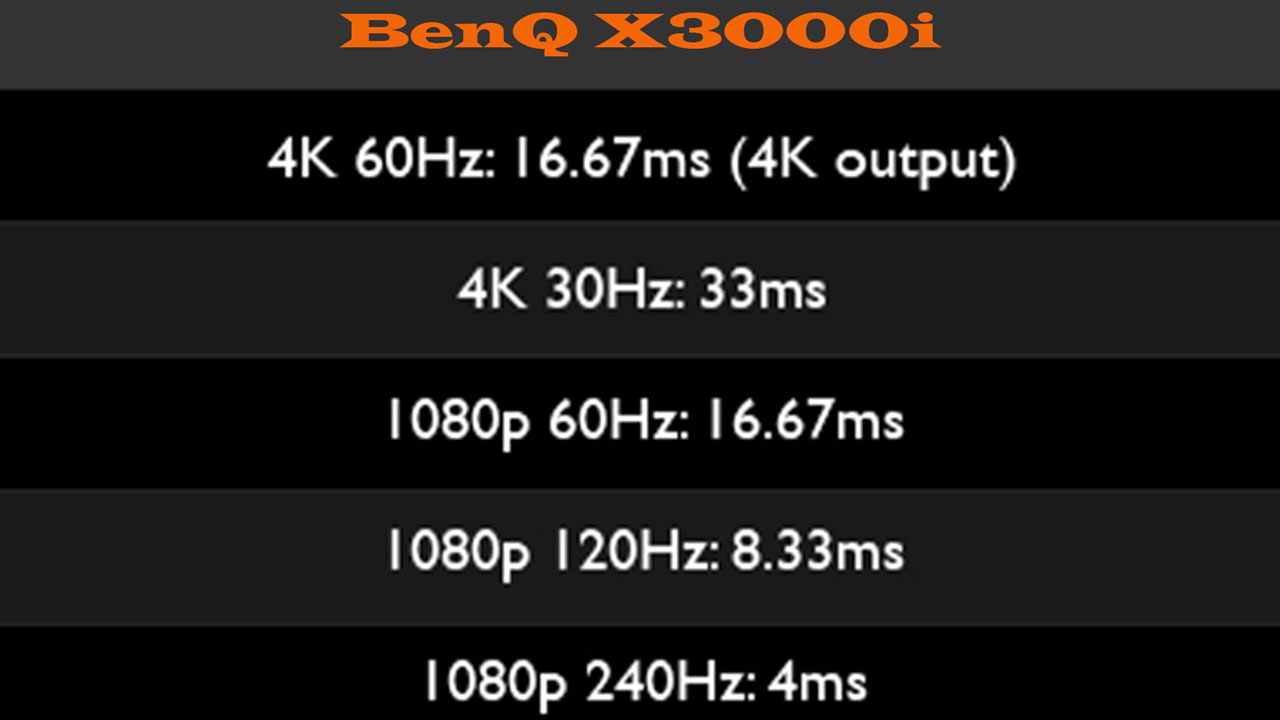
The X3000i has many specifications that make up a good gaming projector for an action-adventure RPG like Saints Row - Self Made. The X3000i has dedicated game modes for FPS, RPG, and SPG modes with audio, visual, and optimized latency settings for action-adventure games like Saints Row – Self Made. Additionally, BenQ states the X3000i has UHD graphics with a speedy 16.67ms input lag at 60Hz and 4.16ms input lag at 240Hz when set to display 1080p.
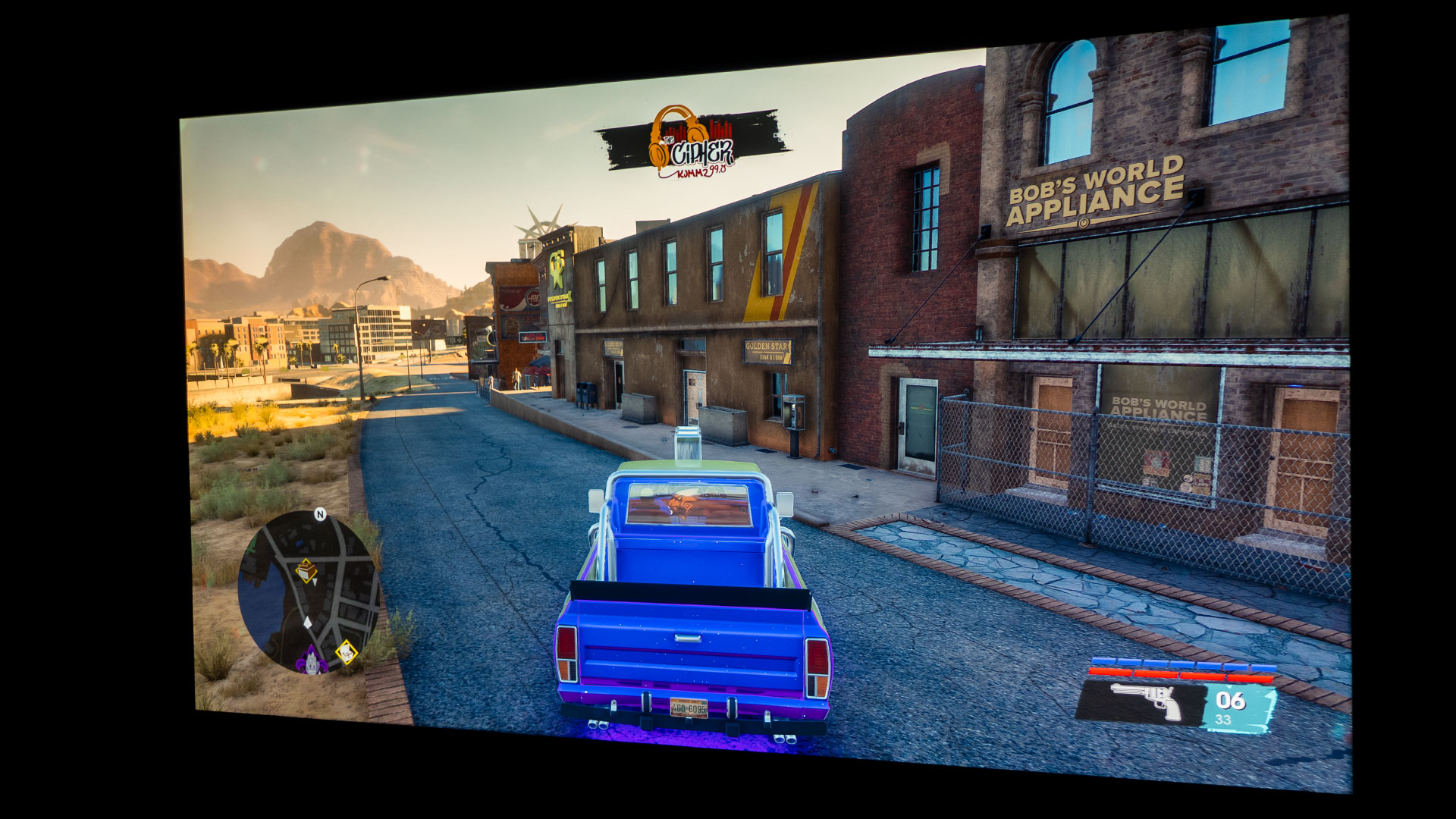
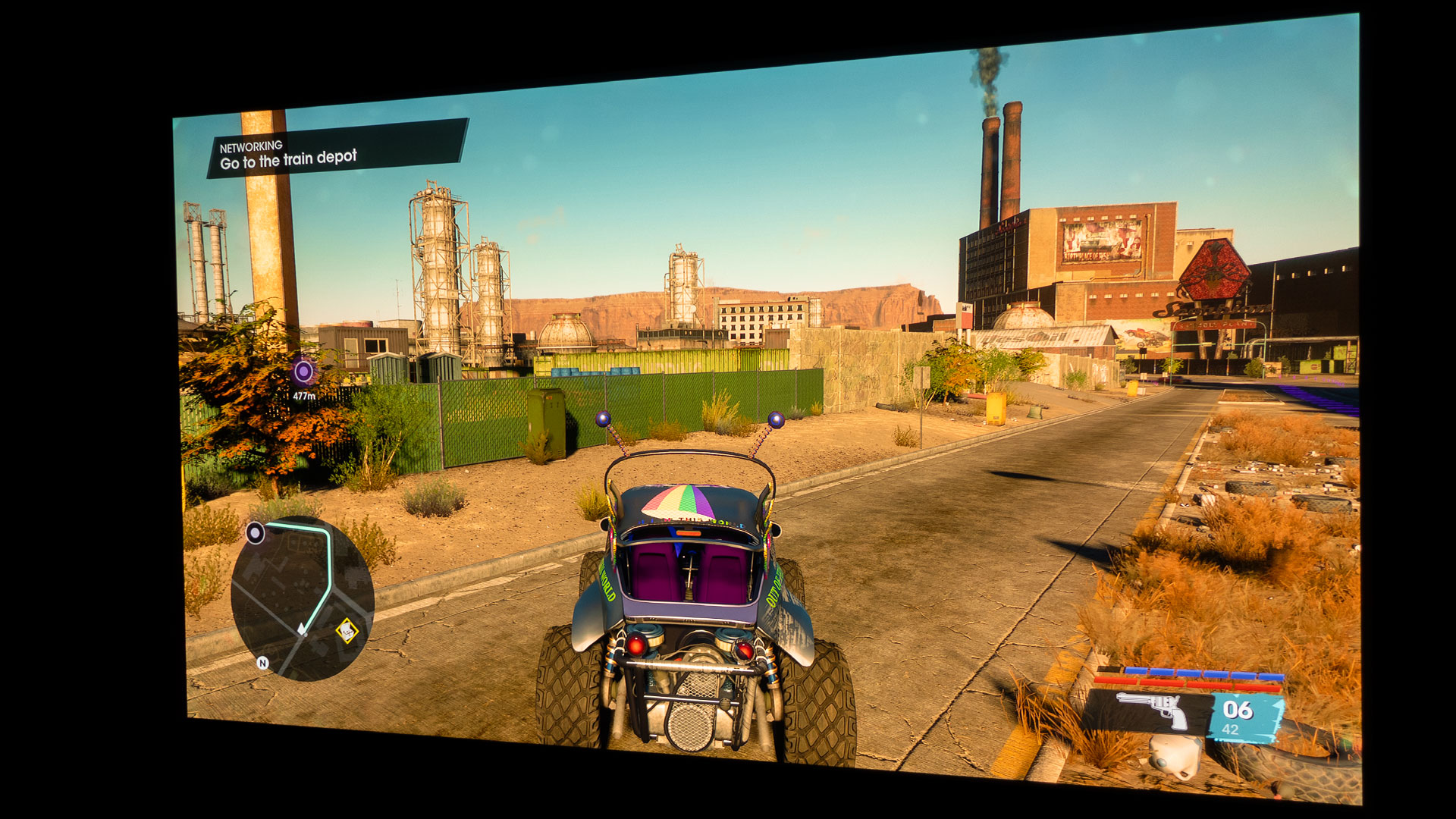
My nitrous boosted space car looked great projected onto a 100-inch screen.
The BenQ X3000i projects a 100-inch image at 8.2 feet, perfect for my new reference 100-inch projection screen. Keep in mind that you can go bigger; the X3000i can also project a 150-inch image at 12.5 feet from the projection surface. Would you rather see an RPG character in Saints Row as a character only a few inches tall, or would you want to see the character measured in feet?
The even better question is would you want to see your opponents in a shoot ‘em up RPG like Saints Row on a 38-inch curved gaming monitor or, say, a 100-inch projector screen? I bet most would choose the significantly larger projector screen if the space were available. The level of big screen immersion utilizing a projector and a massive projector screen is unmatched with a gaming monitor or TV. Projecting onto a 100-inch screen made me feel like I was really in the game!
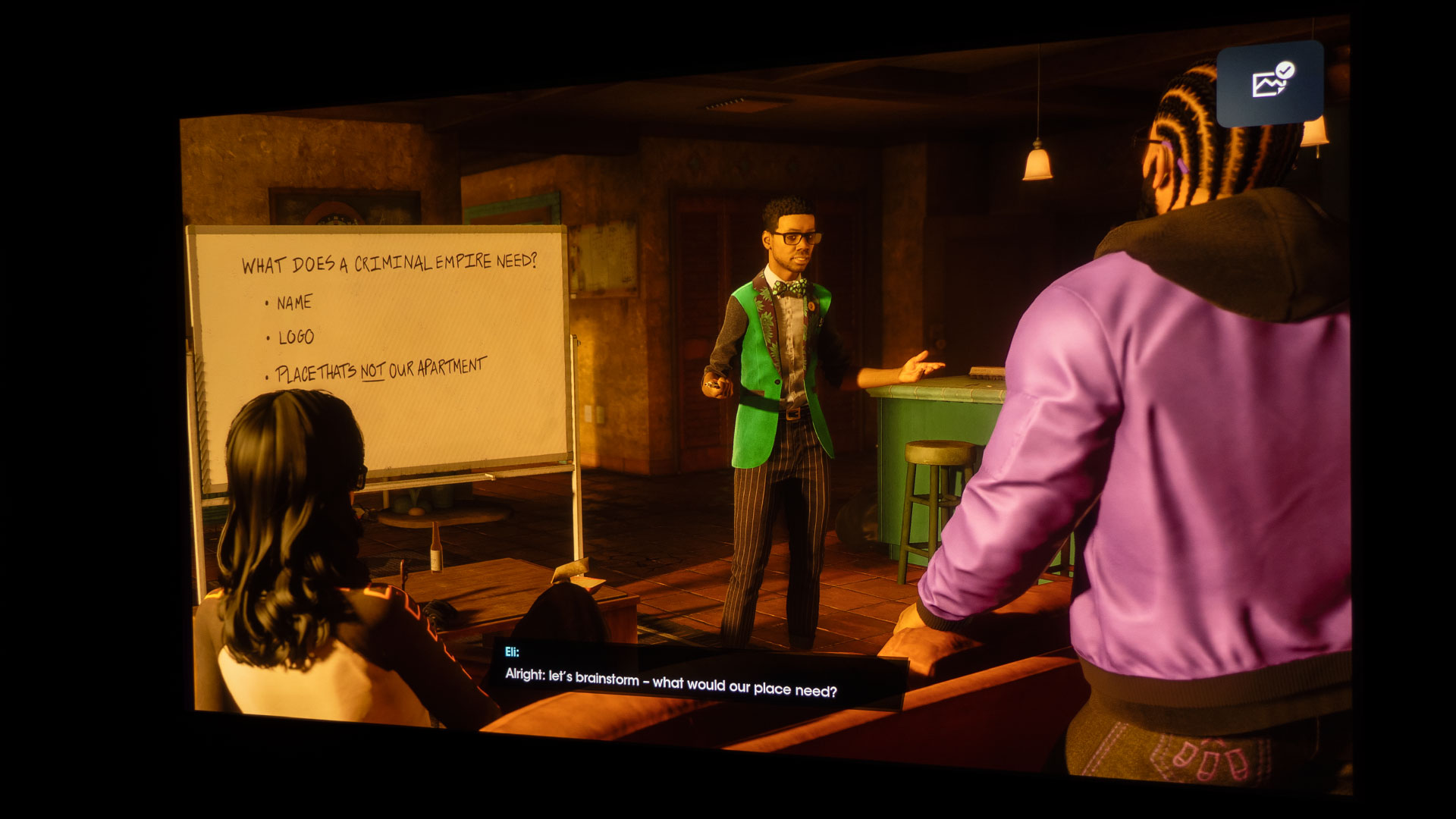
Let’s start building up an empire; it’s a Saints Row criminal empire. When starting out, you have meetings in an abandoned church, and your only illumination are yellowish lights and candles.
I will provide my initial impressions of gaming with a projector while playing Saints Row - Self Made. While keeping this article brief, I will hopefully provide enough information to decide if gaming on a projector is for you, especially with a game like Saints Row. However, the game itself is not brief. Saints Row can be played for hours and hours without ever getting bored because of the mixture of waging war against enemy factions, exotic weapons, and incredible vehicle options, all mixed with a dose of comedy and humor. The wit and humor, however, are toned way down from the previous Saints Row games. It’s almost as if Saints Row - Self Made is a test to see if gamers prefer the hysterically crude humor from previous versions or this new toned-down humor.
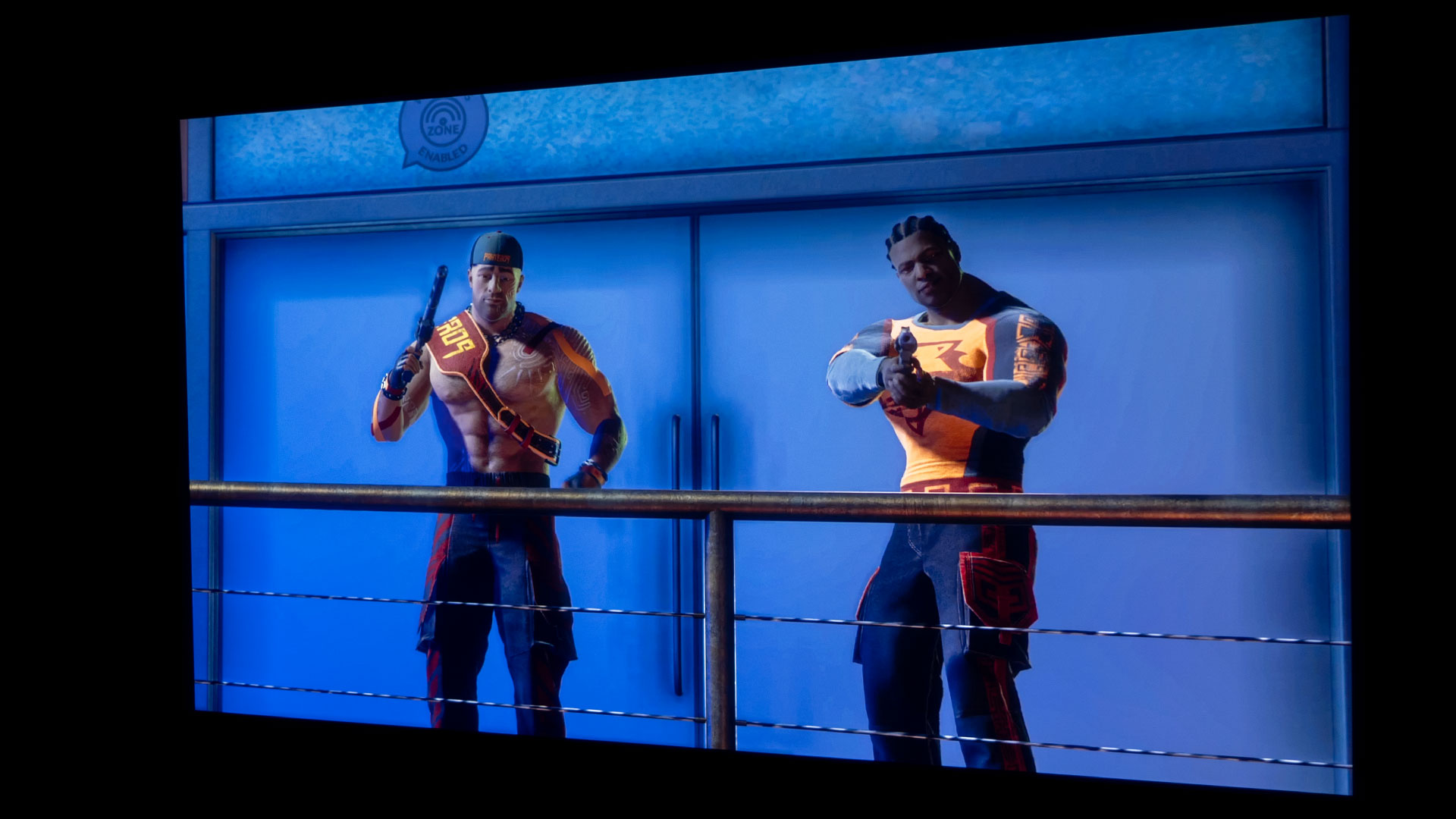
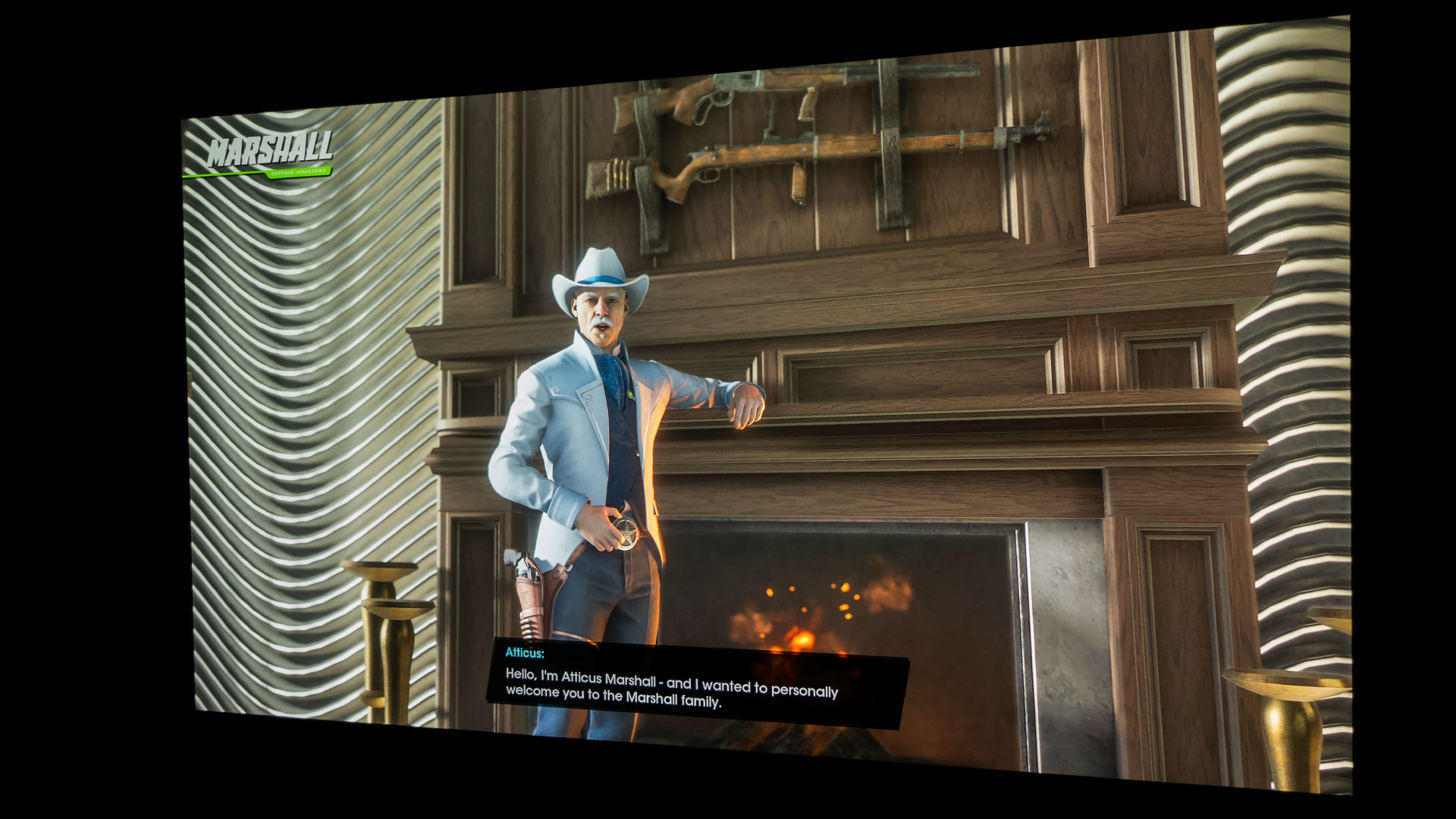
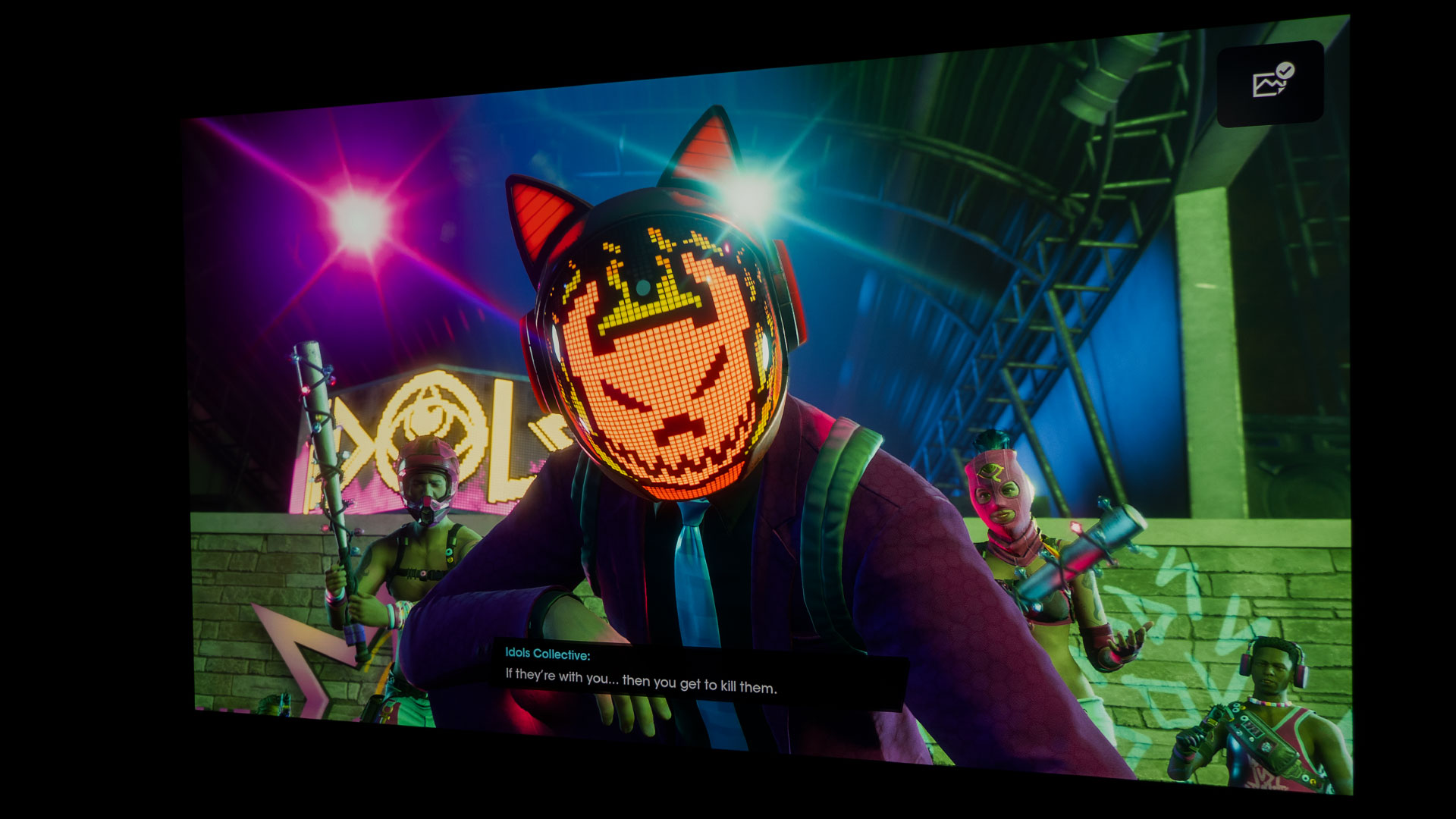
To grow your empire, you must contend with Marshall Defense Industries and two competing criminal street gangs: Los Panteros and The Idols
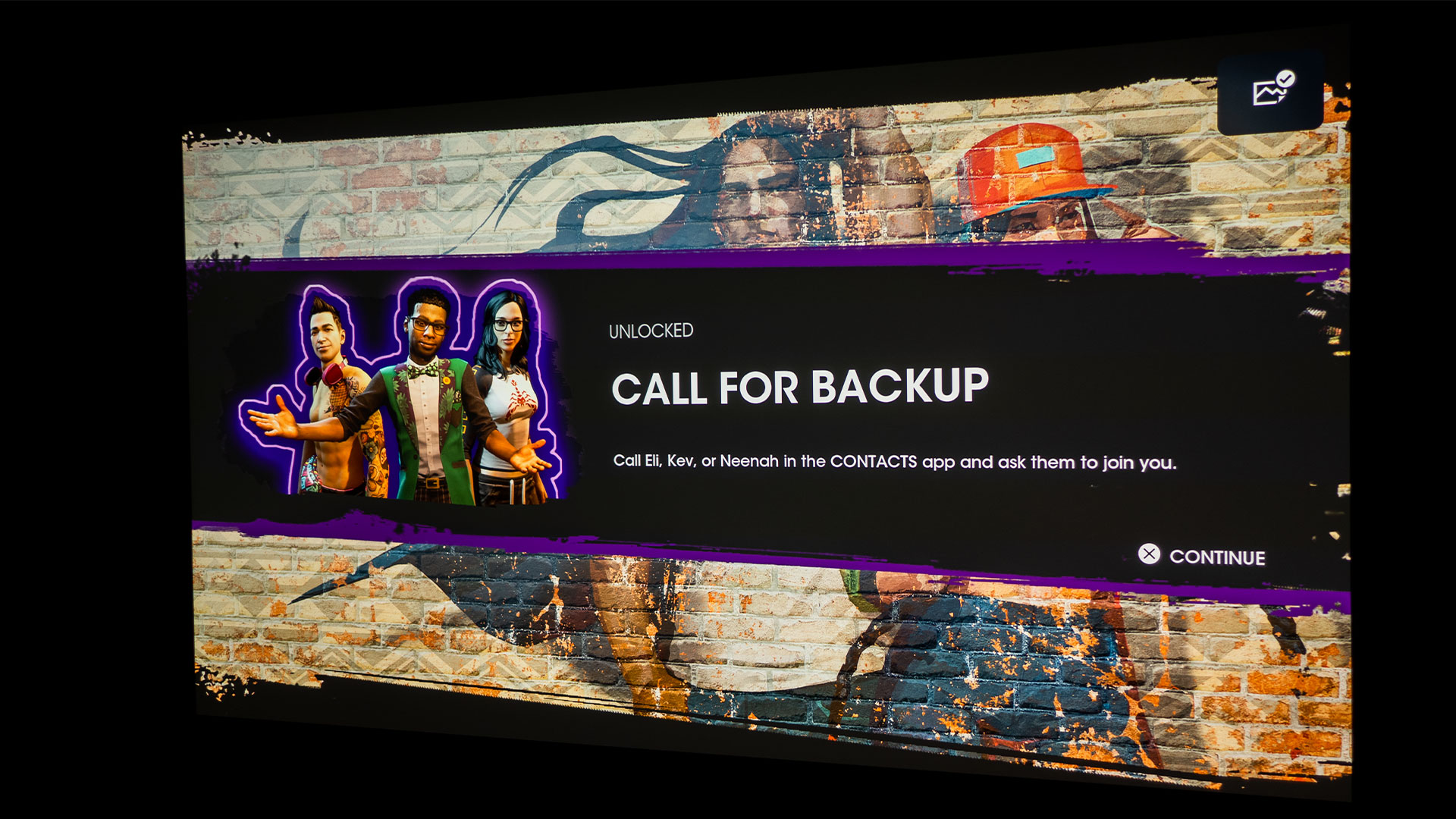
Saints Row – Self Made is set in the American Southwest in a fictional city called Santo Ileso with nine different territories. To grow your empire, you must contend with Marshall Defense Industries and two competing criminal street gangs: Los Panteros and The Idols. Luckily, you’re “The Boss” which means you can call in backup in the form of NPCs that are fellow gangsters when the going gets tough.
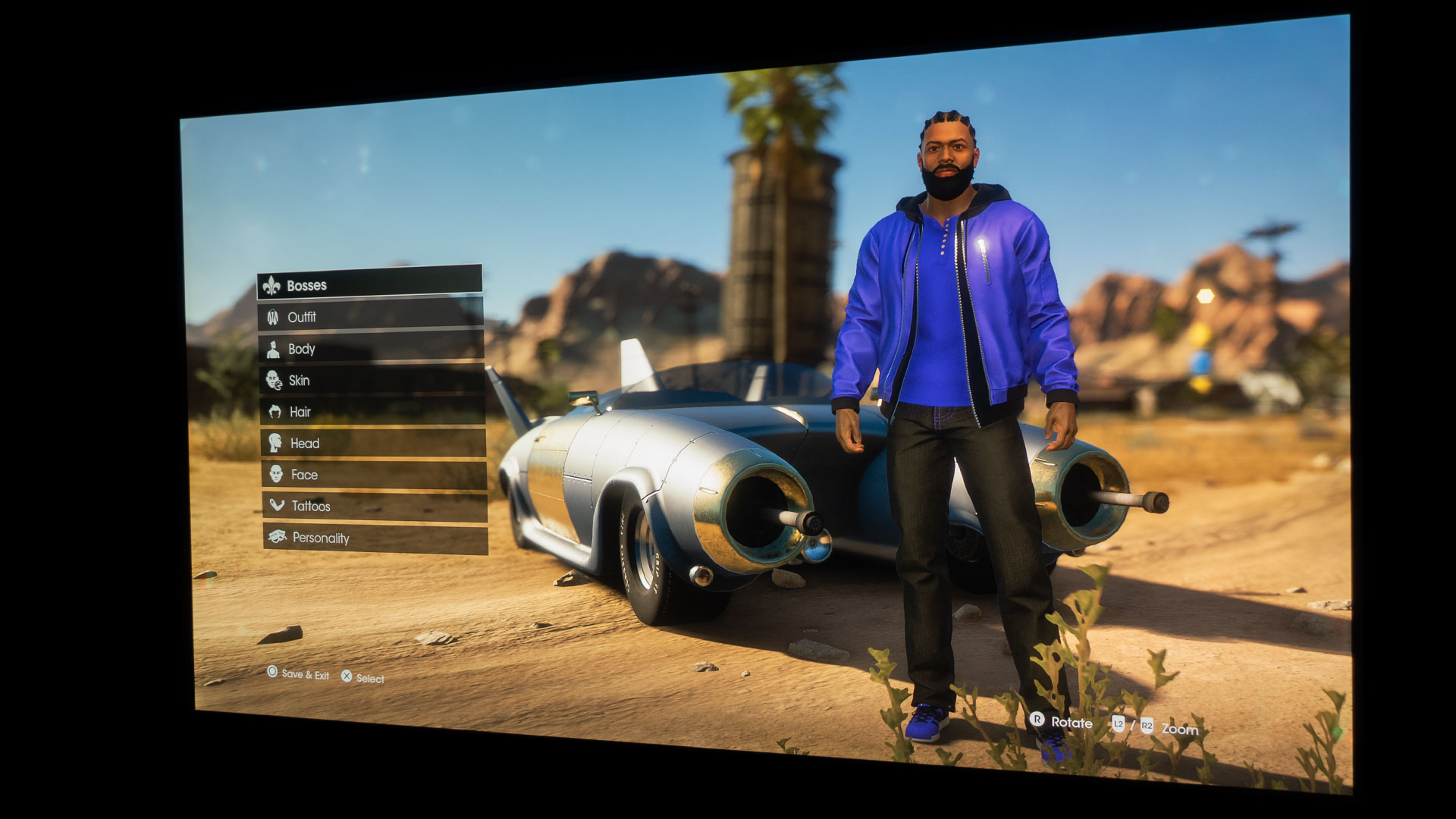
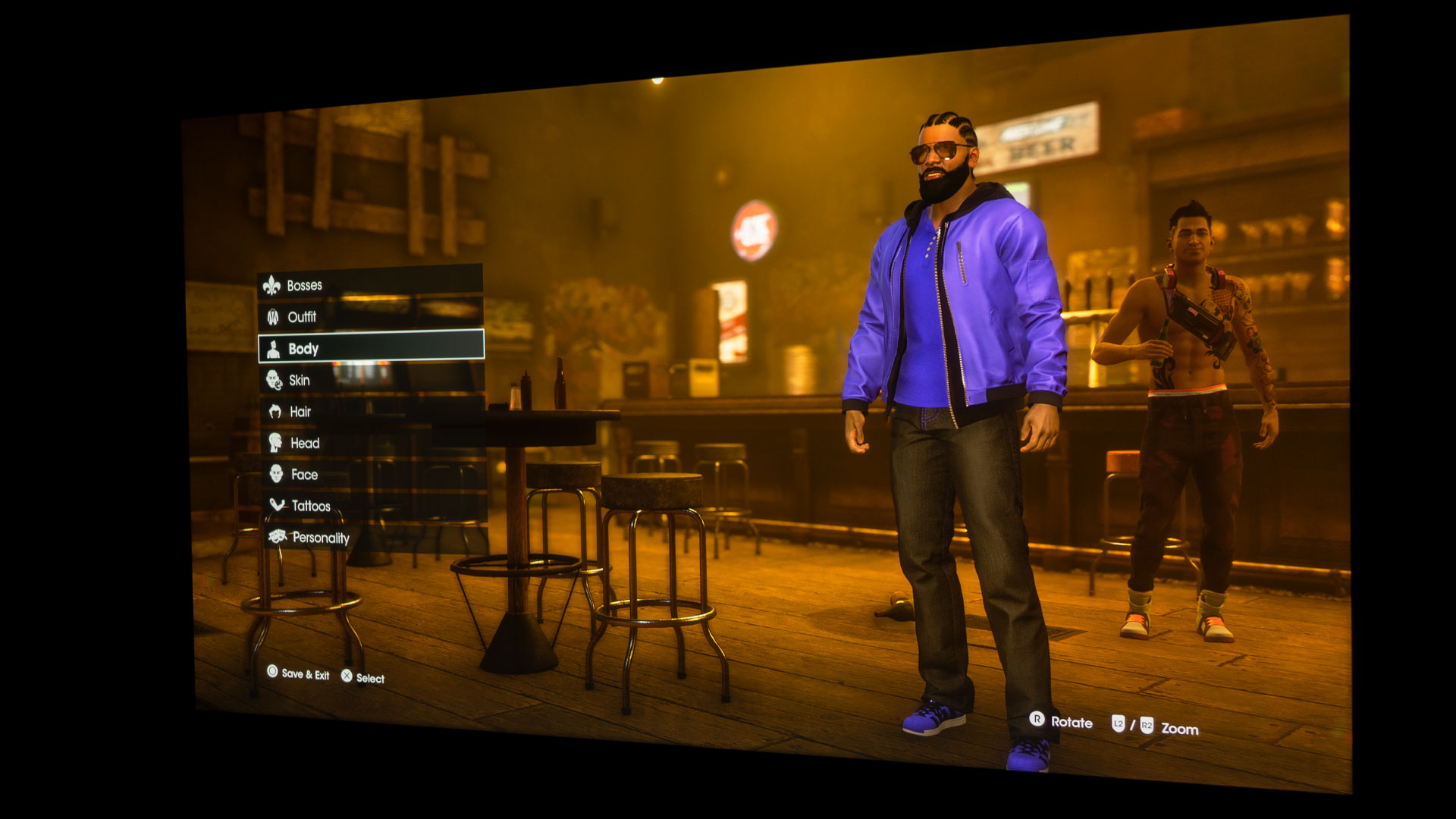
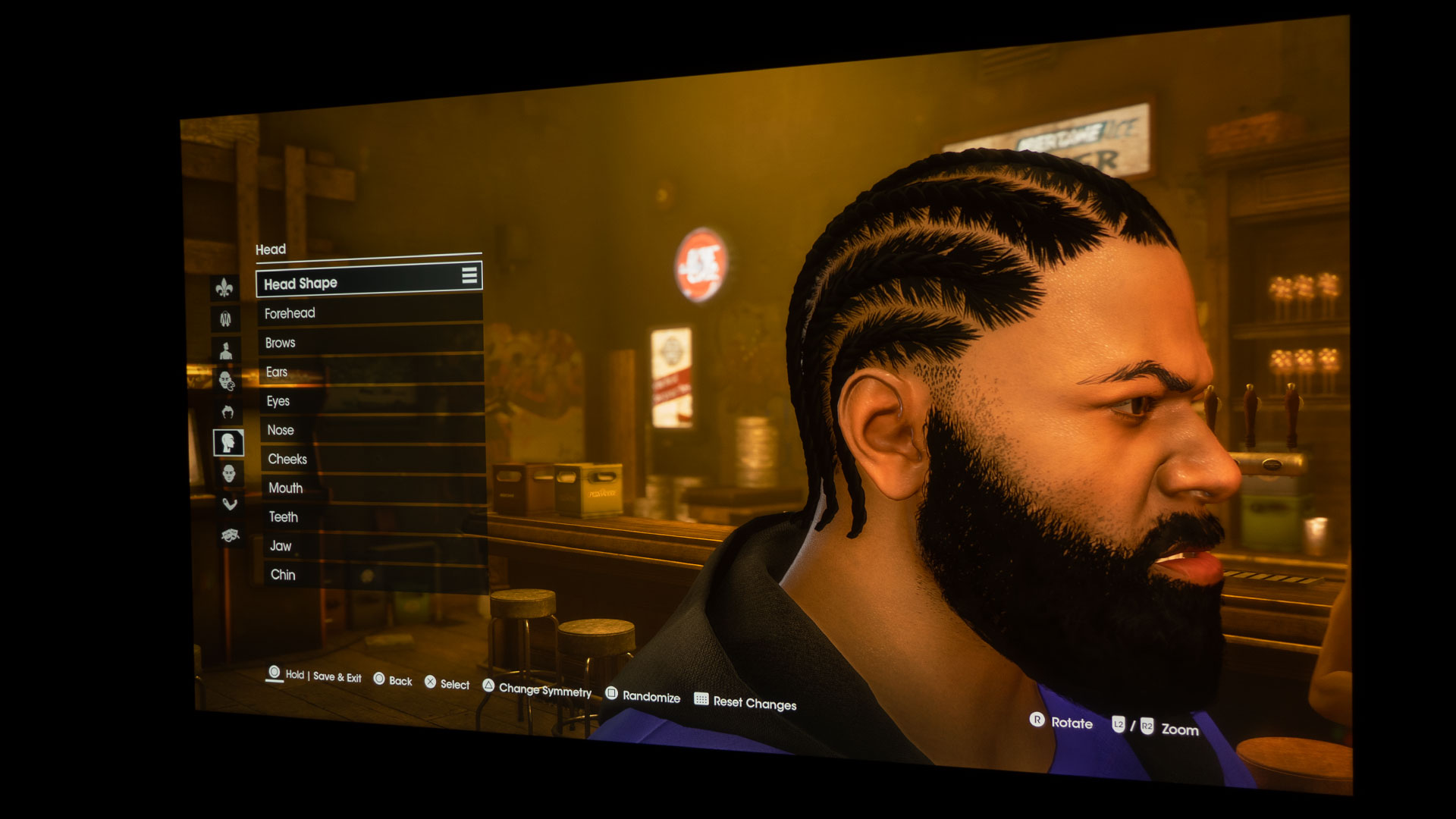
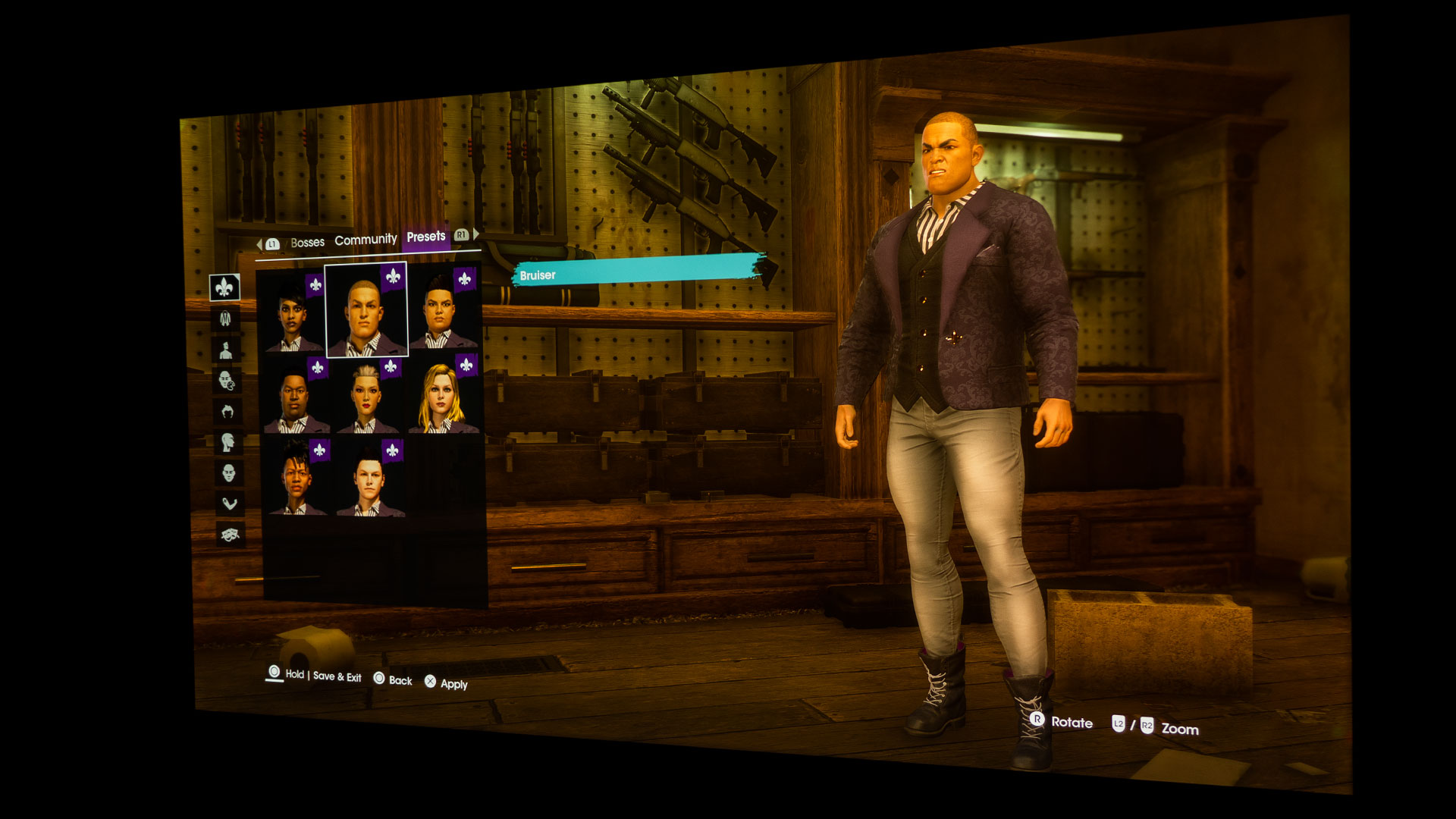
The Boss is a fully customizable character who leads the Saints. But that’s not where the customization ends. Head over to Jim Rob’s chop shop to customize over 80 different vehicles. You can change everything from the paint job down to vehicle tires.
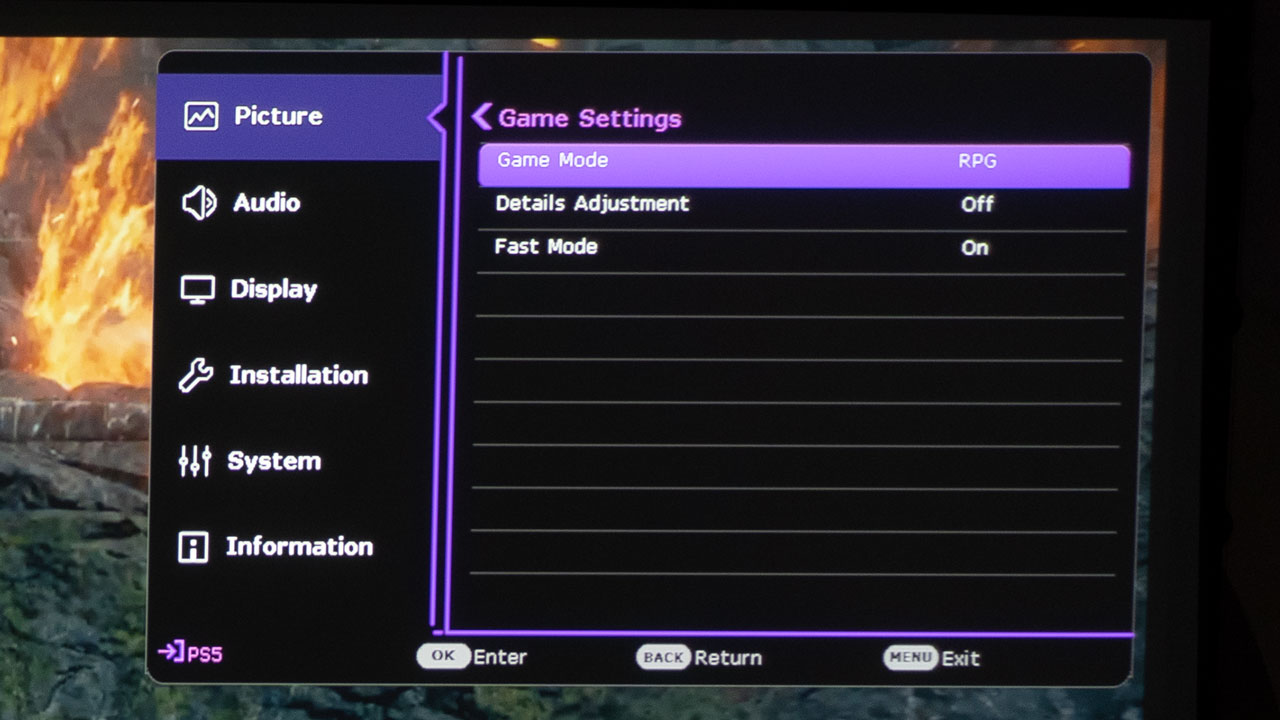
With the BenQ X3000i’s Fast Mode set to On, the X3000i minimizes the response time between the input source and the displayed image.
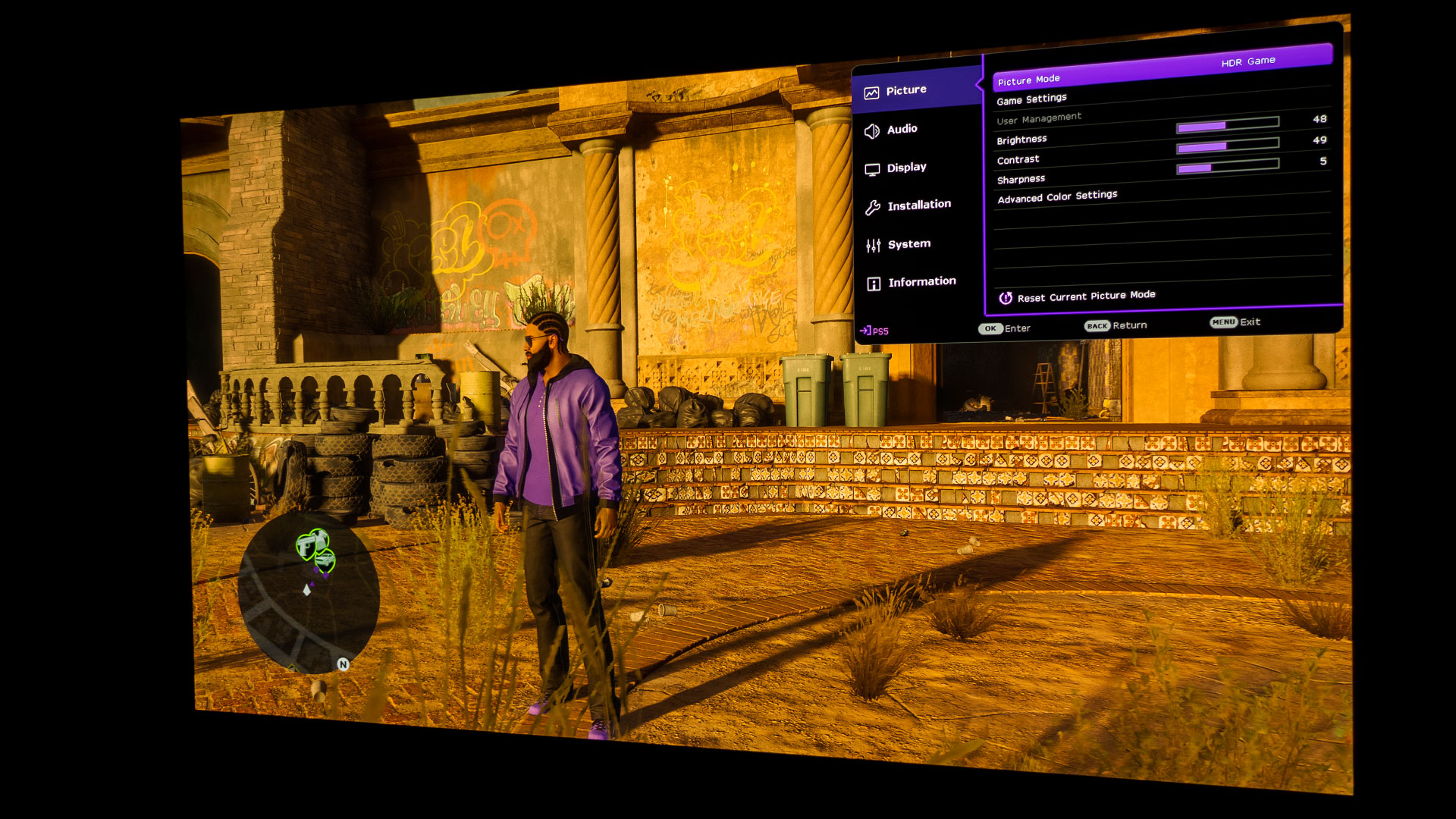
Placing the X3000i’s Picture Mode into HDR Game instead of HDR10 allows you to go into Game Settings, where the projector gives the choice of turning Fast Mode On or Off. With Fast Mode turned to On, the X3000i minimizes the response time between the input source and the displayed image. I, like all other gamers, want to minimize lag input. So, I, of course, set the X3000i’s Fast Mode to On for Saints Row -Self Made.
In Saints Row – Self Made, you must be fast on the trigger.
If you attack rival gang members, they’ll call for backup if you do not dispatch them quickly enough. If that cellphone call for help goes out, you’ll soon find yourself in a full-on running and gunning battle on the streets of Santo Ileso. When I pressed R2 on the PS5 remote to attack, I needed it to happen quickly without a laggy response because the rival criminals dodge attacks. You’ll get taken out quickly if you are not using a low-input lag gaming projector/display. You’ll appreciate the BenQ X3000i’s low 16.67ms input lag at 60Hz (4K) and 4.16ms input lag at 240Hz (1080p); it will help keep you alive in Saints Row.
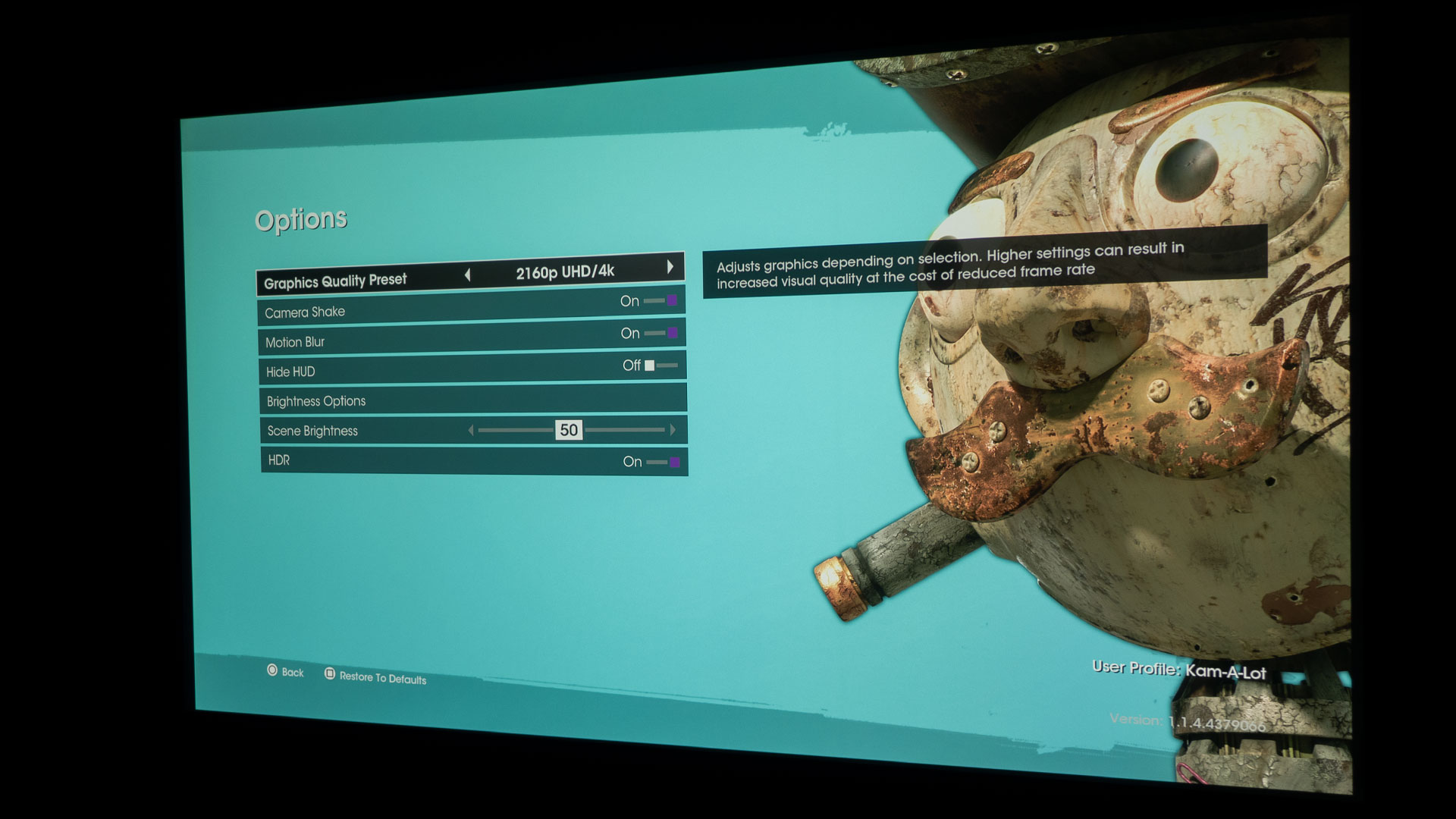
The BenQ X3000i has an HDR gaming setting and Saints Row – Self Made also had HDR options.
While low lag is great, you won’t get very far in any game with dark and bright scenes if you can’t see what’s happening around you. As I like to say, nobody wants to be killed by an enemy they had no chance of seeing. The good news is that many games in 2022 have enhanced graphics with HDR. The human eye is more sensitive to color and contrast than it is to resolution. The inclusion of HDR support in games means you see everything in the bright and dark areas. Having a projector with HDR game mode like the X3000i is a good bonus because it allows you to take advantage of these new games with enhanced graphics.
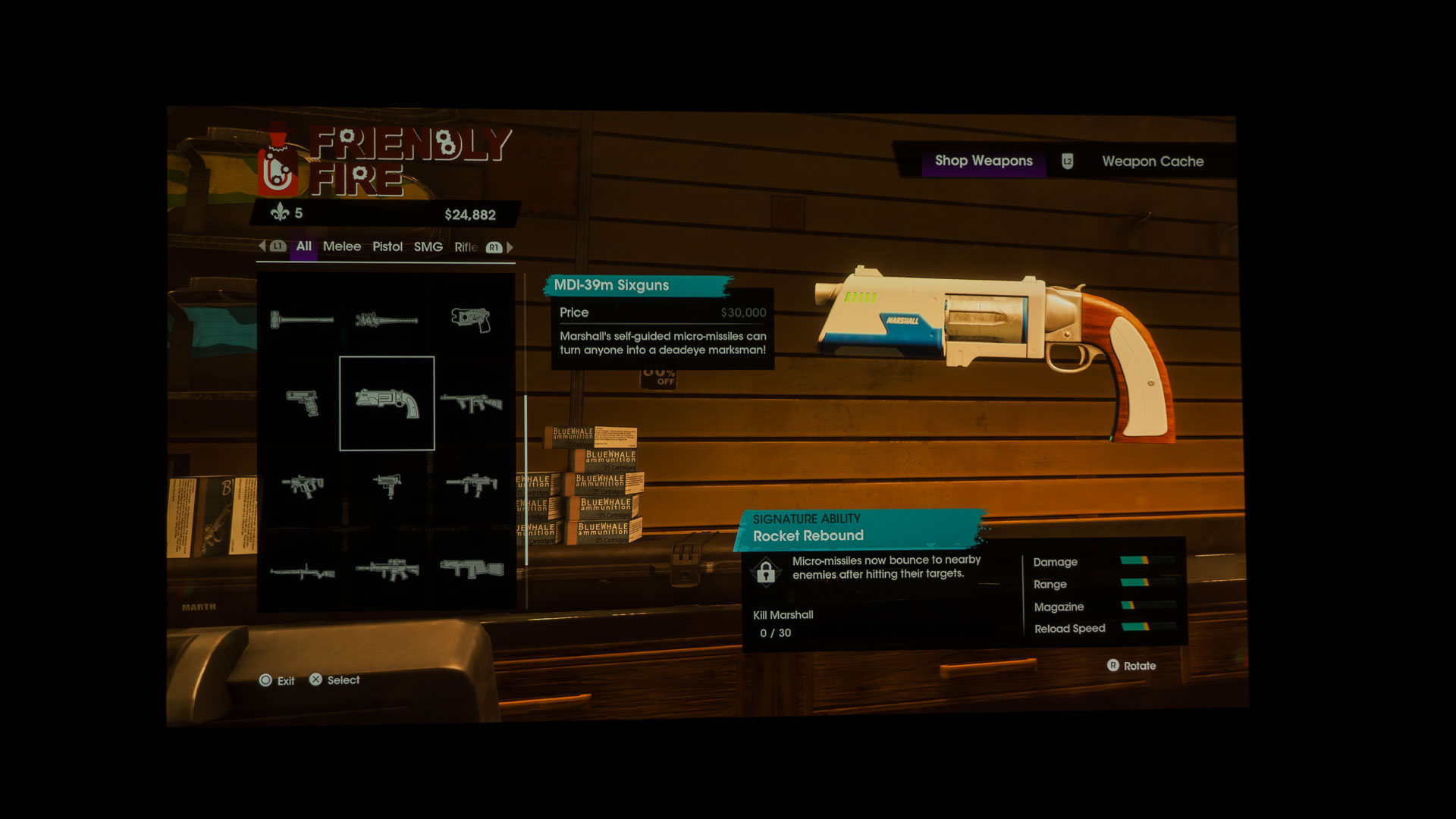
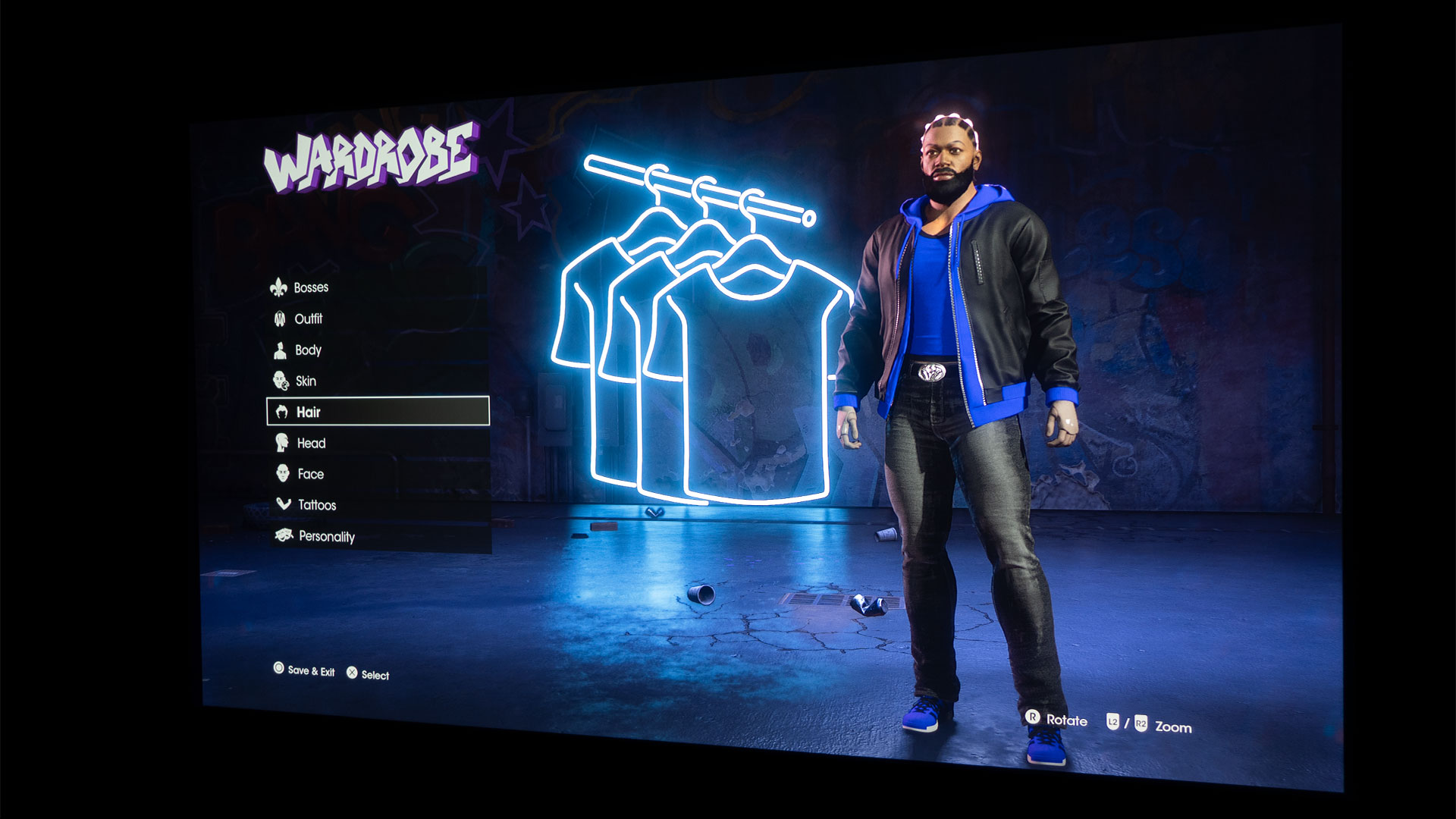
The Boss and your weapons are customizable with very detailed adjustments and settings.
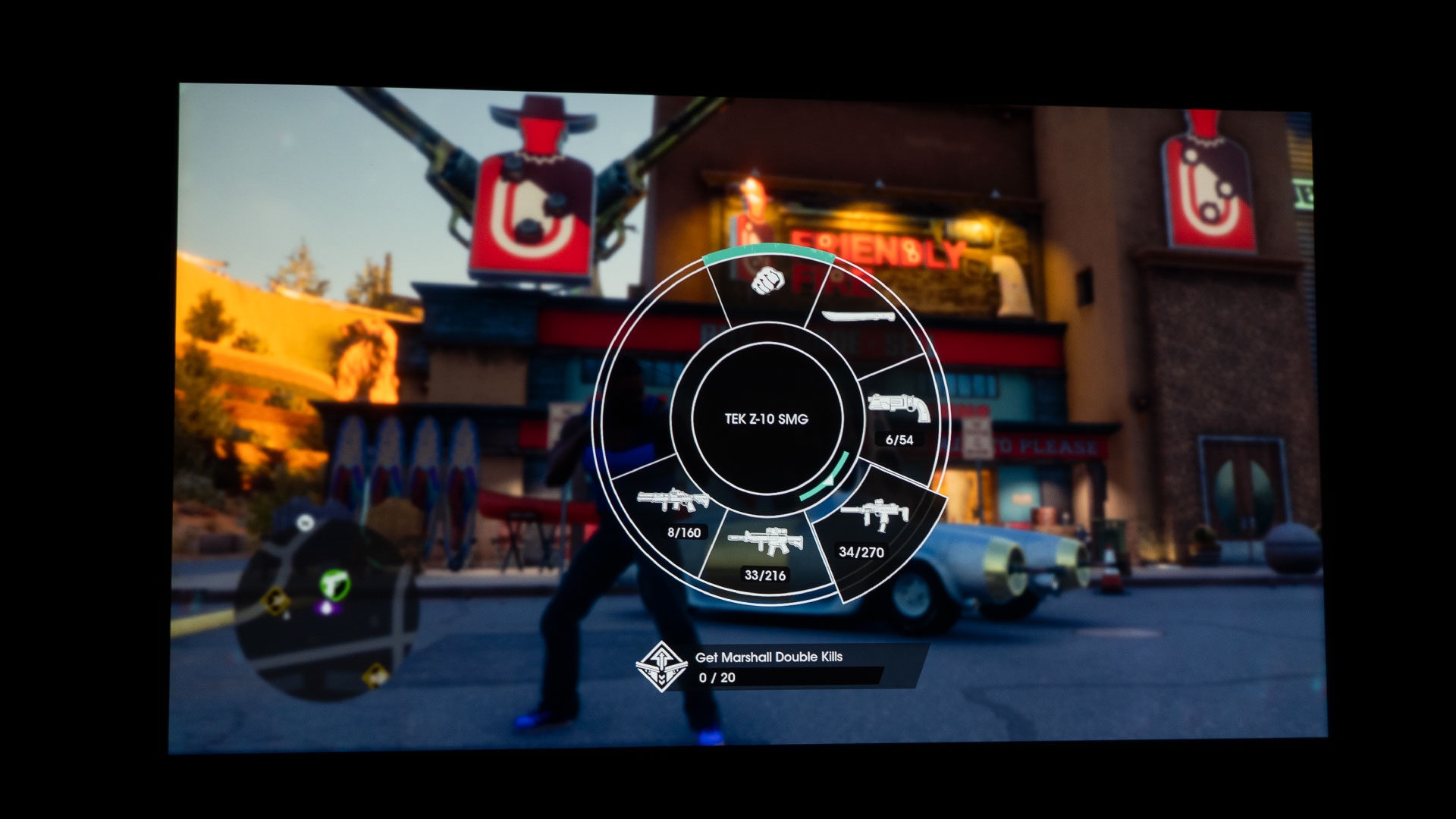
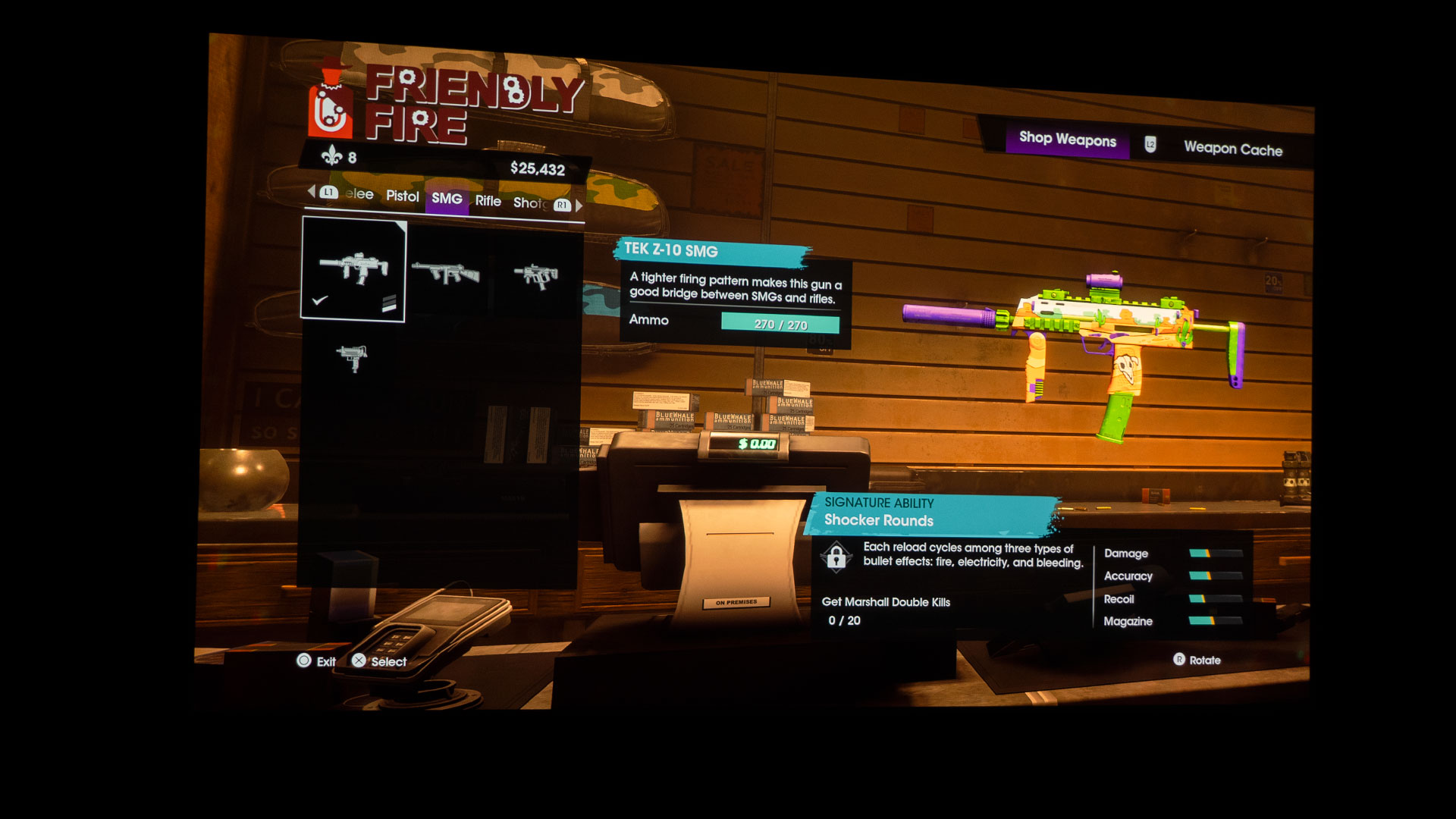
One of the key features of Saints Row is the ability to customize your character, “The Boss,” with seemingly endless options for styling (clothing) down to their underwear. In addition, you can head over to the nearest Friendly Fire weapon store to purchase and even customize an insurmountable amount of firearms, bats, swords, and other weapons. Of course, you could also just attack your enemies and pick up whatever weapon they may happen to drop once you defeat them.
A projector with a good built-in audio system or connecting to an external audio system via eARC helps you to hear your in-game music and sound effects better.
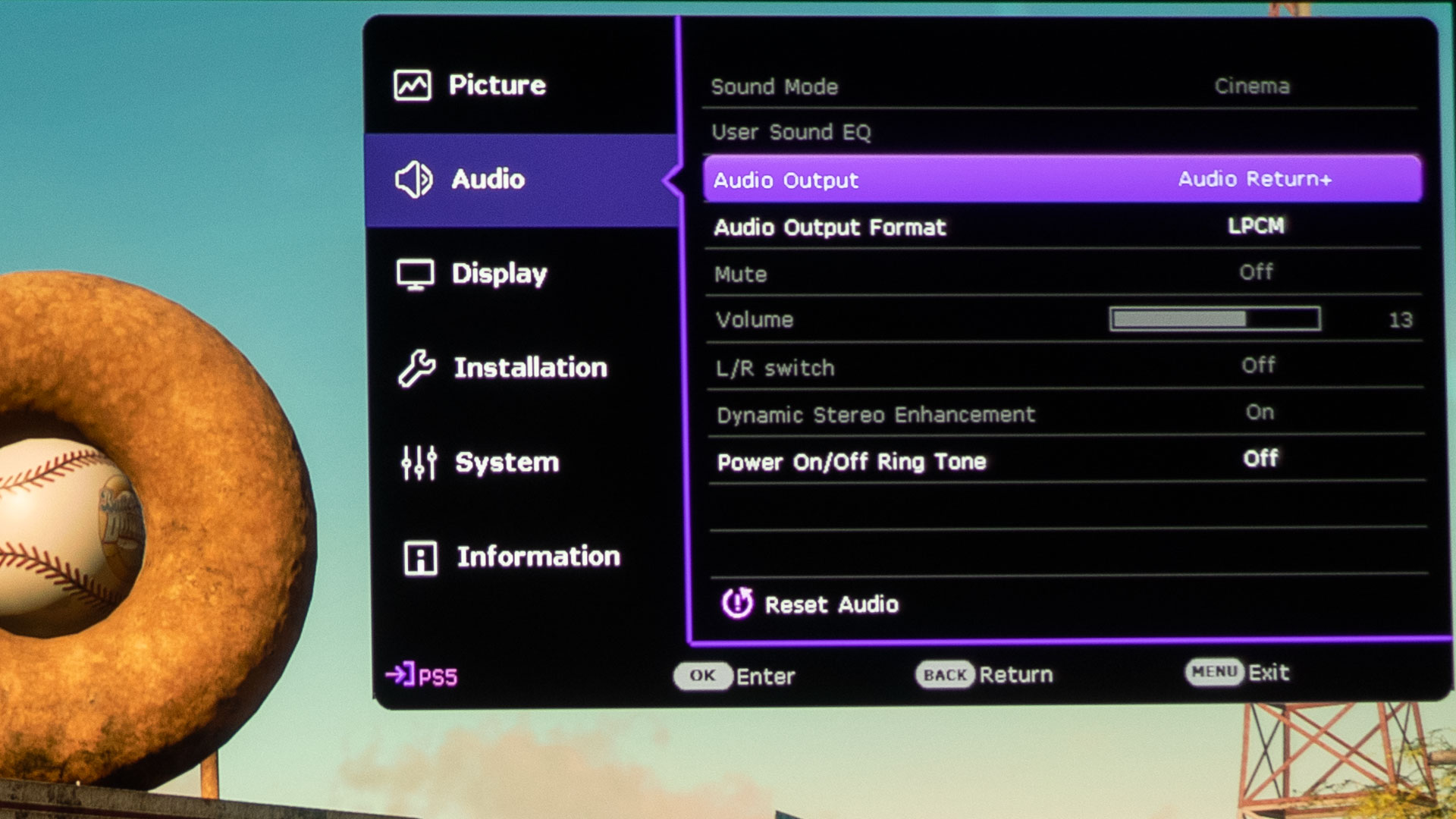
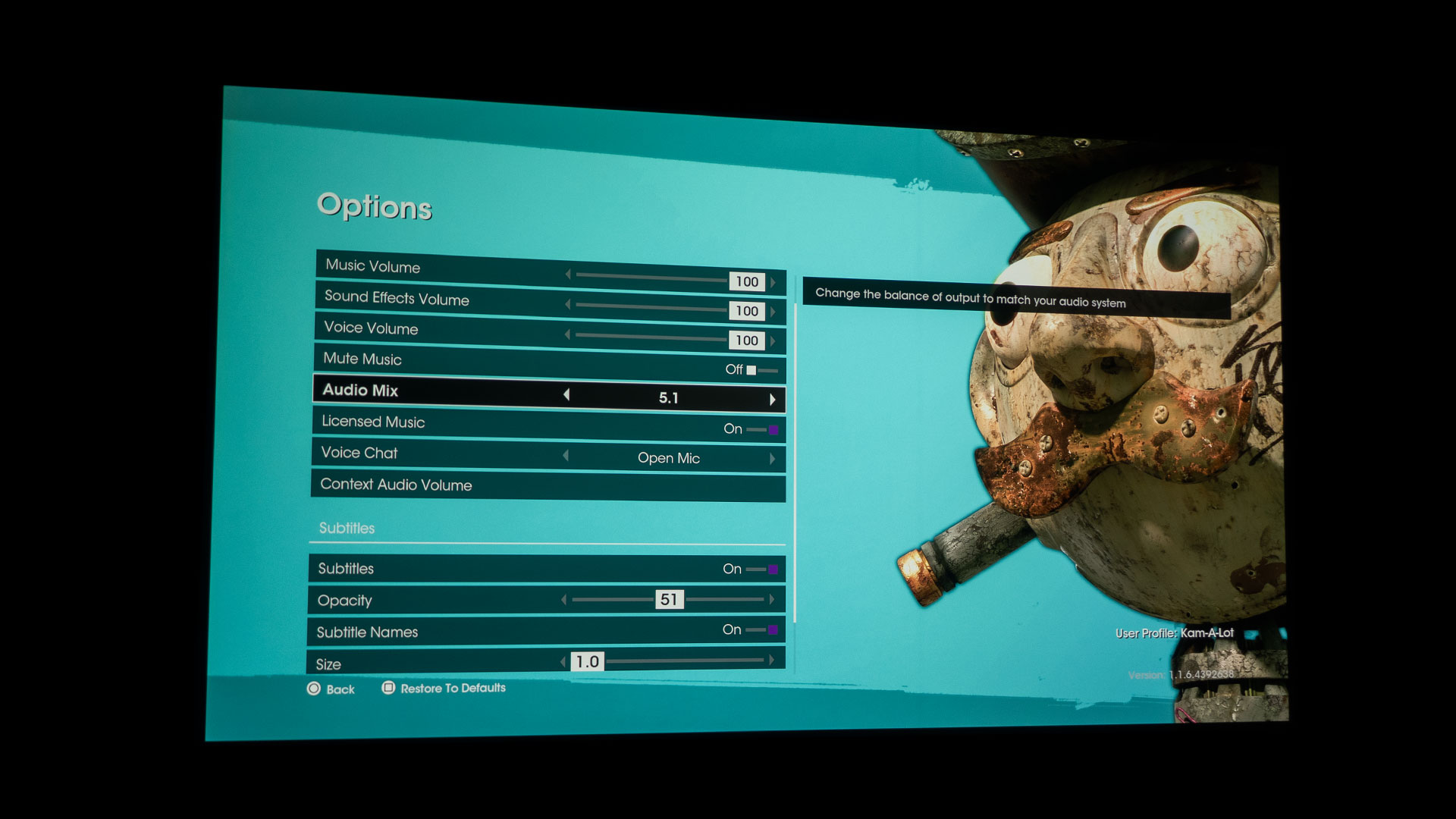
If you truly want to fully immerse yourself into a game, you will need the audio to match the visuals. Your projected image can be spectacular, but if the audio is uninspiring, you won’t really feel like you are being drawn into the game. Some projectors have enhanced audio capabilities for those who want to ditch built-in projector speakers for an even more immersive sound from the game. The X3000i, for example, has eARC support. Even though the HDMI-2 port on the rear of the X3000i simply says ARC, the X3000i most definitely has eARC support.
With eARC’s added capacity, the X3000i HDMI supports multiple audio outputs, including 2.0, 5.1, 7.1, and Dolby Atmos, to an external audio system. In addition, the following audio output formats are provided to achieve your desired audio performance: LPCM supports 2-channel audio output, RAW supports 5.1 channel audio output, and RAW+ supports Dolby Atmos audio Output. So, grab a projector that supports eARC to fully take advantage of the cinematic sounds built into many games.
My newly remodeled projector lab has a Definitive Technology Studio 3D Mini Sound Bar and Wireless Subwoofer with Dolby ATMOS and DTS:X specifically to test out ARC/eARC HDMI ports on projectors.
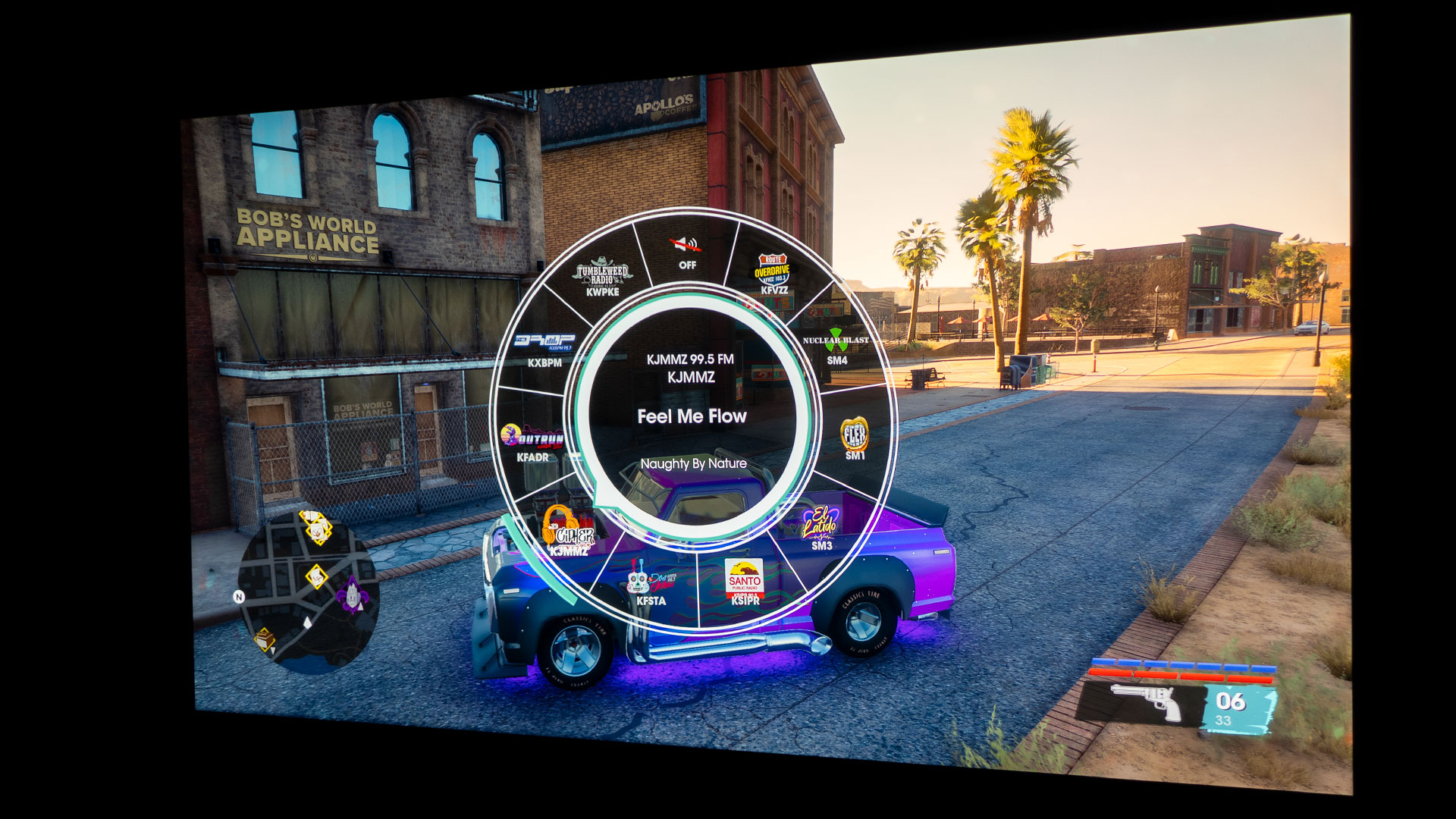
While operating a vehicle, you have your choice of ten in-game radio stations for a variety of music.
Game developer Deep Silver Volition LLC did a fantastic job with Saints Row’s music tracks and sound effects. Saints Row draws you into the gaming experience. The developers went out of their way to get licensed music added to the game. While operating a vehicle, you have your choice of ten in-game radio stations for a variety of music. Rap, Rock, Country, EDM, and traditional Mexican music are some choices. The sound quality of Saints Row, when played through a gaming projector with a capable integrated sound system like the X3000i, is excellent.
After all, the BenQ X3000i has treVolo tuned full-range speakers built-in, virtual 3D surround sound via Bongiovi DPS technology, and dedicated audio modes fine-tuned to bring out the sound details and directions of various game types and scenes. As expected, Saint Row sounded great whether played through the X3000i integrated audio system or through the X3000i’s HDMI eARC port connected to the soundbar.
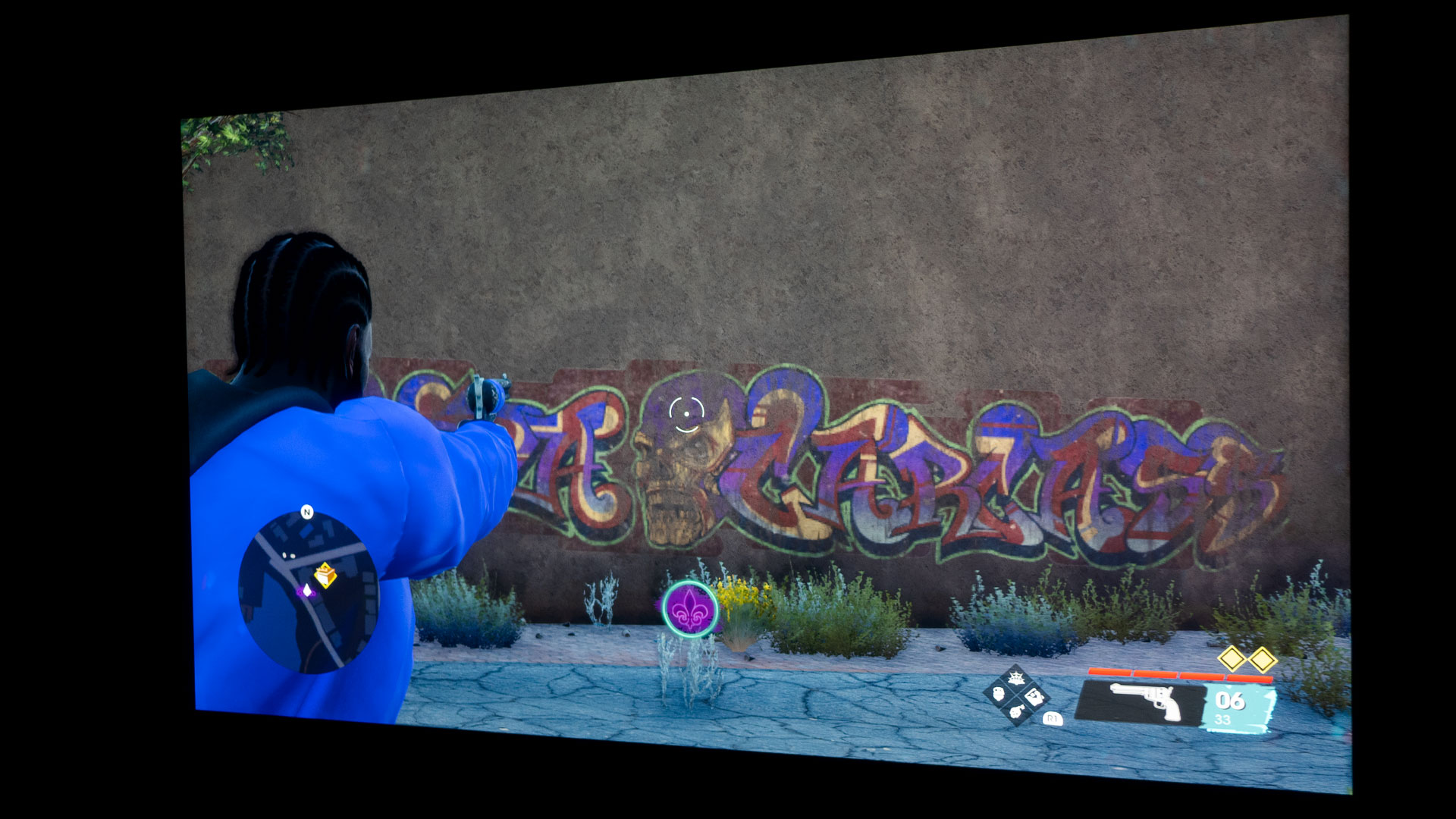
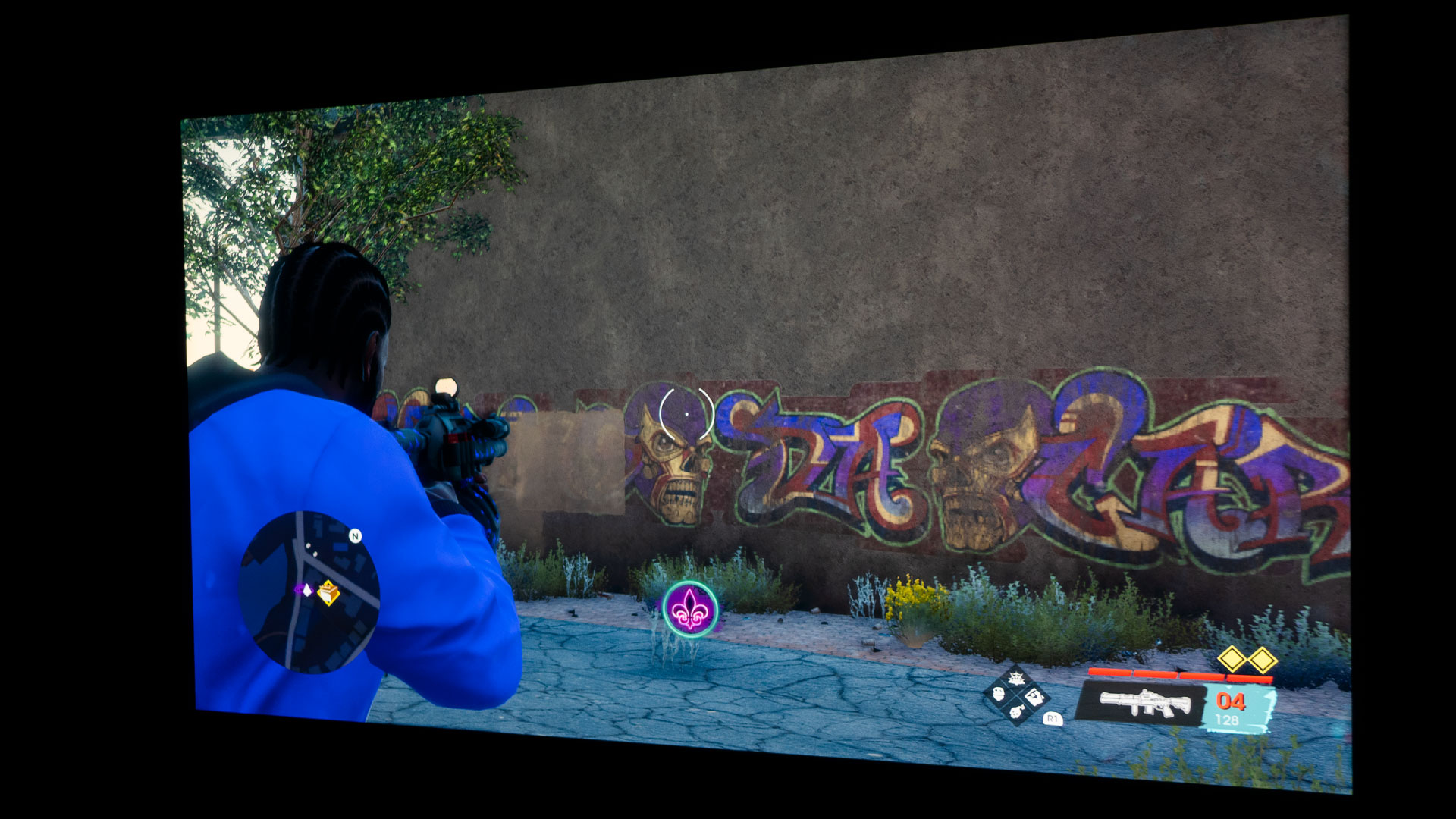
It’s pretty darn hard to miss your target when your reticle is six inches tall and your adversaries are thirty inches tall.
I broke out a tape measure and took character measurements; My main character, “The Boss,” was over 30-inches during regular gameplay. The NPCs ranged from six to over thirty inches, depending on how close they were to my main character. The best part was that my aiming reticle was between two and six inches, depending on my firearm choice. It’s pretty darn hard to misalign your sights when your aiming reticle is six inches tall and your adversaries are thirty inches tall.
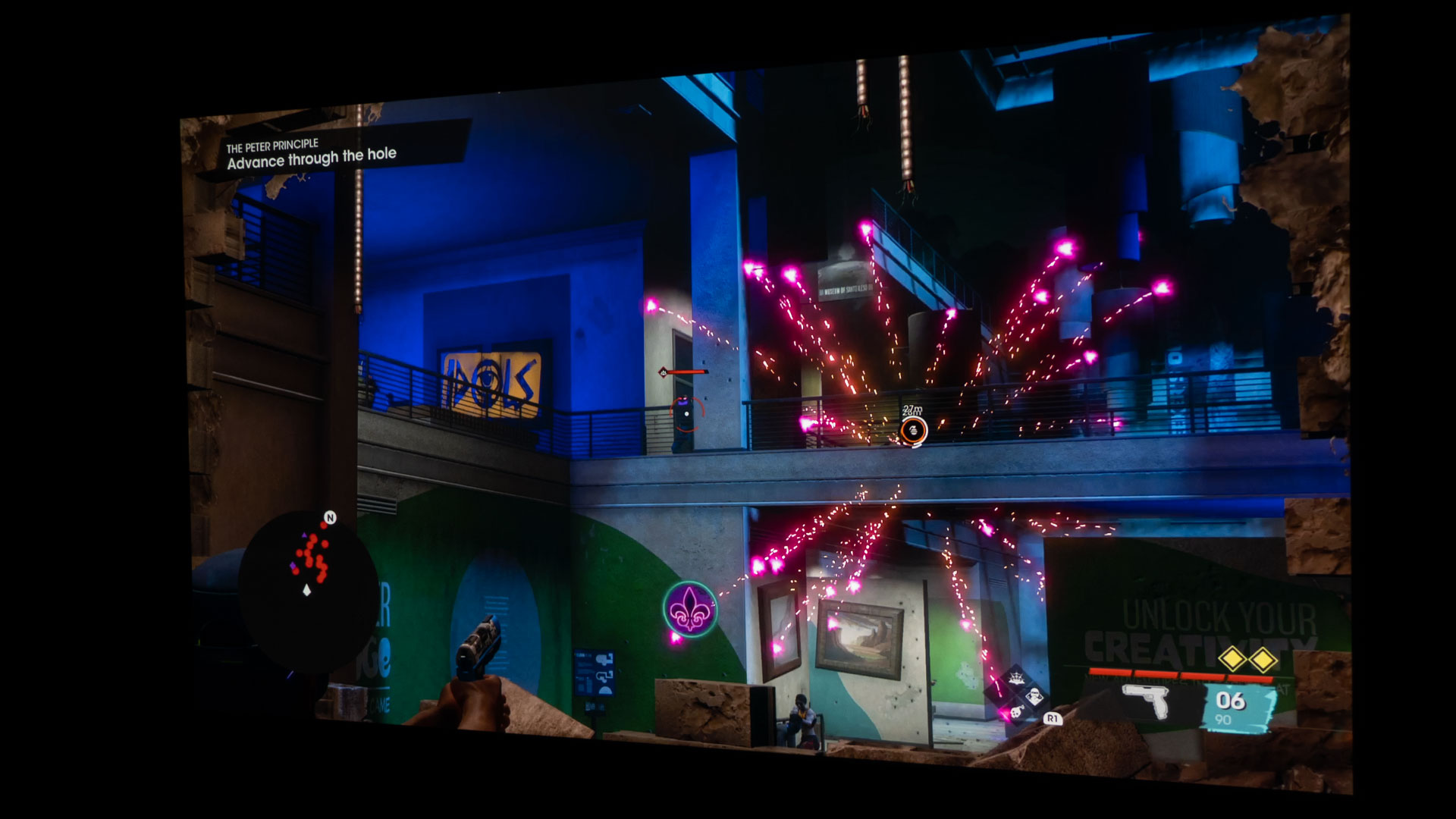
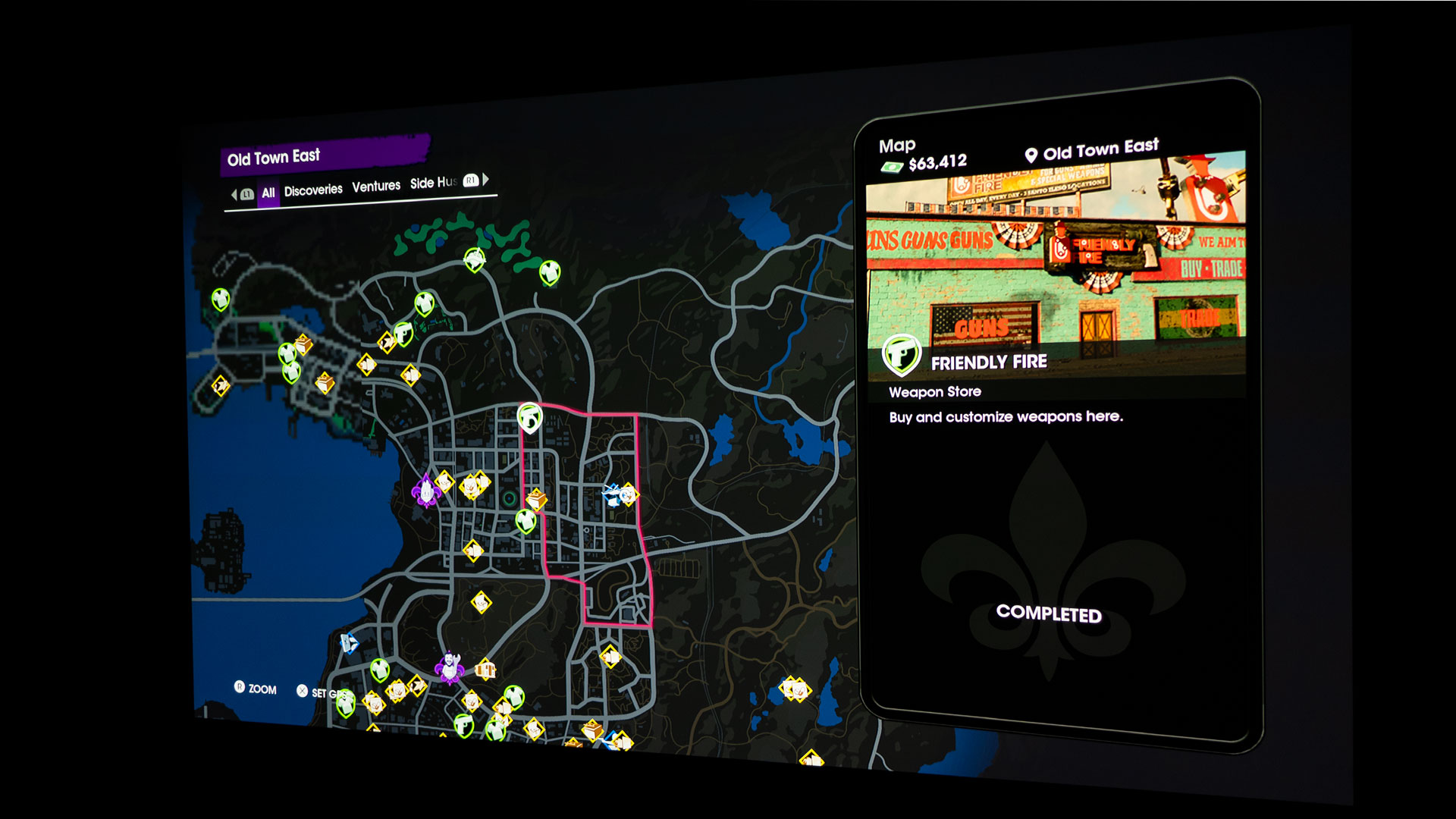
Seeing your main map and mini map on a massive projector screen helps you to navigate easily.
Saints Row – Self Made and a gaming projector goes hand in hand. Bigger is better for this game. A capable gaming projector and a large projector screen allow you to easily see your surroundings and the in-game mini-map that is ever present in the bottom left corner of the game screen. The mini map guides you to everything of interest near your character and helps you efficiently navigate the area. As you can see in the picture above, the mini map has a blue line to guide me to my next “Networking” mission at the train depot. Gaming with a projector and a big screen is one of the most immersive gaming experiences you can have, minus having it on a Virtual Reality (VR) gaming headset. Still, those get heavy and hurt your head and eyes after a while…ask me how I know. It does not matter if you are a casual or competitive gamer; gaming with a gaming projector is an excellent way to make yourself feel like you’re in the game. It’s a blast, and you get to draw in a crowd of your closest friends and family to watch you as you game.
Dying Light 2 - Stay Human is a fantasy action Role-Playing Game (RPG) survival horror game set in a zombie apocalyptic-themed open world. Dying Light 2 can be played single-player or play in up to four-player co-op online. The game was developed and published by Techland. Dying Light 2 was released on February 4, 2022.
Dying Light 2 is available on PlayStation 5, PlayStation 4, Xbox Series X/S, Xbox One, and PC. For PS5, Dying Light 2 - Standard Edition can be purchased for only $59.99. Dying Light 2 - Deluxe Edition comes with access to a story DLC #1, exclusive weapon charms, a legendary skin pack, printable wallpapers, digital comic, artbook, and soundtrack for $79.99. Lastly, Dying Light 2 - Ultimate Edition is $99.99. The Ultimate Edition has everything in the Deluxe Edition plus a 2-hour night XP boost, crafting items, and access to story DLC #2.
Dying Light 2 - Stay Human is available across all main gaming platforms.
As I have said before, game developers and hardware manufacturers have been striving to enhance the gaming experience for years. I'm an avid gamer and have a custom-built liquid-cooled gaming computer running an EVGA GeForce RTX 3070 graphics card, Intel Core i9-9900K processor, ASUS ROG Strix Z390-H gaming motherboard, and 96GB of RAM.
In addition, my gaming rig is hooked up to a 34" Alienware ultrawide curved gaming monitor with numerous Razer accessories. As you can surmise, I think gaming with a capable computer and gaming monitor is great, or else I would not have spent my hard-earned money on my current setup. However, I'm here to articulate that gaming with a gaming projector and massive projector screen provides a different type of gaming experience.
BenQ sent Projector Reviews demo samples of the TK700 and X3000i gaming projectors.
BenQ sent Projector Reviews demo samples of the TK700 and X3000i gaming projectors to write our monthly gaming on projector articles. Did you know that BenQ owns ZOWIE, the makers of gaming monitors for eSports? ZOWIE is BenQ's brand dedicated to developing professional eSports equipment. But BenQ doesn't stop there; BenQ also has MOBIUZ gaming monitors.
As a matter of fact, as I was casually rooting around on BenQ's website the other day, when I noticed that BenQ has the MOBIUZ EX3210R - Dying Light 2: Stay Human Night Runner's Edition gaming monitor. The monitor even comes with Dying Light 2 for FREE until BenQ runs out of the exclusive gaming monitor! The EX3210R gaming monitor has Dying Light 2 graphics on the housing and monitor stand, a stylish and welcomed touch. You can check out the MOBIUZ EX3210R - Dying Light 2 gaming monitor by clicking here if you want to see it yourself.
As you can see, BenQ having a series of gaming projectors is no surprise. Gaming is clearly part of BenQ's DNA. The more research I did, the more I saw about BenQ and its involvement in advancing gaming for us gamers. So, I'd say BenQ has a gaming solution for you, whether gaming with a projector and projector screen or gaming with a PC and gaming monitor. Admittedly, the 34" Alienware ultrawide curved gaming monitor I have is starting to show its age. I might replace it with a 34" MOBIUZ ultrawide curved gaming monitor to check it out in person, but I digress. Let's get back to projector gaming.
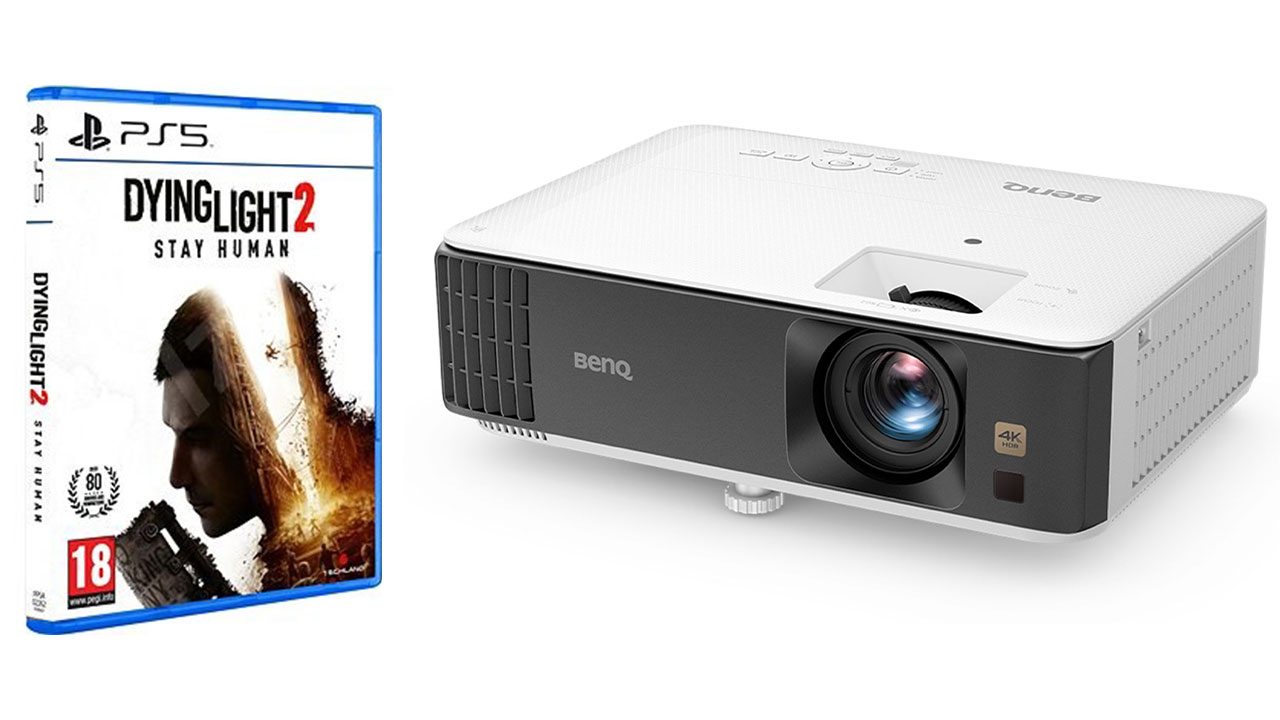
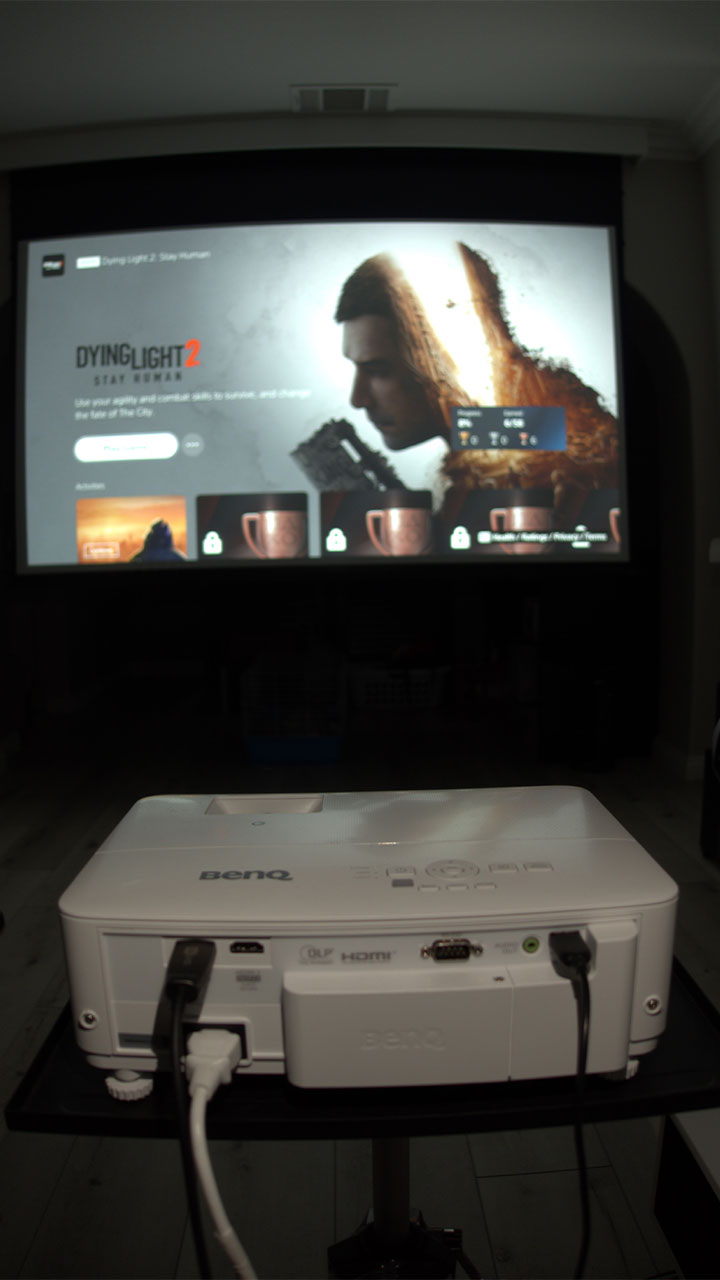
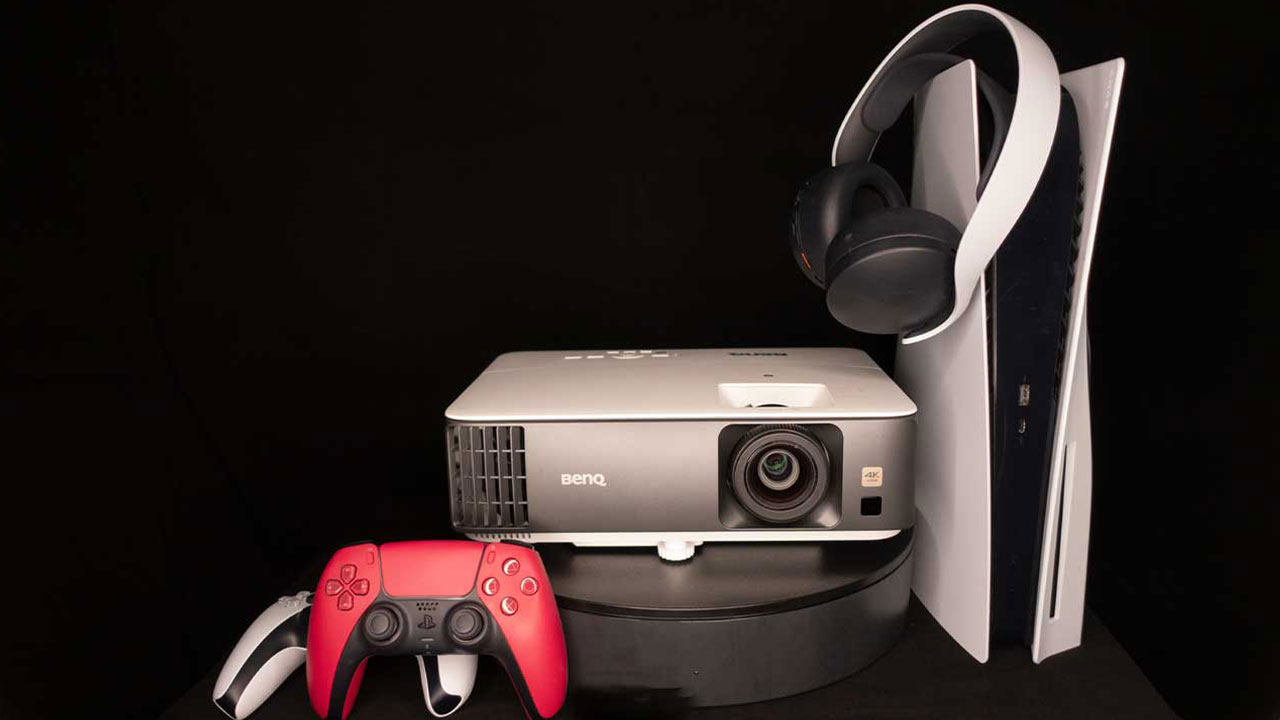
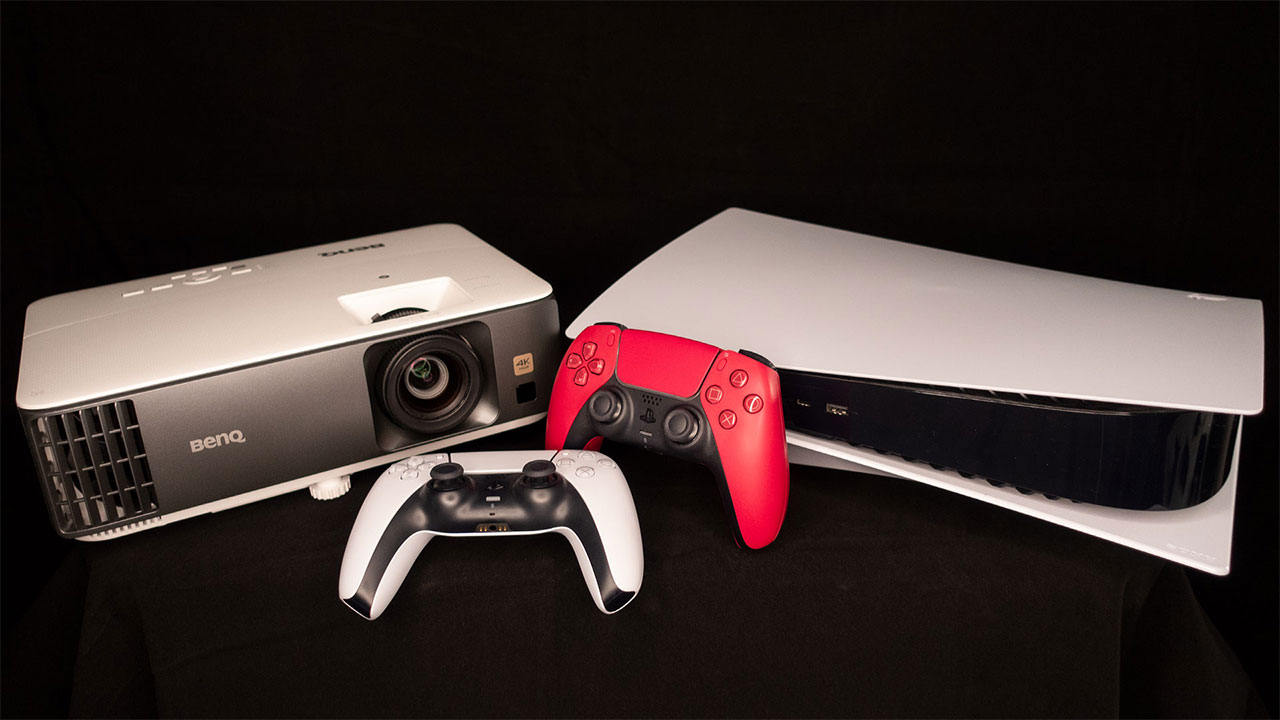
I paired Dying Light 2 - Stay Human with the BenQ TK700 4K Short-Throw Console Gaming Projector for this gaming on a projector article. For this article, I connected my PlayStation 5 to the TK700 via a 48Gbps HDMI 2.1 cable. I then projected it onto a 110-inch Screen Innovations (SI) Solo Pro 2 Unity AT Pure White 1.3 gain screen.
BenQ states the TK700 is a 4K lamp-based gaming projector designed for competition console gaming. The TK700 is fine-tuned to provide a smooth, responsive gaming experience with clear images better to arm you for competition gaming or casual gameplay.
The TK700 also has BenQ's Black Detail Enhancement; it's found under Game Settings. With BenQ's Black Detail Enhancement, the gamer can detect and react faster to approaching dangers by quickly mapping out details in the dark. The TK700's HDR Game mode also refines its projected image to help disclose movements and details in dark scenes while optimizing colors. The TK700's lamp light source brightness is rated at 3,200 ANSI lumens and covers 96% of the Rec.709 color gamut.
Utilizing a gaming projector’s preset game mode typically gets you the projector's lowest input lag times.
Let’s get into some zombie gameplay!
I will provide my initial impressions of playing Dying Light 2 - Stay Human with a gaming projector. I will keep this article brief and hopefully provide enough information to decide if gaming on a projector with Dying Light 2 - Stay Human is for you. Dying Light 2, however, is not a brief game itself. Dying Light 2 is another one of those games that can be played for hours and hours on end. The more you play, the more you can learn Dying Light 2's parkour gaming mechanics, upgrade your character's gear, and become the best zombie slayer you can be.
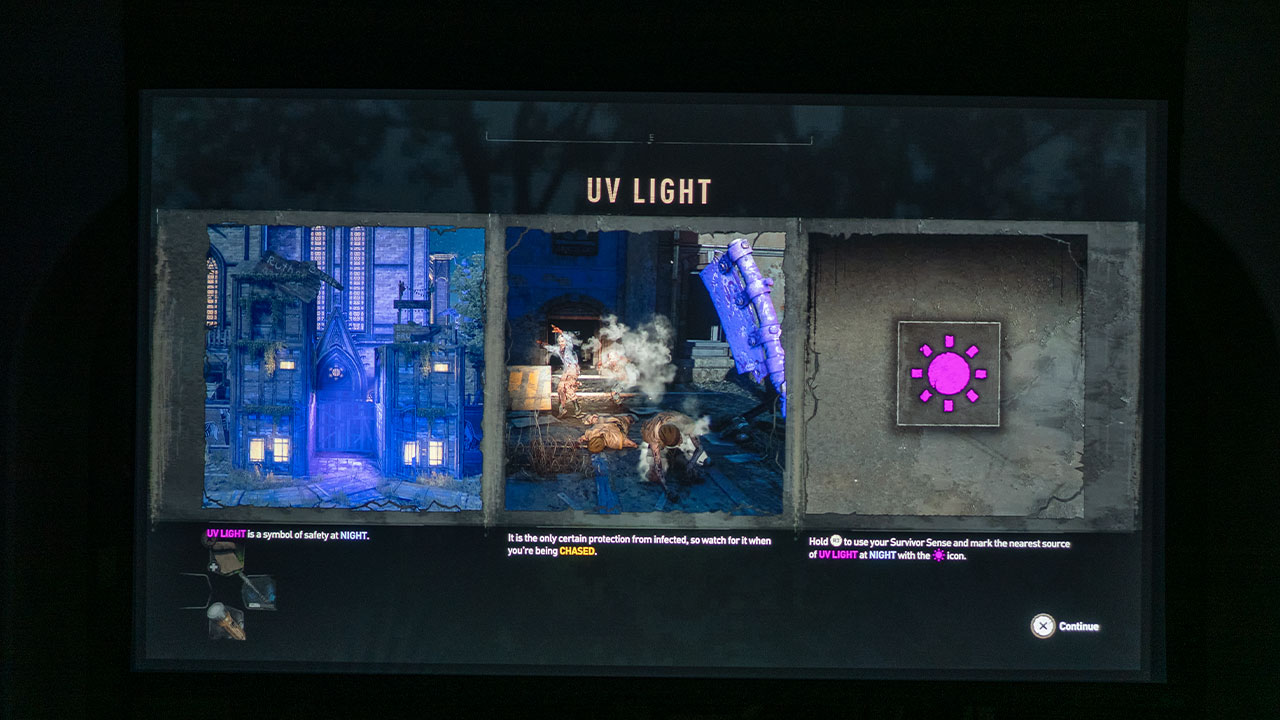
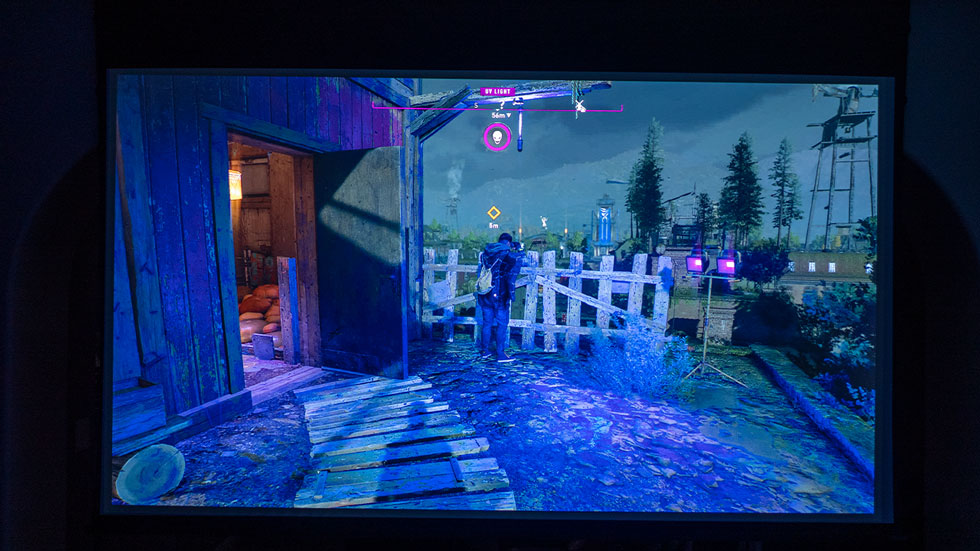
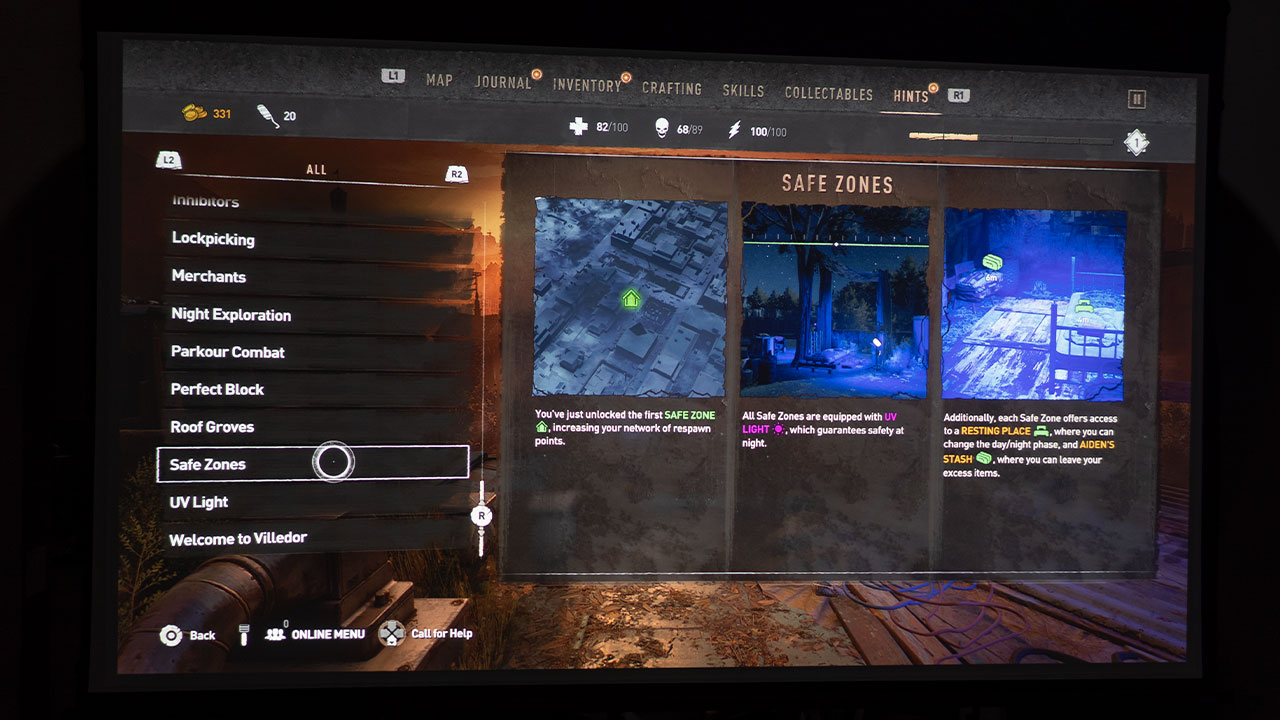
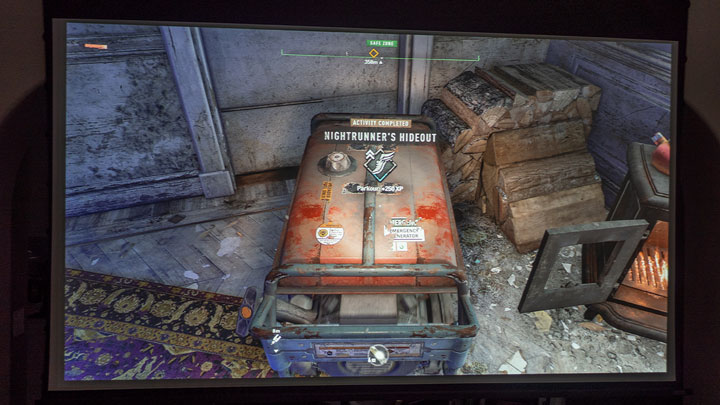
You must be mindful of where UV lights are located at night; they are Safe Zones. The UV lights keep the zombies at bay and keep Aiden from turning into a zombie himself.
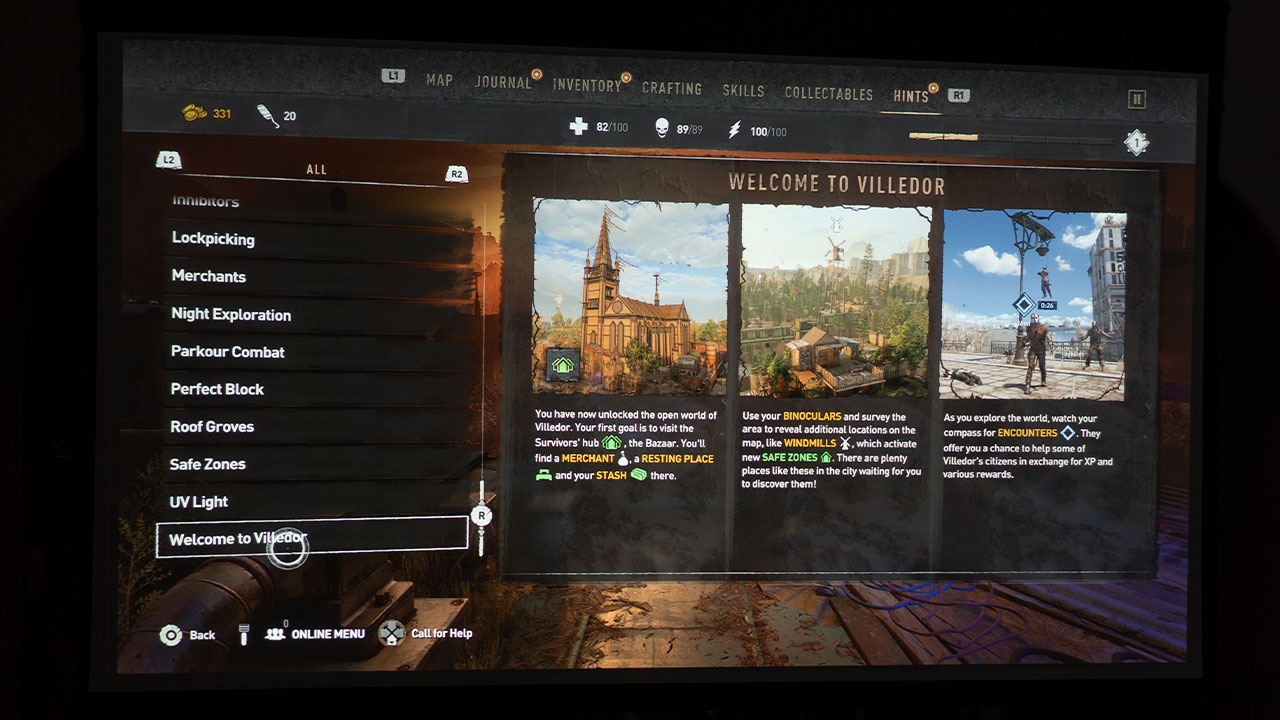
Dying Light 2 - Stay Human is set 22 years after the original Dying Light and features a new protagonist named Aiden Caldwell (voiced by Jonah Scott). The game is set in the city of Villedor, a massive zombie-infested open world. Aiden is well equipped with various combat and parkour skills to take on zombie hordes and human adversaries. Aiden is, in fact, trying to "Stay Human" during the gameplay.
Unfortunately, Aiden, like virtually everyone else, is infected with the zombie virus. Staying in near-constant contact with sunlight and Safe Zones with strategically placed UV lights at night is the only thing keeping Aiden from turning into a zombie. You will stress as you struggle to keep Aiden's UV light meter charged; the meter depletes in minutes when in the dark and away from UV lights.
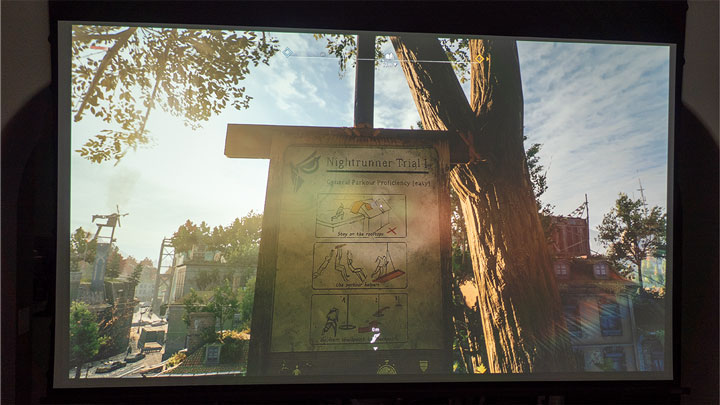
The best part about Dying Light 2 is the fluid parkour system. If you are a Traceur (Parkour practitioner), you may get a kick out of this game. Leaping from edges at terrifying heights and scaling skyscrapers allow you to explore the massive open world. Aiden can fling out a grappling hook to swing across gaps while a paraglider lets you soar over zombie-filled streets and across tall buildings. Of course, you'll want to stay above the streets as much as possible; they are filled with outlaws by day and mobs of zombies at night.
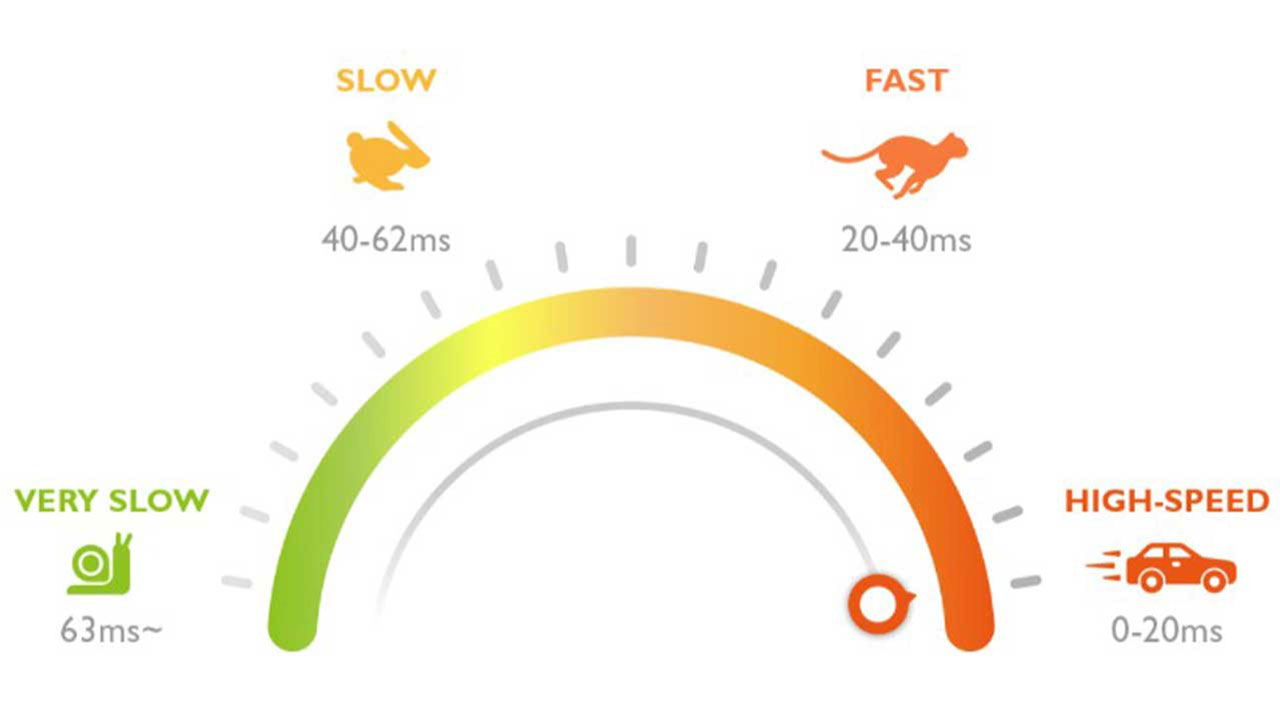
A zombie Howler is the worst opponent for me. If a Howler spots you, they will howl loudly and alert all zombies in the area to your presence, and they begin to chase after you. It is quite a hectic encounter because the zombies will chase after you wherever you go until you find a Safe Zone. This chase sequence is where the BenQ TK700's low 16.67ms input lag at 60Hz (4K) and 4.16ms input lag at 240Hz (1080p) really shines.
As you run, dodge, and parkour yourself to a Safe Zone, zombies flood in from everywhere, and you must be quick to get away; reaction time is critical. Oh, and then there are the Virals to challenge your reaction time too. Virals are speedy zombies that will pounce on you in a matter of seconds. Without a low input lag gaming device, you won't survive Dying Light 2.
A nice feature of Dying Light 2 - Stay Human is the ability to gear up your character as you see fit.
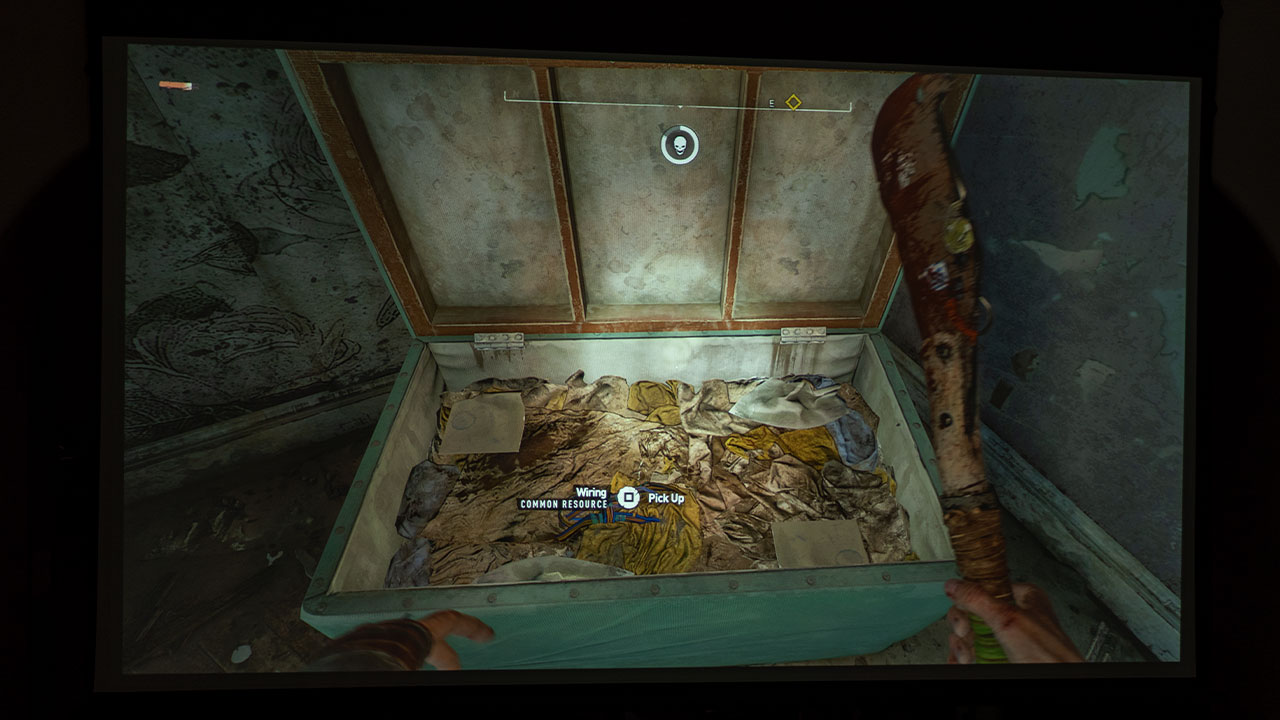
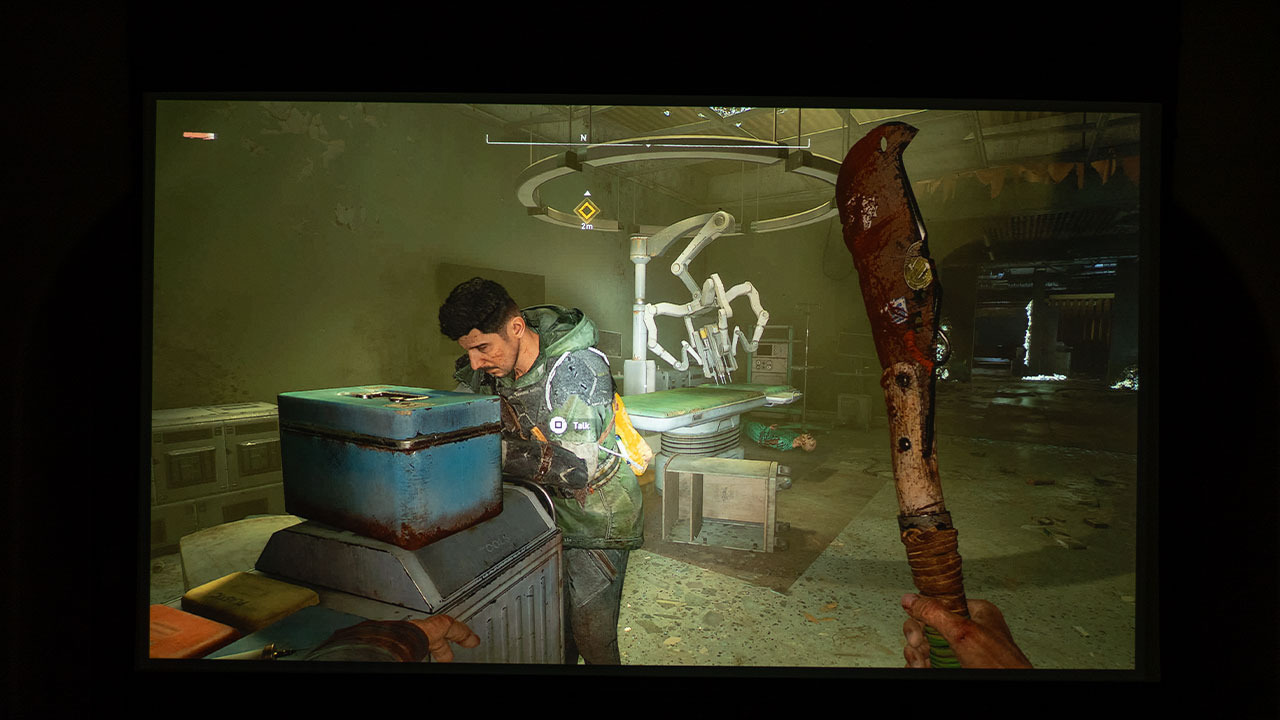
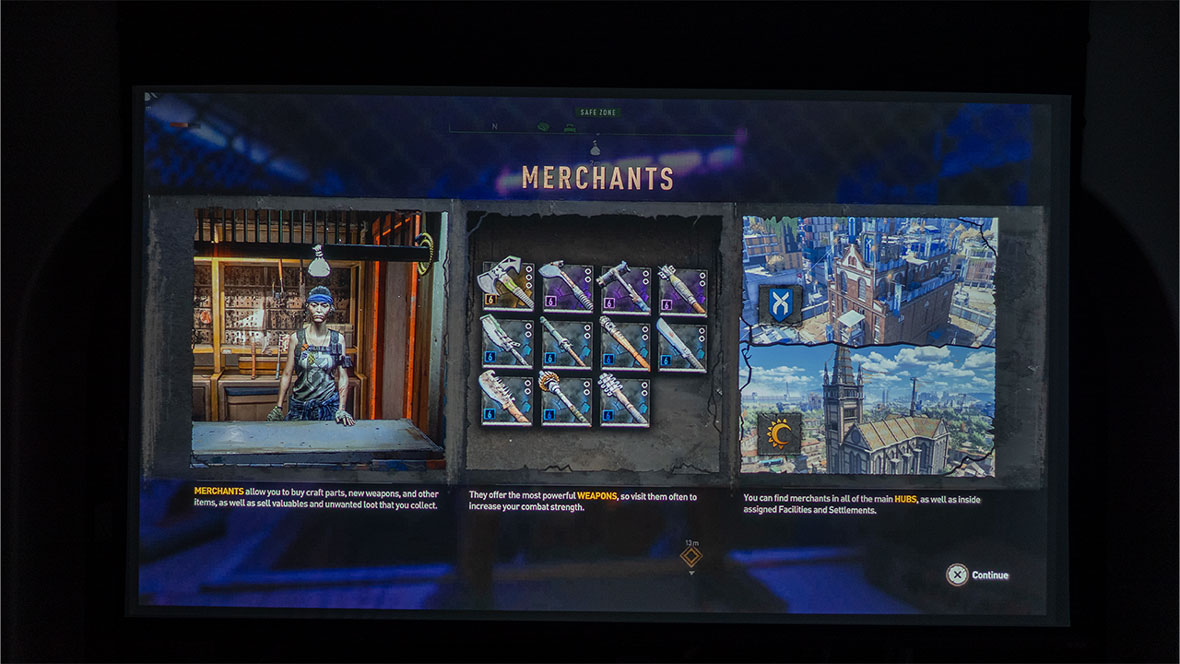
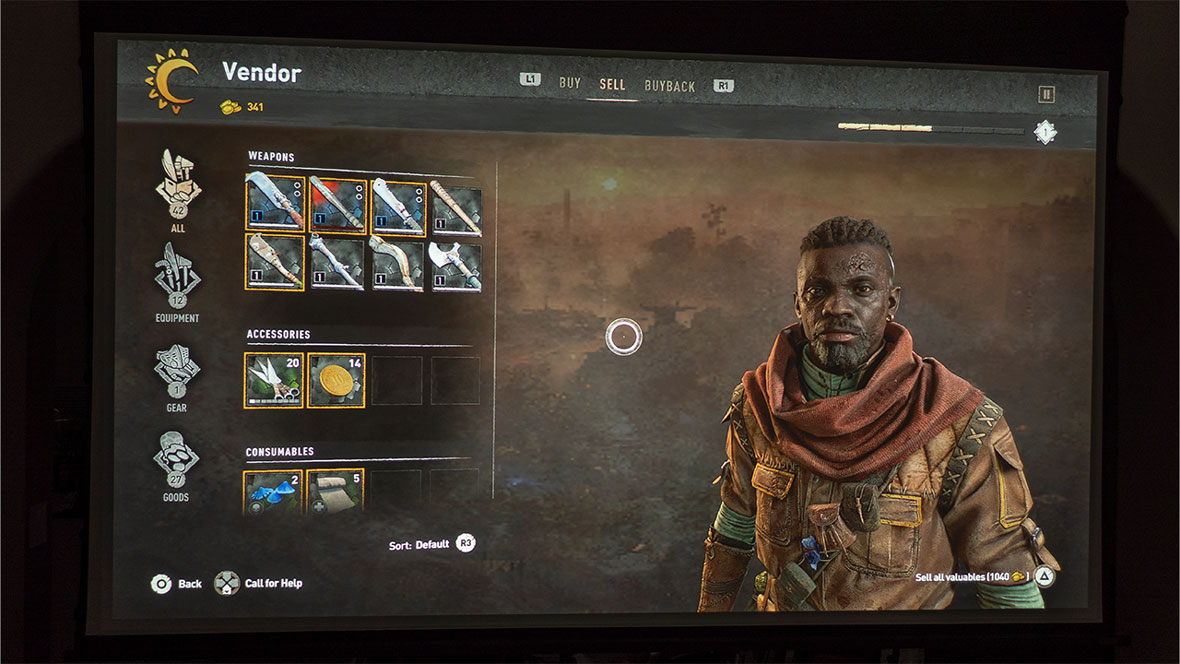
A feature of Dying Light 2 is the ability to customize your character with gear. Kitting Aiden out from head to toe with headgear, chest pieces, bracers, gloves, and footwear will provide a stat boost to Aiden's abilities and serve as armor for protection: it also looks cool. Gear can be located almost anywhere in Villedor. Keep an eye out for chests, armoires, and crates; they usually have something useful. You could also get gear from vendors and loot it off bodies.
With all the gear and weapons found in Dying Light 2, you can build out Aiden into one of four classes and playstyles. The four classes are Tank, Brawler, Medic, and Ranger. Tank builds are suitable for taking multiple hits and mastering powerful two-handed weapons. Brawler builds are helpful for general combat with one-handed weapons. Medic builds specialize in parkour-based combat and healing. Lastly, Ranger builds focus on stealth and ranged attacks.
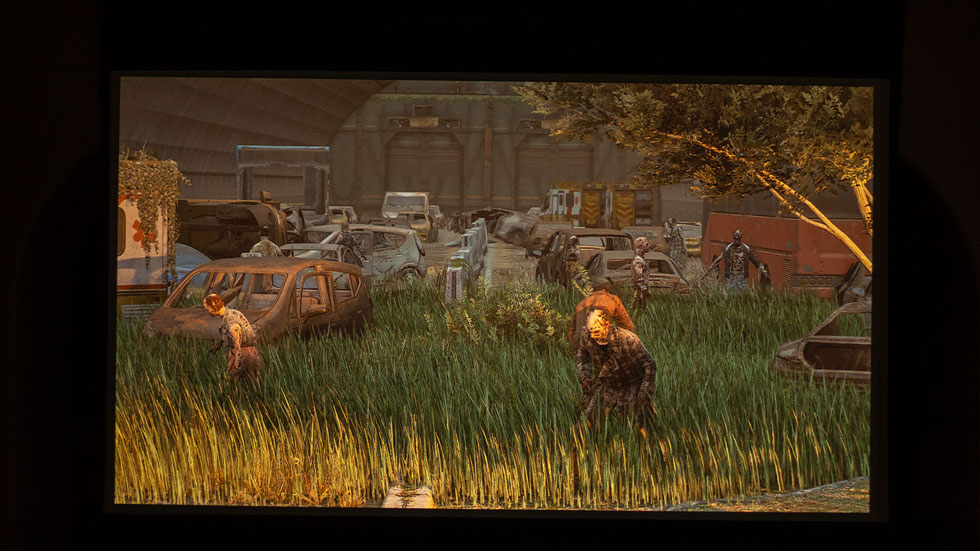
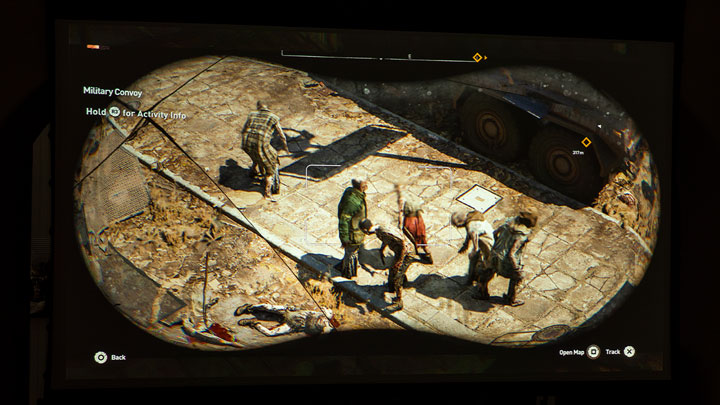
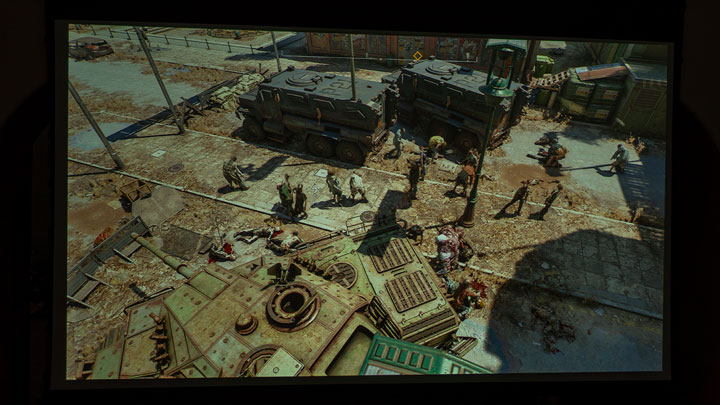
Zombies, zombies and more zombies!
The experience of playing a game like Dying Light 2 with a gaming projector is absolutely fantastic. Thanks to the 110-inch image I projected with the BenQ TK700 gaming projector, I felt fully immersed in the open-world game as I played. In addition, using a projector for a game like Dying Light 2 made it easier to spot zombies and see what was happening around my character. It also made performing melee attacks with Aiden much easier due to the size of the human adversaries and zombies on my screen.
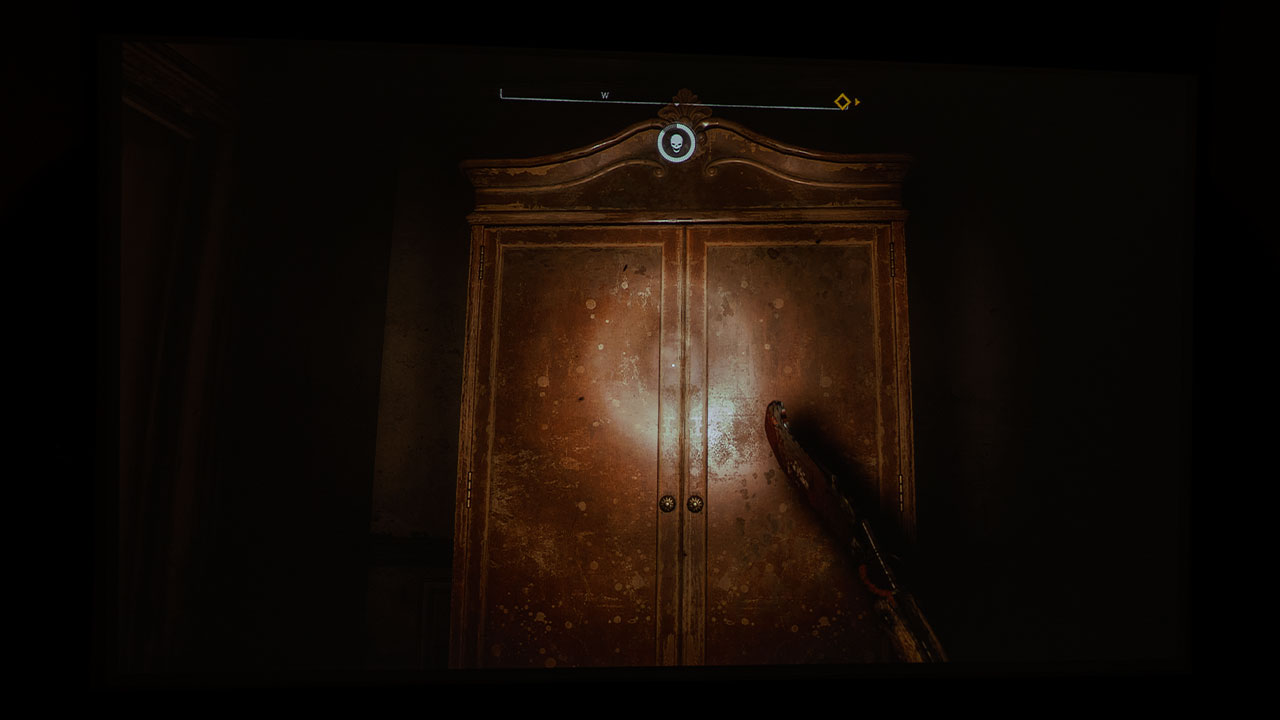
Flashlight shining on an armoire.HDR is helpful to get the most out of viewing dark and bright scenes.
As you delve deep into the inner corridors of abandoned buildings and also as night falls, Villedor can get very dark. You’re just left there in the dark interior of buildings with a measly flashlight and creepy zombies most of the time. That said, you may find having a gaming projector with an HDR game mode helpful. A projector with an HDR game mode is a huge bonus because it allows you to take advantage of the game's enhanced graphics and peek into those creepy dark corners for zombies tucked away in shadows when all you have is a flashlight to cut through the darkness in hand.
With Fast Mode turned set to On, the TK700 minimizes the response time between the input source and the displayed image.
Switching the TK700's Picture Mode from HDR10 to HDR Game allows you to go into Game Settings, where it gives the choice of turning Fast Mode on or off. With Fast Mode turned set to On, the TK700 minimizes the response time between the input source and the displayed image.
For example, when I press R1 on my PS5 controller to leap from a high-rise rooftop to a zipline or ledge, I need my character Aiden to do it quickly, or else Aiden could fall to his death. For that reason alone, I turned Fast Mode on for Dying Light 2. HDR Game mode paired with Fast Mode helped save me countless times while doing parkour throughout the game. Trust me; you do not want an ill-timed leap due to poor input lag when the repercussions could be landing in the middle of a mob of zombies or falling from such a distance that you die on impact.
With a gaming projector, you certainly have immersive visuals pulling you further into the gaming experience. But what about enhanced audio to further draw you into the experience? If you genuinely want to fully immerse yourself into a game, you will need the audio and visuals to match. Your projected image can be breathtaking, but if the audio is lackluster, you will not really feel like you are being drawn into the game.
We cannot forget about the sound quality of Dying Light 2 when played through a gaming projector. You can hear zombies shuffling around and screaming, which can help you pinpoint where they are. You will want to have a decent audio system for this game. BenQ states that the TK700 has a built-in single 5-watt chamber speaker to provide basic audio functionality. However, I believe BenQ moderated their rhetoric about the TK700's 5-watt chamber speaker. While playing Dying Light 2, that single speaker sounded surprisingly good for its tiny size. I do, however, understand BenQ's cautious wording; for a gamer to be genuinely enveloped in sound, they may want more speakers and more powerful sound.
Some projectors have enhanced audio capabilities for those who want to ditch built-in projector speakers for an even more immersive sound from the game. The TK700, for example, has what BenQ calls Audio Return+. When connected to a sound system via HDMI eARC, multi-channel audio from a game system is passed on to the audio system via the projector's HDMI port number two. BenQ's Audio Return+ supports multi-audio outputs, including 2.0, 5.1, 7.1, and Dolby Atmos. So, grab a projector that supports eARC to fully take advantage of the cinematic sounds built into many games.
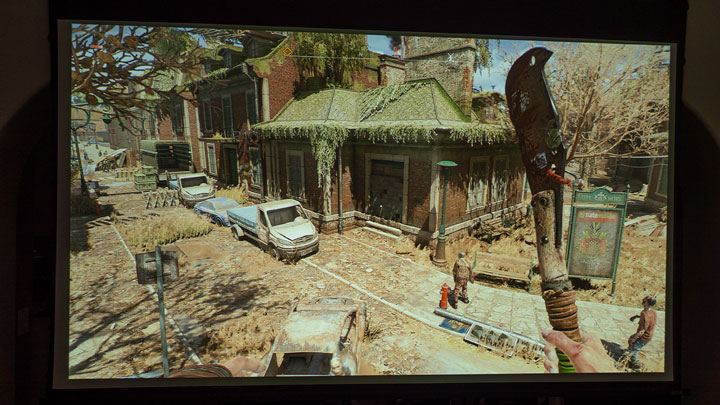
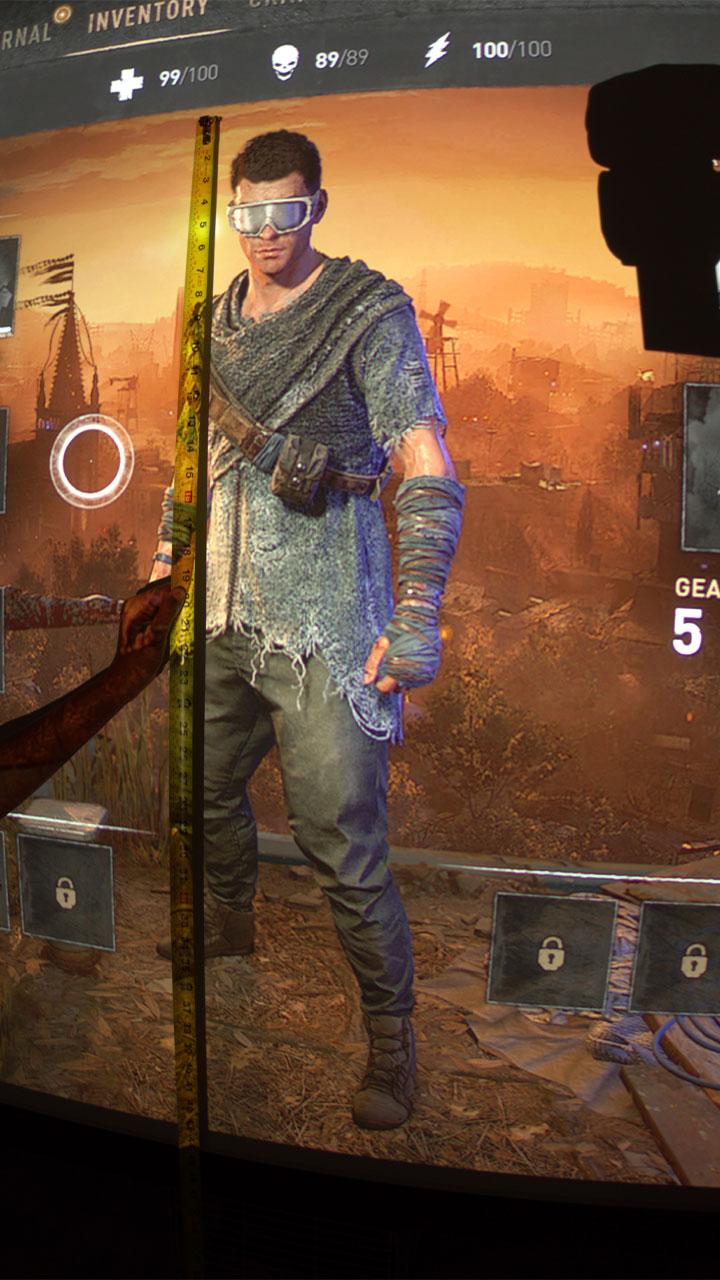
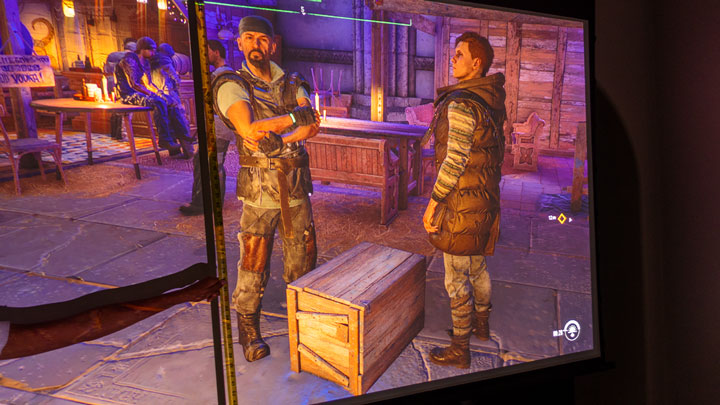
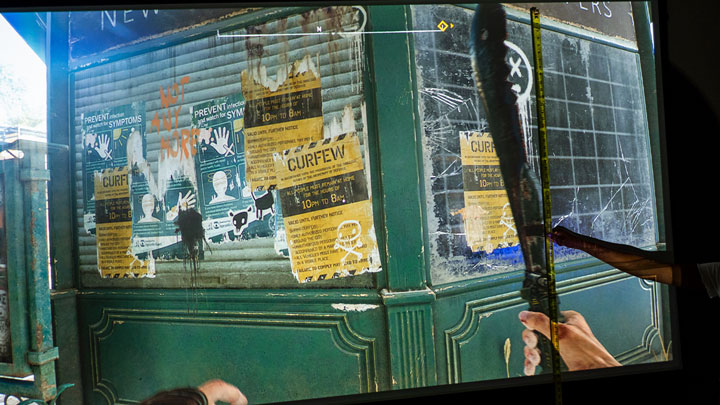
As I like to do from time to time, with the assistance of my kiddo, I broke out a tape measure and took character measurements; Aiden was over 40-inches tall while kitting him out in the Inventory section. During gameplay, humans and zombies measured from 12-inches to over 38-inches tall, depending on how close I got to them. When holding a machete or billhook and looking at the weapon from Aiden's first-person point of view, the weapon measures over 42-inches tall from Aiden's fingers to the tip of the blade.
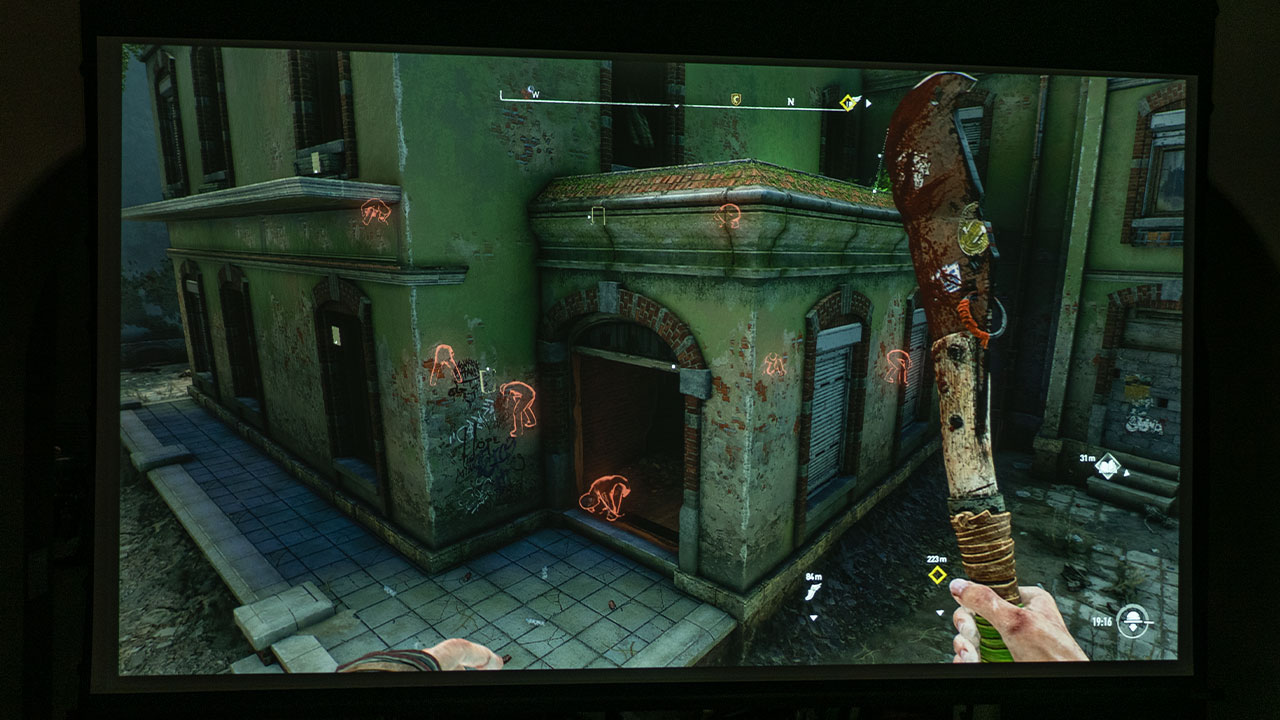
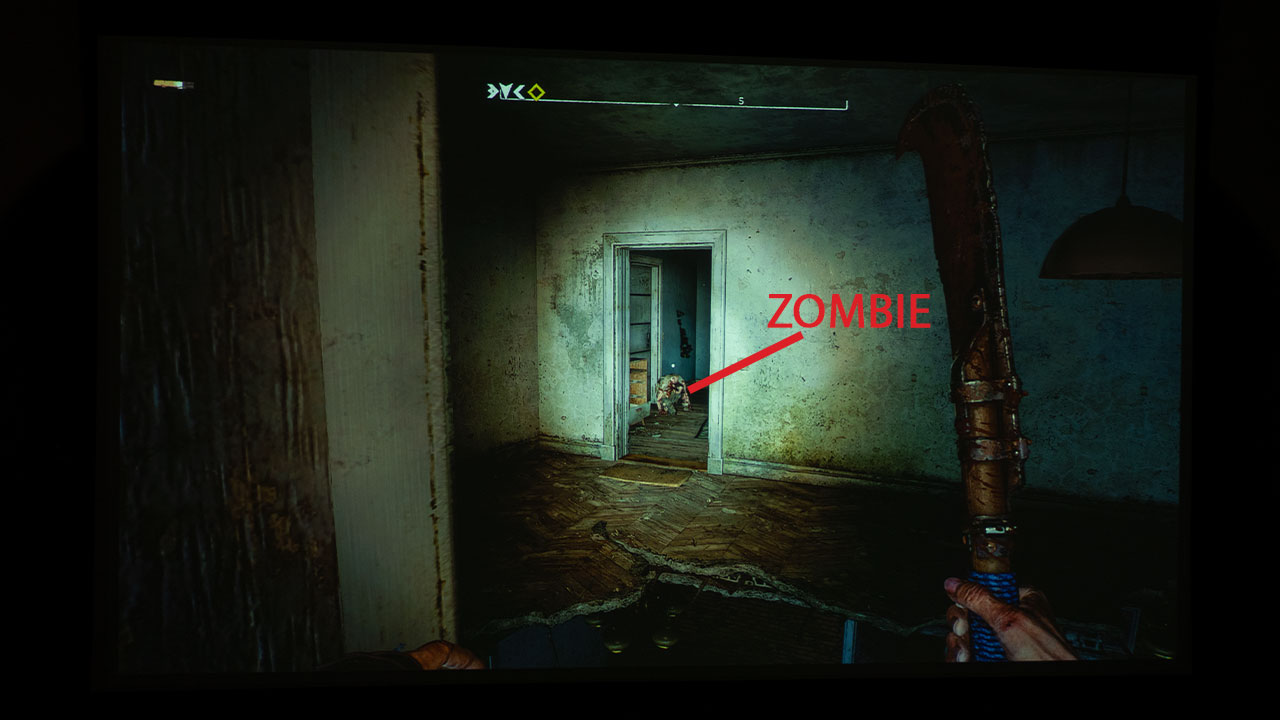
As you can see by the photo above, my large projector screen allowed me to easily spot the zombie hunching just beyond the doorway.
Gaming on a projector with a game like Dying Light 2 is a terrifying experience because the zombies like to get in your face. Still, it's also an enjoyable experience because you feel like you're really immersed in the zombie world. Better yet, you can really spot those sneaky zombies trying to blend into their surroundings to surprise attack you. As you can see by the photo above, my large projector screen allowed me to easily spot the zombie hunching just beyond the doorway…not this time zombie, not this time! It does not matter if you are a casual or competitive gamer. Gaming with a projector paired with a big screen is exhilarating, and you should try it for yourself to see if you agree with me.
Since a critical element of Dying Light 2 is the ability to use the environment and parkour to get where you need to be, the easier you can see the environment and parkour opportunities, the easier it is to pull off your escape. If you want to see zombies and other dangers from a mile away easily, a gaming projector and large projector screen may be for you. If you enjoy having your family and friends, gather around as you game as if they were watching a big-screen movie, or you like multiplayer games with up to four split screens, gaming with a projector and massive projector screen is definitely for you.
We have covered Rainbow Six Extraction, Tiny Tina’s Wonderland, Horizon Forbidden West, Elden Ring, Gran Turismo 7, and now Dying Light 2. Stay tuned for more initial impressions of gaming on a projector with games like Warhammer 40,000: Darktide, Saints Row, and Halo Infinite. So keep checking back for more gaming on a projector articles; you won't want to miss a thing.
Nothing beats playing a driving game on a massive projection screen. In this article sponsored by BenQ, we will be looking at the ultimate console driving game, Gran Turismo 7. While Kam is our resident gamer at Projector Reviews, I leaped at the opportunity to review this version of Gran Turismo.
I've always loved this game series because I am a hard-core auto enthusiast and Gran Turismo 7 allows car fans like me to drive my favorite cars on some of the best tracks/roads in the world. I am not alone when it comes to being a crazed Gran Turismo fan. There is an online GT Sport racing series based on the game. This game series is why I have purchased every generation of PlayStation, starting with the PS1.
So, when I heard that game developer Polyphony Digital was working with Sony Interactive Entertainment on Gran Turismo 7, I went searching for a new PlayStation 5 Console. This is because Gran Turismo games have always been a way for Sony to highlight the full capabilities of their latest PlayStation gaming consoles.
Gran Turismo 7 is a Sony PlayStation exclusive and it is available on disc and digital download; the PS5 version retails for USD 69.99, while the PS4 version sells for $59.99.
The game includes a huge amount of cars and tracks, so it would take months to explore every aspect of this game. My goal is to give you a peak at what it’s like to play a high-end driving game on a projection system.
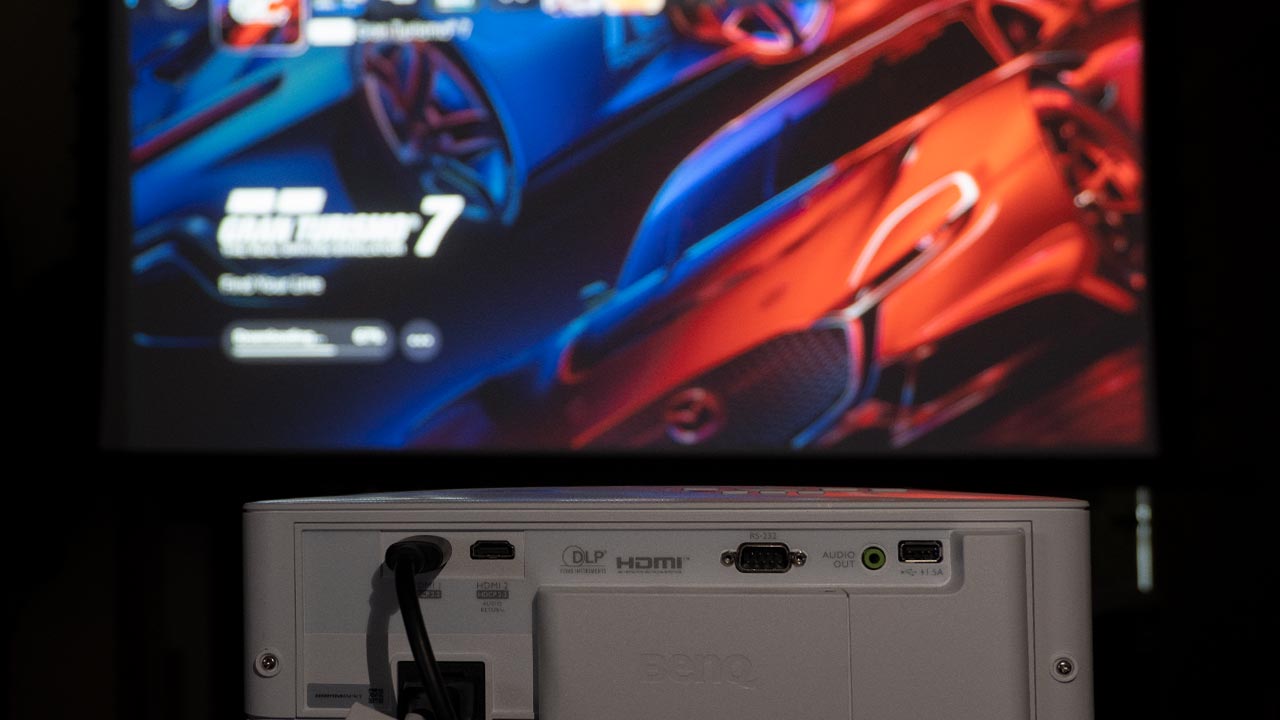
For this review, I utilized the BenQ TK700 we reviewed a few months ago. The TK700, which retails for $1399, is a 4K lamp-based gaming projector with a rated brightness of 3,200 ANSI lumens. The projector’s high brightness makes it an excellent option for gaming or viewing content in a room with moderate ambient light. I connected my PlayStation 5 to the BenQ TK700 via a 48Gbps HDMI 2.1 cable. I projected the TK700 onto my lab's 100-inch Elite Screen CineWhite 1.1 gain screen.
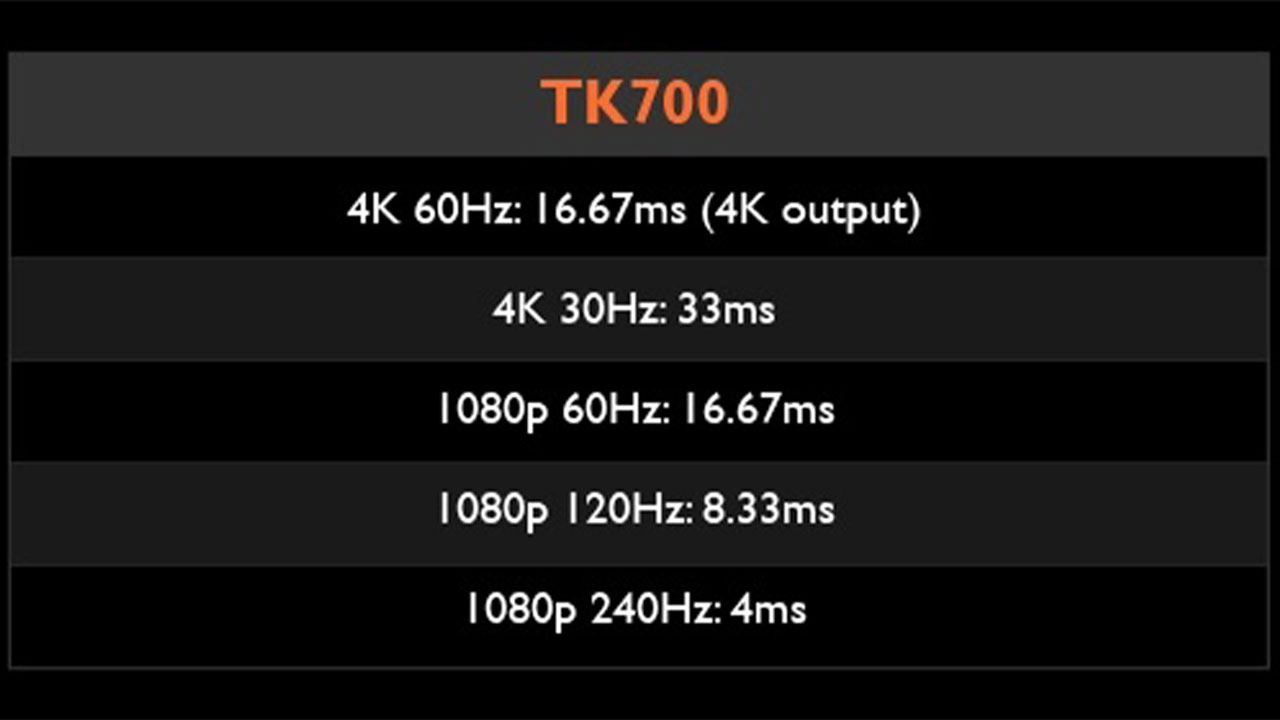
Since the TK700 targets gamers, BenQ knew that response time is critical. When in Game mode, the TK700 has a rated input lag of 4K@60Hz: 16.67ms, 1080p@240Hz: 4.16ms, 1080p@120Hz: 8.33ms, and 1080p@60Hz: 16.67ms. In addition to low lag, the projector includes a unique game mode for FPS gaming with audio, visual, and optimized latency settings.
The TK700’s ability to deliver 3,200 ANSI lumens and display 96% Rec.709 color space ensures that the projector delivers a bright, colorful image while retaining highlight detail when in HDR Game mode.
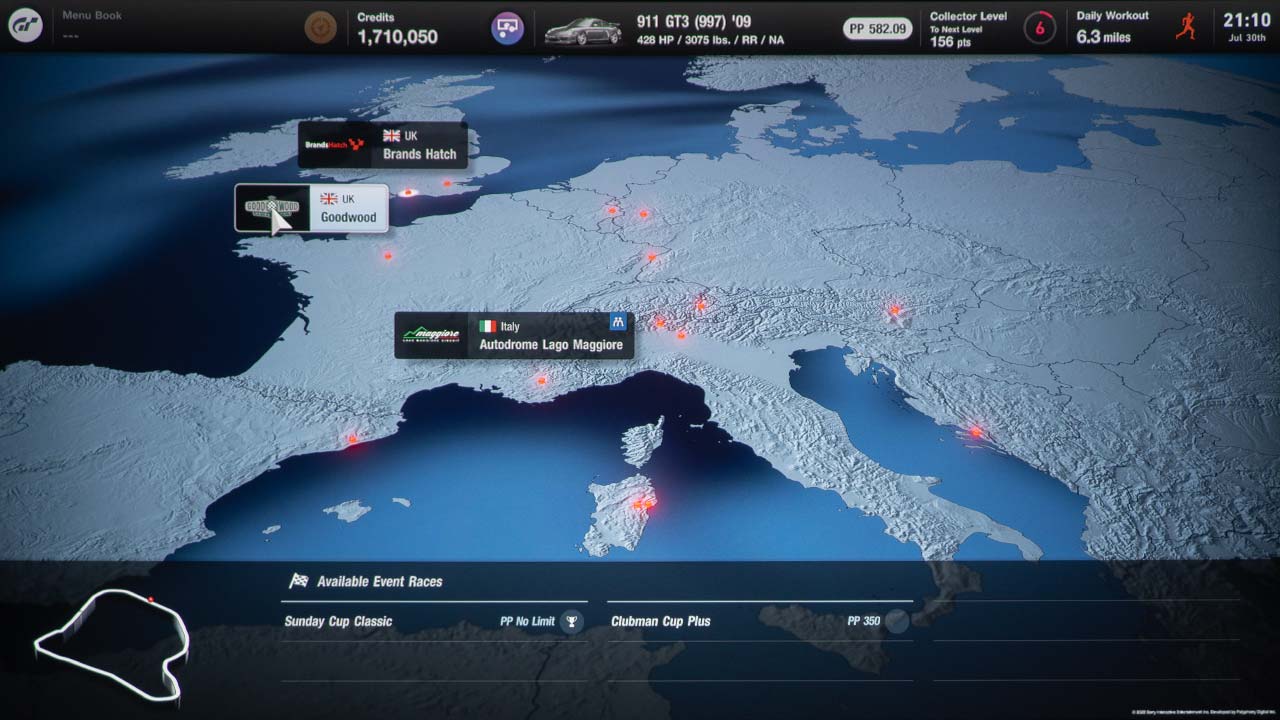
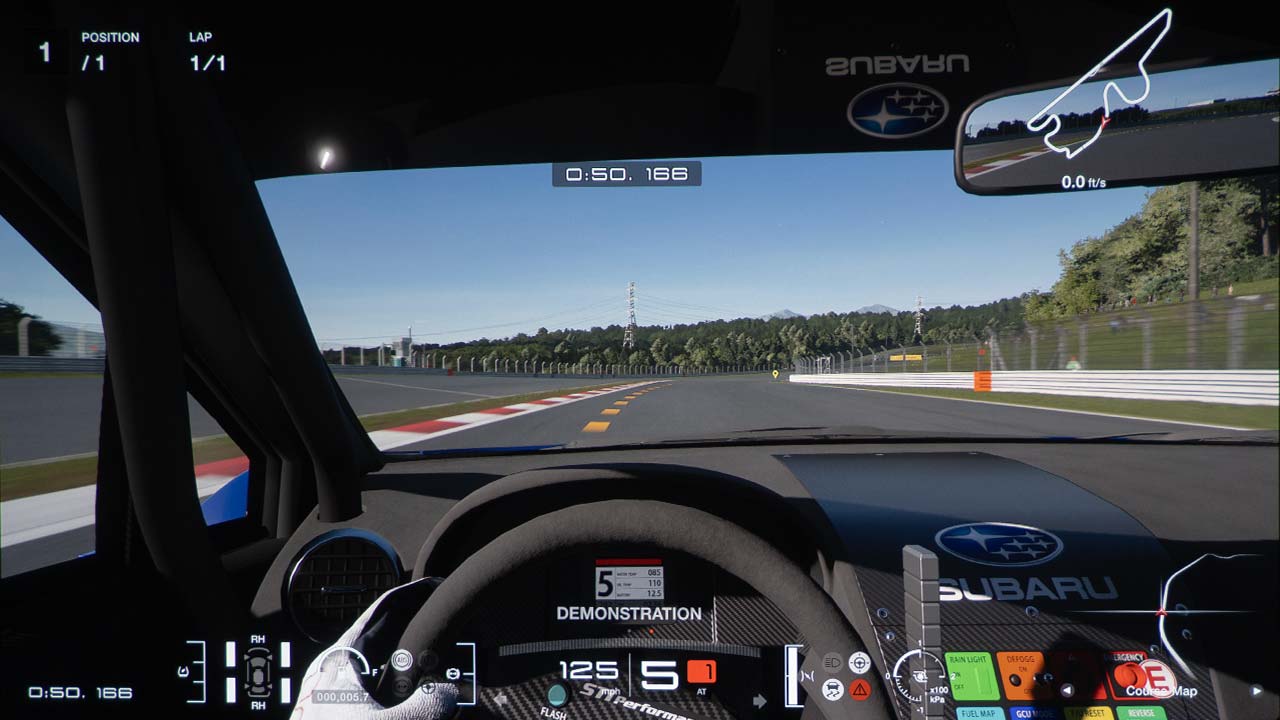
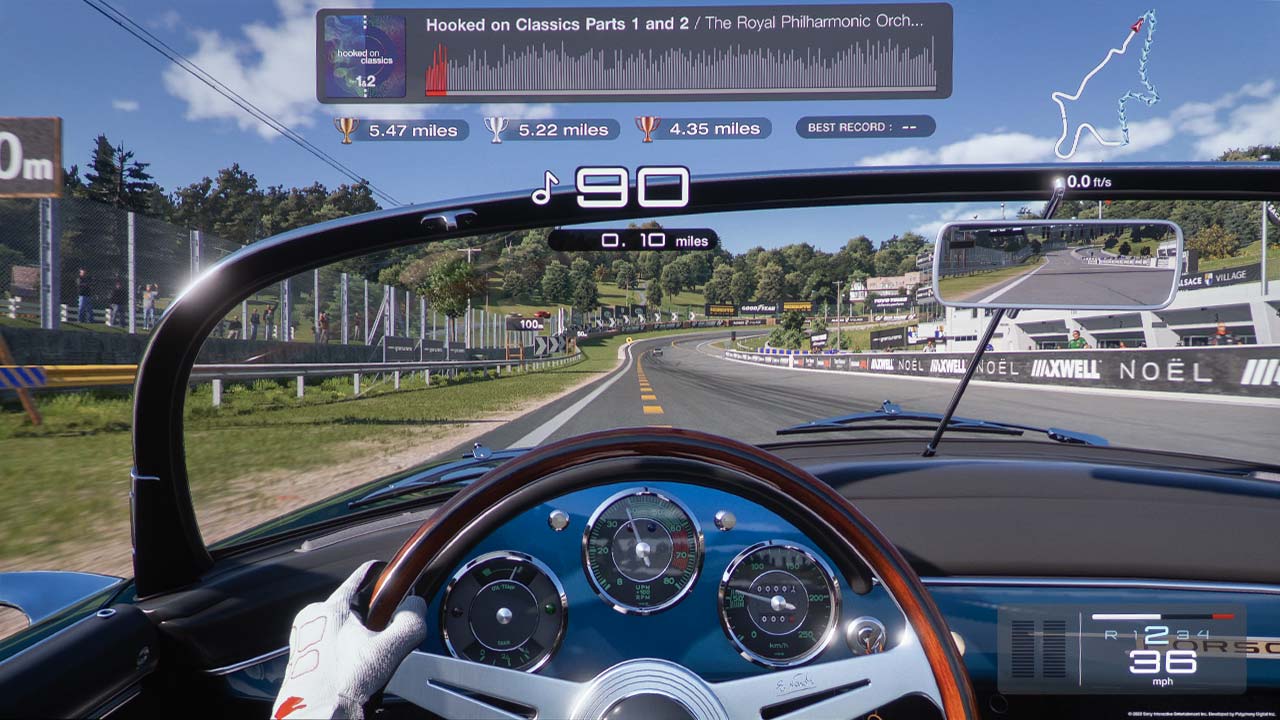
You can select several views while playing Gran Turismo 7, but I usually choose the in-car view. When I was playing the game on my 100” screen, it felt like I was sitting inside a full-size vehicle looking through the windshield. Gran Turismo on a projection screen is the closest most of us will ever get to driving a multi-million-dollar sportscar at 150 miles an hour on the Tokyo Expressway.
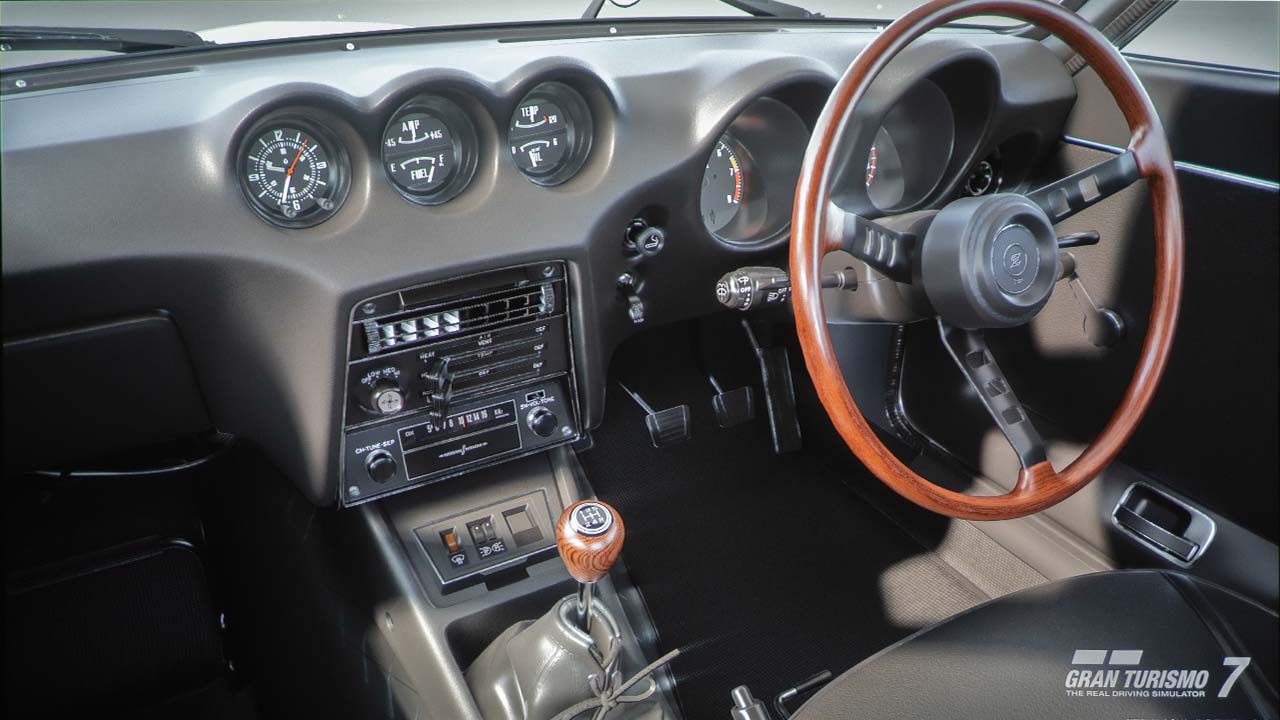
Each car’s cockpit view is rendered with amazing accuracy. For example, the interior of the 70’s Datsun Z car in my Gran Turismo 7 car collection looked nearly identical to the real vehicle I have sitting in my garage.
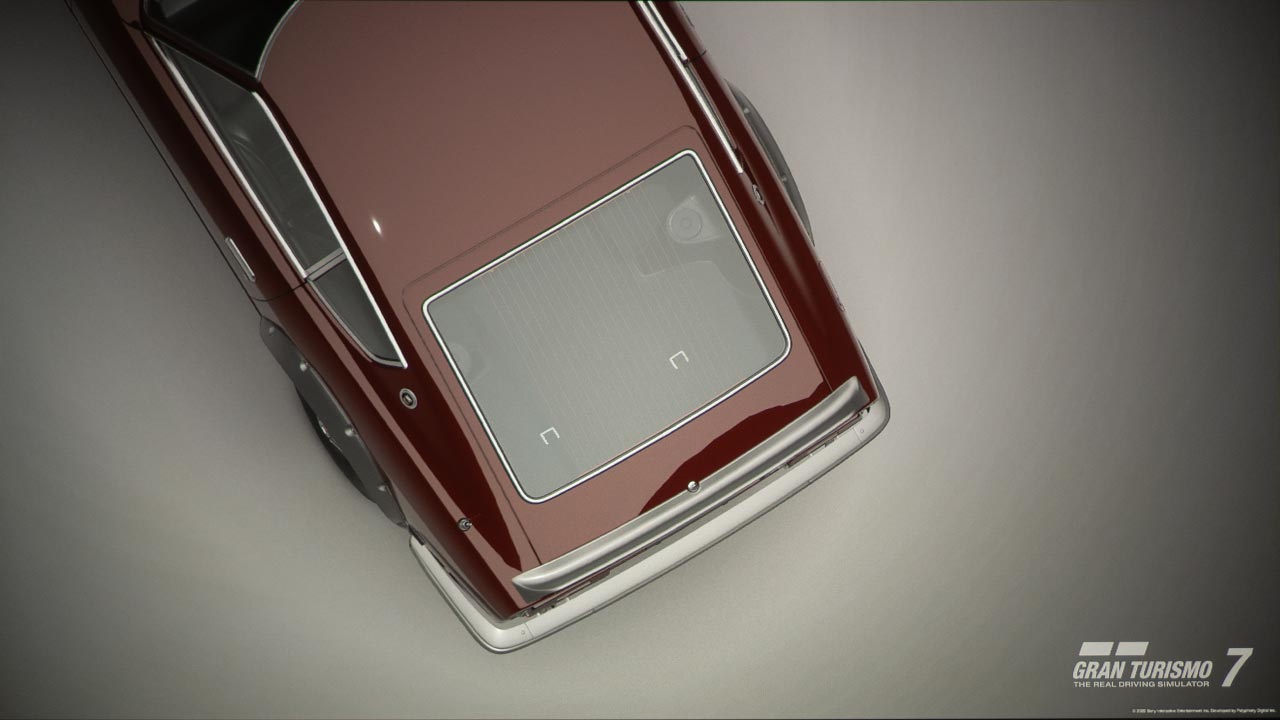
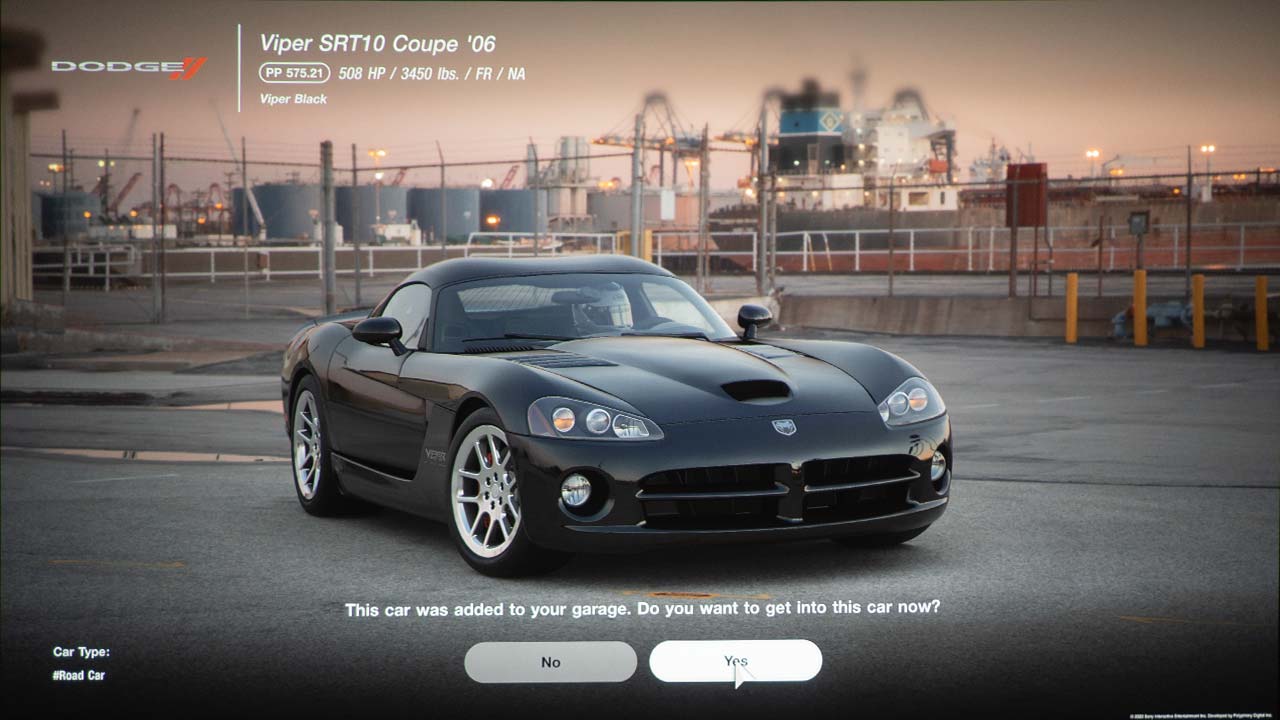
Cars are rendered in amazing detail and looked incredible on my 100" projection screen
Under Gran Turismo 7's settings menu, you can maximize frame rate or utilize ray tracing. I choose ray tracing to maximize picture quality. While ray tracing isn’t enabled in races, it can be utilized during non-gameplay (photo mode, replays, and the garage), and on the BenQ TK700, it looked amazing. It really looks like you are interacting with the real world. Since the TK700 can display a sharp 4K image, small details like loose gravel on the ground or a sign in the distance are easily visible.
The projector’s accurate out-of-the-box color reproduction ensured the Ferrari Red looked like Ferrari Red in real life. The BenQ TK700 HDR game mode delivered a vivid image while maintaining highlight details like clouds in the bright sky. With or without raytracing, GT7 delivered the most realistic-looking driving gaming experience from a gaming console I have ever seen.
The BenQ TK700 has a dedicated video and audio Game mode designed to enhance the gaming experince
The PS5 version of Gran Turismo also supports immersive 3D Audio. This technology does a great job accurately recreating directional sounds coming at you. While the projector’s 5-watt sound system is surprisingly good for its compact size, I wanted to utilize a bigger sound system. I connected my PlayStation 5 directly to the TK700 and fed the audio to my soundbar using the projector’s Enhanced Audio Return Channel (eARC) enabled HDMI connection. HDMI eARC can pass very high bandwidth and supports uncompressed audio surround formats such as Dolby TrueHD and DTS Master Audio. This ensures that the A/V receiver or soundbar receives the maximum quality audio signal that my PlayStation 5 could deliver.
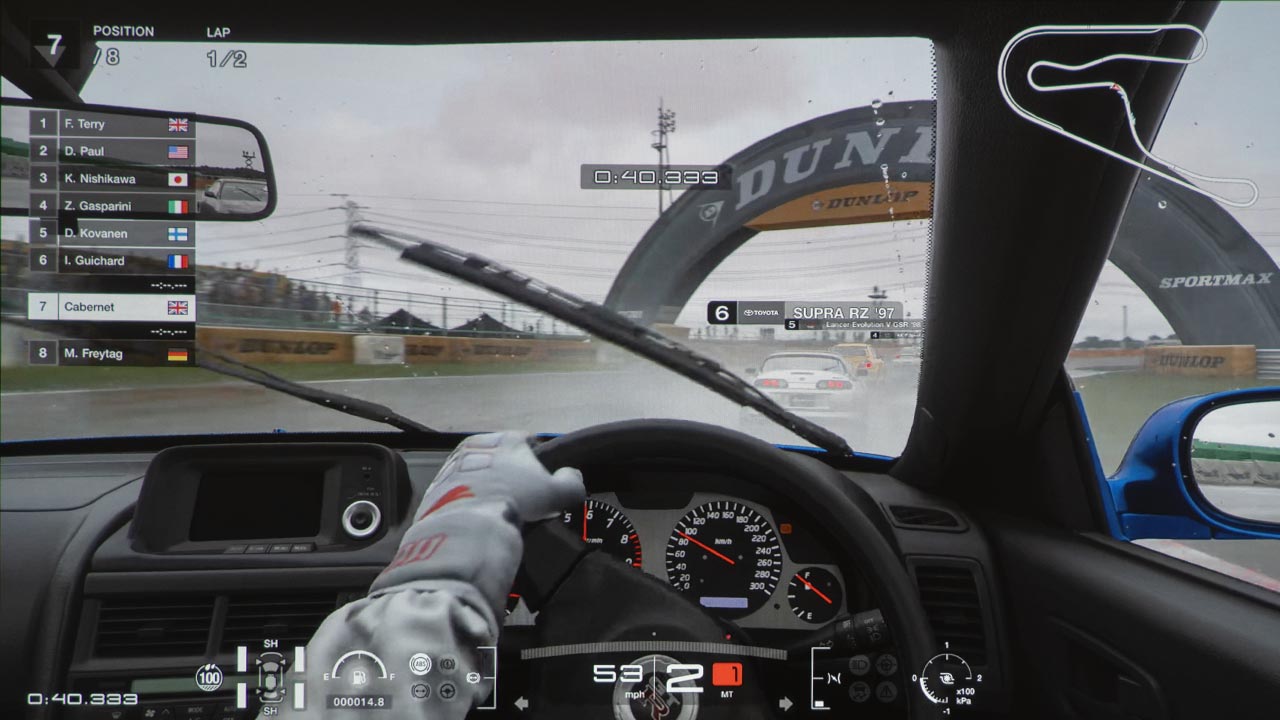
Gran Turismo 7 is described as a “real driving simulator,” and the game’s physics simulation model has been carefully refined over 25 years to deliver the most immersive and realistic driving experience possible. Factors like the time of day and weather conditions impact handling and even engine output. For example, when it rains, tire grip is reduced where there are puddles. Whether you’re driving a Porsche 911 or a modified Subaru WRX, every car looks and drives how you would expect them to in the real world.
The Beng TK700's Game Mode did an excellent job accurately reproducing raytraced HDR images
Gran Turismo 7 is designed to be challenging to the driving game fan but still enjoyable for the casual gamer. You could spend months exploring road courses around the world and collecting and customizing vehicles. The game is centered around a car-themed resort full of different pavilions.
If you are playing solo, you will spend most of your time in the World Circuit Pavilion, where you’ll find tracks and events on three continents - Europe, America, and Asia-Oceania.
Race against the computer or against others at road courses around the world
To learn the driving fundamentals like braking and cornering, there is a License Center Pavilion where you are awarded trophies and credit by completing time trails as quickly as possible.
When you complete challenges or win races, you are rewarded with vehicles to add to your collection and credits. For example, you collect a themed trio of vehicles like European compact and classic cars by achieving goals listed in the menu books available at the GT Café Pavilion. You will gradually unlock the rest of the pavilions and additional challenges along the way.
While the game costs about $70, I spent $20 on 2,000,000 credits to buy and modify the additional cars for my collection. While I could have earned the vehicles and credits by winning races, I was too slow and impatient, so I took the easy route. There is a Used Car Pavilion where you can spend credits buying additional cars to add to your collection.
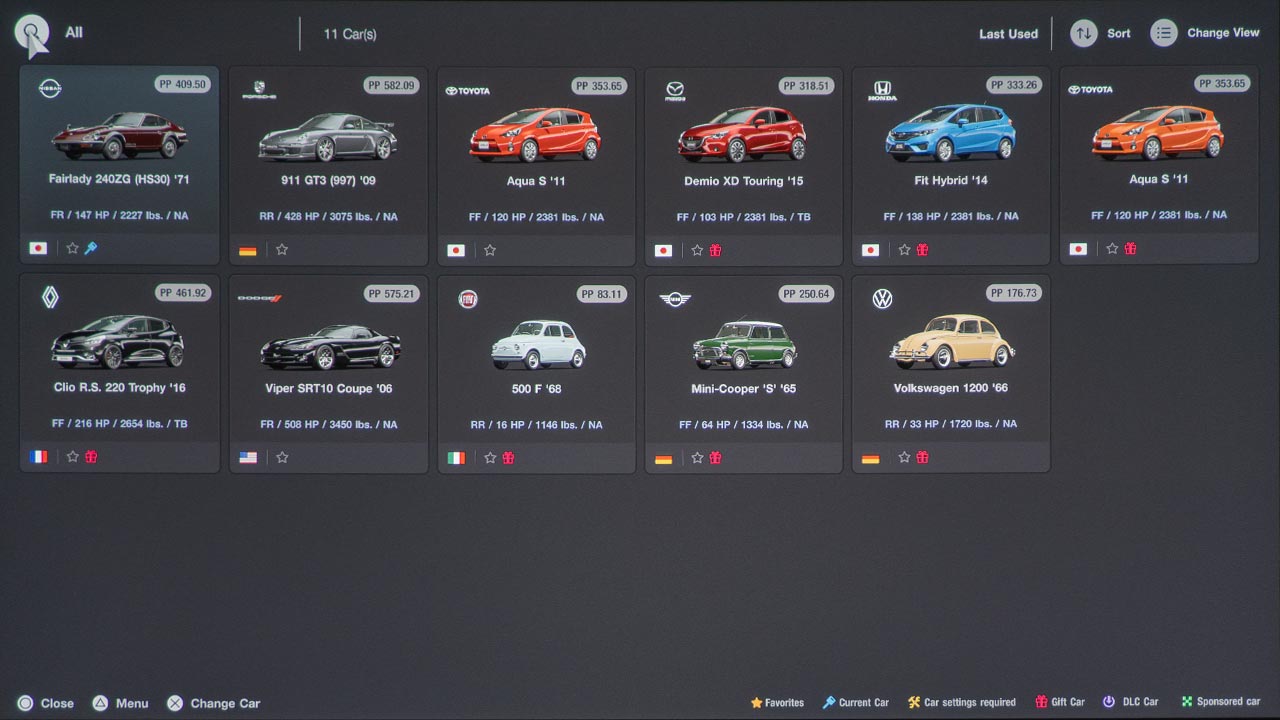
Win or buy additional cars for your garage that you can race or just admire in a variety of "Scapes"
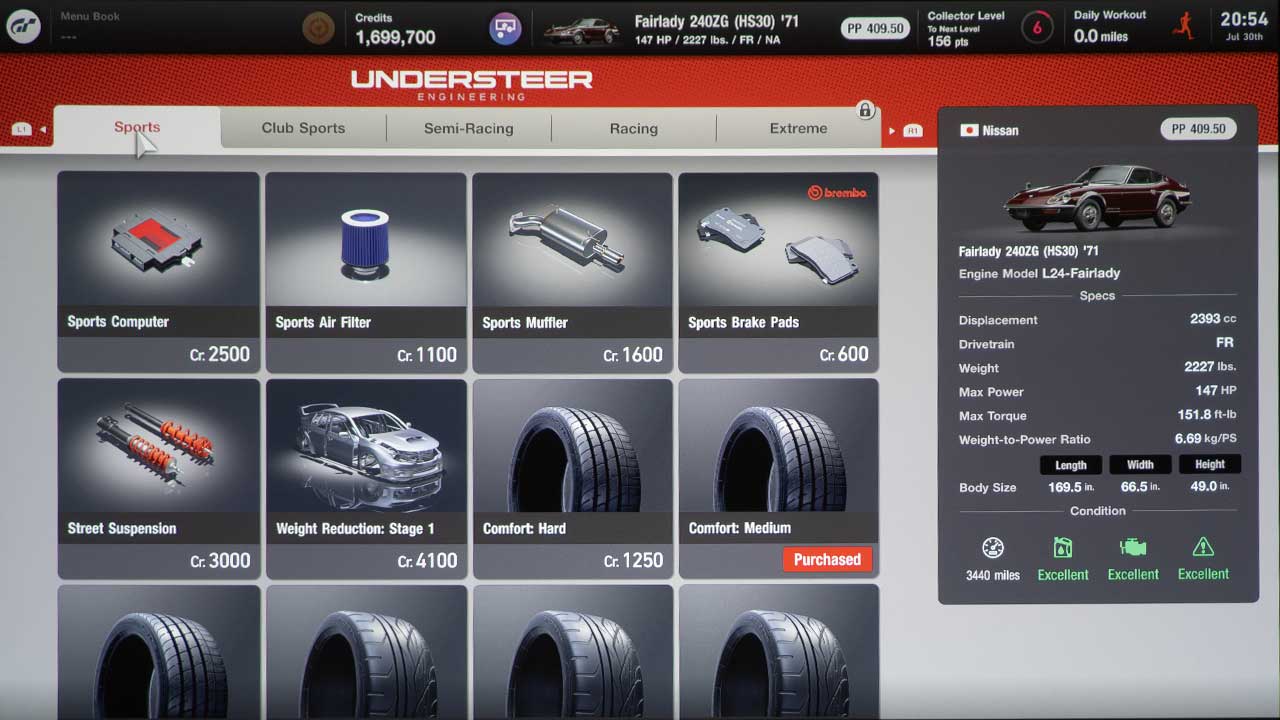
There are over 400 cars to choose from and nearly 100 different track layouts. Not only is there a huge variety of vehicles, but users can also enhance their rides' performance. In fact, more than 60 tuning parts are available for each car in the game.
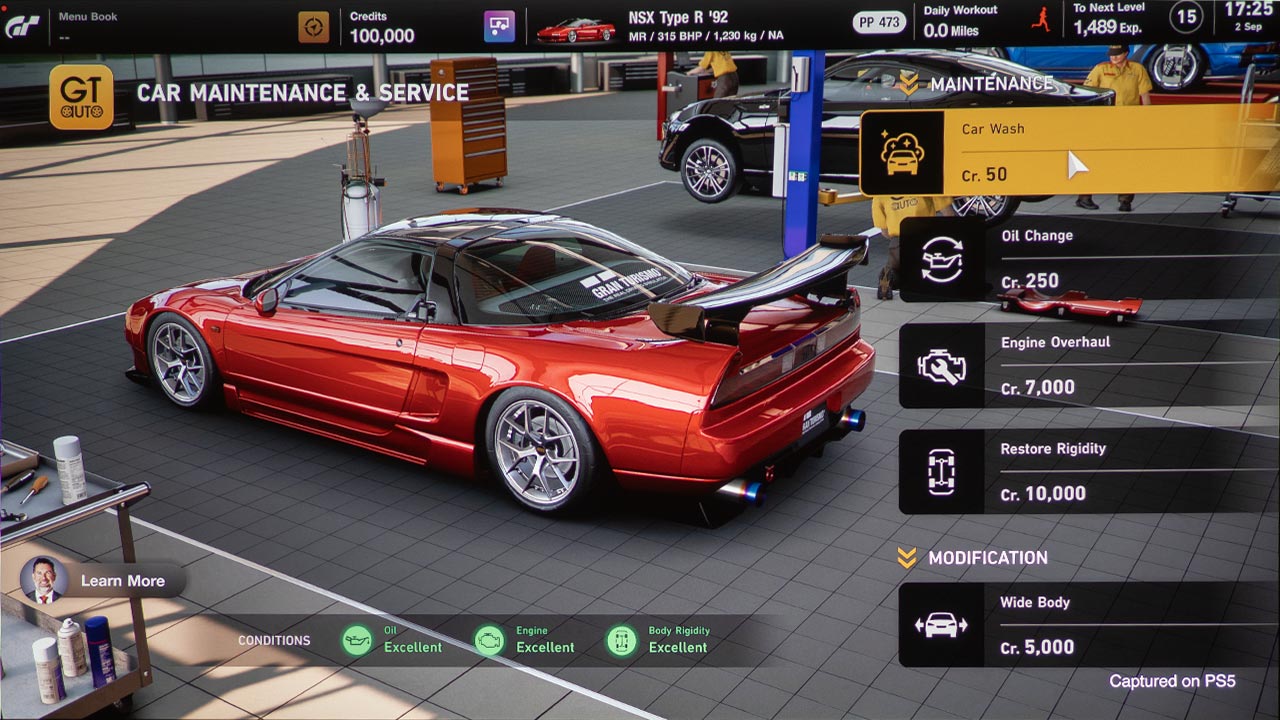
If you want to customize the look of your cars, more than 650 aero parts and 130-plus wheels are available. You could spend days in the Tuning Shop and GT Auto Pavilions just modifying your race car before you even hit the track. Livery Editor lets players edit the exterior appearance of their car, like changing the paint color and adding stickers/decals. There are over 1200 available paint colors.
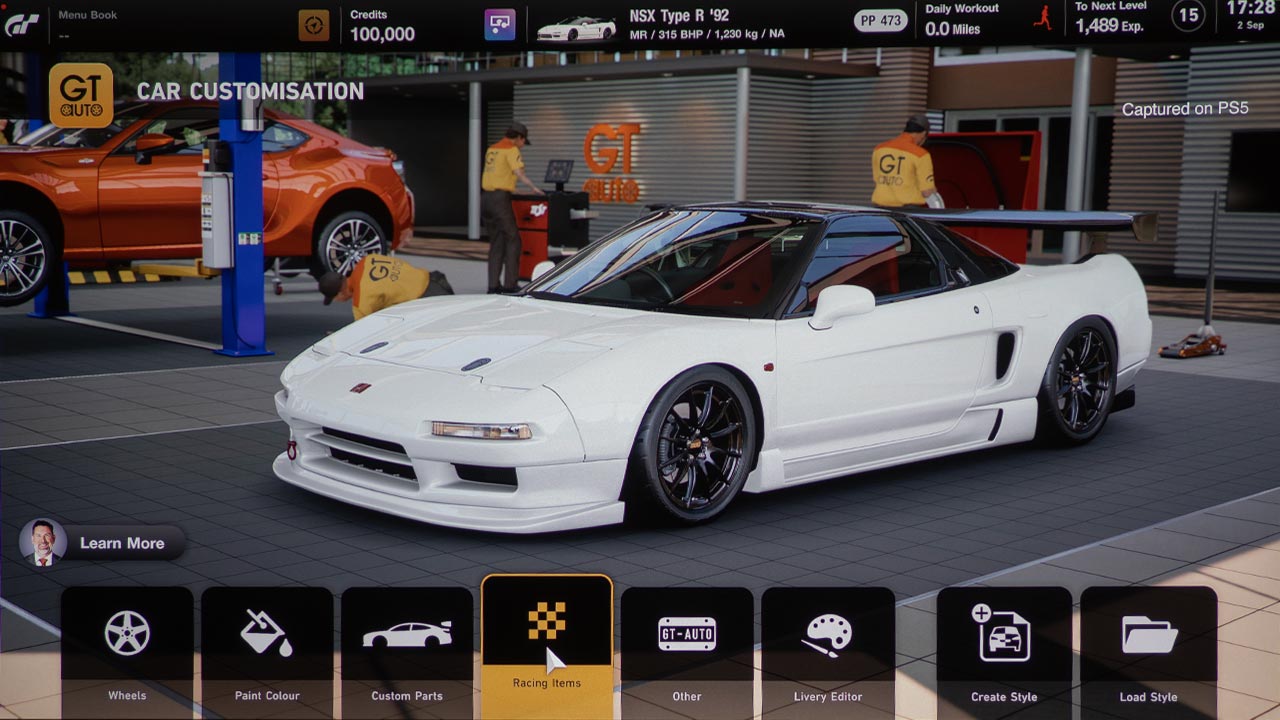
You can modify the performance and appearance of your cars and share your creations with other enthusiasts
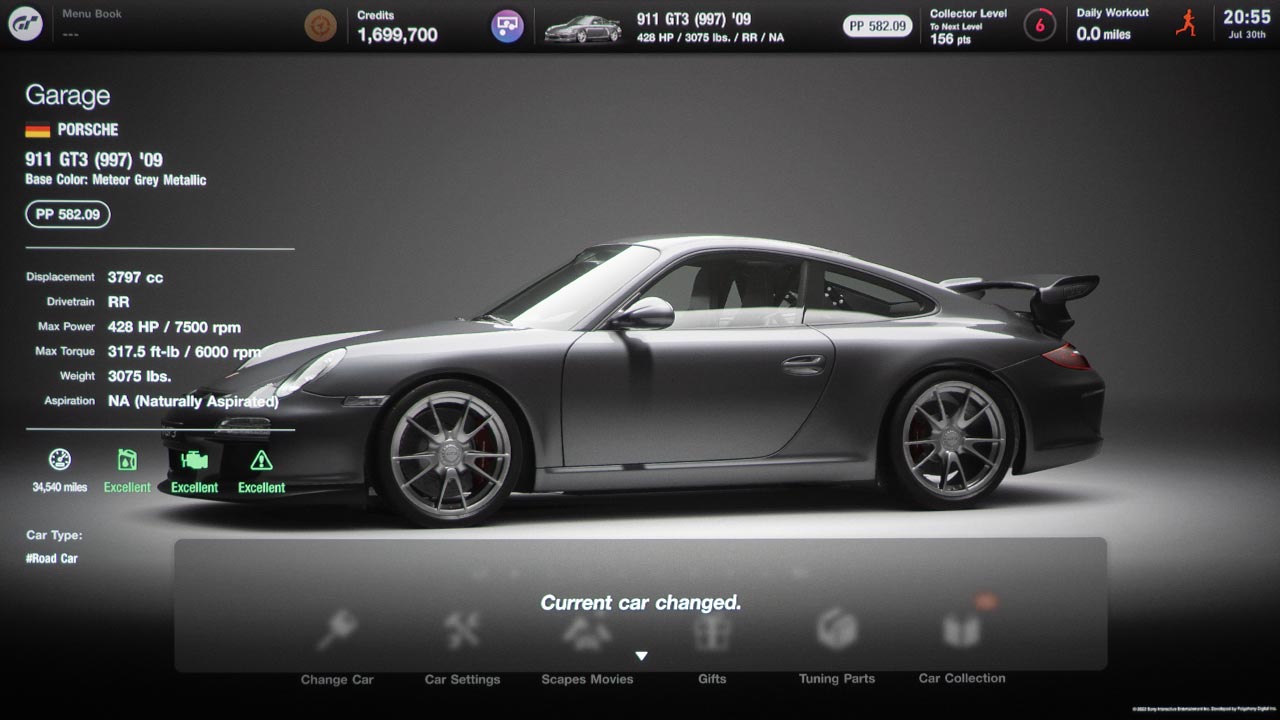
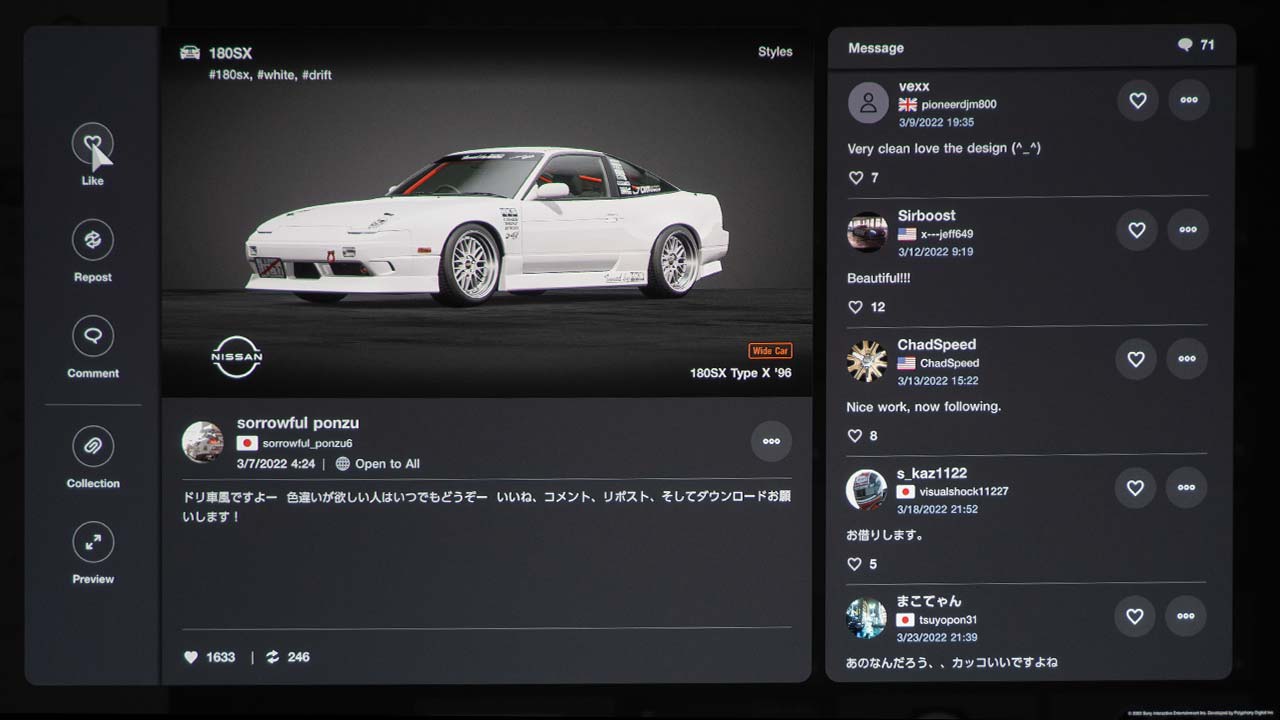
Your vehicles are stored in the Garage Pavilion for you to admire. Use the Scapes mode to take photographs of your favorite cars in more than 2500 locales. Each "Spot" was captured with HDR technology and projected in amazing detail by the BenQ TK700 on my 100” screen. Lastly, you can share your photos, designs, and replay with other enthusiasts around the world in the Showcase area
If you really want to maximize your GT7 gaming, you should seriously consider purchasing a steering wheel and peddle set. There are several great options available from companies like Thrustmaster and Logitech. As we mention, the TK700’s input lag is just 16ms when gaming 4K@60P, so when you turn the steering wheel, the one shown on screen responds nearly instantly.
Even if you just use the DualSense controller included with the PlayStation®5, GT7 makes full use of the Haptic Feedback and Adaptive Triggers so the controller’s vibration closely matches what is happening on screen.
When playing in cockpit view on my 100" screen, it felt like I was driving a full size vehicle on a track
Up to 24 people can compete online, but the game includes a two-player split-screen option so you and your buddy can sit on the couch and race other. This is another situation where gaming on a massive projection screen is much better than utilizing a tiny 55” or 65” TV.
I do not consider myself a hardcore gamer and have the reflex of a three-toed sloth, but because I am such a big car enthusiast and there was much to explore, I enjoyed playing Gran Turismo 7. In the past, I have used projectors to play older versions of Gran Turismo, but the immersive bright HDR image delivered by the BenQ TK700 enhanced the game experience.
Next month, Kam will be reviewing Dying Light 2: Stay Human with the BenQ TK700 Gaming Projector. So, if you are into post-apocalyptic open-world survival games be sure to keep checking back at Projector Reviews; you do not want to miss any of our projector gaming reviews.
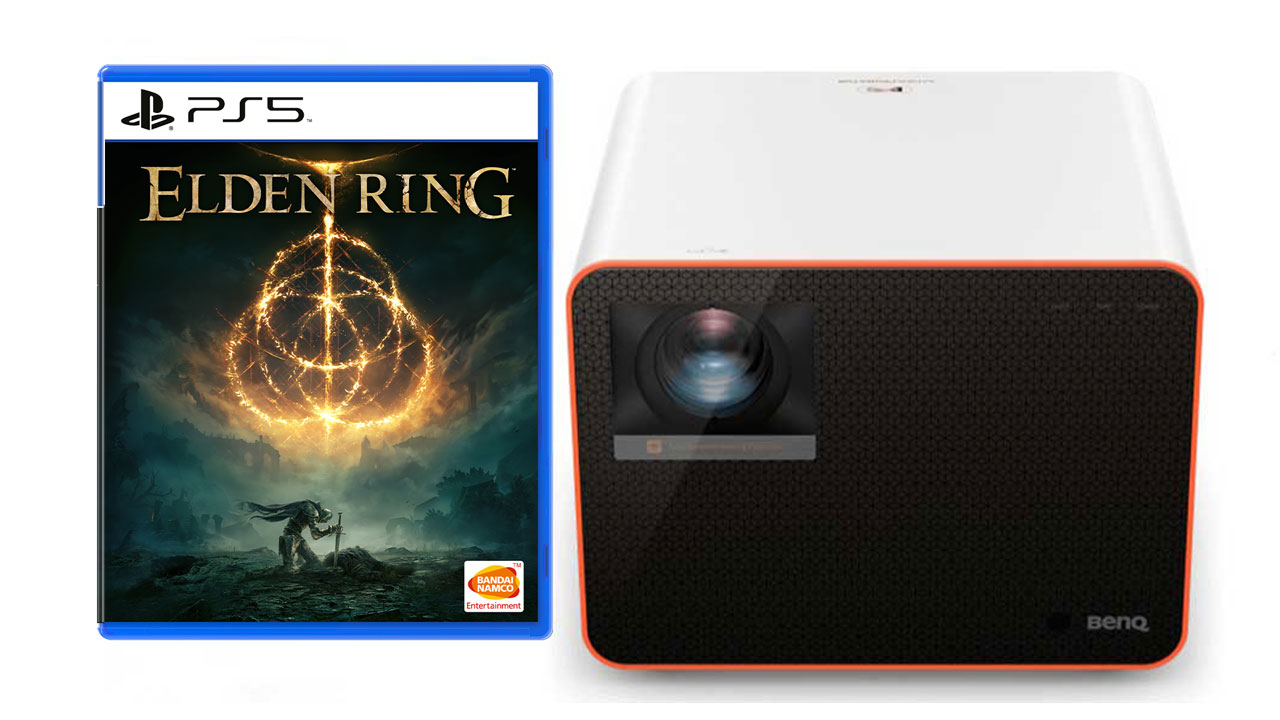
Elden Ring is a fantasy action Role-Playing Game (RPG) that can be played single-player or online with other players. The game was developed by FromSoftware, Inc and published by Bandai Namco Entertainment. Elden Ring was released on February 25, 2022. Elden Ring is available on PlayStation 5, PlayStation 4, Xbox Series X/S, Xbox One, and PC. For PS5, Elden Ring: Standard Edition can be had for only $59.99, and Elden Ring: Deluxe Edition, which comes with a digital artbook and OST, will set you back $79.99.
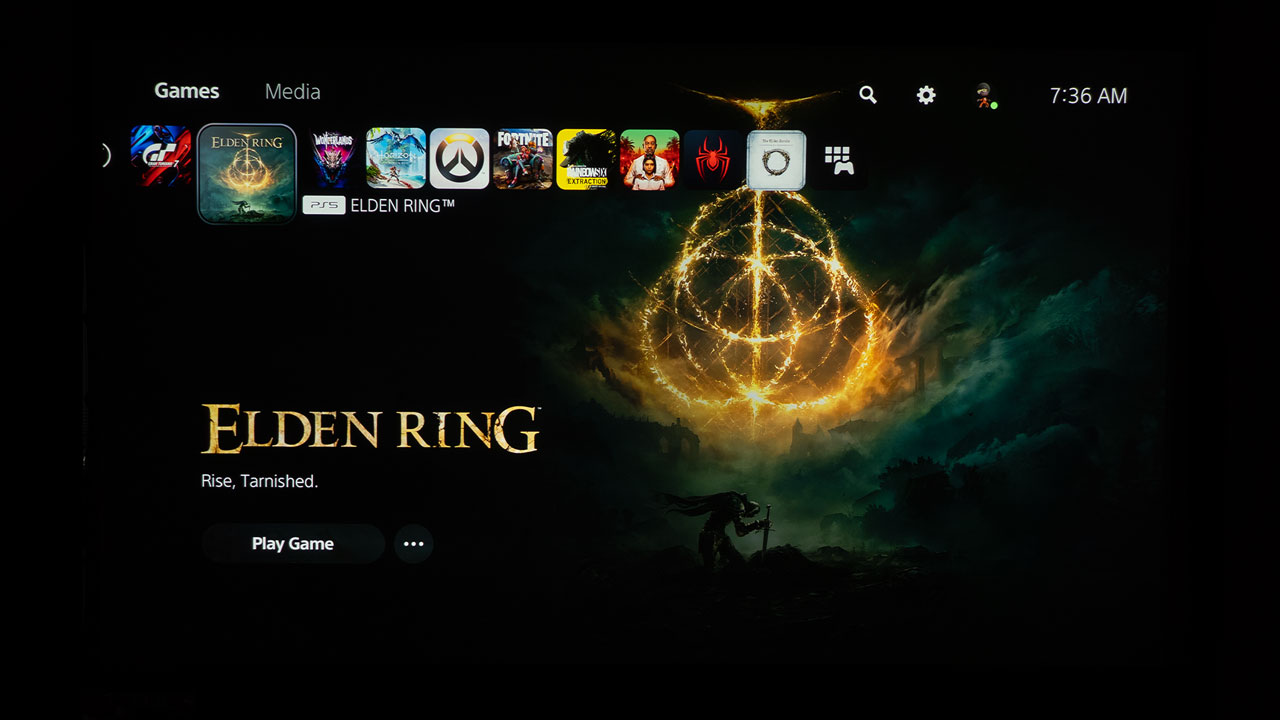
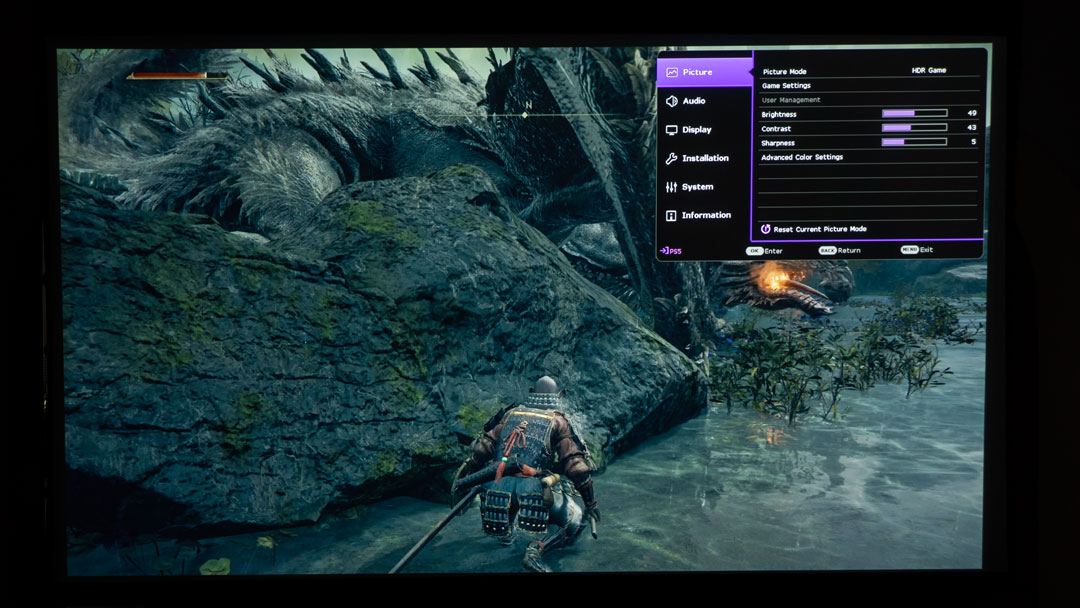
Elden Ring paired amazingly well with the BenQ X3000i gaming projector I used for this article.
I paired Elden Ring with the BenQ X3000i 4K HDR 4LED Gaming Projector for this gaming on a projector article. The X3000i is on loan to Projector Reviews to assist in writing this gaming on a projector article. I projected onto a 110-inch Screen Innovations (SI) Solo Pro 2 Unity AT Pure White 1.3 gain screen for this article.
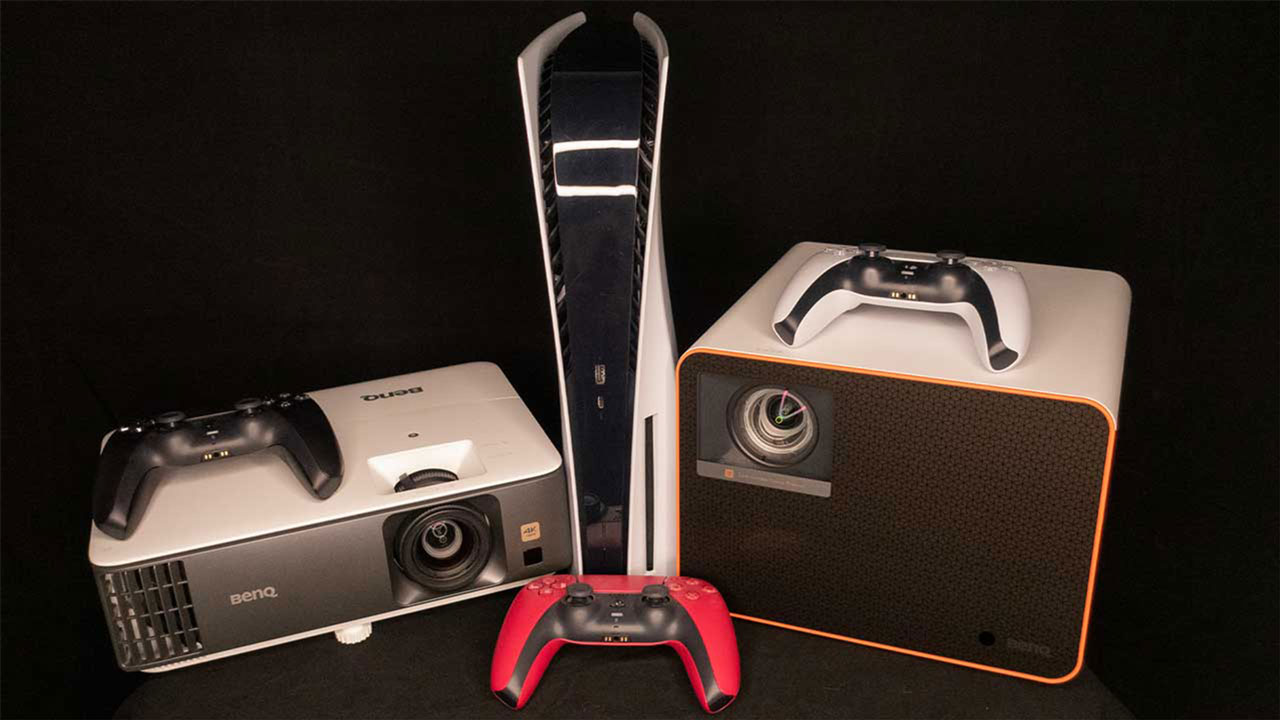
The BenQ X3000i and BenQ TK700 both pair great with gaming consoles like the PS5.
BenQ states the X3000i was designed for use with PS5, PS4, Xbox Series X, Xbox Series S, and Nintendo Switch. BenQ also says the X3000i 4K 4LED gaming projector is designed for cinematic immersion in gameplay with 4LED HDR-PRO™, for grand scenery in authentic colors with dynamic virtual 3D sound from various directions. In addition, the X3000i has BenQ’s CinematicColor Ultra-Reality with 100% DCI-P3 color gamut coverage. The wider the color gamut, the more colors you can see in your gaming world and movies. The X3000i’s 4LED light source brightness is rated at 3000 ANSI lumens.
Switching a gaming projector to a preset game mode typically gets you the projector's lowest input lag times.
The X3000i has dedicated game modes for FPS, RPG, and SPG modes with audio, visual, and optimized latency settings for action-packed games like Elden Ring. BenQ states the X3000i has UHD graphics with a speedy 16.67ms input lag at 60Hz and 4.16ms input lag at 240Hz when set to display 1080p. The BenQ X3000i projects a 100-inch image at 8.2 feet and a 150-inch image at 12.5 feet from the projection surface. The X3000i has all the specifications to make it a good choice for a fantasy-action RPG like Elden Ring.
This article will provide my initial impressions of playing Elden Ring with a gaming projector. Although some gamers are fully exploring and beating Elden Ring in 80+ hours, many more will find that Elden Ring is one of those RPGs that can be played for over 100 hours. The more you play, the more is learned about the game’s mechanics, character builds, and world interactions. If you are familiar with FromSoftware Inc, titles like Bloodborne, Dark Souls 2, Sekiro, and Demon Souls, your learning curve will not be as bad as mine.
I put in over 38 hours into this game just to start understanding its mechanics and how it plays on a gaming projector. I even hooked my PS5 up to my TV for over five hours and played the game for comparison against the projector. I will definitely tell you that gaming on the gaming projector was a much more immersive and, at times, frightening experience.
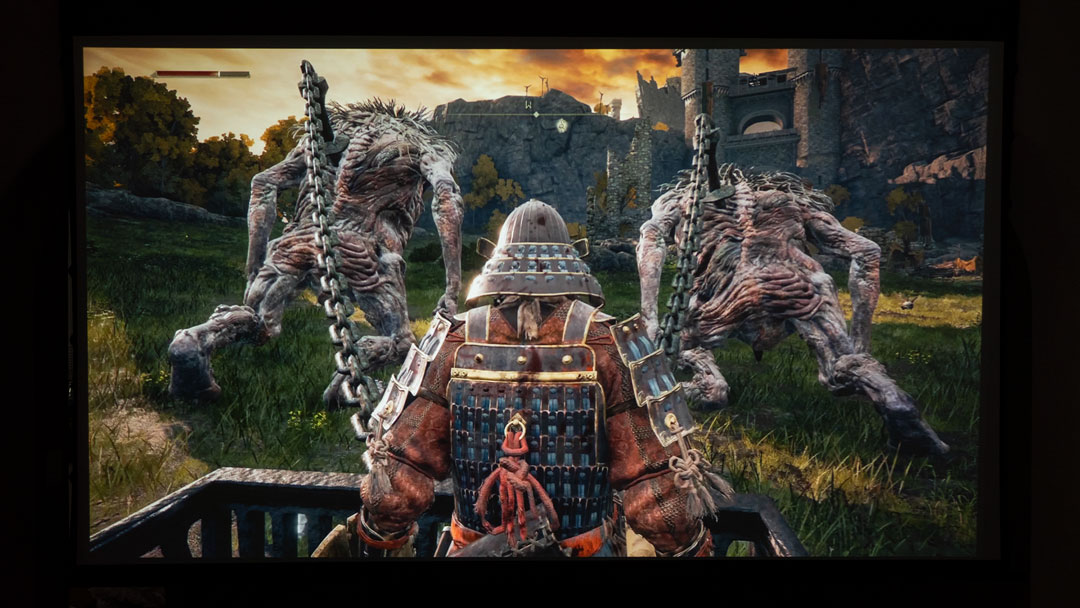
Some of these creatures are downright terrifying. I was more engaged, jumping in my seat, and had my kids watching as if we were playing an interactive big screen movie. But I digress; this short article would quickly turn into a long book if I tried to include all the details of the game. So instead, I will keep this article brief and hopefully provide enough information to decide if gaming on a projector with Elden Ring may be for you.
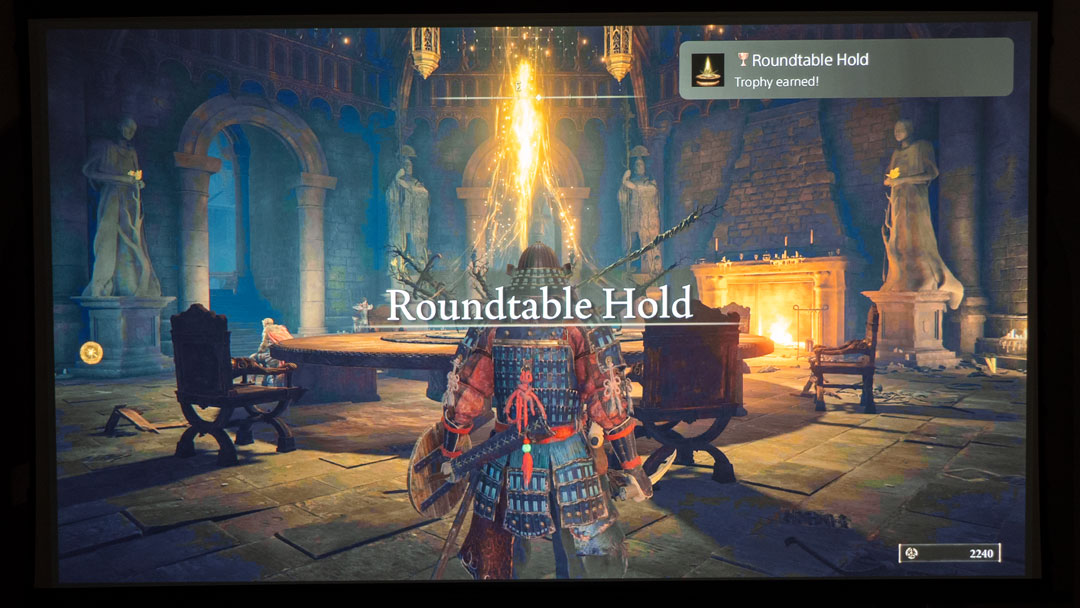
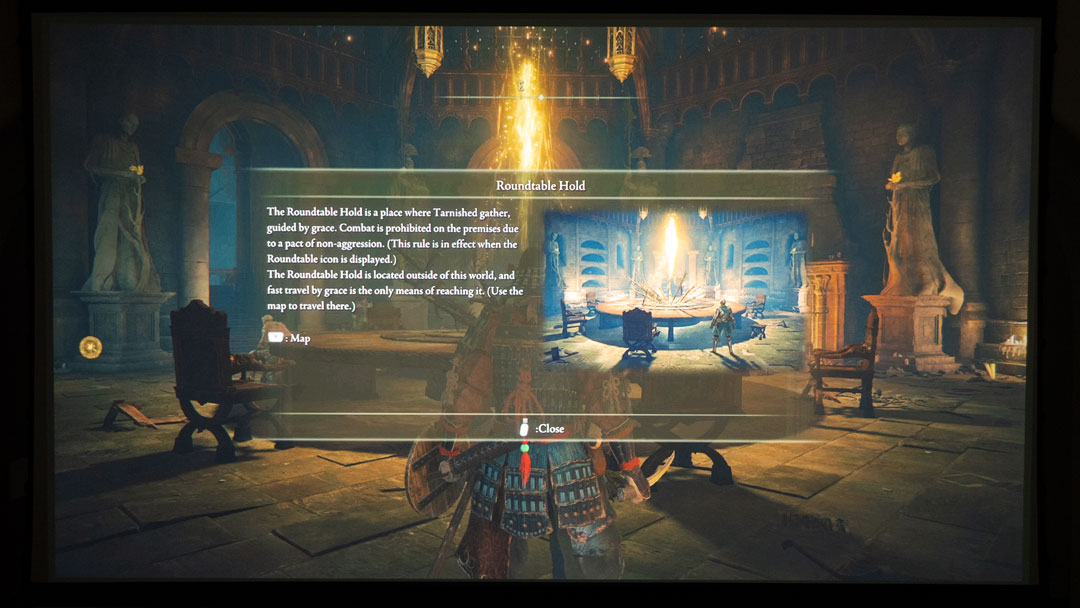
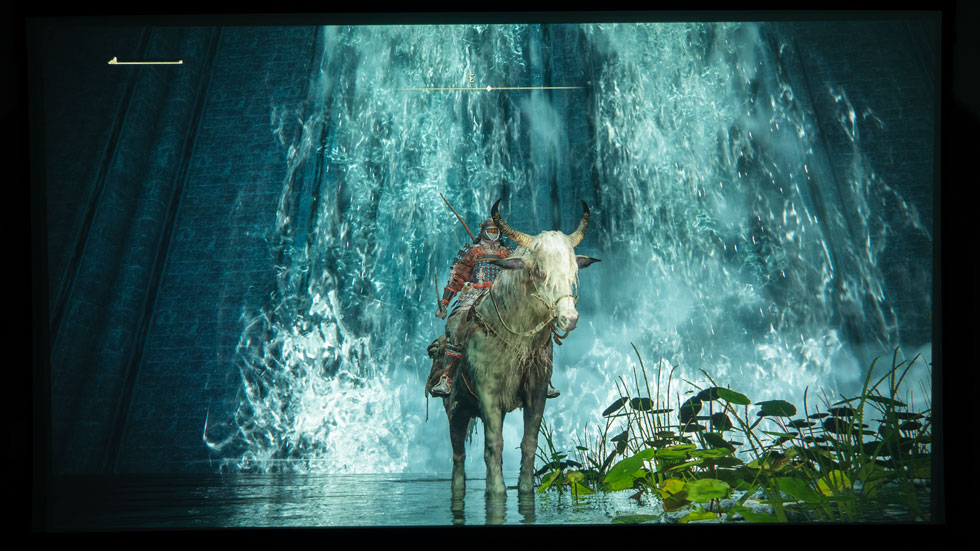
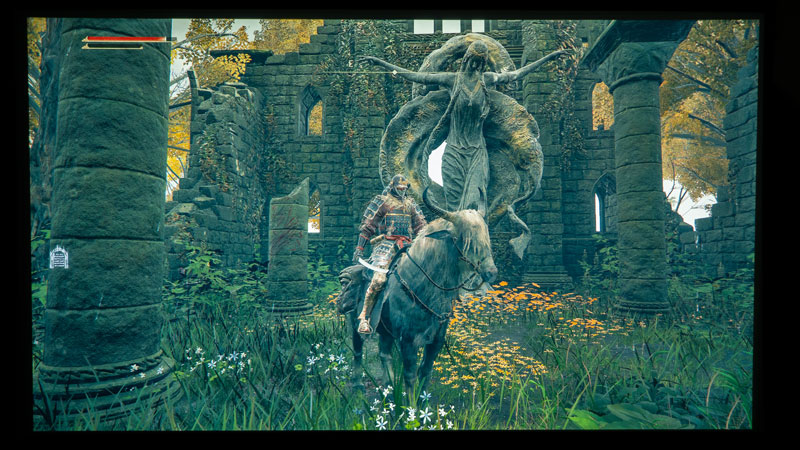
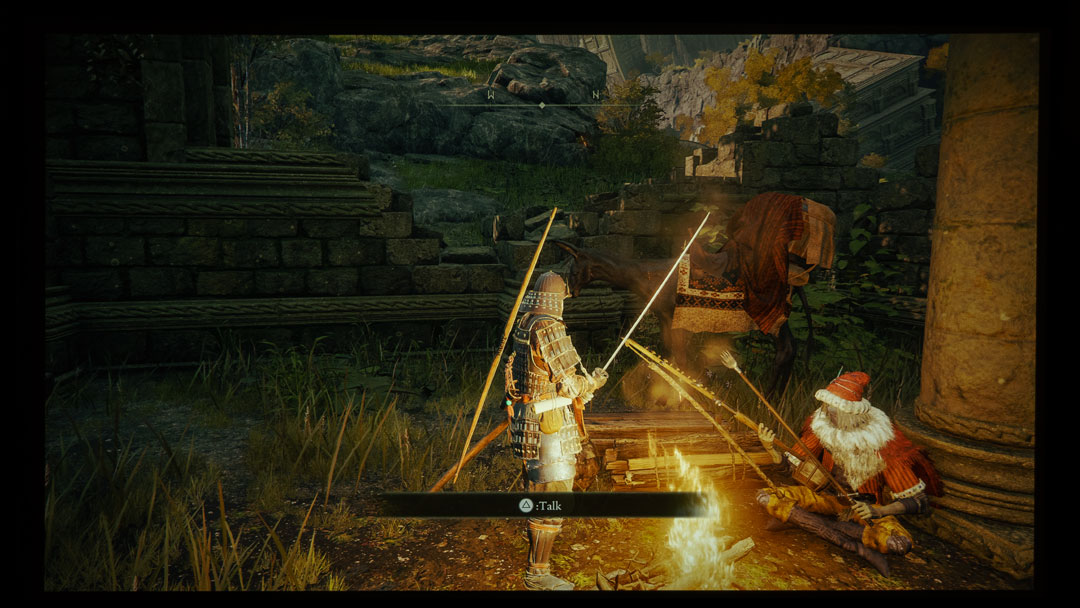
Elden Ring is an action RPG with vast, awe-inspiring landscapes and shadowy, complex dungeons that are seamlessly connected. The character you create is “Tarnished” of no renown, guided by grace to brandish the power of the Elden Ring and become an Elden Lord in the Lands Between. You can jump on your trusty two-horned spectral steed named Torrent and explore the far reaches of the Lands Between, where you can discover new items and equipment to make your character more formidable. A wide variety of weapons, magical abilities, and skills can be found throughout the stunning open world. Best of all, you can level up your character’s attributes to improve melee, ranged, or magical combat.
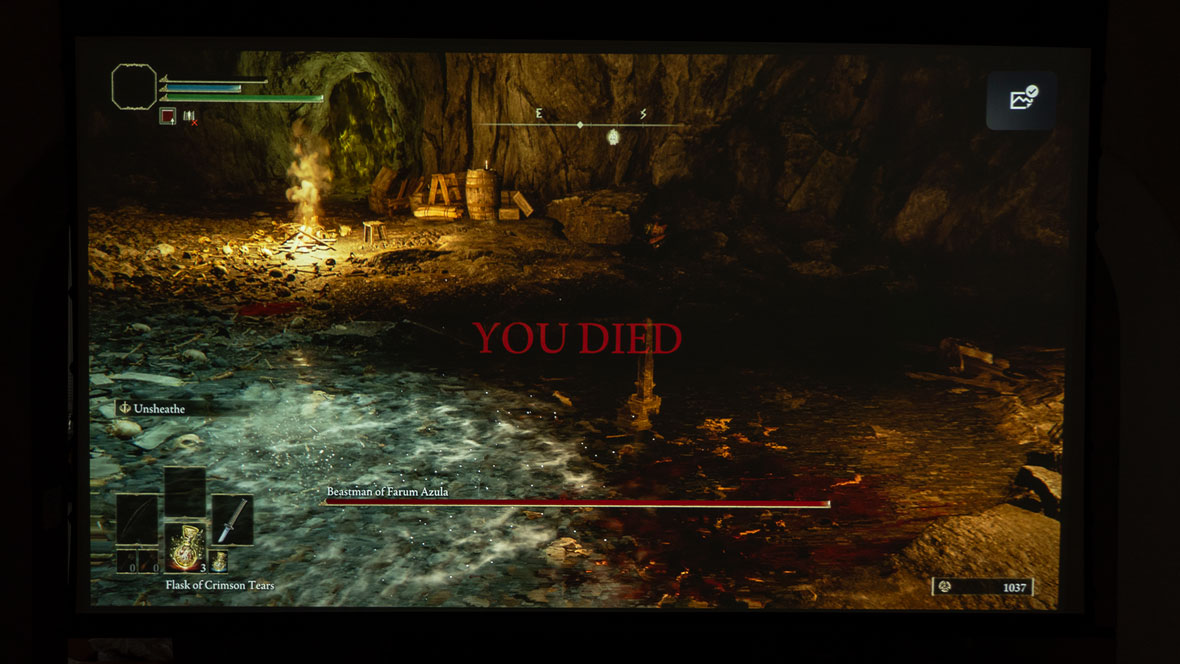
Your character will suffer many deaths until you get a hang of this challenging game.
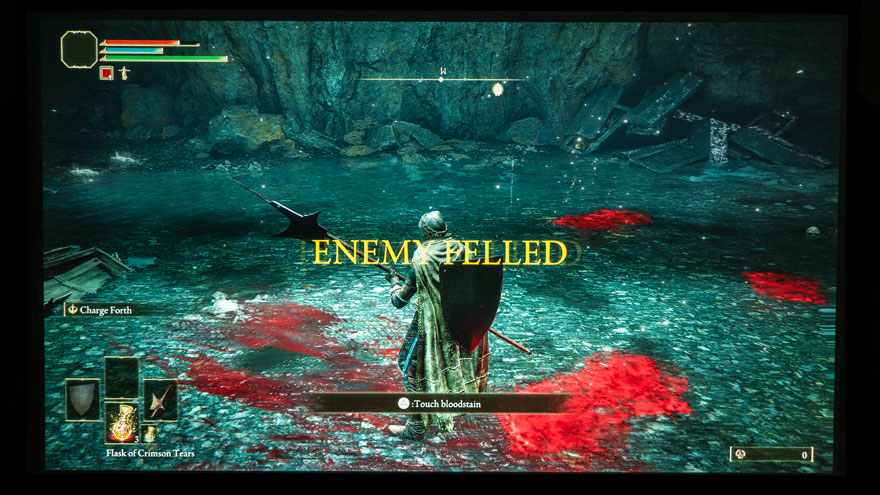
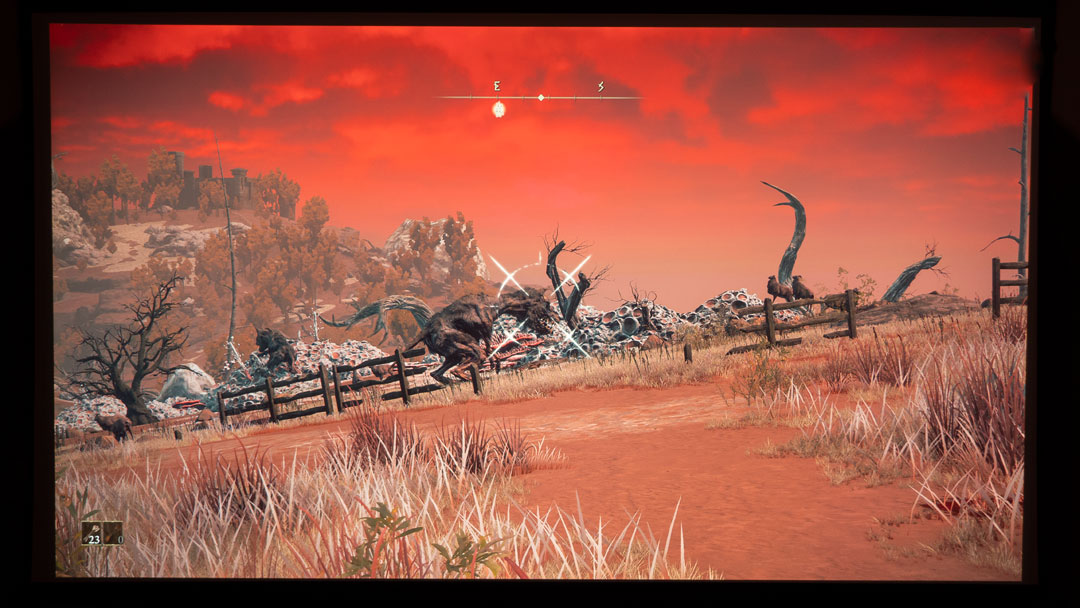
Be forewarned, Elden Ring is a challenging game to play and master. Most standard enemies need only a handful of hits to kill you. Main bosses are even worse; some only need one to three hits to kill your character. Speaking of character death, your character drops all of their Runes (Elden Ring upgrading currency) upon their death. You get only one chance to return to the scene of your death to recover your lost Runes. If your character fails and dies again, those Runes are lost forever. It is quite a frustrating experience, but it does force you to alter your playing style to be more thought out and conservative. Game progression is a slow, torturous grind that will reward perseverance.
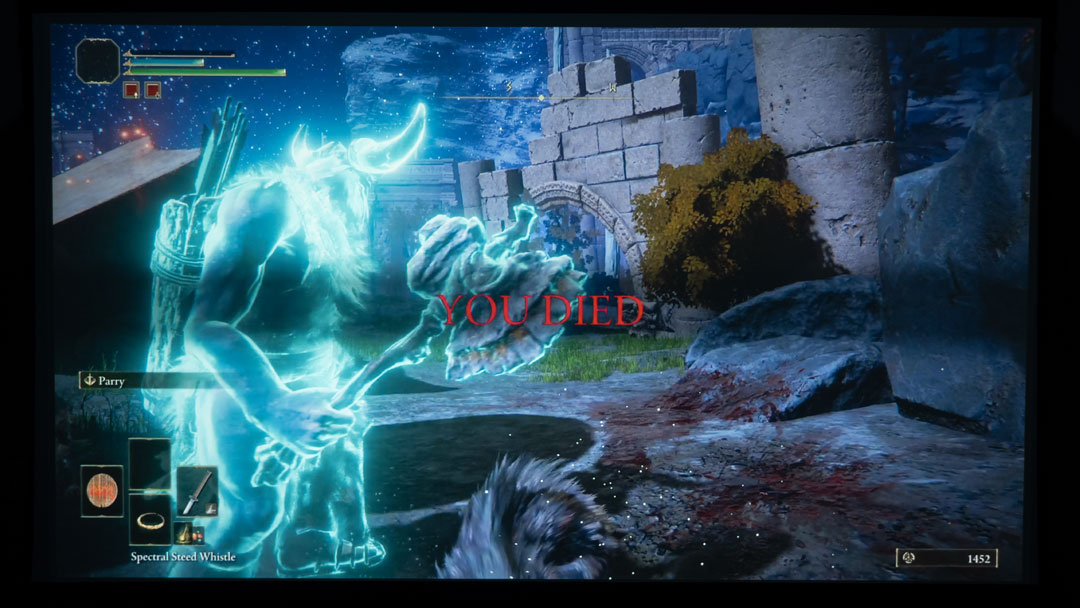
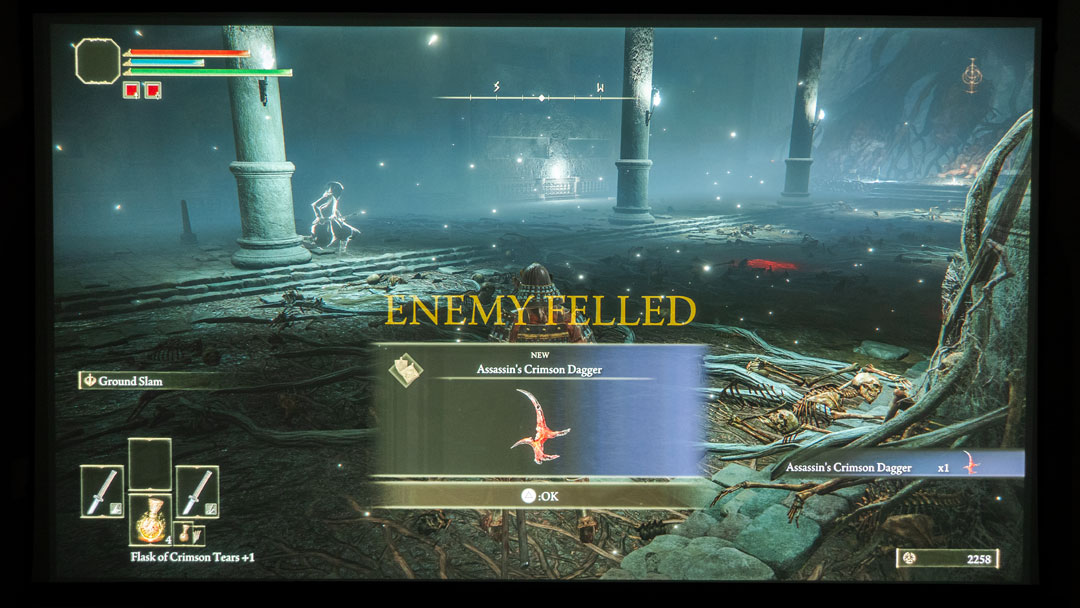
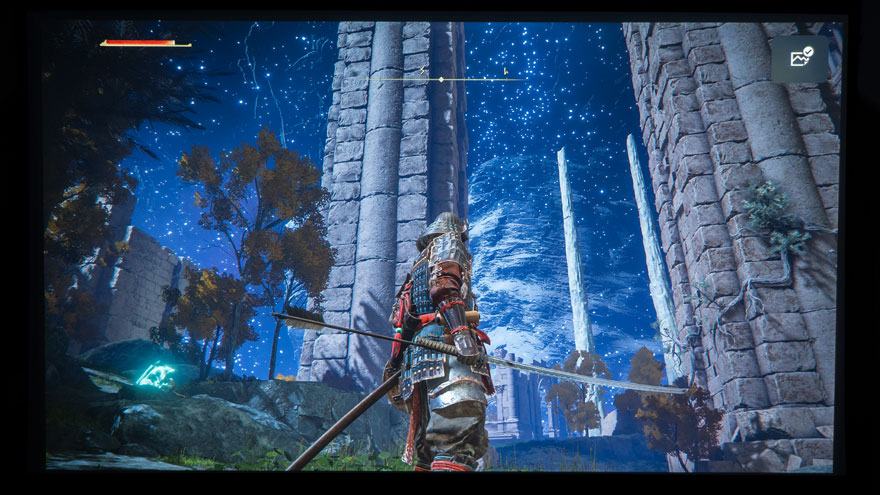
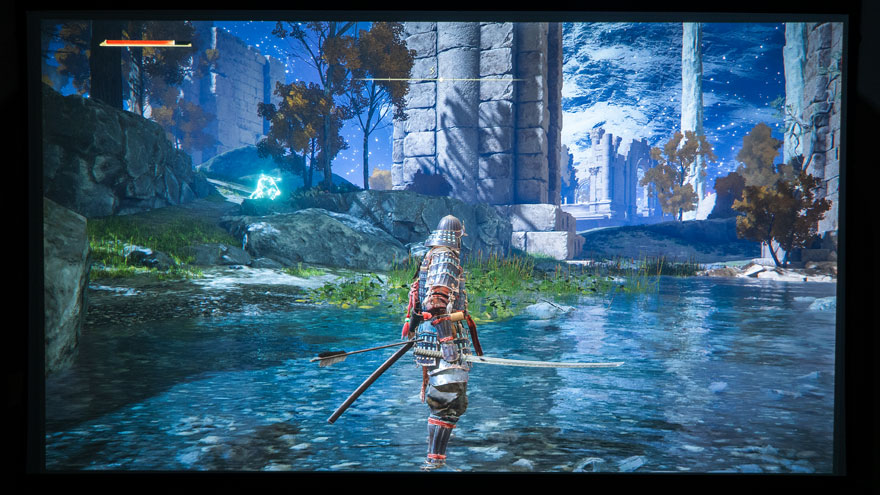
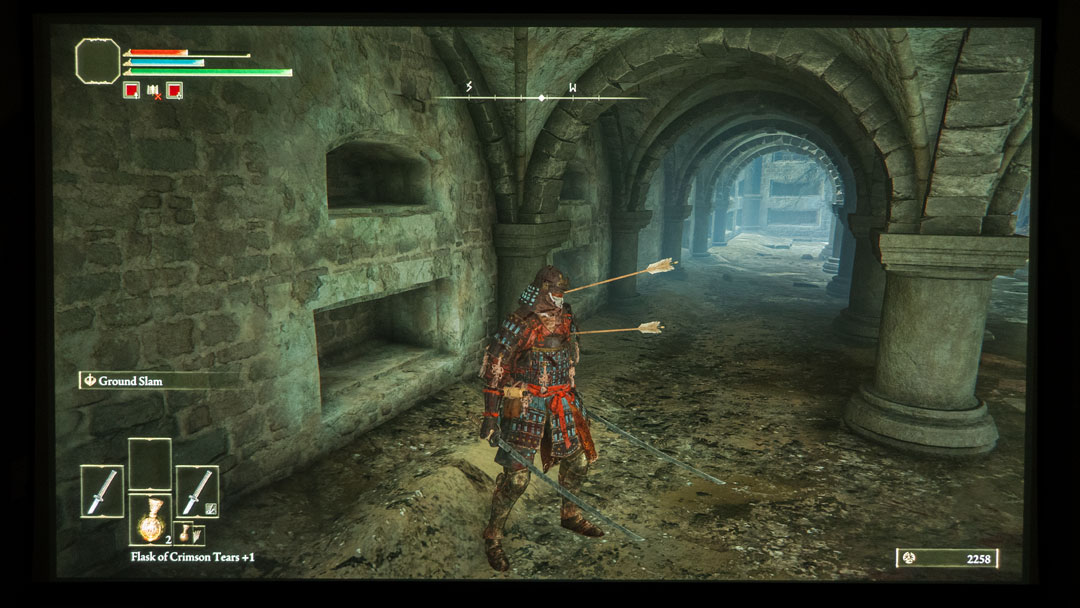
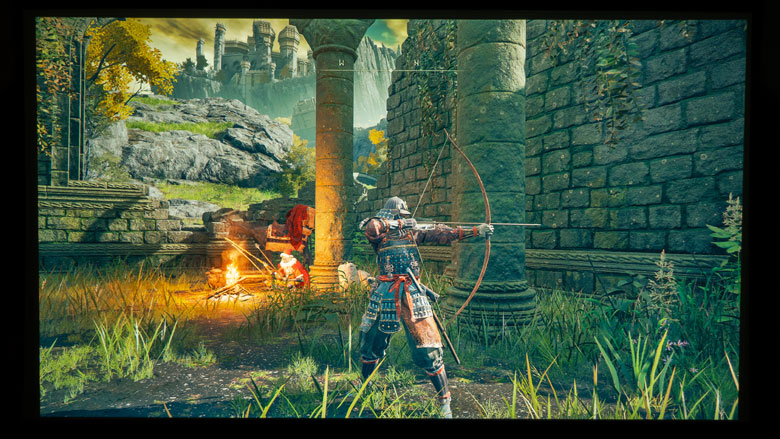
Elden Ring is fantastic on a gaming projector when not getting shot by arrows in the butt, forehead, and chest. Take a look at these photos above; I kept getting hit by arrows in the worst places; this game is ruthless. Elden Ring is hands down one of the most satisfying action RPGs I have played in a long time. Due to Elden Ring’s difficulty level, it is incredibly gratifying when you start mastering your combat style, boost your stats, and hone your skills.
A key feature of Elden Ring is the ability to choose and build your character as you see fit.
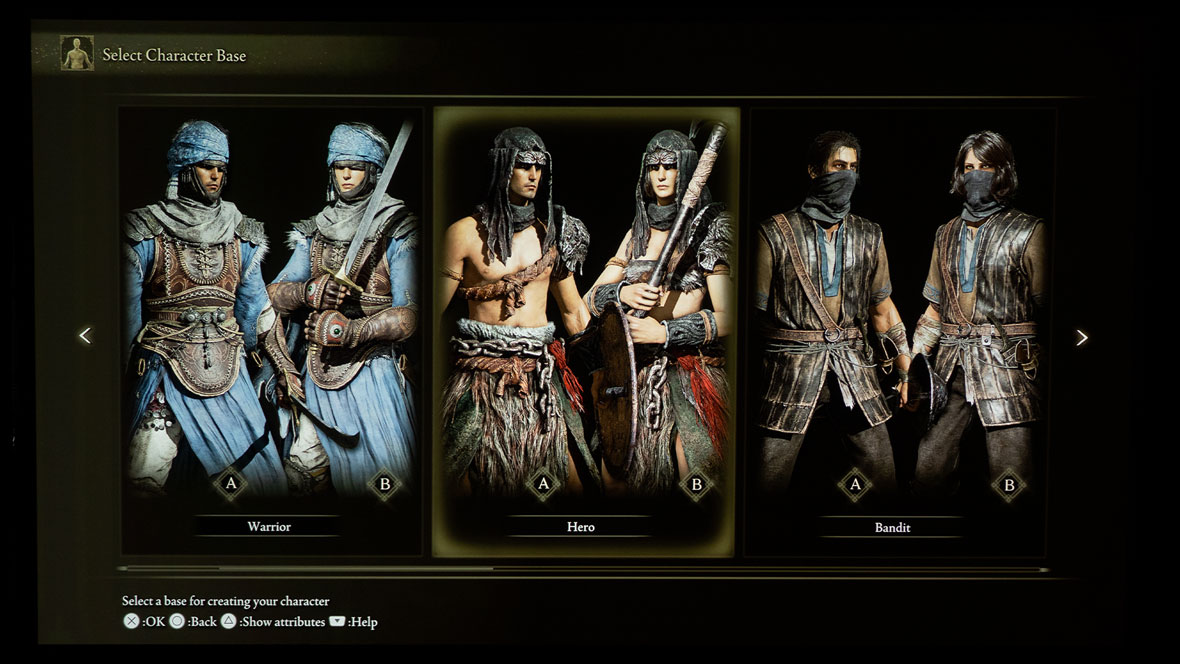
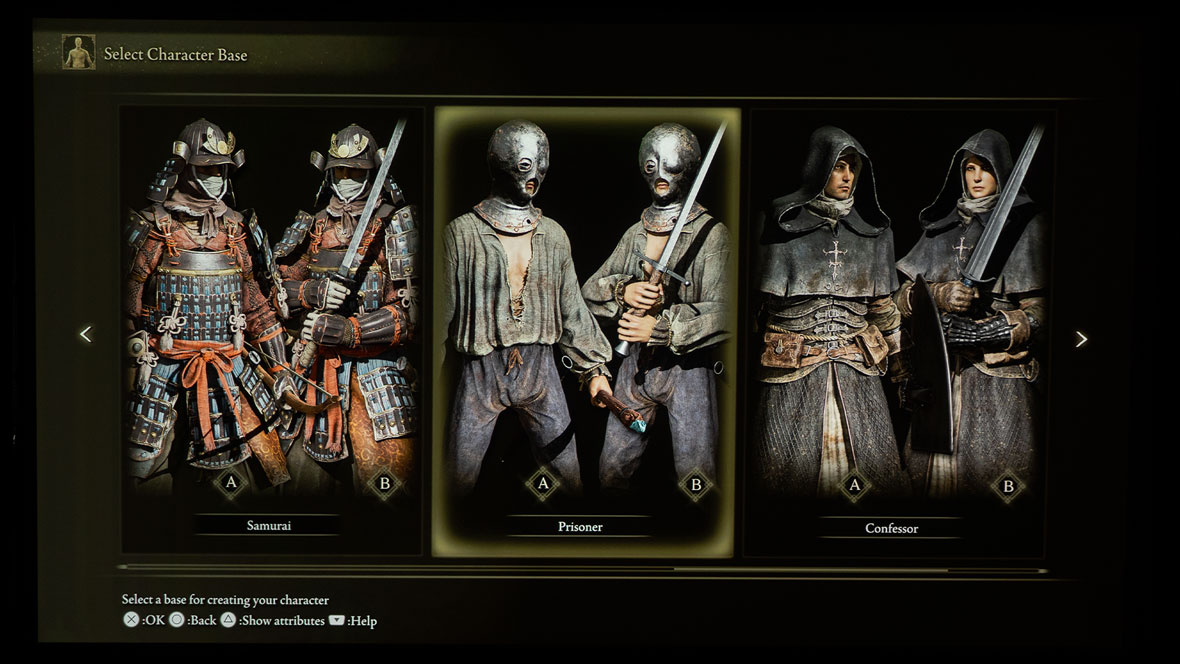
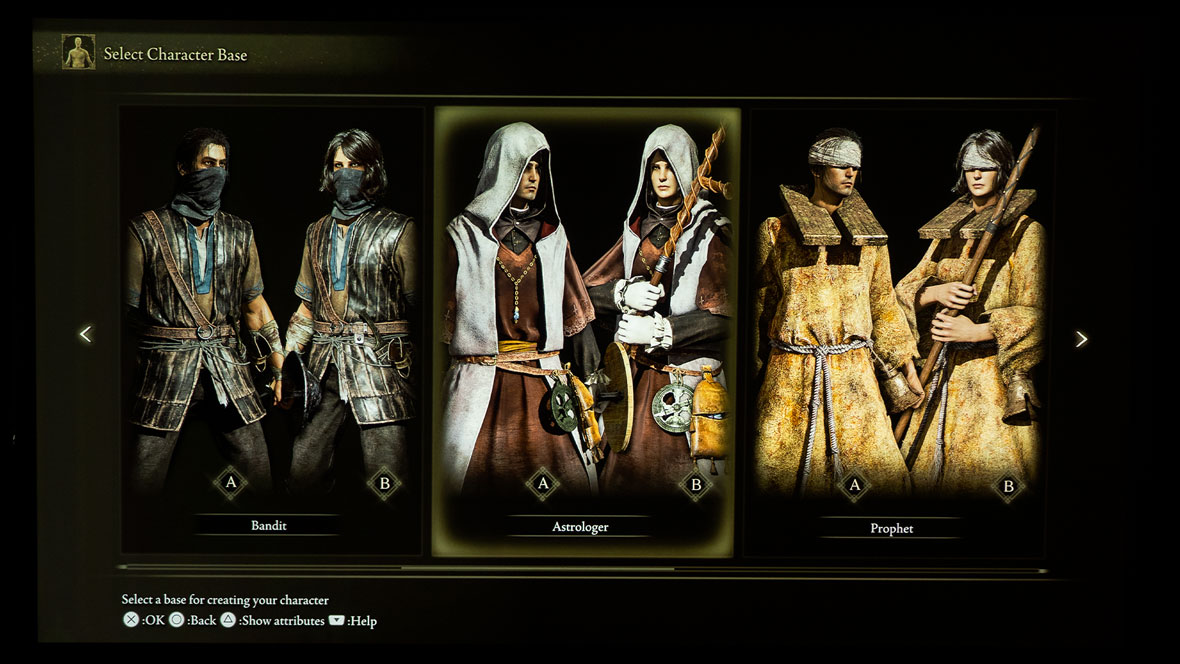
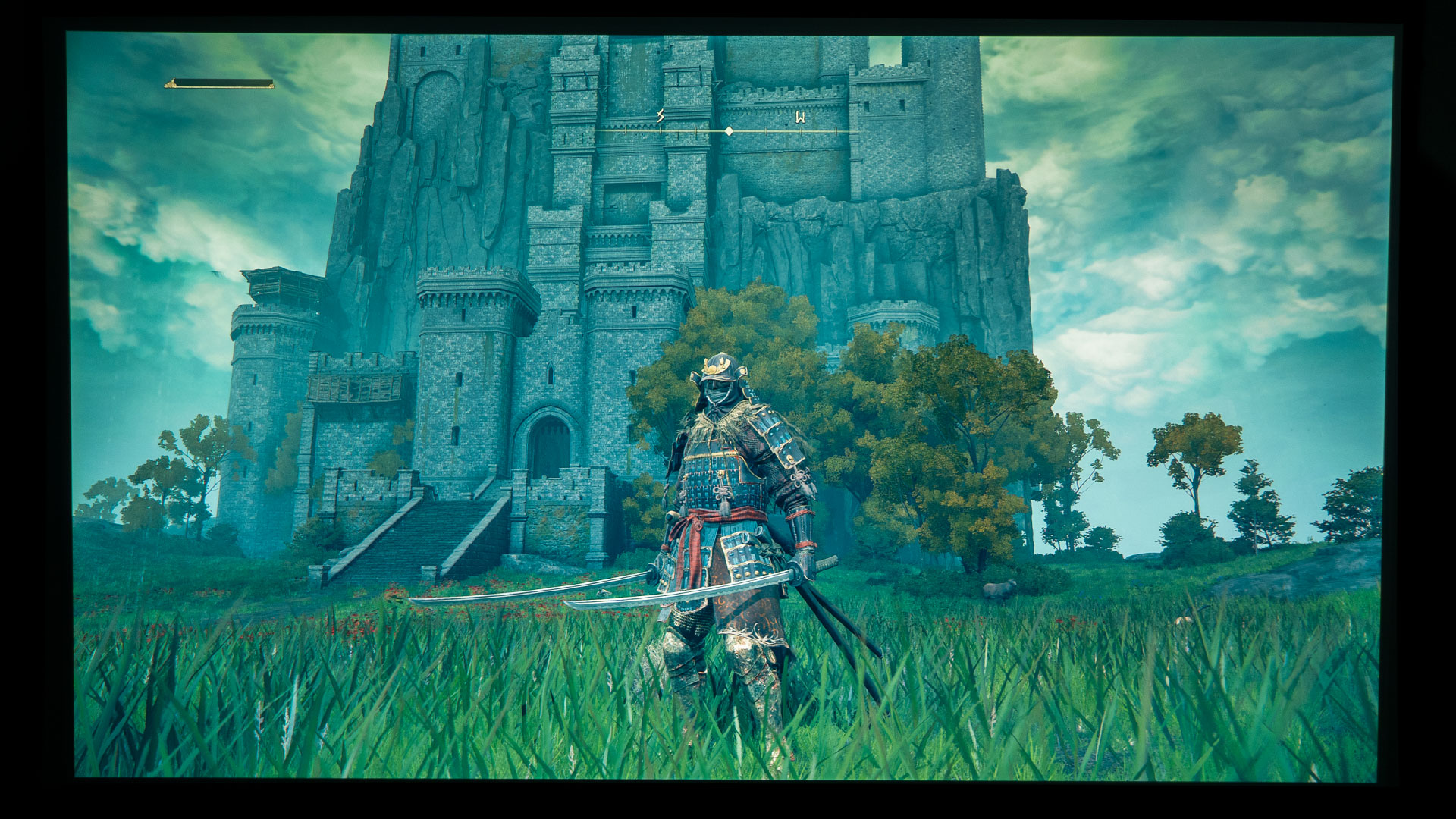
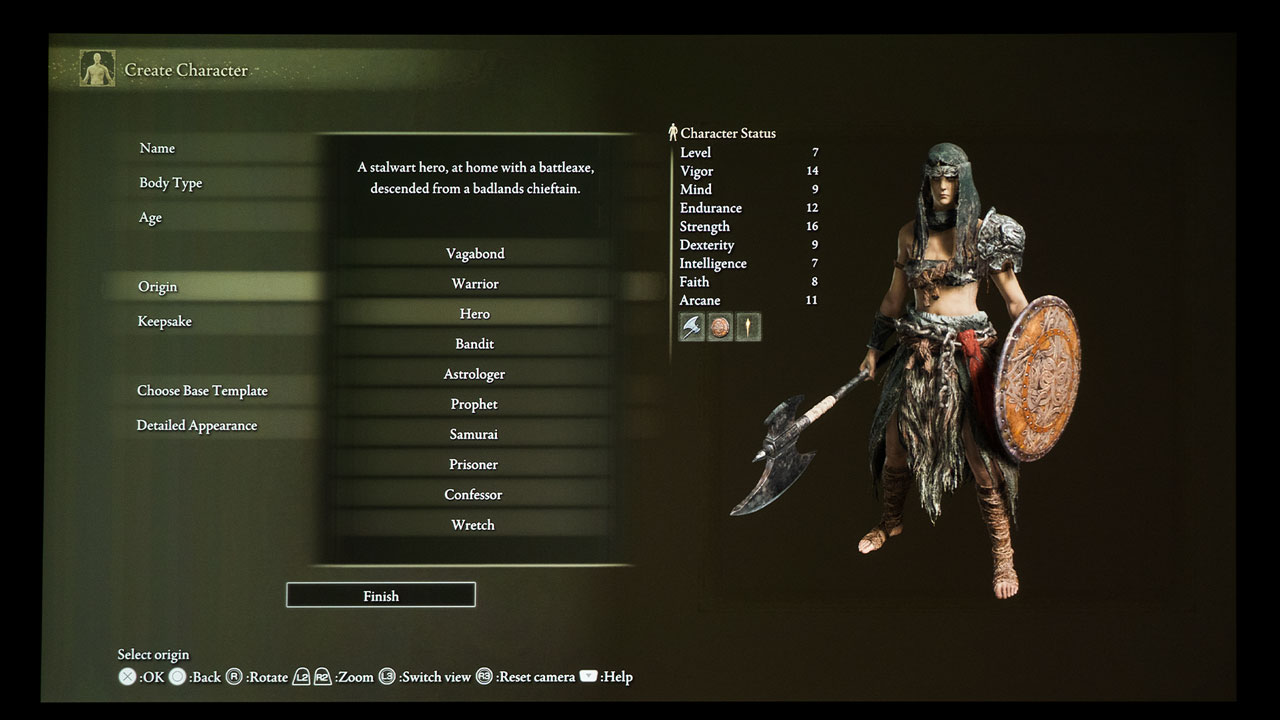
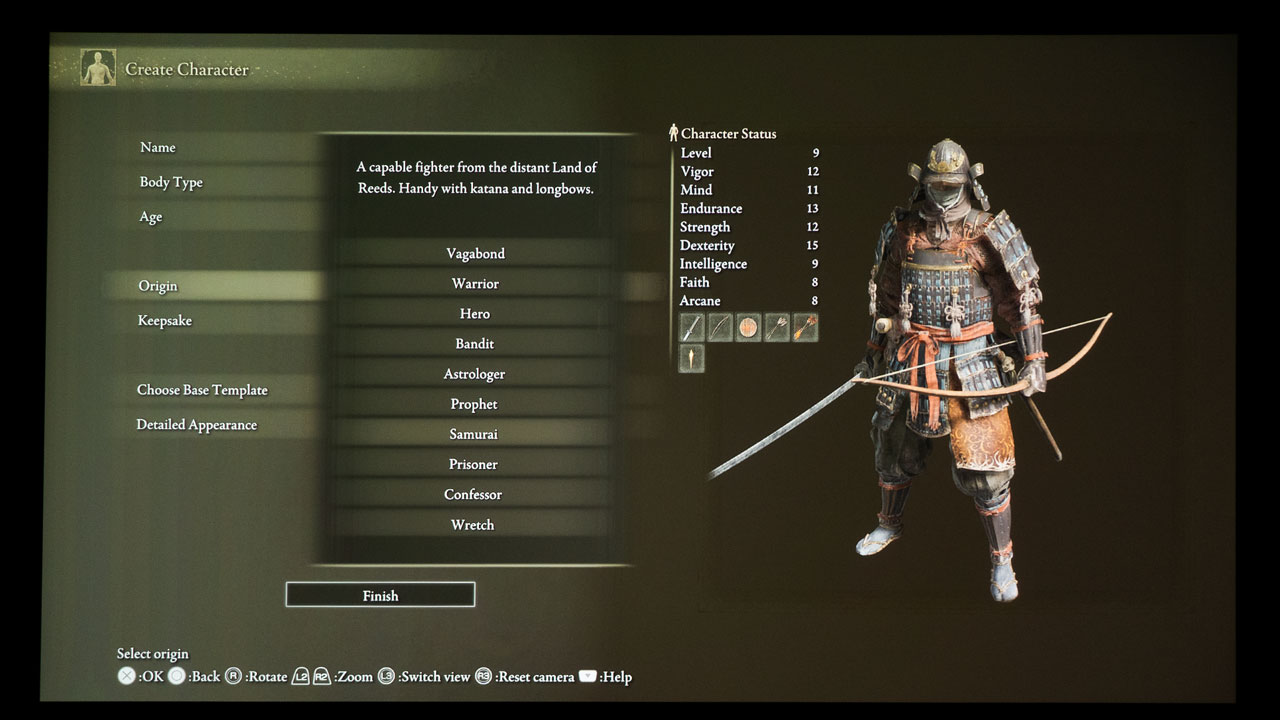
Gamers can choose from ten different characters: Samurai, Wretch, Prophet, Confessor, Astrologer, Bandit, Prisoner, Vagabond, Warrior, and Hero. The Samurai was my primary character with its ability to gracefully swing a Katan and fire a deadly longbow. I am going out on a limb here and stating that making a Samurai Bleed Dexterity build that wields dual Uchigatanas should be the most fun for many gamers looking to play Elden Ring. Give it a try and see if you agree.
My secondary character was the Vagabond, for when I felt like being an ironclad walking tank with a devastating two-handed sword for heavy attacks. A key feature of Elden Ring is the ability to choose and build your character as you see fit. No matter if you favor strength, agility, stealth, or magic, there is a character build you get to make to suit your style.
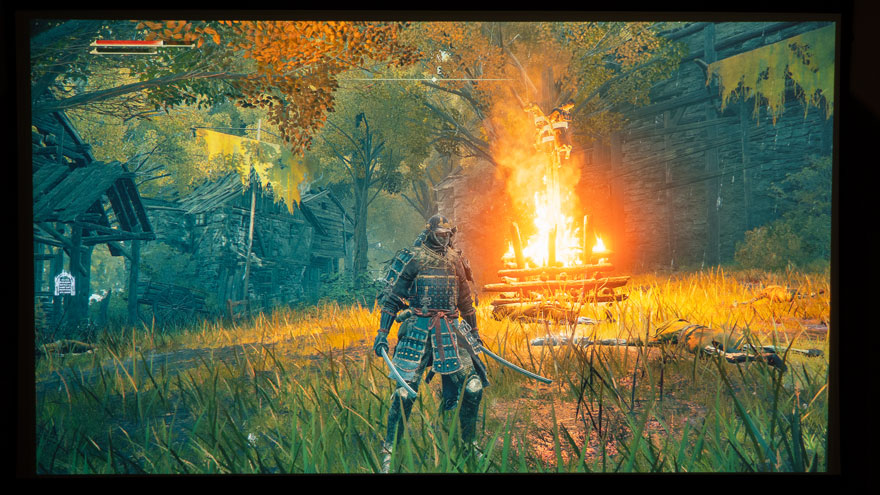
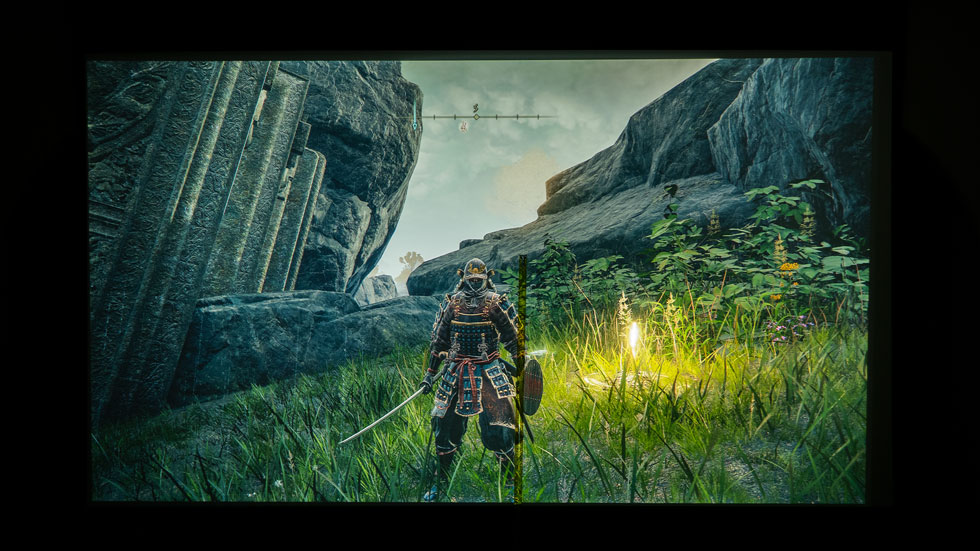
The experience of playing a game like Elden Ring with a gaming projector is amazing. I felt fully immersed in the open-world game as I played, thanks to the 110-inch image I projected with the X3000i gaming projector. In addition, using a projector for a game like Elden Ring made it easier to see what was happening around my character. It also made aiming my Samurai’s longbow a lot easier due to the size of the aiming reticle.
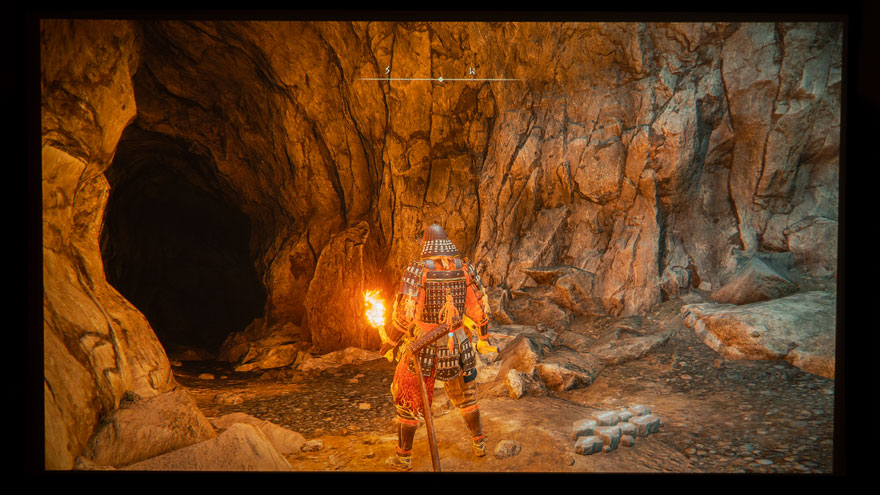
Diving into the complex dungeons and catacombs brings you into very dark and shadowy surroundings. Yellow flaming torches, fire pits, and candles are sometimes the only thing keeping you out of complete darkness. The darkness of the dungeons and the torch’s brightness in the same scene looked good, thanks to HDR. With that being said, you may find having a gaming projector with an HDR game mode helpful.
We cannot forget about the sound quality of Elden Ring when played through a gaming projector. You will want to have a decent audio system for this game. Although Elden Ring is a relatively quiet game, with just the sounds of nature and the constantly changing weather surrounding your character. However, the sounds that come with the boss fights are loud and epic. The boss fight music goes big, boldly, and brings a sense of looming doom.
The BenQ X3000i projector used for this article has dual 5-watt built-in chamber speakers with dynamic stereo enhancement powered by Bongiovi DPS technology. Nevertheless, hooking your projector up to an audio system for even bigger sound and some extra bass is always a nice bonus. Many projectors allow users to connect them to an AV Receiver via eARC/ARC HDMI ports which will take full advantage of sounds that indicate where an enemy is attacking from or cinematic music that is built into many games.
I broke out a tape measure and my characters were well over two feet tall on screen!
If you are a casual gamer or a competitive gamer, gaming on a projector with a game like Elden Ring is something that should be experienced. You cannot duplicate the gaming experience of a gaming projector projecting Elden Ring onto a massive screen; everything is bigger and better. My Samurai measured well over two feet tall. A key element of Elden Ring is the ability to dodge, duck, and roll away from incoming attacks. The better you see an incoming attack, the easier it is to avoid the sword swing or spell. Bigger is better here; you want to easily see and avoid danger.
You can ask yourself, when gaming, would you prefer a character that is only a couple of inches tall with a small aiming reticle, or would you want a 29-inch-tall character with a giant aiming reticle? Everybody has personal preferences, so your answer will tell you if gaming with a projector is for you or not.
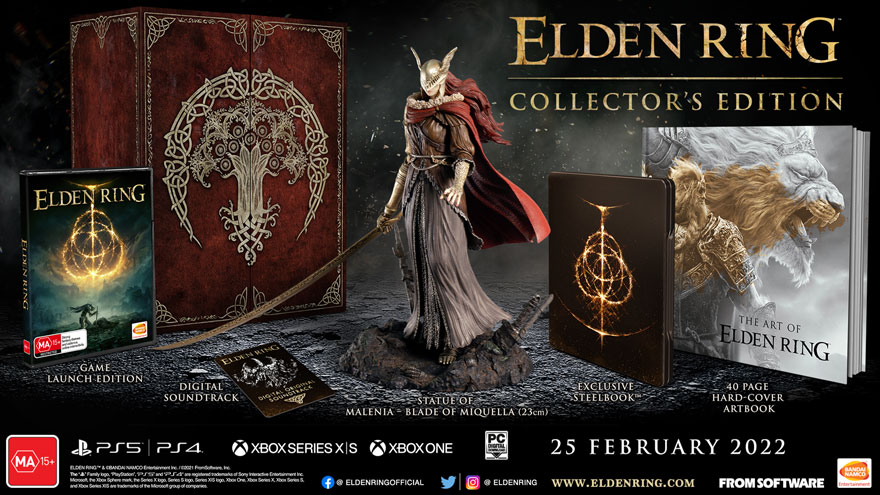
For those of you who really love Elden Ring, there is a Collector’s Edition available and it comes with some cool additions.
Whether on your spectral steed or going at it on foot, you will feel fully immersed in the open world of Elden Ring. A high lumen, color-accurate gaming projector that delivers brilliant big-screen HDR gaming images makes the experience of gaming on a projector exhilarating. Also, a Collector’s Edition is available for those who really love Elden Ring. It comes with some fabulous additions like a statue of Malenia, a 40-page hardcover artbook, Elden Ring digital soundtrack, and an exclusive Steelbook™.
Stay tuned for more initial impressions of gaming on a projector with games like Assassin’s Creed 15th Anniversary, Warhammer 40,000: Darktide, Dying Light 2, and Saints Row. Also, you all are in for a special treat. I just handed Technical Editor and Lead Reviewer Philp Jones the BenQ TK700 console gaming projector for some Gran Turismo 7 gaming sessions. So keep checking back for Philip’s gaming on a projector with Gran Turismo 7 article; you will not want to miss it.
Tiny Tina’s Wonderlands is available across all platforms.
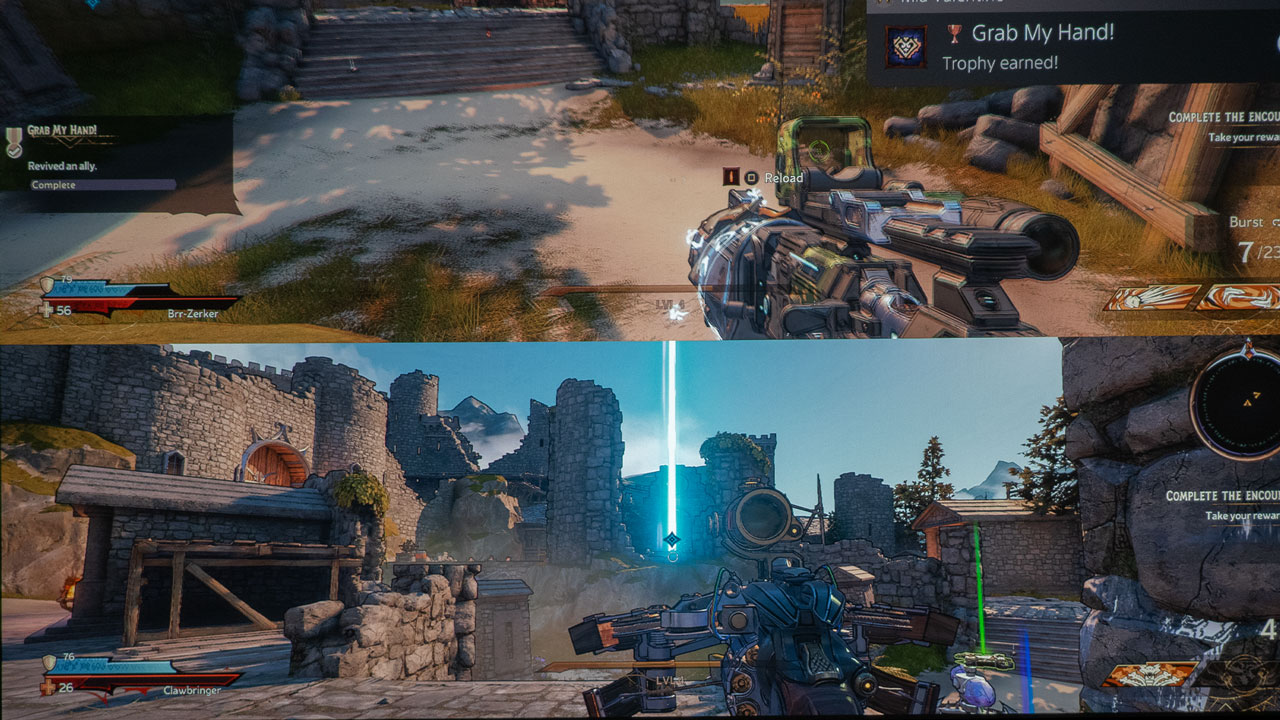
Tiny Tina’s Wonderlands is an epic semi-open world Action-Adventure game that can be played co-op, multiplayer, or single-player. The game was developed by Gearbox Software and published by 2K and was released on March 24, 2022. Tiny Tina’s Wonderlands is available across all platforms. That means you can enjoy Tiny Tina’s Wonderlands if you own a PlayStation 5, Xbox Series X/S, Xbox One, or PC. You will need to purchase Tiny Tina’s Wonderlands: Next-Level Edition for $69.99 or Tiny Tina’s Wonderlands: Chaotic Great Edition for $79.99 to match up with the new-gen optimizations for the PlayStation and Xbox. Tiny Tina’s Wonderlands: Standard Edition can be had for only $59.99 if you game from a Microsoft Windows-based computer, a PS4, or Xbox One. You will also need to have an Epic Games or Steam (coming soon) account if gaming from a PC.
Tiny Tina’s Wonderlands played amazingly well with the BenQ TK700 I used for this review.
I paired Tiny Tina’s Wonderlands with the BenQ TK700 4K Short-Throw Console Gaming Projector for this gaming on a projector article. The projector is on loan to Projector Reviews to write these gaming articles. I projected it onto my110-inch Screen Innovations (SI) Solo Pro 2 Unity AT Pure White 1.3 gain screen. If you want to learn more about the TK700, check out my full review of the BenQ TK700 4K Short-Throw Console Gaming Projector by clicking here.
BenQ is undoubtedly targeting the gaming crowd with 4K@60Hz: 16.67ms and 1080p 240Hz: 4.16ms for games where response times matter while gaming.
The BenQ TK700 is a 4K lamp-based gaming projector designed for competition console gaming. The TK700’s lamp light source brightness is rated at 3,200 ANSI lumens. The TK700 has BenQ’s Black Detail Enhancement. With BenQ’s Black Detail Enhancement, the gamer can detect and react faster to approaching dangers by quickly mapping out details in the dark. The TK700 refines its projected image to help disclose movements and details in dark scenes.
The TK700 has a preset FPS gaming mode with audio, visual, and optimized latency settings for fast-paced games like Tiny Tina’s Wonderlands. BenQ states the TK700 has True 4K UHD graphics with a speedy 16.67ms input lag at 60Hz and 4.16ms input lag at 240Hz when set to display 1080p. The TK700 has a 1.3x zoom lens and produces a 150-inch image at 12.03 feet from the projection surface. As you can see, the TK700 has the specifications perfect for a game like Tiny Tina’s Wonderlands.
While this is not a full review of the game, I want to provide you with my initial impressions of the game and how well it did or did not play while using a gaming projector. Of course, I could go on for pages and pages about all the details of the game, especially since your character can be indefinitely customized as you level up.
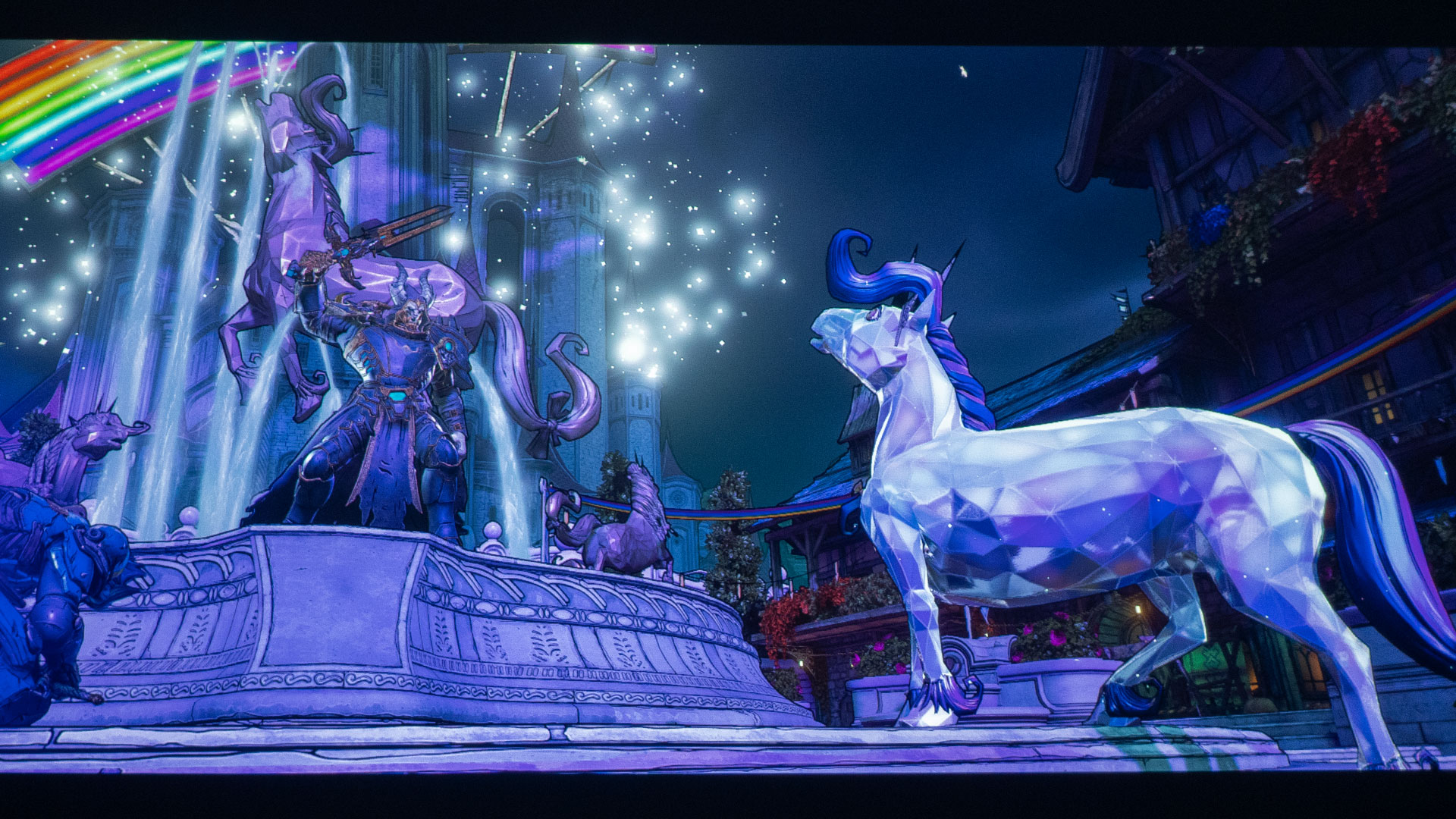
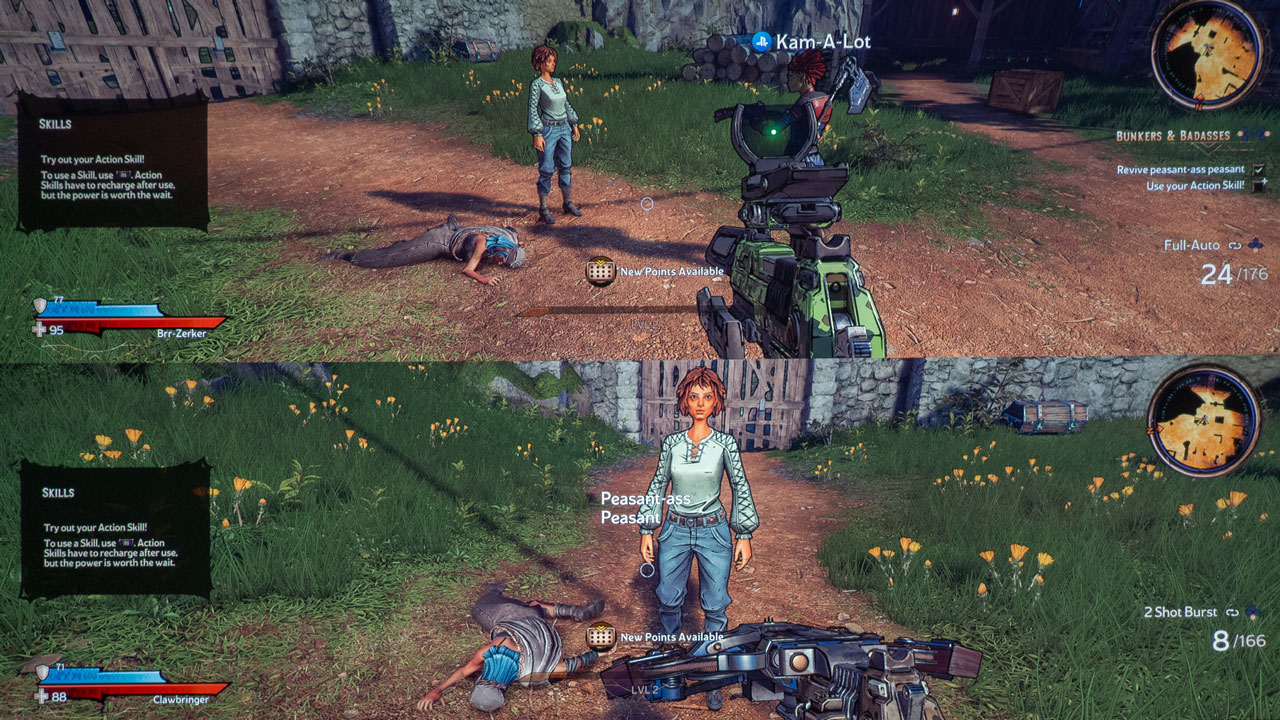
Tiny Tina's Wonderlands is a fun first-person looter shooter game.
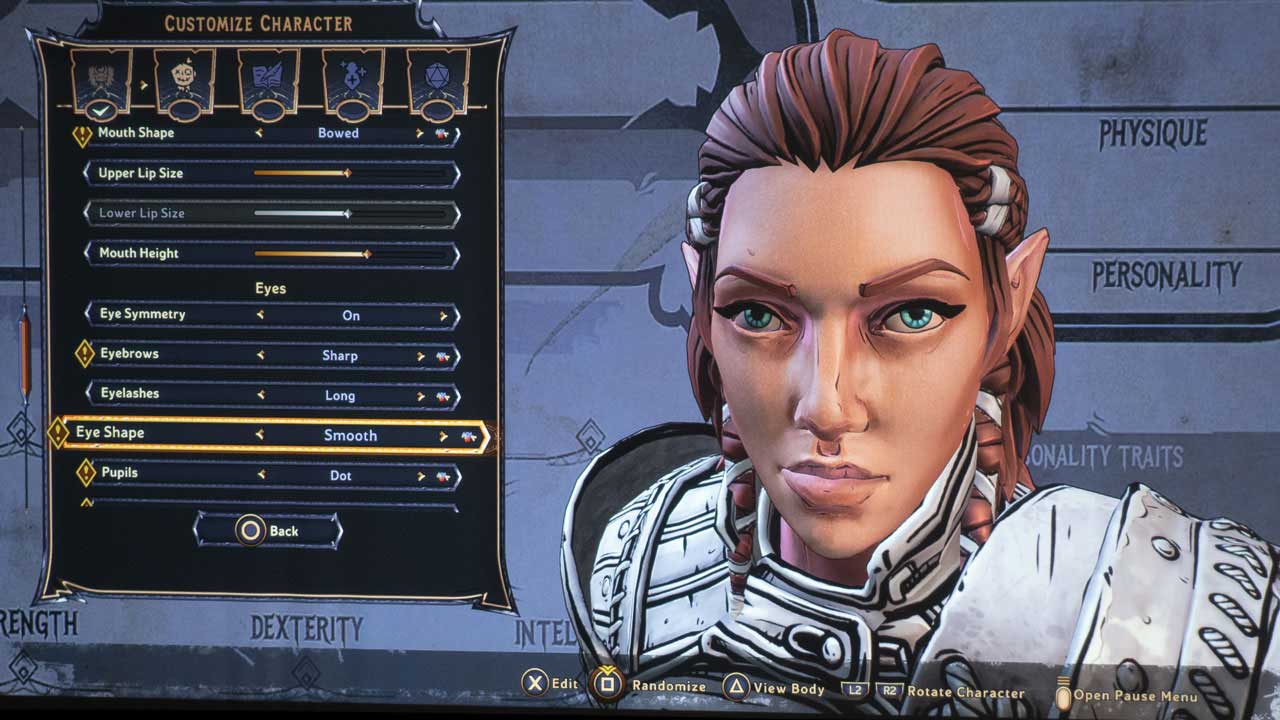
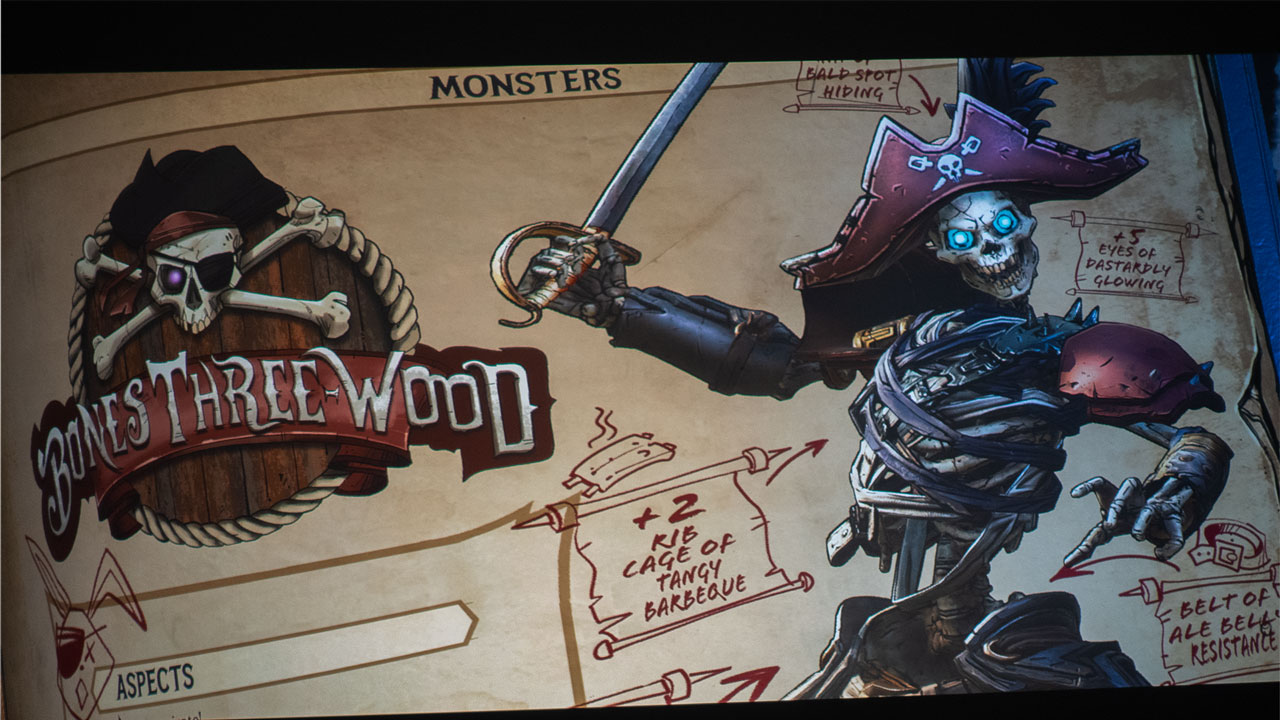
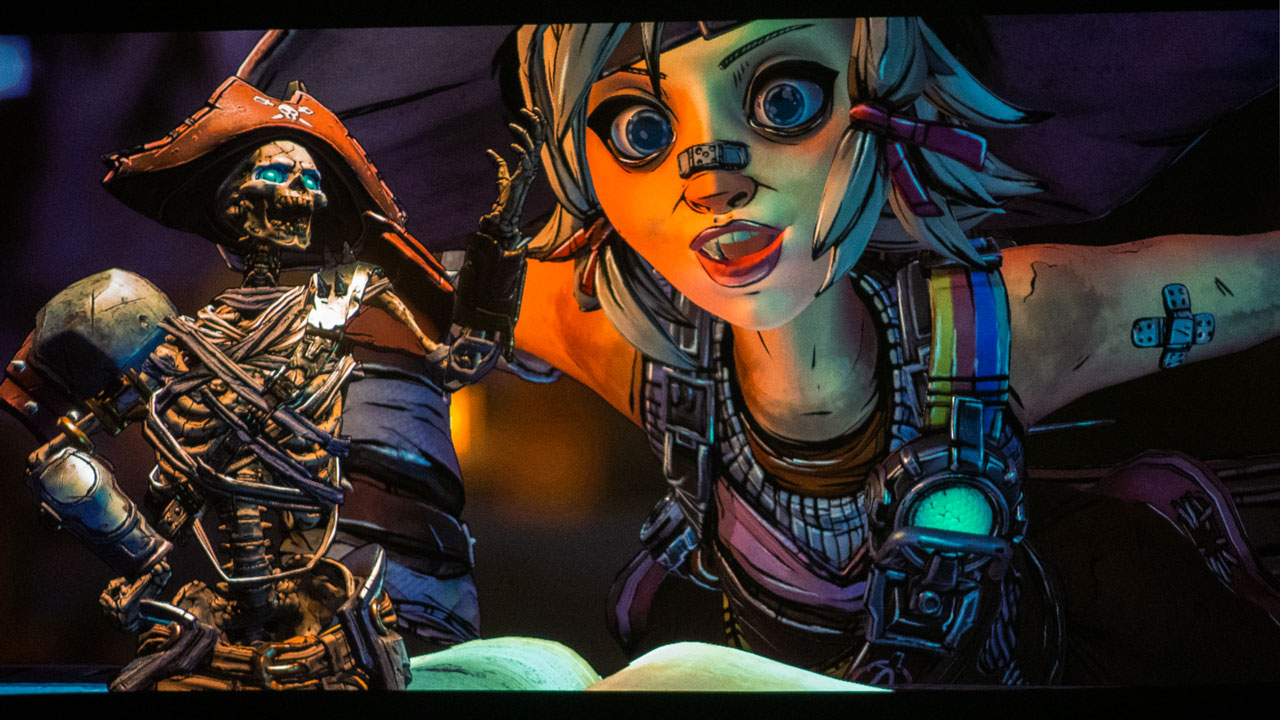
Tiny Tina’s Wonderlands is a first-person looter shooter game in every sense of the term. The game is loaded with so much whimsical mayhem that you could run around for hours, days, weeks, and months laughing at the dialogue as you hack and slash your way through the game. Take a moment and listen to the smack-talking skeletons; they are hilarious. You embark on an epic adventure to stop the tyrannical Dragon Lord. Your hero is fully customizable down to your hero’s weaponry, clothing, and colors. A gamer will not get easily bored because you refine your build and expand your ever-changing arsenal as you level up.
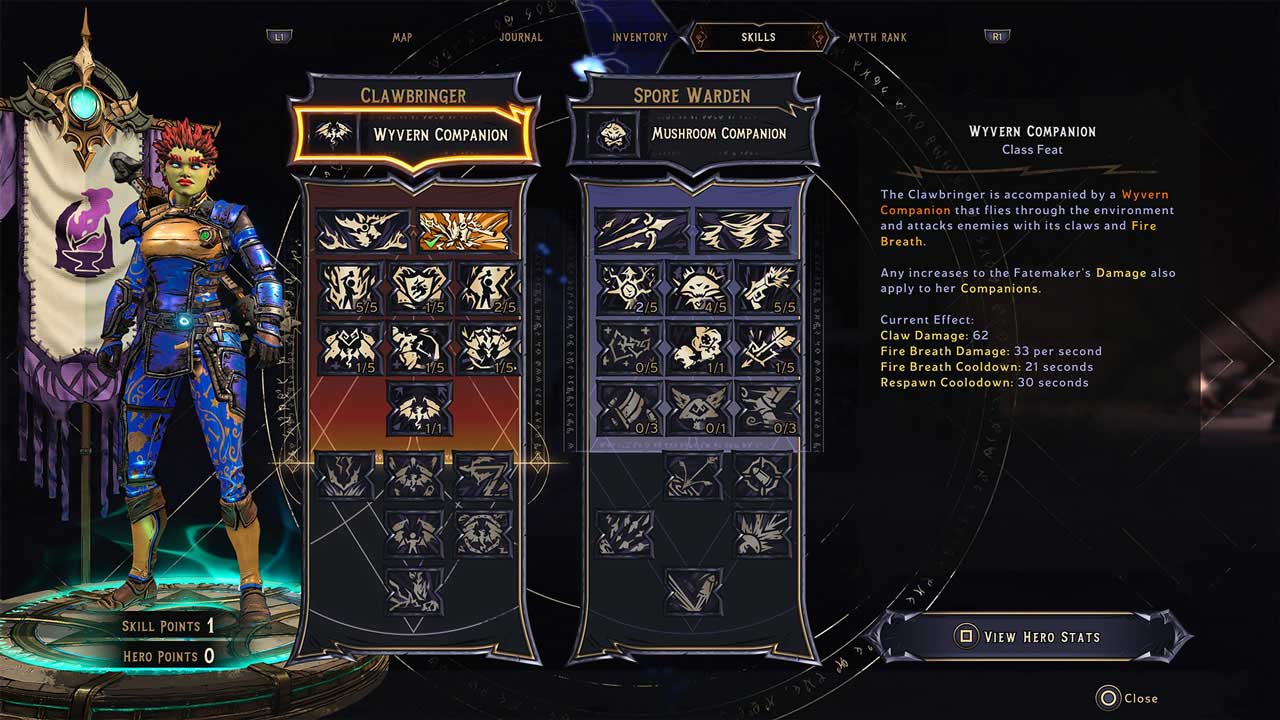
Tiny Tina’s Wonderlands is packed with some outstanding actors. The Dragon Lord is voiced by Will Arnett, Frette the robot is voiced by Wanda Sykes, and Captain Valentine is voiced by Andy Samberg. I found myself frequently laughing as they all have entertaining dialogues. Gearbox Software and 2K spared no expense on getting the voice actors needed to bring Tiny Tina’s Wonderlands to a level expected of them.
The last character I would like to mention is Her Royal Highness Queen Butt Stallion. Yes, you read that correctly, this character's name is Butt Stallion. Queen Butt Stallion is an “enchanted diamond Binicorn.” Yes, she is a unicorn, but with two horns, I am telling you, this game is full of mystical madness.
The gameplay is hilarious and ridiculous in the most fun way you can imagine. Tiny Tina’s Wonderlands has a Dungeon and Dragons (D&D) vibe. In fact, Tiny Tina calls her unpredictable fantasy world game, Bonkers, and Badasses (B&B), and she is the Dungeon Master, or shall I say, the Bonker Master.
Tiny Tina's Wonderlands supports co-op multiplayer with 2-way, 3-way, and 4-way split screens.
The experience of playing a game like Tiny Tina’s Wonderlands is fantastic. I felt fully immersed in the game as I played, thanks to the 110-inch image I projected onto. I even played Tiny Tina’s Wonderlands on a split screen which supports up to 4 players. It should be noted that only PlayStation 5 and Xbox Series X/S users will be able to make use of the 4-player split-screen. Gaming on a projector with a big screen really proved its worth once we started multiplayer gaming sessions. Splitting the screen was no big deal; we all still had a considerable portion of the screen to game on, unlike splitting the screen on your standard-sized TV or gaming monitor.
Having a gaming projector with HDR is useful to get the most out of viewing dark scenes and bright scenes.
Tiny Tina’s Wonderland is bright and colorful one minute and then dark and shadowy the next minute. There are even portions of the game where you have darkness and brightness all in the same scene. So having a gaming projector with an HDR game mode is helpful, especially since Tiny Tina’s Wonderlands is a 4K HDR game.
Having a decent audio setup allows you to hear Torgue’s awesome jam sessions and the creepy skeletons when they sneak up on you.
We cannot forget about the sound quality of Tiny Tina’s Wonderlands when played through a gaming projector. So naturally, you will want to have a decent audio system for this game. This is because there are so many sounds and audio indicators built into Tiny Tina’s Wonderlands. I utilized the BenQ TK700 projector, which has a decent built-in audio system using a single 5-watt speaker. However, attach your projector to an audio system if you want an even bigger sound and some extra bass. Many projectors allow users to connect them to an AV Receiver via eARC/ARC HDMI ports which will take full advantage of Tiny Tina’s Wonderlands’ high-quality sound that comes at you from every direction.
I will leave you with this. Gaming on a projector with a game like Tiny Tina’s Wonderlands is a blast! You cannot duplicate the gaming experience of a projector projecting onto a massive screen if you use a TV or gaming monitor. Play Tiny Tina’s Wonderlands with two to four players playing on a split screen utilizing a TV. Then, try it again with a gaming projector and a 100-inch or bigger projector screen.
I can almost guarantee you will prefer the bigger screen, especially if you have access to a high lumen, color-accurate HDR projector. Brilliant big-screen HDR gaming images delivered with perfectly balanced color saturation and brightness were what I experienced when I combined Tiny Tina’s Wonderlands with BenQ’s TK700 4K Short-Throw Console Gaming Projector.
Meeting Room/Classroom projectors are smaller projectors with features like advanced networking, collaboration and wireless capabilities, and PC-Free Presenting which are useful in both education and business environments. The primary function of a projector in a K-12 classroom environment is to provide a display solution for presentations and other course materials. Choosing the right business and education projector for this type of room depends largely on the environment itself (lighting conditions, etc.,) and also on specific feature needs.
The Epson Brightlink 1485Fi is a 1080p interactive 3LCD laser projector that provides 5,000 lumens of brightness along with a virtually maintenance-free 20,000-hour laser light source. T The 1485Fi is designed to be a reliable, bright, interactive display that supports easy reading, instruction, and communication.
The 1485Fi projects up to a 100-inch, 16:9 image or up to a 120-inch super-wide, 16:6 image. In case you are wondering why Epson chose to offer a 16:6 aspect ratio, go and measure a standard width classroom blackboard or whiteboard, and your question will be answered. The 1485Fi offers up to 95 percent more interactive space than a 75″ flat panel.
EPSON BRIGHTLINK 1485FI Specs
Specification
Description
Price
$3,390
Technology
Solid State Laser Diod
Native Resolution
1920×1080
Brightness (Manufacturer Claim)
5000
Contrast
25000:1
Zoom Lens Ratio
1.35x digital zoom
Lens Shift
No
Lamp Life
20,000 Hours
Weight
14.77 lbs
The Epson 1485Fi provides a superior collaborative experience with up to eight points of touch which means a higher number of students and teachers can annotate together, making group work easier. With up to eight active users on screen at the same time, working together to create and expand ideas is even better.
Using compatible devices, up to 50 local and remote users can connect with Epson iProjection software. This software allows the meeting moderator to manage and display content from users both local and remote. If presenter status is assigned to a different attendee, the new presenter can choose to display content from up to 4 devices at one time, or freeze displayed content for comment or annotation which can be shared with all attendees.
Students and teachers have the option of using their fingers as well as Epson pens to create and mark up content. The 1485Fi allows finger touch, letting users interact with the screen using just a finger. Interacting with the display image through finger touch is more natural, and we think, more intuitive since we’ve been interacting with tablets and phones this way for over a decade.
The 1485Fi’s built-in Miracast functionality allows for content to be displayed between Miracast devices such as phones and tablets. Miracast allows users to display their multimedia content wirelessly, including high-resolution pictures and high-definition (HD) video content, even if a Wi-Fi network is not available. This enables local attendees to share content from a compatible laptop screen with a conference room projector in real-time.
The Epson 1485Fi is a great addition to Epson’s norm shattering line of whiteboard projectors. Epson has built a projector that takes collaboration to a new level and though they could not have foreseen the current Covid effects on business and education, the 1485Fi is an even more valuable tool for today’s normal. In both schools and companies around the world, limited on-site staff and remote staff can collaborate more effectively and safely than ever before.
The Epson 1485Fi is a well-thought-out, intelligently featured projector that has proven itself ready to take on the challenge of collaborative learning in both the classroom and boardroom even in our current situation.
The Panasonic PT-LRZ35 Series is their first portable projector to use a discrete RGB LED light source. Panasonic designed this new light engine with the goal of producing superior color reproduction and enhanced picture quality, which is ideal for art or science classrooms and any application requiring precise color accuracy, such as corporate presentations or artistic renderings.
The PT-LRZ25 delivers WUXGA (1,920 x 1,200) resolution and has a rated brightness of 3,500 lumens. The PT-LRZ35U, with its use of discrete RGB LEDs, gives Panasonic a real advantage over its traditional competitors. We were so impressed with the improved picture performance and color quality of the PT-LRZ35U that we gave it a special interest award.
PANASONIC PT-LRZ35U Specs
Specification
Description
Price
$2999 MSRP $1699 ASP
Technology
RGB LED DLP
Native Resolution
1920×1080
Brightness (Manufacturer Claim)
3500
Contrast
35000:1
Zoom Lens Ratio
1.3:1
Lens Shift
Yes
Lamp Life
20,000 hours
Weight
14.77 lbs
The PT-LRZ35 offers an impressive estimated 20,000 hours of practically maintenance-free operation.
Panasonic also claims the PT-LRZ35U can deliver a dynamic contrast ratio of 30,000:1. It has a USB Type-A 2A output that can run USB-powered HDMI smart devices like Fire Sticks or Roku. The PT-LRZ35U has a manual vertical lens shift, 1.3x zoom lens, and dual HDMI inputs as well as a DIGITAL LINK/LAN (HDBaseT) input.
The PT-LRZ35U is a WUXGA projector so it can accept 1,920 x 1,200 content via its HDMI inputs. The PT-LRZ35U also offers a decent amount of image zoom.
Embedded networking offers the ability to manage and control multiple projectors over your network via the built-in RJ45 jack. Features include scheduling of events, centralized reporting, and e-mail alerts for reactive and routine maintenance.
The PT-LRZ35U is PJLink compatible which is a unified standard that allows the operation and control of data projectors. It enables the connection of projectors manufactured by different vendors to communicate enabling easy construction of environments that are mixed with different models and systems and easy replacement of systems that are already in place.
The picture quality of this projector really is amazing. Colors are vibrant without being oversaturated. The contrast and brightness are enough to allow the LRZ35U to be successfully deployed in a wide range of environments.
The Panasonic PT-LRZ35U checks almost all the feature boxes you would expect from a business class projector at its price point and adds a few that are not normally seen on this class of projector. Its excellent picture quality, size, and overall feature set are why we recommend you consider the LRZ35U for education projector needs.
The LG HU85LS is a 4K DLP Laser Ultra-Short Throw Smart Projector with a suggested retail price of $5,999. Since the HU85LS is an ultra-throw projector the chassis sits less than 8 inches from 120” screen, so it can be placed on a credenza or table in the front of the room.
While the HU85LA commands a premium price over many UST projectors, it offers a lot of performance and features for its price. The LG HU85LS has a rated brightness of 2700 lumen, and its Laser light source will last up to 20,000 hours.
LG HU85LS Specs
Specification
Description
Price
$5999
Technology
DLP (.66” DMD)
Native Resolution
2716x1528x2
Brightness (Manufacturer Claim)
2700
Dynamic Contrast
2000000:1
Zoom Lens Ratio
NA
Lens Shift
No
Lamp Life
20,000 hours
Weight
26 lbs
The HU85LS utilizes the Texas Instruments larger.66” DMD chip (2,716 x1,528) to reproduce perceived 4K UHD (3,840 x 2,160) resolution. I This results in higher native contrast and a sharper image than most 4K UHD DLP projectors, which use the smaller 1920x1080px4 pixel shifting chip.
The HU85LS uses a 3-channel Laser light source where both red and blue primaries are generated by their own independent red and blue Lasers. A third blue Laser with a static phosphor creates green.This system eliminates the need for a sequential color wheel, which dramatically reduces the rainbow effect (color breakup). It also delivers a wider color gamut.
The HU85LS utilizes the same ThinQ AI webOS that is found in LG’s current flat panel lineup. This operating system was developed over several years and is utilized in millions of LG TVs worldwide and is seamless, easy to navigate, and well laid out.
Even though the LG HU85LS has a good built-in audio system, many users may still want to connect it to an AV Receiver in a conference room to take advantage of the high-quality sound available from many of the projector’s streaming apps. HDMI ARC (Audio Return Channel) supports multi-channel audio, including Dolby Atmos.
The LG HU85LS utilizes a 3-channel laser system along with a larger DLP chip so it is one of the higher priced ultra-short throw models. The HU85LS price is competitive with other premium Laser TVs that utilize a multi-channel laser light source, like the Samsung LSP7T. However, the HU85LS is one of the only Laser TV models targeted at the business and education market.
Great picture, Smart features, and low maintenance make the LG HU85LS a compelling alternative to a large flat panel TV, especially in a meeting space or classroom where space is at a premium.
The ViewSonic M2 Smart portable 1080P LED projector with Harman Kardon Bluetooth speakers. It is a Full HD (1,920 x 1,080) 500 ANSI Lumens (1,200 LED) projector capable of up to 30,000 hours of operation in normal mode. The M2 is a compact business and home media projector with built-in Smart TV interface, document viewer, and screen-mirroring capabilities.
The M2 has a “shorter throw lens” that makes it convenient to use in small spaces such as offices, classrooms, or dorm rooms. It can project up to a 100” screen at just under 9 feet from the projection surface.
ViewSonic M2 Specs
Specification
Description
Price
$549.99
Technology
DLP LED
Native Resolution
1920×1080
Brightness (Manufacturer Claim)
500
Contrast
3,000,000:1
Zoom Lens Ratio
Fixed Lens
Lens Shift
No
Lamp Life
30,000 hours (normal mode)
Weight
2.9 lbs
The M2 relies on an LED RGBB light source designed to deliver 500 ANSI Lumens of brightness and reproduce 125% of the Rec.709 color gamut. The light source also makes the projector essentially maintenance-free, and offers over 30,000 hours of use.
The M2 features dual 3-watt Harman Kardon speakers, capable of producing strong enough audio to fill a small conference or classroom as well as most living rooms.
The ViewSonic M2 is a smart projector, so you can download popular streaming apps like Netflix and YouTube from the Aptoide app store. The ViewSonic M2 also supports voice control using either Alexa or Google Assistant. The remote control has a built-in microphone so you can use your voice to control the projector.
With the built-in media player, you can either download your content in a variety of formats directly to the internal storage and play directly from there or use an external hard drive or thumb drive with your content already stored. The M2 has 16GB of internal storage, and 10GB available for user storage. The media player supports the following document types: doc, docx, xls, slsx, ppt, pptx, and pdf.
M2 is also equipped with Wi-Fi (via dongle) as well, which makes it easy to move the projector from room to room while still accessing the unit’s internal apps and services.
Due to its compact size, you can take the M2 anywhere, LED light source make it bright enough to be used in a room with some ambient light. With the addition of smart features, and built-in premium dual Harman Kardon sound system, the ViewSonic M2 is an excellent portable projector option for a conference room, dorm, bedroom, or backyard theater.
The Viewsonic LS625W is a 3200-lumen WXGA (1280 x 800) DLP projector. The LS625W has a native resolution of WXGA (1280×800). Its internal video processor can scale video from PCs and Macintosh computers at resolutions from 640×480 to 1920×1200, giving you the flexibility to display a wide variety of content.
The LS625W measures 15.1″ x 5.8″ x 11.5″ (WxHxD) and weighs in at 13.7 pounds, which is fairly svelte. It is a short-throw projector, which means it can be placed relatively close to the screen—in this case, 2.6 to 3.7 feet. Thanks to its zoom lens, it can fill a screen measuring 70 to 100 inches diagonally
VIEWSONIC LS625W Specs
Specification
Description
Price
$1439
Technology
DLP
Native Resolution
1280×800
Brightness (Manufacturer Claim)
3200
Contrast
100,000:1
Zoom Lens Ratio
N/A
Lens Shift
No
Lamp Life
20,000 Hours
Weight
13.7 lbs
.
Thanks to its laser/phosphor light engine, the LS625W achieves a peak brightness of 3200 ANSI lumens, which is plenty bright enough to stand up to classroom lights. ViewSonic claims a staggering dynamic contrast ratio of 3,000,000:1, which is achieved by dynamically modulating the laser power.
The LS625W includes two built-in speakers, each powered by a 10W amp. That’s pretty hefty for onboard speakers, which should be plenty audible to all the students in a typical primary or secondary classroom.
The LS625W also includes ViewSonic’s PJ-VTOUCH-10S interactive whiteboard module! This module turns the screen into an electronic whiteboard with a camera attached to the projector and a laser sensor that detects movement near the screen. The bundled annotation software enables up to 10 users to write and draw on projected images, including office files and web pages, using their fingers or included infrared styluses. Teachers can also record their annotation steps, then save and share them with students.
With its bright laser/phosphor light source that lasts up to 20,000 hours, short throw distance, and network-management capability, not to mention the whiteboard module, the LS625W seems ideally suited to an educational environment.
The projector’s WXGA resolution provides a widescreen 16:10 aspect ratio, which is sure to make it very popular for new installations. If you’re shopping for a new projector to install in a classroom, the LS625W is worth a close look.
The BenQ EW800ST is 3,300-lumen WXGA (1280 x 800) DLP short throw Projector with smart capabilities. It won our Best in Classroom Smartest Projector Award and it is primarily positioned as a classroom projector but is suitable for conference rooms and meeting rooms where its feature set would be useful.
BenQ calls this an interactive projector, but it is not interactive in the same sense of other interactive projectors we’ve reviewed. Those types of projectors allow for annotation of presentations and lesson material with interactive pens or finger-touch technology. This does not have that, but it does have several smart capabilities that streamline efficiency and make it a solid choice for a classroom application.
BENQ EW800ST Specs
Specification
Description
Price
$999
Resolution
WXGA (1280×1920)
Technology
DLP
Brightness
3,300 Lumens
Brightest Mode Measured
4,445 Lumens
Light Engine
Lamp
Light Engine Lifespan
5,000 Hours / 10,000 Hours (ECO)
Weight
6 lbs
The EW800ST stood out as being a short throw projector, but unlike the majority of the short throw projectors, it can be wall mounted above the screen. Short throw projectors and ultra short throw projectors have been gaining in popularity in schools.
BenQ offers a telescoping wall mount that will work with screens up to about 120” diagonal! 100” to 120” which should work in many classroom settings.
The BenQ EW800ST allows teachers to access their class material via Personal Cloud Storage, using their BenQ AMS account. This allows them to manage their lessons for both online and face-to-face classes in one convenient place.
By downloading the BenQ Smart Control App to their smart device, teachers can use their phone or tablet to control the projector from anywhere.
The BenQ EW800ST projector also supports Wi-Fi and Bluetooth connections, via a wireless dongle (WDR02U).
The EW800ST sports 1 HDMI, a computer interface, 3 USBs, and even an old analog computer input. It also has an audio output, and a serial port for command and control. Audio comes from a single 2-watt speaker that has respectable volume and should handle most regular K-12 classrooms. Audio is not a strength but there is an audio out, if needed, which can feed a powered speaker system or a PA system. Bluetooth is another option for audio.
The remote control even has a laser pointer on it, and, unlike many competitors, EW800ST it supports 3D. While the EW800ST is a bulb-based projector, at full power, the lamp is rated for a healthy 5,000 hours.
The EW800ST turns out to be an overall very competitive lower cost projector for the classroom, that comes with all that networking. The smarts, however, add an additional level of capabilities that can be taken advantage of in teaching environments.
The Epson PowerLite U50 is a 3LCD, WUXGA (1920 x 1200) resolution projector with built-in Wi-Fi connectivity. This Epson is well suited for bright classrooms and conference rooms, thanks to its high lumen output and 3LCD technology. Whether you are looking for a projector for business or education environments, this Epson is certainly one to consider.
The Epson PowerLite U50 is a lamp-based projector, with a lifespan of up to 17,000 in its ECO modes. At full power, the projector has a lamp life of up to 10,000 hours, which is on the high end for lamp-based projectors operating at full power.
EPSON POWERLITE U50 Specs
Specification
Description
Price
$1,149
Resolution
WUXGA (1920×1200)
Technology
3LCD
Claimed Lumens
3,700 Lumens
Brightest Mode Measured
N/A
Light Engine
Lamp
Light Engine Lifespan
10,000 Hours / 17,000 Hours
Weight
6.83 lbs
With the Epson PowerLite U50 through using wireless sharing with Epson iProjection App, teachers and students can connect up to 50 devices simultaneously (Chromebook, iOS, Android, Mac, and PC screens) and display content from up to four devices at one time.
It has advanced networking features such as compatibility with Crestron, AMX, PJLink, etc., and has easy maintenance, with a 10,000-hour air filter.
The Epson PowerLite U50 has several advanced networking features. For example, you can set up the projector to send you an e-mail alert over the network if there is a problem with the projector via the Menu.
Network administrators can also install SNMP (Simple Network Management Protocol) software on network computers so they can monitor the projector remotely.
Once you have connected your projector to your network, you can select projector settings and control projection using a compatible web browser.
The Epson PowerLite U50 through using wireless sharing with Epson iProjection App, teachers and students can connect up to 50 devices simultaneously (Chromebook, iOS, Android, Mac and PC screens) and display content from up to four devices at one time
The Epson PowerLite U50 is an excellent choice for multiple applications. In the education space, it is well suited for K-12 classrooms, conference rooms, and even small to medium-sized auditoriums or multi-purpose rooms. The speaker is loud enough to fill a K-12 classroom or normal conference room.
With excellent color in multiple modes, including some of the brighter modes, presentations will look great, even in the face of some serious ambient light. This projector is well suited for conference rooms, boardrooms, training spaces, and trade show booths.
The SHARP NEC MC372X is a small footprint, XGA (1,024 x 768) 3LCD projector with a 1.2x zoom lens and rated brightness of 3,700 ANSI lumens. For those looking for an affordable classroom projector, SHARP NEC offers two different series which are the MC series and the ME series. There are two models in the MC series, the MC372X and the MC382W which we reviewed as well.
The SHARP NEC MC372X is one of the brightest projectors in its class and it offers one of the longest-rated bulb life. The SHARP NEC MC372X’s replaceable lamp is rated for up to 15,000 hours in ECO mode.
SHARP NEC MC372X Specs
Specification
Description
Price
$509
Resolution
XGA (1024×768)
Technology
3LCD
Claimed Lumens
3,700 Lumens
Brightest Mode Measured
3,802 Lumens
Light Engine
Lamp
Light Engine Lifespan
10,000 Hours / 15,000 Hours
Weight
7.1 lbs
The MC372X utilizes a 3LCD instead of the single DLP chip found in many projectors in its class, this should result in richer bright colors. Normally 3LCD projectors can deliver higher native contrast than DLP models as well. The MC372X has a rated dynamic contrast of 16,000:1.
While the MC372X is only an XGA projector, it can accept 4K@30P content via its HDMI inputs. It also has USB 2.0A input and a LAN port for network control and asset management.
The MC372X also allows for PC-free presentations. You can project images stored on a USB memory stick inserted into the USB-A port located at the rear of the MC372X. The images need to be either JPEG or PNG. You can also project them continuously as a slideshow. This allows for presentations without the need to connect the projector to a PC.
The MC372X is compatible with their MultiPresenter application software which allows the projection of multiple images on a single screen. This free software gives the user the ability to display what is on their device’s screen (computer, smartphone, tablet) on the MC372X via a wired or wireless LAN network. Not only can you display images, PDFs, and webpages, you can even mirror the camera of your mobile device.
The MC372X offers both vertical and horizontal adjustment while many units in its price point only offered vertical adjustment. The MC372X not only offers traditional vertical and horizontal keystone correction, but it also offers PINCUSHION and CORNERSTONE adjustments.
The MC372X is the least expensive projector offered by SHARP NEC. It offers good performance and lots of features. Overall, this projector is a great choice for a classroom setting at a great price.
The SHARP NEC NP-MC382W is 3800-lumen WXGA (1280×800) 3LCD projector, well suited for business and education environments. This projector is compact and portable, making it easy to transfer between conference rooms, boardrooms, and classrooms. Feature-laden and versatile, NP-MC382W is fit for a variety of applications in both the business and education environments, including exhibitions, K-12 classrooms, meeting rooms, conference rooms, and even retail spaces
The SHARP NEC MC382W won our Best in Classroom Price Performance Award in 2020-2021. This projector had excellent color performance, a good feature set, and a super affordable price for K-12 classrooms.
SHARP NEC MC382W Specs
Specification
Description
Price
$999
Resolution
WXGA (1280×800)
Technology
3LCD
Claimed Lumens
3,800 Lumens
Brightest Mode Measured
3,525 Lumens
Light Engine
Lamp
Light Engine Lifespan
10,000 Hours
Weight
7.1 lbs
The built-in 16-watt speaker is loud enough to fill an average size meeting space or classroom.
Despite this being only a WXGA projector, the NP-MC382W can accept a 4K signal. This makes it easy to integrate projector into multiscreen destruction system containing with 4K displays
SHARP NEC does a particularly good job with its MultiPresenter capability that allows up to 16 computers (requires the wireless module) to be screen mirrored. With wired networking, you can still connect up to 16, but you can’t mirror multiple screens.
NP-MC382W has an on-board media player that allows for the playback of files via a USB flash drive, if those files are saved in jpeg format. I have all of my presentation slides, website screenshots, infographics, and x-ray samples saved to a flash drive as jpegs, so I was able to quickly view my files via the USB input on the back of the projector, and the media player.
Add it all up, and the SHARP NEC NP-MC382W is a rather exceptional performer considering the roughly $500 to $550 street price, brightness, and advanced networking (including Crestron support). SHARP NEC offers education discounts via their Star Student Program, which is available to school districts and educators in North, Central, and South America, as well as the Caribbean so it will cost educators even less – even in single quantities, never mind school or district-wide implementations.
It may not be the top performer in our K-12 class this year, but it is an impressive performer, for what is normally barely above an entry-level price. That’s what we call having great Price/Performance, so that’s the award it was given last year.
The Optoma EH330UST is a 3,600 lumen Full HD (1920x1080) DLP projector for business and education applications. This ultra-short throw projector can project a beautiful 100” image from just inches away. The ultra-short throw design, is highly desirable for classroom environments where wall-mounted installation is prominent.
OPTOMA EH330UST Specs
Specification
Description
Price
$1599
Resolution
1080p (1920×1080)
Technology
DLP
Claimed Lumens
3,600 Lumens
Brightest Mode Measured
2,770 Lumens
Light Engine
Lamp
Light Engine Lifespan
4,000 Hours
Longevity
Approx. 20 Hrs/Wk in 180 Day School Year = 5.55 Years
Weight
8.7 lbs
The Optoma EH330UST features support for HDCast Pro, a wireless module that is not included with the projector. It can be found for about $80 online from various retailers.
One of the most important features of the Optoma EH330UST. Using a USB drive (flash drive or external hard drive), you can project jpeg images and other documents. The projector is compatible with Microsoft Office, so you can easily project Word documents, Excel spreadsheets, and PowerPoint presentations without the need for a computer.
The projector also has wireless capabilities via an optional wireless module and is compatible with Android, Mac, and Android and iOS mobile devices. Its PC-Free media player works well too, with support for Microsoft Office applications like Word, Excel, and PowerPoint.
The EH330UST supports Crestron RoomView and PJLink. Both of these programs allow for the command and control of multiple projectors at a time, which is particularly useful for schools and offices that have many projectors in their fleet.
The Pro EX10000 is a 4500 lumen 3LCD Full HD Wireless laser projector equipped with Miracast. At the time of our review, Epson stated the Pro EX10000 (retail price $1299,99) is their most advanced business projector to date.
Due to its best-in-class color and white brightness, the EX10000 is ideal for displaying presentations, spreadsheets, and videos on a large screen, even in a room with higher ambient light. Epson states the Pro EX10000 can project vivid images up to 300-inches; yes, that’s a 25-foot image.
Epson PRO EX10000 SPECS
Specification
Description
Price
$1299.99
Technology
3LCD Laser
Native Resolution
1920×1080
Brightness (Manufacturer Claim)
4500
Contrast
100000:1
Zoom Lens Ratio
1.62:1
Lens Shift
No
Lamp Life
20,000 hours
Weight
9.0lbs
The unit's laser light source has a rated lifespan is up to 20,000 hours in normal or quiet Mode. In Extended Light Source Mode, the light source lifespan bumps up to 30,000 hours and provides virtually maintenance-free performance.
This projector is ideal for a small classroom or conference room. Weighing in at only 9lbs and equipped with a soft-sided carrying case, this projector is a great option for a teacher or lecturer who needs to move from conference room to conference room or classroom to classroom.
The Pro EX10000 has a built-in audio system. Epson equipped the projector with a 16-watt speaker so the Pro EX10000 could conveniently provide a quality audiovisual experience right out of the box.
The Pro EX10000 has just about every type of connection you could need. In addition, the Pro EX10000 also supports Epson’s iProjection software, allowing you to project the screens of users’ Macs, Windows PCs, and Android-based Chromebooks over a network.
Users can also wirelessly connect compatible computers, smartphones, or tablets via Miracast and interact with the content wirelessly. Meaning, you can move more freely around the conference room or classroom instead of having your devices attached by a cable to the projector.
At an MSRP of $1,299.99, the Pro EX10000 is quite the deal for a business and education Full HD 1080p Wireless Laser Projector with Miracast. The Epson Pro EX10000 is an excellent addition to Epson’s business and education projector offerings.
Best of all, when you are not using the Pro EX10000 for its primary purpose – productivity; the projector looks good enough to watch movies and play video games.
The Epson PowerLite 725W provides a WXGA (1280 x 800) 3LCD Ultra-Short-Throw projector. The 725W is a reliable, bright, interactive display that supports easy reading, instruction, and communication. The 725W projects up to a 120-inch, 16:10 image which is 95% more interactive space than a 75″ flat panel.
The PowerLite 725W is an ultra-short-throw (UST) projector designed to be placed within inches of the screen or wall. The advantage of this is that the facilitator’s shadow on the image is minimized. The projector can be placed on a desk or other surface below the screen or mounted on the wall above the screen, with an optional wall mount.
EPSON POWERLITE 725W Specs
Specification
Description
Price
$1,890
Technology
3 LCD
Native Resolution
WXGA (1280x800)
Brightness (Manufacturer Claim)
4000
Contrast
2,500,000:1
Zoom Lens Ratio
Digital zoom 1.0 – 1.35x
Lens Shift
No
Lamp Life
20,000 hours
Weight
12.5 lbs
With a rated brightness of 4,000 ANSI lumens, it should be more than bright enough for most classrooms and meeting rooms, even with the lights on. Along with a bright picture, this projector’s black and dark details should benefit from the listed contrast ratio of 2,500,000:1.
The use of a laser light source provides owners with a virtually maintenance-free 20,000-hour light source life running in Normal mode.
The PowerLite 725W has just about every type of input you could need.
The PowerLite 725W offers built-in 5GHz wireless for Miracast® compatibility. So you can physically move more freely around the meeting room or classroom rather than having your devices tethered by a cable to the projector.
The built-in split screen allows simultaneous display of up to four connected devices.
Epson also includes its iProjection™ software to connect, display, and share content from up to 50 devices. Lastly, the PowerLite 725W comes with a built-in 16W mono speaker.
The Epson PowerLite 725W measured well over its manufacturer’s claim of 4,000 lumens of brightness. Quite honestly, with this projector’s brightness, you could project a larger image than Epson suggests depending on the content being displayed.
The 725W projector provides many of Epson's more expensive collaboration tools its performance has been reduced just enough to be a more budget-conscious option compared to their higher-end interactive whiteboard projectors like the 1485Fi. The Epson 725W is an excellent addition to Epson’s whiteboard projector offerings
BenQ describes the EH600 as the World’s first Android-based smart projector designed specifically for business applications. It is a Full HD (1,920 x1,080) DLP projector capable of 3,500 lumens rated brightness. Its SmartEco mode delivers an extended lamp life of 15,000 hours reducing the cost of ownership as well as energy consumption.
BENQ EH600 Specs
Specification
Description
Price
$999
Technology
DLP
Native Resolution
1920x1080
Brightness (Manufacturer Claim)
3500
Contrast
6,000:1
Zoom Lens Ratio
1.1:1
Lens Shift
No
Lamp Life
5,000 hours (15,000 hours Smart ECO)
Weight
5.5 lbs
The native Full HD (1920 x1080) resolution of the BenQ EH600 results in good text clarity with more than enough resolution for viewing PowerPoint slides or Excel worksheets at a normal viewing distance.
What makes the EH600 really stand out is its suite of smart features designed to make meetings more productive. You can wirelessly project content like JPEGs, PDFs, and documents from mobile devices (iOS/Android) or laptops (Mac/PC). This feature eliminates the need for cables as well as the need to find the right dongle during meetings
In addition, through the WPS Office app, you can present Microsoft Word, Excel, or PowerPoint directly from a USB drive, or the projector’s built-in storage along with a built-in Firefox browser allows users to surf the Internet during your meetings.
The BenQ EH600 has a single, 2-watt built-in speaker that can play loud enough for use in an average classroom or meeting room.
In addition, through the WPS Office app, you can present Microsoft Word, Excel, or PowerPoint directly from a USB drive or the projector’s built-in storage along with a built-in Firefox browser that allows facilitators to project directly from the Internet during class.
The combination of classroom smart features, Full HD resolution, and 3500 lumens of brightness make the BenQ EH600 an excellent solution for schools and businesses looking for a compact smart projector that offers high brightness and low cost of ownership.
The BENQ LU710 is a WUXGA DLP Laser projector that is focused on the meeting and conference applications. It offers WUXGA (1,920 x 1,200) resolution and is rated to deliver 4,000 lumens of light output. The unit’s laser light engine is rated for up to 20,000 hours in its Normal (high power) mode.
BENQ LU710 SPECS
Specification
Description
Price
$1699
Technology
DLP
Native Resolution
1920x1290
Brightness (Manufacturer Claim)
4000
Contrast
3,000,000:1
Zoom Lens Ratio
1.3
Lens Shift
No
Lamp Life
20,000 Hours (normal mode)
Weight
13 lbs
The LU710’s BlueCore laser projection utilizes a dual color wheel system to achieve 92% Rec.709 color coverage that ensures colors in presentations are rich and vibrant. The laser engine light engine can be dynamically modulated to produce a dynamic contrast ratio of 3,000,000:1.
The projector’s feature set is focused on business applications. The LU710 is compatible with a couple of BenQ optional solutions which allow wireless projection of documents, videos and images from a computer or mobile device.
For example InstaShow makes it easy for presenters to wirelessly take turns delivering seamless presentations on the LU710. It is a plug and play device that requires no driver installation and is compatible with any OS or hardware platform.
Plug the optional Qcast Mirror Wi-Fi dongle ($59 SRP) into one of the projector’s HDMI inputs and wirelessly cast the screen of almost any device to display from the projector without requiring any special apps or drivers.
While many projectors at this price point only offer vertical keystone correction, the LU710 is equipped with two-dimensional keystone correction with a range of ±30°. The 2D Keystone feature dramatically reduces the trapezoid effect, which occurs when a projector is installed off-center. It even has Auto Keystone Correction to further simplify setup.
With its bright laser/phosphor light source that lasts up to 20,000 hours, high contrast ratio, low-maintenance design, and network-management capability, the LU710 would be a good option for many meeting and conference room environments.
"As today's hybrid lifestyles continue to evolve, it is important that professionals are equipped with solutions that are easily adaptable to various environments and suitable for a range of applications,” said Kenny Tang, Product Manager, Projectors, Epson America, Inc. "Whether presenting to peers during the day or hosting a movie night with friends, larger and more immersive viewing makes a big difference. With the EpiqVision Flex projectors, users will experience the best of both worlds with technology that offers convenience, versatility, and most importantly, incredibly bright and engaging big-screen images."
EpiqVision Flex CO-W01 SPECS
Specification
Description
Price
$429
Technology
3LCD
Native Resolution
WXGA (1280 x 800 pixels)
Brightness (Manufacturer Claim)
1000 ANSI lumens
Contrast
Not Listed
Zoom Lens Ratio
1.35x
Lens Shift
No
Lamp Life
6,000 hours (12,000 hours ECO)
Weight
5.3 lb
Epson asserts that their new EpiqVision Flex projectors are tailored to "own any room.” They mean that the Epson EpiqVision Flex CO-W01 grants hybrid workers the luxury of owning a projector that not only displays bright, intricate visuals for work-related content such as PowerPoint presentations, but also has the picture quality necessary to enjoy popular movies and TV shows.
Epson states that the EpiqVision Flex CO-W01 has the capacity to project images over 300 inches. I do not have a 300 inch projector screen, but when put to the test in my projector lab, it exhibited superb performance at 100 inches. The vertical and horizontal keystone correction of the EpiqVision Flex CO-W01, combined with its zoom and manual focus capabilities, makes it an ideal choice for individuals who frequently need to relocate the projector.
The Epson EpiqVision Flex series aims to captivate audiences with striking visuals, whether for work-related content or entertainment purposes. In contrast to its DLP rivals, the 3LCD EpiqVision Flex CO-W01 boasts an equal number of color lumens and white lumens, which allows colors to stand out vibrantly, even under ambient light conditions. The CO-W01 features a white brightness of 3,000 ISO lumens and a color brightness of 3,000 lumens, as claimed by the manufacturer. This is determined by color light output measured in compliance with IDMS 15.4 and white light output as per ISO 21118; as per page 10 of the User’s Guide. Epson does note that both the color and white brightness will fluctuate depending on usage conditions.
It's important to highlight that Epson evaluates the white output of the EpiqVision Flex CO-W01 using ISO Lumens, as defined by the International Organization for Standardization, rather than ANSI Lumens, the standard set by the American National Standards Institute. Both ISO Lumens and ANSI Lumens are utilized in the projector industry as units to measure the brightness, or light output, of a projector. While they serve the same basic function, their measurement methodologies do differ. For more detailed insights on the distinctions between ANSI and ISO Lumens, please refer to the Brightness section of this review.
Epson sees the 2023 EpiqVision and PowerLite series projectors as being able to meet the needs of their customers, drastically evolving meeting, education, and promotional spaces.
"Today's displays need to be large and wide enough to accommodate all aspects of viewing, sharing, and interactivity for better in-person and remote participant engagement." —Remi Del Mar, senior product manager, Epson America, Inc.
Epson PowerLite L265F SPECS
Specification
Description
Price
$1,535 MSRP
Technology
3-chip 3LCD
Native Resolution
1920 x 1080
Brightness (Manufacturer Claim)
4600 ANSI lumens
Contrast
2,500,000:1 (Dynamic)
Zoom Lens Ratio
1.6x Optical Zoom
Lens Shift
No
Lamp Life
20,000 hours (NORMAL)
Weight
9.5 lbs (4.2 kg)
The PowerLite L265F is designed to deliver a larger displayed image and make collaboration and engagement seamless. Out-of-the-box, the projector is super bright due to the 4,600-lumen laser diode in a sealed light source. This projector produces enough light to project a highly visible image with excellent color, even in rooms and spaces with large amounts of ambient light. Meeting rooms and classrooms can leave some light on, allowing people to see each other and use the projector as a tool for collaboration because they don't need to sit in the dark.
Four thousand six hundred lumens of brightness allow the projector to display a huge image up to 310 inches diagonally. That is 16 times larger than a 75-inch flat-panel display. At 310 inches, there won't be a bad seat in the house. The L265F can display a contrast ratio of 2,500,000:1, which helps improve visibility anywhere in your room or space by highlighting the difference between the darkest and brightest parts of the projected image.
Compared to lamp-based light sources, the projector laser light source is incredibly reliable and virtually maintenance-free. Epson lists its estimated lifetime as 20,000 hours in NORMAL light output mode and 30,000 hours when the projector is set to the ECO mode in its brightest picture preset mode.
The Epson PowerLite L265F uses Epson's proprietary 3-chip 1080p 3LCD technology. I won't go into detail, but click the link if you want more information. I want to mention why I think Epson used 1,080p chips instead of WUXGA or 4K. A big reason for this is cost. The explanation is all in the name. 3LCD means there are three LCD imagers compared to a single DLP chip, the largest competitive imager used in projectors.
Weighing in at 18.7 lbs, the PowerLite L570U is a medium-sized projector that is easy to transport and set up by one person. Its projected screen of up to 500" makes it an excellent solution for classrooms, conference rooms, churches, or art installations. It is one of three different L-series models available in the 2023 lineup that is equipped with 4K Enhancement, including the L770U and L775U. The Epson PowerLite L570U is listed at $3,149.00 at the time of this review, offering a lower price point with 5,200 lumens of brightness compared to the other models in the L-series, which have a higher price point with up to 7,000 lumens of brightness.
Epson PowerLite L570U SPECS
Specification
Description
Price
$3149 MSRP
Technology
3LCD
Native Resolution
1920 x 1200 pixels
Brightness (Manufacturer Claim)
5200 ANSI lumens
Contrast
2,500,000:1 (Dynamic)
Zoom Lens Ratio
1.6x
Lens Shift
Vertical: ±30 degrees; Horizontal: ±30 degrees
Lamp Life
20,000 hours (NORMAL)
Weight
18.7 lb
The L570 includes 4K Enhancement, a version of pixel shifting available on several Epson business projectors. While pixel shifting can’t match the resolution of a true 4K projector, it does increase sharpness and detail compared to a standard 2K projector. The Epson L570U can accept up to a 4K@60P signal. When fed 4K content, the projector uses pixel shifting to fine-tune the image to more closely resemble 4K. Pixel shifting fires each pixel twice by diagonally shifting the location by 1/2 pixel.
As you can see from the images above, small type and fine details that can’t be discerned on a basic 2K – WUXGA (or 1080p) projector can often be resolved with pixel shifting. It is enough to make a real readability difference on CAD, engineering and scientific drawings renderings, and anything else demanding maximum detail.
Combined with good image processing, the L570U does a good job emulating the original 4K content. It is only when you make a side-by-side comparison between a true 4K projector versus a 2K pixel-shifting projector that the resolution difference is noticeable.
Along with the high resolution and large screen size, you can use the built-in support for 16:6 and 21:9 aspect ratios. When these different aspect ratios are used, you can improve video conferencing experience. The 21:9 aspect ratio, often called ultrawide or widescreen, offers several benefits when video conferencing. The wider aspect ratio provides a broader field of view, allowing you to see more content on the screen. This can create a more immersive experience during video conferences, making you feel more connected to the participants.
3LCD projectors like the VPL-PHZ61 can display equal color and white lumens compared to 1-chip DLP projectors, whose color output does not match the white light output. 3LCD projectors never suffer from DLP's rainbow effect, which looks like rainbows appearing across the displayed image. Even with improvements in DLP technology, about 5% of the population, including myself, can still see this issue.
SONY VPL-PHZ61 SPECS
Specification
Description
Price
$3437.50 MSRP
Technology
3LCD
Native Resolution
WUXGA 1920 x 1200
Brightness (Manufacturer Claim)
6400 ANSI lumens
Contrast
Infinity:1
Zoom Lens Ratio
1.6:1
Lens Shift
H: +/- 15%, V: -35% to +55%
Lamp Life
Not listed.
Weight
15 lb (7 kg)
It’s been a little over a year since I reviewed Sony’s first entry into a new category for the company, one of the industry's leaders in business, education, and installation class projectors with the VPL-PHZ50 and VPL-PHZ60.
Like last year's model, the VPL-PHZ61 uses a Sony Z-Phosphor laser light source sealed for increased reliability. The VPL-PHZ61 is a brighter projector offering a rated brightness of 6,400 ANSI lumens compared to the previous model, which has 6,000 ANSI lumens. Sony's Z-Phosphor laser light source allows the VPL-PHZ61 to start up in seconds and shut down just as quickly, saving both time and energy.
The PHZ series are bright, compact projectors; two models are in this year's lineup. Except for brightness, the VPL-PHZ51 is identical to the VPL-PHZ61.
For those who need the additional installation flexibility provided by interchangeable lenses, Sony offers the larger FHZ Series. Sony projectors in the FHZ are available in brightness ranging from 6000 ANSI lumens all the way up to the 13,000 ANSI lumens
This year, Sony upgraded the VPL-PHZ61's Intelligence Settings to version 3.0, which automatically controls temperature based on the installation environment, frequency of use, and several other parameters for long-term, stable operation. What is nice about this feature is that the user can select from four different room types: Meeting Room/Classroom, Museum, Entertainment, and Multi-screens.
BenQ LK936ST 4K Golf Simulation and Home Entertainment Projector
A dual use golf simulator and home entertainment projector.
The BenQ LK936ST is a 4K HDR-capable short-throw laser projector with a manufacturer-rated 5,100 lumens of brightness and 3,000,000:1 dynamic contrast. This projector has the perfect features and performance for golf simulators and meets the needs of high-end home theater owners.
BenQ LK936ST SPECS
Specification
Description
Price
$4,899 MSRP
Technology
Laser DLP
Native Resolution
Full HD (1,920 x 1,080)
Brightness (Manufacturer Claim)
5,100 ANSI lumens
Contrast
3,000,000:1
Zoom Lens Ratio
1.1
Lens Shift
H: -23%~ +23%, V: -60%~ +60%
Lamp Life
20,000 hours
Weight
15 lb (7 kg)
Indoor golf is one of the hottest trends in entertainment and sports, with the golf simulator market valued at $1.3 billion in 2021 and projected to reach $3.3 billion by 2030, according to Straits Research.
According to Custom Market Insights (CMI), the global golf simulation market size was estimated at USD 1.3 billion in 2021 and was expected to reach USD 1.6 billion in 2022, and is expected to hit around USD 3.4 billion by 2030. The market size is poised to grow at a compound annual growth rate (CAGR) of 10% from 2022 to 2030.
While the pandemic initially slowed growth, the "Simulator as a Business" started experiencing an uptick due to the solitary nature of golf and golfing simulators. More curious is the many people who own home golf simulators and have never even been on an actual golf course. Put simply, the business is booming and is expected to grow significantly.
BenQ has been a part of the professional golf simulator market for over a decade, making projection products to meet the specific projection needs of this fast-growing industry. Short throw, bright, and recently higher resolution projectors as more professional golf simulators support 4K resolution.
The Optoma ML1080 is a premium portable projector that delivers excellent picture quality
The Optoma ML1080 is an ultra-compact RGB laser full HD 1080p projector that retails for $999.00. While it is one of Optoma’s most compact and portable projectors, the ML1080 includes several notable features that make it an excellent solution for consumer and professional applications.
Optoma ML1080 SPECS
Specification
Description
Price
$999.99 MSRP
Technology
DLP (0.23" DMD)
Native Resolution
1920 x 1080 pixels (1080p)
Brightness (Manufacturer Claim)
1200 ANSI Lumens
Contrast
3,000,000:1
Zoom Lens Ratio
Fixed
Lens Shift
No
Lamp Life
30,000 hours
Weight
2.2 lbs. (0.9 kg)
While most projectors its size utilize LED light sources, the ML1080 is equipped with an RGB triple laser light source that can deliver 1200 lumens of brightness (550 ANSI Lumens), and it can reproduce a vast range of colors. It had been several months since I saw the ML1080 at InfoComm 2023, so I had forgotten how lightweight and compact it is. The projector weighs just 2.3 lbs and is the most compact RGB laser projector I have ever reviewed.
The projector’s compact form factor brightness, picture quality, and feature set make the ML1080 flexible enough to use at home, on the go, and in various professional applications. Optoma also offers a short-throw version of the projector called ML1080ST ($1149 SRP) to provide more placement flexibility.
There are portable 4K projectors on the market that cost less than the Optoma ML1080 but most can't deliver the color reproduction, onscreen contrast, and brightness of the ML1080. So, while the ML1080 displays less resolution, its picture quality makes it stand out against the competition.
Epson PowerLite L265F 1080p 3LCD Laser Business Projector
Can be used in boardrooms, classrooms, gallery installations, and digital signage applications.
The Epson PowerLite L265F is a 1080p, 3-chip 3LCD professional projector with a solid-state laser light source that sells for an MSRP of $1,535. The PowerLite L265F could easily fit in a conference room, restaurant, corporate lobby, or lecture hall but is primarily designed to meet the specific requirements of the digital signage product channel. The L265F can be mounted at any angle in a 360-degree radius and can project an image as large as 310 inches diagonally.
Epson PowerLite L265F SPECS
Specification
Description
Price
$1,535 MSRP
Technology
3-chip 3LCD
Native Resolution
1920 x 1080
Brightness (Manufacturer Claim)
4600 ANSI lumens
Contrast
2,500,000:1 (Dynamic)
Zoom Lens Ratio
1.6x Optical Zoom
Lens Shift
No
Lamp Life
20,000 hours (NORMAL)
Weight
9.5 lbs (4.2 kg)
The L265F is a relatively small professional projector rated to generate 4,600 ANSI lumens of brightness with a light source life of 20,000 hours and a dynamic contrast ratio of 2,500,000:1.
Epson has designed the PowerLite L265F to encourage engagement and empower creativity for various education, corporate, and signage applications. To achieve this, the PowerLite L265F offers wireless connectivity with casting capability for convenient content sharing and includes free downloadable Epson Projector Content Manager software for dynamic digital signage design. The L265F began selling in June of 2023 at authorized Epson projection dealers and distributors.
Epson sees the 2023 EpiqVision and PowerLite series projectors as being able to meet the needs of their customers, drastically evolving meeting, education, and promotional spaces.
"Today's displays need to be large and wide enough to accommodate all aspects of viewing, sharing, and interactivity for better in-person and remote participant engagement." —Remi Del Mar, senior product manager, Epson America, Inc.
Epson has introduced a new 3-chip 3LCD projector named the EpiqVision Flex CO-W01 Portable Projector, retailing at $429.00. They describe it as the perfect companion for both business necessities and an enhanced entertainment experience. The lamp-based EpiqVision Flex CO-W01 offers WXGA (1280 × 800) native resolution but supports video display formats up to Full HD (1920 x 1080). The projector can deliver 3000 lumens of brightness for a compact package.
EpiqVision Flex CO-W01 SPECS
Specification
Description
Price
$429 MSRP
Technology
3LCD
Native Resolution
WXGA (1280 x 800 pixels)
Brightness (Manufacturer Claim)
1000 ANSI lumens
Contrast
Not Listed
Zoom Lens Ratio
1.35x
Lens Shift
N/A
Lamp Life
6,000 hours (12,000 hours ECO)
Weight
5.3 lb
Epson's EpiqVision Flex CO-W01 is designed to cater to the evolving hybrid work culture where employees split their work week between home and the office. This kind of lifestyle, including full-time work from home, can be significantly elevated with devices tailored specifically for professional and leisure purposes. Epson proposes that the EpiqVision Flex CO-W01 projector model perfectly balances the needs of professional presentations and the pleasure of an immersive home movie experience.
Epson asserts that their new EpiqVision Flex projectors are tailored to "own any room.” They mean that the Epson EpiqVision Flex CO-W01 grants hybrid workers the luxury of owning a projector that not only displays bright, intricate visuals for work-related content such as PowerPoint presentations, but also has the picture quality necessary to enjoy popular movies and TV shows.
"As today's hybrid lifestyles continue to evolve, it is important that professionals are equipped with solutions that are easily adaptable to various environments and suitable for a range of applications,” said Kenny Tang, Product Manager, Projectors, Epson America, Inc. "Whether presenting to peers during the day or hosting a movie night with friends, larger and more immersive viewing makes a big difference. With the EpiqVision Flex projectors, users will experience the best of both worlds with technology that offers convenience, versatility, and most importantly, incredibly bright and engaging big-screen images."
Epson states that the EpiqVision Flex CO-W01 has the capacity to project images over 300 inches. I do not have a 300 inch projector screen, but when put to the test in my projector lab, it exhibited superb performance at 100 inches. The vertical and horizontal keystone correction of the EpiqVision Flex CO-W01, combined with its zoom and manual focus capabilities, makes it an ideal choice for individuals who frequently need to relocate the projector.
Epson PowerLite L570U 3LCD Laser Business Projector
Epson Powerlite L570U is a 5200-lumen WUXGA 3LCD business laser projector
The Epson PowerLite L570U, which retails for $3149.00 is part of Epson's 2023 lineup of projectors specifically designed for large venues. With its 3LCD technology and 5,200 lumens of brightness, this high-performance laser projector delivers exceptional image quality and due to its 20,000-hour laser light source, it is almost maintenance-free.
PowerLite L570U 3LCD SPECS
Specification
Description
Price
$3139.00 MSRP
Technology
3LCD
Native Resolution
1920 x 1200 pixels
Brightness (Manufacturer Claim)
5200 ANSI lumens
Contrast
2,500,000:1 (Dynamic)
Zoom Lens Ratio
1.6x
Lens Shift
Vertical: ±30 degrees; Horizontal: ±30 degrees
Lamp Life
20,000 hours
Weight
18.7 lb
The PowerLite L570U is very similar to the brighter 7000-lumen PowerLite L730U ($3799,00 MSRP), which we reviewed several months ago. While the L570U is not as bright, but it is equipped with Epson's 4K Enhancement technology. Its WUXGA resolution combined with 4K enhancement provides a visibly smoother and sharper display.
The PowerLite L570U is incredibly versatile, featuring horizontal/vertical lens shift, 1.6x optical zoom, and built-in edge blending and geometric correction tools, making it easy to install and set up. It is an ideal projector for medium to large-sized rooms such as conference rooms, lecture halls, and classrooms. With its ability to project images up to 500" diagonal, it's perfect for large-scale presentations and video conferencing. The projector is also great for home theater applications, with its WUXGA resolution and 4K and HDR compatibility.
Weighing in at 18.7 lbs, the PowerLite L570U is a medium-sized projector that is easy to transport and set up by one person. Its projected screen of up to 500" makes it an excellent solution for classrooms, conference rooms, churches, or art installations. It is one of three different L-series models available in the 2023 lineup that is equipped with 4K Enhancement, including the L770U and L775U. The Epson PowerLite L570U is listed at $3,149.00 at the time of this review, offering a lower price point with 5,200 lumens of brightness compared to the other models in the L-series, which have a higher price point with up to 7,000 lumens of brightness.
Sony VPL-PHZ61 is an ultra-compact 6400-lumen WUXGA business projector
The VPL-PHZ61 is one of two new 3LCD projectors in Sony’s ultra-compact projector series, that sells for an MSRP of $3,437.50. The VPL-PHZ61 is a WUXGA (1920 × 1200) professional projector designed for conference rooms, university lecture halls, large classrooms, entertainment venues, and e-sport applications. This projector displays a manufacturer-rated brightness of 6,400 ANSI lumens of brightness.
Sony VPL-PHZ61 SPECS
Specification
Description
Price
$3437.50 MSRP
Technology
3LCD
Native Resolution
WUXGA 1920 x 1200
Brightness (Manufacturer Claim)
6400 ANSI lumens
Contrast
Infinity:1
Zoom Lens Ratio
1.6:1
Lens Shift
H: +/- 15%, V: -35% to +55%
Lamp Life
Not listed
Weight
15 lb (7 kg)
Sony has a documented history of making incremental upgrades for next-generation product introductions instead of reinventing the wheel each year. Sony has an “If it’s not broke, don’t fix it” attitude toward their professional video products. I’m not saying that Sony is averse to re-design and innovation; far from it. I am saying that Sony is not really into change for the sake of change, and their professional projection products are probably one of the best examples of this attitude.
In this review, I’m writing specifically about the Sony VPL-PHZ61, but I want to note that, like the previous models in this series, Sony has two models where brightness is pretty much the only difference. Last year's models in this ultra-compact series, the VPL-PHZ50, and VPL-PHZ60, were like this. This year's models, the VPL-PHZ51 and VPL-PHZ61, are the same. I won’t rehash the previous two models, but if you want to read my review of the VPL-PHZ50, just click on the link. Also, for the rest of this review, I will only refer to the VPL-PHZ61. However, everything I write, except for brightness, can also be attributed to the VPL-PHZ51.
In short, take everything I liked about the VPL-PHZ60 projector, improve many things (not all) I didn’t like about it, and add some completely new (to these products) convenience features.
The Panasonic PT-FRQ50 is a SOLID SHINE, professional, DLP laser projector that can display 4K (3,840 x 2,160 pixels) resolution with a rated brightness of 5,200 lumens. The PT-FRQ50 is an installation-class projector that uses a laser/phosphor wheel light engine and is rated to deliver 20,000 hours of low-maintenance operation in Normal light mode. This projector offers smooth and detailed 4K images, easy system integration, and high reliability.
Panasonic PT-FRQ50 SPECS
Specification
Description
Price
$4,999 MSRP
Technology
DLP w/ XPR (Single-Chip DMD)
Native Resolution
1920x1080x4
Brightness (Manufacturer Claim)
5200
Contrast
20,000:1
Zoom Lens Ratio
2.0X
Lens Shift
Yes
Lamp Life
20,000
Weight
35.5
The PT-FRQ50 offers a 2.0x manual zoom (throw ratio: 1.46–2.93:1), manual focus, F 2.0–3.4, f 21.5–43.0 mm, and a large amount of vertical and horizontal lens shift for convenient installation flexibility. Of course, the PT-FRQ50 has all the connections you would expect on a better business/education class projector, including HDMI 2.0 and a DIGITAL LINK (HDBaseT) port.
In this review, I'll be giving you a brief overview followed by a list of the highlights and notable features, a tour of the hardware, and some insights into the picture quality and performance of the Panasonic PT-FRQ50.
The Panasonic PT-FRQ50 is a 5,200-lumen, 4K installation projector with a laser/phosphor light engine rated for 20,000 hours of low-maintenance operation. The PT-FRQ50 features one of Texas Instruments' newest (0.65") DLP Digital Micromirror Device (DMD) chips. Panasonic claims the unit can deliver a dynamic contrast ratio of 20,000;1.
A new addition to the LG ProBeam line of projectors
The LG ProBeam BU53PST is a compact new 4K short-throw laser DLP projector that retails for $4,299 MSRP. It utilizes a multi-channel laser light source, provides a 3,000,000:1 Dynamic Contrast Ratio, and delivers up to 5,000 ANSI lumens of brightness.
LG ProBeam BU53PST SPECS
Specification
Description
Price
$4,299 MSRP
Technology
DLP Laser
Native Resolution
1920x1080x4 (3840x2160)
Brightness (Manufacturer Claim)
5000
Contrast
3,000,000:1
Zoom Lens Ratio
1.2x
Lens Shift
Yes
Lamp Life
20,000 hours in NORMAL lamp mode
Weight
21.4 lbs / 9.7 kg
The BU53PST is a professional laser projector designed for various applications such as simulator markets, office meeting rooms, digital signage, and even home entertainment. It has 4K (3,840 x 2,160) UHD resolution, provides 5,000 ANSI lumens of brightness, has more than 20,000 hours of laser life, includes lens shift, 1.2x optical zoom, and built-in wireless connectivity.
In this review, I'll be giving you a brief overview followed by a list of the highlights and notable features, a tour of the hardware, and some insights into the picture quality and performance.
We reviewed the other LG model in this series, the LG ProBeam BU60PST, and were impressed by the projector's picture quality and feature set. Check out our review by clicking the link.
A 7000 lumens compact professional fixed lens projector with an excellent WUXGA picture.
The Epson PowerLite L730U is a 3-chip 3LCD laser projector selling for $4,181 MSRP.
PowerLite L730U SPECS
Specification
Description
Price
$4,181 MSRP
Technology
3LCD laser
Native Resolution
1920 x 1200
Brightness (Manufacturer Claim)
7000 ANSI Lumens
Contrast
2,500,000:1 (Dynamic)
Zoom Lens Ratio
Optical zoom 1 – 1.6x
Lens Shift
Yes
Lamp Life
Normal: 20,000 hours
Weight
18.5 lbs.
The PowerLite L730U uses three native 1,920 x 1,200 polysilicon TFT active matrix RGB LCD chips to produce a WUXGA image.
The PowerLite L730U is an extra-bright laser projector producing 7,000 ANSI lumens of manufacturer's rated brightness. It can display a Dynamic Contrast Ratio of over 2,500,000:1.
The PowerLite L730U series consists of two models: the PowerLite L730UF and the PowerLite L730U. Except for cabinet color, both projectors are identical.
The PowerLite L730U is part of the Epson L Series line of 2022 projectors, comprised of eight new models. The latest L-Series contains six long-throw projectors and two short-throw models. These new L-Series models have the same cabinet design as Epson's previous ones, so they should fit nicely into an existing fleet of L inventory, providing installers and operators with consistent functionality and operation.
The BenQ LH820ST is a professional simulation projector that delivers excellent picture quality.
The BenQ LH820ST is a native Full HD (1,920 x 1,080p) short throw, DLP (digital light processing) laser projector designed primarily for the golf simulation market. The LH820ST is designed with black level and color performance in mind, offering a manufacturer-rated 3,600 ANSI lumens of brightness and a 3,000,000:1 dynamic contrast ratio. The LH820ST can display 90% of the Rec.709 color space and features a 16.7 ms high-speed HDMI input. The LH820ST is bright, colorful, fast, and available now at authorized BenQ resellers for an MSRP of $1,899.
BenQ LH820ST SPECS
Specification
Description
Price
$1,899.99 MSRP
Technology
DLP (0.47" DMD)
Native Resolution
1920 x 1080 pixels (1080p)
Brightness (Manufacturer Claim)
3600 ANSI Lumens
Contrast
3,000,000:1
Zoom Lens Ratio
Fixed
Lens Shift
No
Lamp Life
20,000 hours
Weight
12.3 lb (5.6 Kg)
The global golf simulation market size was estimated at 1.3 billion dollars in 2021 and was expected to reach 1.6 billion dollars in 2022, and it is estimated to hit around 3.4 billion dollars by 2030. The market size is poised to grow at a compound annual growth rate (CAGR) of 10% from 2022 to 2030, according to CMI (Custom Market Insights). The business is booming and expected to grow well through 2030.
BenQ has been a part of the golf simulator projector market for over a decade, making bright short-throw simulation projectors like the LH820ST to meet the performance needs of both simulator and home entertainment customers.
To better assist the user in getting the highest quality full-screen image possible, the LH820ST comes with BenQ’s Screen Fill technology. Screen Fill allows the projector to switch resolutions for the best screen aspect ratio coverage. The screen fill feature maximizes the displayed pixel count while working to avoid image distortion. The Screen Fill feature is controlled through the projector’s on-screen menus, allowing users to spend more time swinging a club and less time adjusting the image in their computer’s graphics card or Windows’ display settings. Instead, they can use the projector’s on-screen menu.
Projectors in the Conference Room/Lecture Hall category tend to be brighter, permanently mounted units and includes projectors that are well suited for larger university classrooms, lecture halls, auditoriums, as well as big K-12 multi-purpose rooms. These larger venue projectors often come with multiple lens options to best suit the specific application.
The MP-JU4001 is part of Maxell’s 3LCD projector lineup which are designed to deliver high performance in a conference, boardroom, or classroom without breaking the bank. With the ability to deliver up to 4,000 lumens, combined with the reliability and longevity of a laser light engine, the Maxell MP-JU4001 projector could be the perfect solution for someone looking for a mid-brightness business class projector.
The MP-JU4001’s native resolution is WUXGA HD (1,920 x 1,200) but the projector accepts 1080@30P content. WXGA is plenty sharp for K-12 applications. Its dynamic contrast is rated by Maxell to deliver 2,000,000:1. As with all 3LCD projectors, the Maxell MP-JU4001 produces as many color lumens as it does white lumens, which ensures a bright, vibrant image when utilized in a meeting room, classroom, or mid-size lecture hall.
Maxell MP-JU4001 Specs
Specification
Description
Price
$1829
Technology
3LCD
Native Resolution
1920 x 1200
Brightness (Manufacturer Claim)
4000
Contrast
2000000:1
Zoom Lens Ratio
1.6:1
Lens Shift
No
Lamp Life
Light Source Life 20,000 hours (Normal and Whisper),
The MP-JU4001 laser light engine can deliver up to 20,000 hours in normal power mode. The J series models have a new phosphor technology with a ceramic phosphor chip. This decreases the amount of moving and magnetic parts for stable performance, higher reliability, and a lower noise level.
You can transmit content over IP from a laptop on one side of the room on a MP-JU4001 located on the other. The MP-JU4001 can also access and present images directly over the network. Maxell’s networking software makes it easy to share content from an iPad®, iPhone®, and Android devices. This is a useful feature for classrooms, video conferencing environments, houses of worship, training rooms, etc.
The DICOM SIM picture mode is great for medical education applications. Maxell’s advanced menu also has more extensive video adjustments that make it easier to precisely fine-tune the image to fit your environment.
Embedded networking offers the ability to manage and control multiple projectors over your LAN. Features include scheduling of events, centralized reporting, image transfer, and e-mail alerts for reactive and routine maintenance. The Maxell MP-JU4001 offers support for key command-and-control software like AMX, Crestron, and PJ-Link.
The Maxell MP-JU4001 is part of Maxell’s J-Series projector lineup and is intended to offer a mid-brightness business and education laser projector at an affordable price. Many 4,000-lumen business and education projectors under $2,000 are DLP units. Remember, the MP-JU4001 is a 3LCD unit; its color brightness output (lumens) equals its white lumen output which can result in better color reproduction.
The MP-JU4001’s buffet of features coupled with its sub $2000 pricing, 4,000 ANSI lumens brightness, compact chassis, and maintenance-free operation make it a great option for a classroom, or conference room.
The LG ProBeam BU50NST is a compact projector designed for various ProAV applications, including business, education, hospitals, and museums. It provides UHD (3840 x 2160) resolution and is rated to deliver 5,000 ANSI lumens of light output. The projector’s powerful laser light source is rated for up 20,000 hours allowing years of near maintenance-free operation.
The ProBeam BU50NST is powered by LG’s WebOS with smart features designed for business and education purposes like (Miracast®) wireless screen mirroring, Wi-Fi, and a web browser.
The BU50NST offers 1.6x lens zoom along with horizontal and vertical lens shift, which is rare on DLP projectors at this price point. Combined with the 12-point warping function, these features reduce image distortion and allow precise alignment with the screen.
The BU50NST can deliver 4K UHD on-screen resolution by utilizing DLP with XPR technology from TI. 4K resolution delivers the highly detailed images often required in corporate and healthcare environments.
LG BU50NST Specs
Specification
Description
Price
$4499
Technology
DLP with XPR (0.47” DMD)
Native Resolution
3840×2160
Brightness (Manufacturer Claim)
5000
Contrast
3,000,000:1
Zoom Lens Ratio
1.6
Lens Shift
Yes
Lamp Life
20,000 hours (Normal mode)
Weight
21.4 lb
It even includes a DICOM picture mode. In addition to a USB input, HDBaseT™ compatibility allows a single CAT6 cable to carry 4K signals long-distances to the BU50NST.
The inclusion of optical lens shift adjustment in both horizontal and vertical axes provides the proper method to adjust the position of the image compared to the installed location. The ability to make this adjustment optically rather than by using digital keystone or other digital geometry correction provides the best possible image.
Bluetooth audio allows you to quickly connect the BU50NST to a Bluetooth source such as a smartphone for audio playback through the internal or connected audio system, as well as the option to connect a Bluetooth audio device such as BT headphones or speakers for the playback of all sound processed by the projector (embedded on the HDMI).
Built-in WIFI allows for additional flexibility to connect to the infrastructure network.While not a wireless connectivity option, per se, WebOS capability empowers access to content on the web quite easily, as well as providing the GUI for accessing media and files for playback from USB.
When considering the competition for the BU50NST there are only a few worthwhile comparisons. Models from Optoma, NEC, and first to market BenQ offer similar technology and output capacity. All of these units will deliver a similar level of performance; however, variations in chip size and lens quality, along with processing quality, will vary slightly. If a more flexible installation both optically and digitally is attractive and you want built-in wireless networking, screen sharing, and Bluetooth audio, along with WebOS for apps and web browsing, all integrated into a fresh modern design, then LG has a winning combo in the BU50NST.
The NEC P506QL earned a Projector Reviews Highly Recommended Award because it offers 4K resolution, high brightness, accurate color reproduction, connectivity, and a laser light source’s longevity at a price that makes it a great value.
The NEC P506QL is a laser light engine-equipped installation class DLP projector capable of displaying 4K resolution with a current street price of $4,299. Its laser/phosphor wheel light engine can deliver 5,000 ANSI lumens and has a rated life of 20,000 hours.
NEC P506QL Specs
Specification
Description
Price
$4299
Technology
DLP Laser
Native Resolution
1920x1080x4
Brightness (Manufacturer Claim)
5,000 lumens (5,200 center lumens)
Contrast
500,000:1 with Light Adjust
Zoom Lens Ratio
1.5:1
Lens Shift
Yes
Lamp Life
20,000 hours (Laser Light Engine)
Weight
25.4 lb
Warranty
5 years
The P506QL utilizes a Texas Instruments 2nd generation DLP (0.47″ DMD) chip to reproduce 4K UHD (3,840 x 2,160) onscreen resolution.
Like other NEC P Series projectors, the P506QL has manual horizontal and vertical lens shift, 1.5x zoom lens, dual HDMI inputs, and an HDBaseT input.
HDBaseT lets you run video and audio for distances of up to 100 meters (about 328 feet) over a low-cost CAT5e/CAT6 wire and supports resolutions up to 4K.
It also features USB 2.0A support to power third-party devices and a LAN port for network control and asset management.
The P506QL can simultaneously display content from multiple sources, such as four separate 1080p images at once, which is excellent for collaboration.
In addition to the usual Picture modes, NEC has included a DICOM Simulation mode to display B/W medical imaging (such as X-rays). This mode optimizes black/gray/white detail with a custom gamma curve.
The P506QL also includes network control features. NEC offers NaViSet Adminstrator2 software program, which can be used to monitor and control the P506QL projector.
The P506QL delivers high resolution along with the benefits of a low-maintenance laser light source. It is suitable for use in conference rooms, museums, and classrooms.
The NEC P506QL offers high brightness, accurate color reproduction, connectivity, and a laser light source’s longevity. While the P506QL is missing some features found on more expensive installation class projectors, it is still a great value and is highly recommended.
The Maxell MP-TW4011 is an ultra-short throw WXGA laser projector with a highly impressive lifespan. Maxell claims up to 50,000 hours of use when operating in Long Life 2 Mode – that’s the most I’ve ever seen on a projector. Even with heavy use – say, 6 hours a day in a typical 180-day school year – you’re looking at a projector that is slated to last up to 46 years.
MAXELL MP-TW4011 Specs
Specification
Description
Price
$4,239
Resolution
WXGA (1280×1920)
Technology
3LCD
Claimed Lumens
4,200 Lumens
Brightest Mode Measured
2,300 Lumens
Light Engine
Laser
Light Engine Lifespan
50,000 Hours
Longevity
Approx. 30 Hrs/Wk in 180 Day School Year = 69.4 Years
Weight
17.4 lbs
Now, this is a WXGA projector (1280 x 800), which is the business and education world’s 720p. With the speed at which technology is advancing, the Maxell MP-TW4011 will still be working well past the time when you’d want to upgrade to a higher resolution.
K-12 classrooms don’t often require anything about WXGA resolution. Presentations, education films and videos, and other lessons will look clear and sharp with a WXGA projector.
Some high school classrooms might prefer WUXGA (1920 x 1200), which is the business and education world’s 1080p, but they can also get by with WXGA. I imagine the only types of classes that would benefit from the higher resolution as film classes, graphic design, or CAD-related classes.
The Maxell MP-TW4011 has wireless capabilities via an optional wireless adapter that plugs into the USB port on the back of the projector. Using the “Projector Quick Connection” app from the App Store and display the screen of their mobile device to the projector and control it from a tablet or smartphone.
The Maxell MP-TW4011 is first and foremost an interactive projector. These types of projectors are highly effective in school environments for engaging students of all learning styles – visual, auditory, and kinesthetic. Interactivity is a great way to get students involved with the lecture so that they are actively learning rather than passively taking notes and perhaps not integrating the lesson material.
You will be very hard-pressed to find another WXGA projector that can match this laser projector’s feature set and brightness! I certainly would have expected the Maxell TW4011 to have picked up a major award for performance or price performance if we had reviewed multiple interactive projectors this year. It’s ideal for K-12, (budgets notwithstanding) and in the university lecture hall – especially so there when using them in pairs.
The Optoma ZU506-T won our Best in Classroom Price Performance Award in 2020-2021.
The ZU506-T is a 5,000 lumen, DLP laser projector that is DICOM capable – with the contrast and capabilities to display medical films like MRIs CAT-Scans, etc. meeting teaching quality demands.
The 1.6:1 zoom combined with just a small amount of lens shift (15%, which is a bit better than typical for small DLP projectors that have shift). That makes for pretty good placement range (3LCD’s can exceed 50% shift, but that’s rarely needed).
OPTOMA ZU506T-W Specs
Specification
Description
Price
$2,799
Resolution
WUXGA (1920×1200)
Technology
DLP
Claimed Lumens
5,000 Lumens
Brightest Mode Measured
4,380 Lumens
Light Engine
Laser
Light Engine Lifespan
30,000 Hours
Longevity
Approx. 20 Hrs/Wk in 180 Day School Year = 41.66 Years
Ease of Use Rating
Intermediate
Weight
12.1 lbs
Optoma ZU506T-W is powered by a laser phosphor light source that can deliver 5000 ANSI lumens for up to 30,000 hours.
When it comes to real brightness, the Optoma ZU506-T measured 4,380 lumens in its brightest mode, at mid zoom on its 1.6:1 zoom. All modes but the brightest mode (at mid-zoom) measured between 3,800 and 3,900 lumens – so down 10-15% approximately from the max. Turns out that all of the other modes do a very nice job on color. Now that is important to note as this is a DLP, here’s why: Most “business” DLP projectors, with their clear slice on their color wheels to boost white lumens, tend to very, very greenish in brightest mode, but good looking modes are usually there 25% – 40% less bright.
The selection of inputs and outputs rivals any of the other projectors in this collection. It does have a mic input, a nice extra that some will take advantage of. Plenty of legacy inputs, so it is one of the best equipped as a replacement projector for something around for a decade or more.
The ZU506T has an HDbaseT input which allows you to use 1 cable to deliver your image, sound, and control to the projector. Optoma does offer an optional HDBastT transmitter to use for this solution.
The ZU506T is a serious “affordable laser” projector. While its list price is on the high side, street prices are not. There is little the 506-T cannot do, from very good placement flexibility to superior color. At just over 12 pounds, it is smaller and lighter (by at least 4 pounds) than the 3LCD competition, which also puts it with the Casio as the most portable, if mobility and brightness is required.
Count the ZU506-T as an especially well-thought-out projector with excellent performance, and (for education) a 5-year warranty, with…ready for this: 3 years of replacement program.
The Panasonic PT-VMZ50 won our Best in Classroom Performance Award in 2020-2021.
The Panasonic PT-VMZ50U is a small footprint 5,000 lumen WUXGA business projector with a laser/phosphor light engine which is rated for 20,000 hours of maintenance-free operation.
The PT-VMZ50U fits right in the middle of Panasonic’s lineup of WUXGA portable laser projectors which range from the 4500 lumens PT-VMZ40U all the way up to 6000 lumens PT-VMZ60U. All three models utilize the same compact chassis (16”W x 5”H x 14”D) and they each weigh just under 16 pounds.
PANASONIC PT-VMZ50 Specs
Specification
Description
Price
$2,499
Resolution
WUXGA (1920×1200)
Technology
3LCD
Claimed Lumens
5,000 Lumens
Brightest Mode Measured
5,042 Lumens
Light Engine
Laser
Light Engine Lifespan
20,000 Hours
longevity
Approx. 20 Hrs/Wk in 180 Day School Year = 27.77
Weight
15.9 lbs
In addition to the three PT-VMZ60 series WUXGA projectors, Panasonic also offers two WXGA resolution projectors which utilize the same chassis and laser light engine. These projectors are the 5000 lumens PT-VMW50U and the 6000 lumens PT-VMW60U.
These can go into large K-12 rooms like multi-purpose, but we really see this as a higher education projector. And, it is small (very) and light enough (less than 16 pounds) to be practical to move from room to room, from say a large classroom to a lab, and back.
The feature set is rather impressive, but this Panasonic projector stands out among a class of pretty similarly equipped projectors.
There are times in a classroom or meeting that you might want to zoom in on a specific area on an image, such as a map or blueprint. The Digital Image Zoom feature makes it simple to magnify a portion of the image on-screen up to three times.
There are a couple of free software applications available from Panasonic that enable you to display your device’s screen (computer, smart phone, tablet) on the PT-VMZ50 via wired or wireless LAN. This makes it easy project content from a source located across the room from the projector without having to run a long video cable.
The wired networking has one connector for LAN. And it also has HDBaseT for running HDMI up to 100 meters (affordably with CAT6). Somehow Panasonic managed to pack a respectable 10-watt speaker system into its compact design.
Finally, it supports 4K up to 30fps. This will provide sufficient future proofing for 4K UHD player content, and intelligent streaming (that won’t try to shove too many fps to devices that can’t handle 60fps 4K). That’s an excellent compromise for a non 4K projector. And, let’s face it, in 2020, there is demand in higher ed for 4K, but typically engineering and scientific applications, simulations and simulators. But hardly needed for most classroom type use.
The PT-VMZ50 is an exceptionally small (for a 3LCD laser), quiet, really excellent picture quality, reasonable 4K capabilities for a WUXGA projector with a WUXGA price. Additionally, it is rather feature-laden with everything from PC free computing, to media player to web browser.
The Vivitek DH3660Z is a 1080p (1920 x 1080) resolution, DLP projector intended for business and education environments, though it is primarily positioned as a projector most suitable for conference rooms or meeting rooms. Nicely bright at 4,500 lumens, the image seems even more vivid thanks to its laser light engine.
VIVITEK DH3660Z specs
Specification
Description
Price
$2,499
Resolution
1080p (1920×1080)
Technology
DLP
Claimed Lumens
4,500 Lumens
Brightest Mode Measured
4,269 Lumens
Light Engine
Laser
Light Engine Lifespan
20,000 Hours
Longevity
Approx. 20 Hrs/Wk in 180 Day School Year = 27.77 Years
Weight
15.4 lbs
The Vivitek has excellent placement flexibility with a 1.50:1 manual zoom lens, +13% vertical lens shift, and 360° projection (flexible installation from all angles). It sports an RGBY color wheel and a 10-watt mono speaker.
The Vivitek DH3660Z has wireless capabilities via Vivitek’s NovoConnect. NovoConnect is a product line of external wireless devices that provide wireless connection to the projector from an external device, such as a computer, smartphone or tablet. Each product within the line has specific features, so the device you choose will be dependent on your needs for it.
This projector would also be at home in K-12 Classrooms, multipurpose rooms, small auditoriums, museums, and houses of worship in addition to conference rooms, meeting rooms, board rooms, other office environments, and even medical classrooms and facilities, thanks to its DICOM SIM. Mode.
This projector would also be at home in K-12 Classrooms, multipurpose rooms, small auditoriums, museums, and houses of worship in addition to conference rooms, meeting rooms, board rooms, other office environments, and even medical classrooms and facilities, thanks to its DICOM SIM. Mode.
The Optoma EH330UST is a 3,600-lumen projector with DLP technology for business and education applications. This ultra-short throw projector can project a beautiful 100” image from just inches away. The EH330UST has a native resolution of 1080p (1920 x 1080), and a maximum resolution of WUXGA (1920 x 1200).
The Optoma EH330UST has an ultra-short throw design, which is highly desirable for classroom environments where wall-mounted installation is prominent. The projector has HDCast Pro for screen mirroring Android, Windows, Mac, and both Android and iOS Mobile Devices, as well as PC-Free presenting of photos and documents.
Optoma EH330UST Specs
Specification
Description
Price
$1599
Technology
DLP
Native Resolution
1920x1080
Brightness (Manufacturer Claim)
3600
Contrast
20000:1
Zoom Lens Ratio
Fixed lens
Lens Shift
No
Lamp Life
4000 hours
Weight
8.7 lbs
The Optoma EH330UST features support for HDCast Pro, a wireless module that is not included with the projector. It can be found for about $80 online from various retailers.
In addition to the usual wired RJ-45 LAN input, this Optoma has support for Crestron RoomView and PJLink. Both of these programs allow for the command and control of multiple projectors at a time, which is particularly useful for schools and offices that have many projectors in their fleet.
One of the most important features on the Optoma EH330UST. Using a USB drive (flash drive or external hard drive), you can project jpeg images and other documents. The projector is compatible with Microsoft Office, so you can easily project Word documents, Excel spreadsheets, and PowerPoint presentations without the need for a computer.
The Optoma EH330UST offers both standard wired RJ-45 for networking in addition to other networking features. It has compatibility with control software such as Crestron RoomView, Extron XTP, AMX, and PJ Link. The projector also has wireless capabilities via an optional wireless module, and is compatible with Android, Mac, and Android and iOS mobile devices. Its PC-Free media player works well too, with support for Microsoft Office applications like Word, Excel, and PowerPoint.
The Sony VPL-FHZ85 is a 7,300 ANSI lumens/8,000 center lumens, 3LCD laser, interchangeable lens projector that sells for $6,999 MSRP. The VPL-FHZ85 is one of Sony’s 3LCD projectors that uses Sony’s proprietary laser light engine. Unlike many competitors, this projector can function in high ambient light environments while maintaining excellent color performance.
The Sony VPL-FHZ85 is the smallest, lightest, and most advanced mid-range pro projection system Sony has introduced. It’s an excellent projector choice for almost any professional application where a high-end, mid-tier projector is needed, including lecture halls, boardrooms, and small to medium-sized auditoriums.
VPL-FHZ85 SPECS
Specification
Description
Price
$6999
Technology
3LCD Laser
Native Resolution
1920x1200
Brightness (Manufacturer Claim)
7300
Contrast
∞:1
Zoom Lens Ratio
1.6X
Lens Shift
Yes
Lamp Life
20,000 Hours
Weight
13 lbs
Also, the VPL-FHZ85’s laser light source will last up to 20,000 hours, just about a decade of use before that light engine could fail.
TheVPL-FHZ85 is rated at 7,300 ANSI lumens/8,000 center lumens. This rating is an increase over the previous model, the VPL-FZ75, at 6,500 lumens. Sony says that the VPL-FHZ85 is the smallest and lightest 3LCD laser projector available in its brightness class. In addition to being very bright, this new WUXGA (1920 x 1200) laser projector offers many Sony exclusive features and technologies
At the heart VPL-FHZ85 are three new Sony 19mm (0.76 in) BrightEra LCD Panels coupled with the Sony exclusive Z-Phosphor laser light source. This proven Sony light engine dramatically expands the projector’s color volume without the loss of brightness commonly found in other types of projectors that use a built-in color filter.
The VPL-FHZ85 is an excellent projector choice for almost any professional application where a high-end, mid-tier projector is needed, including lecture halls, boardrooms, small to medium-sized auditoriums, or high-end installations such as retail locations or museums.
This $6,999 commercial-grade projector has an incredibly bright and vibrant image providing excellent color and a whole host of useful features that make it an excellent choice for almost any professional use.
The Panasonic PT-MZ880 is an 8,000 lumens WUXGA professional projector with a laser/phosphor light engine rated for 20,000 hours of low-maintenance operation. The PT-MZ880 delivers an exceptional 8,000 lumens of brightness because of the multiple solid-state laser modules that power its light engine.
Panasonic PT-MZ880 specs
Specification
Description
Price
$7499
Technology
3LCD Laser
Native Resolution
WUXGA (1920x1200)
Brightness (Manufacturer Claim)
8000
Contrast
3,000,000:1
Zoom Lens Ratio
1.61-2.76:1
Lens Shift
Yes
Lamp Life
20,000 Hours (standard mode)
Weight
41 lbs
The light source is rated for 20,000 of maintenance-free operation and can produce more than enough brightness to overcome the ambient light found in so many environments.
Perfect for classroom situations, whisper-quiet operation prevents any audience distraction.
The PT-MZ880 ships with a motorized lens, but it is also compatible with a range of optional lenses, including an ultra-short-throw lens for incredible placement flexibility.
In addition to delivering an incredibly bright picture, the PT-MZ880 has all the connections you would expect on a higher-end business/education class projector including an HDMI, DVI-D, SDI, and a DIGITAL LINK/LAN (HDBaseT) input.
While the PT-MZ880 is a WUXGA projector, it can accept 4K content via HDMI and DIGITAL LINK (HDBaseT) inputs for increased clarity and detail. The PT-MZ880 Series projector is also compatible with Panasonic’s PressIT™ Wireless Presentation System for easy plug and play (PnP) presentations and collaboration at the simple press of a button.
Panasonic PT-MZ880 owners also receive a 3-year part and labor warranty (3 years or 10,000 hours whichever comes first on the projector’s illumination components).
The PT-MZ880 is a 3LCD SOLID SHINE laser projector that Panasonic says they engineered to deliver vibrant, bright, and colorful image quality through a compact, lightweight design that is flexible enough to fit in almost any installation space. The MZ880 is purpose-built for environments that require continual use, such as classrooms where a projector is expected to run pretty much the entire school day for the whole year.
The Panasonic PT-FRZ60 is an installation class DLP laser projector with WUXGA (1,920 x 1,200) resolution and rated brightness of 6,000 lumens. The PT-FRZ60 uses a laser/phosphor wheel light engine, rated to deliver 20,000 hours of low maintenance operation.
The PT-FRZ60 is part of Panasonic’s FRZ Series of WUXGA installation laser projectors which also includes the 5200-lumen PT-FRZ50 and the 5000-lumen short throw PT- FRZ55. All three models are housed in a similar chassis (approx. 19-5/8” W × 6-5/8” H 19-3/8” D) and weigh between 35 to 36 pounds each. The two main differentiators between the three models are brightness and lens type.
Panasonic PT-FRZ60 specs
Specification
Description
Price
$4299
Technology
DLP
Native Resolution
1920x1200
Brightness (Manufacturer Claim)
6000
Contrast
20,000:1
Zoom Lens Ratio
1.46 to 2.94:1
Lens Shift
Yes
Lamp Life
20,000 hours (Full Power @ 50% brightness drop)
Weight
35.5 lbs
The PT-FRZ60 offers a 2.0x zoom lens (throw ratio 1.46 to 2.94:1) and a large amount of vertical and horizontal lens shift for convenient installation flexibility.
The PT-FRZ60 is part of Panasonic’s FRZ Series of WUXGA installation laser projectors which also includes the 5200-lumen PT-FRZ50 and the 5000-lumen short throw PT- FRZ55.
The PT-FRZ60 has every connection and feature you would need in a classroom, museum, or lecture hall installation, including HDMI 2.0 and Digital Link (HDBaseT). While the PT-FRZ60 is a WUXGA projector, it can accept 4K@60P content via HDMI and DIGITAL LINK (HDBaseT) inputs for increased clarity and detail.
Not only does the PT-FRZ60 offer all the installation flexibility you would expect from an education projector, its picture quality rivals that of many DLP-based home entertainment projectors. Like most Panasonic projectors we have reviewed, the PT-FRZ60 delivered an outstanding color reproduction out-of-the-box.
At just 30dB (in quiet mode), the projector is also extremely quiet for a 6000-lumen projector. Panasonic PT-FRZ60 owners also receive 3-year parts (or 12,000 hours whichever comes first) and labor warranty.
The PT-FRZ60 would be an excellent solution for lecture halls and museums where picture quality matters as much as brightness and ease of installation.
The LG ProBeam BU60PST is a compact laser projector that retails for $4499. While it was designed for multiple professional applications such as conference rooms, hospitals, and museums it is also well suited for educational settings.
The BU60PST’s combination of high brightness, low maintenance, and good picture quality make it a compelling alternative to a large flat panel TV in a conference room, classroom, or any other professional application space.
It provides UHD (3840 x 2160) resolution and is rated to deliver 6,000 ANSI lumens of light output. The unit’s laser phosphor light engine has a rated life of 20,000 hours in Standard (high power) mode.
We reviewed both the LG ProBeam BU60PST and its consumer-focused cousin, the ProBeam GRU510N and we were impressed with both unit’s picture quality and feature set. The ProBeam BU60PST is nearly identical to the ProBeam GRU510N projector, it is just brighter with some minor cosmetic updates. At 6000 ANSI lumens, the ProBeam BU60PST is the brightest projector that LG has ever produced.
LG ProBeam BU60PST Specs
Specification
Description
Price
$4499
Technology
DLP
Displayed Resolution
3840 X2160
Brightness (Manufacturer Claim)
6000
Contrast
3,000,000:1
Zoom Lens Ratio
1.3-2.1:1
Lens Shift
Yes
Lamp Life
20,000 (Normal Mode)
Weight
21.4 lbs
The unit's 6,000 lumens of output is bright enough to be utilized in classroom environments where ambient light is present. In addition, the unit’s laser light source is rated for up 20,000 hours allowing years of near maintenance-free operation.
The ProBeam BU60PST offers 1.6x lens zoom along with horizontal and vertical lens shift, which is rare on DLP projectors at this size and price point. Combined with the 12-point warping function, these features reduce image distortion and allow precise alignment with the screen.
Teachers and lecturers can connect the ProBeam BU60PST directly to the school’s network via a wired or wireless connection to access photos, videos, and files. Microsoft PowerPoint and Excel files can be opened directly from a USB device or network thanks to the built-in Office viewer, eliminating the need for a laptop.
Screen sharing and screen mirroring make it especially easy to project content from devices running the Windows or Android operating system, giving facilitators more options for displaying their lecture materials. Bluetooth sound output lets teachers wirelessly output the sound to a Bluetooth speaker or Bluetooth-enabled Hi-Fi or AV system.
The combination of high output, high resolution, and smart wireless capabilities make the ProBeam BU60PST a great value. A quick search to find another smart feature equipped 6000-lumen laser 4K projector with horizontal/vertical lens shift, will show that the ProBeam BU60PST is a rare beast. If you do find that competitive 6000-lumen laser business 4K projectors are much larger and retail for thousands more. If you are looking for a business projector for a classroom or meeting room, you should definitely check out the LG ProBeam BU60PST.
The LG ProBeam BU70QGA, LG Professional's latest top-of-the-line 4K DLP projector, is priced at $5,499 MSRP. The projector uses a multi-channel laser light source that can produce a brightness of up to 7,000 ANSI lumens with a Dynamic Contrast Ratio of 3,000,000:1.
The BU70QGA represents a first for LG. The BU70QGA is LG's first ProBeam projector designed for the company's digital signage category of products. The BU70QGA laser projector suits various business and professional applications, including simulator markets and office meeting rooms, but is meant primarily for the digital signage market. In addition to being an incredibly useful professional projector, the BU70QGA has the performance chops to easily fit into the living rooms or home theater rooms of projection enthusiasts worldwide.
The BU70QGA displays a resolution of 4K UHD (3,840 x 2,160), has a laser light source life of up to 20,000 hours, and features auto lens shift, zoom, and focus with a 1.6x optical zoom.
LG ProBeam BU70QGA Specs
Specification
Description
Price
$5,499 MSRP
Technology
Laser DLP
Displayed Resolution
3,840 x 2,160
Brightness (Manufacturer Claim)
7000 Lumens
Contrast
3,000,000:1 (Dynamic)
Zoom Lens Ratio
1.6x Optical
Lens Shift
H: +/- 28%, V: +60%/-33%
Lamp Life
20,000 (Normal Mode)
Weight
39.0 lb (17.7 kg)
The BU70QGA offers an incredible range of connectivity options, including two (2) RJ45 wired network connections providing an HDBaseT port, with the second being a dedicated LAN port. In addition to the projector's hardware network connection, the BU70QGA also provides users with wired and wireless network connectivity.
The BU70QGA is, without a doubt, a serious projector built with high-performance hardware and powerful features. I will cover all of these key items throughout this review. I will also discuss the overall benefits of LG's webOS 6.0 signage platform later in this review. From a very high level, webOS 6.0 for Signage is LG's software solution used in the company's line of digital signage flat-panel displays. The BU70QGA is LG's ProBeam projector with a fully integrated webOS 6.0 for Signage, making this LG's first projector specifically designed for digital signage applications. LG has made the platform available to many LG partners specializing in content management and distribution solutions.
We reviewed other LG ProBeam models in the past, including the LG ProBeam BU60PST and, more recently, the BU53PST, and were very impressed by these projectors' picture qualities and feature sets. Check out our reviews by clicking the mode number/links above.
The Ricoh PJ-WUL6690 is a WUXGA (1920 x 1200p) Laser DLP (Digital Light Processing) projector for $8,500. It has a manufacturer-rated brightness of 9,600 ANSI lumens of brightness and includes a long throw lens that can project up to 300-inch image.
The WUL6690 is one of three new Ricoh High-End series laser projectors the company calls installation-friendly and is designed for use in medium to large venues, lecture halls, and conference rooms. These units can easily be combined in pairs to cover even larger spaces. One of the key features of this new series is the projector's ability to handle custom setups and project images onto uneven or curved surfaces, projecting a 16:10 image up to 300 inches diagonally. Two projectors can be combined to create a larger image.
These new WUL series projectors feature electronic lens shift, zoom, focus, and powerful on-device geometric correction tools like corner adjustment and multipoint warping.
RICOH WUL6690 Specs
Specification
Description
Price
$8,500 MSRP
Technology
1DLP (0.67" DMD)
Displayed Resolution
WUXGA (1,920x1,200)
Brightness (Manufacturer Claim)
9,600 ANSI Lumens
Contrast
3,800,000:1 Dynamic Contrast
Zoom Lens Ratio
1.6X
Lens Shift
0~55 degrees horizontally and 0~25 degrees vertically
Lamp Life
20,000 (Normal Mode)
Weight
29.7 lbs (13.5 kg)
These three new High-End and two Lightweight series represent Ricoh’s entry into the US laser projector market. However, the company has sold laser-based projectors in other markets worldwide. They are targeted toward businesses, healthcare organizations, government agencies, schools, and companies in the hospitality and retail industries.
Ricoh is no stranger to the projector industry, with a rich history of building projection products used in businesses and schools worldwide. The five new projectors, of which the WUL6690 is the flagship, represent the company's first entry into the professional laser projection market in the US. Ricoh sees the laser projection market as a significant opportunity. With a focus on performance, quality, and reliability, Ricoh is convinced that the company's new projection products will meet the needs of a wide range of customers.
Ricoh's multi-module laser light source is at the heart of the WUL6690 and the four other projectors, which use multiple laser diodes to create a laser beam. Ricoh’s multiple-module laser is designed to ensure that if a single laser diode malfunctions, the overall light output of the projector remains relatively unaffected. This design significantly enhances laser stability and reliability. This laser is so stable that It reduces the chance that users will experience an inconvenient dip or loss of projection light at a critical point, like in the middle of presentations. This laser technology displays crisp and vivid visuals even in well-lit surroundings, making the WUL6690 perfect for lecture halls, conference rooms, and other large venues.
BenQ LU9750 PRO WUXGA 8,500 Lumen Large Venue Laser DLP Projector
The BenQ LU9750 is an ultra-bright 8,500 ANSI lumens professional projector compatible with interchangeable lenses (not included) that sells for $11,999 MSRP. The LU9750 has a manufacturer-rated DYNAMIC CONTRAST Ratio of 3,000,000:1 and a WUXGA (1,920×1,200 pixels) native resolution. BenQ lists image quality, installation flexibility, and long-term reliability as the three key benefits of the LU9750.
BenQ LU9750 Specs
Specification
Description
Price
$11,999 MSRP (Lenses Optional)
Technology
DLP Laser
Displayed Resolution
1920 x 1200
Brightness (Manufacturer Claim)
8500 ANSI Lumens
Contrast
3,000,000:1
Zoom Lens Ratio
Varies with each optional lens
Lens Shift
Yes
Lamp Life
20,000 (Normal Mode)
Weight
58.2 pounds (26.4 kg)
A BenQ BlueCore laser diode is at the heart of the LU9750 light engine providing a light-source life that ranges from a guaranteed 20,000 hours in NORMAL mode up to an estimated 70,000 hours in DIMMING mode.
The LU9750 combines 24/7 operation and 360-degree installation. It is compatible with nine optional electrical lenses, making this projector an excellent choice for use in large venues for both single and multi-projector configurations. The LU9750 is ideally suited for use at large venues like tradeshows, galleries, museum installations, and many more due to its placement and feature flexibility.
According to Futuresource, BenQ is the best-selling global projector brand powered by Texas Instruments DLP technology. BenQ professional projectors offer a wide range of professional installation solutions, including digital, laser, and interactive projectors designed for the enterprise, education, and corporate entertainment markets.
Optoma ZU920TST PRO WUXGA 8,200 Lumen Laser Projector
The Optoma ZU920TST is an ultra-bright 8,200 ANSI lumen professional projector that sells for $12,999 MSRP. The ZU920TST has a manufacturer-rated DYNAMIC CONTRAST Ratio of 3,000,000:1 and a WUXGA (1,920×1,200 pixels) native resolution.
Optoma ZU920TST Specs
Specification
Description
Price
$12,999
Technology
DLP
Displayed Resolution
1920 x 1200
Brightness (Manufacturer Claim)
8200 ANSI Lumens
Contrast
3,000,000:1
Zoom Lens Ratio
1.15x
Lens Shift
Yes
Lamp Life
20,000 (Normal Mode)
Weight
30.86 lbs
This projector is part of Optoma's ZU series and is the direct replacement for the ZU720TST. The ZU920TST features three (3) HDMI inputs, which can accept signals up to 4K @ 60 fps. An Optoma DuraCore laser diode powers the ZU920TST with an estimated light-source life of 30,000 hours in ECO mode.
The ZU920TST is a short-throw, fixed lens projector designed for digital signage, multi-projector edge-blending, and projection mapping. The ZU920TST is also excellent for simulation and immersive installations. The projector offers ideal placement and installation flexibility due in part to its motorized zoom and full motorized lens shift.
Let's take a close look at the 2022 Optoma ZU920TST.
Epson PRO EB-PU1008W 3LCD Large Venue Laser Projector
The Epson EB-PU1008W is a WUXGA 8,500-lumen 4K-enhanced laser projector that accepts the full range of 4K content. This projector is designed for large venues, but its compact size and lightweight make it a great solution for various scenarios. The EB-PU1008W sells for an MSRP of $10,593.
Epson EB-PU1008W Specs
Specification
Description
Price
$10,593 MSRP
Technology
3LCD
Displayed Resolution
WUXGA (1920x1200)
Brightness (Manufacturer Claim)
8500 ANSI Lumens
Contrast
2,500,000:1 (Dynamic)
Zoom Lens Ratio
Varies
Lens Shift
Yes
Lamp Life
20,000 (Normal Mode)
Weight
35.9 lbs
Epson currently offers a total of seven laser projectors in its P-series lineup. Brightness ranges from 6,000 lumens delivered by the EB-PU1006W up to 10,000 lumens provided by the recently announced EB-PU2010B/W. Most of the projectors, including this projector I am reviewing, are available in a black or white chassis. None of these P series projectors come with a lens in the box, but Epson makes various lenses that support this series. I'll provide more details in the lens section of this review.
The Epson EB-PU1008W delivers up to 8,500 lumens and 20,000 hours of light source life thanks to the projector's high-powered laser-light engine. The EB-PU1008W could be the perfect projector for the unique challenges associated with large-venue events. While this projector's light output is impressive, there is much more to this display than its brightness. The EB-PU1008W is also tremendously flexible, making it an excellent solution for a variety of applications.
Sony VPL-FHZ85 Commercial Interchangeable Lens 3LCD Projector
The Sony VPL-FHZ85 is a 7,300 ANSI lumens/8,000 center lumens, 3LCD laser, interchangeable-lens projector that sells for $6,999 MSRP.
Epson EB-PU1008W Specs
Specification
Description
Price
$6,999 MSRP
Technology
3LCD
Displayed Resolution
1920 x 1200
Brightness (Manufacturer Claim)
7,300 ANSI Lumens
Contrast
∞ (Infinity) Dynamic
Zoom Lens Ratio
1.6X
Lens Shift
Yes
Lamp Life
20,000 (Normal Mode)
Weight
13 kg (29 lb)
Sony has been a leading manufacturer of professional/education projectors for decades. While Sony Professional offers a wide variety of large display options, including flat-panels and direct LED, there are many applications where projectors are still the best option. To learn more, check out our article titled: "Why Many Video Enthusiasts Still Choose Projectors."
This past October, I wrote a news article about the announcement of two new Sony professional projectors. Fast forward a few months later, and now I've had the opportunity to put the VPL-FHZ85 on the test bench, putting it through its paces.
The VPL-FHZ85 is one of Sony's top-of-the-line, mid-tier projectors with a range of features and technologies that will make it perfect for use in higher education classrooms and lecture halls, conference and boardrooms, museums, houses of worship, medical training facilities, retail spaces, and even small to mid-sized entertainment venues. The VPL-FHZ85 is one of Sony's 3LCD projectors that uses Sony's proprietary laser light engine. Unlike many competitors, this projector can function in high ambient light environments while maintaining excellent color performance.
The High-End and Specialty Projectors category includes stunningly bright projectors suitable for museums, big auditoriums, the largest lecture halls, as well as large houses of worship (i.e. mega-churches). The projectors in this group can also be used for specialty signage and related applications and include advanced capabilities such as edge blending and projection mapping.
The Epson L1755UNL is a beast! 15,000 lumens, WUXGA native resolution, interchangeable lenses, and basically dripping in features and capabilities
The Epson Pro L1755UNL is a 15,000 lumen, large venue, 4K pixel shifting laser projector with WUXGA resolution, that can accept a full range of 4K content.
Epson currently offers a total of eight commercial laser projector chassis in its Epson L-Series lineup. Brightness ranges from 6,000 lumens delivered by the Pro L1100U all the way up to a retina-burning 30,000 lumens provided by the newly announced Pro L30000U. Less expensive L series projectors start around $2000 (without interchangeable lens options).
Epson PRO L1755UNL Specs
Specification
Description
Price
$33,000
Technology
3LCD
Native Resolution
1920×1200
Brightness (Manufacturer Claim)
15000
Contrast
2,500,000:1
Zoom Lens Ratio
Multiple lens options
Lens Shift
Yes
Lamp Life
20000 hours (Laser Light Engine)
Weight
52.2lb (with standard lens)
The ProL1755UNL, like all the models in the Epson Pro L series, uses a dual blue laser light engine. One blue laser ultimately hits phosphor wheels to generate red and yellow beams, while the other blue laser handles the blue component. As with all 3LCD projectors, a dichroic prism is used to re-assemble the three different colors into a single full-color image.
While pixel shifting can’t match the resolution of a true 4K projector, it does increase sharpness and detail compared to a standard 2K projector. The Epson Pro L1755UNL projector can accept up to a 4K@60P signal.
When fed 4K content, this Epson projector uses pixel shifting to fine tune the image to more closely resemble 4K. Pixel shifting fires each pixel twice by shifting the location by 1/2 pixel diagonally. Combined with good image processing, it does a very nice job emulating the original 4K content.
Projection mapping which is masking the image digitally to light up non-traditional, often three-dimensional objects. This is used often at concerts, museums and other digital signage applications.
While there are powerful software-based projector mapping solutions, the ProL1755UNL has a Geometric Correction feature that lets you correct image distortion caused by projecting an image onto a curved or right-angled screen. You cannot combine traditional H/V keystone correction with the other image shape correction methods with projection mapping.
By utilizing Edge Blending, you can split an image over multiple projectors and display it as one large image while reducing the hard transition from one projector to another. Under the Blend Range menu’s sub-setting, you can fine-tune the blend’s starting position and the width of the blended area. You can use the projector’s Black Level setting to make the difference even less noticeable. The result is an image that looks seamless, like it’s being displayed by a single projector. However, Edge Blending can’t be combined with pixel shifting but that is okay in many situations where maximum flexibility is more important than absolute resolution.
Some of the projector models in the Pro L series can be purchased with or without the standard lens. Several of the models including the L1755U are also available in both black and white finishes. I reviewed the black finish L1755UNL, but there is an identical version in white, the L1750UNL.
The NP-PX1005QL won our Best in Class Performance Award in 2021
The SHARP NEC NP-PX1005QL won our Best in Class Performance Award in 2021. The SHARP NEC NP-PX1005QL is a great option for someone looking for a high-brightness native 4K installation projector. It can reproduce far more detail than a comparable Pixel Shifting projector. It would be ideal for displaying video, artwork, photos and other images that require a large amount of detail.
The NP-PX1005QL is one of the twelve projector models in SHARP NEC’s PX-Series lineup. All units in the PX series utilize DLP chips but they vary in resolution and brightness.
SHARP NEC PX1005QL Specs
Specification
Description
Price
$24,000
Displayed Resolution
WQXGA Resolution (3840 x 2160)
Technology
DLP
Claimed Lumens
10,000 Lumens
Brightest Mode Measured
10,055 Lumens
Light Engine
Laser
Light Engine Lifespan
20,000 Hours
Longevity
Approx. 30 Hrs/Wk in 180 Day School Year = 18.5 Years Before Lamp Change
Weight
63.9 lbs
SHARP NEC NP-PX1005QL is a 10,000 lumen, large venue, 4K DLP projector with WQXGA 3840 x 2160, resolution that can accept a full range of 4K content. This is a commercial/installation class projector with a focus on higher education, corporate, and house of worship markets.
The NP-PX1005QL uses a laser light engine rated at 20,000 hours of life. While you can find a few high-brightness 3LCD installation projectors that offer 4K resolution, they cost much more than comparable native 4K DLP models. For example, a Sony 4K 3LCD laser projector with 8,000 lumens retails for $60,000 while a 4K DLP laser projector with 10,000 lumens, like the PX1005QL, cost about 1/3 of that amount.
The NP-PX1005QL has all the connections you would expect on a higher-end business and education class projector including two DVI-D connections, dual HDMI 2.0b inputs, HDBaseT port, and four 3G-SDI Inputs.
HDBaseT lets you run HDMI distances of up to 100 meters (about 328 feet) over a low cost CAT5e/CAT6 wire. 3G-SDI allows the projector to interface directly with a video located up to 100 meters away via coax cable which makes it a great solution for live video production.
While the SHARP NEC NP-PX1005QL does not ship with a lens, for maximum flexibility it is compatible with a total of eight bayonet style lenses which allows for a throw distance range of 1.6ft to 183 ft. Whether a projector must be positioned very close or very far away the screen, multiple lenses options ensure the projection can be adapted to work at a variety of throw distances. The SHARP NEC NP-PX1005QL is compatible with a total of eight lenses ranging from a .38:1 Fixed Short Throw model to a 5.25-8.28:1 Zoom unit.
The Projector Warping feature allows you to correct image distortion caused by projecting an image onto a curved screen. If you need more light output or want to utilize multiple projectors to display a larger, wider aspect image, the NP-PX1005QL is also equipped with Edge Blending to make that goal easier.
The NP-PX1005QL is 4K DLP unit so it can provide a crisper and clearer picture from 4K content than can be reproduced by pixel shifting 3LCD HD projectors in its price point. High brightness and excellent color combined with an incredibility sharp image from 4K content makes the SHARP NEC NP-PX1005QL a performance leader in its category.]
The SHARP NEC NP-PX1005QL retails for $24,000. If you are looking for a 10,000 lumen projector, you will have to choose between a Pixel Shifting 3LCD projector or a Native 4K DLP projector like the PX1005QL. If high resolution is one of your top priorities when looking for a flexible high-brightness installation projector, you should definitely consider the SHARP NEC NP-PX1005QL.
The Panasonic PT-MZ16 delivered outstanding out-of-the-box color.
We were shocked at how much brightness the Panasonic PT-MZ16 could produce all while delivering outstanding out-of-the-box color reproduction. From its rear Information monitor to its wide variety of inputs, the PT-MZ16 is feature-packed. in addition, it has all the installation features you could want in a high-end education projector.
Panasonic PT-MZ16KL was amazingly bright considering its compact size. It delivered a measured 16,000 lumens which should be more than enough brightness to overcome ambient light found in a large lecture hall. The out-of-the-box picture quality was great with several of its preset picture mode delivering accurate colors.
Panasonic PT-MZ16/BU Specs
Specification
Description
Price
$33,999
Resolution
WUXGA (1920×1200)
Technology
3LCD
Claimed Lumens
16,000 Lumens
Brightest Mode Measured
16,107 Lumens
Light Engine
Laser
Light Engine Lifespan
20,000 Hours (Normal Power)
Longevity
Approx. 30 Hrs/Wk in 180 Day School Year = 18.5 Years Before Lamp Change
Weight
49.2 lbs
To produce 16,000 lumens the PT-MZ16ML uses multiple laser diodes. If one diode in a module fails, only a limited number of diodes in the affected series are bypassed. The remaining diodes continue to operate which maintains close to full brightness.
The PT-MZ16KL is compatible with a total of seven lenses ranging from a .0.480–0.550 Short Throw model to a 4.14–7.40 Zoom unit so you have plenty of installation flexibility. Of course, the PT-MZ16KL has all the connections you would expect on a higher-end business and education class projector including a DVI-D, HDMI 2.0b, HDBaseT port and 3G-SDI.
The PT-MZ16KL includes an Information Monitor. This a small display located on the rear panel which helps with menu-based navigation as well as showing the status of the PT-MZ16KL including temperature, runtime, and active signal data, as well as error codes.
The unit's Projector Warping feature allows you to correct the image distortion caused by projecting an image onto a curved screen. If you need more light output or want to utilize multiple projectors to display a larger, wider aspect image, the unit is also equipped with Edge Blending to make that goal easier. All adjustments can be made using Panasonic’s free Geometry Manager Pro software.
The Panasonic is the brightest projector I have ever had in my test space. in addition to delivering an outstanding picture, the PT-MZ16KL had every connection and feature you would need in a museum or large lecture hall installation. The PT-MZ16KL can deliver an amazing 16,000 lumens brightness along with outstanding picture quality from a very compact chassis. The Panasonic PT-MZ16KL is truly a uniquely capable projector.
Sony VPL-VW5000ES and GTZ280 projectors deliver big, bright, and beautiful images
When the VPL-VW5000ES came to market, it was the most advanced home cinema projector in the world. It's more business-focused twin brother the GTZ280 is particularly suitable for demanding multi-projection applications in 2D or 3D, with consistently homogeneous brightness. The additional infrared laser source makes the VPL-GTZ280 ideal for pilot training and rescue simulation applications using night-vision goggles.
The GTZ280 offers high-speed 4K 120 Hz signal processing (optional feature) which supports Frame Doubled or Dual Input 3D at 60p per eye with full 4K resolution, for impressively smooth, immersive stereoscopic simulations. The low transport delay contributes to an extremely responsive performance in fast-motion simulator applications.
Specification
Description
Price
$60,000
Technology
SXRD (3)
Native Resolution
4K (4096x2160)
Brightness (Manufacturer Claim)
5000
Native Contrast Ratio
20,000:1
Zoom Lens Ratio
2.10:1
Lens Shift
Yes
Lamp Life
20,000 hours
Weight
94 lbs
The VPL-VW5000ES's SXRD panels and laser light source help the projector achieve high dynamic contrast. This means that the full color spectrum-from deep, inky blacks through to vibrant reds, blues, and greens-is replicated with fine detail and realism. The highly efficient Z-Phosphor laser light generates up to 5000 lumens.
For maximum flexibility, both units are compatible with two Sony ARC-F lenses. The VPLL-Z7008 is a short throw lens with a throw ratio of 0.80:1 to 1.02:1. The standard throw VPL-Z7103 lens which comes bundled with the VW500ES has a throw ratio of 1.27:1 to 2.73:1.
Focus, zoom, and lens shift are all motorized allowing for Lens Memory functionality, which in this case means being able to save up to five different settings to best fill your screen depending on your content’s aspect ratio. That could be 16:9, 2.35:1, 2.37:1, 2.40:1, etc.
During our review of the VW5000ES we noted that the color was outstanding, skin tones were typically beautiful and natural looking.
The VW5000ES supports HDR out of the box while it is an optional upgrade on the GTZ280. Since both projectors are exceptionally bright, HDR material looks rich and vibrant. The wider color gamut – BT2020 (REC709 is the standard for 1080p), provides colors that seem closer to real life in saturation, and realism.
The VW5000ES delivers excellent 1080p and 1080i viewing but fully comes into its own with 4K content and HDR. This makes the unit an excellent purchase for any venue where color accuracy and picture quality are important – like art galleries, planetariums, and museums.
The VPL-VW5000ES earned our Best Projector of the Year award in 2016. Although the VW5000ES and GTZ280 have been outclassed by some newer models (including the twice as bright successor VPL-GTZ380), it still remains a compelling choice for any education venue with the budget to enjoy stunning picture quality, and exceptional brightness, lots of lens shift, and large color spaces.
So even after six years on the market the VW5000ES and GTZ280 are still highly recommended. Check our review of the VW5000ES
Whether it is an ultra-premium home theater, art gallery, or museum, the GTZ380 is a great option for any application where maximum image quality is critical.
If you are looking for the ultimate projector experience for your venue, consider Sony’s flagship projector, the VPL-GTZ380, which is a 10,000 lumen, native 4K SXRD projector that retails for $80,000 (minus lens).
Compared to its predecessor VW5000ES, the GTZ380 delivers much higher brightness and wider color gamut resulting in a massive increase in color volume. The GTZ380 can deliver twice the peak brightness of the VW5000ES and the chassis size is nearly identical – it only weighs about 24 more pounds.
Sony states that the GTZ380 is nearly 20% smaller than the next smallest 10,000 lumen native 4K projector on the market. Weighing just 112 pounds, it is both the most compact and lightest unit in its class.
Specification
Description
Price
$80,000 (minus lens)
Technology
SXRD (3)
Native Resolution
4K (4096x2160)
Brightness (Manufacturer Claim)
10000
Contrast
∞:1
Zoom Lens Ratio
1.95:1 (VPLL-Z8014 Lens)
Lens Shift
Yes
Lamp Life
20,000 hours
Weight
112 lbs
The GTZ380 can deliver more onscreen brightness than a double-stacked pair of VW5000ES which is incredible for a projector of its size.
The unit’s X1 Ultimate chip also provides a huge boost in video processing power which further improves both SDR and HDR picture quality.
A new laser light source incorporates a red laser diode in addition to the two different-wavelength blue laser diodes. The VPL-GTZ380 achieves the full DCI-P3 color gamut that’s 1.35 times wider than the sRGB achieved by other projectors, without any loss of brightness.
An additional red laser diode dramatically expands color volume, with none of the brightness loss common to other high-end models that use a built-in color filter. The immense color accuracy of the VPL-GTZ380 makes it a compelling choice for environments such as art galleries and museums.
The GTZ380 is also packed with “installer-friendly” features, including a motorized lens with tons of zoom and lens shift, including position memories. Picture position memories are great if you have masking screens or if you want to maximize the image size of 16:9 and widescreen on a 2.35:1 screen.
In addition, the GTZ380 has a large amount of zoom and horizontal/vertical lens shift capability, which makes installation a breeze, especially when trying to replace an older, previously mounted unit. The GTZ380 is an interchangeable lens projector it is often bundled with a 1.95:1 motorized standard throw ARC-F zoom lens (VPLL-Z8014) that has a throw ratio of 1.49:1 to 2.91:1. For even more installation flexibility, there is also a short-throw ARC-F lens available (VPLL-Z8008). The throw ratio of this lens is 0.85:1 to 1.09:1.
Quiet and compact, the VPL-GTZ380 features a four-corner mount design that’s ideally suited to multi-projection installations including large exhibitions, gallery spaces and planetarium domes. Ultra-deep black levels help reduce the visibility of intrusive banding when multiple projector images are edge-blended to create a super-sized picture.
The GTZ380 is intended for applications where the highest image quality is critical. While the unit will be most attractive to video enthusiasts looking for the ultimate home theater projector, you will also see it utilized for other higher education focused applications including training simulators, planetariums, and museums.
Christie DWU1400-GS is a 12,500 ANSI lumen, WUXGA resolution, single-chip DLP laser projector.
The Christie DWU1400-GS is a single-chip WUXGA DLP laser projector that generates 12,000 ANSI lumens of manufacturer-rated brightness. The DWU1400-GS is the brightest projector in Christie's GS series of pro projectors. Even at such a high output level and running 24/7, the projector is estimated to have a 20,000-hour operational lifespan (to 50% brightness) when run at full power.
Specification
Description
Price
$19,706 MSRP
Technology
1DLP (0.67" DMD)
Native Resolution
WUXGA (1,920x1,200)
Brightness (Manufacturer Claim)
12,00 ANSI Lumens
Contrast
6,000:1 Dynamic Contrast
Zoom Lens Ratio
Lens Dependent
Lens Shift
H +30%, V +100% (Zoom lenses only)
Lamp Life
20,000 Hrs (ECO2 mode)
Weight
50.3lbs (22.8 kg) w/o lens
The DWU1400-GS features the same relatively compact and lightweight chassis as other GS series models, making transport and setup at a trade show or events easier than larger projectors in its class. This projector is fully compatible with all the accessories available for the other GS series projectors. It is also compatible with seven different interchangeable lenses that provide versatility, allowing the projector to be tailored to different venues.
The built-in standard version of the Christie Twist software allows seamless edge-blend and stacking of multiple projected images on any 2D or 3D surface. The software provides precise geometric control of each projector in the chain through the grid-point/mesh interface.
The DWU1400-GS is fully compatible with Christie's optional Mystique automated camera-based alignment and recalibration solution making for a quick and accurate projector setup. I'll go into more detail on these topics and more in the review below.
In the professional projection business, the brandscape is seemingly more stable, with core professional projection brands like Barco, Sony, and other familiar faces providing many of the available solutions. Christie Digital is one of the industry's best-known brands and a long-term participant in the professional projection category.