BenQ W100 Entry Level Home Theater
Digital Projector Review - Overview 
Overview
Image Quality
General Performance
Warranty
Summary, Pros, Cons
It's always fun working with a prototype of a "soon to be released" projector, because you never know what to expect. Some perform essentially identically to the production units that follow shortly after, while others may exhibit major flaws, or simply not perform as well as the final product.
The BenQ W100 is BenQ's new entry level (WVGA) DLP based digital home theater projector which should be on the streets in June with an expected sub-$1000 street price. Based on this pre-production projector, the W100 has no trouble picking up our Hot Product Award. It's notables for winning one are: Extremely good out of the box picture performance, very user friendly, plus an extremely long lamp life. It all translates to excellent price performance. By the way, this is definitely one of the quietest projectors I've had a chance to test.
I should note that BenQ also positions this projector for business use as well, but it's real design purpose is home entertainment.
Before we get started on the W100 review, I'll relate two quick stories about other prototype reviews. One was the BenQ PE8720 I originally reviewed early last fall, and the other was an Optoma H27 projector reviewed by another site, a couple of months before that.
With the top of BenQ's line PE8720, the product was solid, but color accuracy, gamma tables, etc., were way off from what should be acceptable in a $5000 - $10,000 product. A full professional calibration would fix all of that, but, at that price, people should expect better, (and I personally felt that higher end dealers would not find it acceptable). After comments from myself, and, of course, other people who had a chance to see the early product, BenQ went back and completely reworked all the color tables, etc. The end result was a projector with excellent attributes out of the box.
With the Optoma H27, the colors, etc. of the pre-production unit were pretty consistant with the final production units, but the measured brightness was barely half of what people buying the first production units found. The point - if a pre-production unit really works great - that's great, but even if there are some flaws - even glaring ones, there's always the hope that the final product will have fixed them.
OK, with the BenQ W100, I'll start by saying that this looks like a very finished product from a performance standpoint. I'll get into the details later, but I was very satisfied with brightness and color accuracy, for a product in its class. Actual physical properties, though, definitely indicated pre-production - the lens focusing and zoom were not smooth, and the finish on the cabinet was definitely not production. The projector also leaked a lot of light from the bottom (which is normally not a problem). I'll be curious of they work on tha light problem.
I would expect that the BenQ W100 projectors which start shipping next month (in the US, and apparently have already started shipping in Europe), will perform pretty much as this unit does, so this review should serve readers pretty well. I will request a production unit in July, for a quick followup, to see if there are any notable differences.
BenQ apparently designed this projector for dual use - home and business. One easy way to determine this are the image presets - 5 different settings for home entertainment, 5 for business. Also, it has a small speaker - something not normally found on home theater projectors. While I will comment on the W100 as a business projector as well, our primary concentration is how it performs as an entry level home theater - or home entertainment - projector. I will touch on business use in the general performance section.
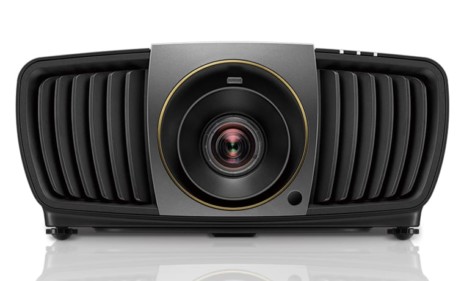

The Basic Specifications of the BenQ W100 home theater projector:
MSRP: $1299
Technology: DLP projector, 4X, 7 segment wheel
Native Resolution: WVGA 854x480
Brightness: 1300 lumens
Contrast: 2500:1
Zoom Lens ratio: 1.15:1
Lens shift: None
Lamp life:3000 hours (full power) 4000 hours (economy mode)
Weight: 6.0 lbs.
Warranty: 1 year
Physical Overview:
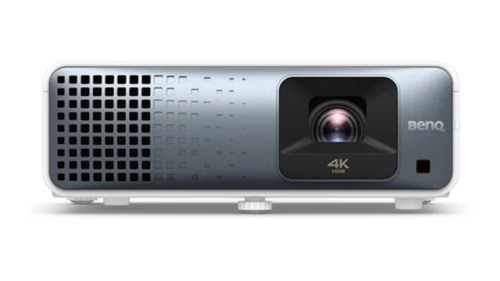
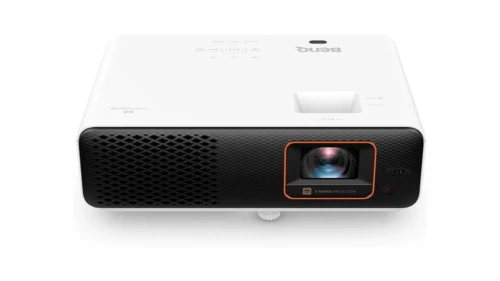
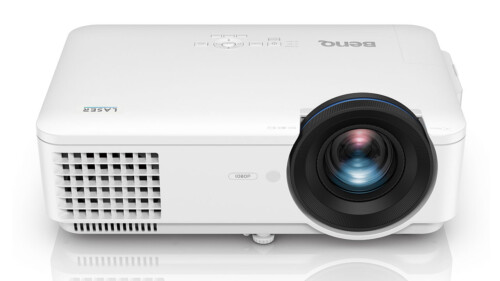
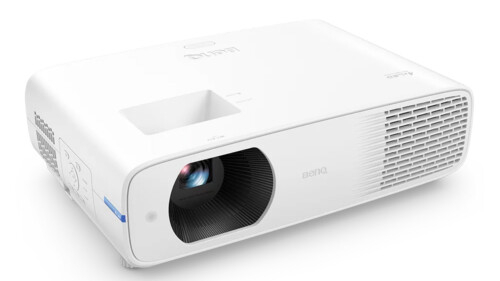
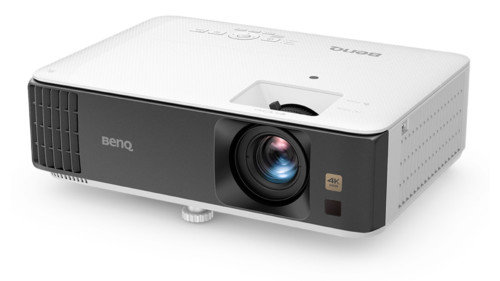
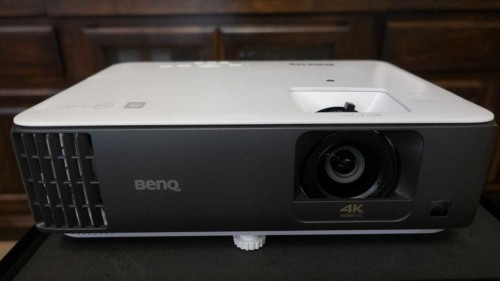
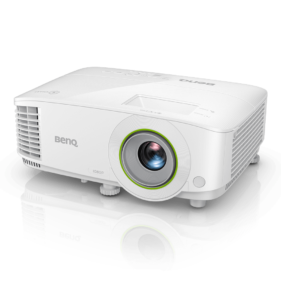
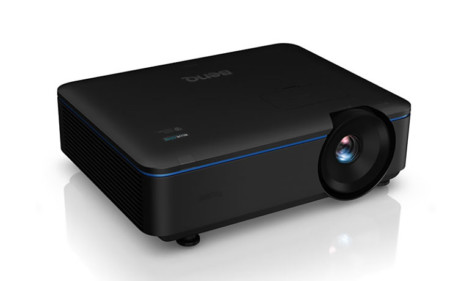
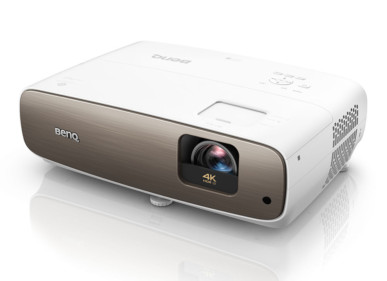
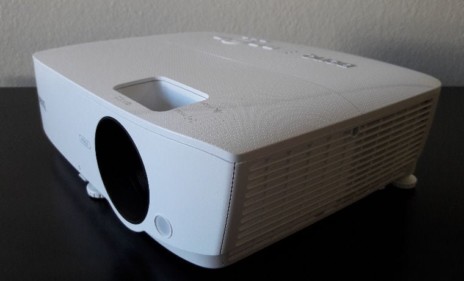
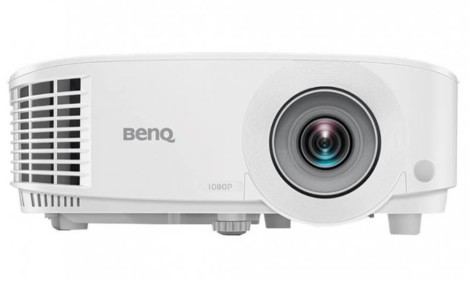
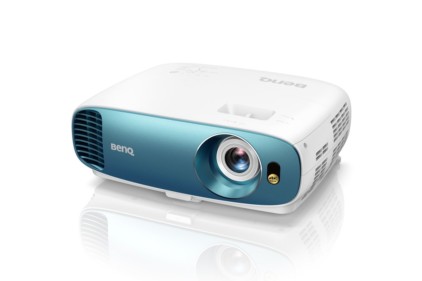
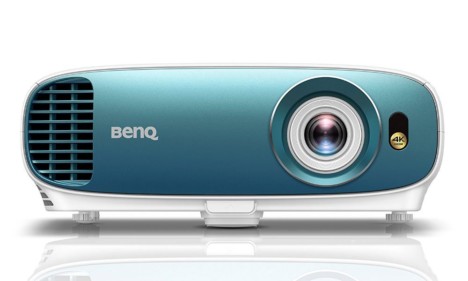
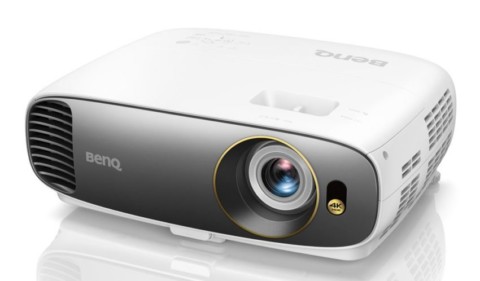
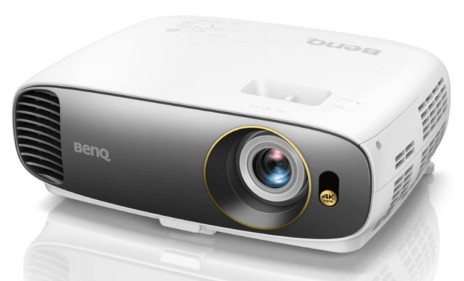
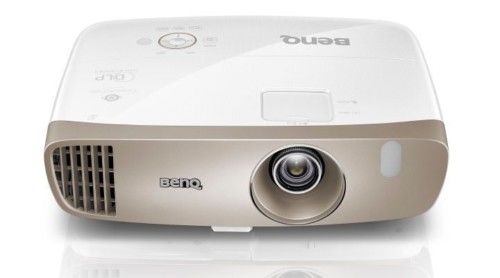
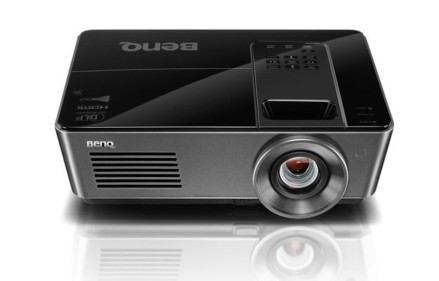
Starting at the front, the all white, BenQ W100 projector has a recessed zoom lens, mounted off center. Next to it is a small IR sensor for the remote. At the bottom of the front is a small bar that drops down the front adjustable foot (actually it too is a bar), so the BenQ relies on a 3 point stance, which is usually better than 4 feet, if your surface is not perfectly level.
Moving to the top of this BenQ, the lens controls are recessed, and located directly behind the lens. You'll find two ring like controls, the one closest to the front, for focus, and directly behind it, the zoom. The zoom ratio is only 1.15:1, so you only can adjust the image size by a rather small 15% for a given distance. (Think of it this way. If the closest you could position the projector to fill a given sized screen is 10 feet back, then the furthest would be 11.5 feet back. Now, most under $2000 DLP projectors have zoom ratios of 1.15:1 to 1.3:1, while LCD projectors typically have significantly more placement flexibility. Of course, it's getting pretty hard to find entry level LCD home theater projectors, most are now DLP, so my point may be moot.
I found the adjustment rings for zoom and focus to be sloppy, they did not move smoothly, and if you first focus the projector, then adjust the zoom, it knocks the focus off. Two points: First, this isn't that unusual in entry level projectors (Optoma's H27 also exhibits this problem), and second, this is a prototype, so it may "feel" much better with production units. That said, this issue is more of a "feel good" issue than having anything to do with performance. Afterall, once you set the projector on a table (or ceiling mount it, and adjust the focus and zoom so both are right - you are done. It's not like the zoom or focus are going to shift while you are watching content.
Review continues below this advertisement.
The control panel is located in the back right corner of the top (looking from the rear). The layout is very compact, functional and easy to navigate, just in case you have misplaced the provided remote control. The control panel itself feels very solid, and works flawlessly from a mechanical standpoint.
As you can see from the image, power is on the left side. (Press once for power on, twice for power off.) The center is the Mode select (Movie, Cinema...) and doubles as Enter, when you are in the menus. It is surrounded by the four "arrow" keys. The bottom one brings up the Menu. We will look at menu functions in the General Performance section. As you can see on the lower left, there is the aspect ratio button, which basically toggles between 16:9 and 4:3 (there's a "Real" 1:1 ratio as well for displaying exactly what the source sends - pixel for pixel. The Auto button is primarily to lock onto an analog source like a computer, and the source button - well, that says it all. In addition to the power indicator you have the obligatory Temp warning light, and the lamp indicator light which will indicate normal operation or a problem.
That takes us to the back of the projector with its input panel. The W100 projector is particularly well equipped, sporting 2 sets of component video inputs, and a DVI-I connector. The DVI-I accepts a digital signal, which is your preferred method of bringing video in from your cable/satellite box, HTPC, or Digital equipped DVD playeras well as analog (for hooking up a PC). Alternately, though, you can bring in an analog signal such as from a PC, for a business presentation. While there is no obvious way to hook up a computer (through the analog) and a digital source simultaneously, third party connectors are available that will allow you to hook both up at the same time. There is also the usual composite video and S-video inputs, and an RS232 for "command and control." Unlike most home theater projectors, however the W100 has a 2 watt speaker (we'll assume primarily for "business use"), so there is also a stereo mini-jack. There is an additional IR sensor on the back panel, and also the power input connector.
That pretty much covers the layout of the W100 home theater projector. Time to look at its performance.
Overview
Image Quality
General Performance
Warranty
Summary, Pros, Cons