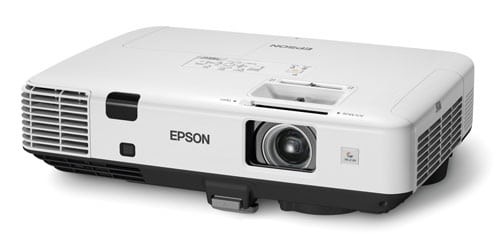
Epson Powerlite S4 Projector Review - Overview
7/28/2006 - Art Feierman
Overview![]()
Image Quality
General Performance
Warranty
Summary, Pros, Cons
The Epson Powerlite S4 recently replaced their S3. For years, Epson's entry level projector entries, have been the top, or close to the top, selling entry level projector.
This is not likely to change anytime soon, with the introduction of the S4, a low cost LCD based projector that is a low resolution projector (SVGA). There are far, far more XGA projectors out there, but the nature of "entry level" is that the Epson and other entry level SVGA models, have impressive sales numbers. I'll discuss issues of choosing SVGA projectors over XGA models (to save a few bucks) elsewhere in this review and also in our Seven projector comparison review that includes the S4.
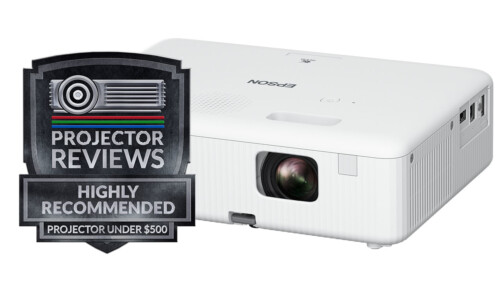
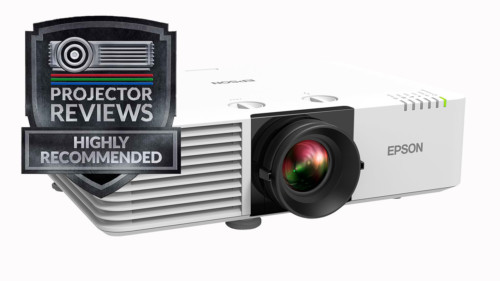
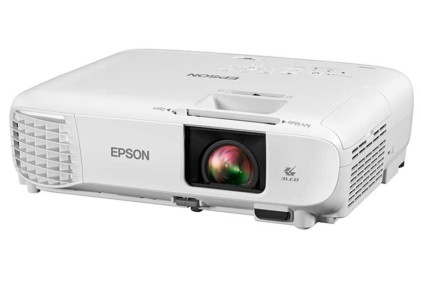
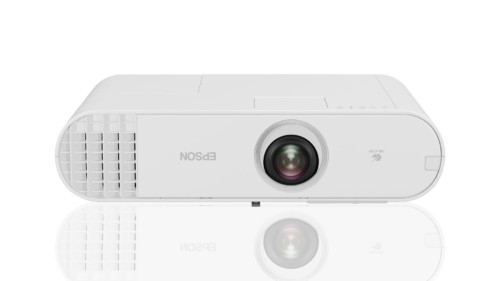
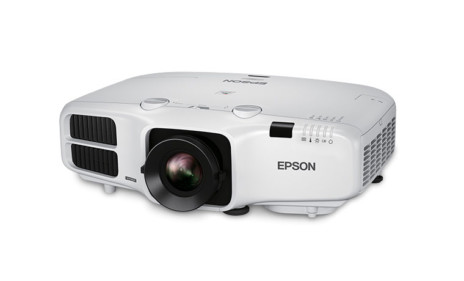
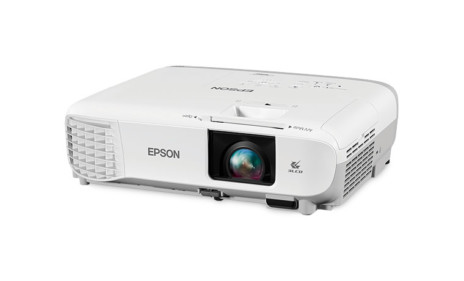
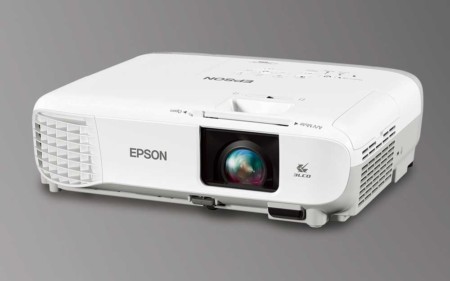
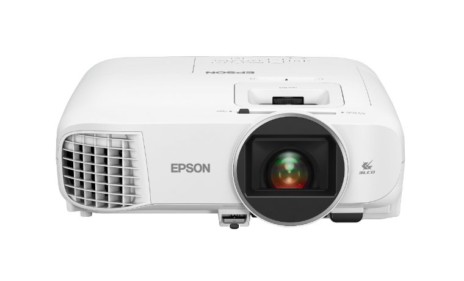
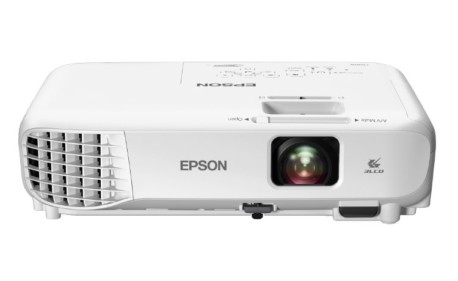
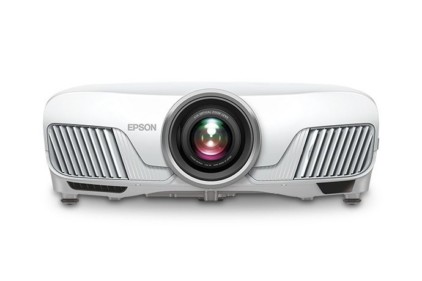
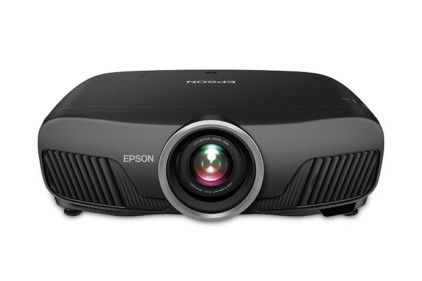
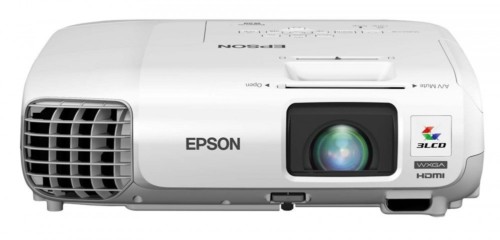
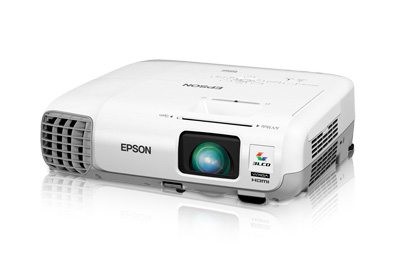
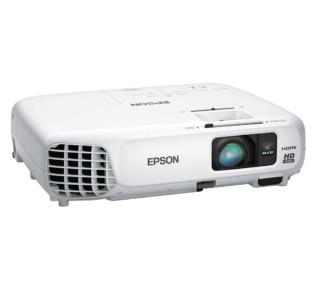
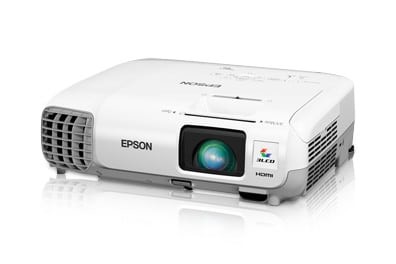
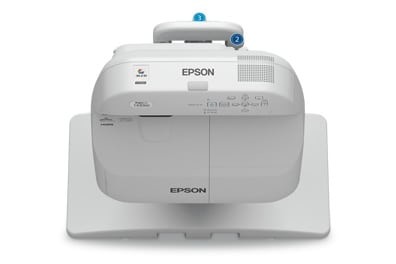
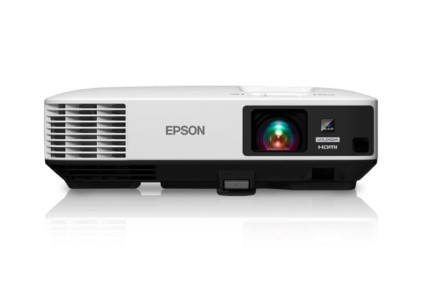
The EpsonS4 image shown above, is of the front of the projector, with the sliding door protecting the lens, in the closed position.
Tthe Epson is a $699 list price projector, although dealer prices will vary slightly, don't expect a large discount off of that price. You are not likely to find any competitors for significantly less money, unless it is a discontinued model, or a refurbished projector. The S4, like it's predecessor should be extremely popular with the K-12 education crowd, as well as for thrifty businesses on a really tight budget.
Epson Powerlite S4 LCD Projector Basic Specs:
MSRP: $699
Technology: LCD front projector
Native Resolution: SVGA 800x600
Brightness: 1800 lumens
Contrast: 500:1
Zoom Lens ratio: None, digital zoom out
Lens shift: No
Lamp life: 2000 hours (full power) 3000 hours (eco-mode)
Weight: 5.7 lbs.
Warranty: 2 years parts/labor, with an overnight replacement program
Epson S4 Physical Tour:
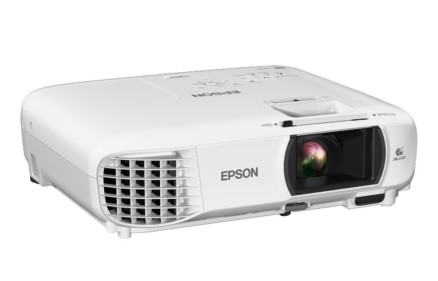
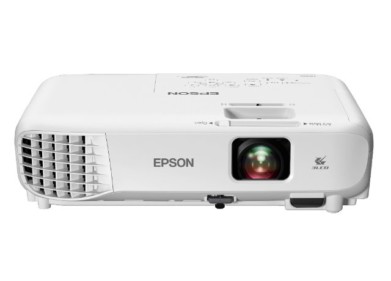
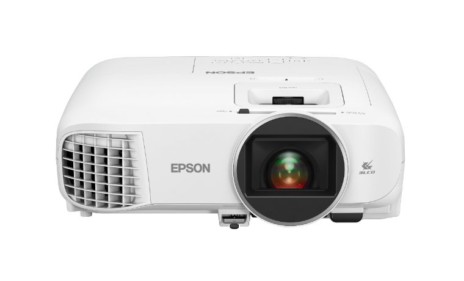
From the front: The Epson Powerlite S4, has a recessed lens, protected, when the projector is not in use, by a sliding lens cover. Also located on the front, is an Infra-red sensor for the remote control, and, bottom (almost) centered, drop down adjustable foot. Focusing is accomplished by a manual focus ring on the lens. The Epson S4's lens does not offer any zoom capability, although Epson offers up a digital zoom out feature allowing users to control the size of the image significantly. Handling zoom digitally does, however have some effect on image quality, much as digital keystone correction does. Epson apparently believes, that in an entry level projector, the minor degradation of the image (noticeable slightly on smaller text), is a minor price to pay, in exchange for a low price and other features Epson provides with this projector. It's hard to disagree with them on this point.
Moving to the top of the Epson S4, you will find the control panel. Epson has been using the same basic control panel layout, with only minor changes, for years. This is a good thing, I have always found it to be one of the best. A close look at the control panel, reveals, from left to right: 3 small LED indicator lights (power, lamp and temperature), and a large red Power button (once for on, twice for off). Next is the Source/search button. Depending on whether you have automatic source search engaged (on the menus), the button will allow you to select a source, or let the projector scroll through the inputs and select the "next" source it finds.
This takes us to the heart of the control panel, (in the circular area). Four arrow keys surround the Enter key. to the top left is the Menu button and across from it on the top right, the Escape button, which takes you back up a level in the menus. The up and down arrows (when you are not in the Menus, allow you to control keystone correction, while the left and right arrows control the S4 projector's digital zoom in and out. Lastly, on the far right of the panel, is the Help button, another nice feature that has been on most Epson projectors for at least 5 or 6 years. Epson's help, is interactive. Hit it, and choose between questions, whatever question you choose, it will take you into the most appropriate menu to adjust that feature. It's sort of like having a short troubleshooting manual built in, except that you can actually make the adjustments as you go, and not have to leave "Help" and re-enter the menus to make changes. It's always been a nice touch.
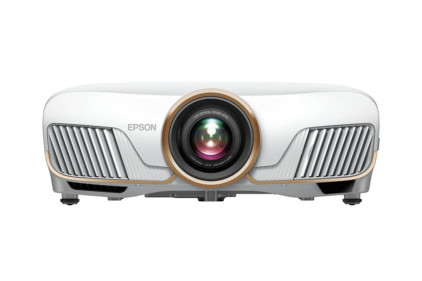
That takes us to the back of the Powerlite S4. The Epson is typically equipped for an entry level projector, with a computer input and a computer output. As I mentioned earlier, the Epson S series (the S4 being the latest) is extremely popular with the Education crowd, and they often use desktop computers, so a monitor (computer) output is almost a necessity. You can input component video instead of the usual analog computer source, into the computer input if you need to, but you don't have the ability to have a computer and a component video input hooked up at the same time. Of course, the S4 projector also has the usual composite video (lowest performance) and S-video inputs. There are a pair of RCA jacks for stereo audio. There is no audio output. Lastly there is a USB port for remote mousing, and an RS-232 for computer control. The Epson S4 has a single small speaker, as is typical for entry level business/education projectors.
That pretty much covers the basic hardware, except for the remote, which we look at in the General Performance section. Now, however, it's time to consider the Epson's image quality.
Overview
Image Quality
General Performance
Warranty
Summary, Pros, Cons