The last section of our Buyer’s Guide celebrates the best in ultra-portable projectors, combining built-in sound, smart features, and durability AND the convenience of a built-in battery. The very best in ultraportable projectors don’t need an external video source, a power cord, or external sound.
If you are interested in purchasing the projector mentioned in this article, we always appreciate it if you use one of the links in the article because Projector Reviews earns a small commission on the sale at no cost to you.
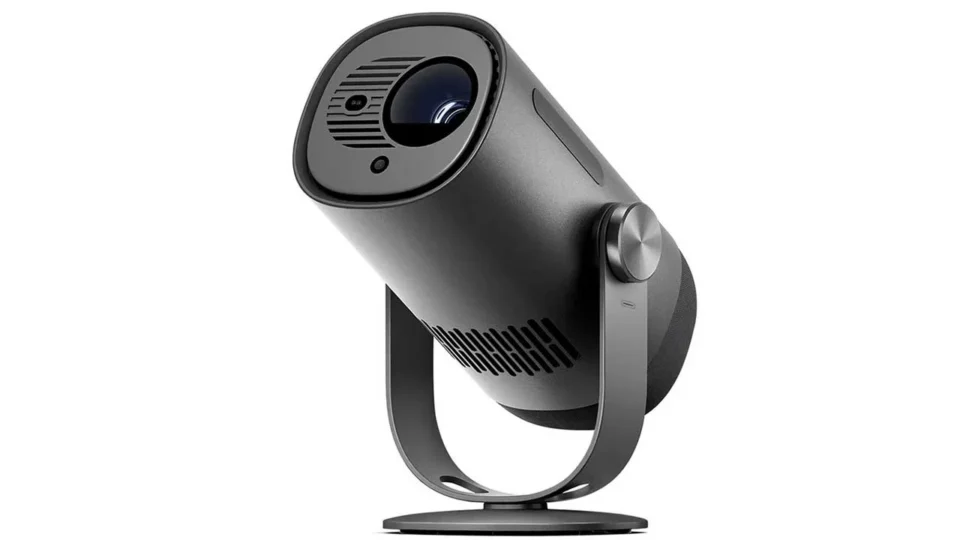
Dangbei Freedo
Price
$549
Brightness
626 Lumens
Resolution
1920 x1080
Imager
DLP
Light Source
LED light source
Portability – size
2.99 lbs
Battery Life
3 hours of video 6 hours of music
Smart Features
None
Sound
Built-in 4-Watt Stereo Speakers
The Dangbei Freedo is a native 1080p Full HD smart projector, featuring an LED light source that produces 450 lumens. It is a feature-rich portable projector designed for users seeking a flexible entertainment solution for both indoor and outdoor environments. Weighing just over 3 pounds, it includes a built-in 60Wh battery that delivers up to 2.5 hours of video playback in Eco mode or up to 6 hours when used as a Bluetooth speaker.
The Freedo includes an integrated gimbal stand, which allows for a 165° vertical tilt making it easy to project content onto walls, ceilings, or angled surfaces. The Dangbei Freedo runs Google TV, offering access to all major streaming services including Netflix, Prime Video, Hulu, YouTube, and Disney+. Audio is handled by a 6-watt 360-degree speaker system that supports Dolby Digital and Dolby Digital Plus, and the unit can double as a standalone Bluetooth speaker.
The Dangbei Freedo is positioned as a premium portable projector ideal for buyers who value smart features, flexible installation, and all-in-one functionality in a compact form factor.
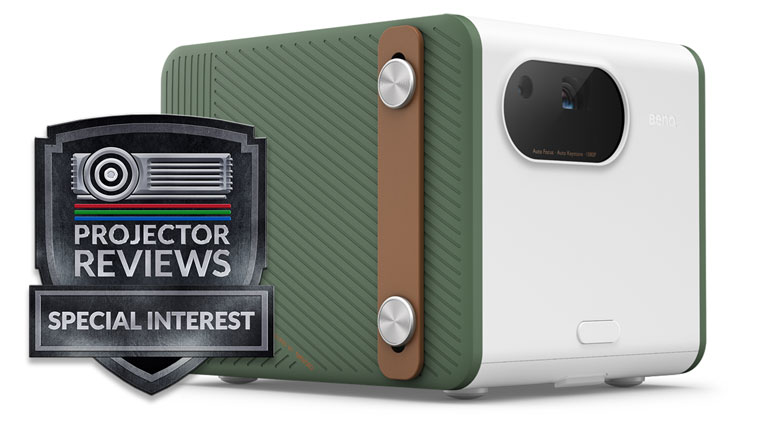
BenQ GS50 Portable LED Smart Projector
Price
$799
Brightness
500 Lumens
Resolution
1080 x 1920
Imager
DLP
Light Source
LED
Portability – size
5.7 lbs
Battery Life
Up to 2.5 hours
Portability – smart
Android TV dongle
Sound
2.1 channel
The big brother GS50 shares many features with its smaller sibling, the GV30. The brighter 500 ANSI lumen GS50 also steps up to Full HD 1920 x 1080 resolution. Both projectors offer a built-in battery with up to 2.5 hours of battery life. The GS50 and GV30 both come with BenQ’s QS01 Android TV (ATV) Dongle for HDMI media streaming.
The GS50 also offers a powerful 2.1 channel audio system with dual 5-watt midrange tweeters and a 10-watt woofer. The GS50 can also be used as a handy portable Bluetooth speaker.
The GS50 also has a worry-free durable design that is ergonomically designed for a rugged and active lifestyle. The GS50 is IPX2 splash-resistant, with light splashes being channeled out of the projector and splash-resistant film protecting the speakers. An IPX2 rating means the GS50 can resist water that hits the projector at a 15° angle or less. The projector is also 2.3-foot drop-resistant thanks to its double protection of a 1mm-thick water-resistant TPU inner layer and a drop-resistant outer resin.
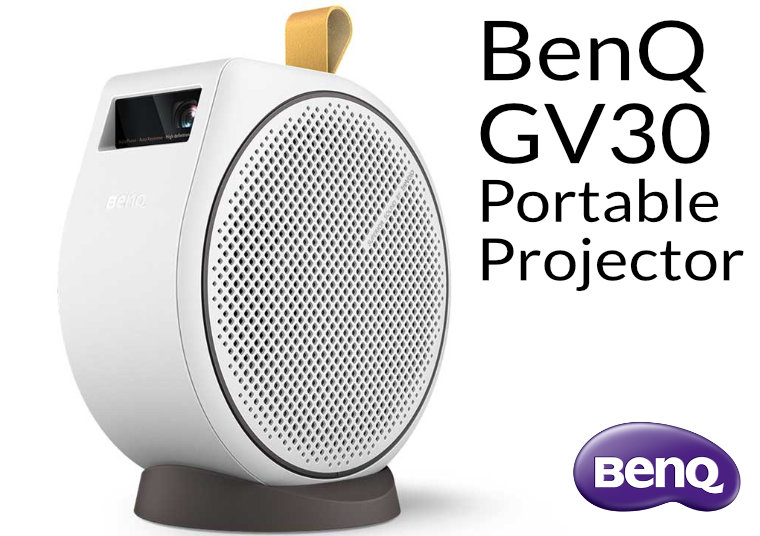
The GV30 is a smart all-in-one High Definition (HD) 1280 x 720p portable LED projector. The GV30’s brightness is rated at 300 ANSI lumens. The GV30 has a built-in battery that is rated to last up to 2.5 hours. Weighing less than 4 pounds and featuring a convenient carry strap, the GV30's portability makes it an excellent choice for neighborhood block parties, outdoor gyms, or office retreats.
The GV30 supports popular streaming apps like Disney+, Amazon Prime Video, and YouTube. You can also instantly cast any content from your handy smartphone, tablet, or PC. If you’re camping under the stars or watching flicks in the backyard, you’ll appreciate the unit's sound quality when listening to dialog and music, You can even use the GV30 as a portable Bluetooth speaker. The BenQ GV30 flexes its ultraportable chops by combining a 2.1 ch sound system with battery power in a light, and compact form factor.
GV31: Updated Version of the GV30
BenQ has introduced an updated version of its portable GV30 projector called the GV31. The GV30 offers a native resolution of 720p (HD), while the GV31 has a higher 1080p (Full HD) resolution. In terms of brightness, the GV30 is rated at 300 ANSI lumens, while the GV31, however, is brighter at 450 ANSI lumens. For audio, the GV30 includes 2.1-channel Bluetooth audio with a built-in subwoofer, delivering richer sound with more bass. The GV31, by contrast, has 2-channel stereo sound but lacks the subwoofer, which may result in less bass and audio depth.
Both projectors share a similar portable, cylindrical design with built-in batteries. The GV30 emphasizes versatility with a 360-degree tilt and stand, allowing it to project at various angles. The GV31 offers higher resolution and more brightness, which justifies its higher price.
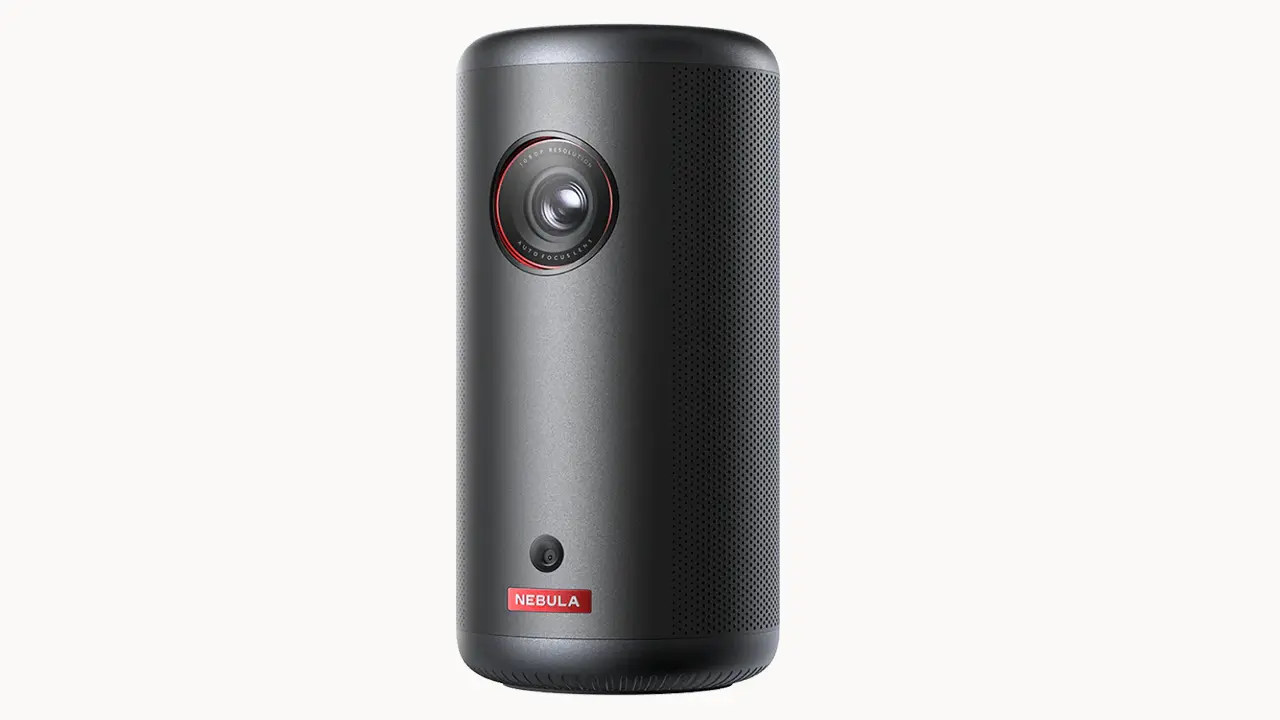
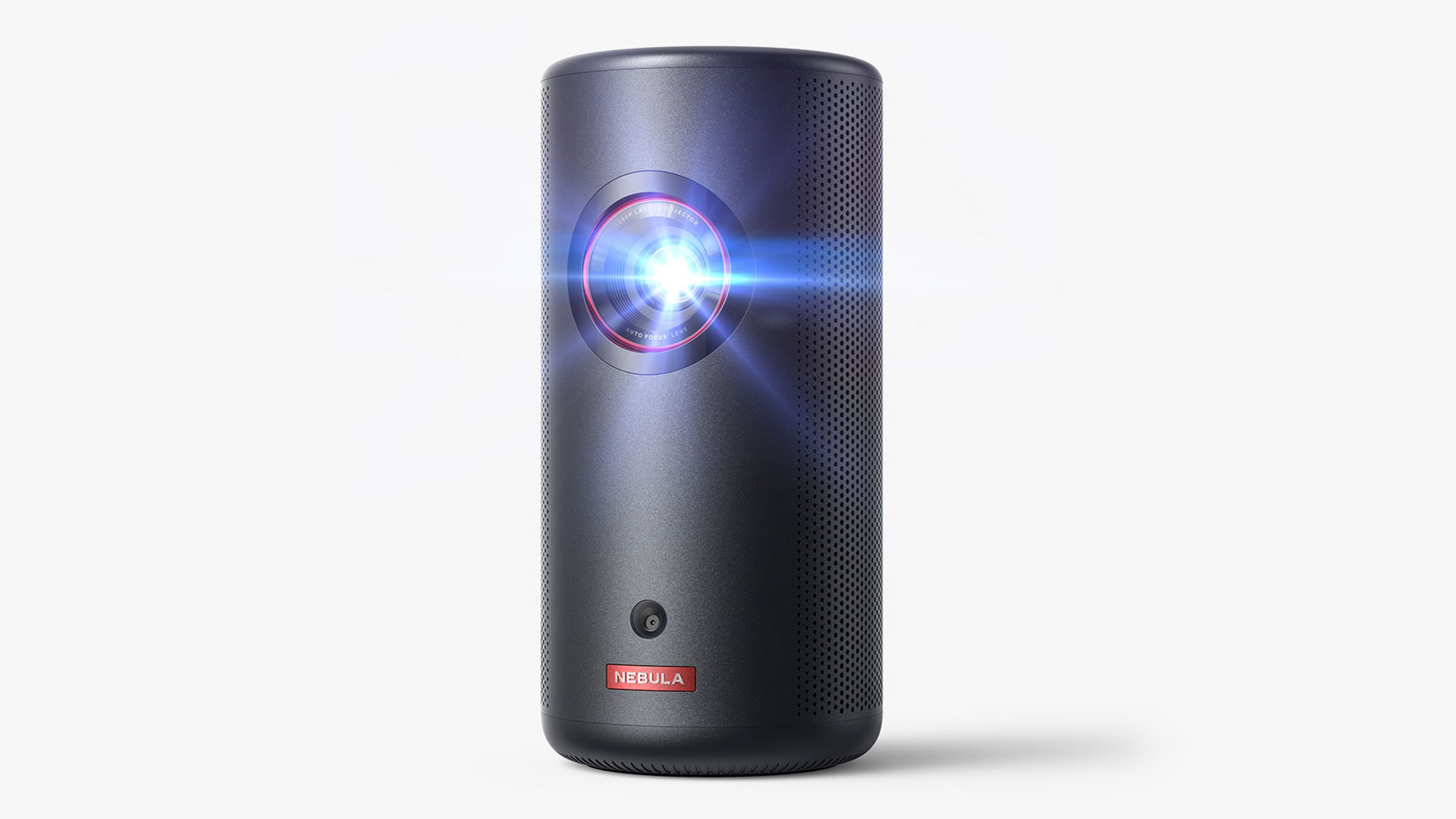
The Capsule 3 is the fifth and newest addition to Nebula's "Capsule" line of compact ultra-portable projectors. Nebula touts the Capsule series of projectors as providing an ultra-portable cinema experience that the company says is designed to transform any space into a movie theater, even outdoors. The Capsule 3 is a pocket-sized design, 50% smaller than comparable models from various manufacturers. It is designed to make on-the-go projection look great and easy to set up.
The user interface is another Capsule series highpoint, with some models running on Android OS and the Capsule 3 running Google TV OS, providing access to many streaming apps directly from the projector. This seamless integration of smart features, quality build, and exceptional portability make Nebula projectors a compelling choice for those looking to blend entertainment and mobility.
The Nebula Capsule 3 Laser is a portable compact projector with an integrated battery and retails for $799.99. It can reproduce Full HD (1920x1280) resolution and project images up to 120”. While most portable projectors rely on LED light sources, the Nebula Capsule 3 Laser utilizes a laser light source rated to deliver 300 ANSI lumens which is impressive for its compact size.
The projector is nearly the same size as your typical canned beverage. Due to its compact size, the Capsule 3 Laser can be quickly moved from place to place. In addition, the Nebula Capsule 3 Laser will automatically focus and apply keystone correction when the unit is pointed at an angle or bumped out of alignment if you enable the setting.
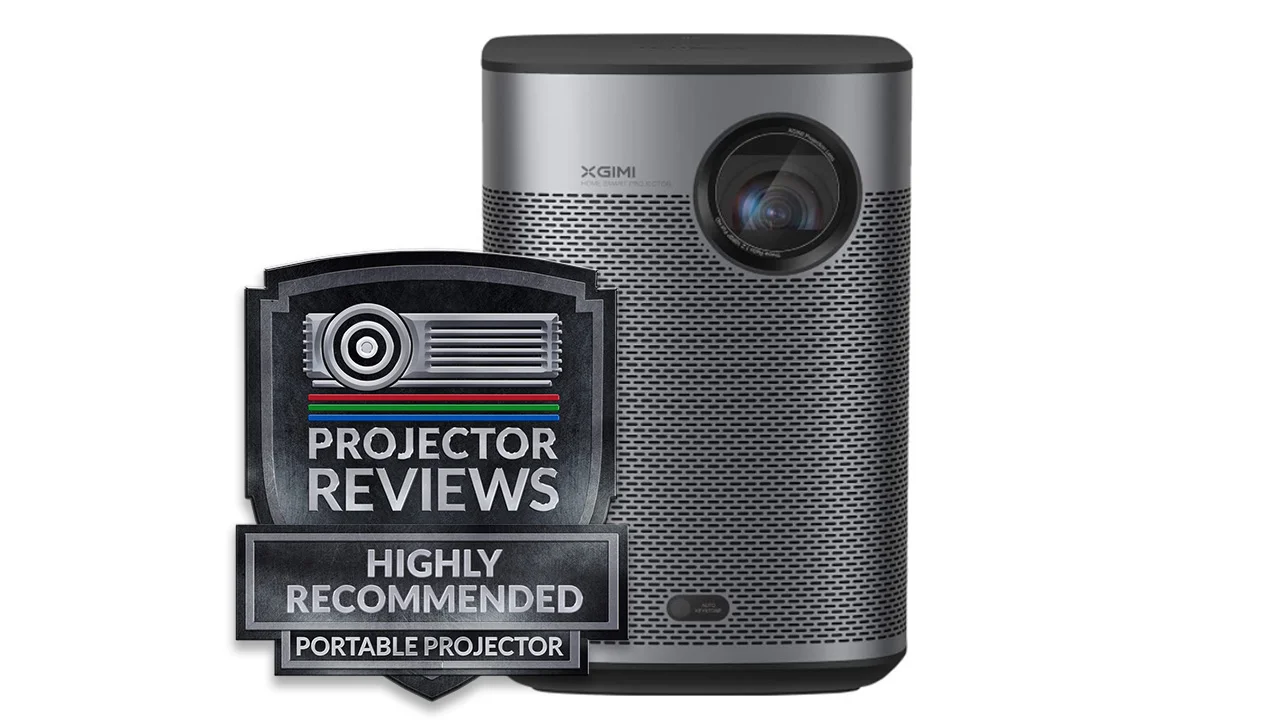
The XGIMI Halo+ is a smart 1080P DLP projector that utilizes a highly efficient LED light source to produce exceptional brightness for a portable unit. With Android TV built in, the Halo provides seamless access to popular streaming services, including Hulu, HBO Max, and YouTube, right out of the box.
The Halo+ has two 5-watt Harman Kardon built-in speakers, located on the sides of the unit. The speakers provide good sound for a portable projector and are loud enough for an average-sized room. When you use the included remote to change the volume, the level is conveniently displayed on-screen.
The XGIMI Halo+ is an FHD (1080p) portable smart projector with a built-in 59W battery rated to last up to two hours. The Halo+ can deliver 700 lumens when running off its internal battery and 900 lumens when plugged into an AC outlet. The unit's battery really enhances the unit’s portability and makes it a great option for a backyard theater or watching a movie at a campsite.
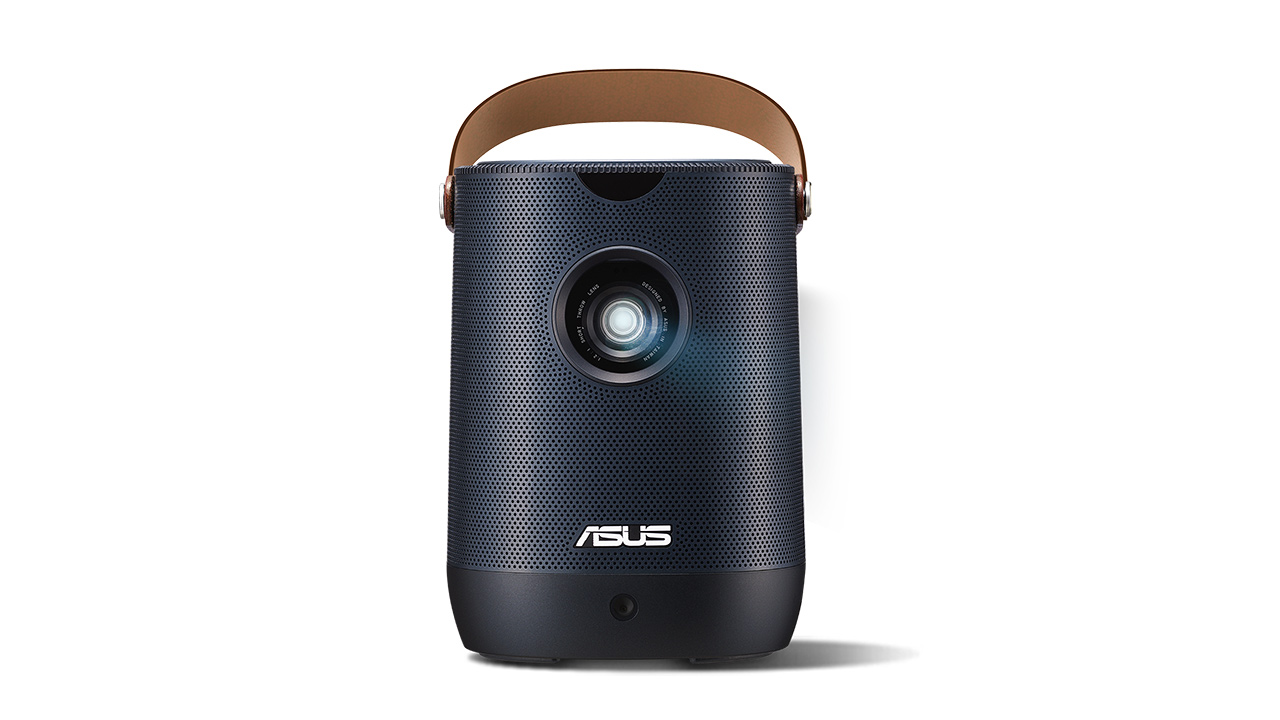
The ASUS ZenBeam L2 is a portable smart 1080p LED projector that offers a battery-powered big-screen movie experience in a surprisingly small package. With 960 lumens and a 1080p resolution, ASUS has created a compact and aesthetically pleasing product that will look good sitting on a nightstand and be easy to bring with you for movie nights away from home. The ASUS ZenBeam L2 is a smart projector. However, the smart features are powered by an included Android TV Box from HAKO mini, which creates a conflicting user experience that is far from seamless.
The projector's battery is good for up to 3.5 hours and it has built-in harmon/kardon 10w speaker. The included ports give you all of the basic connectivity options, including USB and HDMI inputs. Use the included carrying handle to bring the ASUS ZenBeam L2 with you wherever you go. The projector also comes carrying case is a nice touch that has room for the projector, along with some extra space for a few other things.
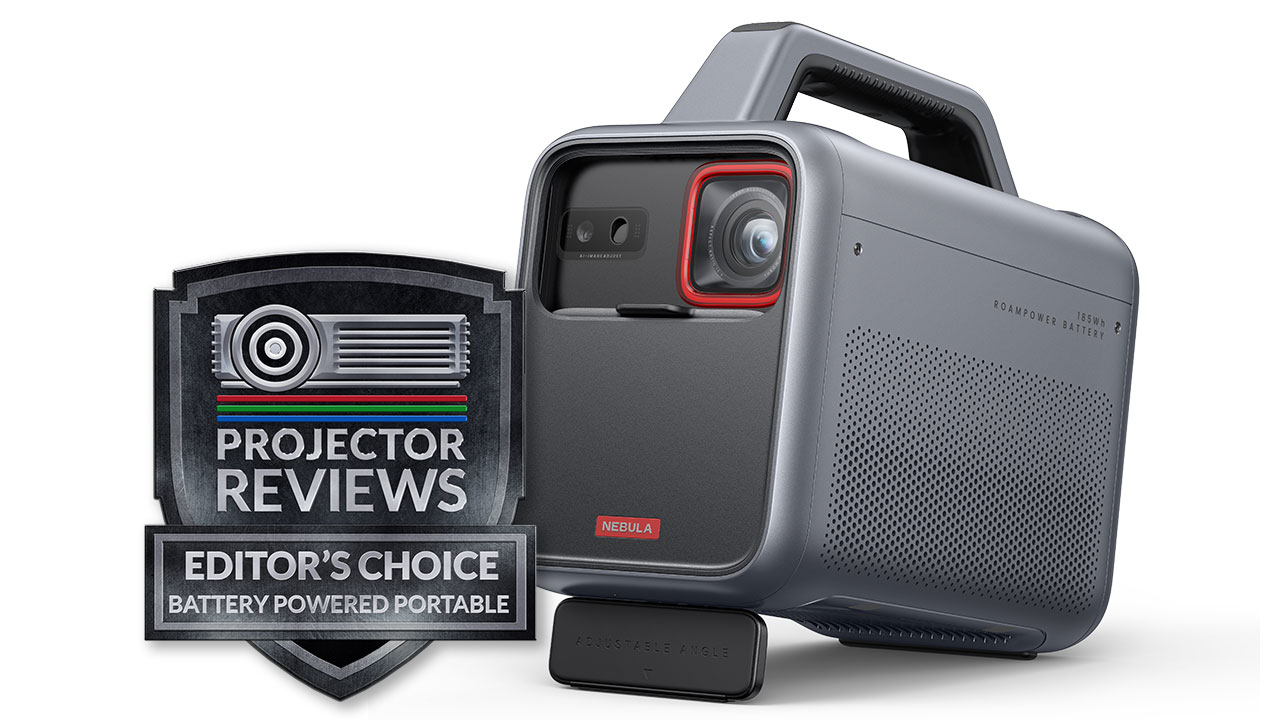
The Nebula Mars 3 is a portable smart projector that retails for $1099.00. It can deliver 1080P resolution and has a rated brightness of 1000 ANSI lumens. It is equipped with a high-capacity battery power bank large enough to deliver up to 5 hours of viewing, and it can be used to charge mobile smart devices.
The Nebula Mars 3 is the first product I’ve seen that can produce a decent portable movie-watching experience. In terms of brightness, battery life, and speakers, this projector is one of the best solutions in this niche category. This Nebula projector is made by Anker, which has had a strong focus on Laser projectors in the last few years.
While producing a 1080p image, the Nebula Mars 3 is able to give you 1,000 lumens of brightness for the entire duration of a standard-length movie, using the built-in battery. This projector is ultimately designed for convenient outdoor use, in situations where you might be camping, going on a road trip, or just having a casual backyard movie night. By including a large battery, really good speakers, and Android TV 11, this is a complete all-in-one solution that will let you bring the home theater experience with you.
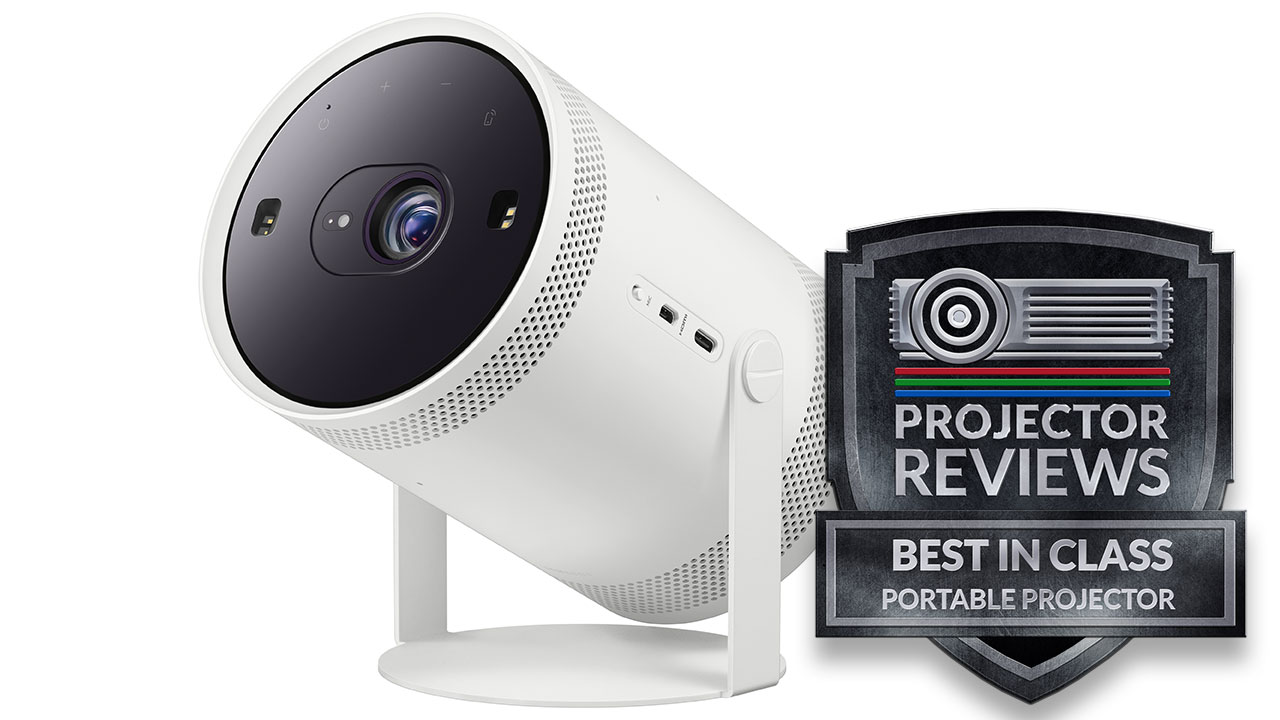
The Samsung Freestyle is a portable smart LED projector that retails for $799. At first glance, the projector seems expensive based on its basic specs. However, the freestyle is one of the best thought-out portable projectors that we have ever reviewed. It is now also on our list of best projectors under $1000!
Samsung is one of the world’s leading flat-panel TV manufacturers, but there are some applications where a projector is a better display solution. But, the Freestyle is not targeted at the traditional projector customer. Its unique combination of features and optional accessories are designed to make the benefits of projection attractive to more customers.
“The Freestyle is a one-of-a-kind projector geared towards ultimate versatility and flexibility to meet the consumers’ changing lifestyles,” said Simon Sung, Executive Vice President and Head of the Sales & Marketing Team of the Visual Display Business at Samsung Electronics. “Without the limitation in space and form factor, The Freestyle is a fun and versatile device that can be used in any way consumers prefer.”
Finally, let’s wrap up by talking about screens. Sure, you can pretty much point any projector at a blank white wall or sheet, but you will get better results with a screen. A wall or sheet isn’t as smooth as you might think, and an ultra-smooth projection screen will help eliminate these imperfections and improve the image quality.
In addition to choosing a projector with enough brightness to combat any surrounding ambient light, you can also invest in a projector screen with a special coating that helps reduce the impact of ambient light, which can ruin your content. These screens are frequently referred to as ALR – Ambient Light Rejecting screens. The screen you choose for your outdoor home theater can be just as important as the projector.
If you are interested in purchasing the projector mentioned in this article, we always appreciate it if you use one of the links in the article because Projector Reviews earns a small commission on the sale at no cost to you.
Elite Screens Yard Master 2 Series (Ranging from $149-$557, Depending on Size)
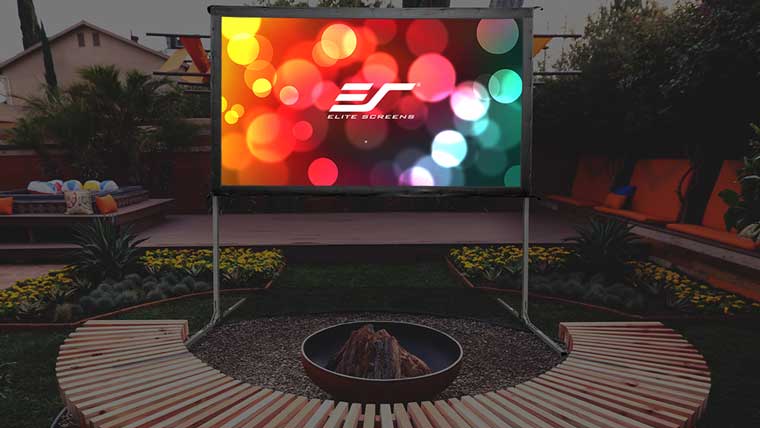
Elite Screens Yard Master 2 is an excellent choice for your outdoor home theater
The Yard Master 2 is a fast folding-frame outdoor projection screen. Its light-weight aluminum frame allows it to be set up in minutes. Simply, unfold the frame; attach the material and legs, then project. The Yard Master 2 is the perfect companion for outdoor presentations and it available in several sizes ranging from 58” up to 135”.
100-inch Outdoor Indoor Projector Screen 16:9
CineWhite® UHD-B tensioned matte white front projection material
Optional WraithVeil material available for rear projection applications
Black masking borders enhance picture contrast
Compatible with: Standard throw, Short throw, Ultra-short throw projectors
Elite Screens Tripod Projector Screen (Ranging from $106-$205, Depending on Size)
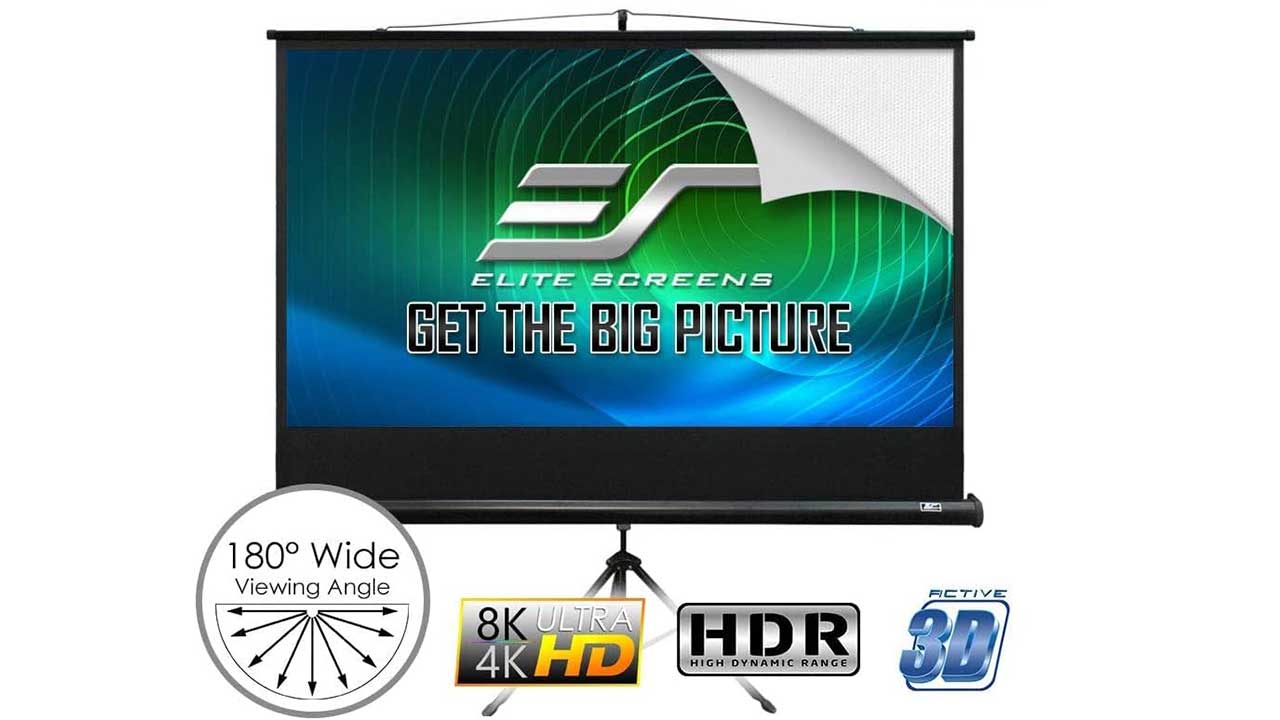
Elite Screen Tripod Series screens are sturdy, yet lightweight and available in black or white metal casings, and it can be stored away in a garage or closet. Its manual pull-up design allows it to be set up in minutes. The MaxWhite 2 screen material can be easily cleaned with mild soap and water. Tripod Series screens are available in several sizes ranging from 50” up to 120”.
100-inch Outdoor Indoor Projector Screen 16:9
MaxWhite 2 is a 1.1 gain front projection material
Black masking borders enhance picture contrast
Height-adjustable stand
Compatible with: Standard throw, Short throw, Ultra-short throw projectors
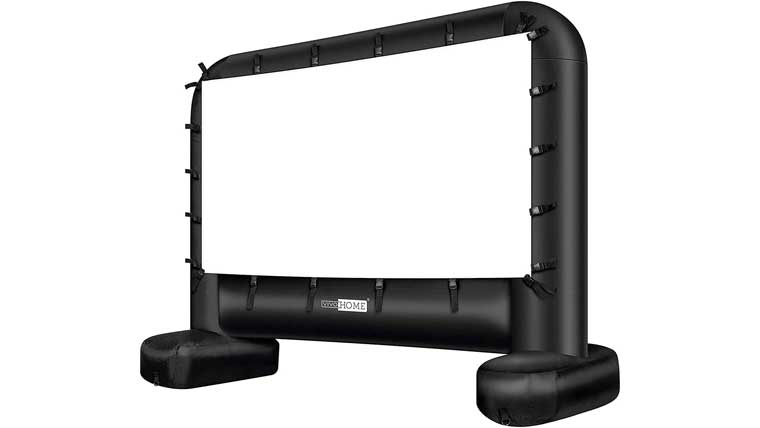
Vivohome 14 Ft Inflatable Movie Projector Screen ($149)
Vivohome Inflatable Screen is meant for the outdoors
This inflatable movie screen is made of high quality, durable 210D Oxford cloth; Features a seam-free, theater-quality viewing area and quick blower that ensures the screen stays expanded without distracting from the fun; Long-lasting weather-resistant material allows long time indoor or outdoor use.
Easy to set up and take down and secure in the wind
Quiet internal blower can inflate the movie screen in minutes and keeps it inflated throughout the show
Product Dimensions: 10.7ft x 3.9ft x 8.4ft
Movie Screen Dimensions: 8.5ft x 4.8ft
Note: The biggest benefit of a blow-up screen is the ability to create a BIG screen that can be stored in a compact package when not in use. A big drawback to a blow-up screen is keeping it adequately inflated to create a taunt screen that delivers a non-distorted image. To keep it taunt, the blower must continuously run, which takes power and reduces portability options.
Elite Screens Pop Up Cinema Series ($75-$120, Depending on Size)
Elite Screens Pop-Up Cinema Screen Series
The ELITE Pop-Up Cinema Series is a portable spring-framed fast folding projection screen for instant setup for outdoor or indoor environments. The lightweight spring metal construction allows the material to “pop-up” instantly while supporting the SilkWhite material and its black-mesh border. The SilkWhite projection material is a synthetic fabric designed for the rigors of outdoor use while also doubling as an exceptional projection surface for indoor presentations as well.
Available in the following diagonal sizes: 84″ and 92″ in 16:9 format
Accommodates both standard and short throw projectors
Lightweight & flat design is traveler friendly
32” diameter carrying case holds all components
Built to withstand light wind conditions
Nylon spring-loaded frame system unfolds effortlessly
Assembles in seconds with no tools required
Stakes, net base, and support rods included for added stability
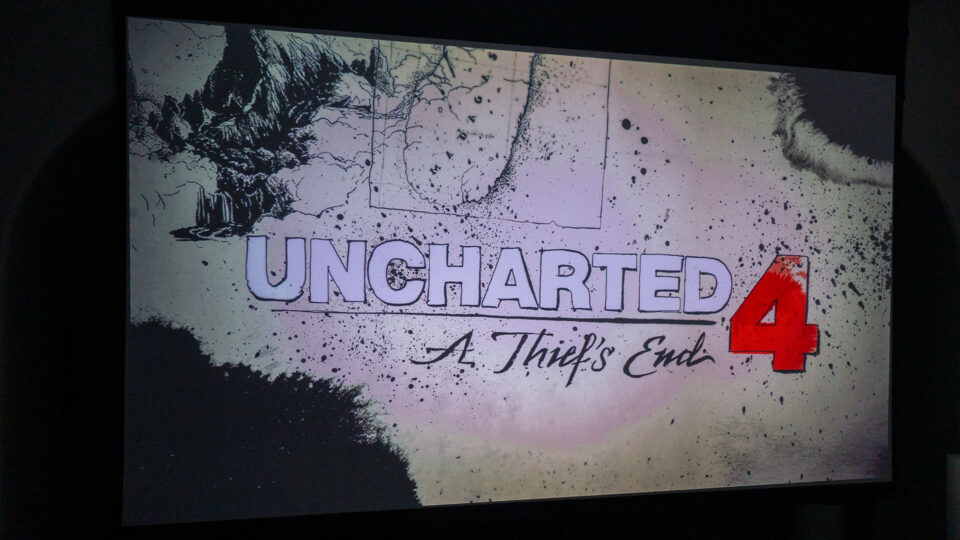
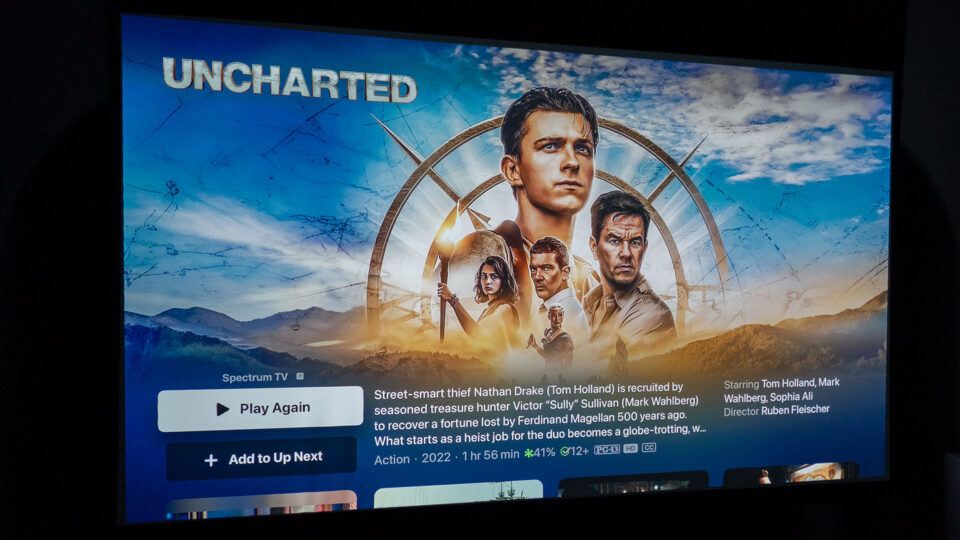
The Uncharted franchise is a masterpiece of action-adventure storytelling, blending cinematic and interactive elements like few others. Whether you’re navigating Nathan Drake’s treasure hunts in Uncharted 4: A Thief’s End or watching Tom Holland bring the character to life in the Uncharted movie, this franchise knows how to keep its fans on the edge of their seats.
But what happens when you bring these two experiences to the big screen—literally? Projectors have the unique ability to transform both gaming and movie-watching into larger-than-life experiences. Using one to showcase both the game and the movie highlights the strengths of each medium while magnifying their cinematic qualities.
In this article, I’ll dive into the interactive magic of Uncharted 4 and the cinematic spectacle of the Uncharted movie, comparing and contrasting how they each fare when played or watched on a projector. Along the way, I’ll also share my personal experience with the BenQ X3100i, a gaming projector that truly made this adventure unforgettable—and tell you about a surprising encounter I had with Nathan Drake himself, Tom Holland.
Gaming on a Projector: Uncharted 4 - A Thief’s End
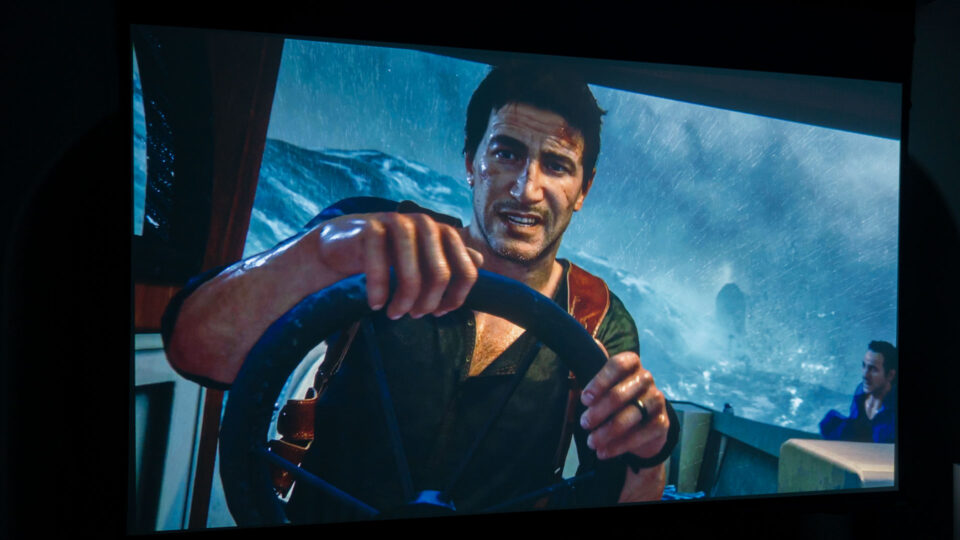
Playing Uncharted 4: A Thief’s End on a projector is an experience that blurs the line between gaming and cinema. From the very first scene, you’re thrust into a high-stakes treasure hunt filled with jaw-dropping visuals, clever puzzles, and adrenaline-pumping action.
One of the first things you’ll notice when playing on a projector is the sheer scale of the environments. The dense jungles of Madagascar stretch endlessly across the screen, with every leaf, vine, and rock rendered in stunning detail. Libertalia’s overgrown ruins feel imposing and mysterious, while Scotland’s stormy cliffs seem almost tangible, as if you could feel the cold wind cutting through the air.
This is where projectors truly shine—they bring depth and immersion to these environments in a way smaller screens can’t. Subtle details like the texture of ancient carvings or the play of light across a flooded cavern become impossible to miss. Every vista, from sunlit coastlines to eerie shipwrecks, feels larger-than-life.
Of course, Uncharted 4 is about more than just stunning visuals. Its gameplay is an exhilarating mix of exploration, puzzle-solving, and intense action sequences. On a projector, these moments feel magnified. Imagine scaling a 40-foot cliff on a 120-inch screen, or swinging across a chasm with Nathan’s grappling hook while the camera pans to reveal a vast, treacherous drop below.
What sets the game apart is its emotional storytelling, which takes on an almost cinematic quality when displayed on a projector. While Nathan Drake is the character you’ll control for most of the game, there are moments when you step into the shoes of other key figures, like his long-lost brother Sam or his wife Elena. These shifts in perspective deepen the narrative and let you experience the story from multiple angles.
The action sequences, meanwhile, are pure Hollywood. Whether it’s an explosive jeep chase through the streets of Madagascar or a tense shootout in an ancient tomb, every moment feels like a blockbuster set piece. Projectors amplify the scale and intensity of these scenes, making your living room feel like an IMAX theater.
Watching the Movie: Uncharted
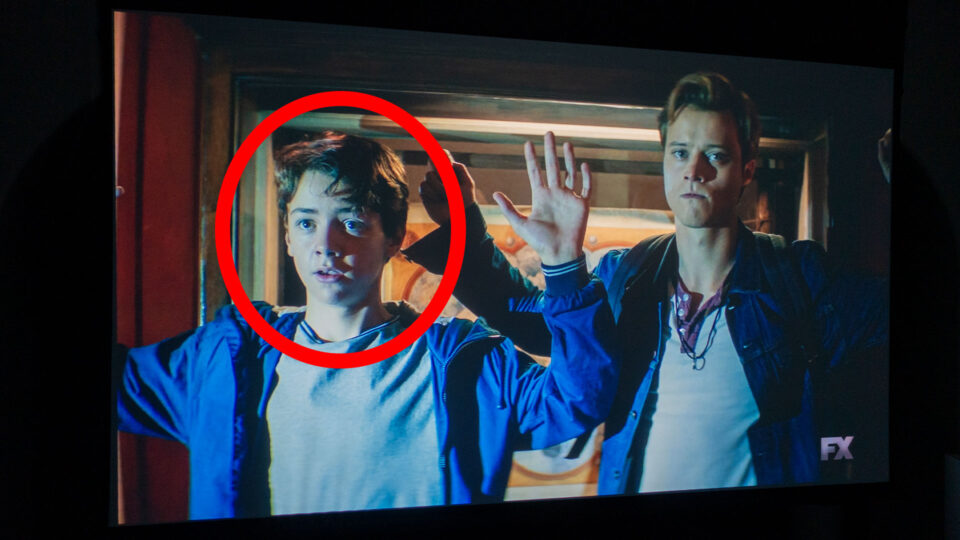
The Uncharted movie offers a different kind of thrill—one that trades interactivity for fast-paced, polished storytelling. Watching Tom Holland as a younger, more playful Nathan Drake brings a fresh perspective to the character, while Mark Wahlberg’s Sully adds humor and charm.
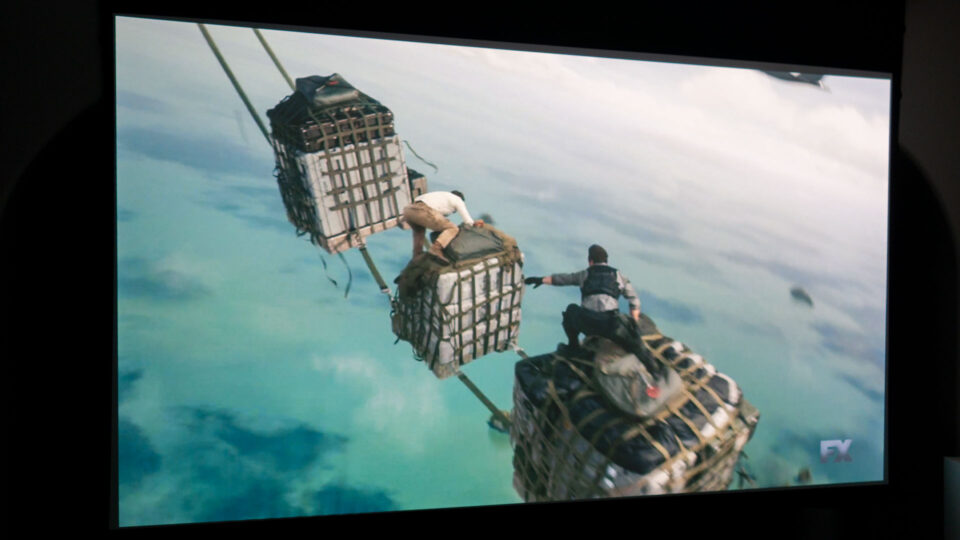
Speaking of Tom Holland, I had the unexpected privilege of seeing him in person during the 2022 Sony press conference at CES in Las Vegas. While attending the event to cover projector news (you can find that CES 2022 – Projector Reviews Tradeshow Report here), I found myself in the audience as Holland took the stage to talk about his upcoming role in Uncharted. He previewed a spectacular trailer featuring the iconic crate-hopping plane sequence, directly inspired by Uncharted 3: Drake’s Deception. Seeing the enthusiasm Holland brought to the role convinced me that the movie would be a must-watch—especially on a big screen.
When I finally got around to experiencing the movie on a projector, the cinematic qualities truly shone. From the opening scenes, which showcase Drake’s agility and resourcefulness, to the explosive set pieces like the gravity-defying crate-hopping plane sequence, every moment felt grander and more immersive.
This larger-than-life presentation is perfect for capturing the movie’s adventurous tone. Whether it’s the glittering gold of hidden treasure chambers or the chaotic, wind-swept fight scenes on pirate ships hoisted by helicopters, the projector enhances every detail. Shadows are richer, colors pop, and the scale of the action feels truly monumental.
One of my favorite experiences with the Uncharted movie was sharing it with my daughter, who watched it for the first time. Seeing her light up at Nathan Drake’s daring escapades reminded me of why this franchise is so beloved. Watching it on a projector added to the excitement, making it feel like we were on the adventure alongside the characters.
While the movie doesn’t dive as deeply into its characters or relationships as the game does, it’s undeniably fun. The humor, banter, and high-octane action make it an ideal choice for family movie nights or casual rewatches with friends.
My Experience with the BenQ X3100i Gaming Projector
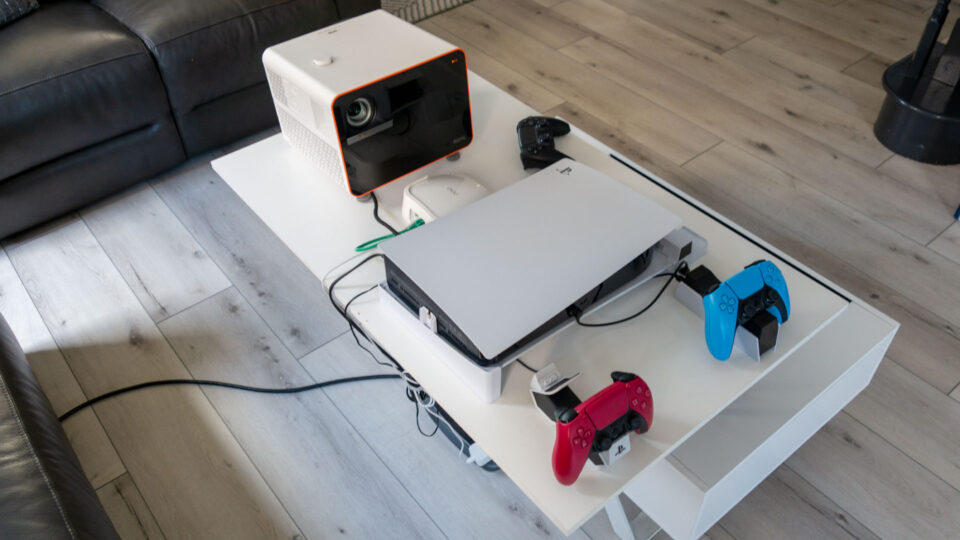
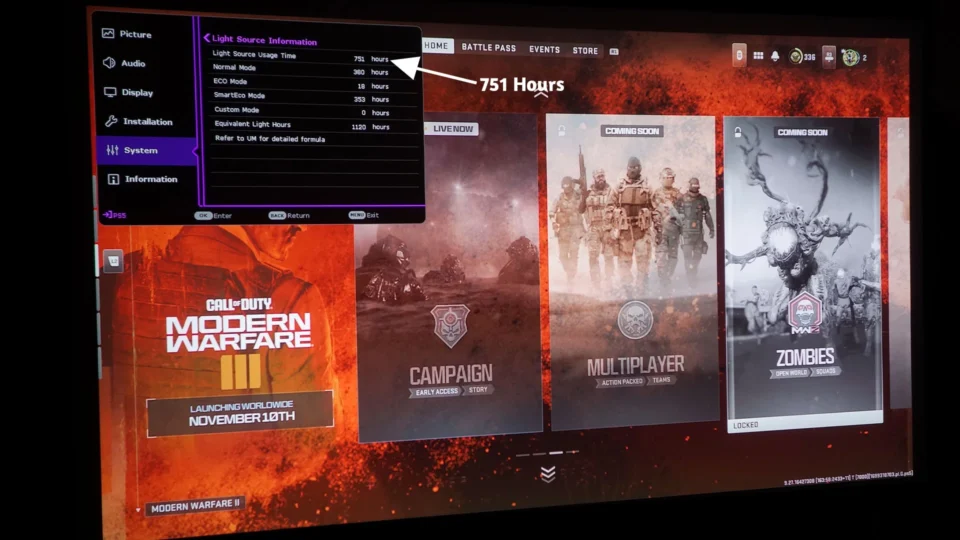
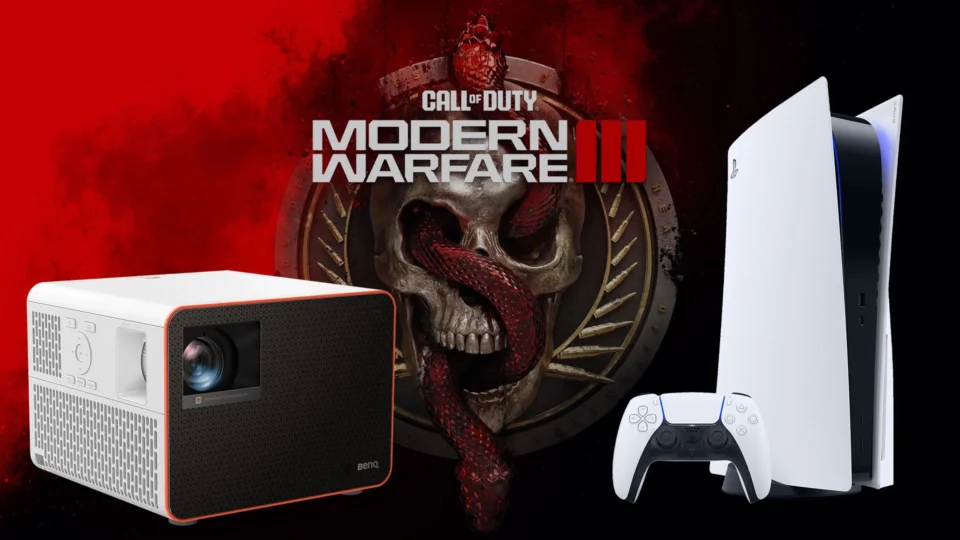
During my tenure at Projector Reviews, I’ve had the privilege of testing some incredible gaming projectors, including the BenQ X3000i and TK700. Over the years, I’ve logged over 1,000 hours of gaming and viewing time on these devices, primarily with my PS5. That hands-on experience gave me a deep appreciation for how projectors can transform gaming and movie-watching into immersive events.
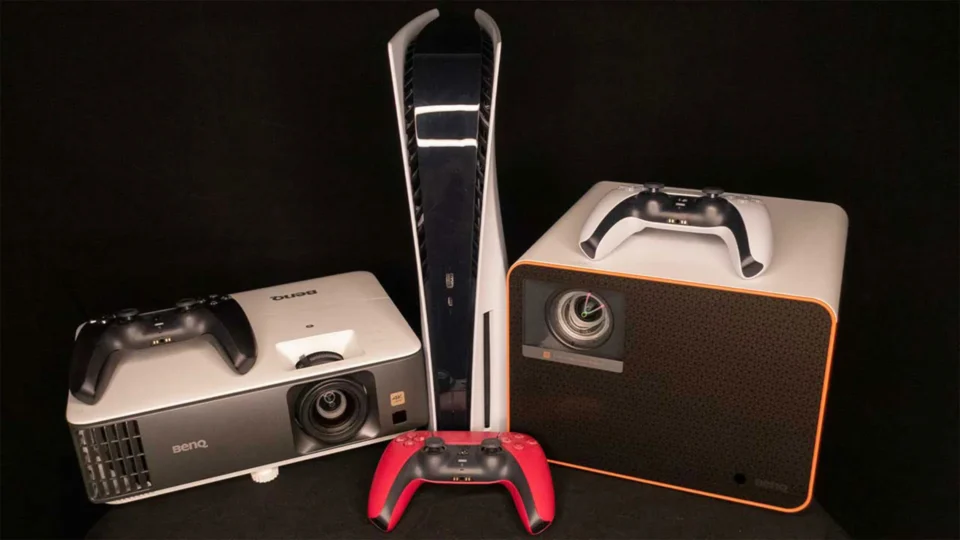
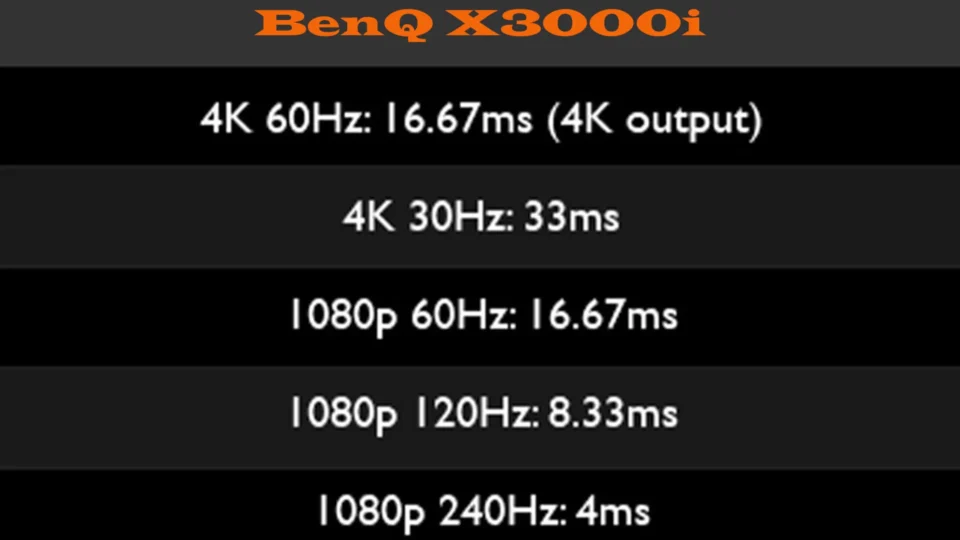
For this article, I used BenQ’s latest offering, the X3100i, and it was a standout performer. With its 4K resolution, 3300 ANSI lumens, and low input lag (just 16ms at 4K), the X3100i is a powerhouse for gaming and cinema alike. Whether I was swinging through Madagascar in Uncharted 4 or watching the high-octane sequences of the Uncharted movie, the X3100i delivered vibrant colors, sharp details, and smooth visuals.
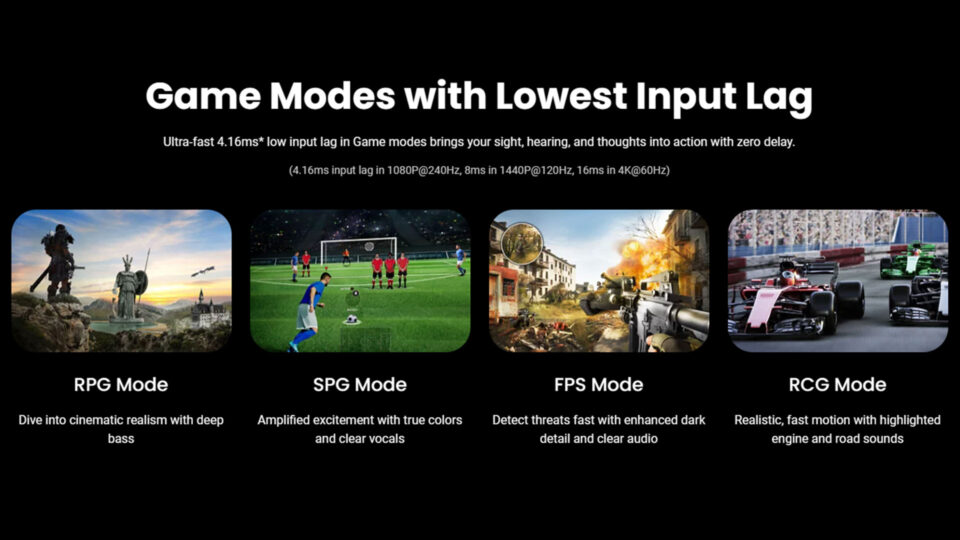
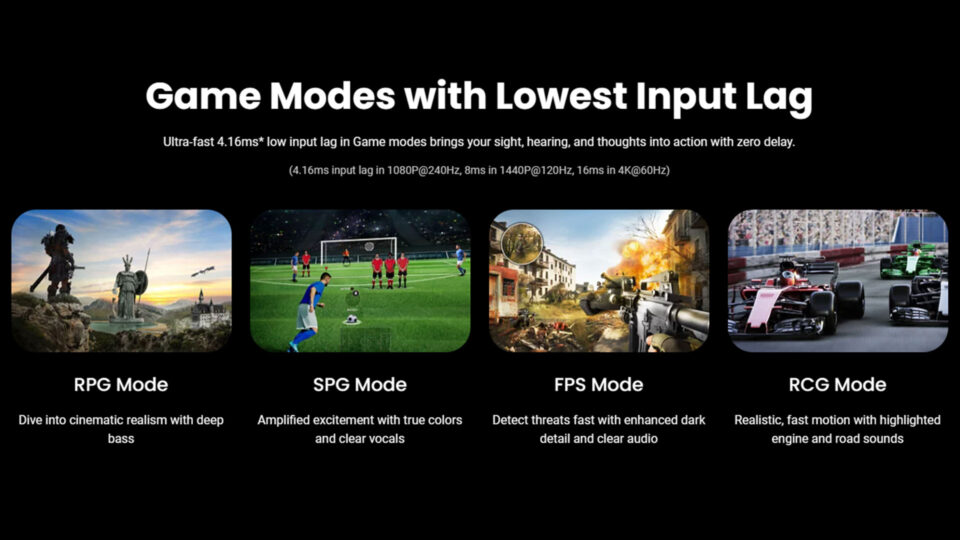
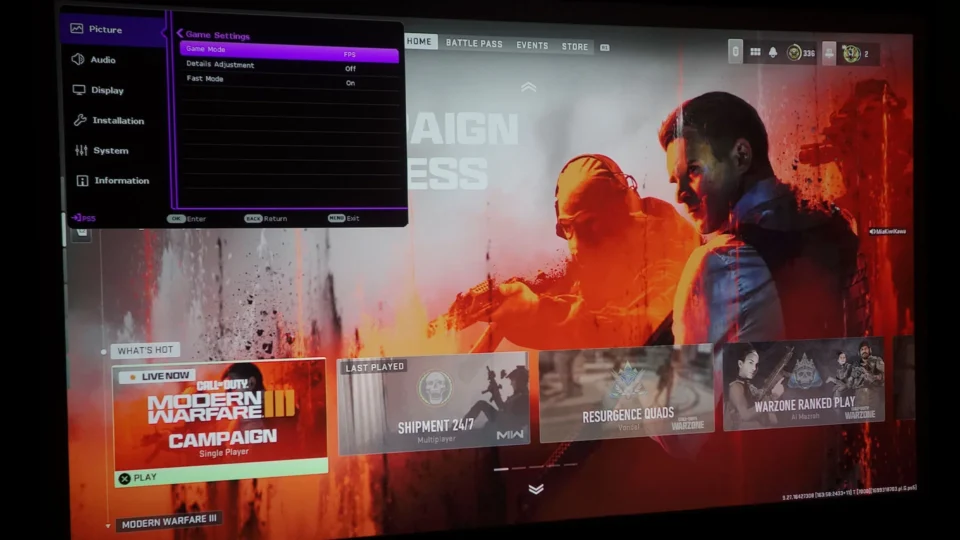
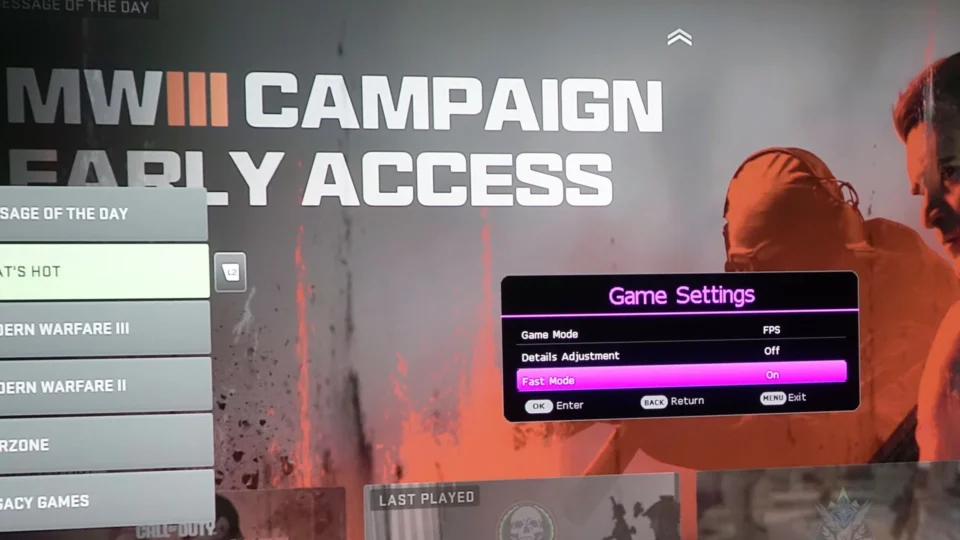
As of this writing, I’ve logged over 516 hours on the X3100i, exploring its capabilities across both gaming and cinematic content. The projector continues to impress with its versatility, featuring specialized gaming modes—RPG, FPS, and RCG/HDR-RCG—that optimize performance based on the genre. These modes adjust input lag, contrast, and color balance to suit the content, ensuring that gameplay feels responsive and immersive while movies look rich and dynamic.
Though any good projector can enhance your Uncharted experience, the X3100i is a testament to how cutting-edge technology can take immersion to the next level.
Head-to-Head Comparison: Game vs. Movie
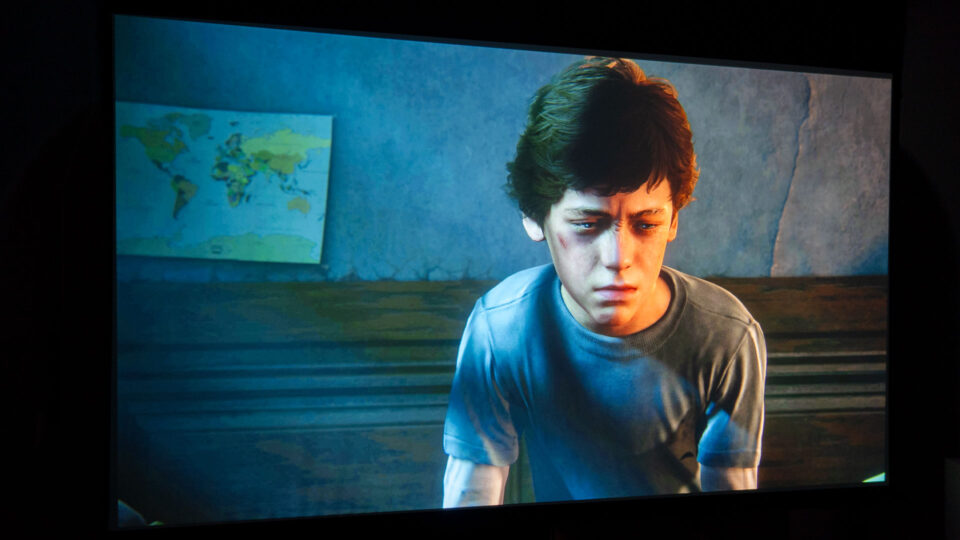
Uncharted Movie - Adult Nate DrakeUncharted 4: A Thief’s End - Adult Nate DrakeUncharted Movie - Child Nate DrakeUncharted 4: A Thief’s End - Child Nate DrakeUncharted Movie - Auction BiddingUncharted 4: A Thief’s End - Auction Bidding
Narrative and Storytelling
Uncharted 4 gives you control over the narrative. You don’t just watch Nathan Drake—you become him, guiding him through puzzles, combat, and emotional challenges. The ability to control other characters like Sam and Elena adds layers to the story, letting you experience their perspectives firsthand.
In contrast, the Uncharted movie offers a more passive experience. Tom Holland’s portrayal of Nathan Drake is charming, and the streamlined plot keeps things moving at a brisk pace. However, the movie doesn’t allow for the same depth of connection or emotional investment as the game.
Visuals
Both the game and the movie excel visually, especially when experienced on a projector. The game’s open-world design lets you explore intricately detailed environments at your own pace, while the movie wows with polished, high-energy set pieces. Projectors highlight the strengths of both mediums, from the game’s sprawling vistas to the movie’s dazzling action sequences.
Emotional Engagement
The game has the edge when it comes to emotional engagement. Its story is deeply personal, driven by your actions and choices. The relationships between Nathan, Sam, and Elena feel authentic and heartfelt, creating moments of genuine emotional impact.
The movie, on the other hand, offers a shared experience. Watching it with my daughter made it special, as her excitement and laughter brought a new layer of joy to the adventure. While the movie may not reach the same emotional heights as the game, it’s perfect for bringing people together.
Conclusion: Adventure Magnified
The Uncharted franchise proves that great storytelling can thrive across different mediums. Whether you’re solving puzzles in Uncharted 4 or enjoying the explosive set pieces of the Uncharted movie, both deliver unforgettable adventures.
On a projector, these experiences are elevated to something truly special. The game’s interactivity and emotional depth come alive on a massive screen, while the movie’s high-octane thrills and humor become a spectacle to share with others.
If you’ve been holding off and don’t yet have a projector, do yourself a favor and go get one—you’ll thank me later. Whether it’s exploring Uncharted’s breathtaking vistas or diving into any of your favorite games and films, a projector turns ordinary entertainment into something extraordinary.
So, whether you’re a seasoned treasure hunter or new to Nathan Drake’s world, grab your controller or popcorn, set up your projector, and get ready for an adventure you won’t soon forget.
Ghost of Tsushima is arguably one of the best PS5 games out there!
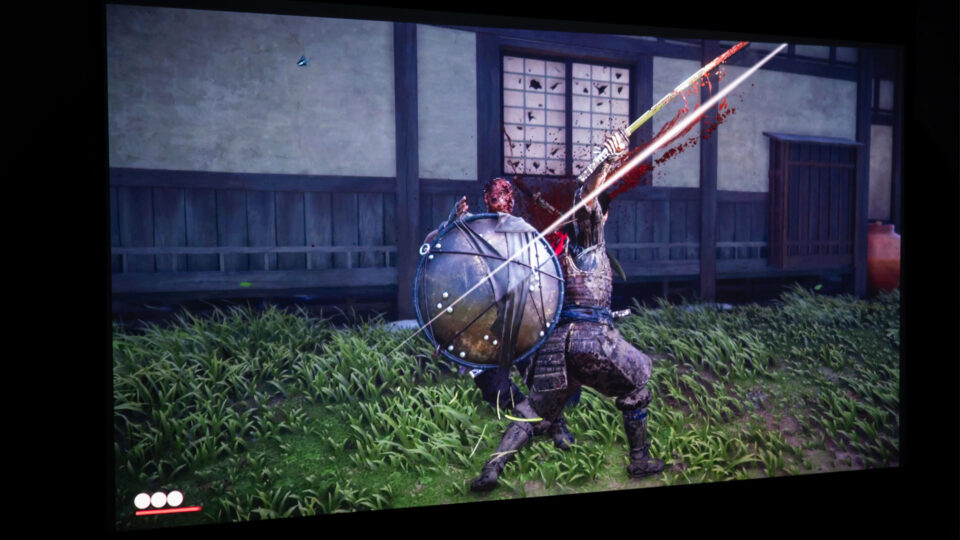
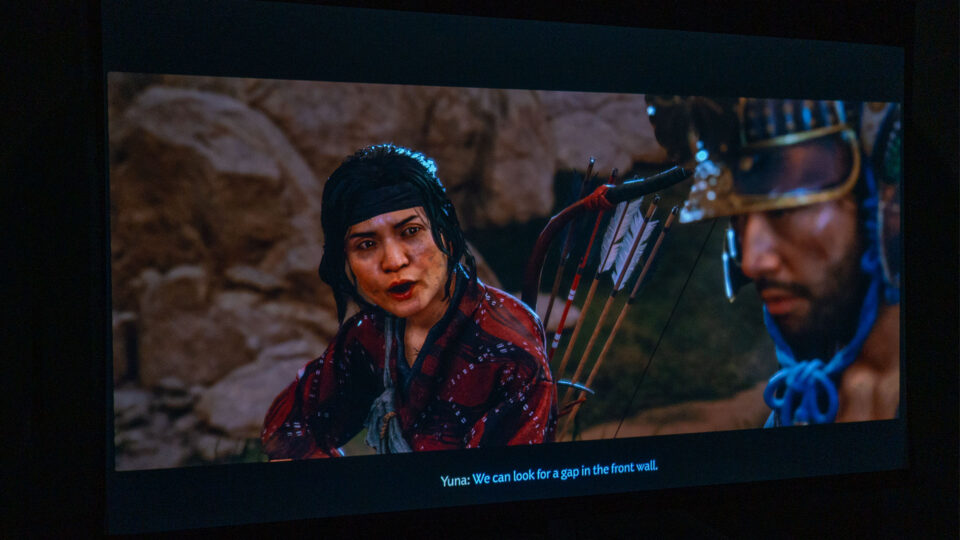
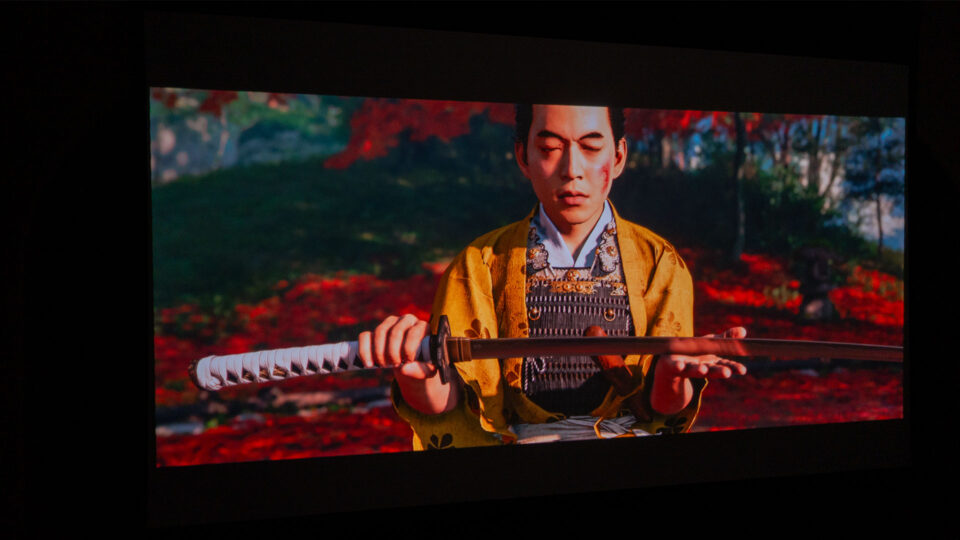
Ghost of Tsushima is arguably one of the best PS5 games out there, a sentiment echoed by its numerous awards and accolades. The Director's Cut, now available on PS5 and PC (Windows) via Steam and Epic Games Store, makes it even better with enhanced visuals and additional content that further immerses players in the world of feudal Japan. Jin Sakai's quest for vengeance is an unforgettable experience, even more so when played on a large projector screen.
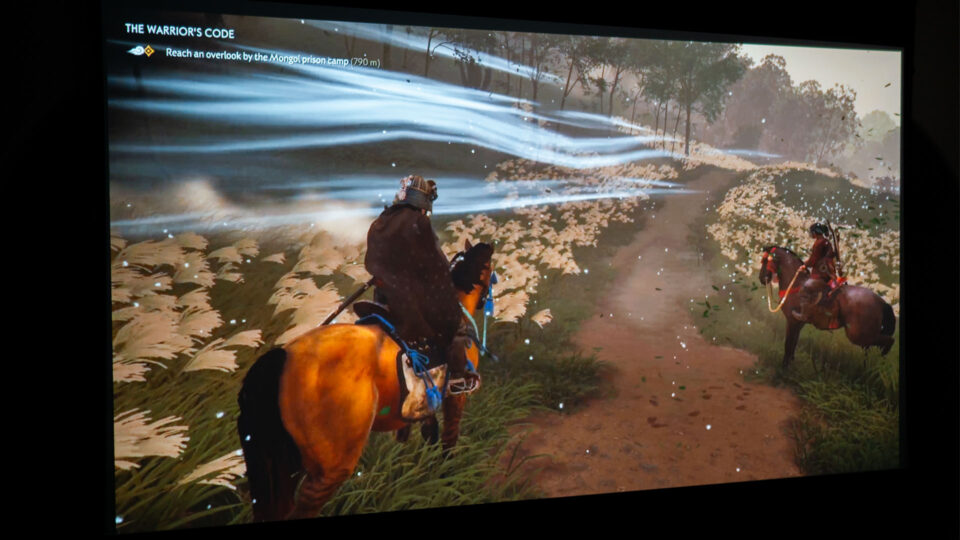
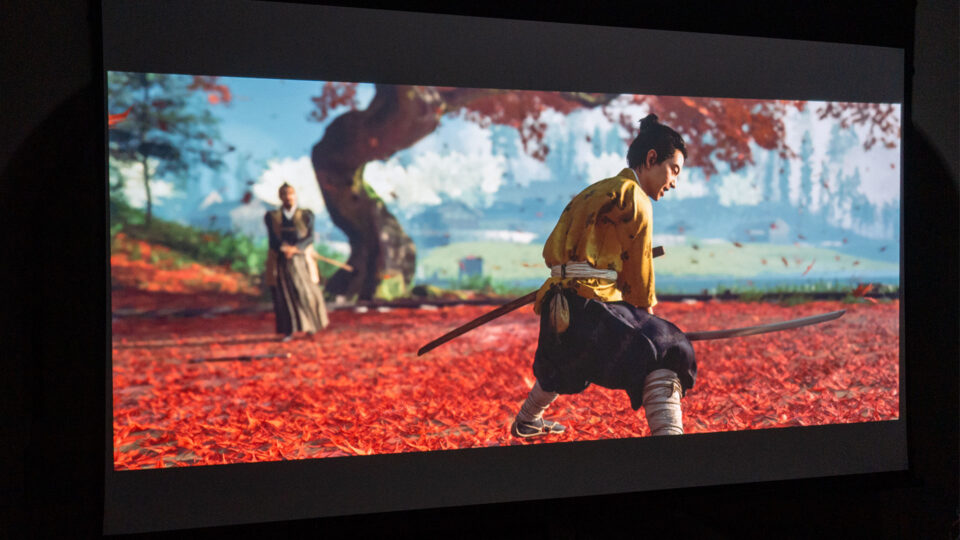
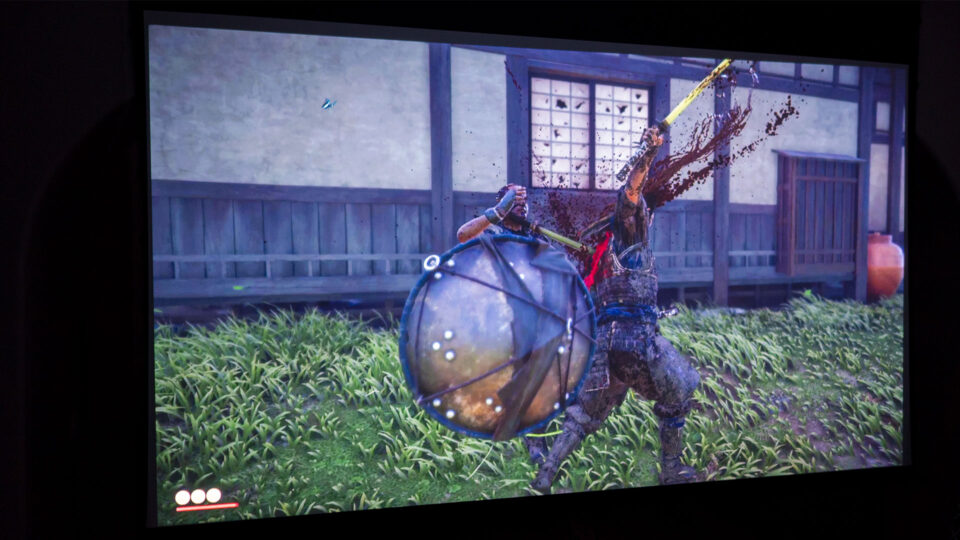
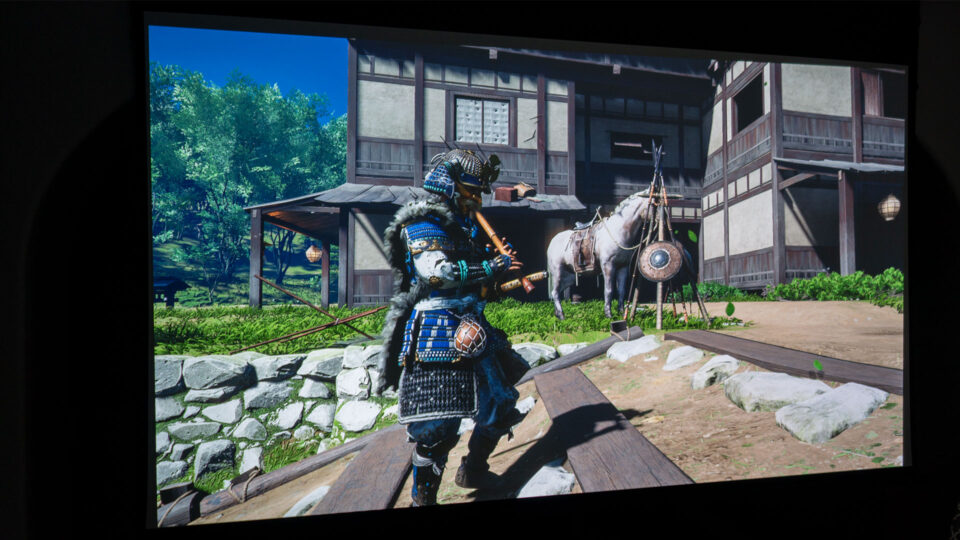
The PS5 Director's Cut enhances the game's breathtaking visuals, making Tsushima Island and Iki Island feel larger than life. The vibrant colors and stunning details truly pop when projected onto a massive canvas, from the swaying pampas grass to the intricate details of Jin's armor. Every scene feels like a living painting, begging to be explored and admired, just as I explored and admired the real-life landscapes and historical sites during my recent vacation to Japan.
Visiting sites around Japan, including Tokyo and Kyoto, reignited my fascination with Japanese culture and history, prompting me to seek out this highly sought-after samurai epic. Having experienced the bustling streets of Tokyo and the serene temples of Kyoto firsthand, I was eager to dive into a virtual world that captured the beauty and spirit of feudal Japan. Ghost of Tsushima did not disappoint, garnering numerous awards, including:
The Game Awards 2020: Best Art Direction, Player's Voice Award
BAFTA Games Awards: Audio Achievement
NAVGTR Awards: Game of the Year, Outstanding Art Direction, Period Influence, Outstanding Costume Design
Golden Joystick Awards 2020: PlayStation Game of the Year
2021 GANG Awards: Best Cinematic Cutscene Audio
2021 Webby Awards: Best Music/Sound Design
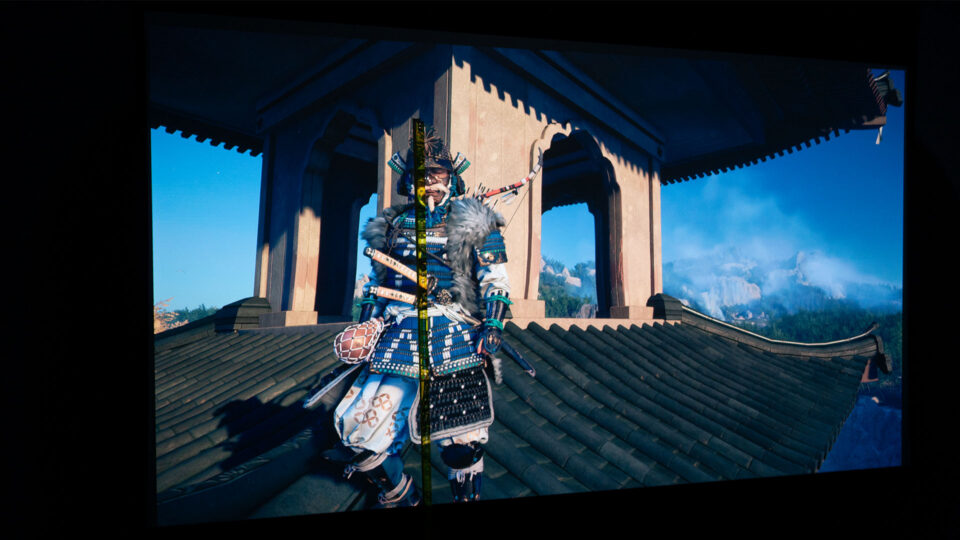
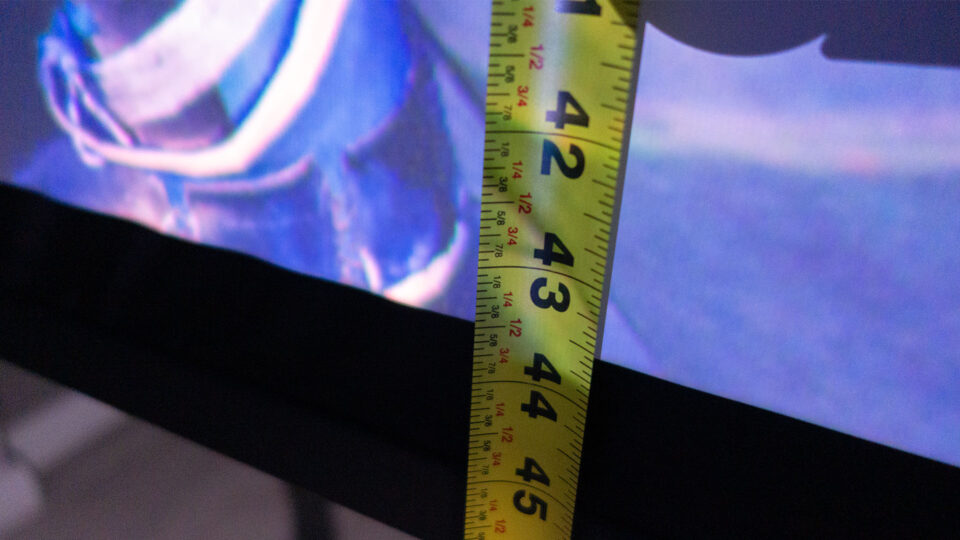
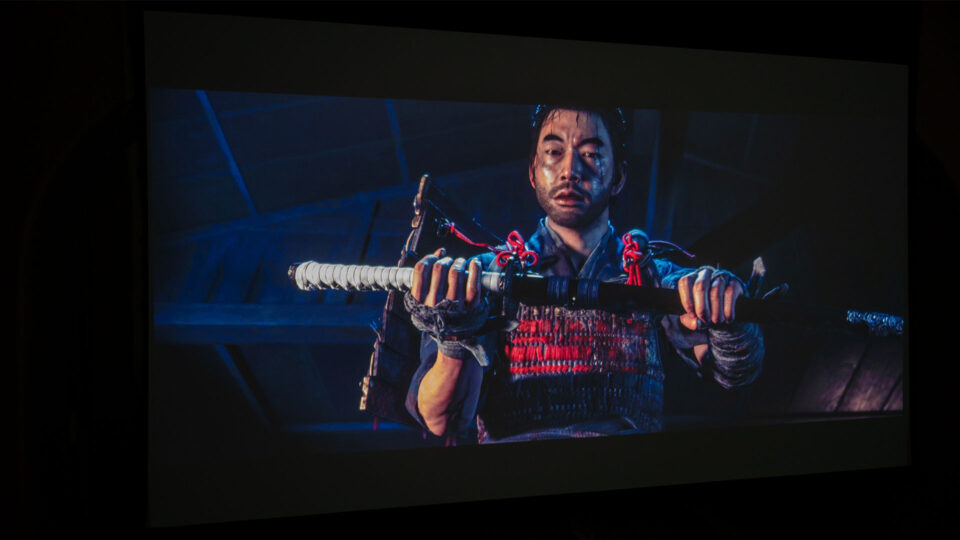
The game's protagonist, Jin Sakai, measured over 43 inches tall in certain scenes.
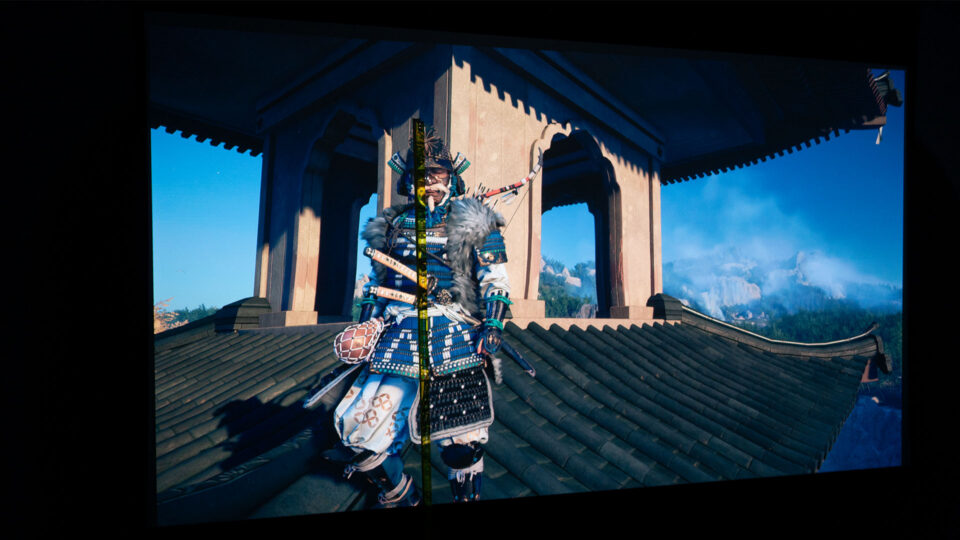
Playing Ghost of Tsushima Director's Cut on my 110-inch projector screen was a revelation. Jin Sakai, the game's protagonist, stood well over 43 inches tall in some scenes, his imposing presence dominating the virtual landscape. This larger-than-life scale significantly impacted my gameplay experience.
Ghost of Tsushima Director’s Cut builds upon its predecessor with several key enhancements and changes.
The addition of Japanese lip sync in the Director's Cut is a significant enhancement for Japanese players, providing a deeper sense of authenticity and connection to the characters and their stories. For those who prefer the original English voice acting, the lip sync remains excellent, as the game was initially developed with English performances in mind. This ensures that regardless of your language preference, the immersive experience is not compromised.
Ghost of Tsushima Director's Cut is more than just an upgrade; it's a testament to the power of visual storytelling and immersive gameplay. On a projector with a large screen, it becomes a truly unforgettable experience that transports you to a beautifully realized world.
Ghost of Tsushima Director's Cut offers an alternative for those seeking a break from other sprawling open-world RPGs like "Baldur's Gate 3."
Jin Sakai's quest for vengeance transcends platforms, thanks to the Director’s Cut now available on both PS5 and PC. This expanded availability allows samurai enthusiasts to embark on this epic journey regardless of their preferred gaming platform. The addition of cross-platform saves ensures seamless transitions between devices, making it easy to pick up where you left off whether you're at home or on the go.
Ghost of Tsushima Director's Cut, was released on August 19, 2021. Developed by Sucker Punch Productions and published by Sony Interactive Entertainment, it has captivated players with its immersive single-player campaign and the cooperative Legends mode, supporting up to four online players. The game's breathtaking visuals, captivating story, and exhilarating combat have garnered critical acclaim, offering a refreshing alternative for those seeking a break from sprawling open-world RPGs like "Baldur's Gate 3"—another amazing game you should check out.
Whether you're a seasoned Ghost of Tsushima player or a newcomer to Jin's journey, the Director's Cut invites you to immerse yourself in the beauty and brutality of feudal Japan. The game's availability on multiple platforms, combined with its engaging gameplay and captivating narrative, ensures that Ghost of Tsushima Director’s Cut remains a must-play title for anyone seeking an unforgettable adventure.
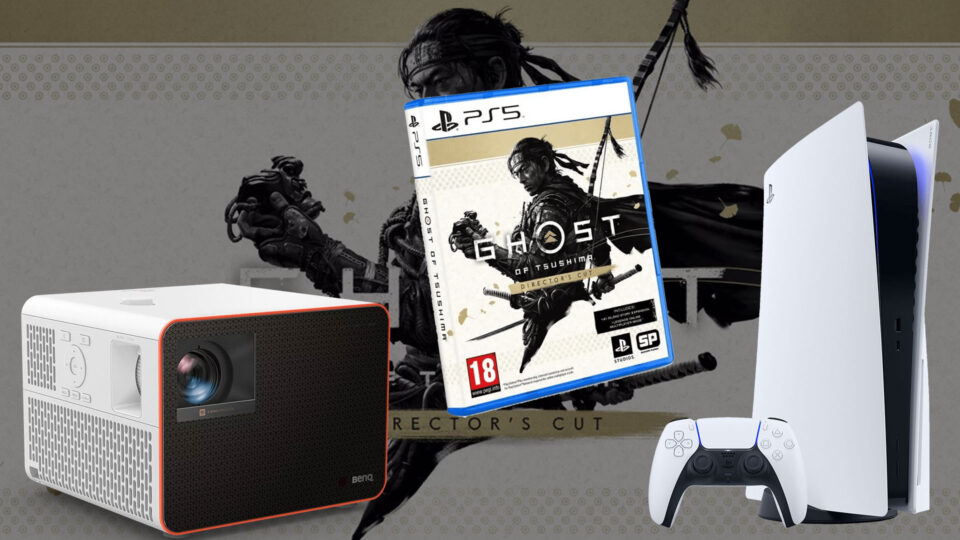
Ghost of Tsushima Director's Cut was one of those games I was most eager to purchase and review for these "gaming on a projector" articles.
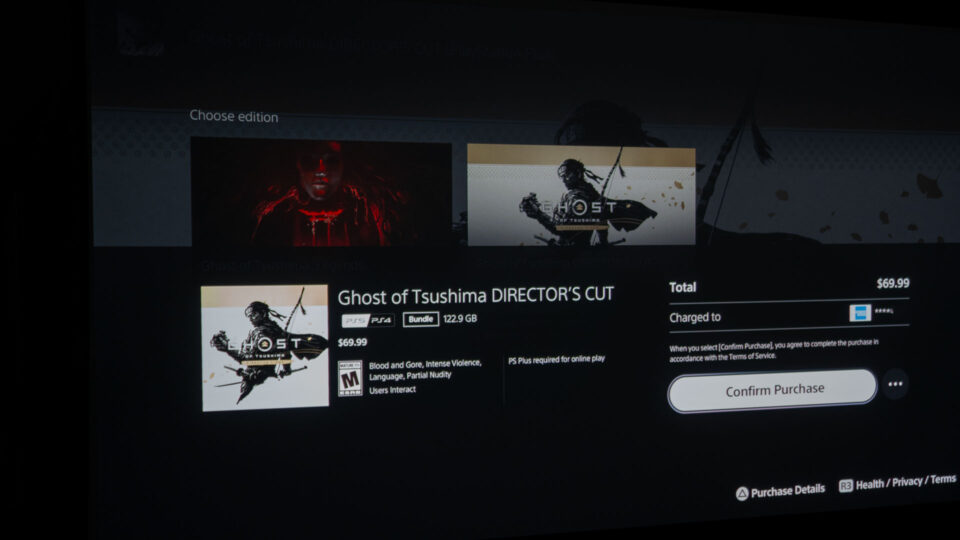
Ghost of Tsushima Director's Cut for the PS5 is priced at $69.99. This premium edition comes packed with additional content to enhance Jin Sakai's journey, including:
The base game: The complete Ghost of Tsushima experience, including the Iki Island expansion.
Hero of Tsushima Skin Set: Cosmetic skins for Jin's armor, horse, and sword, inspired by his heroic deeds.
Digital Mini Art Book: A collection of concept art and illustrations showcasing the beauty and detail of Tsushima.
Director's Commentary: Behind-the-scenes insights from the developers, shedding light on the creative process.
One Technique Point: An extra skill point to upgrade Jin's abilities early in the game.
Projector Utilized – BenQ X3100i
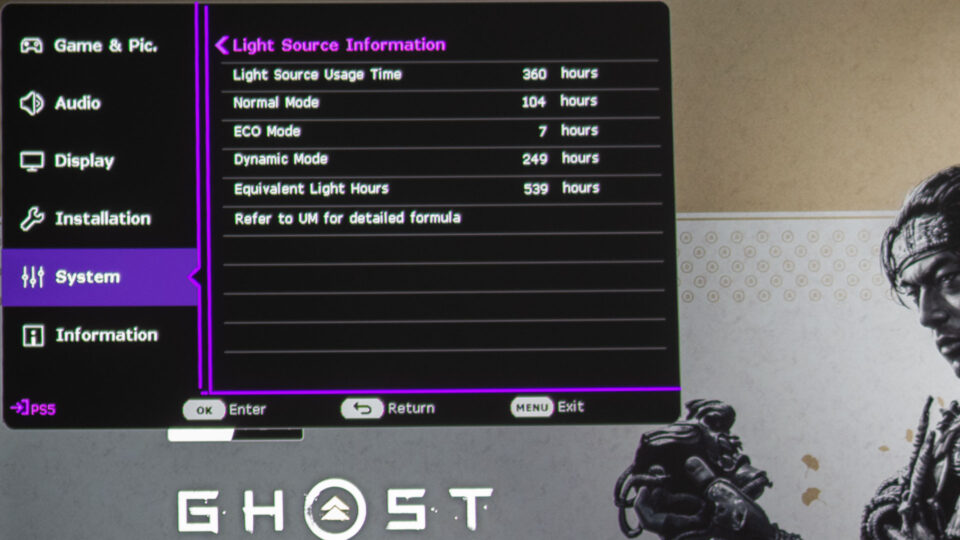
I've spent over 360 hours immersed in the world of gaming with this projector, testing its capabilities and pushing it to its limits.
At Projector Reviews, I’ve had the opportunity to test BenQ's gaming projectors, the X3000i and TK700, which were provided for our "Best Games to Play on a Projector" feature. After extensively using the BenQ X3000i for over 755 hours and the BenQ TK700 for over 265 hours, primarily with my PS5, we have returned these projectors to BenQ. This thorough experience has provided valuable insights into gaming with projectors. Moving forward, I am now exploring gaming with BenQ’s new X3100i and look forward to continuing to share my gaming experiences with projectors. As of this review, I have clocked over 360 hours on the BenQ X3100i, I feel quite comfortable writing about my experiences using it for gaming.
Thanks to its impressive 3300 ANSI lumens, the X3100i delivers bright, vivid visuals even in rooms with some ambient light peaking in, ensuring an optimal gaming experience.
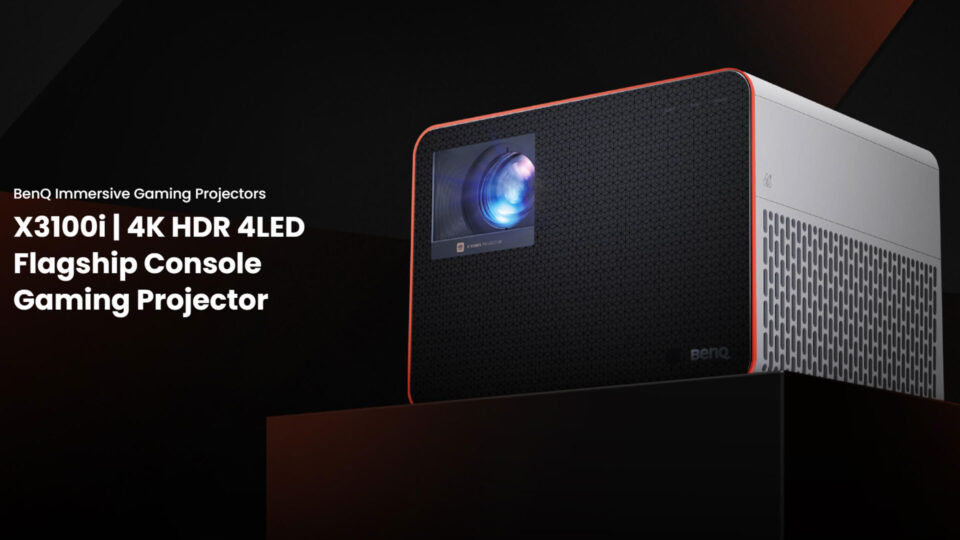
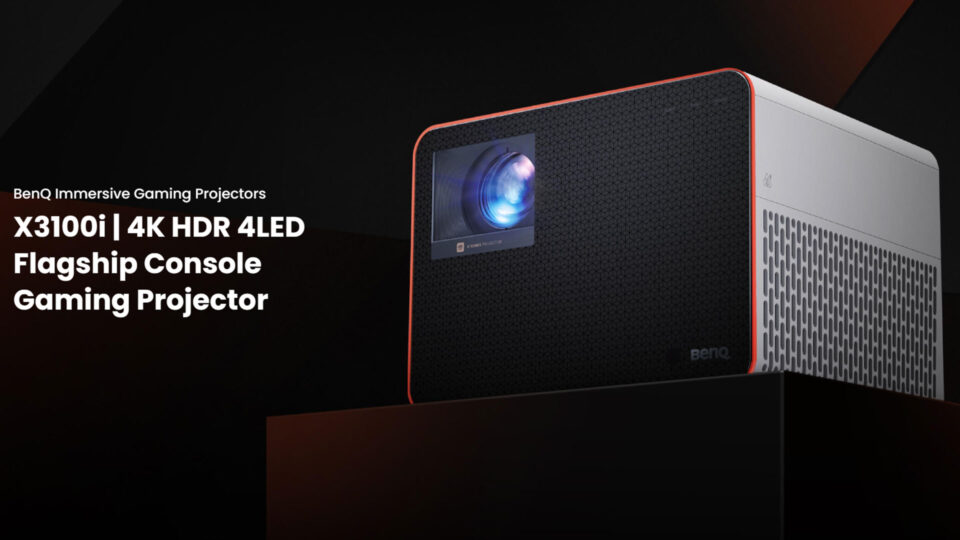
BenQ's latest flagship console gaming projector, the BenQ X3100i, doesn't just outshine (pun intended) its predecessor, the X3000i; it practically blinds it with 3300 ANSI lumens compared to the X3000i's 3000. Priced at $2,399 as of the writing of this article, it delivers an impressive 4K resolution experience through its XPR (eXpanded Pixel Resolution) technology, a concept well-explained on Projector Reviews' Projection Terms page.
The BenQ X3100i doesn't just build on the success of its predecessor, the X3000i; it elevates the gaming experience to exhilarating new heights with its enhanced features.
The BenQ X3100i isn't just an incremental upgrade; it's a leap forward for gaming projectors. Building upon the solid foundation of its predecessor, the X3000i, this flagship model from BenQ's Immersive Gaming Series introduces significant advancements that redefine the large-screen gaming experience.
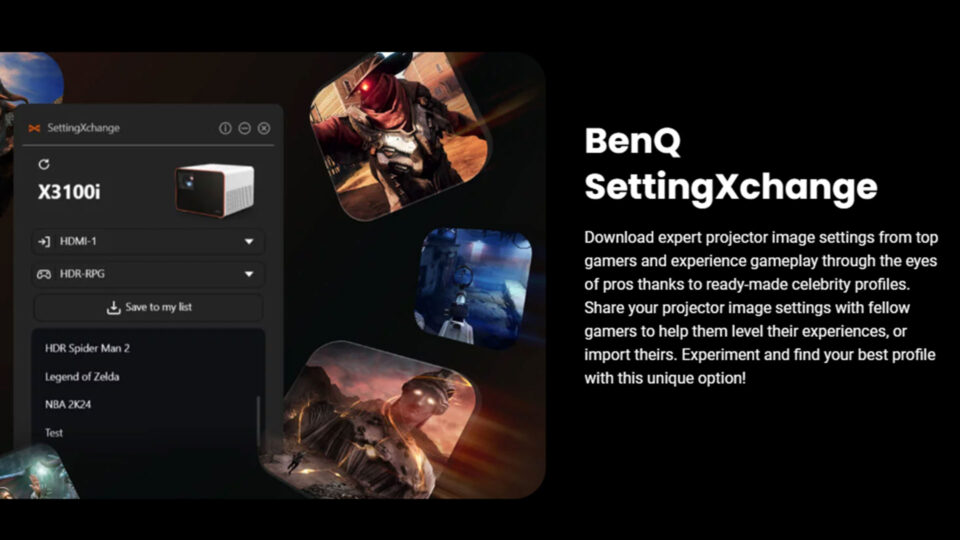
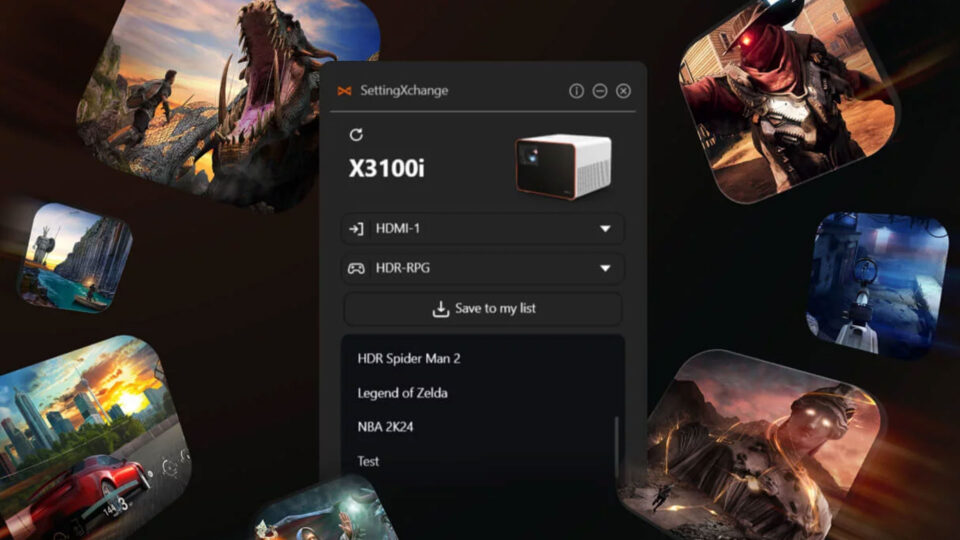
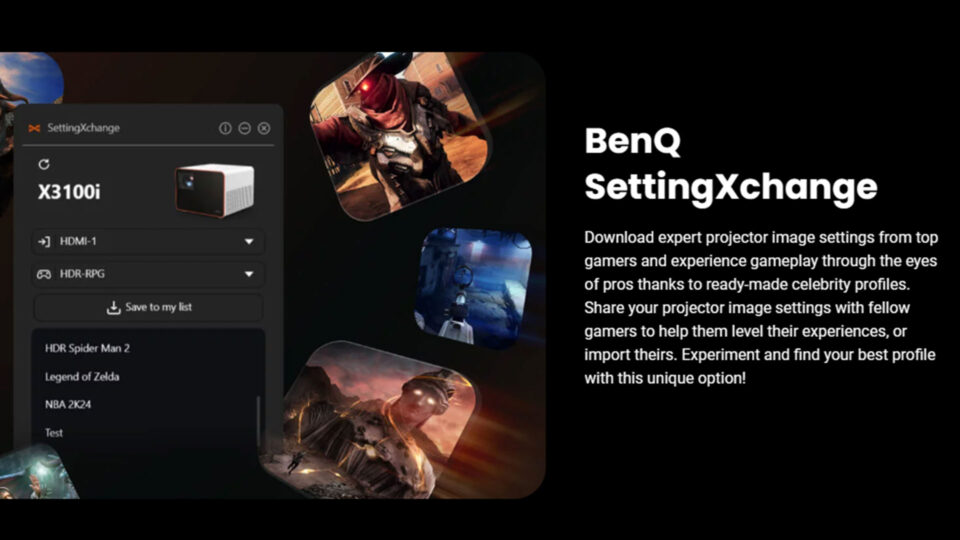
SettingXchange is a standout feature, enabling gamers to effortlessly download and share optimized projector settings created by professional gamers and enthusiasts alike. This unique feature eliminates the guesswork involved in calibrating your projector, allowing you to instantly experience Ghost of Tsushima Director's Cut, or any other game, through the eyes of seasoned pros.
The X3100i shines even brighter than its predecessor, boasting 3300 ANSI lumens, a 10% increase from the X3000i. This enhanced brightness ensures that Jin Sakai's journey across Tsushima Island remains vivid and captivating, even in rooms with moderate ambient light.
The addition of 1440p resolution at 120Hz is a game-changer for fast-paced action games like Ghost of Tsushima. The smooth frame rates and high-definition visuals create an incredibly immersive experience, allowing you to fully appreciate the intricate details of every environment and character.
Furthermore, the X3100i's expanded vertical lens shift and new fourth gaming mode,Racing Game / HDR Racing Game (RCG/HDR-RCG) demonstrate BenQ's commitment to providing gamers with unparalleled flexibility and customization options. The vertical lens shift ensures that you can achieve the perfect image alignment without sacrificing image quality, while the RCG/HDR-RCG mode optimizes the visuals for racing games, enhancing clarity, smoothness, and vibrancy with highlighted engine and road sounds.
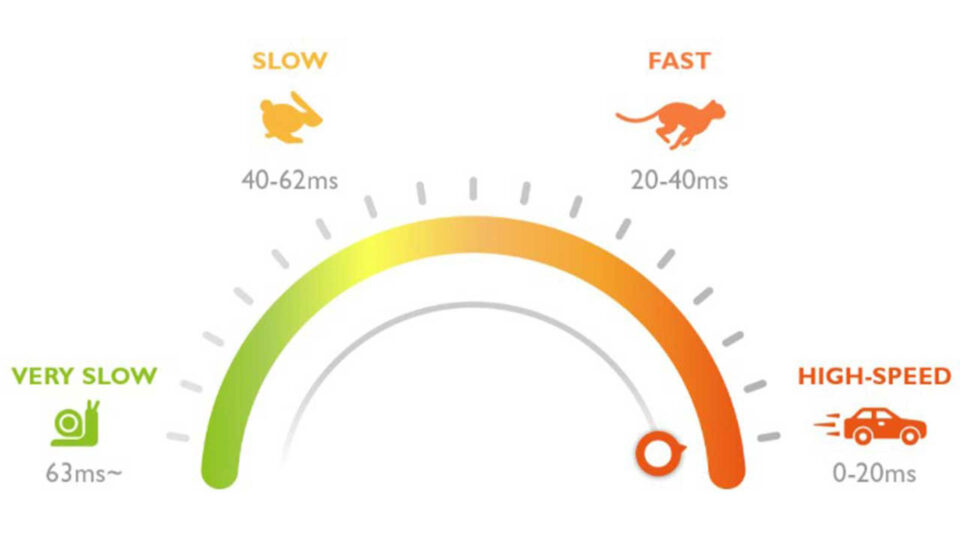
Gaming projectors like the BenQ X3100i prioritize lightning-fast response times, minimizing input lag to deliver the seamless, responsive gameplay essential for conquering fast-paced action games like Ghost of Tsushima Director's Cut.
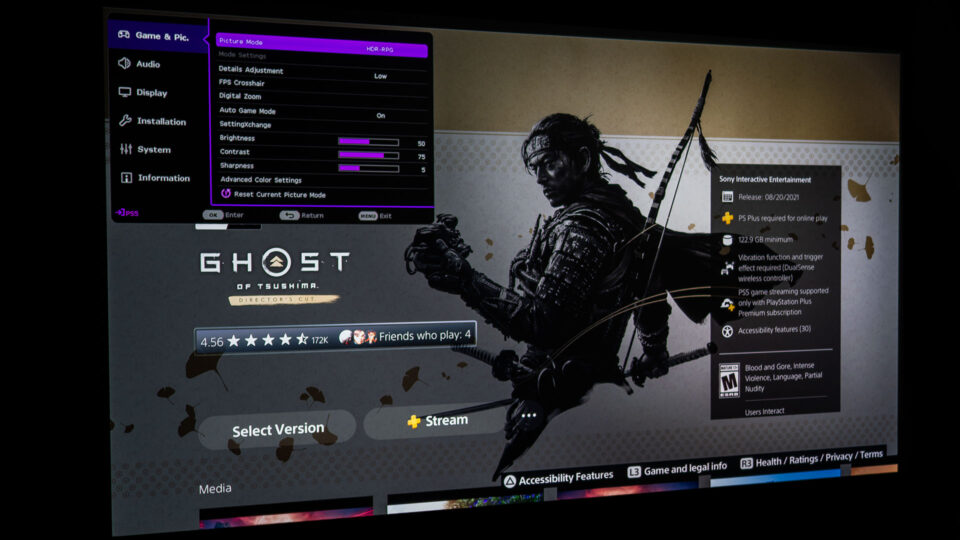
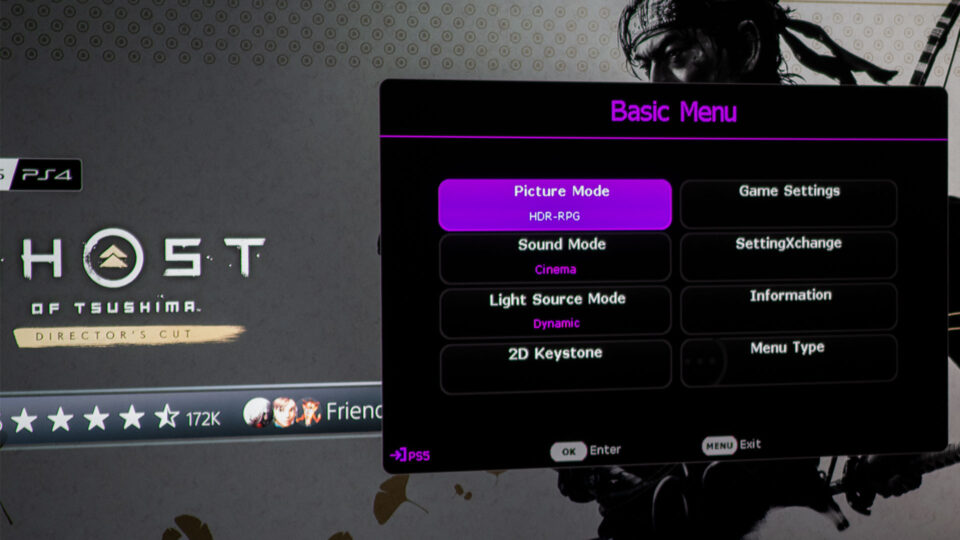
As noted earlier, the X3100i offers four specialized gaming modes, each tailored to optimize visuals and performance according to different game genres. Whether it's a high-speed shooter or a visually detailed RPG, these modes adjust the projector’s settings to suit the specific demands of each game type.
FPS (First-Person Shooter): Optimized for fast-paced action and enhanced visibility in dark areas.
RPG (Role-Playing Game): Enhances color vibrancy and detail for immersive world exploration.
SPG (Sports Game): Tuned for smooth motion handling and realistic skin tones for sports enthusiasts.
RCG/HDR-RCG (Racing Game / HDR Racing Game): Prioritizes clarity, smoothness, and vibrant colors to capture the speed and excitement of racing games with highlighted engine and road sounds.
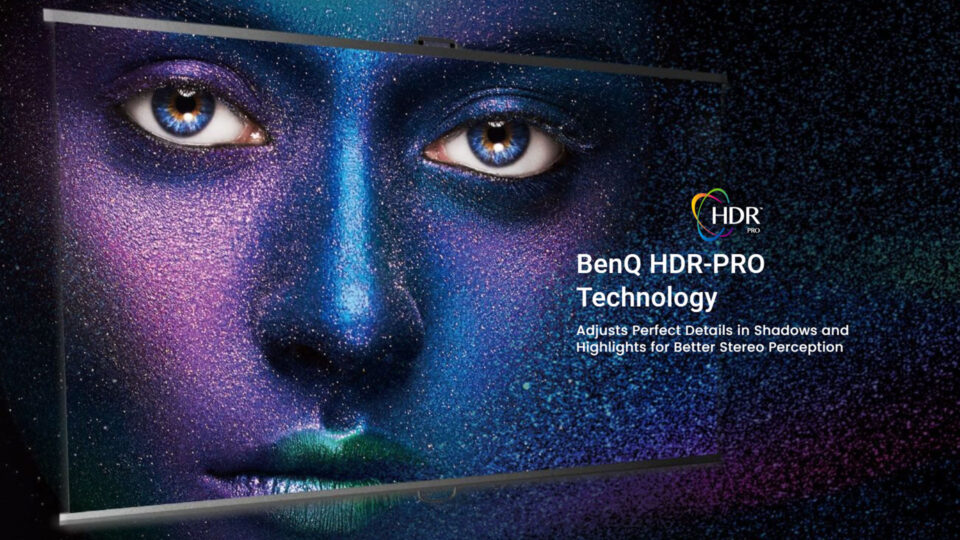
The BenQ X3100i, equipped with HDR-PRO technology, brings a level of visual excellence to the world of gaming projectors
The world of "Ghost of Tsushima" is renowned for its stunning visuals, and experiencing it with HDR technology on a projector screen elevates its beauty to a new level. HDR (High Dynamic Range) enhances detail and the color spectrum, offering a more nuanced depiction of light and dark areas. This technology, championed by BenQ's proprietary HDR-PRO in their projectors, ensures the vibrant colors of Tsushima's landscapes and the intricate details of Jin's armor are faithfully reproduced. For gamers, this means experiencing "Ghost of Tsushima Director's Cut" in its full cinematic glory, staying true to the creators' artistic vision.
HDR technology in video enhances detail and the color spectrum, offering a more nuanced depiction of light and dark areas in images. This feature has become increasingly vital for both media professionals and home entertainment enthusiasts. In this realm, BenQ has made significant strides with their proprietary HDR-PRO technology, designed to deliver projectors with accurate color and dynamic contrast. This technology is particularly relevant for gaming enthusiasts using projectors, as it allows them to experience games with cinematic quality, staying true to the creators' vision.
The BenQ X3100i, equipped with HDR-PRO technology, brings a level of visual excellence to the world of gaming projectors
Playing Ghost of Tsushima Director’s Cut in 4K on my sprawling 110-inch projector screen was a visual feast for the eyes. The enhanced detail and clarity offered by 4K, especially noticeable at typical viewing distances, truly brought the game world to life, enriching the immersive experience with a level of realism and depth that was simply breathtaking.
While 4K provides a visually stunning experience, it's important to recognize that both 4K and 1440p have their place in gaming, each offering unique advantages depending on individual preferences and priorities. For some gamers, the trade-off for 4K's graphical fidelity is the potential for slightly lower frame rates, especially in fast-paced games like Ghost of Tsushima. That's why my family often opts for 1440p at 120Hz when we play ultra-fast games like Fortnite – the smoother gameplay and responsiveness outweigh the slight decrease in resolution.
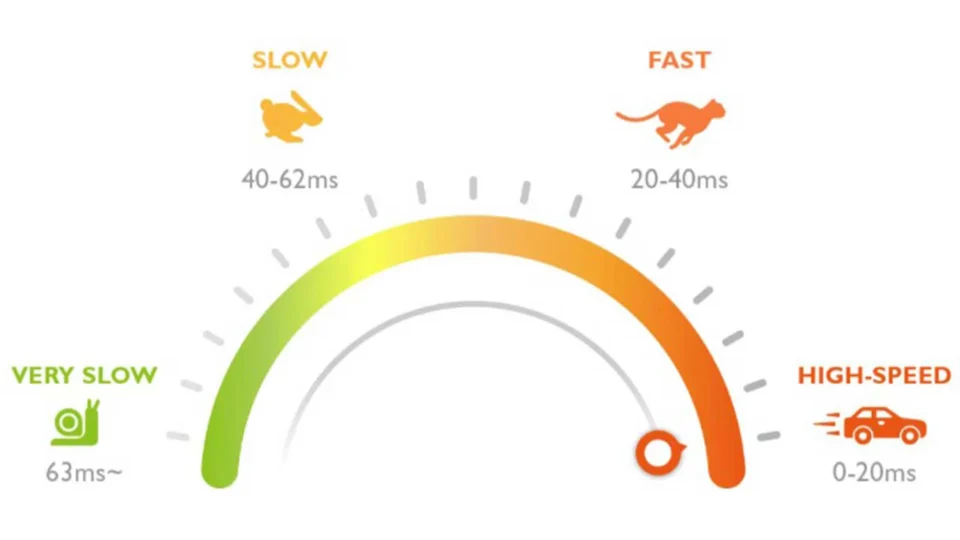
However, the X3100i's impressive 16ms input lag in 4K at 60Hz, even for demanding games like Ghost of Tsushima, is noteworthy. This low lag rivals many standard flat-panel TVs, ensuring a responsive experience that satisfies even the most discerning gamer. It allowed me to effortlessly navigate the intense battles and swift action of Ghost of Tsushima Director’s Cut without any frustrating delays.
Ultimately, the choice between 4K and 1440p comes down to personal preference and the specific game being played. However, on a massive projector screen, the benefits of 4K's enhanced detail and image clarity become undeniable, elevating the visual experience to new heights.
The immersive soundscape of Ghost of Tsushima Director's Cut elevates the gameplay experience, making a high-quality audio system, headphones, or a projector with integrated premium audio essential for full enjoyment.
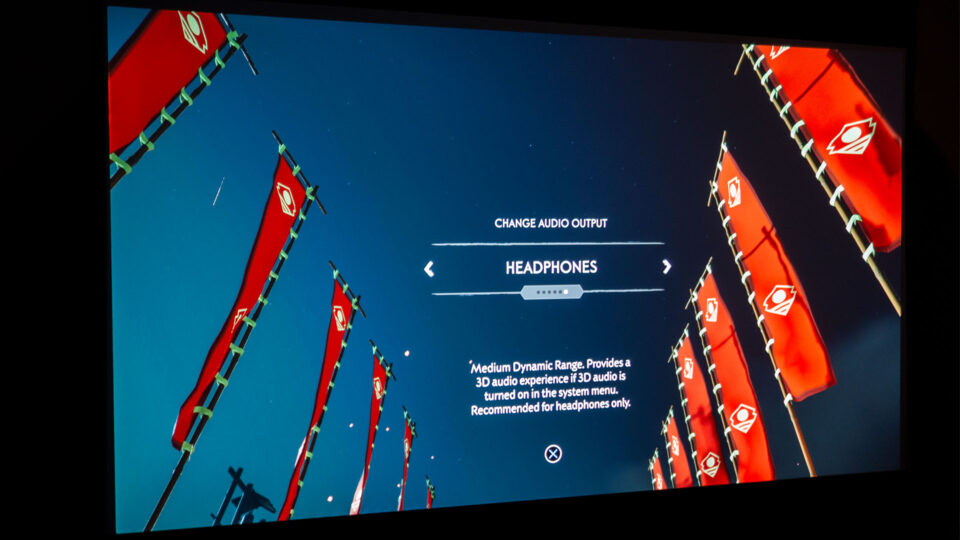
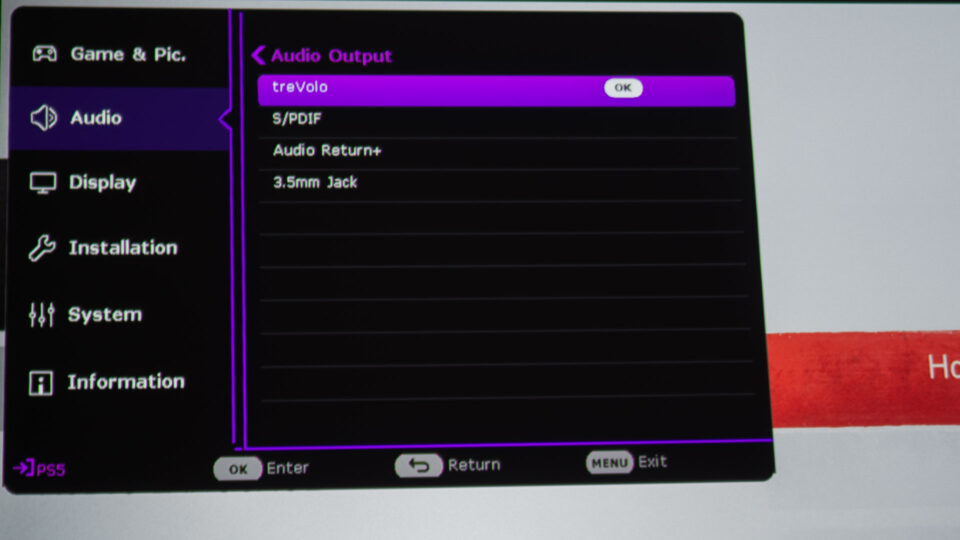
The world of Tsushima isn't just a visual feast; it's an auditory masterpiece as well. From the clash of steel to the rustling of leaves, every sound plays a crucial role in immersing you in Jin Sakai's journey. BenQ's CinematicSound technology, with its Bongiovi DPS audio enhancement, takes this auditory experience to new heights, creating a 3D audio realm filled with depth and nuance. While not a replacement for a dedicated surround sound system, the X3100i's two 5-watt chamber speakers deliver surprisingly immersive spatial audio, allowing you to pinpoint the direction of approaching enemies or the subtle chirping of birds in the distance.
In Ghost of Tsushima Director's Cut, where the soundscape is as crucial as the visuals, a projector with excellent audio capabilities is essential. The game's dynamic range is vast, from the quiet whispers of the wind to the thunderous roars of Mongol warlords like Khotun Khan. The X3100i handles this range admirably, ensuring that every subtle detail and powerful crescendo is faithfully reproduced. The game's four audio modes further enhance the experience, allowing you to tailor the sound to your specific setup and preferences.
Whether you're sneaking through a bamboo forest, listening for the telltale creak of a floorboard, or charging into battle against a horde of Mongol warriors, the X3100i's audio capabilities ensure that you're fully immersed in the action. The subtle sounds of nature, the clash of swords, and the cries of your enemies all come together to create a symphony of sound that perfectly complements the stunning visuals on the big screen.
Ghost of Tsushima Director’s Cut – Projector Gameplay
BenQ emphasizes that the X3100i is designed from the ground up for gaming consoles, ensuring seamless compatibility and peak performance
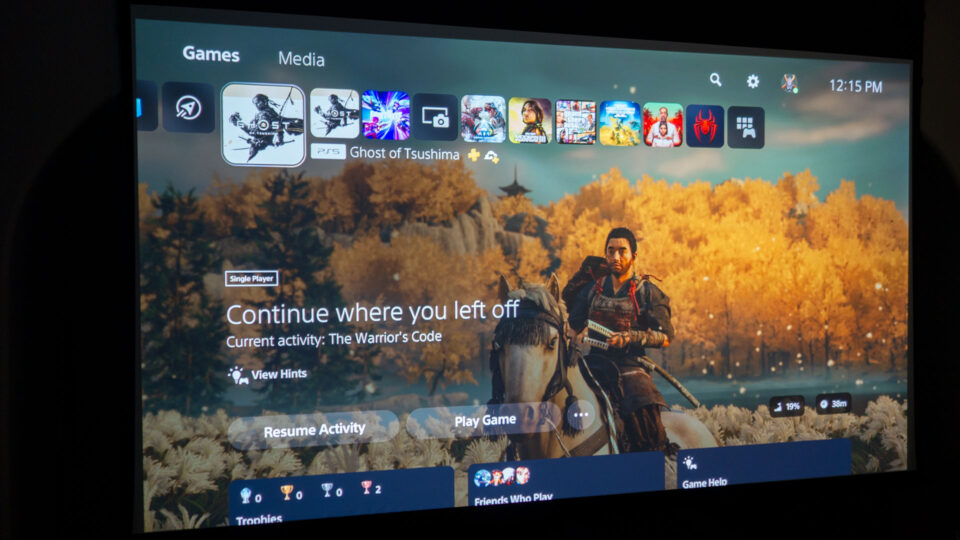
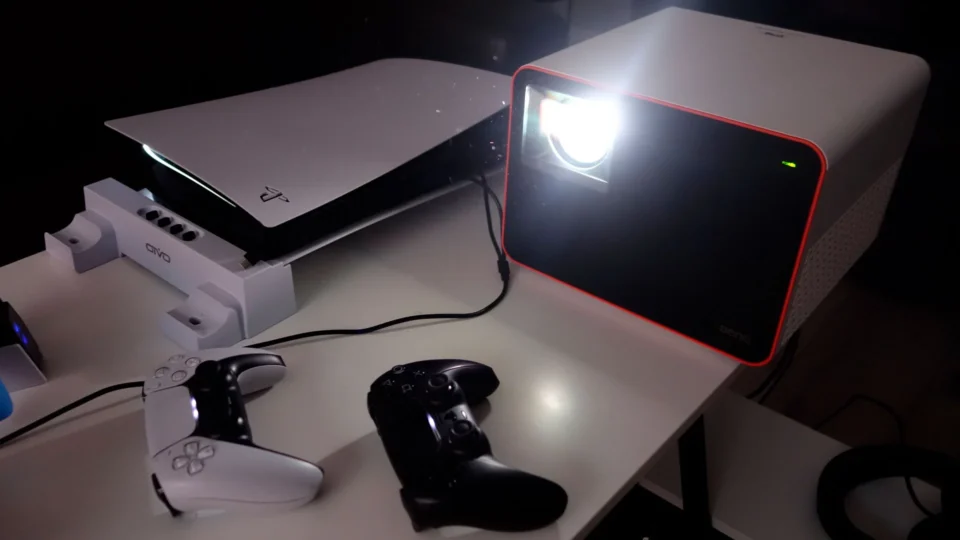
To fully immerse myself in the world of Ghost of Tsushima Director's Cut, I created a dedicated gaming setup that would truly showcase the game's cinematic qualities. My PlayStation 5 console was positioned alongside the BenQ X3100i projector, ready to transport me to feudal Japan. The expansive 110-inch (16:9) Screen Innovations Solo Pro 2 screen, with its Unity AT Pure White 1.3 gain material, provided the perfect canvas for Jin Sakai's epic journey.
This deliberate setup allowed me to focus solely on the gameplay and the projector's performance, minimizing any distractions. While I primarily embarked on this samurai adventure alone, the occasional presence of friends and family, drawn in by the captivating visuals and intense action, only served to amplify the experience, their shared gasps and cheers echoing the excitement of each pivotal moment.
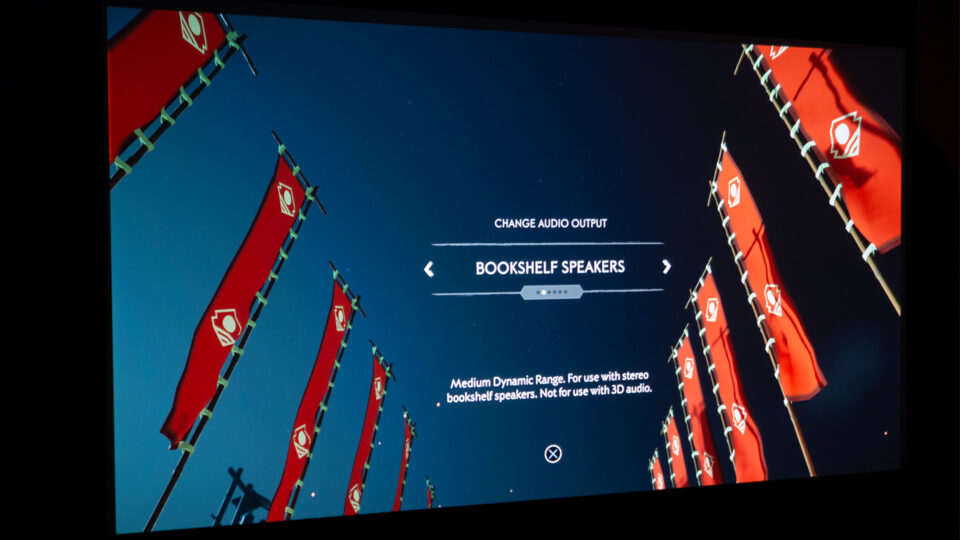
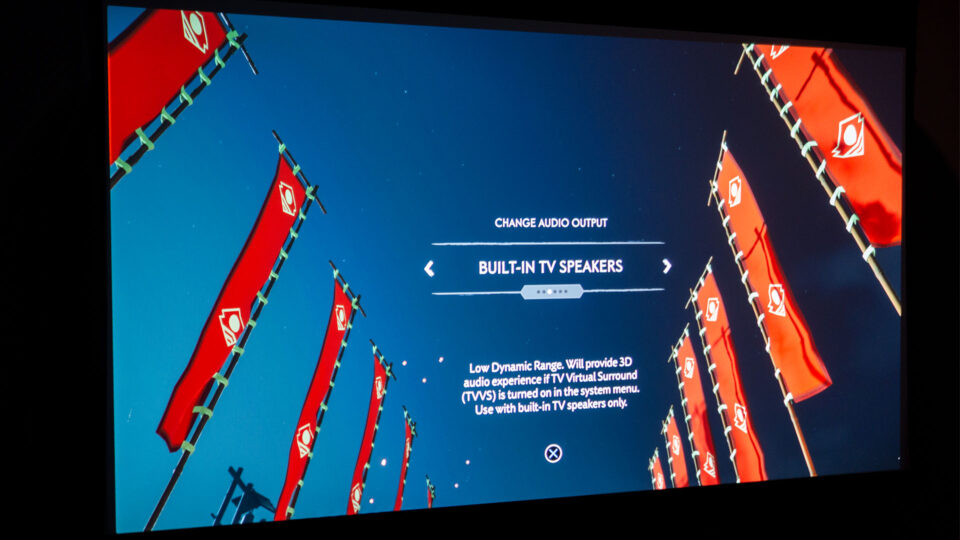
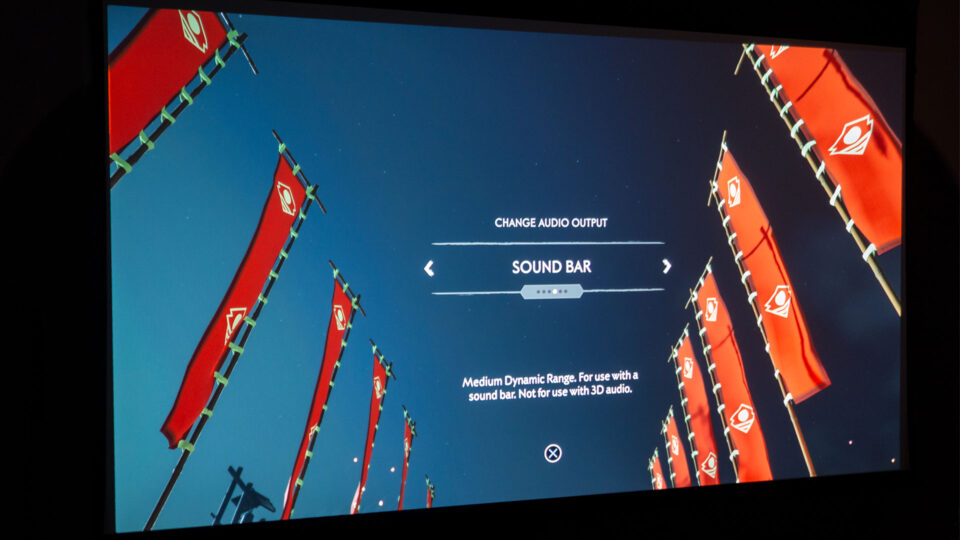
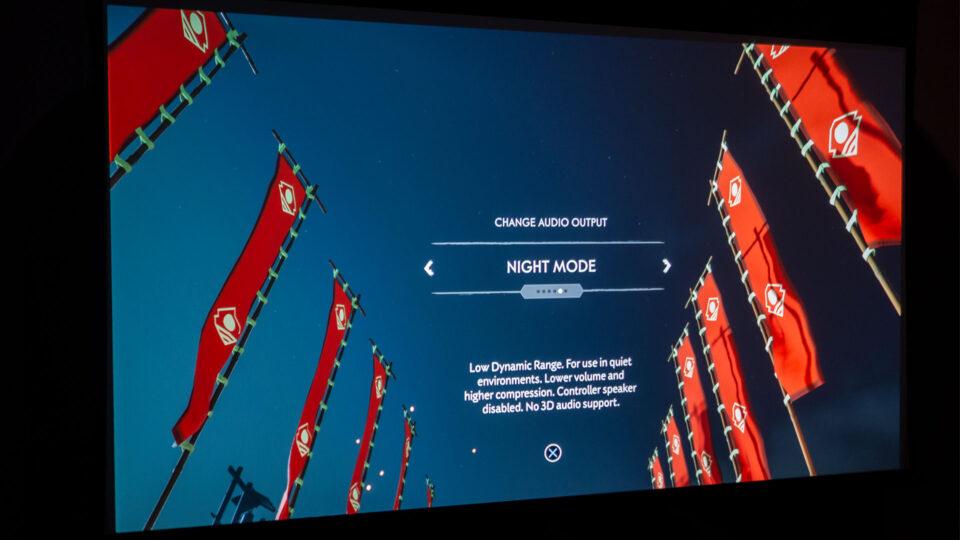
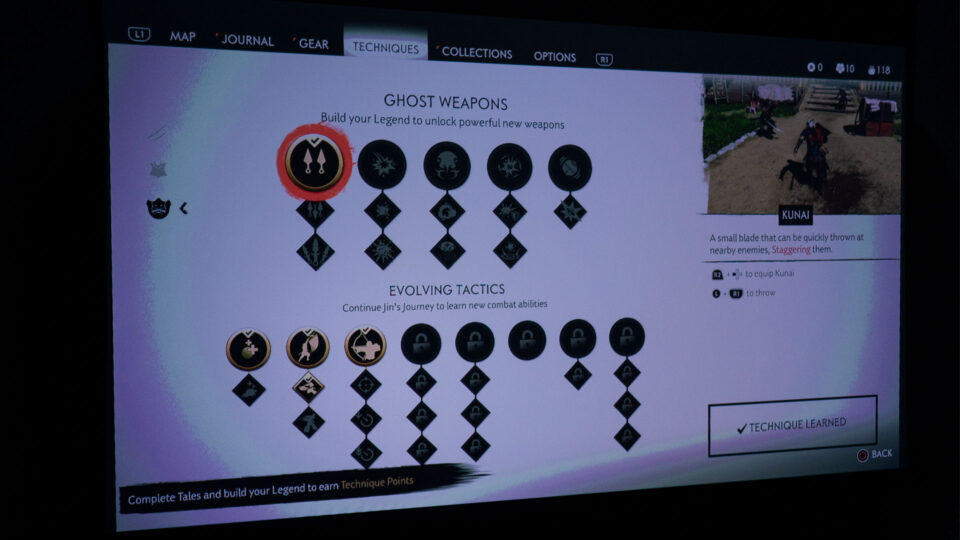
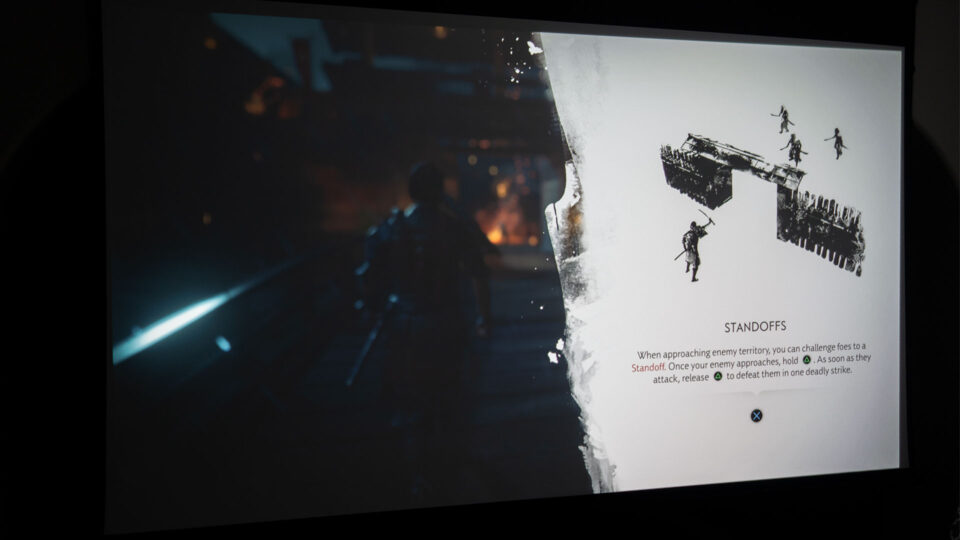
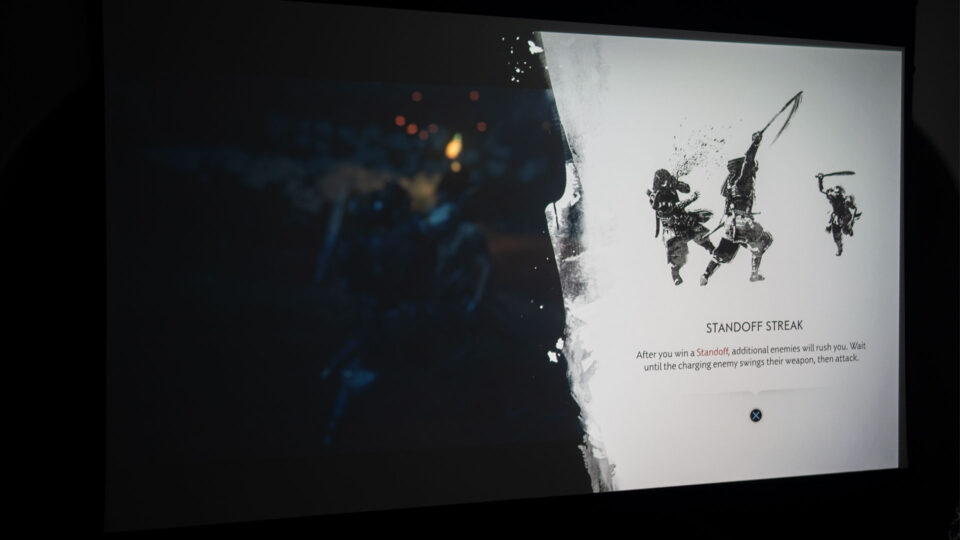
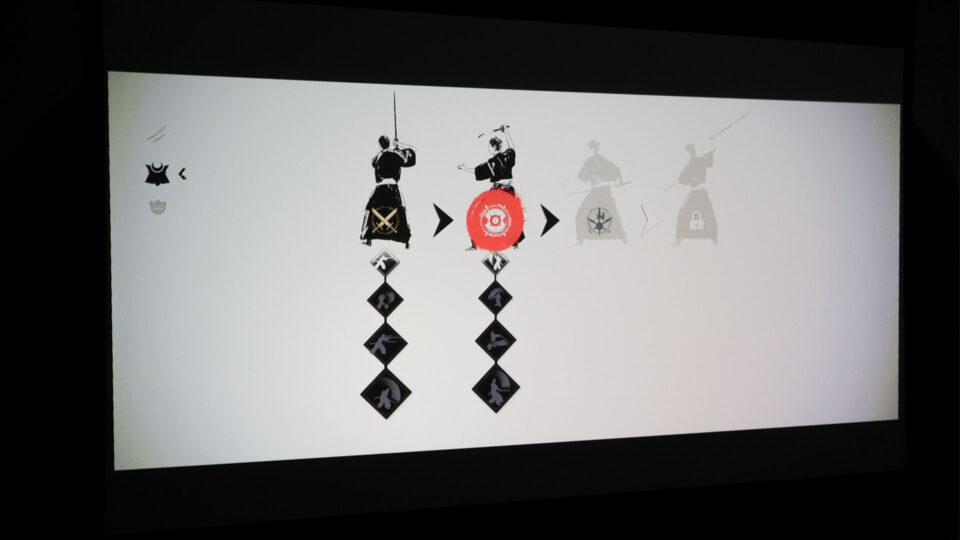
There’s plenty of techniques and gear to experiment with in Ghost of Tsushima Director’s Cut.
Embarking on Jin Sakai's journey in Ghost of Tsushima Director's Cut is akin to discovering a hidden armory of skills and techniques. Starting with the basics, you gradually unlock a vast array of combat stances, special abilities, and ghost weapons, each enhancing your prowess in unique ways. From the graceful Water Stance, effective against shielded foes, to the relentless Wind Stance, ideal for overwhelming swordsmen, the variety allows you to tailor your approach to each encounter, much like selecting the perfect loadout in other games.
The game's strategic depth unfolds as you face the Mongol invaders. Whether you choose the path of the honorable samurai or embrace the shadows as the Ghost, every decision carries weight. The sprawling open world of Tsushima, rather than a series of timed missions, presents a myriad of opportunities and challenges, urging you to explore and adapt to the ever-changing landscape. Balancing stealth, direct confrontation, and the strategic use of your arsenal is key to survival and success, just as managing resources and prioritizing objectives are crucial in other strategic games.
Following the guiding wind, Jin Sakai encounters diverse Mongol foes, demanding different strategies with each encounter.
In this sprawling samurai epic, the in-game map and the Guiding Wind emerge as indispensable tools, especially when projected onto a larger screen. The Guiding Wind, a mystical gust that directs you towards your objective, becomes your constant companion, whispering secrets and guiding your path, replacing the traditional mini-map.
The expansive map itself, filled with intricate details and hidden secrets, unfolds before you like a scroll, inviting you to chart your own course across Tsushima Island and Iki Island. On a 110-inch projector screen like I used (or bigger), the map transforms into a sprawling tapestry, allowing you to effortlessly pinpoint key locations and plan your next move. Utilizing the map to its fullest not only enhances your combat effectiveness but also enriches your exploration of the world, uncovering its hidden secrets and treasures. The world of Tsushima becomes your playground, and the map, your guide.
For a gaming enthusiast or even a casual gamer, immersing oneself in the intense battles of Ghost of Tsushima Director’s Cut on a large projector screen at home offers an unparalleled experience!
On my 110-inch projector screen, Jin Sakai commanded an imposing presence, standing well over 43 inches tall in some scenes. This larger-than-life scale significantly impacted my gameplay experience. The ability to clearly discern incoming attacks and enemy movements allowed for quicker reactions and more strategic decision-making. In a game where split-second timing can mean the difference between life and death, the advantages of a larger screen are undeniable.
The question for gamers is simple: Would you prefer your character to be mere inches tall, or would you rather they dominate the screen, measuring in feet instead of inches? While personal preferences vary, it's undeniable that a larger screen enhances immersion, making you feel more connected to the action and the world around you. If space allows, opting for a larger display can significantly elevate your gaming experience, particularly in immersive, action-packed titles like Ghost of Tsushima Director's Cut.
The expansive visuals brought the breathtaking landscapes of Tsushima to life, immersing me further into the world and the story, much like how the bustling streets of Tokyo and the tranquil temples of Kyoto captivated my senses during my travels. It also provided a practical advantage, allowing for better observation of enemy movements and more effective strategic planning, skills that would have undoubtedly been useful in feudal Japan, but thankfully less so in modern times.
Gaming On A Projector: Ghost of Tsushima Director’s Cut Conclusion
Ghost of Tsushima Director's Cut is an experience you won't want to miss. Dive into this epic samurai adventure, and you'll be captivated from start to finish.
Reliving my journey as Jin Sakai in Ghost of Tsushima Director's Cut on a large projector screen mirrored the beauty and wonder I recently experienced while traveling through Tokyo and Kyoto. Much like those vibrant cities, this award-winning game masterfully blends a captivating narrative, stunning visuals, and a nuanced combat system that allows players to embody the way of the samurai or the stealth of the ghost. The diverse regions of Tsushima, each with its unique beauty and challenges, kept the gameplay engaging and immersive, reminiscent of the diverse experiences found across Japan.
While exploring Japan with my family, I was, of course, not battling Mongols or defending the island, but rather a wide-eyed tourist soaking in the rich history and culture. Though I did visit numerous temples and historical sites, witnessing firsthand where samurai would have been stationed and marveling at authentic armor and swords, my only battles were with jet lag and the occasional vending machine.
The experience of playing Ghost of Tsushima Director's Cut on a large projector screen was nothing short of transformative. The expansive canvas brought the world of Tsushima to life in a way a computer monitor, or television simply couldn't match. The breathtaking landscapes, detailed character models, and visceral combat were all enhanced by the sheer scale of the projection.
Ghost of Tsushima Director's Cut is an exceptional title and experiencing it on a gaming projector like the BenQ X3100i takes it to another level, mirroring the heightened experience of exploring Japan firsthand. It serves as a testament to how a high-quality projector can elevate gameplay, transforming it into a truly immersive adventure. Whether you're drawn to action-adventure games with a rich narrative or simply seeking an experience that is both beautiful and engaging, I wholeheartedly recommend experiencing Ghost of Tsushima Director's Cut on a projector with a large screen. It's a journey that will transport you, much like my own travels through Japan, and leave a lasting impression, though hopefully without the need for any real-life swordsmanship.
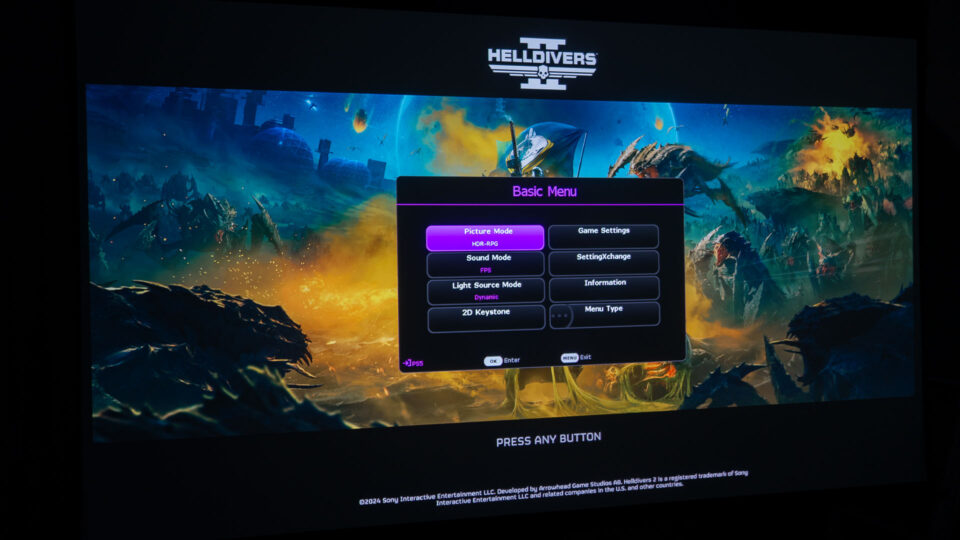
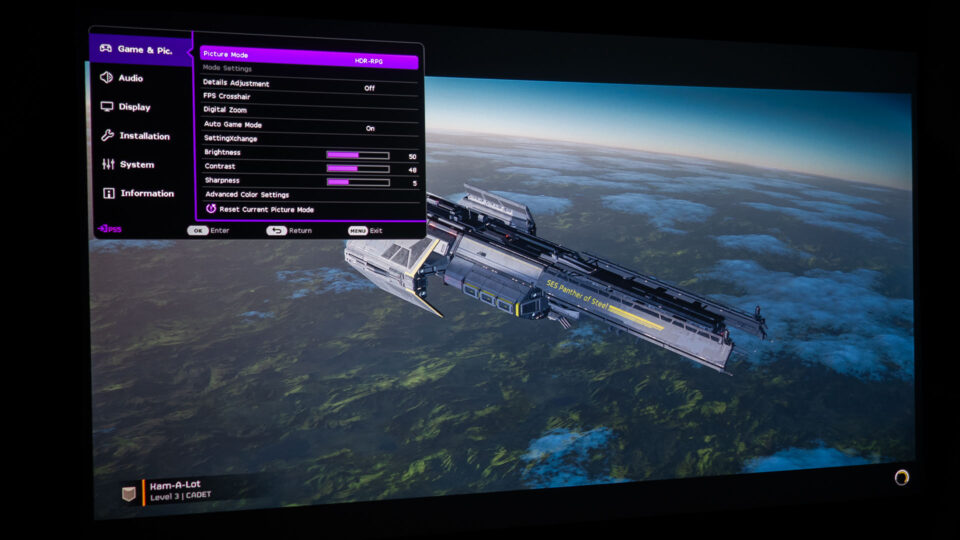
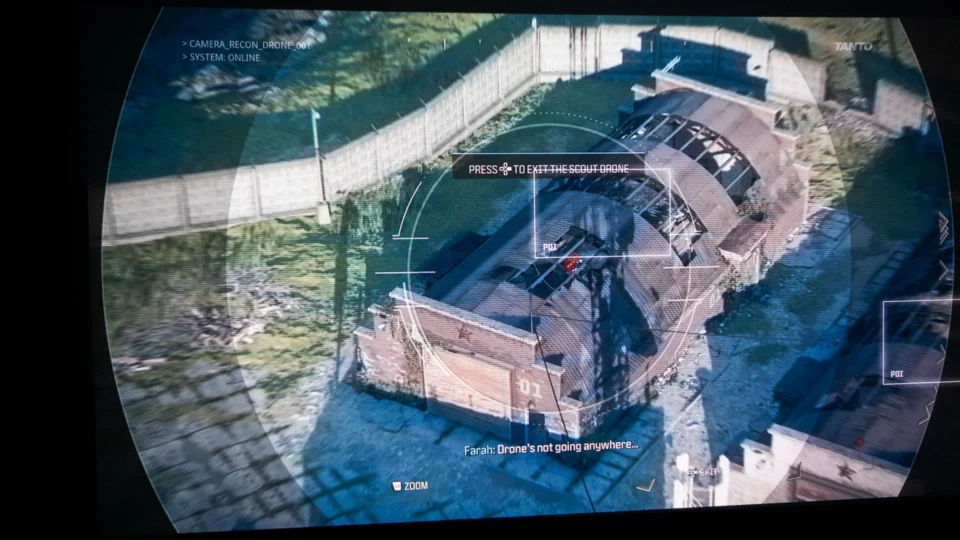
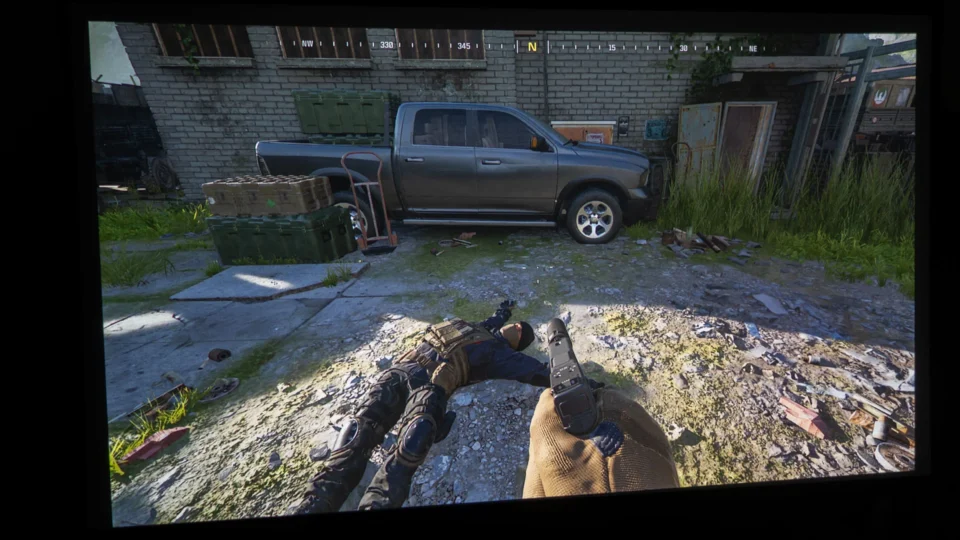
Helldivers 2 is one of the hottest games of 2024!
In Helldivers 2, players join the elite ranks of the Helldivers, embarking on an intense intergalactic mission to protect the galaxy from escalating alien threats. The game playfully switches between a dynamic third-person view and a more precise first-person aim-down-sights camera, offering both a broad and detailed view of the battlefield. This duality contributes to an immersive combat experience, underlining the game's motto, "Spread Managed Democracy across the galaxy."
Set in a satirically dystopian future, Helldivers 2 masterfully blends dark humor with beautifully done single and co-op gameplay. The universe, on the brink of chaos, is filled with witty references and humorous takes on classic sci-fi elements, reminding players that "Freedom has a high price." The game's cooperative play is pivotal, urging players to work together, devise strategies, and tackle challenges as a unified force.
Each mission is a test of coordination and skill, demanding a balance of offensive and defensive strategies while utilizing a variety of weapons and equipment. The game's humor lightens the intense gameplay, providing comic relief and enhancing the overall experience, truly embodying the Helldivers' spirit of fighting for "Super Earth."
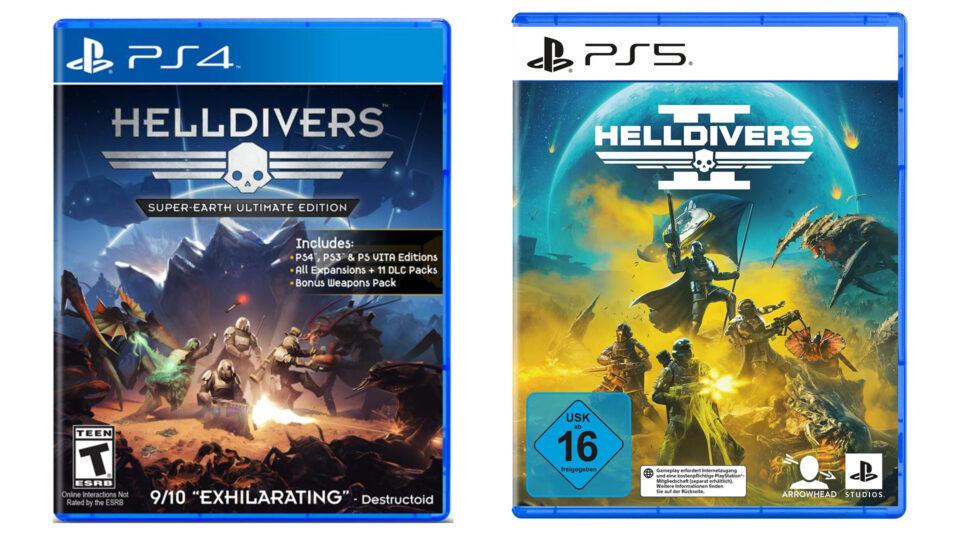
I’ve never played the original Helldivers, so I had some research to do. Based on said research, Helldivers 2 builds upon its predecessor with several key enhancements and changes, refining the cooperative top-down shooter experience. One of the most noticeable differences between "Helldivers" and "Helldivers 2" is the shift in perspective. While the original Helldivers employed a top-down view that offered a strategic overview of the battlefield, Helldivers 2 introduces a third-person perspective. This change brings players closer to the action, creating a more immersive experience and allowing a better view of the combat scenarios.
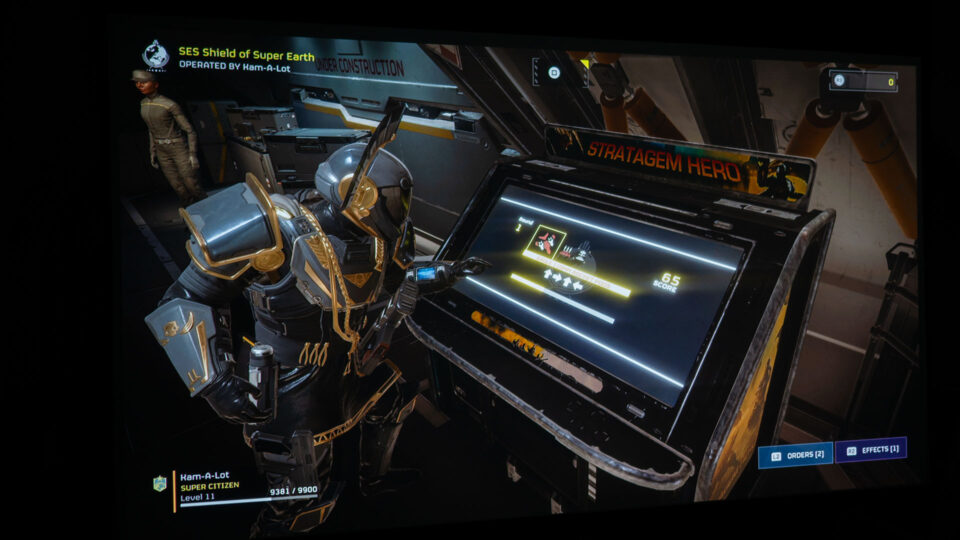
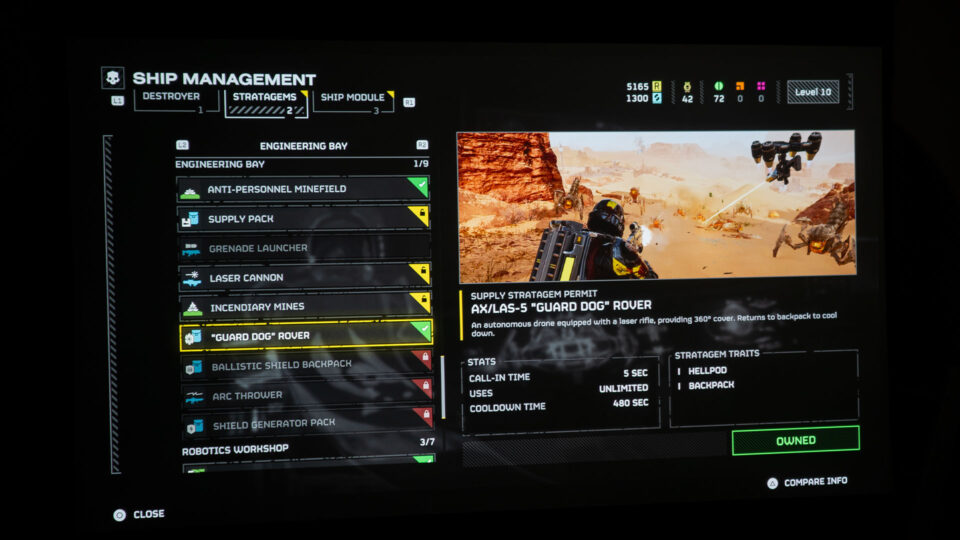
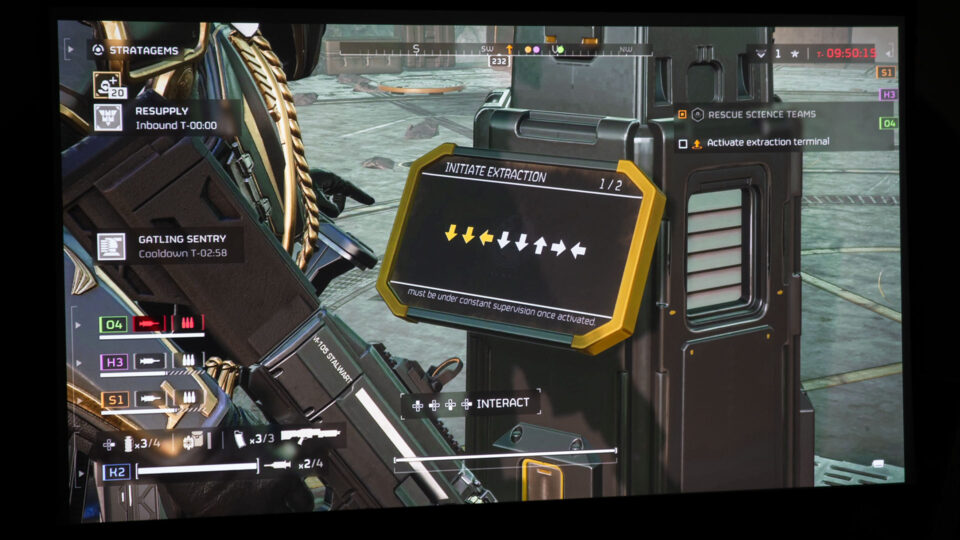
Another significant evolution in Helldivers 2 is the content and gameplay mechanics. The sequel offers a greater variety of Stratagems, which are powerful tools like orbital bombardments and Gatling turrets that players can summon to aid in combat. This variety in Stratagems allows for more specific playstyles, catering to different combat strategies. Additionally, the game provides a more tailored experience with its weapon and gear selection, streamlining these options compared to the first game.
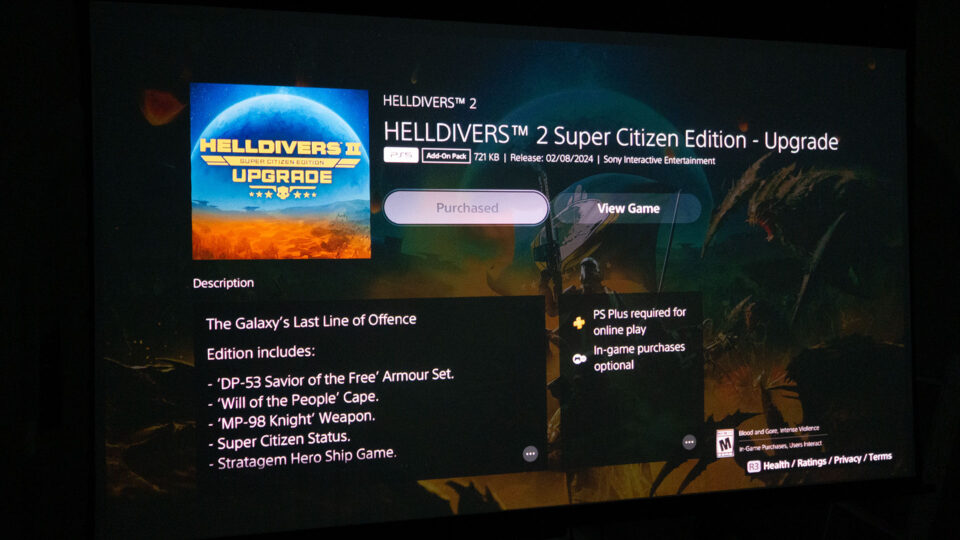
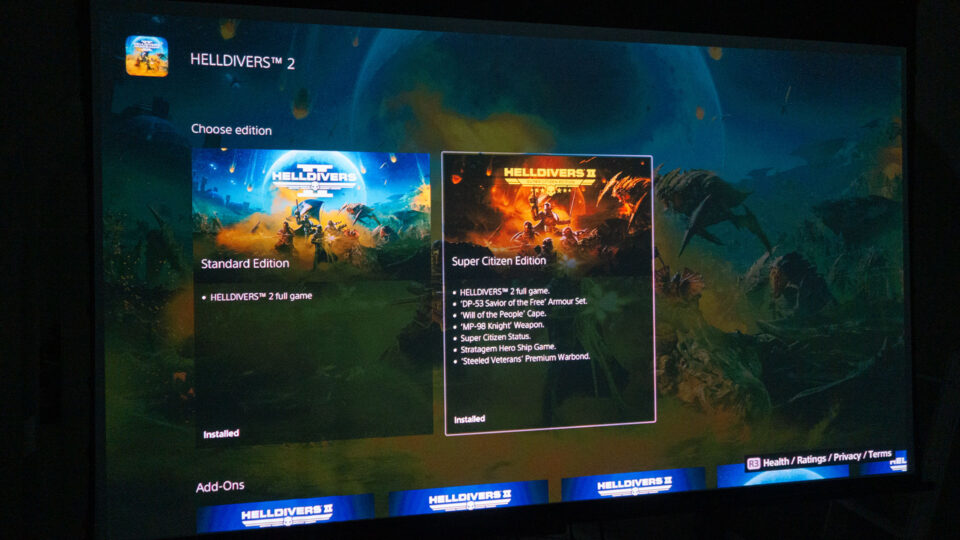
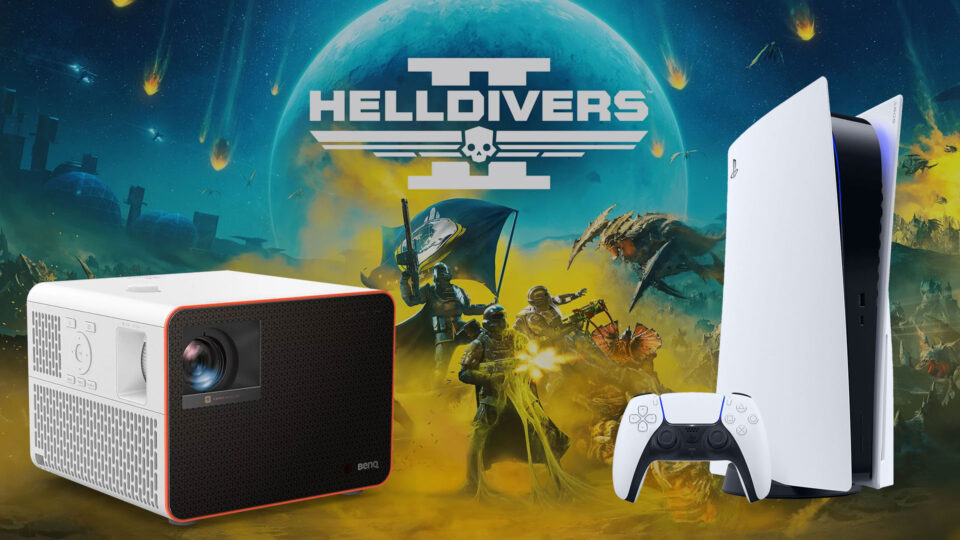
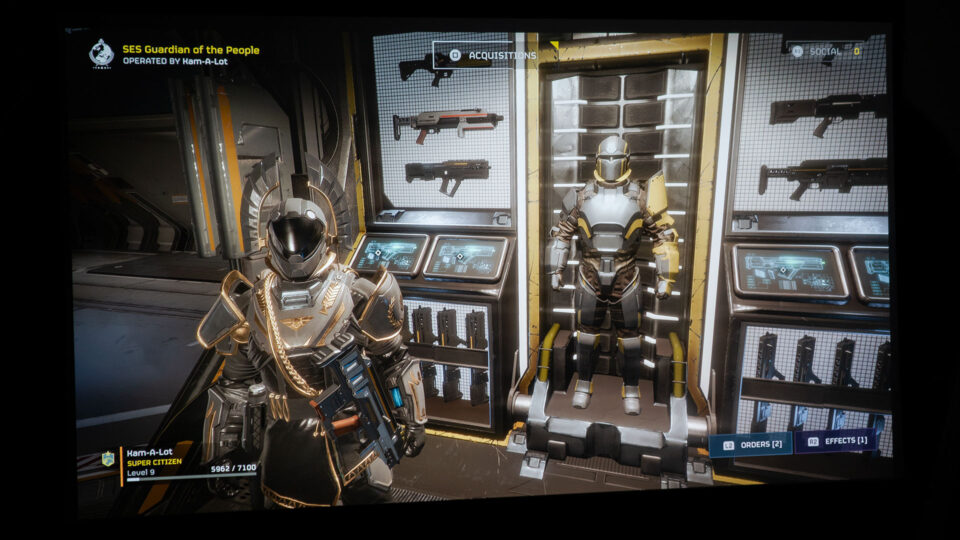
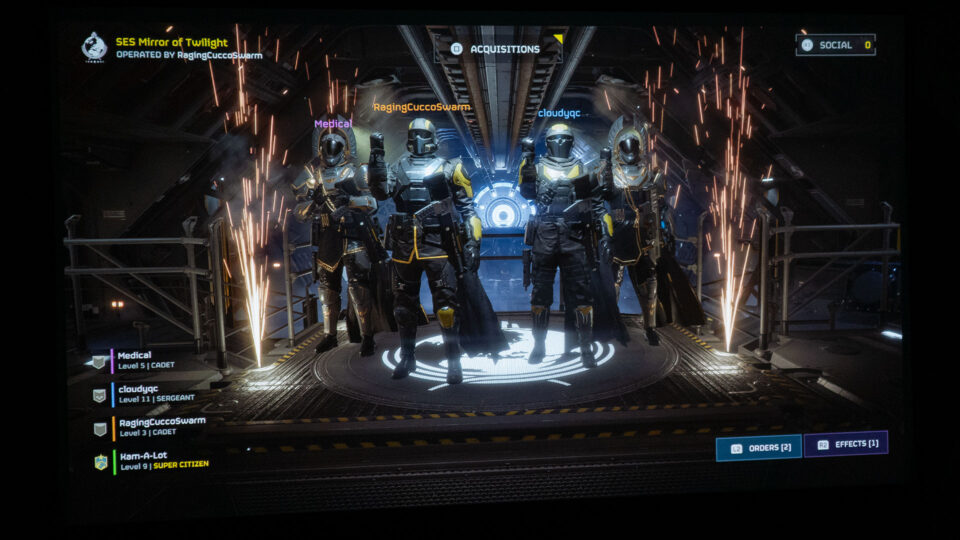
I upgraded to the Helldivers 2 – Super Citizen Edition for the exclusive perks and one-handed submachine gun I wanted to test out.
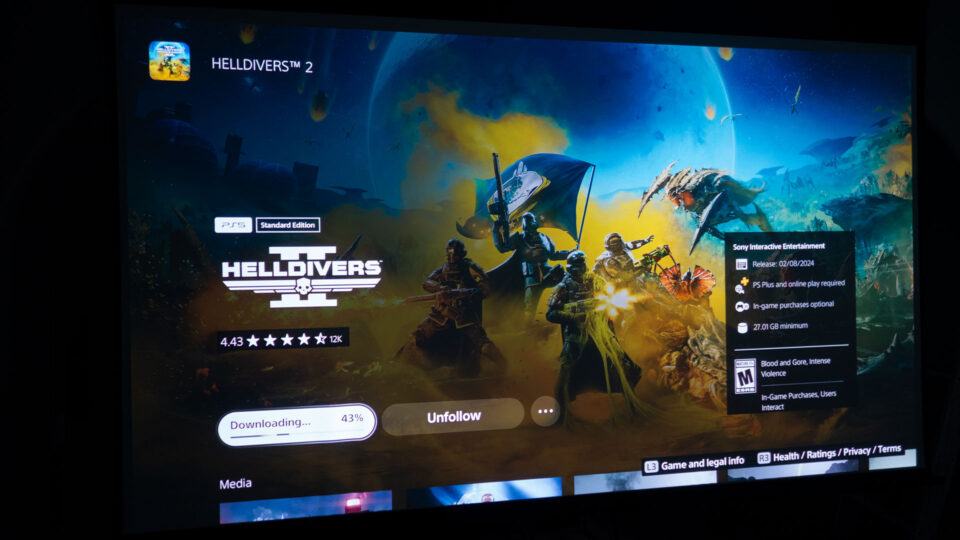
Helldivers 2 is available on two platforms, the PS5 and PC via Steam. Additionally, the game supports crossplay, allowing for a more connected multiplayer experience across different platforms. Developed by Arrowhead Game Studios and published by PlayStation PC LLC, Helldivers 2 launched on February 8, 2024. The game, playable in single-player mode and supporting up to four online players, offered a fresh experience after my extensive time with "Baldur’s Gate 3".
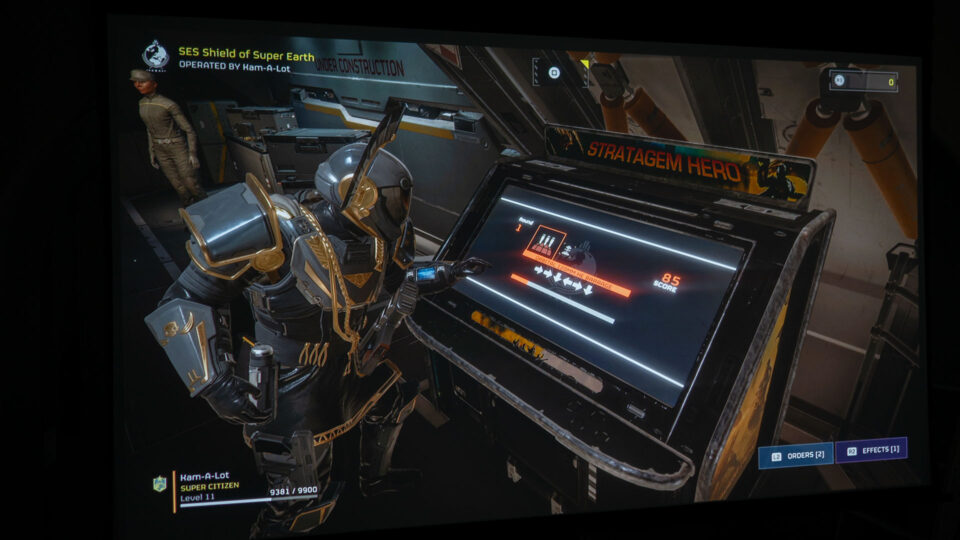
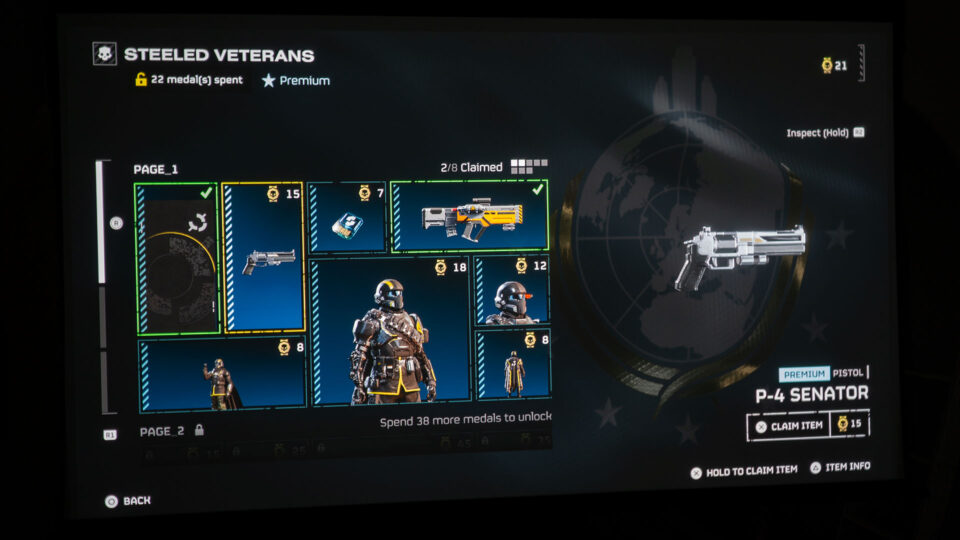
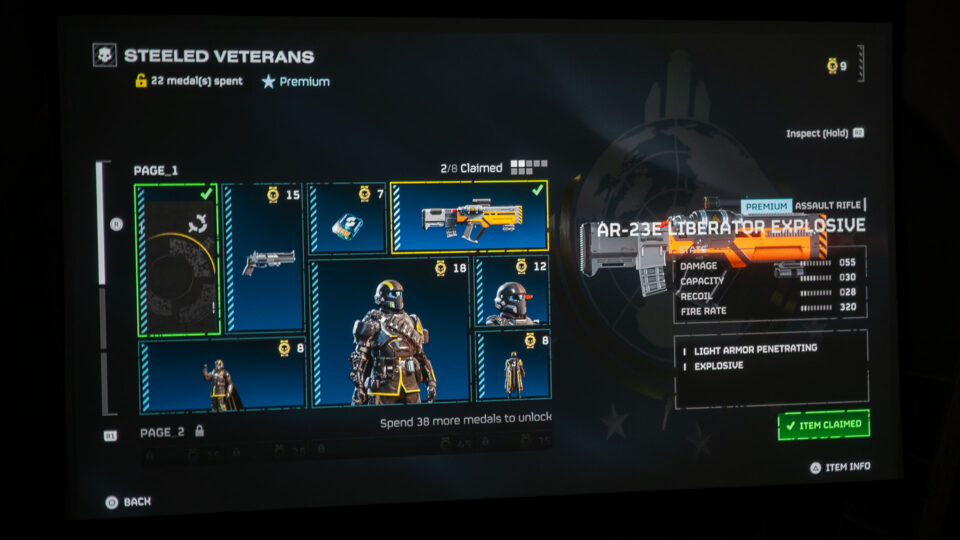
I opted for the "Helldivers 2 – Super Citizen Edition," priced at $59.99. This edition includes the base game, the DP-53 'Savior of the Free' Armour Set, 'Will of the People' Cape, MP-98 'Knight' Weapon (a one-handed submachine gun), Super Citizen Status, the Hero Ship Game Stratagem, and 'Steeled Veterans' Premium Warbonds. The standout features are the MP-98 'Knight' Weapon, useful for missions requiring one-handed combat, and the Hero Ship Game Stratagem, essential for mastering the quick input of codes during intense combat situations. The standard edition can be had for $39.99.
Projector Utilized – BenQ X3100i
Phil Jones, the Technical Editor and Lead Reviewer at Projector Reviews, entrusted me with the BenQ X3100i gaming projector for this article. Immersing myself in over 58 hours of gameplay, I've thoroughly explored its features.
At Projector Reviews, we had the opportunity to test out BenQ's gaming projectors, the X3000i and TK700, which were provided for our "Best Games to Play on a Projector" segment. After extensively using the BenQ X3000i for over 755 hours and the BenQ TK700 for over 265 hours, primarily with my PS5, these projectors are now being returned to BenQ. This in-depth usage has given me valuable insights into projector gaming. Moving forward, I'll be using the new BenQ X3100i for my future gaming projector articles, continuing to explore and share experiences in large-screen gaming.
Thanks to its capability to deliver up to 3300 ANSI lumens, the X3100i effortlessly facilitates gaming even in rooms with some ambient light.
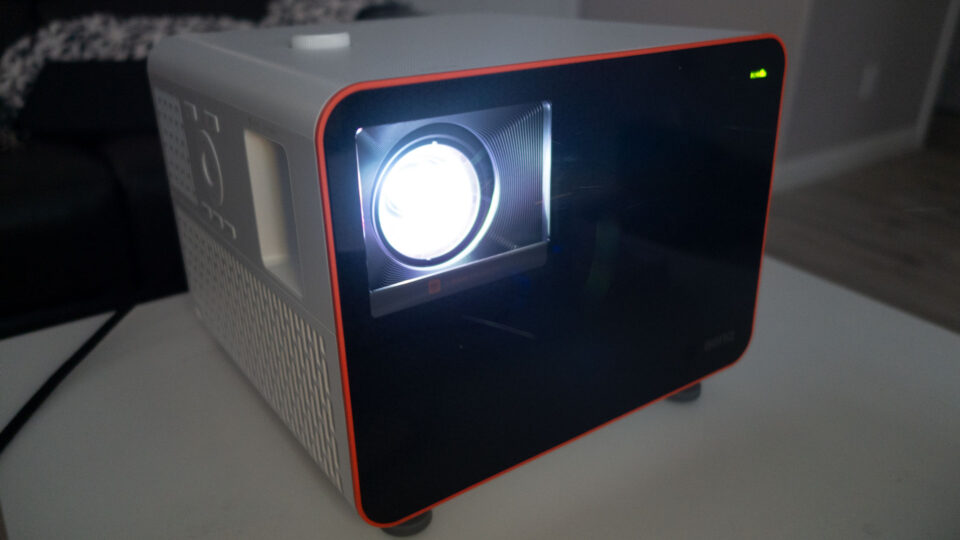
The BenQ X3100i, BenQ's latest flagship model for console gaming, takes the lead over the previous X3000i. As of February 2024, it's priced at an MSRP of $2,399. This projector stands out with its 3300 ANSI lumens of brightness, making it suitable for many environments, even with some ambient light sneaking into the room. It also boasts 4K resolution capabilities, thanks to its XPR (eXpanded Pixel Resolution) technology. For a deeper understanding of how 4K DLP and XPR technology work together, a visit to Projector Reviews' Projection Terms page would be insightful.
The BenQ X3100i represents a significant leap forward from its predecessor, the X3000i, offering enhancements that promise to take your gaming experience to new heights.
The BenQ X3100i is a testament to how far gaming projectors have come, representing the pinnacle of BenQ's Immersive Gaming Series. While inheriting the legacy of its predecessor, the X3000i, the X3100i introduces substantial advancements that elevate the gaming experience.
One of the key features of the X3100i is SettingXchange where BenQ says you can “Download expert projector image settings from top gamers and experience gameplay through the eyes of pros thanks to ready-made celebrity profiles. Share your projector image settings with fellow gamers to help them level their experiences, or import theirs. Experiment and find your best profile with this unique option!” SettingXChange ensures seamless syncing with your laptop, simplifying setting adjustments and changes. Utilize drag-and-drop for swift import and export, eliminating the need for manual projector operations.
The X3100i also has enhanced brightness, now rated at 3300 ANSI lumens, a 10% increase from the X3000i. This boost in brightness means that games like Helldivers 2 can be enjoyed in more varied lighting conditions.
Another significant upgrade is the projector's support for 1440p resolution at 120Hz. This resolution is becoming increasingly popular among gamers for its ability to balance high-definition visuals with smooth frame rates, a crucial factor for fast-paced games.
The addition of a fourth gaming mode adds to the versatility of the projector, allowing players to optimize their gaming experience based on the genre they are playing. The fourth game mode is called RCG/HDR-RCG (Racing Game / Racing Car Game). BenQ states RCG/HDR-RCG “makes the image clearer, smoother, and more vibrant and helps players better experience the speed and excitement of racing games. Sound Mode will automatically switch to RCG”.
Furthermore, the introduction of a substantial vertical lens shift is a game-changer for those who can’t physically move the projector into the perfect position, enabling users to adjust the image height without the image distortion often caused by keystone correction.
Gaming projectors like the X3100i are designed to minimize input lag, ensuring faster and more responsive gameplay, essential for the quick-paced action in Helldivers 2.
The X3100i is a gaming projector that shines with its impressive features. The support for 1440p resolution at a high refresh rate of 120Hz is a critical feature for modern gaming that many hardcore gamers seek out. This resolution strikes a perfect balance between high-definition detail and performance, providing smoother motion and sharper images, which is crucial for fast-paced games where reaction times are key. I’m not one of those critical hardcore gamers, but it’s nice to know that BenQ is listening to its hardcore fanbase and giving them what they want.
As previously mentioned, the X3100i comes with four dedicated gaming modes, each optimized for different types of games. These modes adjust the projector’s settings to enhance visuals and performance based on the specific needs of the game genre, whether it's a fast-paced shooter or a visually rich RPG.
The BenQ X3100i, equipped with HDR-PRO Technology, represents significant projector capabilities for gaming.
HDR technology in video enhances the detail and color spectrum, offering a more nuanced depiction of light and dark areas in images. This feature has grown increasingly vital for both media professionals and home entertainment enthusiasts. In this realm, BenQ has made significant strides with its proprietary HDR-PRO technology, designed to deliver projectors with accurate color and dynamic contrast. This technology is particularly relevant for gaming enthusiasts using projectors, as it allows them to experience games with cinematic quality, staying true to the creators' vision.
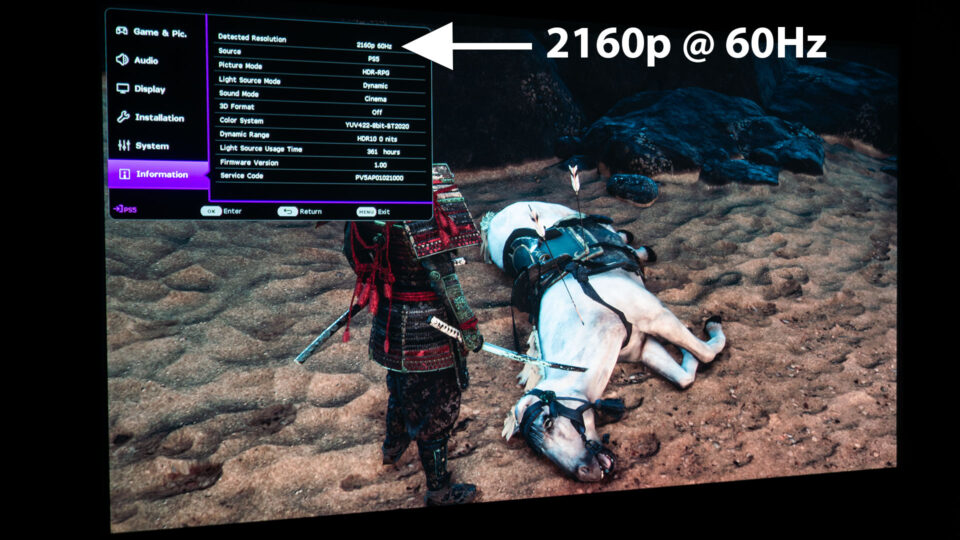
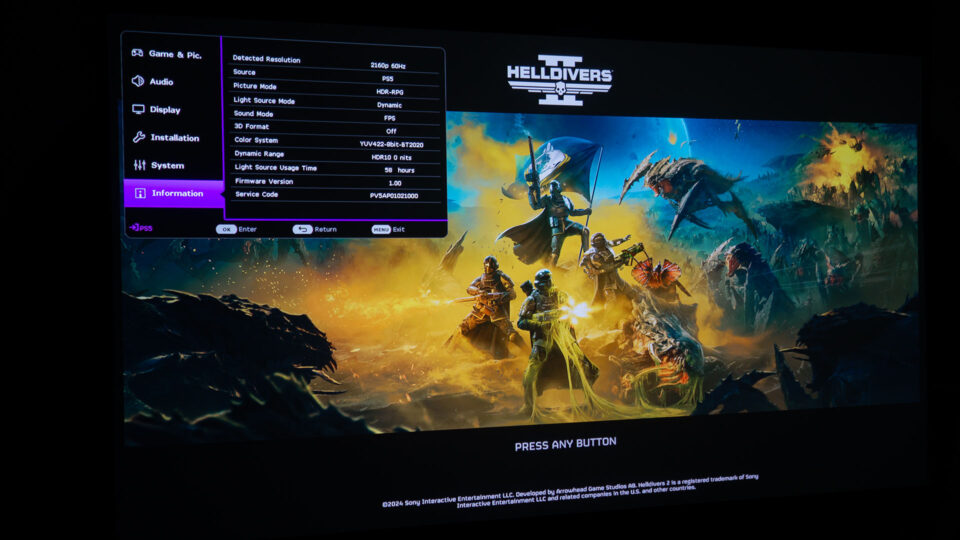
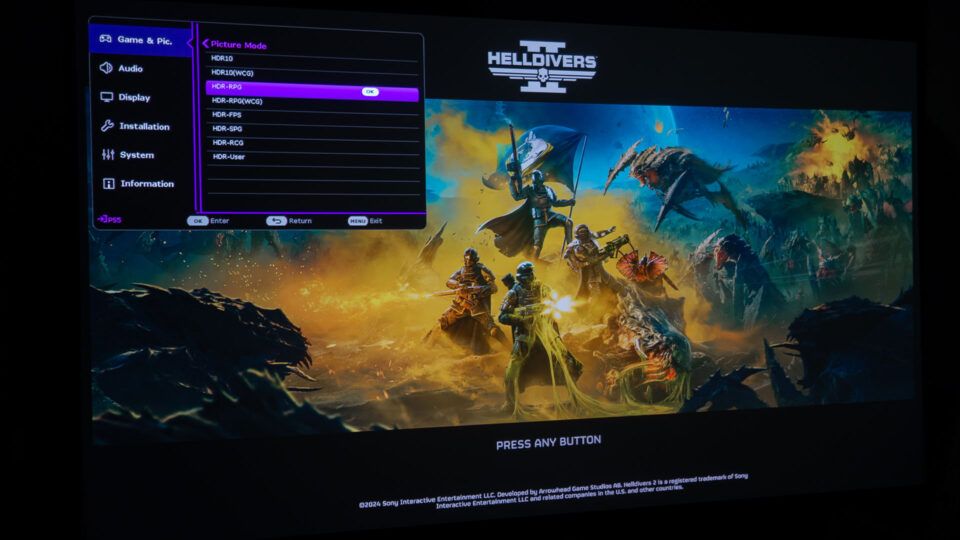
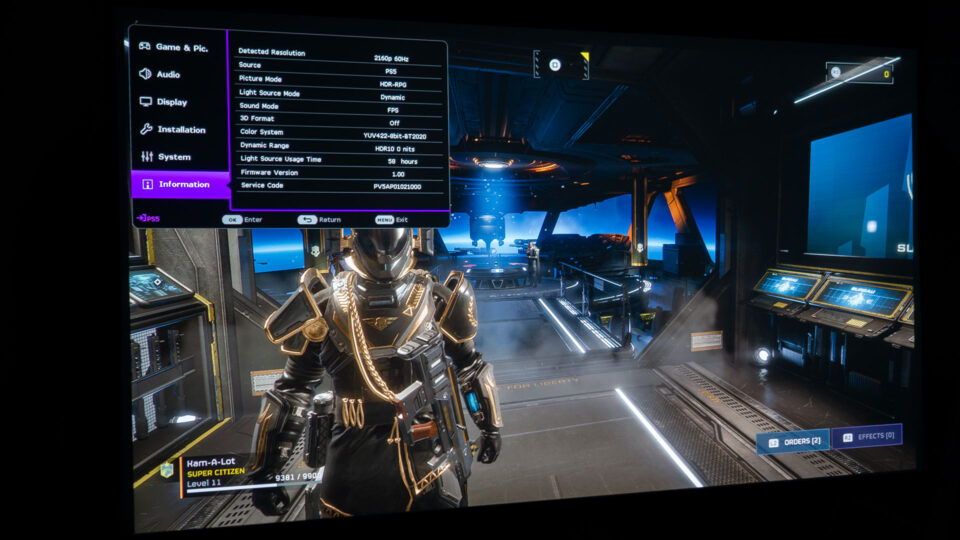
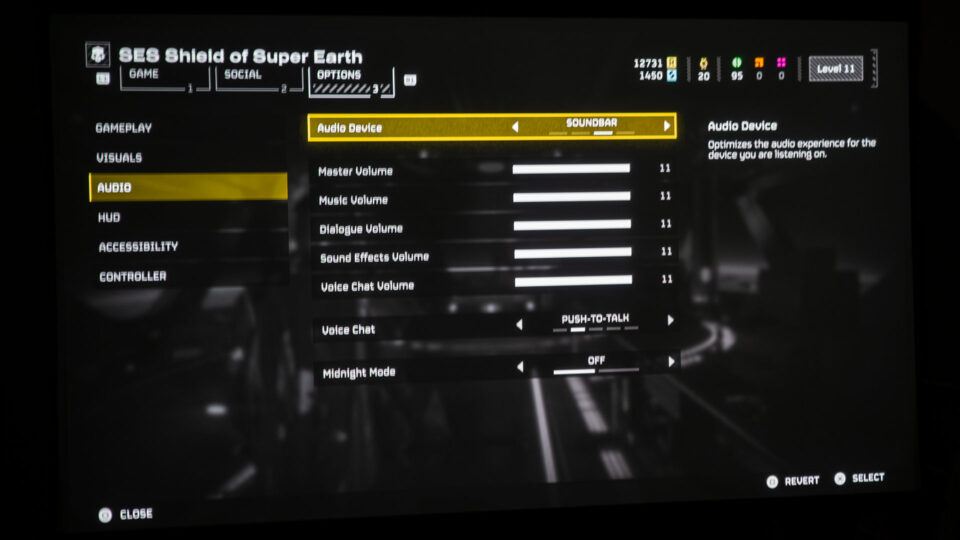
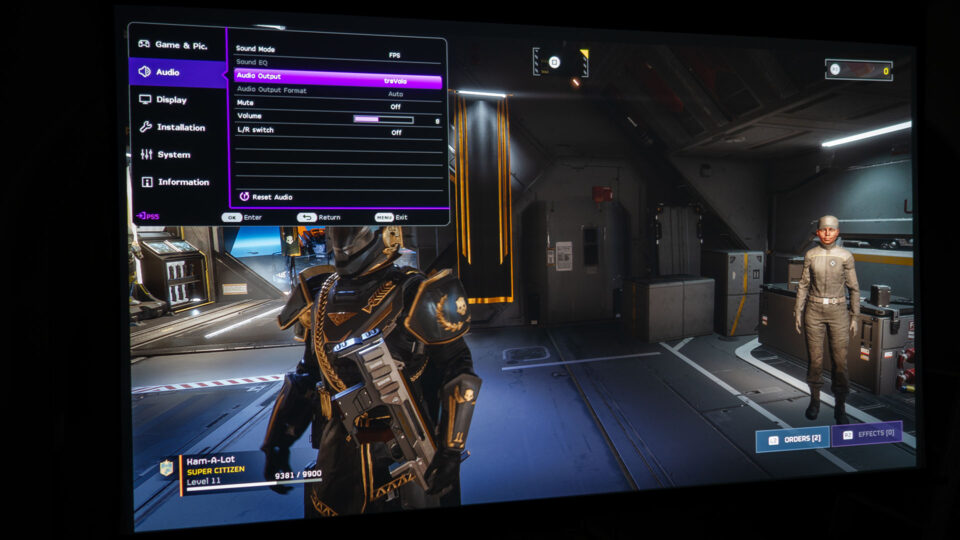
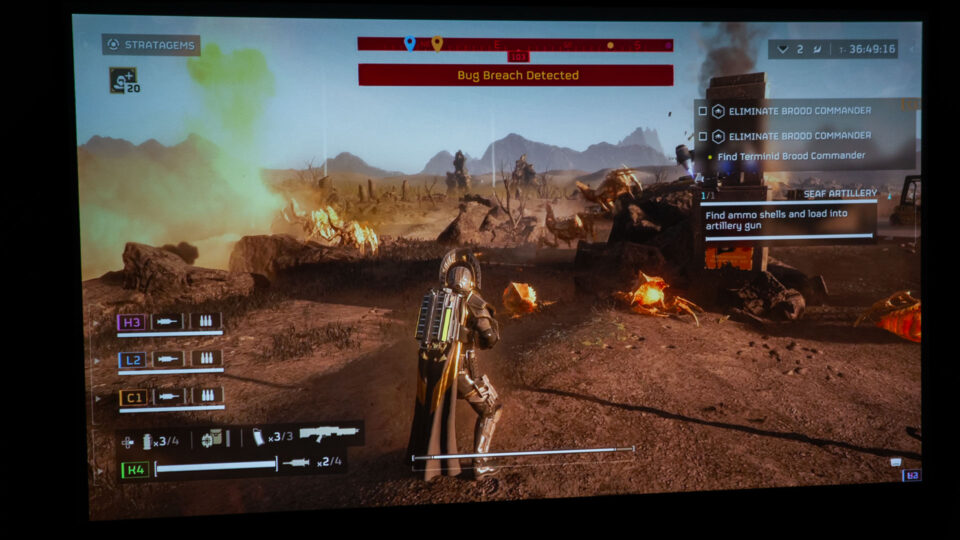
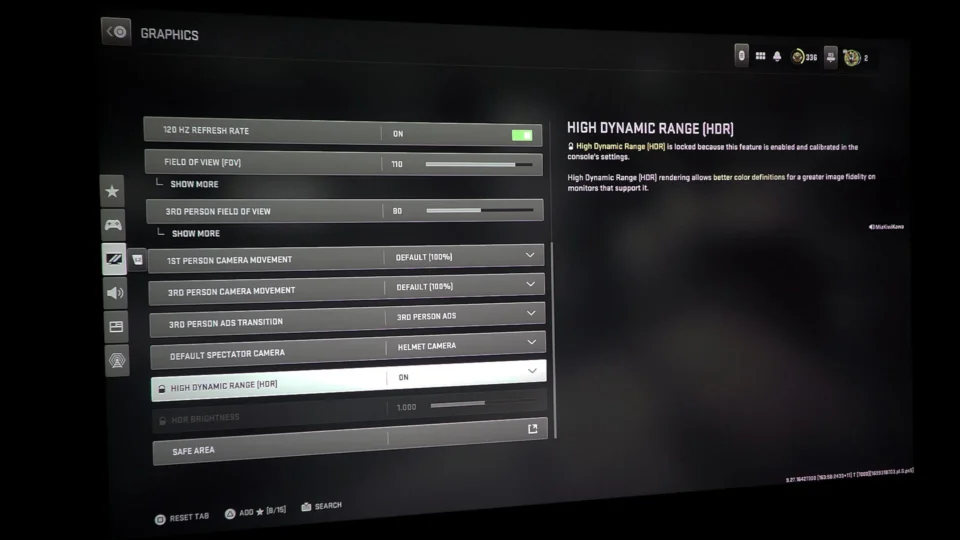
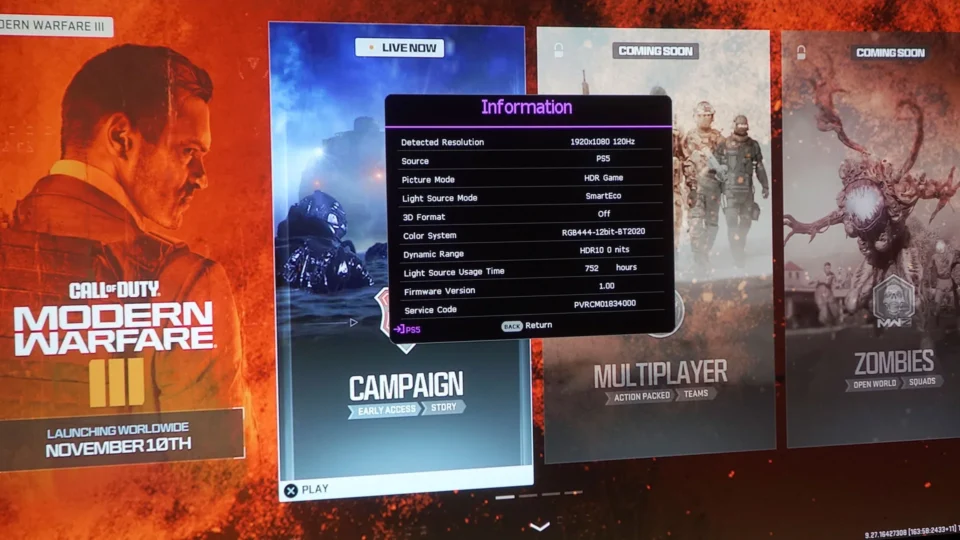
The BenQ X3100i features a handy Information screen that proved to be quite useful during my gaming sessions with "Helldivers 2." It consistently displayed the game running at a resolution of 2160p and a refresh rate of 60Hz, ensuring I was experiencing the game in high-quality detail.
I experienced Helldivers 2 in 4K (3840x2160) @ 60Hz. Projected onto a sizable screen, the enhanced detail and image clarity of 4K, especially at common viewing distances, provided a rich visual experience that brought the game to life. This level of refinement proved particularly advantageous for the immersive experience of Helldivers 2, contributing to the game's realism and depth.
However, the debate between 4K and 1440p for gaming is multifaceted. While 4K offers impressive visual fidelity, 1440p has its own strengths, particularly in gaming performance. Many gamers argue that the slightly lower resolution of 1440p can result in smoother frame rates and improved overall performance, especially in fast-paced games like Helldivers 2. With less strain on hardware resources compared to 4K, 1440p gaming can offer a more fluid and responsive experience, which is essential for competitive gameplay.
The X3100i's commendable 16ms input lag in 4K @ 60Hz, particularly in the context of Helldivers 2, deserves recognition. This low lag competes favorably with many standard flat-panel TVs, ensuring gameplay responsiveness that meets the expectations of avid gamers and surpasses those of casual players. With this rapid response time, I could navigate the intense battles and fast-paced action of Helldivers 2 without any hindrance from a sluggish system.
On a substantial projector screen, the benefits of 4K over lower resolutions were evident. The heightened level of detail and image clarity it offers enhanced the gaming experience, adding vibrancy and realism to the visuals. While 4K provides a visually stunning experience, it's important to recognize that both 4K and 1440p have their place in gaming, each offering unique advantages depending on individual preferences and priorities.
Sound is essential in Helldivers 2,"elevating the gameplay; for the best experience, a high-quality audio system, headphones, or a projector with integrated premium audio is recommended.
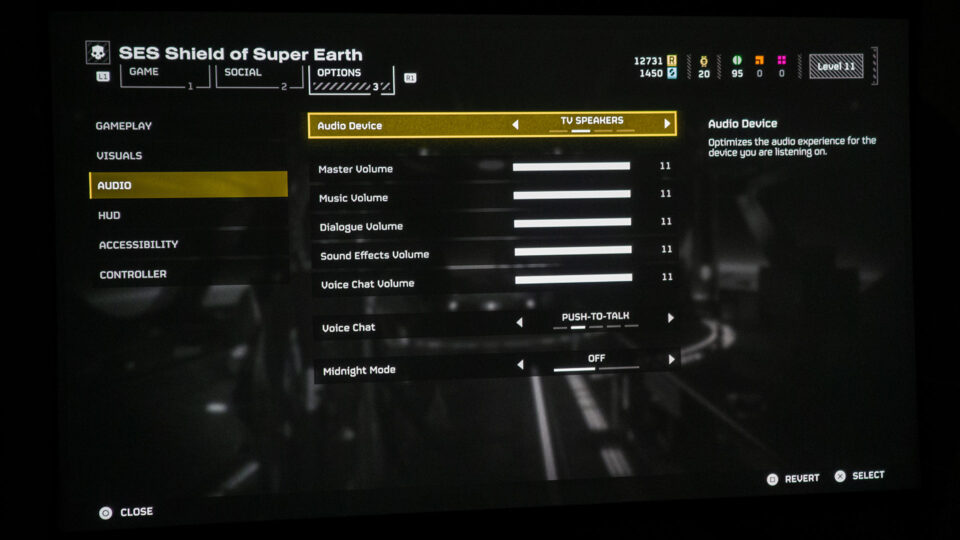
BenQ's CinematicSound technology serves as their audio secret sauce, with dedicated Bongiovi DPS enhancing audio dynamically to craft a 3D audio realm filled with depth and distance. The X3100i, though not a replacement for a 5.1 surround system, offers a great audio experience with its two 5-watt chamber speakers providing spatial audio for more precise gaming.
While dedicated surround sound systems are often preferred for enhancing the gaming experience, the X3100i, like its predecessor, the X3000i, surprised me with its audio depth and clarity. In Helldivers 2, where sound design and dynamic range play pivotal roles, you’ll want a projector where the audio quality matches the game's visual intensity. Additionally, "Helldivers 2" provides four audio modes, allowing players to optimize the sound settings for their specific audio systems. This feature is crucial for detecting the nuanced sounds of enemies like Automatons and Terminids, especially in situations where visibility is limited.
Helldivers 2 – Projector Gameplay
BenQ underscores the fact that the X3100i is purposefully engineered with gaming consoles in mind, aiming for optimal compatibility and performance.
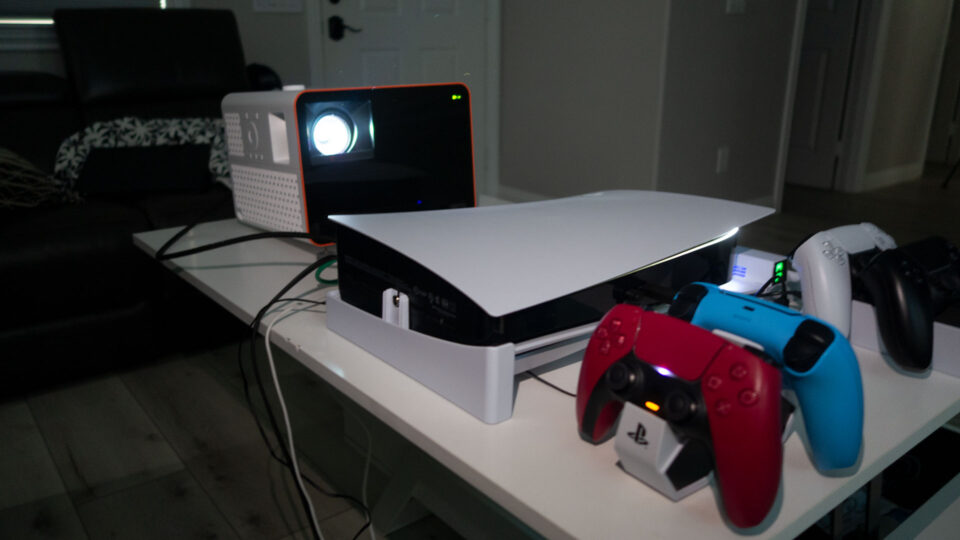
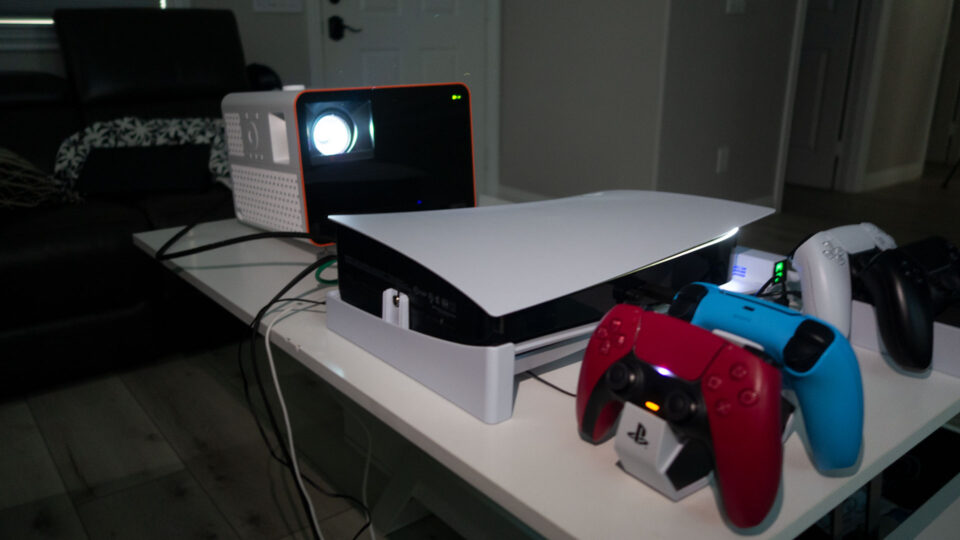
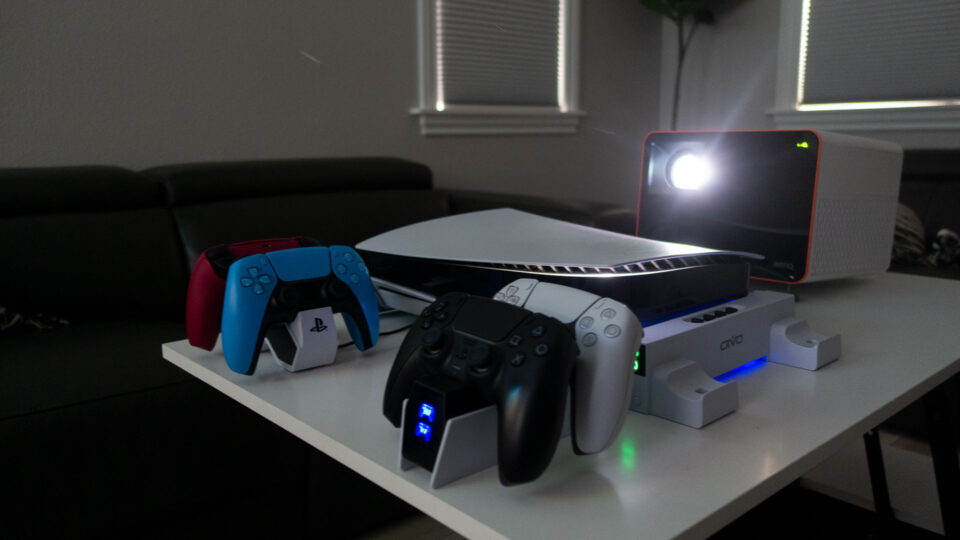
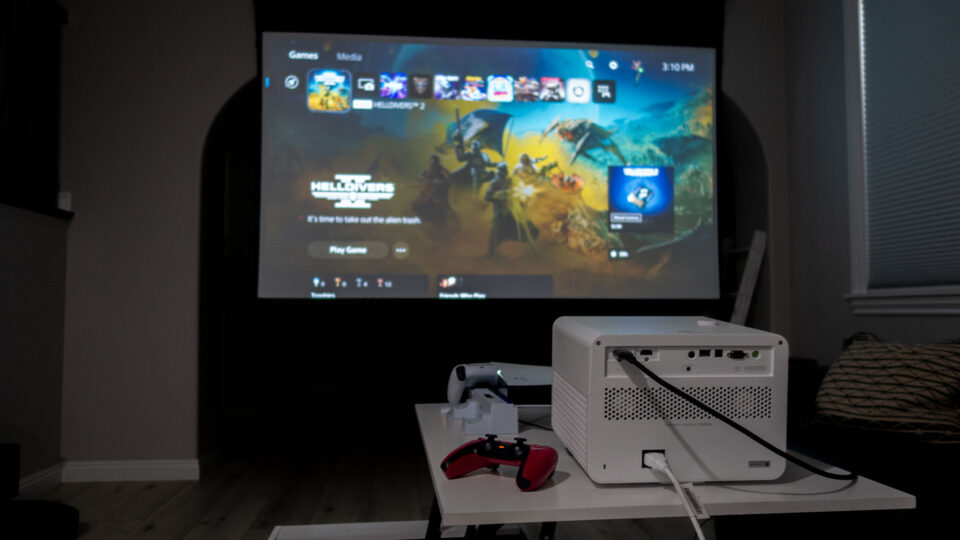
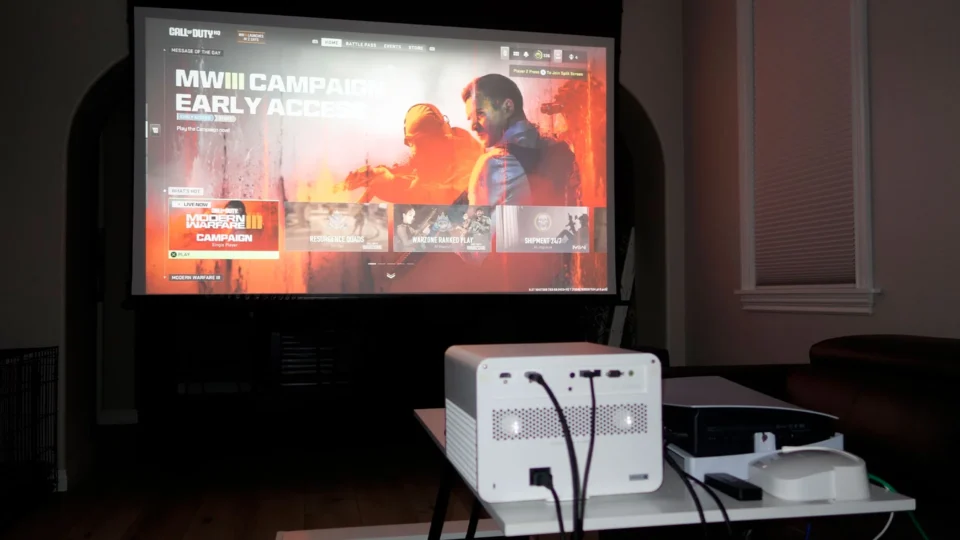
In crafting this article focusing on gaming with a projector, I positioned my PS5 on a nearby table alongside the BenQ X3100i. The gaming action unfolded on an expansive 110-inch (16:9) screen provided by Screen Innovations, utilizing the Solo Pro 2 with Unity AT Pure White 1.3 gain material. This deliberate setup was designed to immerse myself fully in the experience of gaming with a projector, allowing me to concentrate solely on the gameplay and evaluate the projector's performance without any distractions.
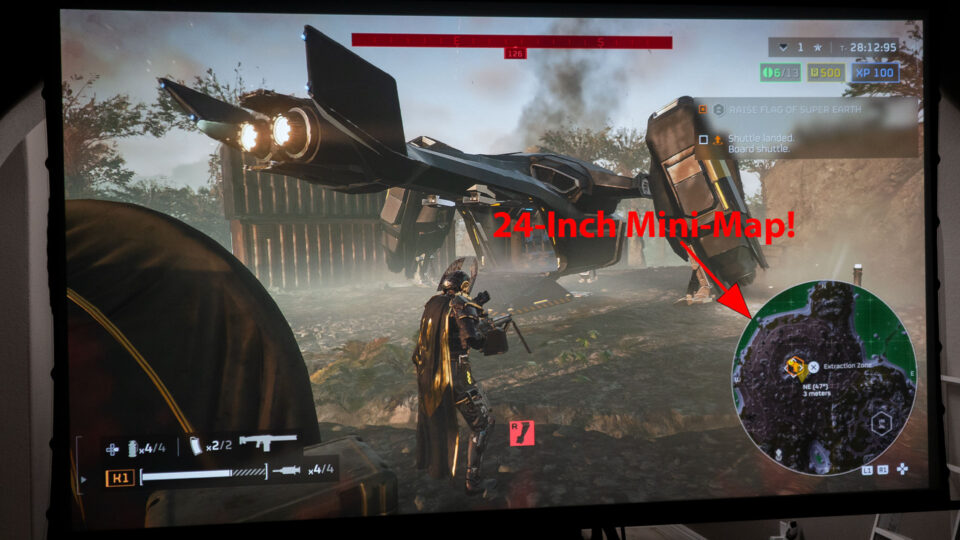
On my expansive 110-inch projector screen, the mini-map sprawled an impressive 24 inches wide—far from deserving the title of 'mini'!
Diving into Helldivers 2, the first thing that struck me was the character customization. Starting with a basic loadout, the game gradually unfolds a treasure trove of gear options, each enhancing the gameplay in unique ways. The arsenal ranges from simple sidearms to more sophisticated primary weapons, each with its distinct feel and impact. This variety allowed me to experiment and find the perfect combination that suited my playstyle.
The game's strategic depth became apparent quickly. It demands smart play, whether in a team or going solo. The missions are timed, adding urgency to every decision. Running out of time means no more calling in powerful Stratagems – special abilities that can turn the tide of battle. These constraints, coupled with limited reinforcements, forced me to prioritize objectives and manage resources effectively. It's a challenging balancing act that kept me engaged and constantly adapting.
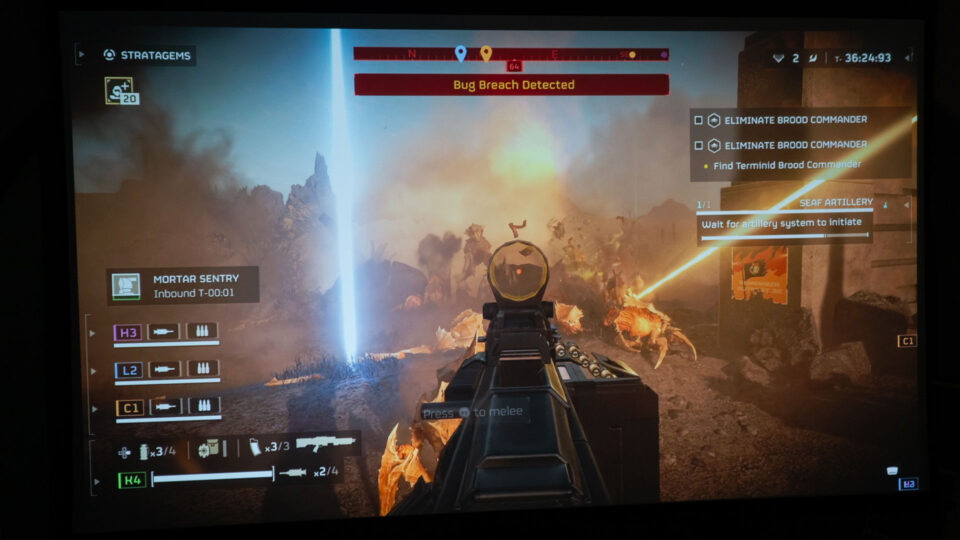
In Helldivers 2, the mini-map emerges as the paramount tool, surpassing even the significance of Stratagems and weaponry. When projected onto a 100-inch+ screen, this seemingly diminutive feature undergoes a transformative expansion, becoming a pivotal asset that revolutionizes gameplay. With its enlarged scale, the mini-map facilitates effortless identification of adversaries, discovery of crucial locations, and acquisition of hidden treasures such as weapons, Super Credits, and Medals. For example, on my 110-inch projector screen, the mini-map stretched an impressive 24 inches (2 feet) across—hardly fitting the description of "mini"! Leveraging the capabilities of your mini-map not only amplifies your combat prowess with handheld weapons and Stratagems but also propels your advancement through the game by revealing possible locations of those valuable Medals and Super Credits scattered throughout the map.
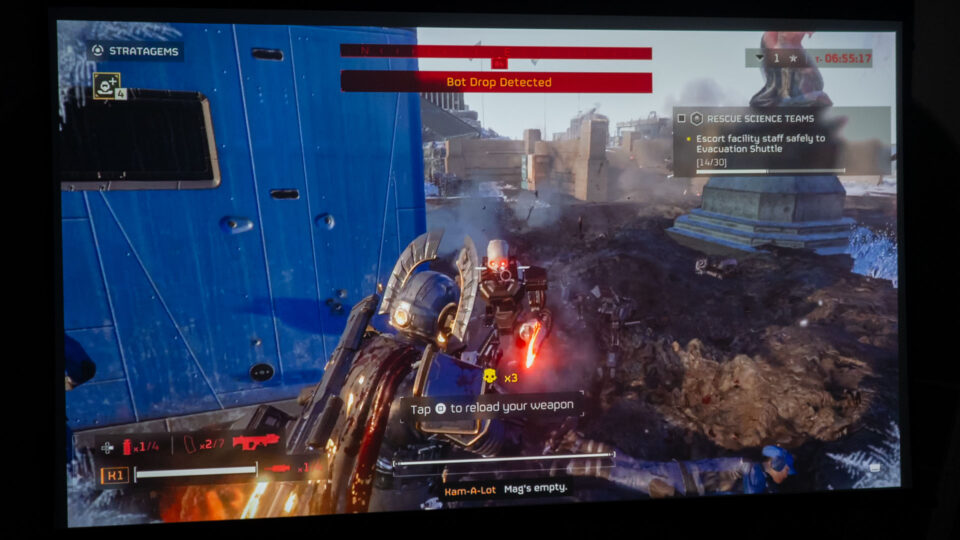
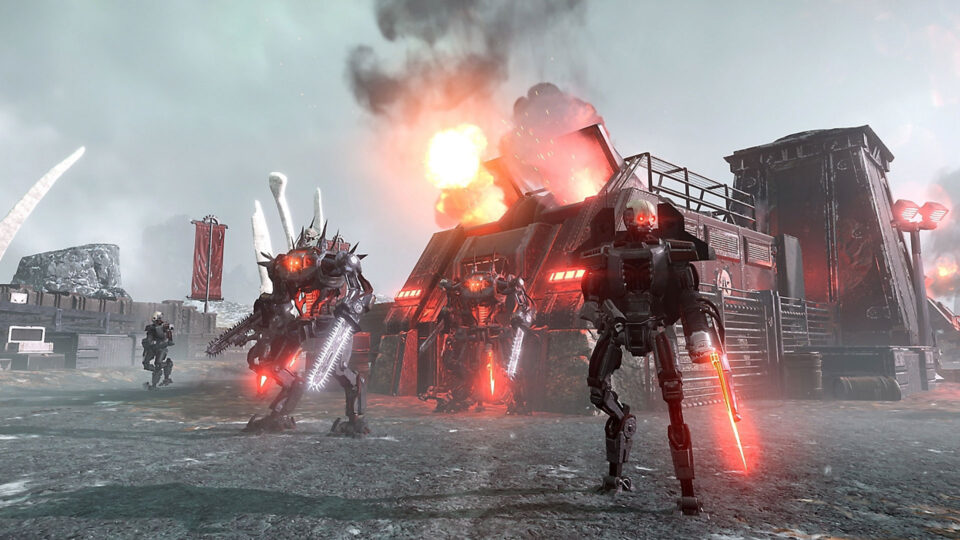
In Helldivers 2, distinct enemy factions — the Terminid and Automaton — significantly enhances the combat experience. This diversification not only adds depth to the game's strategy but also enriches the overall gameplay, offering players a more immersive and challenging adventure.
In Helldivers 2, the distinction between the Terminid and Automaton enemy factions adds a rich layer to the combat experience. The Terminids, with their insect-like swarming tactics, present a unique challenge. Their various types, ranging from the swift Hunters to the formidable Chargers, require players to constantly adapt their strategies to survive the relentless onslaught.
On the other hand, the Automatons bring a different style of combat to the table. These robotic foes, armed and more methodical in their approach, engage players in a more traditional battle, emphasizing gunfire and strategic positioning. This contrast in enemy types not only diversifies the gameplay but also tests different aspects of player skills and tactics.
The presence of these distinct enemy factions ensures a dynamic and varied combat experience in every mission of Helldivers 2. While the Terminids might invoke a sense of overwhelming numbers, the Automatons provide a cerebral challenge, making each battle a tactical endeavor.
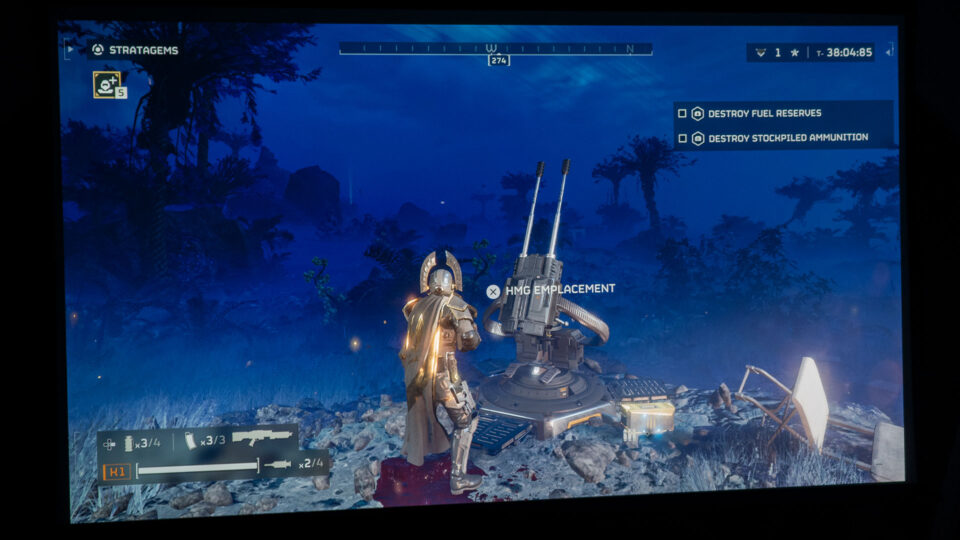
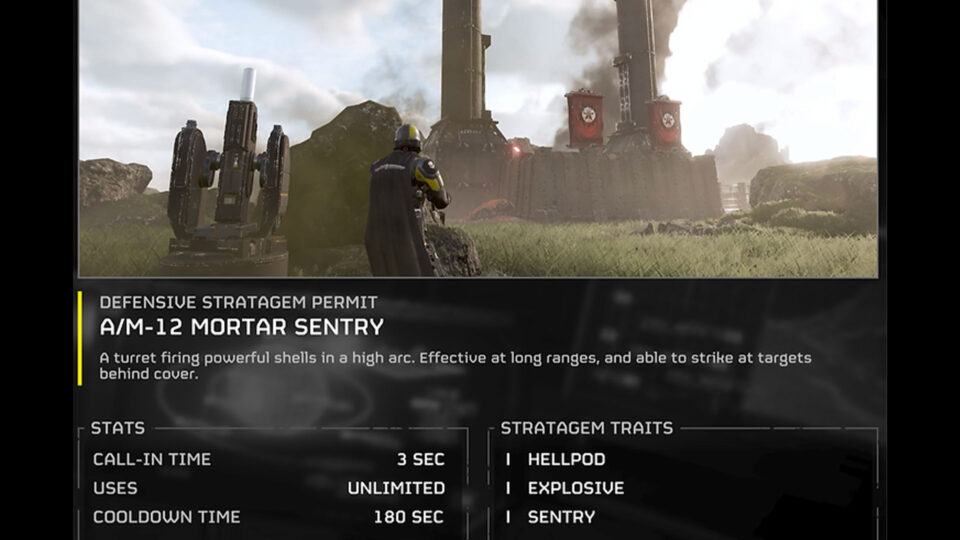
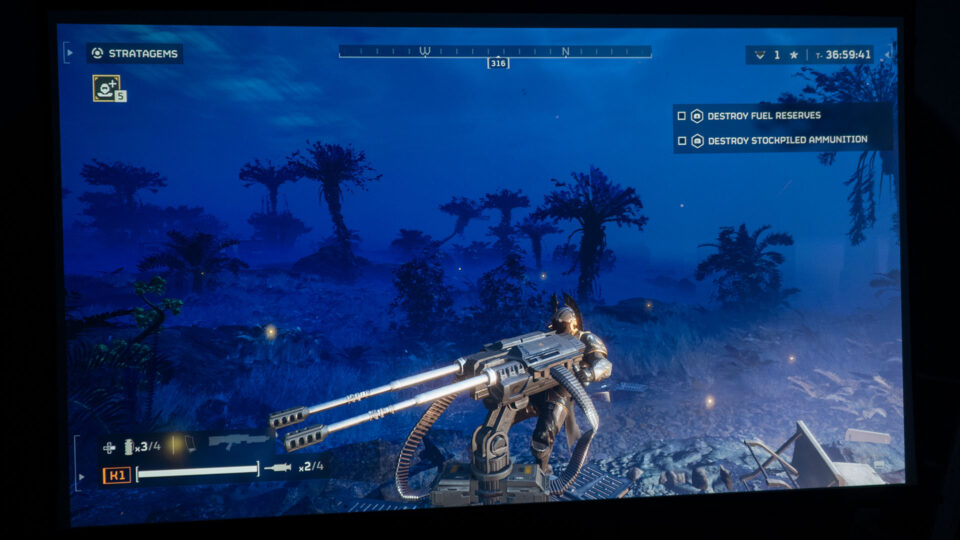
Early in my Helldivers 2 journey, I quickly unlocked the capability to call in stationary Gatling and mortar sentries, which autonomously unleashes firepower. This was my first lesson in the game's friendly fire mechanics, as standing downrange of the turret can be deadly, leading to unexpectedly humorous situations. However, the turret proved to be a vital asset during intense encounters with Automatons and Terminids alike and especially for defending extraction zones. As I progressed though, my go-to became the Mortar Sentry, which has become a personal favorite for its effectiveness in battle because it can shoot up and over obstacles with devastating effect.
Helldivers 2 is known for its humorous approach, especially in its narrative elements and gameplay mechanics. Many will like playing this game just for the hilarious commentary alone. The game's humor is often likened to that of "Starship Troopers," featuring a satirical take on military and dystopian themes. A key aspect of this humor is the slapstick nature of combat, where friendly fire and chaotic encounters lead to laugh-out-loud moments. Players find amusement in the absurdity of situations, such as friendly fire from a stationary turret or poorly timed air strikes. The game embraces this lighthearted approach to death and destruction, making even the missteps part of the fun experience. The humor in Helldivers 2 is a standout feature, enhancing the overall enjoyment of the game and making it a unique title in the shooter genre. Throughout the game, my favorite thing to here being shouted out is “How about a nice cup of Liber-Tea?!”
For a gaming enthusiast or even a casual gamer, immersing oneself in the intense battles of Helldivers 2 on a large projector screen at home offers an unparalleled experience!
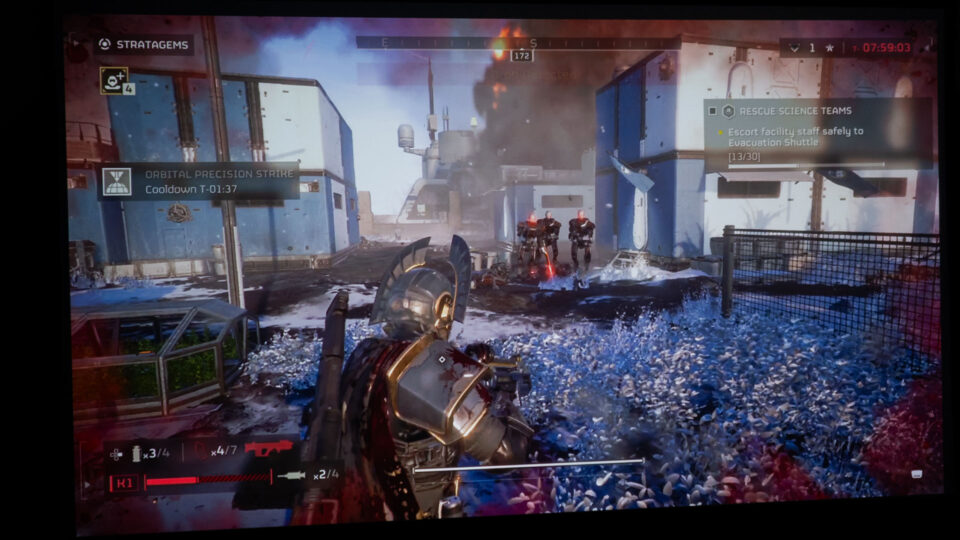
In my experience playing Helldivers 2, the expansive projector screen magnificently animated the characters. My 110-inch screen made my Helldiver character appear as large as 38 inches, varying with the scene and third-person view camera angle. This grand scale allowed me to observe my Helldiver and his environment with exceptional clarity. Such detail was crucial for tactical decision-making in combat, especially during tense moments when I had to flee or evade swarms of enemies.
The gaming projector paired with a large screen contributed to a deeply engaging gaming session. The character's enlarged representation was especially beneficial for identifying foes, weaponry, and various game hazards, like those tricky Automatons and their landmines. A bigger screen undoubtedly enhances the gaming experience, elevating the player's connection to the game's richly detailed environment and complex mechanics.
Gaming On A Projector: Helldivers 2 Conclusion
Helldivers 2 is on its way to being one of the best games of 2024!
Reflecting on my journey through Helldivers 2 played on a large projector screen, the experience has been nothing short of phenomenal. The game blends strategic depth, character customization, and a unique brand of humor to create an engaging and challenging world. The diverse enemy factions - the swarm-like Terminids and the tactical Automatons - each brought their own flavor to the battlefield, keeping the gameplay varied and exciting.
The projector and large projector screen elevated this experience, making every mission more immersive and visually captivating. It provided a tactical edge, allowing for better situational awareness and strategic planning. The larger screen made coordinating with teammates in co-op play more effective and brought the game’s world to life in a way that traditional screens simply can't match.
In conclusion, Helldivers 2 is a standout title, and playing it on a gaming projector like the BenQ X3100i offers an unmatched gaming experience. It's a testament to how a high-quality gaming projector can enhance gameplay, making it not just a pastime, but a truly immersive adventure. Whether you're a fan of strategic shooters or just looking for a game to enjoy with friends, Helldivers 2 on a projector with a big projector screen is an experience I highly recommend.
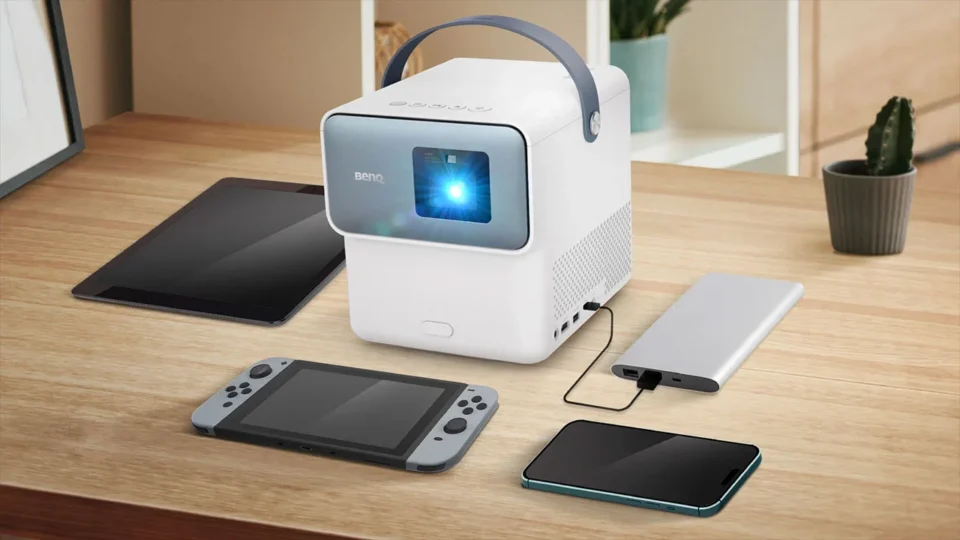
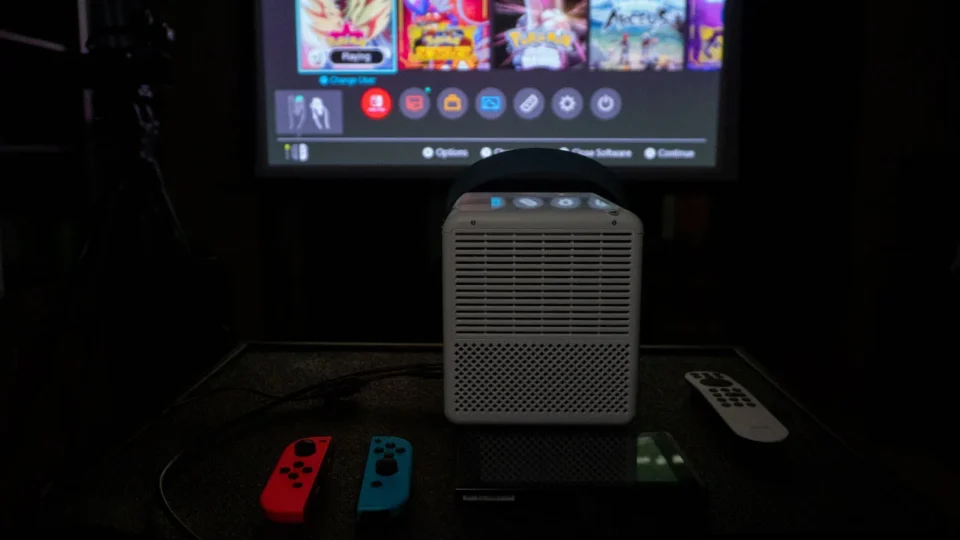
Combining a Nintendo Switch with a portable projector to enjoy an immersive gaming experience on the go
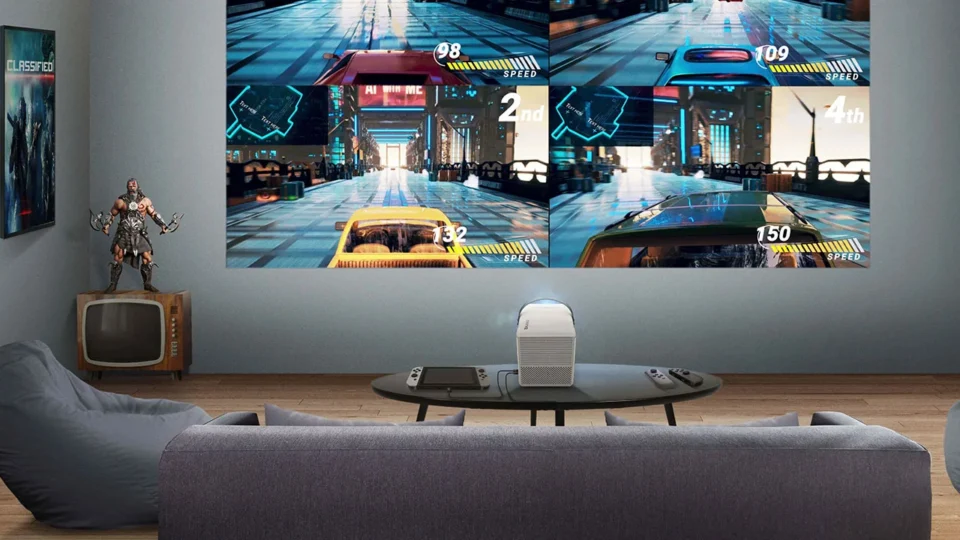
Playing video games on a large projection screen offers an unmatched immersive experience. The larger image size not only pulls the player into the gaming world, but the enhanced visual details make the game more engaging and visually spectacular.
The ability to customize the screen size with a projector means gamers can adjust the display to their preferred dimensions, optimizing their viewing experience without being confined to the fixed size of a TV or monitor. This is also beneficial for those looking for a portable gaming solution.
In previous gaming articles, Kam Valentine has focused on the latest games available on newer gaming consoles like Xbox Series X and PlayStation 5. In this article, I wanted to explore how a projector can enhance the portable gaming experience.
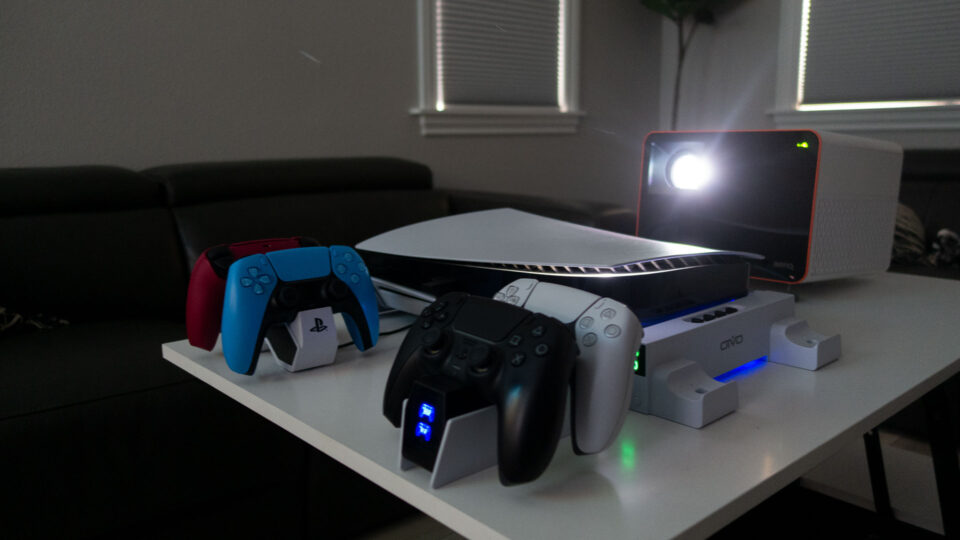
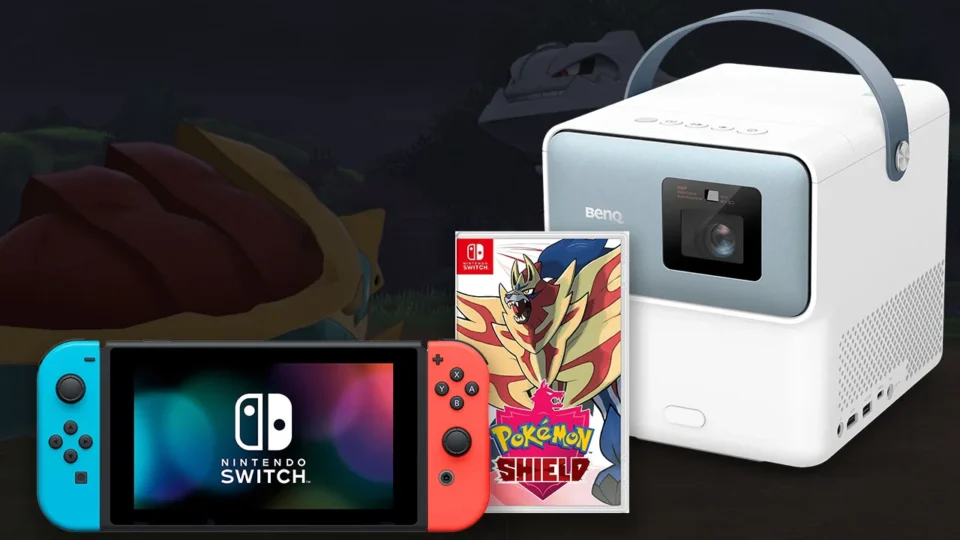
One of the most popular portable gaming solutions is the Nintendo Switch. My son has used his Switch to pass the time on long road trips for years, but he loves gaming on a bigger screen. The good news is a portable gaming projector like the BenQ GP100A lets you enjoy the benefits of gaming on a massive screen anywhere.
PROJECTOR UTILIZED - BENQ GP100A
The BenQ GP100A is the perfect companion for a Nintendo Switch
While we have used other BenQ gaming projectors like the X3000i for previous articles in this series, I thought the GP100A was the perfect companion for the Nintendo Switch. I am in the process of reviewing the GP100A, which is BenQ's best portable projector, but the model includes several gaming-related features. The BenQ GP100A projector complements the console’s portability and versatility, making it an appealing option for anyone looking to elevate their Nintendo Switch gaming sessions.
Matching the Nintendo Switch’s portable nature, the GP100A’s lightweight and compact design makes it easy to carry to different locations, from a friend’s house to a gaming tournament. This portability ensures that gamers can enjoy their Nintendo Switch games on a screen as large as 120 inches without being tethered to a traditional gaming setup.
The projector’s LED light source can deliver up to 1000 ANSI lumens so it is bright enough to utilize in a room with low to moderate ambient light. The GP100A is a 1080P LED projector so it can deliver a sharp and vibrant image that takes full advantage of the Nintendo Switch’s output capabilities. This ensures games are displayed in high definition, providing a visually immersive gaming experience that’s a significant upgrade over playing on the console’s screen or smaller flat-panel television.
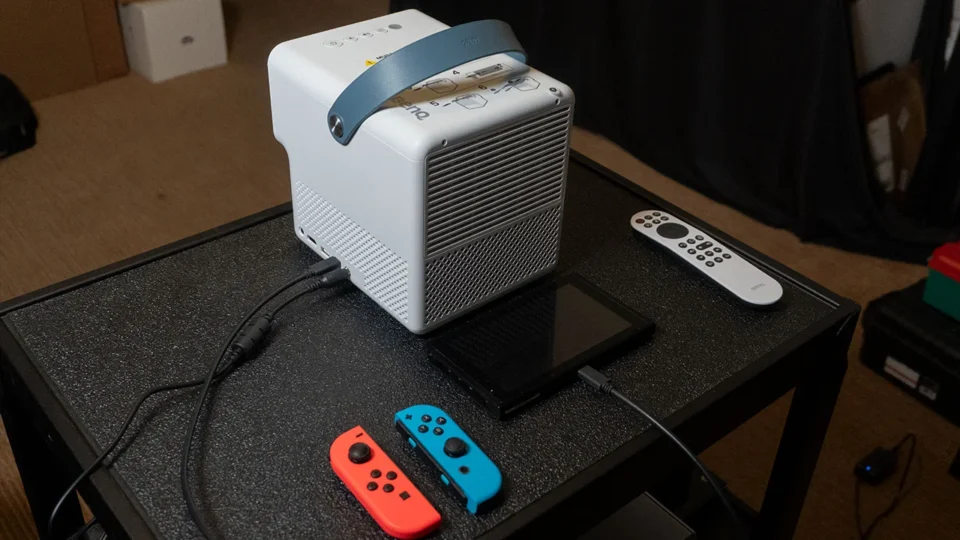
The USB-C port on the GP100A supports video out while charging a mobile device.
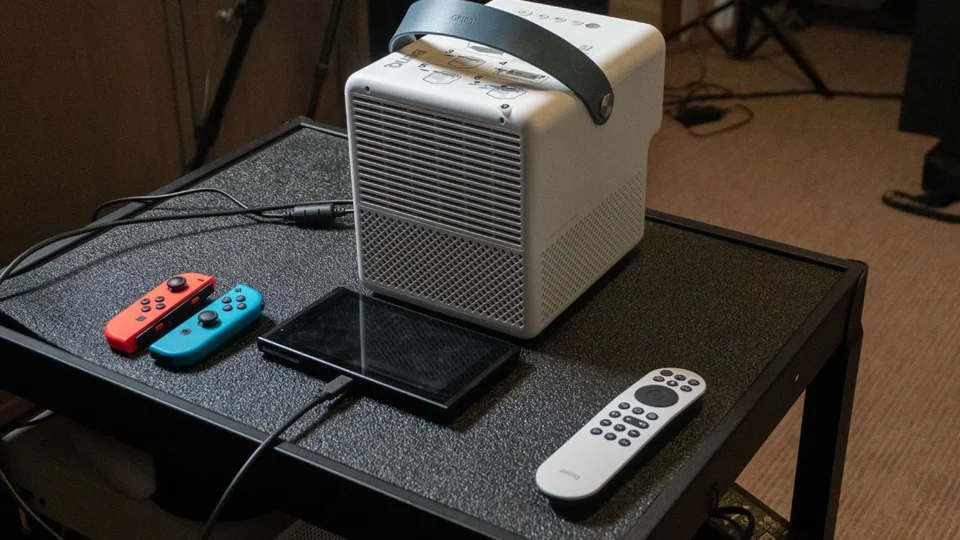
The GP100A comes equipped with multiple input options, including HDMI, which is the primary way you would connect the projector to most sources. However, the GP100A also includes a USB-C port that supports DisplayPort video output and power delivery.
It can be used to connect the projector to a mobile device, laptop, or even a Nintendo® Switch. The BenQ GP100A can even charge the Nintendo Switch while projecting gaming content from it. This is a nice feature because you don’t need to carry the Switch’s docking station or AC power supply with you. Also, the ease of setup means that Switch users can quickly transition from handheld play to enjoying their games on a large screen.
While the GP100A does not have a built-in battery you can also connect the projector to a compatible USB battery bank to power the unit if you want to watch a movie on the go.
Even casual gamers appreciate the competitive advantages of low input lag, which is the delay between pressing a button on the controller and seeing the action performed on-screen. BenQ designed the GP100A with gaming in mind, so it features low input lag making it suitable for fast-paced games. This ensures a responsive gaming experience, crucial for competitive gaming and enjoying games as they were meant to be played.
While the Nintendo Switch has its own speakers, the GP100A’s built-in speakers offer a more powerful and immersive audio experience. This is great for games that benefit from high-quality sound or when playing in a group. The GP100A audio capabilities really enhanced the overall gaming experience without the need for external speakers.
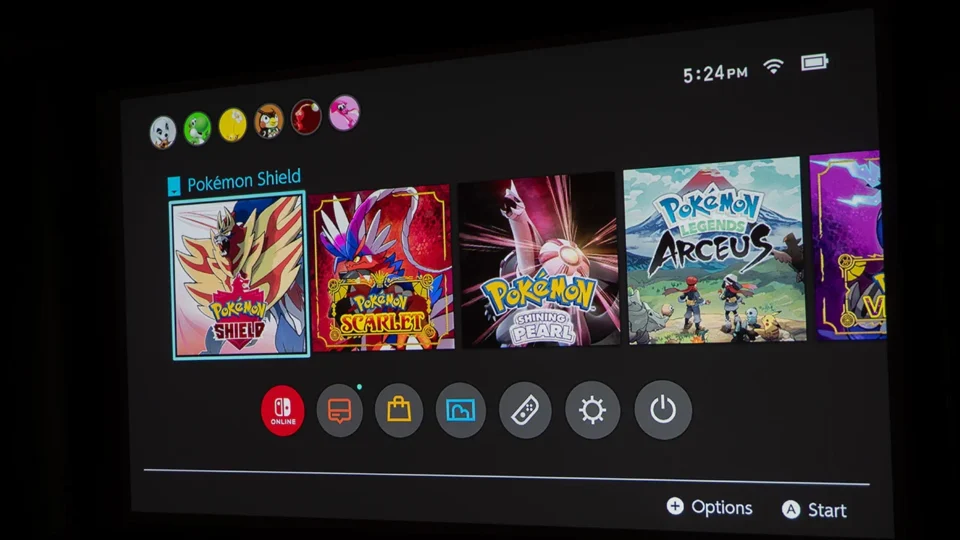
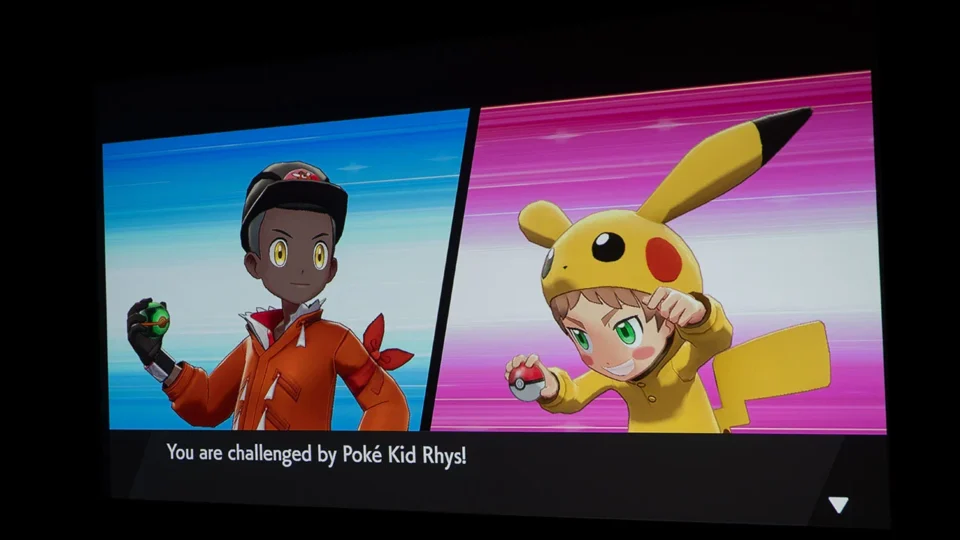
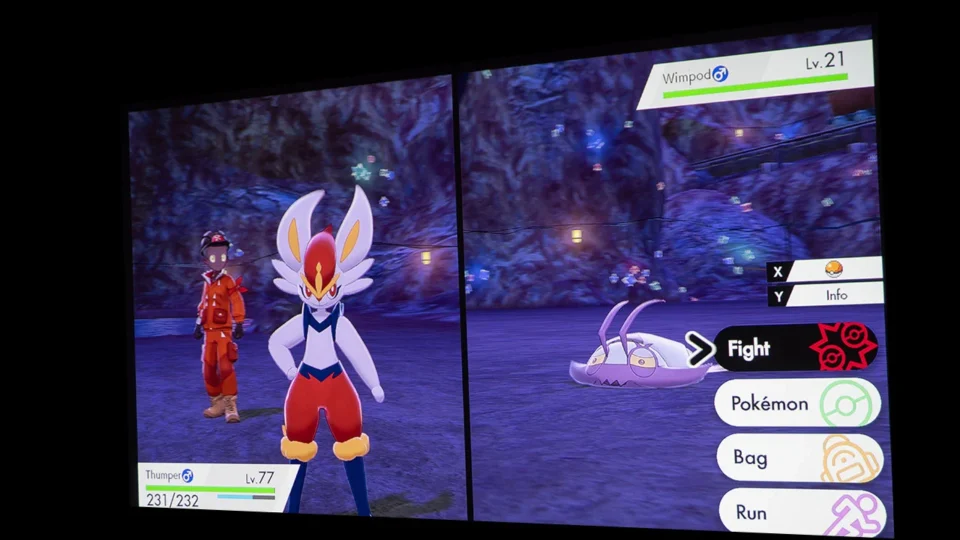
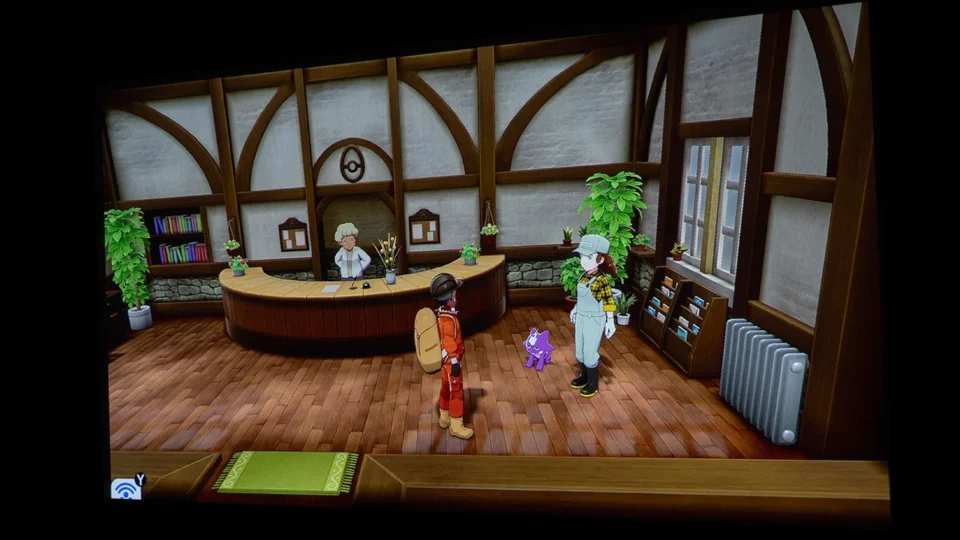
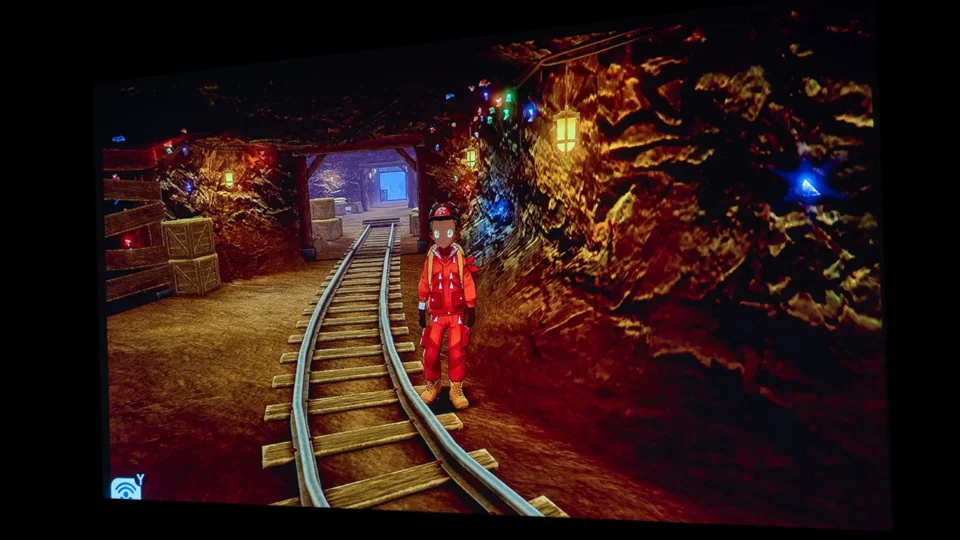
Pokémon Shield is a classic Nintendo game introduced in 2019, but the gaming experience is better on a massive screen
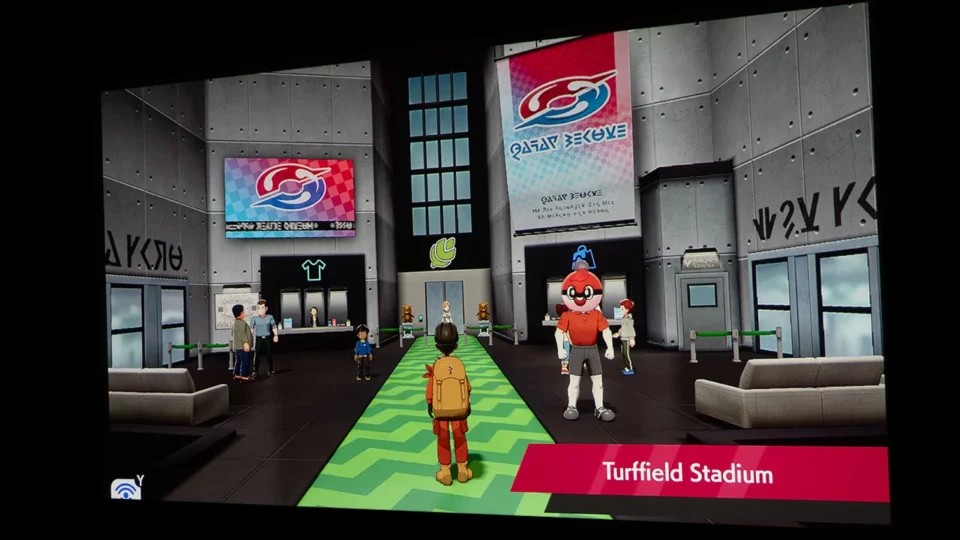
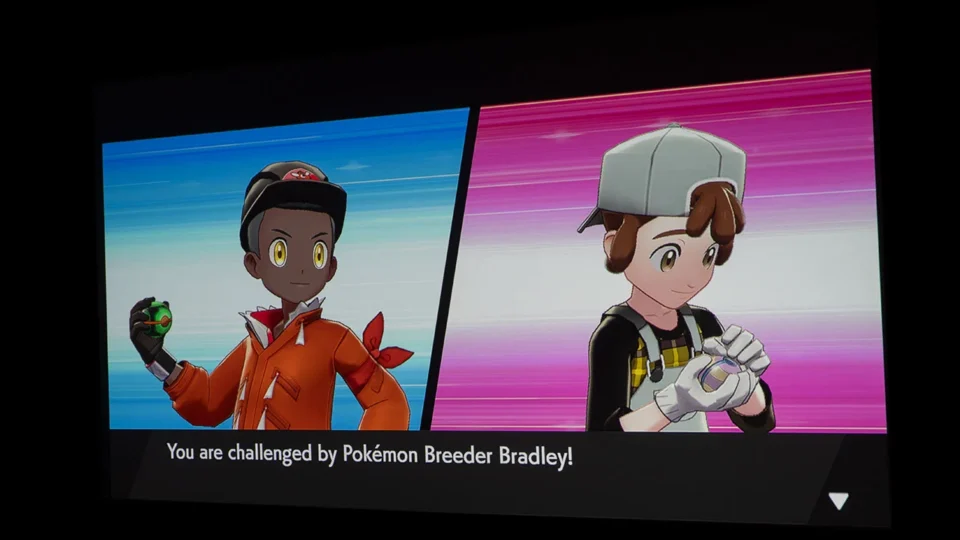
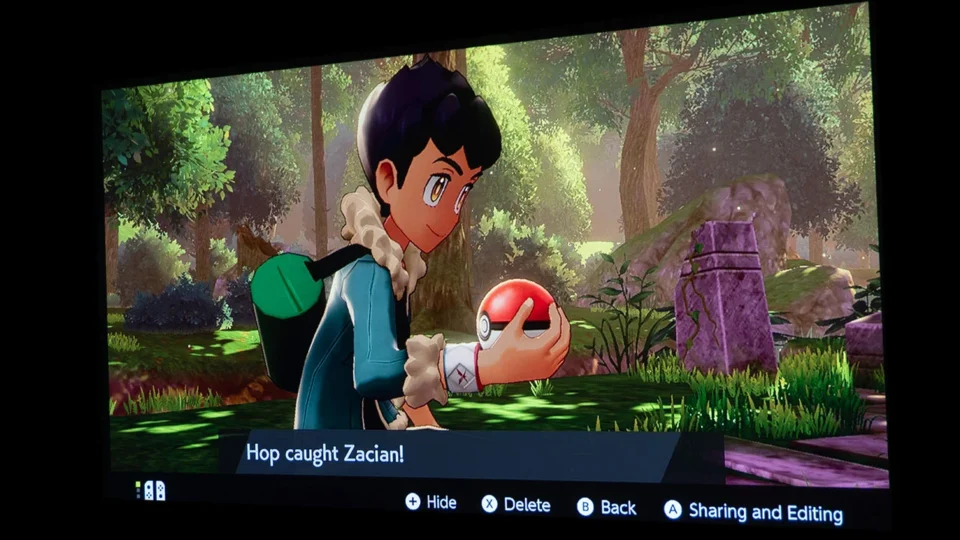
While there are a wide variety of games available for the Nintendo Switch, my son is a big fan of Pokémon games, so I decided to try out Pokémon Shield. Pokémon Shield is a role-playing video game developed in 2019 by Game Freak. The game starts in the Galar region in the town of Postwick. You aim to become the Pokémon Champion, the greatest trainer in all of Galar. At the beginning of the game, you receive a starter Pokémon, either a Grookey, Scorbunny, or Sobble, from Leon, who is the champion of Galake. You are then joined by Leon’s brother, Hop, as you embark on a quest to participate in the Galar Gym Challenge.
Along the way across Galar you try to collect Gym Badges by defeating powerful Gym Leaders. you collect eight badges from Gym Leaders. You also uncover the history of the mysterious Darkest Day and end up facing off against Leon and legendary foes like Pokémon Zacian and Zamazenta. The finale is a showdown against the Legendary Pokémon Eternatus to prevent a second Darkest Day, orchestrated by Rose, the chairman of the Galar Pokémon League.
For casual gamers owning a Nintendo Switch and playing games like Pokémon Shield, a large projection screen can significantly amplify the gaming experience. While this game was not graphic intensive, when playing Pokémon Shield, I felt like I was in the middle of a Pokémon movie. The expansive display makes it easier to see finer details in the game and track your opponent’s movements, which is essential for gameplay success.
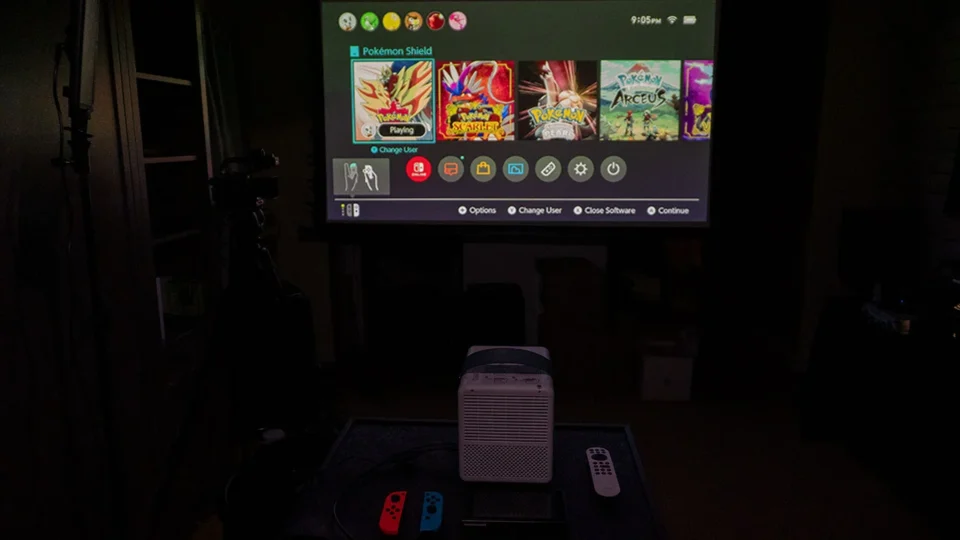
A large projected image also fosters a more social gaming experience. I detached the Switch’s Joy-Con controller from the table and kicked back on the couch with the family enjoying the game together on my 100’ screen. The large screen is especially beneficial when playing multiplayer games since it ensures that everyone can see the action clearly, making it ideal for gaming parties or family game nights. Big screen gaming unites players and spectators alike, creating a shared experience that smaller screens simply cannot match.
Playing on a large projection screen offers a competitive advantage by making it easier to see opponents and game elements. This is particularly advantageous in more competitive games, where spotting your opponent's moves ahead of time can be the key to victory. The larger field of view ensures that players can react more swiftly and accurately.
Investing in a high-quality projection screen can enhance color, contrast and clarity. Projecting the GP100A image on to a flat white wall still delivered a satisfying gaming experience.
Moving up from the Switch’s tiny built-in screen to a TV delivers a better gaming experience. However, any casual gamer who has the opportunity to experience gaming on a projector and screen will praise the enhanced immersion and social interaction that the even larger projected image offers. The ability to see the game's environment and characters in greater detail, combined with the communal aspect of shared gameplay, significantly adds to the enjoyment and excitement of gaming.
In summary, the BenQ GP100A projector’s compatibility with the Nintendo Switch enhances the gaming experience by offering high-definition visuals, low input lag, versatile connectivity, and portability. These features make it an ideal companion for the Switch, providing gamers with a seamless and immersive gaming experience on a large screen.
WELCOME TO OUR ANNUAL EDUCATION AND BUSINESS PROJECTOR BUYER'S GUIDE
When you think of projectors, you probably think about darkened theater rooms with rows of comfy couches in a home or a corporate executive flipping through PowerPoint slides on a big screen in a crowded boardroom. But that is not always the case! projectors are used in so many settings from art installations, to houses of worship, to education.
In this guide, we are going to focus on projectors ideally suited for education purposes, both K-12 and higher education, business and corporate use, and museum applications. We carefully consider each projector and how it can be best used in different education situations when conducting reviews and choosing award winners for this guide.
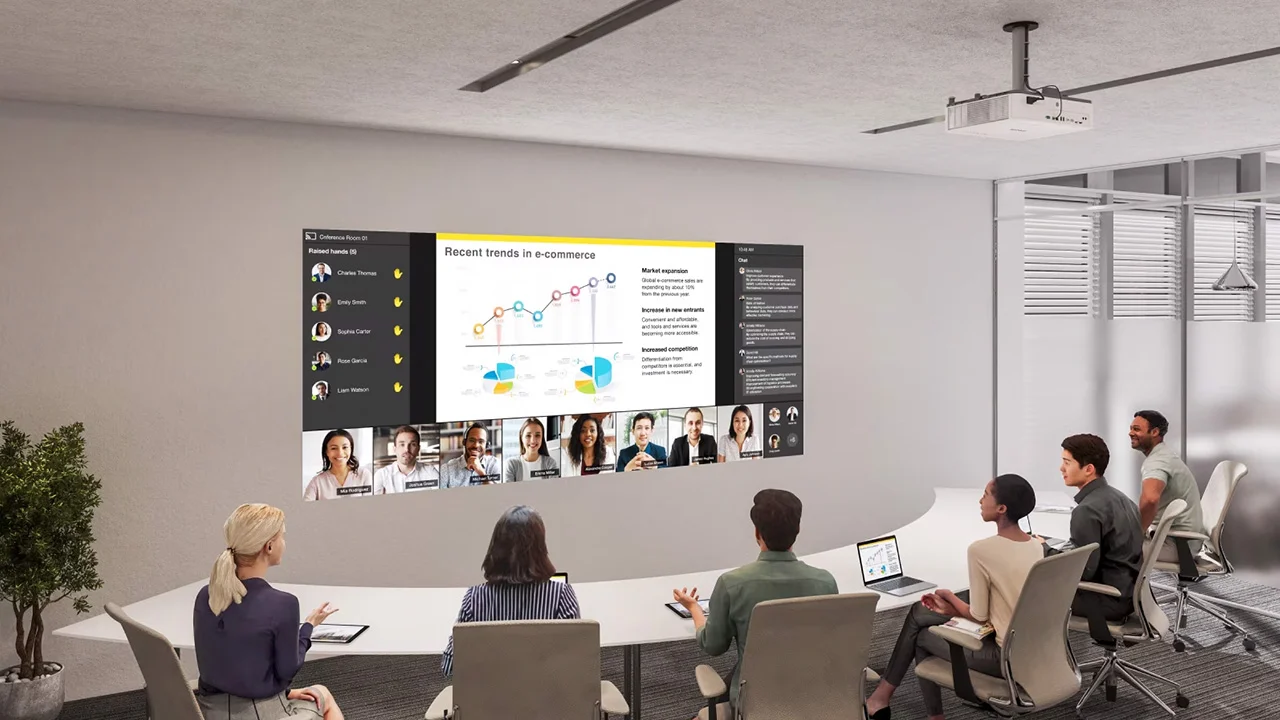
Projection makes it easier to display large images in business settings.
WE WISH TO THANK SONY FOR SPONSORING THE 2024-2025 EDUCATION AND BUSINESS REPORT AND BUYER’S GUIDE.
THE TYPES OF PROJECTORS INCLUDED IN THIS GUIDE
Let’s look at the different categories we are including in our Education Projector Report.
First, we have what we call “Meeting Room/Classroom”, which includes projectors found primarily in K-12 classrooms and business meeting room settings. These budget-friendly projectors tend to be smaller, with less lens adjustability. Several factors, including overall budget, and smaller classroom sizes, contribute to the fact that K-12 schools will often spend less per projector than a higher education institution.
Often in higher education applications “Conference Room/Lecture Hall” class projectors are placed in big lecture halls or larger classrooms. These are the projectors that will also be used in the larger conference or boardroom in businesses. But remember, all types of schools and businesses will often need bigger and more powerful projectors for their multi-function rooms and auditoriums, not just classrooms and smaller meeting spaces.
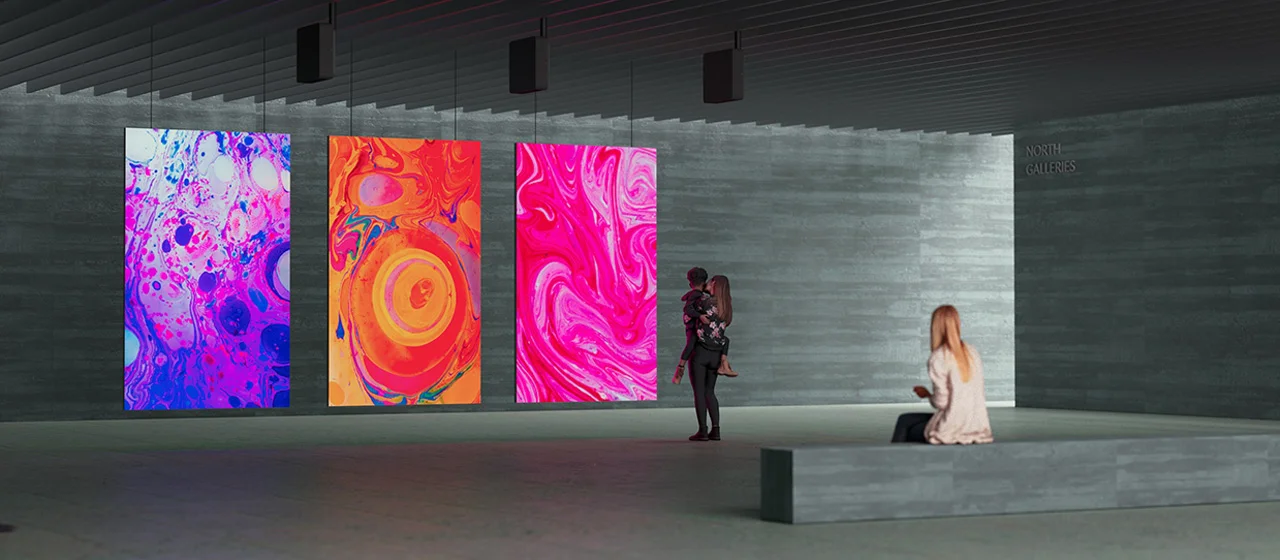
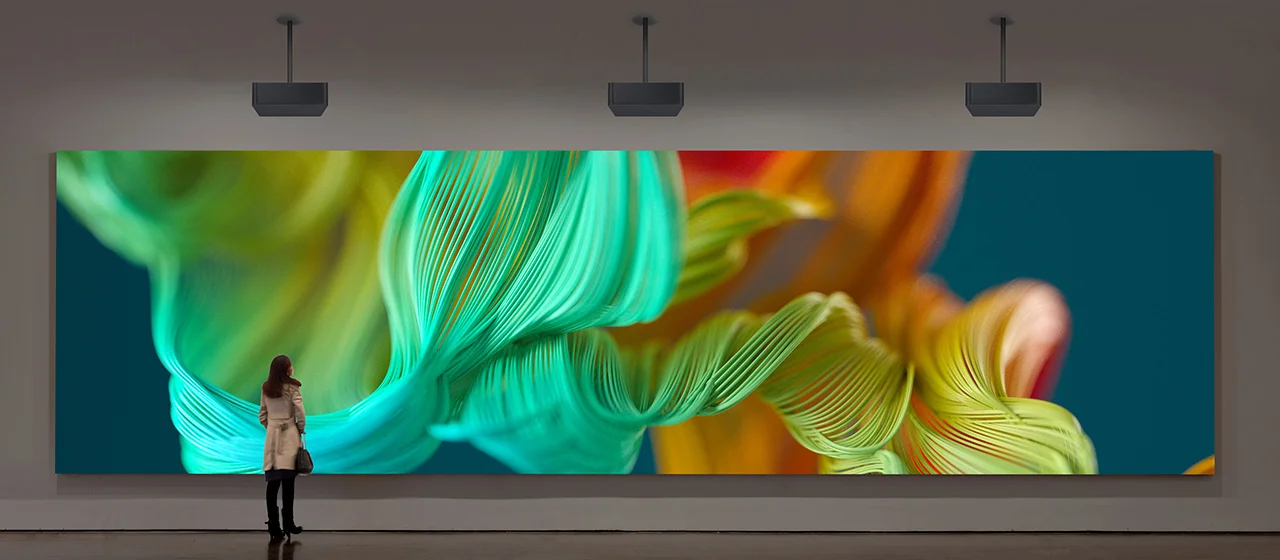
A third category includes “High-End/Specialty” projectors, with the “specialty” including projectors designed for digital signage and projection mapping, many of which are widely used in museum displays.
Within each of these classes is different types of projectors, for example, standard and ultra-short throw. Features like interchangeable lenses and horizontal/vertical lens shift can affect both unit price and the sometimes hefty cost of installation. Interactivity is an increasingly popular and attractive technology. Some projectors in the guide have fully interactive capabilities, others have varying degrees, including very limited, and none.
In this report, we think “usage.” It’s not a specs competition. Our awards go out to great projectors and some that are great for specific applications, environments, etc.
WHAT'S INSIDE OUR EDUCATION AND BUSINESS BUYER'S GUIDE
Modern projectors offer new ways to engage customers and visitors.
This year we considered dozens of projectors and chose the projectors we felt were best suited for the business and education market. In this report, you will find an overview of each of those projectors with links to their in-depth reviews.
Many of the projectors we reviewed also have “siblings” which typically include a few additional models, many times almost identical to the product we reviewed, but with varying resolution, or with additional wireless capabilities, perhaps slightly brighter, etc. Our focus was to show you a sample of what is available which actually represent perhaps closer to 100 different models currently available.
Some of the projectors in this report may look familiar and that is because most projectors have been in the market for 2-4 years. A few of the projector’s included in this year’s Buyer’s Guide were also included in last year’s guide but they are still highly relevant to the market. We also note any projectors that won awards last year in addition to any new award winners.
We are very selective in choosing the projectors we choose to review and those we feature in this Buyer’s Guide. We work hard to ensure that most of the projectors we review are considered to be among the best in both price range and capabilities.
We hope this Buyer’s Guide helps you select the right products for your success. Our sincere thanks to all of you who have persevered and continued to educate through one of the most unexpected and challenging times in modern history.
Whatever we can do to make your job a little easier and hopefully more brilliant, we are happy to support. Thank you again for all that you do!
FEATURES TO CONSIDER WHEN CHOOSING AN EDUCATION Or BUSINESS PROJECTOR
#1 HOW LARGE OF A SCREEN DO YOU NEED?
When choosing a projector for your business or education applications, there are several factors to consider. The first thing is how large of a screen do you need for your application? While flat panels TV continue to get bigger and bigger, when it comes to sheer size, a projector still offers the best band for your buck. Larger rooms require larger screens.
The larger the screen, the easier it is to see fine details from farther away.
The image needs to be large and clear enough to be able to read the smallest text on the screen from the back of the room. Need help deciding how big of a screen and what resolution is required for your space? Check out this excellent whitepaper from Epson entitled Display Size Matters.
#2: HOW MUCH BRIGHTNESS DO YOU NEED?
How much brightness you need depends on the desired screen size and the amount of Ambient Light in the room. A bigger, brighter projected image makes it easier for audience members to maintain a safe distance from other participants, as needed. However, as the screen size increases, more brightness is required to deliver a colorful, vibrant image.
Brightness Scale: Estimates for 100″ diag. screen
Room Environment
Recommended ANSI Lumens
Bright With No Control Over Ambient Light
5000+
Bright With Some Control Over Ambient Light
3500-5000
Good Control Over Ambient Light
2000-3500
Ability to Fully Darken
800-2000
The standard for determining a projector’s brightness is calledANSI Lumens. An ANSI Lumen rating uses an average of several brightness measurements taken across the face of the light source.
A 200-inch screen found in a larger lecture hall is four times bigger than a 100-inch screen found in a classroom. This means you will need four times the light output to reproduce a similar-looking image.
So how many Lumens are right for your application? A good rule of thumb is if it’s too bright you can turn it down, but you can’t turn it up if it’s not bright enough, at least not without sacrificing image size.
A brighter projector combined with a good Ambient light Rejecting Screen will ensure a good-looking picture even in a room with moderate ambient light, like a lecture hall.
#3: HOW MUCH RESOLUTION DO YOU NEED?
Projectors can turn virtually any space into an image.
Resolution is a term that refers to the number of horizontal and vertical pixels of the projected image. The higher the number of pixels, the higher the resolution, and the sharper the image. A higher resolution is especially useful in the classroom when presenting characters and text, like in a high-end mathematics or physics class.
Common Education/Business Projector resolutions
Type
Resolution
Aspect Ratio
SVGA*
800 x 600
4:3
WVGA*
853 x 480
16:9
XGA
1024 x 768
4:3
WXGA
1280 x 800
16:10
WUXGA
1920 x 1200
16:10
1080p
1920 x 1080
16:9
4K UHD
3840 x 2160
16:9
* SVGA and WVGA are essentially “legacy” resolutions.
While there are still some very low-cost projectors sold with SVGA and WVGA resolutions (including some “toy” priced dim LED pico projectors for home use), they are no longer normally bought by schools.
There are still large numbers of them in K-12 schools and most are long overdue for replacement. Their bulbs last only a fraction of the life of new projectors (never mind laser projectors!), so it can be extremely costly to maintain these types of old projectors.
XGA models are typically used to replace the SVGA (and if any are still around – VGA) projectors. SVGA projectors are typically replaced by WXGA, WUXGA, or 1080p projectors.
For applications where the ability to resolve fine details is important a 4K capable projector is probably the best solution. However, native 4K high brightness projectors cost at least four as much as their 1080p counterparts. While 4K Pixel Shiftingcan’t match the resolution of a native 4K projector, it does increase sharpness and detail compared to a standard 1080 projector.
#4: WHAT ARE YOUR INSTALLATION REQUIREMENTS?
Your installation requirements are impacted by several factors such as placement, maintenance, longevity needs, hardware, and monitoring/control. There is way too much information to cover in this article so check out the installation-related articles on our Custom Integration page.
You can also click the links below to explore installation-focused features in more detail.
Call of Duty: Modern Warfare 3 secured a spot in the top 10 list of all-time highest-rated games and easily made it onto the Projector Reviews “Best Games To Play On A Projector In 2023” list.
In Call of Duty: Modern Warfare 3 (MW3), the thrilling follow-up to the chart-topping Call of Duty: Modern Warfare 2 (2022’s MW2), Captain Price and Task Force 141 gear up to confront the most formidable menace yet. The notorious ultranationalist war criminal, Vladimir Makarov, is spreading his influence globally, forcing Task Force 141 into an epic battle like no other.
The campaign showcases the game's exceptional attention to detail, and like last year with Call of Duty: MW2, Call of Duty: MW3 offers some of the most stunning video game cinematics I've witnessed.
For those craving online competition, you can dive into various multiplayer game modes, engaging with up to 64 other players. And if teaming up with friends is more your style, Co-op mode beckons, allowing you to tackle special missions like Defender: Hafid Port, Low Profile, Defender: Mt. Zaya and One In The Chamber: Low Profile to name a few.
Modern Warfare Zombies (MWZ) brings a new Treyarch Zombies storyline to the forefront.
As an exciting bonus, gamers can now team up with other squads for the inaugural experience of battling and surviving against hordes of undead on the largest Call of Duty® Zombies map ever. Modern Warfare Zombies (MWZ) brings a new Treyarch Zombies storyline to the forefront, enriched with missions, essential Zombies components, and concealed secrets awaiting discovery. This is an absolute treat for those looking to fight some zombies and enhance their gameplay, especially when projected on a larger screen for an immersive experience.
One of the most popular eSports games is Call of Duty.
Did you know ZOWIE is a brand by BenQ that specializes in creating professional equipment for eSports, such as monitors, mice, keyboards, and mousepads? One of the most popular eSports games is Call of Duty, which has its own league called the Call of Duty League. The Call of Duty League is a global, city-based esports league composed of professional teams, each representing a different market across North America and Europe. The league features the best Call of Duty esports players from around the world, competing in various game modes and maps from the latest Call of Duty titles. I say that to point out that BenQ is entrenched in the gaming world which translates over to their gaming projectors.
Squad Up!!
Assemble your squad and dive back into the world of Call of Duty®: Modern Warfare®—that is, if you ever really left. I know I certainly never took a break from the game. With MW3, we celebrate the momentous 20th anniversary of Call of Duty, offering an impressive array of Multiplayer maps. This collection includes beloved fan favorites as well as brand-new additions. All 16 original MW2 (2009) launch maps have been skillfully updated with fresh modes and gameplay enhancements, ensuring they're ready for action from day one. Additionally, you can look forward to more than 12 entirely new 6v6 core maps in the post-launch live seasons, promising an ever-evolving gaming experience.
Much like its predecessor, Call of Duty: MW2 (2022) (not to be confused with the original MW2 from 2009), Call of Duty: MW3 delivers state-of-the-art gameplay for the committed Call of Duty devotees. This encompasses flawless gun mechanics, an advanced AI system, an abundance of gun customization options, and an array of additional improvements in both gameplay and visuals, all of which reaffirm the franchise's ascent to new levels of excellence.
Upgrade to the $99.99 Call of Duty: MW3 – Vault Edition for exclusive perks, including Nemesis Operator Pack, Weapon Vaults, 30 additional tier skips and more.
If you're a PS5 owner, the Call of Duty: MW3 – Cross-Gen / Standard bundle is available at a tempting price of $69.99. But for the ultimate experience, consider the Call of Duty: MW3 – Vault Edition, priced at $99.99. This premium edition is packed with enticing starting perks like Campaign Early Access, the Nemesis Operator Pack, 2 Weapon Vaults, BlackCell (1 season), Lockpick Operator Pack, Soul Harvester Weapon Blueprint, and a generous 30 additional tier skips.
As a fun fact, it's worth noting that on the Call of Duty: MW3 website, it states, “PlayStation® players receive select bonus content not available on other platforms until November 9, 2024.” This is indeed a stroke of luck for those of us who are PlayStation users.
Call of Duty: Modern Warfare 3 became accessible to "Early Access" players on November 2, 2023.
For “Early Access” players, Call of Duty: MW3 hit the gaming scene on November 2, 2023. Without early access, PlayStation players can download the game starting on November 10, 2023. Naturally, Call of Duty: MW3 picks up where the 2022 Call of Duty: MW2 left off. You can get your hands on Call of Duty: MW3 for multiple platforms, including PS5, PS4, Xbox Series X/S, Xbox One, and PC through Steam and Battle.Net.
As a reviewer and gamer, I naturally chose the "Early Access" Call of Duty: MW3 – Vault Edition, ensuring that I could swiftly immerse myself in the gameplay and provide you with a timely review article. Paired with a projector and a massive screen, the experience promises to be nothing short of epic.
PROJECTOR UTILIZED – BENQ X3000i
Projector Reviews had the privilege of evaluating demo units of the X3000i and TK700 gaming projectors from BenQ. I dedicated more than 751 hours to exploring the gaming world with the BenQ X3000i.
Projector Reviews had the pleasure of receiving demo units from BenQ, featuring their gaming projectors, the X3000i and TK700. These projectors were generously sent to us specifically for our "Best Games to Play on a Projector in 2023" segment. To put things into perspective, I've spent over 751 hours delving into the world of gaming with the BenQ X3000i, with the lion's share of my gaming time devoted to my trusty PS5. This extensive hands-on experience uniquely positions me to provide an in-depth overview of the gaming experience, specifically on a large projection screen.
For the purpose of this evaluation, I selected Call of Duty: MW3 to thoroughly test the capabilities of the BenQ X3000i gaming projector. You might be curious about my choice of this game. Well, gaming projectors like the X3000i typically offer a low input lag mode, reducing the delay between your controller input and the on-screen action. This is crucial for fast-paced games like Call of Duty: MW3, where split-second reactions are paramount. In the case of the BenQ X3000i, its lowest input lag is achieved when it's set to the FPS game mode, significantly enhancing playability and your survivability in Call of Duty: MW3.
Thanks to its capability to deliver 3000 ANSI lumens, the X3000i effortlessly facilitates gaming even in rooms with some ambient light.
Available at $1,999, the BenQ X3000i distinguishes itself with an impressive 3000 ANSI lumens of brightness, ensuring optimal performance even in environments with some ambient light interference. Alongside its crystal-clear visuals, this projector incorporates XPR (eXpanded Pixel Resolution) technology, bringing forth stunning 4K resolution. If you're curious about the intricacies of 4K DLP combined with XPR technology, I recommend perusing Projector Reviews' Projection Terms page.
Going beyond its exceptional visual prowess, the X3000i prioritizes user convenience by offering a wide array of connection ports, including HDMI, USB, and VGA. This diversity ensures seamless compatibility with various devices and media sources. And, let's not overlook the fact that the BenQ X3000i is accompanied by dual 5-watt chamber speakers, delivering an unexpectedly immersive audio experience.
With a gaming projector like the BenQ X3000i, you truly get larger-than-life gameplay. A good gaming projector can project a large, high-resolution image on a screen or wall, providing a much larger field of view compared to a traditional TV or monitor. This larger display immerses you in the game and enhances your ability to spot enemies and details.
Projectors with gaming modes prioritize minimal input lag for faster and more responsive gameplay, offering a crucial edge in fast-paced scenarios typical in Call of Duty: MW3.
The X3000i is a gaming projector that shines with its impressive features. It offers specialized game modes for FPS, RPG, and SPG, fine-tuned with audio and visual settings, along with low latency configurations designed for modern FPS games like Call of Duty: MW3. Selecting the FPS mode while diving into Call of Duty: MW3 elevates the gaming experience, immersing players in an epic cinematic adventure.
The BenQ X3000i provides game modes that allow you to toggle Fast Mode on or off. Enabling it reduces the input lag time.
When I switched the X3000i's Picture Mode from HDR10 to HDR Game, it unlocked the projector's special Game Settings. Here, us gamers get to choose whether we want to flip on the Fast Mode switch or keep it off. Well, delving into the world of Call of Duty: MW3, I had Fast Mode running. It made my gameplay incredibly smooth, especially during those heart-pounding moments, like the campaign mission where you have to race to a missile silo control room while dodging relentless enemy fire. That's all I'll mention. I don't want to spoil it for you; I want you to enjoy the game and savor its surprises firsthand.
BenQ emphasizes that the X3000i is engineered with gaming consoles in mind, ensuring optimal compatibility and performance.
For a firsthand trial, I wanted to experience just Call of Duty: MW3 and the BenQ X3000i gaming projector in action without any interference. I started with a straightforward setup in my living room, where I placed my PS5 on a table alongside the BenQ X3000i. The gaming action was projected onto a 110-inch (16:9) screen from Screen Innovations, using the Solo Pro 2 with Unity AT Pure White 1.3 gain material. This minimalistic arrangement allowed me to fully focus on the game and the projector's performance without any unnecessary distractions.
BenQ confidently affirms that the X3000i has been meticulously designed to elevate your gaming experiences while seamlessly working with popular gaming consoles like the PS5, PS4, Xbox Series X/S, and Nintendo Switch. Its capabilities extend beyond mere compatibility. This 4K 4LED gaming projector utilizes 4LED HDR-PRO™ technology to deliver vibrant and lifelike colors, complemented by breathtaking visuals. Moreover, its dynamic virtual 3D sound system envelops gamers in a rich auditory environment, enhancing immersion.
After dedicating around 20 hours to my initial setup, I decided to take my gaming experience to the next level. I relocated my testing process to my projector lab and connected my PS5 to the BenQ X3000i using a high-speed 48Gbps HDMI 2.1 cable. This setup was then routed through the precision of a Marantz AV8805 Pre-Tuner and the power of a Marantz MM8077 7-channel amplifier. The visuals were beamed onto a 100-inch (16:9) Elite Screens Aeon fixed frame, equipped with the CineWhite® UHD-B (Tensioned Matte White) material featuring a 1.3 gain. What did this create? An expansive gaming session that felt reminiscent of a cinematic theater experience, further intensified by the enveloping and resonant audio quality.
CALL OF DUTY: MW3 ON A PROJECTOR GAMEPLAY
Call of Duty: MW3 picks up the storyline immediately following the events of Call of Duty: MW2 (2022).
As mentioned earlier, Call of Duty: MW3 continues the storyline right after the events of Call of Duty: MW2 (2022). We're back with Captain Price and Task Force 141, facing off against the ultimate adversary, the ultranationalist Vladimir Makarov.
The utilization of a gaming projector and a large projector screen amplifies the benefits of the gaming experience as it magnifies the impact of the Open Combat Missions in Call of Duty: MW3. With a gaming projector, I was thrust into expansive, open environments where I gained heightened visibility of Weapons, Supply Boxes, Armor Plates, Vests, and various essential elements. This expansive view offered the freedom to seamlessly transition between stealthy maneuvers and full-throttle combat, creating a more immersive and strategic atmosphere. Moreover, the sheer scale of the projector screen accentuated the intensity of moments like charging head-on into danger, going all-out guns blazing, or in a vehicle, where players can keenly observe enemies attempting to dodge, providing a cinematic gaming adventure like no other.
In Call of Duty: Modern Warfare 3, players can take command of a diverse group of operators, and as you dive into the game, the character you're assisting may catch you off guard; personally, I found myself unprepared for the twist, and it took me by surprise.
Embarking on the Call of Duty: MW3 campaign is an exhilarating journey that thrusts players into the heart of a global conflict. Stepping into the roles of iconic characters like Captain Price, Farah Karim, Soap MacTavish, and even the "Bad Guys," the narrative unfolds with cinematic precision, creating an immersive storytelling experience. The campaign is a relentless rollercoaster of intense firefights, covert operations, and heart-stopping moments, with each mission delivering an adrenaline rush. Whether infiltrating enemy strongholds or engaging in epic battles, I faced a multitude of challenges, demanding split-second decisions and mastery of a wide array of weaponry for survival.
The game's visuals are nothing short of breathtaking, immersing gamers in meticulously crafted environments that span from urban warfare to desert landscapes. This compelling combination of a gripping storyline, unforgettable characters, and high-octane action culminates in the Call of Duty: MW3 campaign, leaving an indelible mark on the gaming experience.
Both Call of Duty: MW3 and the BenQ X3000i gaming projector offer adjustable HDR settings.
In the realm of Call of Duty: MW3, the game comes packed with HDR (High Dynamic Range) support for compatible devices. This cutting-edge technology extends the boundaries of color and brightness, transforming visuals into a vivid and lifelike spectacle. It's essential to note that HDR compatibility can vary depending on the gaming platform and projector you're using. However, when you're gaming with a projector equipped with an HDR gaming mode, like the BenQ X3000i, the difference is undeniable, allowing you to fully savor the advanced graphics of next-gen console games.
Now, let's explore the capabilities of the BenQ X3000i's HDR-PRO and Dynamic Black technology, particularly when you're immersed in games featuring intricate lighting designs. These features ensure that every visual element, from the brightest highlights to the subtlest shadows, is displayed with exceptional clarity and depth.
HDR-PRO's strength lies in its ability to replicate a wide spectrum of colors and luminance, resulting in visuals that exude vibrancy and vitality. When combined with Dynamic Black, the experience is taken to the next level as Dynamic Black finely adjusts brightness levels based on what's happening on the screen. This intelligent adaptation guarantees that scenes that might otherwise be shrouded in darkness come to life with sharp details.
What's truly impressive is how this integration seamlessly functions within the BenQ's SmartEco mode. By optimizing light power in this mode, the projector doesn't just save energy but also guarantees the highest image quality. Whether you're navigating through a dimly lit tunnel in Call of Duty: MW3 or uncovering the subtleties of a dramatic cinematic scene, this technology ensures you won't overlook the smallest of details concealed in the shadows. The result is a viewing experience that's both immersive and energy efficient.
The BenQ X3000i is equipped with an Information screen. Throughout my entire gaming session with Call of Duty: MW3, it consistently presented a detected resolution of 1920x1080 at 120Hz.
The BenQ X3000i's impressive 8.33ms input lag in FHD (1920x1080) @120Hz was truly commendable, especially when applied to Call of Duty: MW3. This low lag competes well with many standard flat-panel TVs, guaranteeing a gameplay responsiveness that would satisfy most avid gamers, and certainly outclasses what a casual gamer might expect. Thanks to this brisk response time, I could skillfully navigate the intense battles and fast-paced action of Call of Duty: MW3 without any hindrance from a tardy or sluggish system.
Playing on a substantial projector screen, especially at the typical viewing distances, the advantages of FHD became abundantly clear. The heightened level of detail and image clarity it provides surpasses what HD can offer, resulting in visuals that are not just more vibrant but also astonishingly true-to-life. This level of refinement proves to be a game-changer for an immersive title like Call of Duty: MW3, cranking up the intensity and delivering an even greater dose of realism to the gaming experience.
Call of Duty: MW3, known for its intricate sound design and dynamic range settings, demands audio quality.
The X3000i breaks the conventions of relatively small gaming projectors, offering an outstanding audio experience that's especially beneficial for Call of Duty: MW3. Equipped with finely tuned treVolo speakers and Bongiovi DPS technology, BenQ has succeeded in crafting an immersive auditory environment that surrounds you, ensuring that every nuance of the game's soundscape is vividly experienced.
While I've traditionally advocated for dedicated sound systems to enhance the gaming experience, the X3000i surprised me with its audio depth and clarity. Call of Duty: MW3, renowned for its intricate sound design and dynamic range settings, demands audio quality that can match its intensity. The subtle footsteps, gunshots, or the approach of aircraft all came through with crystal-clear precision, heightening my immersion in the game.
This showcases the strides made in projector technology, as the X3000i is capable of providing a visual and auditory experience that rivals more traditional setups. Whether you find yourself engrossed in a narrative moment or deep in the midst of an intense battle, the built-in audio system holds its own, delivering a sonic experience that adds an extra layer to an already outstanding game.
Leveraging a gaming projector with high-quality built-in audio or establishing a connection to an external audio system through eARC can elevate the in-game sound experience and overall immersion.
Within my current projector testing laboratory, I've established a robust audio configuration comprising Marantz components and Definitive Technology speakers. This audio setup not only serves the purpose of evaluating the performance of ARC/eARC HDMI ports on projectors but also offers an immersive auditory experience. While the X3000i's built-in treVolo audio delivered an enjoyable experience when playing Call of Duty: MW3, the game's audio truly excelled when routed through my high-end Marantz and Definitive Technology system, providing an unparalleled and hair-raising auditory sensation.
As someone passionate about projectors and gaming, the sensation of diving into epic Call of Duty: MW3 battles on a generous projector screen within your own home is an unmatched experience!
Much like my experience with Call of Duty: MW2, on both of my projector setups, the main character and NPCs, whether allies or adversaries, could range in size from 13 inches to a staggering 37 inches, contingent upon the scene's dynamics and their positions within it. This level of detail allows for unparalleled strategic planning when navigating the battlefield, especially when employing the Call of Duty: MW3 drone during the campaign playthrough.
Positioned at a distance of approximately 11 feet from my 100-inch (16:9) Elite Screens projector screen in my dedicated projector lab and 14 feet from the 110-inch (16:9) screen by Screen Innovations in my living room, the scaling was impeccably configured for a fully immersive Call of Duty: MW3 experience. Should you have the space to accommodate it, upgrading to a larger projector screen will further enhance the prominence of Call of Duty: MW3's characters, offering an unrivaled perspective vital for detecting adversaries, weapons, and those pesky claymores and proximity (Bouncing Betty) mines.
If you enjoy co-op split-screen gaming, Call of Duty: MW3 provides an excellent experience, and it becomes even more enjoyable when played on a projector with a spacious screen.
Playing Call of Duty: MW3 on a massive projector screen for co-op gaming offers several advantages. Firstly, the larger screen size allows for a more immersive and detailed gaming experience, making it easier to spot opponents and collaborate with your co-op partner. The increased visual real estate also reduces screen clutter, providing a clearer view of the action.
Furthermore, co-op gameplay often involves split-screen mode, where each player has their own portion of the screen. On a larger projector screen, this split-screen mode can be more comfortable and enjoyable, as each player's individual view is more spacious and provides better visibility.
A massive projector screen enhances the co-op gaming experience in Call of Duty: MW3 by offering greater immersion, improved visibility, and a more enjoyable split-screen experience.
CALL OF DUTY: MW3 ON A PROJECTOR CONCLUSION
Immersing yourself in the world of Call of Duty: MW3 on a massive projector screen is a game-changer, no doubt about it. Imagine having your characters towering over you, or settling for a regular-sized TV – the choice is clear, especially when playing a FPS game like MW3 where every visual detail matters. Try it out, and you'll soon find yourself agreeing with me. The intense gameplay will keep you captivated, sending shivers down your spine for hours on end.
But there's more to it than just grandeur. In Call of Duty: MW3, the ability to quickly spot and target your foes, as well as take advantage of your surroundings for cover, is crucial. The better you can see your enemies and the environment, the more effectively you can strategize. That's where a gaming projector and a large screen come into play. Not only does it enhance your gaming experience, but it also allows you to gather your friends and family for epic gaming sessions or enjoy MW3's split-screen multiplayer action on a huge scale.
Much like my experience with Call of Duty: MW2, I have to share this about Call of Duty: MW3: even if you're not typically a campaign player, don't miss out on Call of Duty: Modern Warfare 3's campaign. You'll be pleasantly surprised by the incredible weapon handling, cinematic quality, and gripping storyline.
Now, it's time to power up that projector and dive into this cinematic journey of a lifetime. Squad up and get in the game!
Feel the exhilaration as you dive into Call of Duty: MW3, and you'll swiftly understand why it's a shining star on Projector Reviews' " Best Games To Play On A Projector In 2023." Kudos to MW3!
Here at Projector Reviews, we deeply appreciate your ongoing backing, and we want to assure you that we'll continue to share our gaming experiences and insights through our "Gaming On A Projector: Best Games To Play In 2023" articles. So, remember to check back regularly for the latest updates on the finest games to enjoy on a projector. We're thrilled to embark on these gaming adventures and share them with you, and there's one more game journey before we wrap up 2023. Let's keep diving into the immersive realm of gaming on projectors together and, most importantly, have a blast!