Epson Home Cinema 1080 Home Theater Projector and Pro Cinema 1080 - Overview![]()
04/8/2007 - Art Feierman
Epson Home Pro Cinema 1080
Image Quality
General Performance
Warranty
Summary, Pros, Cons
The Epson Home Cinema 1080 arrived the other day. This was a surprise. I had been waiting weeks and weeks for the
Pro Cinema 1080, so was surprised to see the Home Cinema 1080 version arrive only a few days after the initial announcement of the projector. Still now word on the The Pro Cinema 1080, which, by comparison, had been announced long ago, with Epson showing the Pro version at CES in early January.
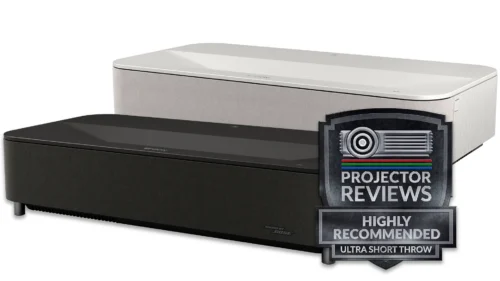
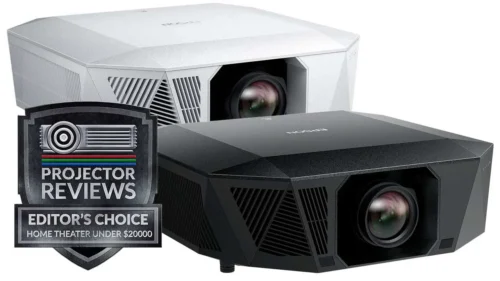
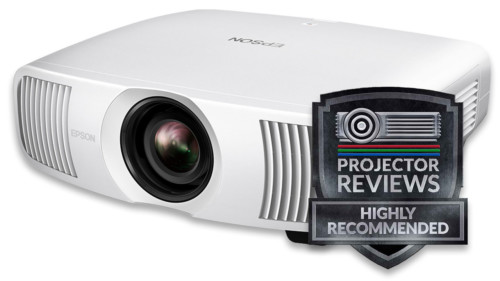
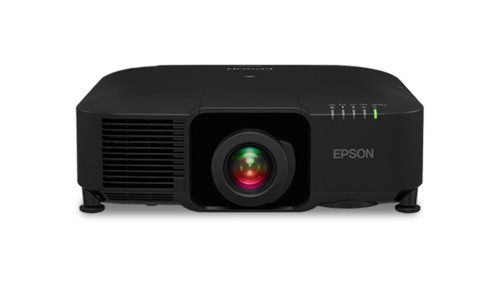
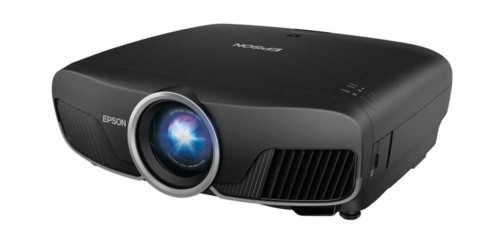
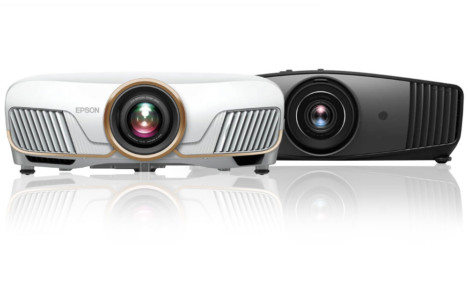
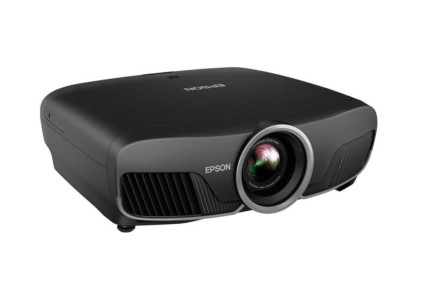
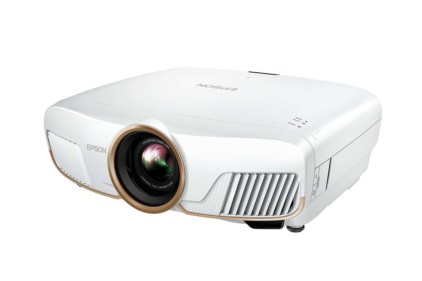
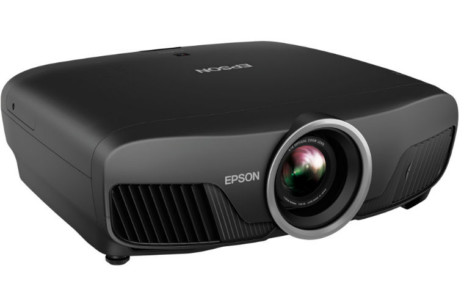
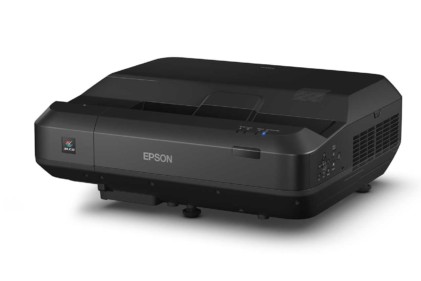
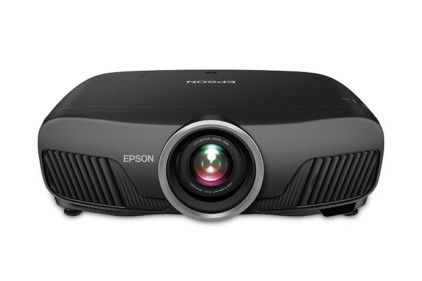
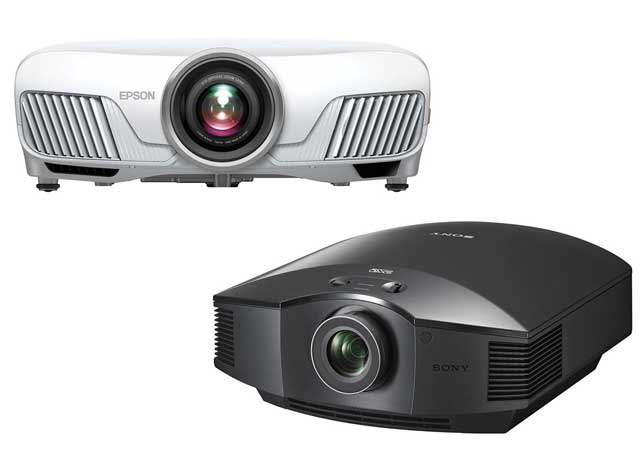
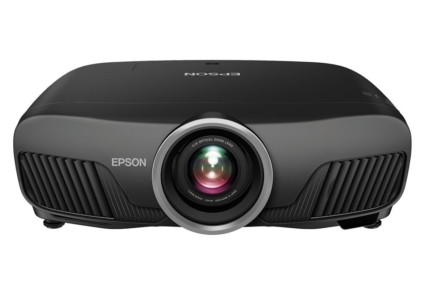
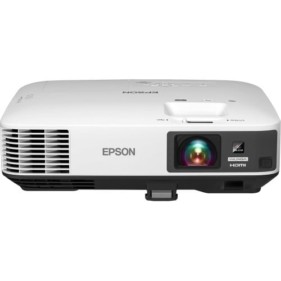
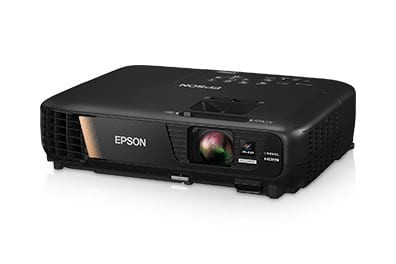
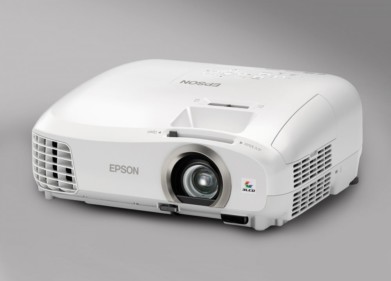
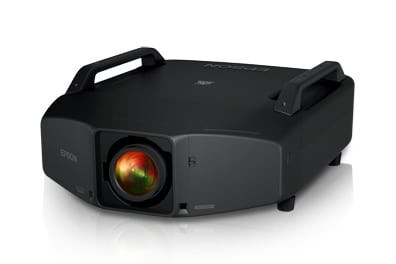
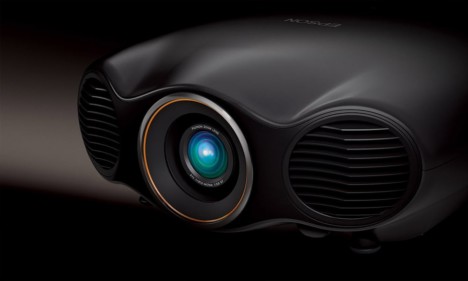
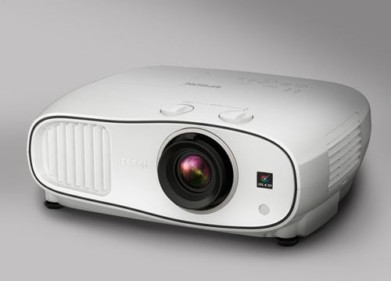
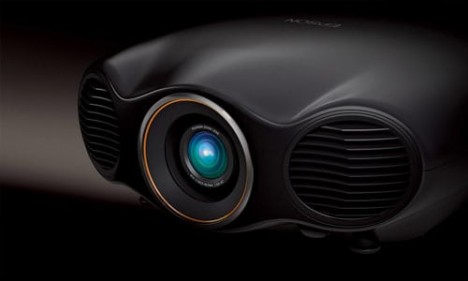
The Home and Pro Cinema 1080 projectors are almost identical. Some key differences: The Home Cinema 1080 has a price set of $2999, compared to $4999 for the Pro version. the Home version comes with a white finish, while the Pro Cinema 1080 comes finished in a shiny black case. Beyond the cosmetics, the Pro version comes boxed with a ceiling mount, and a spare lamp (a roughly $500 value), while, by comparison the Home Cinema 1080p includes neither spare lamp nor mount.
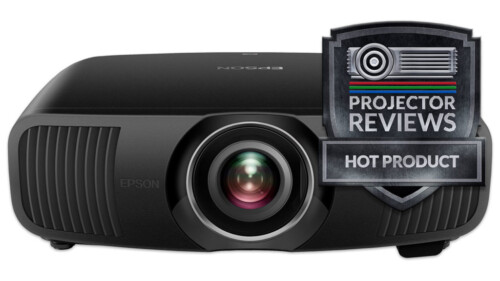
Due to details to be discussed later, we are giving the Home Cinema 1080 our Hot Product Award. The Epson Pro Cinema 1080, by comparison, despite it's higher price, will still serve a viable group of consumers, Since we consider the Home version to be the better overall value for most, the Pro Cinema does not get our Hot Product Award. Instead, the Pro Cinema 1080p receives a Special Interest Award. Please note: We did not test the Pro version. The differences noted are provided by Epson, both from conversation and the manuals.
The Home Cinema 1080p's strengths that earn in our award, focus primarily on: Brightness (the brightest of the 1080p LCD projectors by a significant margin, and, important to many, the 1080p projector that produces the brightest image in it's brightest mode; Low cost (the first 1080p projector under $3000); great placement flexibility.
Image quality is overall very good, although black levels and shadow detail, while very competitive, turned out to be a bit dissapointing considering the 12000:1 contrast ratio claim. Black level performance is comparable to slightly better than the other LCD projectors, the DLP and LCOS projectors have the advantage, especially on content where dynamic irises are less effective at enhancing black levels.
The big difference between the two Epson 1080p projectors is in the menus. The Pro Cinema 1080 is ISF certified and has the usual ISF modes for calibration, locked by a password. The Home Cinema 1080, is not ISF certified, and does not offer the ISF day and night modes. Note: ISF = International Science Foundation, and is the organization of professional calibrators. The color presets have different names, and possibly different performance, between the two. For example, the Home Cinema 1080p has modes like Theater, Theater Black 1 and 2, Dynamic... The Pro Cinema 1080, instead has modes called Vivd, HD, Silverscreen...
Review continues below this advertisement.
For those of you looking to save some money, understand that the Home version still has lots of controls for a calibrator to work with and produce "calibrated" results. Let's just say that if you are planning to buy from a local, install type dealer, and want the projector professionally calibrated, you probably won't mind too much the extra cost of the "Pro", and will probably like the ISF Day and Night settings that the calibrator will set up. Still, properly done, I doubt (haven't received a Pro Cinema 1080, as mentioned), that there is much you can do with the Pro that can't be done with the Home Cinema 1080p. The Home version has lots of savable user settings, like previous Epson home theater projectors, so that won't be an issue.
Perhaps most importantly, the Home Cinema 1080, for the moment, at least, can claim the honor of being the least epensive 1080 projector on the market, and that alone will help Epson sell lots of them. It is definitely the first 1080p projector that can be had, in the US, for less than $3000!
Not only do you get a rock bottom price for this resolution of projector, but, despite all the fuss I just made above, regarding ISF calibration, etc., the Epson offers rather impressive color accuracy right out of the box. Upon setting up the Home Cinema 1080 for the first time, I popped the Blu-Ray version of X-Men: The Last Stand, into my PS3, and watched about a 20 minute segment. Overall I was very pleased, considering I had made zero adjustments.
The Home Cinema 1080 relies on a dynamic iris to obtain the claimed 12,000:1 contrast ratio. As many of you know, it seems like every new projector to two that hits the market has new, breathtakingly high claimed contrast ratios. Most recently, we reviewed, the Sony Pearl, and JVC RS1, both 1080p projectors claiming record holding 15,000:1 contrast ratios. Contrast used to be the best indication of how good a projector is, on producing the blackest blacks. For good or bad, the use of dynamic irises, and dynamically dimming lamps, has made the contrast ratio number far, far, less accurate an indicator of a home theater projector's ability to produce the blackest blacks. The Sony vs JVC, demonstrated that. The Sony can do exceptional black levels on very dark scenes with no real bright spots, but the blacks are far less impressive when there is some really bright material in a scene. The JVC, claiming its 15000:1 without dynamic iris or dimming lamps, managed to still do blacker blacks than the Sony on those almost all really dark scenes, and produced significantly darker blacks on normal scenes. Even from the first night's watching, I can tell you right now, that the Epson cannot compete with the Sony for black levels, let alone the JVC. That's not to say that the Epson didn't still manage impressive blacks and very good shadow detail in most scenes.
I'll go more into this issue in the Image Quality section next, but it's time to move on.
We have given the Home Cinema 1080p our Hot Product Award. Why? Easy: It's the brightest of the LCD 1080p projectors, to date, it has really good color accuracy (in best modes - Theater Black 1is the one I used the most), right out of the box, and offers extremely flexible room placement. All of these things by themselves are very good, but when combined with being the least expensive of the 1080p projectors currently shipping, how could we not give it the award?
The Home Cinema 1080 shares the same new lens first shown on the Epson Pro Cinema 810, and on the Pro Cinema 1080. In our review of the Pro Cinema 810, we found the new lens to slightly improve the sharpness over the older Epsons - the Cinema 550 and 800.
Review continues below this advertisement.
Cick for more complete projector specs: Home Cinema 1080, Pro Cinema 1080
Home Cinema 1080 UMAP: $2999, Pro Cinema 1080: UMAP: $4999
Technology: 3LCD front projector
Native Resolution: HD 1920x1080
Brightness: 1200 lumens
Contrast: 12000:1
Zoom Lens ratio: 2.1:1
Lens shift: Vertical and Horizontal
Lamp life: 3000 hours in eco mode, 1700 in full power
Weight: 11.9 lbs.
Warranty: 2 years with replacement program for both years, 3 years on the Pro.
Epson Cinema 1080 Projectors: Physical Tour
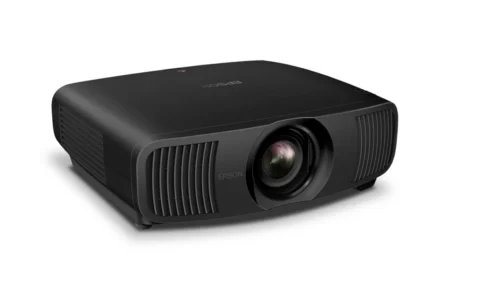
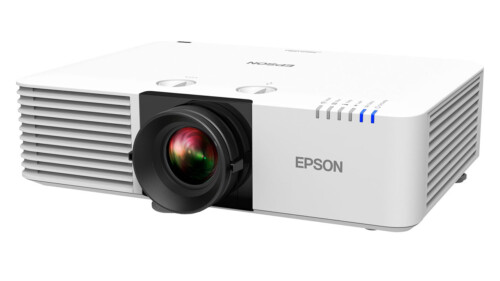
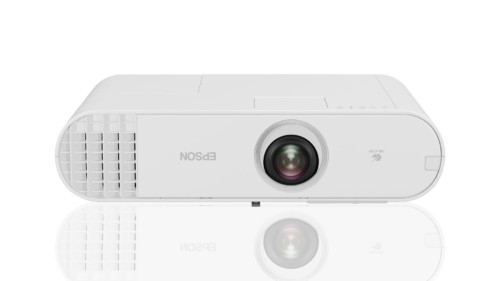
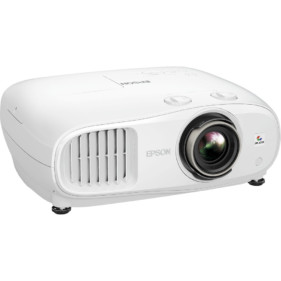
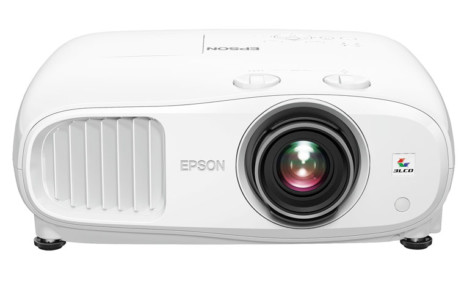
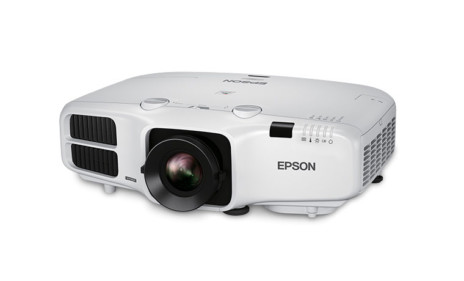
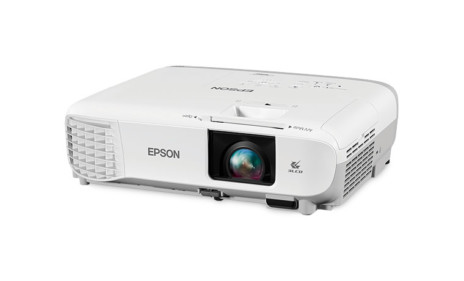
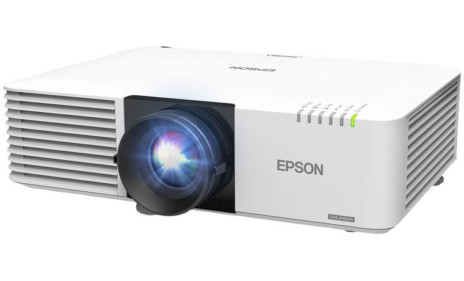
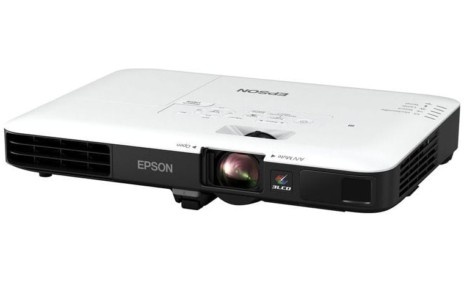
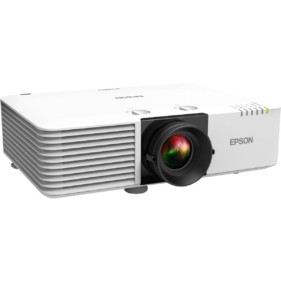
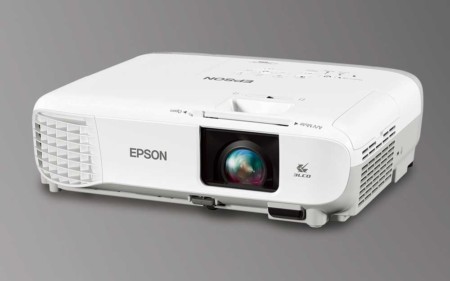
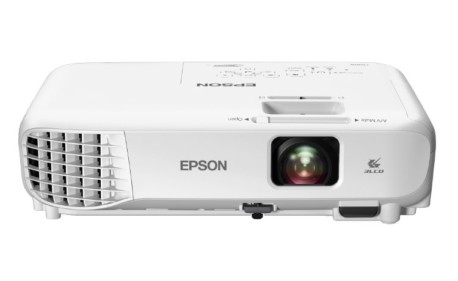
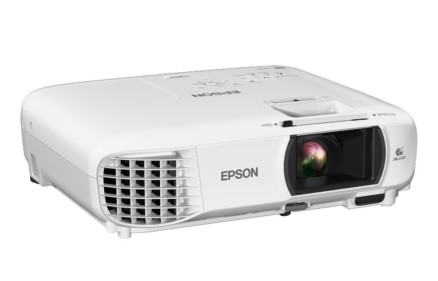
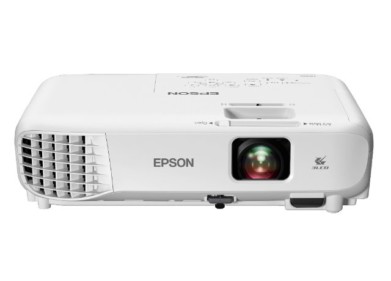
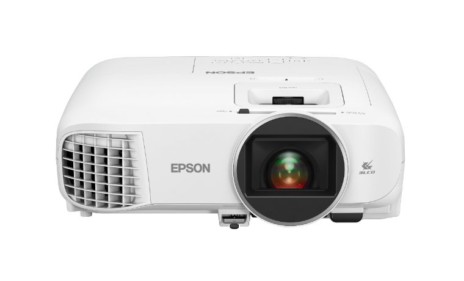
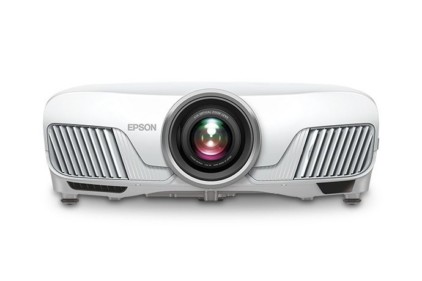
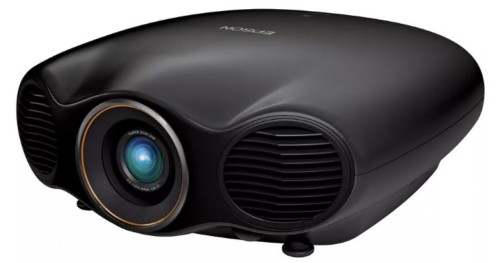
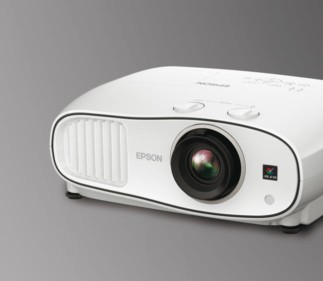
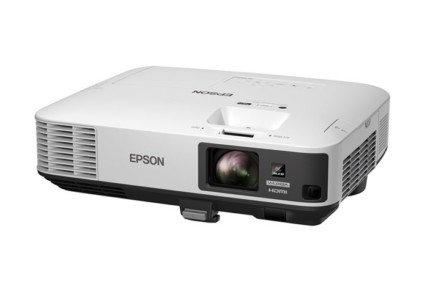
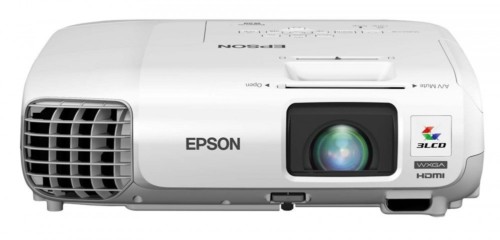
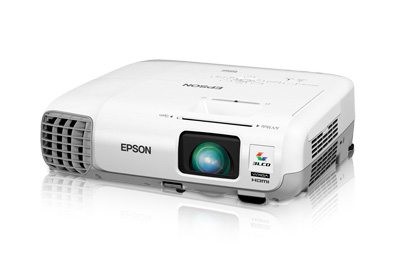
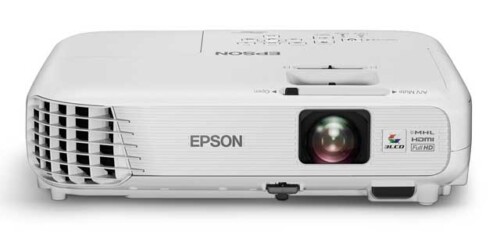
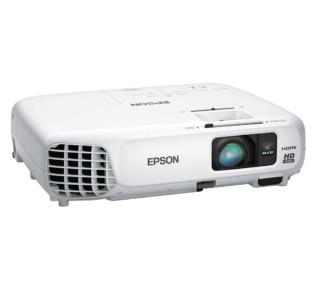
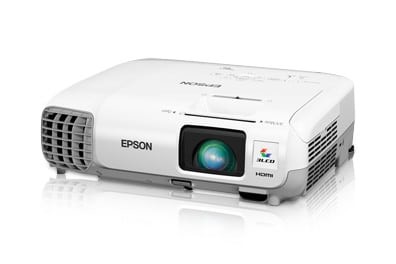
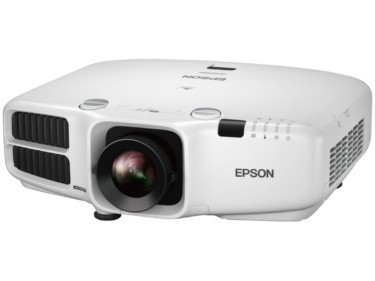
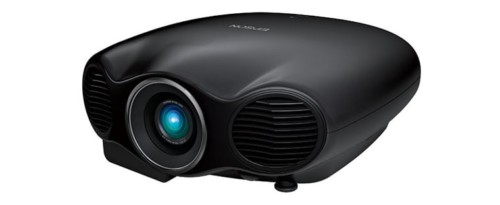
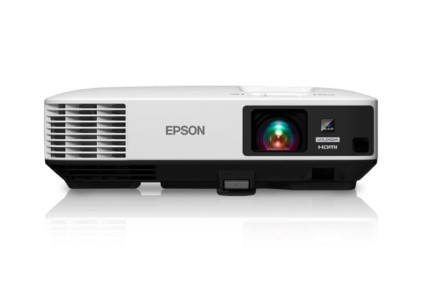
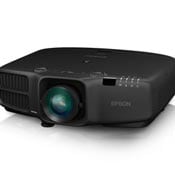
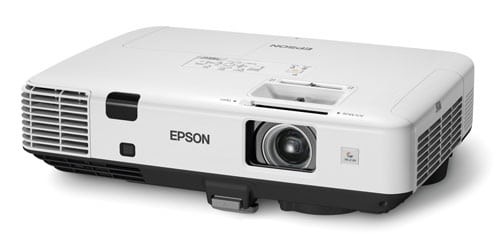
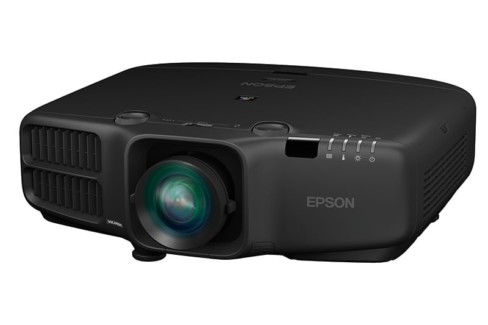
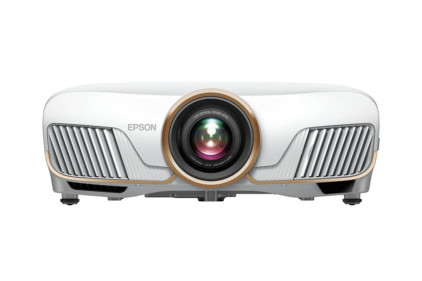
To look at these two projectors, they are identical, except that the Home version is in a glossy off white (cream) finish, while the Pro comes finished in a glossy black. All the photo images are of the Home Cinema 1080 projector
As to our physical tour, this is all basically the same information as found in the Pro Cinema 810 review. From the front, the lens is mounted off center, with a manual focus ring, and a tab on the inner ring to control the zoom in and out. 
The zoom is a best of class 2.1::1, which means that the furthest it can be positioned from a give sized screen is slightly over twice as far away as the closest. You can see the front exhausts (on the first image above) which fire the hot air out at an angle away from the lens. Underneath there are two adjustable (screw thread) feet, to control projector angle. To fill a 100" screen, the projector (measured from the lens) can be as close as 9.8 feet and as far back as 20.9

Facing the Epson Home Cinema 1080 home theater projector, to the left of the lens, is the front Infra-red sensor for the remote control.
Moving to the top of the Home Cinema 1080 projector, and just behind the lens, are two dials to control the vertical, and horizontal lens shift. The lens shift range on the Epson is excellent. The projector can be positioned anywhere from significantly above, to significantly below the screen surface. If I read the manual correctly, with a 100" 16:9 screen, that would be from 22.7 above to 22.7 inches below. If you are using a lot of the vertical lens shift, it will limit the use of the horizontal lens shift. In fact with full vertical, horizontal lens shift is limited to 9% of the screen width. That's just fine, since most will not need to use horizontal shift except for minor corrections if the lens is not even with the center of the screen. Vertical lens shift is the key feature here.
A look at the control panel of the Cinema 1080 home theater projectosr, finds all the standard controls.
From the left, Power, Source, then the Menu button and the 4 arrow keys. In the center of the four keys in the Enter button, and to the top right of them, the Escape button which moves you back toward the top level of menus. Lastly is the Aspect ratio button which switches between the usual multiple modes. By the way, the up and down arrows double as keystone correction controls when the menus are not engaged. Of course, you should avoid using keystone correction, due to the distortion, and since the Epson projector has plenty of lens shift range, I can't imagine anyone needing keystone correction regardless!
The rear of the Epson Home Cinema 1080 offers the normal range of inputs. In fact the Epson Home Cinema 1080 offers the same setup as their Pro Cinema 810 and low priced Cinema 400 projectors. There is a single HDMI, one component video input (3 RCA jacks, color coded Red, Green and Blue), a computer input, a SCART input (for some parts of the world), one S-video, one composite input, and a 12volt screen trigger. Lastly there is an RS-232 for "command and control" of the projector from computer, etc.
Tthe power cord also plugs into the rear, and there is a hard power switch that must be on to be able to power up the projector from the top panel button or the remote. Lastly, there is a rear Infra-red sensor for the remote.
There is a single rear foot - not adjustable, to give the projector a 3 point stance for stability (better than four points, if the rear ones arent adjustable).
Unlike its primary competitors, the Panasonic PT-AE1000U, and Mitsubishi HC5000, the look of the Epson has some real design, not the usual basic box. Of course you can't see what the Epson looks like, in the dark, while you are watching content.
What really counts, of course, is how it looks in the dark - how the projector performs, from an image quality standpoint. So, click to the next page, and we'll look at the Epson Home Cinema 1080 home theater projector's image quality.
Epson Home Pro Cinema 1080
Image Quality
General Performance
Warranty
Summary, Pros, Con