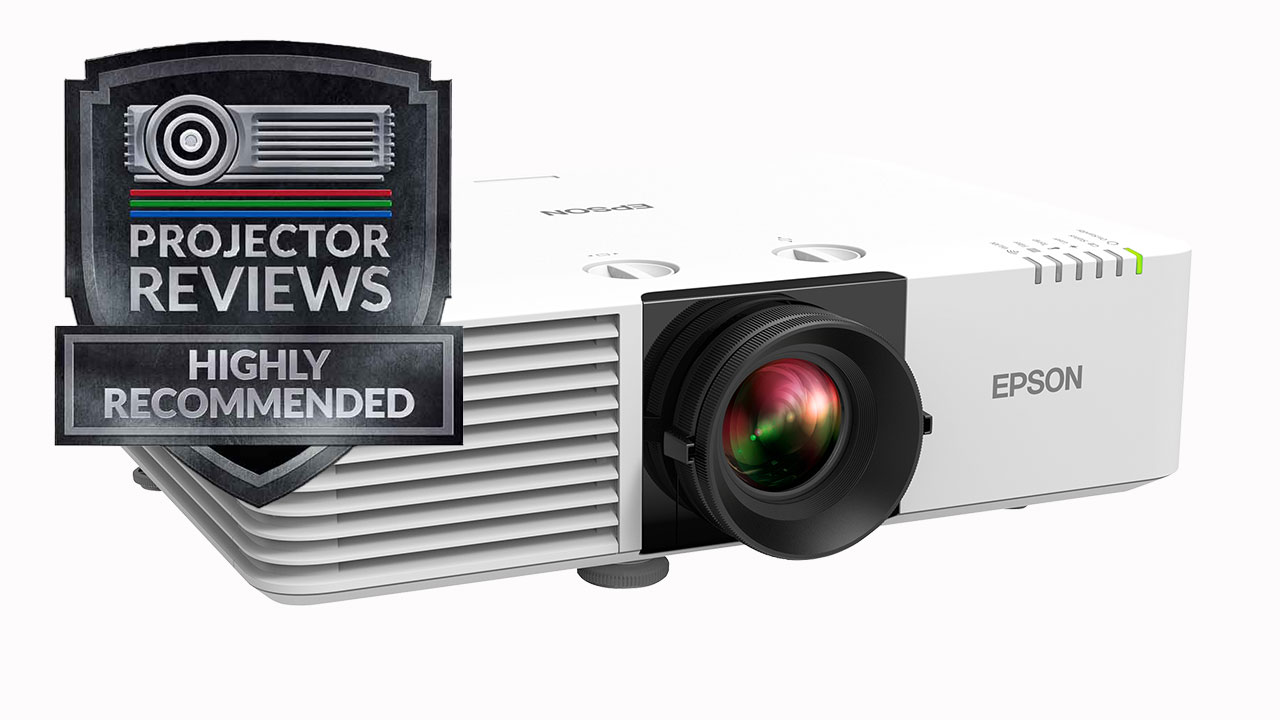
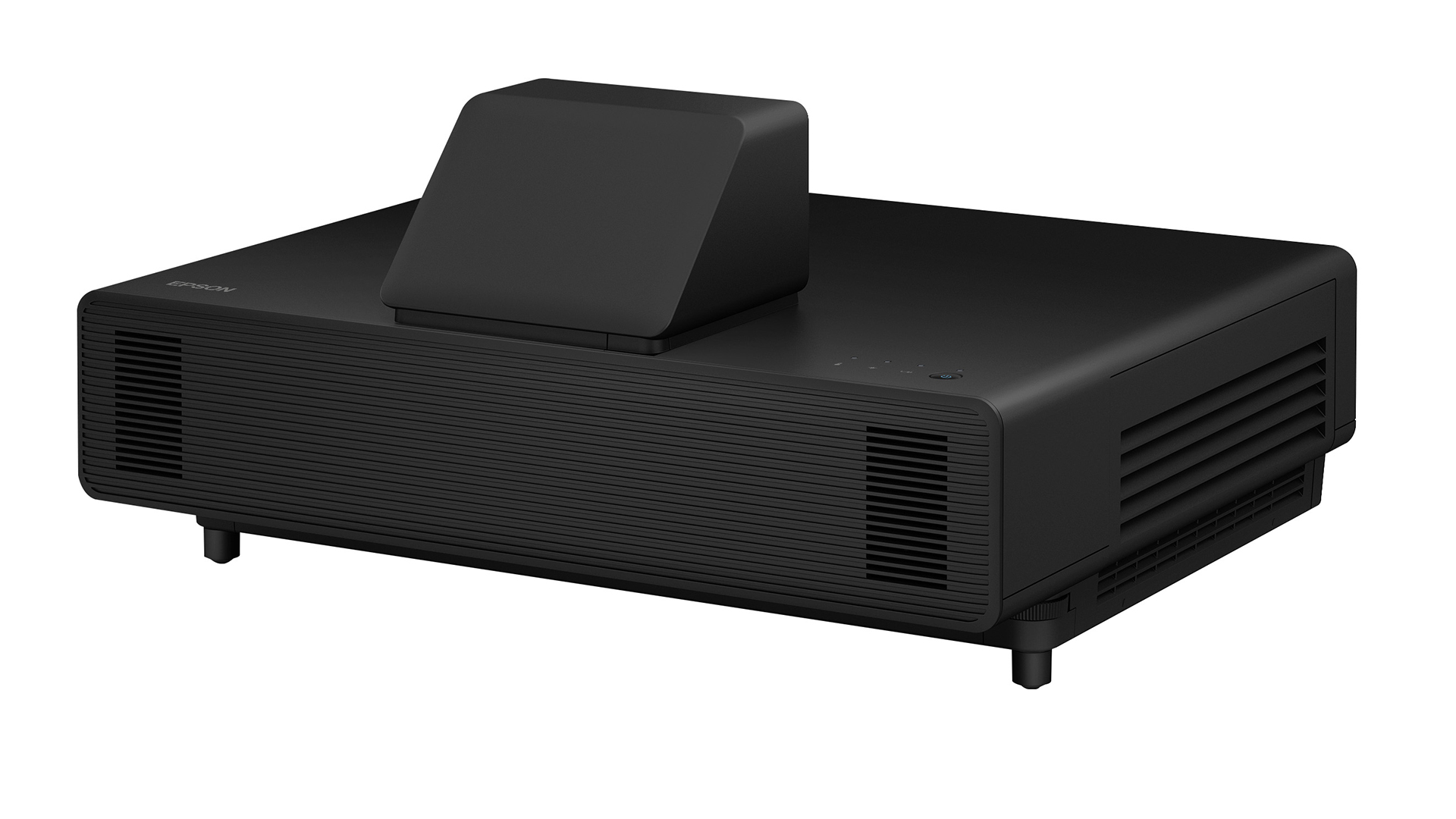
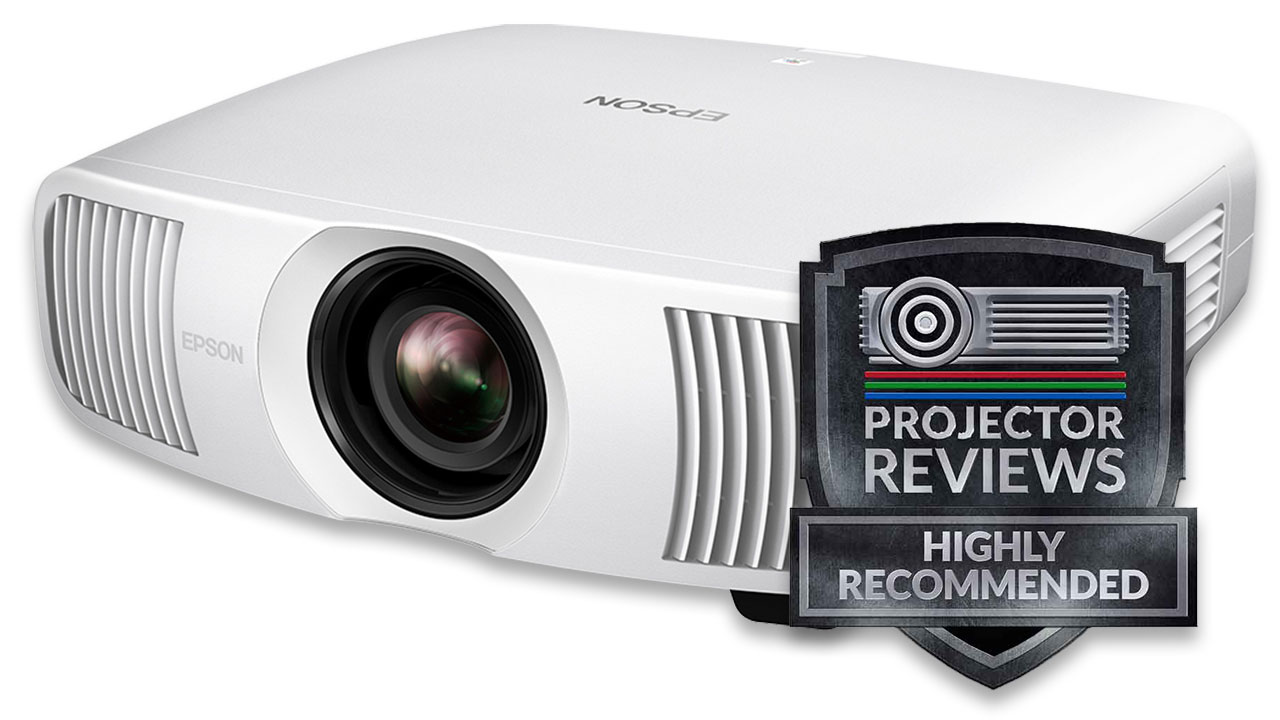
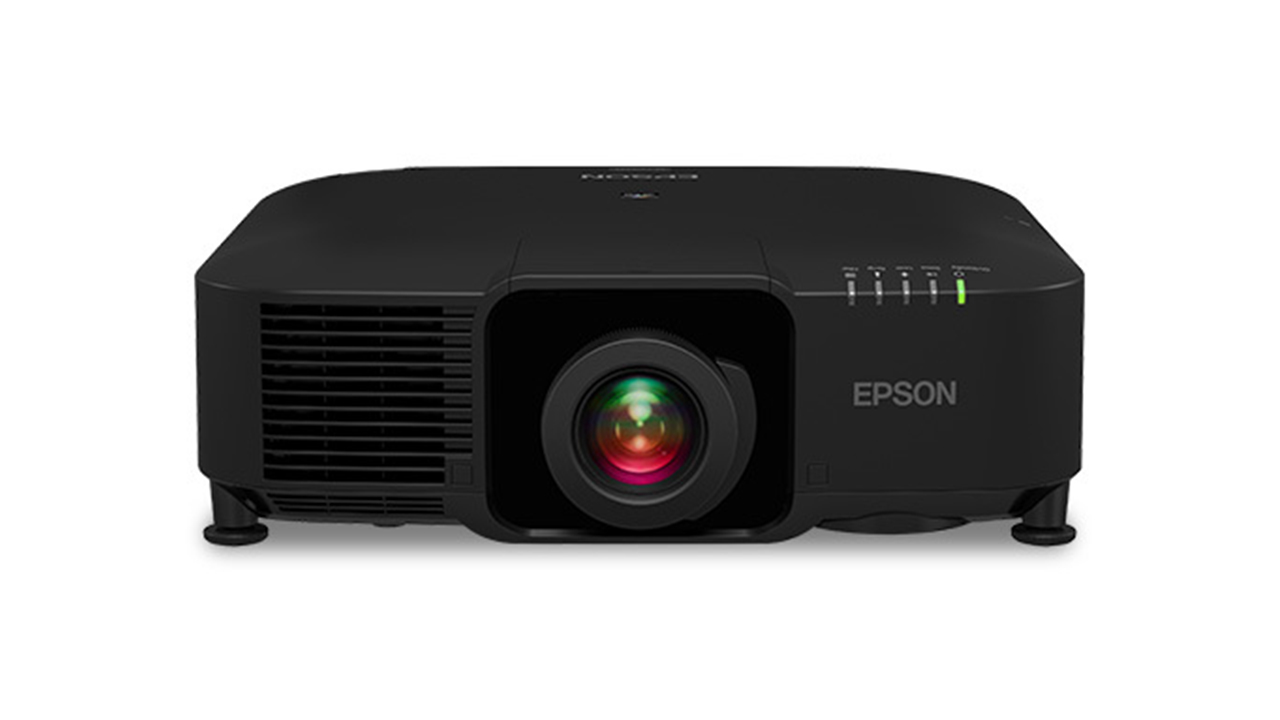
Epson Home Cinema 3020 Home Theater Projector Review

Epson's Home Cinema 3020 is their "entry level" 3D capable projector, costing a few hundred dollars more than their Home Cinema 8350 which is 2D only, and not as bright.  Last year we reviewed the HC3010, and liked it very much. 

This year, the HC 3020 projector, for starters, has successfully addressed our #1 issue with the older "version". That improvement makes this year's Home Cinema 3020, a whole lot better than what was, last year, considered by us, to be one of the two best 3D capable projectors under $2000.

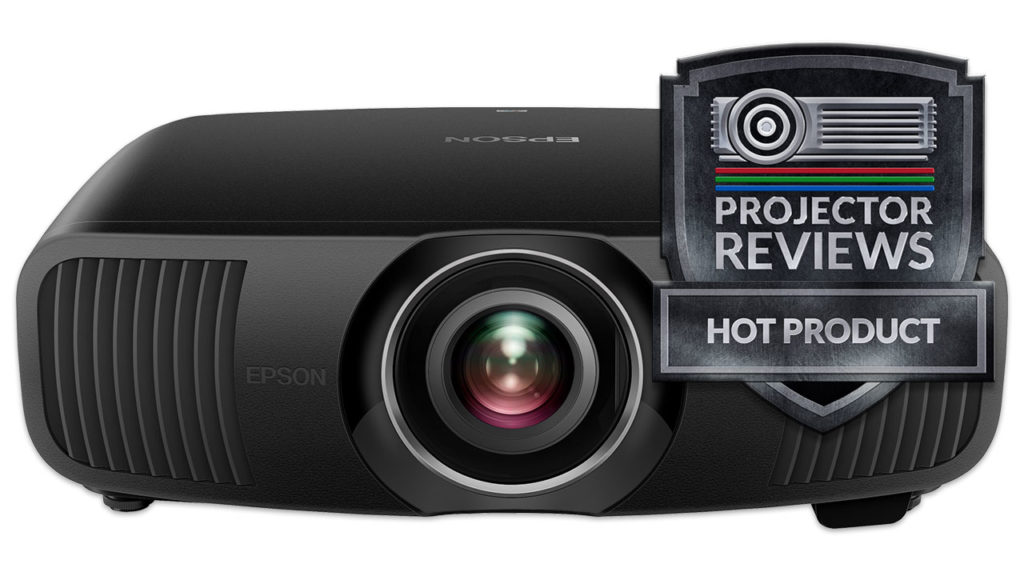
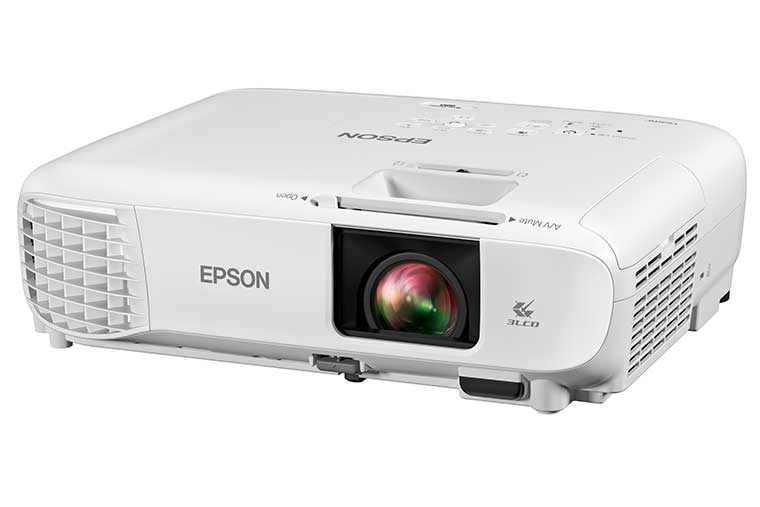
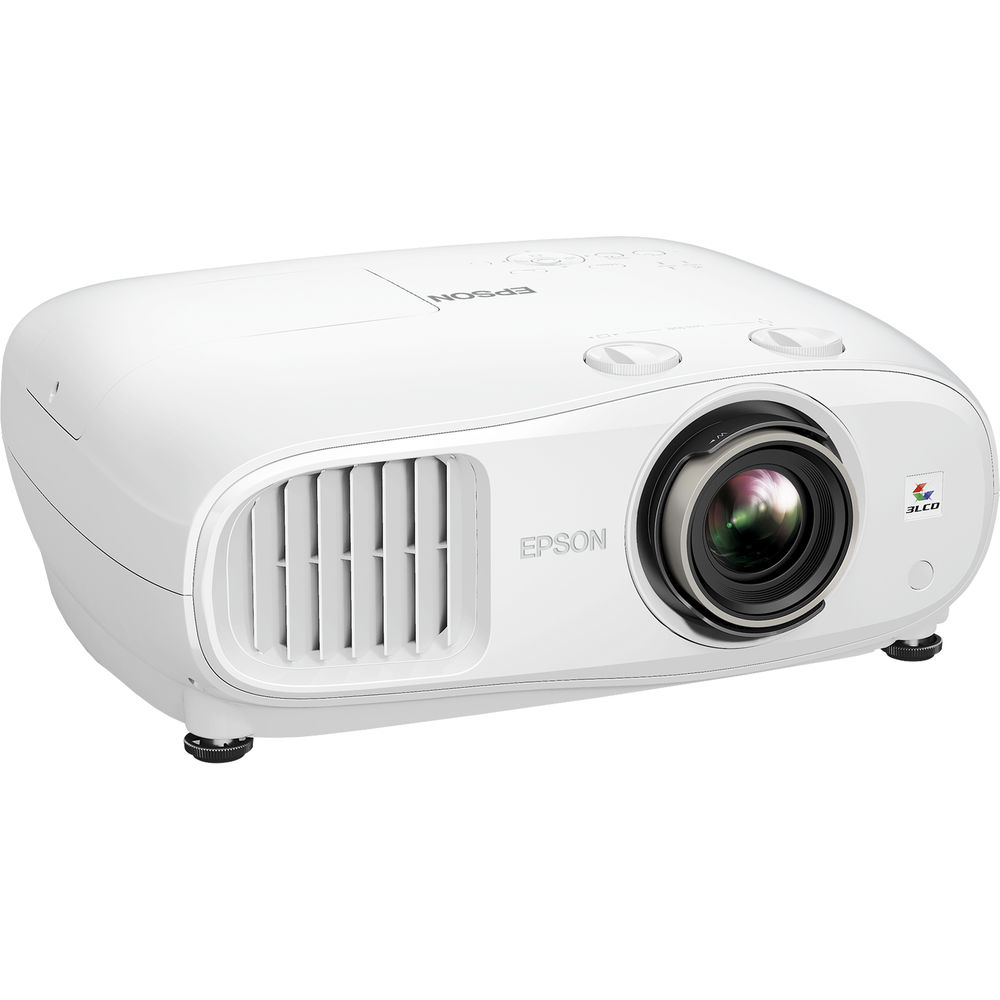
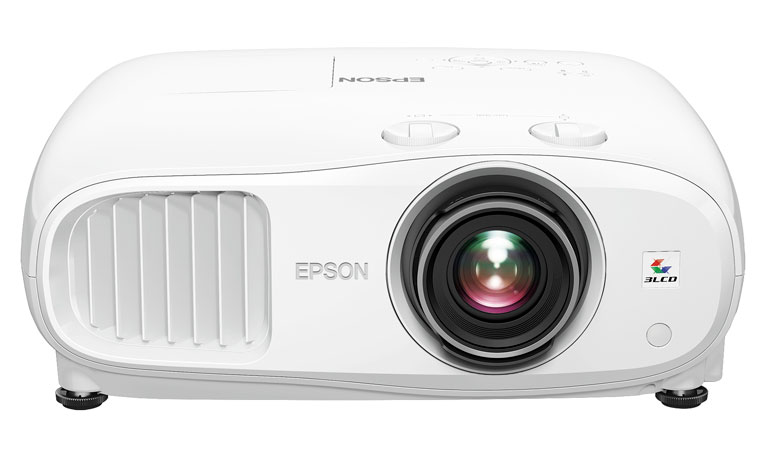
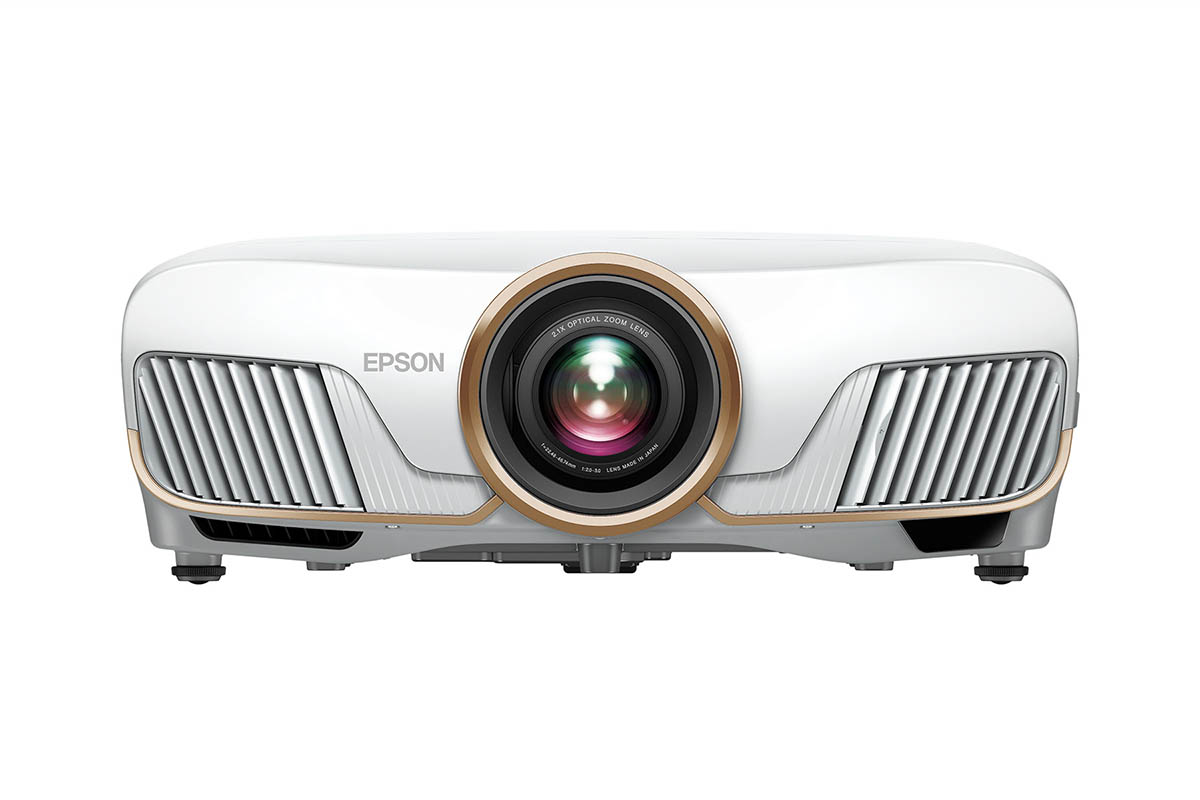
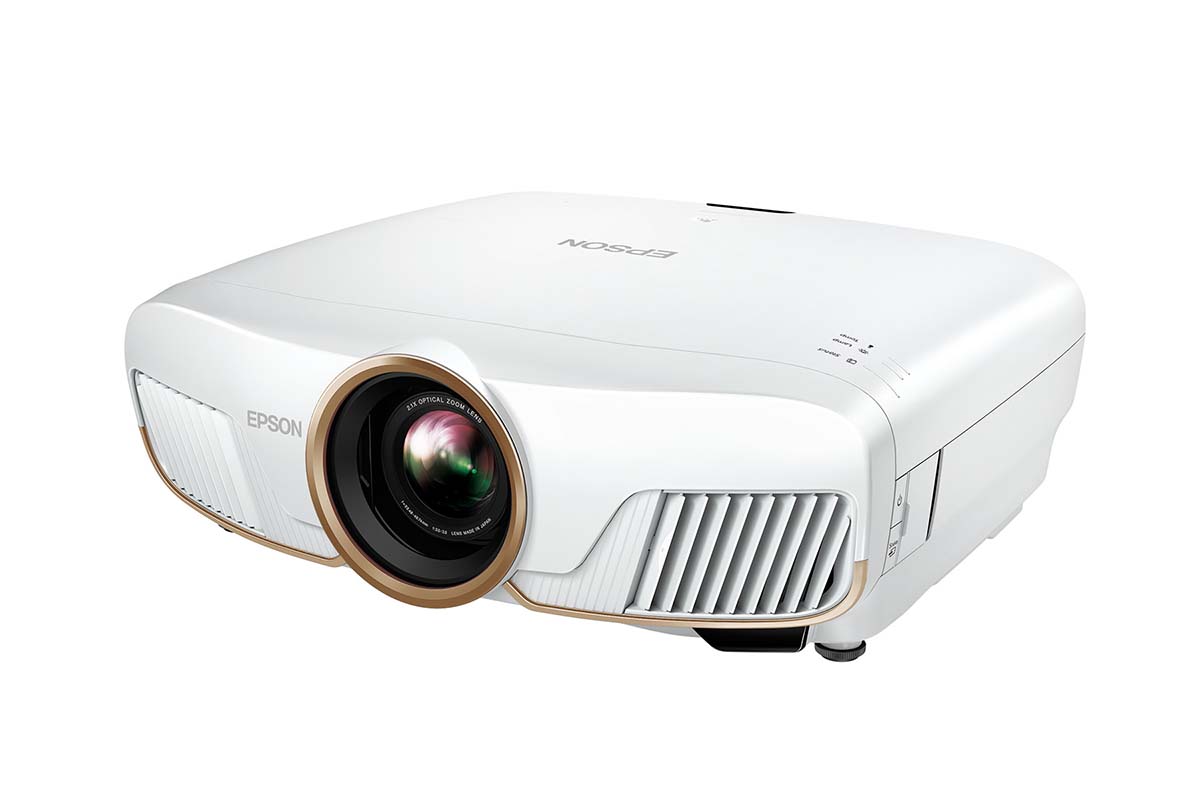
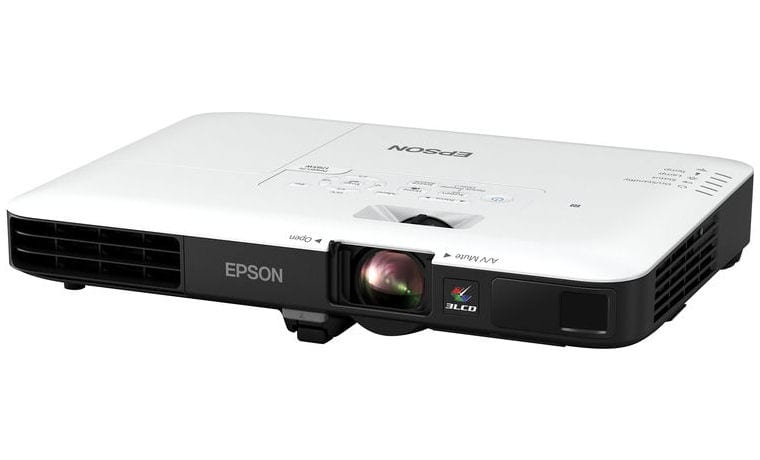
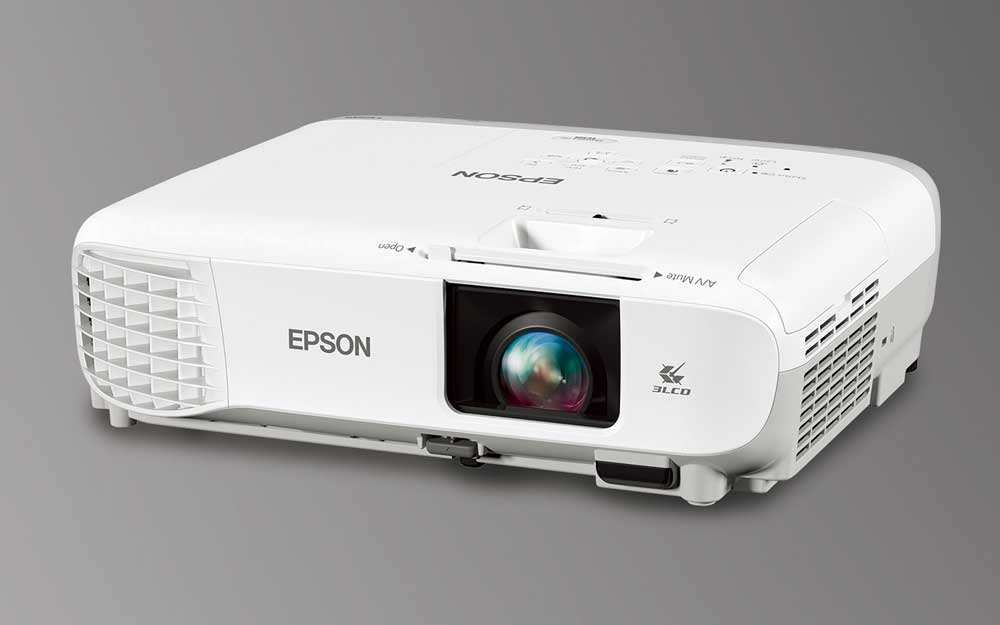
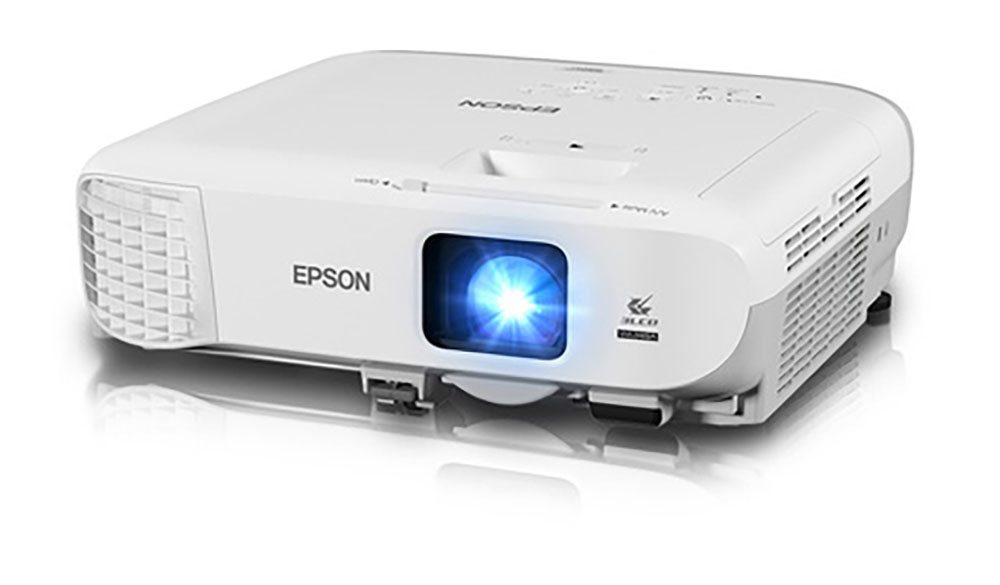
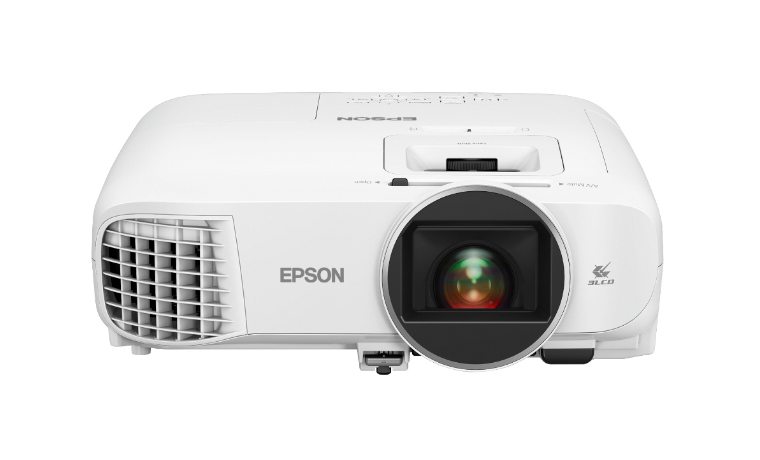
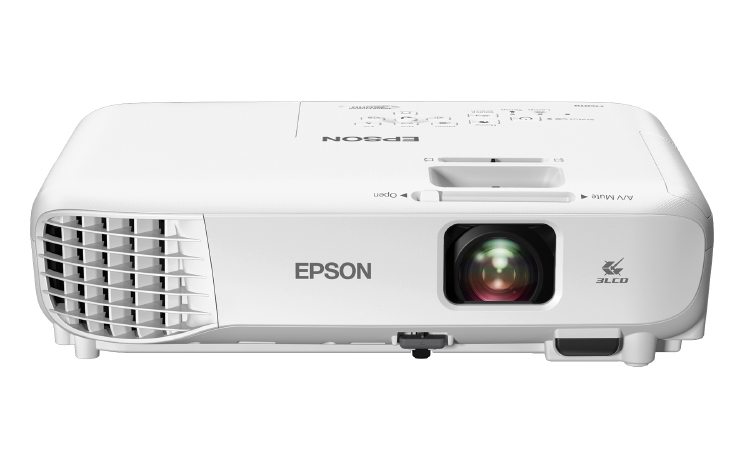
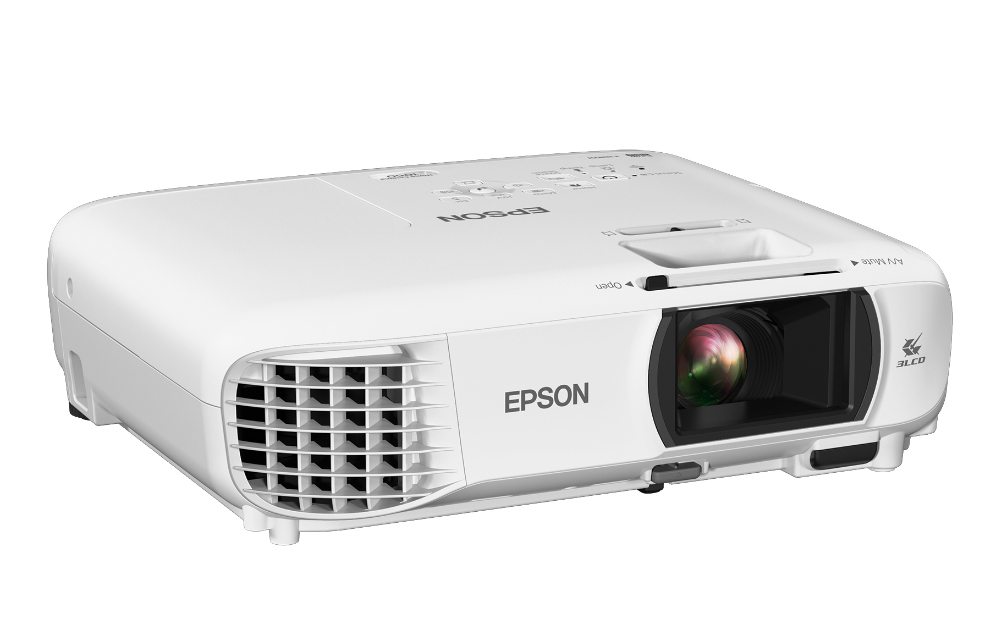
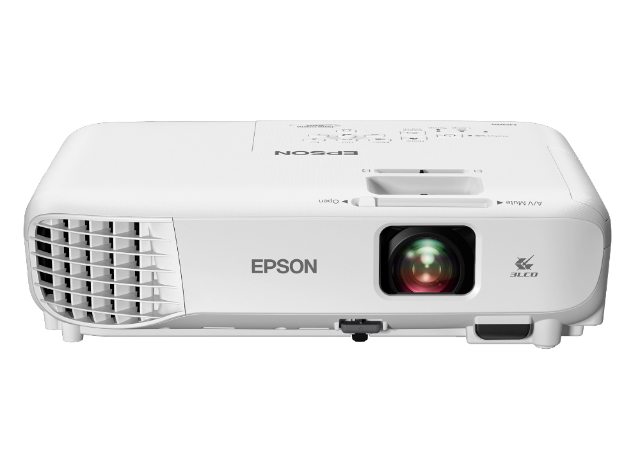
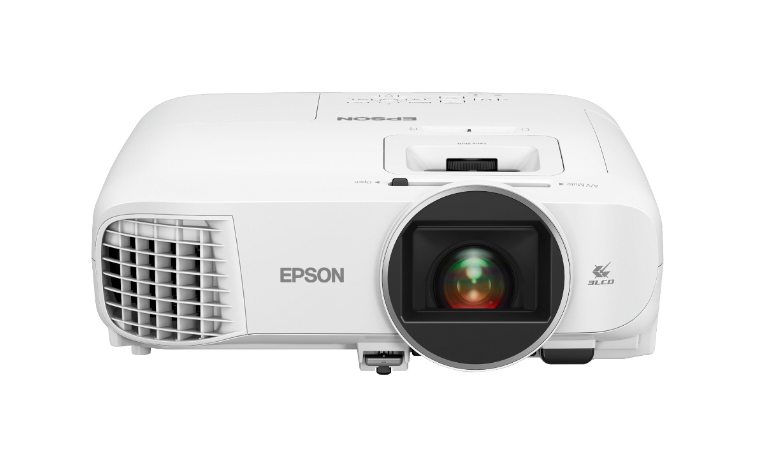
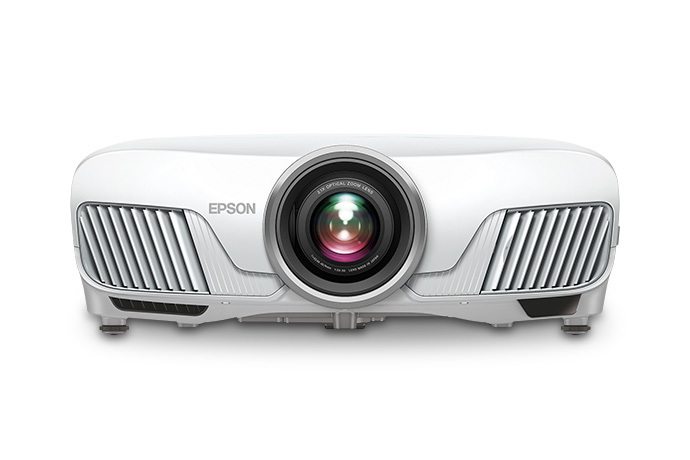
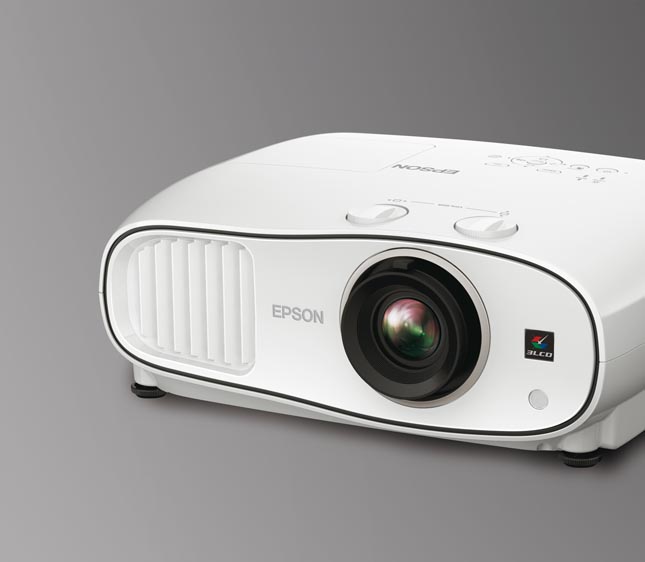
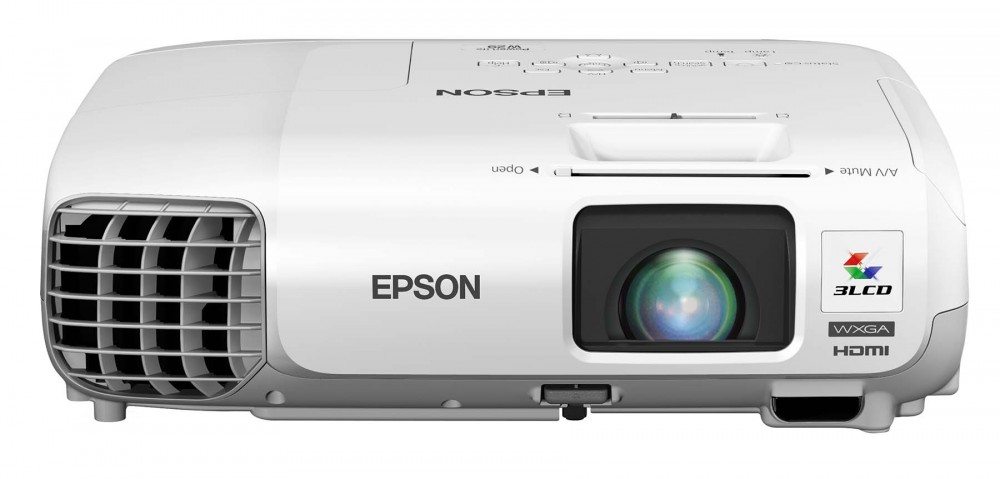
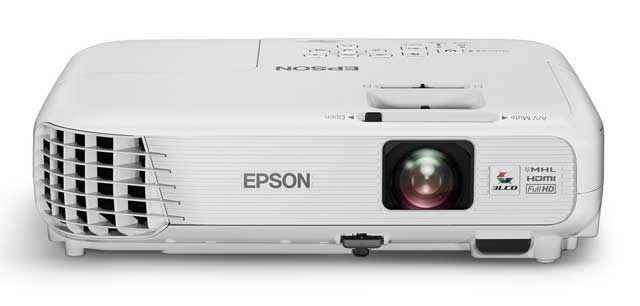
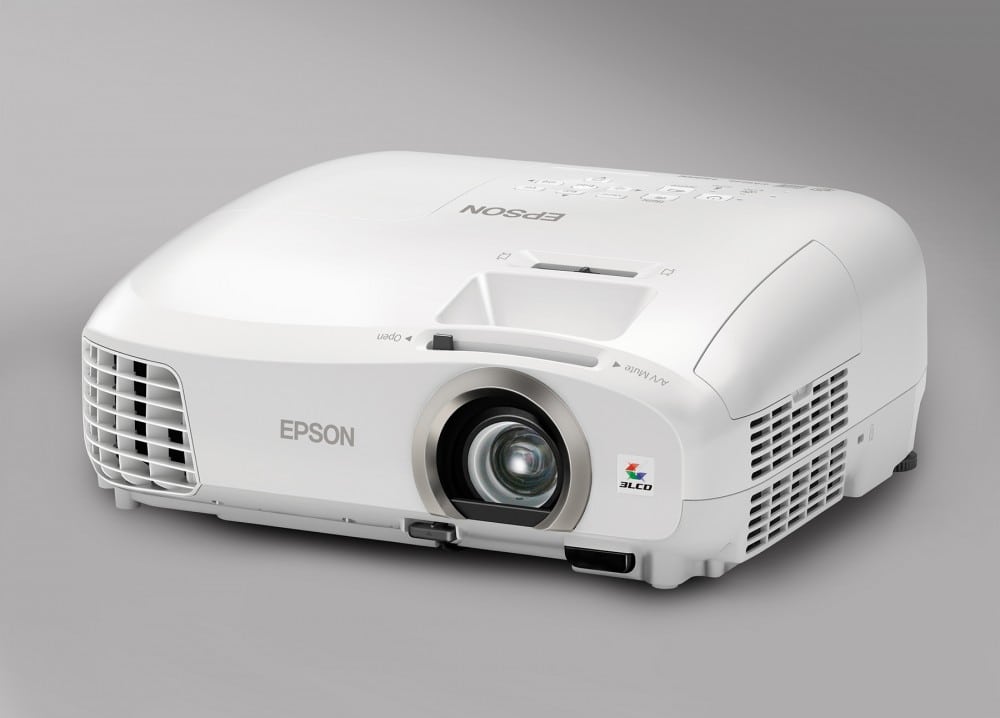
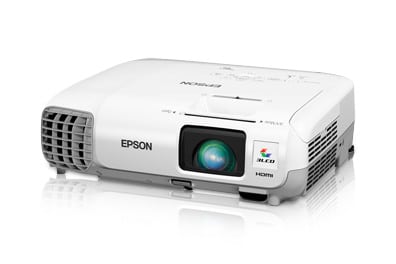
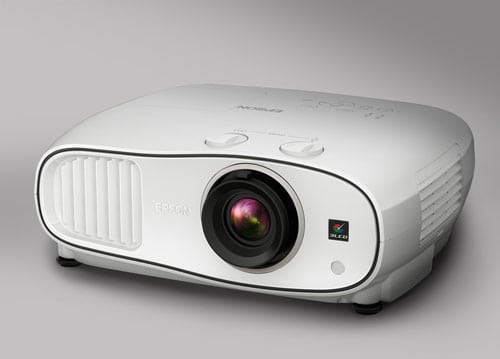
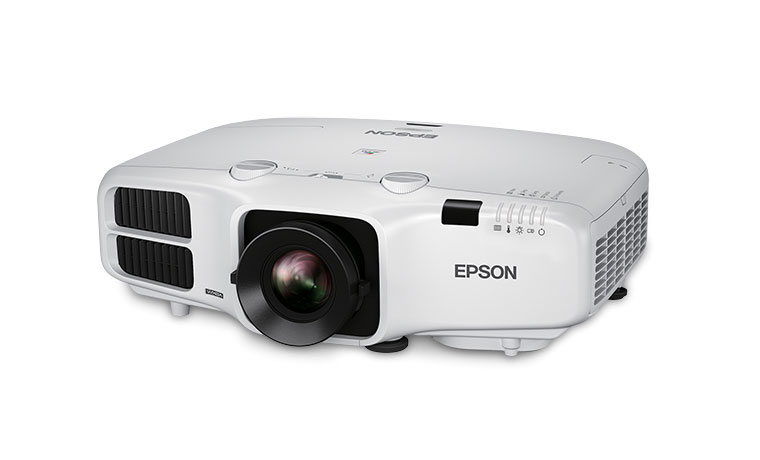
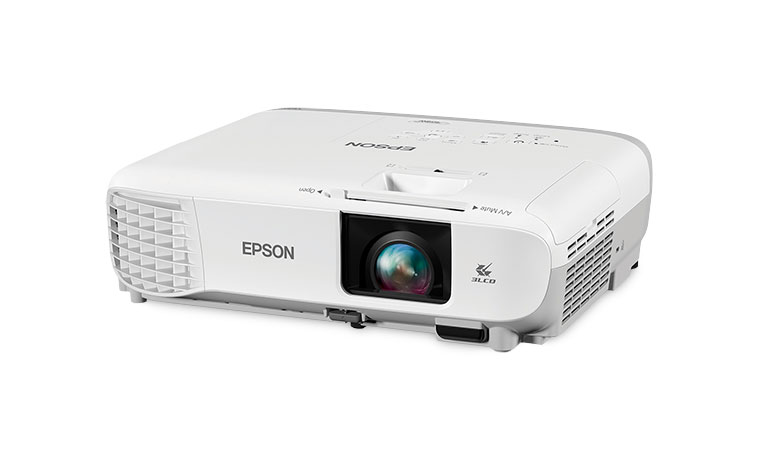
The Epson Home Cinema 3020 projector.

The Epson Home Cinema 3020 projector earns our Hot Product Award!The Epson Home Cinema 3020 earns our Best in Class Runner Up Award!

11/8/2012 - Art Feierman

Epson Home Cinema 3020 Projector Overview

This Epson Home Cinema 3020 is one of two versions.  Although this review says Home Cinema 3020 - or HC3020, throughout, we actually worked with the more expensive HC3020e.  Other than a single feature and the price, these two projectors are identical.

Star Trek image from the Epson Home Cinema 3020 projector.

The Home Cinema 3020 - or HC3020, is a $1599 3D capable projector that uses 3LCD technology. I would definitely say that this is a projector designed for the family room, the bonus room, or take it out in the backyard for a movie. The thing is, you can put it in your theater too, as it is competent competition for the few projectors around its price, that are more designed for a home theater than a family room.

Officially these new Home Cinema 3020 projectors are 100 lumens brighter than last year's versions. They now claim 2300 lumens, which by my reckoning makes it the brightest 3D capable projector around it's price.  There is one 2D only projector that's a bit brighter, for a few hundred less. 

The more expensive Home Cinema 3020e is identical, but for the addition of WirelessHD, allowing you to only have to find AC power for the 3020e, and not have to run HDMI wires, which can save you bucks.  The HC3020e has a MAP - a street price - of $1899.

Football image from the Epson Home Cinema 3020 projector.

Image above taken with a fair amount of ambient light present

The Home Cinema 3020 is rather well equipped for a home entertainment projector, even if it lacks the lens shift found on the 2D only HC8350, which remains in the lineup. You'll find a long, and detailed overview of many of those features, including 3D abilities, split screen, and USB slideshows, further down this page.

Million Dollar Rooms image from the Epson Home Cinema 3020 projector.

If you are really into 3D - as I am, this is by far the brightest 3D projector you will find on the market, without spending another $1000 or more.   None of the three major 3D capable 3D projectors near the price can match the brightness.  I'm talking about the Acer H9500BD, the BenQ W7000, and the Optoma HD33.

Iron Man 2 image from the Epson Home Cinema 3020 projector.

The Home Cinema 3020, and the Home Cinema 3020e both receive our Hot Product award. It was sort of obivious as the HC3010 was one of our two favorite projector last year, in the under $2000 price range.  Last year the 3010 was tied for our top award in the price range, our Best In Class award for 2D/3D projectors under $2000. 

No doubt this Home Cinema 3020 projector, with its notable improvements, will be again doing battle for that award, come February.

^ Back to Top

Epson Home Cinema 3020 Projector Highlights

  • 3D Capabilities with support for Blu-ray 3D, satellite channels... game consoles
  • Extremely bright home projector, ideal for family and bonus rooms, and theaters with large screens (brighter than last year's)
  • Four preset 2D modes, 2 preset 3D modes, and Auto mode, and 10 User savable settings
  • 2 10 watt speakers for respectable sound, if you don't have a full sound system, or want to go portable
  • Full color and gamma controls
  • Improved lag times for better fast game play
  • Backlit remote control
  • Dynamic iris for better black level performance, now also operates in 3D modes
  • New lighter 3D glasses, are RF not IR, a big improvement
  • 3D glasses now rechargeable, and it only takes 3 minutes to put on enough quick charge to get through an entire movie
  • Easy to use split screen capability
  • Excellent warranty
  • One of the lower priced 1080p 3D projectors, but above entry level performance

Casino Royale image from the Epson Home Cinema 3020 projector.

^ Back to Top

Specs for Epson Home Cinema 3020

Home Cinema 3020 MAP: $1599, Home Cinema 3020e MAP: $1899  Both include two pair of 3D glasses
Technology: 3LCD
Native Resolution: 1080p (1920x1080)
Brightness: Manufacturer claim: 2300 lumens, 2031 measured max, 1362 lumens "best" mode
Contrast: 40,000:1
Zoom Lens ratio: 1.6:1 Manual zoom and focus
Lens shift: None
Lamp life: 4000 hours at full power, 5000 hours in eco mode - $299 replacement cost
Weight: 13.2 lbs. (5.9 Kg) (3020e slightly heavier)
Warranty: 2 Year Parts and Labor with replacement program

View full specifications click her e:

The Epson Home Cinema 3010 projector.

^ Back to Top

Epson Home Cinema 3020 Special Features

HC3020 Lag Times - Gamers rejoice

Last year's Epsons, both the 3010 and 5010 projectors, were considered slow for First Person Shooter type play.  Lag times ran around 80ms.  Our gamer / projector bloggers - Scott and Pete say that anything around 50 ms or better is acceptable for "fast play"  As it turns out, I measured this year's Epson HC3020, testing with my Macbook Pro using FlatPanelsDK's timer and a good quality 8 foot HDMI cable.(Here's the website page: http://tft.vanity.dk/inputlag.html).  Mind you this compares relative lag times.  My gamer/projector/bloggers play the games.  I think their opinion is generally more useful than lag times, at least when the lag times aren't minimal (under 20 ms).

The Home Cinema 3020 measured at either 49 or 50 ms in each of a half dozen test photographs of the Mac screen and the projected timer.  You have to switch the projector into fast processing,  and turn off a variety of controls to get it that fast.  I had the iris off, Super-Resolution at 0 turned off auto 3d detction and other things.  I don't know exactly which settings are having an effect on lag, but I just took a minute or so, turned off everything in sight, and voila 50ms.   (BTW, the HC5020 measured exactly the same.)

Now I realize that 50ms isn't exactly perfect, there are projectors with lag times down around 10 ms.  Panasonic's $2999 PT-AE8000 I was able to measure in at about 35 ms, on a quick first pass, so by turning off more things, it might even be quicker.  I'm finding out soon enough.

NFL image from the Epson Home Cinema 3020 projector.

Bottom line, even most very serious gamers will find this Epson suitable.  I should point out that both of our gamer bloggers own older Epsons which they game with.  Really, to my knowledge it was only last year with the all new 3010 and 5010, that lag times became an issue for gamers.  This was a case where I was able to pass along complaints from gamers about the last generation. The result is good news for this year's gamers!  Don't take my word for it. I'm taking the HC3020 and the HC5020 projectors that are sitting here, and getting one to each of the gamers for a much closer look, and opinions from guys who are serious gamers, not some amateur like me. They should have their blogs posted before Thanksgiving.

Split Screen viewing

The Home Cinema 3020 lets you select two different sources and put them up side by side, either with both images the same size, or the one you designate, to be larger than the other (about 2:1).

There's the same catch as last year:  You can't feed it two different HDMI sources.  That is because there is only 1 HDMI circuit in the projector (shared by two inputs). (That is the case in virtually all projectors.) That means you will need a second source, and if you want hi-res there, you are looking at either component video or analog computer signals. Just pointing all this out to you. It's no sweat if you aren't mounting the projector and have a temporary setup. It's always easy to run another wire as long as they are outside of walls. If you are wiring, though, and not sure, add a component video, analog computer, or a pair of USB cables (the analog computer also carries component, so the most flexible).

I didn't do split screen this year.  I tried it last year, and it worked just fine, feeding HDMI to one "screen" and component video to the other.

If you are willing to run the extra set of cables, it sure is a lot of fun for some applications. You can watch a movie while your kid is playing a game on the other side of the screen. The kid can listen to sound through his head phones.  Or, more to my taste, two football games at the same time, or what I actually did last year.  I put one football game up on one side, while following my fanstasy football team on the other side, connecting my Macbook Pro. 

Casino Royale image from the Epson Home Cinema 3020 projector.

Home Cinema 3020e WirelessHD

This is a feature found on the Home Cinema 3020e projector not the base HC3020, and is discussed in a separate page about the 3020e. The short version though is that the Epson can receive wireless HD signals from the transmitter that is included. Place the transmitter by your (HDMI) equipment, and you don't need to run an HDMI cable to your Epson projector. Very cool, and for those who have older theaters without HDMI wiring, a potential huge cost saver.  The new transmitter for this year sports 5 HDMI inputs, plus a digital audio input.  That should meet almost everyone's needs.

Home Cinema 3020 Projector 3D

3D on this Epson projector is better than last year's - way better.  Not only is this Epson about as bright as it gets - key for 3D, but Epson has made a change I really pleaded for. 

Before I say more, the Home Cinema 3020 comes with two pair of their new, much lighter RF active glasses. They are similar in shape to last year's but, as noted, much lighter, weighing about 45 grams (aboug 1.75 oz.), about the same as fairly light weight sun classes.  I find them comfortable over my regular glasses.  In fact they weigh only about 25% more than my half frameless - very light - glasses.  Although they are still a lot heavier than the lightest active glasses I've encountered (for the PT-AE8000, those weigh an amazing 26 grams), they nicely fit my rather large head. 

They also are a good bit brighter than the Panasonic's glasses, best I can tell.  I've viewed both projectors in 3D, side by side, switching glasses back and forth as quickly as I could.  The Epson - with both projectors set on the middle glasses setting (a menu item on the projector, not a switch on the glasses), proved significantly brighter, although viewing both images without the glasses, the two projectors were about identical in brightness.

Below - the new RF, rechargeable 3D glasses.  The image below it shows the power and pairing controls.

The 3D glasses for the Epson Home Cinema 3020 projector.

The Epson Home Cinema 3020 projector 3D glasses.

I have heard (rarely) talk about some folks being fatigued by active glasses 3D systems, but 3D glasses have come a long way in the last 3 years.  I can watch for hours and hours, so I have no way of judging. I hope that such fatigue is no more common than the rainbow effect, in which case, most folks don't have to worry about it at all.

No problem with any types of 3D in my collection. Blu-ray 3D, ESPN 3D, N3D, and 3net channels. As to gaming, I'll leave that to my gaming bloggers. The Epson should work well with the various consoles for 3D. 

Sharpness looks great in 3D on Blu-ray 3D, but on most of the DirecTV content, the image is softer. In some cases the source material may be 720p, not 1080, but I believe its a sacrifice being made for bandwidth, as only Blu-ray 3D uses frame packing, to output two frames in the space of one, to keep resolution up.

Color accuracy - looks pretty good. As with most 3D the image seems to have more saturation than 2D. Skies are sometimes a touch too intense. Of course you can always turn down the color saturation.

Bottom line on 3D:   3D viewing with this Epson projector is a much improved experience compared to last year's model.  It really comes down to a number of small things, making for a major improvement:

  • Significantly brighter - likely mostly due to the new glasses
  • Signficantly improved black levels thanks to the dynamic iris now available (your choice) for 3D viewing
  • More comfortable - much lighter glasses
  • RF instead of IR means you don't lose sync with the glasses if you look away for a couple of seconds (such as talking to a friend)

  • Rechargeable glasses - no need to keep buying those lithium button batteries
    • Best thing - if the glasses run out of charge, only 3 minutes for enough charge to watch a whole movie
  • One of last year's two best affordable projectors for 3D is now overall my favorite for 3D in the price range

Home Cinema 3020 Frame Interpolation - FI - smooth motion

The Home Cinema 3020 has simple 2:2 frame interpolation. That will run your 24 fps movie at 48, which helps some folks out, with a type of motion smoothing , that doesn't impact most folks. What people find these days on higher end projectors is typically CFI, where a unique frame is created between each two regular ones (or sometimes 3 frames between each pair)...
This Epson only has the basic 2:2 pull-down, not CFI. Mind you the Epson Home Cinema 8350, Mitsubishi HC4000 and other popular projectors around the price range all lack CFI. It's a feature typically starting on slightly more expensive projectors, right around $2000.

Tahiti image from the Epson Home Cinema 3020 projector.

HC3020 USB Slideshow

You can connect a USB device to the Home Cinema 3020.  When you do the USB input menu comes up.  Interestingly, unless you do plug into the USB in the back, there's no sign of USB on the input menus (which seems odd).  Once there, you can run slideshows, complete with a host of settings, for example you can have it play photos in alpha numeric order or by date.  You have control of the time between slides, and can select from a choice of disolves and other effects.  This is easy if your projector is on a table top, but you'll have to run a USB extension cable (obviously) if your projector is ceiling mounted, unless you are tall, or your ceiling's low.  Definitely a nice extra feature, and a rare one.  Epson's got experience, they've been doing this on their all-in-one projectors like their MegaPlex MG850.

Home Cinema 3020 Audio

A pair of 10 watt speakers definitely get the job done for movies, sports etc., should you not have a separate sound system.  True - just two speakers, not surround sound.  And of course, there's no low bass!   The sound won't "replace" a several hundred dollar HTIB - home theater in a box - that has 5 or more speakers and a subwoofer, but it does get the job done.

The Home Cinema 3020, if I must complain lacks an audio output, a feature found on a couple of other home entertainment projectors.  Thus, should you want to add a subwoofer, you'll need to pull your audio signal before it gets to the projector.  That's always doable, although an audio out would have been a nice touch. If you were planning a movie night out back, it would have been simplest to have the output jack, so you could hook up a small powered sub-woofer, but as I said, there are work arounds, including pulling power directly from your blu-ray player...

Star Trek image from the Epson Home Cinema 3020 projector.

Home Cinema 3020 Dynamic Iris

A dynamic iris is the key on most projectors to improving overall black levels on darker scenes, and the resulting improvement in the viewing experience. We discuss the Home Cinema 3020's black level performance on the Image page, but, again, it should be mentioned that with the HC3020 and HC3020e, you may engage the dynamic iris when in 3D modes.  That's a major plus, correcting my biggest "complaint" about last year's HC3010.

Please note the image below. The image below is an example of where a dynamic iris won't have a real affect. Although part of the image is very dark, there's enough bright areas in the scene, that the iris doesn't dare shut down, or at least not more than a little.  It's that same brightness overall, that will also mean that most folks wouldn't notice any real improvement in the dark areas. It's the darker scenes with almost no bright areas where you want the best blacks the most, and where dyanmic irises help the most. (End of lesson!) Next:

Mordor image from the Epson Home Cinema 3020 projector.


HDMI-Link

From the Home Cinema 3020 remote control, you can control other devices such as many Blu-ray players that support HDMI-Link. Note, you'll find a full set of DVD type controls on the Epson remote

Home Cinema 3020 Lamp Life

It doesn't get much better than this. In terms of lamp life. Epson is claiming that the Home Cinema 3020 lamp will last 4000 hours running at full power, and 5000 hours in eco-mode.

1.6:1 Zoom Lens

In an effort to pack more performance in the 3020 series while keeping the costs down, Epson has gone to a lower cost lens system. It offers less zoom range (the 1.6:1) than the Fujinon they've been using for years with its 2.1:1 zoom. The Home Cinema 3020's zoom lens still has more range than most other under $2000 projectors. The lower cost, 2D only Epson Home Cinema 8350 remains in the lineup with its 2.1:1. None of the DLP's can match that older Epson, except some far more expensive ones (most DLP's are between 1.15:1 and 1.5:1). The Home Cinema 3020 lacks lens shift, as do all the projectors I can think of, under its price point, except for Epson's own 8350, and Acer's H9500BD.  With 1.6:1 zoom lens the Home Cinema 3020 - and the 3020e - still offer plenty of front to back placement range, for either mounting or table top.

A few more features will be addressed later in the review, including during our discussion of the Epson Home Cinema 3020's menus.

^ Back to Top

NEXT: Take a physical tour of the Epson Home Cinema 3020